- Renault Twingo IV E-Tech Electric 2026
-
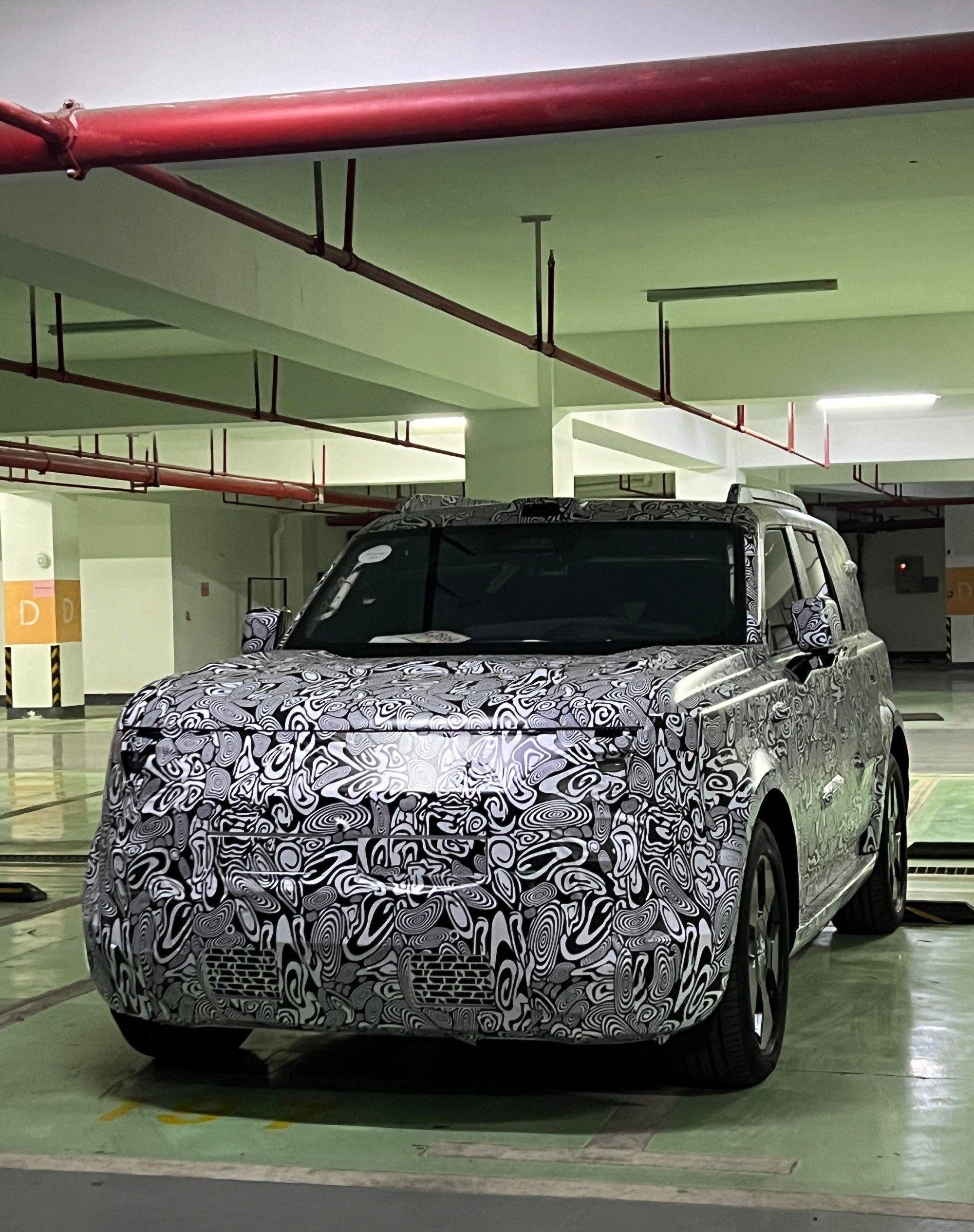
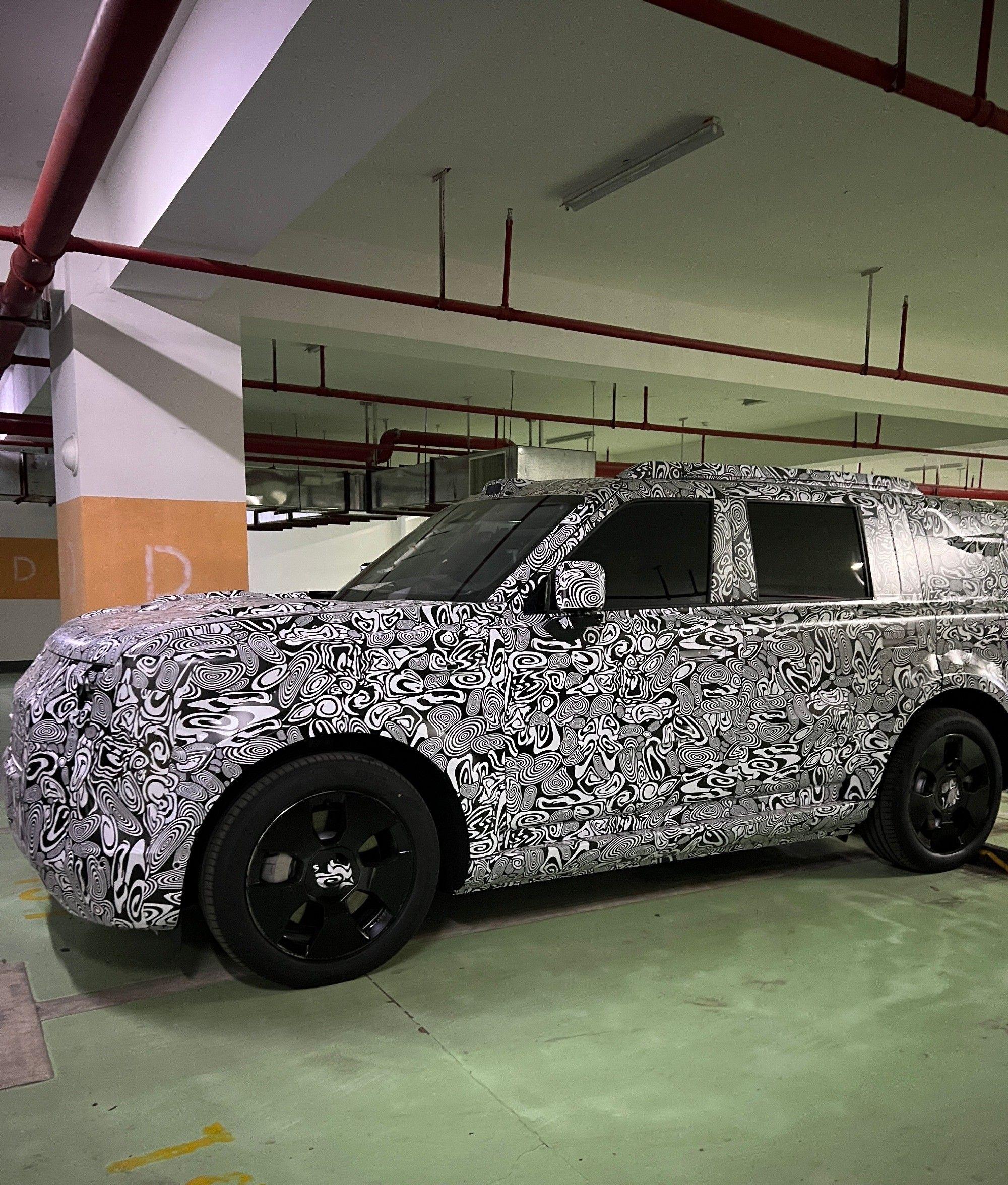
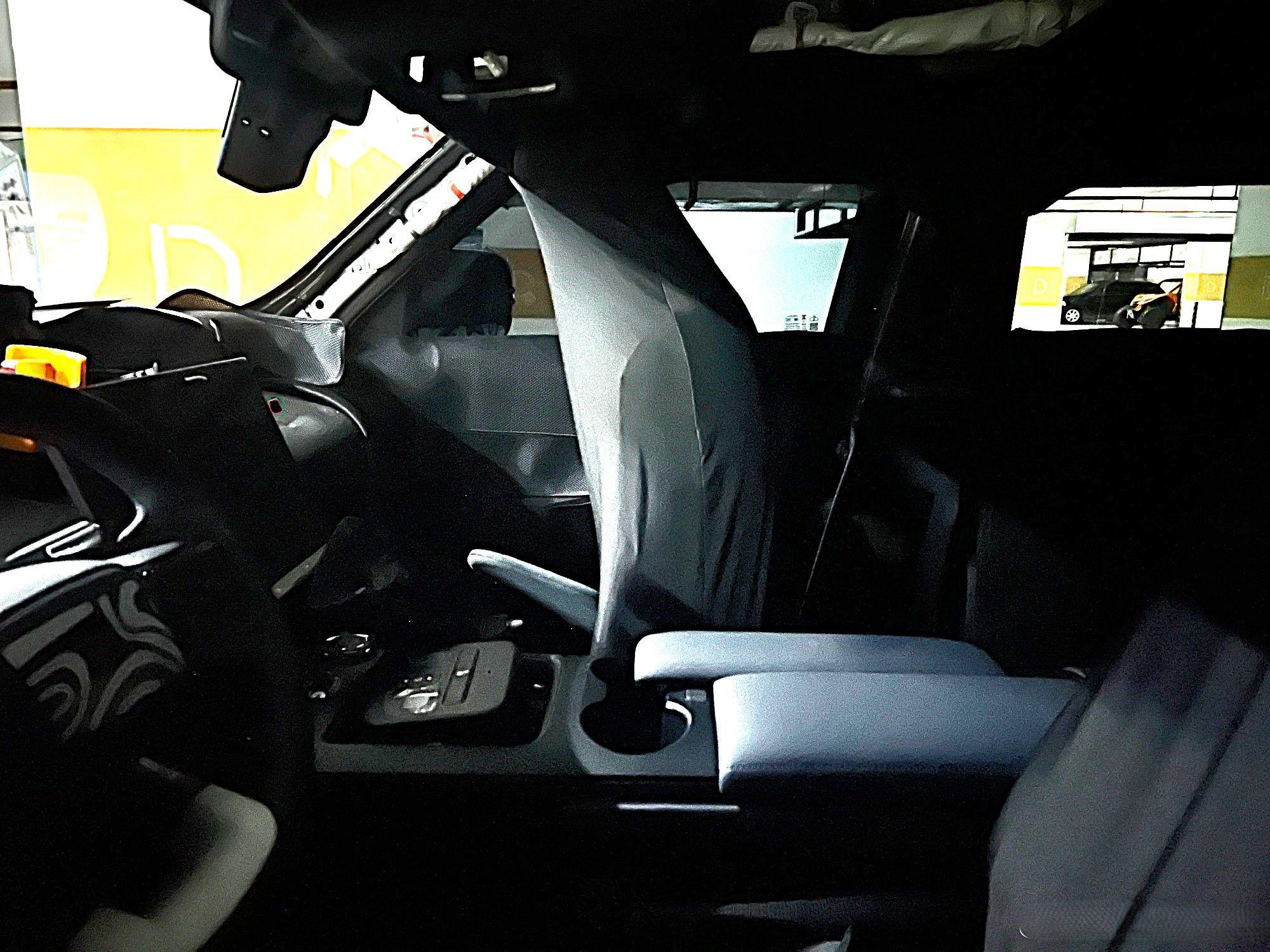
BMW X1 LCI 2027 - Prj. U11 LCI (Spy)

@4200blu ma anche questa riceverà il Panoramic Vision? Non vedo la banda nera alla base del parabrezza che c’è negli altri modelli che lo avranno.
-
Fiat Fastback 2026 - Prj. F2X (Spy)
- 480 risposte
-
-
-
- 4
-
-
- c-crossover
- f2x
- fiat
- fiat c-crossover
-
Taggato come:
-
F1 2026 - Presentazione livree e monoposto
-
Dodge Charger [Coupé, Sedan] M.Y. 2026
- BMW X1 LCI 2027 - Prj. U11 LCI (Spy)
- F1 2026 - Presentazione livree e monoposto
- Ferrari Luce 2026 - Prj. F244 (Spy)
Altre immagini dal sito Ferrari: Altre colorazioni dell'alluminio Paddles Strumentazione elettrica (in ordine: range, tour e perfo) Schermate strumentazione (in ordine: G-forces, status vettura, batteria, trip, dinamica veicolo e TPMS) Pannello di controllo (in ordine: climatizzazione, impostazioni, multimedia) Multigraph (in ordine: orologio, cronometro e bussola) Strumentazione elettrica e multgraph col Launch Control inserito Chiave- Ferrari Luce 2026 - Prj. F244 (Spy)
- F1 2026 - Presentazione livree e monoposto
- Laboratorio Alfa Romeo
- Audi Q4 Sportback facelift 2026 (Spy)
- Scelte strategiche gruppo Stellantis NV
Stellantis ha rilevato 22,2 miliardi di oneri per il cambio di strategia sull’elettrico Comunicato stampa Qui c’è il comunicato sulla stima delle consegne consolidate per il quarto trimestre 2025: Comunicato sull’acquisizione di NextStar Energy da parte di LG Energy Solution: Via Stellantis.- BMW i3 2026 - Prj. NA0 (Spy)
Luglio 2027.- BMW i3 2026 - Prj. NA0 (Spy)
Iniziano ad uscire le prime pre-serie della i3 dalla linea dello stabilimento di Monaco: Comunicato stampa Via BMW. - BMW X1 LCI 2027 - Prj. U11 LCI (Spy)
Account
Navigation
Cerca
Configure browser push notifications
Chrome (Android)
- Tap the lock icon next to the address bar.
- Tap Permissions → Notifications.
- Adjust your preference.
Chrome (Desktop)
- Click the padlock icon in the address bar.
- Select Site settings.
- Find Notifications and adjust your preference.
Safari (iOS 16.4+)
- Ensure the site is installed via Add to Home Screen.
- Open Settings App → Notifications.
- Find your app name and adjust your preference.
Safari (macOS)
- Go to Safari → Preferences.
- Click the Websites tab.
- Select Notifications in the sidebar.
- Find this website and adjust your preference.
Edge (Android)
- Tap the lock icon next to the address bar.
- Tap Permissions.
- Find Notifications and adjust your preference.
Edge (Desktop)
- Click the padlock icon in the address bar.
- Click Permissions for this site.
- Find Notifications and adjust your preference.
Firefox (Android)
- Go to Settings → Site permissions.
- Tap Notifications.
- Find this site in the list and adjust your preference.
Firefox (Desktop)
- Open Firefox Settings.
- Search for Notifications.
- Find this site in the list and adjust your preference.