xtom
Redattore
-
Iscritto il
-
Ultima visita
-
-
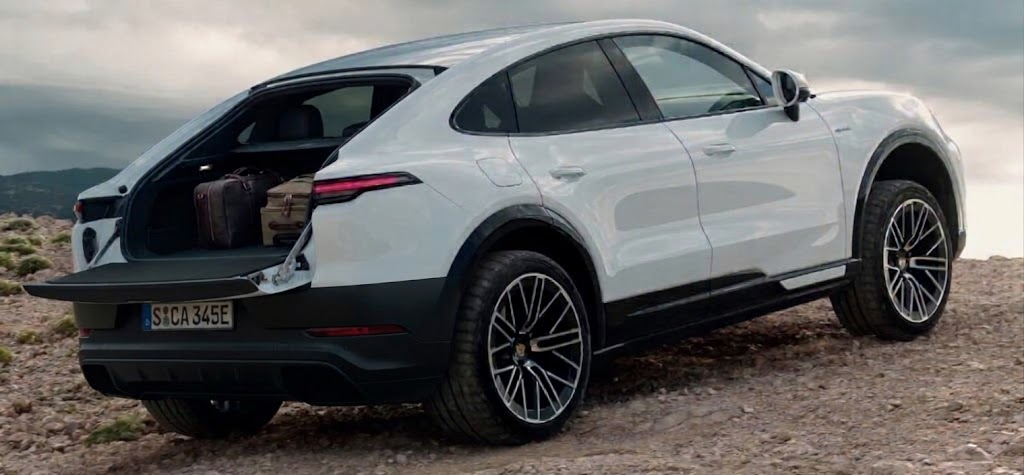
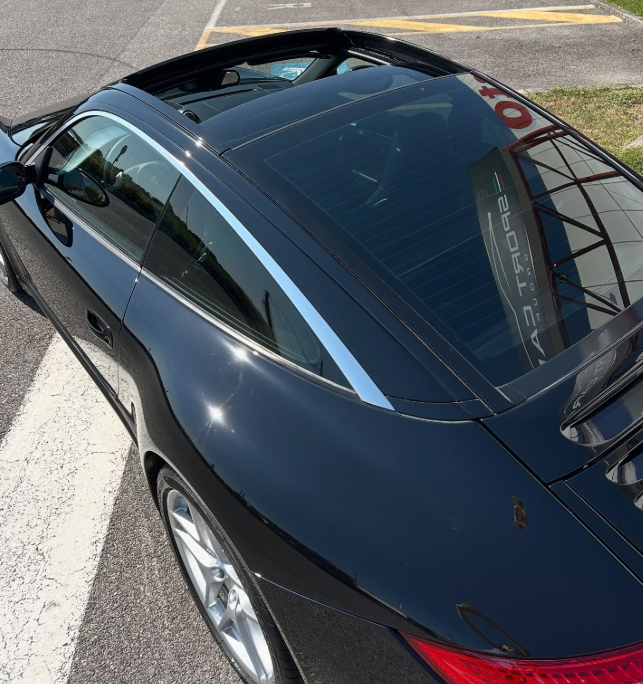
E' quello che dico da anni a chi dice che le elettriche hanno poca autonomia 🤣 Tornando in topic spesso ho risolto con portapacchi e portabici, ma il mio sogno sarebbe una coupè-cabriolet versatile che si trasforma in roadster oppure in pickup a seconda di come si apre il tettuccio La cosa che probabilmente si avvicina di più alla mia idea è la C3 Pluriel, incrociata con una 911 Targa con il doppio tetto in vetro scorrevole sia in avanti sia indietro
-
Alla fine la Junior resterà in produzione per soli 4 anni, come due altri grandi successi l'Alfa 90 e l'Arna 😂
-
-
-
Slittano di un anno i lanci dei prossimi modelli e alcuni potrebbero essere cancellati MODELLO PREVISTO POSTICIPATO Peugeot e-208 Autunno 2026 Autunno 2027 Opel e-Corsa Primavera 2027 Primavera 2028 Peugeot 408 Estate 2028 Estate 2029 Peugeot 308 2029 2030 Opel Astra 2029 2030 Alfa Romeo 2030 2030 Lancia Delta 2028 Ancora in forse DS N°4 2029 Ancora in forse Stellantis stravolge il calendario dei lanci: quali model...Cambi di strategia, ritardi di sviluppo e contenimento dei costi sarebbero alla base del rinvio di alcuni modelli chiave.
-
-
-
-
-
-
Gli americani avendo grandi spazi e avendo avuto per decenni prezzi bassissimi della benzina non hanno avuto problemi a fare i pendolari da queste suburbs. Adesso che anche da loro i prezzi della benzina sono saliti hanno il vantaggio che vivendo nelle villette singole possono mettersi il fotovoltaico e caricarci l'auto elettrica, magari con la Tesla a guida autonoma. Probabilmente ormai anche in Italia, con i prezzi delle case in città sempre più alti, conviene andare a vivere fuori città in una casetta col fotovoltaico.
-
-
-
Si passa da un'estremo all'altro, da "l'auto elettrica limita la libertà perchè ha poca autonomia e costringe a lunghe soste di ricarica, per cui viva il diesel tutta la vita" a "prendete i mezzi pubblici" che invece con percorsi, orari, tempi di percorrenza e ritardi non limita per niente, ma sopratutto "riducete il traffico così non ci stressiamo alla guida dei nostri diesel che non abbiamo tempo da perdere". "L'importante è che non ci impongano l'elettrico", gli altri si attacchino al tram.