




ale75
Utente Registrato
-
Iscritto il
-
Ultima visita
Tutti i contenuti di ale75
-
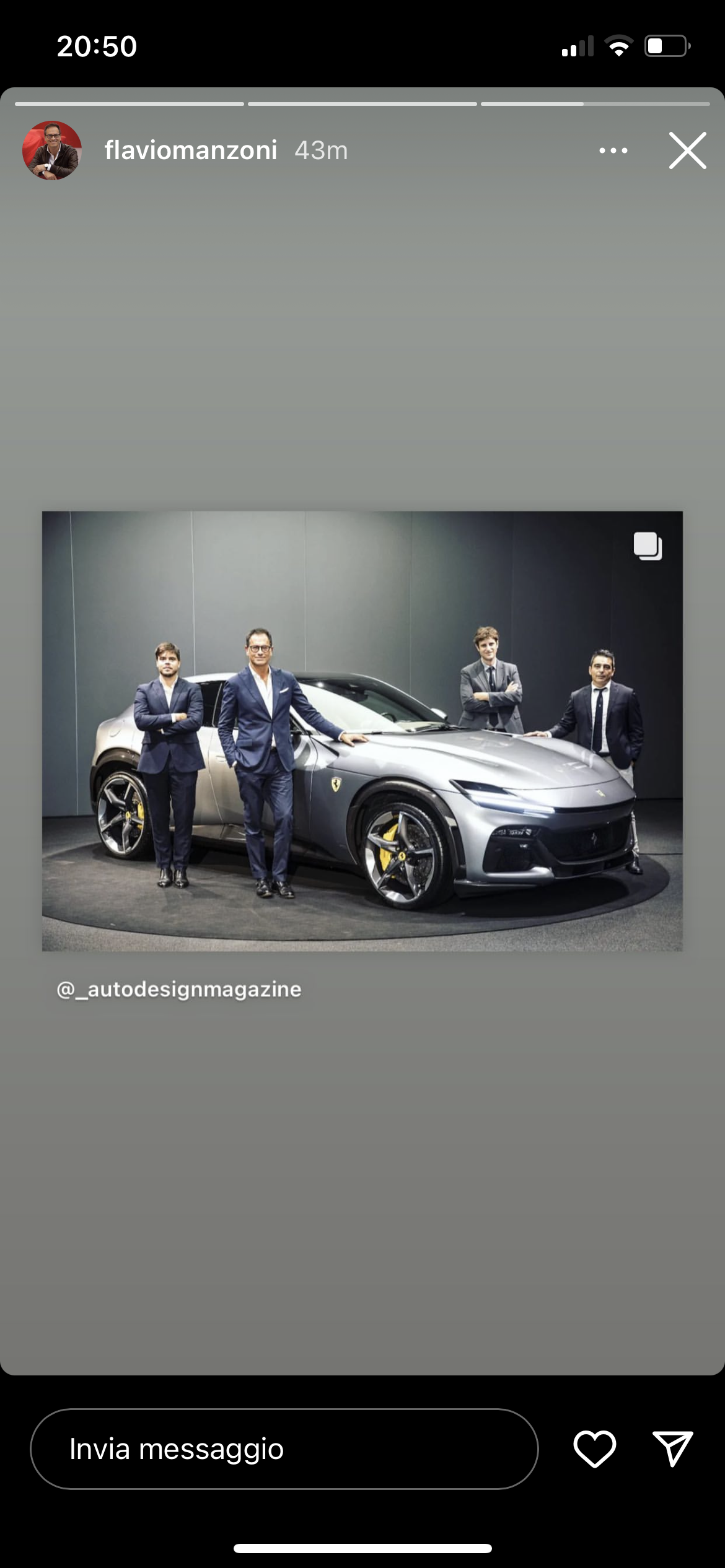
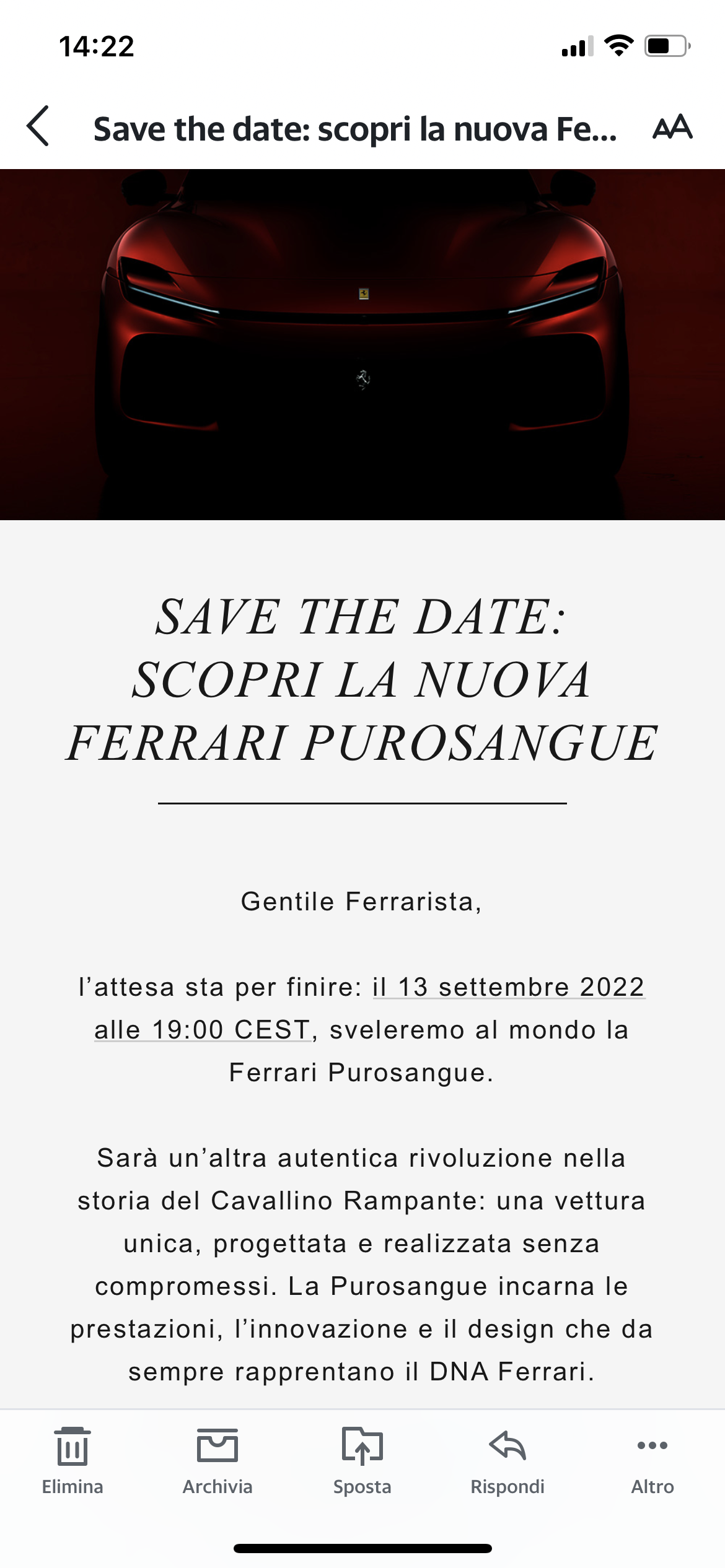
https://www.formulapassion.it/automoto/mondoauto/leclerc-ferrari-pit-stop-self-service-benzinaio-monza-488-f1-633214.html avrà avuto credito sulla carta?Assolutamente noA fare la seconda guida di russel? un ingleseVerrà svelata oggi
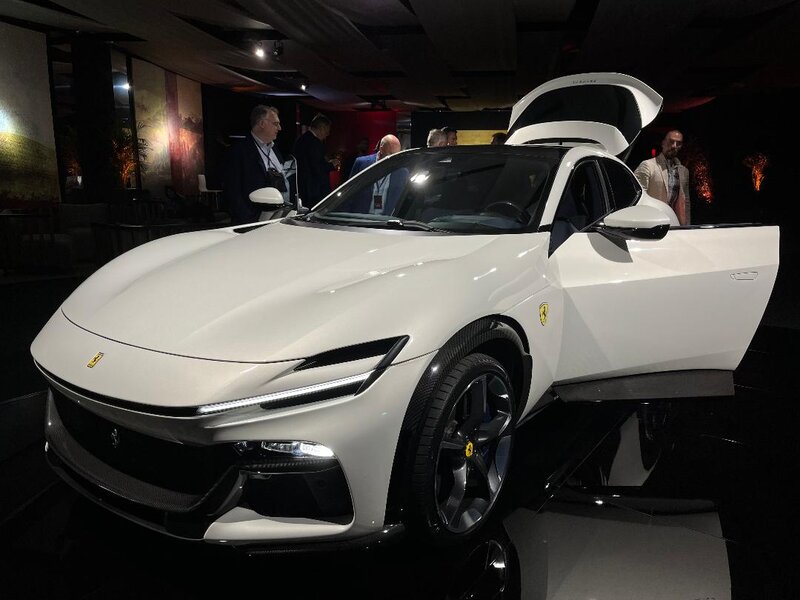
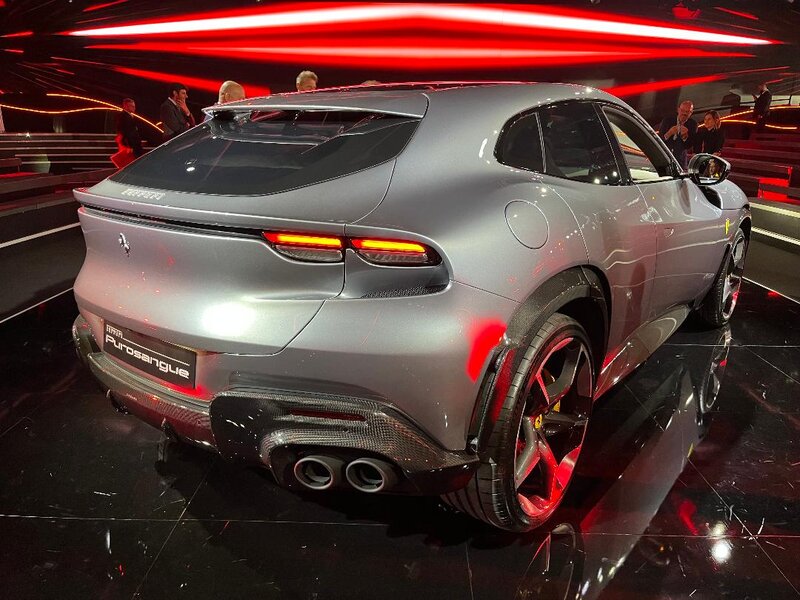
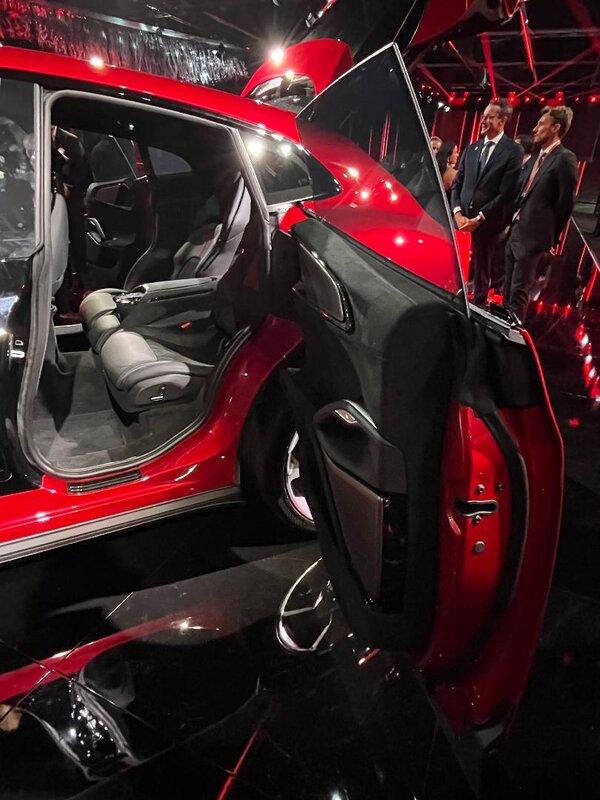
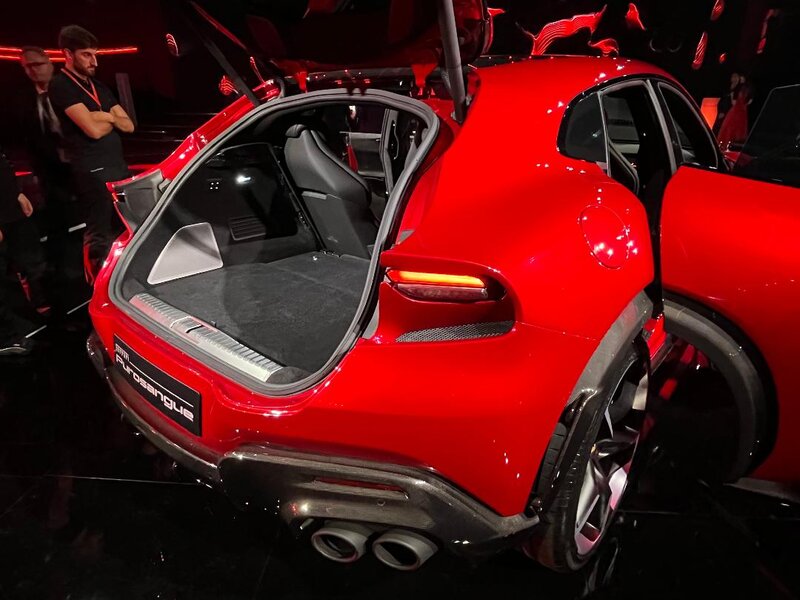
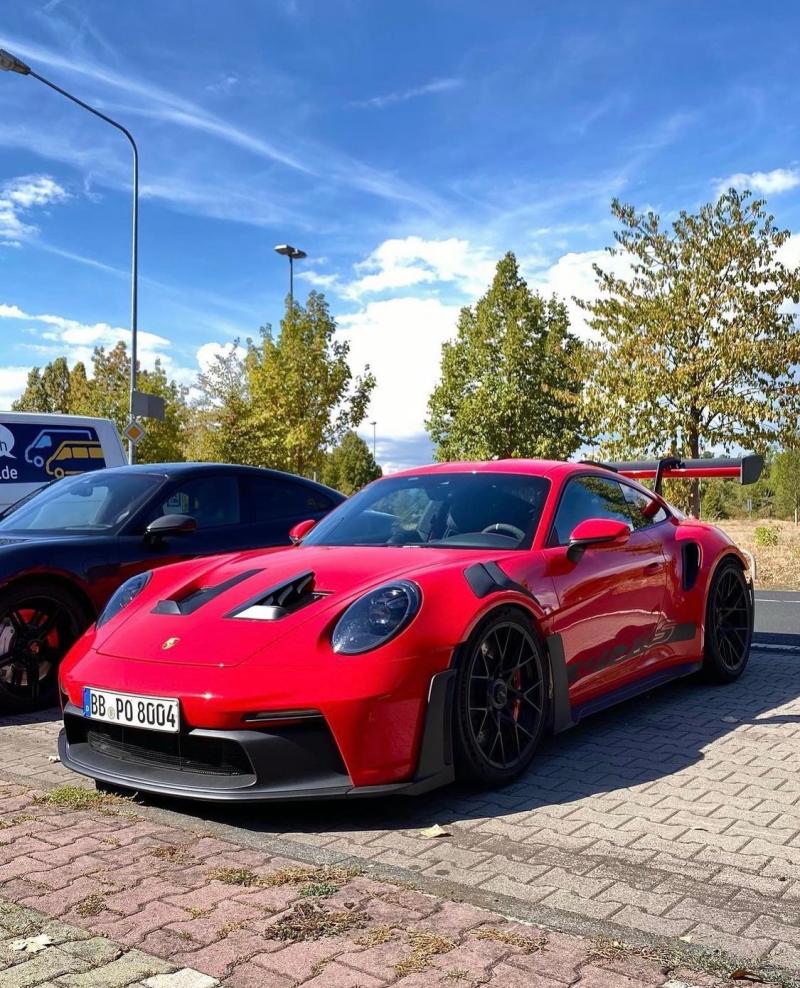
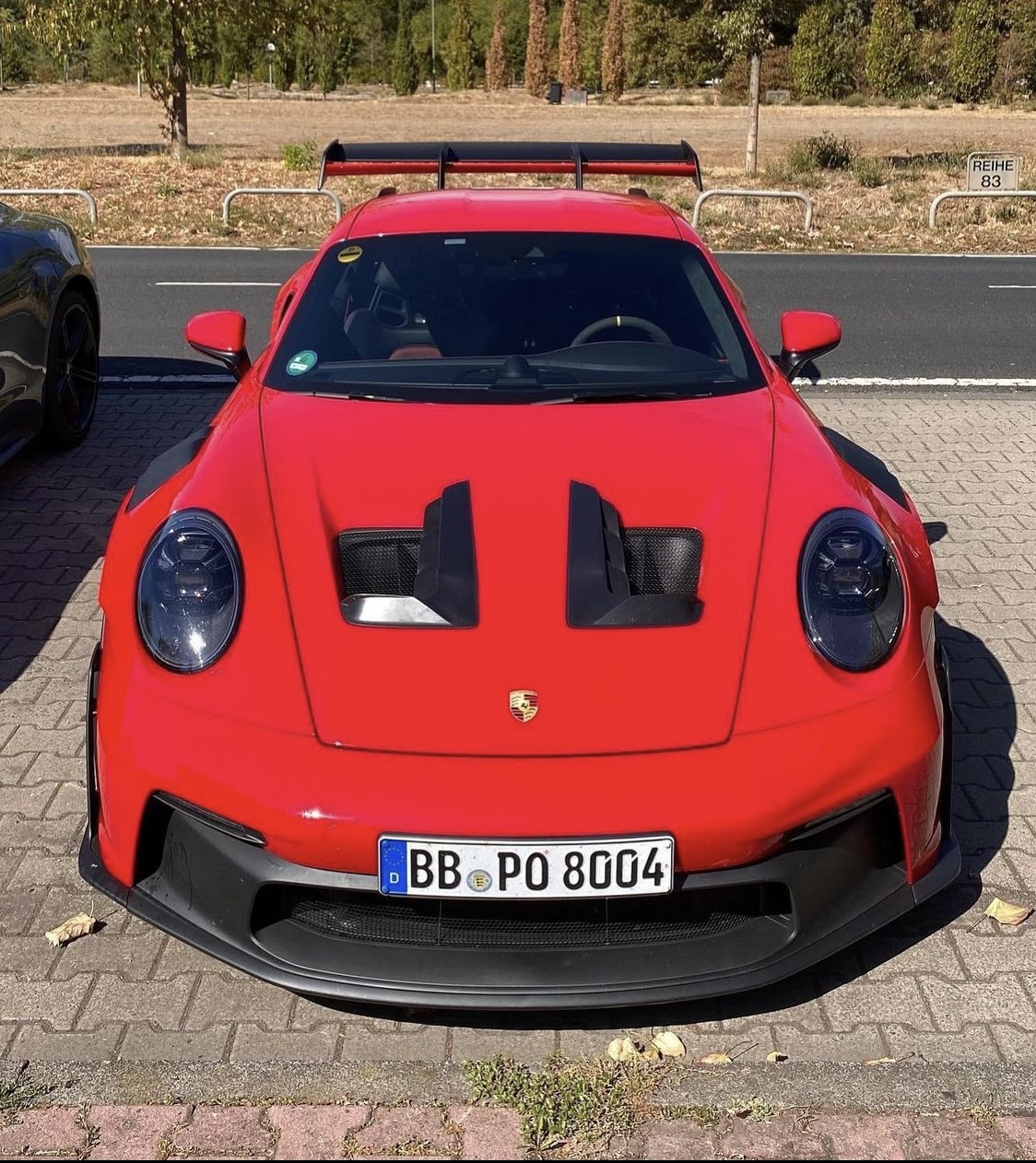
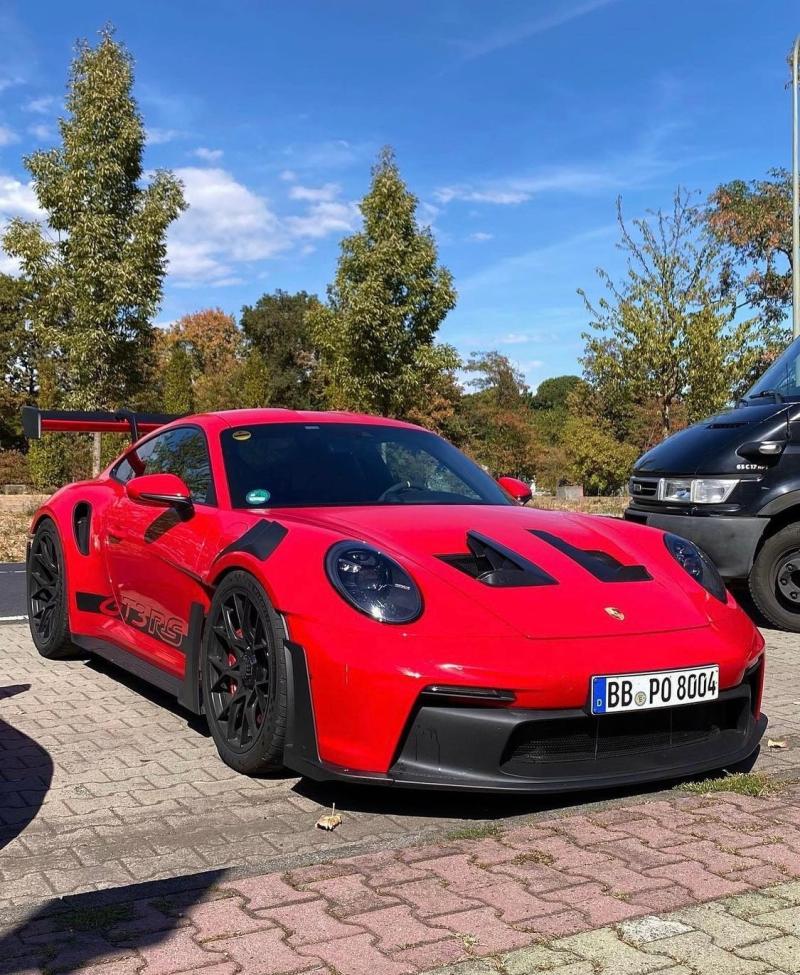
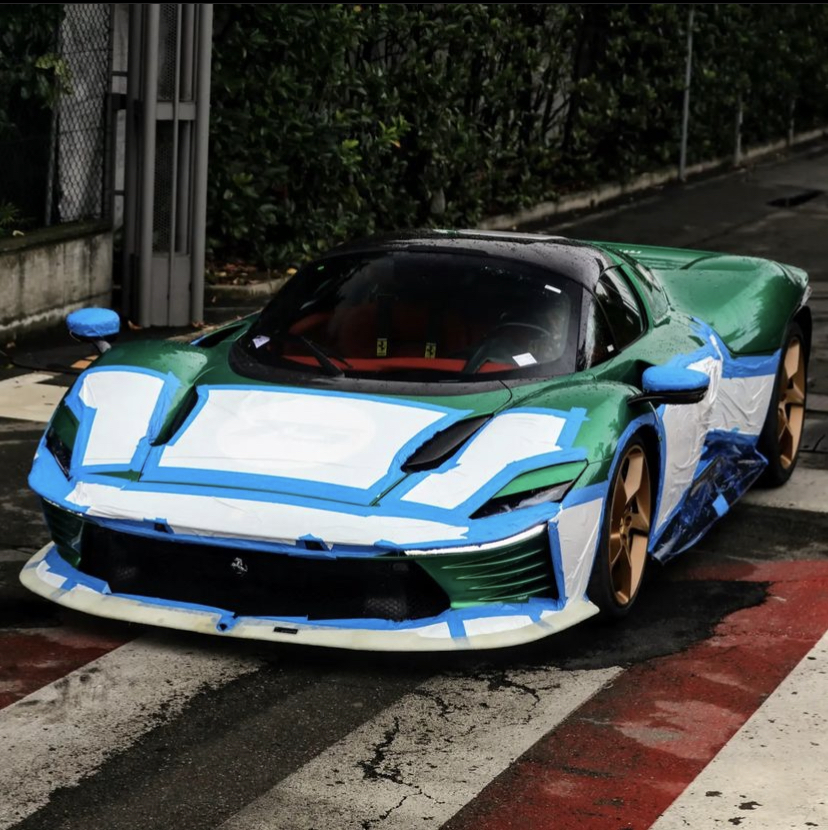
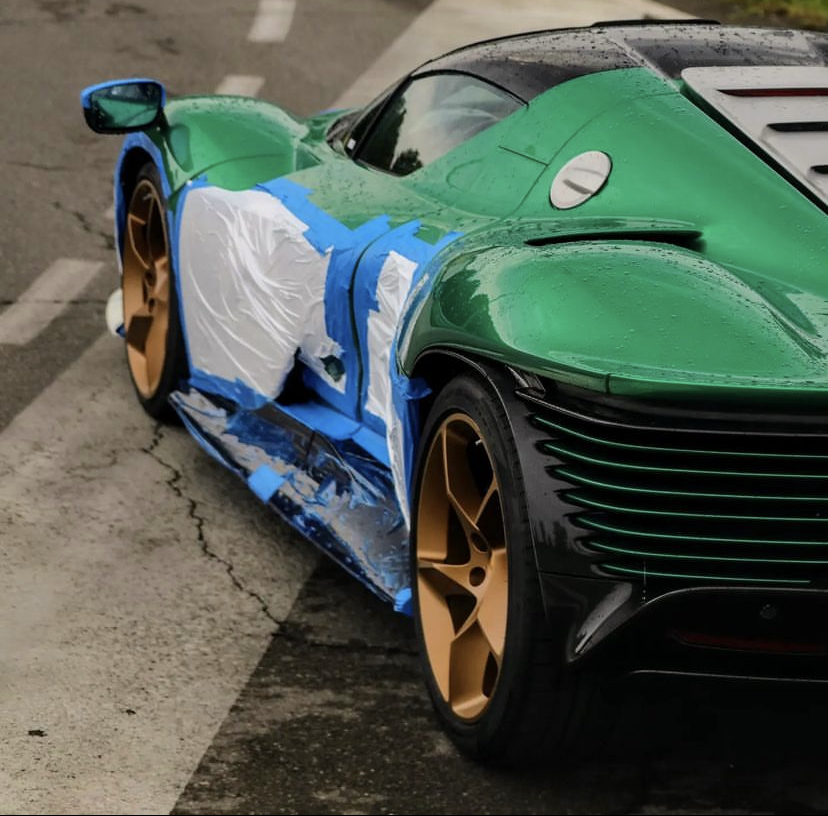
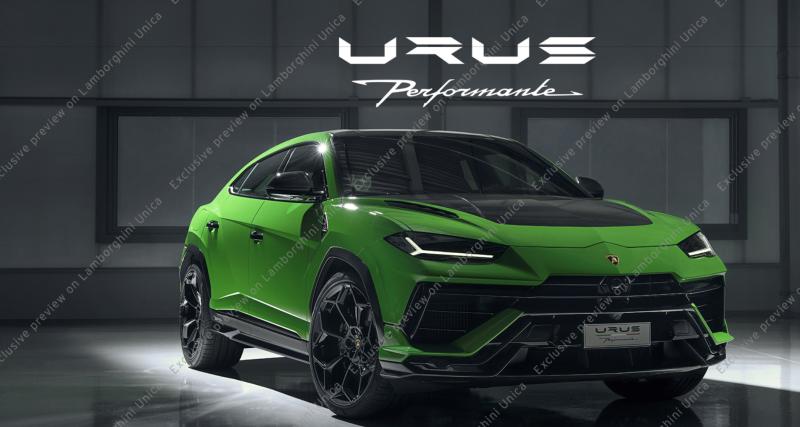 Apro OT non dovete dimenticare che ferrari sulle sue vetture vuole comunque mantenere una certa usabilità per questa rs Porsche da quello che mi è stato detto si è ancora di più allontanata dalla polivalenza delle 911 , in modo più marcato rispetto alle GT precendenti Diciamo che per Monaco,Zurigo etc penso che ne vedremo all inizio girare qualcuna poi i proprietari riprenderanno i loro suv per tutti i giorni 😉 fine OT su pista sarà molto molto efficace ovviamente



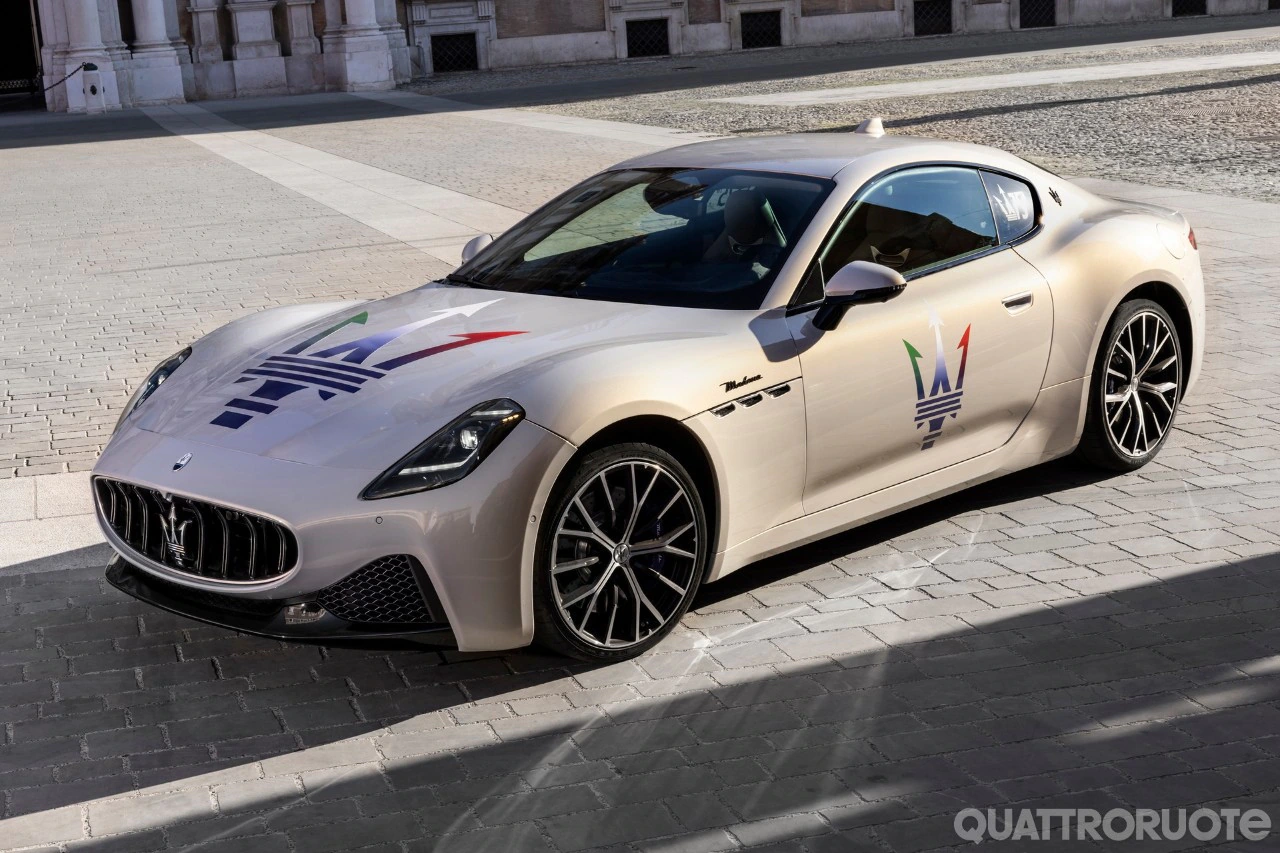
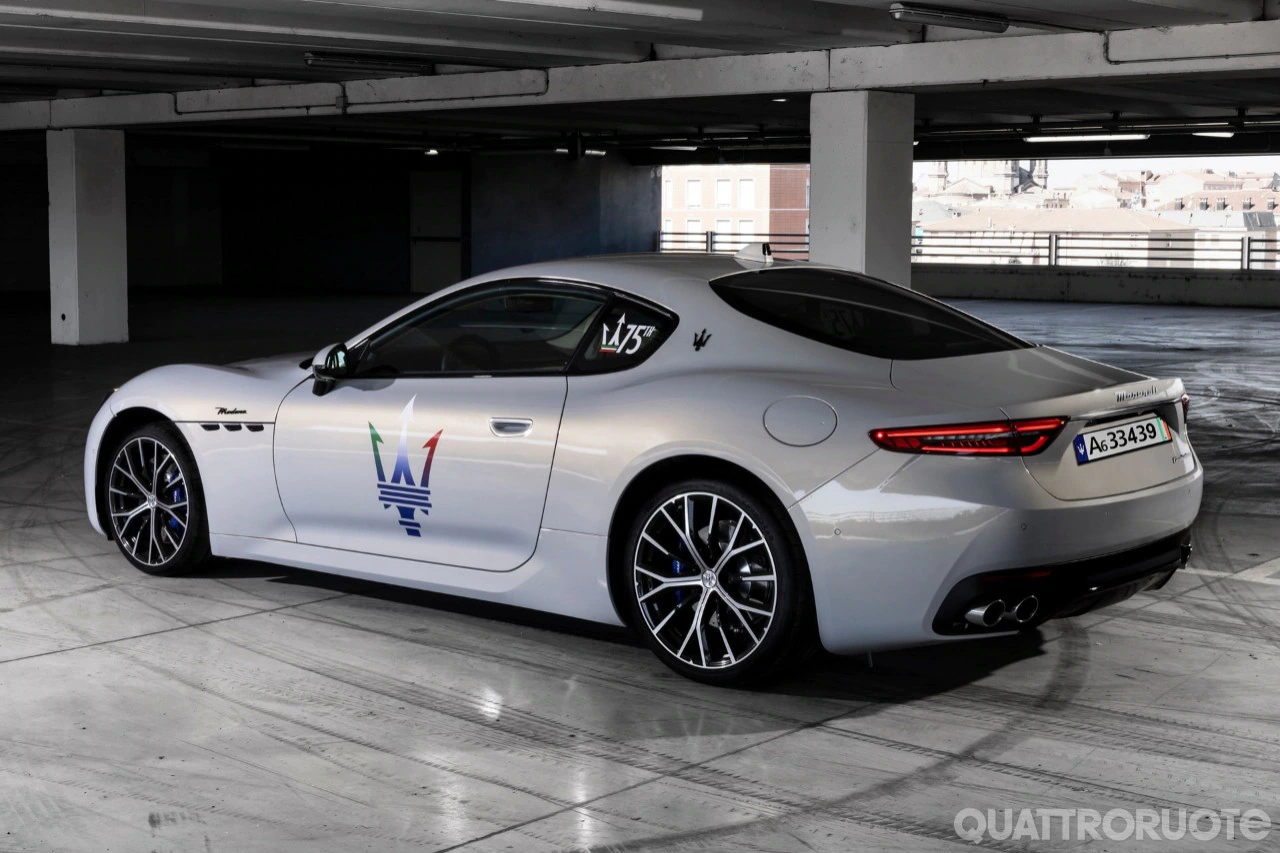
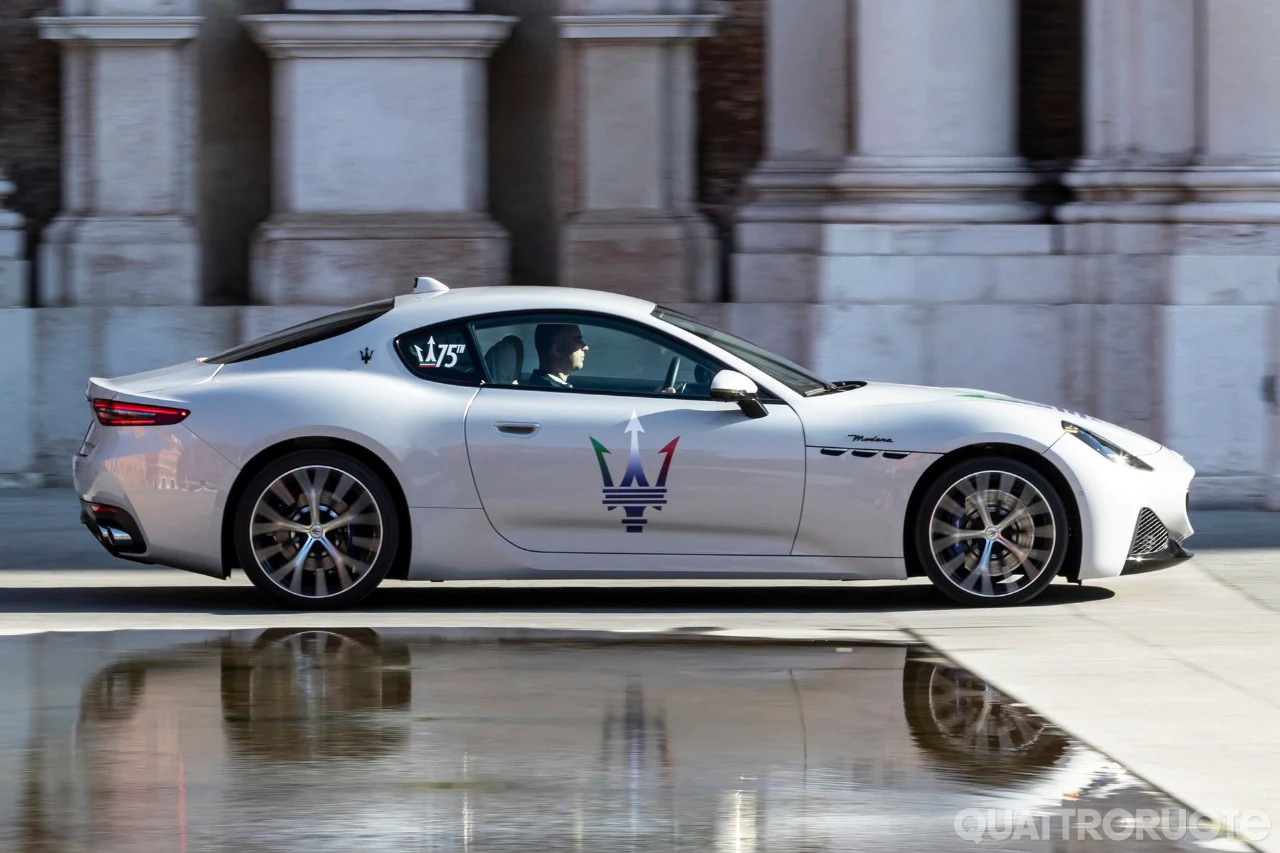
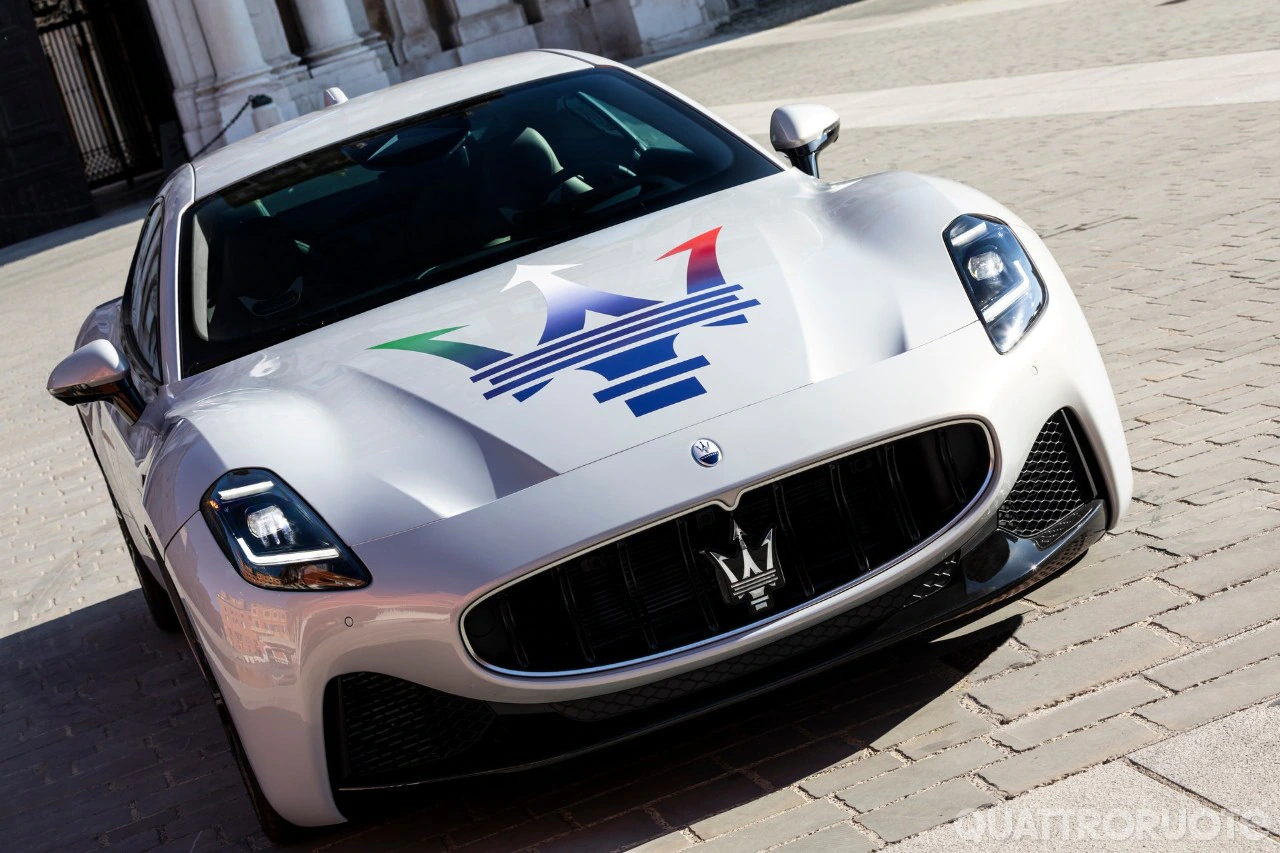





Account
Navigation
Cerca
Configure browser push notifications
Chrome (Android)
- Tap the lock icon next to the address bar.
- Tap Permissions → Notifications.
- Adjust your preference.
Chrome (Desktop)
- Click the padlock icon in the address bar.
- Select Site settings.
- Find Notifications and adjust your preference.
Safari (iOS 16.4+)
- Ensure the site is installed via Add to Home Screen.
- Open Settings App → Notifications.
- Find your app name and adjust your preference.
Safari (macOS)
- Go to Safari → Preferences.
- Click the Websites tab.
- Select Notifications in the sidebar.
- Find this website and adjust your preference.
Edge (Android)
- Tap the lock icon next to the address bar.
- Tap Permissions.
- Find Notifications and adjust your preference.
Edge (Desktop)
- Click the padlock icon in the address bar.
- Click Permissions for this site.
- Find Notifications and adjust your preference.
Firefox (Android)
- Go to Settings → Site permissions.
- Tap Notifications.
- Find this site in the list and adjust your preference.
Firefox (Desktop)
- Open Firefox Settings.
- Search for Notifications.
- Find this site in the list and adjust your preference.