





bad_Q
Utente Registrato
-
Iscritto il
-
Ultima visita
Tutti i contenuti di bad_Q
-
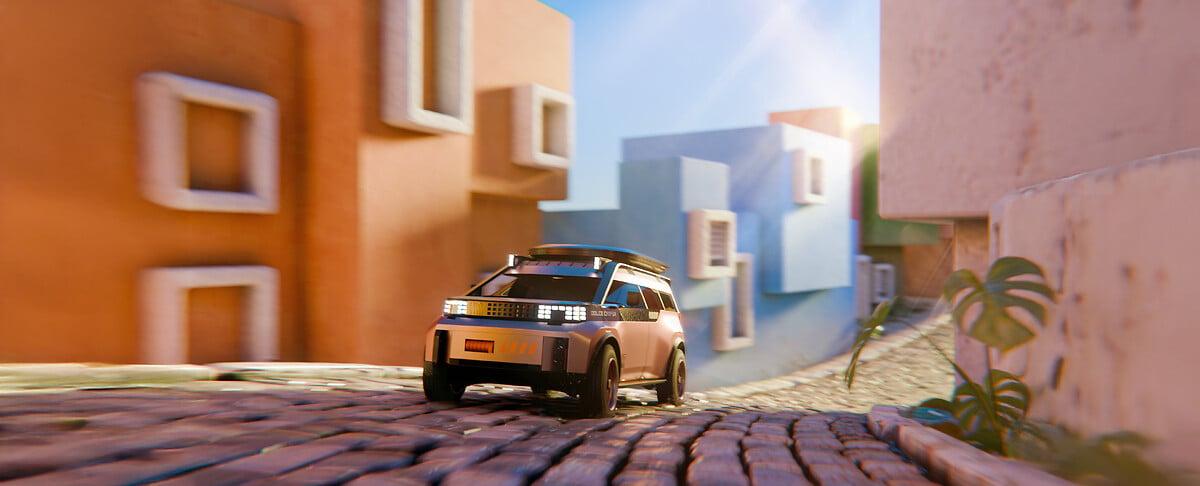
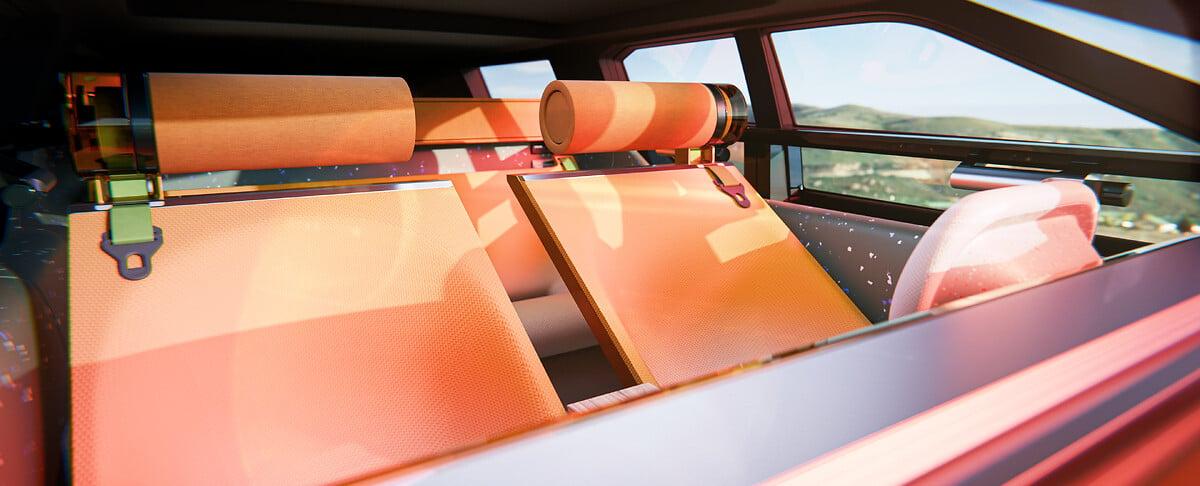
VID_20251120_141118_224.mp4.8e18e14e534b33d2d1ae5c36aeedd026.mp4 Comunicato stampa (tradotto in italiano dal portoghese) Via Fiat.



-
-
listino MY26 listinoarstelviomy26del04novembre2025-691d9060a1a30.pdf
-
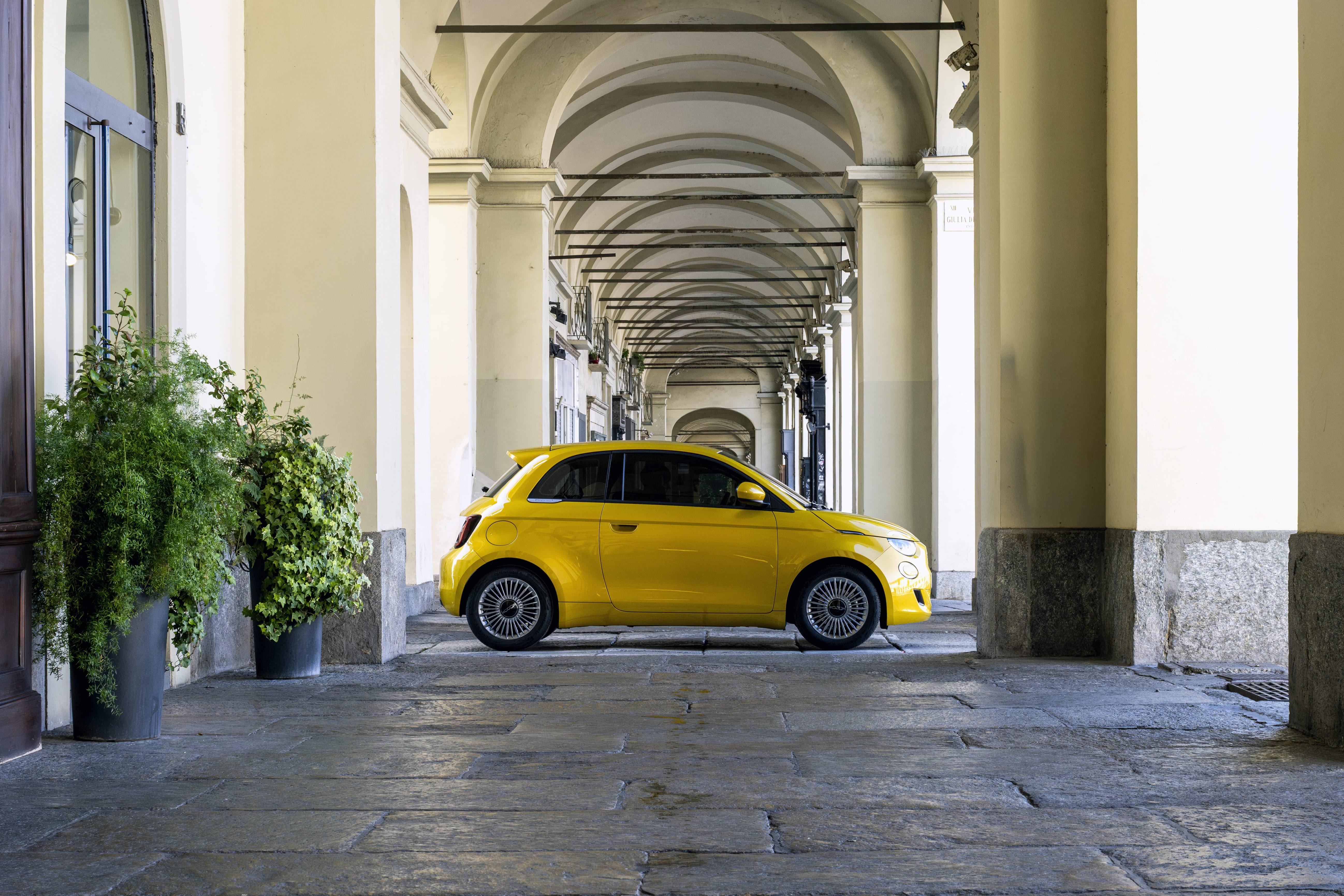
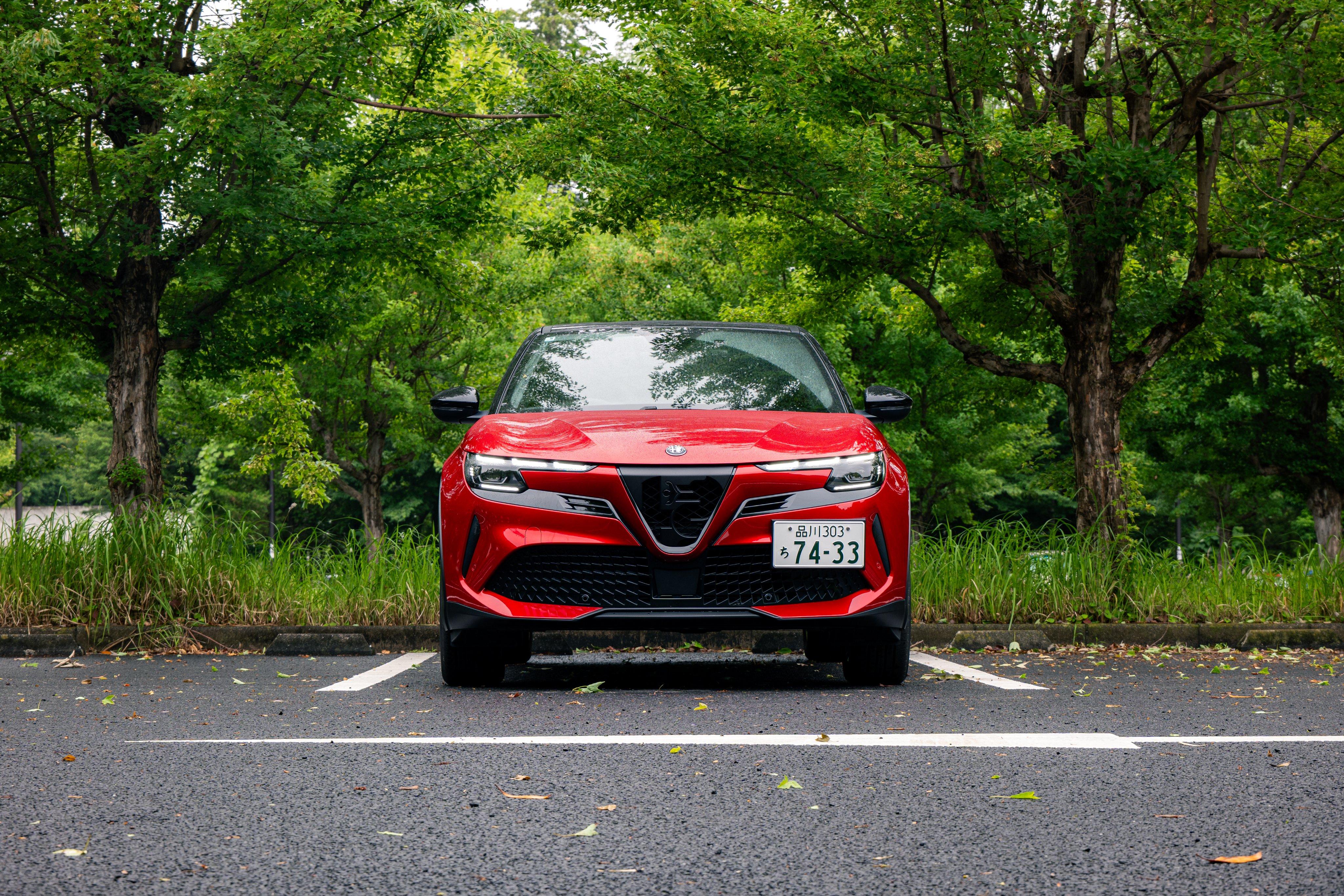
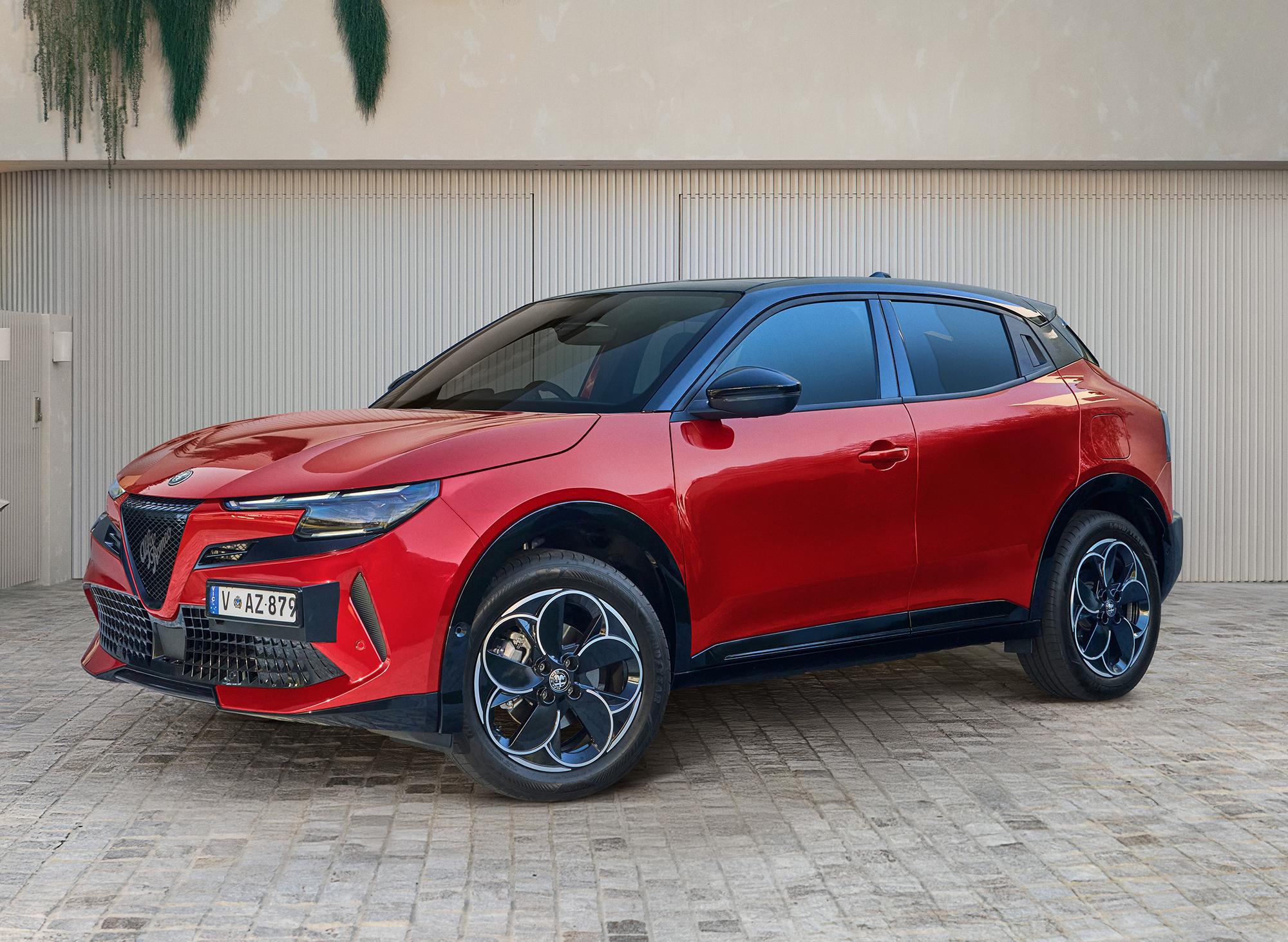
this colour was used in Fiat 600 and its Abarth sibling from the very begining of the marketing what is the different from base model (Turismo) is black roof, new decals and same 280hp power as for the launch model Scorpionissima (now discontinued, but I really sure 1949 planned units wasn't sold) listino attached abarth600elistino13novembre2025-6916e76e53385.pdf
- 427 risposte
-
- 600
- 600e
- abarth
- abarth 600
-
Taggato come:
-
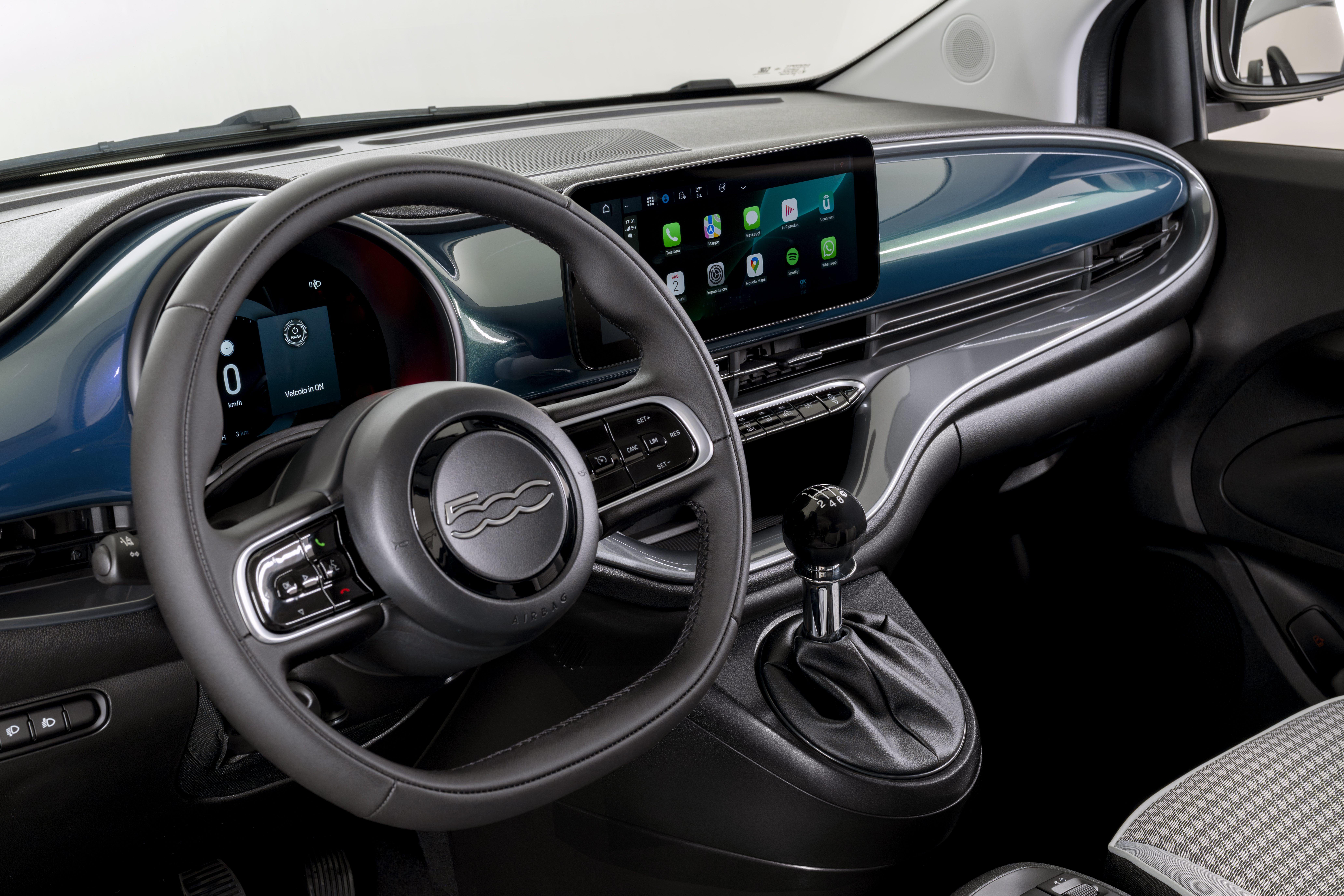
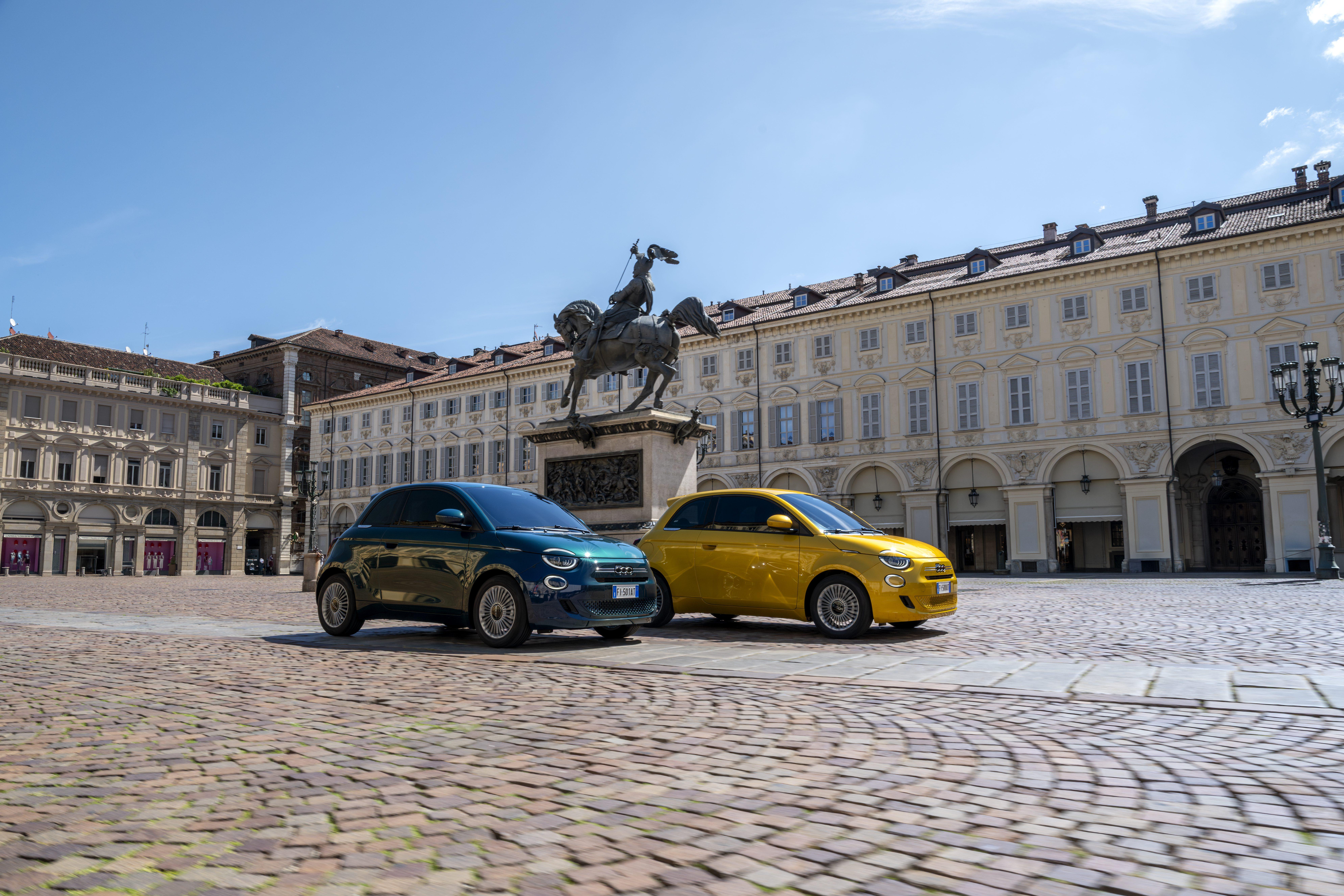

more images for export markets (with no olympic badging)
- 427 risposte
-
- 600
- 600e
- abarth
- abarth 600
-
Taggato come:
-
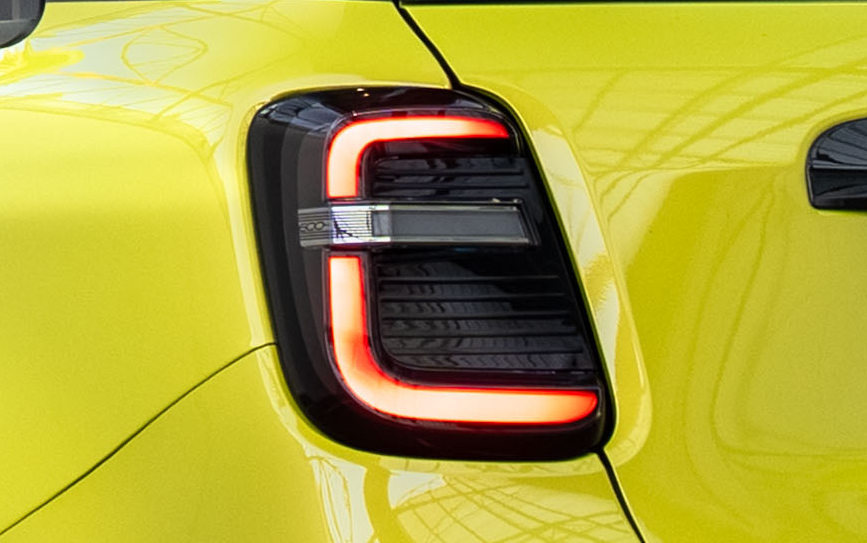
for export markets without Milano-Cortina badge at B-pillar Fiat 600 geht mit zusätzlicher Modellversion SPORT ins n...Die aktualisierten Versionen des Fiat 600 sind ab sofort bestellbar. Neue Modellvariante Fiat 600 SPORT zeichnet sich durch eine besonders dynamische Optik aus. Bekannte Modellversionen POP,
-
but why do you decide that QR is right about delay? in this article they don't even sure where it will be produced, despite it is known long ago
-
-

- 427 risposte
-
-

-

- 2
-
-
- 600
- 600e
- abarth
- abarth 600
-
Taggato come:
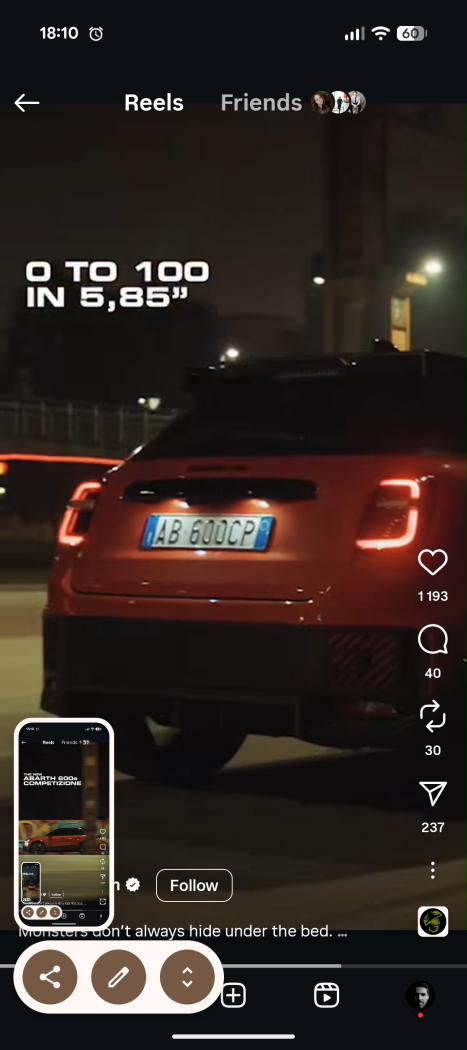
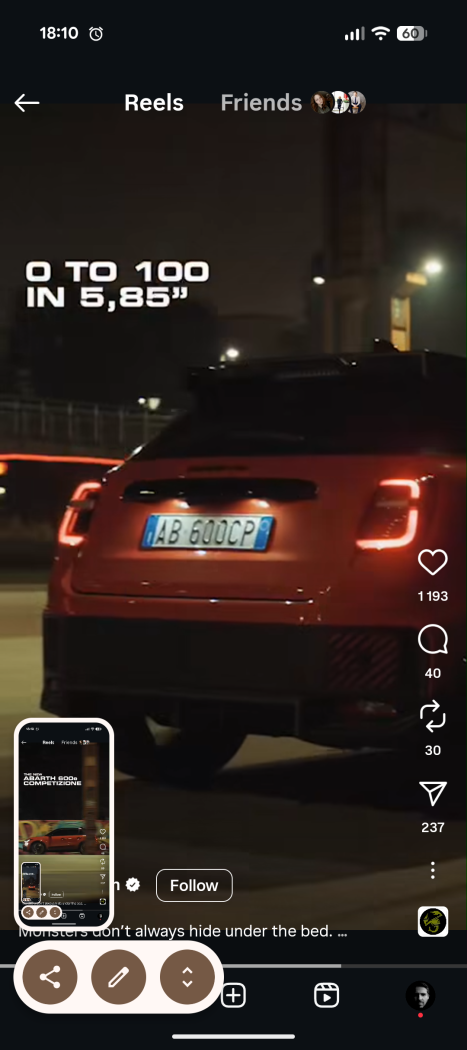
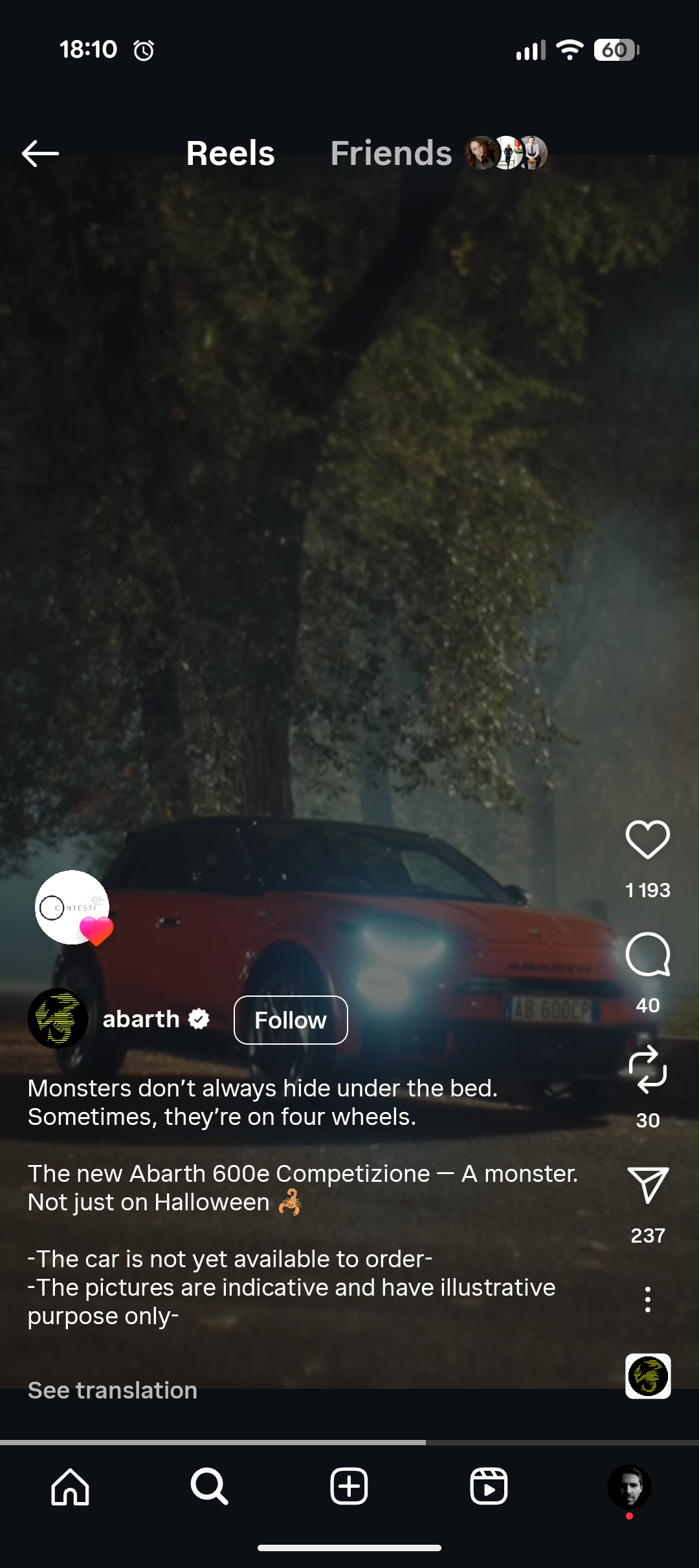
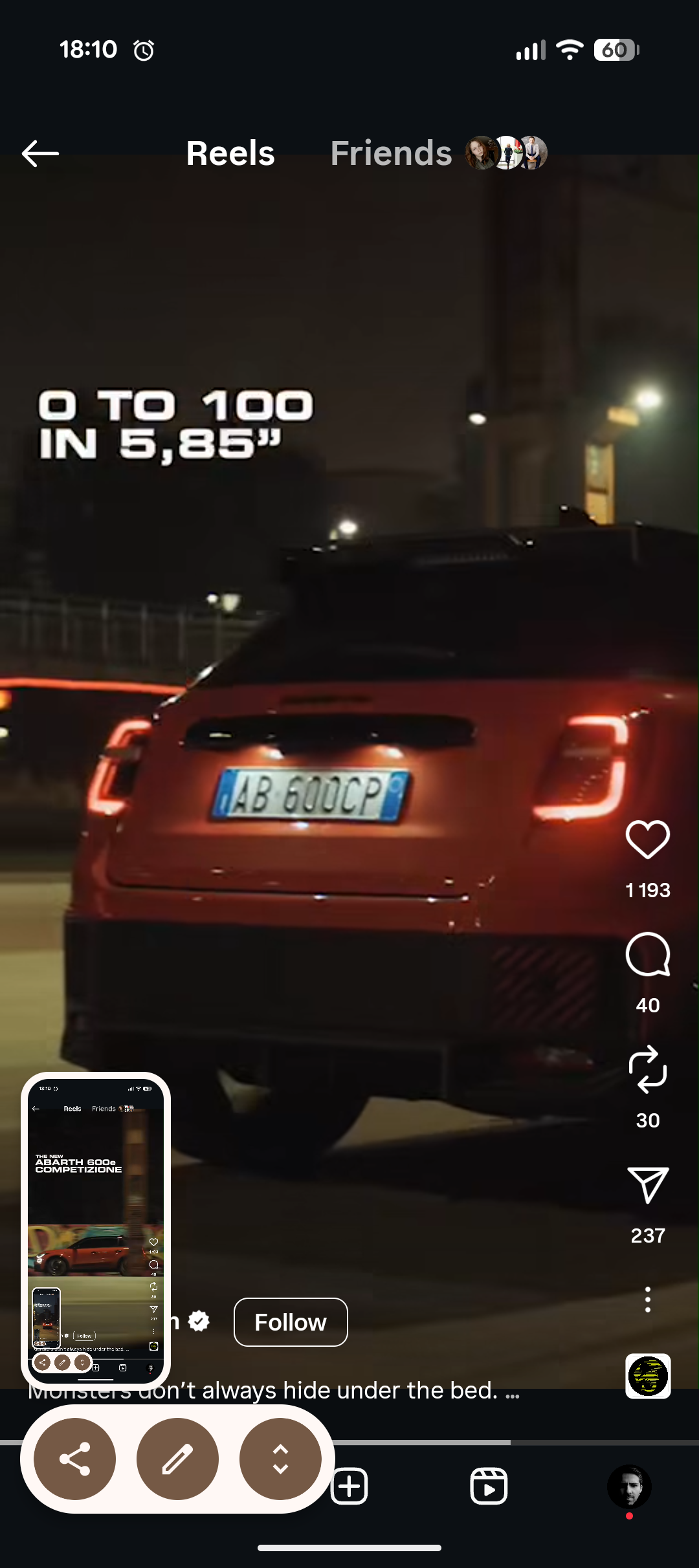
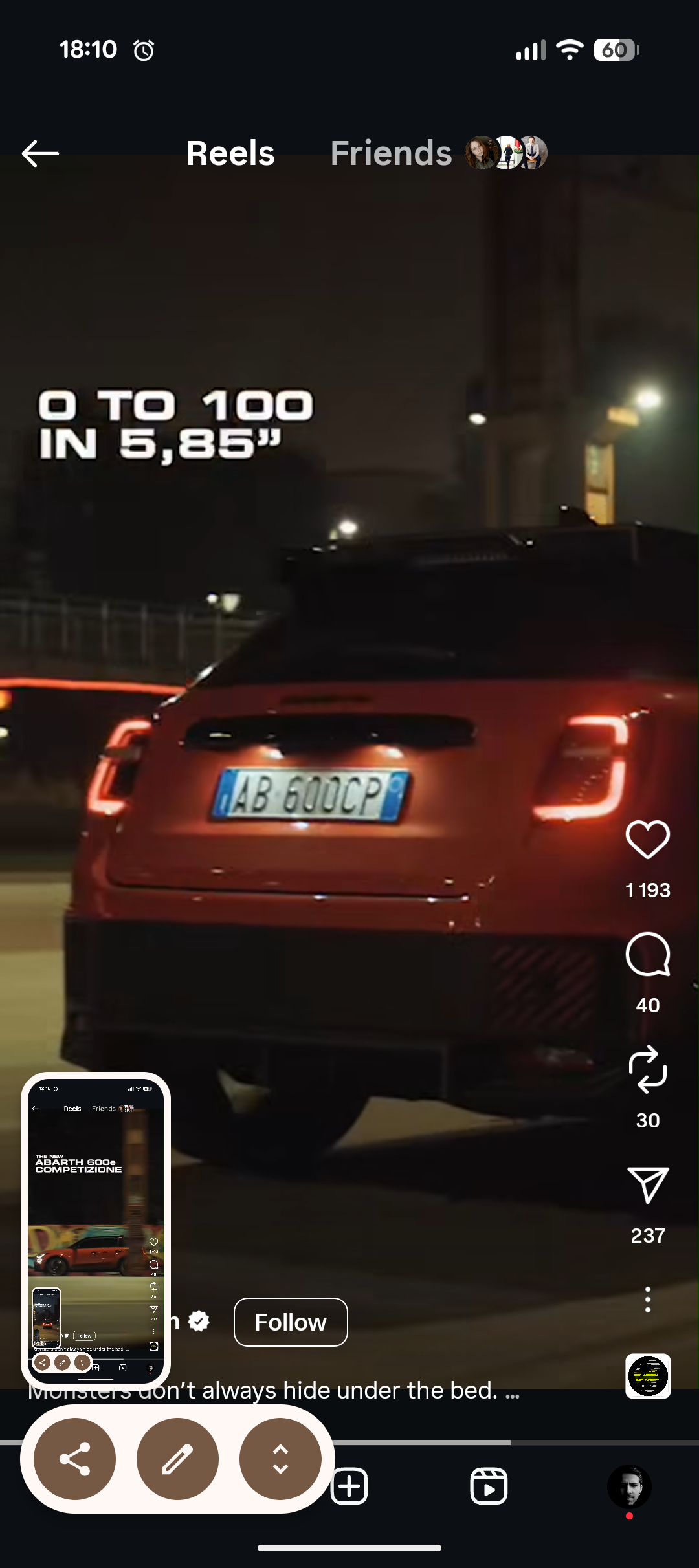
It's seems like they just dropped new trim level 600e Competizione in some Halloween reel https://www.instagram.com/reel/DQeC9qtD76t/?igsh=dWljbWdyNmQ0MzRn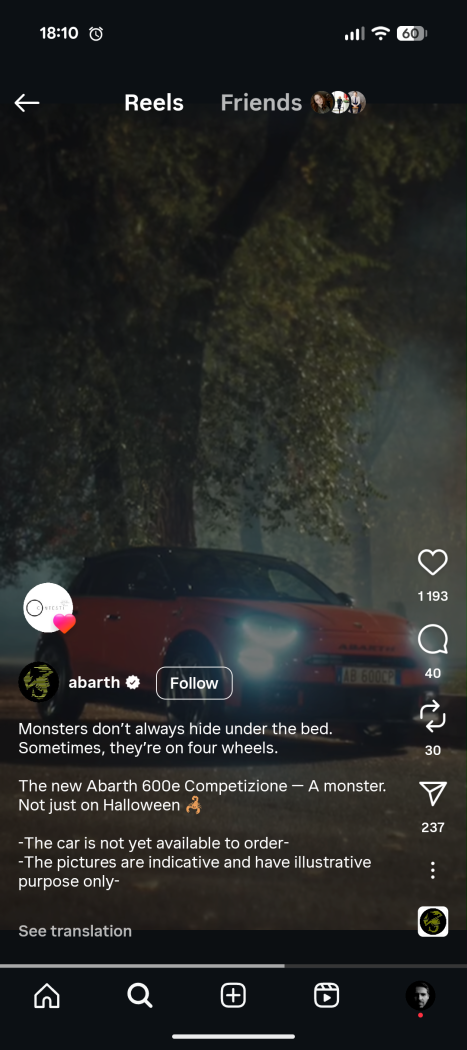
- 427 risposte
-
- 600
- 600e
- abarth
- abarth 600
-
Taggato come:
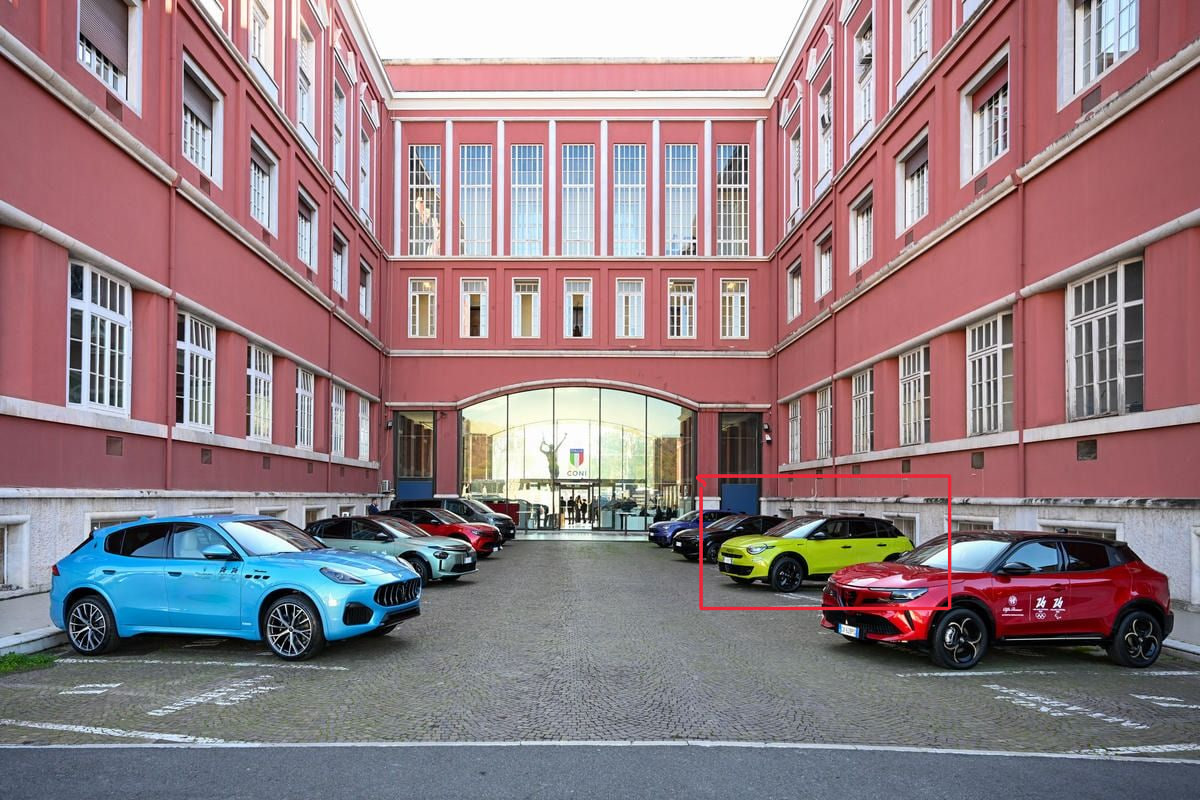
saw it, Corsa on steroids, should be revealed tonight




![Alfa Romeo Hug [Trolling Mode]](https://www.autopareri.com/uploads/reactions/Alfaromeocare.png.50be1dd8d7c15ba4fec8098a15bfa18a.png)

.jpg.ac7d5d64fa593e402a67004b2d4800d8.jpg)
.jpg.cf90f564e507249cb50a5b223767fe5f.jpg)
.jpg.cb6758269e7c3e89ddd9b76632779cfa.jpg)
.jpg.74144470d916e0de86f19fa7b80c64b7.jpg)


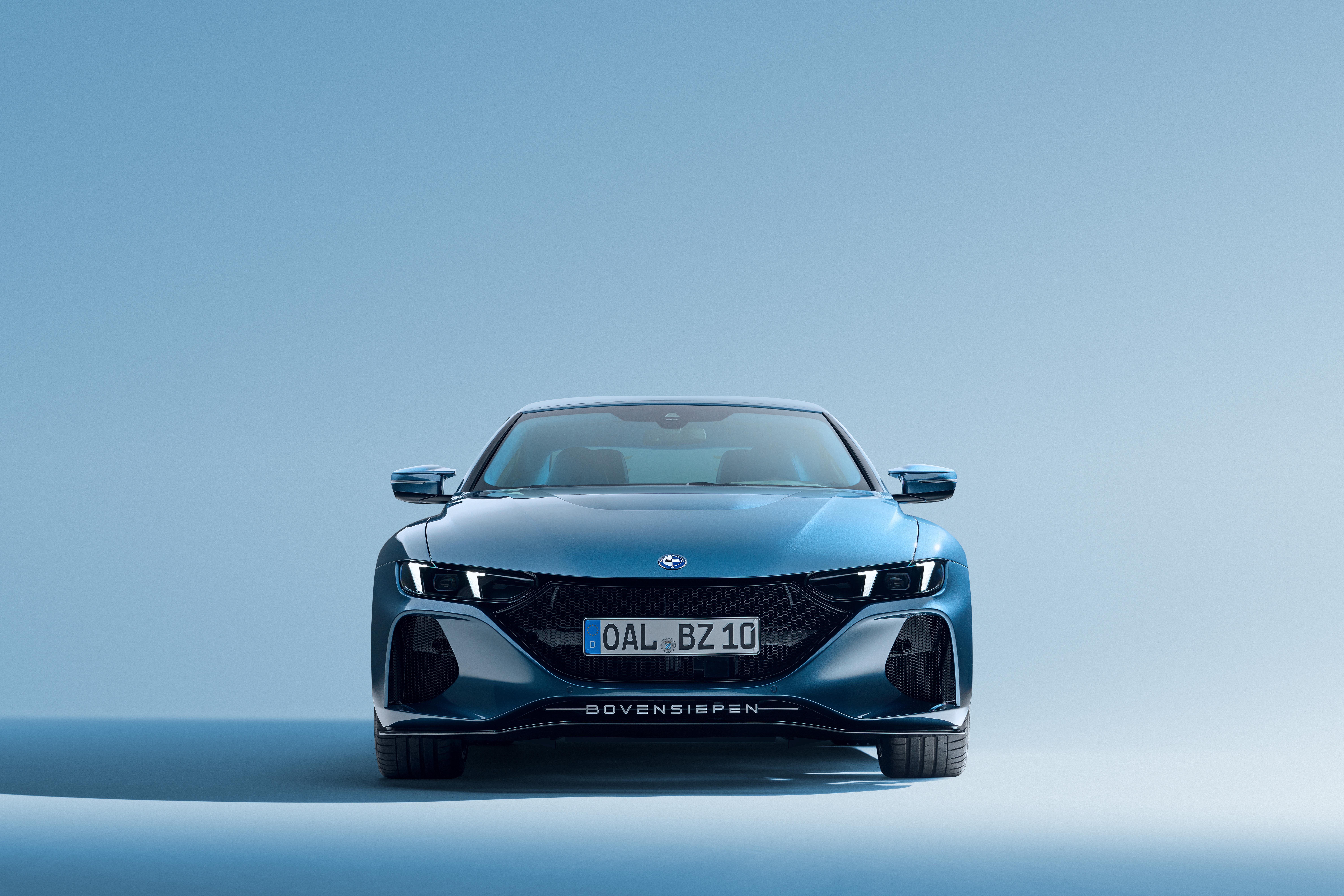
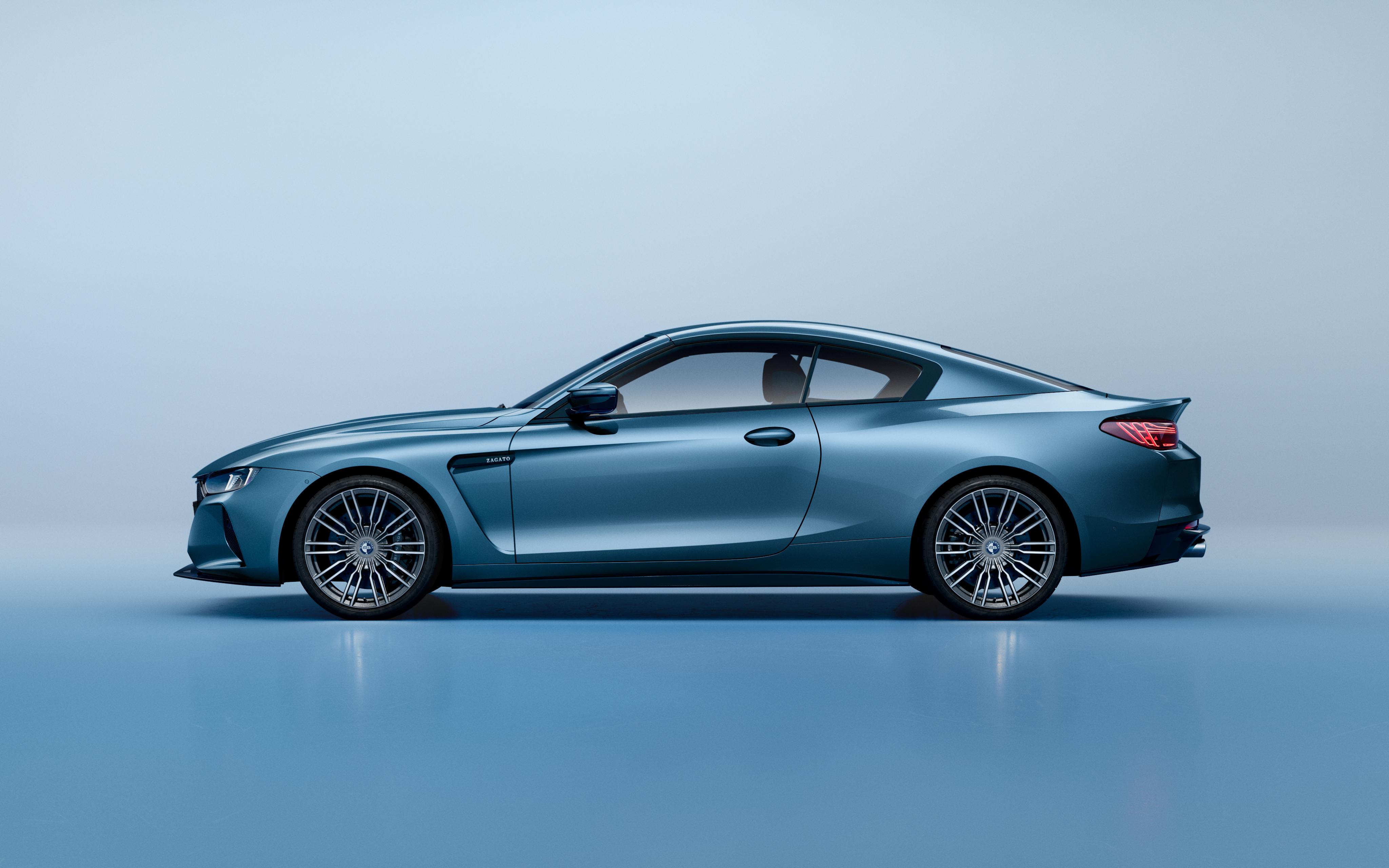
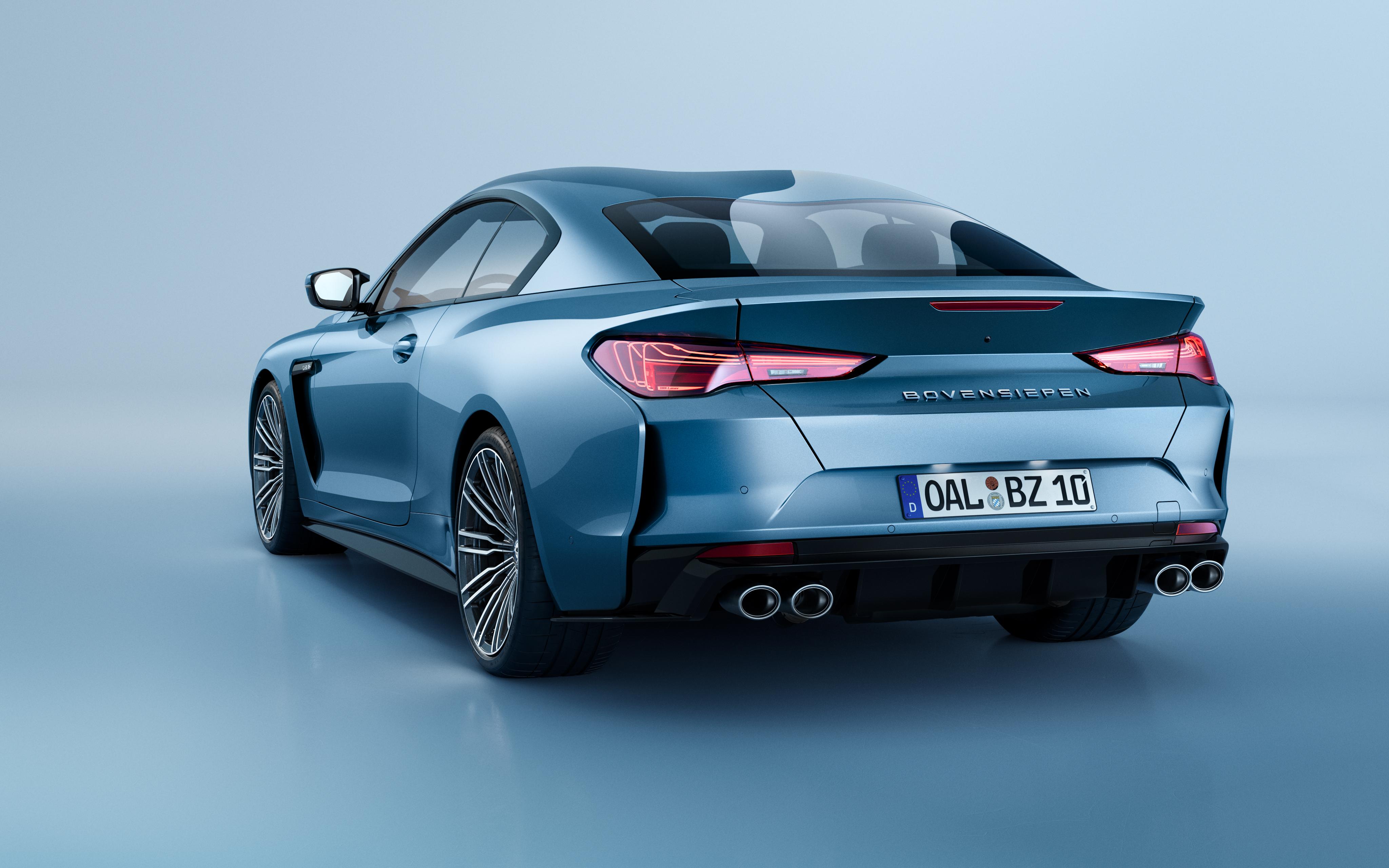
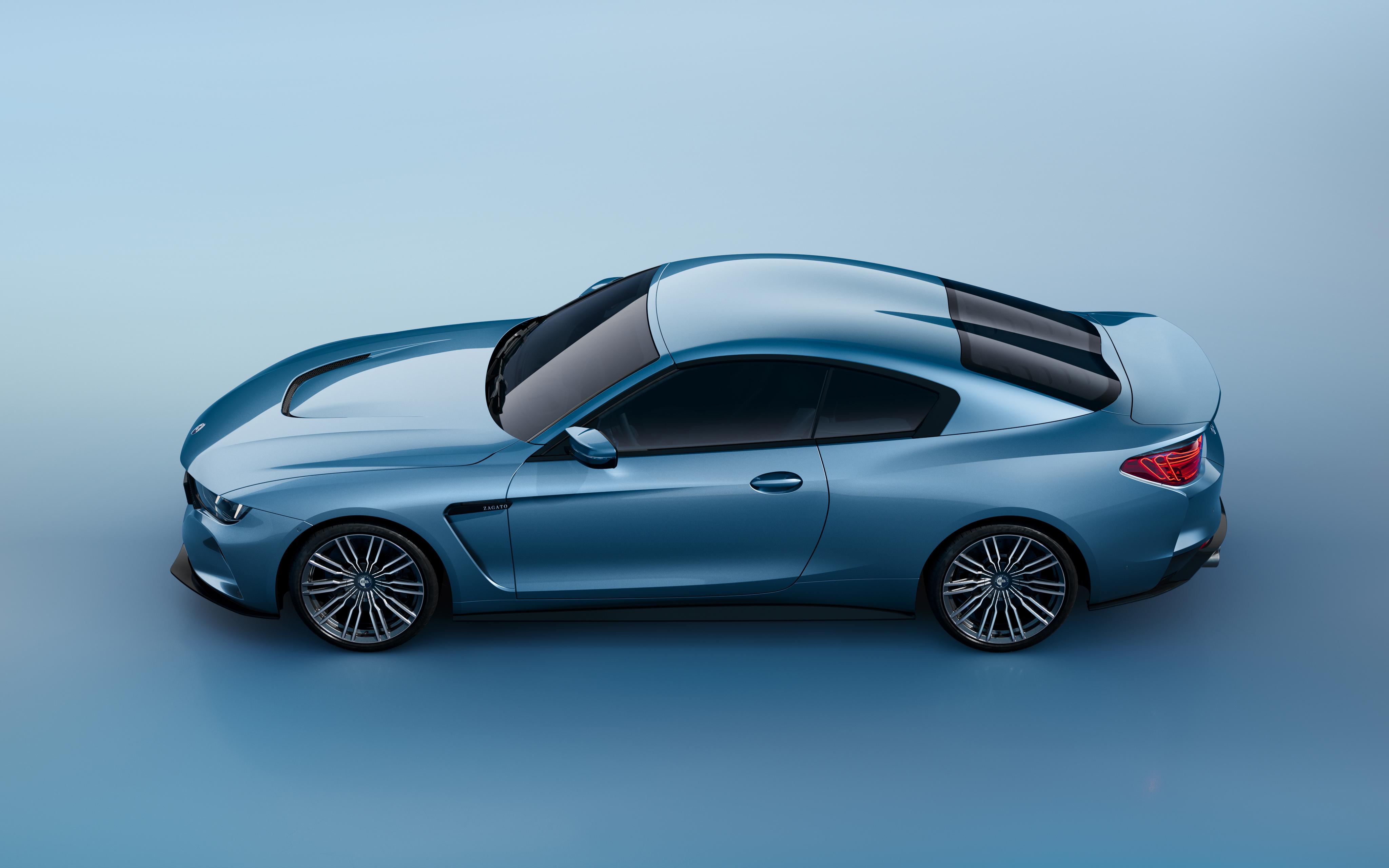
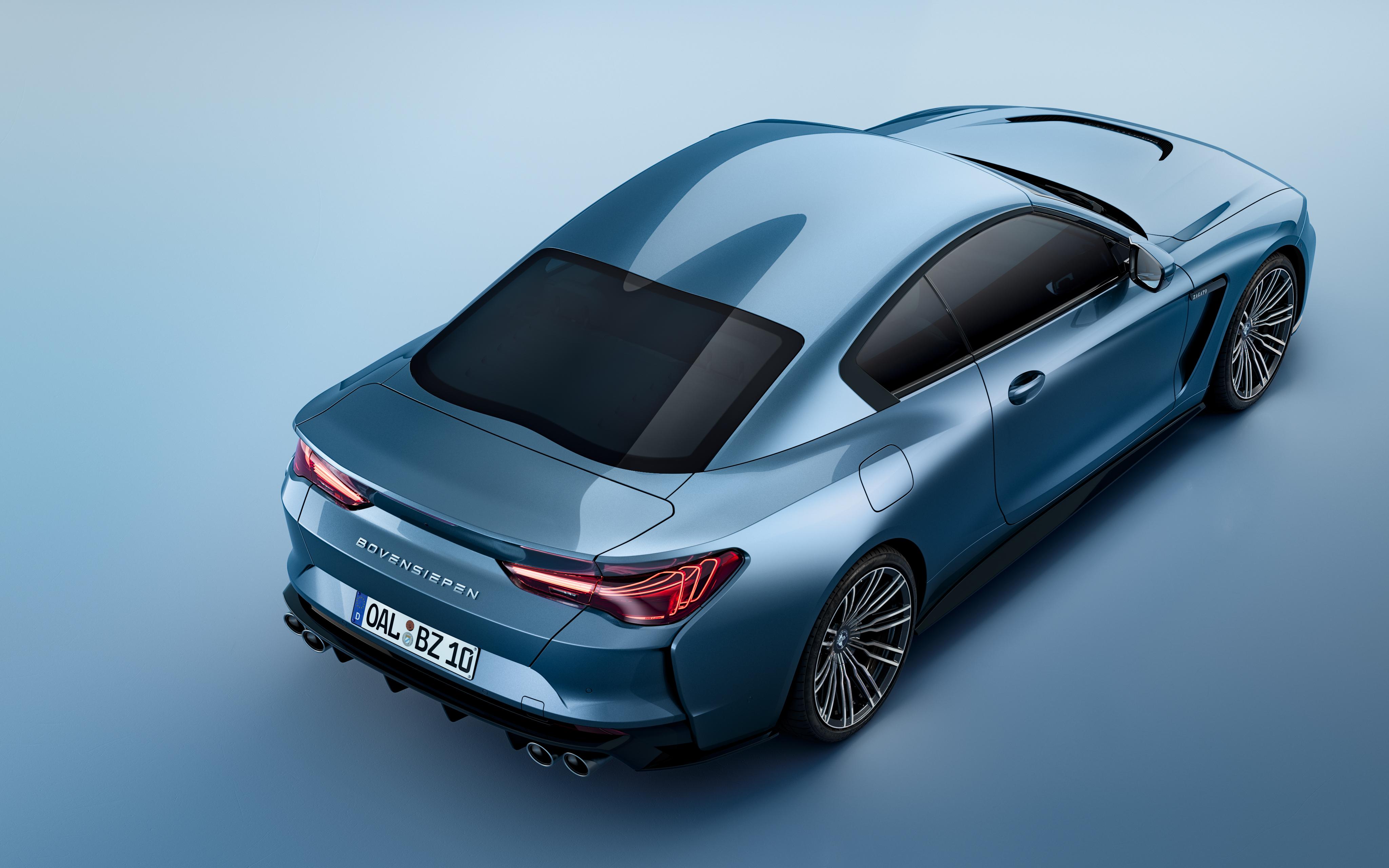
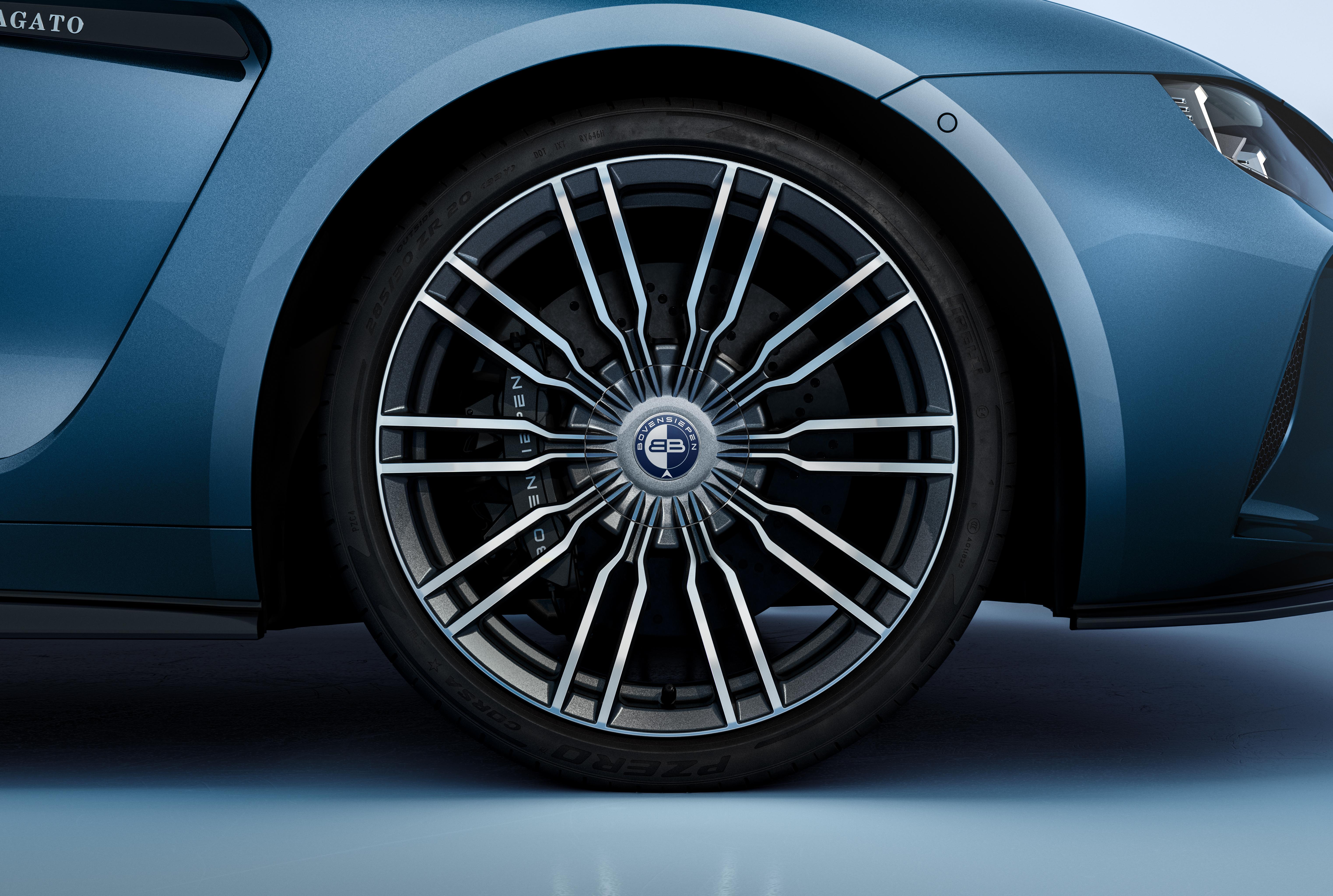
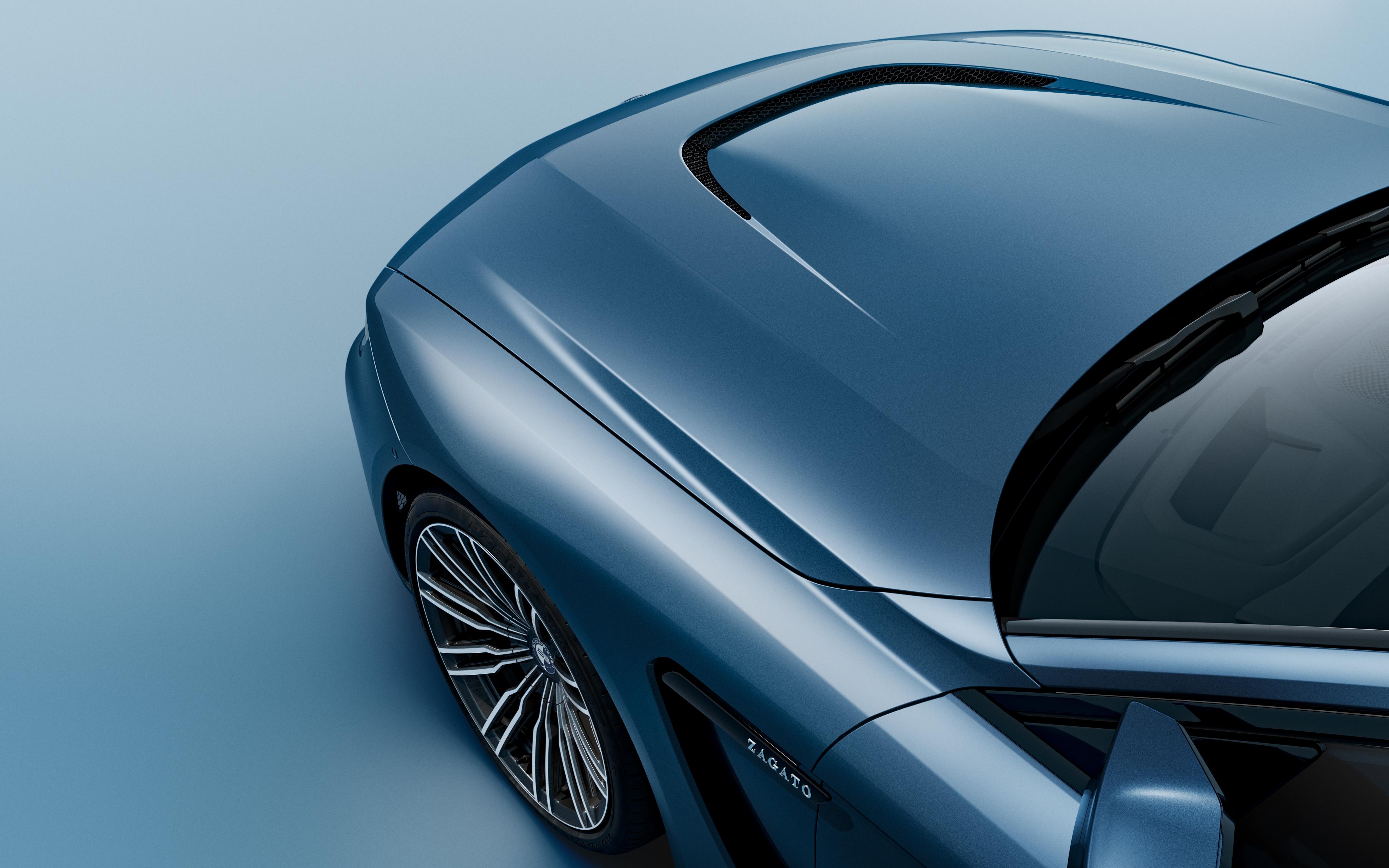
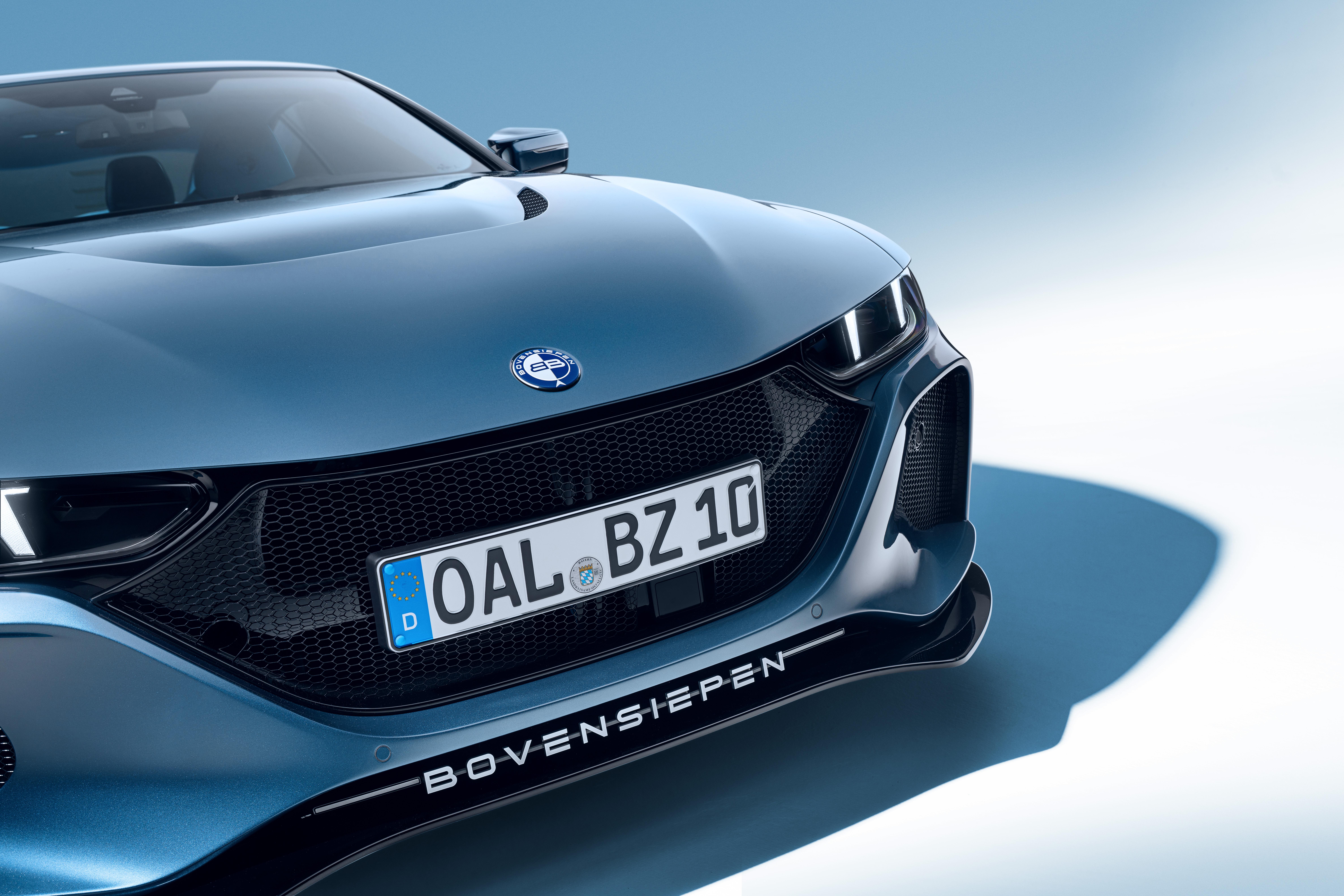


Account
Navigation
Cerca
Configure browser push notifications
Chrome (Android)
- Tap the lock icon next to the address bar.
- Tap Permissions → Notifications.
- Adjust your preference.
Chrome (Desktop)
- Click the padlock icon in the address bar.
- Select Site settings.
- Find Notifications and adjust your preference.
Safari (iOS 16.4+)
- Ensure the site is installed via Add to Home Screen.
- Open Settings App → Notifications.
- Find your app name and adjust your preference.
Safari (macOS)
- Go to Safari → Preferences.
- Click the Websites tab.
- Select Notifications in the sidebar.
- Find this website and adjust your preference.
Edge (Android)
- Tap the lock icon next to the address bar.
- Tap Permissions.
- Find Notifications and adjust your preference.
Edge (Desktop)
- Click the padlock icon in the address bar.
- Click Permissions for this site.
- Find Notifications and adjust your preference.
Firefox (Android)
- Go to Settings → Site permissions.
- Tap Notifications.
- Find this site in the list and adjust your preference.
Firefox (Desktop)
- Open Firefox Settings.
- Search for Notifications.
- Find this site in the list and adjust your preference.