hot500abarth
Utente Registrato
-
Iscritto il
-
Ultima visita
-
L’unica soluzione se la batteria è morta è alzarla, smontare il riparo sotto motore e con un avvitatore andare col positivo sul cavo del motorino avviamento e a Massa sul motore… e poi provare ad aprirla col telecomando
-
E io pago il canone per non vedere assolutamente nulla, siamo pari 🤣 Io avevo fatto l’anno scorso l’abbonamento base con nord con per un paio di mesi e funzionava da dio
-
Un po come gli anziani che sbagliano ad imboccare la tangenziale…
-
-
Quindi hanno preso quelle ferme in concessionaria e nei piazzali e ci hanno applicato delle targhette?
- 427 risposte
-
-

-

- 5
-
-
- 600
- 600e
- abarth
- abarth 600
-
Taggato come:
-
Non pensavo fosse possibile esaurire le imprecazioni dopo due giri… e invece.. Grandissimo Kimi che almeno regala delle soddisfazioni…
-
Centralina motore nuovo doblo (quello francese): arrivata dopo 12 mesi 😅
-
Ne ho una fresca fresca: Omoda con freni anteriori da sostituire, 8 giorni per avere le pastiglie freni 😬
-
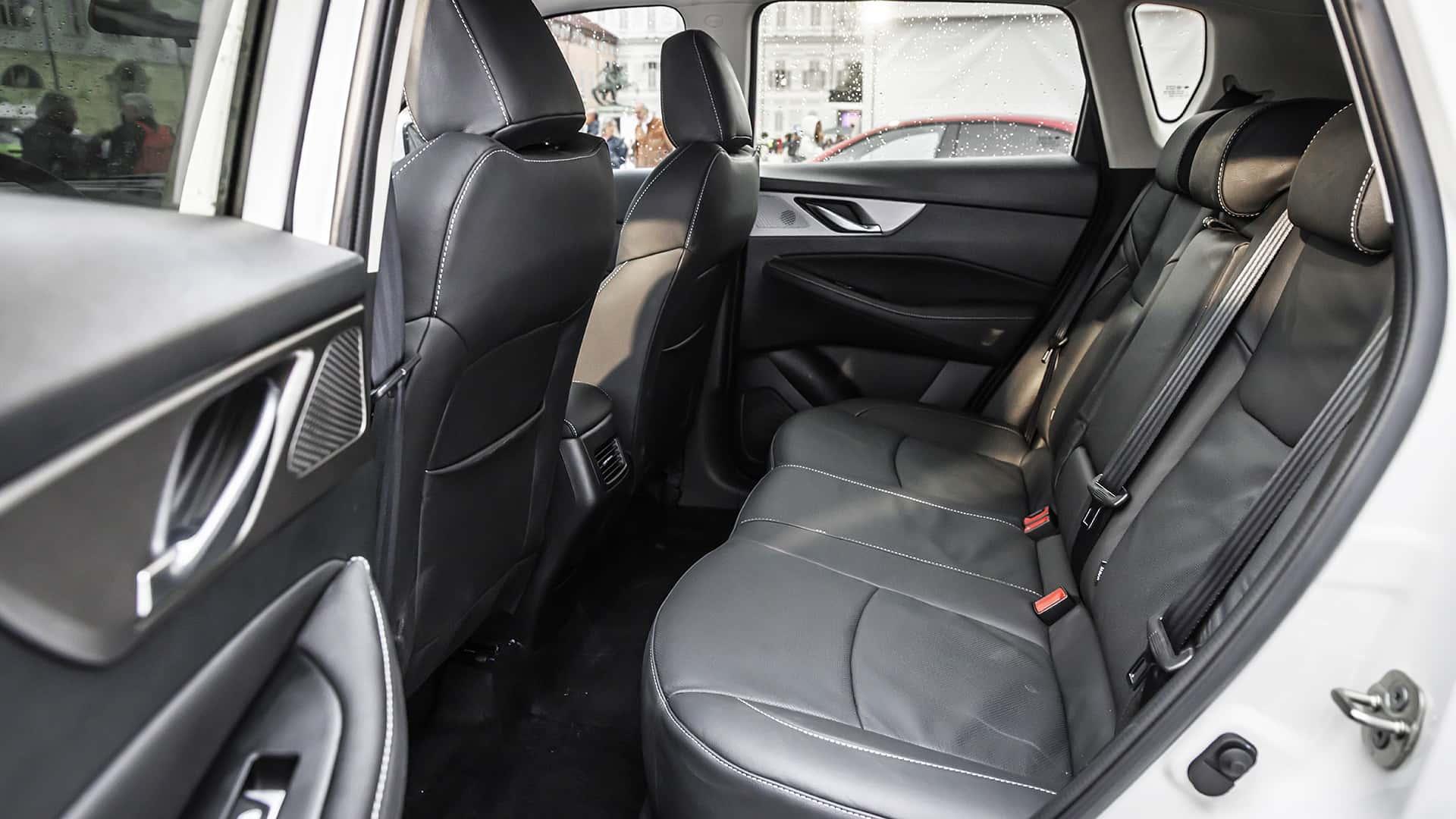
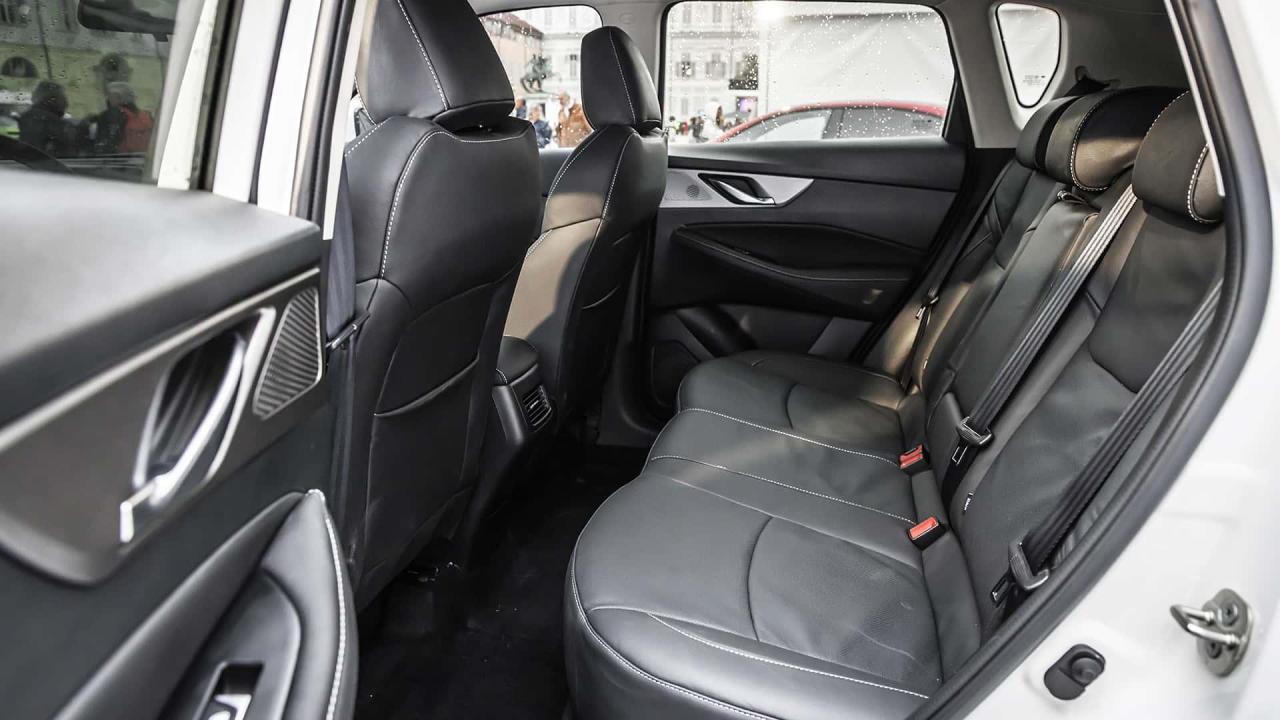
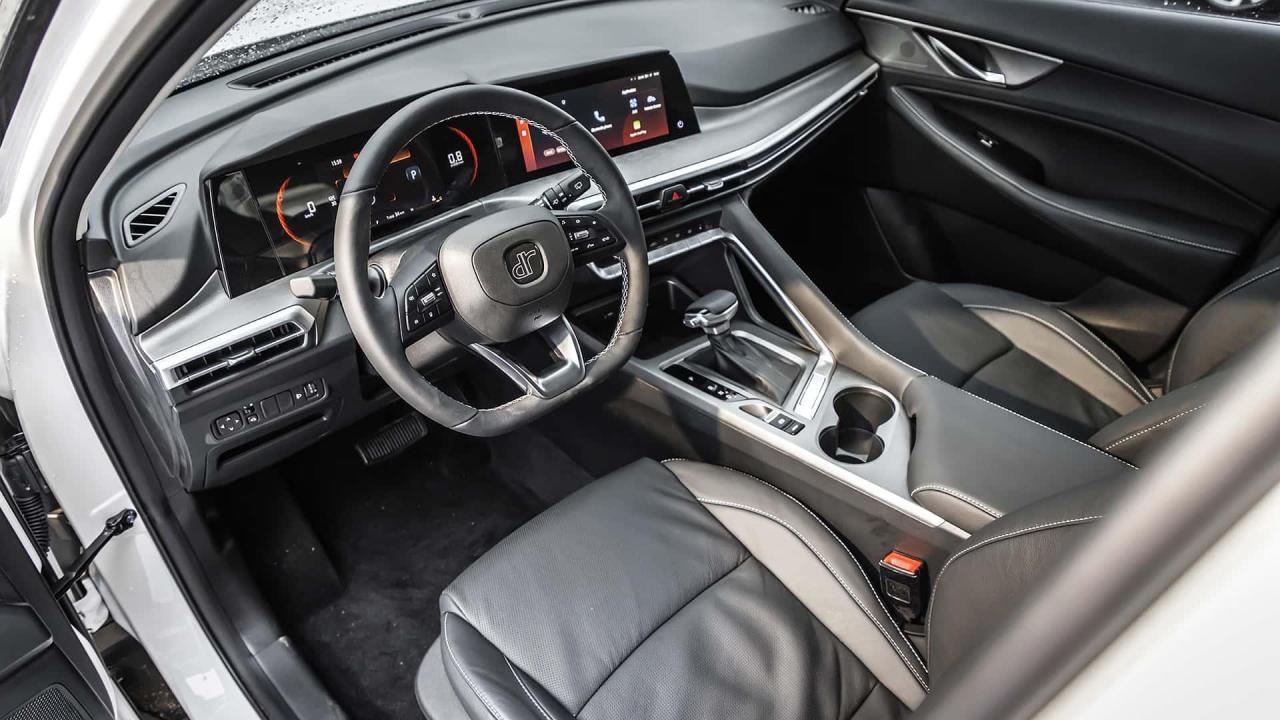
Bella la pelle dei sedili con questo tocco vintage usurato 🤣
-
-
Lato DR ne vedo spesso per tagliandi e già si bestemmia per quello perché o mancano dei filtri o mancano le candele o non si trovano le spazzole tergicristallo o mancano le pastiglie dei freni… per fortuna non ho ancora dovuto affrontare riparazioni di meccanica più serie. Conosco una carrozzeria che mi ha raccontato che con DR puoi lasciare ogni speranza perché anche per un semplice fanale i tempi di consegna sono assurdi e costa come l’oro..
-
Secondo me auto molto centrata e perfetta per il suo obbiettivo: spostapersone concreta. Ma chiedo: con tutte queste motorizzazioni benzina gpl loro non hanno problemi per quel che riguarda le multe sulle emissioni?
-
Che poi se volessero vendere magari un occhiata ai listini fuori di testa dovrebbero darla: sull’ultimo al volante c’è la nuova q5 in edizione speciale lancio con un listino sopra i 90mila euro…
- 1602 risposte
-
- audi
- cupra
- ducati
- lamborghini
-
Taggato come:
-
-
Certo che tutti questi nuovi marchi hanno veramente dei nomi osceni… per il resto un altro spostapersone emozionante come un frigo…