






YouDude
Utente Registrato
-
Iscritto il
-
Ultima visita
Tutti i contenuti di YouDude
-
-
-
Se c'è una cosa che caratterizza le presentazioni dei nuovi modelli Lamborghini è l'entusiasmo che scatenano a livello internazionale. Ho provato a dare un'occhiata sui vari social, se ad esempio prendiamo i commenti del video ufficiale su YouTube questa Urus sembra unire l'opinione pubblica internazionale nel senso opposto. Viene criticata tantissimo per la condivisione estrema, ma soprattutto per il design troppo Audi/VW. Credo che critiche così diffuse ed insistenti siano difficili da ignorare per le future scelte del marchio e del gruppo in generale.
-
-
-
-
-
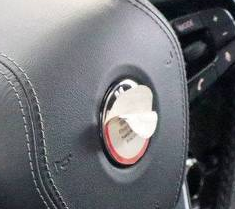
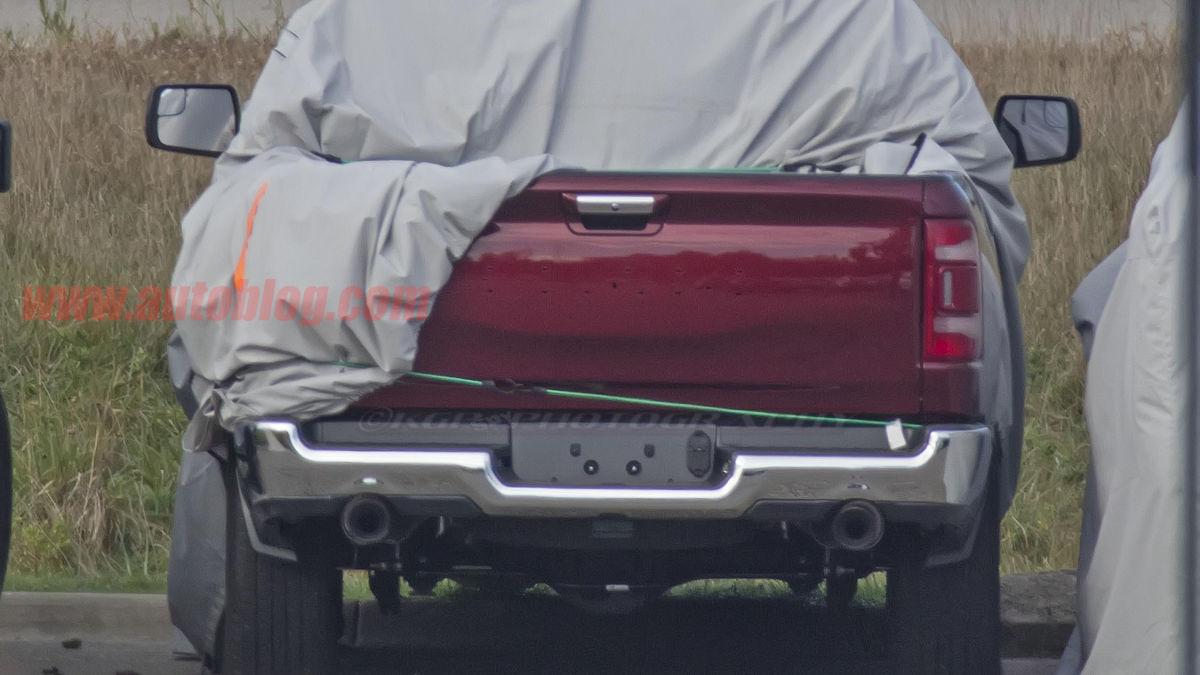
Si vedono addirittura le lettere del logo BMW sotto lo sticker
-
Altro che LM002, questa Urus sarà l'erede della LM003 disegnata dalla società spin-off di Zagato, la SZ, durante il periodo indonesiano della Lambo, che doveva essere tra l'altro alimentata da un 5 cilindri diesel
-
Gli spagnoli dicono che avrà lo stesso motore della 488 GTB potenziato tra i 700 e i 720 cv, coppia invariata, riduzione del peso effettuata eliminando alcuni elementi negli interni e nell'equipaggiamento, sostituendo la superficie vetrata con una più sottile ma ugualmente resistente e utilizzando cerchi in alluminio. Stimano una riduzione del peso di 30/40 kg, che secondo loro garantirebbe uno 0-100 in 2,7 secondi circa, e aggiungono che sarà dotata di un software inedito (SSC) per il controllo dell'angolo di slittamento laterale
-
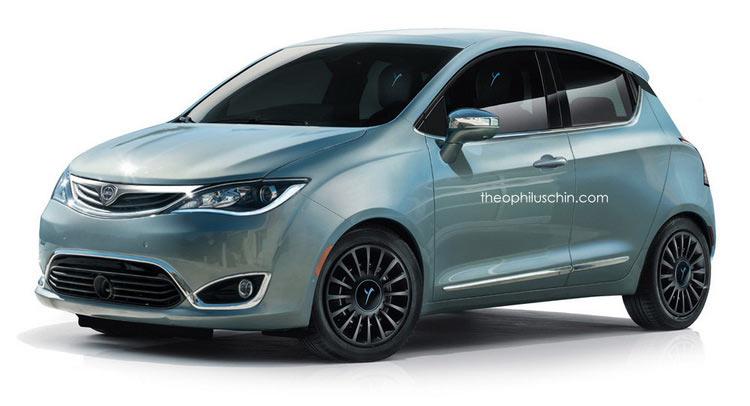
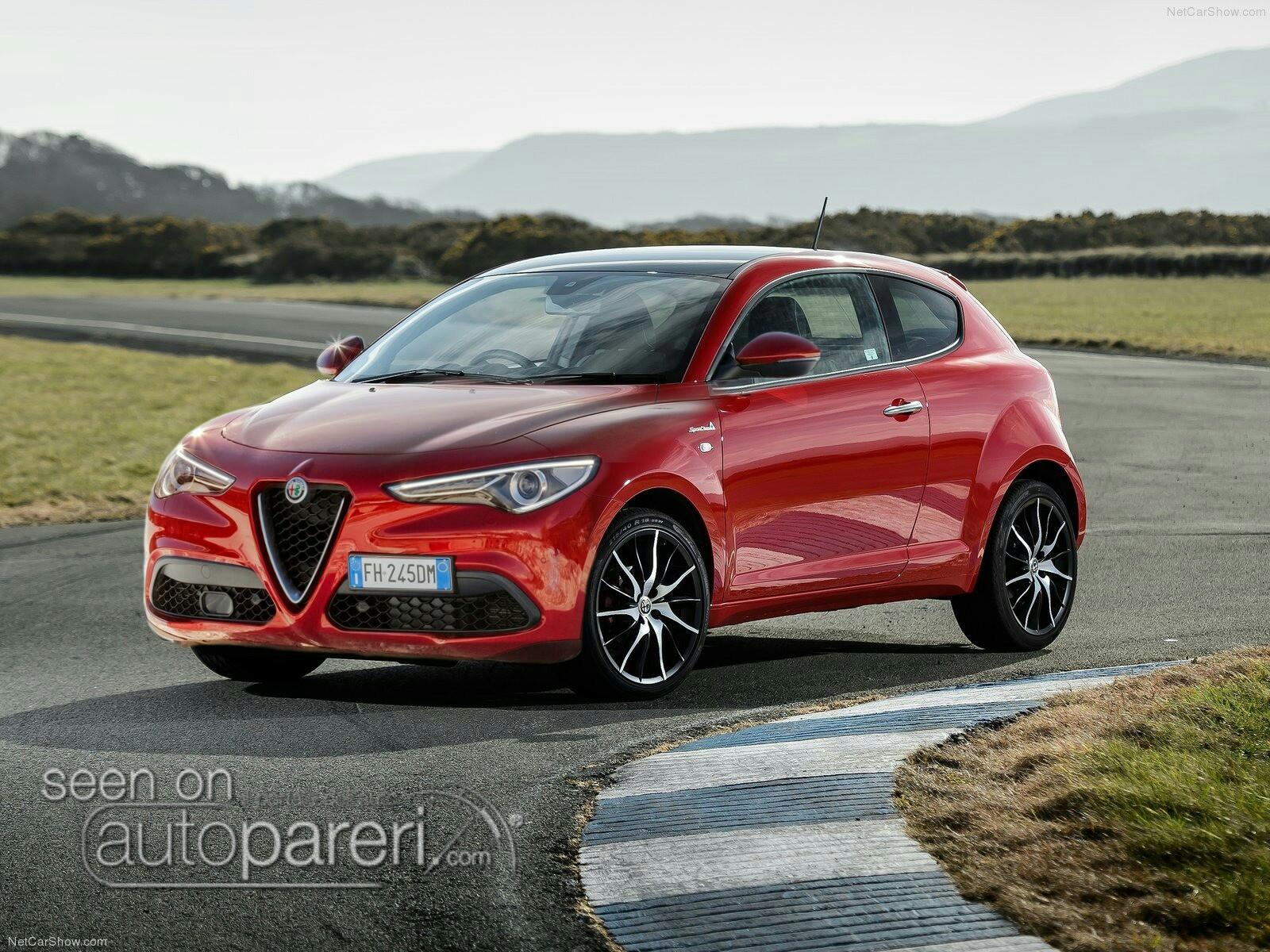
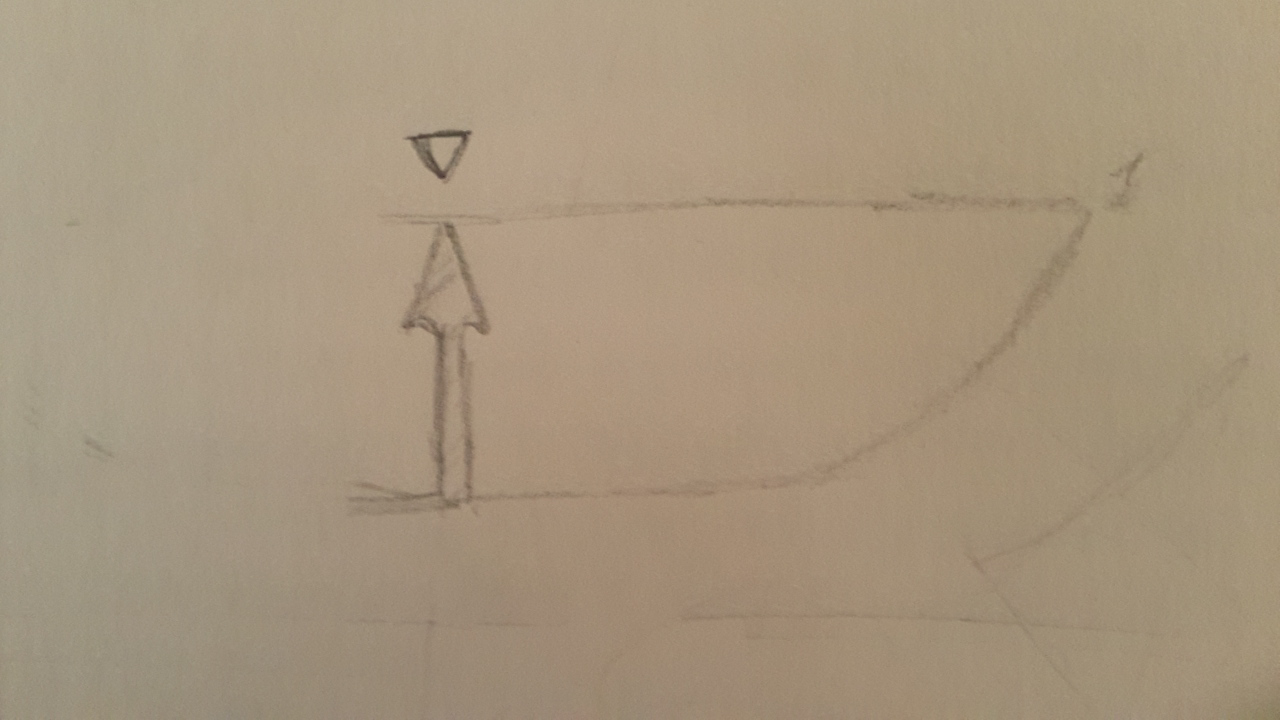
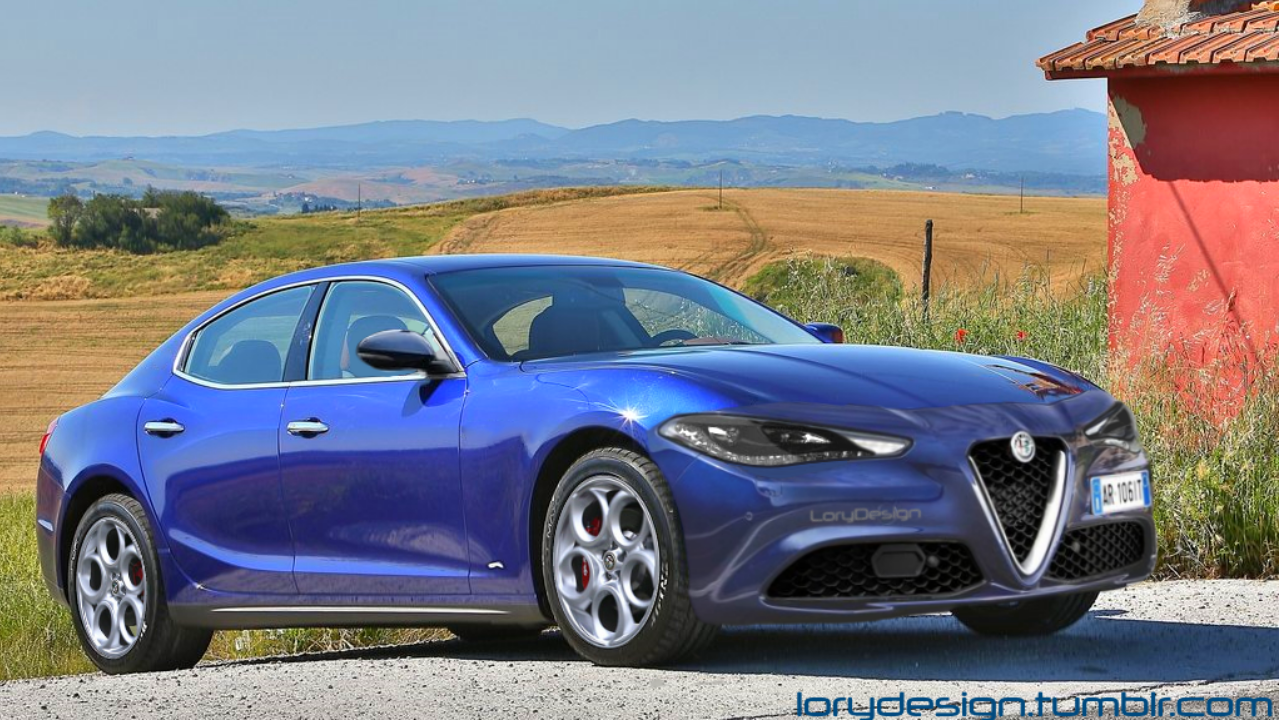
Dal punto di vista estetico non mi piace proprio, la trovo invecchiata male nel muso, soprattutto nei fanali. Una MiTo con le grafiche dei fanali nuove anziché argentate e con lo scudetto in stile Giulia dimostra al massimo 2/3 anni di età, qui però non so quanto aiuterebbero le grafiche visto che anche la forma non è delle migliori... e dire che lo stile per trasformarla in un piccolo capolavoro lo avrebbero:
-
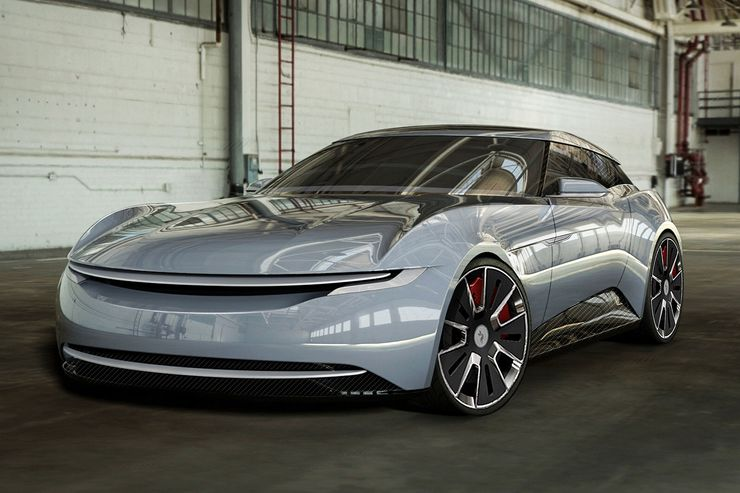
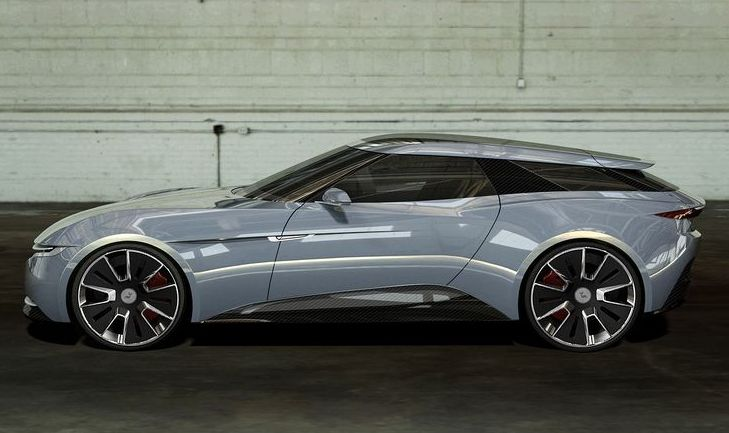
Io ho pensato subito a questa:
- 50 risposte
-
- auto in arrivo
- concept
- foto auto
- foto nuove auto
-
Taggato come:
- auto in arrivo
- concept
- foto auto
- foto nuove auto
- foto ufficiali
- lamborghini
- lamborghini concept
- lamborghini concept 2017
- lamborghini terzo millennio
- lamborghini terzo millennio concept
- novità auto
- nuove auto
- presentazioni auto
- presentazioni auto ufficiali
- terzo millennio
- terzo millennio concept
- topic ufficiale
- ufficiale
-
Cambiate il titolo in Terzo Millennio
- 50 risposte
-
-

- 2
-
-
- auto in arrivo
- concept
- foto auto
- foto nuove auto
-
Taggato come:
- auto in arrivo
- concept
- foto auto
- foto nuove auto
- foto ufficiali
- lamborghini
- lamborghini concept
- lamborghini concept 2017
- lamborghini terzo millennio
- lamborghini terzo millennio concept
- novità auto
- nuove auto
- presentazioni auto
- presentazioni auto ufficiali
- terzo millennio
- terzo millennio concept
- topic ufficiale
- ufficiale
-
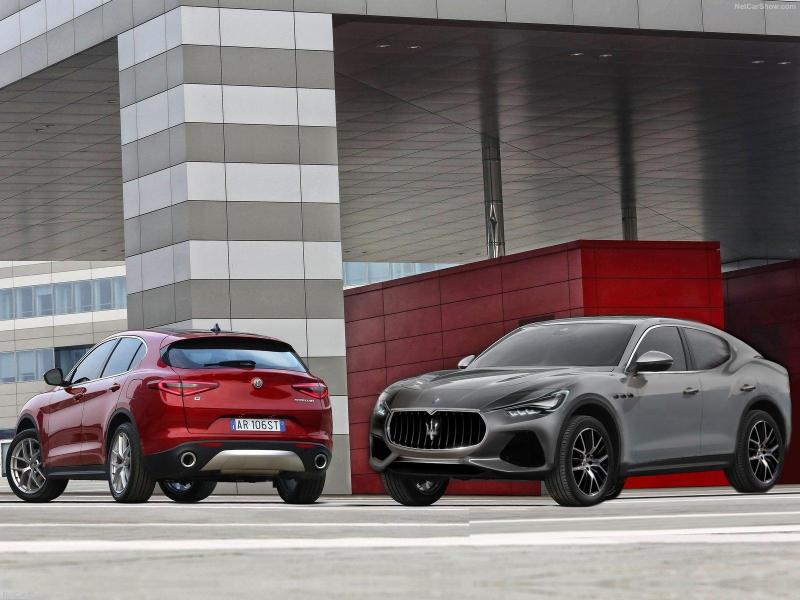
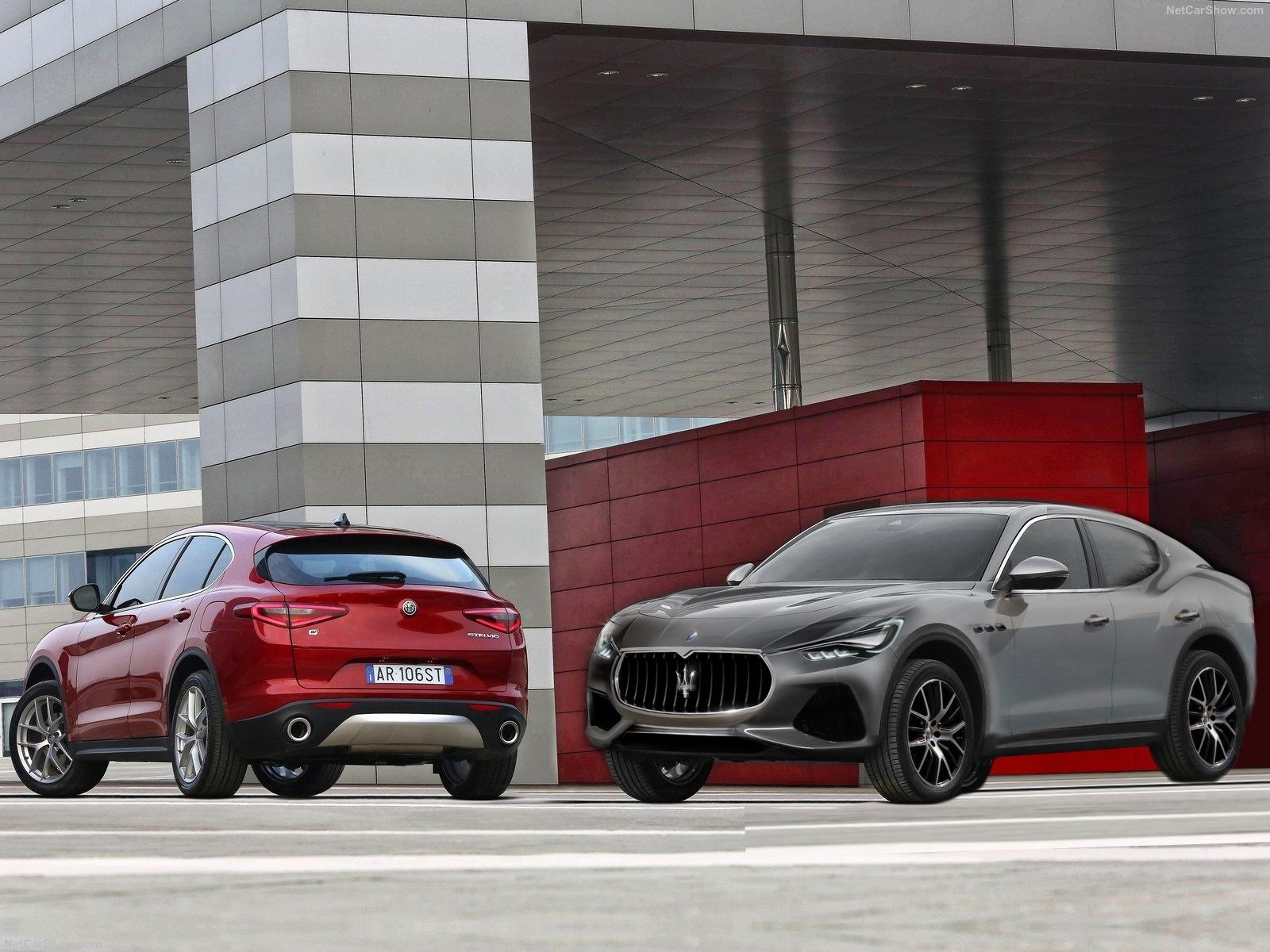
Una roba che ho trovato nel PC risalente all'epoca dei rumors circa un ipotetico SUV di segmento D modenese. Abbiate pietà sull'esecuzione, è un progetto palesemente abbandonato dopo mezz'ora di lavoro, però è perfetto per la sezione mashups perché si tratta di una sorta di calderone su base Stelvio nel quale ho infilato Kubang (muso), Alfieri (posteriore) e nuova GT (prese d'aria).
 Sembra che la nuova Corvette sarà in realtà una 458 Italia ...Ti odioL'ultimo post di @nubironaSW sul thread dei restyling mi ha fatto tornare in mente una cosa veloce che ho fatto un mesetto fa, ecco a voi MiStelvio
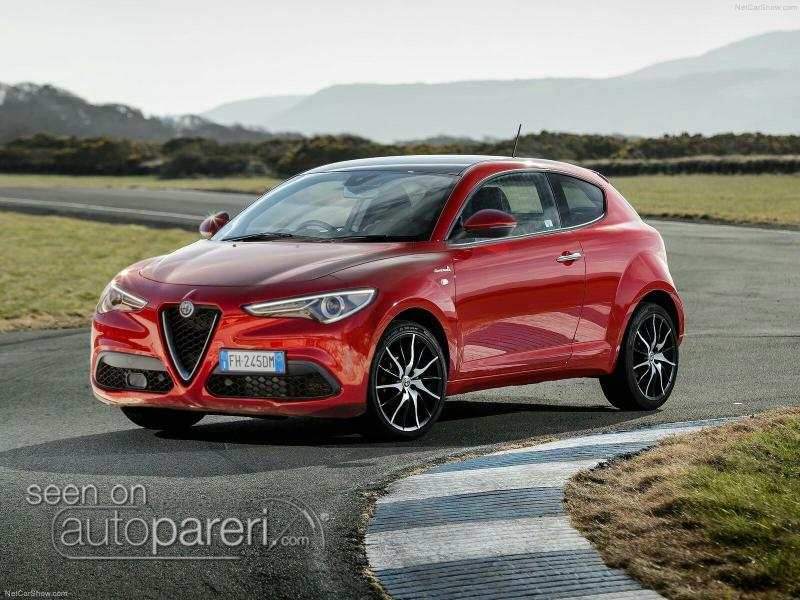 Piccola idea malsana che mi è venuta, se si spostasse il logo in piccolo sul cofano tipo Mercedes o subito davanti tipo Maserati e nella griglia invece si mettesse una lancia al centro a dividerla in due parti? O magari senza lancia, si fanno due pezzi separati da una striscia di carrozzeria e nei bordi interni gli si dà la forma di una lancia (come la famosa illusione dei due volti che formano un vaso)?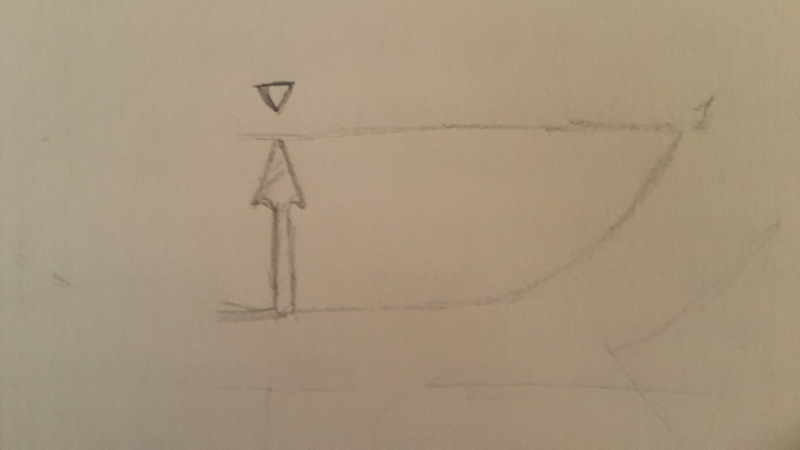









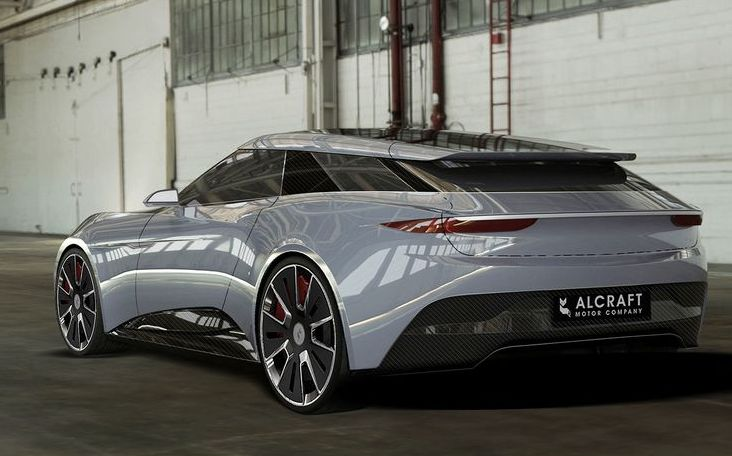
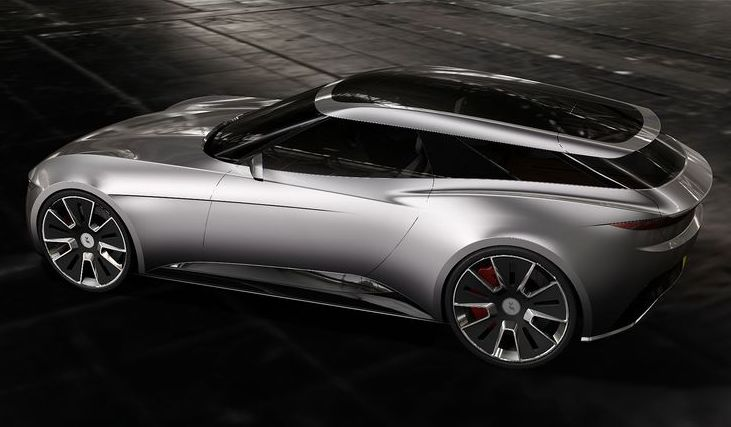
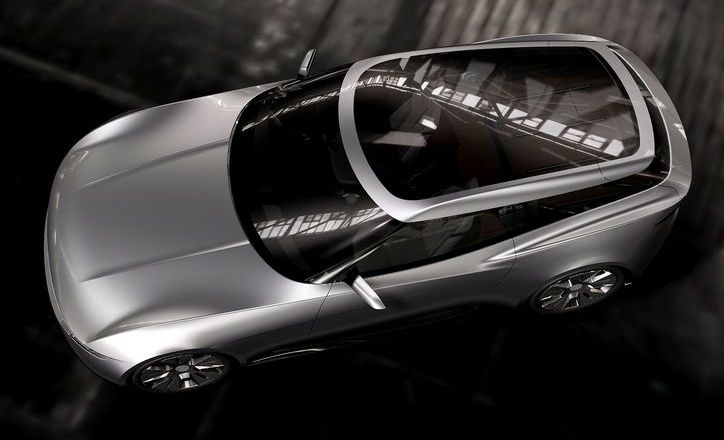
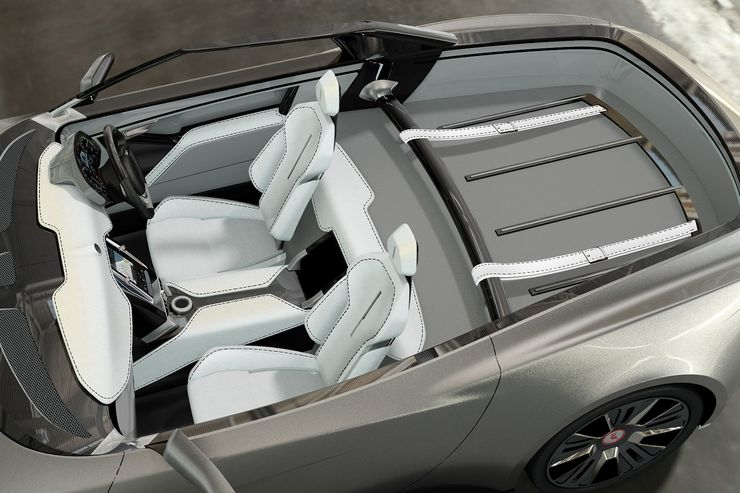
Account
Navigation
Cerca
Configure browser push notifications
Chrome (Android)
- Tap the lock icon next to the address bar.
- Tap Permissions → Notifications.
- Adjust your preference.
Chrome (Desktop)
- Click the padlock icon in the address bar.
- Select Site settings.
- Find Notifications and adjust your preference.
Safari (iOS 16.4+)
- Ensure the site is installed via Add to Home Screen.
- Open Settings App → Notifications.
- Find your app name and adjust your preference.
Safari (macOS)
- Go to Safari → Preferences.
- Click the Websites tab.
- Select Notifications in the sidebar.
- Find this website and adjust your preference.
Edge (Android)
- Tap the lock icon next to the address bar.
- Tap Permissions.
- Find Notifications and adjust your preference.
Edge (Desktop)
- Click the padlock icon in the address bar.
- Click Permissions for this site.
- Find Notifications and adjust your preference.
Firefox (Android)
- Go to Settings → Site permissions.
- Tap Notifications.
- Find this site in the list and adjust your preference.
Firefox (Desktop)
- Open Firefox Settings.
- Search for Notifications.
- Find this site in the list and adjust your preference.