






Damynavy
Utente Registrato
-
Iscritto il
Tutti i contenuti di Damynavy
-
Un interessante articolo di David Cenciotti sul 70°. Allievo vs Istruttore 😆 https://theaviationist.com/special-reports/il-70-stormodi-grazzanise/
-
Il tuo istruttore, non se lo ricorda il Briefing del 260? https://avioreporter.com/2014/08/28/gli-sf-260-del-70-stormo/ Non facile, ma questa era la procedura: Parte tutto a terra con la vestizione che comprende tuta, paracadute e casco e con il briefing delle emergenze compresa la procedura di abbandono dell’aereo, che non è banale se si pensa che in caso di emergenza e della necessità di lanciarsi, a patto di avere ancora le ali integre, la procedura prevede di aprire il tettuccio, sganciare le cinture, alzarsi, uscire a carponi sull’ala e lasciarsi andare nel vuoto. Tutto questo per evitare impatti con l’impennaggio verticale.
-
@xbertone...era una "rottura di palle" alzarsi.😂
-
Oggi, l'ho visto in via Montenapoleone...Non me la sono persa... L'ho volutamente ignorata. Non volevo mettere nella stessa frase, R4 e VOLO😂
- 17 risposte
-
-

-

- 4
-
-
- air4
- droni
- renault
- renault r4
-
Taggato come:
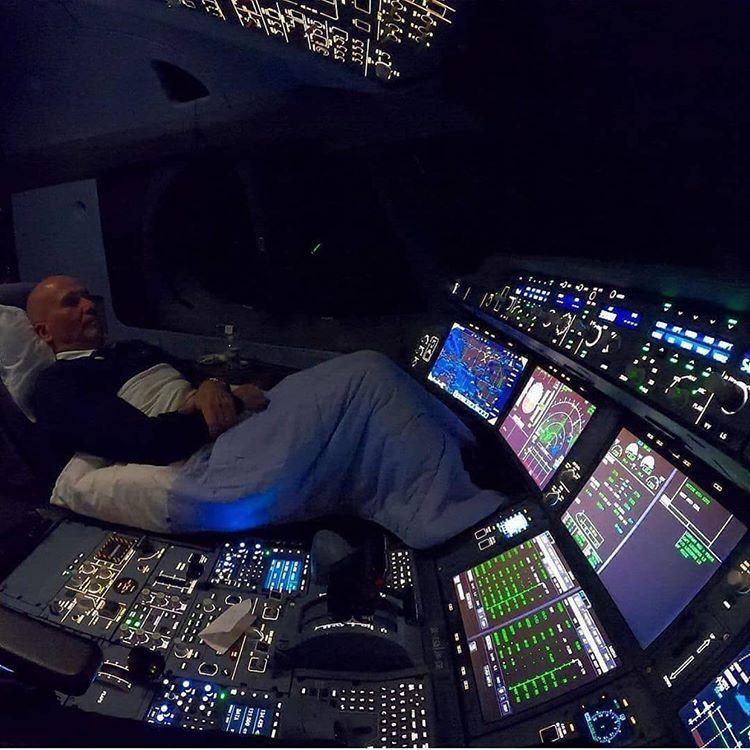
C'è già il prototipo...😂_Santa_Fe_NM_25_06.95R_edited-2.jpg.609c4387281609eda3c8d18a4863bfa7.jpg) https://www.lastampa.it/esteri/2021/11/26/video/il_soprendente_aereo_lufthansa_aereo_super_yacht_con_discoteca_pareti_trasparenti_e_un_balcone_costo_325_milioni_di_dol-729252/
https://www.lastampa.it/esteri/2021/11/26/video/il_soprendente_aereo_lufthansa_aereo_super_yacht_con_discoteca_pareti_trasparenti_e_un_balcone_costo_325_milioni_di_dol-729252/










Account
Navigation
Cerca
Configure browser push notifications
Chrome (Android)
- Tap the lock icon next to the address bar.
- Tap Permissions → Notifications.
- Adjust your preference.
Chrome (Desktop)
- Click the padlock icon in the address bar.
- Select Site settings.
- Find Notifications and adjust your preference.
Safari (iOS 16.4+)
- Ensure the site is installed via Add to Home Screen.
- Open Settings App → Notifications.
- Find your app name and adjust your preference.
Safari (macOS)
- Go to Safari → Preferences.
- Click the Websites tab.
- Select Notifications in the sidebar.
- Find this website and adjust your preference.
Edge (Android)
- Tap the lock icon next to the address bar.
- Tap Permissions.
- Find Notifications and adjust your preference.
Edge (Desktop)
- Click the padlock icon in the address bar.
- Click Permissions for this site.
- Find Notifications and adjust your preference.
Firefox (Android)
- Go to Settings → Site permissions.
- Tap Notifications.
- Find this site in the list and adjust your preference.
Firefox (Desktop)
- Open Firefox Settings.
- Search for Notifications.
- Find this site in the list and adjust your preference.