




stefano1234
Utente Registrato
-
Iscritto il
-
Ultima visita
Tutti i contenuti di stefano1234
-
-
-
-
-
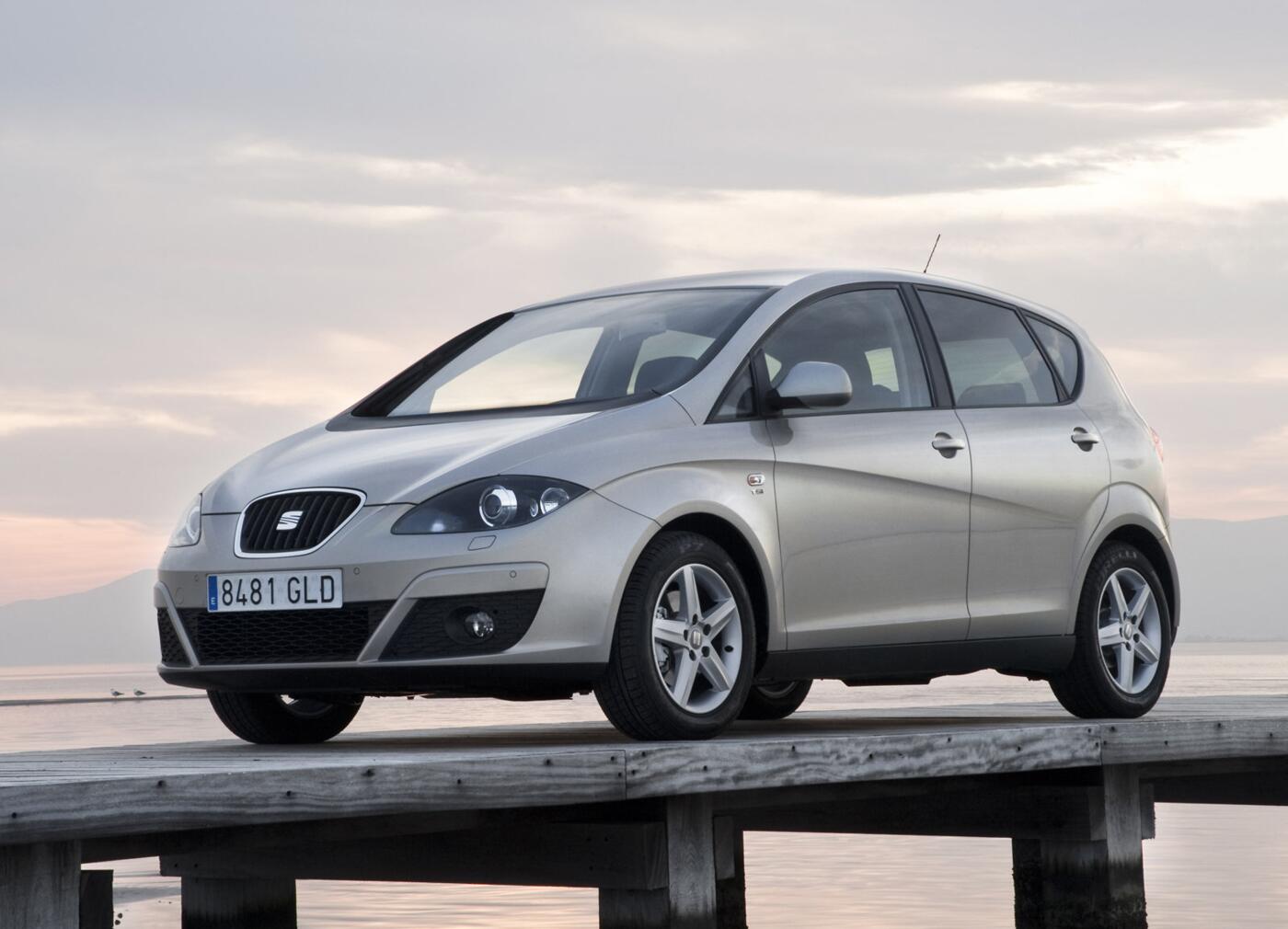
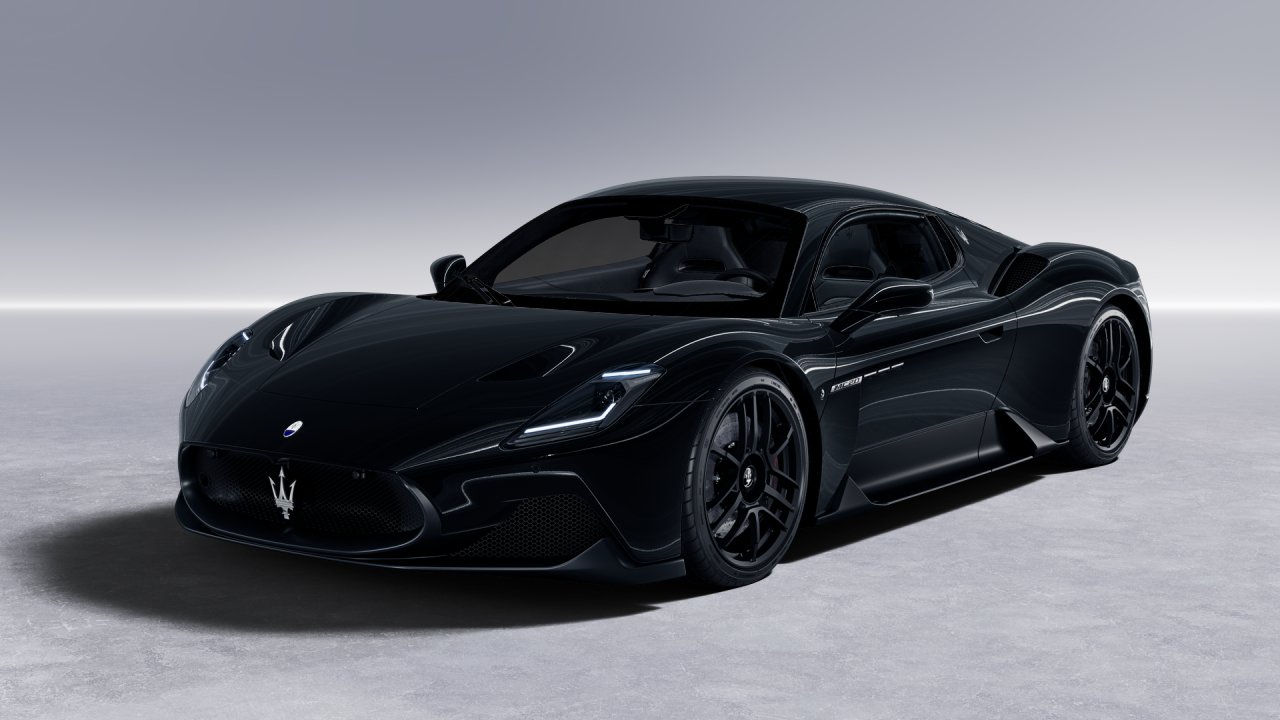
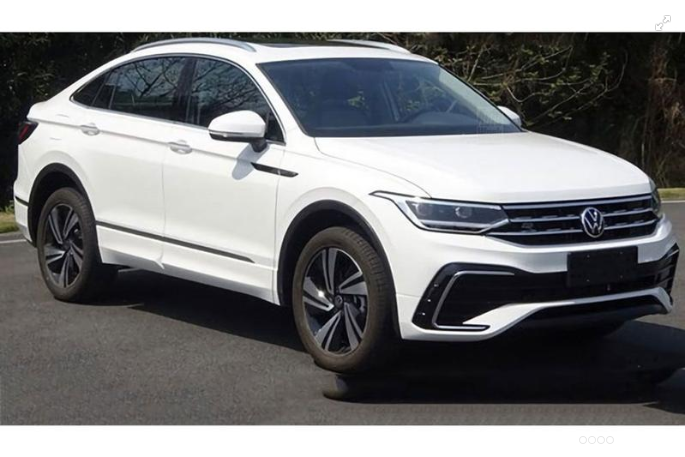
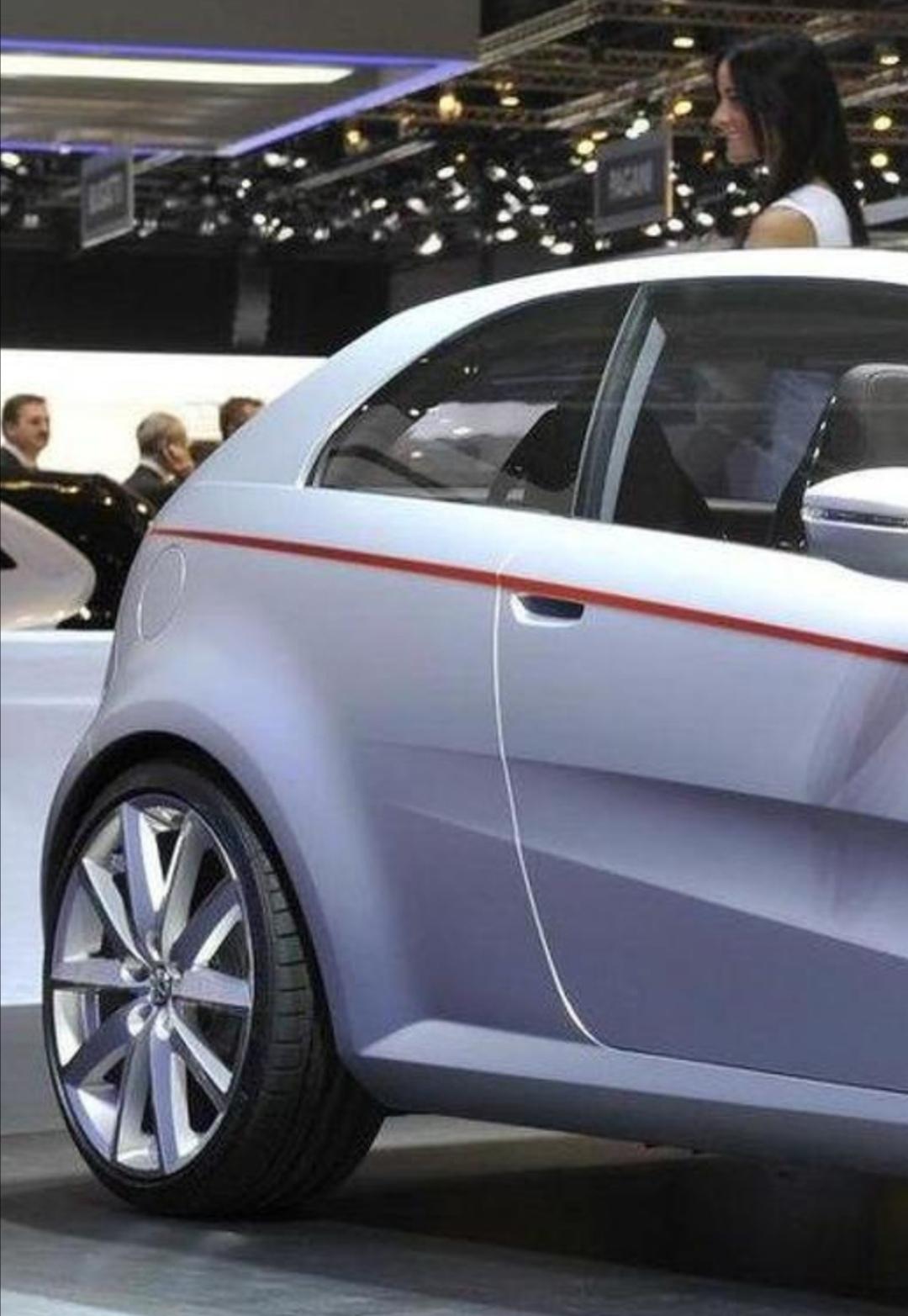
 In questo dettaglio è veramente la. Grande Punto 2.0 che avremmo dovuto vedere
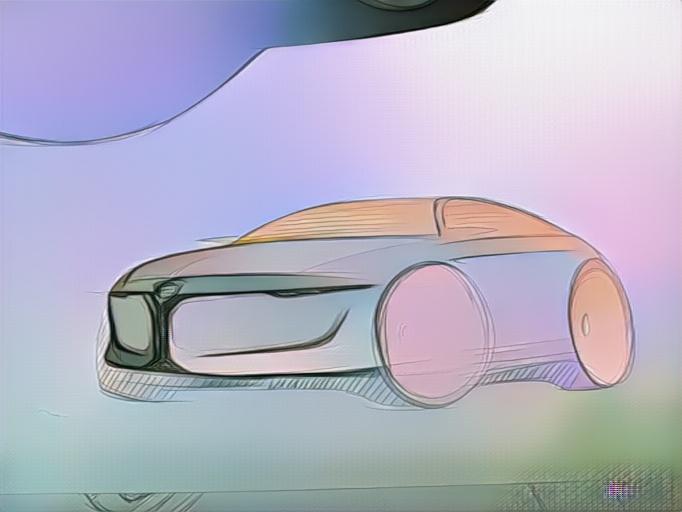
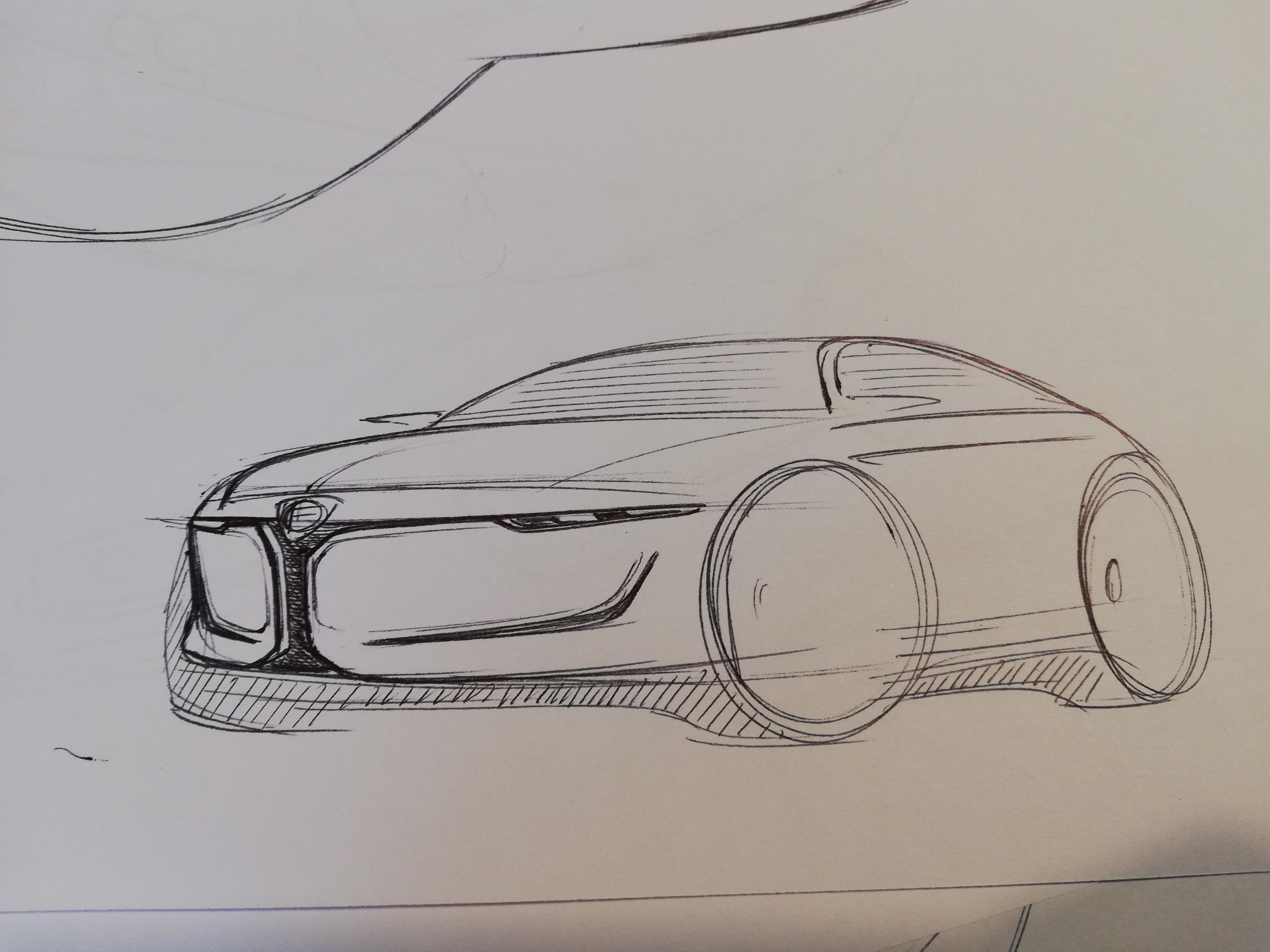
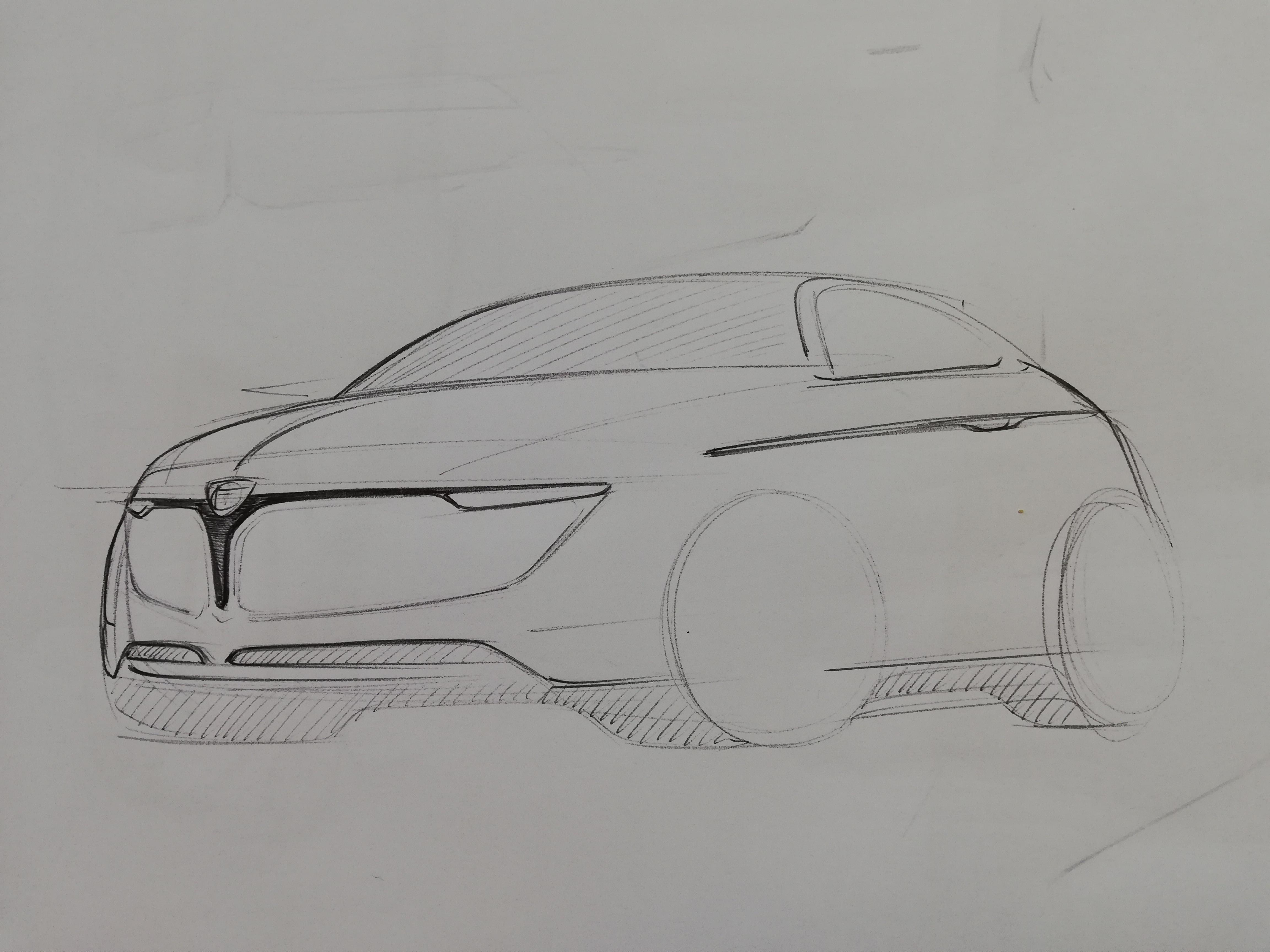
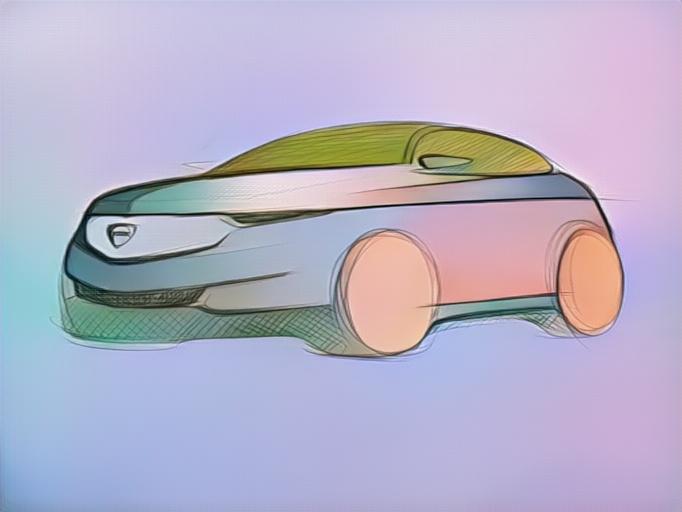
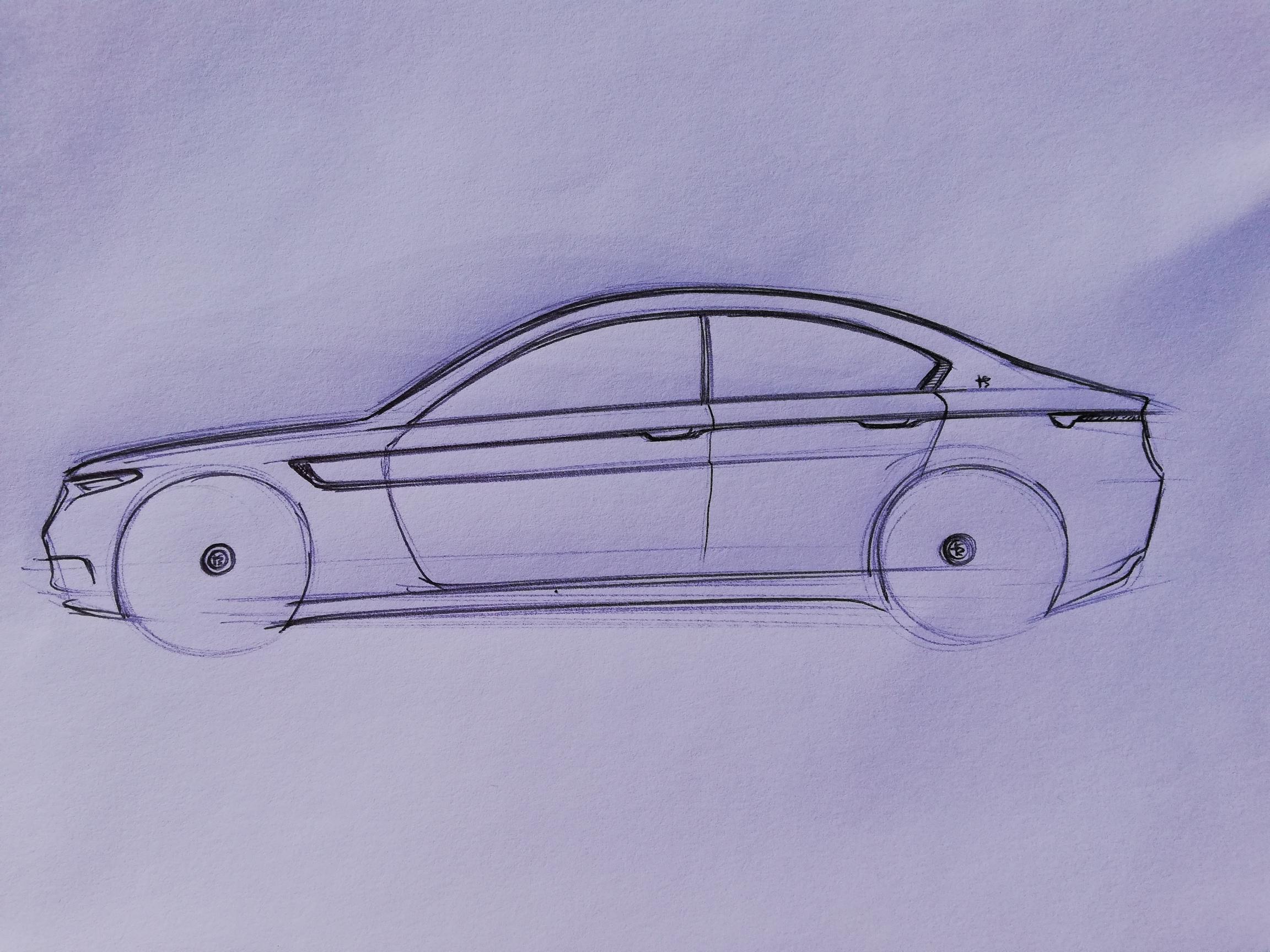
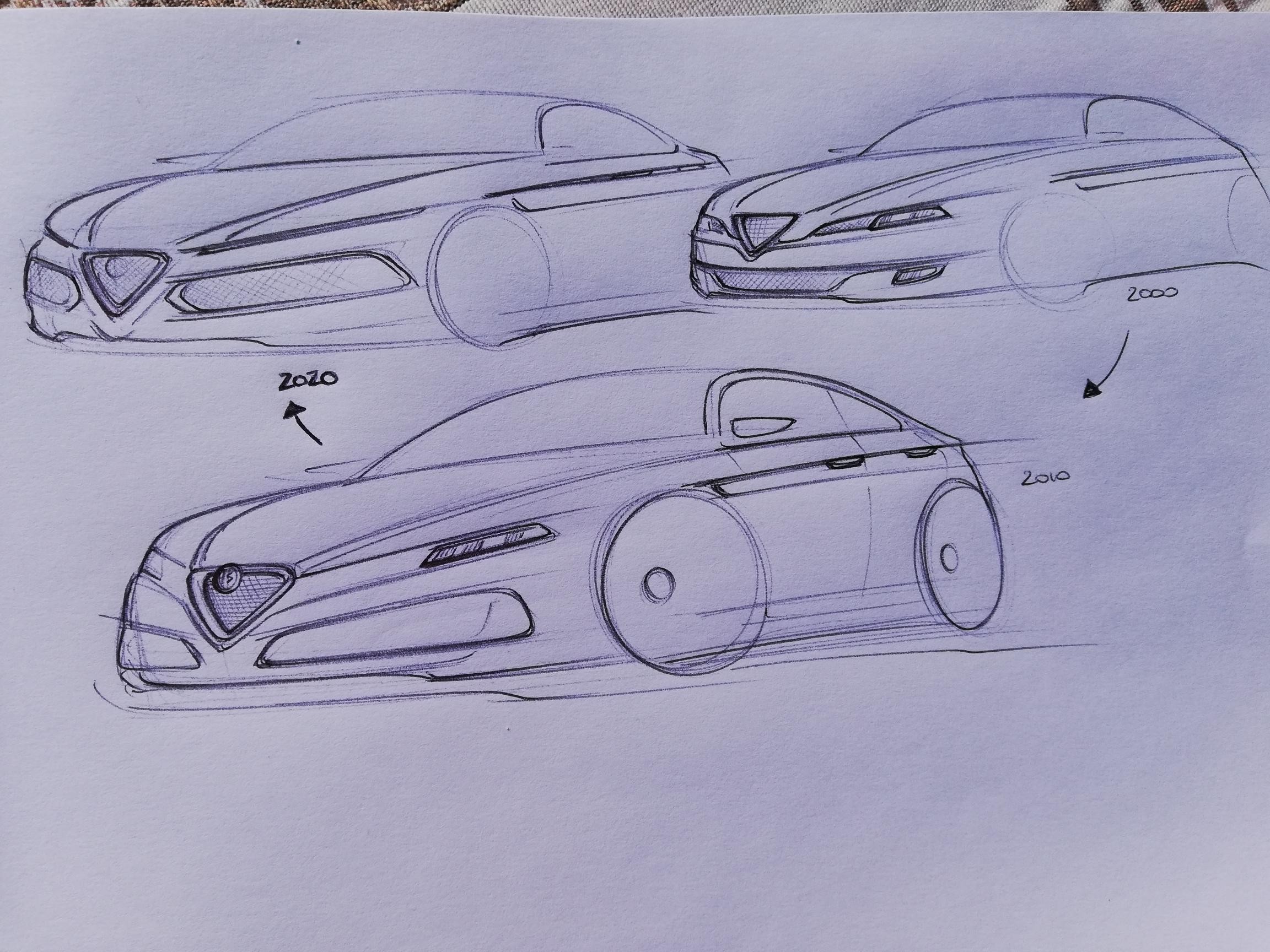
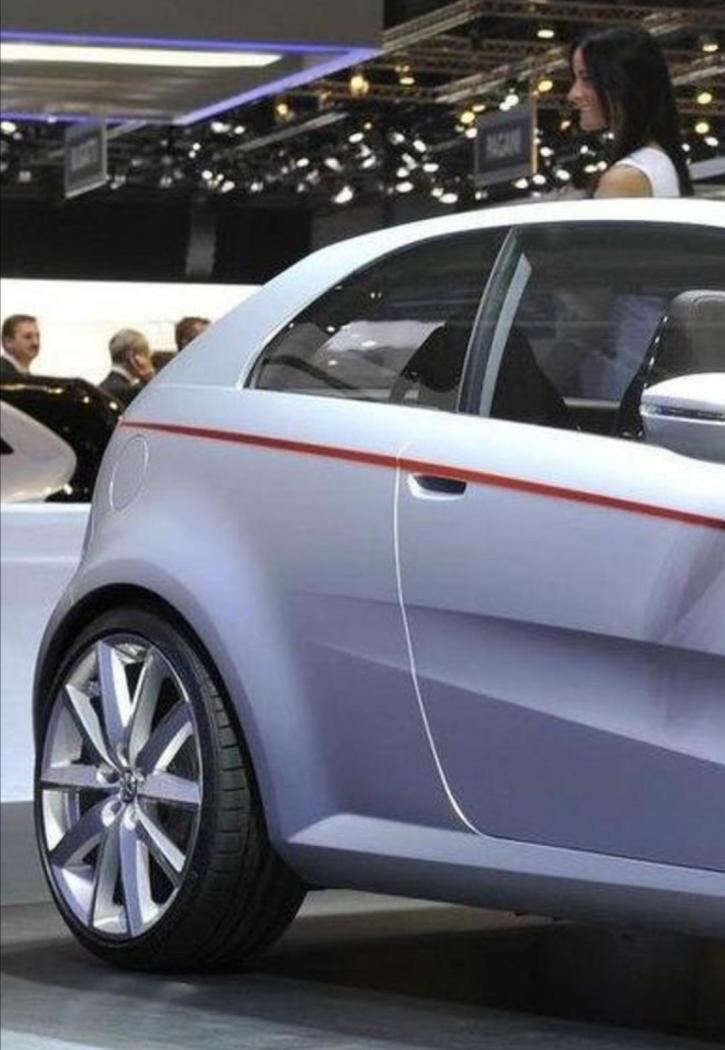 @TONI ovviamente fai sempre prendere vita a sti scarabocchi ?Toni, la calandra non ha aperture ma è chiusa, quelli non non sono riuscito a rendere tanti sono le ombre delle nervature che vanno a ricreare la sagoma della calandra Le. Prese d'aria penso che dritte siano più semplici e coerenti Ma devo anche ammettere che la tua interpretazione con quelle piccole feritoie ha un fascino più aggressivo. Grazie @VuOttoper i complimenti ?Riapro per postare la mia idea per B-SUV Alfa Romeo Sono rimasto stupito non ce ne fosse uno aperto ?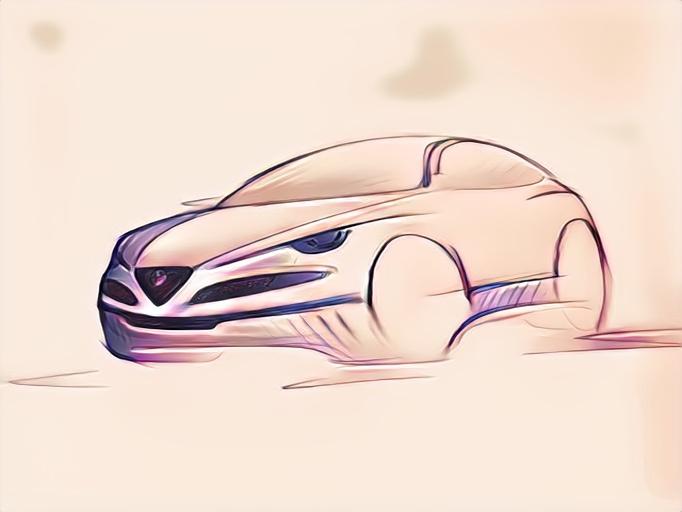





.gif.46e661ace144cfe1a433fb580ec30a41.gif)


Account
Navigation
Cerca
Configure browser push notifications
Chrome (Android)
- Tap the lock icon next to the address bar.
- Tap Permissions → Notifications.
- Adjust your preference.
Chrome (Desktop)
- Click the padlock icon in the address bar.
- Select Site settings.
- Find Notifications and adjust your preference.
Safari (iOS 16.4+)
- Ensure the site is installed via Add to Home Screen.
- Open Settings App → Notifications.
- Find your app name and adjust your preference.
Safari (macOS)
- Go to Safari → Preferences.
- Click the Websites tab.
- Select Notifications in the sidebar.
- Find this website and adjust your preference.
Edge (Android)
- Tap the lock icon next to the address bar.
- Tap Permissions.
- Find Notifications and adjust your preference.
Edge (Desktop)
- Click the padlock icon in the address bar.
- Click Permissions for this site.
- Find Notifications and adjust your preference.
Firefox (Android)
- Go to Settings → Site permissions.
- Tap Notifications.
- Find this site in the list and adjust your preference.
Firefox (Desktop)
- Open Firefox Settings.
- Search for Notifications.
- Find this site in the list and adjust your preference.