(1)(1).png.9646bf5114d93a5280bda88264436f0b.png)
Osv
Reporter (Staff)
-
Iscritto il
-
Ultima visita
Tutti i contenuti di Osv
-
-
-
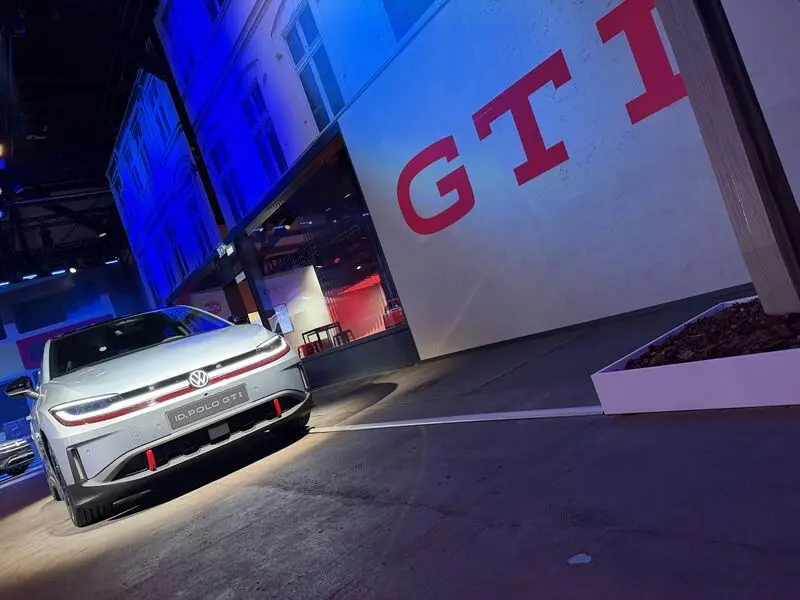
Leak dal profilo IG di Wilcoblok: C’è anche la GTI: Dovrebbero presentarla il 29 Aprile.
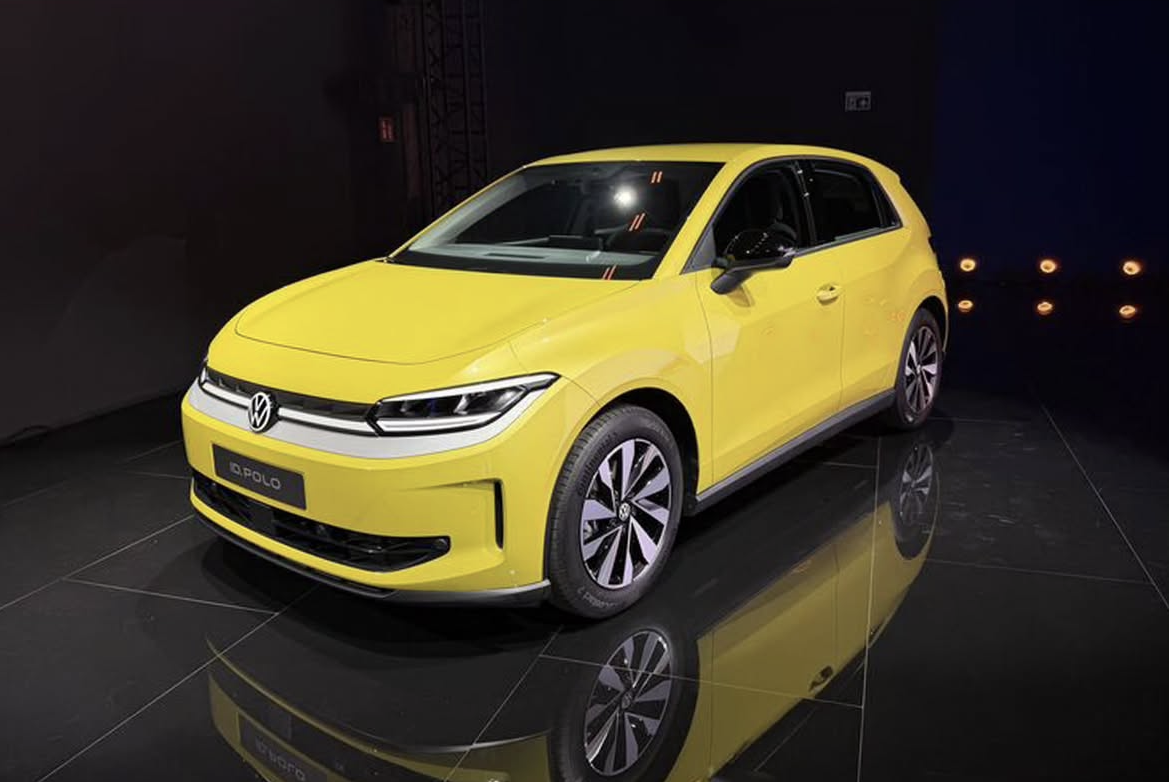
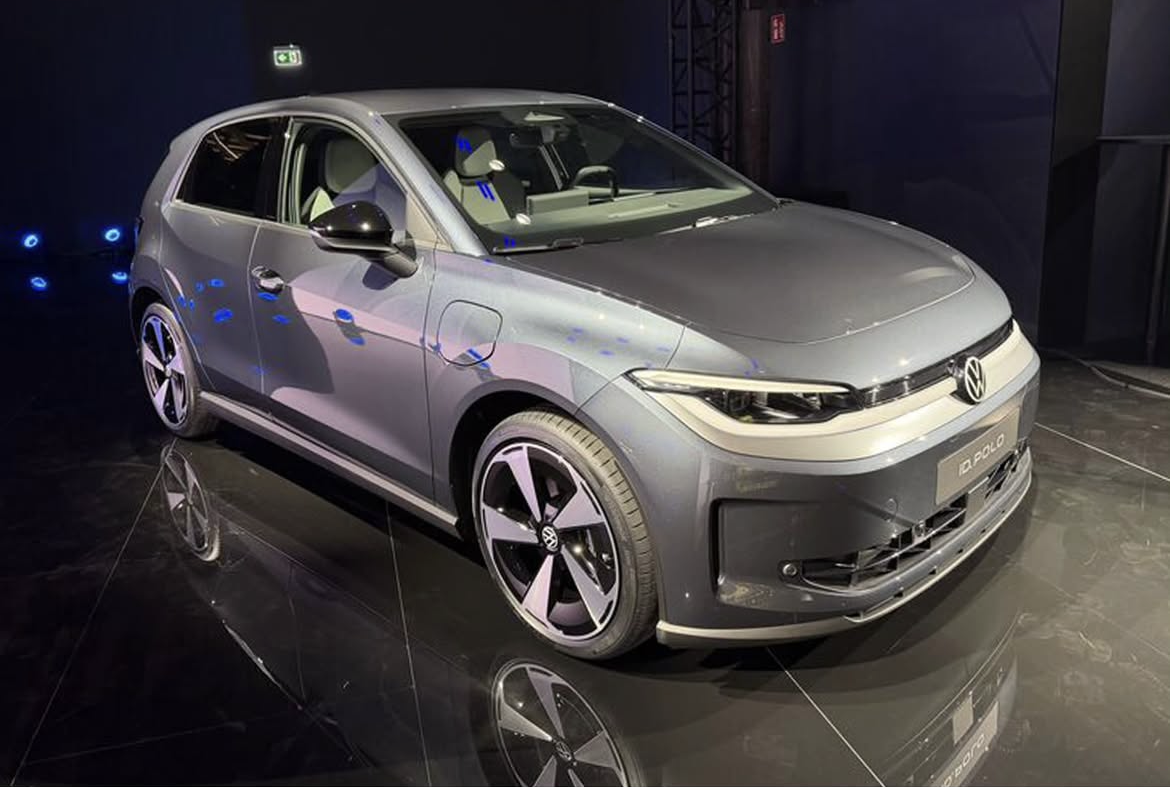
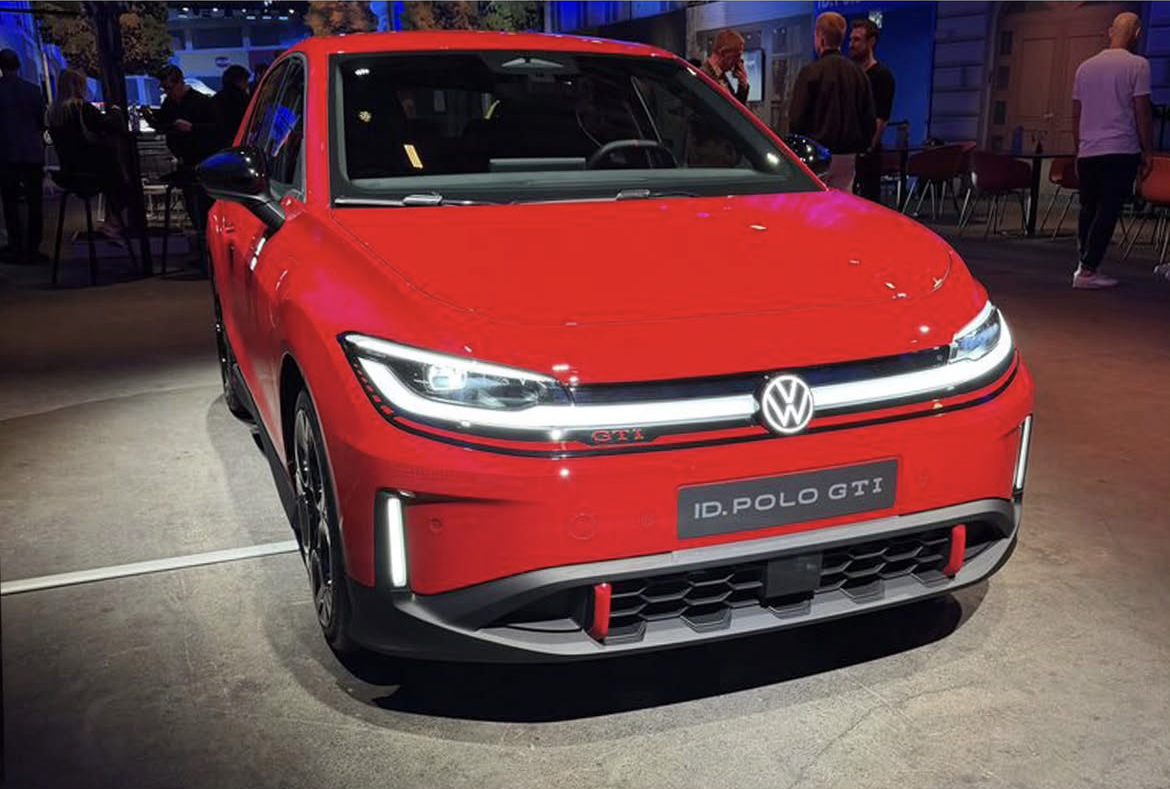
- 213 risposte
-
-

-

- 4
-
-
- id
- id.2
- id2
- volkswagen
-
Taggato come:
-
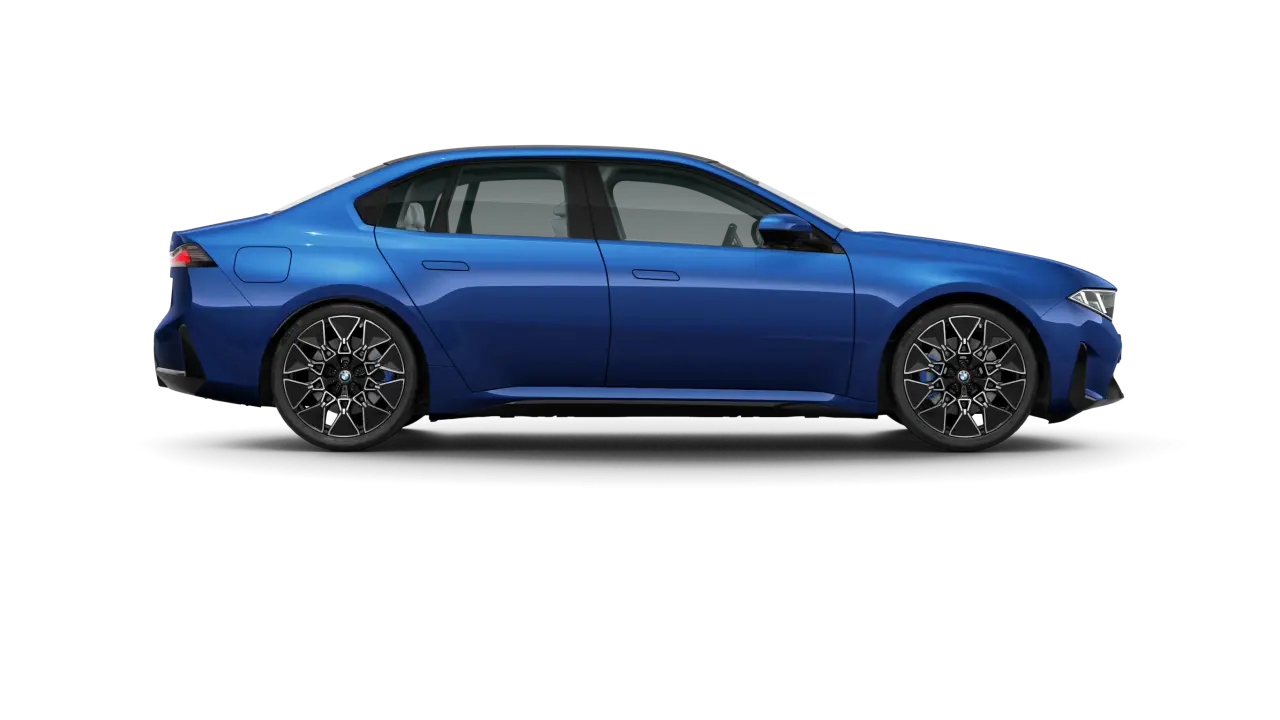
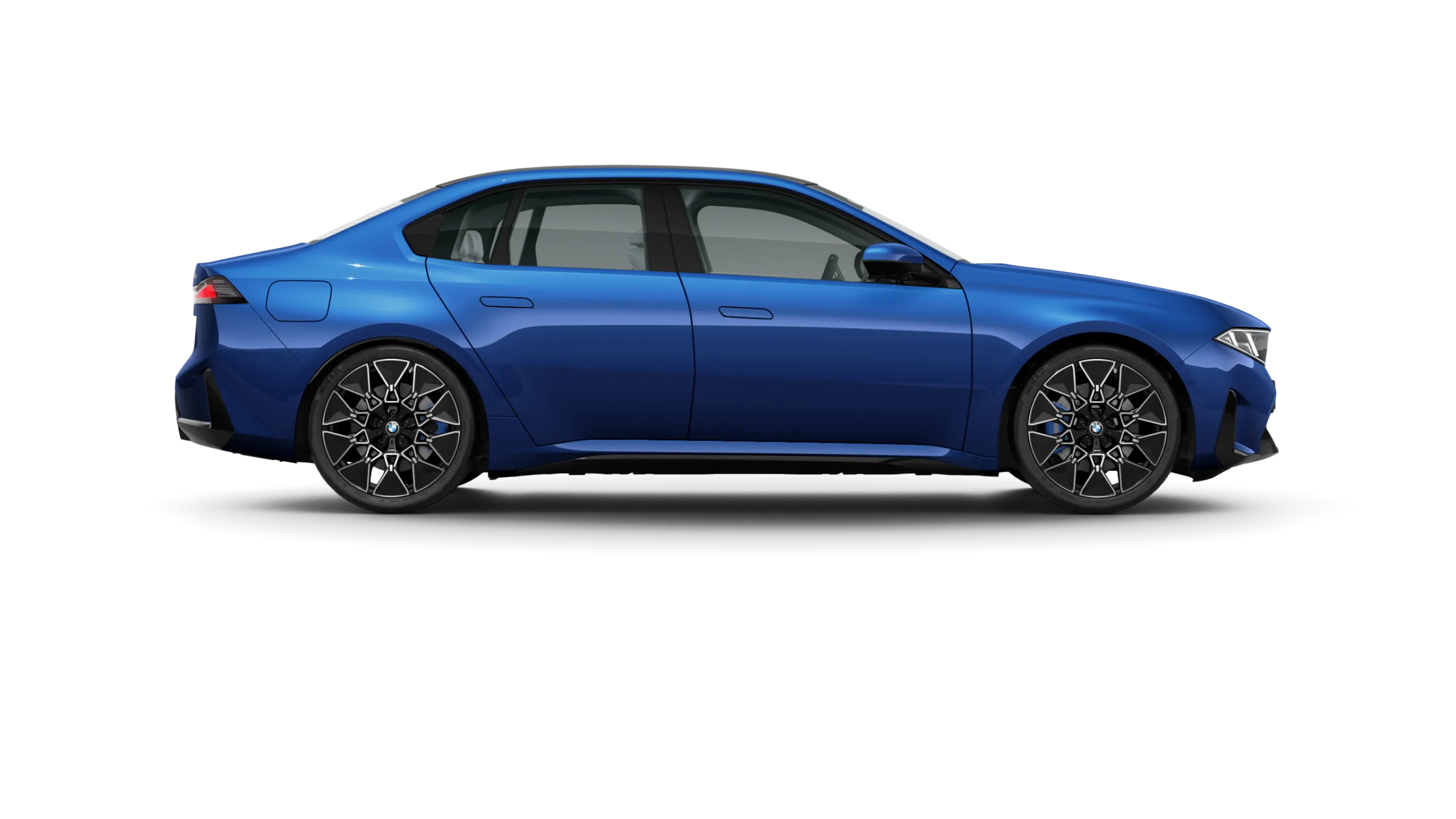
È il volante Individual bianco.La iX3 comunque, già a partire dall’allestimento base, è molto molto completa a differenza di Audi e Mercedes, andandola a configurare io avrò aggiunto si e no 2-3 optional.La i3 della presentazione è una M-Sport, proprio come la iX3 che presentarono a Settembre…U11 è la termica, ed infatti questo topic riguarda l’LCI della termica. La BEV Neue Klasse è NB5 e c’è il topic apposito.Ecco i colori degli esterni e le varie finiture interne dal sito BMW: Le Castellet blue metallizzato Alpin White pastello Black Sapphire metallizzato Space Silver metallizzato Brooklyn Grey metallic Eucalyptus Green Metallic Fire Red metallizzato Polarized Grey Metallic Ocean Wave Blue Metallic Frozen Space Silver Contemporary Digital White Contemporary Bicolor black Contemporary Castanea Bicolor Contemporary Agave Bicolor BMW M Black BMW Individual Pelle Merino Black
.thumb.webp.3211949b3e40dca36a9e355ac9ed6fb1.webp)
.thumb.webp.c2fa9d0a66e0546583c5d9ef117e874c.webp)
.thumb.webp.680a0c32f42d12b928032cde3d8ca66c.webp)
.thumb.webp.745f5a63a2789a75747b1609326e11a5.webp)
.thumb.webp.00de5651fd916958ece7a5f909628975.webp)
.thumb.webp.40fa6422883fa725fd3daf0e95ac704c.webp)
.thumb.webp.60d7af59dc709415b7866c948aaf5f55.webp)
.thumb.webp.1166b59046a38682dfaf65aaf7b5ae49.webp)
.thumb.webp.e2f43ae2541e0671e68e905c90e6714a.webp)
.thumb.webp.0ad564c634c000c2d23680182b558872.webp)
.thumb.webp.00381818260869187dae550afee1fc66.webp)
.thumb.webp.8dd275281b31da7d5fbfd2b57a2e6669.webp)
.thumb.webp.f41da213be826c18c1cff0a8d09d3247.webp)
.thumb.webp.f6304283e3bdd87c425b8e8671f3c820.webp)
.thumb.webp.f74ddcfddc9b18af0ce59d6bd6bb51e9.webp) No aspetta, in realtà tutte le BMW BEV e non, LCI o nuove generazioni avranno lo stile Neue Klasse. I SUV seguiranno lo stile di iX3, mentre le “vetture basse” lo stile di i3. Faranno eccezione Serie 7 ed X7 che saranno simili tra loro ma diverse dal resto della gamma. Tra l’altro il paraurti della verde del leak di oggi dovrebbe essere quello M-Sport, mentre quello grigio (visto ieri) penso sia la versione “base”.
No aspetta, in realtà tutte le BMW BEV e non, LCI o nuove generazioni avranno lo stile Neue Klasse. I SUV seguiranno lo stile di iX3, mentre le “vetture basse” lo stile di i3. Faranno eccezione Serie 7 ed X7 che saranno simili tra loro ma diverse dal resto della gamma. Tra l’altro il paraurti della verde del leak di oggi dovrebbe essere quello M-Sport, mentre quello grigio (visto ieri) penso sia la versione “base”.- 81 risposte
-
- bmw
- bmw i
- bmw i7
- bmw serie 7
-
Taggato come:
Primo messaggio aggiornato con immagini e comunicato stampa ufficiale!PRESENTATA!
(1)(1).thumb.png.635c059adfaa3a2ca27f86ab608b04ba.png)

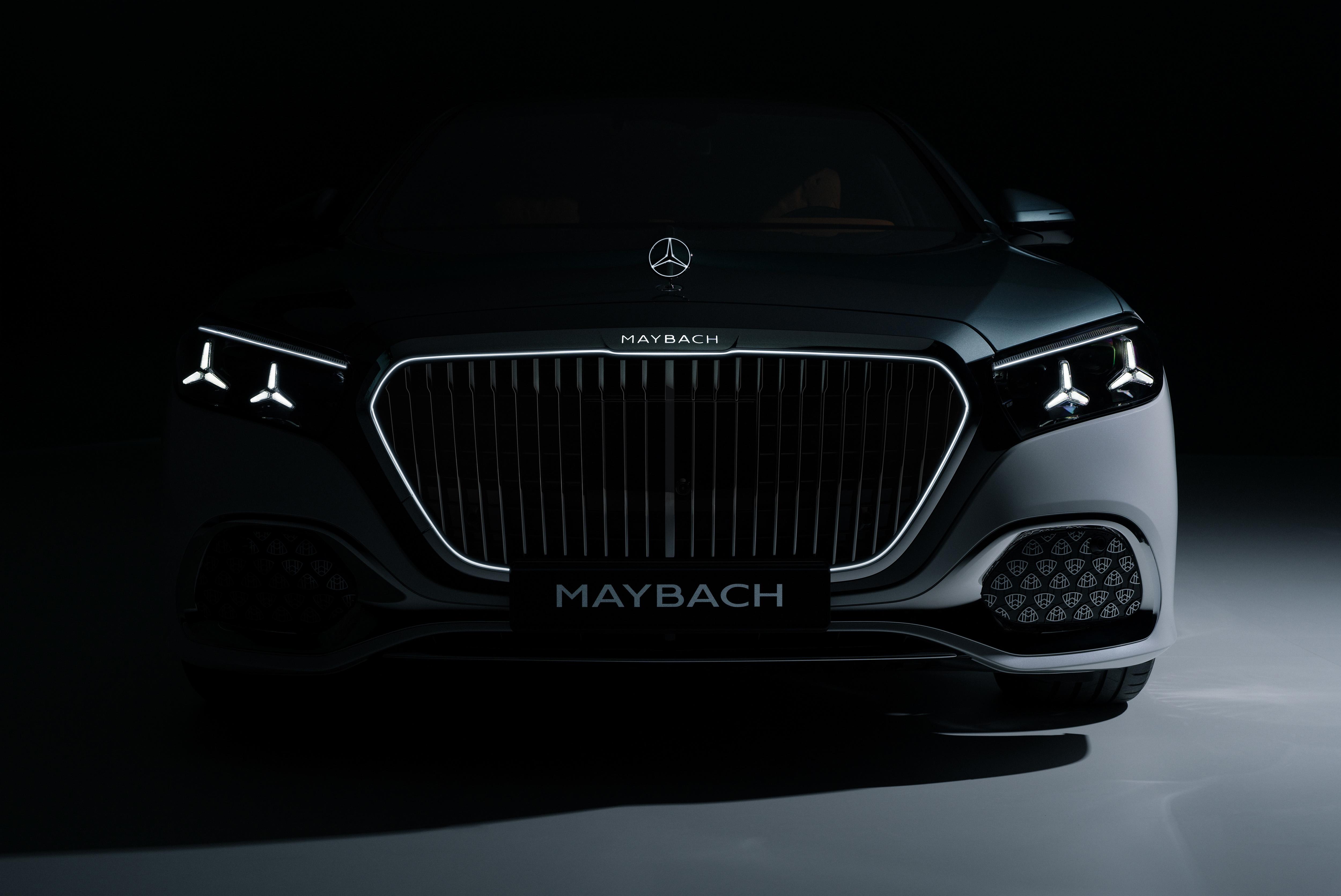
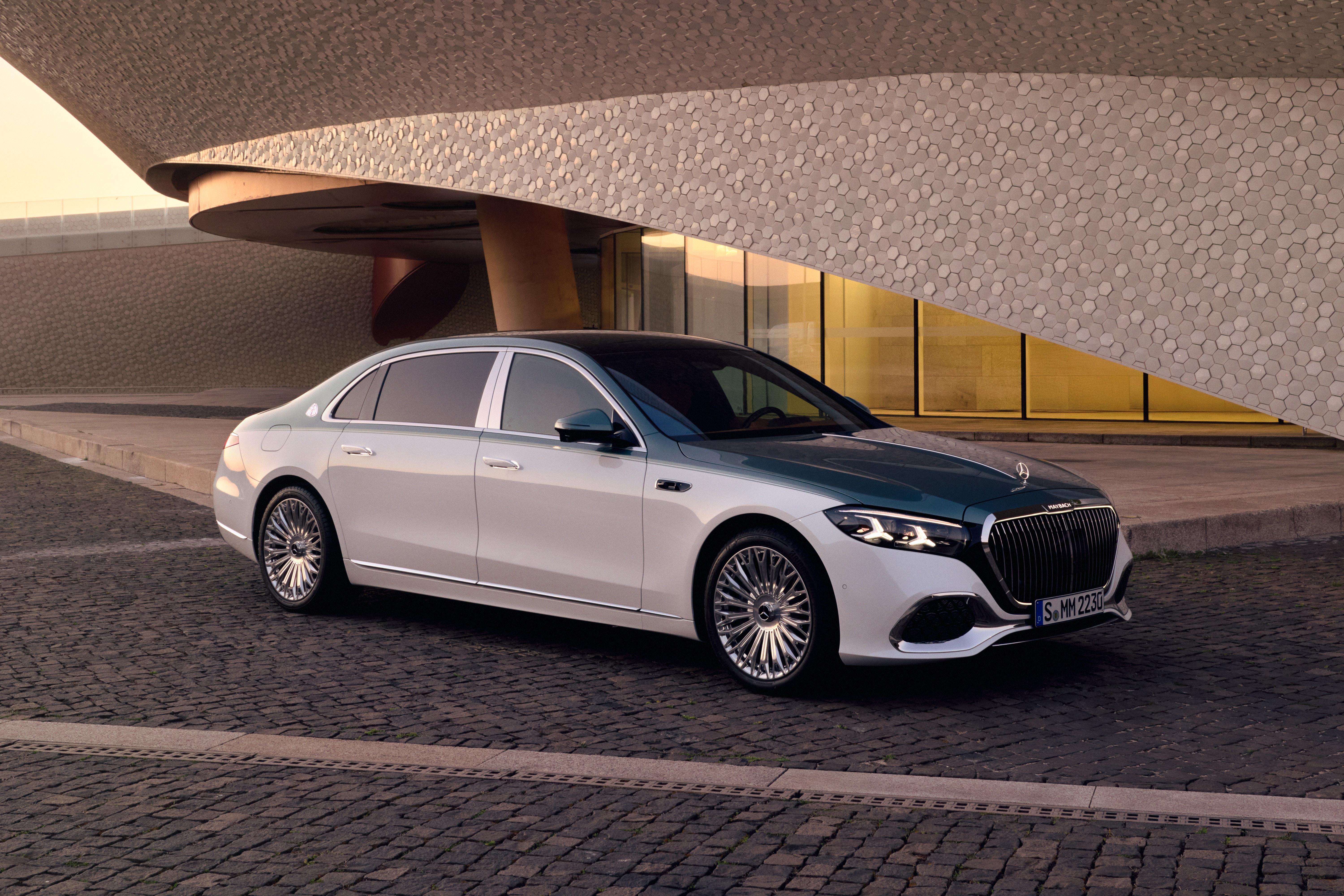
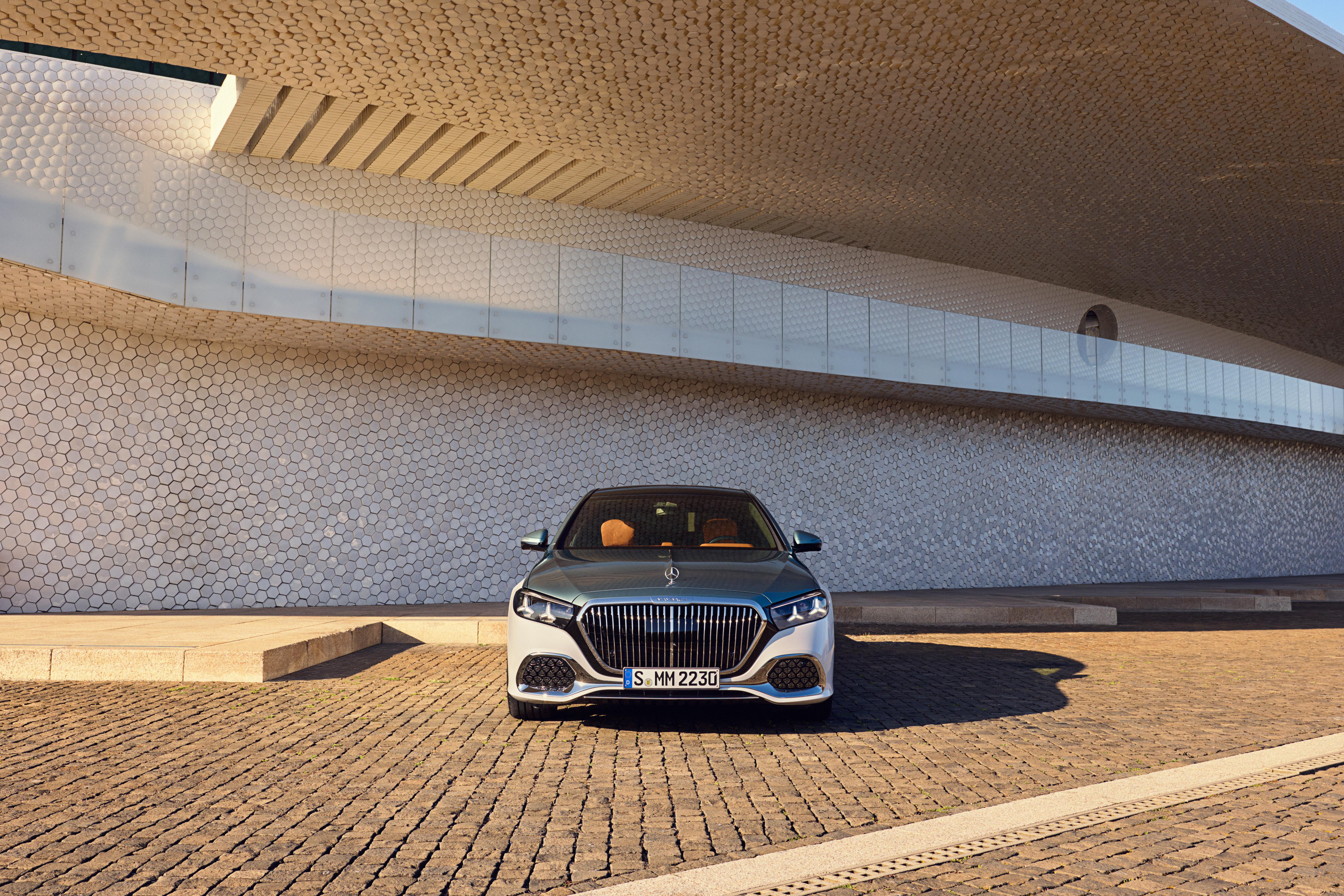
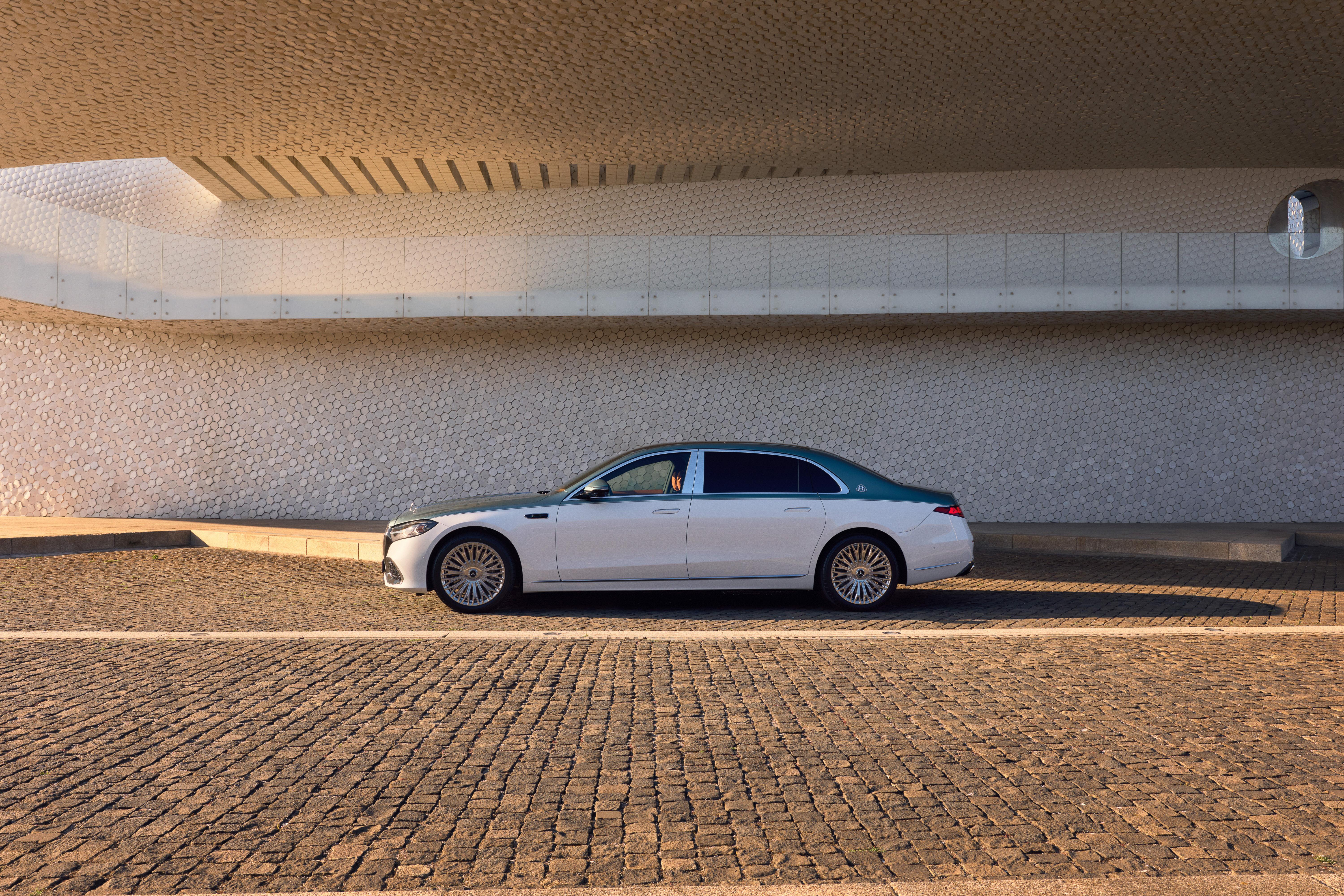
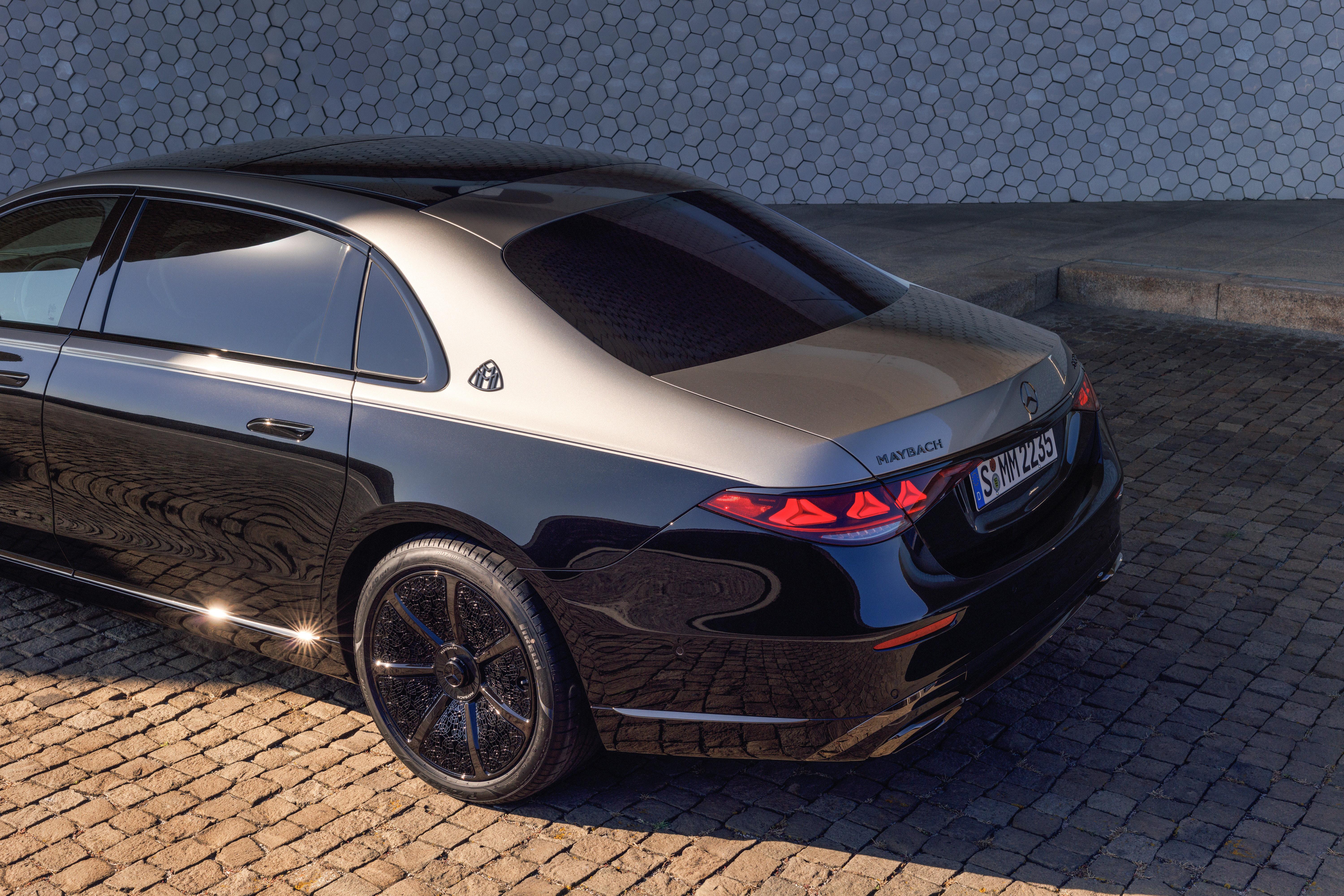
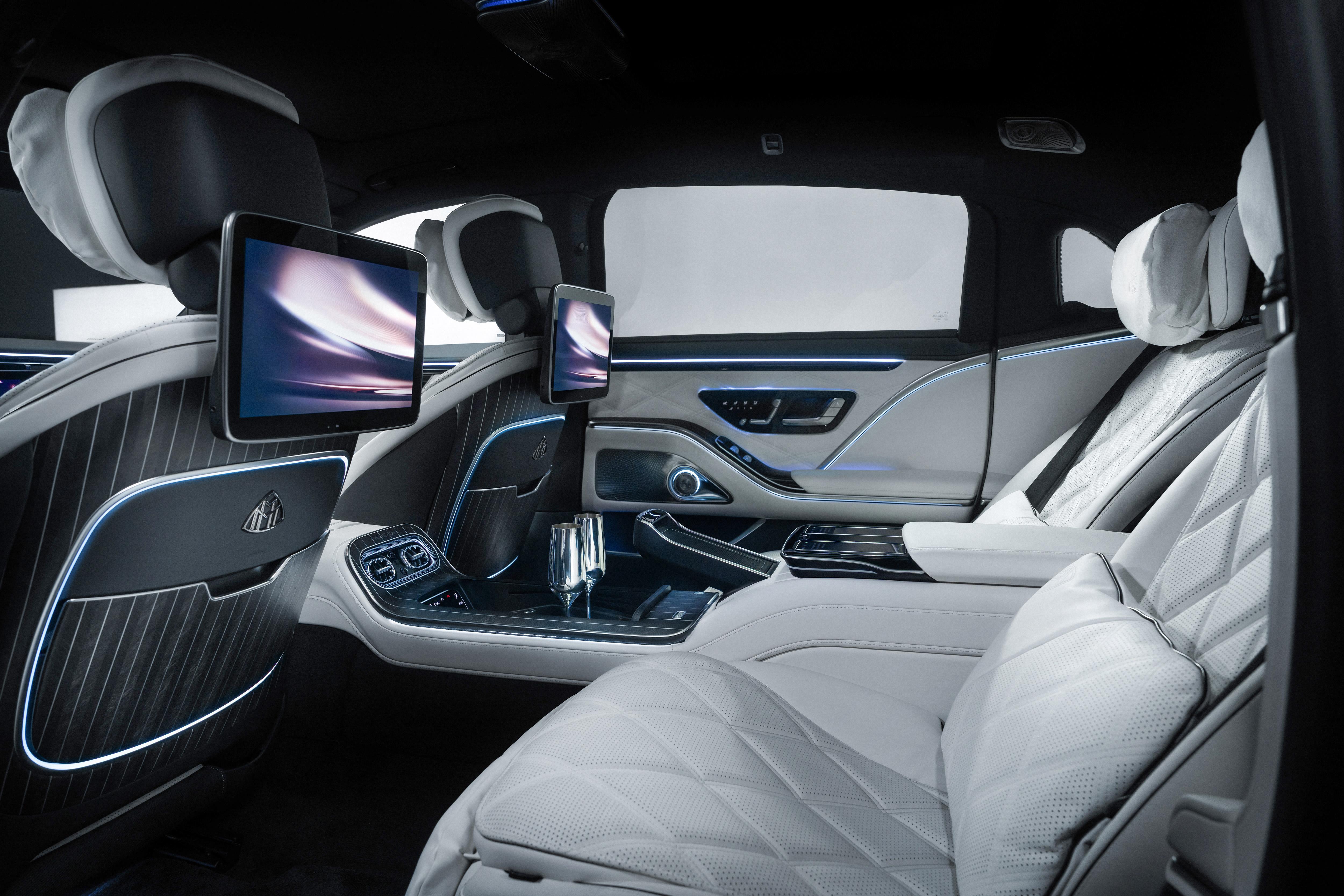
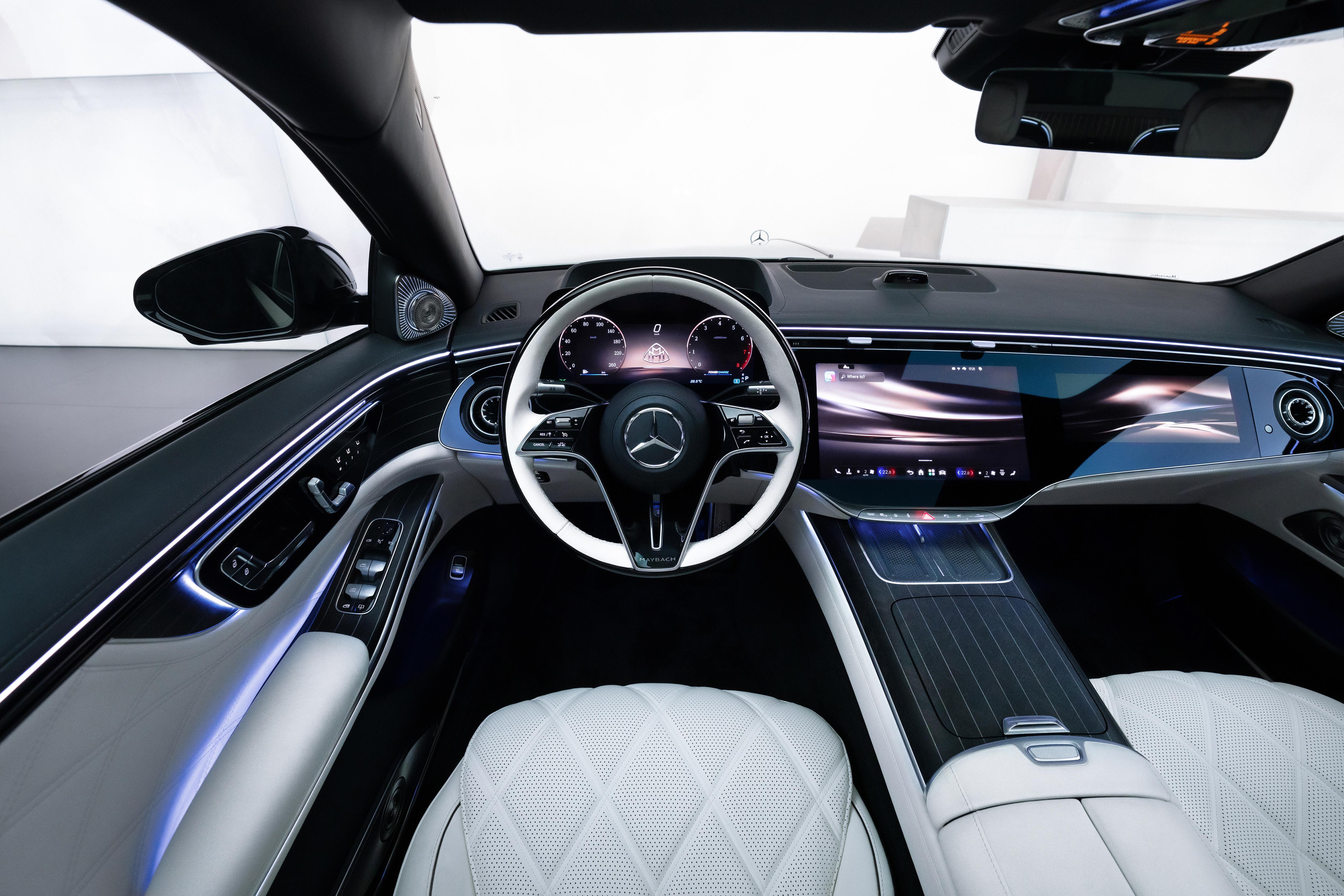
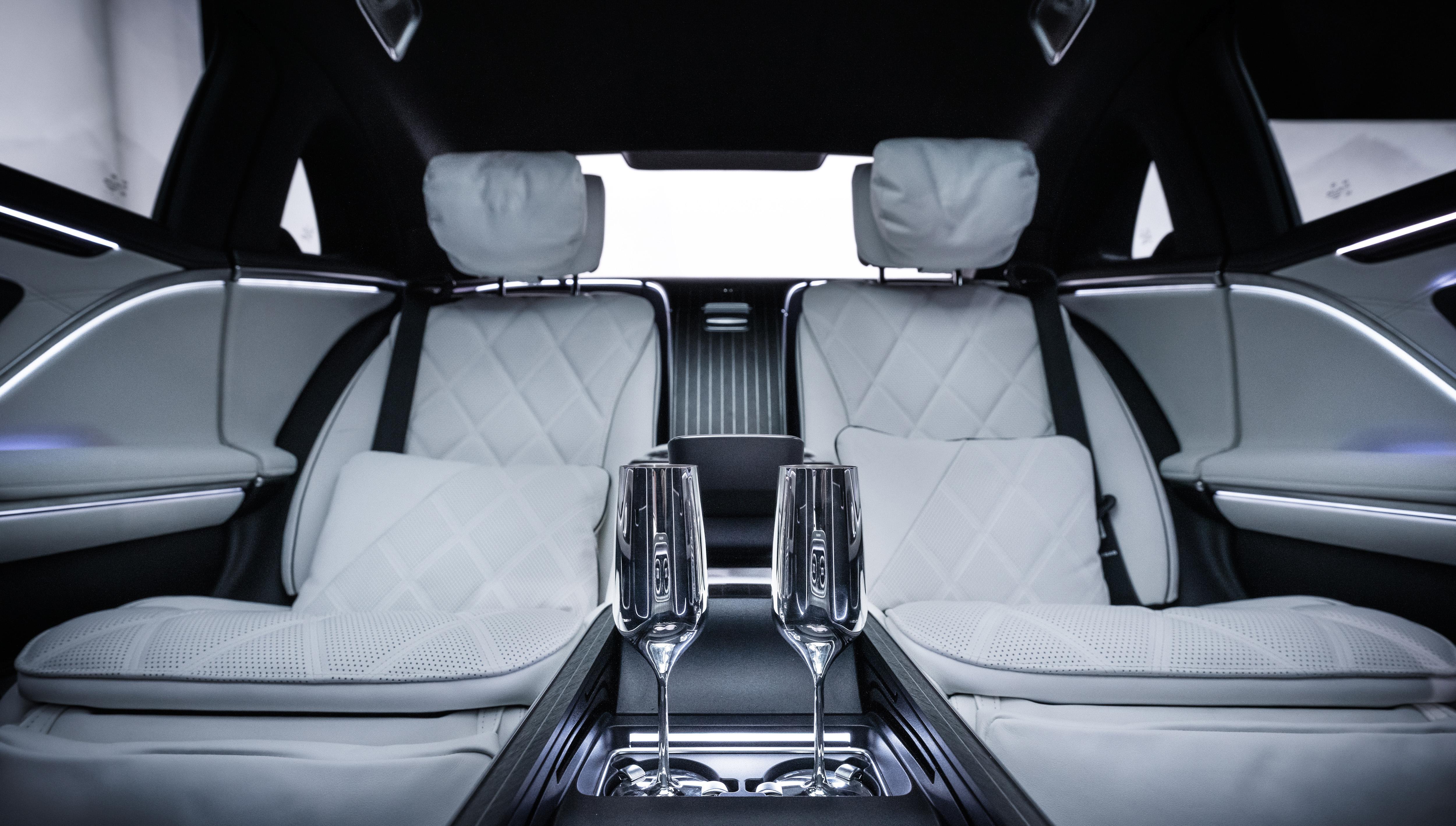

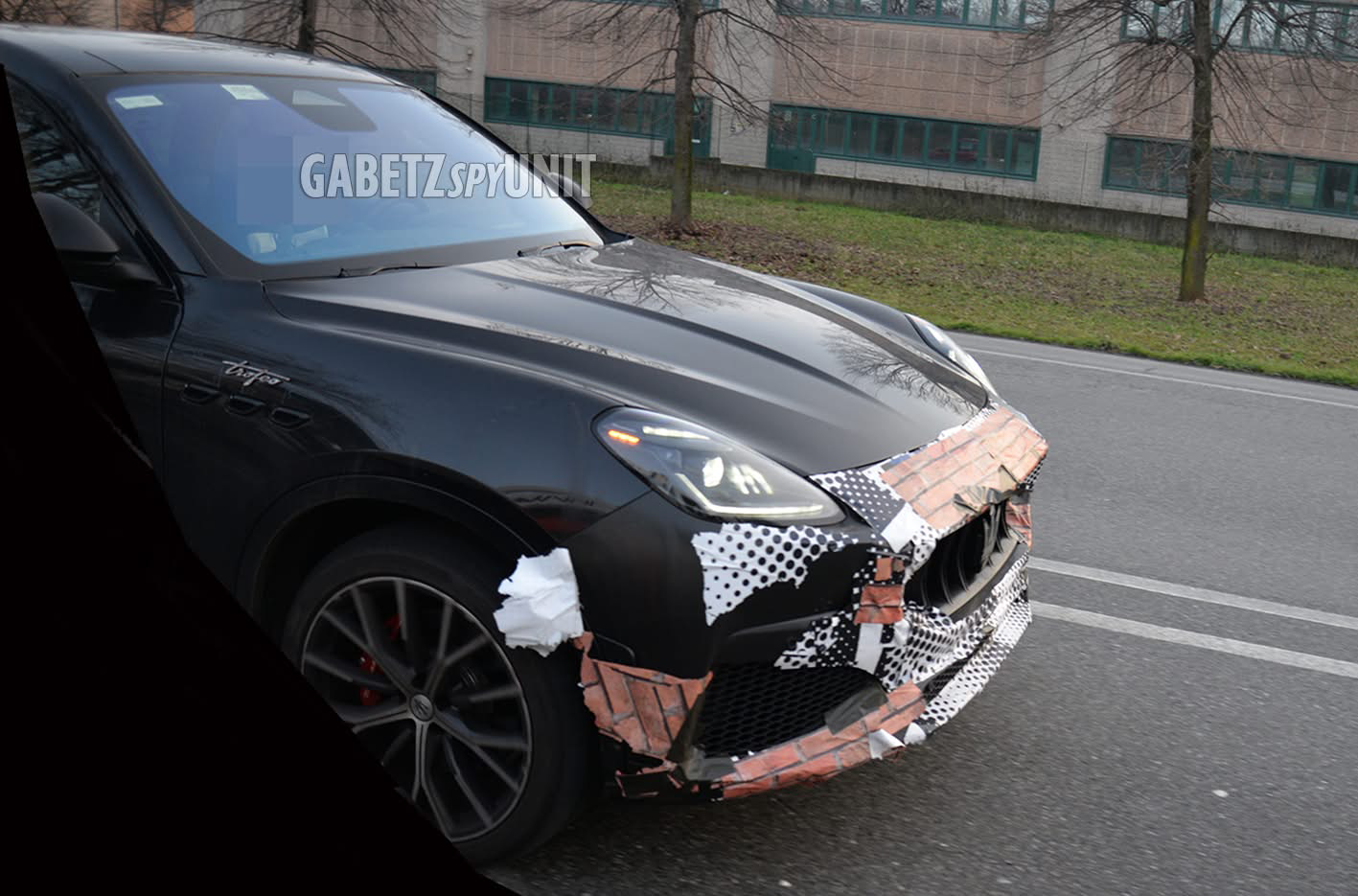
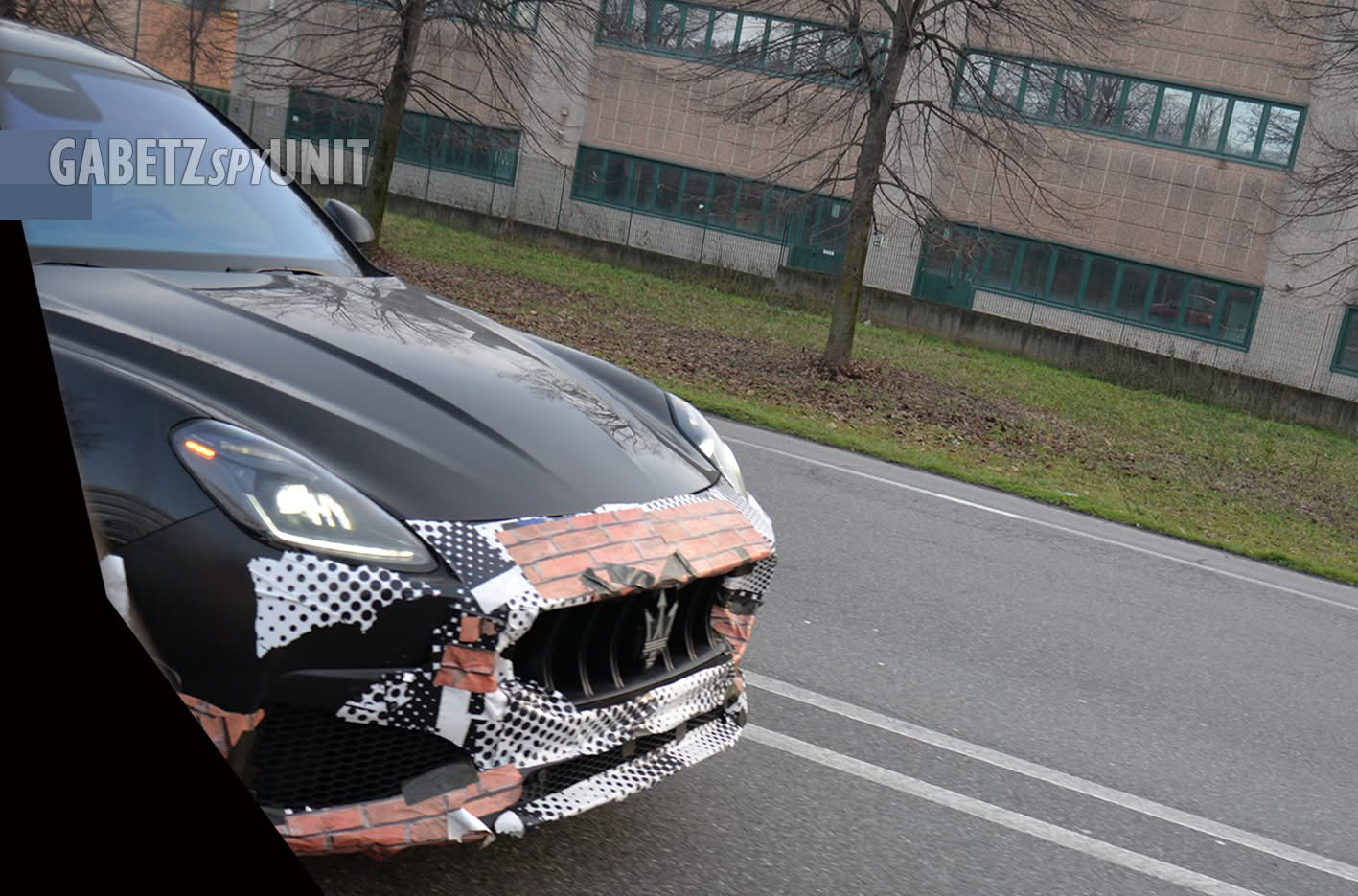
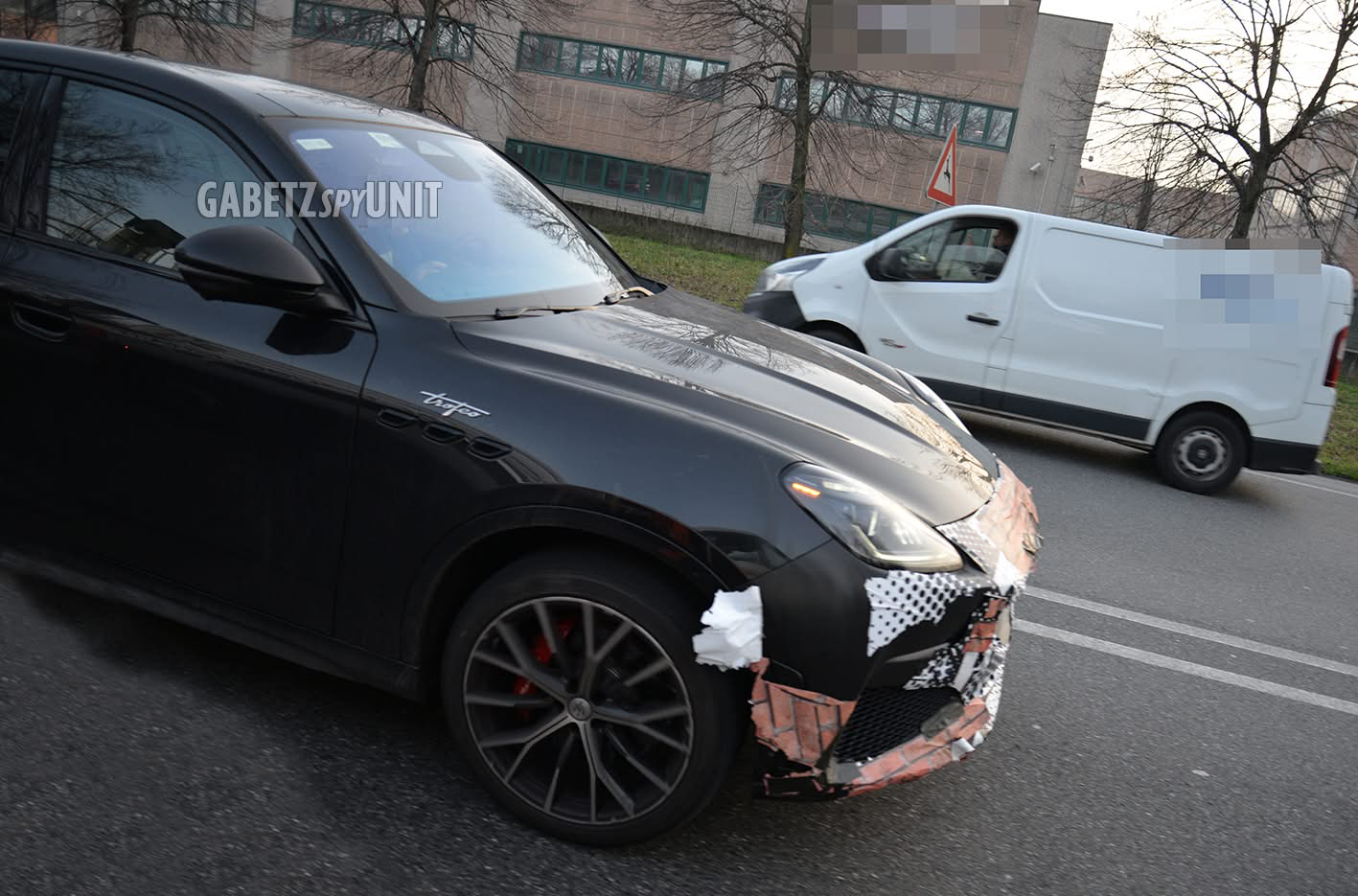
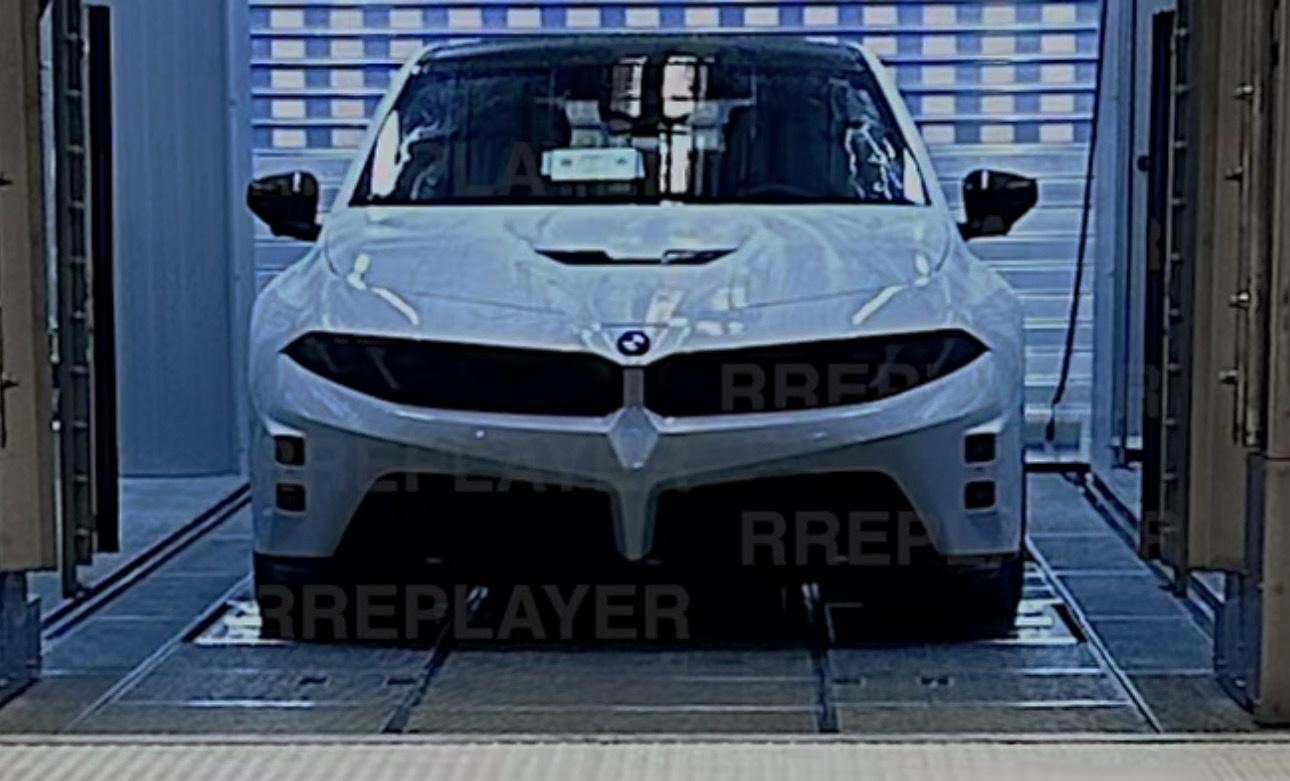



.webp.440d5953f2ffa9c2913a96b4b95abc92.webp)
.webp.4355c8fc23efab3f6dc59aaa70f30ef3.webp)
.webp.c58dbae1870f4898215d15d4bf0bf84f.webp)
.webp.06863df72a2c38709e3b01a3daf9e054.webp)
.webp.6e2ee1aadff8de0344f4cbfd2edd7b0d.webp)
.webp.e54e8c7ccfae6f5e57ae578f3ced5407.webp)
.webp.78e78b217c5c838ad9d5e52cb774ba97.webp)
.webp.1c68c74b24c242b2c21b1d988df07693.webp)
.webp.d734ed8df3ad5c509d0164a98cc0536c.webp)
.webp.7321bf106fce868fc291195e6db6ce3e.webp)
.webp.57399b184c4aeabde10f930cd78a4cec.webp)
.webp.032b932b6b6381f7509d42b9bc08b683.webp)
.webp.2017d58aa7262afc65926b785a6ab0d9.webp)
.webp.92538f006902d4240ff97d867cddfb6a.webp)
.webp.a49e89b66004d5562adcb0b9bdf315bb.webp)
.jpg.98890bc0afa1225bb499e1c31dd975ec.jpg)
.jpg.41b35b10bea18729b0576c5806358fdb.jpg)
.jpg.f150490d14998175ee048e597a1aed7b.jpg)
.jpg.b0ec6375f8da25dd9ea466828098e779.jpg)
.jpg.84ee6901bc25282bb34d24bf85432c44.jpg)
.jpg.9f8184d261f934b8758f0c7e6d1a2542.jpg)
.jpg.efc8a1a3fa771cc2478e9cbd4b8cbc52.jpg)
.jpg.41391c7190eaa03ba4e5291de3b2dfb2.jpg)
.jpg.89017da1ada43c51c770dcbefc6d0823.jpg)