(1)(1).png.9646bf5114d93a5280bda88264436f0b.png)
Osv
Reporter (Staff)
-
Iscritto il
-
Ultima visita
Tutti i contenuti di Osv
-
-
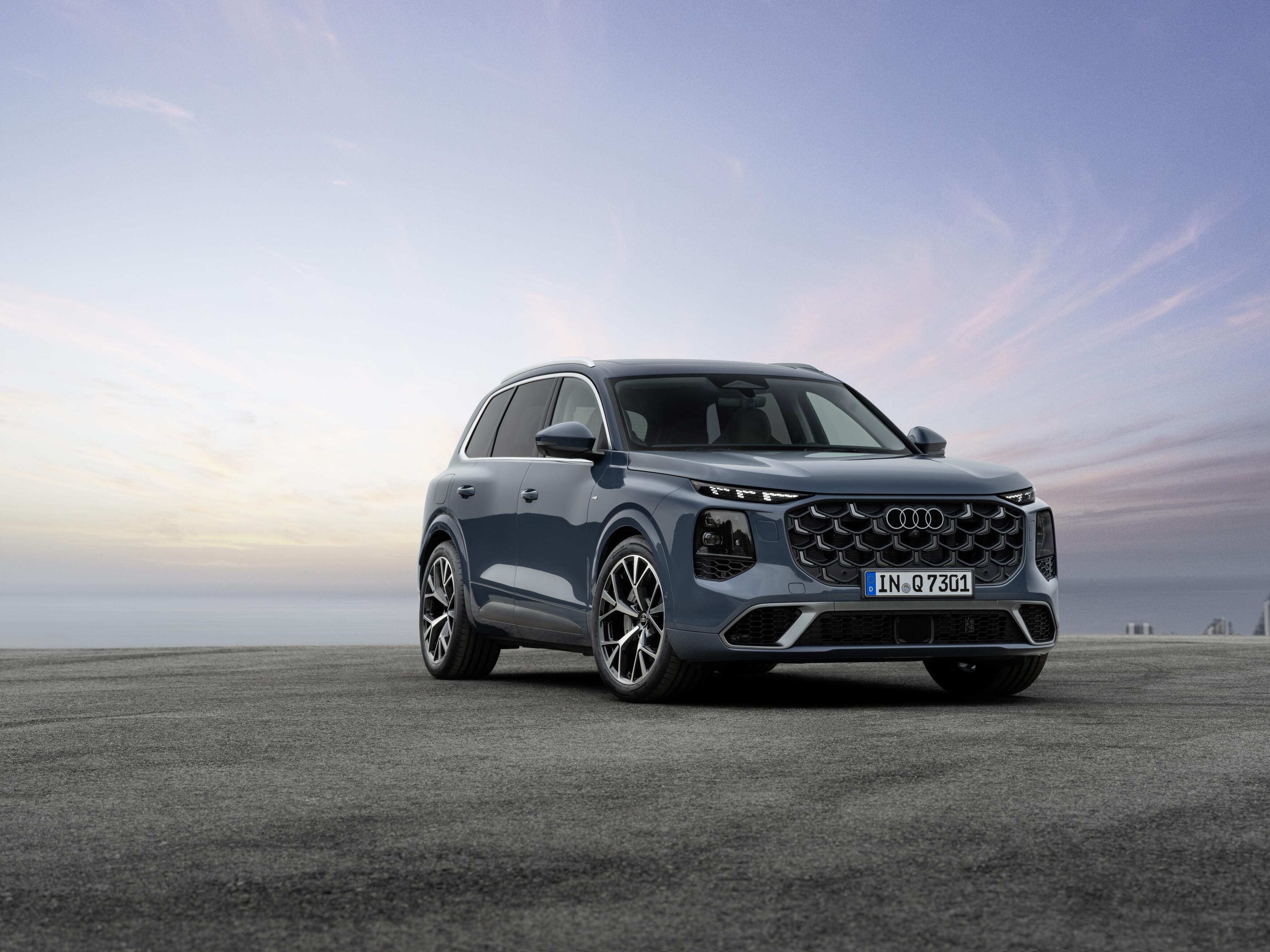
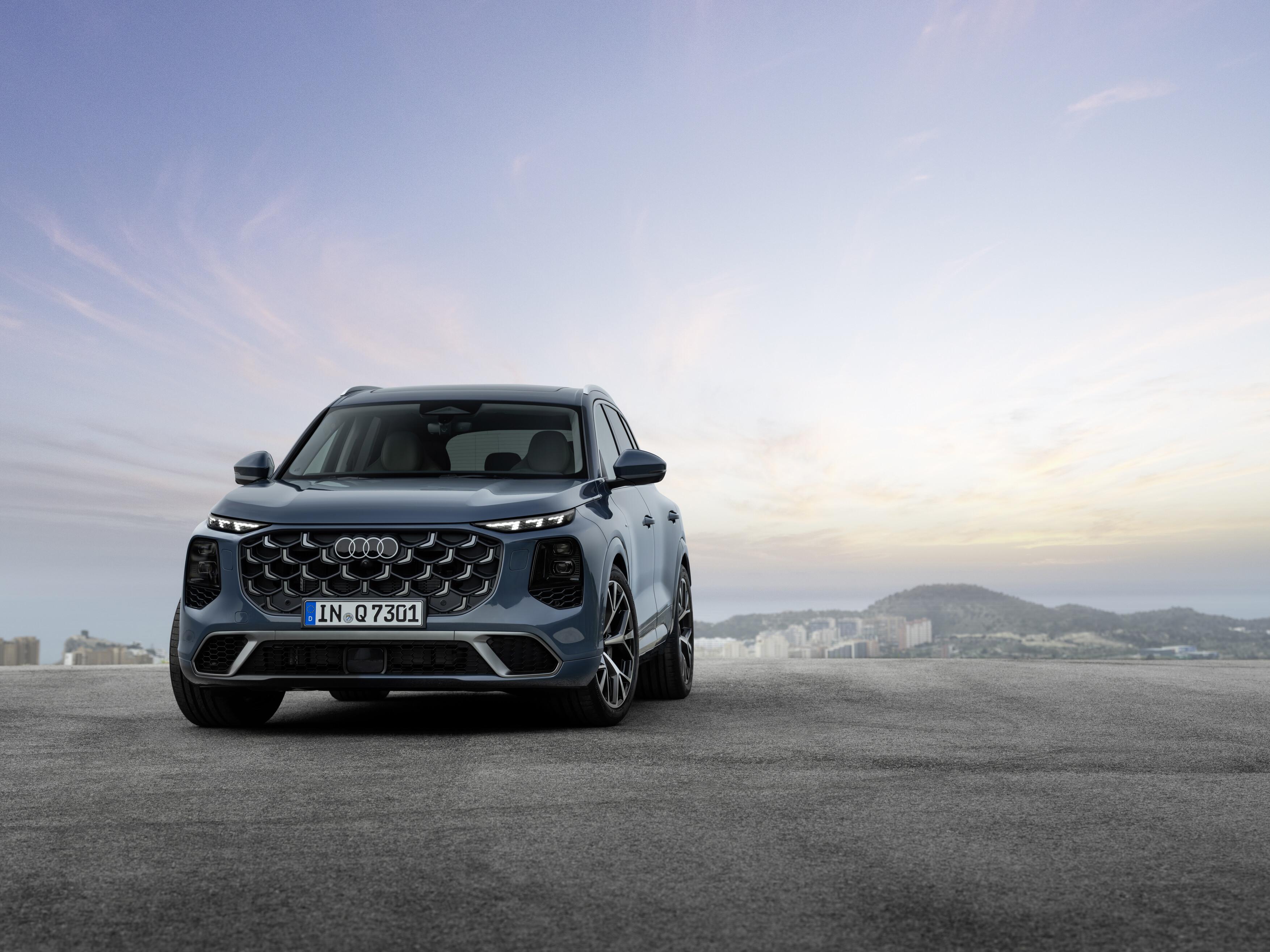
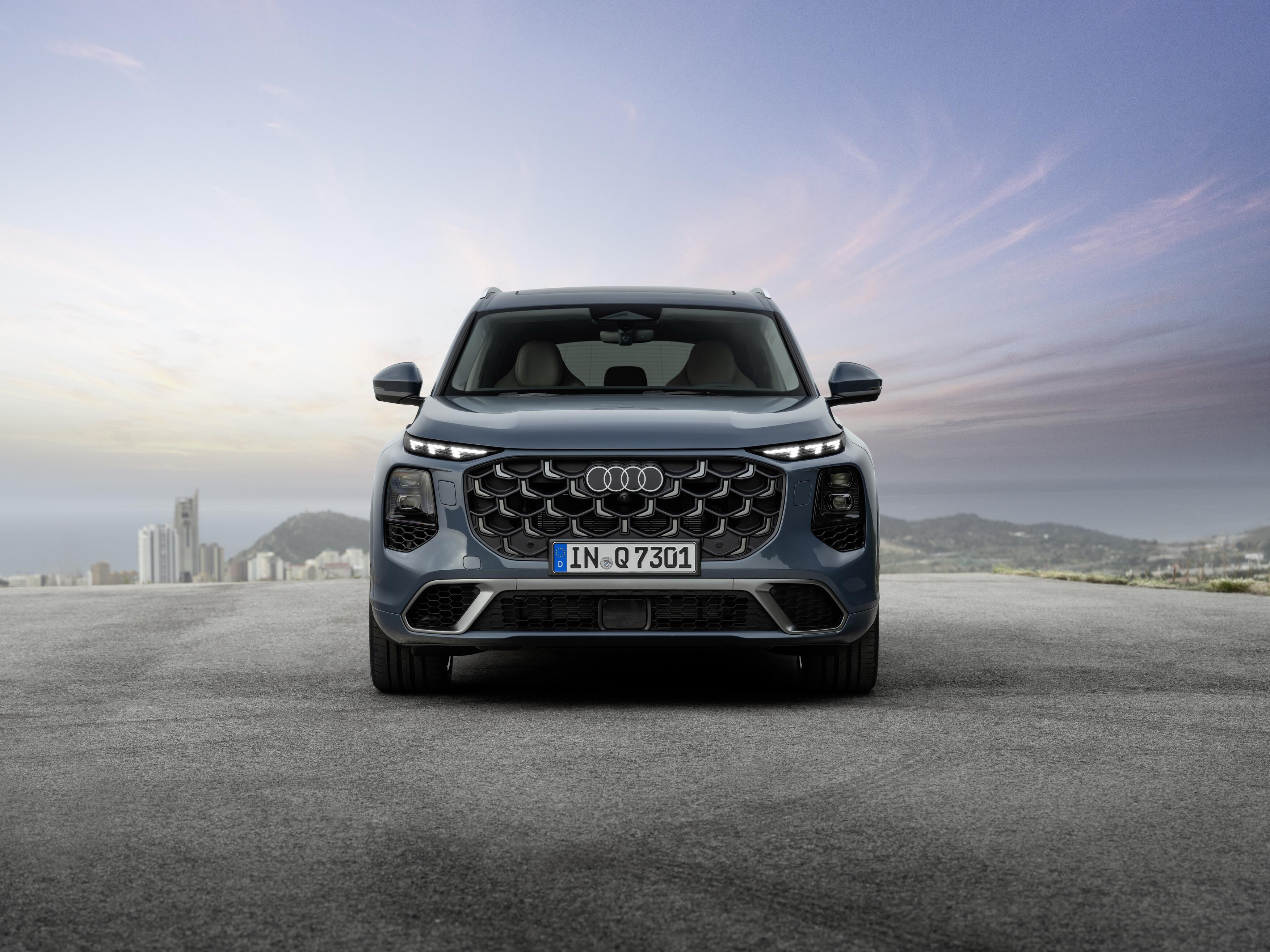
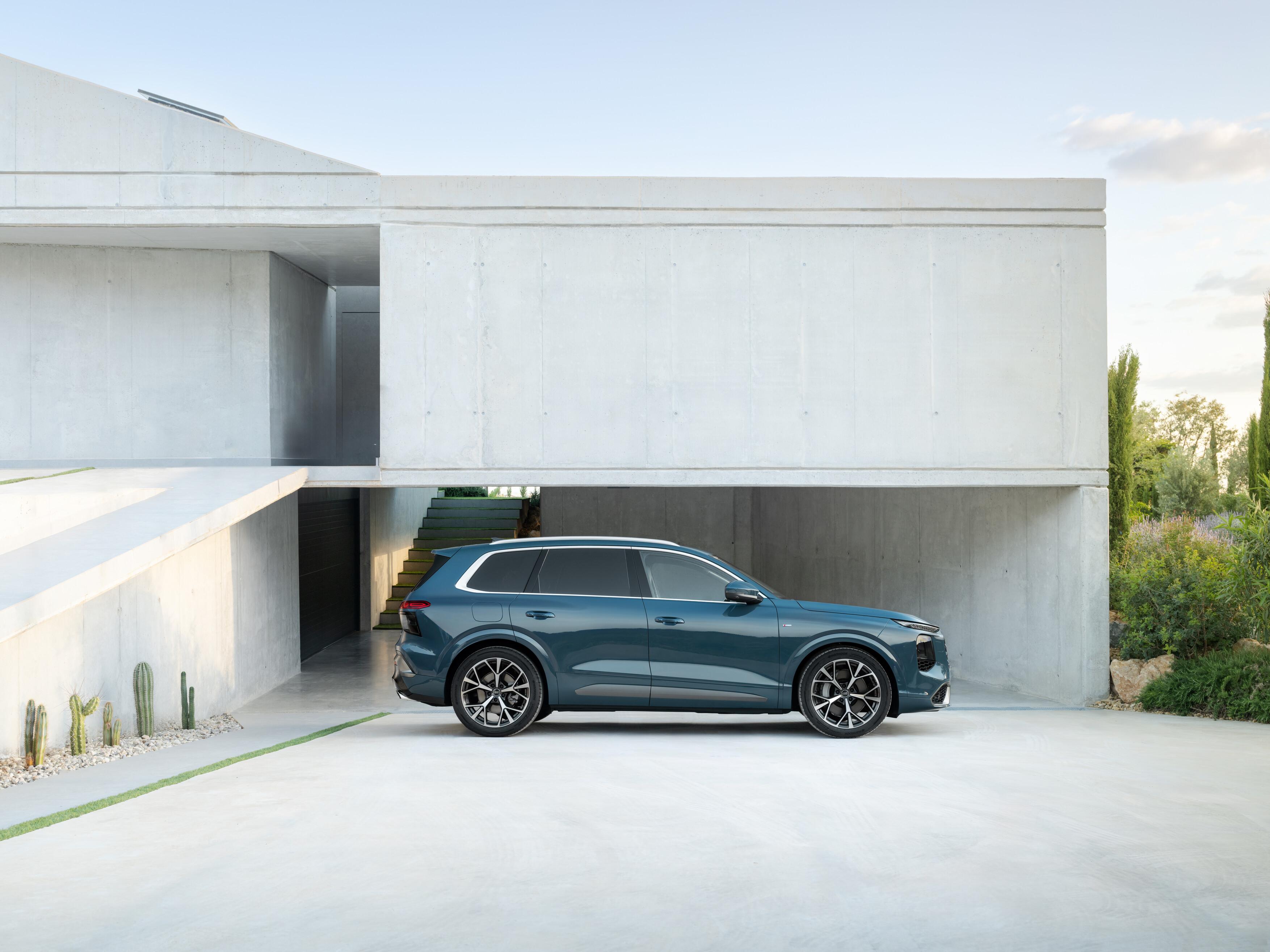
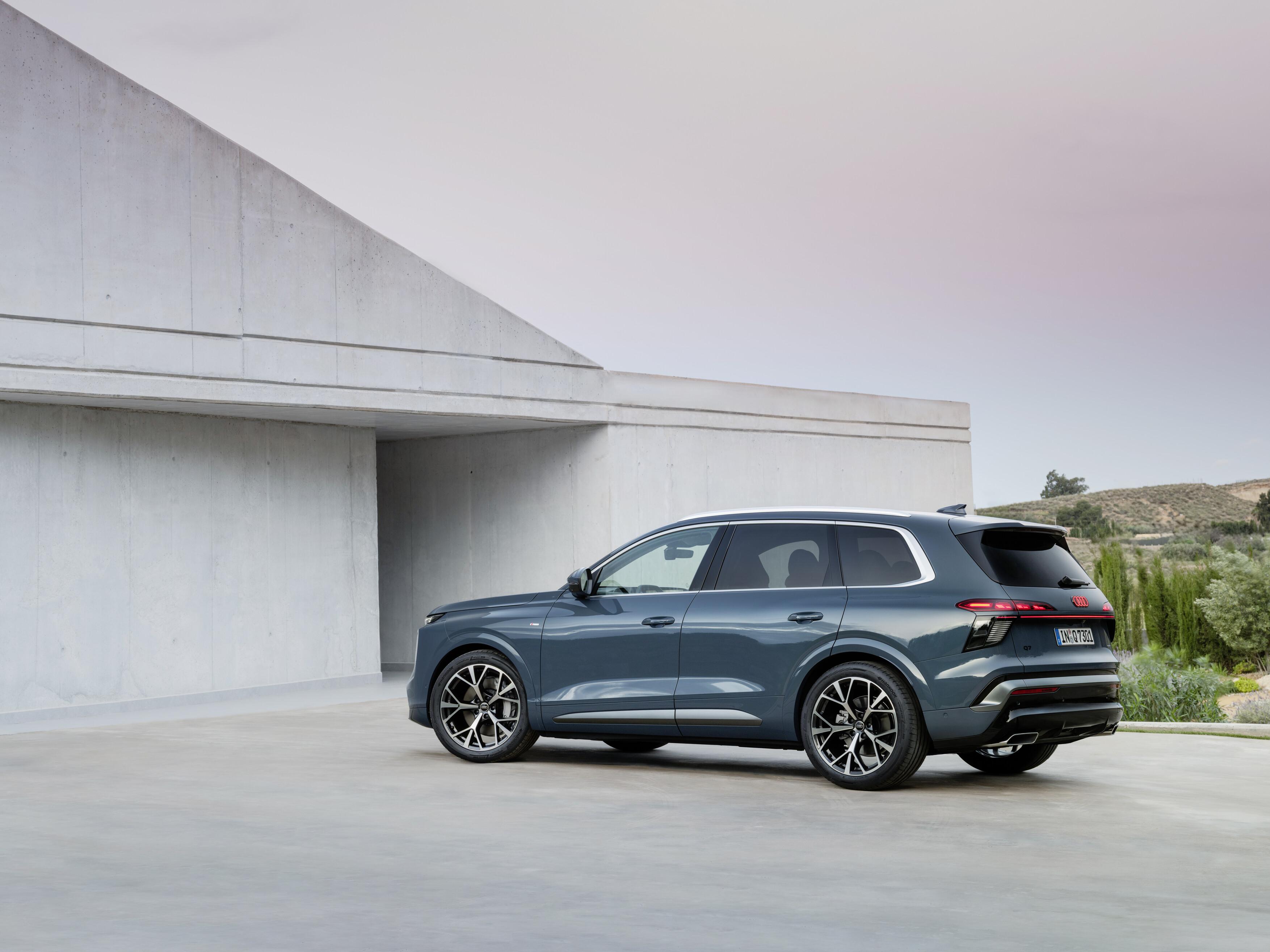
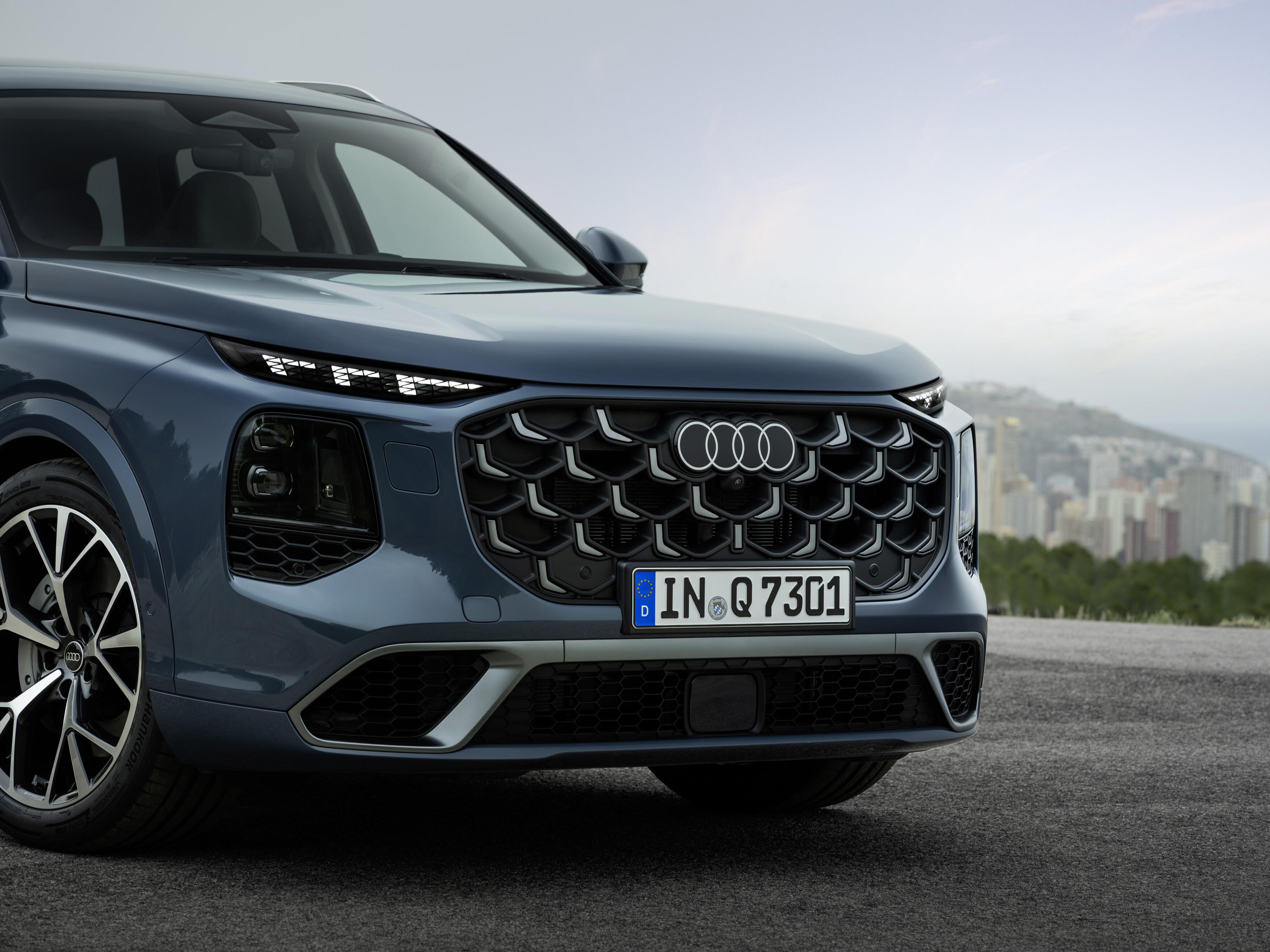
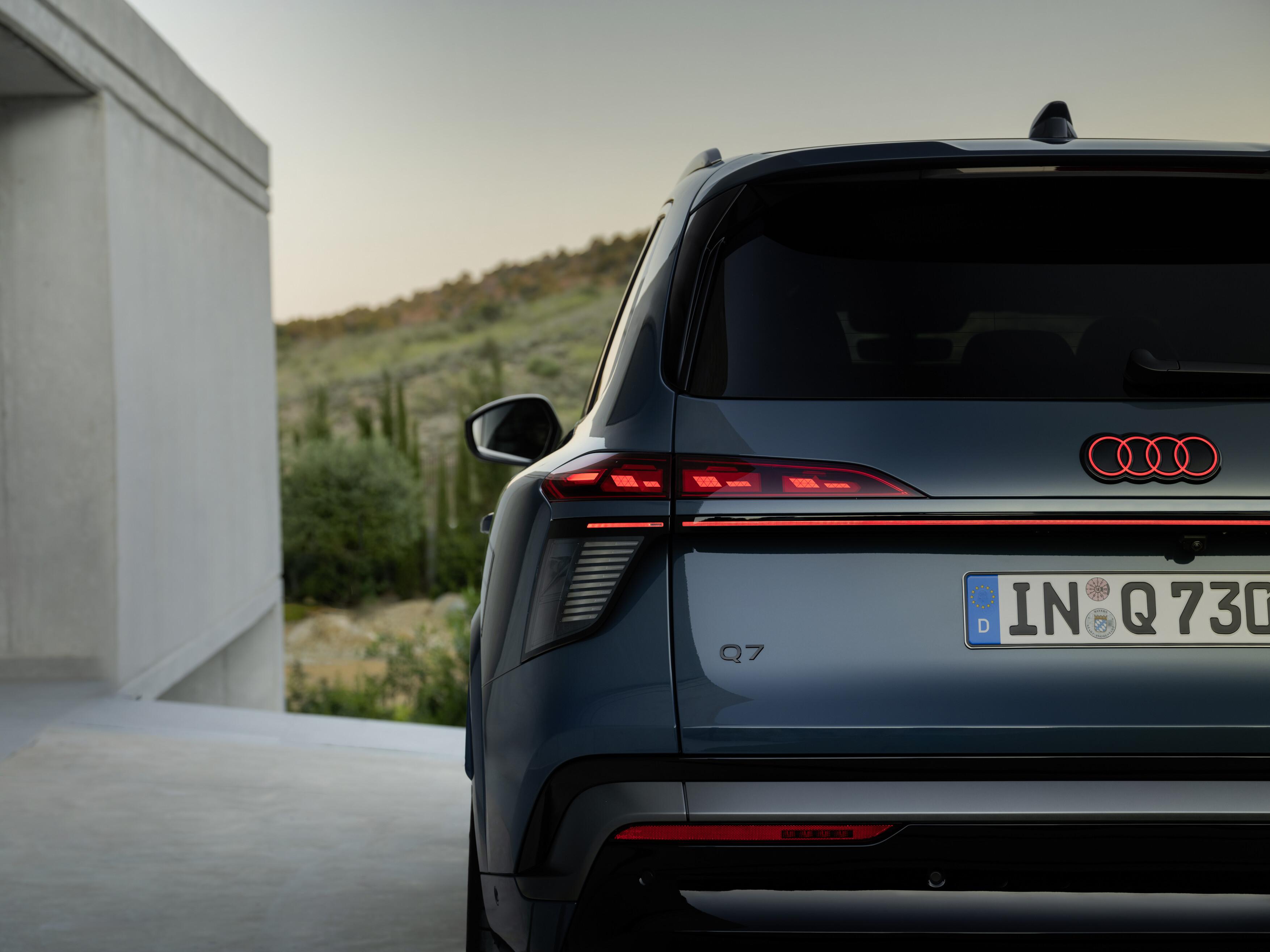
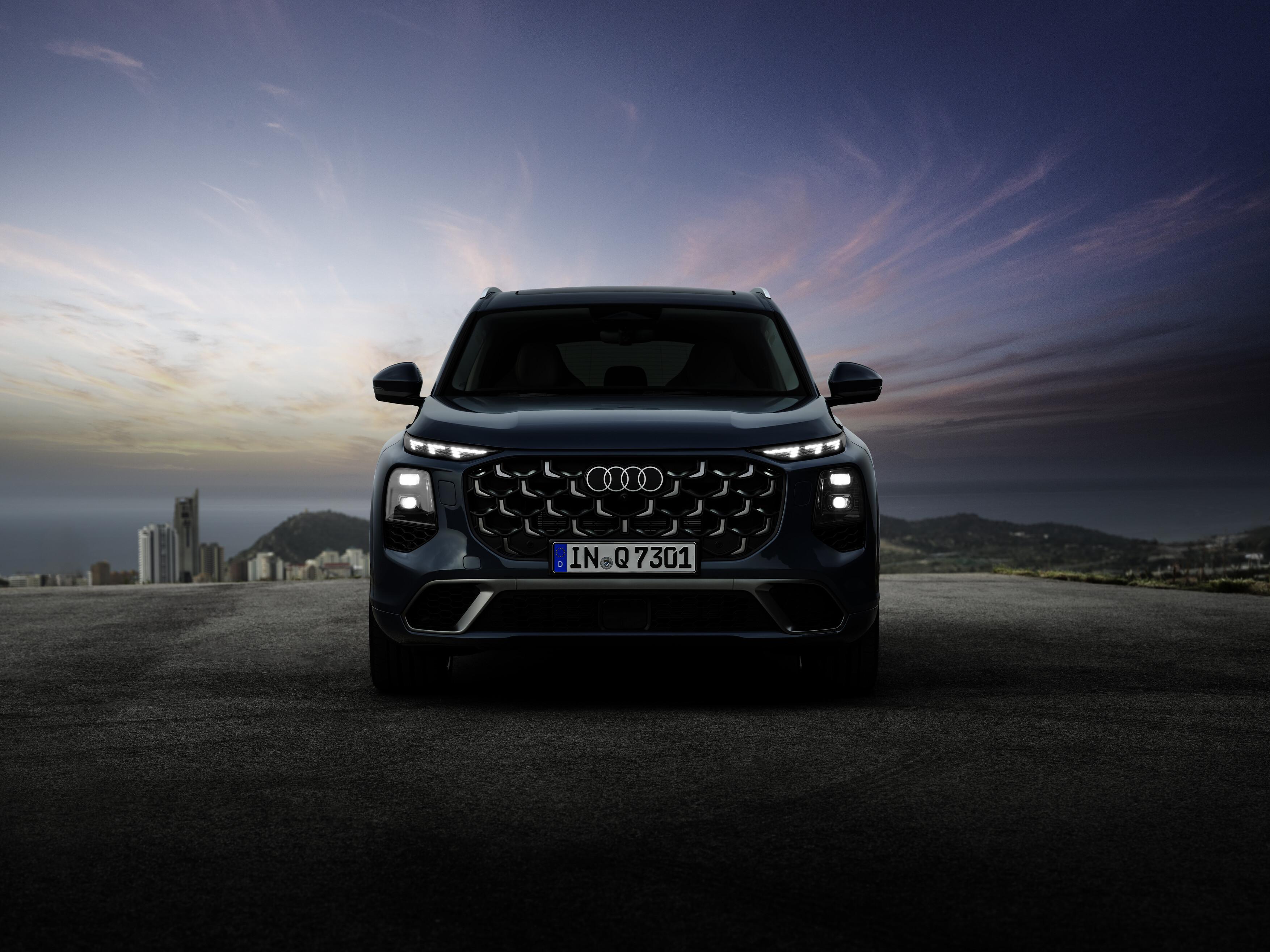
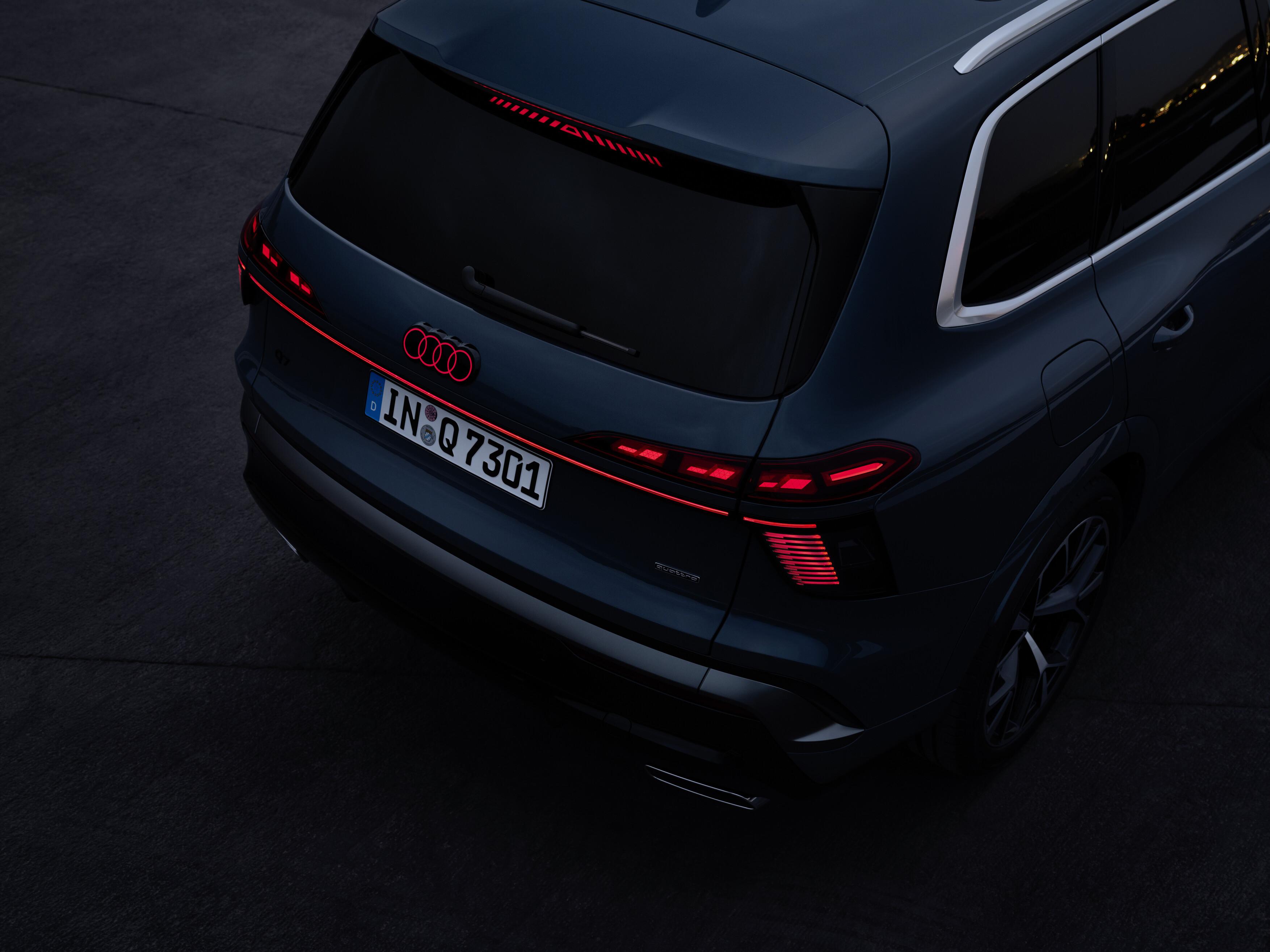
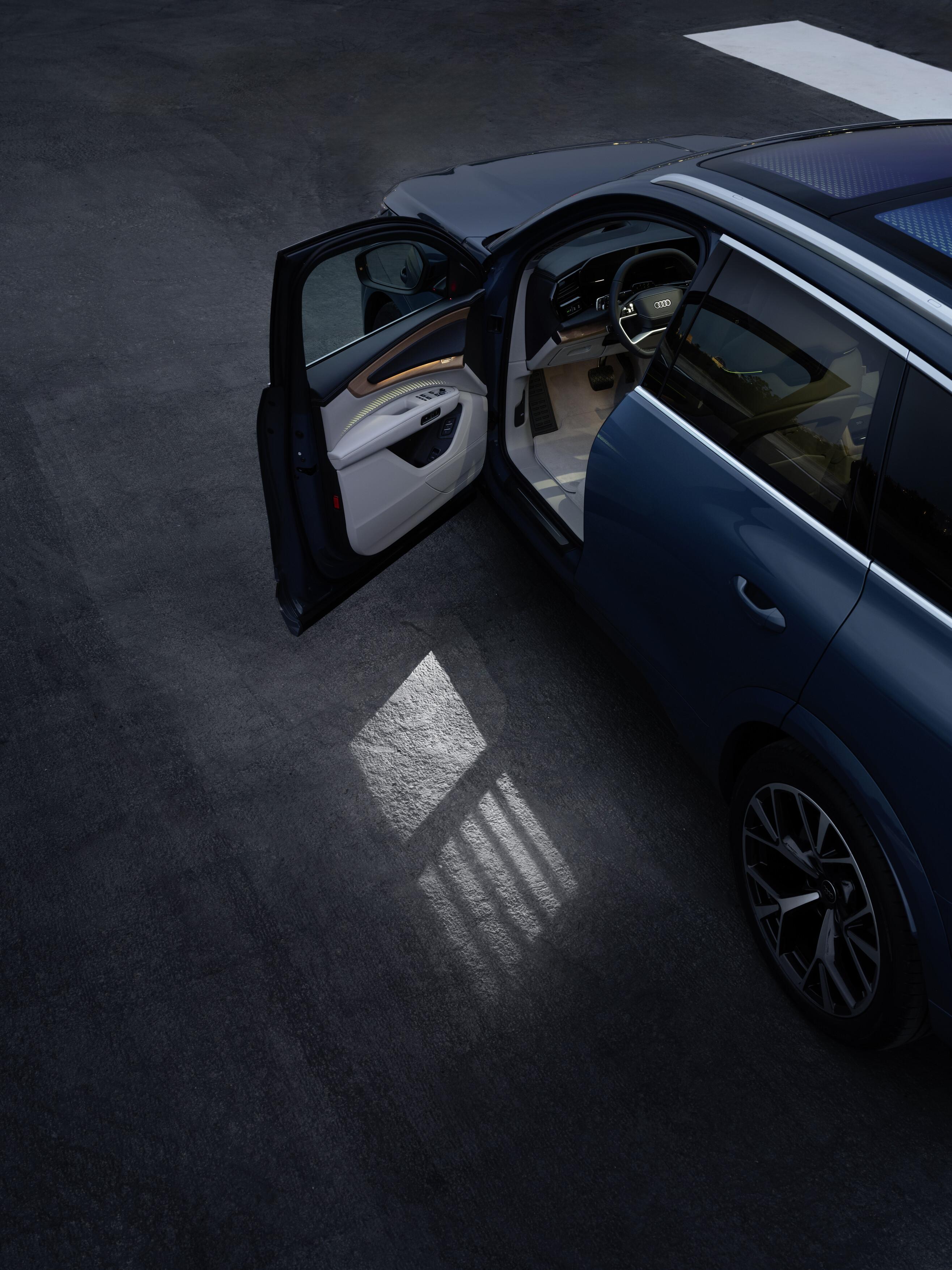
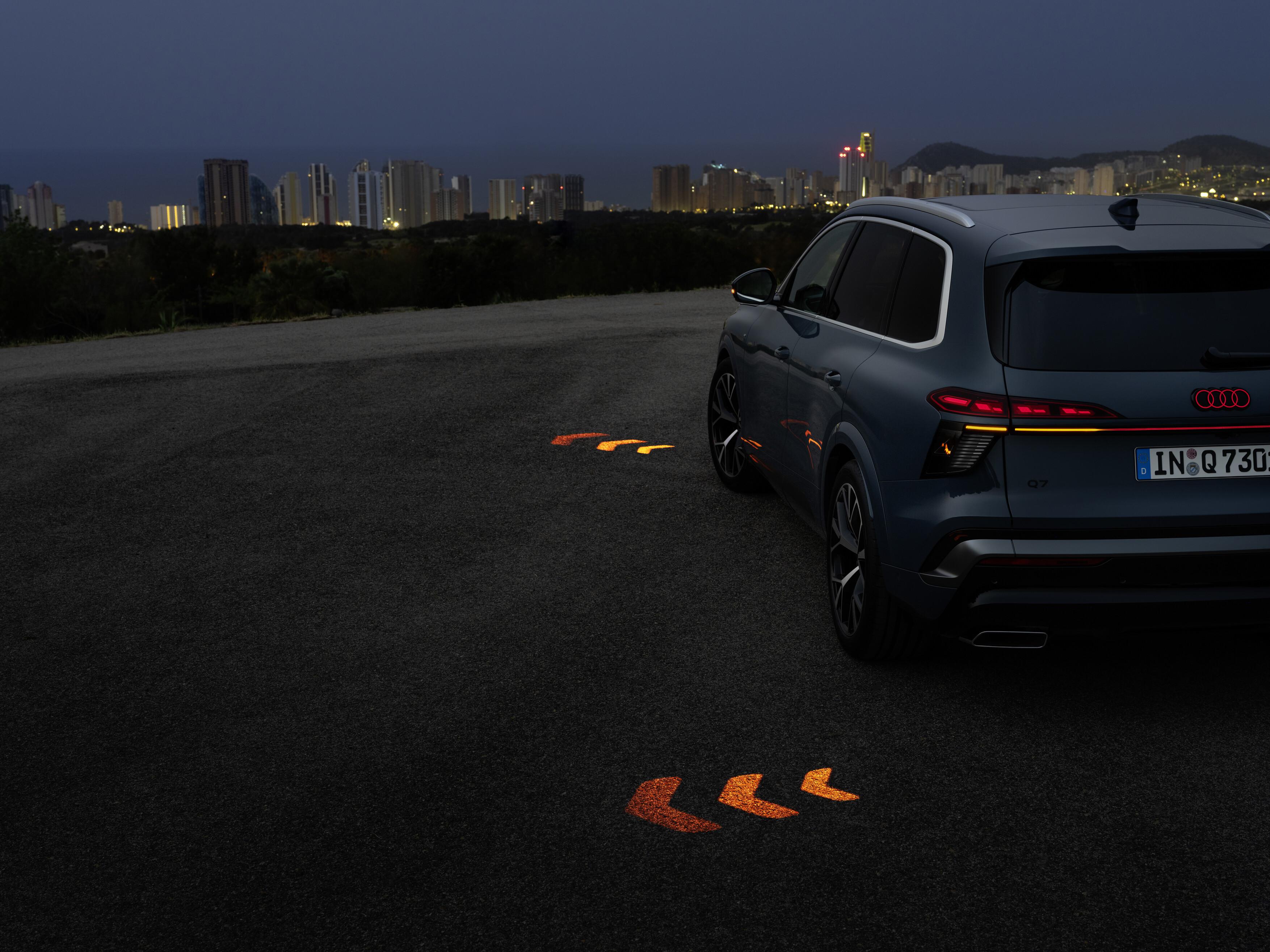
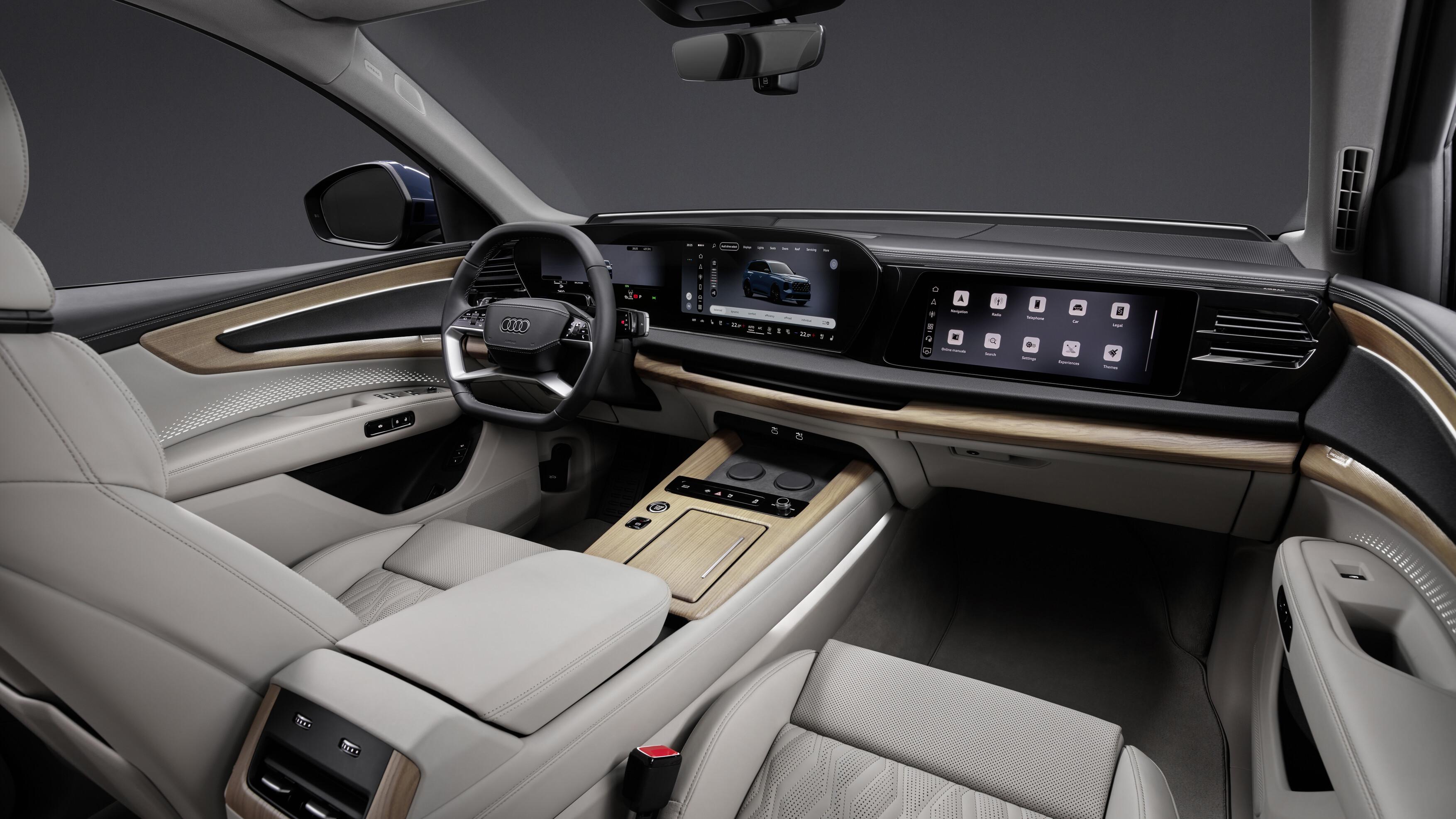
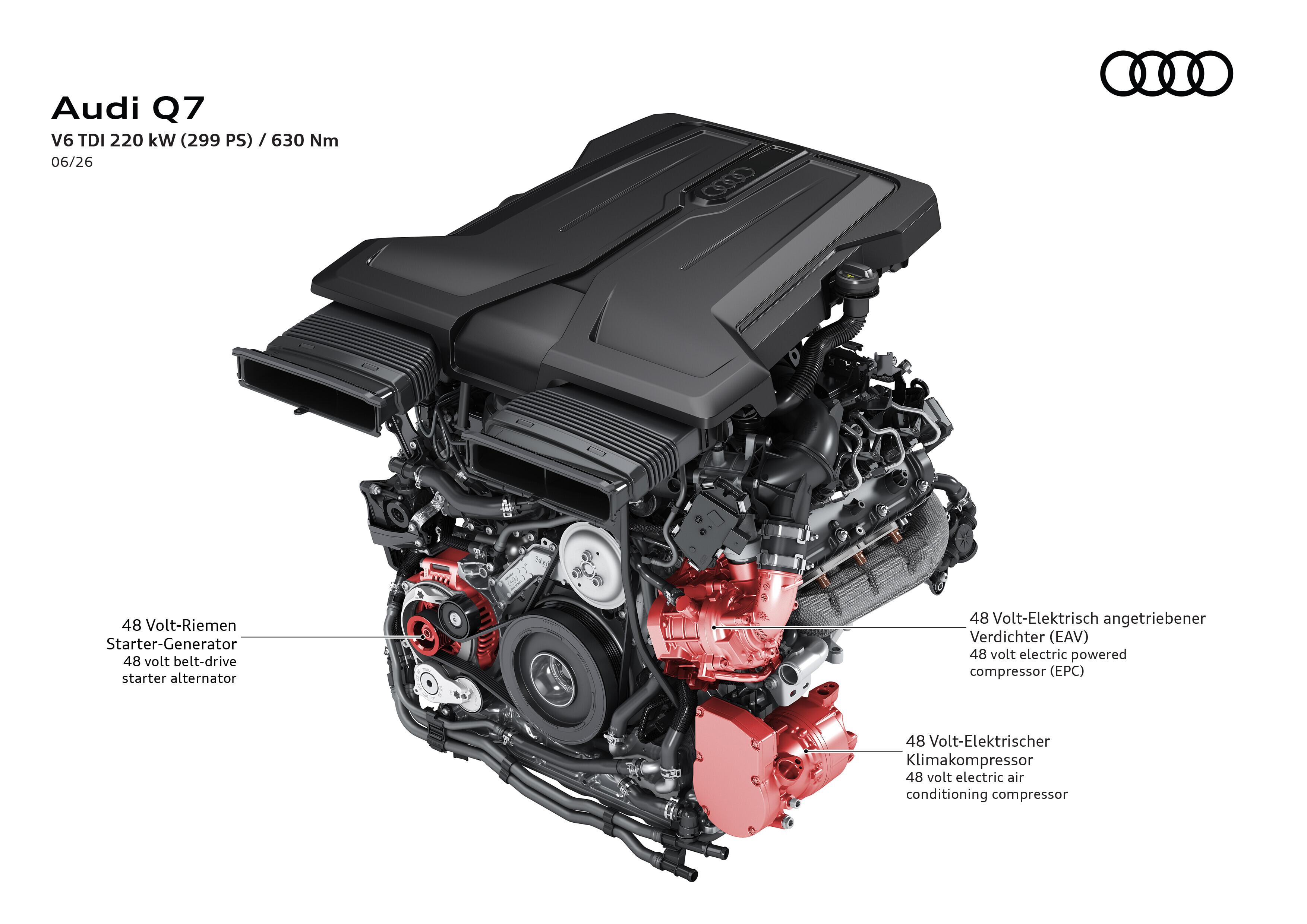
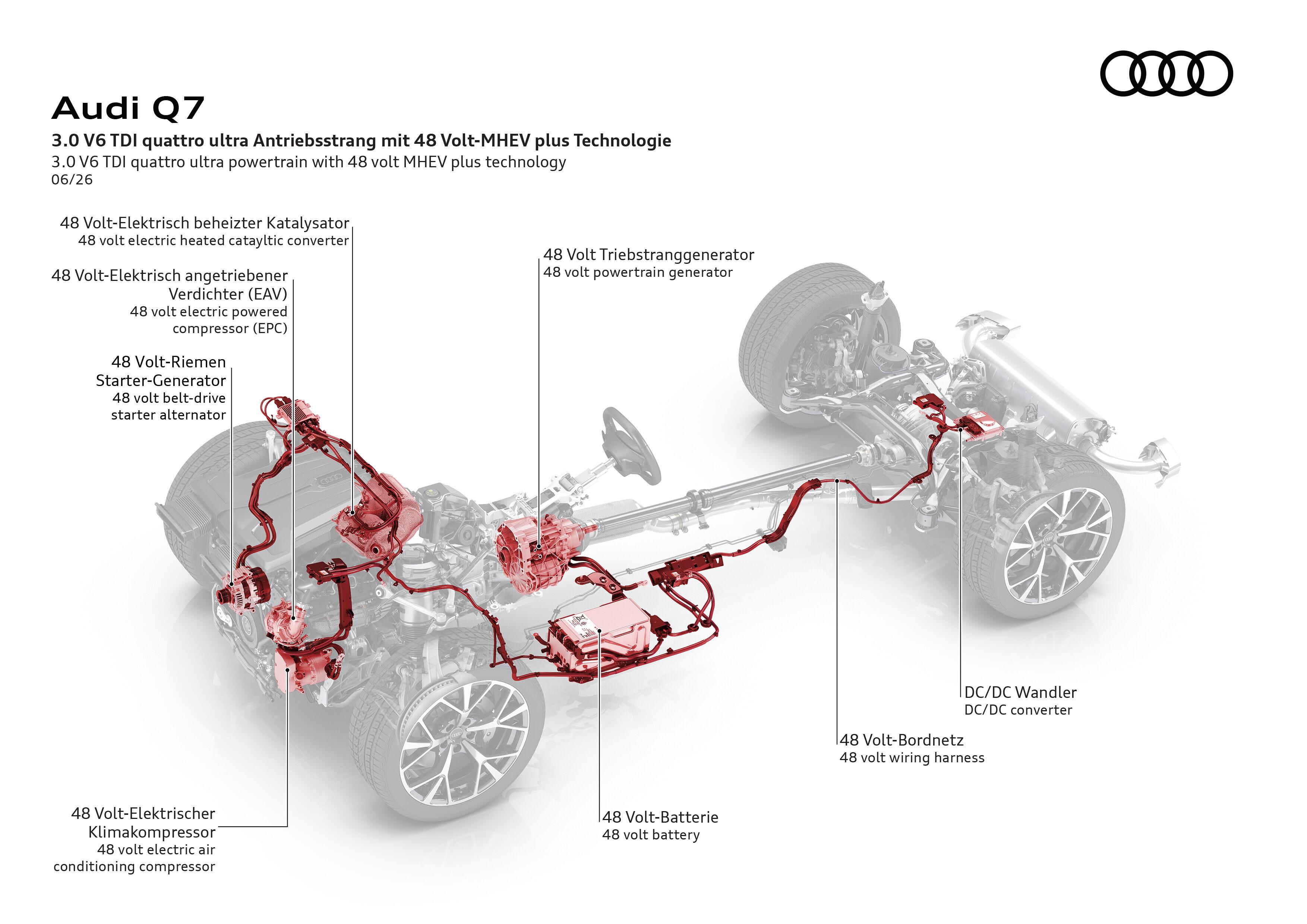
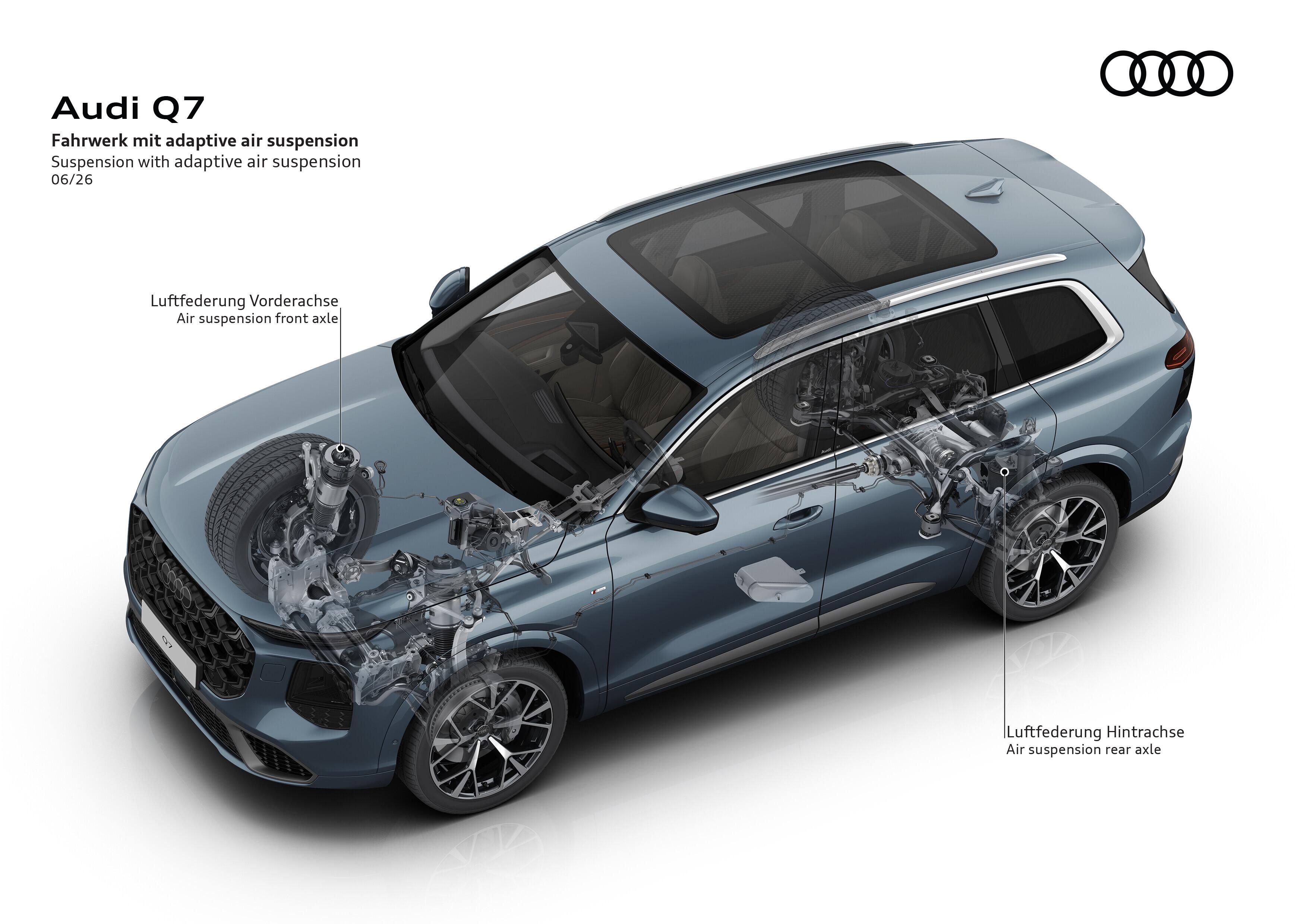
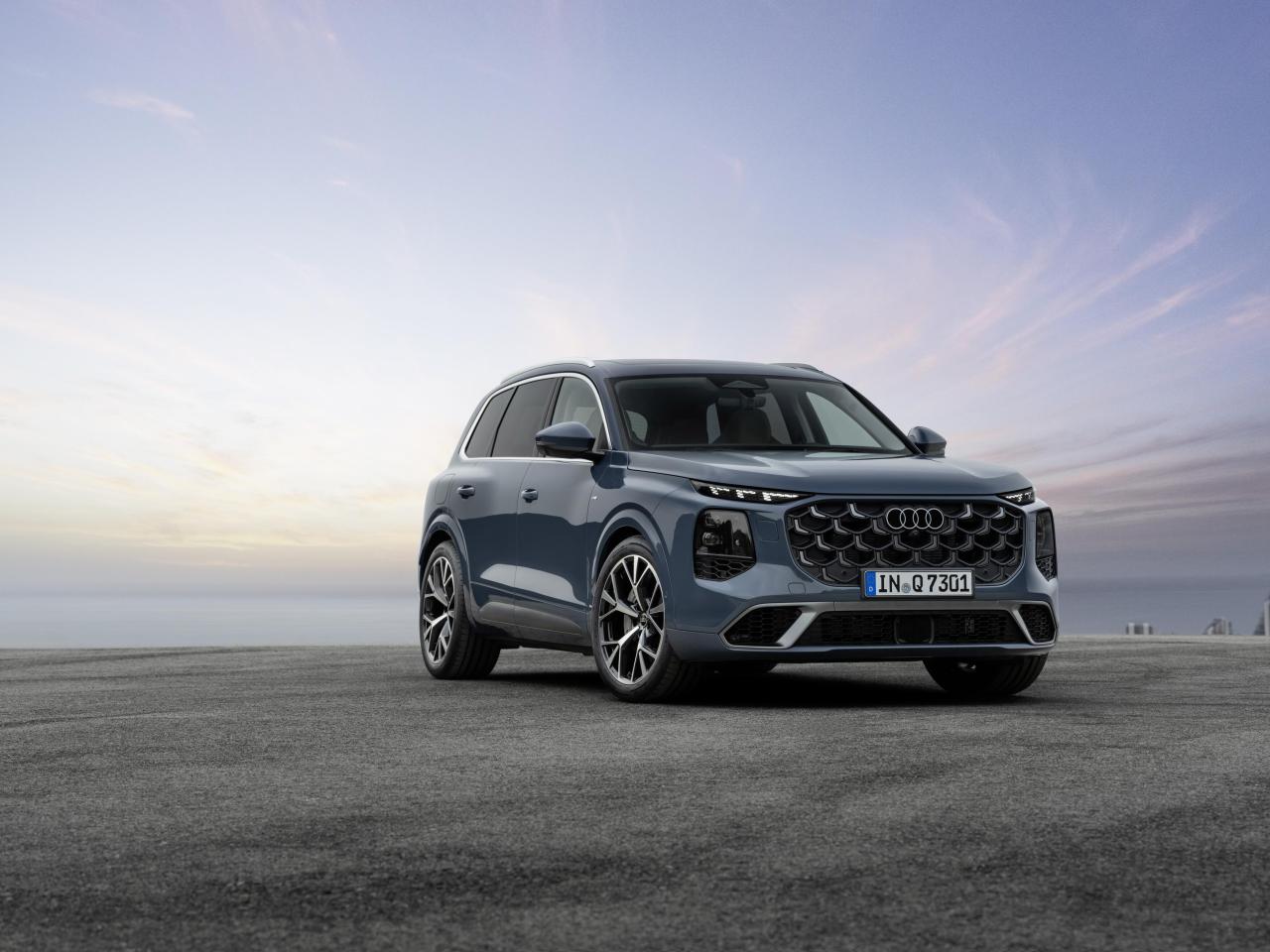
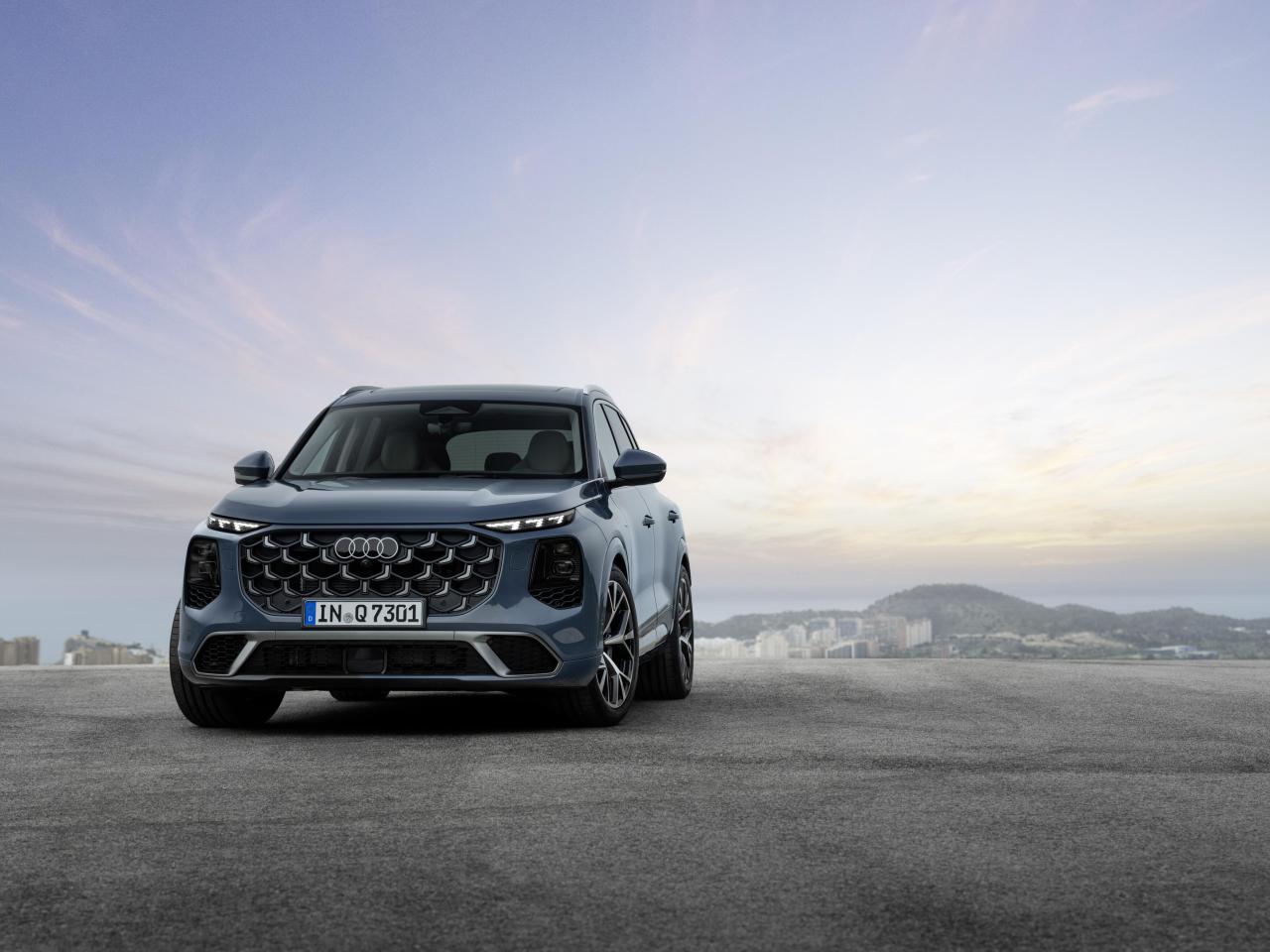
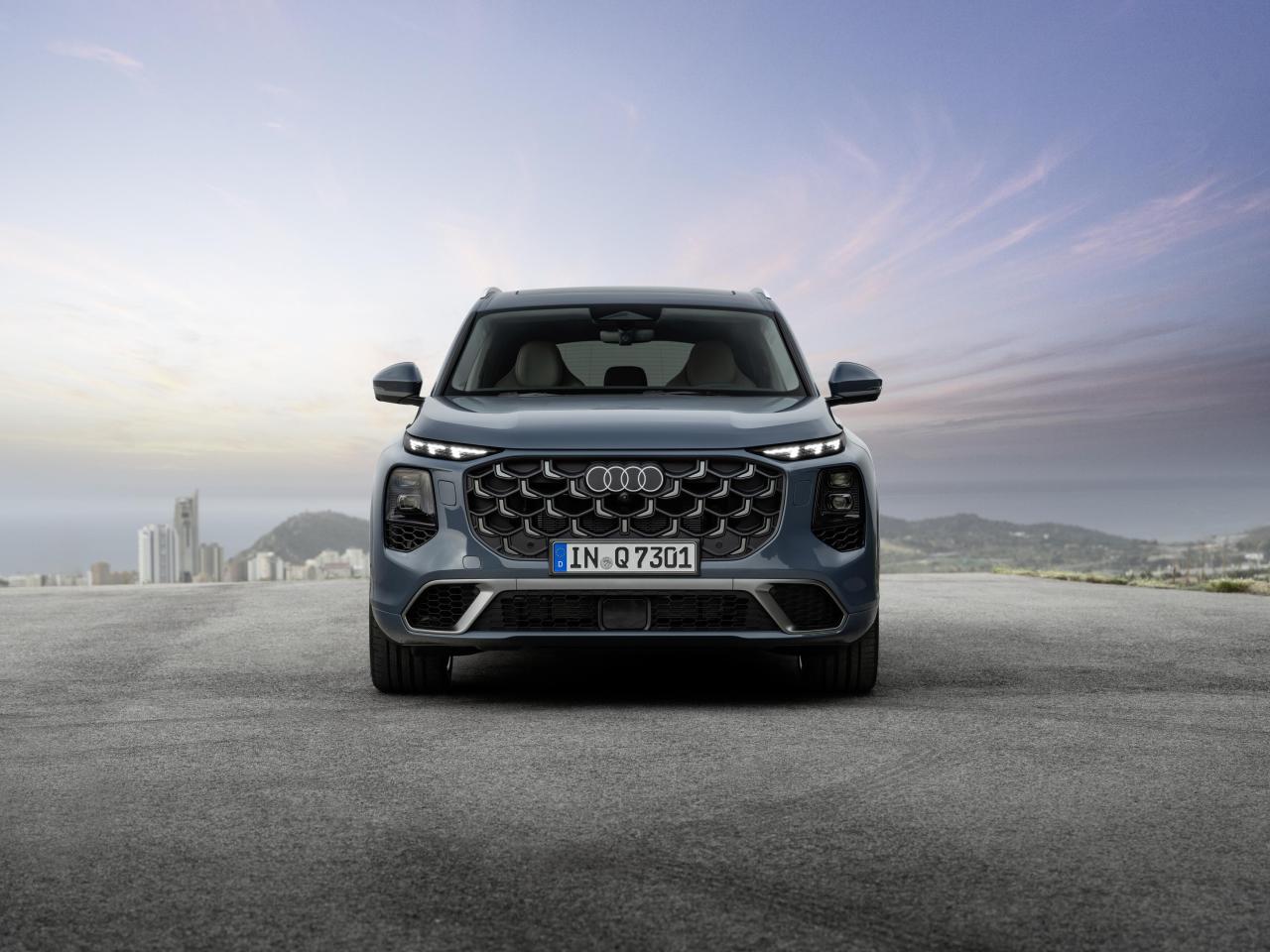
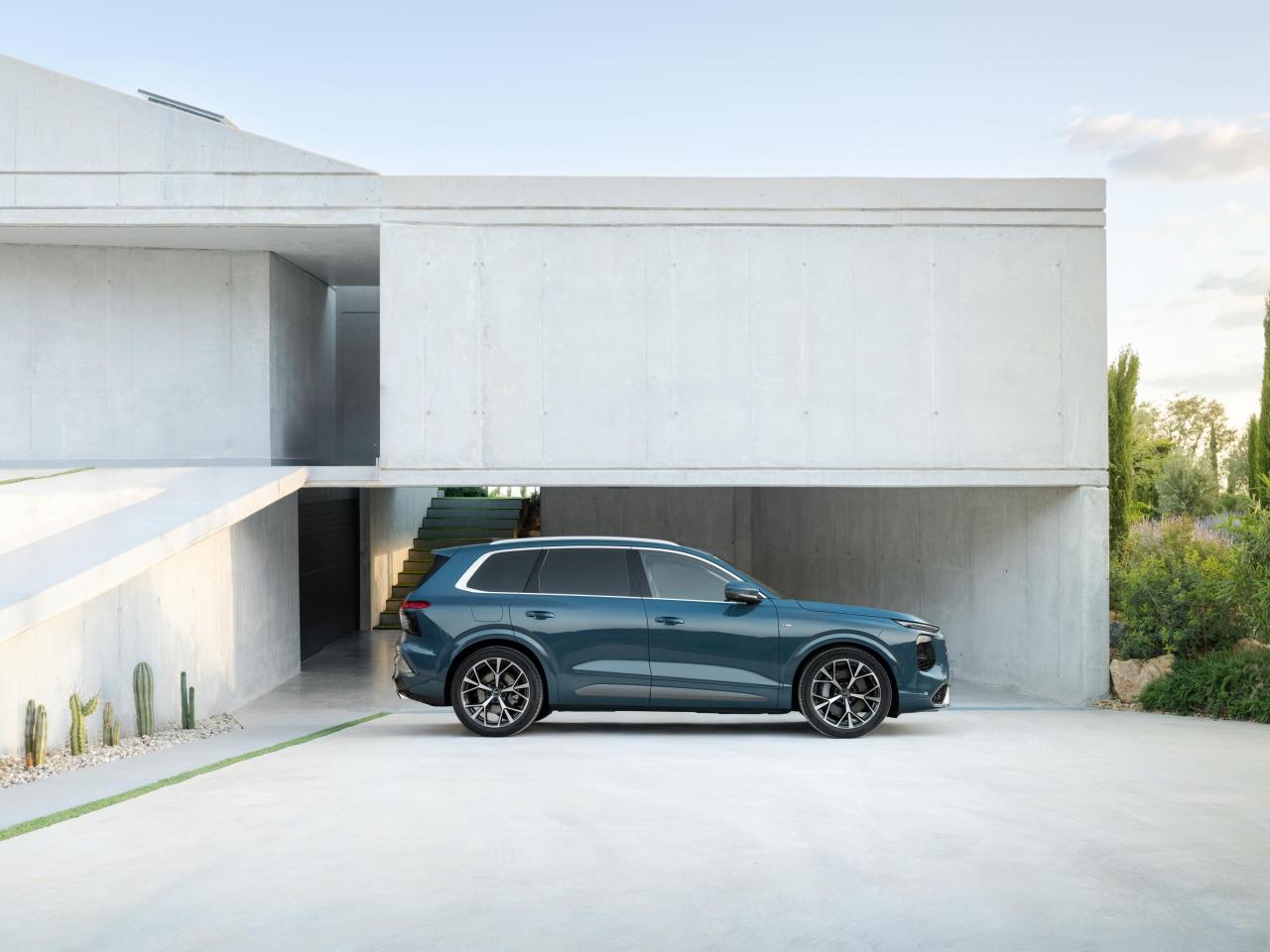
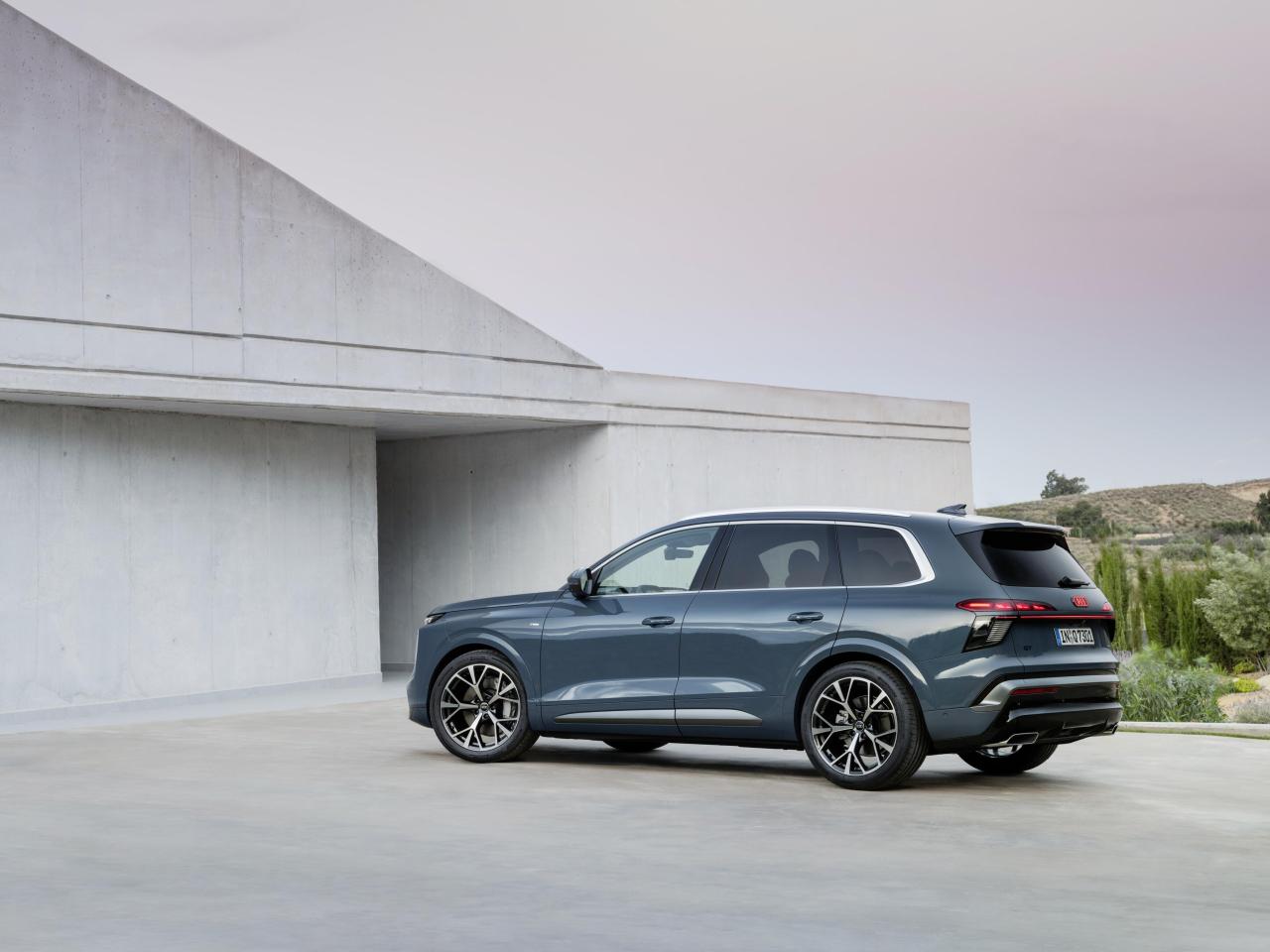
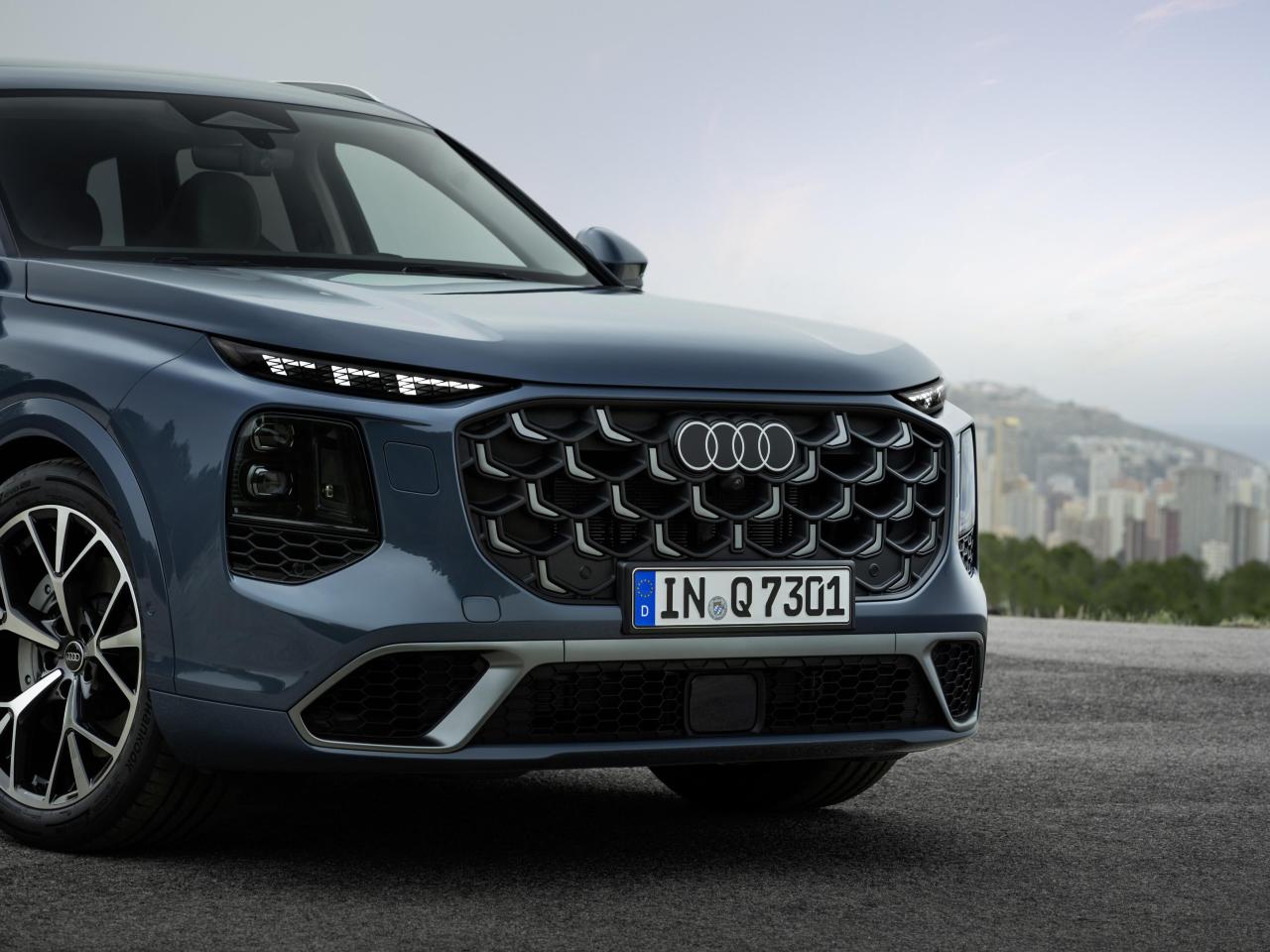
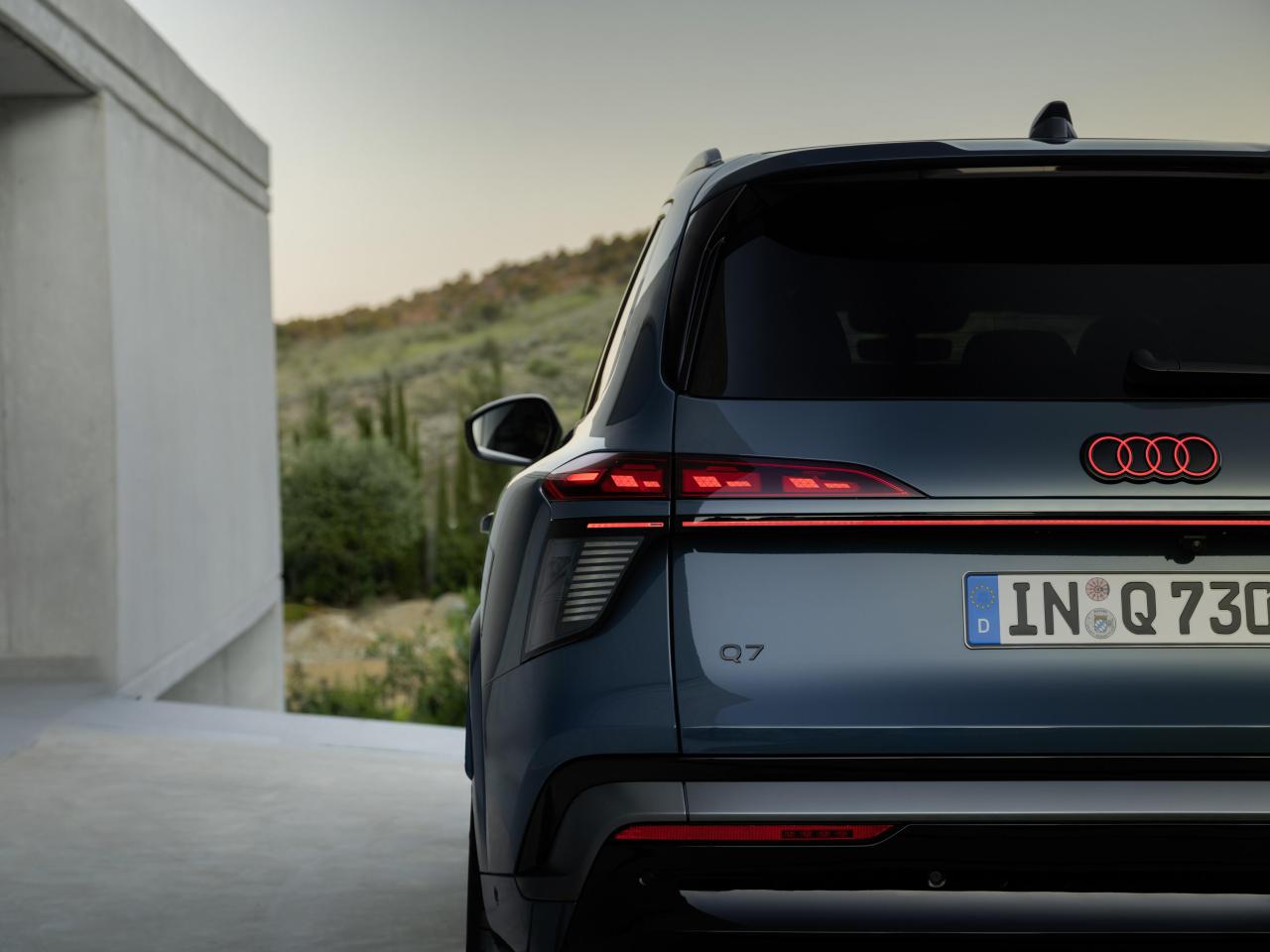
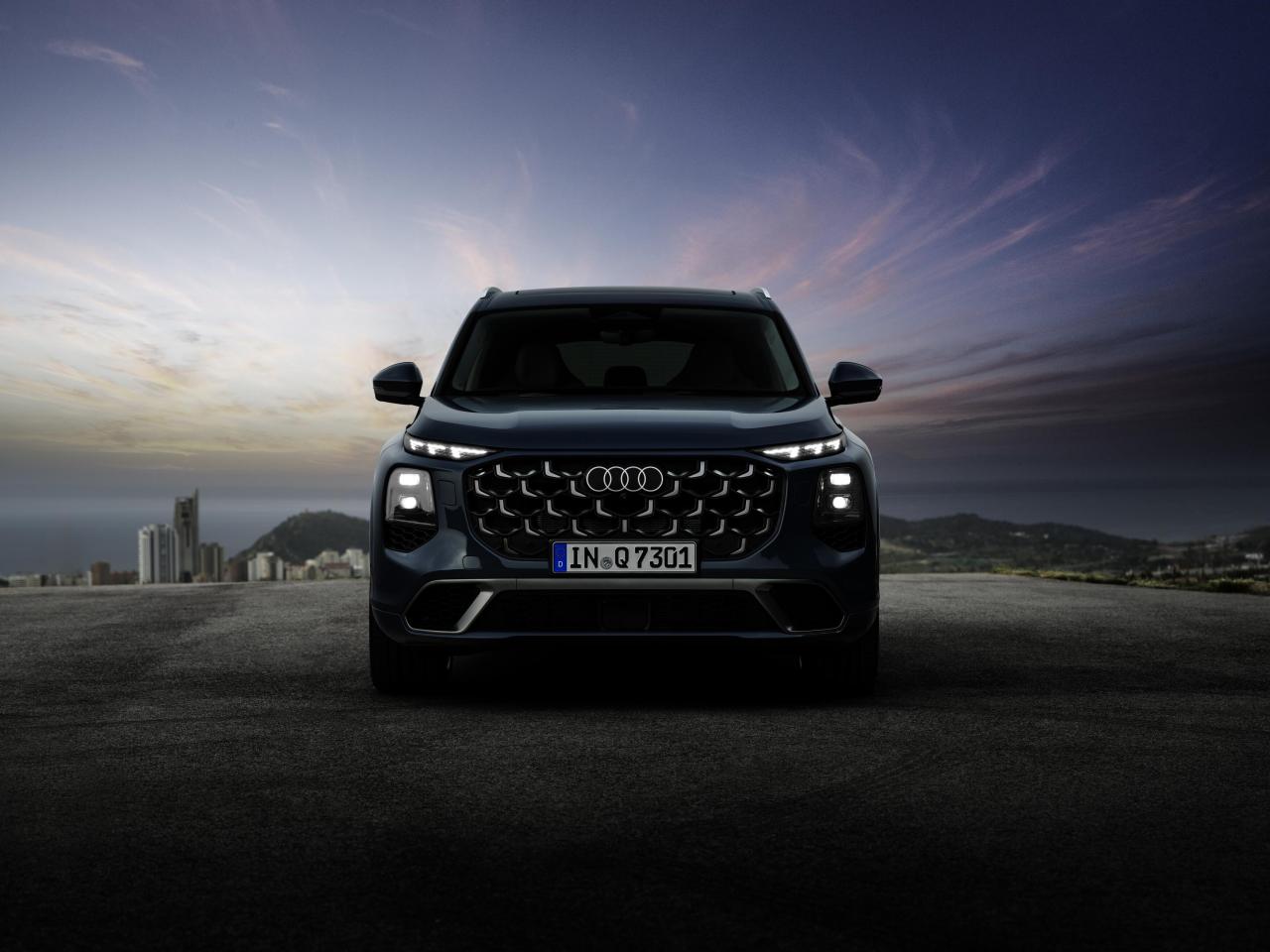
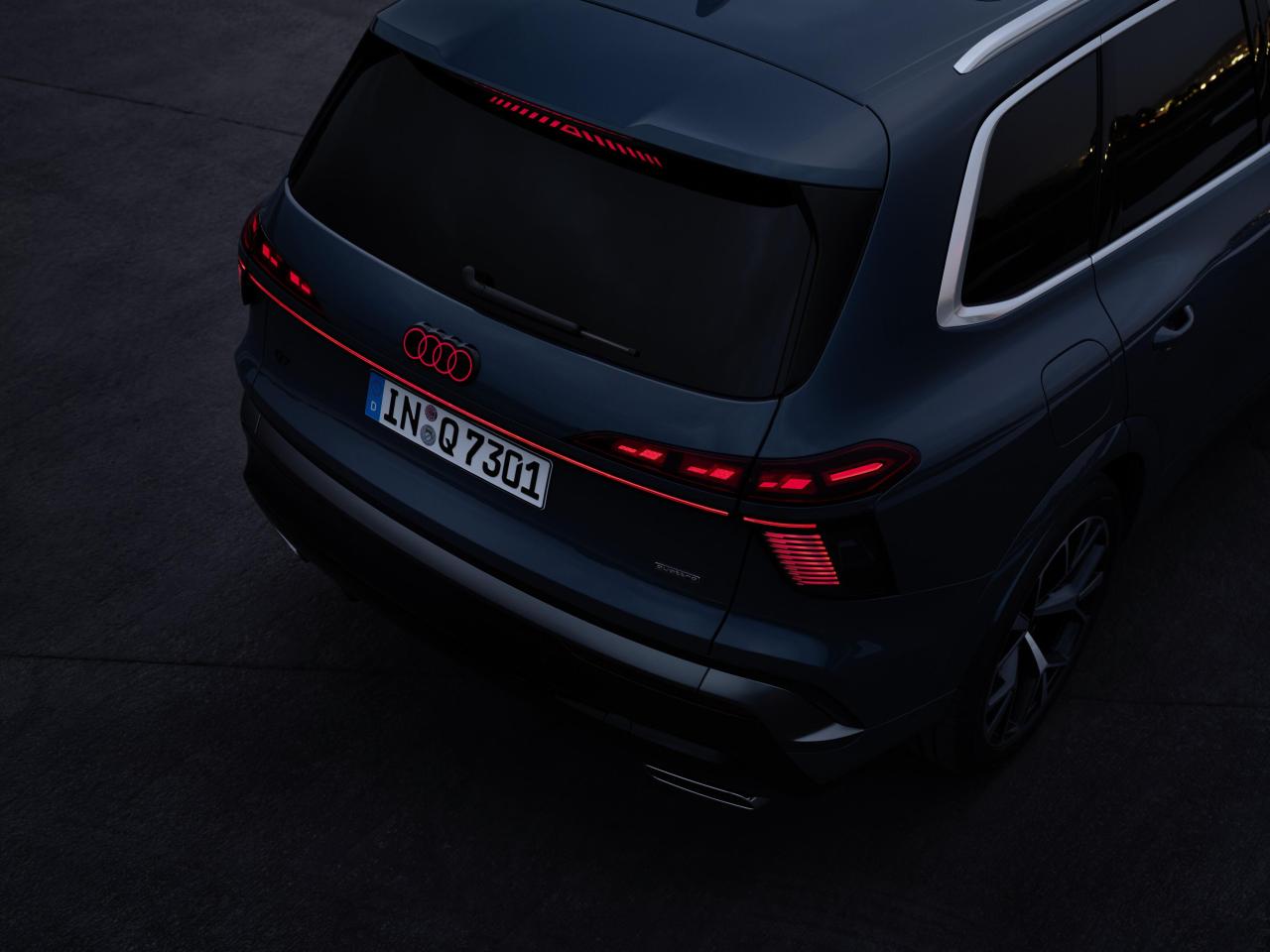
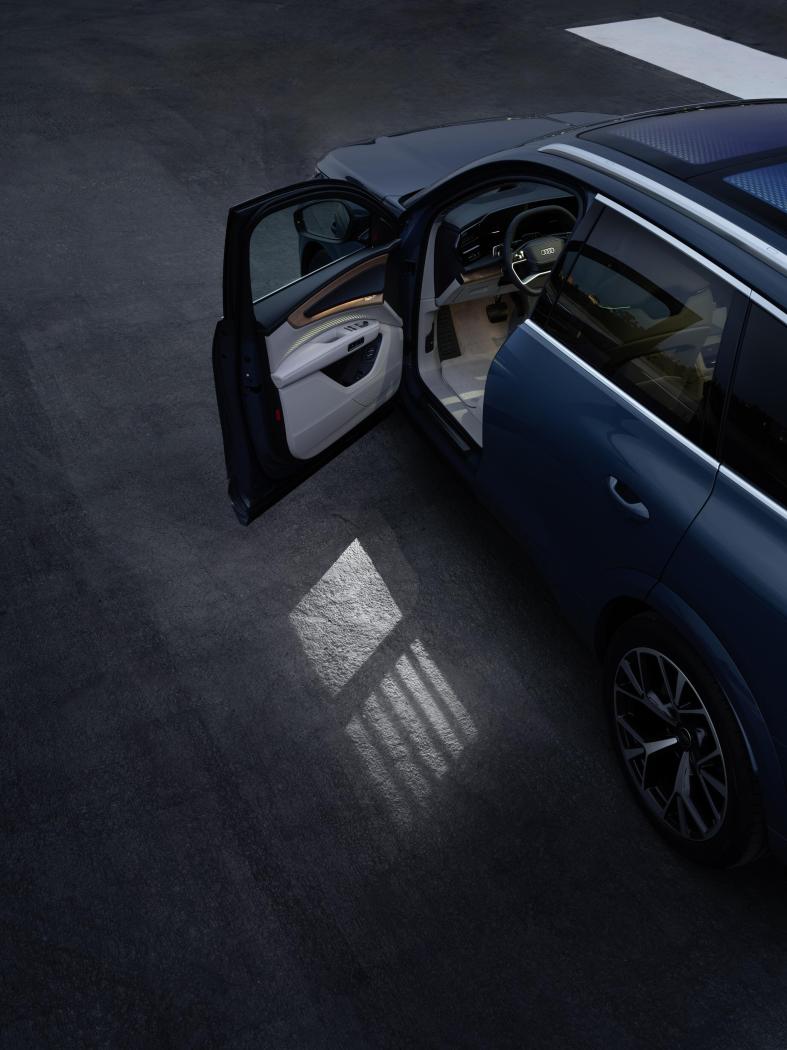
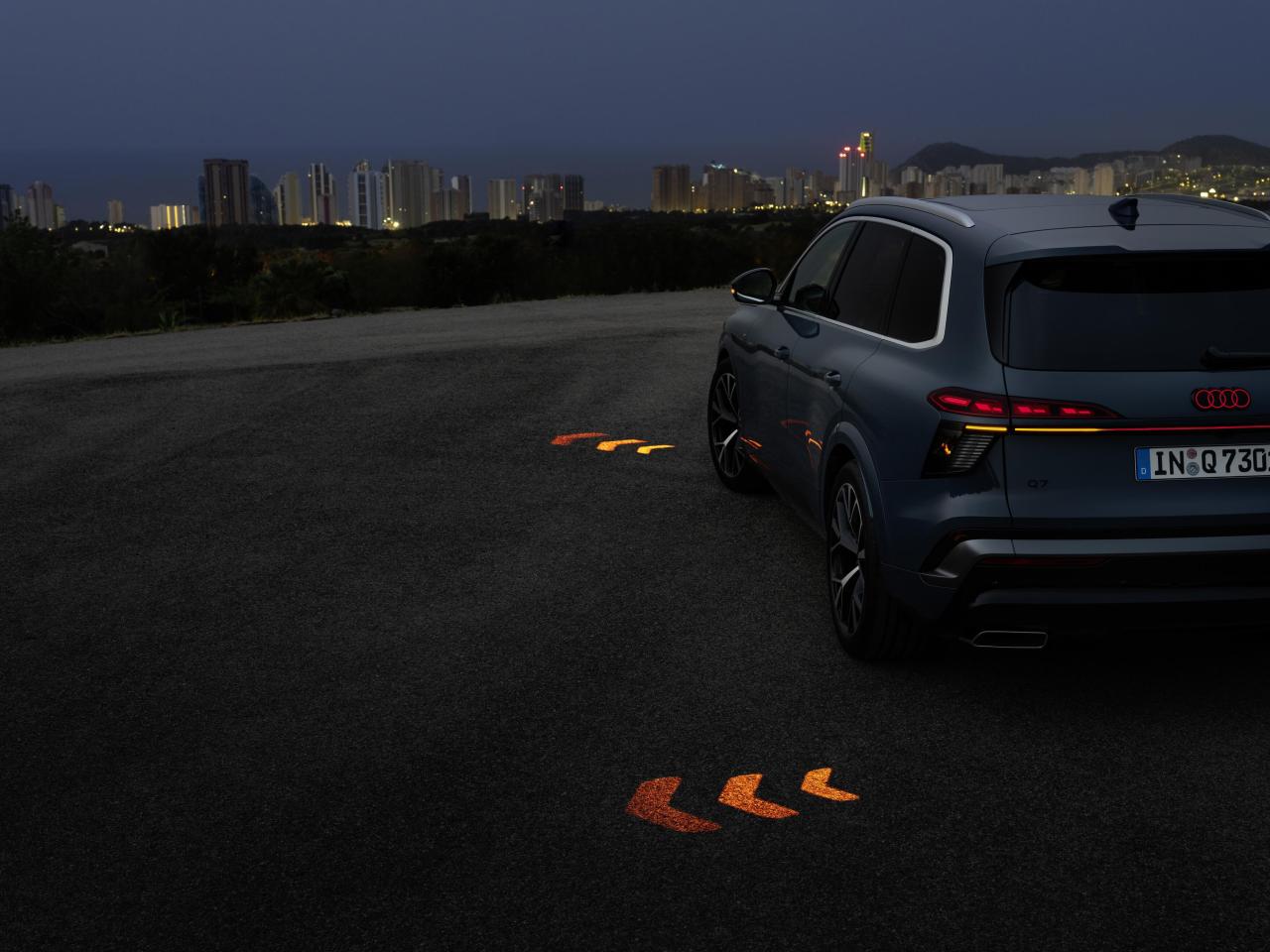
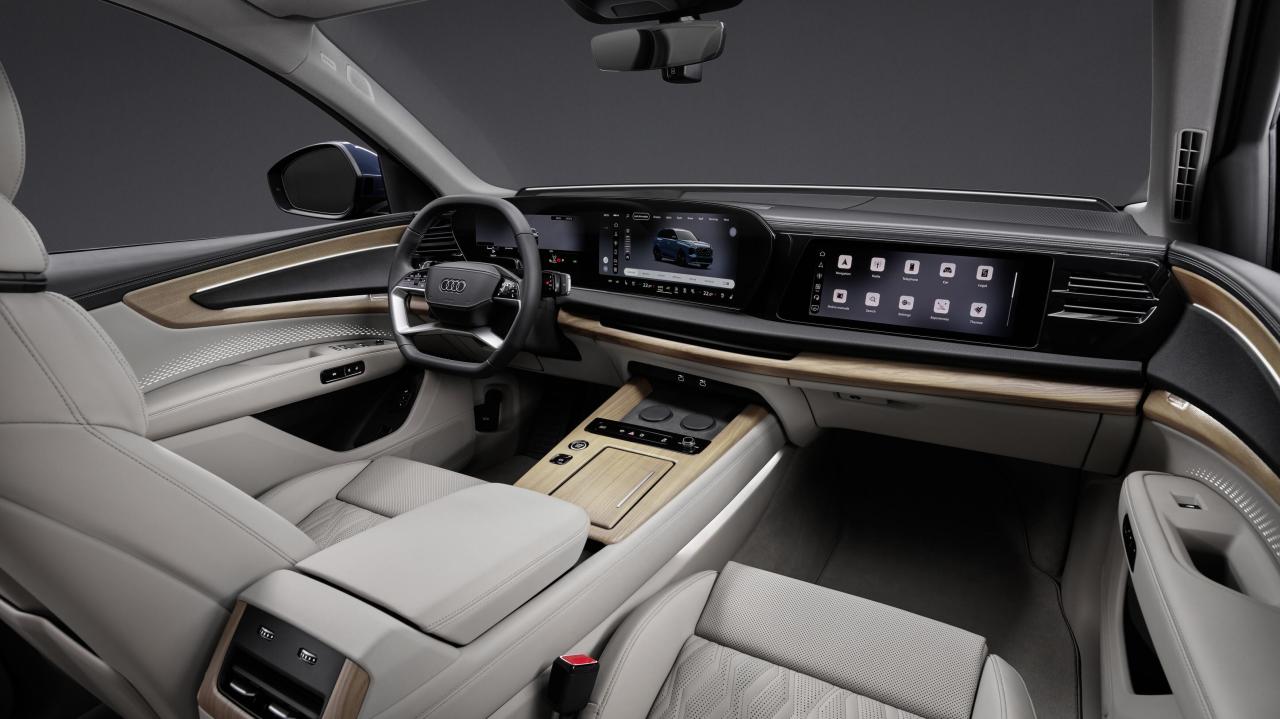
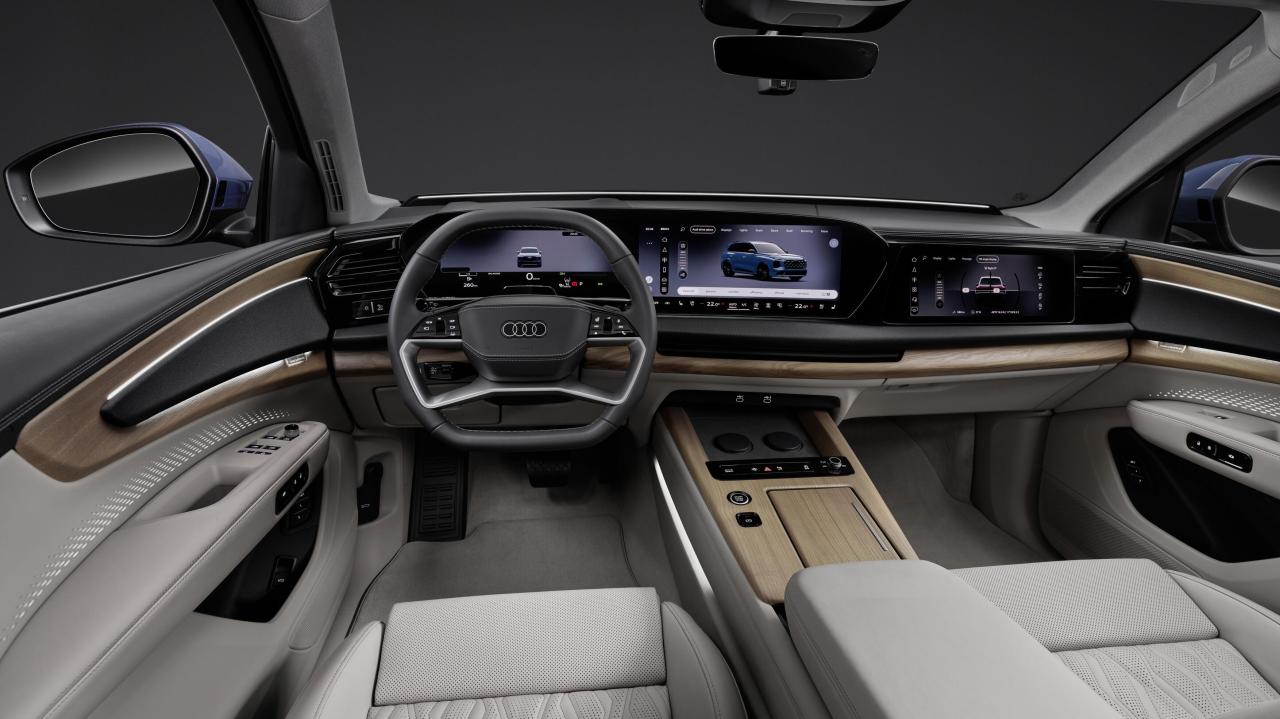
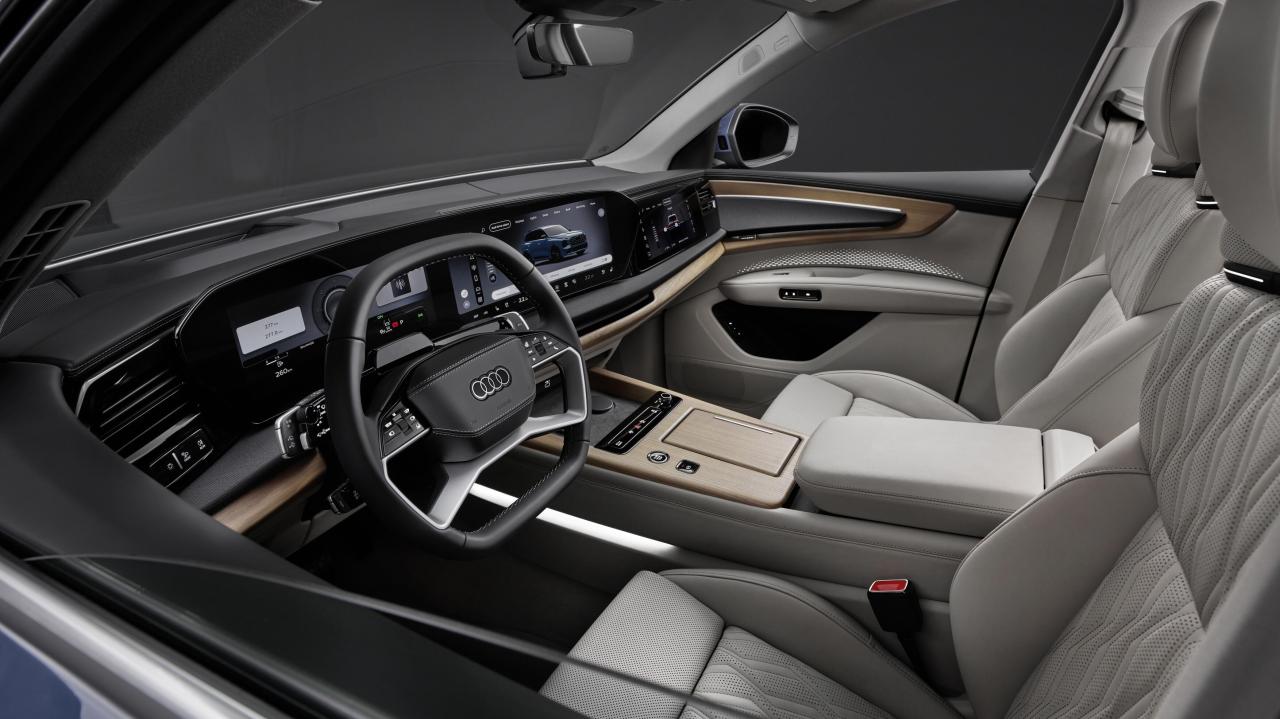
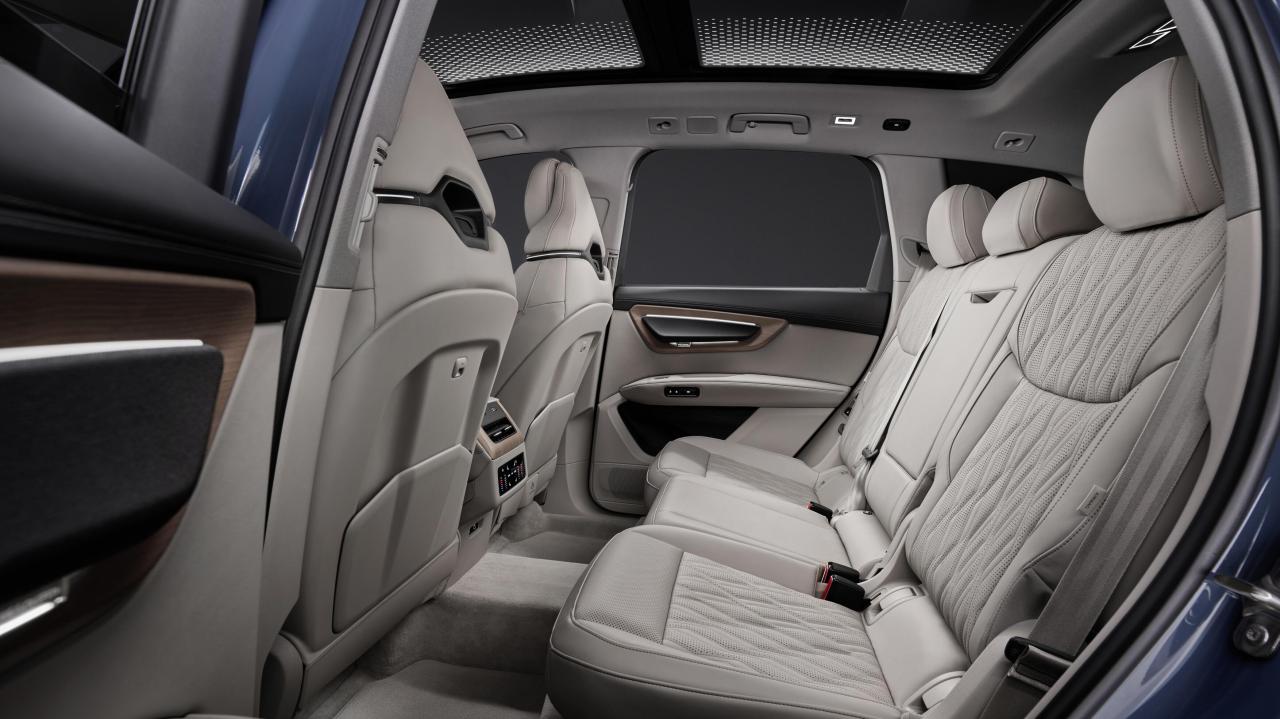
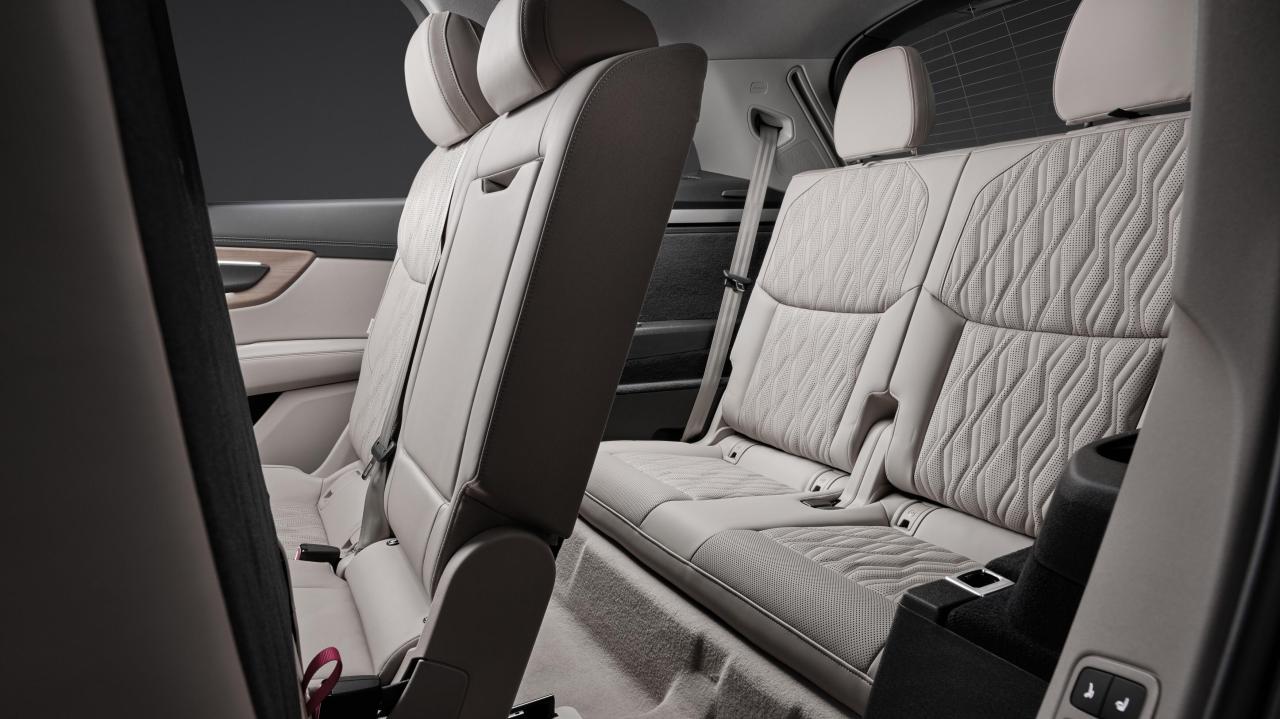
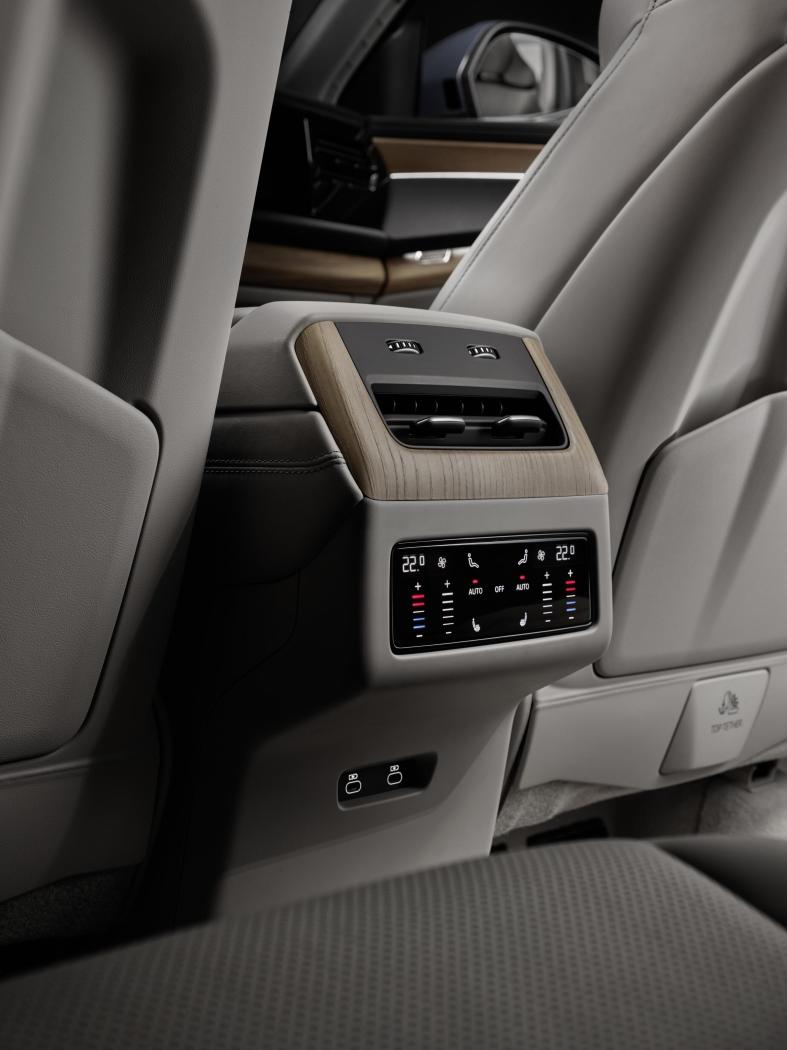
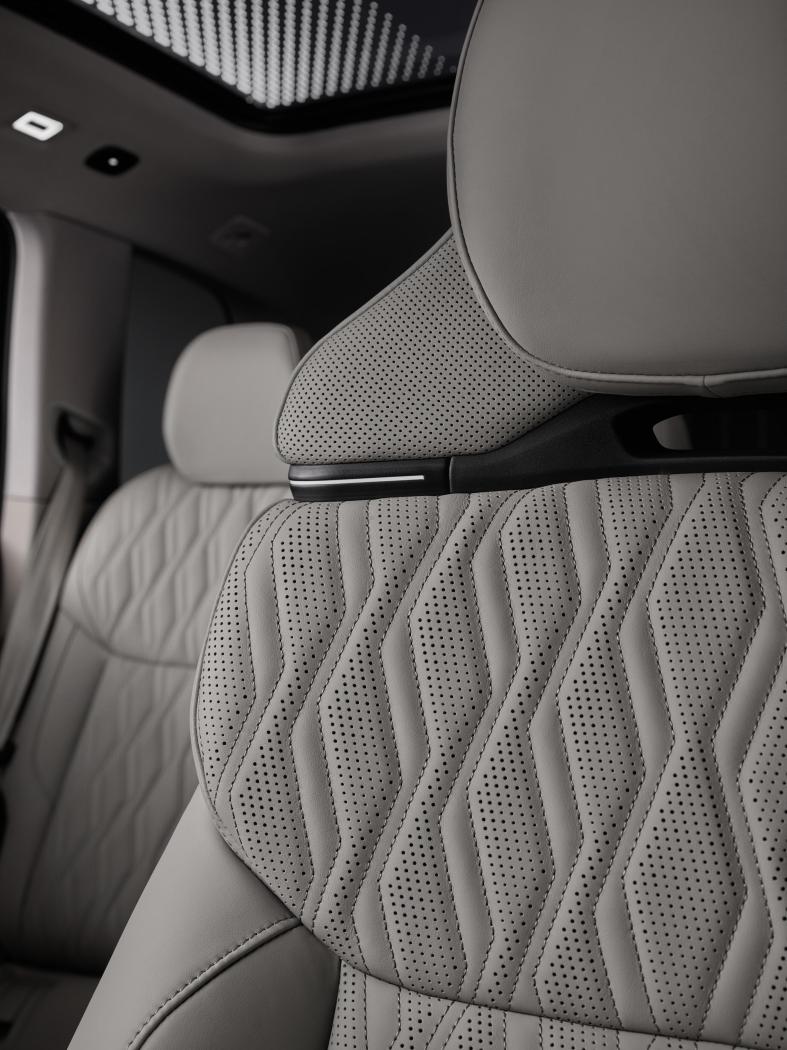
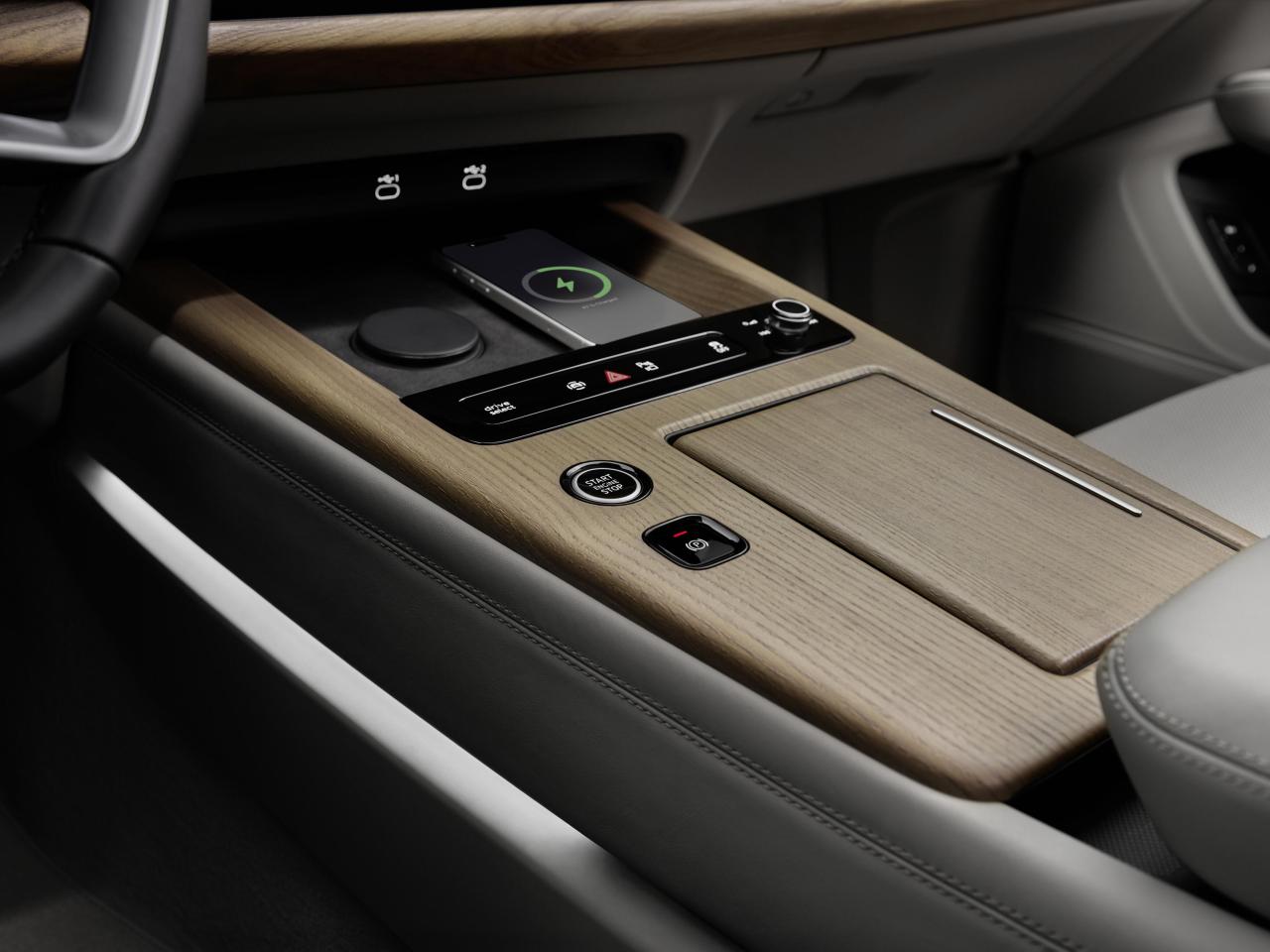
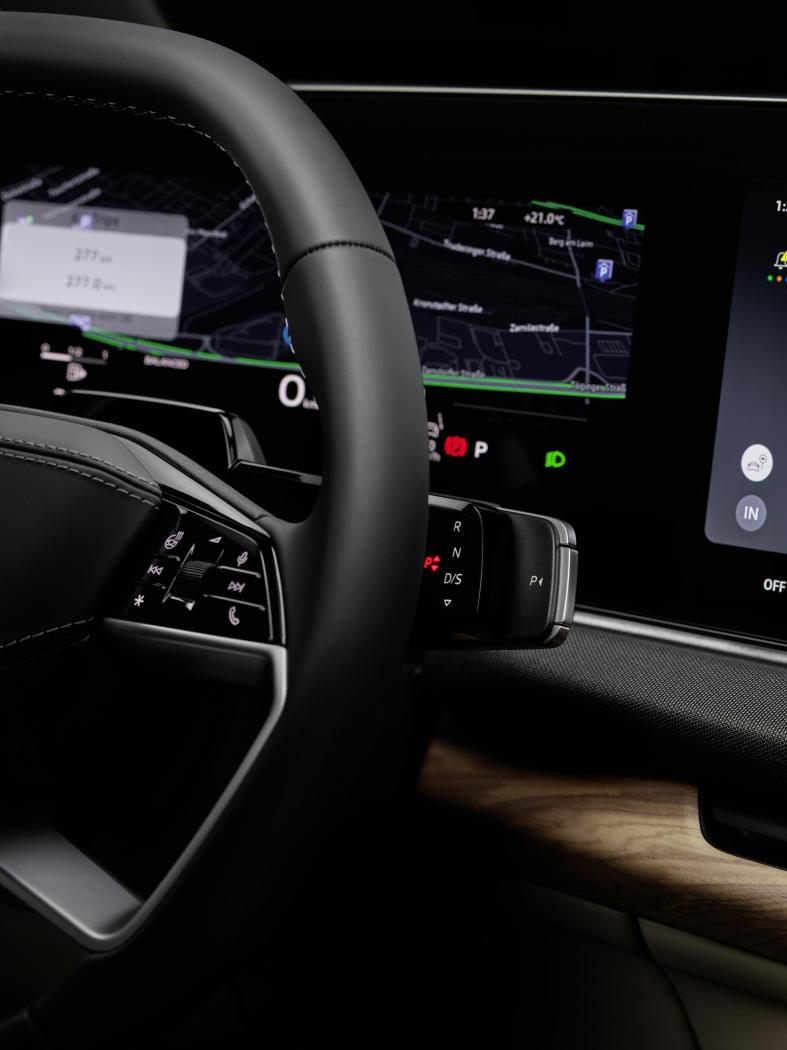
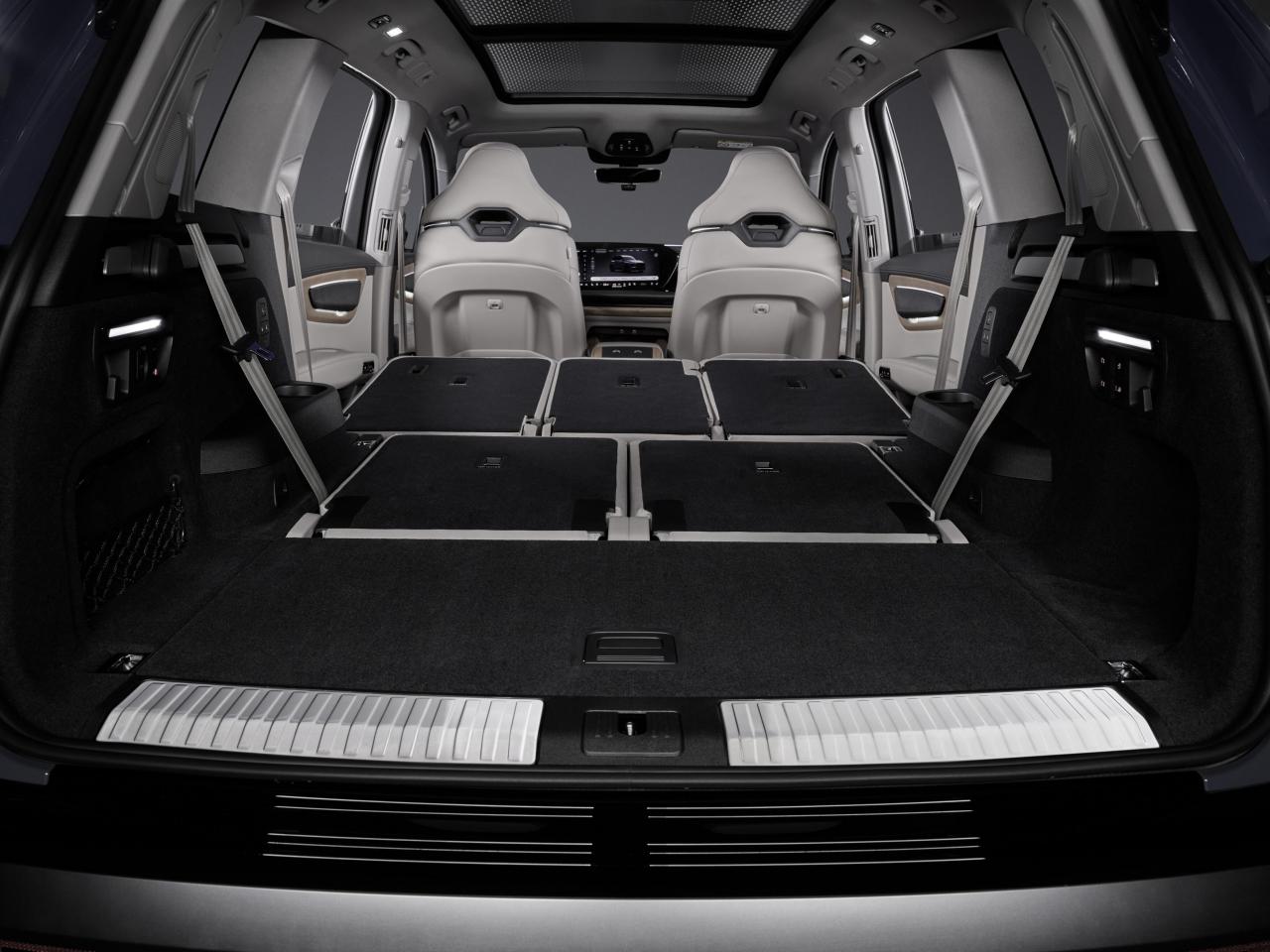
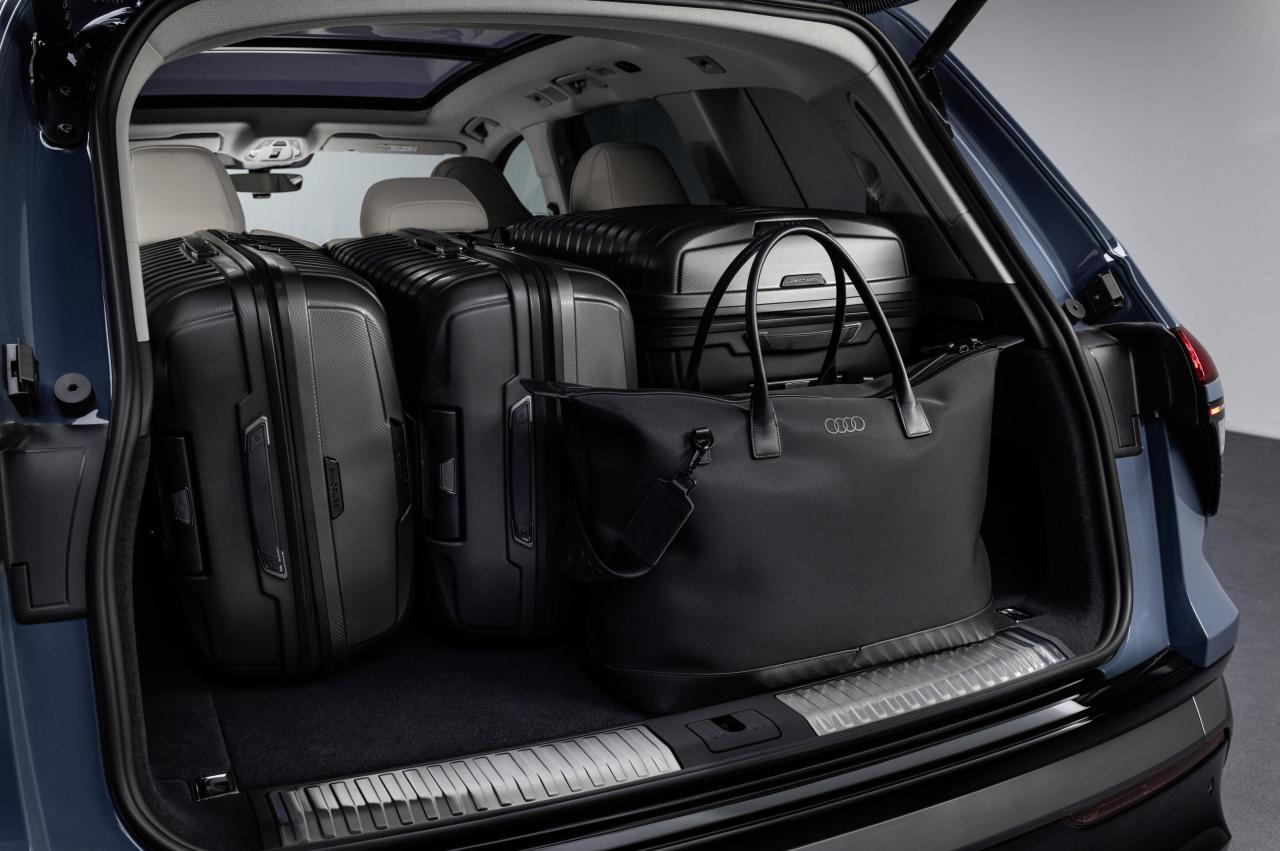
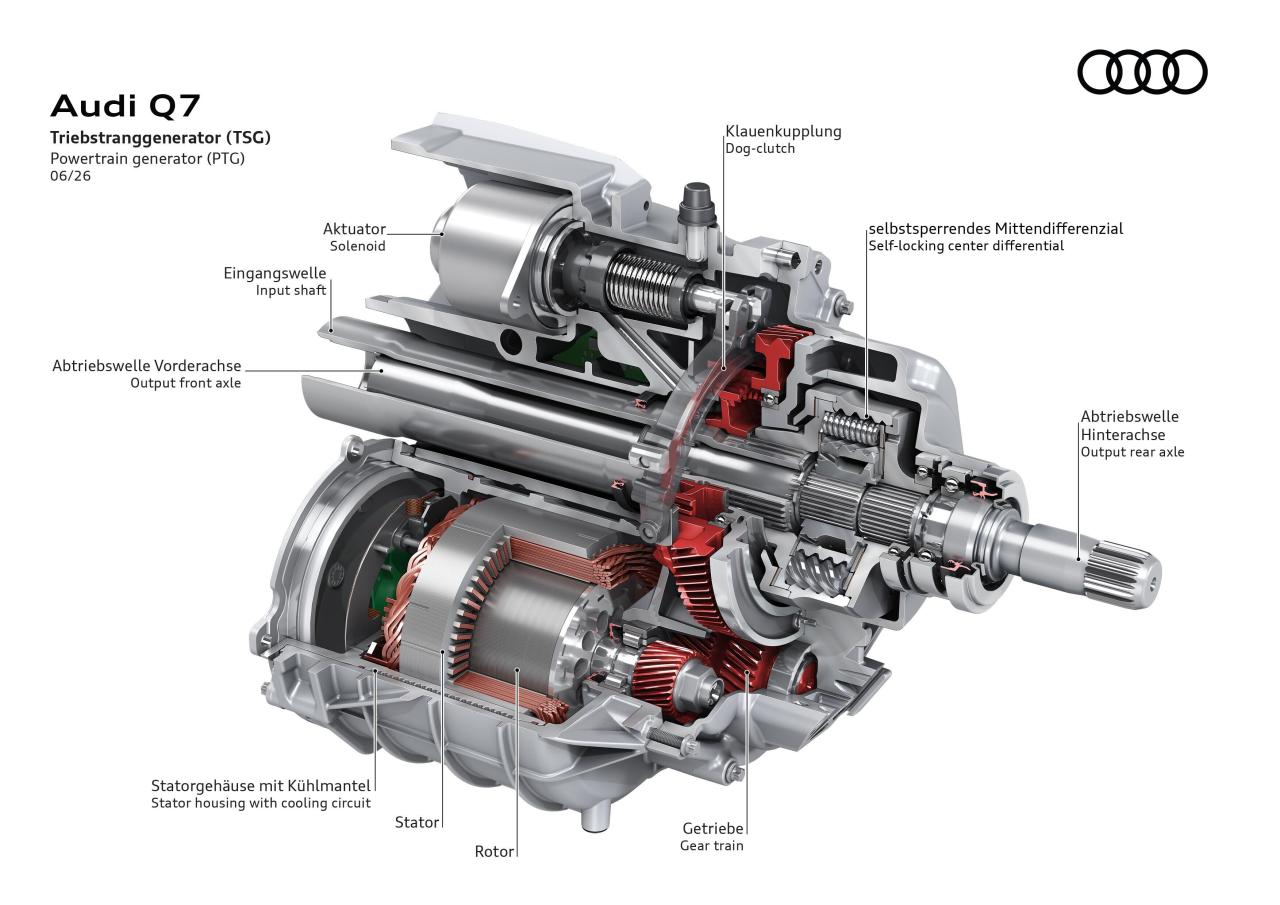
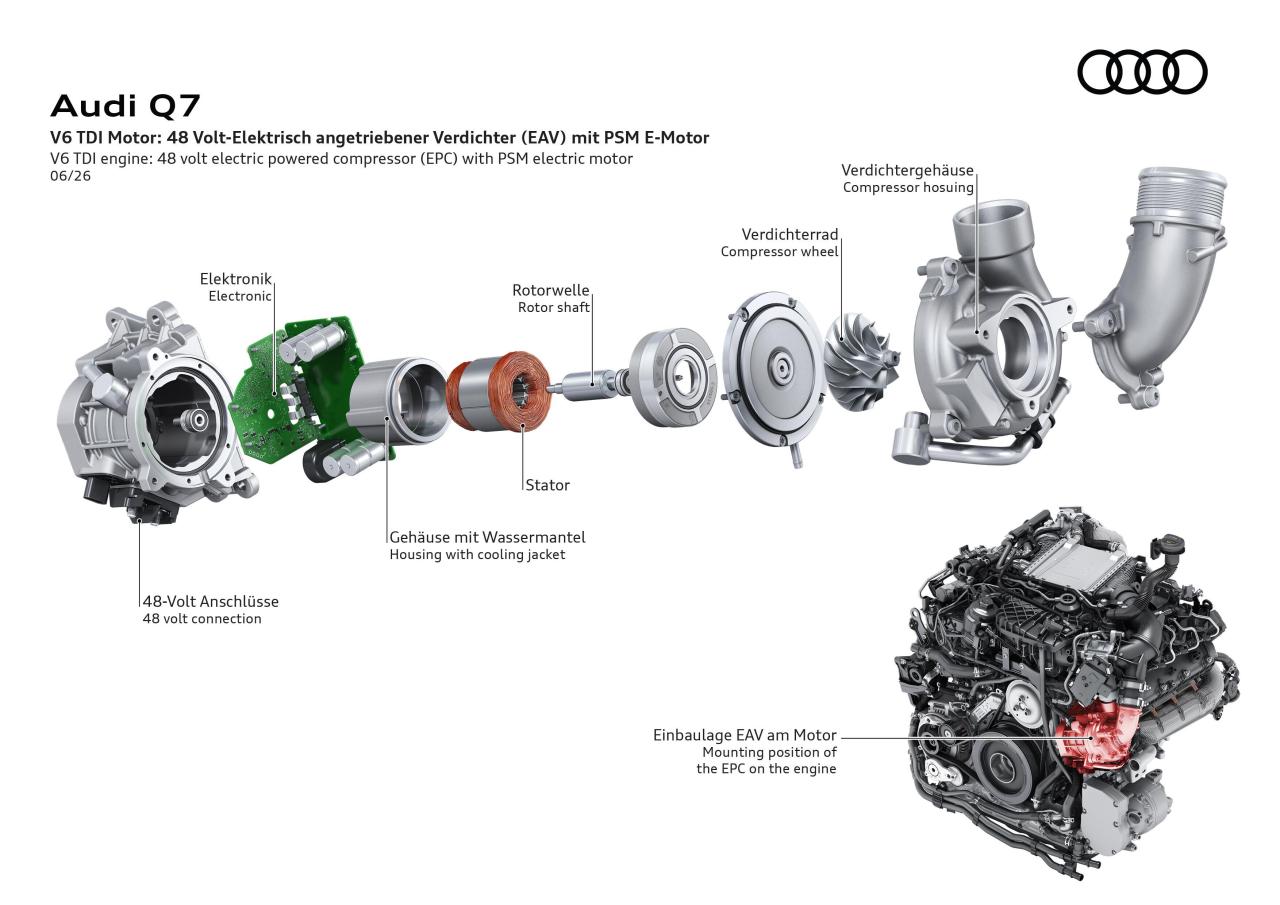
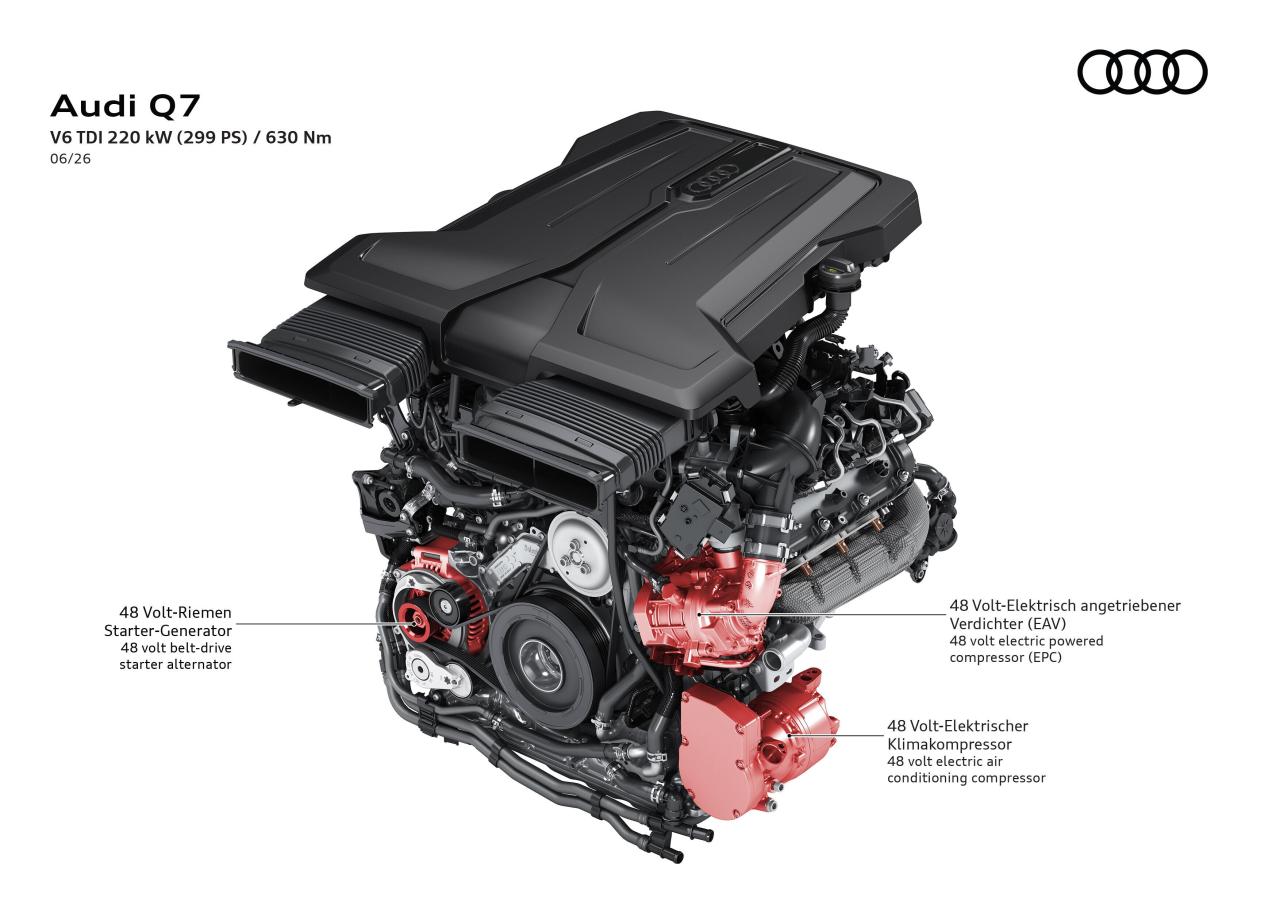
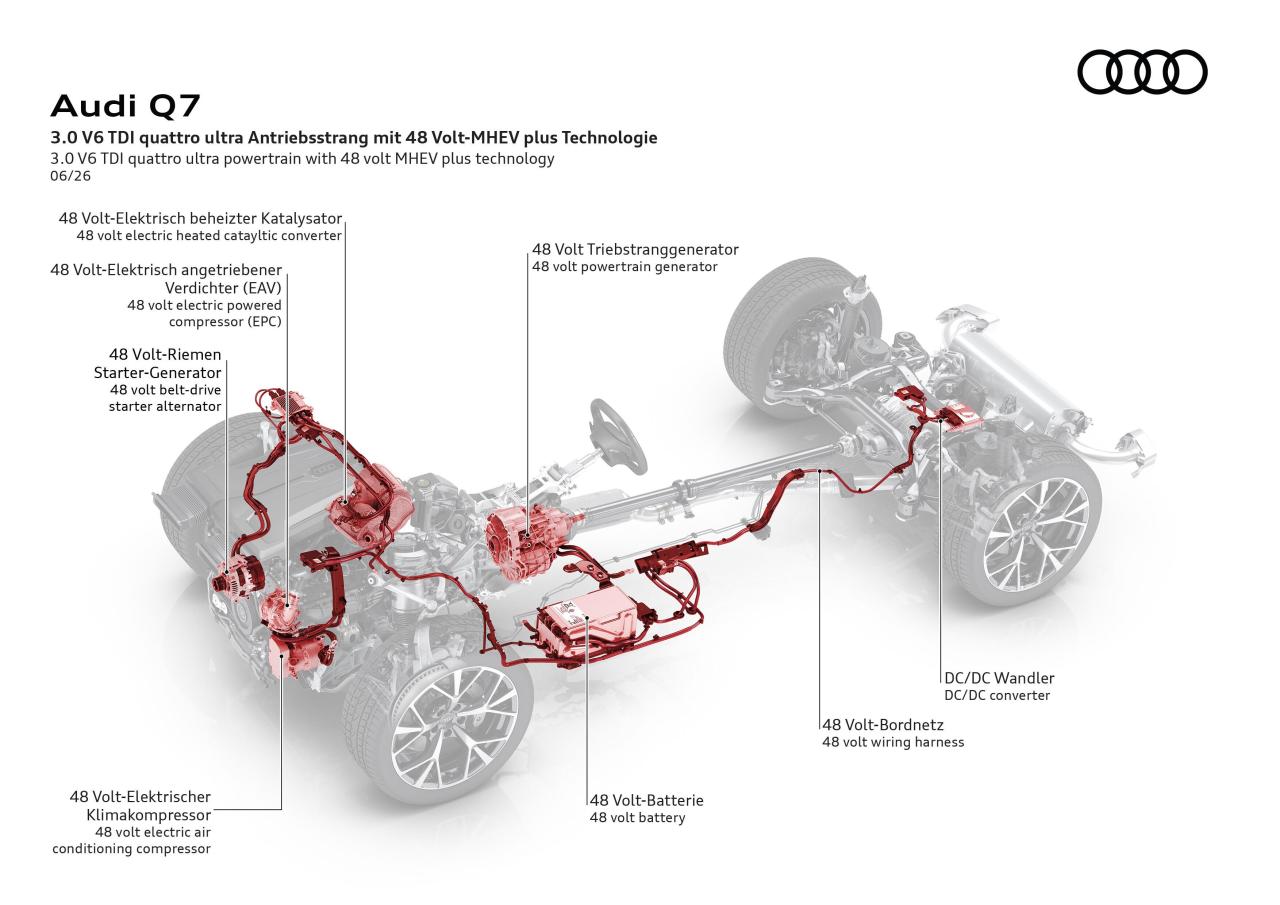
Infografiche Comunicato stampa Via Audi Topic Spy: Audi Q7 / SQ7 2026 (Spy)
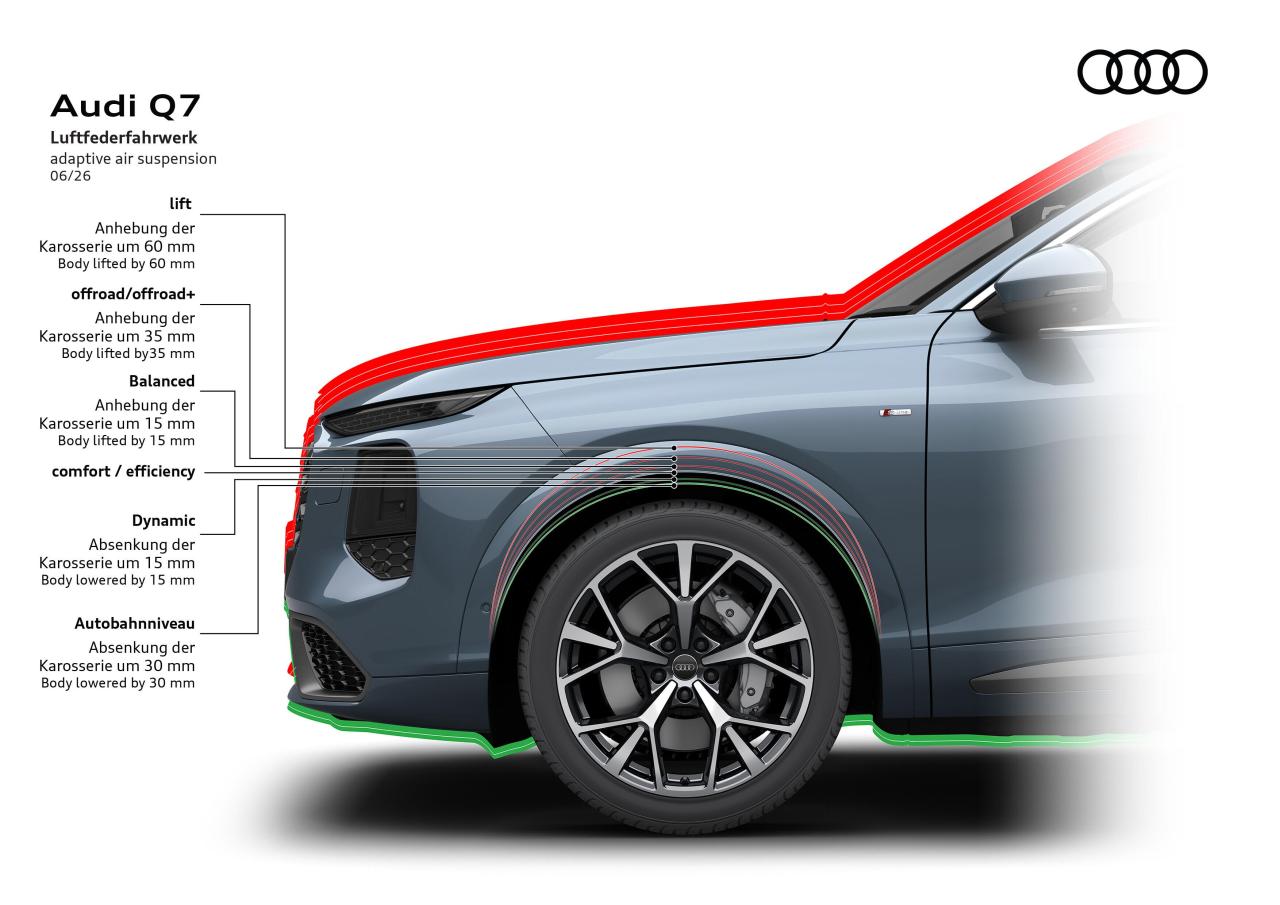
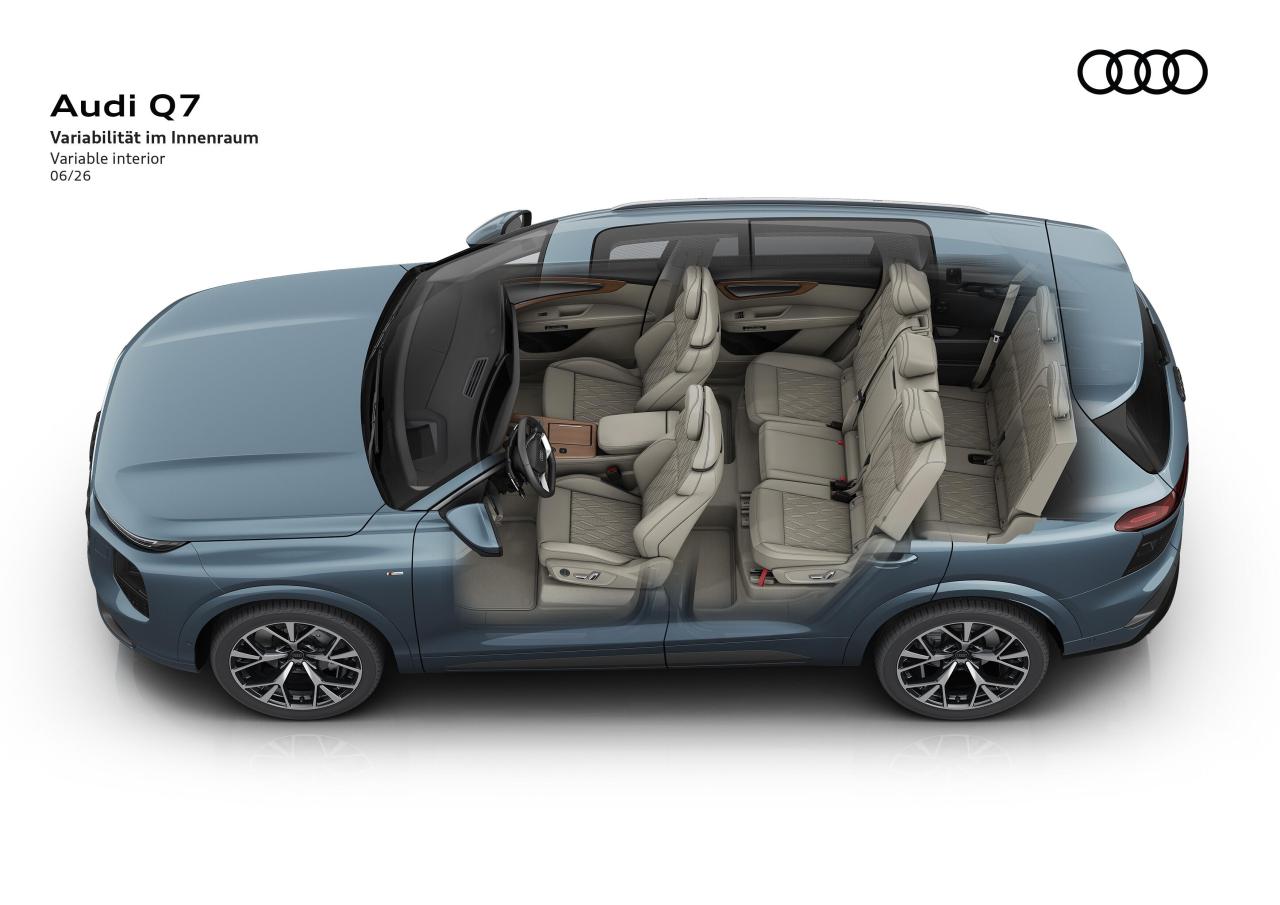
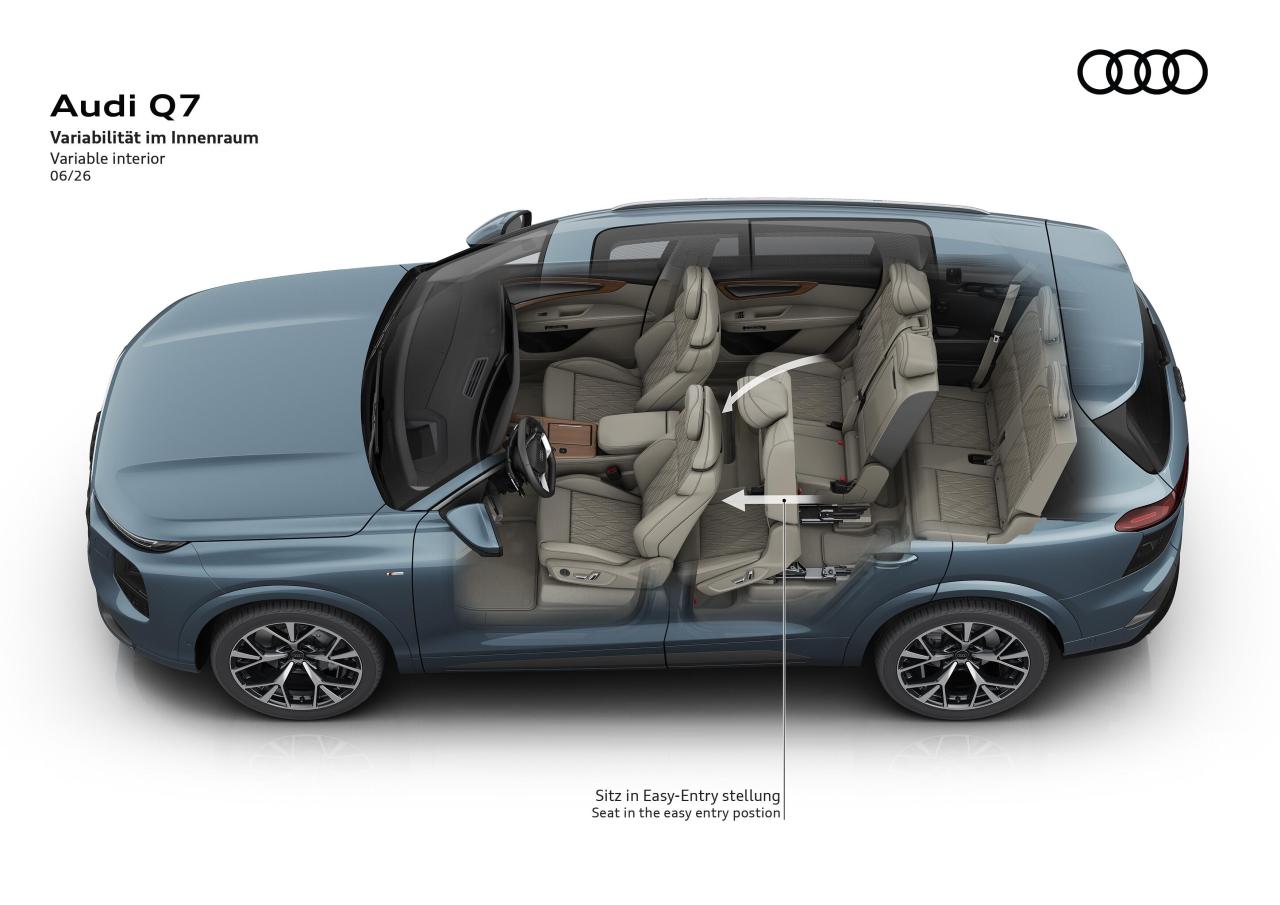
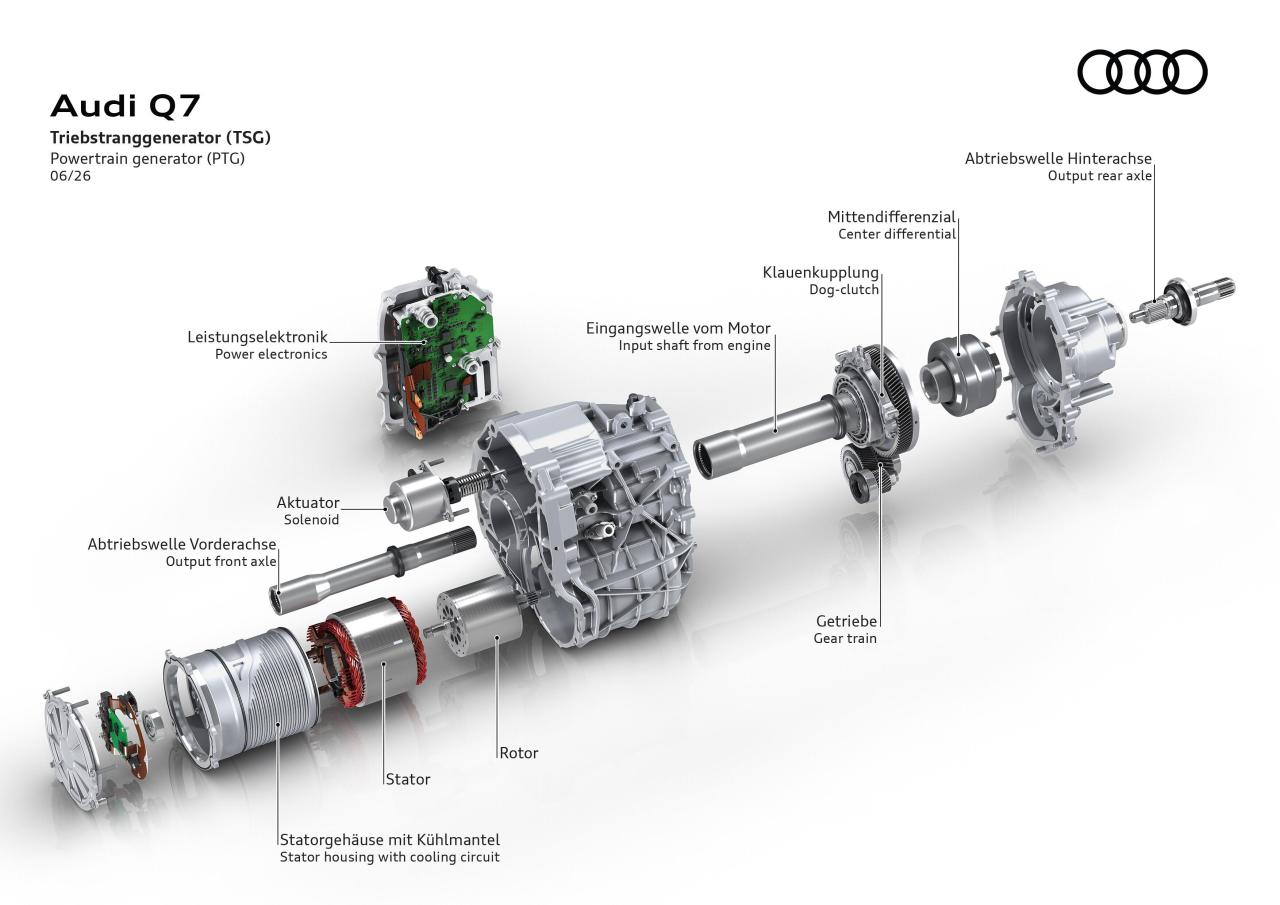
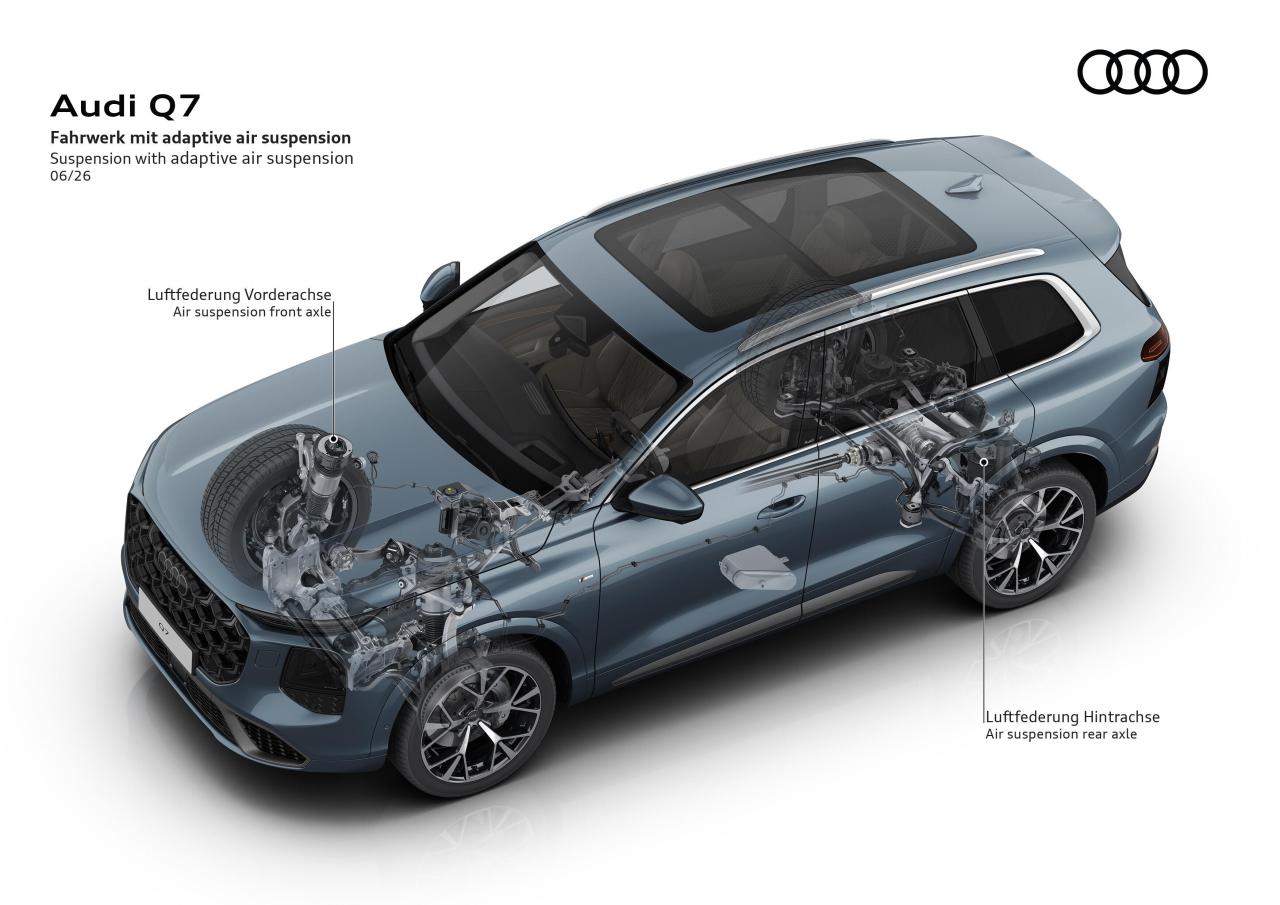
-
-
-
-
-
Dal comunicato stampa ufficiale sugli investimenti Stellantis in US: Via Stellantis.
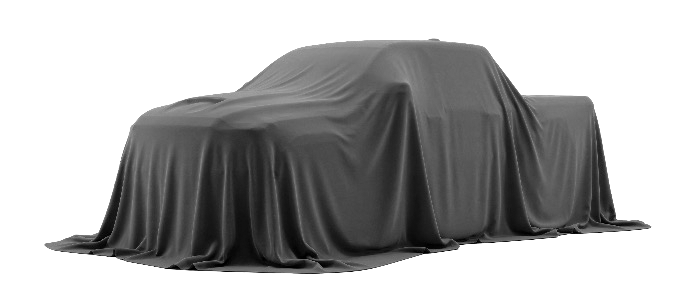
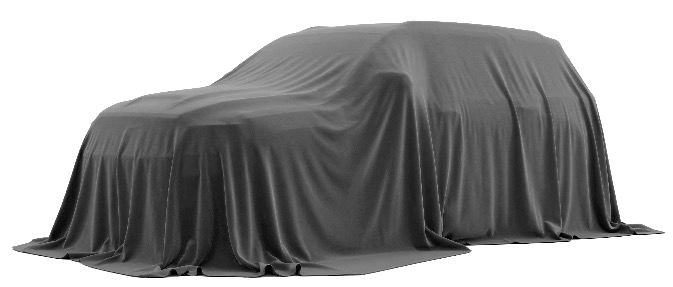 Dal comunicato stampa ufficiale sugli investimenti Stellantis in US: Via Stellantis.
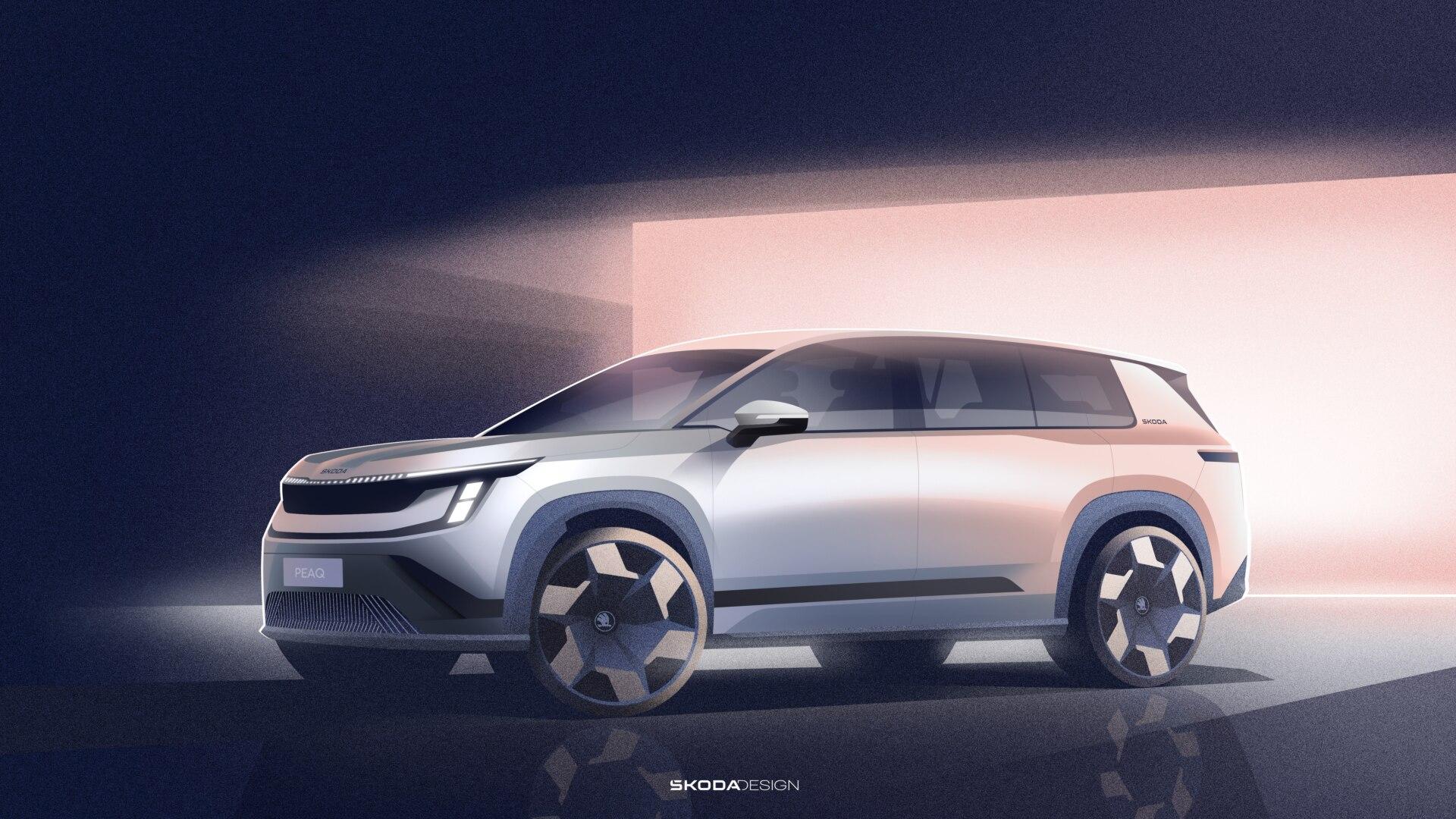
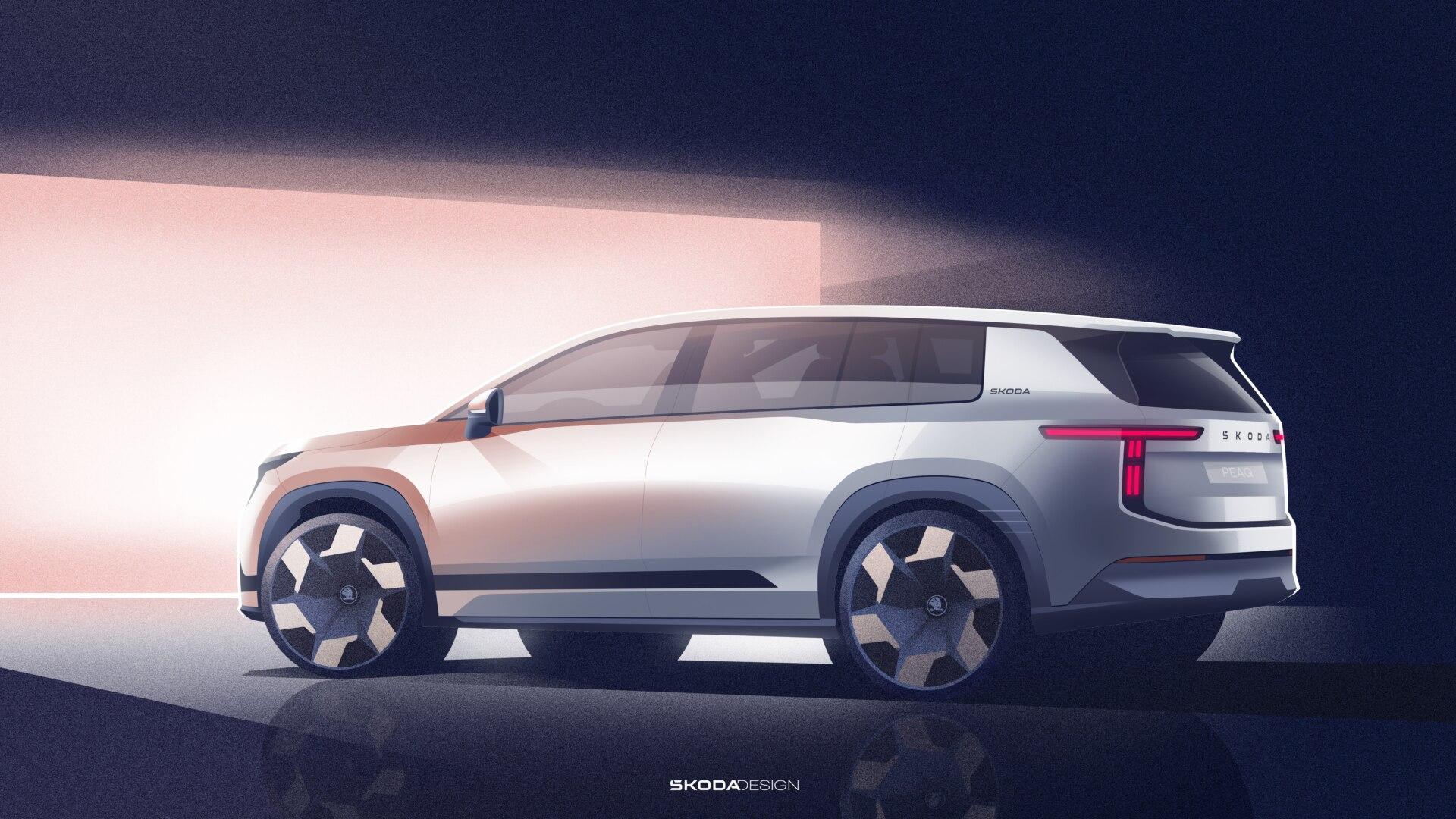
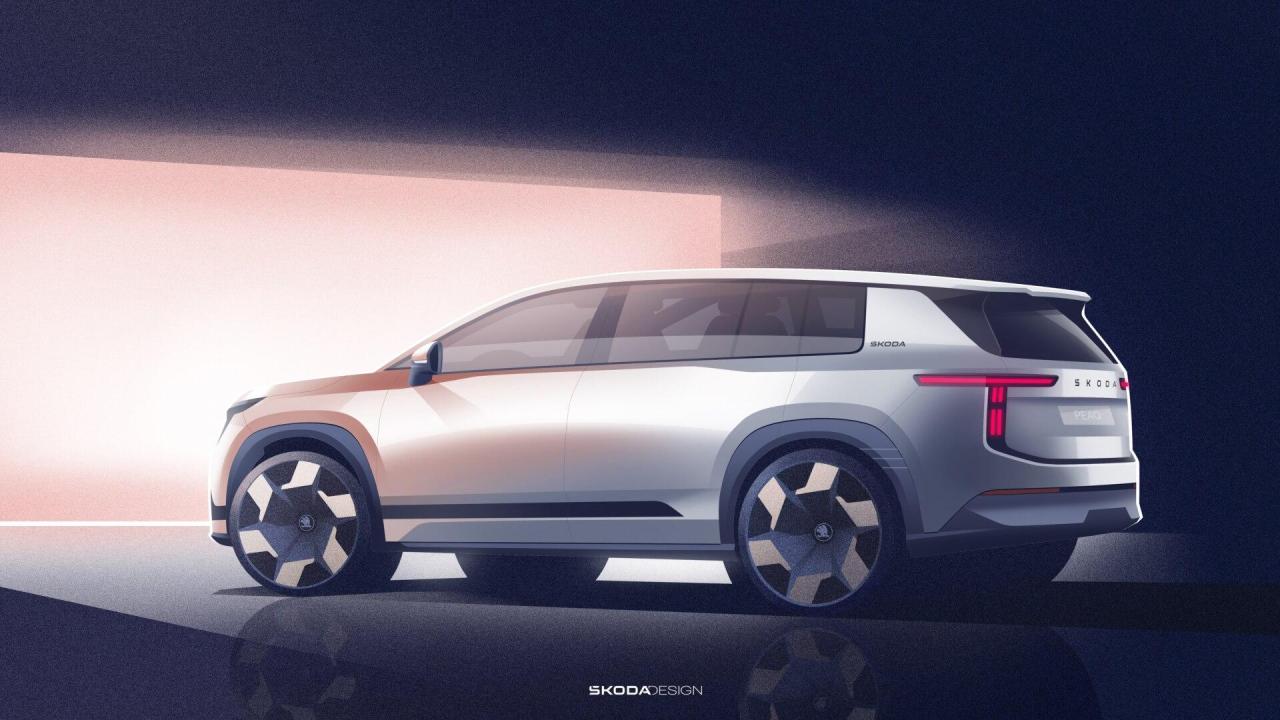
 No.Comunicato stampa Via Škoda.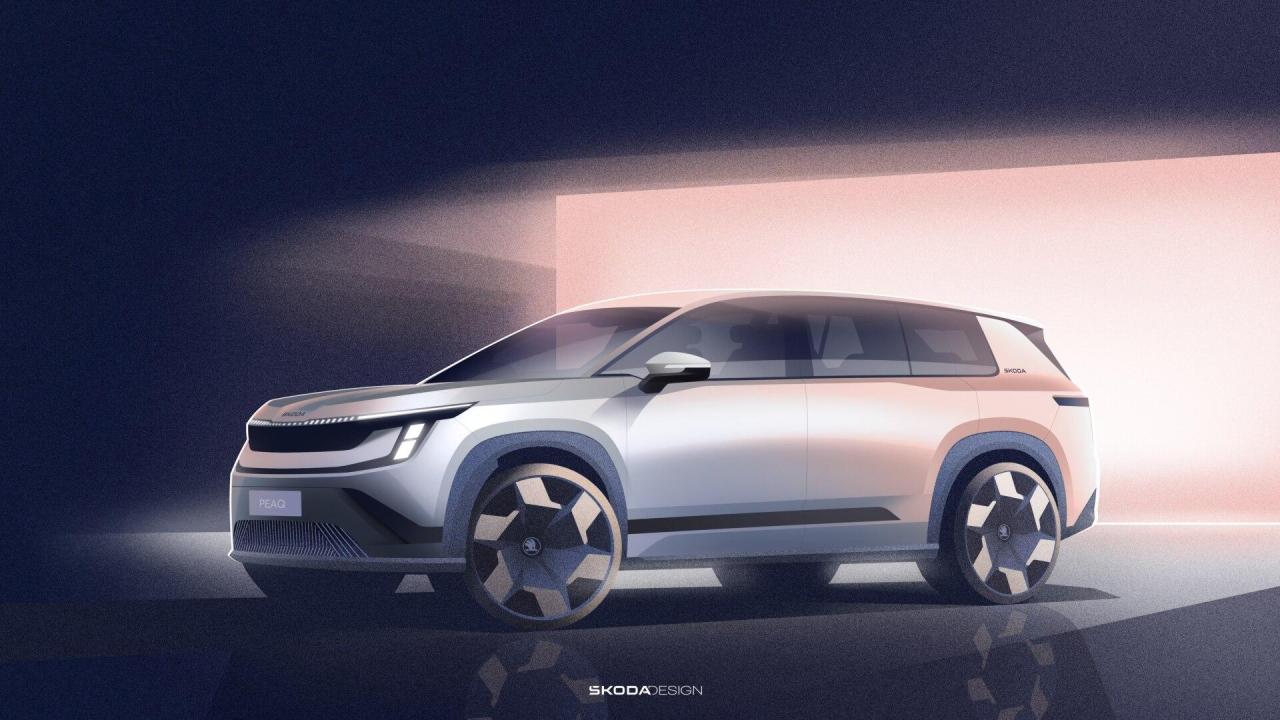
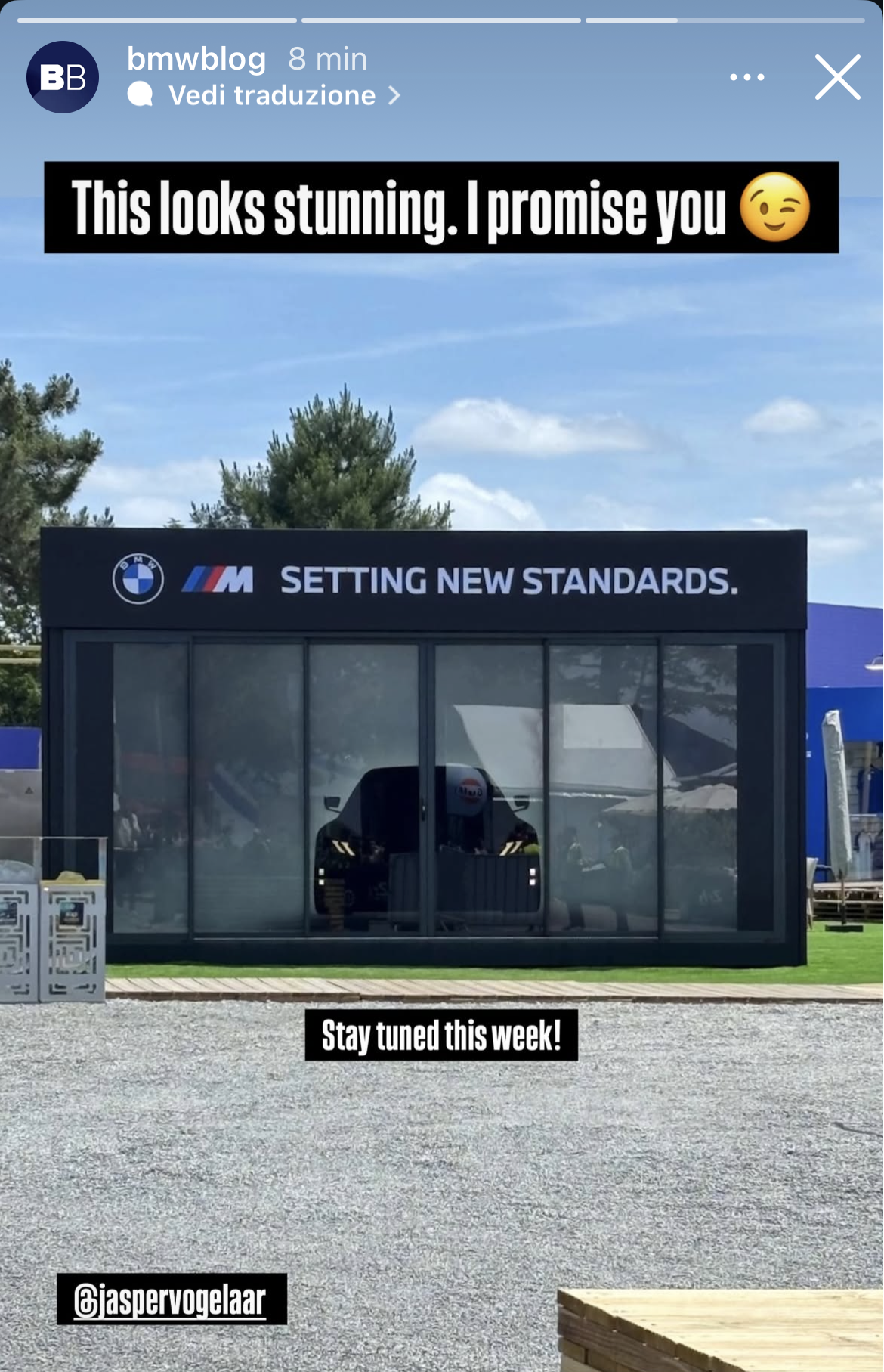
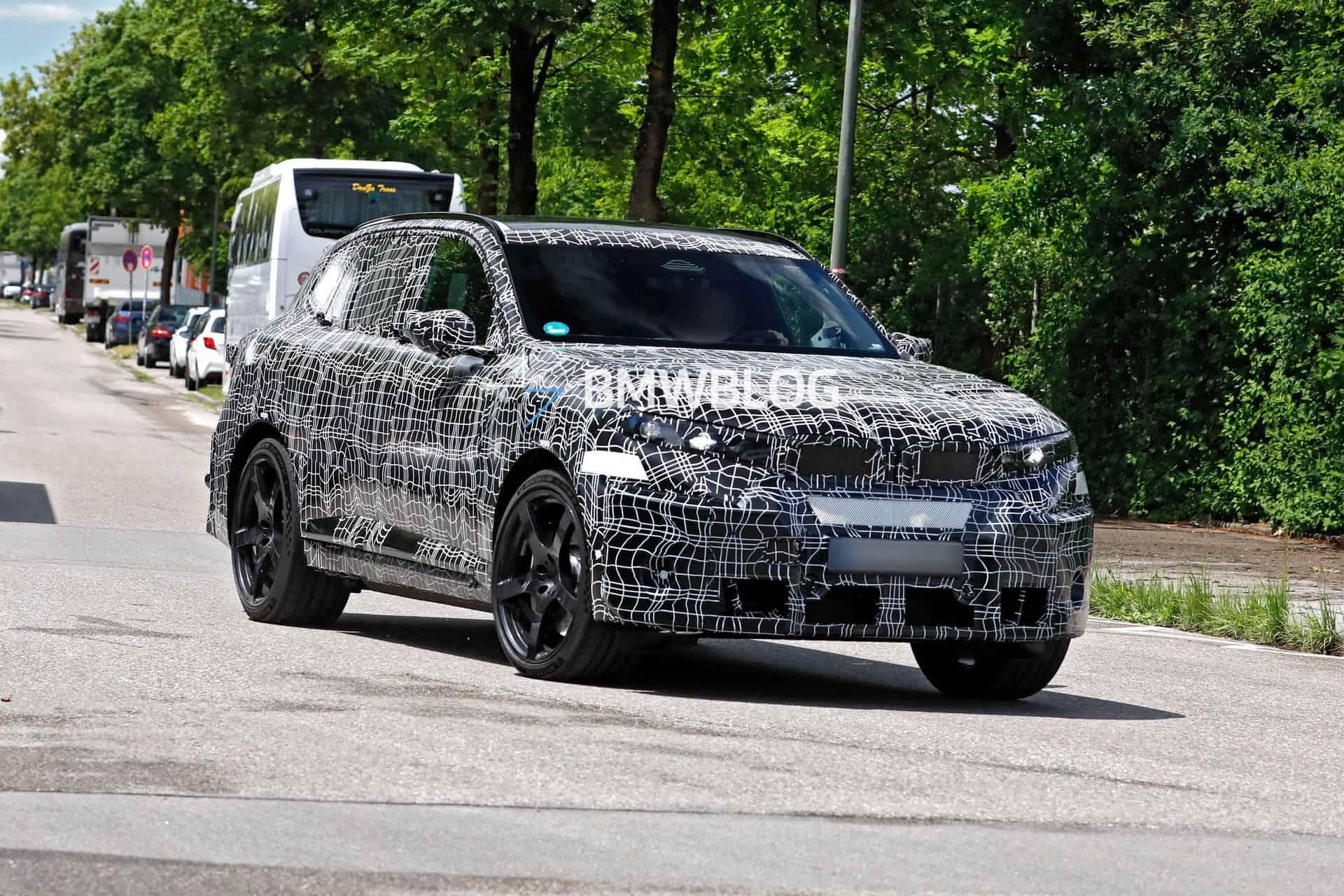
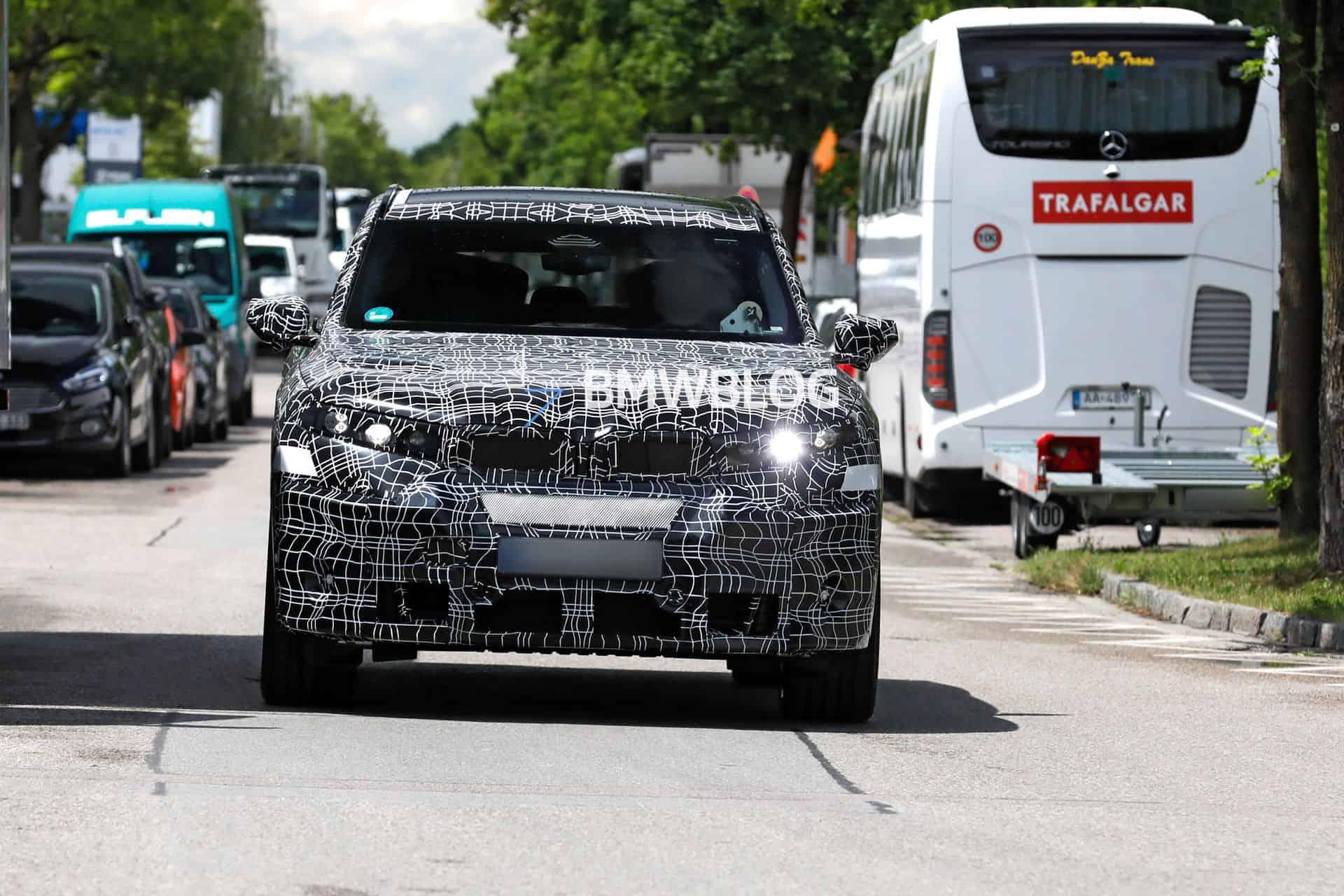
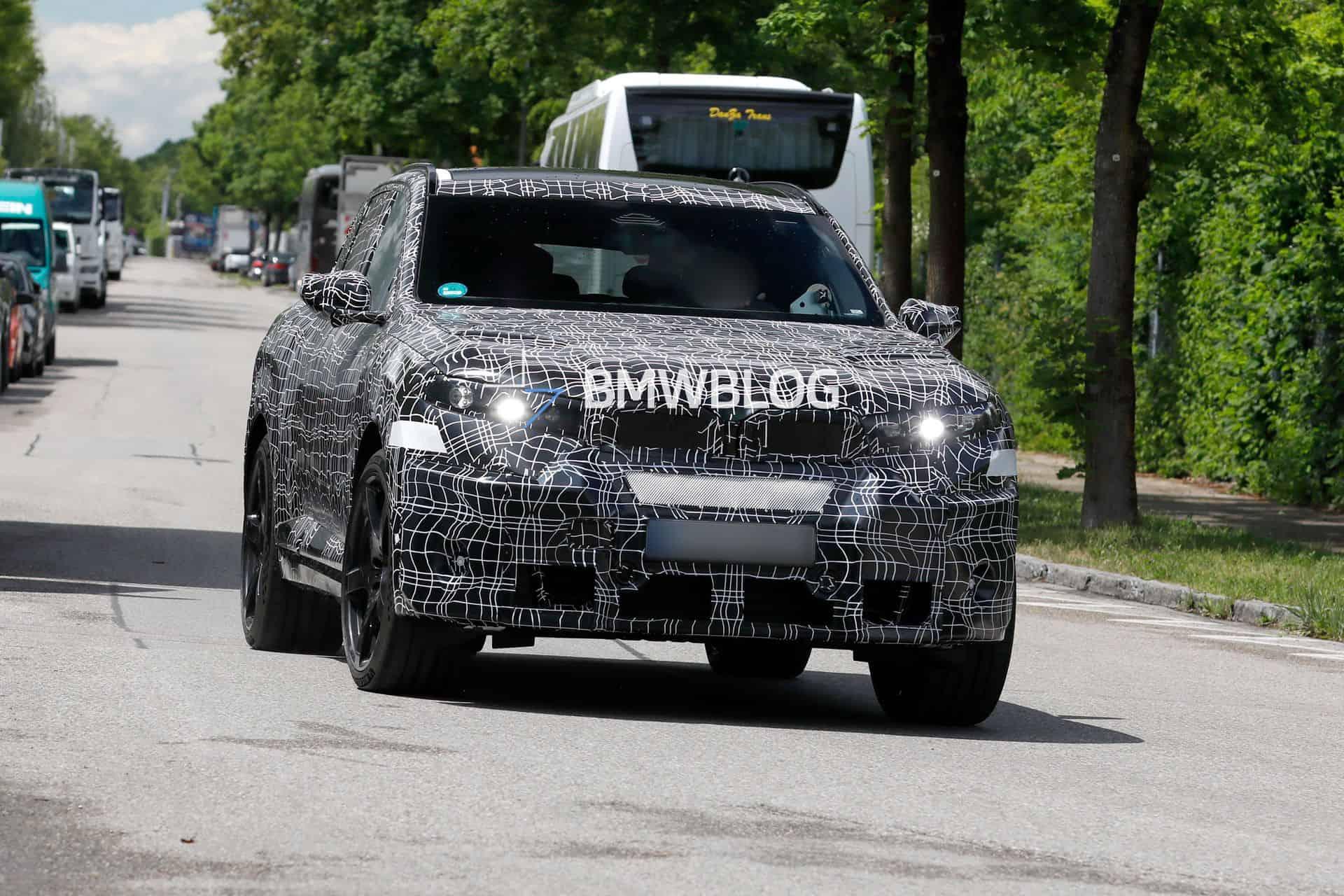
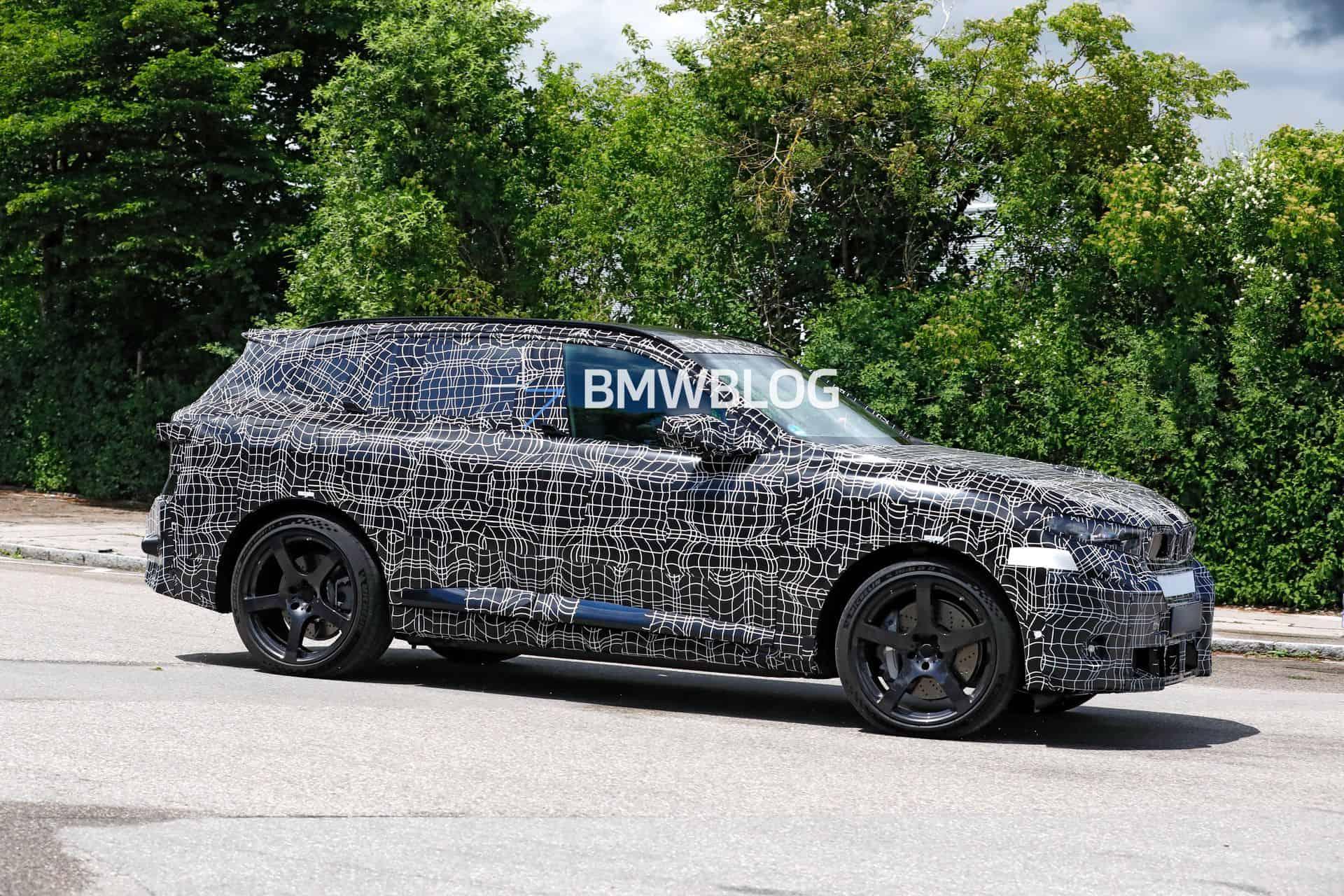
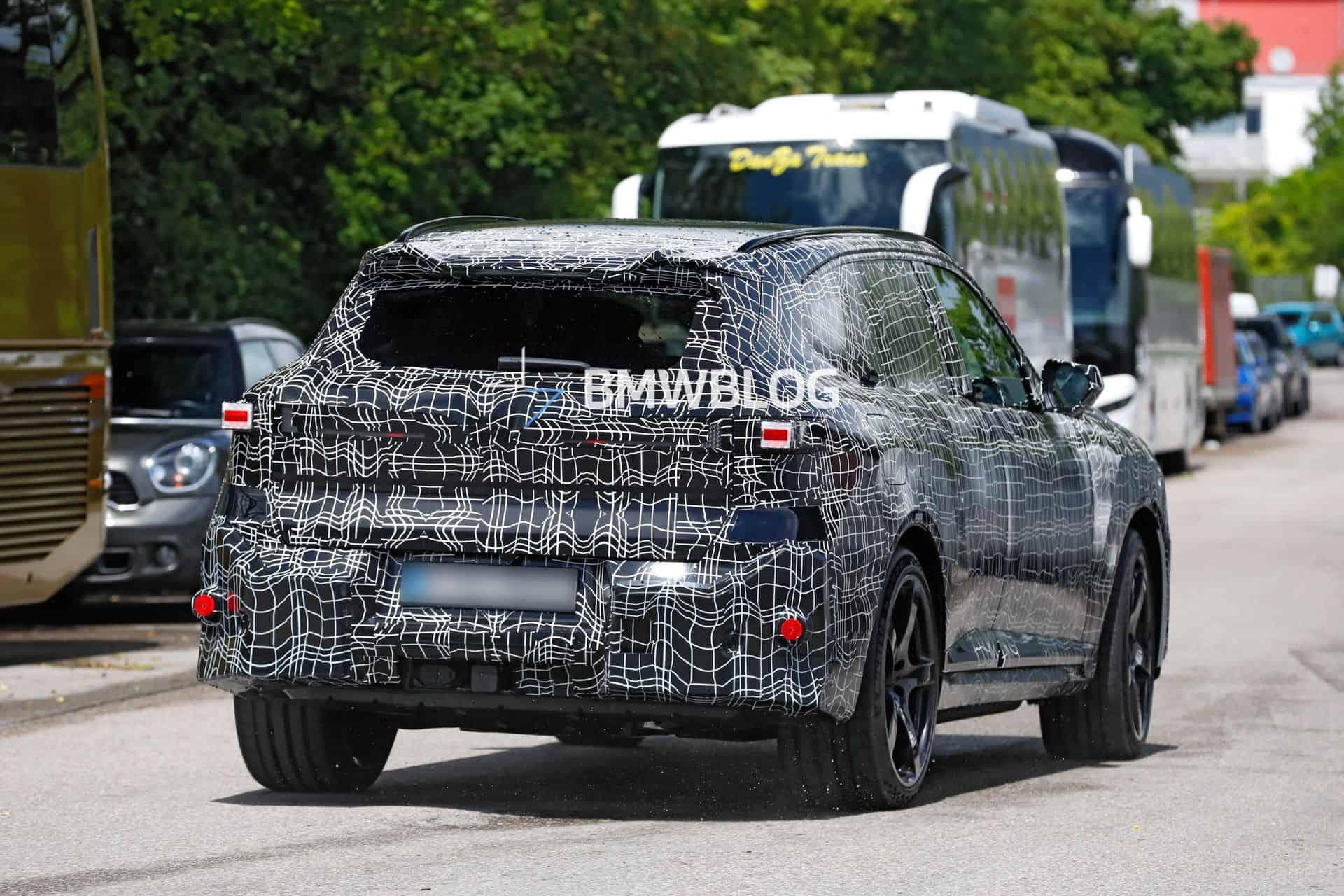
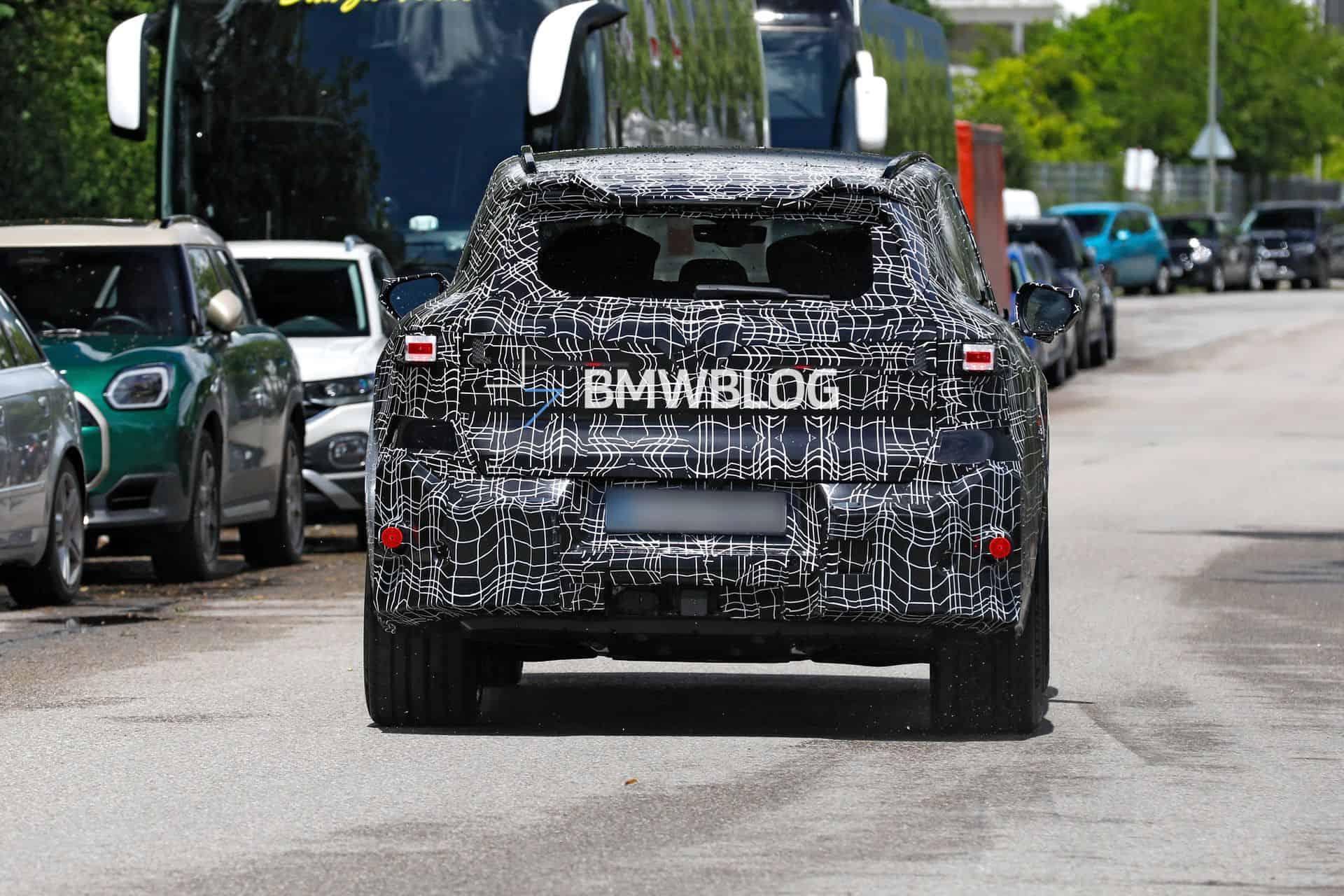
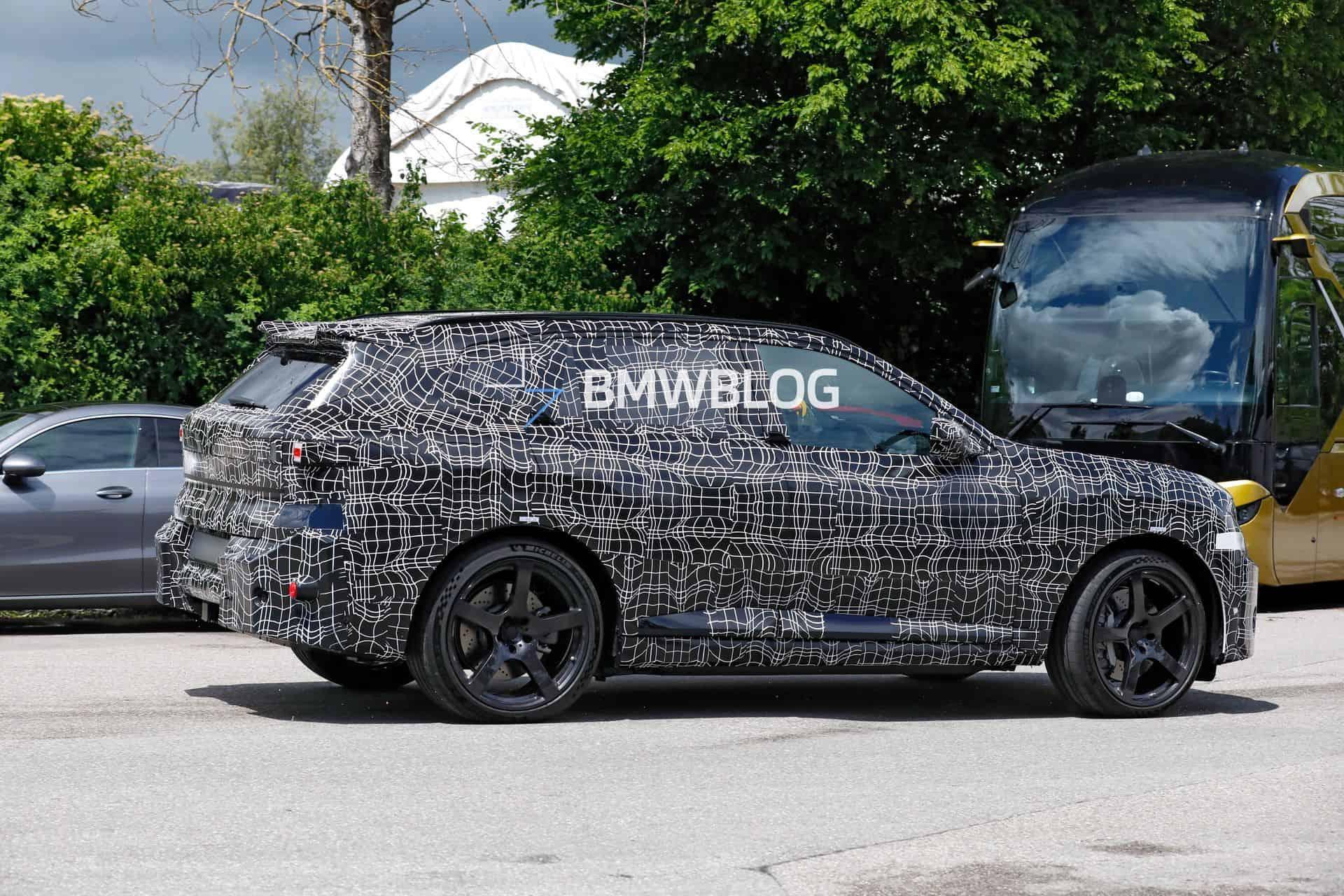
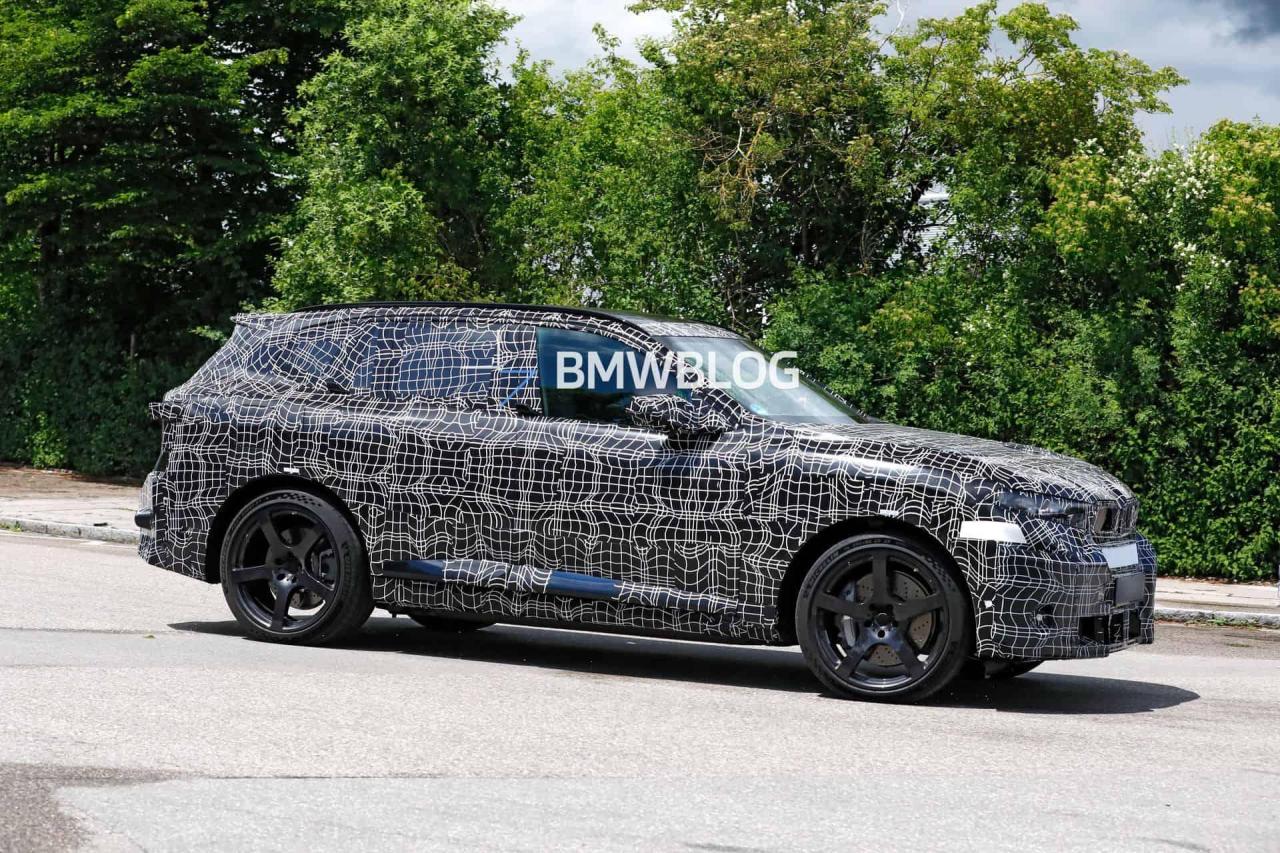
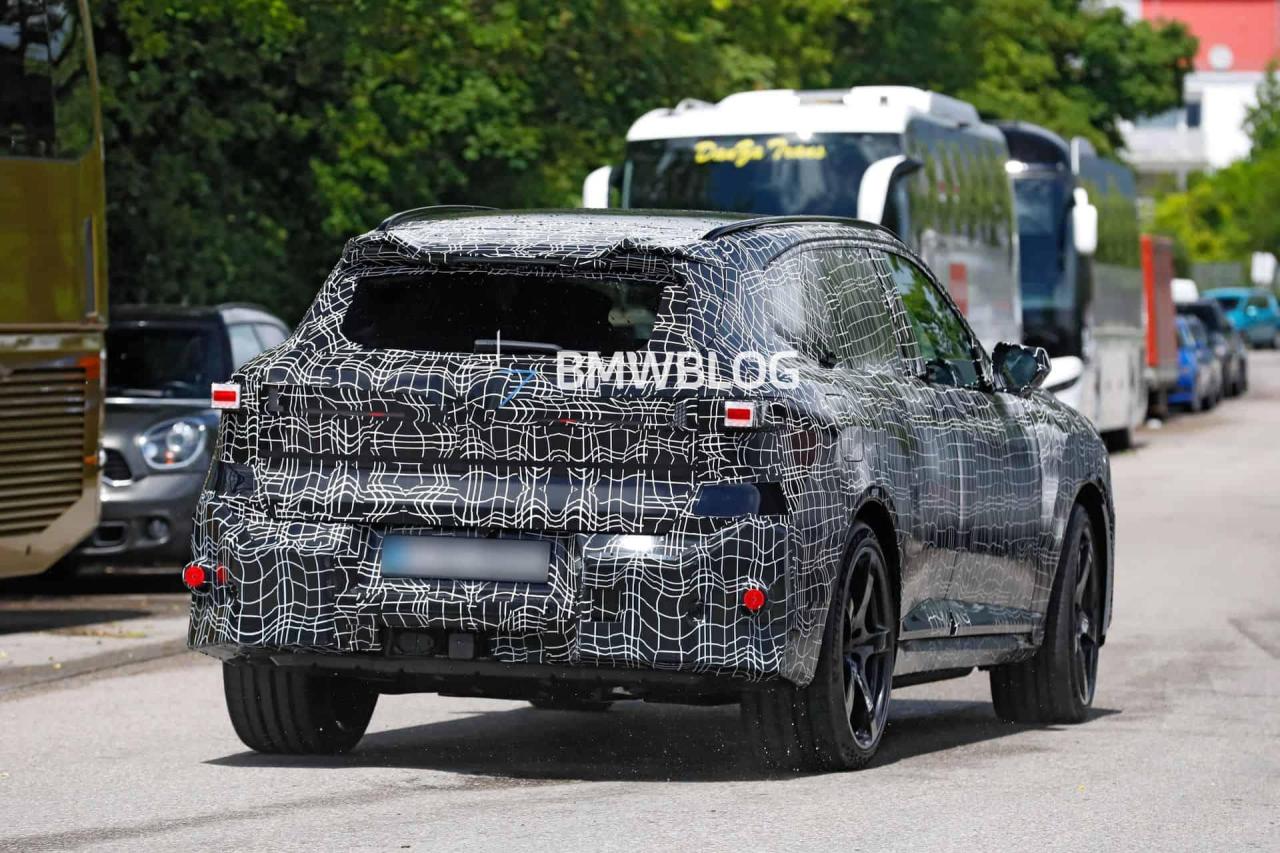
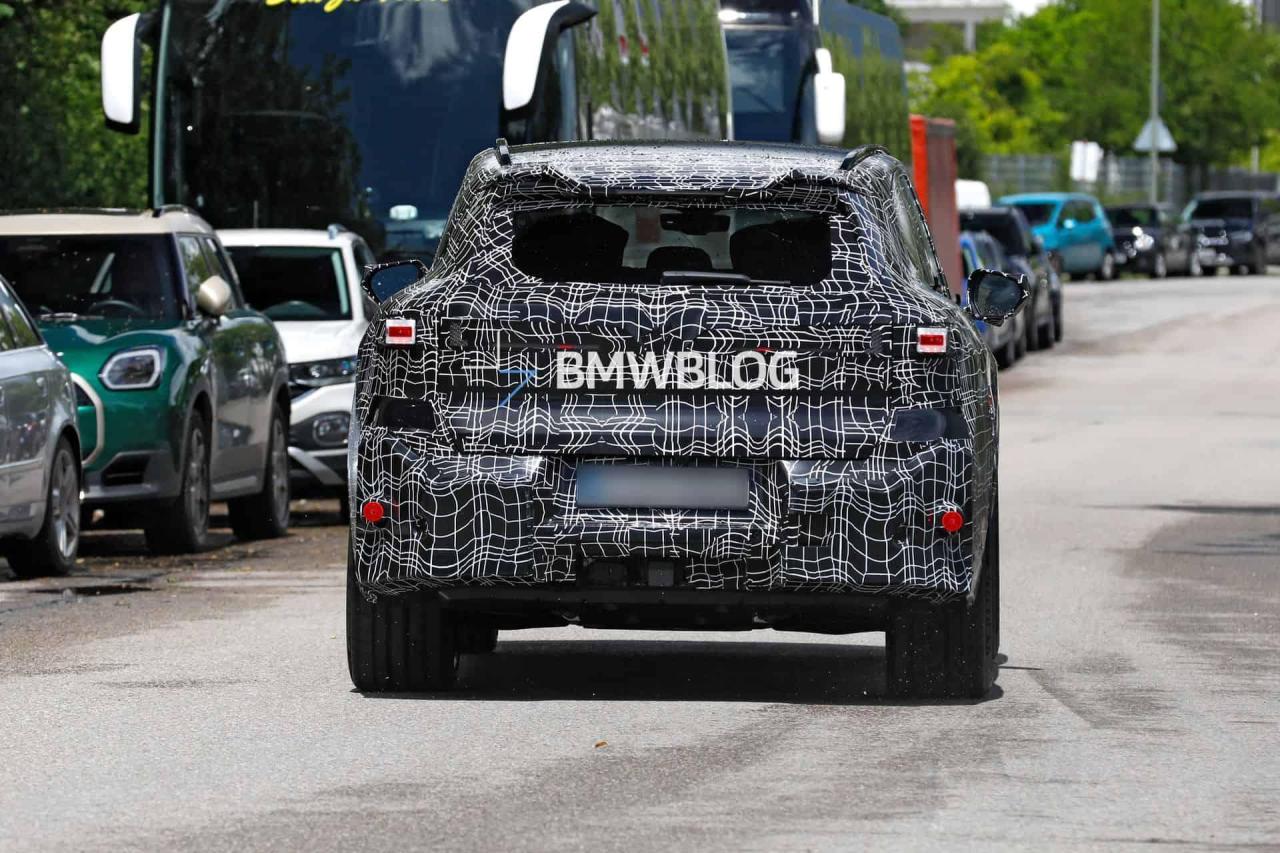
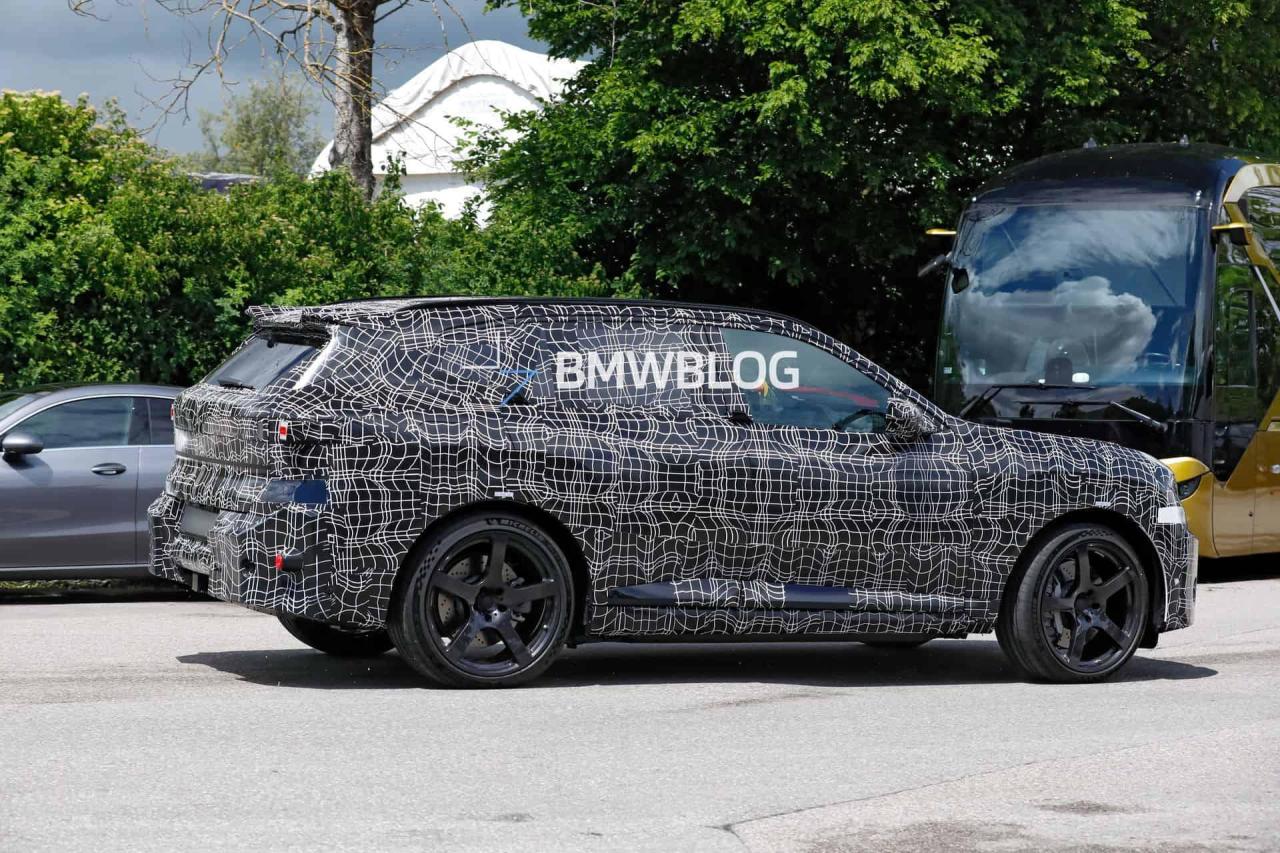
 La BMW X5 M EV avrà SOP ad Aprile 2028 ed avrà la stessa famiglia di motori della M3 ZA0, ovviamente con calibrazioni e performance differenti. Ecco le prime foto spia: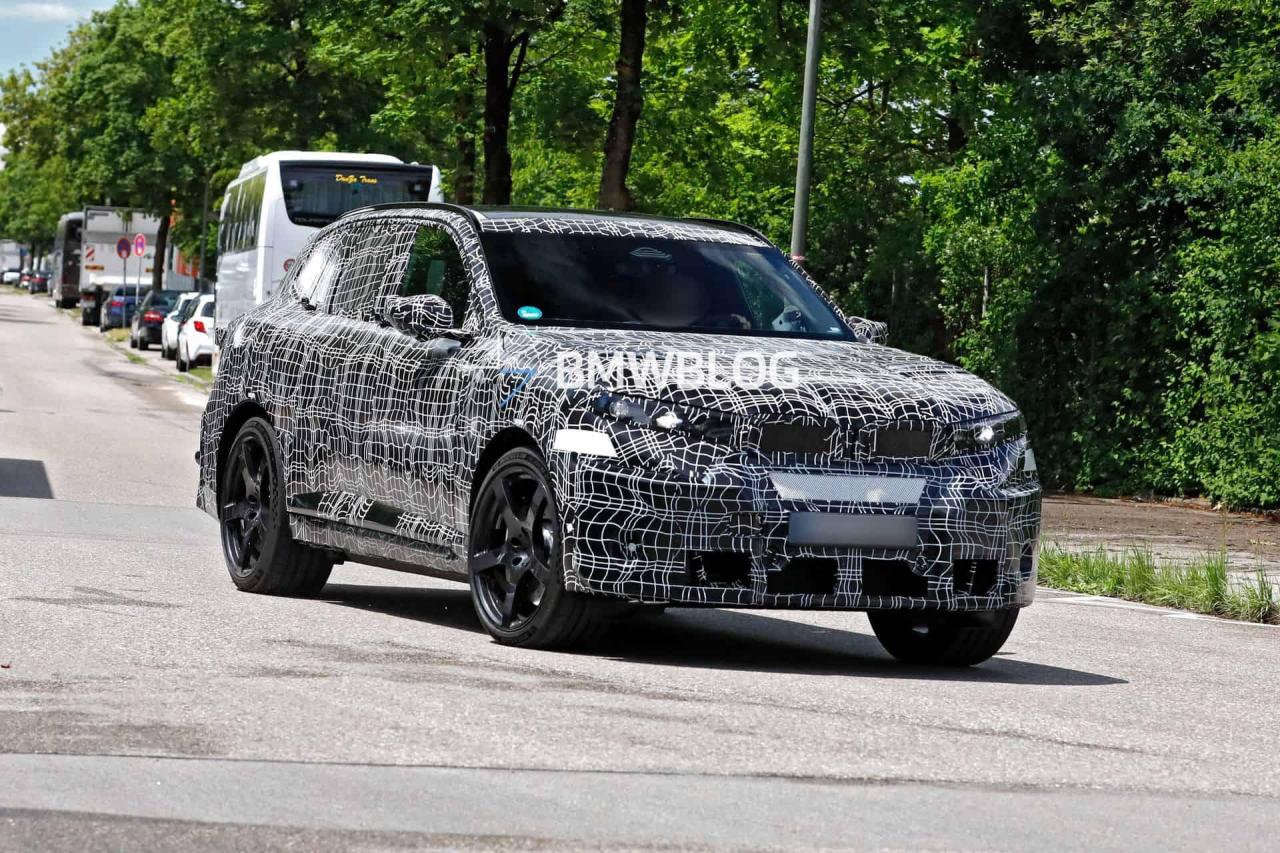
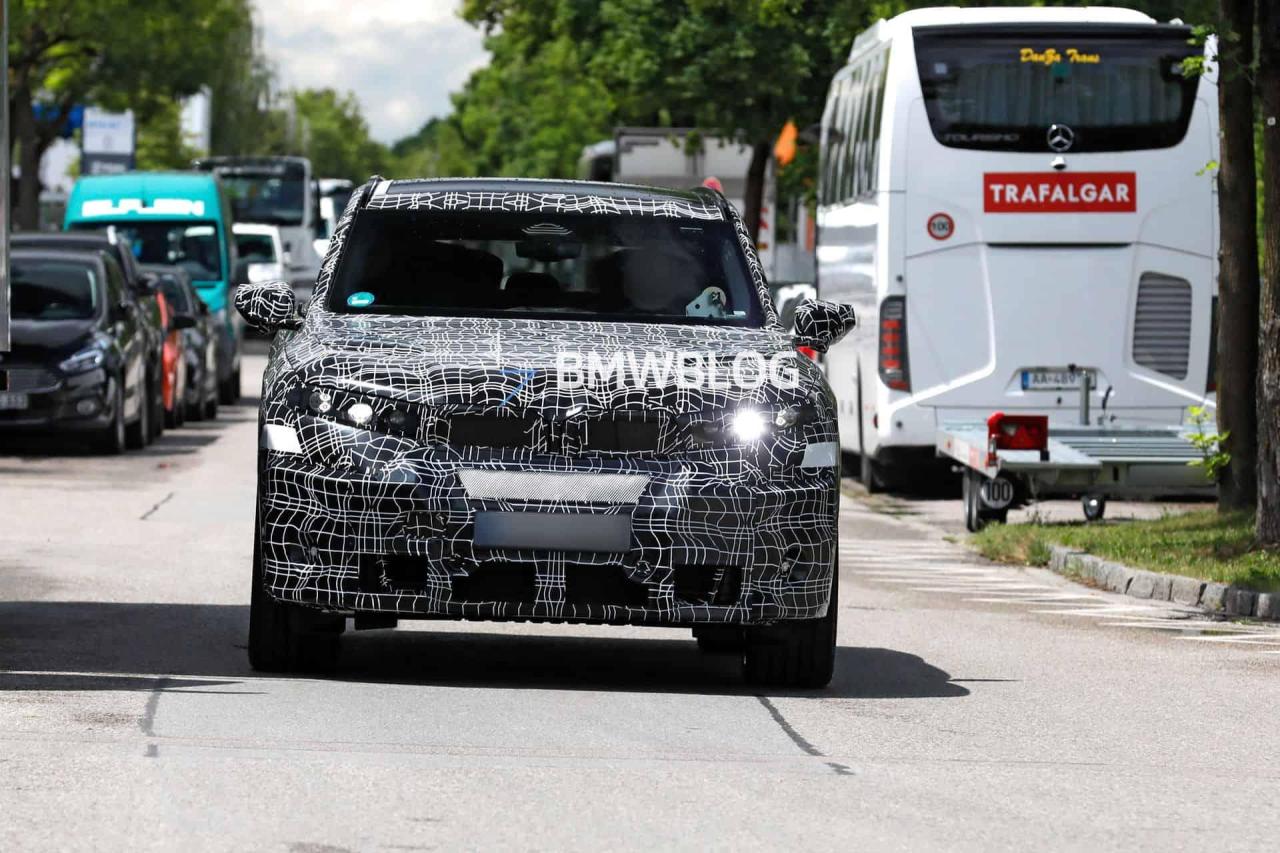
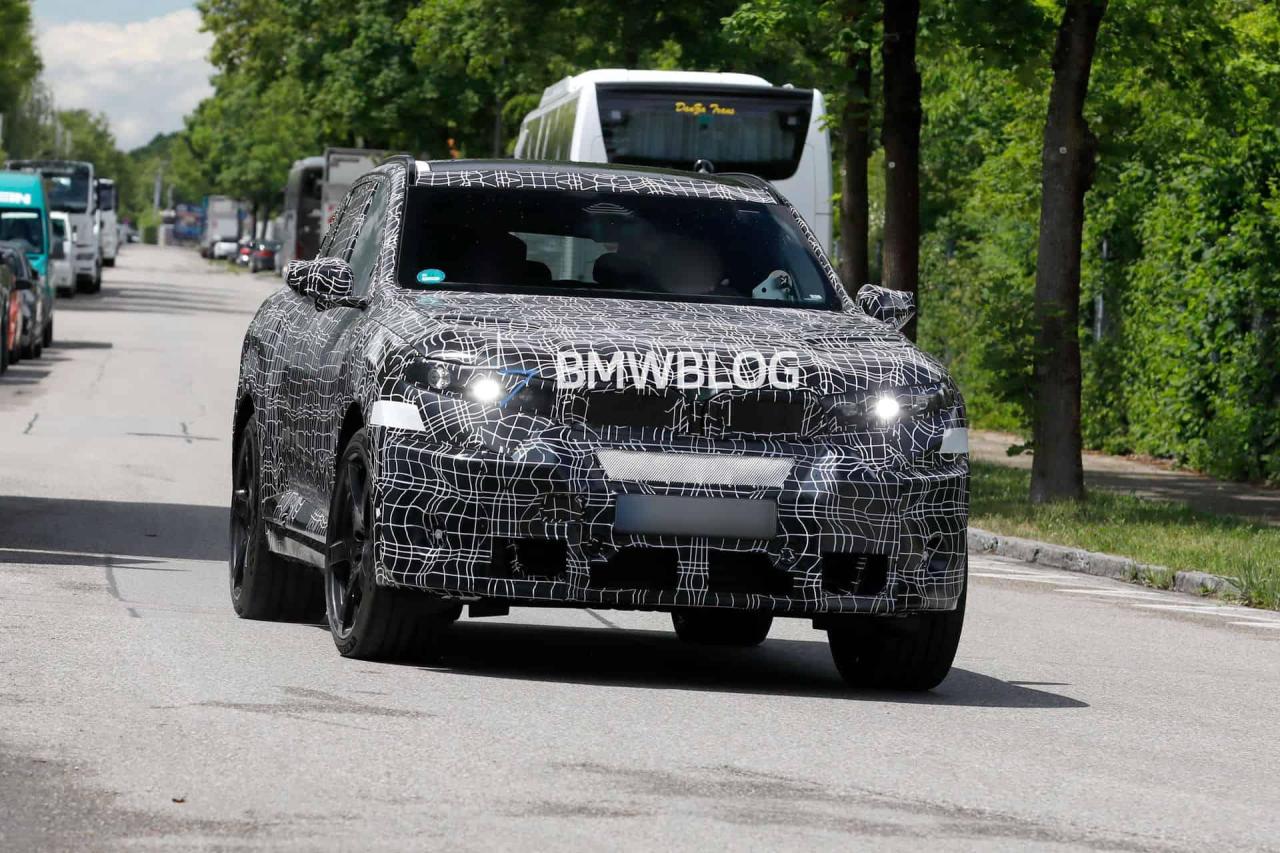
 I topic di Fastback e Grizzly SUV sono stati uniti in un unico topic
(1)(1).thumb.png.635c059adfaa3a2ca27f86ab608b04ba.png)