





AlfaZeta6
Utente Registrato
-
Iscritto il
-
Ultima visita
Tutti i contenuti di AlfaZeta6
-
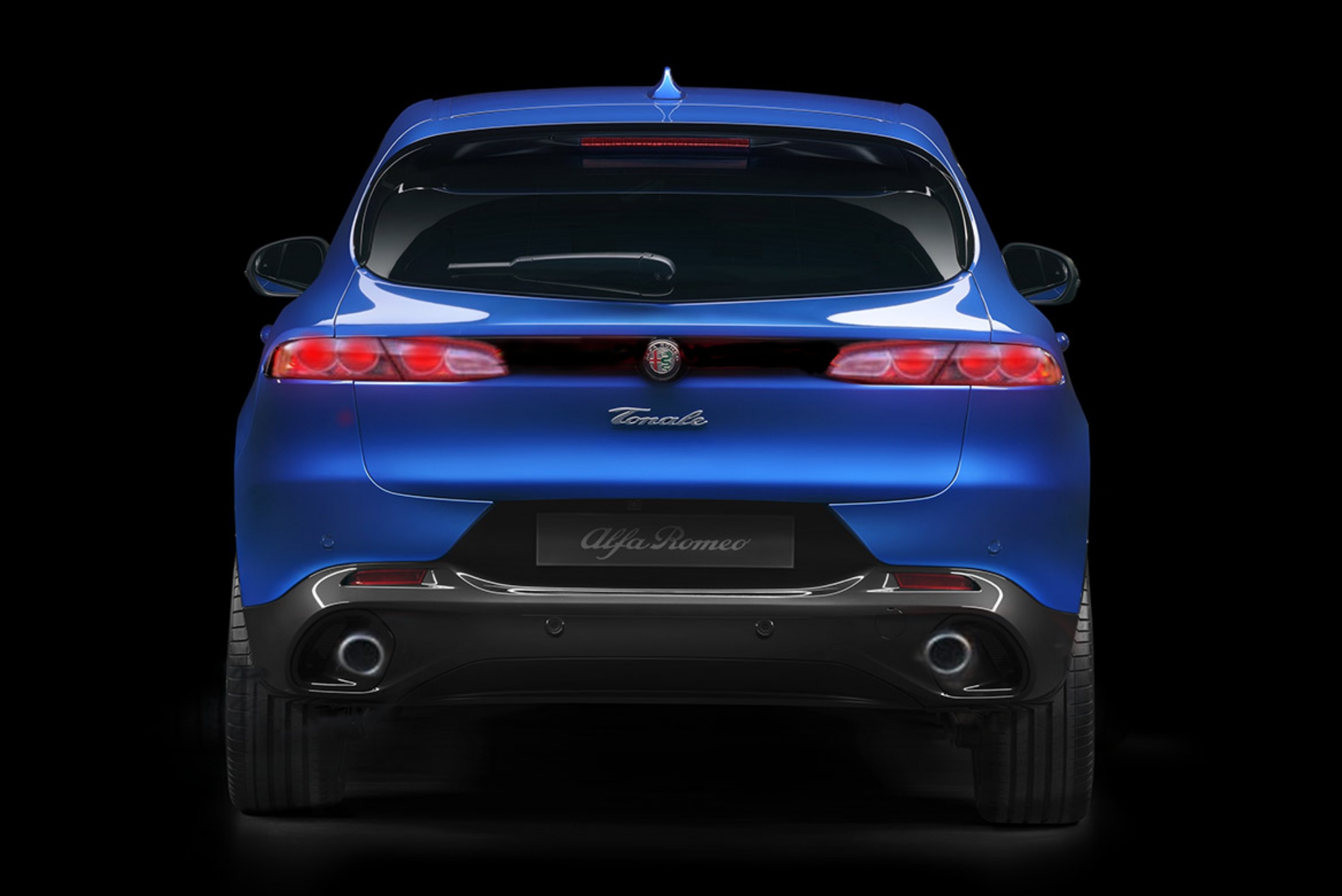
Ma il logo su sfondo nero, dietro, perché? Ci sono anche lì sensori?
- 88 risposte
-
-

- 1
-
-
- audi
- audi q3
- audi q3 2025
- audi q3 iii
-
Taggato come:
-
-
-
-
-
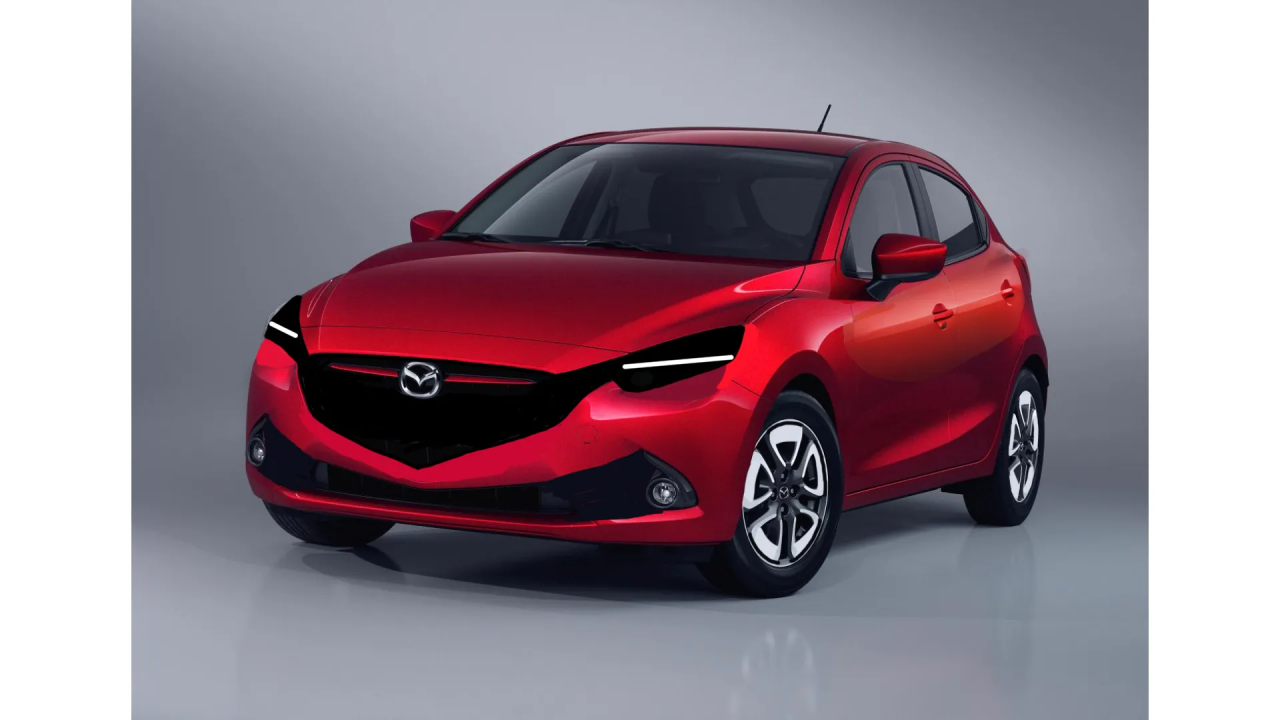
Tutto questo non investendoci più di tanto dopo il lancioMazda 2 Amalfi
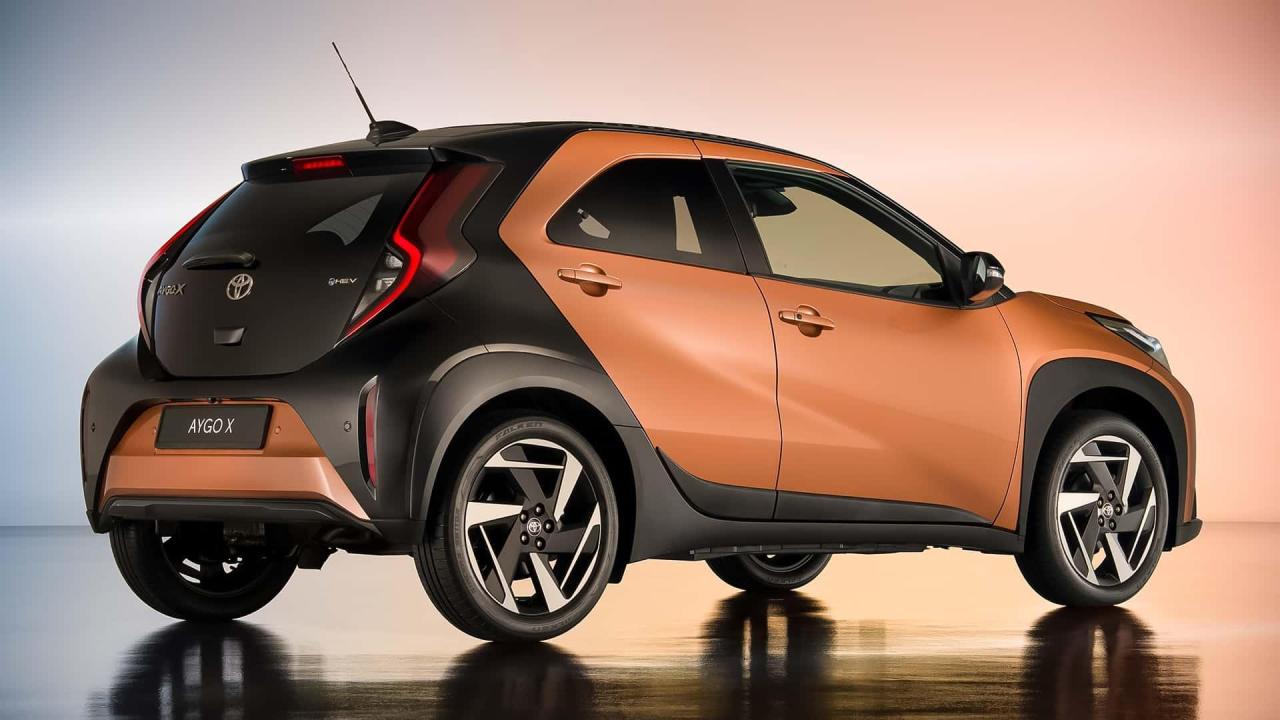
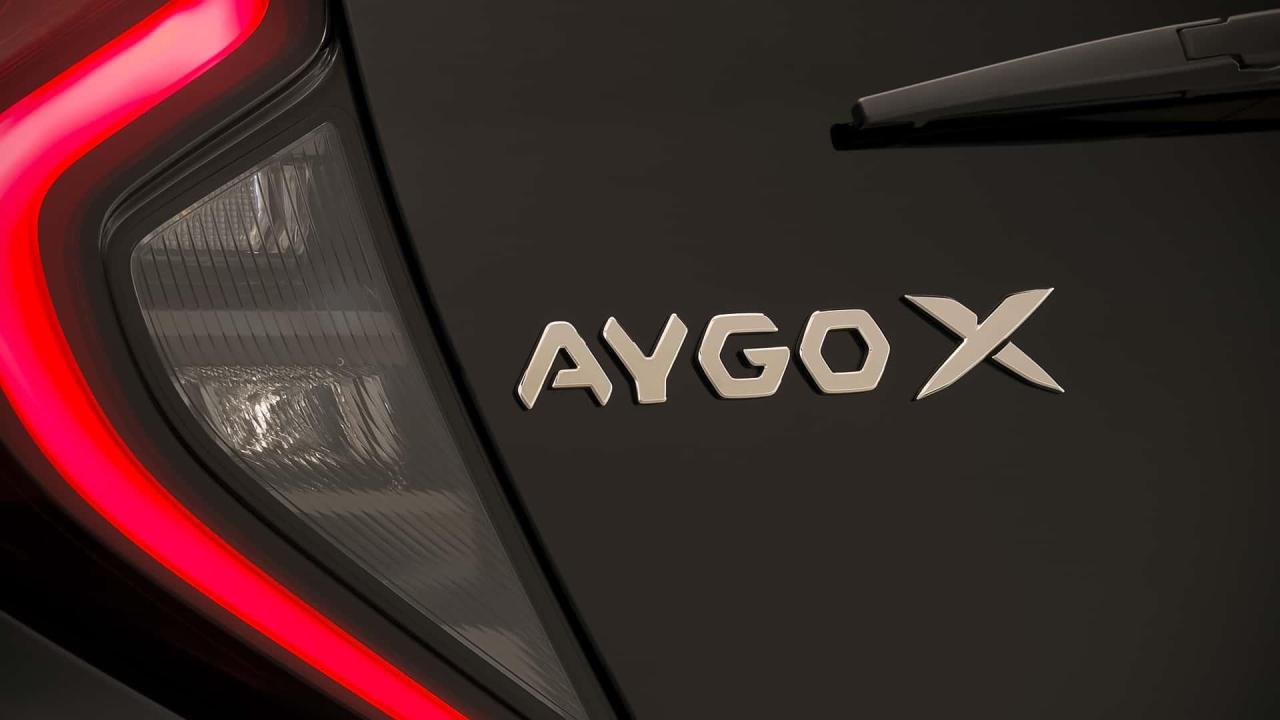
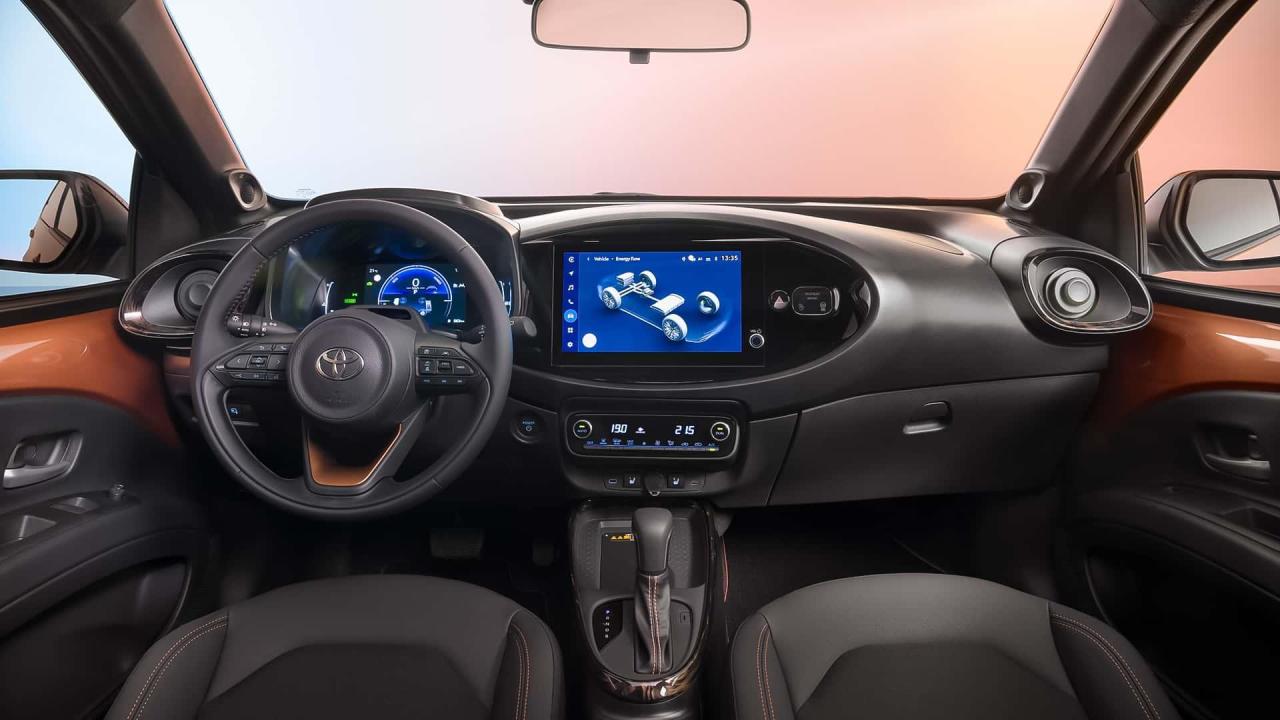
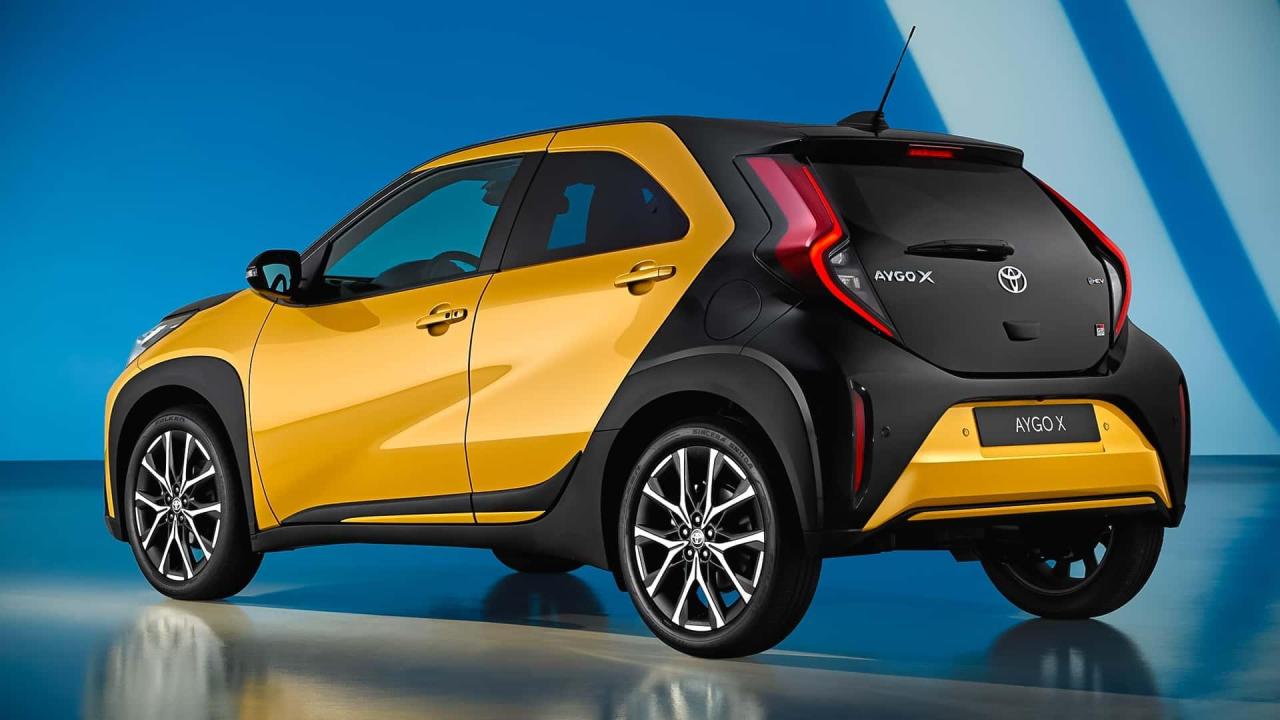
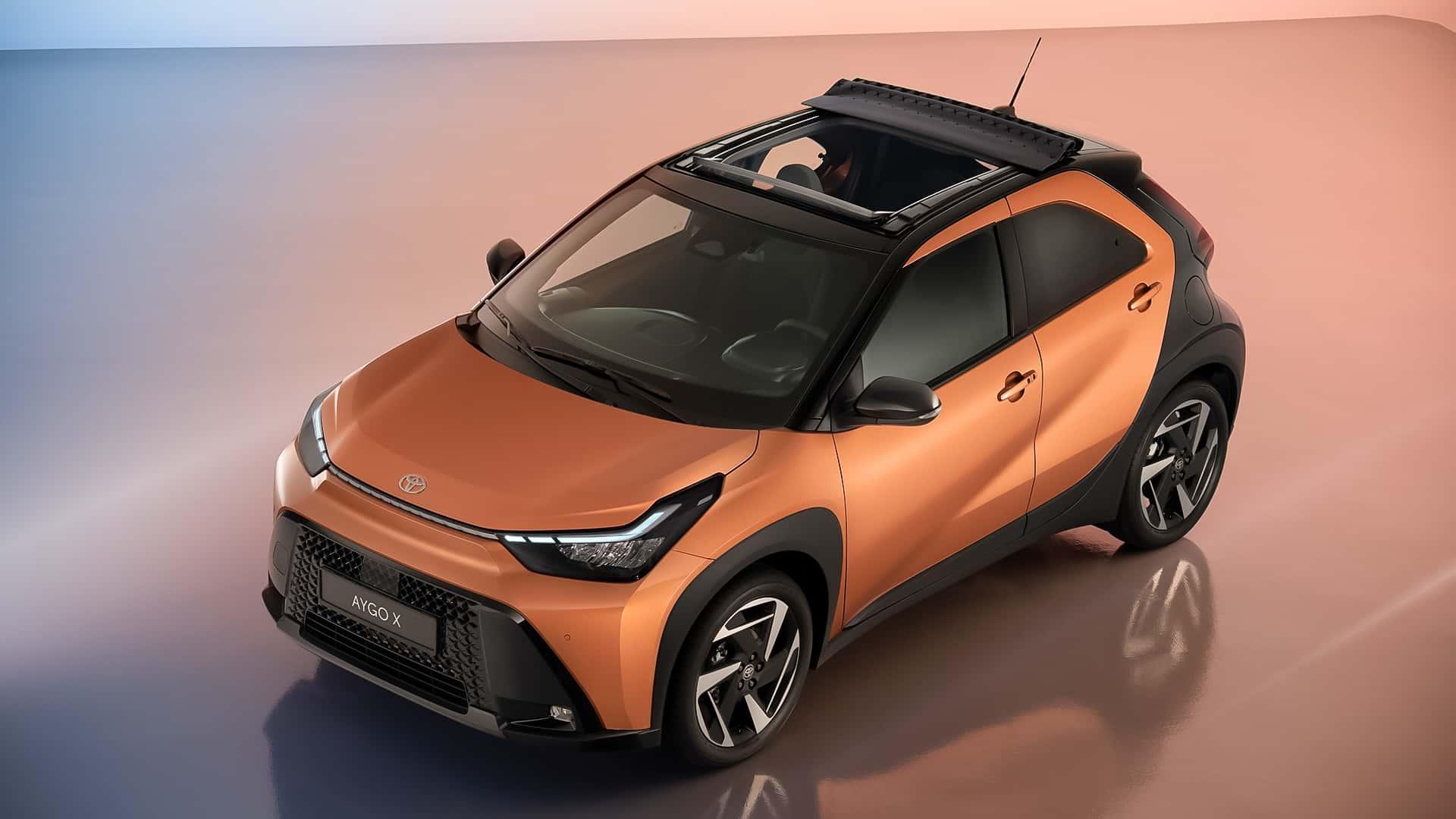
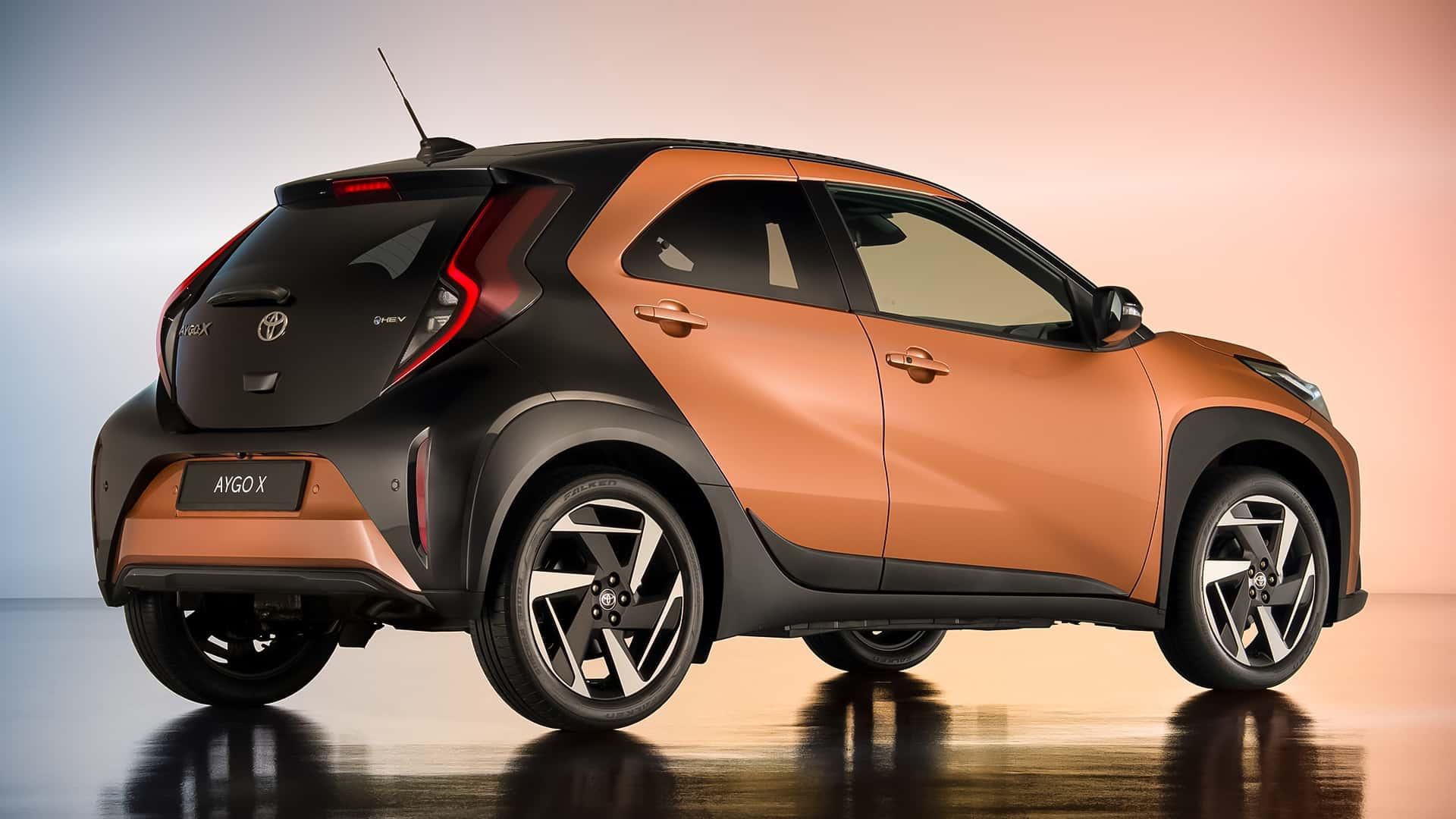
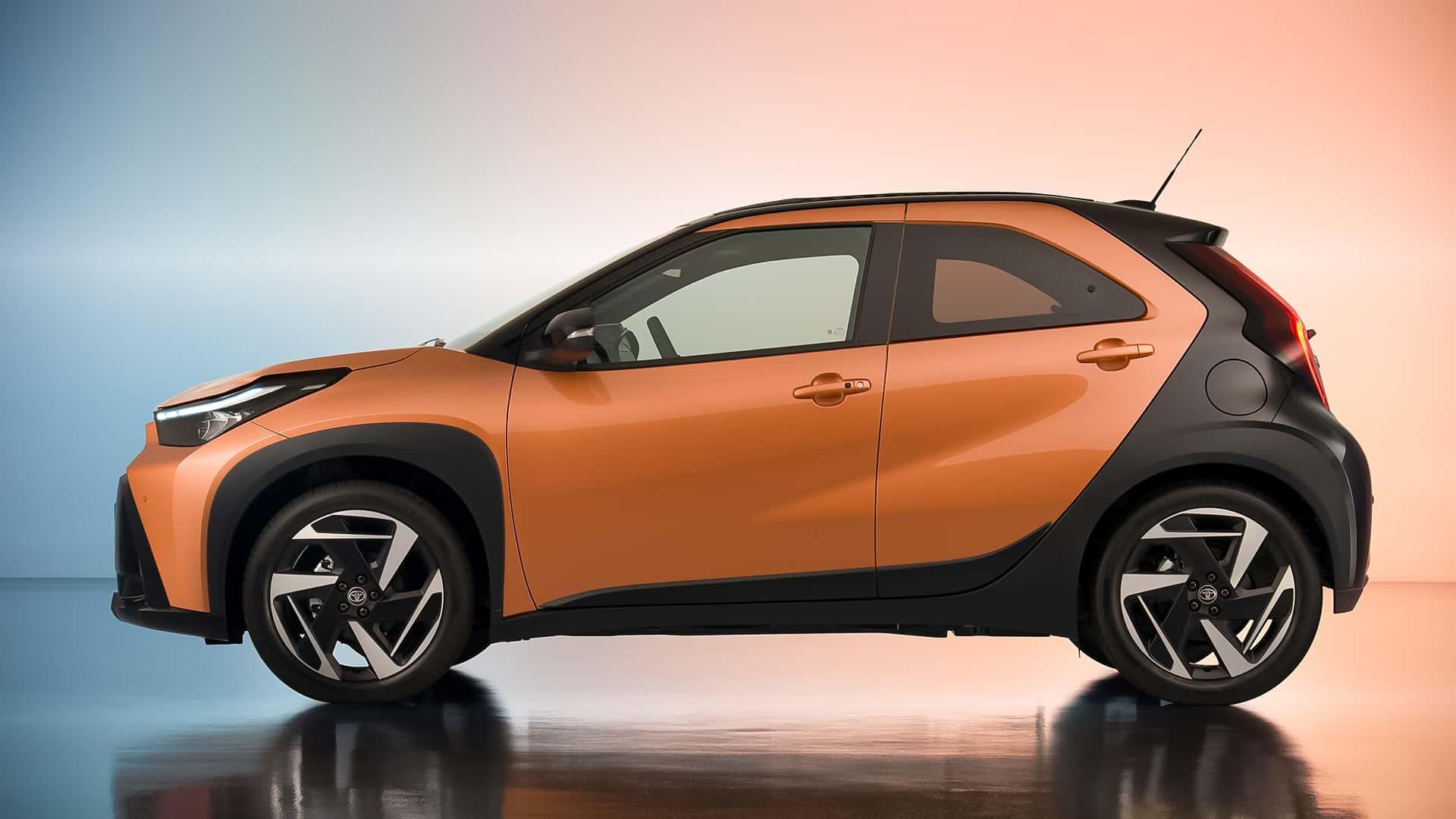
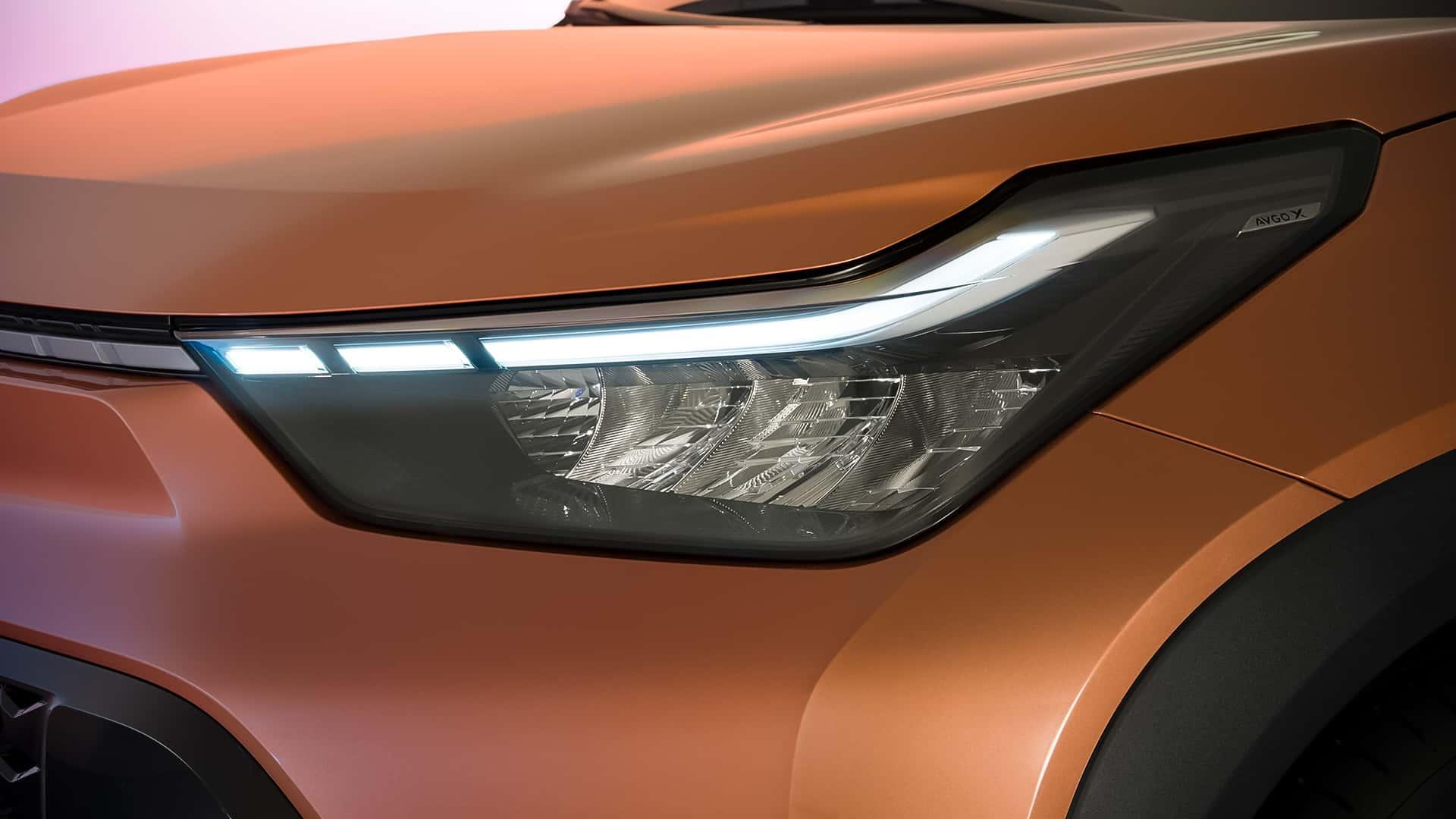
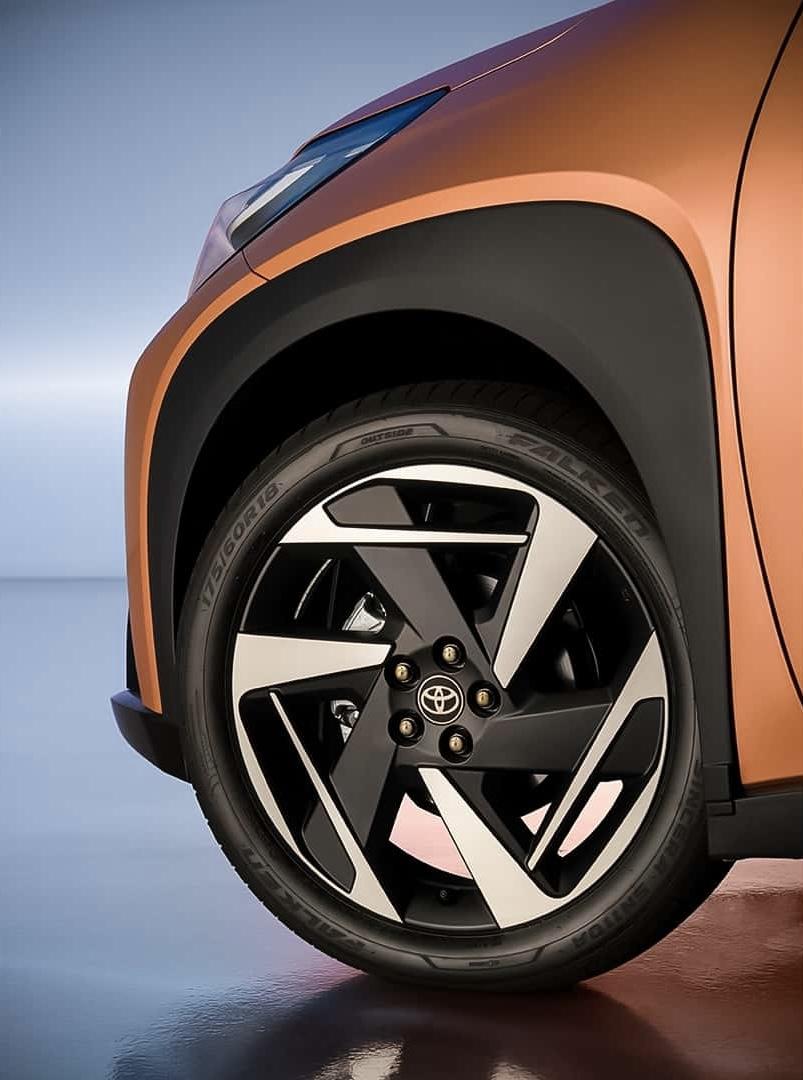
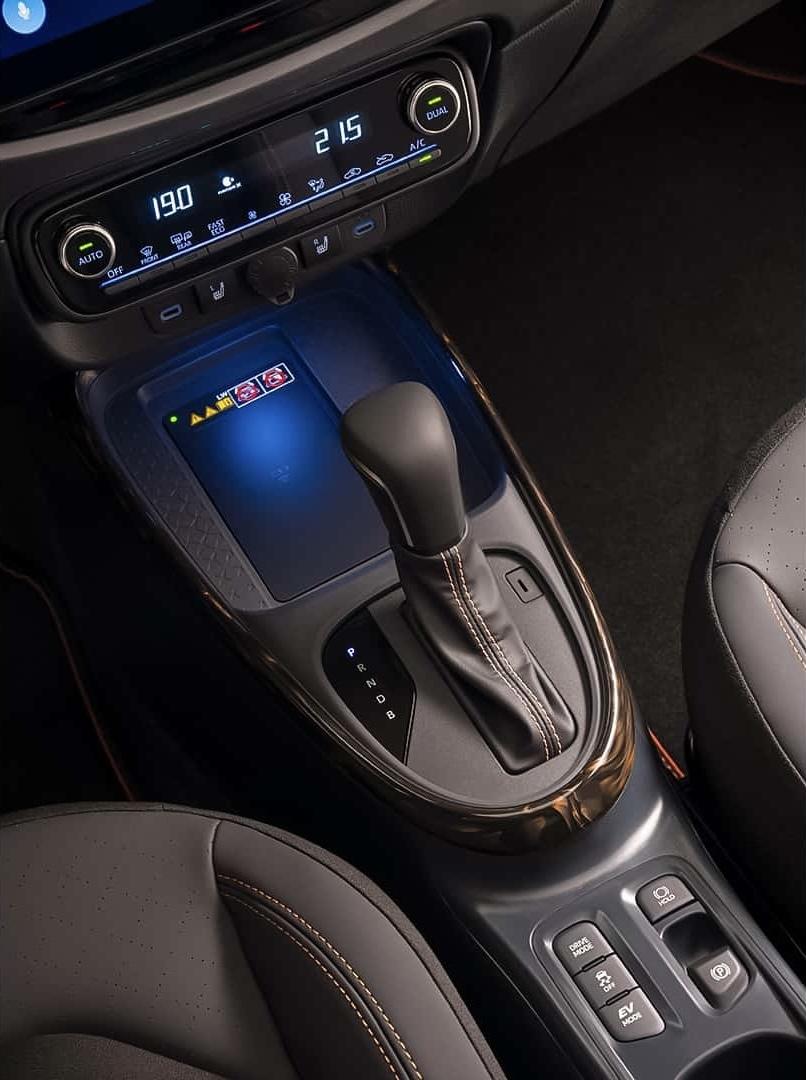
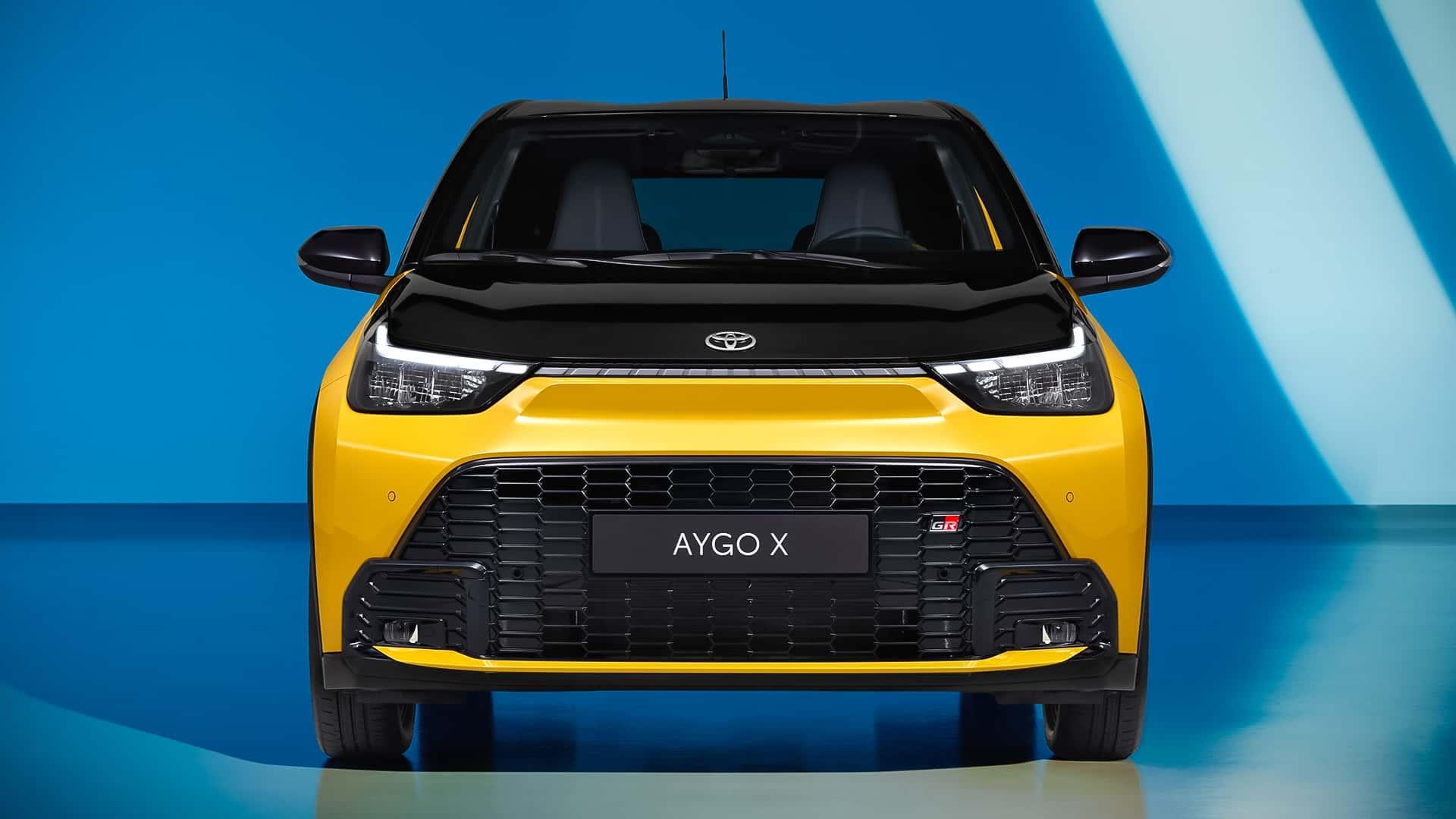
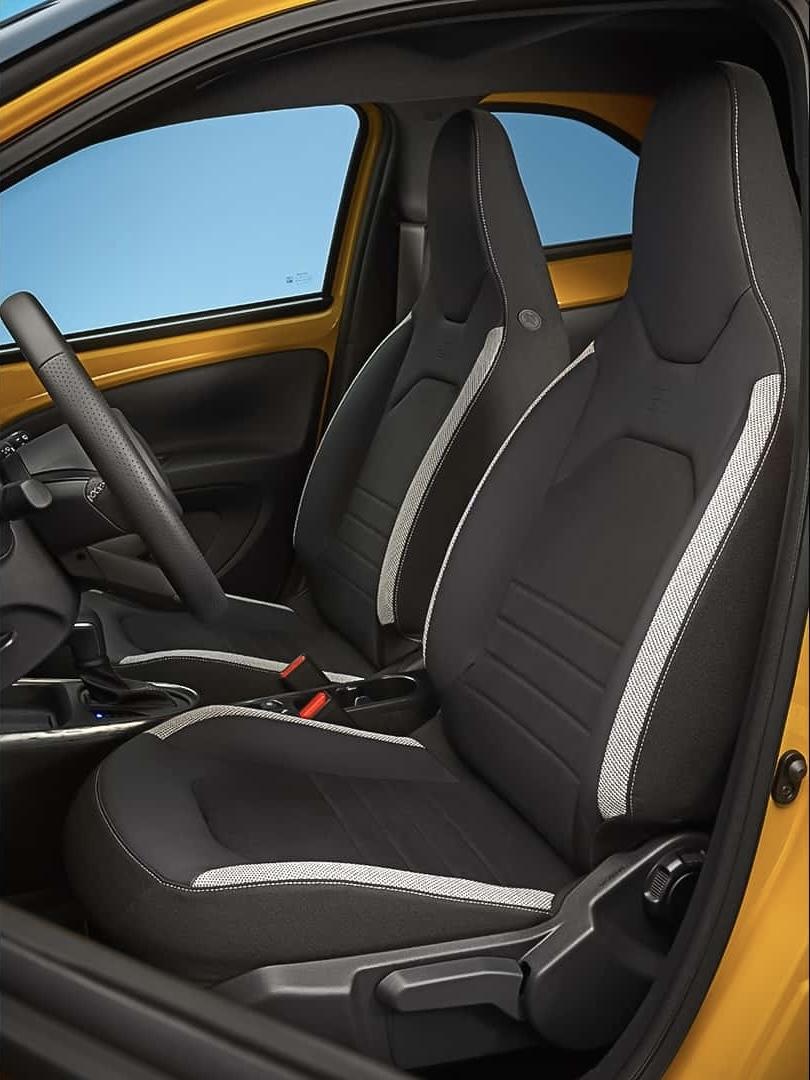
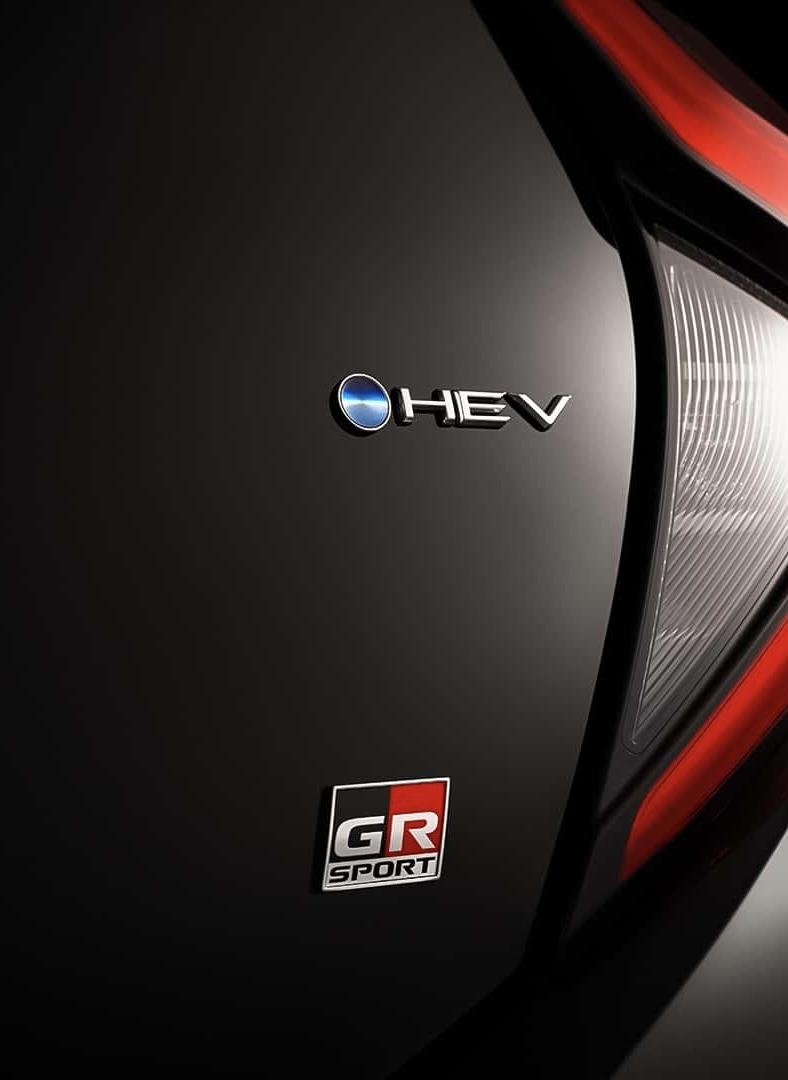
 Vista una in moto dal vivo un esemplare blu. Si fa notare! Moderna ma secondo me anche ad un occhio poco esperto può ricordare la vecchia panda. Molto alta visivamente, forse questo può scoraggiare (soprattutto per il fatto che tanti pensano che sia la panda nuova e non un modello in più)Toyota presenta il restyling della Aygo X Tra le novità: l'ibrido e anche una variante GR. Esteticamente la Aygo X si affina, e si sdoppia, sulla scia del nuovo family feeling del brand, con una nuova fanaleria anteriore unita da una barra multiled alla base del cofano. Nuovi i paraurti anteriori che aumentano però gli ingombri di 76 mm., mentre rimane invariato il posteriore. Sugli specchietti laterali compaiono ora le frecce direzionali. Disponibili cerchi in lega aerodinamici da 17” e 18”. La versione GR Sport si distingue per una versione più sportiva, ed ispirata ai modelli più grandi, del paraurti e da inserti a contrasto in tinta carrozzeria dello splitter e nel brancando laterale. Per questa versione, opzionale, disponibile anche un cofano motore verniciato in nero. All’interno le modifiche portano una nuova strumentazione da 7” ed uno infotaiment dal touch screen capacitivo, più rapido ed intuitivo aggiornabile OTA. Nuovi ADAS e freno di stazionamento elettronico completano la versione 2025. Opzionali il keyless, la ricarica wireless ed il sistema di purificazione dell’aria Nanoe X. Le modifiche più importanti però si trovano sotto il cofano motore! Se ne va il termico aspirato da 72 cv ed arriva il sistema full hybrid 1.5 da 116 cv delle sorelle Yaris. Ciò ha comportato un adattamento delle batterie alle ridotte dimensioni del telaio, che le vede installate per la prima volta in Toyota, sotto il sedile posteriore in orizzontale. Ciò a permesso di ridurre gli spazi - il bagagliaio rimane di 273 litri - ed abbassare il baricentro, migliorando la dinamica di guida. Ora il classico 0-100 km/h arriva sotto i 10” e le emissioni sono state abbassate a 86 g/km. Al momento non disponibili prezzi e tempi di arrivo nelle concessionarie italiane. Hybrid GR Sport Hybrid via Toyota








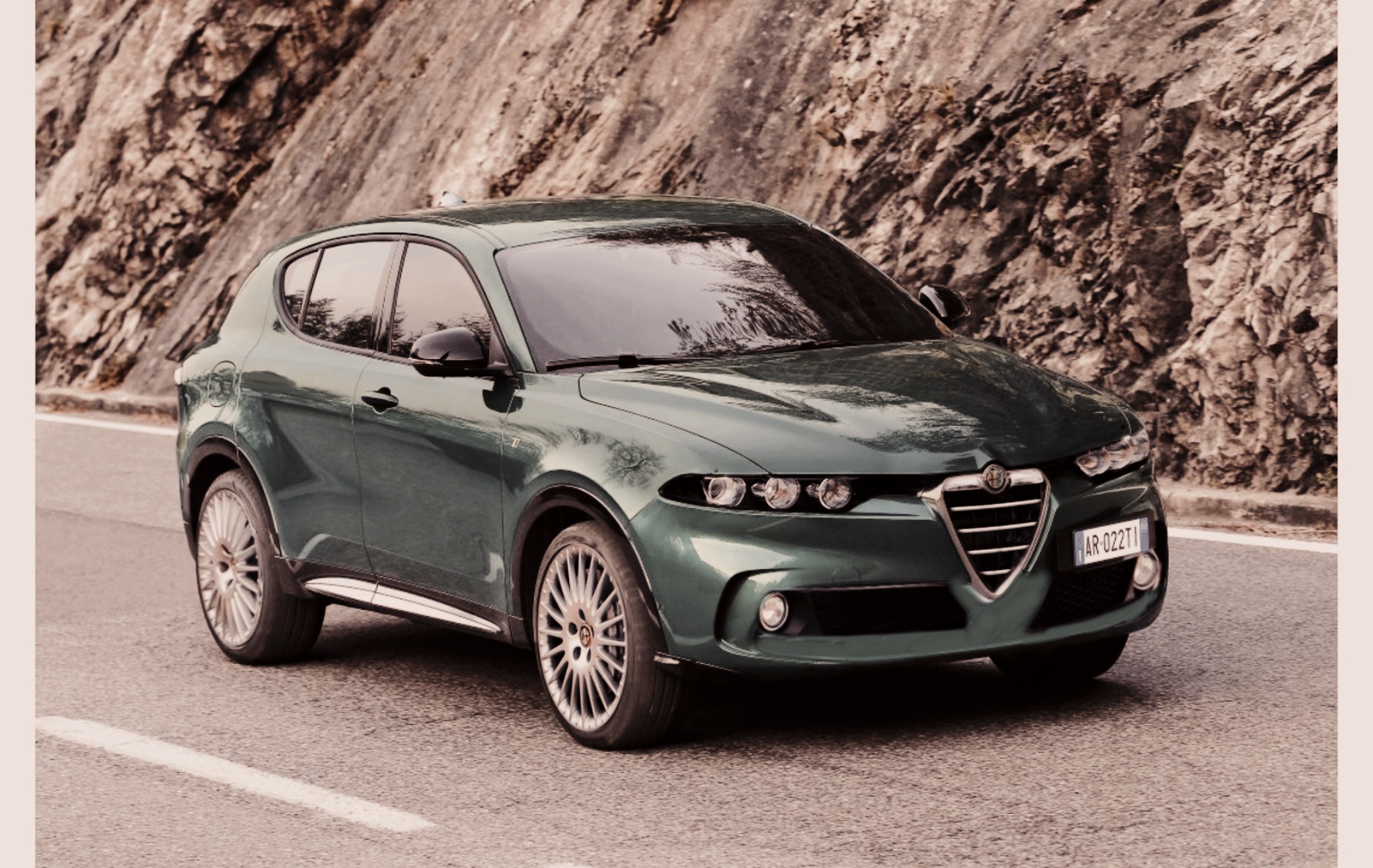
 Non dare false speranze hahaha😵💫Con più dignità di oggi😍Sogno un Alfa venduta a Mazda ❤️😍Uso questo topic per un mini OT. Sono veramente esausto, si riesce a far perdere ogni speranza e passione anche ai più coriacei









![Alfa Romeo Hug [Trolling Mode]](https://www.autopareri.com/uploads/reactions/Alfaromeocare.png.50be1dd8d7c15ba4fec8098a15bfa18a.png)











Account
Navigation
Cerca
Configure browser push notifications
Chrome (Android)
- Tap the lock icon next to the address bar.
- Tap Permissions → Notifications.
- Adjust your preference.
Chrome (Desktop)
- Click the padlock icon in the address bar.
- Select Site settings.
- Find Notifications and adjust your preference.
Safari (iOS 16.4+)
- Ensure the site is installed via Add to Home Screen.
- Open Settings App → Notifications.
- Find your app name and adjust your preference.
Safari (macOS)
- Go to Safari → Preferences.
- Click the Websites tab.
- Select Notifications in the sidebar.
- Find this website and adjust your preference.
Edge (Android)
- Tap the lock icon next to the address bar.
- Tap Permissions.
- Find Notifications and adjust your preference.
Edge (Desktop)
- Click the padlock icon in the address bar.
- Click Permissions for this site.
- Find Notifications and adjust your preference.
Firefox (Android)
- Go to Settings → Site permissions.
- Tap Notifications.
- Find this site in the list and adjust your preference.
Firefox (Desktop)
- Open Firefox Settings.
- Search for Notifications.
- Find this site in the list and adjust your preference.