





j
Reporter (Staff)
-
Iscritto il
-
Nuovo leader del mondiale 🎉🎉🎉🎉🎉

-
-
-
Qui immagino che dissimuleranno un po' la cosa con l'effetto veneziana che si intravede nel teaser
- 932 risposte
-
- aurelia
- l74
- lancia
- lancia aurelia
-
Taggato come:
-
-
-
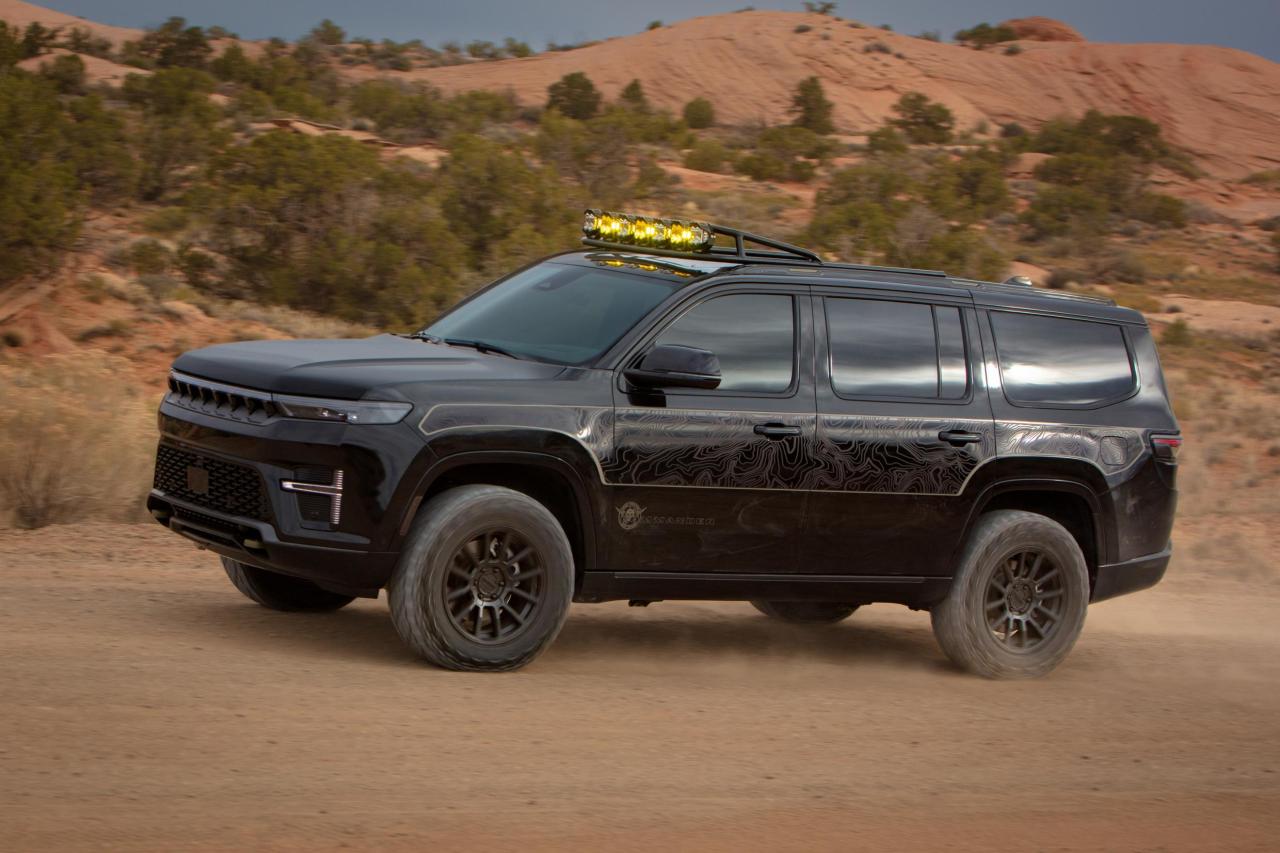
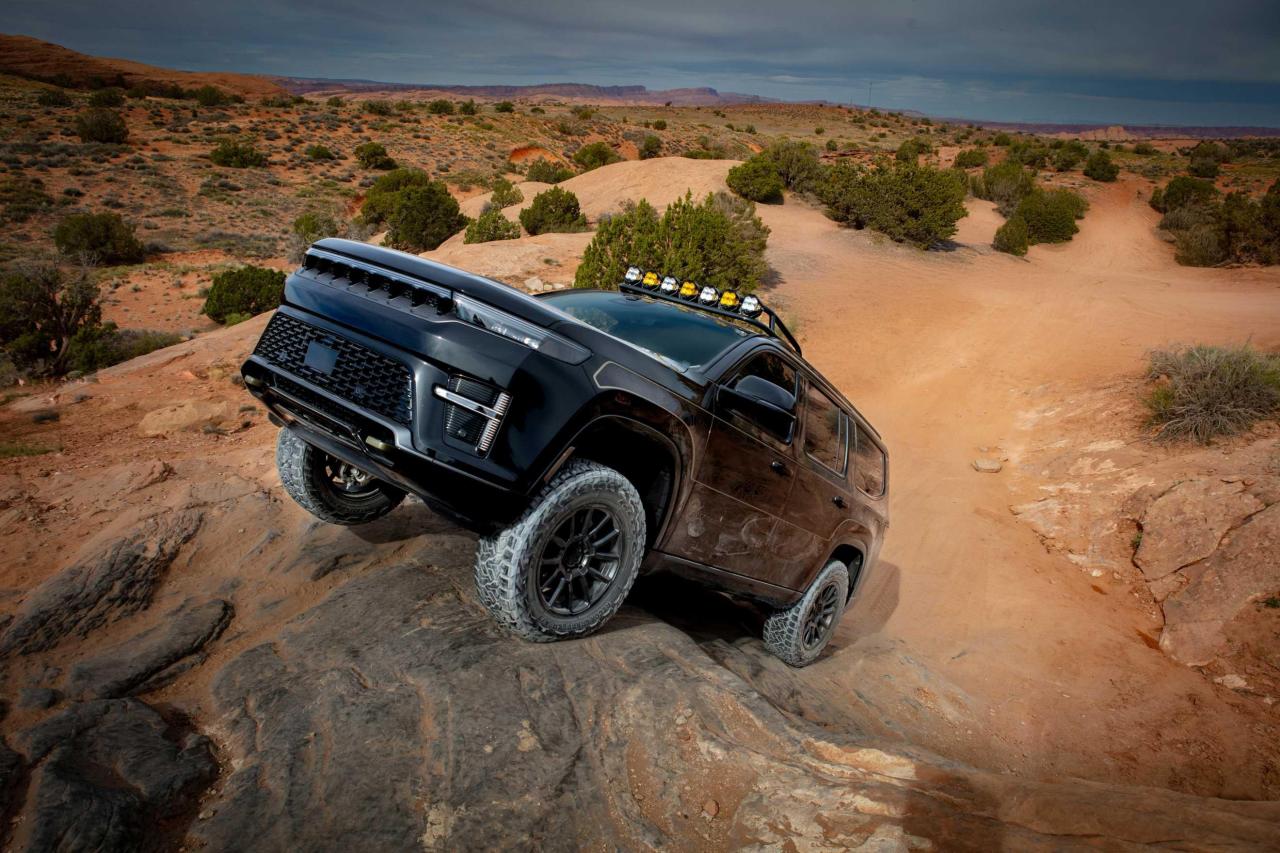
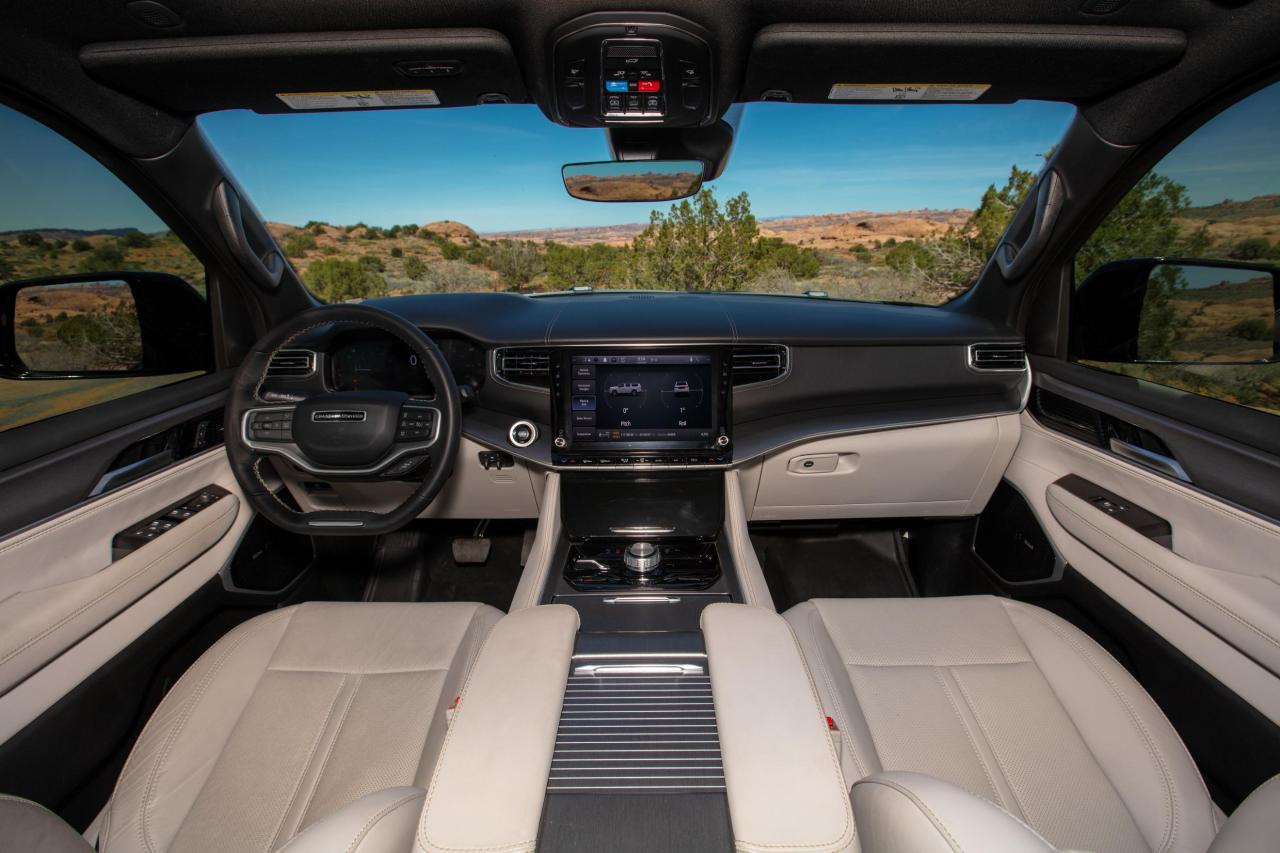
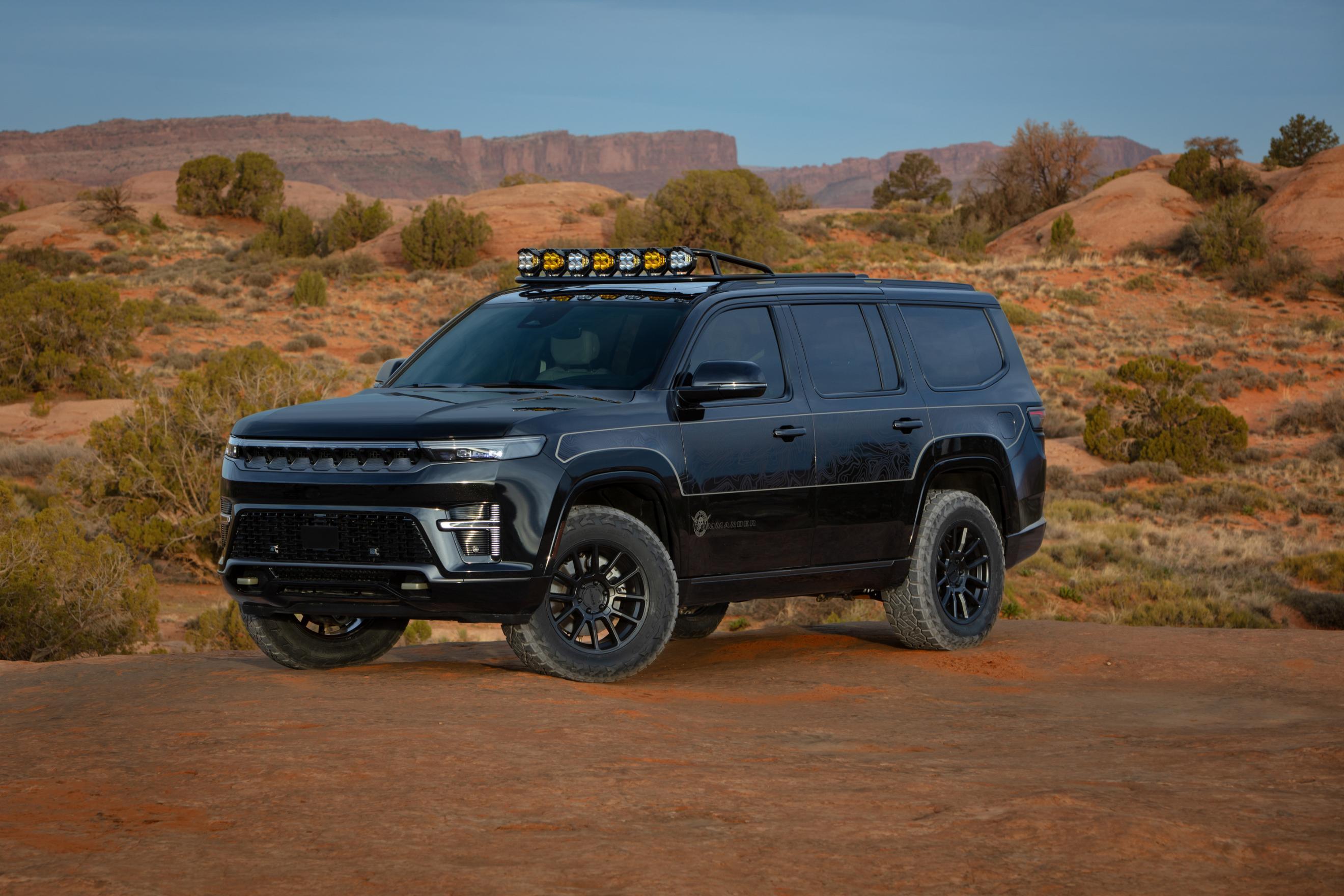
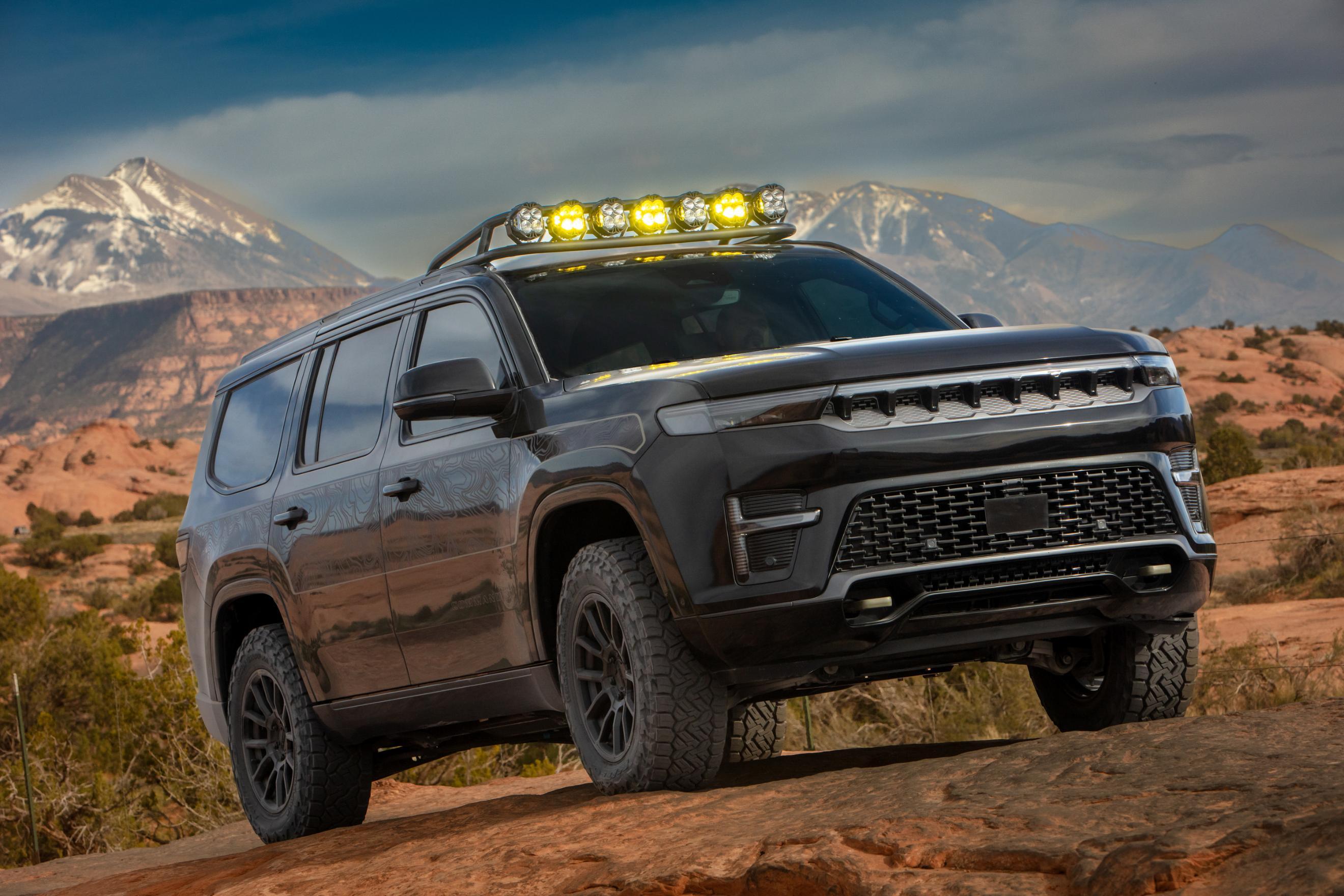
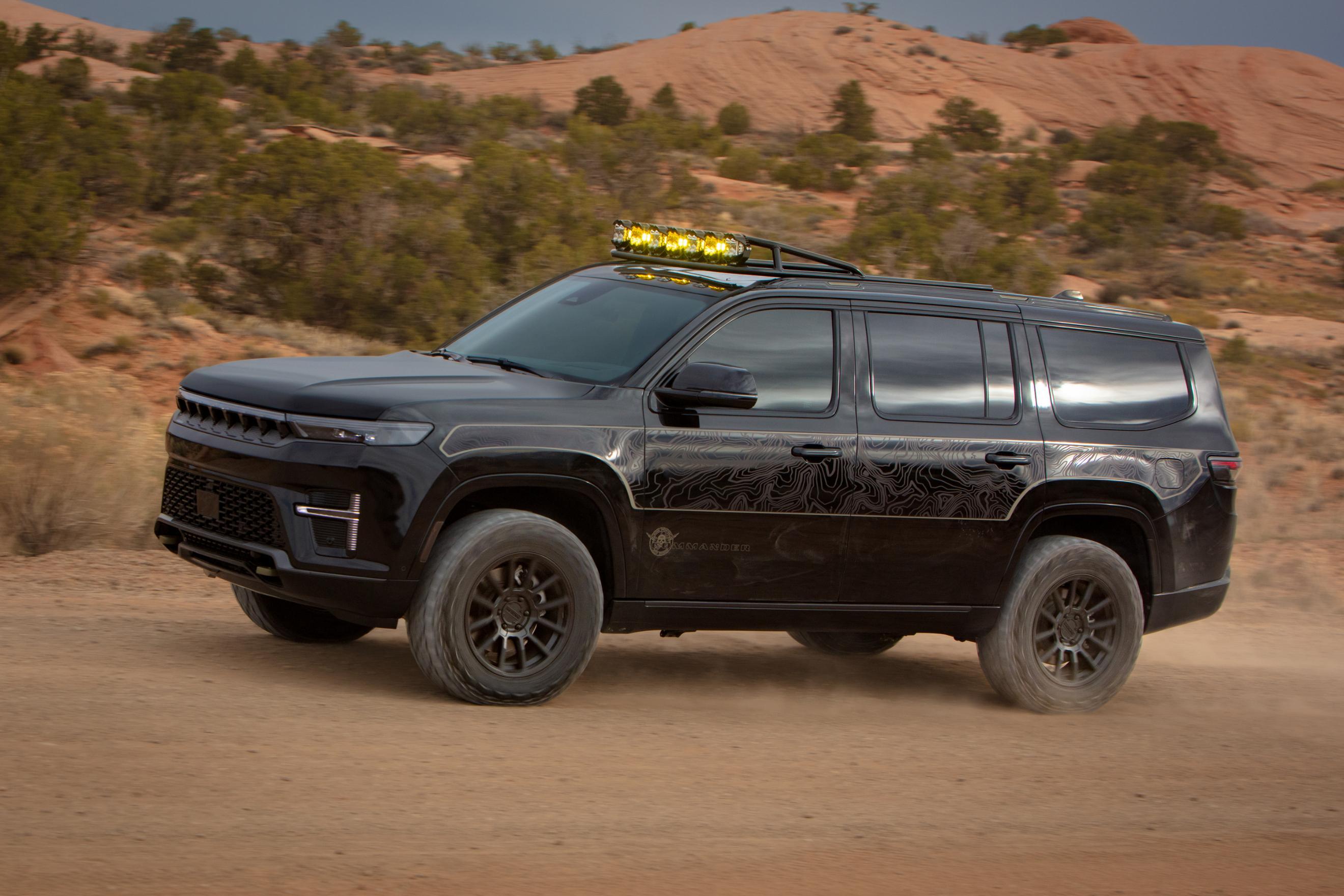
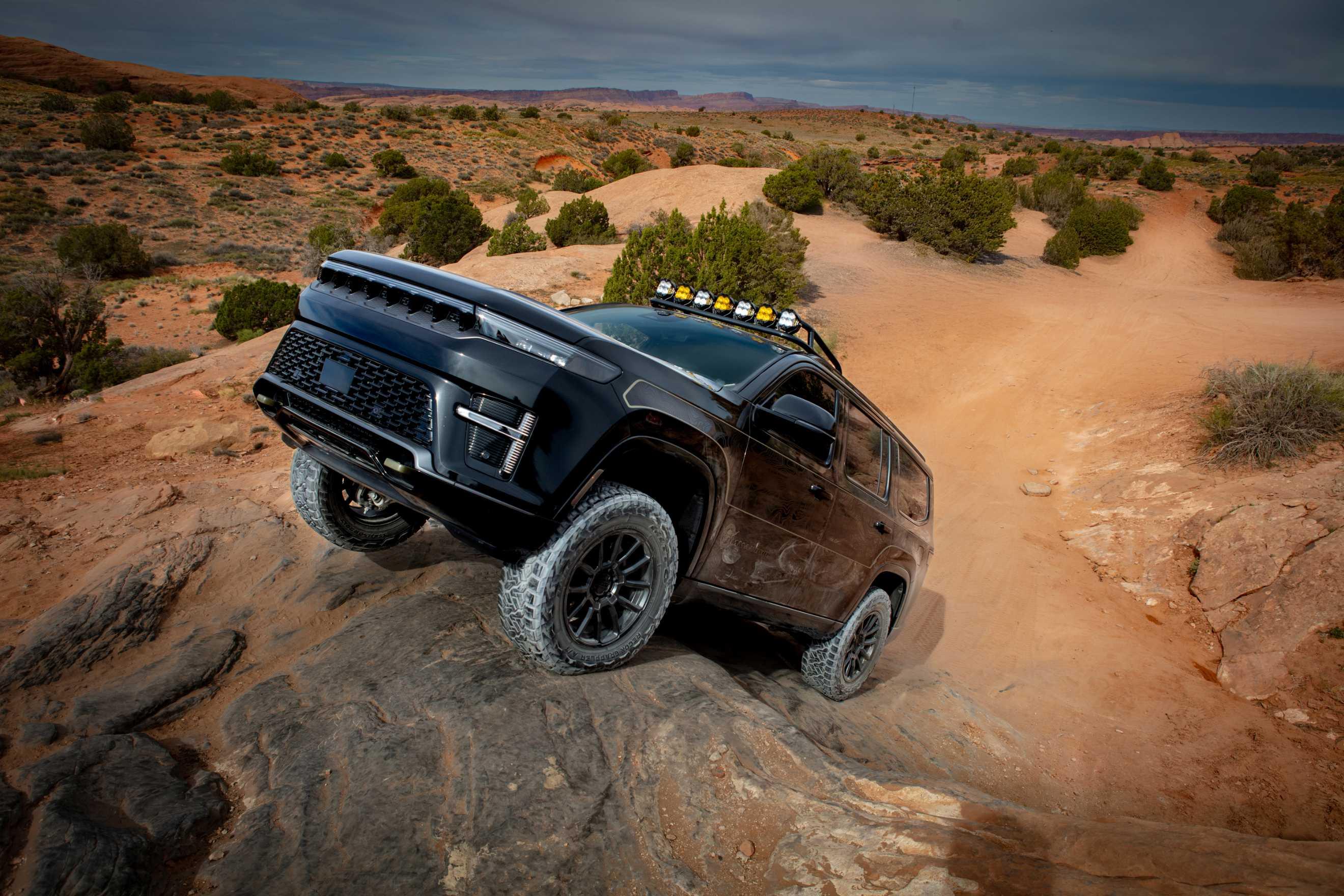
Io spero che con il nuovo riposizionamento della Grand Wagooner abbiano capito che serve anche un allestimento fuoristradistico, che la concorrenza tra l'altro già propone. Il concept qui fa ben sperare in questa direzione
-
Scott Krugger, capo designer di Chrysler, ha tranquillizzato tutti affermando che il marchio è più vivo che mai e ha spiegato la nuova identità del marchio: "modern simplicity”, “innovative practicality", “Chrysler has always been very innovative, very thoughtful, very, very attainable and practical and simple in the right ways. But also very beautiful in design", models that are affordable while maintaining the attributes that make them desirable”. Proprio per questo i prossimi modelli Chrysler potrebbero "sfumare i confini" classici dei segmenti per seguire "opportunità inesplorate". A Maggio sapremo di più. CarscoopsChrysler Could Get A Sedan Back, But It Might Not Be Like...Chrysler’s future comes into focus as Stellantis exec hints at new sedan-like models with a practical, crossover-inspired twist
-
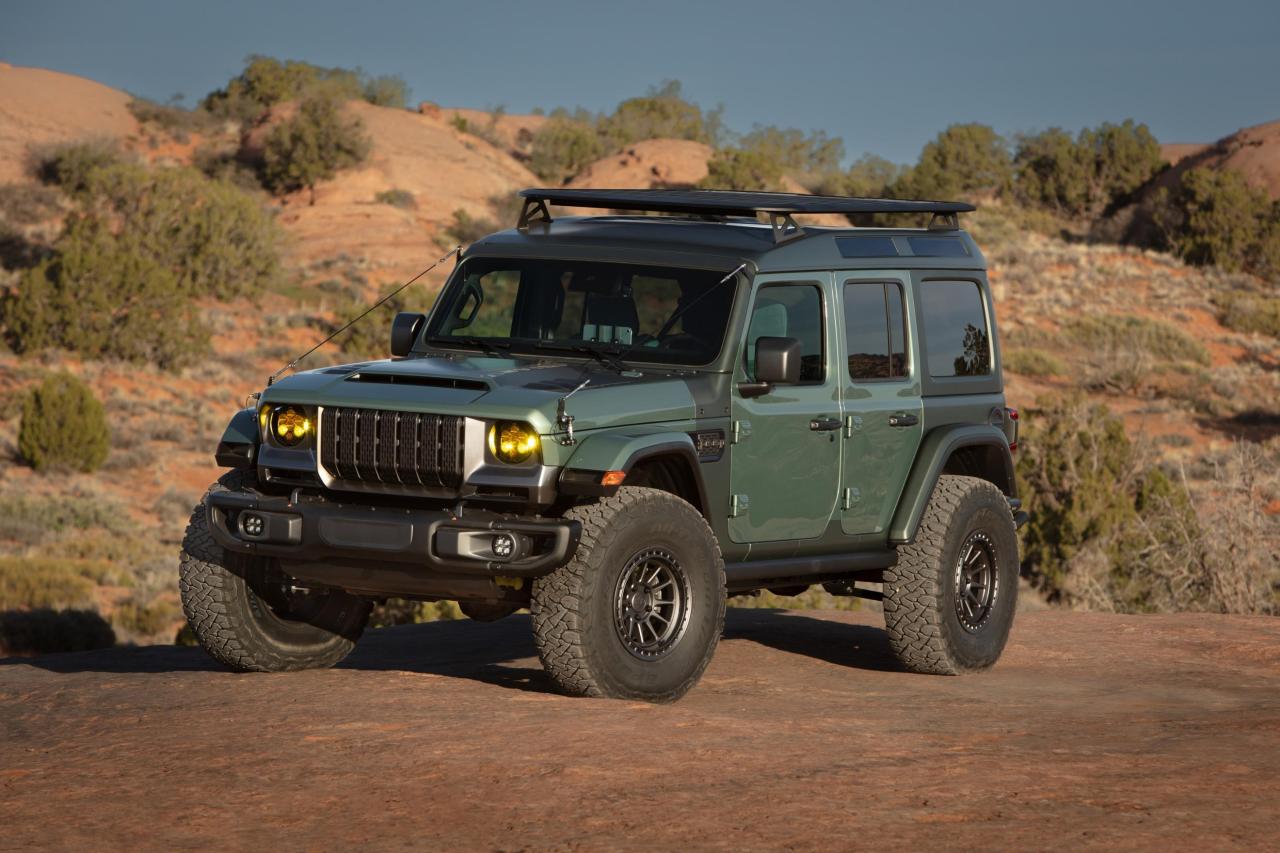
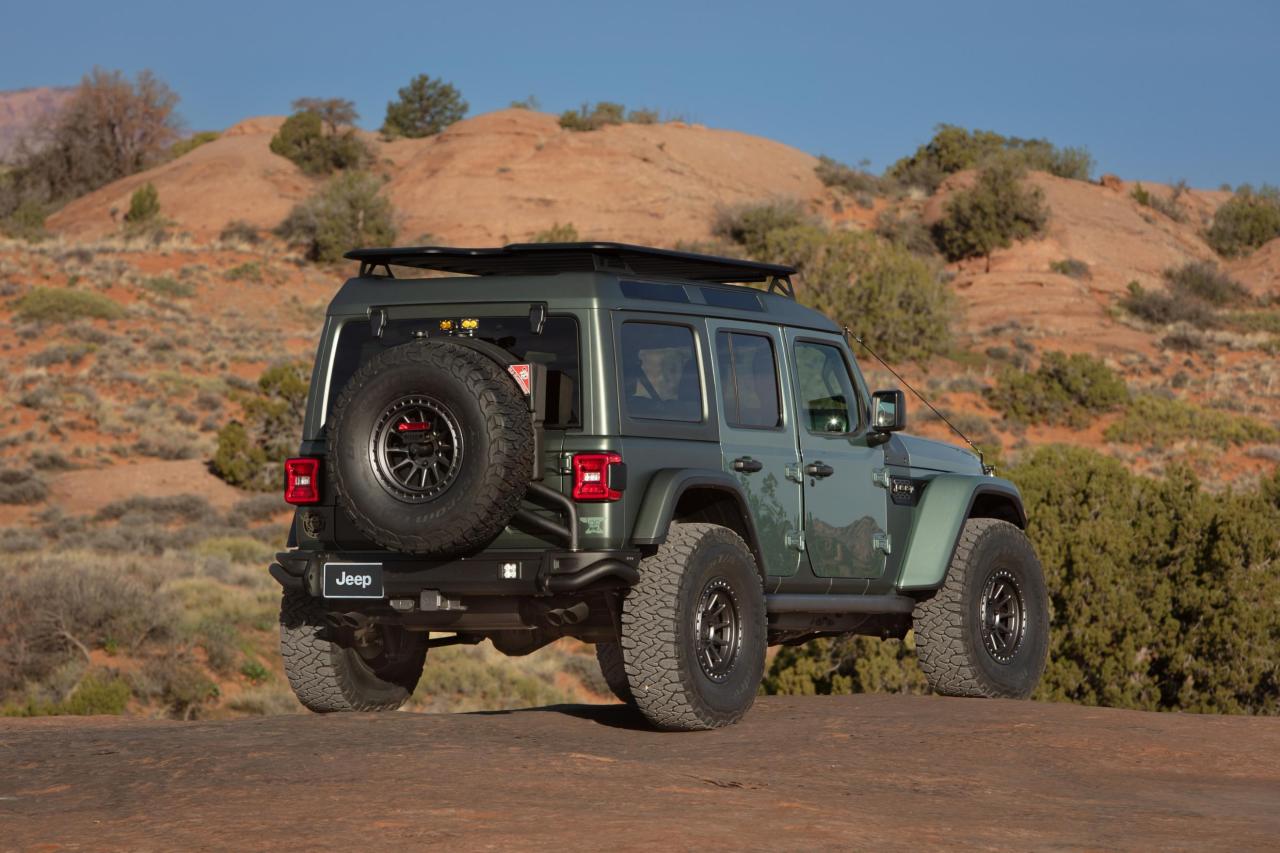
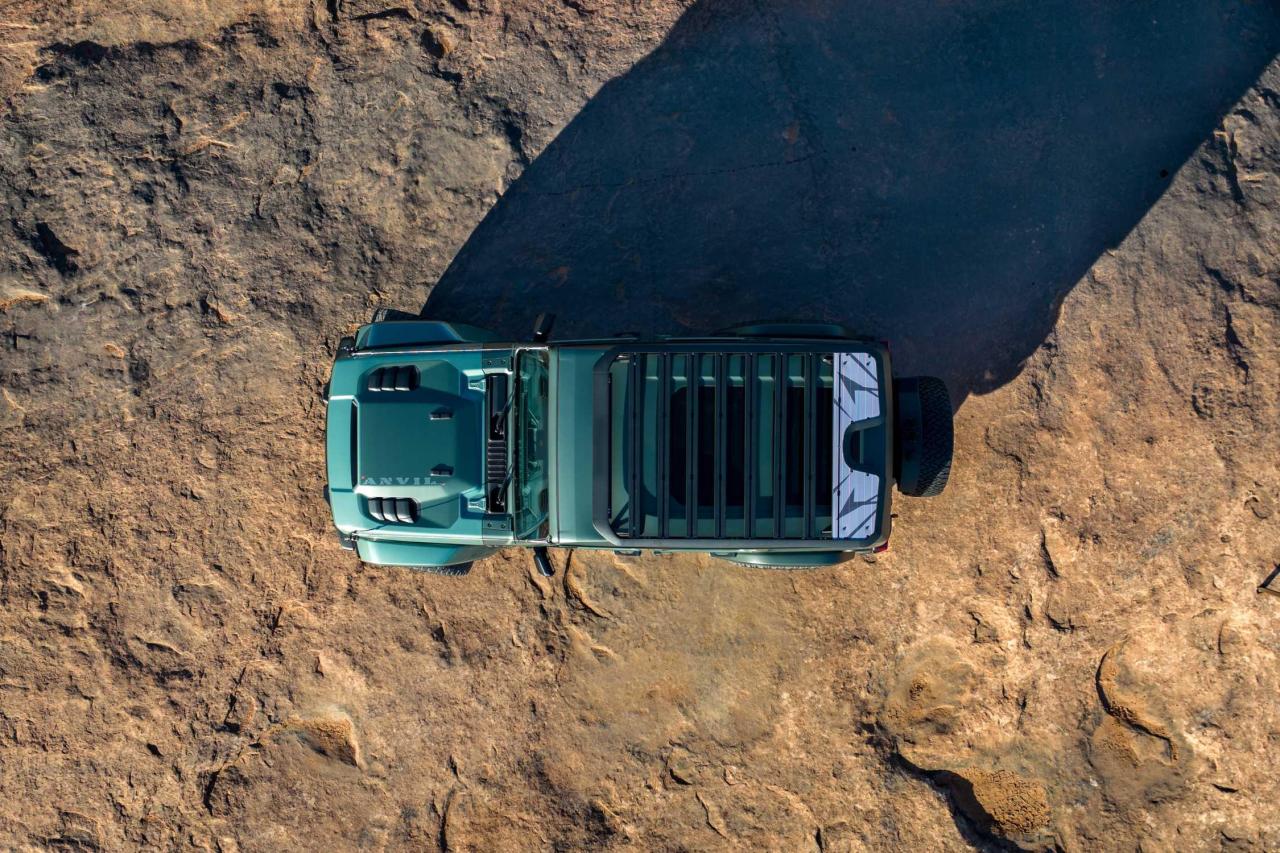
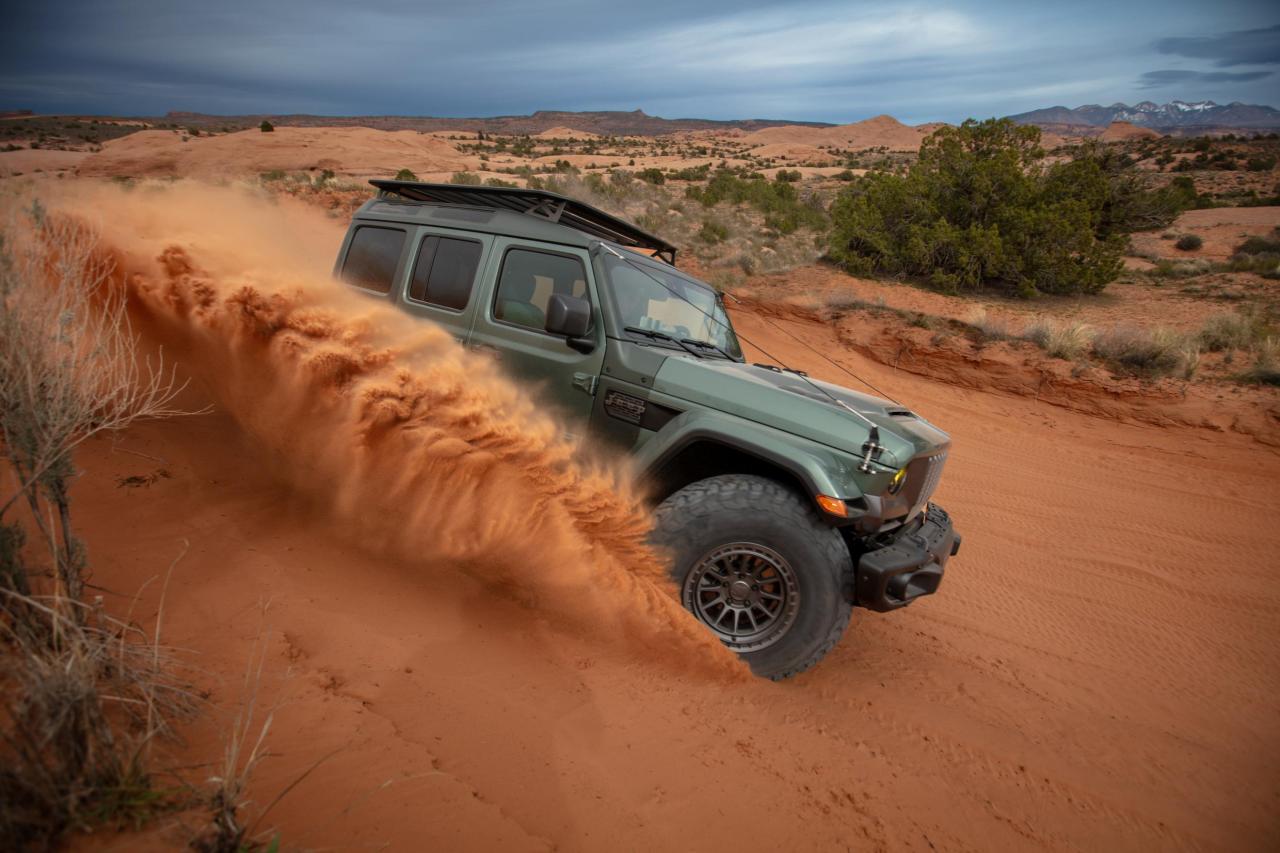
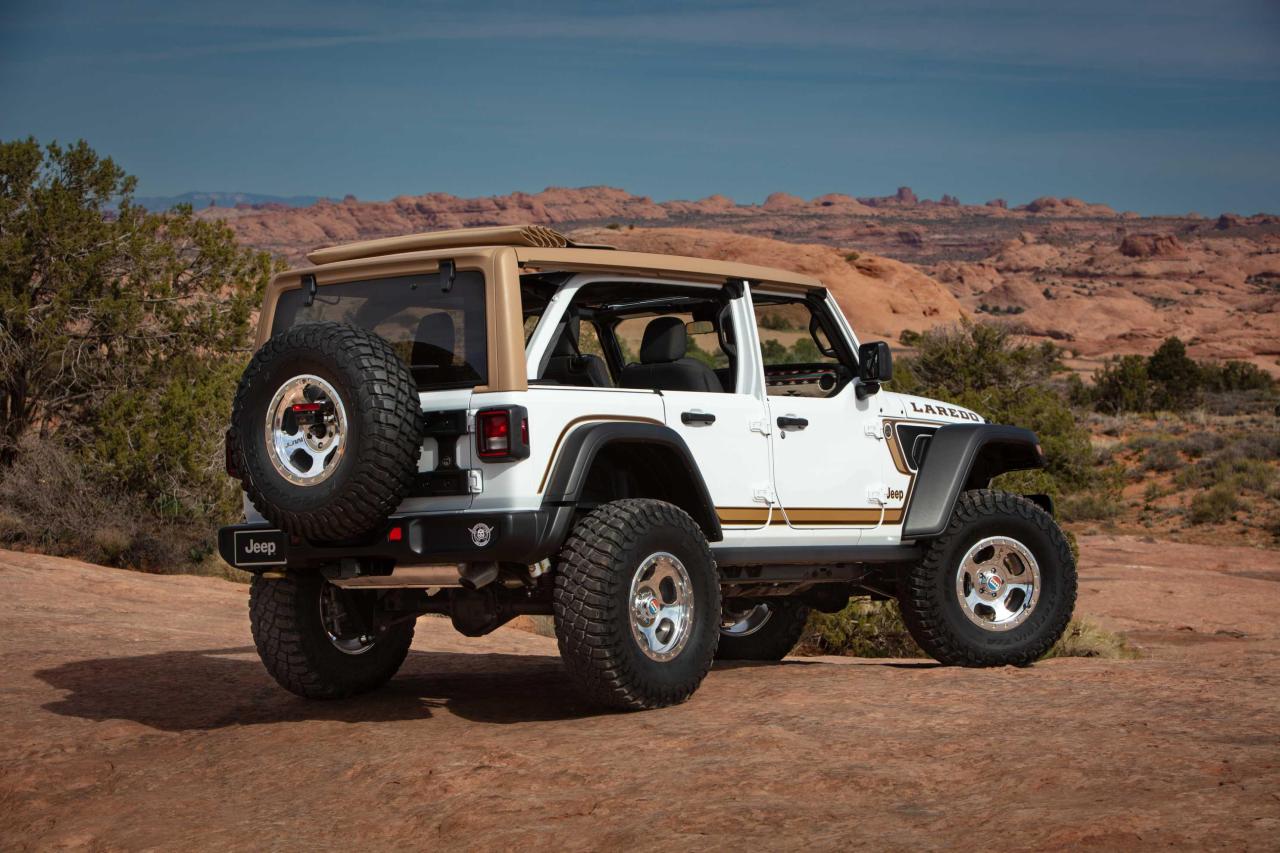
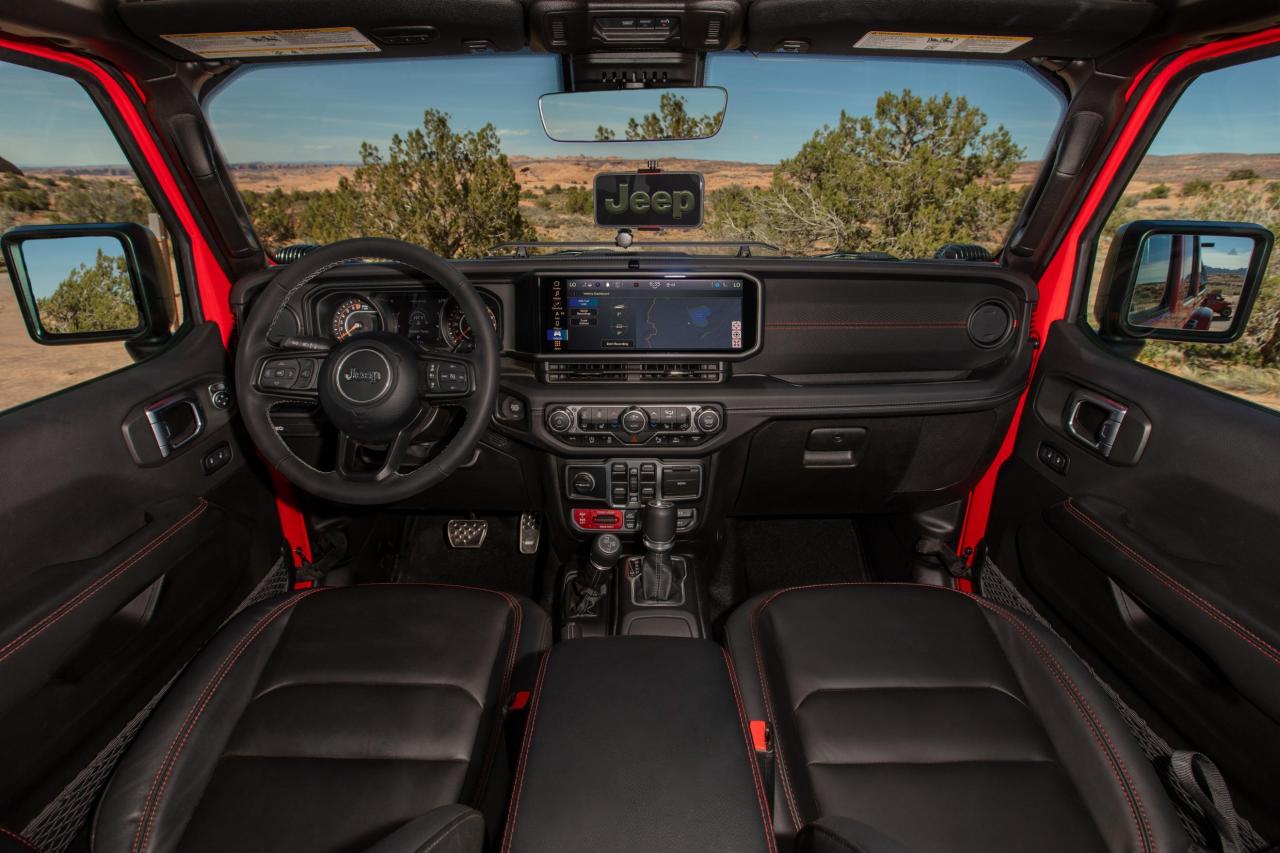
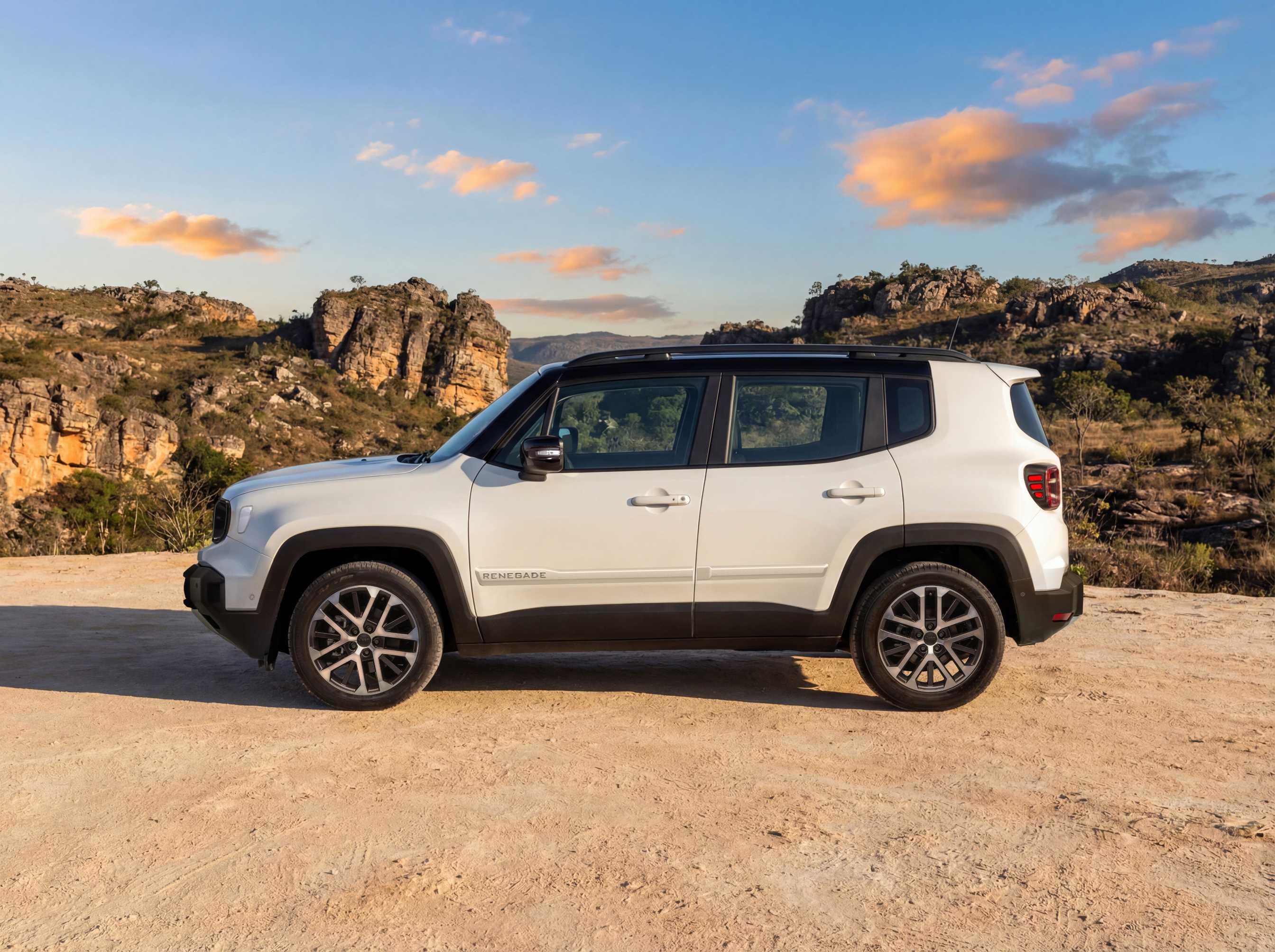
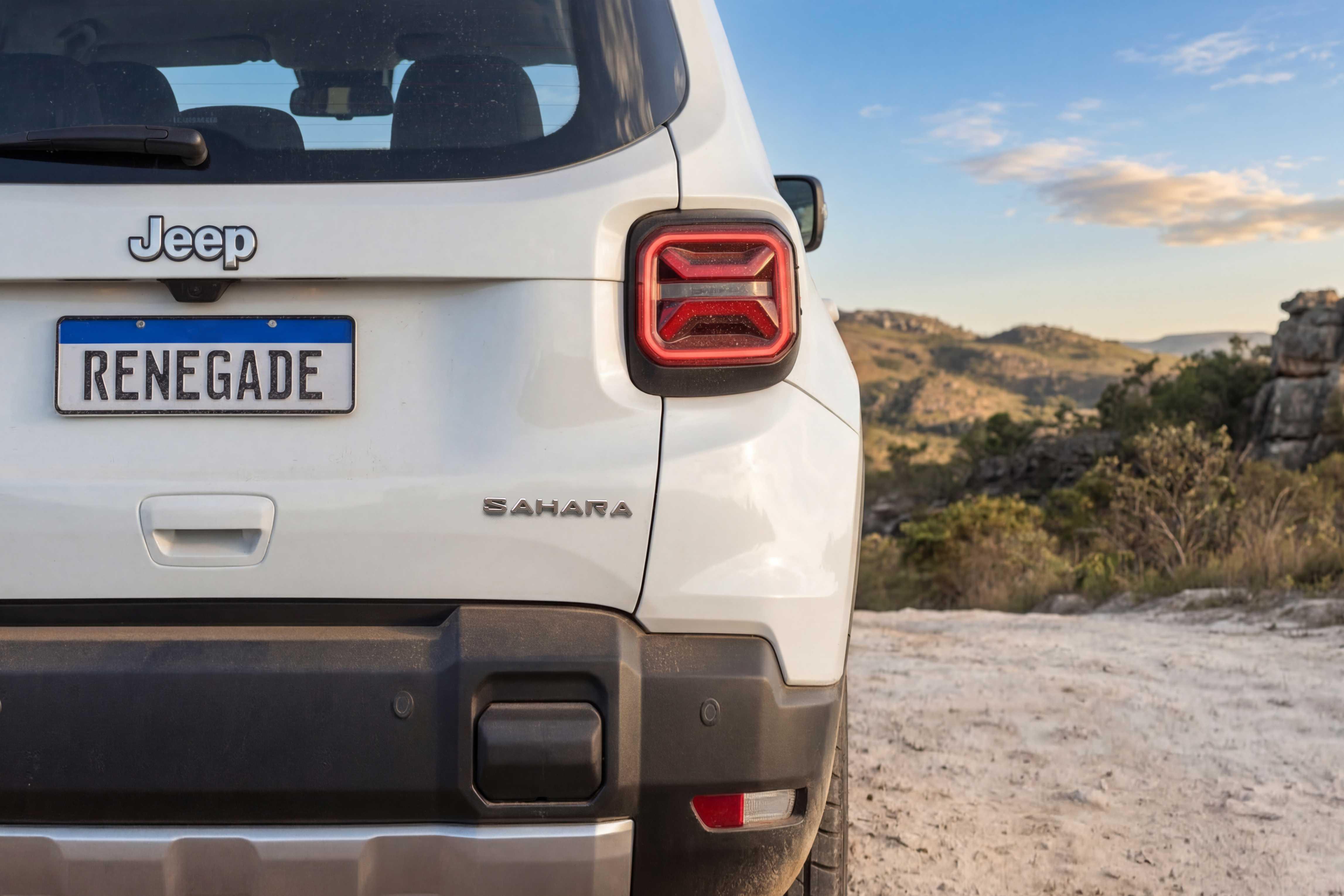
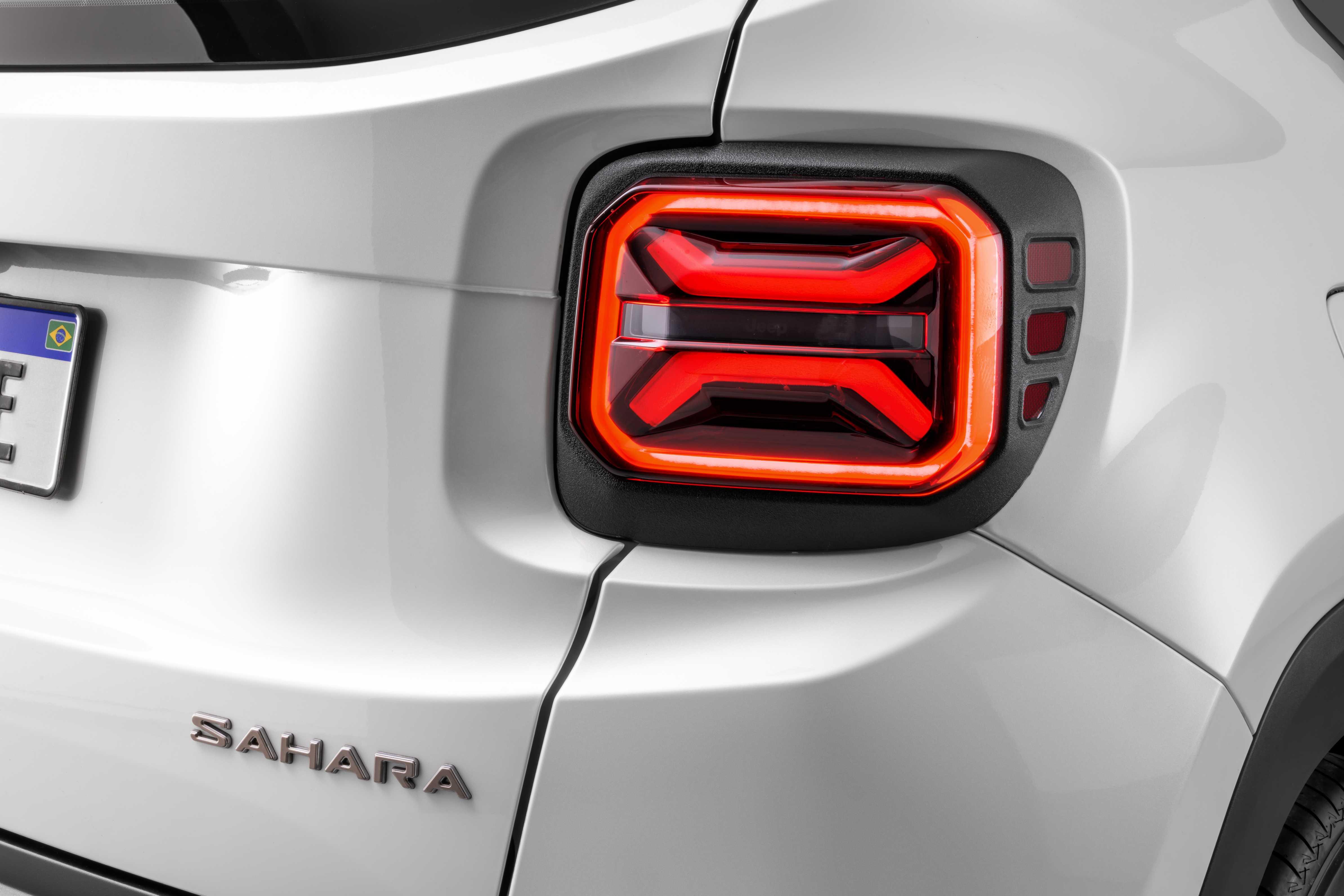
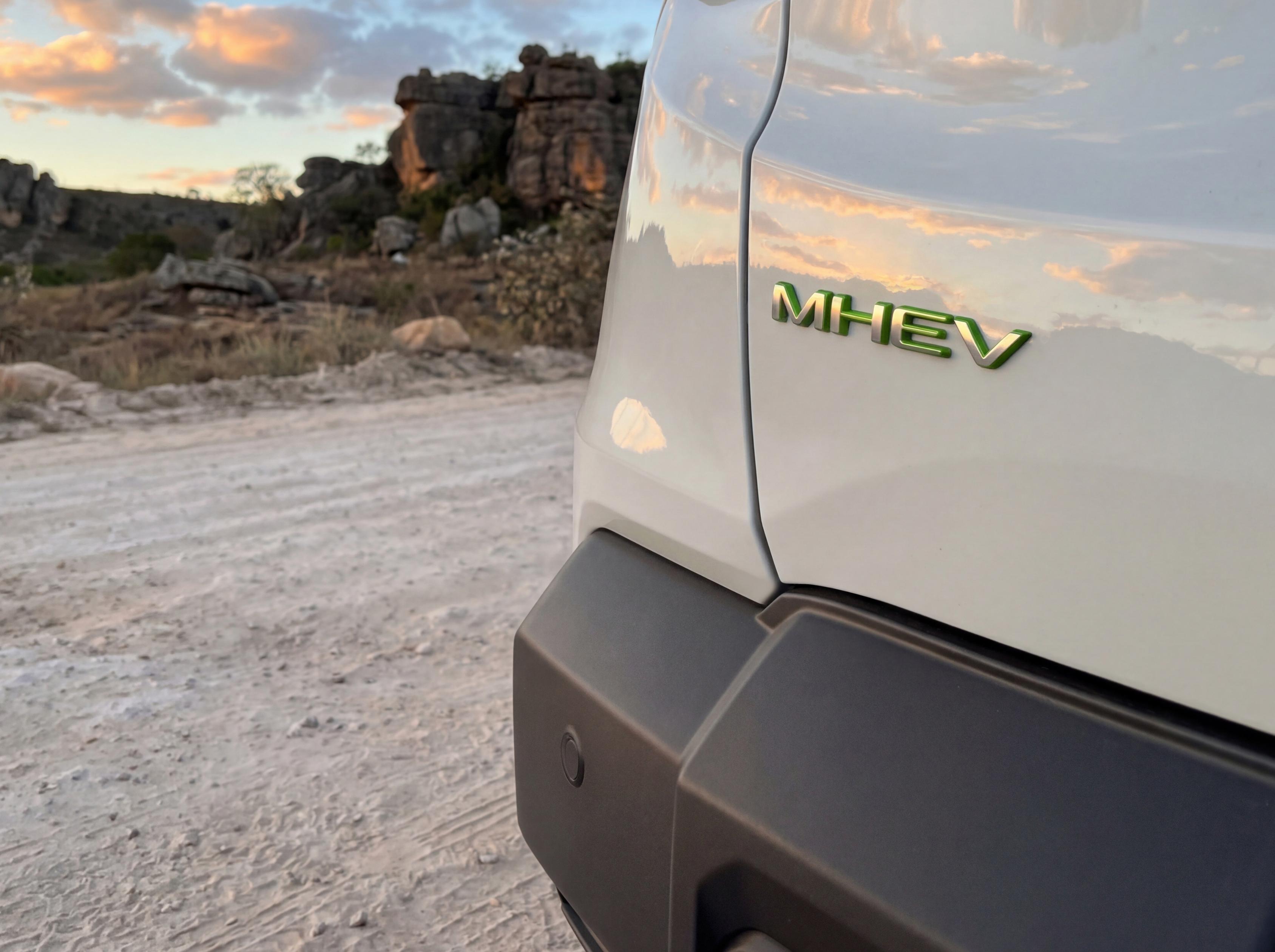
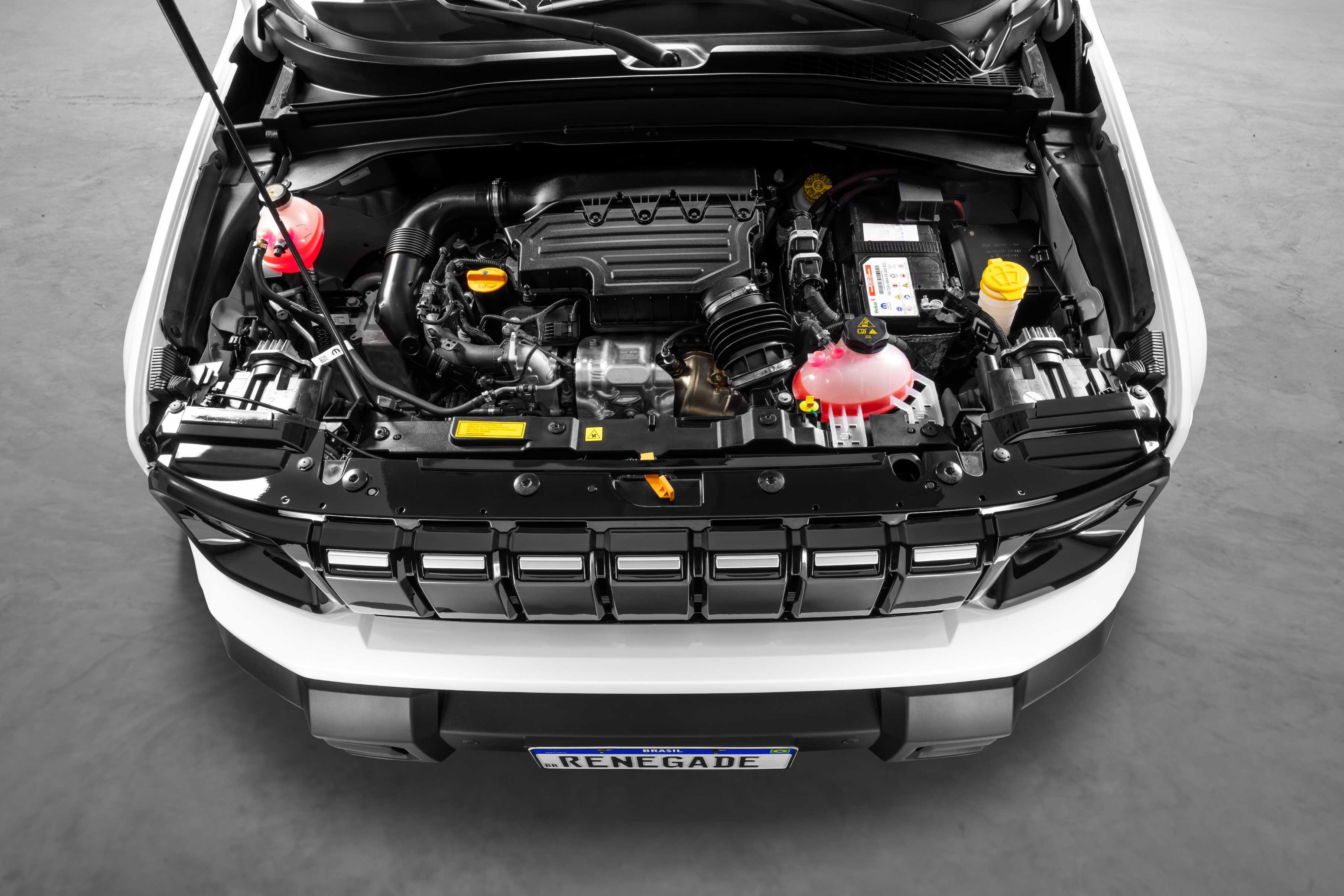
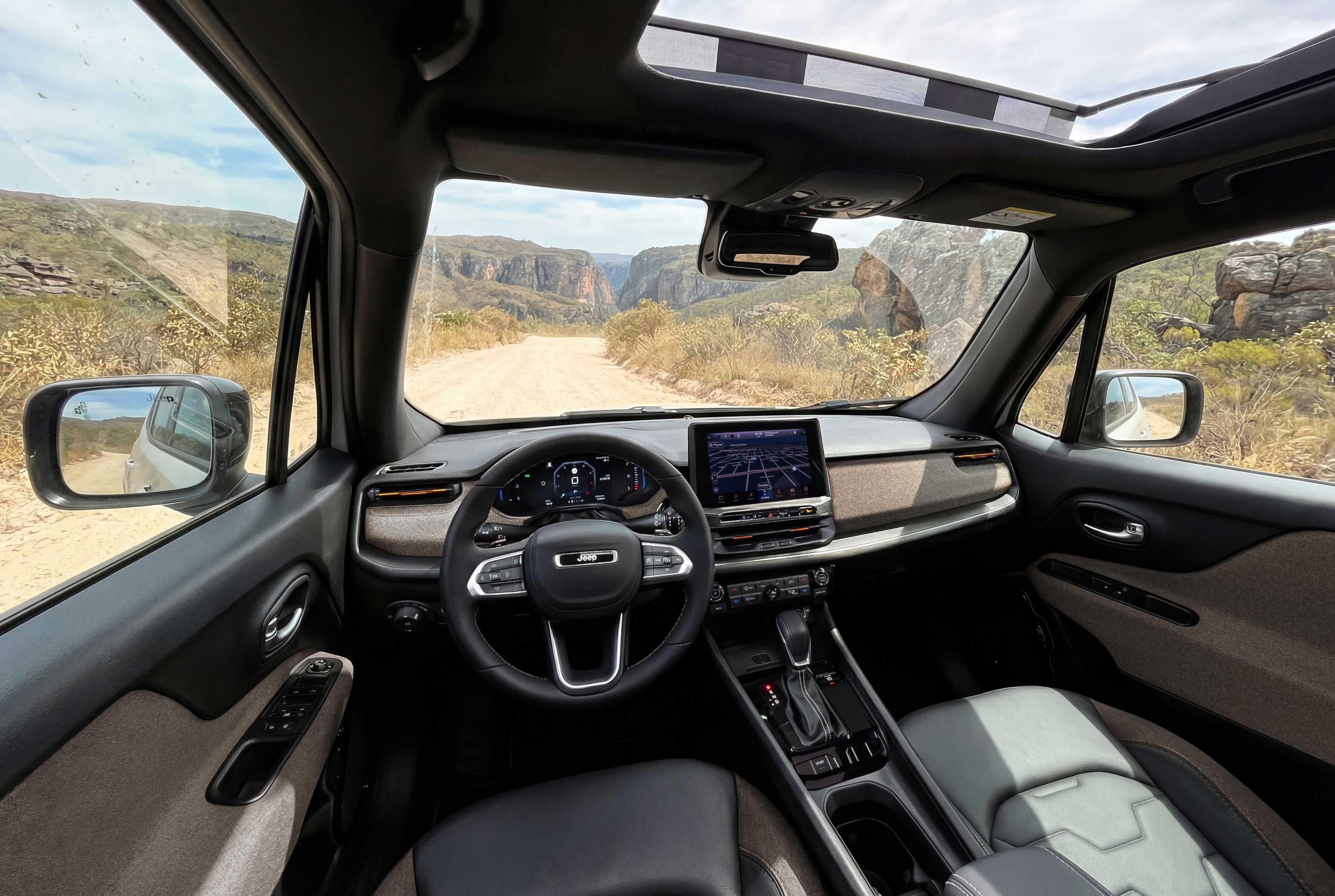
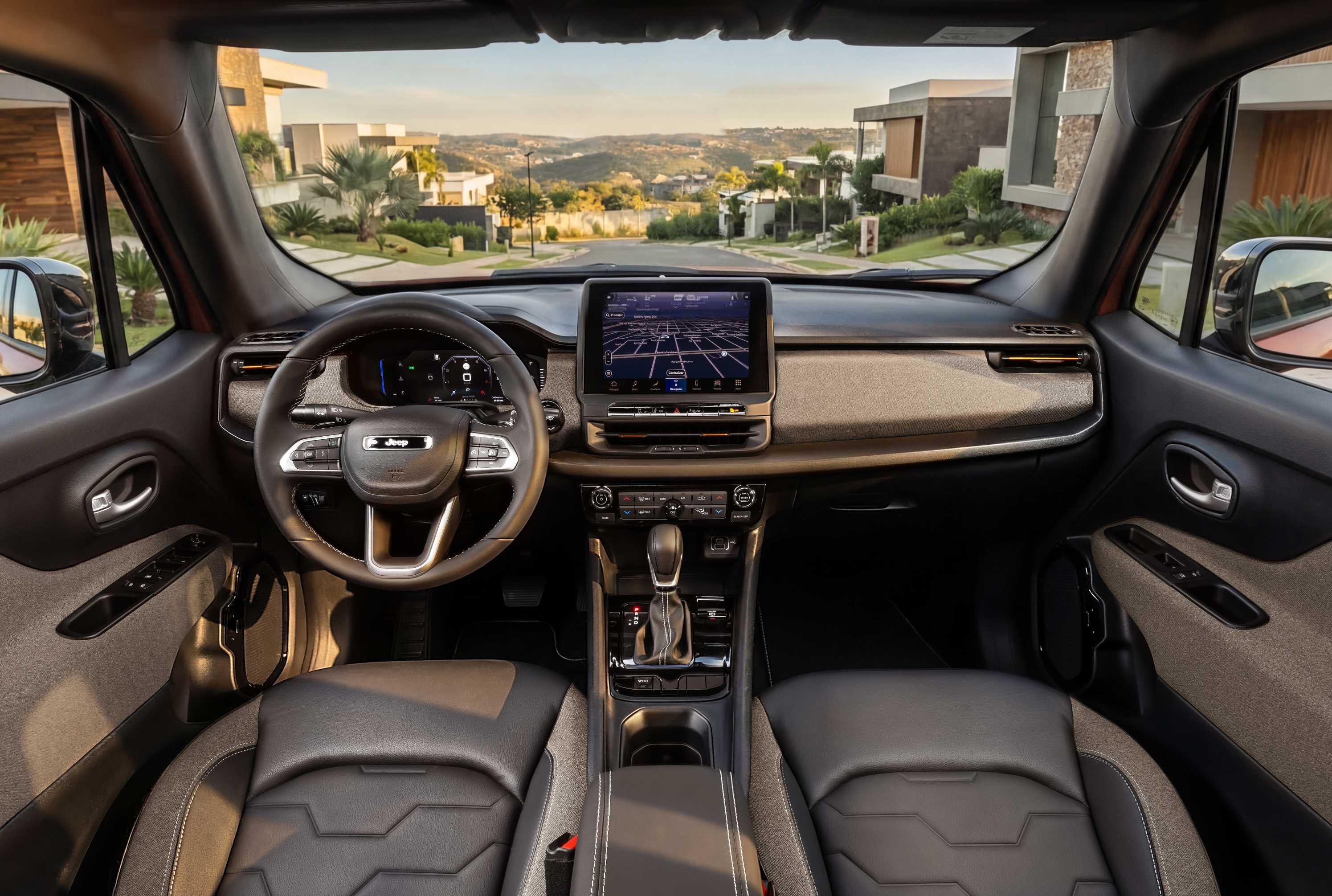
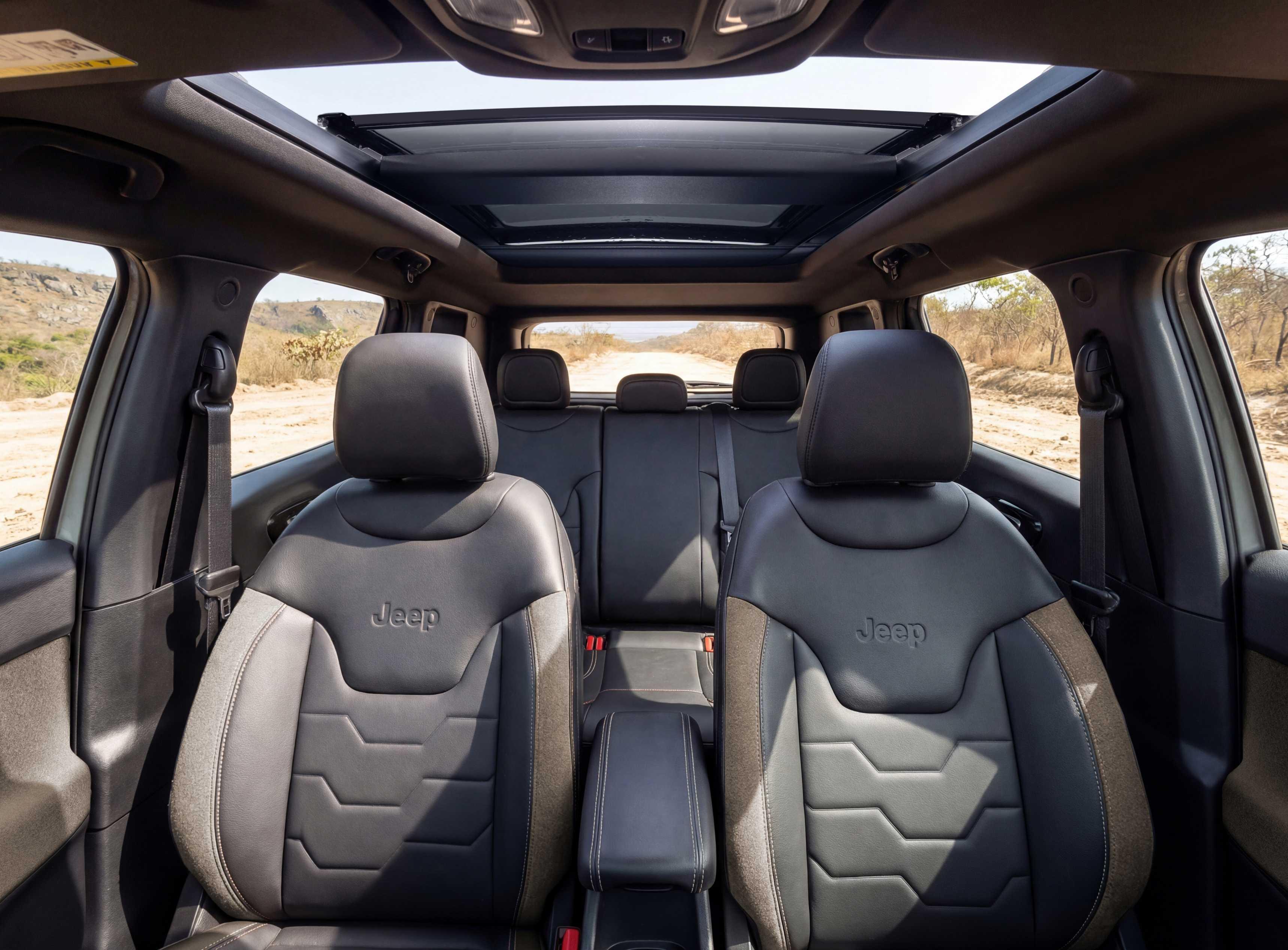
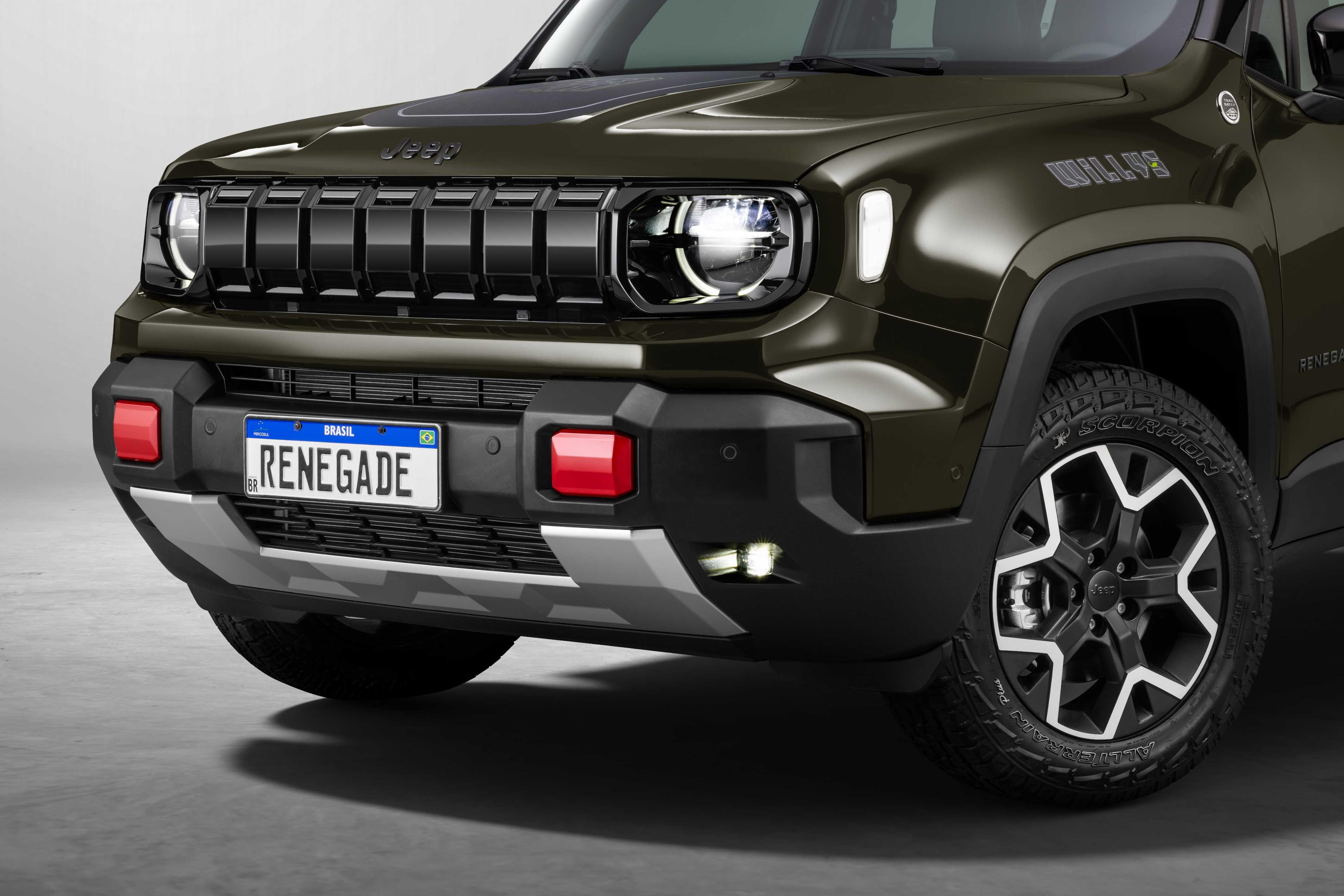
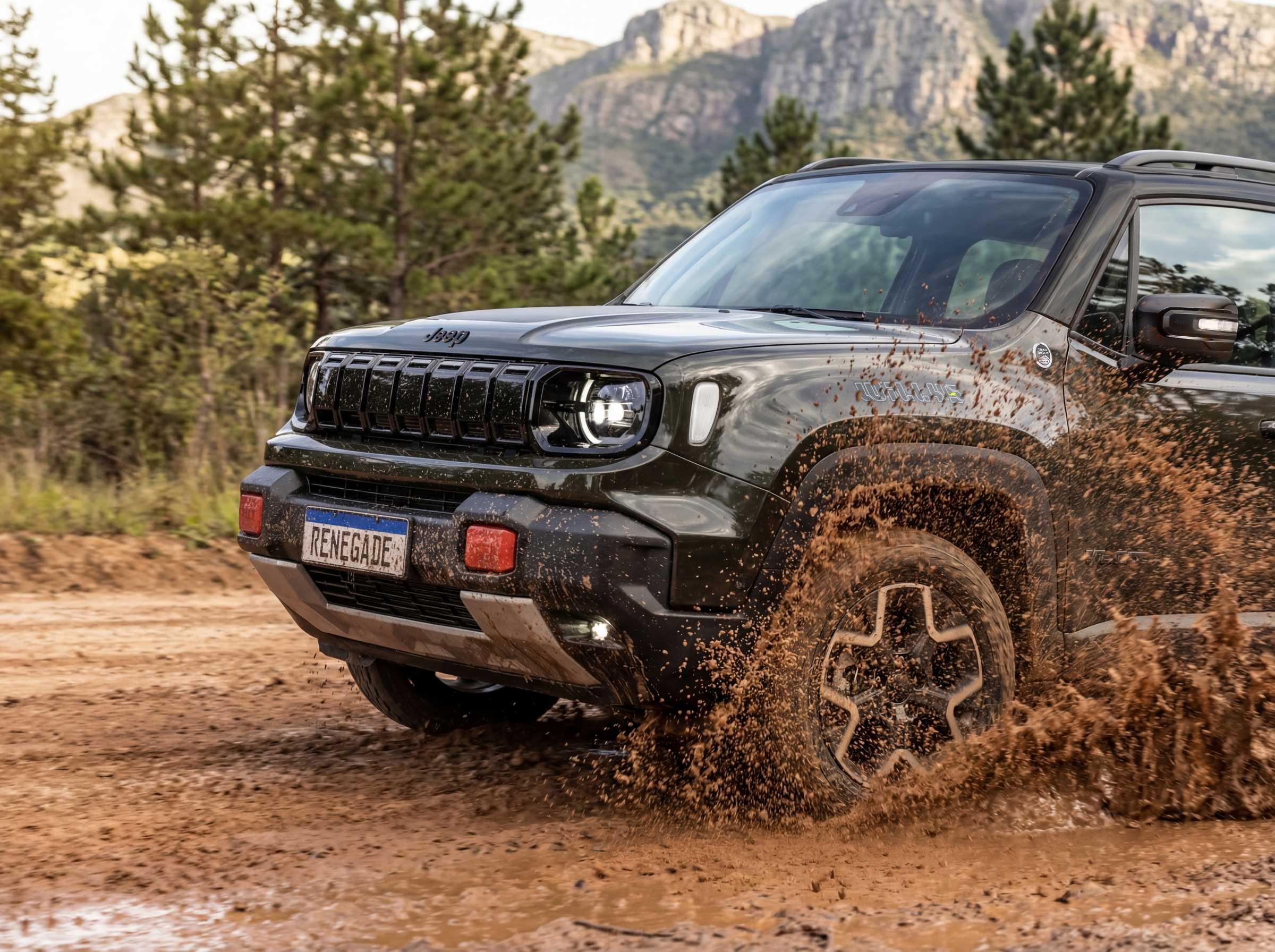
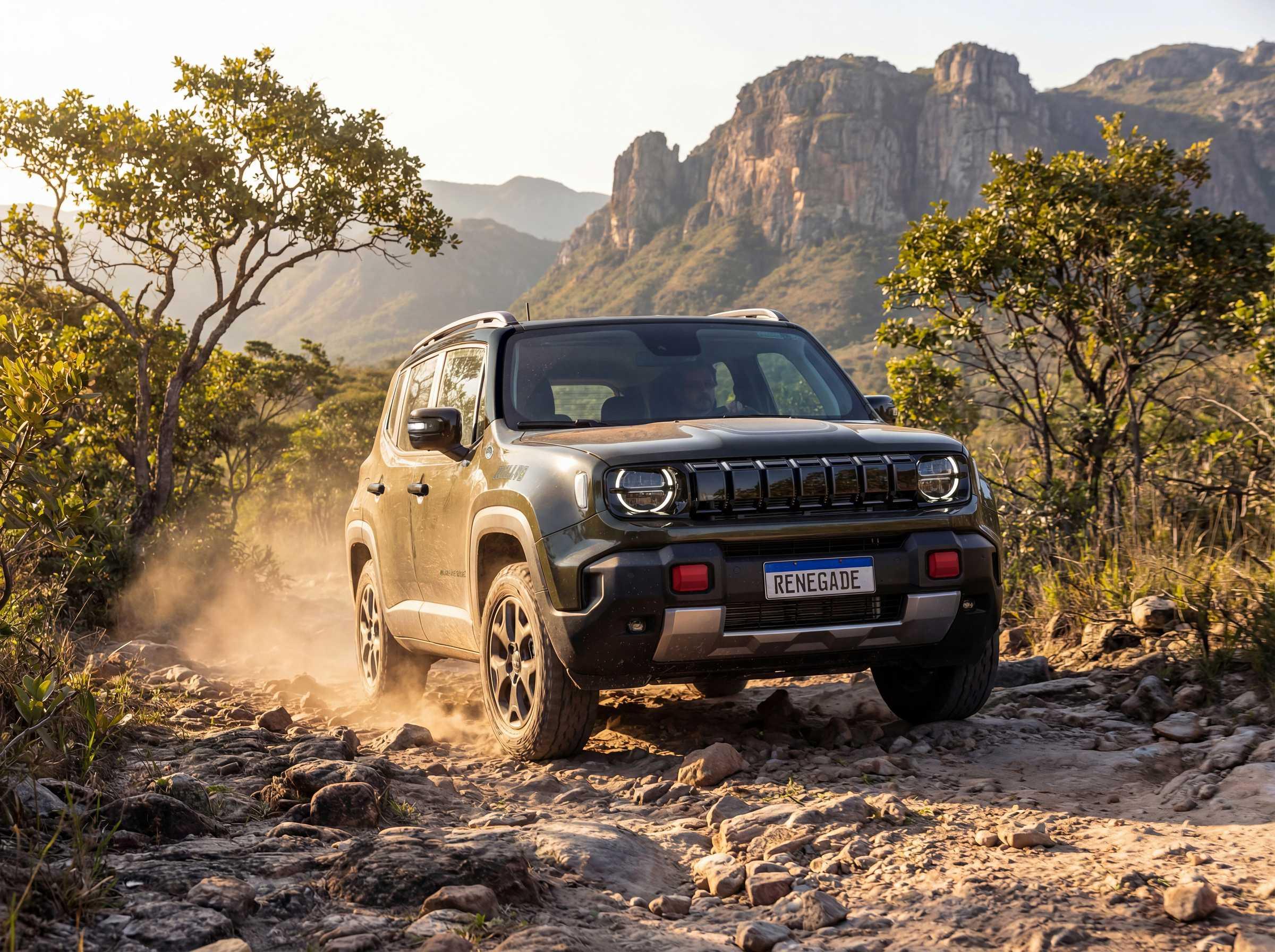
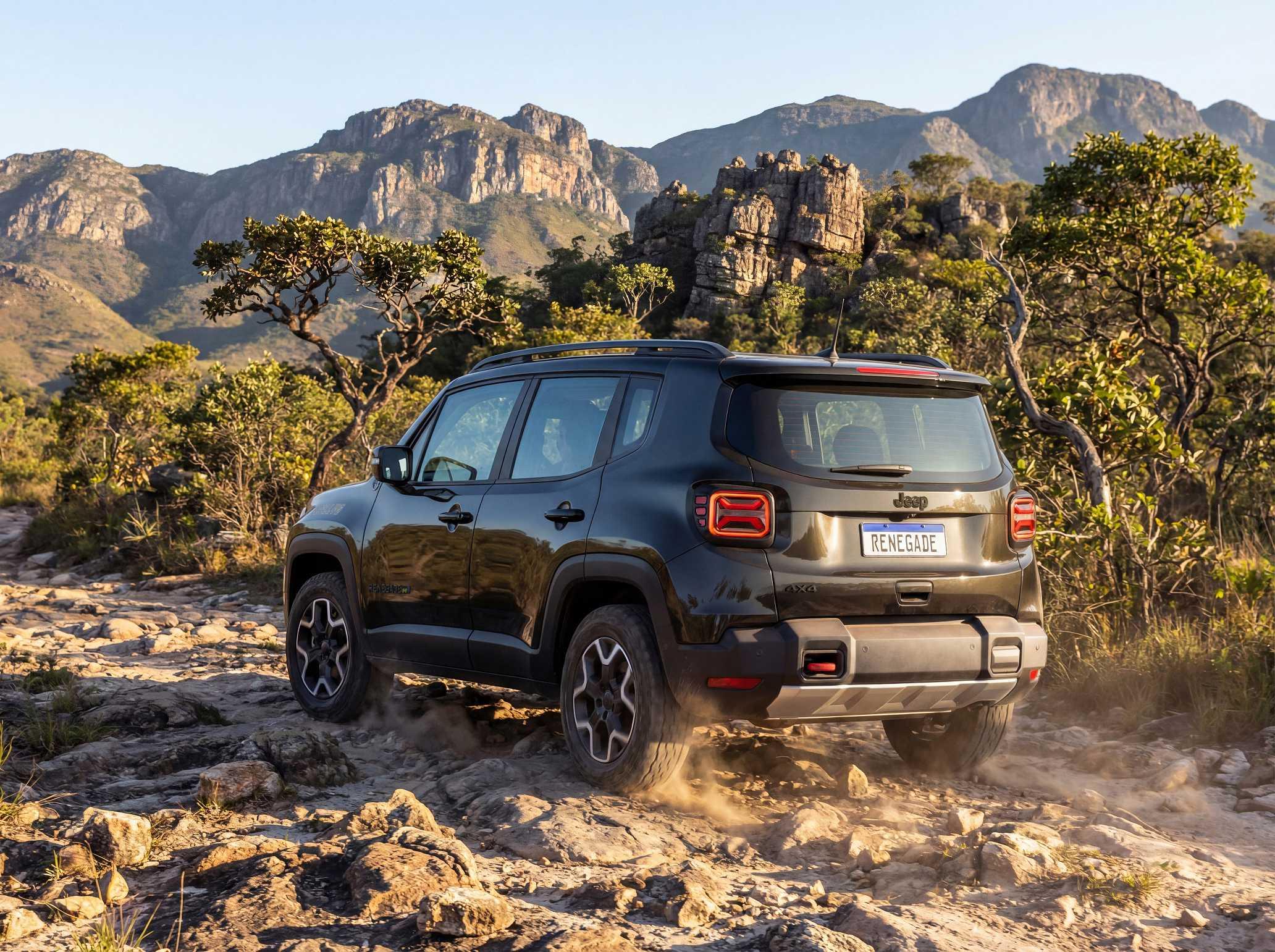
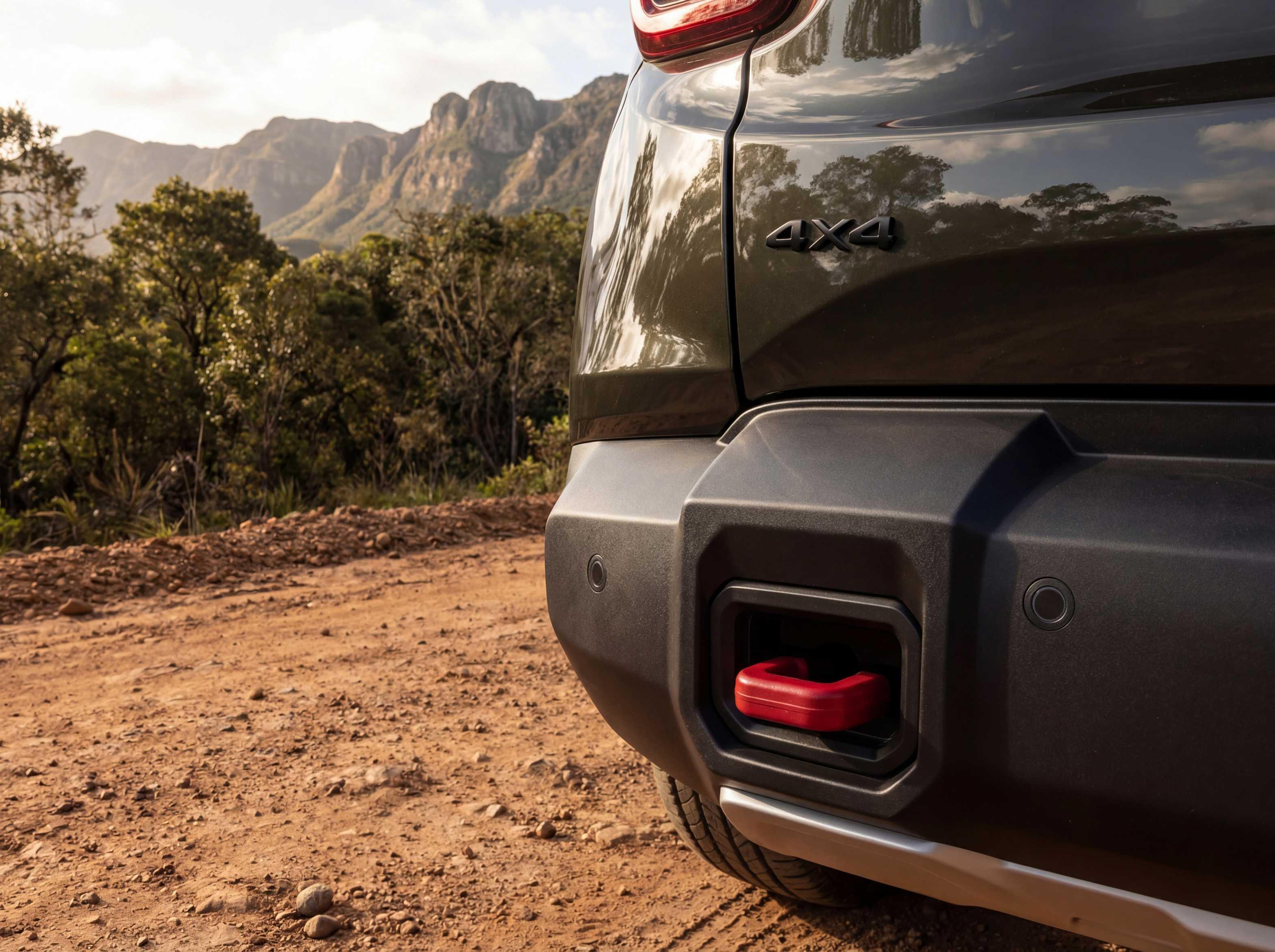
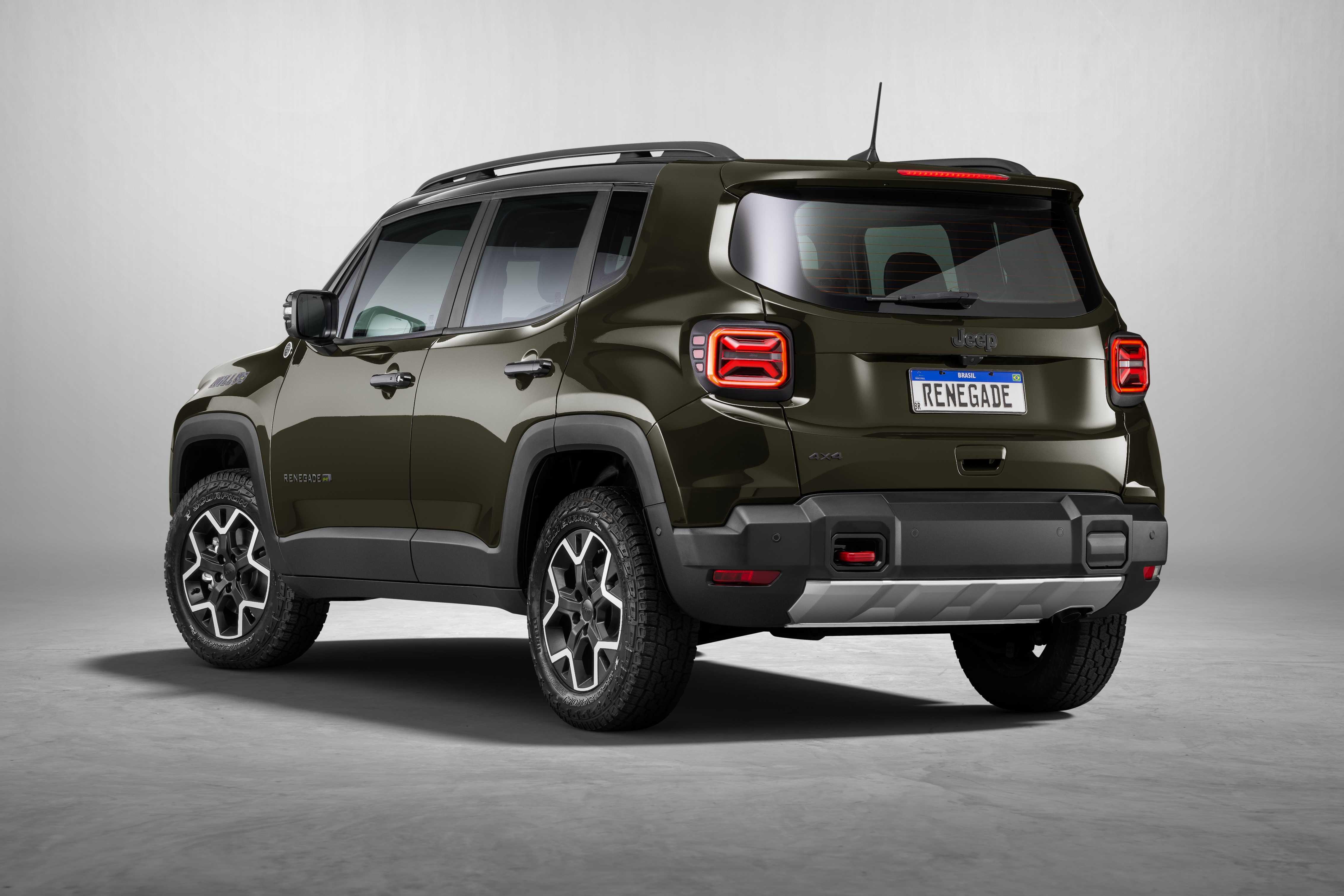
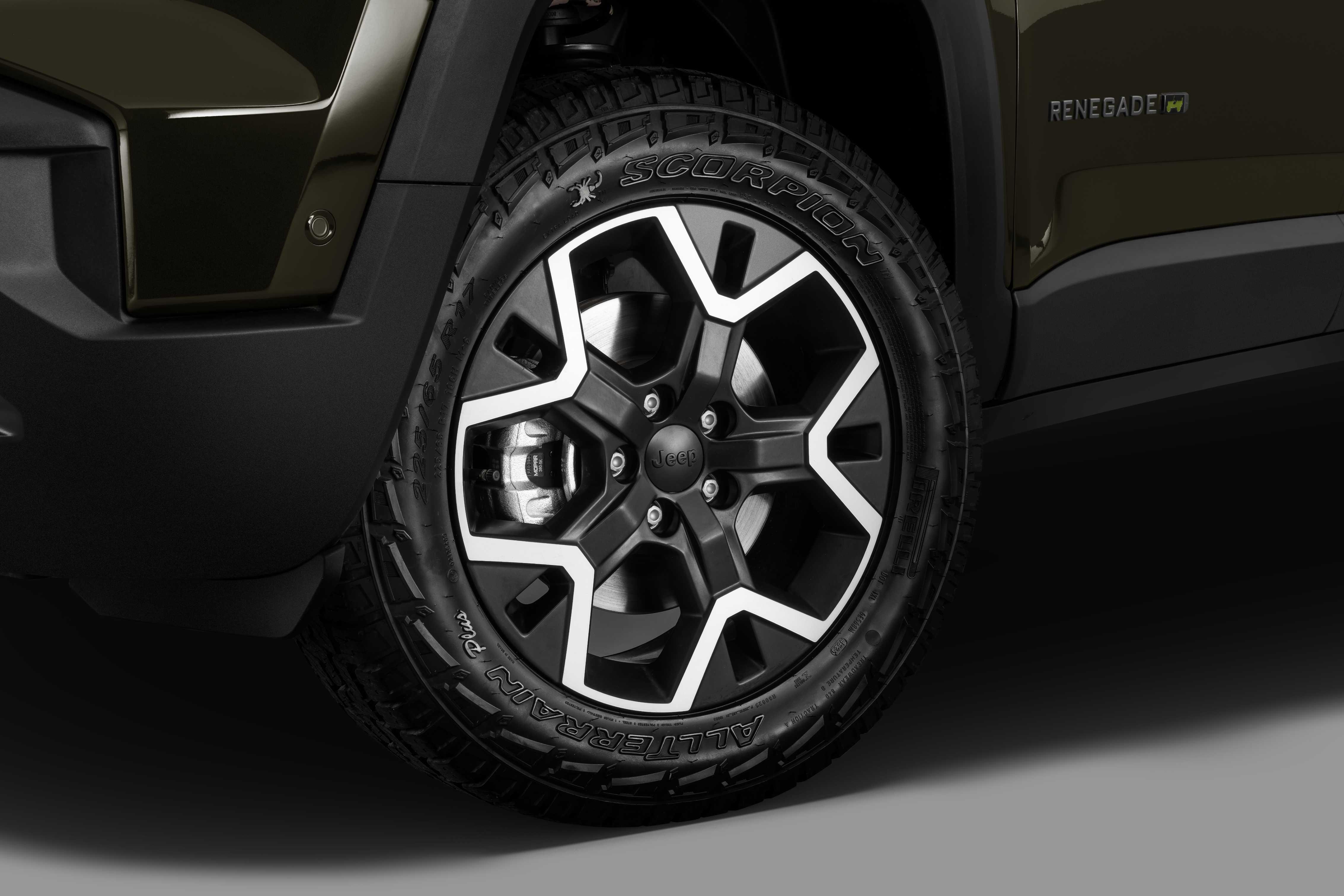
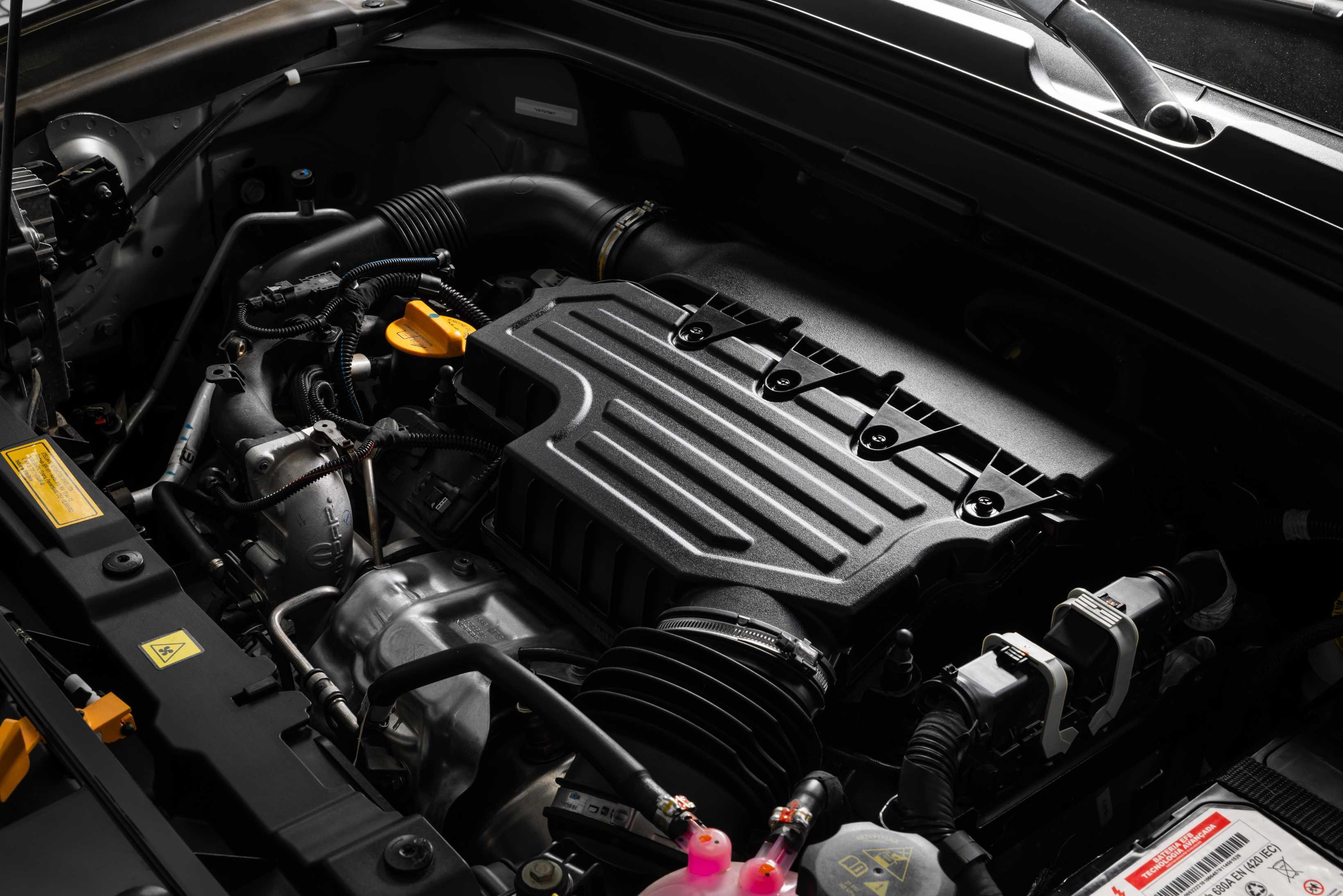
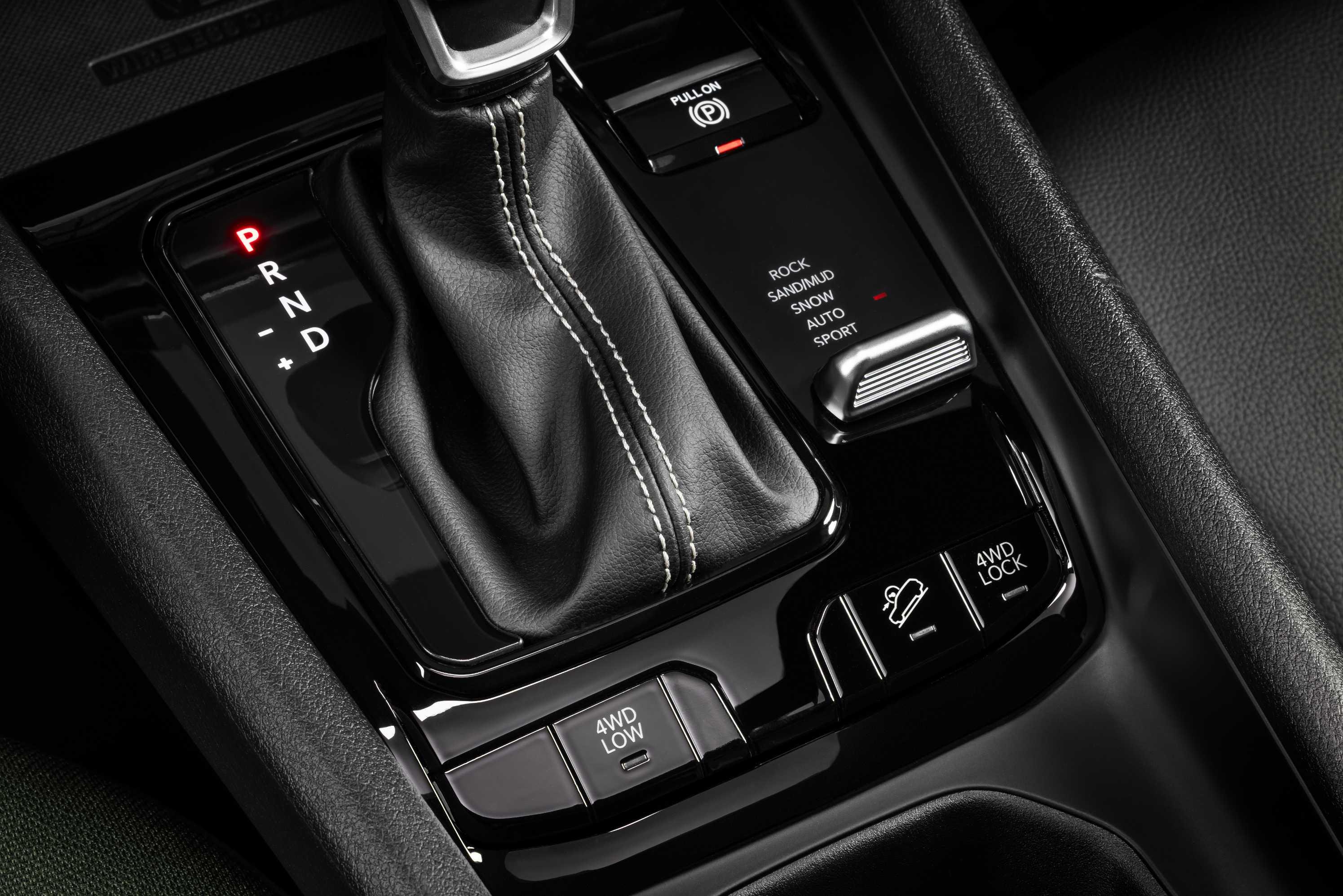
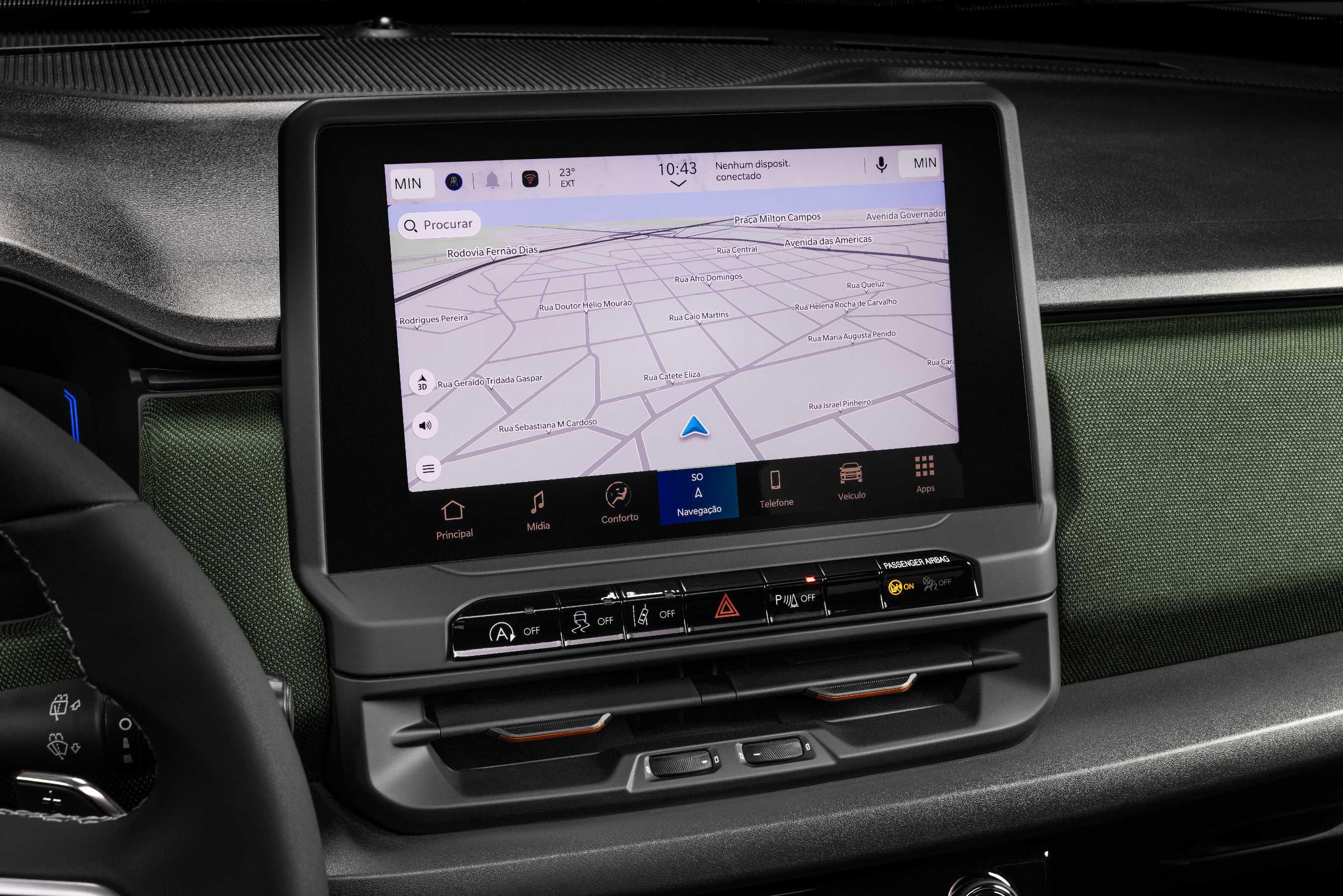
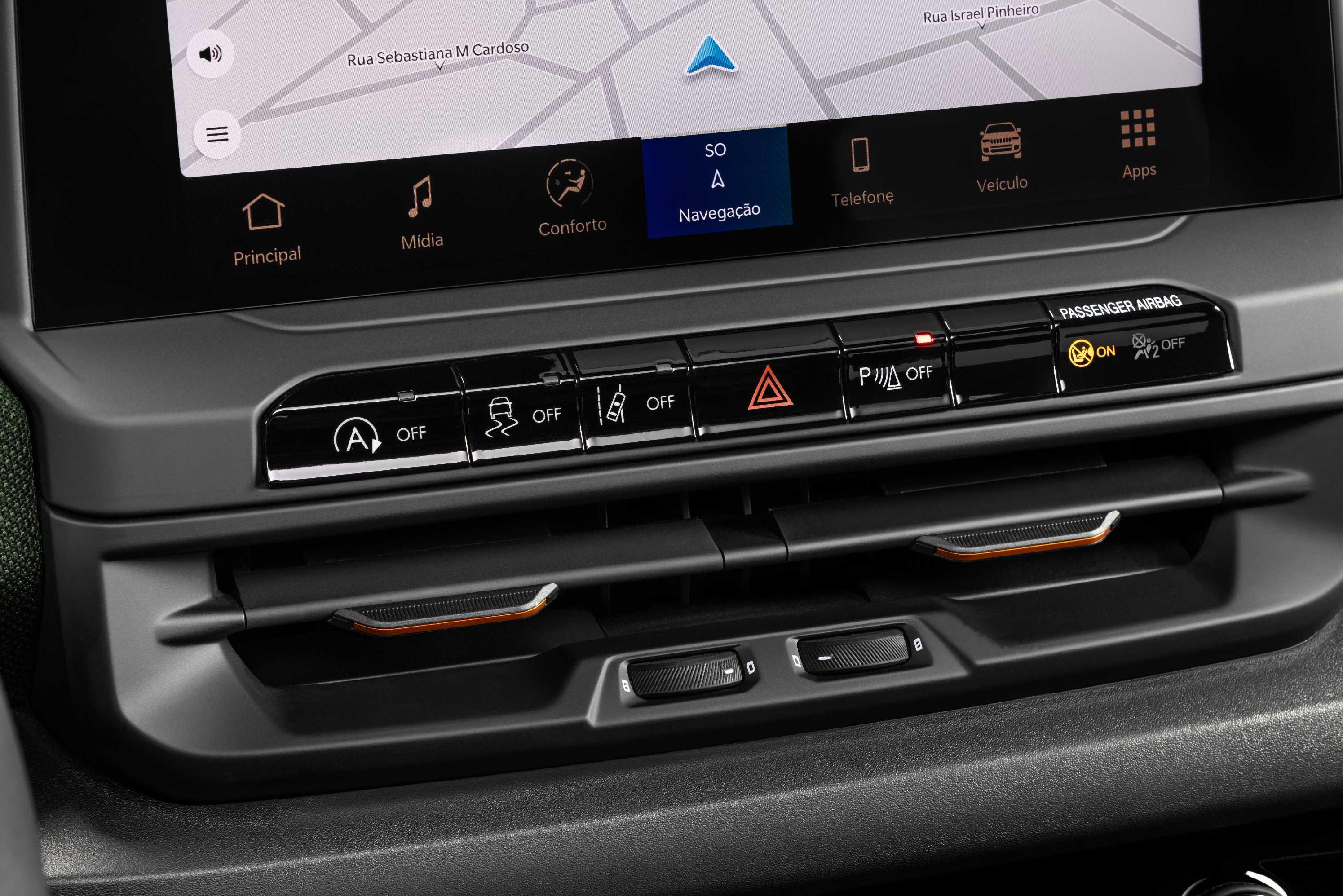
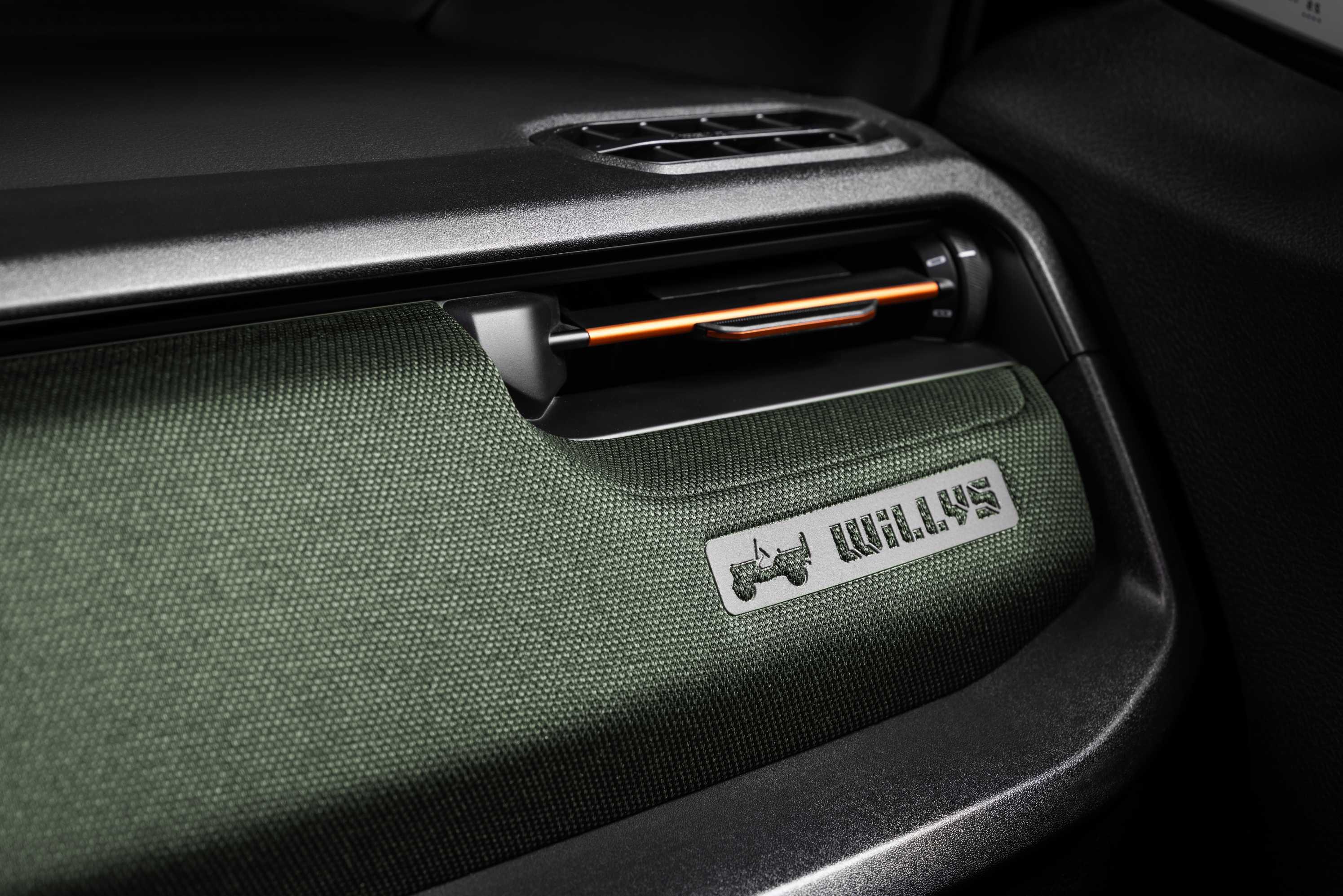
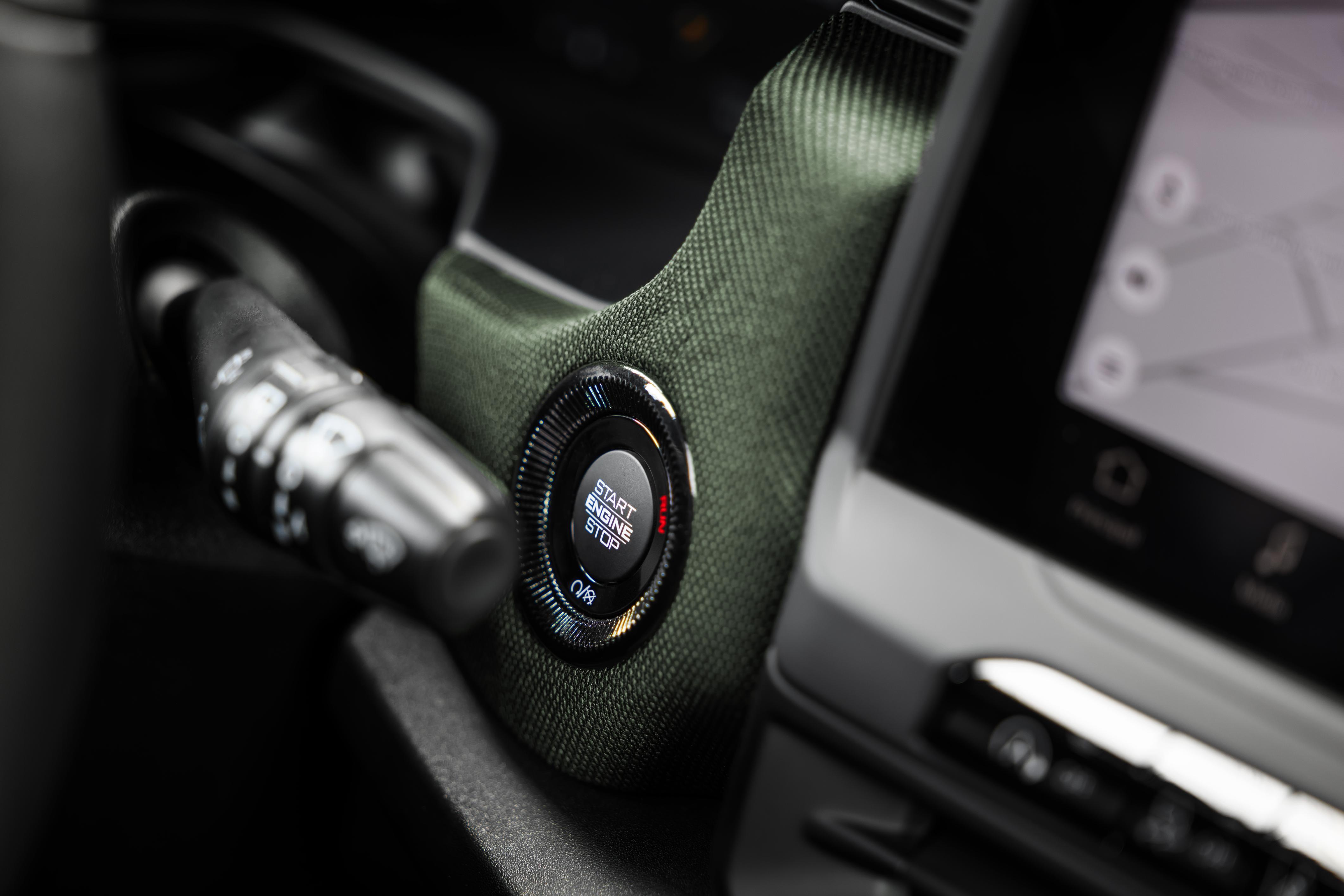
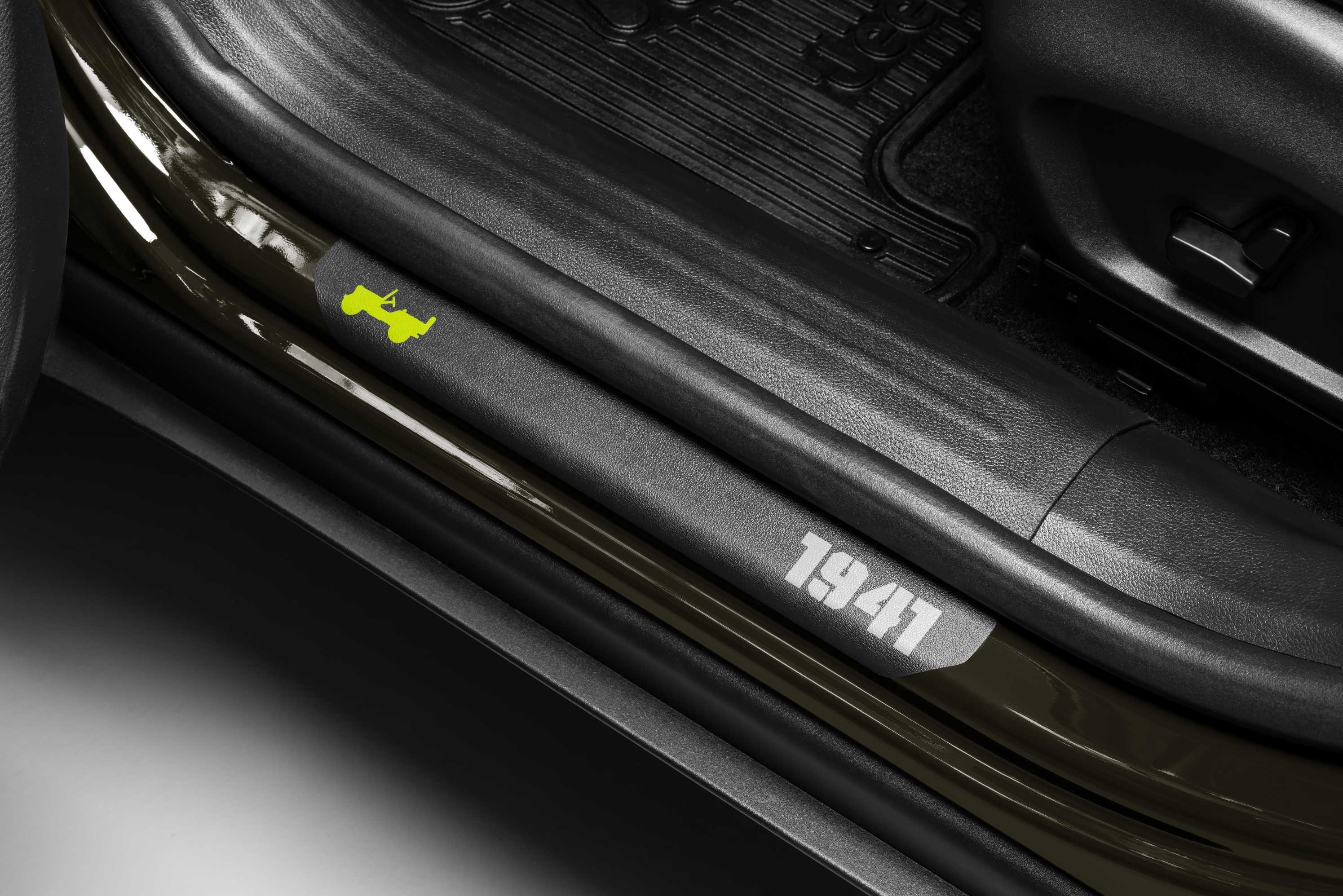
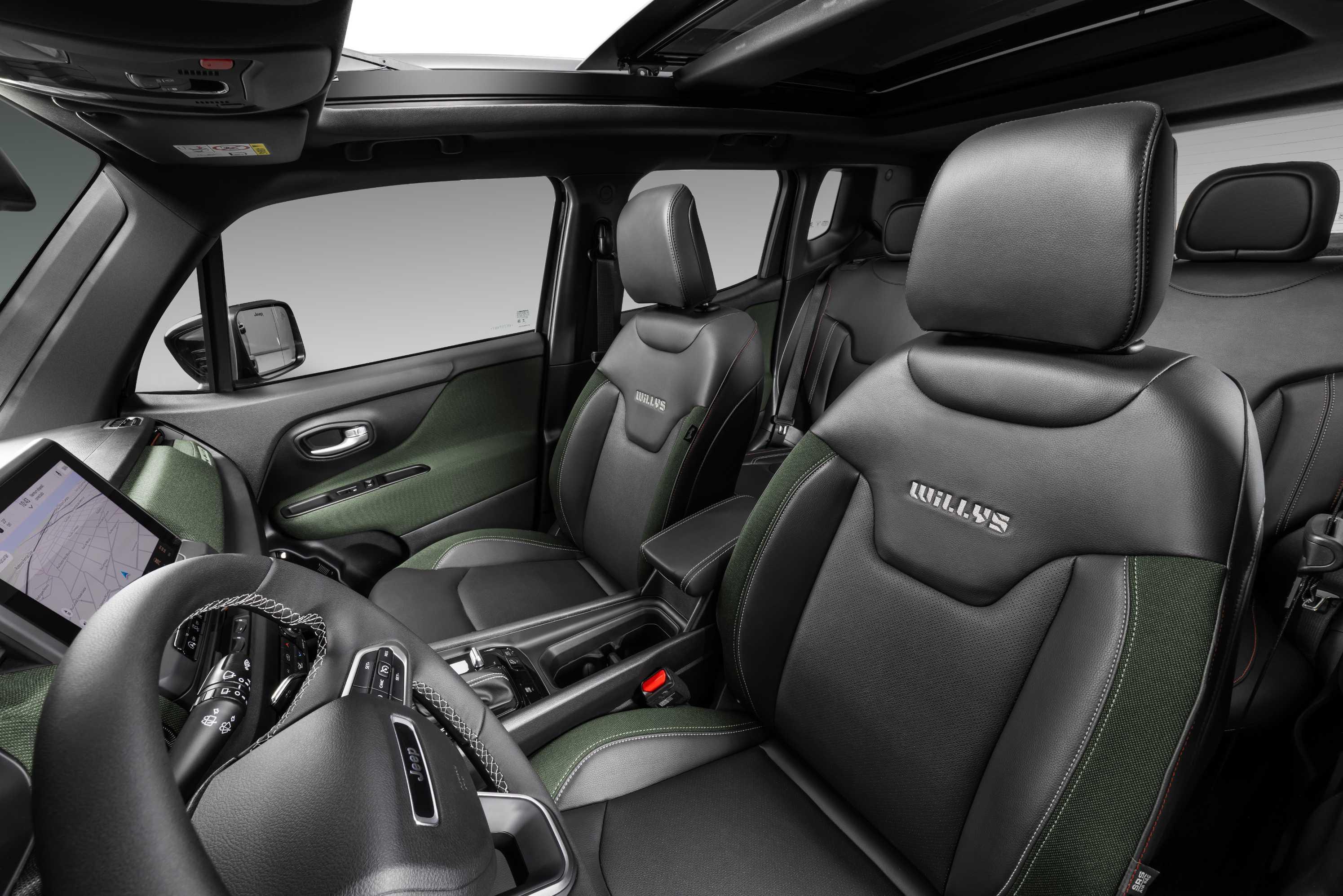
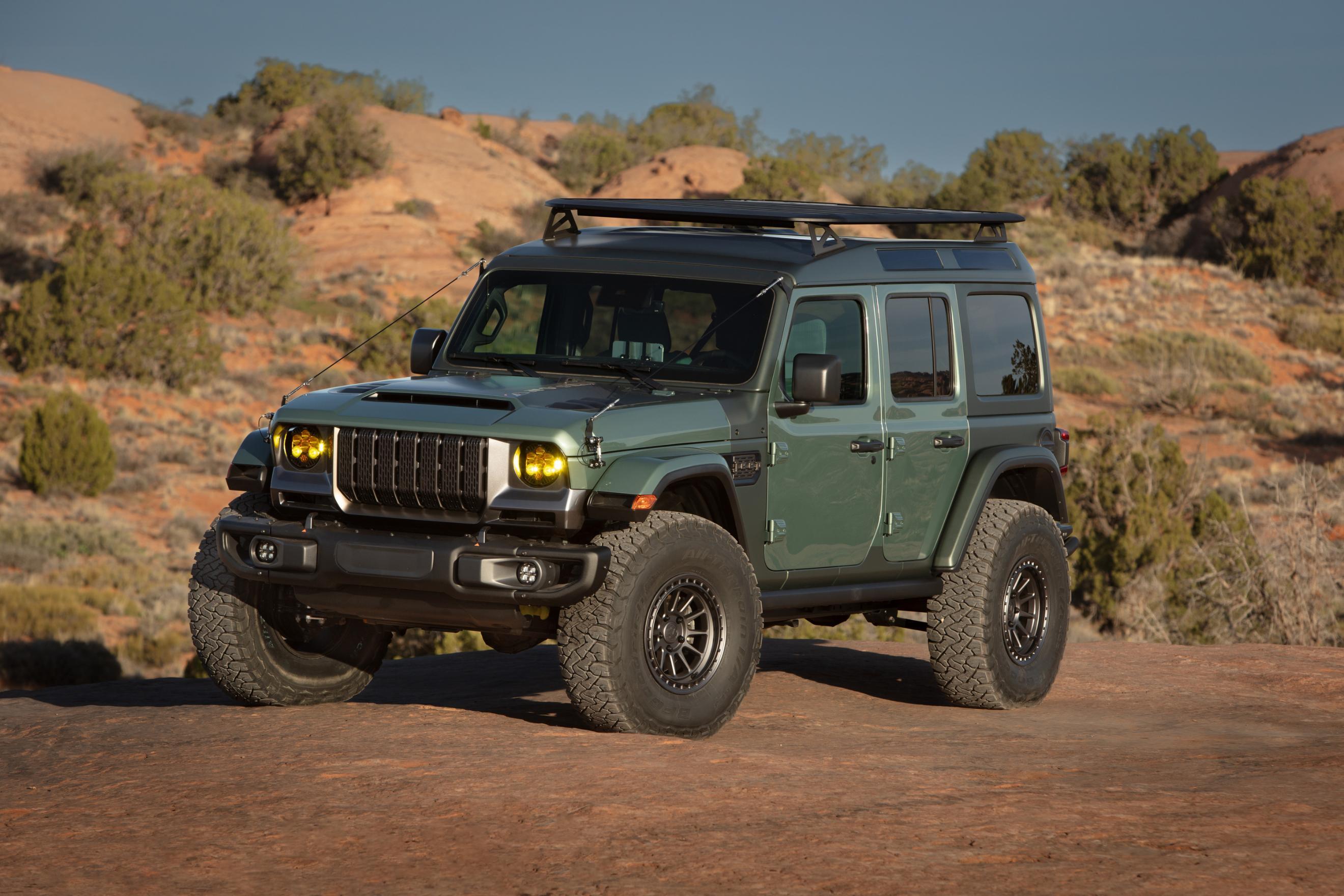
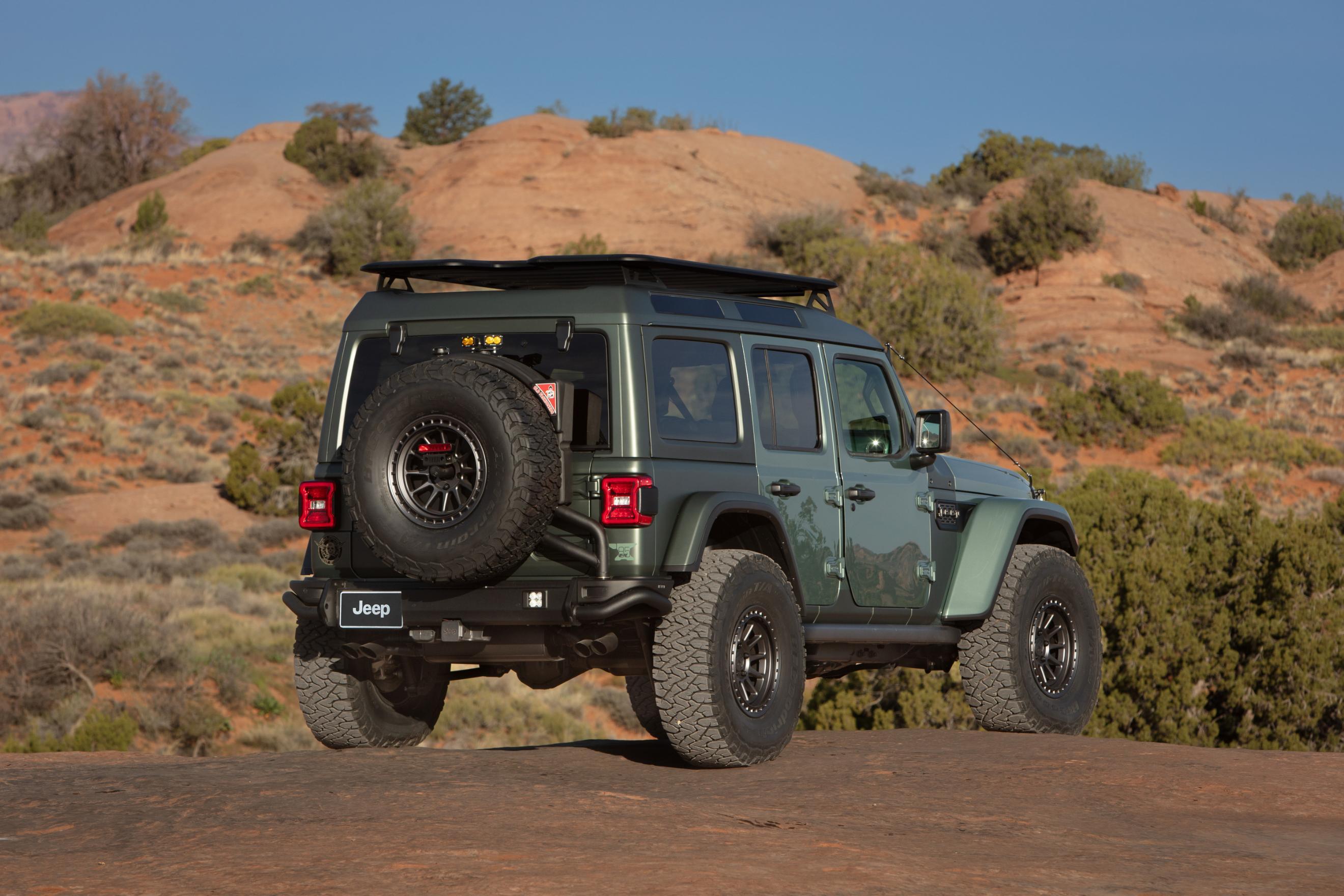
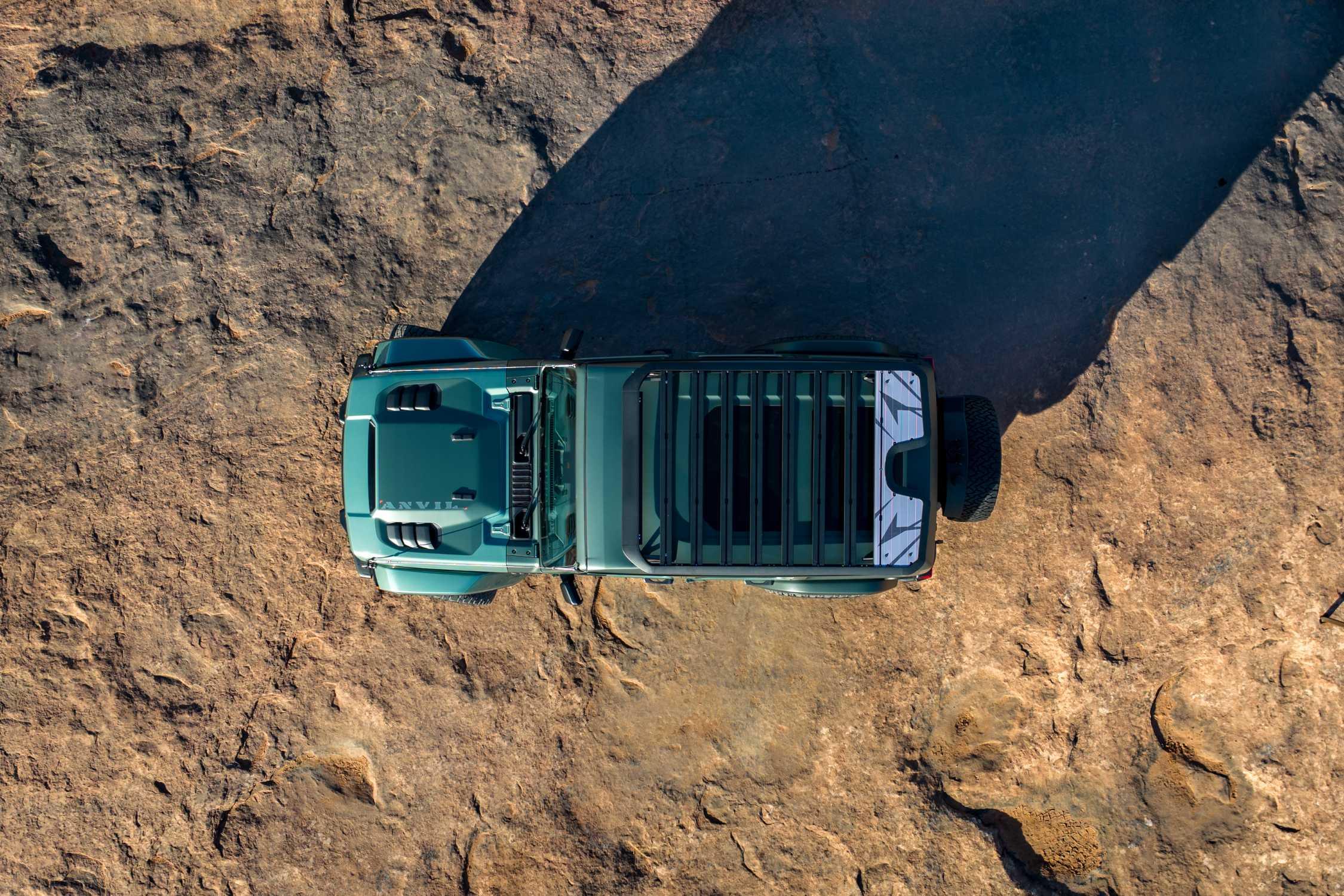
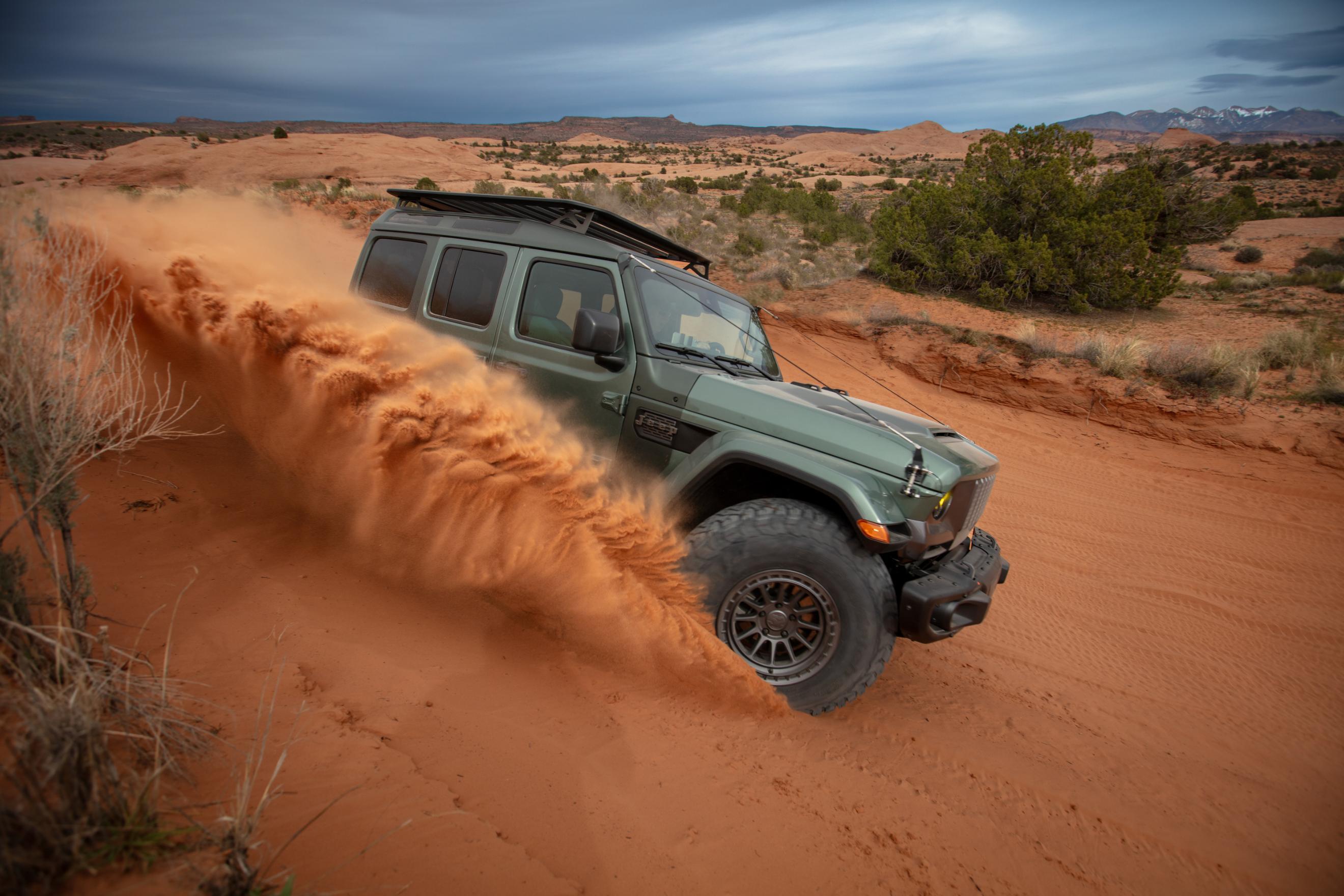
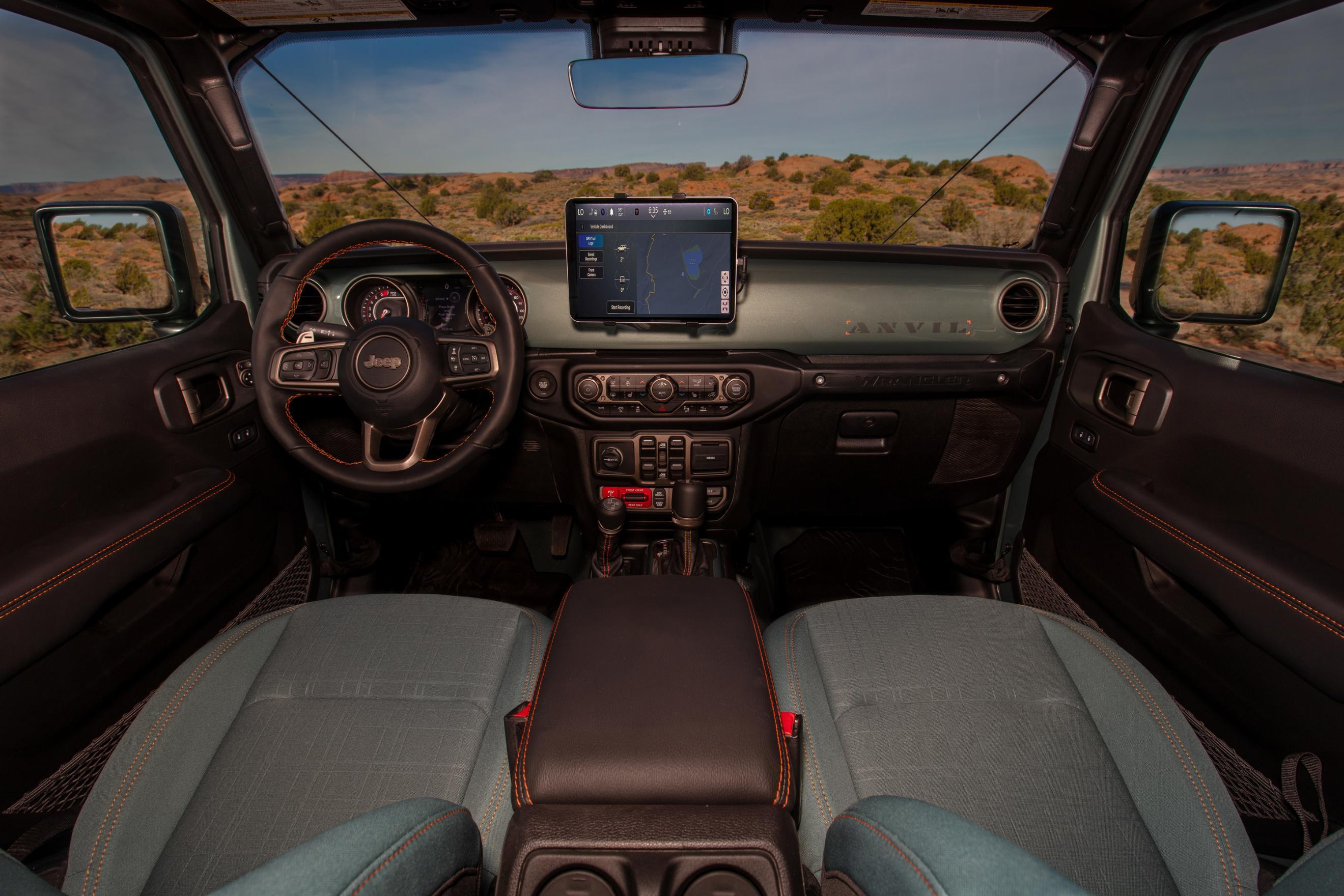
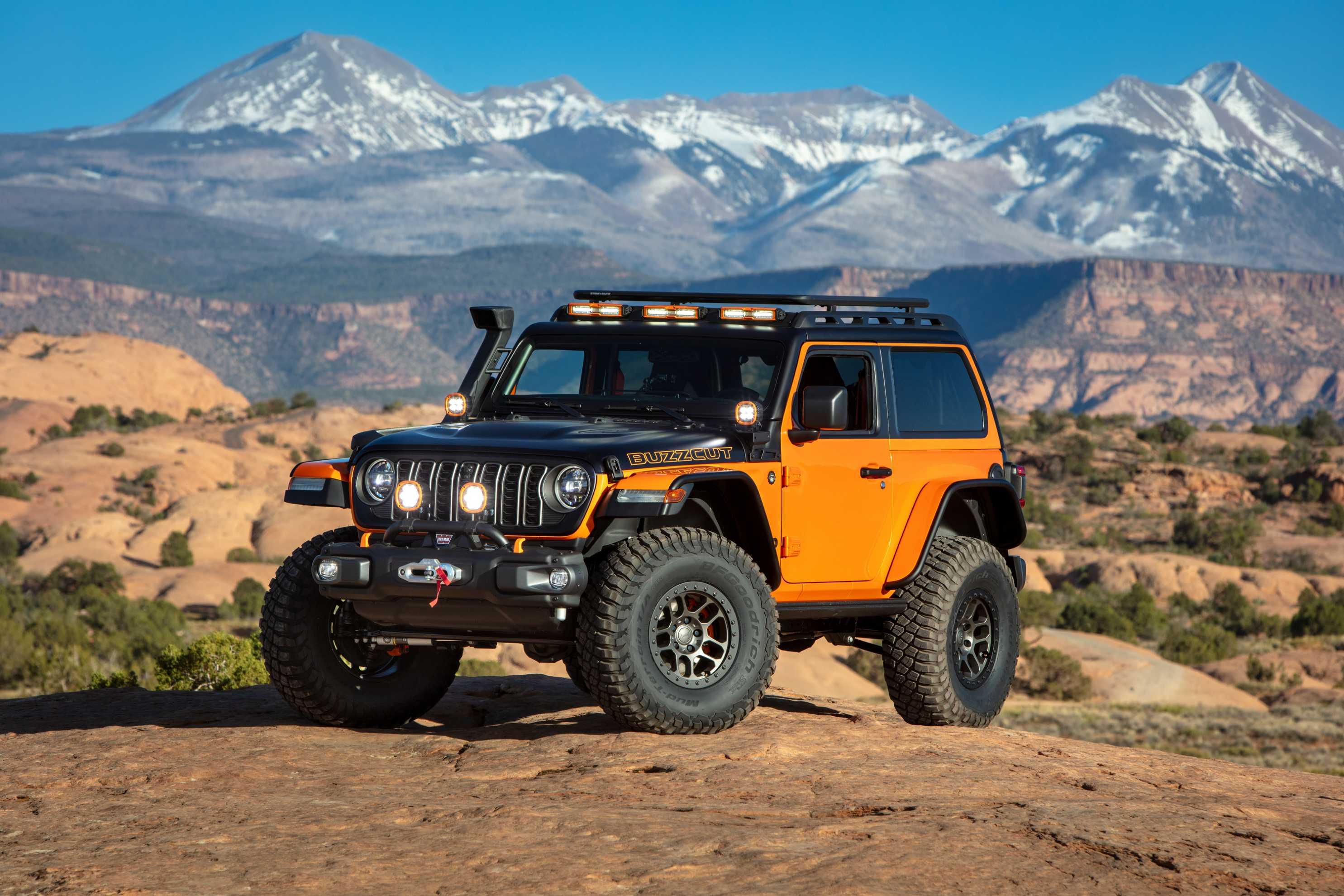
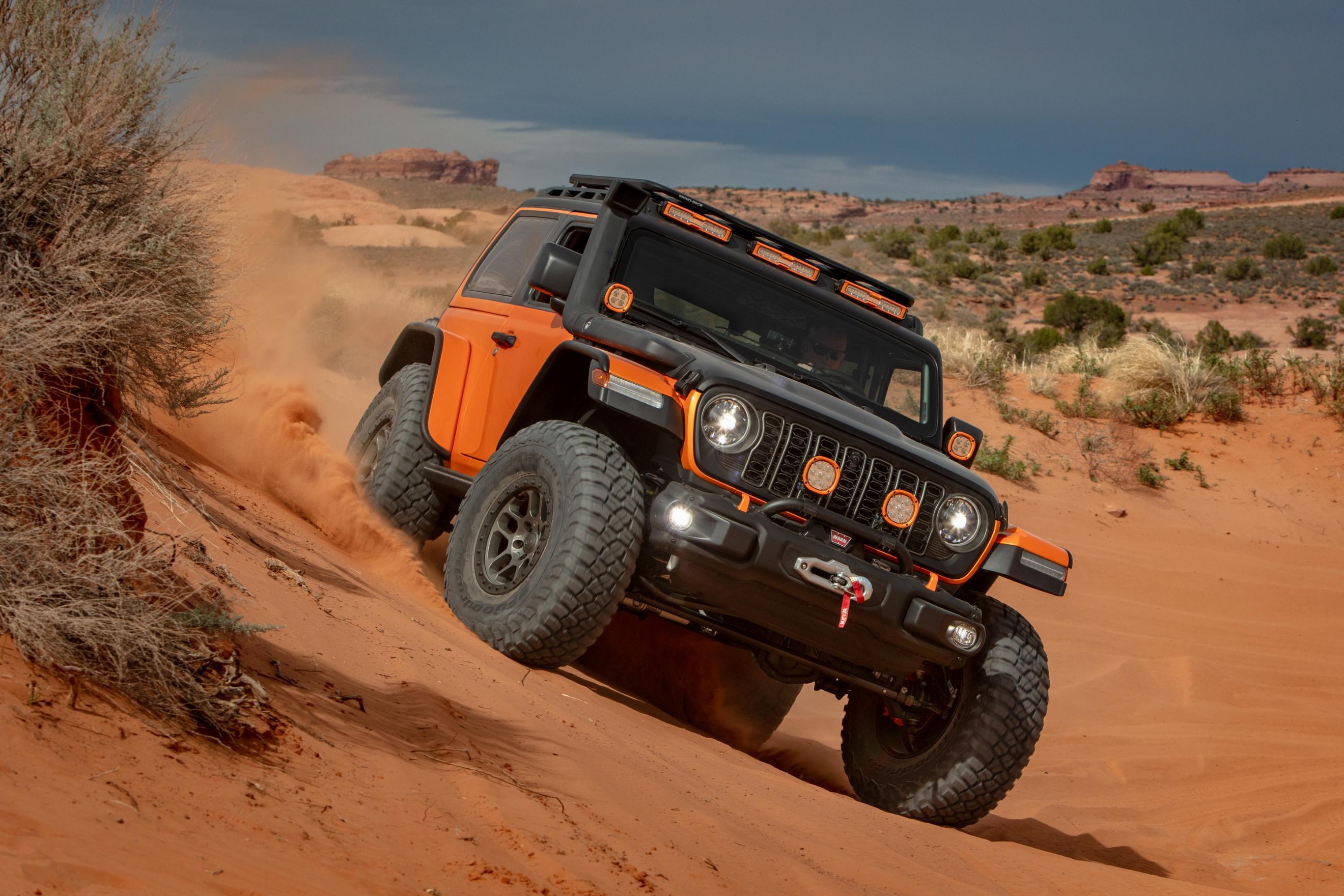
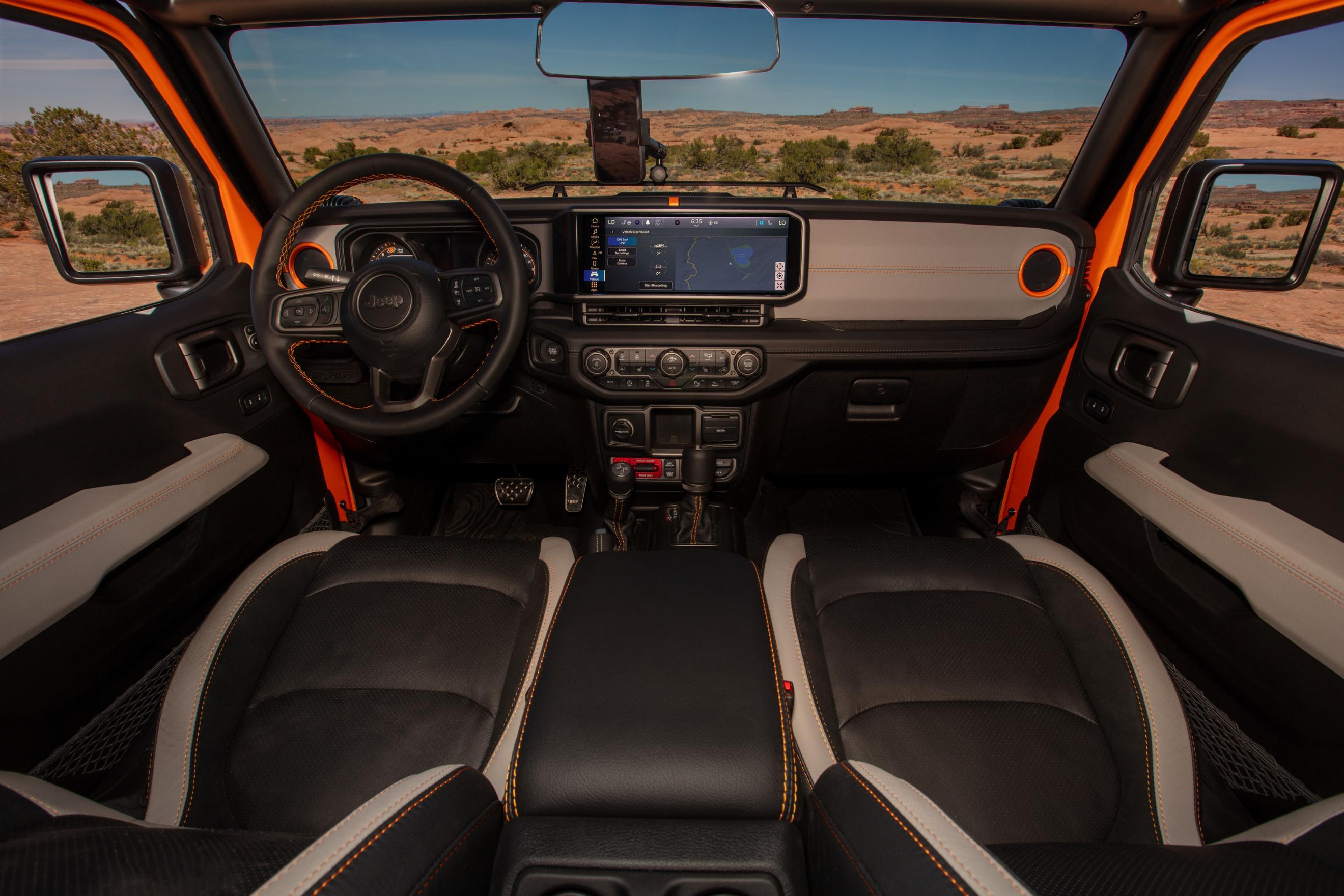
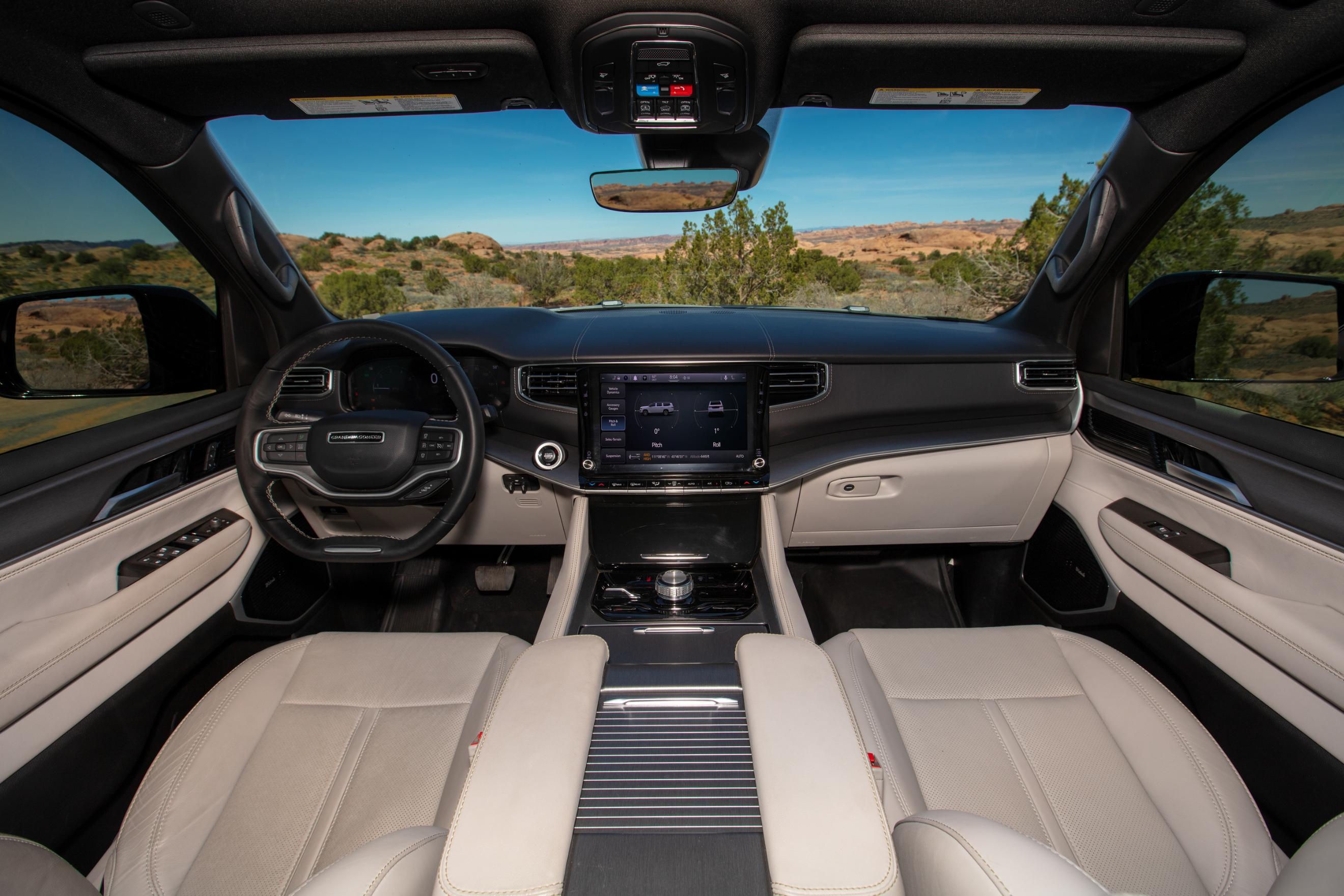
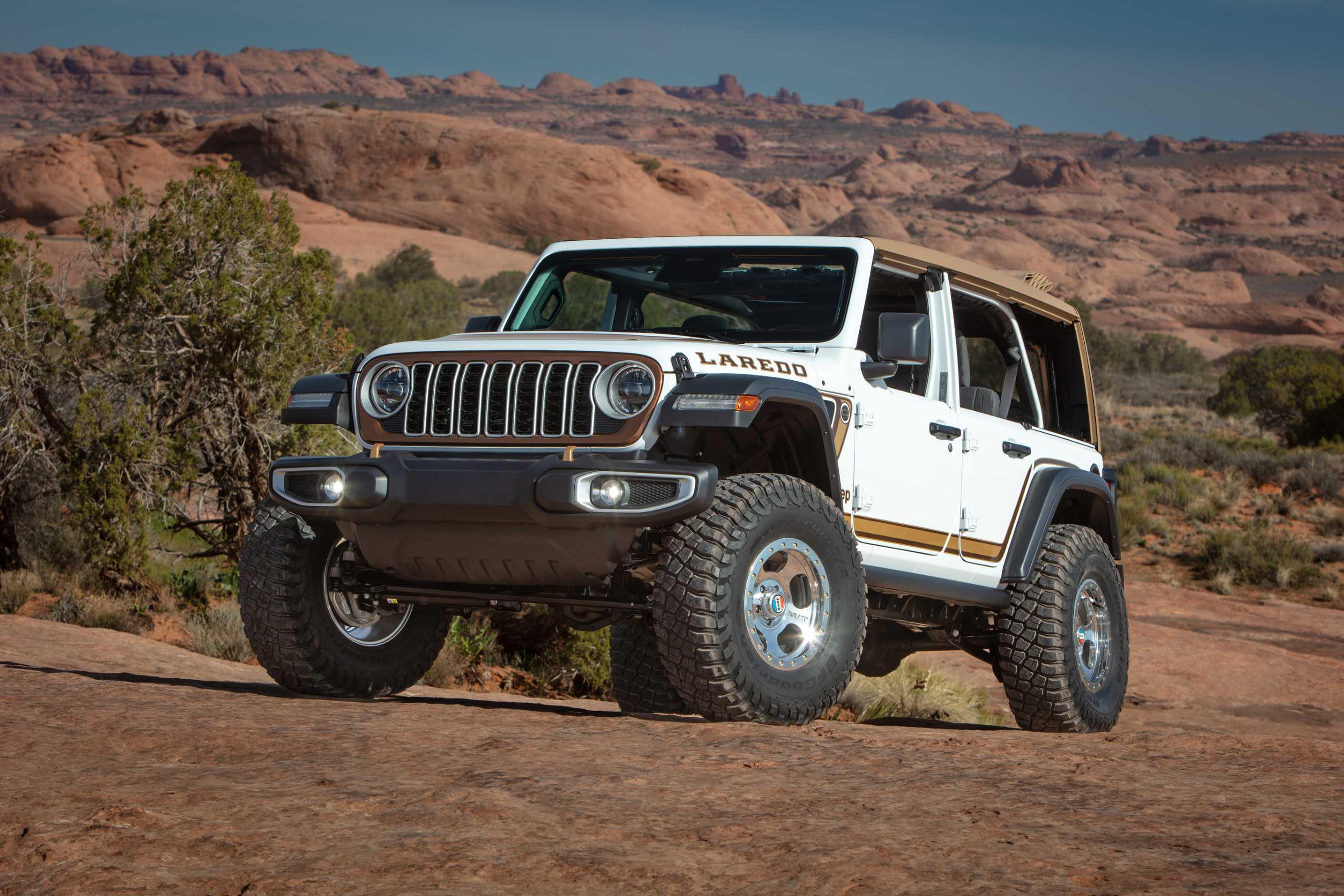
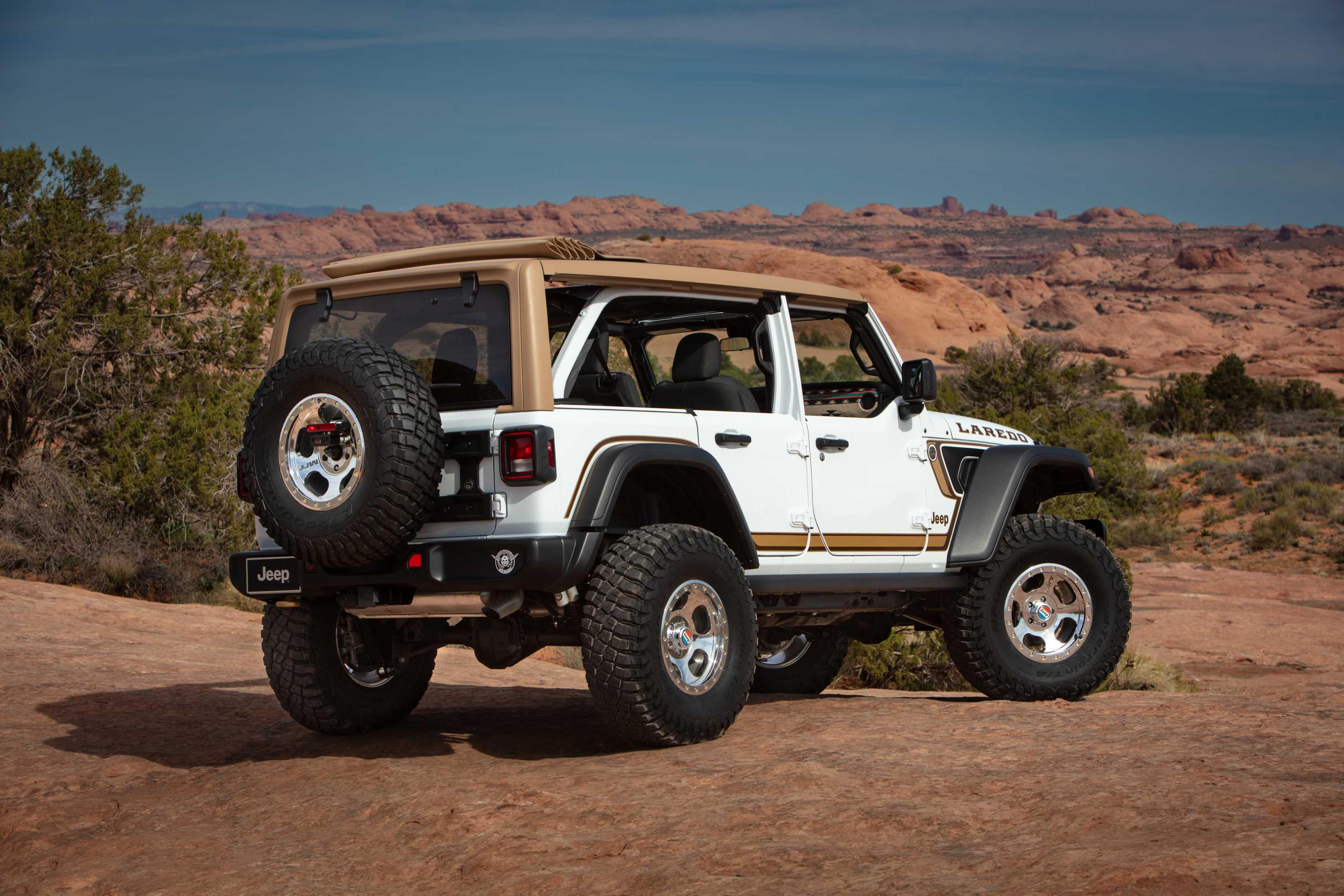
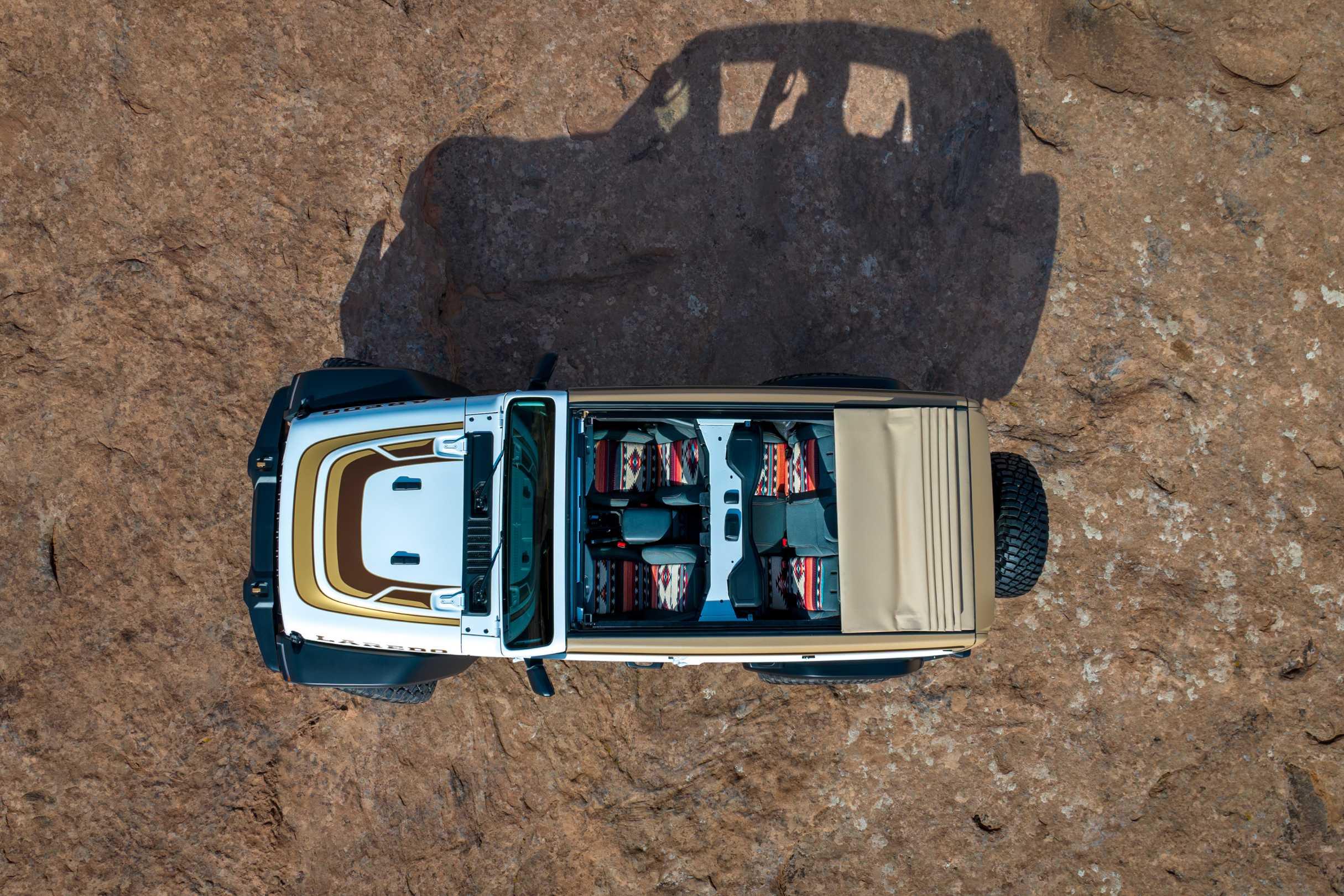
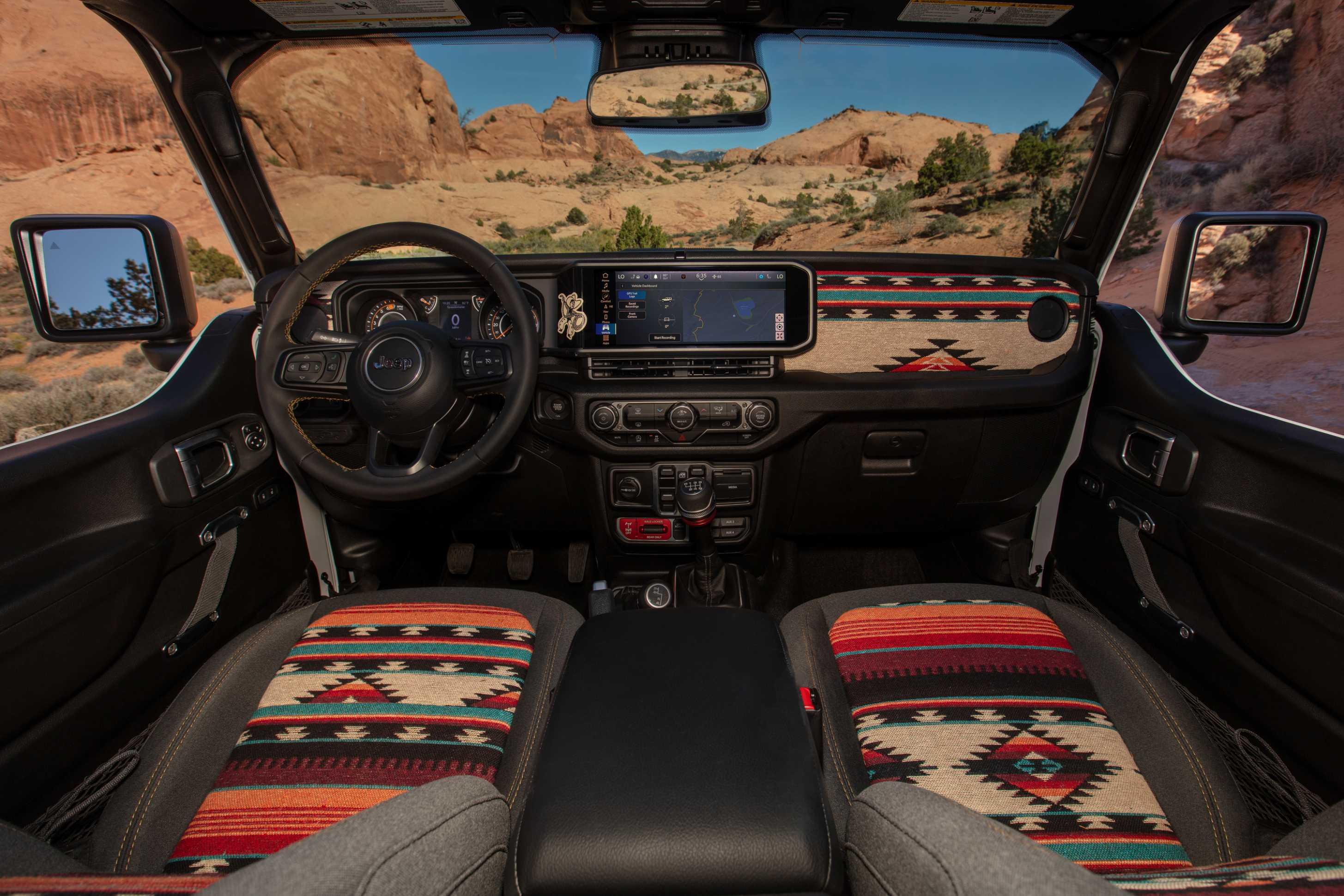
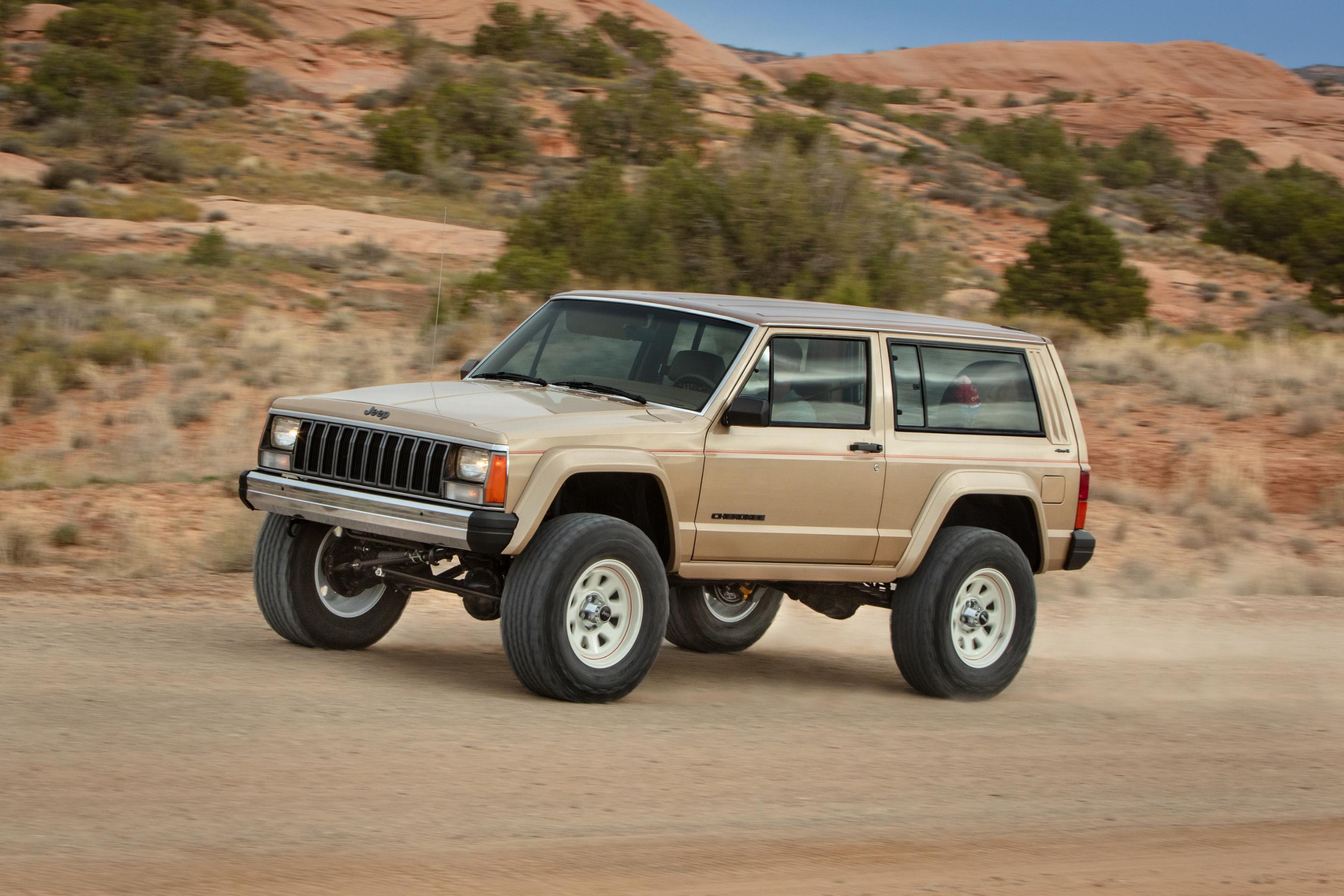
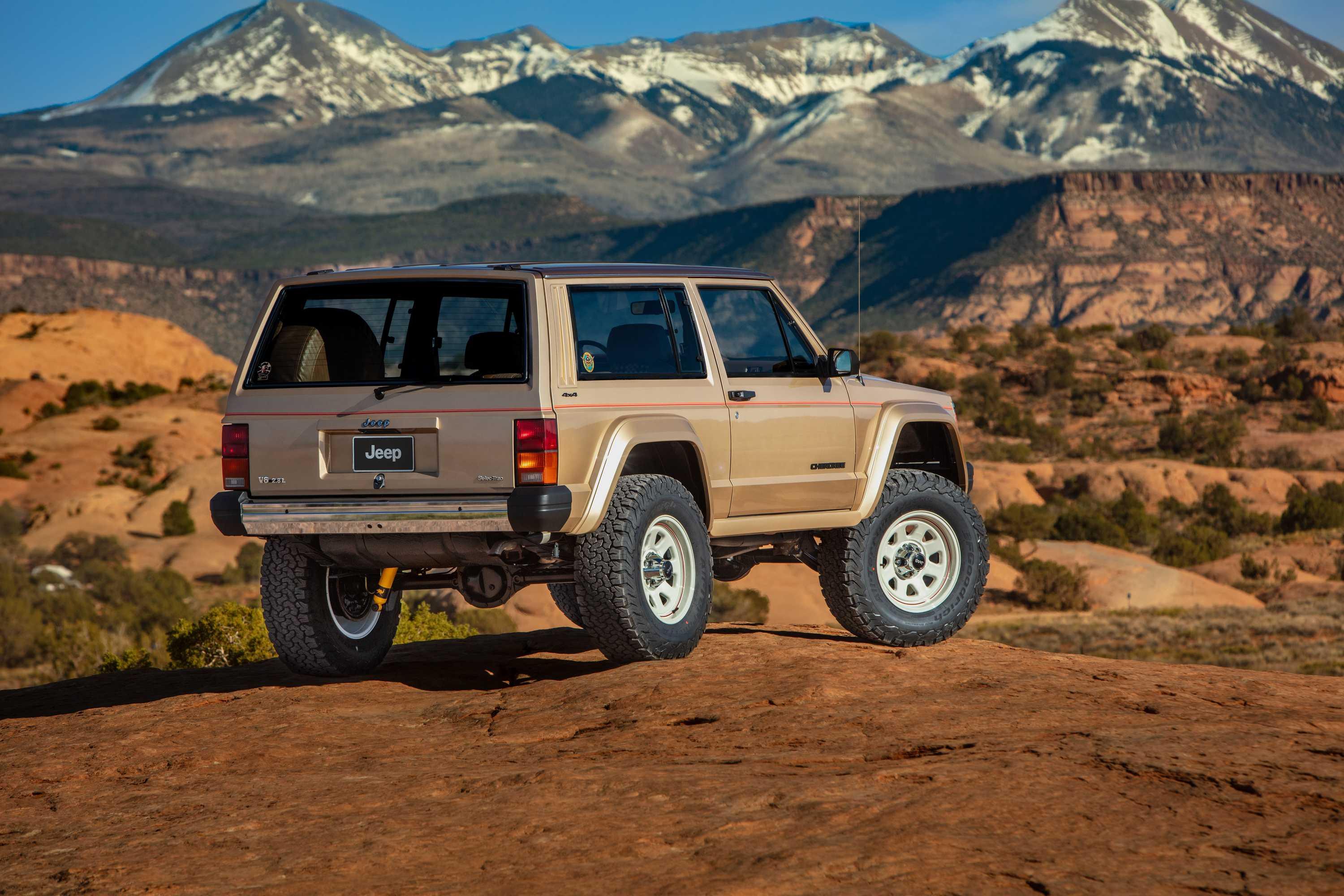
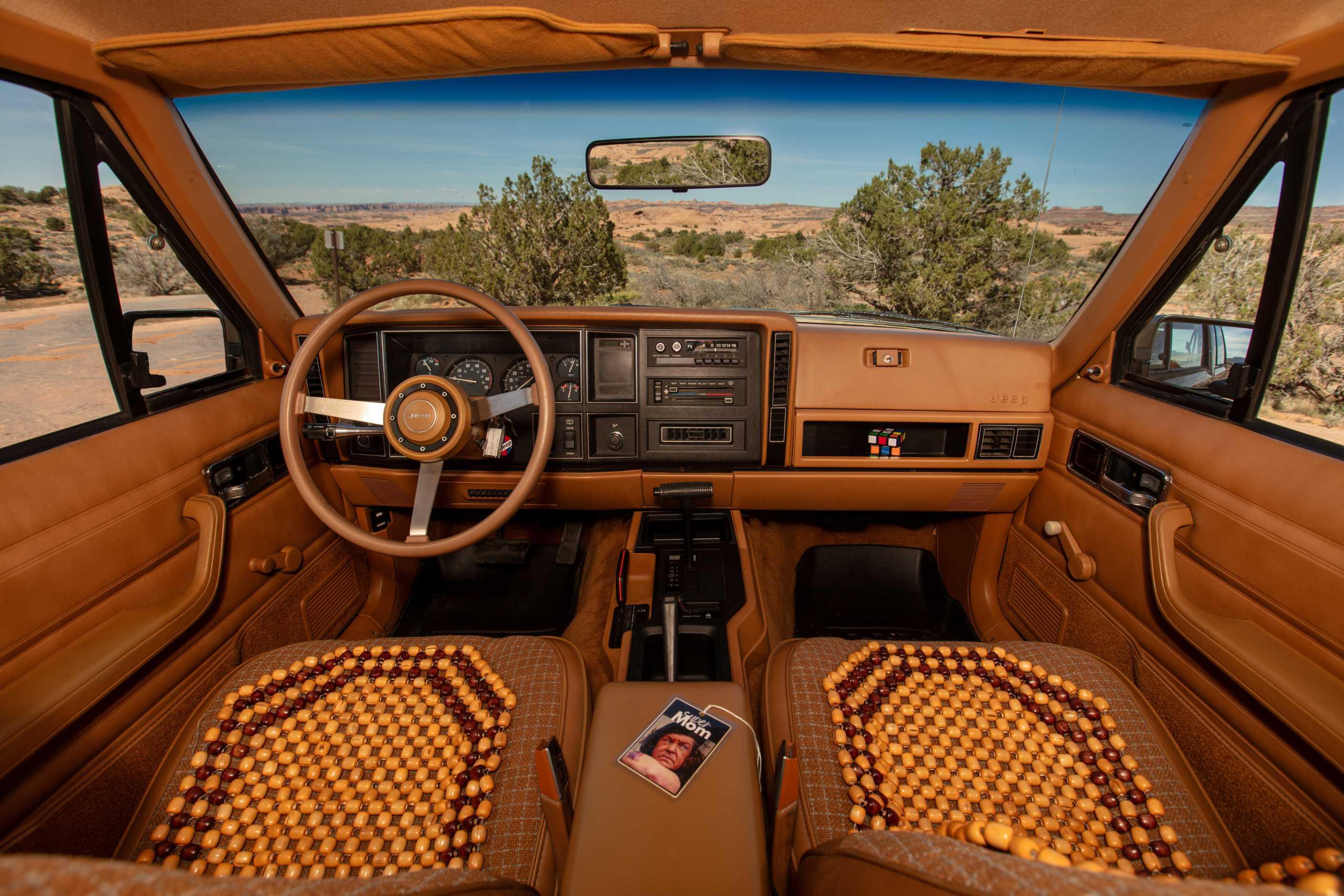
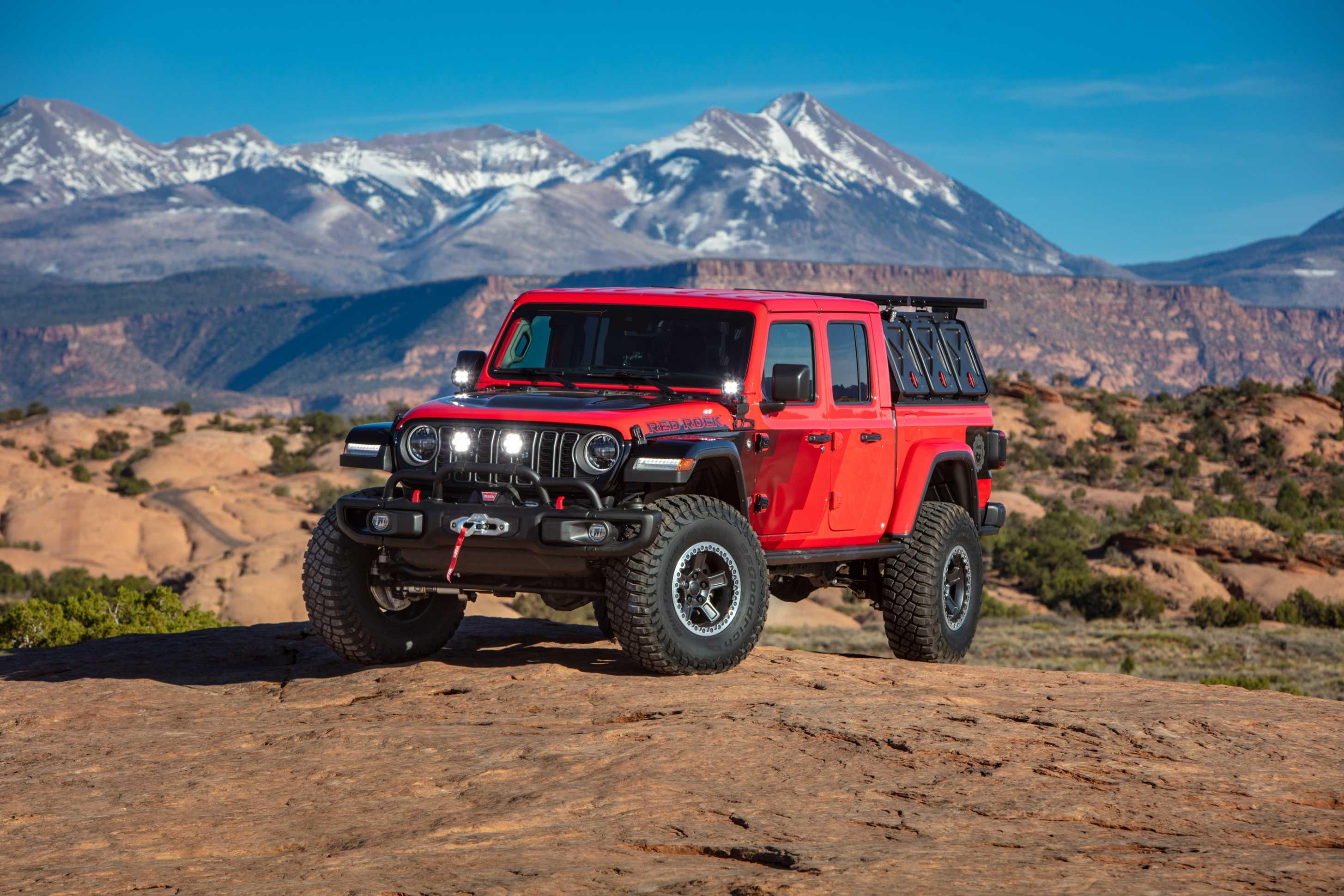
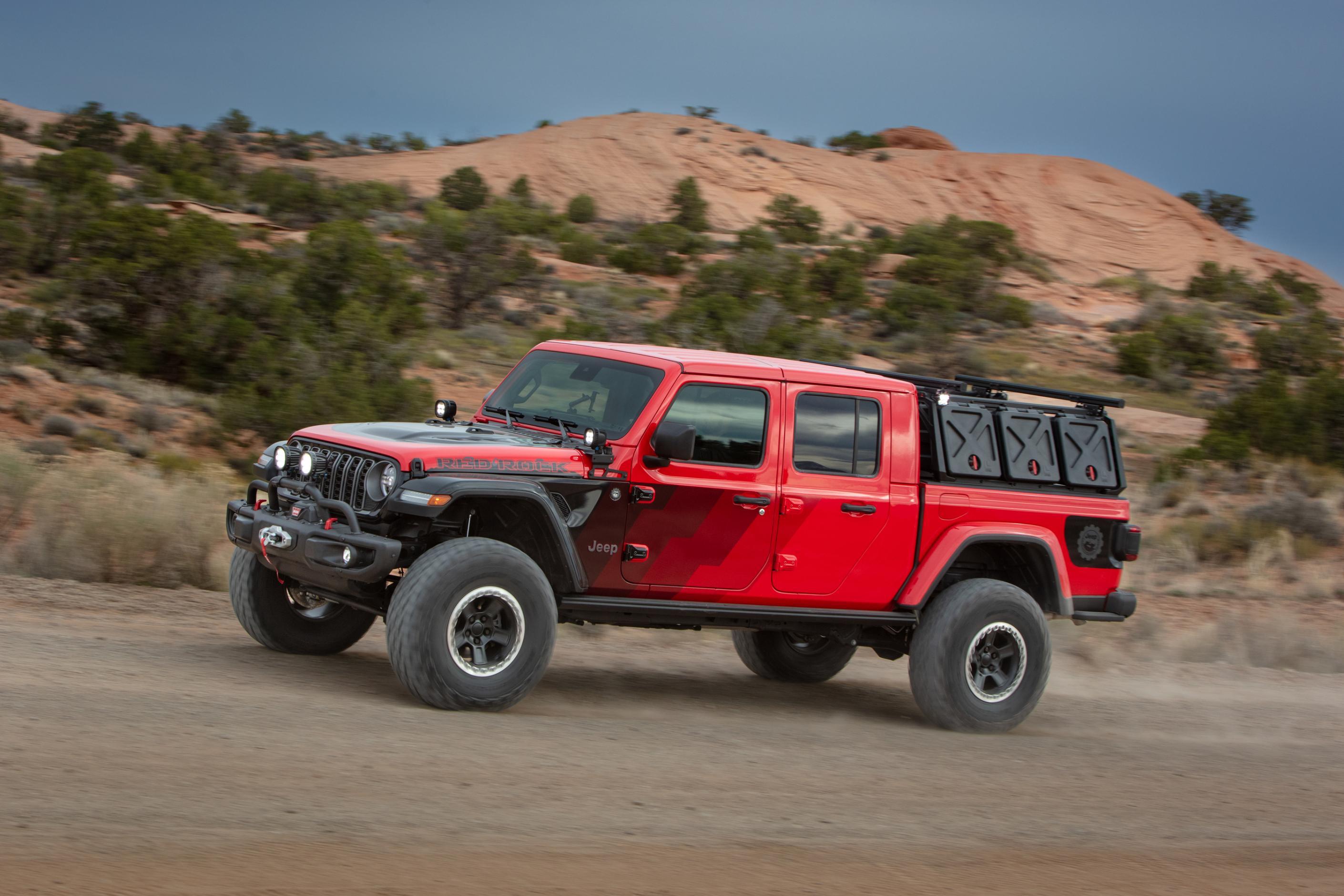
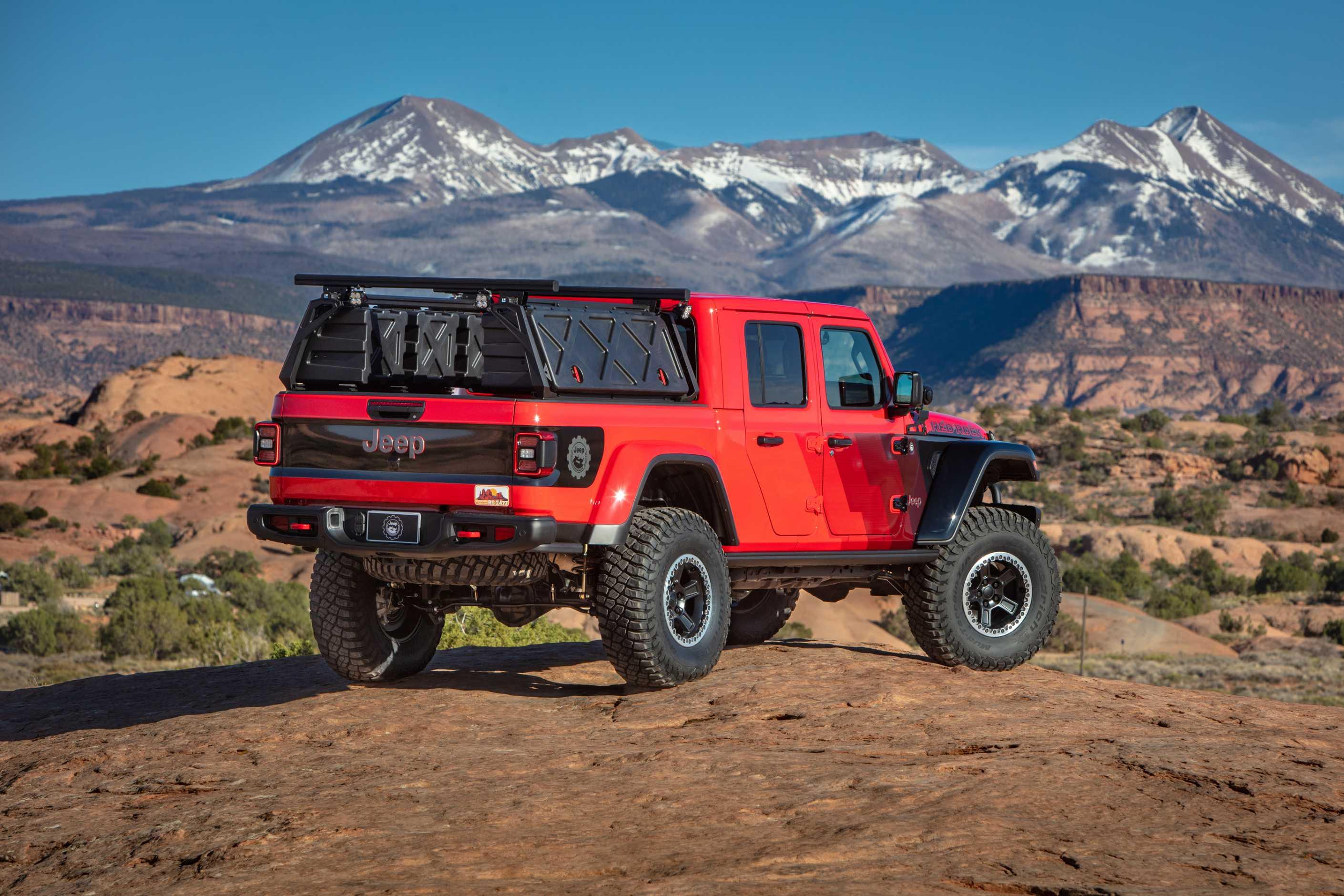
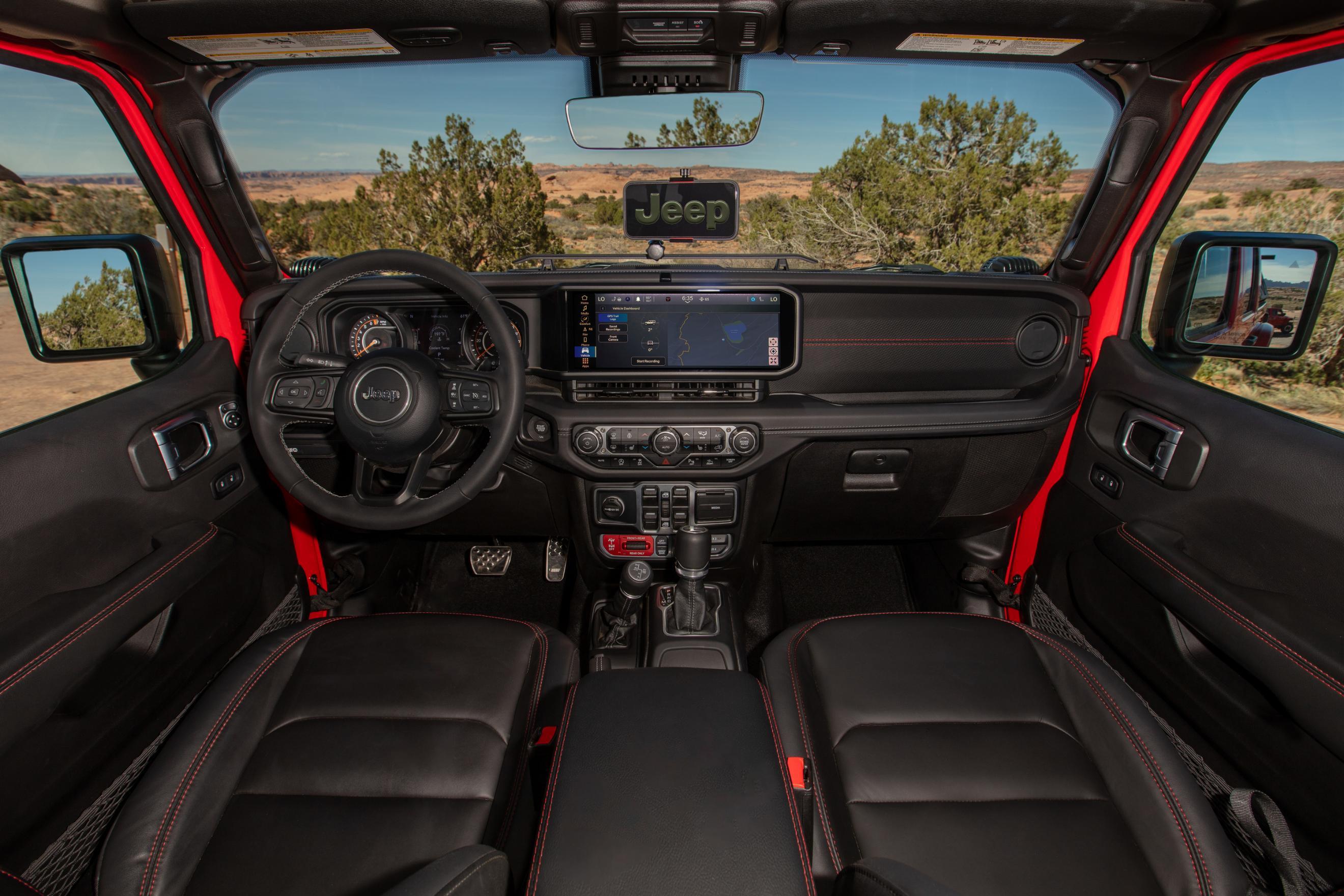
Jeep Wrangler ANVIL 715 Concept Jeep Wrangler BUZZCUT Concept Jeep Grand Wagoneer Commander Concept Jeep Wrangler Laredo Concept Jeep XJ Pioneer Concept Jeep Gladiator Red Rock Comunicato stampa

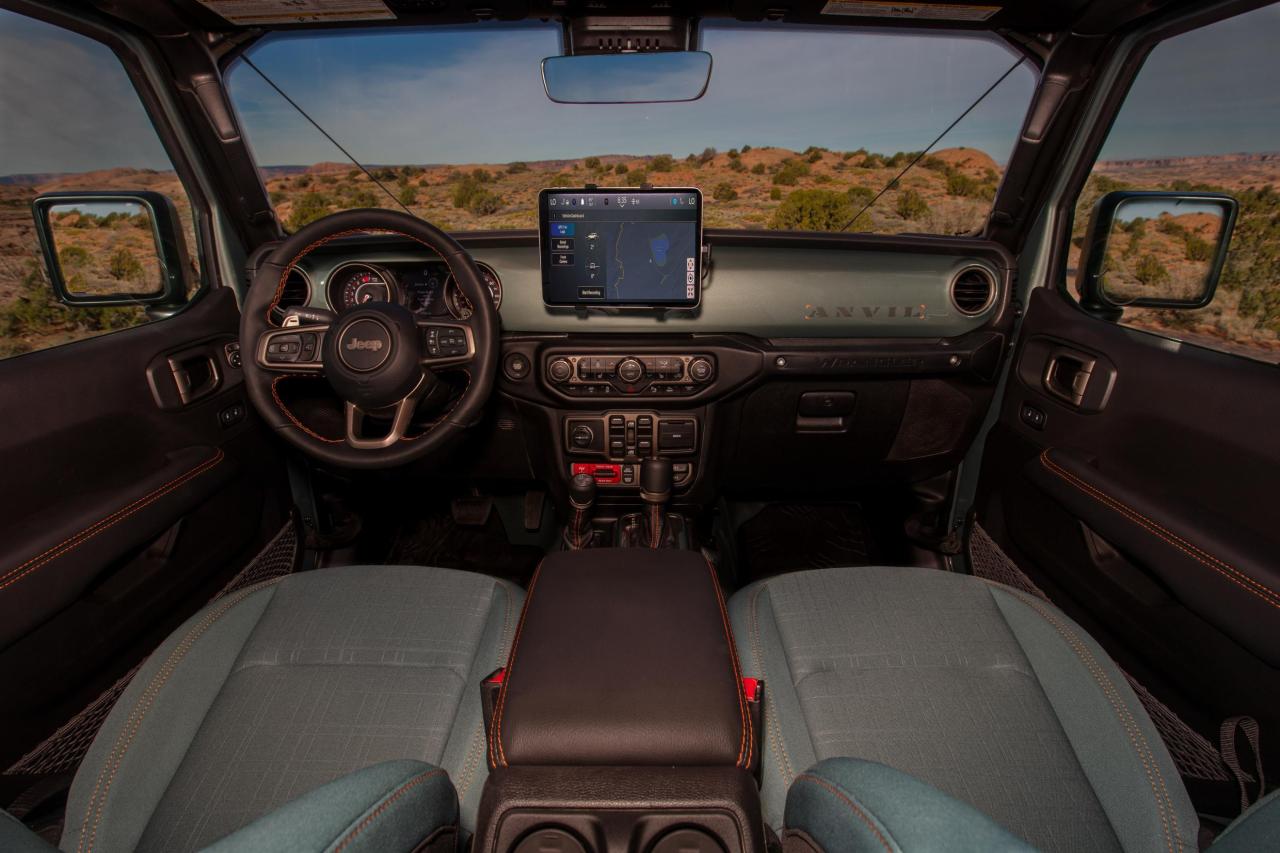




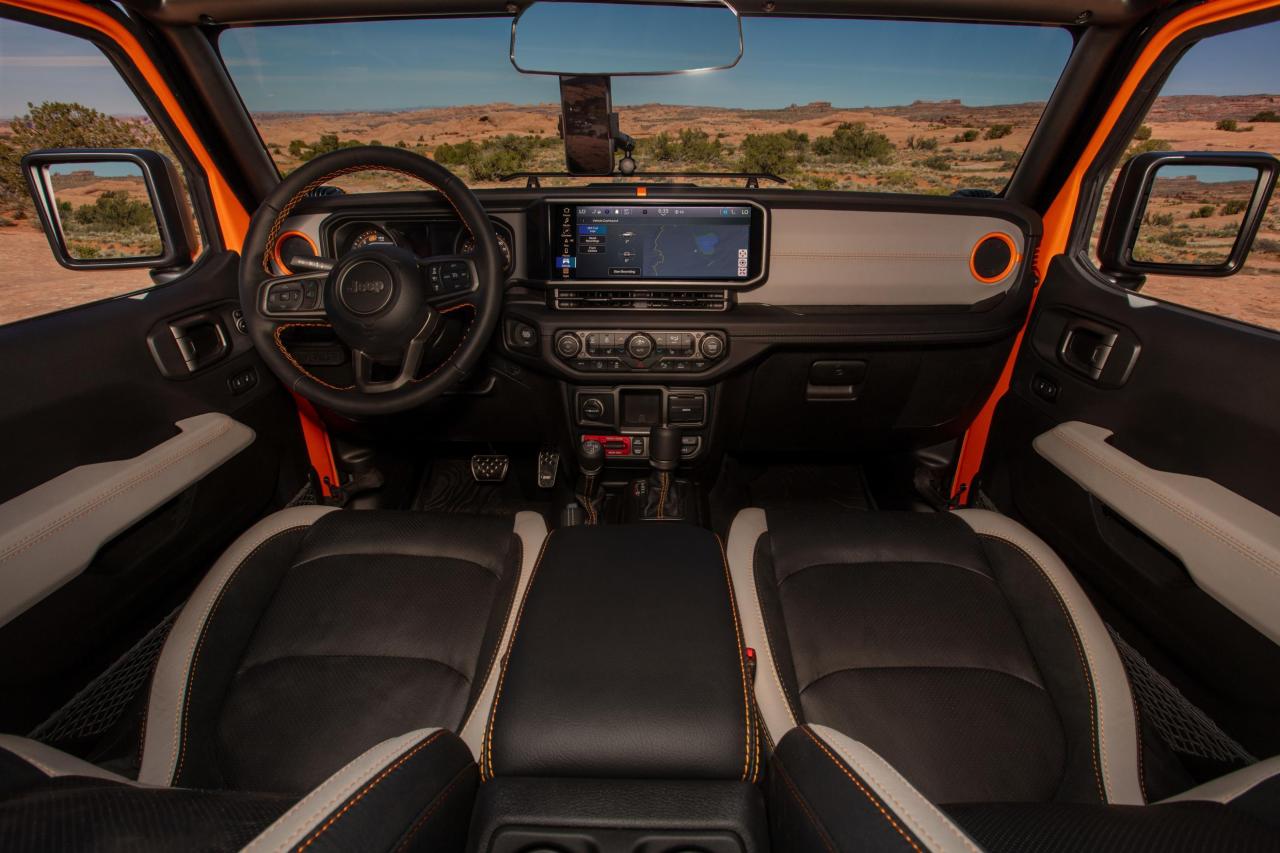
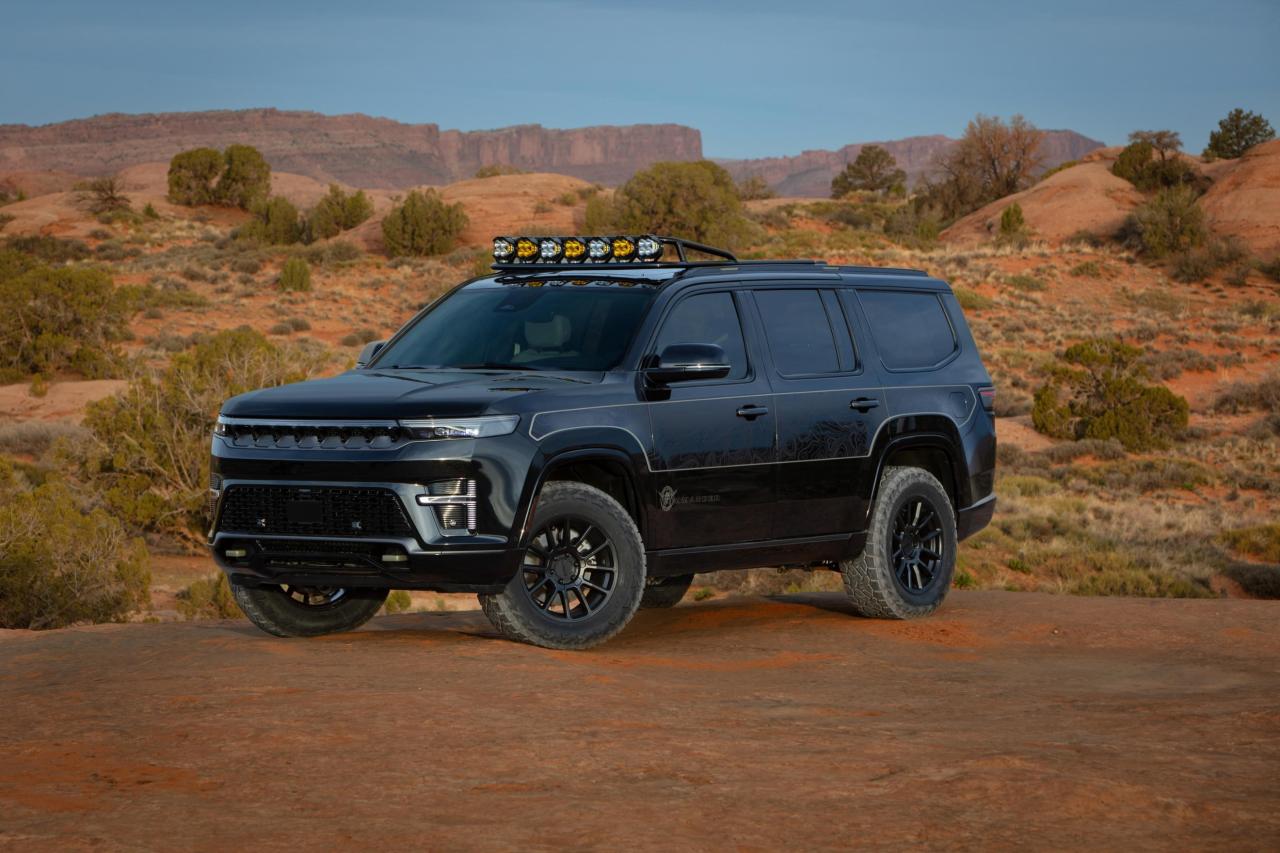
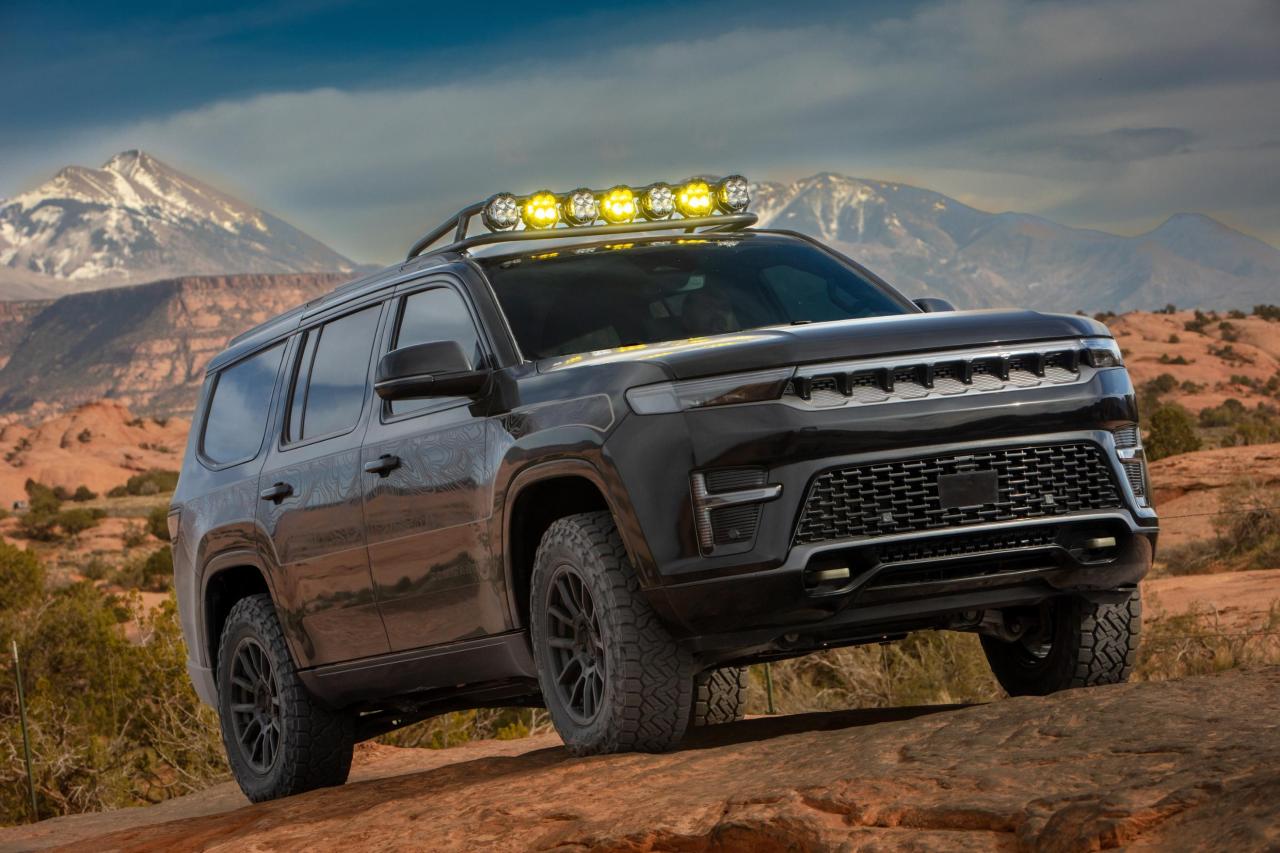


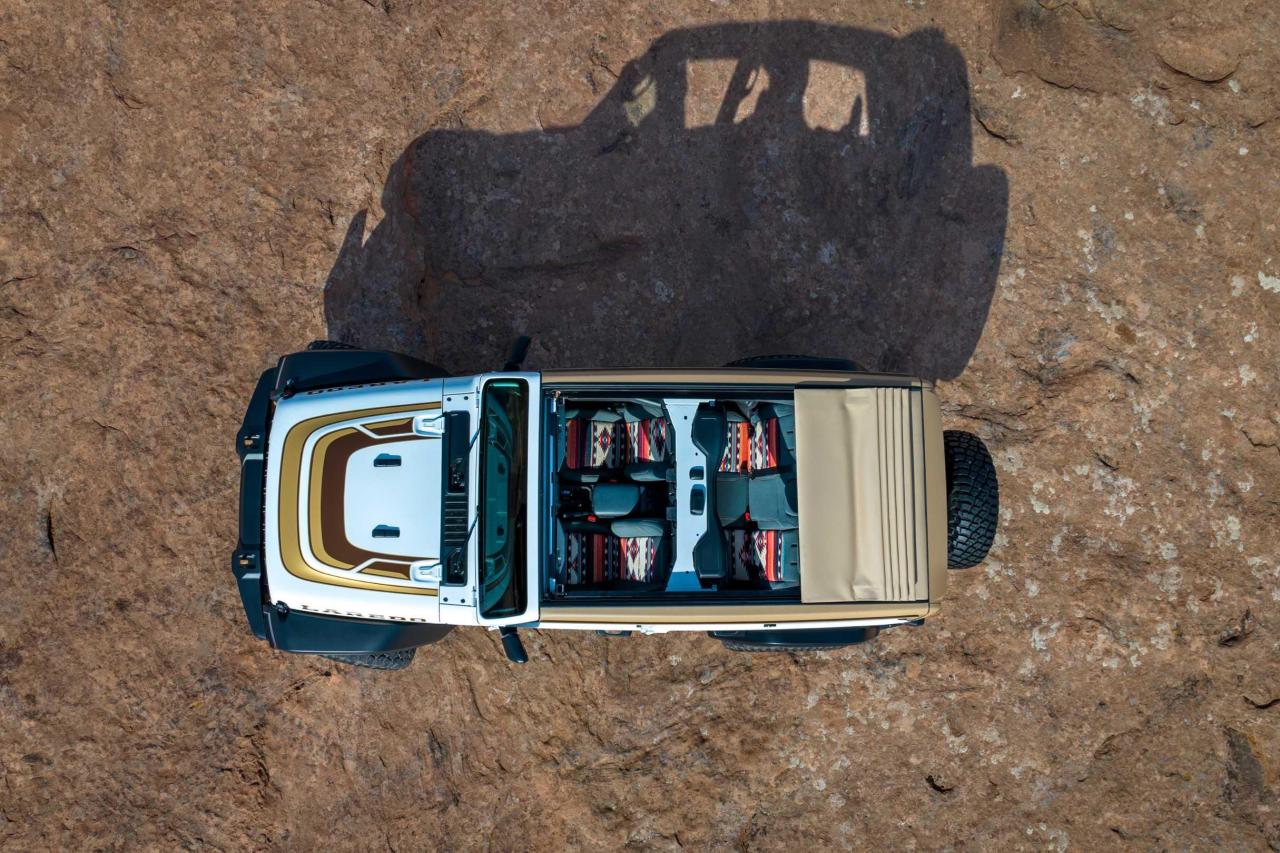
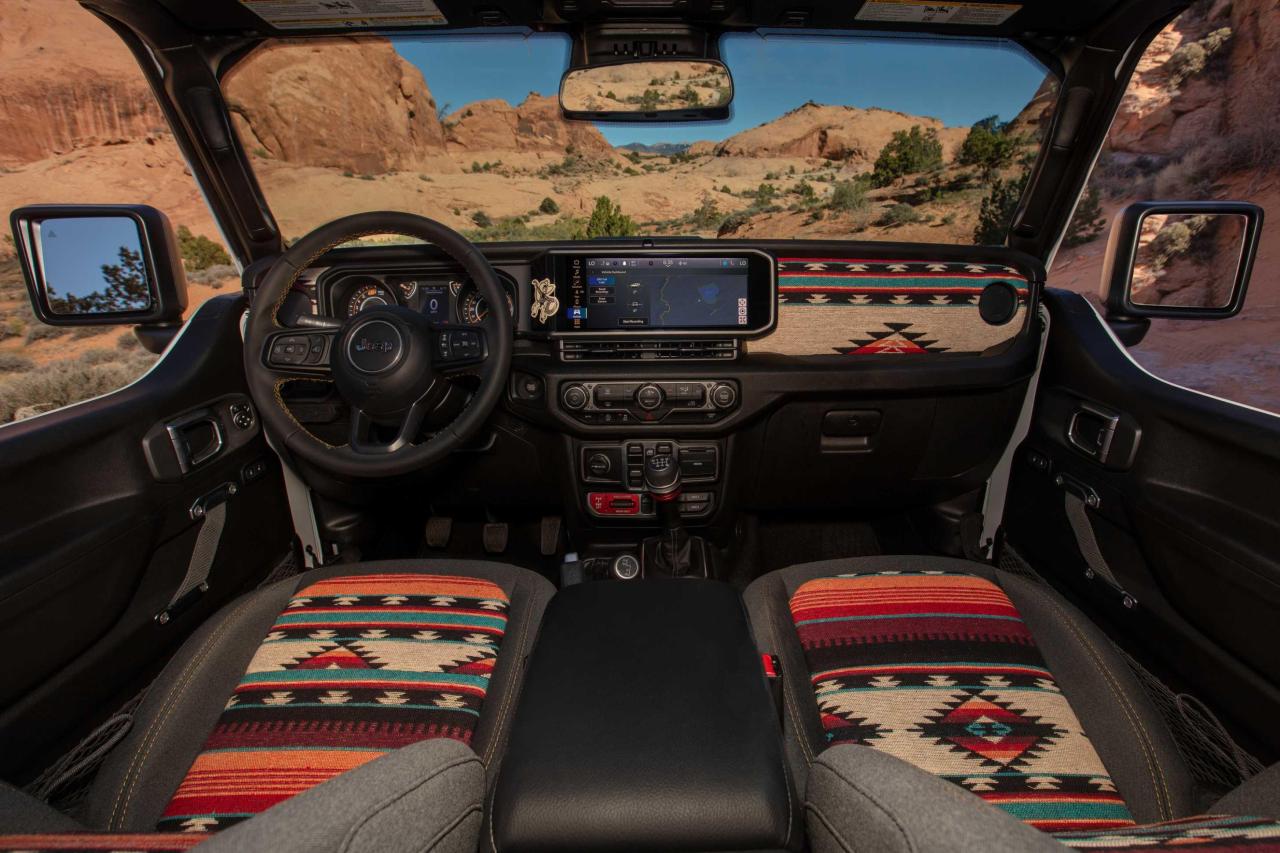

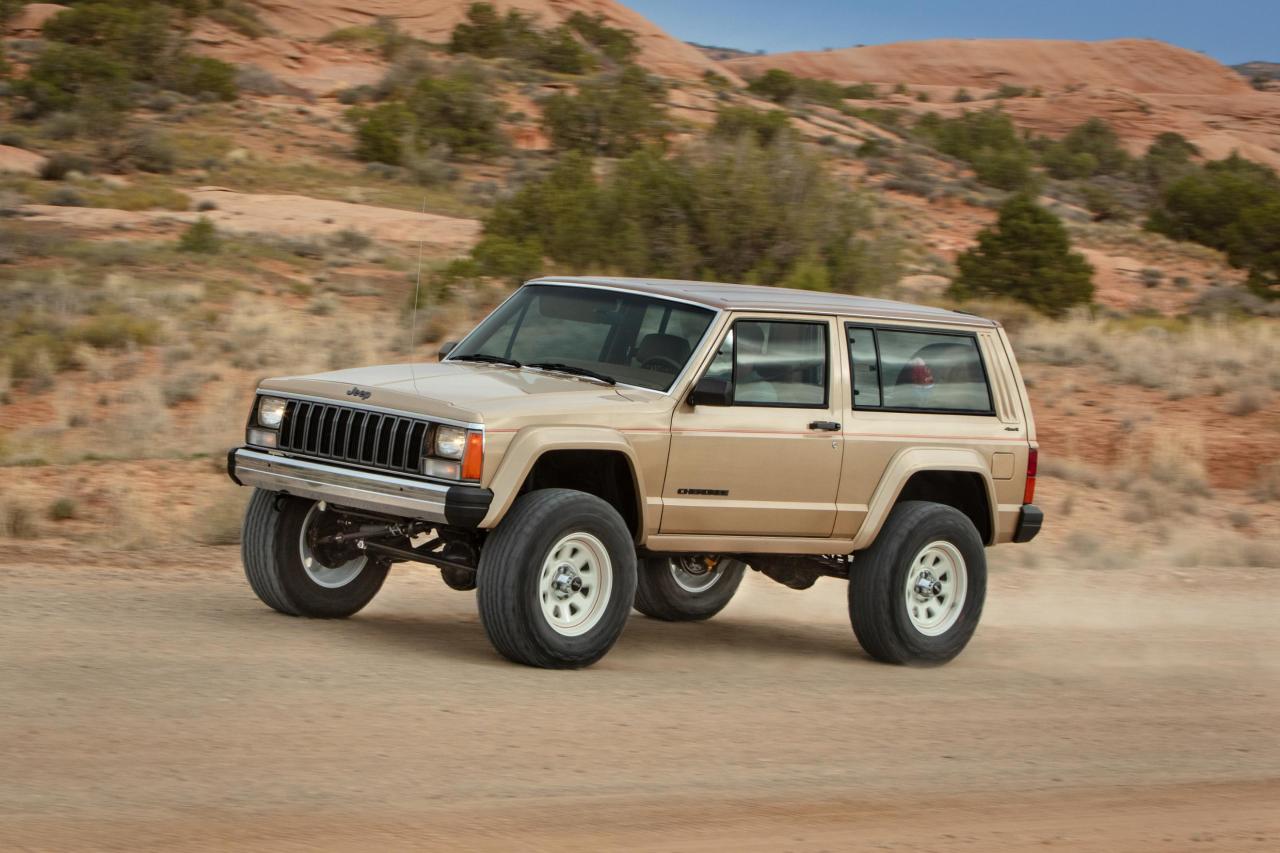

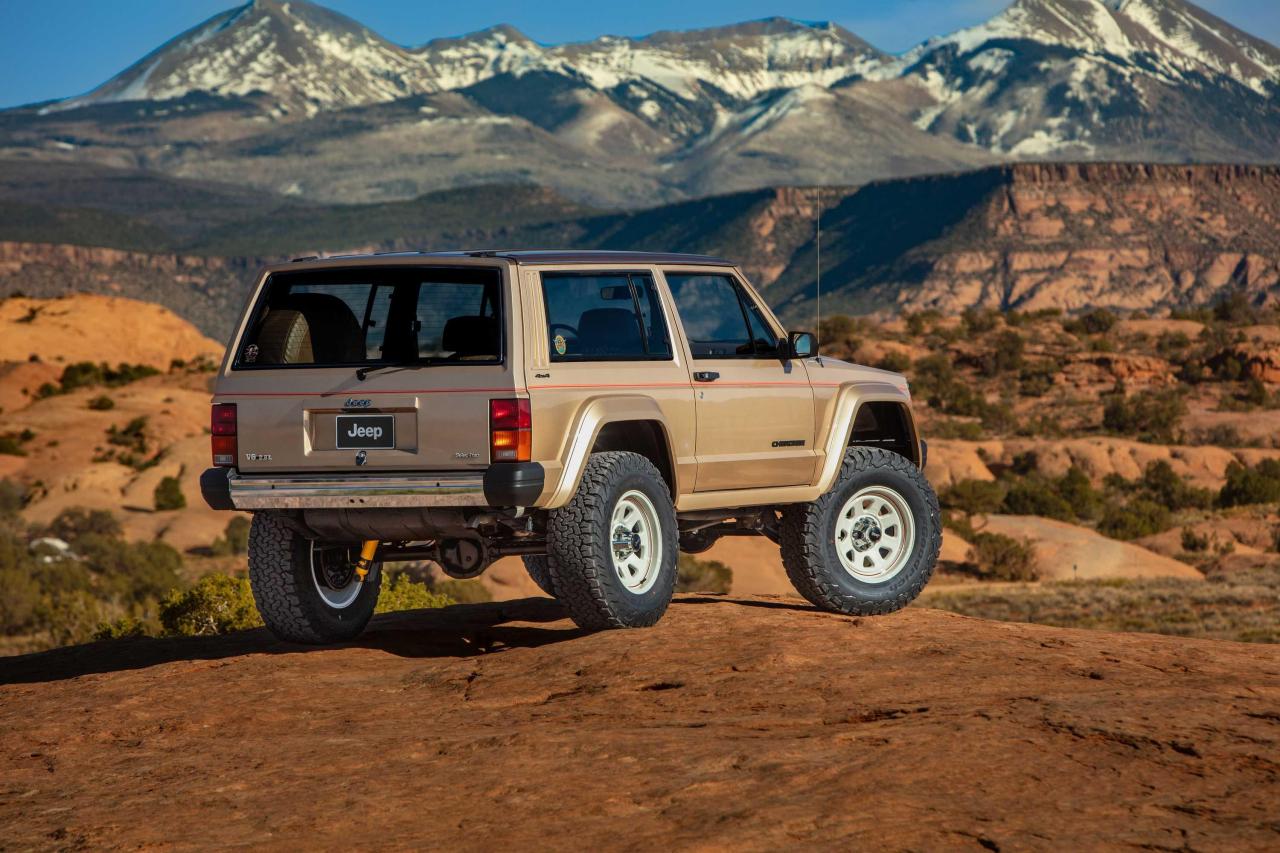
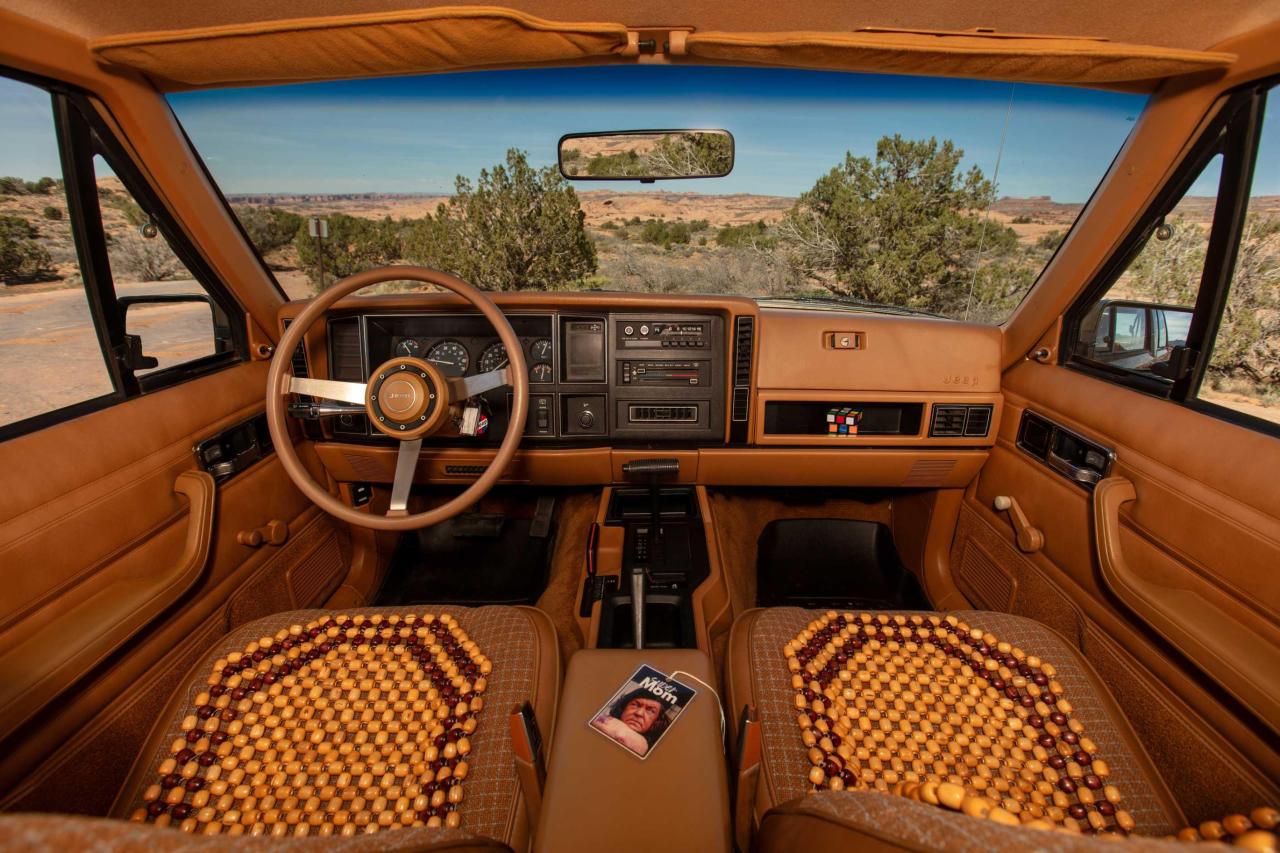
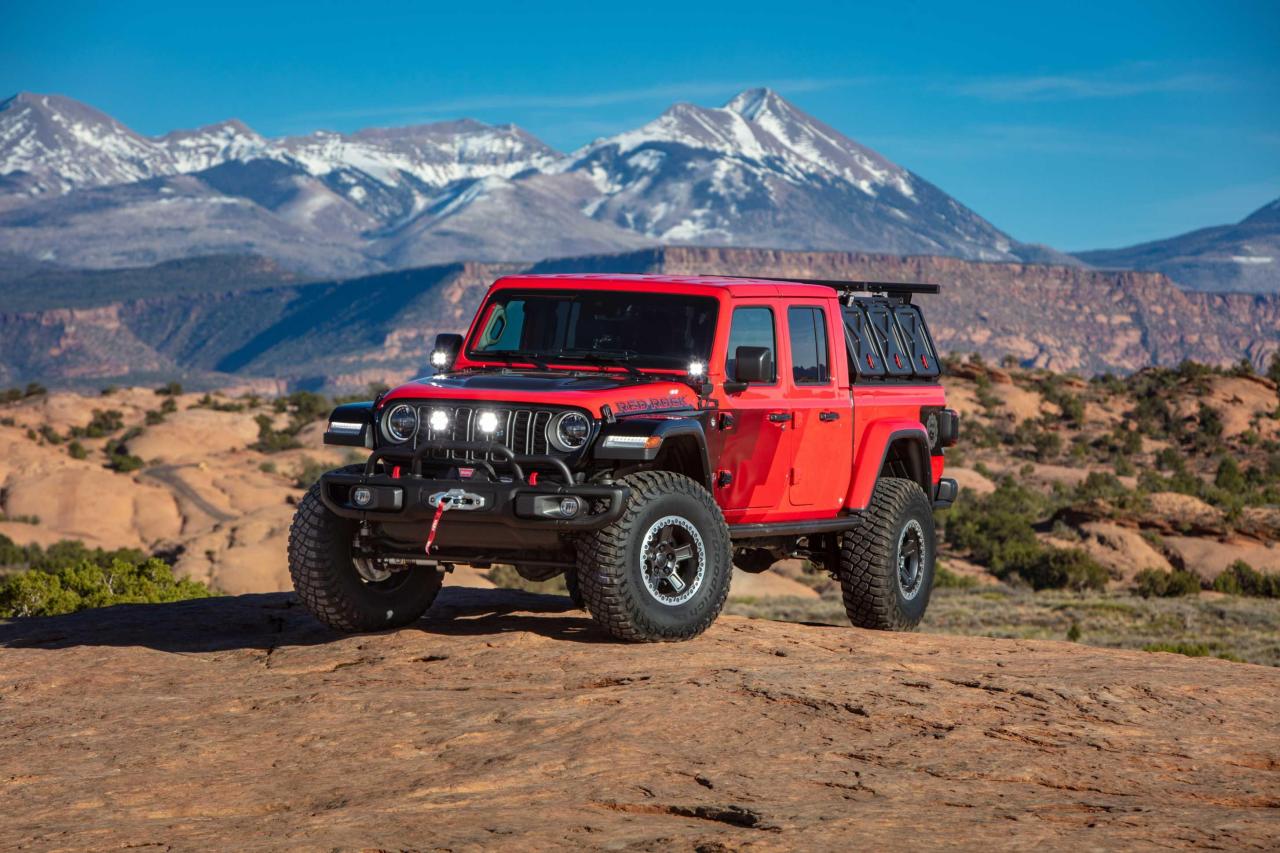
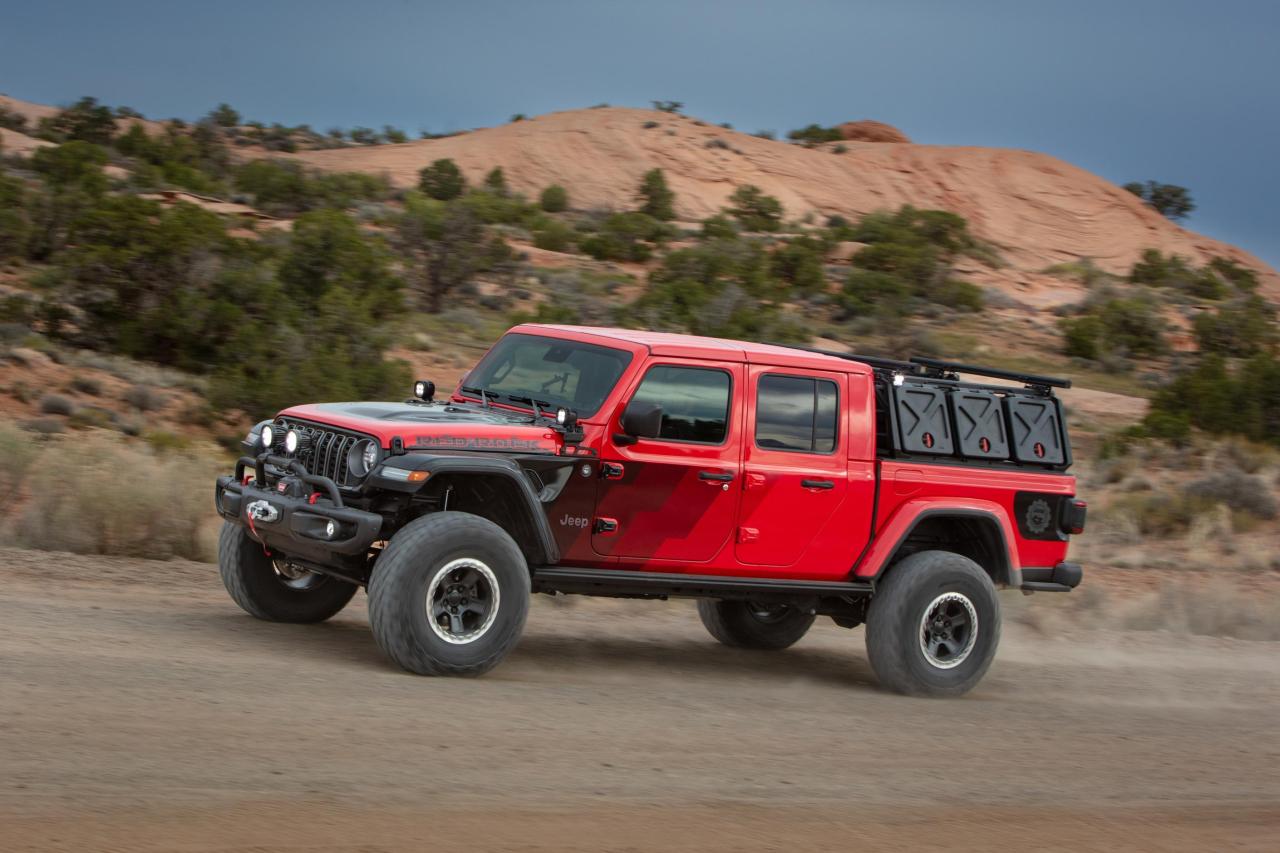

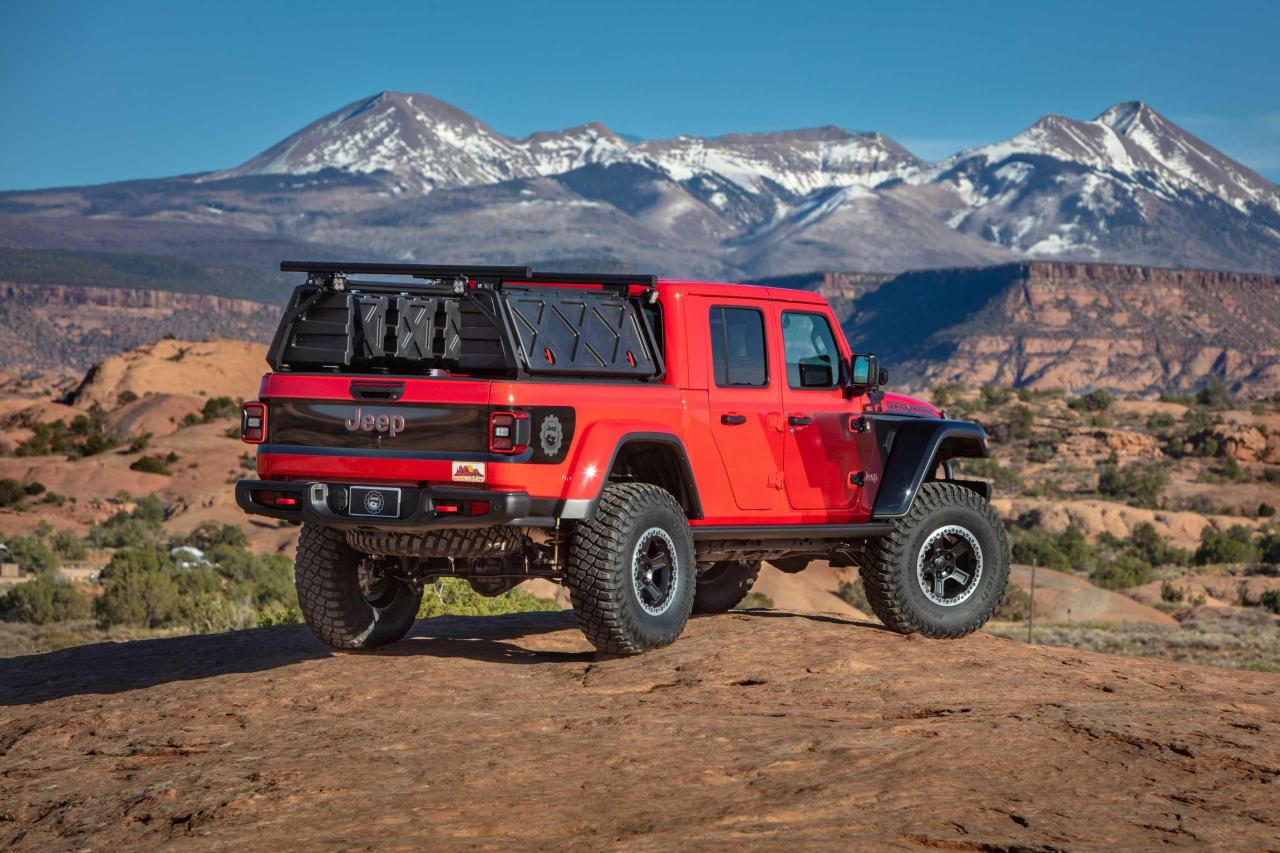
-
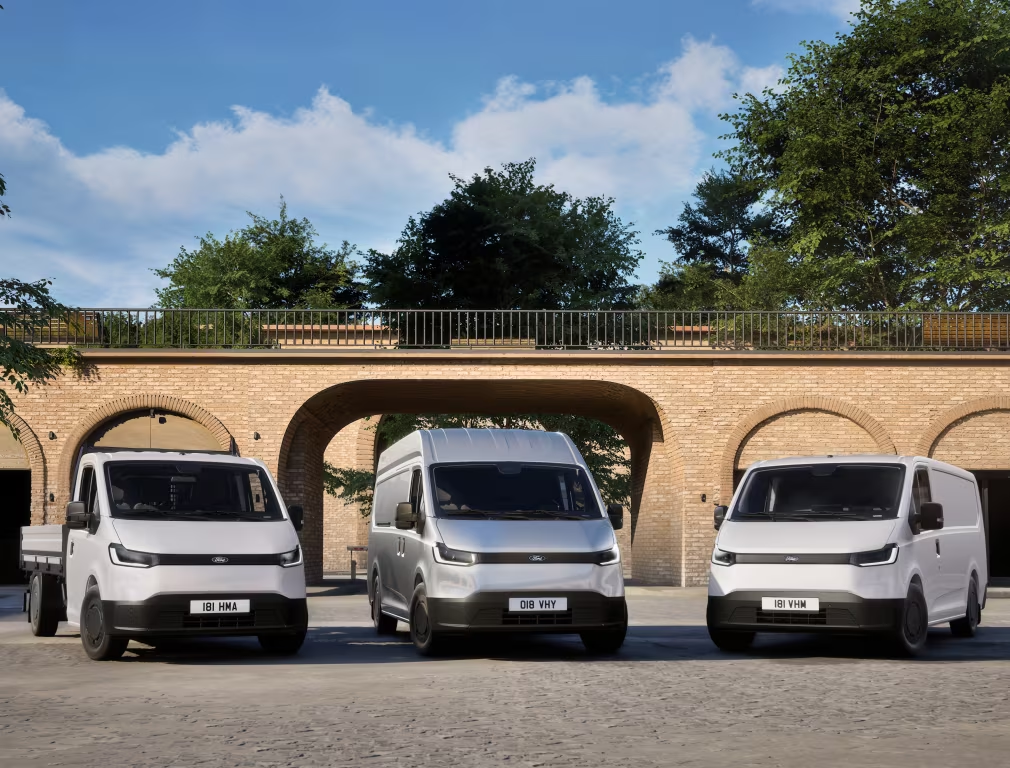
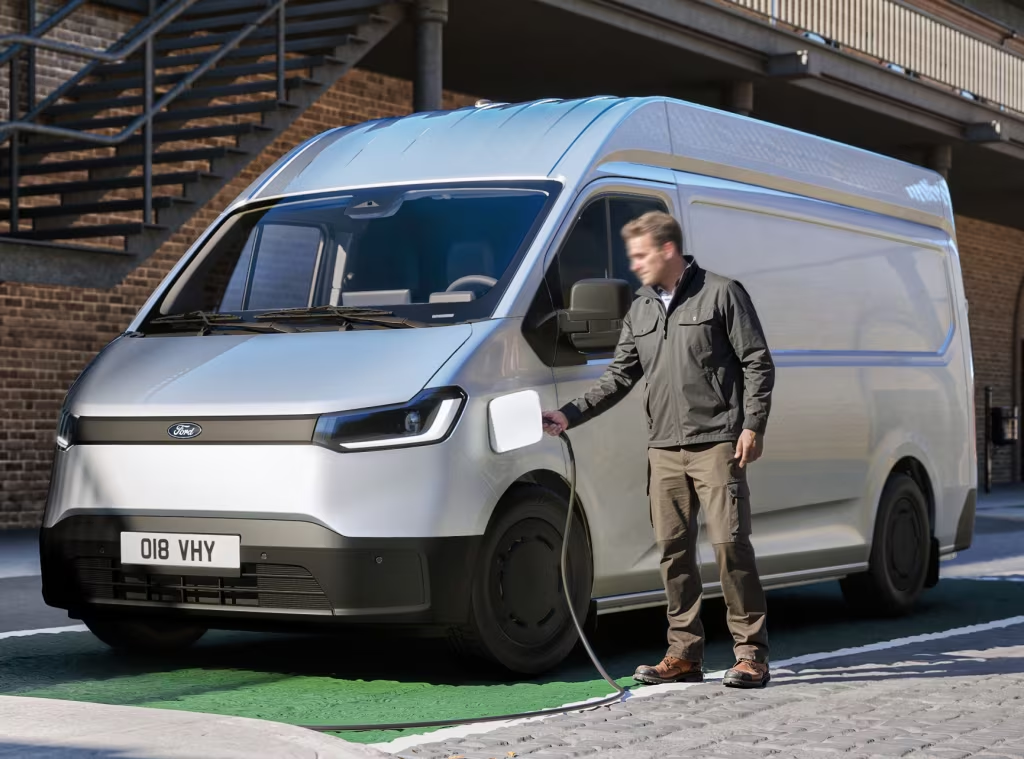
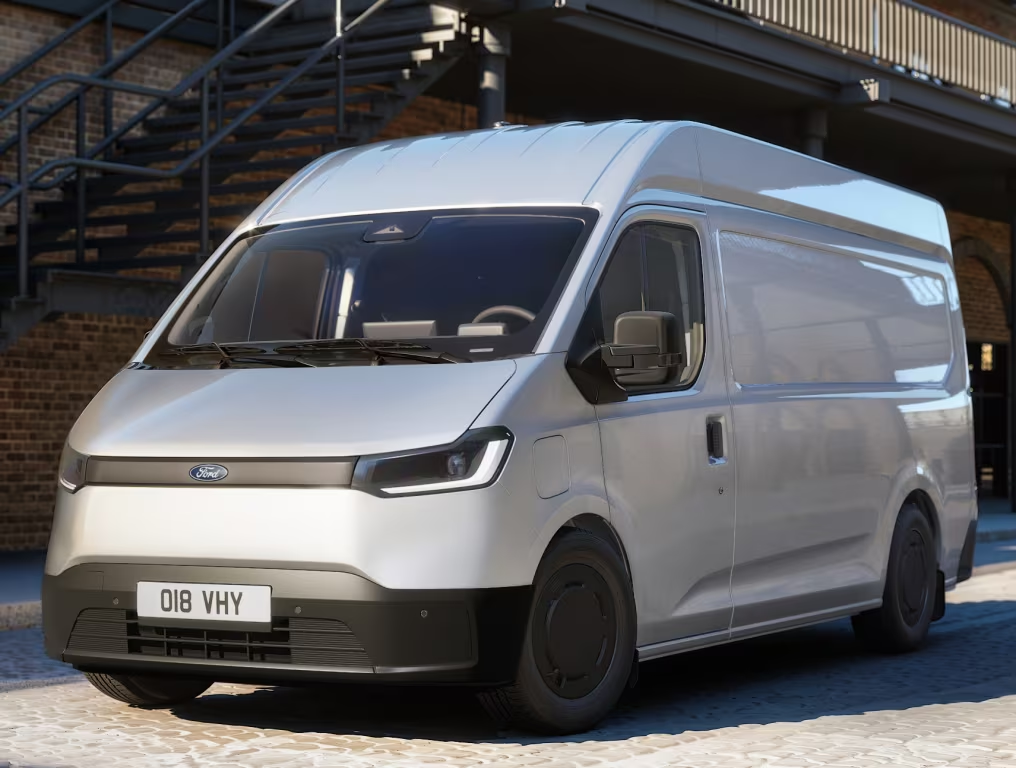
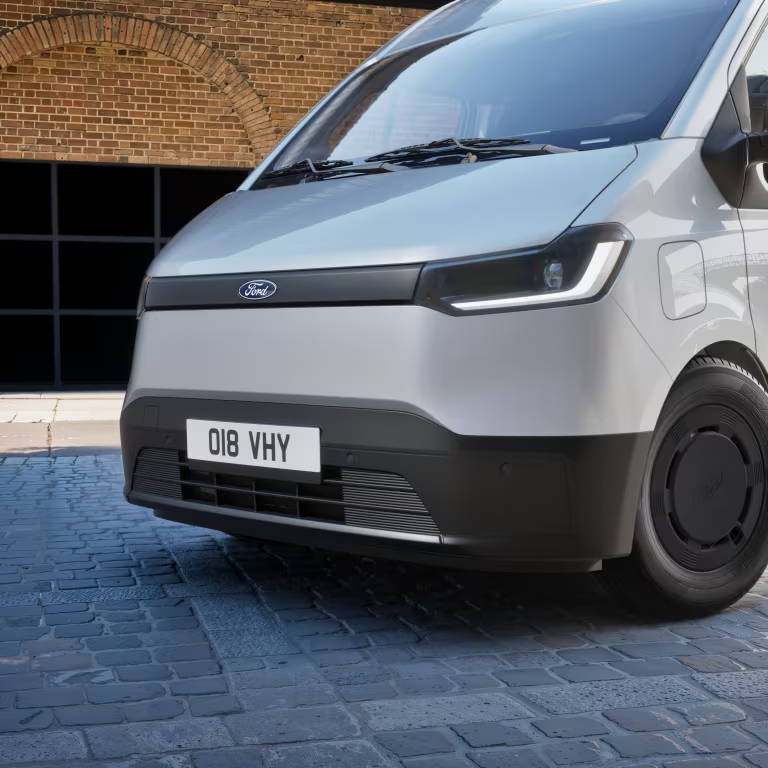
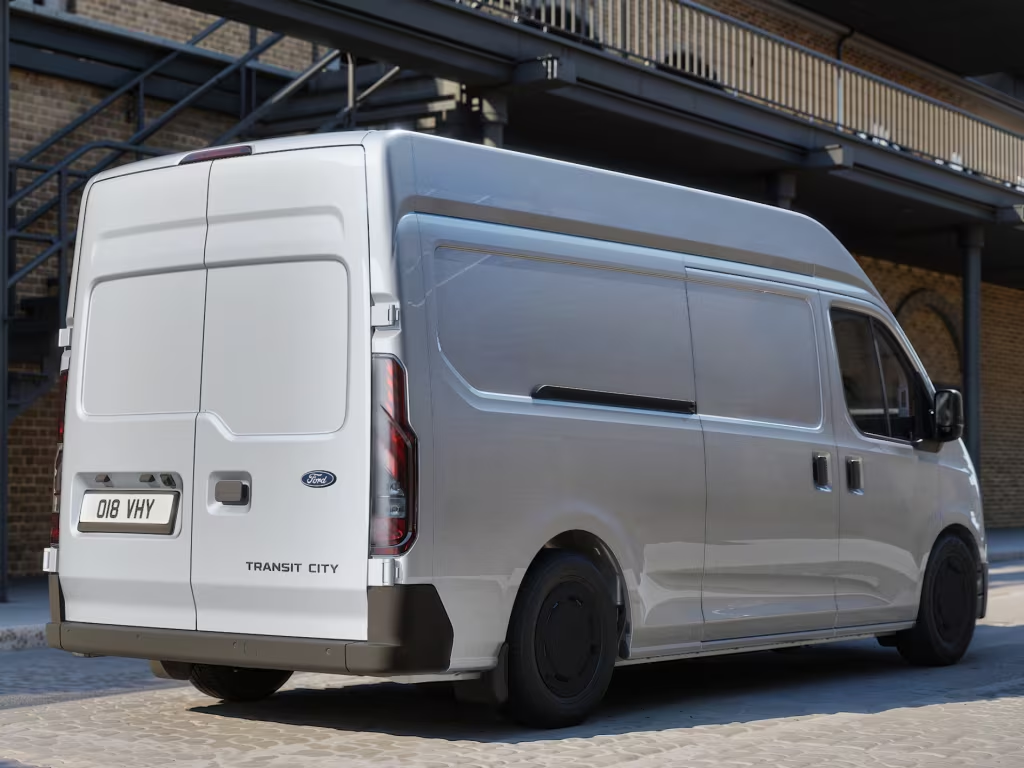
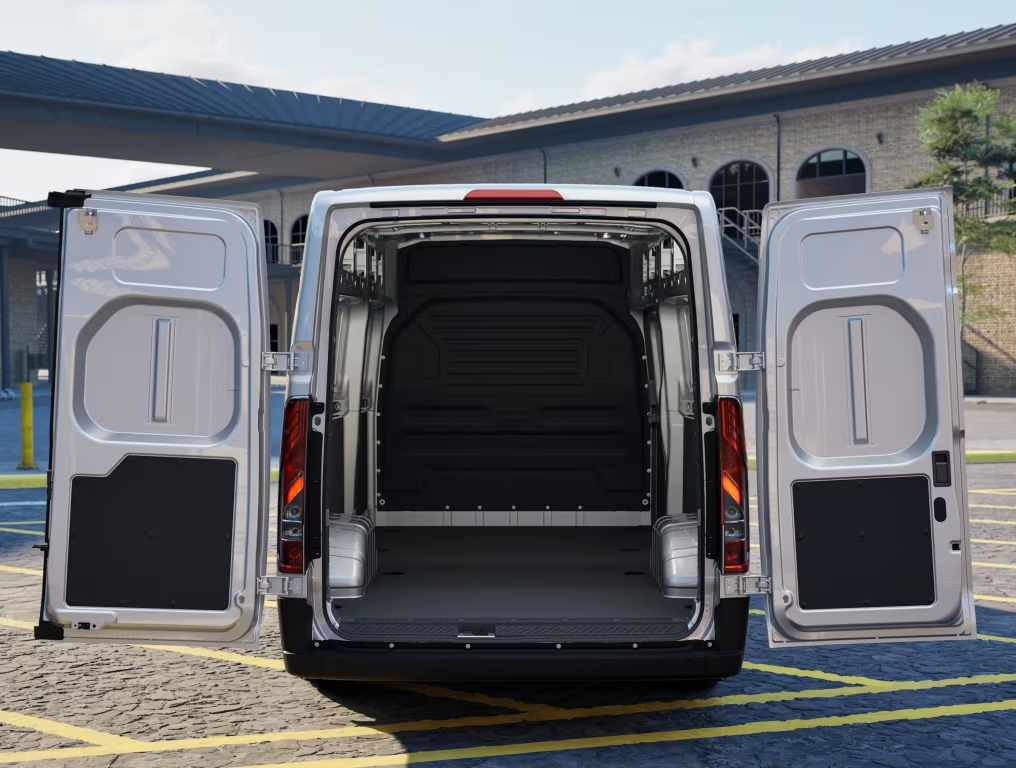
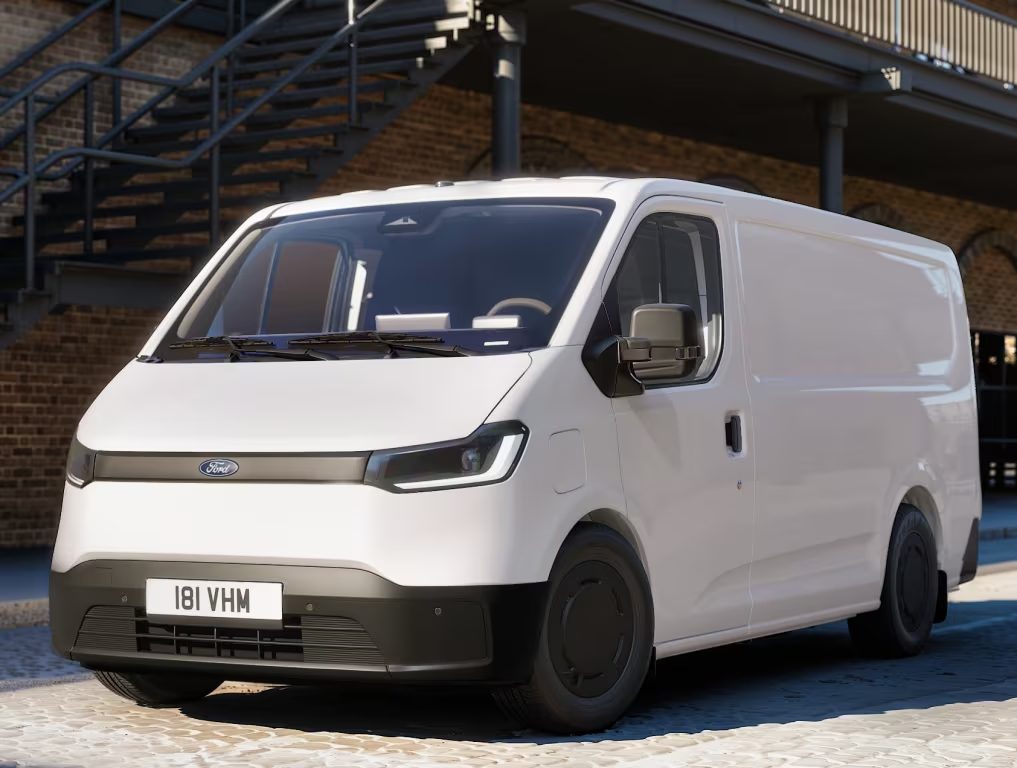
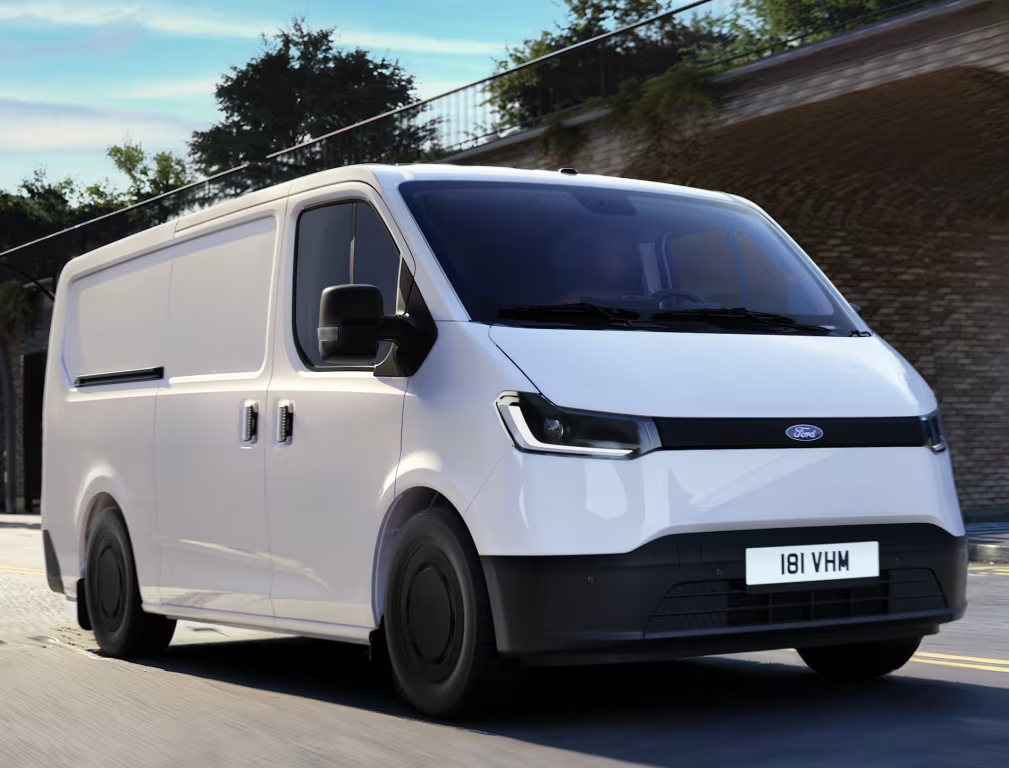
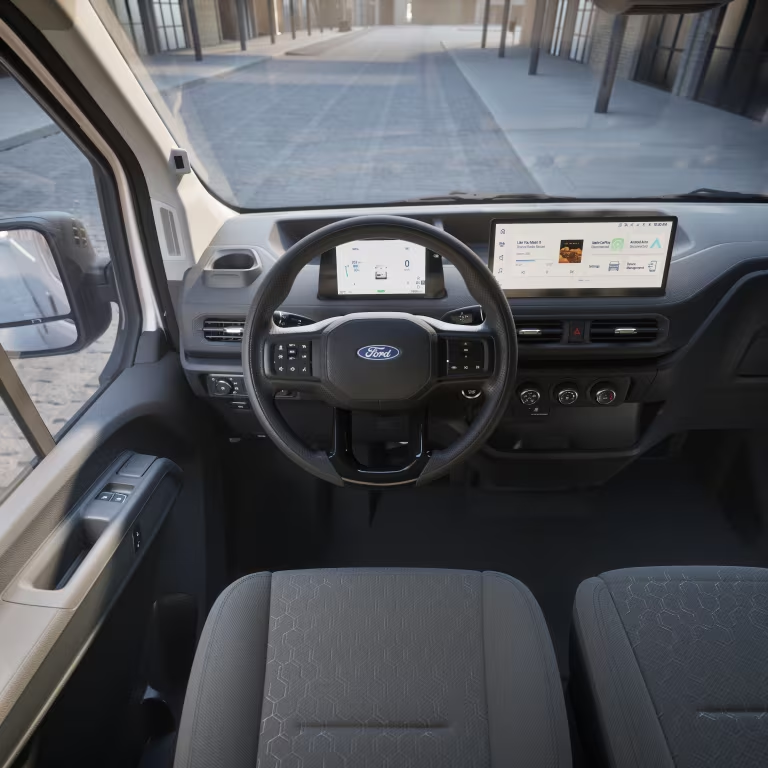
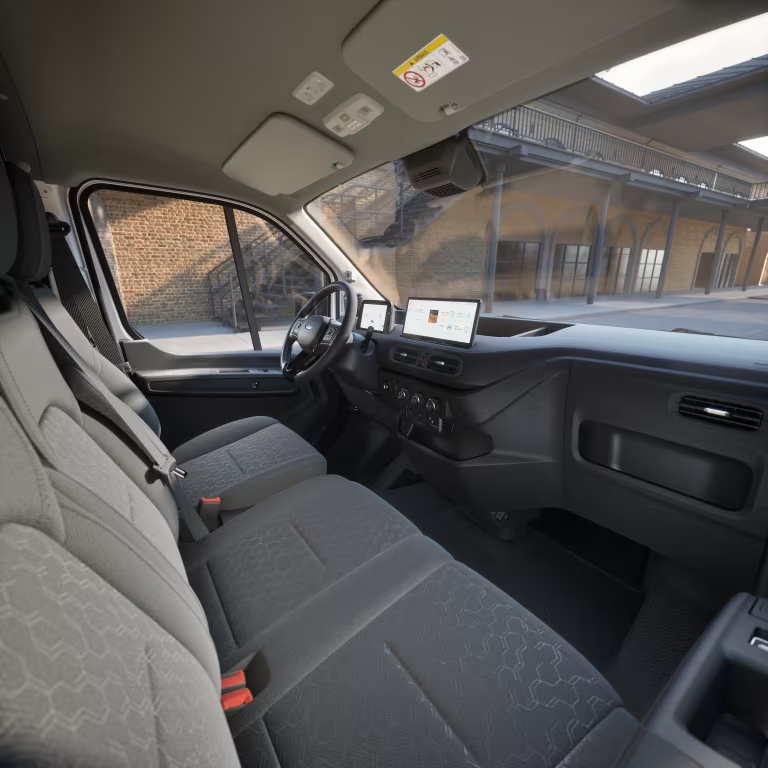
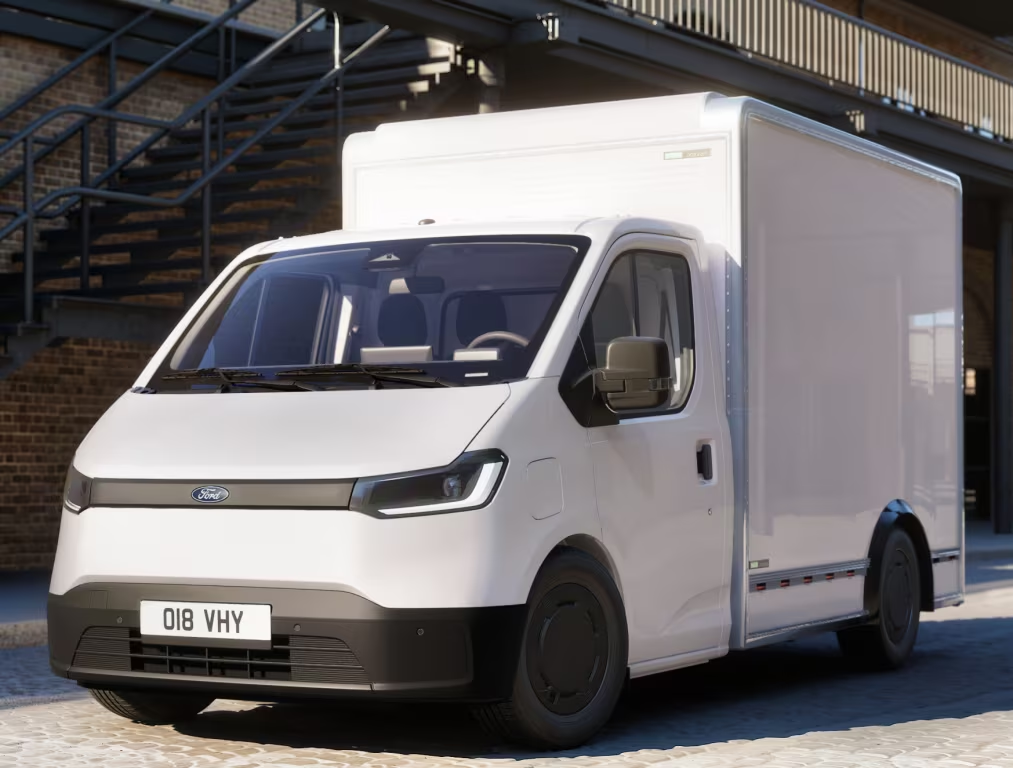
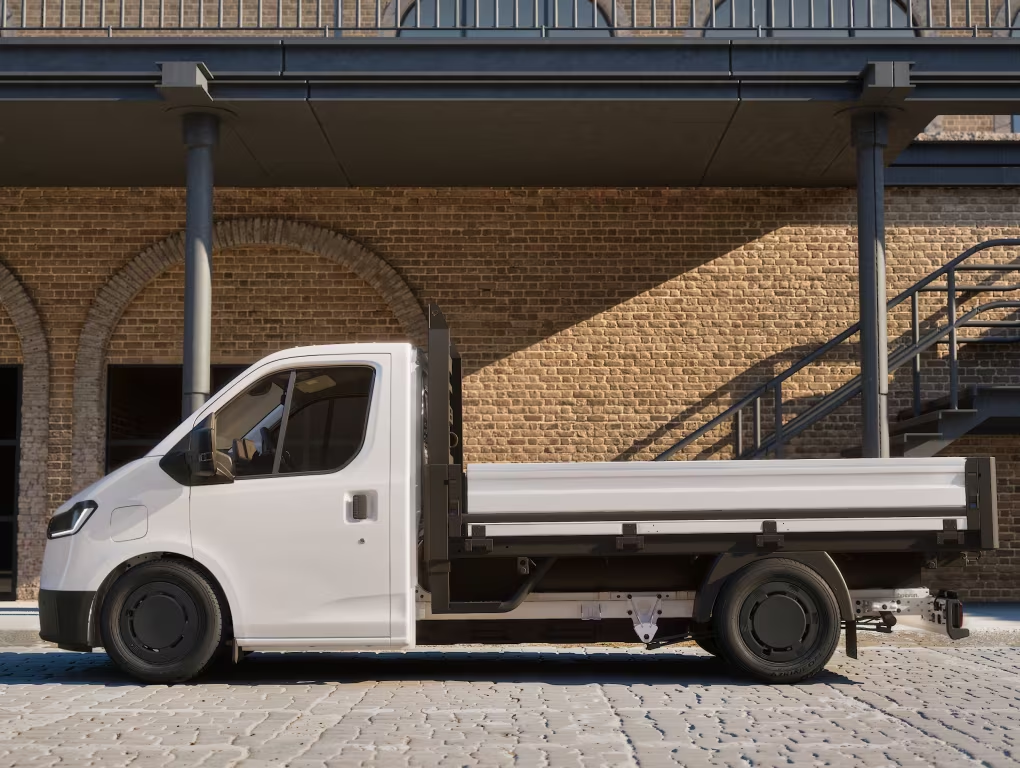
Ford Transit City L1H1 Ford Transit City L2H2 Ford Transit City Chassis Cab Arriva sul mercato UE un nuovo modello per la famiglia Transit, il City, sviluppato con la cinese JMC (Jiangling Motors Corporation), che già produce i Ford Transit per il mercato locale. Il furgone sarà solo EV con una batteria da 56 kWh con tecnologia litio-ferro-fosfato (LFP) e un'autonomia di 254 km, secondo i dati Ford Pro il 90% dei furgoni di questo segmento percorre meno di 110 km al giorno. La trazione è anteriore abbinata a un motore elettrico da 110 kW con funzione one-pedal. La ricarica è: AC 11 kW: dal 10 al 100% in circa 5,2 ore; DC 67 kW: dal 10 all’80% in circa 30 minuti, fino a 50 km di autonomia in 10 minuti. Il listino coprirà la fascia di prezzo tra il Courier e il Custom
-






![Alfa Romeo Hug [Trolling Mode]](https://www.autopareri.com/uploads/reactions/Alfaromeocare.png.50be1dd8d7c15ba4fec8098a15bfa18a.png)










Account
Navigation
Cerca
Configure browser push notifications
Chrome (Android)
- Tap the lock icon next to the address bar.
- Tap Permissions → Notifications.
- Adjust your preference.
Chrome (Desktop)
- Click the padlock icon in the address bar.
- Select Site settings.
- Find Notifications and adjust your preference.
Safari (iOS 16.4+)
- Ensure the site is installed via Add to Home Screen.
- Open Settings App → Notifications.
- Find your app name and adjust your preference.
Safari (macOS)
- Go to Safari → Preferences.
- Click the Websites tab.
- Select Notifications in the sidebar.
- Find this website and adjust your preference.
Edge (Android)
- Tap the lock icon next to the address bar.
- Tap Permissions.
- Find Notifications and adjust your preference.
Edge (Desktop)
- Click the padlock icon in the address bar.
- Click Permissions for this site.
- Find Notifications and adjust your preference.
Firefox (Android)
- Go to Settings → Site permissions.
- Tap Notifications.
- Find this site in the list and adjust your preference.
Firefox (Desktop)
- Open Firefox Settings.
- Search for Notifications.
- Find this site in the list and adjust your preference.