j
Reporter (Staff)
-
Iscritto il
Tutti i contenuti di j
-
Le novità Leapmotor in Europa le porta con circa un anno di ritardo. Probabile che a questo punto la piattaforma a 800V debutto direttamente con il FL
- 108 risposte
-
- b10
- leap
- leapmotor
- leapmotor b10
-
Taggato come:
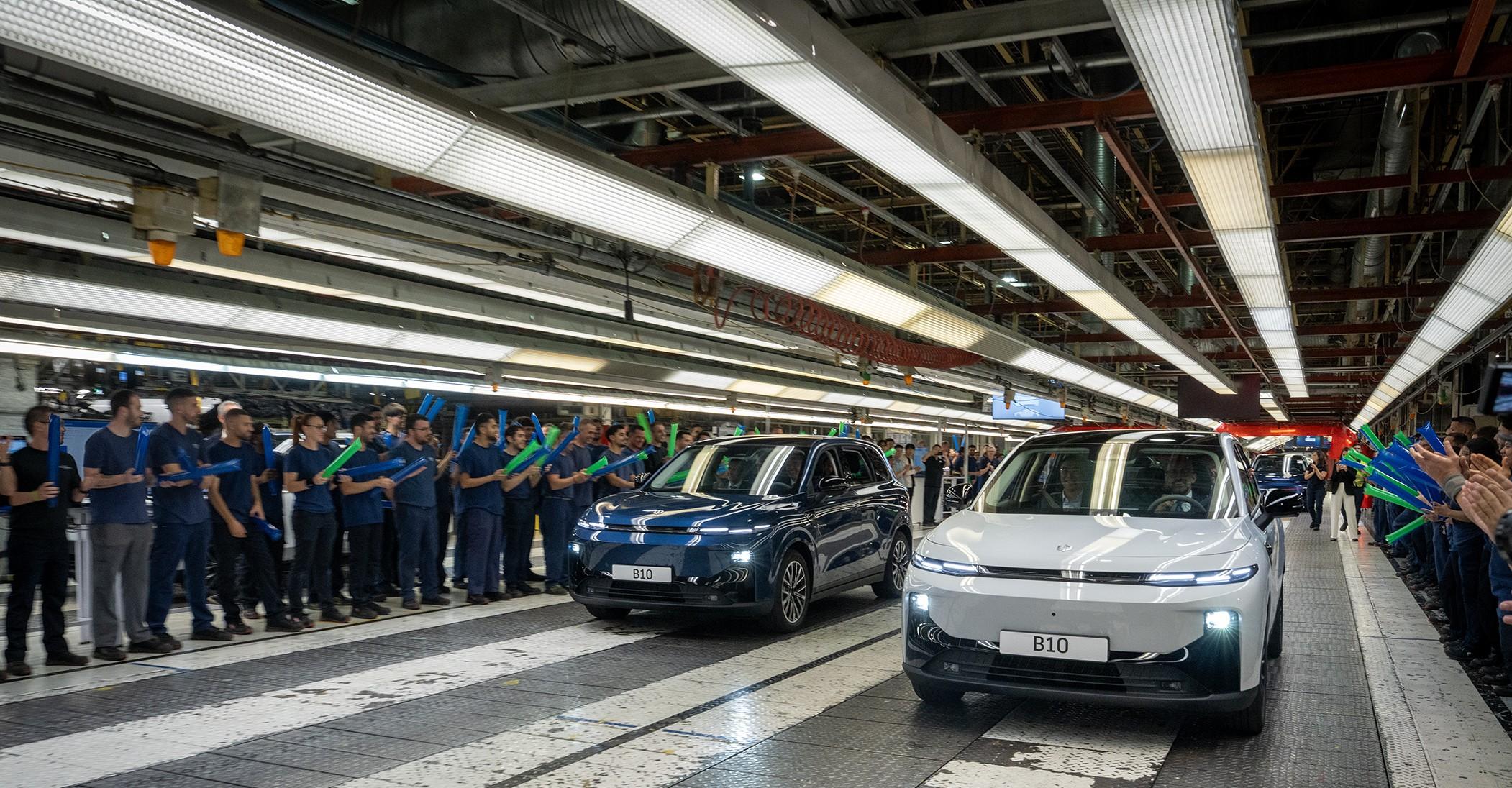
Partita la produzione in Spagna Sarà interessante capire se ci sarà una differenza tangibile tra queste spagnole e quelle cinese a livello di qualità costruttiva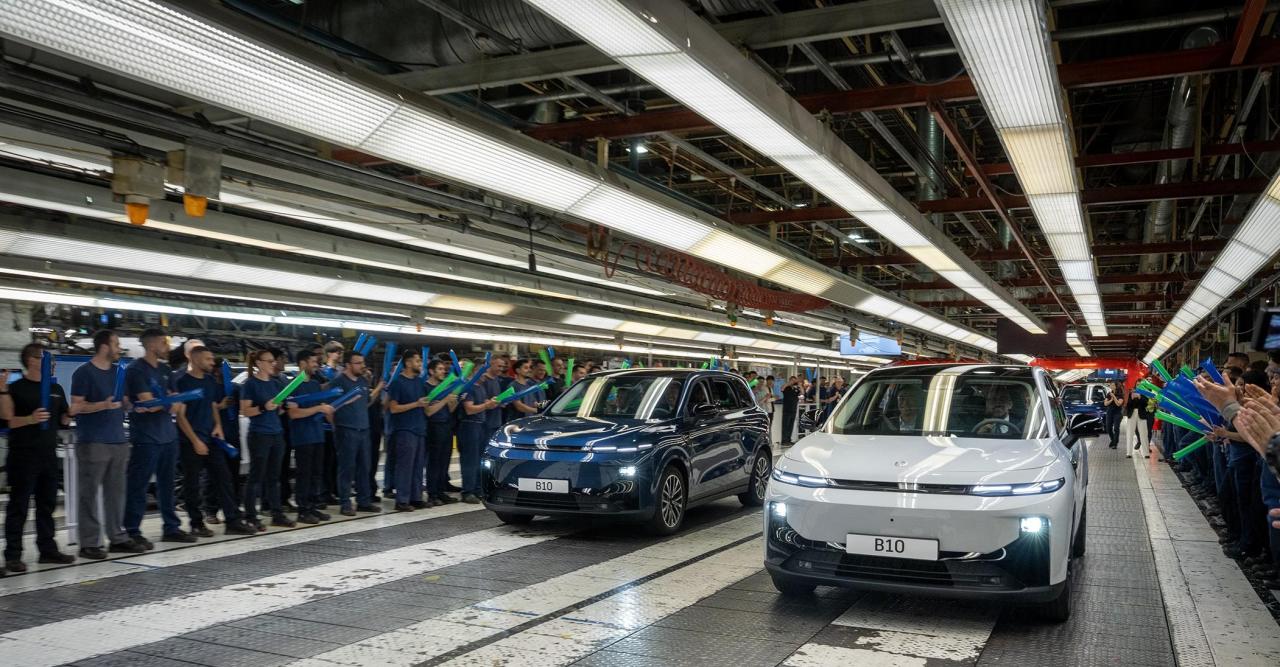
- 108 risposte
-
- b10
- leap
- leapmotor
- leapmotor b10
-
Taggato come:
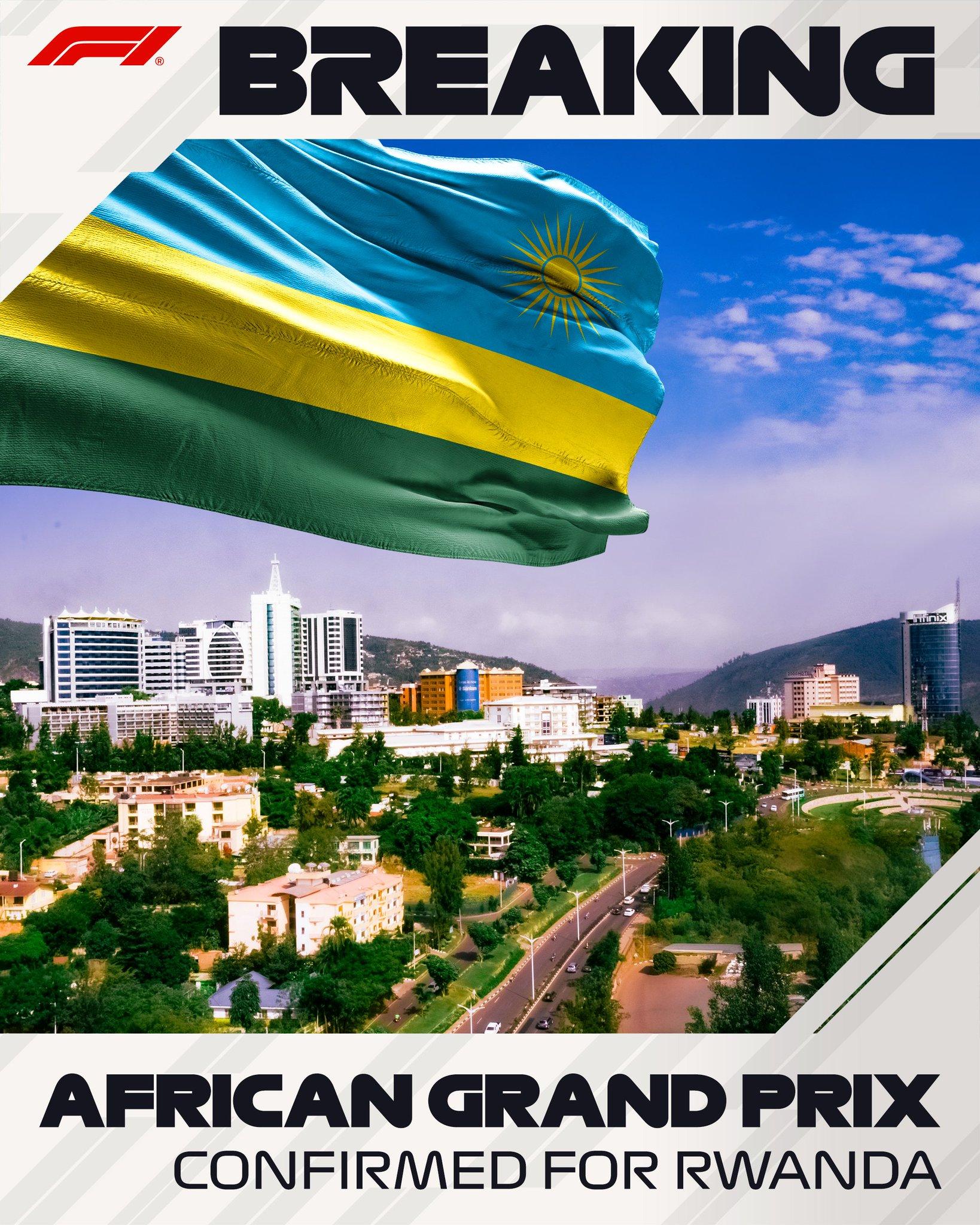
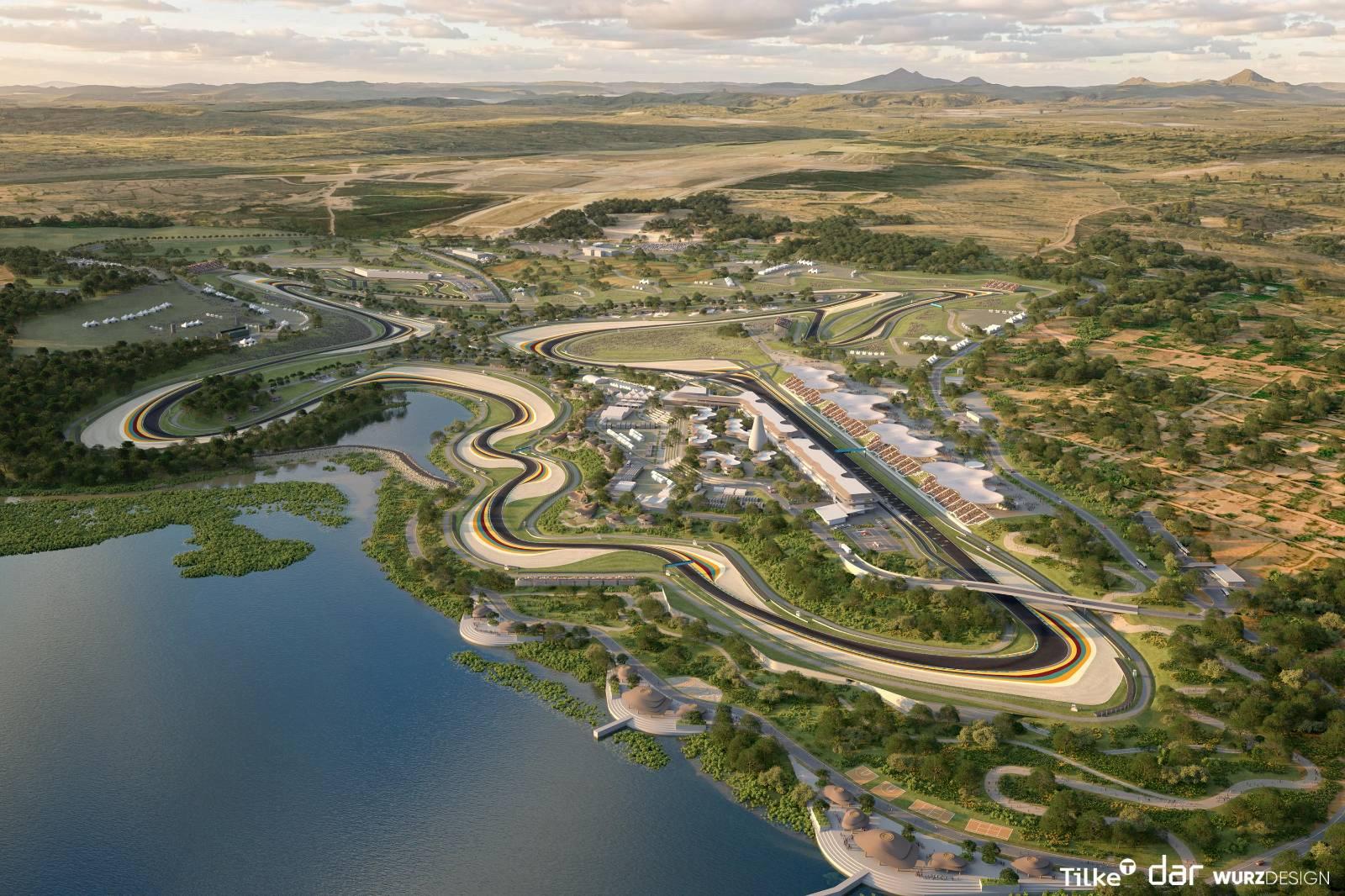
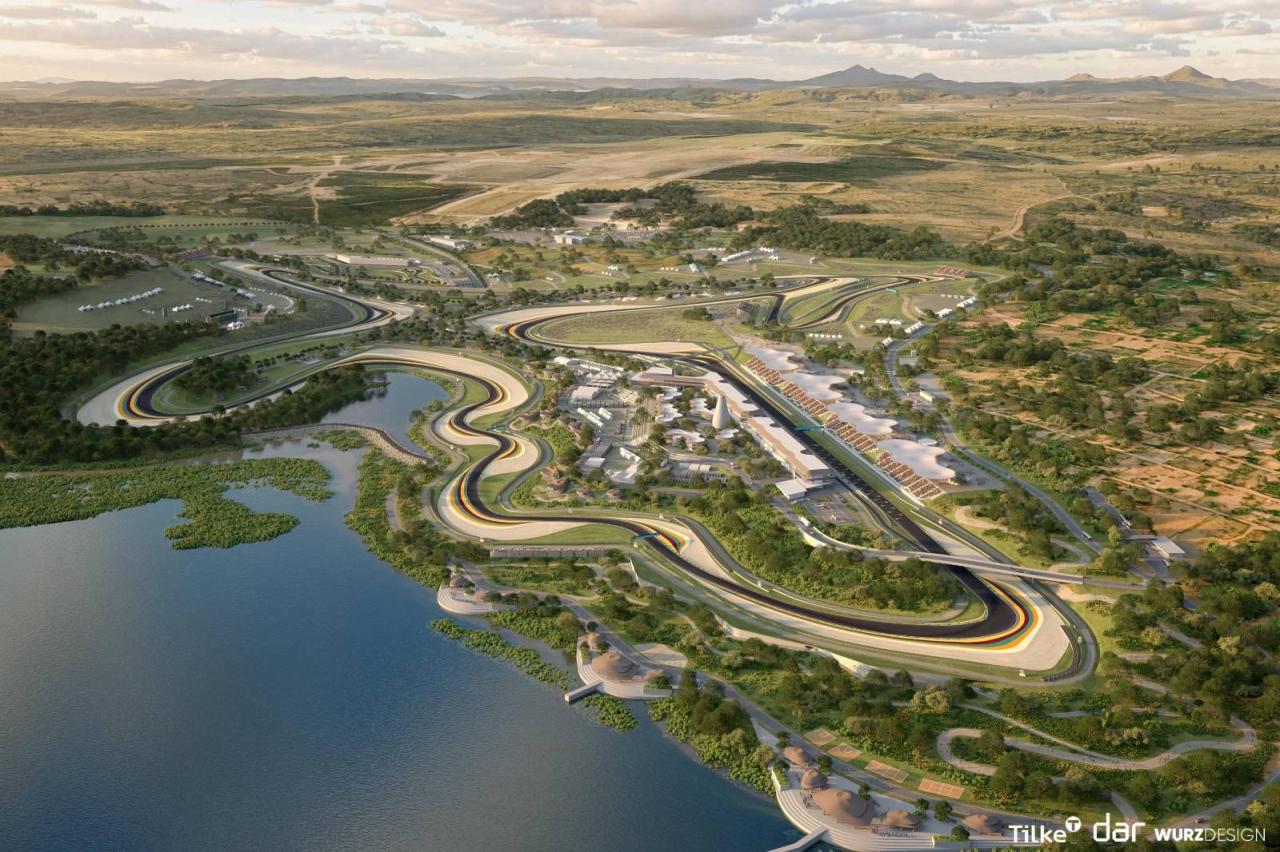
Annuncio ufficiale del Gran premio del Ruanda a partire dagli anni 30
 Dai fornitori emerge che la Jeep J2U è prevista a Mirafiori Stellantis annuncia il ritorno di Jeep Renegade. E a Tori...Da Parigi l'annuncio ufficiale di Peugeot: nuovo modello entro il 2030. Intanto a Torino si sondano i fornitori sui preventivi, ma il nodo resta l'investimento da 100 milioni per la piattaforma Stla eAl Salone di Parigi i nuovi dirigenti di Lancia hanno parlato anche del futuro del marchio. Il CEO Belloni a Motor1 ha descritto Lancia come un marchio "con più fan che clienti" e aperto ad un modello più piccolo da proporre sotto Ypsilon e sfizioso come lo erano Y10 e A112, come modello per fare volumi. Volumi che poi servirebbe anche ad accontentare poi i Lancisti duri e puri con edizioni limitate di modelli ispirati a Statos, 037, Fulvia e Deltone. Un po' quindi strategia di Alfa con il progetto Bottega e Junior che tira la baracca. Thorel, Responsabile Lancia Europa, invece ha illustrato la nuova strategia di espansione del marchio fuori dall'Italia. Affiancare alle concessionarie Lancia, che ad esempio in Francia sono una ventina, a spazi "Lancia Studio" dentro le concessionarie Fiat, un po' come succede già con Abarth, così da arrivare ad aumentarle ad almeno un centinaio. Per quanto riguarda la Delta afferma che il 2028 resta una data indicativa ma non definitiva e che la decisione definitiva verrà presa con il nuovo CEO considerando anche le performance che farebbero Ypsilon e Gamma. Per il Rally invece tra un anno si deciderà cosa fare, visto anche il successo mondiale di quest'anno e del Trofeo Lancia.Comunicato ufficiale:Recuperato solo adesso la gara, il mio unico commento è: ridateci in calendario fissa al Malesia! Finalmente una pista come si deve Mercedes ha fatto un casino con Russell, avrebbe dovuto cambiare il motore a Baku, non l'ha fatto e oggi paga il ritiro. Con le gomme giuste in partenza Ferrari con il ritmo che ha dimostrato avrebbe potuto vincere secondo voi o sarebbe arrivata comunque al massimo 3?
Account
Navigation
Cerca
Configure browser push notifications
Chrome (Android)
- Tap the lock icon next to the address bar.
- Tap Permissions → Notifications.
- Adjust your preference.
Chrome (Desktop)
- Click the padlock icon in the address bar.
- Select Site settings.
- Find Notifications and adjust your preference.
Safari (iOS 16.4+)
- Ensure the site is installed via Add to Home Screen.
- Open Settings App → Notifications.
- Find your app name and adjust your preference.
Safari (macOS)
- Go to Safari → Preferences.
- Click the Websites tab.
- Select Notifications in the sidebar.
- Find this website and adjust your preference.
Edge (Android)
- Tap the lock icon next to the address bar.
- Tap Permissions.
- Find Notifications and adjust your preference.
Edge (Desktop)
- Click the padlock icon in the address bar.
- Click Permissions for this site.
- Find Notifications and adjust your preference.
Firefox (Android)
- Go to Settings → Site permissions.
- Tap Notifications.
- Find this site in the list and adjust your preference.
Firefox (Desktop)
- Open Firefox Settings.
- Search for Notifications.
- Find this site in the list and adjust your preference.