j
Reporter (Staff)
-
Iscritto il
Tutti i contenuti di j
-
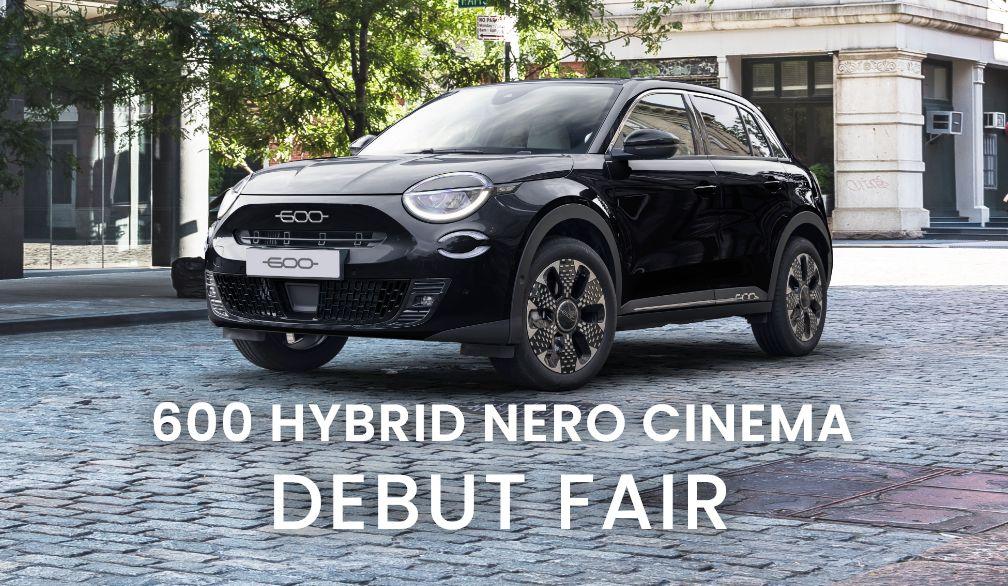
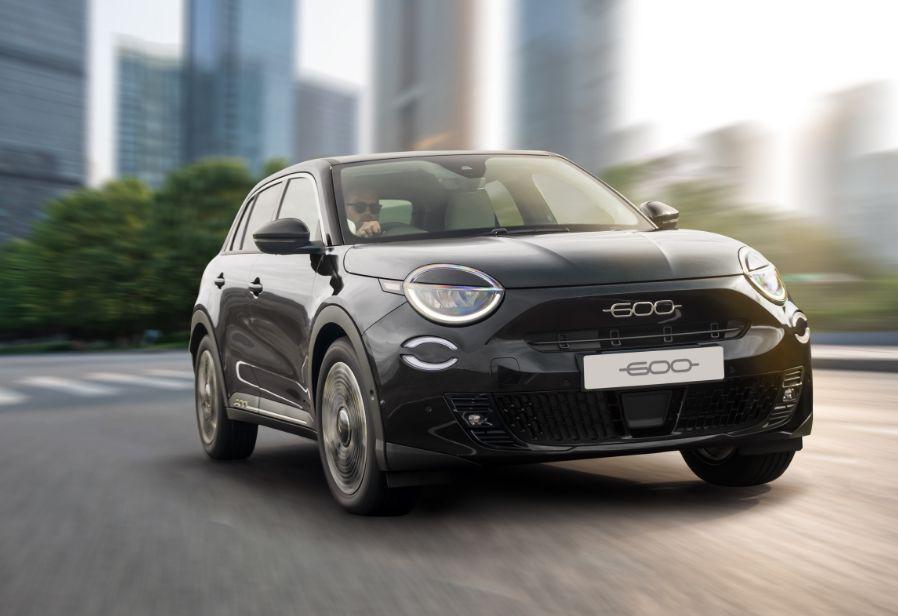
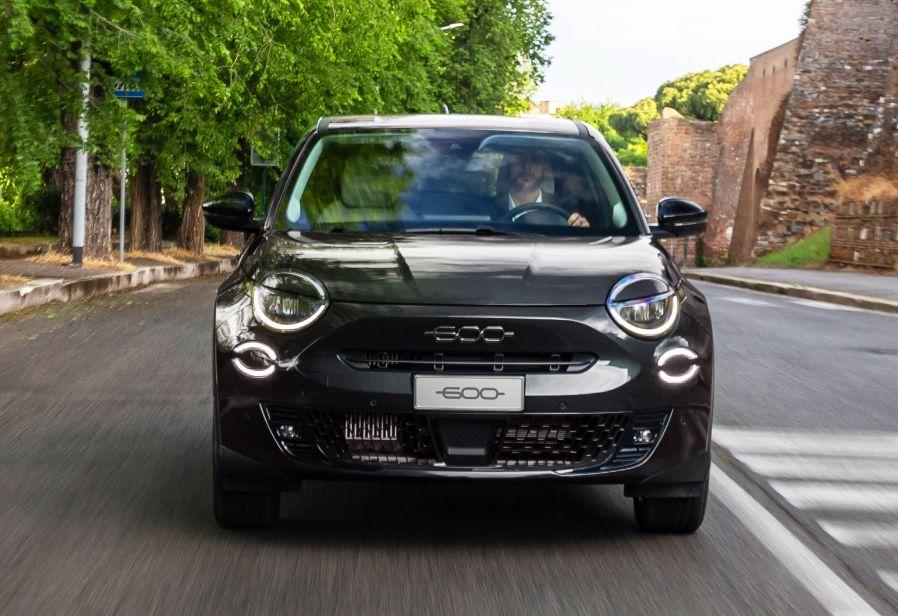
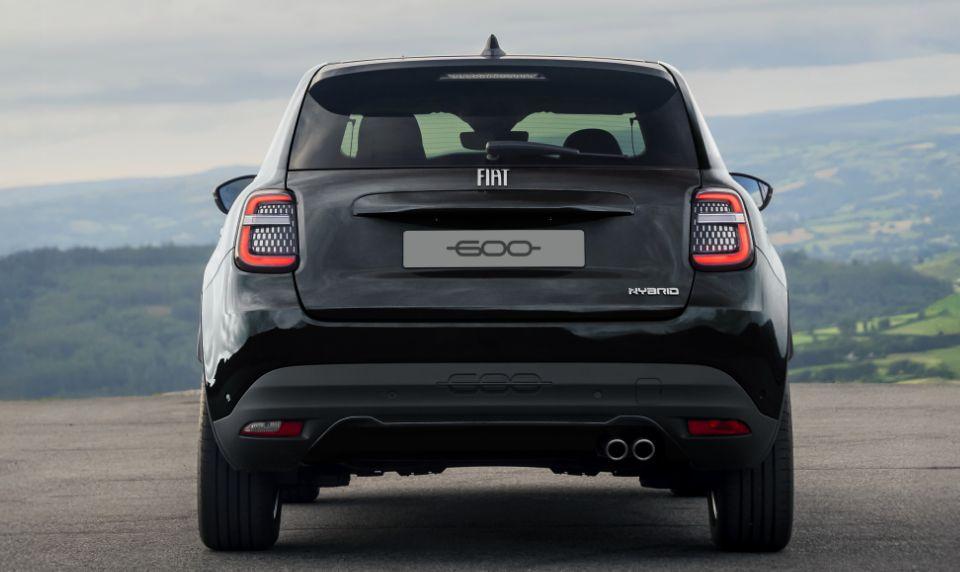
Fiat 600 Hybrid Nero Cinema, 150 esemplari in nero ovviamente 🤣 Anche qui tanta tristezza perché non regalano niente 💔
.jpg.8011593e9f5377dfb392d3a63709947b.jpg)
-
-
-
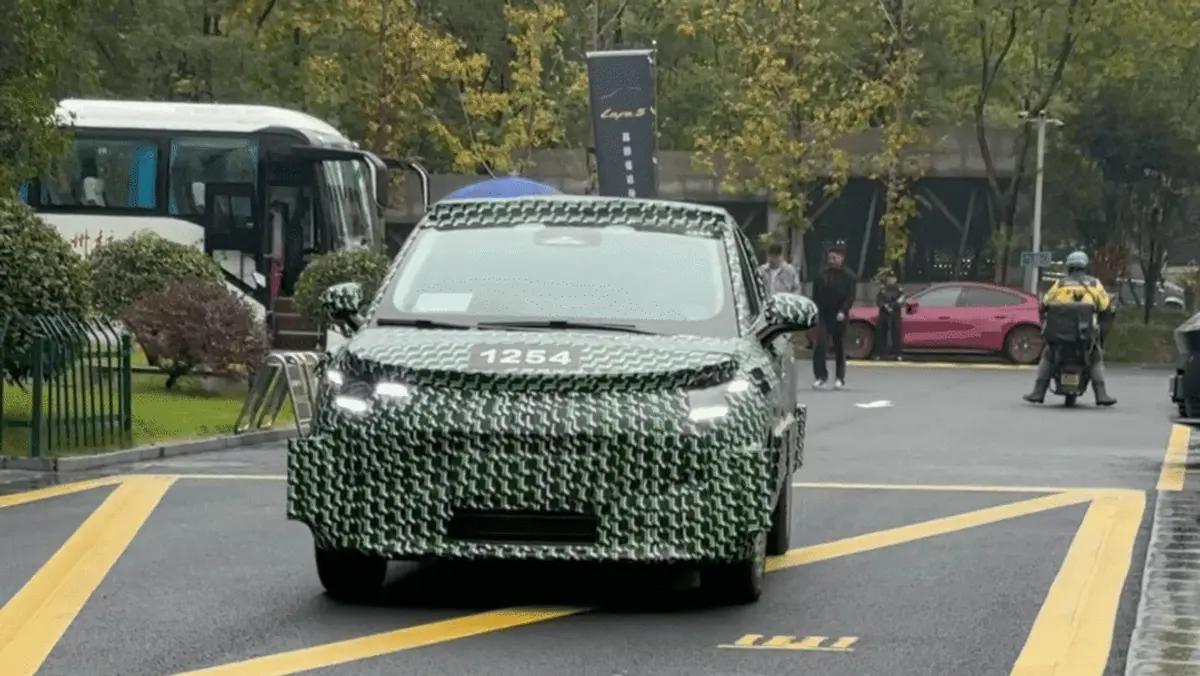
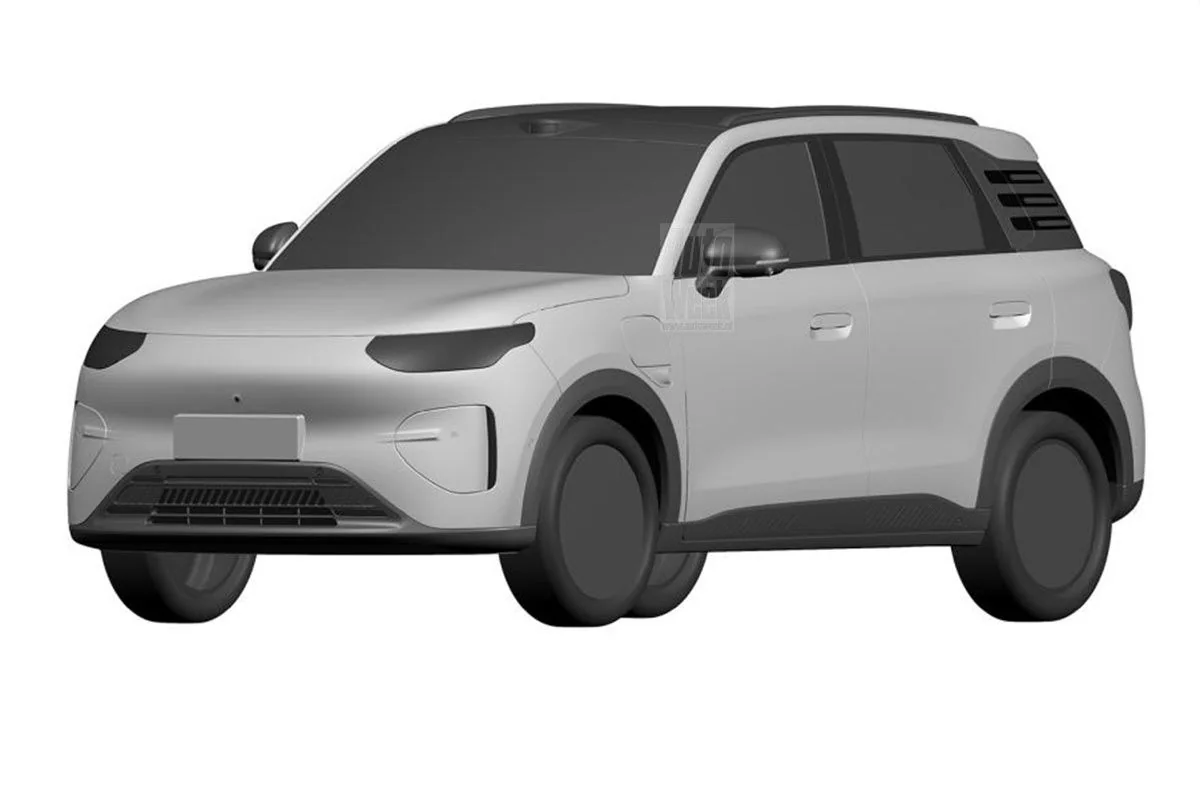
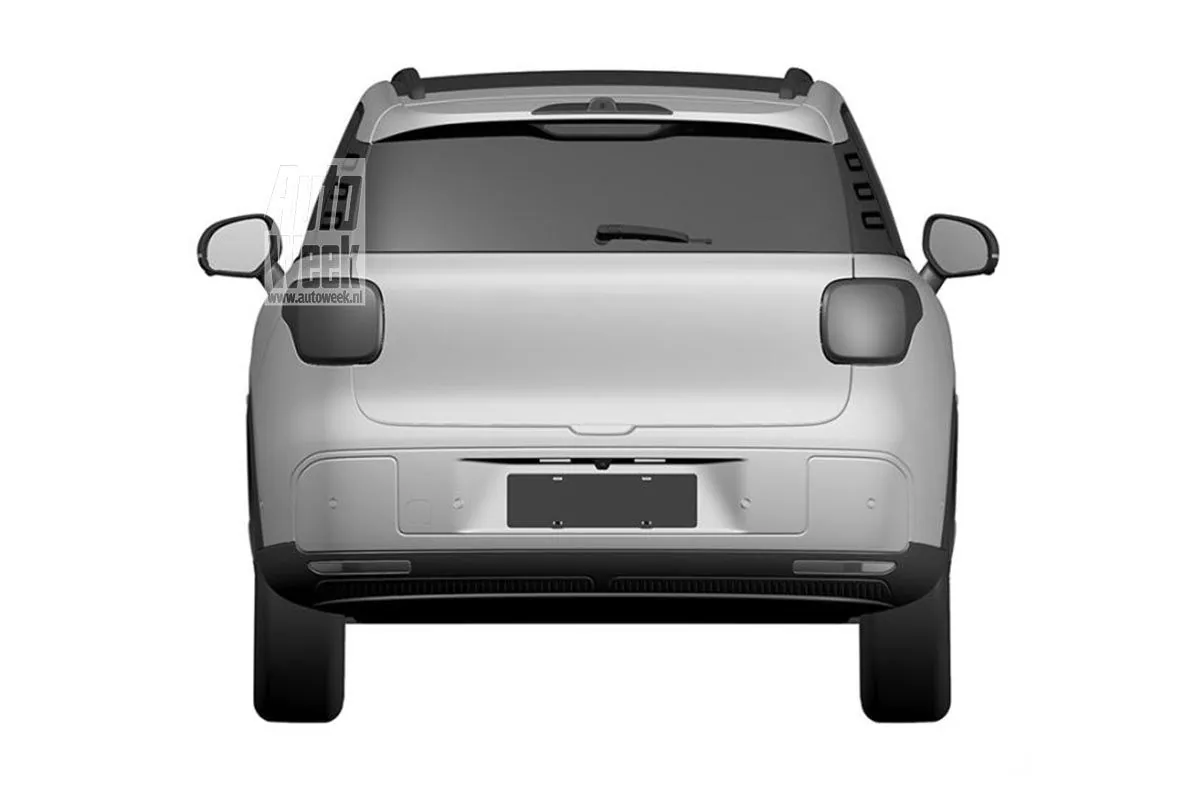
Molto VW come frontale
-
-
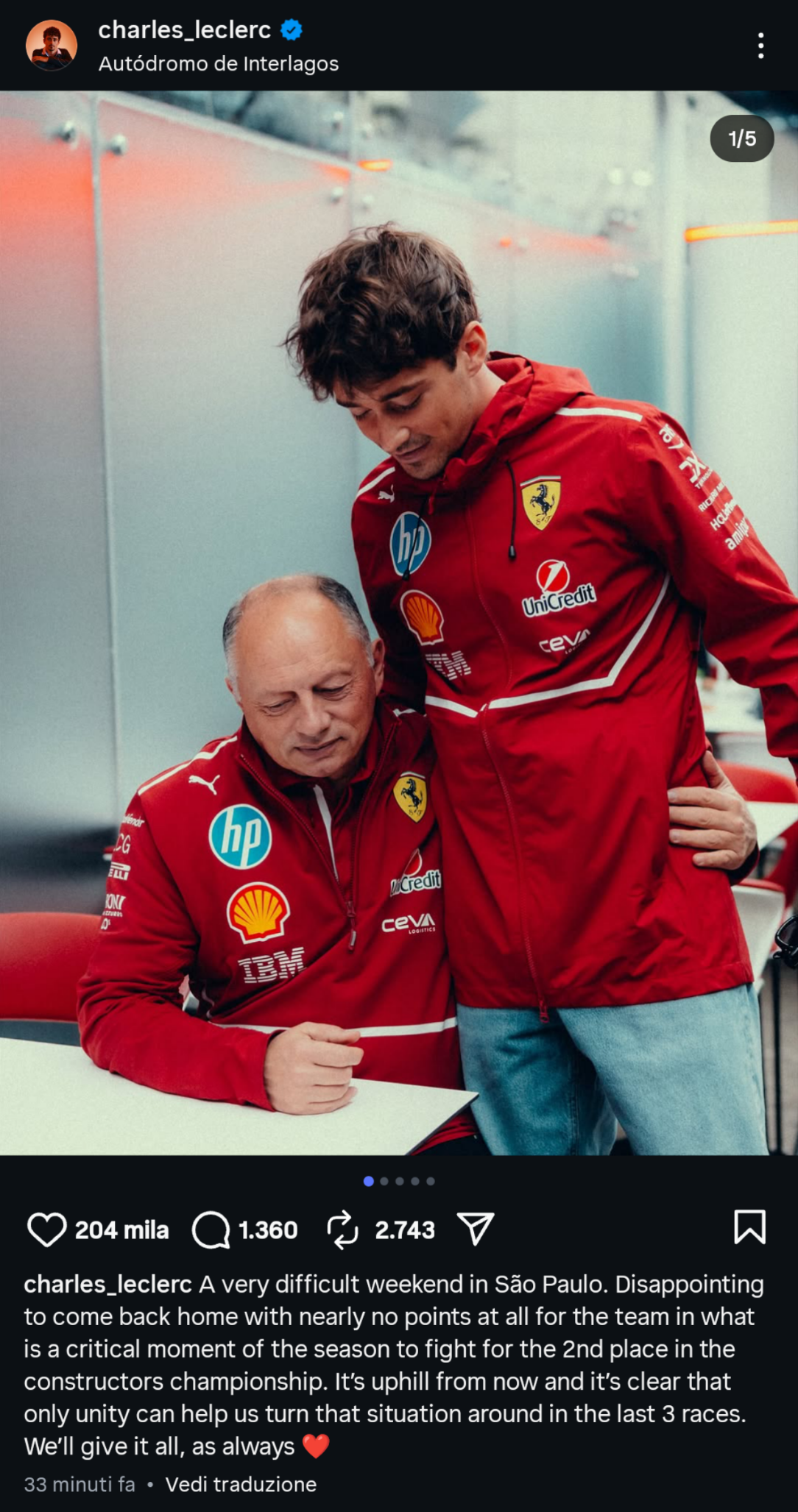
Ecco la risposta di Carletto, dove direi che nulla è lasciato al caso
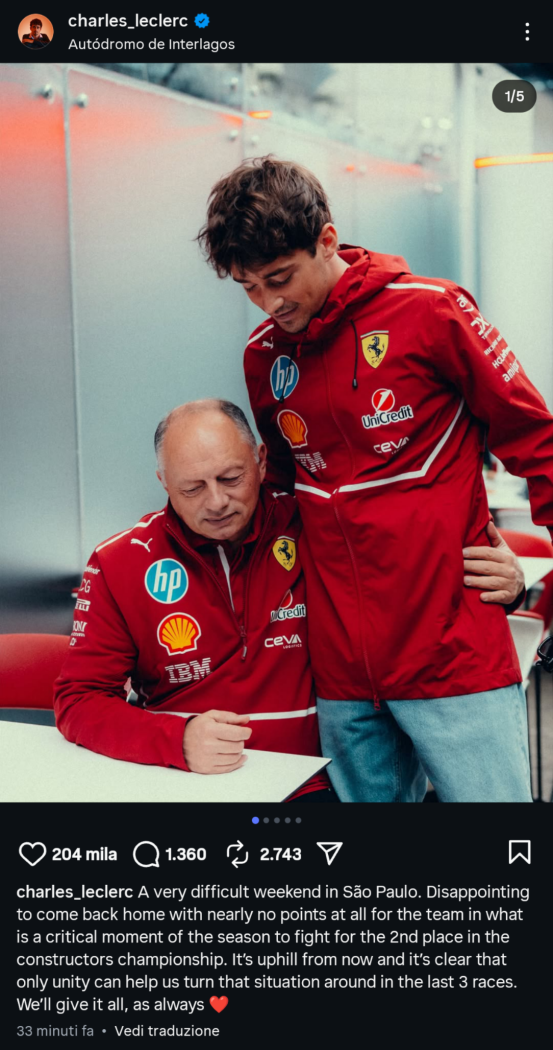
-
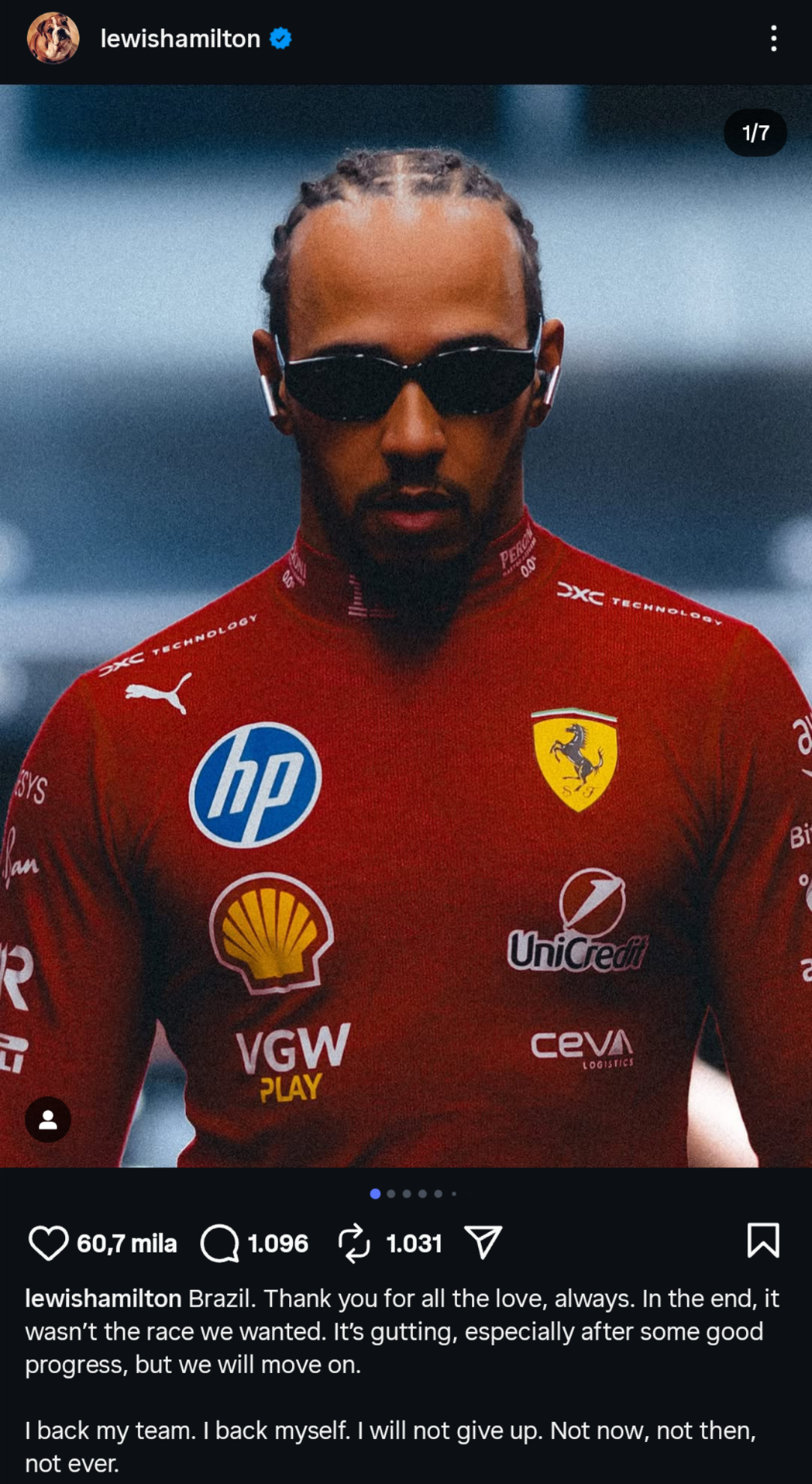
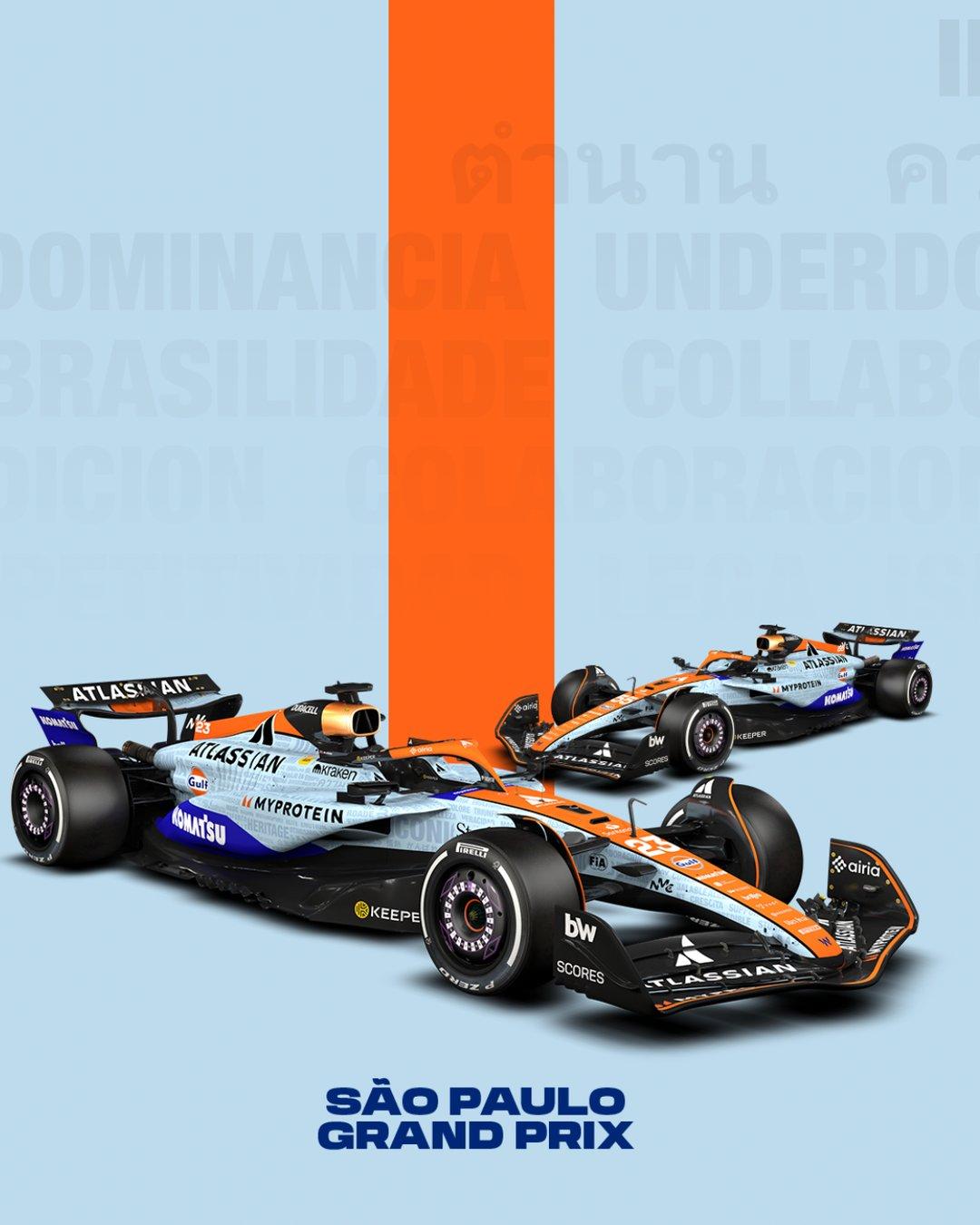
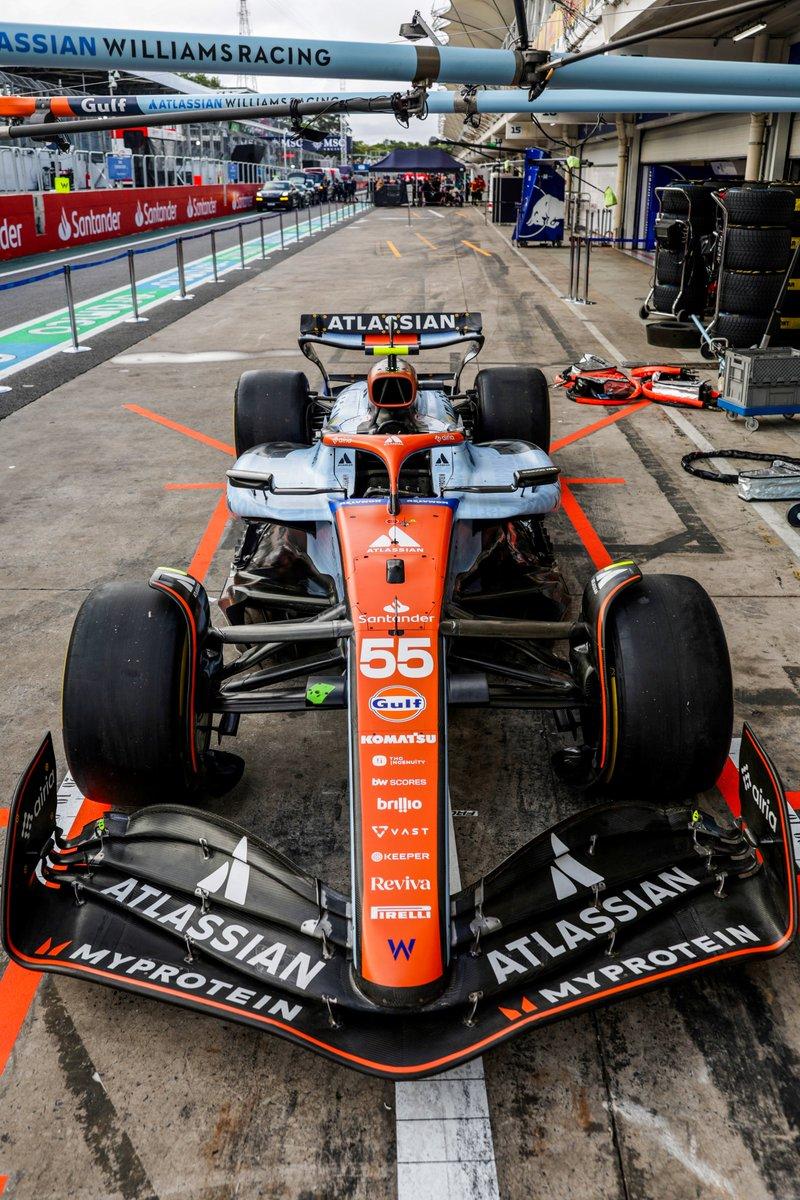
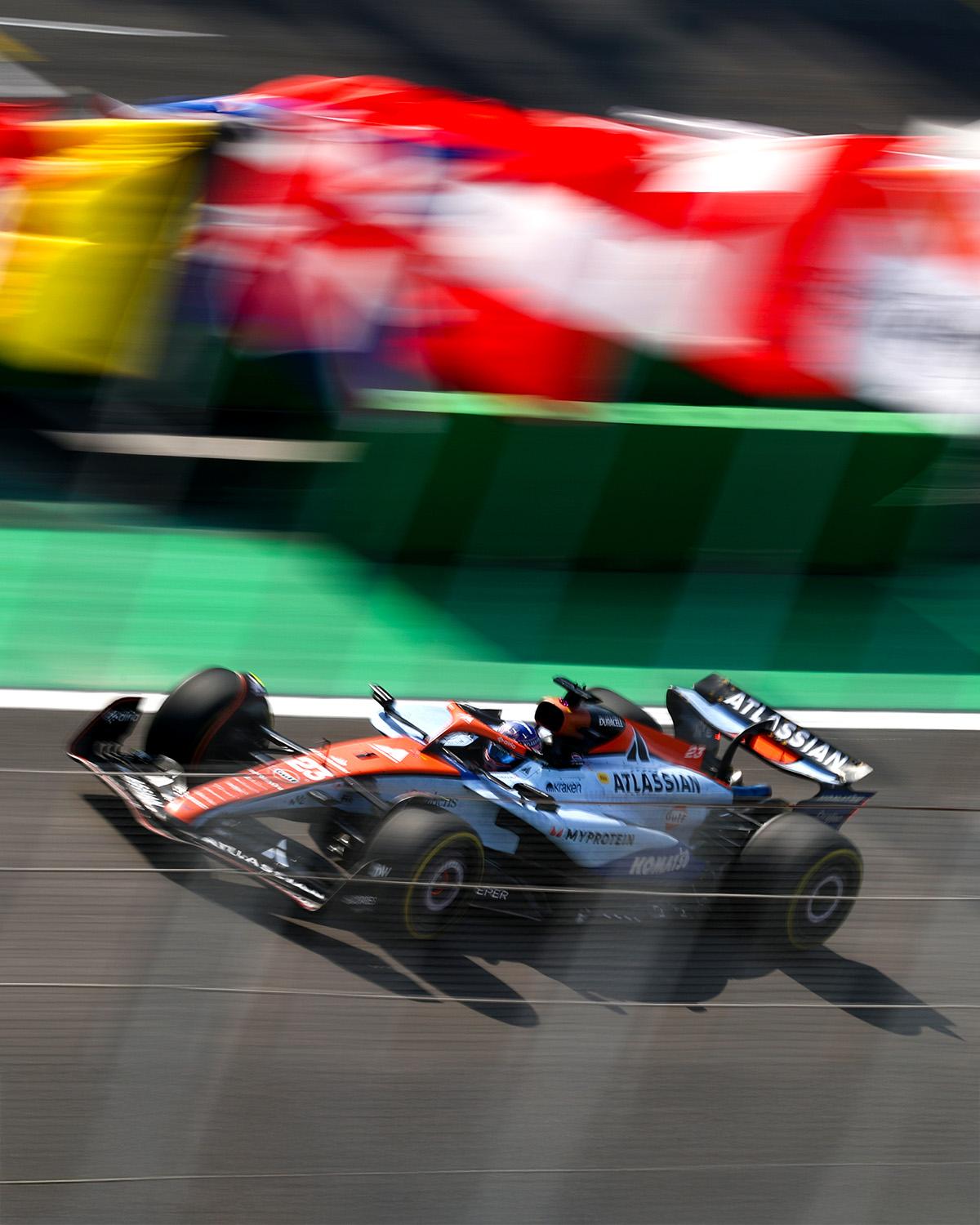
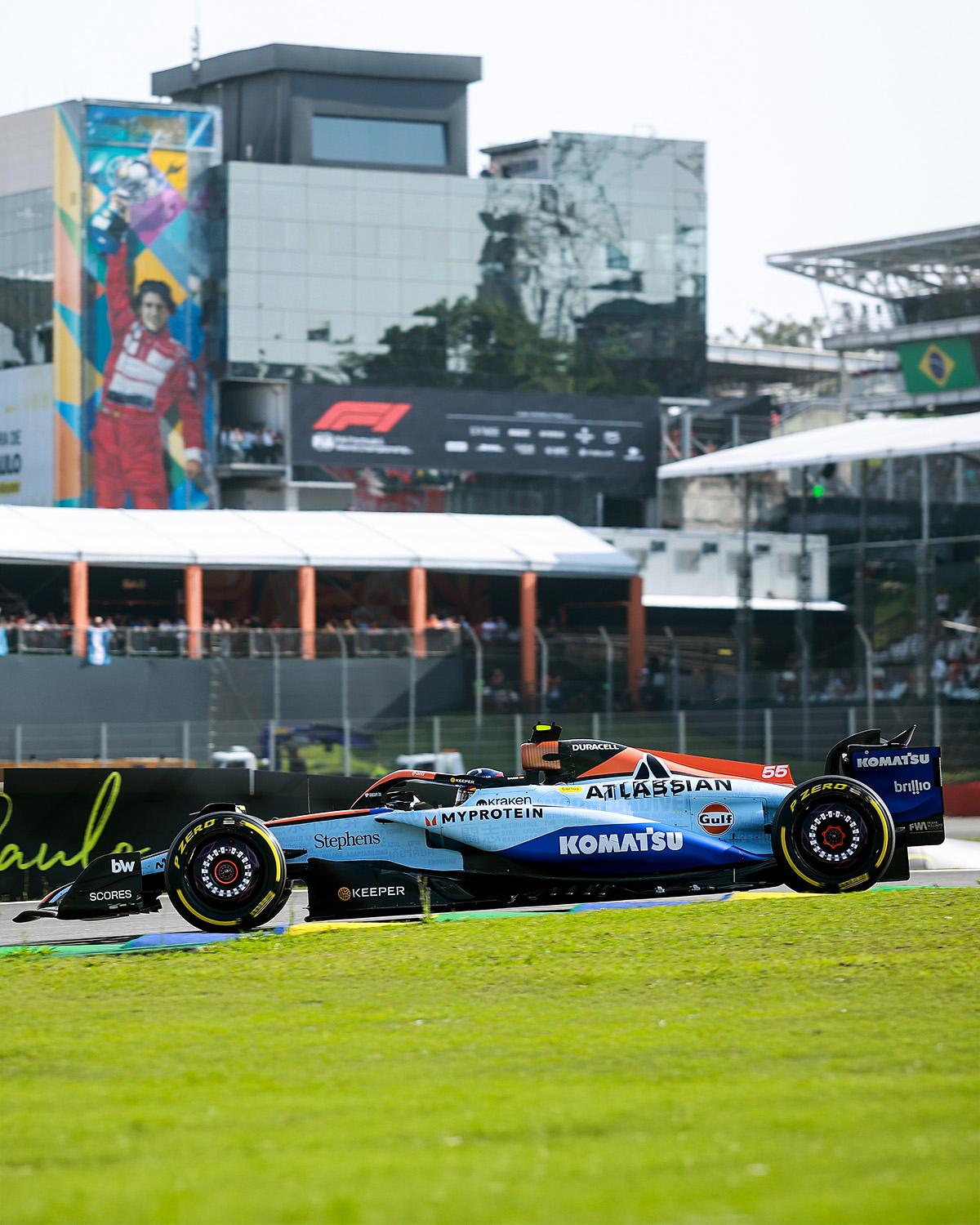
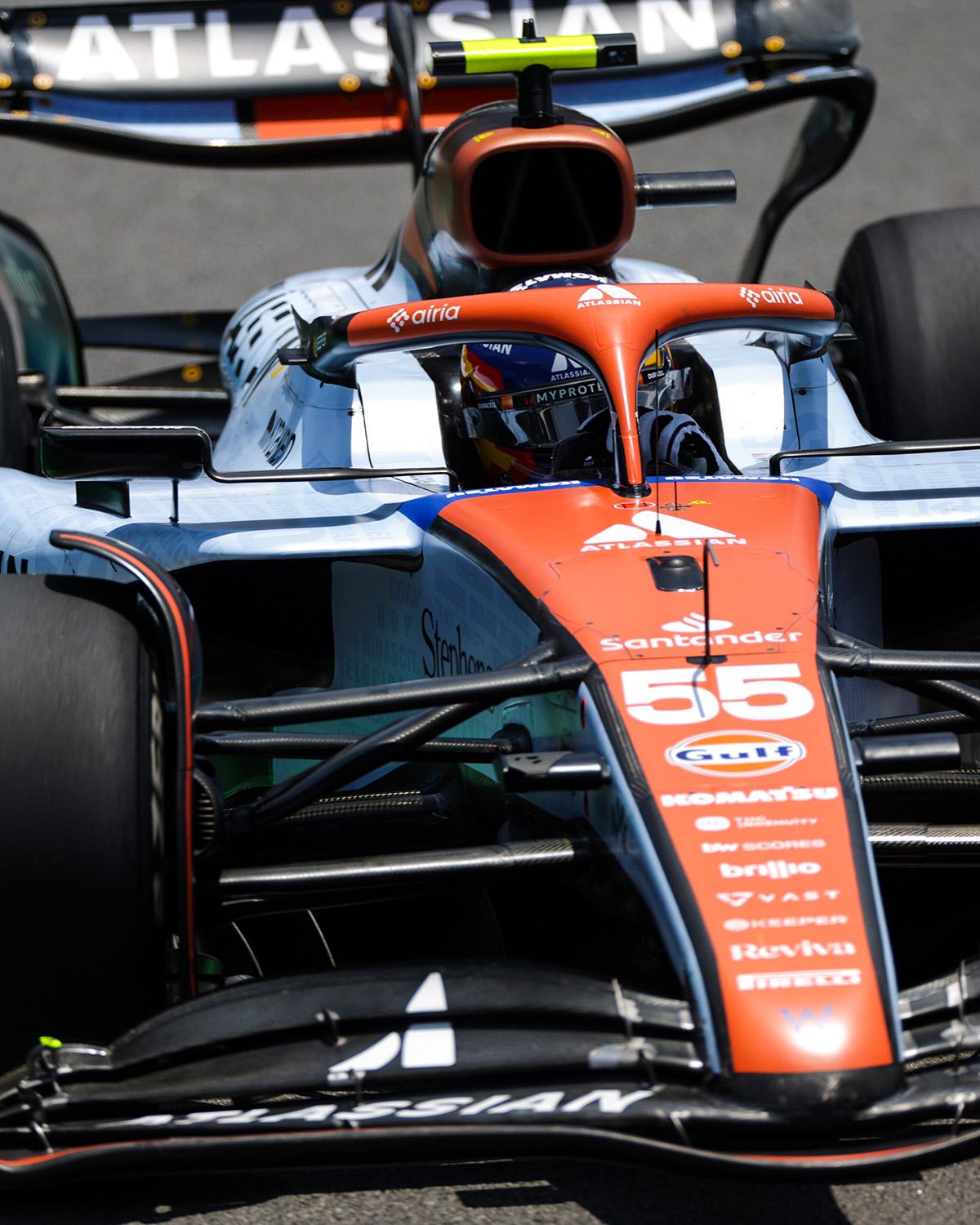
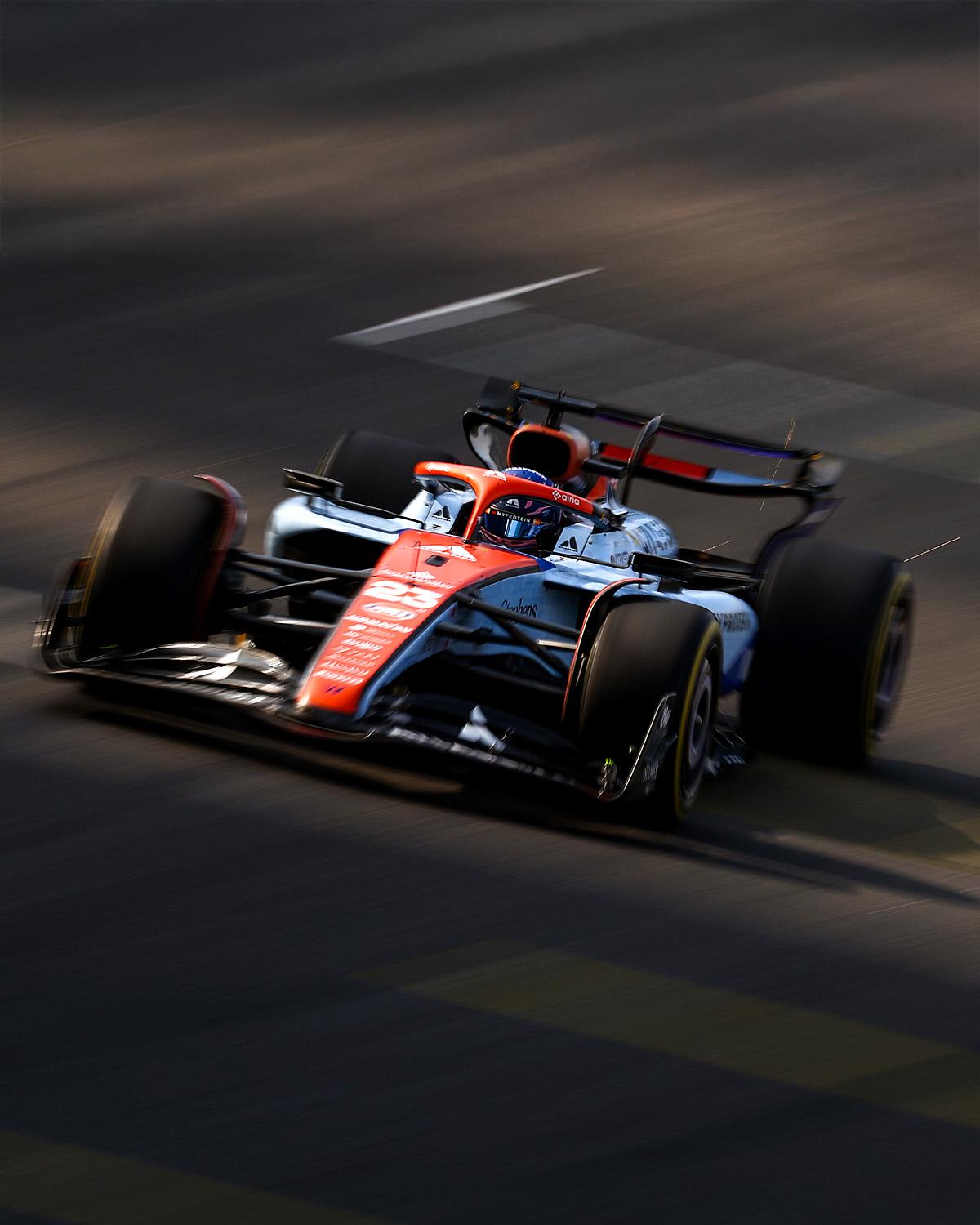
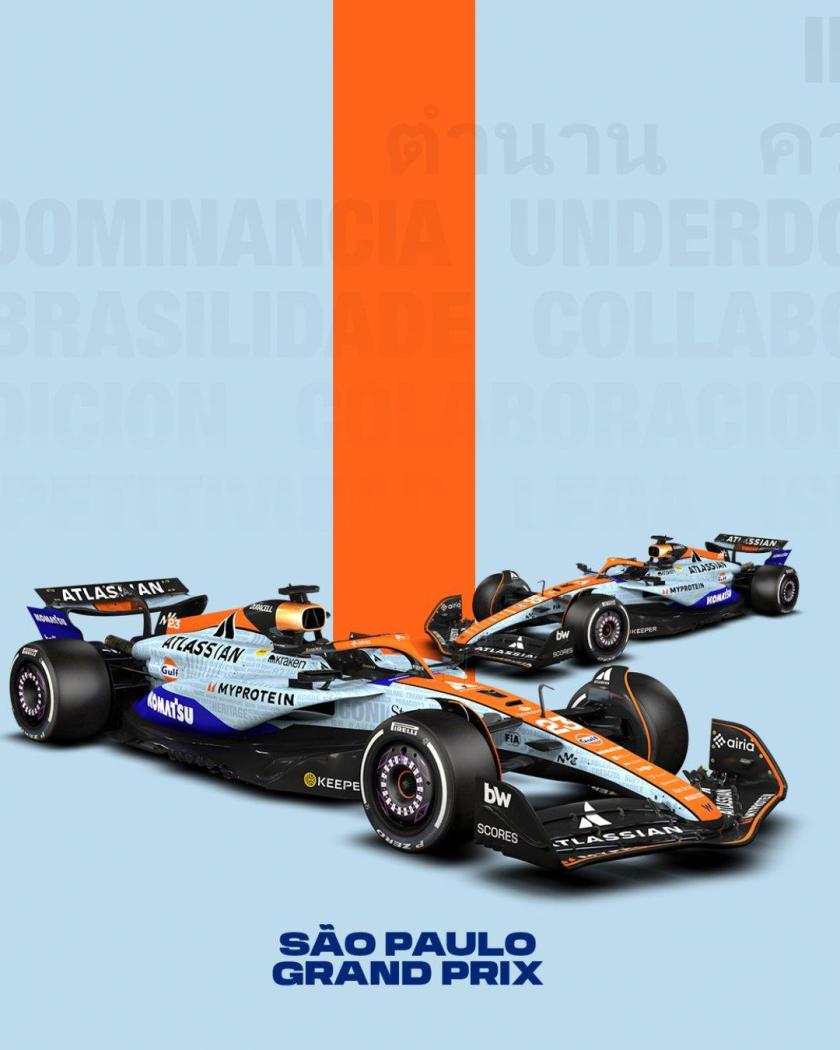
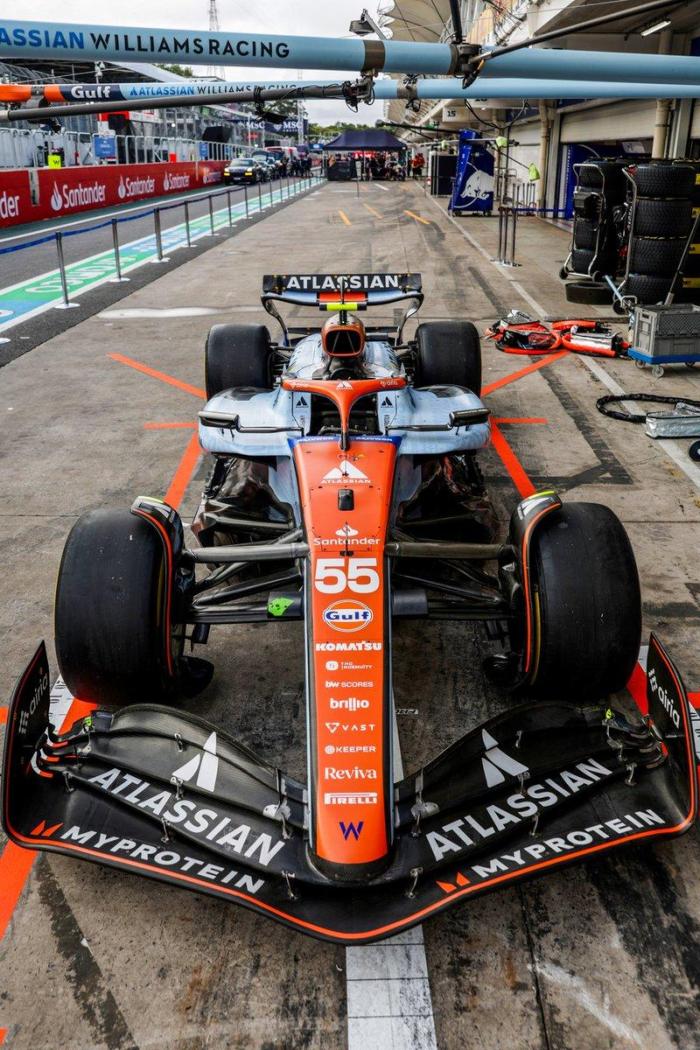
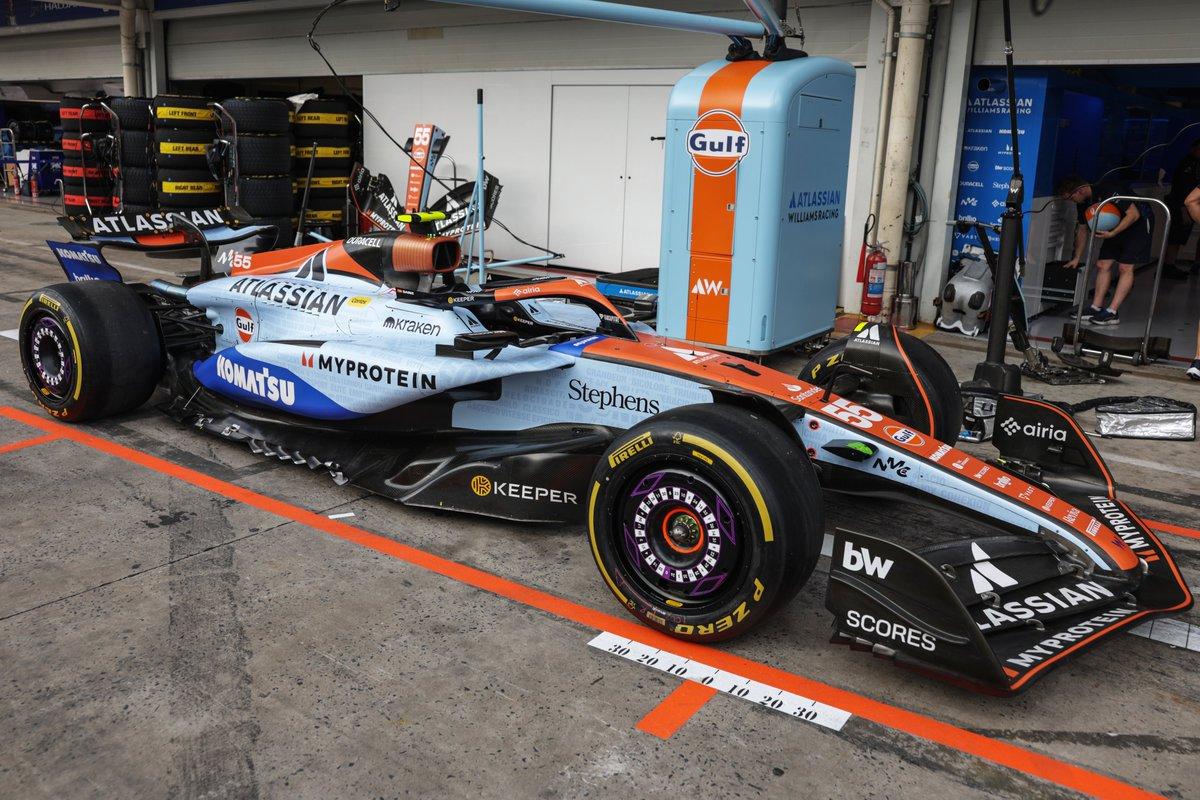
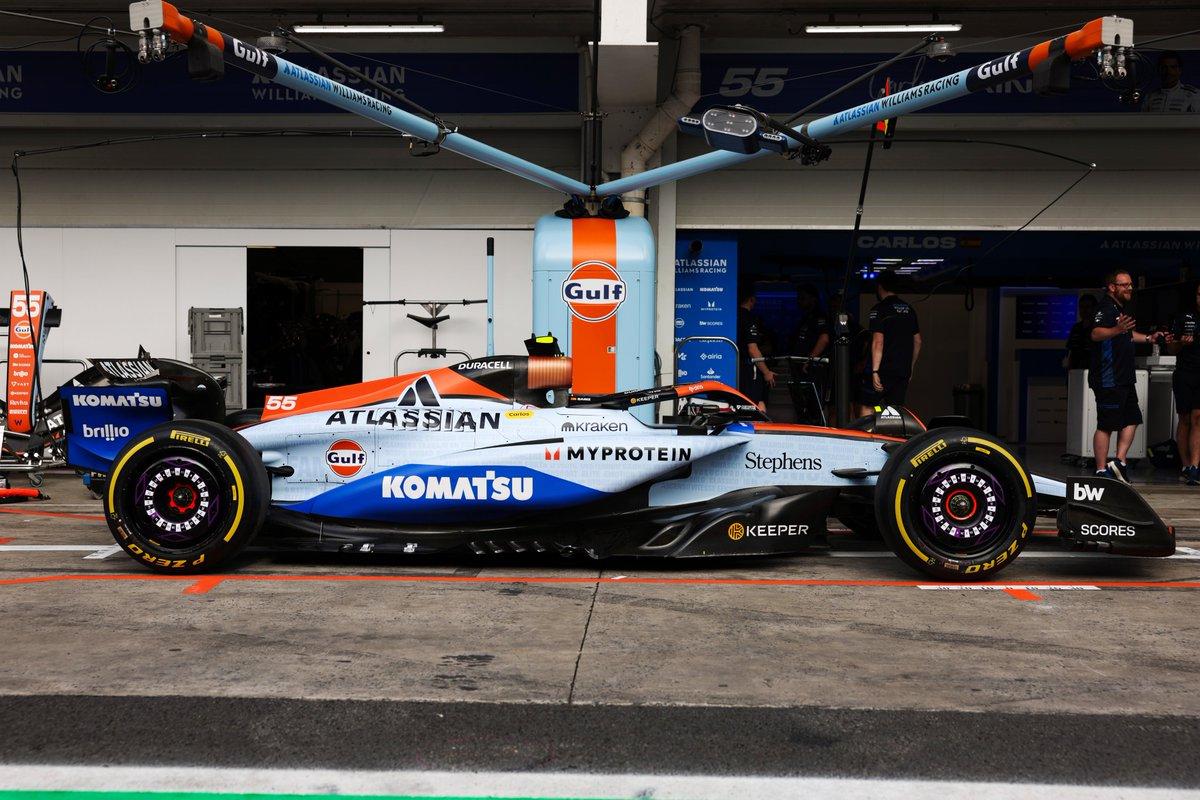
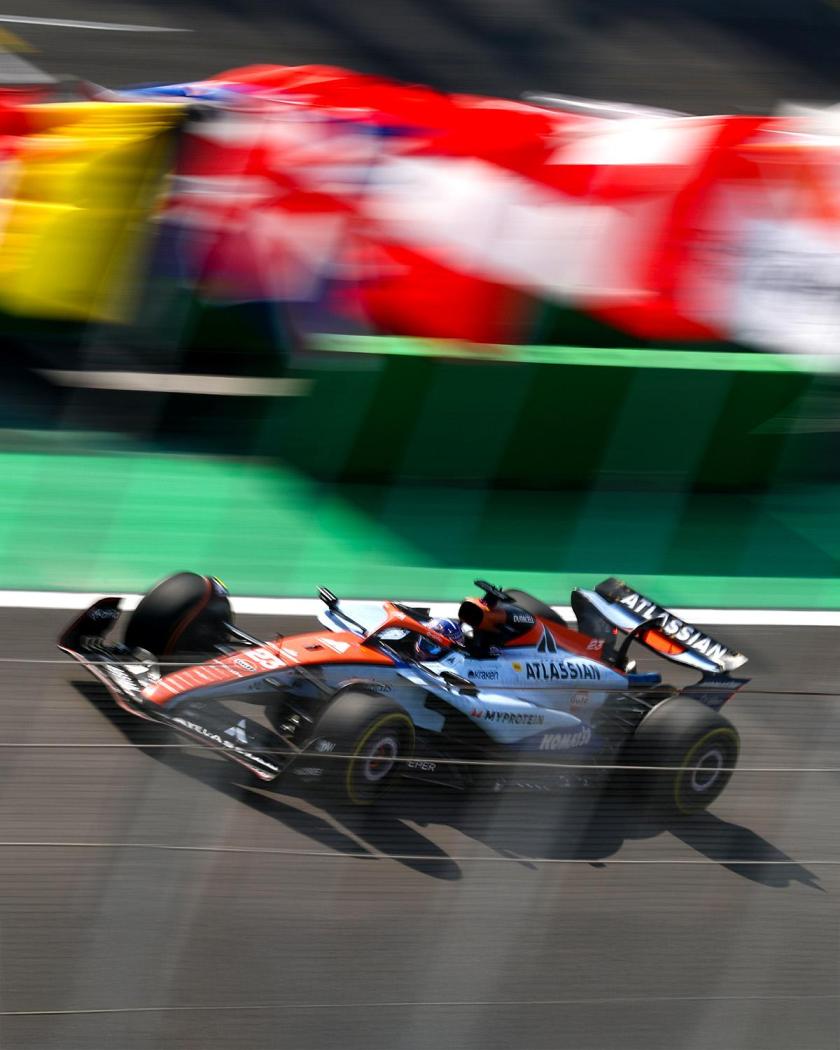
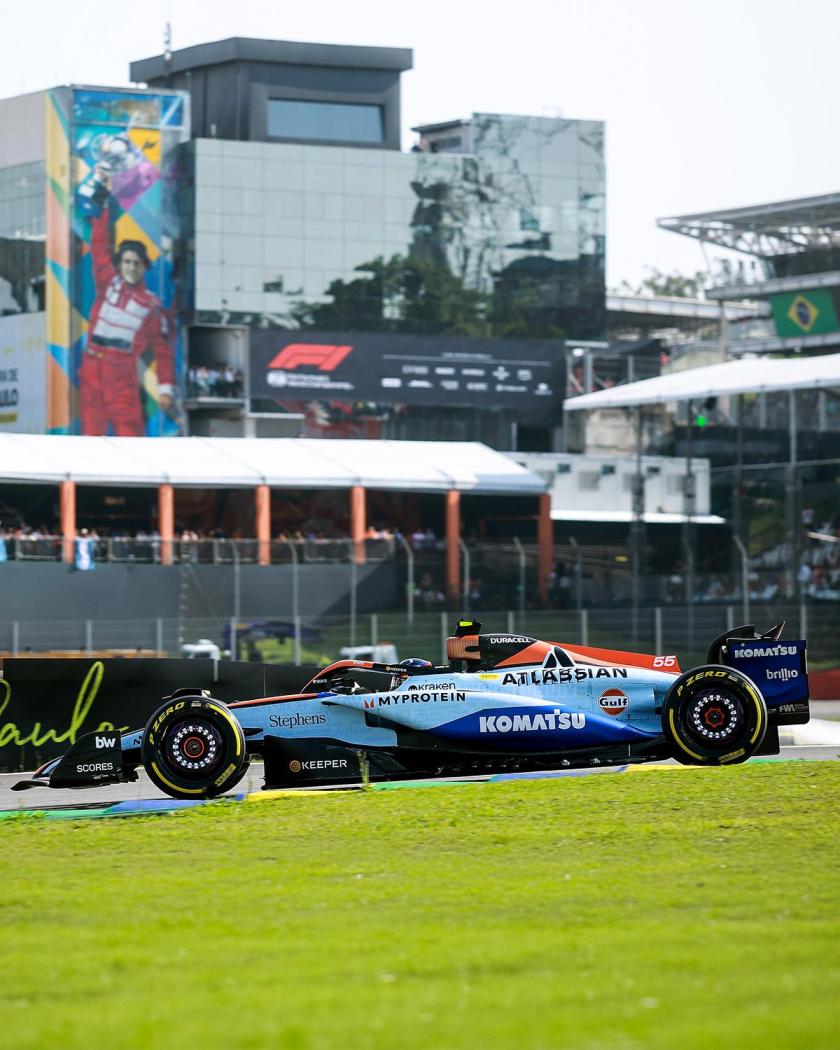
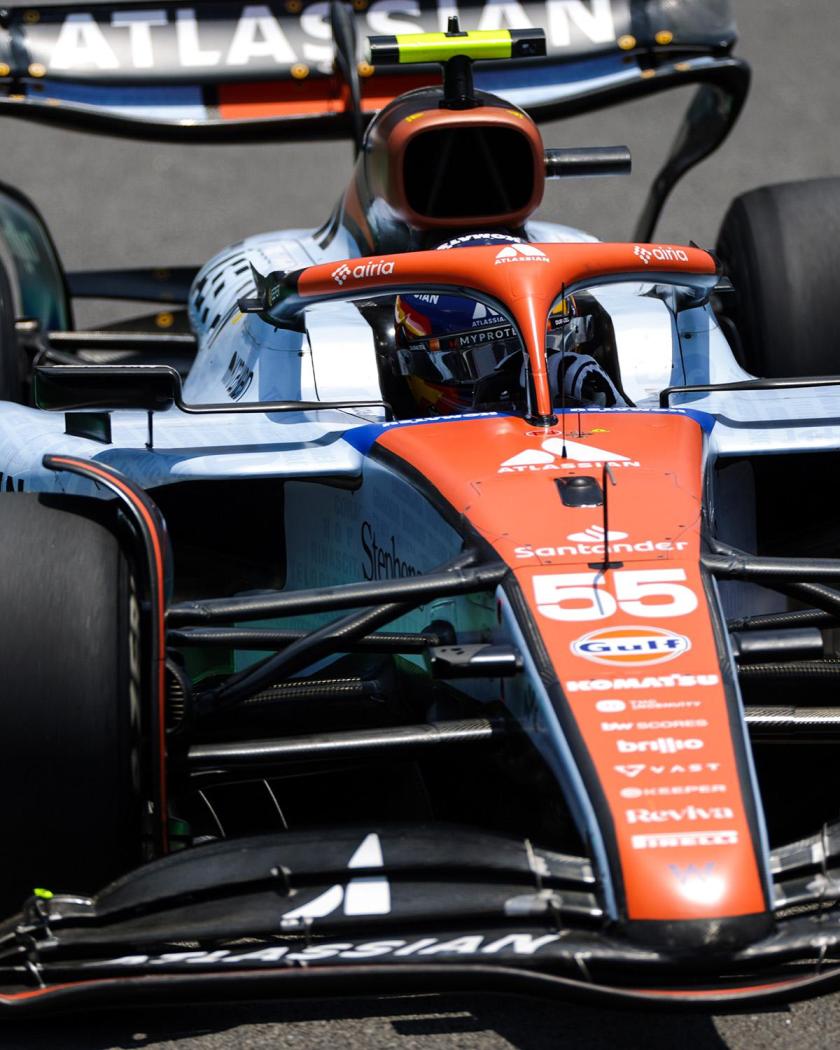
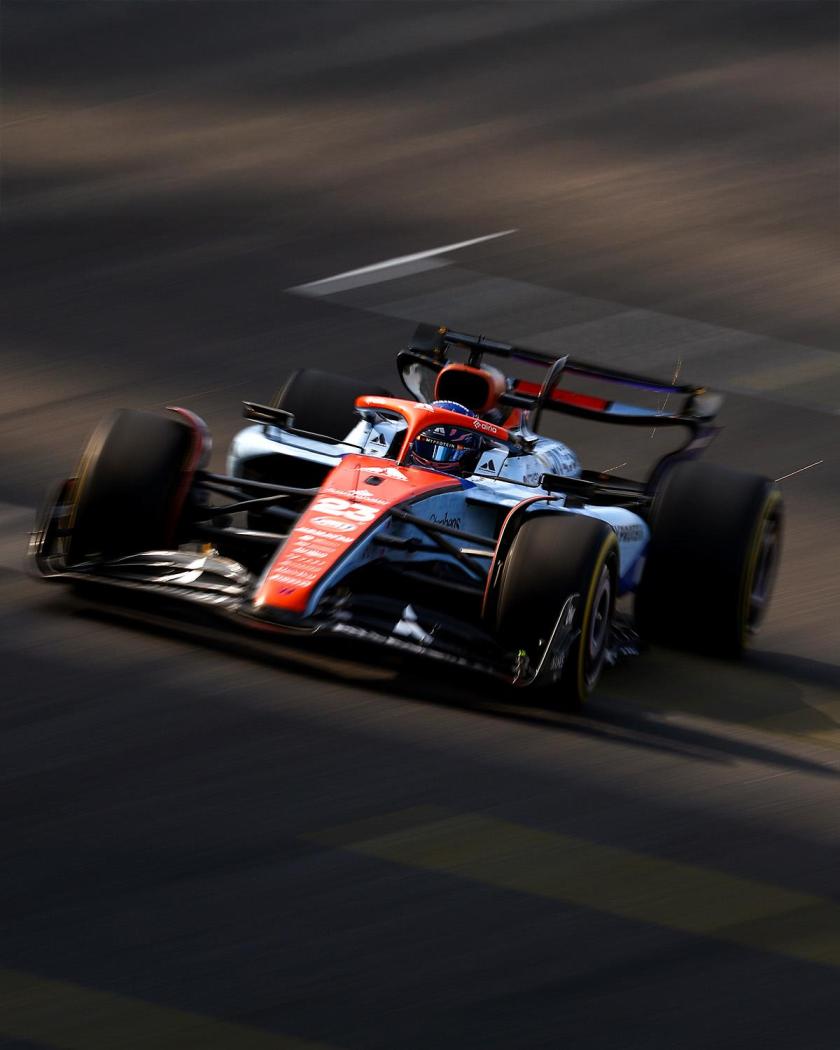
MA QUALCUNO HA AVVISATO IL PRESIDENTE? 😱Io inserirei anche la domanda su chi farà il pit stop più veloce per fare contento il Presidente @AleMcGirIl premio per i pit stop è davvero il suo obiettivo 🤩Incredibile, per una volta sto sul podio al Sondaggione! È proprio vero che il WEC regala gioie! 😍Gara veramente bella! Le Ferrari oltre la sfiga. In tutto questo non posso accettare che Norris possa essere Campione del Mondo prima di Charles 💔Livree Gluf per Williams in Brasile
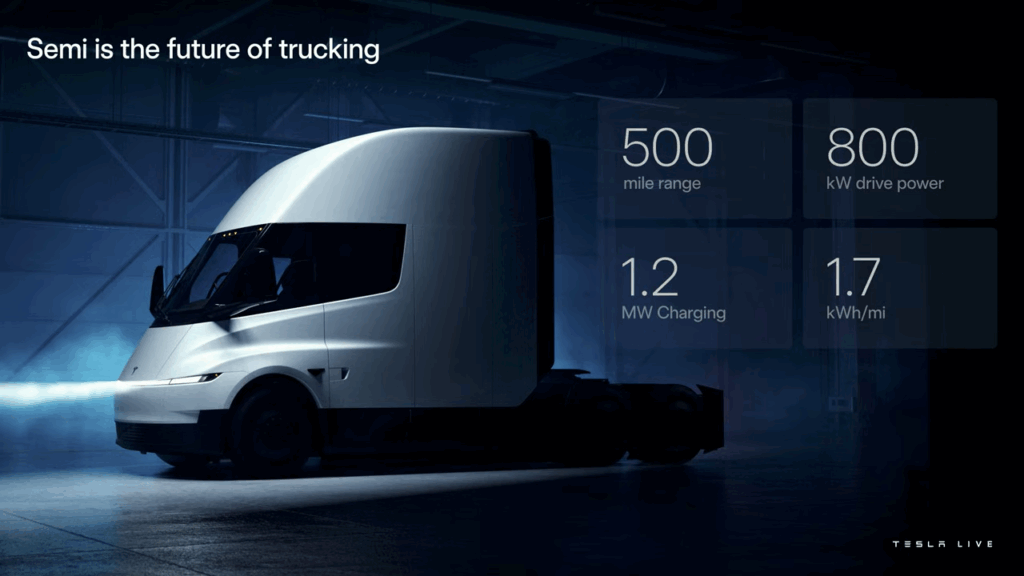
 Nonostante il Semi sia stato presentato ben 7 anni fa fino ad ora le vendite al pubblico ancora non erano state aperte, se non alcune forniture per progetti pilota, e sarebbero dovute partire nel Q1 del 2026. Ecco che quindi per l'occasione si rifà il trucco avvicinandosi più agli stilemi del Cybertruck e della nuova Model Y. Diverse le modifiche tecniche annunciate tra cui l'efficienza che è aumentata a 1,7 kWh per miglio.
 Nuove dichiarazioni di Imparato “Per rendere Maserati attiva bastano 15.000/20.000 auto l’anno – ha spiegato – perciò non ci servono grandi volumi”. Tre pilastri per il rilancioLa nuova fase si fonda su tre assi principali. Primo, prolungare la vita della piattaforma Giorgio, già ammortizzata: “La usiamo per GranTurismo, GranCabrio e Grecale, perciò rimane con noi per i prossimi dieci anni. E possiamo anche accorciarla per fare modelli più compatti. Finché posso usarla, lo farò”, ha detto Imparato. Il secondo pilastro è quello dello sviluppo di software specifici per adattare le vetture ai tre mercati chiave: Europa, America e Cina. Terzo, preservare e aggiornare il V6 Nettuno, “un motore eccezionale” che continuerà a evolversi. L’ibridizzazione è già allo studio, con una decisione sull'effettiva messa in produzione attesa nei prossimi mesi. Ossessione per il cliente, non per i numeriMaserati vuole tornare a parlare il linguaggio del lusso autentico e, come ribadito da Imparato “Non dobbiamo diventare generalisti, ma avere l’ossessione del cliente e della qualità. Un cliente arrabbiato è un cliente perso" Le personalizzazioni, centrali nel progetto BottegaFuoriserie, sono fondamentali per aumentare la marginalità, mentre i concessionari saranno chiamati a un nuovo ruolo: “Dovranno esporre le auto imposte da Modena, affinché possiamo comunicare con coerenza – ha aggiunto il COO Santo Ficili – e non avremo più stock, perché ogni Maserati dovrà essere costruita su misura”. Ciò servirà anche a far aumentare il valore residuo delle auto, scoglio che oggi può spaventare i clienti. Per lo stesso motivo, nel 2026 nascerà il programma Maserati Approved. “I nostri clienti non perdonano errori – ha detto Imparato – ma questa squadra sa come portare Maserati ai livelli di profittabilità attesi”. L’obiettivo è tornare in utile entro due o tre anni, con un incremento del valore residuo del 5% grazie anche al già citato programma Maserati Approved. Nuova Maserati Quattroporte e le novità 2026La nuova Maserati Quattroporte è già in fase avanzata di pianificazione. “Ne parleremo a inizio 2026, ma stiamo valutando anche nuove categorie di prodotto. Non faremo solo SUV: vogliamo far sognare, non fare ciò che fanno gli altri”, ha assicurato Imparato, che anticipa anche che i prossimi modelli sono già disegnati. Elettrico sì, ma con realismo“La transizione elettrica non sta avvenendo nei tempi previsti – ha commentato Ficili – ma oggi possiamo soddisfare le richieste dei clienti continuando a migliorare il V6”. Imparato ha chiuso con pragmatismo: “Dobbiamo rispettare Bruxelles, ma l’ultima parola ce l’ha sempre il mercato”. Motor1.comImparato:Il CEO Maserati anticipa le strategia della Casa modenese. Circa 15.000 auto all'anno per tornare in attivo. E si parla della nuova QuattroporteAlcune dichiarazioni di Imparato a seguito dell'evento di BottegaFuoriserie: LUNGA VITA A GIORGIO“Senza Giorgio, non c’è futuro per la Maserati”. La chiama per nome, il neo amministratore delegato della casa del tridente, Jean-Philippe Imparato, con un affetto che di solito non verrebbe da riservare a un insieme di lamiere stampate, ma che sottolinea l’importanza della piattaforma sulla quale poggiano le attuali Maserati Grecale, GranTurismo e GranCabrio “La Giulia e la Stelvio sarebbero dovute uscire di produzione nel 2025, ma l’Alfa Romeo ha lavorato e investito tanto per aggiornarle alla normativa Euro 7 e poterle vendere fino al 2027”, ha detto il manager francese al termine della conferenza stampa di presentazione del programma Bottega Fuoriserie. “Ma grazie alla tecnologia ibrida, la piattaforma Giorgio potrebbe arrivare anche fino al 2032, forse fino al 2035, se si riuscirà a mettere bene a punto il nuovo software”. “Giorgio è una piattaforma che apre a un sacco di opportunità. Per noi è un asset fondamentale” ha ribadito Imparato. “Allungarle la vita significa equivale a poter fare bene tutte le cose che abbiamo in programma di fare, oltre che dare soddisfazione ai nostri clienti. Senza Giorgio, non sarebbe possibile l’obiettivo che ci siamo dati per riportare in utile la Maserati: 100-200 supercar all’anno e quattro auto personalizzate dalla Bottega Fuoriserie ogni 10 vendute”. “La piattaforma Giorgio potrebbe arrivare fino al 2035”Secondo il ceo della Maserati, l’attuale piattaforma della Grecale potrebbe essere impiegata, se aggiornata, per altri per altri dieci anni.