





andrea.bello
Utente Registrato
-
Iscritto il
-
Ultima visita
Tutti i contenuti di andrea.bello
-
-
-
-
-
-
-
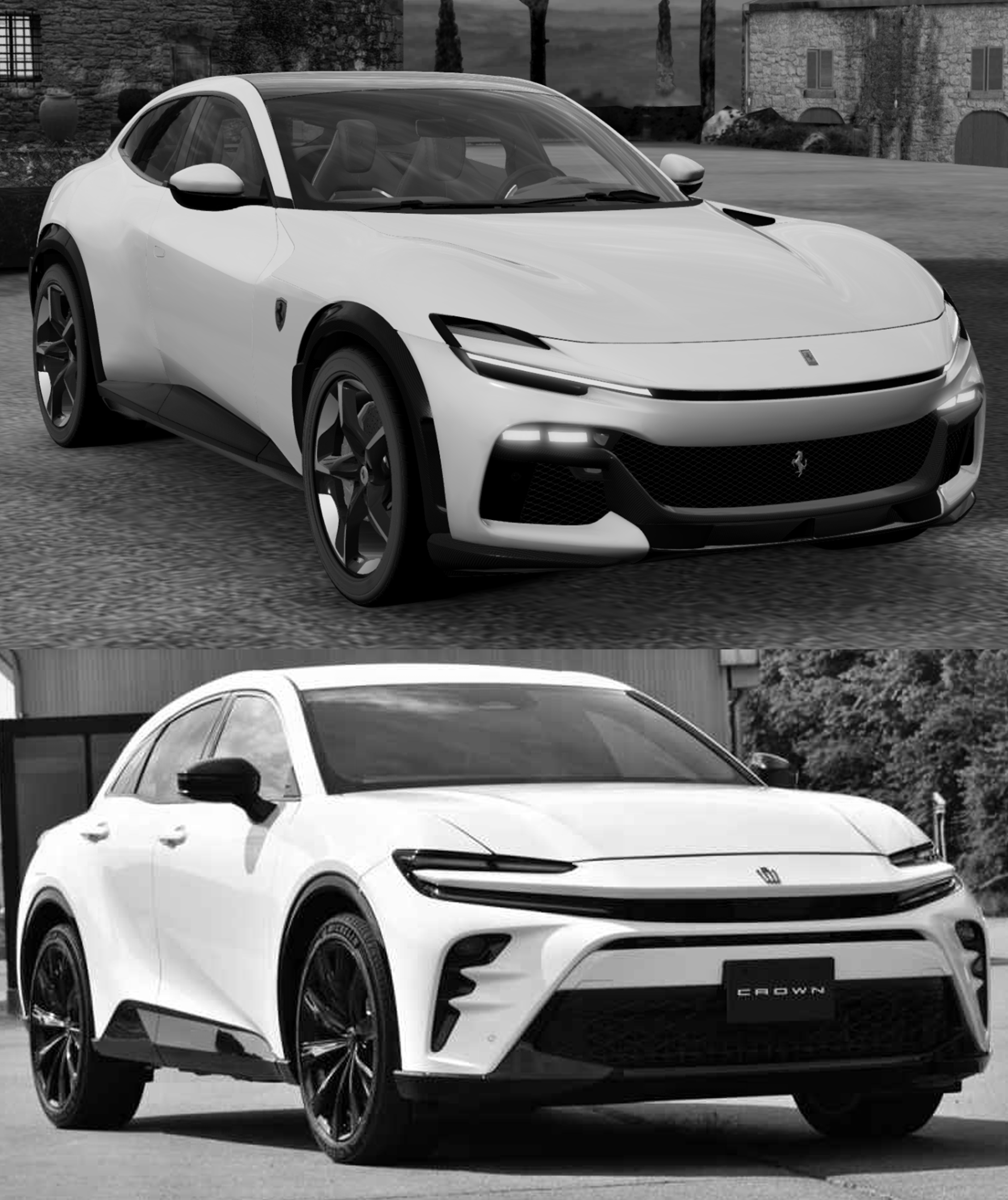
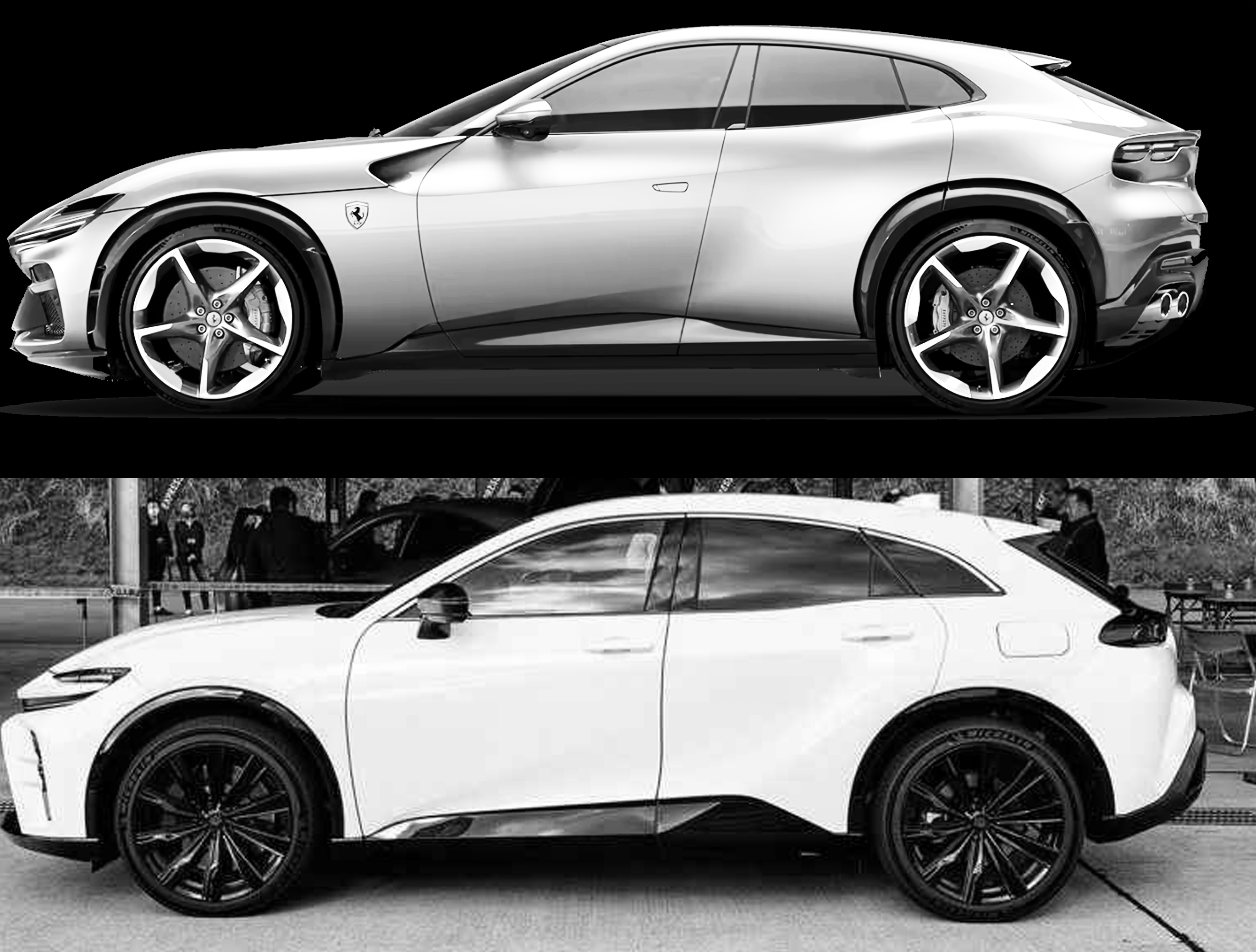
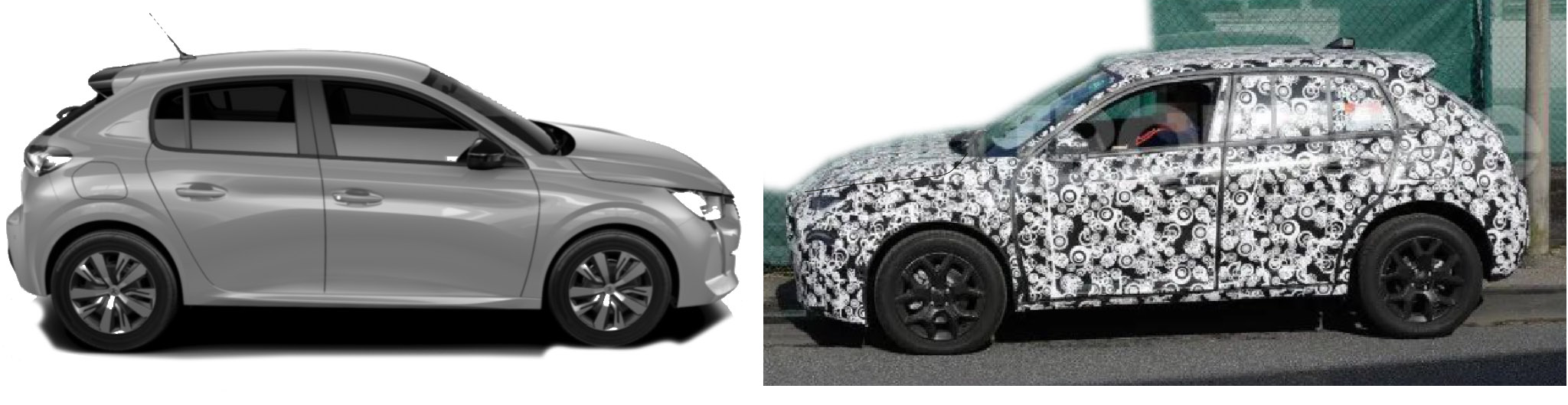
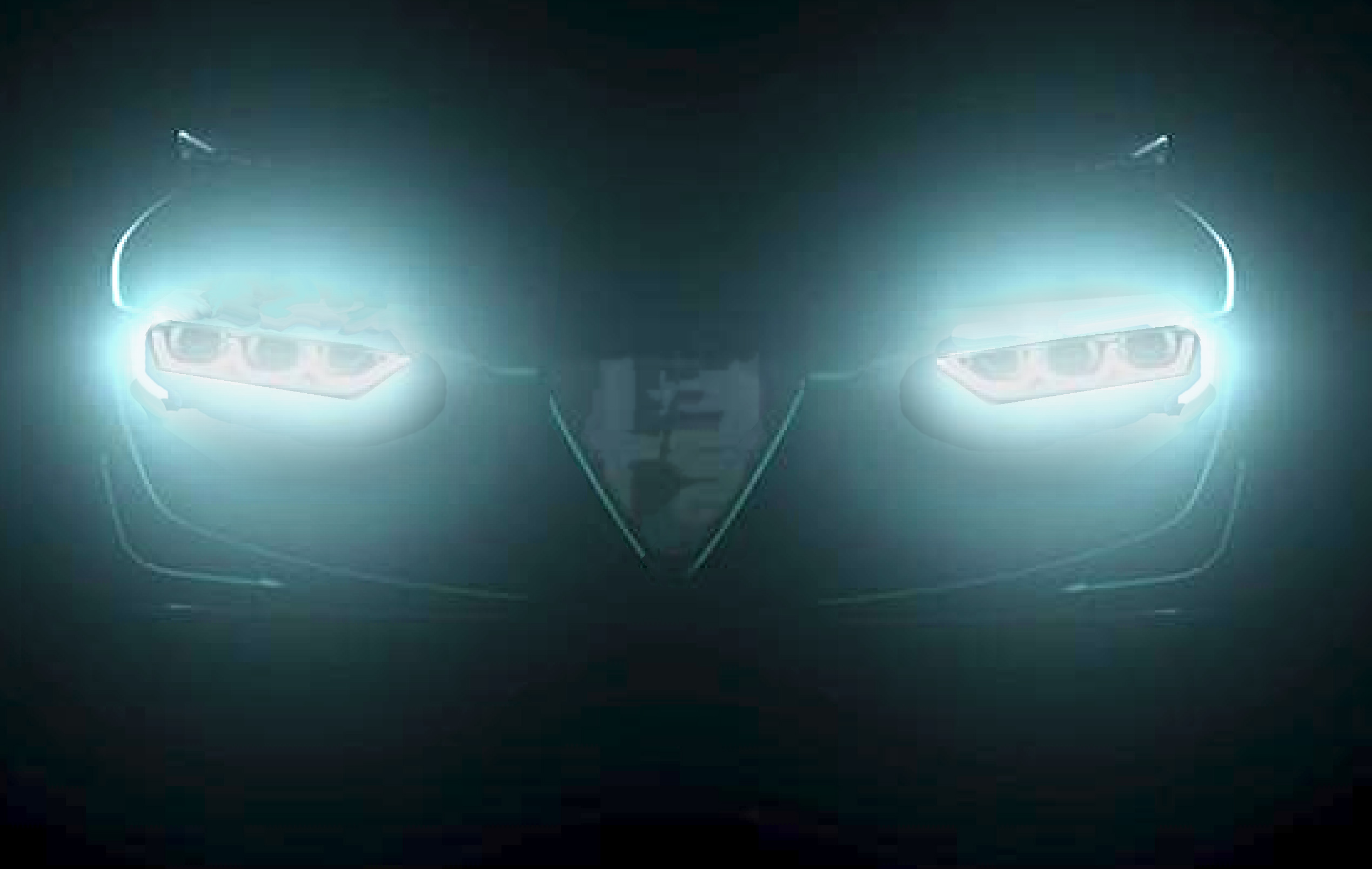
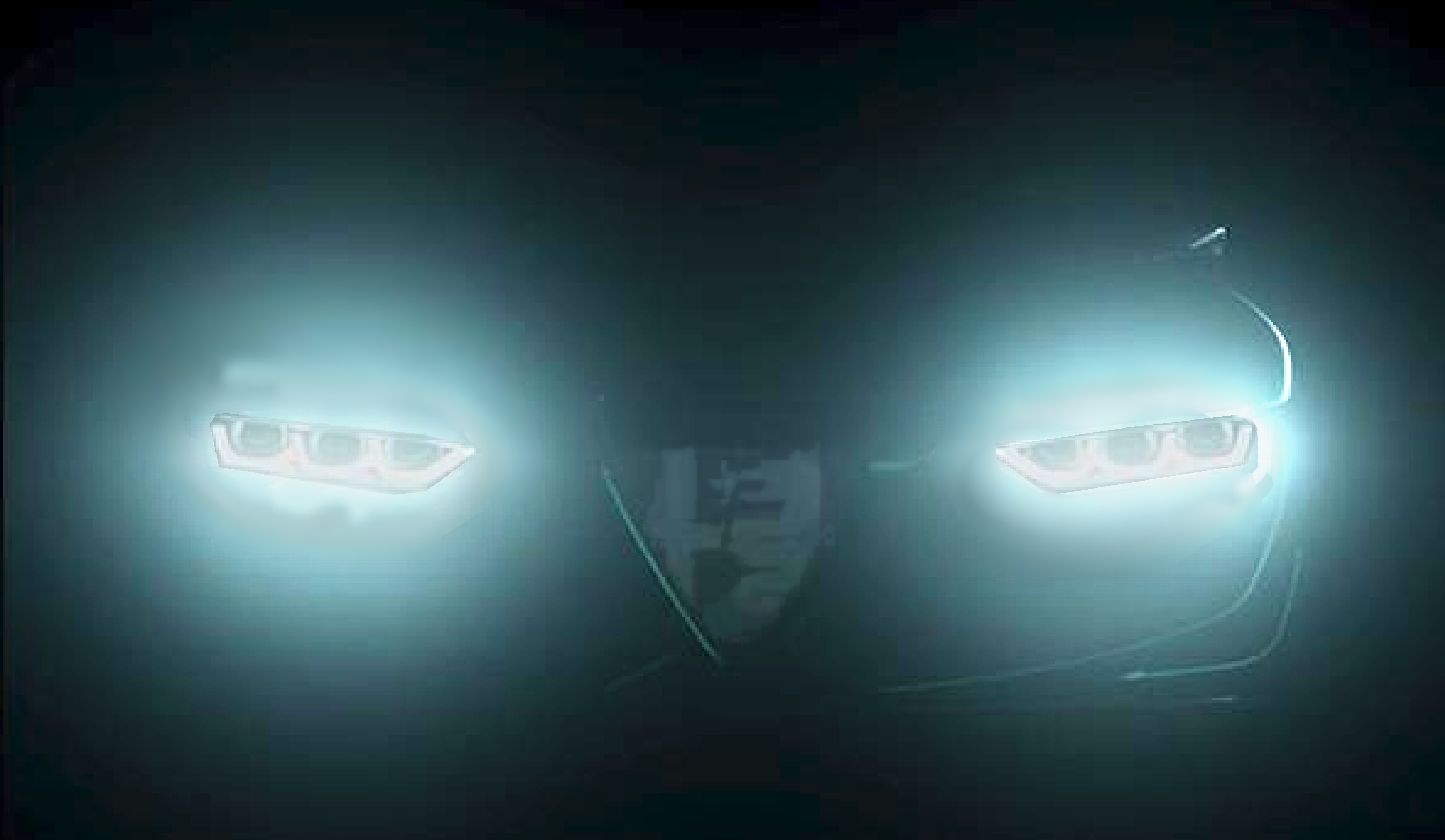
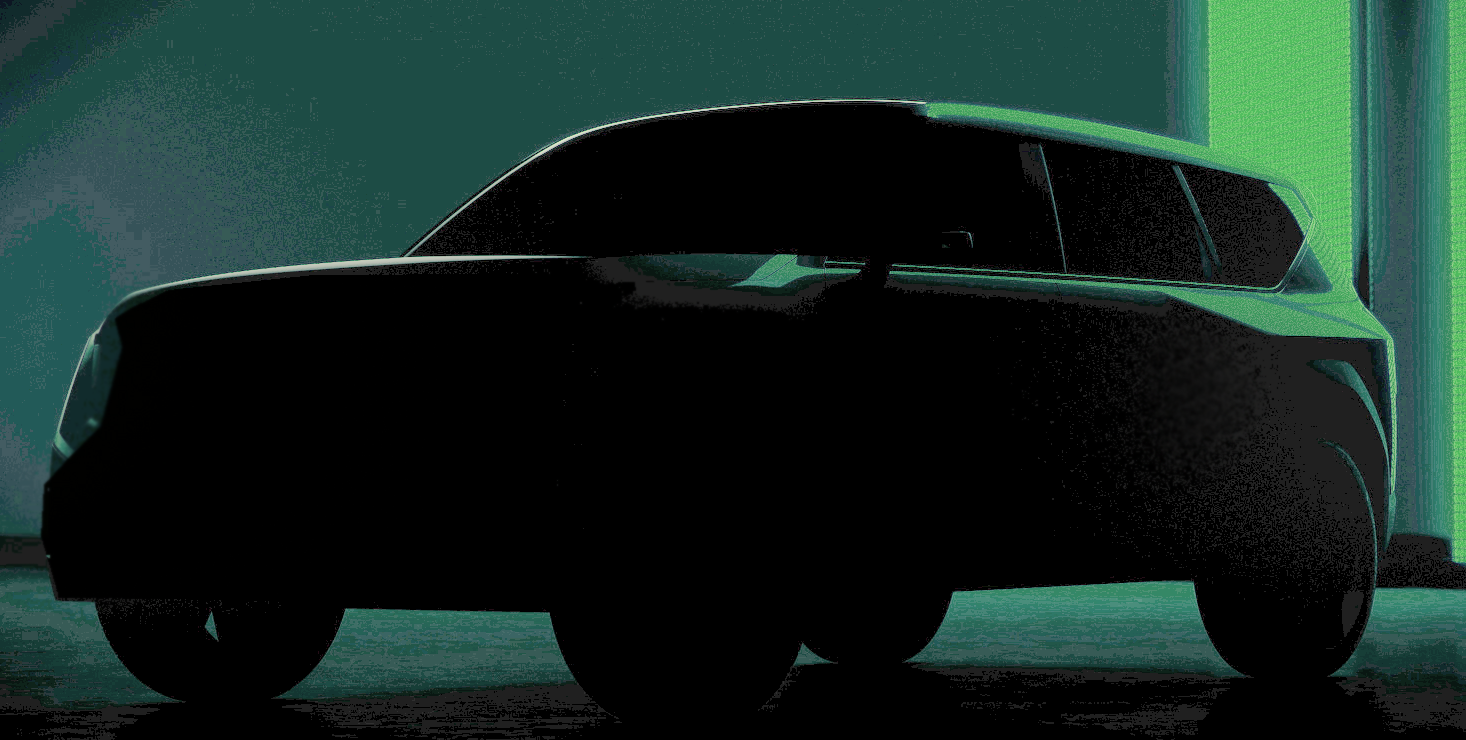
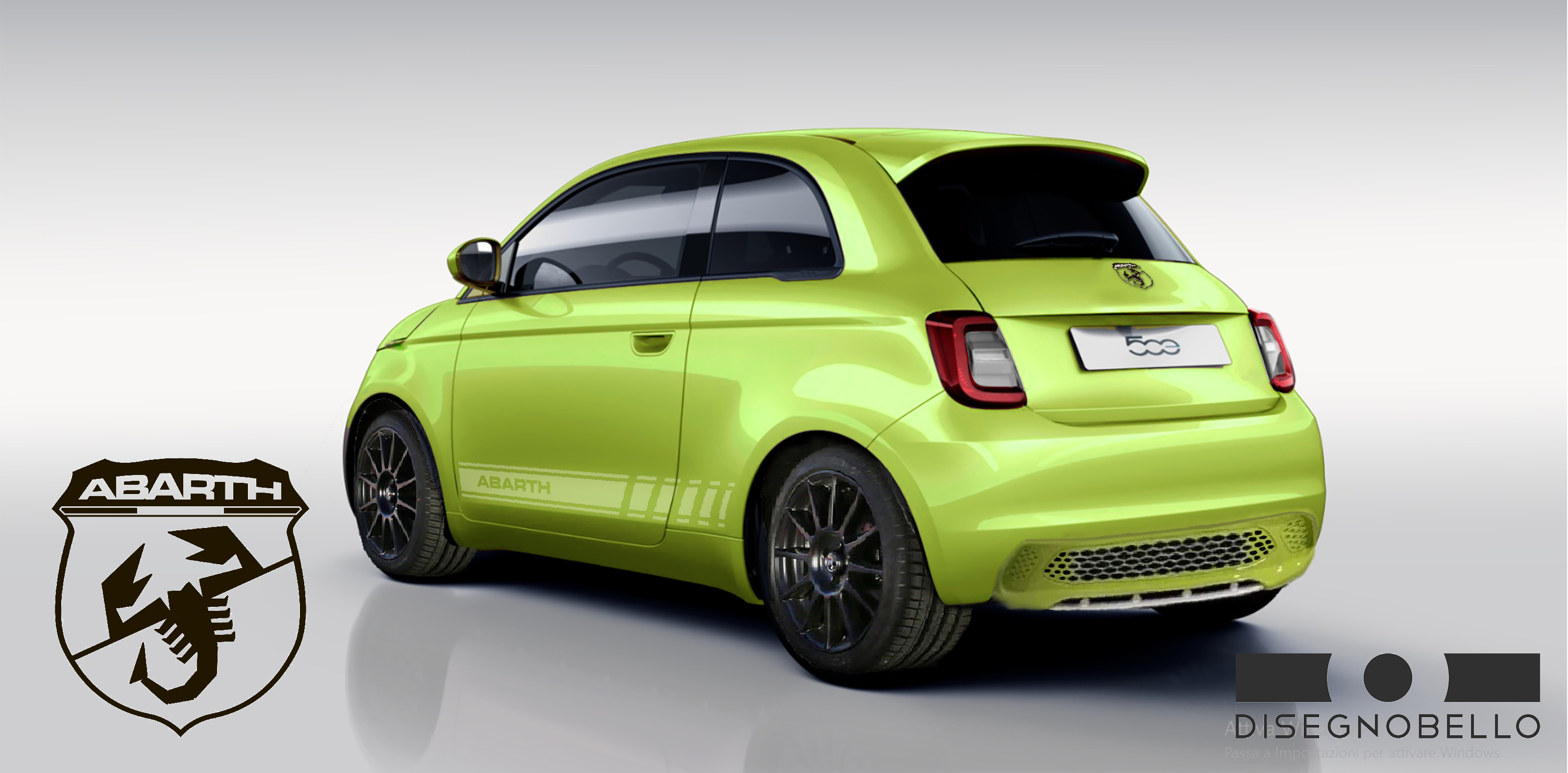
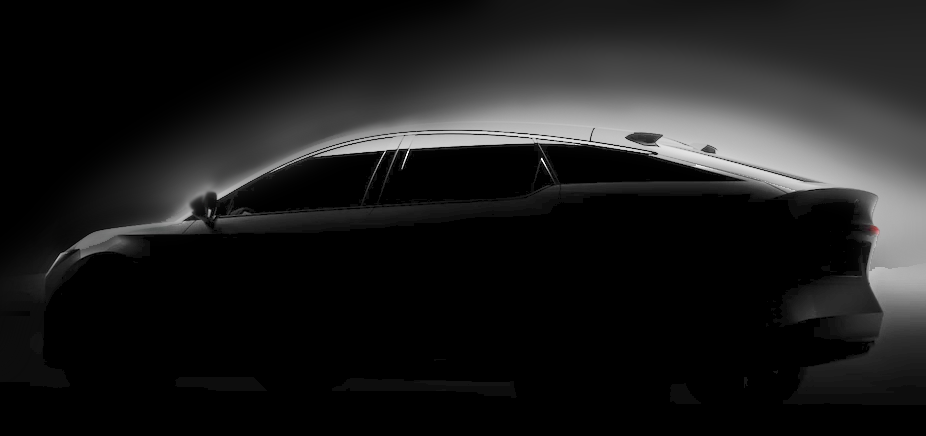
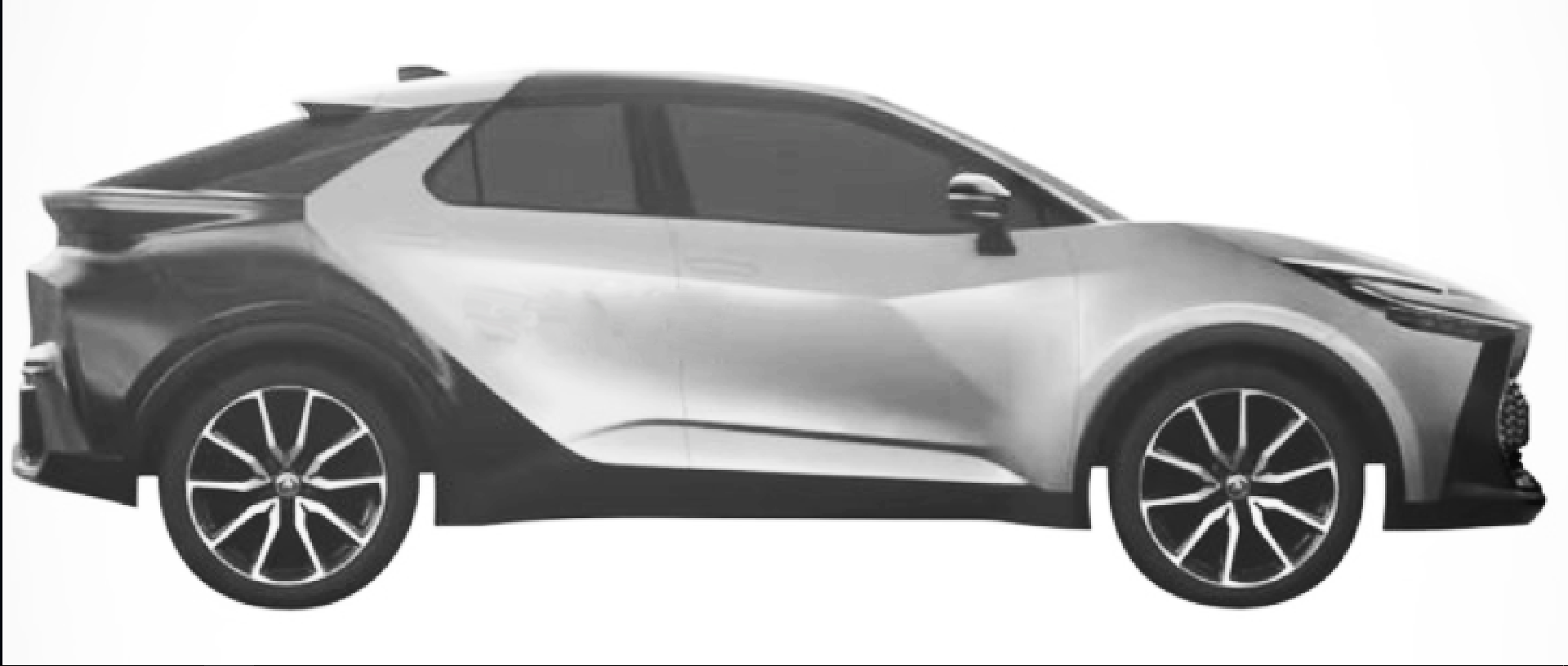
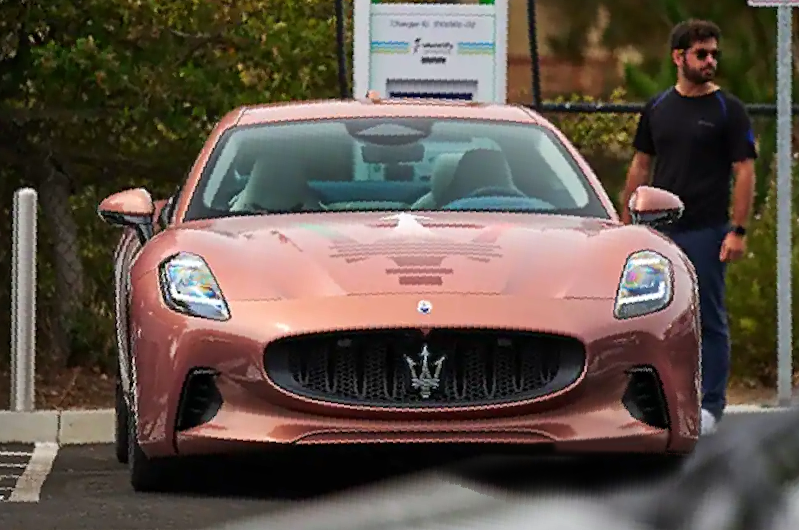
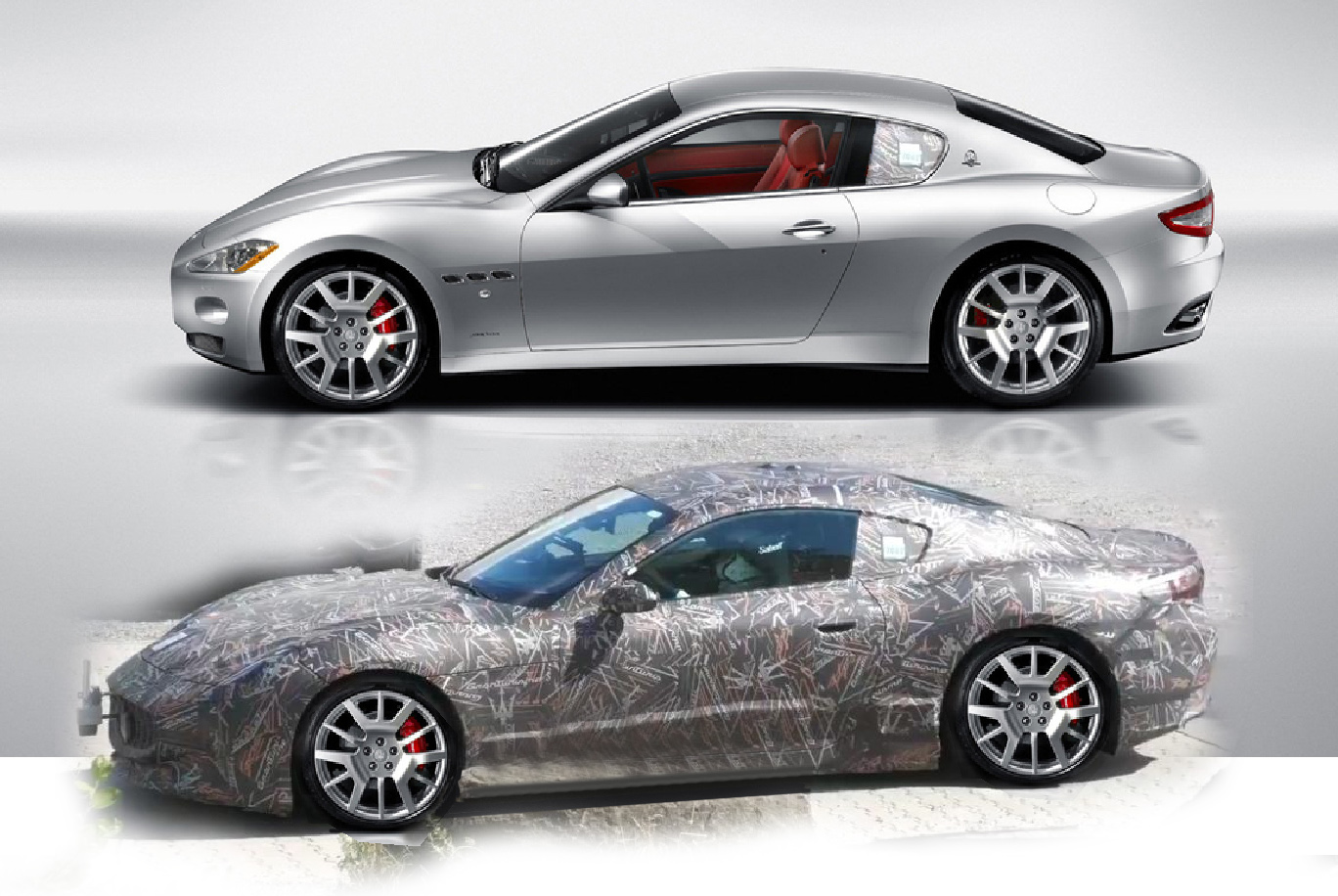
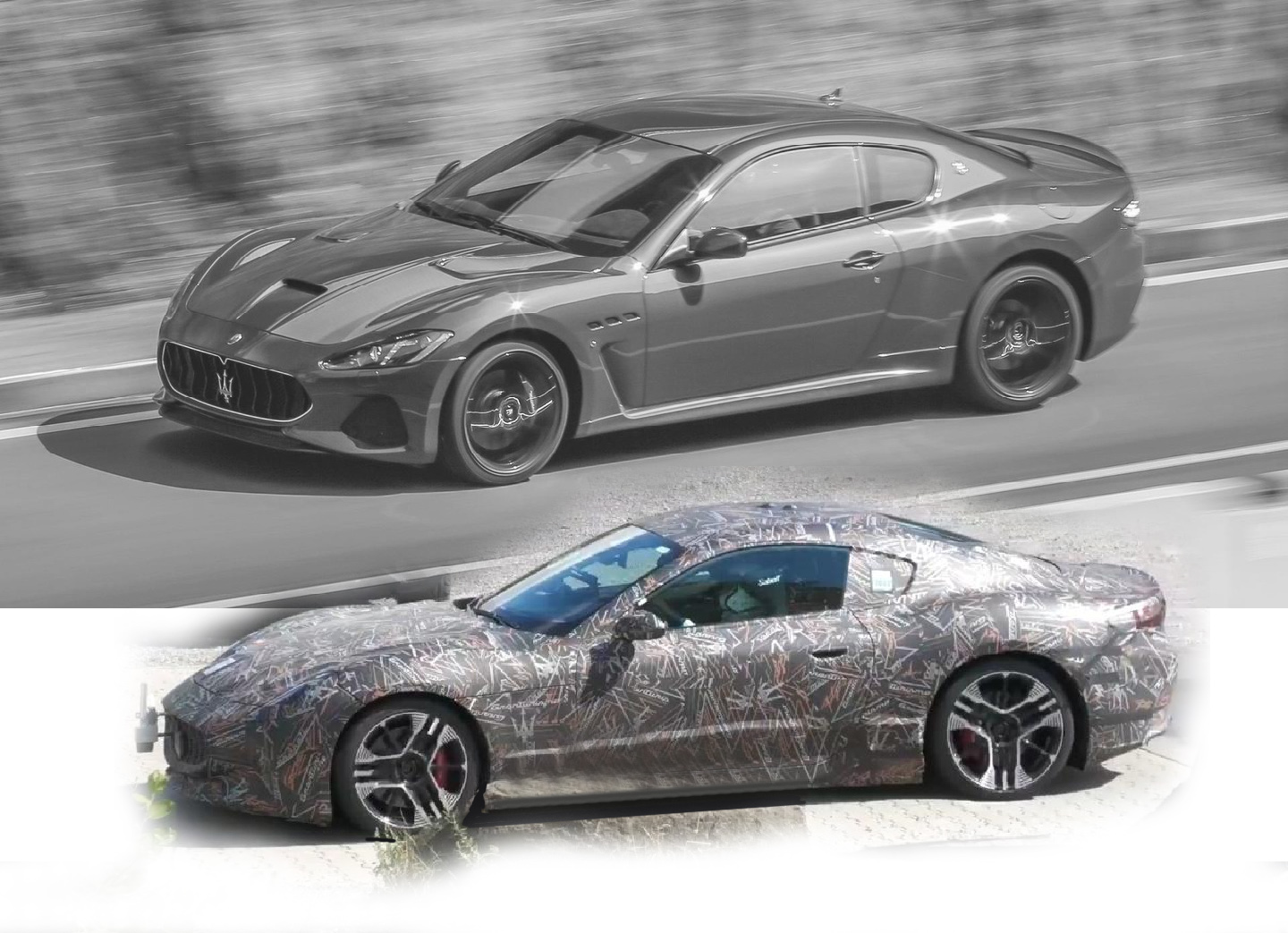
è l'immagine "anteprima" della KIA, semplicemente l'ho schiarita" la montagna ha partorito il topolino." Il tread del restyling aveva oltre 180 pagine di commenti. direi che la delusione è palpabileRingrazio lo staff. Se guardate il mio profilo, ho pubblicato 335 contenuti in 18 anni senza mai infrazioni: non sono un troll! il mio penultimo post conteneva un'affermazione (non hanno cambiato i lamierati) sbagliata. Volevo correggerlo, ma nel frattempo molti utenti mi avevano citato; ne ho quindi creato uno nuovo (dove parlo di "parentela stilistica")prezzaccio!








Account
Navigation
Cerca
Configure browser push notifications
Chrome (Android)
- Tap the lock icon next to the address bar.
- Tap Permissions → Notifications.
- Adjust your preference.
Chrome (Desktop)
- Click the padlock icon in the address bar.
- Select Site settings.
- Find Notifications and adjust your preference.
Safari (iOS 16.4+)
- Ensure the site is installed via Add to Home Screen.
- Open Settings App → Notifications.
- Find your app name and adjust your preference.
Safari (macOS)
- Go to Safari → Preferences.
- Click the Websites tab.
- Select Notifications in the sidebar.
- Find this website and adjust your preference.
Edge (Android)
- Tap the lock icon next to the address bar.
- Tap Permissions.
- Find Notifications and adjust your preference.
Edge (Desktop)
- Click the padlock icon in the address bar.
- Click Permissions for this site.
- Find Notifications and adjust your preference.
Firefox (Android)
- Go to Settings → Site permissions.
- Tap Notifications.
- Find this site in the list and adjust your preference.
Firefox (Desktop)
- Open Firefox Settings.
- Search for Notifications.
- Find this site in the list and adjust your preference.