





andrea.bello
Utente Registrato
-
Iscritto il
-
Ultima visita
Tutti i contenuti di andrea.bello
-
-
-
-
-
la 127 !
- 35 risposte
-
- auto in arrivo
- concept
- foto nuove auto
- foto ufficiali
-
Taggato come:
- auto in arrivo
- concept
- foto nuove auto
- foto ufficiali
- francoforte
- francoforte 2017
- honda
- honda concept
- honda urban ev
- honda urban ev concept
- honda urban ev concept 2017
- iaa
- iaa 2017
- novità auto
- nuove auto
- presentazioni auto
- presentazioni auto ufficiali
- topic ufficiale
- ufficiale
- urban ev
- urban ev concept
- urban ev concept 2017
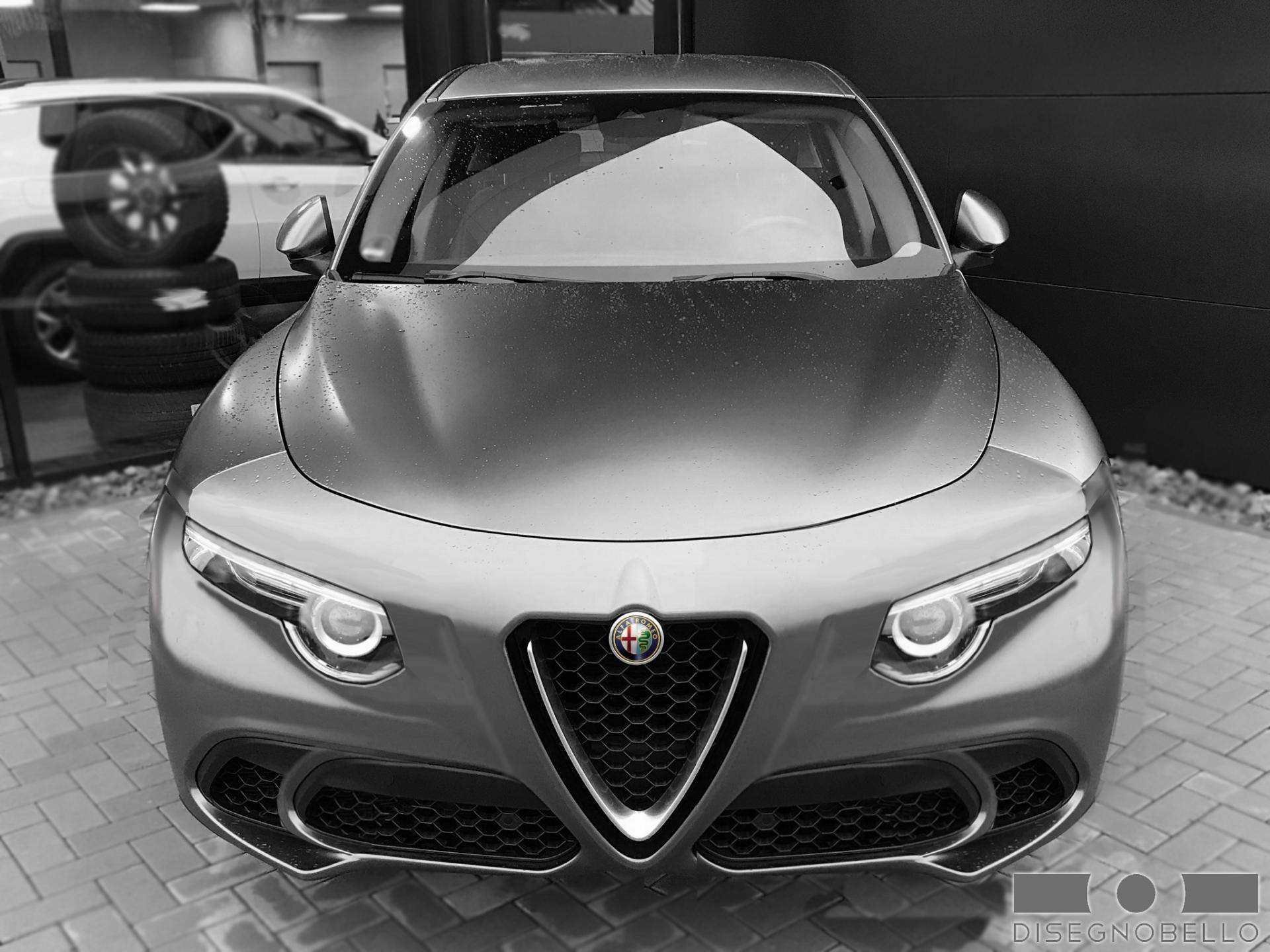
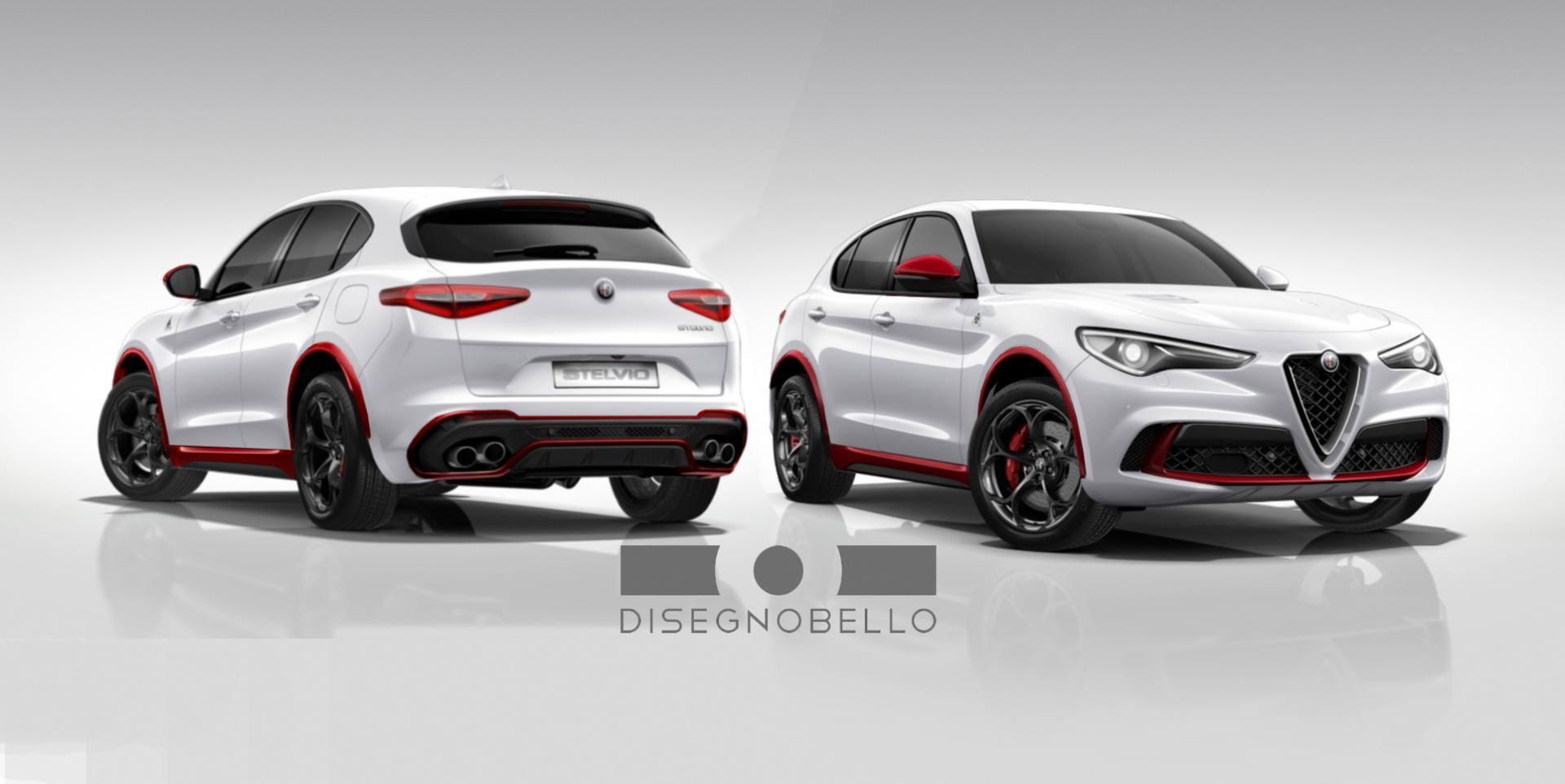
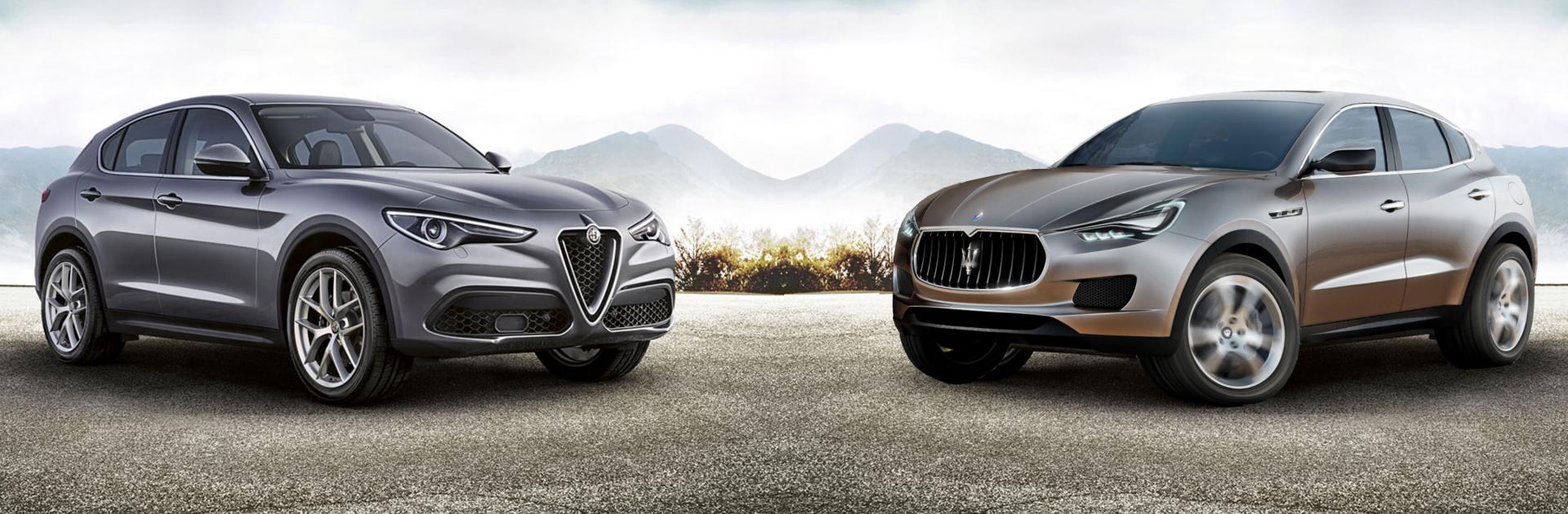
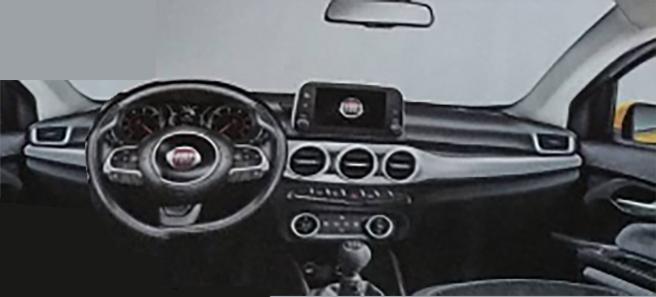
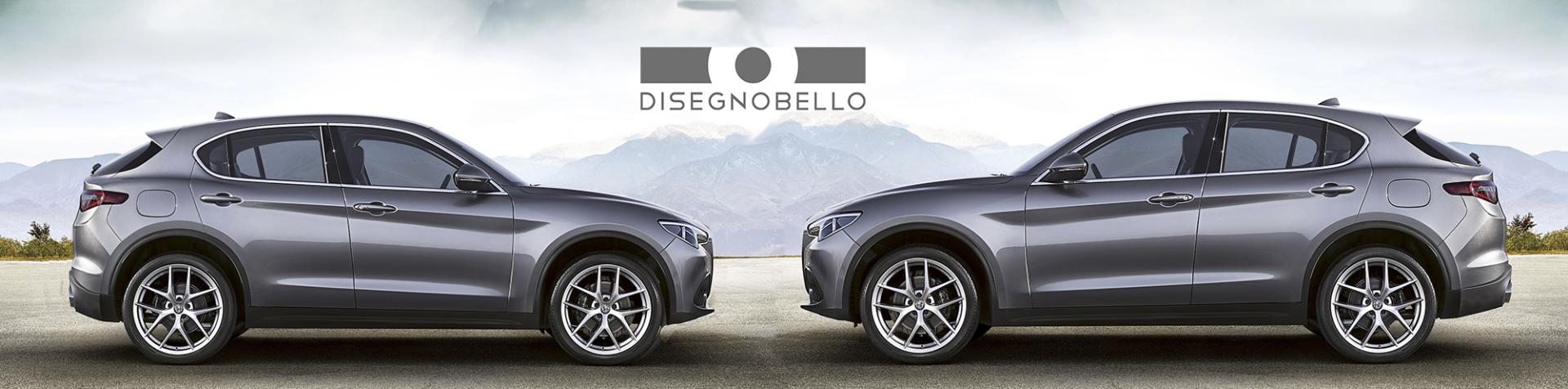
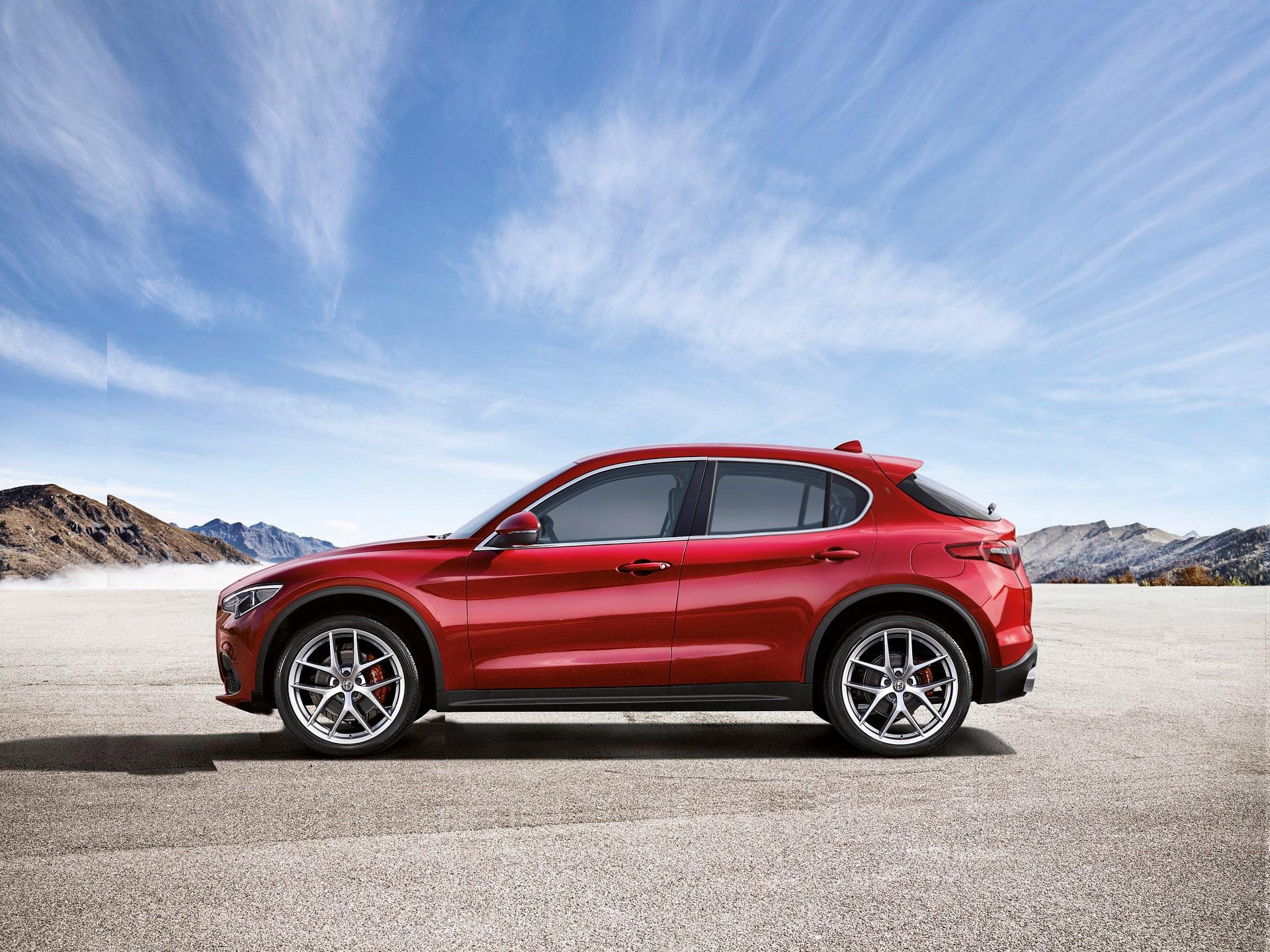
finalmente cominciano a sparire le bocchette del clima, elemento assolutamente anacronistico in un auto. ci avevano pensato già il alfa, con la 156...ci riprovo. NON è una semplice scalatura della Stelvio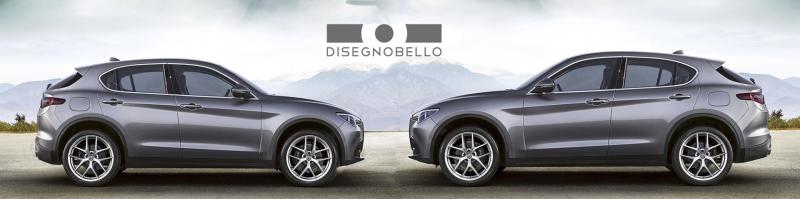 Il numero di qualche hostess?Per favore ditemi che Giorgetto non c'entra nulla...Stavo per scrivere che la mia prima impressione sulla Giulia(vista in concessionario) è stata ottima proprio sotto questo punto di vista.veloce veloce giusto per capire se siamo sulla buona strada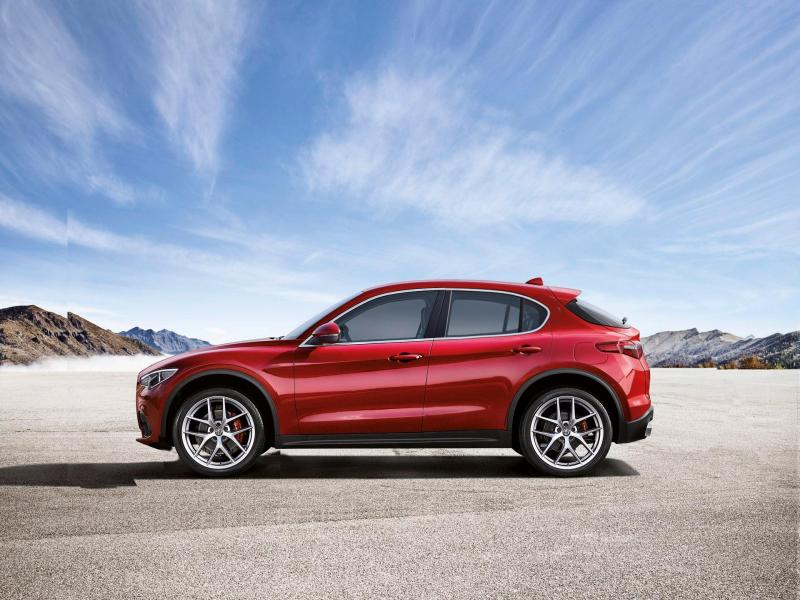

![TESLA Hug [Trolling Mode]](https://www.autopareri.com/uploads/reactions/teslacare.png.6593869a254d560c62f48aa712e2b7bb.png)





Account
Navigation
Cerca
Configure browser push notifications
Chrome (Android)
- Tap the lock icon next to the address bar.
- Tap Permissions → Notifications.
- Adjust your preference.
Chrome (Desktop)
- Click the padlock icon in the address bar.
- Select Site settings.
- Find Notifications and adjust your preference.
Safari (iOS 16.4+)
- Ensure the site is installed via Add to Home Screen.
- Open Settings App → Notifications.
- Find your app name and adjust your preference.
Safari (macOS)
- Go to Safari → Preferences.
- Click the Websites tab.
- Select Notifications in the sidebar.
- Find this website and adjust your preference.
Edge (Android)
- Tap the lock icon next to the address bar.
- Tap Permissions.
- Find Notifications and adjust your preference.
Edge (Desktop)
- Click the padlock icon in the address bar.
- Click Permissions for this site.
- Find Notifications and adjust your preference.
Firefox (Android)
- Go to Settings → Site permissions.
- Tap Notifications.
- Find this site in the list and adjust your preference.
Firefox (Desktop)
- Open Firefox Settings.
- Search for Notifications.
- Find this site in the list and adjust your preference.