





cc1920
Utente Registrato
-
Iscritto il
-
Ultima visita
-
Attualmente
Visualizza la discussione: I prossimi modelli Lancia
Tutti i contenuti di cc1920
-
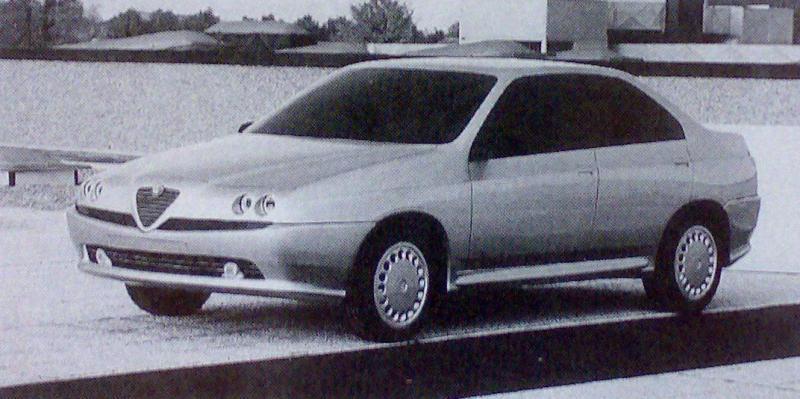
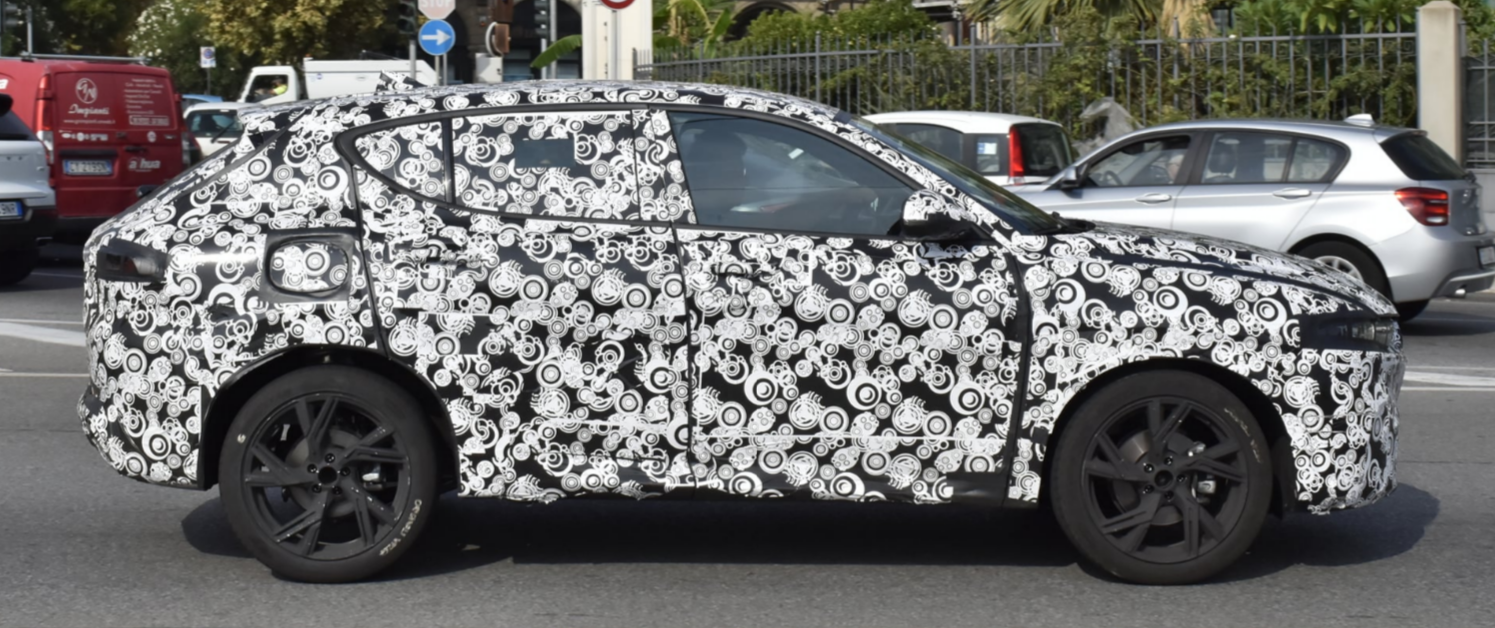
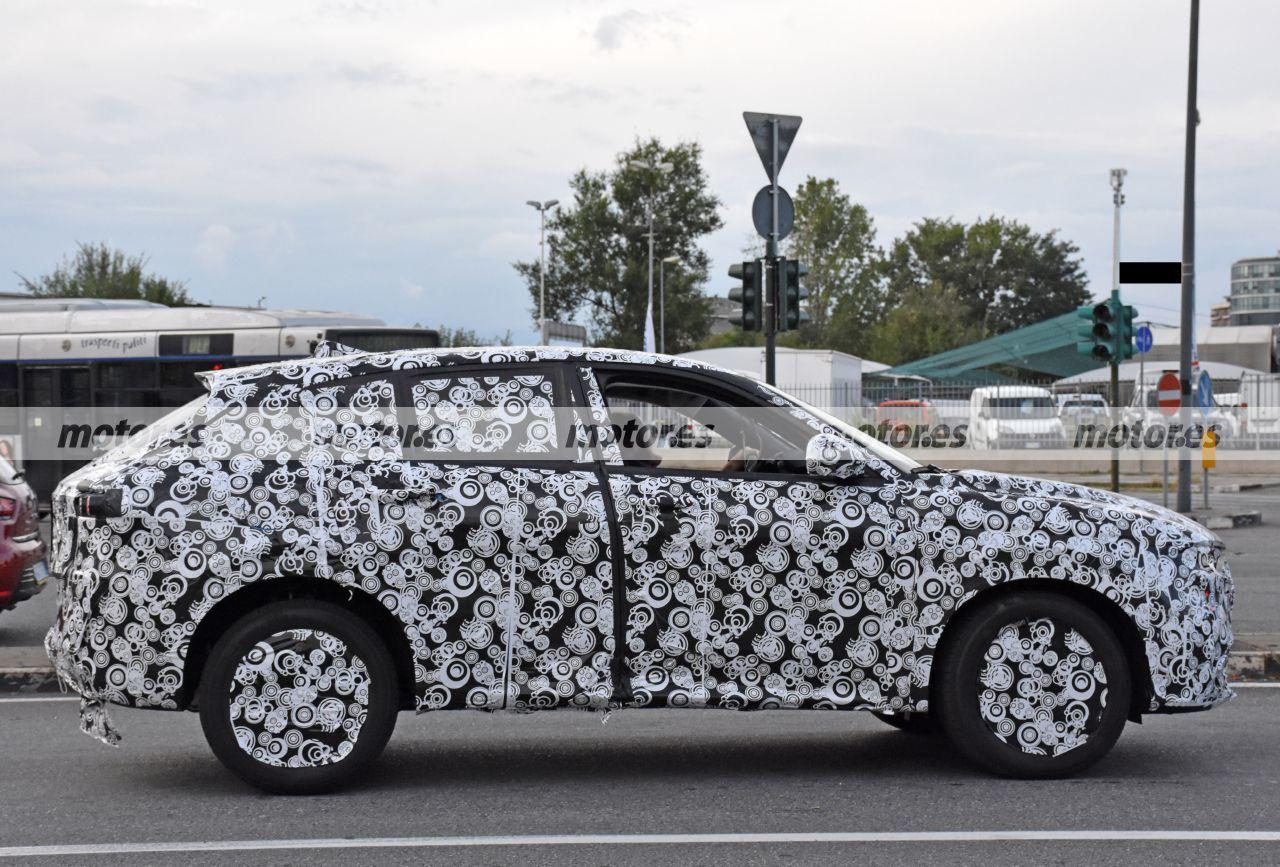
Quel frontale lo hanno appiccicato su tutto
-
-
Insulsa come una tesla
-
-
-
-
-
-
-
-
-
-
-
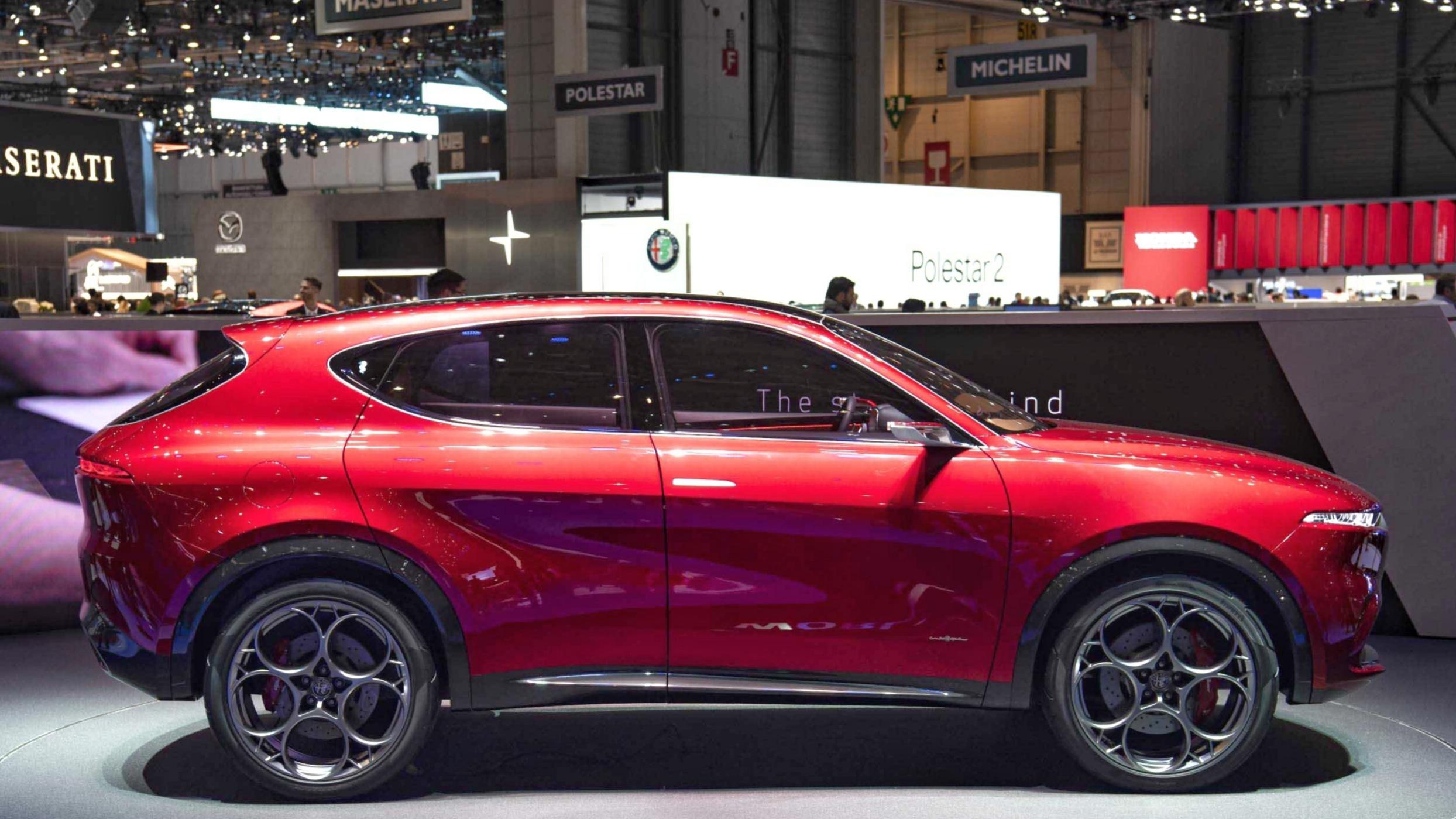
avevo letto cosìTi dirò, come proporzioni la preferisco a Giulietta che non era un suv
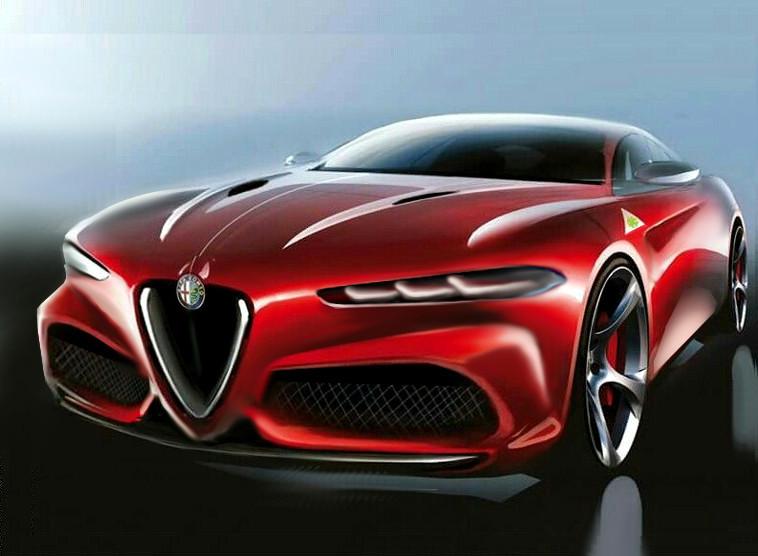
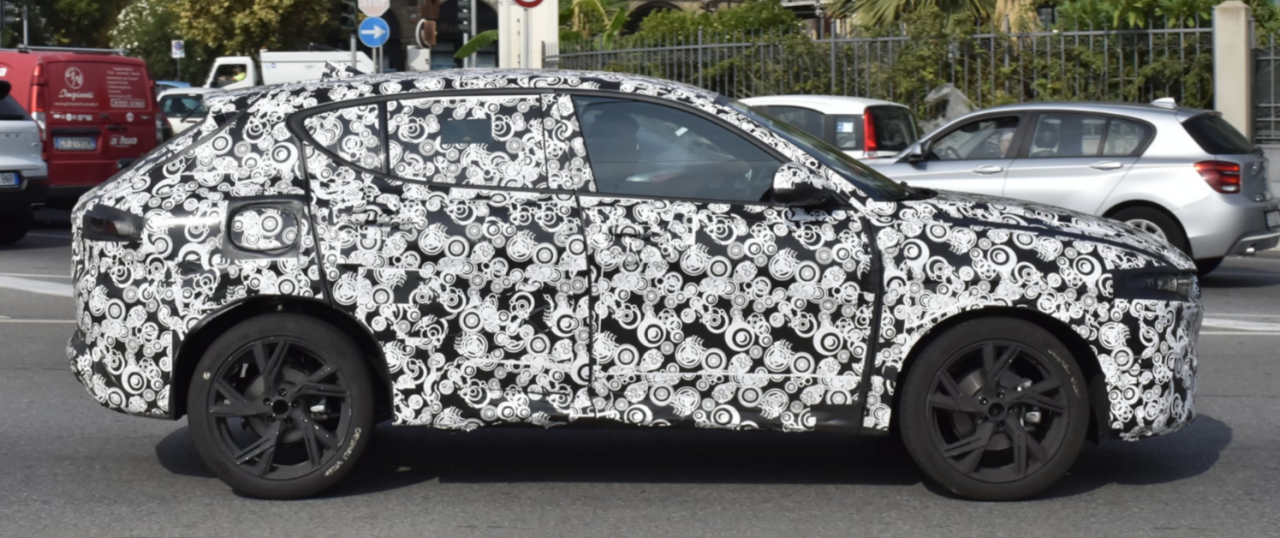 Quella sopra è quella del clinic quindi più reale come proporzioni del collage sotto, non scherziamobasta poco a passare da cesso a decente (senza offese per chi ha realizzato il PS)
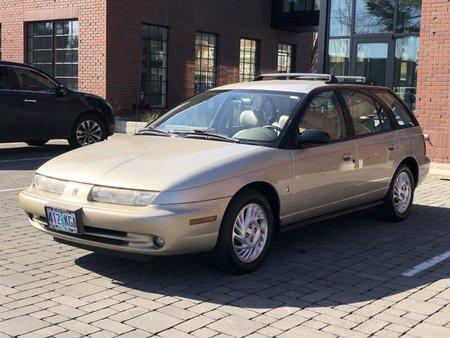
 ricordo che quando uscì rimasi molto deluso, erano anno che si parlava di nuova Topolino con parti della carrozzeria in materiale plastico, insomma qualcosa di innovativo e invece ne venne fuori una vettura modestissima, quella Topolino e la sua "parente non parente " Beskid polacca per me sono delle occasioni mancate che avrebbero potuto anticipare la twingo













.jpg.abd43c86681ca560df0d9f7992526500.jpg)
Account
Navigation
Cerca
Configure browser push notifications
Chrome (Android)
- Tap the lock icon next to the address bar.
- Tap Permissions → Notifications.
- Adjust your preference.
Chrome (Desktop)
- Click the padlock icon in the address bar.
- Select Site settings.
- Find Notifications and adjust your preference.
Safari (iOS 16.4+)
- Ensure the site is installed via Add to Home Screen.
- Open Settings App → Notifications.
- Find your app name and adjust your preference.
Safari (macOS)
- Go to Safari → Preferences.
- Click the Websites tab.
- Select Notifications in the sidebar.
- Find this website and adjust your preference.
Edge (Android)
- Tap the lock icon next to the address bar.
- Tap Permissions.
- Find Notifications and adjust your preference.
Edge (Desktop)
- Click the padlock icon in the address bar.
- Click Permissions for this site.
- Find Notifications and adjust your preference.
Firefox (Android)
- Go to Settings → Site permissions.
- Tap Notifications.
- Find this site in the list and adjust your preference.
Firefox (Desktop)
- Open Firefox Settings.
- Search for Notifications.
- Find this site in the list and adjust your preference.