






ale75
Utente Registrato
-
Iscritto il
-
Ultima visita
Tutti i contenuti di ale75
-
-
-
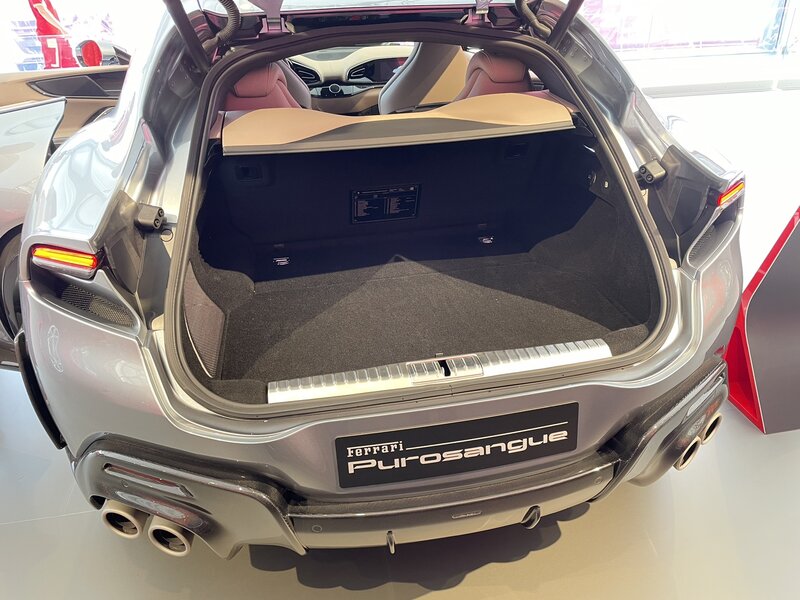
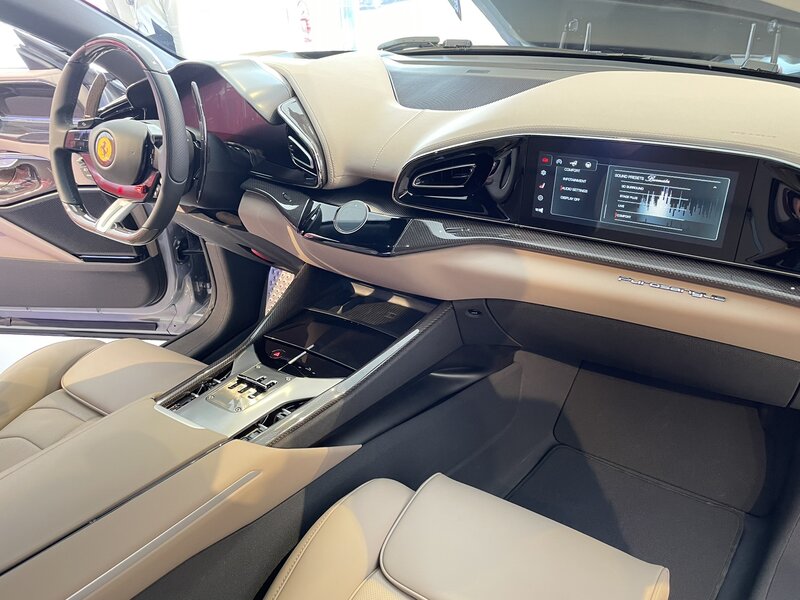
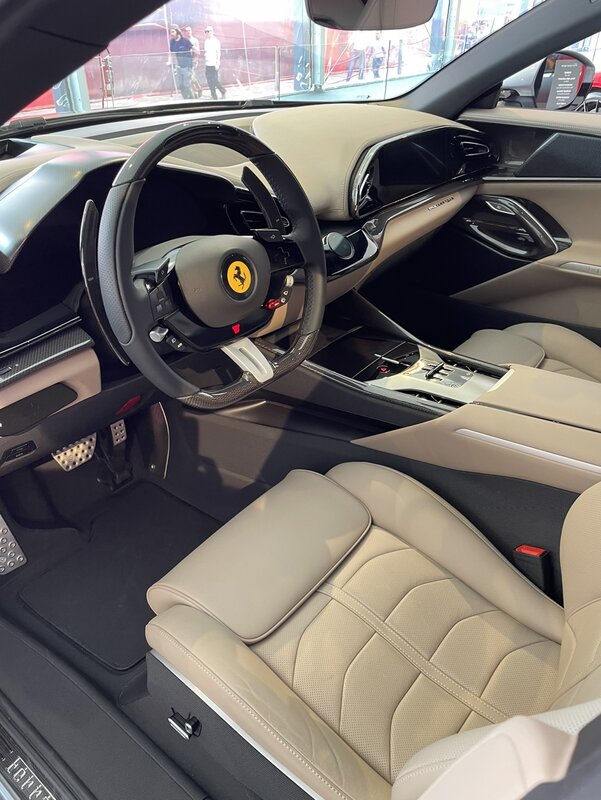
In realtà sempre V12 Quello che avrebbe voluto fare era una operazione iso 458-488-F8 ok vero che c è stato il cambio da motore NA a motore turbo ma si tratta della stessa base modificata per 3 generazioni avrebbe voluto fare lo stesso con F12 - 812 ed erede ma è arrivato tardi per fermare il progetto (fortunatamente dico io) per me sarà una ferrari bellissima
-
-
-
https://www.quattroruote.it/news/industria-finanza/2022/11/04/alfa_romeo_imparato_entro_marzo_una_decisione_sulla_supercar_.html se quanto scritto sopra fosse vero ci sarebbe probabilmente un cambiamento nel progetto iniziale che prevedeva solo 33 esemplariCiao Furia che la terra ti sia lieve 🥲





![Alfa Romeo Hug [Trolling Mode]](https://www.autopareri.com/uploads/reactions/Alfaromeocare.png.50be1dd8d7c15ba4fec8098a15bfa18a.png)






















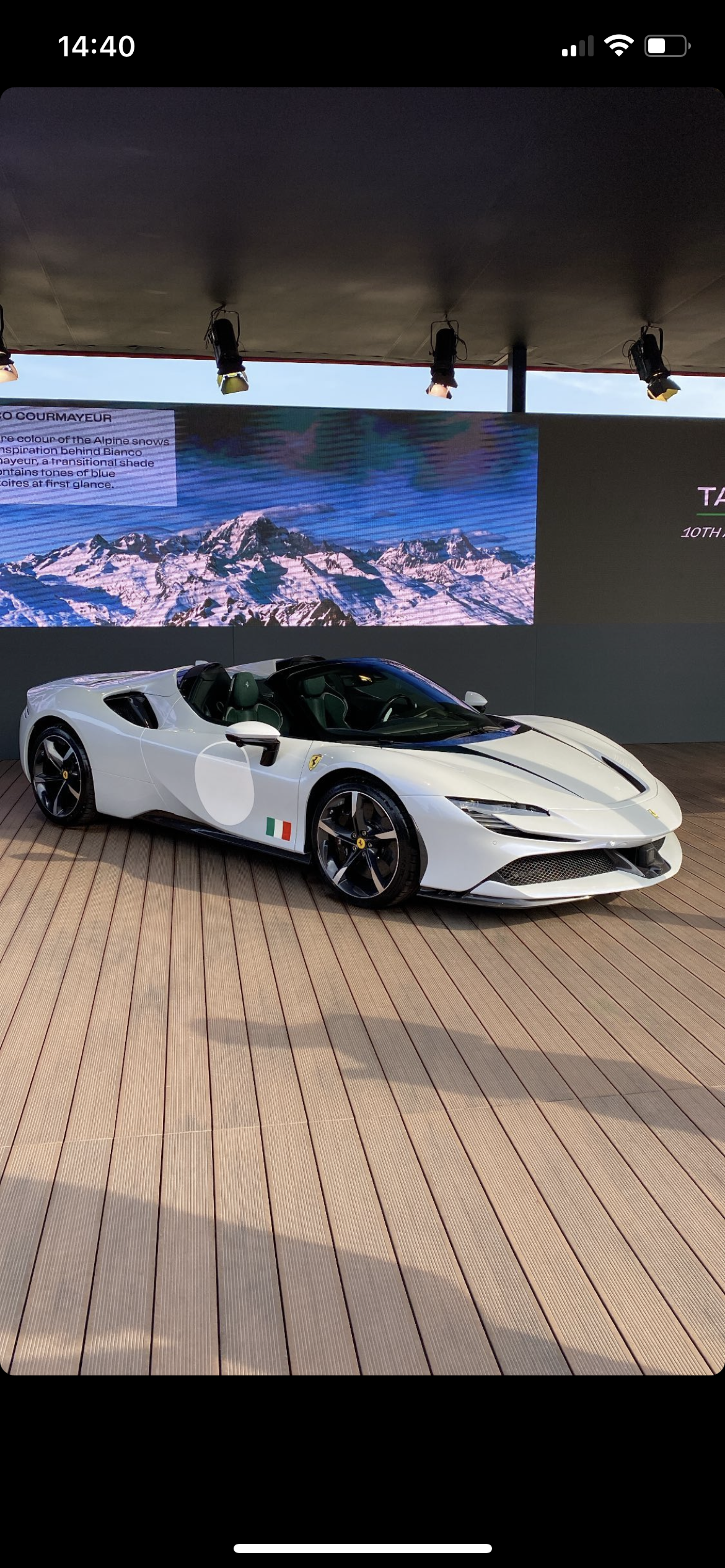
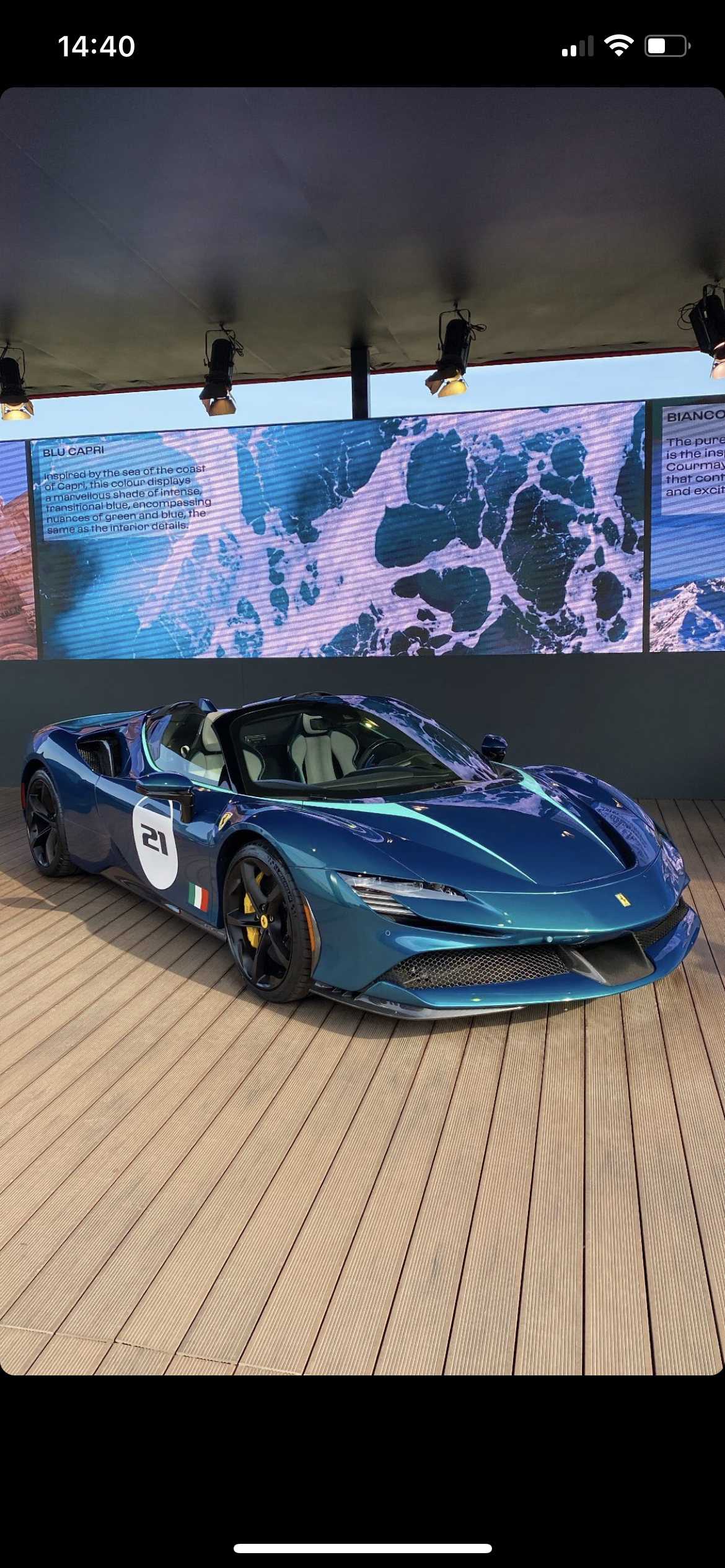
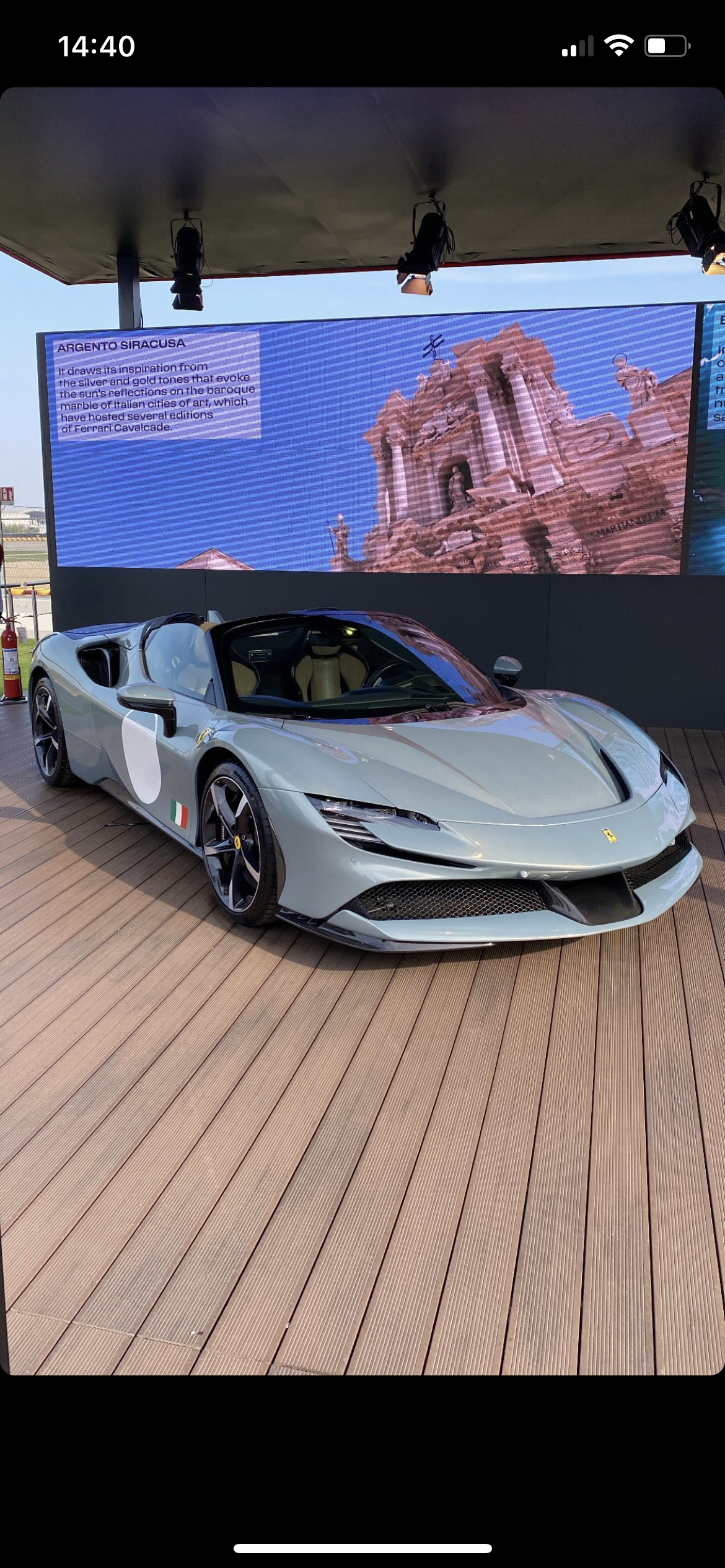







Account
Navigation
Cerca
Configure browser push notifications
Chrome (Android)
- Tap the lock icon next to the address bar.
- Tap Permissions → Notifications.
- Adjust your preference.
Chrome (Desktop)
- Click the padlock icon in the address bar.
- Select Site settings.
- Find Notifications and adjust your preference.
Safari (iOS 16.4+)
- Ensure the site is installed via Add to Home Screen.
- Open Settings App → Notifications.
- Find your app name and adjust your preference.
Safari (macOS)
- Go to Safari → Preferences.
- Click the Websites tab.
- Select Notifications in the sidebar.
- Find this website and adjust your preference.
Edge (Android)
- Tap the lock icon next to the address bar.
- Tap Permissions.
- Find Notifications and adjust your preference.
Edge (Desktop)
- Click the padlock icon in the address bar.
- Click Permissions for this site.
- Find Notifications and adjust your preference.
Firefox (Android)
- Go to Settings → Site permissions.
- Tap Notifications.
- Find this site in the list and adjust your preference.
Firefox (Desktop)
- Open Firefox Settings.
- Search for Notifications.
- Find this site in the list and adjust your preference.