
MotorPassion
Reporter (Staff)
-
Iscritto il
-
Ultima visita
Tutti i contenuti di MotorPassion
-
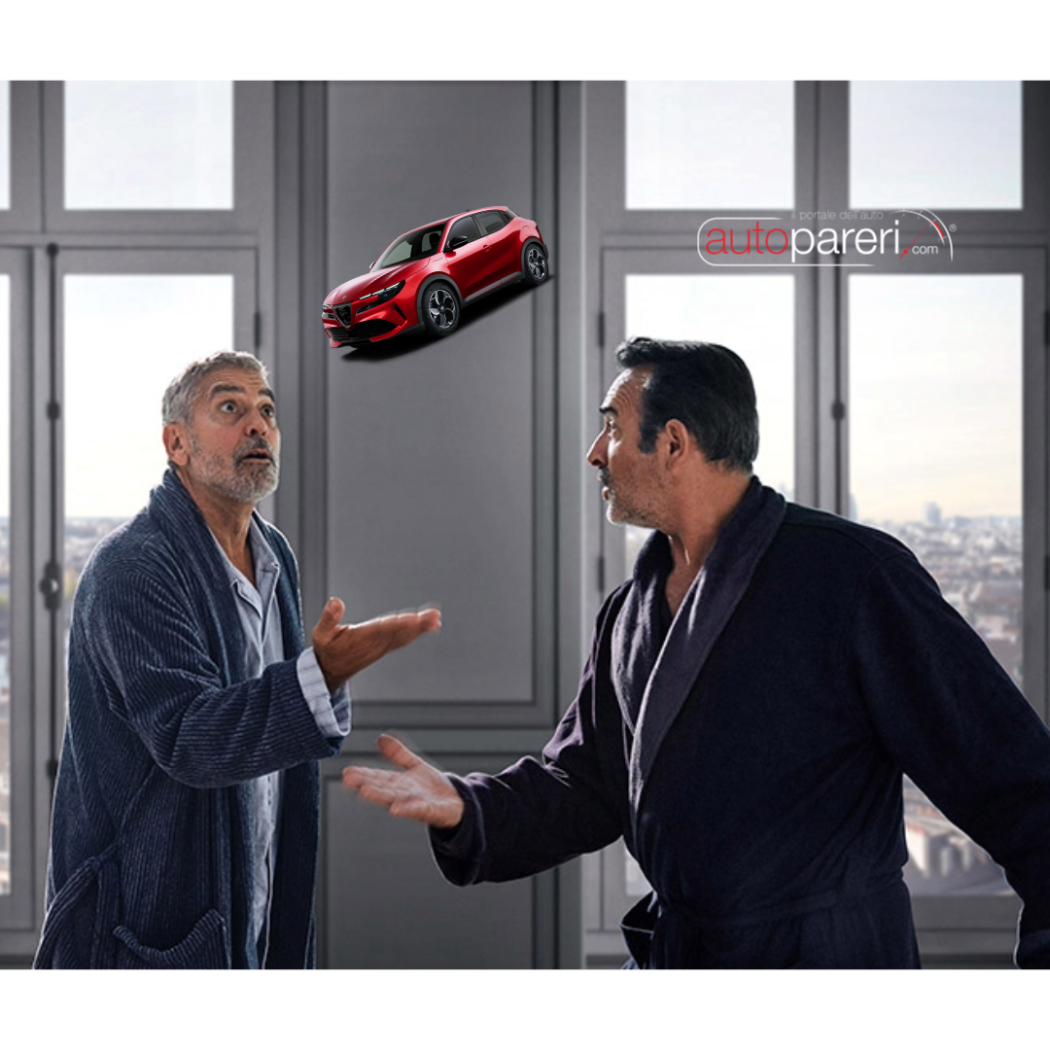
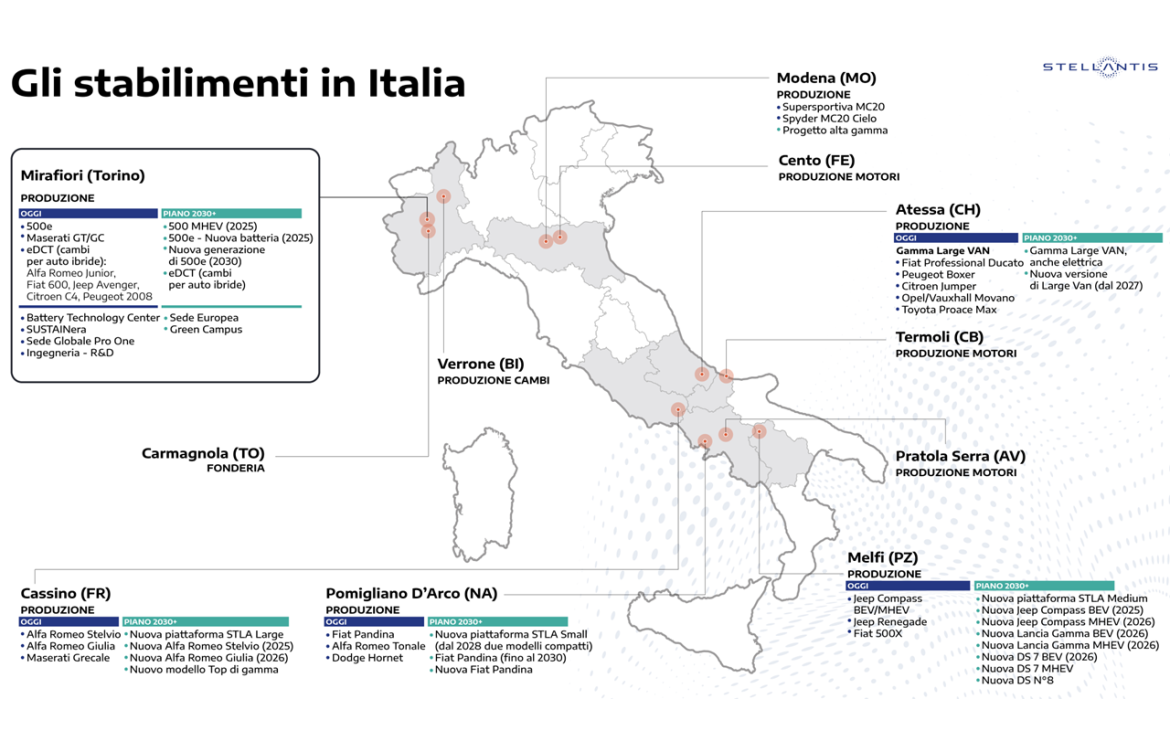
Mi è venuto un brivido di imbarazzo vededo questo spot (l'ennesimo fatto per tenere calmi gli animi). Concordo con @j sul fatto che visto che hanno fatto uno spot per mostrare cosa si produce in Italia potevano metterci anche gli altri modelli della galassia Stellantis che vengono prodotti in Italia.
-
-
Campagna marketing già iniziata.
.thumb.png.128ca658cf67b934bd9d36011fe2324d.png)
-
-
-
-
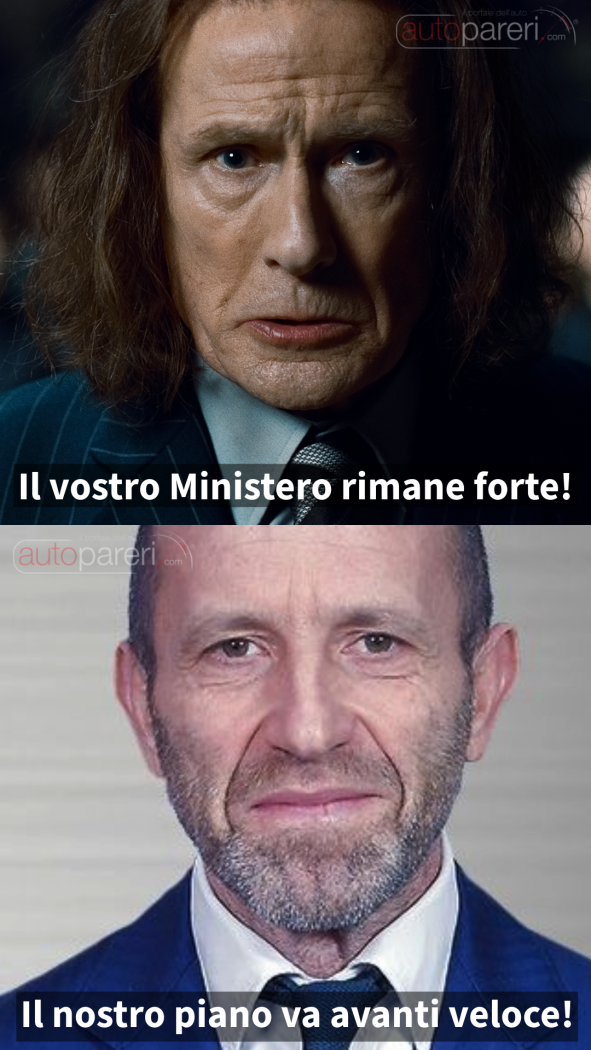
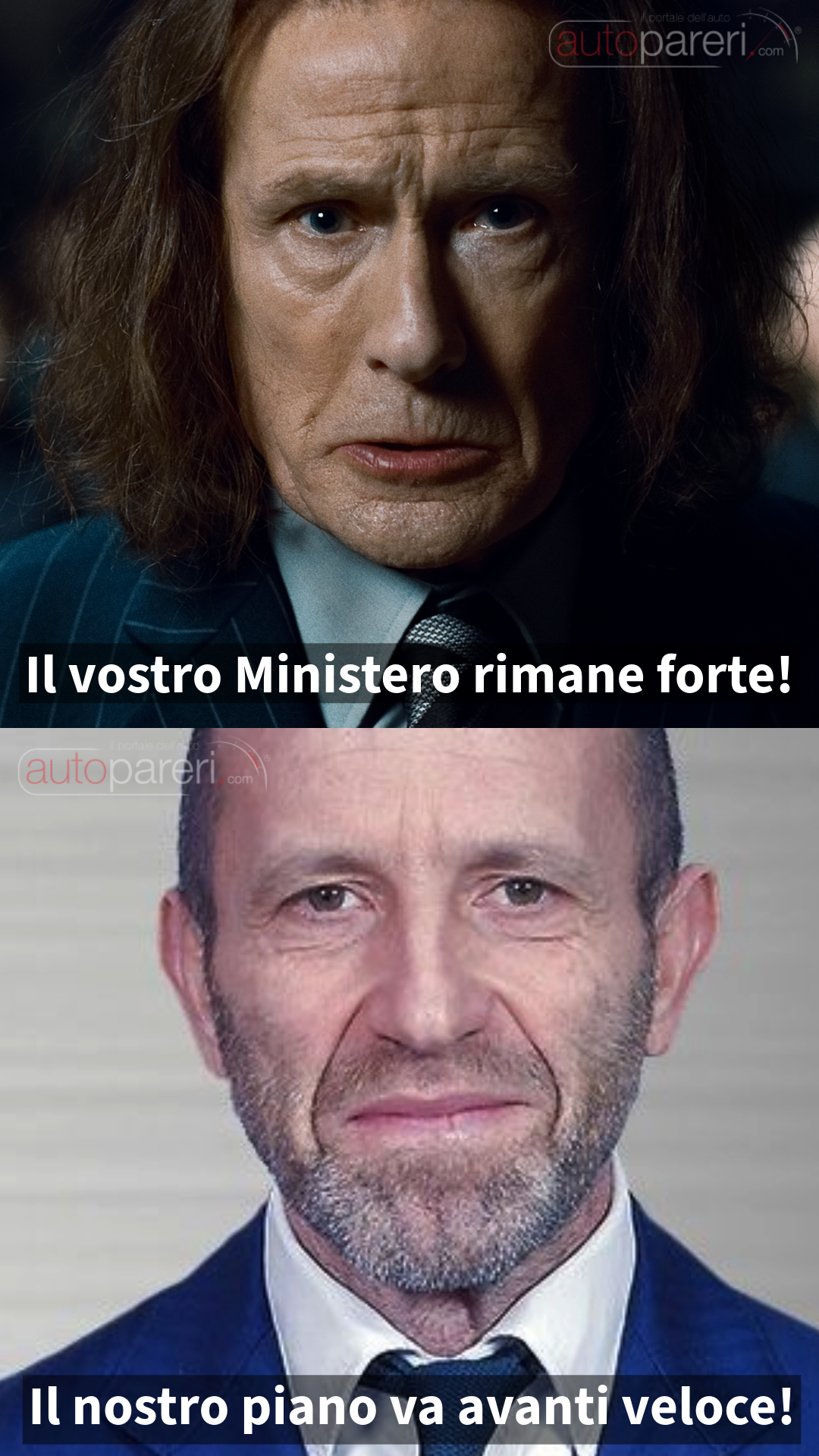
L'ultima frase di questo suo post mi ha ricordato/ispirato una scena di Harry Potter.
- 972 risposte
-
-

- 1
-
-
- aurelia
- l74
- lancia
- lancia aurelia
-
Taggato come:
-
-
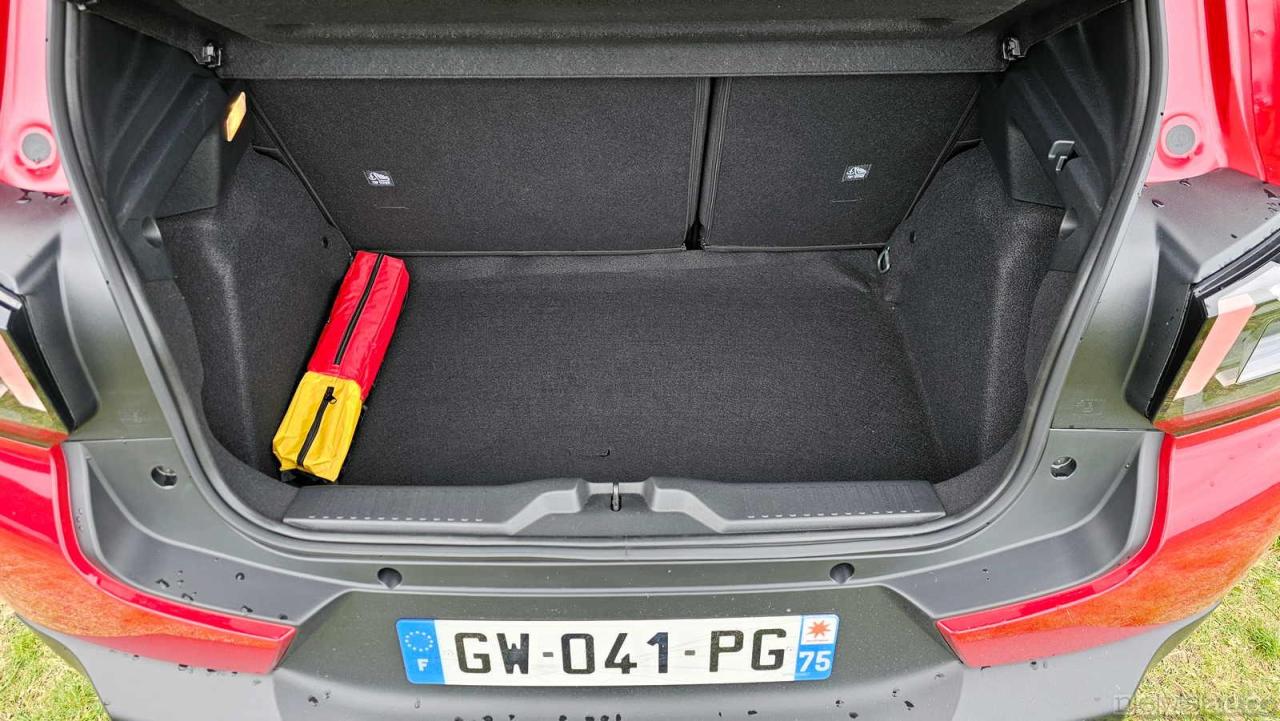
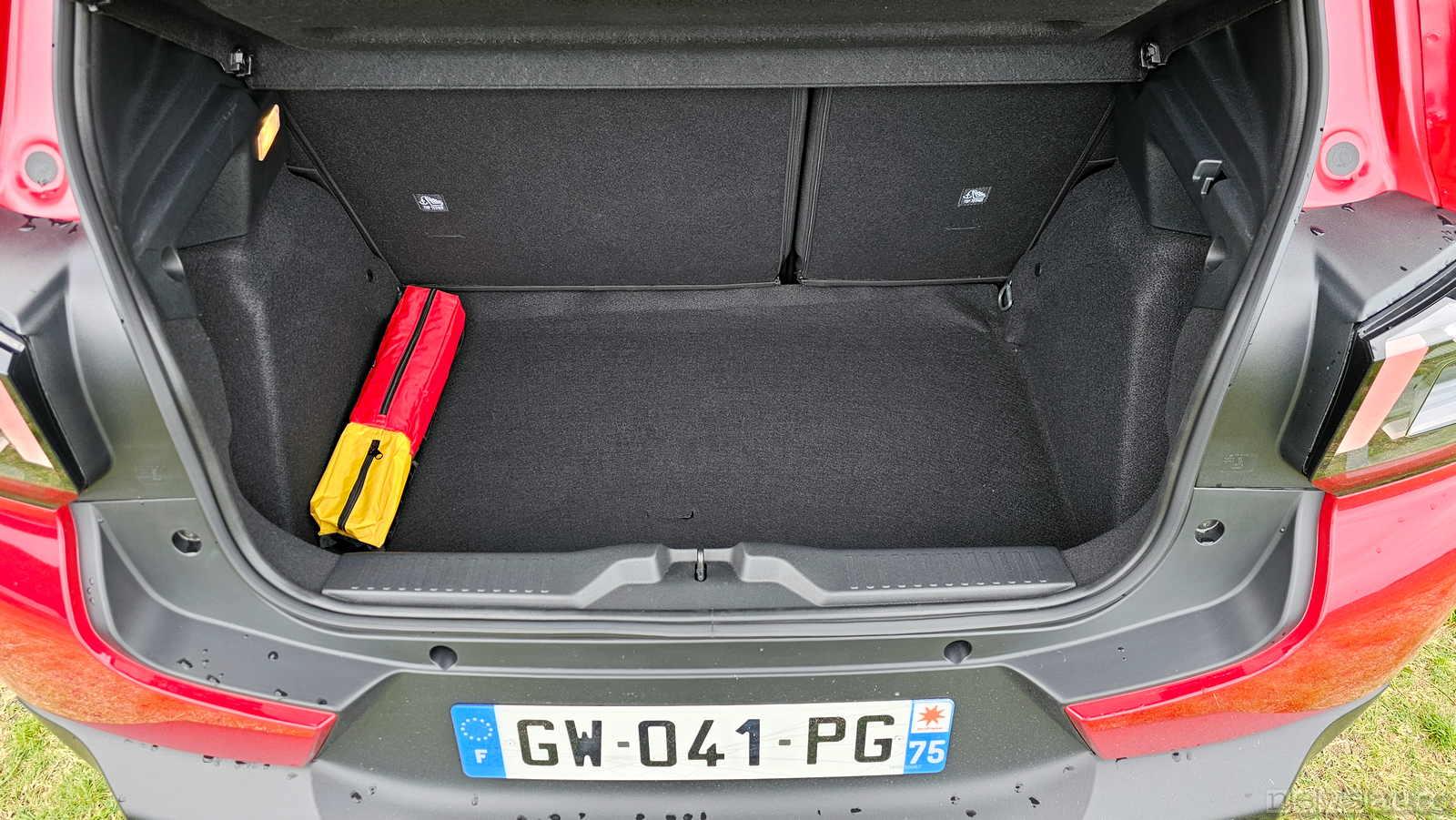
Curiosità sulle consegne delle prime C3, ad un mio collega hanno consegnato la nuova C3 ed il fondo del baule è fatto da un telo morbito in moquette e non da un fondo rigido rivestito; avendo tale rivestimento quando si appoggia qualcosa "sprofonda" nel vano ruota di scorta. Il vendito gli ha detto che non sanno perchè ma le prime vetture stanno arrivando così quando in realtà anche secondo loro la vettura dovrebbe essere dotata di un fondo rigido. Cercando le prove stampa in effetti il fondo del baule è rivestito con un telo morbido e non con un fondo rigido.
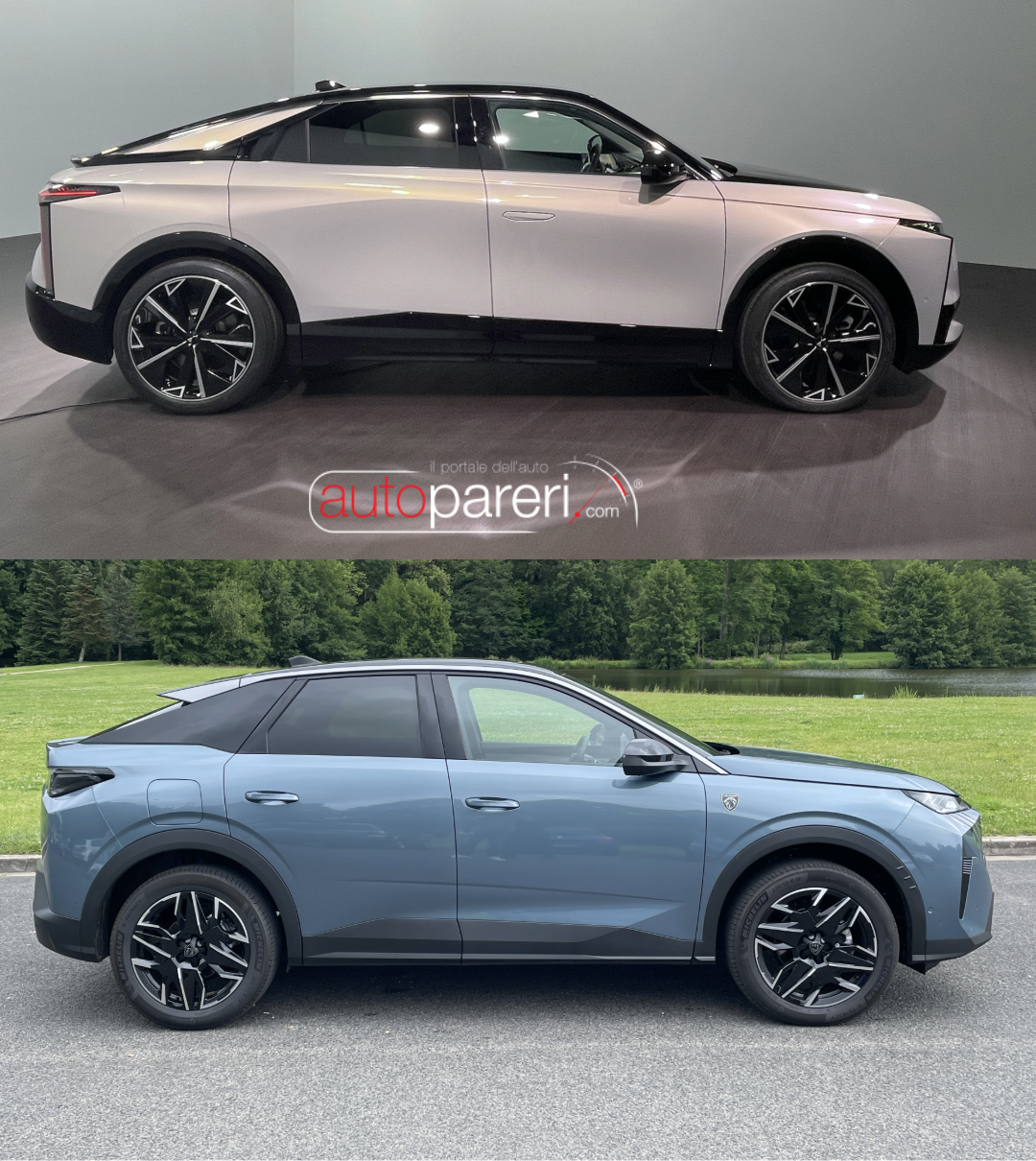
 Il muso è un gran casino, un sacco di luci led a caso (come le case addobate MALE a Natale). Che poi fai una vettura elettrica quindi senza calandra e cosa fai, enfatizzi la finta calandra mettendoci millerighe illuminate!? Ad un occhio attento comunque si vede soprattutto nel muso la stretta parentela con le cugine Peugeot 3008/5008. Il padiglione inoltre è completamente incoerente con il resto della vettura. Salvo gli interni ad eccezione del volante. In Stellantis nel reparto design sono in fissa con lo stile monolite, questa N°8 come 3008 sono degli enormi blocchi.
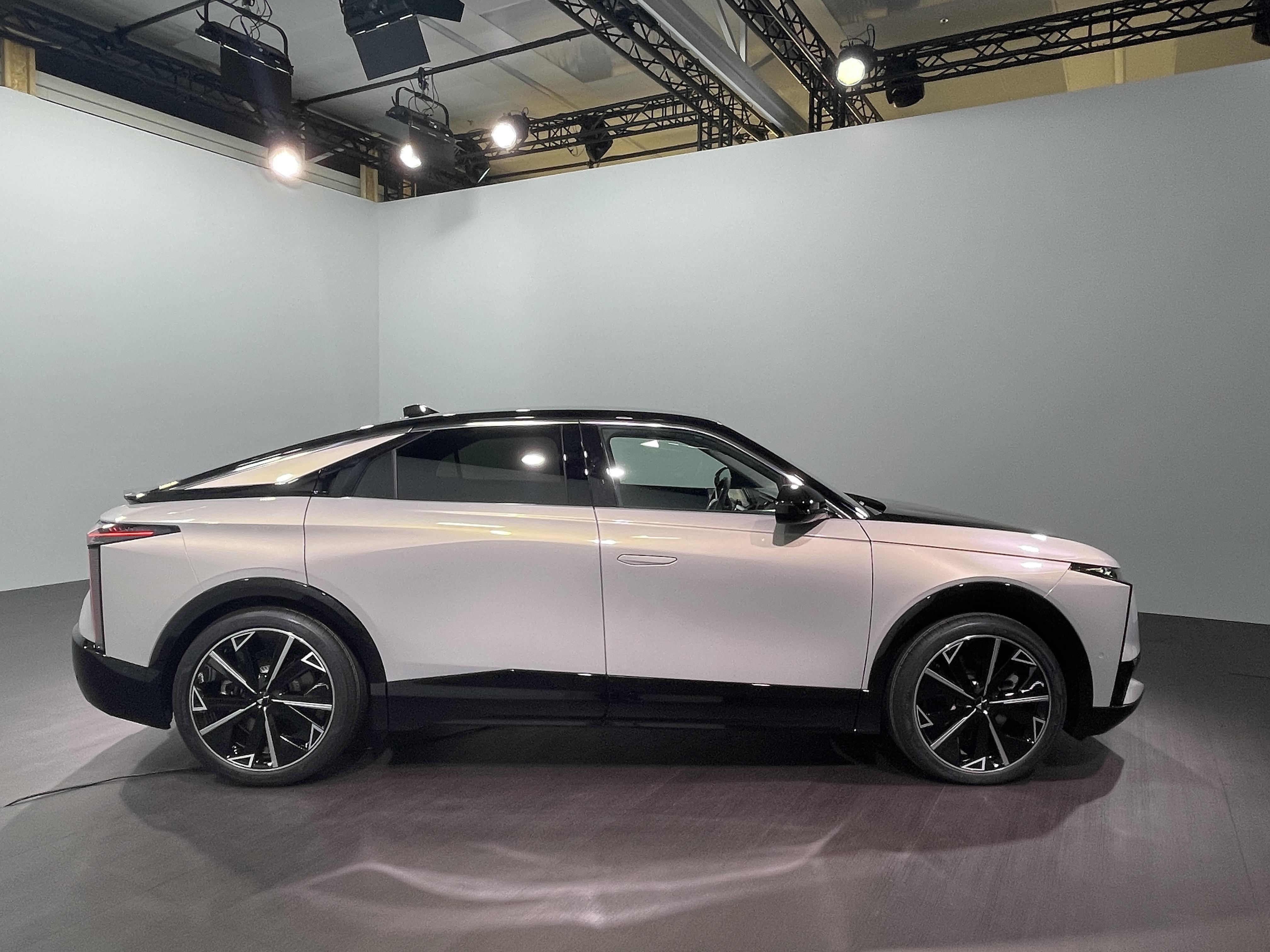
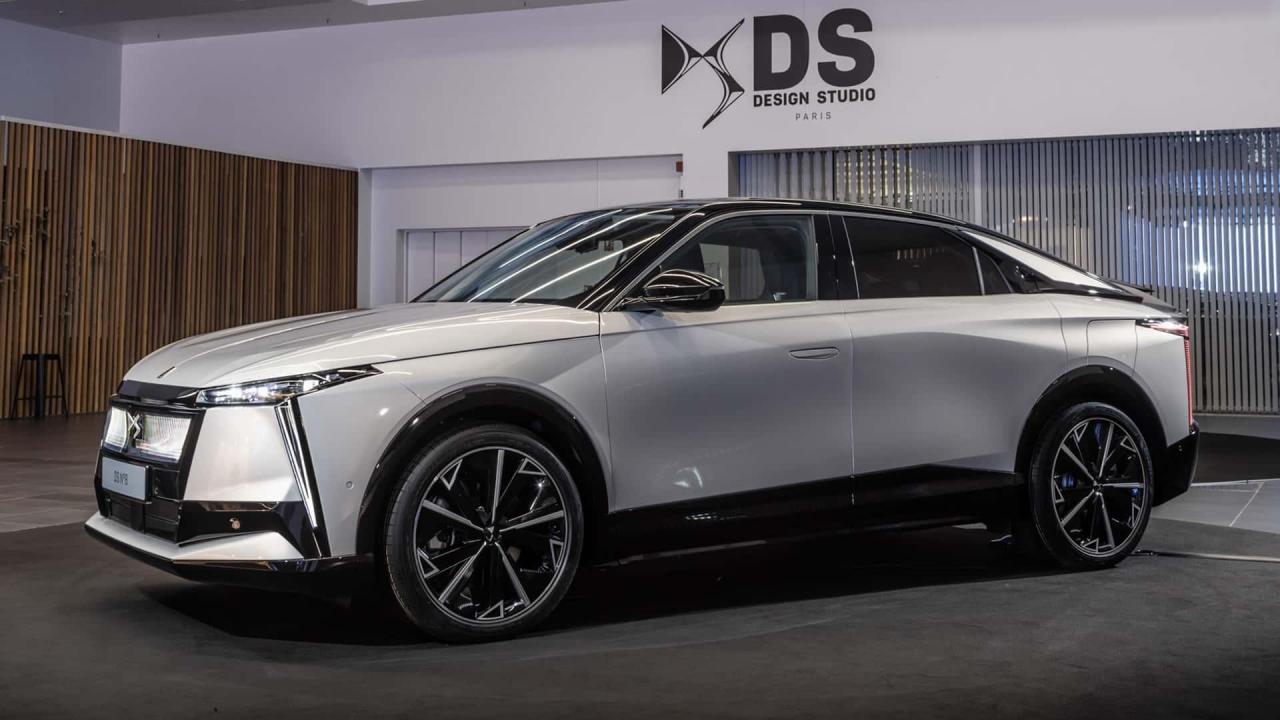 Nella vista laterale quella coda lunga mi haa ricordato la Vision EQXX.Ma a livello di affidabilità e qualità, queste Xiaomi come sono? Avevo letto commenti non proprio positivi. Odio chi si è inventato gli specchietti retrovisori esterni frameless, sono la cosa ergonomicamente peggiore che ci possa essere; lo specchio non è per nulla protetto quindi si sporca subito ed inoltre la regolazione porta ad avere le calotte orientate in modo diverso il che a livello estetico è bruttissimo. Qui come sulle Volvo poi sono posizionati in modo orrendo, ok che la vettura sarà stata studiata per avere le telecamere al posto del classico specchietto, ma la calotta appoggiata così sul braccetto è proprio brutta.




.png.c4a508c3324d09346d147fdfb7fb4b17.png)

.png.5ce4511fde0504ae723015cafbf8301b.png)
.png.7f67e3db490388e55d9b57399173c0c6.png)
.png.20d2a5d8536b803bee8d501a00075f84.png)
.png.4229013f4e6ecf485a39bc8b5aed8512.png)
.png.56933ff03c9d5a1a99b61922bbb728b0.png)