





MotorPassion
Reporter (Staff)
-
Iscritto il
-
Ultima visita
Tutti i contenuti di MotorPassion
-
-
-
-
-
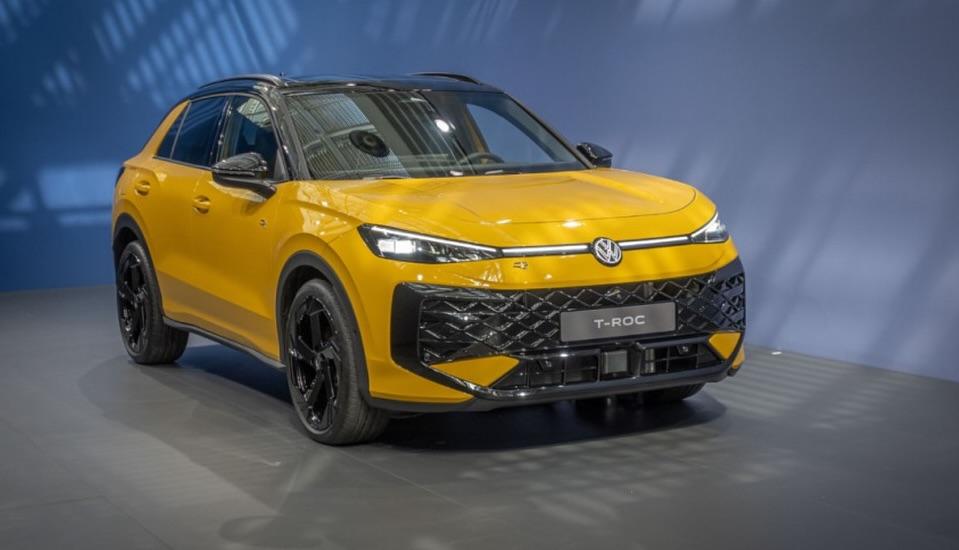
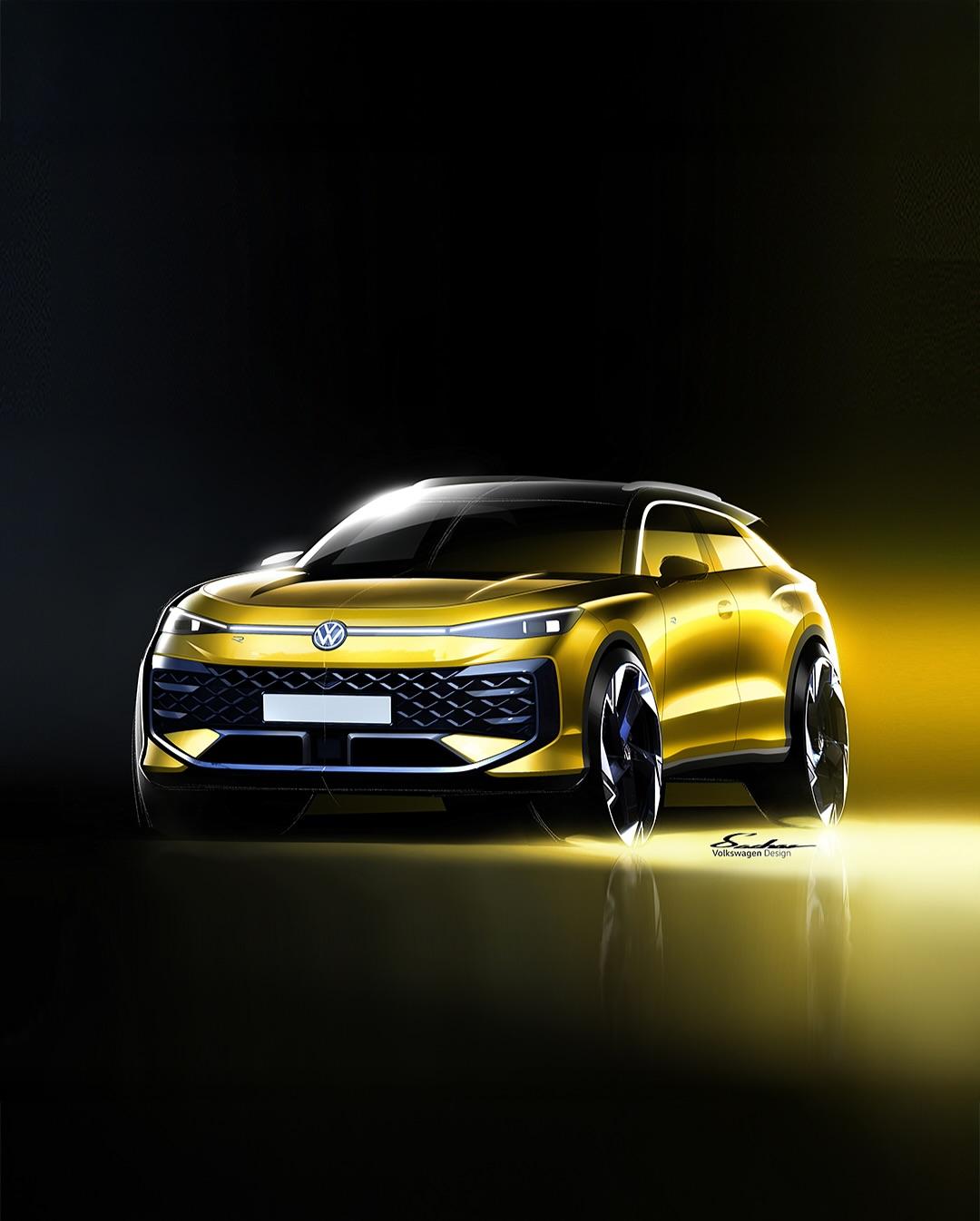
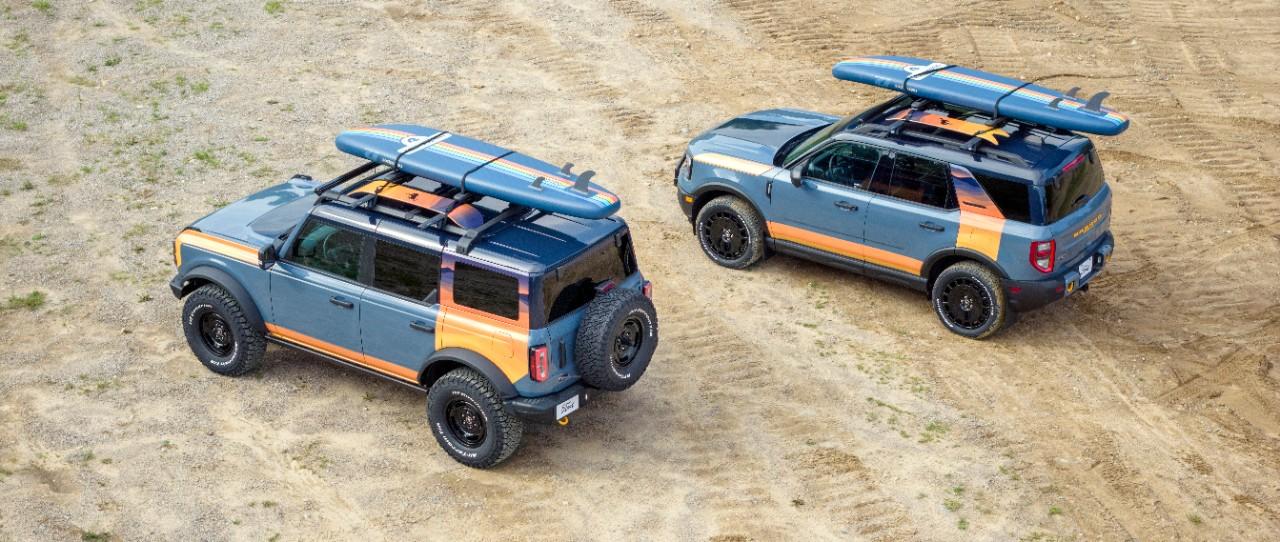
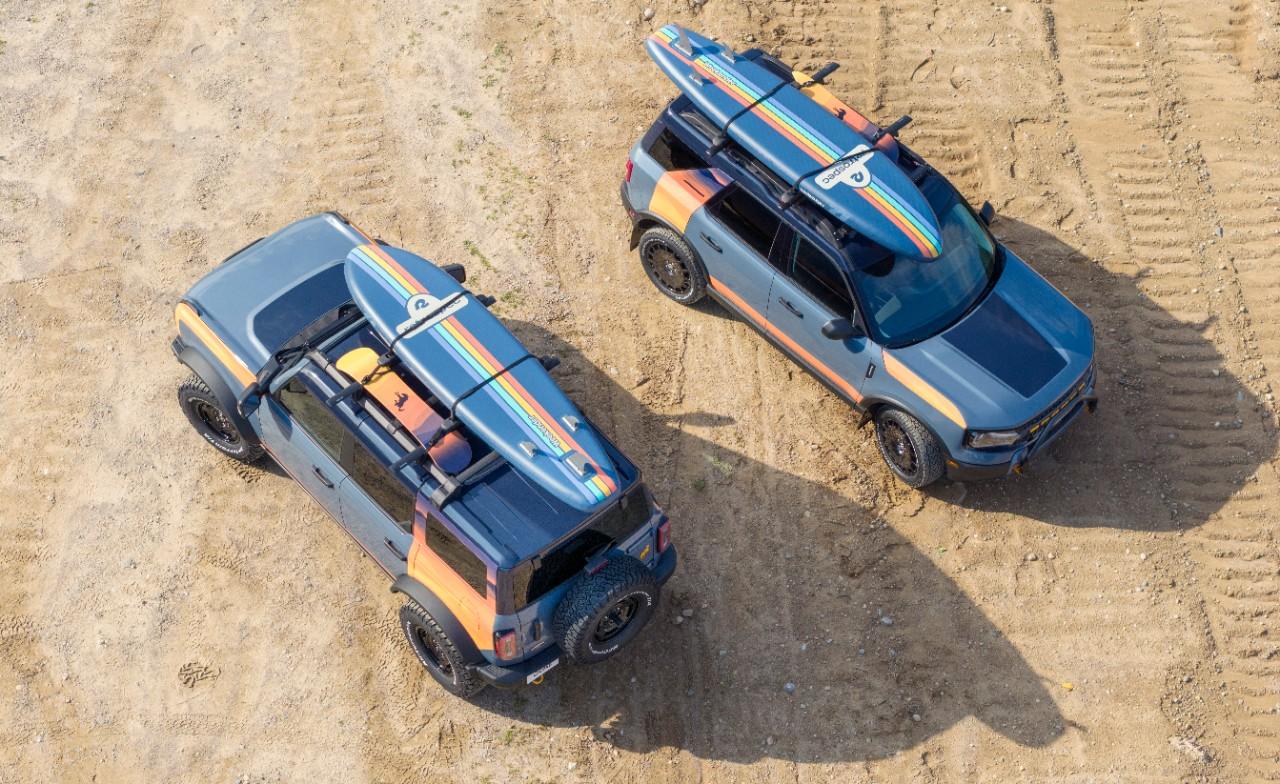
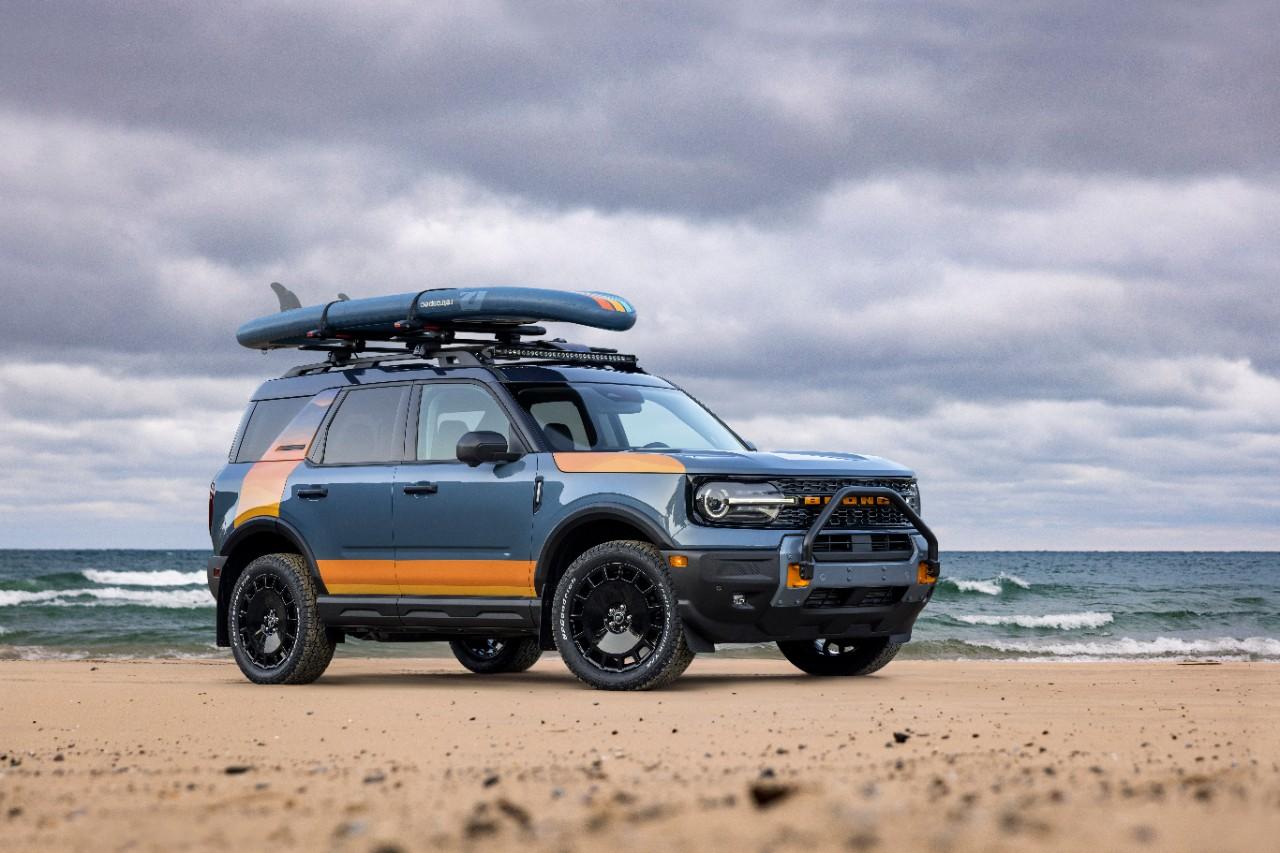
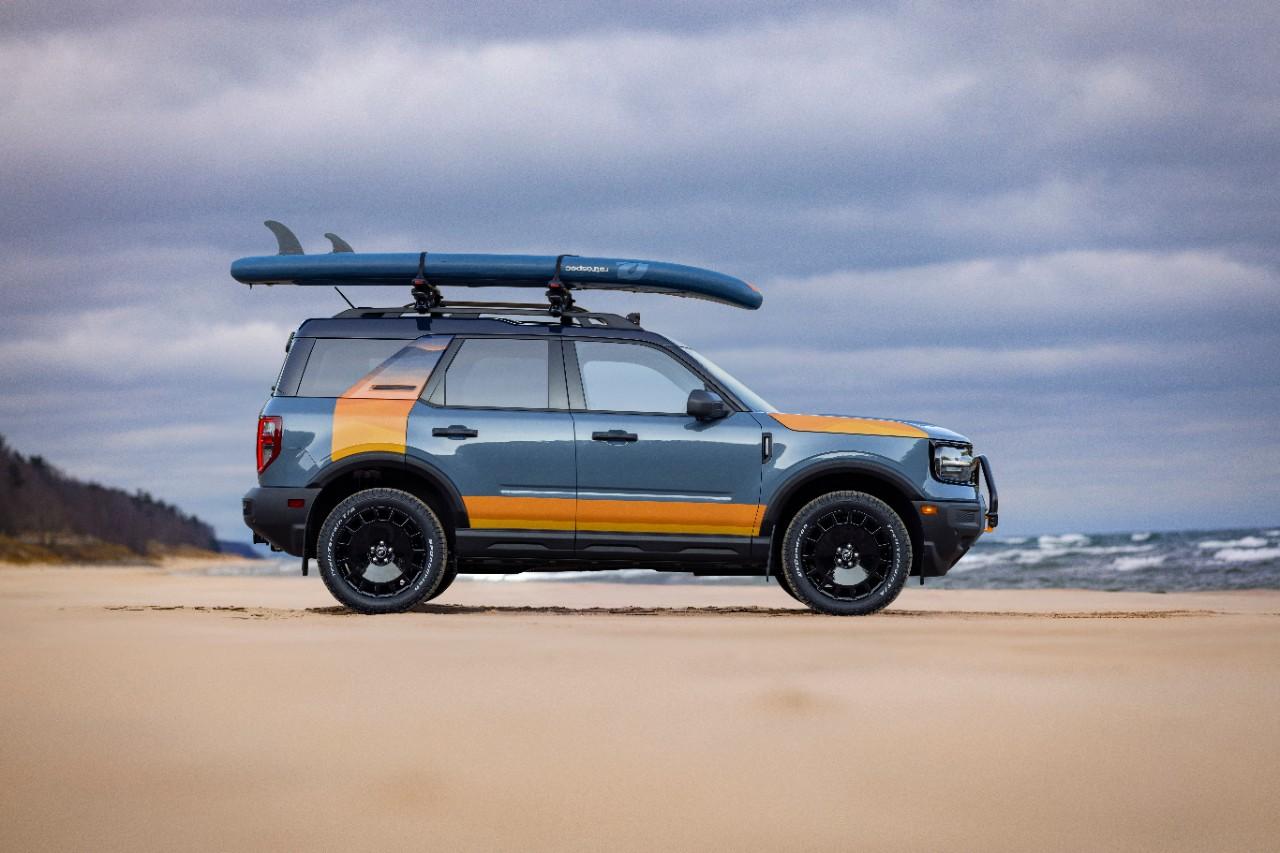
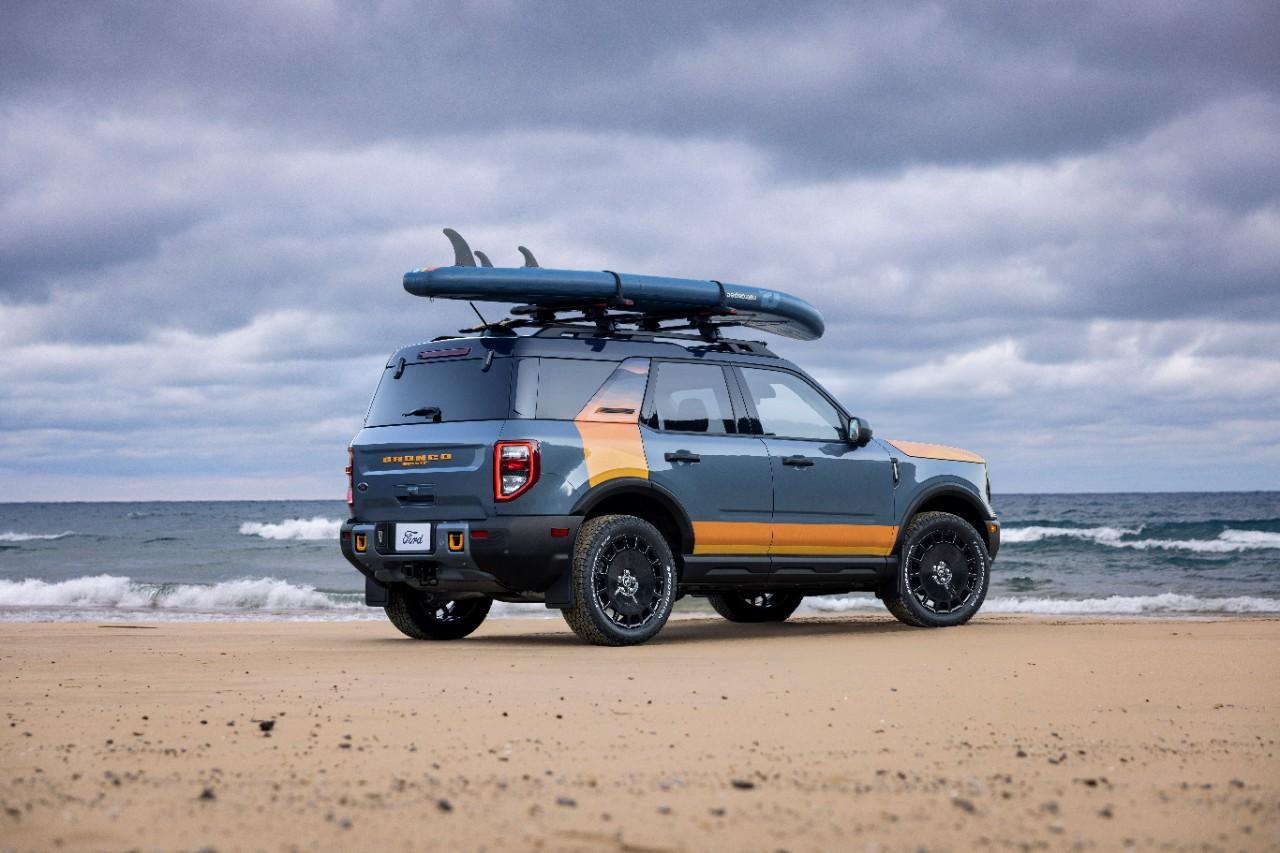
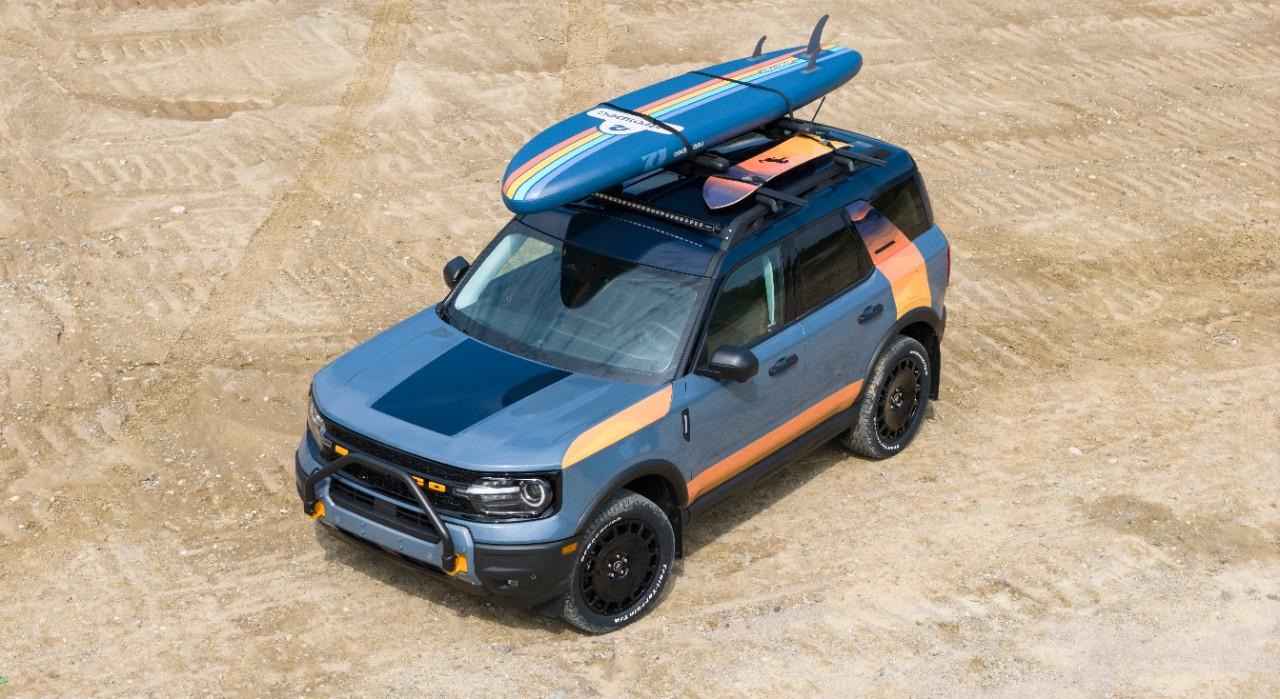
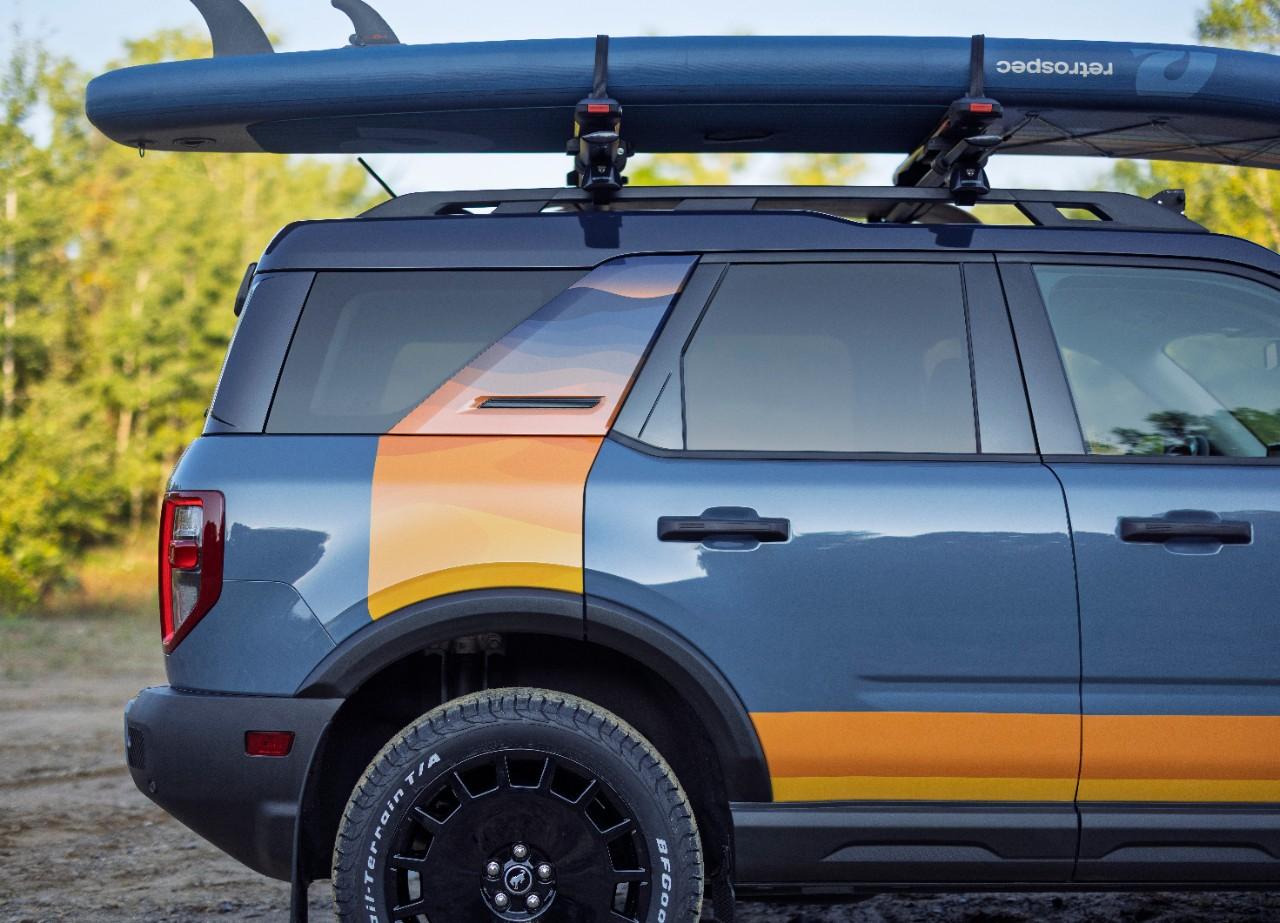
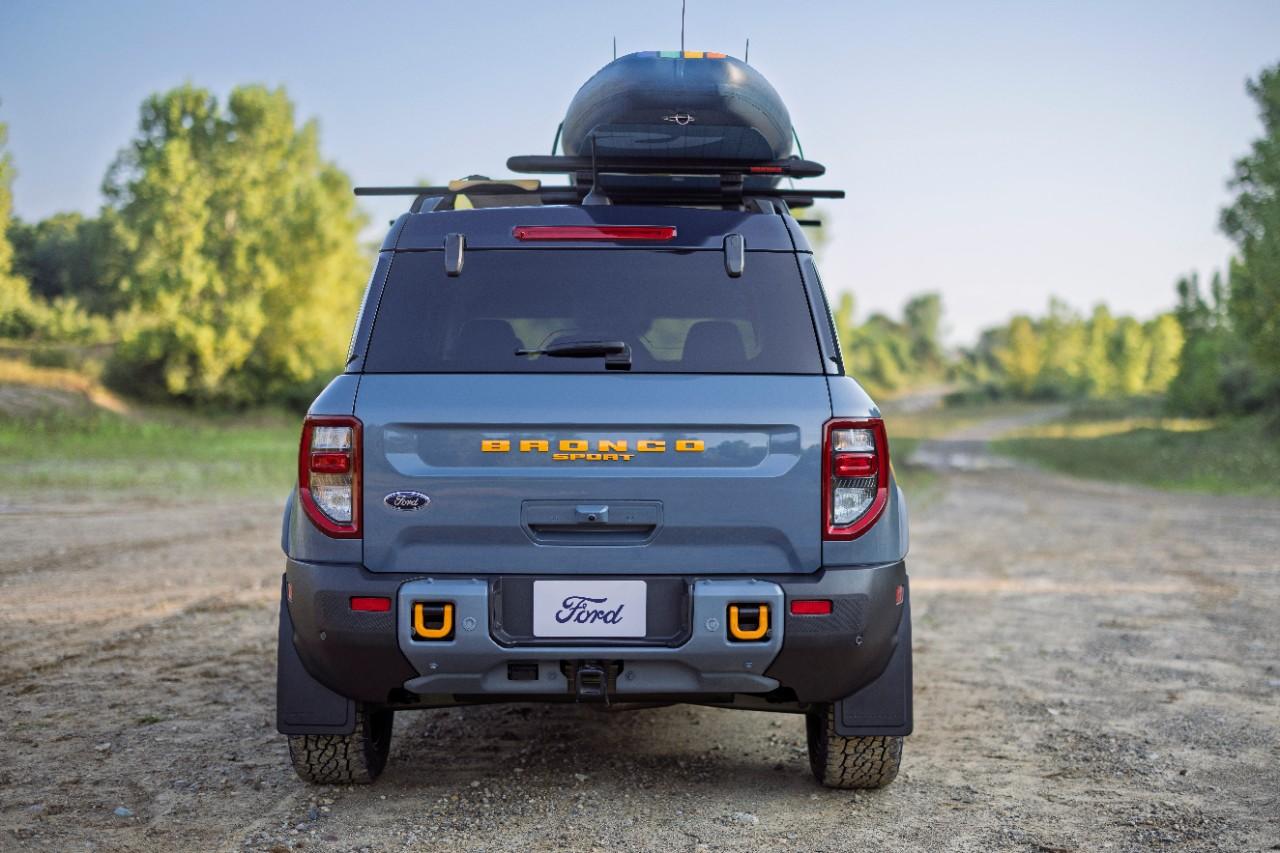
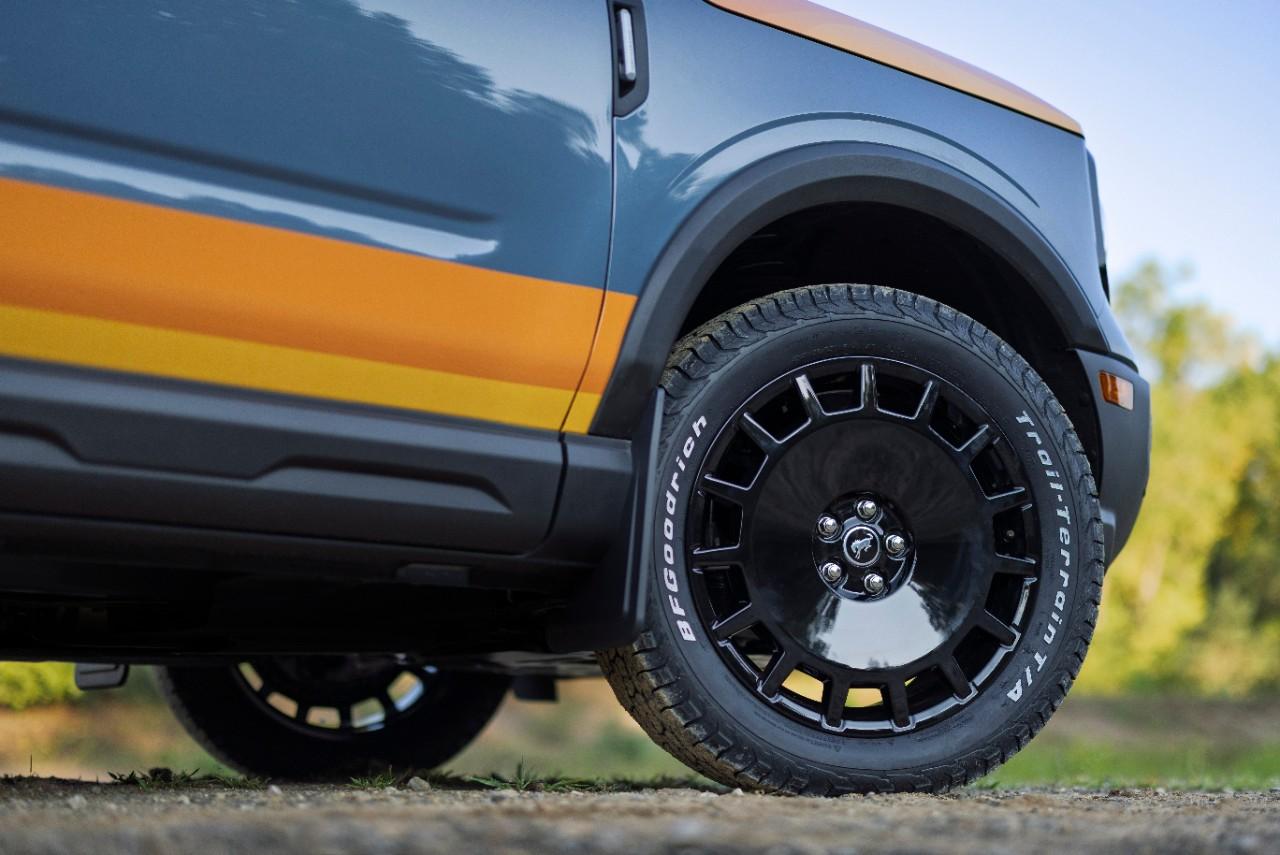
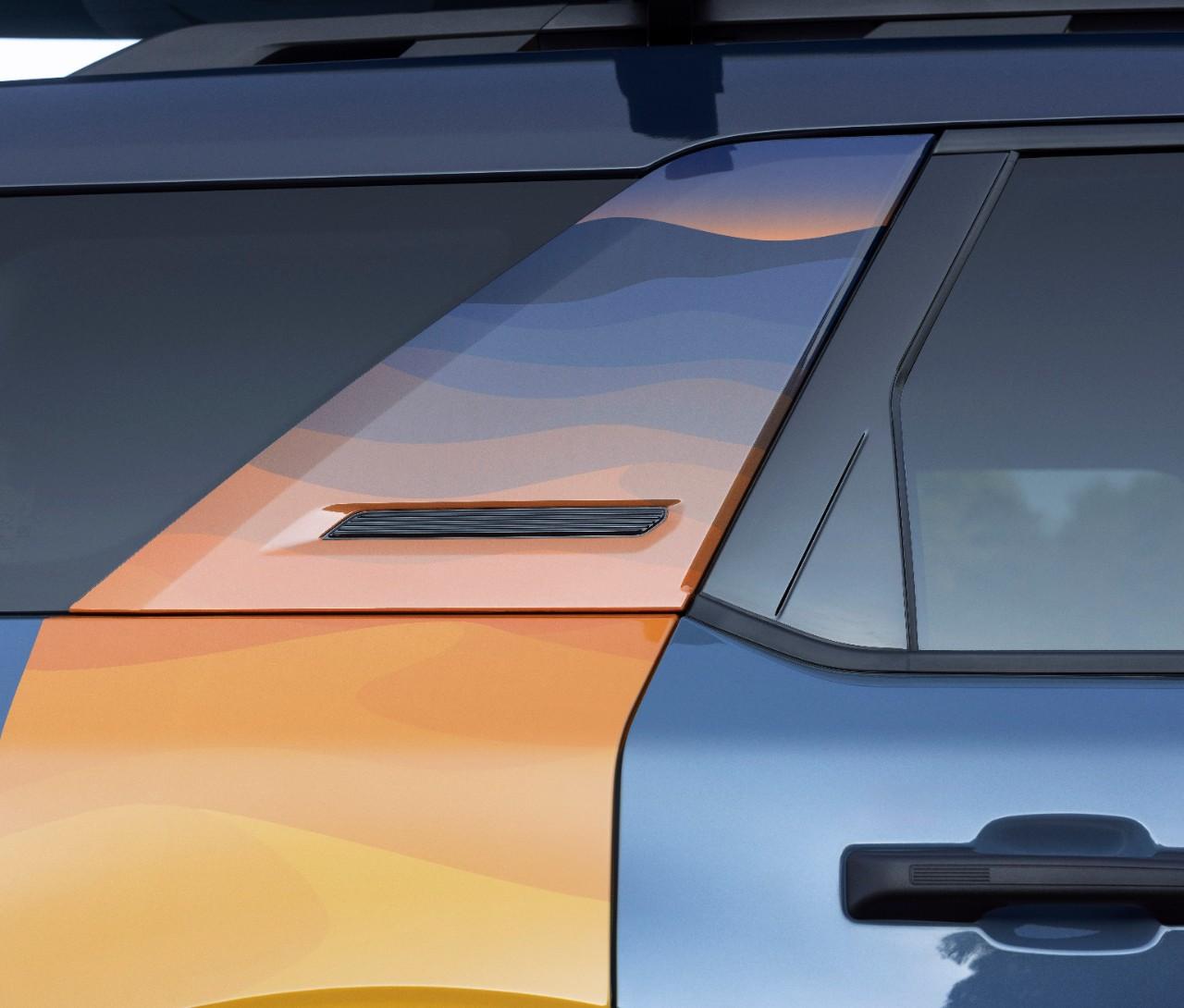
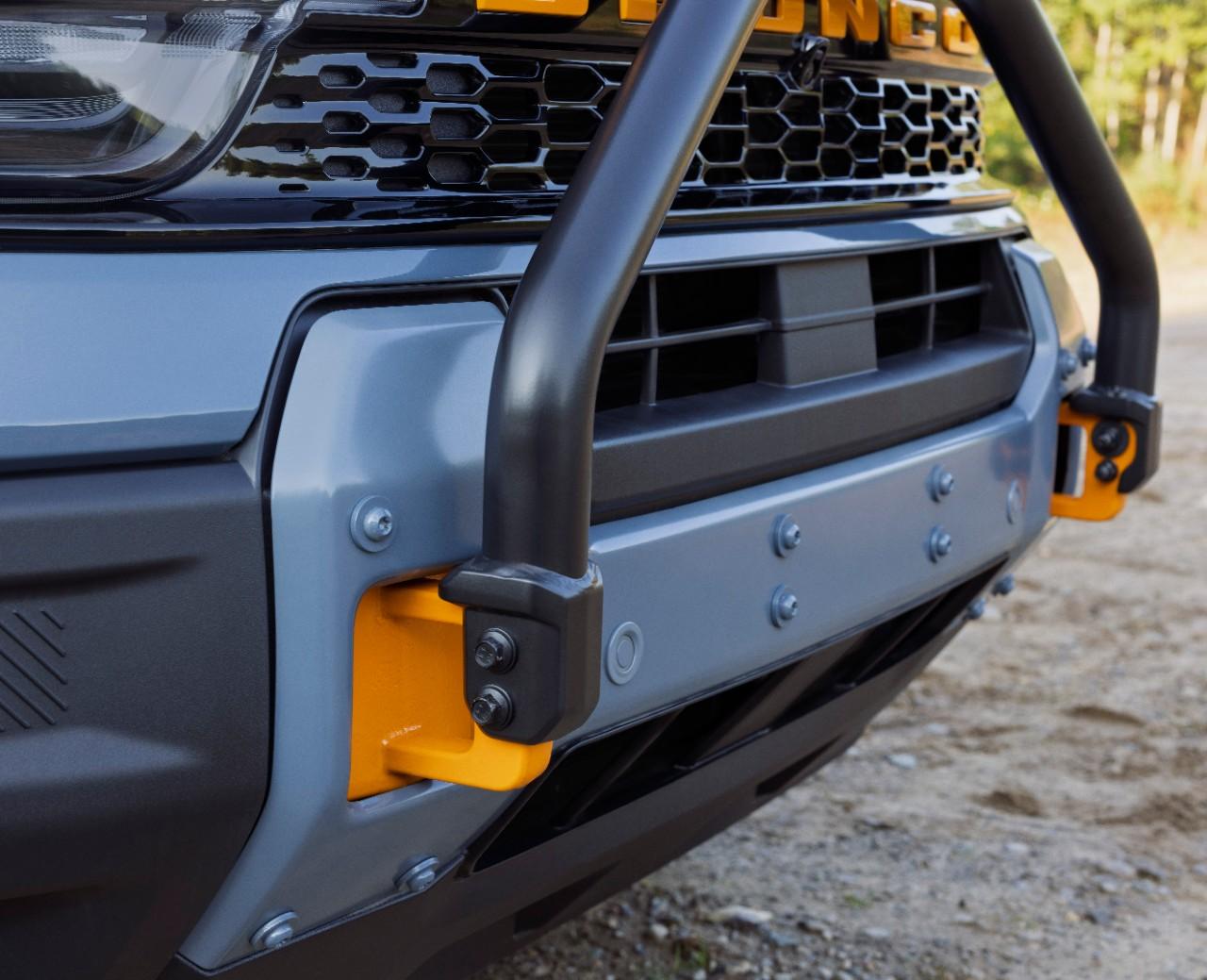
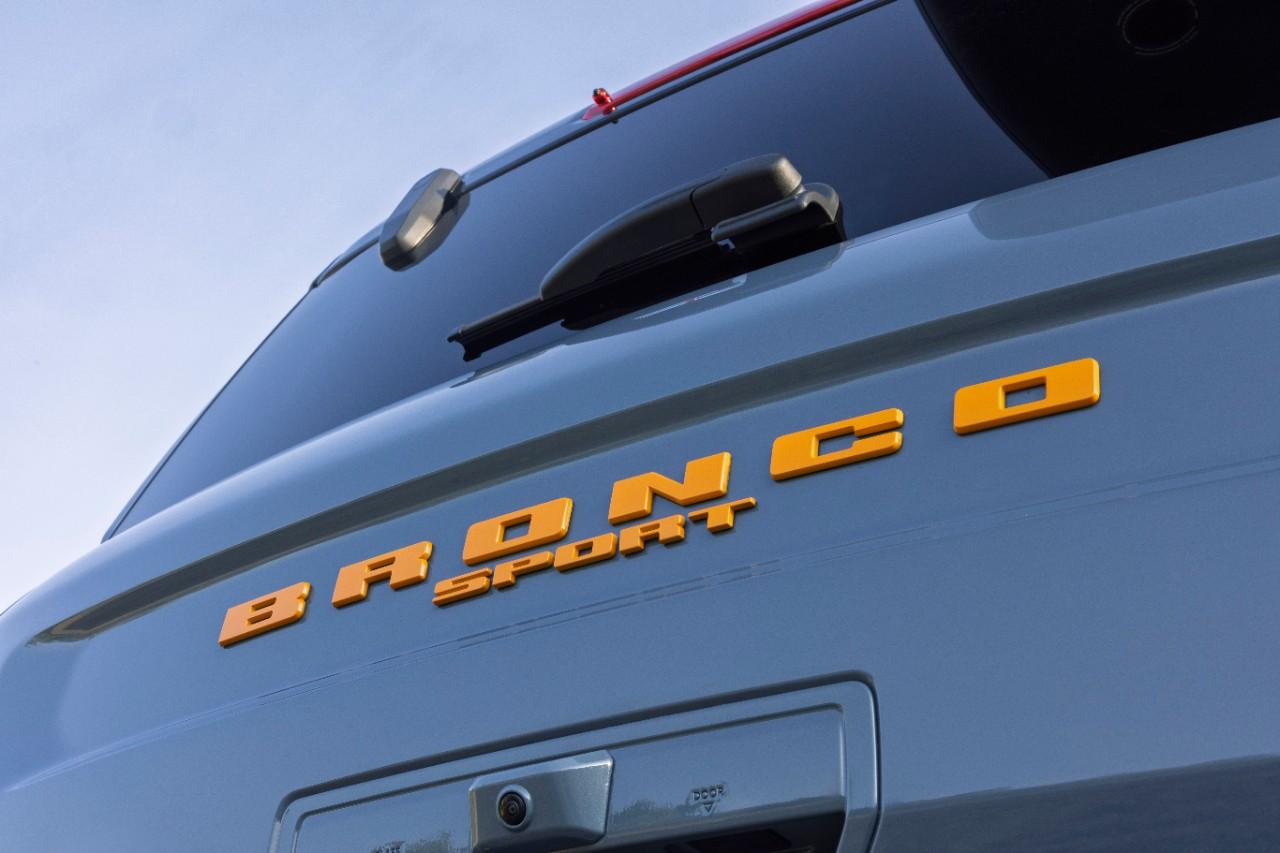
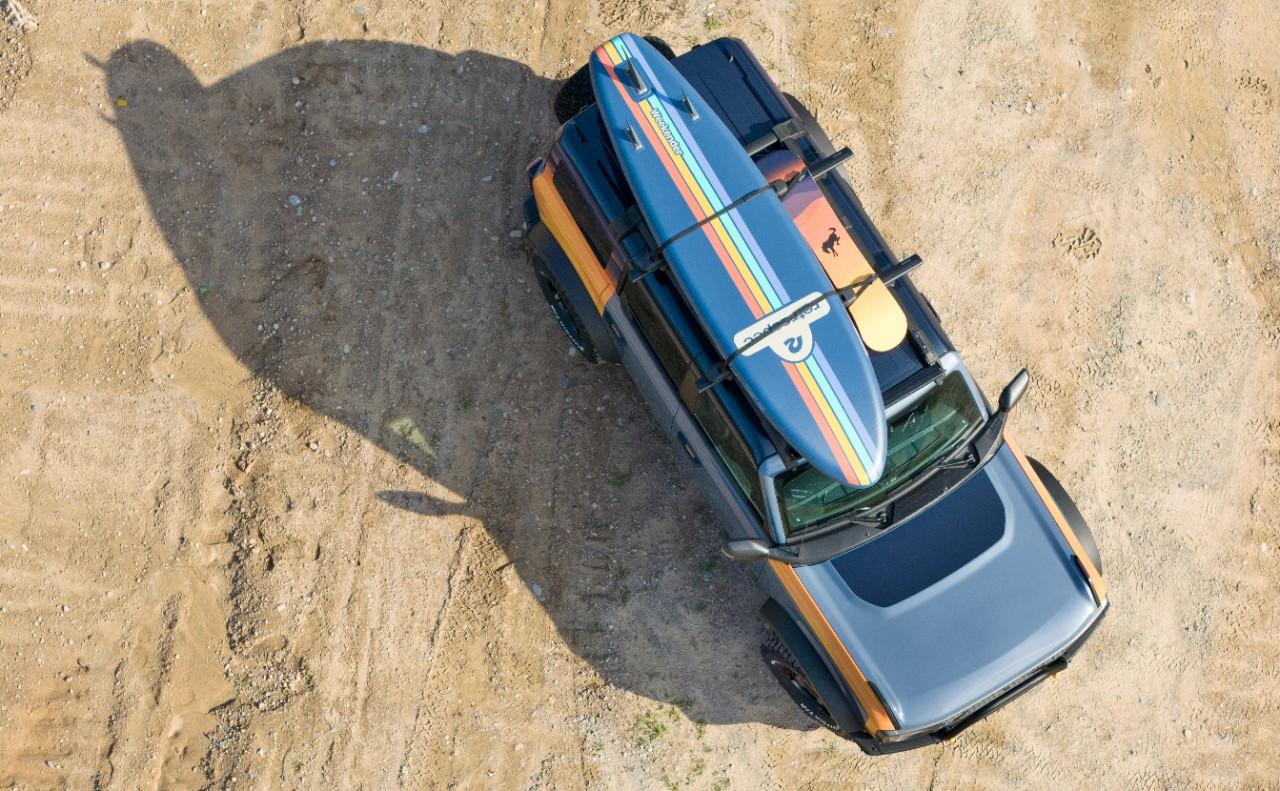
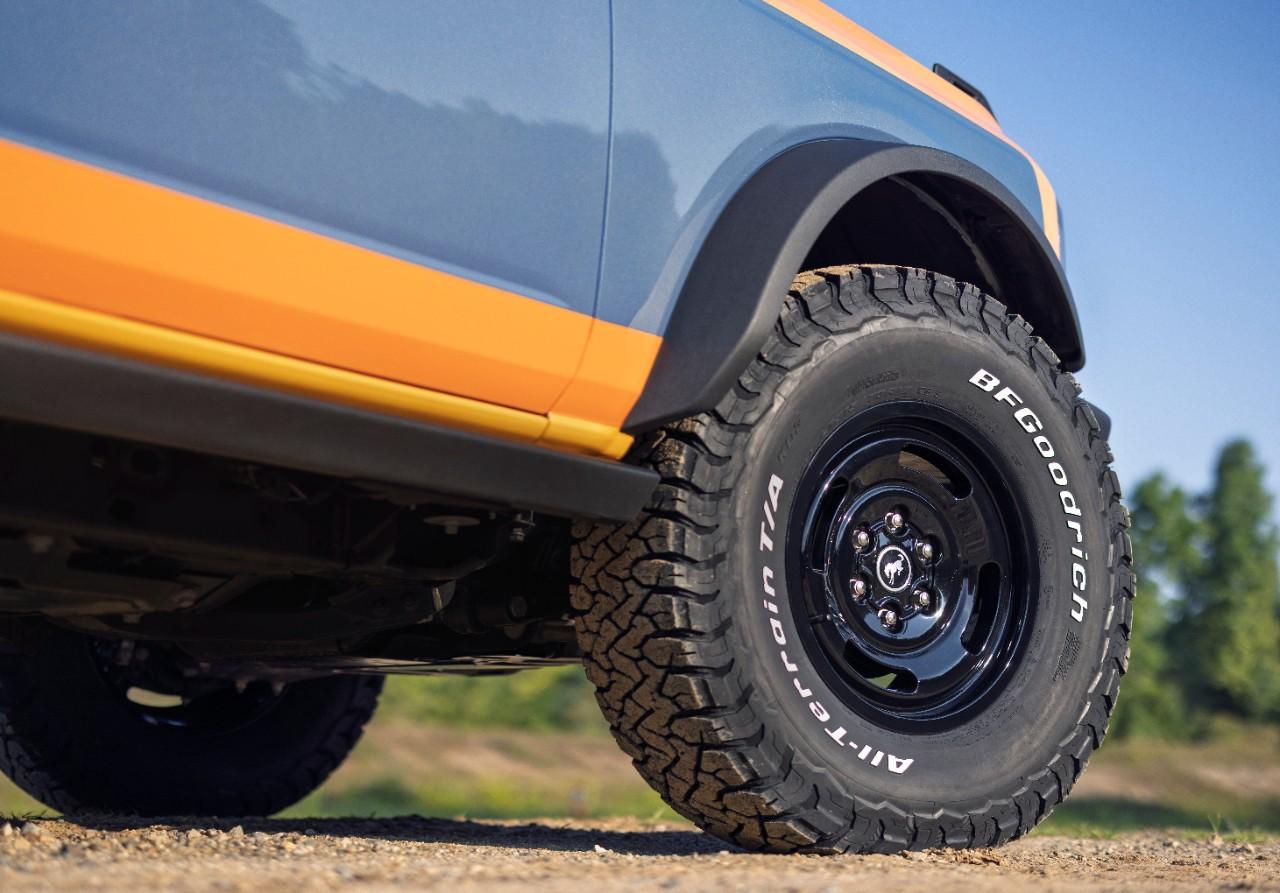
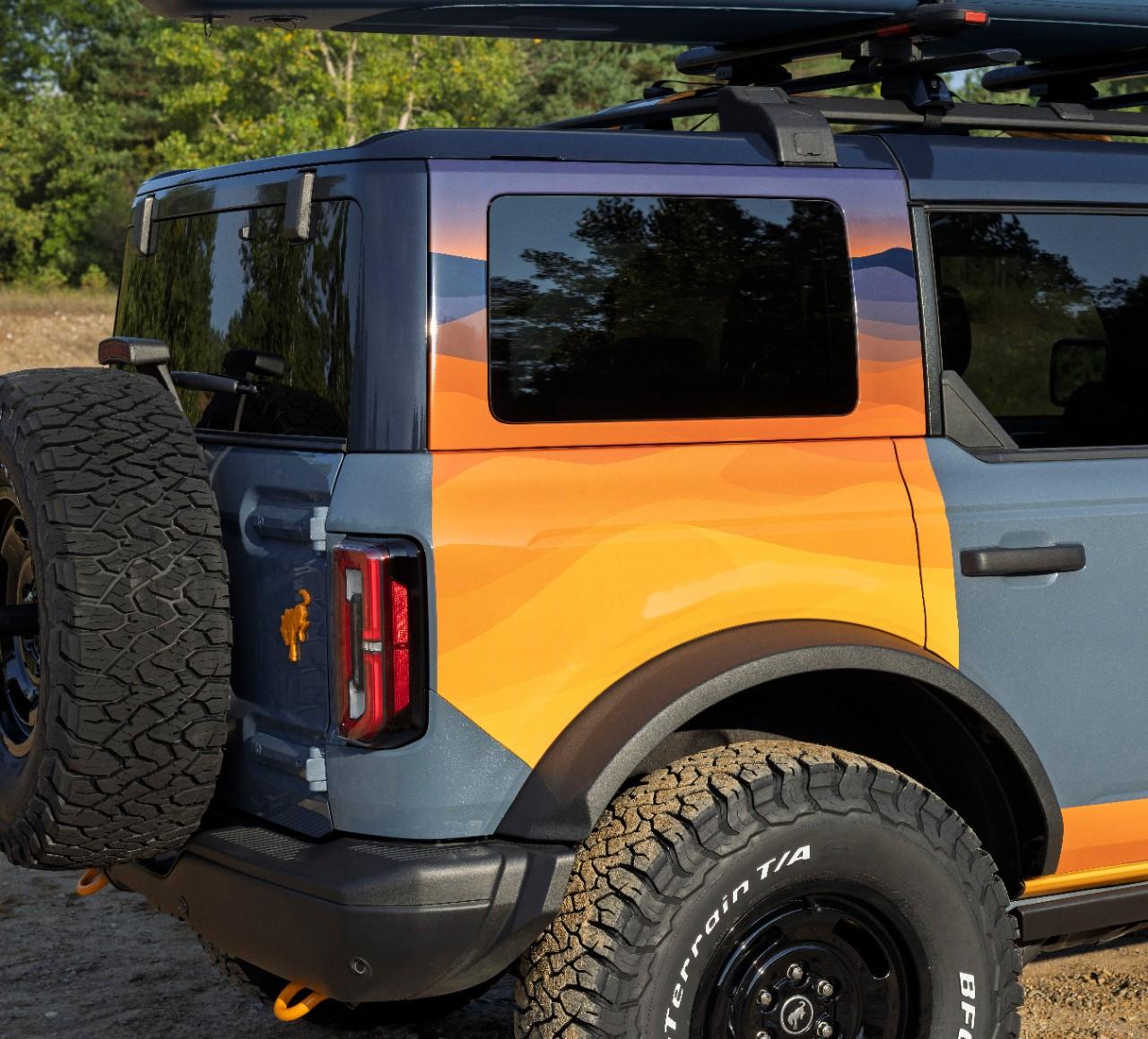
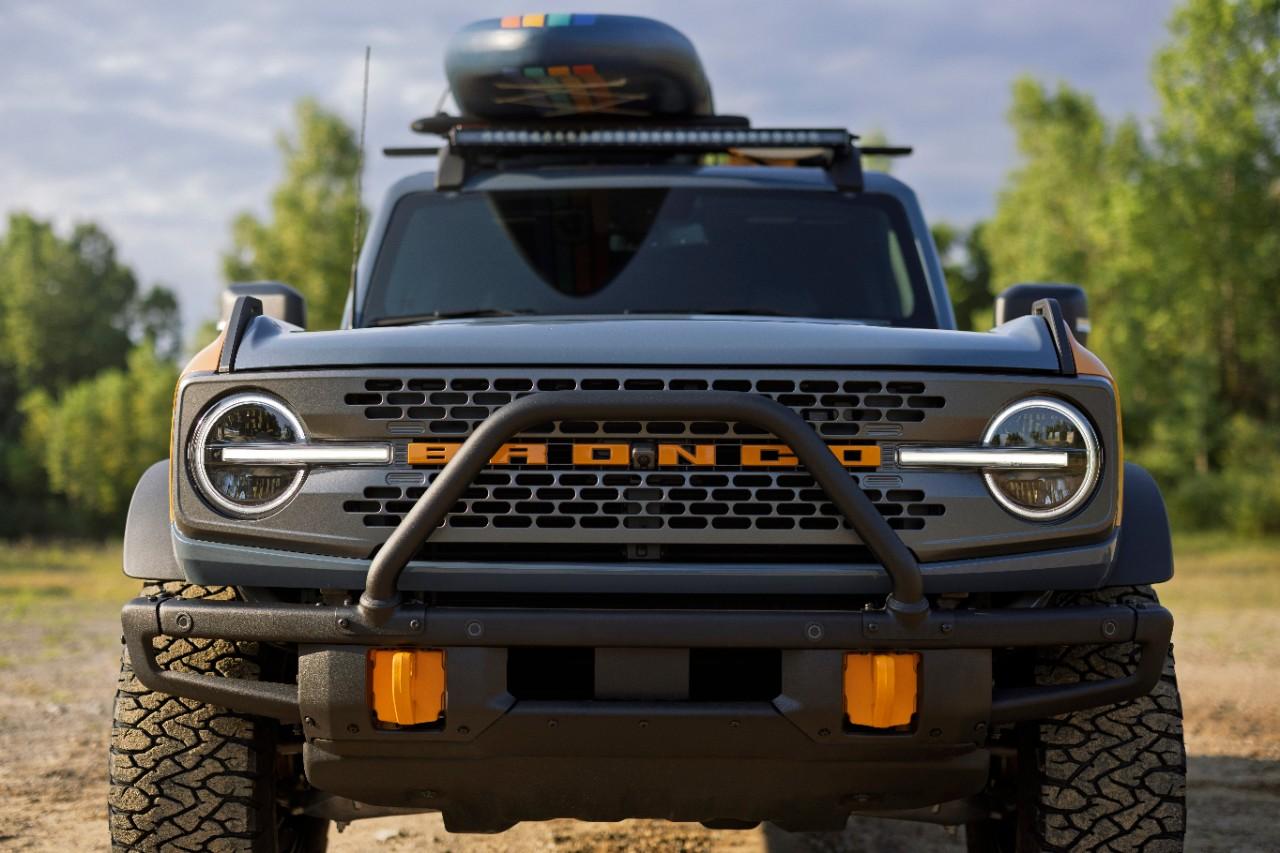
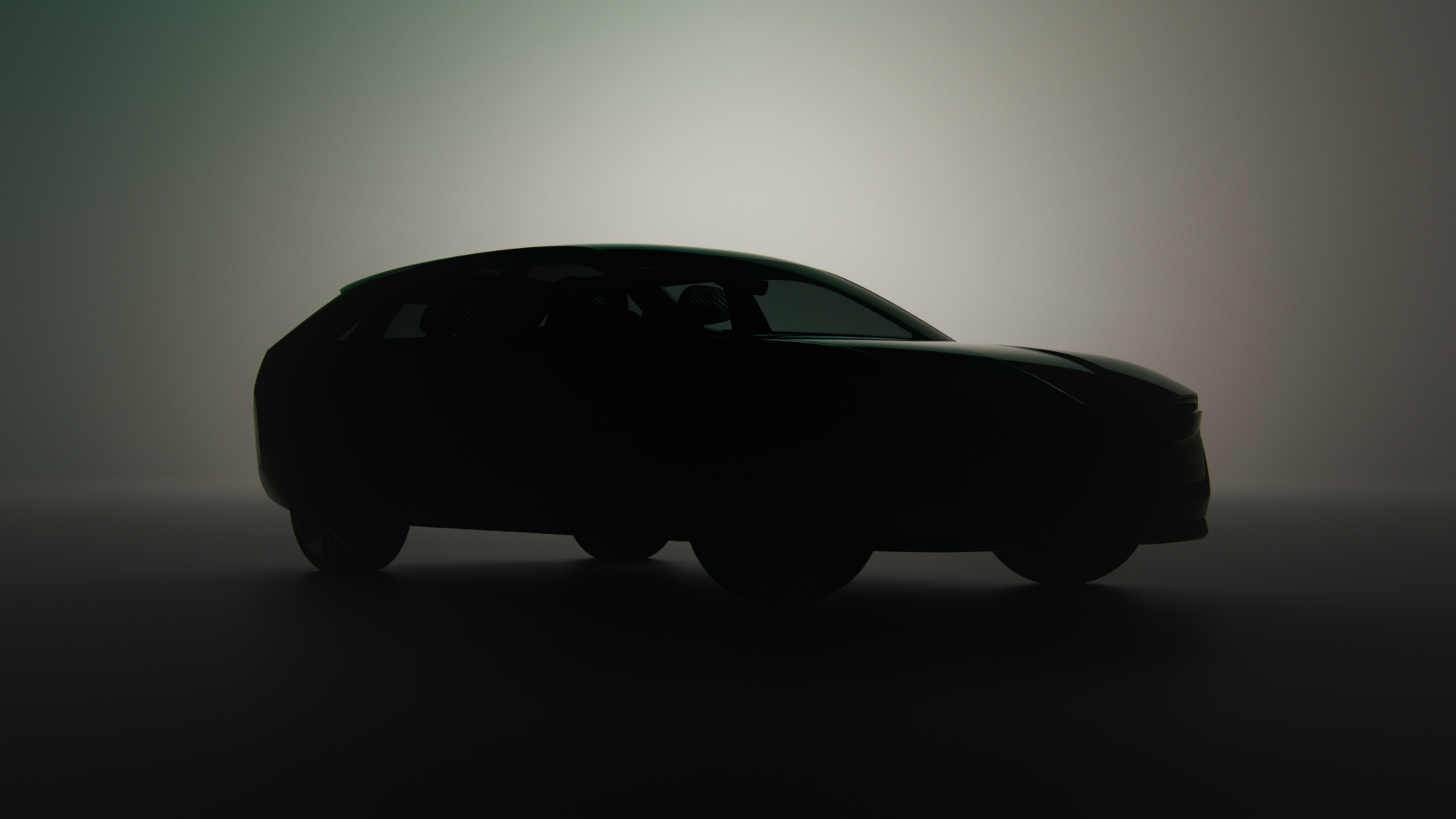
Il muso non è male, resta comunque un'auto con un gran casino di linee e pieghe; casino che si ritrova nel design della plancia. Stellantis poi da sempre prova di se con delle cartelle stampa imbarazzanti, ma che caspita di foto hanno allegato? Non c'è una foto in cui si possa vedere la macchina nella sua interezza.
-
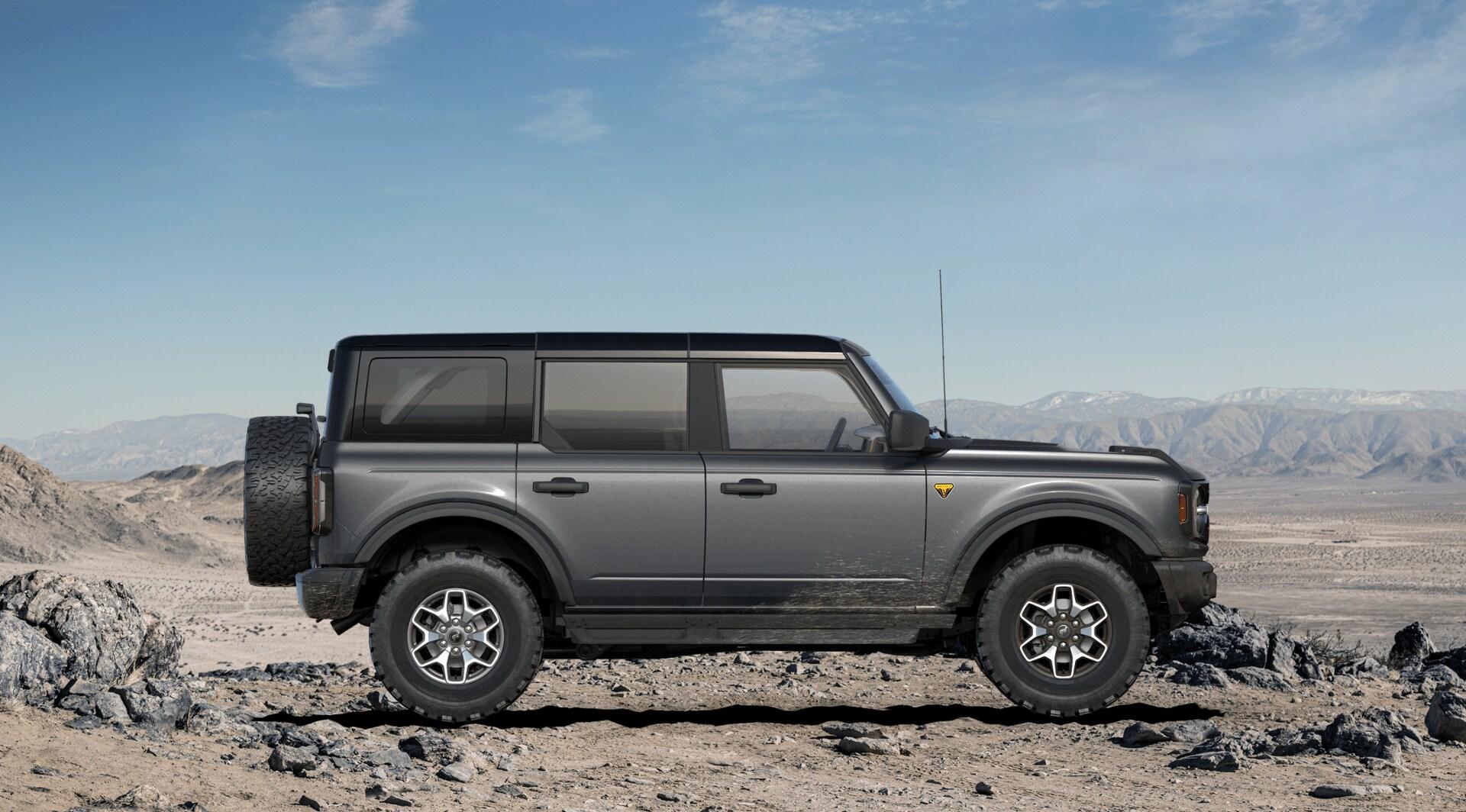
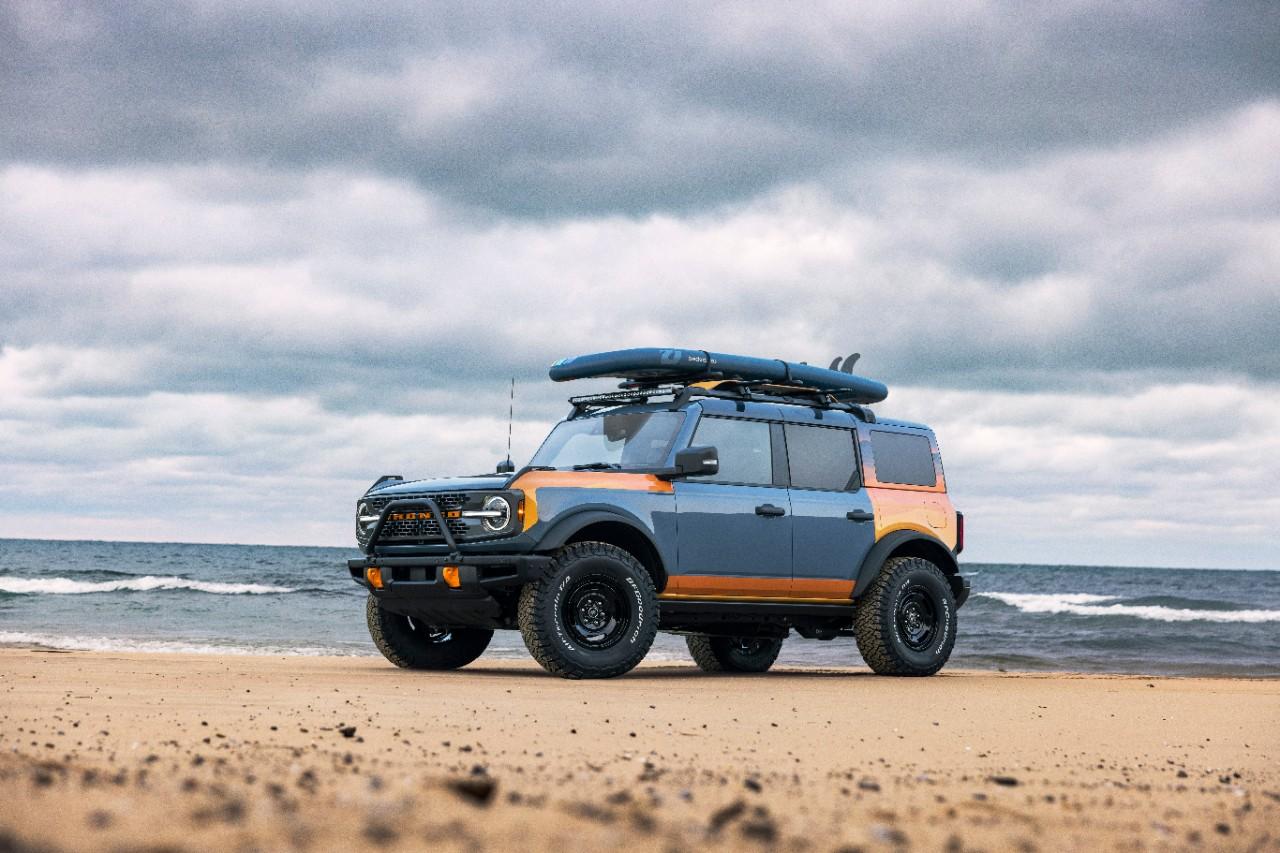
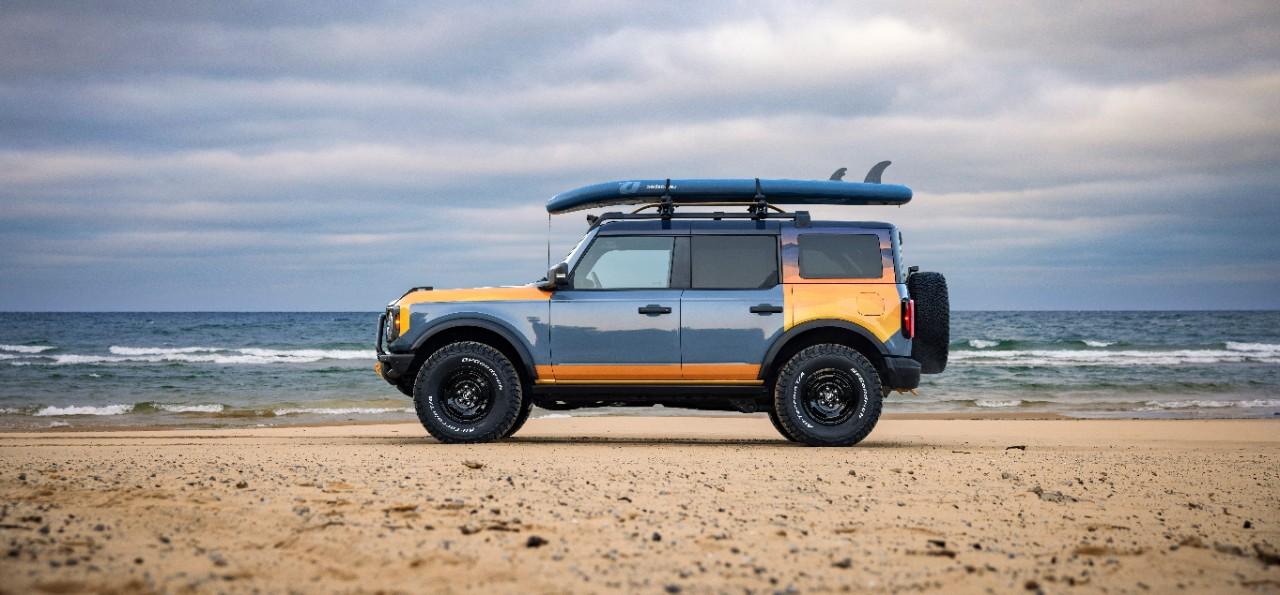
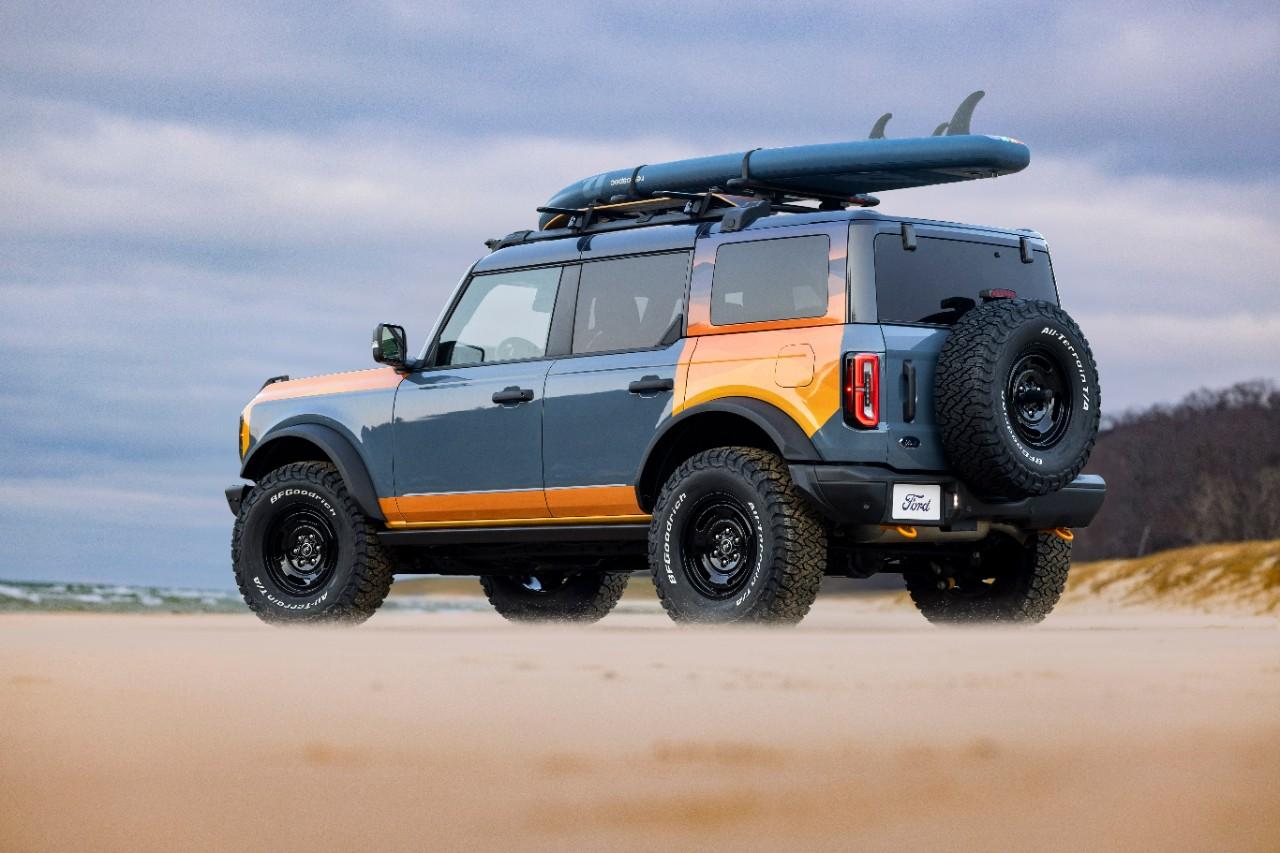
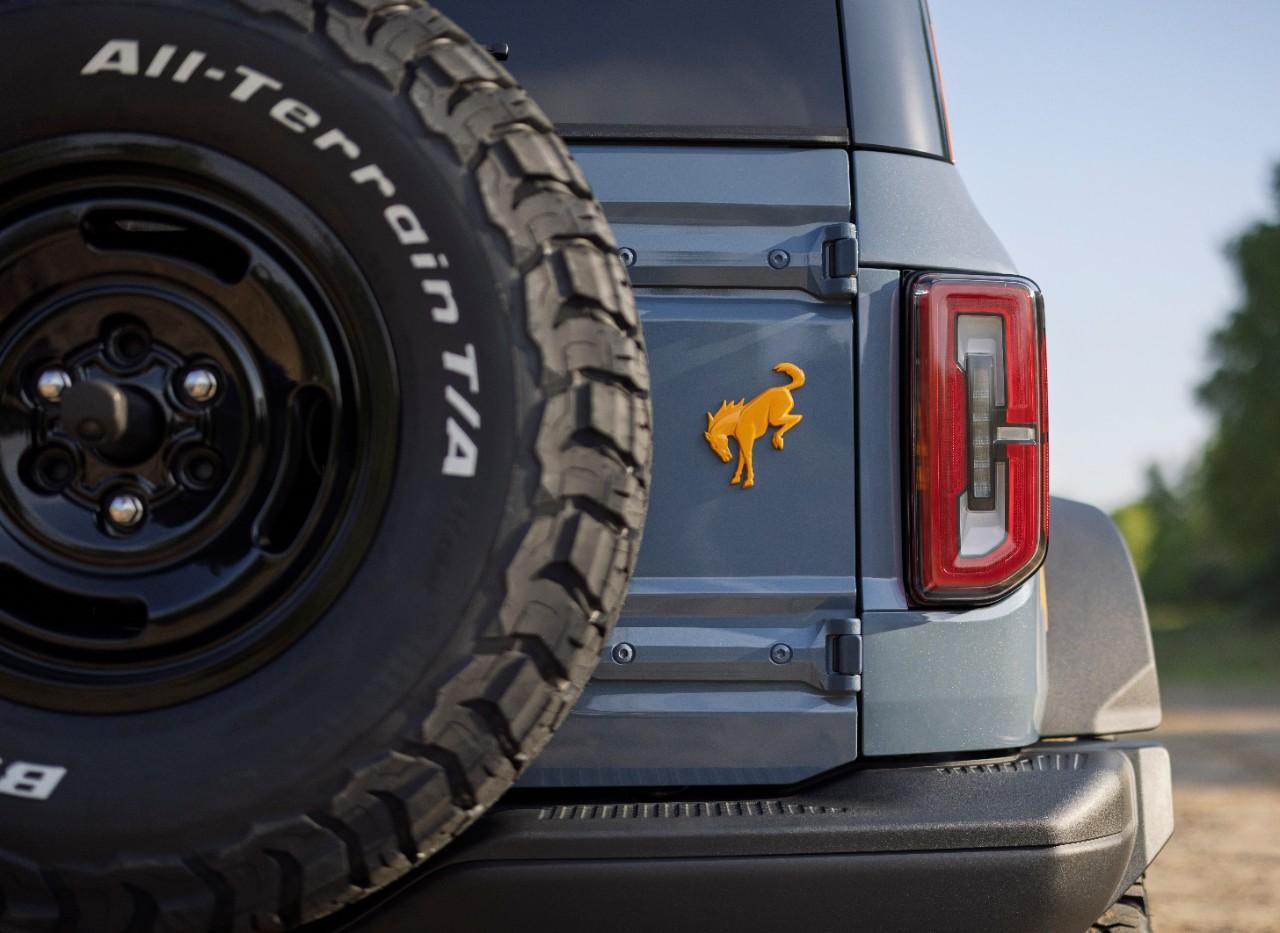
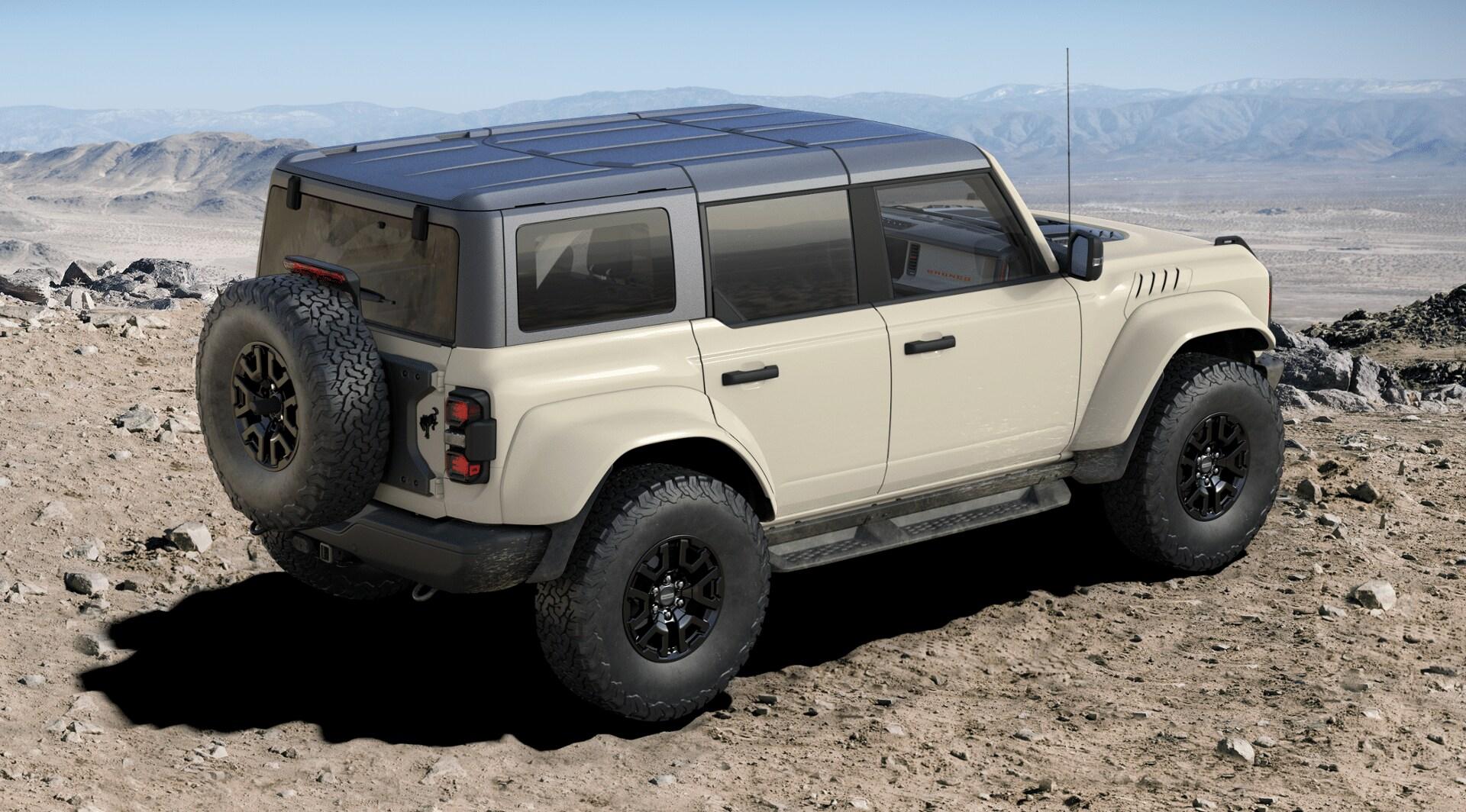
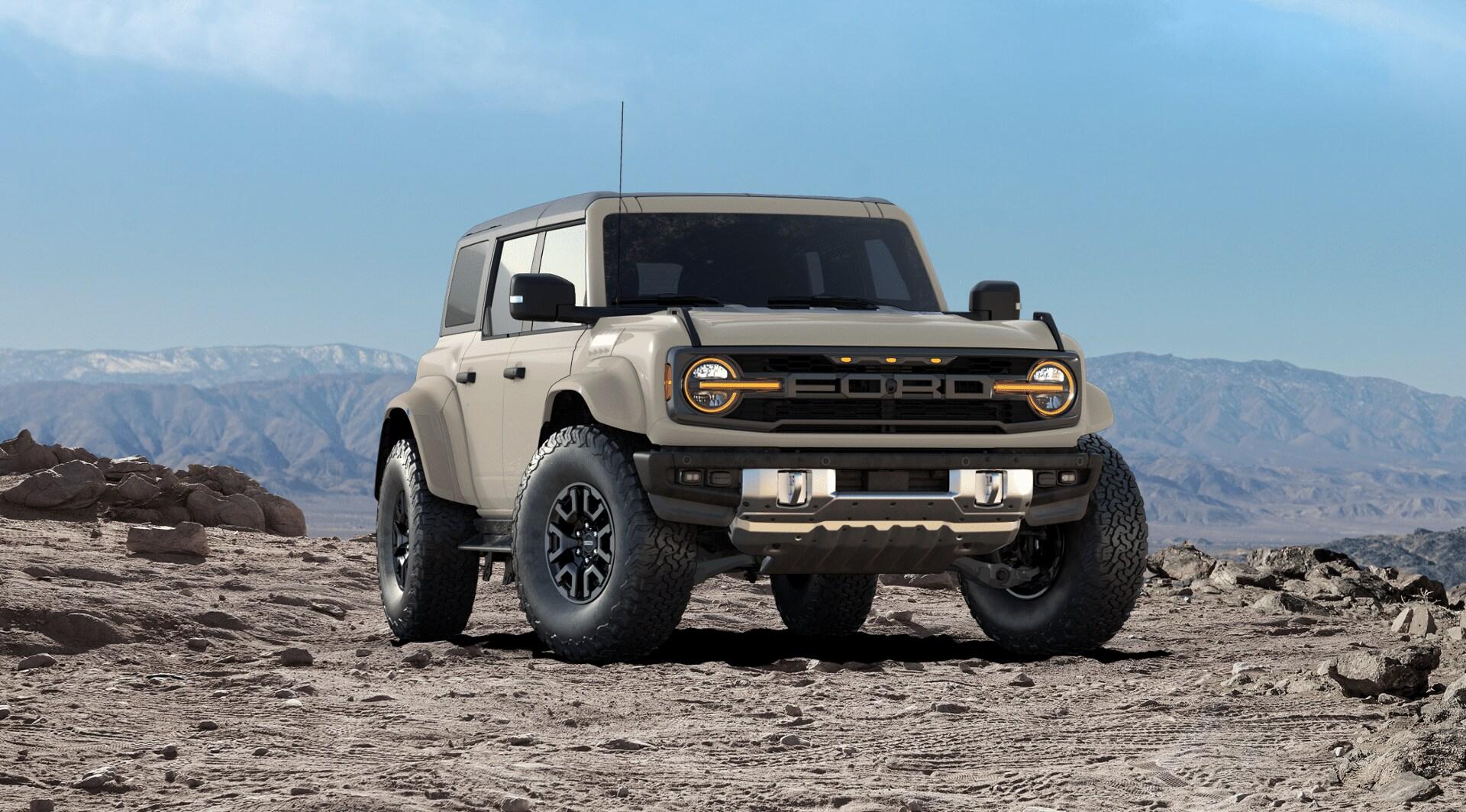
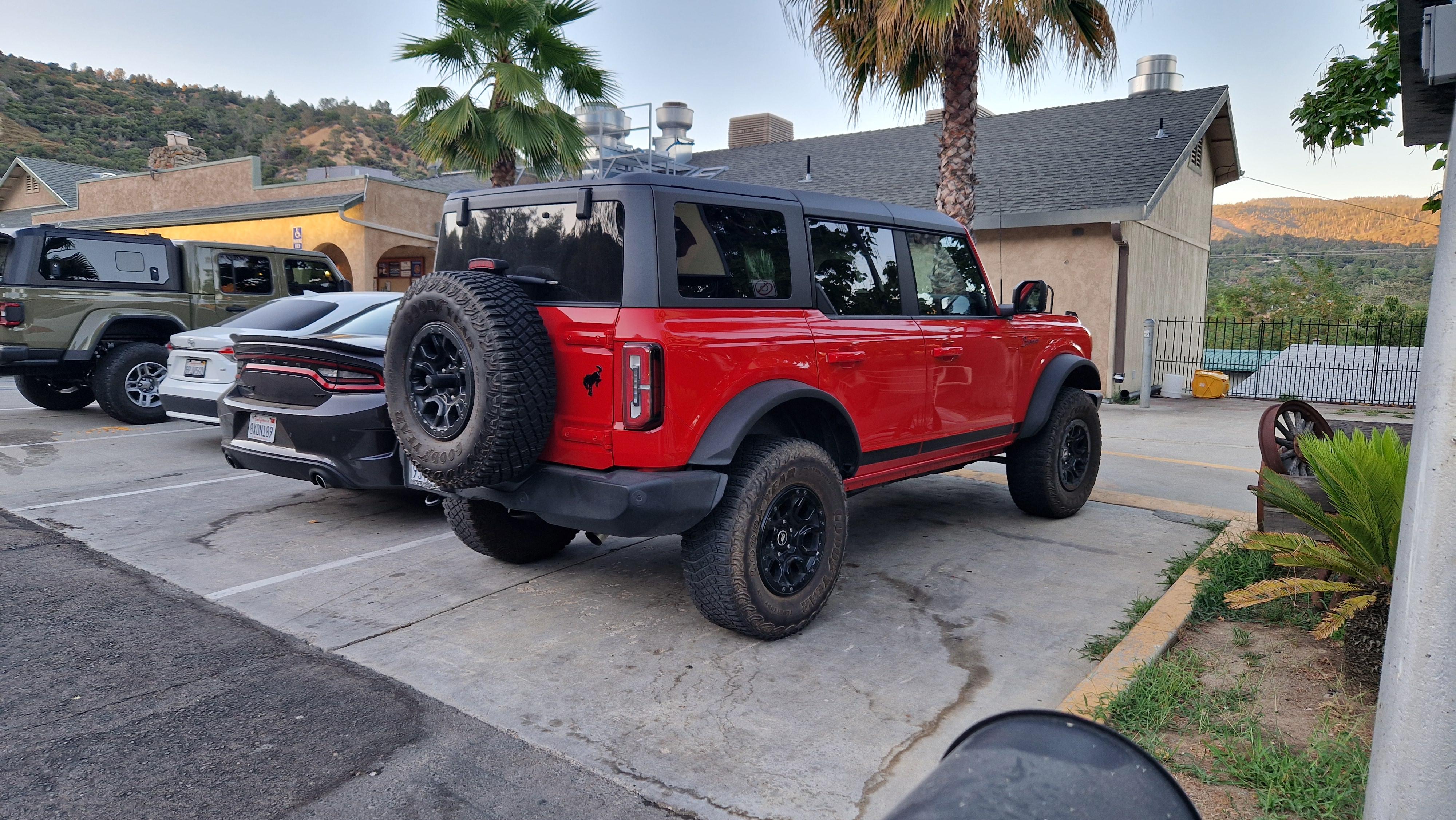
Nel design ci vedo un ritorno agli anni '80-'90 di Corsa A.Si la 3 porte è a listino ed è quella più "caratterizzata", offerta solo negli allestimenti: Base, Badlands e Stroppe Edition. Comunque fossi in America ed avessi soldi da spendere, andrei di Bronco Raptor. Con il suo bel 3.0L EcoBoost V6.
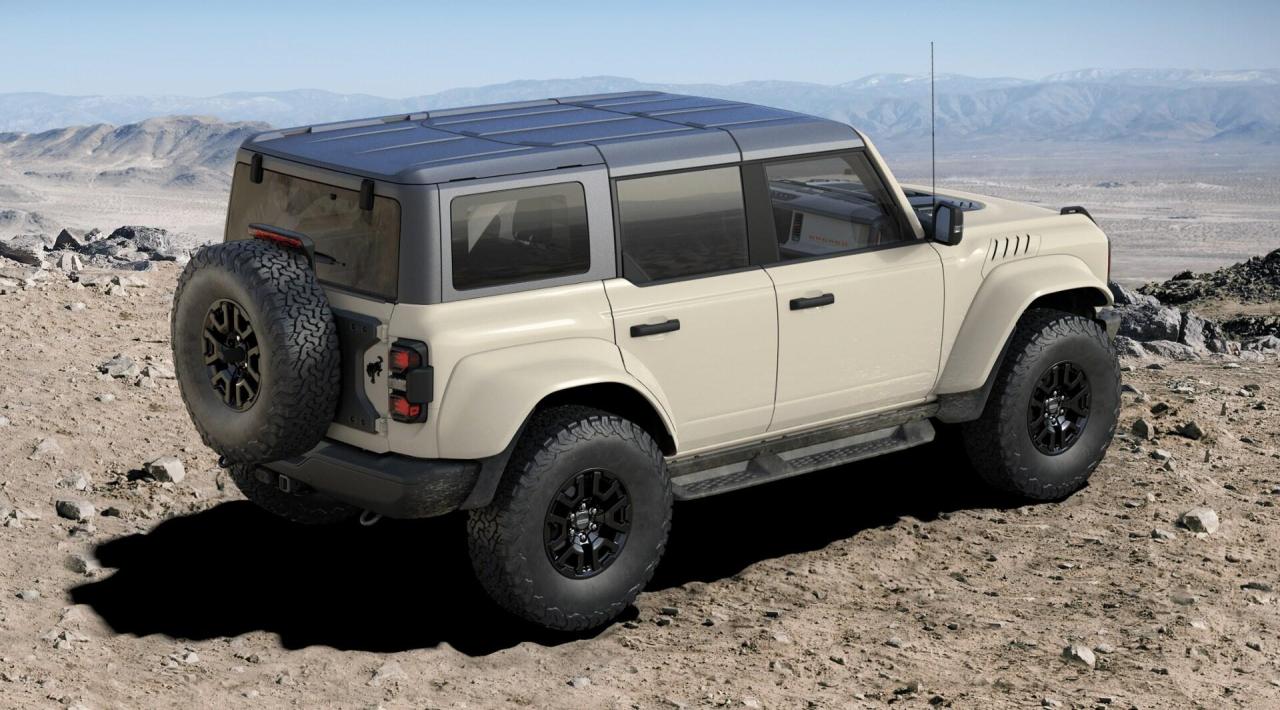
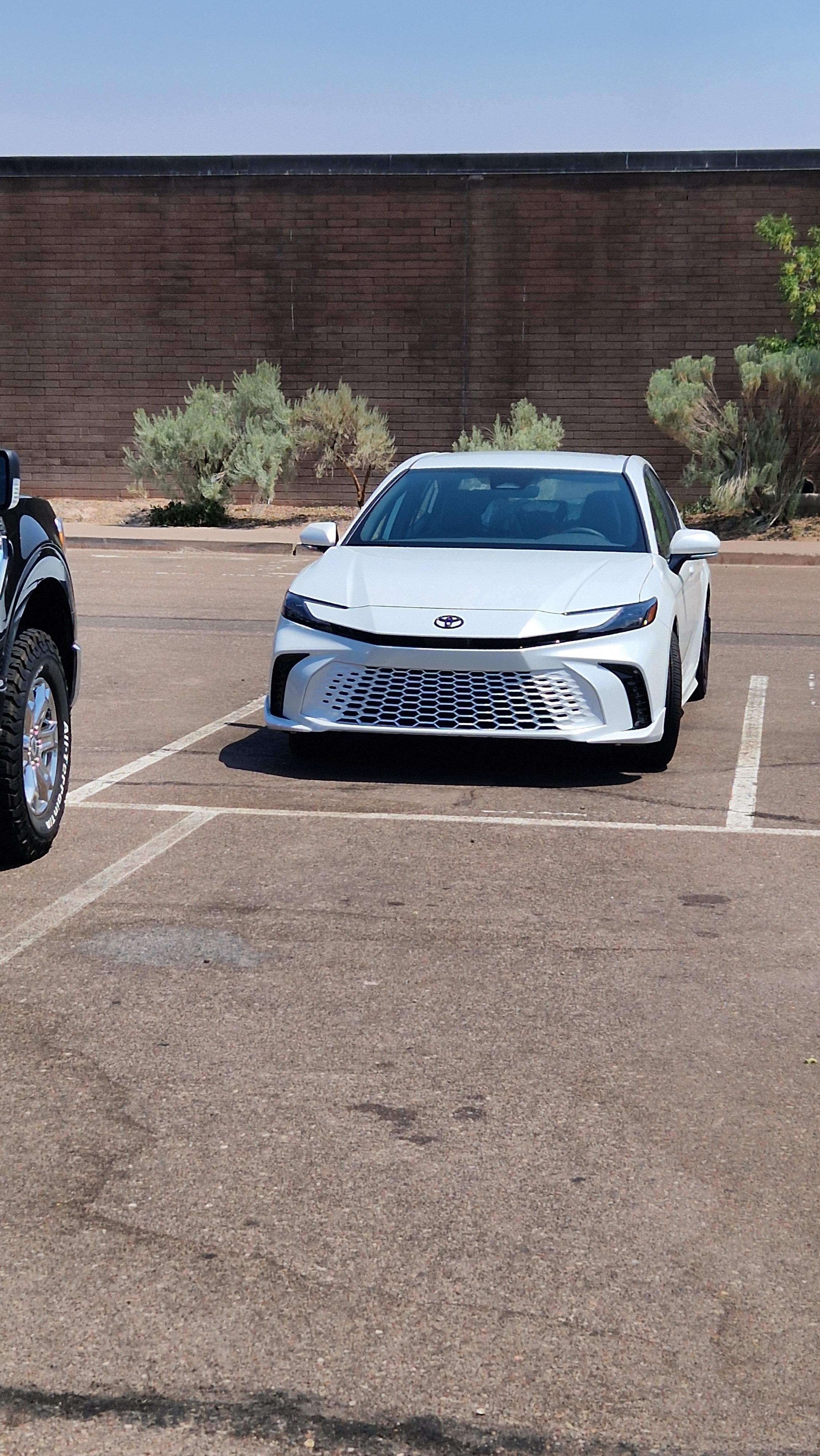
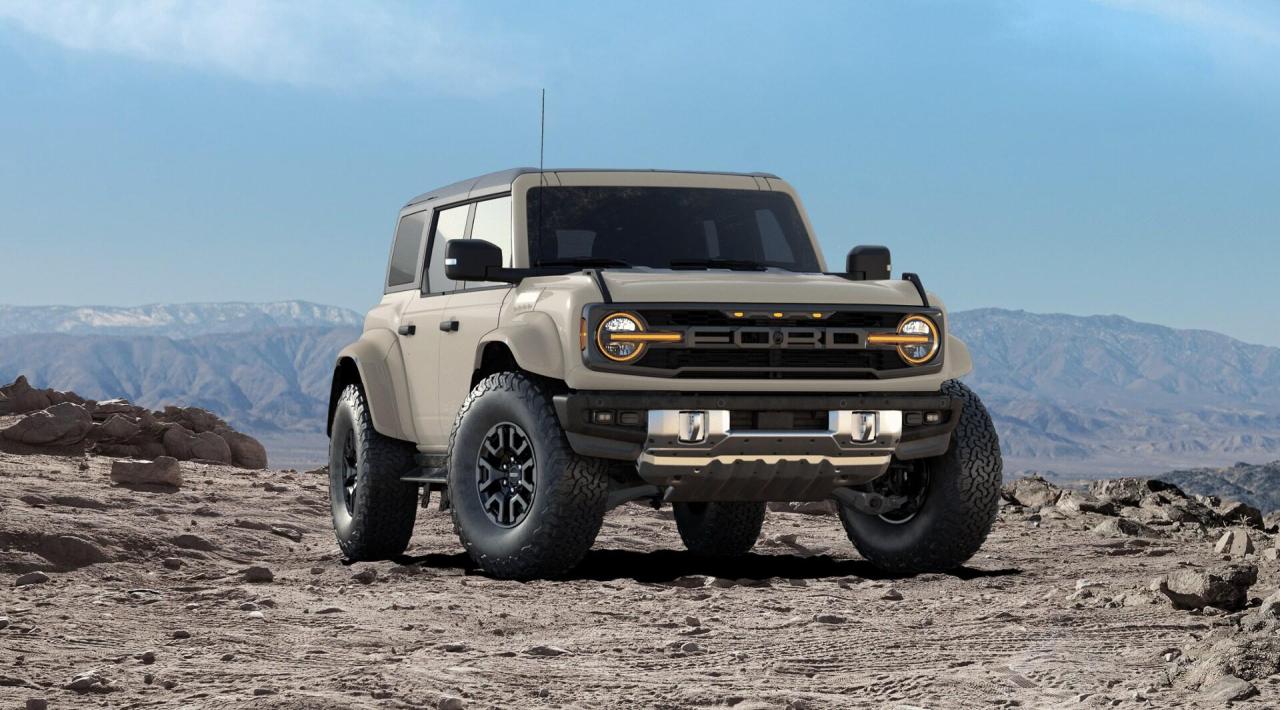 Nelle due settimane trascorse in USA, da Denver a San Francisco, di auto ne ho viste parecchie e devo dire che un buon 70% sono Giapponesi e/o Coreane, un gran numero di Toyota (Camry ovunque), Honda e berline Kia/Hyundai. Naturalmente fuori dai grandi centri, i grossi pick-up sono i padroni delle strade, gran numero di GMC e Chevrolet. Le Tesla presenti solo nei grandi centri sia le berline sia il Cybertruck che fuori dai centri urbani spariscono. Ho notato un gran numero di Wrangler (nei parchi molte sono di turisti che le scelgono come auto a noleggio) e Wagoneer oltre che di Bronco e Bronco Sport. Mi ha stupito anche la percentuale (ad occhiometro) elevata di Rivian. Per il viaggio ho guidato una Honda Odissey, esteticamente non bellissima ma molto comoda e sfruttabile.Regna la confusione nella gestione delle firrme luminose, ora anche le Opel sono dotate di calice e si confondono con le Lancia. 🤣Comunque negli USA, le Camry regnano sovrane, ne ho viste un sacco tra vecchia e nuova generazione.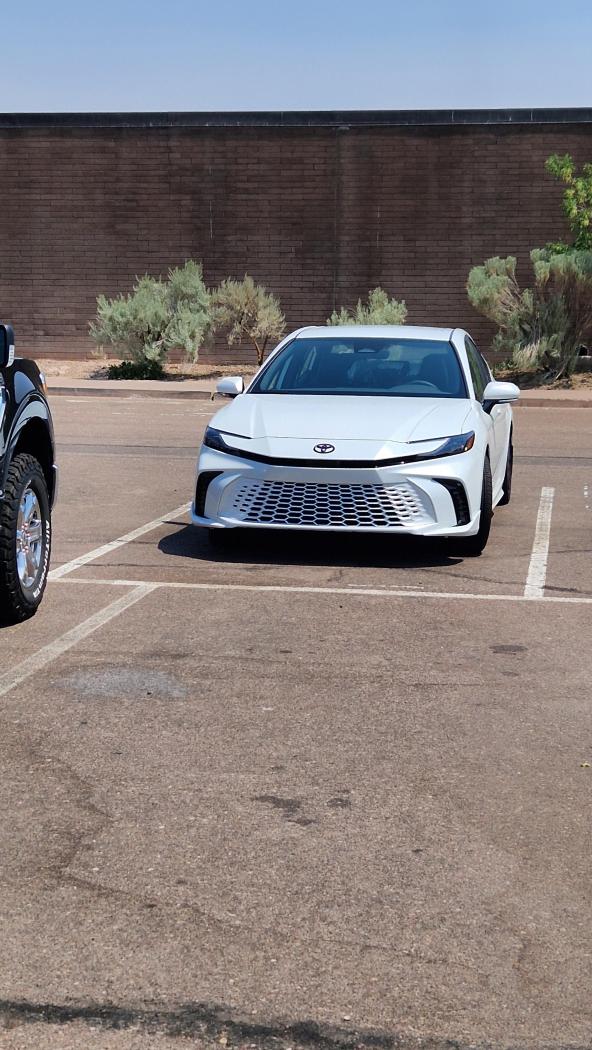
- 10 risposte
-
-

- 4
-
-
- camry
- camry 2024
- toyota
- toyota camry
-
Taggato come:
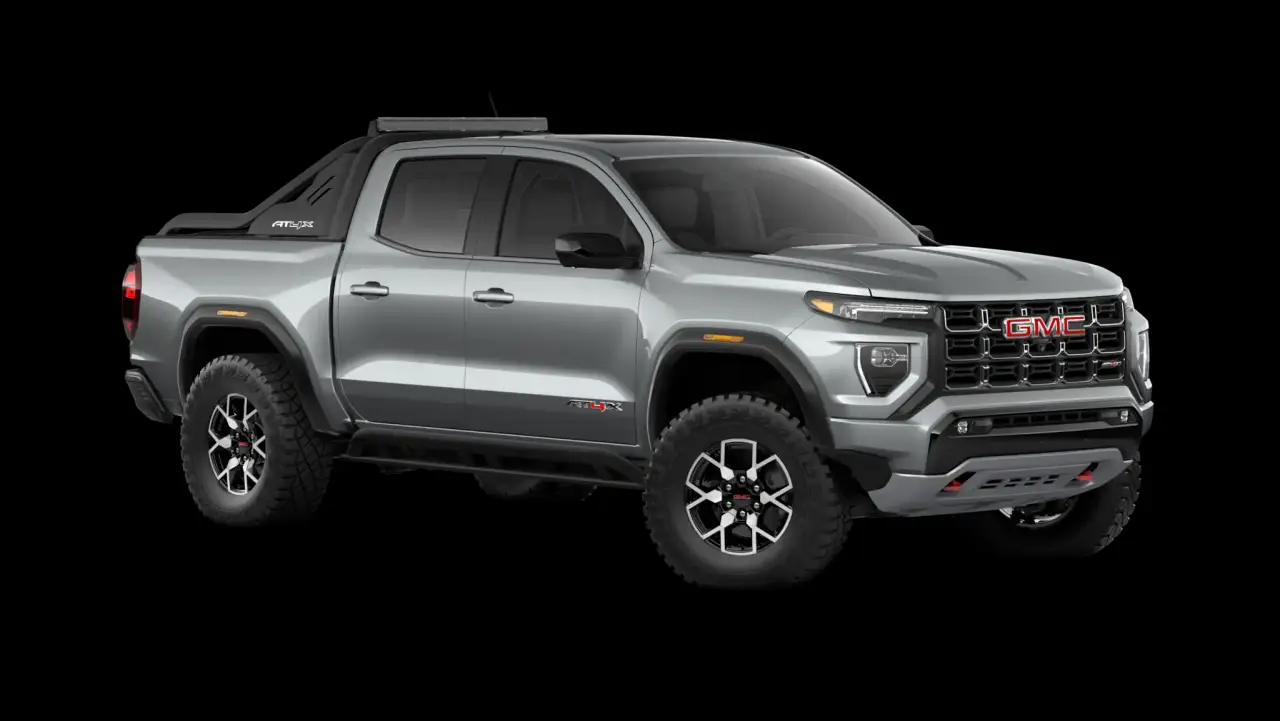
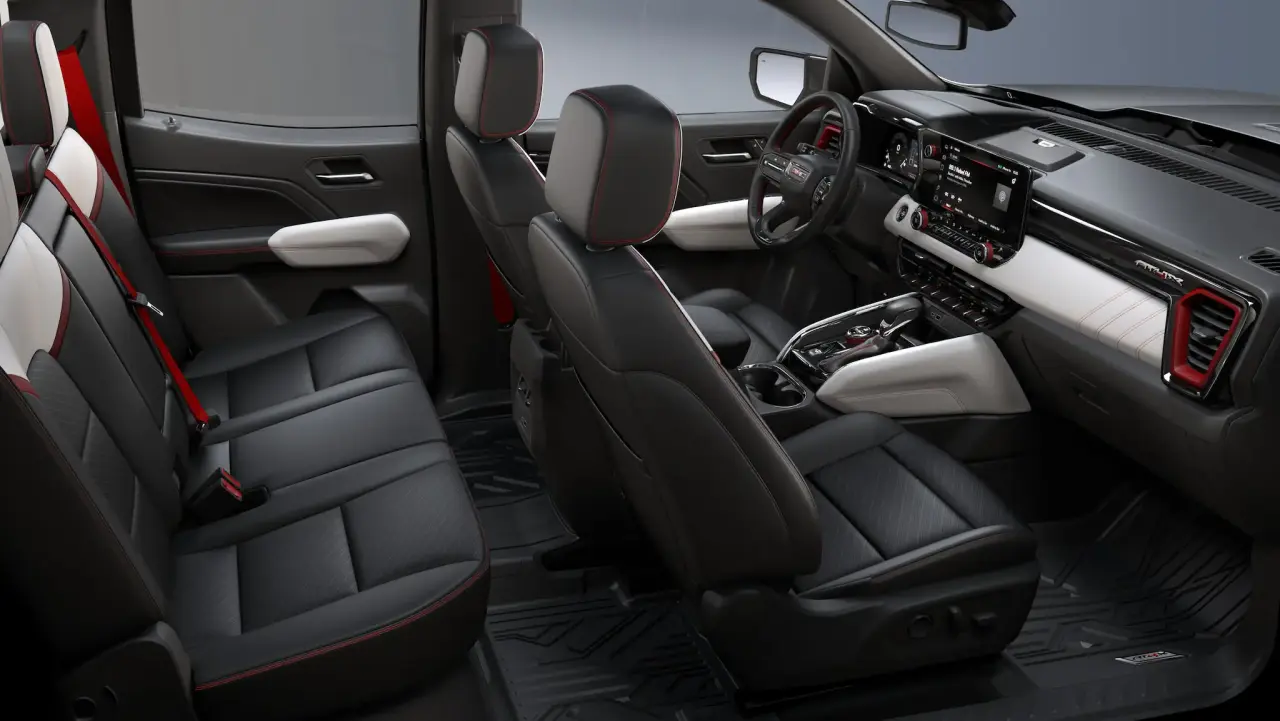
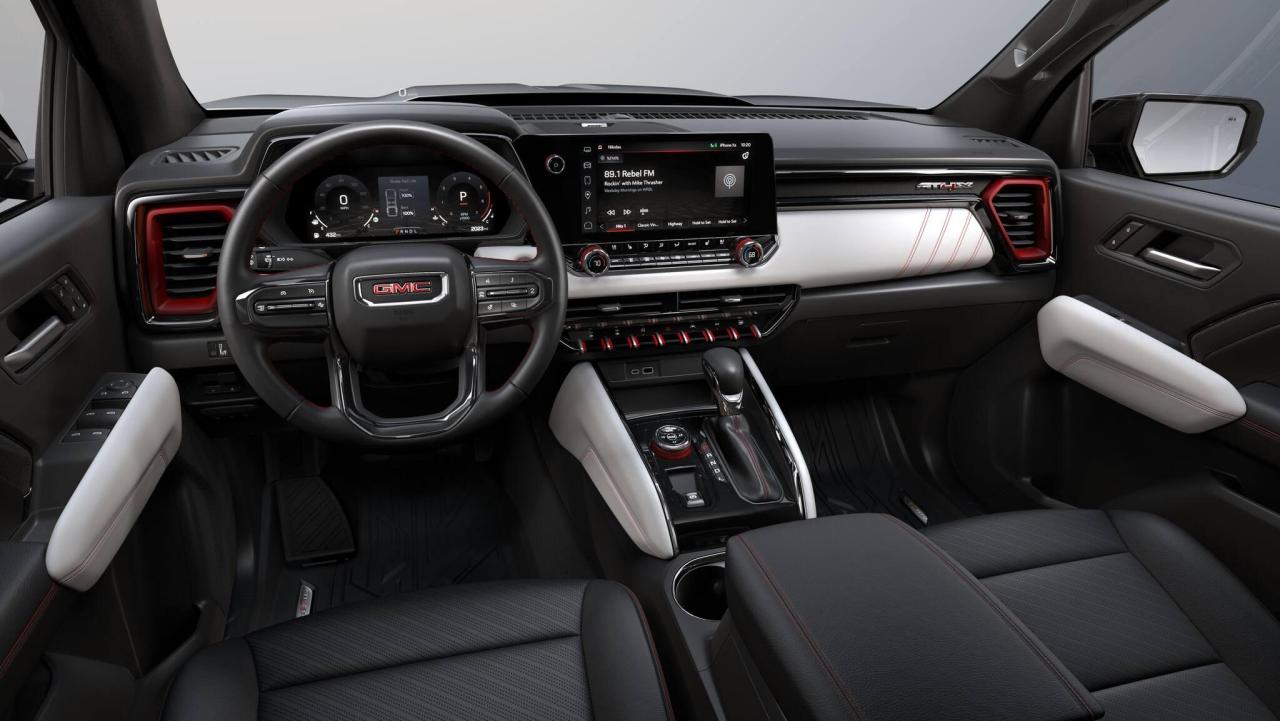
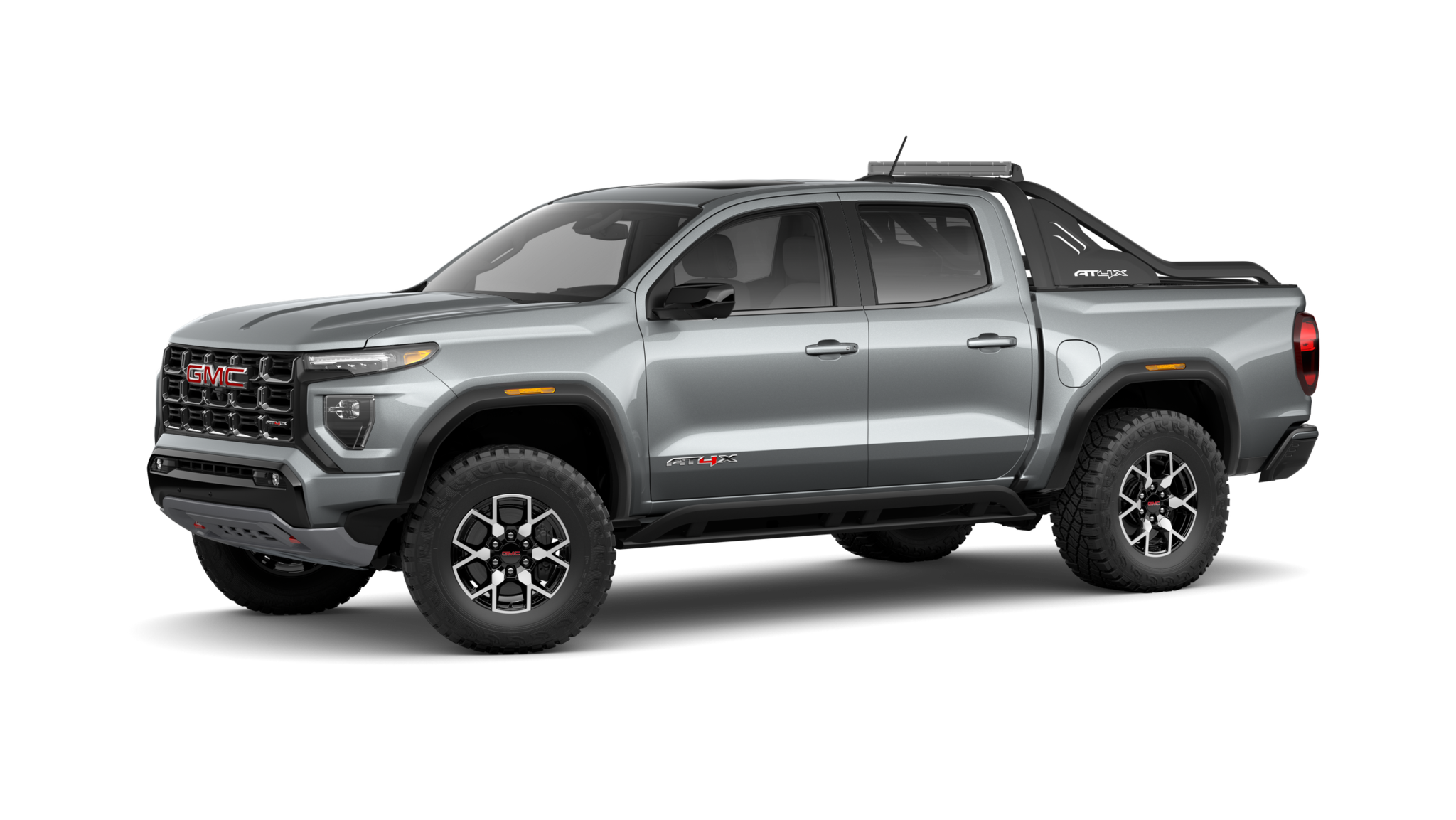
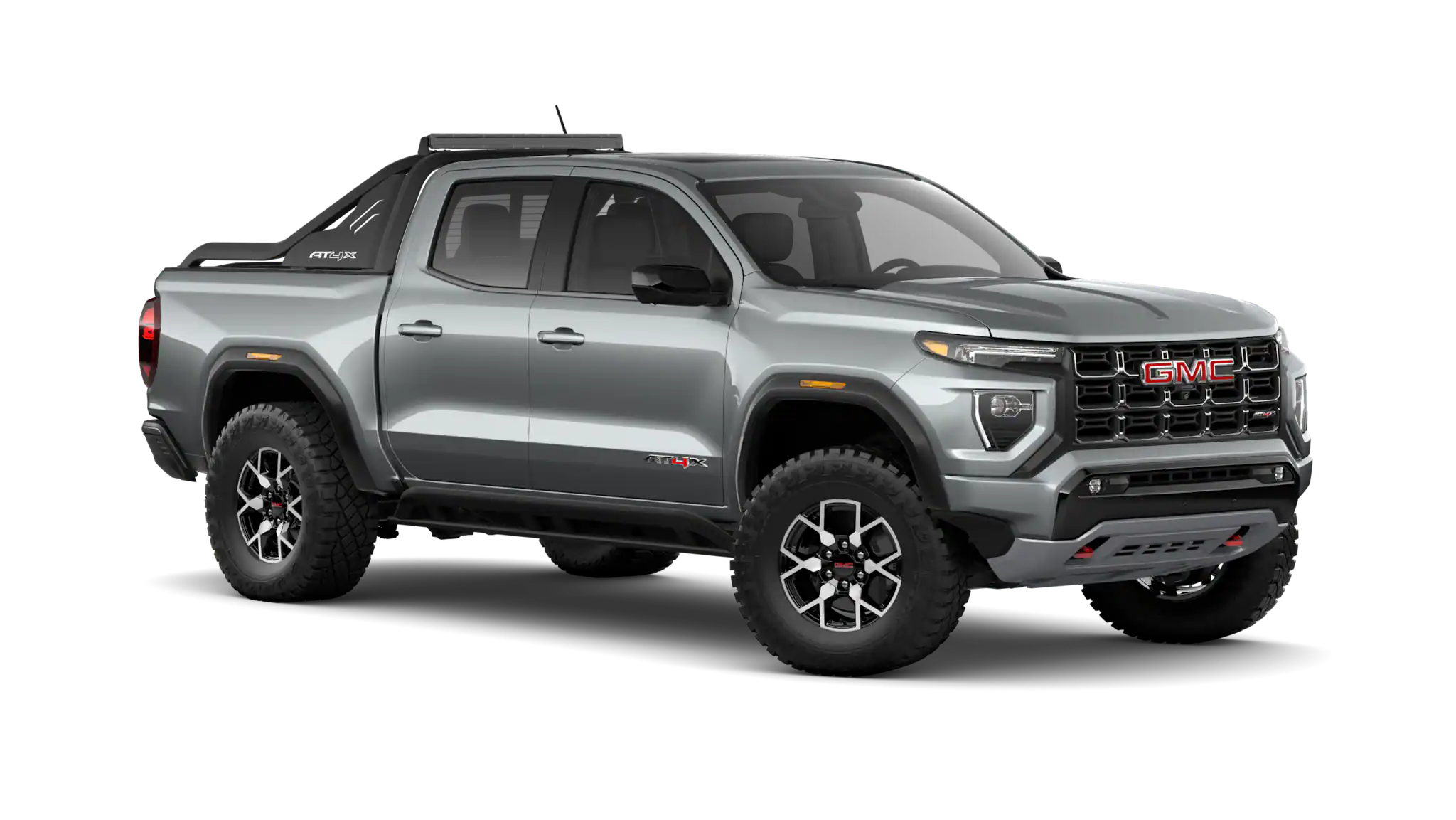
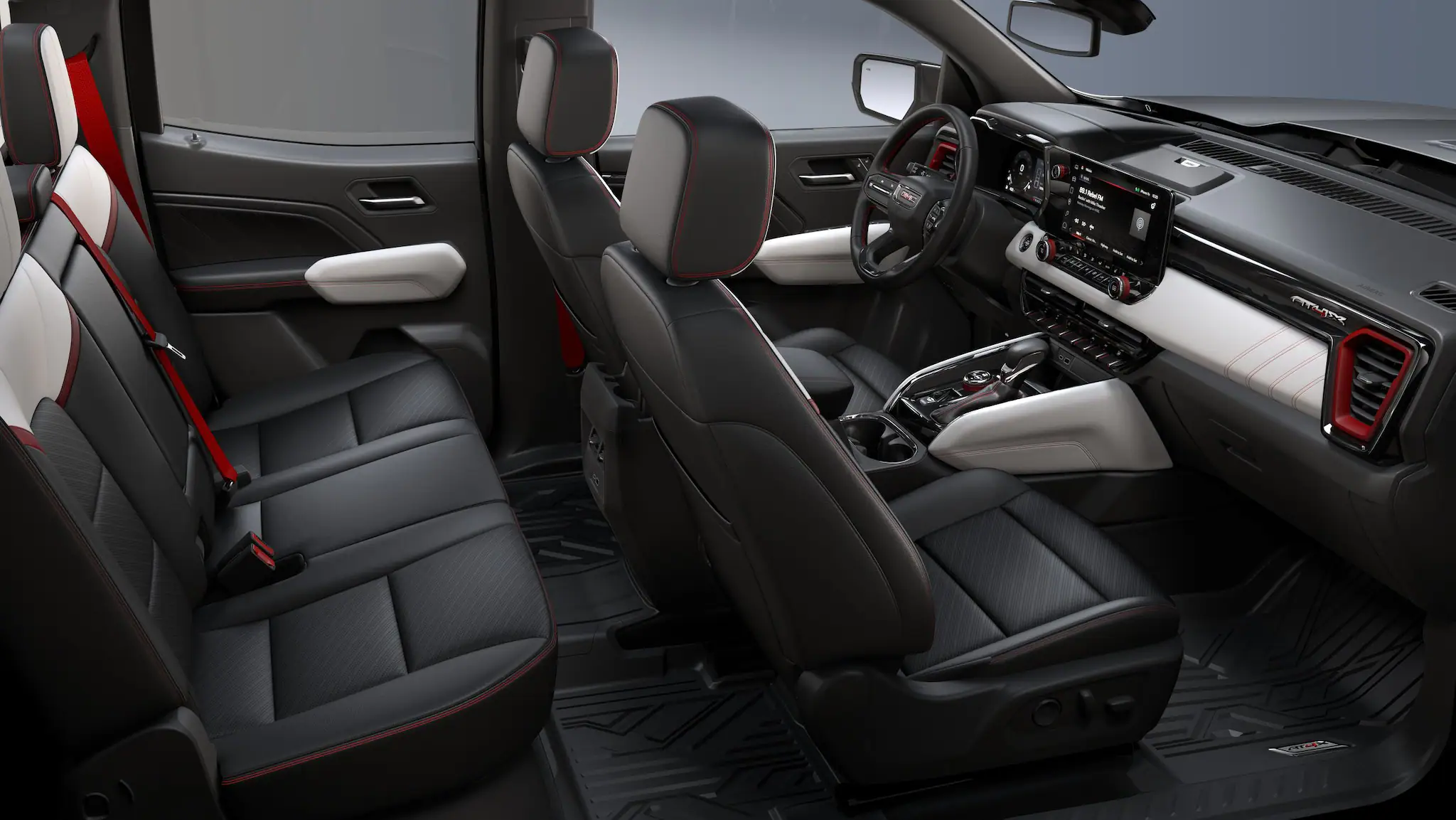
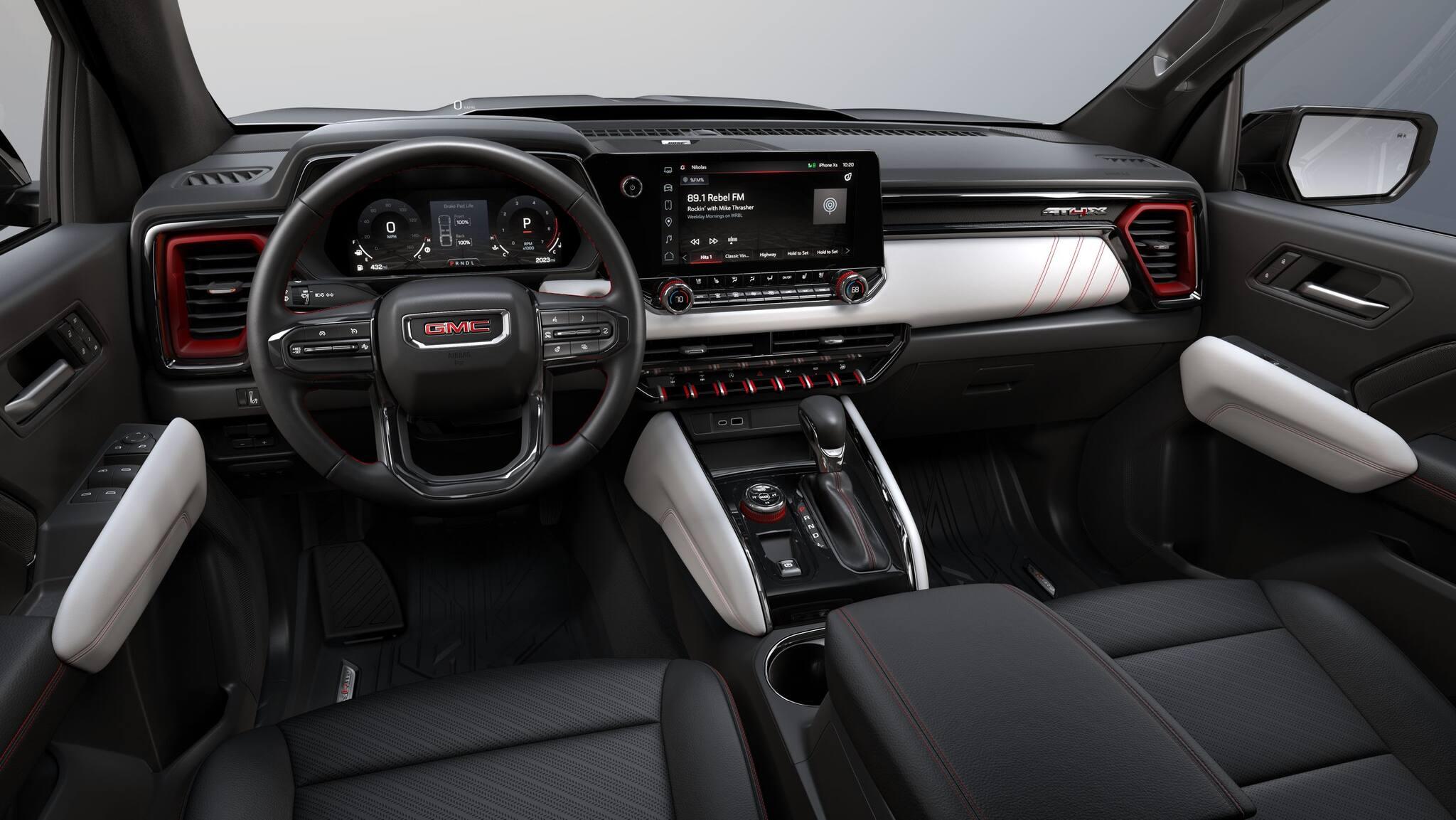
Effettivamente i pick-up hanno il loro fascino ed utilità ma solo in alcuni mercati come quello americano dove praticamente sono il mezzo nazionale (io dopo il viaggio in USA sono in fissa con i pick-up e SUV GMC 😅), da noi sono quasi un mercato di nicchia, a livello di utilizzo aziendale in ambito urbano potrebbe andare bene un erede di Strada, i pick-up più grandi possono andare bene in campagna/montagna ma al massimo delle dimensioni di Amarok/Ranger. Per esempio della GMC l'unico che avrebbe mercato in Europa/Italia perché di dimensioni umane è il Canyon. 😍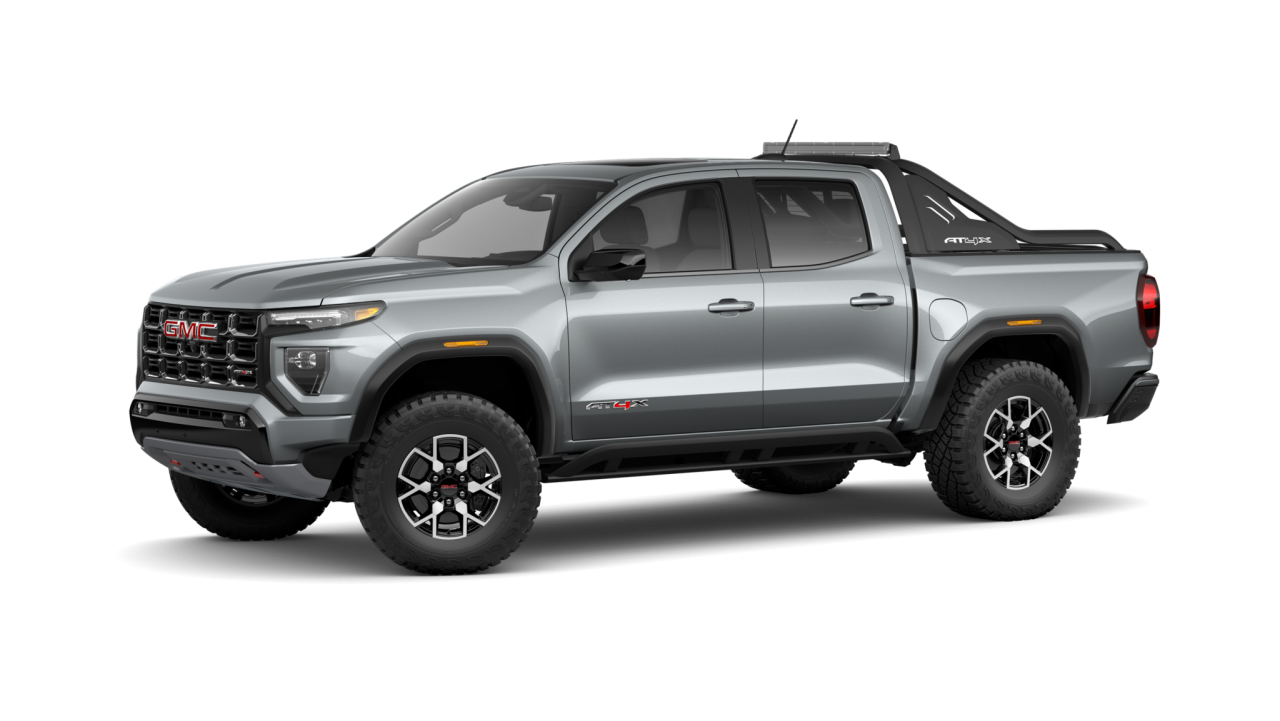
.thumb.webp.8b1956950a29fe071dbb6208888937ca.webp)
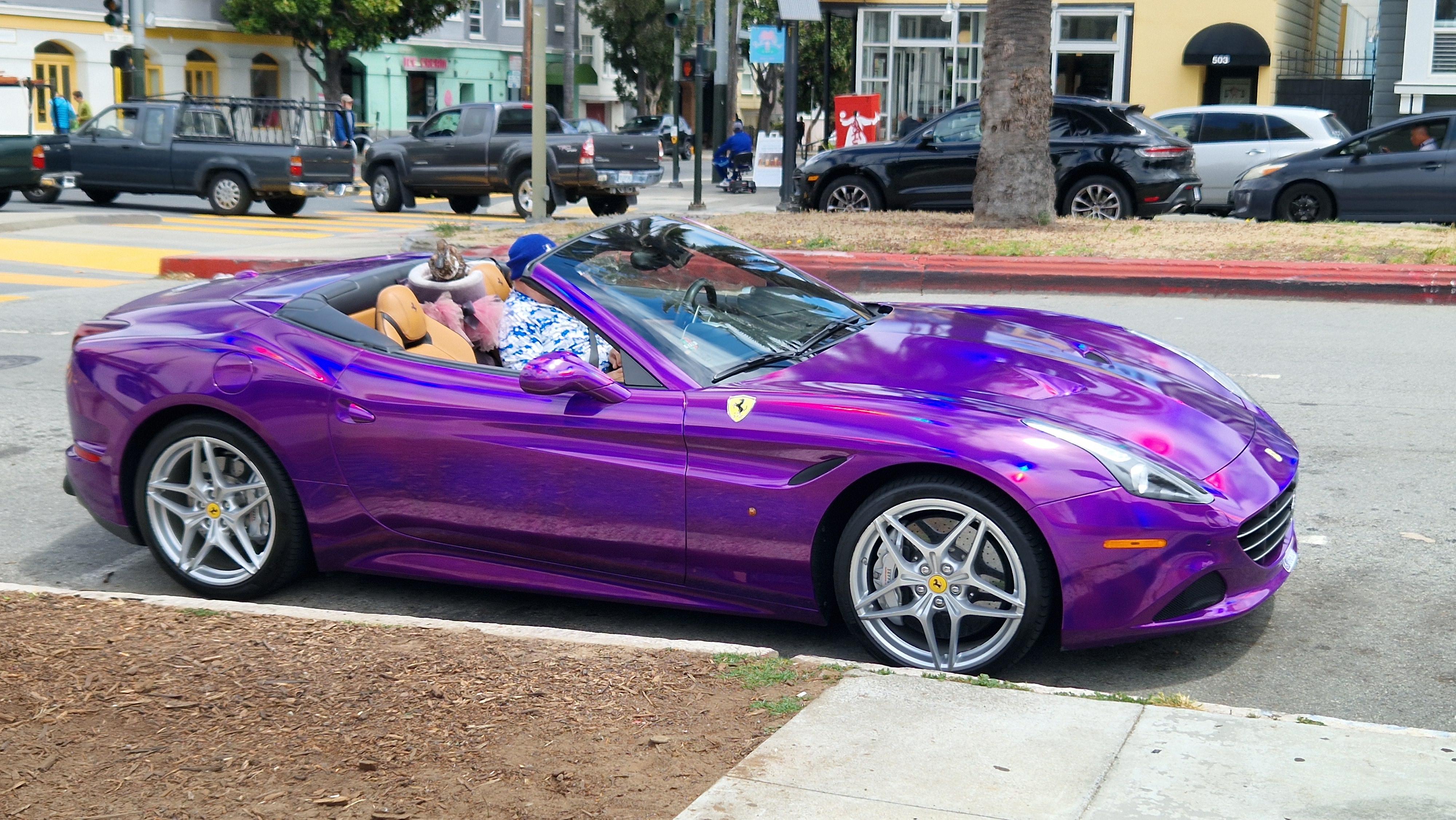
 In quel di San Francisco una Ferrari California T wrappata in viola (se Ferrari lo scopre lo mette nella black list), il proprietario un signore in infradito e tuta blu e bianca con al guinzaglio un chihuahua con cappottino tempestato di swarovski ed un'anatra. Al momento di salire in auto, l'anatra se ne stava nella sua "cuccia" mentre il chihuahua sulla spalla del proprietario ha iniziato ad abbaiare a ritmo della musica tamarra messa a palla.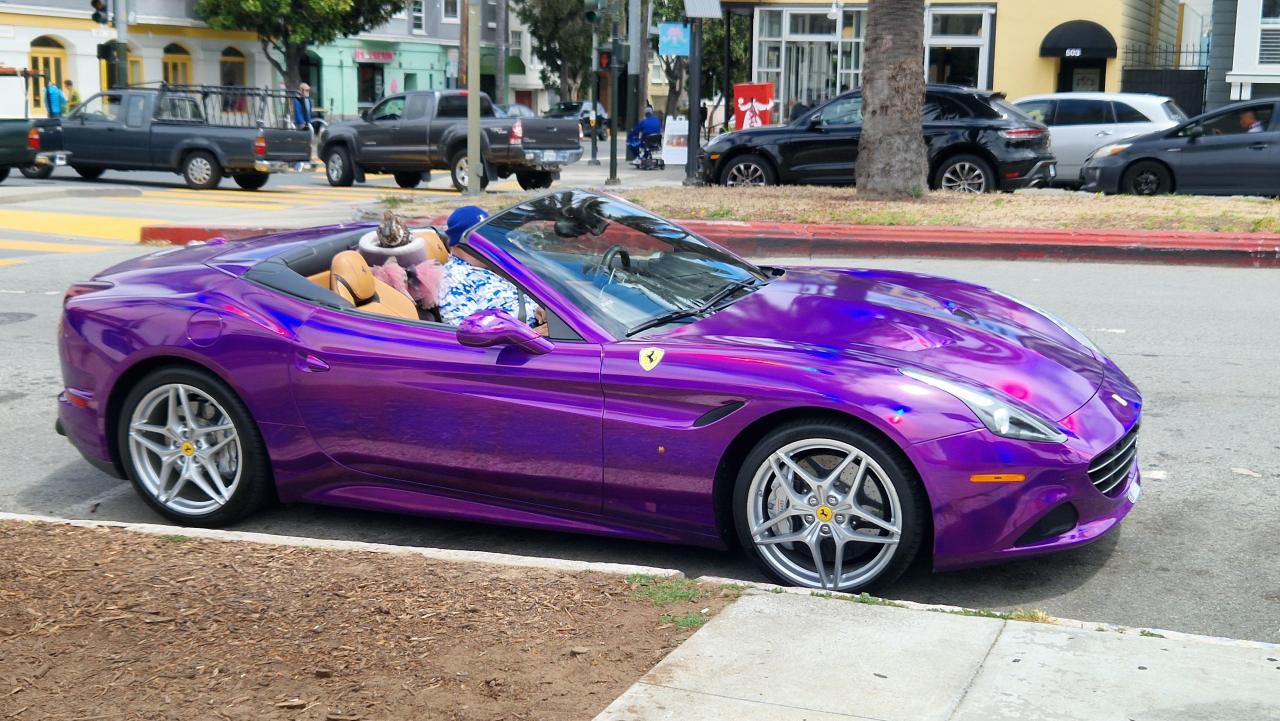

.jpg.da0e74890cf36d52d94f0df7711fa381.jpg)
.jpg.8b46de7b067b574e91a0e6b02f6df6c7.jpg)
.jpg.66c8683bf4fd444c8256577fe79b3b49.jpg)
.jpg.366a35c36fd4f4ec2f36085126953a7c.jpg)
.jpg.91ee0c7204717d6f4e6d422cb902924e.jpg)
.jpg.15c9f774a970530f7be25ca924ad32e8.jpg)
.jpg.49ccda68f05332abfadb261579cf64fc.jpg)
.jpg.15c89d278f39e1572bf1f56200832787.jpg)
.jpg.e842960e2ea594bc48735428627c939c.jpg)
.jpg.d0895328e5aebd87888c8fcd634d4d4b.jpg)
.jpg.abacd67182faa4f78fc86e87f36a00b0.jpg)
.jpg.ce9e9d5818382beab216395e82936d43.jpg)

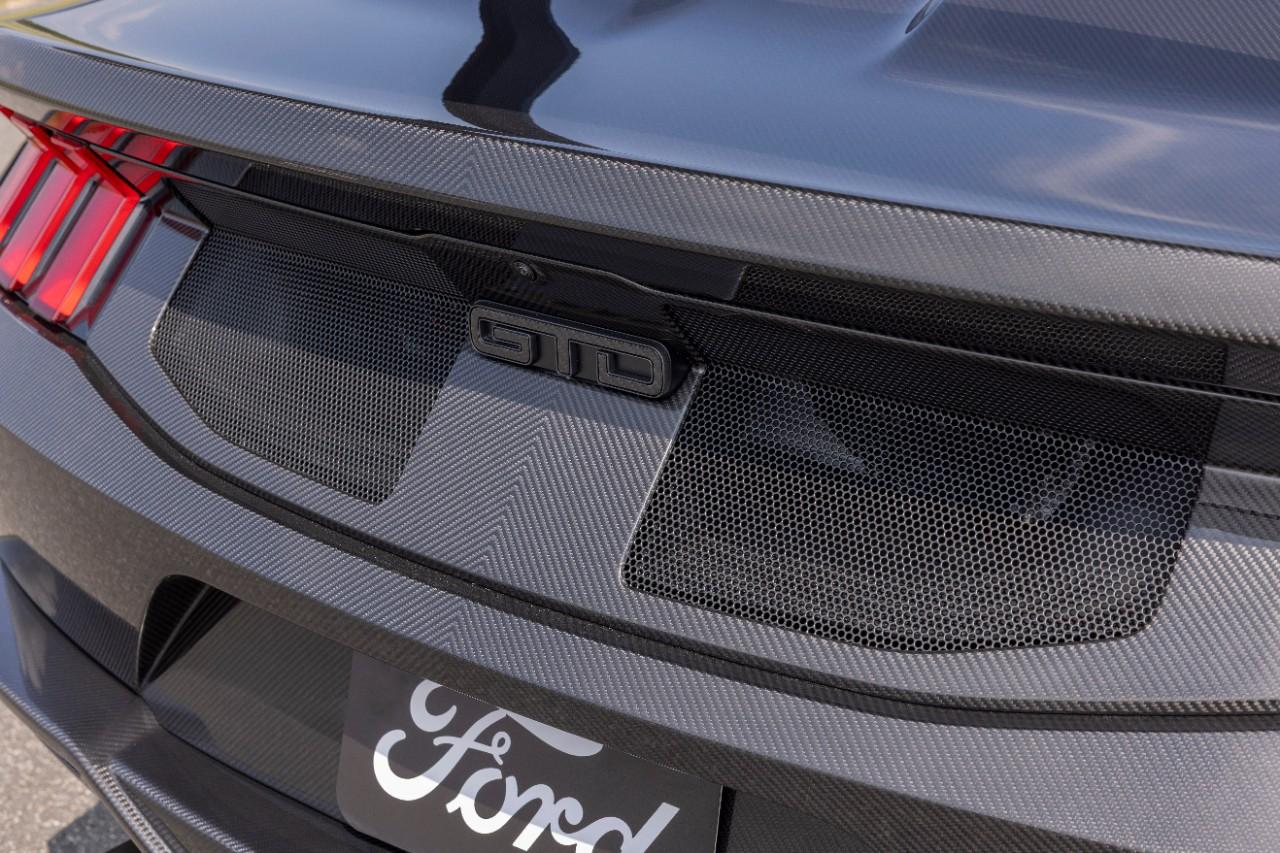
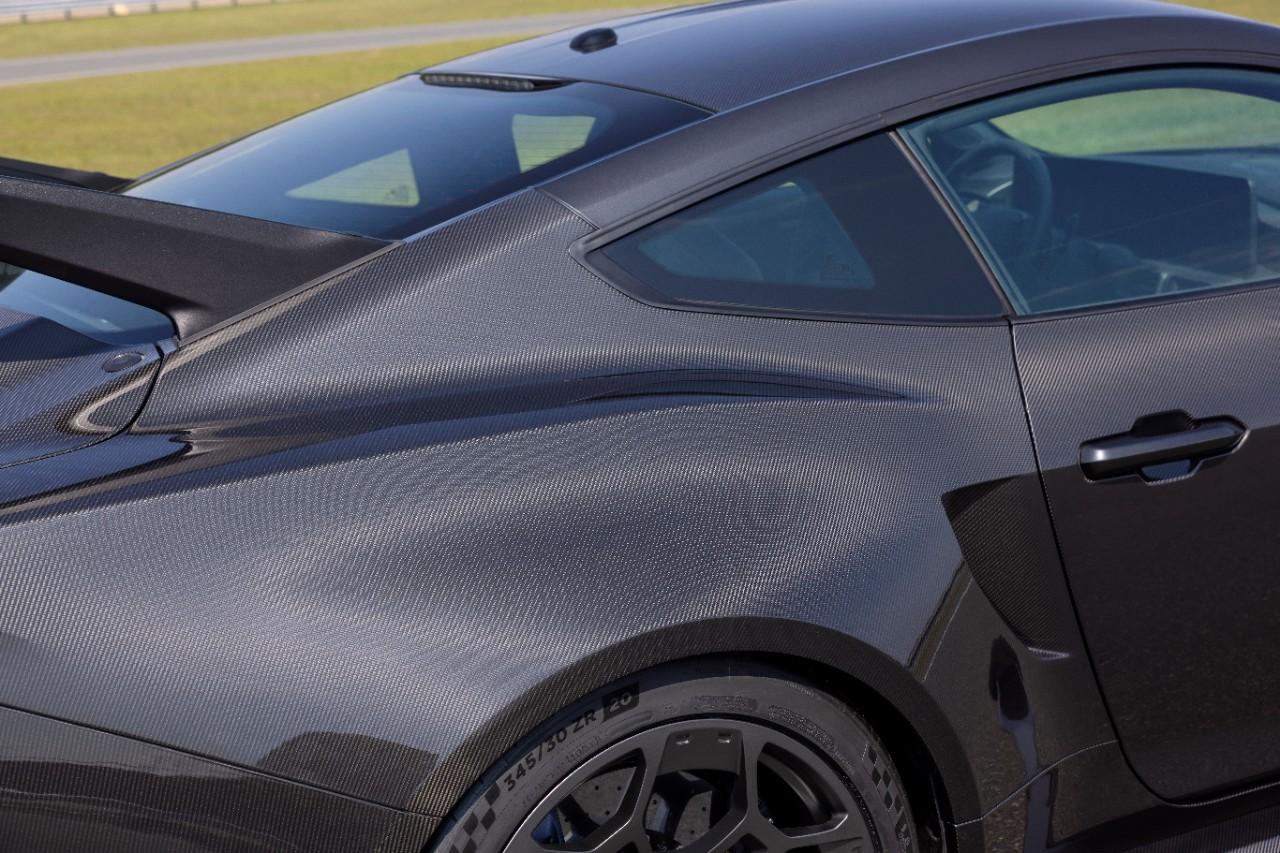
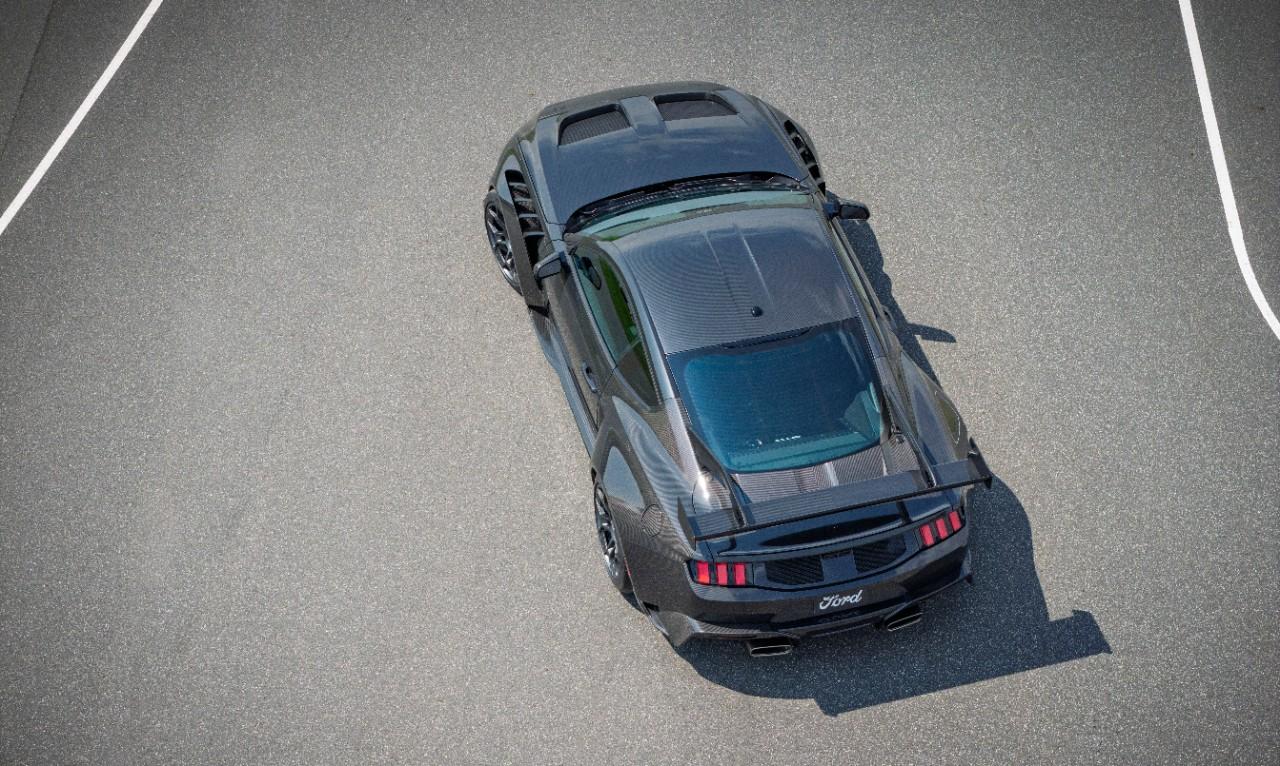

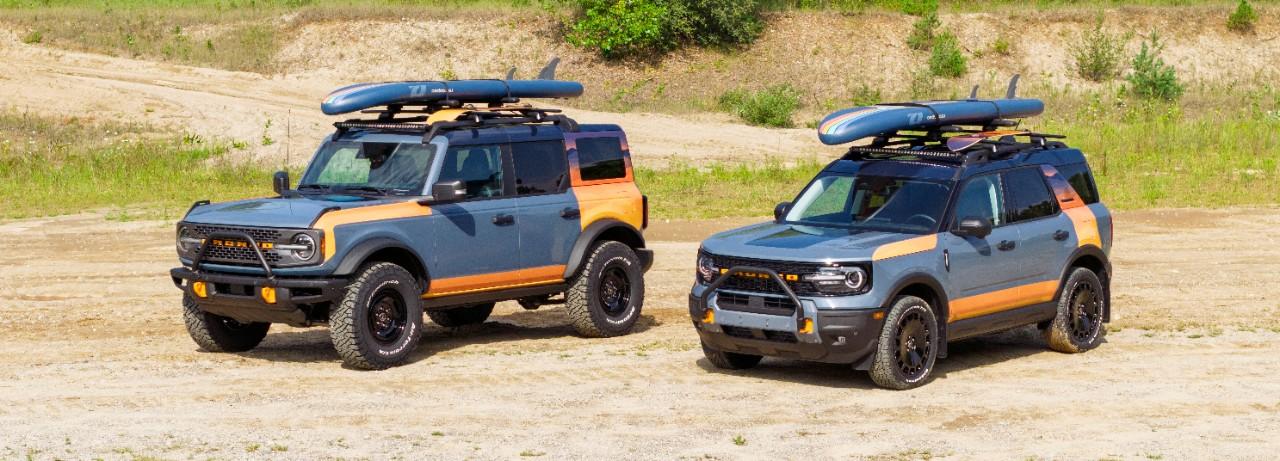
![Alfa Romeo Hug [Trolling Mode]](https://www.autopareri.com/uploads/reactions/Alfaromeocare.png.50be1dd8d7c15ba4fec8098a15bfa18a.png)
.webp.d3428737efcf7118d3161a623122bd70.webp)
![VAG Hug [Trolling Mode]](https://www.autopareri.com/uploads/reactions/Volkswagencare.png.d8857dae0567cc6602dfdb1c9cbeb700.png)


Account
Navigation
Cerca
Configure browser push notifications
Chrome (Android)
- Tap the lock icon next to the address bar.
- Tap Permissions → Notifications.
- Adjust your preference.
Chrome (Desktop)
- Click the padlock icon in the address bar.
- Select Site settings.
- Find Notifications and adjust your preference.
Safari (iOS 16.4+)
- Ensure the site is installed via Add to Home Screen.
- Open Settings App → Notifications.
- Find your app name and adjust your preference.
Safari (macOS)
- Go to Safari → Preferences.
- Click the Websites tab.
- Select Notifications in the sidebar.
- Find this website and adjust your preference.
Edge (Android)
- Tap the lock icon next to the address bar.
- Tap Permissions.
- Find Notifications and adjust your preference.
Edge (Desktop)
- Click the padlock icon in the address bar.
- Click Permissions for this site.
- Find Notifications and adjust your preference.
Firefox (Android)
- Go to Settings → Site permissions.
- Tap Notifications.
- Find this site in the list and adjust your preference.
Firefox (Desktop)
- Open Firefox Settings.
- Search for Notifications.
- Find this site in the list and adjust your preference.