
MotorPassion
Reporter (Staff)
-
Iscritto il
-
Ultima visita
Tutti i contenuti di MotorPassion
-
-
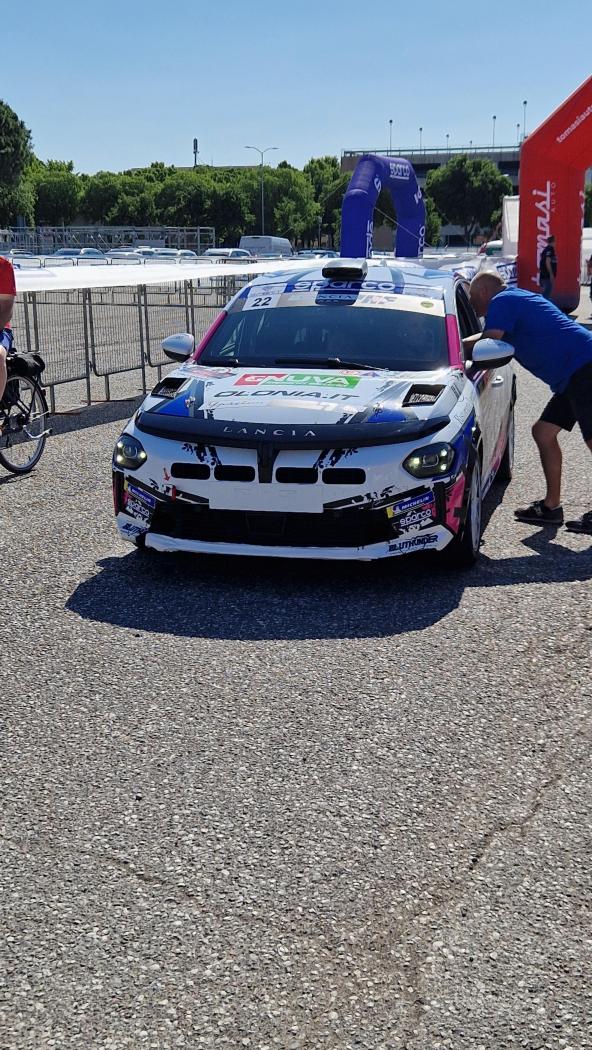
20250531_095031.mp4 20250531_095052.mp4 Sono passato questa mattina ma erano già tutte partite per la prova speciale. Ho beccato solo lei.
-
Che è pure disponibile in versione plug-in.
-
-
-
-
Beccata questa sera in tangenziale, il muso è da mini Lamborghini al posteriore le luci alte enfatizzano il fatto che sia più stretta rispetto ad altre nuove auto. Comunque complimenti a BYD che in tempo record l'ha presentata ed è già su strada a far mostra di sé. Per esempio io di Grande Panda su strada non ne ho ancora vista mezza.
-
Va beh dai perdoniamo De Meo per gli interni di questa Alpine, guardate cosa è stato in grado di fare con Cupra Formentor che ha gli stessi interni di Leon. (da leggersi in modo ironico/sarcastico) 🤪 Comunque vedere questa A390, dopo aver visto mesi fa il documentario "Anatomia di un come-back" su Prime in cui De Meo parlando con gli ingegneri spiega cosa mettere a posto del design della vettura, beh forse qualcosa non è andato proprio bene.
-
Allora non fa gridare al miracolo ma non è brutta, il richiamo ad Alpine più evidente e meglio riuscito e il padiglione, dentro un minimo di personalità potevano metterlo invece di piazzare il pacchetto cockpit+infotainment di tutta la gamma Renault. Sicuramente l'essere proposta solo BEV non gioca a suo favore a livello commerciale, ci starebbe una versione ibrida plug-in sportiva. Per la sigla GTS Prosche che dice? 😅 Anche il font è simile.
-
-
-
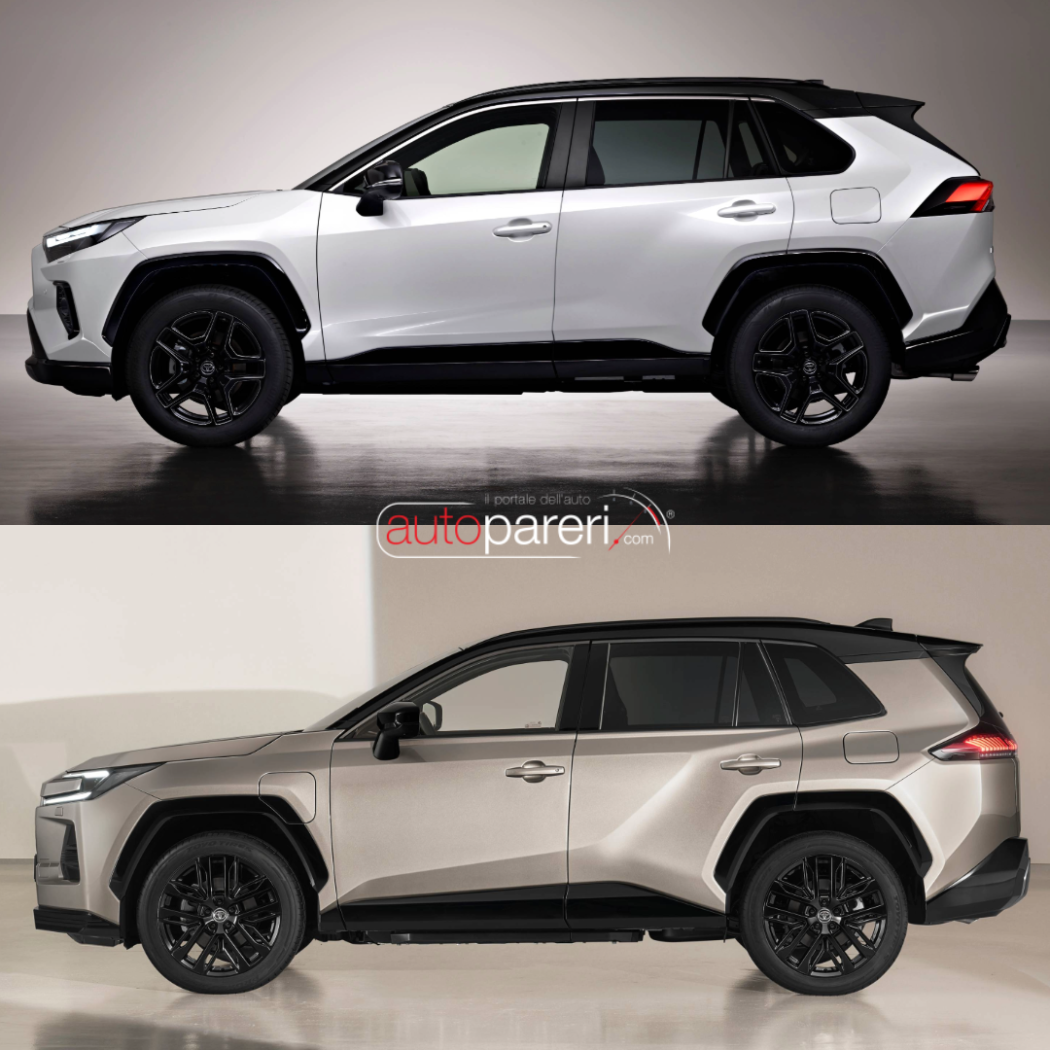
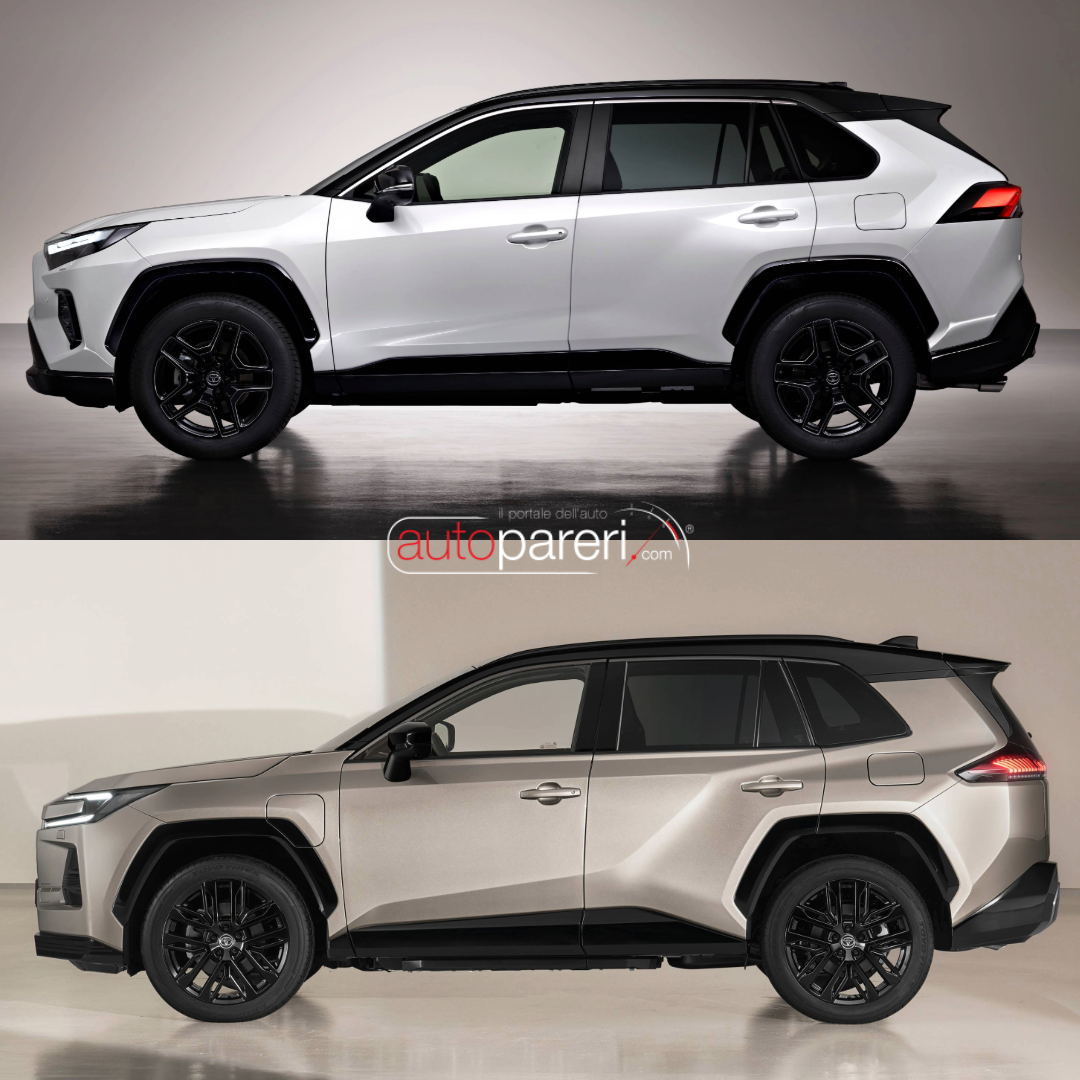
Confronto con il modello attuale, a livello strutturare rimane praticamente identica ed ho capito anche il perchè dell'andamento "strano" del padiglione nella zona posteriore, in pratica è rimasto lo stesso del modello attuale solo leggermente allungato avendo ora il portellone posteriore verticale.
-
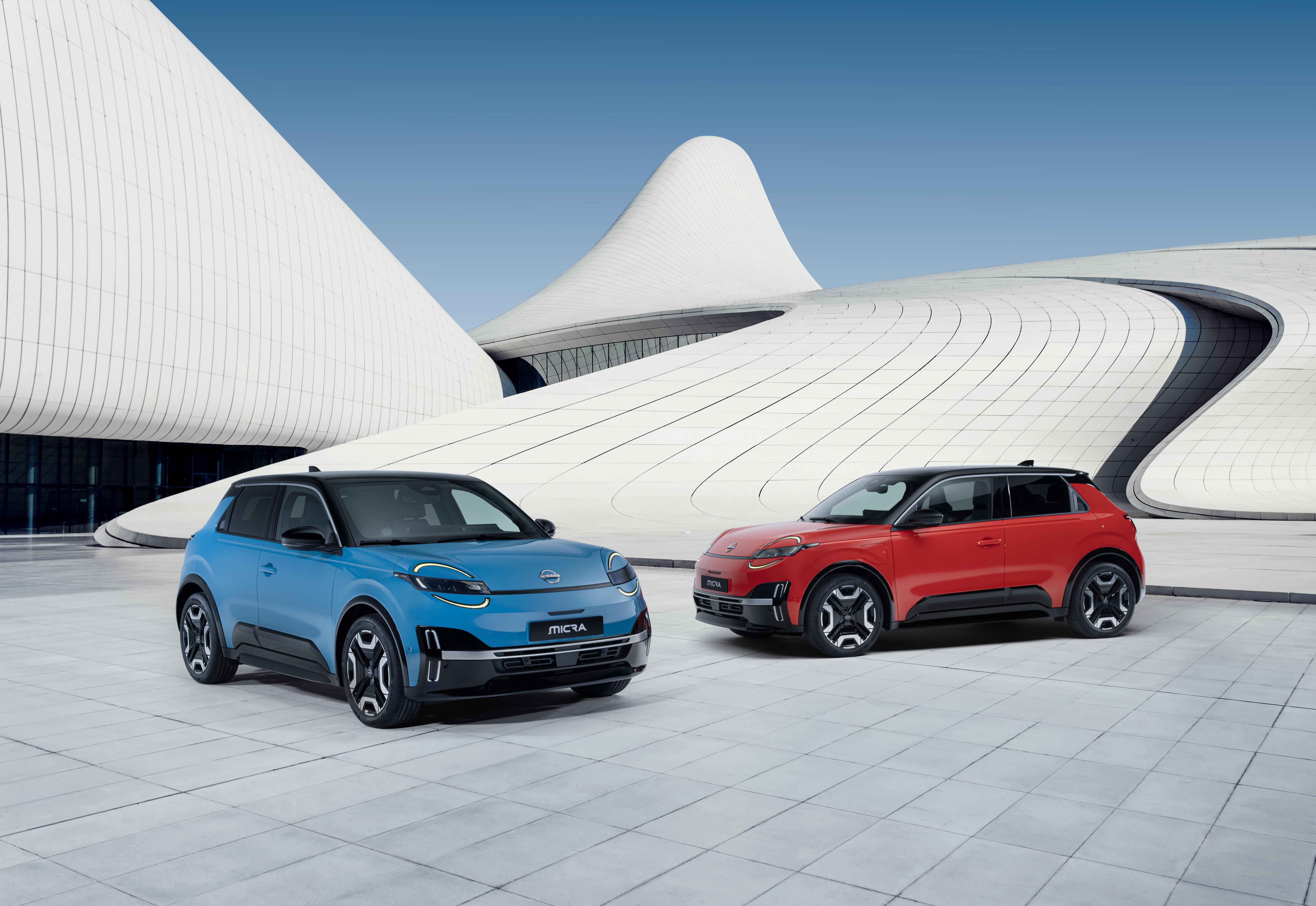
Per non far dimenticare che sotto sotto è una francese le hanno lasciato l'easter egg del galletto sul parabrezza. Ma i giornalisti tutti stupiti che l'ottica del faro è la stessa della R5? Sono ciechi? Lo si capiva già dalla prima foto rilasciata tempo fa. Comunque se fanno una buona campagna pubblicitaria, rischia di avere più mercato della cugina Francese, i grandi occhioni tondi fanno simpatia.
-
-
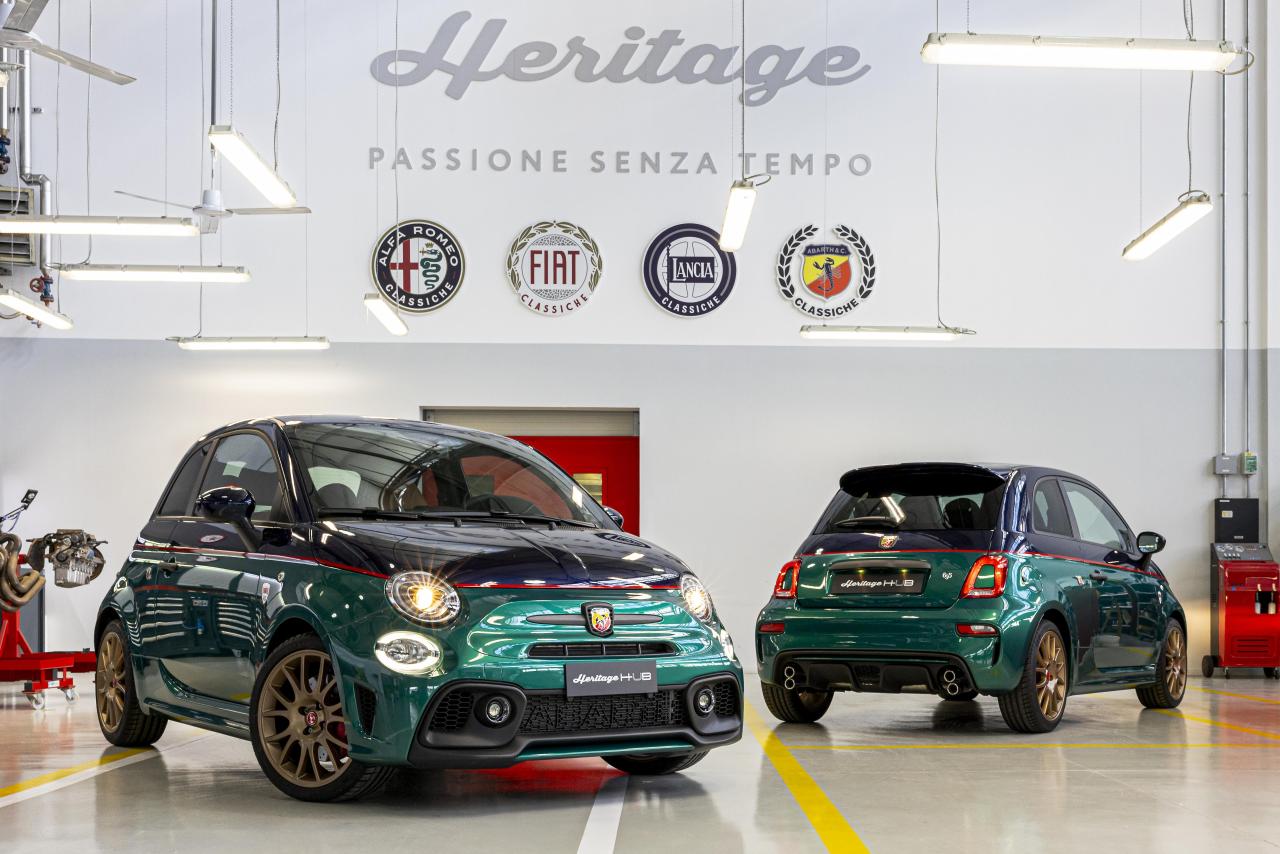
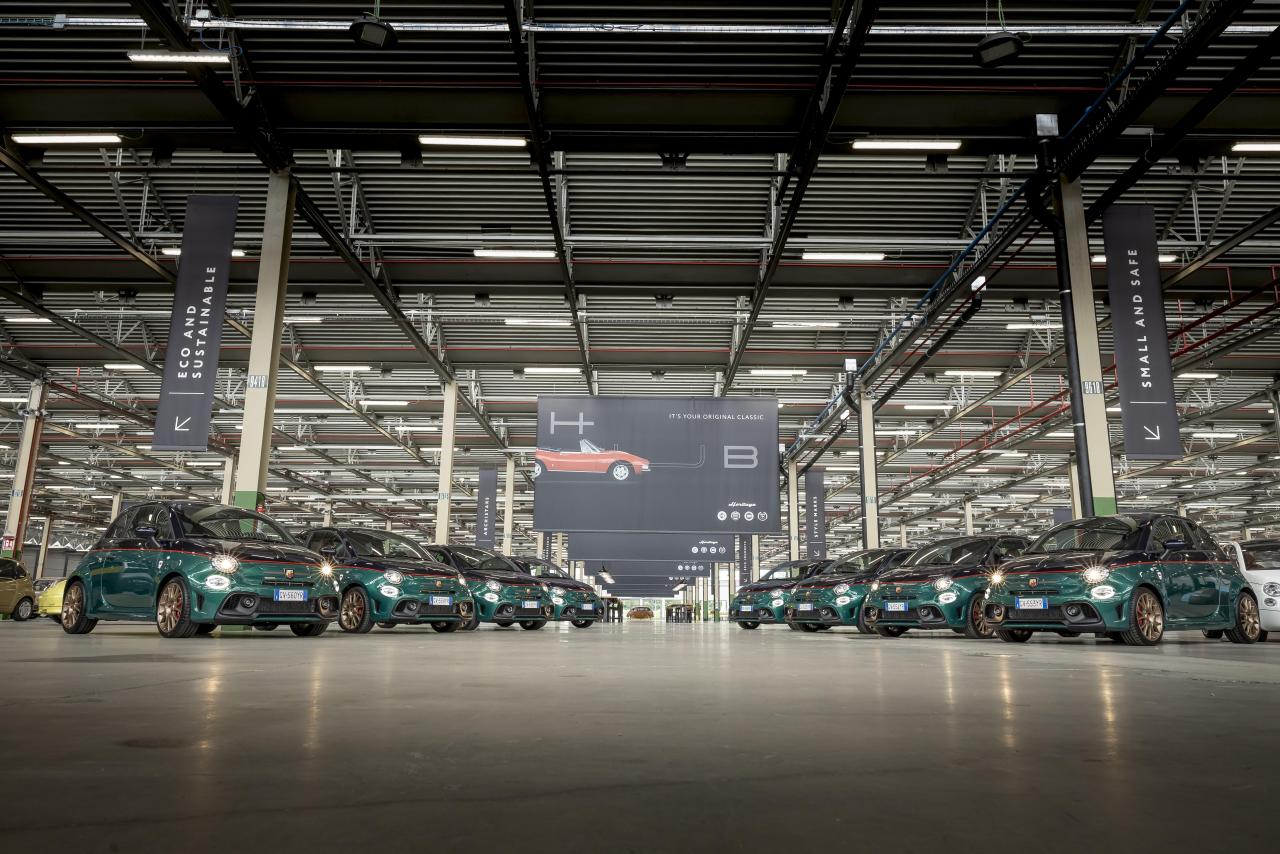
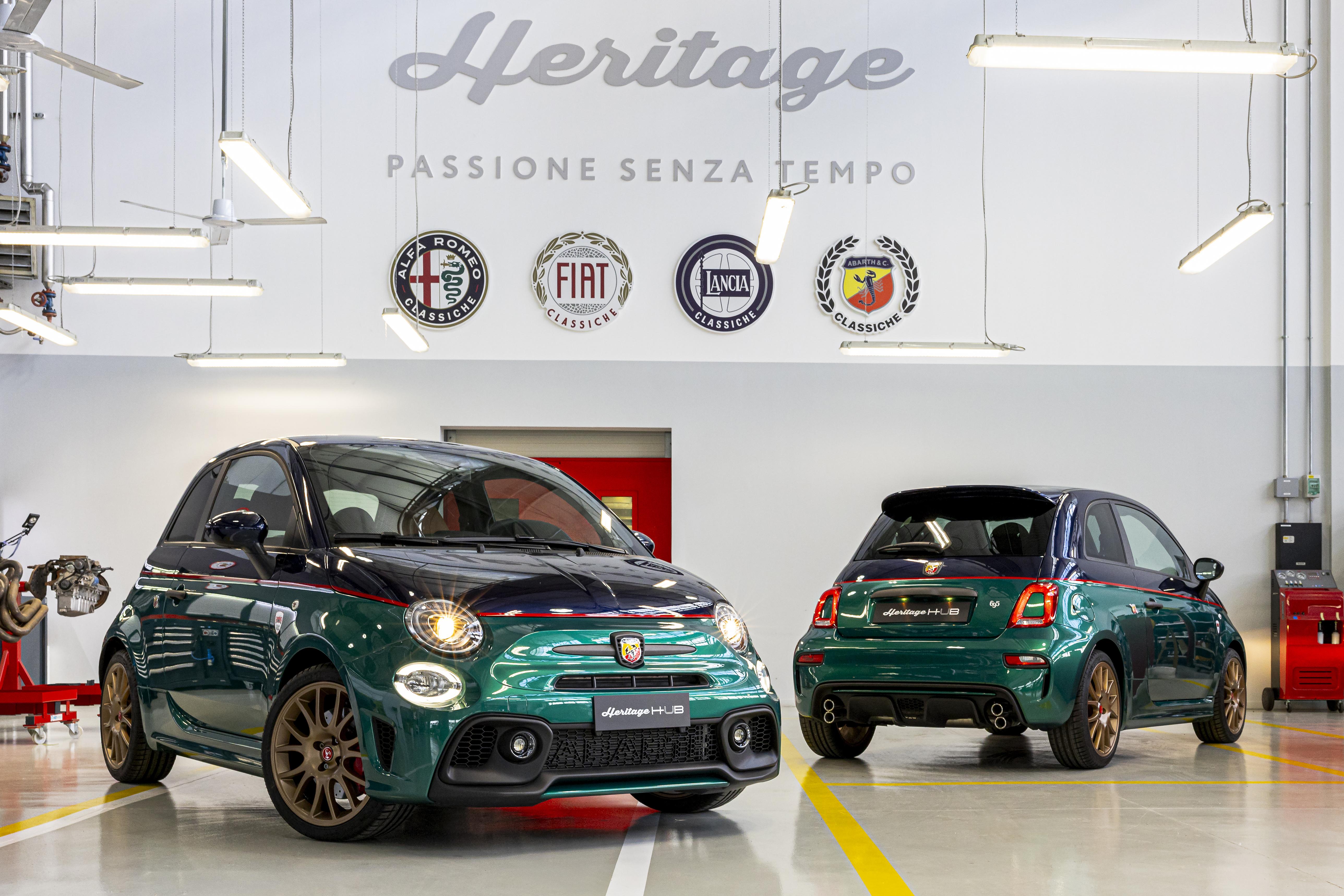
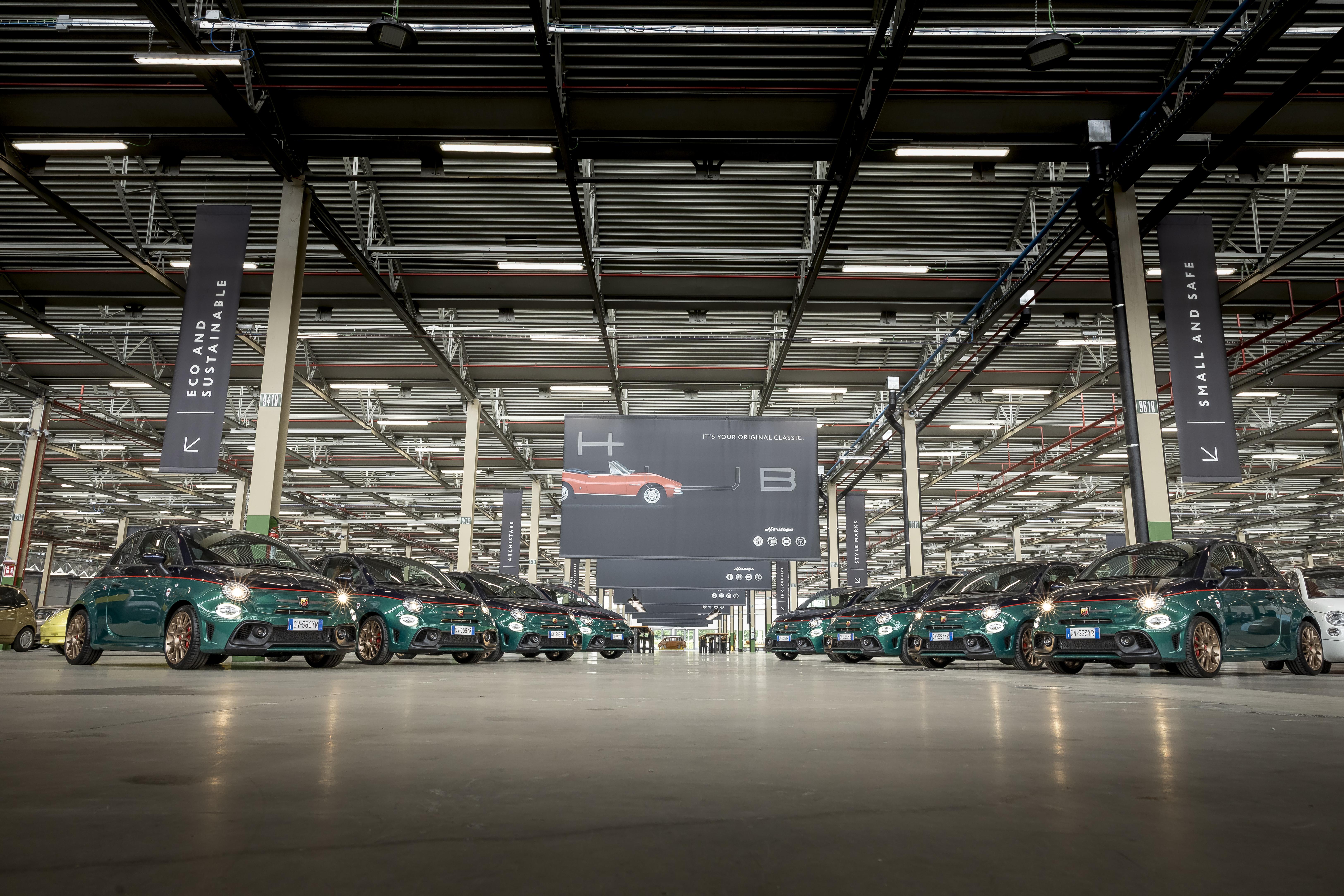
Abarth 695 Club Italia 2025, 8 unità
.thumb.jpg.a49d94f72adc9a69f16077561accff3e.jpg)
.thumb.jpg.372429d6c6fbf2d000e86603580bd9dc.jpg)
.thumb.jpg.c2da1cd732b0b304c458437dda533e50.jpg)
.thumb.jpg.b6ff3b2293ada44d6178e1840ce0442a.jpg)
.thumb.jpg.bd111d15c0339c595336344ad860ca44.jpg)
.thumb.jpg.b3d22ceccb0cd818a4be8d895168cdfb.jpg)
.thumb.jpg.8d167ea0723a861ce82ede322aad469e.jpg)
- 71 risposte
-
-

- 2
-
-
- 595 2022
- 695 2022
- abarth
- abarth 595
-
Taggato come:


















.jpg.29f9e2e16c808059add9e764a3bd9264.jpg)
.jpg.d63b308f71cc1339aa60df748ae823dd.jpg)
.jpg.54ff182c236b0e1b2a9dca38cf0e0c05.jpg)
.jpg.df65df0f4e39a81f46239aa52b0d423e.jpg)
.jpg.64a18671be027e645ace2852c590824a.jpg)
.jpg.2cce82a385a9ea37efa683d81db826a0.jpg)
.jpg.041fe19de39604a57a2f7563d4d8589e.jpg)