Tutti i contenuti di FaGiO
-
Abarth 695 70° Anniversario 2019
- I prossimi modelli Maserati
- Fiat 500 EV 2020 (Spy)
Mah... a me sembra che il render non ci somigli per niente...- Volkswagen ID.3 2020
- [BRA] Renault Sandero RS 2.0 2019
- FCA al Salone di Ginevra 2019
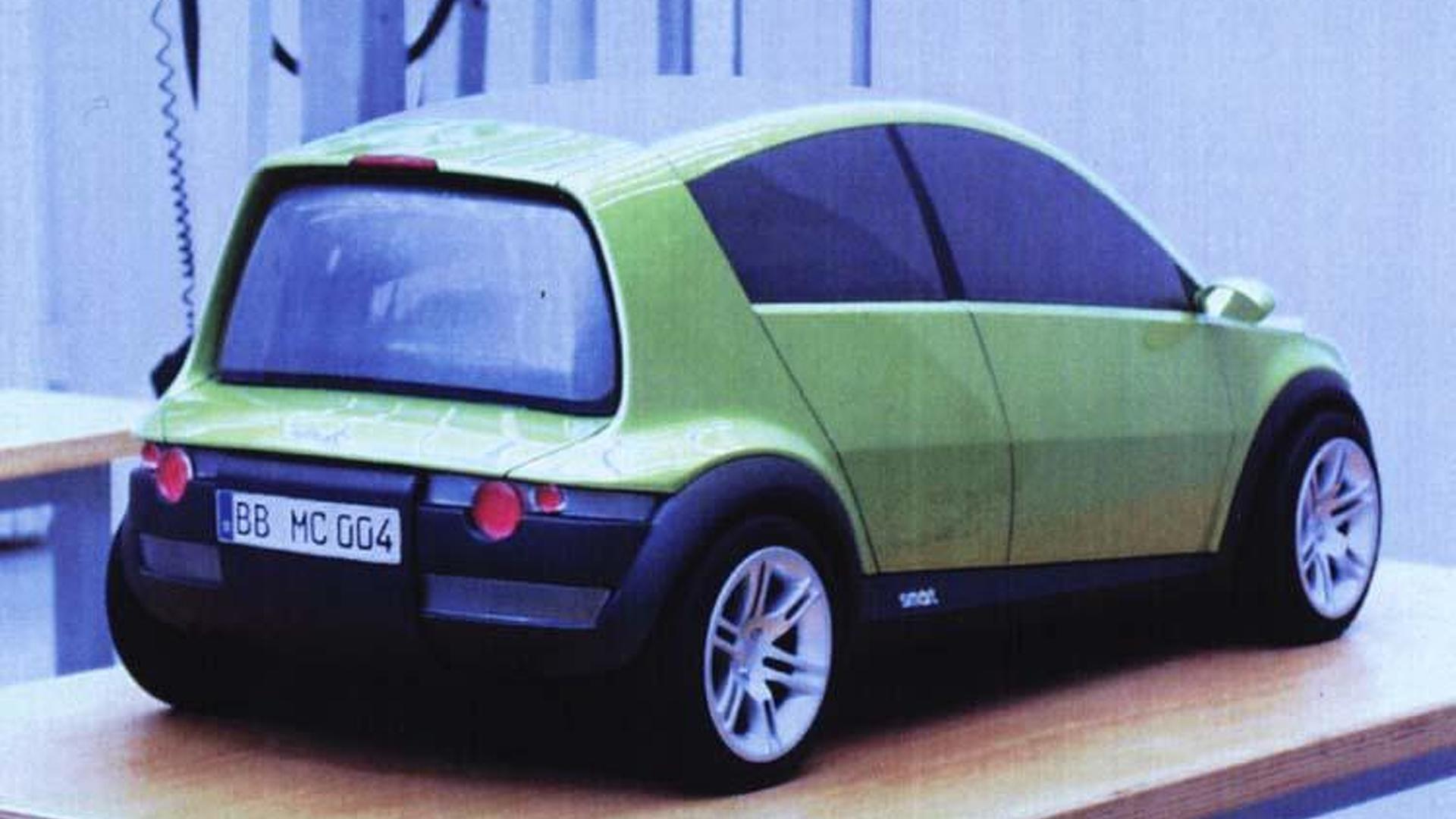
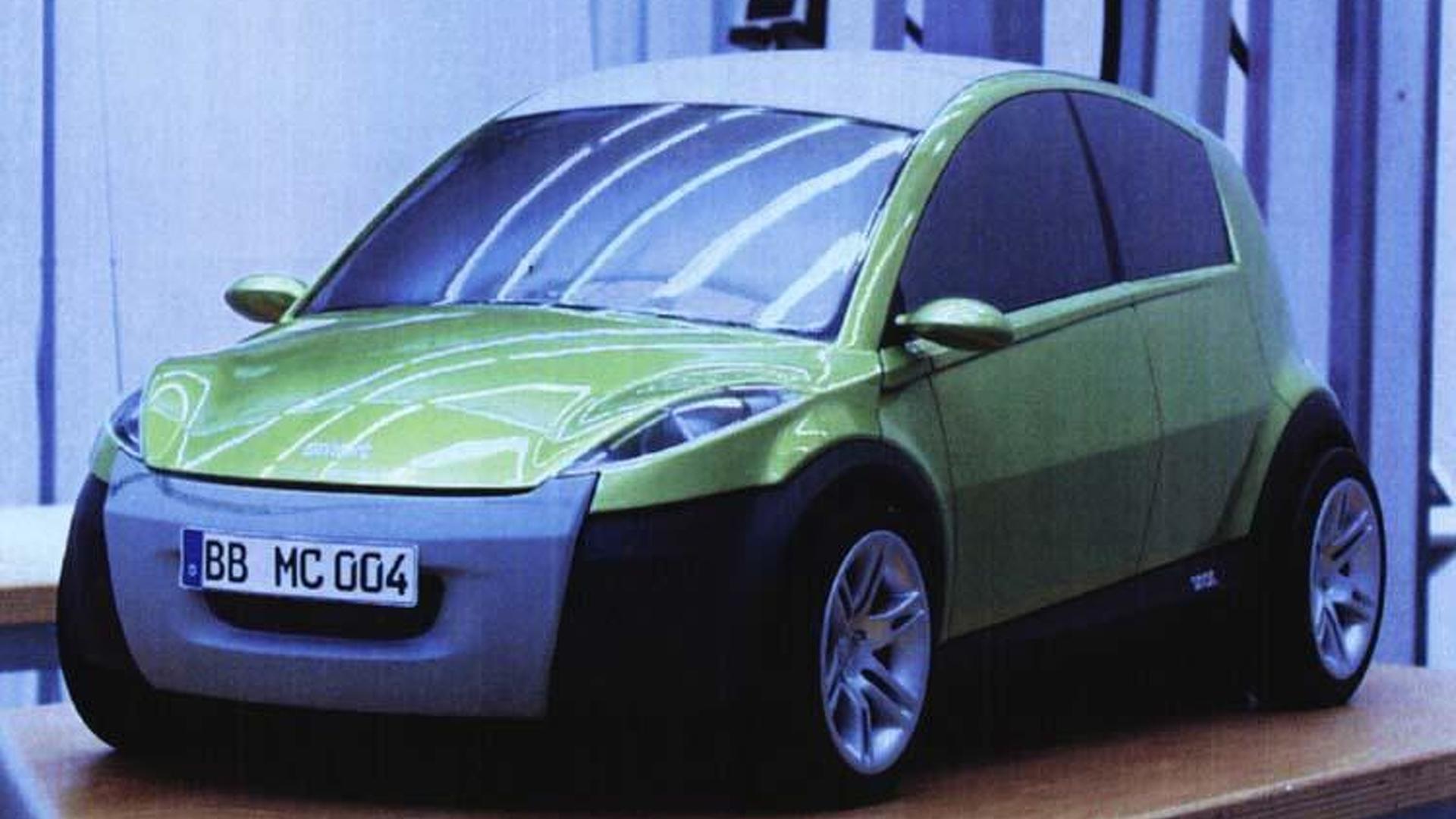
- Smart Forease+ Concept 2019
- Honda e 2020
- Manifattura Automobili Torino New STRATOS 2018
- Mazda MX-5 30th Anniversary 2019
- Volkswagen ID. Buggy Concept 2019
- Honda Urban EV 2019 (Spy)
?- e.GO Life
- [CHN] Geely Jia Ji 2019
La calandra sembra una possibile evoluzione di quella Lancia anni 80-90...- Le "auto" di Ivan Basso
- Progetto CROMA Turbo D i.d. 1988 : La nonna di tutte le TDI
Tutto questo topic e, soprattutto, queste parole, sono la spiegazione di cosa significa PASSIONE. Ti stimo. Davvero.- "Megarestyling" Punto Cabrio per matrimonio :D
Anche questo fa lavori da urlo (sempre dal forum): http://www.lacuradellauto.com/t17418-restauro-cruscotto-saab-900 https://www.facebook.com/Semprenuovo-164504730242757/ Guarda cosa fa alle plastiche di questa Ferrari 360:- "Megarestyling" Punto Cabrio per matrimonio :D
Interessante... questo è quello che dovresti far fare tu agli interni: http://www.lacuradellauto.com/t21607-ripristino-cruscotto-lancia-lybra- "Megarestyling" Punto Cabrio per matrimonio :D
- Lancia Delta Futurista e Safarista by Automobili Amos 2018
- "Megarestyling" Punto Cabrio per matrimonio :D
Ciao Lucio, per le plastiche, prova a sentire questi: https://www.facebook.com/colorglo.it/ Non li conosco - se non su FB - ma mi hanno veramente impressionato le foto dei loro Prima/Dopo... anche sulla plastica.
Account
Navigation
Cerca
Configure browser push notifications
Chrome (Android)
- Tap the lock icon next to the address bar.
- Tap Permissions → Notifications.
- Adjust your preference.
Chrome (Desktop)
- Click the padlock icon in the address bar.
- Select Site settings.
- Find Notifications and adjust your preference.
Safari (iOS 16.4+)
- Ensure the site is installed via Add to Home Screen.
- Open Settings App → Notifications.
- Find your app name and adjust your preference.
Safari (macOS)
- Go to Safari → Preferences.
- Click the Websites tab.
- Select Notifications in the sidebar.
- Find this website and adjust your preference.
Edge (Android)
- Tap the lock icon next to the address bar.
- Tap Permissions.
- Find Notifications and adjust your preference.
Edge (Desktop)
- Click the padlock icon in the address bar.
- Click Permissions for this site.
- Find Notifications and adjust your preference.
Firefox (Android)
- Go to Settings → Site permissions.
- Tap Notifications.
- Find this site in the list and adjust your preference.
Firefox (Desktop)
- Open Firefox Settings.
- Search for Notifications.
- Find this site in the list and adjust your preference.