





AlfaZeta6
Utente Registrato
-
Iscritto il
-
Ultima visita
Tutti i contenuti di AlfaZeta6
-
-
Dov'è che ho già visto un iniziativa simile...🔱
- 292 risposte
-
- 3008 spy
- p64
- peugeot
- peugeot spy
-
Taggato come:
-
-
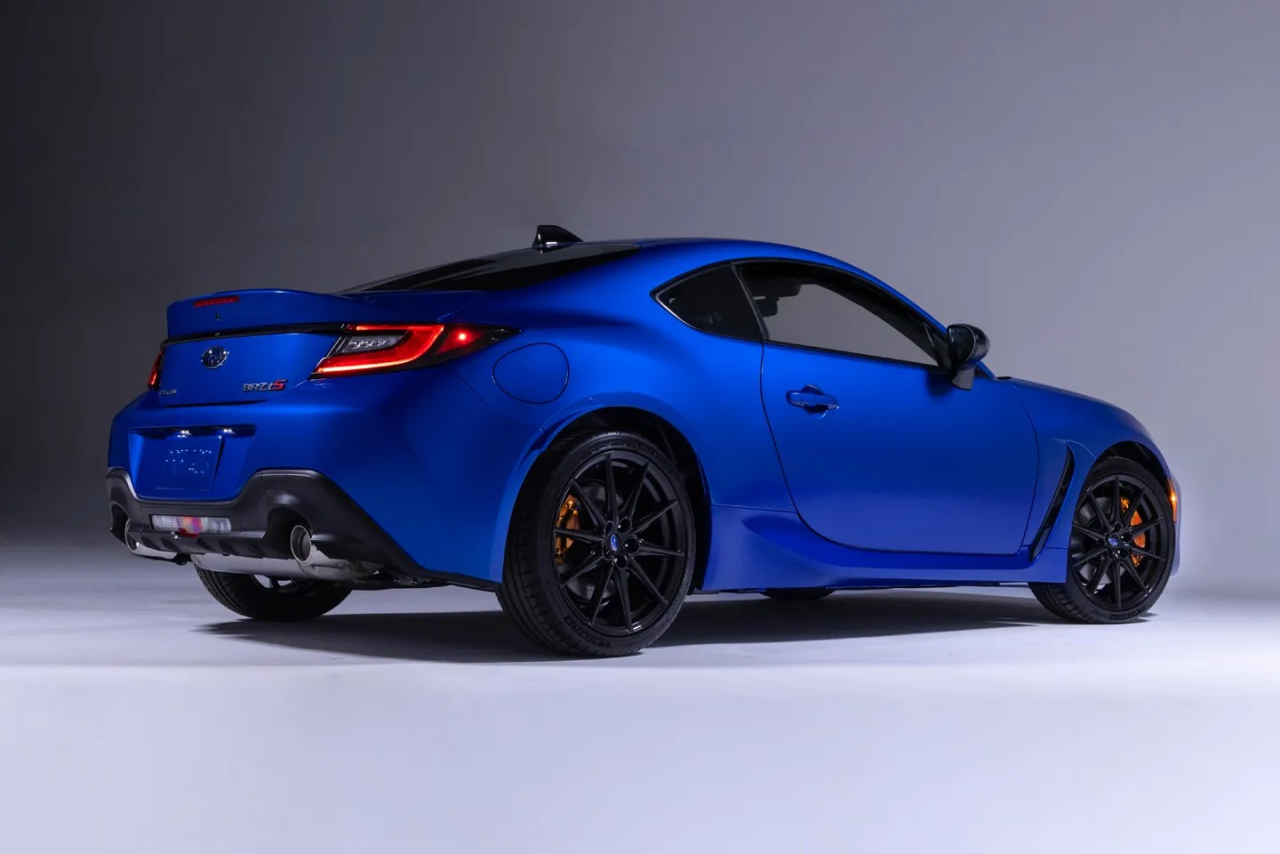
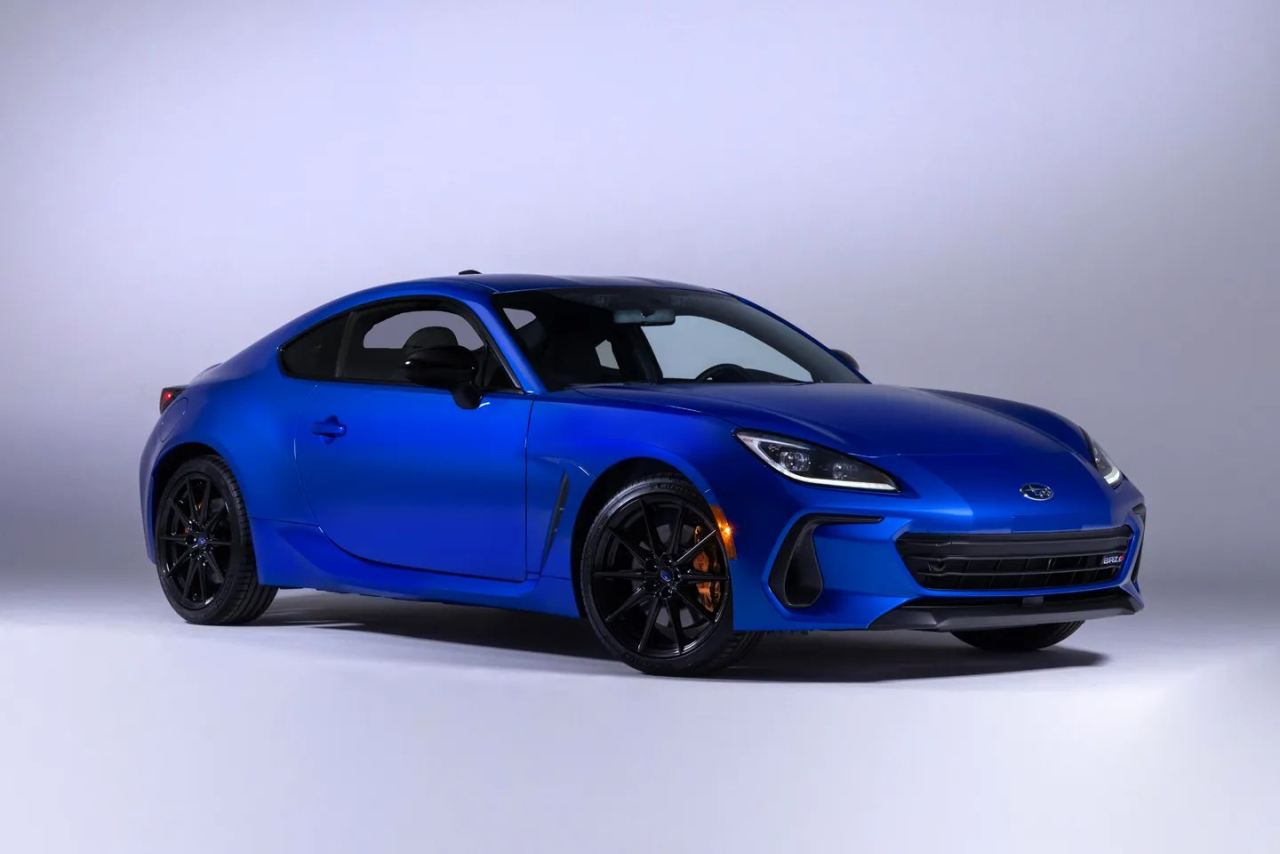
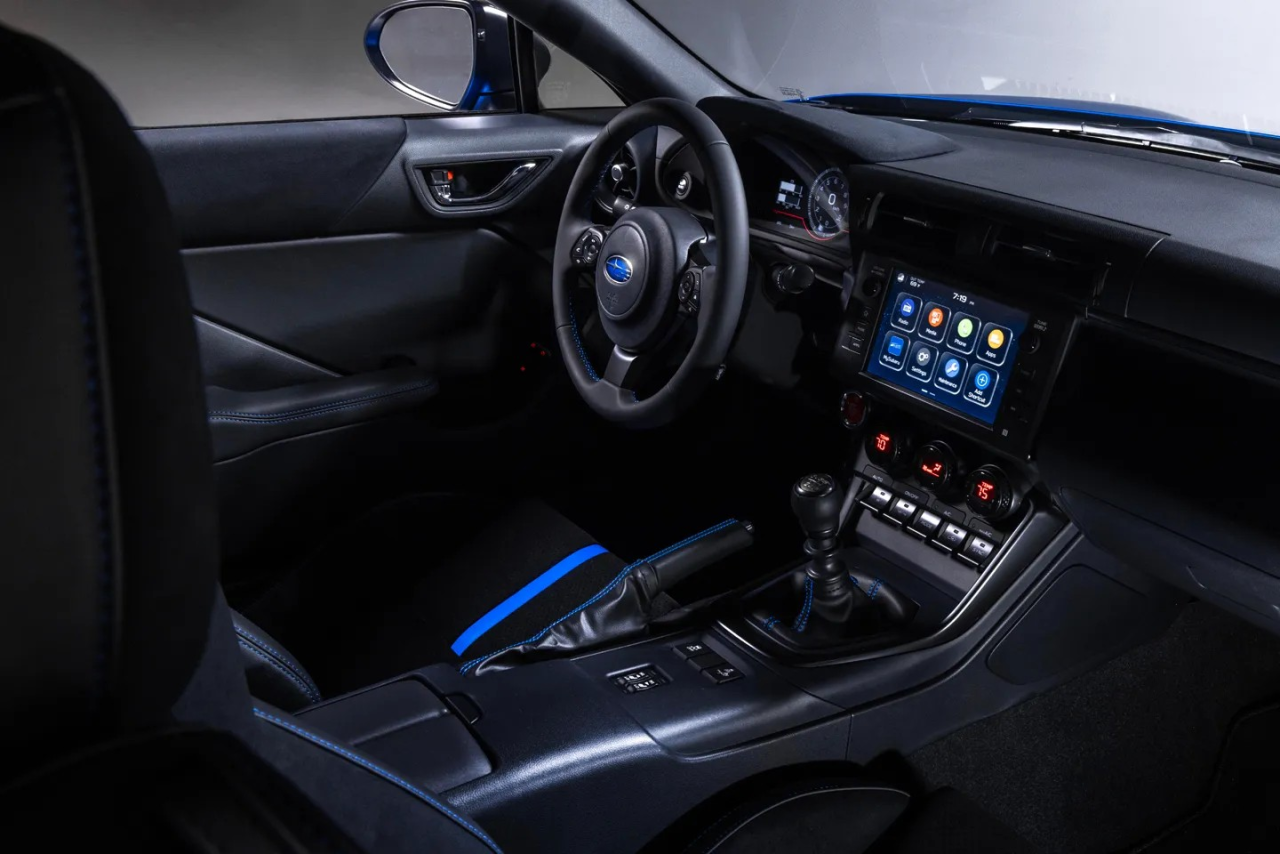
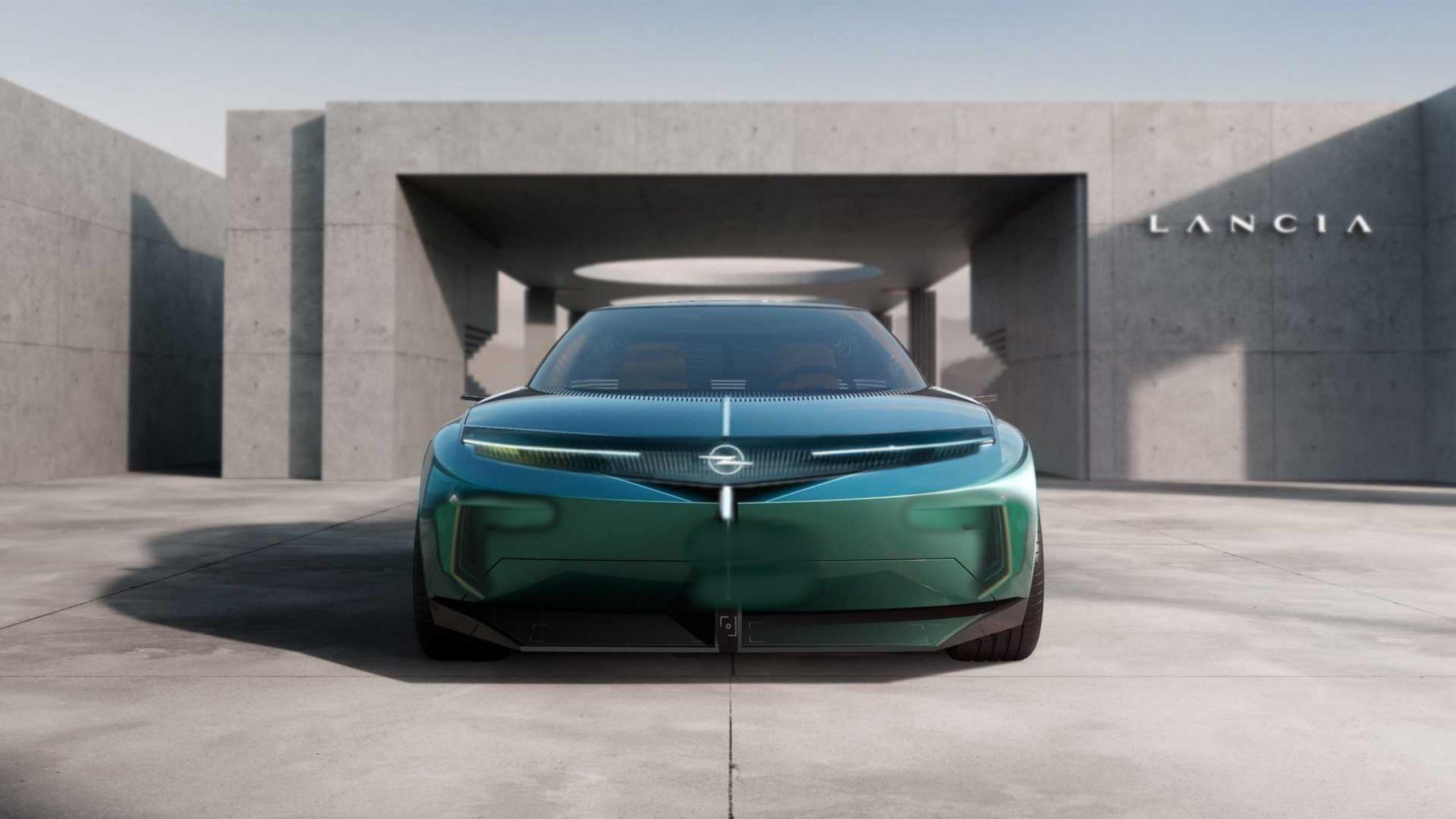
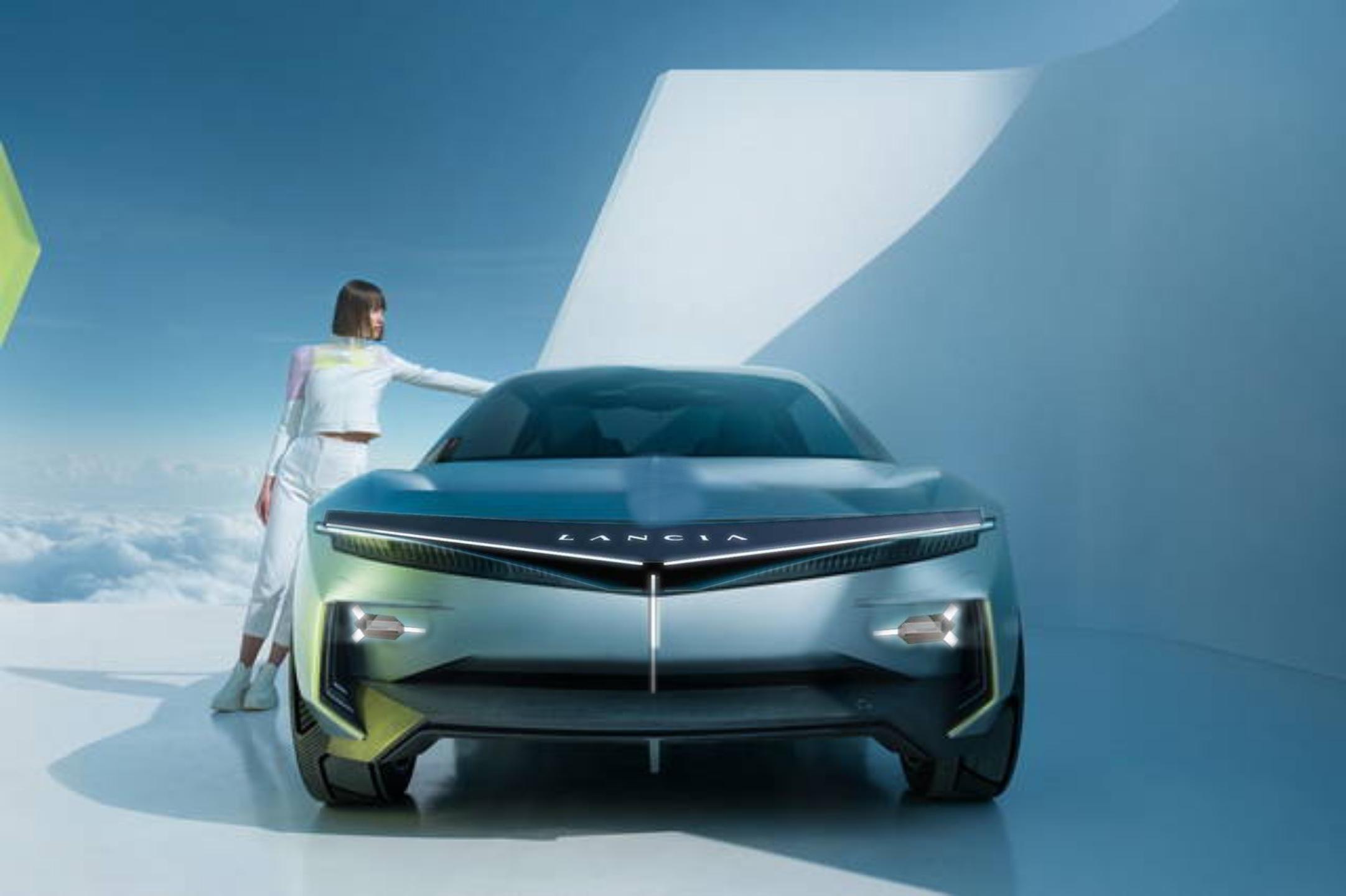
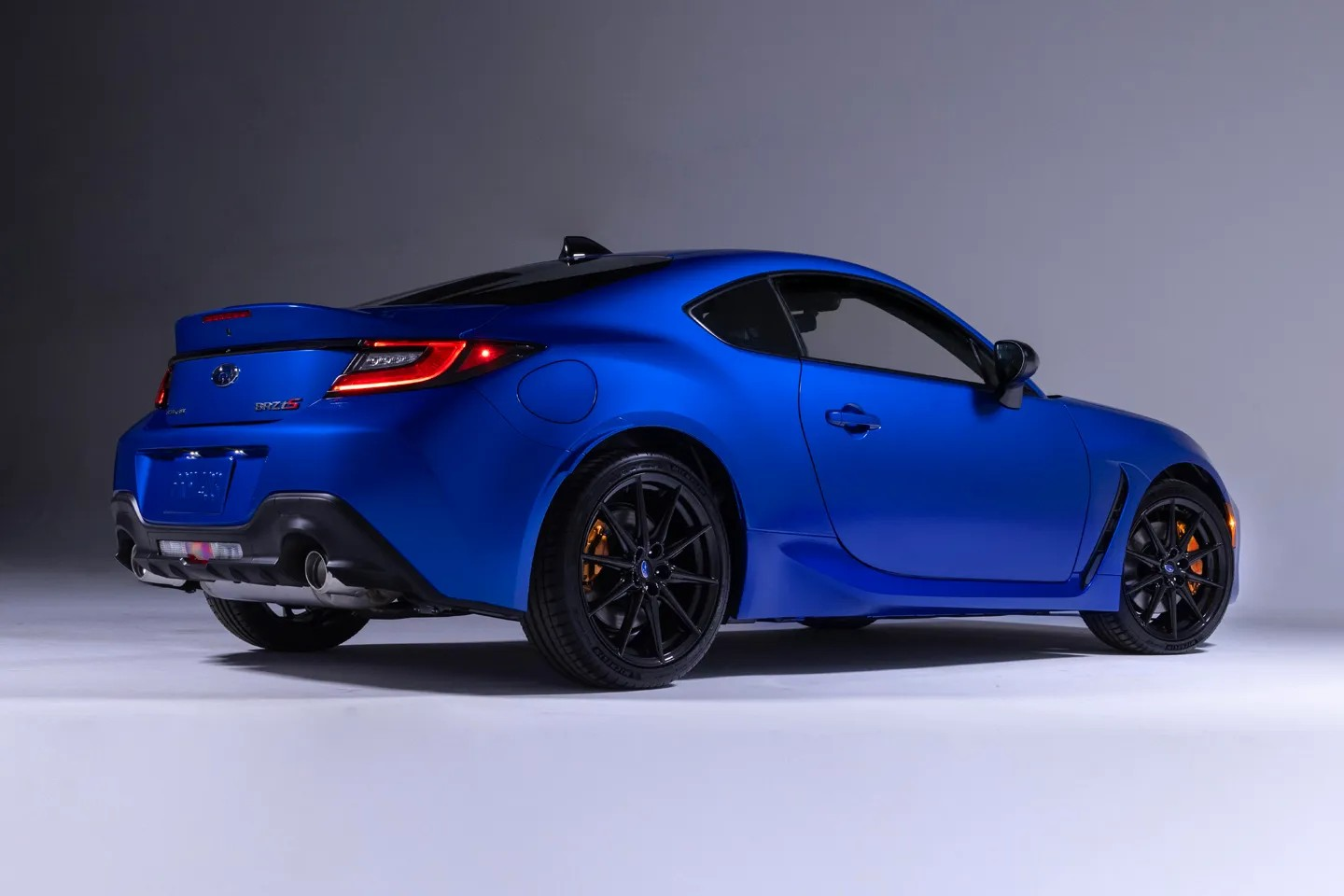
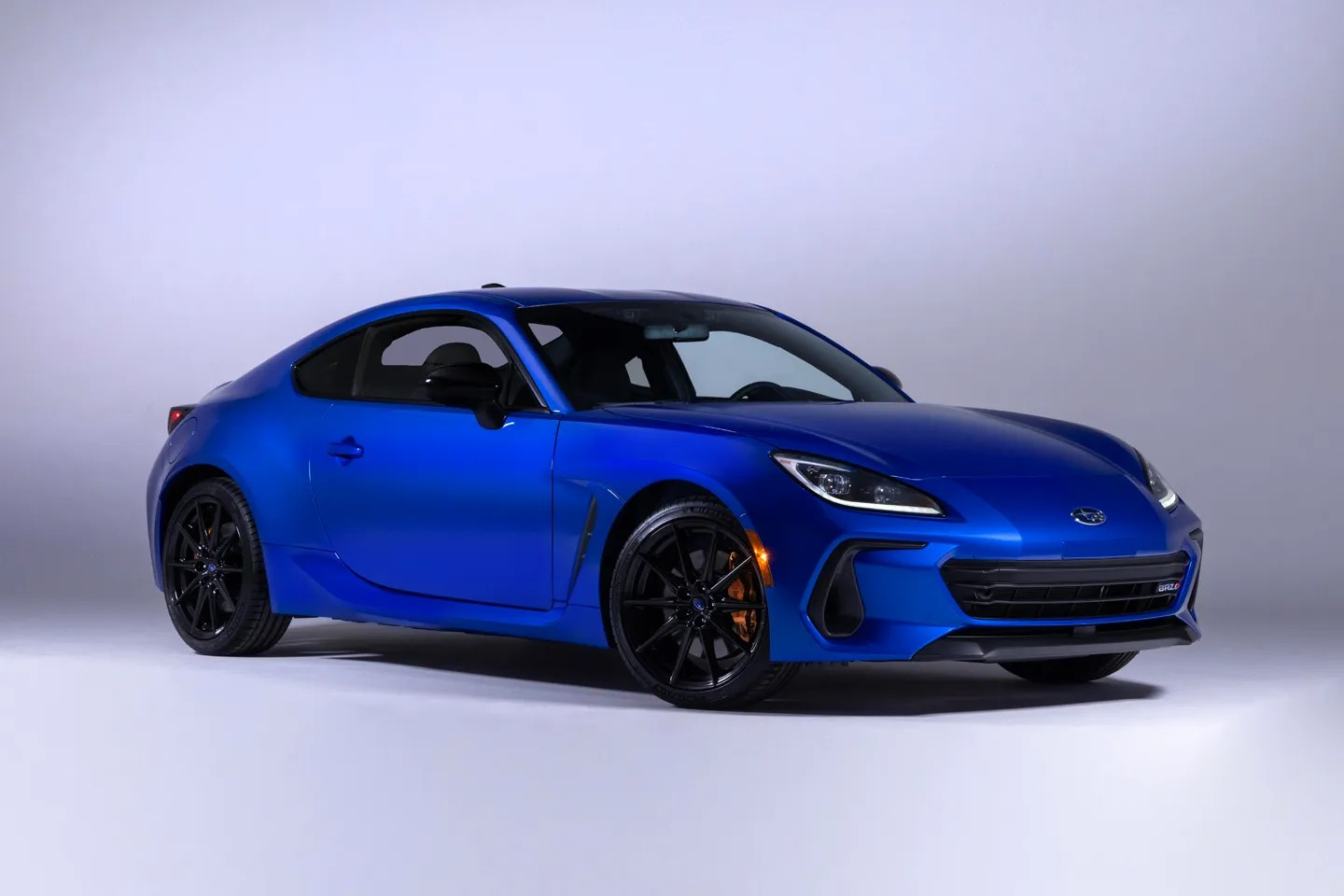
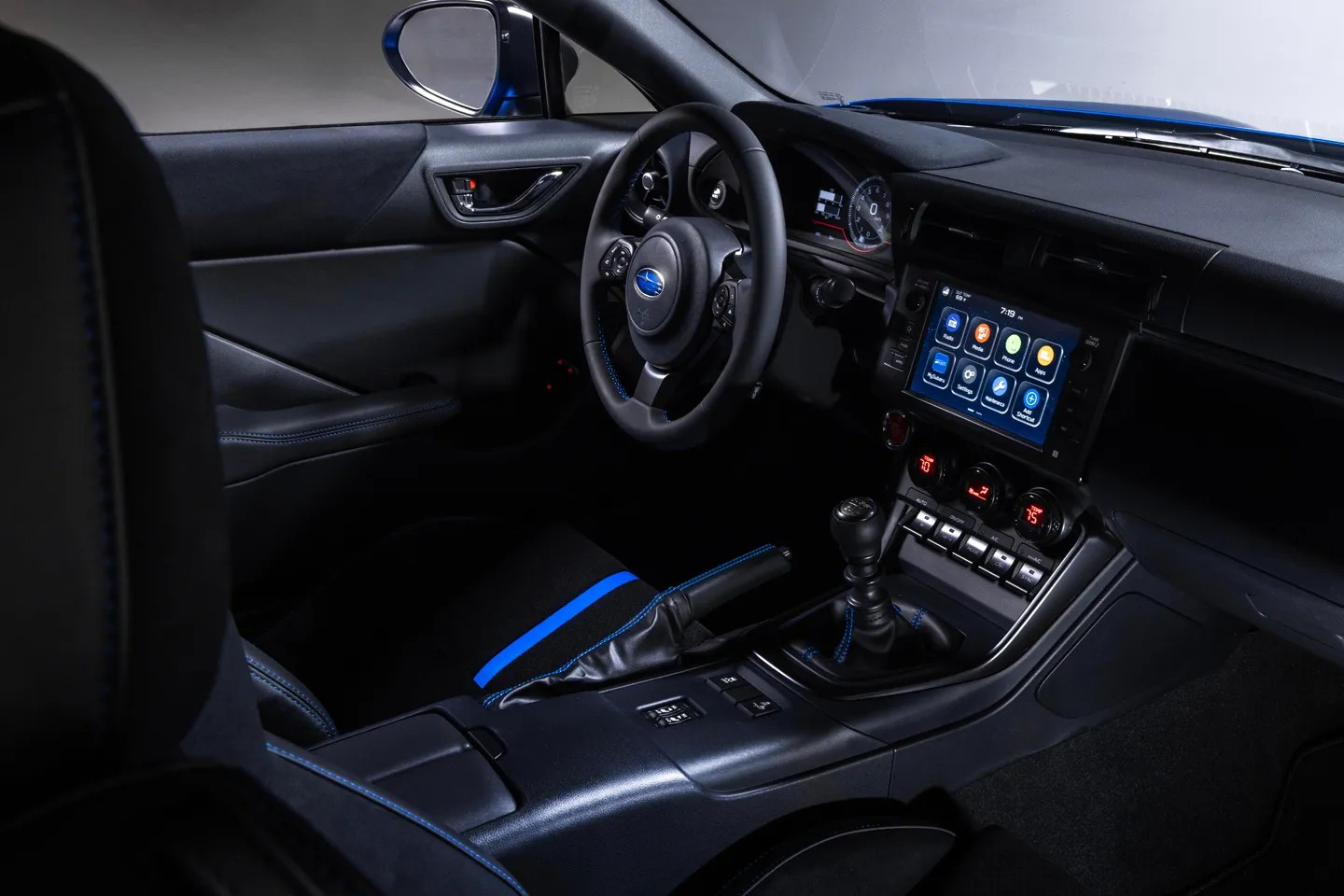
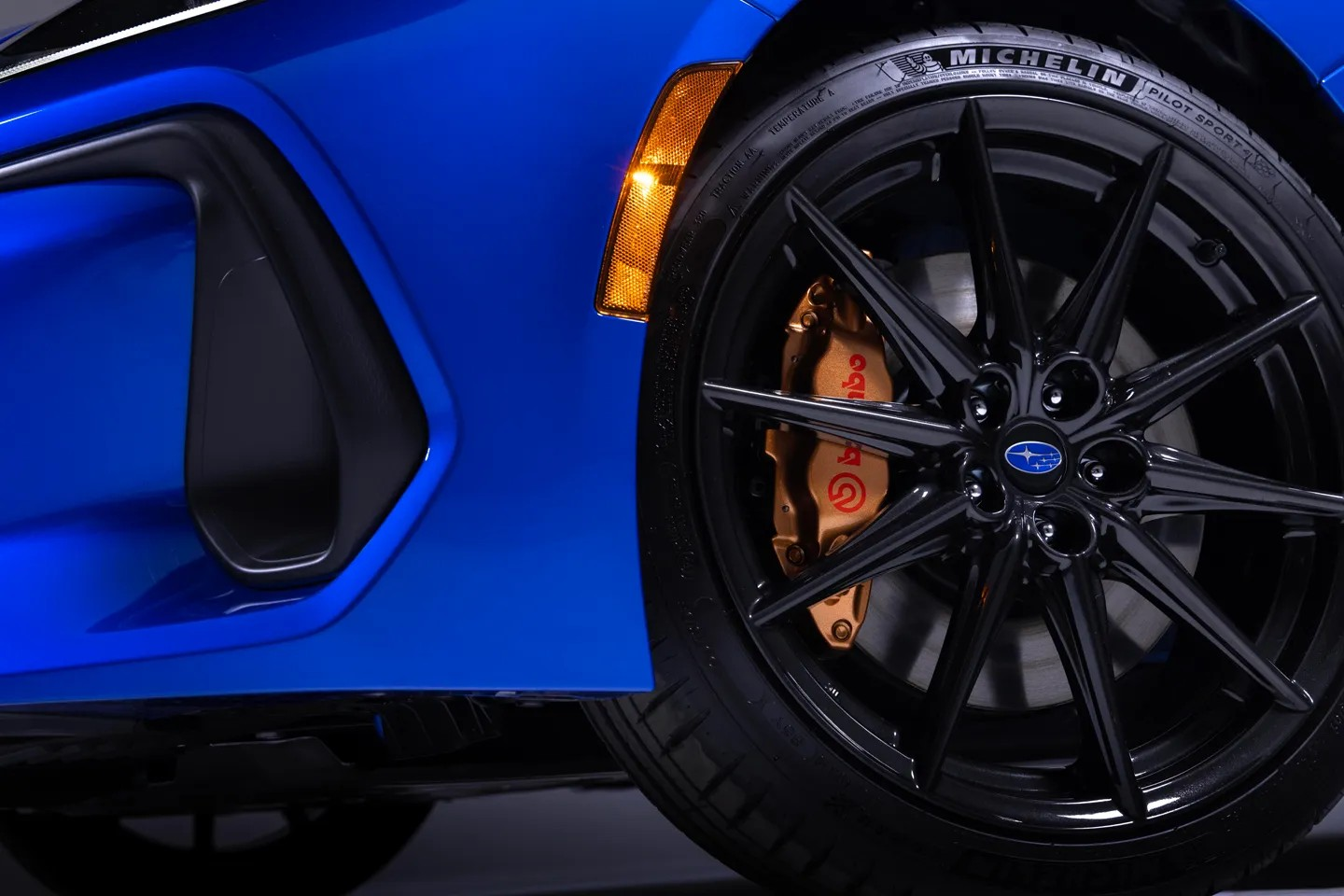
Sinceramente nel frontale potevano togliere il led verticale, sminuisce il lavoro di Lancia secondo me. Anche perché ora come ora Opel ha più risonanza e una gamma, mentre Lancia vive di passato. Se non le si lascia la sua peculiarità (inteso come nuovo design) allora la costruzione del Brand può risultare più complicata (anche data la collocazione). Tutto secondo meSimpaticaNon ho trovato fonti ufficiali della casa, allego l'articolo di PistonHeads. https://www.pistonheads.com/news/ph-japanesecars/subaru-unveils-new-sti-tuned-brz-ts/47466

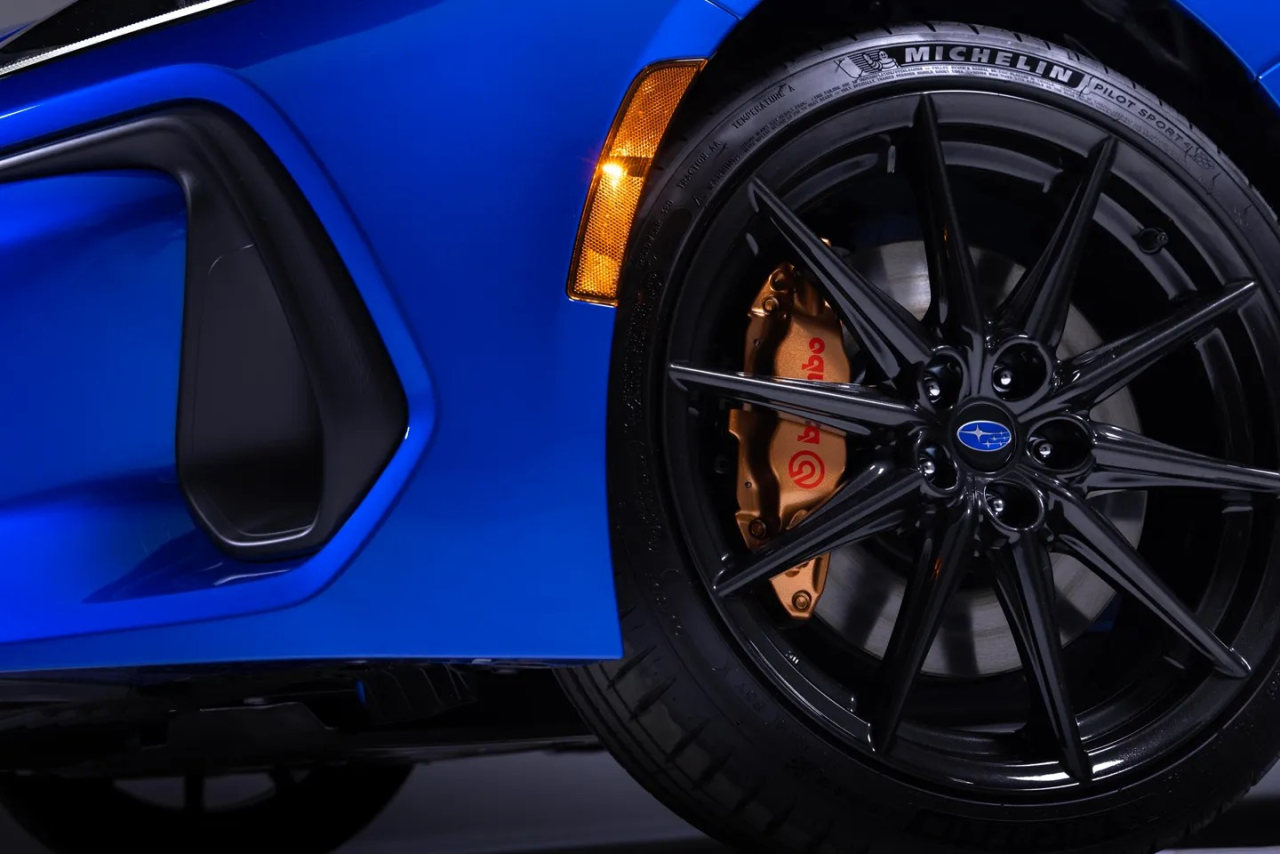
-
-

-

- 3
-
-
- brz
- brz ts
- subaru
- subaru brz
-
Taggato come:
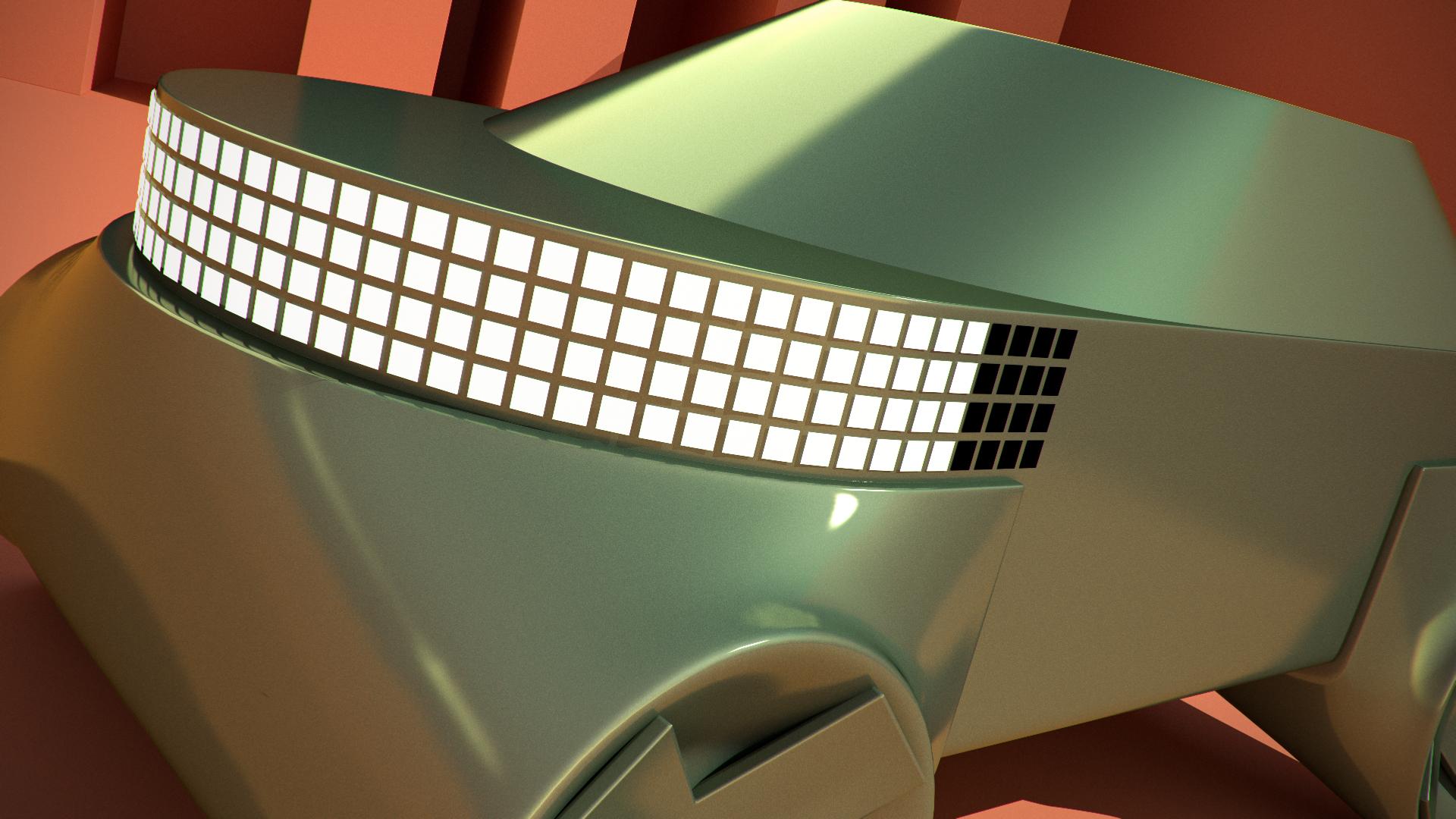
Quello è un led che arriva alla fiancata?










Account
Navigation
Cerca
Configure browser push notifications
Chrome (Android)
- Tap the lock icon next to the address bar.
- Tap Permissions → Notifications.
- Adjust your preference.
Chrome (Desktop)
- Click the padlock icon in the address bar.
- Select Site settings.
- Find Notifications and adjust your preference.
Safari (iOS 16.4+)
- Ensure the site is installed via Add to Home Screen.
- Open Settings App → Notifications.
- Find your app name and adjust your preference.
Safari (macOS)
- Go to Safari → Preferences.
- Click the Websites tab.
- Select Notifications in the sidebar.
- Find this website and adjust your preference.
Edge (Android)
- Tap the lock icon next to the address bar.
- Tap Permissions.
- Find Notifications and adjust your preference.
Edge (Desktop)
- Click the padlock icon in the address bar.
- Click Permissions for this site.
- Find Notifications and adjust your preference.
Firefox (Android)
- Go to Settings → Site permissions.
- Tap Notifications.
- Find this site in the list and adjust your preference.
Firefox (Desktop)
- Open Firefox Settings.
- Search for Notifications.
- Find this site in the list and adjust your preference.