





j
Reporter (Staff)
-
Iscritto il
Tutti i contenuti di j
-
-
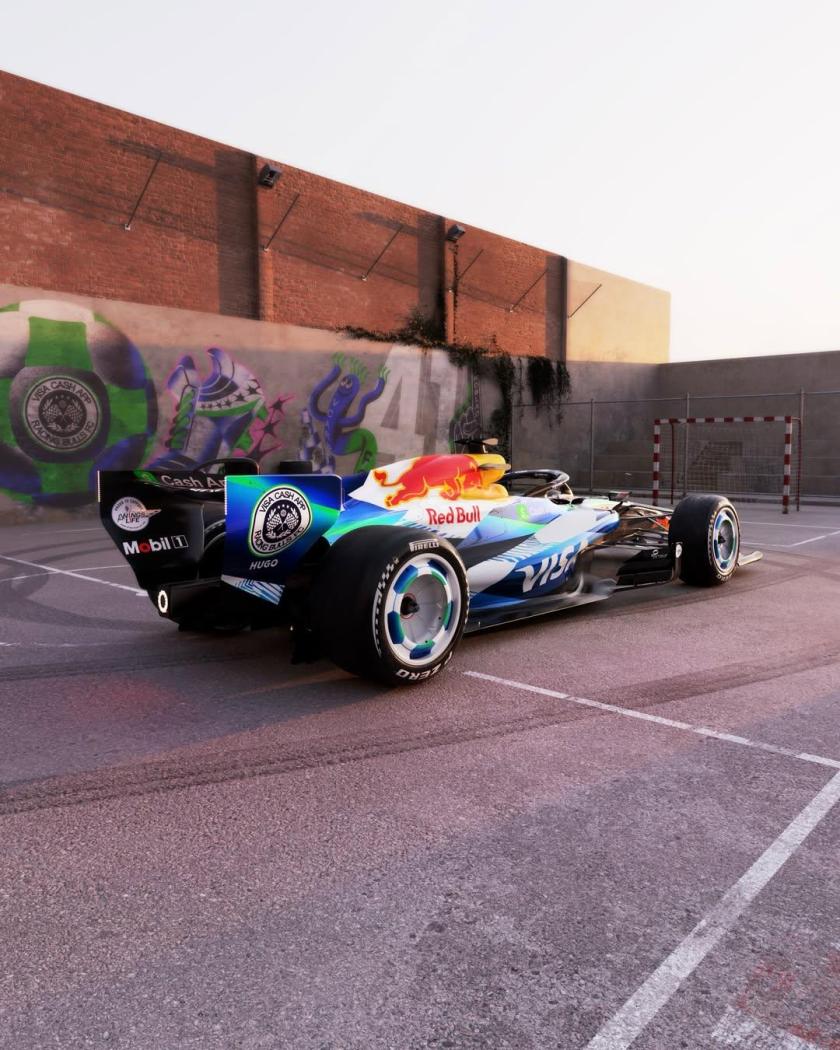
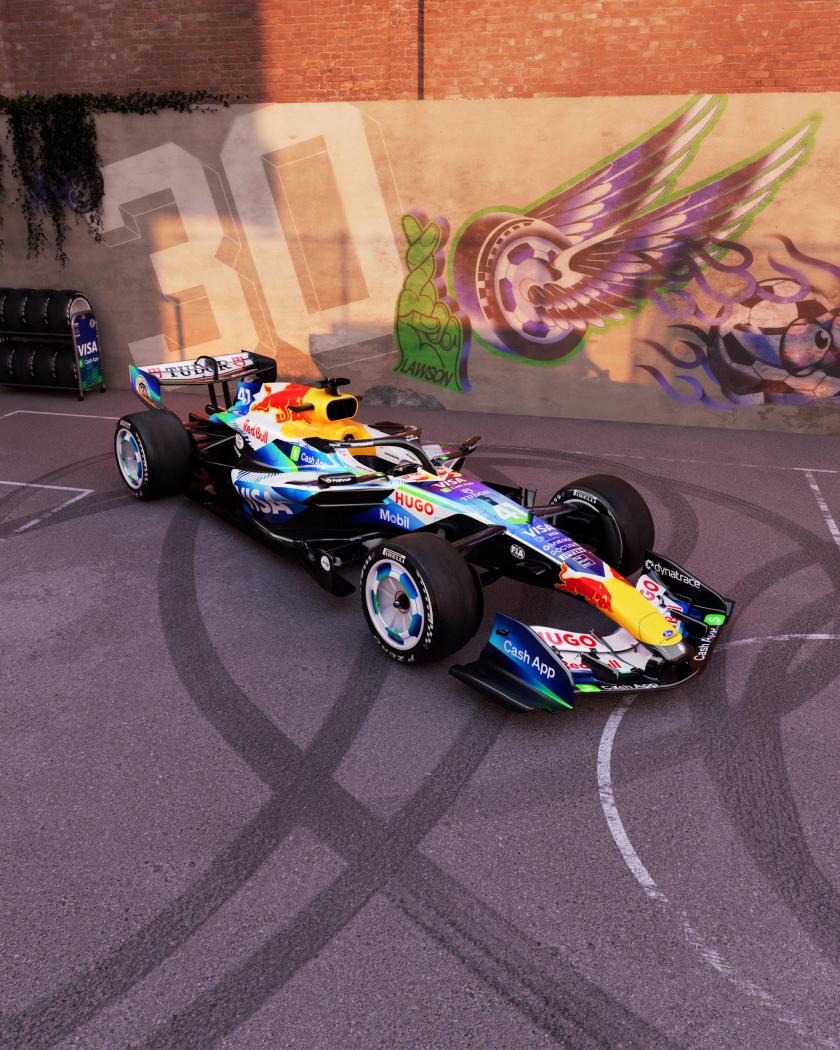
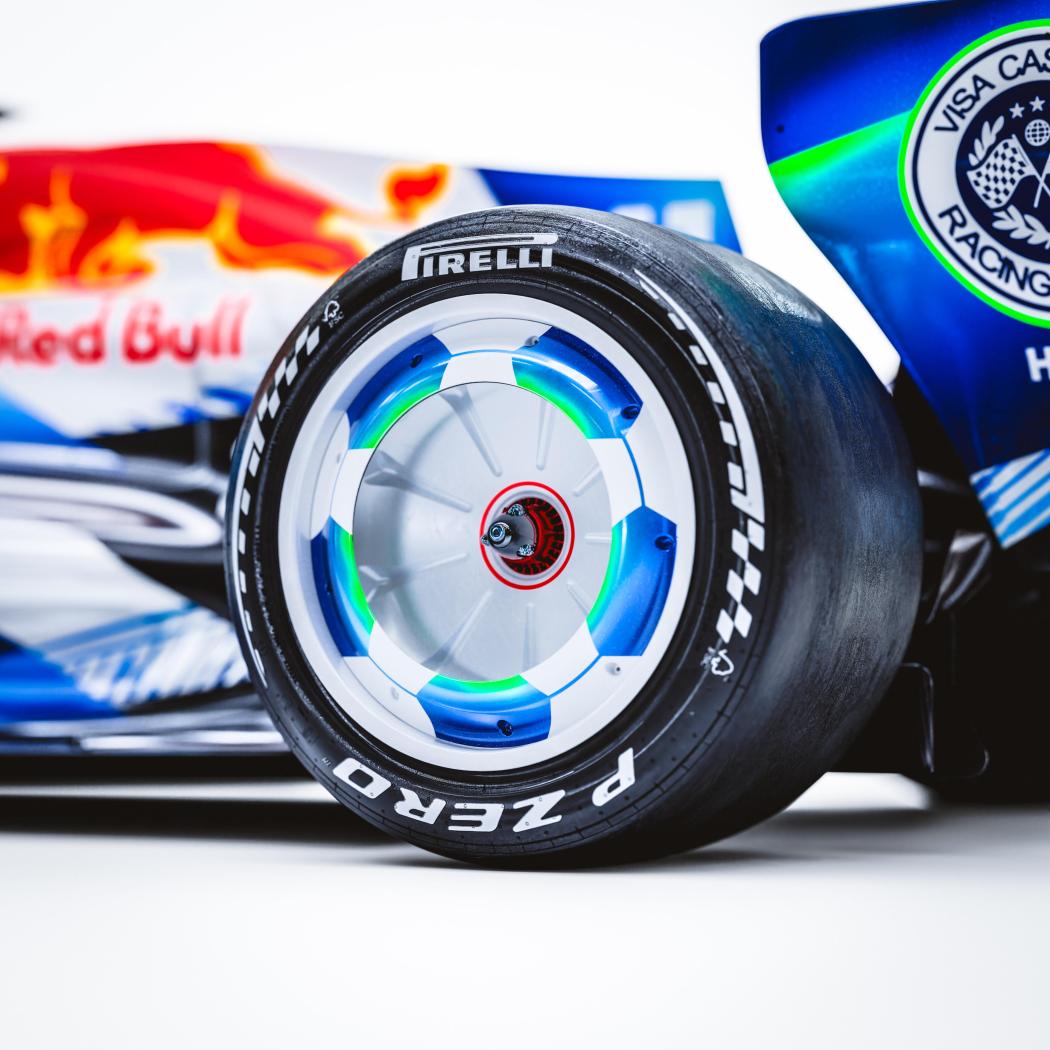
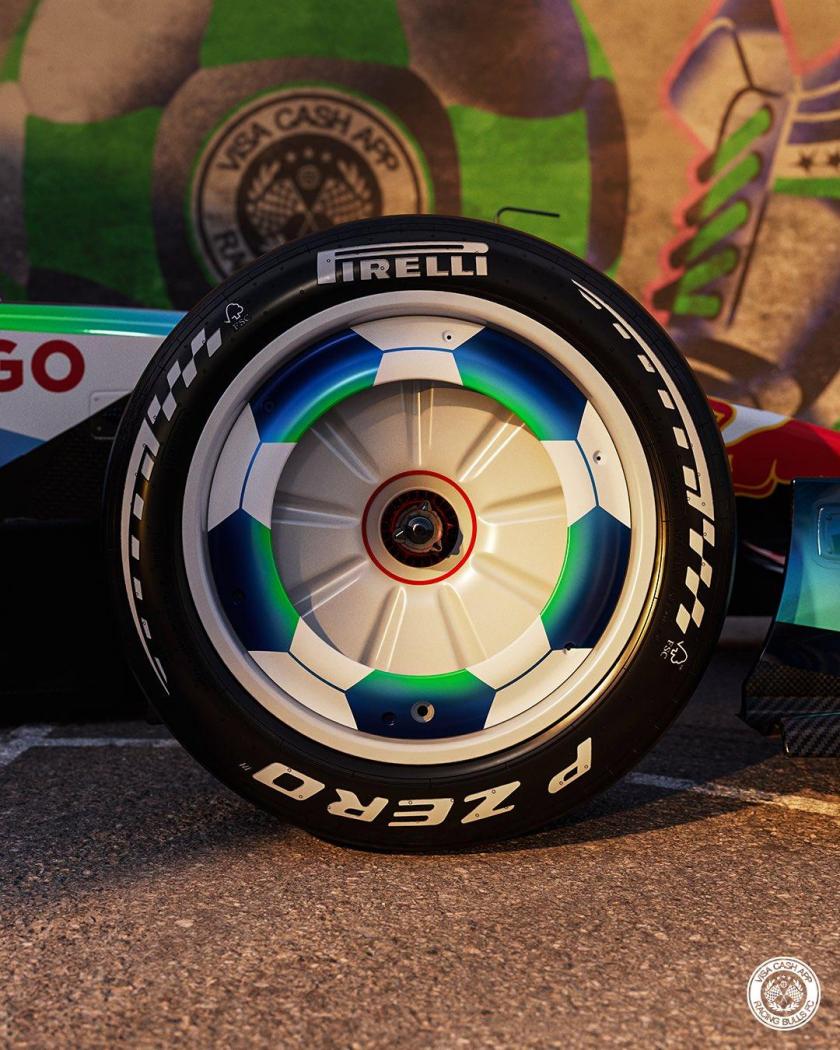
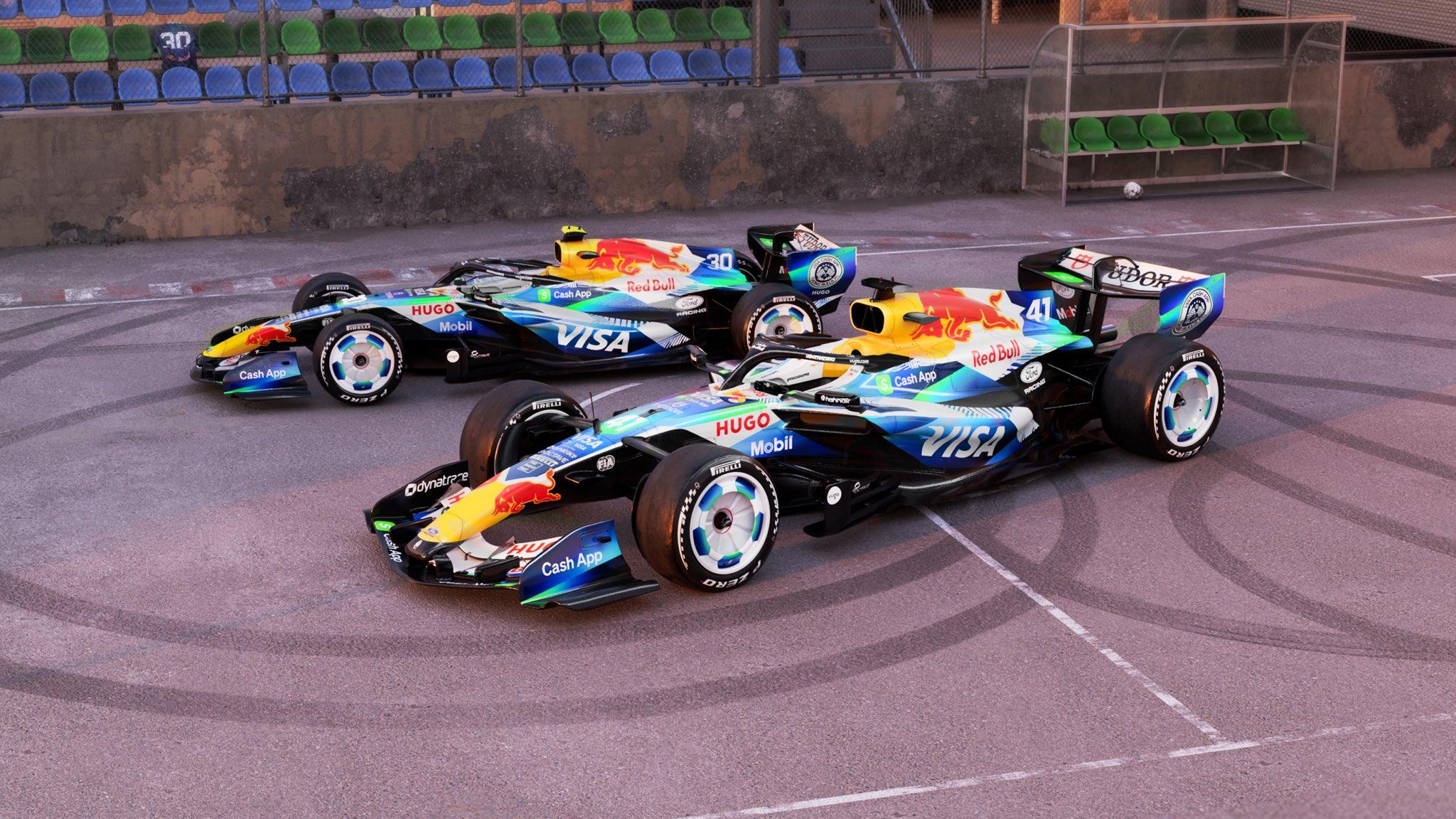
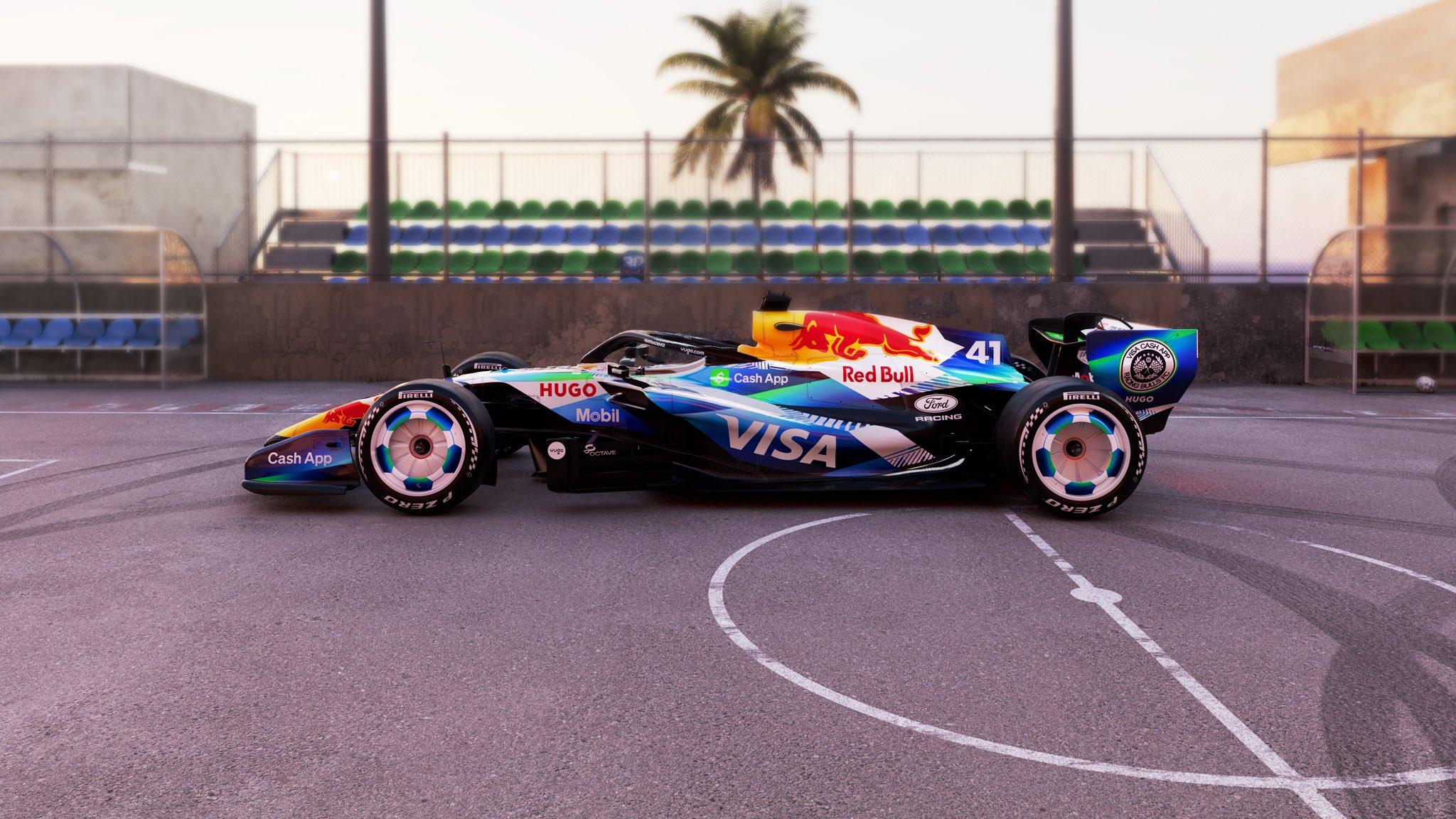
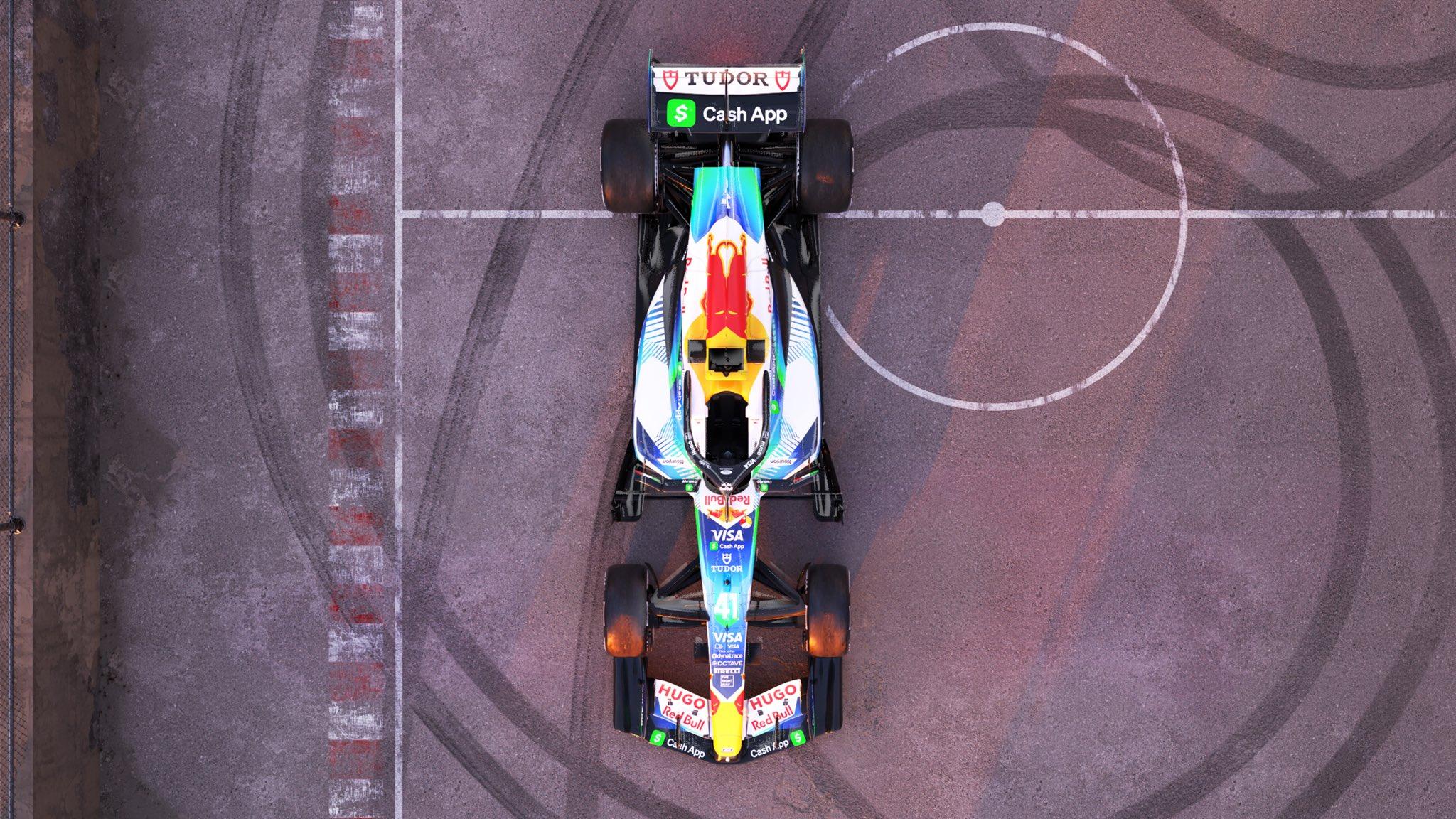
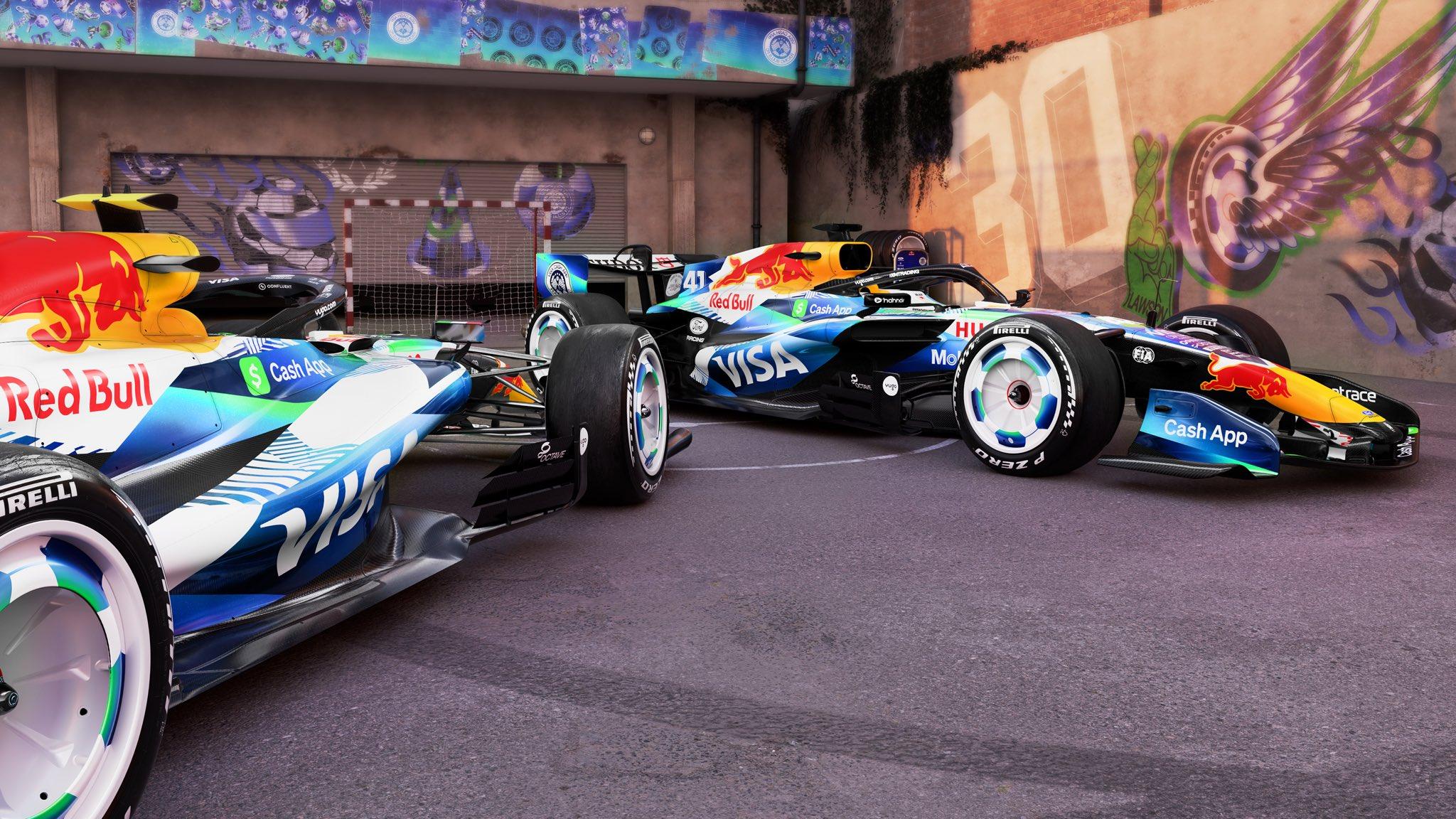
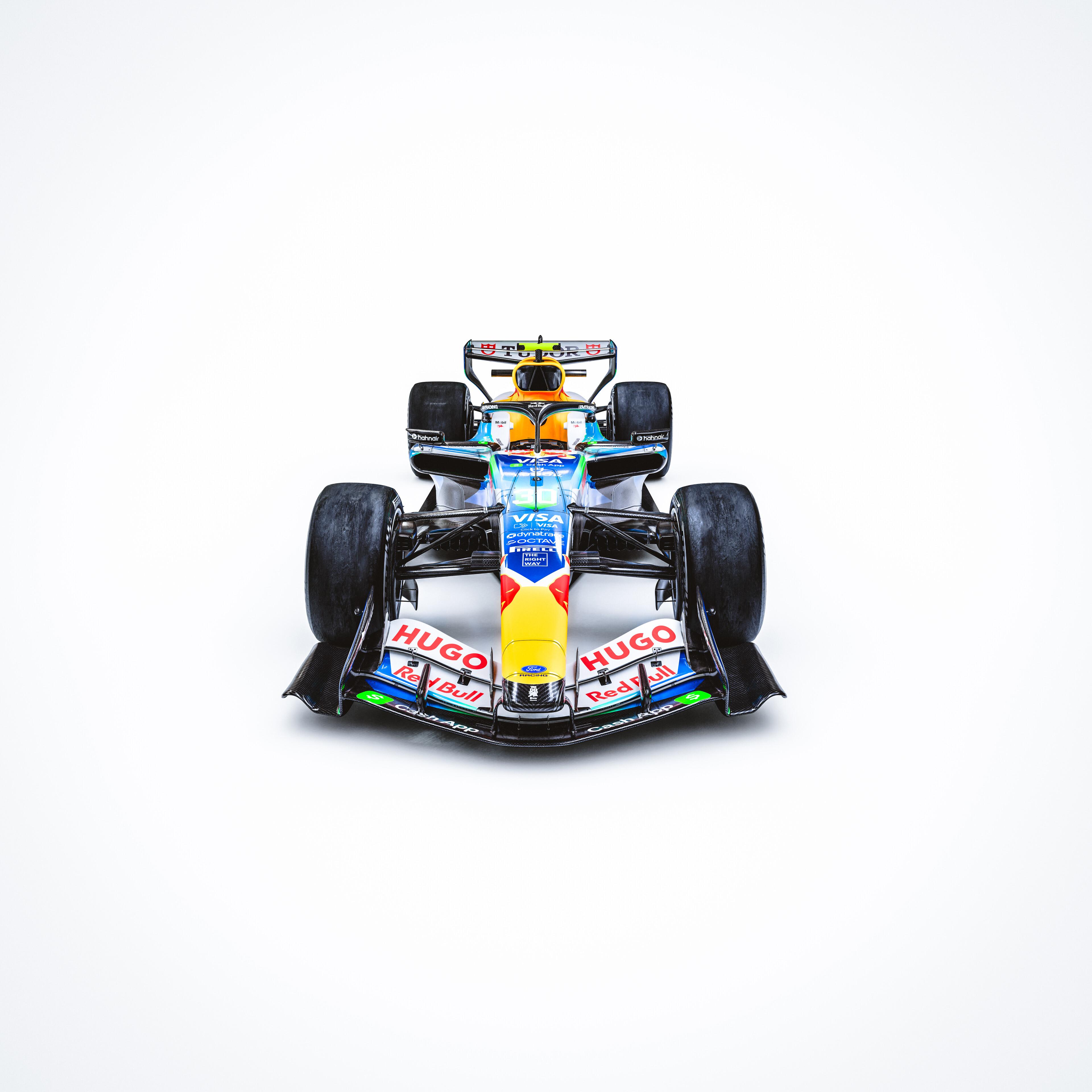
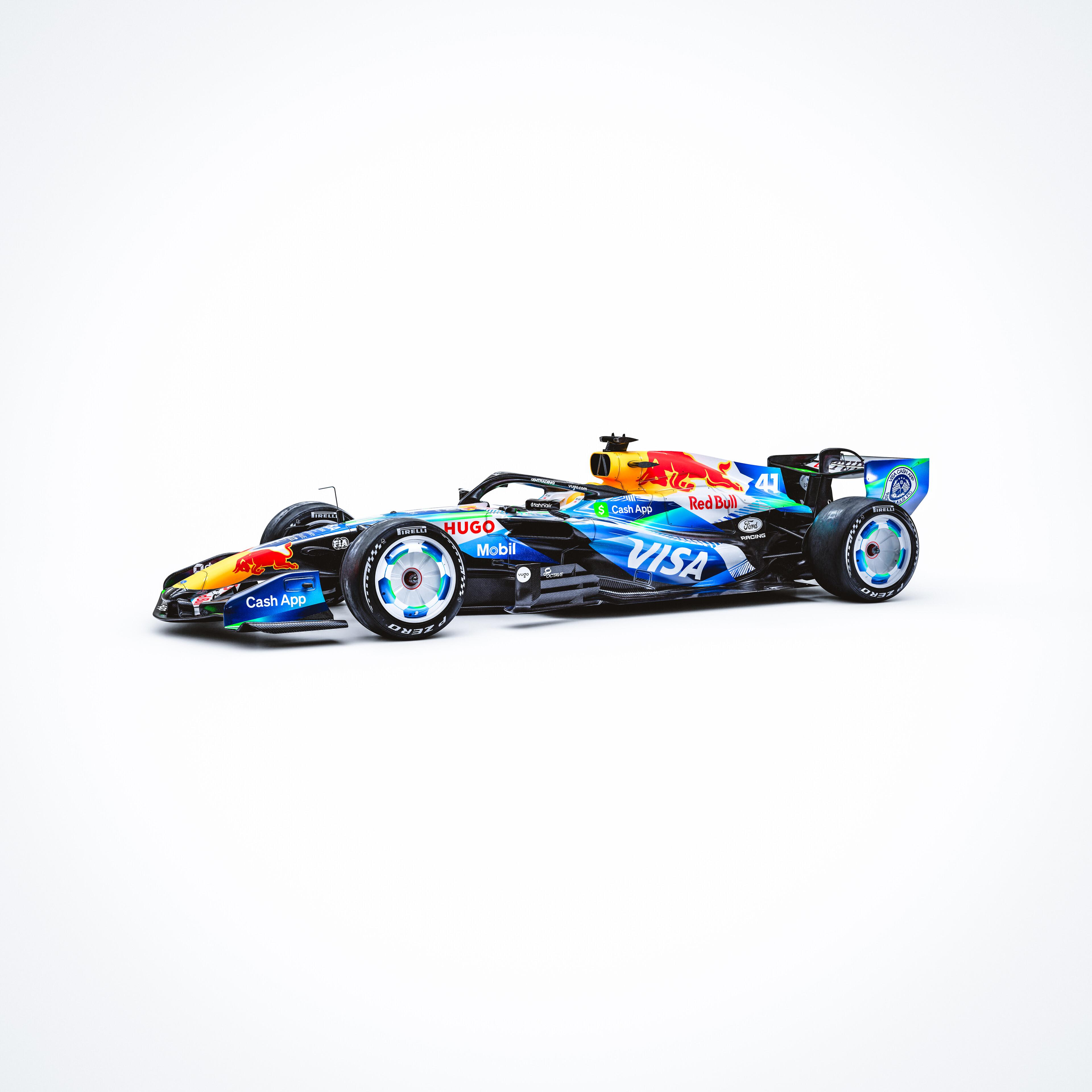
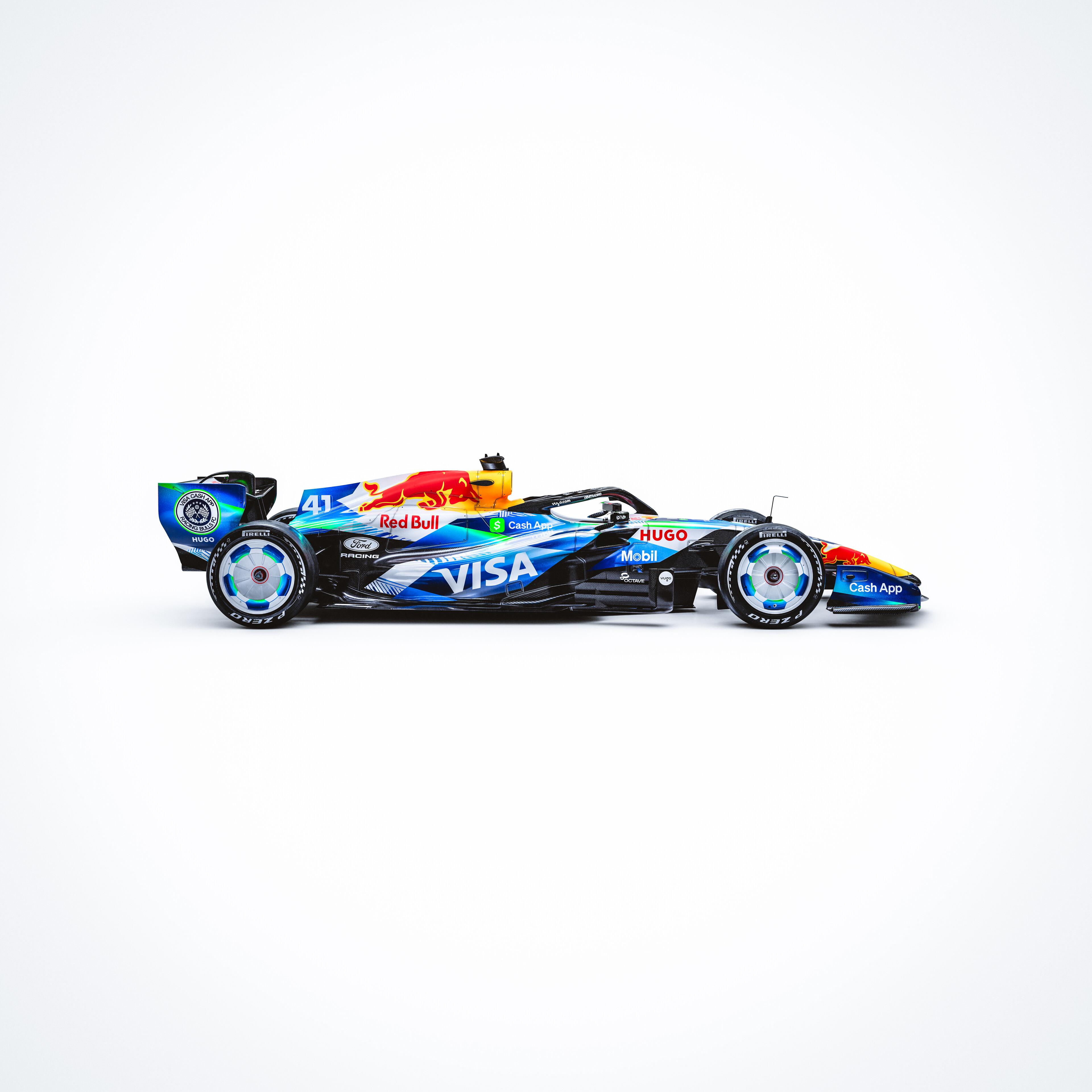
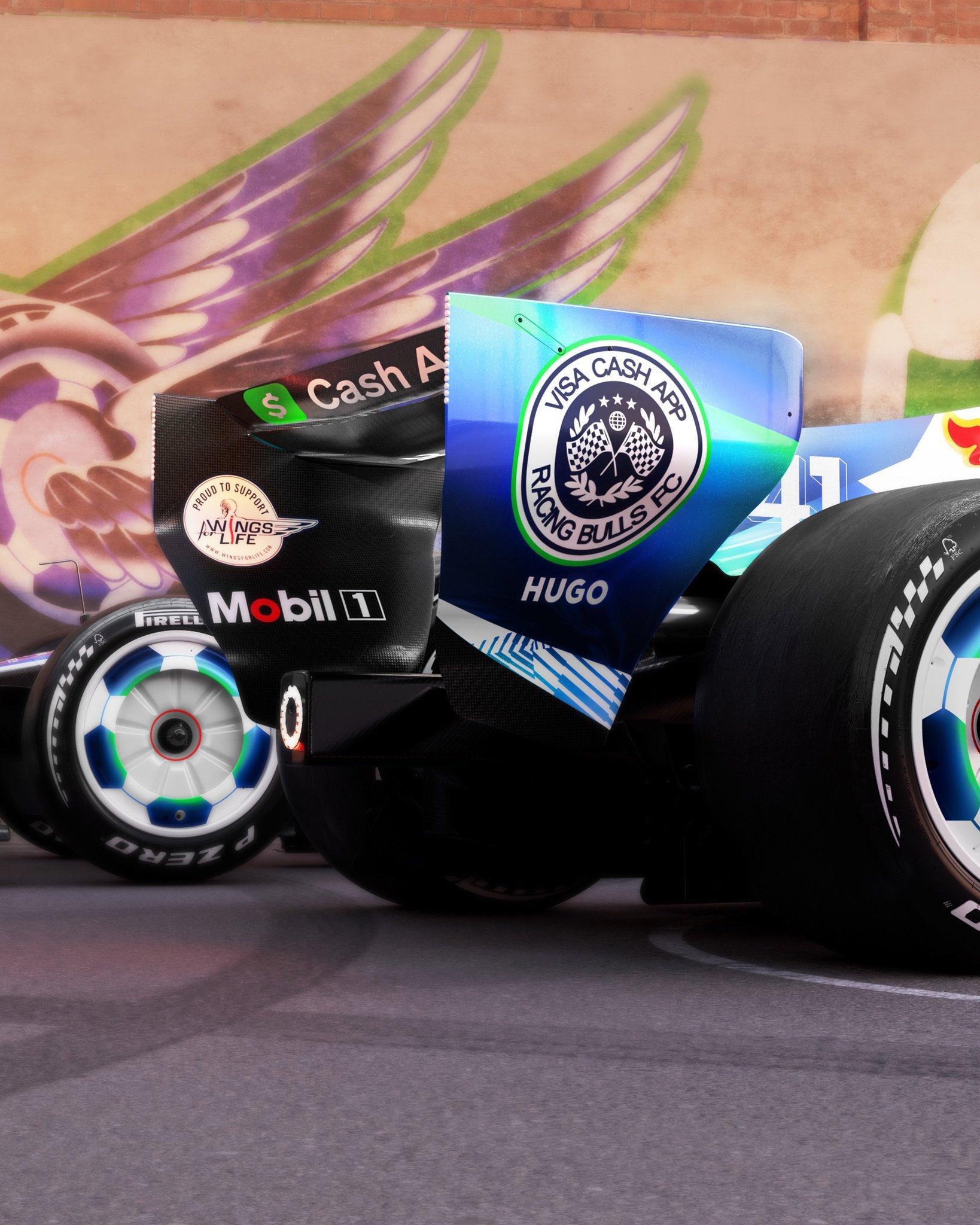
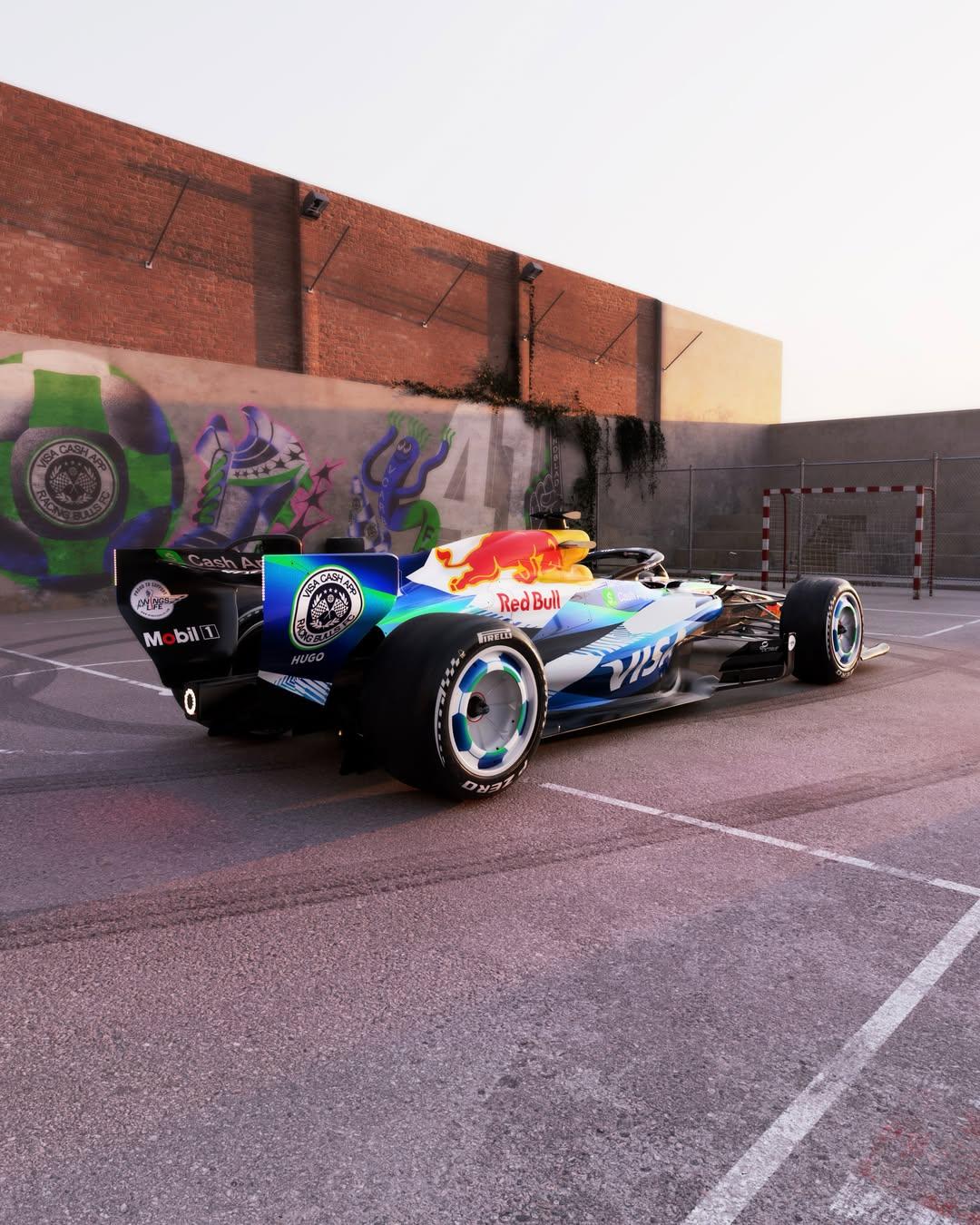
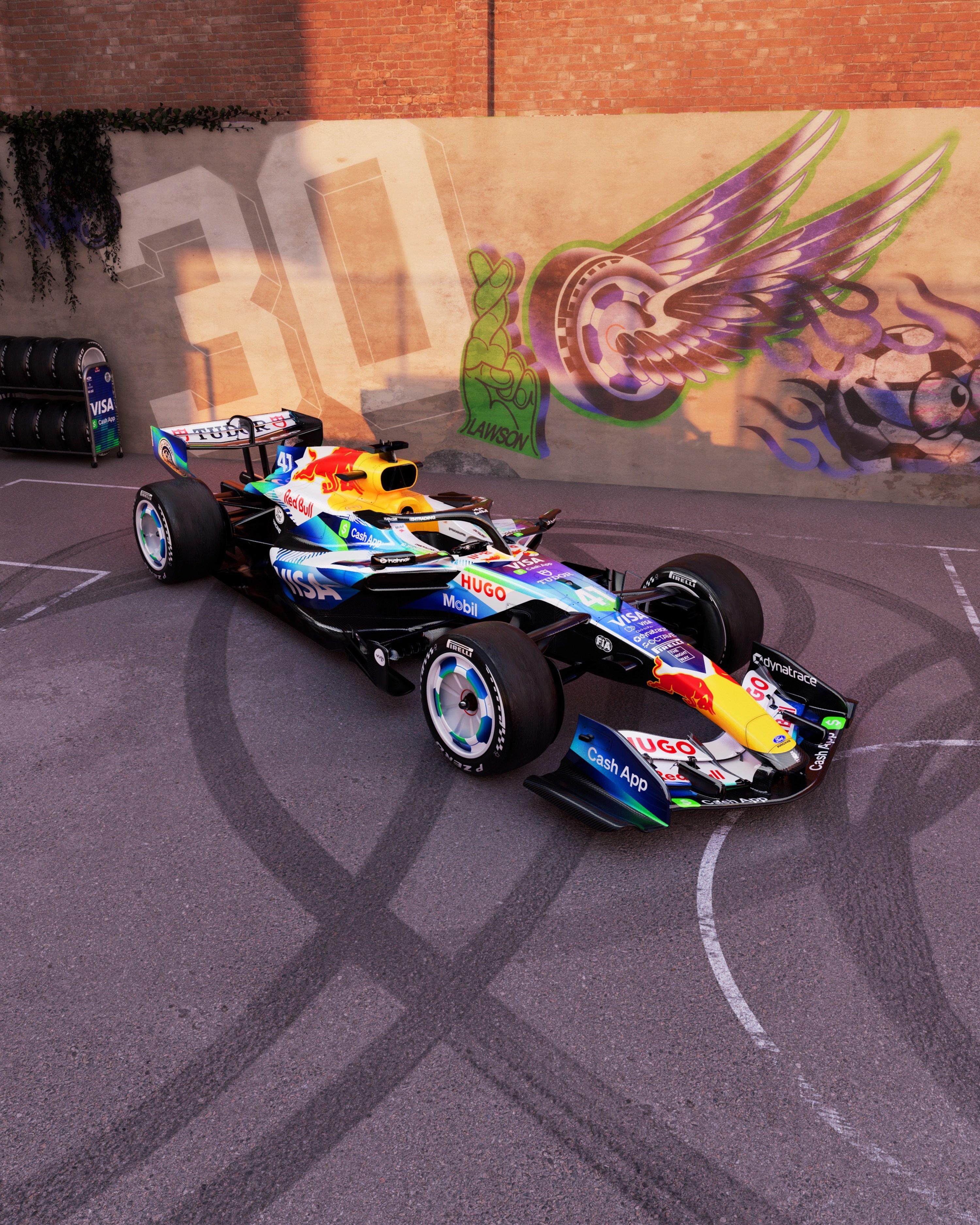
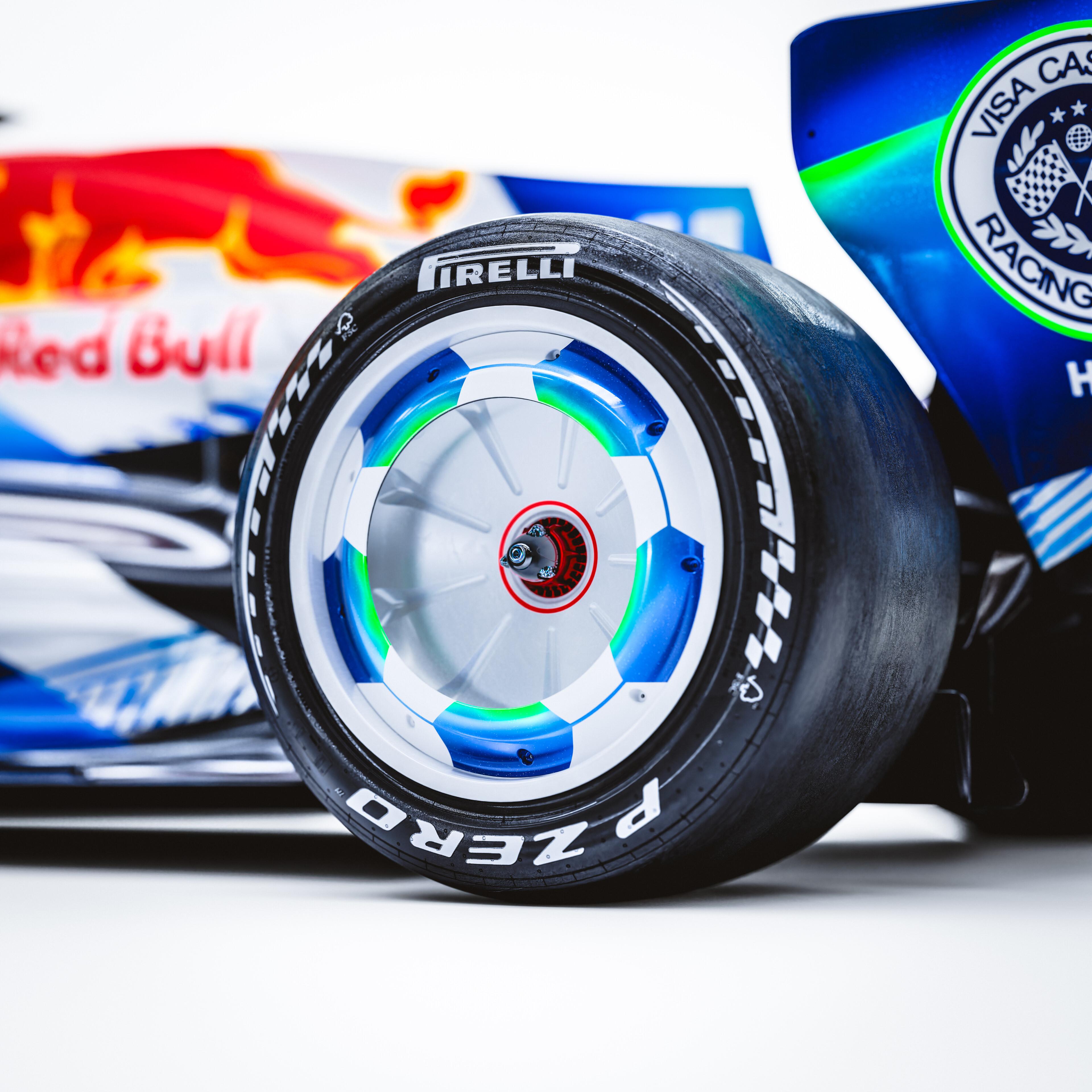
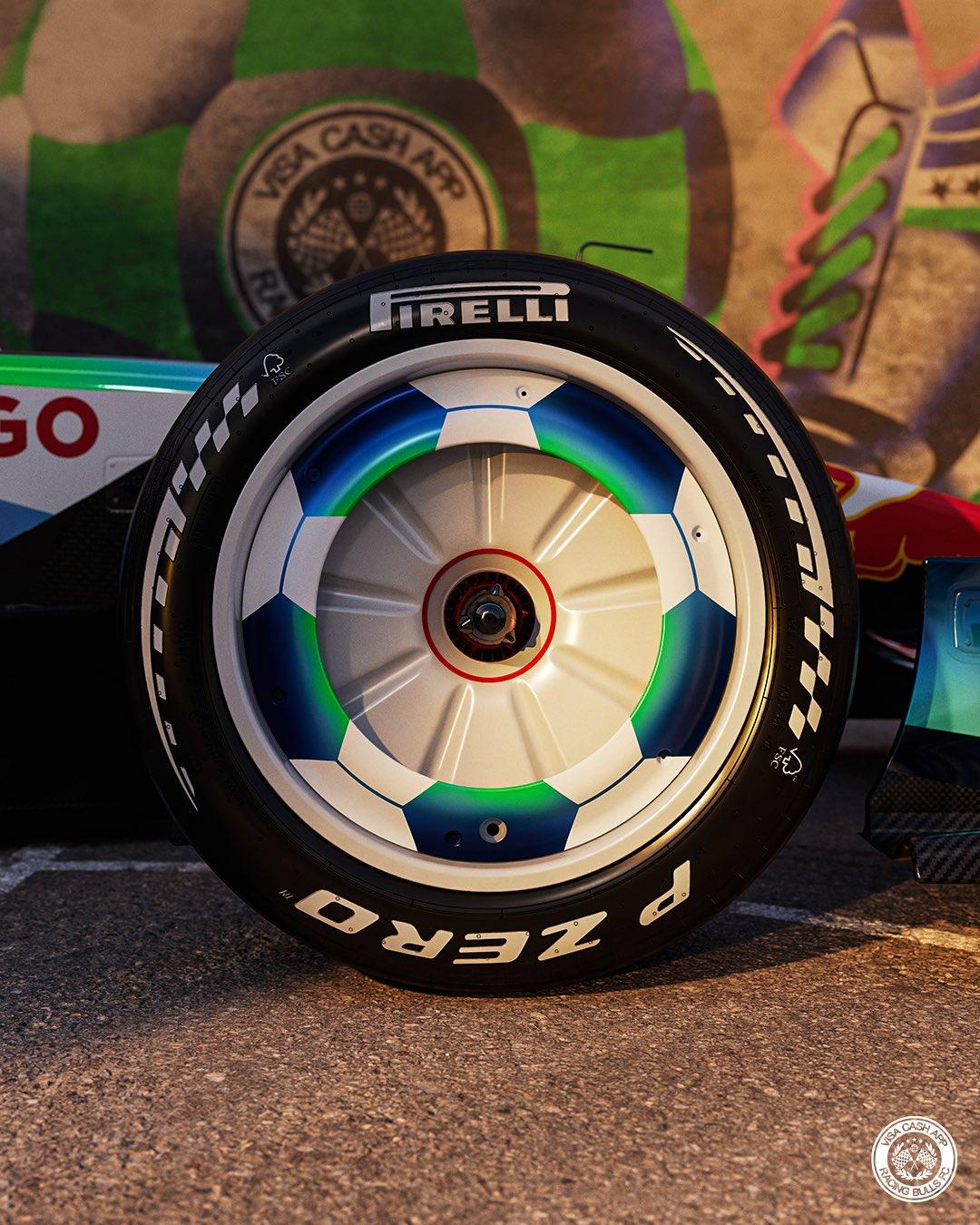
La Racing Bulls per il GP di Barcellona
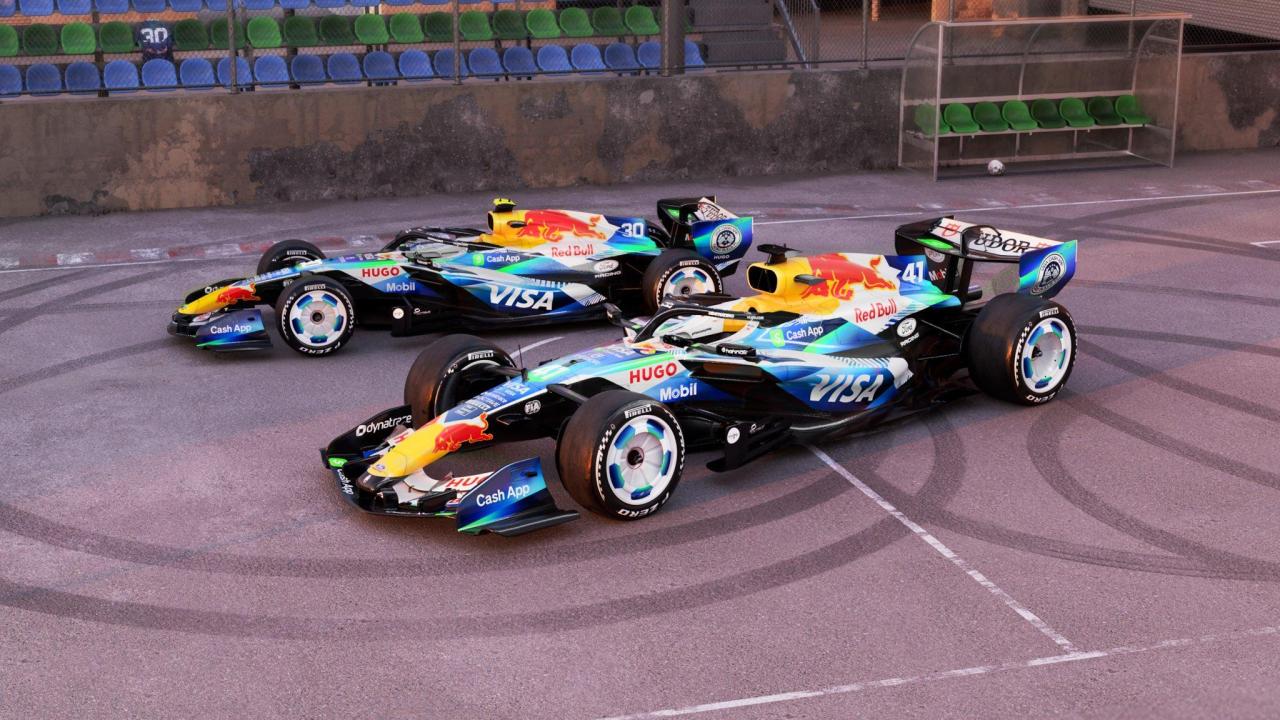
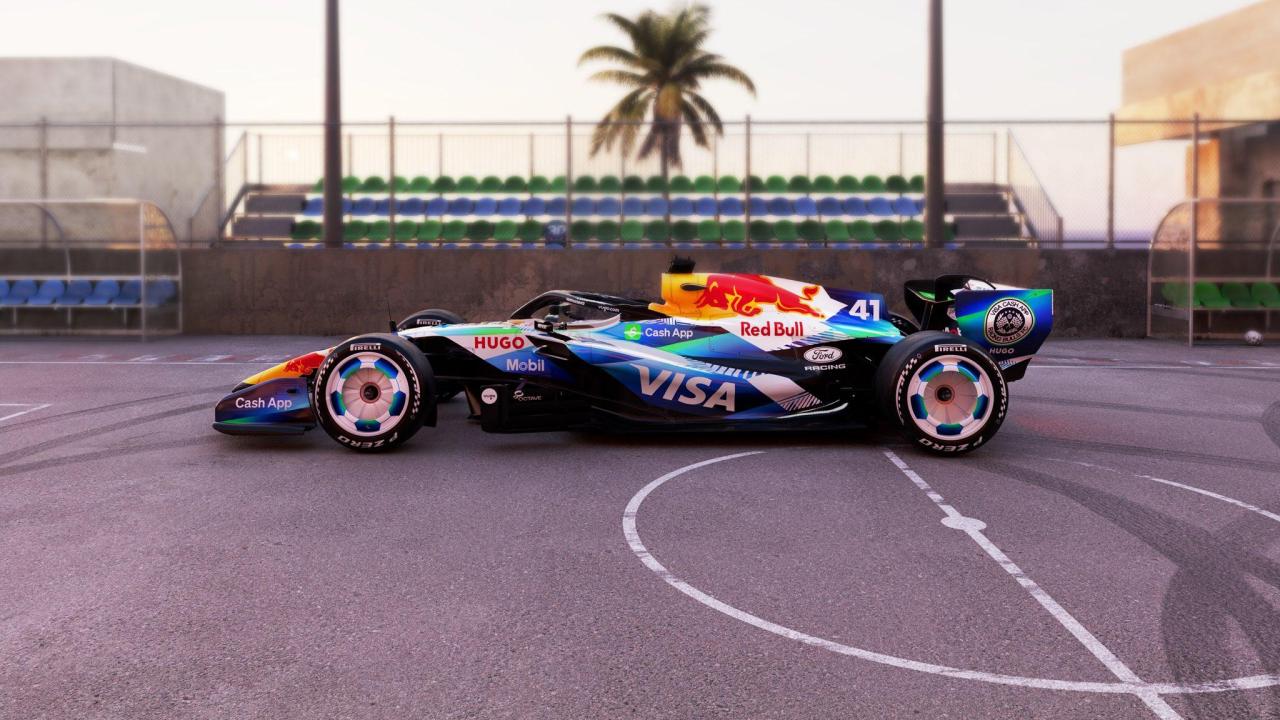
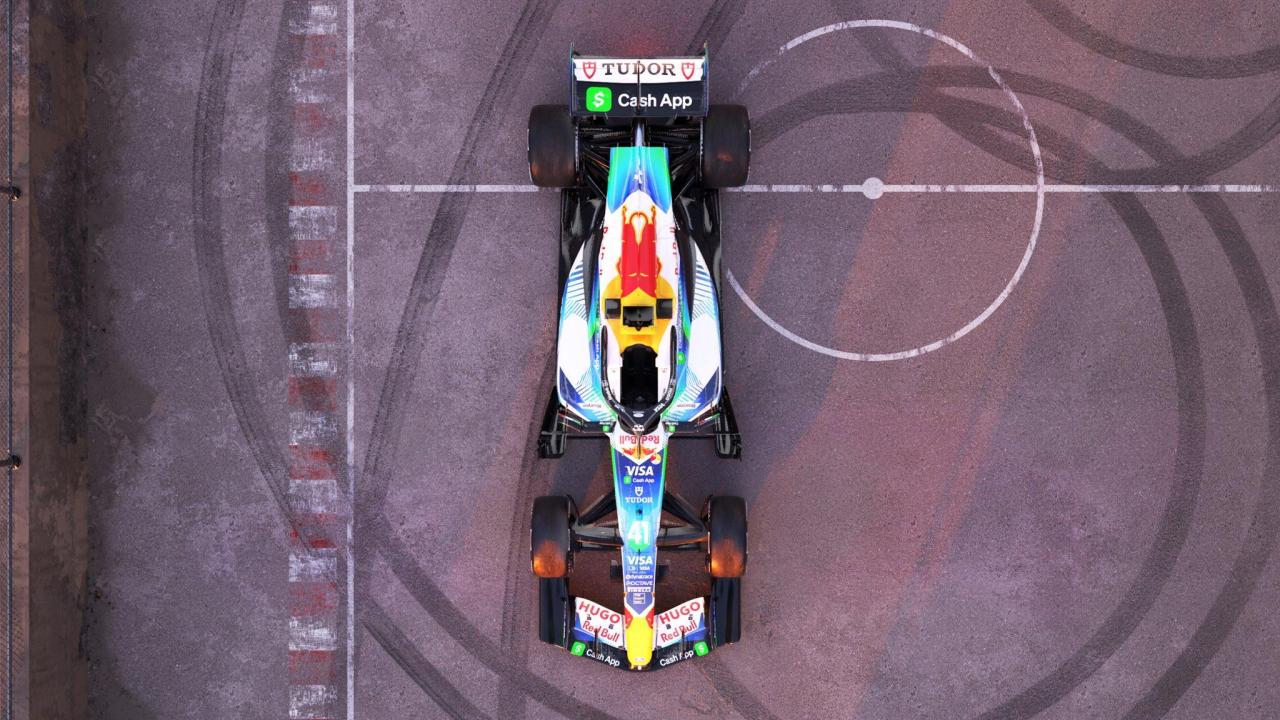
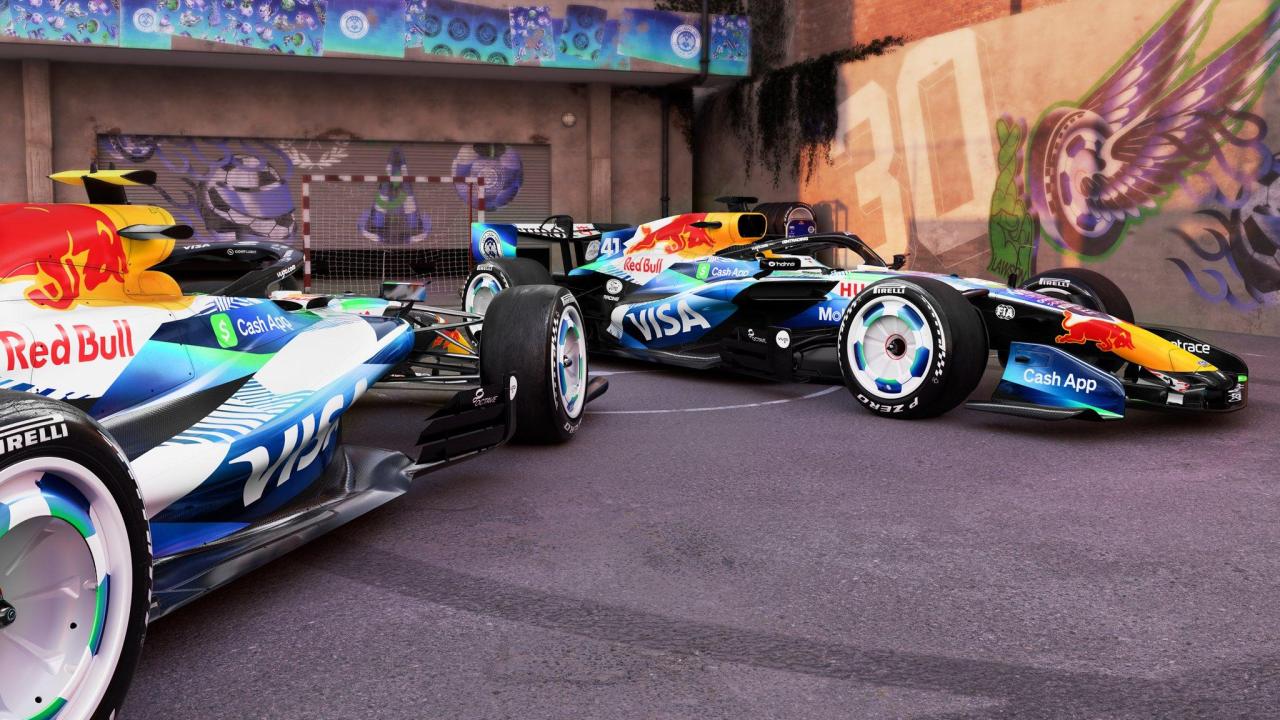
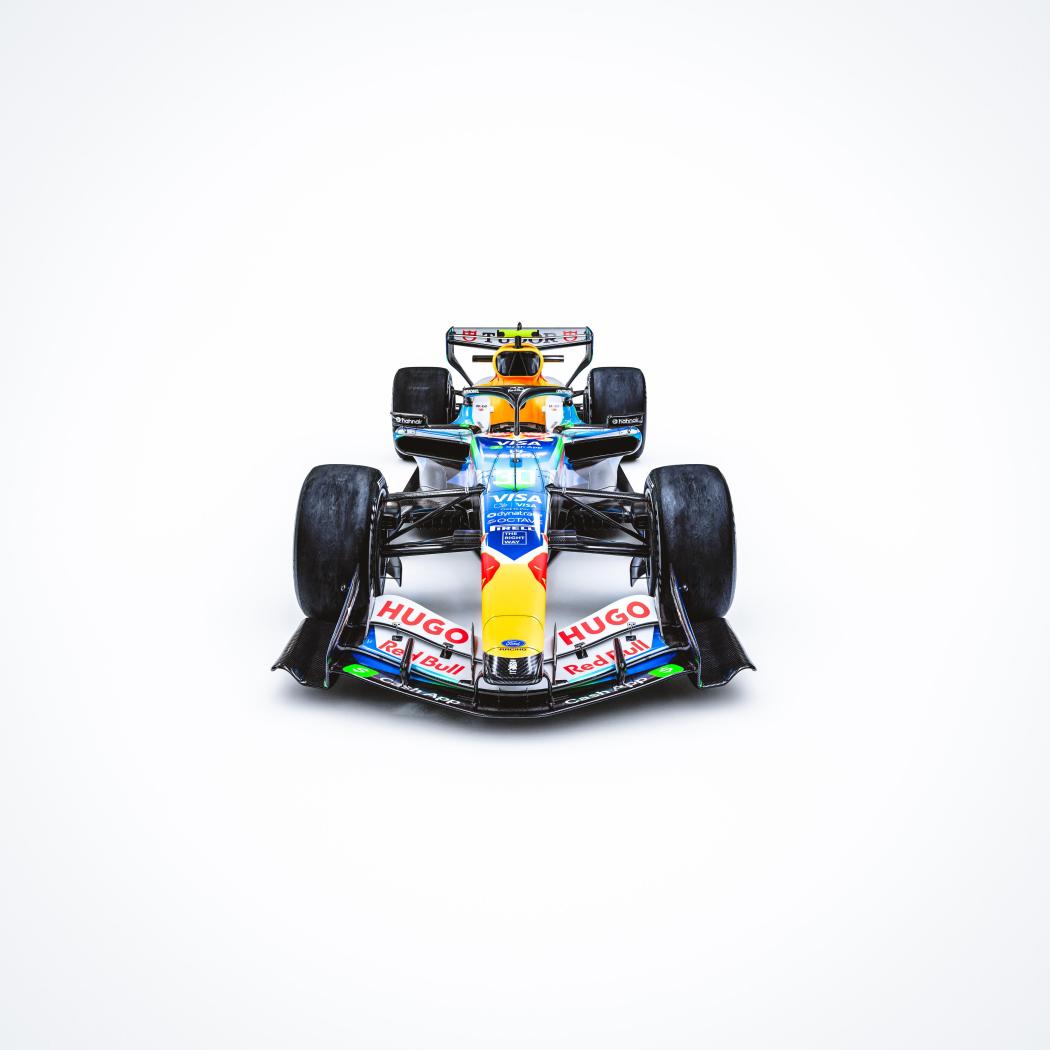
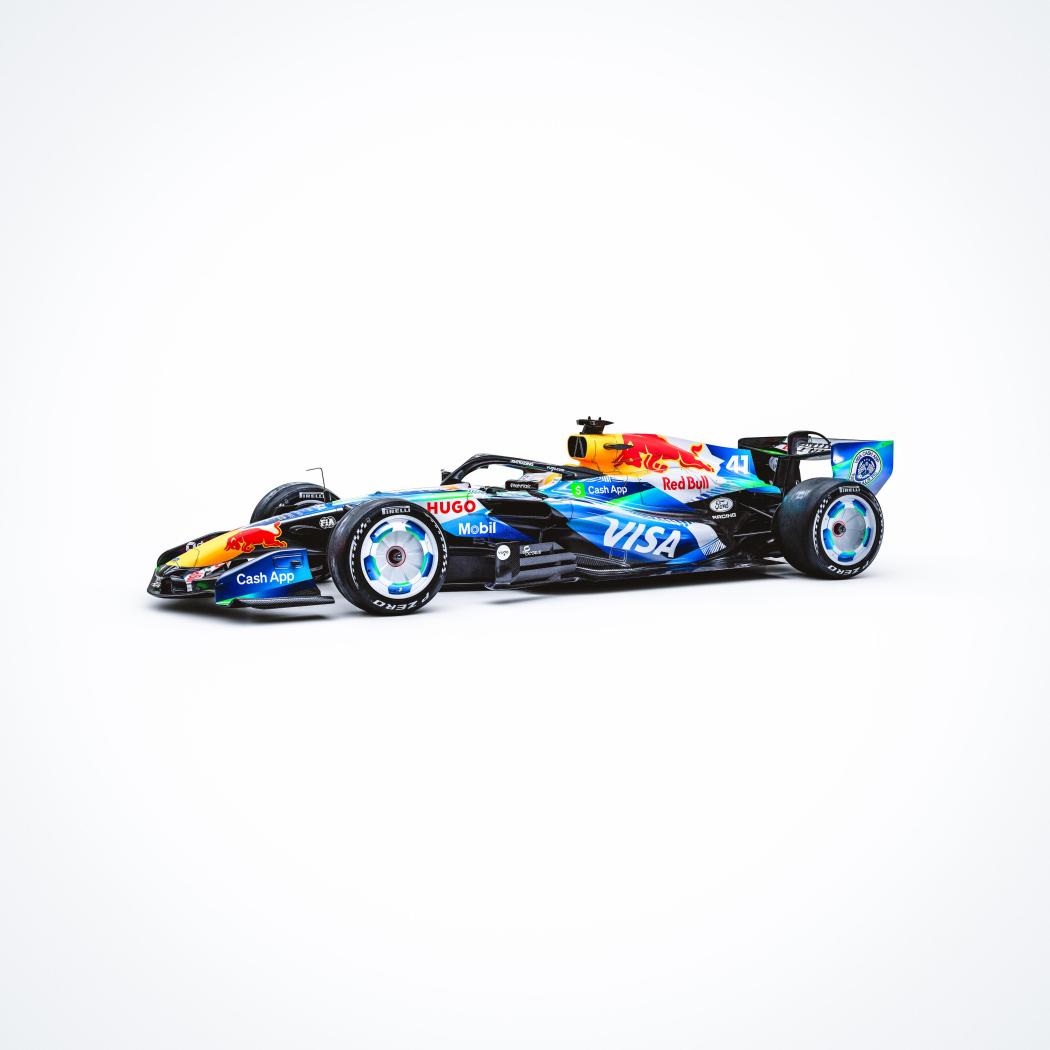
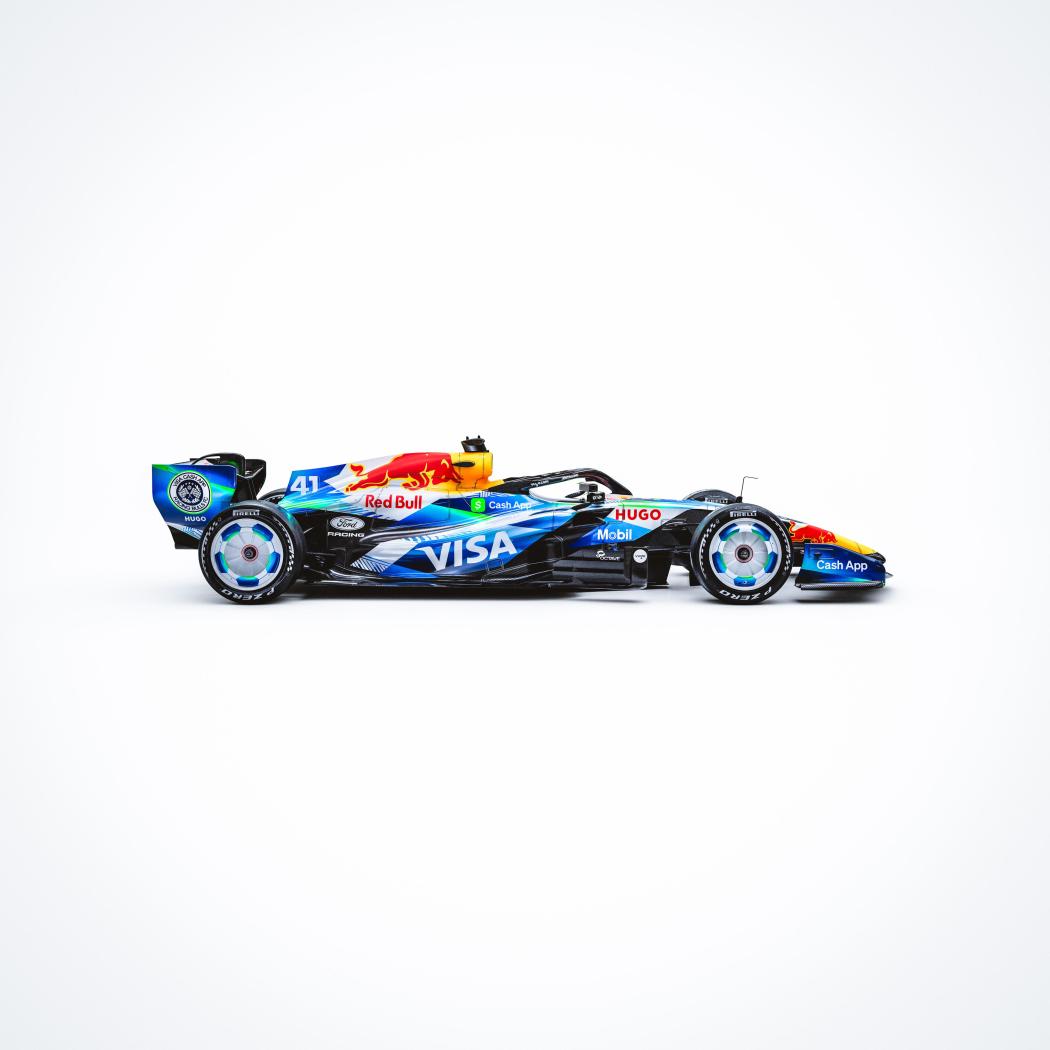
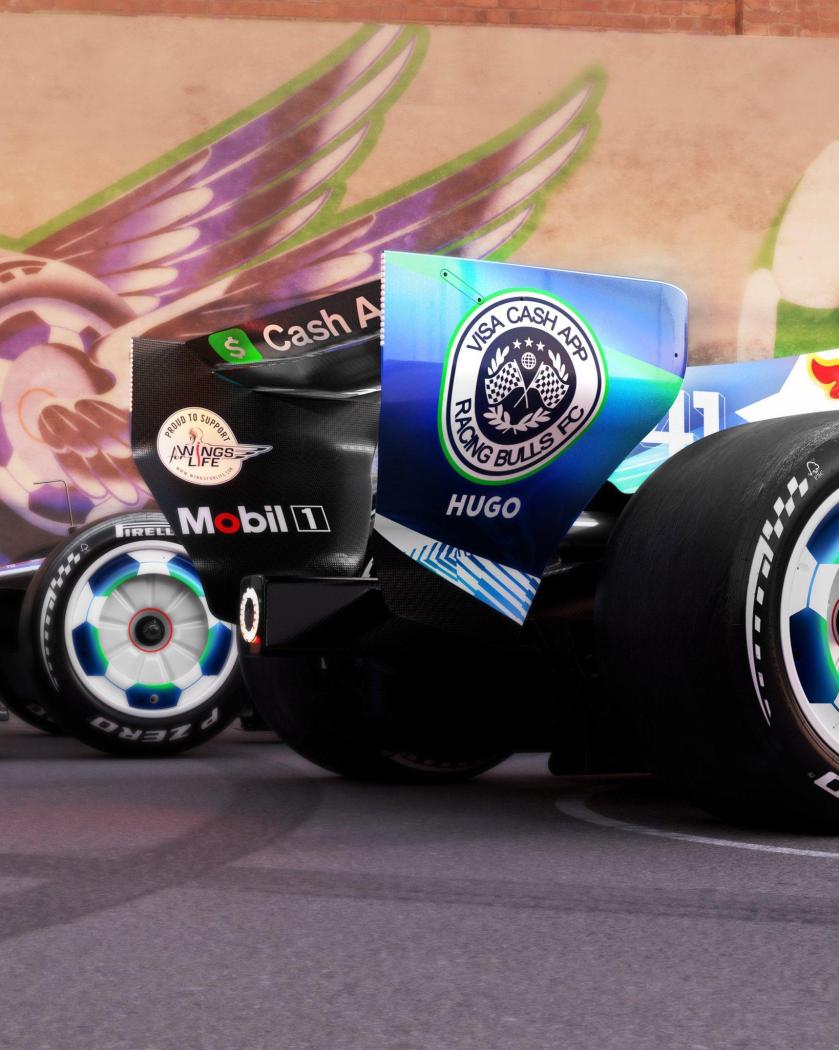
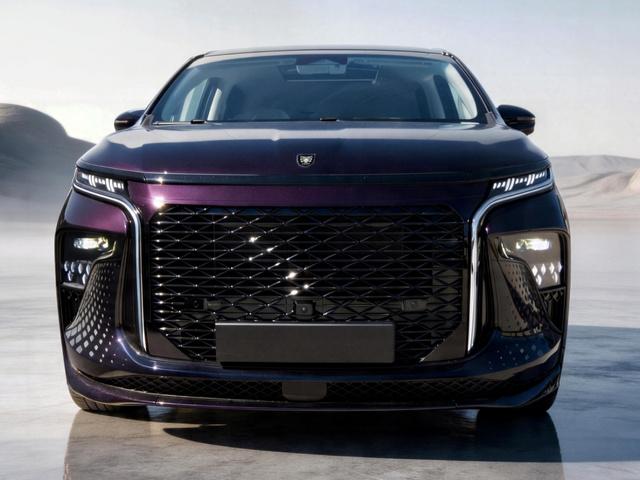
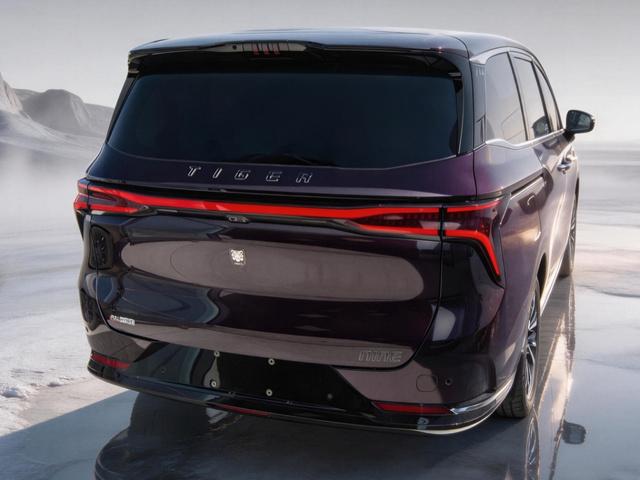
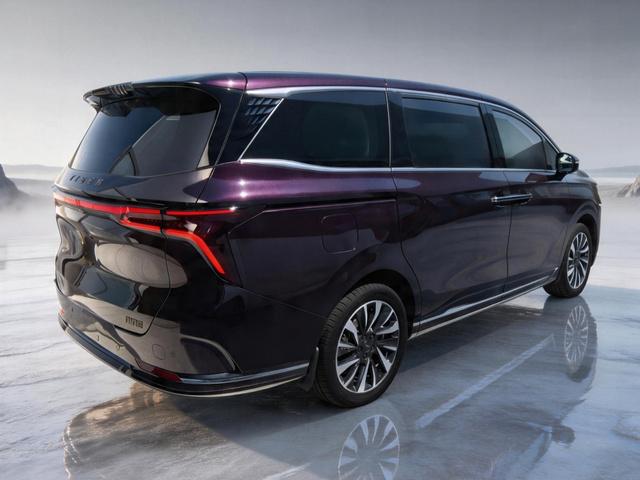
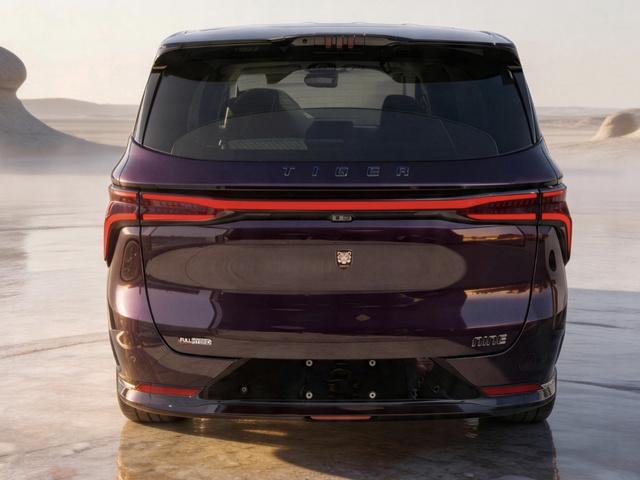
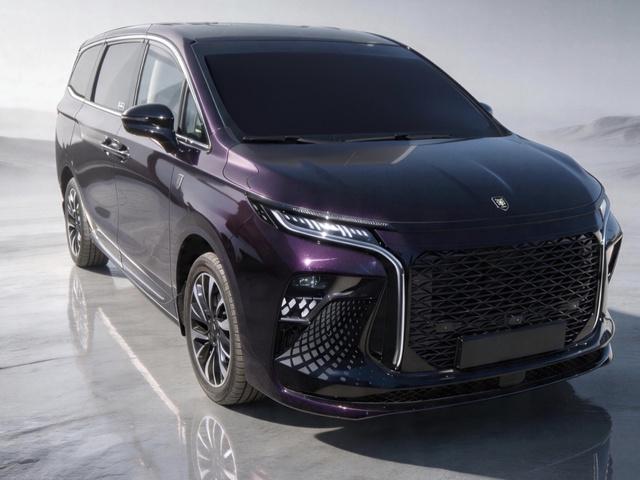
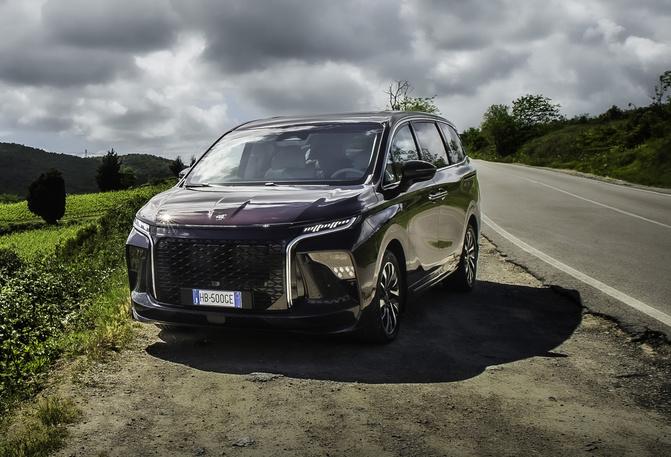
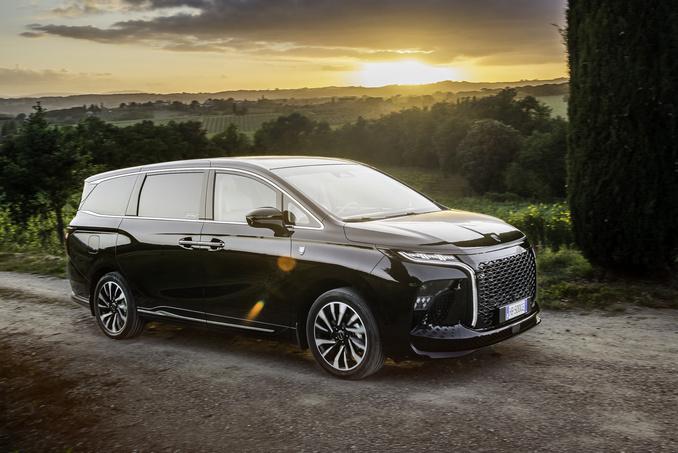
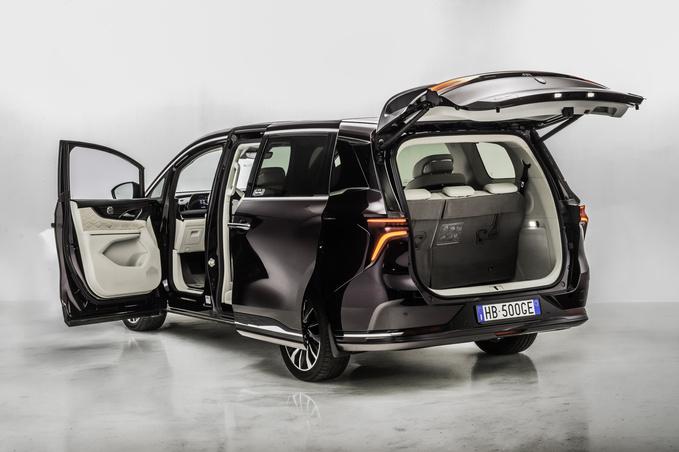
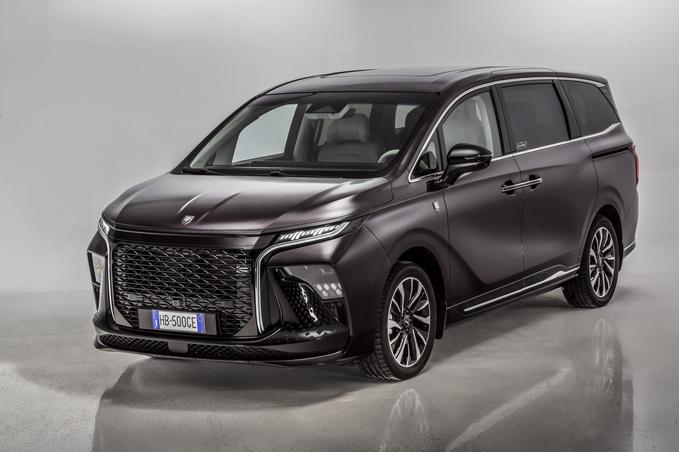
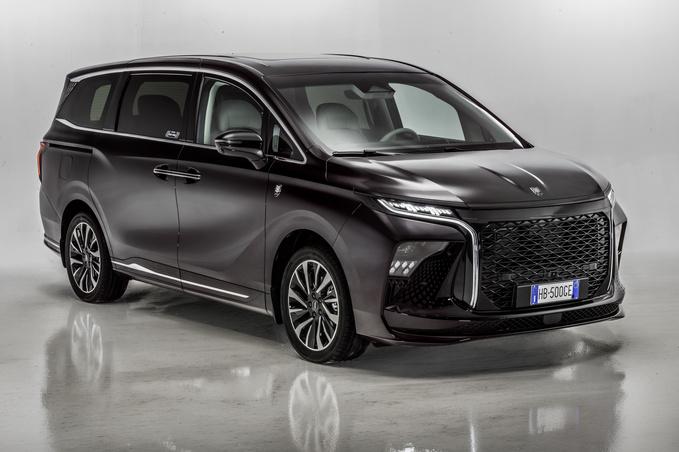
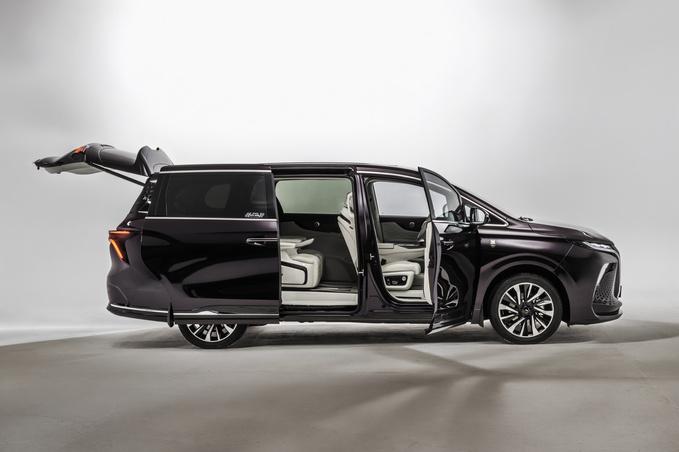
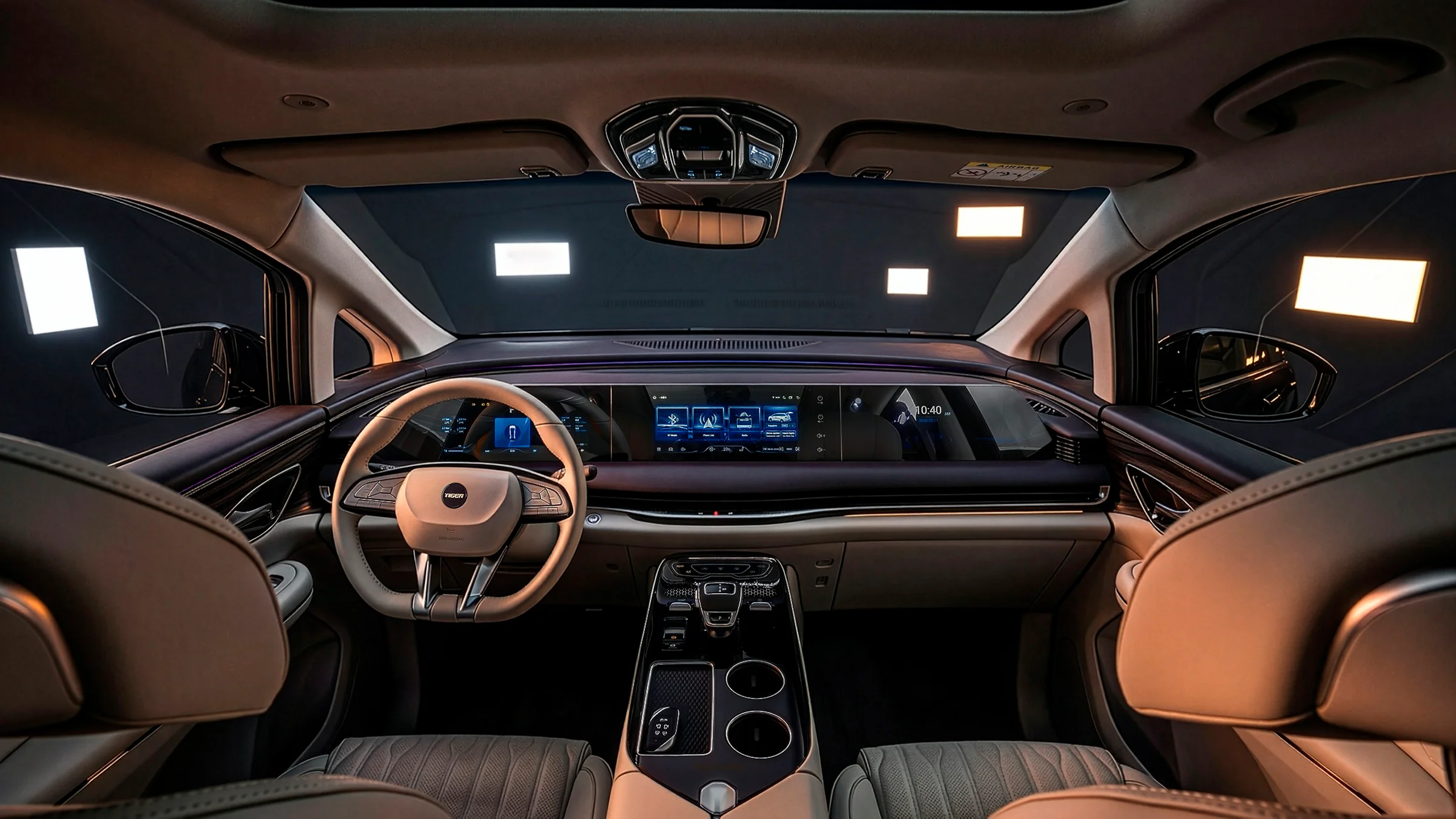
 Appena rileverà anche Isotta Fraschini 🤣 il motivo per cui hanno fatto questa è perché per poter rilevare il marchio gli eredi hanno imposto che nella gamma ci fosse almeno una coupé sportiva ed il ritorno nel motorsport, l'obiettivo quindi non è tanto venderle ma rispettare gli accordiCurioso di capire però se hanno fatto un qualche tipo di accordo Lotus o semplicemente comprano le vetture e si comportano come se fossero dei carrozzieriEcco che dopo un anno arriva in commercio Tiger Nine Nine HEV è una Monovolume 5 porte 7 posti della Tiger lunga 5250 cm, larga 2200 cm, alta 181 cm con un bagagliaio da 560 a 2400 litri. Nella versione Nine HEV costa 49900 € con motore a ibrida benzina di 1498 cc (Euro 6d) capace di erogare una potenza massima di 263 kW/358 CV ed una coppia massima di 280 Nm . La trazione è anteriore. Il serbatoio ha una capienza di 60 litri. Le emissioni di CO2 sono di 174 g/km. L'accelerazione da 0 a 100 km/h avviene in 9,7 secondi. La velocità massima raggiungibile è di 180 km/h. La massa a vuoto in ordine di marcia con conducente e bagaglio (norme UE) è di 2195 kg. La Nine ha a disposizione ADAS completi di livello 2, 4 sedili ventilati con regolazione elettrica e massaggianti, telecamere a 360° e specchietto retrovisore con telecamera.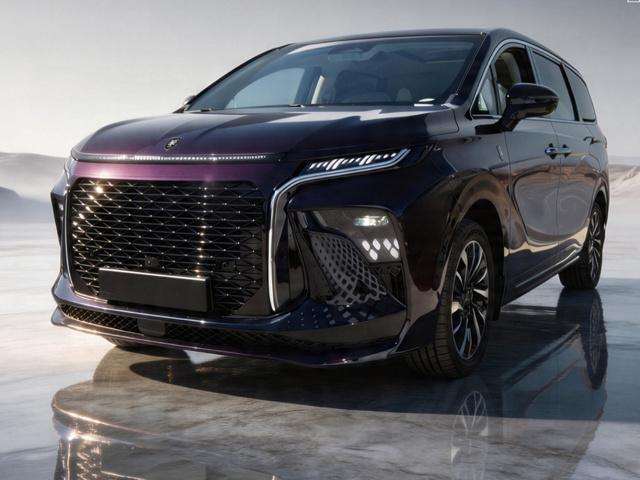
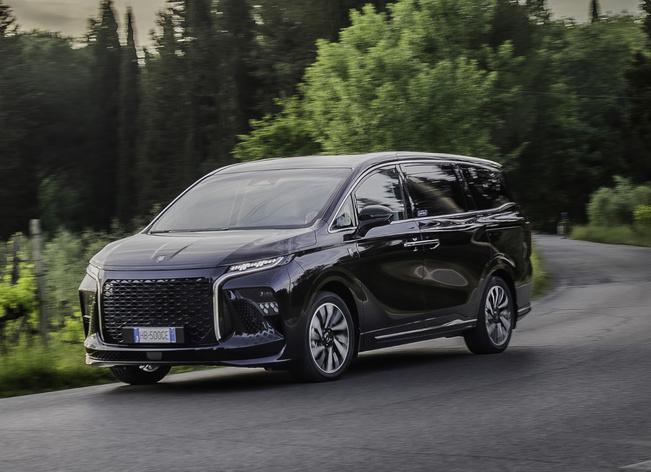
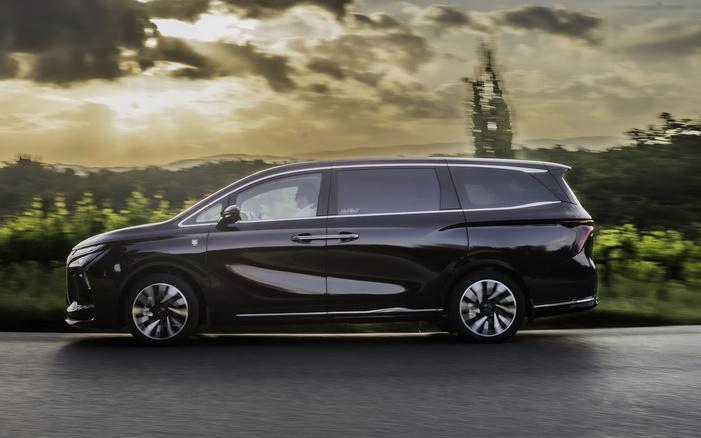
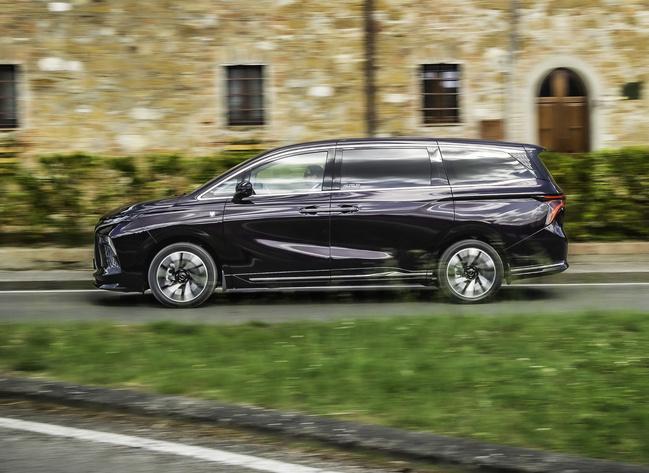
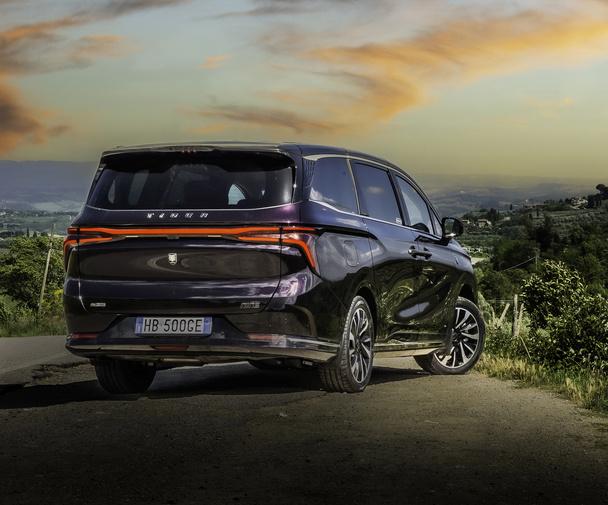
.jpg.a90c66c92f0af351f51fad5a10bd3bd7.jpg)
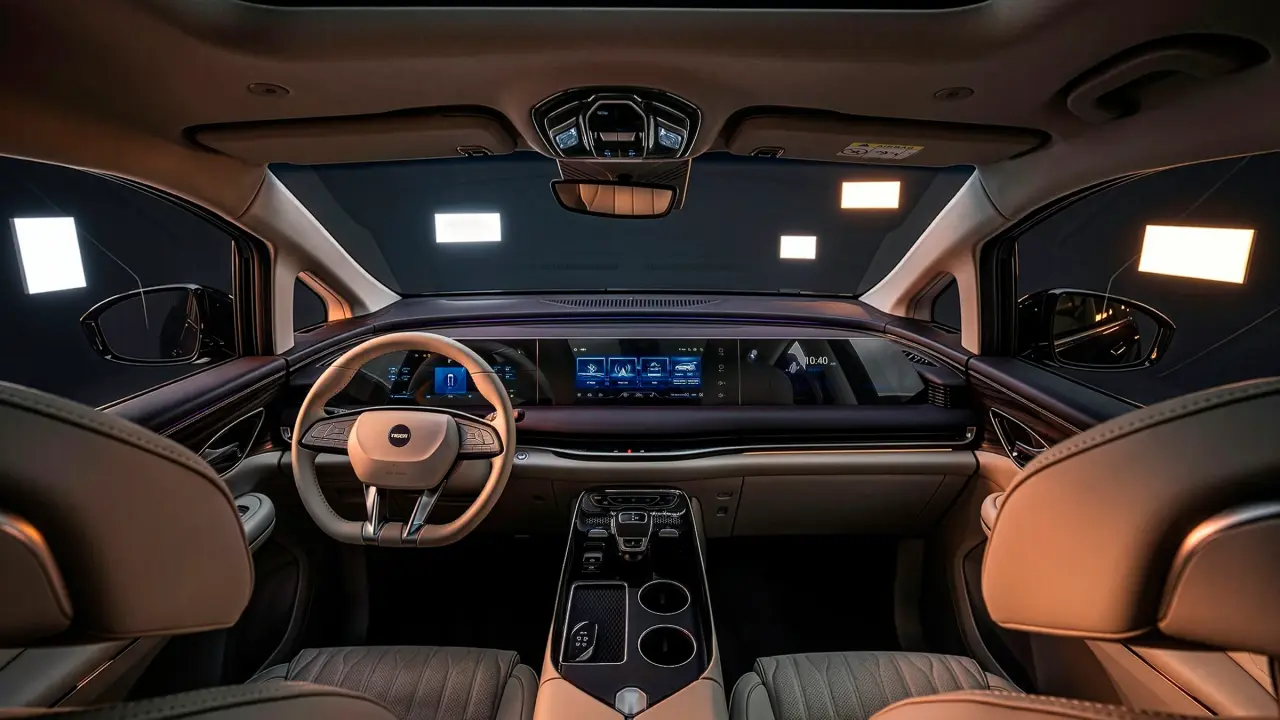
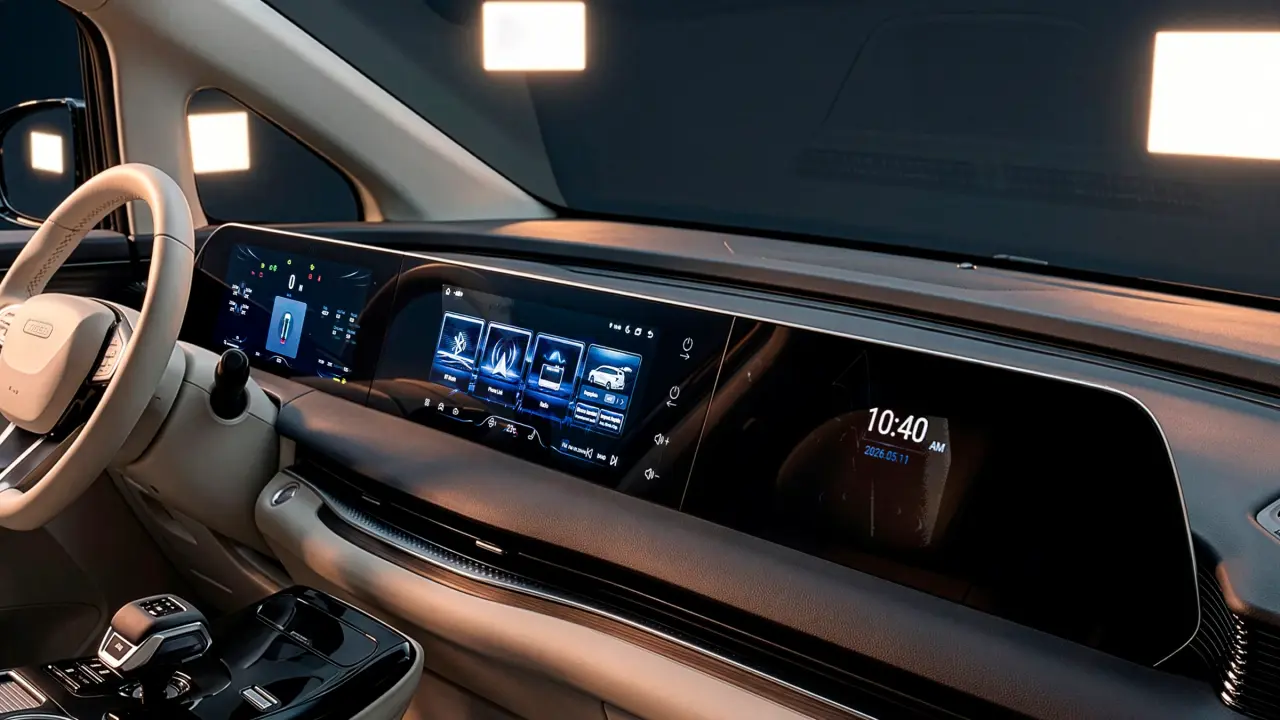
- 15 risposte
-
- dr
- dr automobiles
- dr groupe
- nine
-
Taggato come:
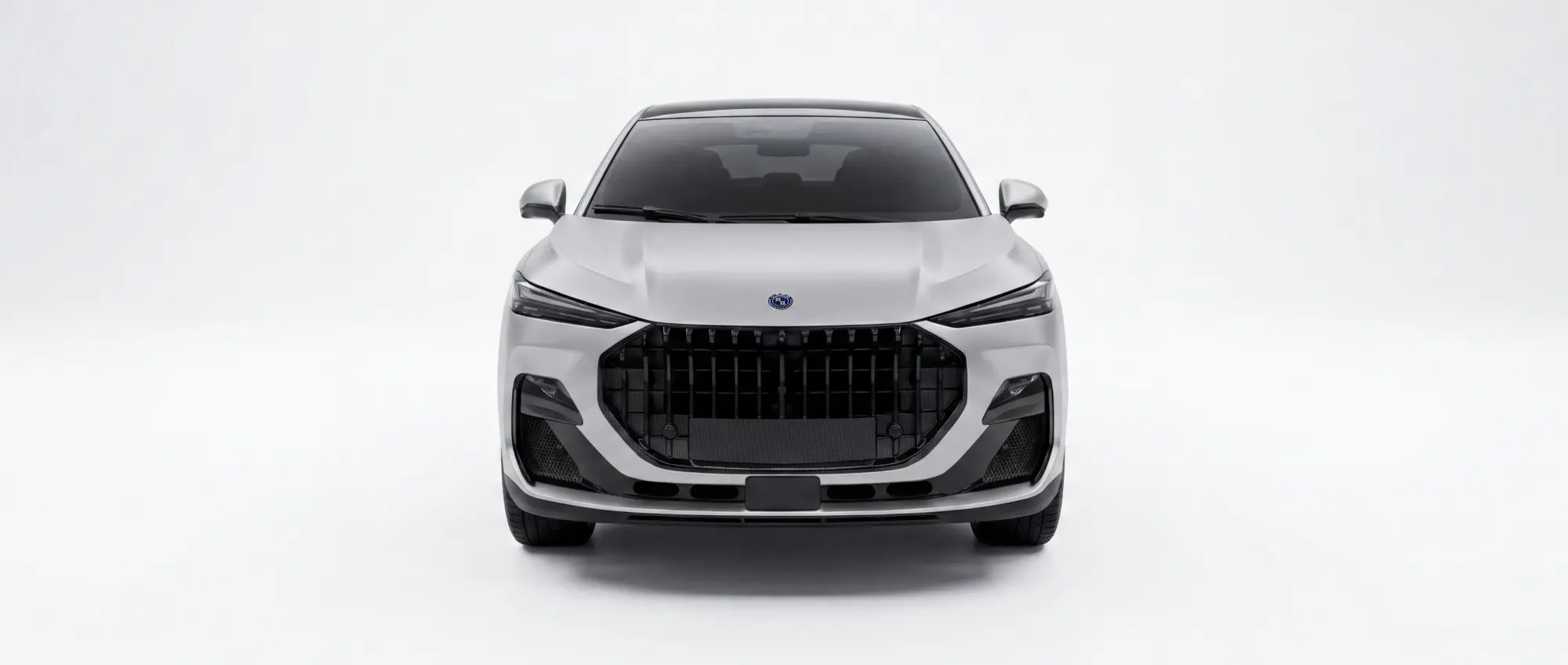
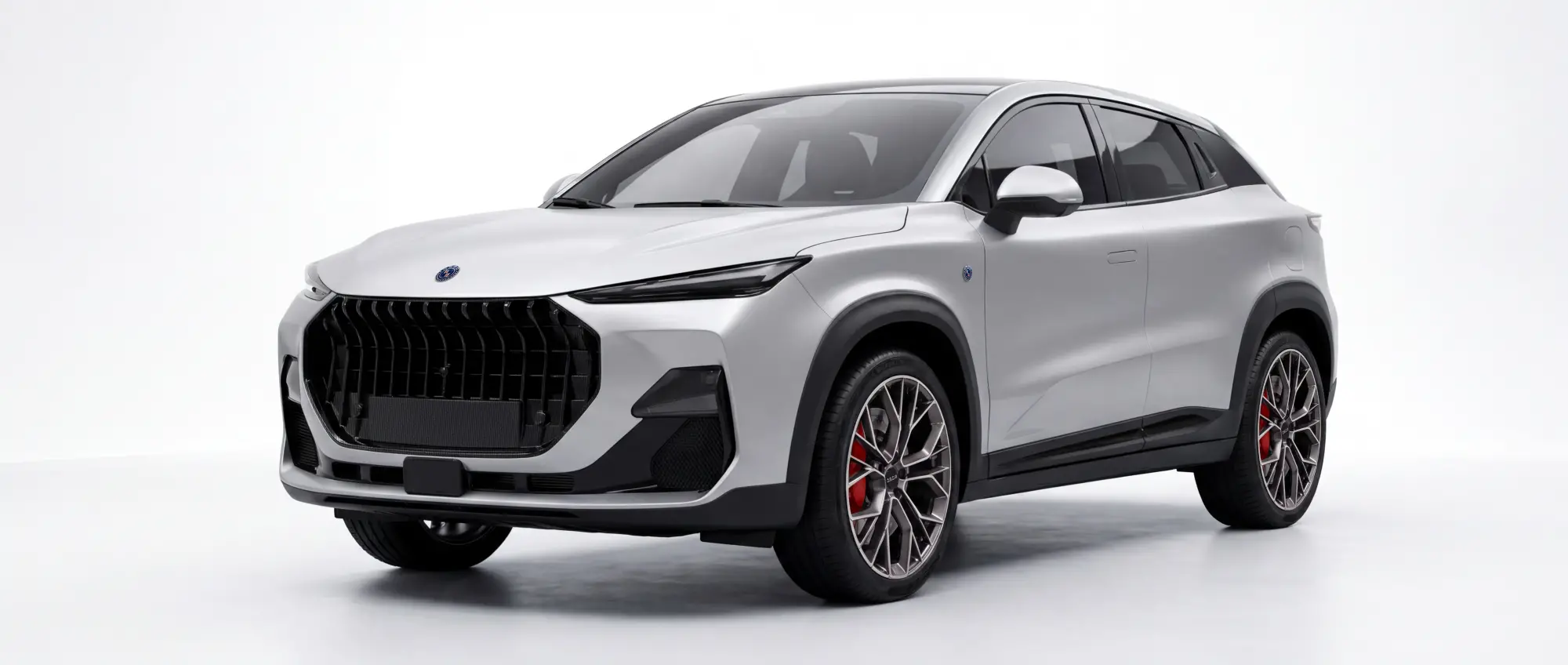
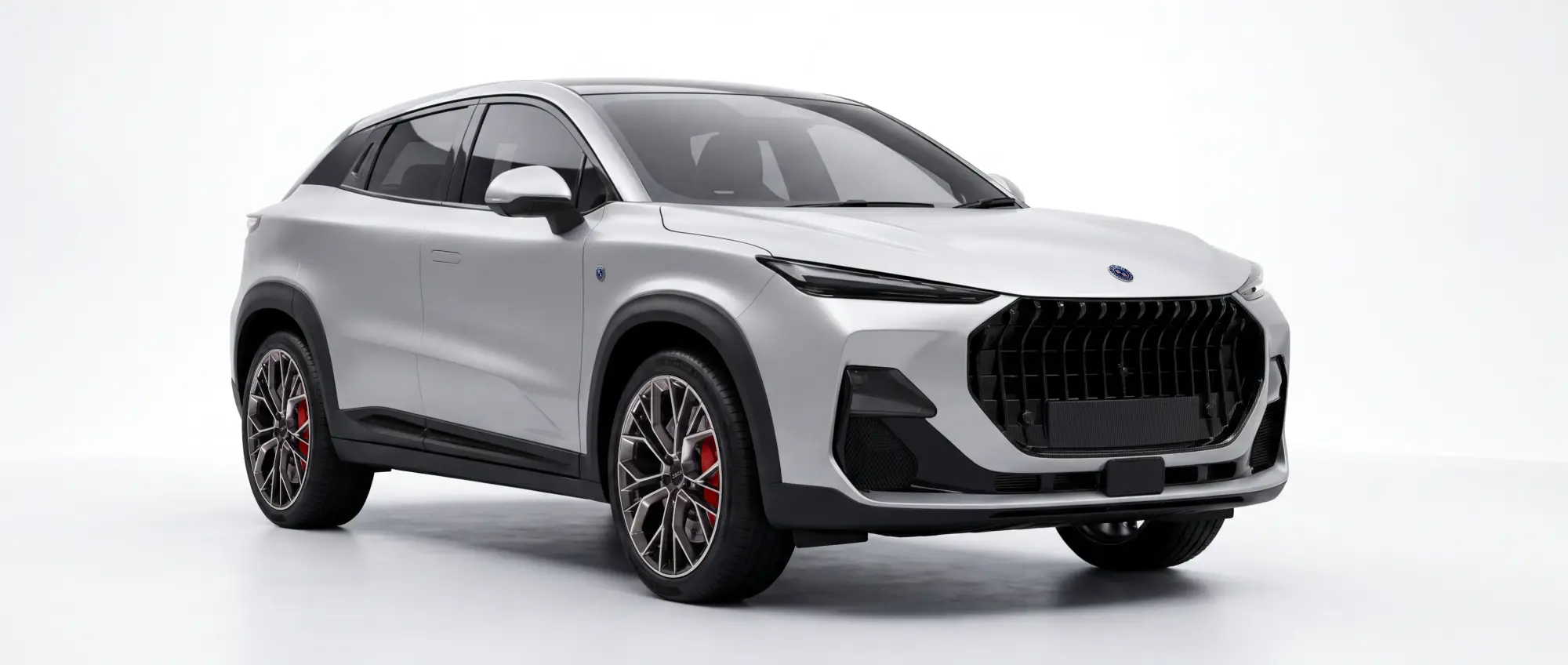
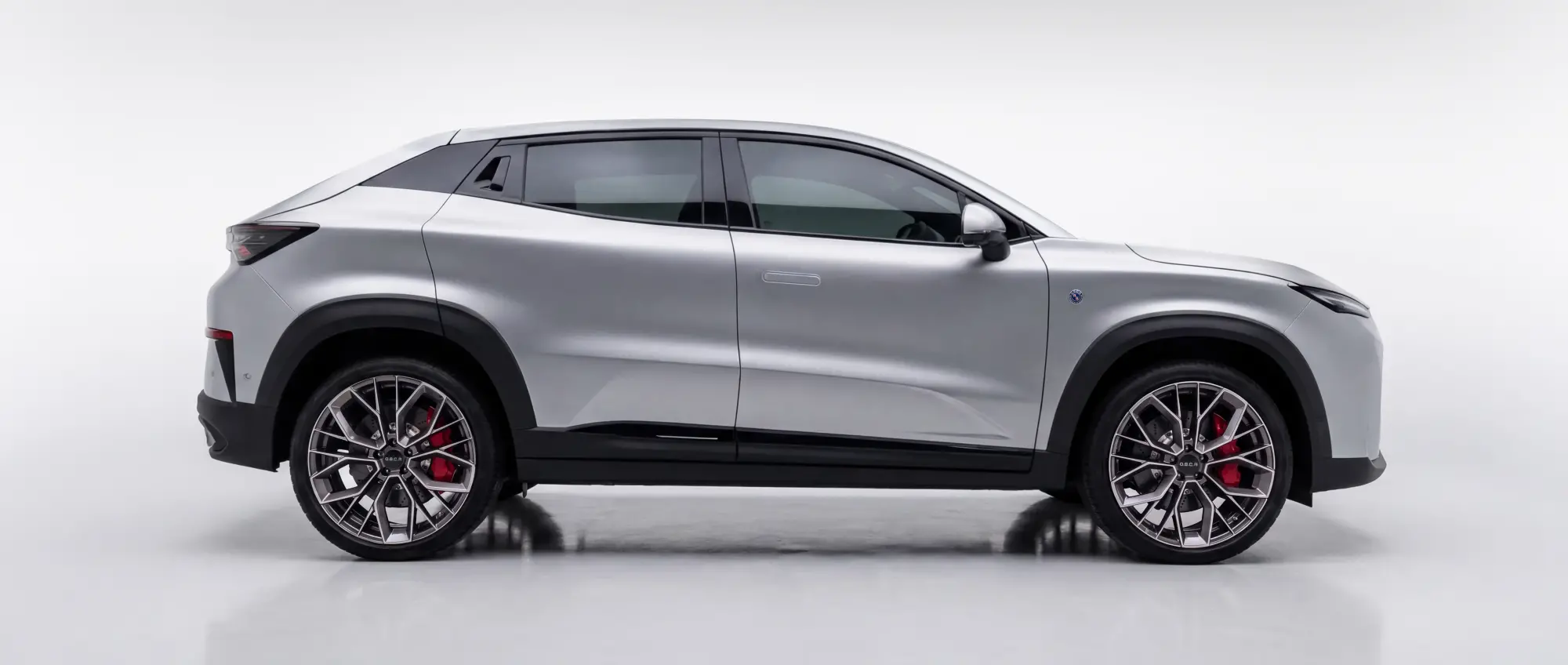
Qui in versione preserie La O.S.C.A. MT8, lo "Sportover di classe", è un crossover coupé lungo 4,87 metri equipaggiato con un 2.0 TGDI, disponibile sia con trazione anteriore sia con un'innovativa trazione integrale predittiva. Anche per la MT8 il punto di partenza è la piattaforma Changan, evoluta con il lavoro di sviluppo italiano e arricchita dalle partnership con le eccellenze automotive nazionali. Presentazione ufficiale entro il 2026.webp.c220138f503db661a2711a609c03b1f5.webp)
.webp.b94739a1a88fe4d4c5e4b1a811d60edd.webp)
.webp.698e64df31eec9da2345478ddba97453.webp)
.webp.9316b456c80283a779f30aac45ffa298.webp)
.webp.778b372011591acdbf812c371e0f1c83.webp)
.webp.ce5399ea24f176faf207b6e5dc55382c.webp) Osca, non solo SUV-coupé: arriva una sportiva V6 su base Lotus Quattroruote.itNuova Osca sportiva V6 su base Lotus: motore, piattaforma...Probabilmente basta sulla Emira, la due posti a motore centrale verrà svelata nel 2027
Osca, non solo SUV-coupé: arriva una sportiva V6 su base Lotus Quattroruote.itNuova Osca sportiva V6 su base Lotus: motore, piattaforma...Probabilmente basta sulla Emira, la due posti a motore centrale verrà svelata nel 2027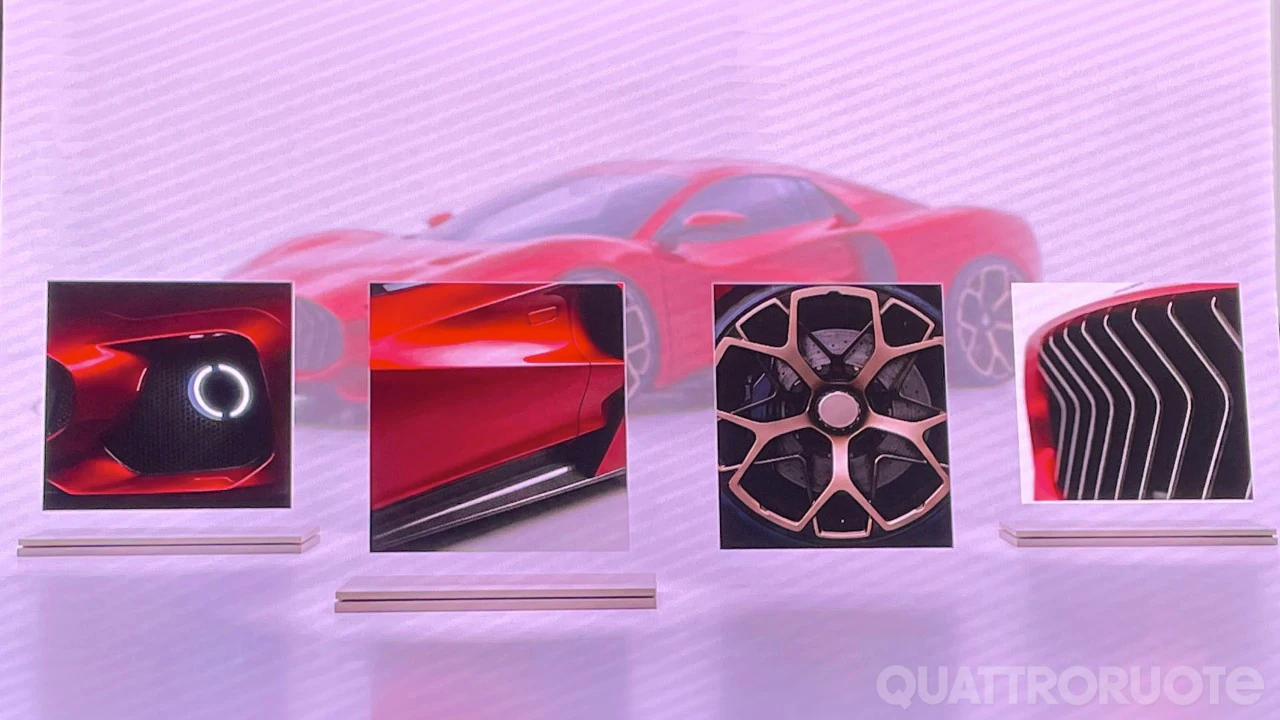
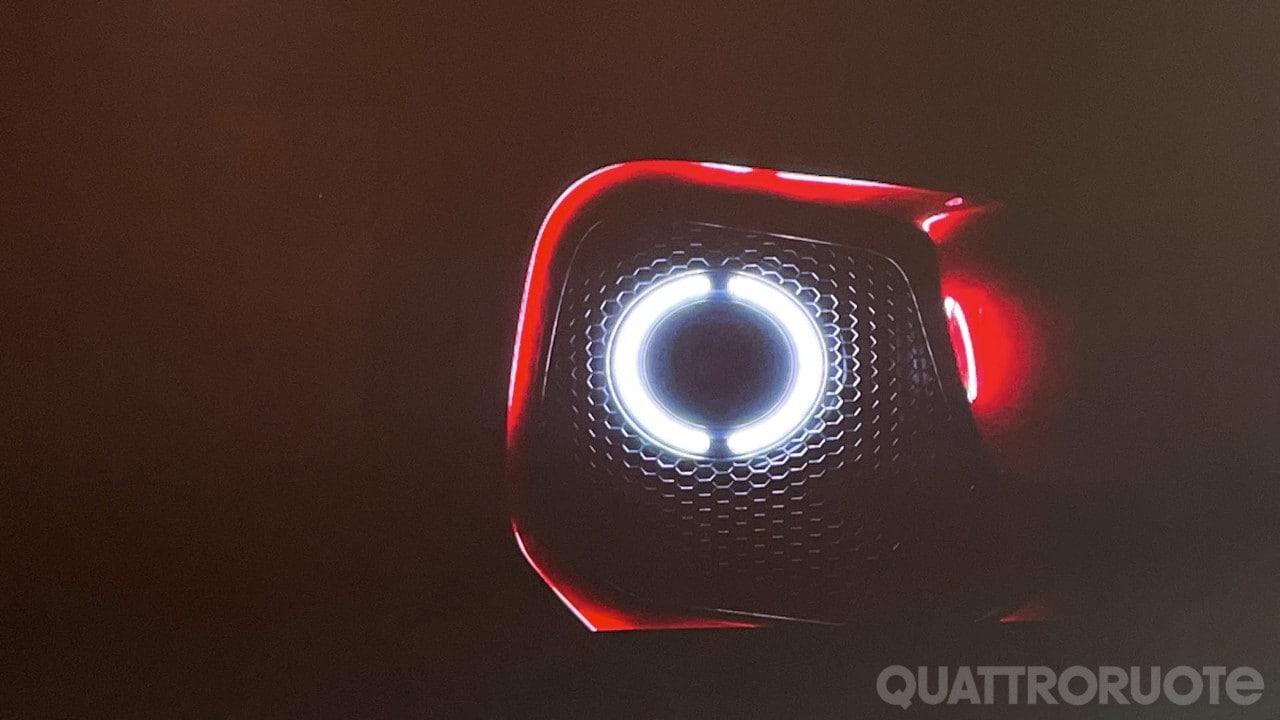
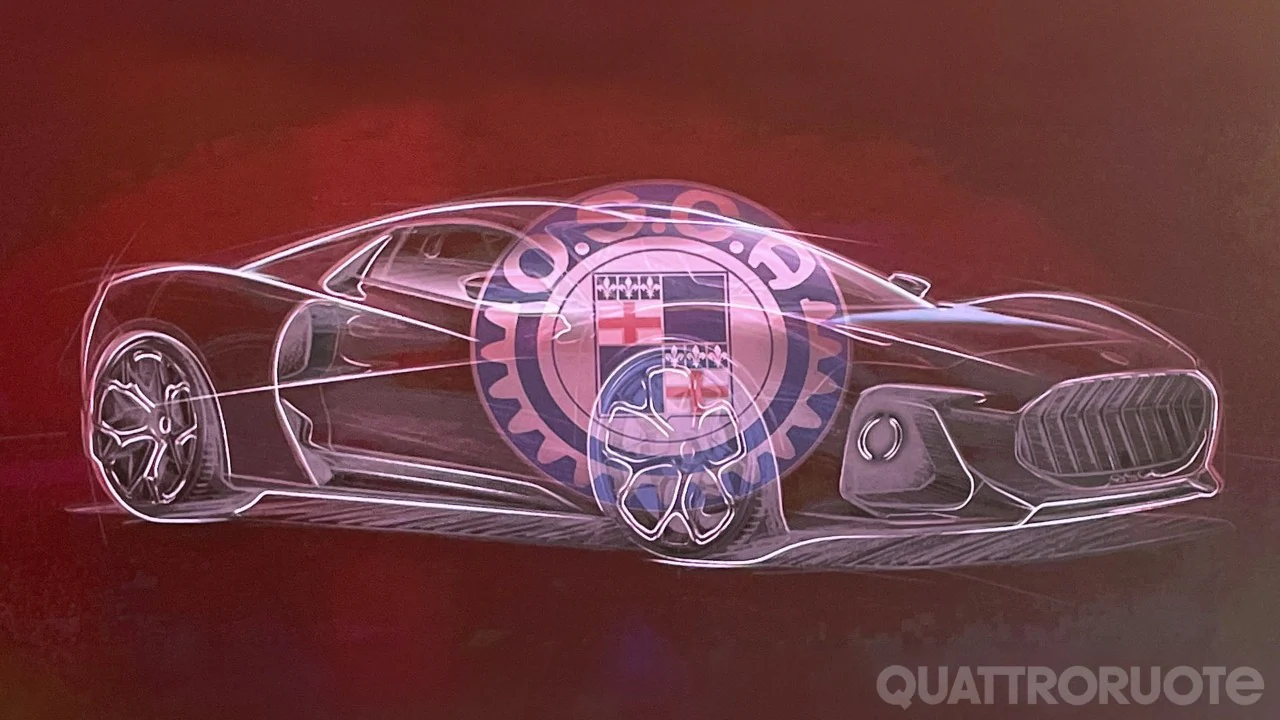
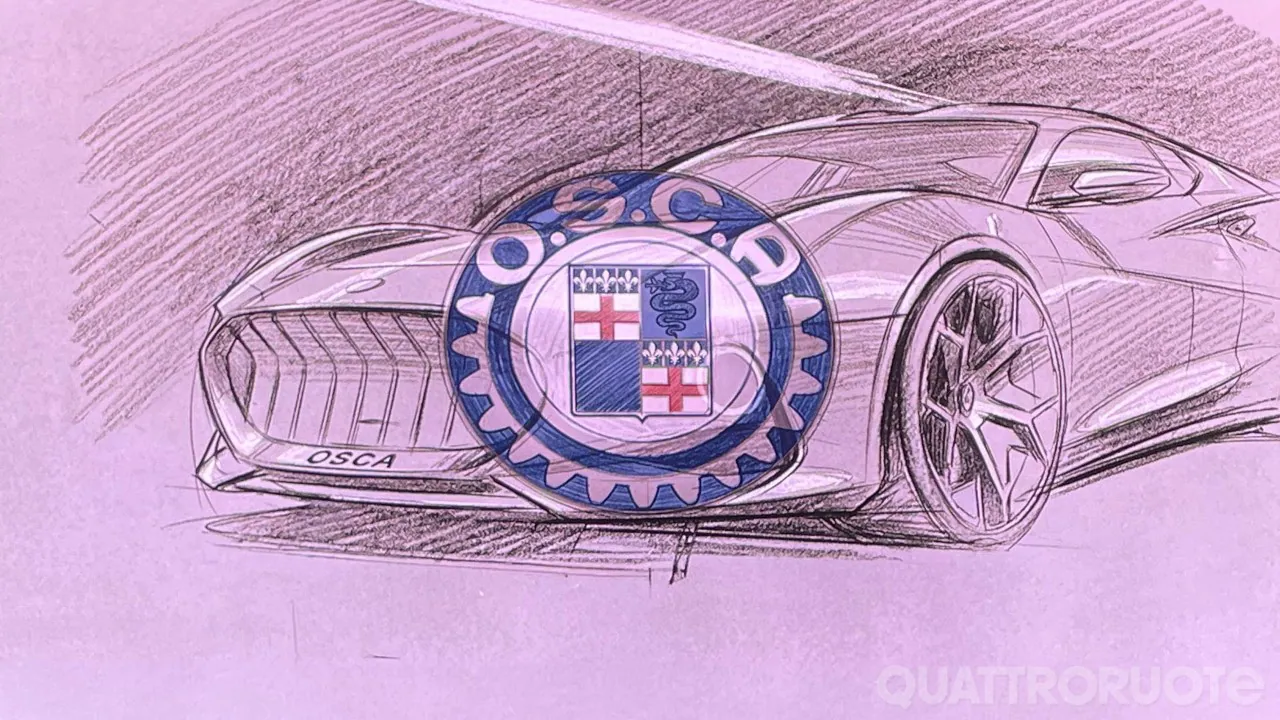 La OSCA MT6 non sarà sola. Sarà affiancata a breve dalla O.S.C.A. MT8, lo "Sportover di classe", un crossover coupé lungo 4,87 metri equipaggiato con un 2.0 TGDI, disponibile sia con trazione anteriore sia con un'innovativa trazione integrale predittiva. Anche per la MT8 il punto di partenza è la piattaforma Changan, evoluta con il lavoro di sviluppo italiano e arricchita dalle partnership con le eccellenze automotive nazionali. Ma il vero filo rosso con la leggenda del marchio si chiamerà supersportiva. In occasione degli 80 anni dalla nascita delle Officine Specializzate Costruzione Automobili, nel 2027 arriverà sul mercato una nuova supersportiva Made in Europe. Sarà basata sulla piattaforma di una delle sportive europee più apprezzate al mondo, anch'essa simbolo di eccellenza nel rapporto peso/potenza. Lo stile è già stato anticipato: coda tronca, tetto a doppia gobba e impostazione da GT due posti, ispirata alle stradali O.S.C.A. che hanno reso il marchio famoso negli anni Cinquanta e Sessanta. Costerà meno di 200.000 euro. La carrozzeria sarà interamente in materiali compositi 100% italiani, l'infotainment sarà sviluppato in collaborazione con ART e ci sarà uno sviluppo dedicato degli pneumatici con Pirelli.Primo messaggio aggiornato con foto e informazioni ufficiali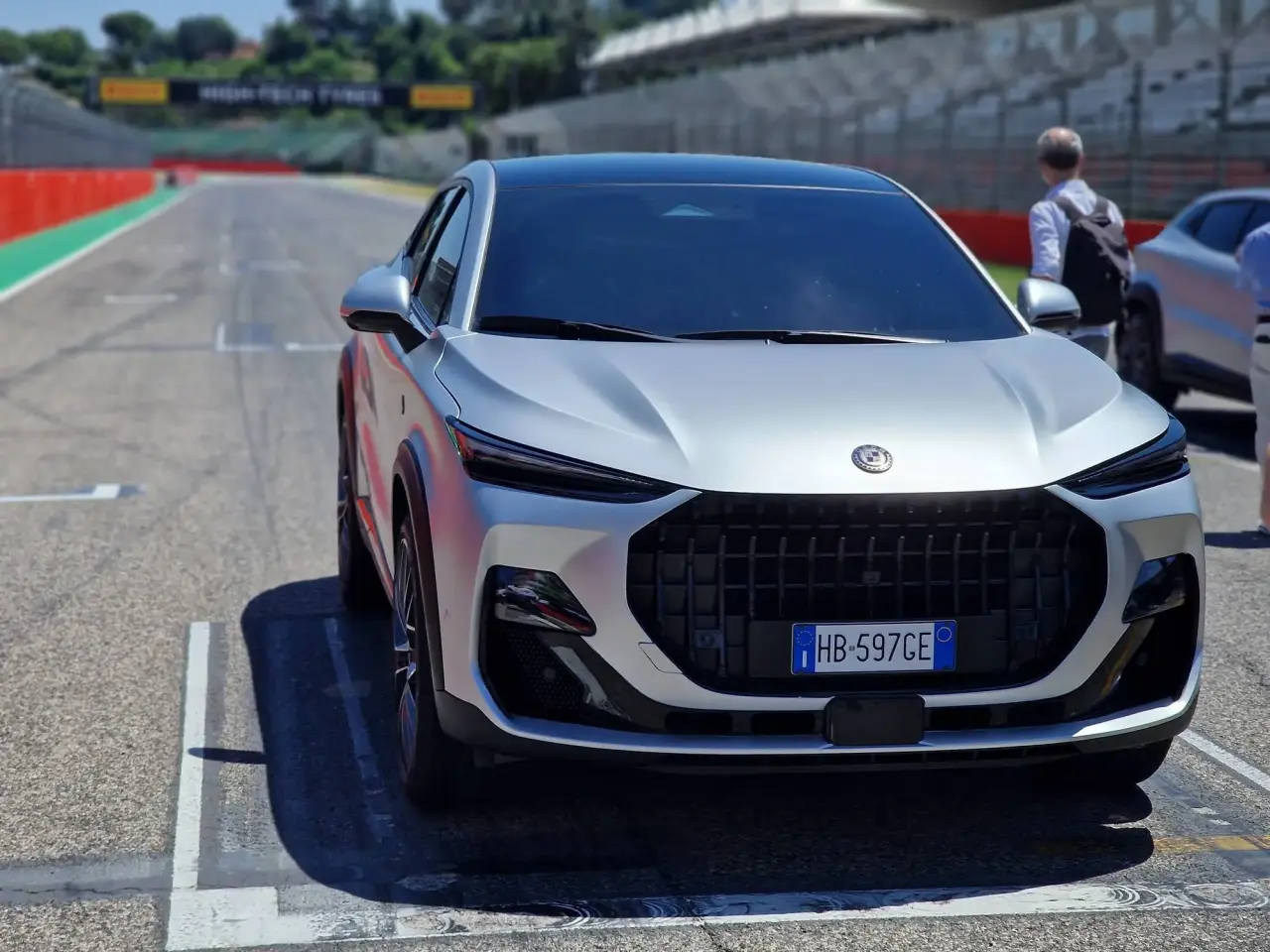
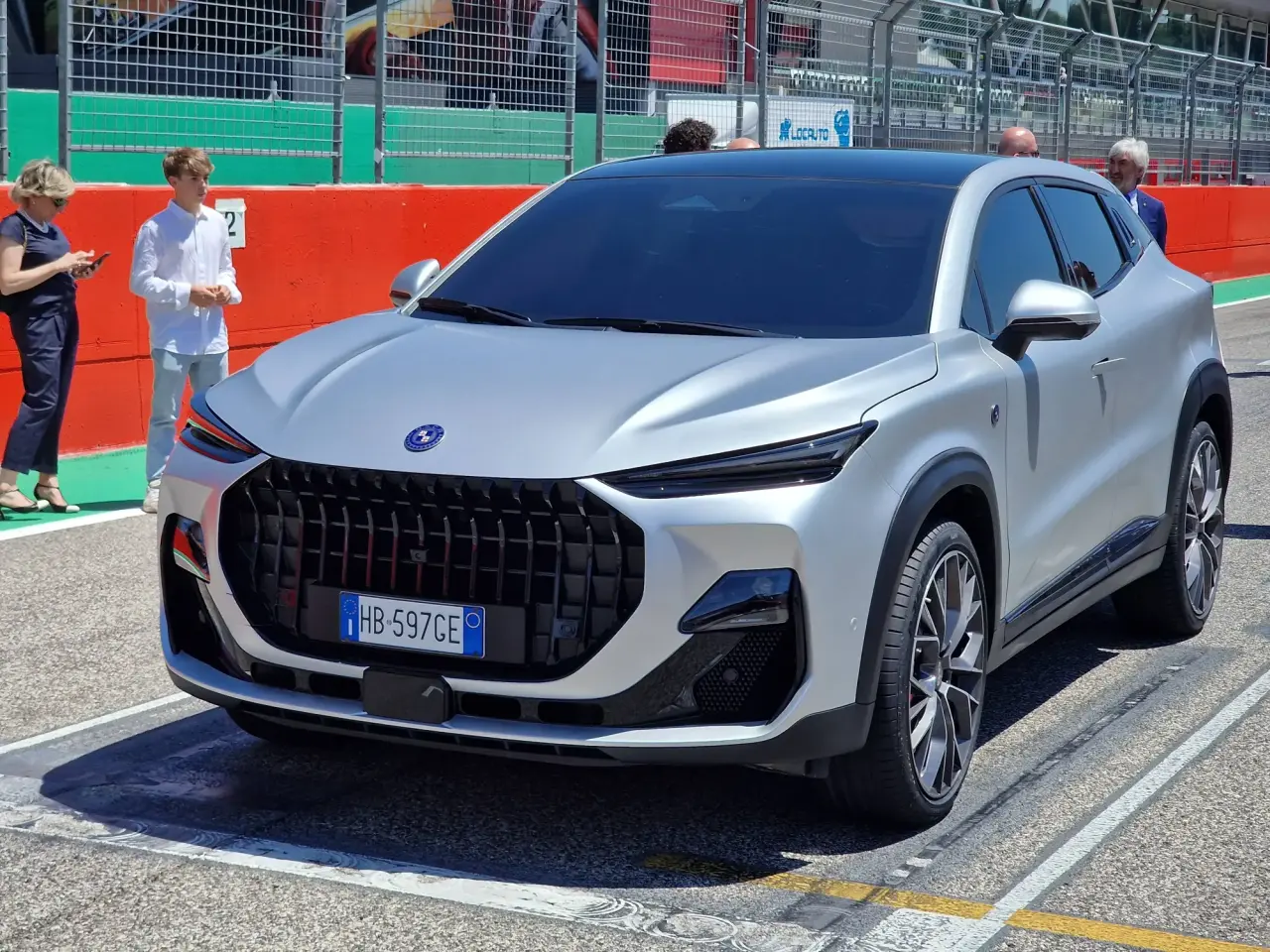
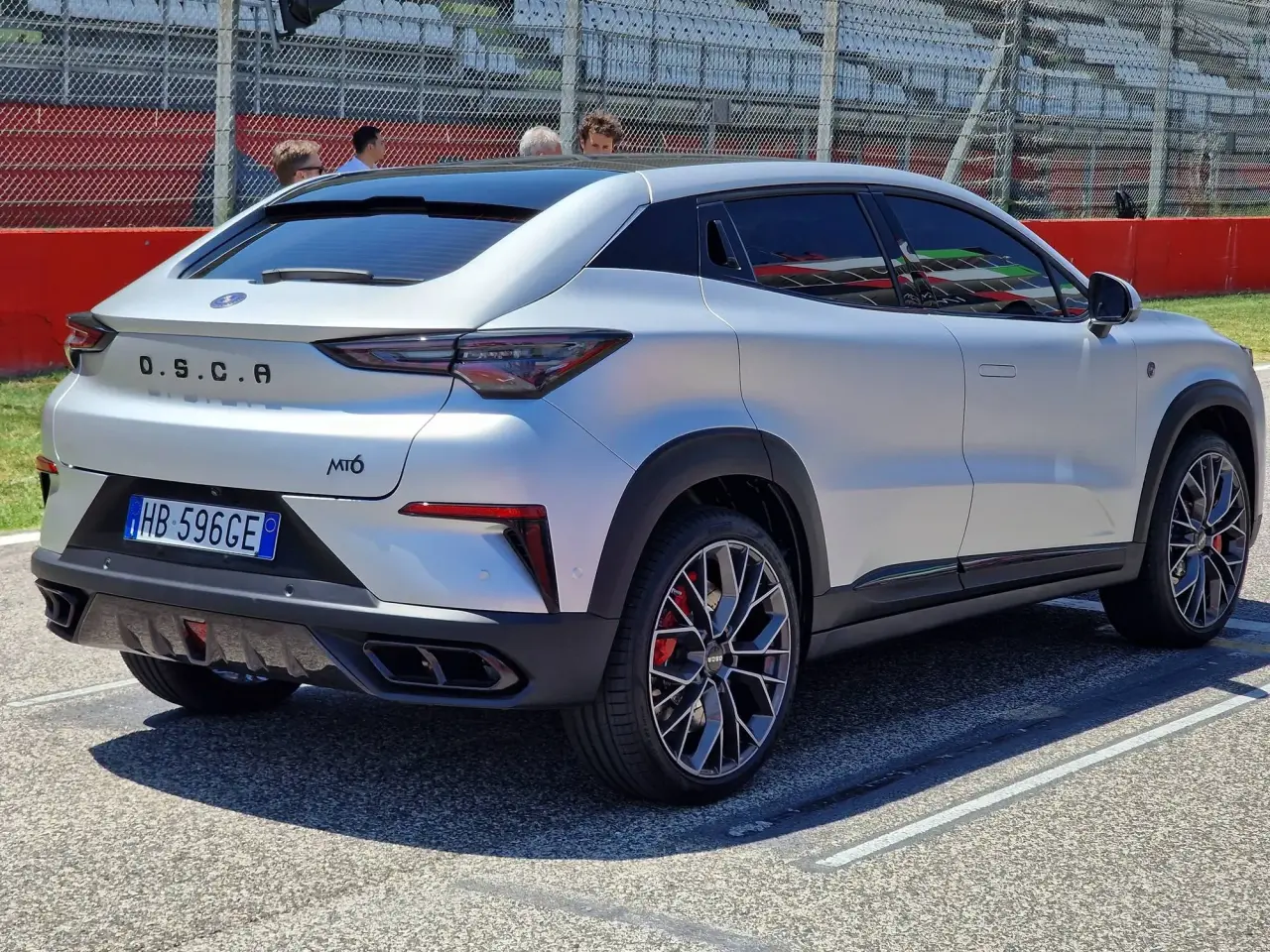
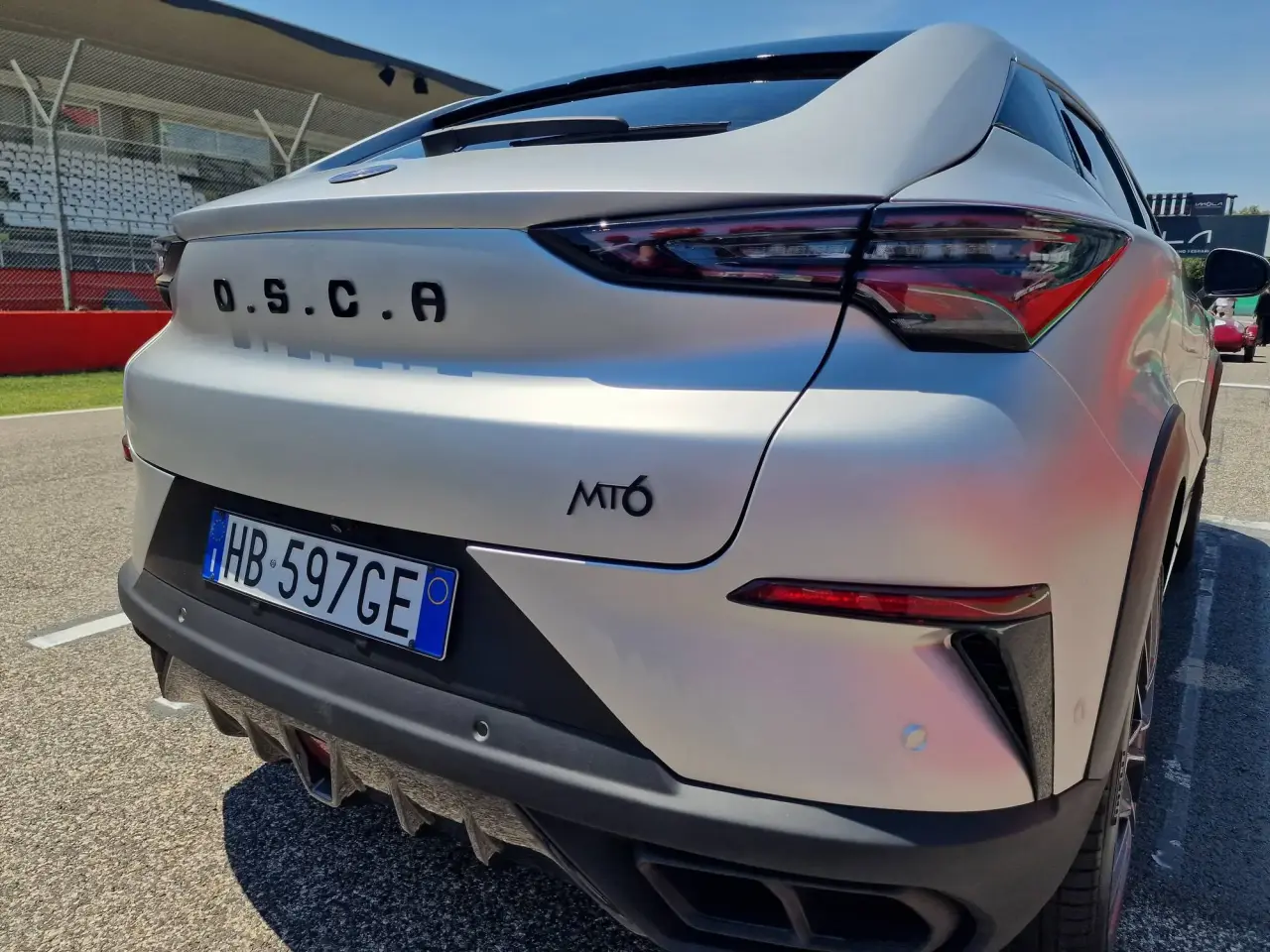
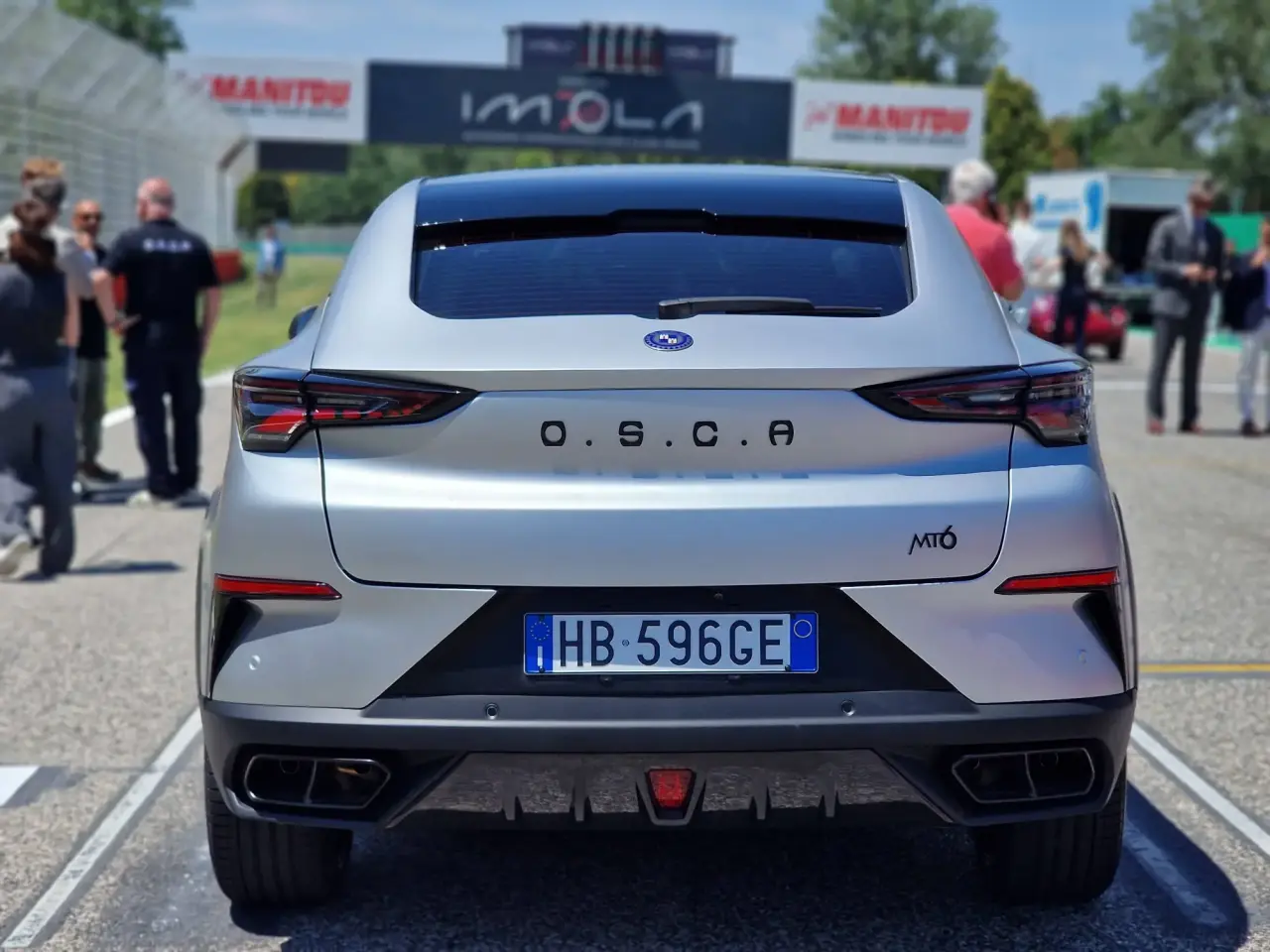
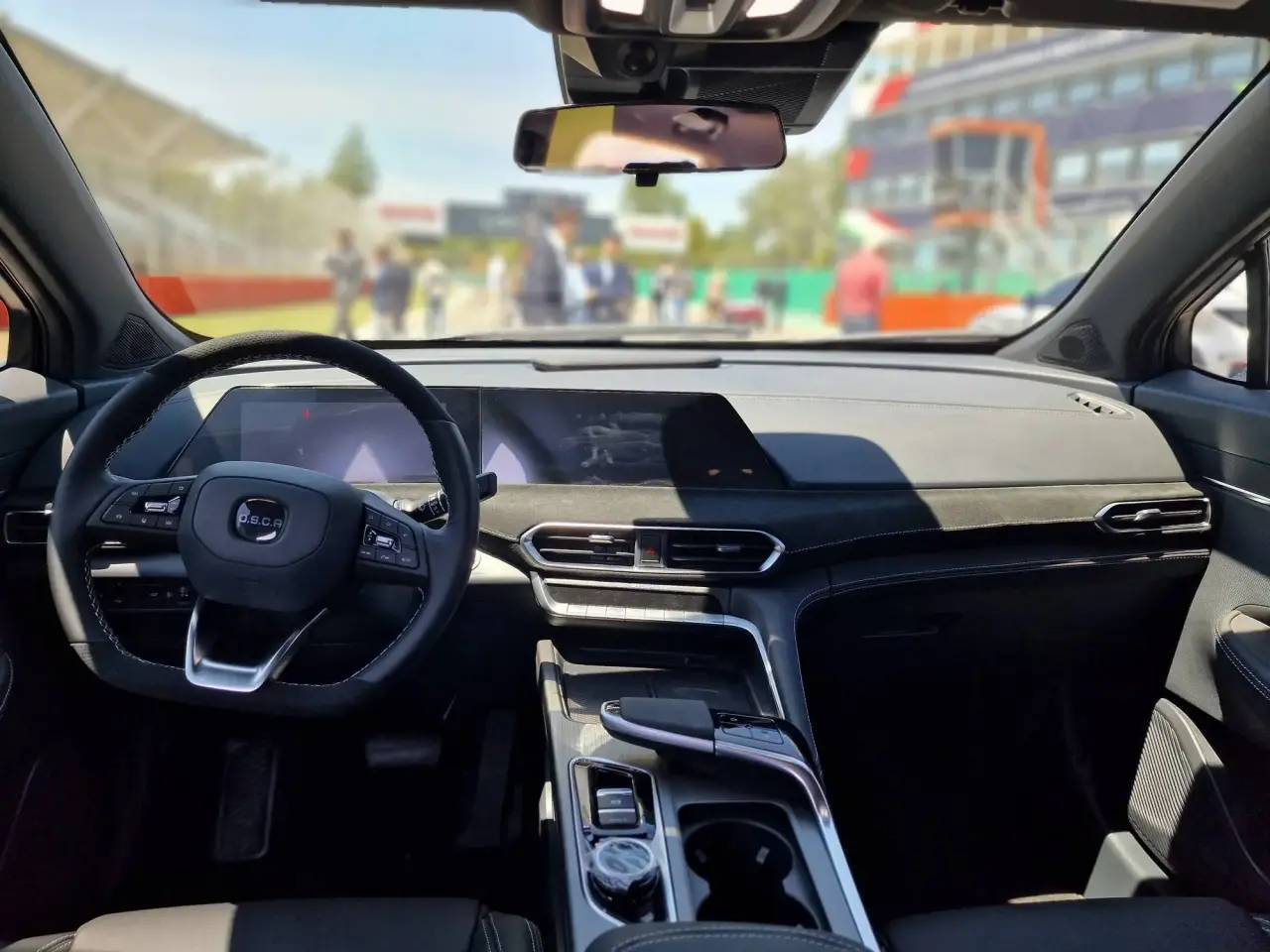
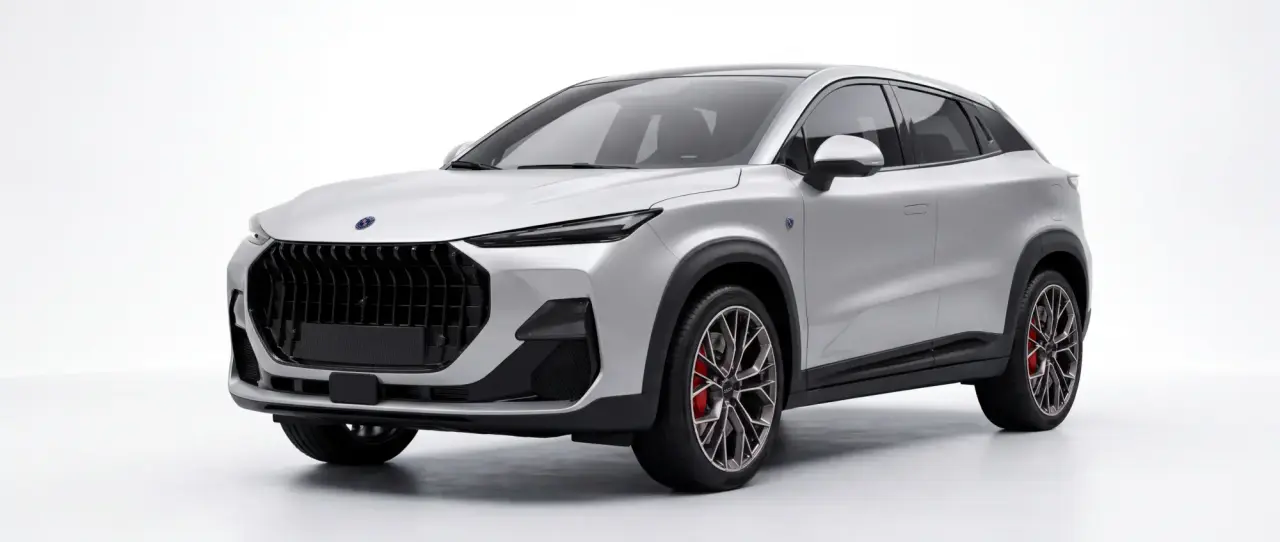
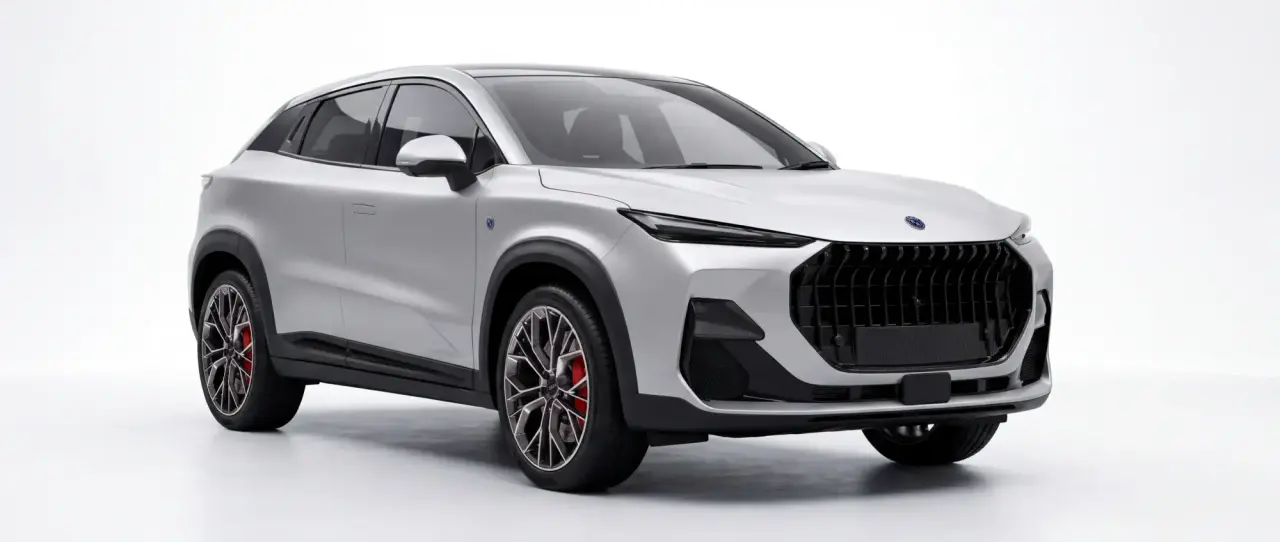
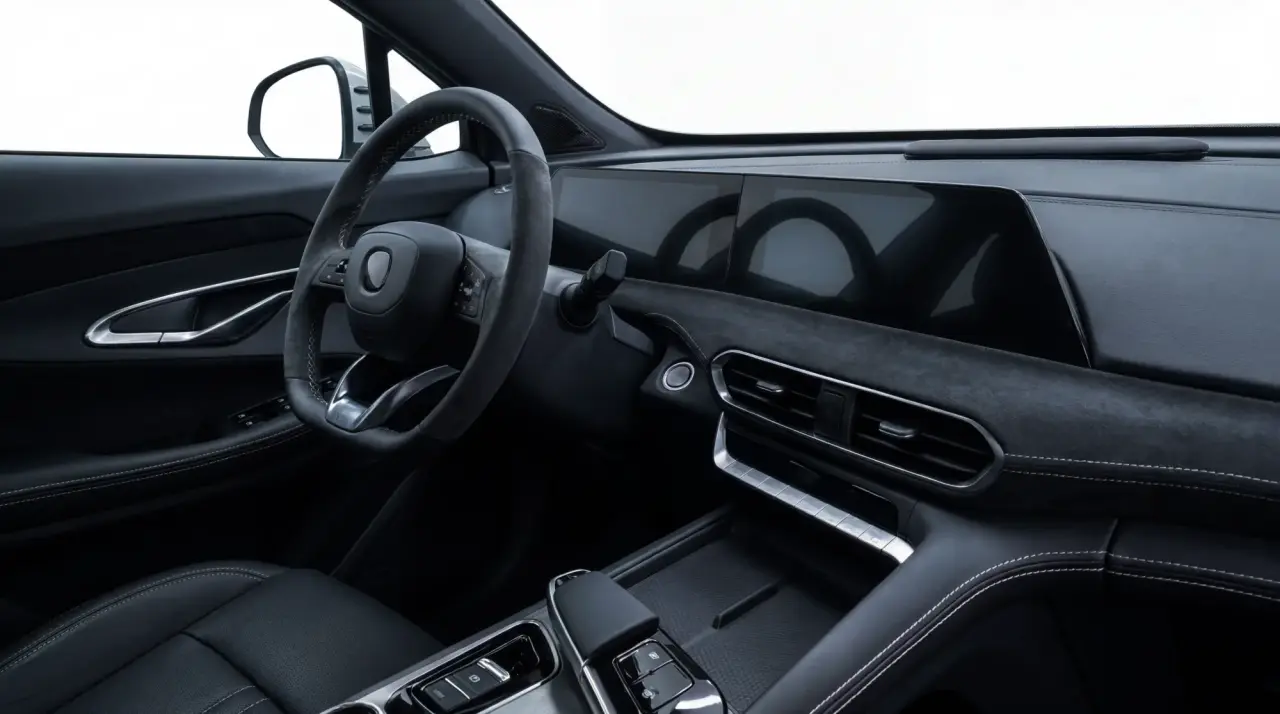
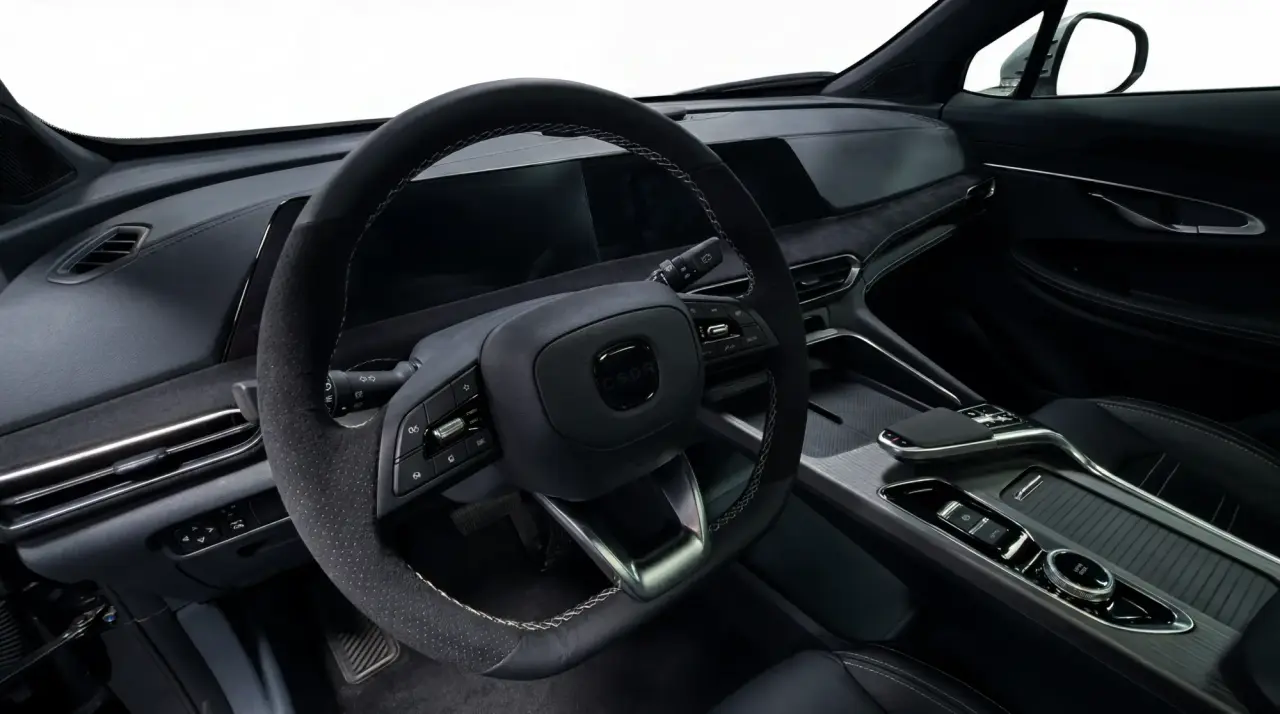
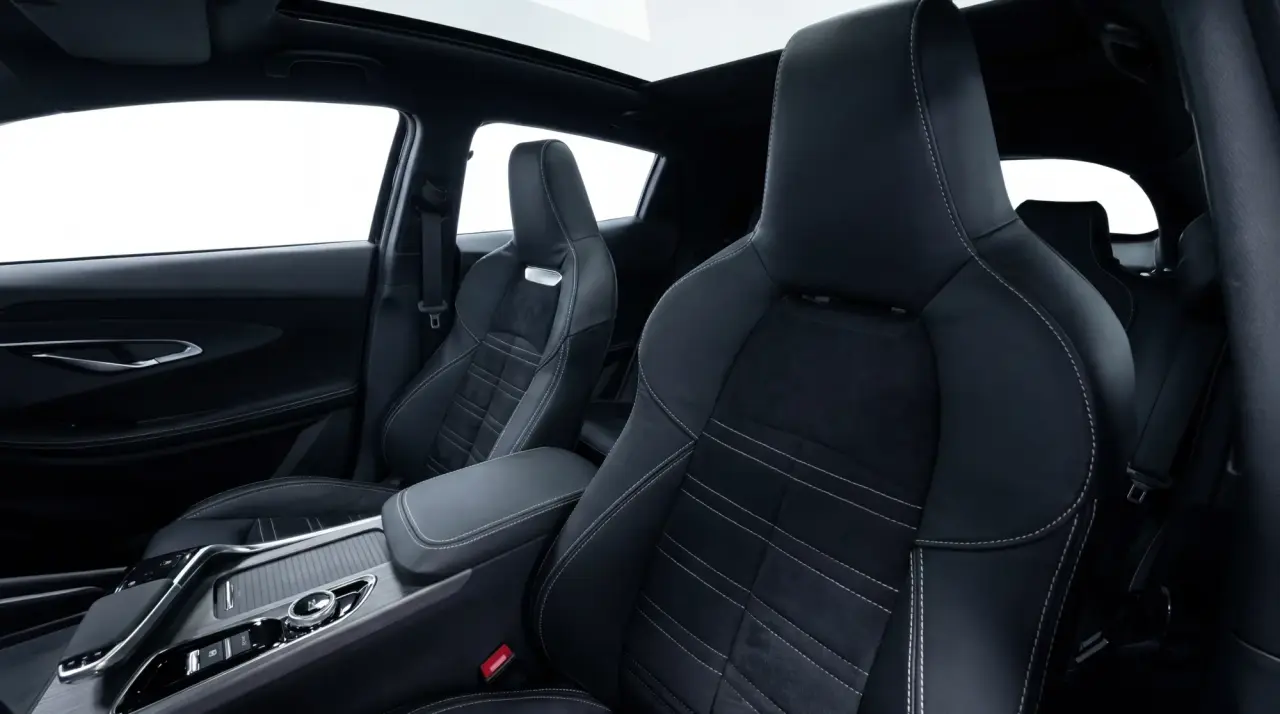
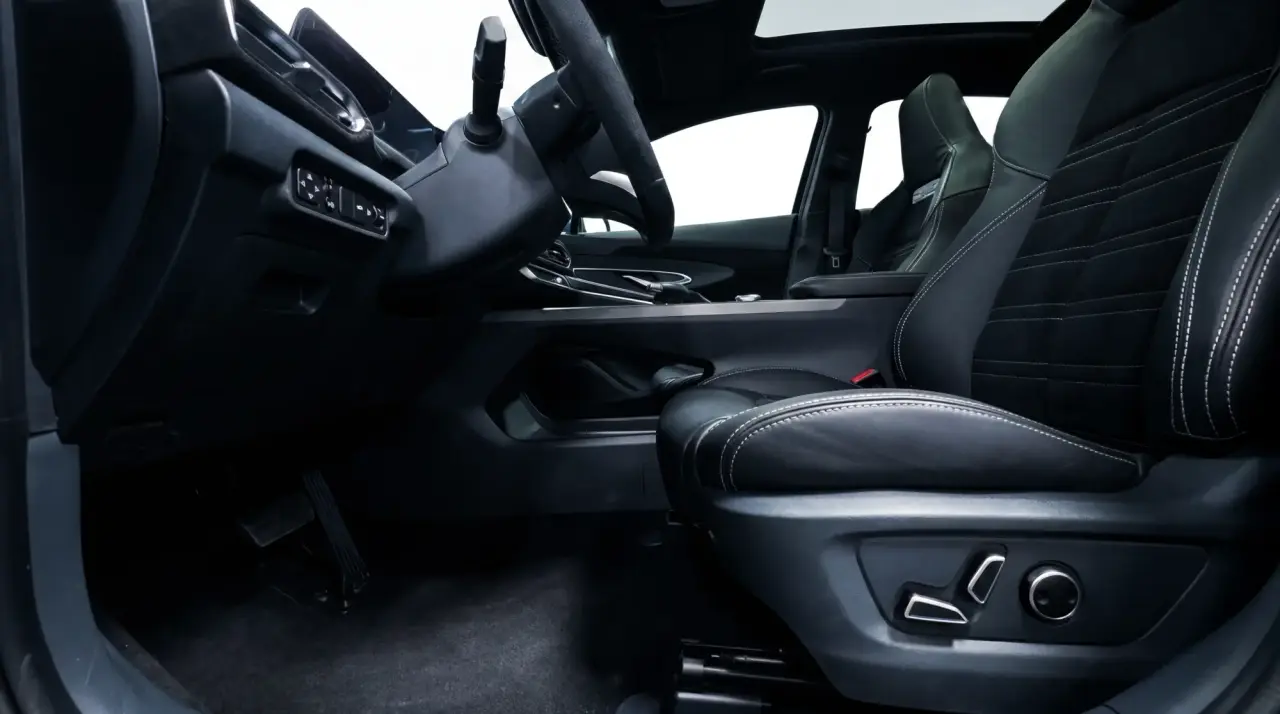
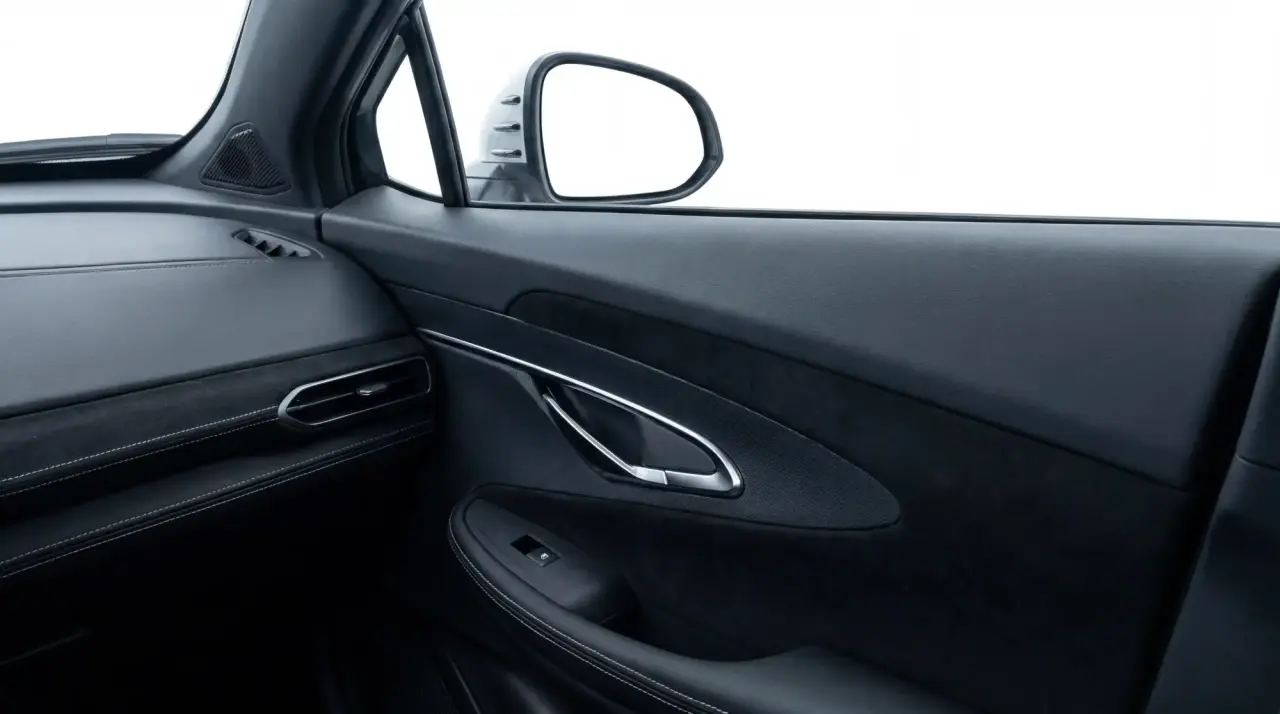
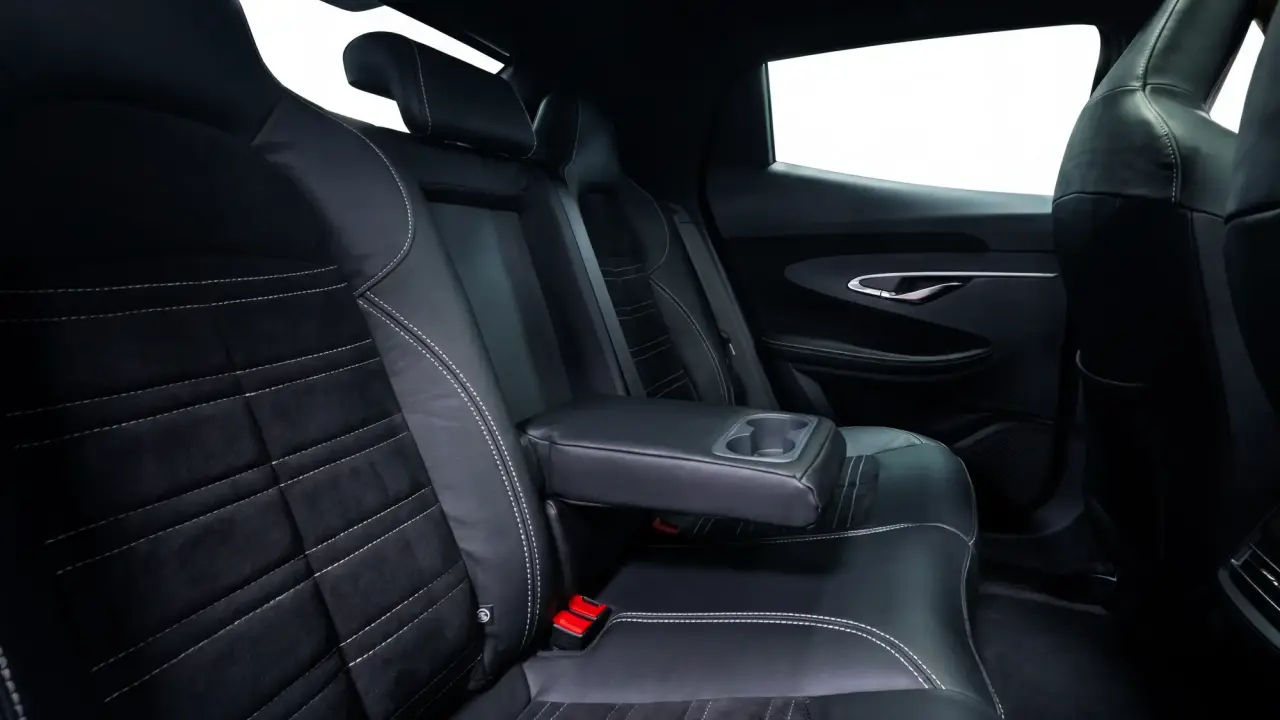
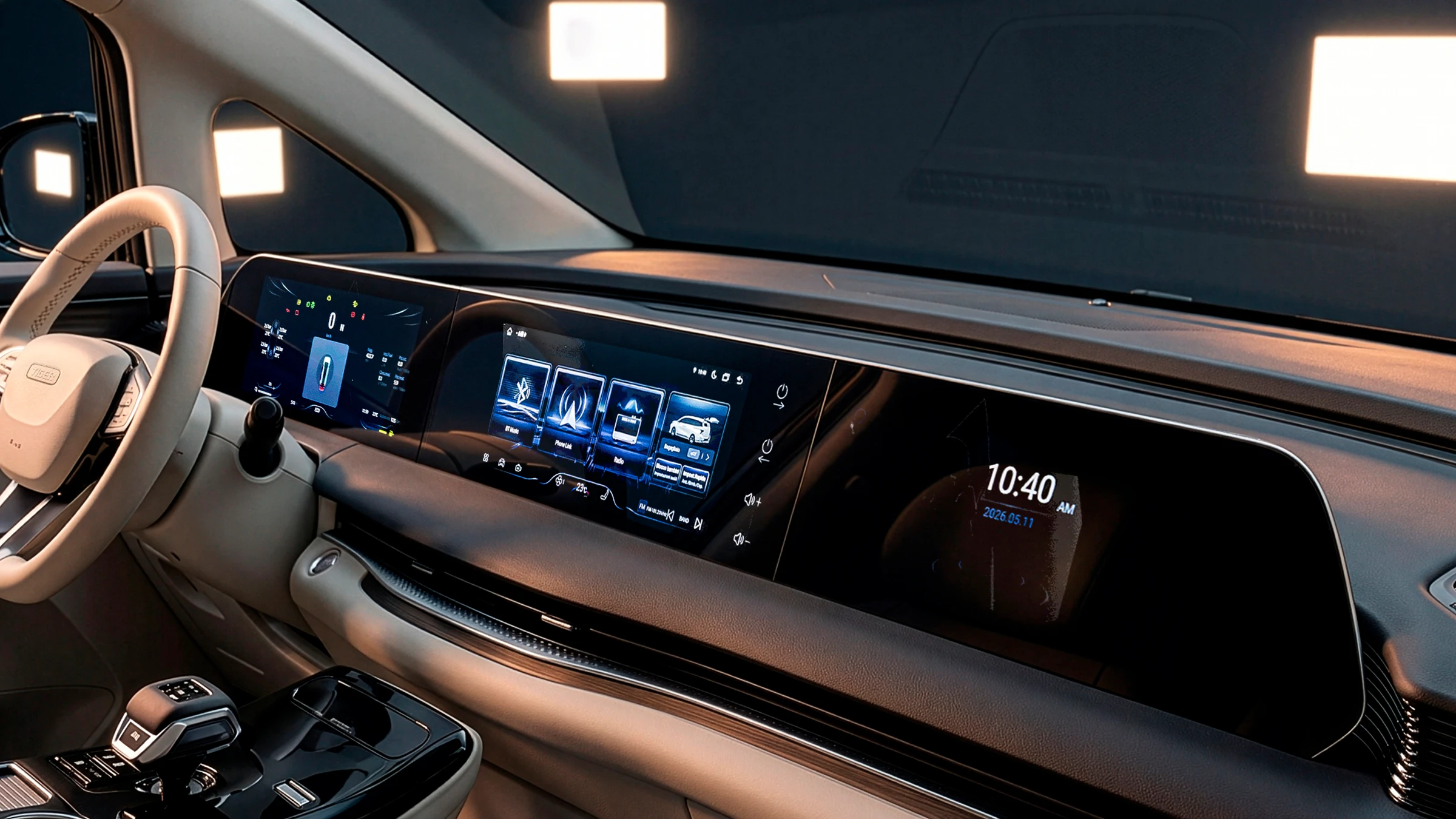
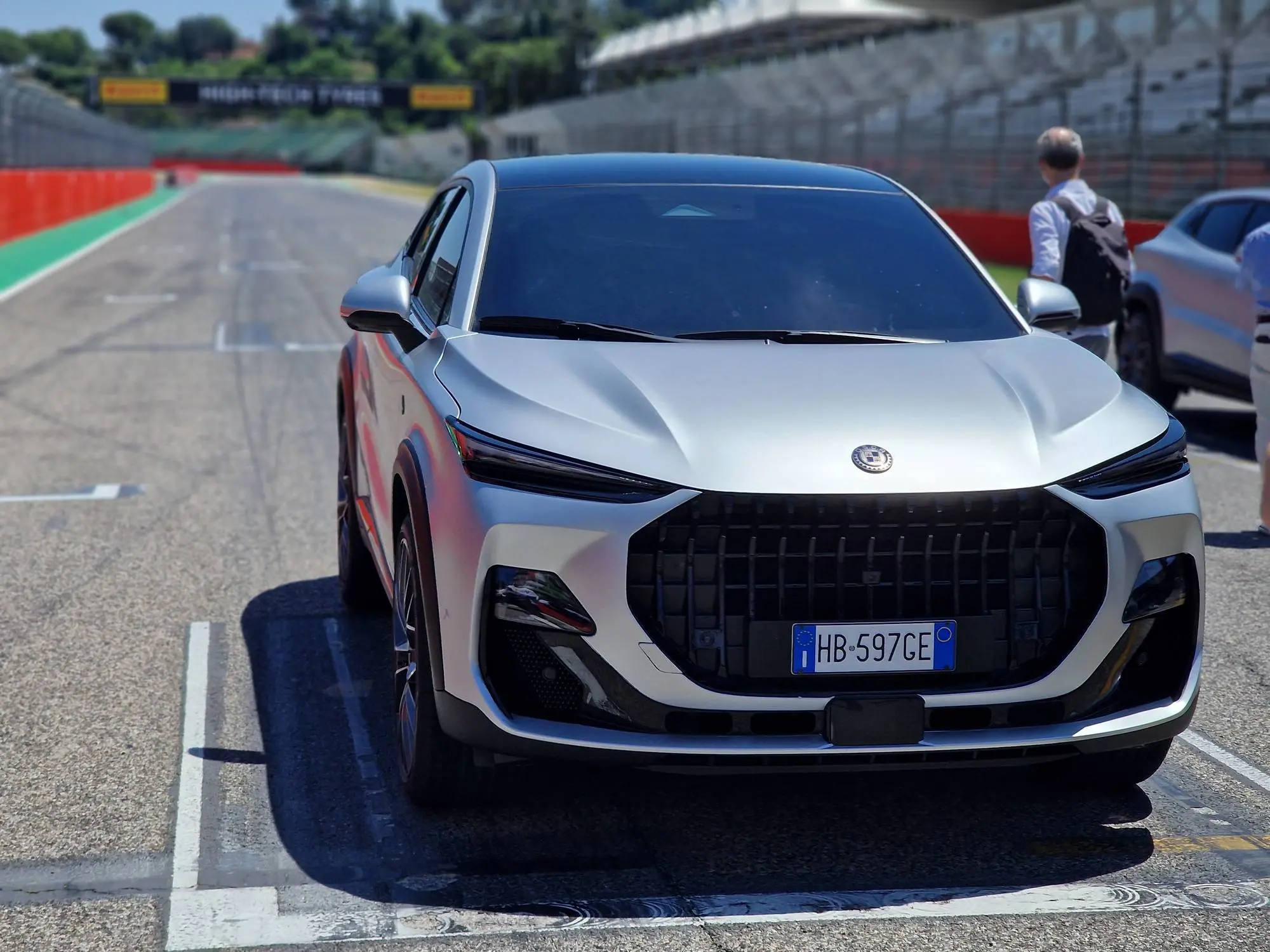
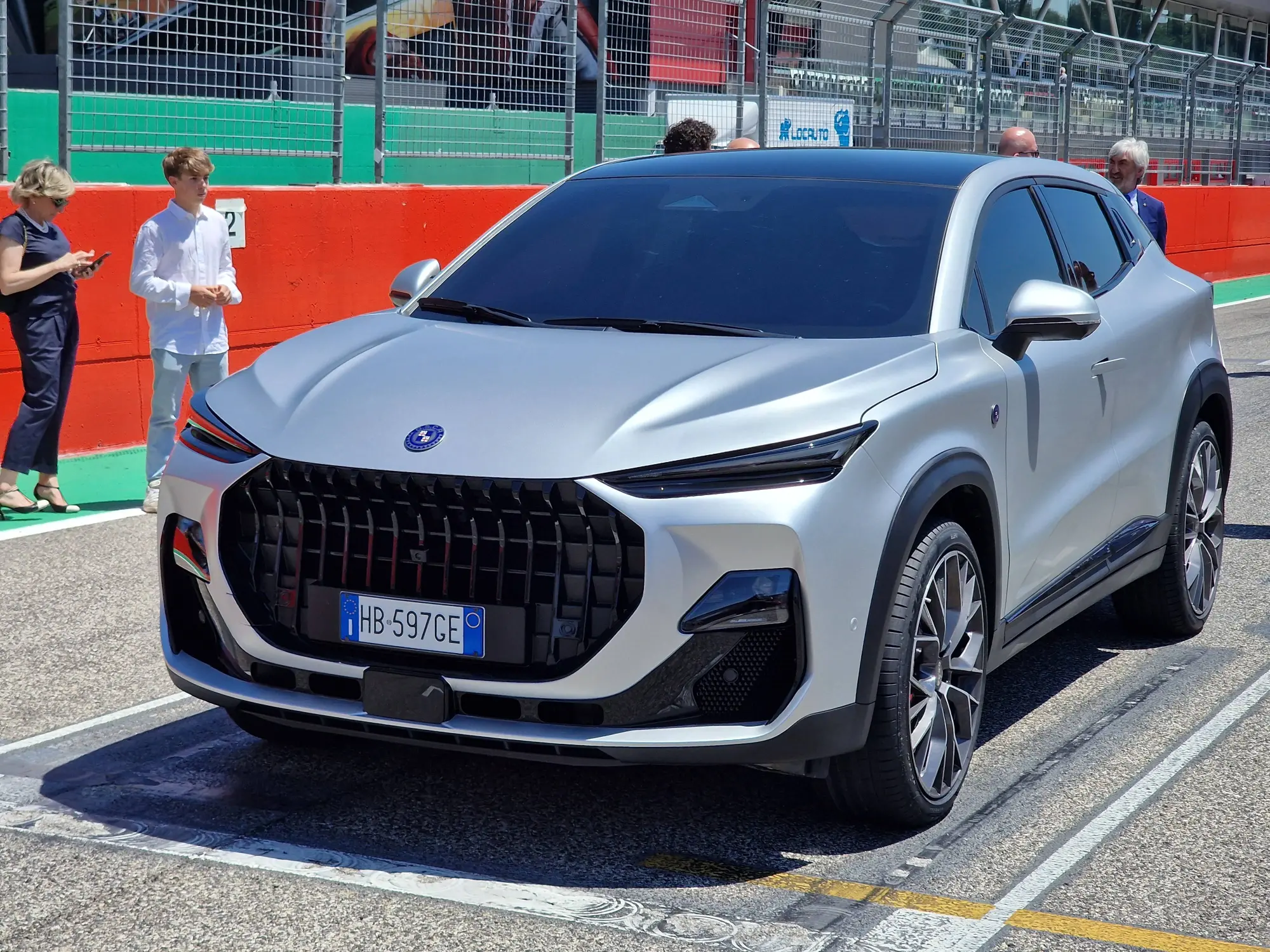
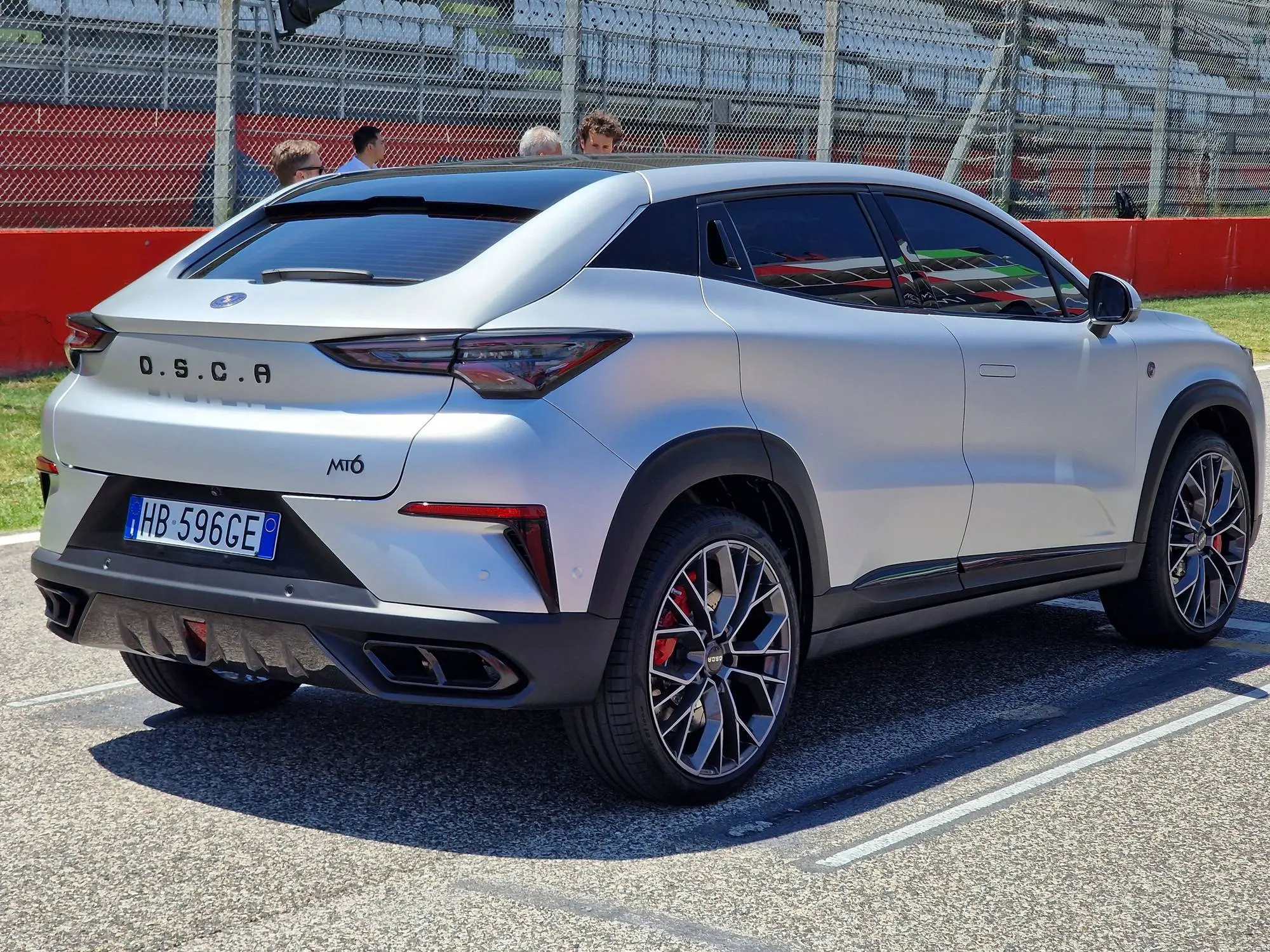
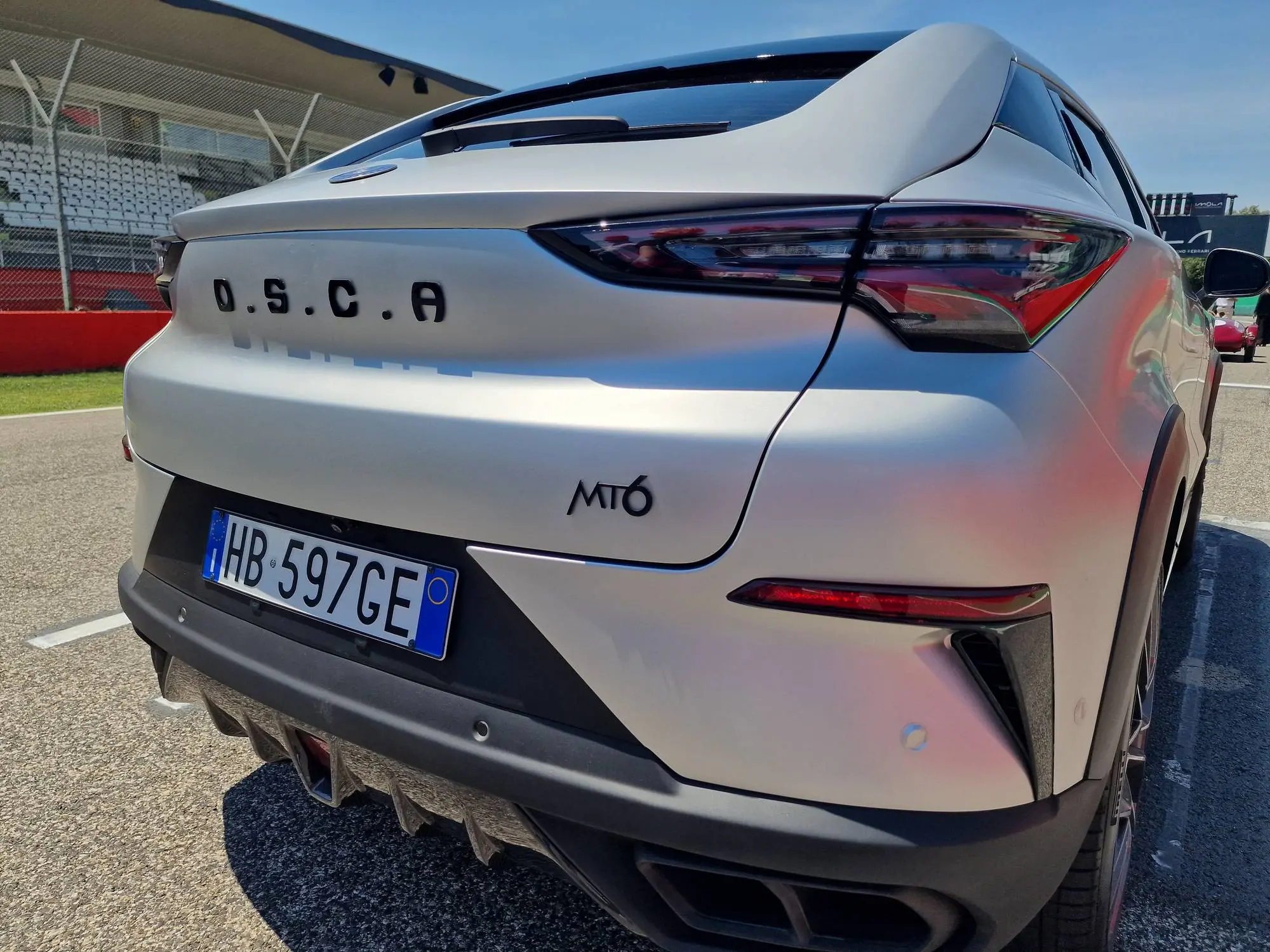
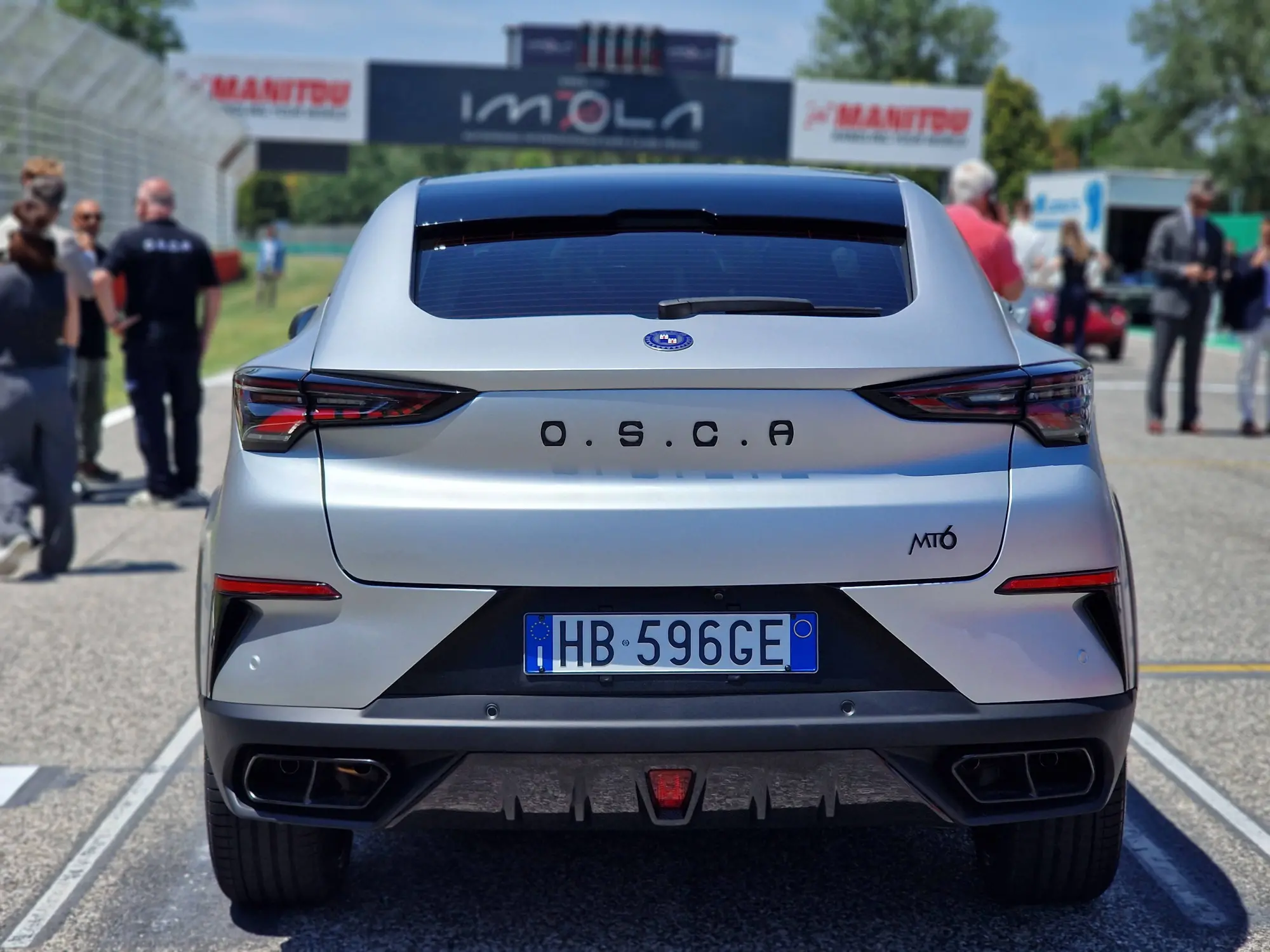
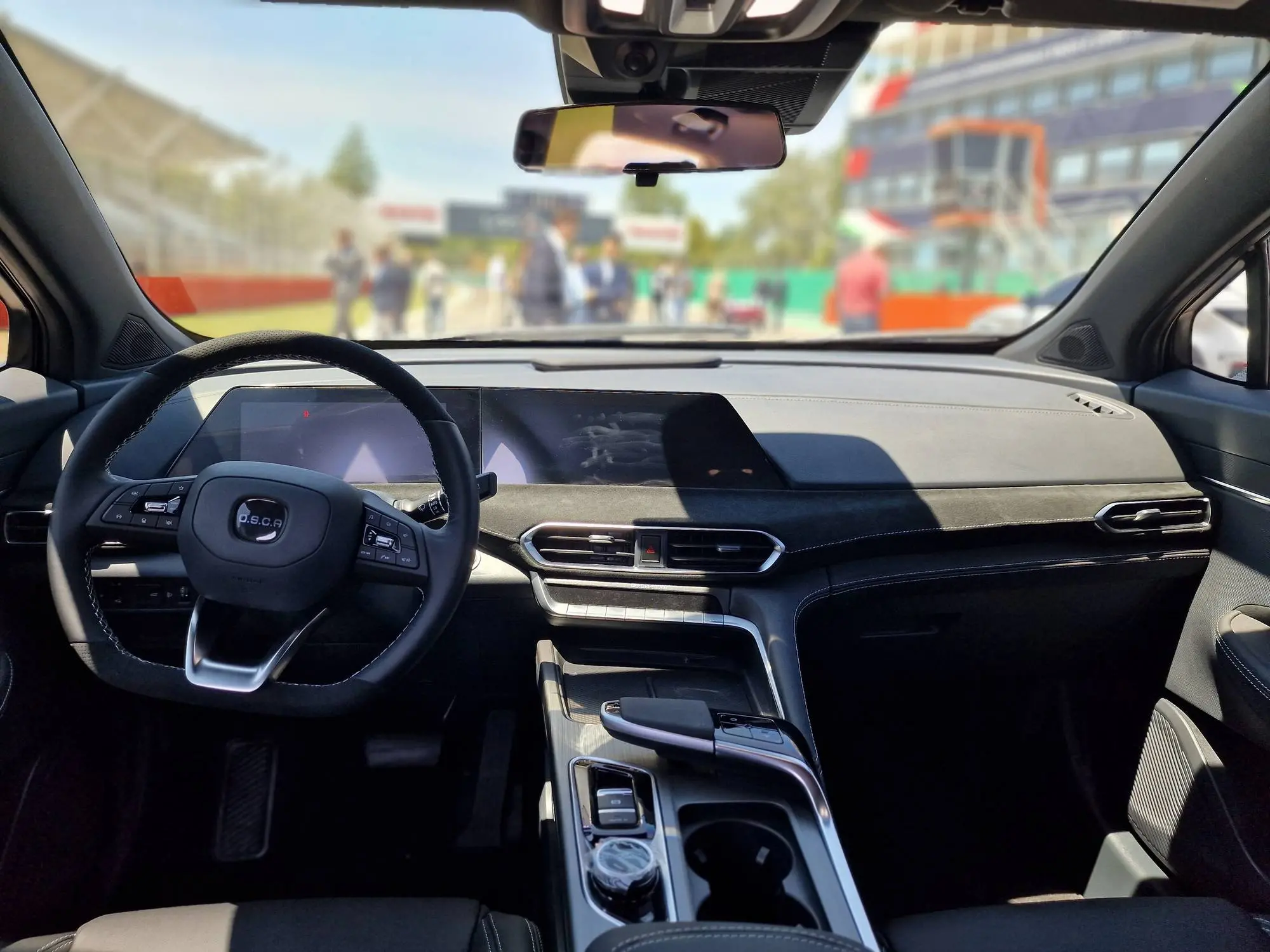
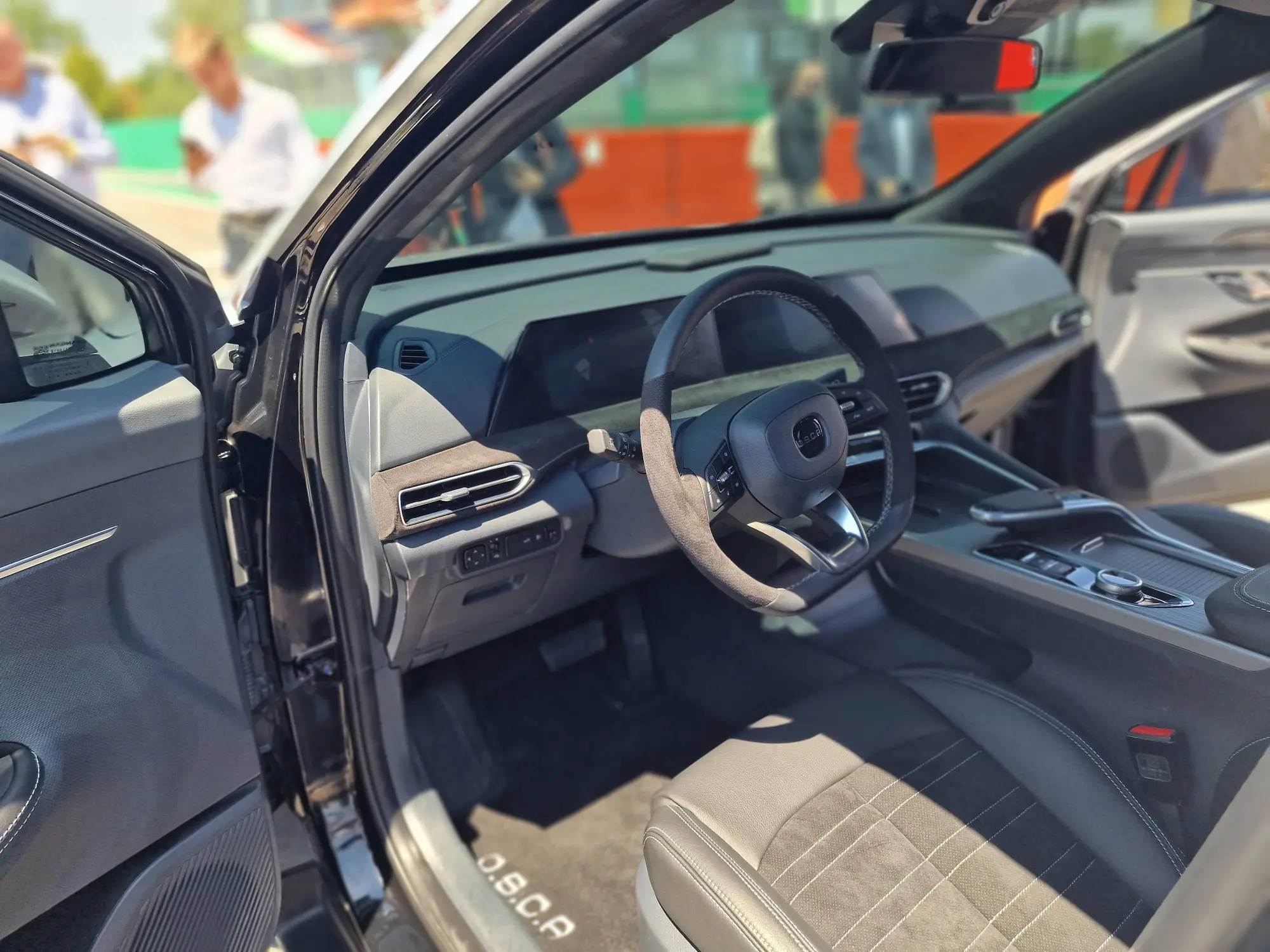
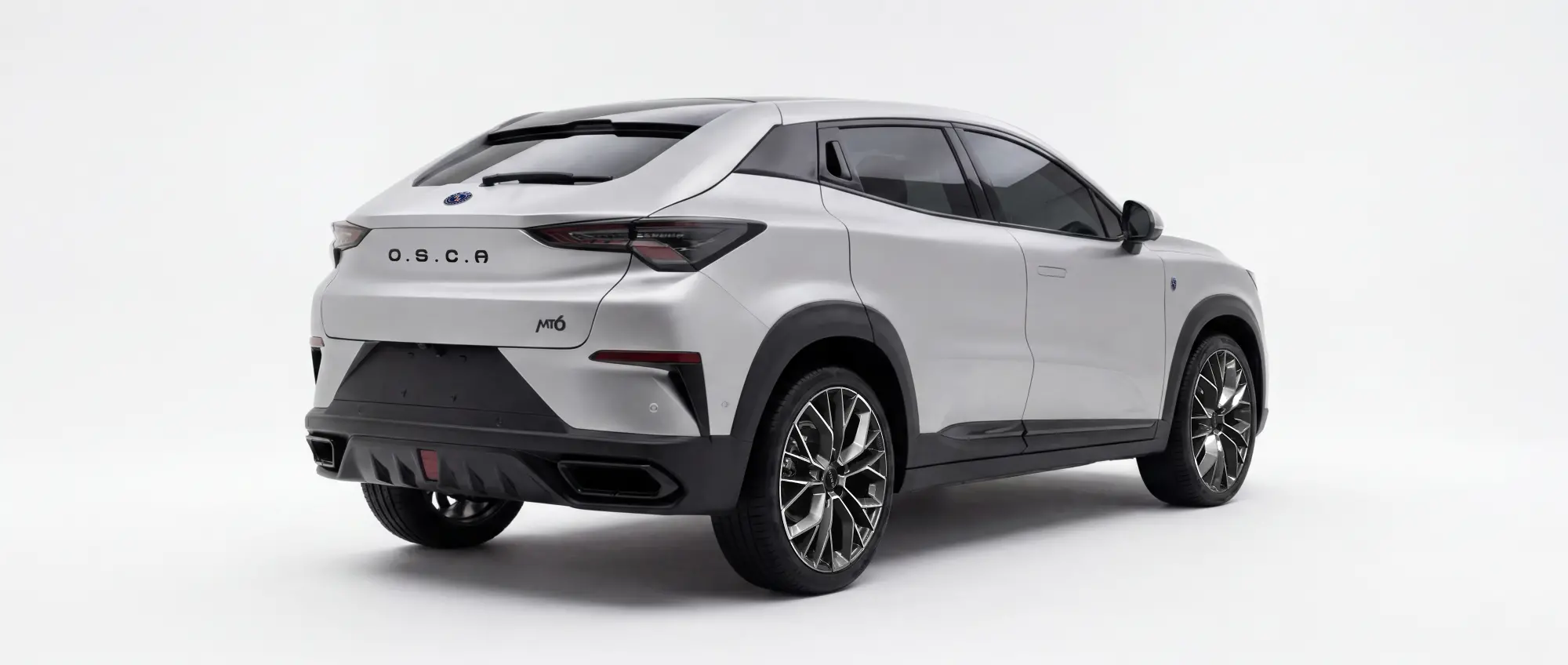
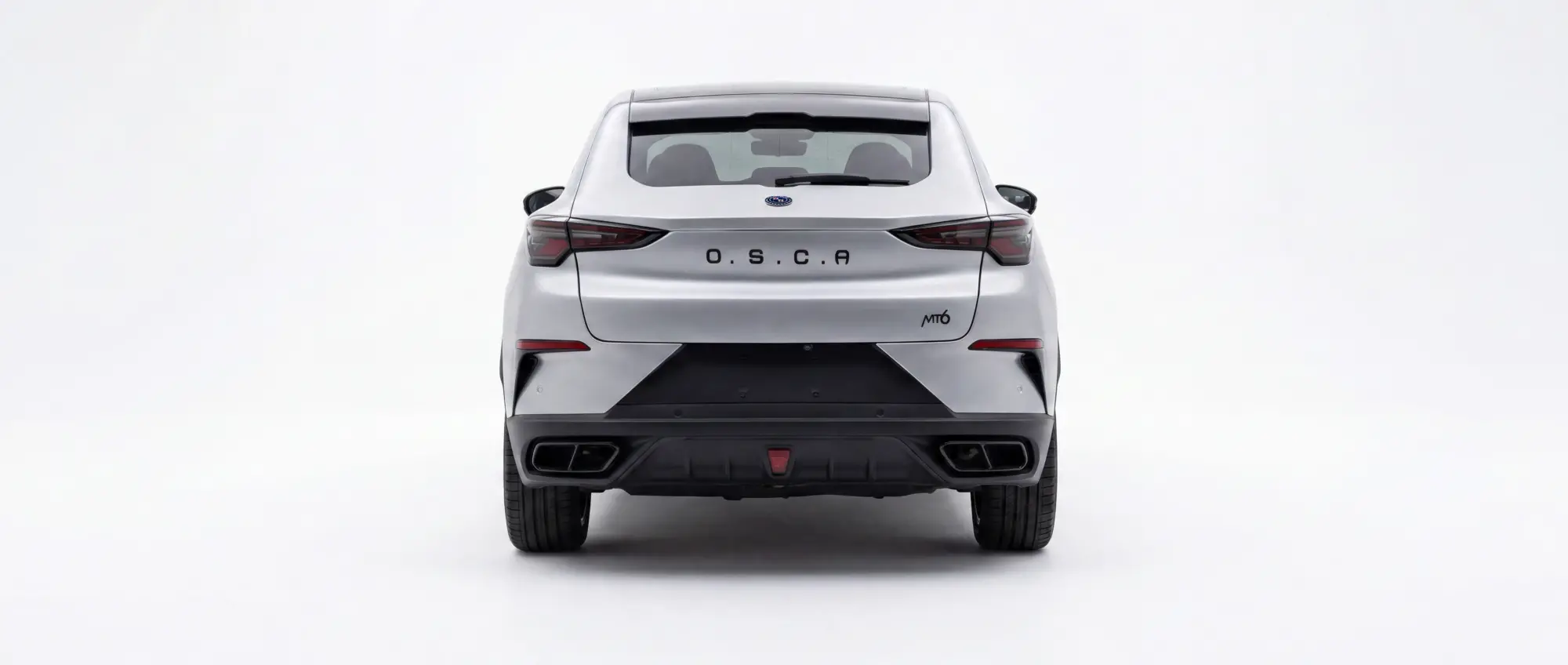
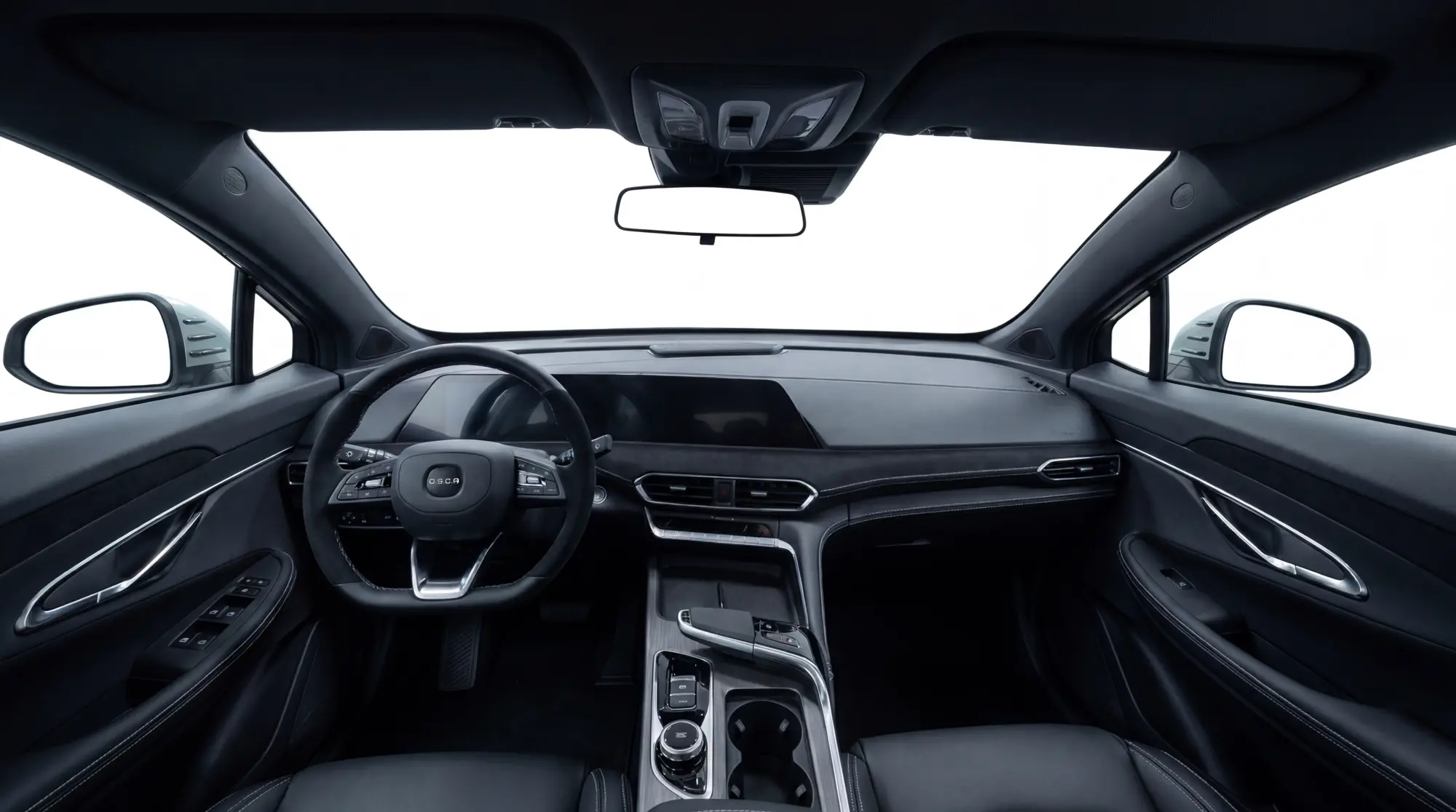
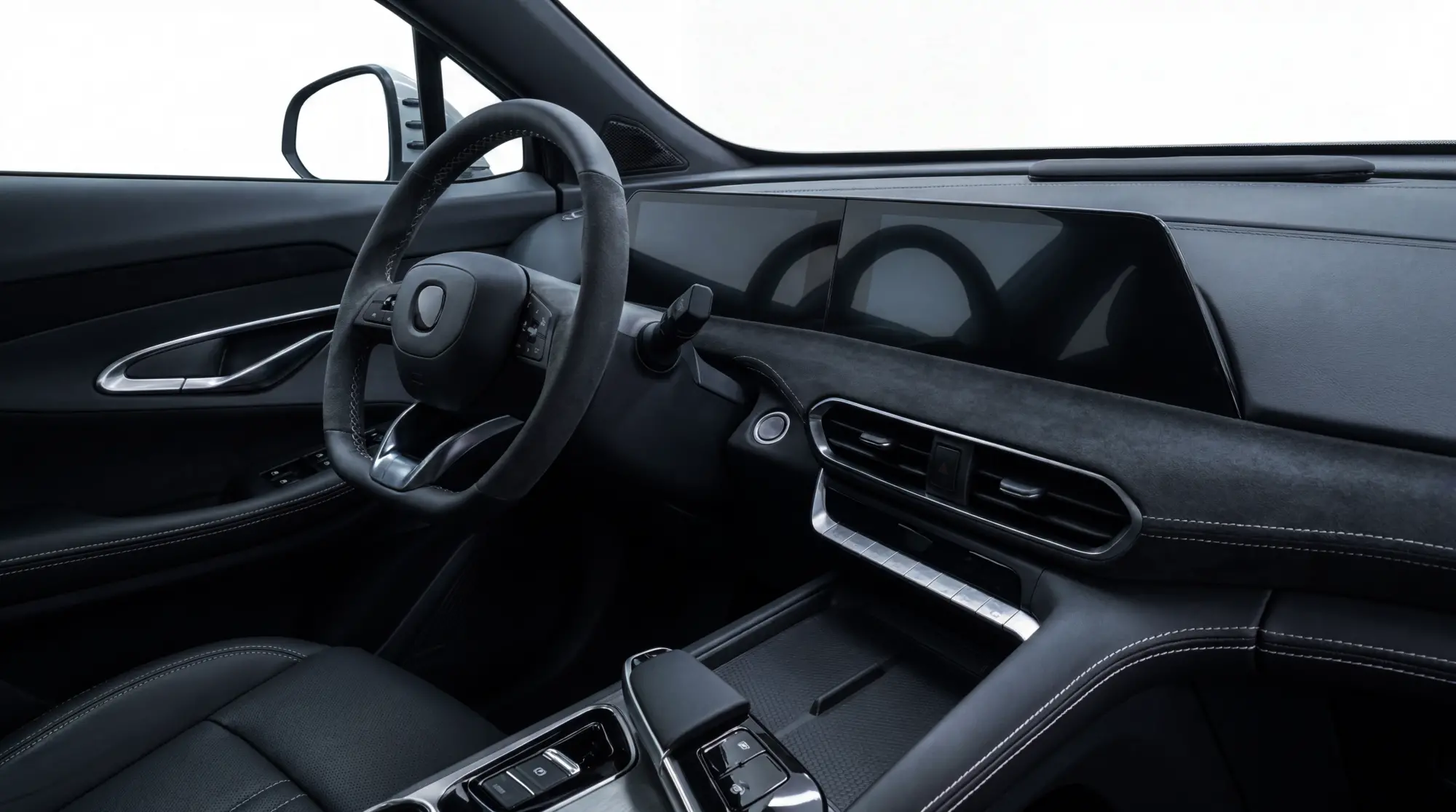
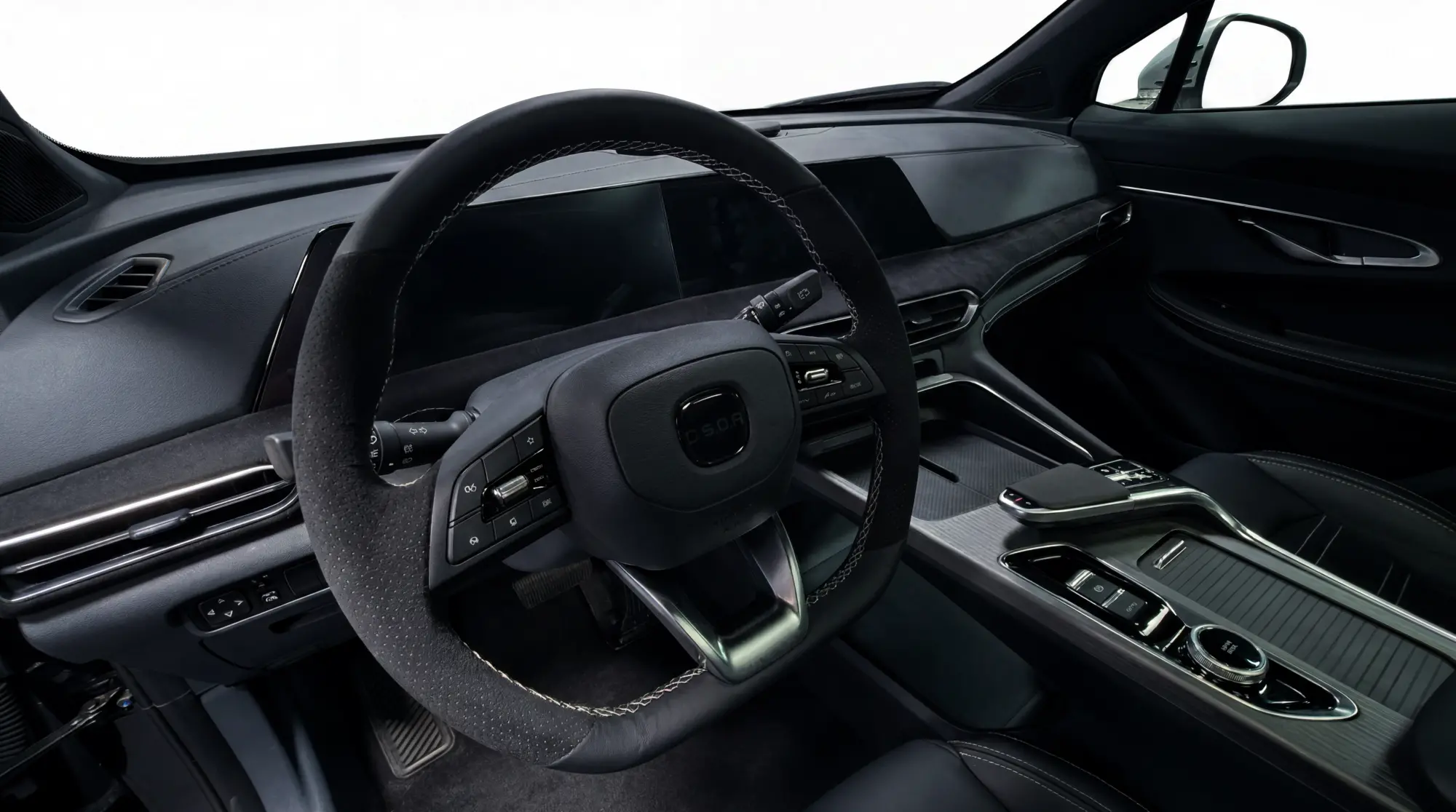
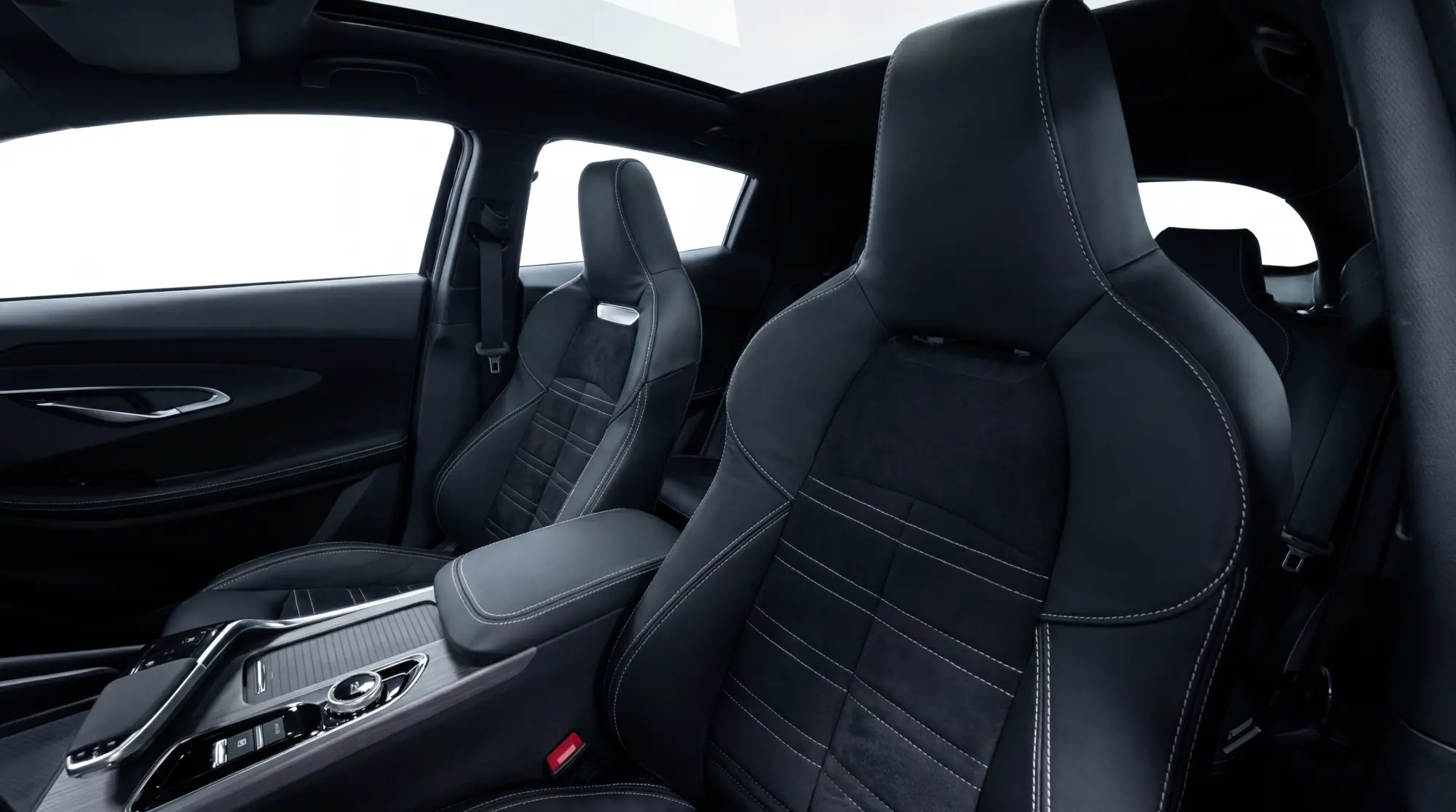
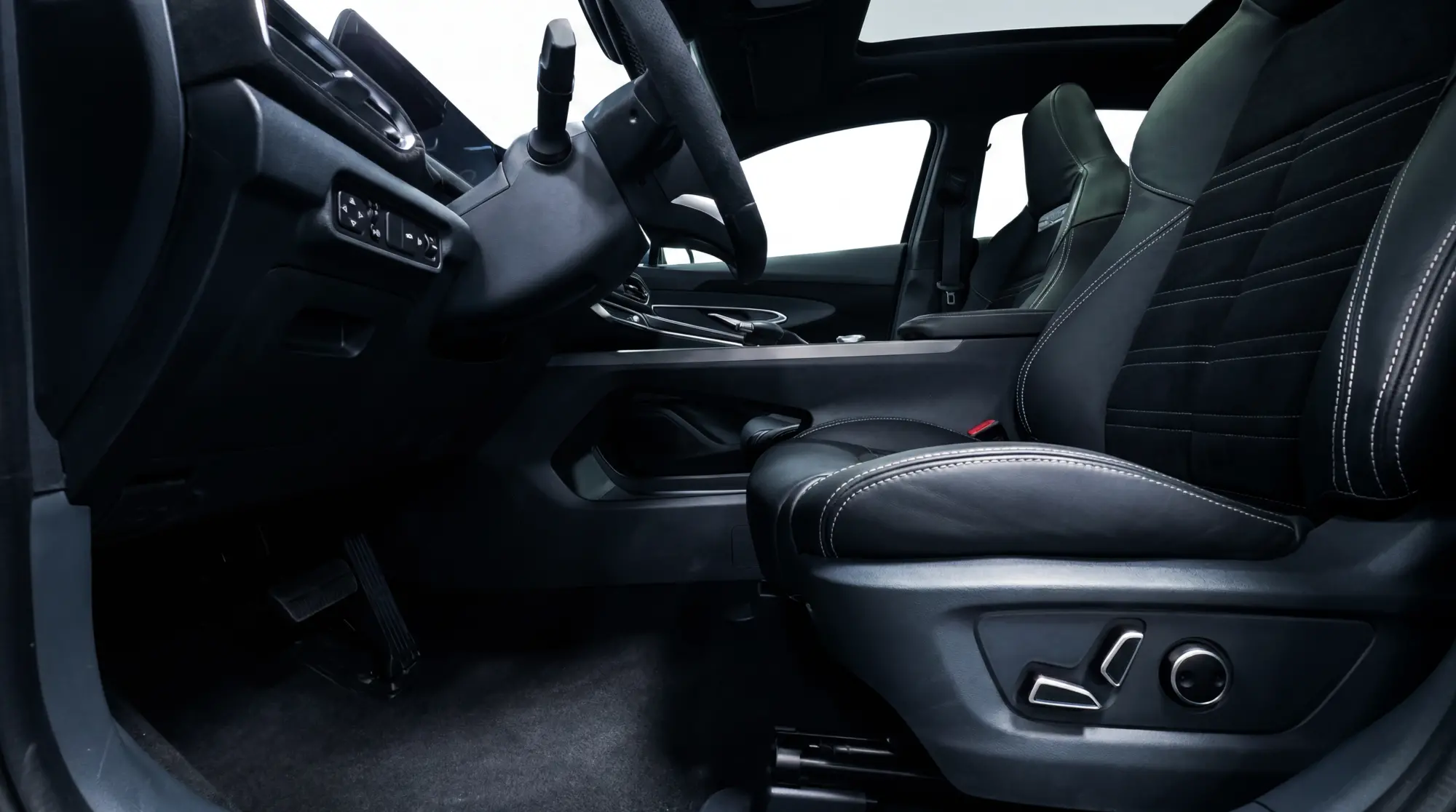
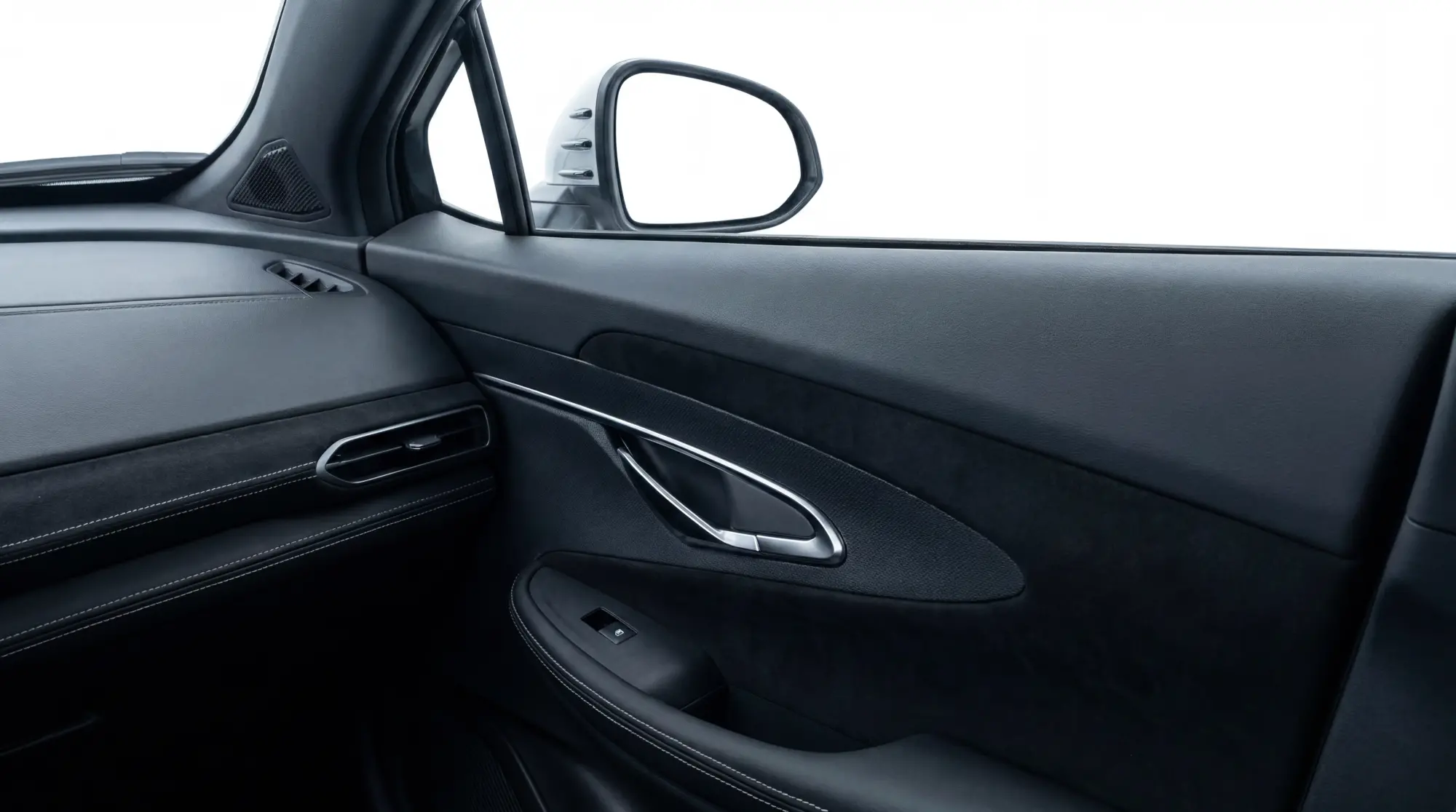
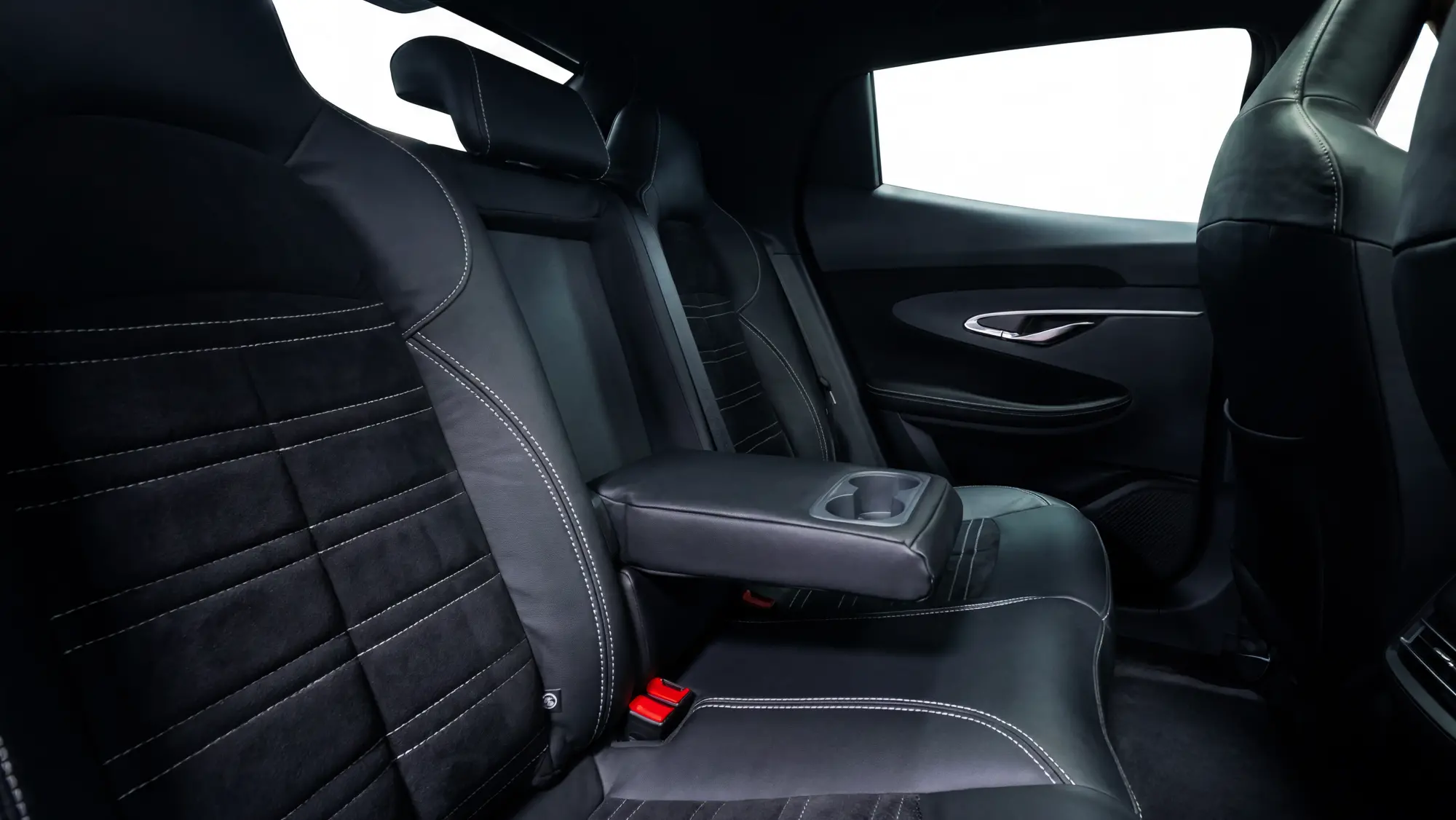
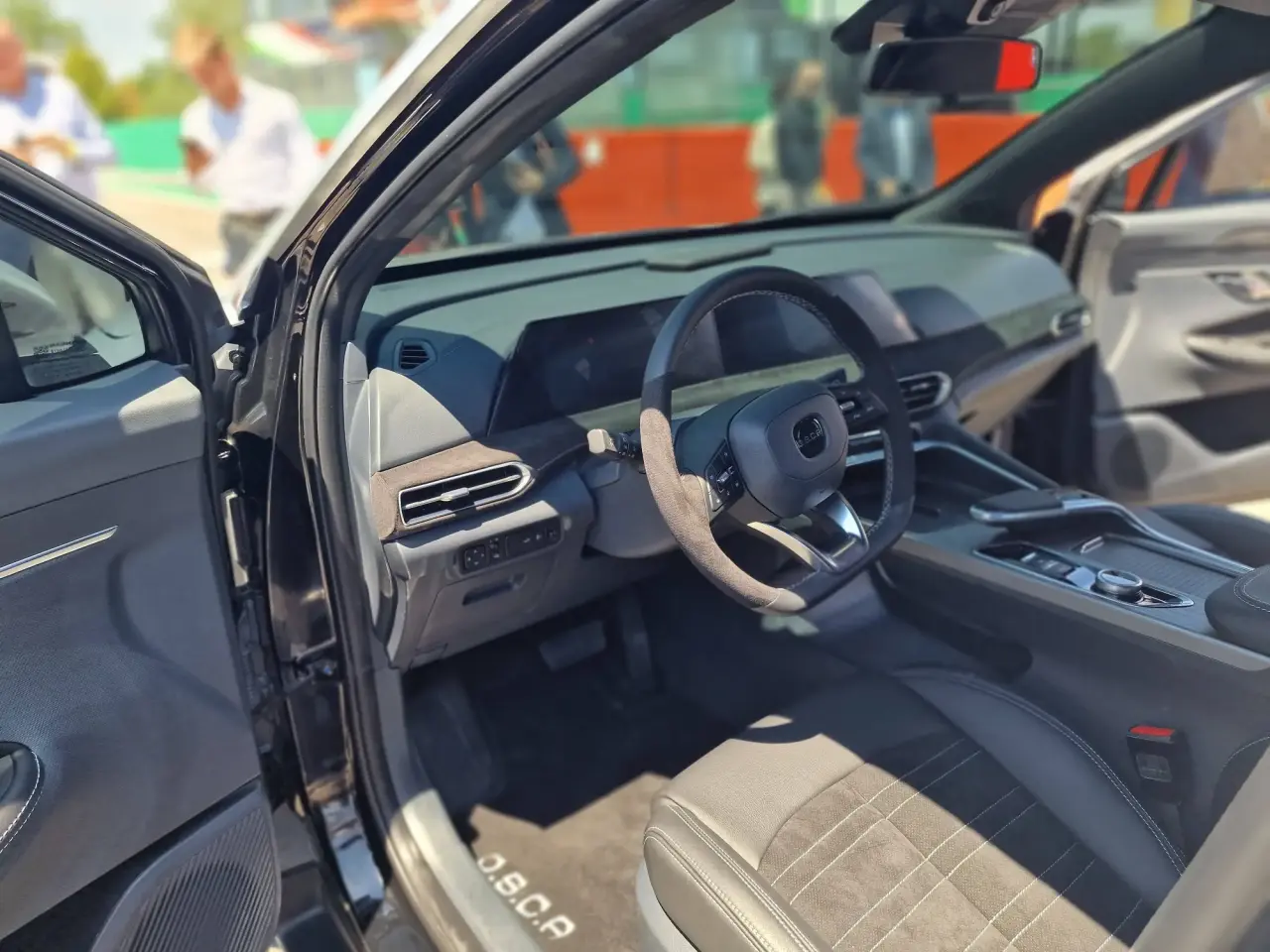 Bomba di Bobbi appena sganciata. Il miglior motore per la Fia sarebbe il Red Bull, Ferrari oltre il 4%, ma soprattutto Mercedes accede all'ADUO! 😱 AutoRacer.itClamoroso ADUO FIA: Red Bull-Ford miglior ICE e Mercedes...La FIA avrebbe comunicato i primi risultati per l'ADUO: Red Bull con il miglior ICE, concessioni minime per Mercedes. Ferrari oltre il 4%Russell ha appena detto che per lui il campionato dopo oggi è già andatoForse, perché Perez è comunque sotto investigazioneA me sembra un errore della federazione, era già chiaro dell'incidente di Stroll che il problema era della pistaNo quello sarà il Rampage, questo è rivale di Ford Ranger e Toyota TacomaE nessuna delle due è la coupé che ci avevano promesso 😍OSCA ritorna con uno "Sportover compatto, il primo della specie". La O.S.C.A. MT6 misura 4.515 millimetri di lunghezza, 1.870 di larghezza, 1.565 di altezza, con un passo di 2.710 millimetri. Numeri che la collocano in un territorio inedito: una via di mezzo tra il crossover coupé e la berlinetta sportiva. La sigla MT6 richiama esplicitamente la prima vettura O.S.C.A. da competizione, la MT4, debuttante vincitrice nel Gran Premio di Napoli del 1948. Lo stile esterno è firmato dal Centro Stile interno di Fabbrica Italia in collaborazione con Italdesign. La griglia è realizzata in carbonio 100% italiano grazie alla collaborazione con Carbotech. Anche l'estrattore posteriore, che ingloba i quattro scarichi, è in carbonio italiano. I cerchi in lega da 21 pollici con pneumatici 245/40 R21, i cerchi nascono dalla collaborazione tra MAK e Pirelli, con il P-ZERO come pneumatico di serie. Gli interni sono il frutto della collaborazione con Recaro, che ha sviluppato dei sedili sportivi in pelle e alcantara per esaltare il carattere dinamico della vettura. Inserti in alcantara caratterizzano anche i pannelli porta e la fascia plancia, mentre il volante sportivo a tre razze è rivestito in pregiata pelle proveniente da concerie 100% italiane. Recaro sta inoltre sviluppando un sedile Racing che sarà disponibile come equipaggiamento a richiesta sull'intera gamma O.S.C.A., abbinato a cinture racing Sabelt, altra eccellenza italiana del settore. A completare il quadro tecnologico, fari full LED anteriori e posteriori, doppio schermo da 10,25 pollici per strumentazione e infotainment, ricarica wireless da 15 W, ADAS di secondo livello, sistema di parcheggio automatico "No Stress", sedili anteriori elettrici riscaldati e ventilati, tetto panoramico in cristallo con tendina elettrica. Il prezzo è di 49.000 euro tutto incluso, il cliente sceglie solo la personalizzazione esterna e interna. Il motore è un 1.5 TGDI, derivato dalla piattaforma fornita da Changan. La O.S.C.A. MT6 ne riprende le basi tecniche ma le evolve con un lavoro di sviluppo tutto italiano guidato dal CTO Roberto Fedeli, una delle figure più stimate dell'ingegneria automobilistica italiana, con un passato che lo ha visto protagonista in alcune delle più importanti case sportive nazionali. L'elettronica del motore è stata rivista in collaborazione con AVL e RE:LAB, per ottimizzare e massimizzare l'erogazione della potenza in tutte le condizioni. Sul fronte infotainment è coinvolta ART, eccellenza italiana. L'assetto è stato finalizzato per garantire un'esperienza di guida coinvolgente: corner specifici con molle e ammortizzatori dedicati, sistema frenante maggiorato in grado di esaltare il corredo Pirelli P-ZERO. È in fase avanzata anche lo sviluppo dell'impianto di scarico in collaborazione con Tubi Style, per garantire un sound più coinvolgente. Le consegne partiranno a settembre.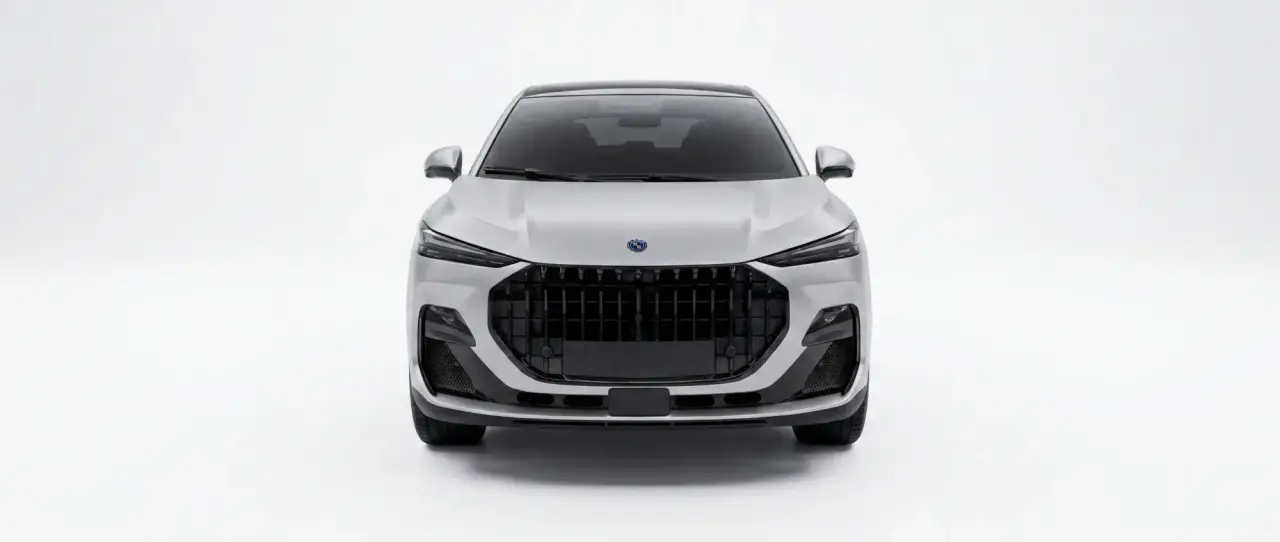
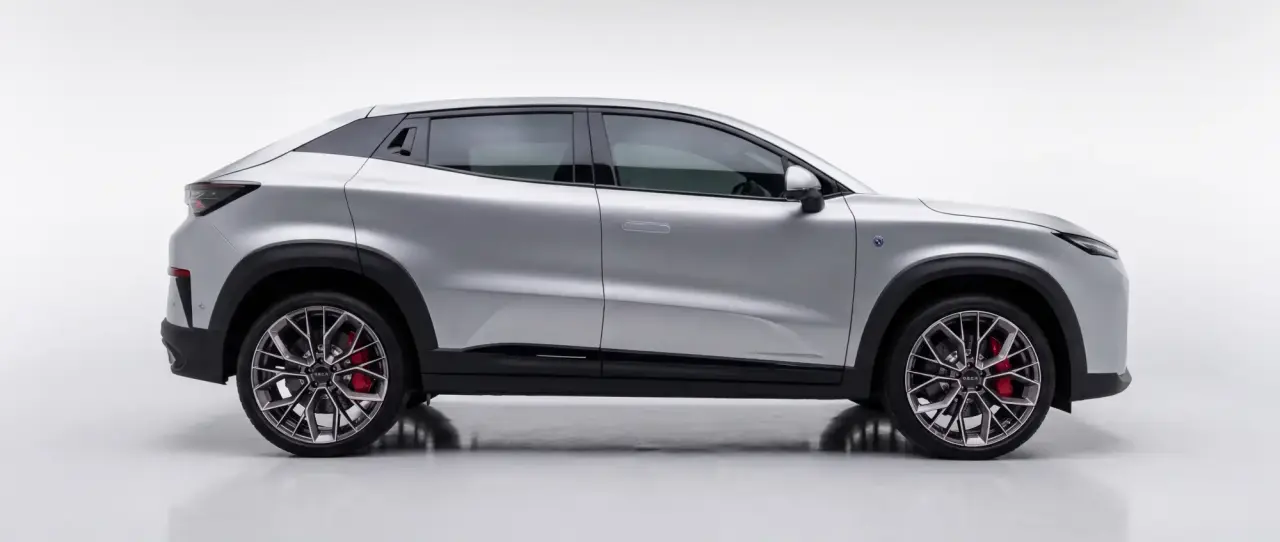
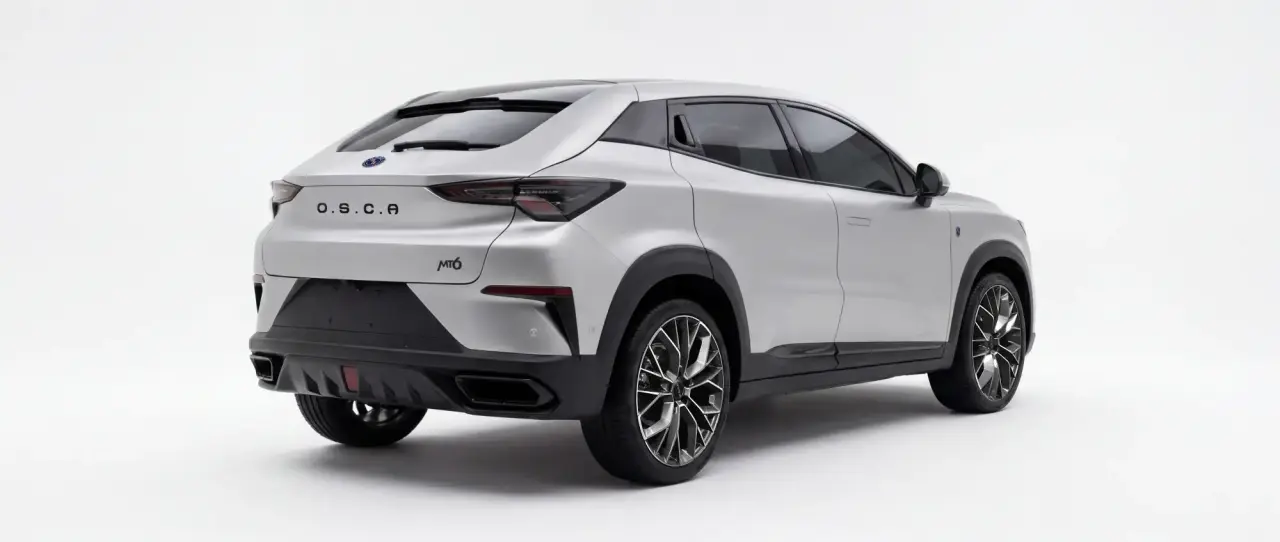
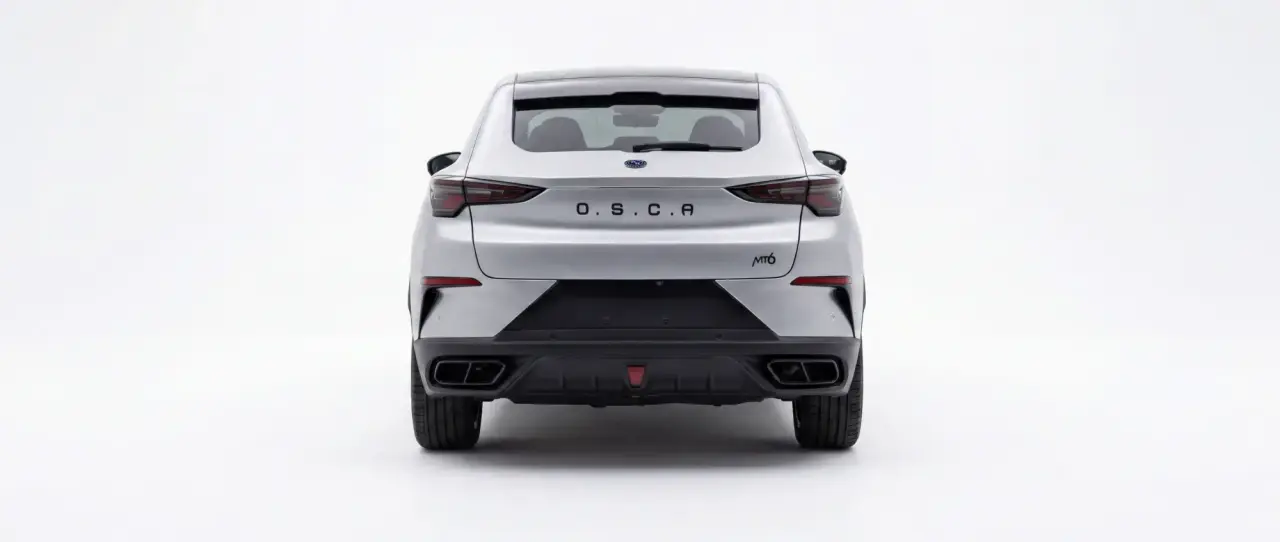
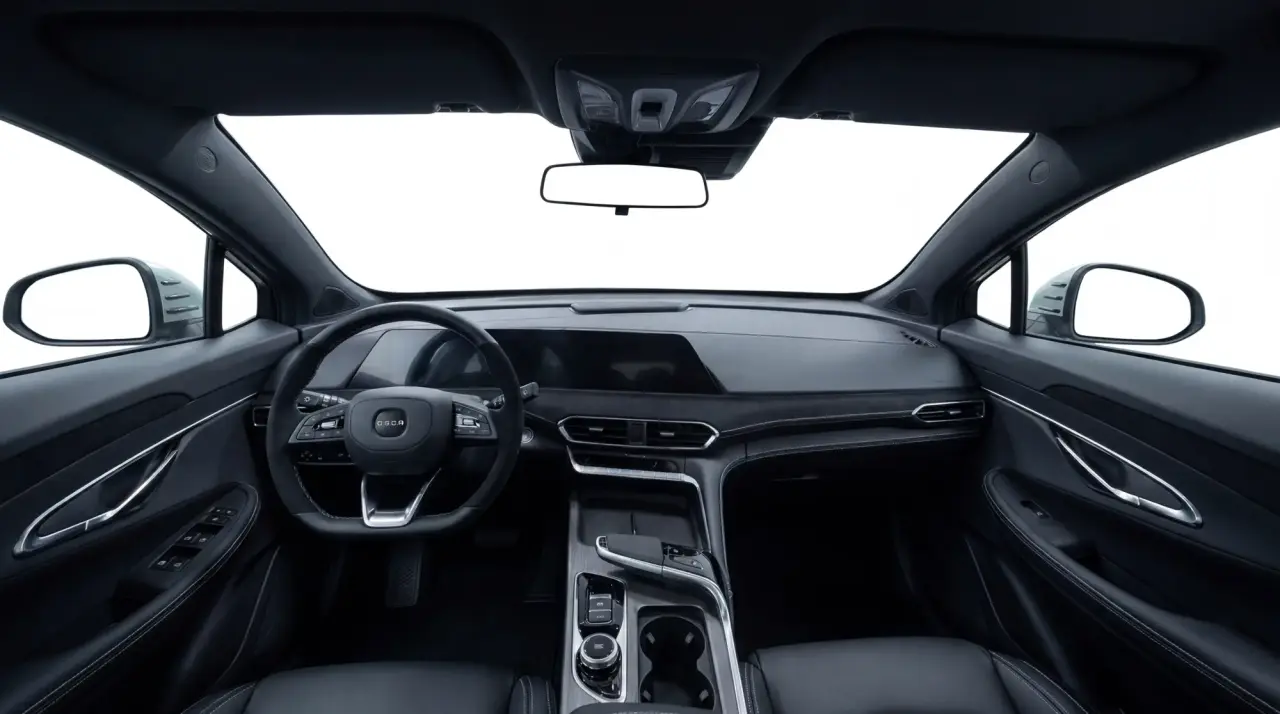
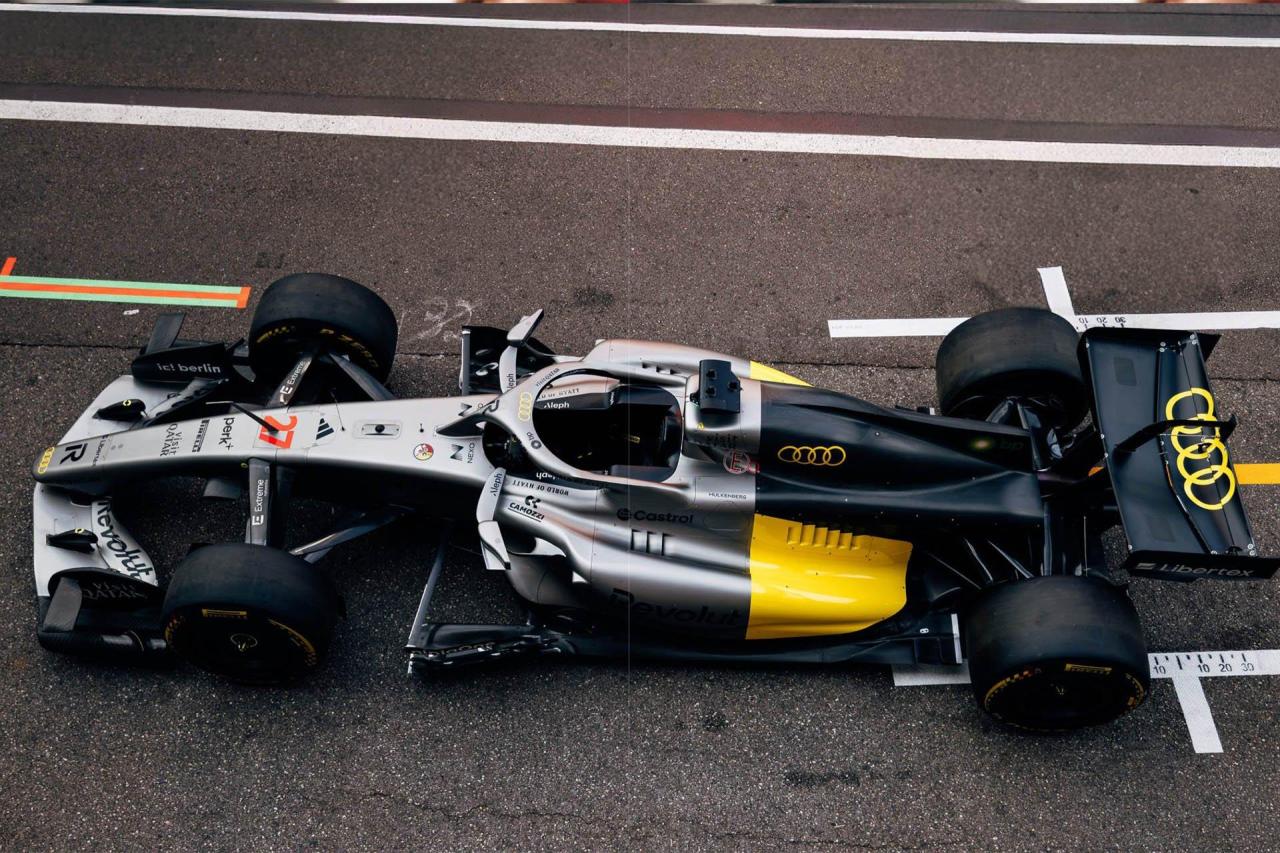
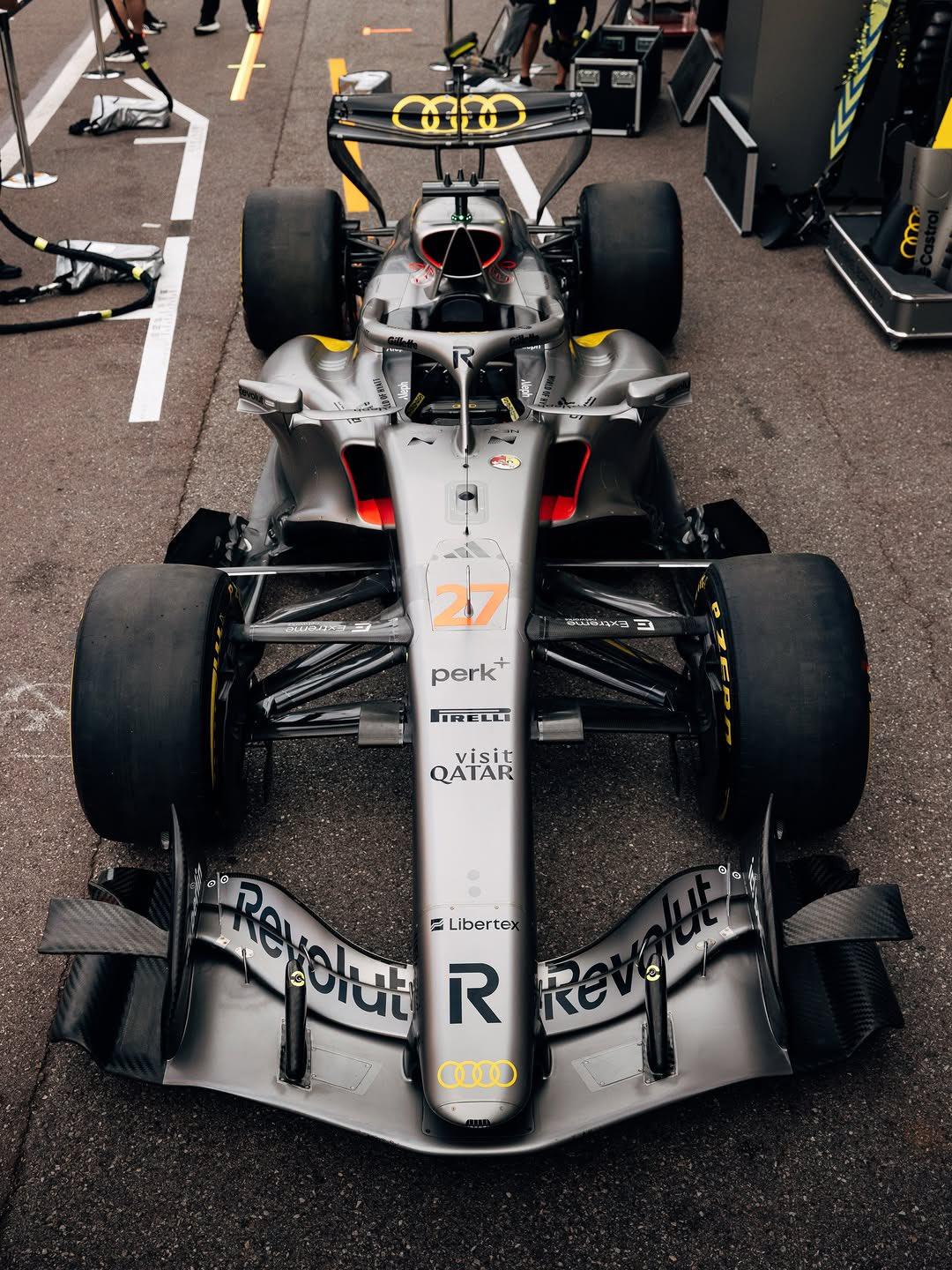
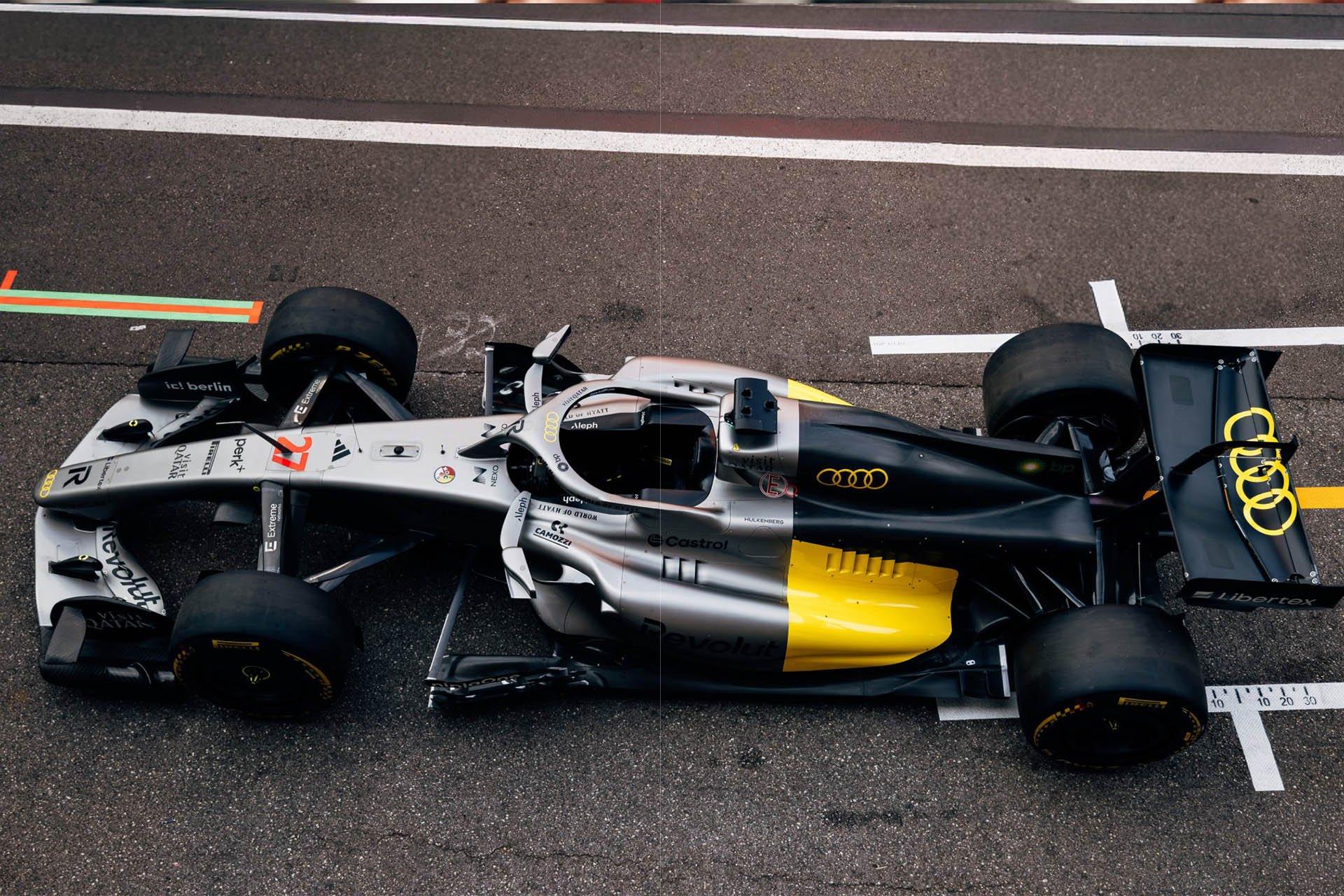
 Kimi è un mostro, ma a questi livelli era inimmaginabileL'Audi gialla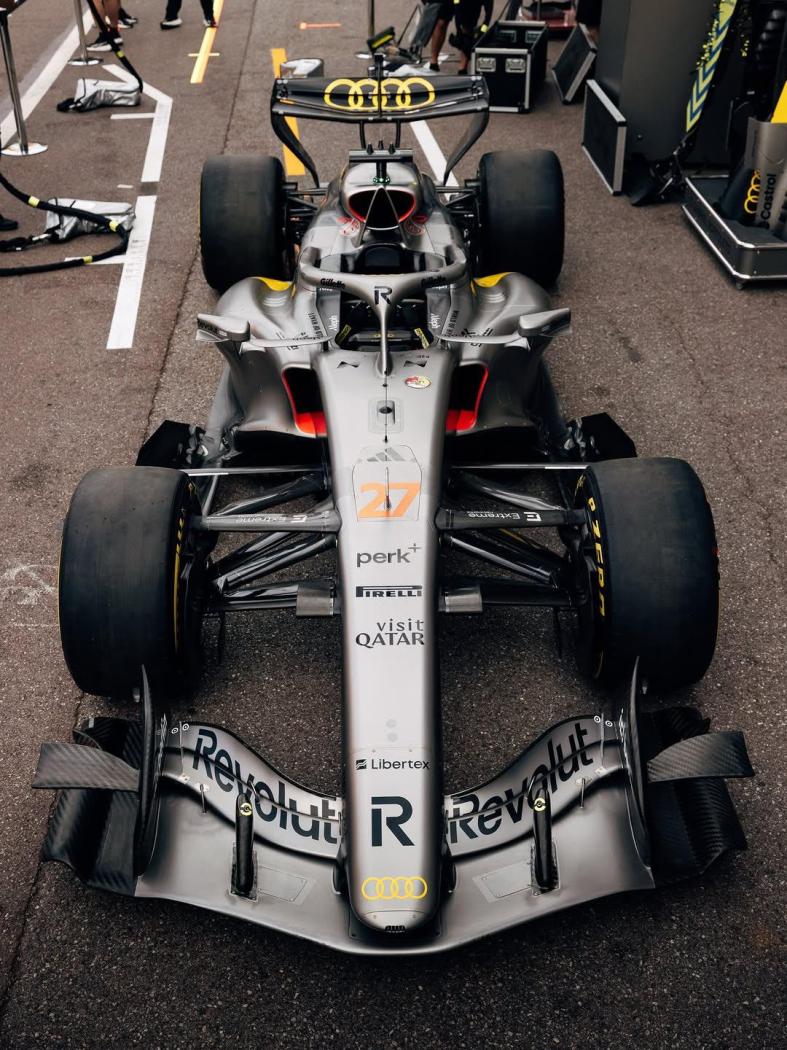

.jpg.7f37cf1ceb04753ba1ba961bbfd79868.jpg)
.jpg.67464db627f92fc3fccec08de0679eb7.jpg)
.jpg.7106fe3e70c55453893ec590d4cfda18.jpg)
.jpg.580d0d8ef78fbb355b3525866540e63f.jpg)
.jpg.2829328fe929e01d5ea1b059d1ed5ad9.jpg)
.jpg.7b6de5d69c0c6fb80315cffcf057a062.jpg)
.jpg.25f9e85151c61263b040582e120172bc.jpg)







Account
Navigation
Cerca
Configure browser push notifications
Chrome (Android)
- Tap the lock icon next to the address bar.
- Tap Permissions → Notifications.
- Adjust your preference.
Chrome (Desktop)
- Click the padlock icon in the address bar.
- Select Site settings.
- Find Notifications and adjust your preference.
Safari (iOS 16.4+)
- Ensure the site is installed via Add to Home Screen.
- Open Settings App → Notifications.
- Find your app name and adjust your preference.
Safari (macOS)
- Go to Safari → Preferences.
- Click the Websites tab.
- Select Notifications in the sidebar.
- Find this website and adjust your preference.
Edge (Android)
- Tap the lock icon next to the address bar.
- Tap Permissions.
- Find Notifications and adjust your preference.
Edge (Desktop)
- Click the padlock icon in the address bar.
- Click Permissions for this site.
- Find Notifications and adjust your preference.
Firefox (Android)
- Go to Settings → Site permissions.
- Tap Notifications.
- Find this site in the list and adjust your preference.
Firefox (Desktop)
- Open Firefox Settings.
- Search for Notifications.
- Find this site in the list and adjust your preference.