AleMcGir
Moderatore |Staff|
-
Iscritto il
-
Ultima visita
Tutti i contenuti di AleMcGir
-
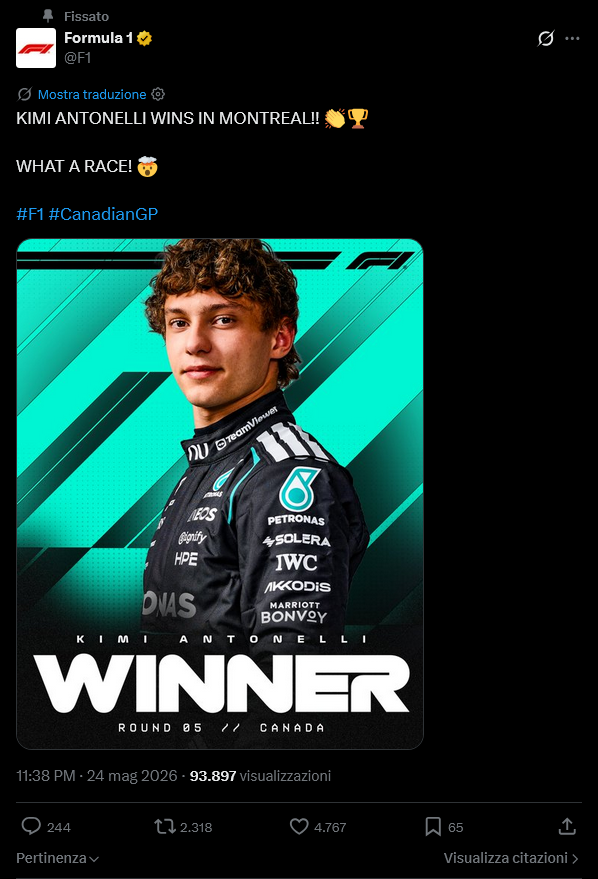
Risultati sondaggione in settimana.
-
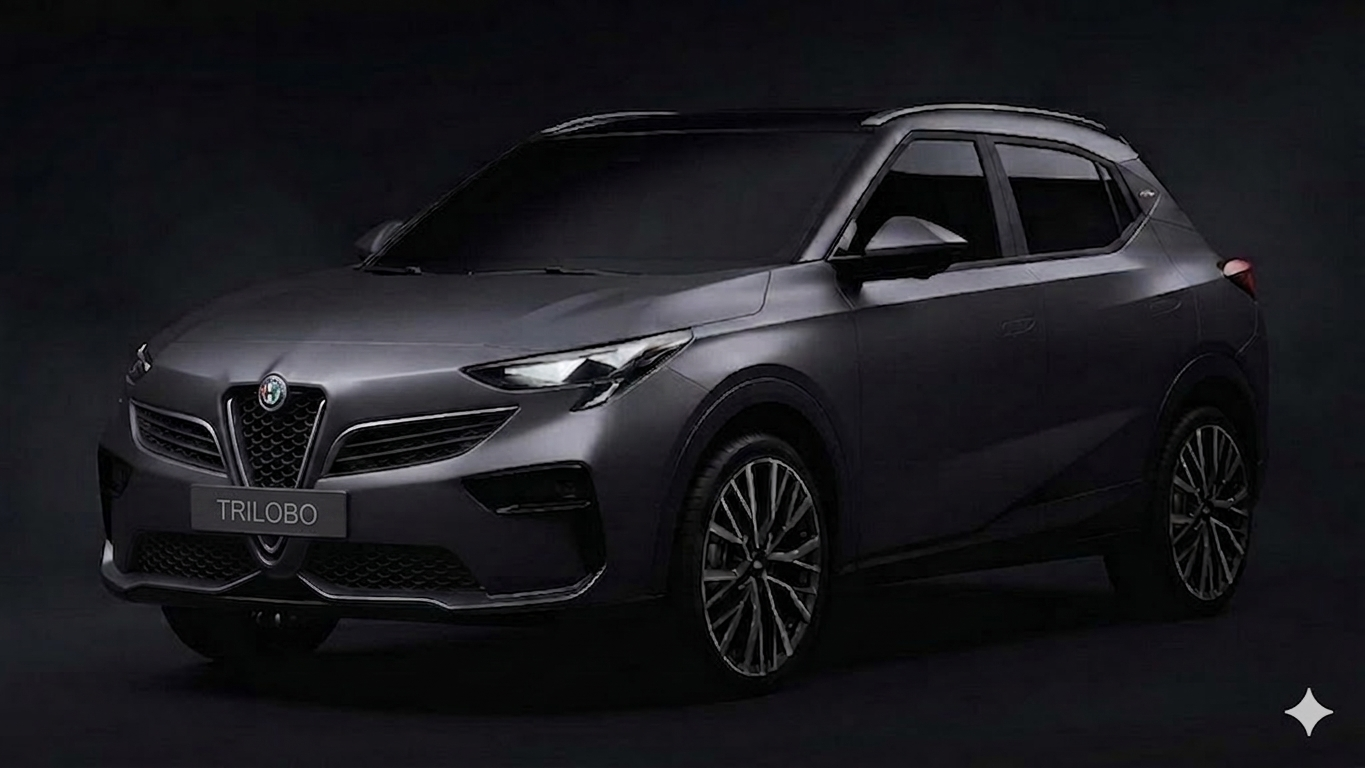
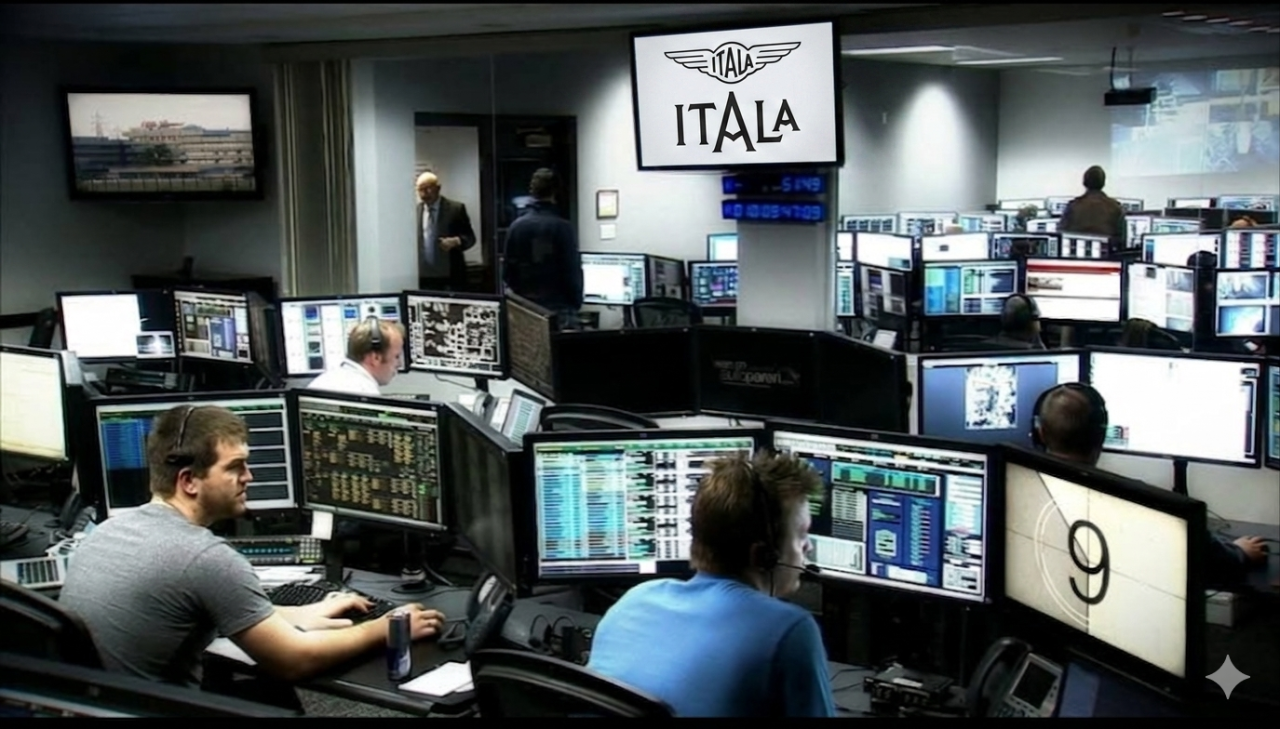
Non voglio che mi si dica grazie. Ho messo il logo di Autopareri, così se vengono prese e diffuse sul vuebbe, si sa chi ha fatto questo lavoro!!!1!!!11!!! 😂
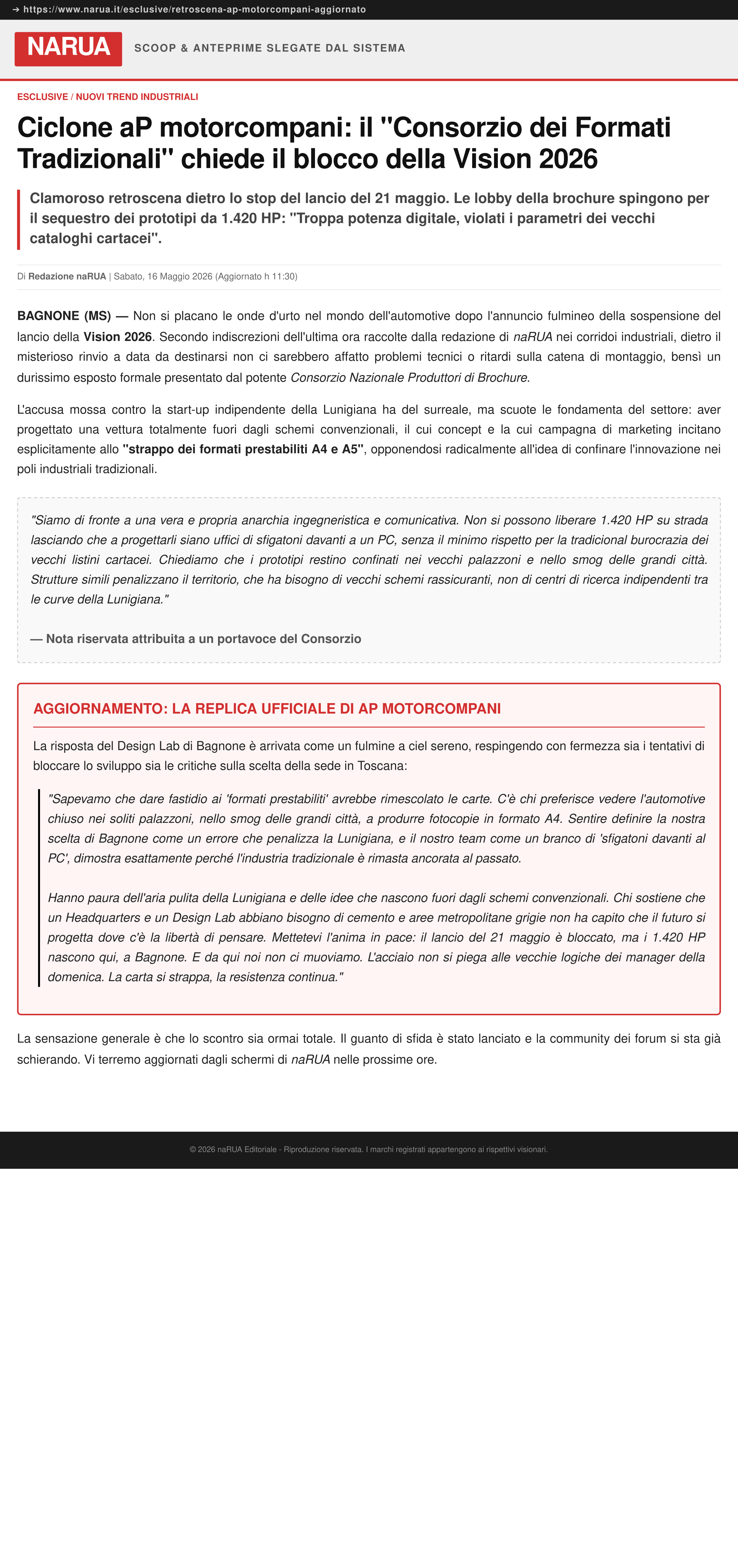
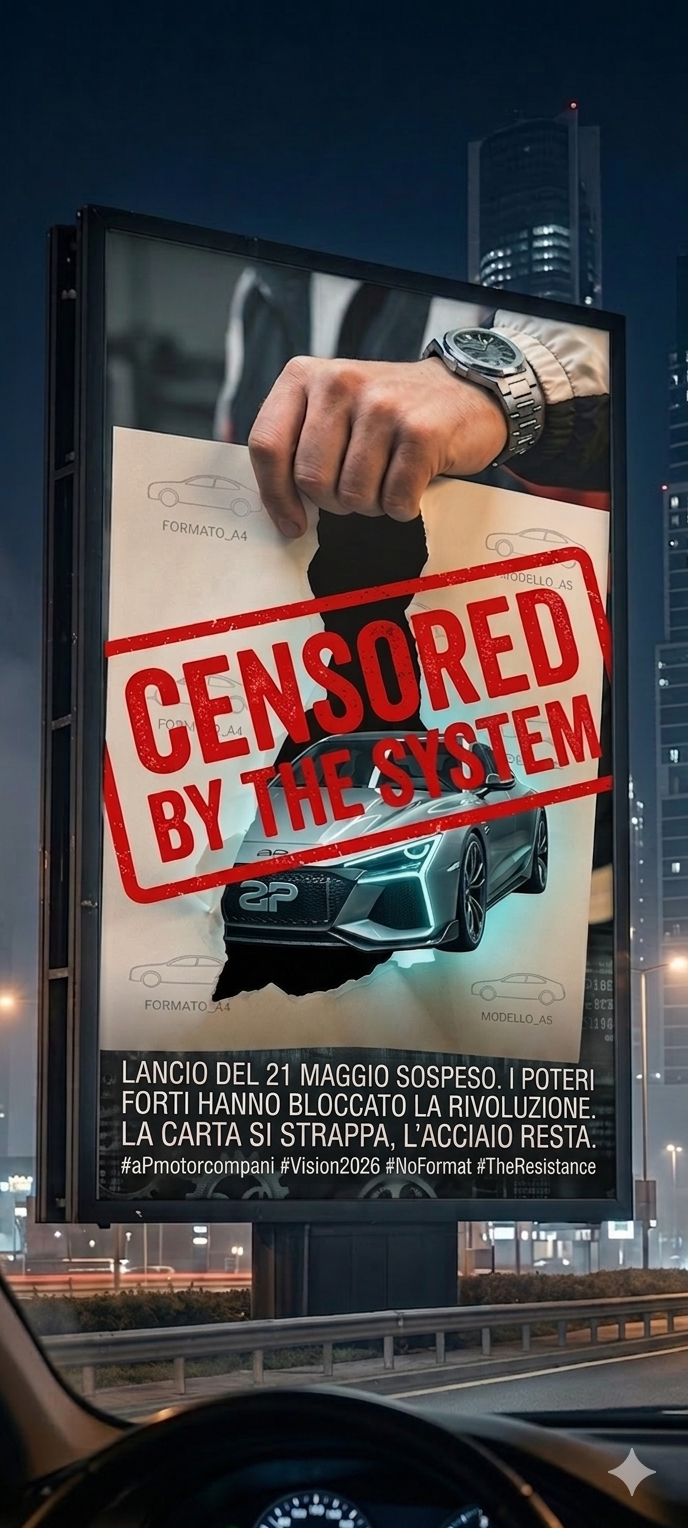
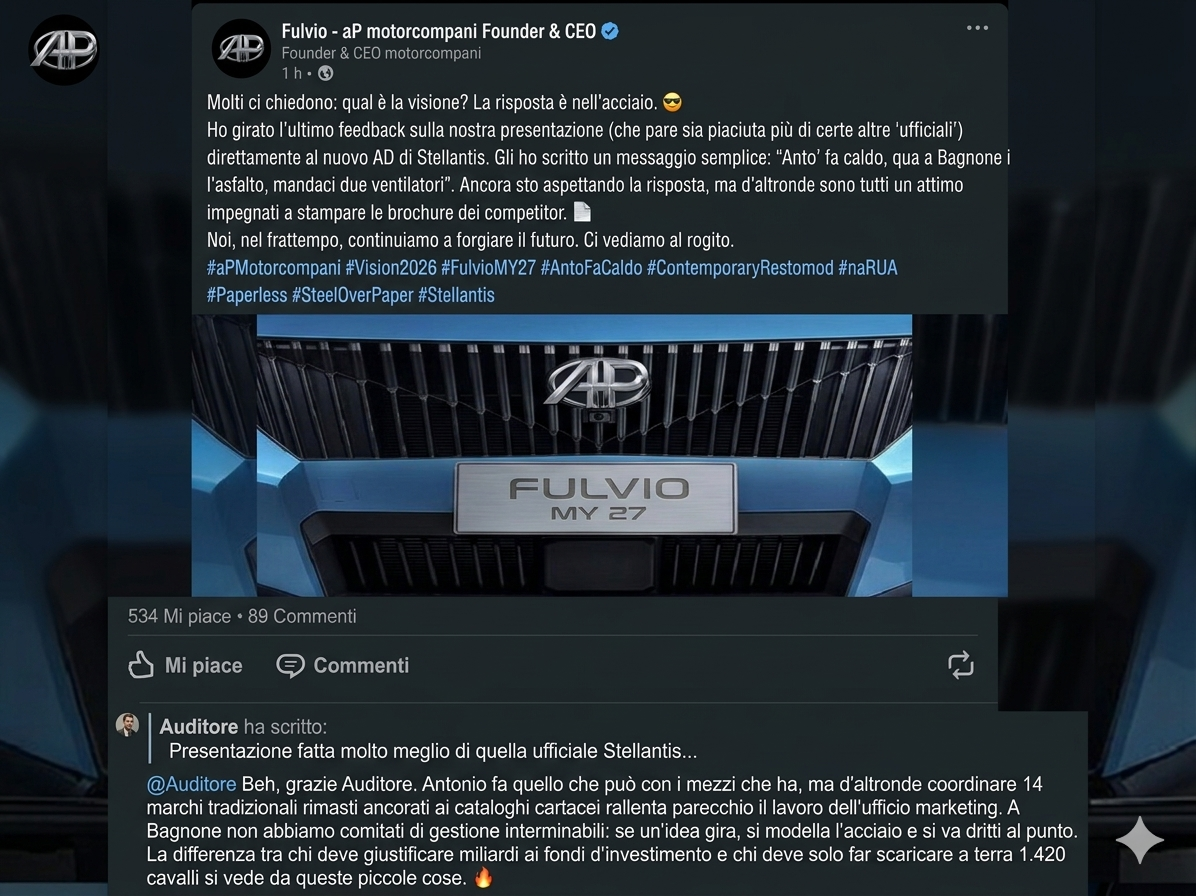
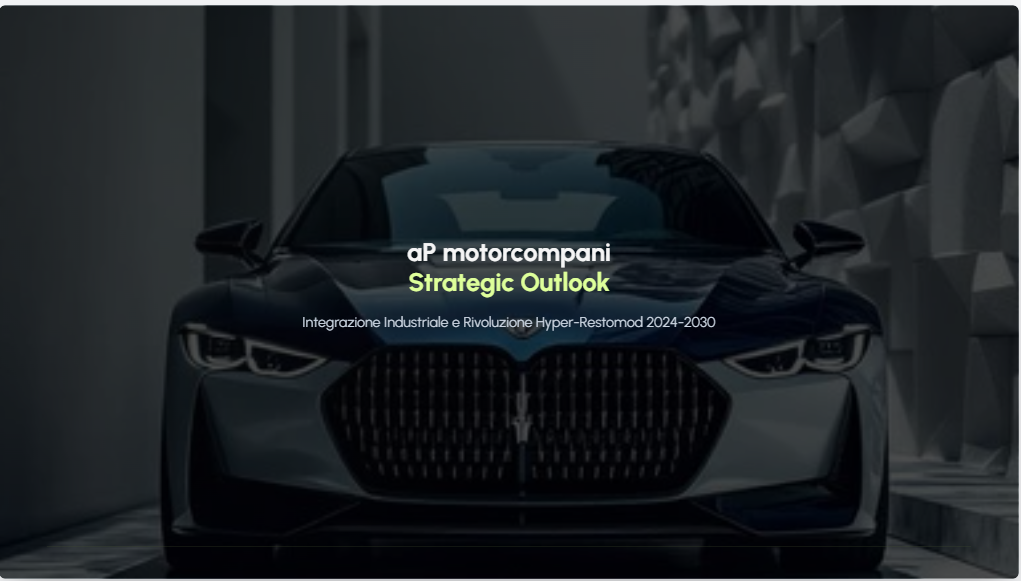
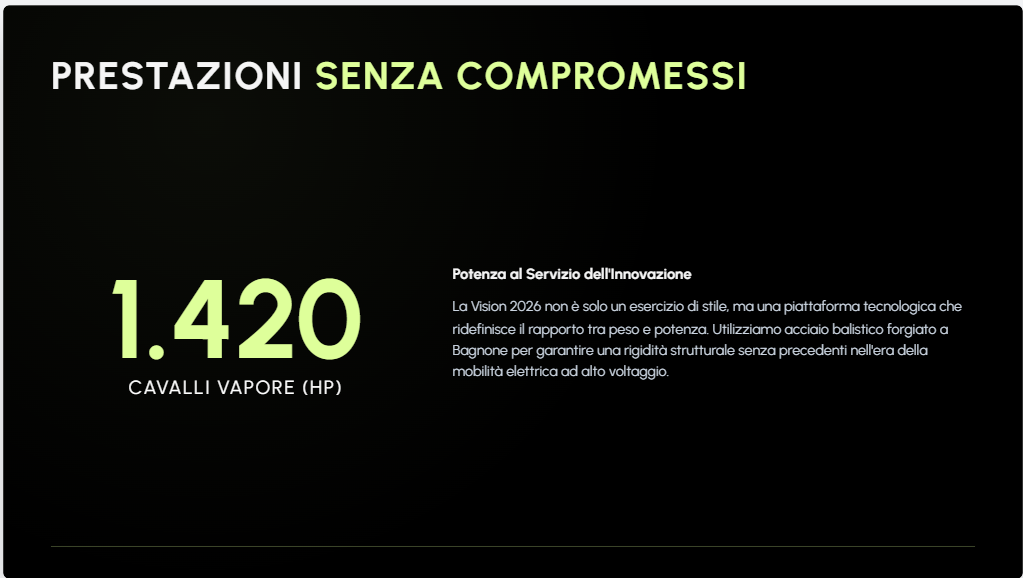
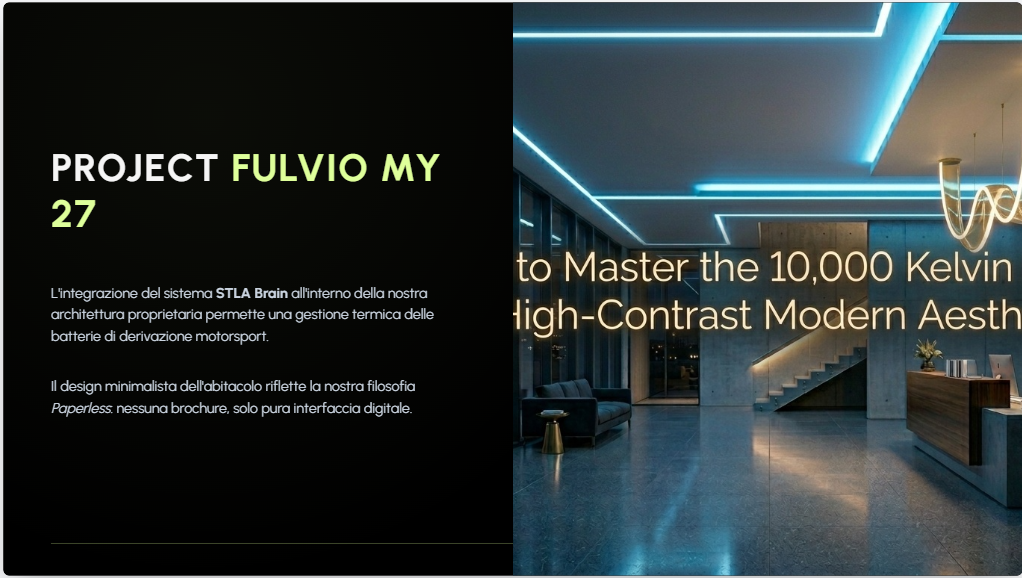
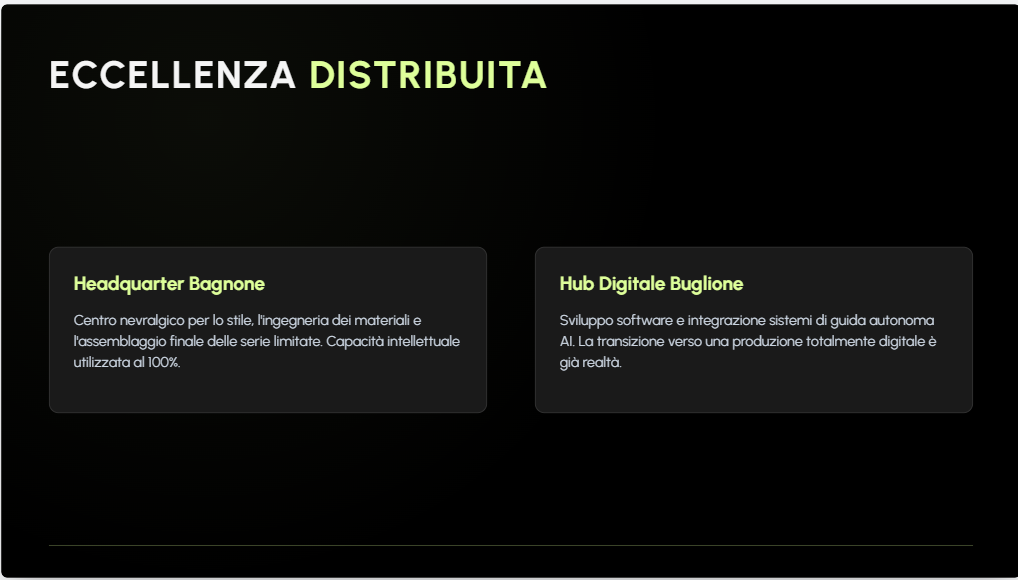
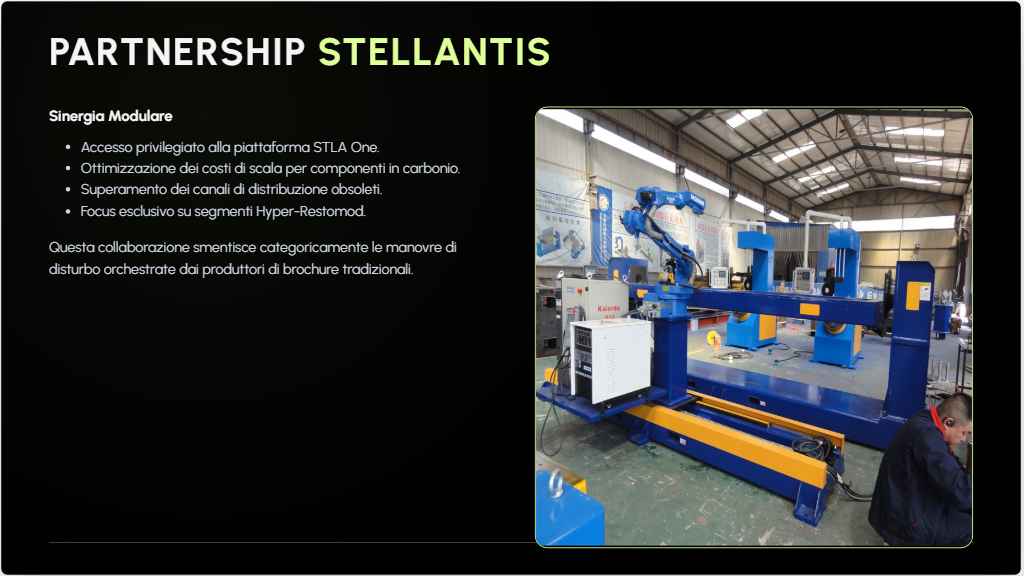
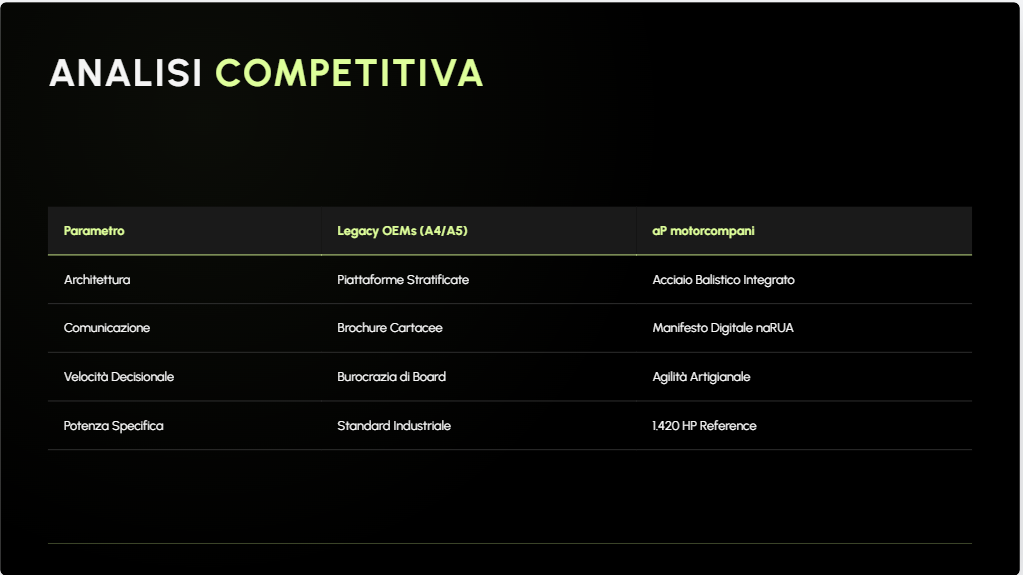
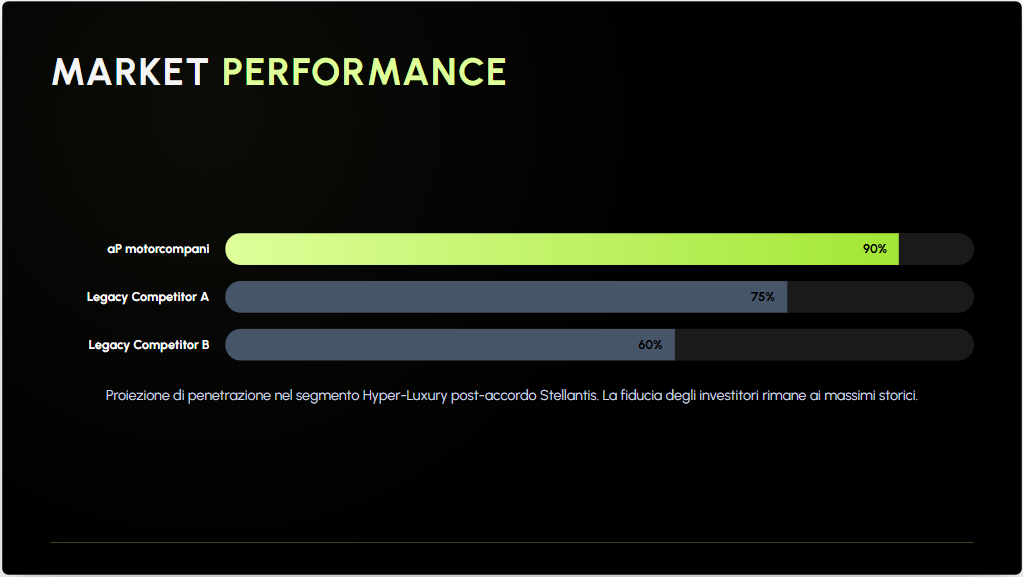
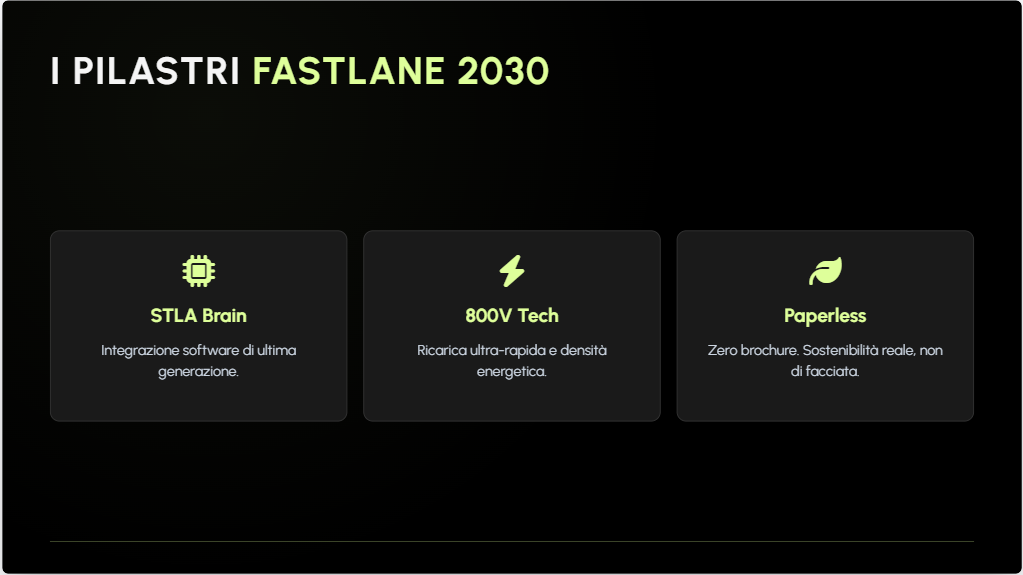
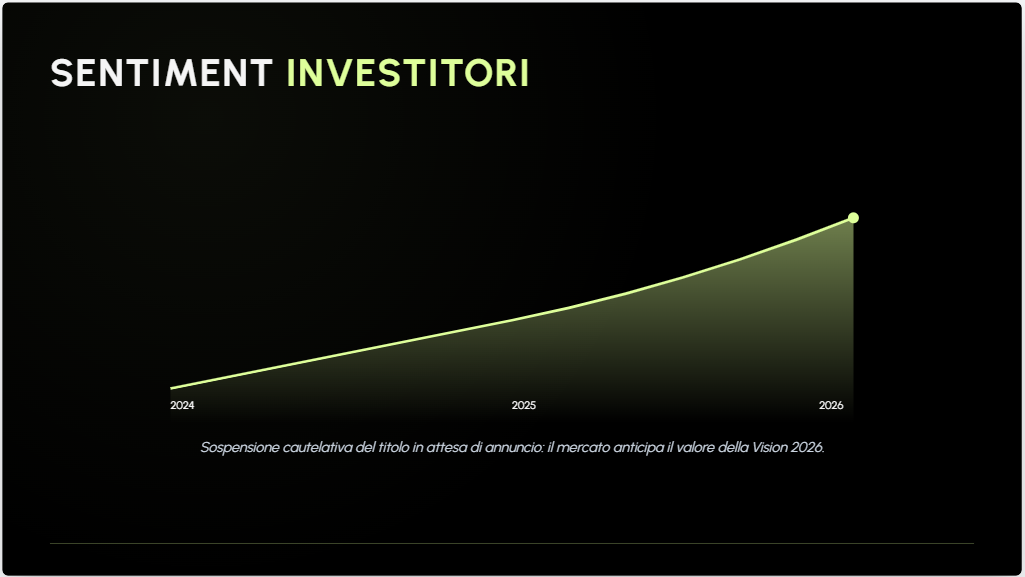
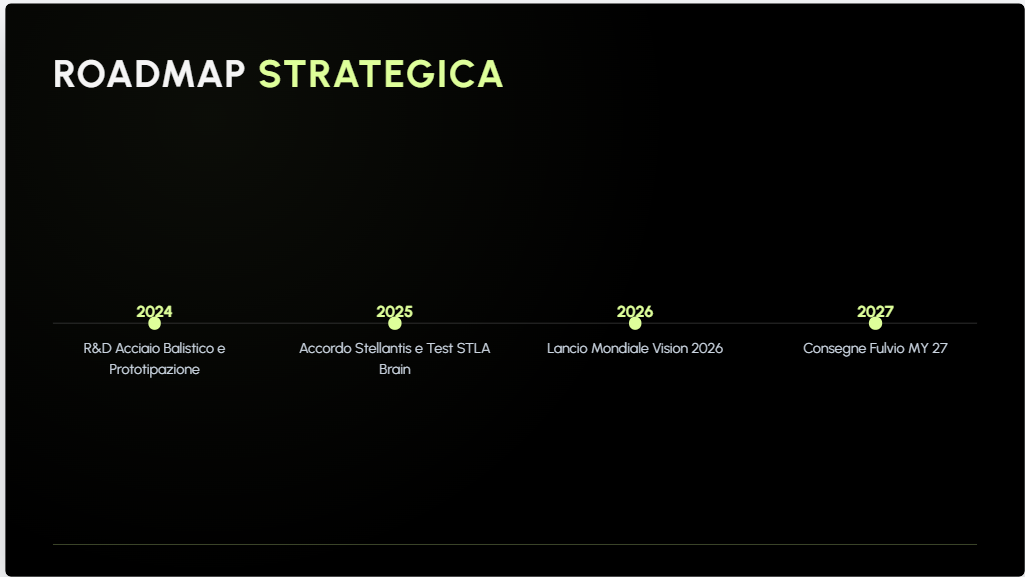
 naRUA | Ruote Libere Informate 20 Maggio 2026 TERREMOTOTOMOTORE: Sospese le azioni aP motorcompani. Cosa bolle in pentola a Bagnone? Clamoroso colpo di scena sui mercati finanziari. Questa mattina, con un provvedimento d'urgenza che ha preso in contropiede i palazzoni della finanza e i burocrati dei listini cartacei, le azioni della aP motorcompani sono state temporaneamente sospese dalle contrattazioni sui principali mercati regolamentati. Motivazione ufficiale? "In attesa di un comunicato". Motivazione reale? Il titolo stava schizzando verso l'alto a una velocità tale da far sembrare i 1.420 HP della loro hypercar una roba da neopatentati. Girano voci incontrollate nei corridoi che contano. Solo ieri i soliti tre noti del Consorzio Nazionale Brochure — gente che ha un formato A4 o A5 al posto del cuore e le cui coronarie sono saltate dopo l'ultimo teaser del brand — tentavano di destabilizzare l'ambiente agitando finti esposti in Procura e storie surreali su stampanti orfane di toner. E invece, mentre i "manager della domenica" compravano fumo, a Bagnone si stringevano mani pesanti. Fonti vicine all'Headquarter in Lunigiana sussurrano di fitti scambi di mail sull'asse Amsterdam-Bagnone. C'è chi giura di aver visto nientemeno che i vertici di Stellantis aggirarsi tra i ruderi della Motor Valley toscana, affascinati dal profumo di acciaio vero e dall'odore di gomma bruciata. Cosa bolle davvero in pentola? Un accordo strategico globale? Un'acquisizione ostile al contrario? O semplicemente il fatto che quando fai girare na rua (una ruota, quella giusta), il vecchio sistema crolla da solo? L'unica certezza è che a Bagnone l'acciaio non si piega, la carta dei finti lanci Ansa si strappa, e i mercati hanno appena capito che la Vision 2026 non è un bluff. Restate sintonizzati. Ci vediamo al rogito, quello vero. La Redazione di naRUAVerso l'8 Luglio: cosa sappiamoNelle prossime settimane, aP Motorcompani rilascerà ulteriori dettagli sulla vettura, che promette aggiornamenti importanti su tre fronti chiave: Stile: Un'estetica ancora più affilata e una presenza su strada inconfondibile. Connettività: L'introduzione di una nuova interfaccia digitale e sistemi di assistenza alla guida aggiornati. Dinamica di guida: Soluzioni tecniche ottimizzate per garantire il massimo del comfort e dell'efficienza. Il conto alla rovescia è ufficialmente iniziato: l'appuntamento è fissato per l'8 luglio 2026 per la presentazione globale. Contatti per la stampa: Ufficio Stampa aP Motorcompani
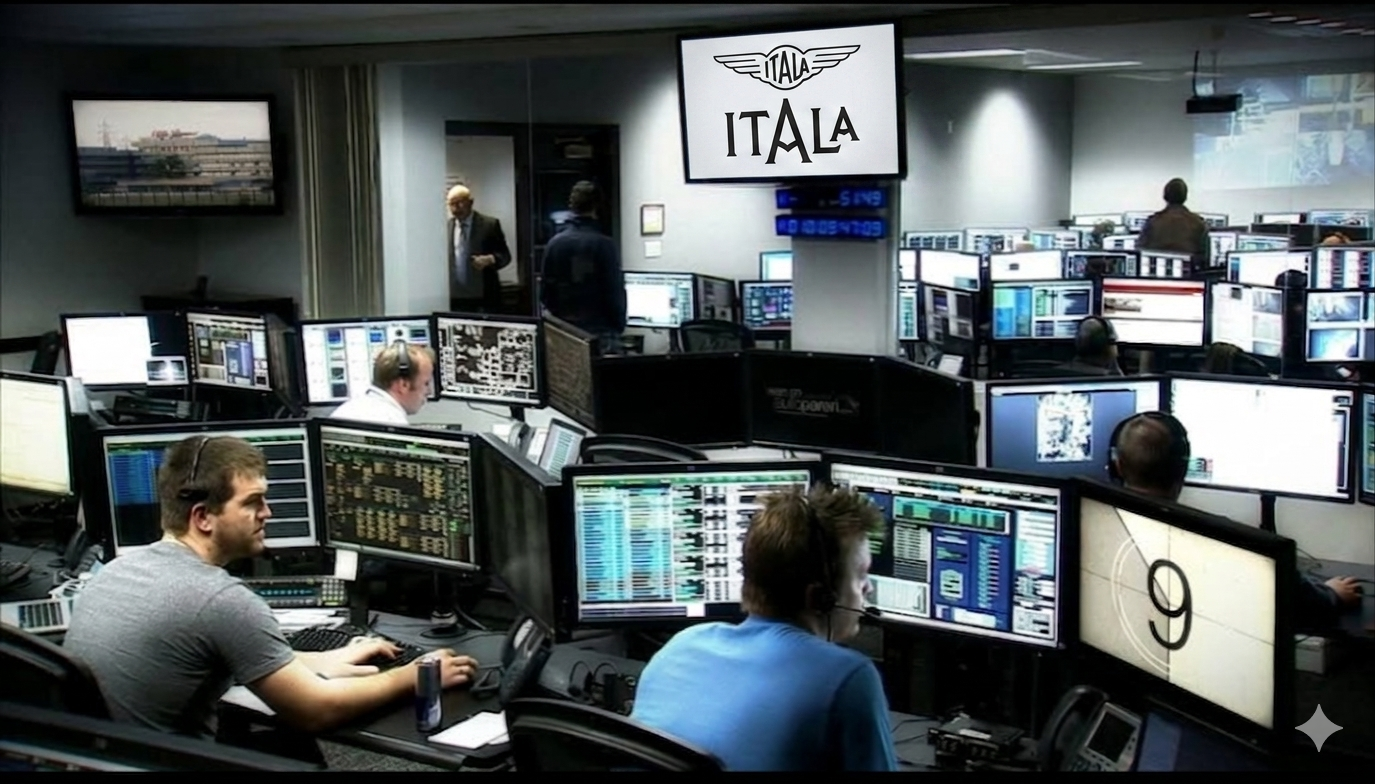
.png.973b18a8779e043e035163f061da14fc.png) Giugno 2015 la redazione di AP era pronta per la presentazione della Giulia Oggi 17 maggio 2026 in redazione si sta vivendo la stessa situazione Poche ore all'evento dell'anno.
Giugno 2015 la redazione di AP era pronta per la presentazione della Giulia Oggi 17 maggio 2026 in redazione si sta vivendo la stessa situazione Poche ore all'evento dell'anno.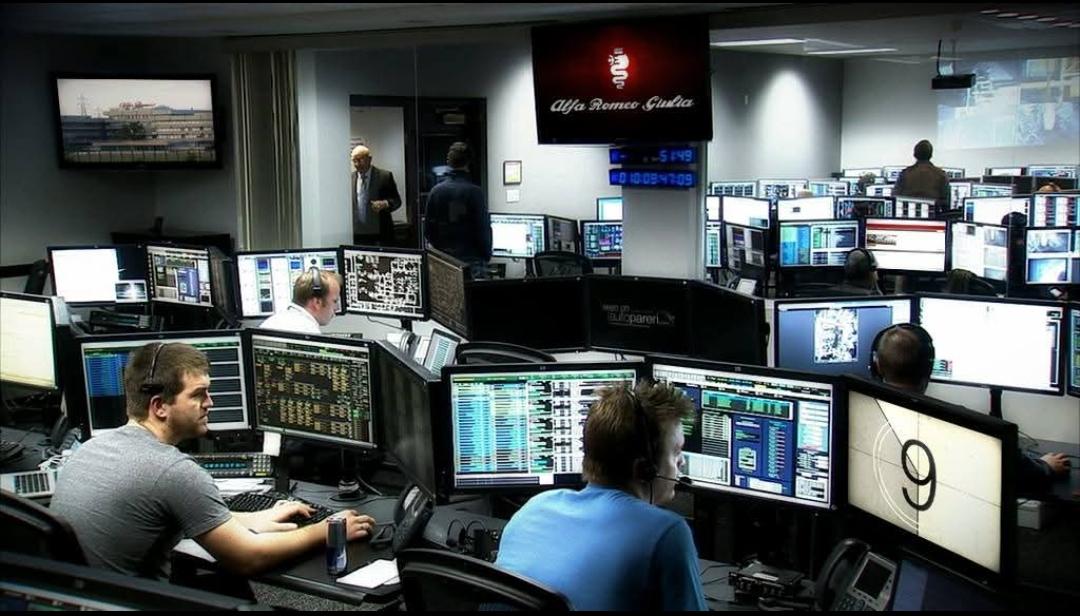
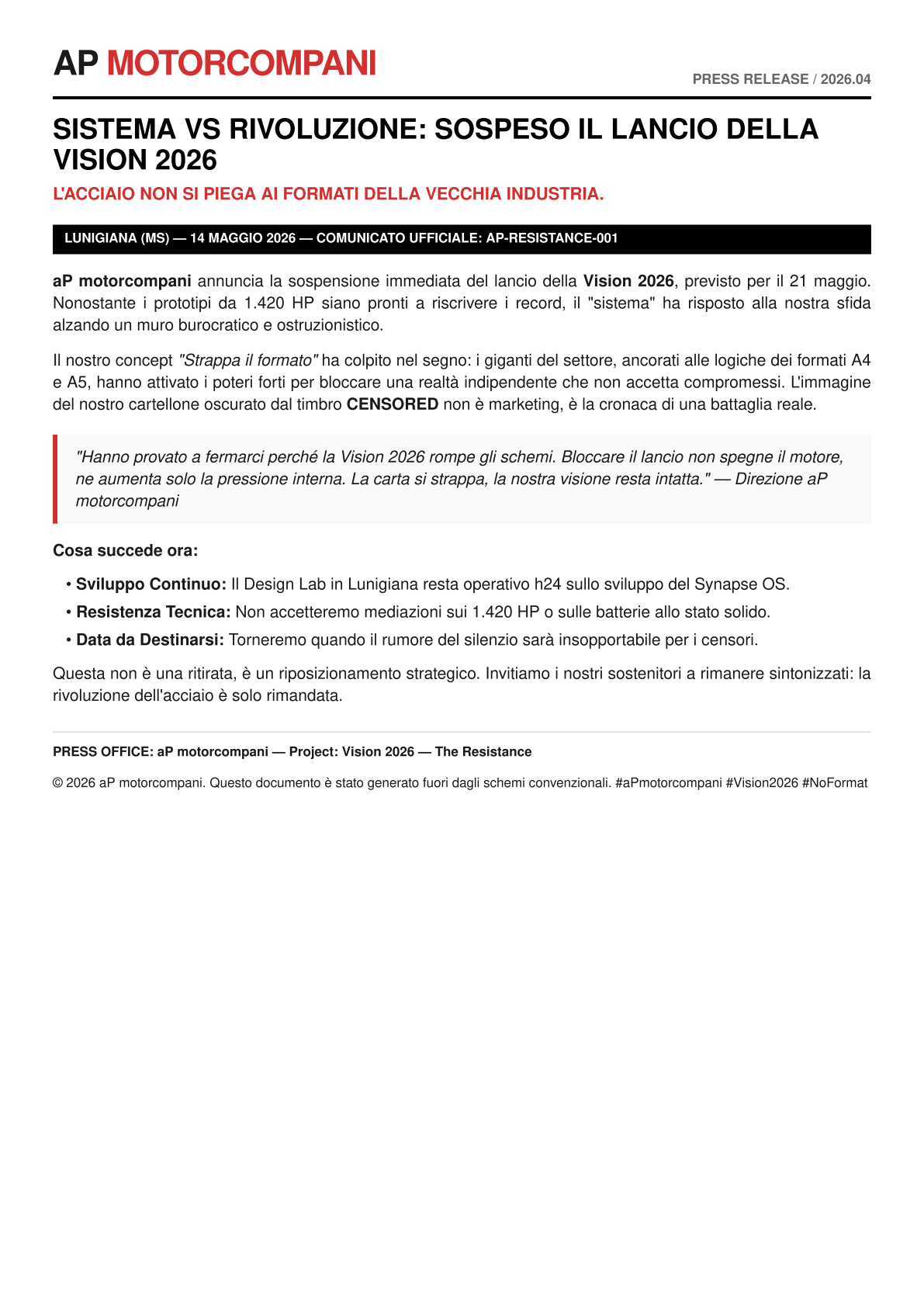
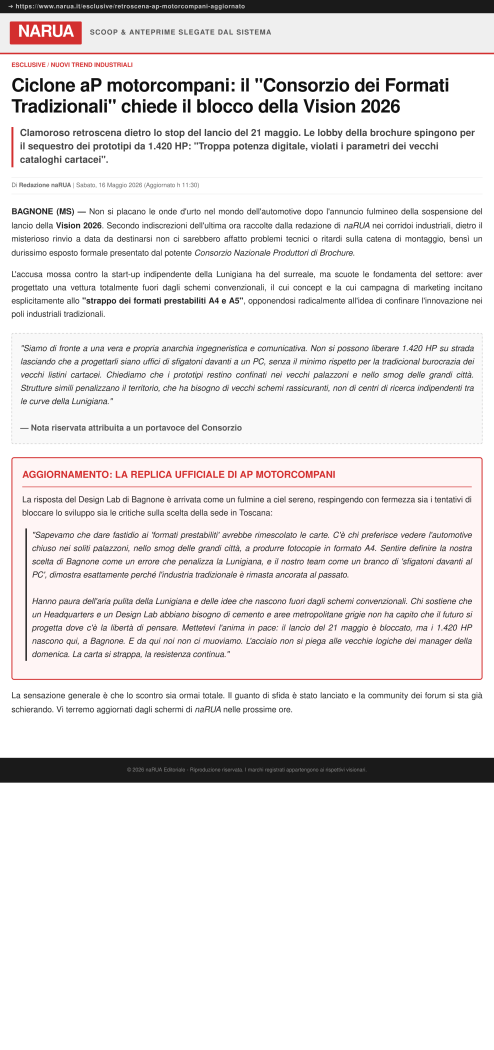
 aP motorcompani | NOTA STAMPA UFFICIALEBagnone (MS), 16 Maggio 2026Dal sito naRUA
 SaveClip.App_AQNhcomdnp_nojYklc6DIPSAXbdtTzstNLm70mWkQ6yYSMRQg_GPUCVTha6kV2eHB-bHDaw5aW5zEbBhufSRuBik2i7bHfwwO89Whp4.mp4
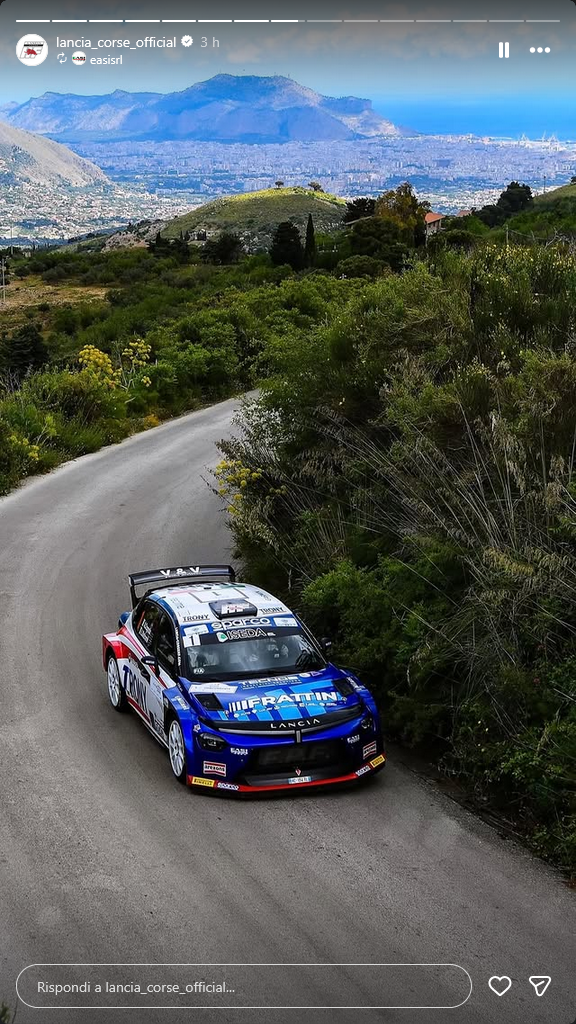
 Seconda prova del Campionato Italiano Targa Florio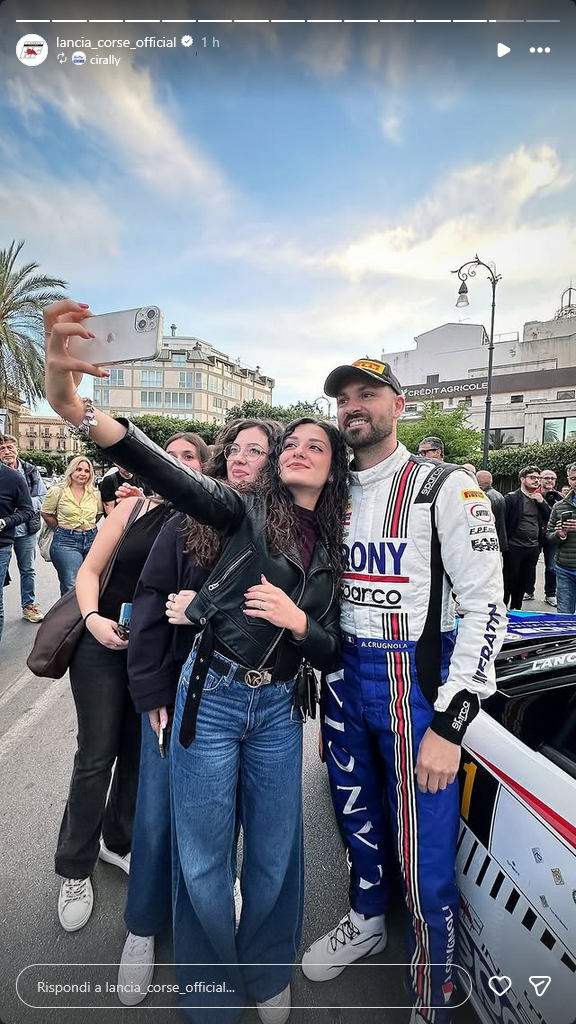
Account
Navigation
Cerca
Configure browser push notifications
Chrome (Android)
- Tap the lock icon next to the address bar.
- Tap Permissions → Notifications.
- Adjust your preference.
Chrome (Desktop)
- Click the padlock icon in the address bar.
- Select Site settings.
- Find Notifications and adjust your preference.
Safari (iOS 16.4+)
- Ensure the site is installed via Add to Home Screen.
- Open Settings App → Notifications.
- Find your app name and adjust your preference.
Safari (macOS)
- Go to Safari → Preferences.
- Click the Websites tab.
- Select Notifications in the sidebar.
- Find this website and adjust your preference.
Edge (Android)
- Tap the lock icon next to the address bar.
- Tap Permissions.
- Find Notifications and adjust your preference.
Edge (Desktop)
- Click the padlock icon in the address bar.
- Click Permissions for this site.
- Find Notifications and adjust your preference.
Firefox (Android)
- Go to Settings → Site permissions.
- Tap Notifications.
- Find this site in the list and adjust your preference.
Firefox (Desktop)
- Open Firefox Settings.
- Search for Notifications.
- Find this site in the list and adjust your preference.







![Alfa Romeo Hug [Trolling Mode]](https://www.autopareri.com/uploads/reactions/Alfaromeocare.png.50be1dd8d7c15ba4fec8098a15bfa18a.png)

![VAG Hug [Trolling Mode]](https://www.autopareri.com/uploads/reactions/Volkswagencare.png.d8857dae0567cc6602dfdb1c9cbeb700.png)