





savio.79
Utente Registrato
-
Iscritto il
-
Ultima visita
Tutti i contenuti di savio.79
-
-
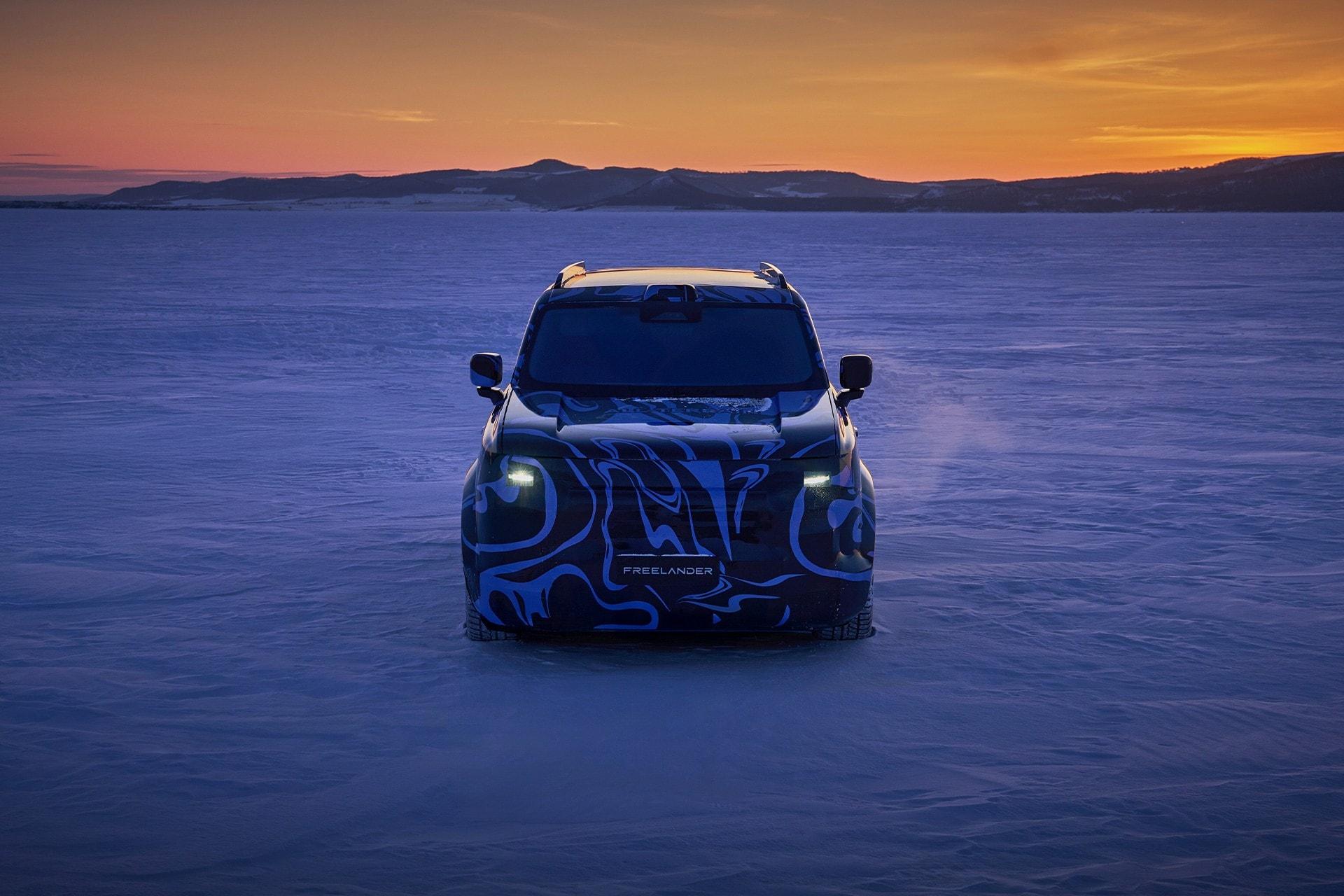
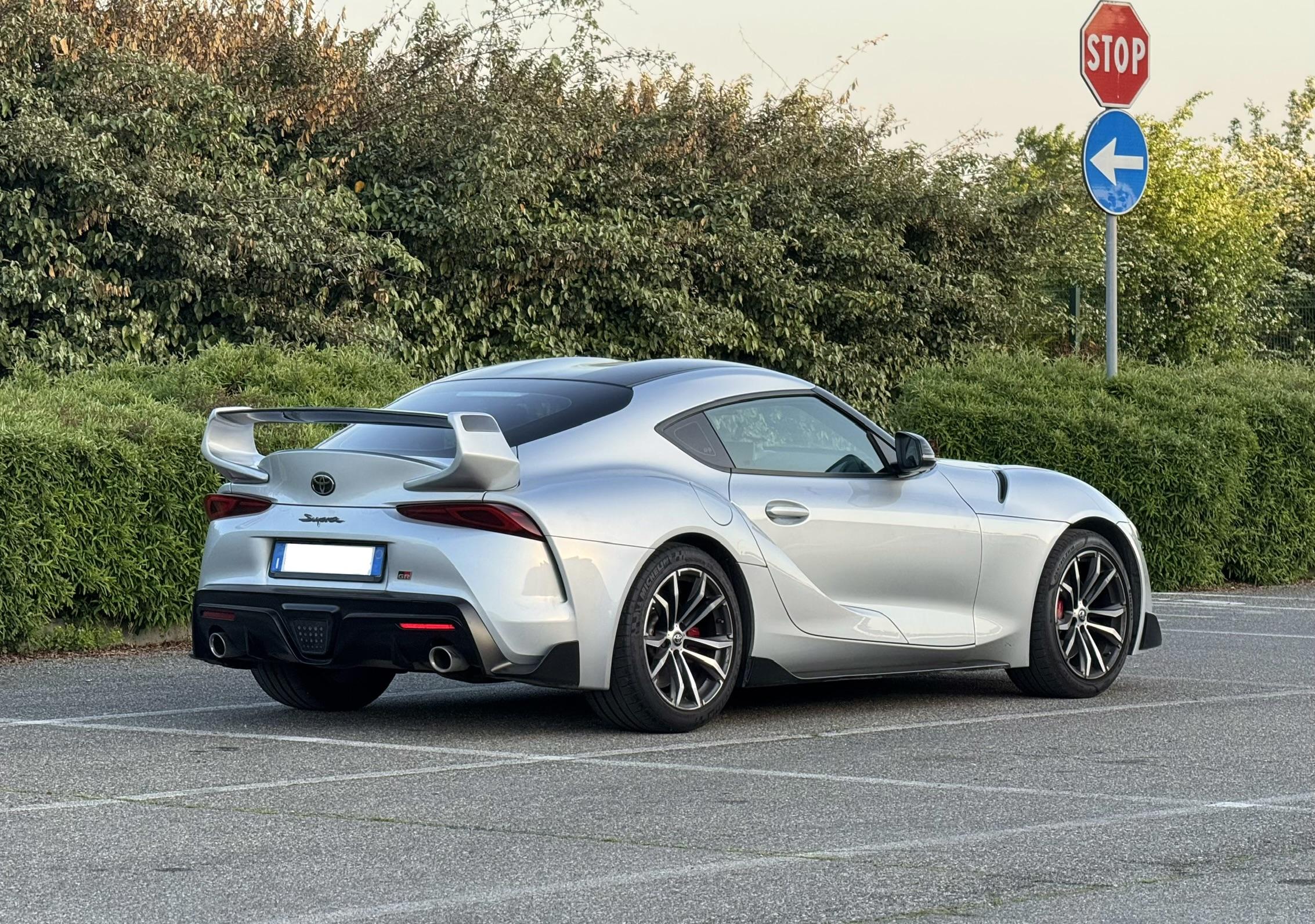
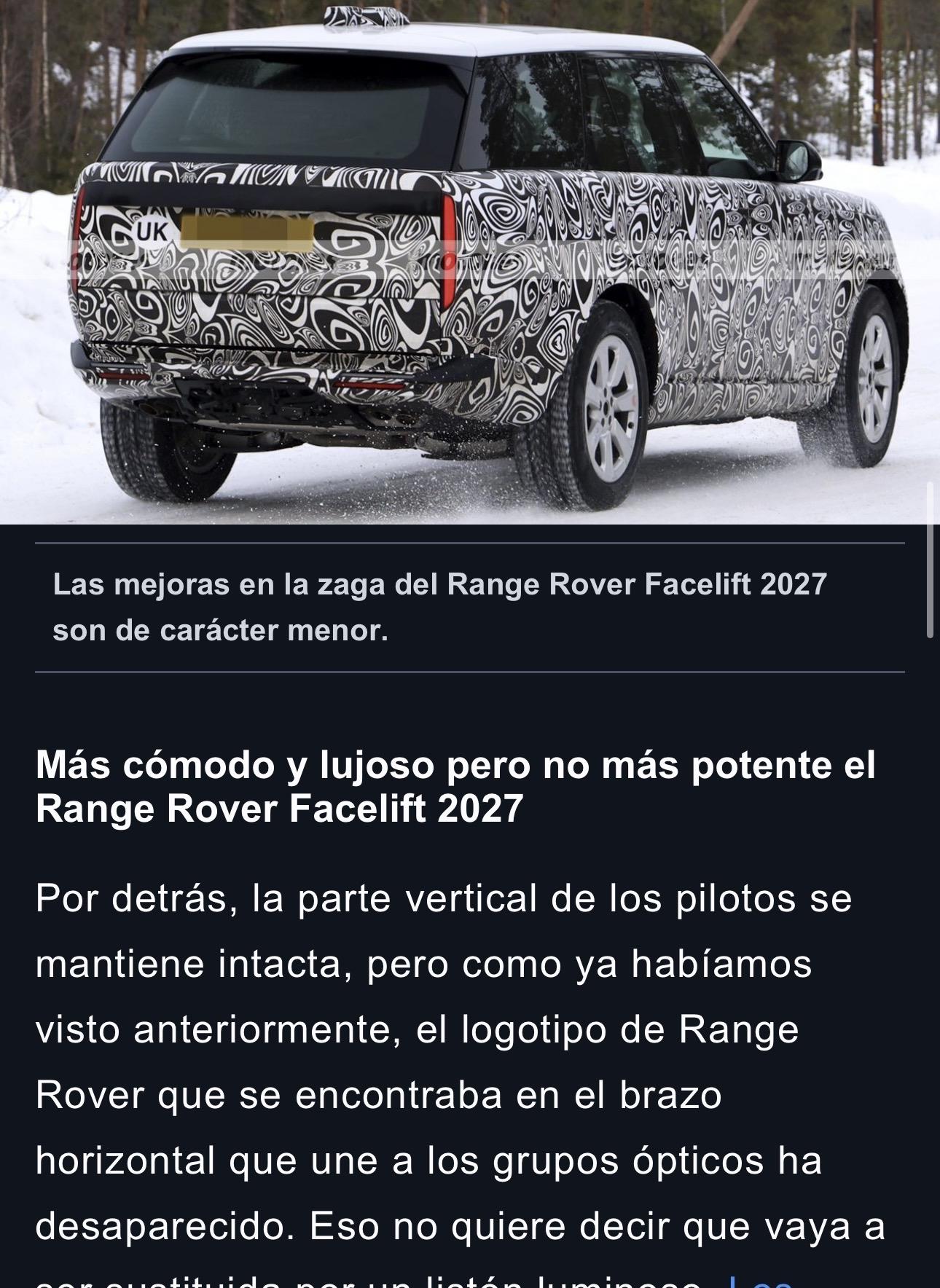
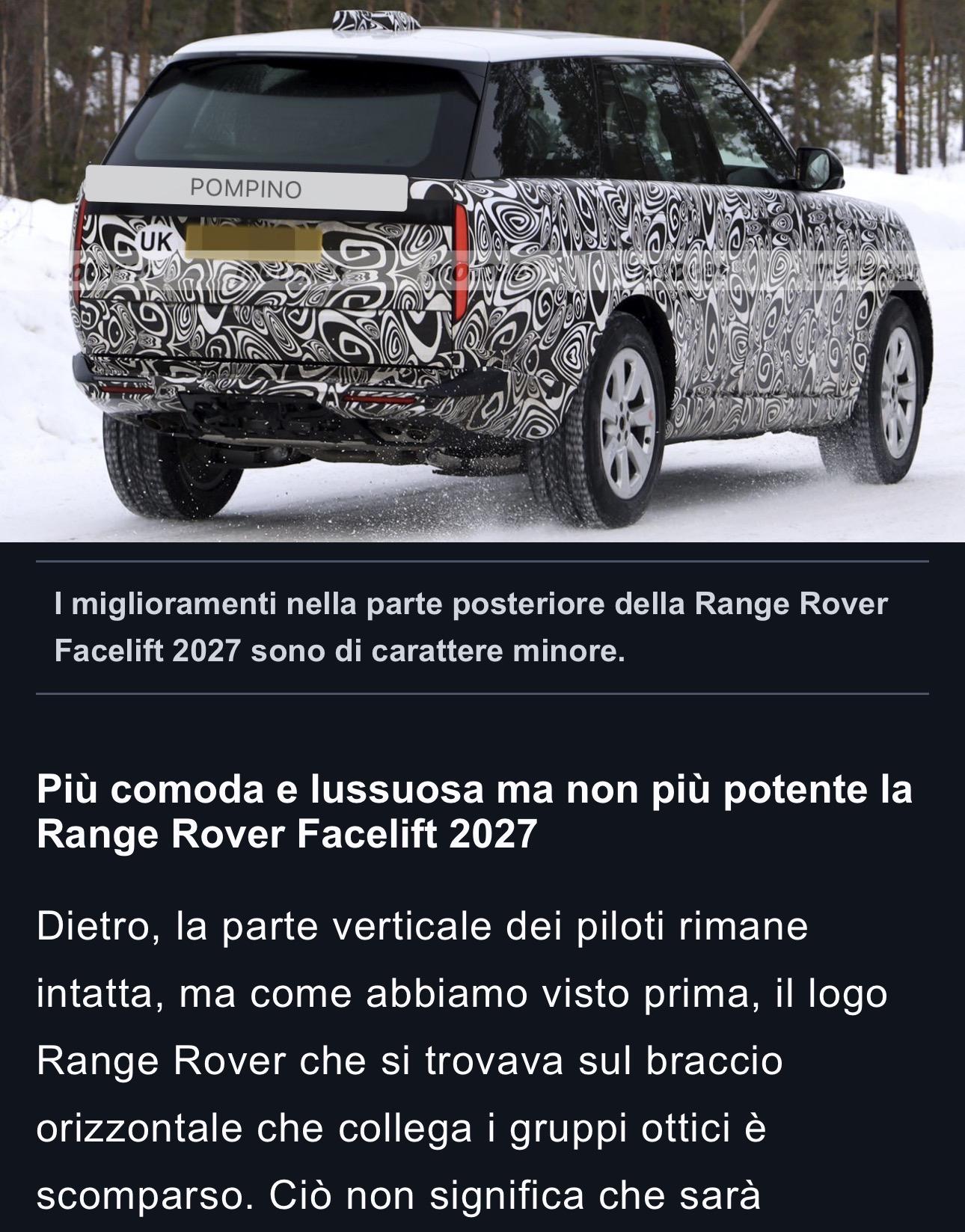
Infatti ora segnalo subitoPensavo all’assurdità del fatto che uno possa spendere 10 milioni per questa macchina, per poi condividere spazi, strade e parcheggi con le altre macchine dei comuni mortali. Bleah! Follia! Per quella cifra, come minimo mi devi costruire delle strade apposite… E parcheggi dedicati. Non c’è neanche spazio per un autista! Vuoi vedere che dopo aver speso quella cifra devo pure impazzire a cercare parcheggio in centro? 🤣Ecco spiegato anche l'effetto strano in foto dei fari anteriori (e della fascia nera sottostante) e posteriori: sono pannelli OLED.









Account
Navigation
Cerca
Configure browser push notifications
Chrome (Android)
- Tap the lock icon next to the address bar.
- Tap Permissions → Notifications.
- Adjust your preference.
Chrome (Desktop)
- Click the padlock icon in the address bar.
- Select Site settings.
- Find Notifications and adjust your preference.
Safari (iOS 16.4+)
- Ensure the site is installed via Add to Home Screen.
- Open Settings App → Notifications.
- Find your app name and adjust your preference.
Safari (macOS)
- Go to Safari → Preferences.
- Click the Websites tab.
- Select Notifications in the sidebar.
- Find this website and adjust your preference.
Edge (Android)
- Tap the lock icon next to the address bar.
- Tap Permissions.
- Find Notifications and adjust your preference.
Edge (Desktop)
- Click the padlock icon in the address bar.
- Click Permissions for this site.
- Find Notifications and adjust your preference.
Firefox (Android)
- Go to Settings → Site permissions.
- Tap Notifications.
- Find this site in the list and adjust your preference.
Firefox (Desktop)
- Open Firefox Settings.
- Search for Notifications.
- Find this site in the list and adjust your preference.