





(1)(1).png.9646bf5114d93a5280bda88264436f0b.png)
Osv
Reporter (Staff)
-
Iscritto il
-
Ultima visita
Tutti i contenuti di Osv
-
-
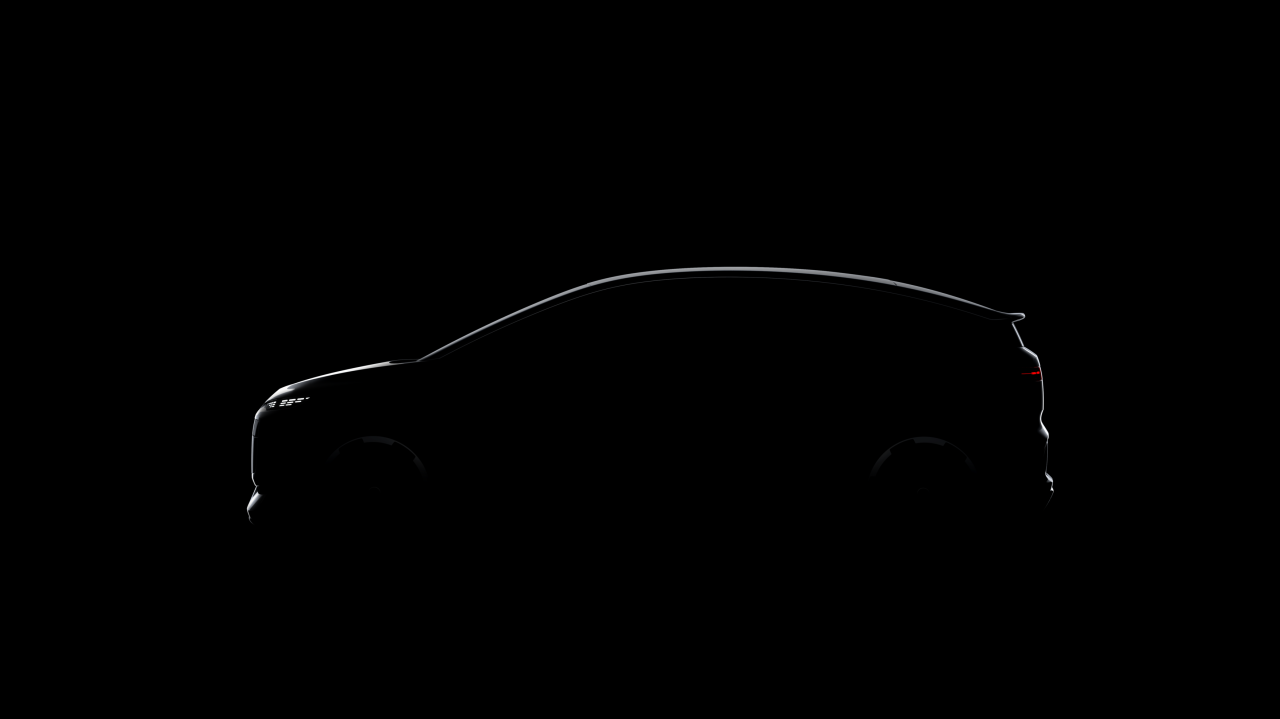
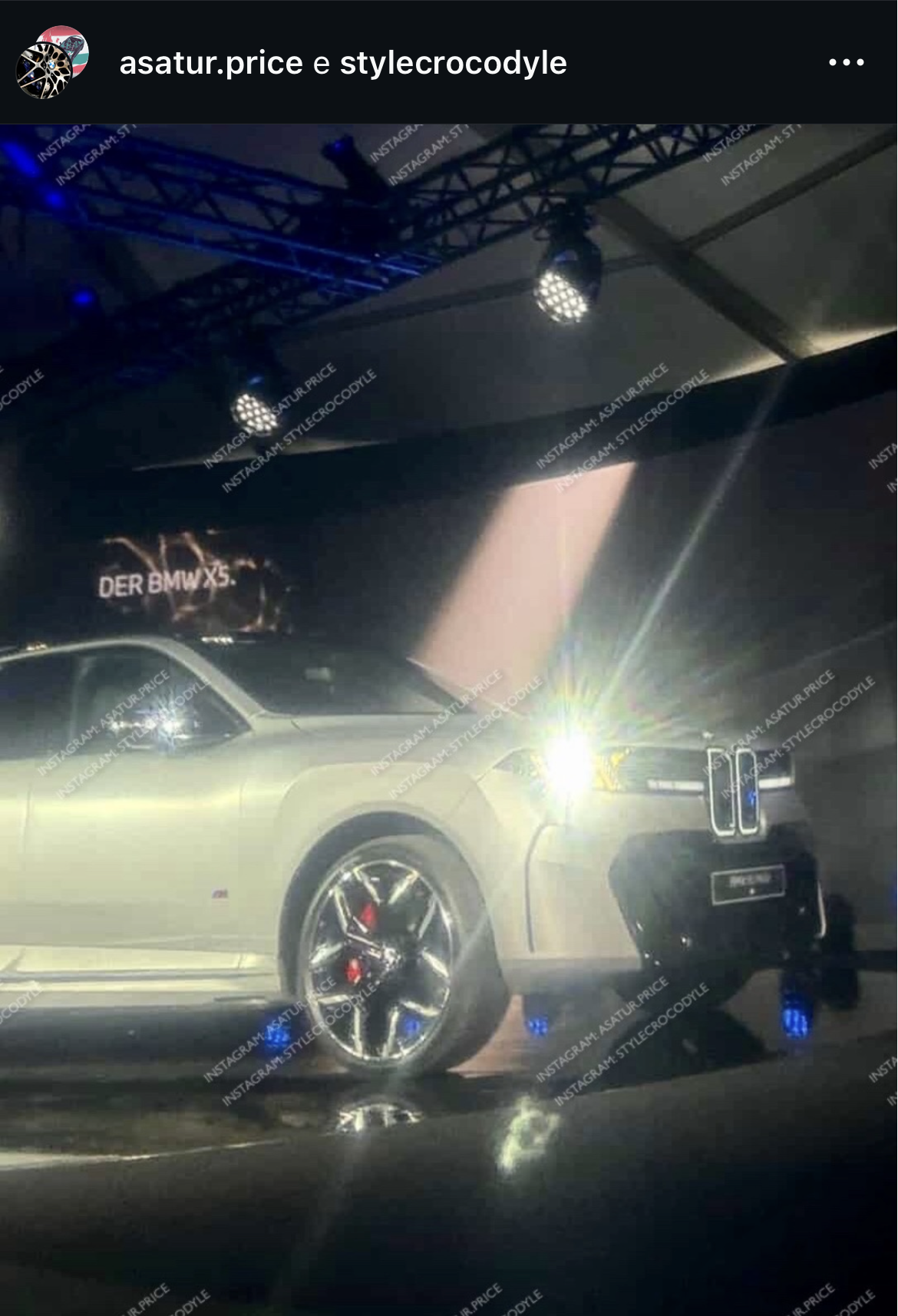
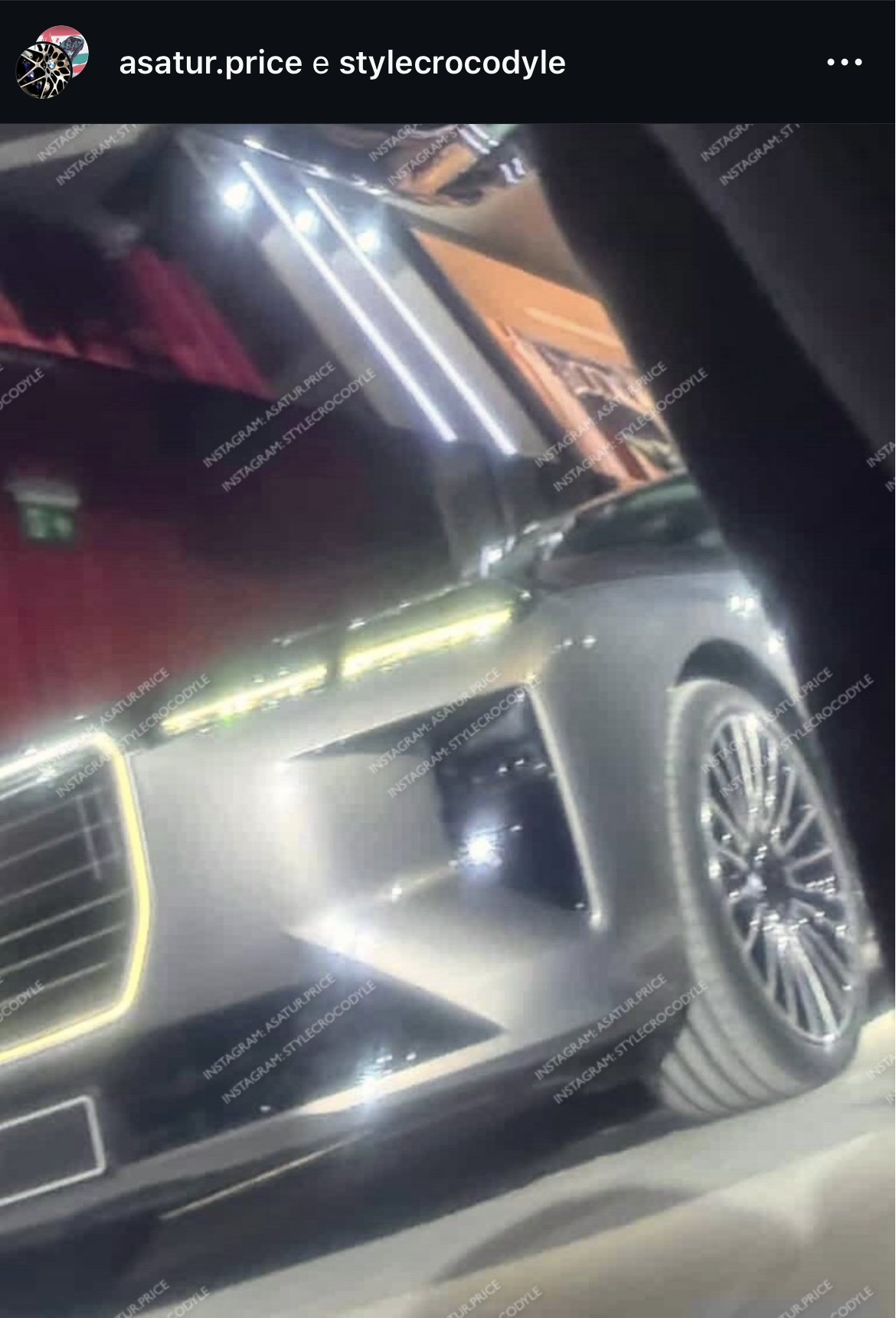
Comunque mi sa che le DRL non saranno così, ma a forma di X...Presentazione in autunno! Comunicato stampa Via Audi.
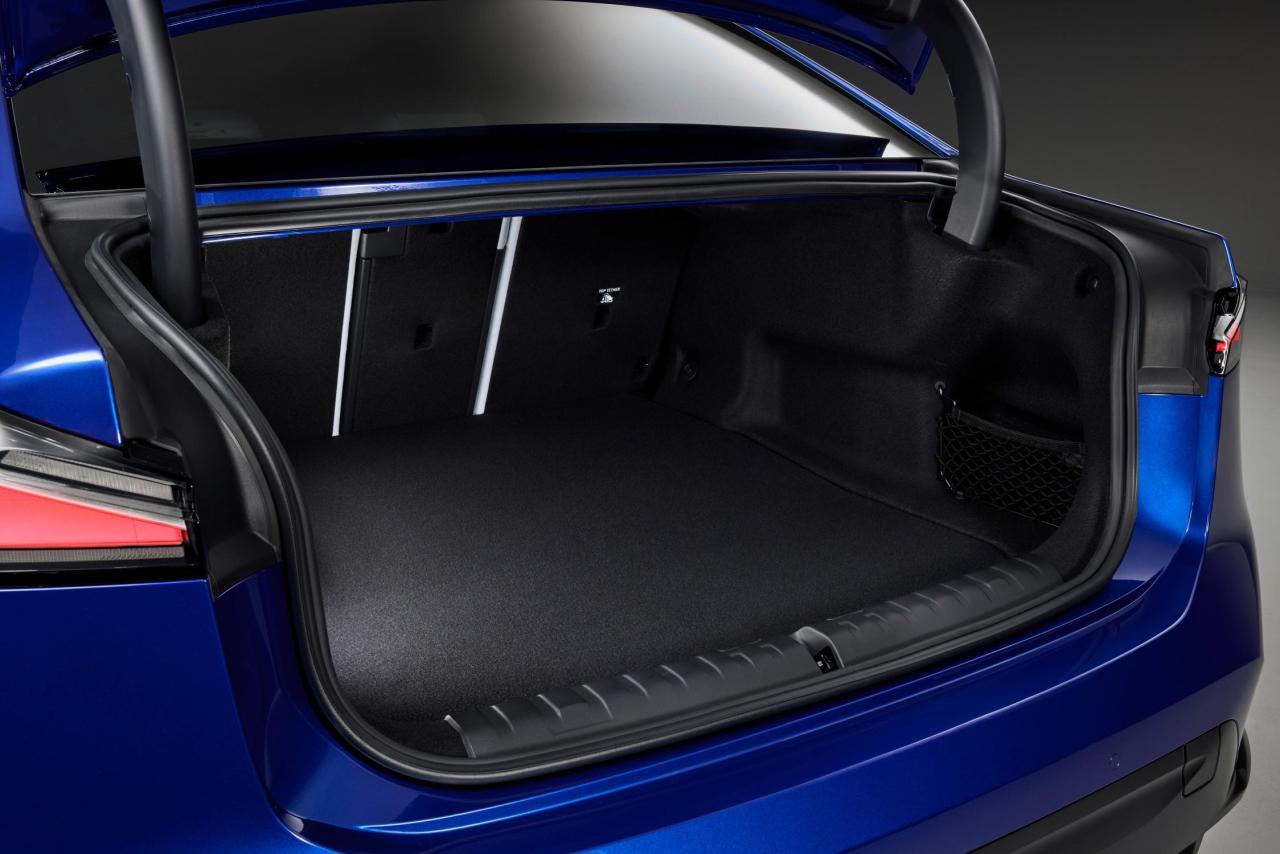
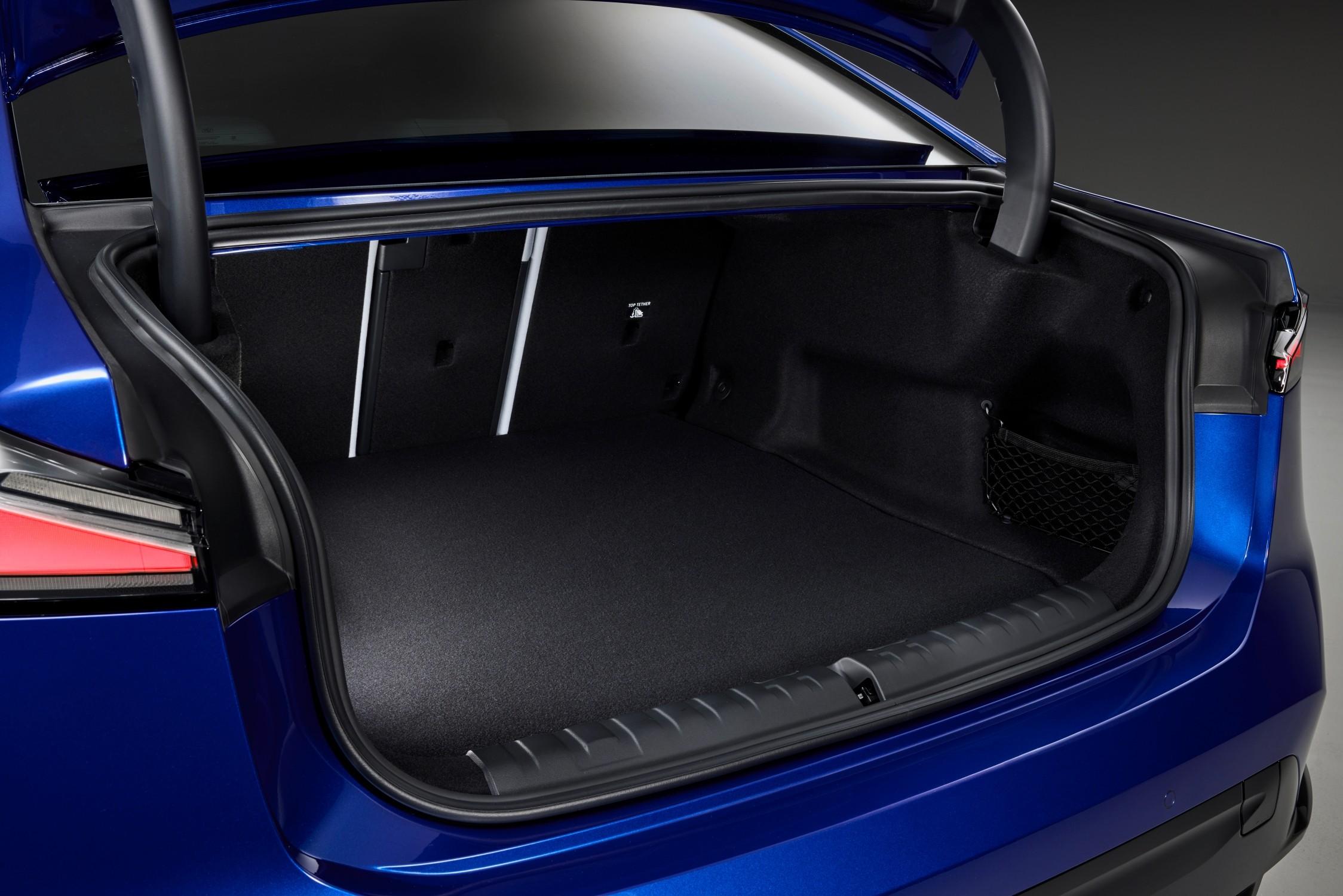
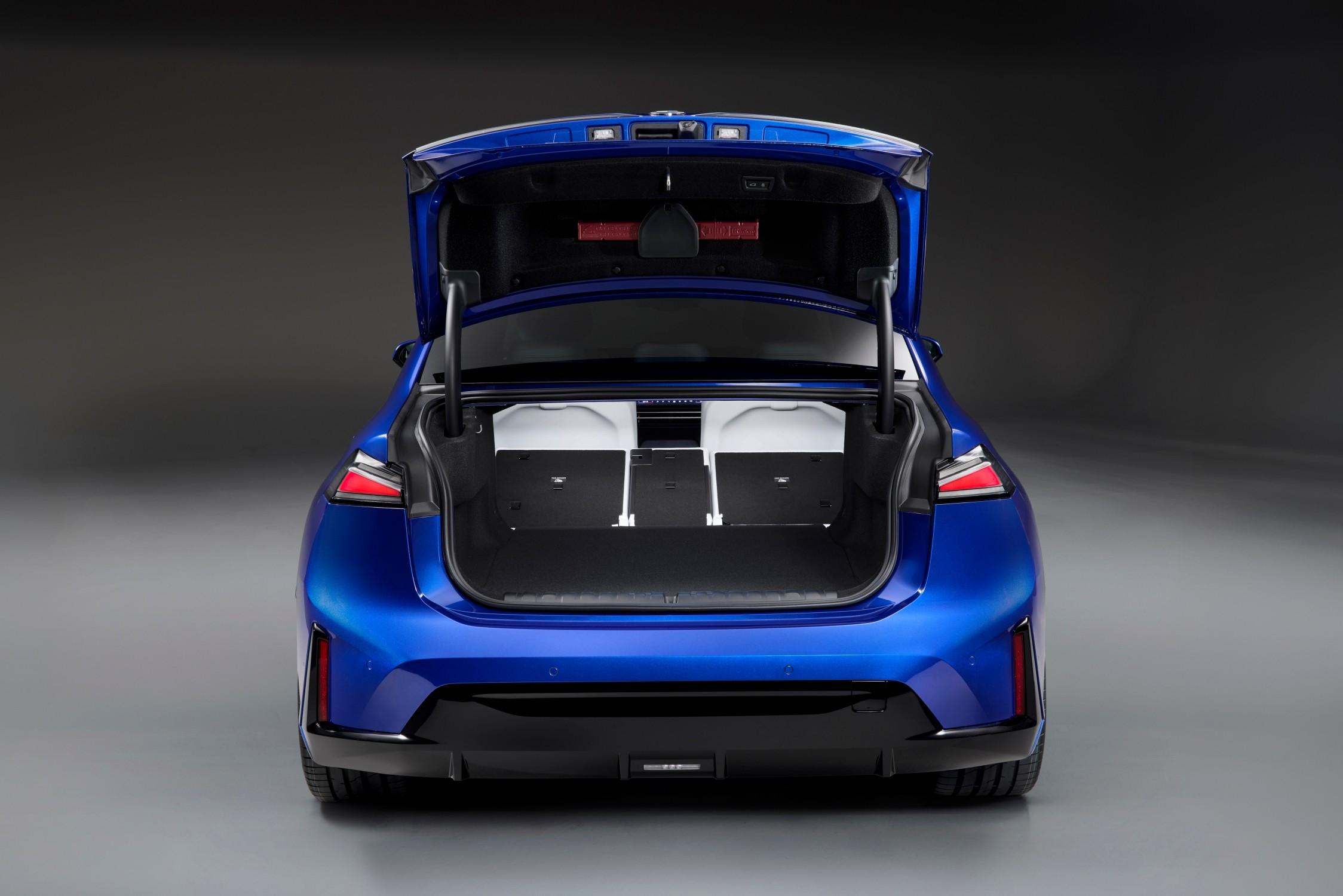
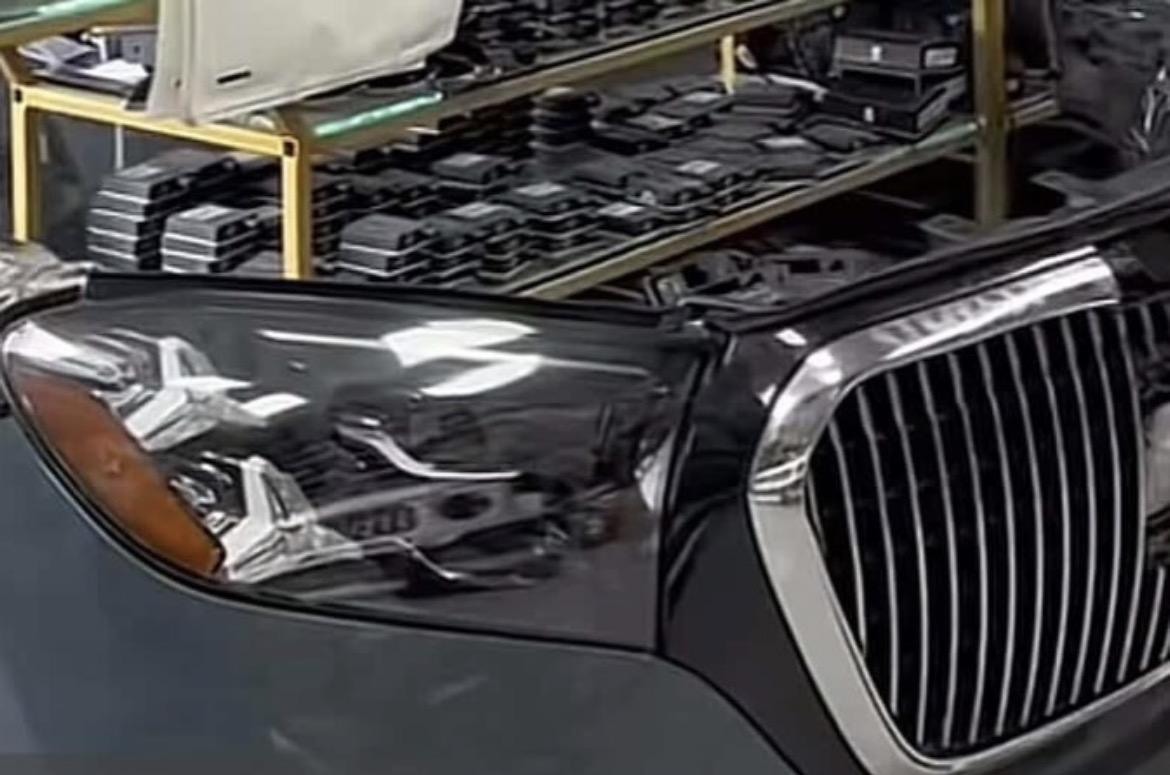
 Col bagagliaio aperto si vede quella che potrebbe essere la linea discendente del lunotto di Gamma...🤣Ed ecco anche il muso…
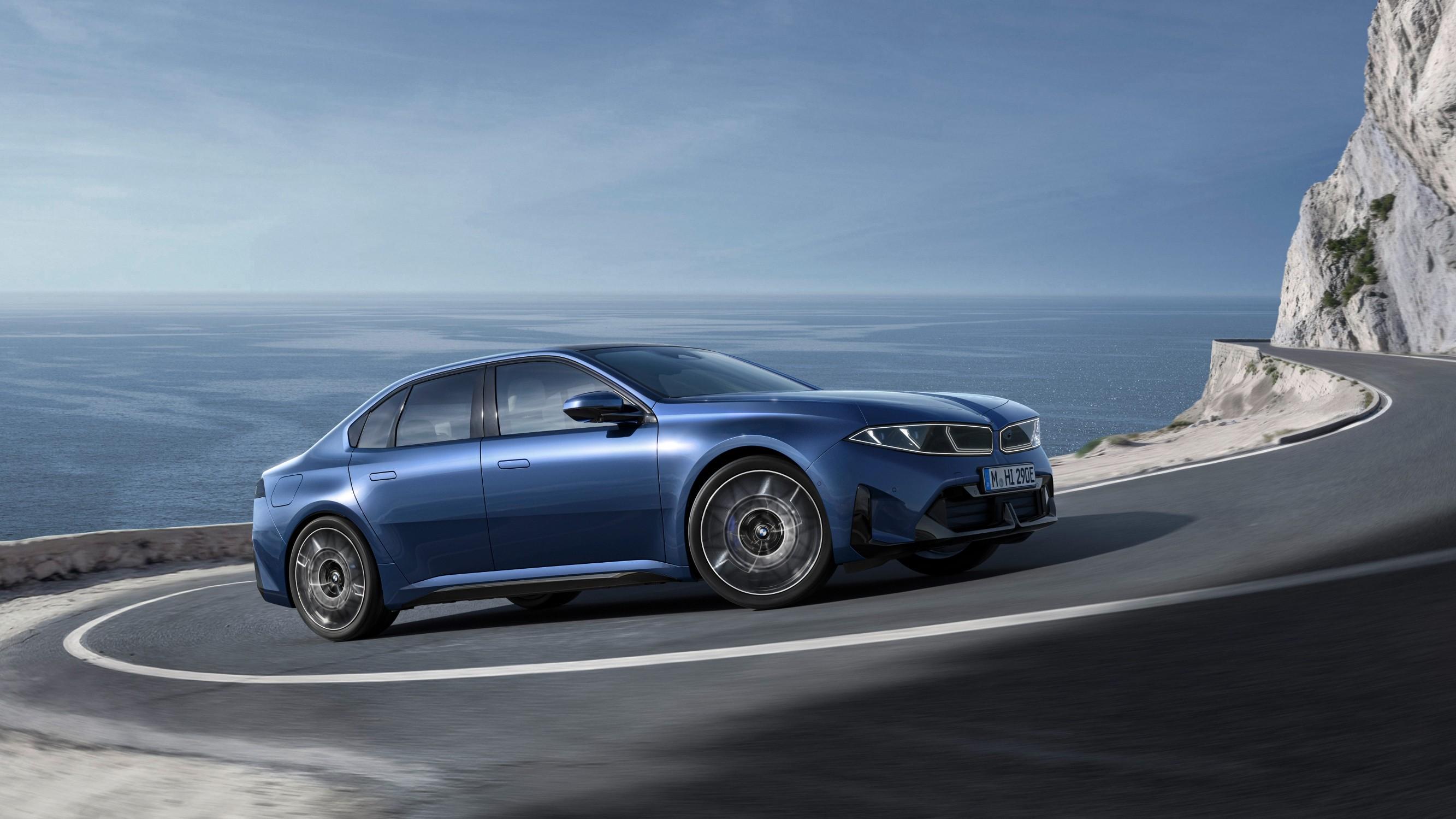
 La Touring NA1 sarà solo BEV. NA0 invece avrà G50 come controparte.Comunicato stampa Via BMW. Topic Spy: BMW i3 2026 - Prj. NA0 (Leak)
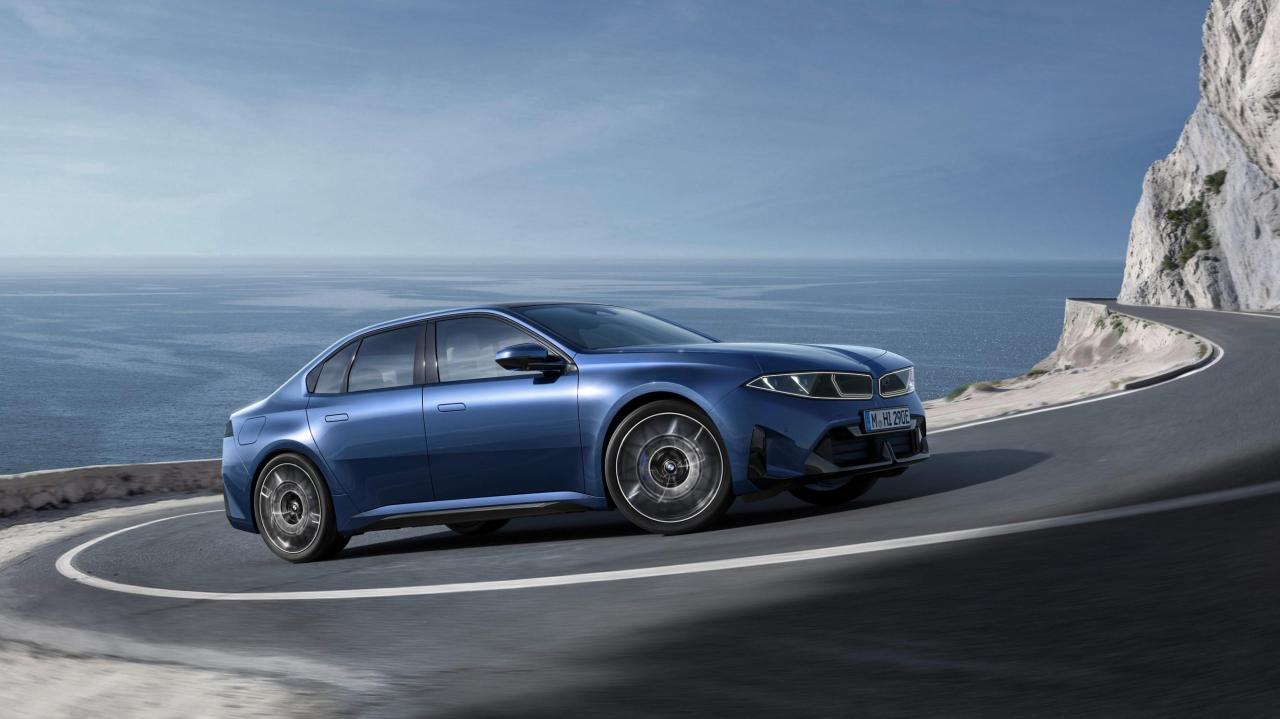
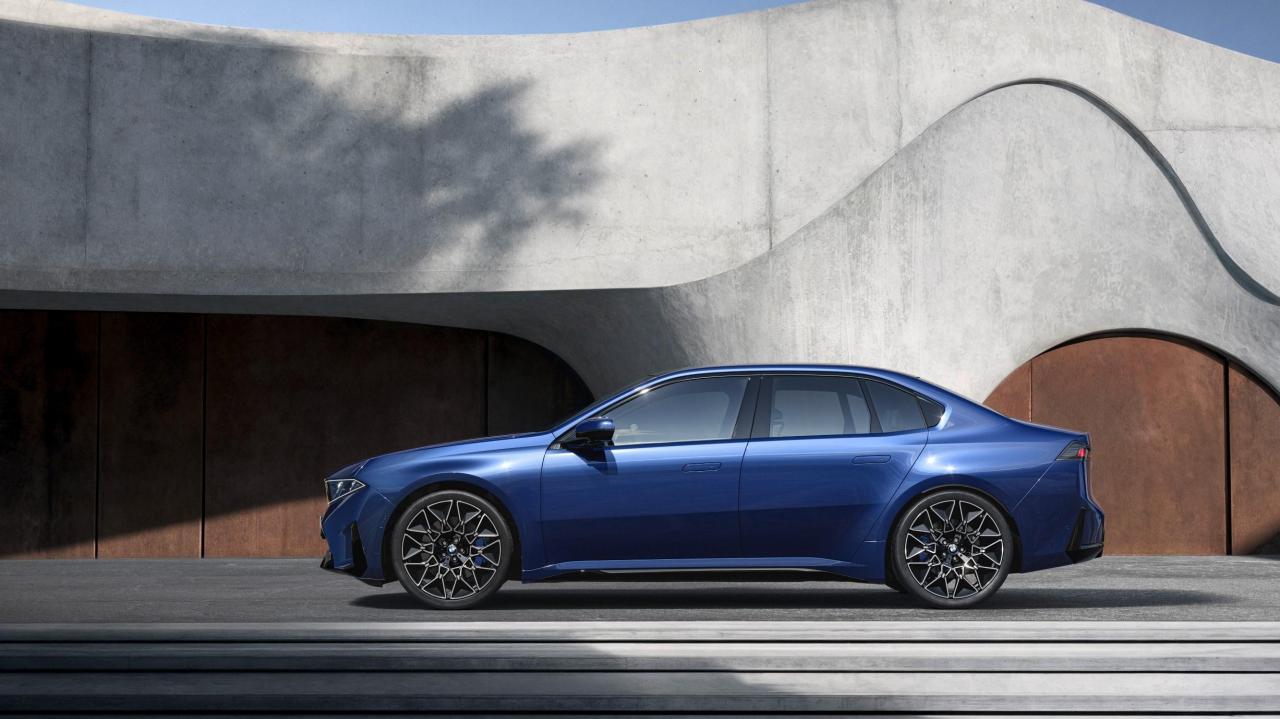


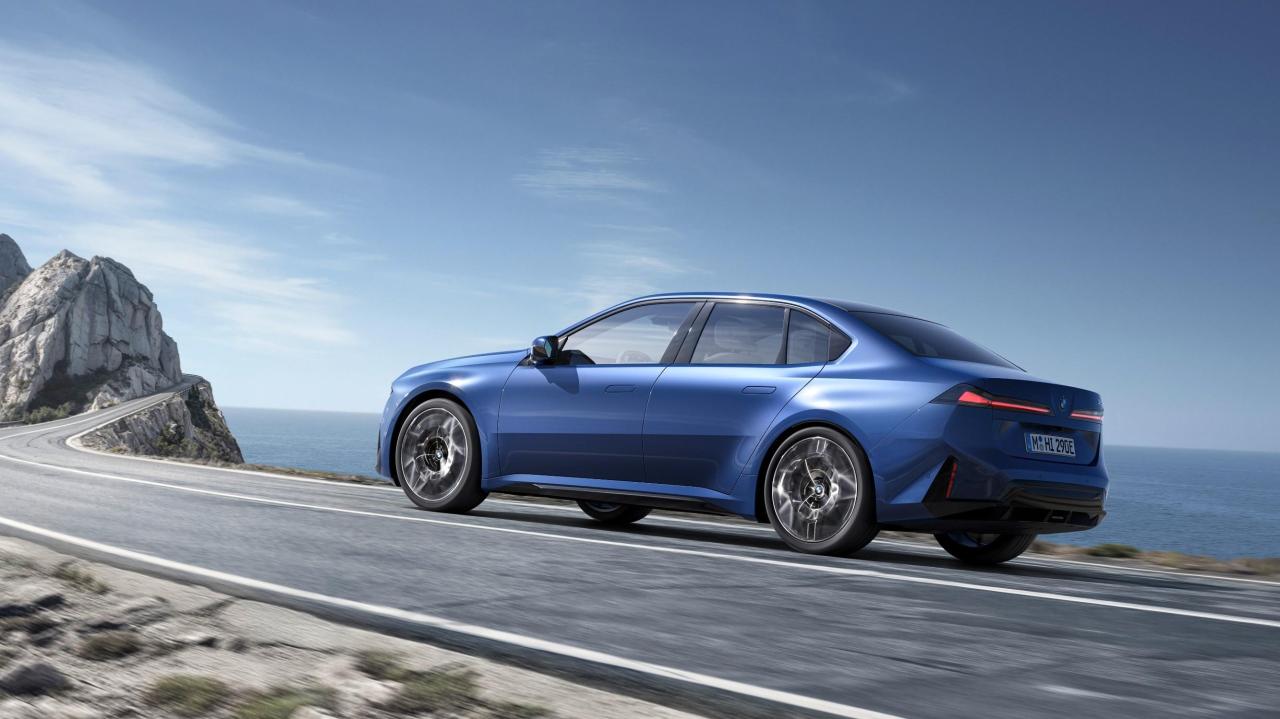
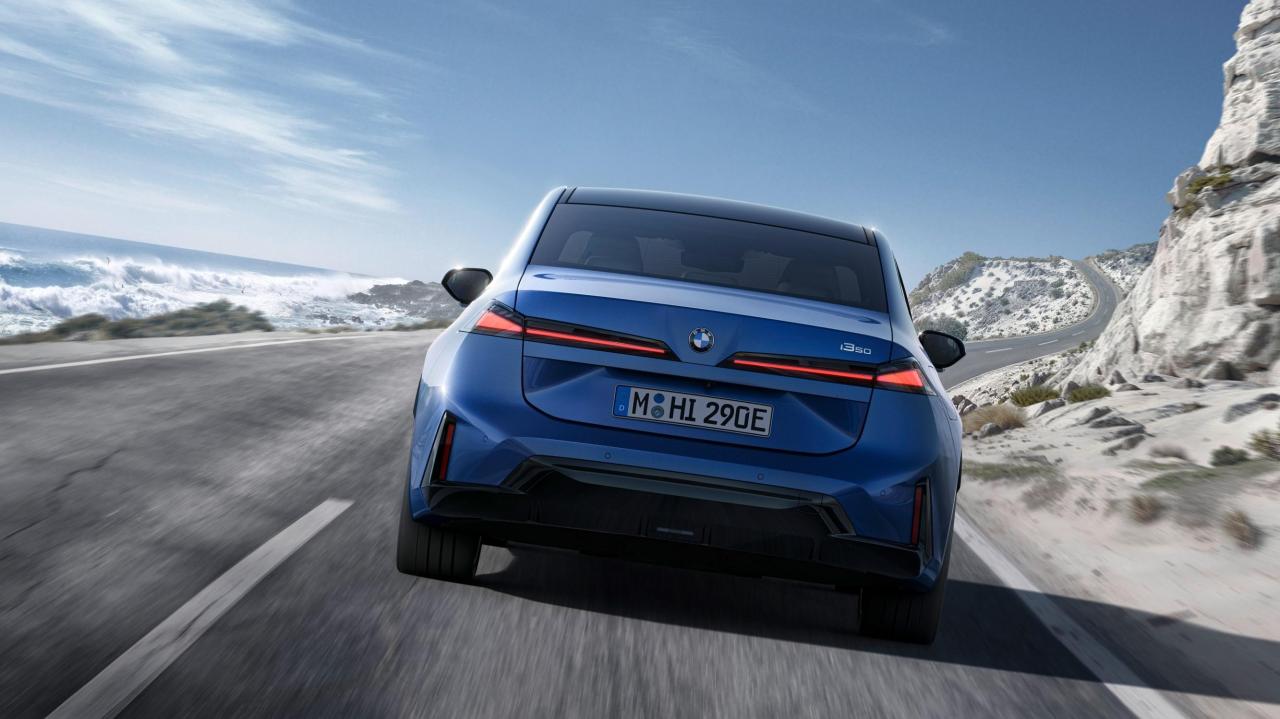

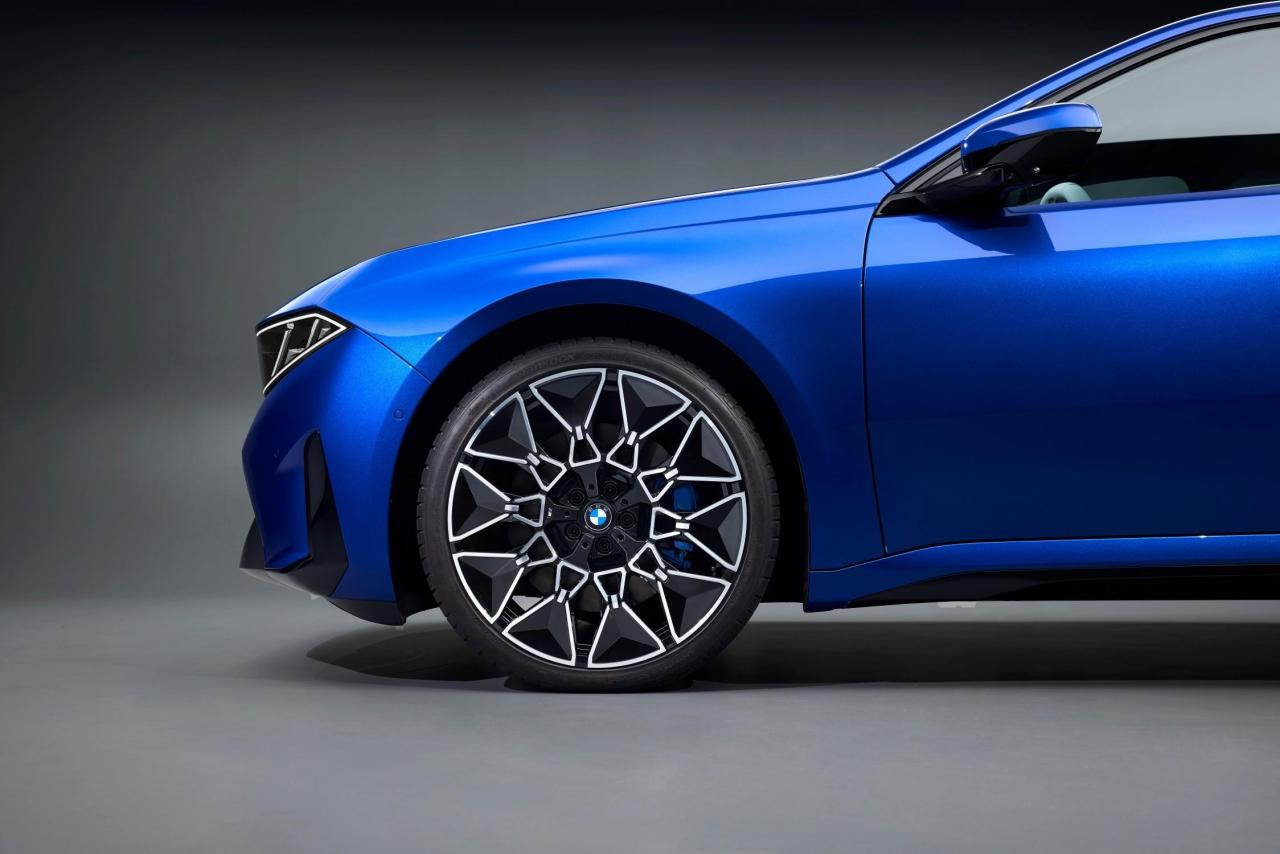
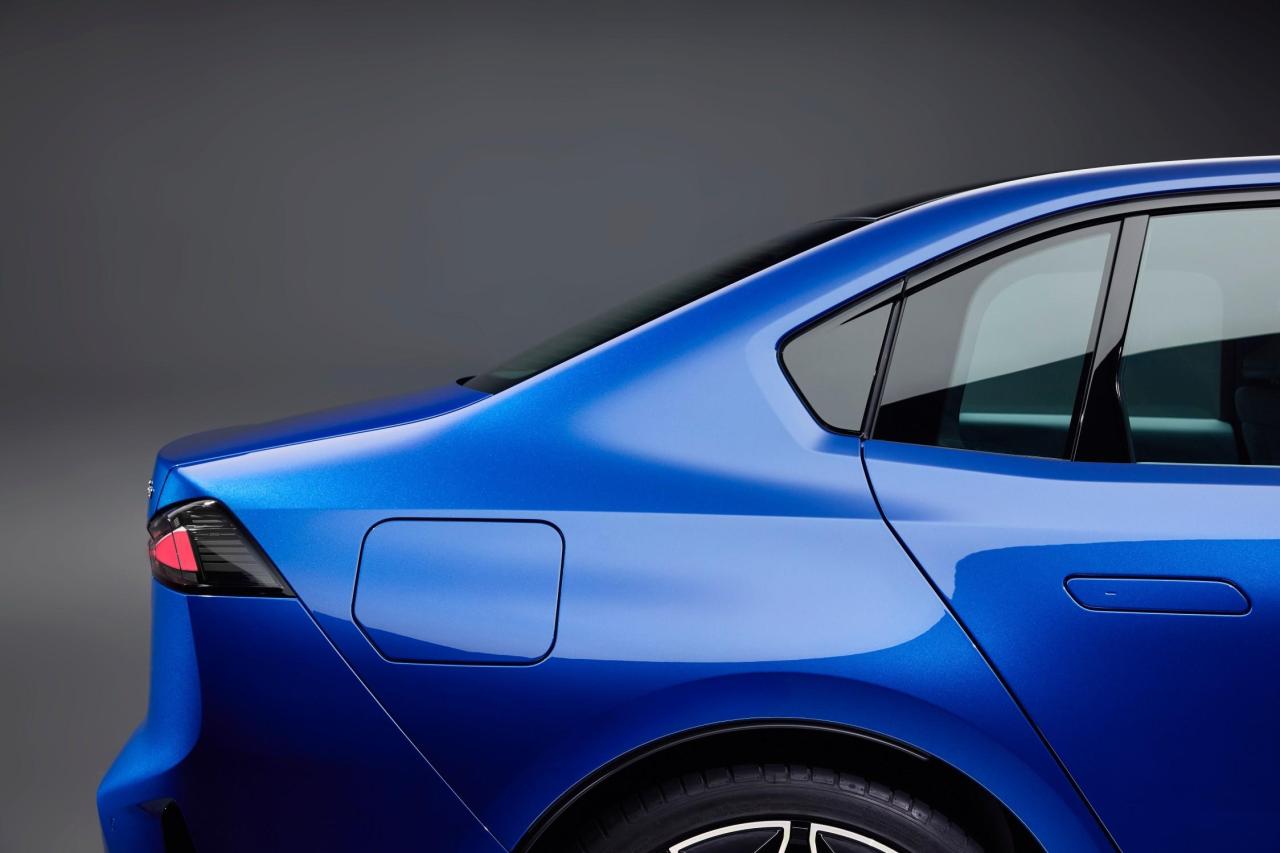
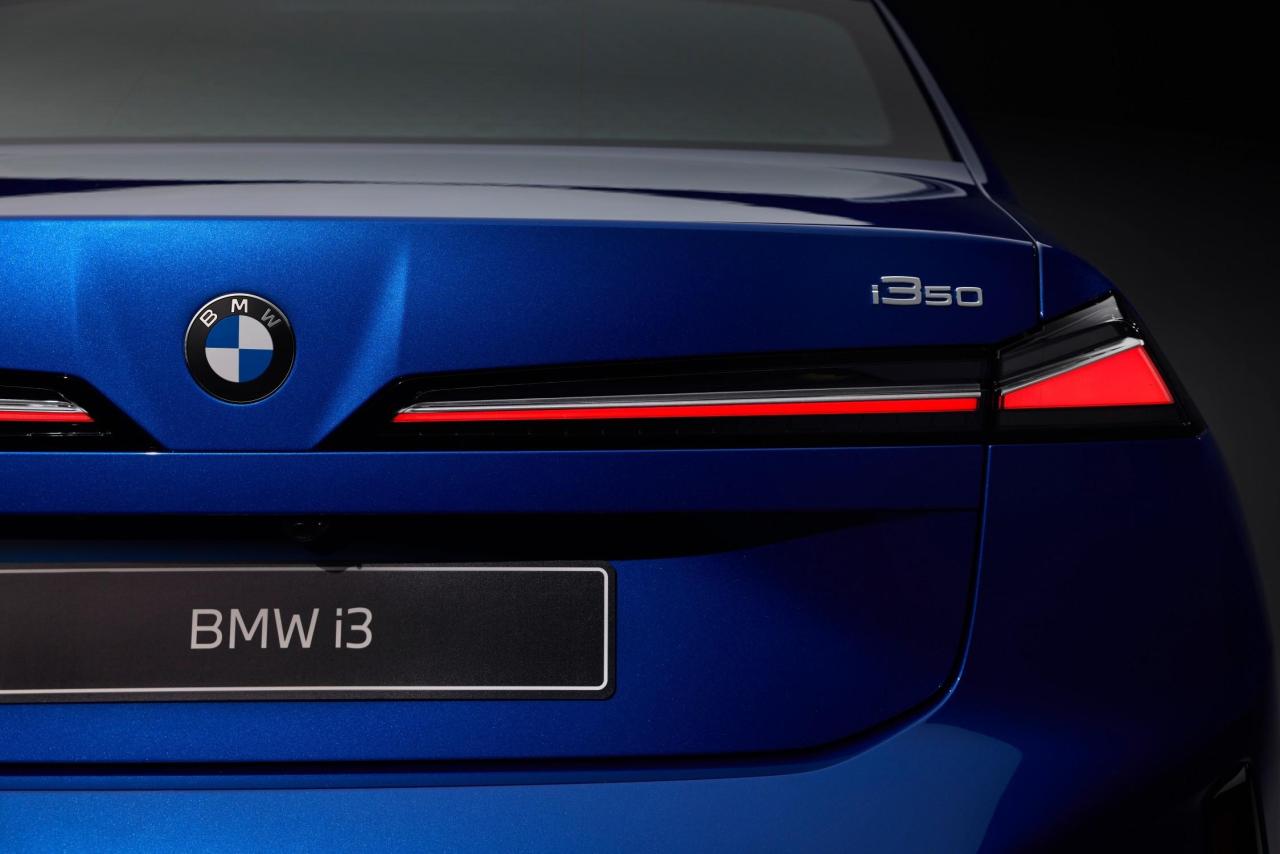
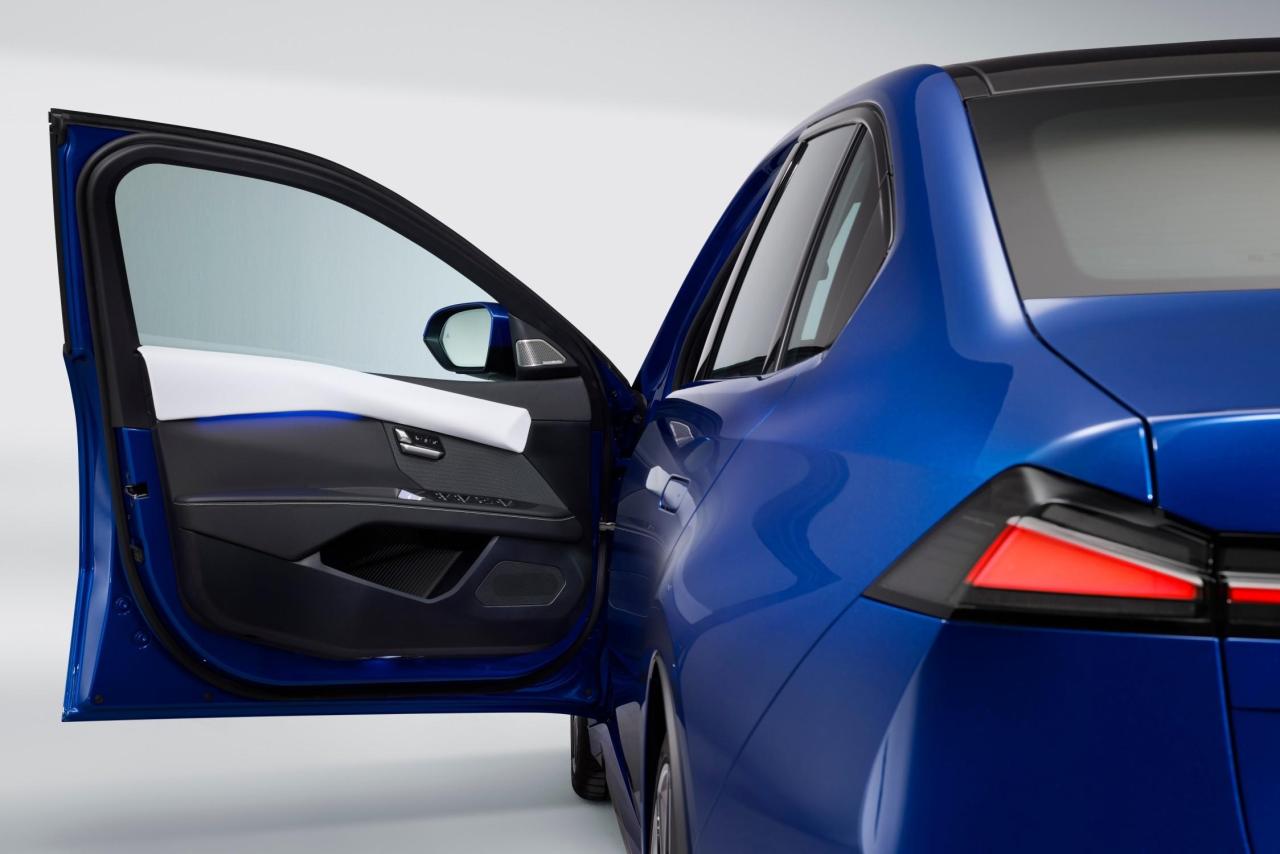
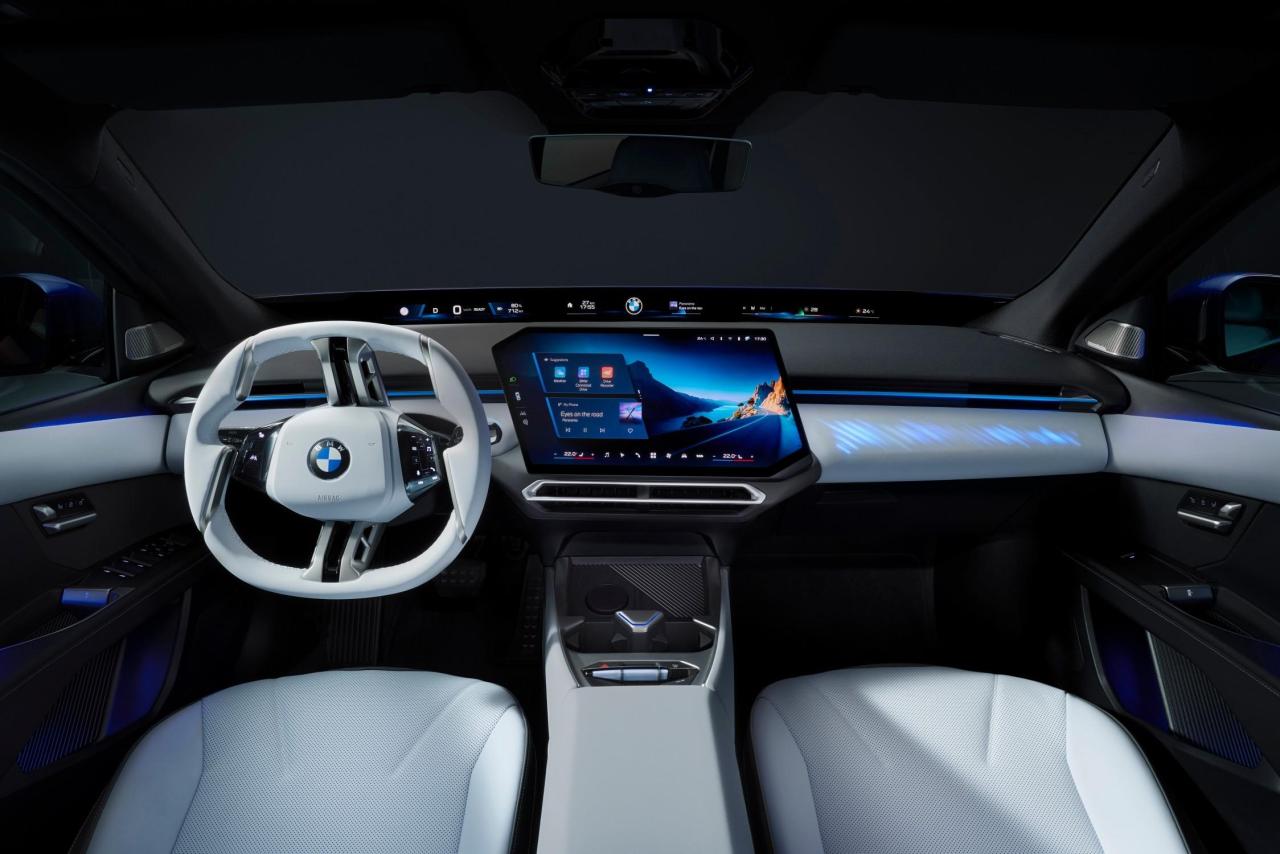
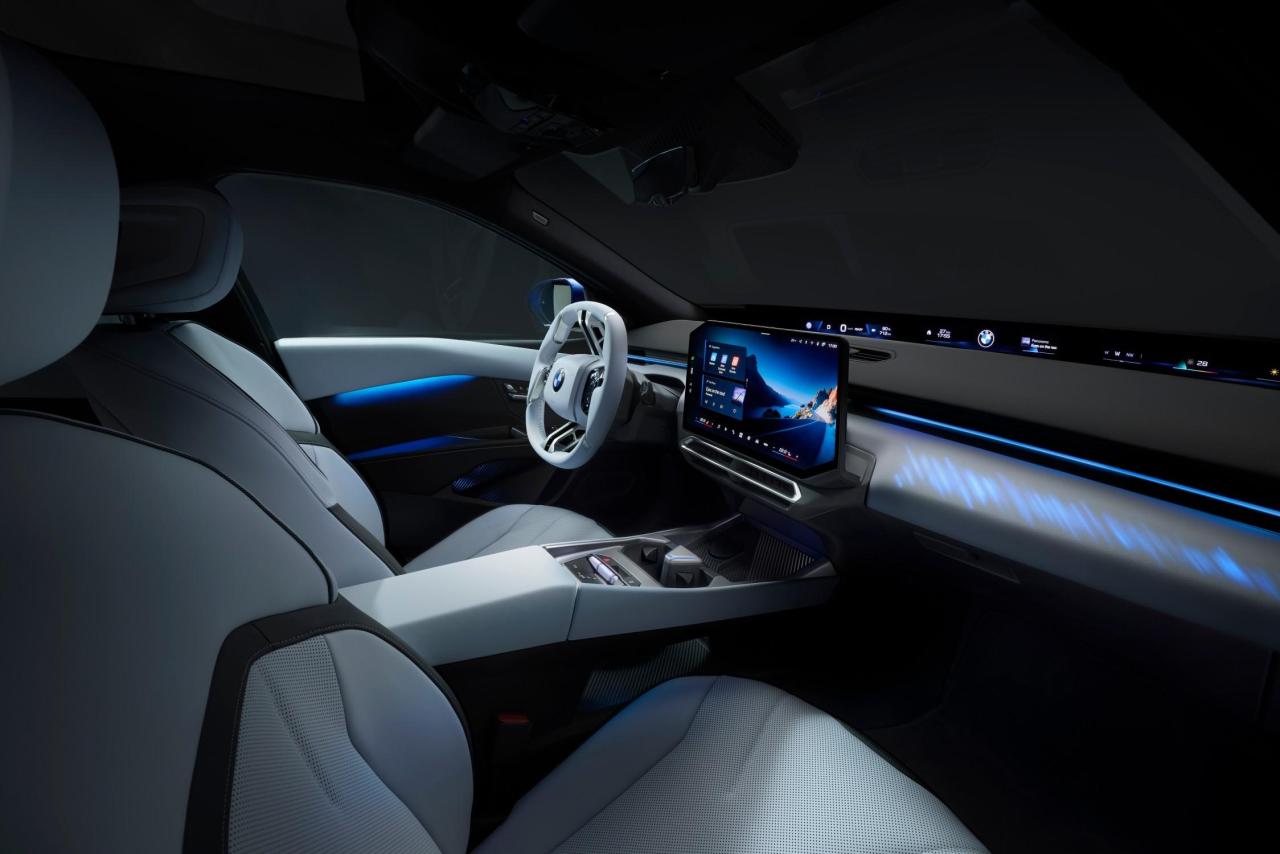
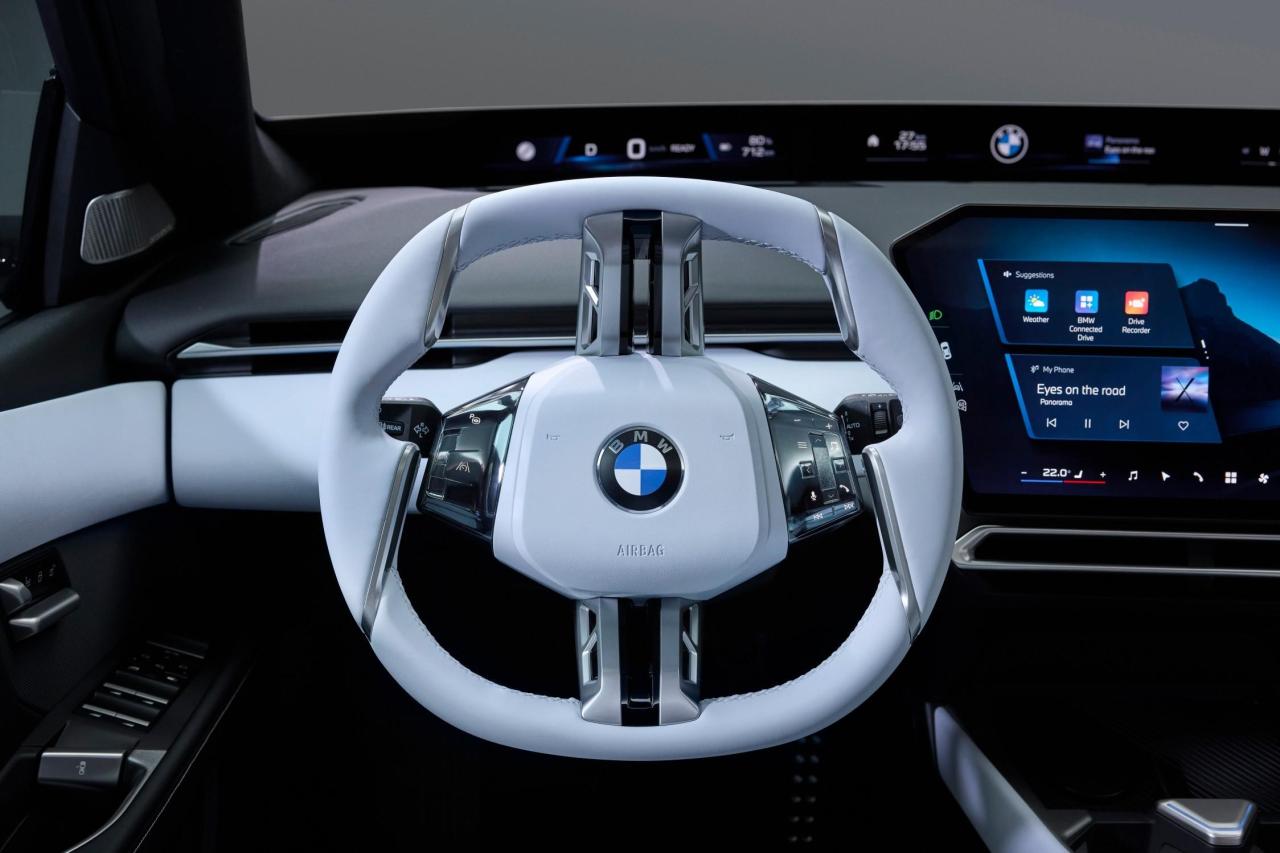
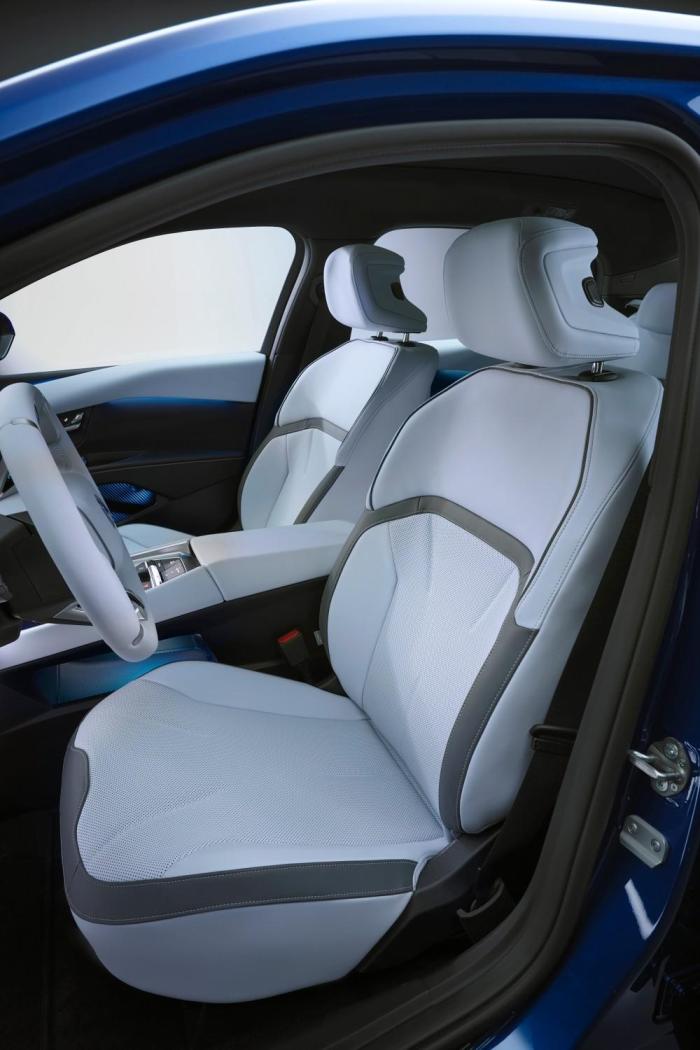
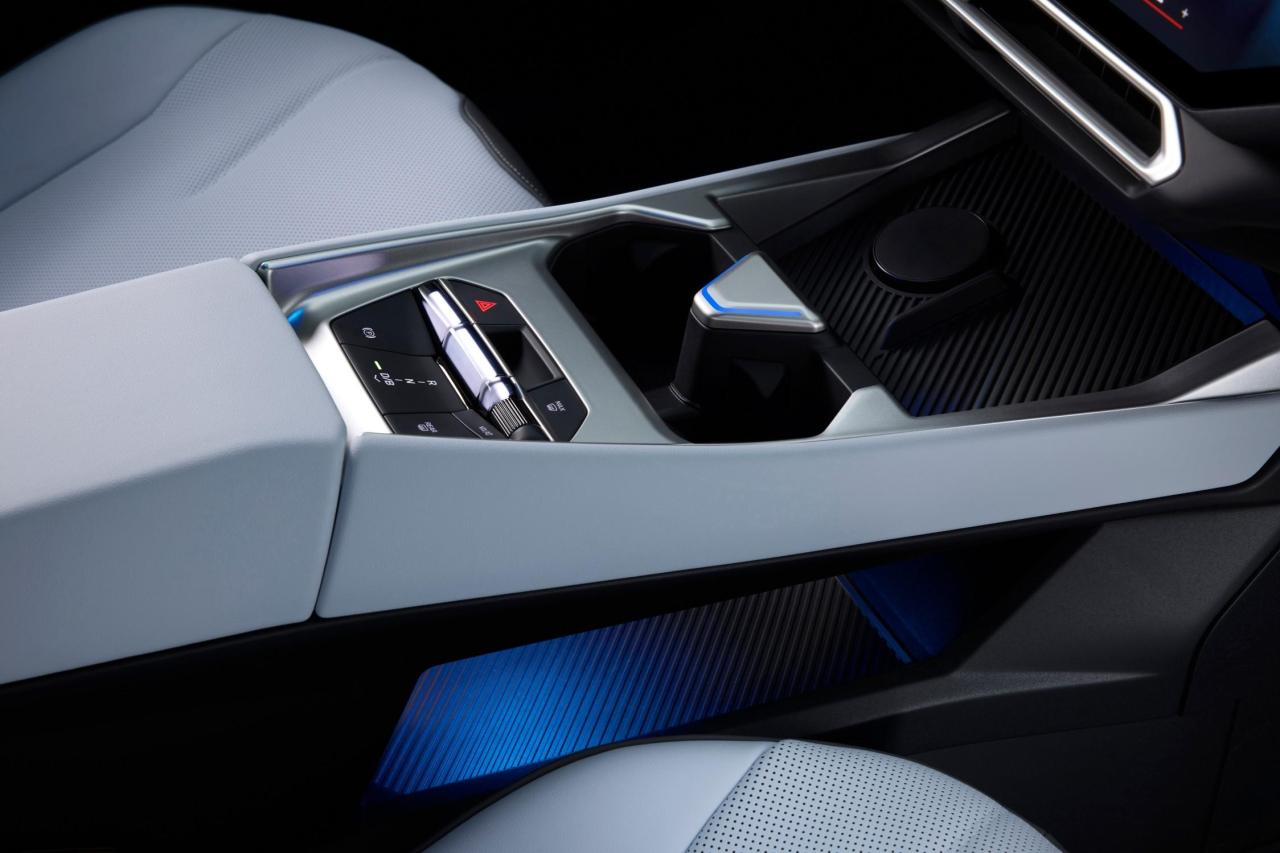
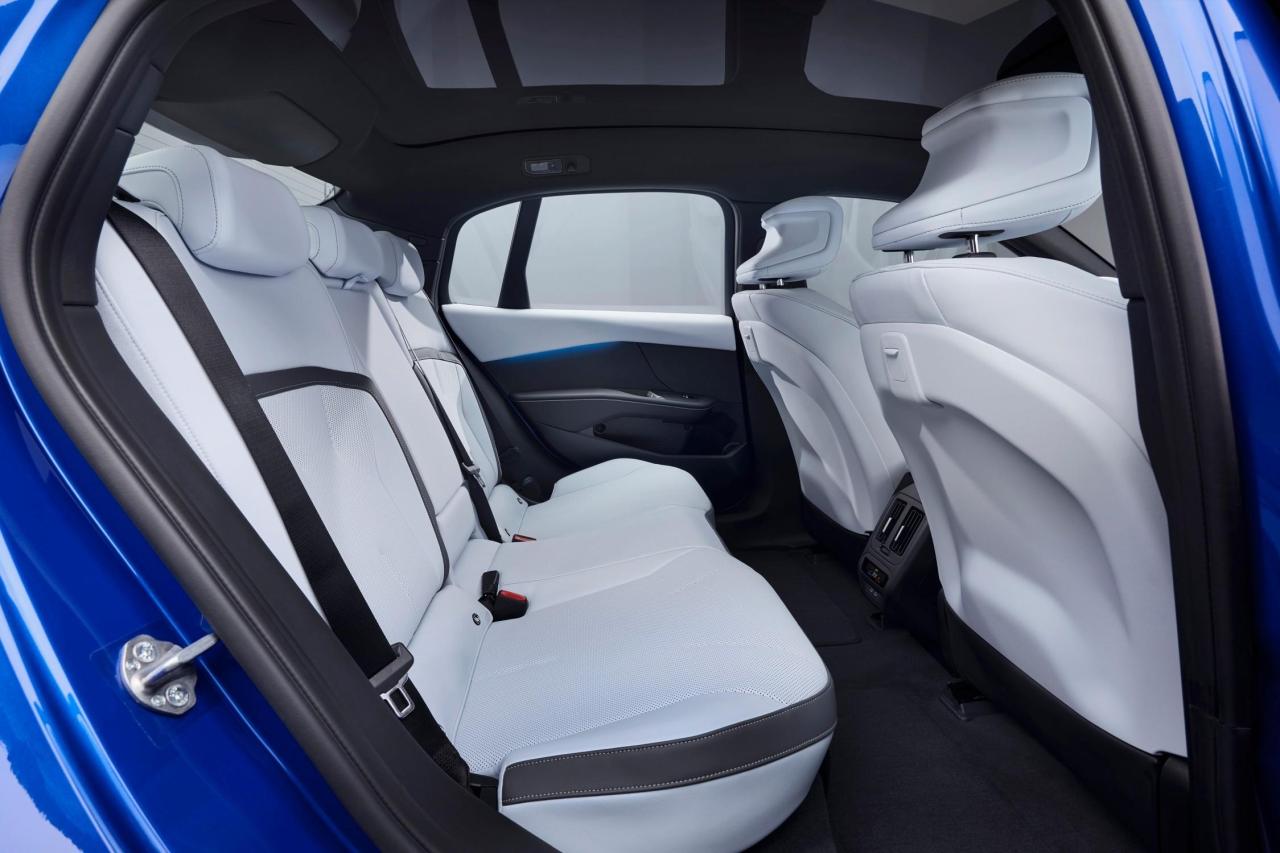
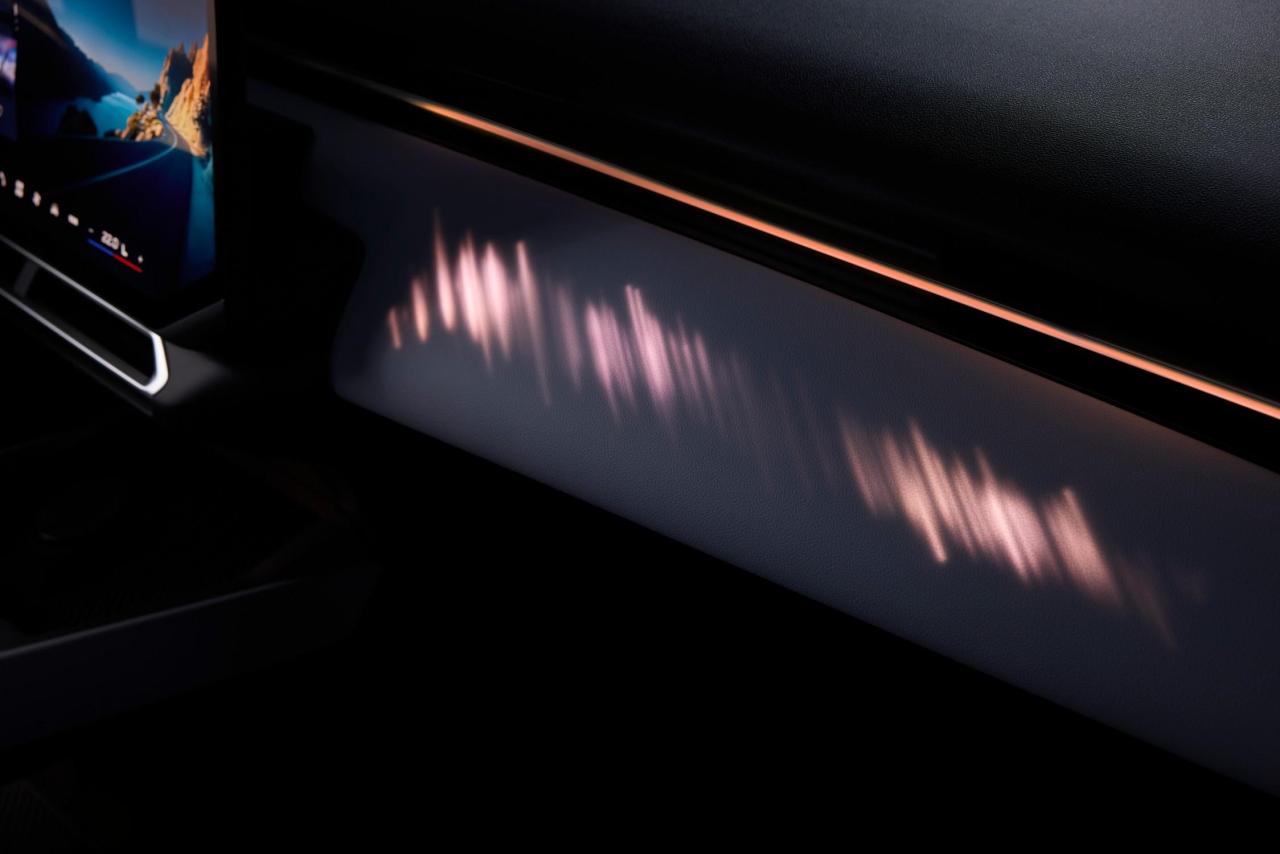
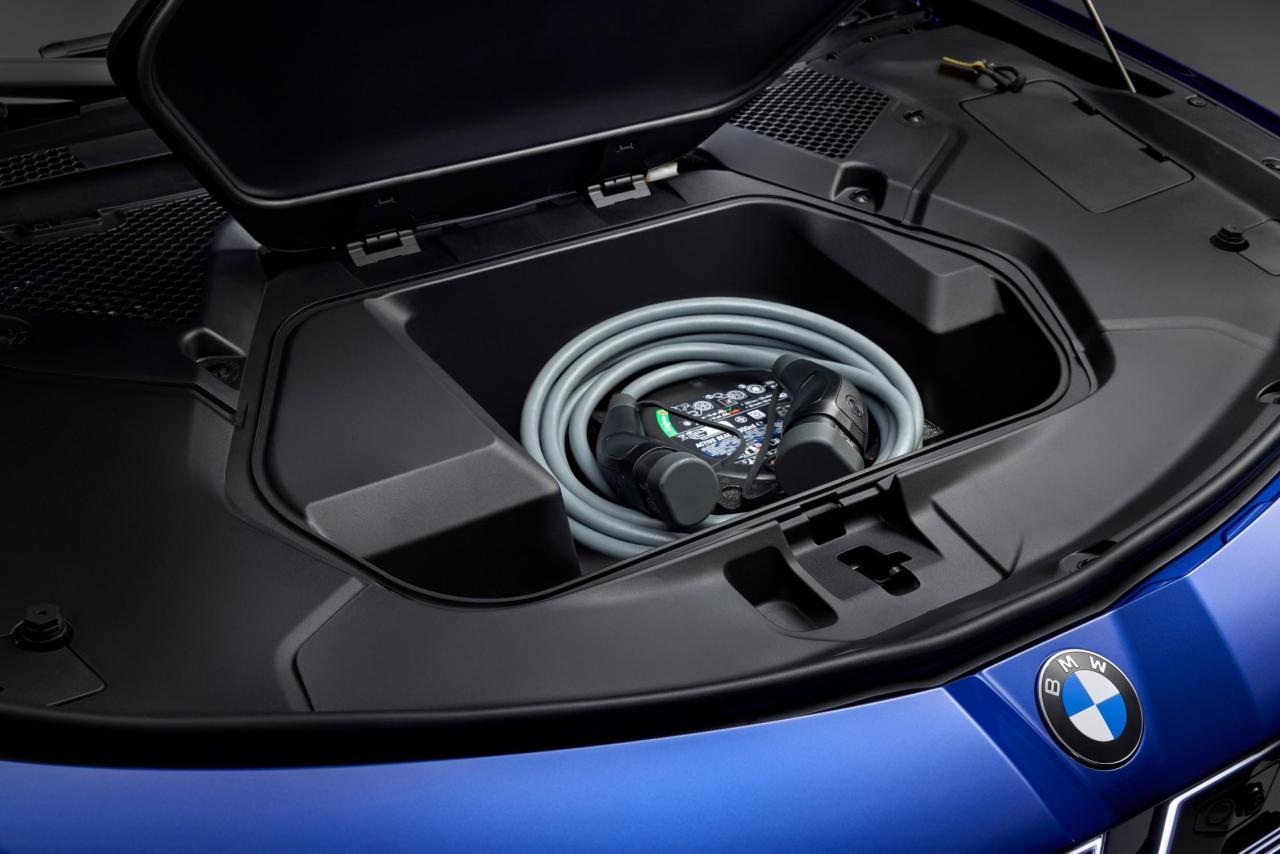
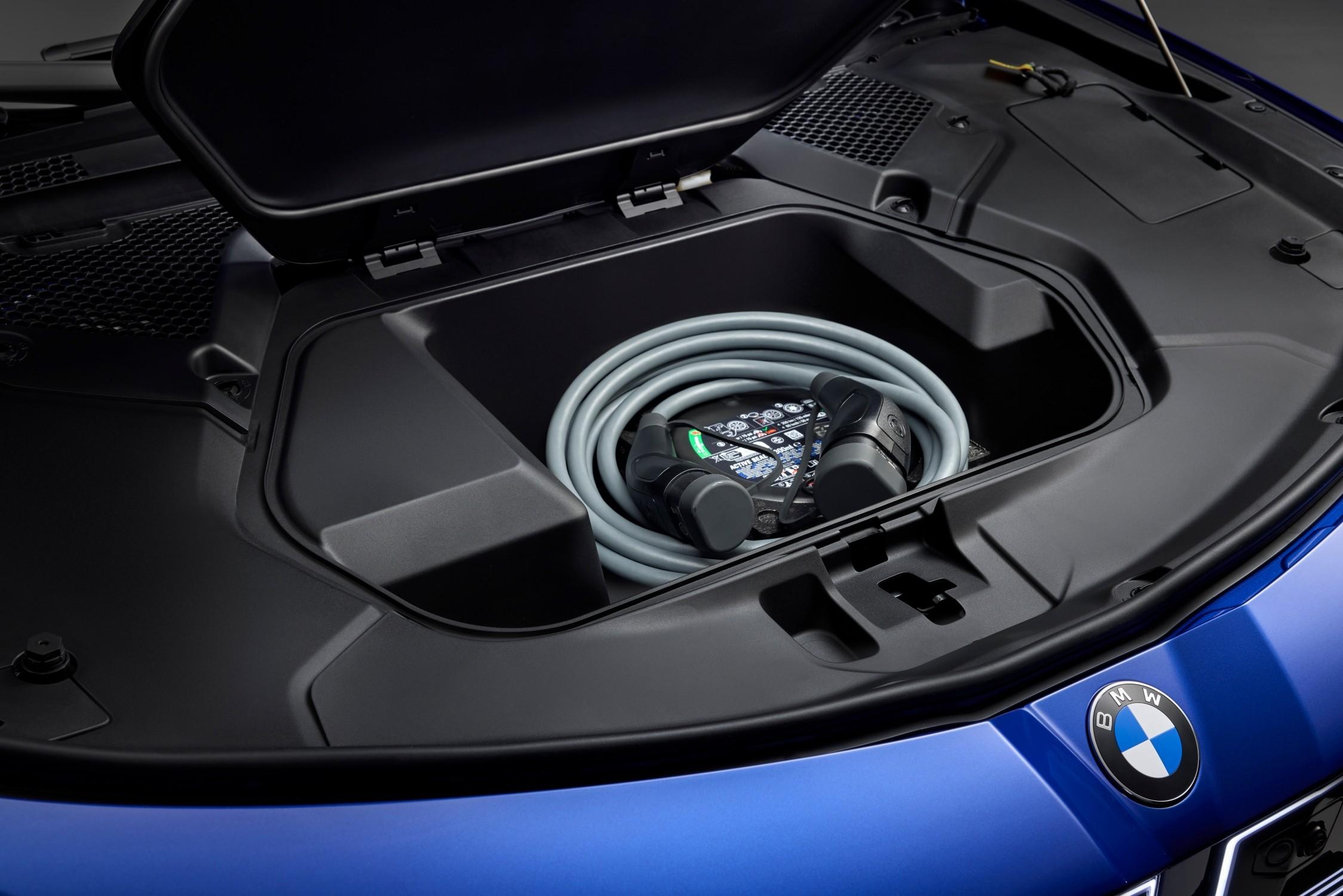
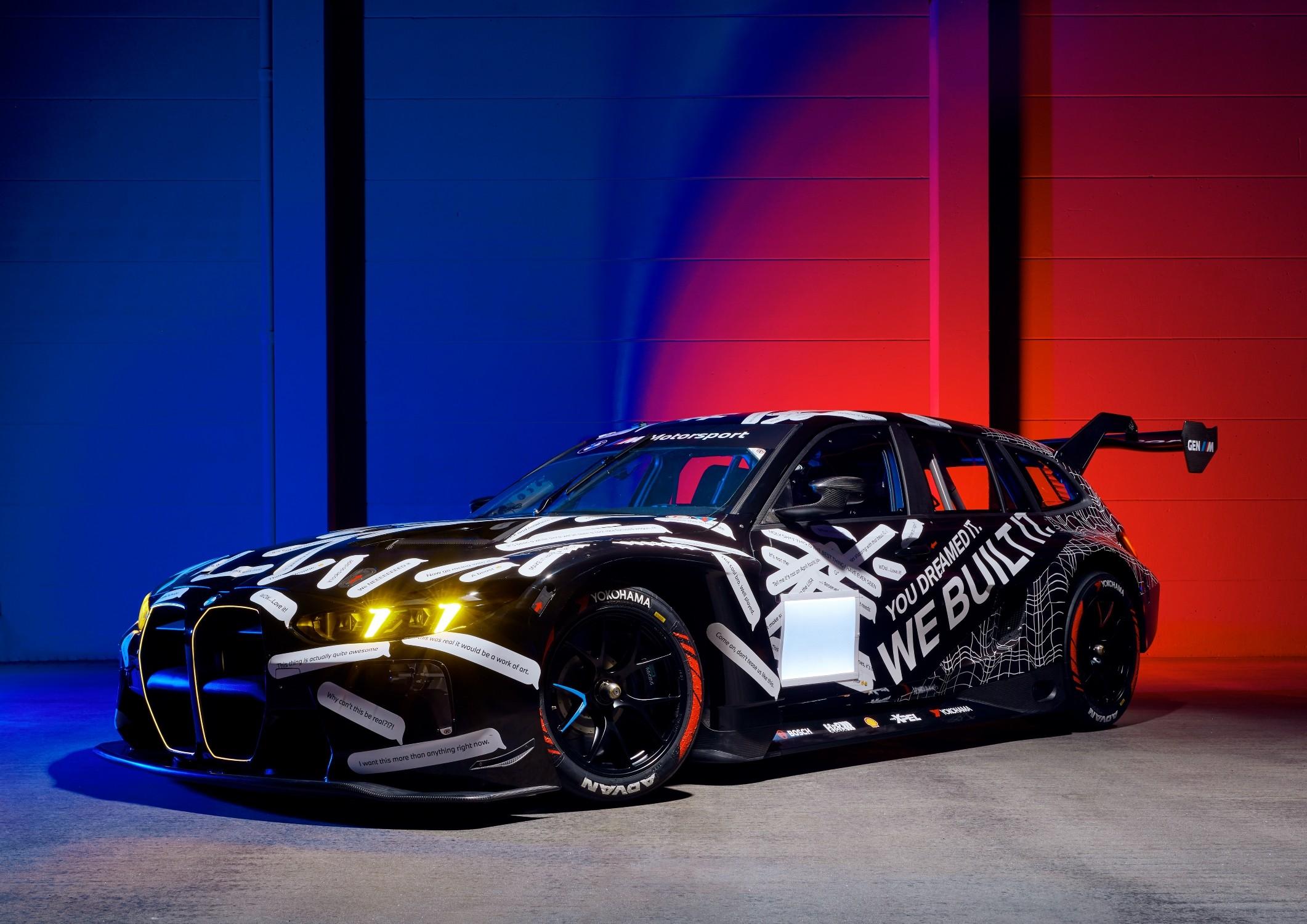
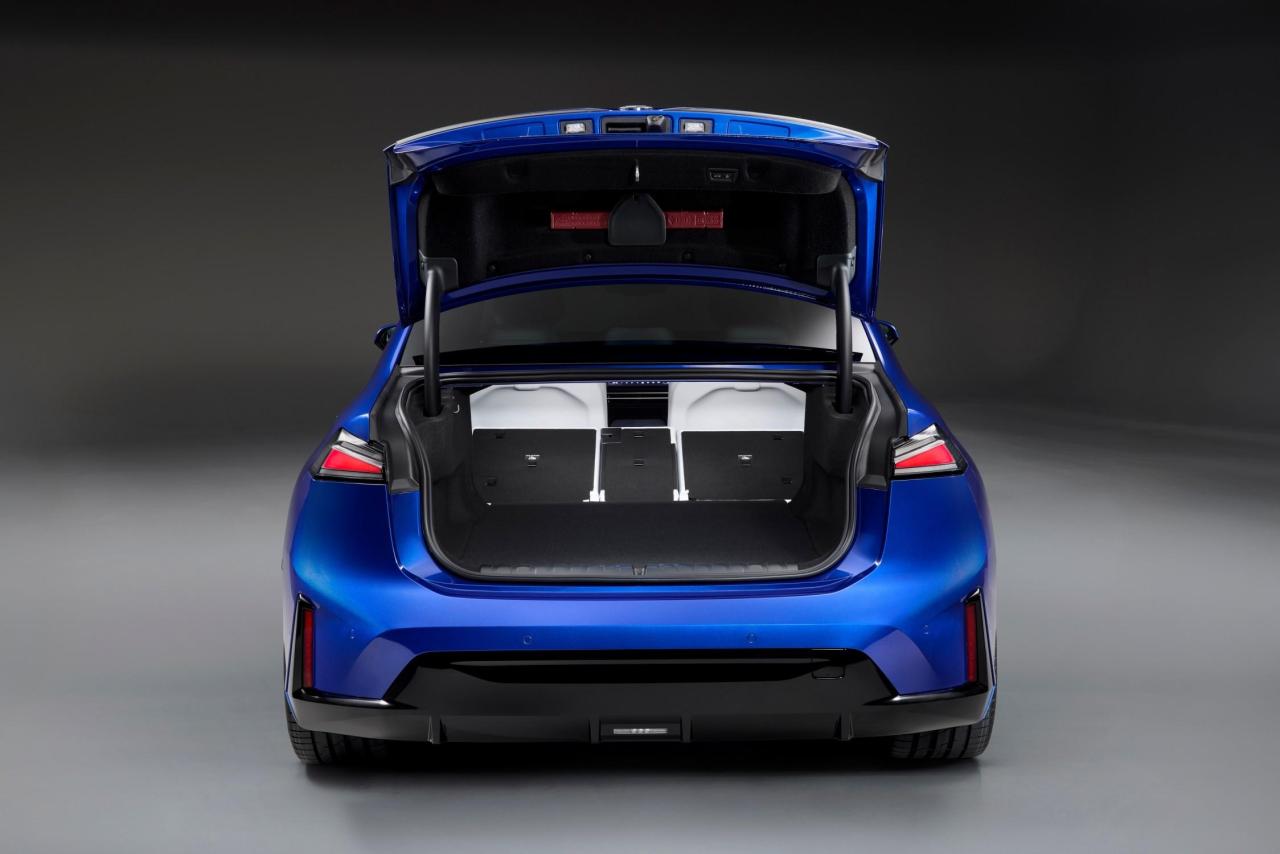 Comunicato stampa Via BMW.






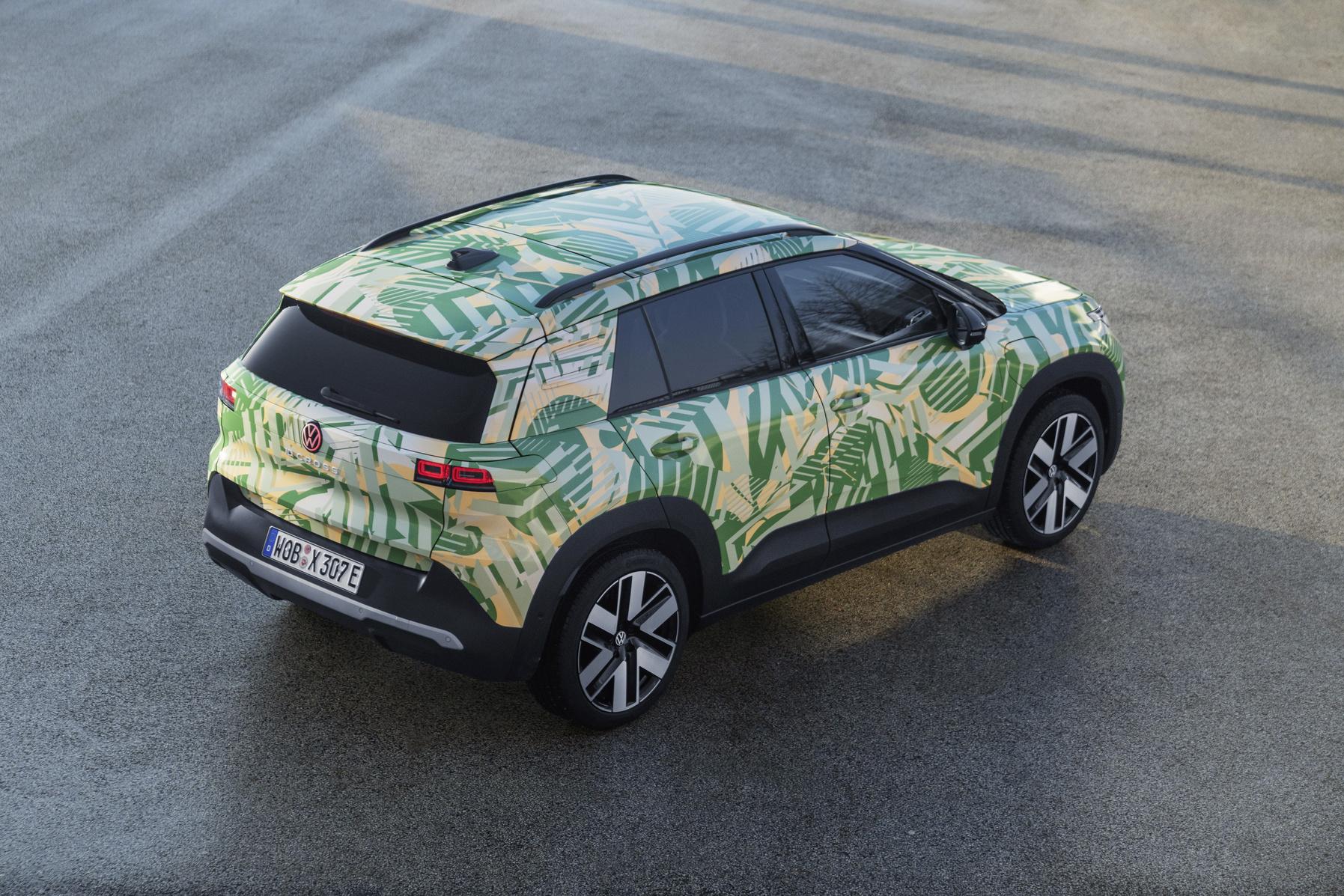
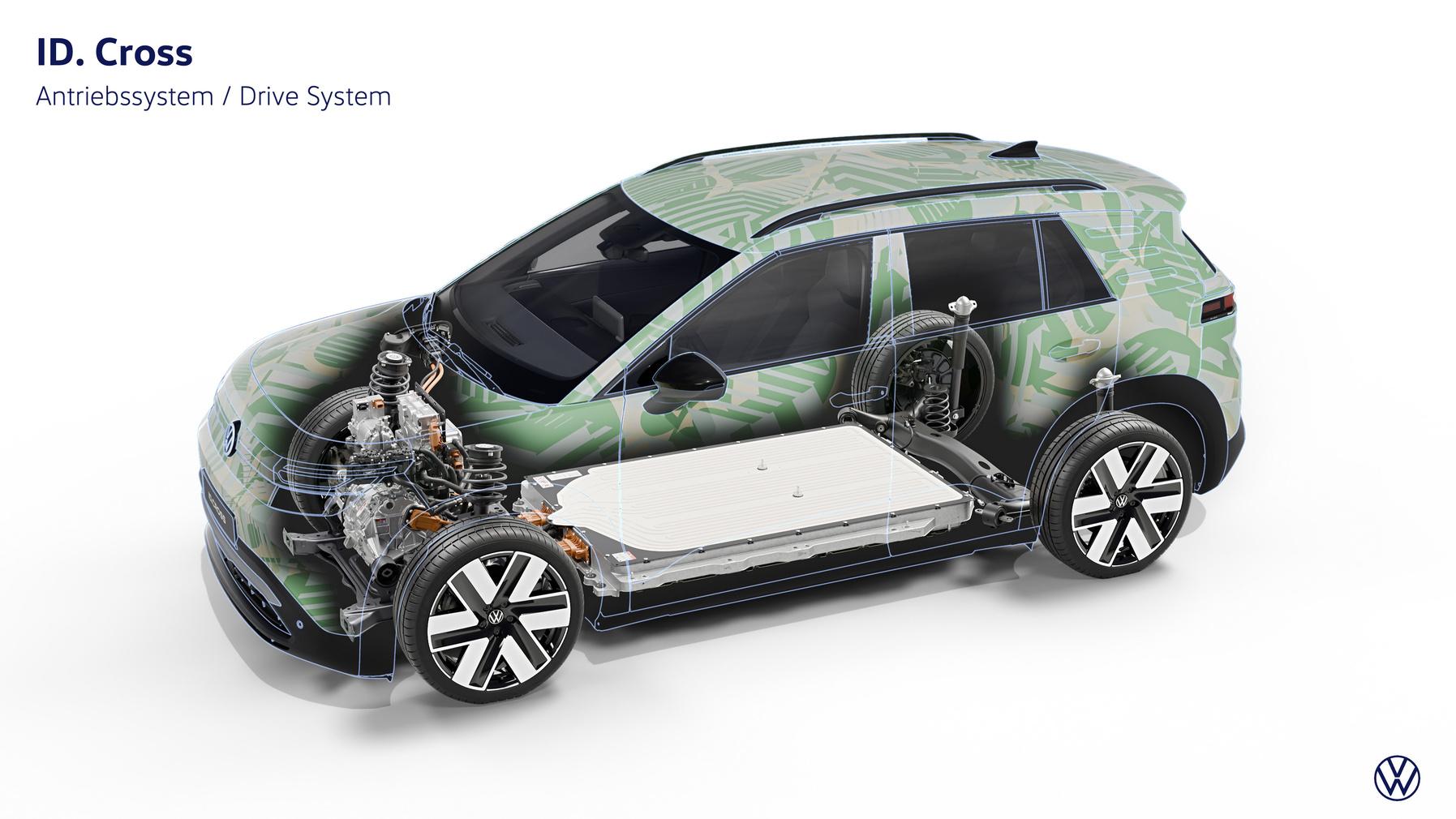
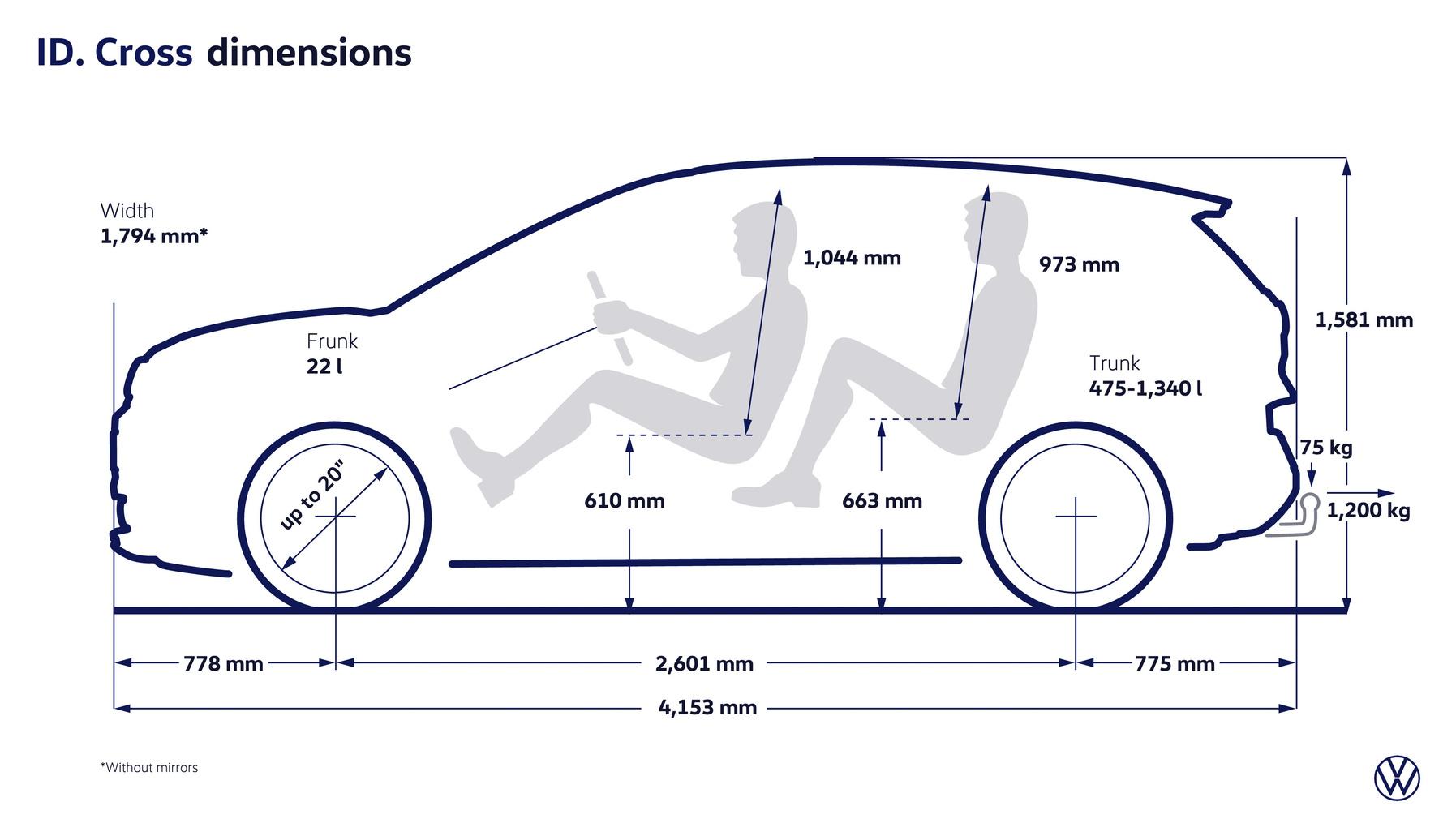
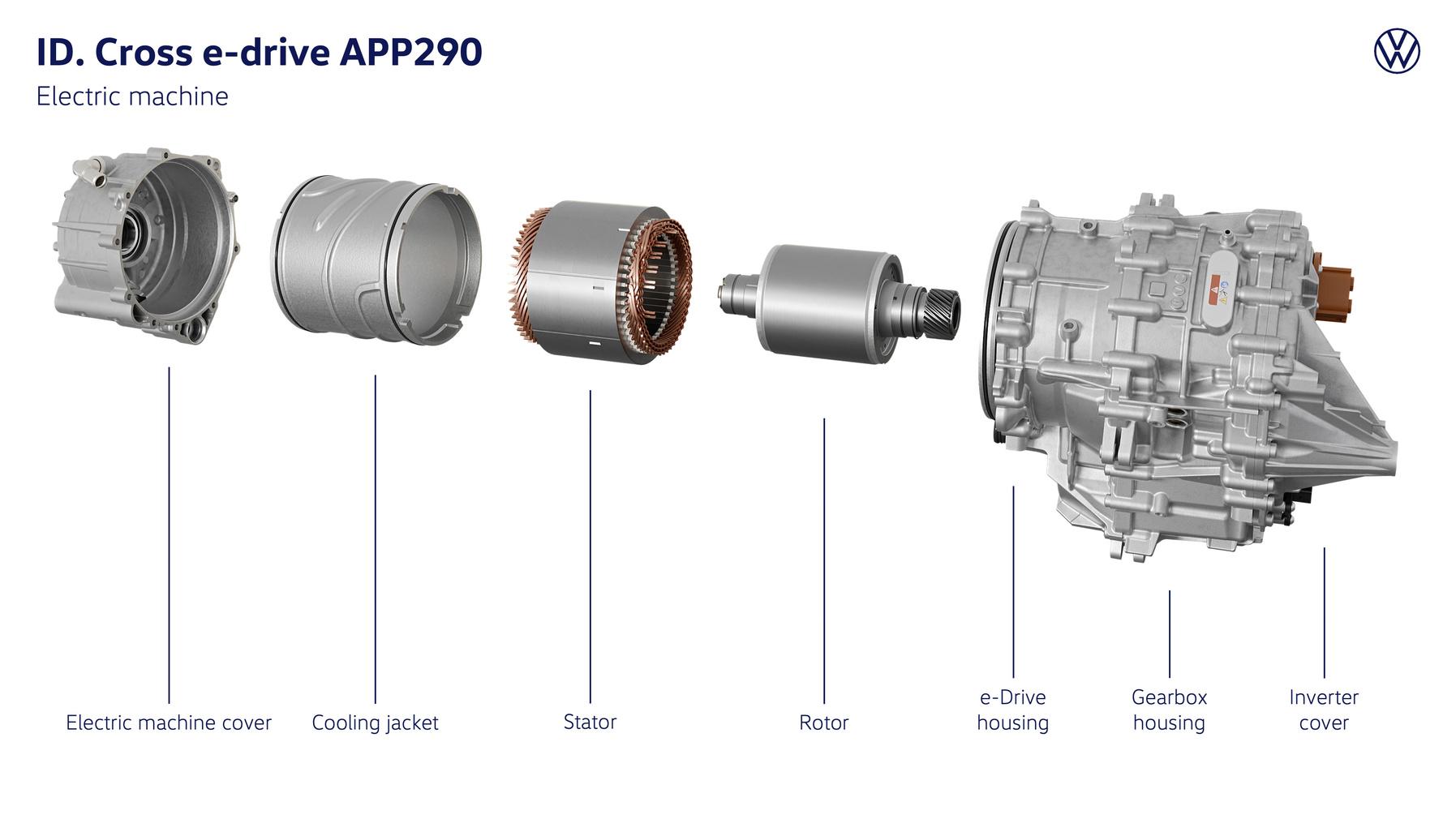
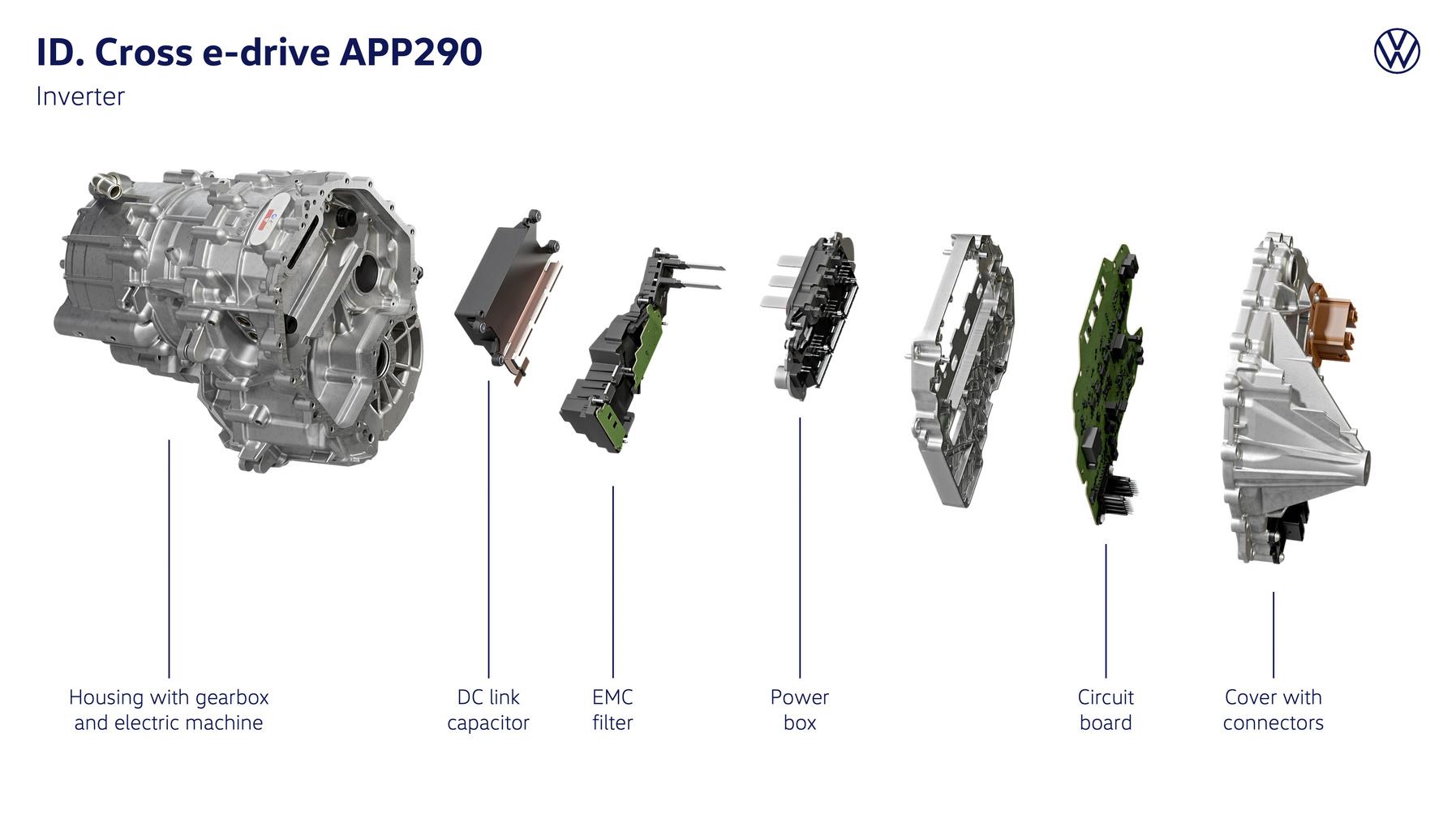
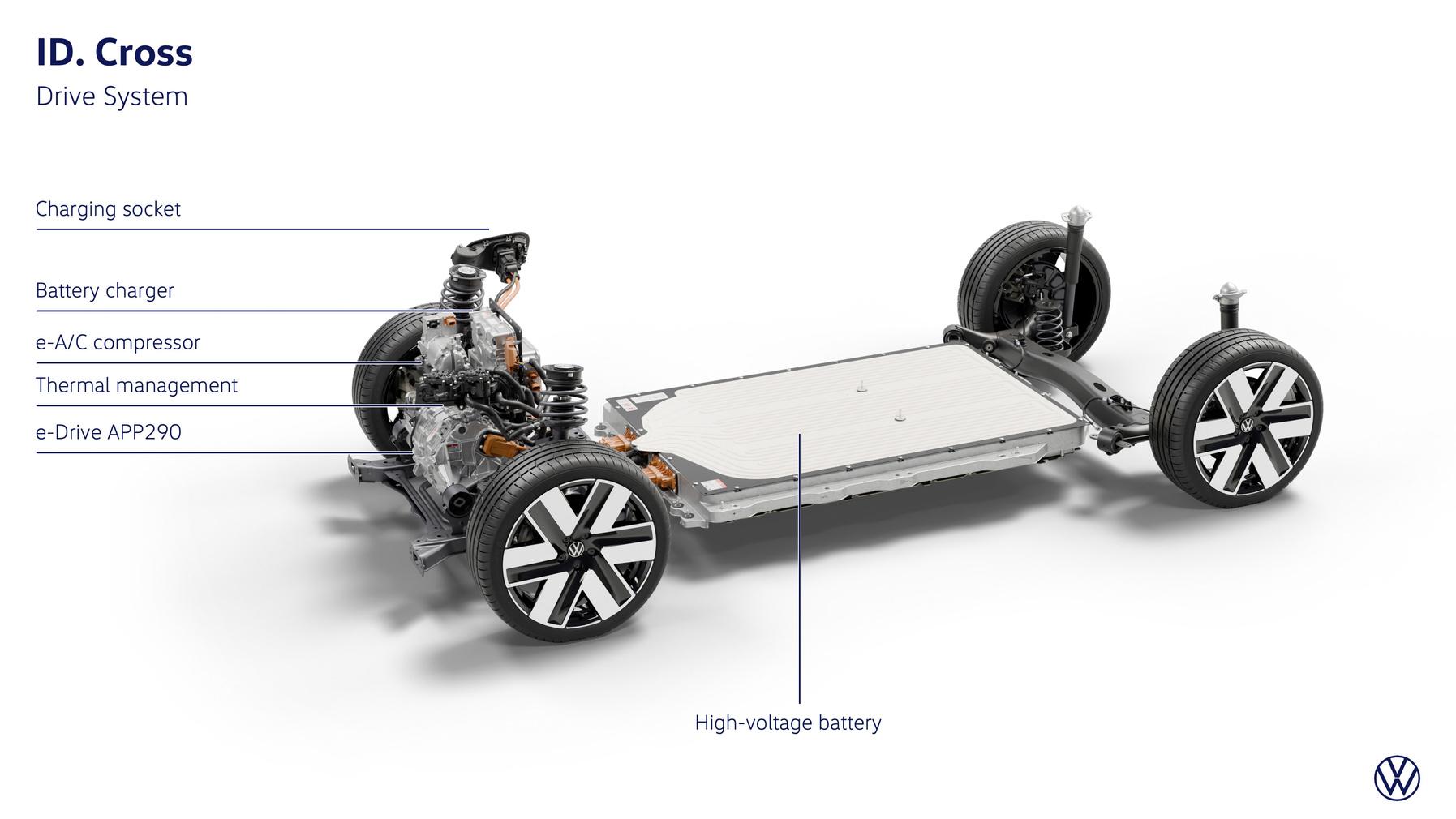
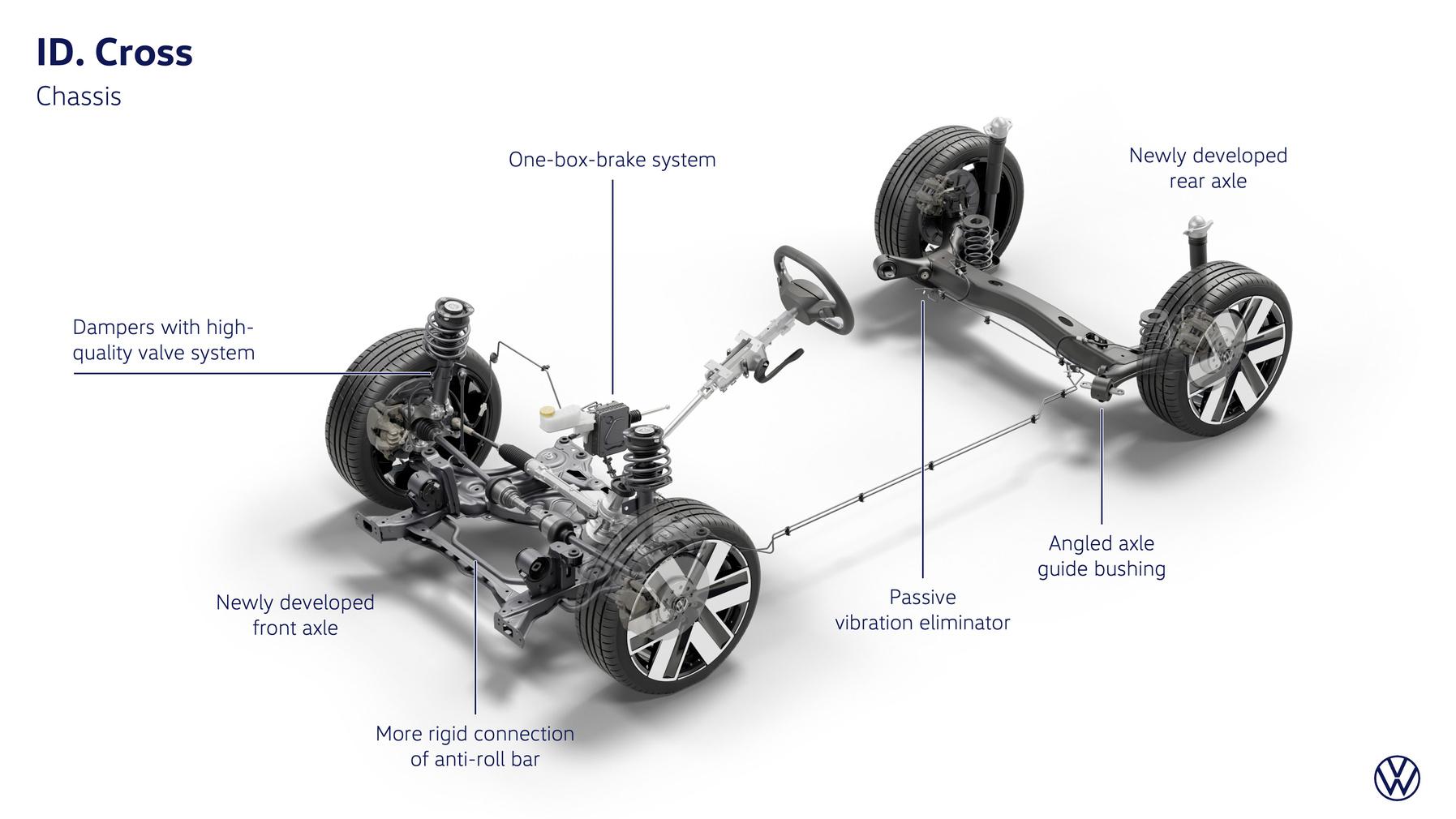
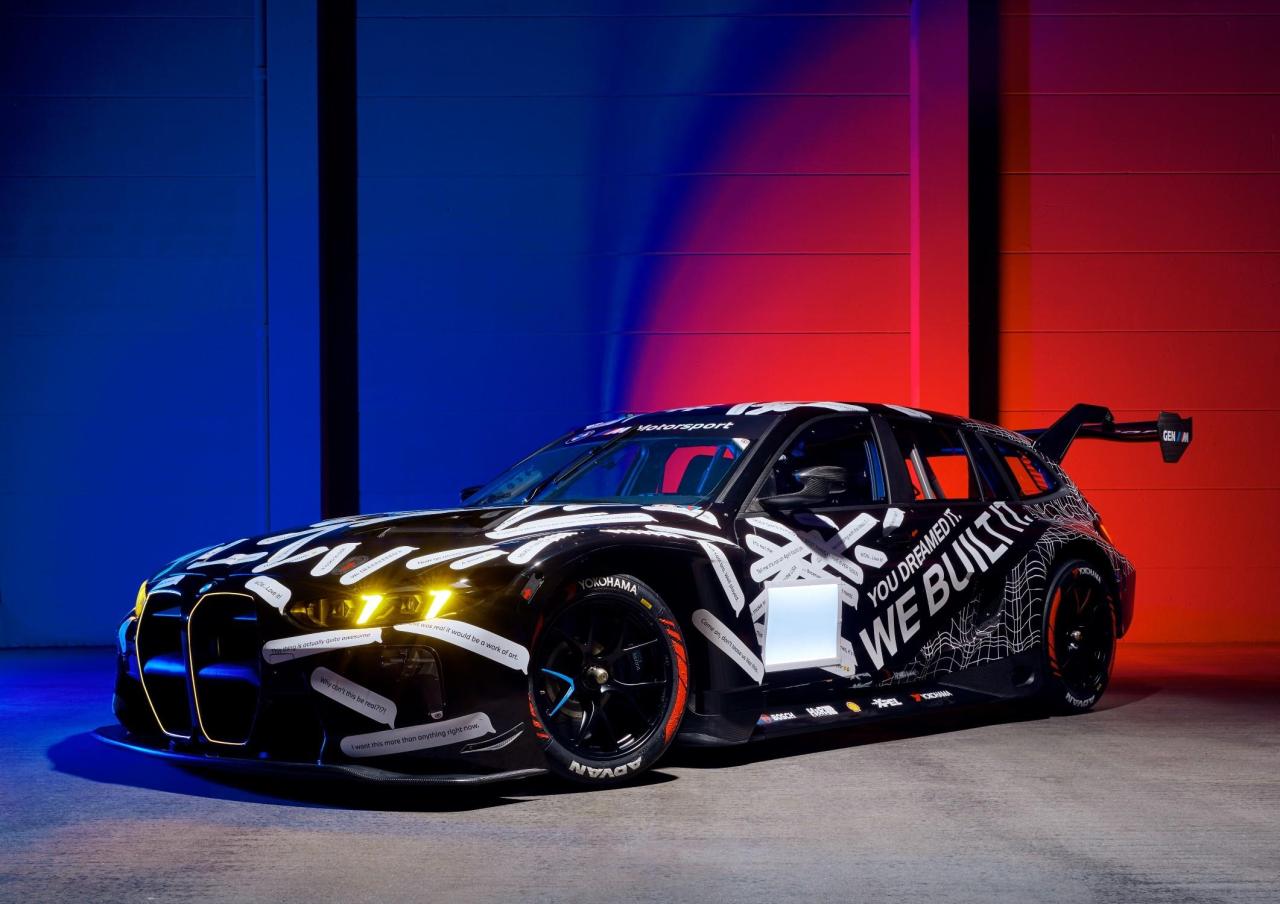 Infografiche Comunicato stampa Via Volkswagen.
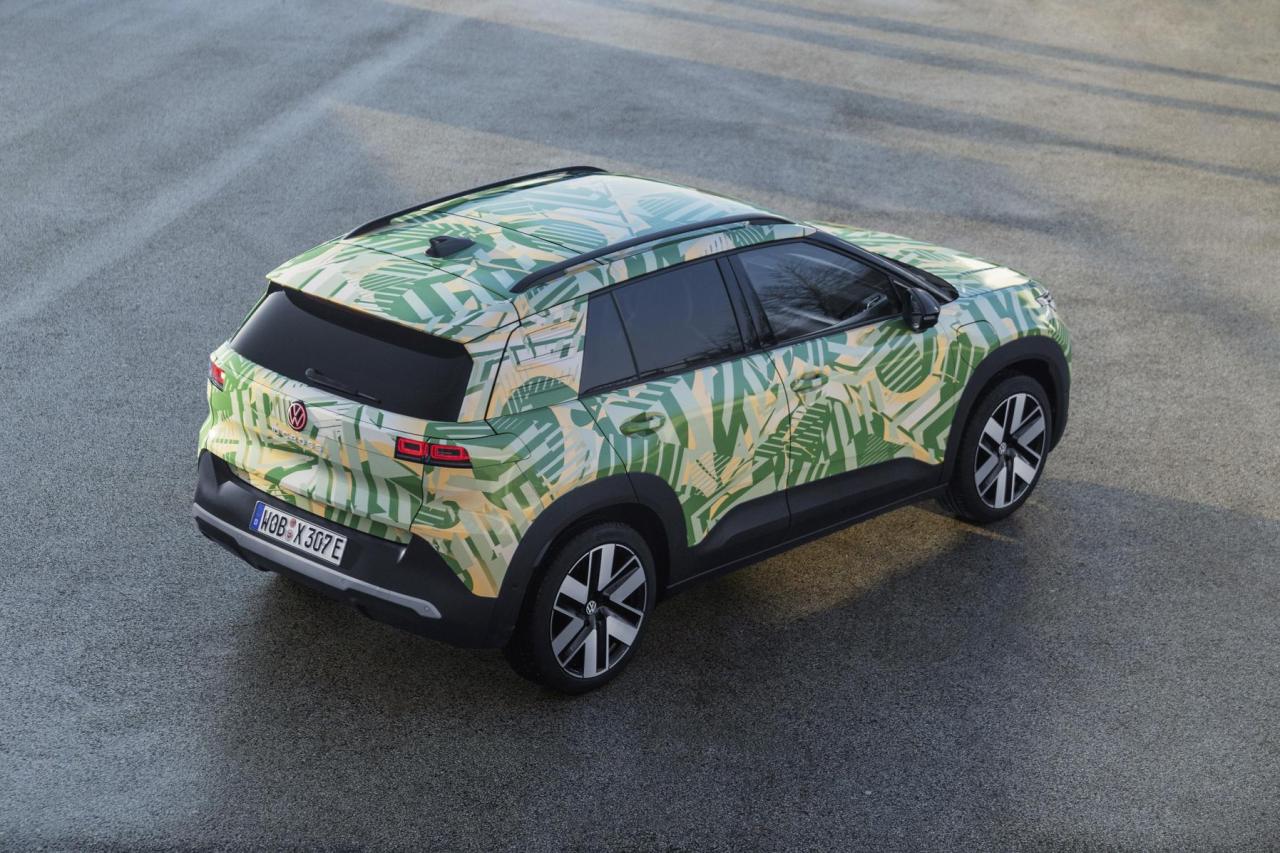
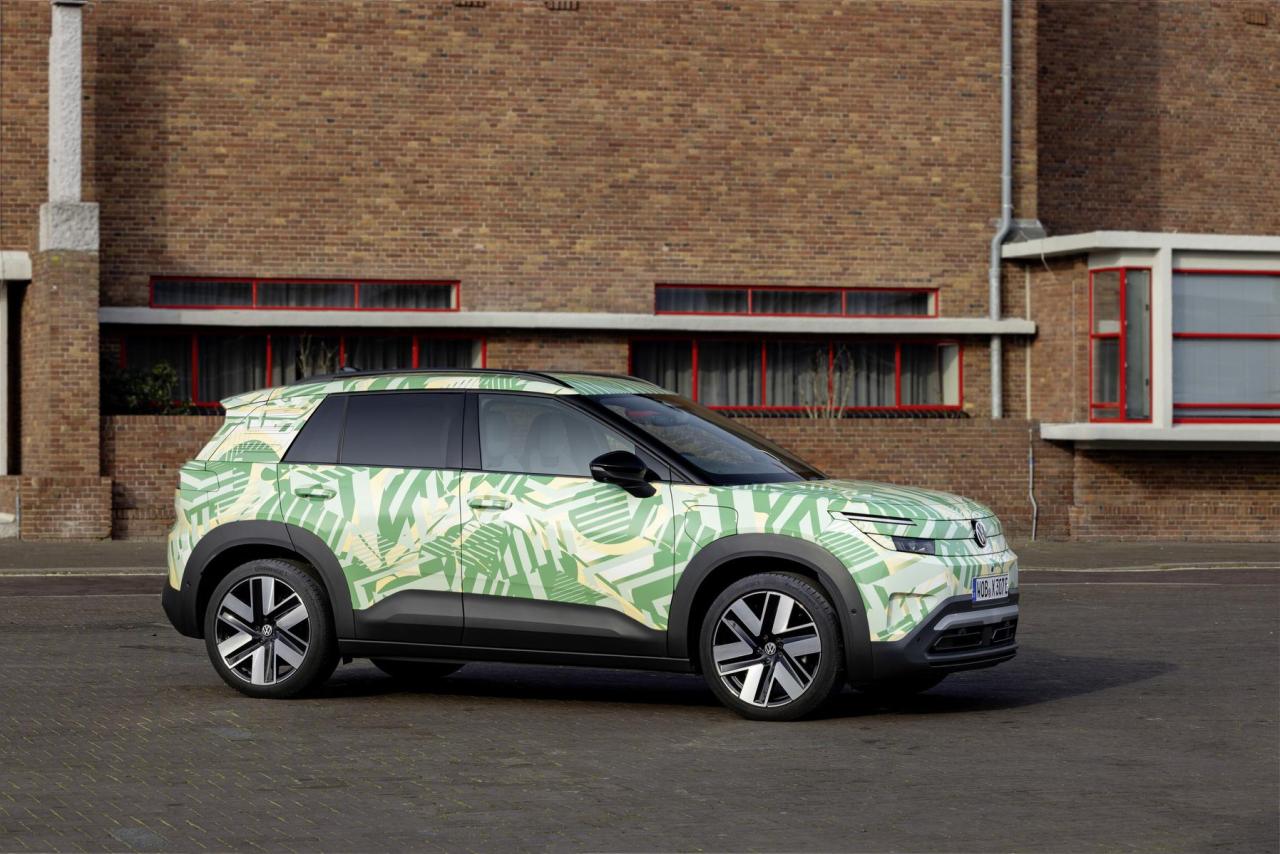
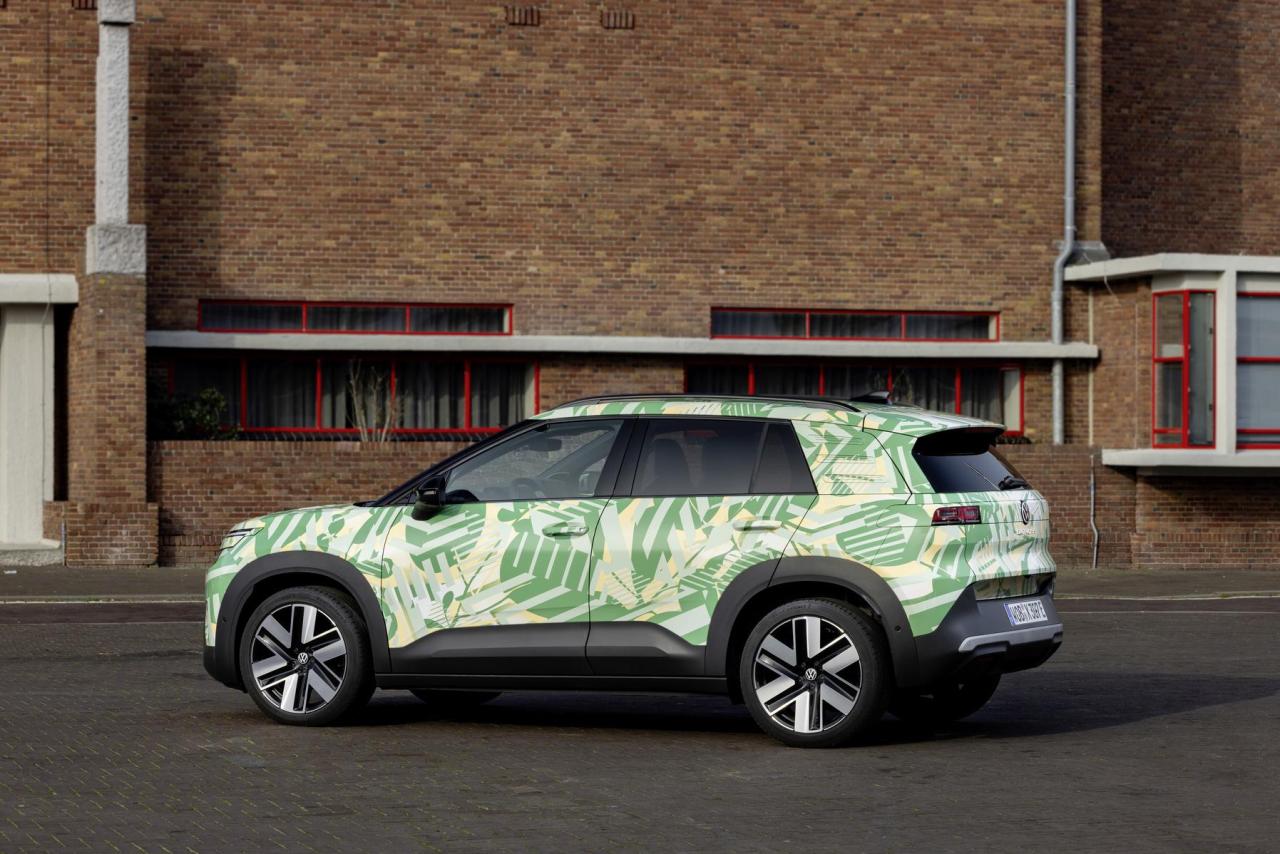
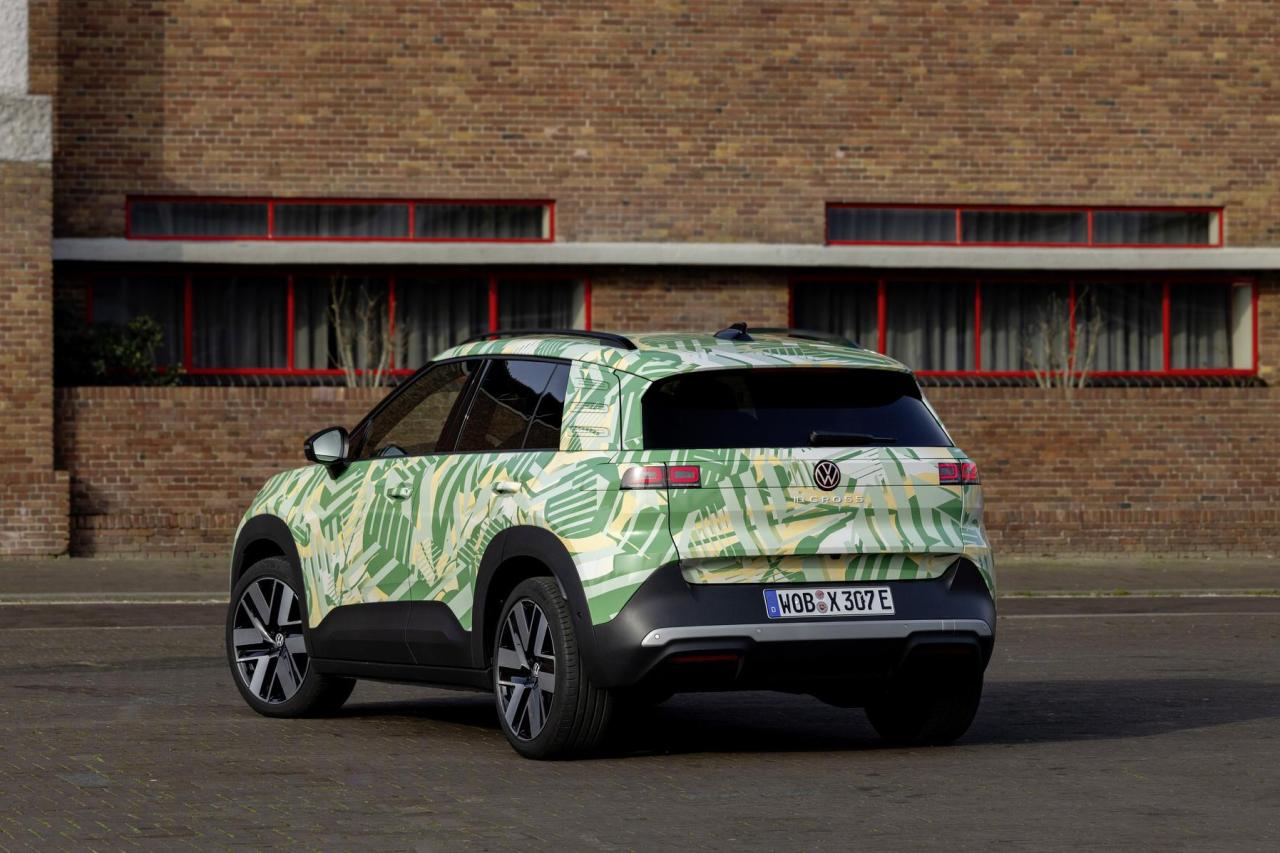
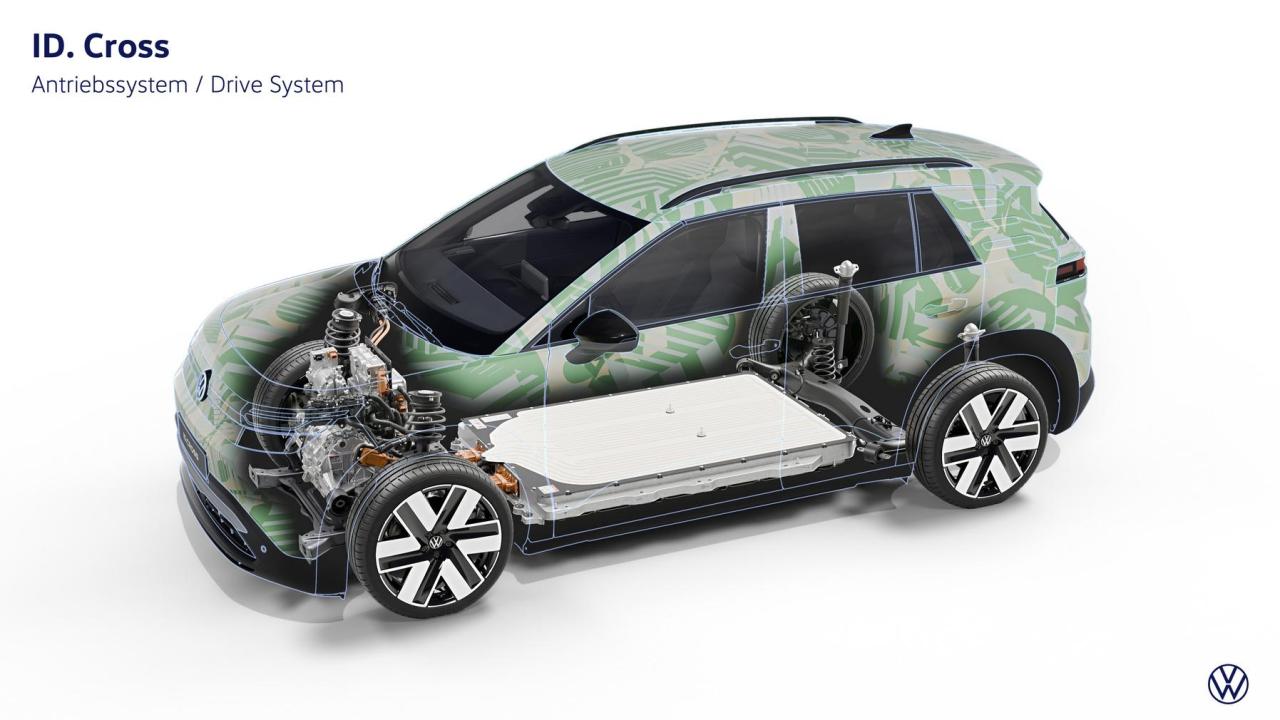
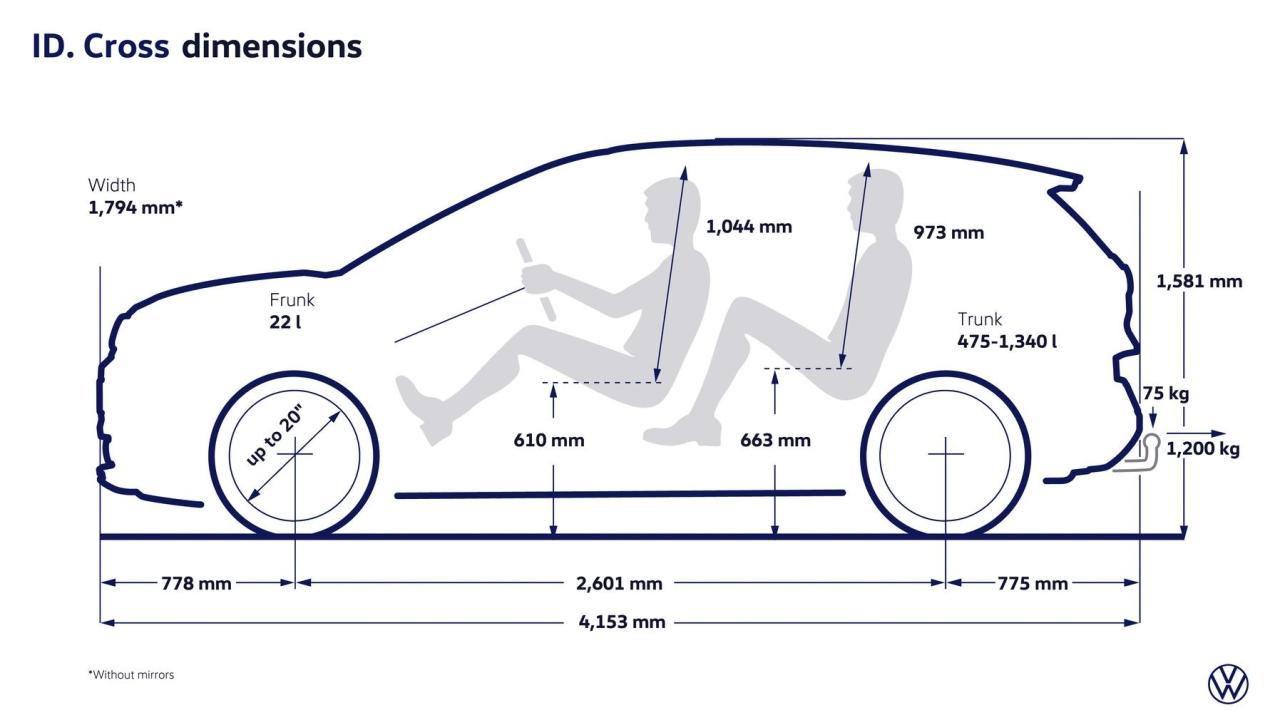
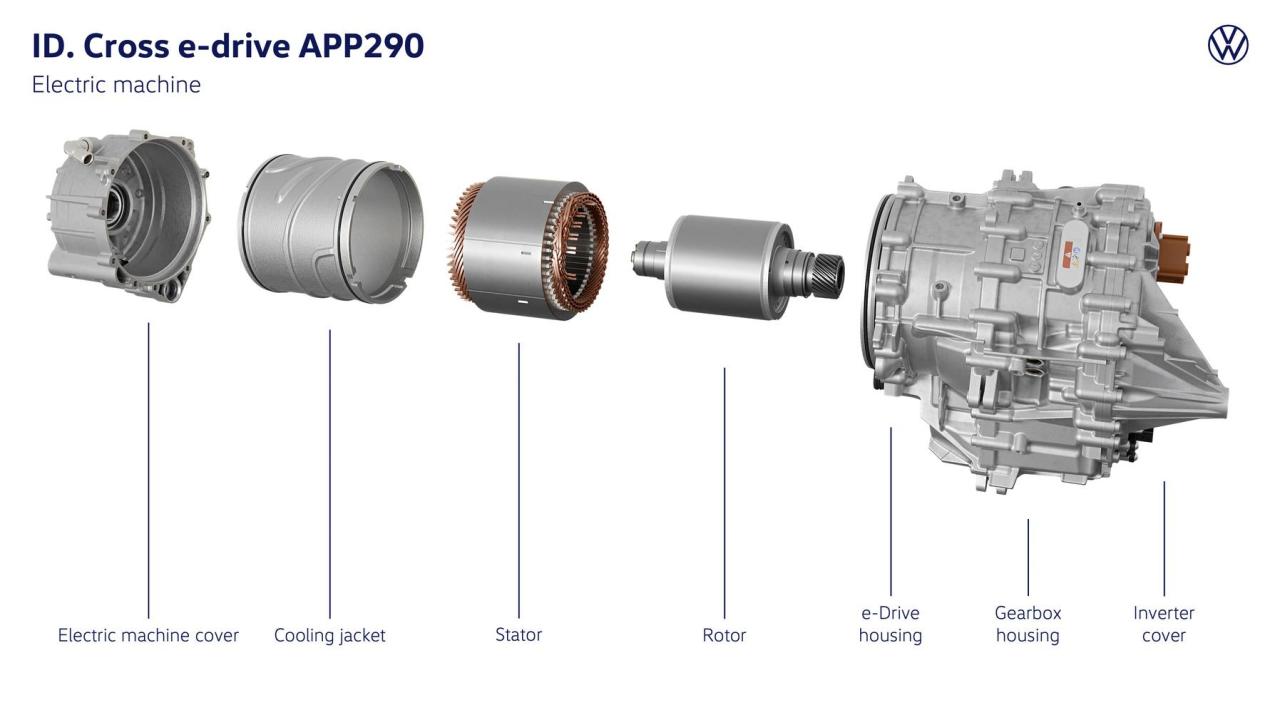

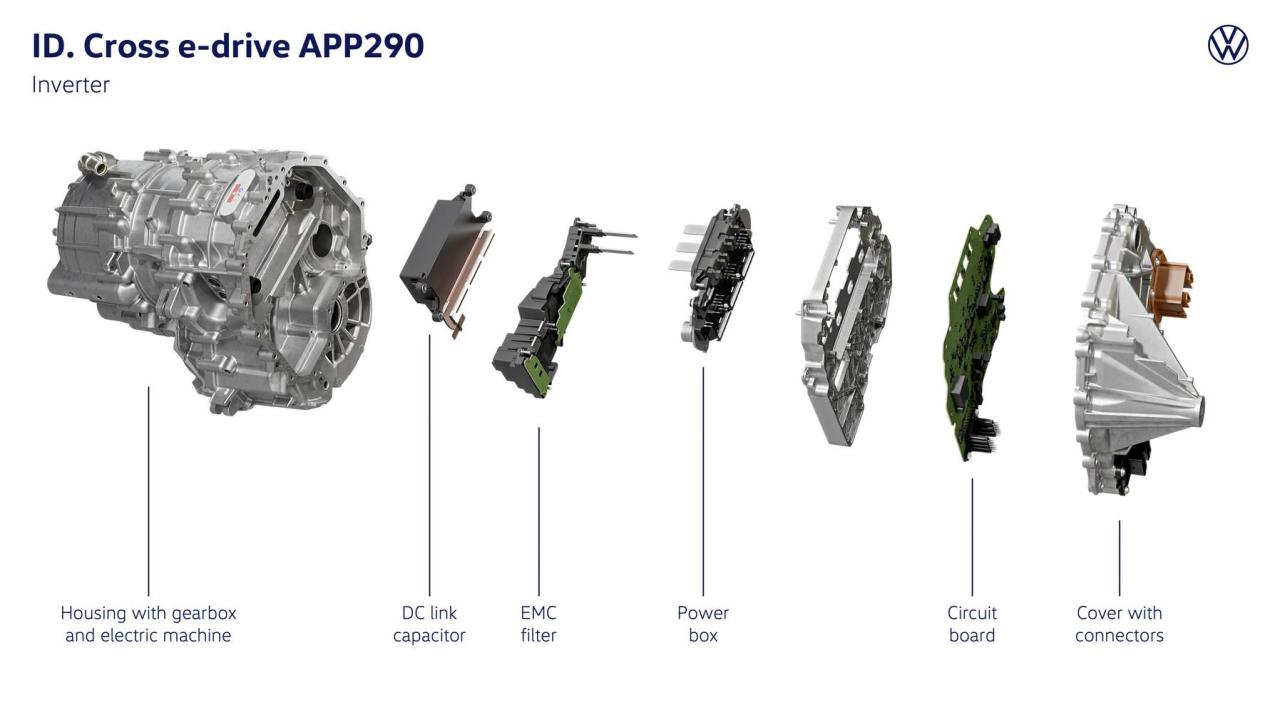
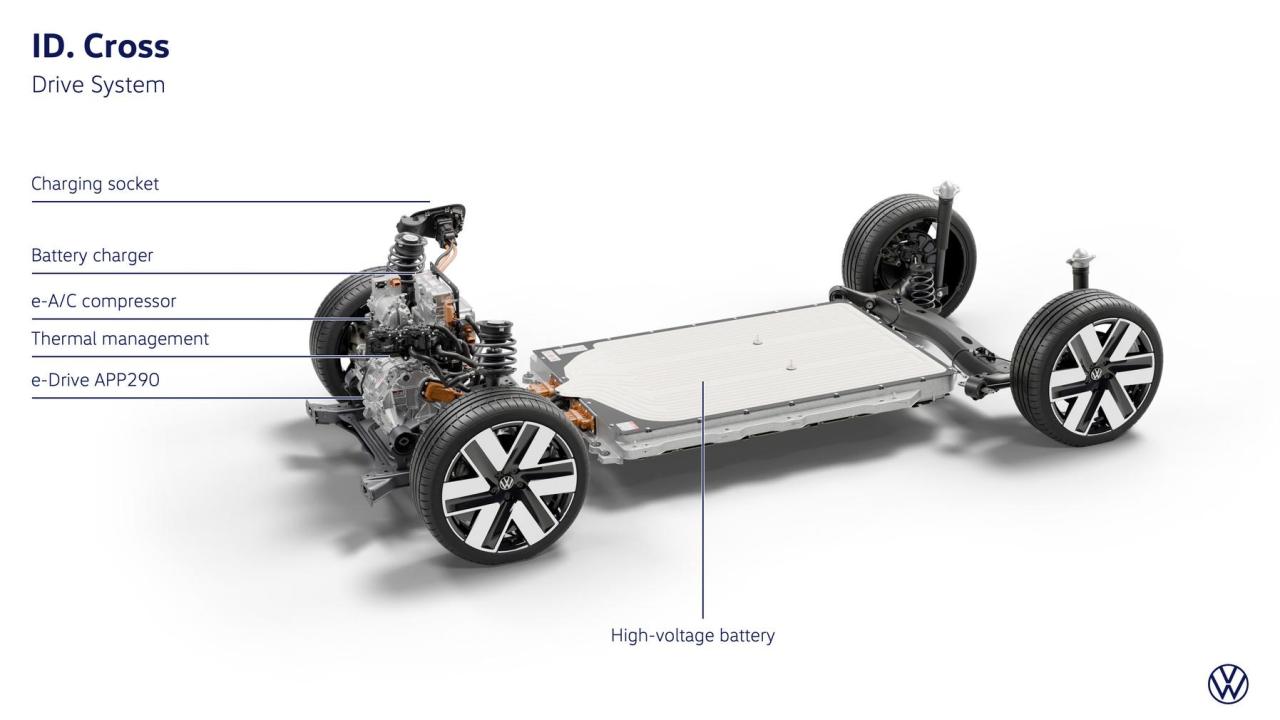
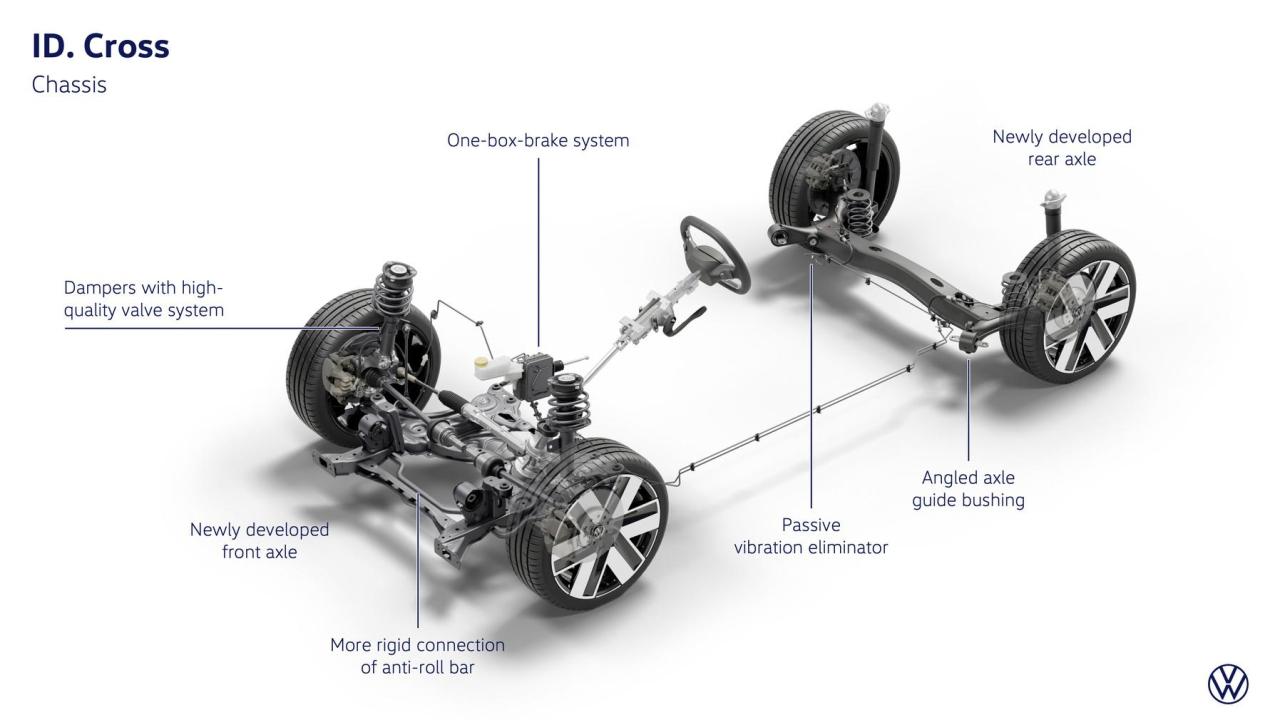
- 38 risposte
-
-

- 1
-
-
- id x
- id.2 x
- id2 x
- volkswagen
-
Taggato come:
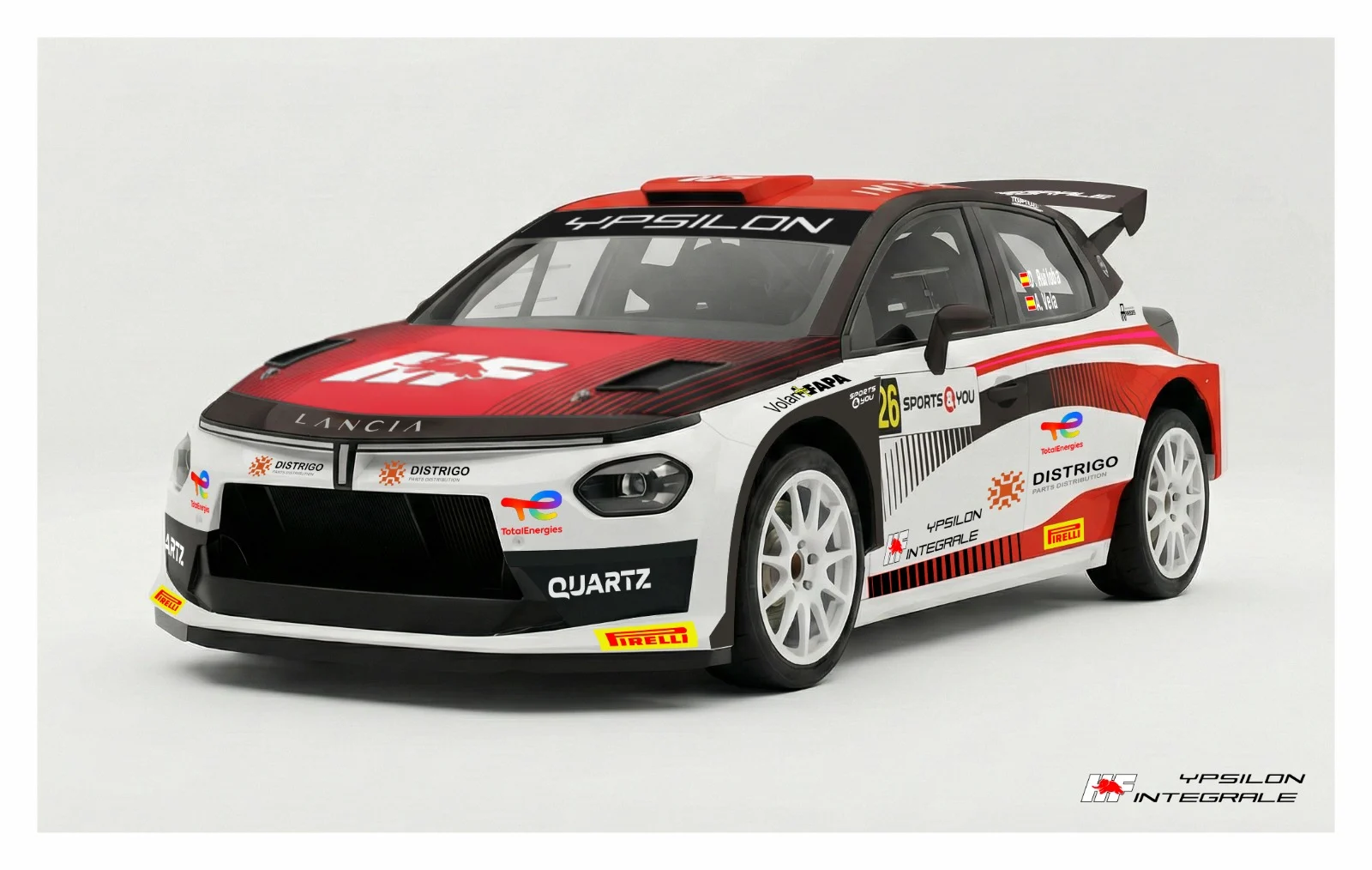
Luglio 2027.Leak dal forum Cochespias: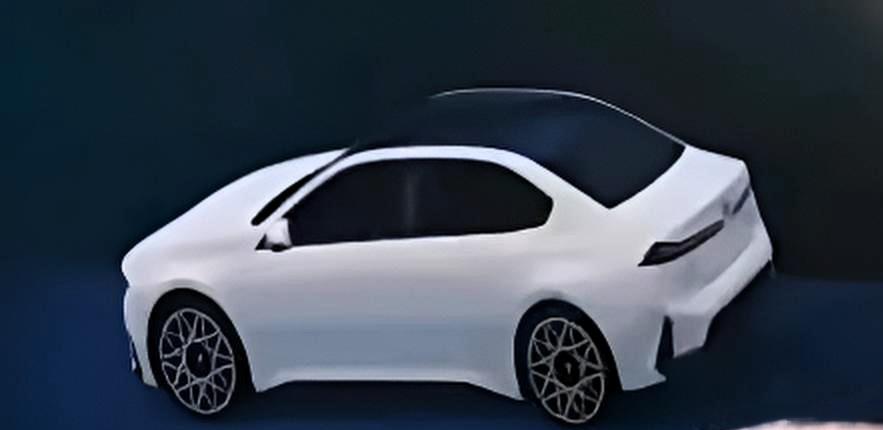
 FIXED
FIXED
(1)(1).thumb.png.635c059adfaa3a2ca27f86ab608b04ba.png)

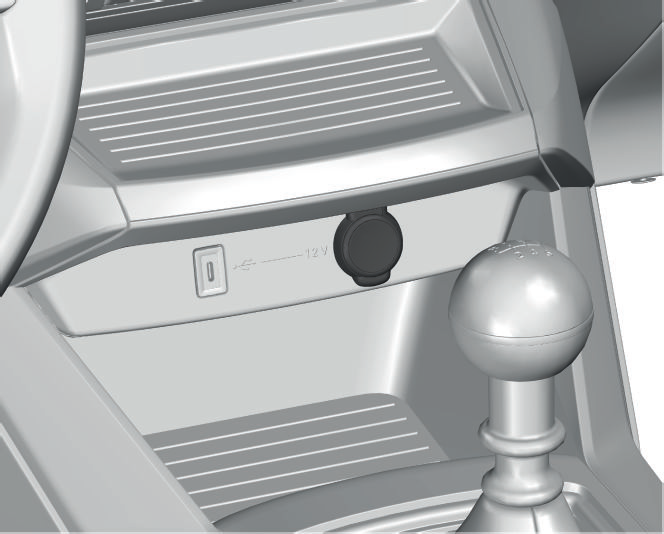
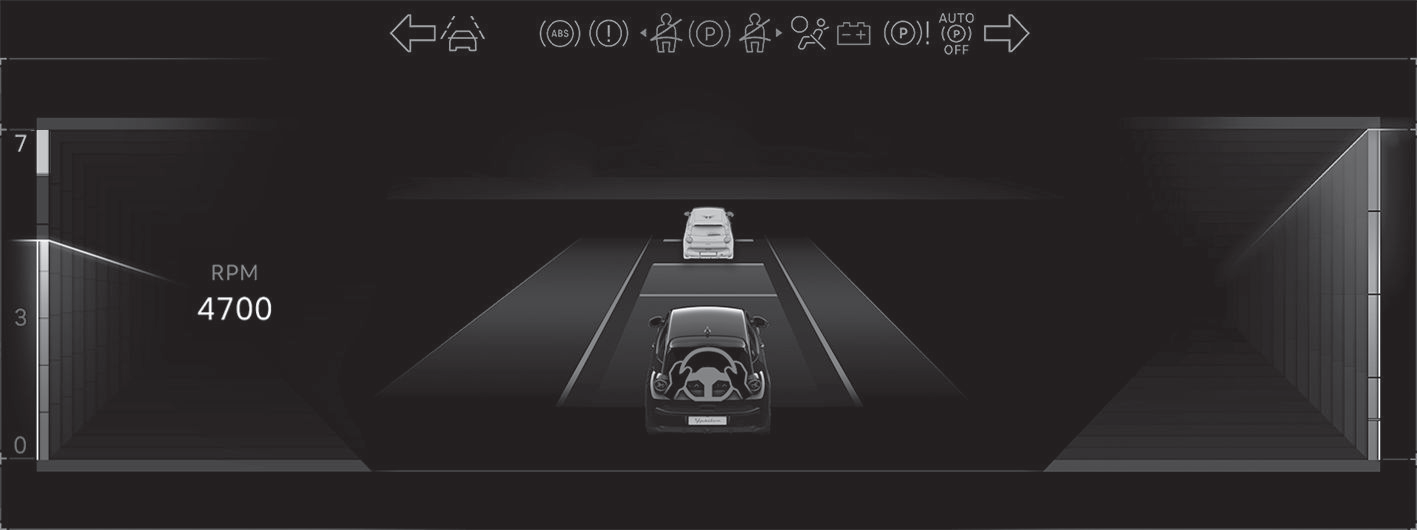


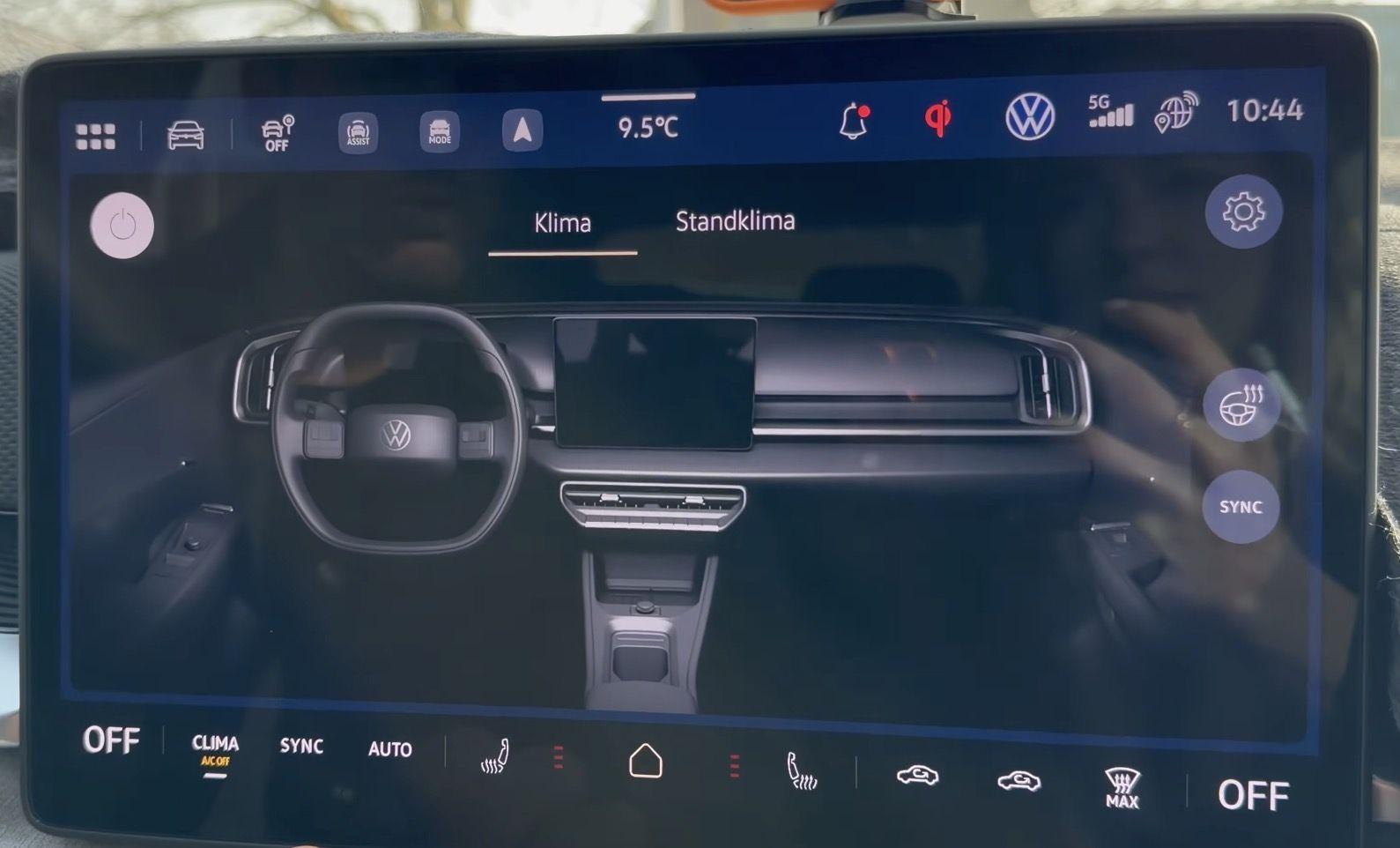
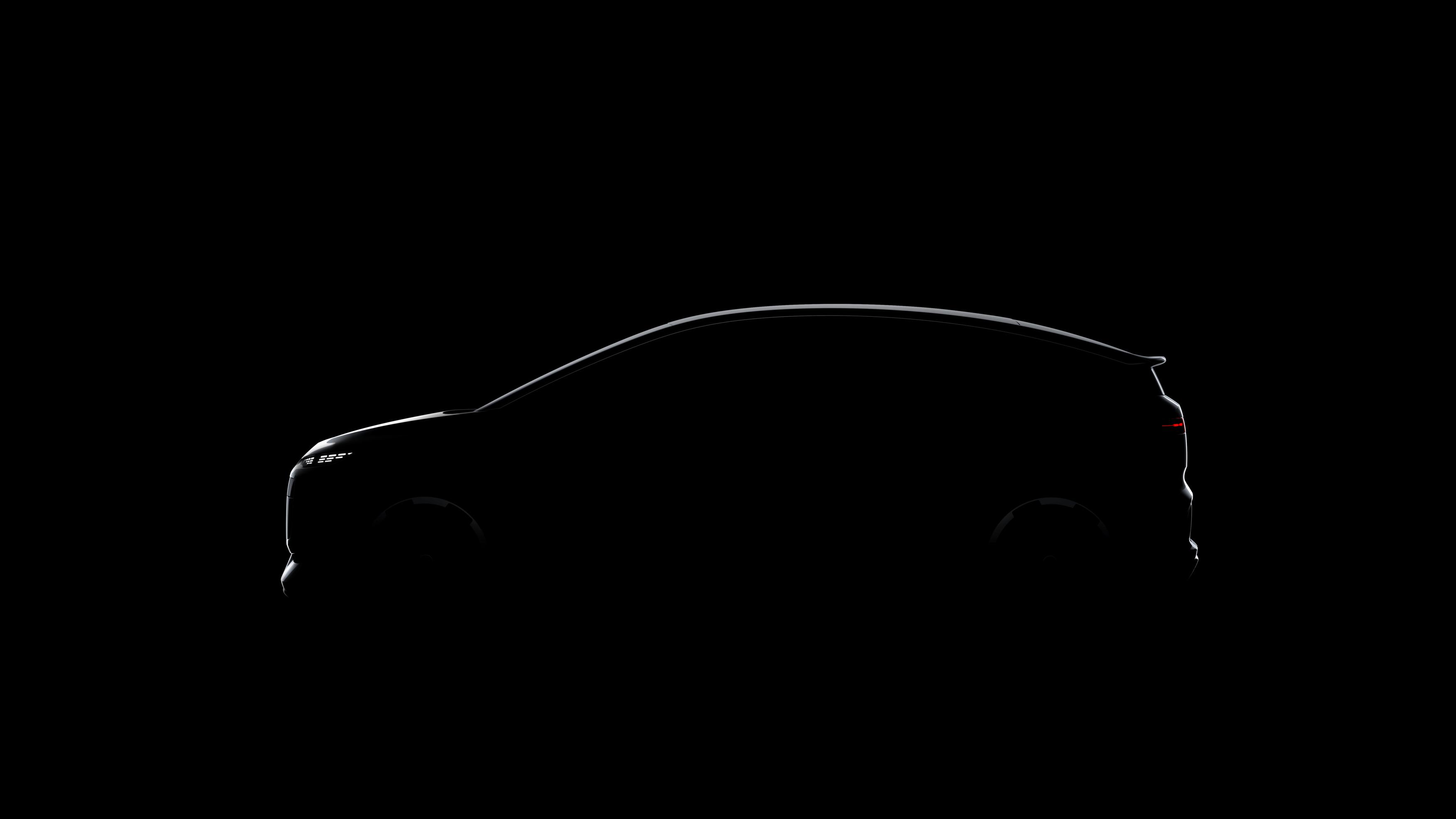

.png.1ab3490e8e664a4d5dea40b23e01b89d.png)

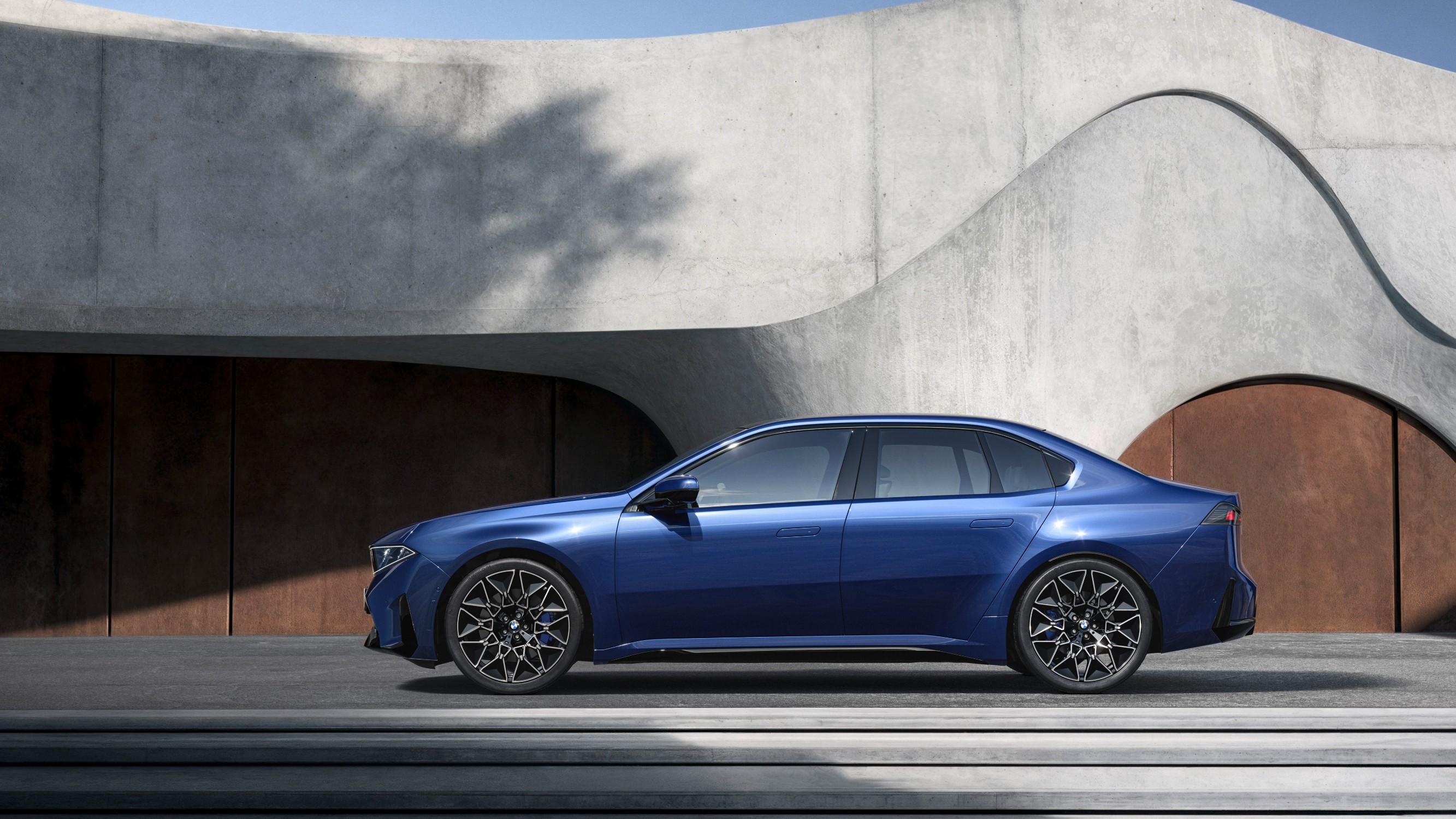

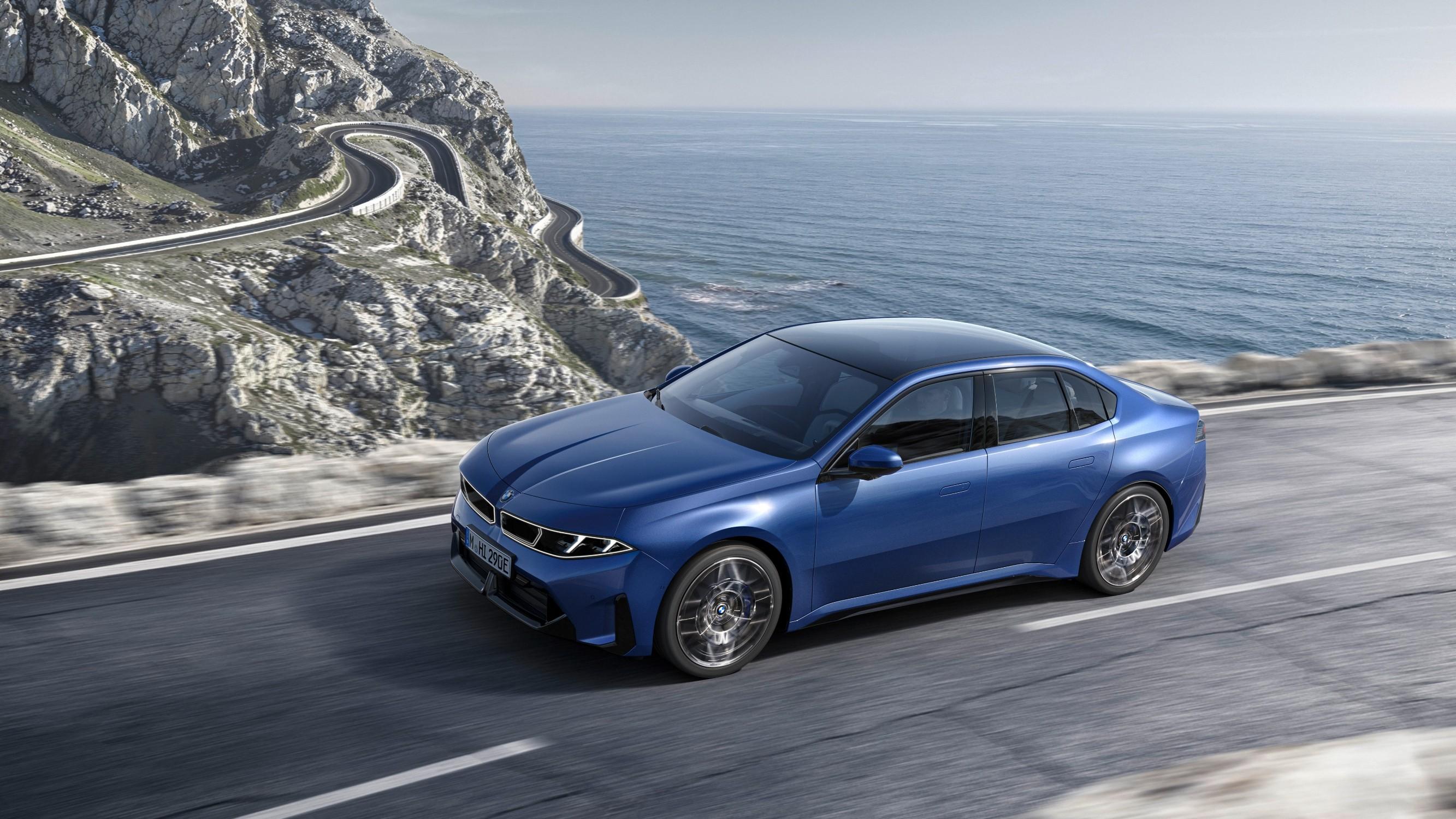
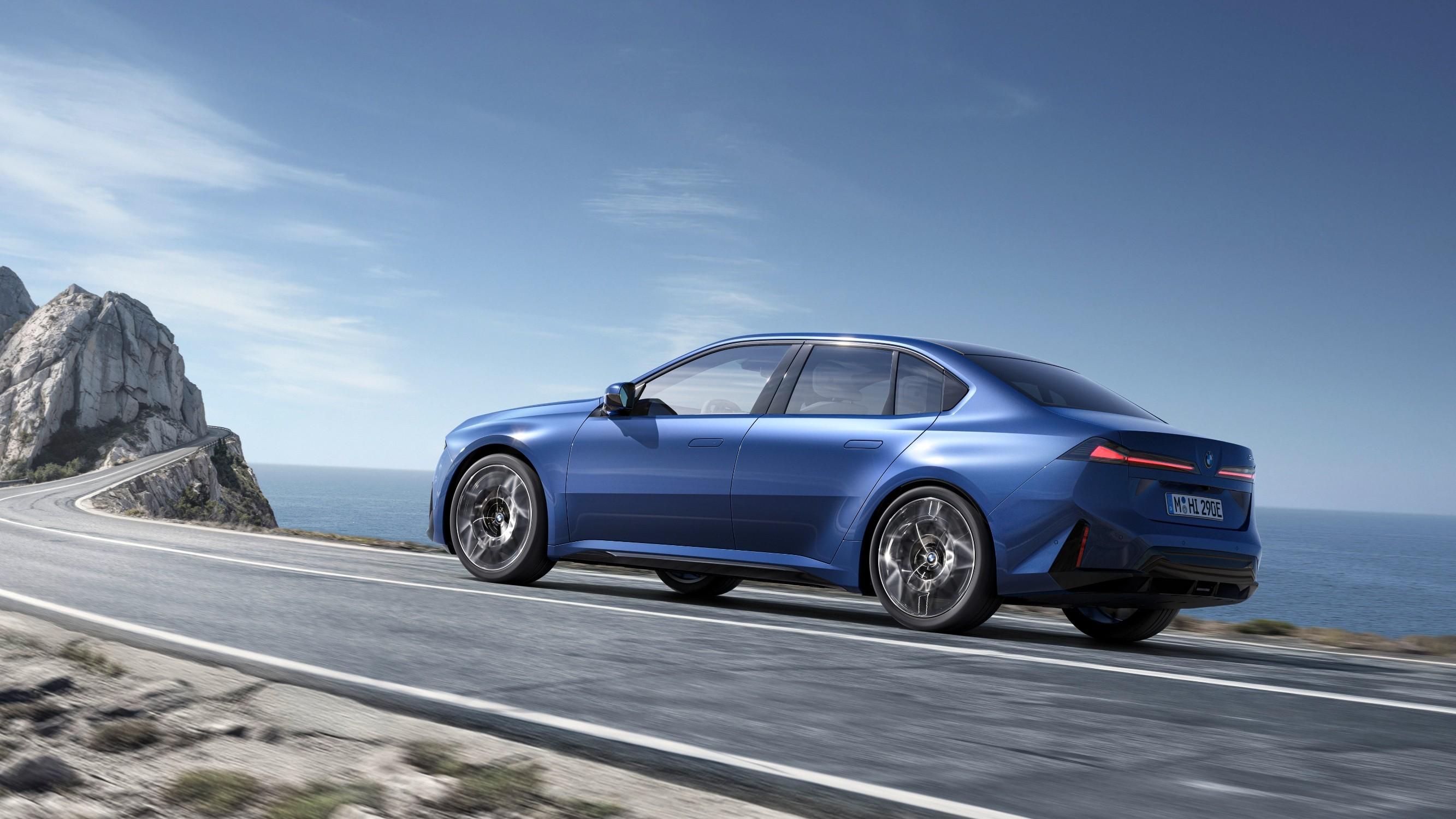
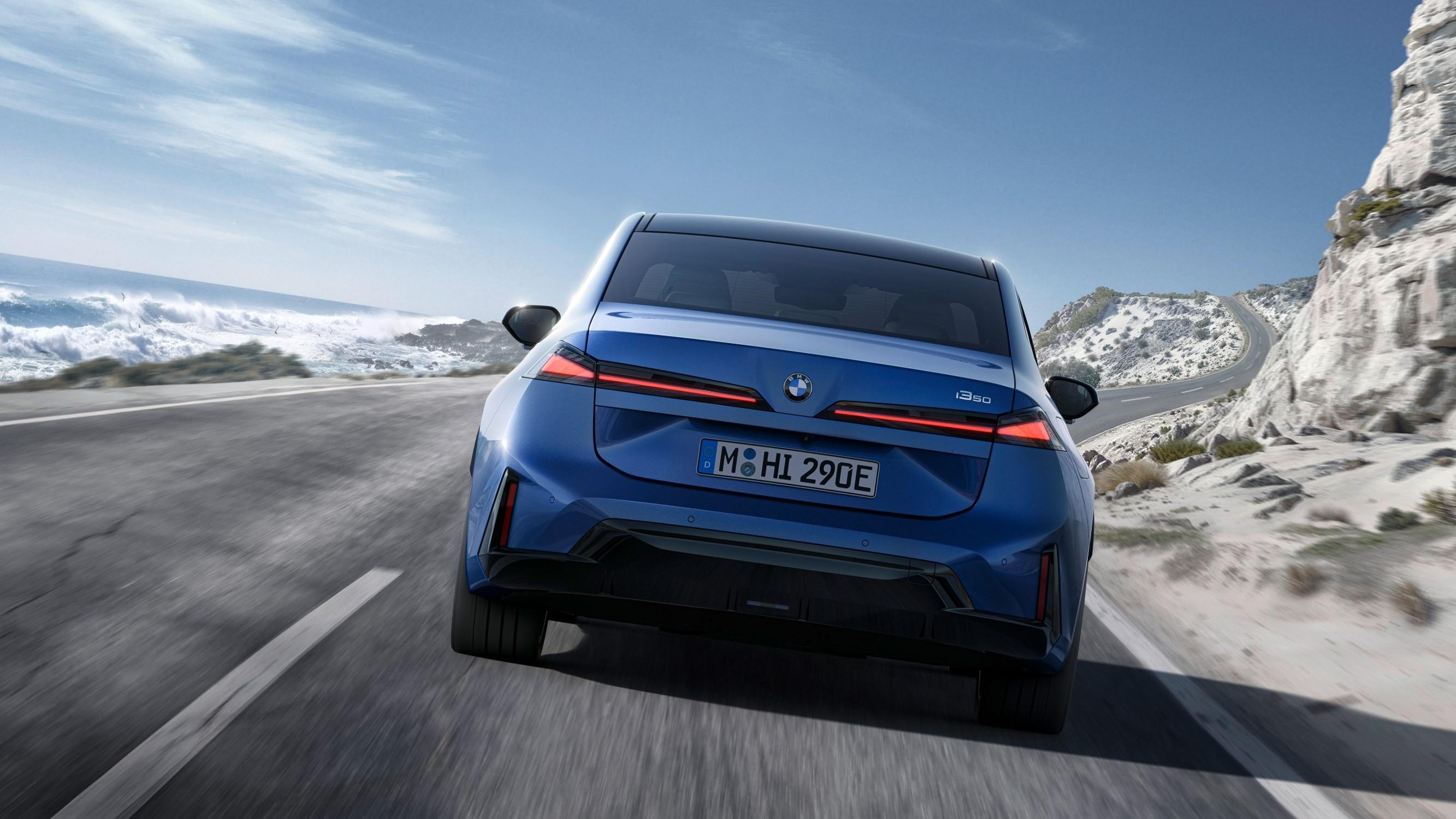
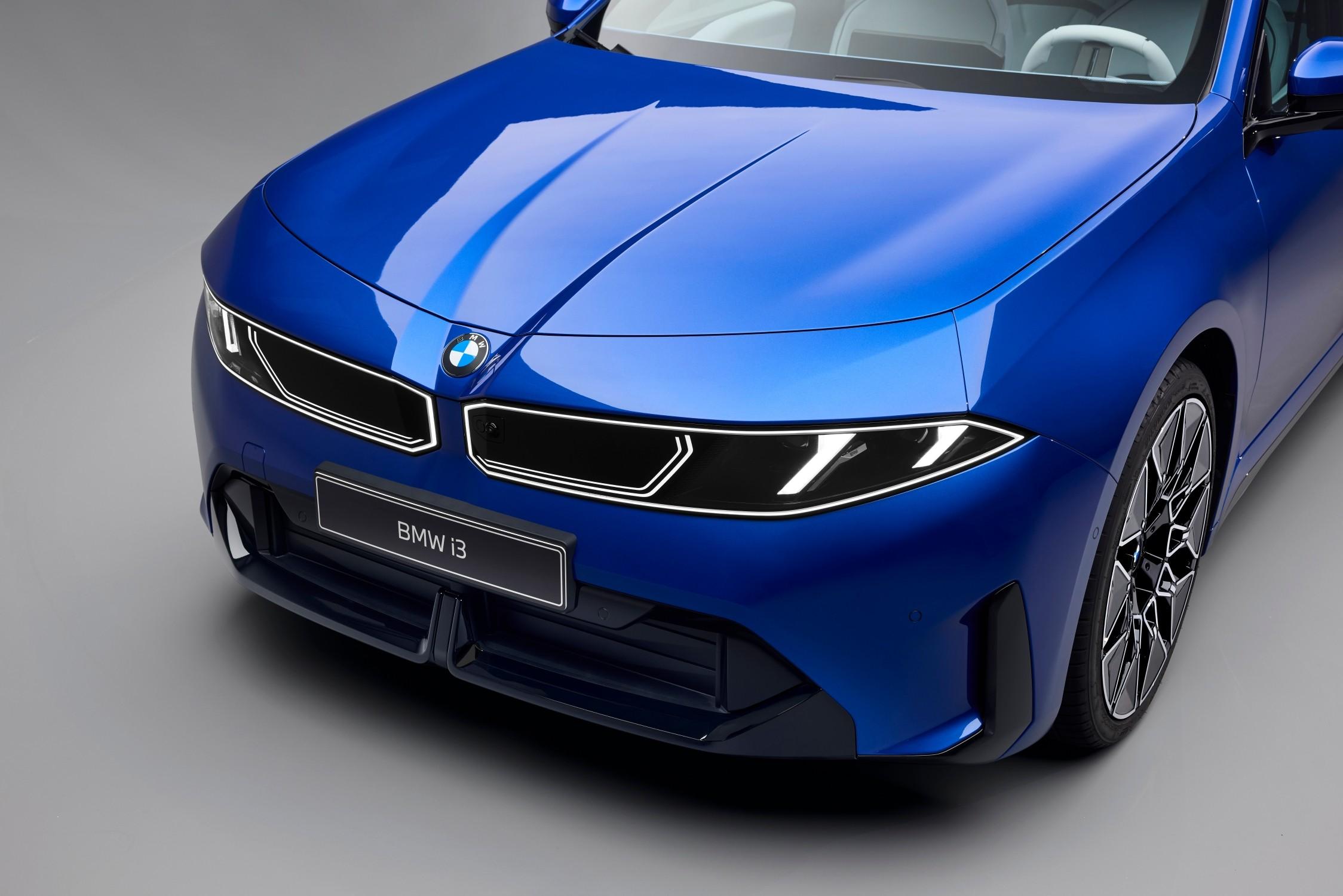
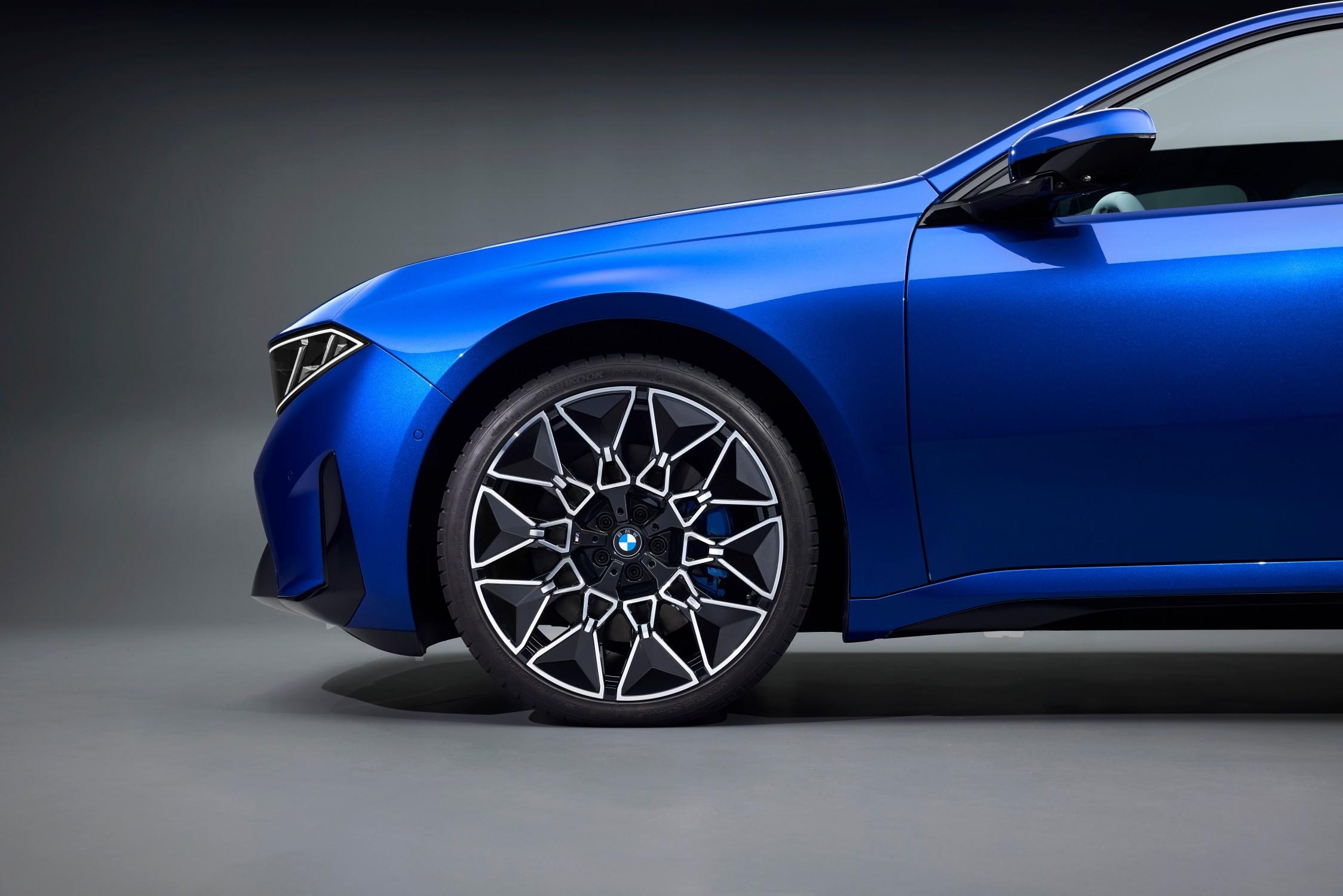
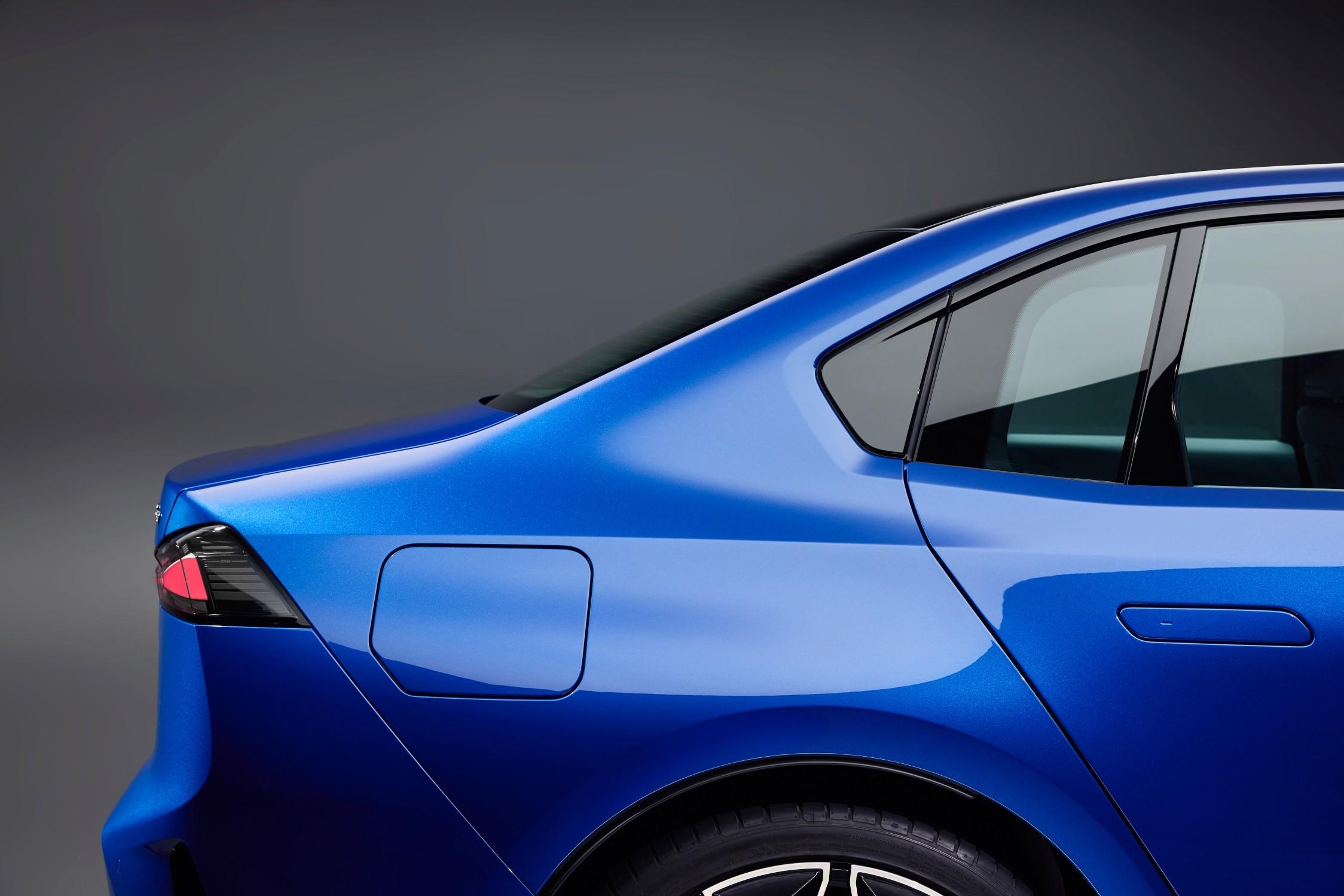
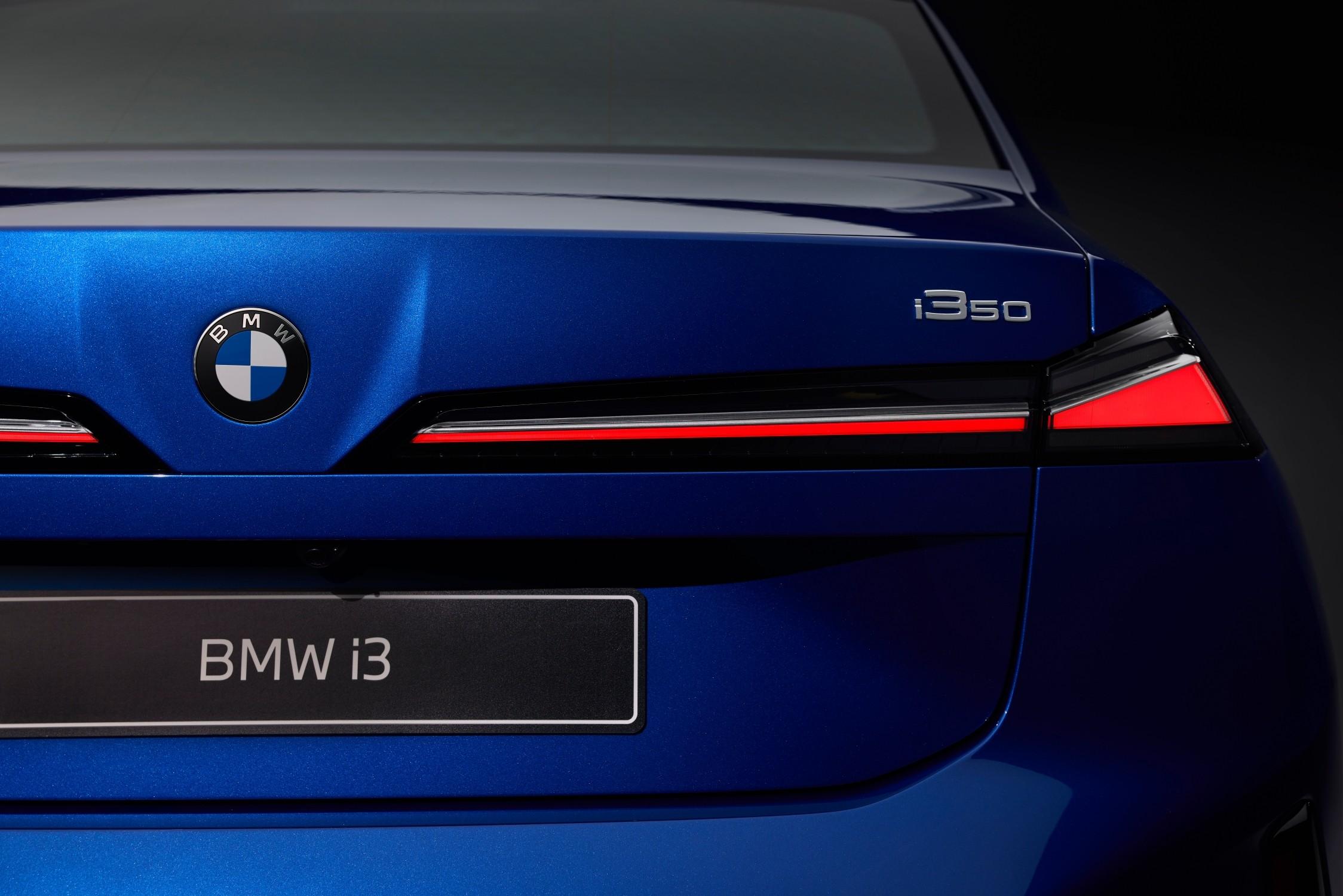
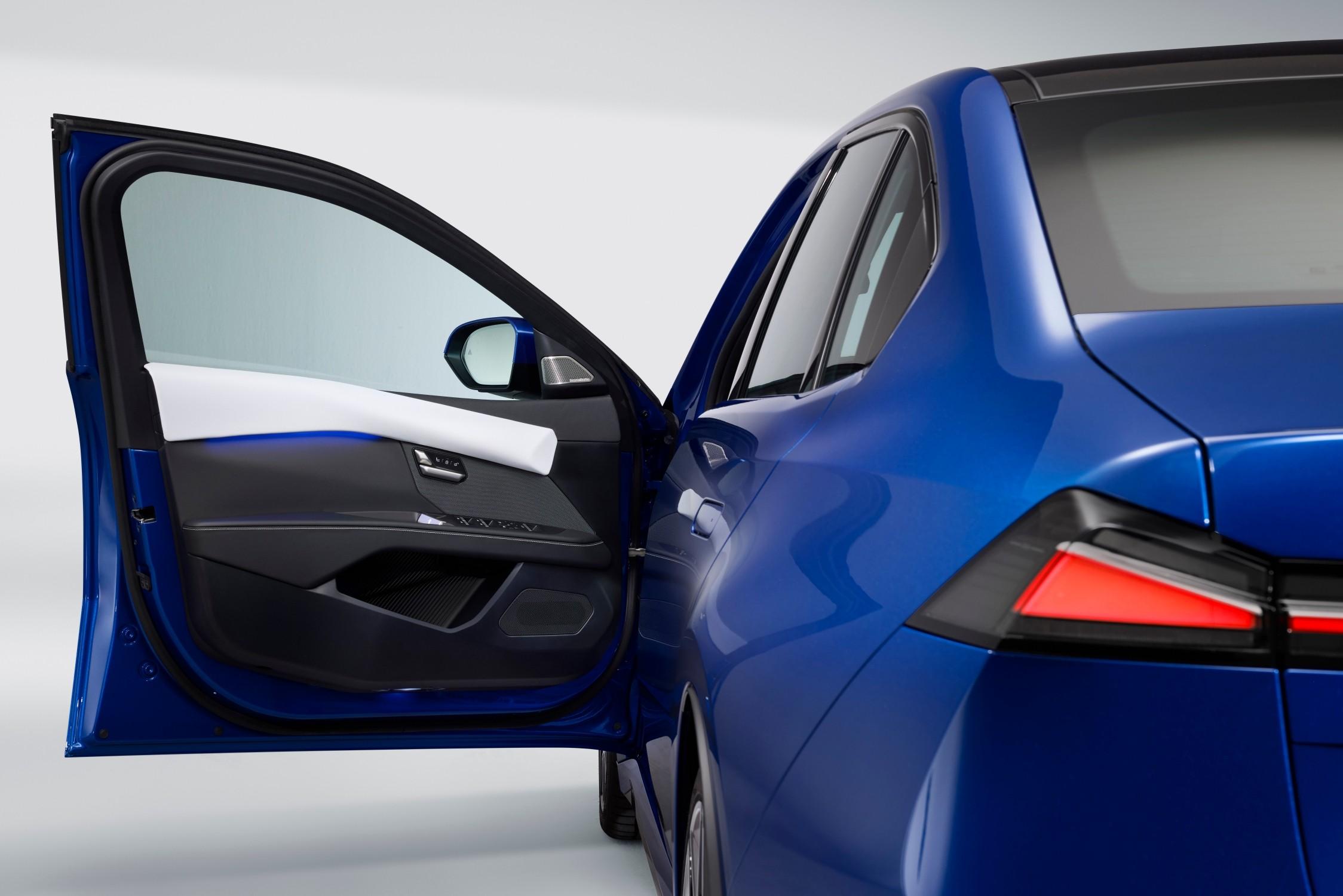
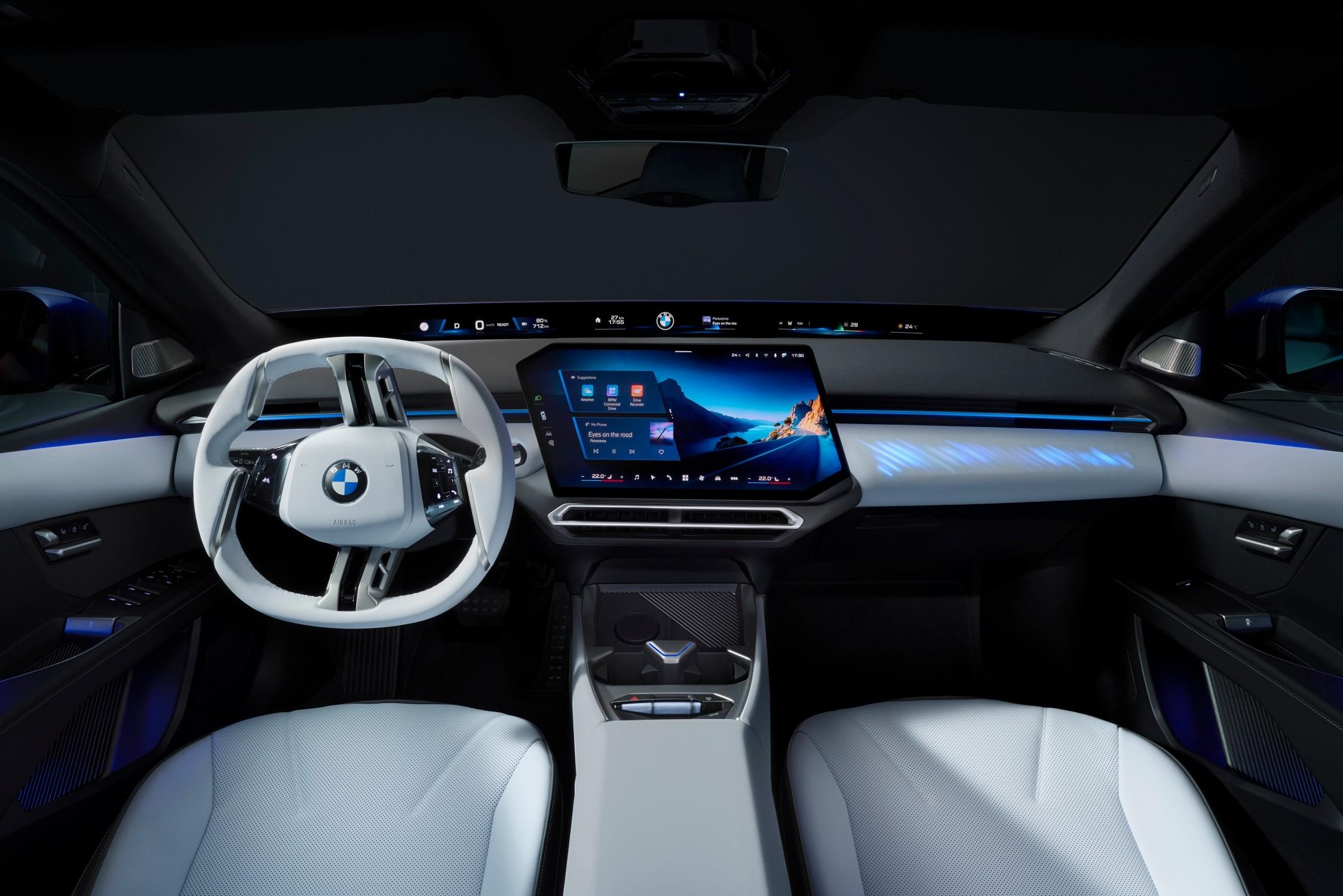
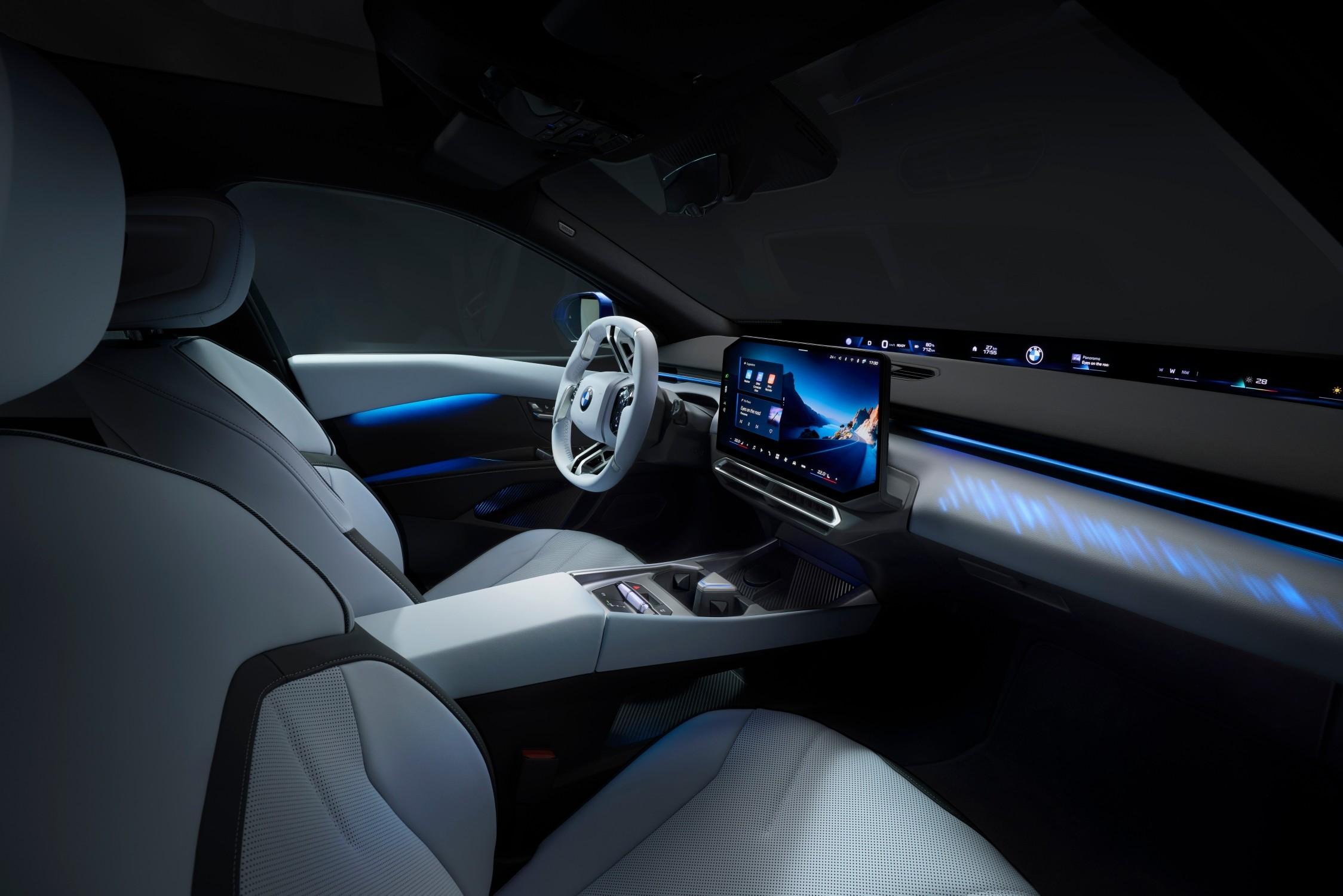
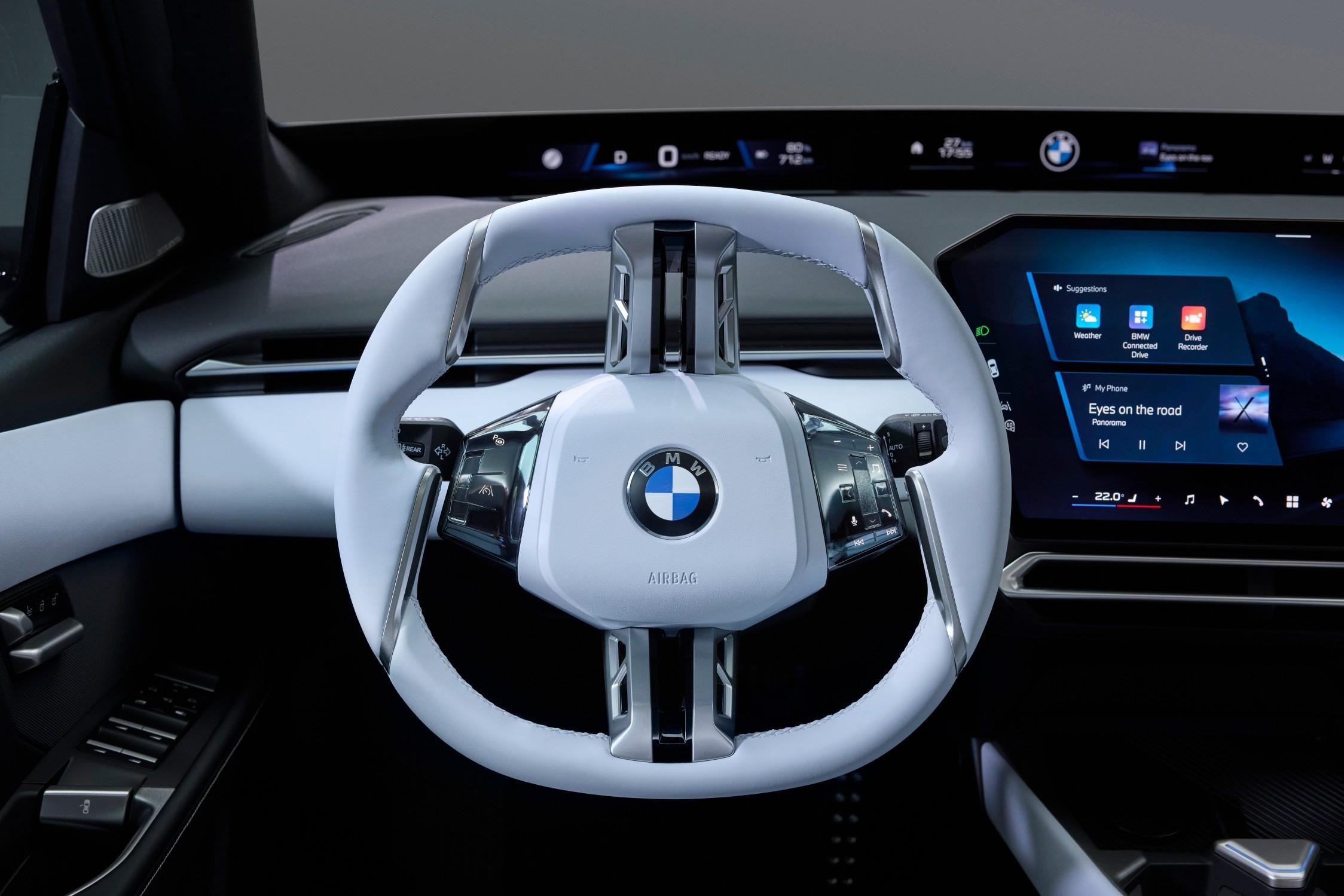
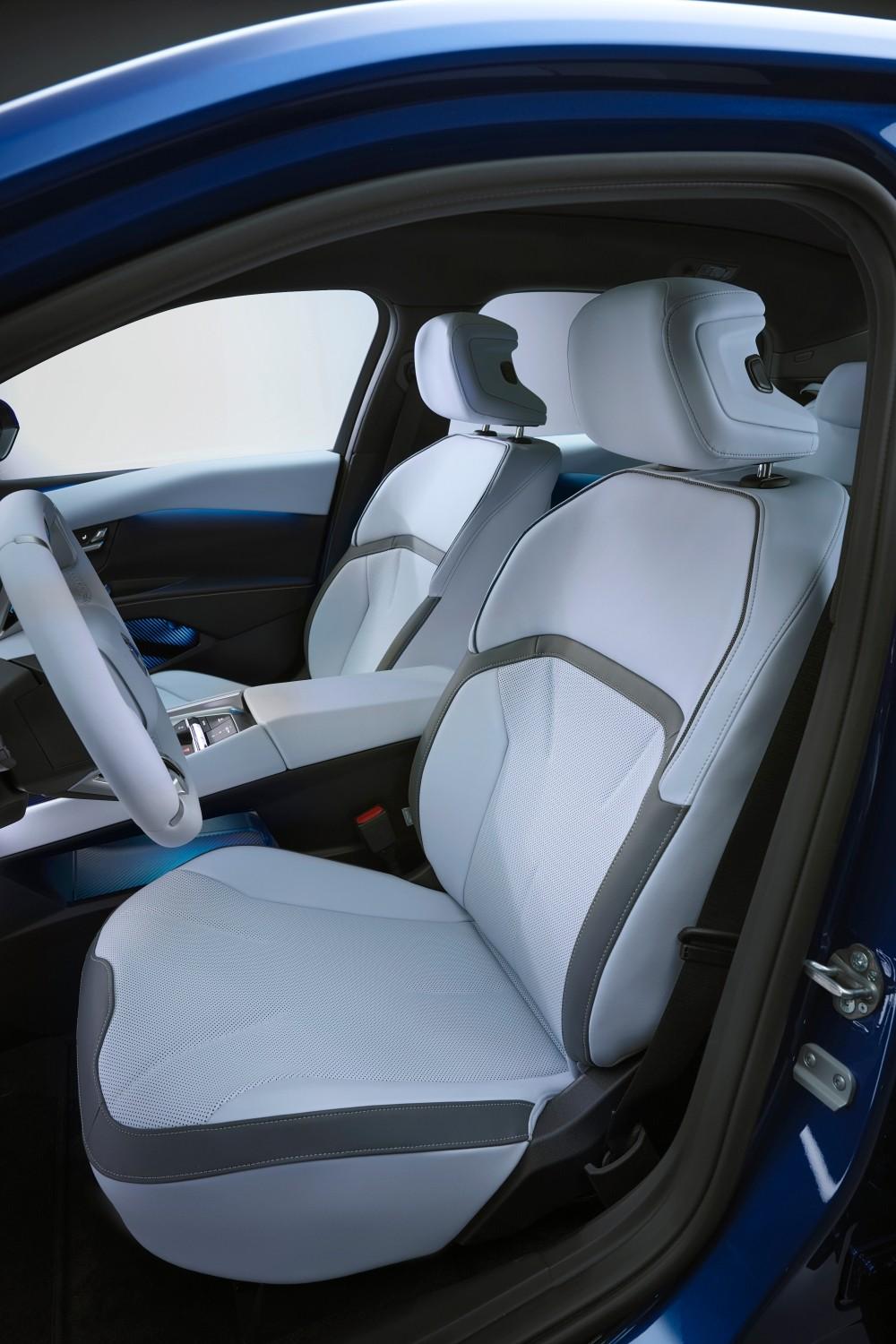
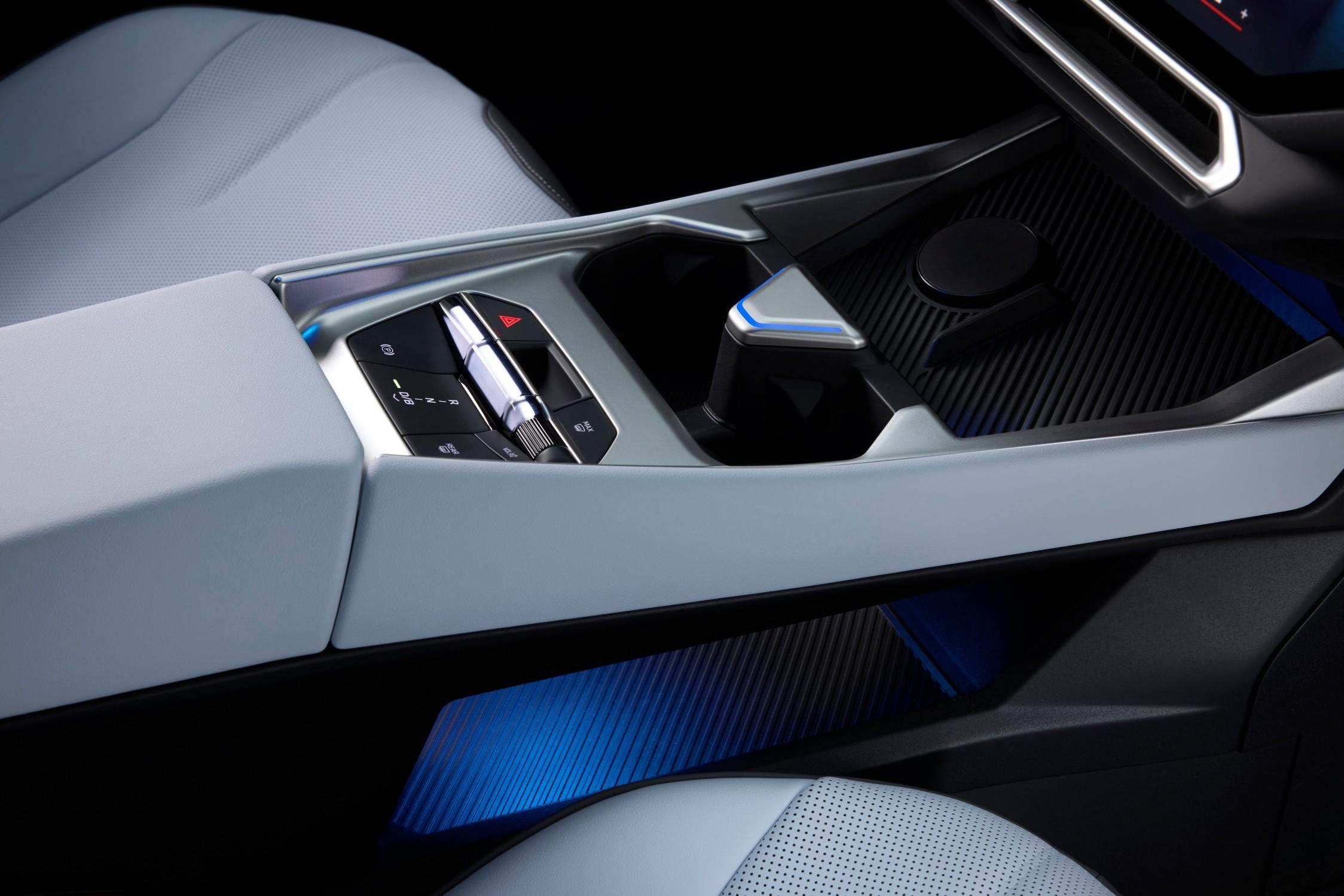
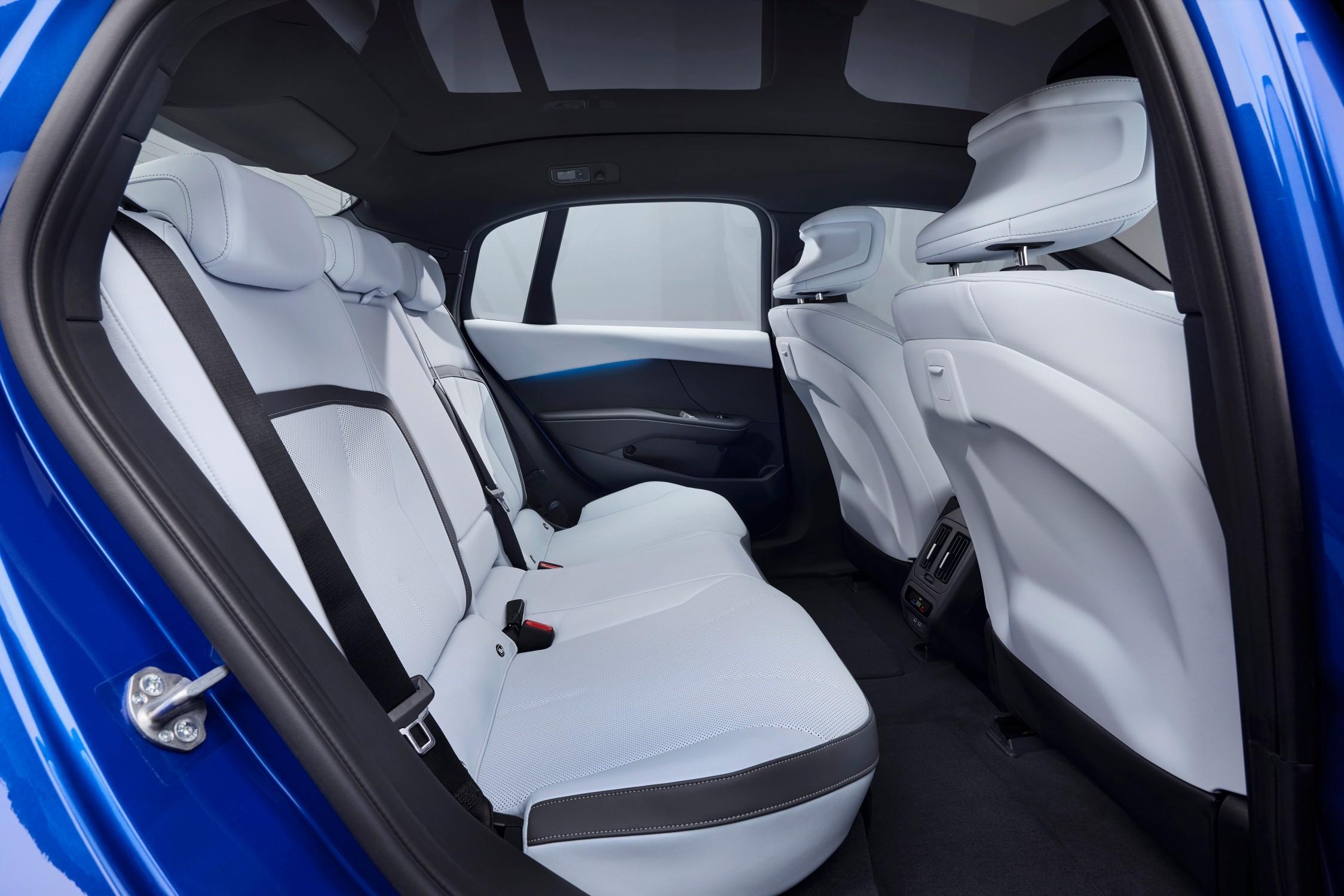
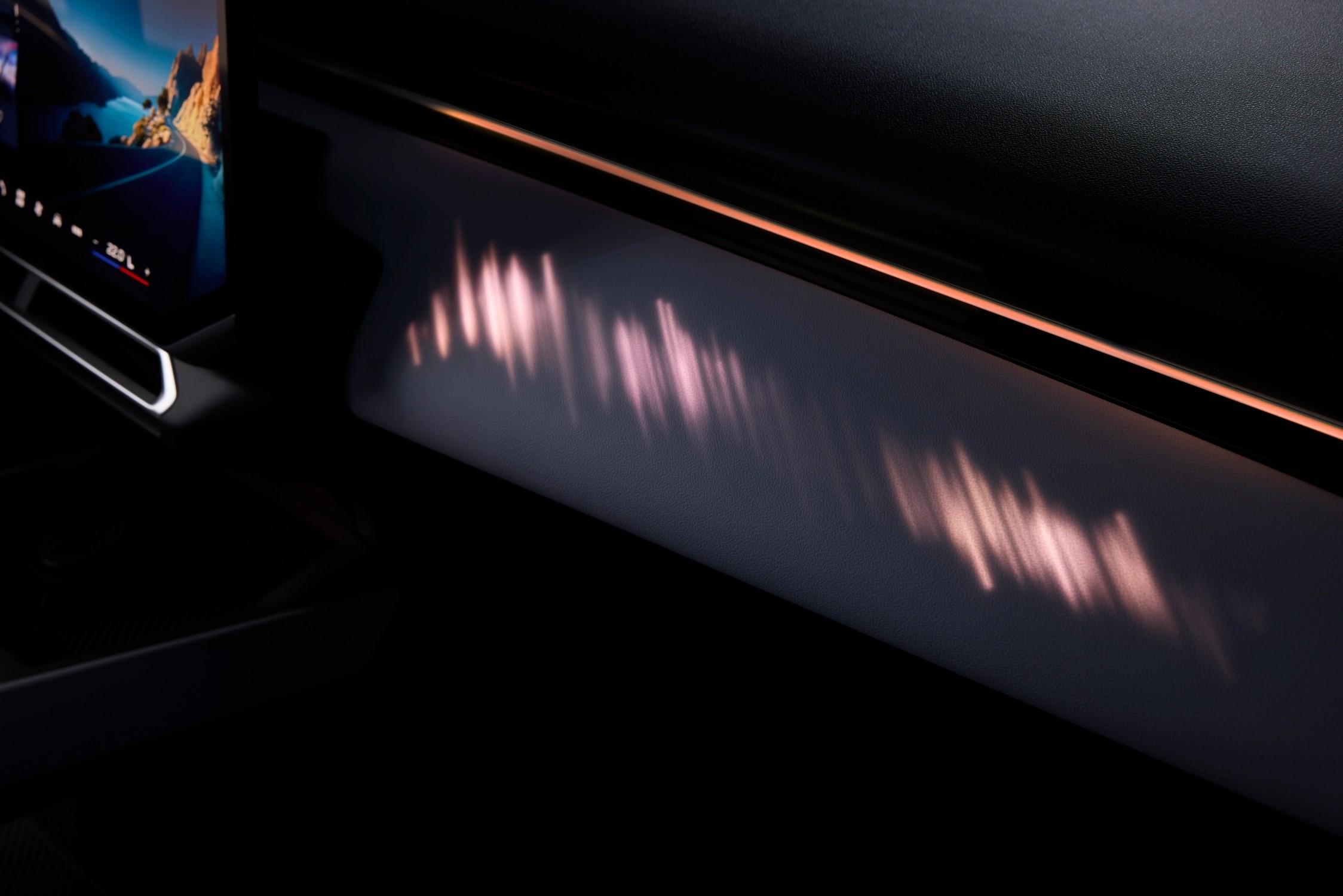









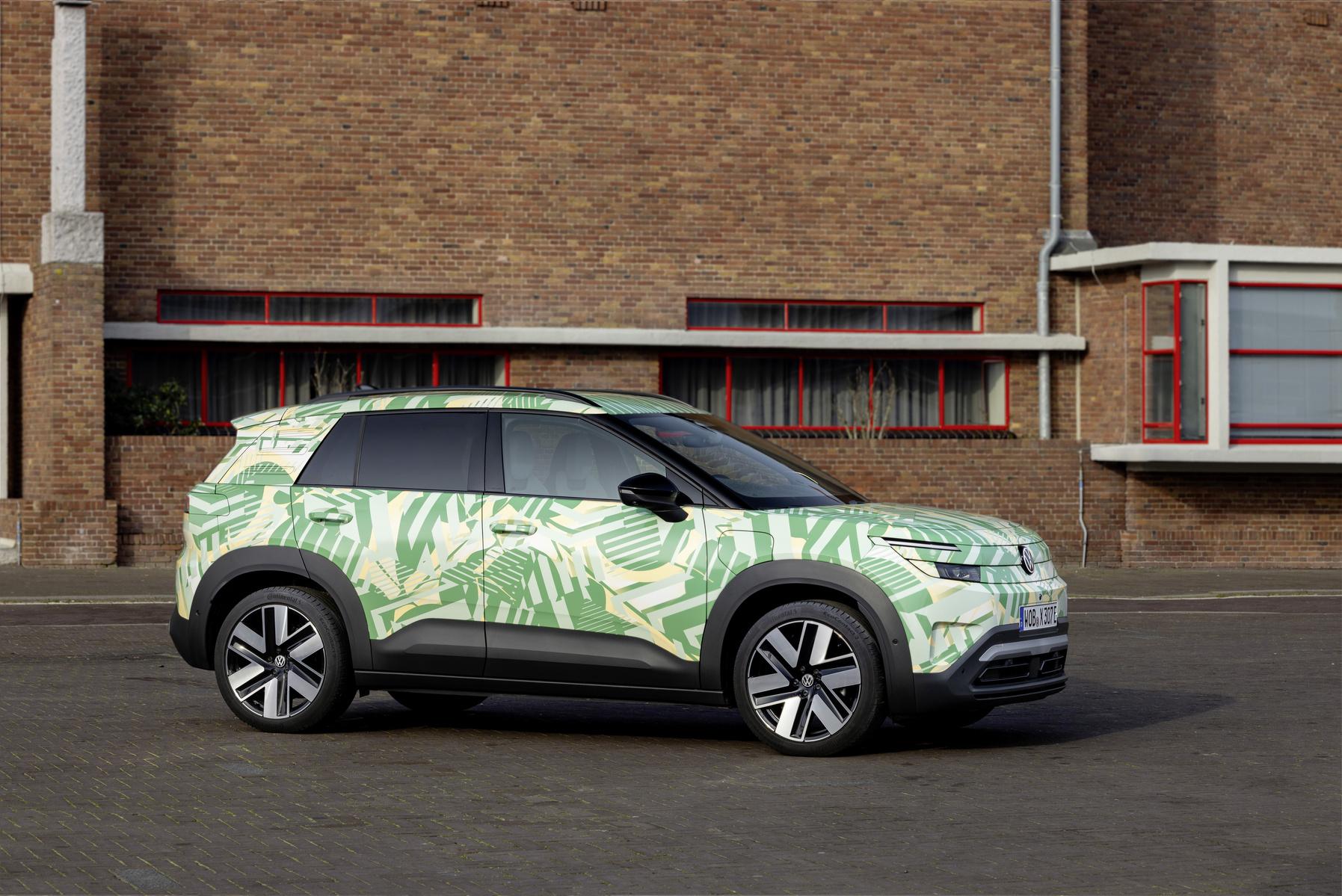
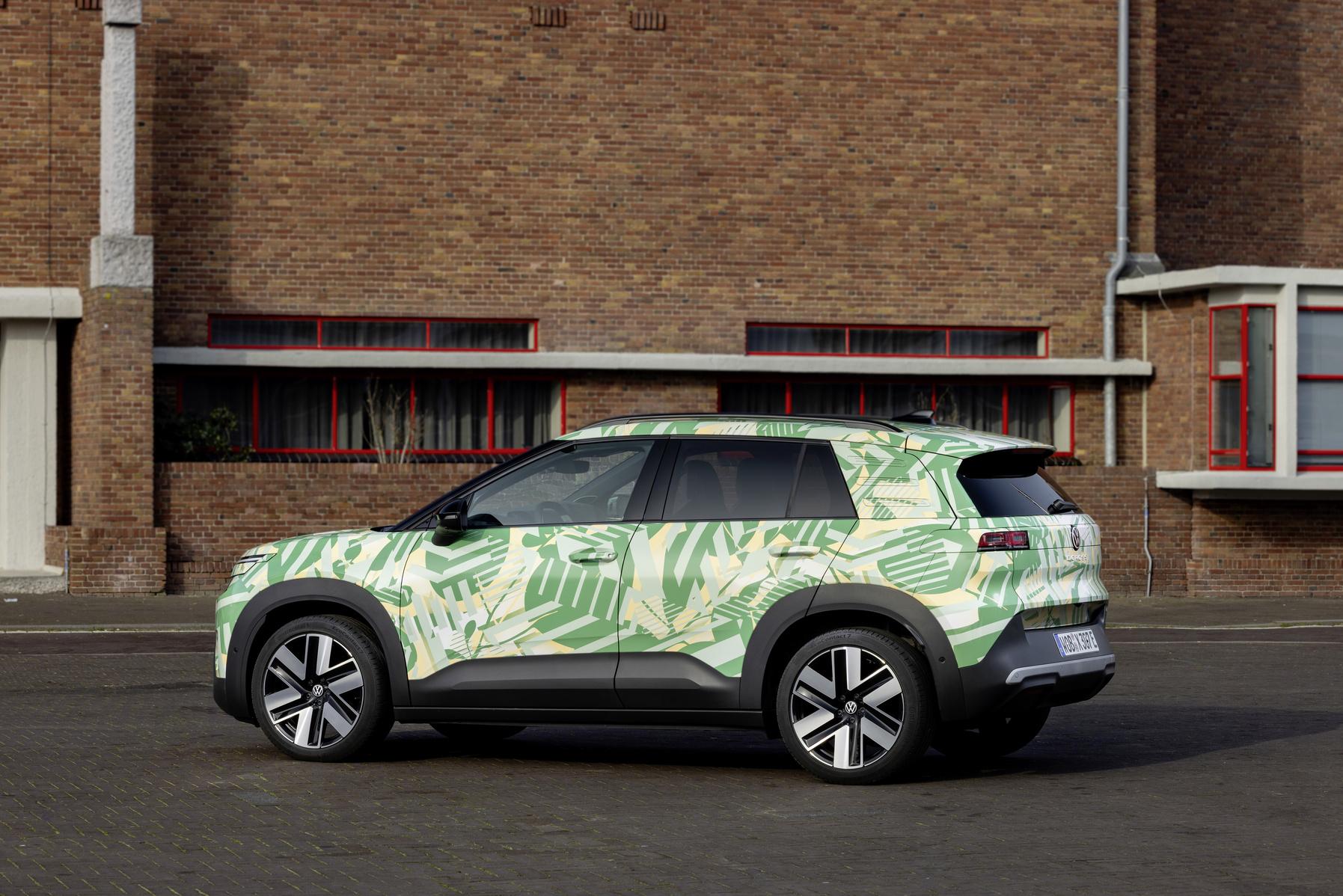
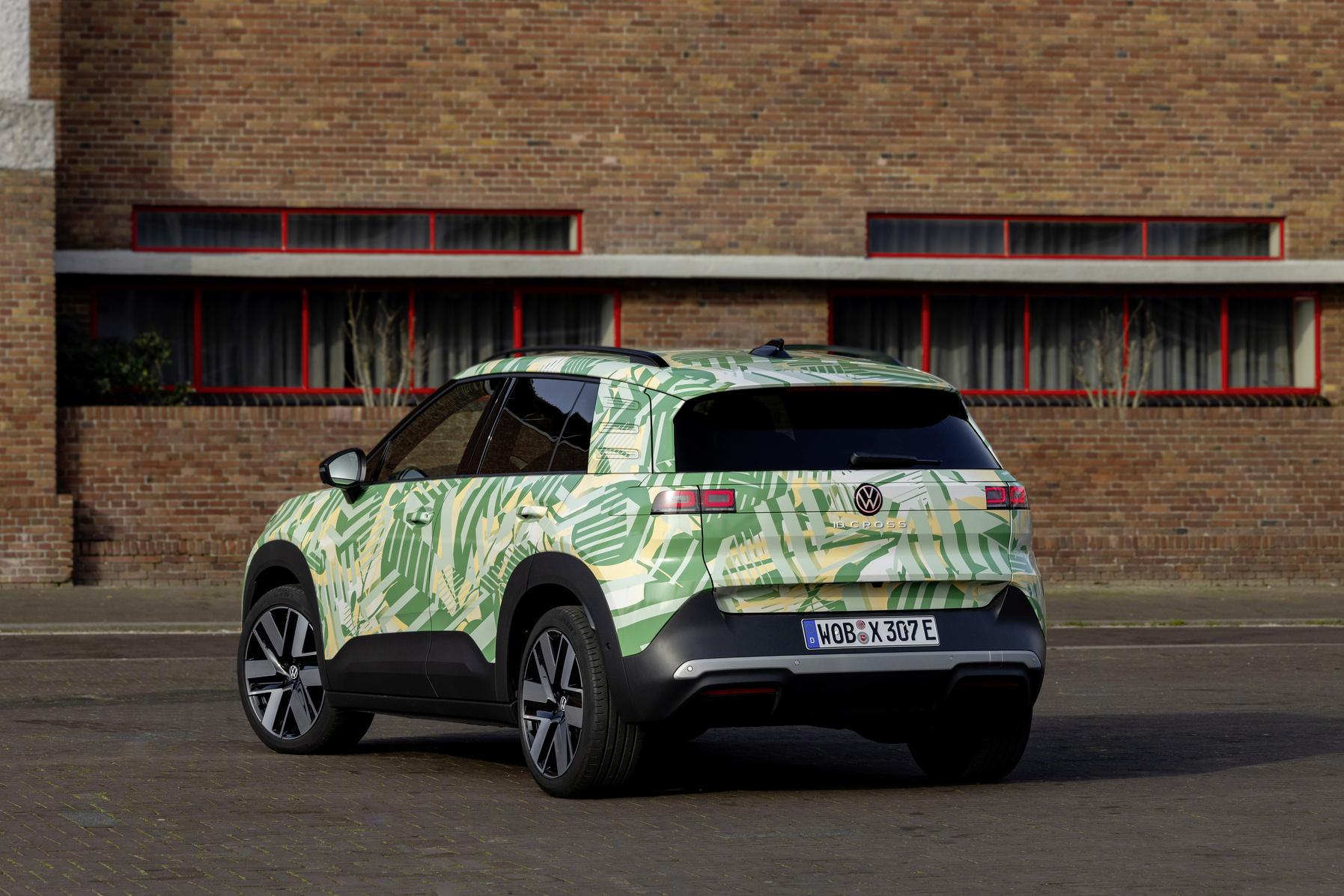


.jpg.fc7e4c38f4eaec3ea51e46b9b6b2ef68.jpg)










Account
Navigation
Cerca
Configure browser push notifications
Chrome (Android)
- Tap the lock icon next to the address bar.
- Tap Permissions → Notifications.
- Adjust your preference.
Chrome (Desktop)
- Click the padlock icon in the address bar.
- Select Site settings.
- Find Notifications and adjust your preference.
Safari (iOS 16.4+)
- Ensure the site is installed via Add to Home Screen.
- Open Settings App → Notifications.
- Find your app name and adjust your preference.
Safari (macOS)
- Go to Safari → Preferences.
- Click the Websites tab.
- Select Notifications in the sidebar.
- Find this website and adjust your preference.
Edge (Android)
- Tap the lock icon next to the address bar.
- Tap Permissions.
- Find Notifications and adjust your preference.
Edge (Desktop)
- Click the padlock icon in the address bar.
- Click Permissions for this site.
- Find Notifications and adjust your preference.
Firefox (Android)
- Go to Settings → Site permissions.
- Tap Notifications.
- Find this site in the list and adjust your preference.
Firefox (Desktop)
- Open Firefox Settings.
- Search for Notifications.
- Find this site in the list and adjust your preference.