





(1)(1).png.9646bf5114d93a5280bda88264436f0b.png)
Osv
Reporter (Staff)
-
Iscritto il
-
Ultima visita
Tutti i contenuti di Osv
-
-
Anche lei sulle nevi:
-
Leak dei patent! Fonte
-
-
Un paio di prove:
-
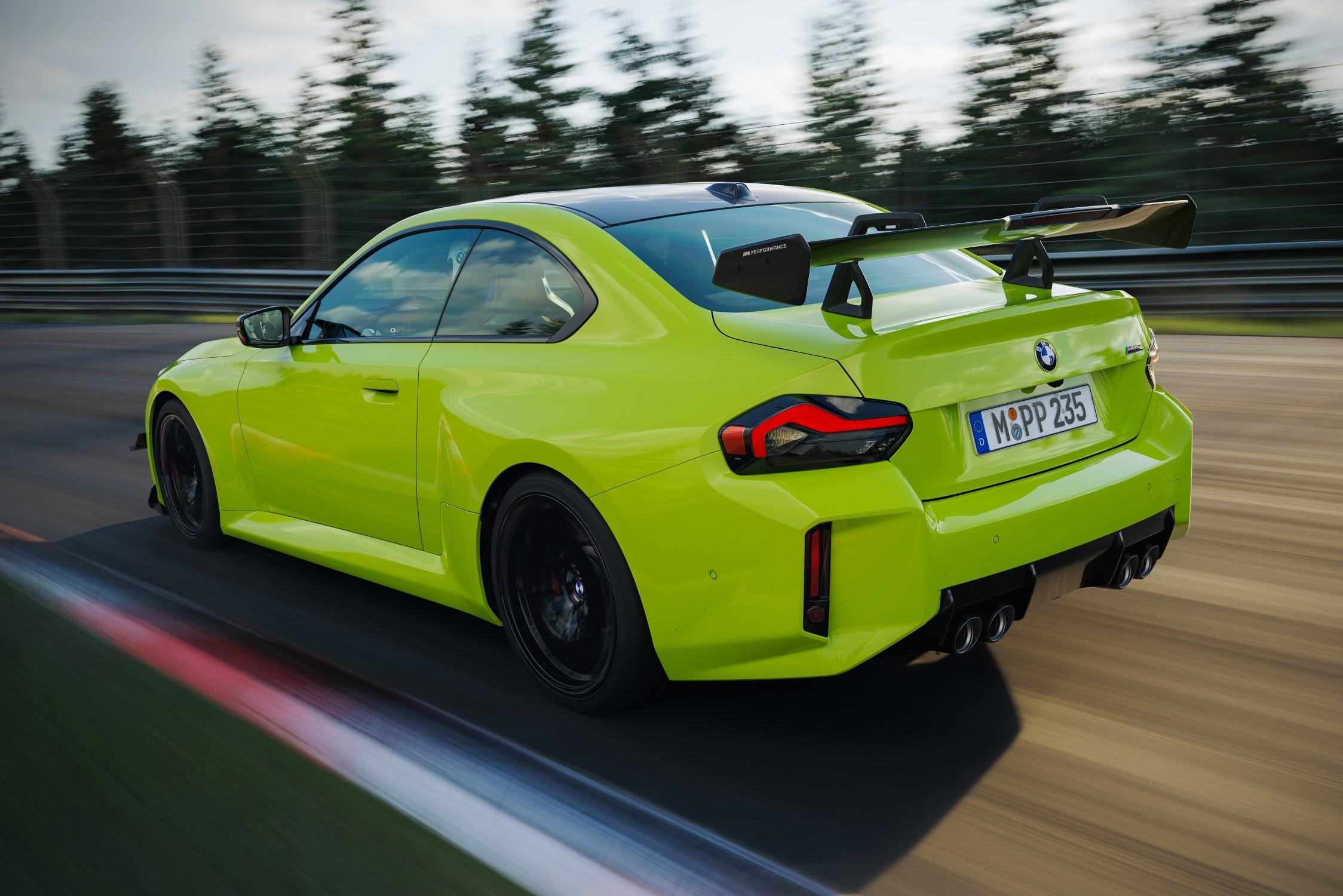
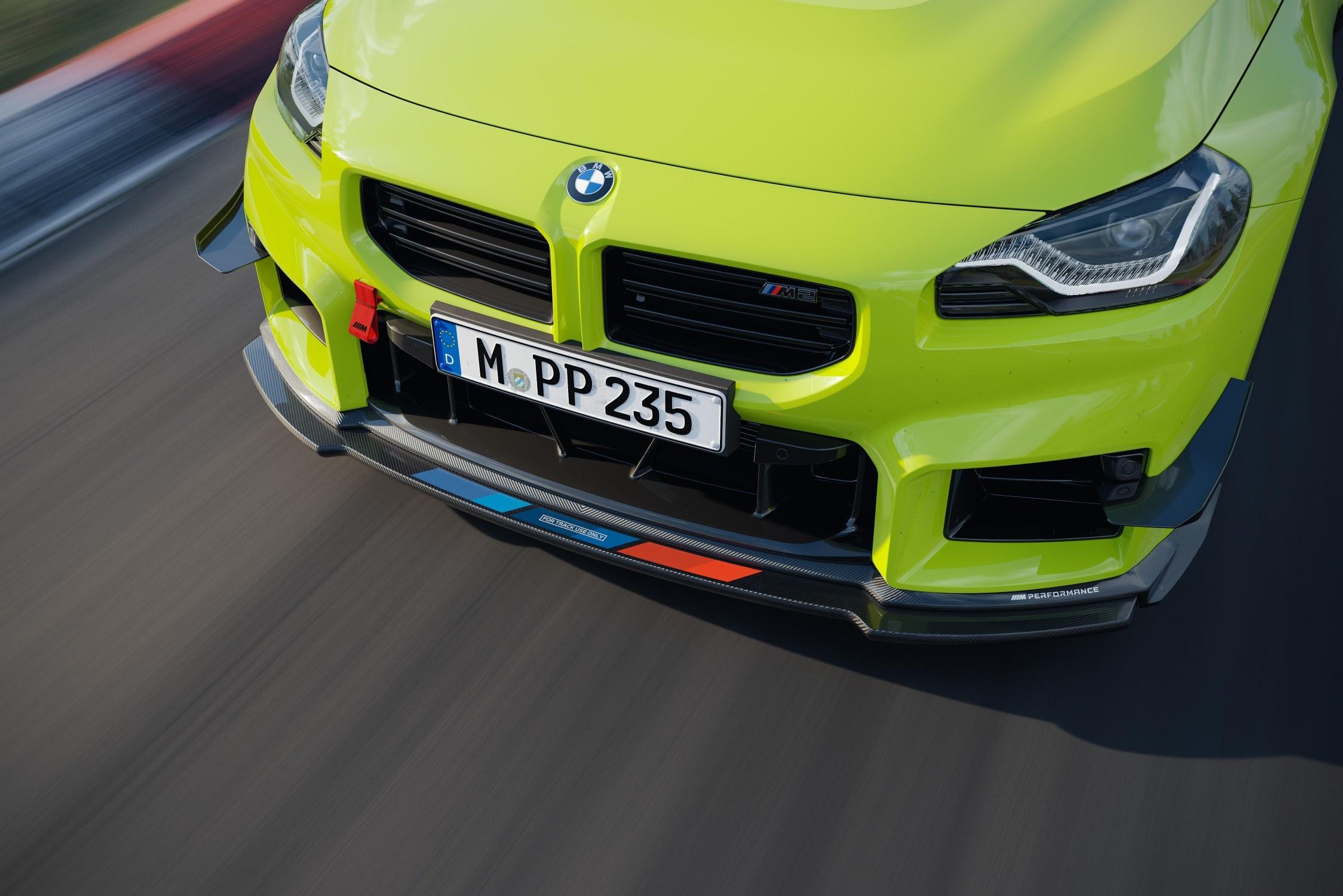
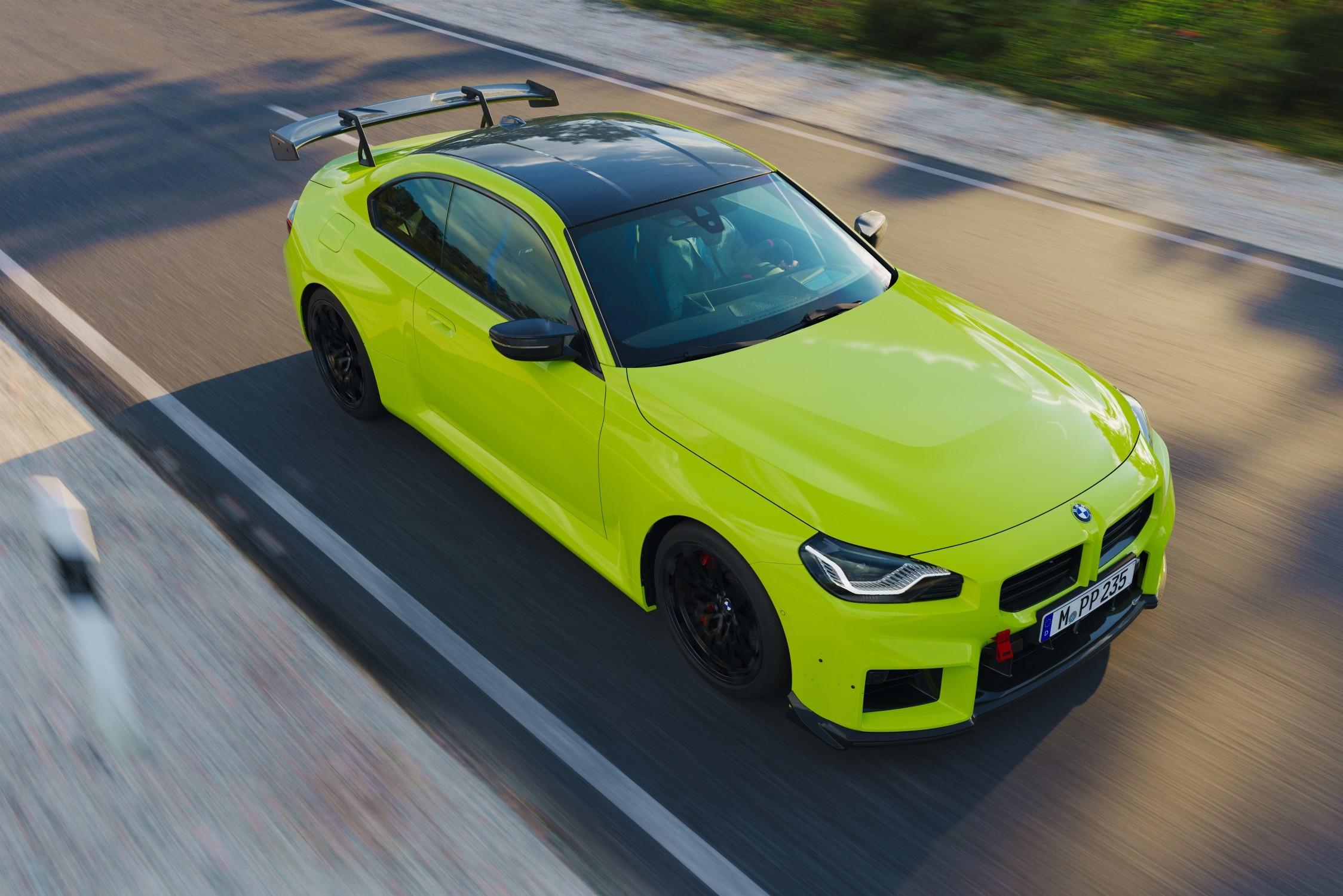
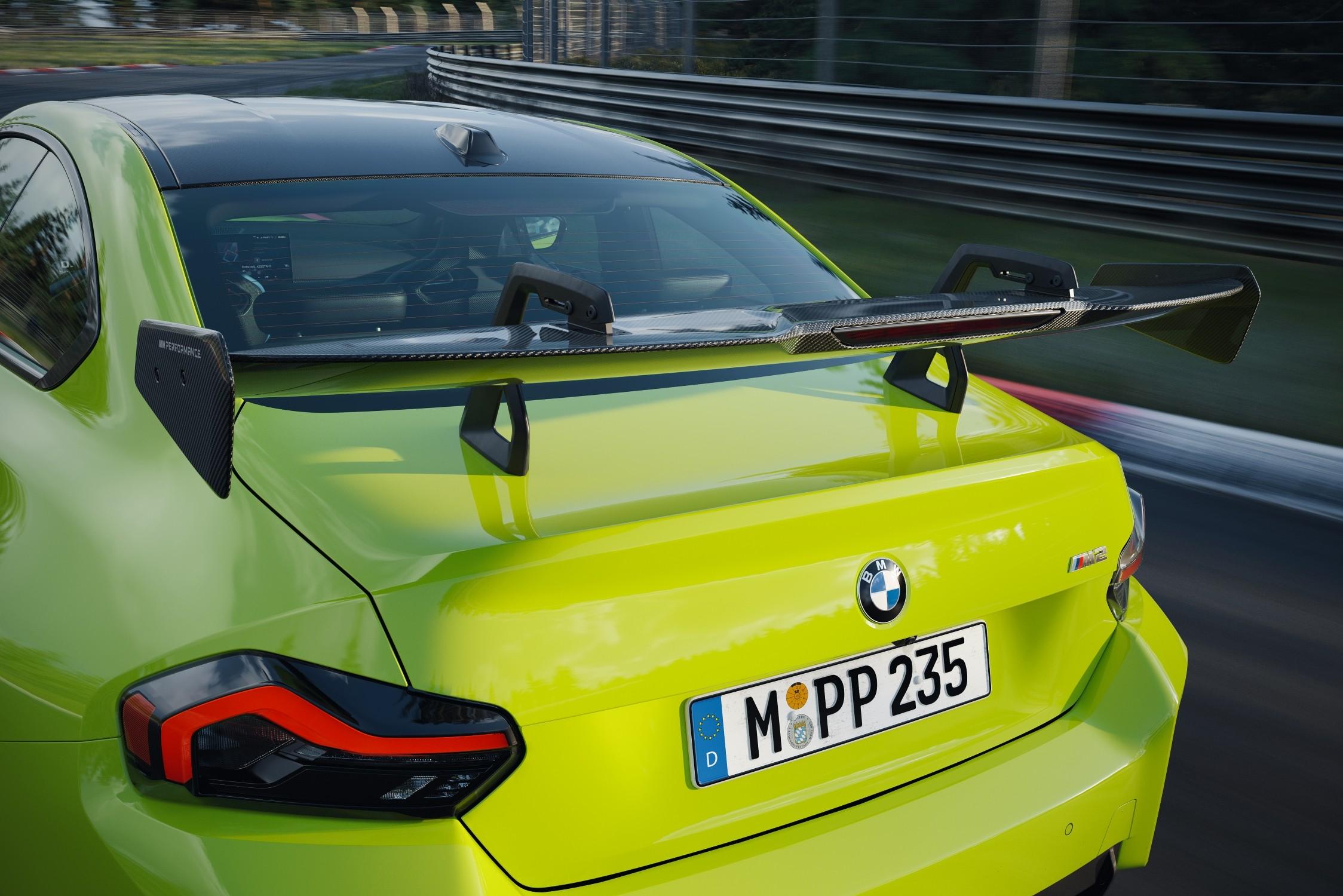
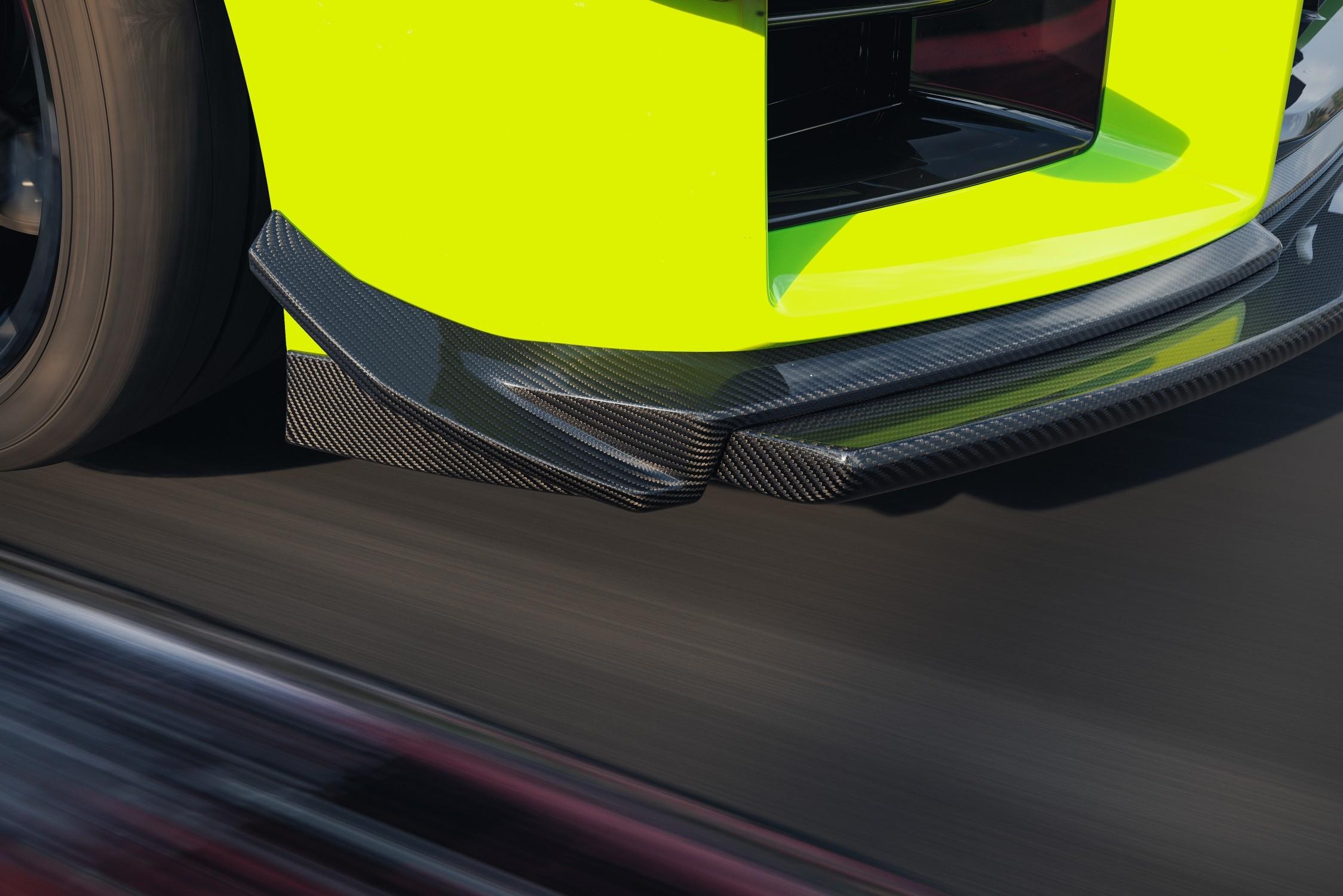
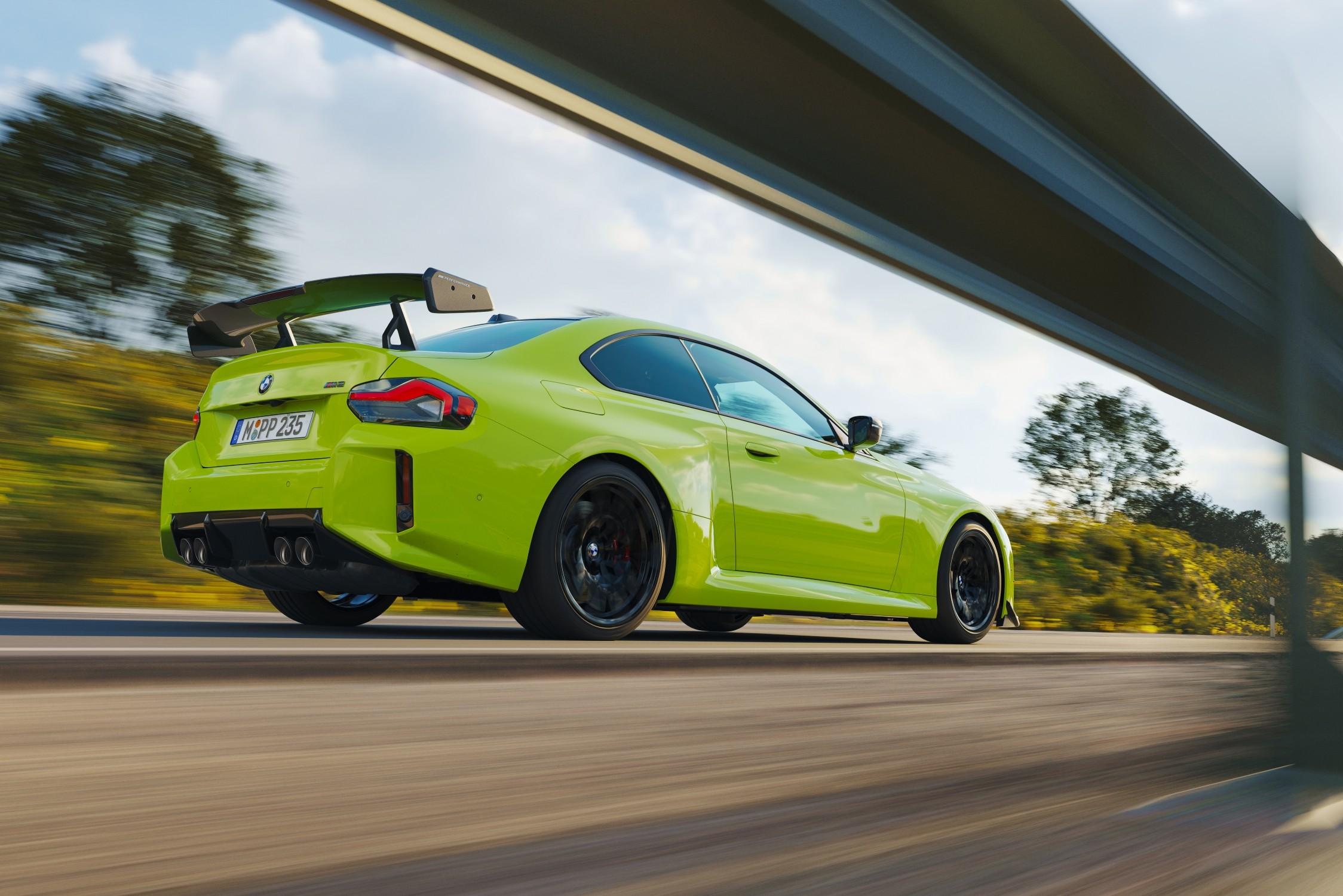
Comunicato stampa Via BMW.



-
-
-
-
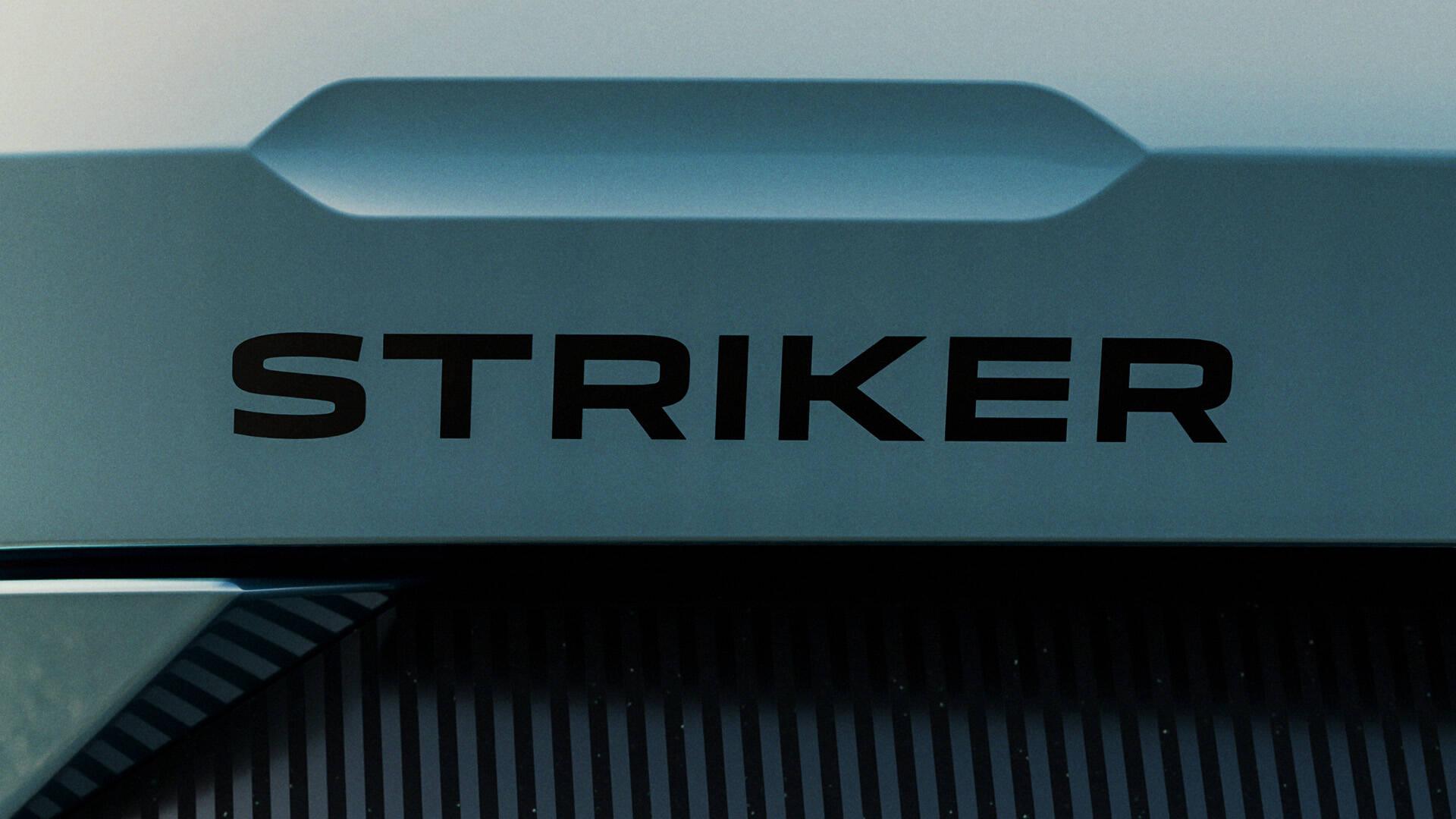
Iniziano i teaser:
-
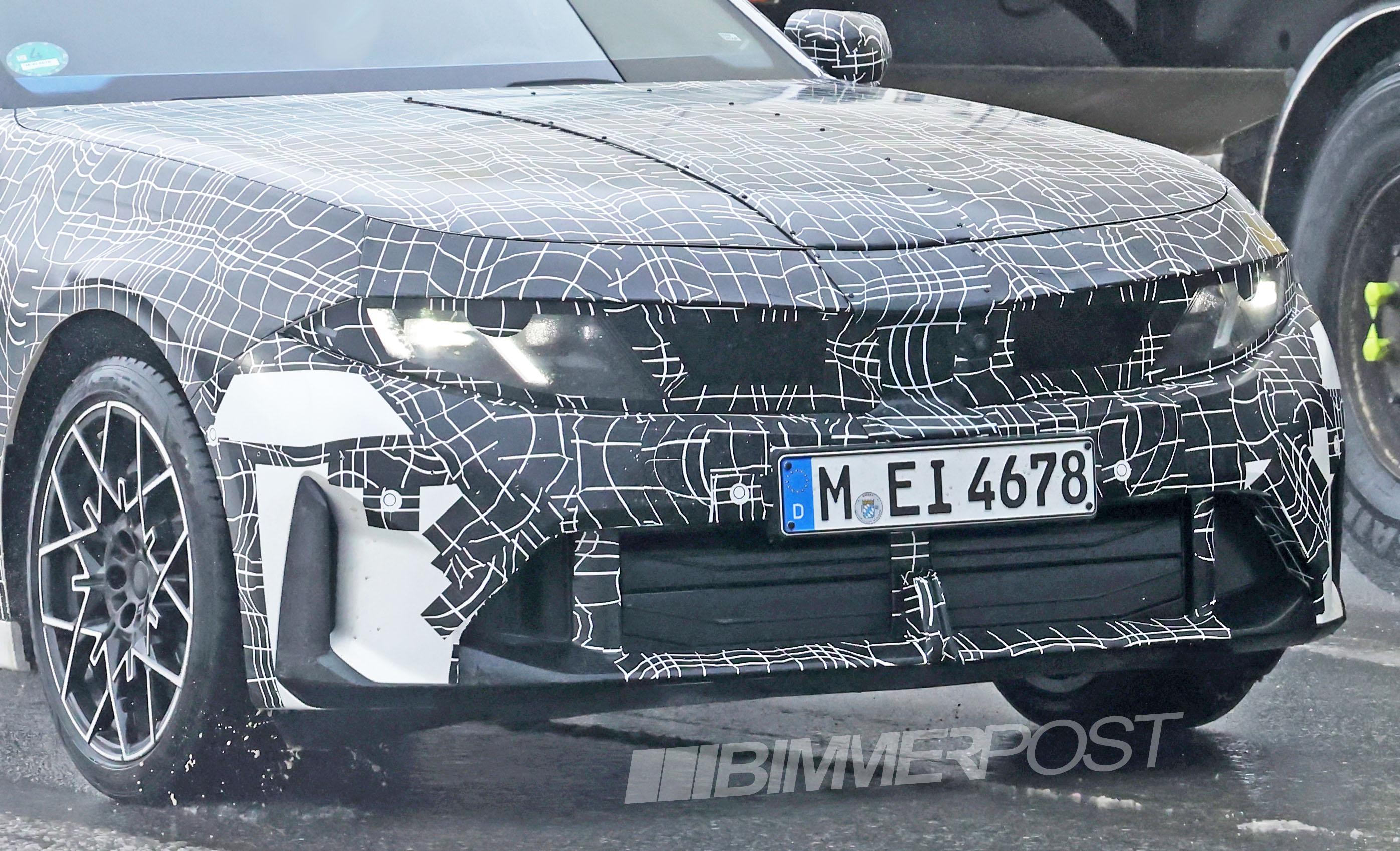
Verrà presentata il 18 MarzoSu bimmerpost dicono che con l'LCI tutte le versioni di i7 aumenteranno la capcaità utilizzabile a 112.5kWh e verrà aggiunta la versione 50 xDrive che avrà lo stesso hardware della 60 xDrive ma con la potenza limitata via software. 50 xDrive e 60 xDrive peseranno 2770kg (+55 rispetto il pre-LCI) e la M70 xDrive 2845kg (+75).
- 81 risposte
-
-

- 1
-
-
- bmw
- bmw i
- bmw i7
- bmw serie 7
-
Taggato come:
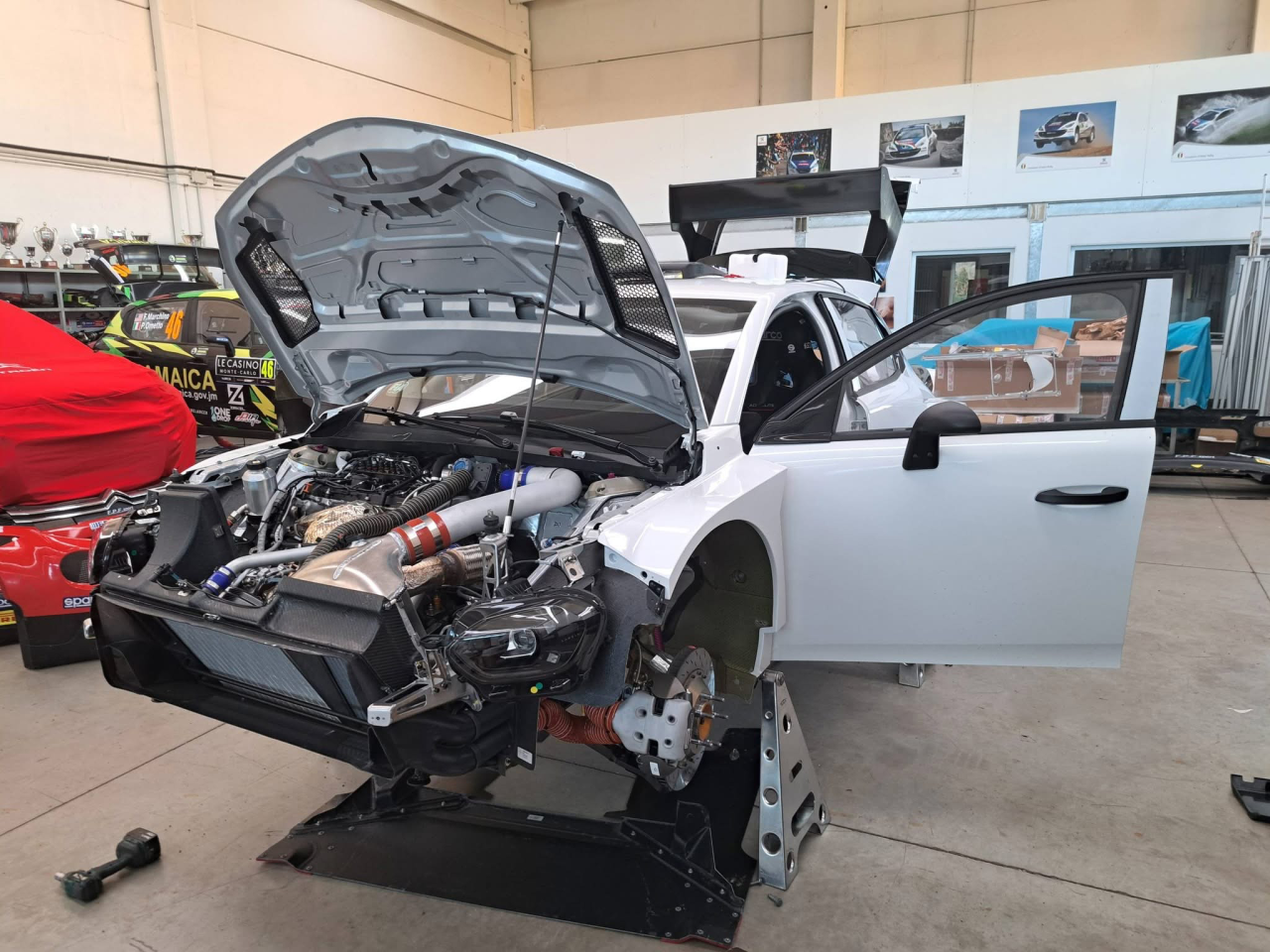
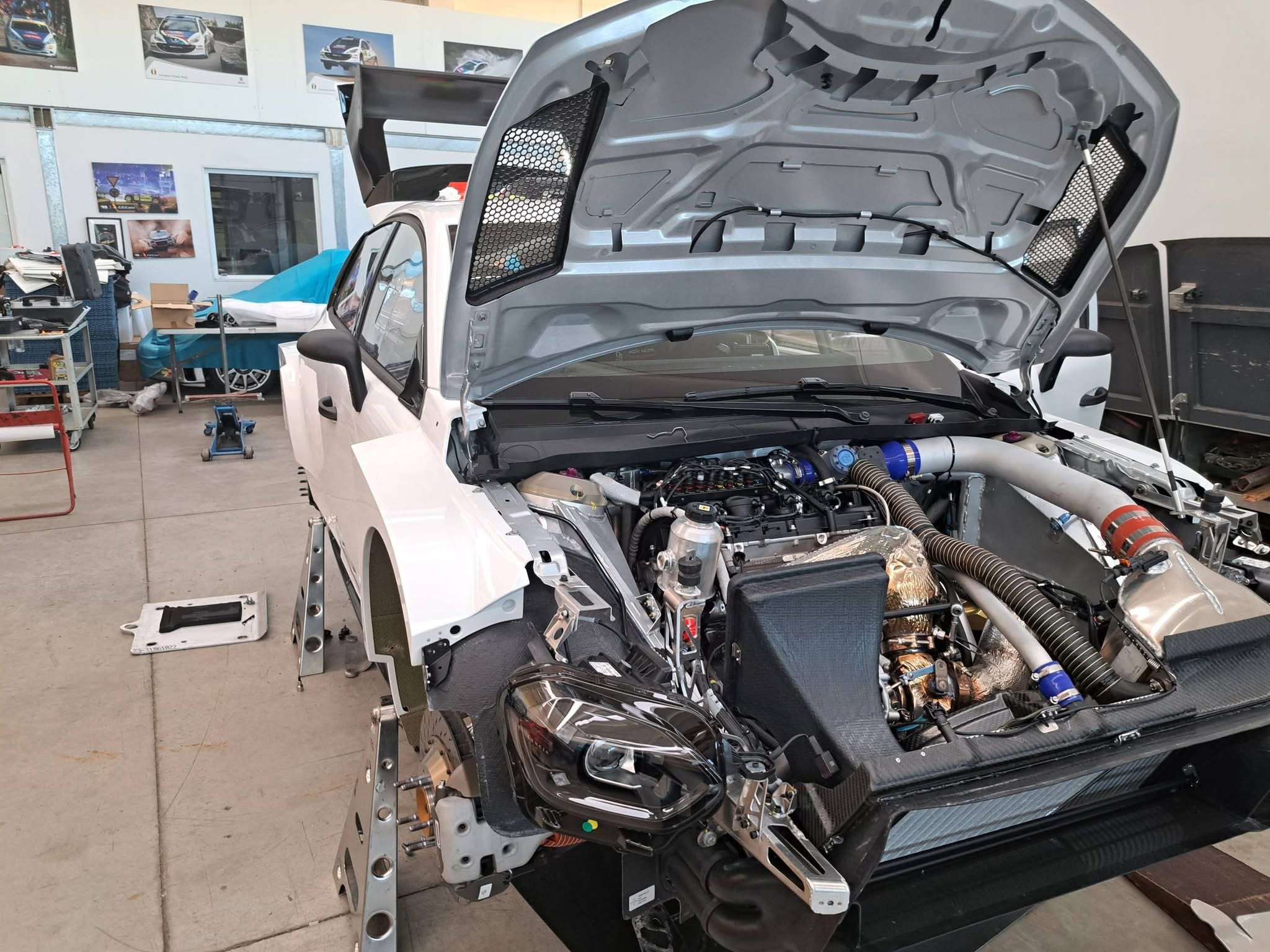
Su bimmerpost dicono che la iX3 40 sDrive avrà SOP 07/26, sarà ovviamente single motor con 82.6kWh di batteria utilizzabile, peserà 2160kg (200 in meno della 50 xDrive) ed avrà 235kW di potenza e 500Nm di coppia con la top speed limitata a 200km/h.Su Bimmerpost sono uscite un po' di specifiche riguardanti la X5 G65 40 xDrive. Dimensioni (delta con X5 G05): - lunghezza: 4994mm (+59); - larghezza senza specchietti: 2000mm (-4); - altezza: 1751mm (-14); - altezza da terra: 226mm (+12); - passo: 3035mm (+60); - bagagliaio: 655l/1850l (+5/-15); - peso senza guidatore: 2365kg (+125). Powertrain: - motore: B58B30M3 con 294kW a 5200-6500giri/min e 540Nm a 1980-5000giri/min; - ibrido: mild hybrid da 13kW e 200Nm con batteria da 0.9kWh. La X5 40d, invece, avrà il B57D30O3 invece del B57D30T3 e perderà 40kW, 50Nm e 15km/h di top speed.Immagini prese da FB: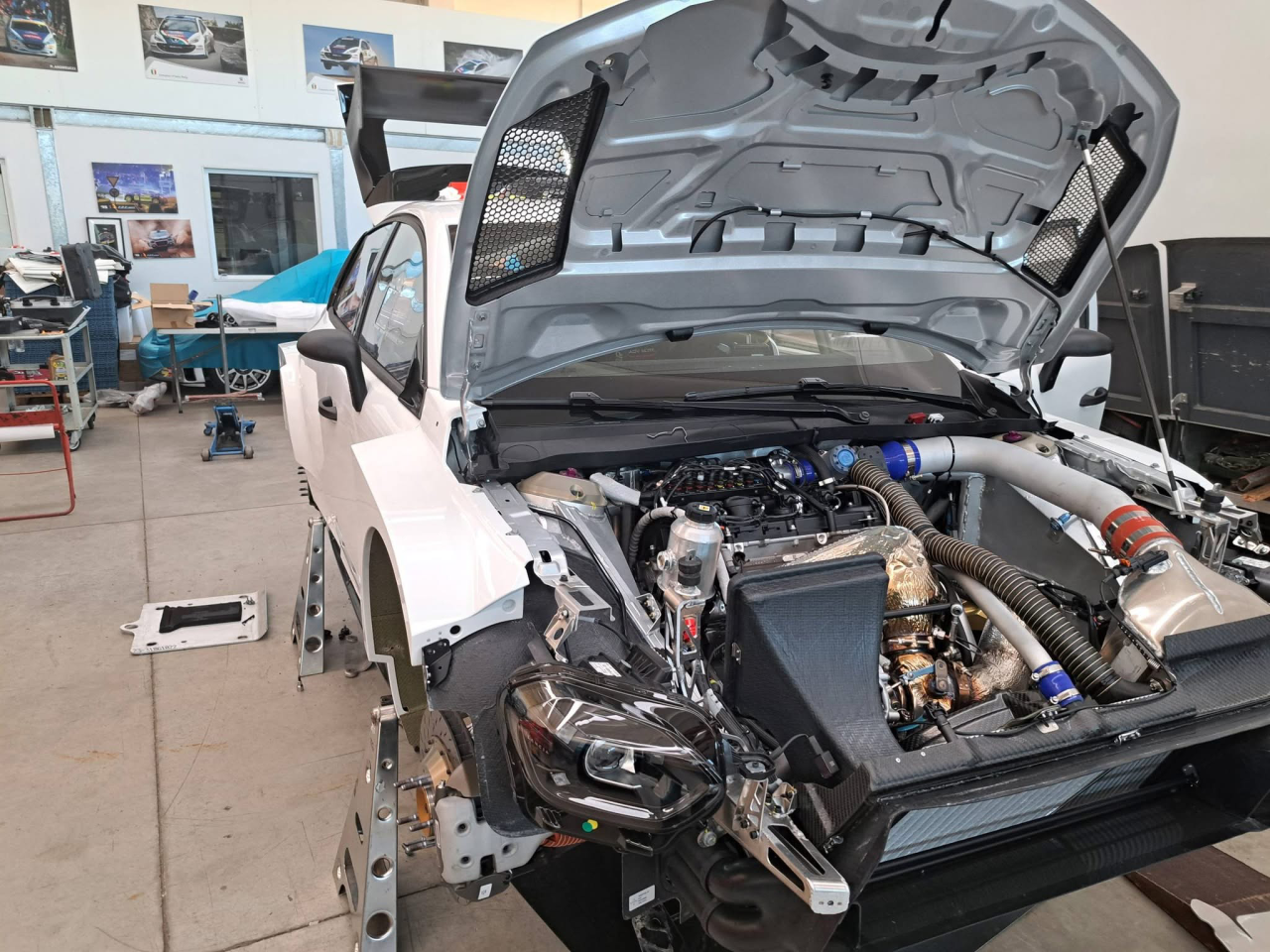
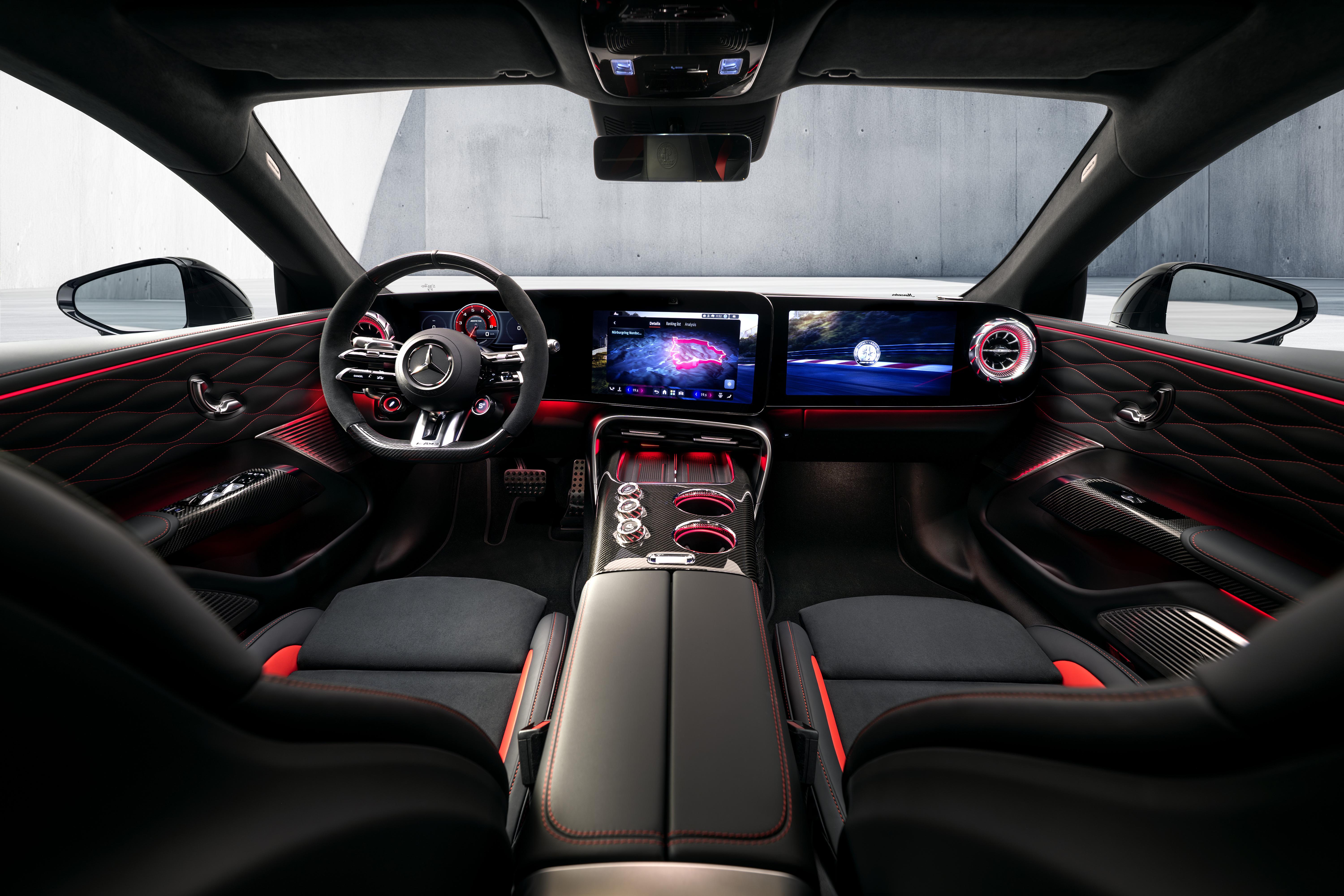
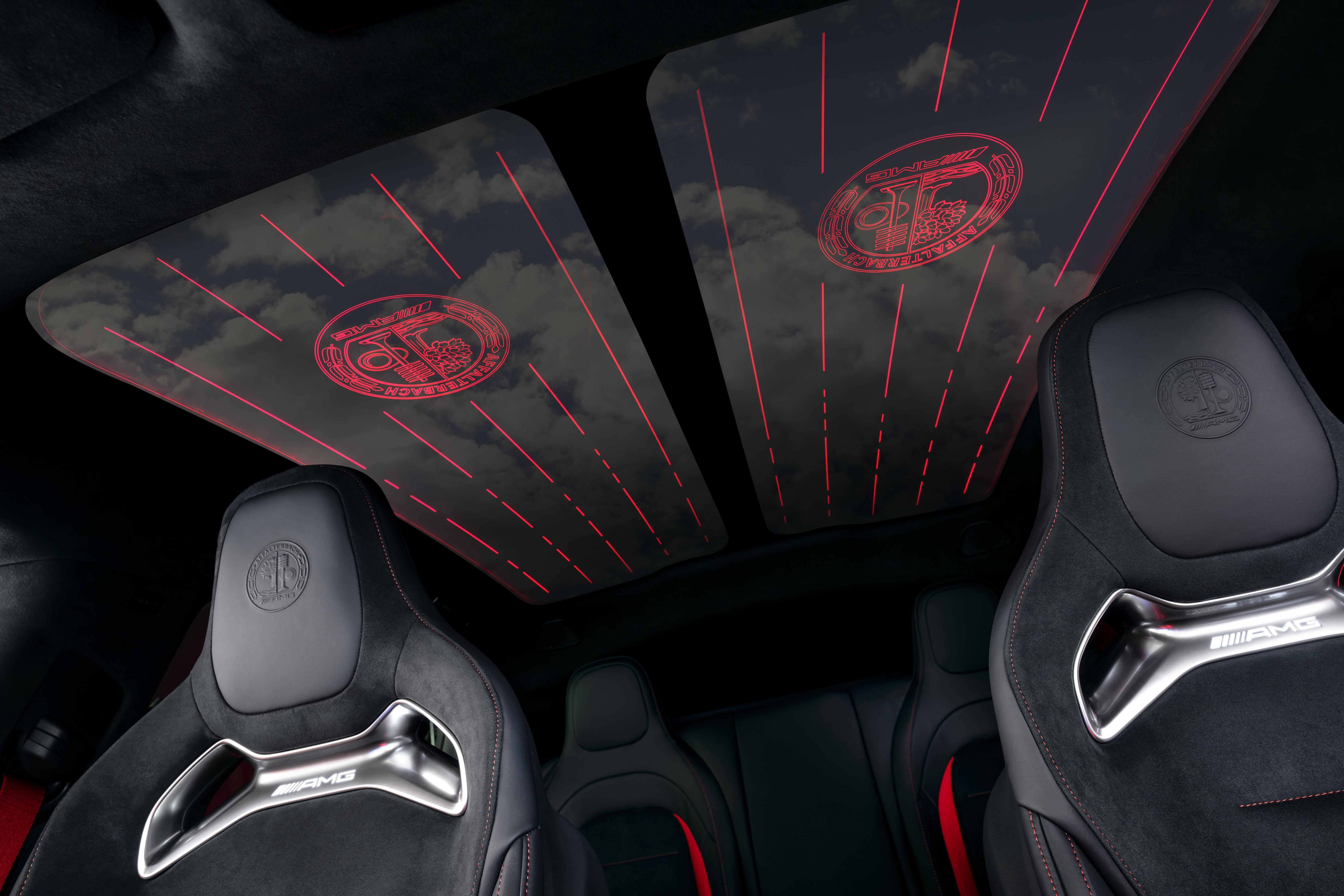
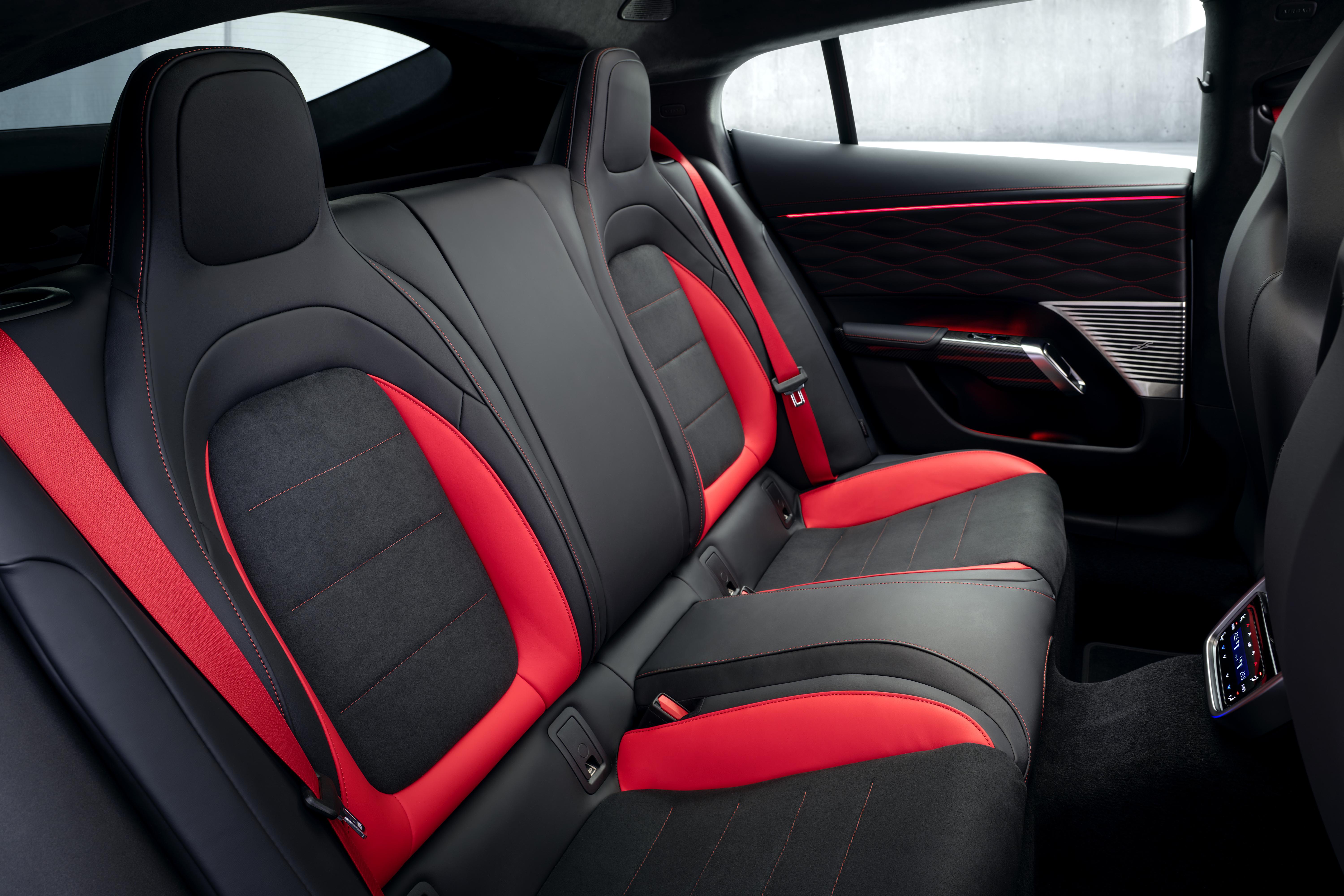
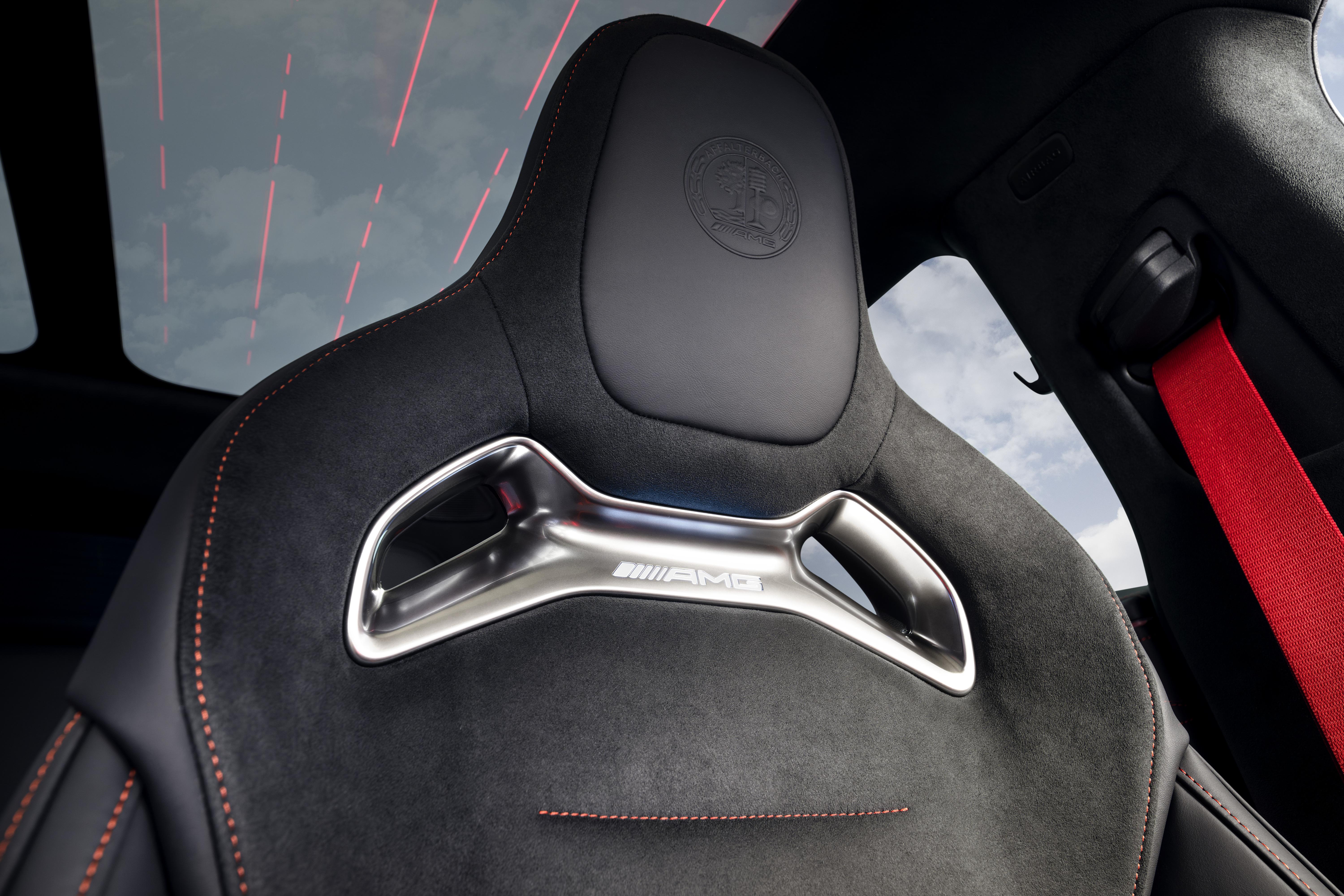
 Anche la M5, con l'LCI, riceverà il Panoramic Vision:
(1)(1).thumb.png.635c059adfaa3a2ca27f86ab608b04ba.png)



















Account
Navigation
Cerca
Configure browser push notifications
Chrome (Android)
- Tap the lock icon next to the address bar.
- Tap Permissions → Notifications.
- Adjust your preference.
Chrome (Desktop)
- Click the padlock icon in the address bar.
- Select Site settings.
- Find Notifications and adjust your preference.
Safari (iOS 16.4+)
- Ensure the site is installed via Add to Home Screen.
- Open Settings App → Notifications.
- Find your app name and adjust your preference.
Safari (macOS)
- Go to Safari → Preferences.
- Click the Websites tab.
- Select Notifications in the sidebar.
- Find this website and adjust your preference.
Edge (Android)
- Tap the lock icon next to the address bar.
- Tap Permissions.
- Find Notifications and adjust your preference.
Edge (Desktop)
- Click the padlock icon in the address bar.
- Click Permissions for this site.
- Find Notifications and adjust your preference.
Firefox (Android)
- Go to Settings → Site permissions.
- Tap Notifications.
- Find this site in the list and adjust your preference.
Firefox (Desktop)
- Open Firefox Settings.
- Search for Notifications.
- Find this site in the list and adjust your preference.