Tutti i contenuti di AlfaZeta6
- Ferrari 12 Cilindri 2024 - Prj. F167 (Leak)
- Zeekr 007 - Prj. CS1E 2023 (Spy)
- Laboratorio Alfa Romeo
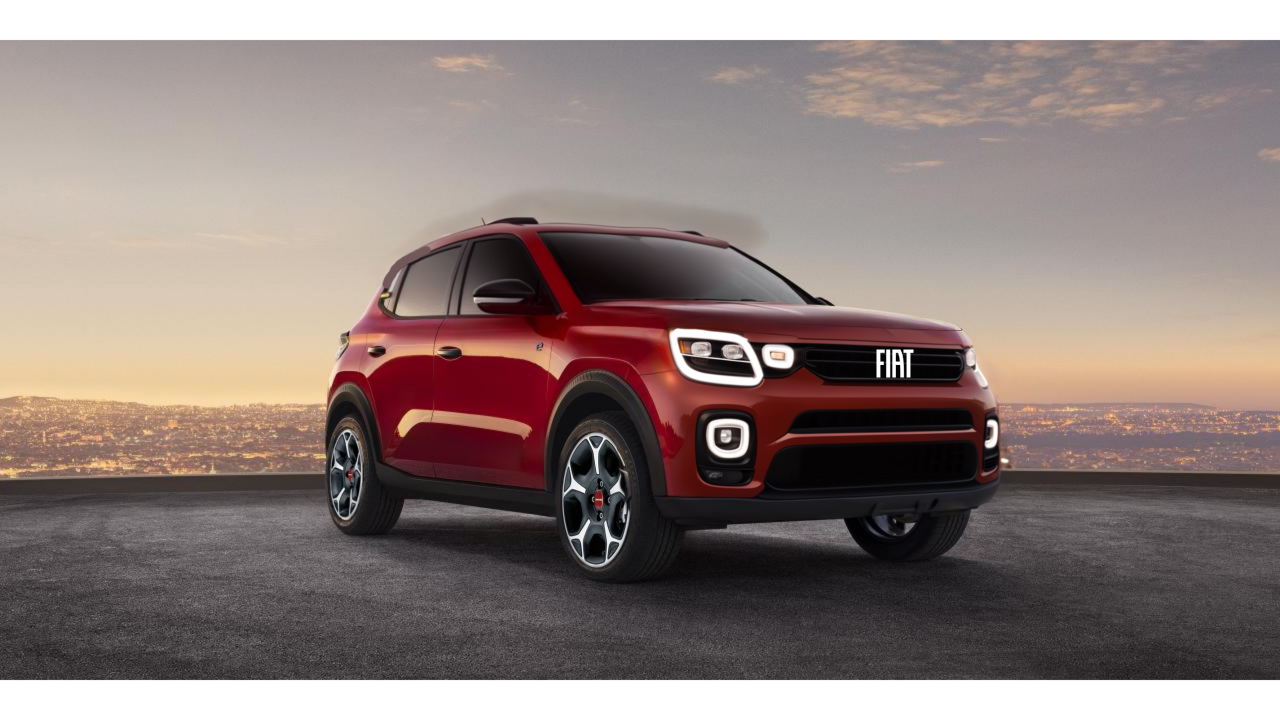
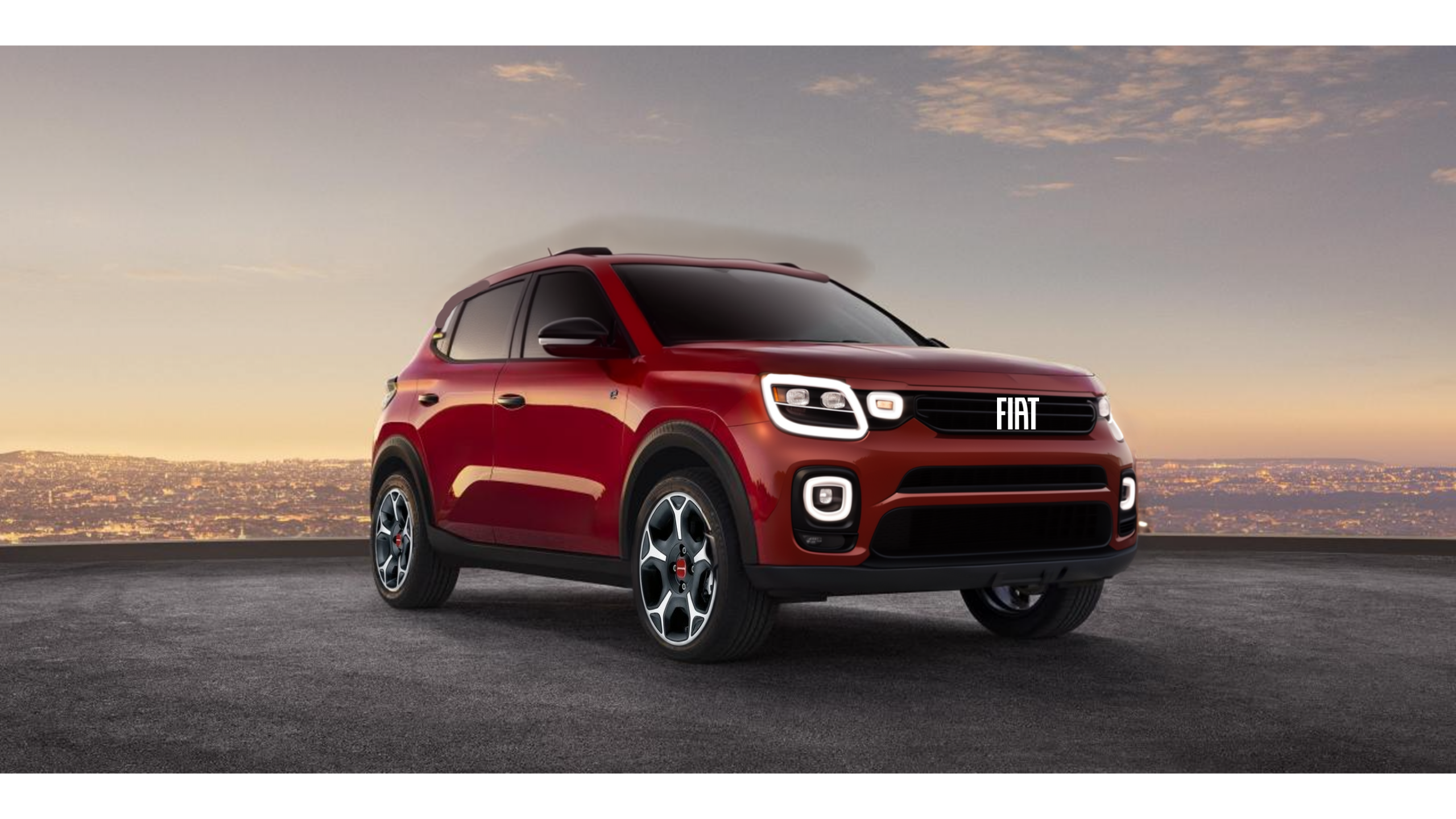
- I prossimi modelli Fiat e Abarth
- Laboratorio Alfa Romeo
-
Fiat "Multipla"- [Fotoritocco & Proposte grafiche dal web e non]
- TVR SUV EV 2026 (Teaser)
Fari della purosangue hanno fatto scuola- I prossimi modelli Ferrari
- I prossimi modelli Alfa Romeo
- [1° MEME Contest] Imparato and company...
- Suzuki Swift 2023
- Fiat "Multipla"- [Fotoritocco & Proposte grafiche dal web e non]
- Fiat Professional Doblò 2024
- Fiat "Multipla"- [Fotoritocco & Proposte grafiche dal web e non]
- Fiat E-Doblò Facelift 2024
- Avvistamenti auto moderne rare
- Fiat Professional Doblò 2024
- Fiat Professional Ducato 2024
- Fiat "Multipla"- [Fotoritocco & Proposte grafiche dal web e non]
- Alfa Romeo 4C "Heritage Designer’s Cut” 2023 [One-Off]
- TVR SUV EV 2026 (Teaser)
Account
Navigation
Cerca
Configure browser push notifications
Chrome (Android)
- Tap the lock icon next to the address bar.
- Tap Permissions → Notifications.
- Adjust your preference.
Chrome (Desktop)
- Click the padlock icon in the address bar.
- Select Site settings.
- Find Notifications and adjust your preference.
Safari (iOS 16.4+)
- Ensure the site is installed via Add to Home Screen.
- Open Settings App → Notifications.
- Find your app name and adjust your preference.
Safari (macOS)
- Go to Safari → Preferences.
- Click the Websites tab.
- Select Notifications in the sidebar.
- Find this website and adjust your preference.
Edge (Android)
- Tap the lock icon next to the address bar.
- Tap Permissions.
- Find Notifications and adjust your preference.
Edge (Desktop)
- Click the padlock icon in the address bar.
- Click Permissions for this site.
- Find Notifications and adjust your preference.
Firefox (Android)
- Go to Settings → Site permissions.
- Tap Notifications.
- Find this site in the list and adjust your preference.
Firefox (Desktop)
- Open Firefox Settings.
- Search for Notifications.
- Find this site in the list and adjust your preference.