




RightKnider
Utente Registrato
-
Iscritto il
-
Ultima visita
Tutti i contenuti di RightKnider
-
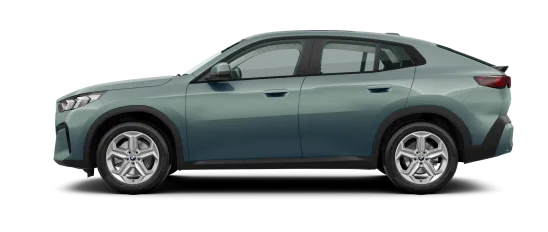
Scusate, non ho specificato. Mi riferivo a questa Fiat Fastback brasiliana che si vede in questa foto 🌚
- 518 risposte
-
-

- 1
-
-
- c-crossover
- f2x
- fiat
- fiat c-crossover
-
Taggato come:
-
La Fiat Fastback raffigurata non è un modello di premium 🤔
- 518 risposte
-
- c-crossover
- f2x
- fiat
- fiat c-crossover
-
Taggato come:
-
I personally like previous gen Granturismo more than the current one but at the same time i like pre-restyled F-type more than a refreshed model. It feels more GT and less XE and I think horizontal headlights are completely fine here.Great spec, personally I like it more than all-black-no-chrome versions.Ciò che mi sorprende di più è che non ci sono ancora assolutamente nuove immagini o foto, a parte il vecchio teaser e la foto sotto la coperta sullo sfondo.
- 927 risposte
-
-

- 4
-
-
- aurelia
- l74
- lancia
- lancia aurelia
-
Taggato come:
Mi è tornata in mente una scena della sceneggiatura del terzo film inedito di James Bond con Timothy Dalton (1991). A causa dei tagli al budget del programma 00, la direzione sequestra l'Aston Martin Virage di Bond e gli consegna le chiavi di una Honda CR-X. Bond le butta via subito 👀Entrambi assomigliano a pesci gatto. Uno ha il naso da pesce gatto, l'altro la bocca da pesce gatto..jpeg.619769d45a907190513d1ab79579a4ac.jpeg)
- 42 risposte
-
-
- 2
-
-
- byd
- byd dm-i
- byd seal
- byd seal 06
-
Taggato come:
Thesis Sulla base di questo schizzo di restyling Immagino che la parte posteriore sarebbe cambiata poco (forse con i fanali rossi invece che trasparenti), ma Gemini ha invece creato una nuova generazione di Kappa 👀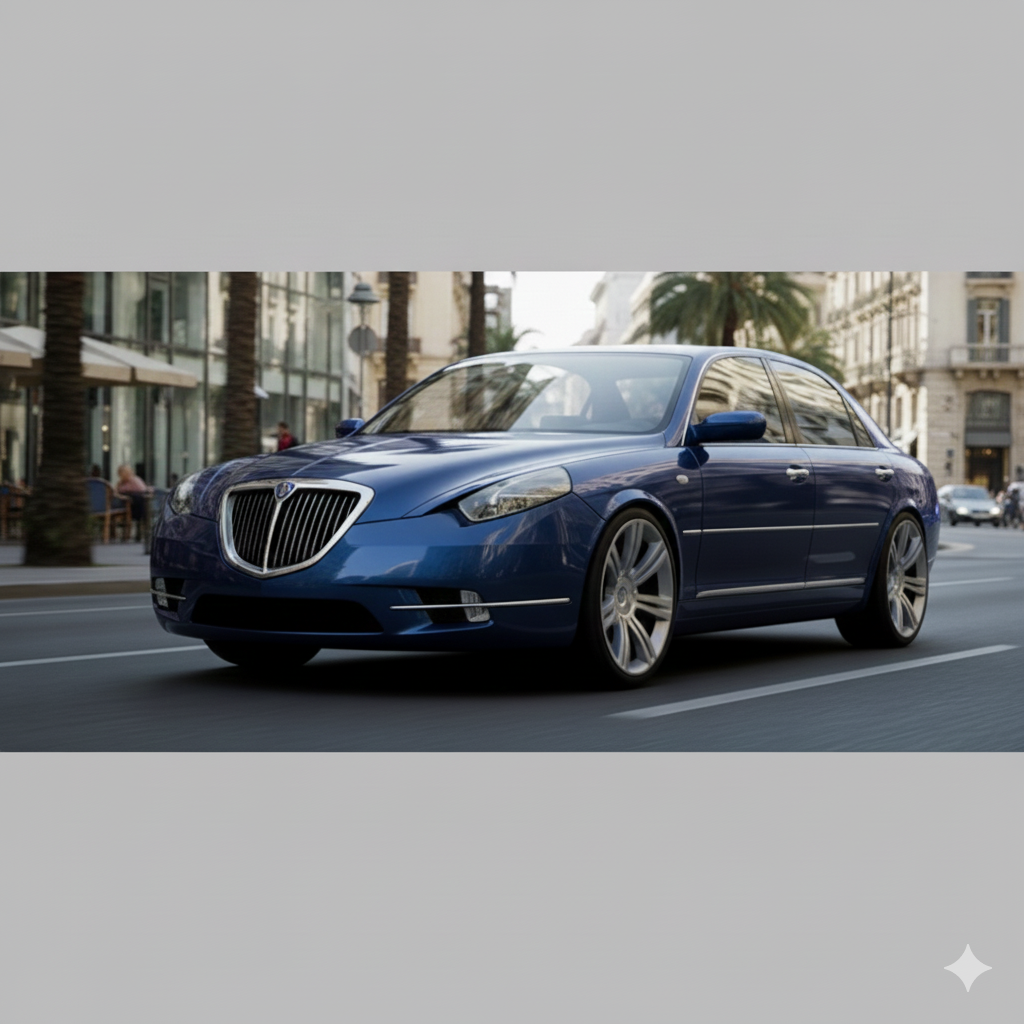
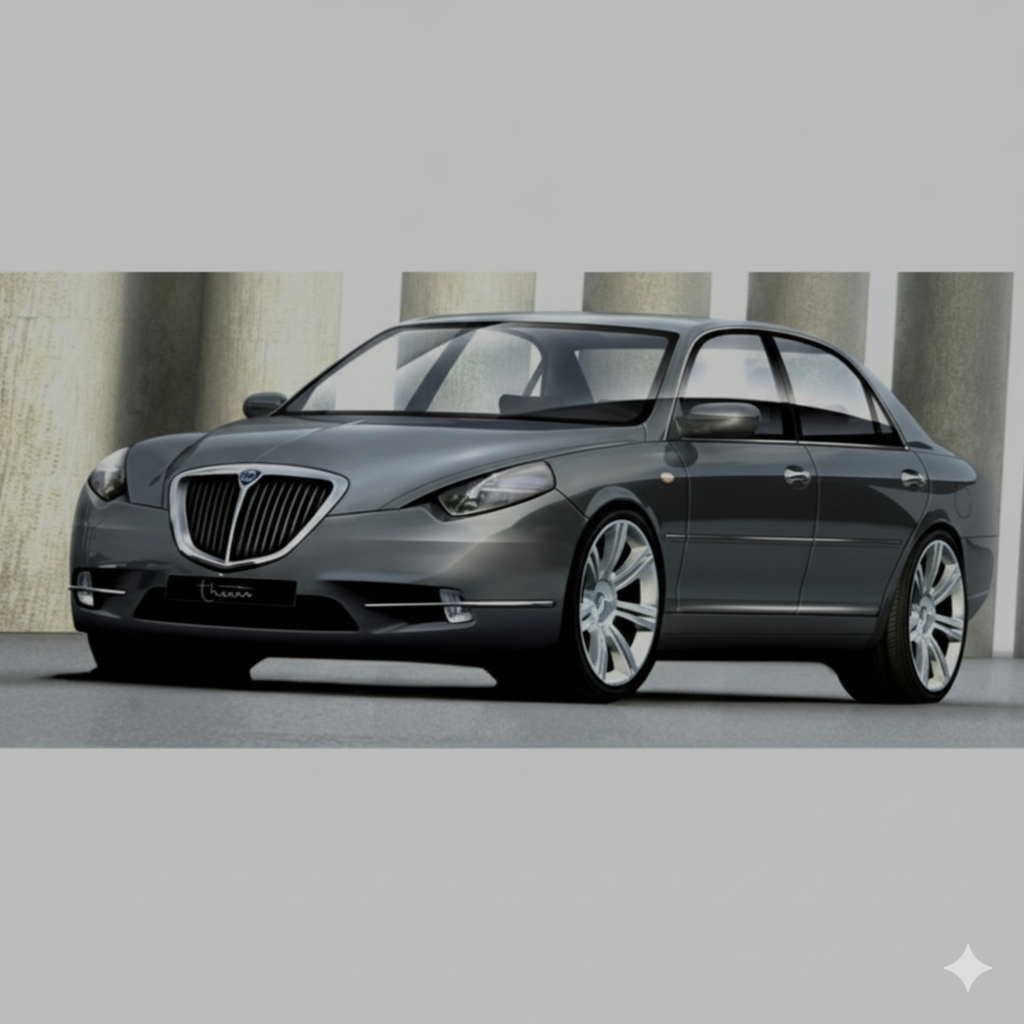
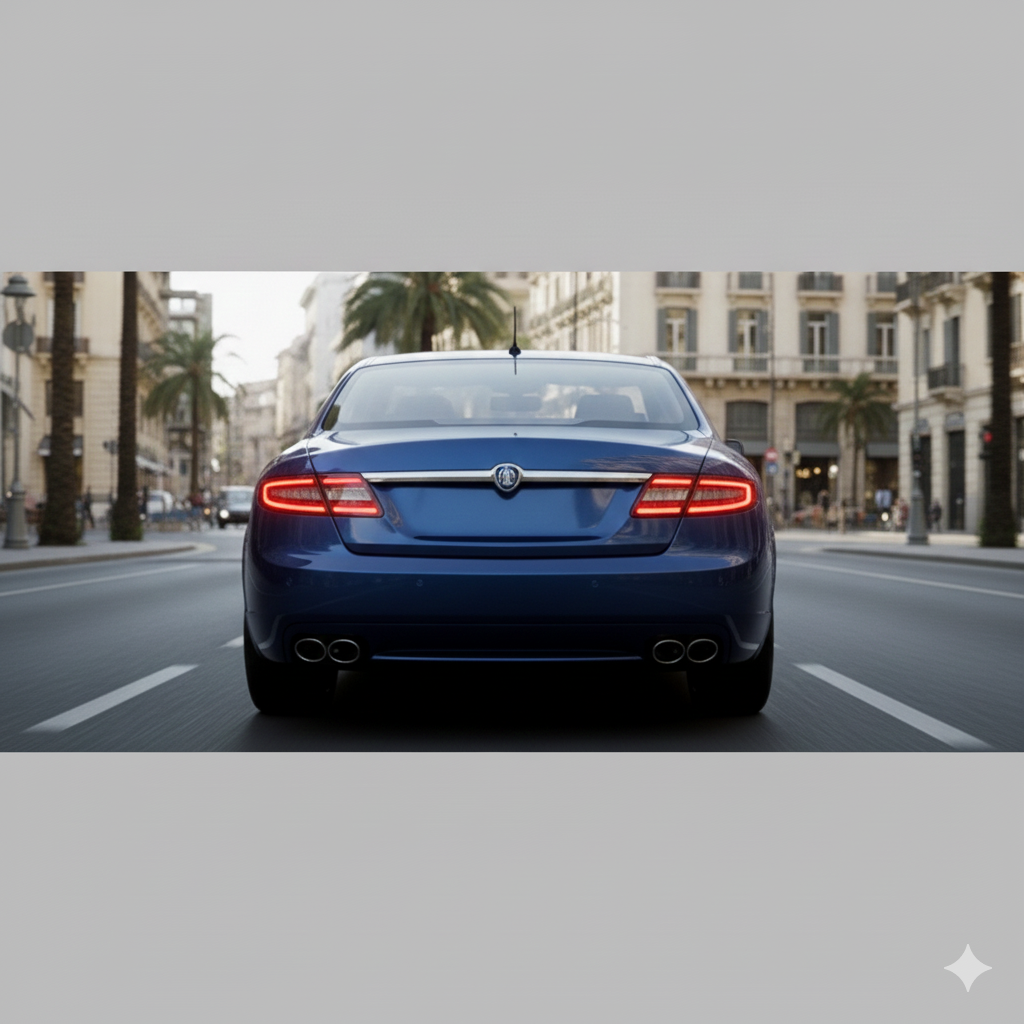
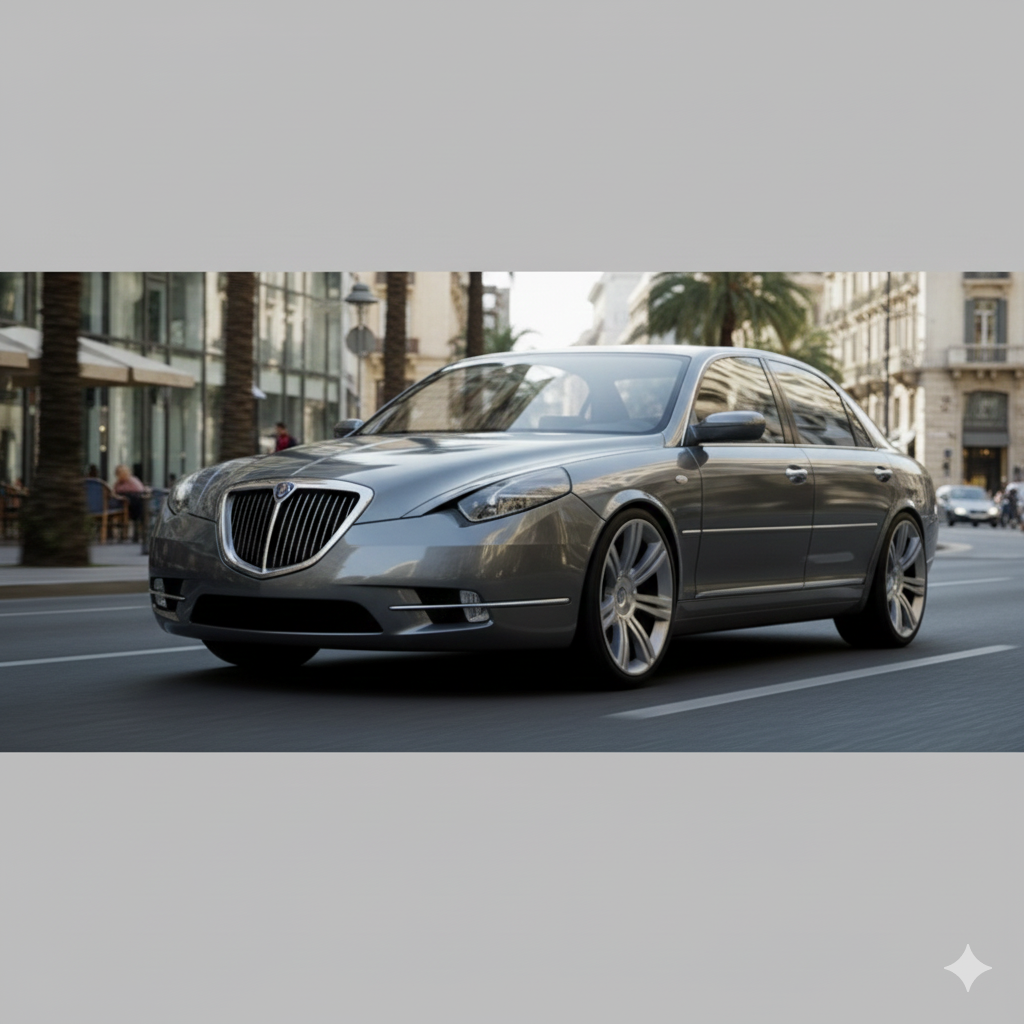 Sono ancora propenso a credere che il restyling della Multipla richiedesse fari anteriori più alti e verticali (nello stile della Scenic o della Meriva), ma ora ne sono ancora più convinto. Tali fari avrebbero contribuito a unificare visivamente le sezioni inferiore e superiore della carrozzeria, completamente scollegate (ancor più che nella versione precedente al restyling, dove questa soluzione funzionava).Quando passo da una Qashqai a una Opel Astra, è come se sostituissi gli stivali pesanti con delle scarpe leggere e comode, togliendomi uno zaino pesante. Quando si guidano queste auto costantemente una dopo l'altra, si nota subito.È strano che si tratti di Audi e non di AUDI. Dopotutto, sono due marchi completamente diversi. Hanno persino nomi diversi 🤔Anche la Passat nella foto non è americana.A giudicare da questa foto, c'erano due auto 🌚Non mi piace tutto. Le proporzioni sono un po' strane e c'è un notevole sbalzo anteriore se vista di lato, e la griglia non è chiaramente progettata per coesistere con la targa. Ma dopo il design di Marc Lichte, che nella maggior parte dei casi era brutto ed eccessivo, è una ventata di aria fresca. Sono molto contento che Audi si stia muovendo in questa direzione.Un gioco da ragazzi rispetto alla Mercedes
- 25 risposte
-
-

-
- 5
-
-
- brasile
- fiat
- fiat brasile
- fiat mobi
-
Taggato come:


.jpeg.7812d7e84f3ce74683ca7e7d4864efd2.jpeg)

.jpg.109066944e2bf309bd4ba0a3df89131c.jpg)

