RightKnider
Utente Registrato
-
Iscritto il
-
Ultima visita
Tutti i contenuti di RightKnider
-
-
-
È il momento di una spaziosa station wagon familiare (in sostituzione della Renegade, ovviamente)
-
2024 Renault 5 and 2028 Lancia Delta leaked! 😲
-
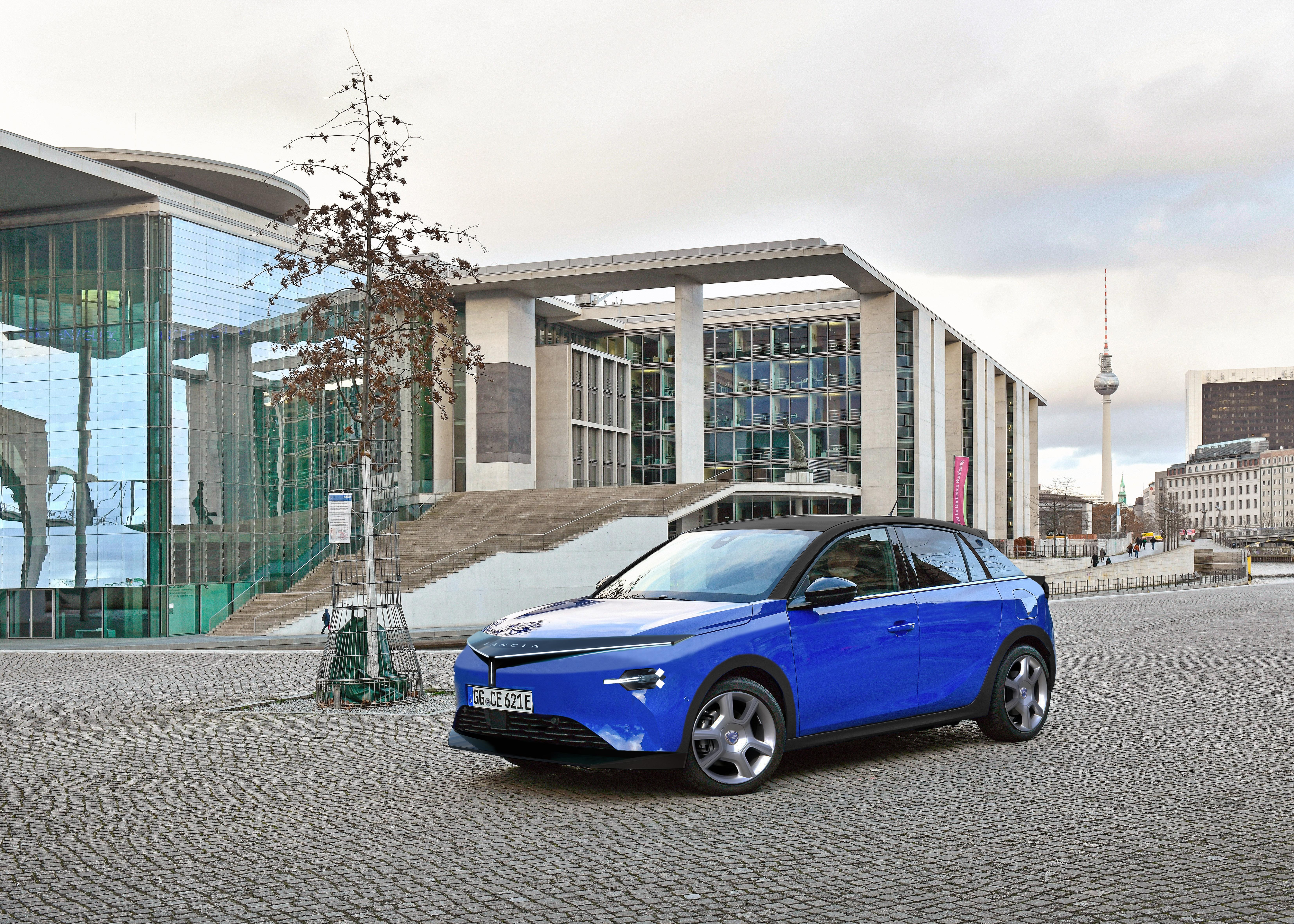
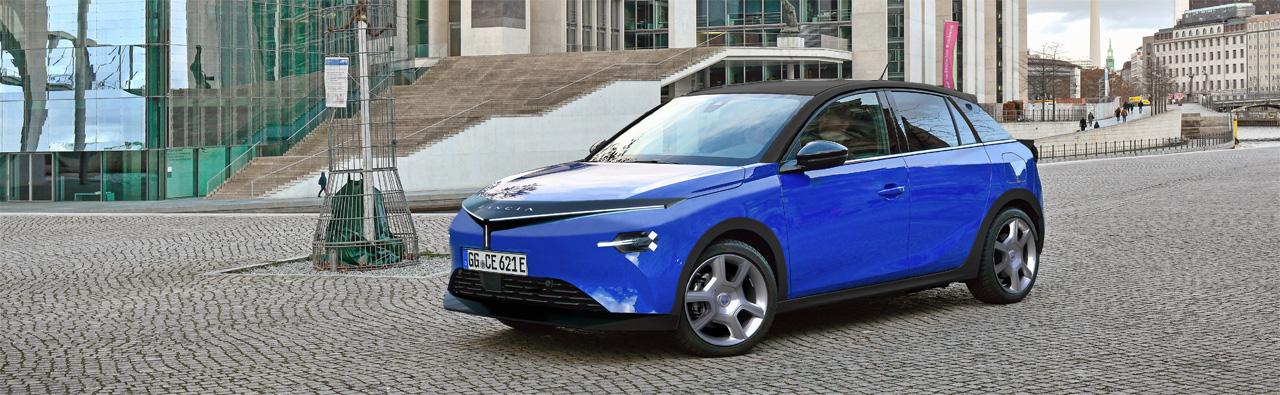
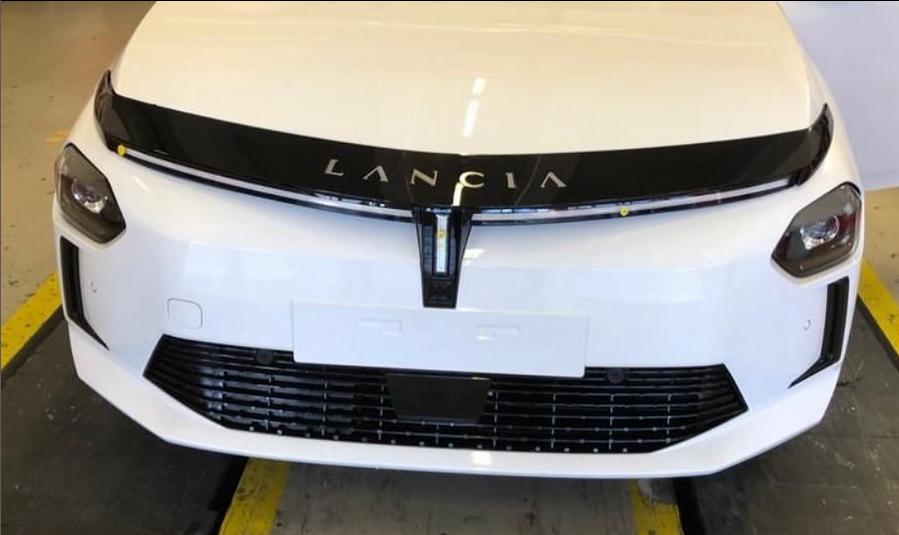
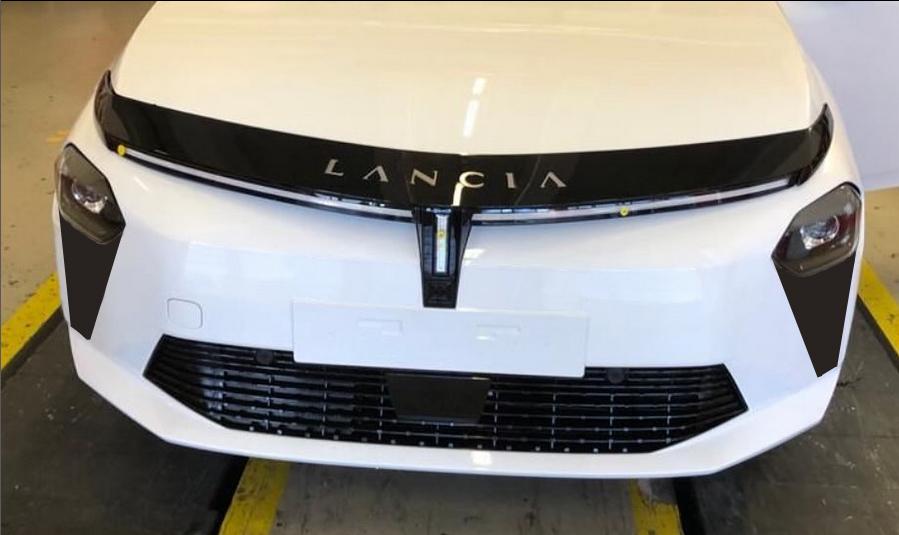
Penso che la parte anteriore abbia un aspetto migliore senza i quattro rettangoli Non essendo un fan dell'ottica anteriore, ho cercato in qualche modo di nasconderli e inserirli nel design generale Ultima domanda: va bene usare Google Translate o è meglio scrivere in inglese? Con il mio italiano pari a zero, non ho assolutamente idea di quanto siano leggibili i miei messaggi in italiano.
-
Poor Luca. Not a big fan of the headlights, but I don't mind overall, it looks good and will be definitely better on the normal photos. However, I like 208 and Corsa a little bit more.
- 2393 risposte
-
- cmp
- e-cmp
- lancia
- lancia ypsilon
-
Taggato come:
-
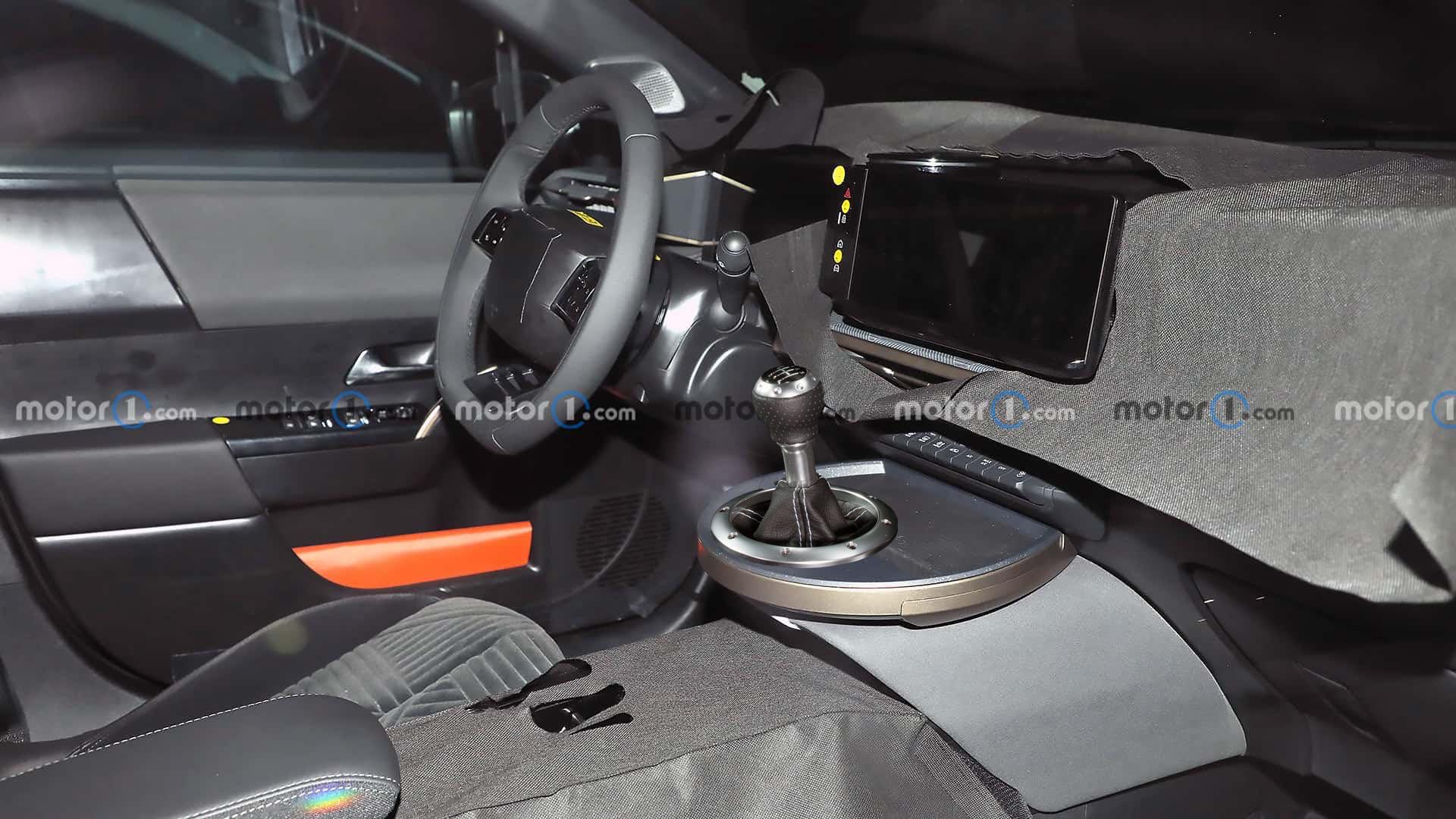
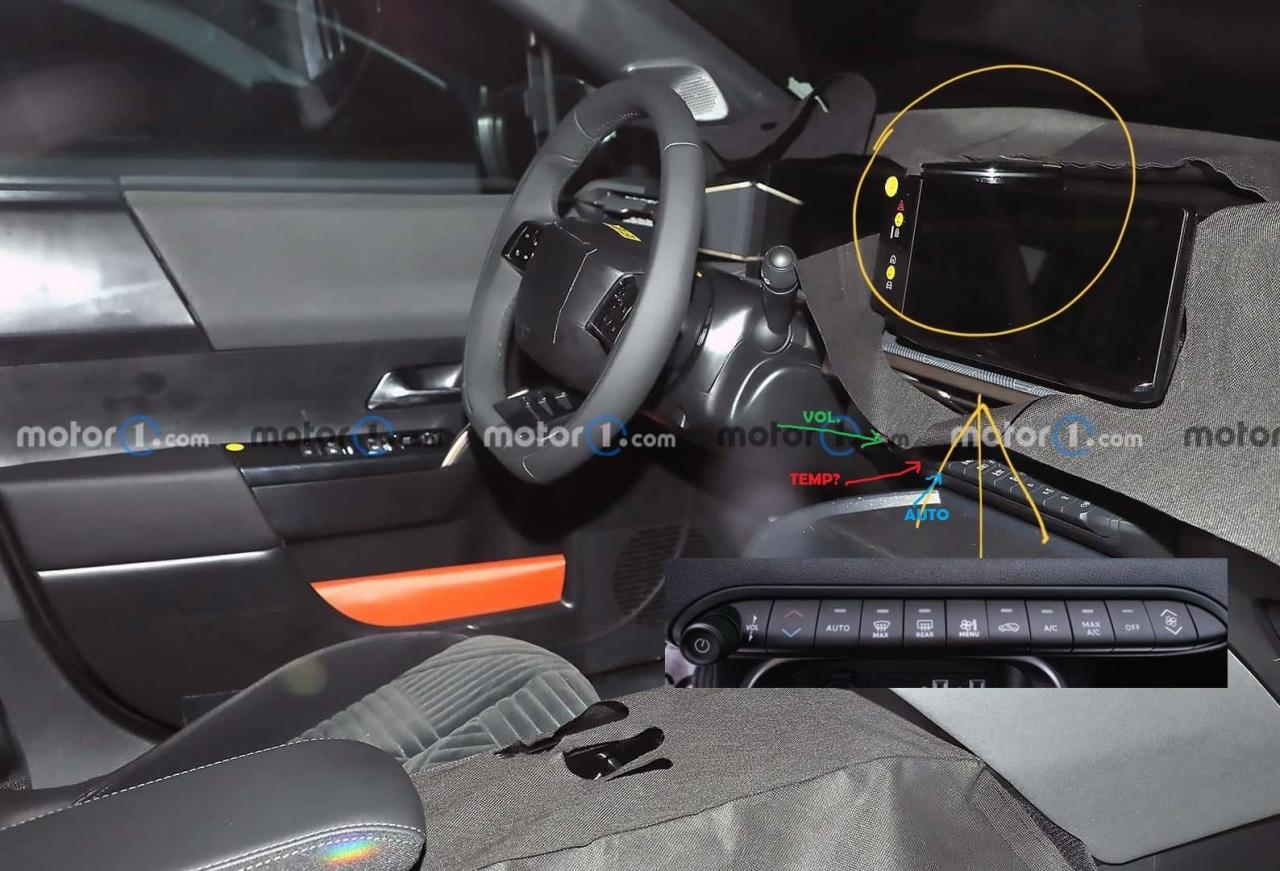
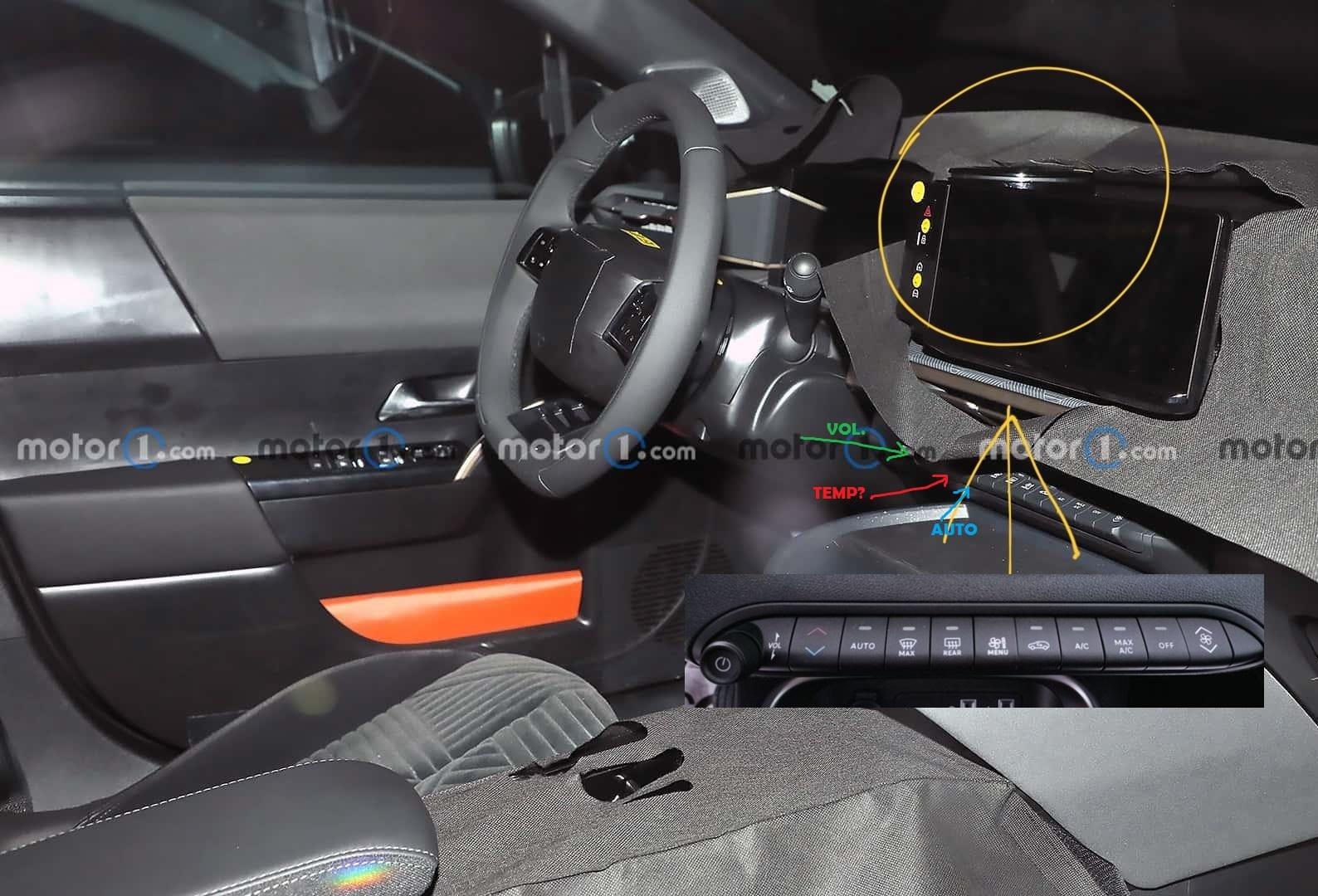
The order of visible buttons is the same as Avenger's one. But after another look I actually don't see enough space between volume knob and auto button for anoter button so who knows, maybe they placed temperature somewhere else.
- 2393 risposte
-
- cmp
- e-cmp
- lancia
- lancia ypsilon
-
Taggato come:
-
So interior looks pretty final and climate control buttons kinda bother me, it's look similar to 600 and Avenger's one. But 600 and Avenger doesn't have dual-zone climate control. It will be VERY strange to have single-zone climate on Ypsilon and dual-zone on 208 and Corsa. I hope they just put the second zone controls into infortaiment or add a new button we can't see.
- 2393 risposte
-
- cmp
- e-cmp
- lancia
- lancia ypsilon
-
Taggato come:
-
Still don't get it how they came from the masterpiece Grando Punto (imo one of the best looking B-class hatchbacks ever) to that mess on the Punto Evo face.
-
-
-
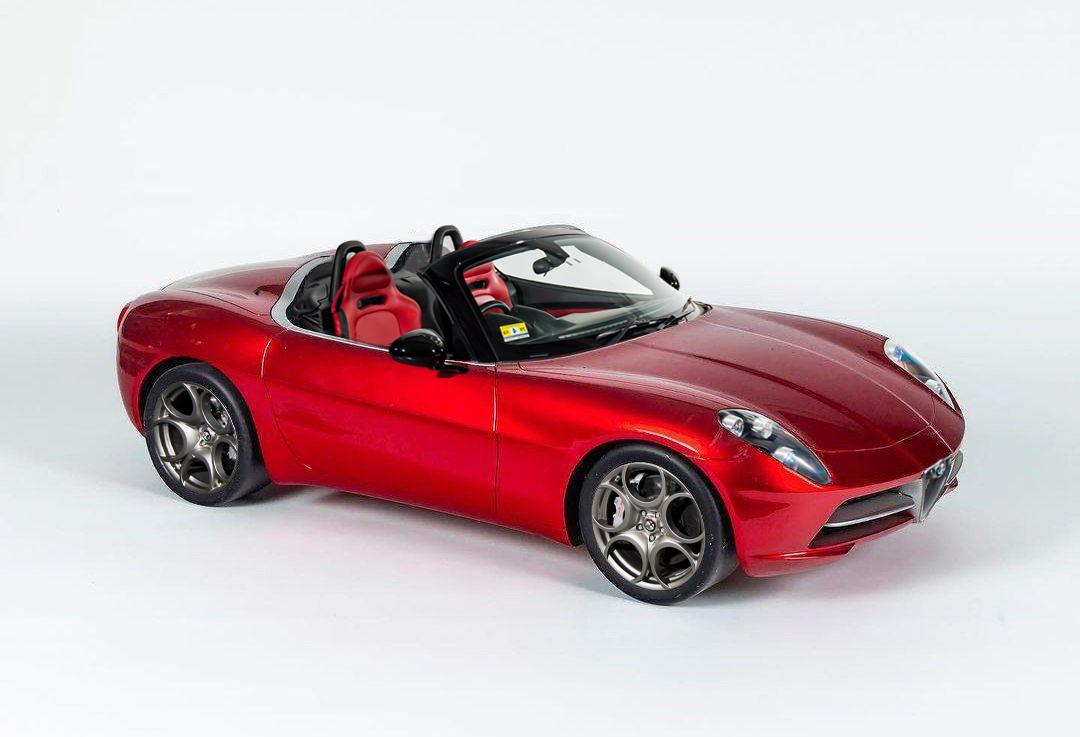
V6, RWD or AWD (almost Integrale!), don't forget about Poltrona Frau - the best Lancia since 1960s!
- 2393 risposte
-
-

-

-

- 8
-
-
- cmp
- e-cmp
- lancia
- lancia ypsilon
-
Taggato come:
-
-
-
-
-
-
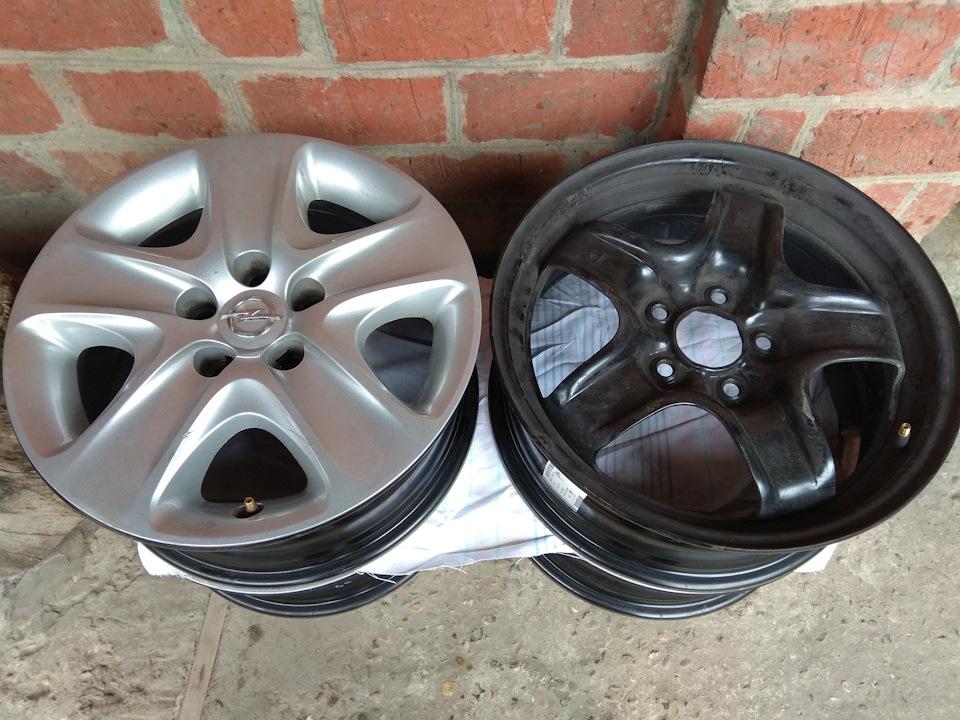
Structured steel wheels look a bit better than the standard steelies, with covers it looks almost like alloy wheels (got them on my Astra for a winter).
- 2393 risposte
-
-
- 2
-
-
- cmp
- e-cmp
- lancia
- lancia ypsilon
-
Taggato come:
-
-
-
Yep, rear door handle looks pretty fake here, they placed it almost on the middle of the door 😅
- 2393 risposte
-
- cmp
- e-cmp
- lancia
- lancia ypsilon
-
Taggato come:
-
Agree but the rear door handles on the photos look kinda fake, especially the right one.
- 2393 risposte
-
- cmp
- e-cmp
- lancia
- lancia ypsilon
-
Taggato come:
-
Modern problems require modern solutions
- 2393 risposte
-
-

-
- 2
-
-
- cmp
- e-cmp
- lancia
- lancia ypsilon
-
Taggato come:
-
-

.jpg.882098ee0c22cf037f9e66ec66681285.jpg)