





MotorPassion
Reporter (Staff)
-
Iscritto il
-
Ultima visita
Tutti i contenuti di MotorPassion
-
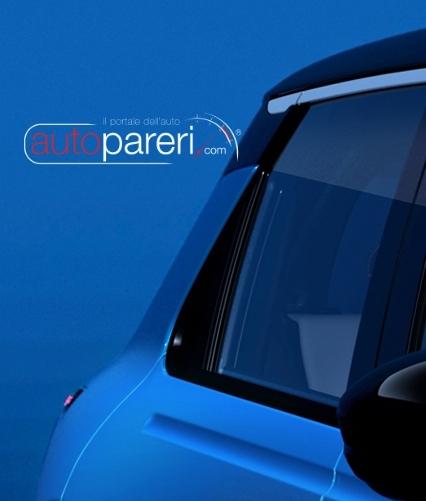
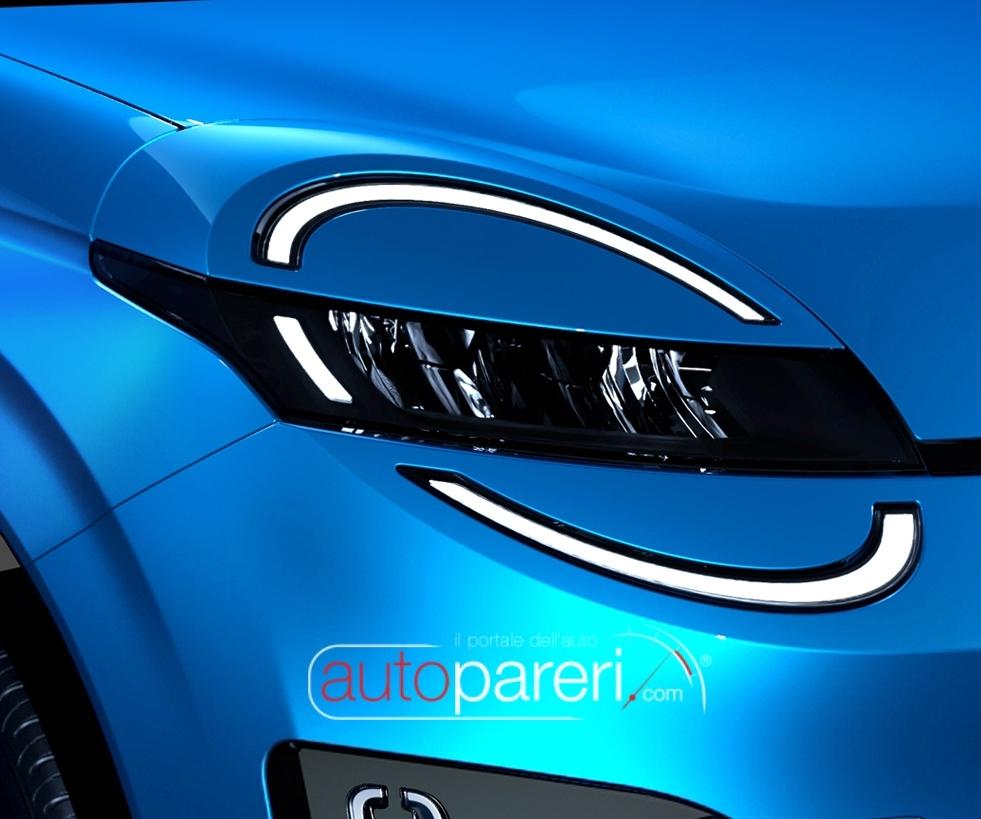
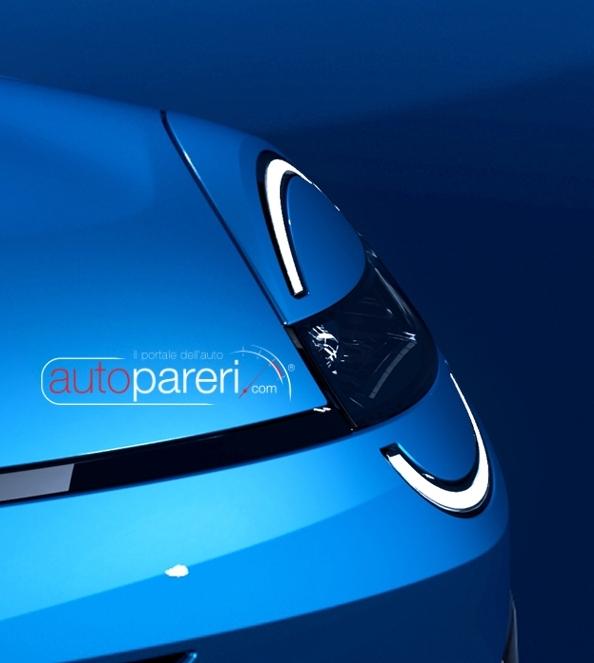
Piena di orpelli inutili pur di seguire le mode del momento però su un corpo vettura vecchio: Fari sdoppiati inseriti a forza Light bar posteriore Inserto in colore carrozzeria in zona finestrino laterale posteriore Negli interni non capisco il perchè di quella cornice sullo schermo centrale che fa perdere completamente la linearità che ci sarebbe stata con la palpebra del cruscotto.La versione rigata come le penne.Ma guarda un po' "cosa torna, le frecce biforcute di W204. Le ho sempre trovate senza senso.
_Classic_sedan_(2010-09-23)_01.thumb.jpg.49619d4170835c34ee25bc8fd11e2070.jpg) Ne avevo davanti una bianca giusto l'altro giorno, già di suo non è bella ed in bianco i "difetti" vengono enfatizzati. Trovo comunque un dettaglio orrendo l'inserto rosso sul paraurti posteriore e sui brancardi e la scritta Alfa Romeo sul portellone che è enorme pare piazzata lì proprio per riempire.Confermato il Pesce d'Aprile.Livrea HAAS per il GP del Giappone. Snapins.ai_video_AQMf4GrNv40WQh-M9o5BzXOXmX4-fnNrXhC7trSjjPz5QqcGfLqjRF-7E7vOXqh3YslC3-orPv4HgnmH-cphJgxl8q8OQqSIvhytCjU.mp4
Ne avevo davanti una bianca giusto l'altro giorno, già di suo non è bella ed in bianco i "difetti" vengono enfatizzati. Trovo comunque un dettaglio orrendo l'inserto rosso sul paraurti posteriore e sui brancardi e la scritta Alfa Romeo sul portellone che è enorme pare piazzata lì proprio per riempire.Confermato il Pesce d'Aprile.Livrea HAAS per il GP del Giappone. Snapins.ai_video_AQMf4GrNv40WQh-M9o5BzXOXmX4-fnNrXhC7trSjjPz5QqcGfLqjRF-7E7vOXqh3YslC3-orPv4HgnmH-cphJgxl8q8OQqSIvhytCjU.mp4









_Classic_sedan_(2010-09-23)_01.jpg.a14e1506a4ef912122d5aad92151e572.jpg)




Account
Navigation
Cerca
Configure browser push notifications
Chrome (Android)
- Tap the lock icon next to the address bar.
- Tap Permissions → Notifications.
- Adjust your preference.
Chrome (Desktop)
- Click the padlock icon in the address bar.
- Select Site settings.
- Find Notifications and adjust your preference.
Safari (iOS 16.4+)
- Ensure the site is installed via Add to Home Screen.
- Open Settings App → Notifications.
- Find your app name and adjust your preference.
Safari (macOS)
- Go to Safari → Preferences.
- Click the Websites tab.
- Select Notifications in the sidebar.
- Find this website and adjust your preference.
Edge (Android)
- Tap the lock icon next to the address bar.
- Tap Permissions.
- Find Notifications and adjust your preference.
Edge (Desktop)
- Click the padlock icon in the address bar.
- Click Permissions for this site.
- Find Notifications and adjust your preference.
Firefox (Android)
- Go to Settings → Site permissions.
- Tap Notifications.
- Find this site in the list and adjust your preference.
Firefox (Desktop)
- Open Firefox Settings.
- Search for Notifications.
- Find this site in the list and adjust your preference.