



# tata
-
- 7 commenti
- 3086 visite
-
- 13 commenti
- 4238 visite
-
- 3 commenti
- 1915 visite
-
- 3 commenti
- 2233 visite
-
- tata
- tata concept
- concept
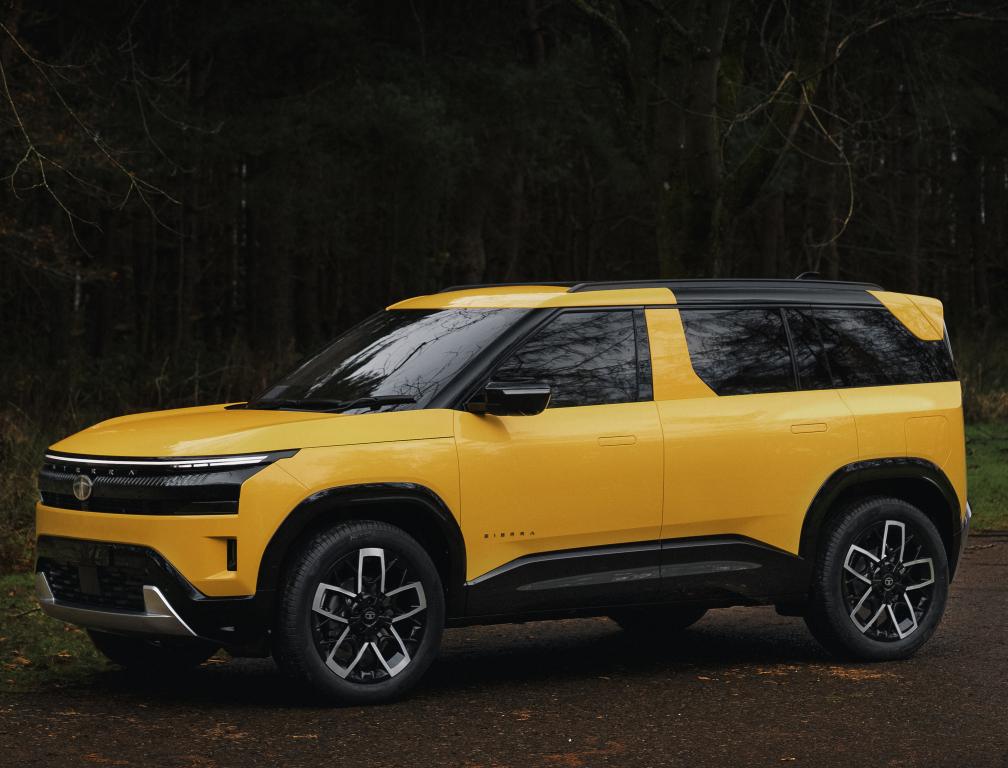
- sierra ev concept
-
Taggato come:
- 10 commenti
- 4572 visite
-
- 14 commenti
- 4270 visite
-
- 3 commenti
- 1949 visite
-
- tata punch
- tata
- punch
- ind
-
Taggato come:
- 22 commenti
- 11364 visite
-
- tata
- tata hbx
- tata 2021
- tata hbx 2021
-
Taggato come:
- 1 commento
- 905 visite
-
- 8 commenti
- 4157 visite
-
- 13 commenti
- 9102 visite
-
- tata safari
- tata
- safari
- india
-
Taggato come:
- 4 commenti
- 4381 visite
-
- 8 commenti
- 3592 visite
-
- land rover
- blower
- lr
- jlr
-
Taggato come:
- 3 commenti
- 1356 visite
-
- 7 commenti
- 7446 visite
-
- 12 commenti
- 5245 visite
-
- 18 commenti
- 6060 visite
-
- 6 commenti
- 2167 visite
-
- 18 commenti
- 5924 visite
-
- 16 commenti
- 4487 visite