
AlfaZeta6
Utente Registrato
-
Iscritto il
-
Ultima visita
Tutti i contenuti di AlfaZeta6
-
-
-
-
-
-
https://www.instagram.com/reel/DYfVVxlMGkX/?igsh=bTdiYjZodzJhaDN3 Video a Trieste
-
Che premium signori
-
-
-
-
-
Si si è ancora si. In BMW si evolvono e sperimentano com le dovute precauzioni. Dopo il periodo buio castoro, questo stile promosso a pieni voti.
-
-
-
-
BMW e Toyota mi sembrano, ognuno con i proprio motivi, i due brand che si stanno adattando al futuro Senza snaturarsi troppo
-
grazie! l'apparenza purtroppo, nel mondo auto di oggi e nei gusti (e competenza) degli acquirenti moderni, conta molto di più di altro
- 89 risposte
-
- b10
- leap
- leapmotor
- leapmotor b10
-
Taggato come:
-
con sti prezzi come è possibile andare avanti?
- 89 risposte
-
- b10
- leap
- leapmotor
- leapmotor b10
-
Taggato come:
-
Se dopo ho tempo chiedo a Gemini
-
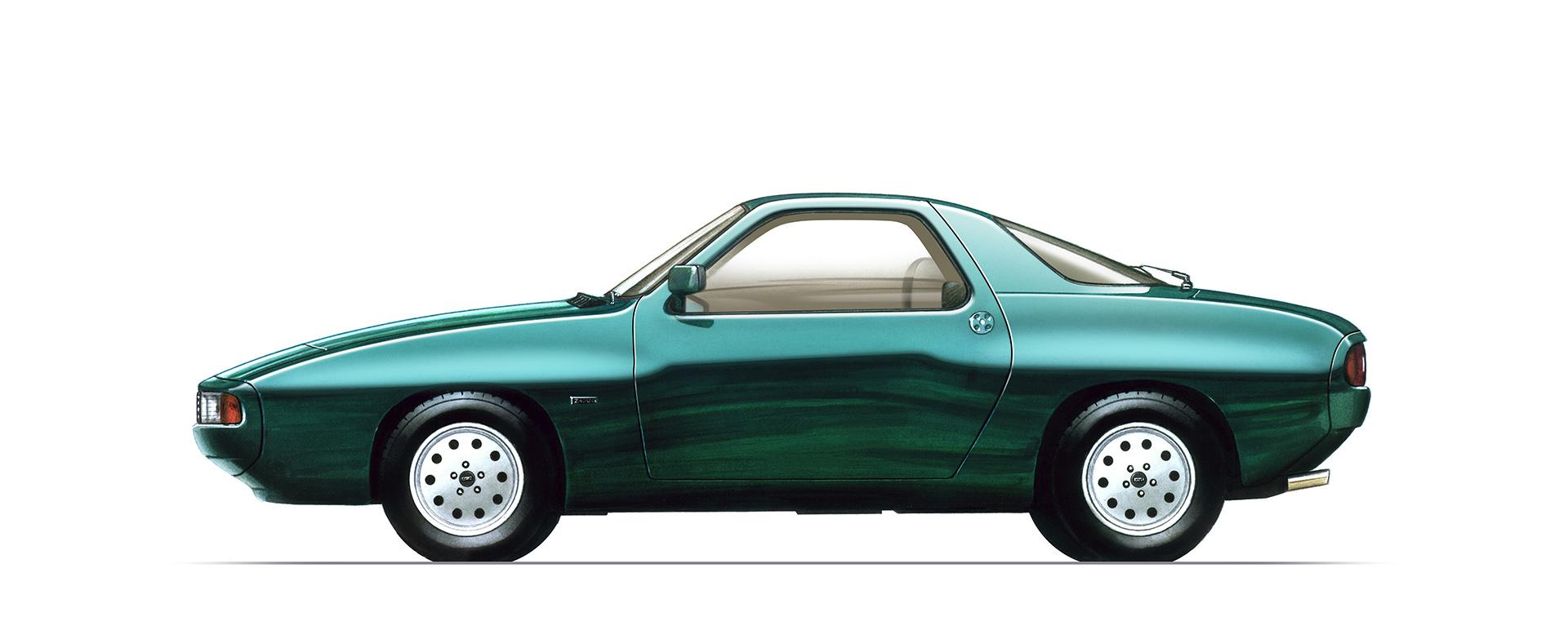
Piccoli aggiornamenti per la Coupé nipponica. Non ho trovato grossi articoli. Motor1.comThe Nissan Z Is Already Getting A FaceliftThe updated Fairlady Z in Japan previews the new look for Nissan's sports car. Check out all the photos.
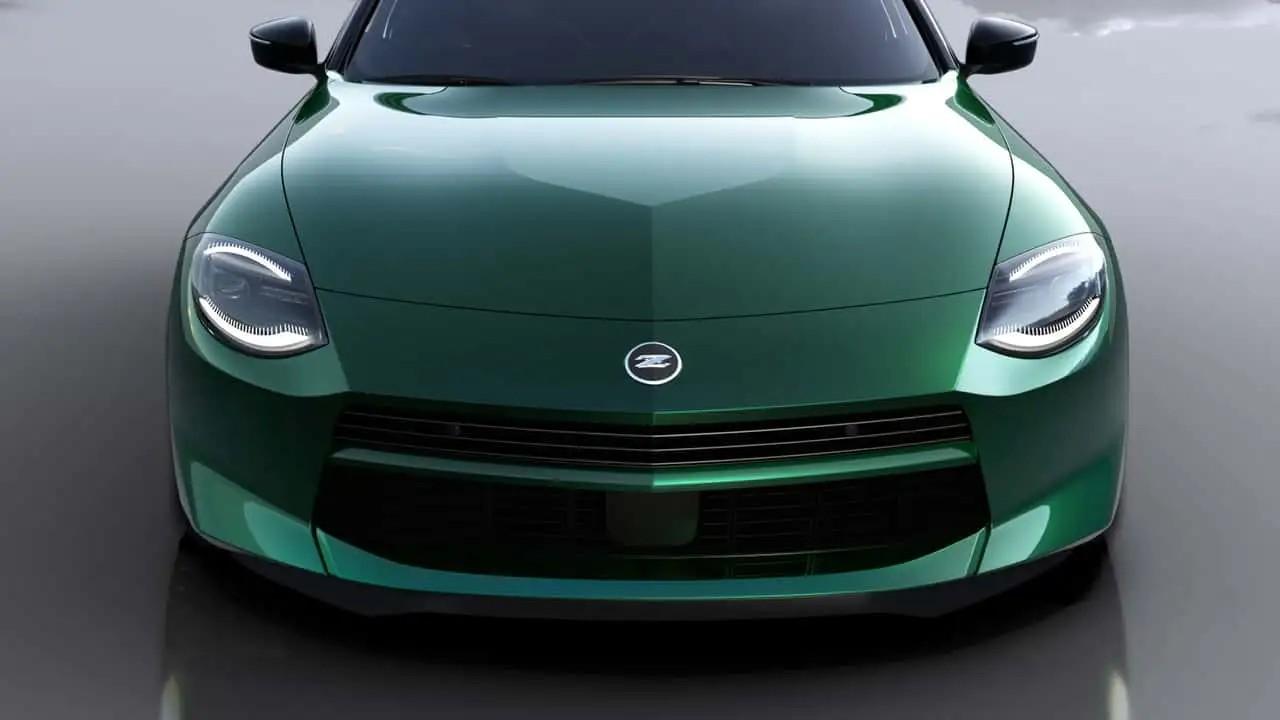
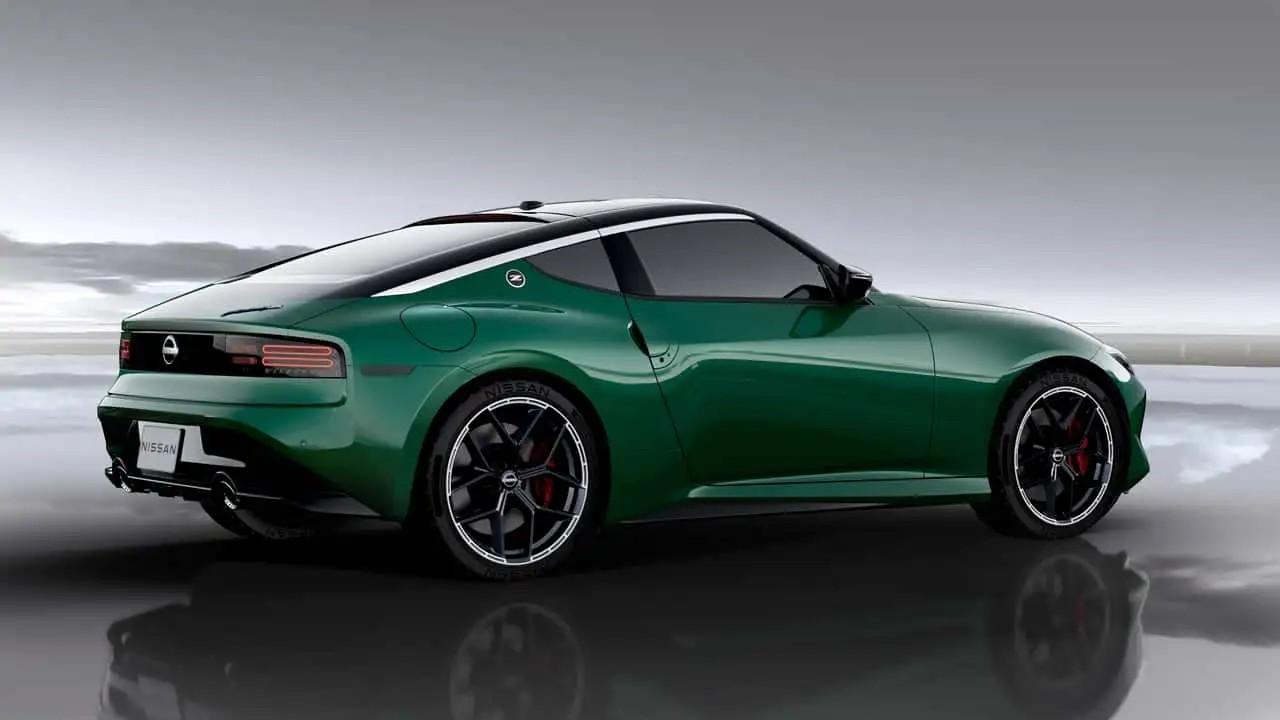
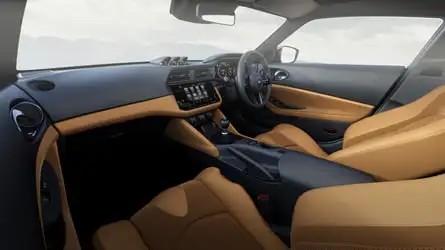
-
Piccola curiosità che mi è venuta ora che hanno presentato la "Luna Rossa". Questa qui ha mai girato al Ring? Ricordo di una spedizione che sarebbe stata fatta
-
PS: nessuna 33 originale (e grazie Graziella) è stata maltrattata
-
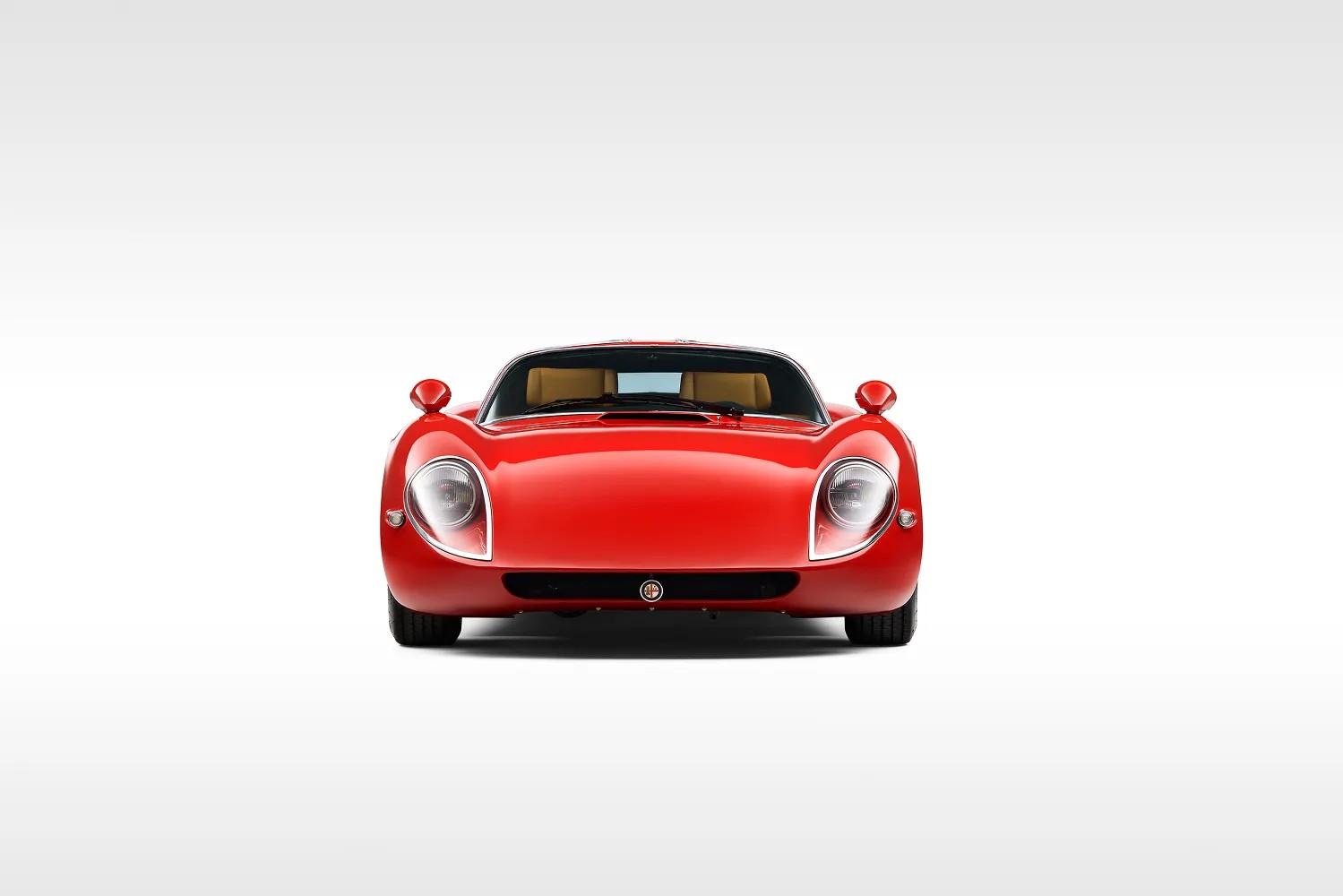
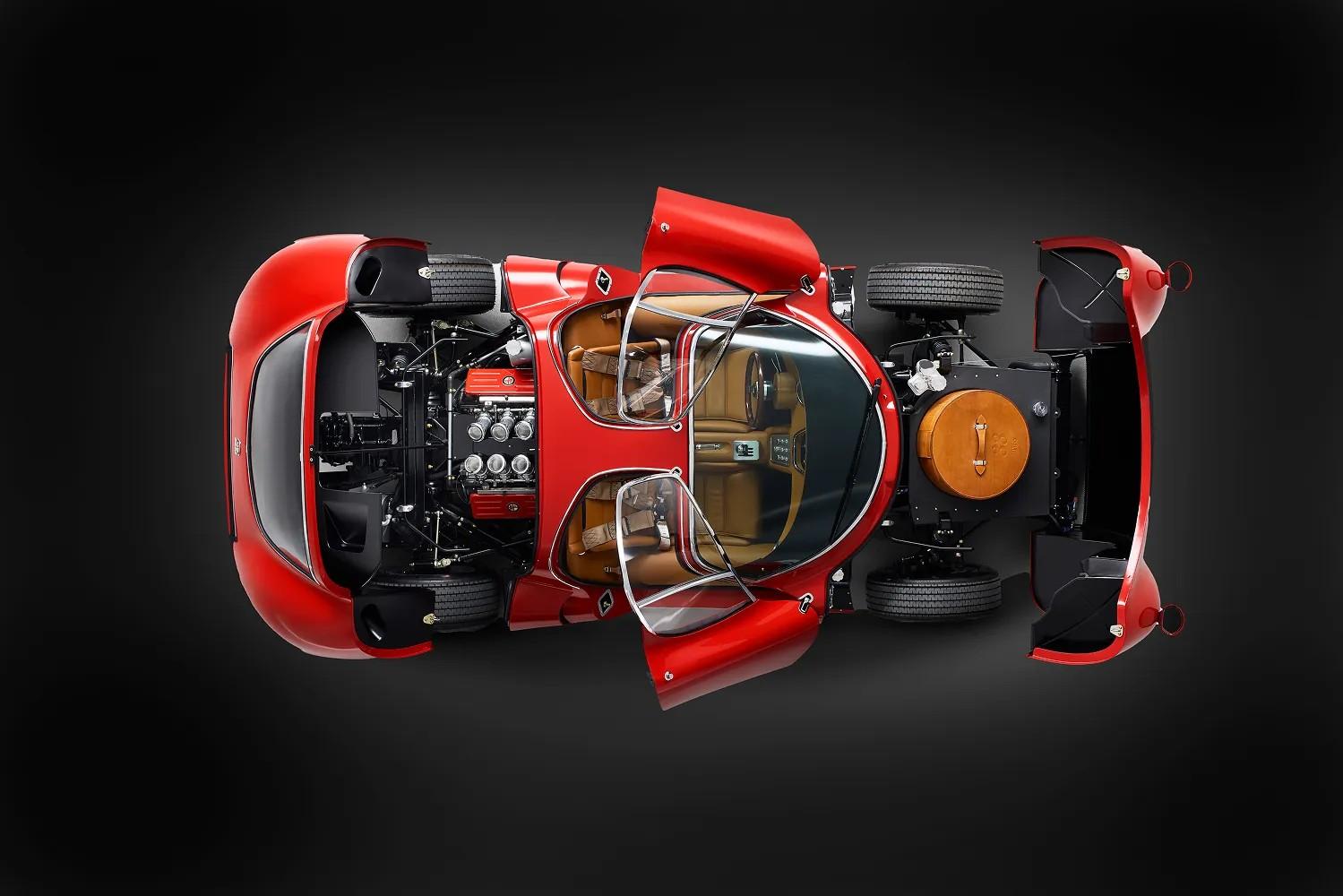
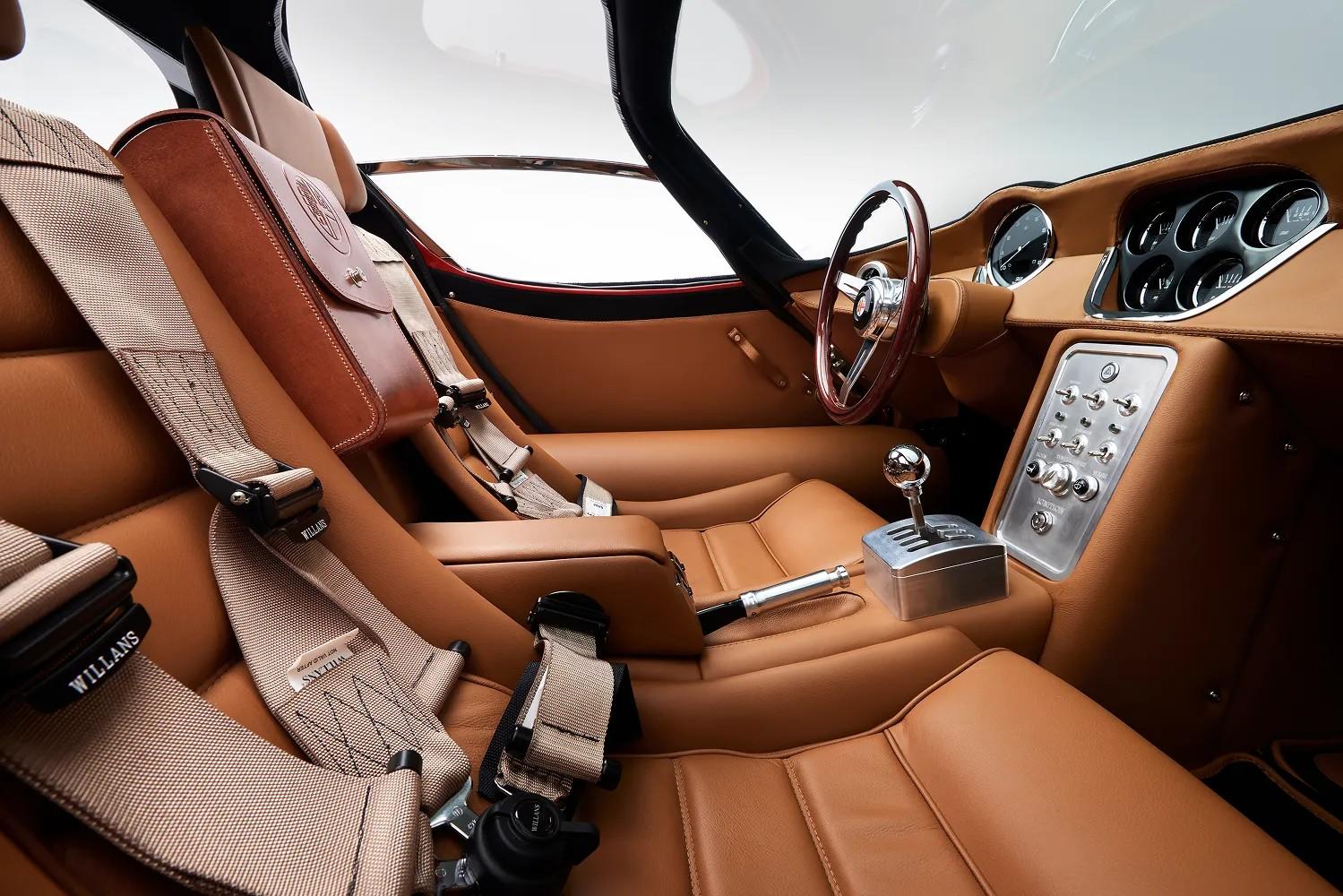
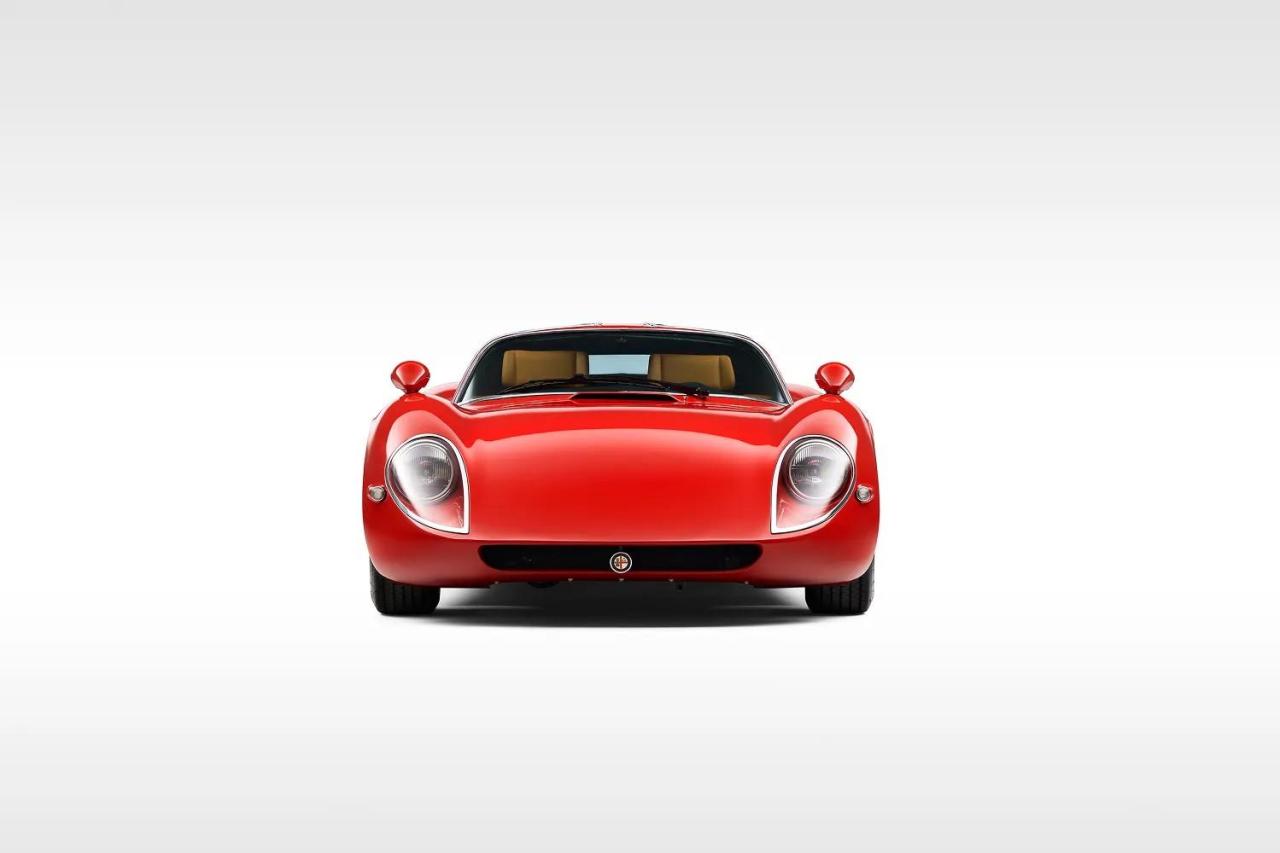
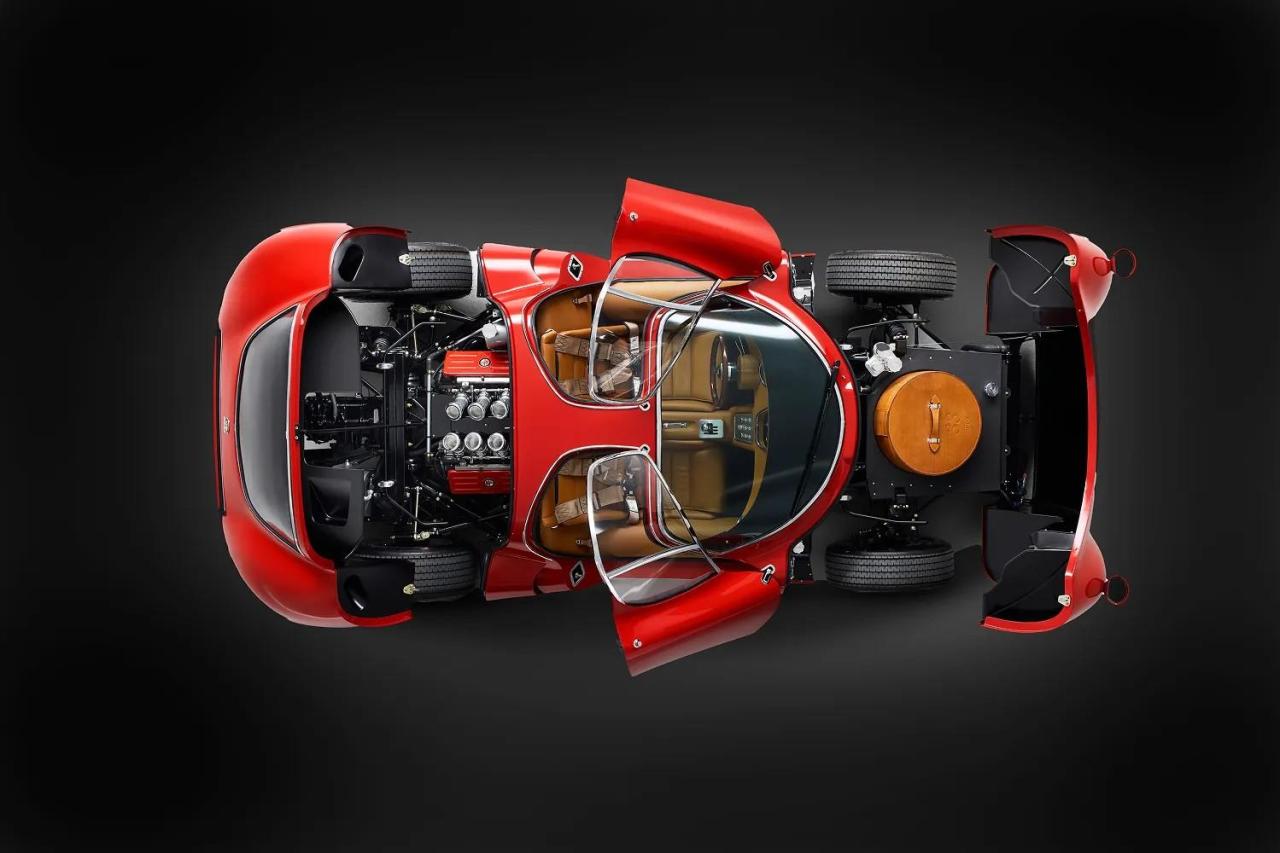
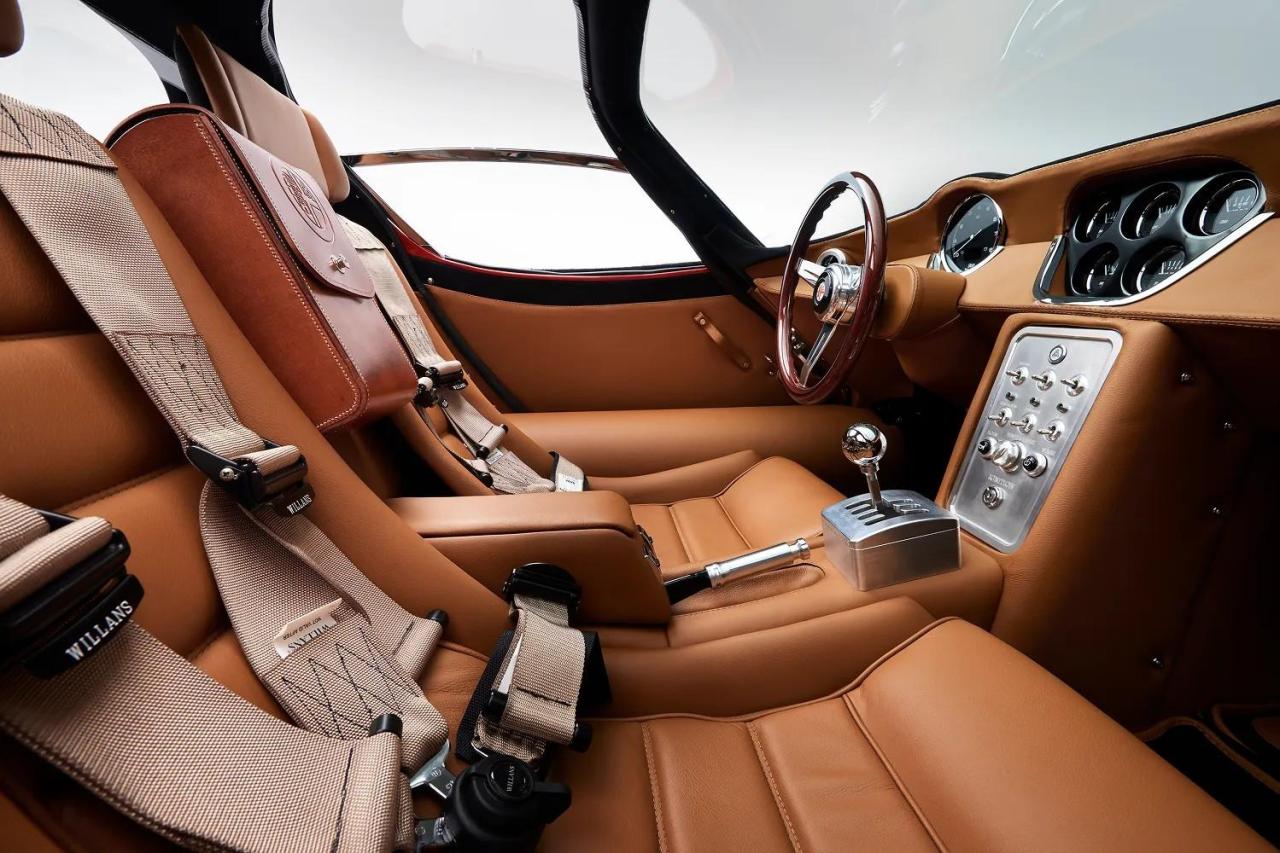
L'inglese Automotive Artisans presenta la R33 una reinterpretazione della miti Alfa 33. V8 aspirato di origine Maserati da 380 CV e carrozzeria in alluminio. The Limited Edition R33 by Automotive ArtisansWhere heritage meets innovation, the R33 is our ultimate expression of craftsmanship — every nut, bolt, and rivet a testament to perfection shared by every hand at Automotive Artisans.
-
https://www.evo.co.uk/news/208350/evo-car-of-the-year-2025-12-best-performance-cars-go-head-to-head Vince il premio "Car of the year" di Evo
-