





(1)(1).png.9646bf5114d93a5280bda88264436f0b.png)
Osv
Reporter (Staff)
-
Iscritto il
-
Ultima visita
-
Attualmente
Visualizza la discussione: Bentley Torcal 2027
Tutti i contenuti di Osv
-
-
La M40 xDrive:
-
-
L’LCI della X3 è stato rinviato ed ora è previsto per Marzo 2029. Da Dicembre la M50 adotterà il B58B30M3 così pareggerà le spec della Serie 3 G50 M350 (313kW/540Nm + 13kW EM), a Gennaio 2027 verrà aggiunta una motorizzazione ibrida e a Marzo 2027 quel cambio di motore sulla 20d.
- 75 risposte
-
- bmw g45
- bmw x3
- bmw x3 2024
- bmw x3 g45
-
Taggato come:
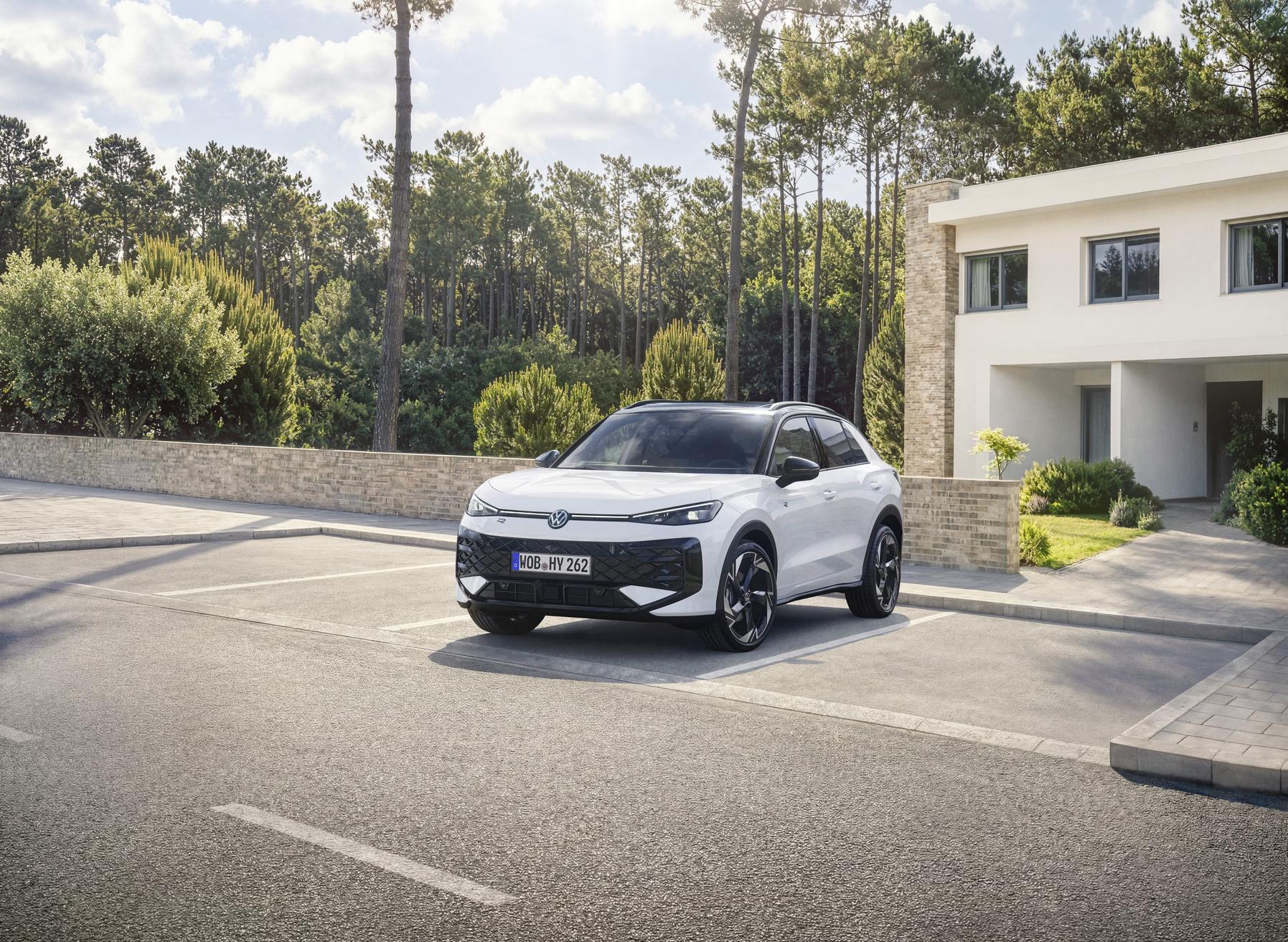
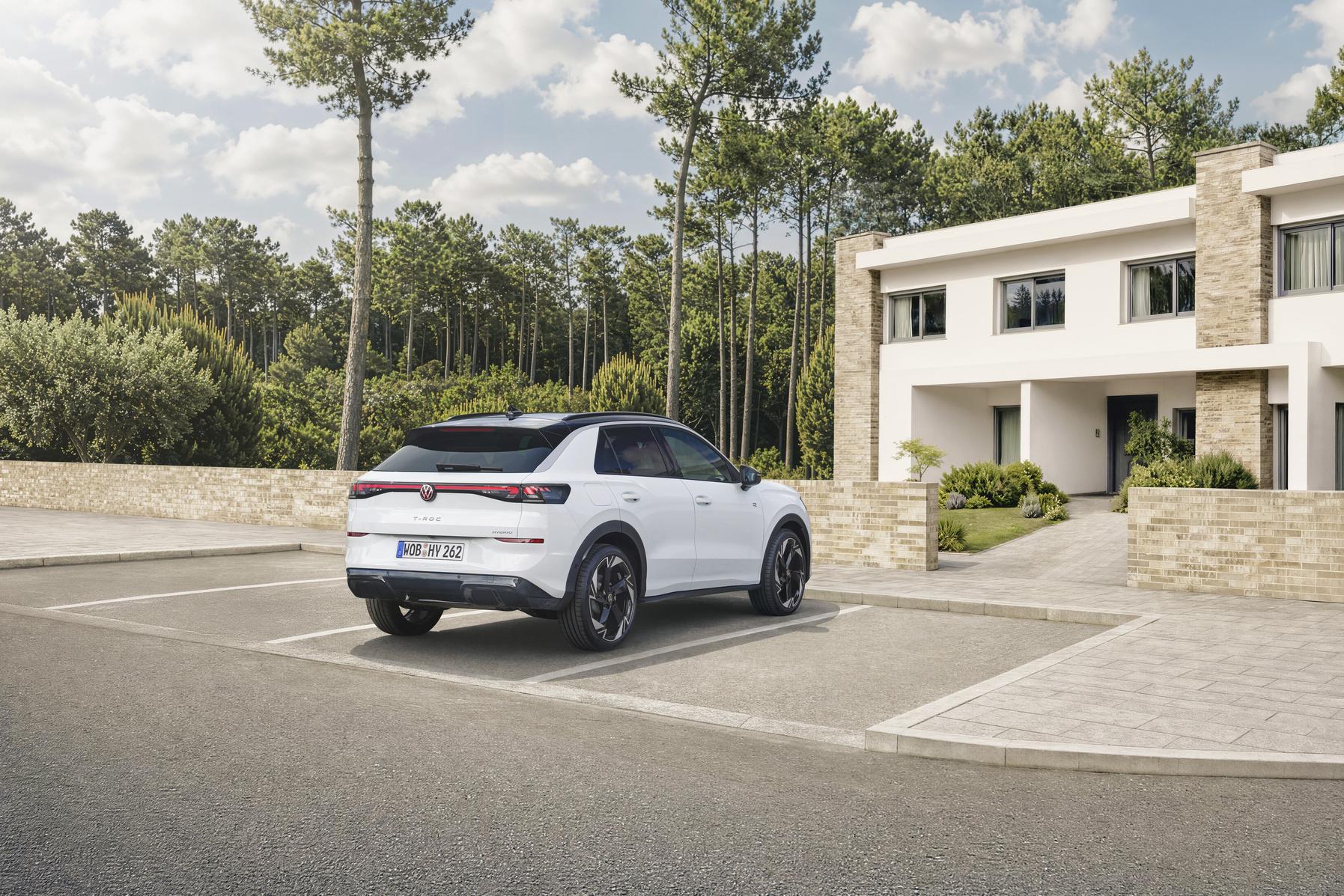
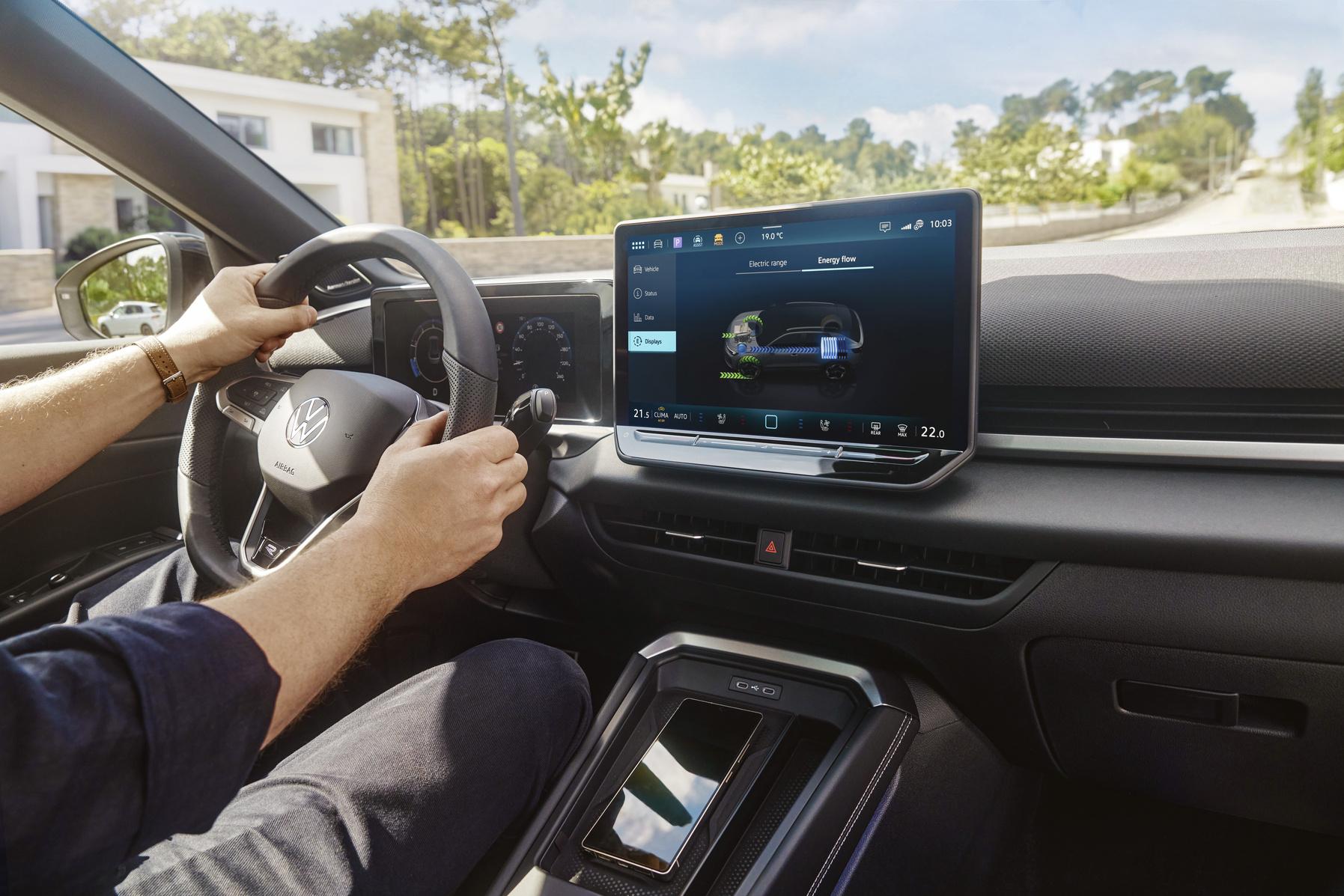
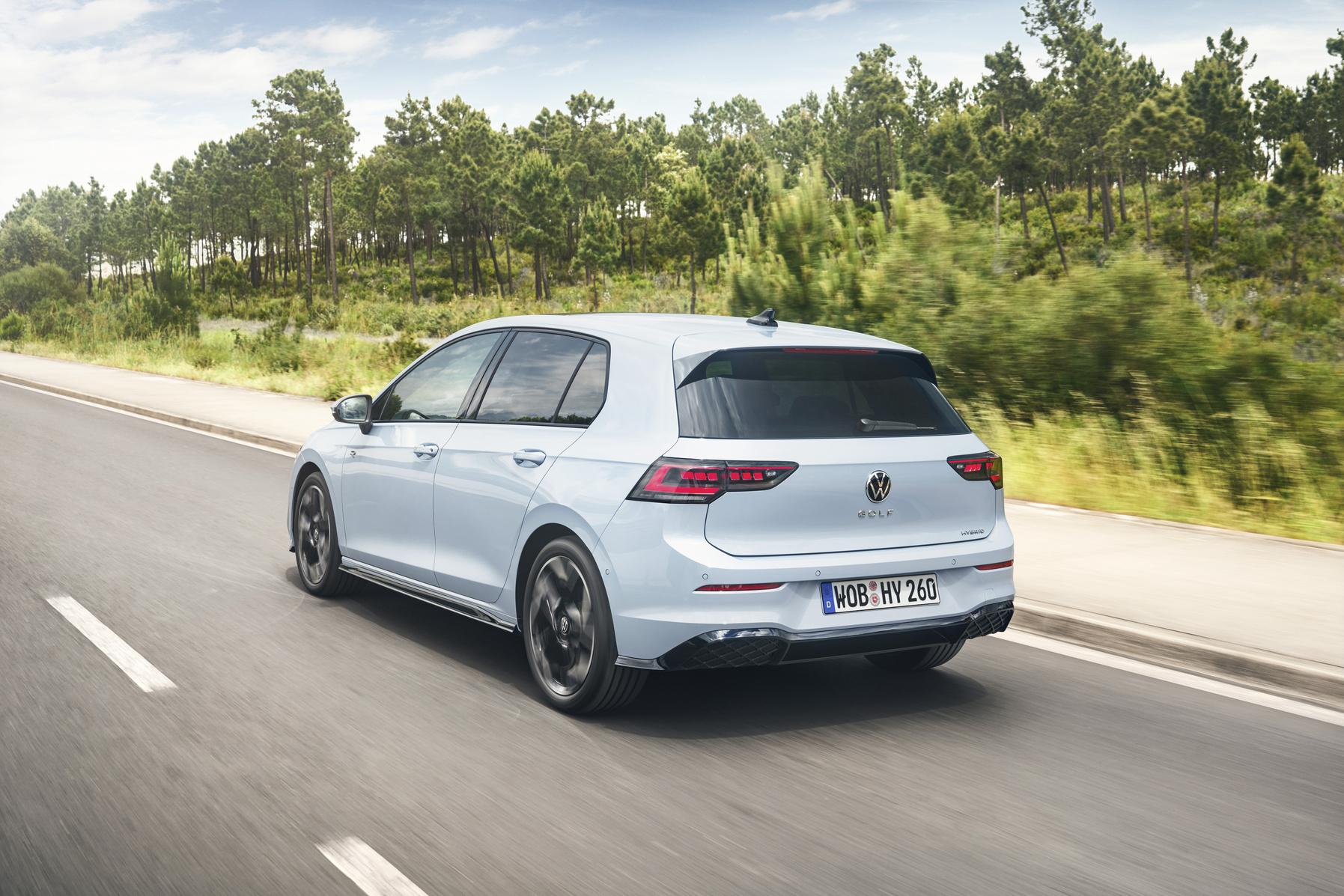
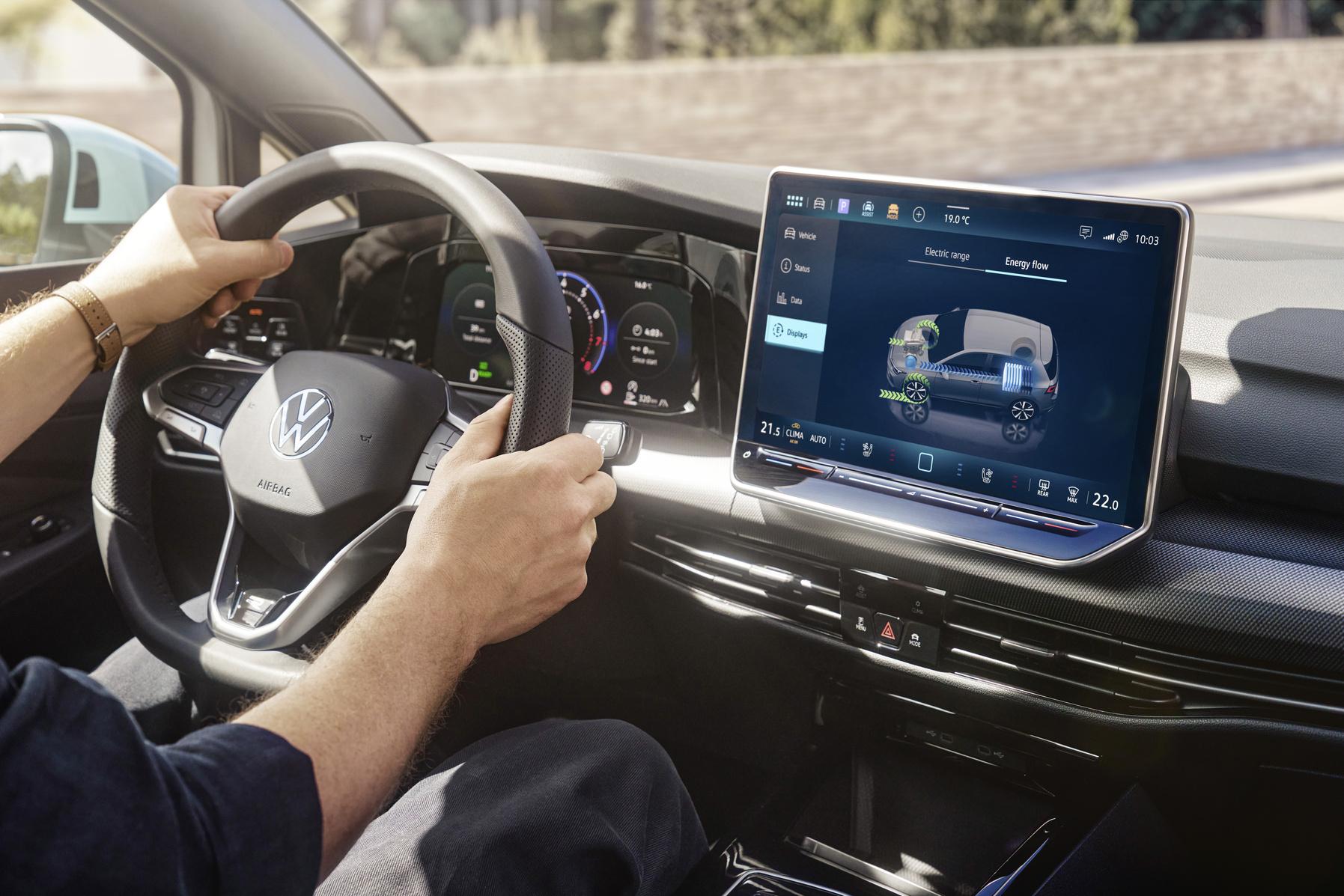
Si aprono gli ordini della Golf HEV! Comunicato stampa Via Volkswagen.
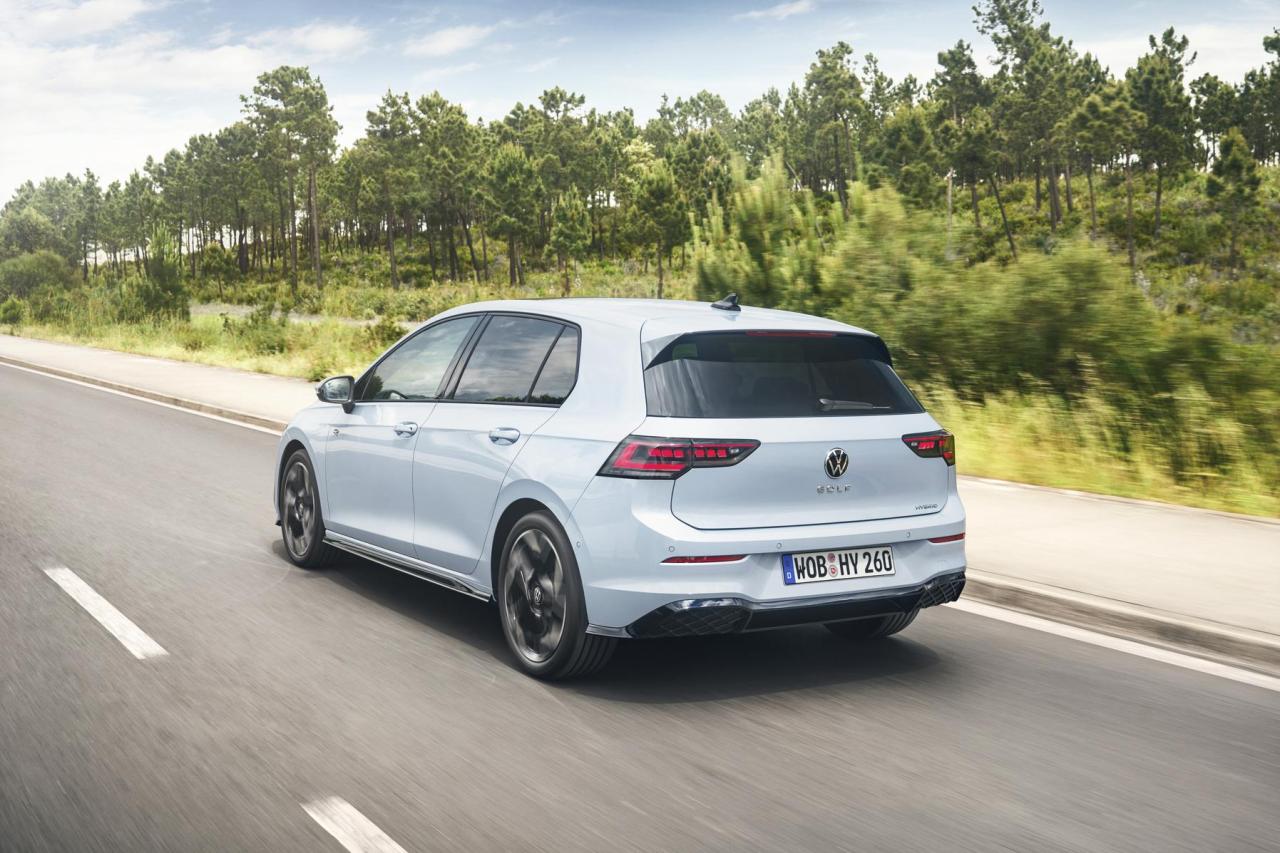
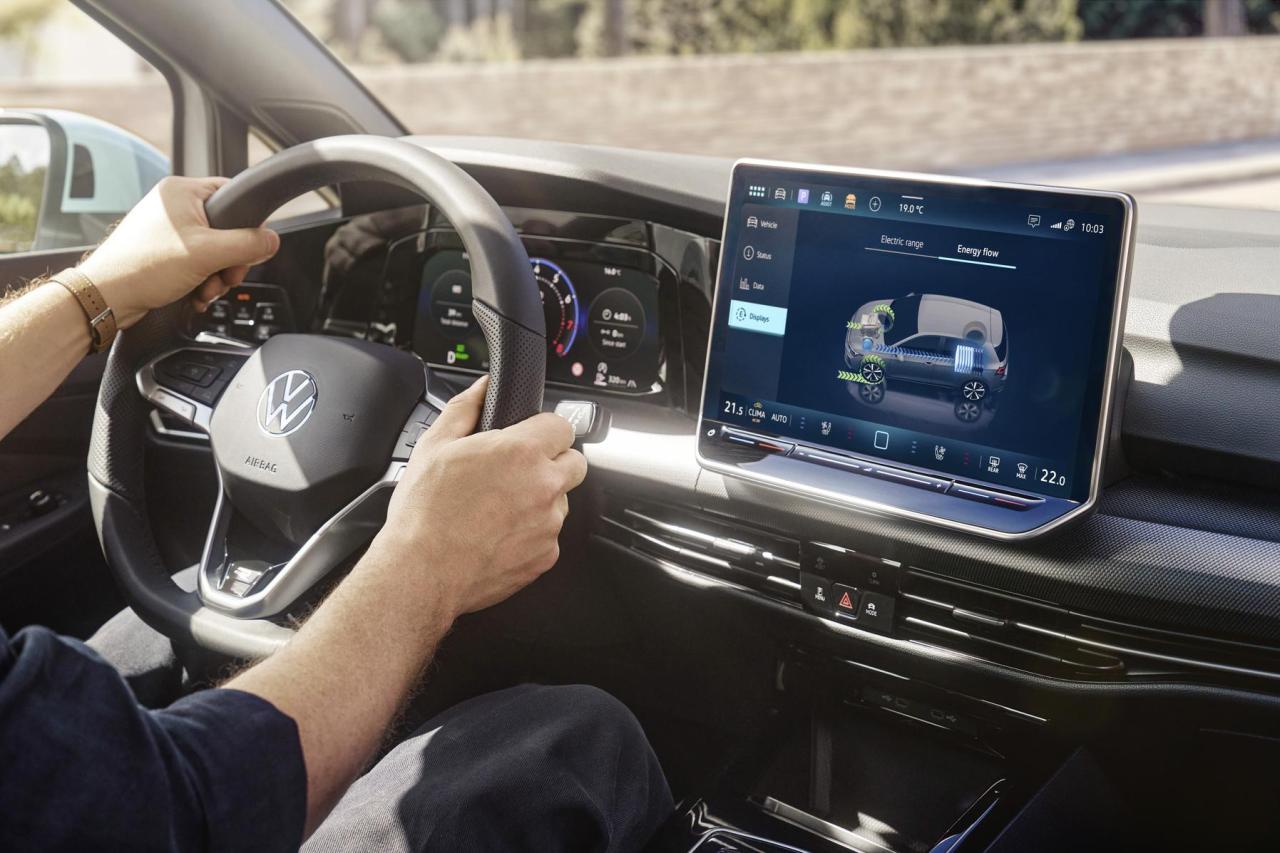 Confermato ufficialmente il nome Argo X! Comunicato stampa (tradotto in italiano dal portoghese) Via Fiat.
 Ed eccola con la carrozzeria definitiva! Comunicato stampa Via Smart.

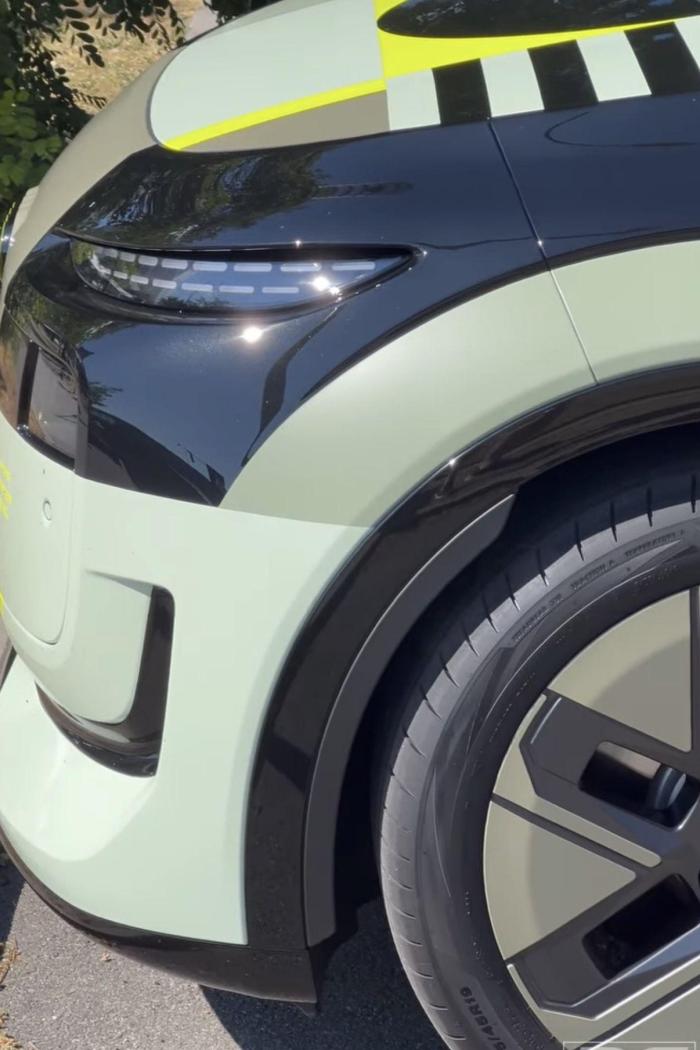
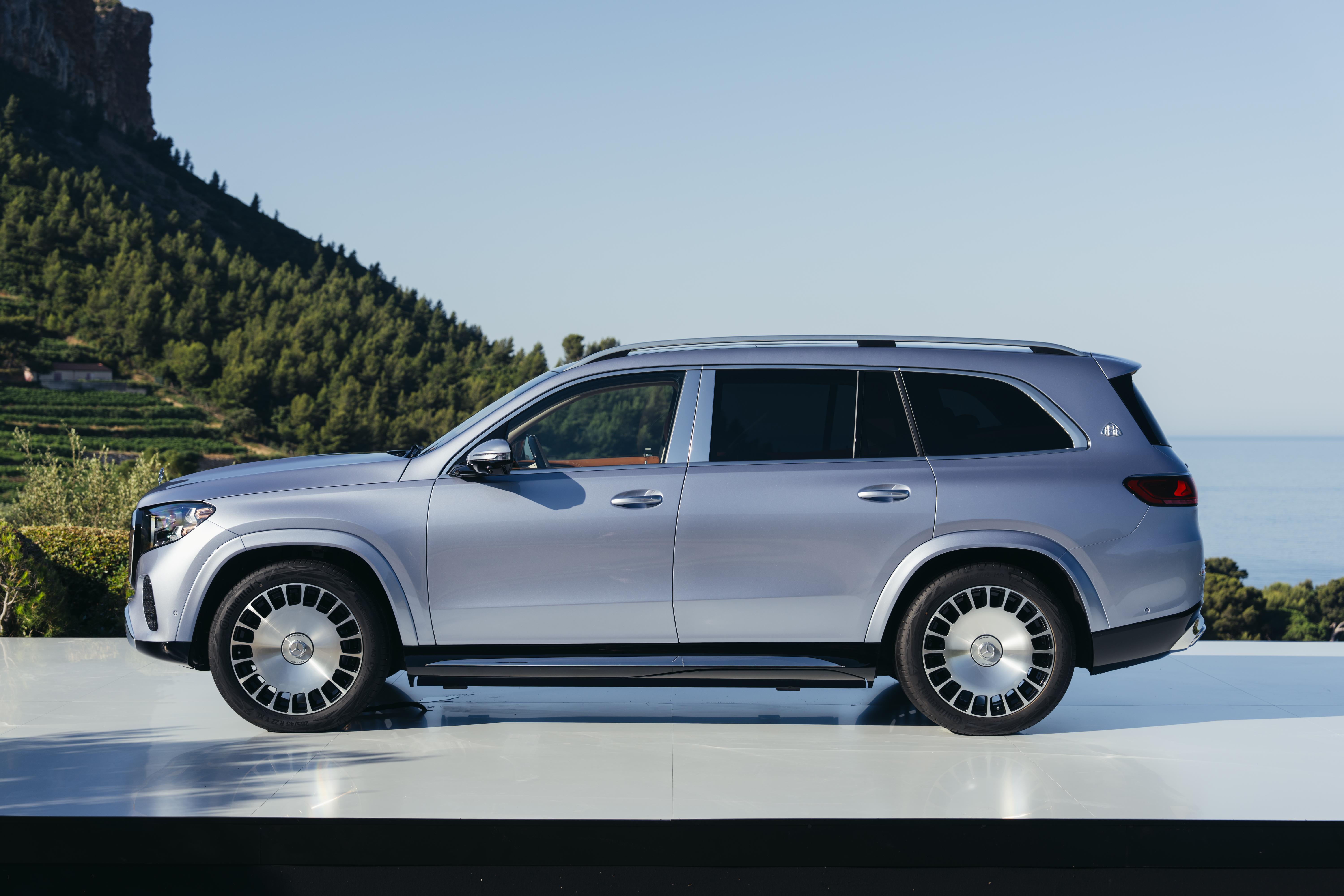
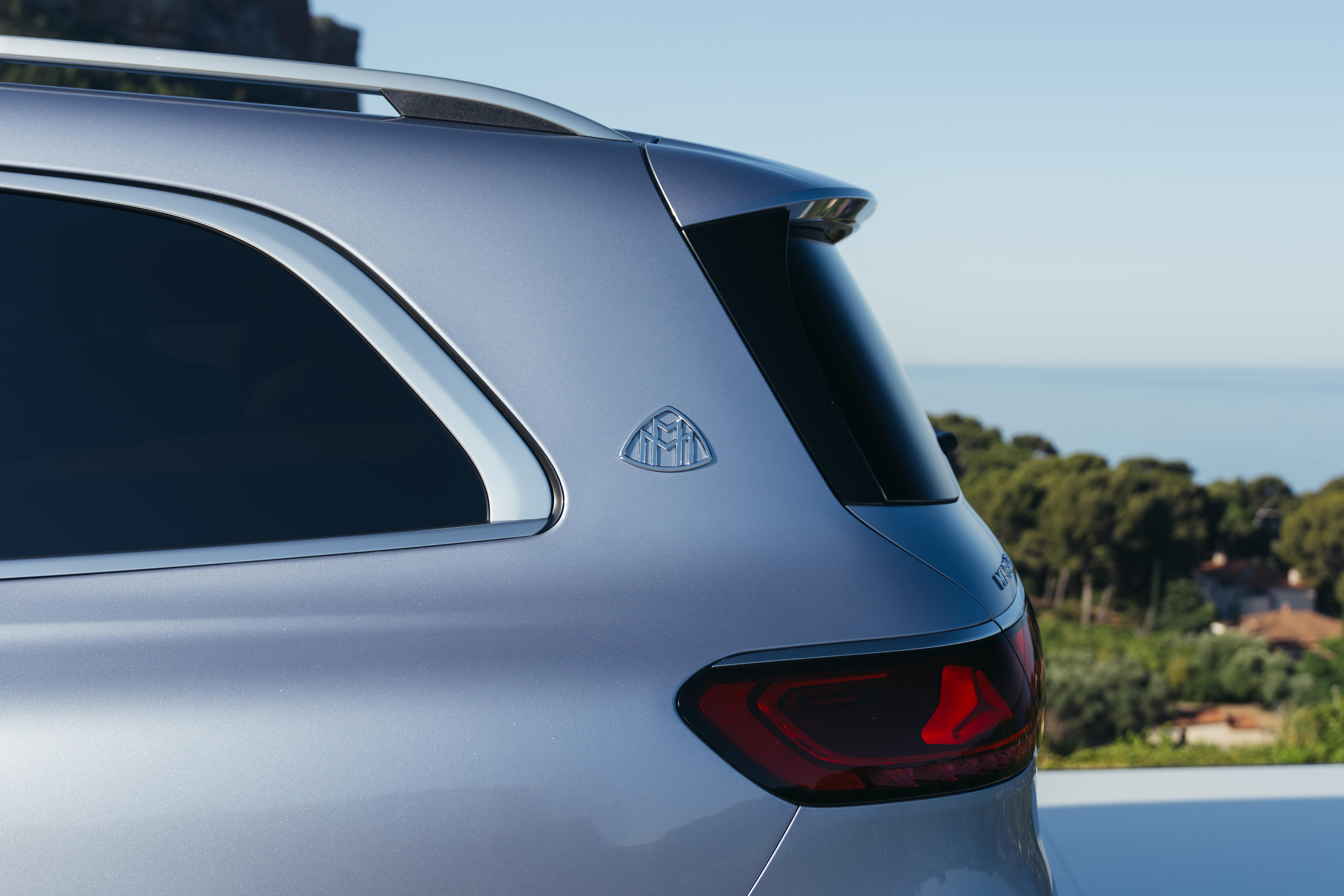
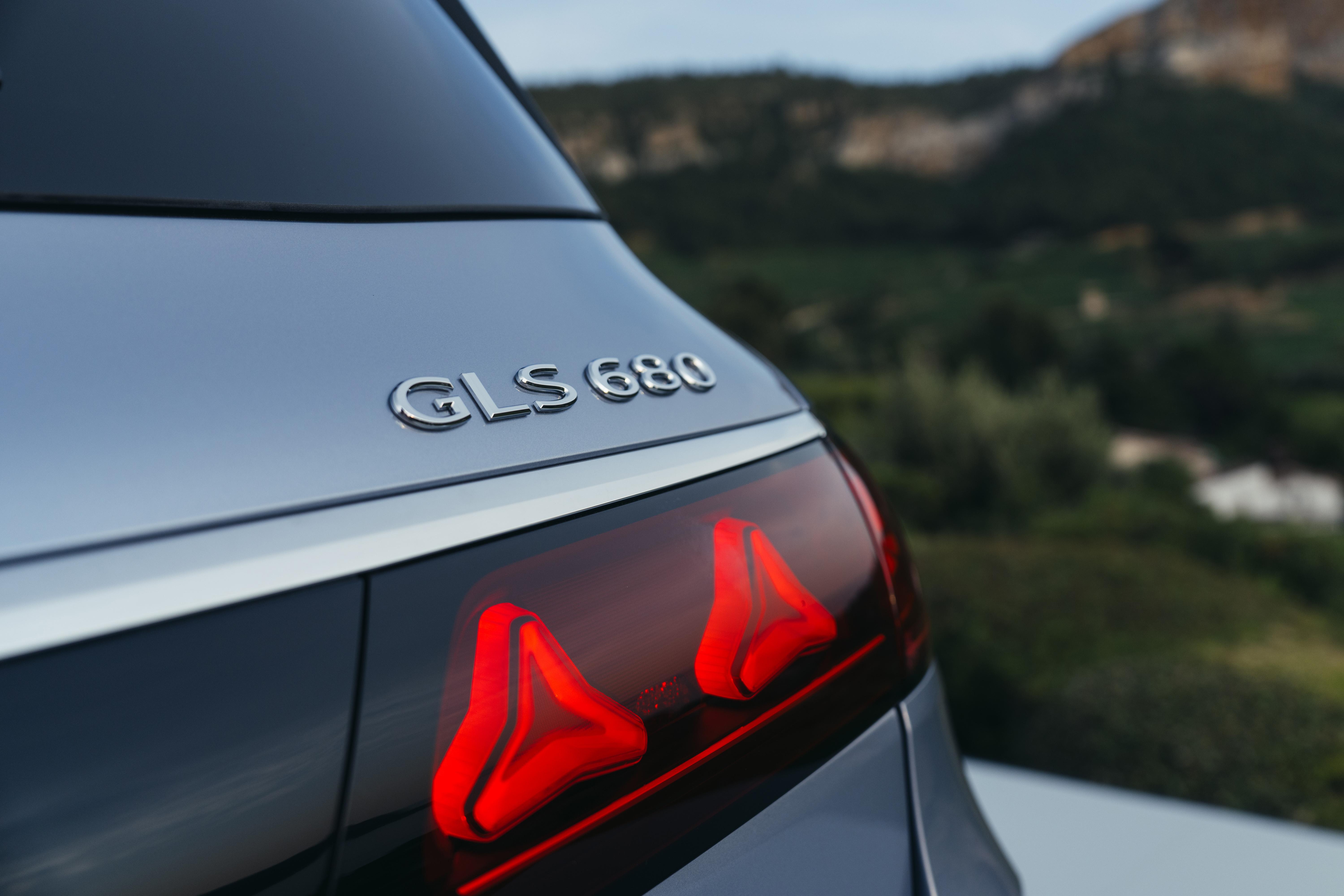
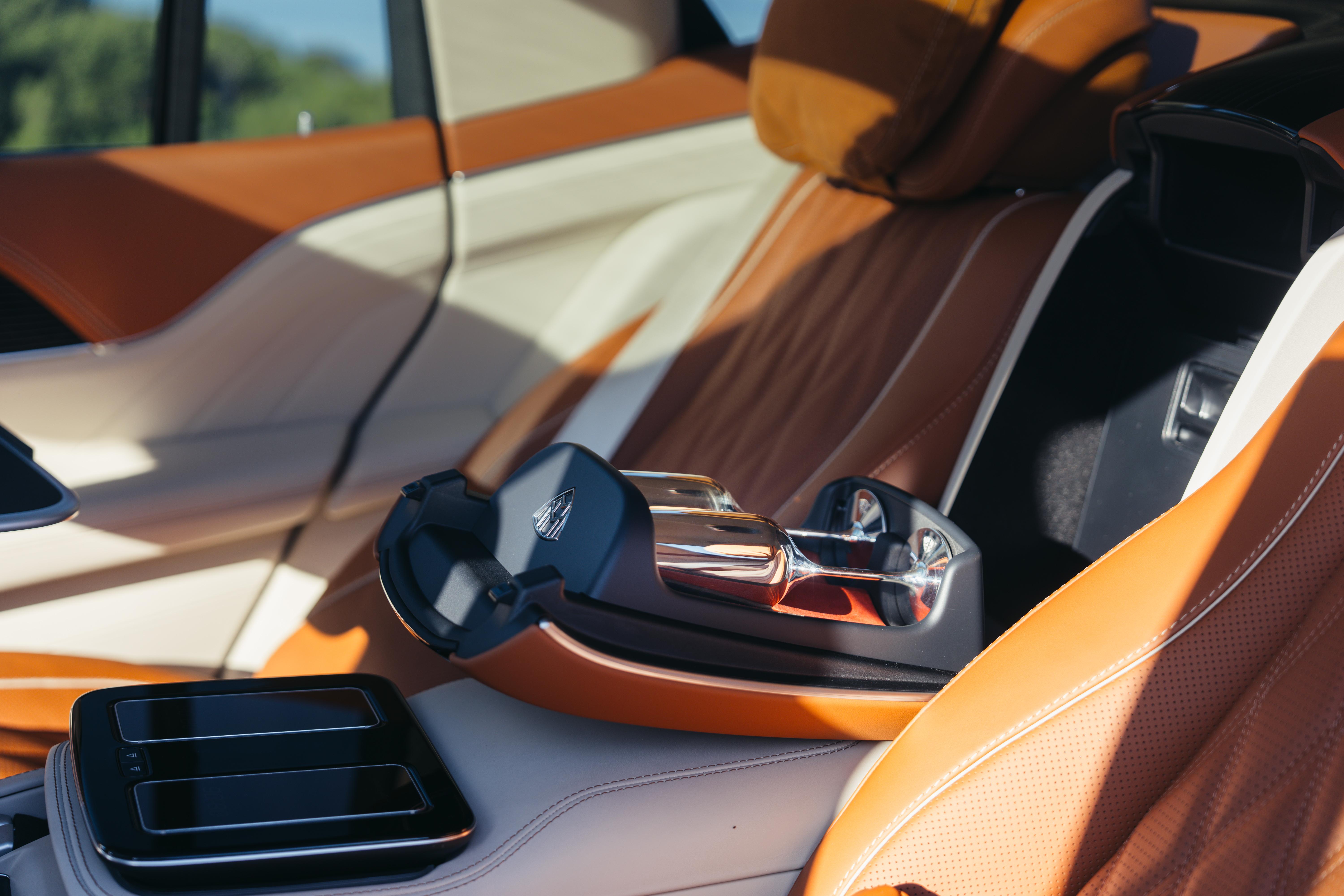
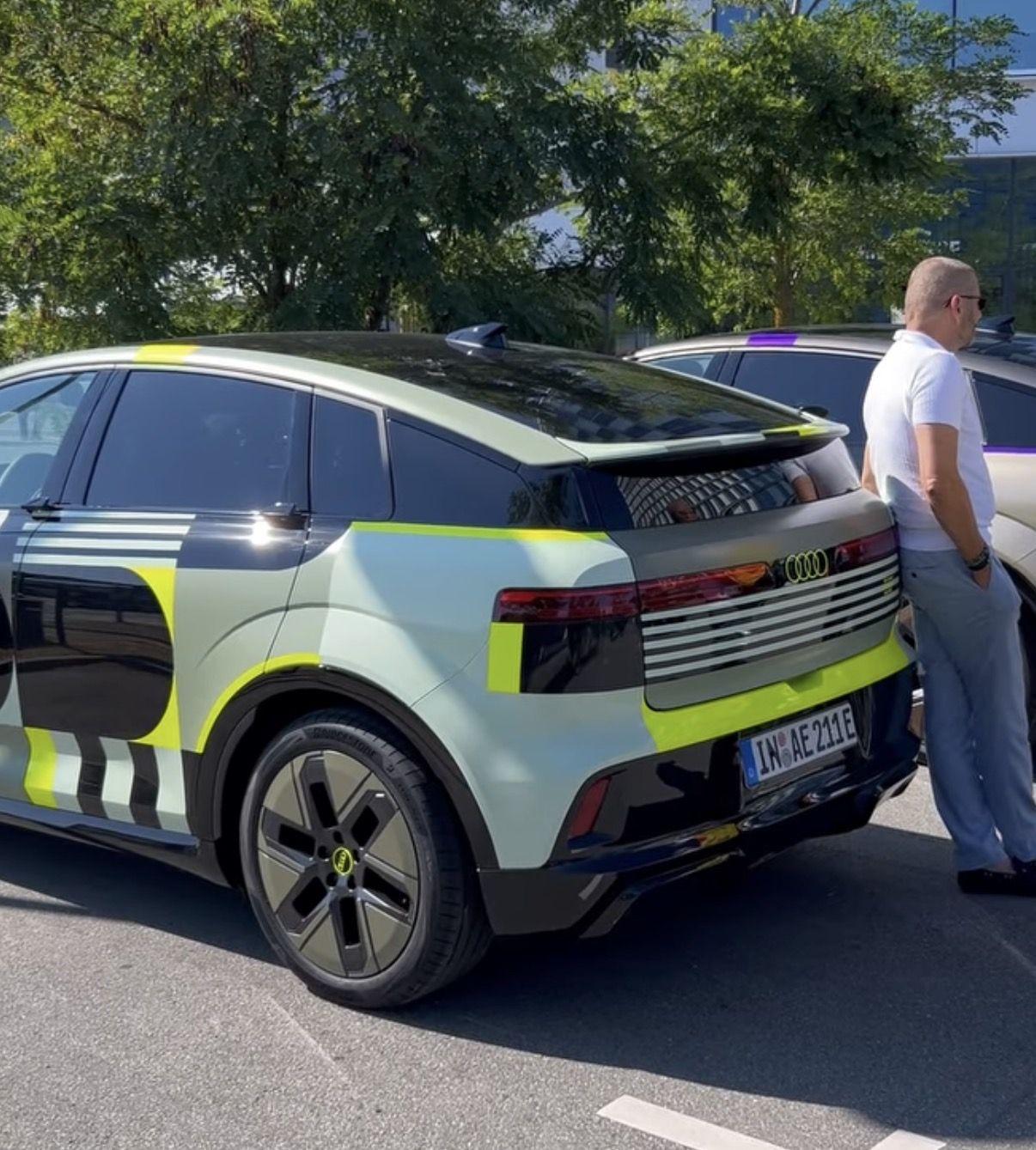
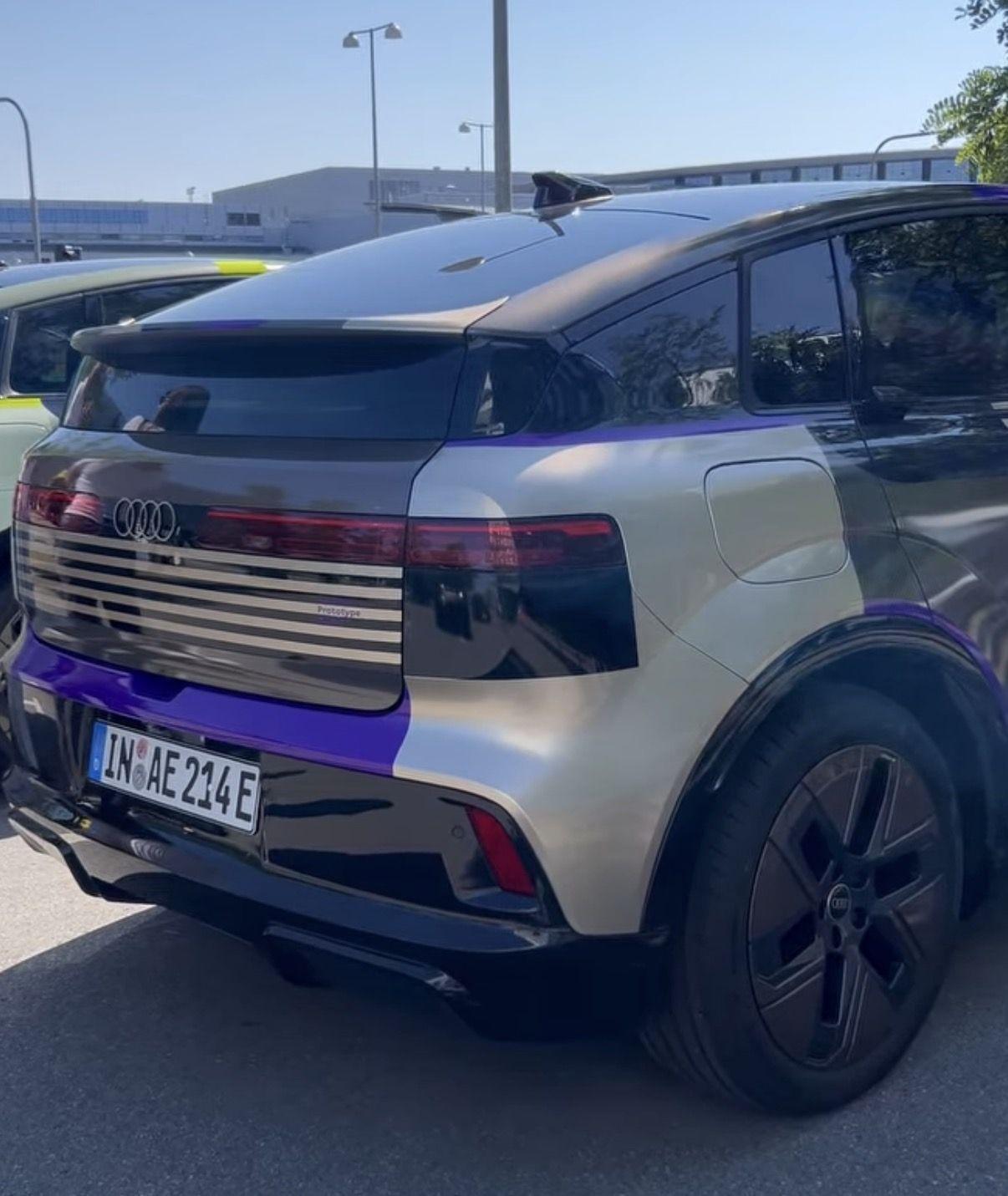
 Comunicato stampa Via Maserati.Dal forum Cochespias: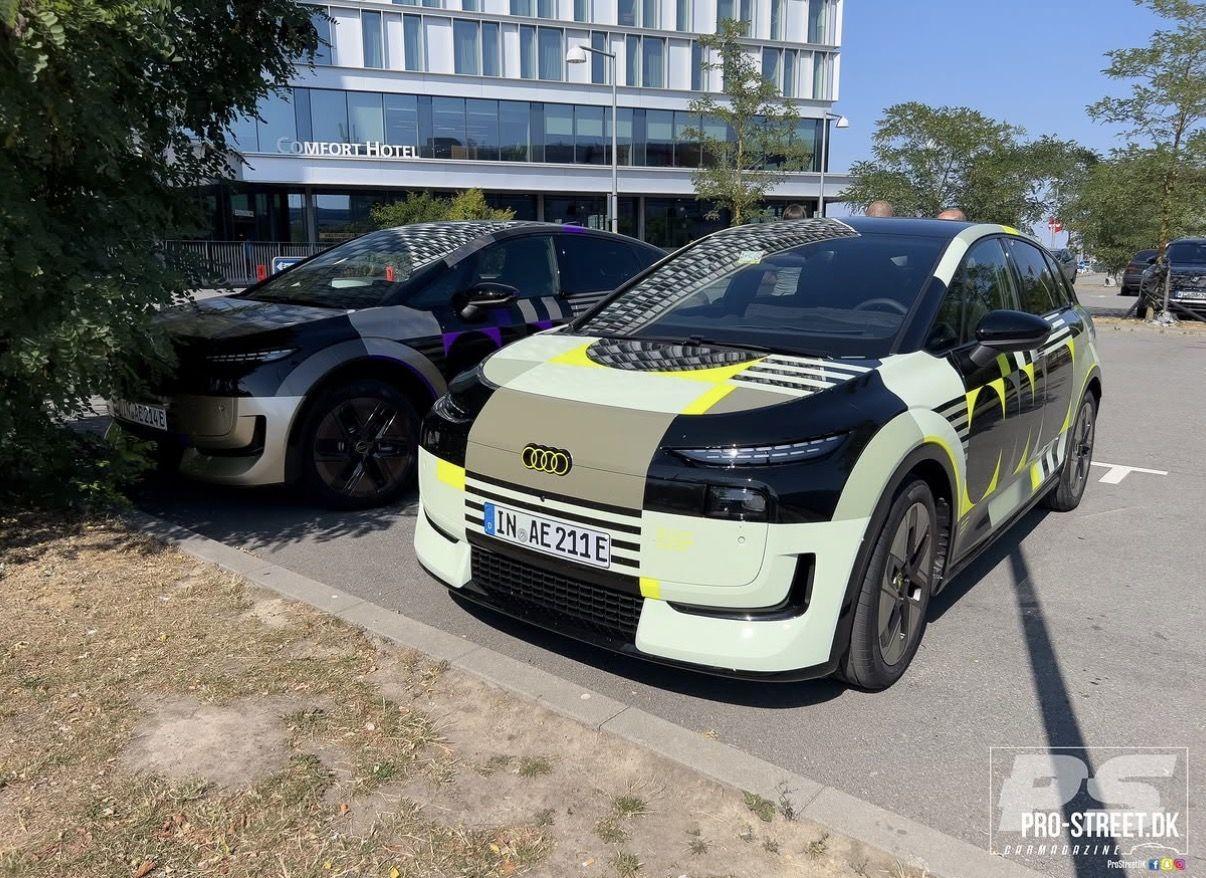
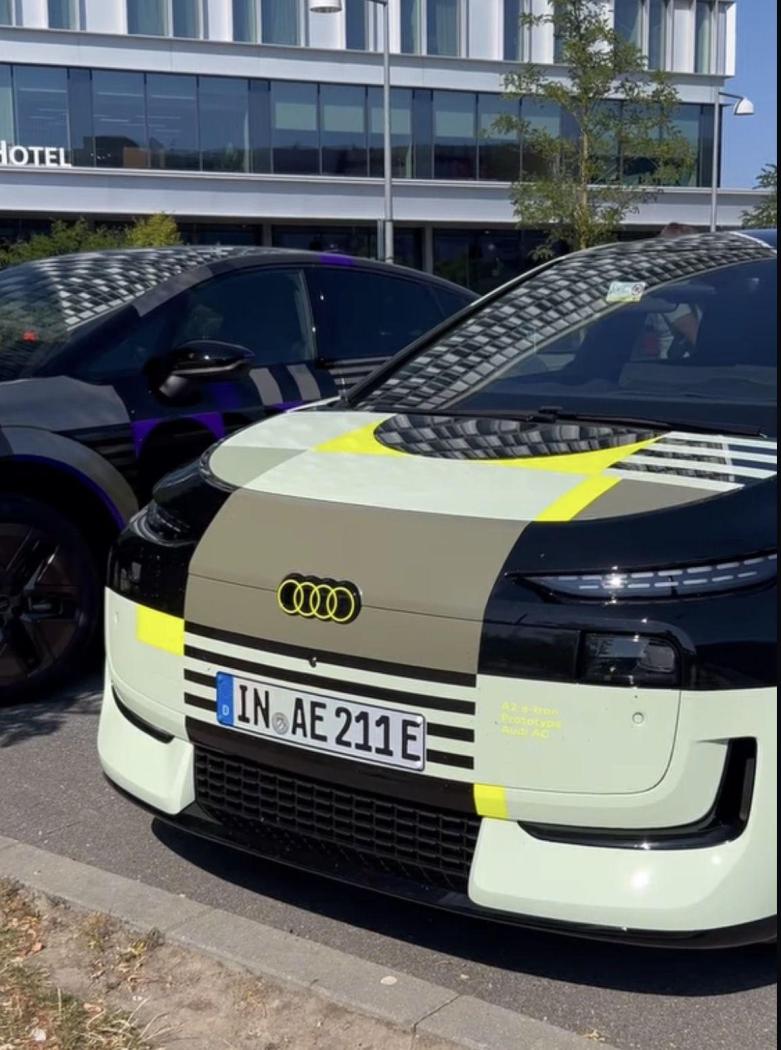

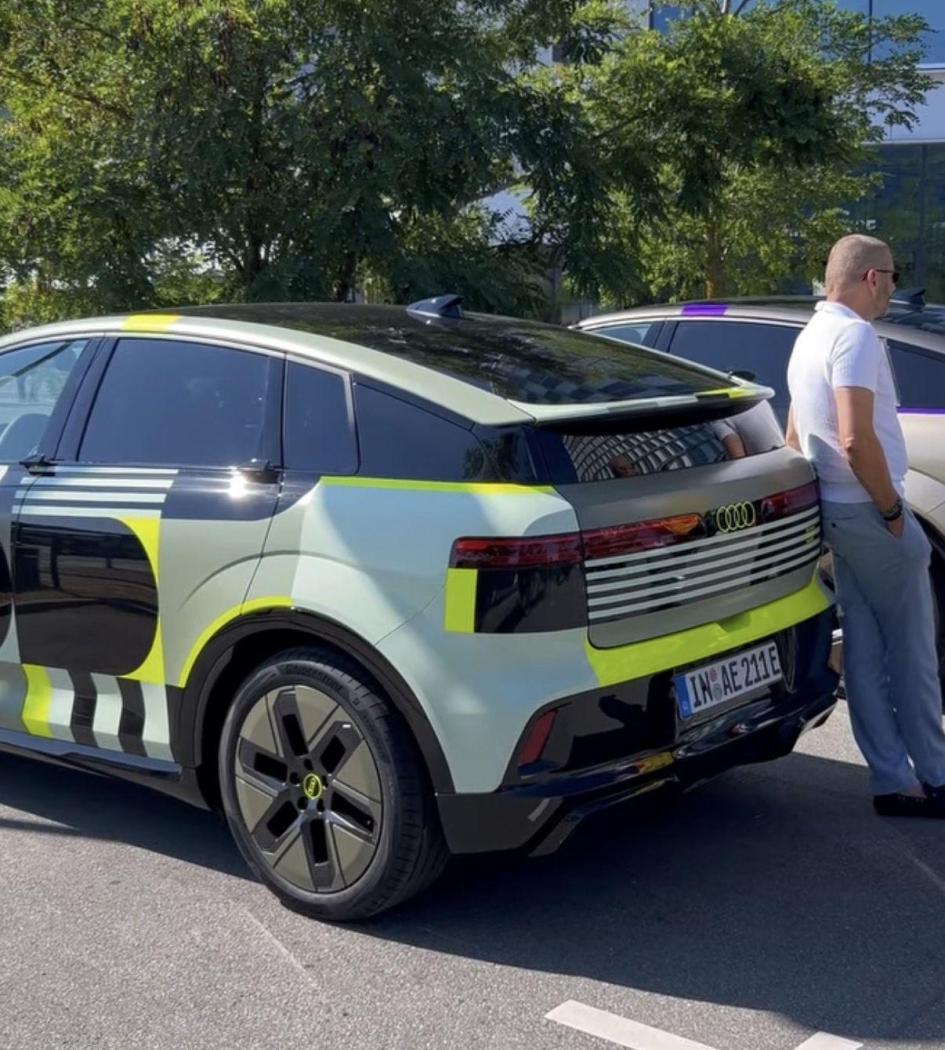
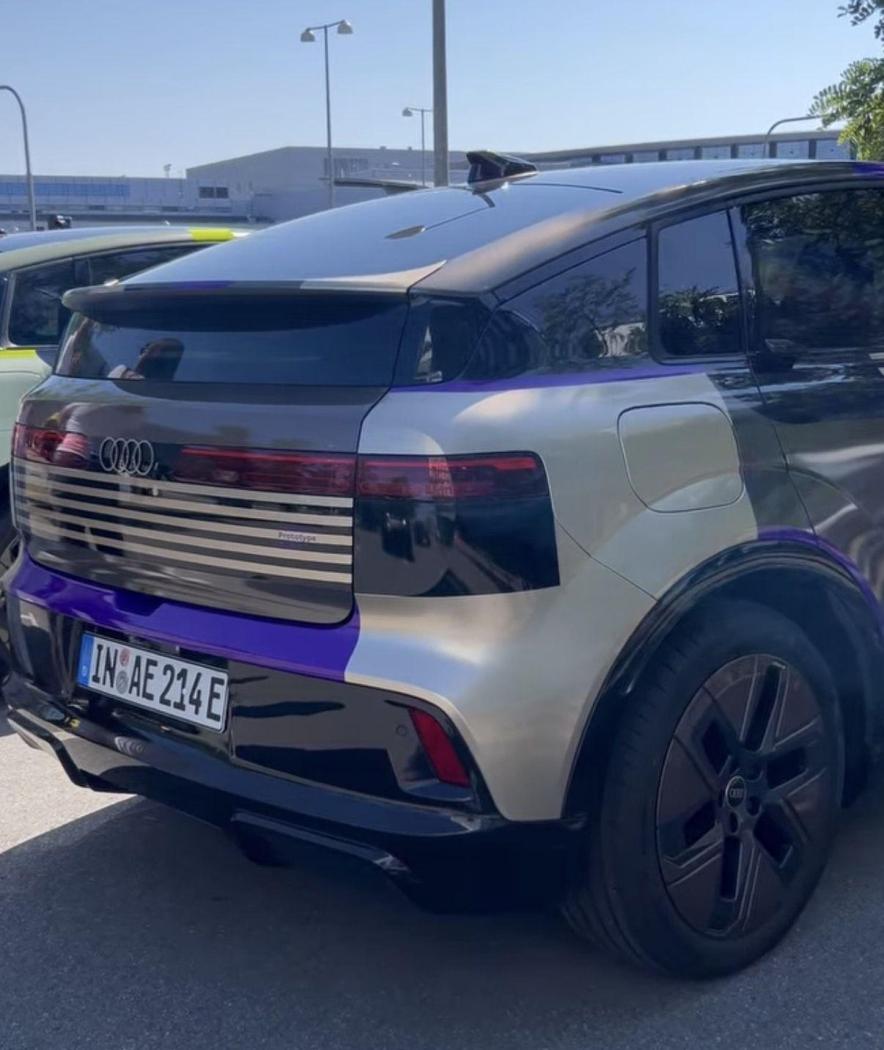
(1)(1).thumb.png.635c059adfaa3a2ca27f86ab608b04ba.png)



.jpg.a7c0181535ab971c666c76cc2b79354c.jpg)
.jpg.95fd1d778b92a79144caad2945100e31.jpg)
.jpg.1c9a4daeb15003a547bf8205a107c261.jpg)
.jpg.7ea85a382f2f30ae7702996d8b9132a0.jpg)
.jpg.44dcdecc90cf836a82b82d3c024cf692.jpg)
.jpg.b46ede42d1954cbc0e27dca9dbc53c1d.jpg)
.jpg.b3e8a0627357d08d22398e962d8cf3b0.jpg)
.jpg.aed6189275c0f26fba3262731858688f.jpg)
.jpg.c8d5c4f5d935714289ce736ab6bdaf45.jpg)
.jpg.c980b51ae27ac0d719b7ee0563860c11.jpg)








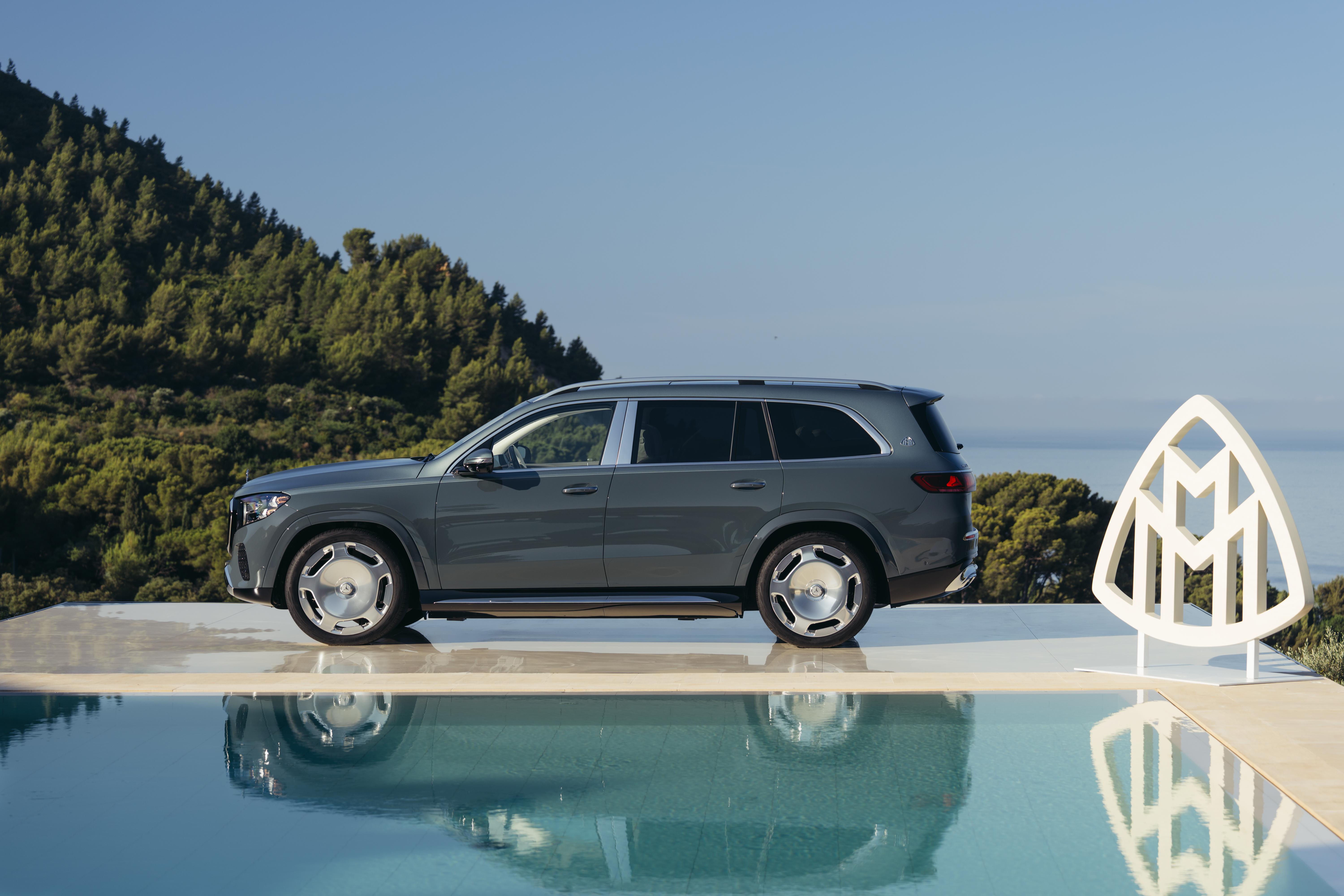
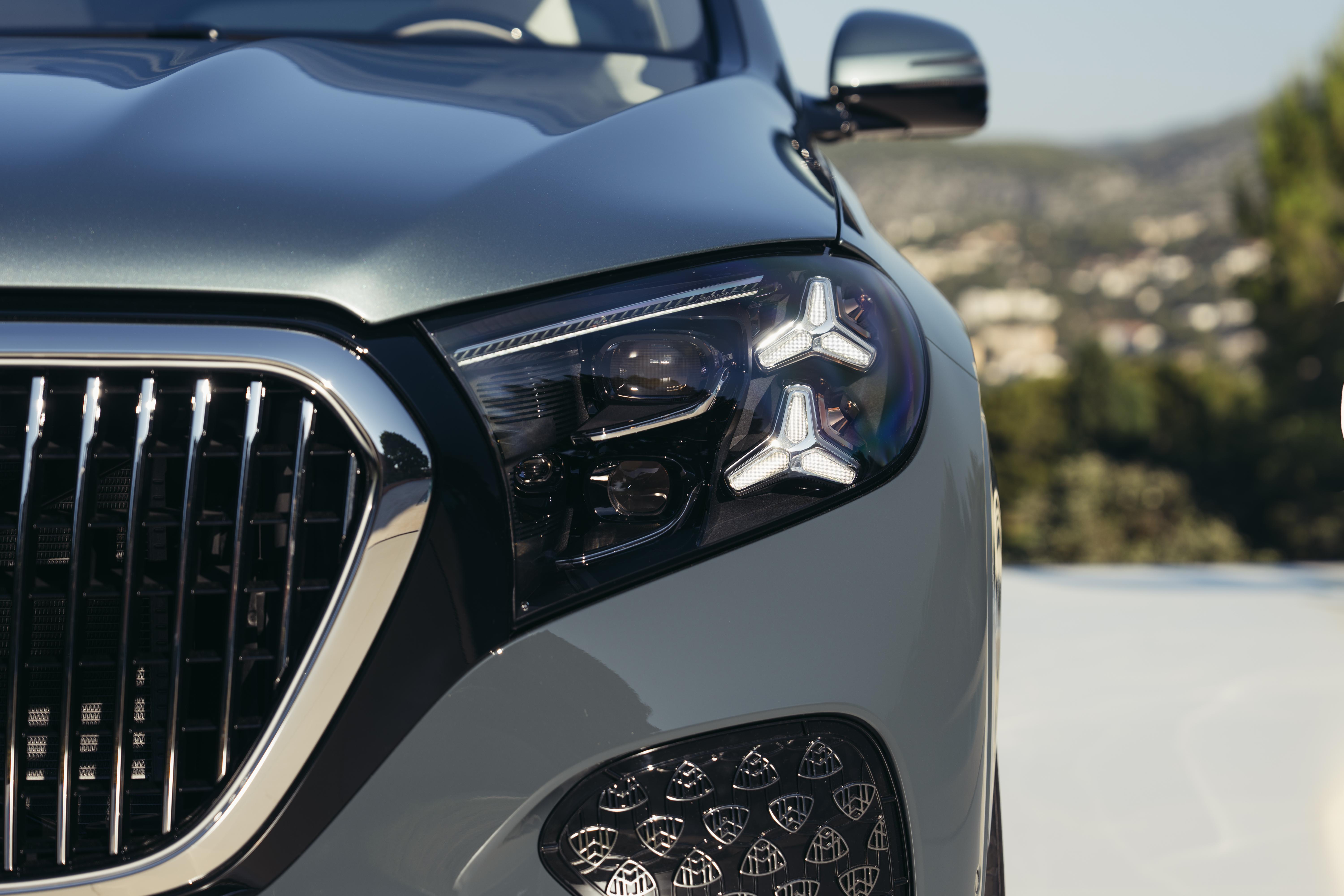
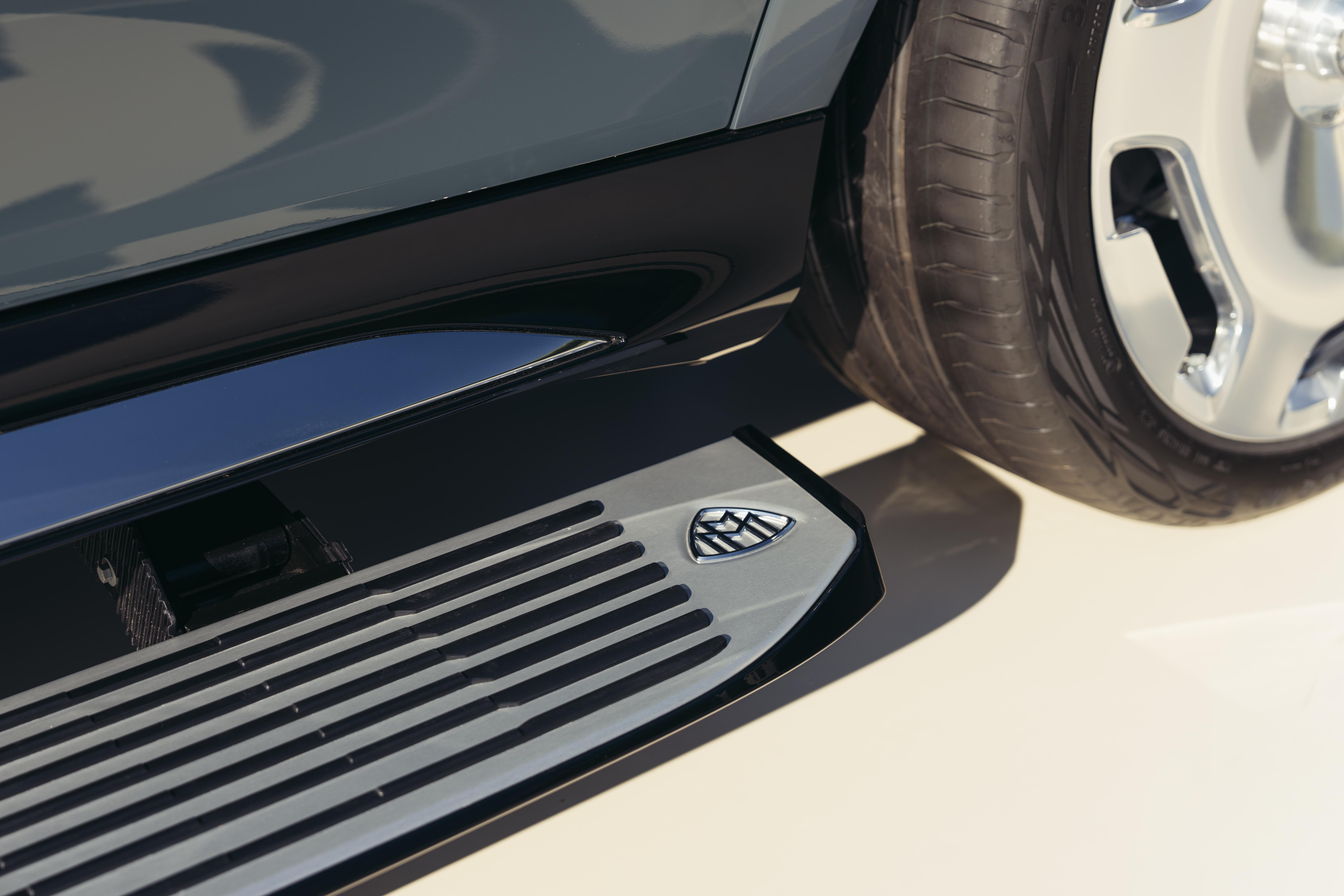
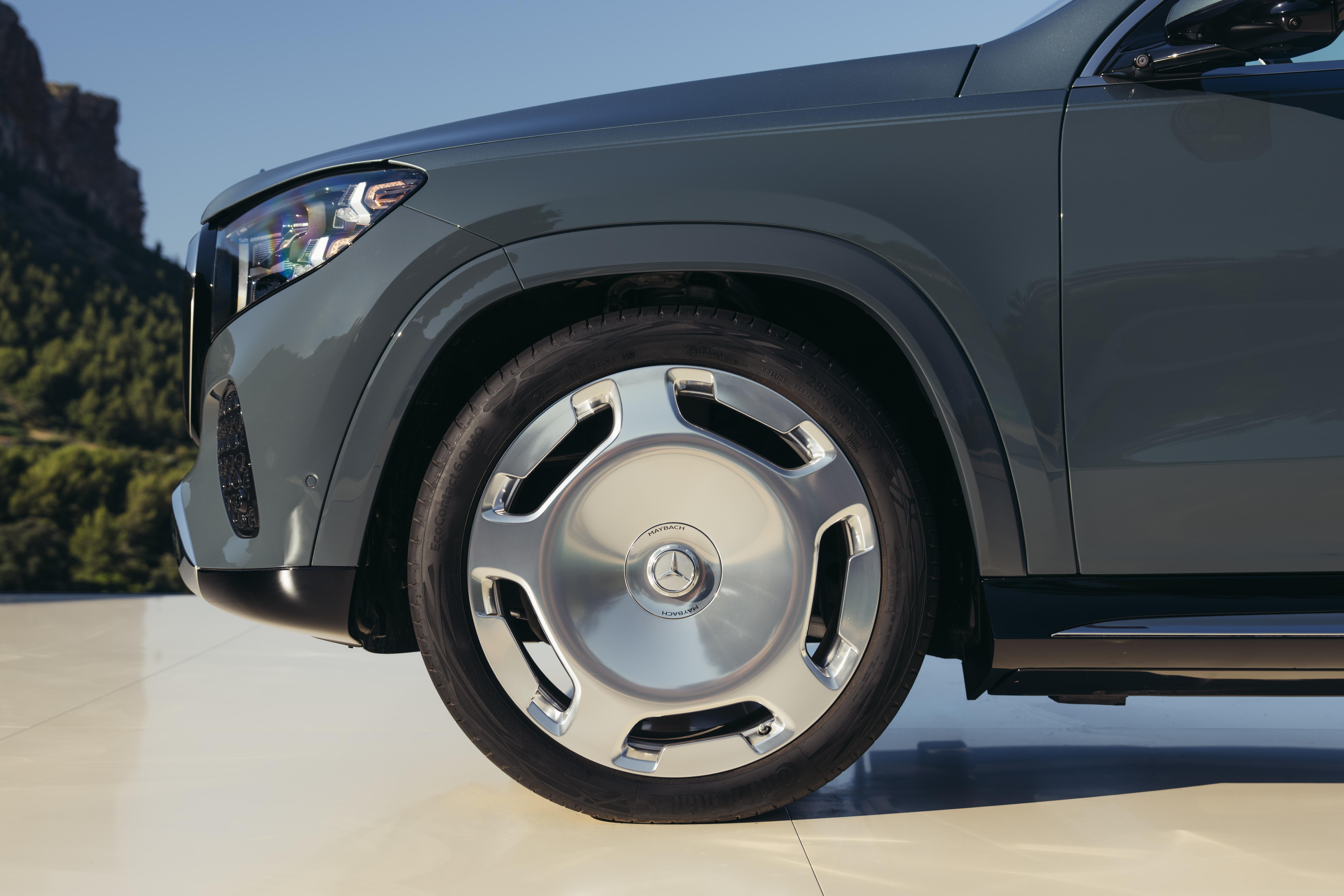


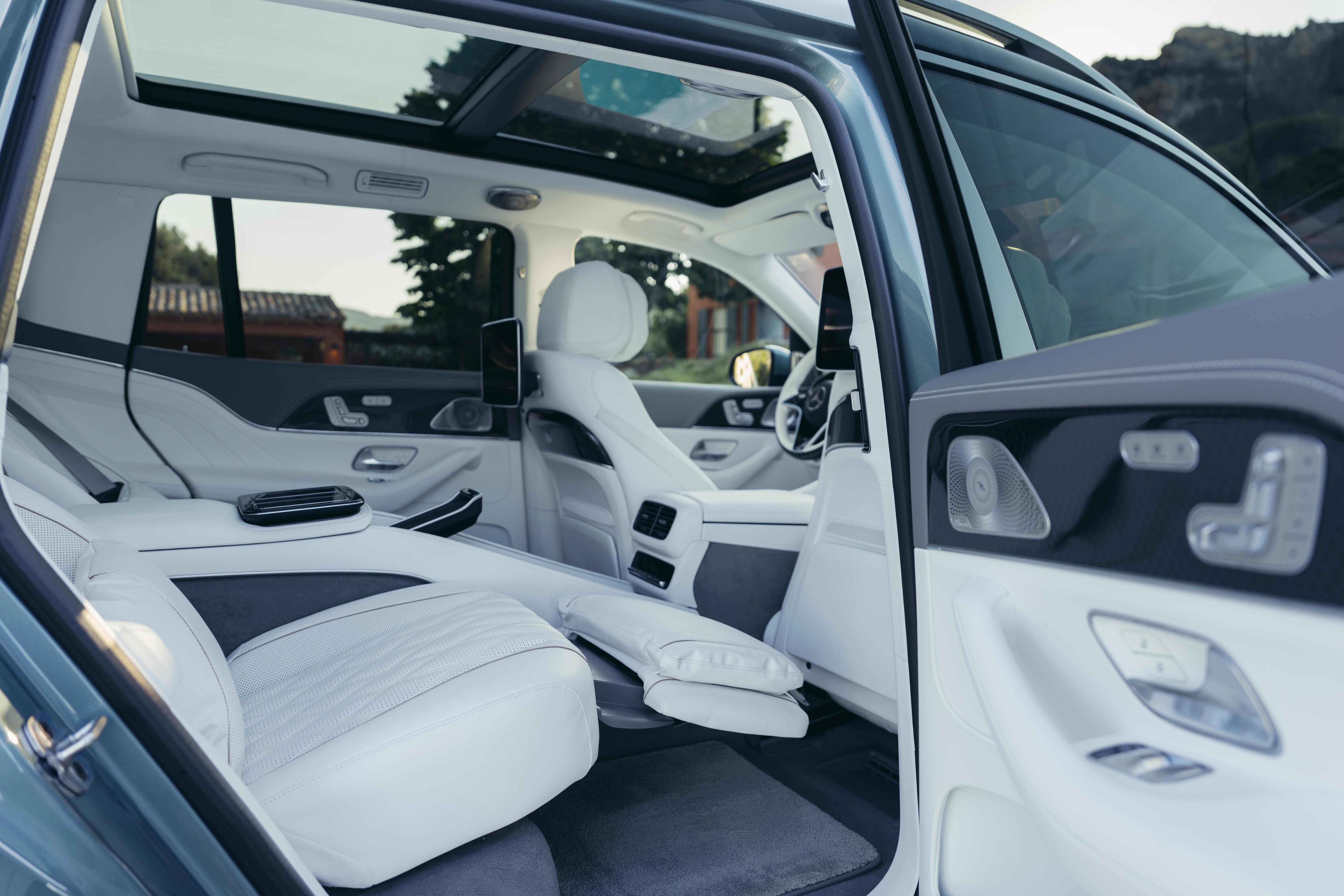
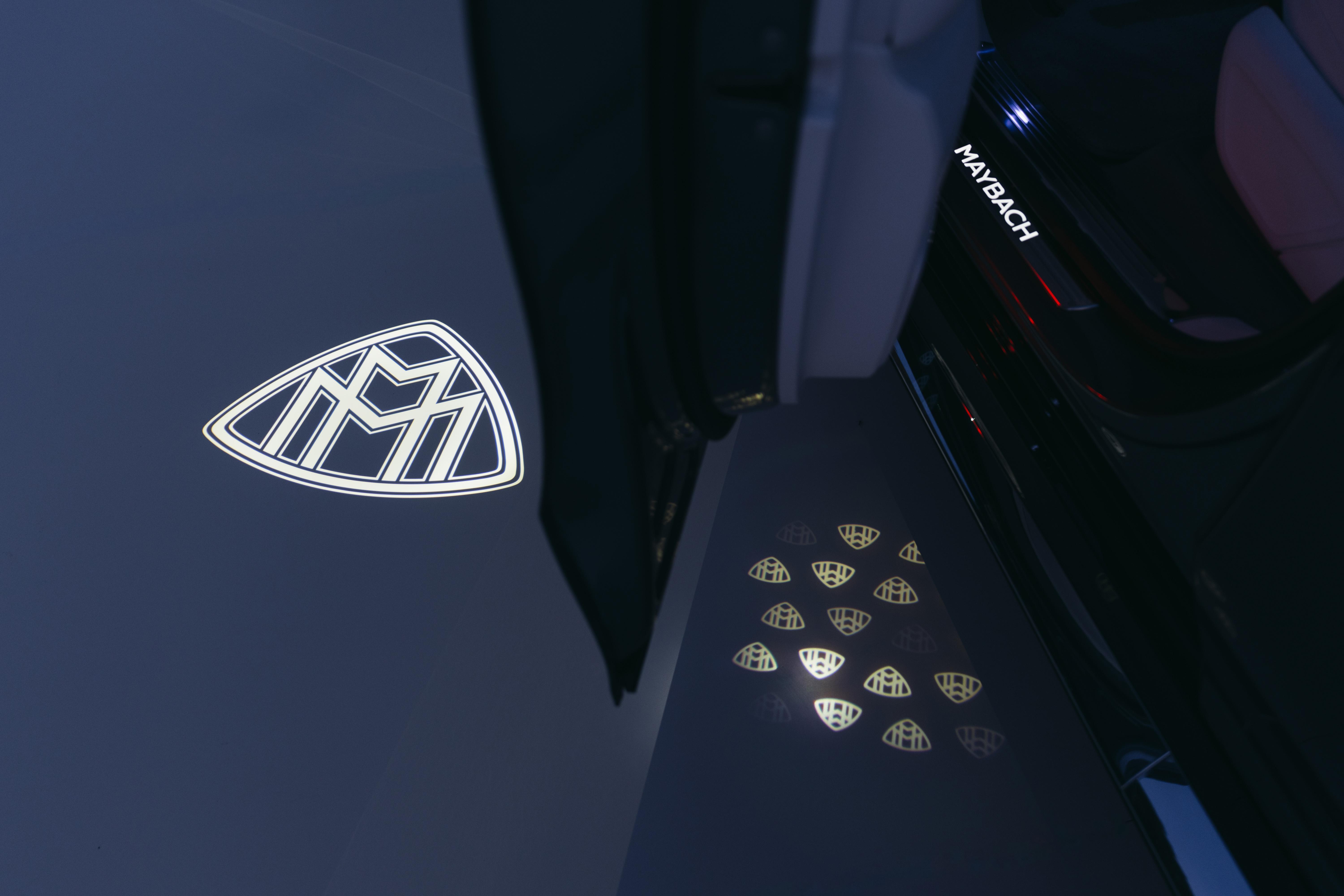
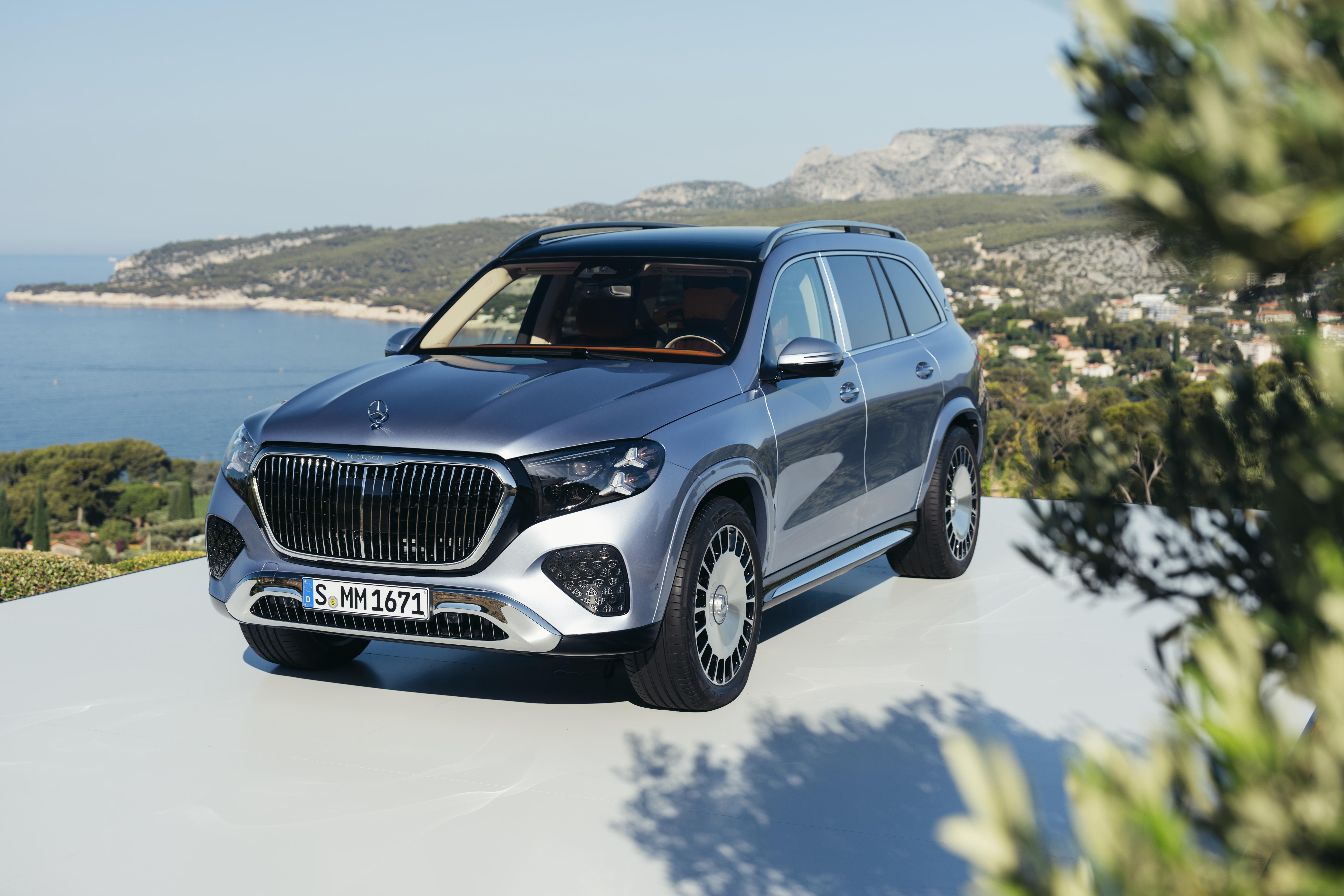
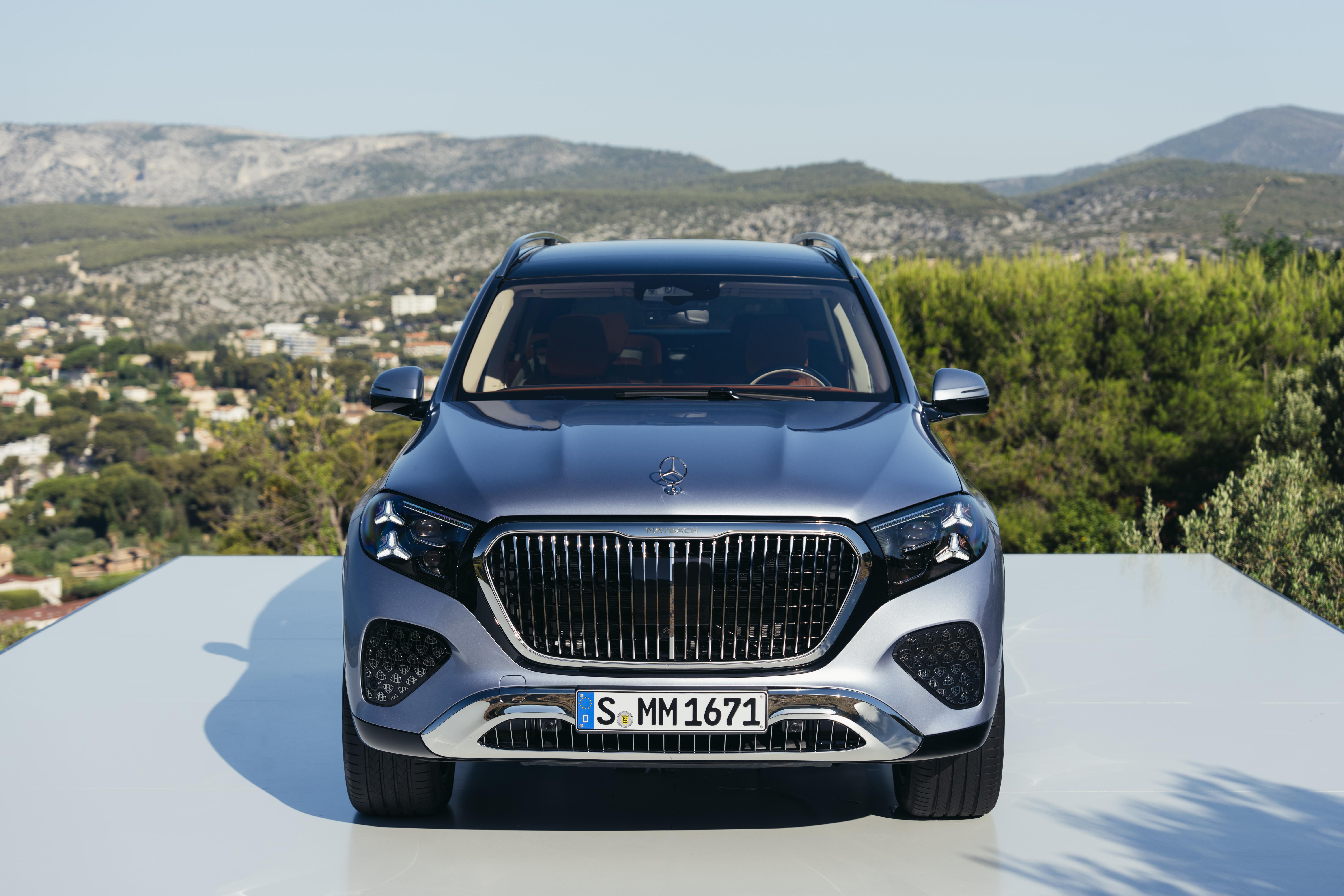





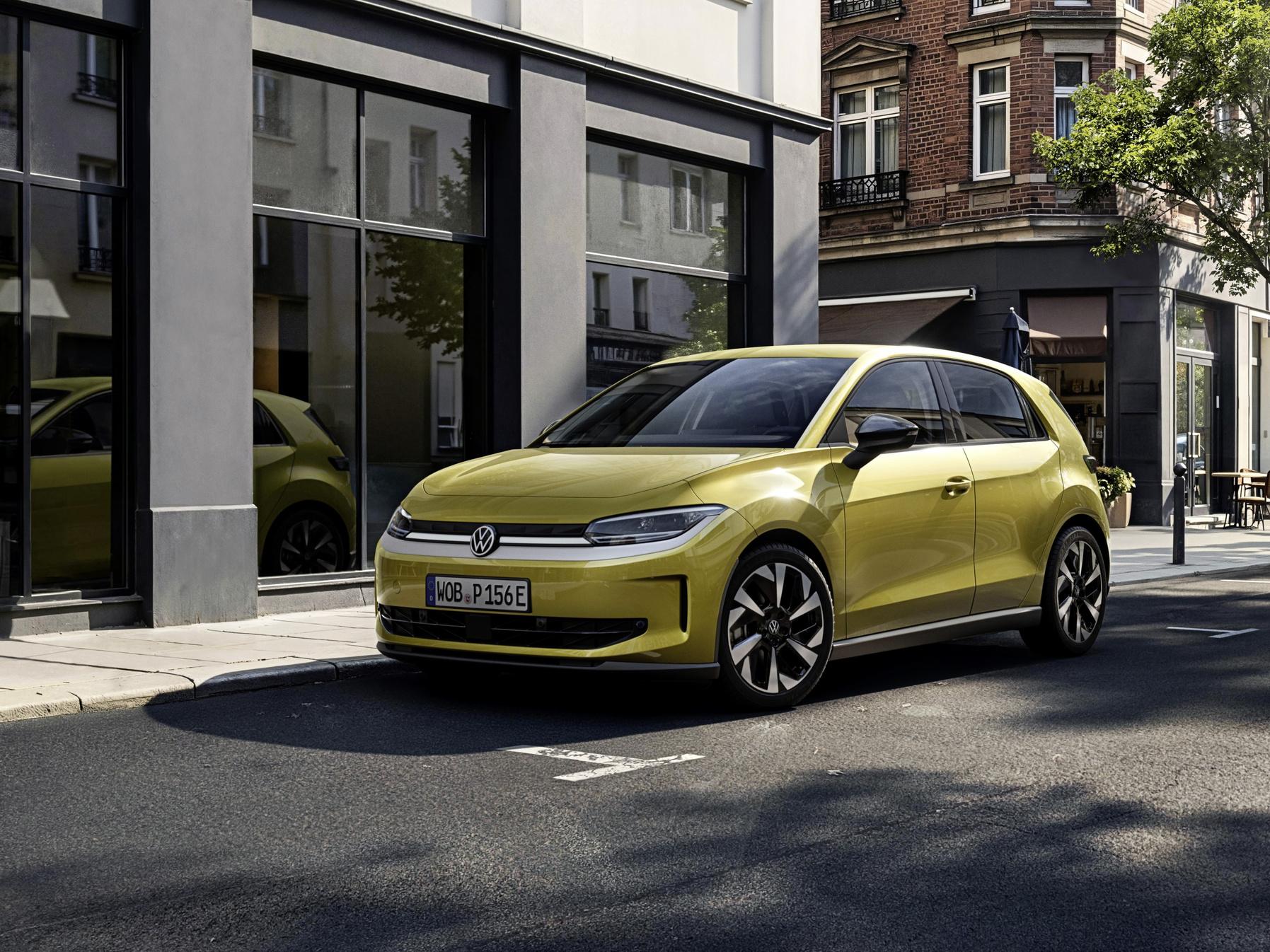
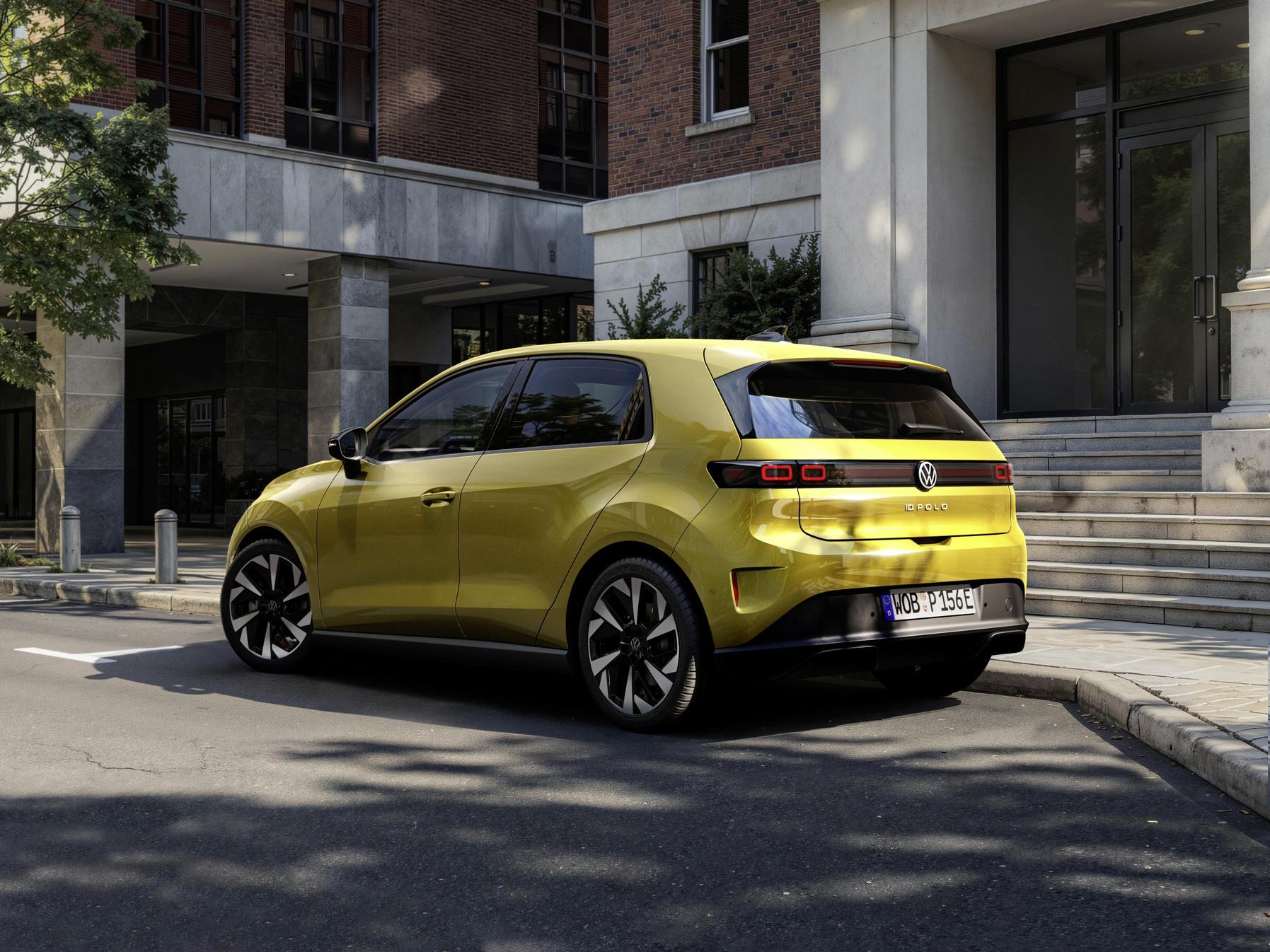




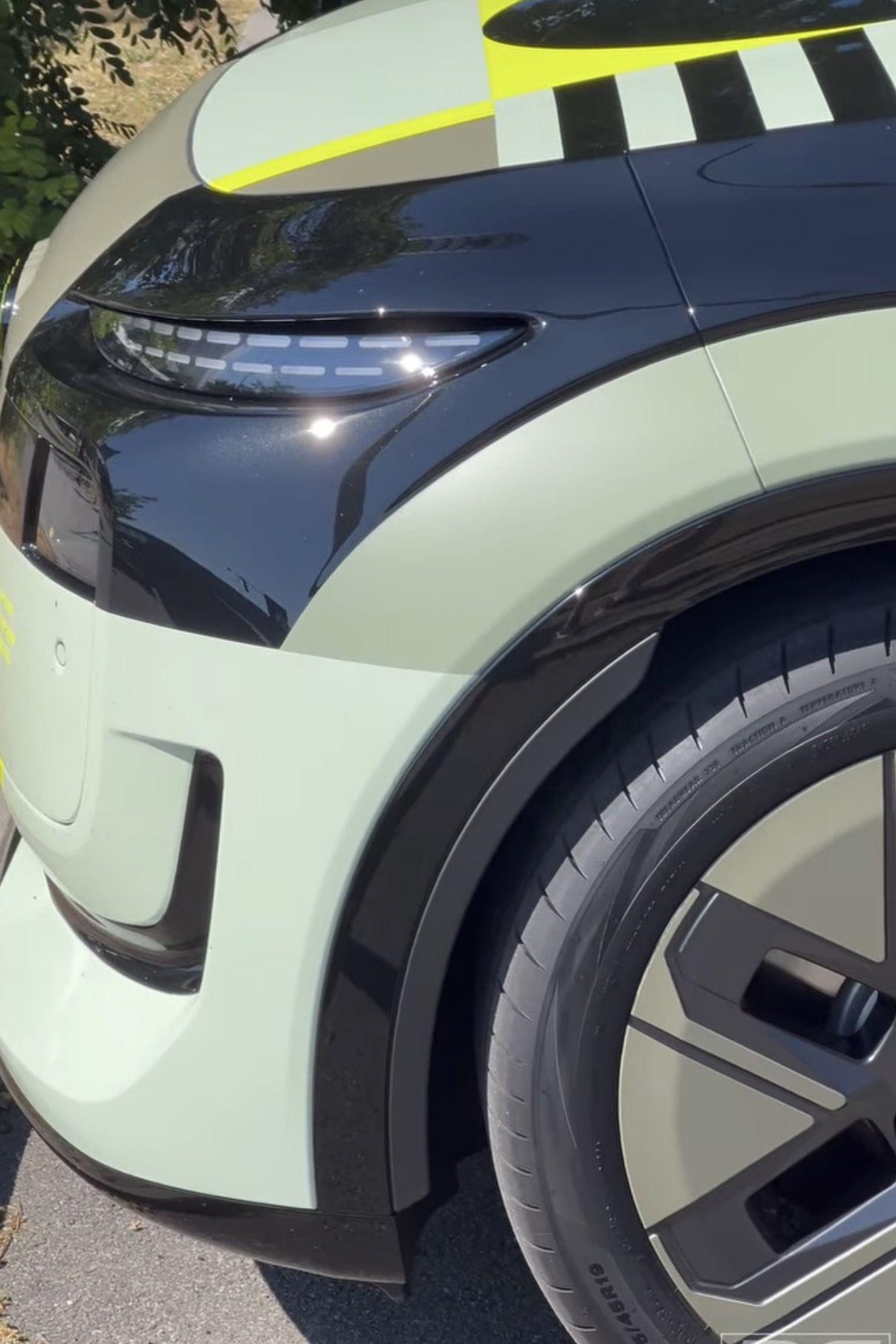
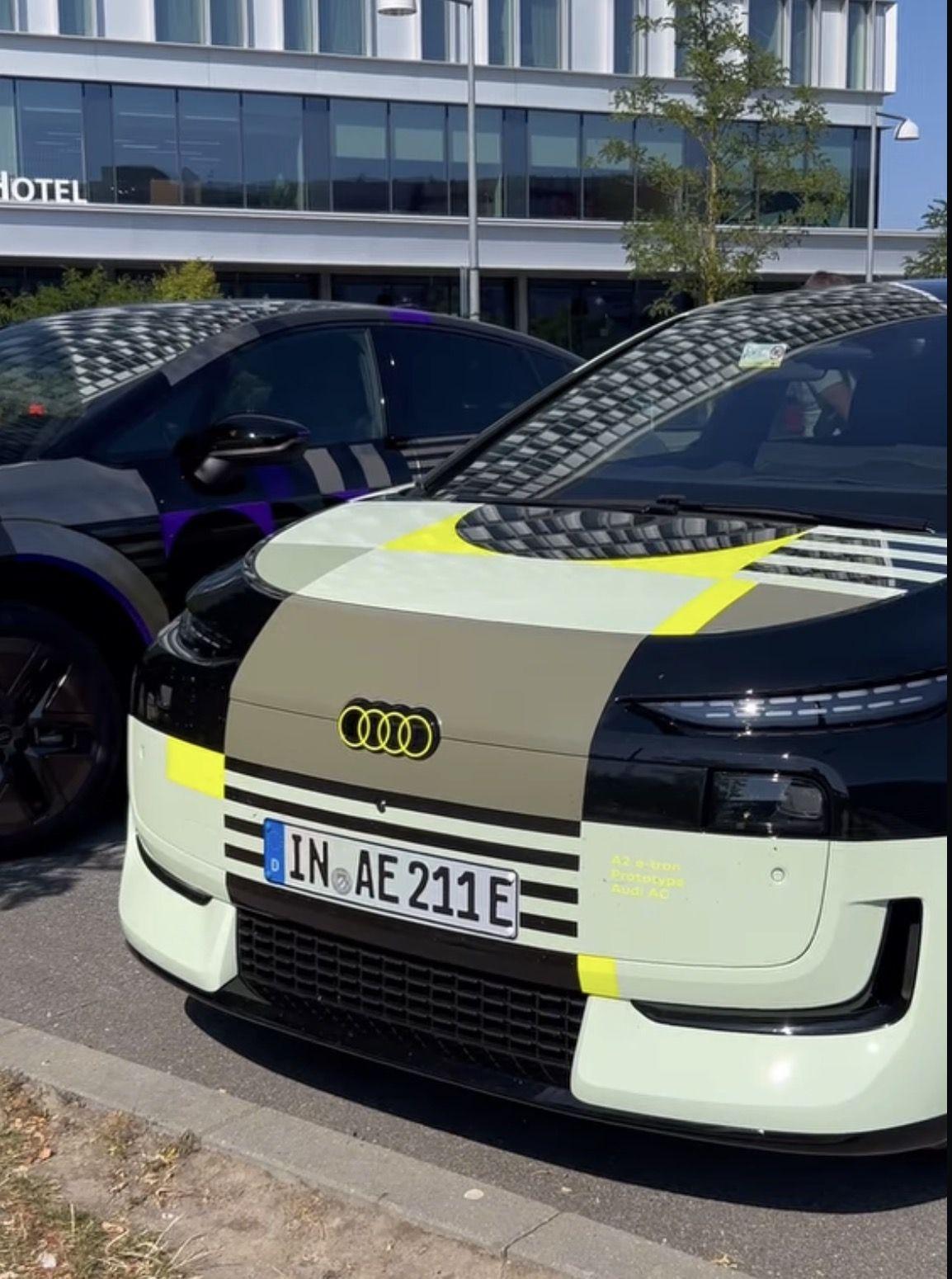

Account
Navigation
Cerca
Configure browser push notifications
Chrome (Android)
- Tap the lock icon next to the address bar.
- Tap Permissions → Notifications.
- Adjust your preference.
Chrome (Desktop)
- Click the padlock icon in the address bar.
- Select Site settings.
- Find Notifications and adjust your preference.
Safari (iOS 16.4+)
- Ensure the site is installed via Add to Home Screen.
- Open Settings App → Notifications.
- Find your app name and adjust your preference.
Safari (macOS)
- Go to Safari → Preferences.
- Click the Websites tab.
- Select Notifications in the sidebar.
- Find this website and adjust your preference.
Edge (Android)
- Tap the lock icon next to the address bar.
- Tap Permissions.
- Find Notifications and adjust your preference.
Edge (Desktop)
- Click the padlock icon in the address bar.
- Click Permissions for this site.
- Find Notifications and adjust your preference.
Firefox (Android)
- Go to Settings → Site permissions.
- Tap Notifications.
- Find this site in the list and adjust your preference.
Firefox (Desktop)
- Open Firefox Settings.
- Search for Notifications.
- Find this site in the list and adjust your preference.