





AlfaZeta6
Utente Registrato
-
Iscritto il
-
Ultima visita
Tutti i contenuti di AlfaZeta6
-
-
-
La trovo migliorata, ma questa SF90 è una delle Ferrari che mi scalda meno il cuore, insieme a F8 e Portofino
-
Piccolo OT. Capisco sia una motivazione tecnica, e sono anche in parte felice che sia stata ripensata la QP però con la potenza di fuoco che hanno, come mega gruppo, speravo che certe cose fossero un vecchio problema. Non metto in dubbio che sia difficile anzi difficilissimo sviluppare un modello, anche con pianali già usati, però non capisco come non si riesca a dare continuità a progetti. È triste, specialmente se si ha passione per i vari marchi, vederli sempre e solo galleggiare e mai stare stabili
- 878 risposte
-
-

-

- 8
-
-
- 2.0 mhev
- 2.0 phev
- folgore
- future maserati
-
Taggato come:
- 2.0 mhev
- 2.0 phev
- folgore
- future maserati
- ghibli mca
- grecale
- levante m184
- levante mca
- m156
- m157
- m161
- m183
- m184
- m189
- m240
- m6u
- m9s
- maserati
- maserati 100% electric
- maserati bev
- maserati d-uv
- maserati elettrica
- maserati ev
- maserati f-uv
- maserati full electric
- maserati grecale
- maserati mc20
- maserati newgt
- maserati spy
- maserati supercar
- mmxx
- mmxxi
- new v6
- nuove maserati
- nuovi modelli
- quattroporte m183
- quattroporte mca
-
-
Ma quindi, oltre ad averlo letto sul giornale c'è qualche altra fonte?
-
Spero non faccia la fine di XJ...
-
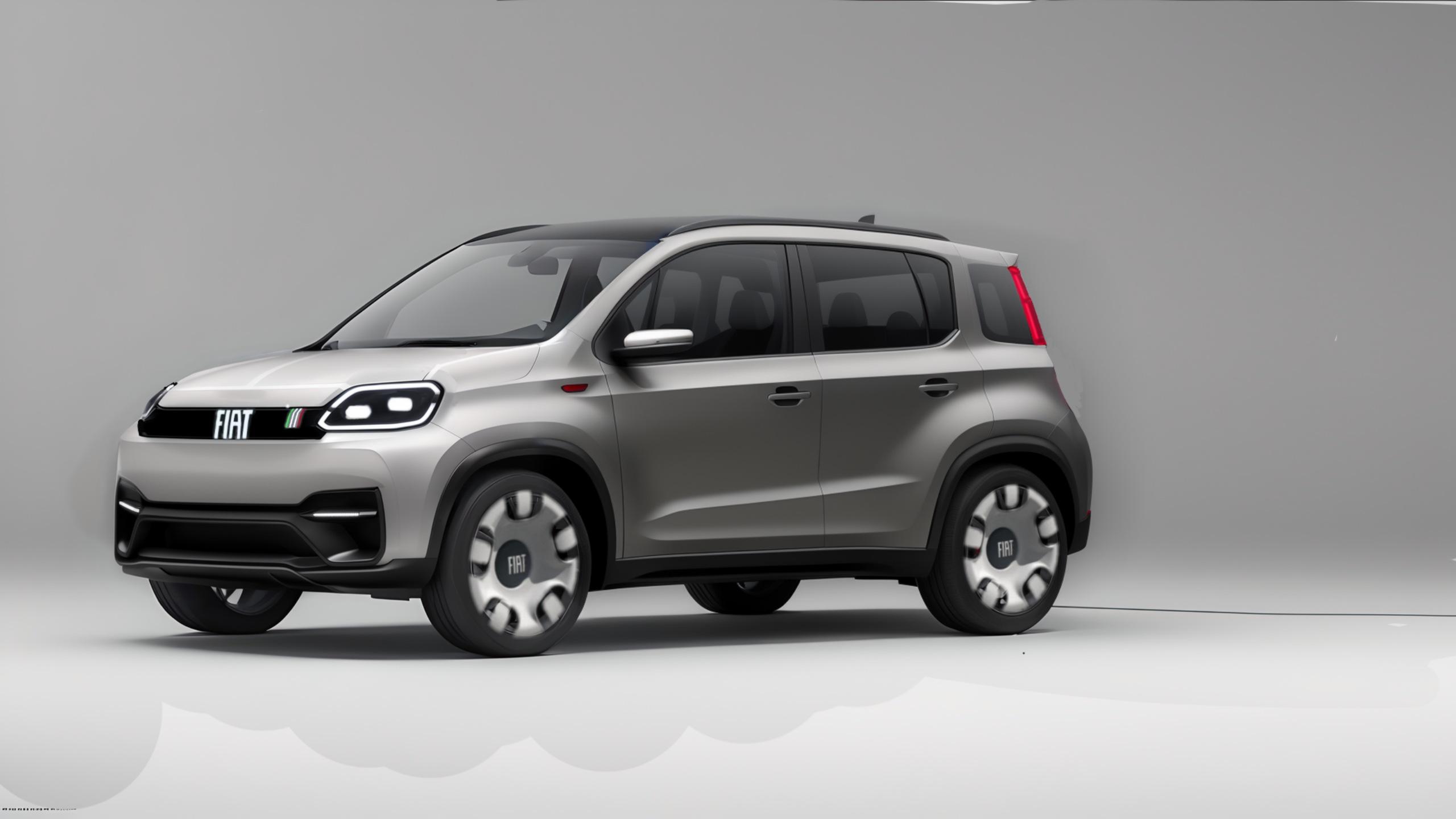
È un marchio che sta cercando di ricreare una propria identità e credibilità, questo passa anche da cose più piccole come i concessionari. Per quanto riguarda i modelli, bene fanno a ripartire da Y, auto che ha tenuto viva Lancia. Gli altri modelli verranno e da come ho capito sono stati finanziati. Di certo non nascono dal nulla e ogni auto ha un suo periodo di gestazione, figuriamoci in questo caso. Meglio costruire con calma
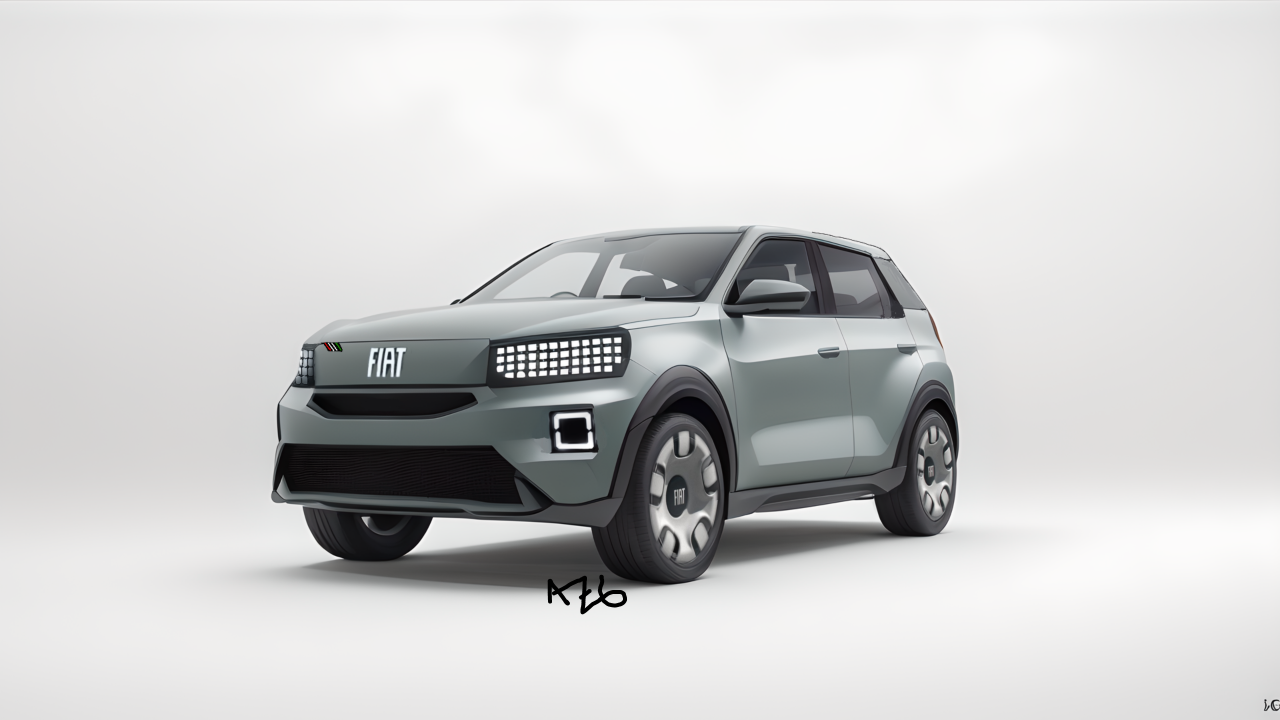
- 393 risposte
-
-

-
- 2
-
-
- c-crossover
- f2x
- fiat
- fiat c-crossover
-
Taggato come:
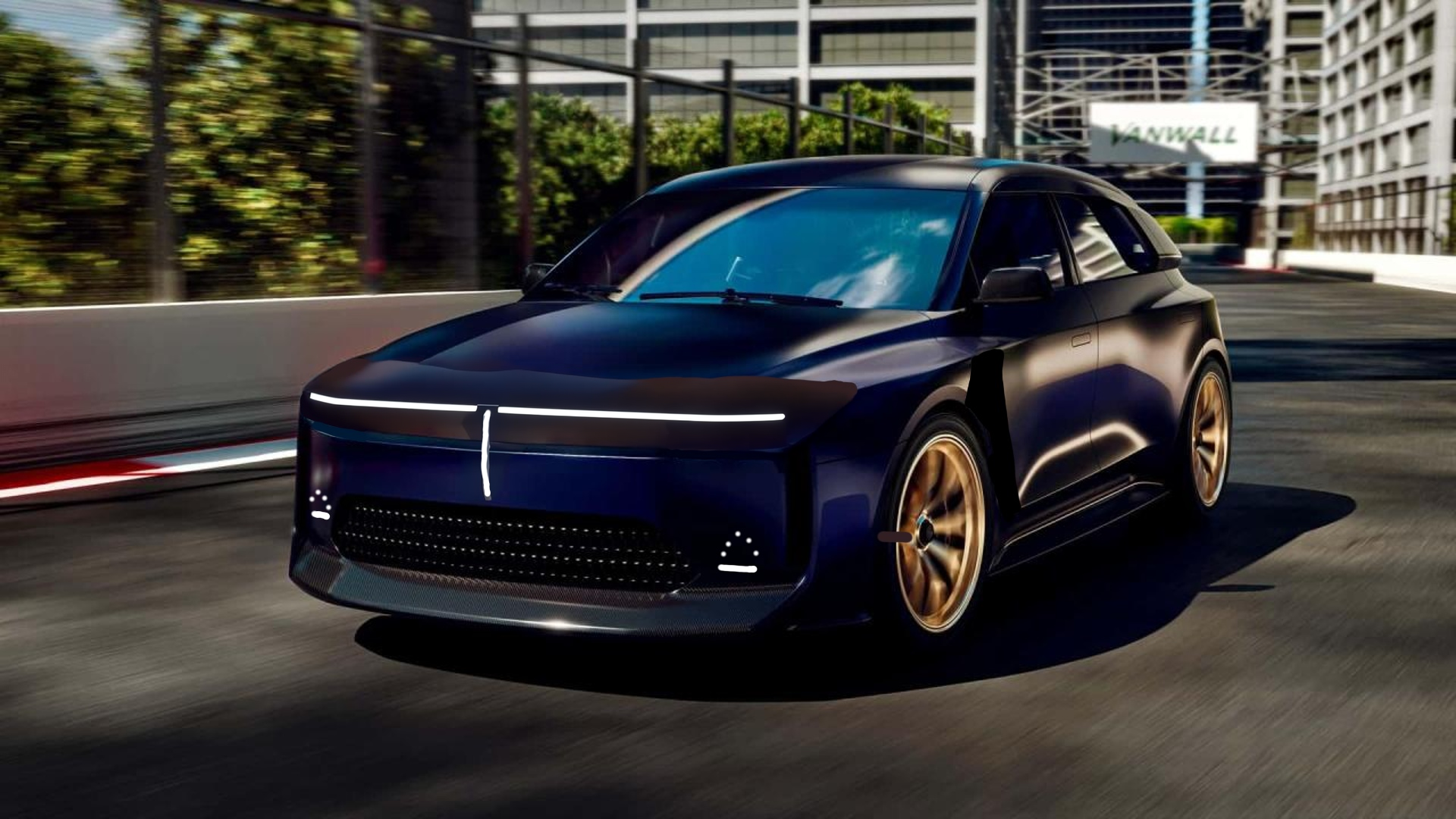
Fari della purosangue hanno fatto scuola

.jpg.4befb063dcd6e861b5eea69b1e07bd02.jpg)


Account
Navigation
Cerca
Configure browser push notifications
Chrome (Android)
- Tap the lock icon next to the address bar.
- Tap Permissions → Notifications.
- Adjust your preference.
Chrome (Desktop)
- Click the padlock icon in the address bar.
- Select Site settings.
- Find Notifications and adjust your preference.
Safari (iOS 16.4+)
- Ensure the site is installed via Add to Home Screen.
- Open Settings App → Notifications.
- Find your app name and adjust your preference.
Safari (macOS)
- Go to Safari → Preferences.
- Click the Websites tab.
- Select Notifications in the sidebar.
- Find this website and adjust your preference.
Edge (Android)
- Tap the lock icon next to the address bar.
- Tap Permissions.
- Find Notifications and adjust your preference.
Edge (Desktop)
- Click the padlock icon in the address bar.
- Click Permissions for this site.
- Find Notifications and adjust your preference.
Firefox (Android)
- Go to Settings → Site permissions.
- Tap Notifications.
- Find this site in the list and adjust your preference.
Firefox (Desktop)
- Open Firefox Settings.
- Search for Notifications.
- Find this site in the list and adjust your preference.