MotorPassion
Reporter (Staff)
-
Iscritto il
-
Ultima visita
Tutti i contenuti di MotorPassion
-
-
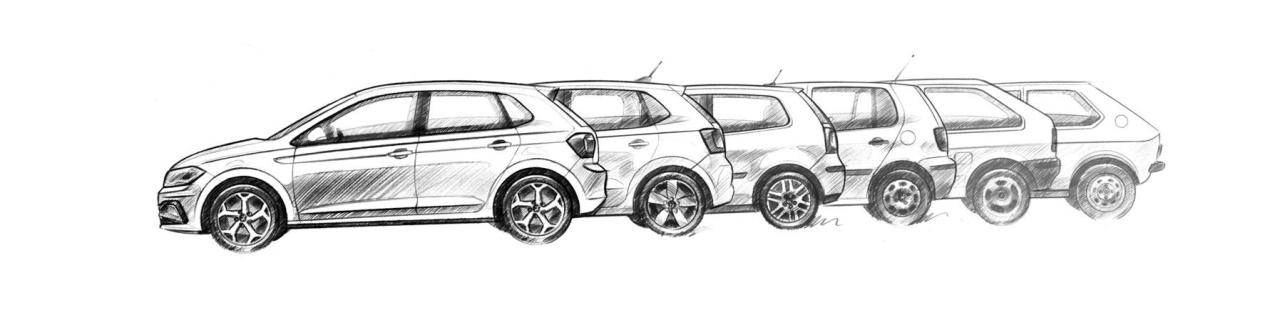
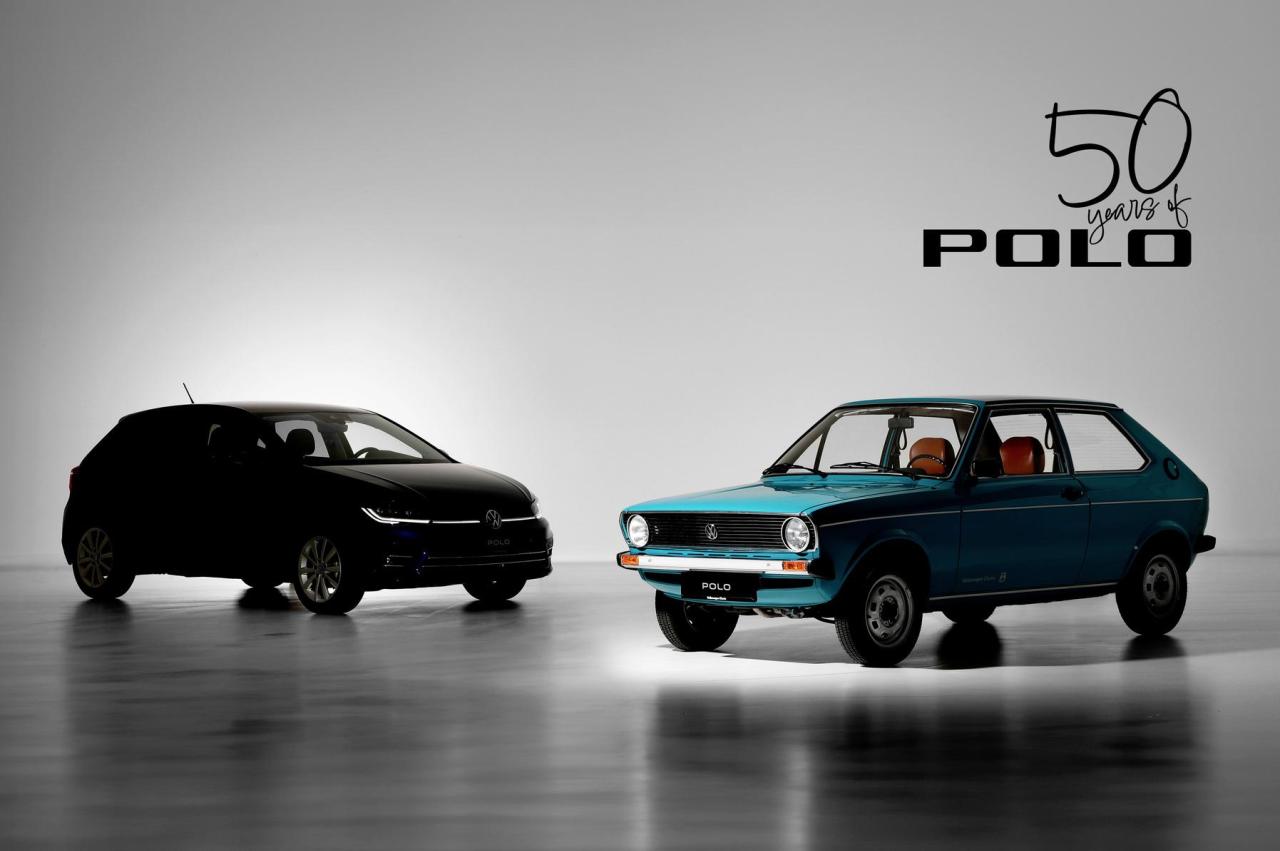
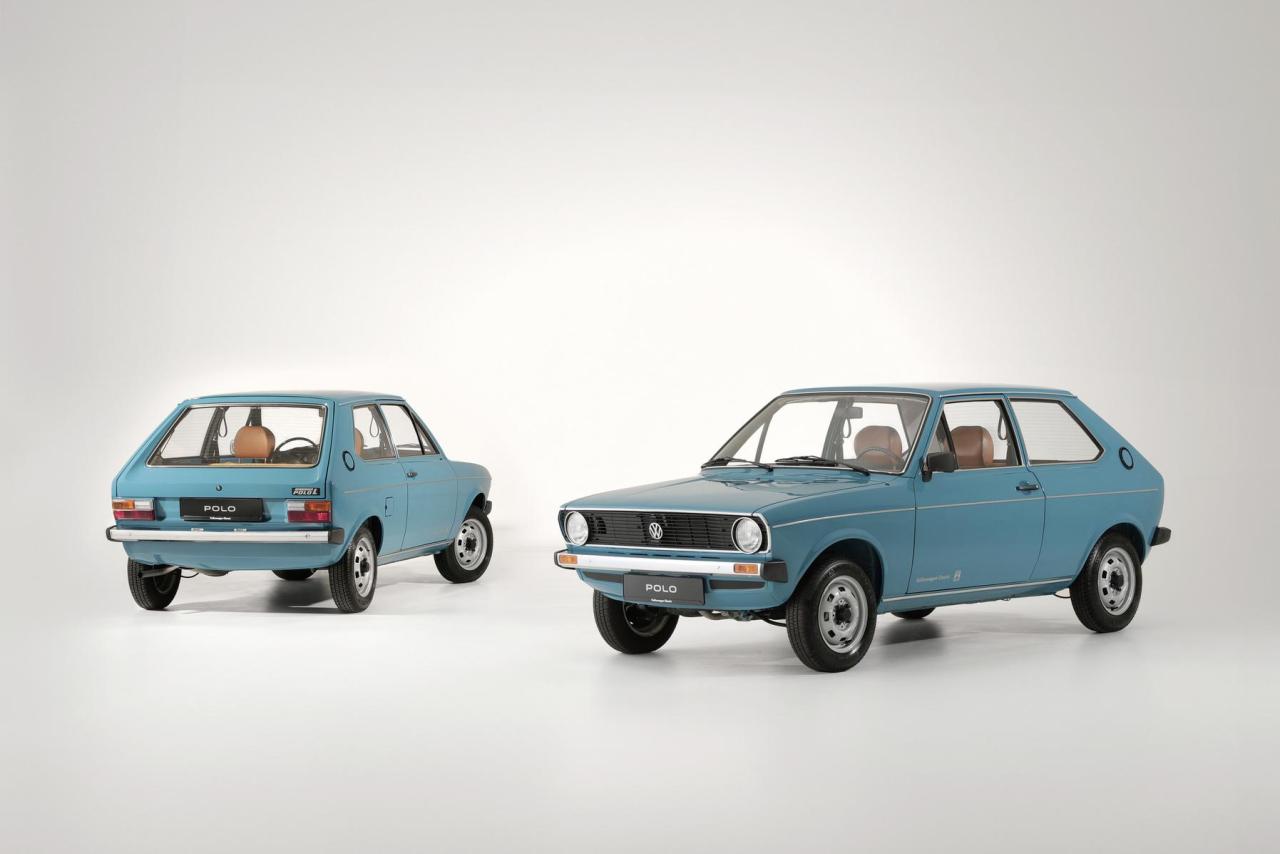
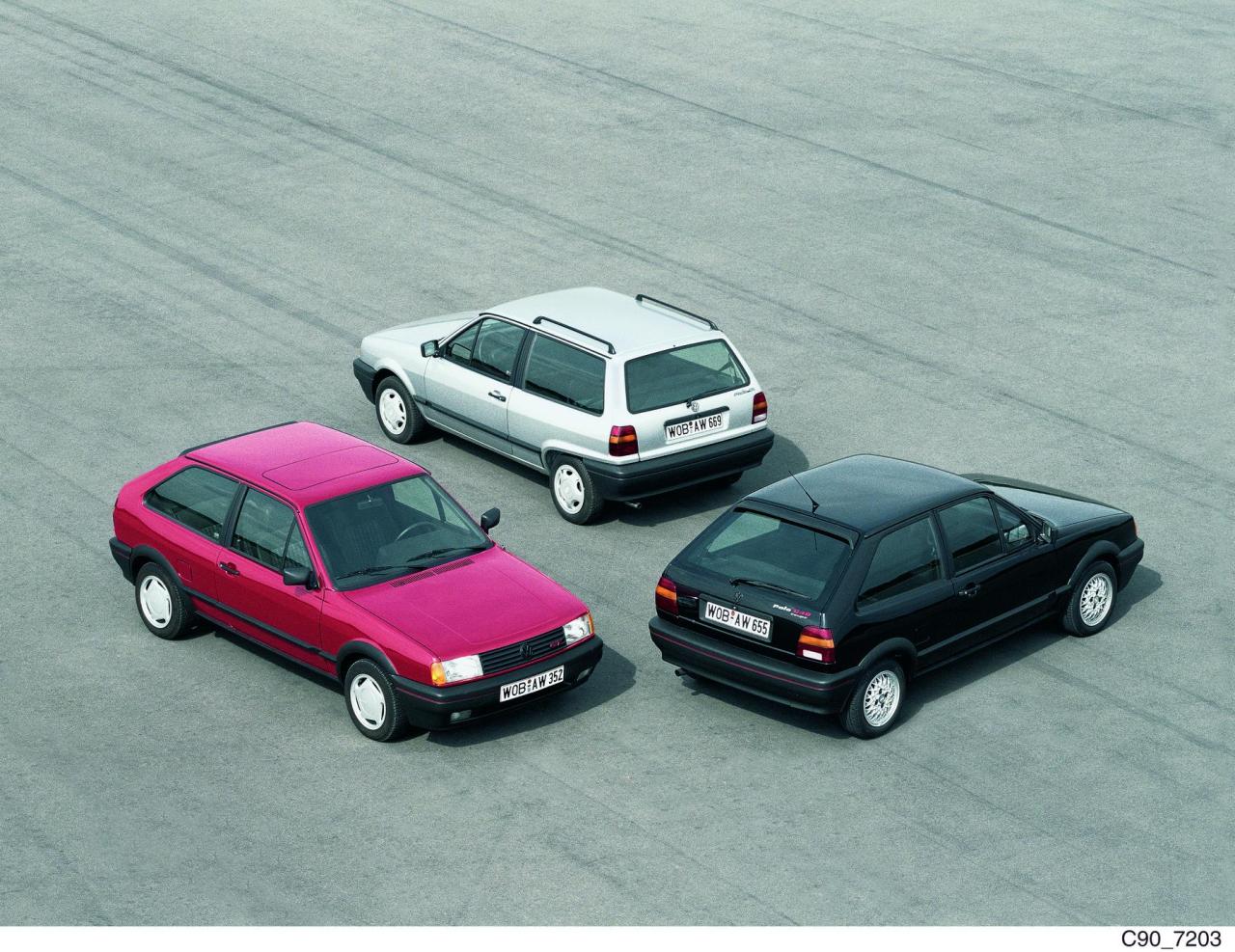
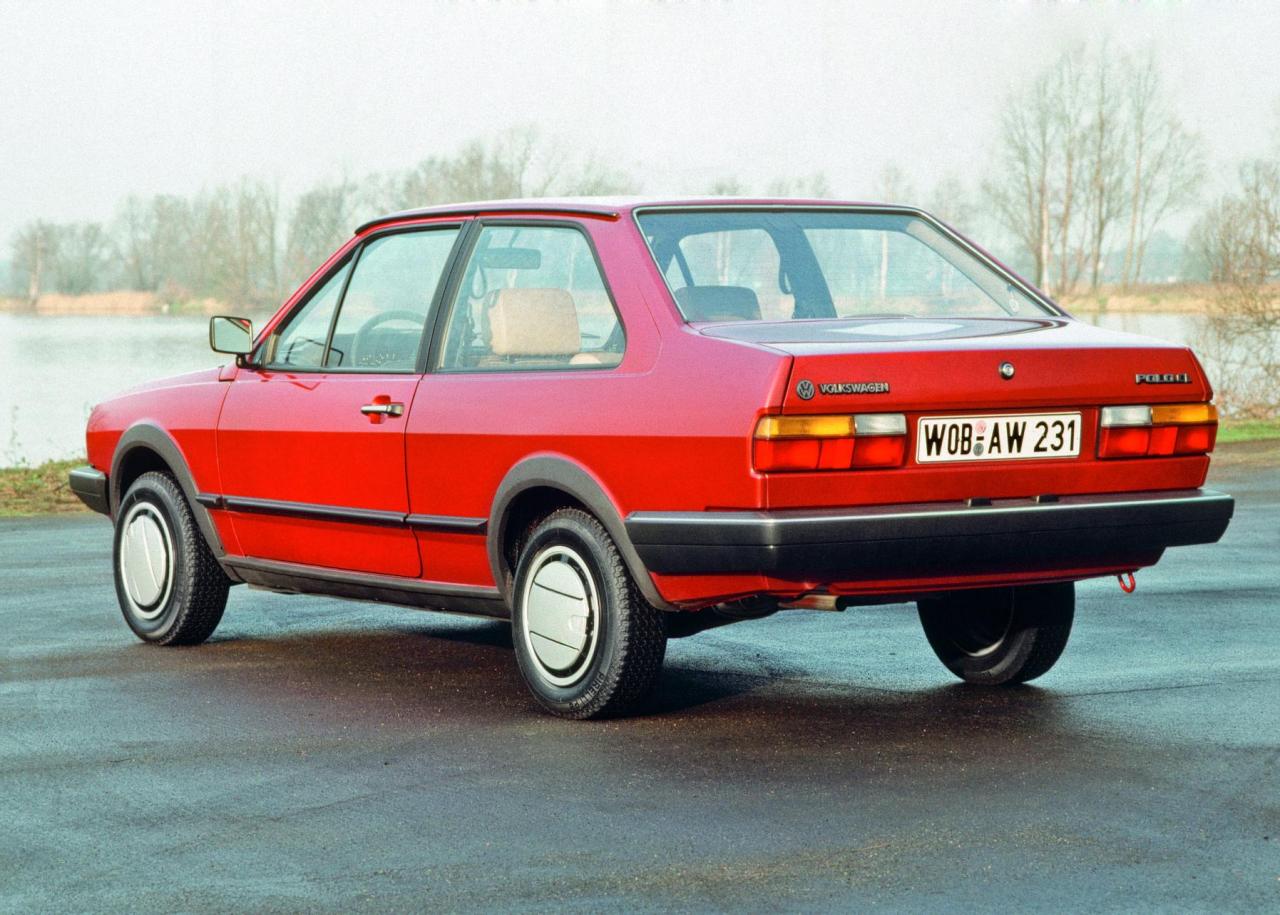
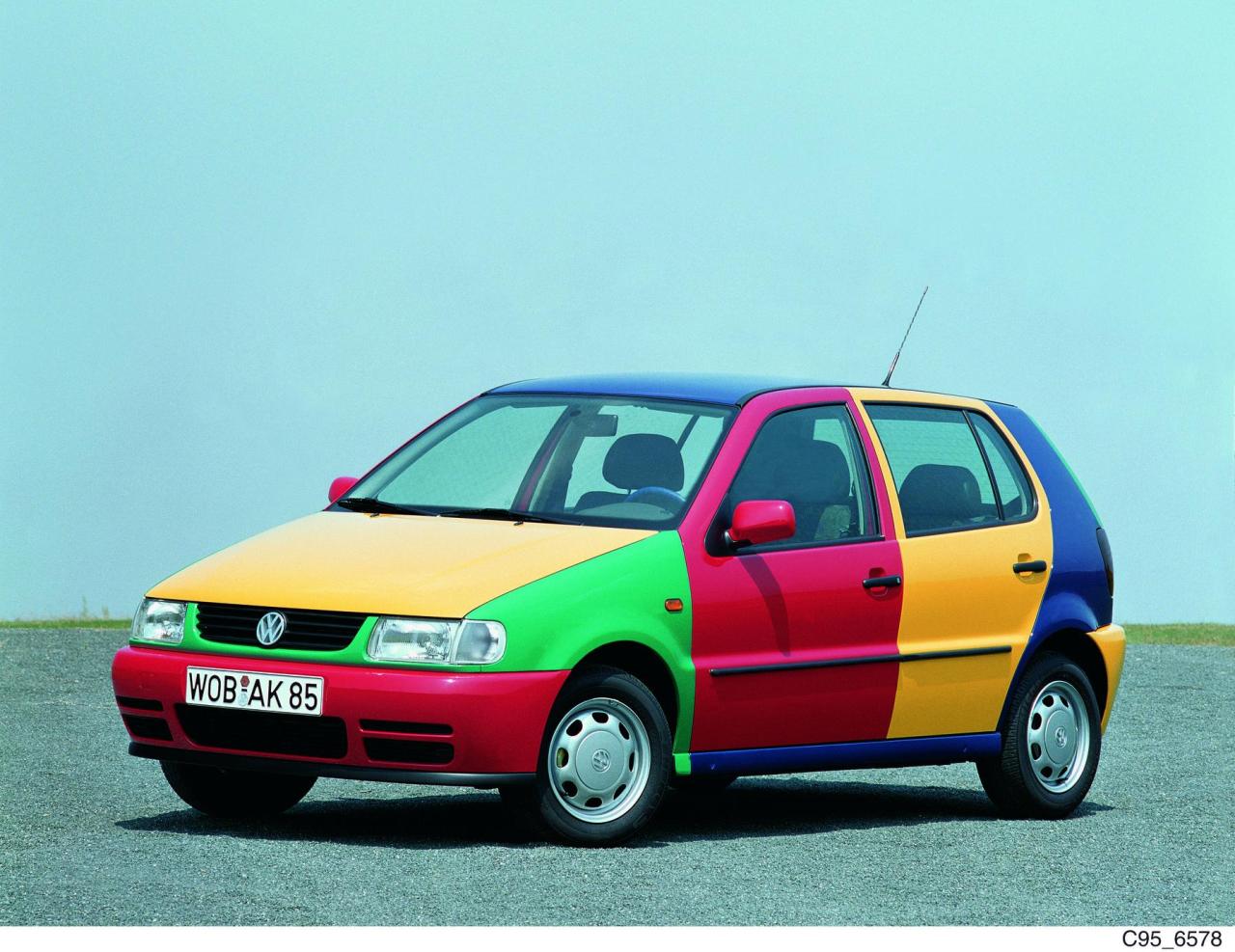
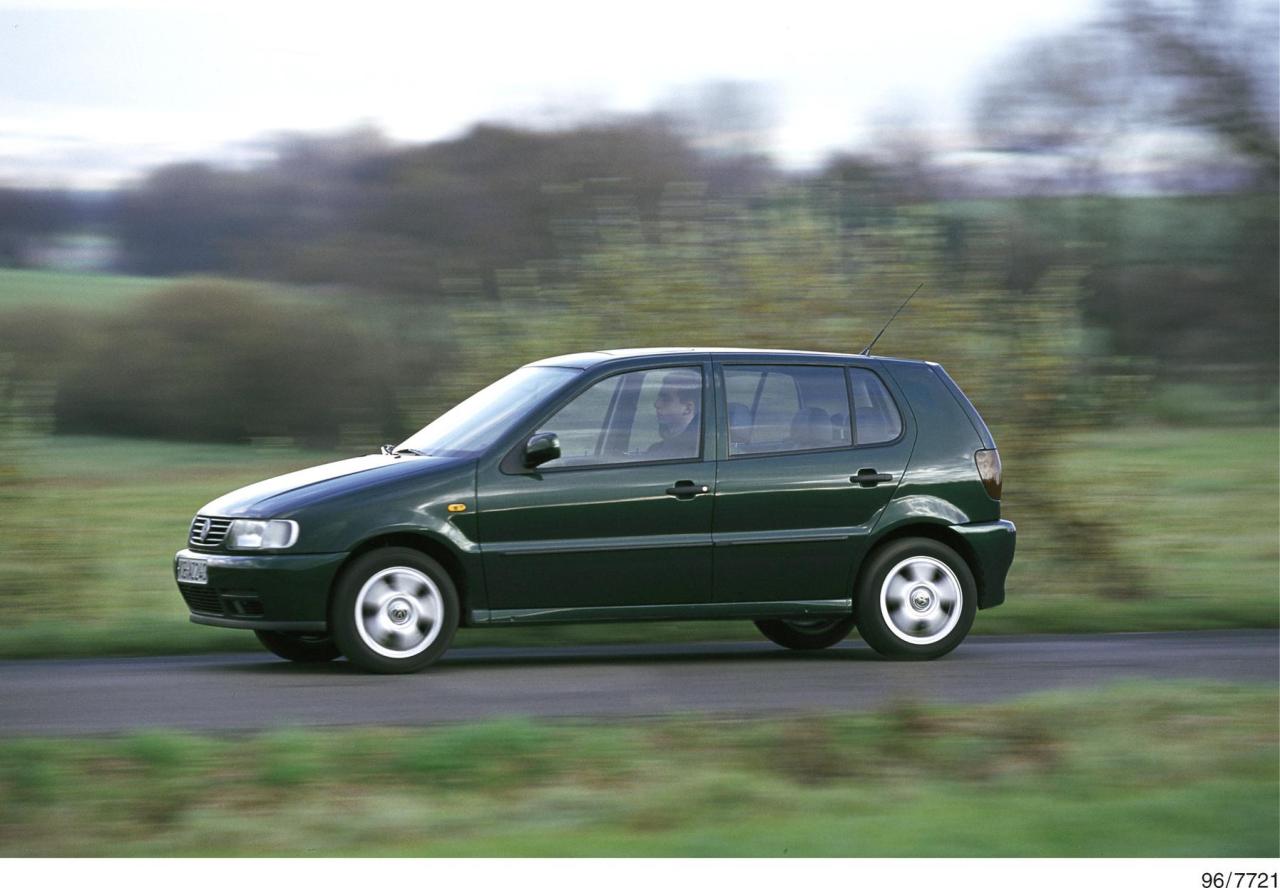
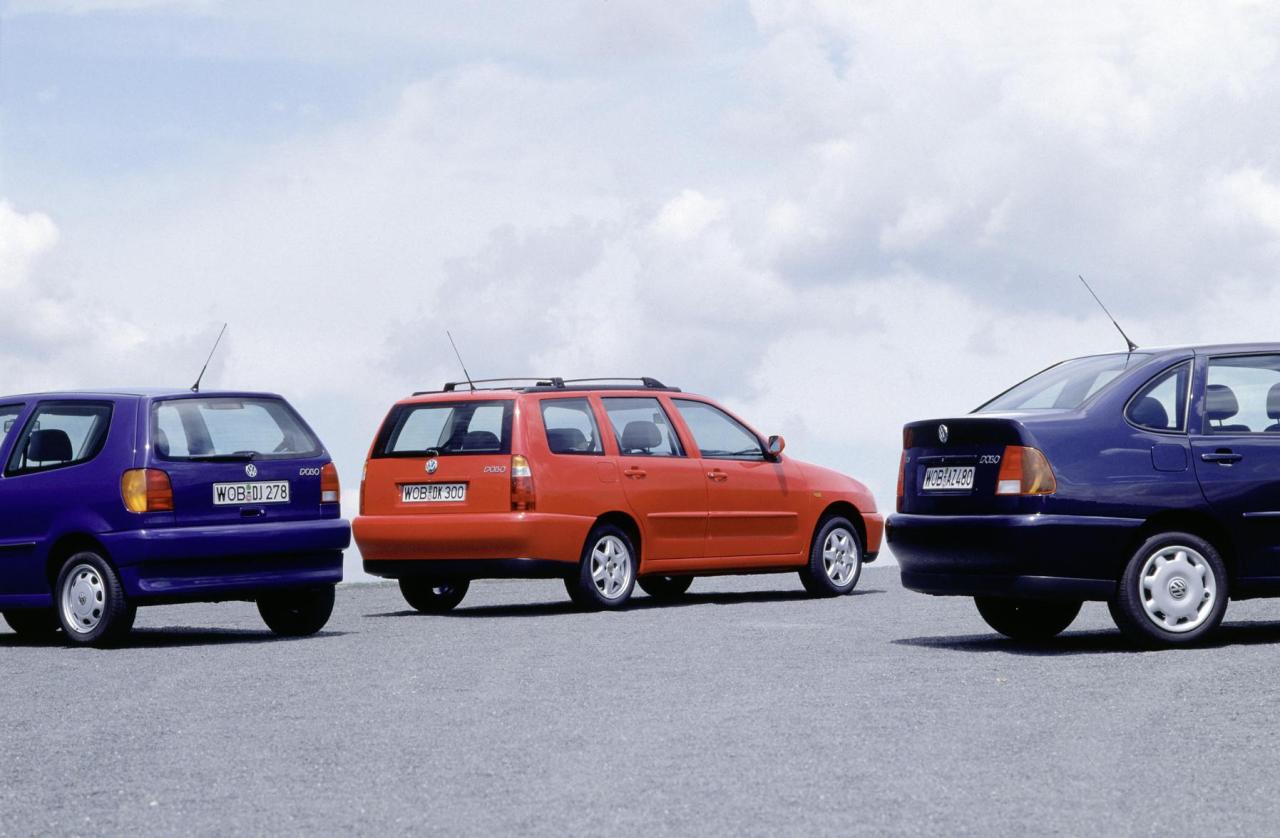
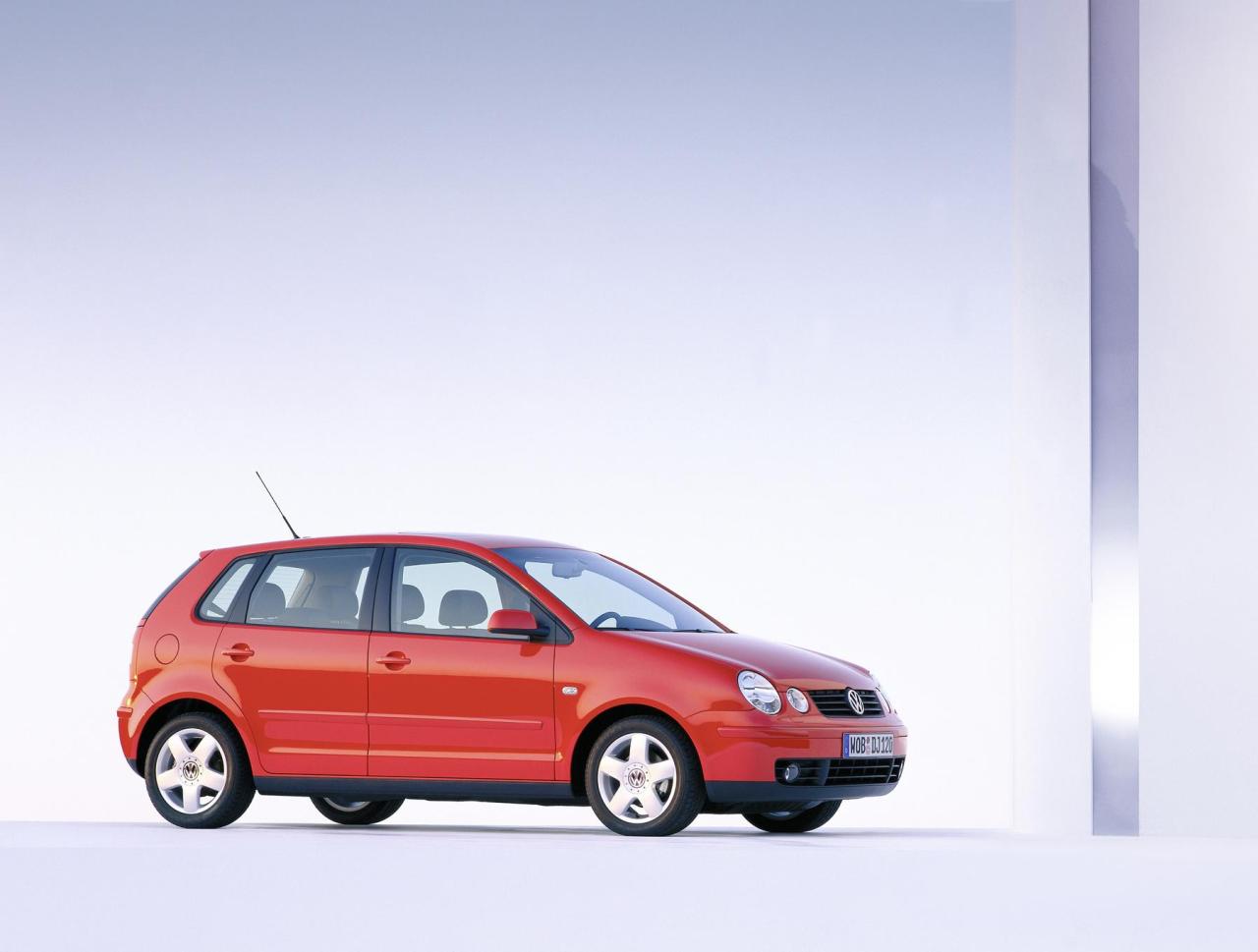
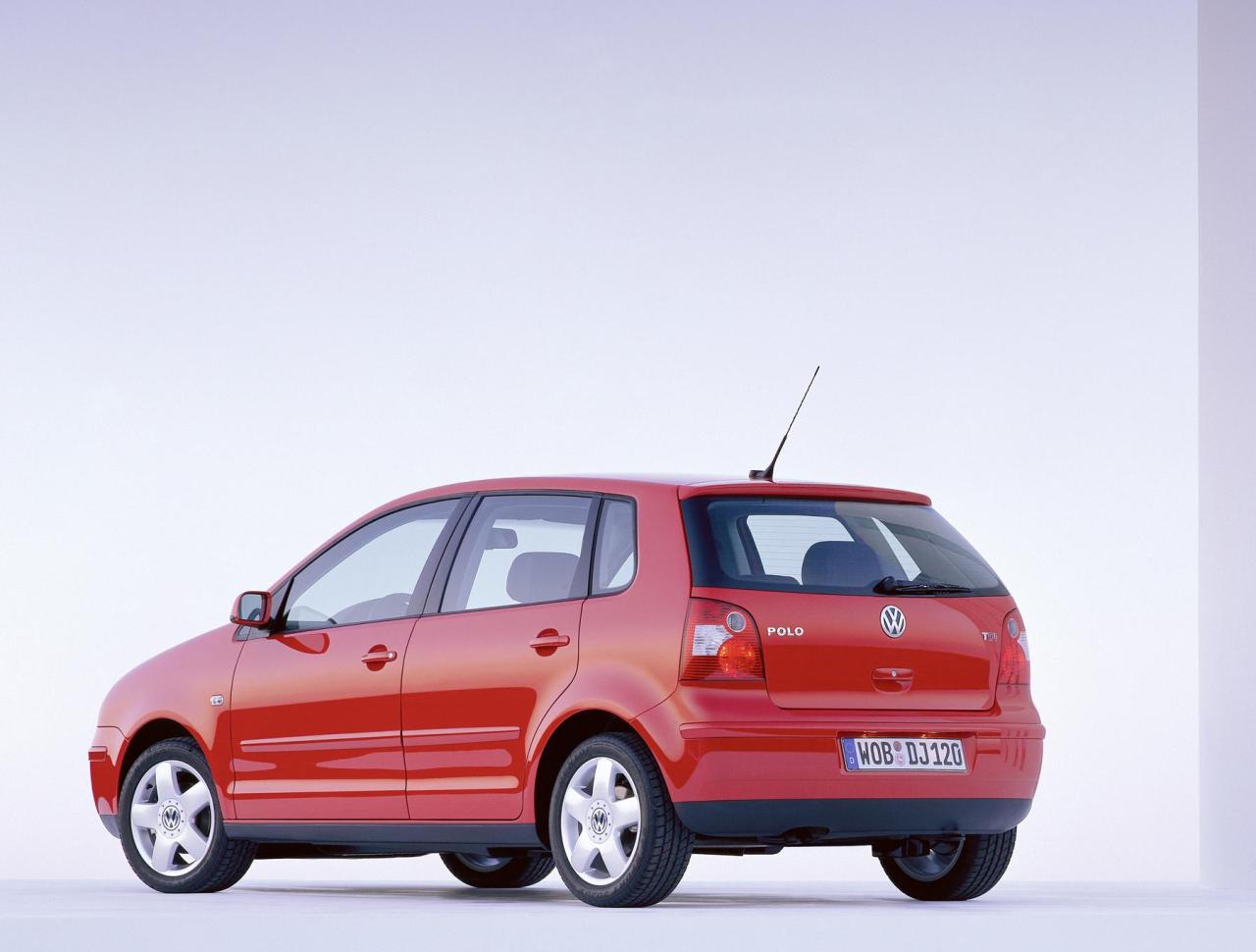
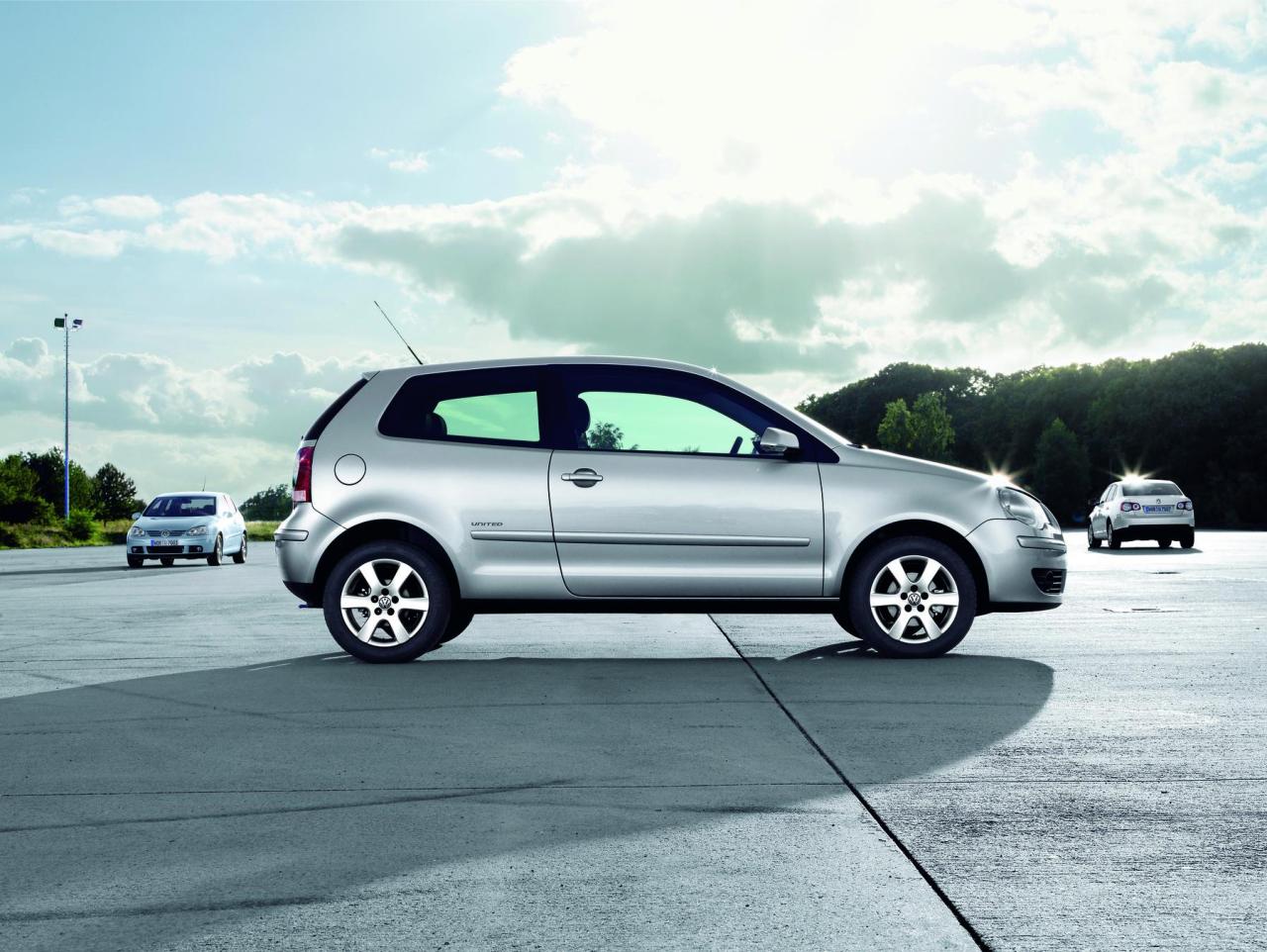
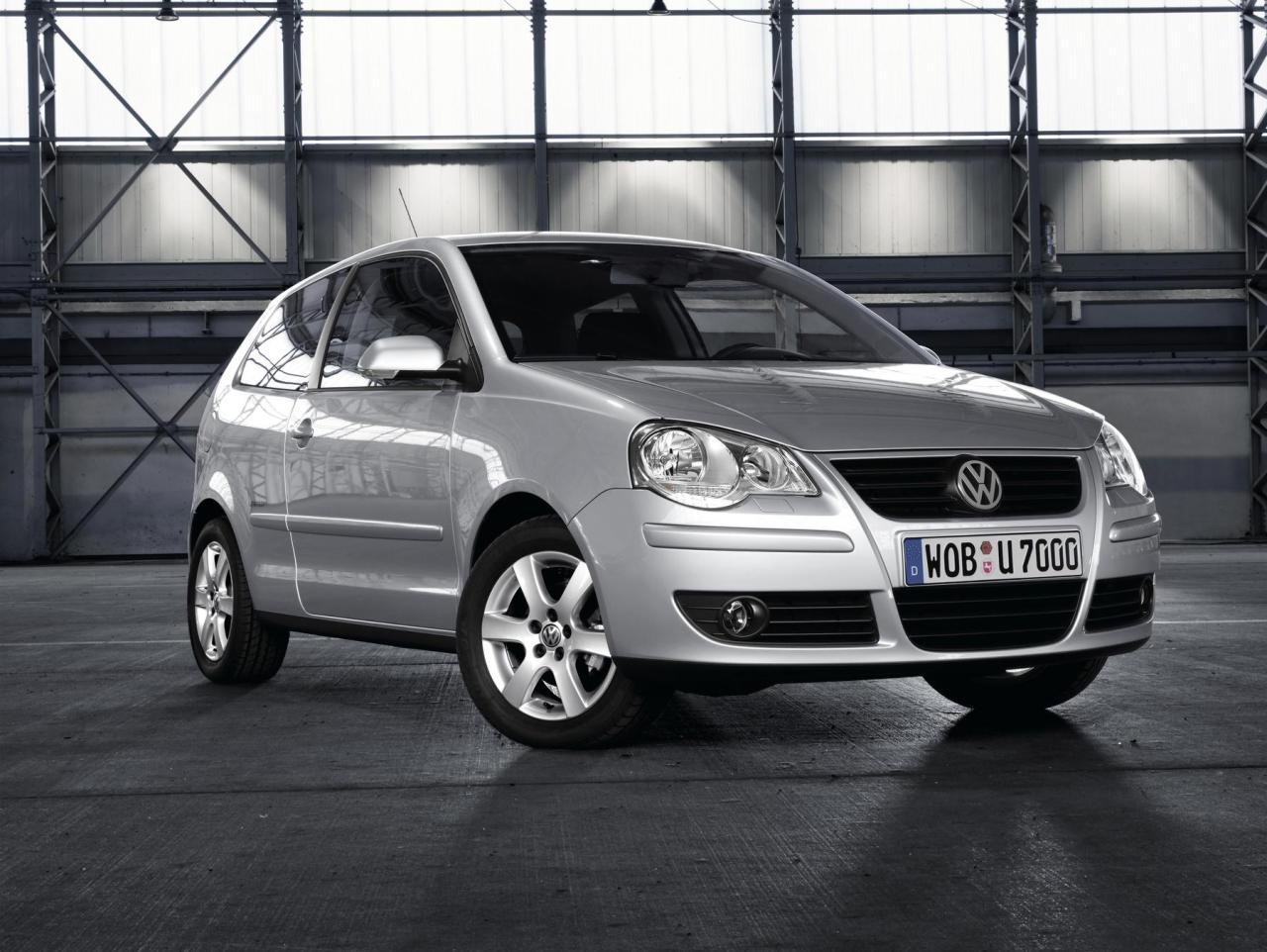
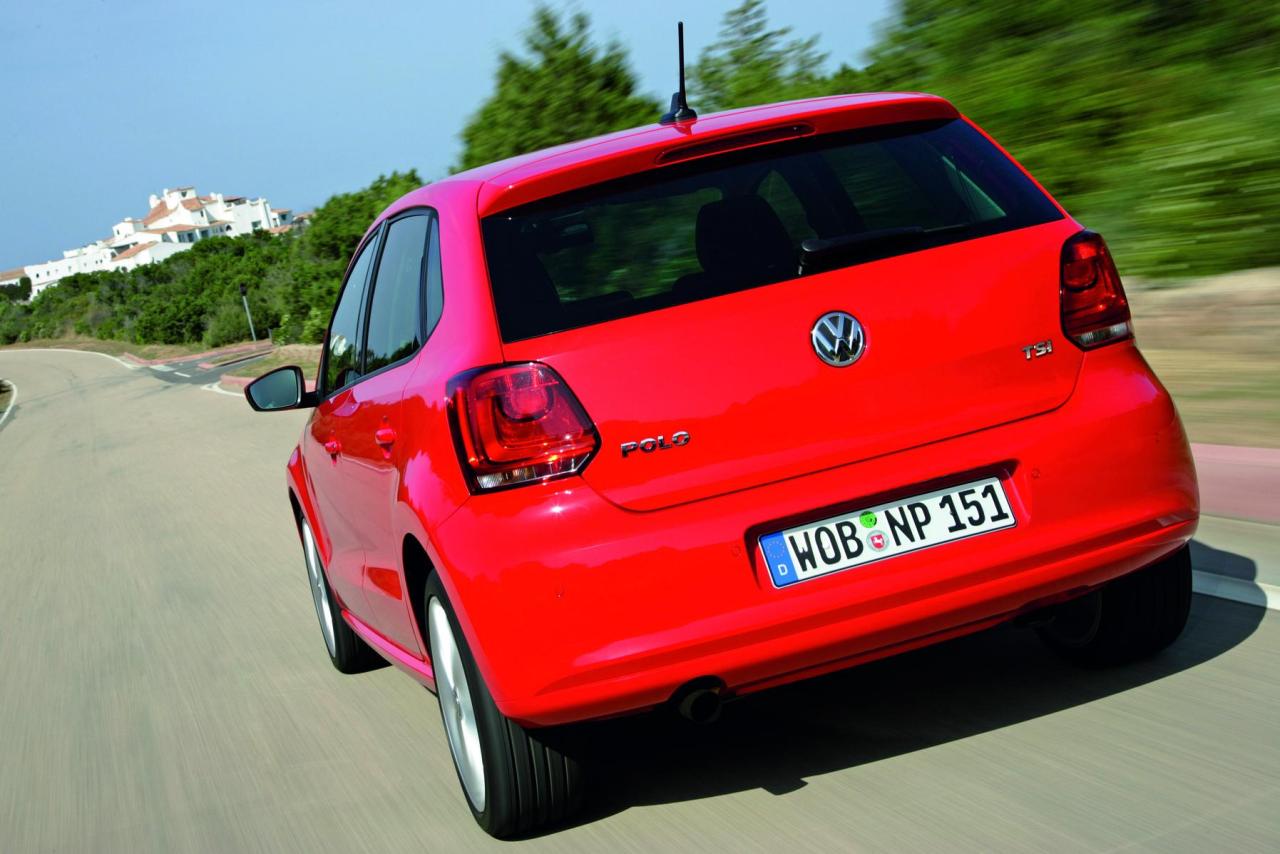
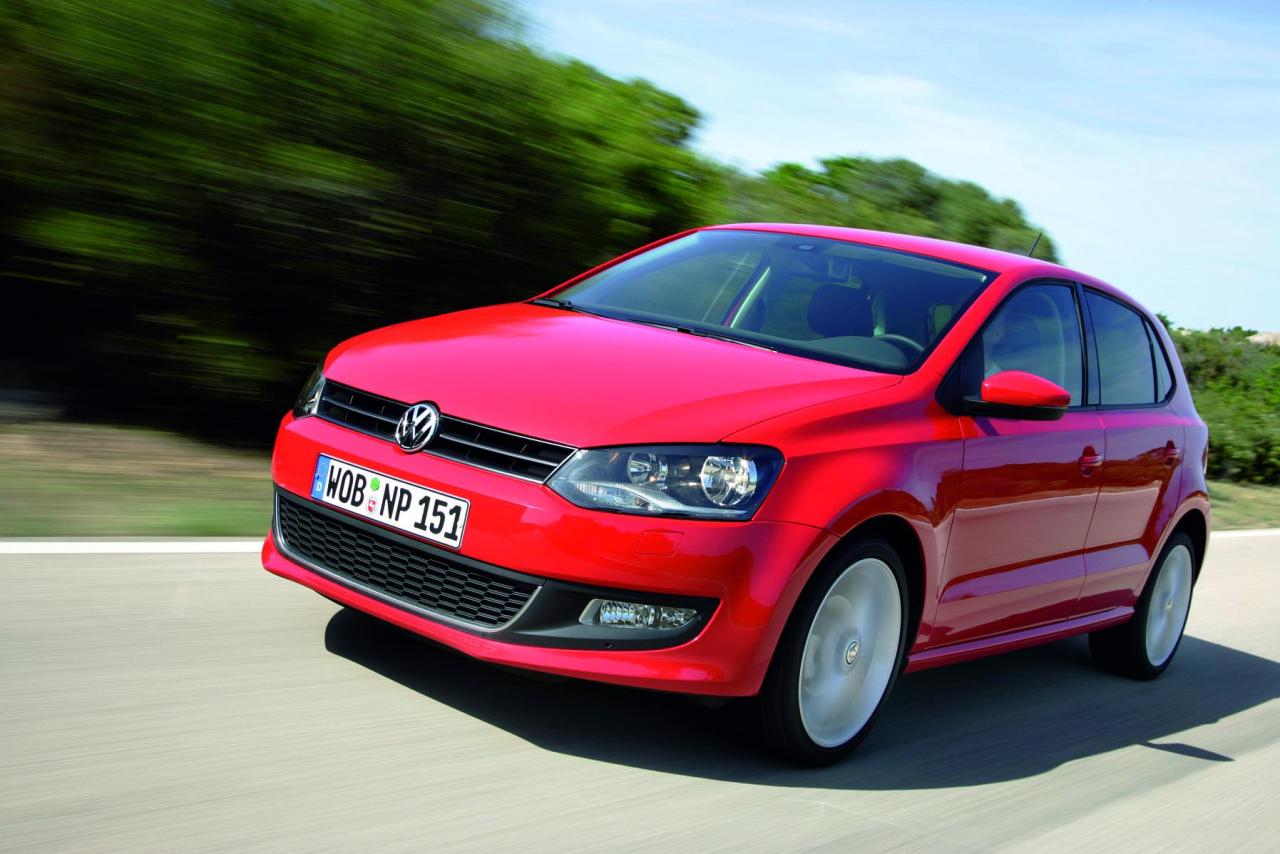
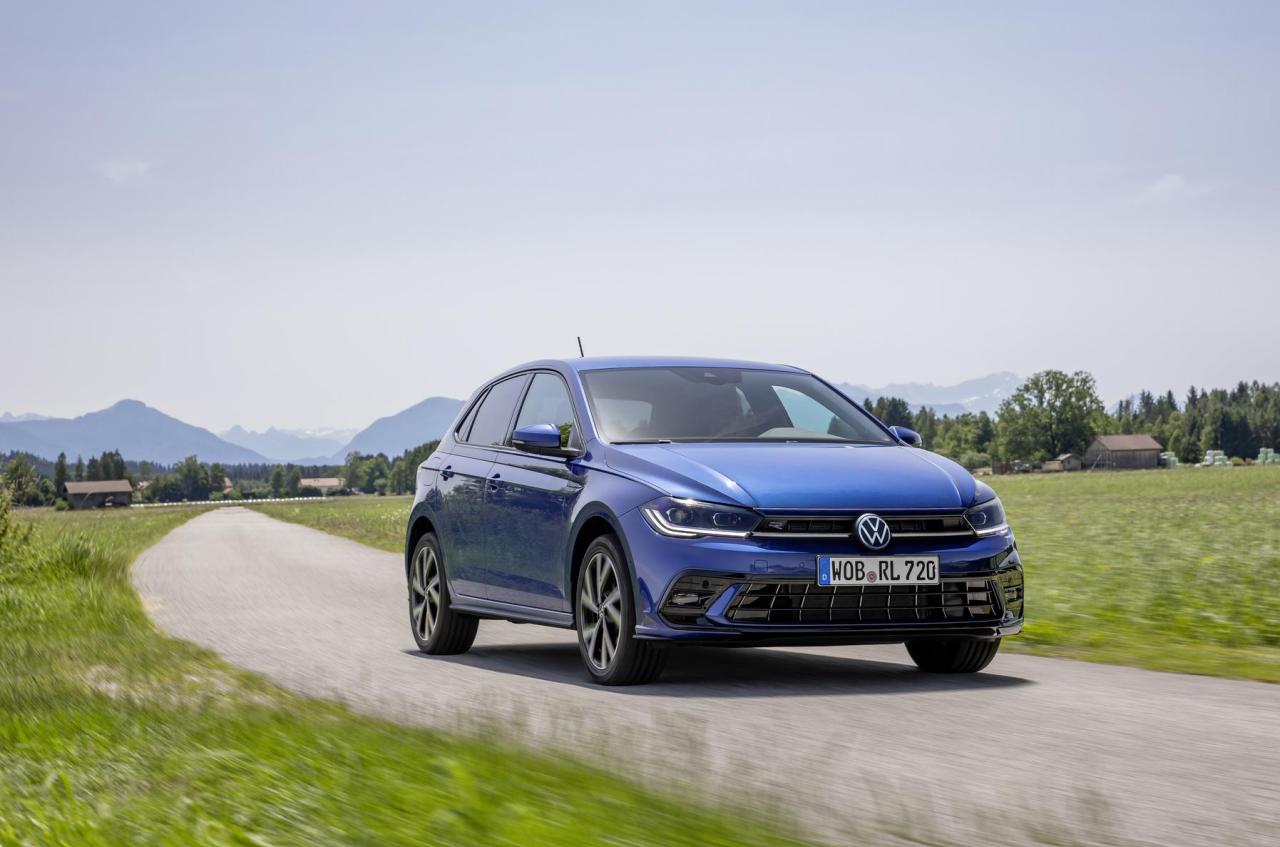
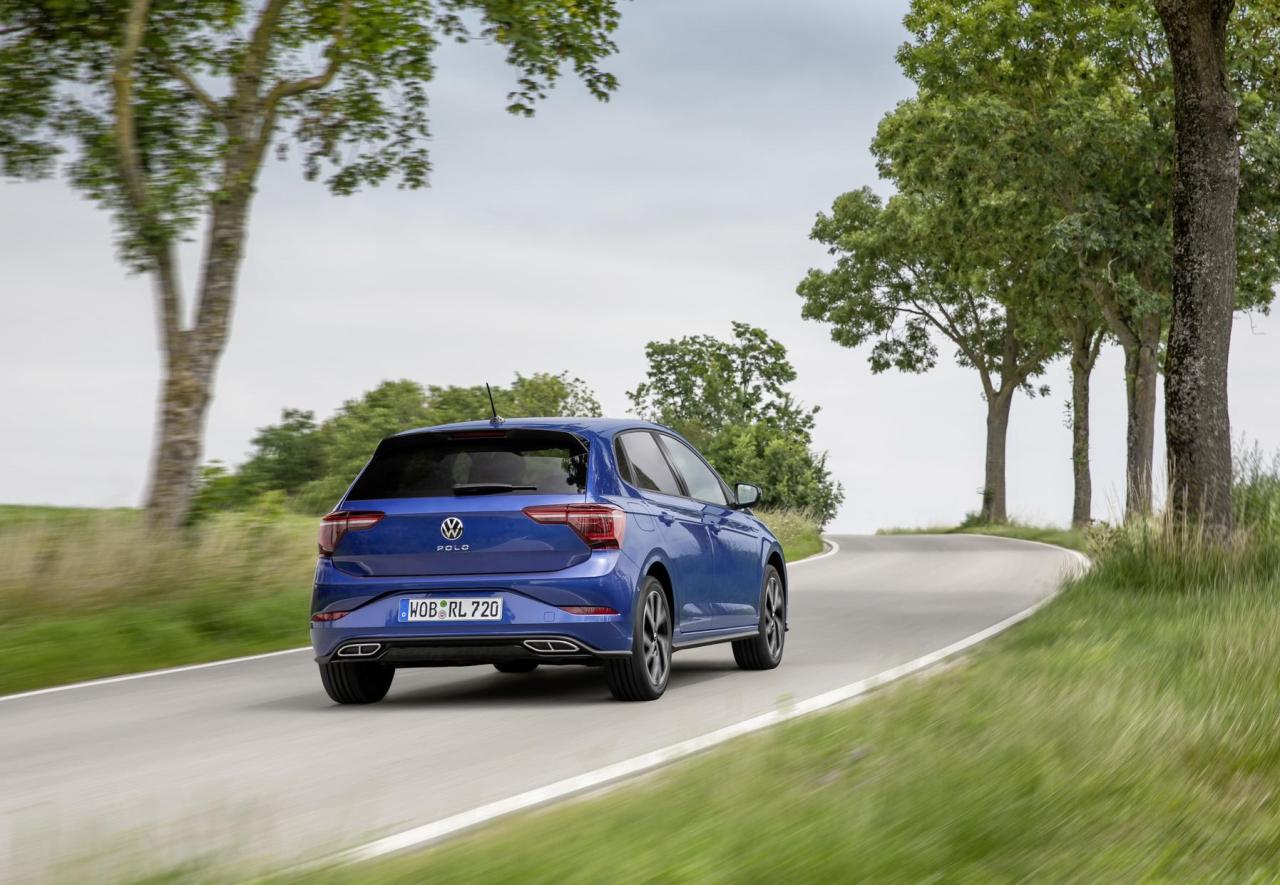
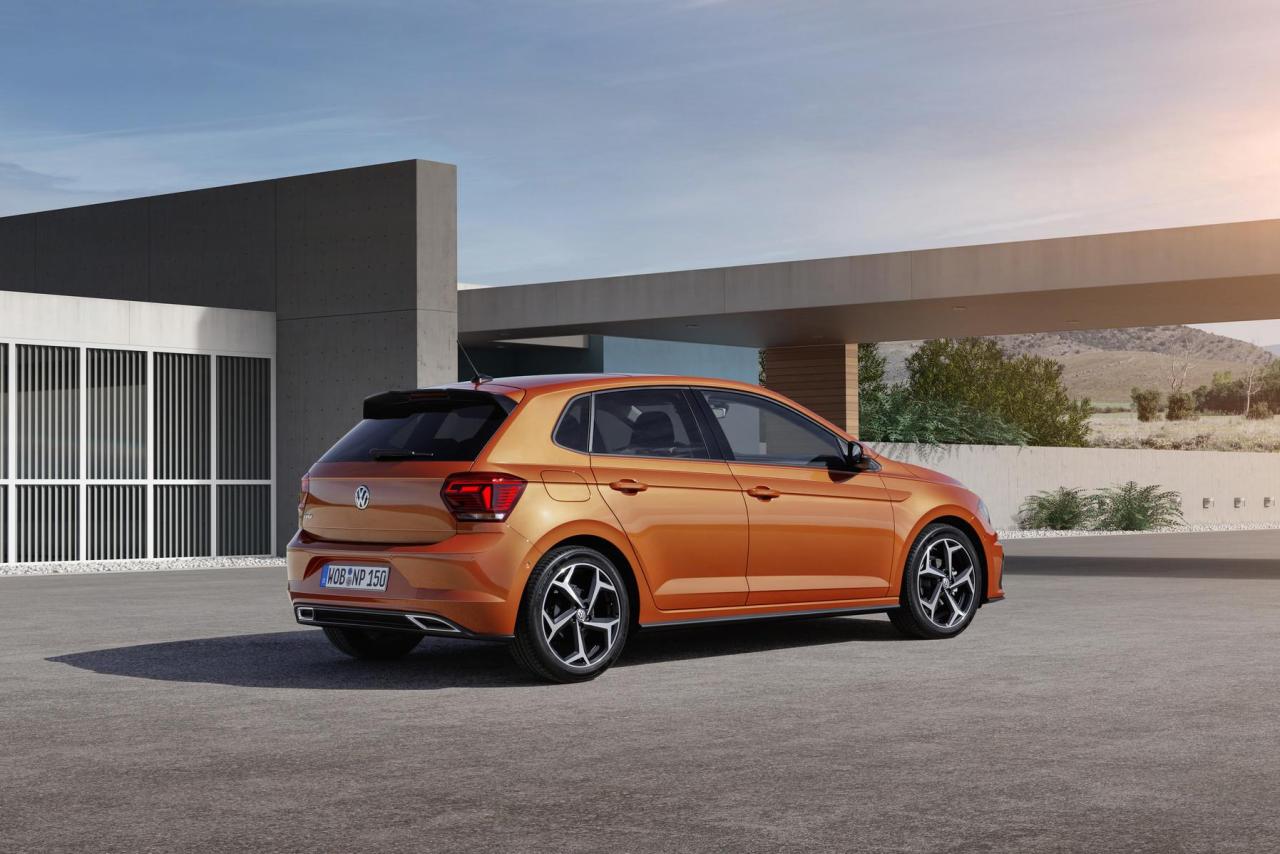
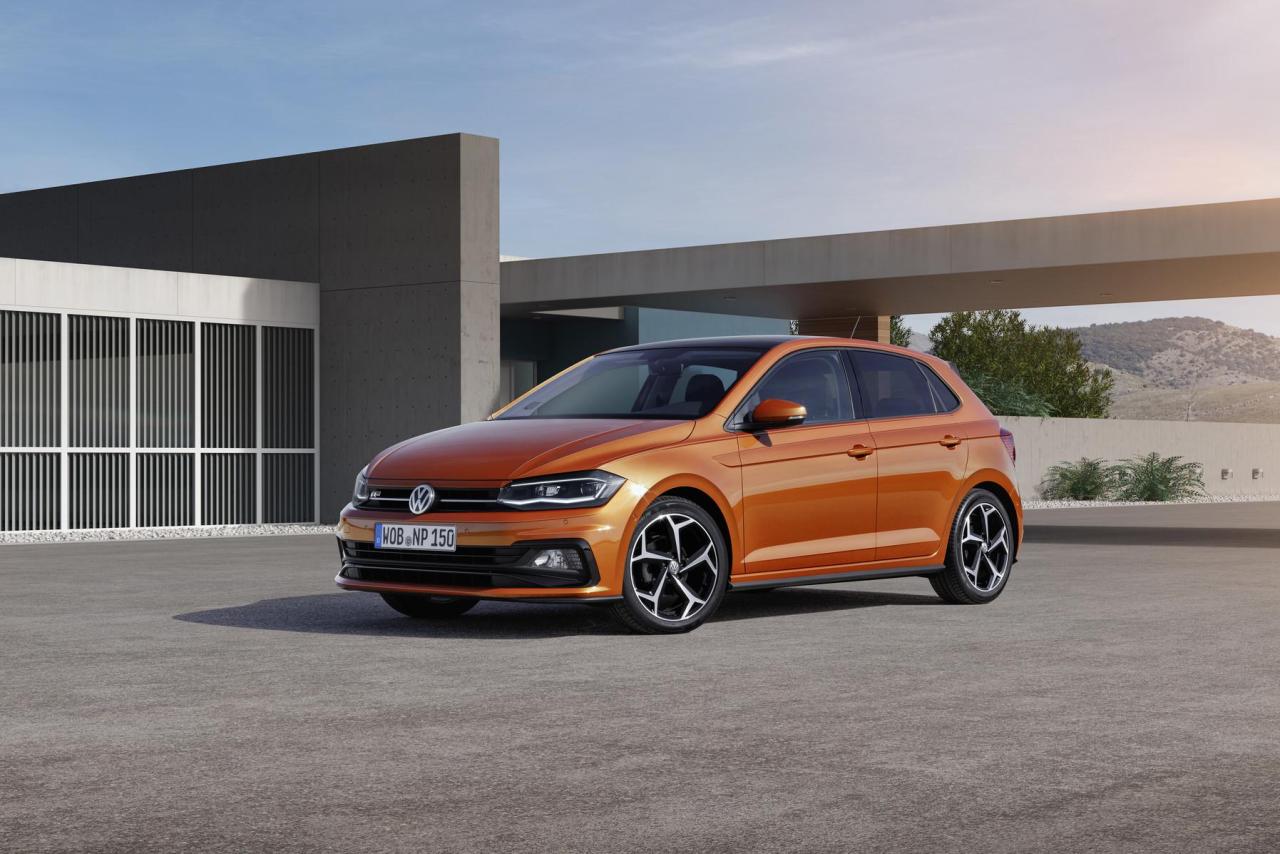
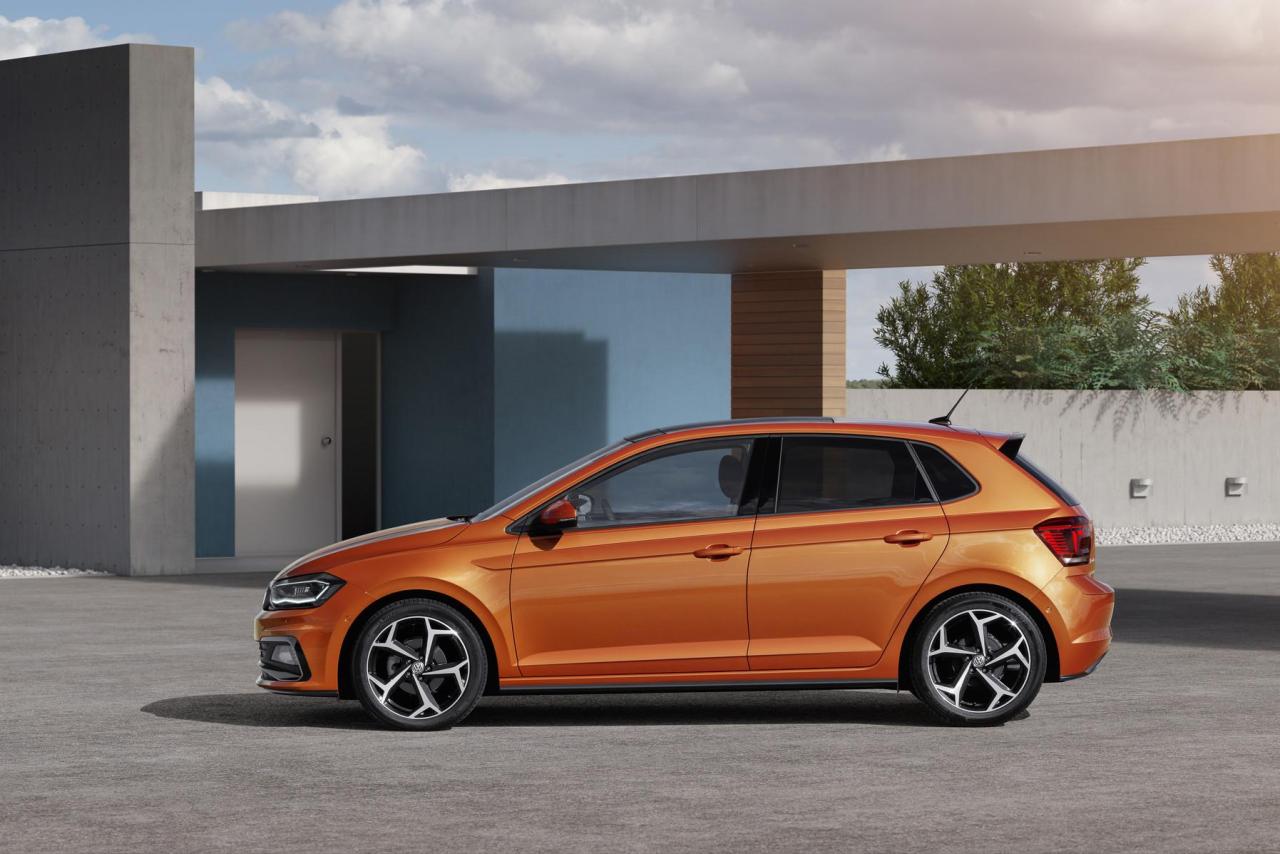
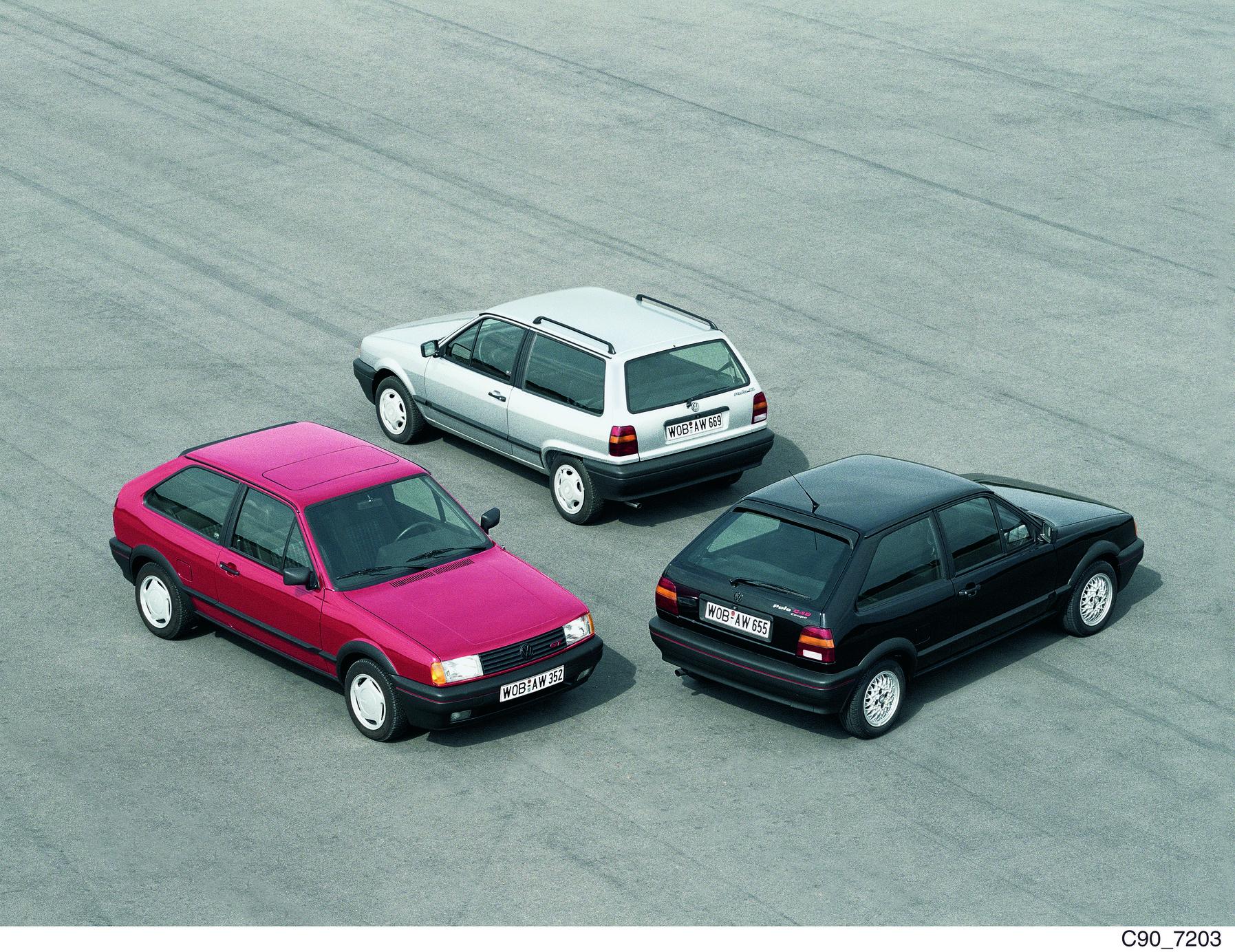
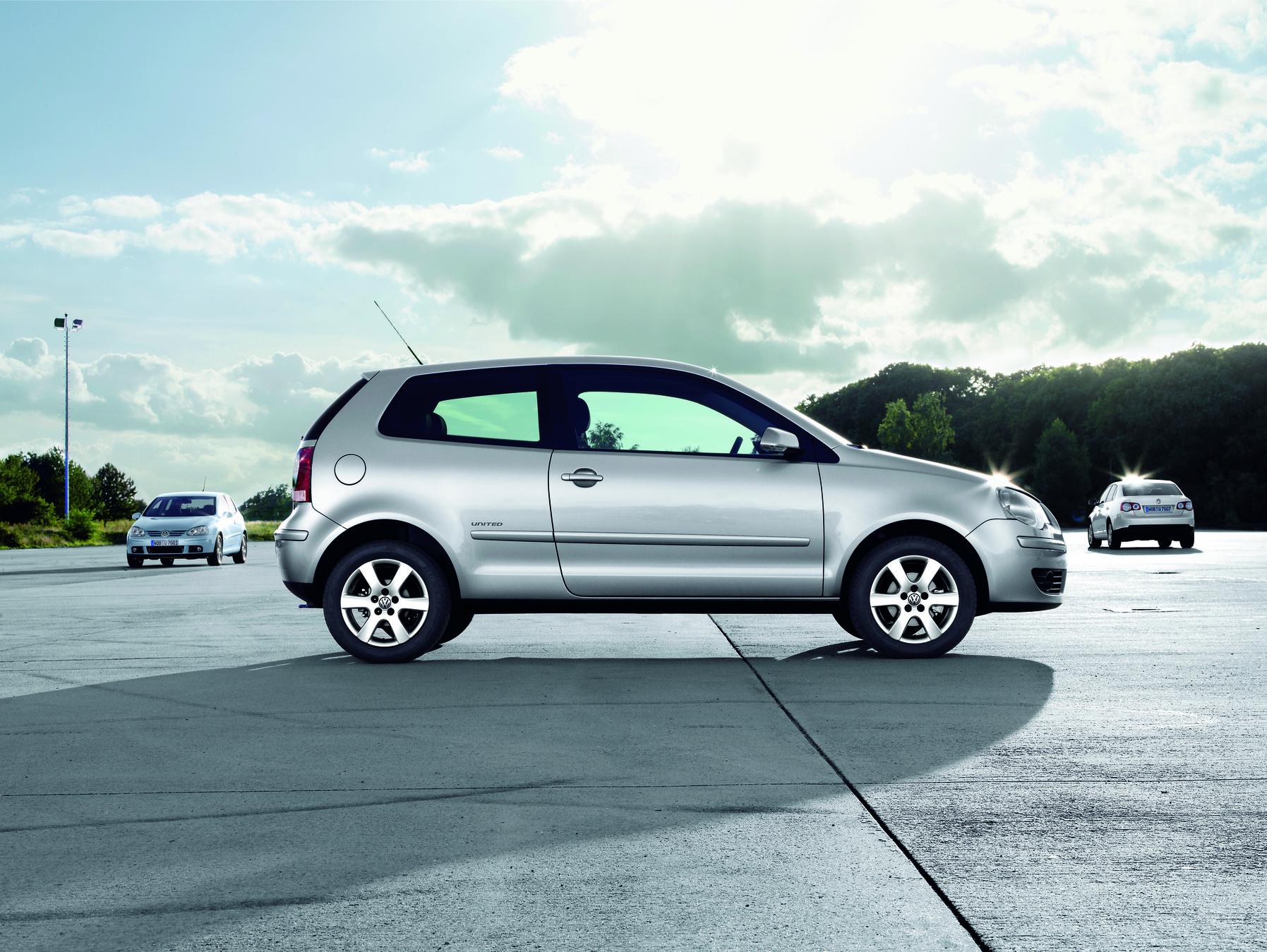
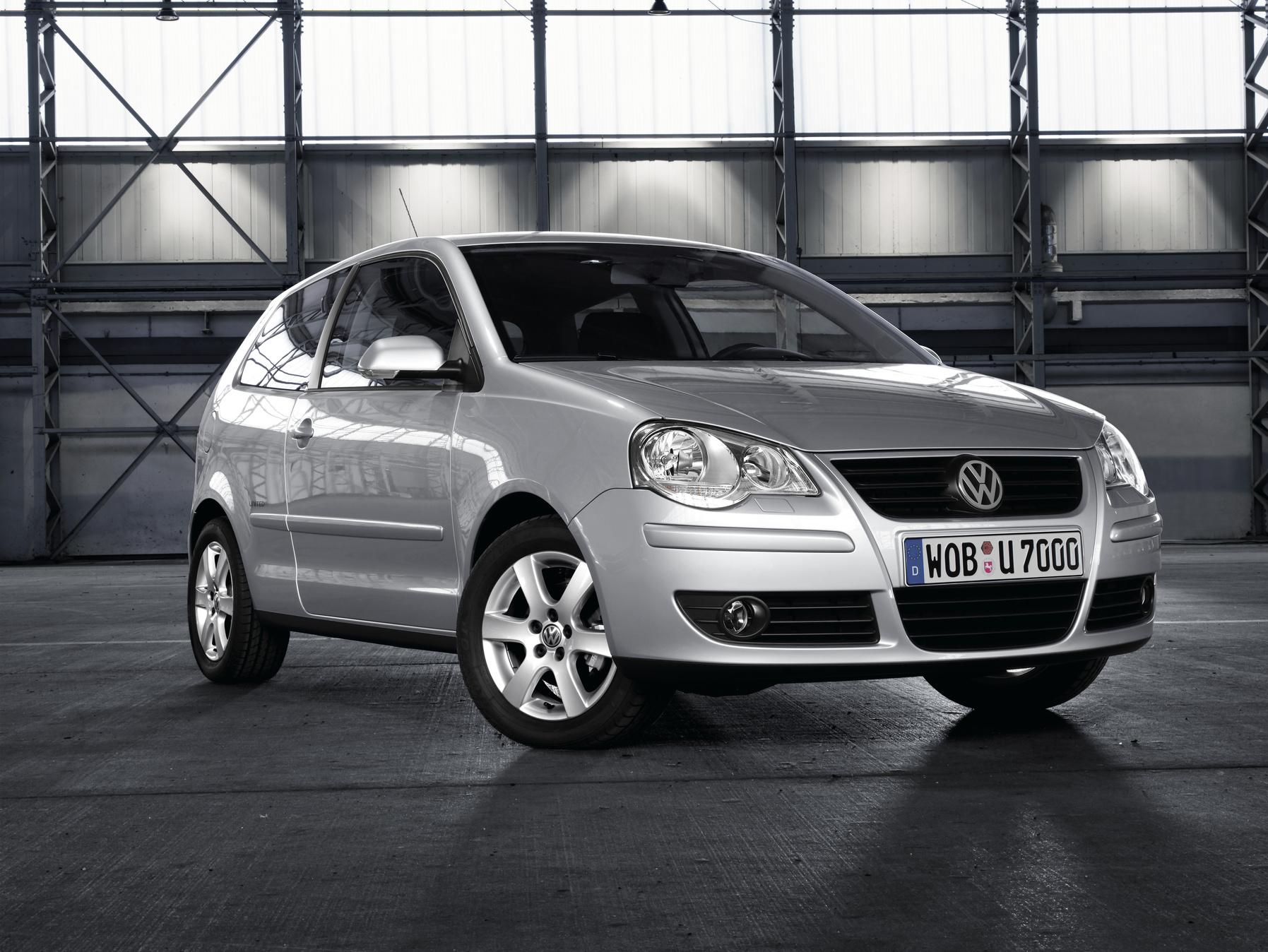
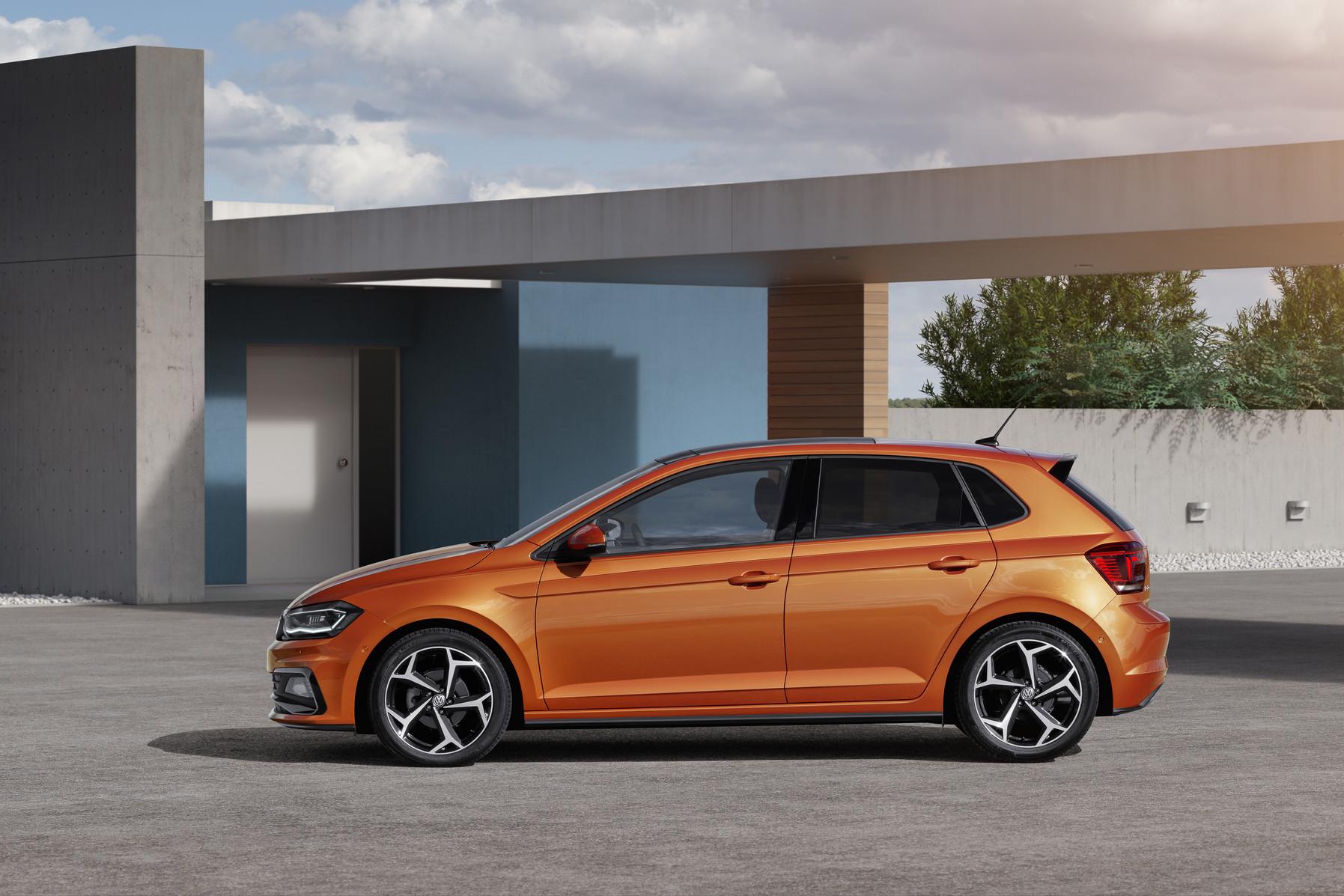
Small can also be big: Volkswagen celebrates 50 years of the Polo The Polo has been setting trends in the small car segment since 1975 and represents typical Volkswagen virtues such as quality, safety and comfort The Polo has become an international bestseller over the course of six generations. To kick off the anniversary year, VW Classic will show early models of the Polo at the Bremen Classic Motorshow 2025 (31 January – 2 February 2025) Since 1975, the Volkswagen Polo has delighted generations of people and has become a pioneer in its class: it has always stood for affordable mobility, timeless design and pioneering technology. With more than 20 million vehicles sold in six generations, the Polo has established itself as one of the most successful models in its class. In 2025, Volkswagen is celebrating the 50th anniversary of the small compact car. When the VW Beetle was due to be replaced in the 70s, Volkswagen had several models up its sleeve: the Passat came onto the market in 1973, followed a year later by the Golf, while the Polo made its debut in 1975. No vehicle before had been so short and refined. Positioned a class below the Golf, the Polo perfectly rounded off the then new model family with front-wheel drive. 50 years later and in its sixth generation, the Polo has proven how a small car can assert itself confidently in a likeable way. More than 20 million cars sold speak for themselves. Affordable mobility and innovations: a car for everyone The Polo does not just stand for technical innovations, but also for affordable mobility for everyone. With state-of-the-art technology and a fair price-performance ratio, the Polo has contributed to individual mobility over generations. Whether for first driving lessons, sporty driving pleasure or as a family car – the Polo has created memories and will continue to be a versatile companion in the future also. Flashback: a small car makes the big time The small car presented in March 1975 was based on the Audi 50. In slightly modified form it went into series production in Wolfsburg as the Volkswagen Polo and quickly provided a breath of fresh air in the small car segment. With its clean design and high functionality, it caught the spirit of the times. Efficient, practical and affordable, the lightweight vehicle was also characterised by agility, very good handling characteristics and economical engines. Core virtues that have continued the success story ever since. Evolution over six generations With each generation, the small car has been developed further. The Polo II brought a number of improvements from 1981 onwards, including more space and comfort as well as modernised engines. In 1987, the limited special series Polo Coupé GT G40 saw the debut of the scroll-type supercharger, which provided more power. Another leap forward followed in the third generation from 1994, also in terms of technology. The Polo III was one of the first vehicles in its class with innovative safety features such as airbags. In 1998, the Polo was available for the first time as a GTI. With a significant increase in size, the fourth generation offered a new level of comfort and safety from 2002, with front and side airbags, power steering and ABS as standard. The Polo V saw the introduction of a host of digital innovations: from 2009, infotainment and assistance systems made driving more comfortable than ever. The Polo V also impressed in motorsport: with the Polo R WRC, Volkswagen won the World Rally Championship title four times in a row from 2013. The sixth generation was based on the modular transverse matrix (MQB) and set new standards in 2017 in terms of connectivity, safety and driving dynamics. The Polo became even more digital and innovative with the product upgrade in 2021. The compact car boasts assistance and comfort systems that are otherwise known only from higher vehicle classes. Living history Volkswagen Classic is accompanying the Polo in its anniversary year and will be presenting historic models from its own collection in the coming months. The Bremen Classic Motorshow will kick things off from 31 January to 2 February 2025. Two early examples can be seen here: an Oceanic Blue Polo L from 1975 and a unique hill climb Polo from 1977. 50 years of Polo The Polo – a car for everyone. Since the very first generation, it has represented affordable mobility. No frills – but top quality, excellent handling, and practical innovations. A car for everyone. Accessible and likeable. A true Volkswagen through and through. And now, it's been around for 50 years. A perfect reason to give the Polo some well-deserved attention this year! Happy Birthday, Polo! Polo 1st Generation (1975 - 1981) Polo 2nd Generation (1981 - 1994) Polo 3rd Generation (1994 - 2001) Polo 4th Generation (2001 - 2009) Polo 5th Generation (2009 - 2017) Polo 6th Generation (2017 - today) Fonte: Volkswage Media Press Discussione aperta per pubblicare tutte le info/news/curiosità relative alle varie generazioni di Volkswagen Polo. 50_Years_VW_Polo_Jubilee_brochure_EN.pdf
-
-
-
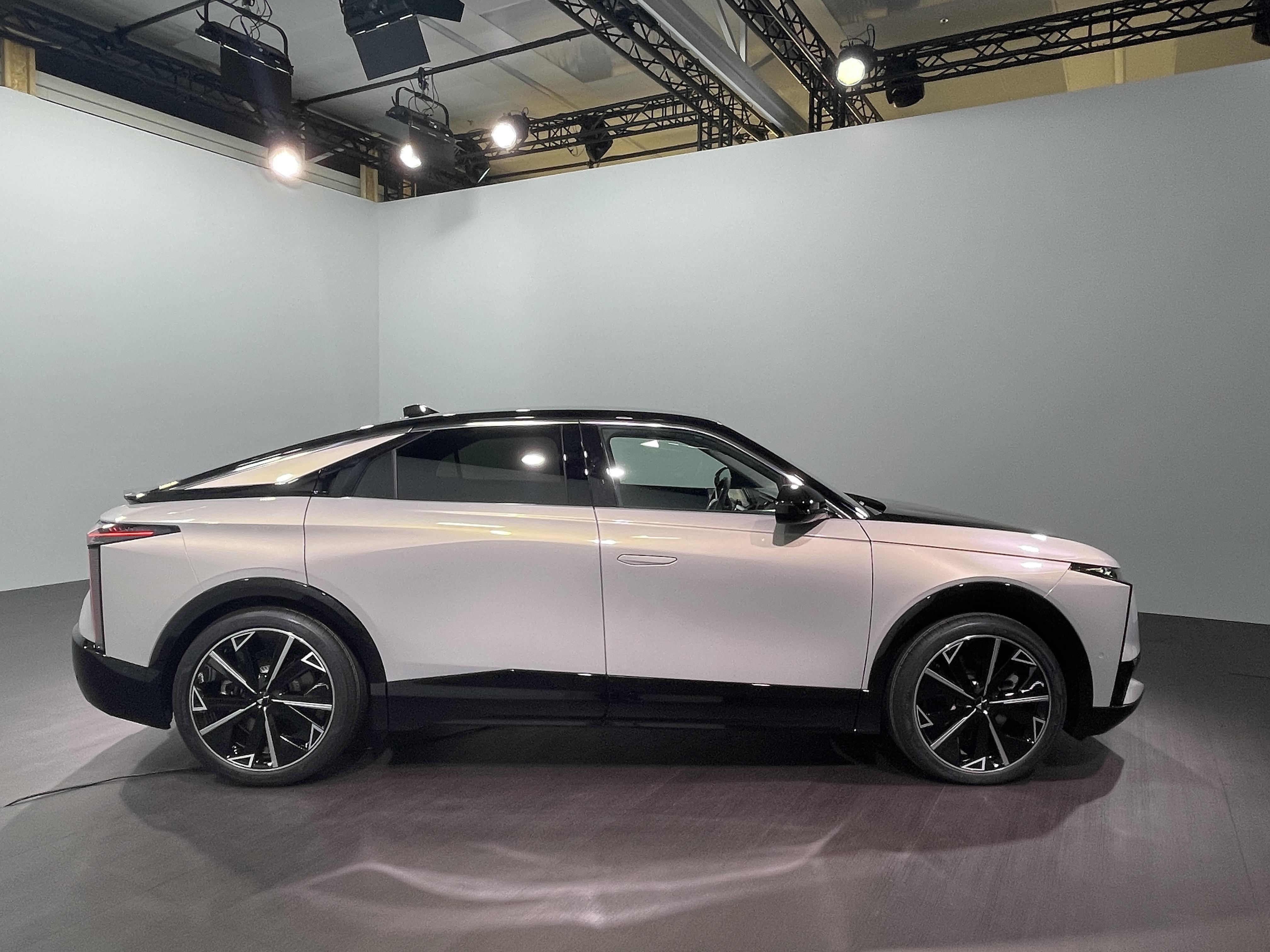
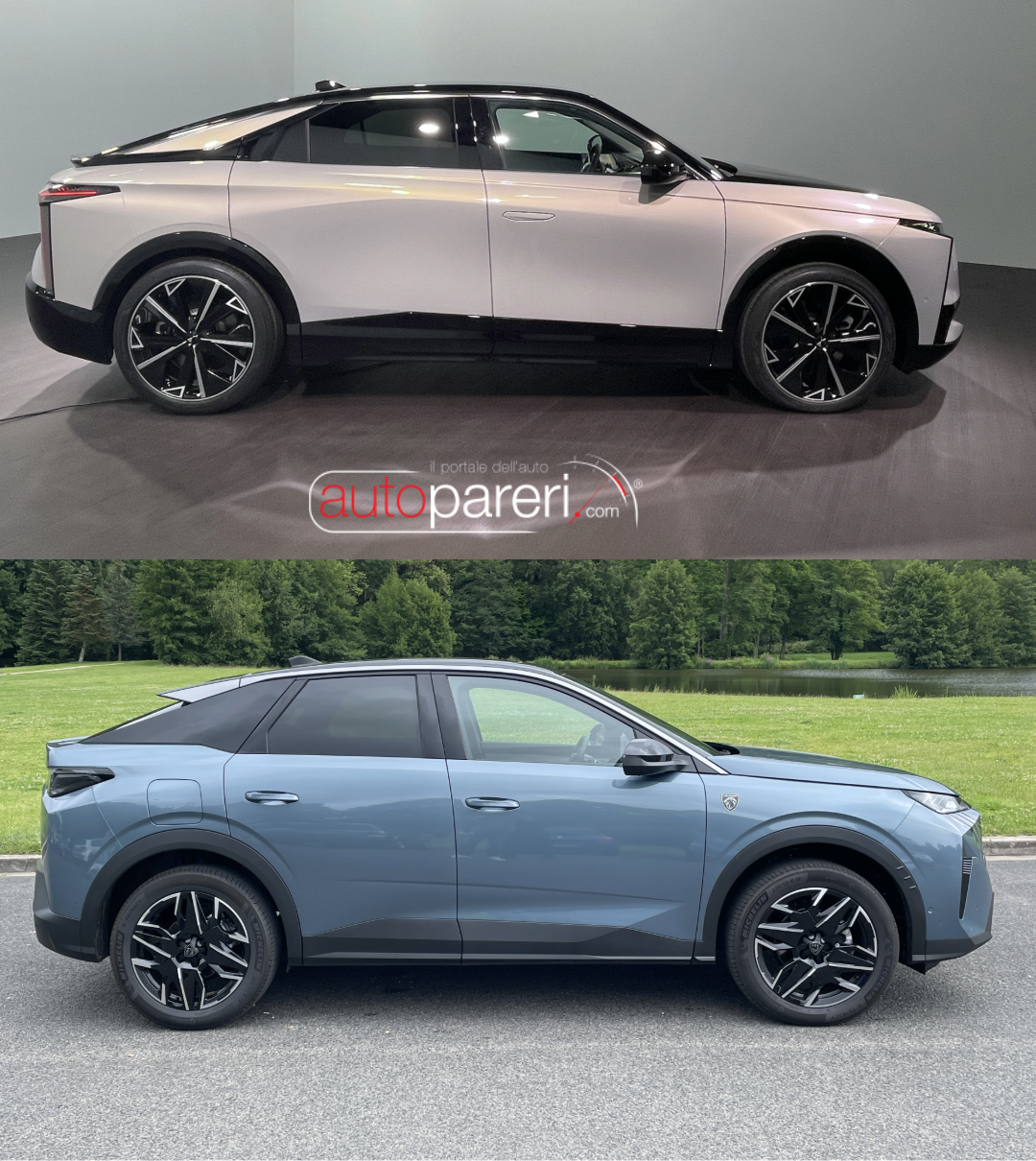
Molto Honda E con un che di VW ID. Quei faretti in stile fotocamera iPhone sembrano messi li proprio per riuscire in qualche modo a differenziarsi da Honda con la minima spesa. Sulla carta il prodotto sembra valido però si sa ancora poco. In questa vista però risulta alquanto sproporzionata e pesante.
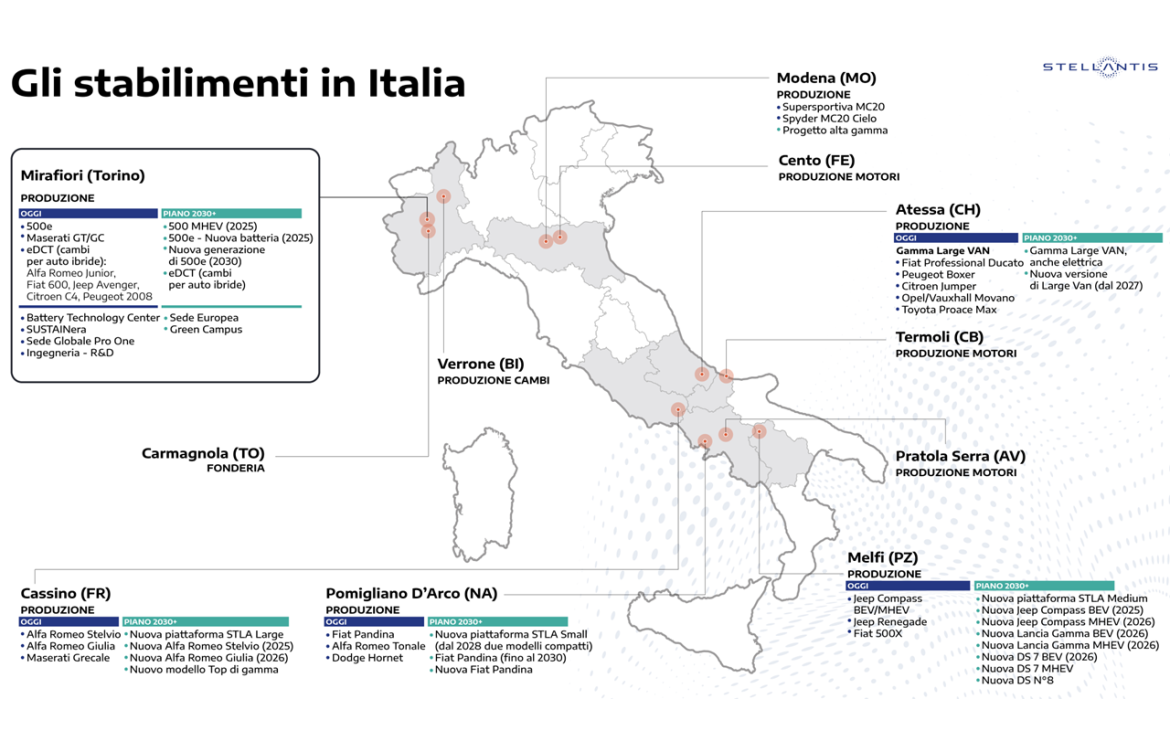
 Mi è venuto un brivido di imbarazzo vededo questo spot (l'ennesimo fatto per tenere calmi gli animi). Concordo con @j sul fatto che visto che hanno fatto uno spot per mostrare cosa si produce in Italia potevano metterci anche gli altri modelli della galassia Stellantis che vengono prodotti in Italia.Campagna marketing già iniziata.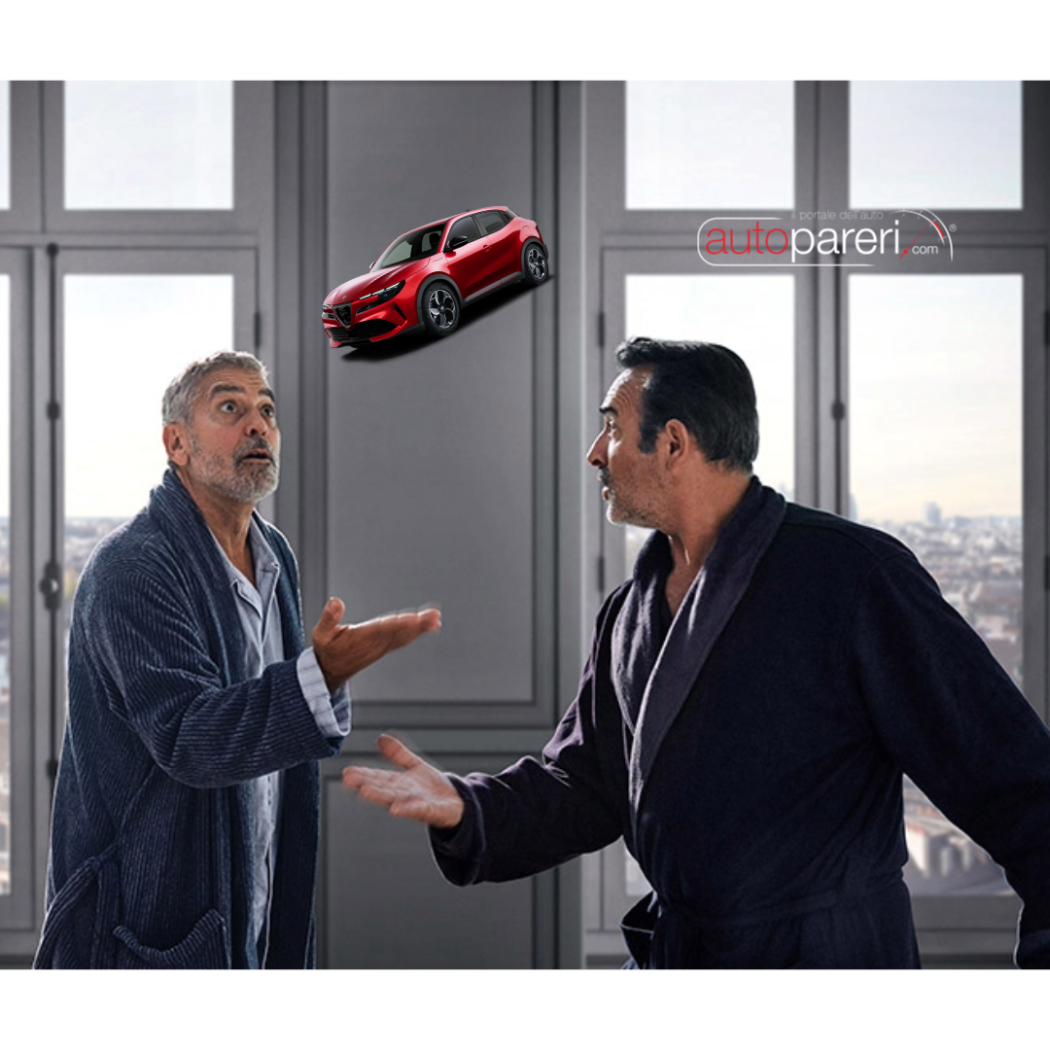
.thumb.png.128ca658cf67b934bd9d36011fe2324d.png) L'ultima frase di questo suo post mi ha ricordato/ispirato una scena di Harry Potter.
L'ultima frase di questo suo post mi ha ricordato/ispirato una scena di Harry Potter.
- 972 risposte
-
-

- 1
-
-
- aurelia
- l74
- lancia
- lancia aurelia
-
Taggato come:
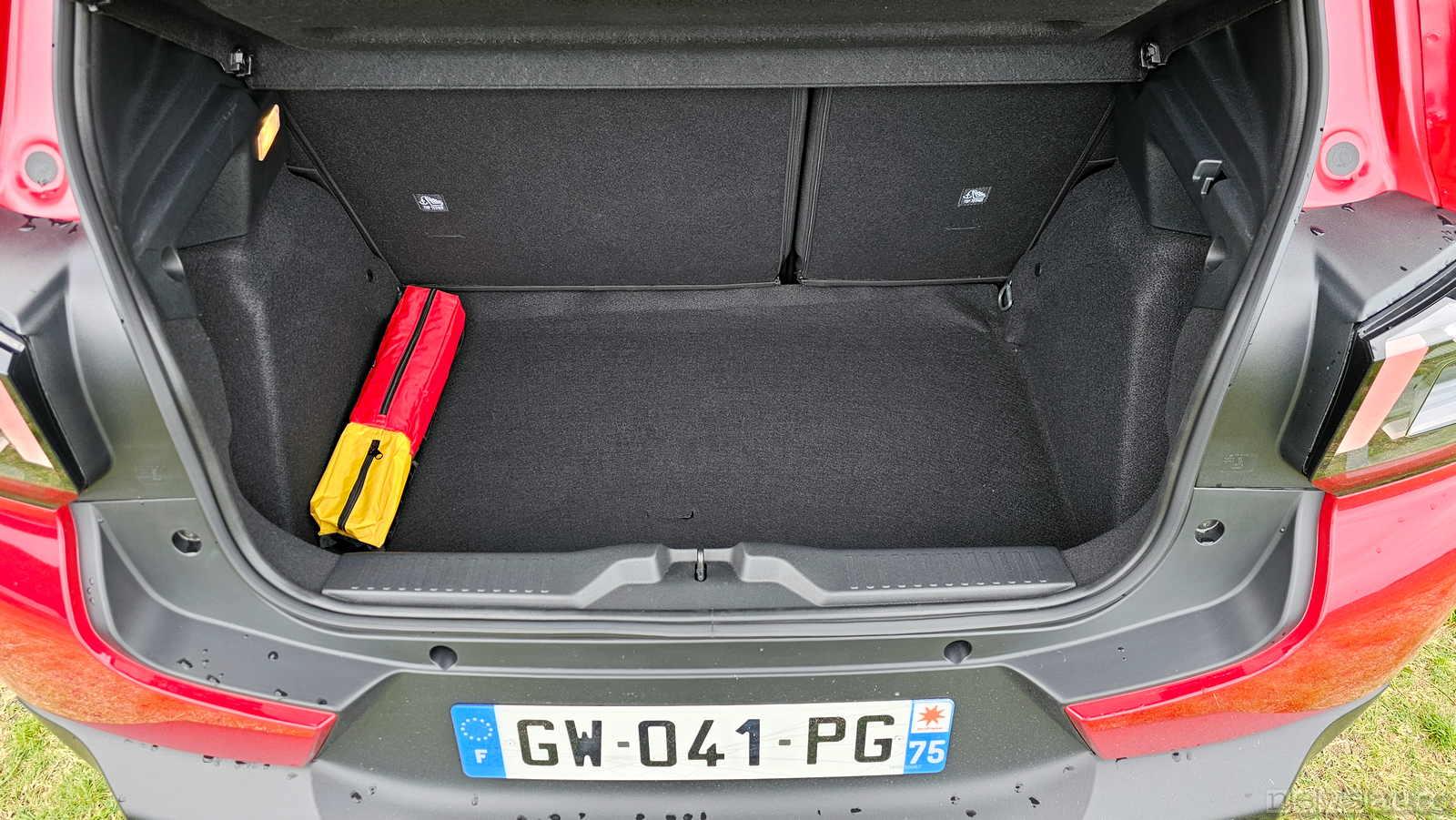
Curiosità sulle consegne delle prime C3, ad un mio collega hanno consegnato la nuova C3 ed il fondo del baule è fatto da un telo morbito in moquette e non da un fondo rigido rivestito; avendo tale rivestimento quando si appoggia qualcosa "sprofonda" nel vano ruota di scorta. Il vendito gli ha detto che non sanno perchè ma le prime vetture stanno arrivando così quando in realtà anche secondo loro la vettura dovrebbe essere dotata di un fondo rigido. Cercando le prove stampa in effetti il fondo del baule è rivestito con un telo morbido e non con un fondo rigido.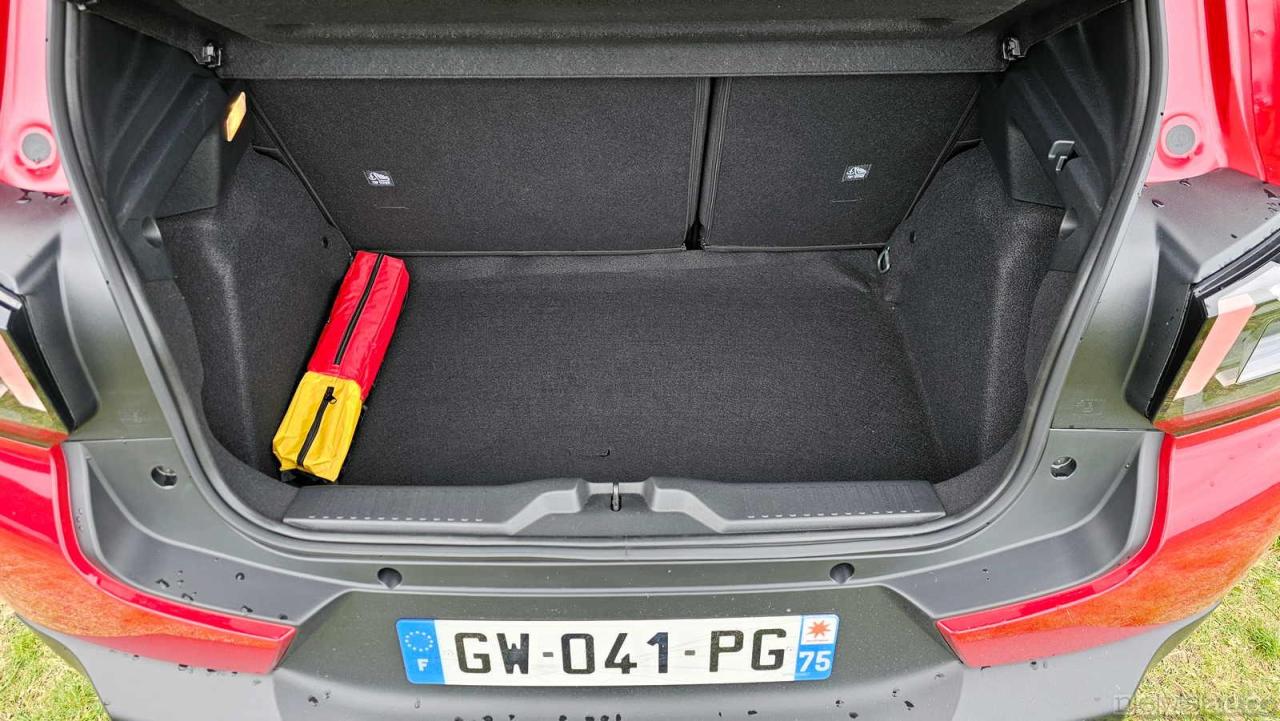













.png.c4a508c3324d09346d147fdfb7fb4b17.png)


.png.5ce4511fde0504ae723015cafbf8301b.png)
.png.7f67e3db490388e55d9b57399173c0c6.png)
.png.20d2a5d8536b803bee8d501a00075f84.png)
.png.4229013f4e6ecf485a39bc8b5aed8512.png)
.png.56933ff03c9d5a1a99b61922bbb728b0.png)