





(1)(1).png.9646bf5114d93a5280bda88264436f0b.png)
Osv
Reporter (Staff)
-
Iscritto il
-
Ultima visita
-
Attualmente
Visualizza la discussione: Bentley Torcal 2027
Tutti i contenuti di Osv
-
-
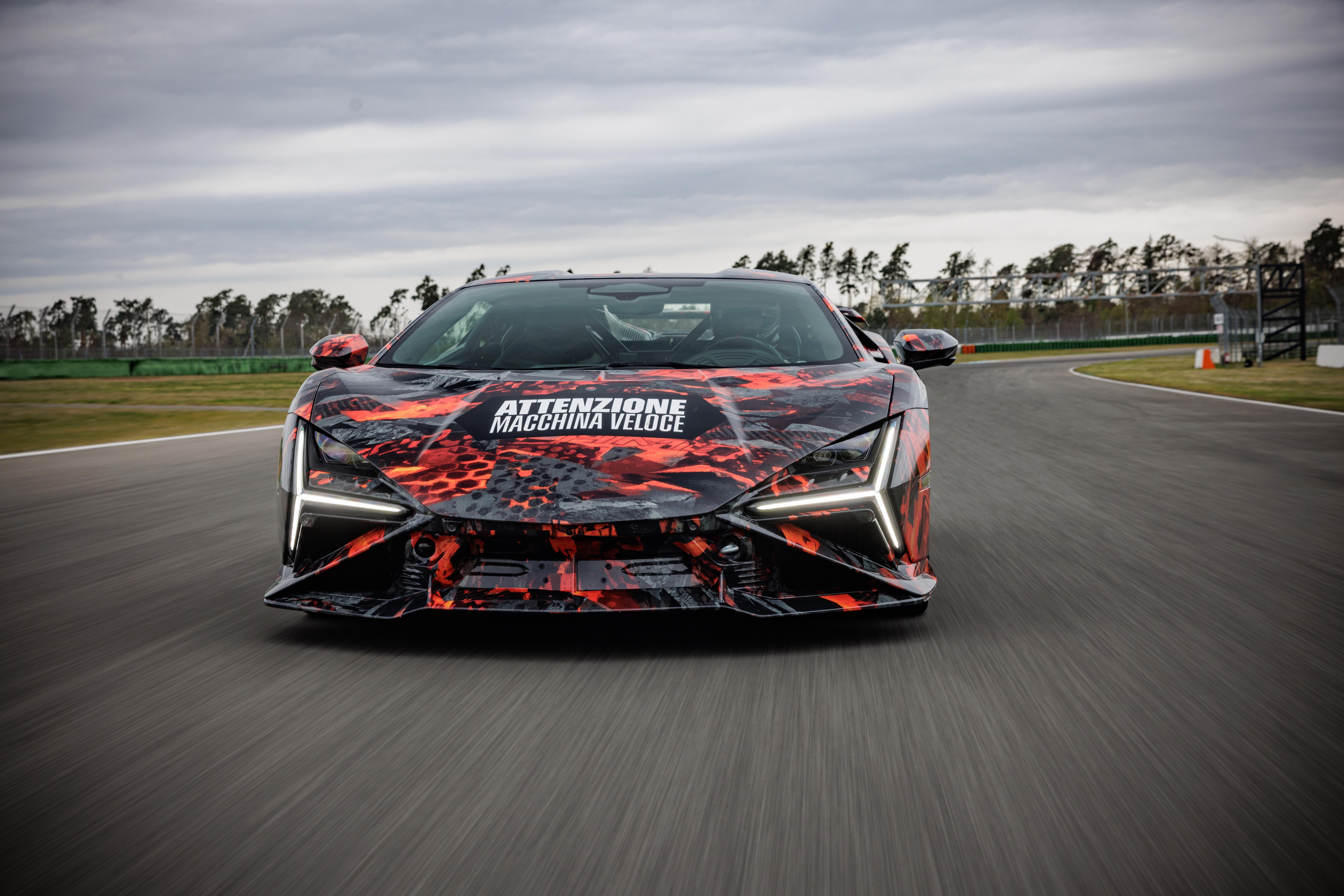
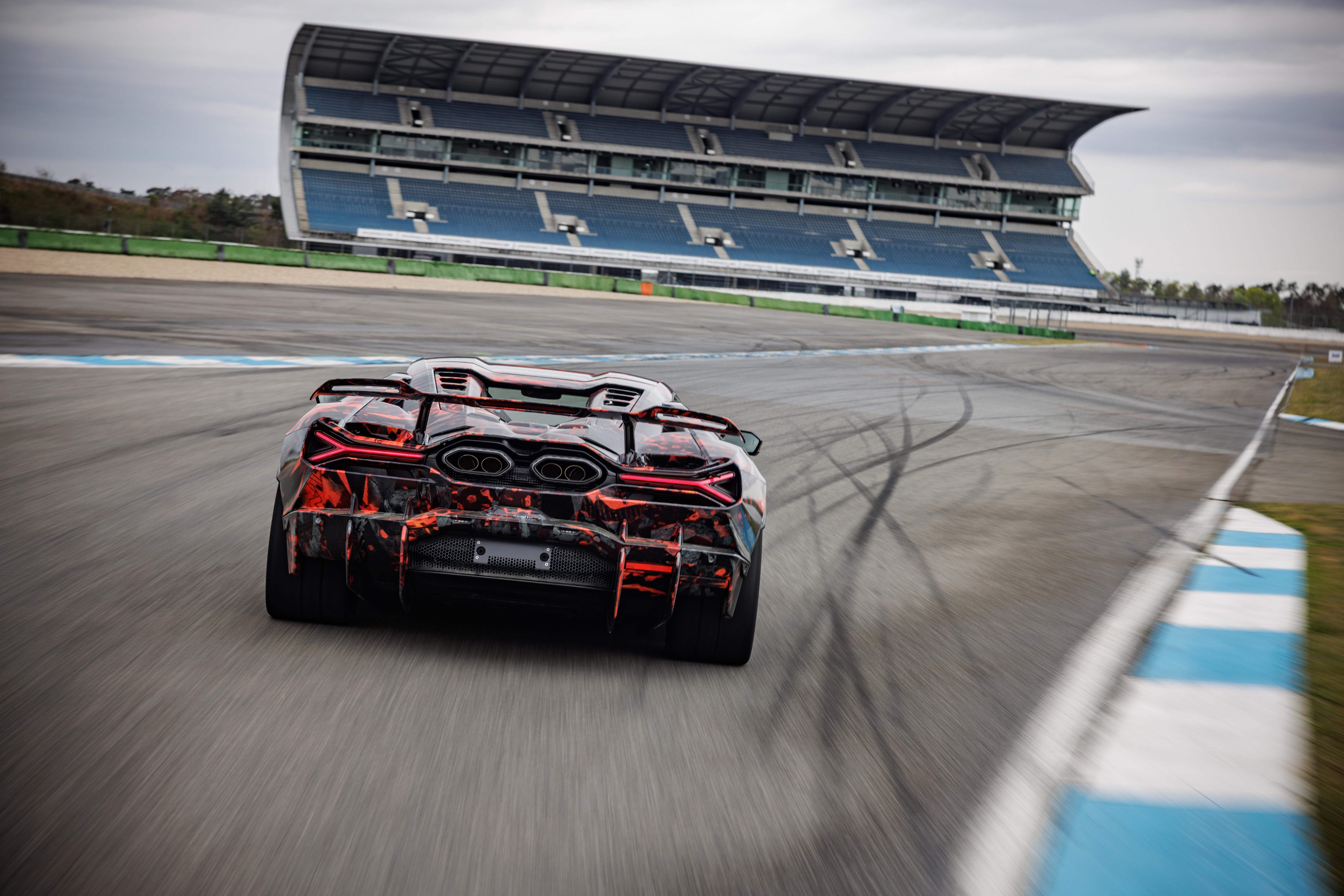
Il prototipo basato sulla Grand Cherokee in azione: https://www.instagram.com/reel/Dbv8NEZvPel/?utm_source=ig_web_copy_link&igsh=MzRlODBiNWFlZA== SaveClip.App_AQPYmfueYrfkQZjDq5HxcAcliq5WWVe2L8kiK4AOlhG8Gay1YVpQ9GDAWEllPNRO9BI71exbAvAMMIAwwLapXEneLEhnGyrK-PNzGw4.mp4 Sound da fermo: https://www.instagram.com/reel/DbwNJo4JFWV/?utm_source=ig_web_copy_link&igsh=MzRlODBiNWFlZA== SaveClip.App_AQPbY27geDOUqTA2GFUEVJpfWqVll0jLK0lCak-qMPXhywRVGxZfbbZlobu5fImjD0xucG-pPYg9JVYY9kpeA849fMJPJQp4cs9iiIA.mp4
-
-
C’è già in EU…dal 2020.🙂🔱
-
-
-
-
-
Leak dal ministero dei trasporti cinese:
-
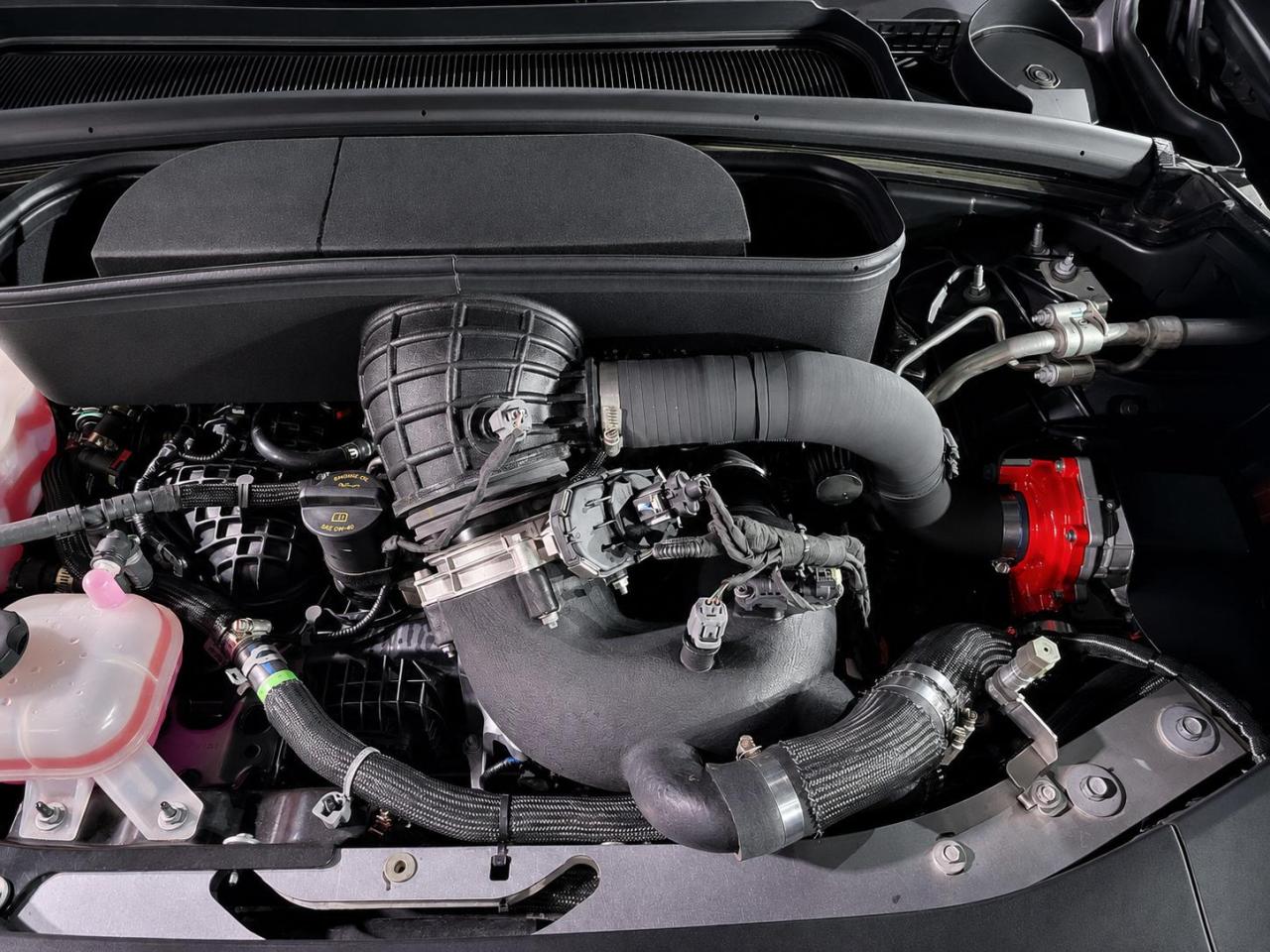
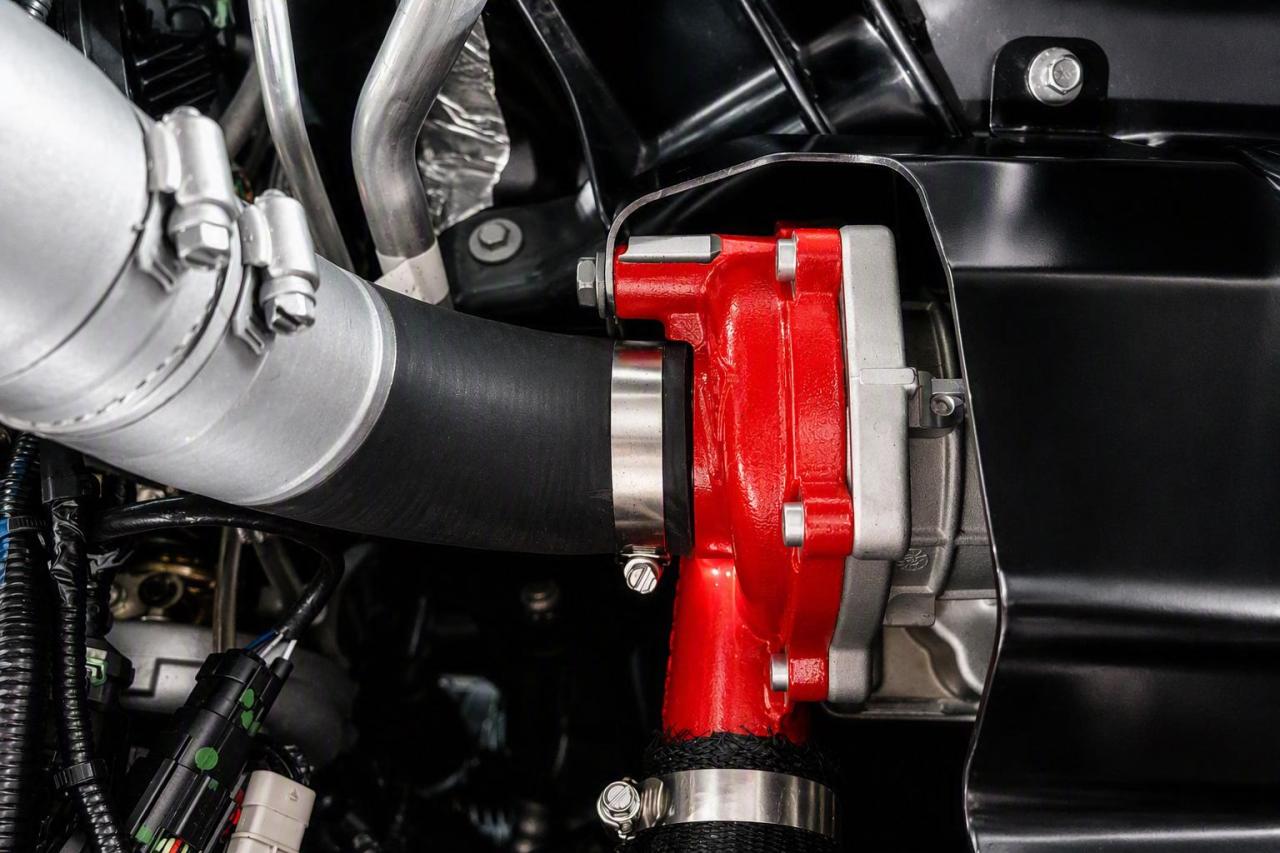
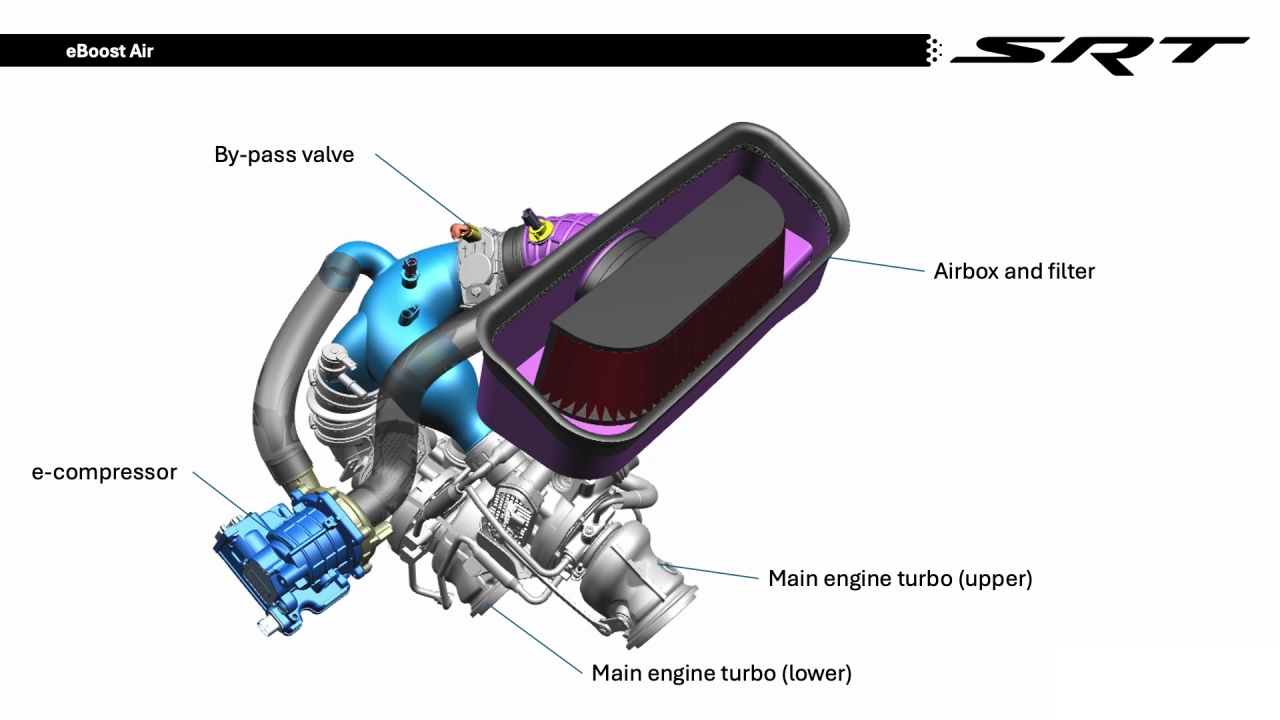
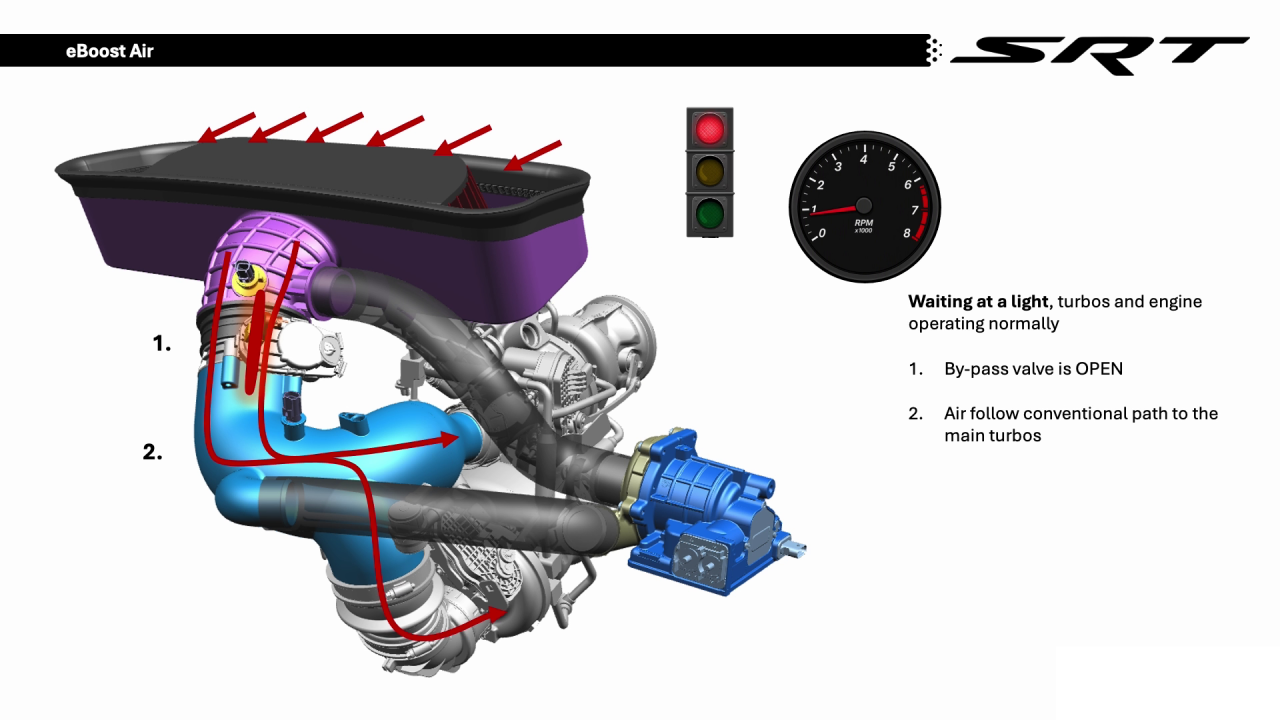
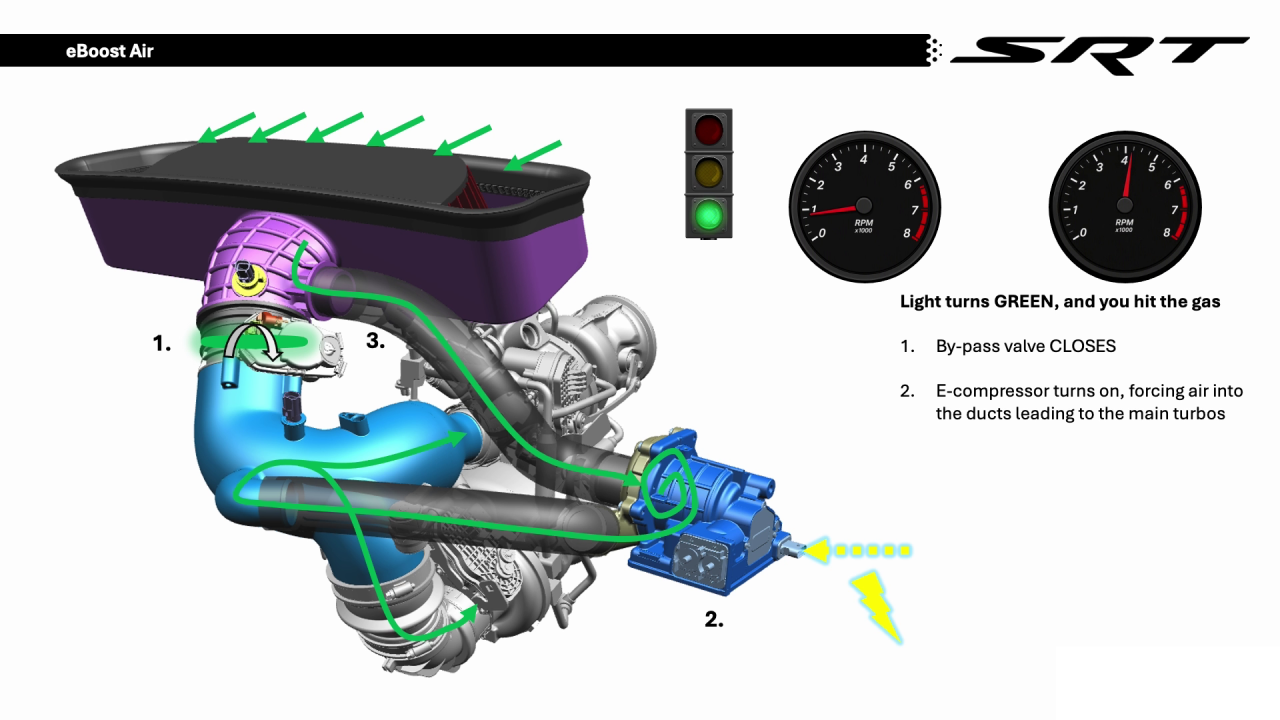
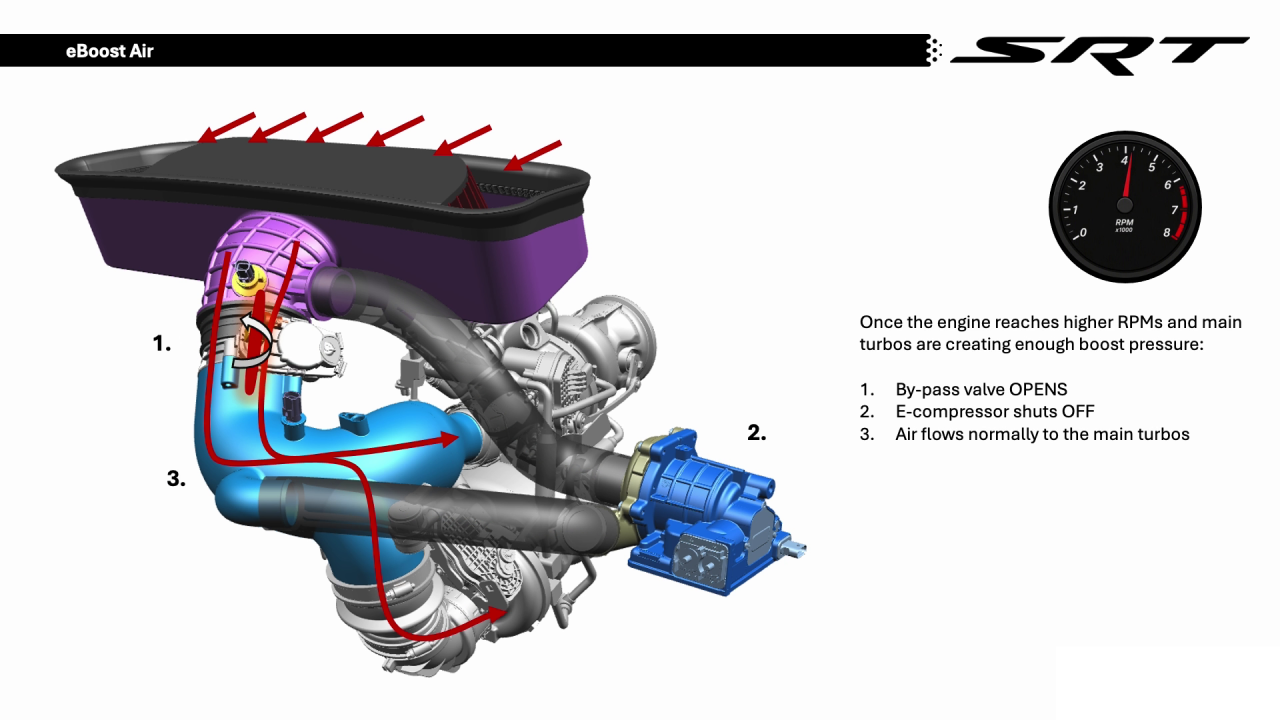
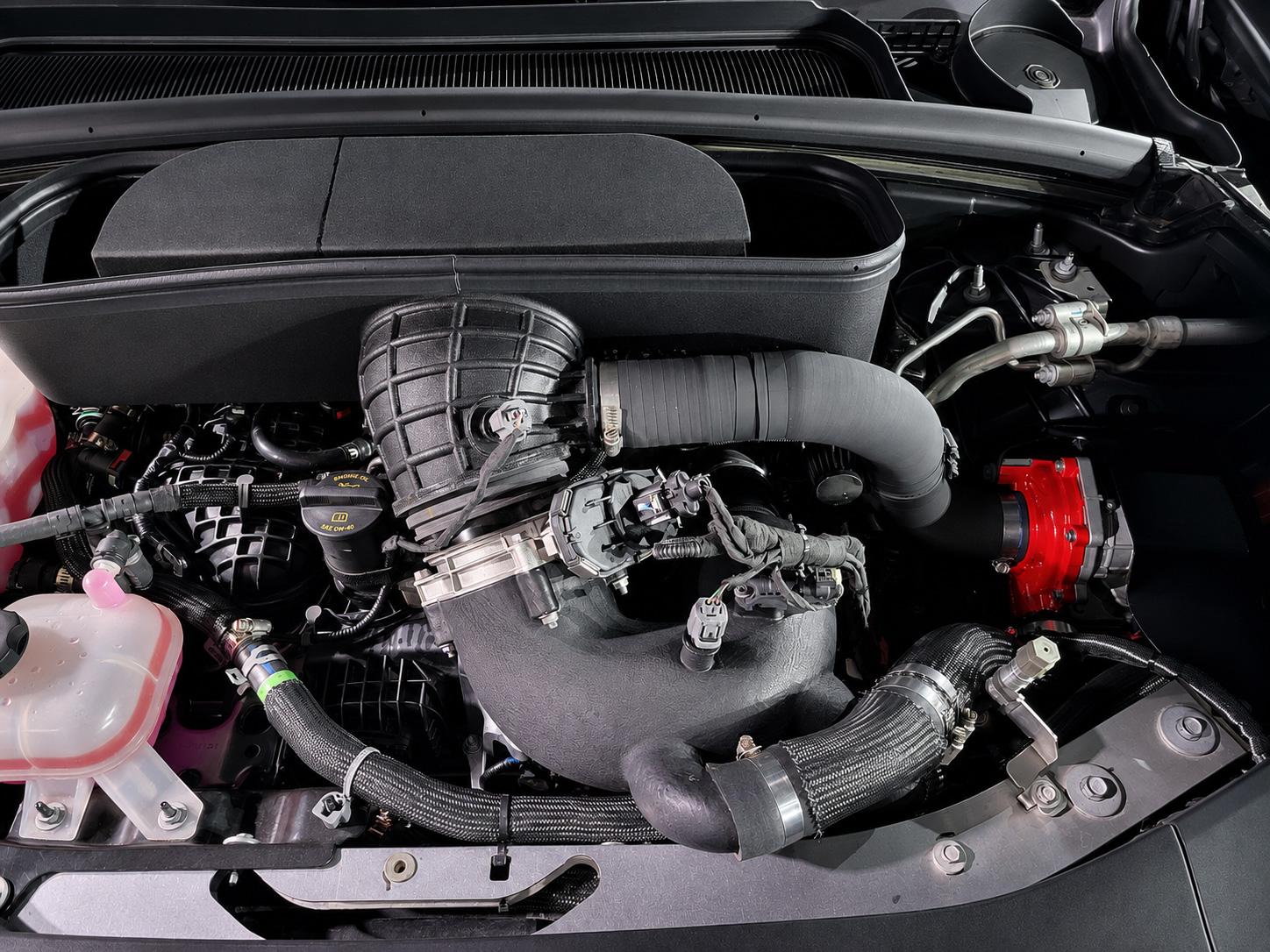
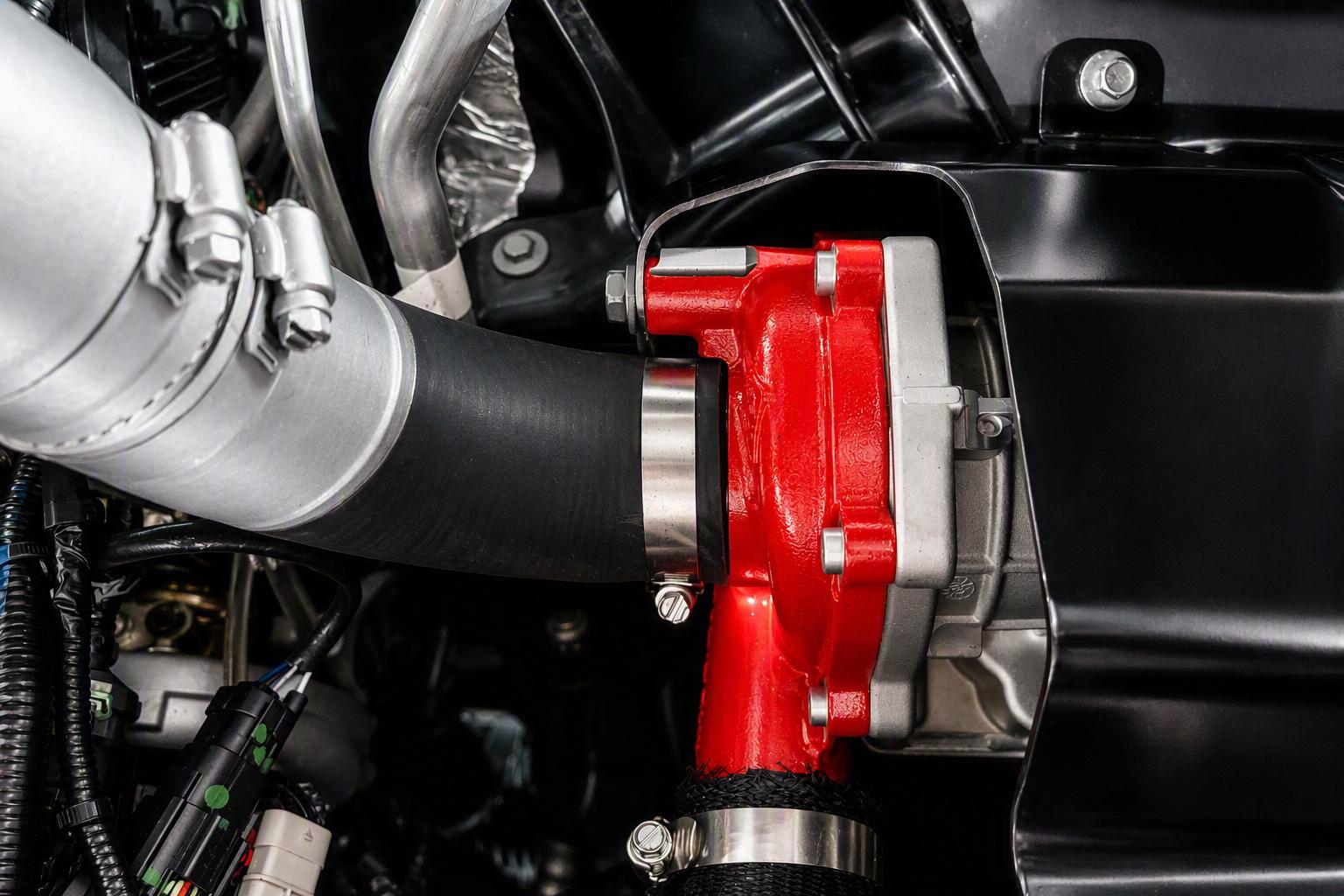
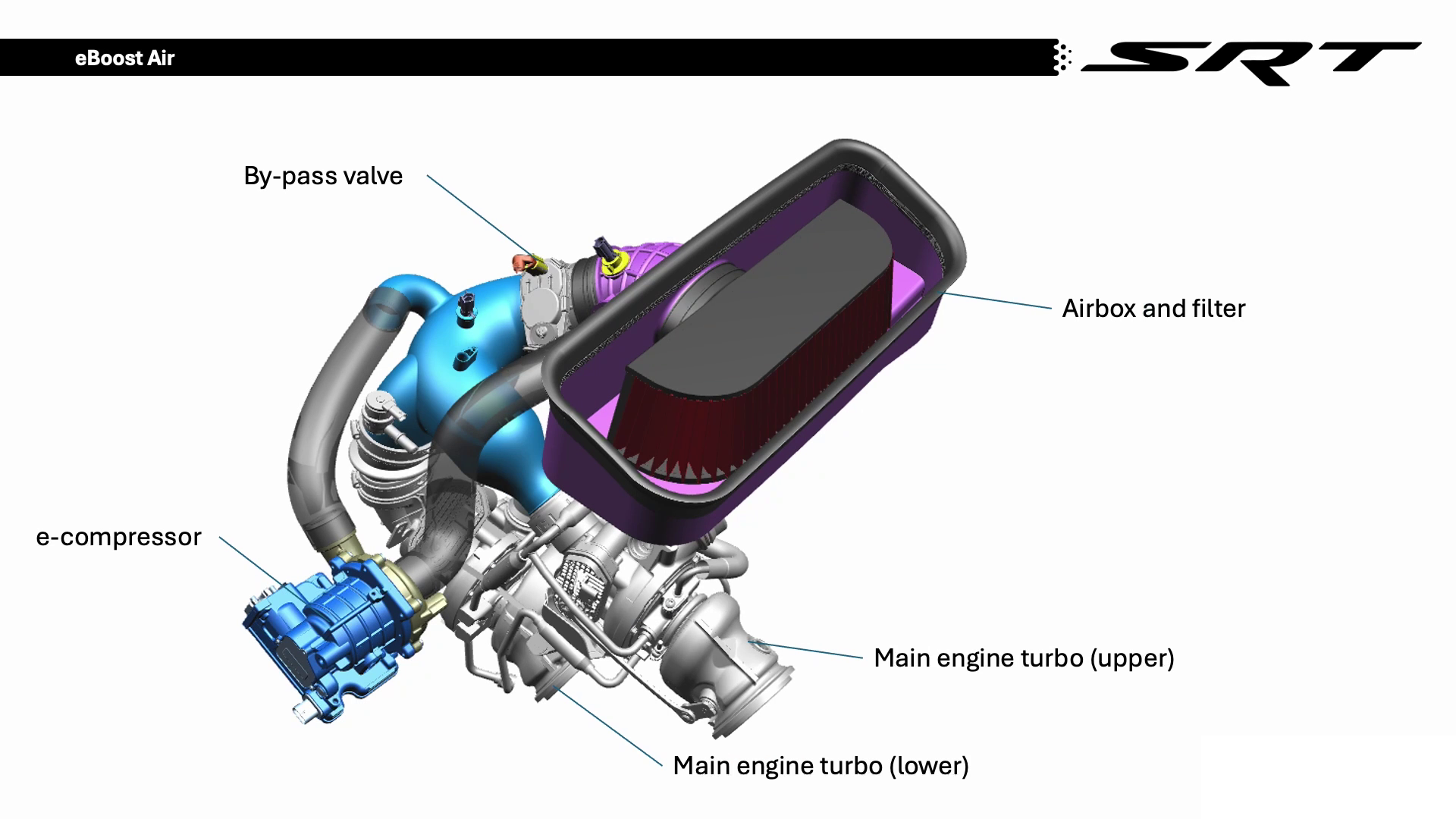
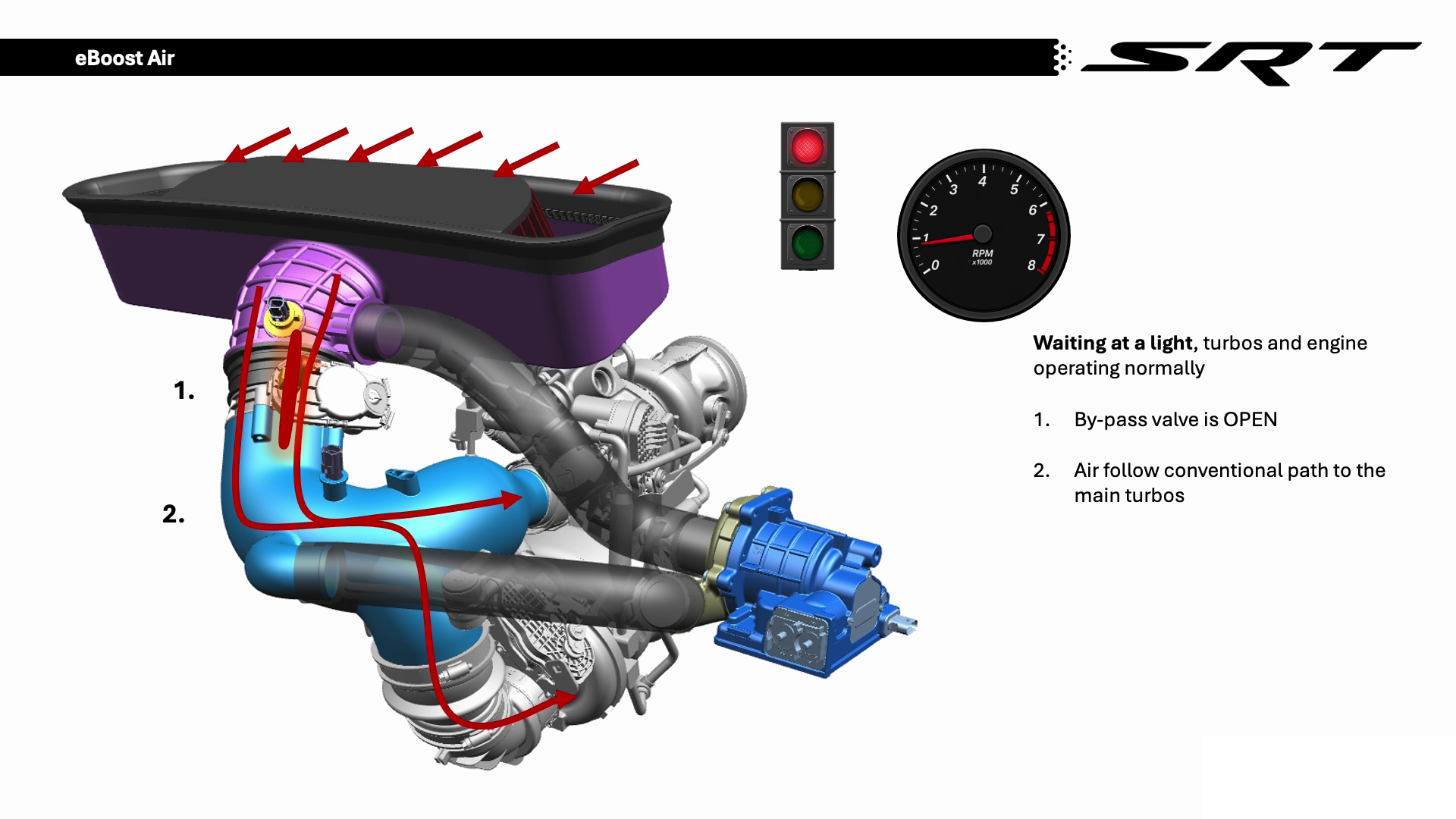
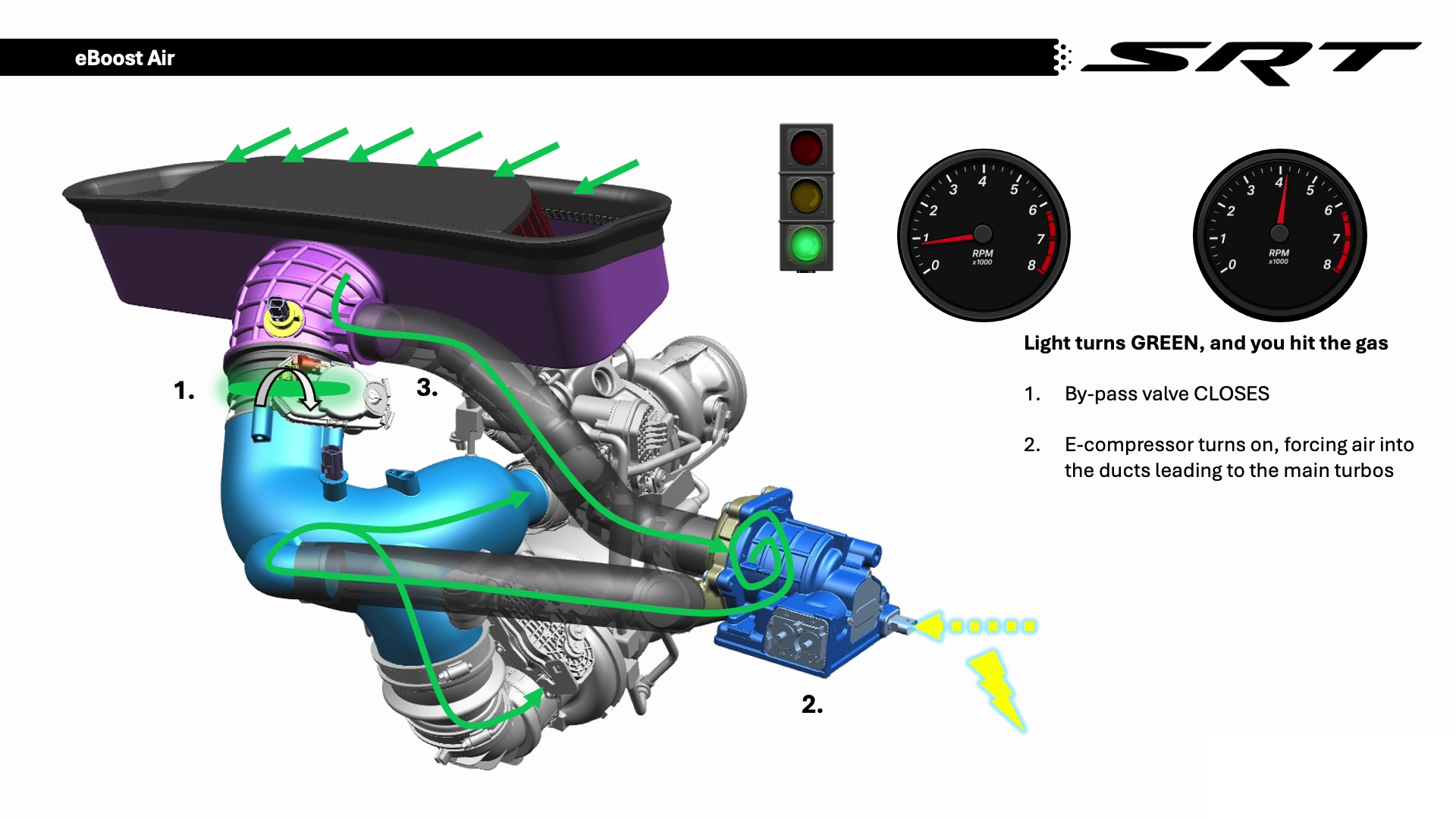
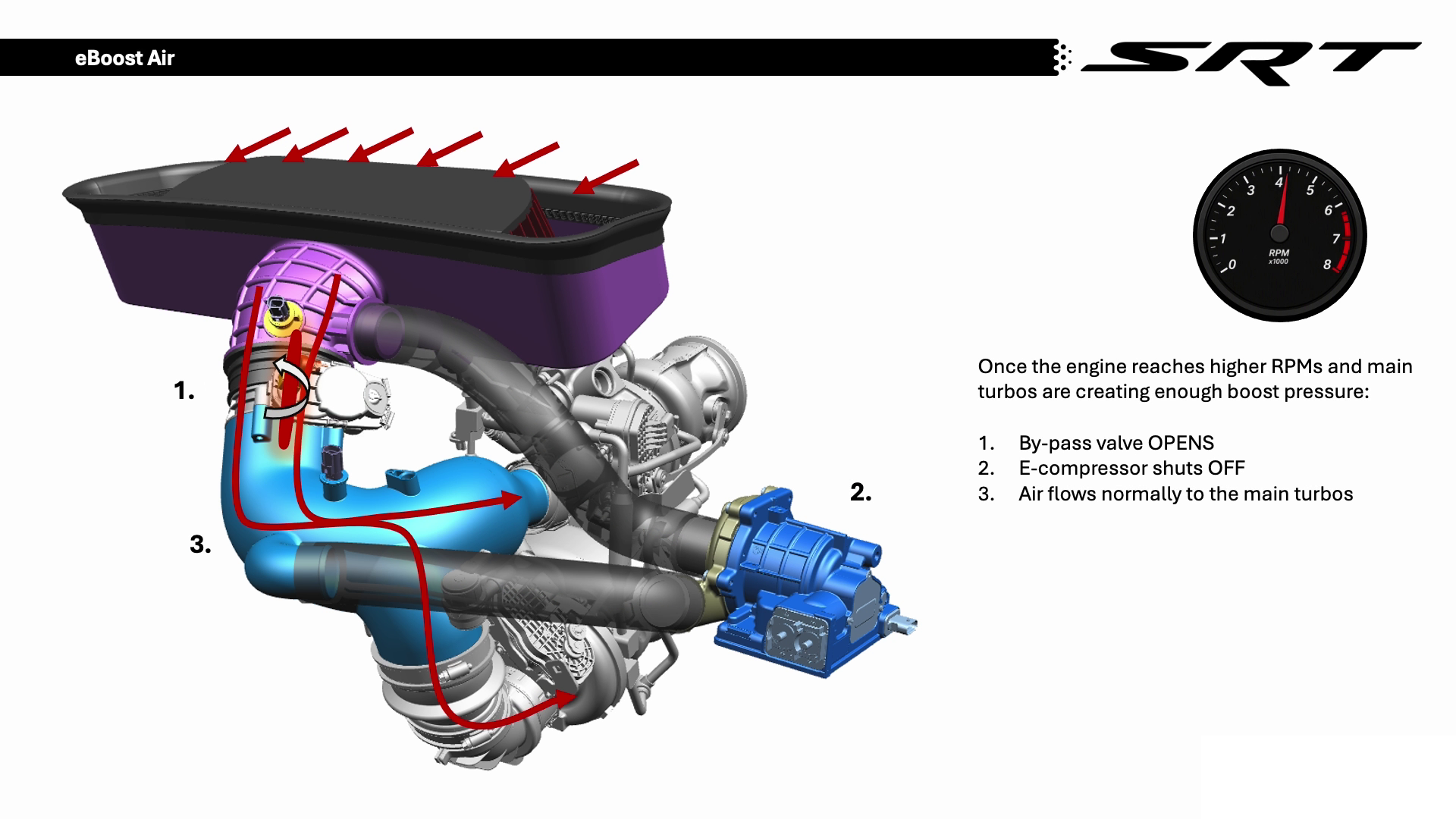
eBoost_Air_Animation.mp4 Comunicato stampa Via Stellantis.
-
-
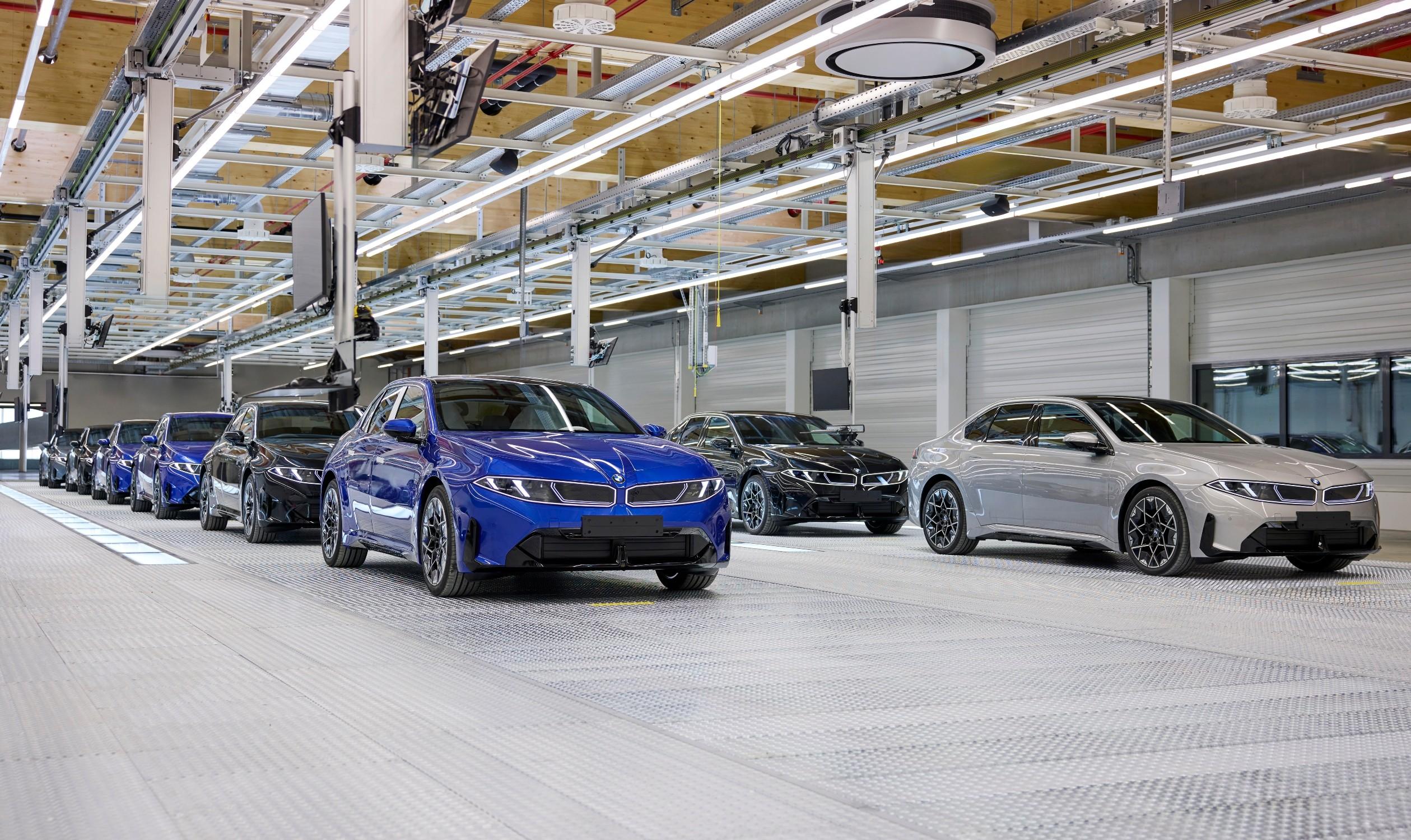
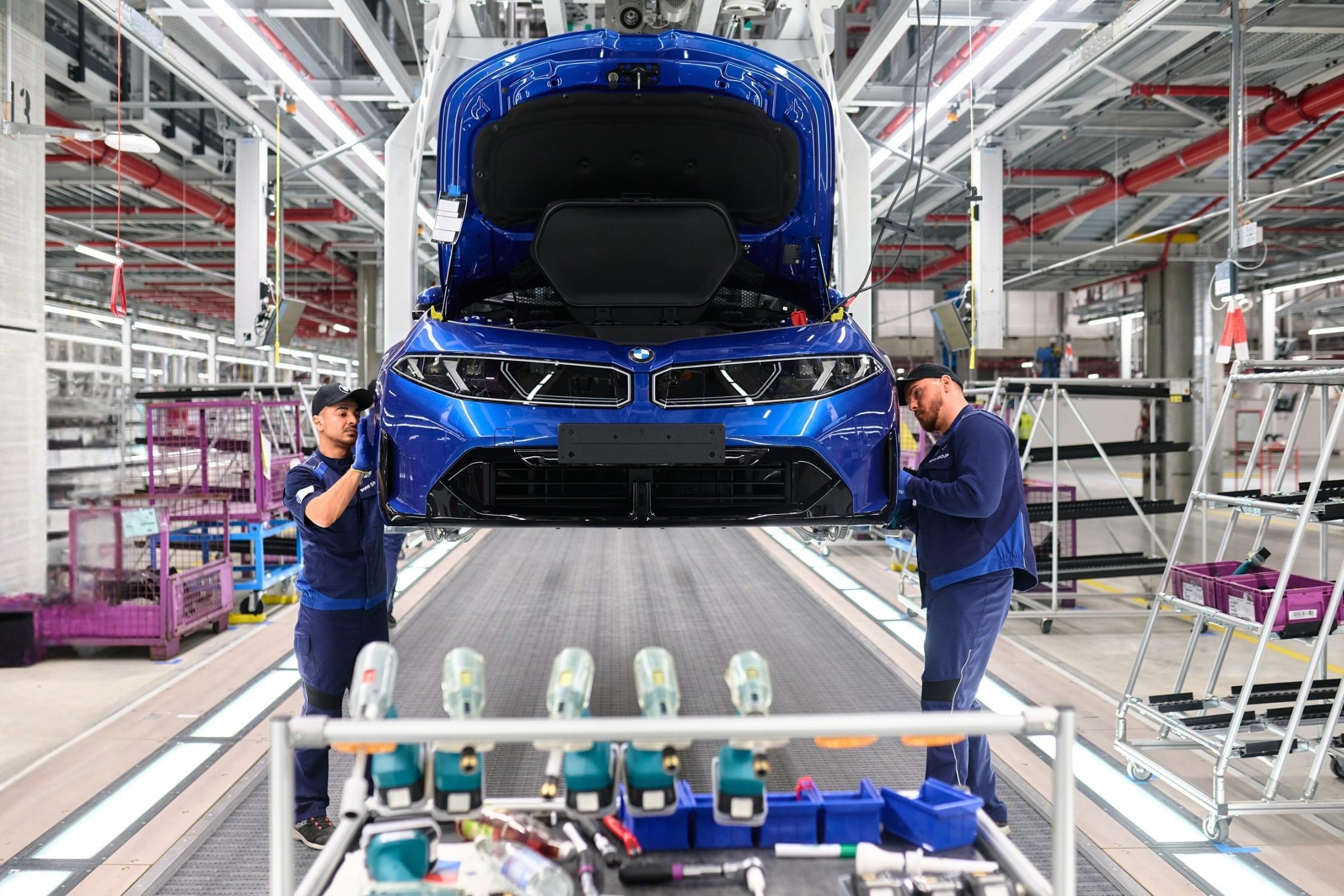
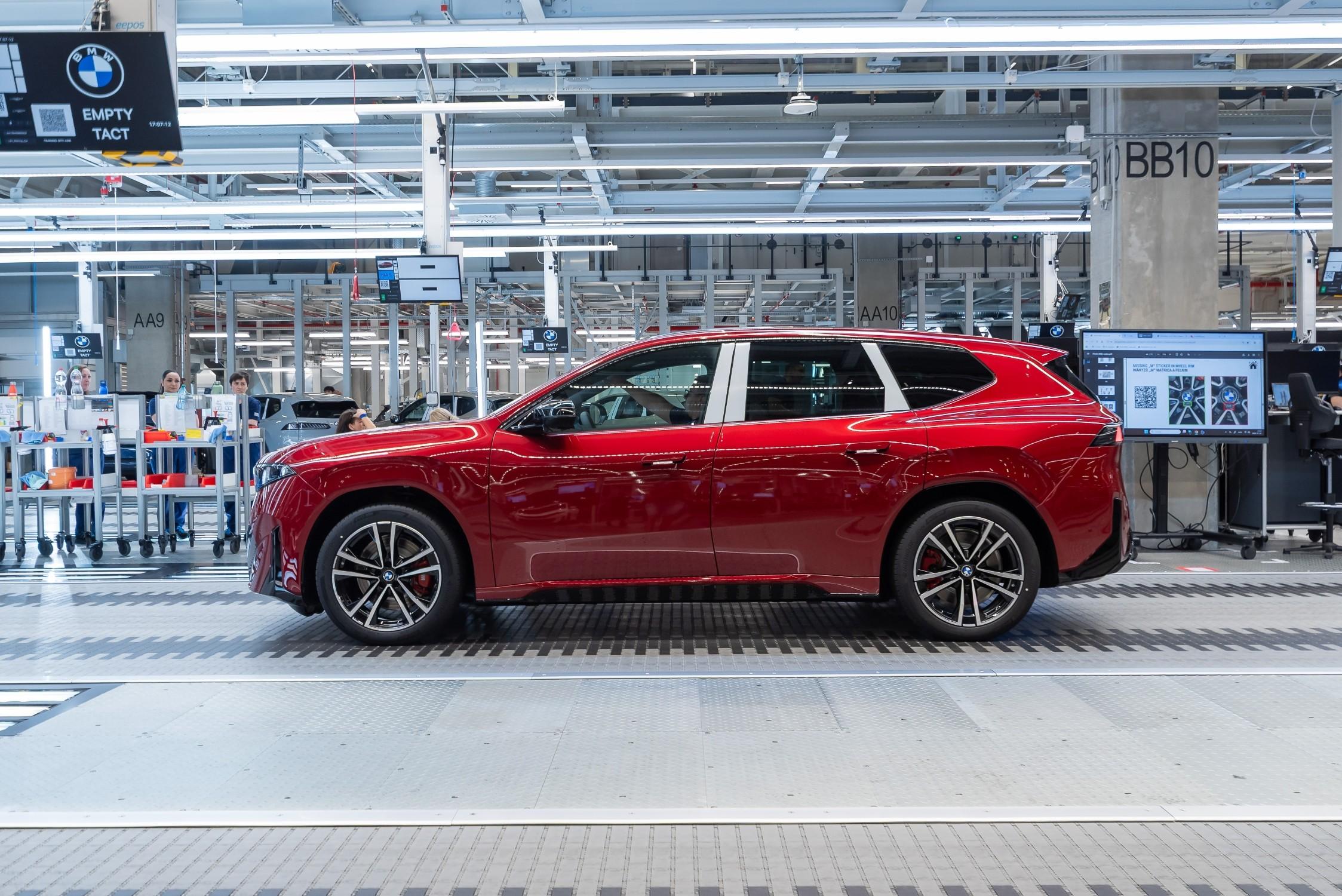
Inizia la produzione della i3! Comunicato stampa Via BMW.





-
-
-
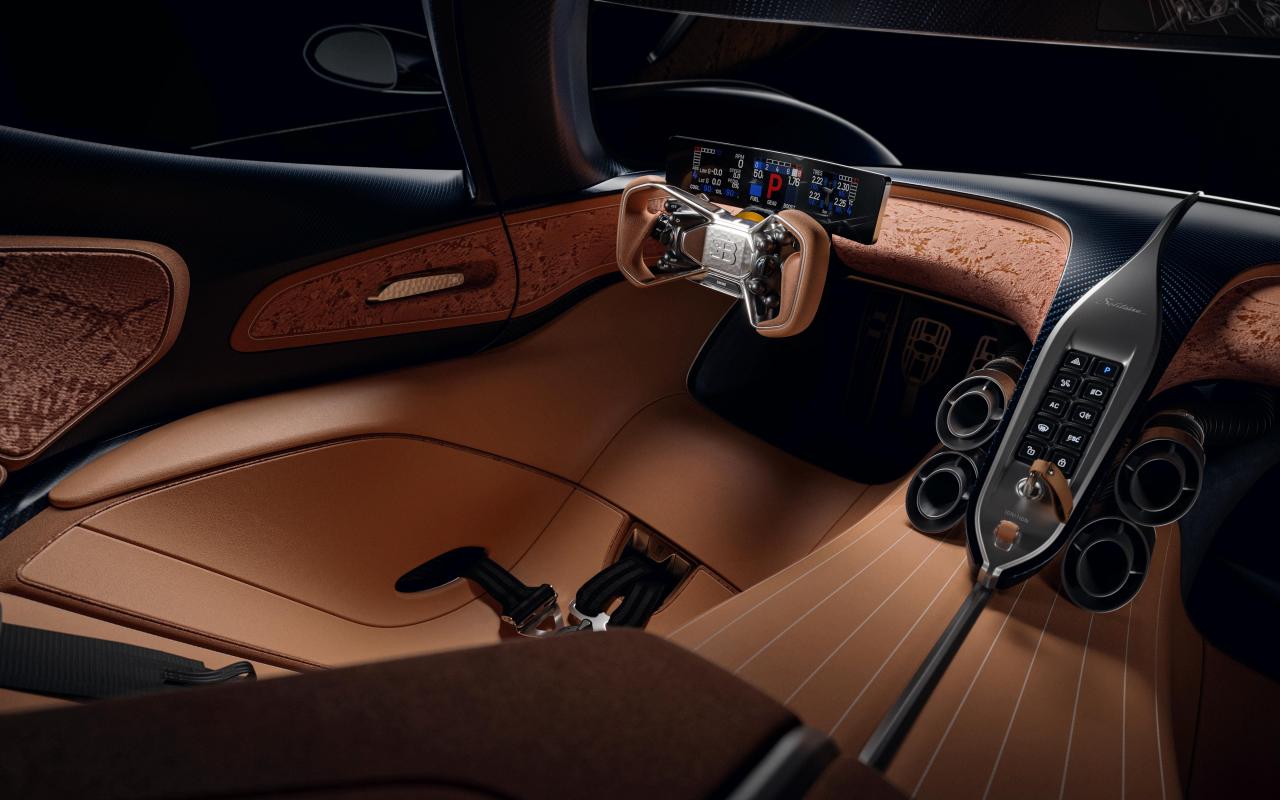
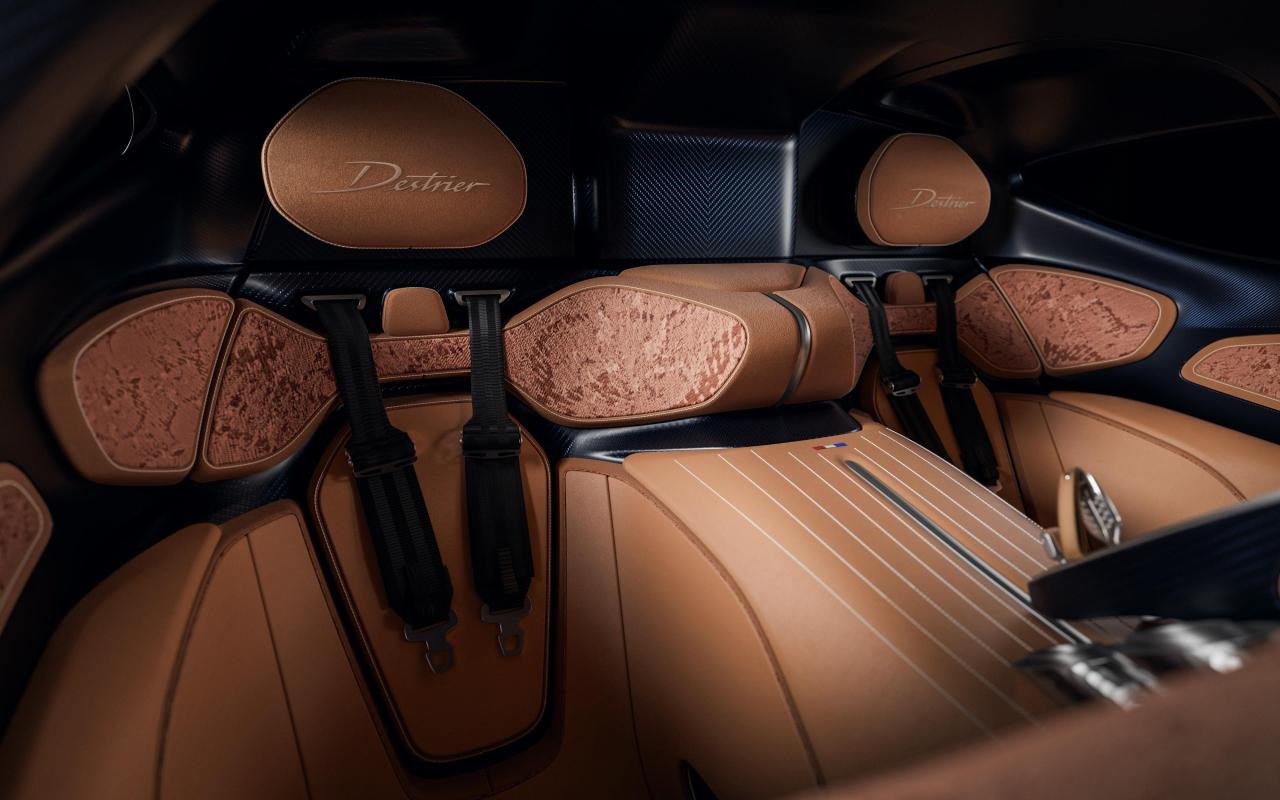
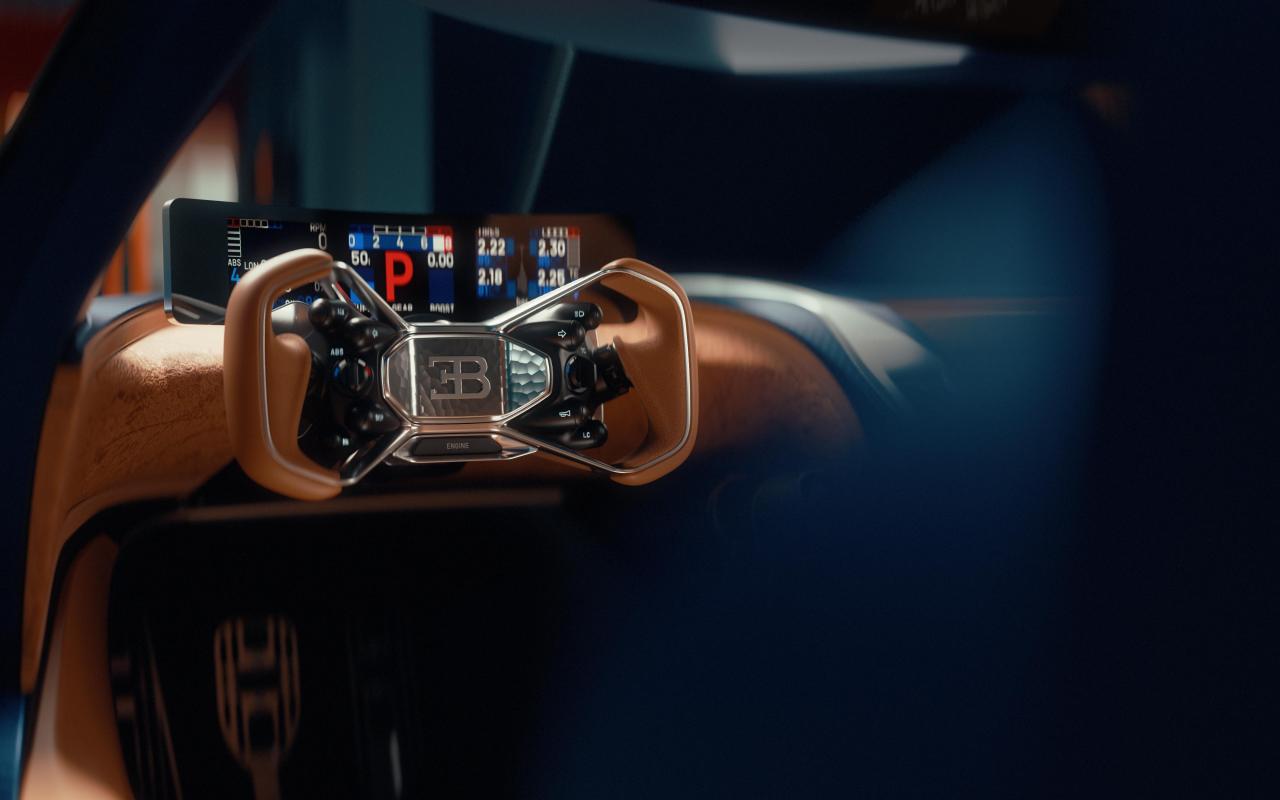
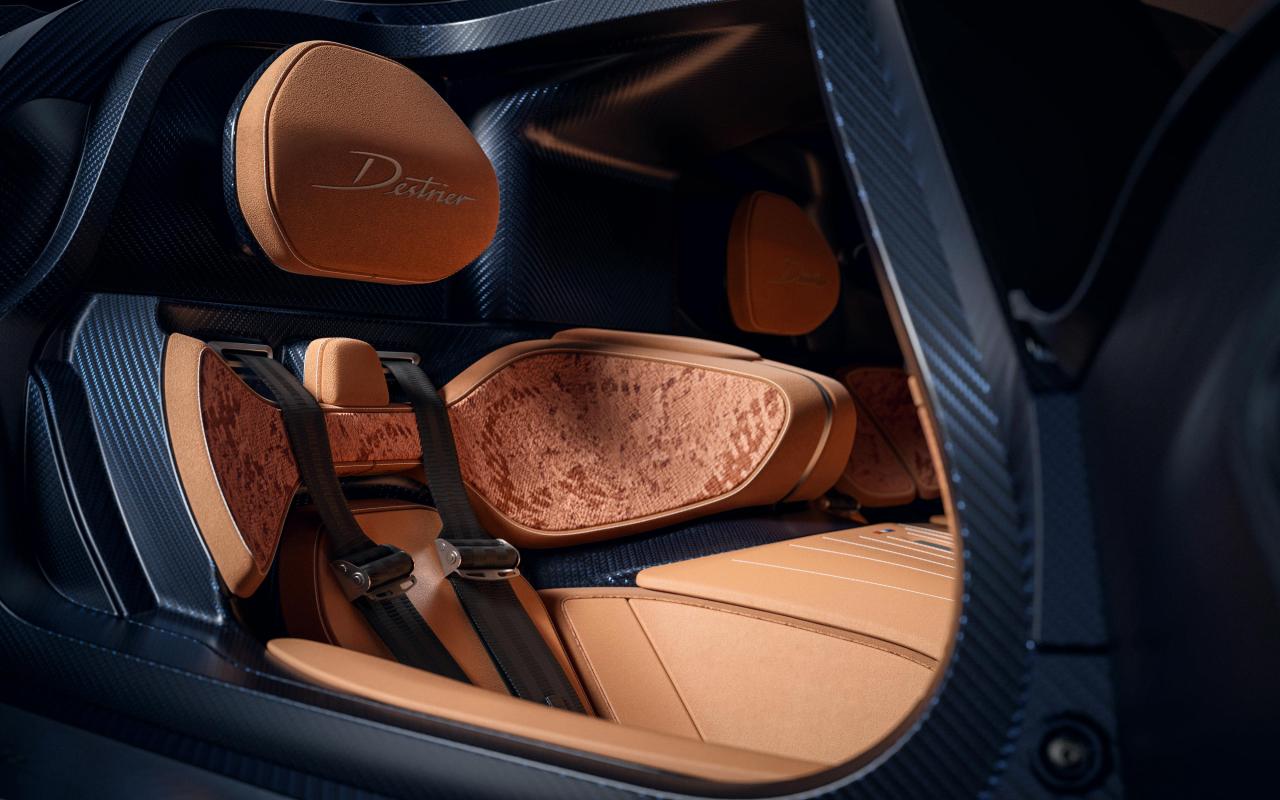
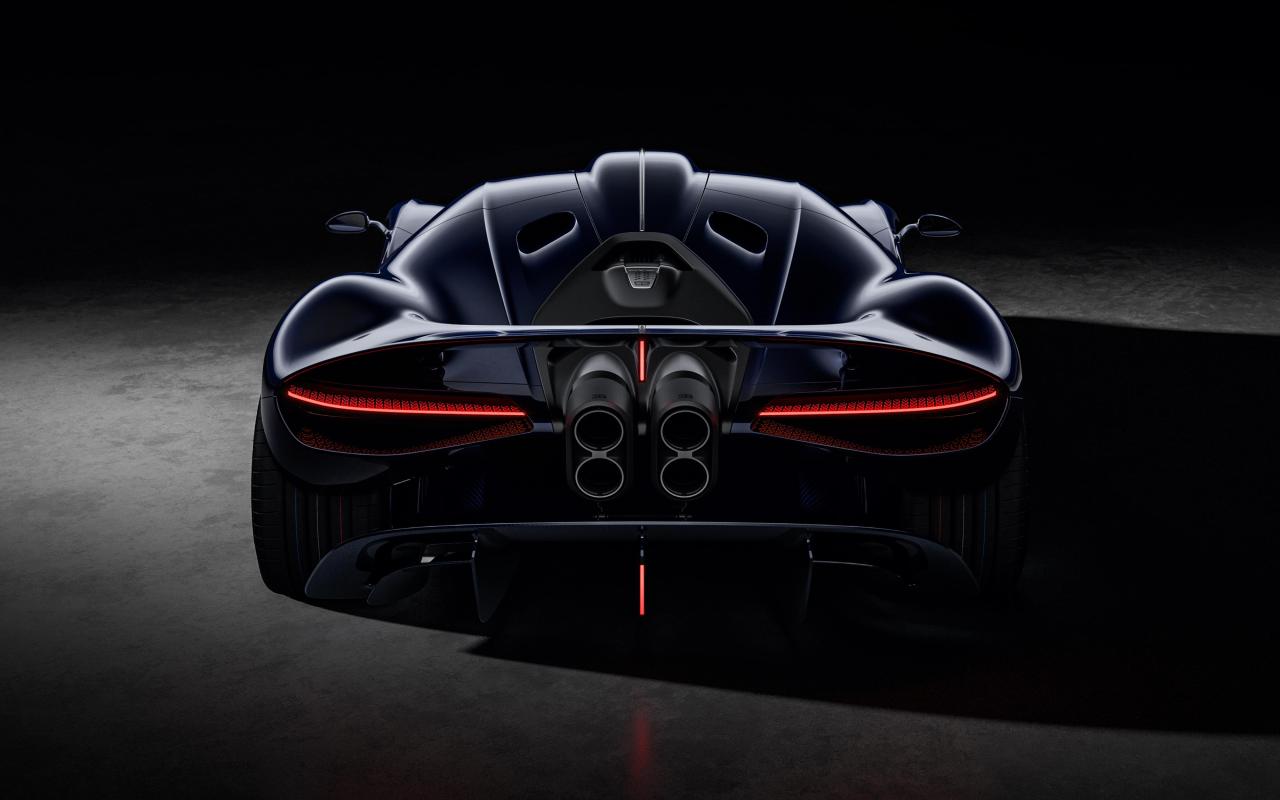
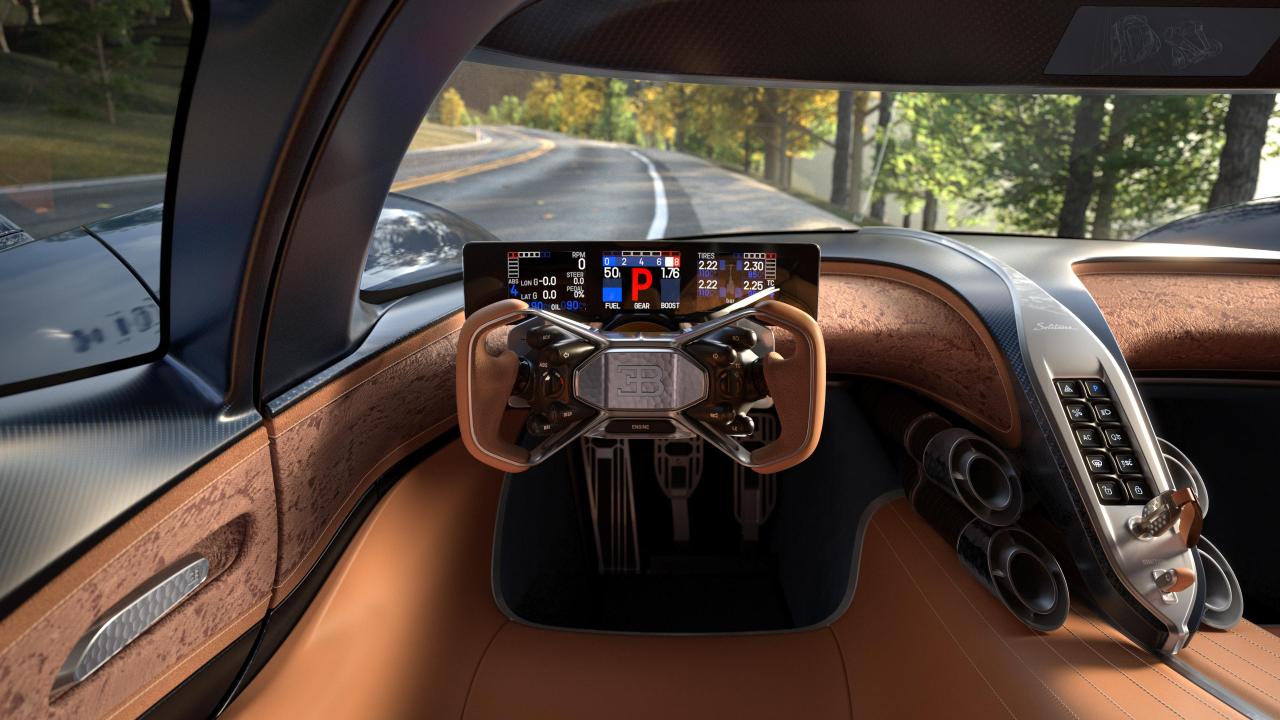
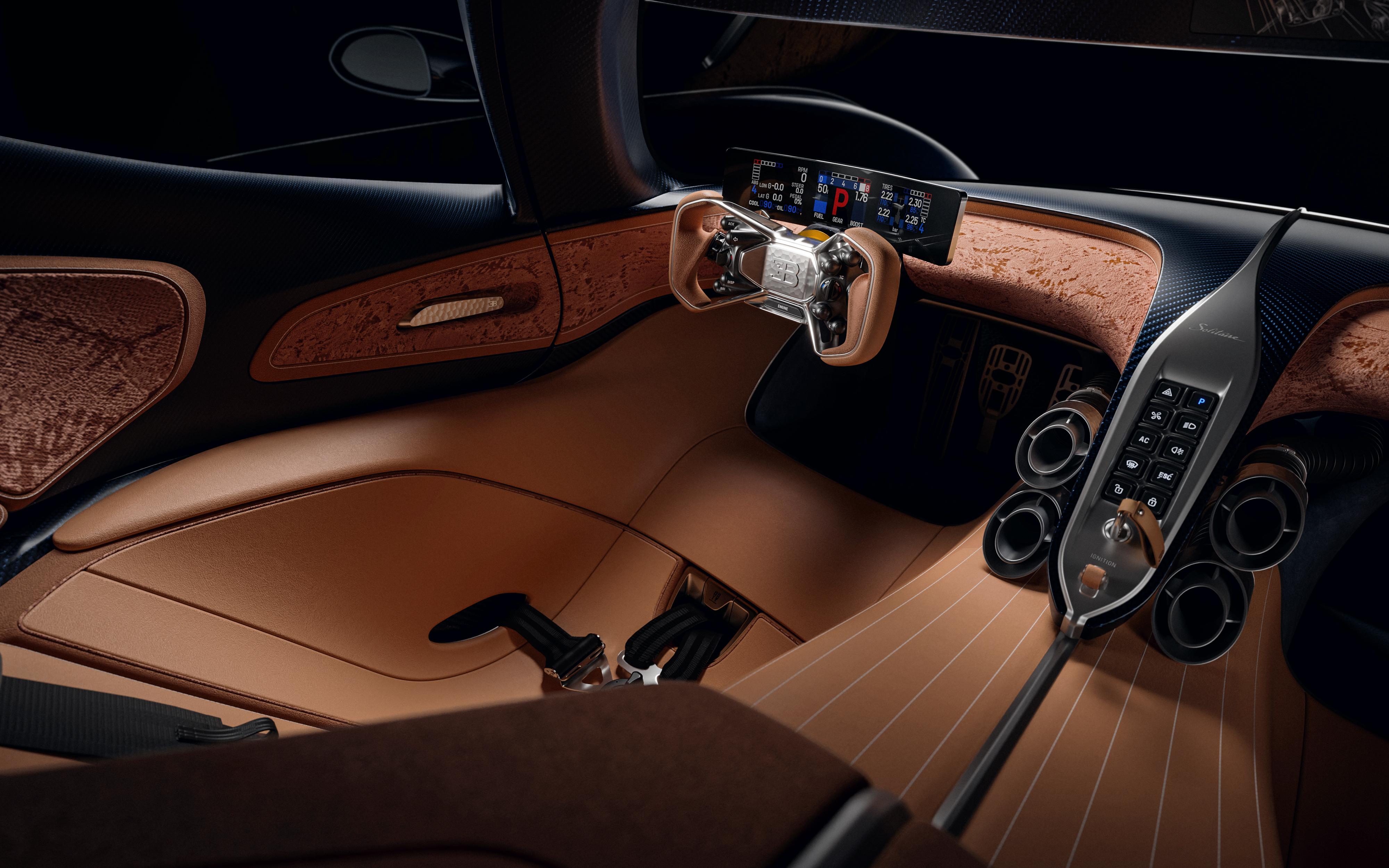
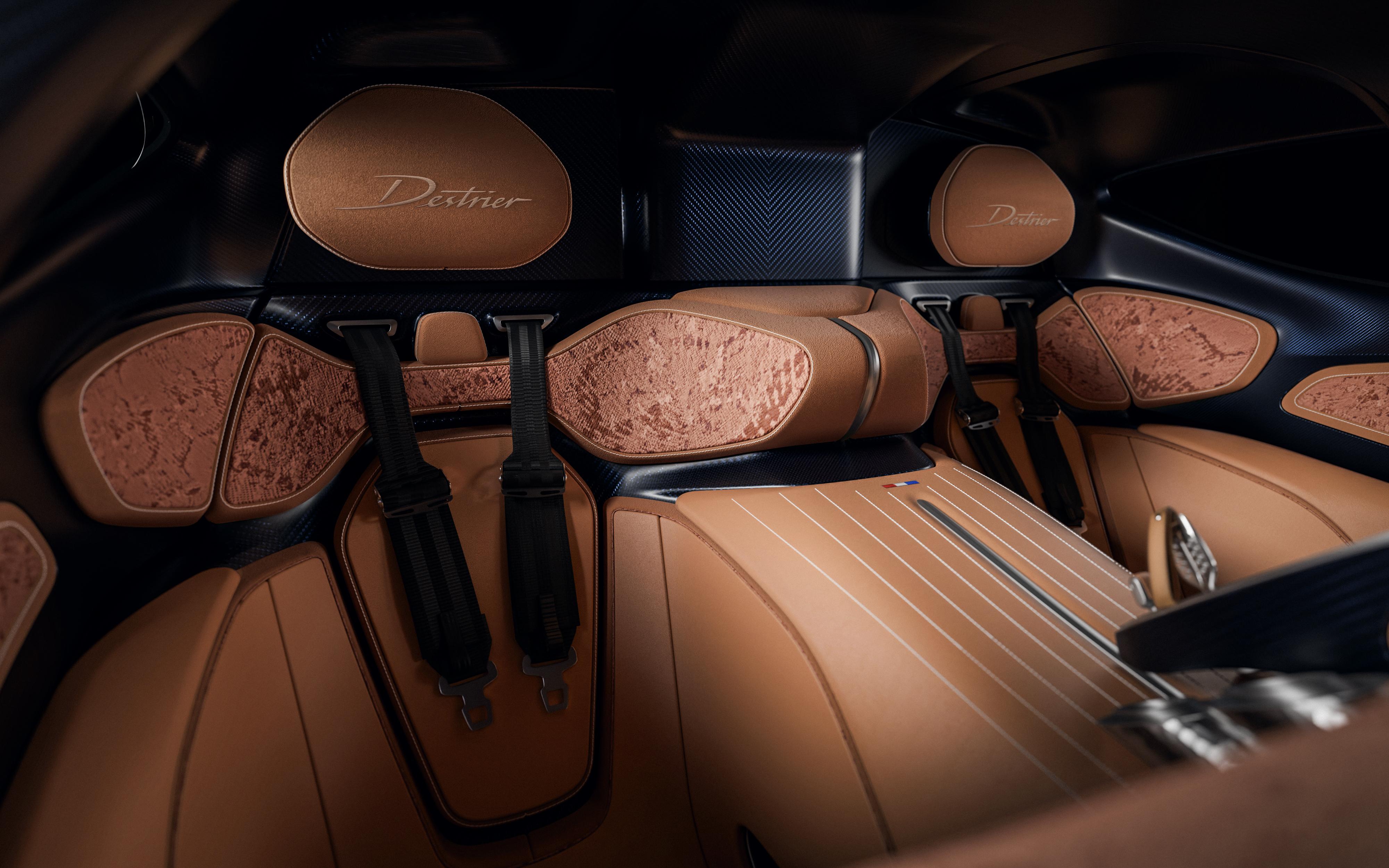
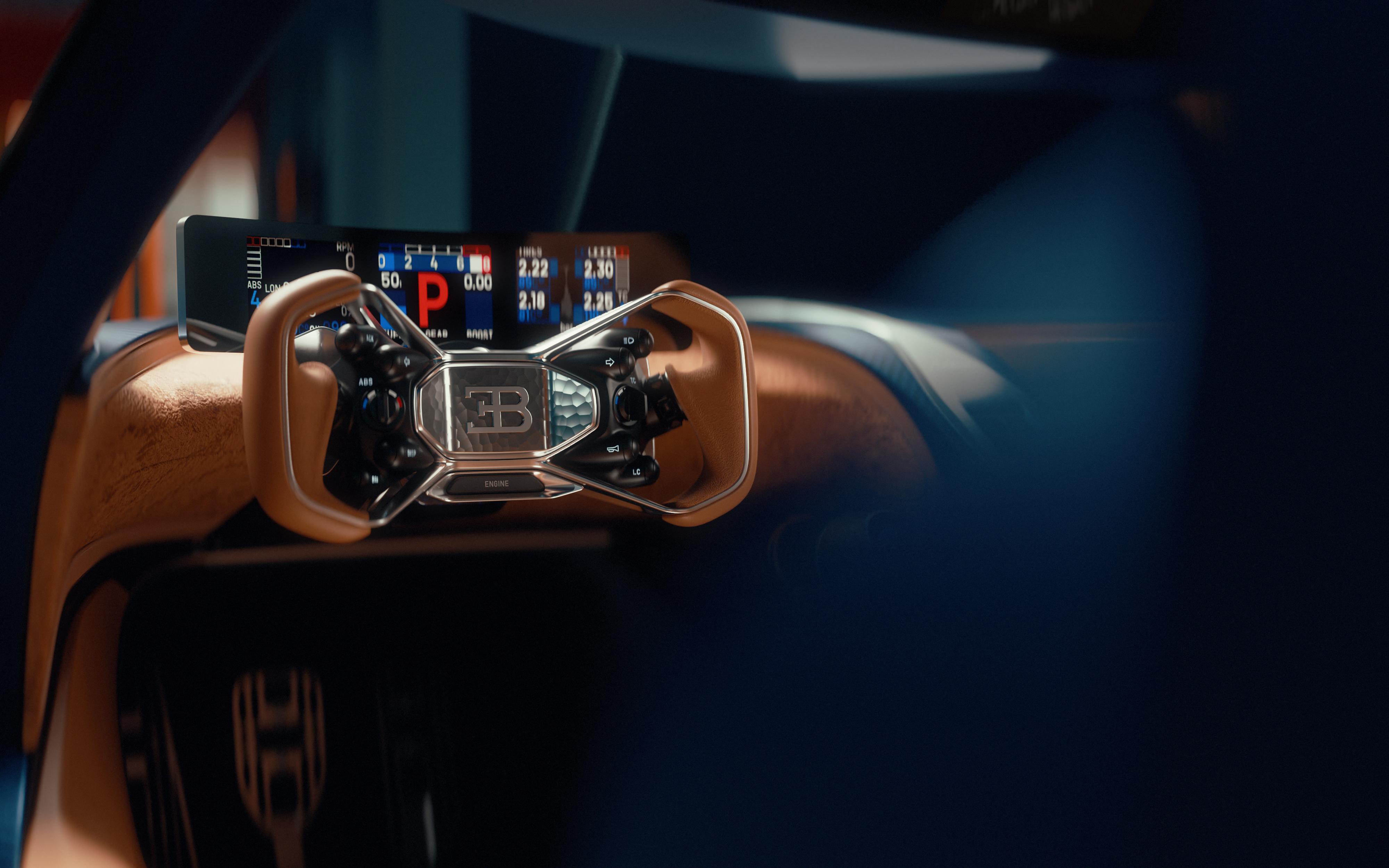
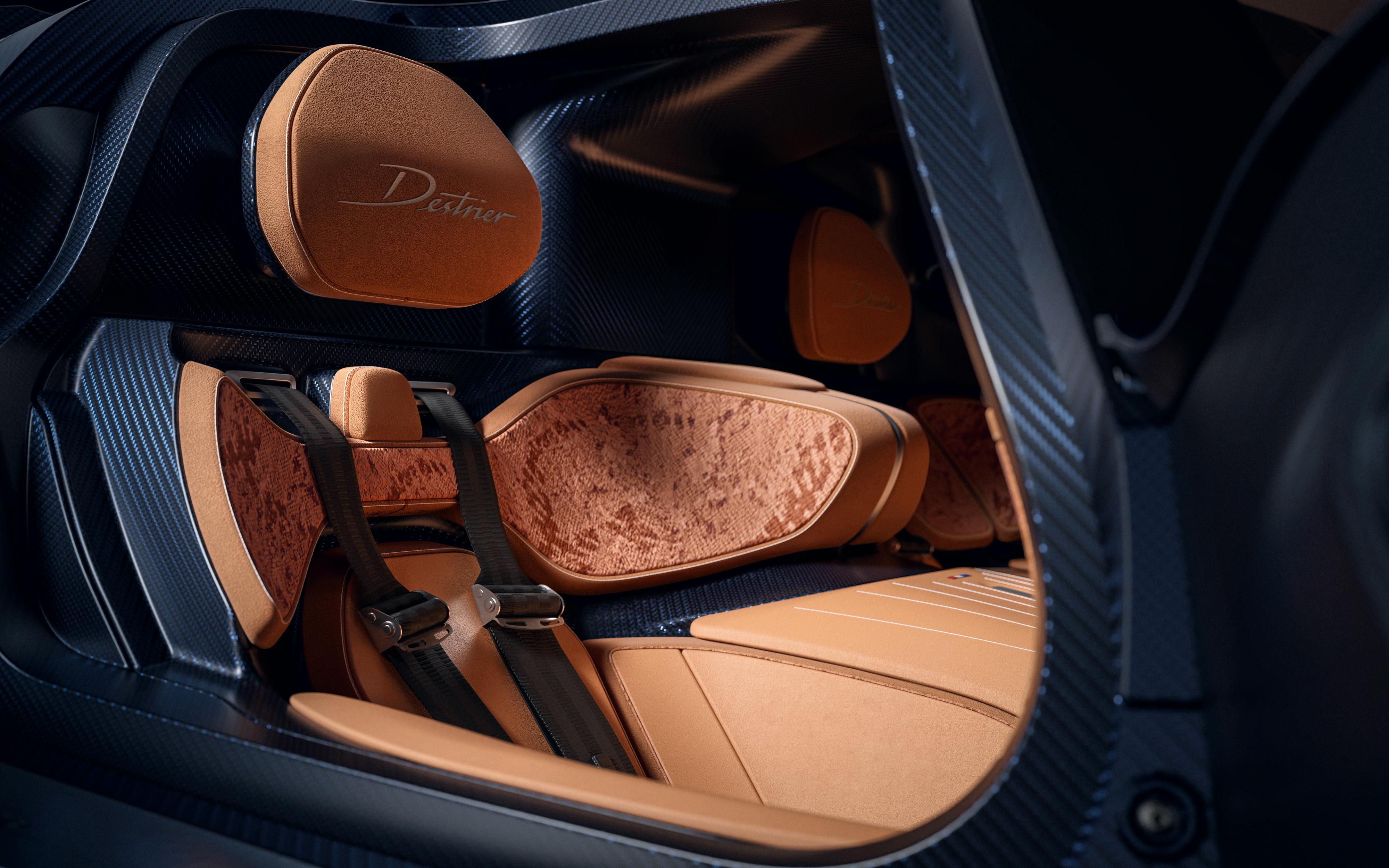
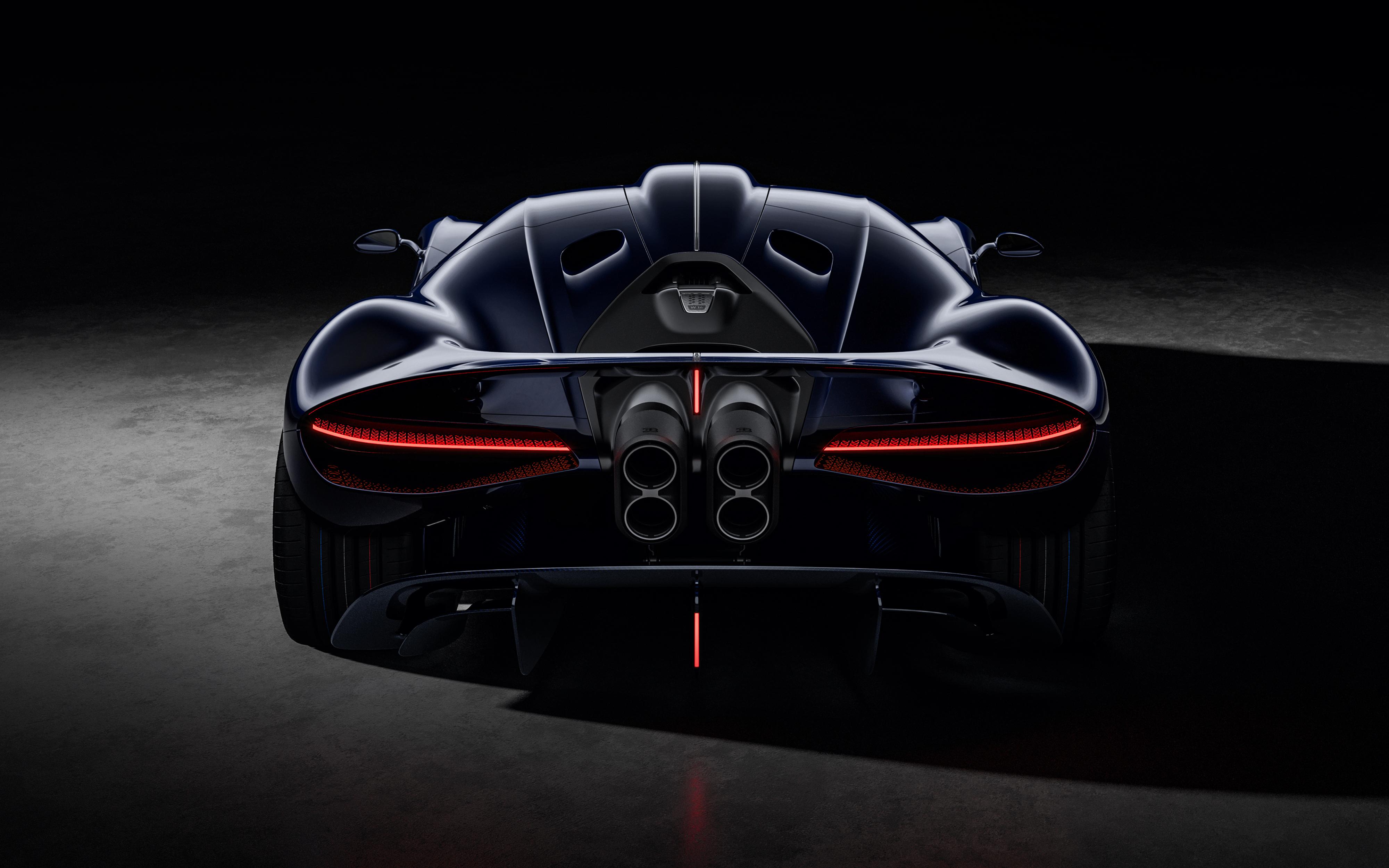
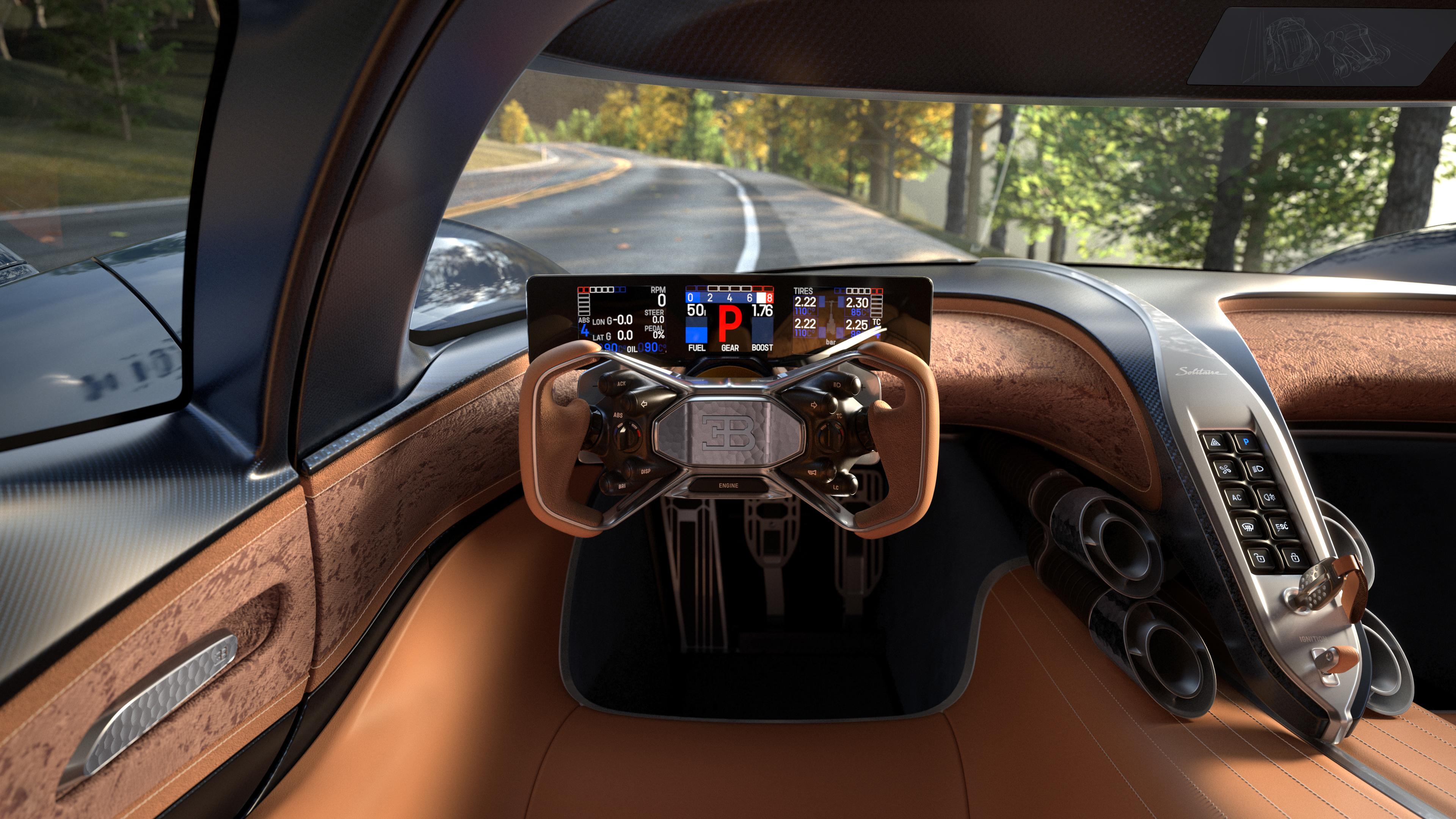
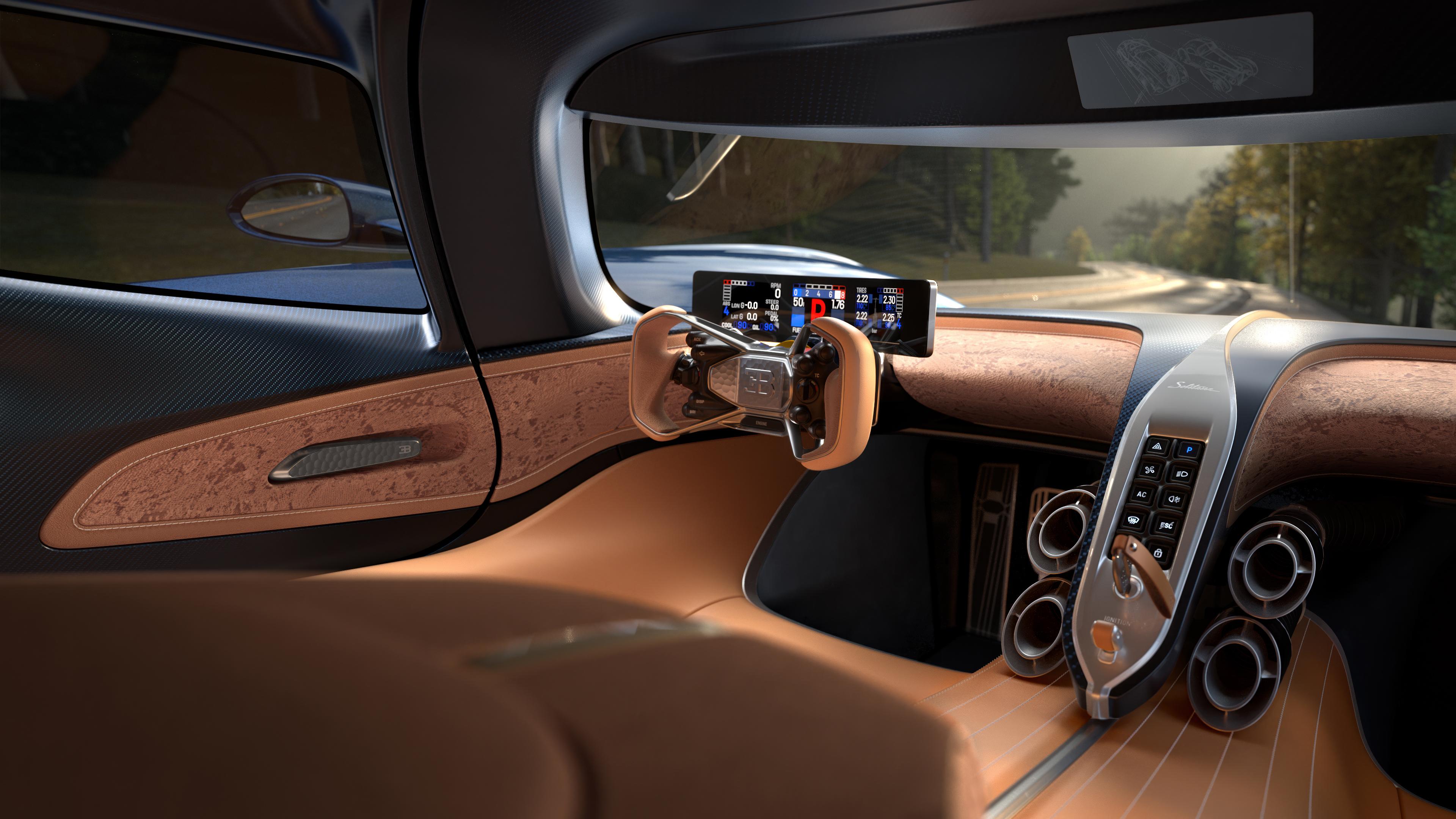
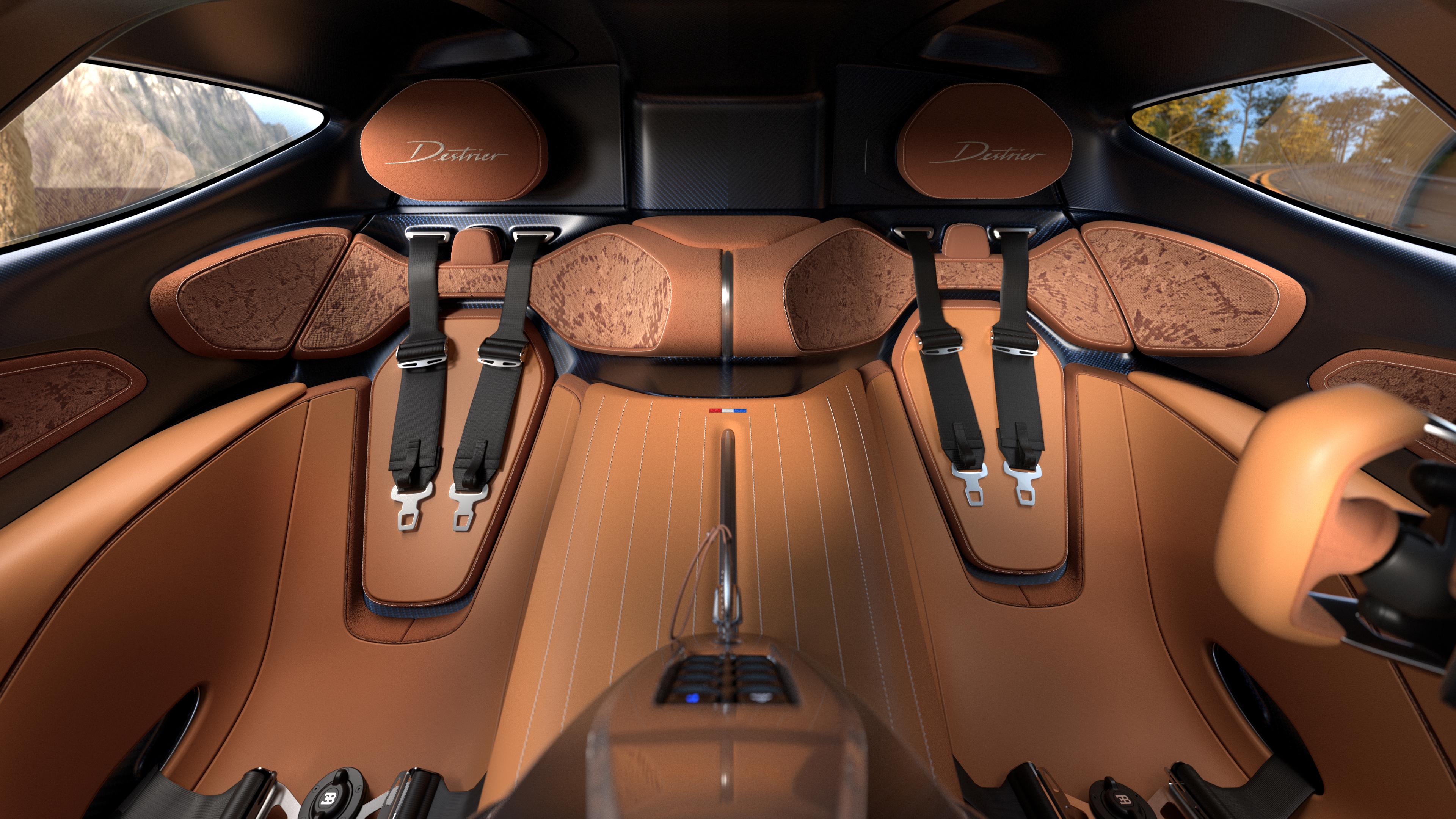
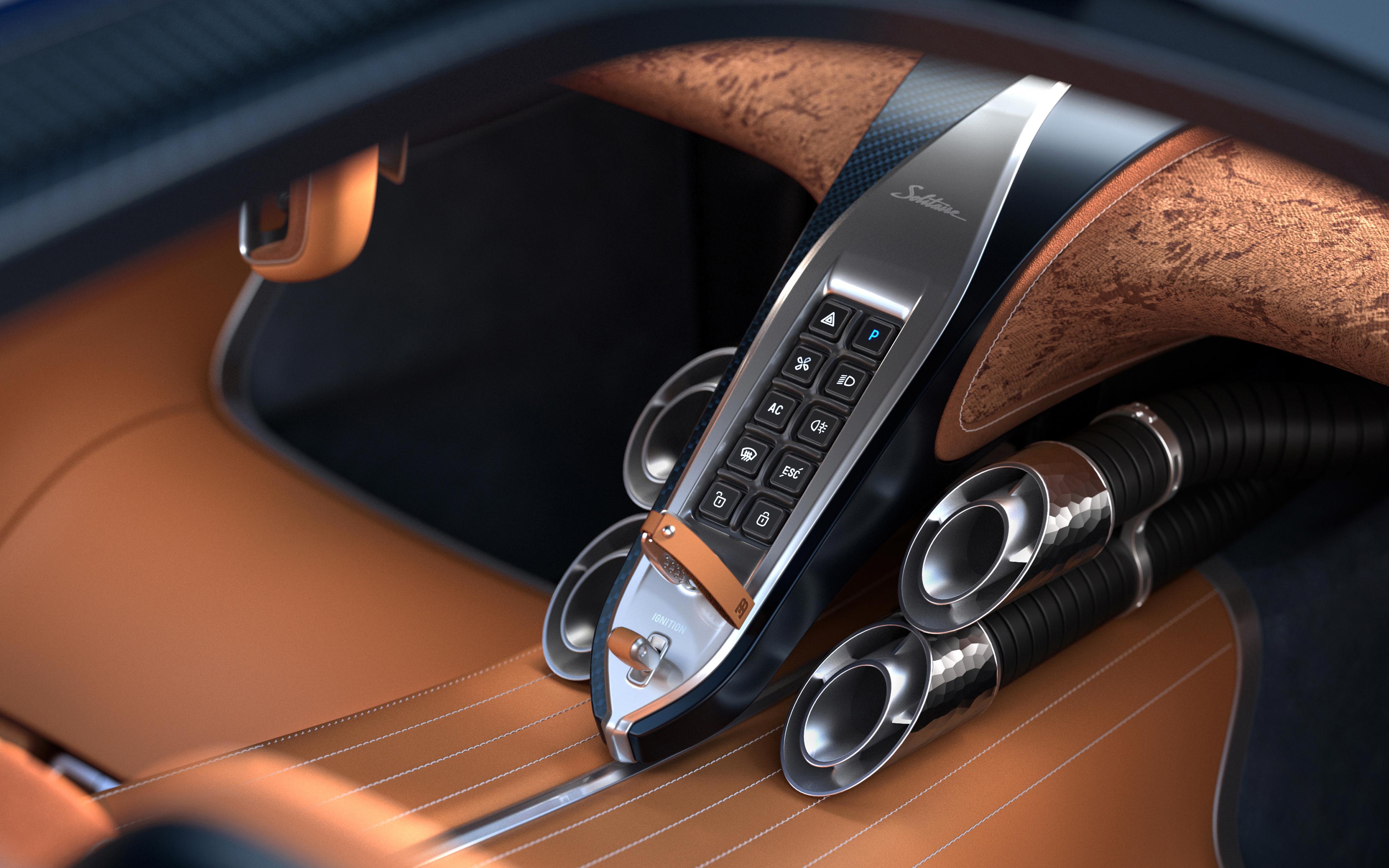
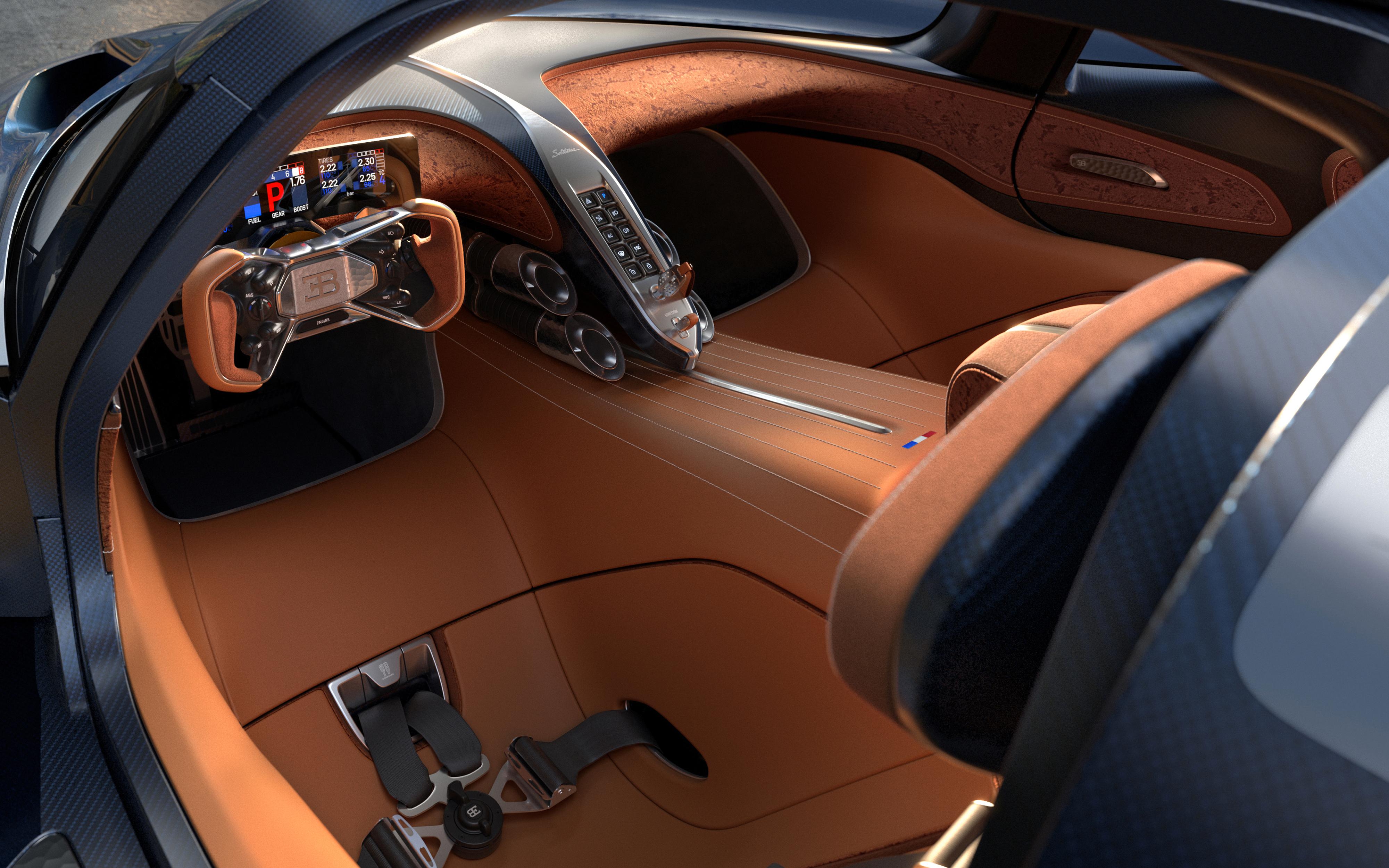
Comunicato stampa Via Bugatti.





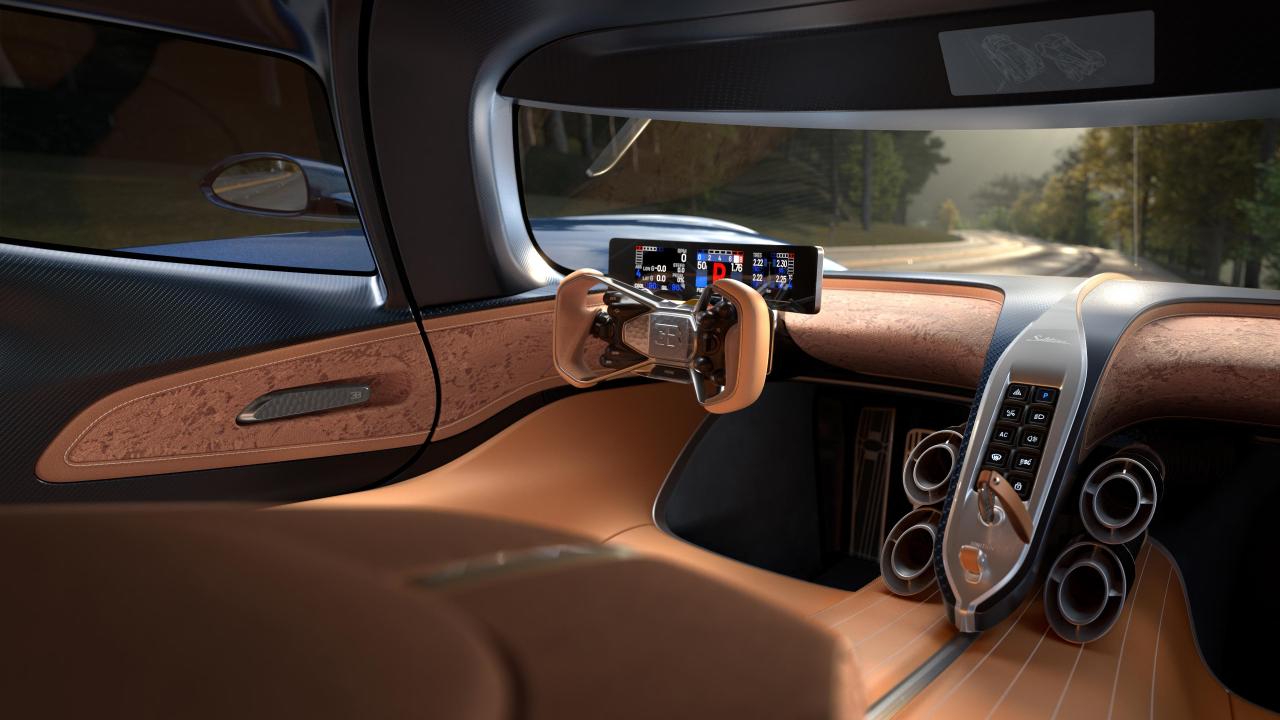

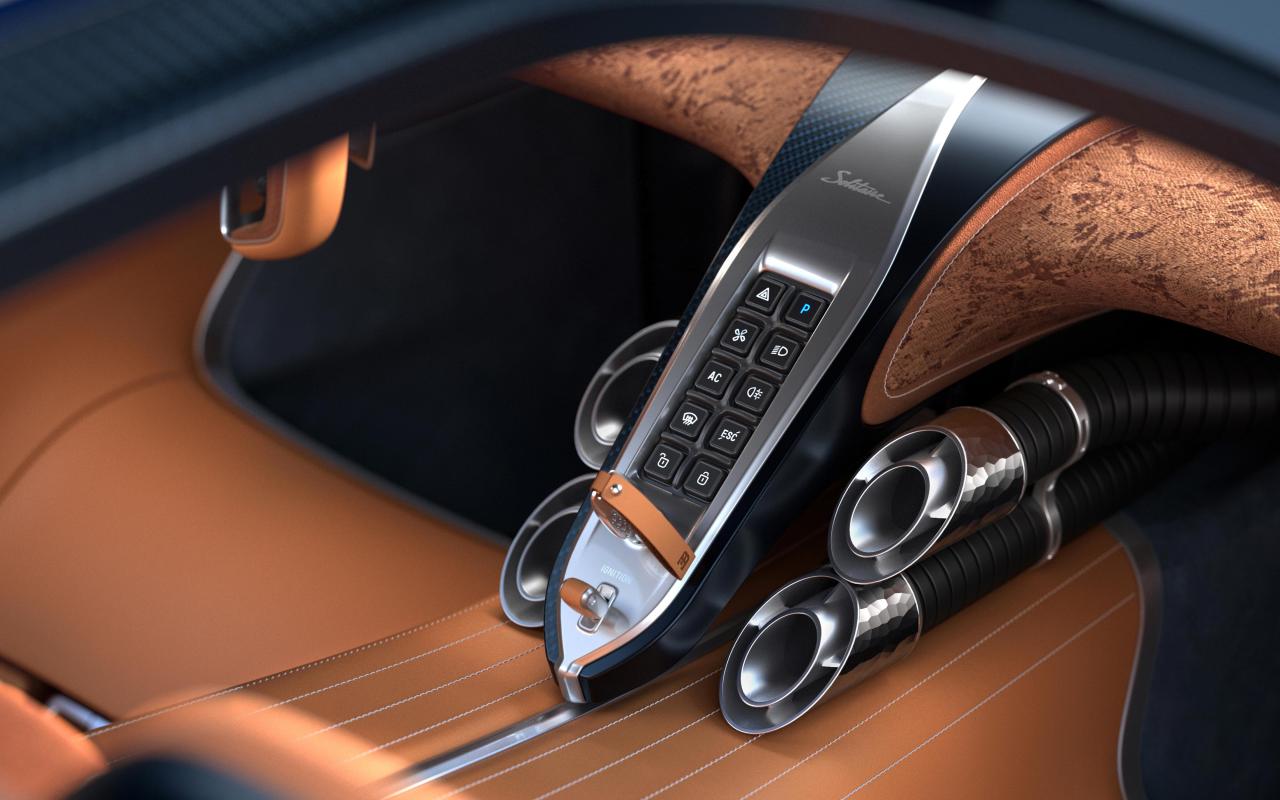
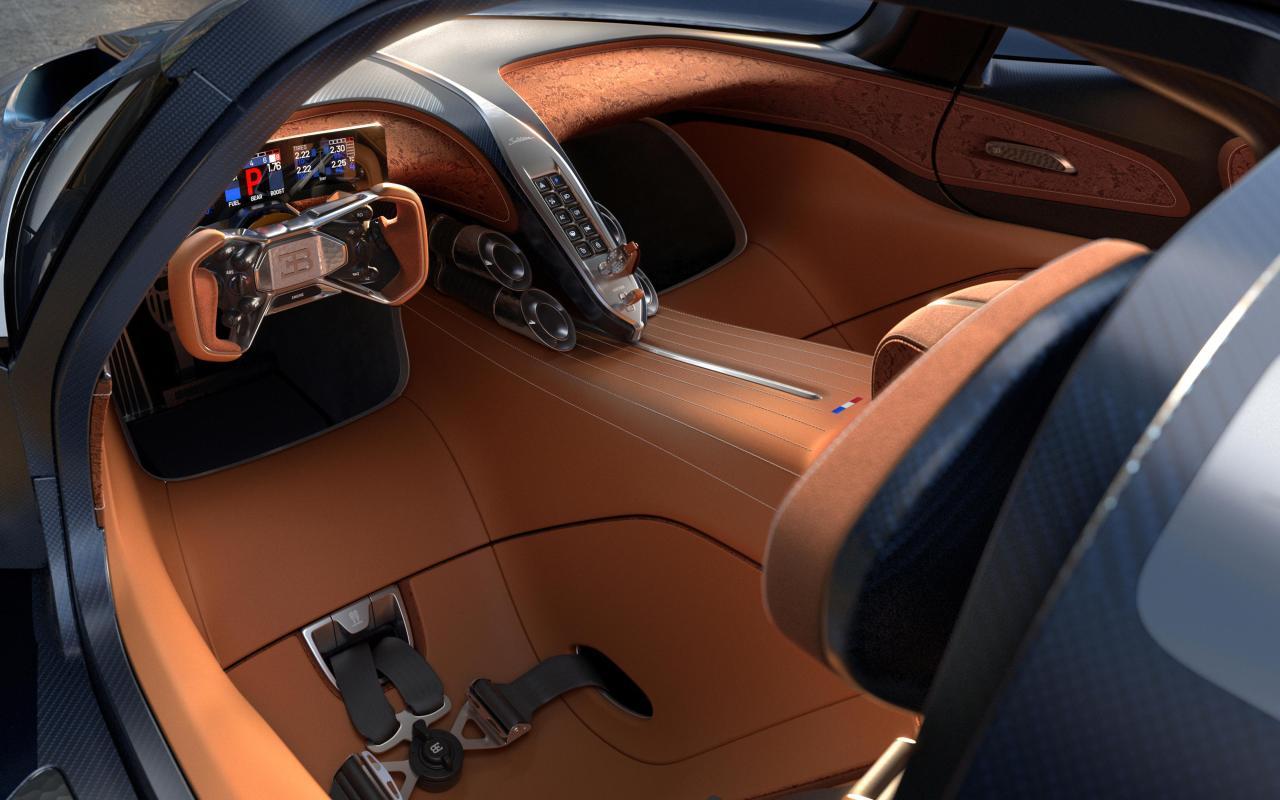
-
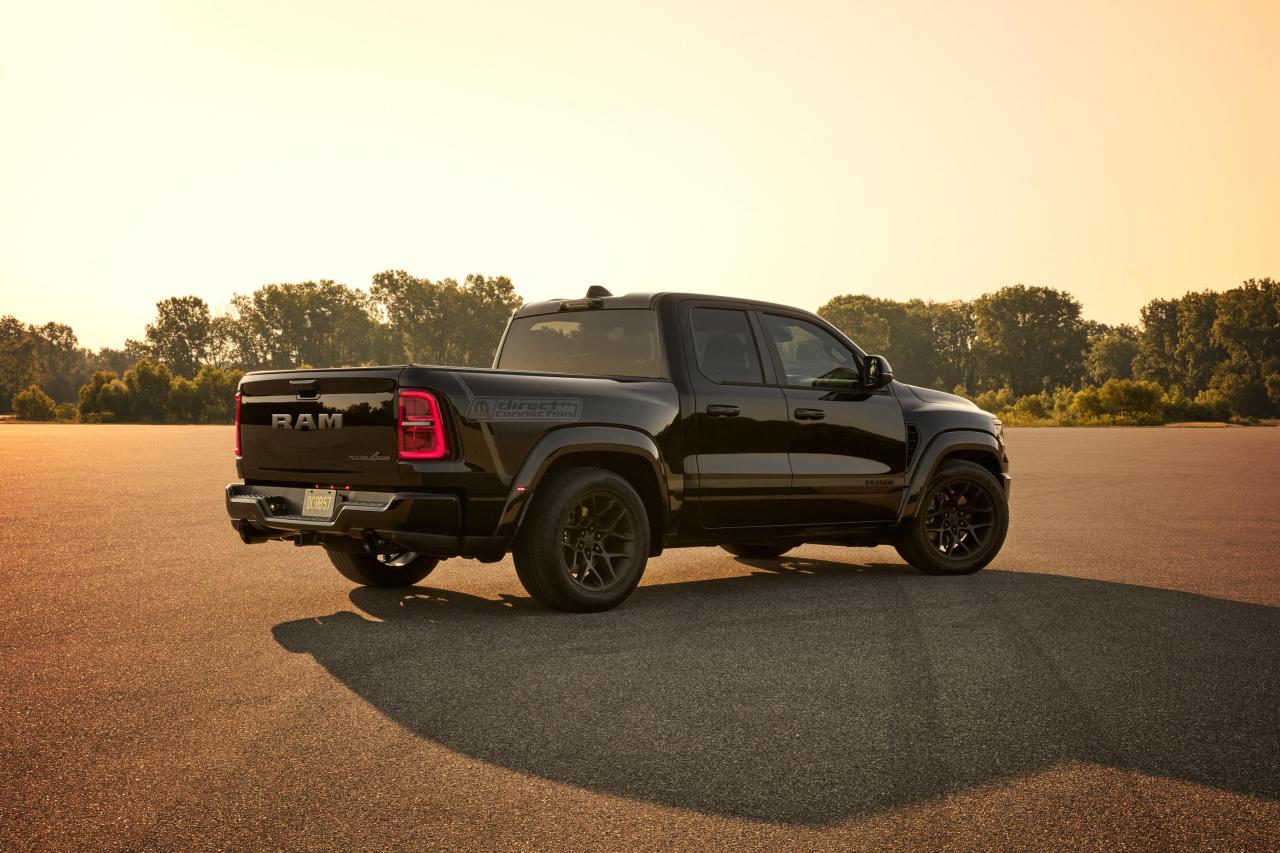
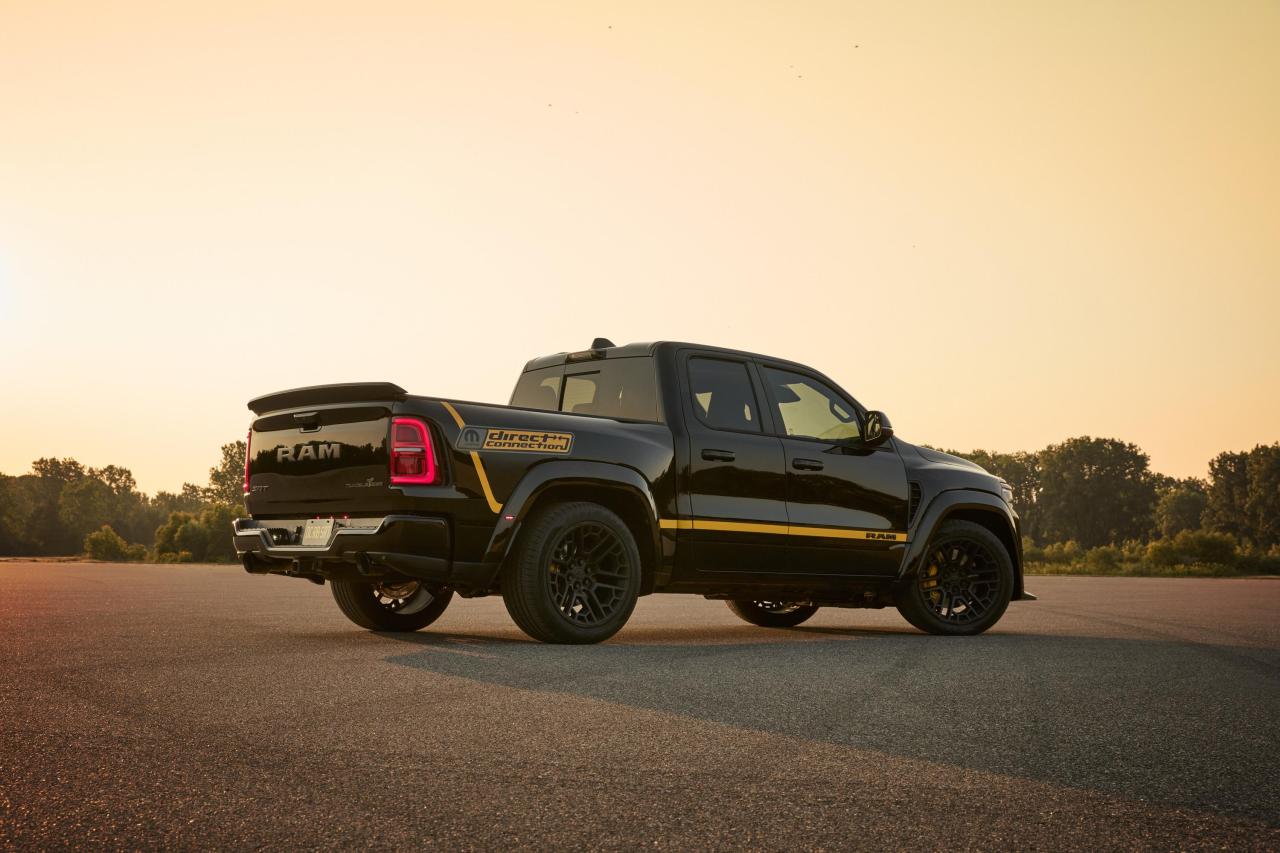
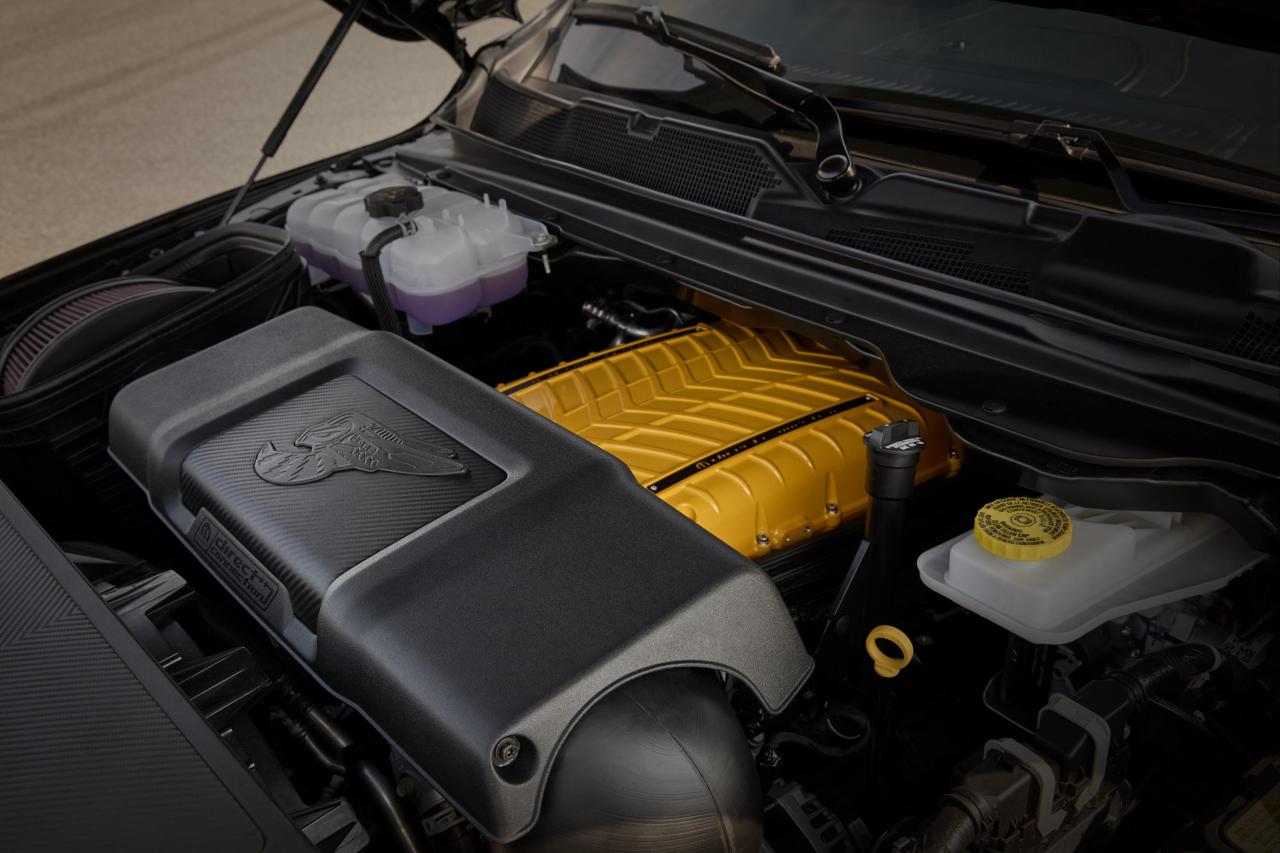
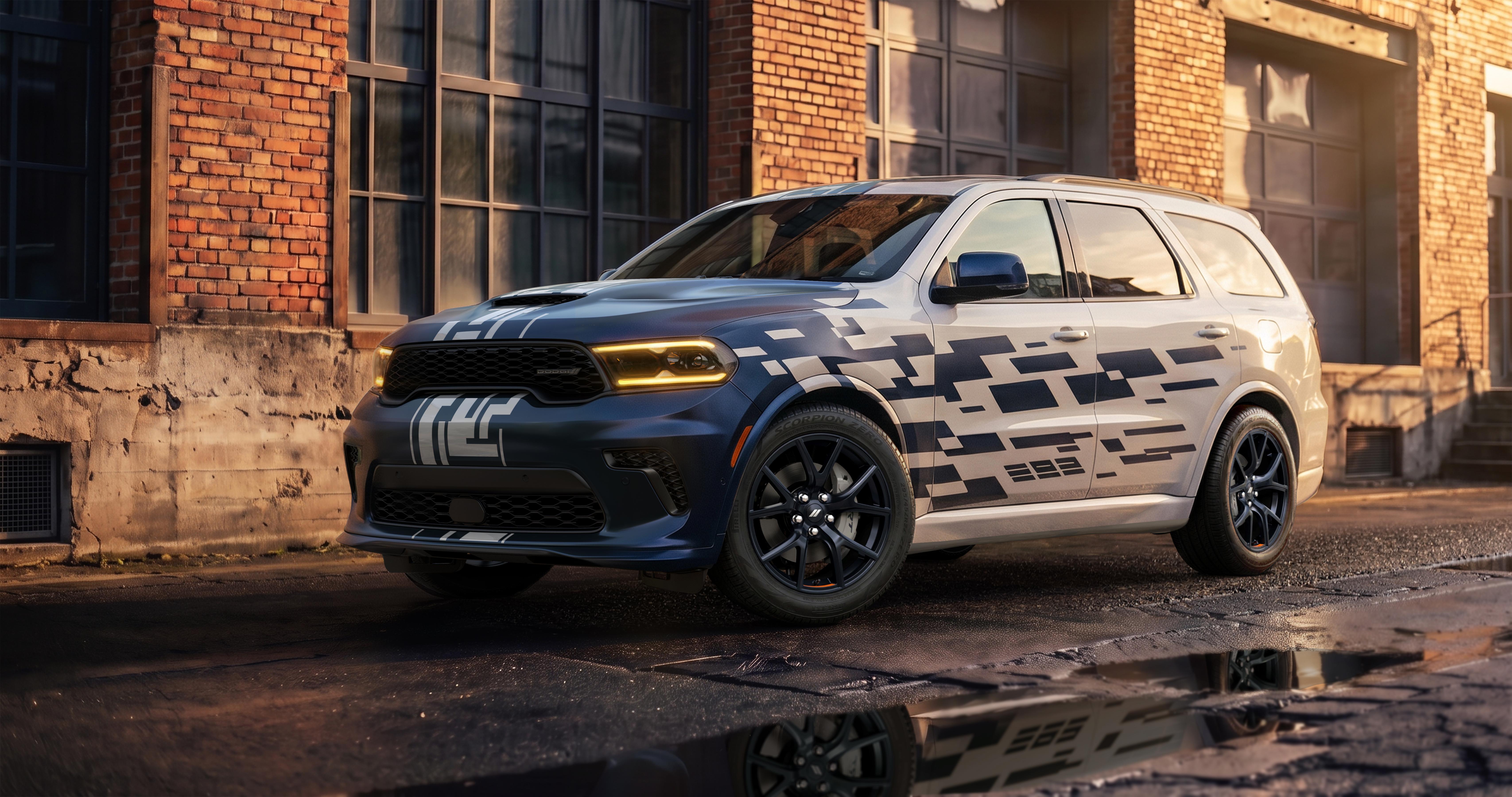
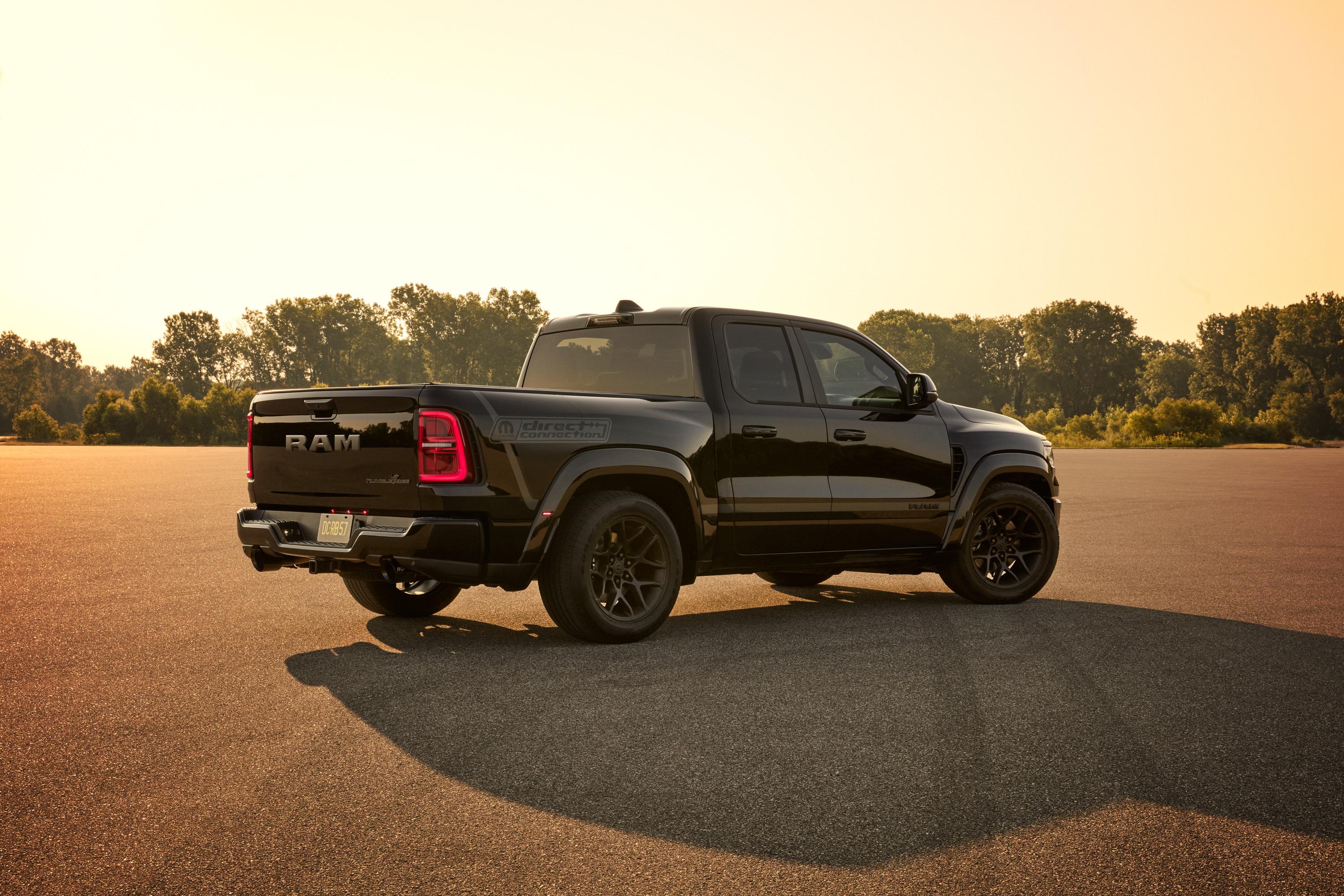
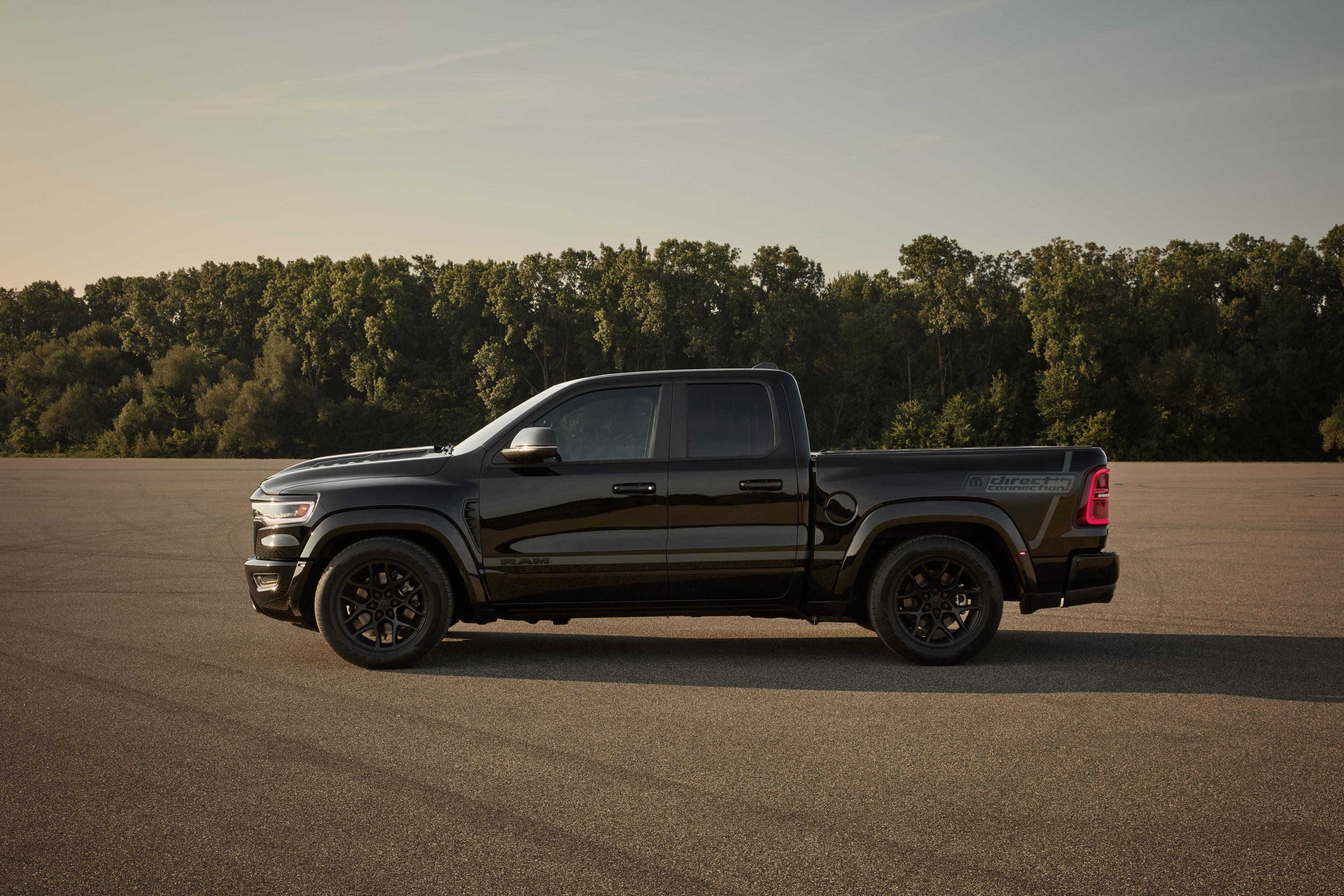
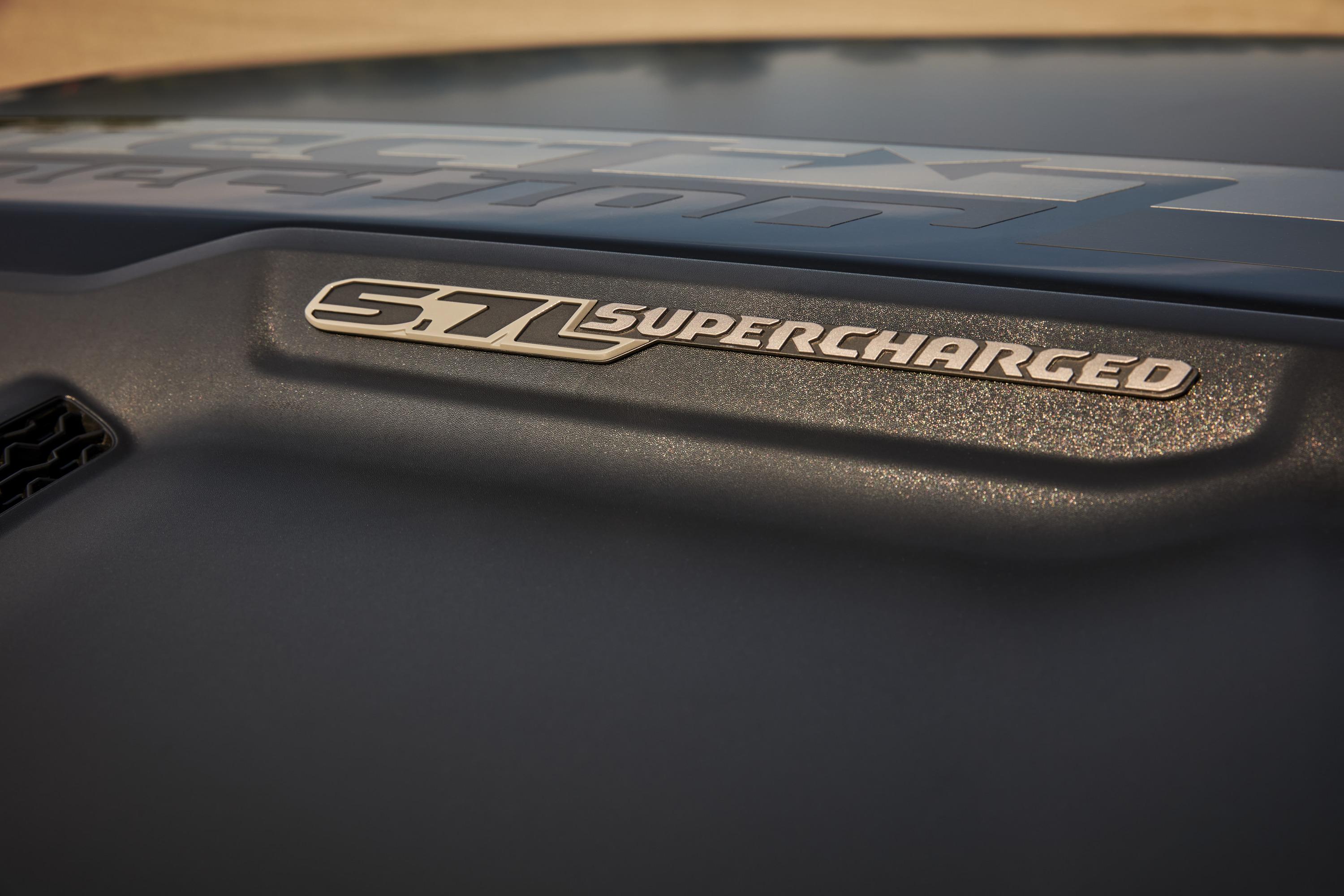
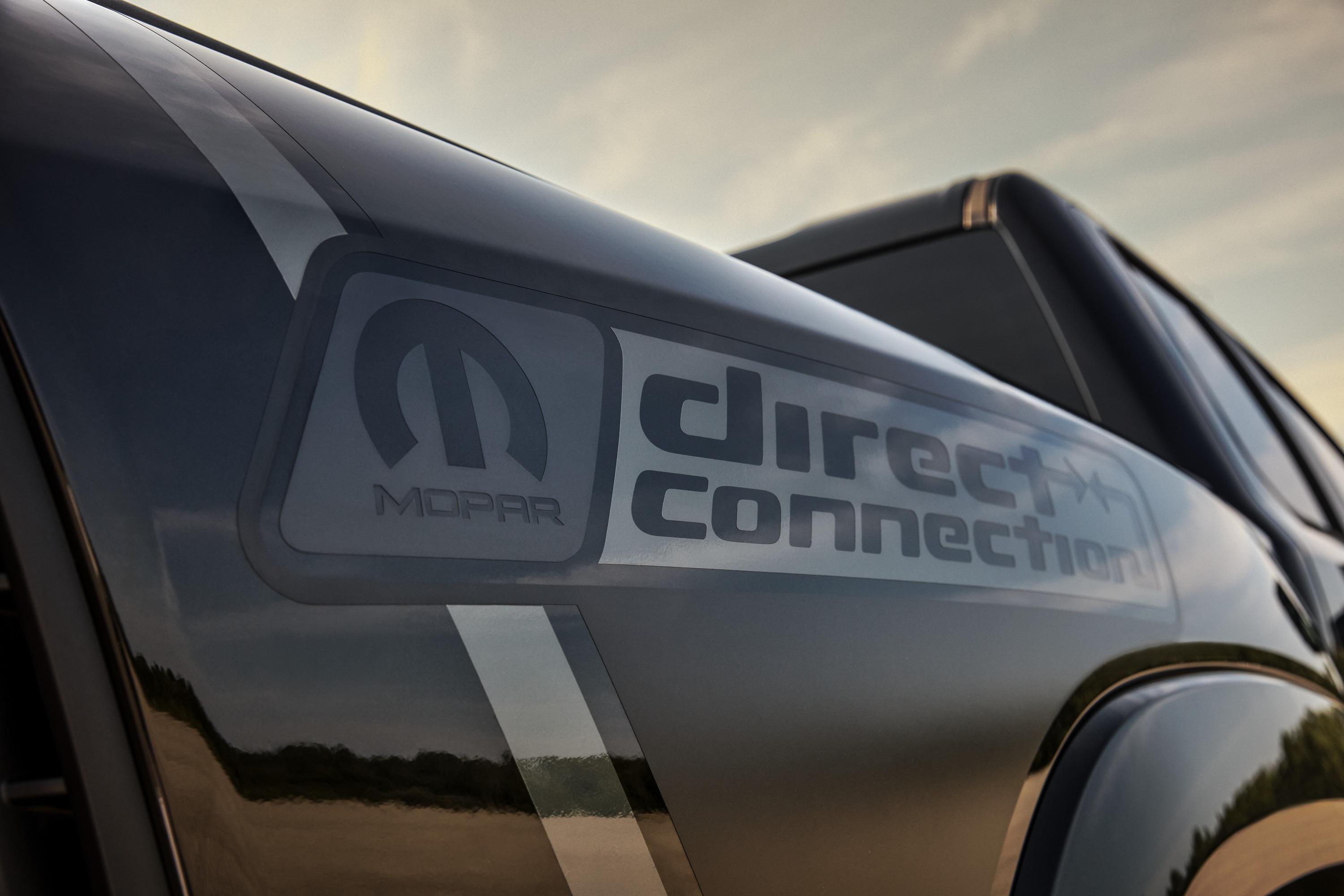
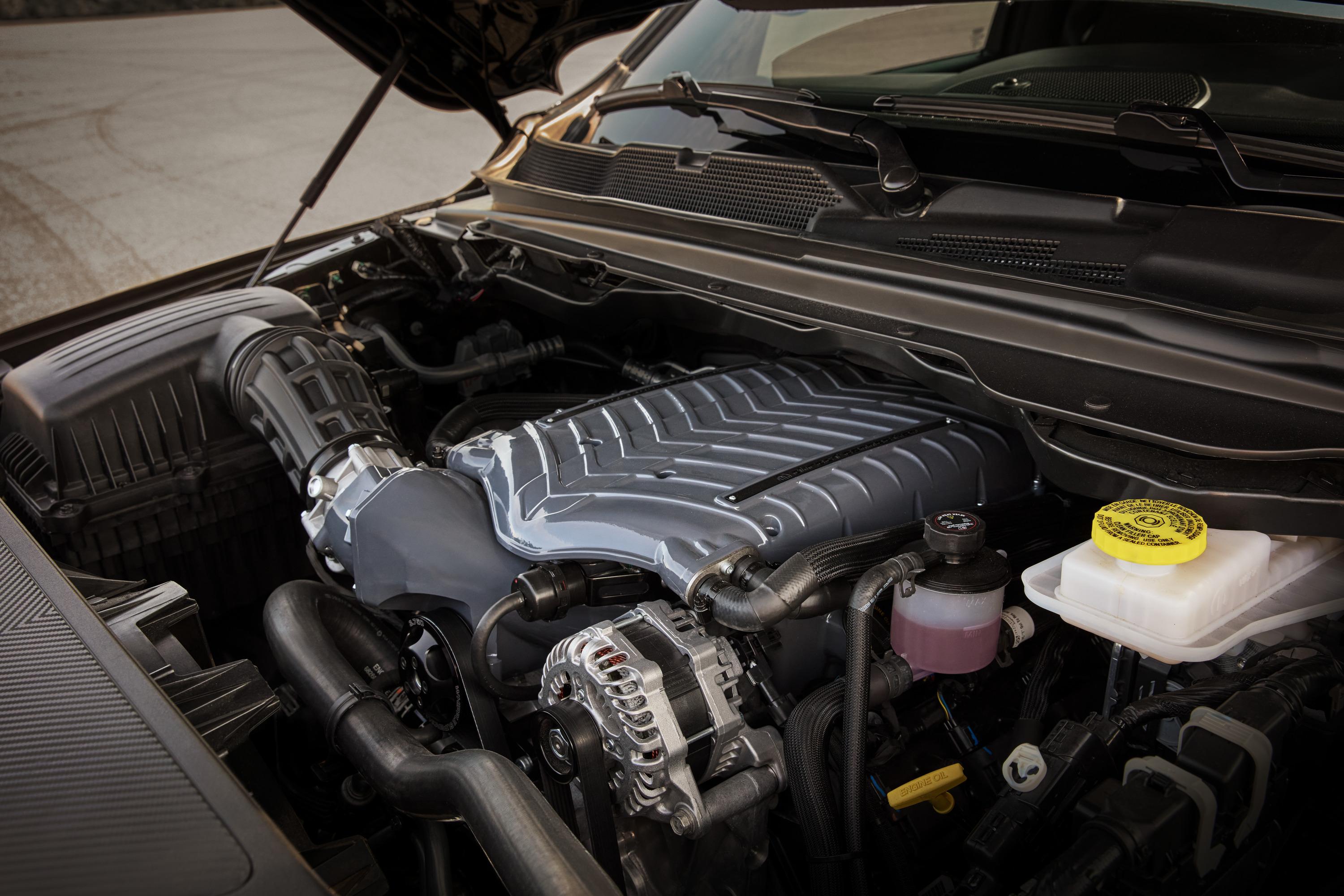
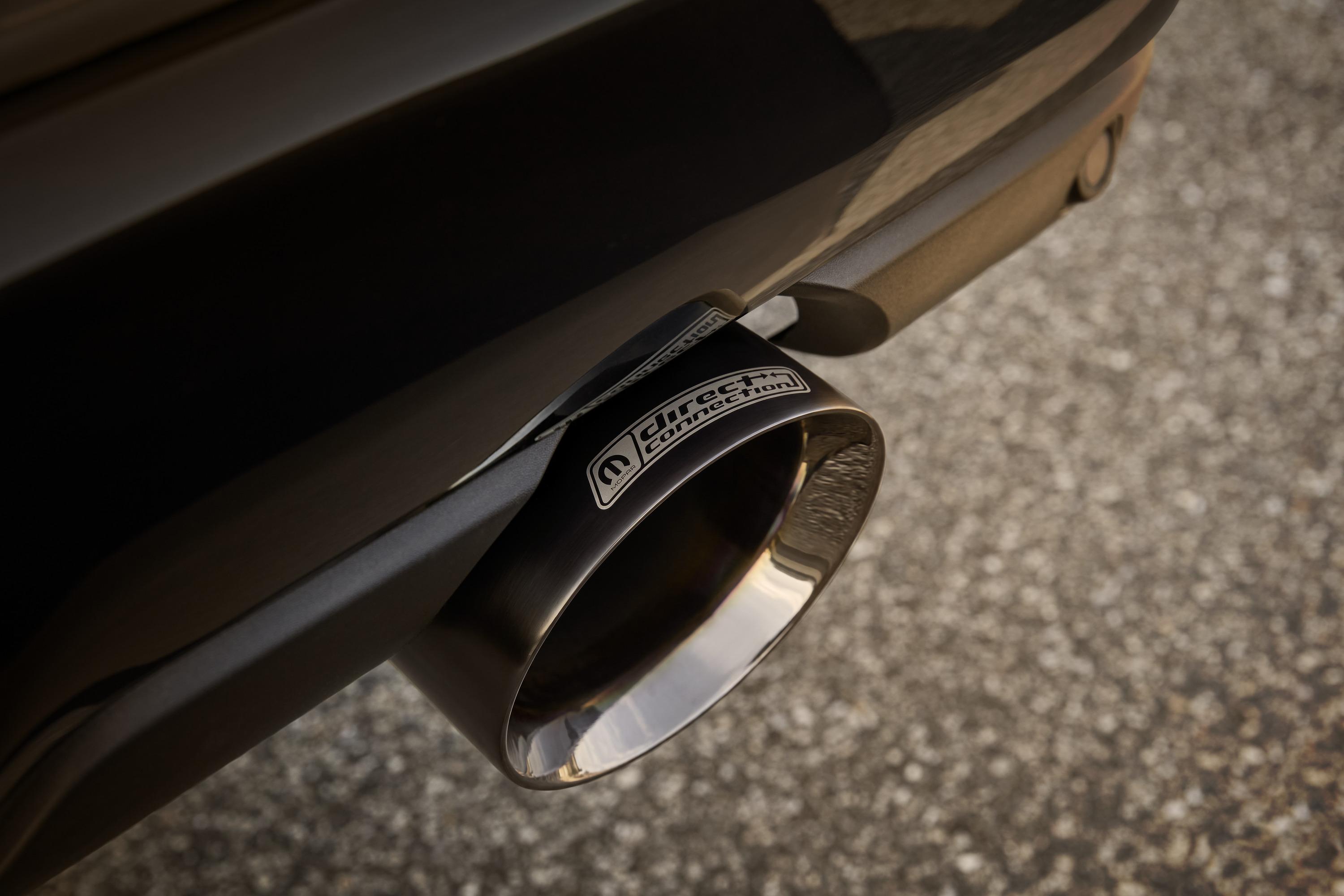
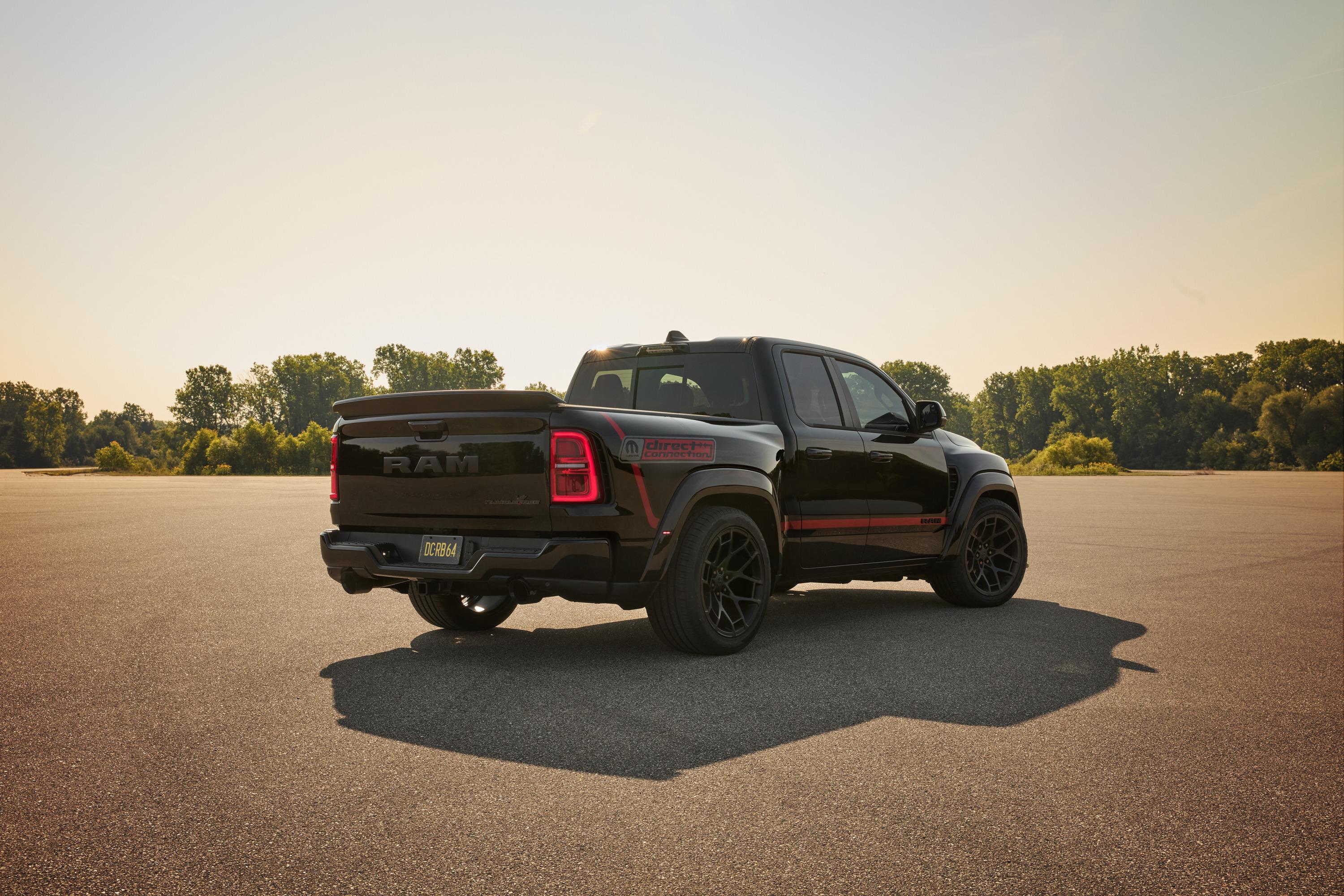
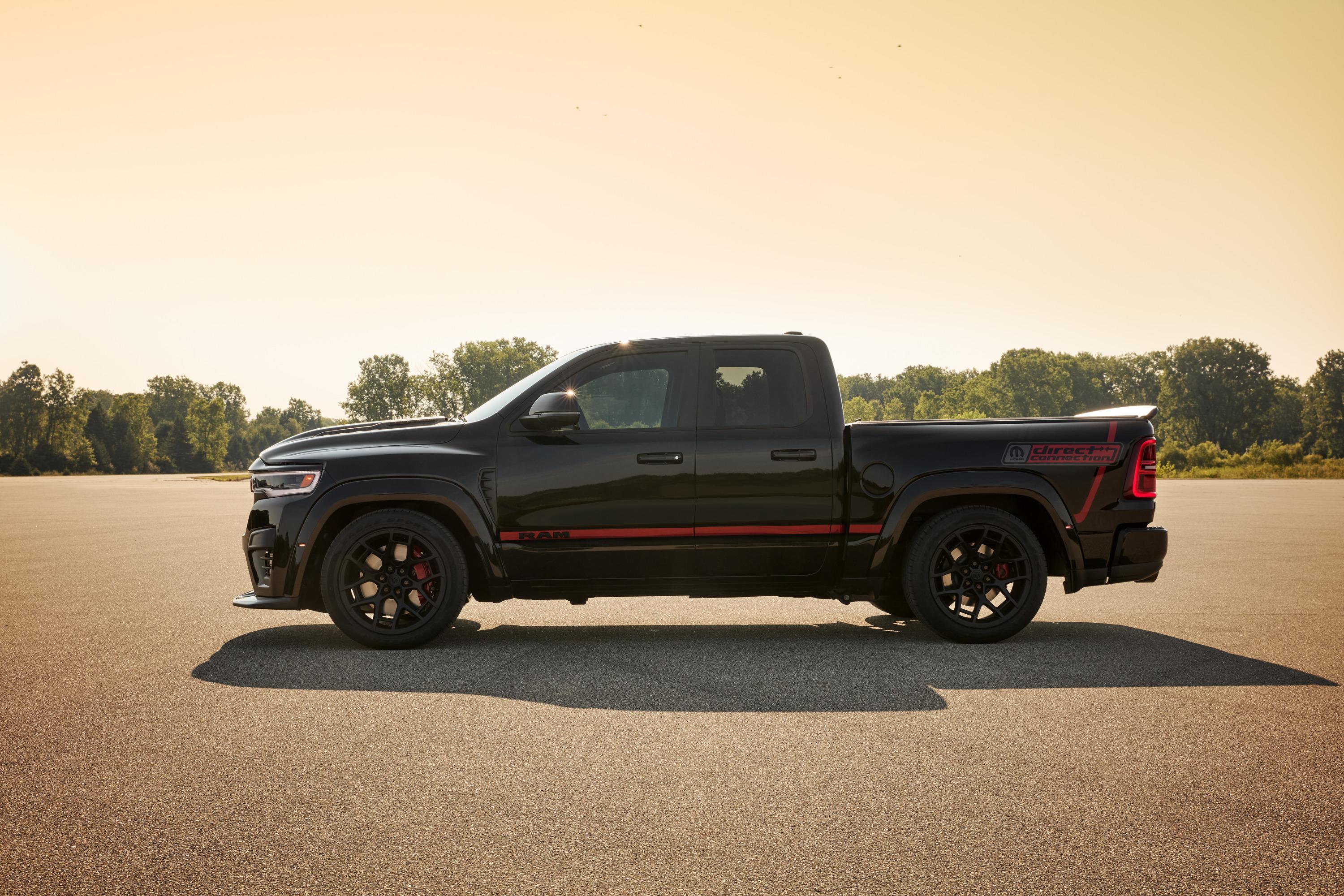
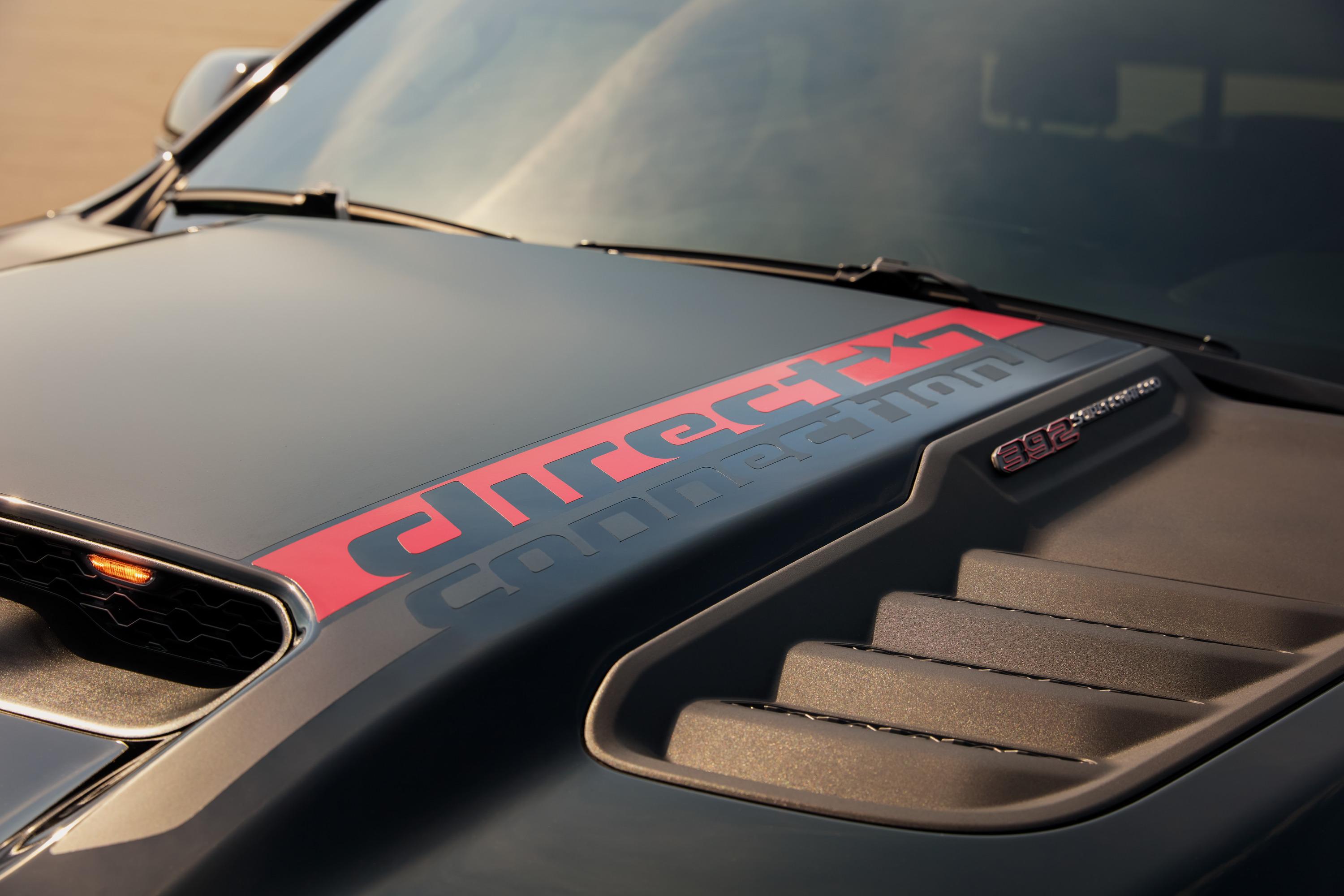
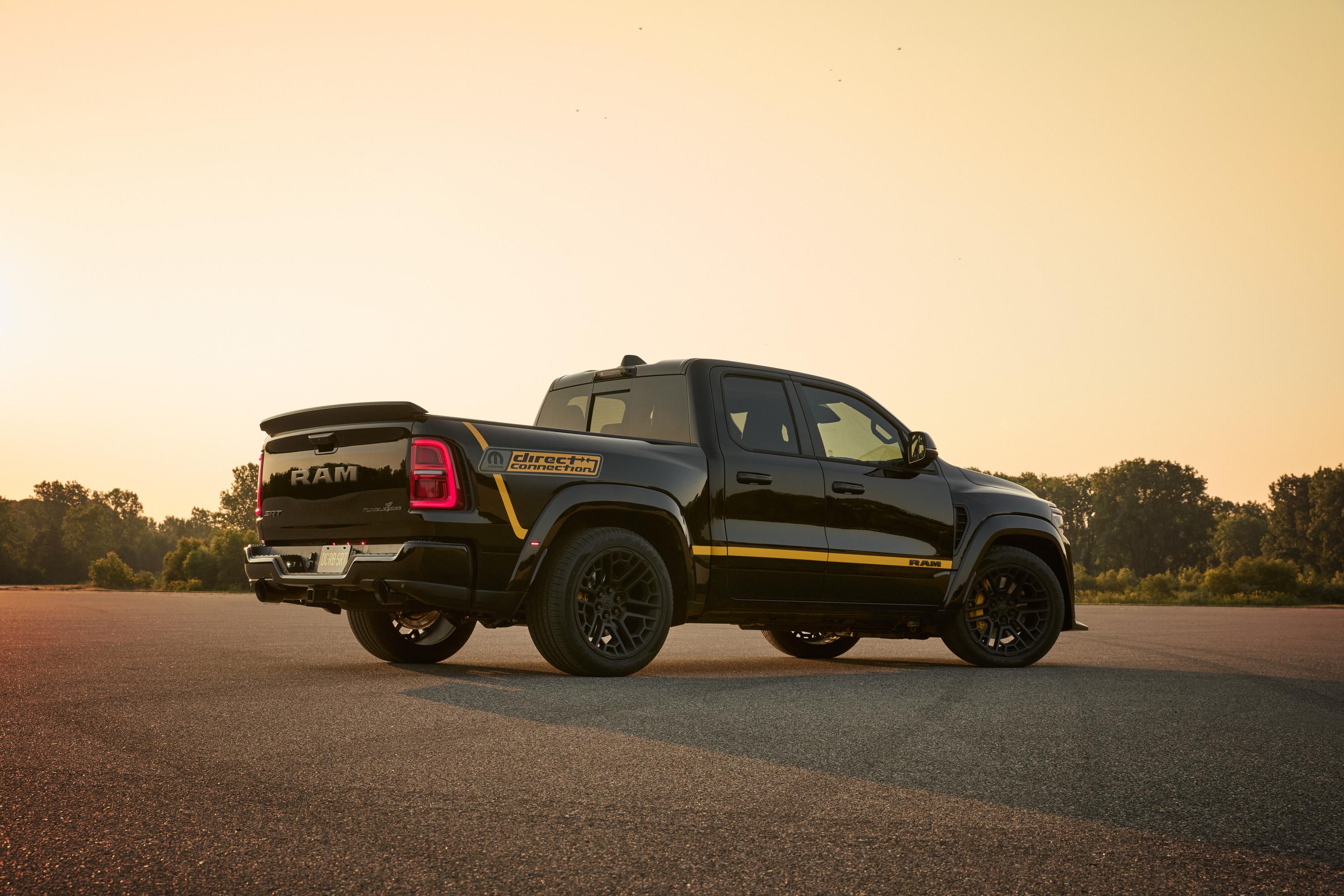
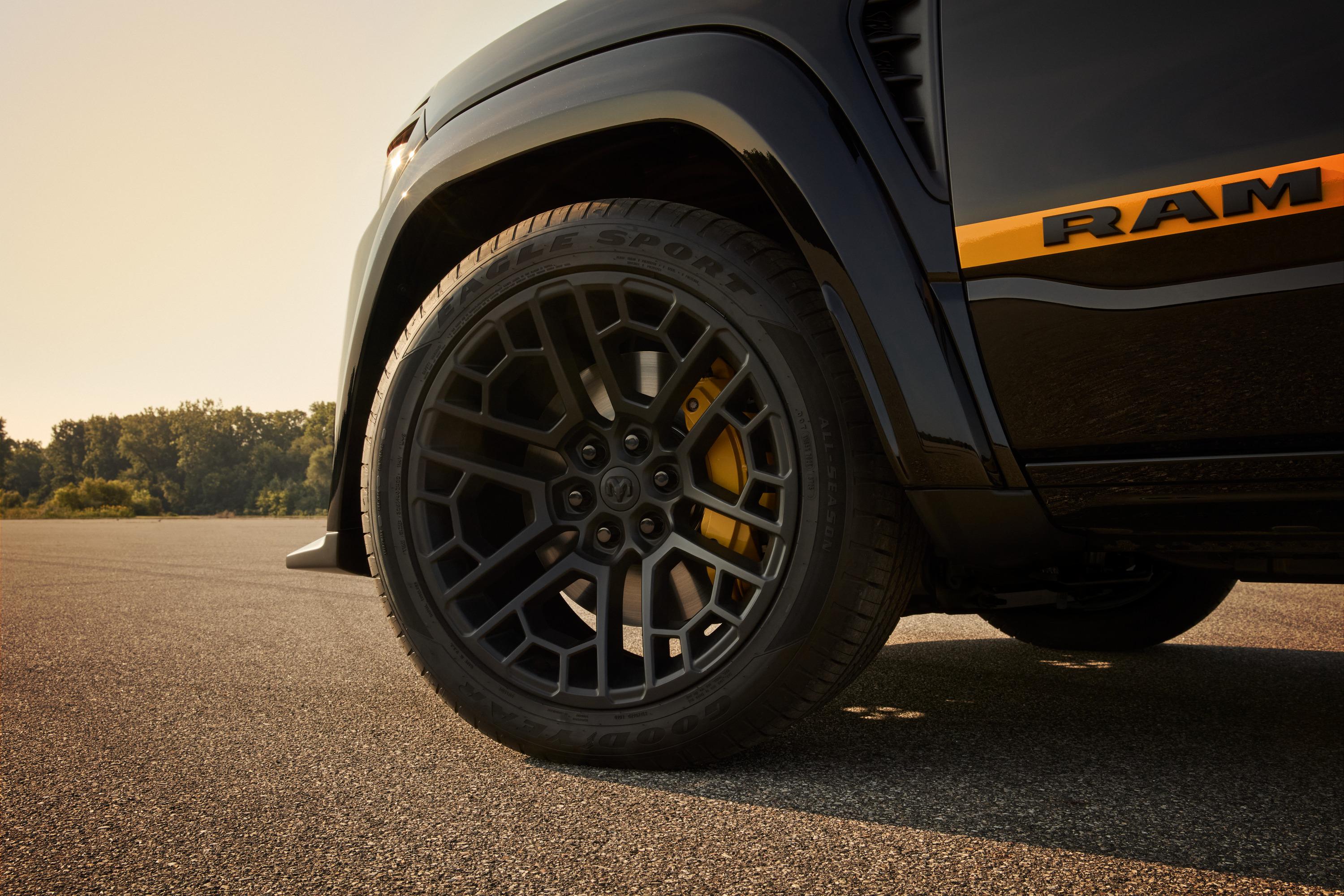
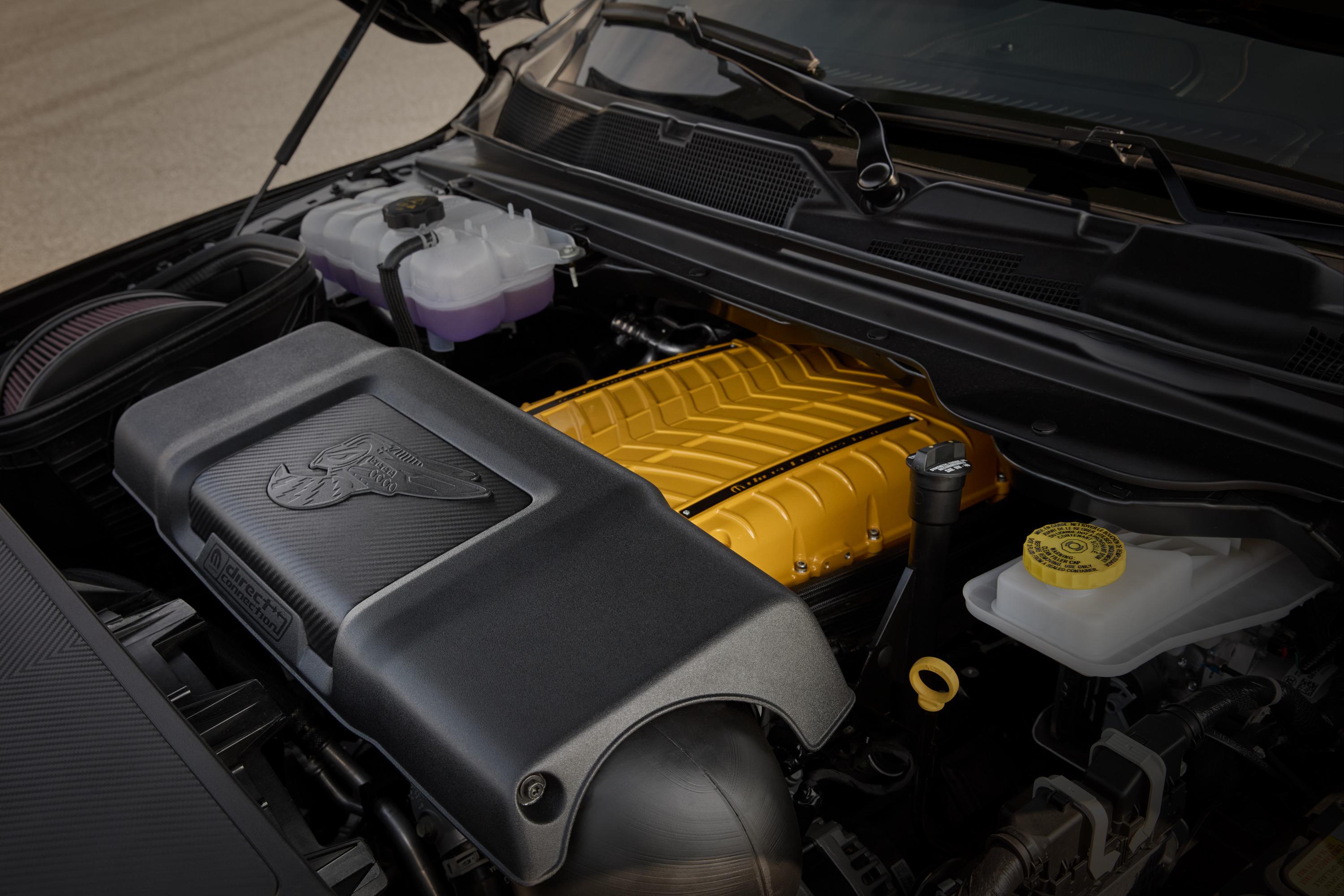
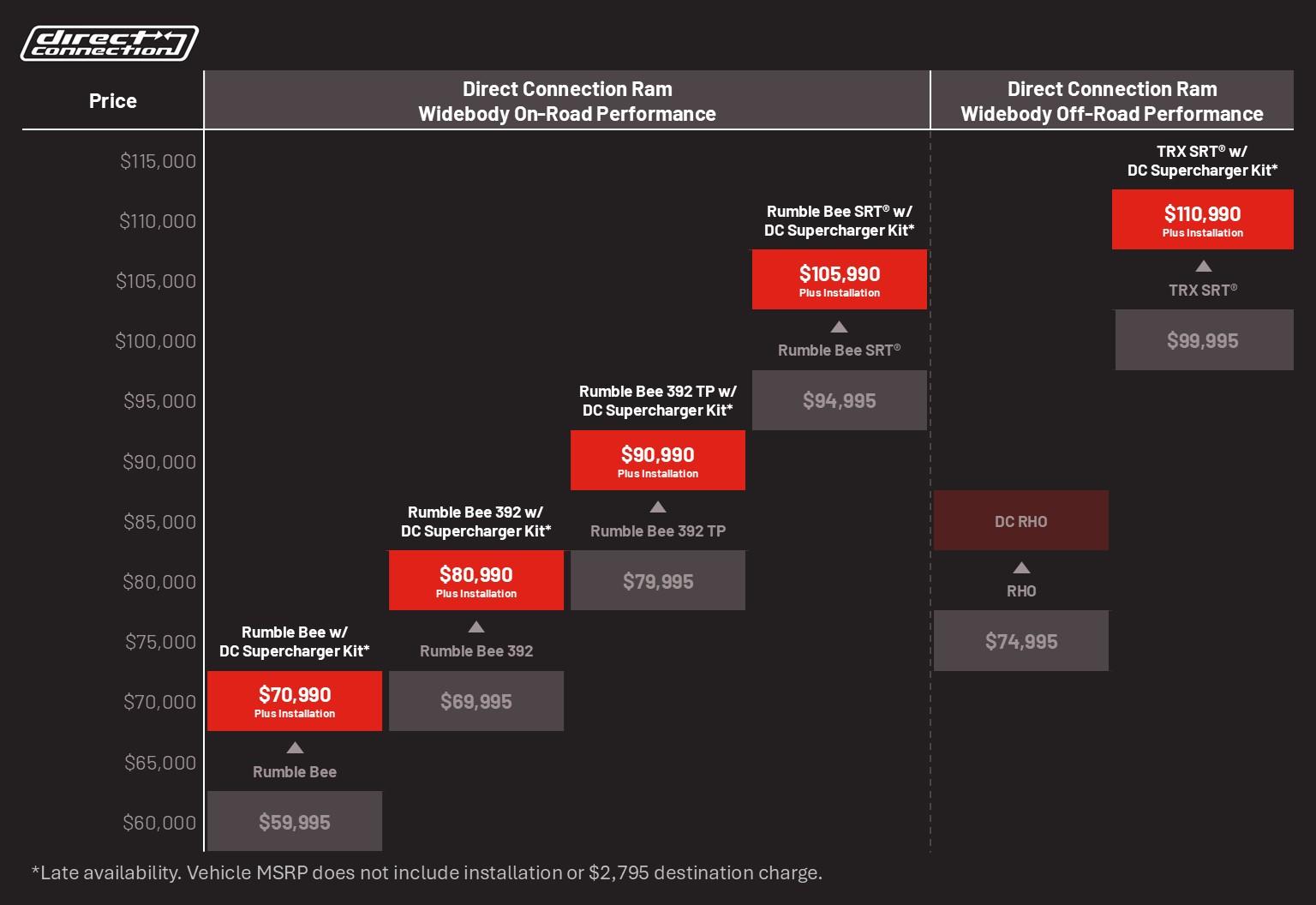
1500 Rumble Bee lineup with Direct Connection performance parts 1500 Rumble Bee with Direct Connection performance parts 1500 Rumble Bee 392 with Direct Connection performance parts 1500 Rumble Bee SRT with Direct Connection performance parts Comunicato stampa Via Ram.


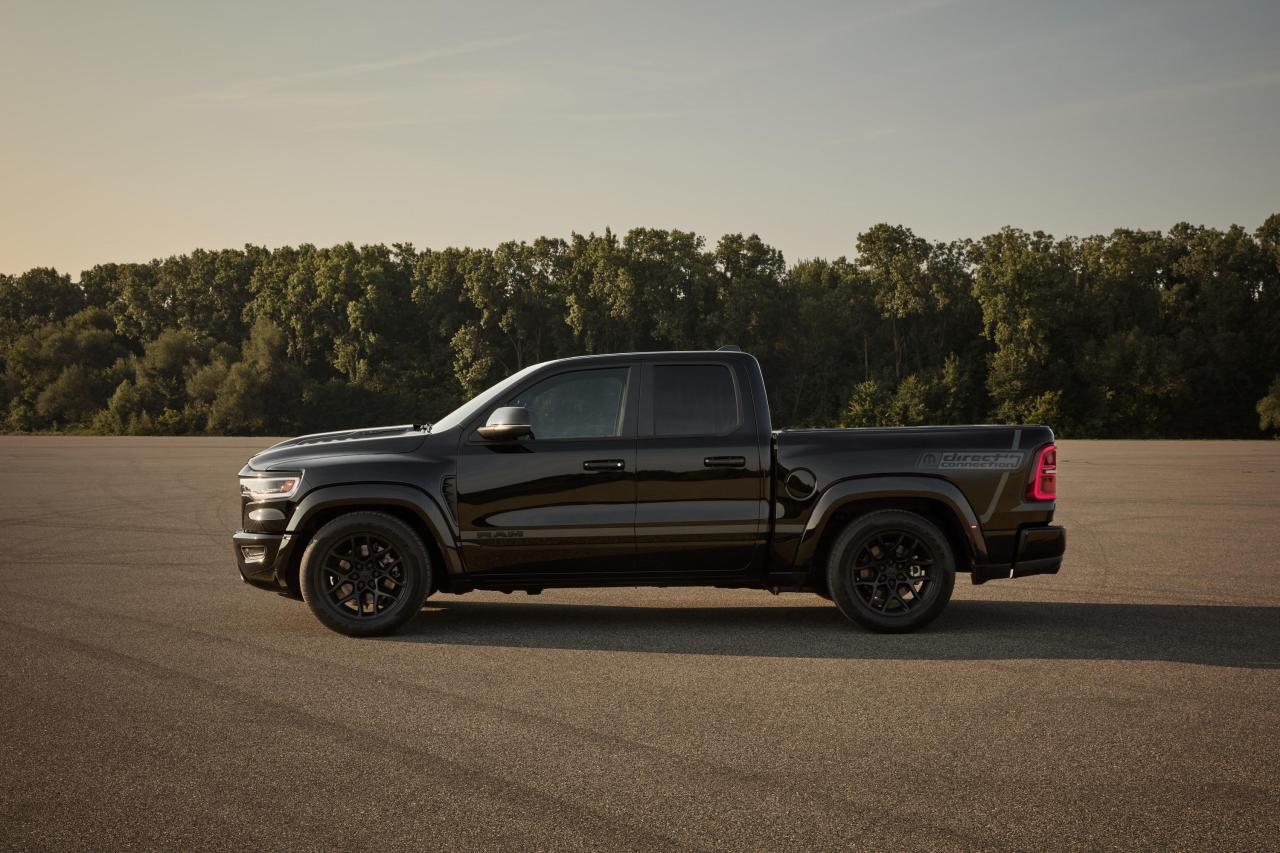
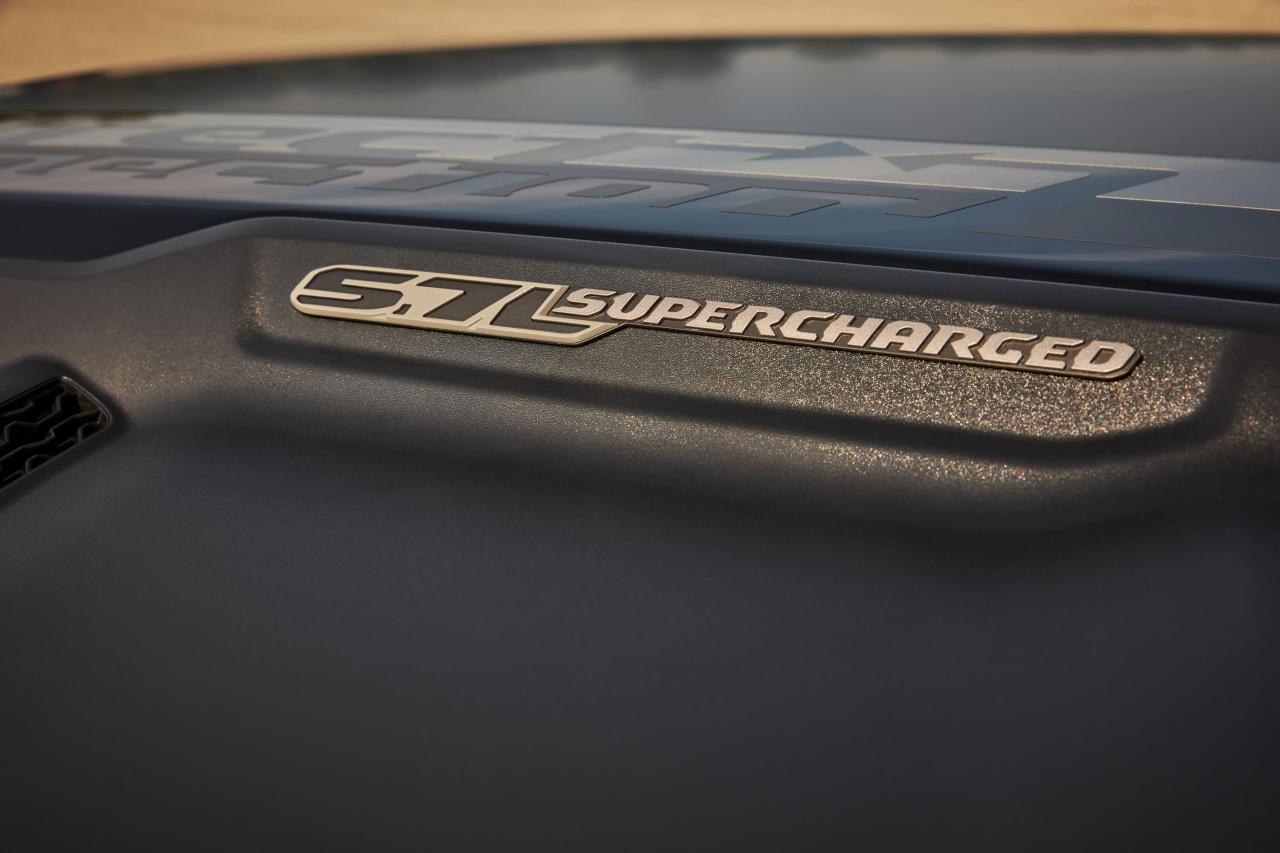

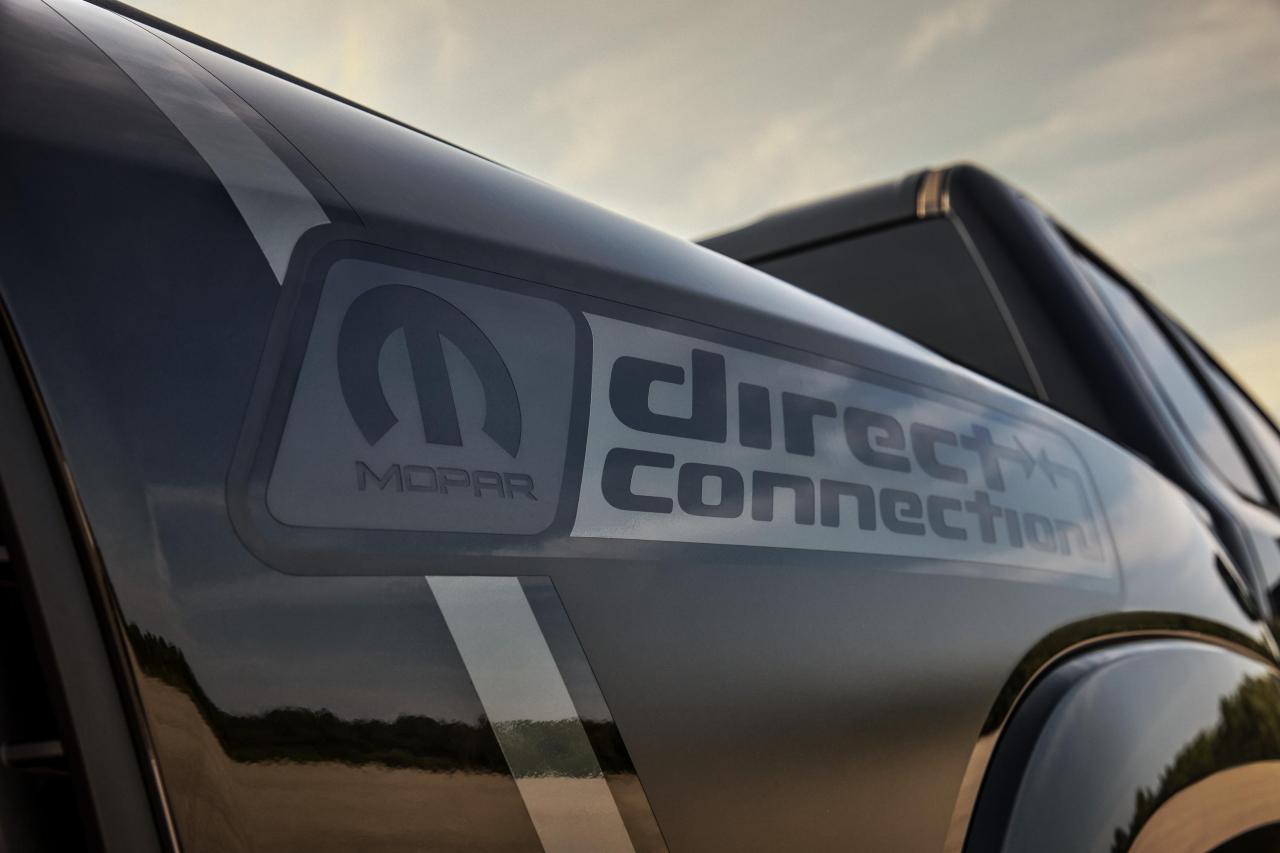
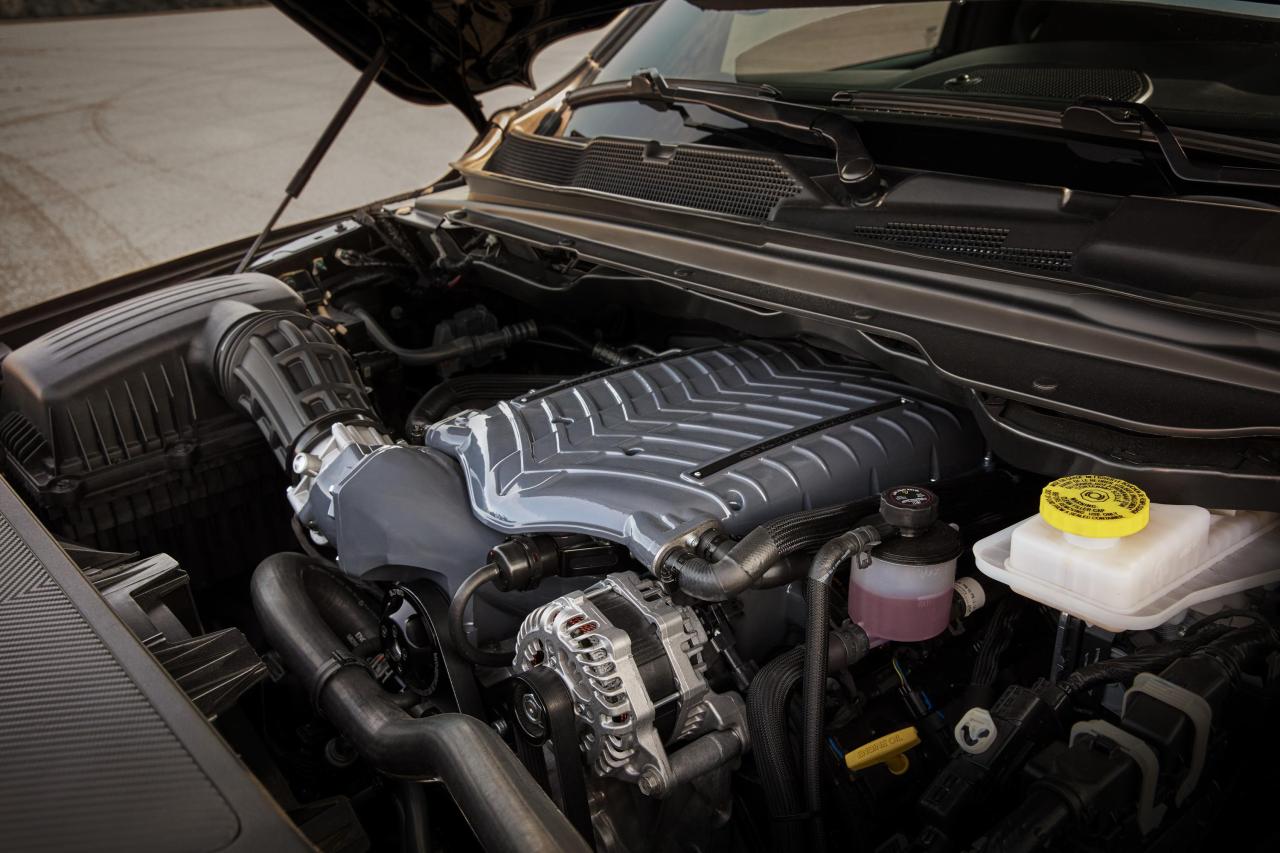
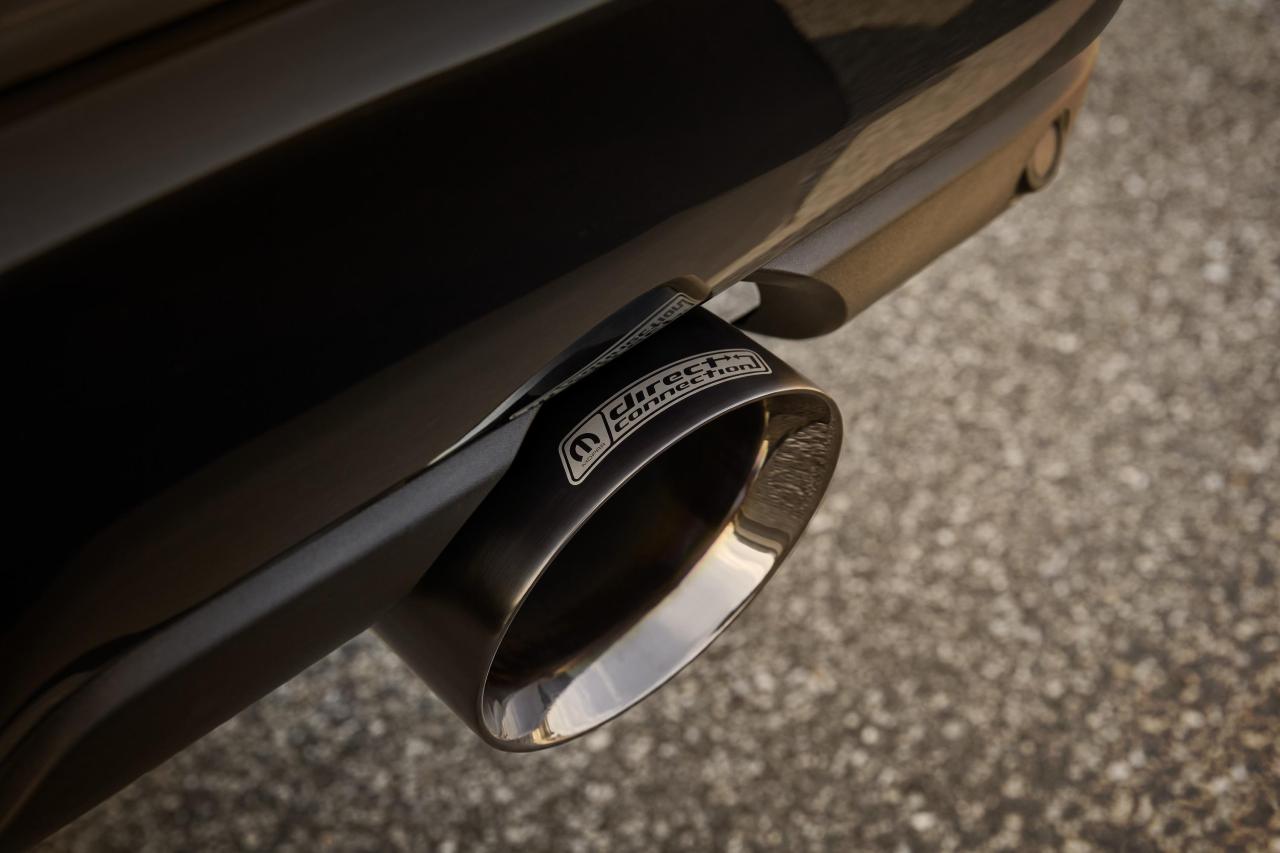

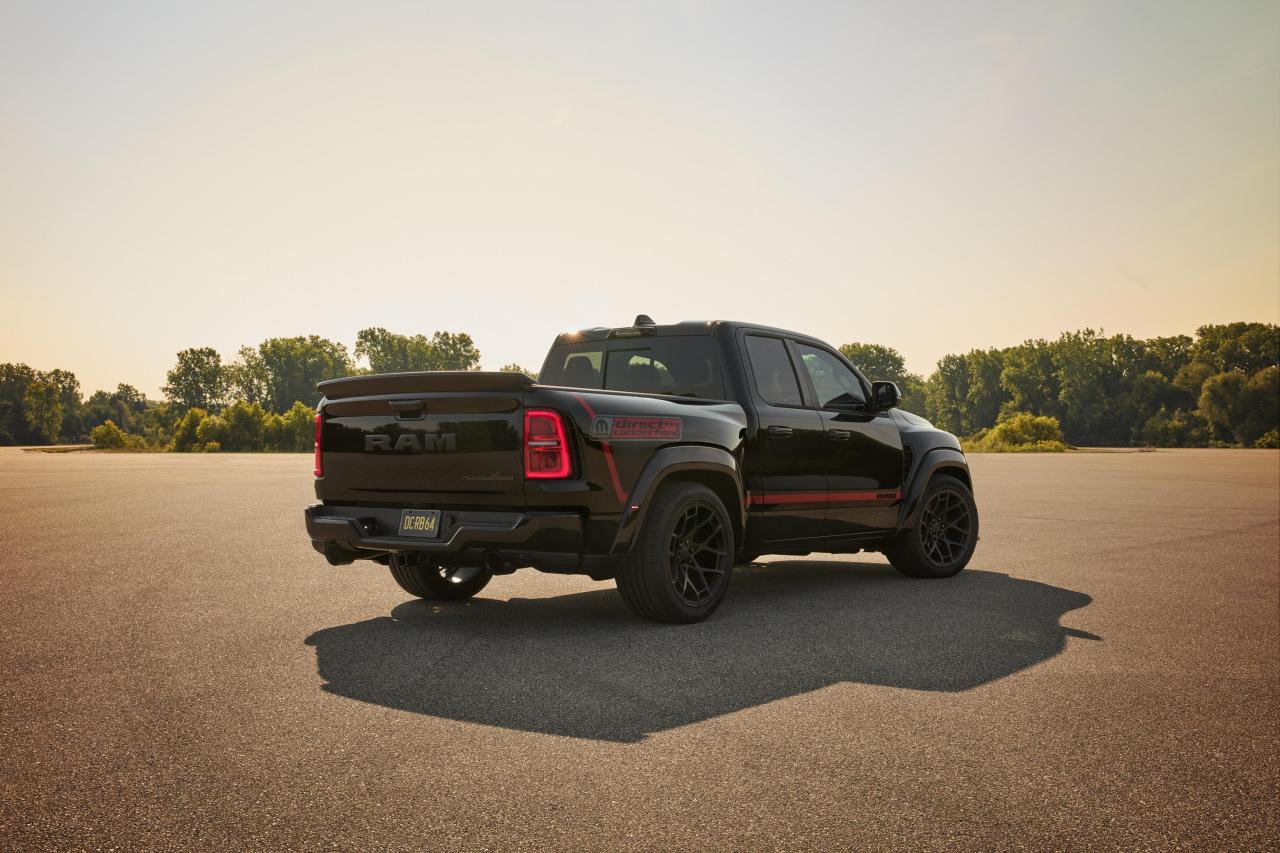
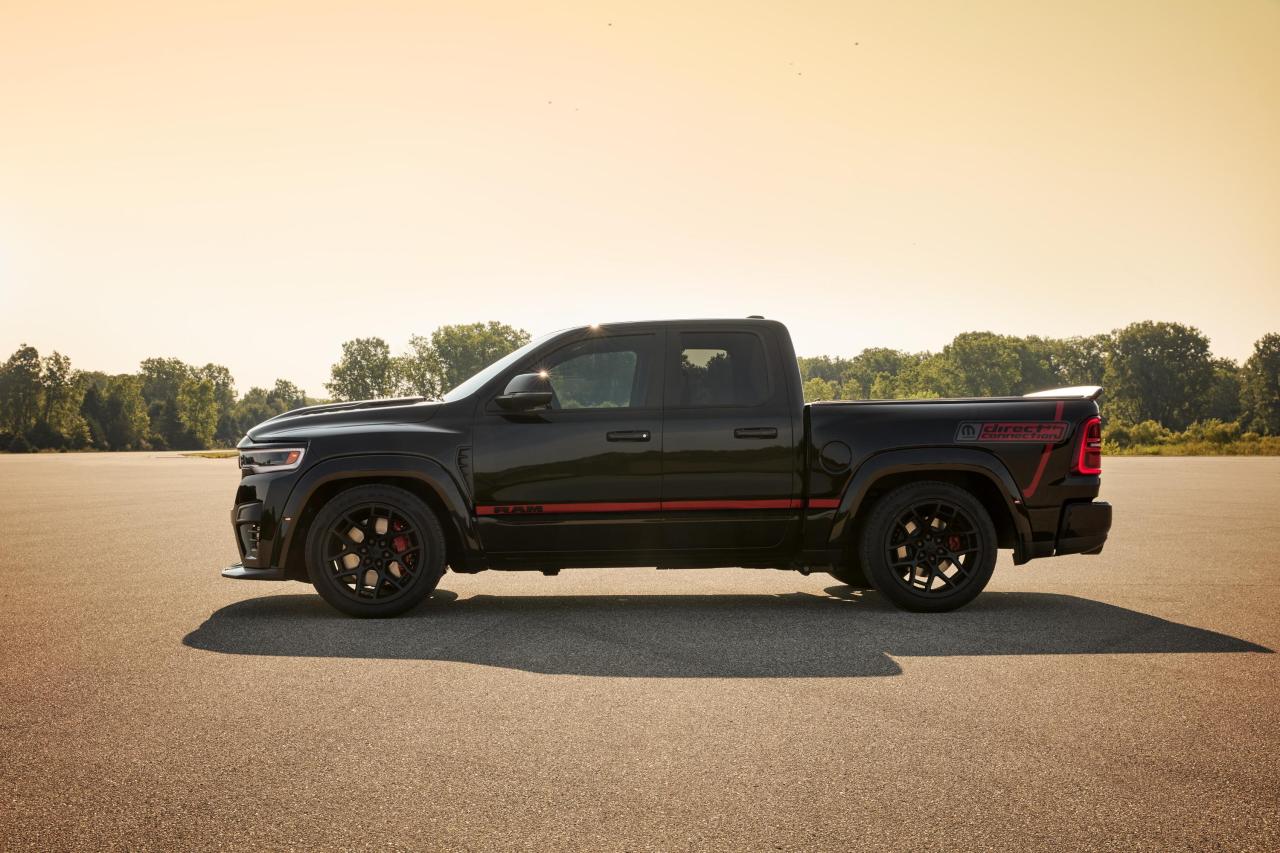
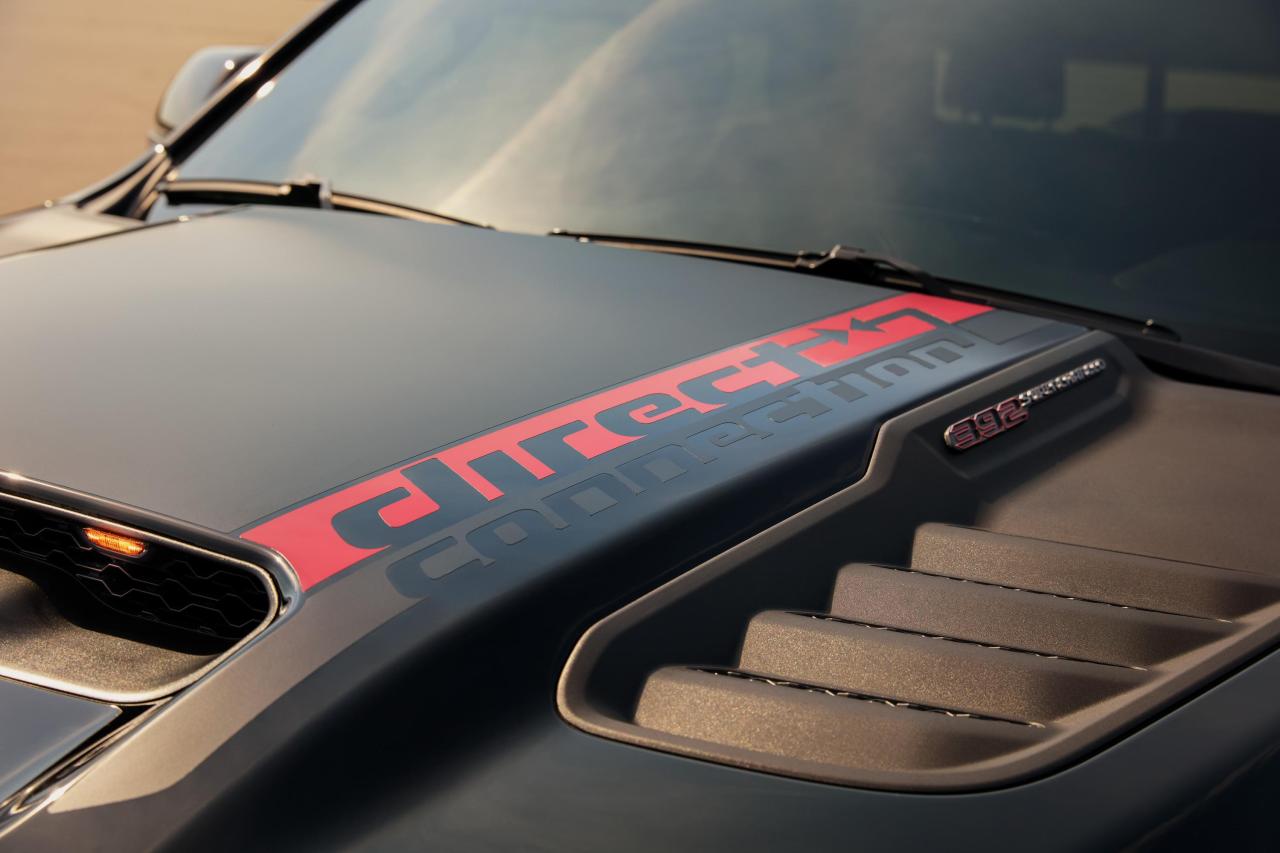




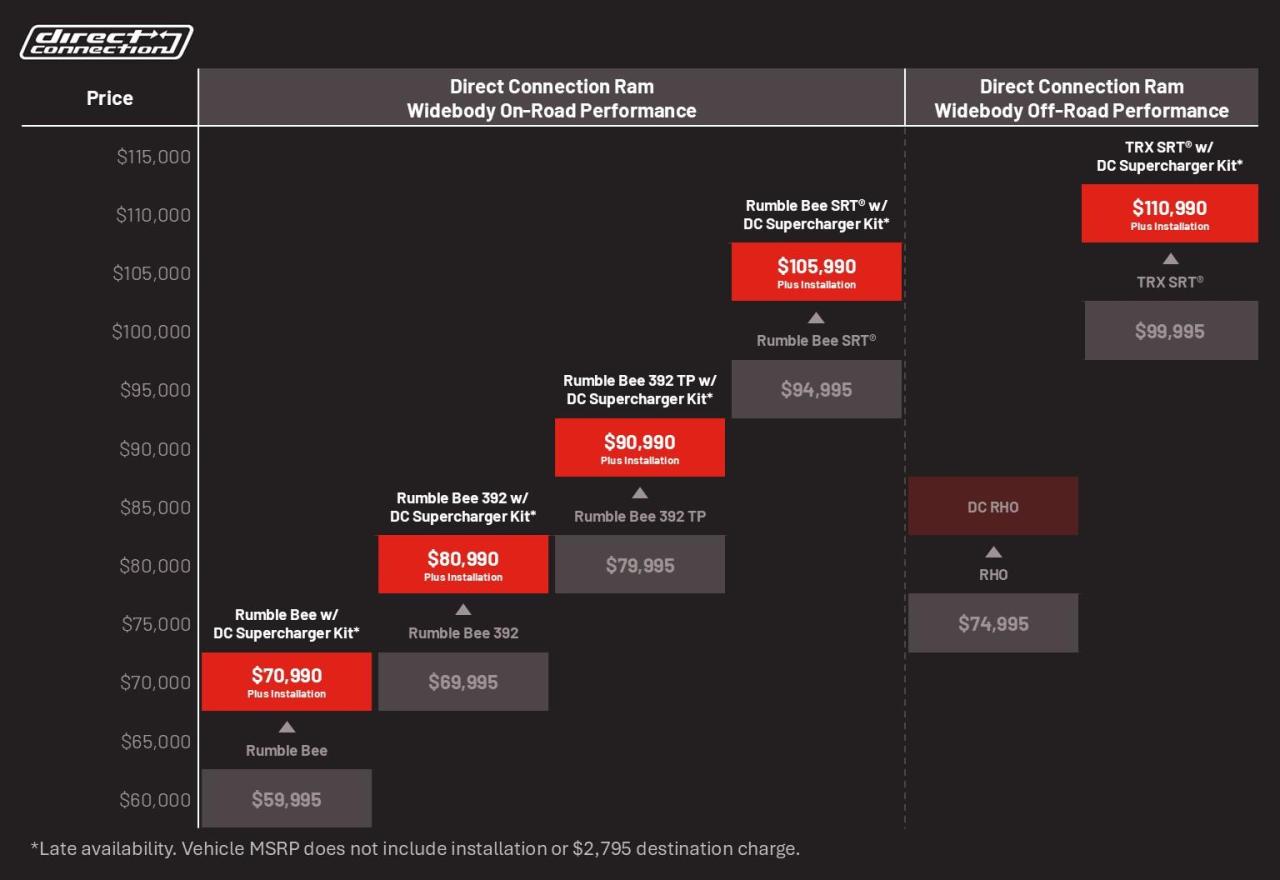
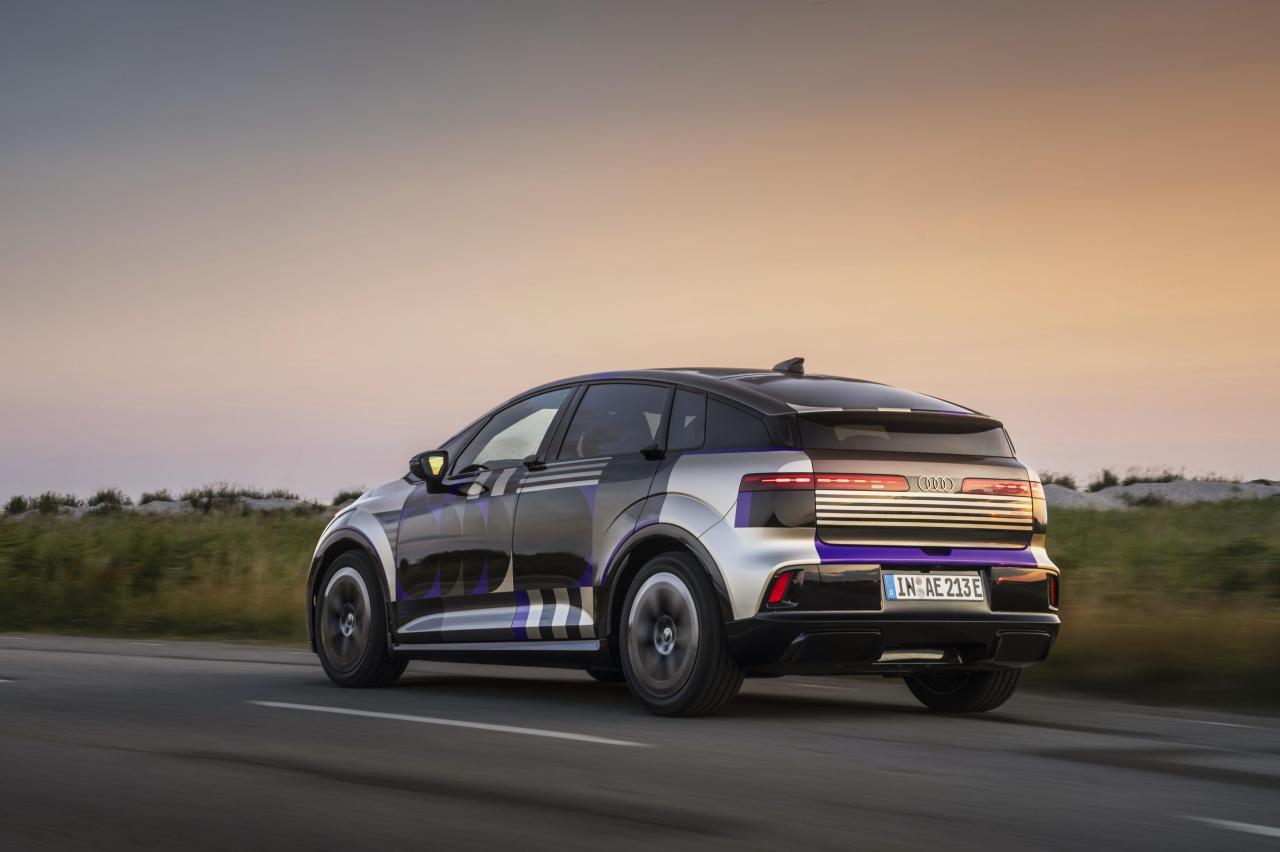
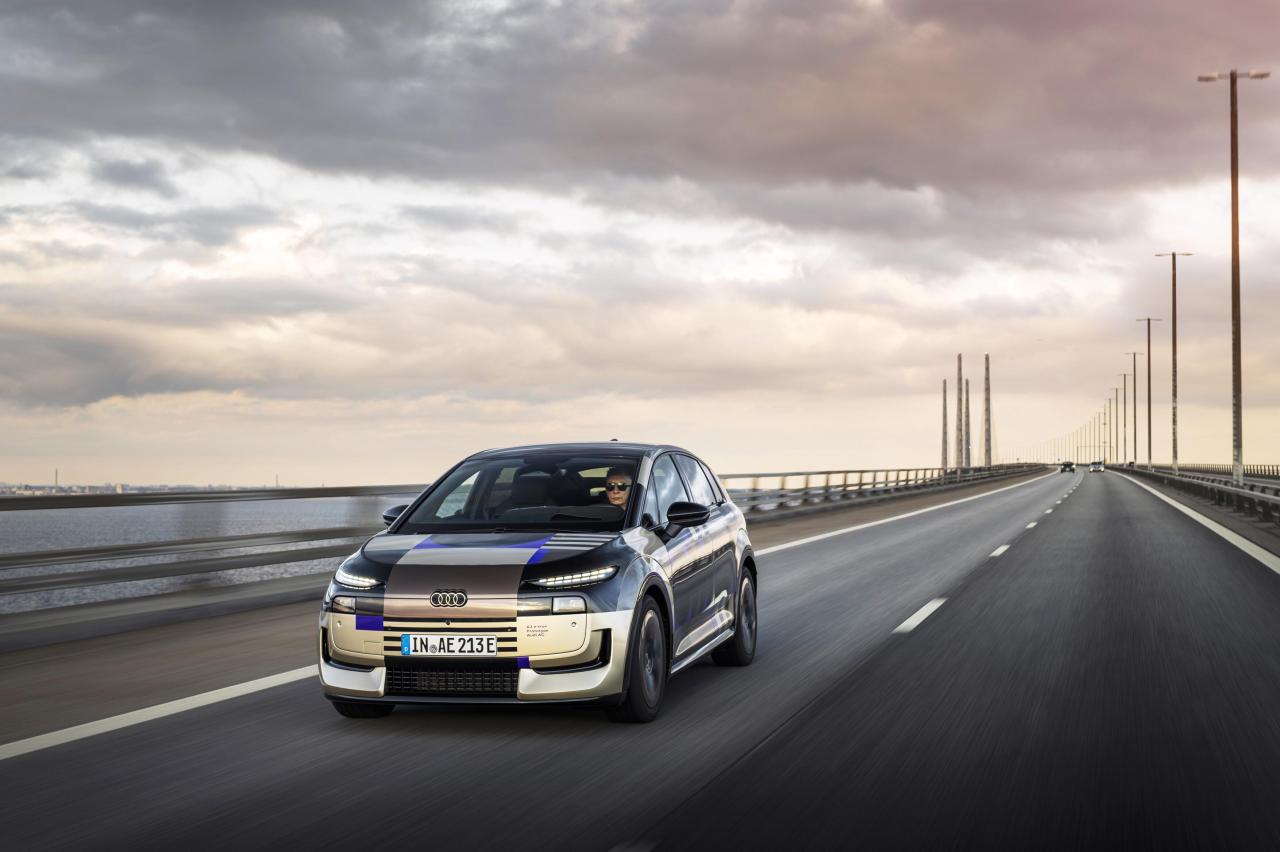
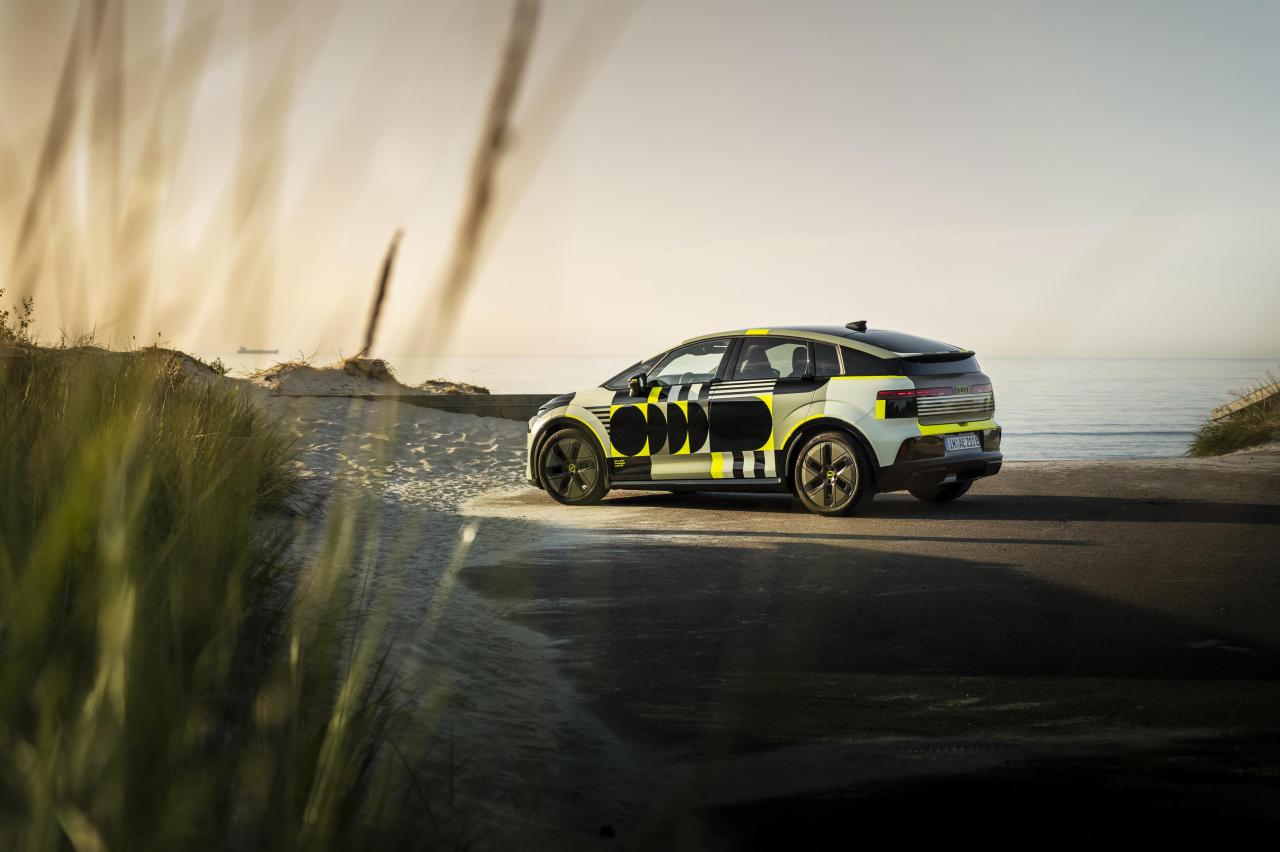
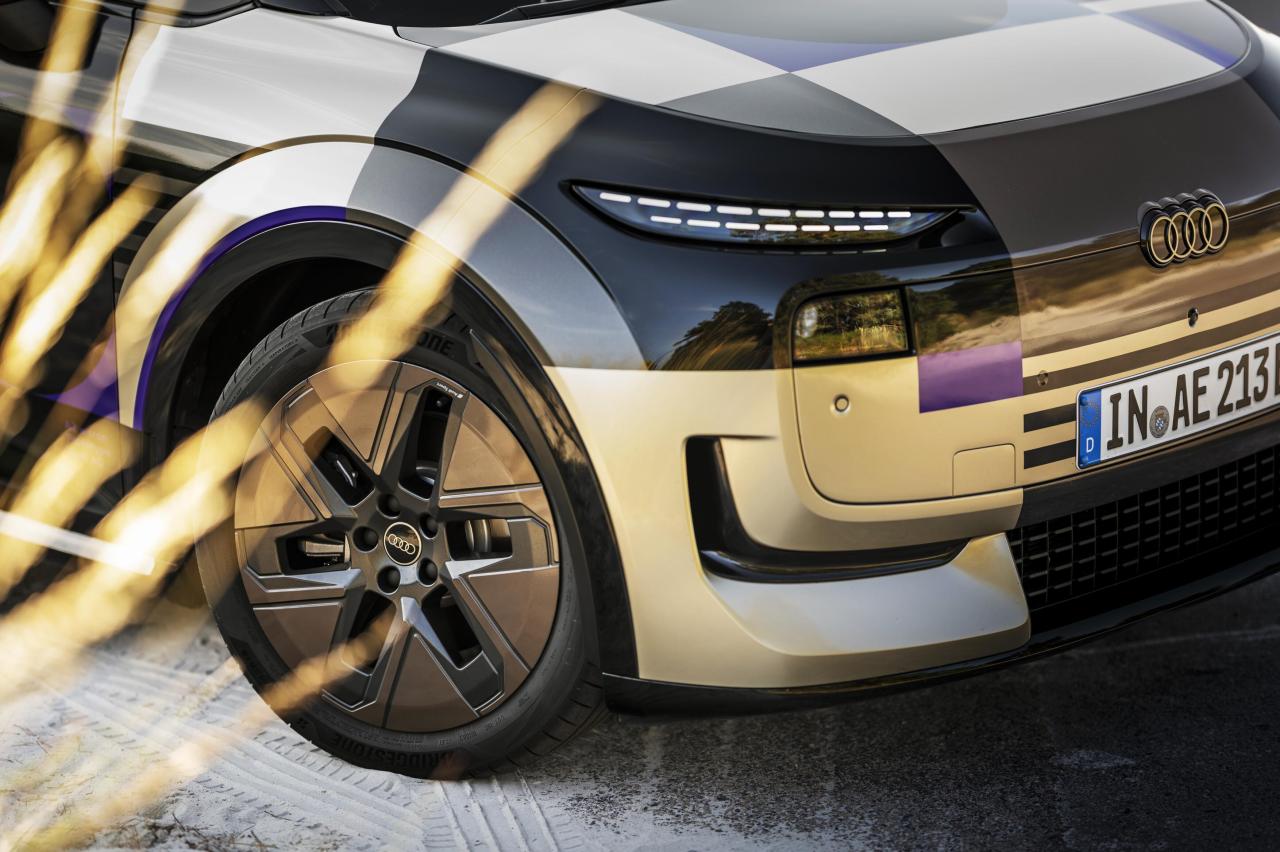
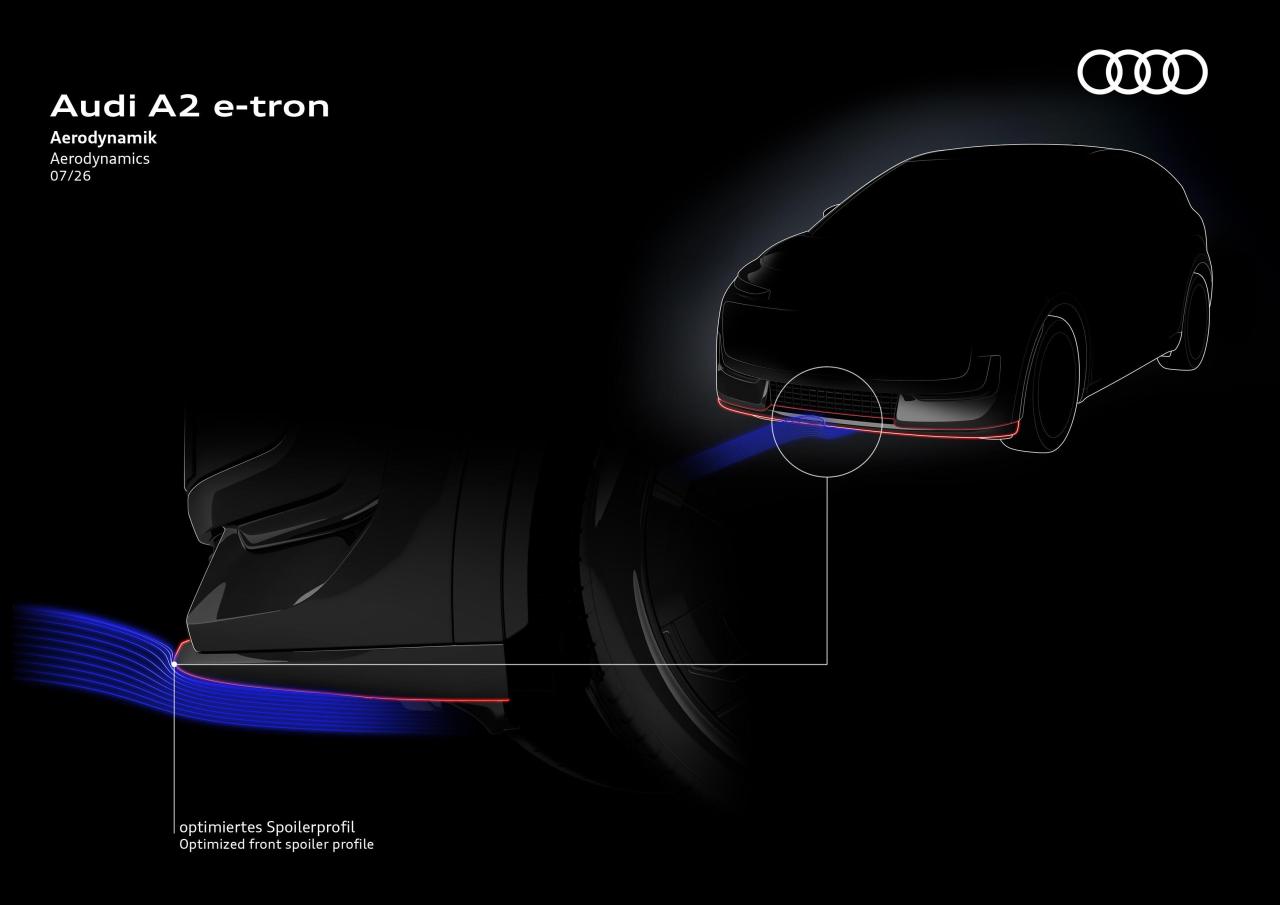
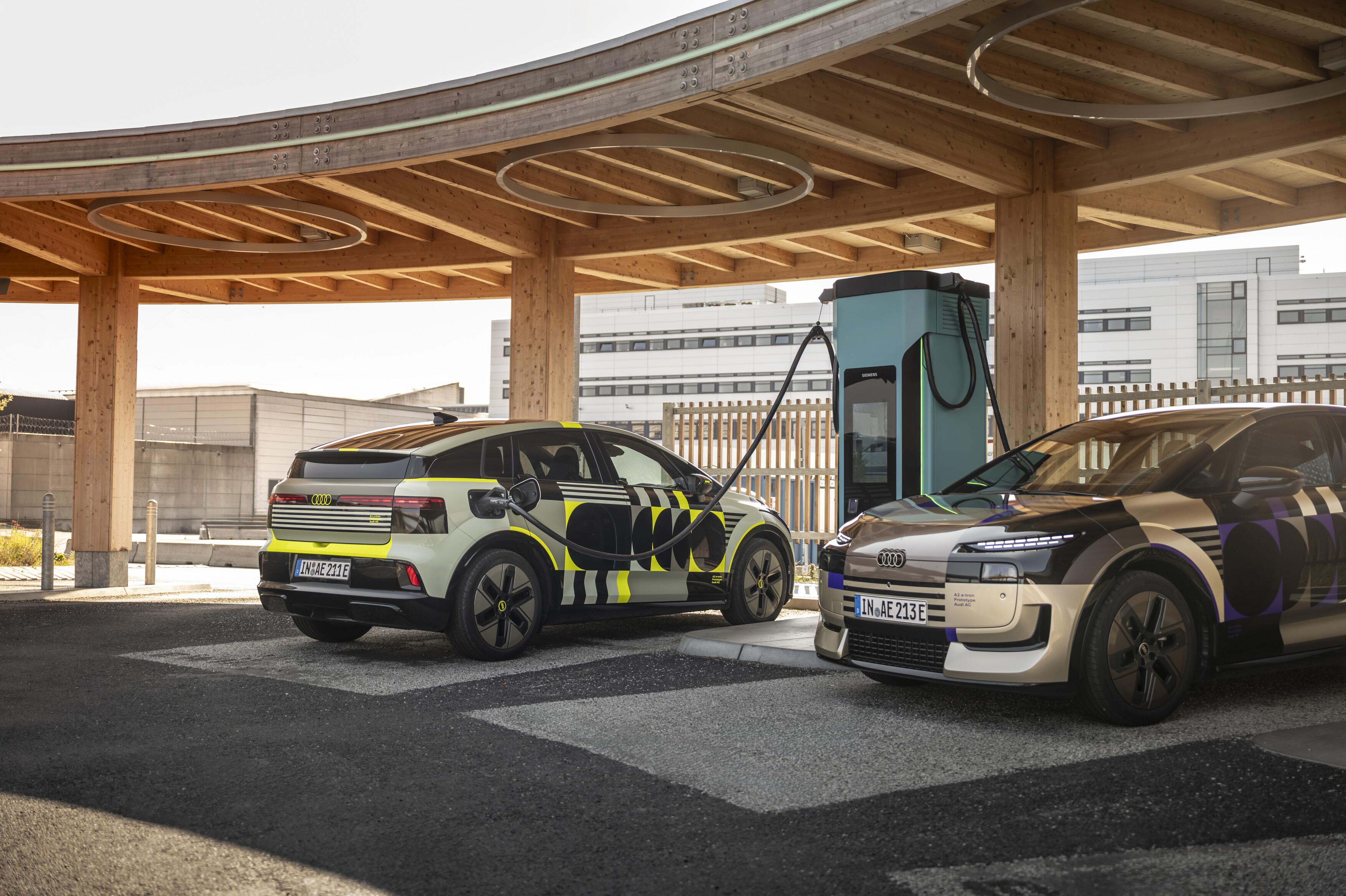
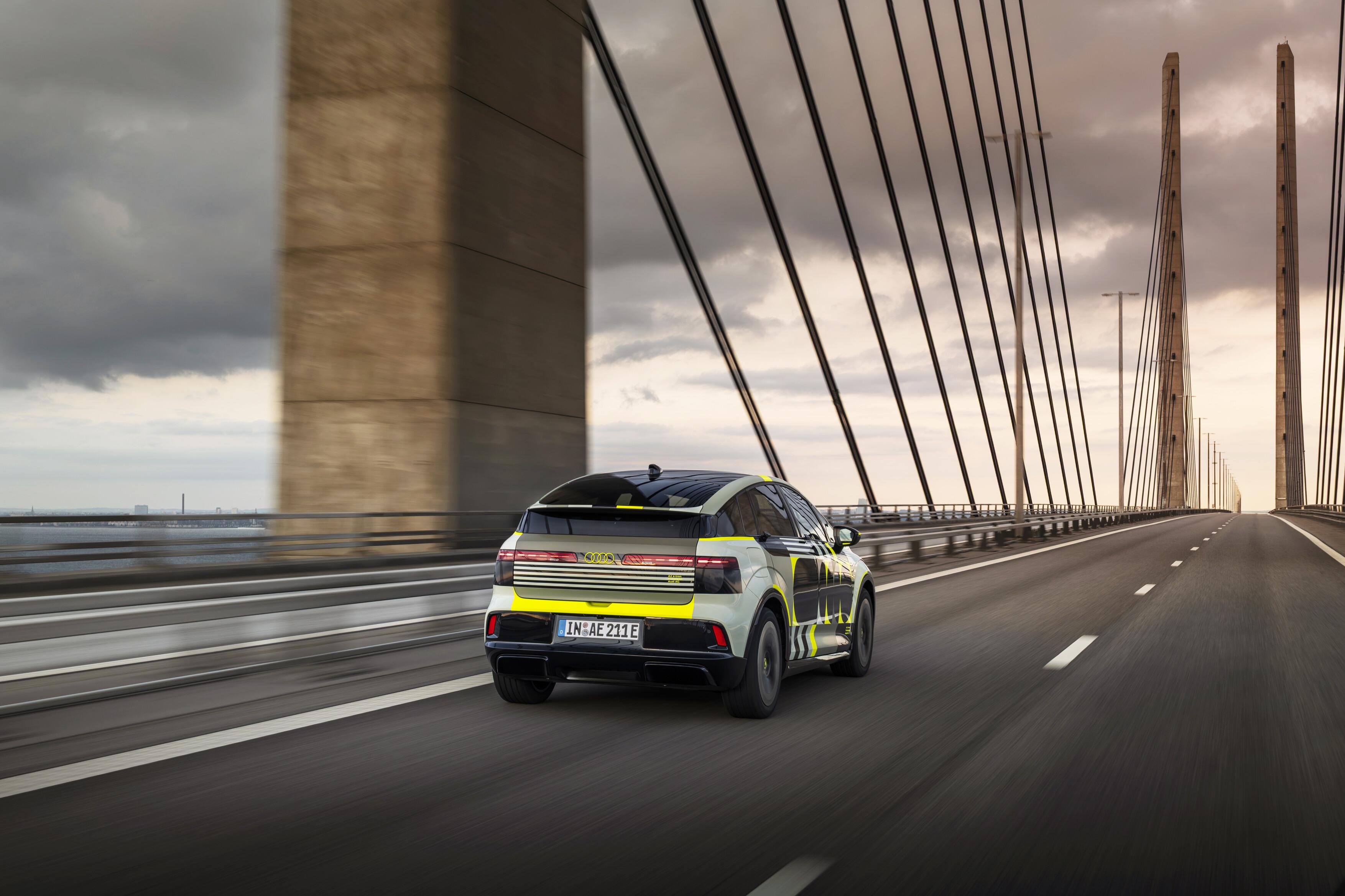
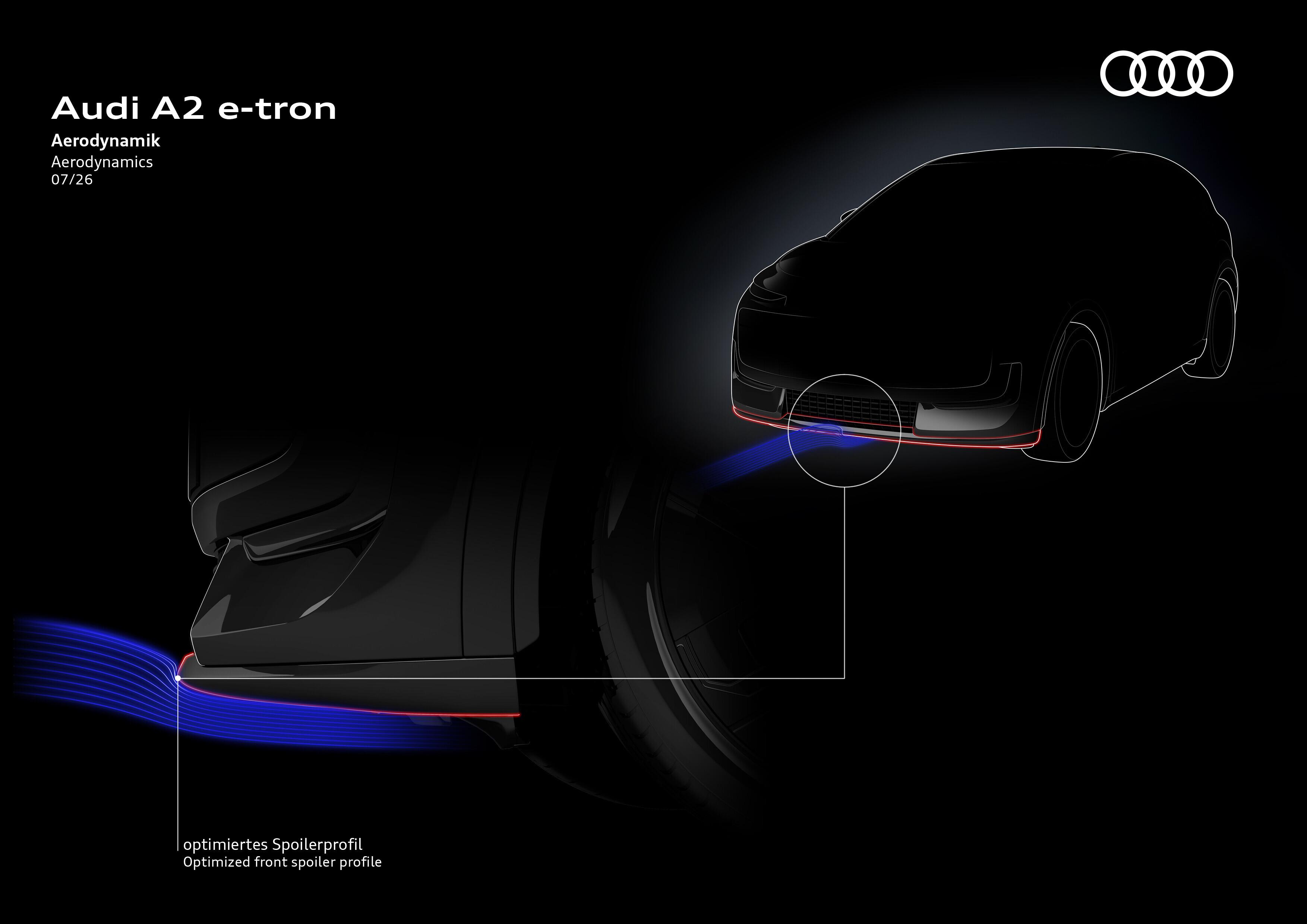
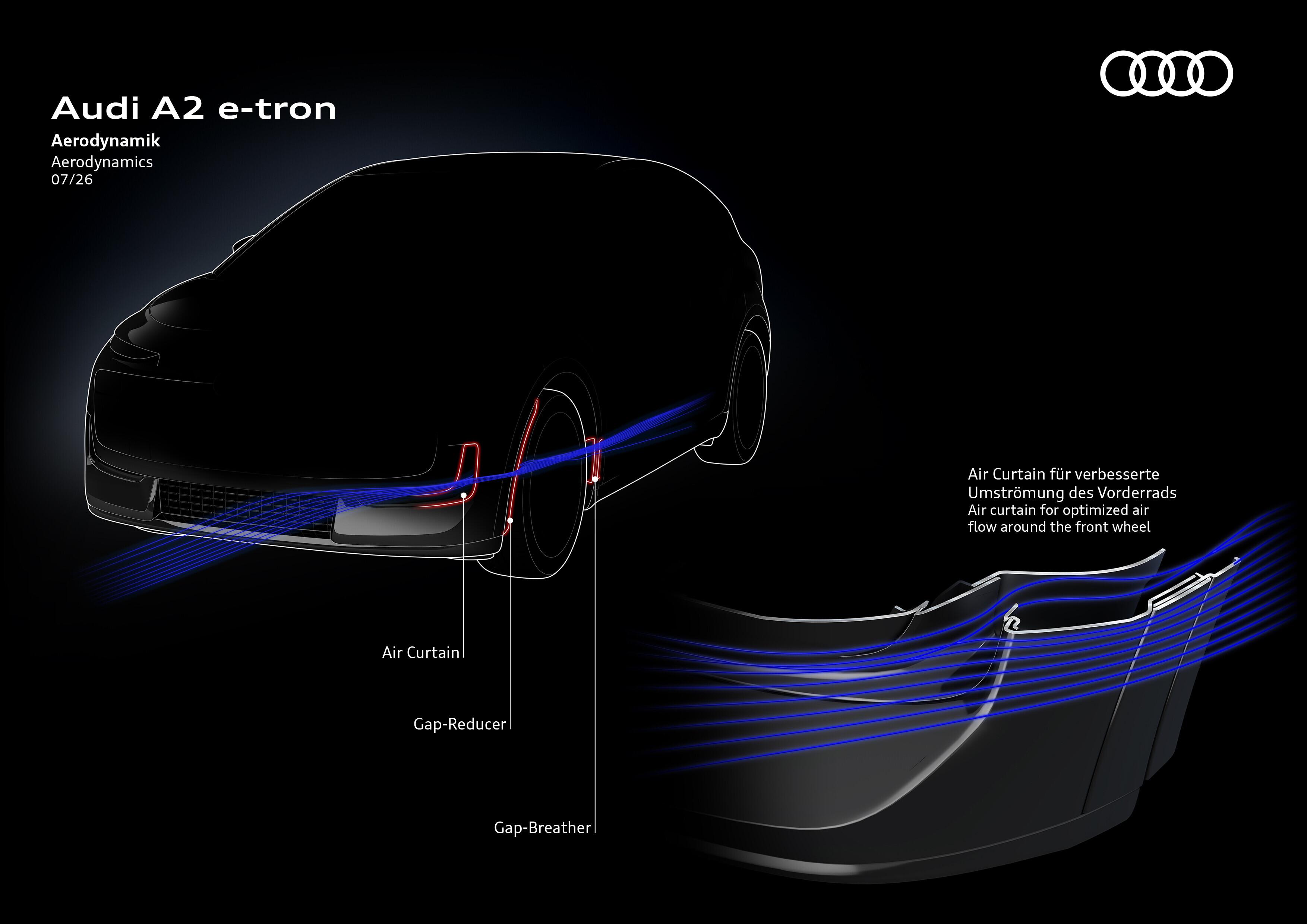
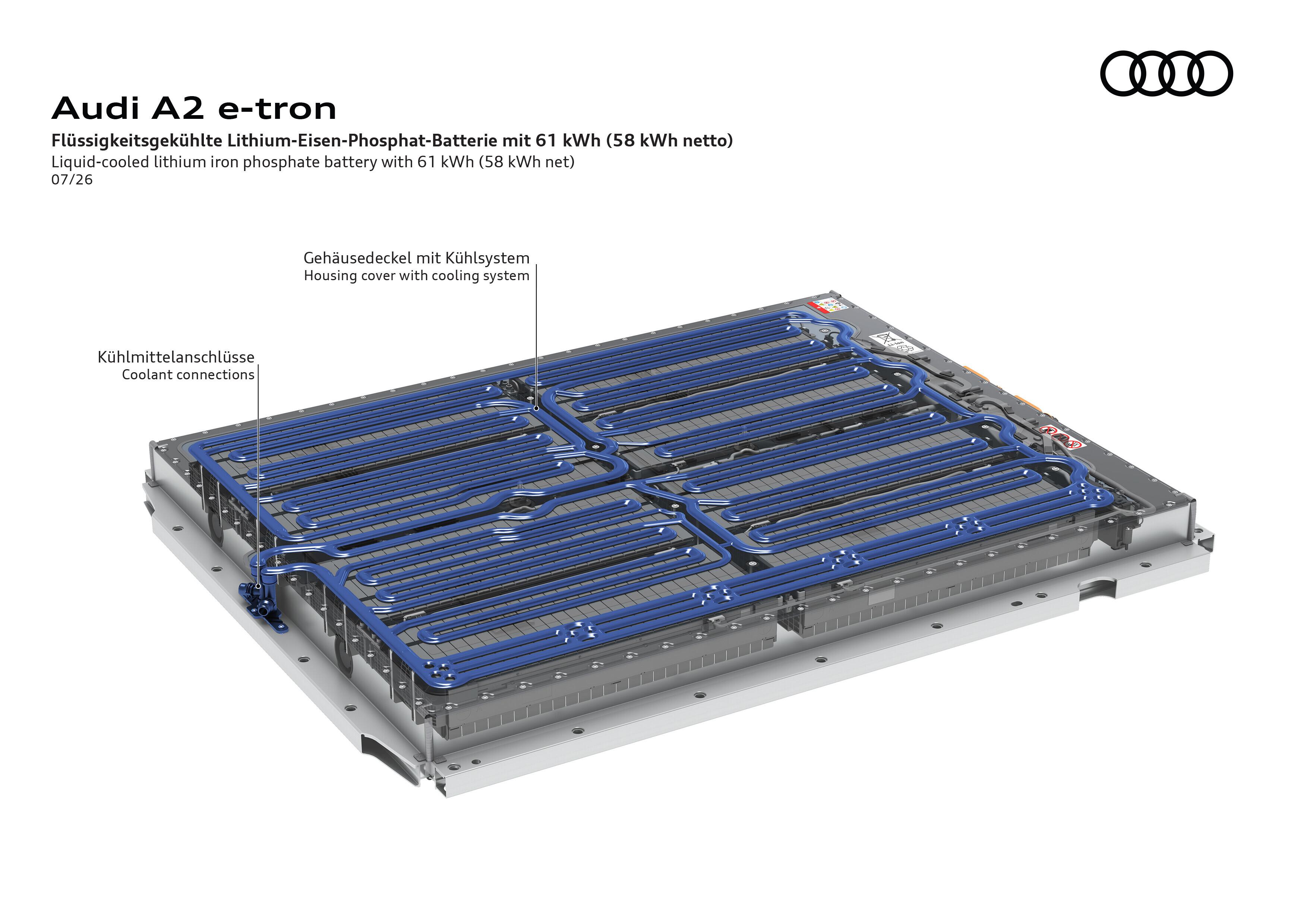
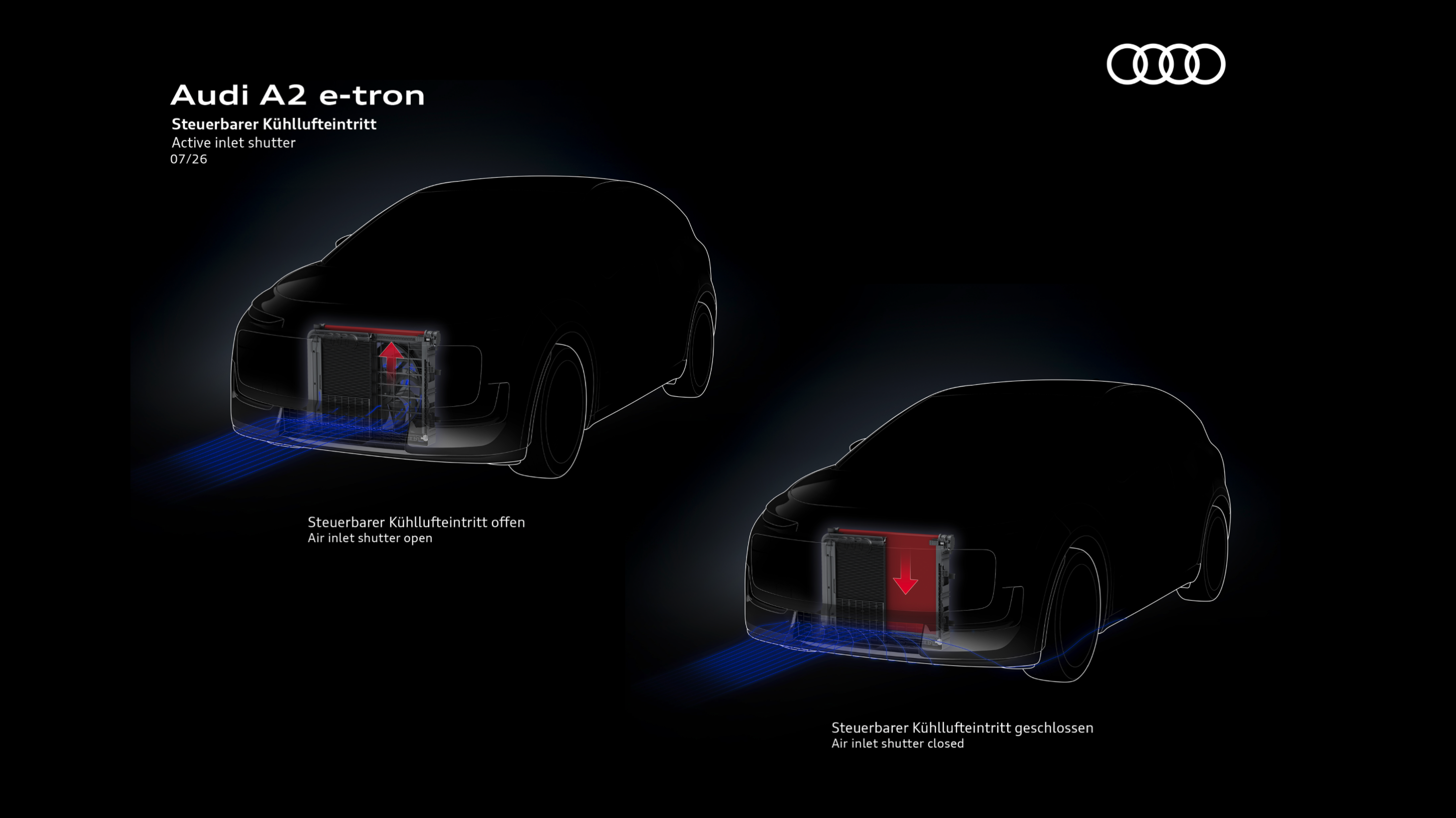
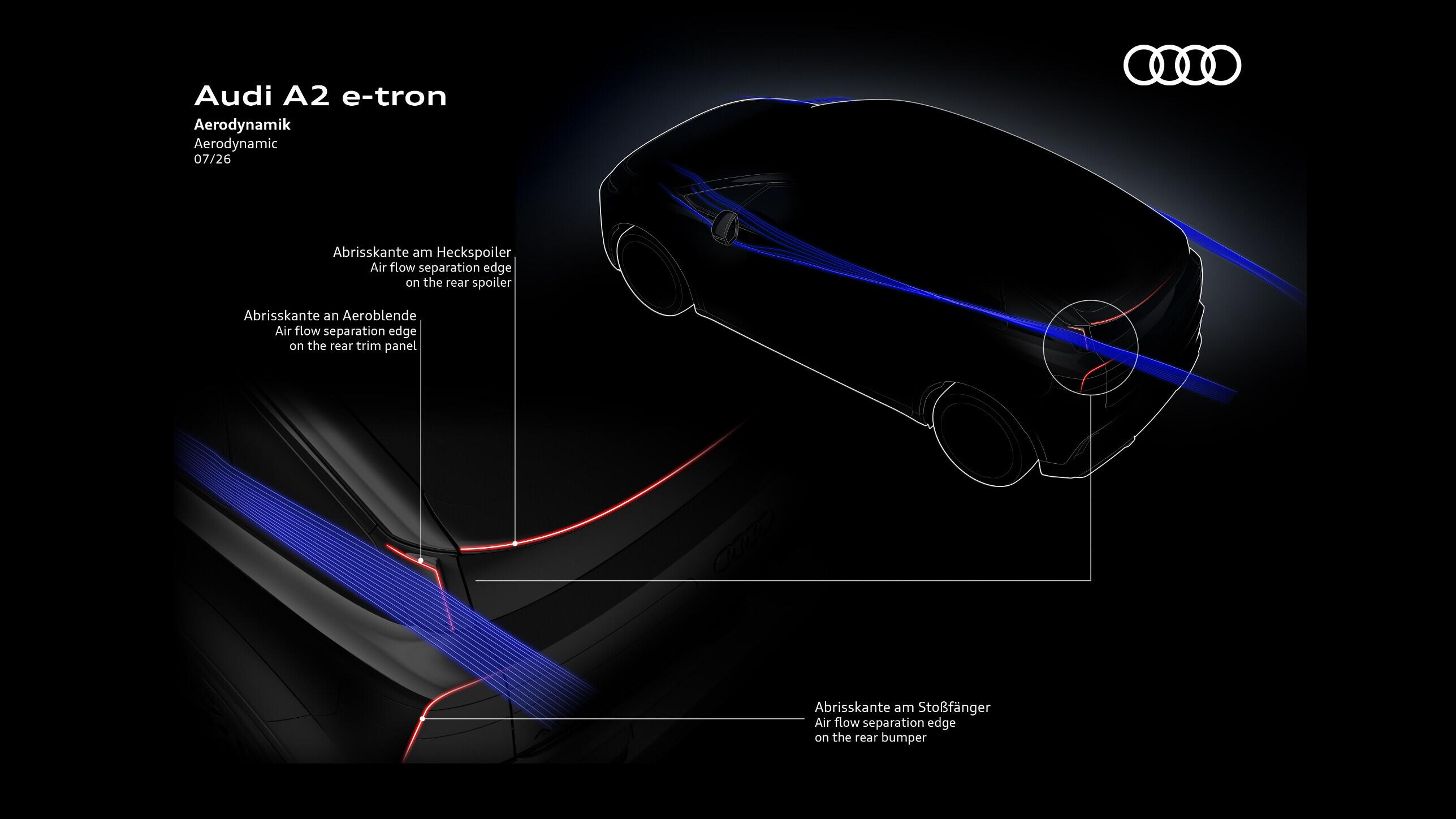
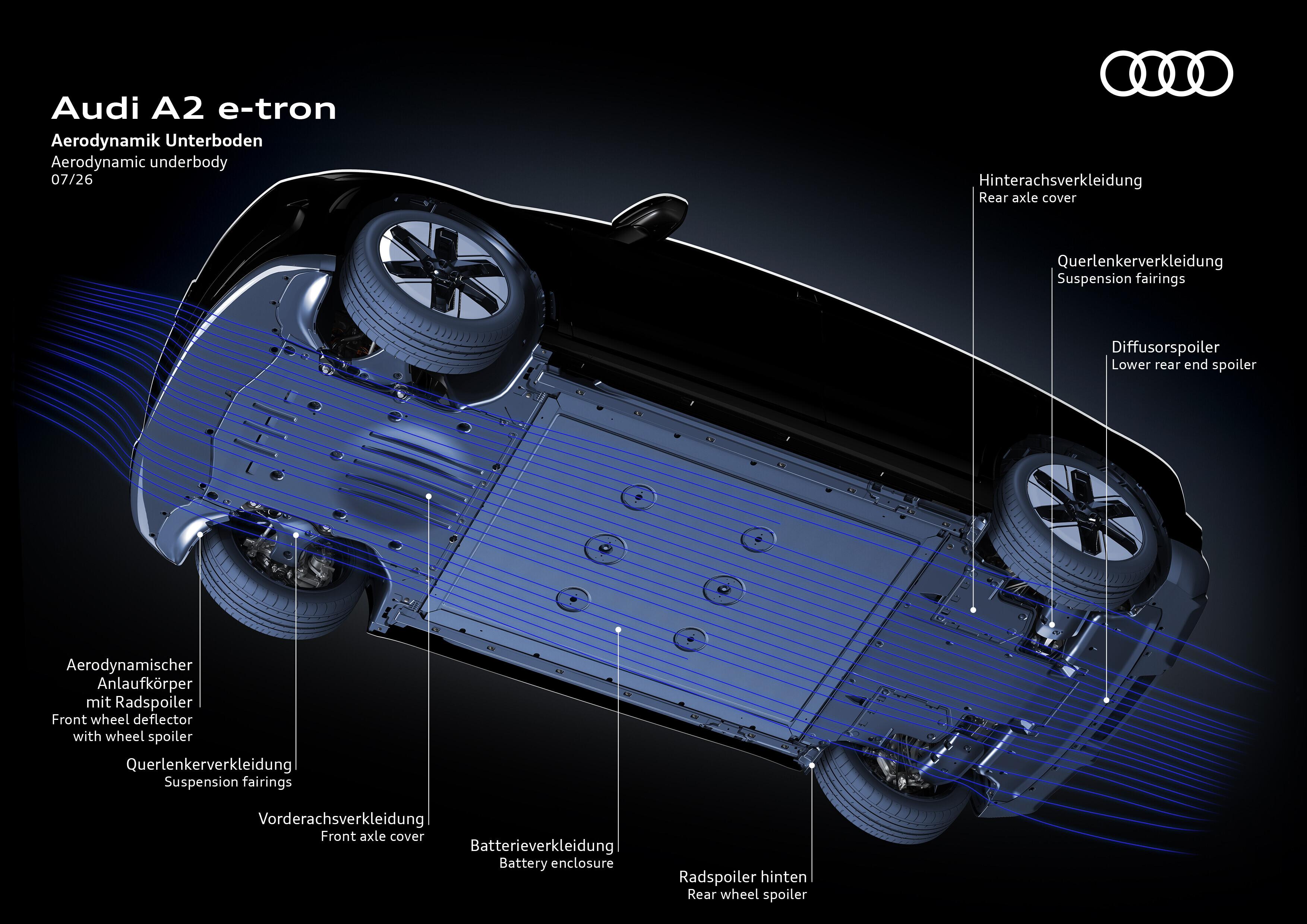
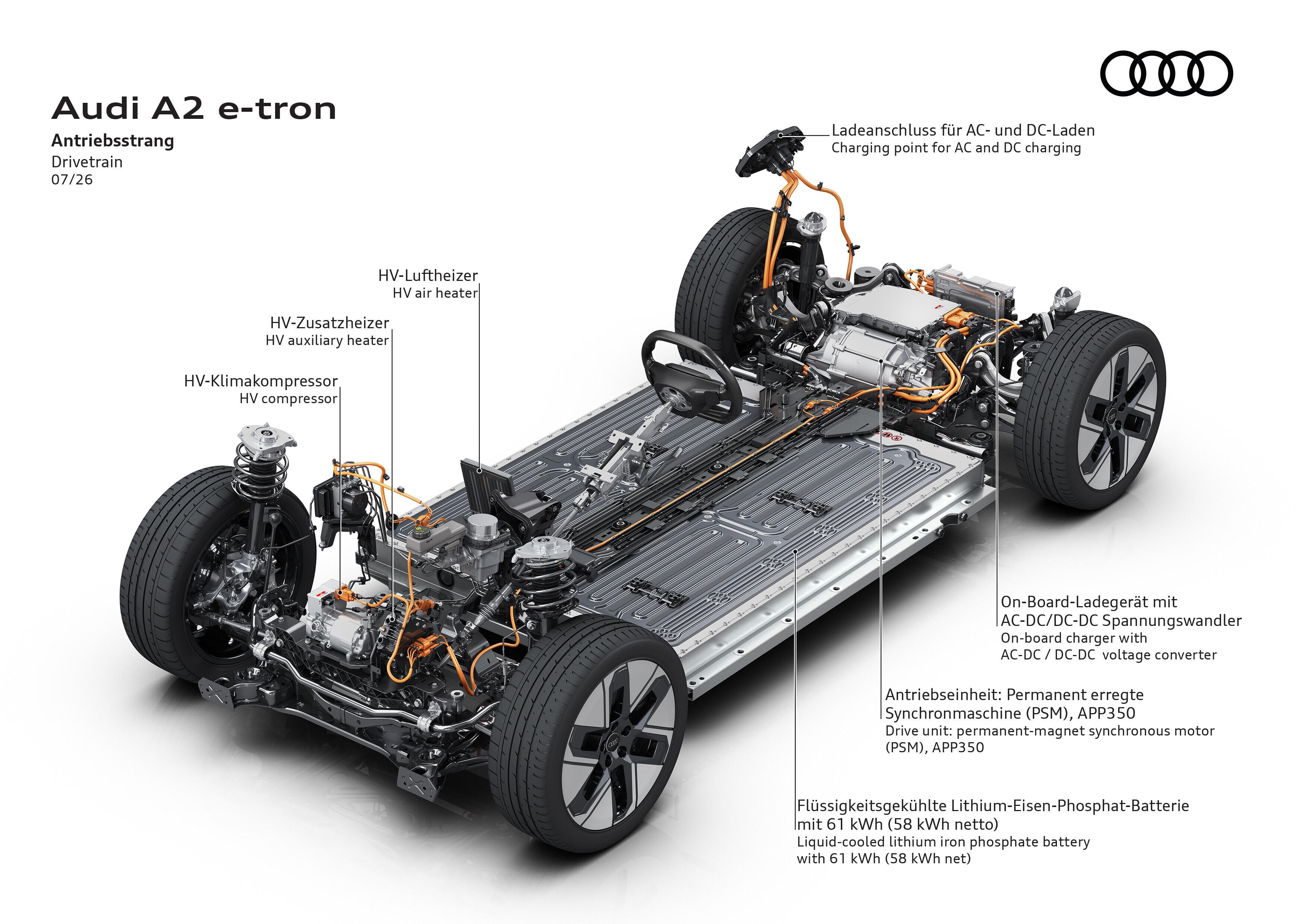
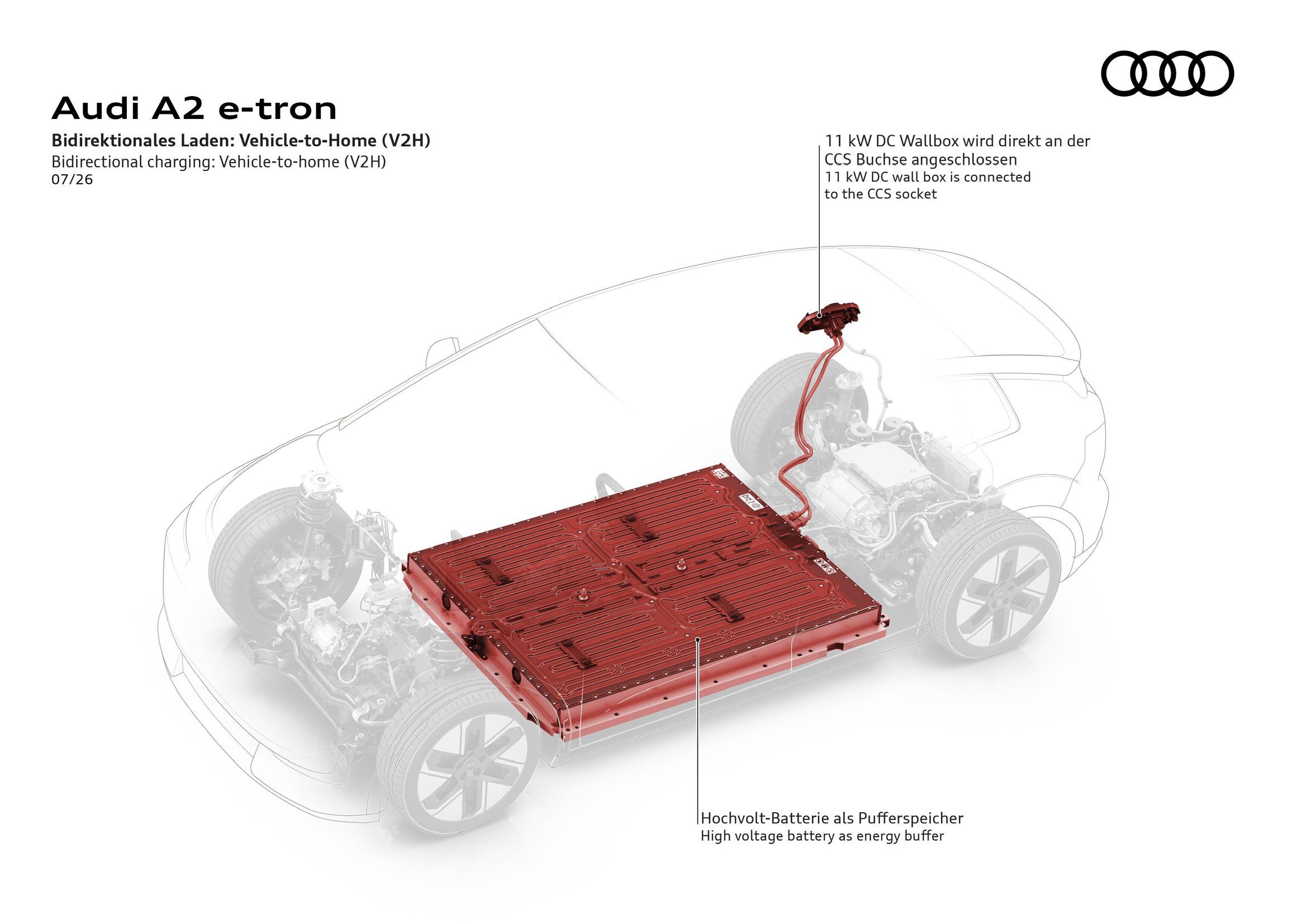
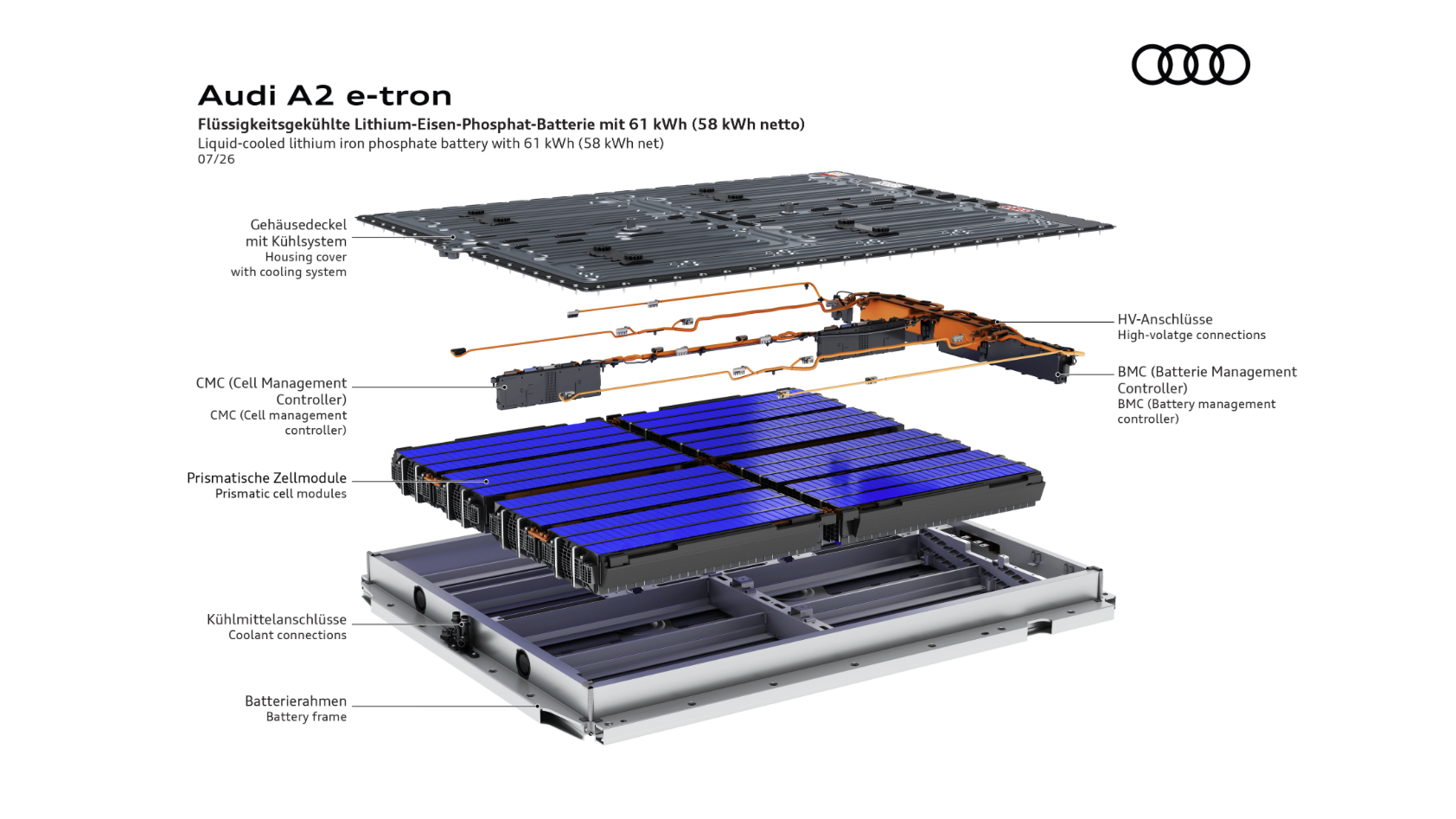
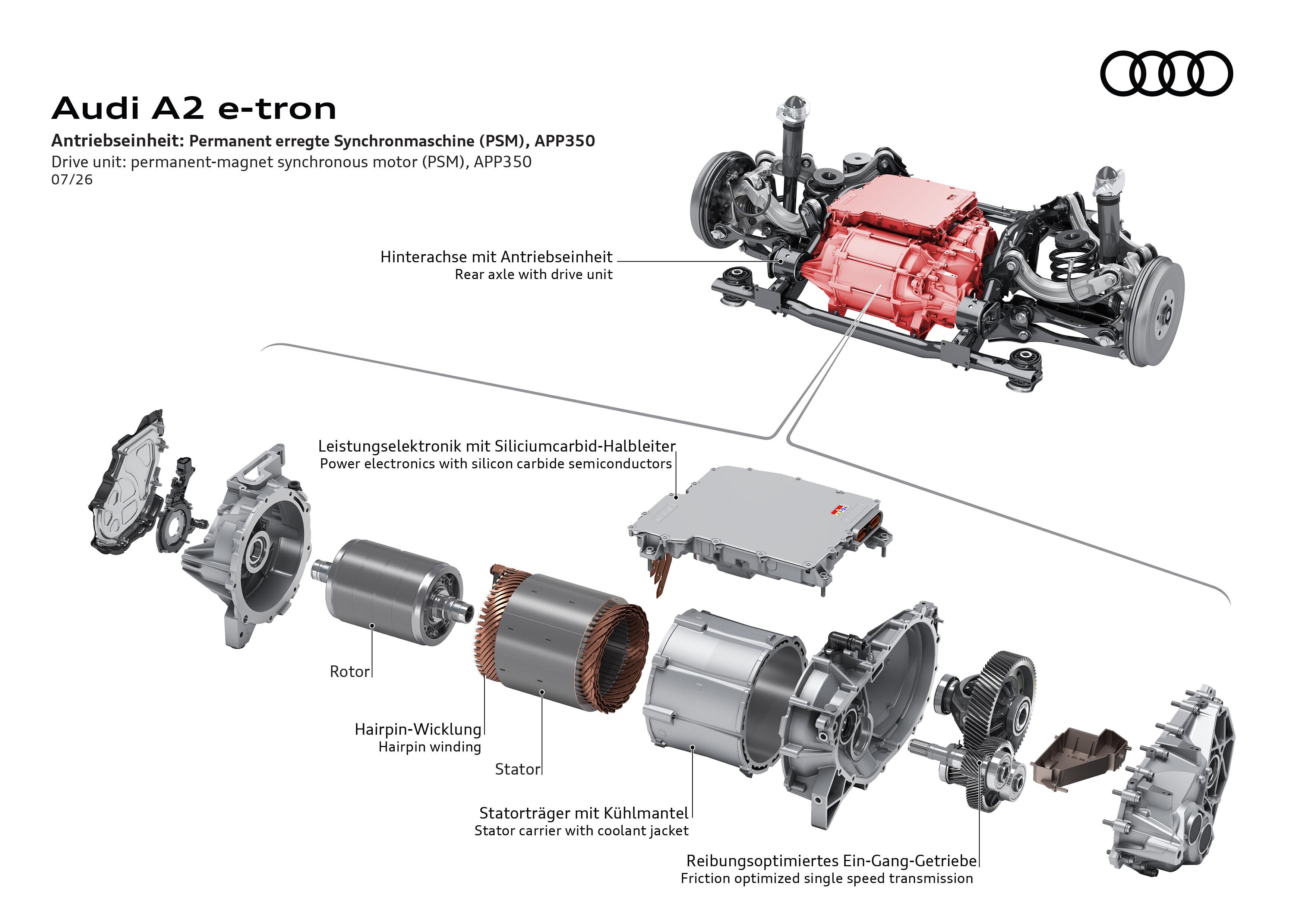
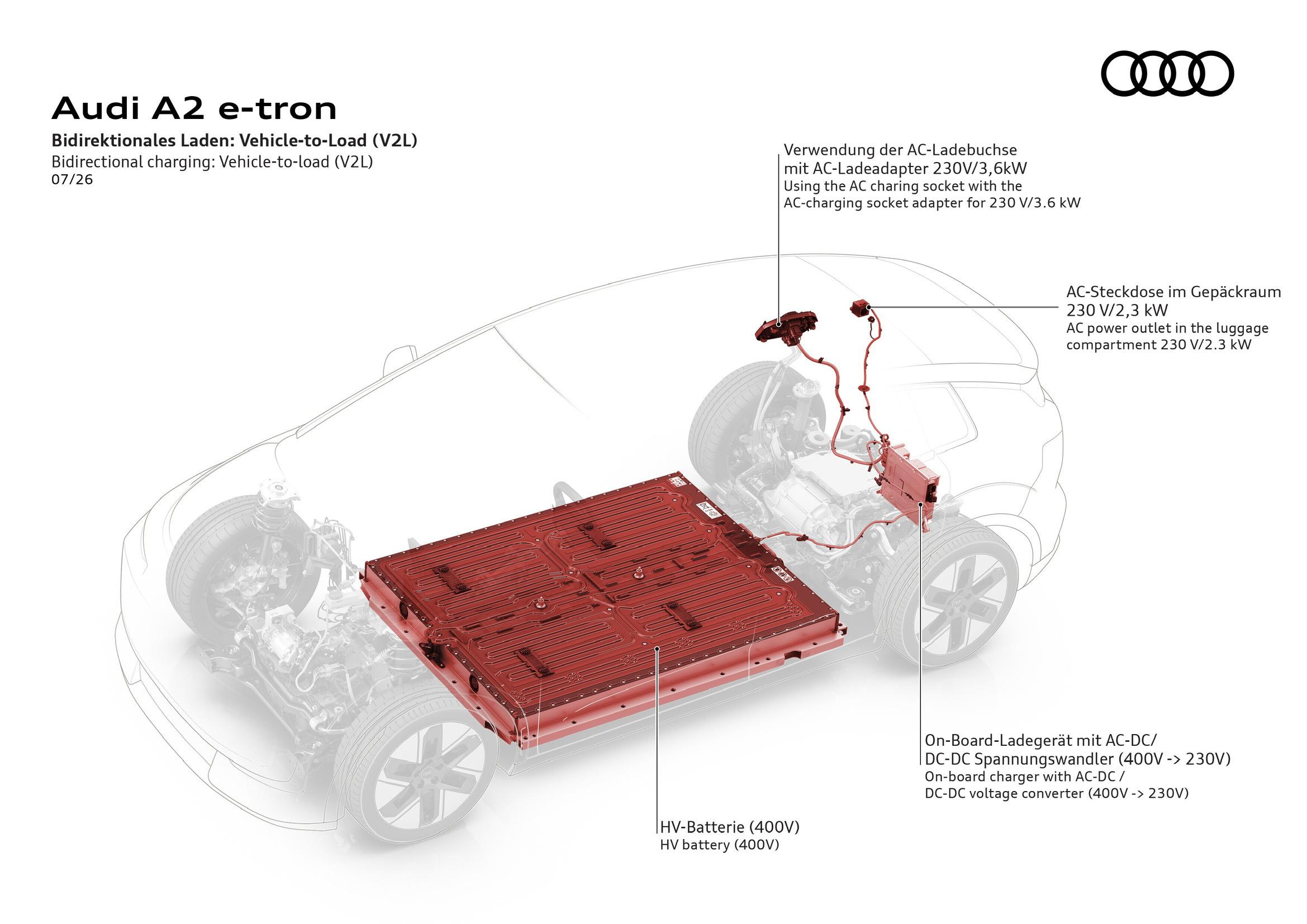
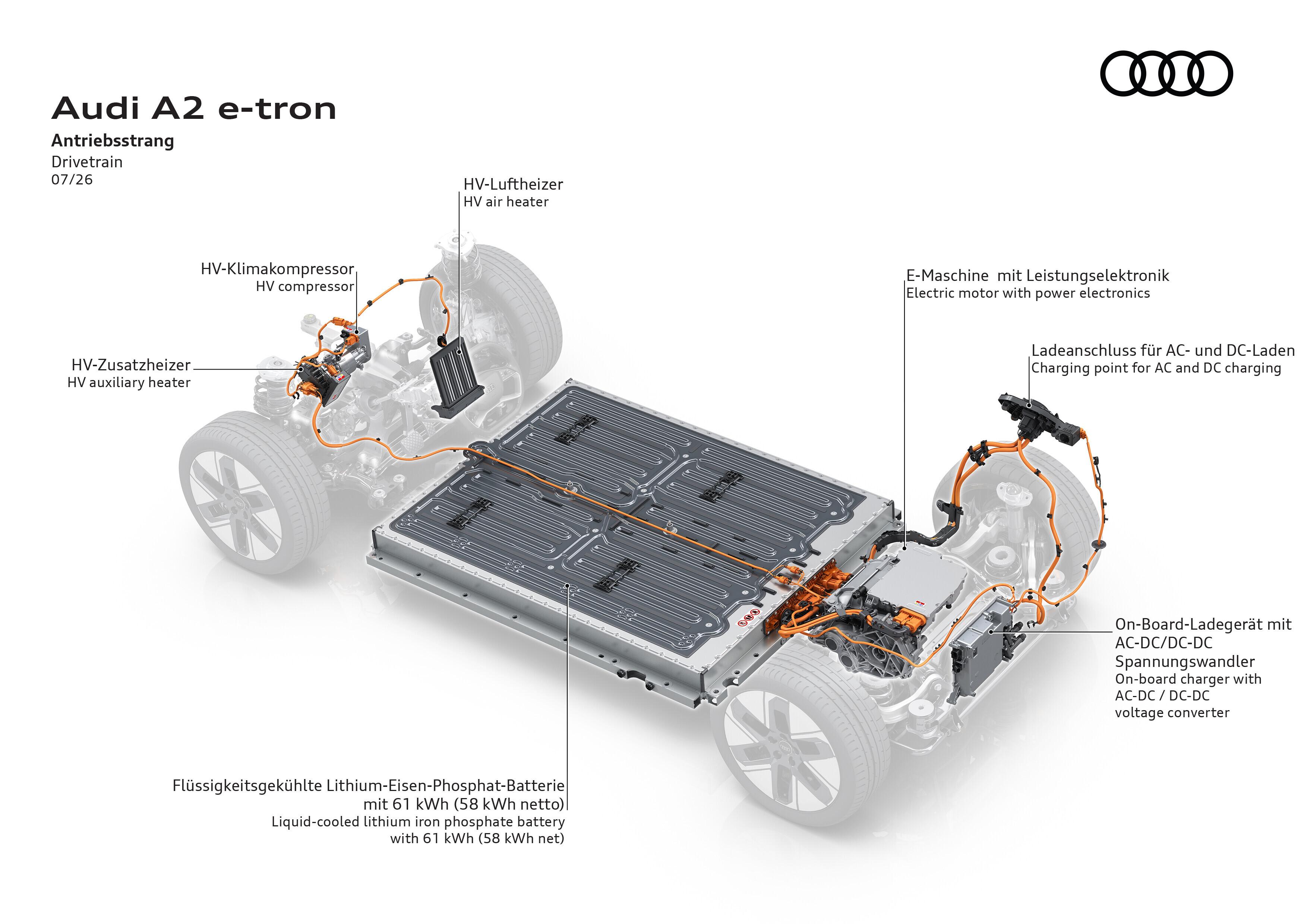
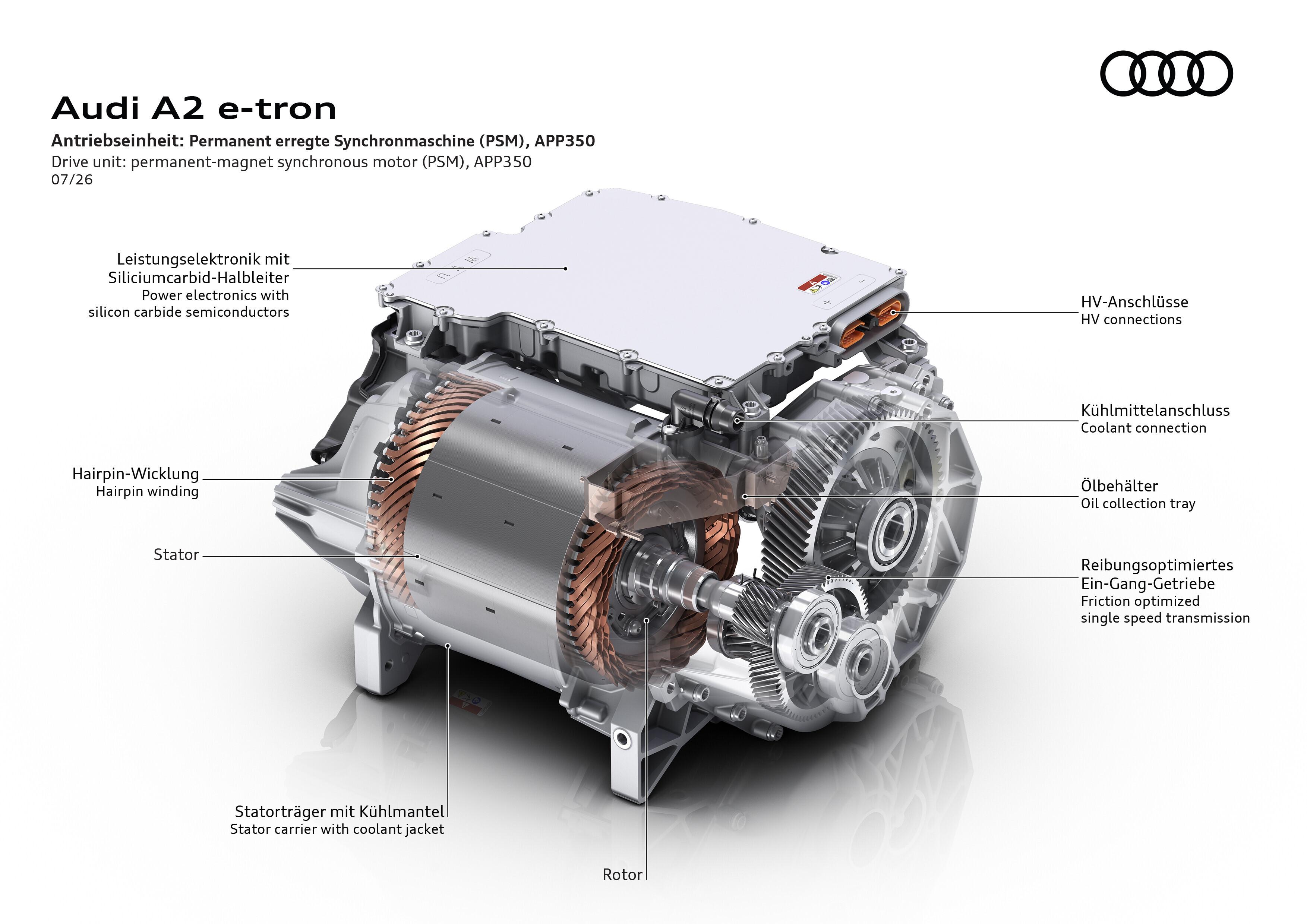
 Infografiche Comunicato stampa Via Audi.


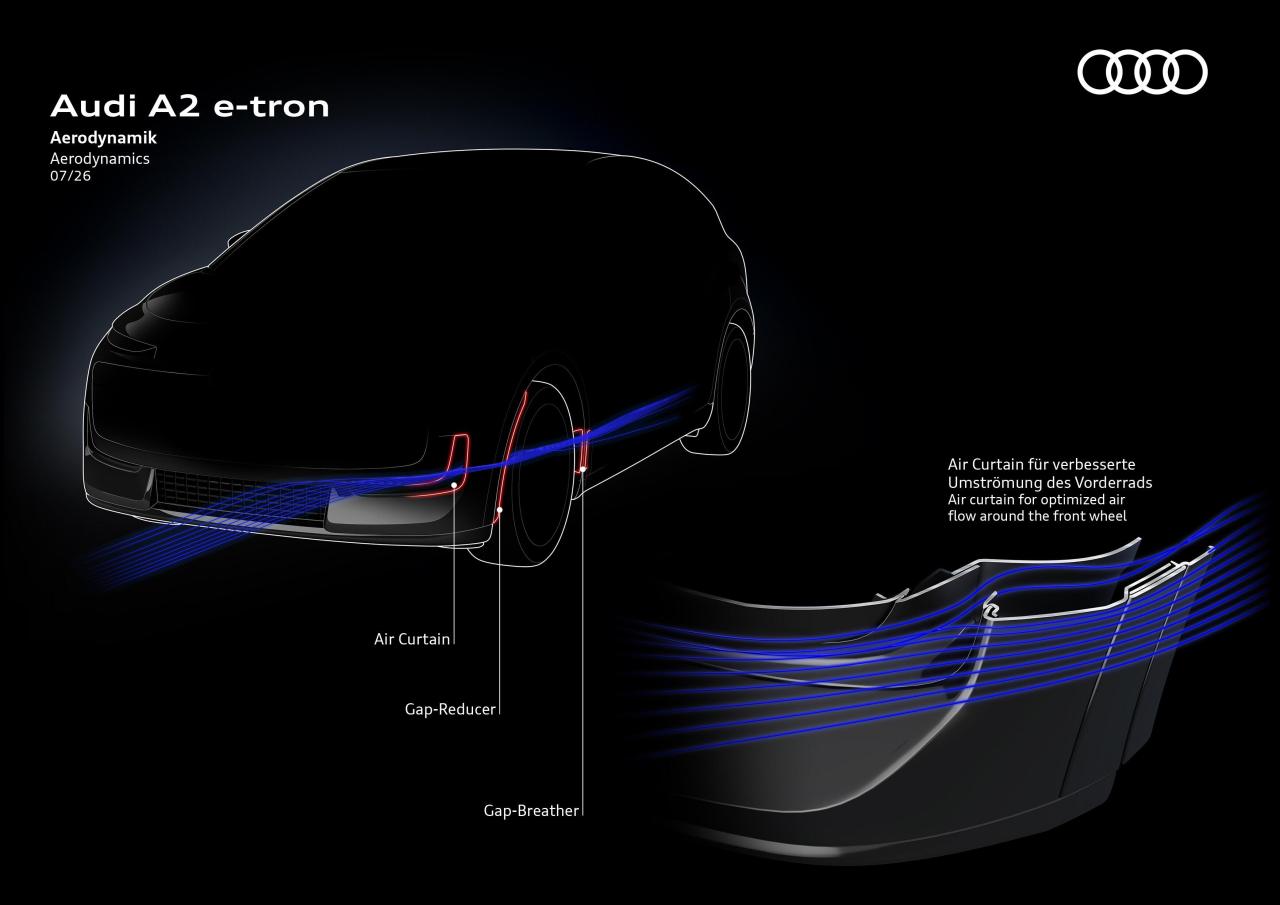
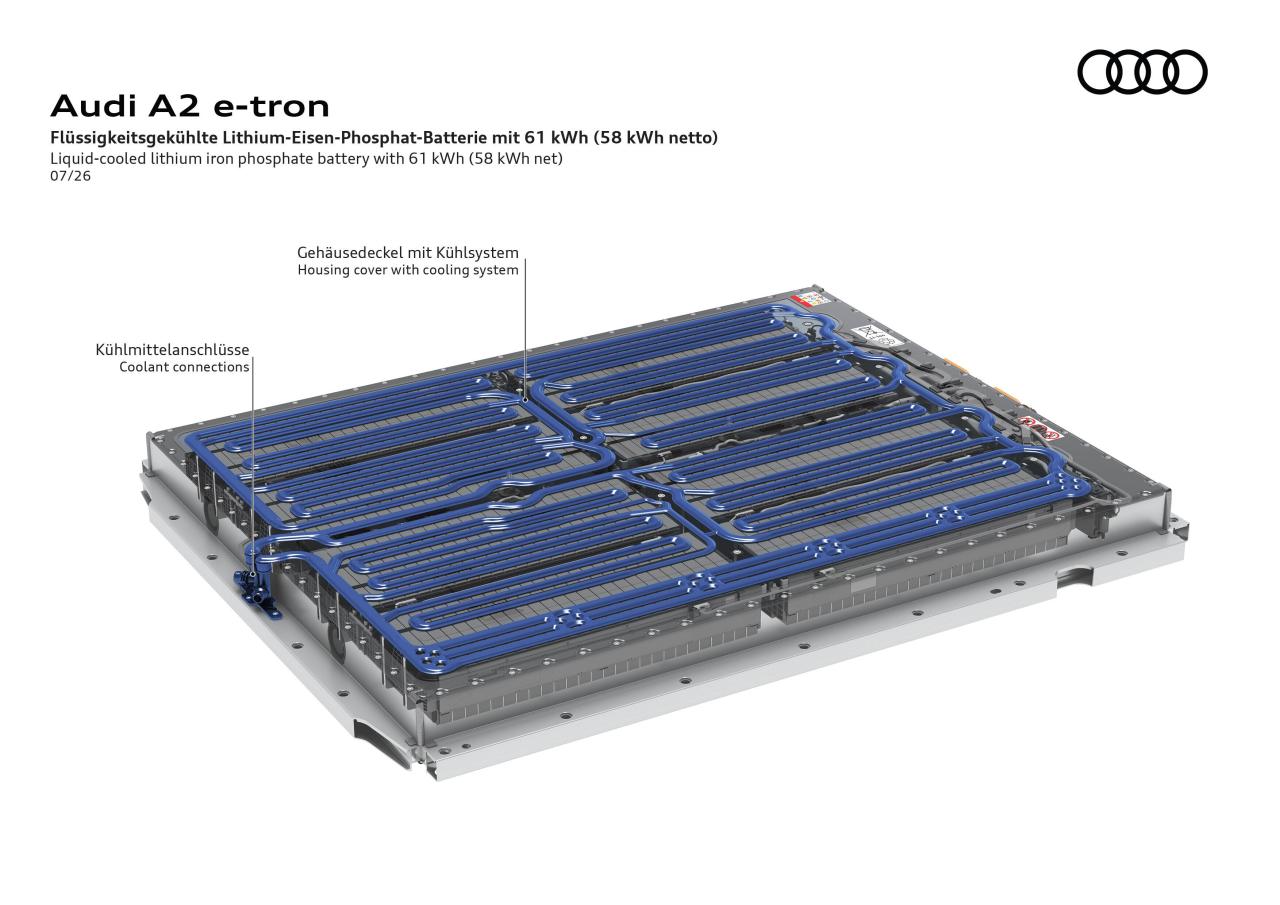
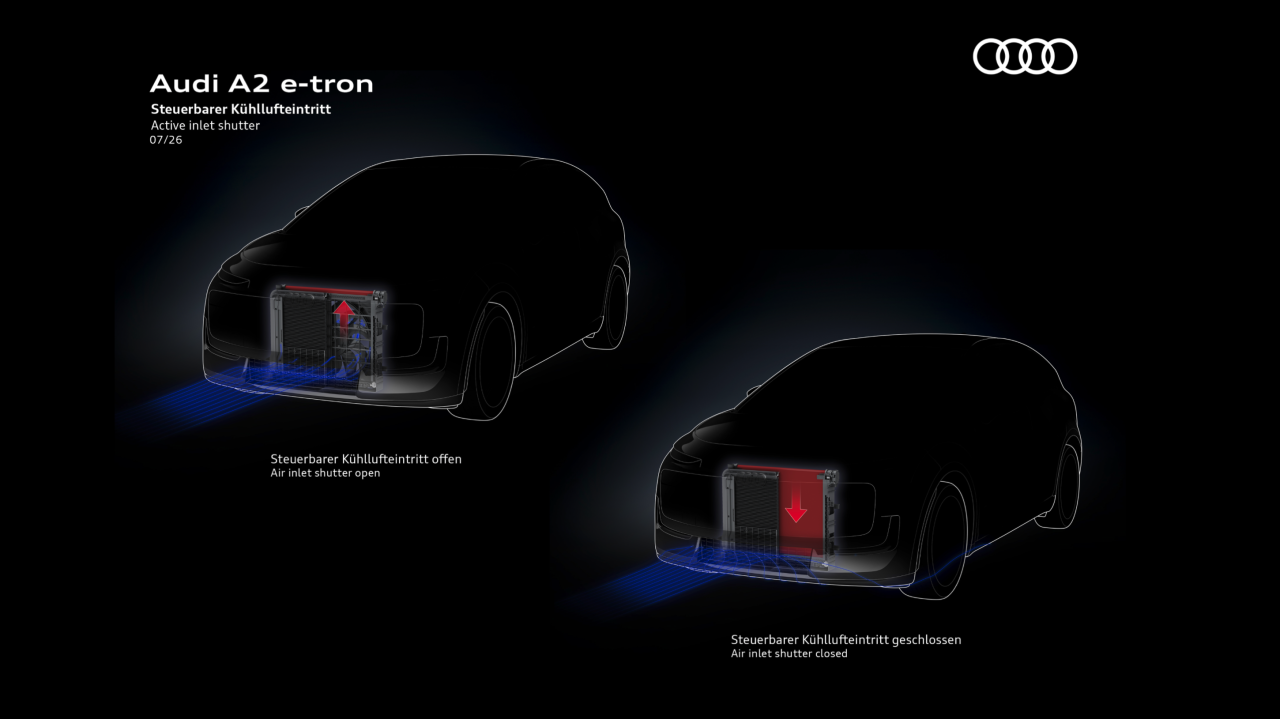
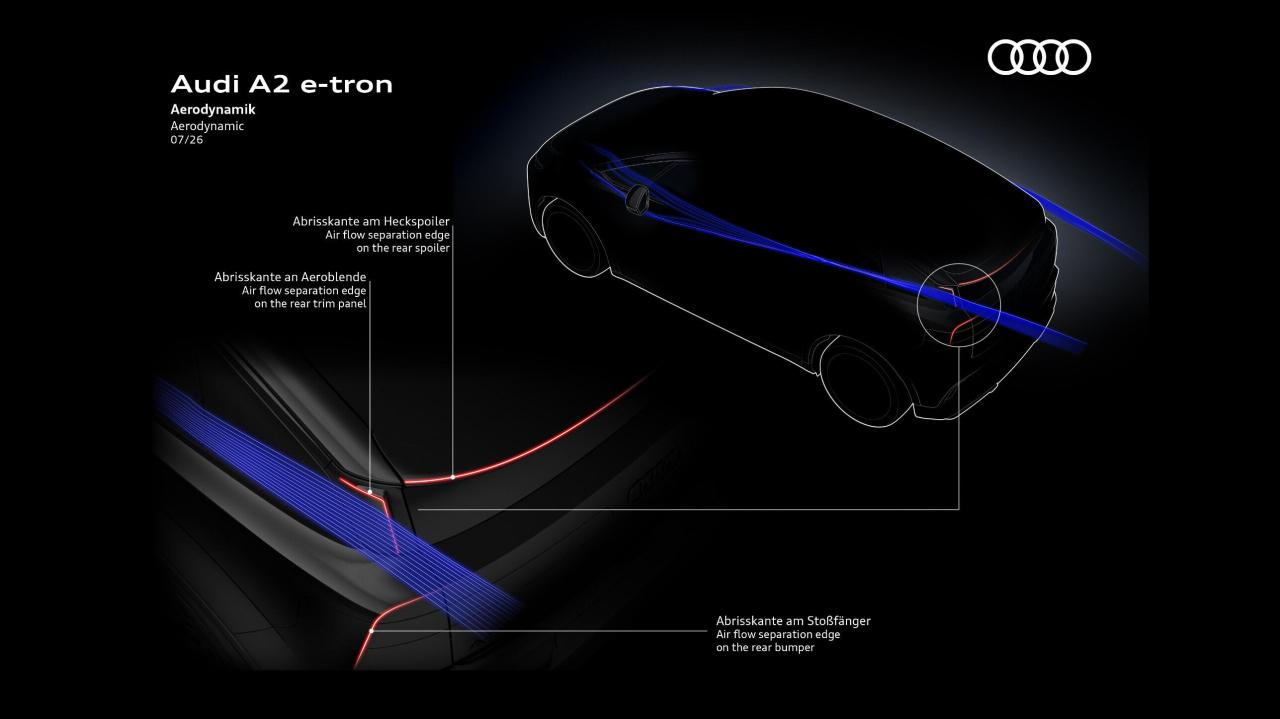
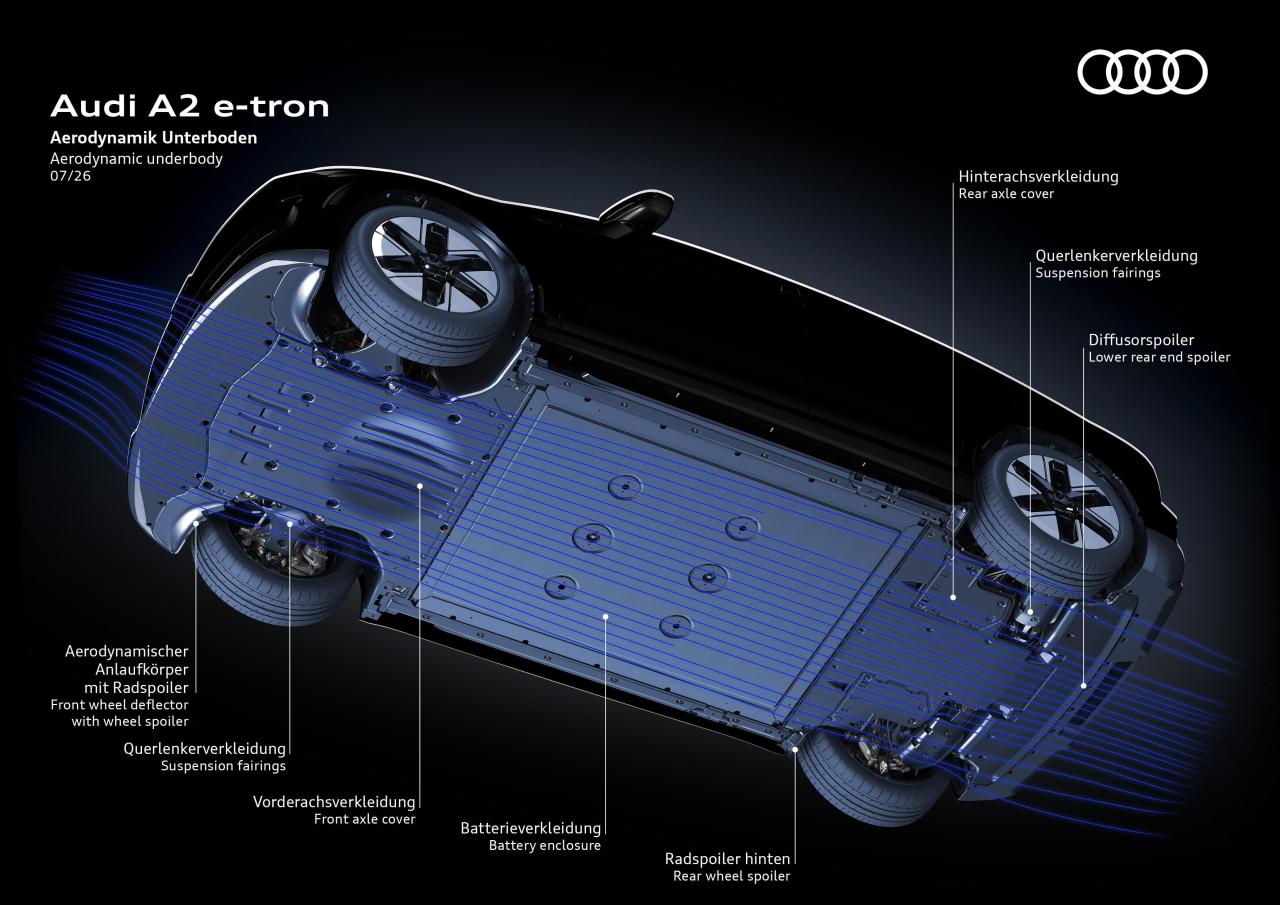
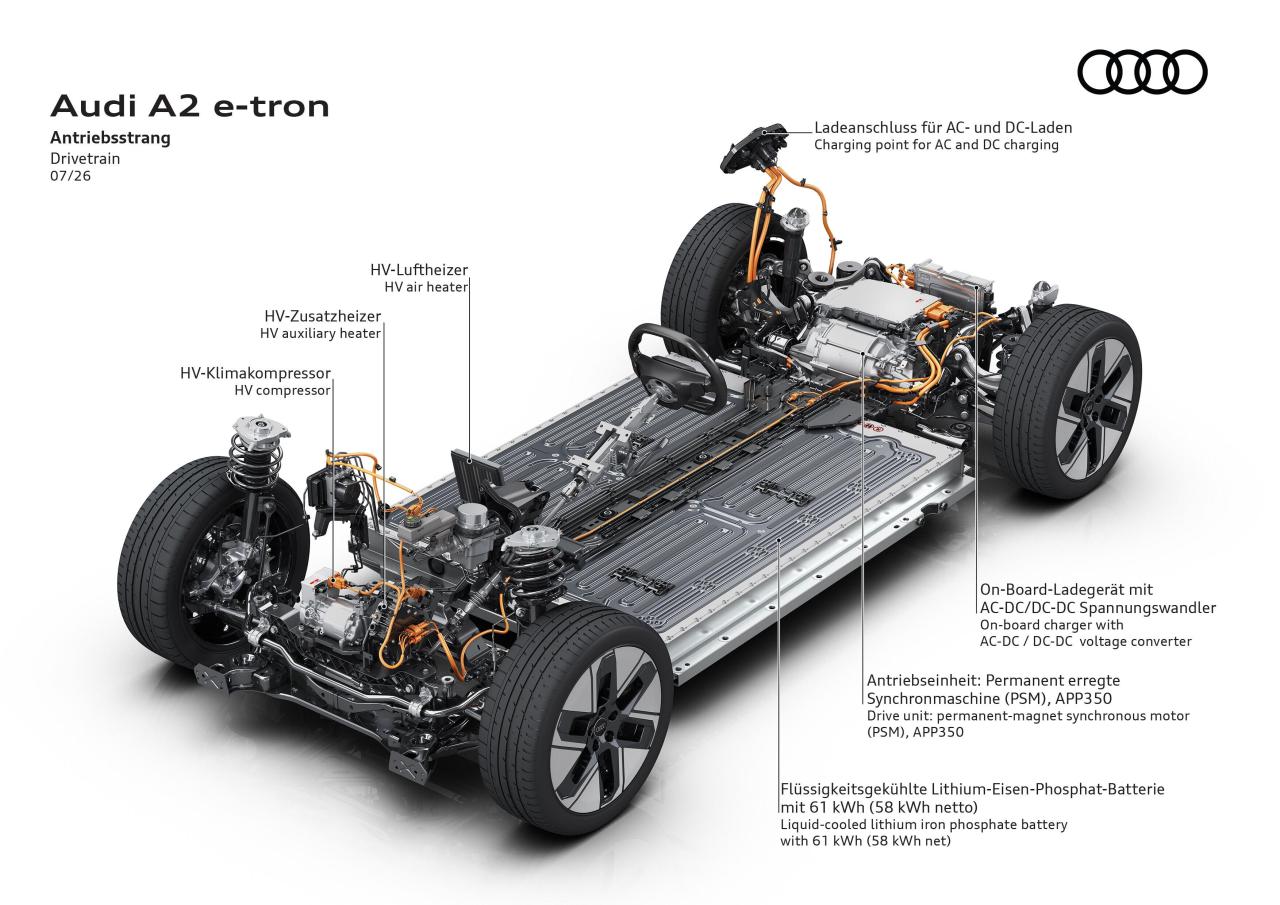
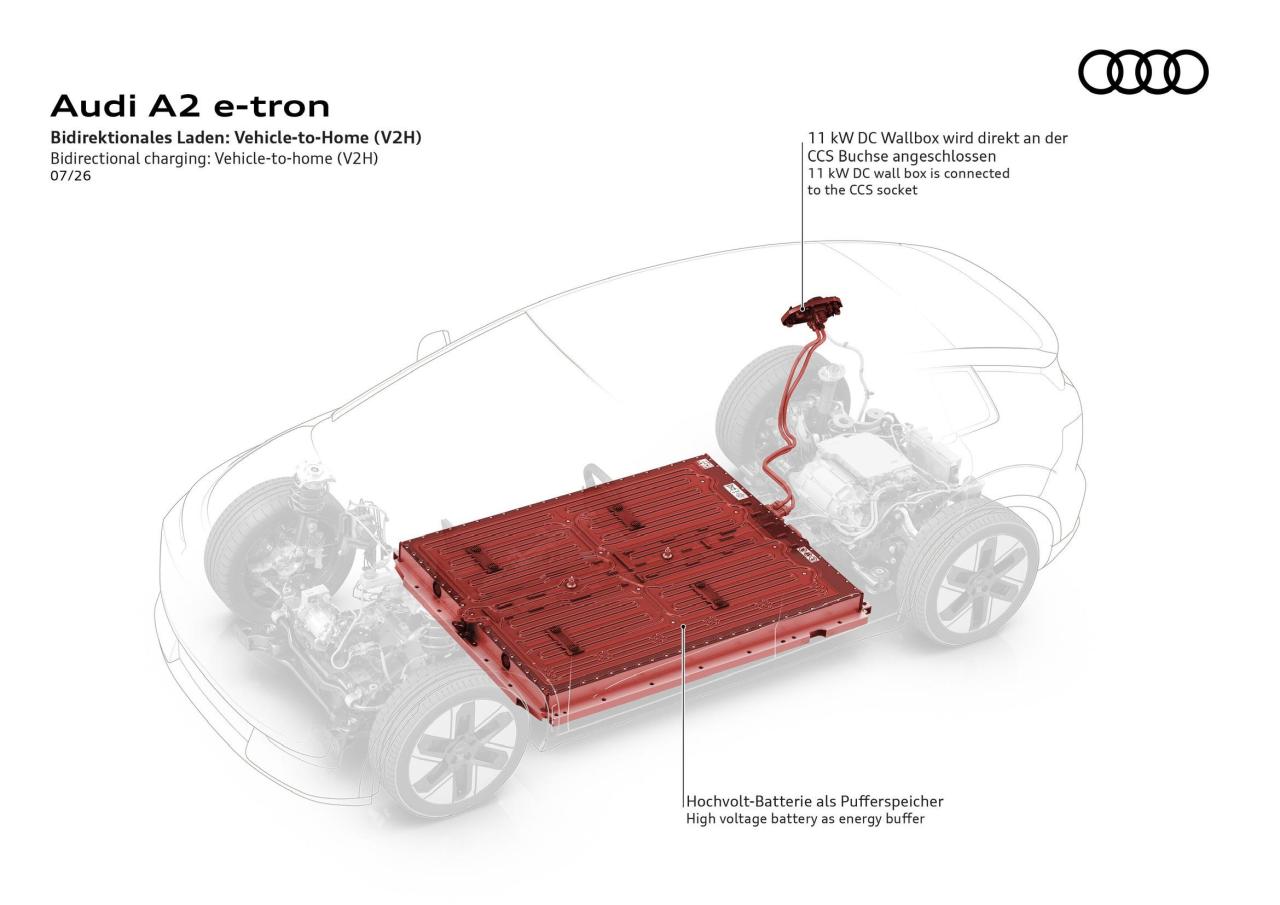
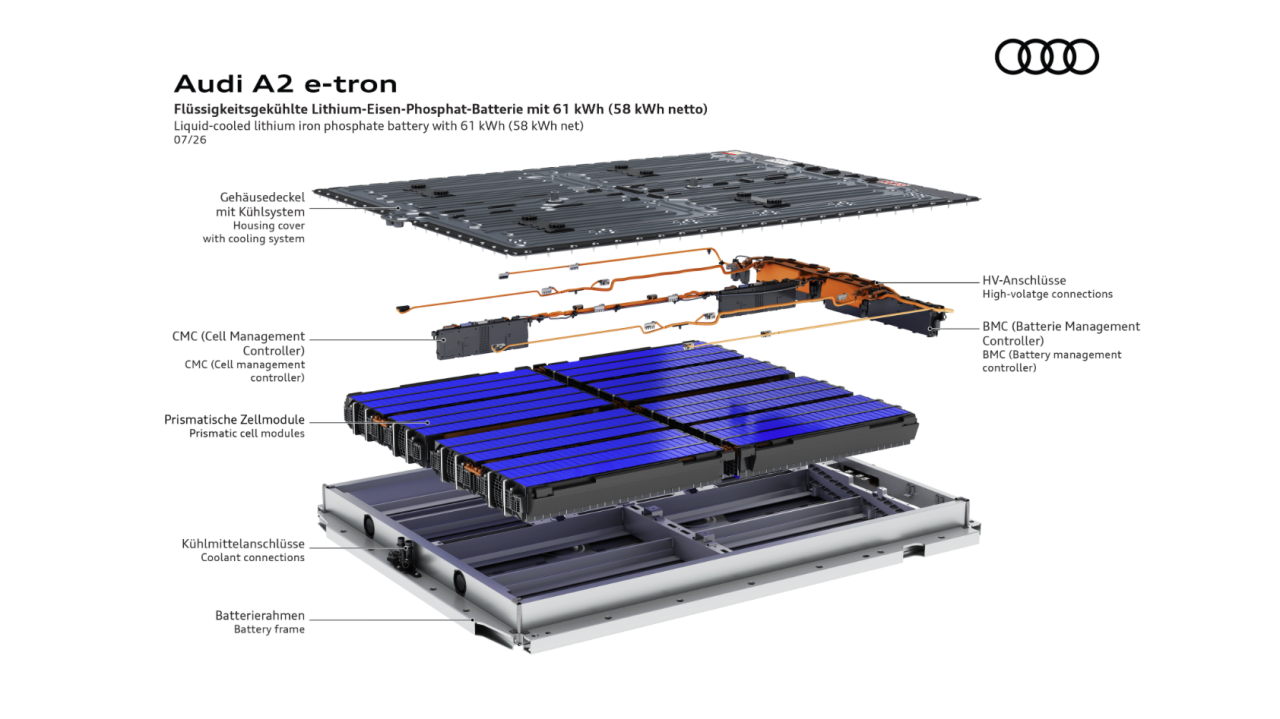
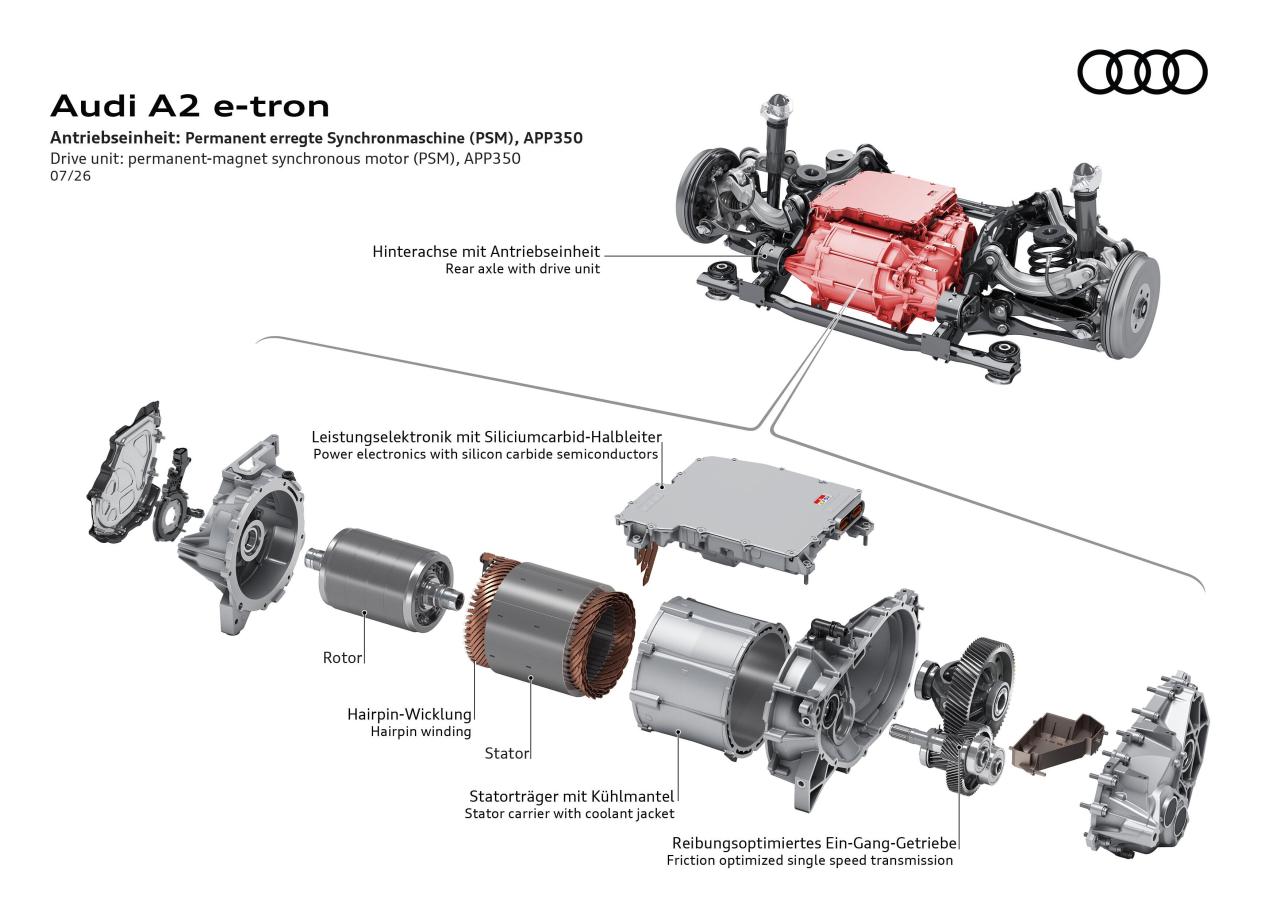
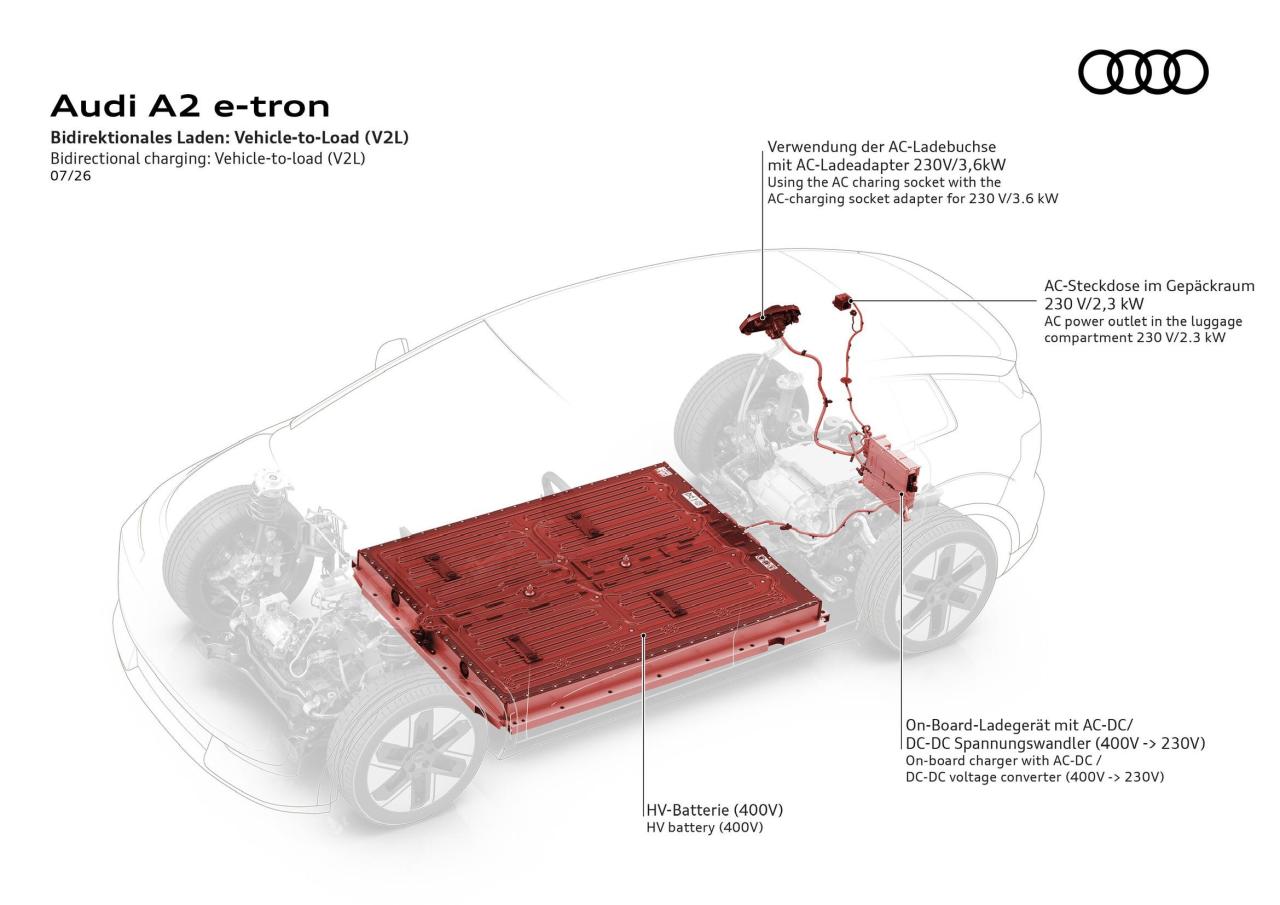
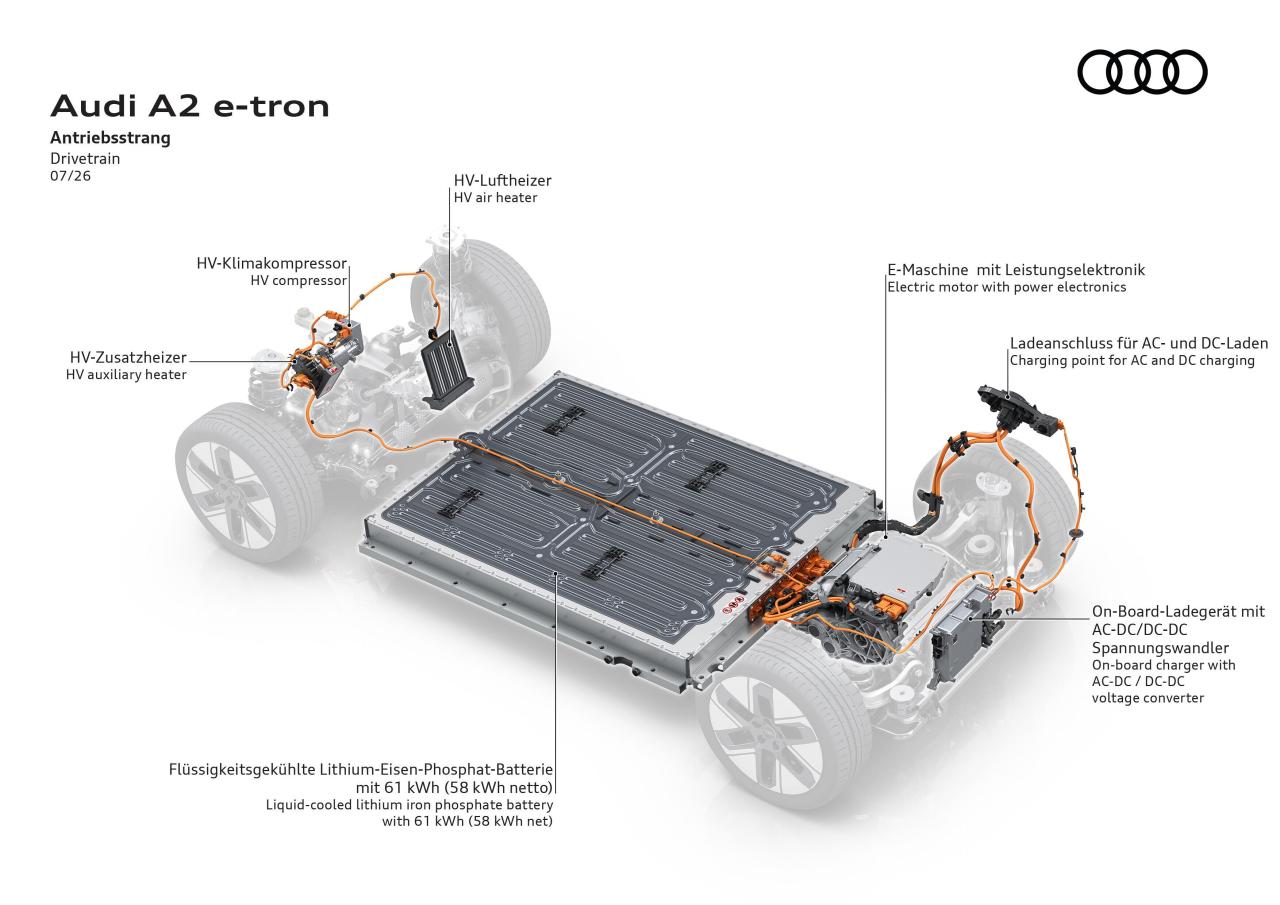
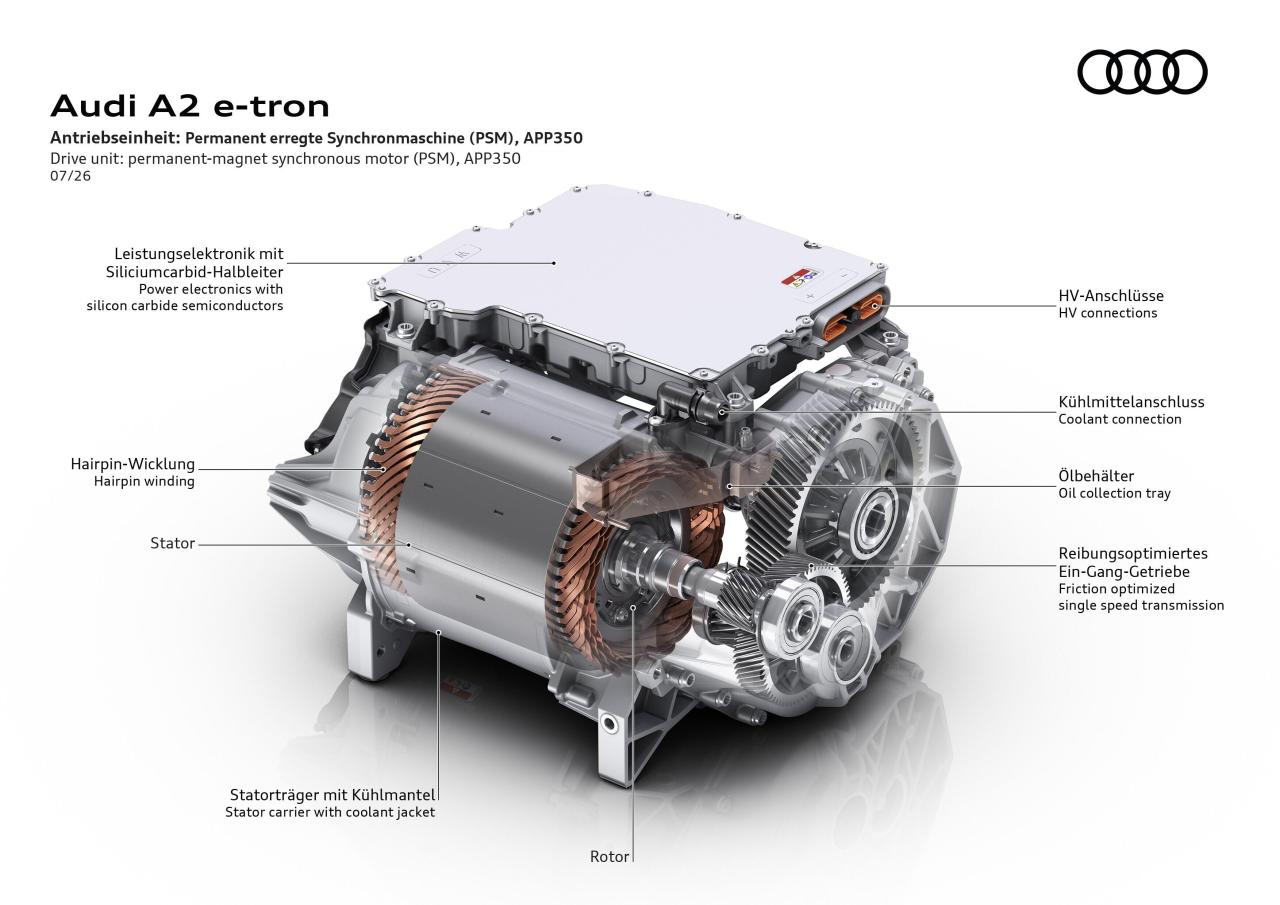 Revuelto Miura 60° Homage Comunicato stampa Via Lamborghini.






(1)(1).thumb.png.635c059adfaa3a2ca27f86ab608b04ba.png)

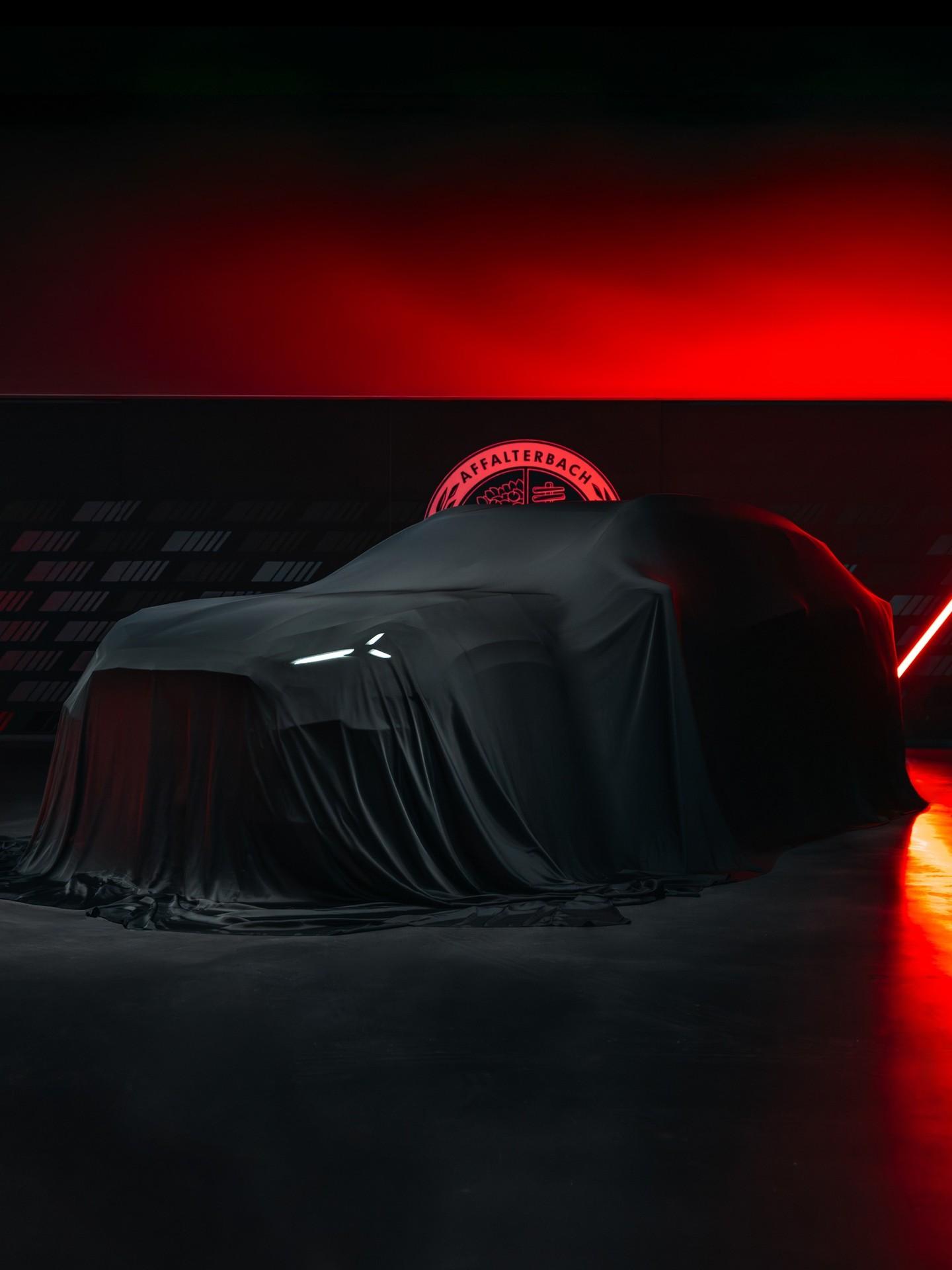

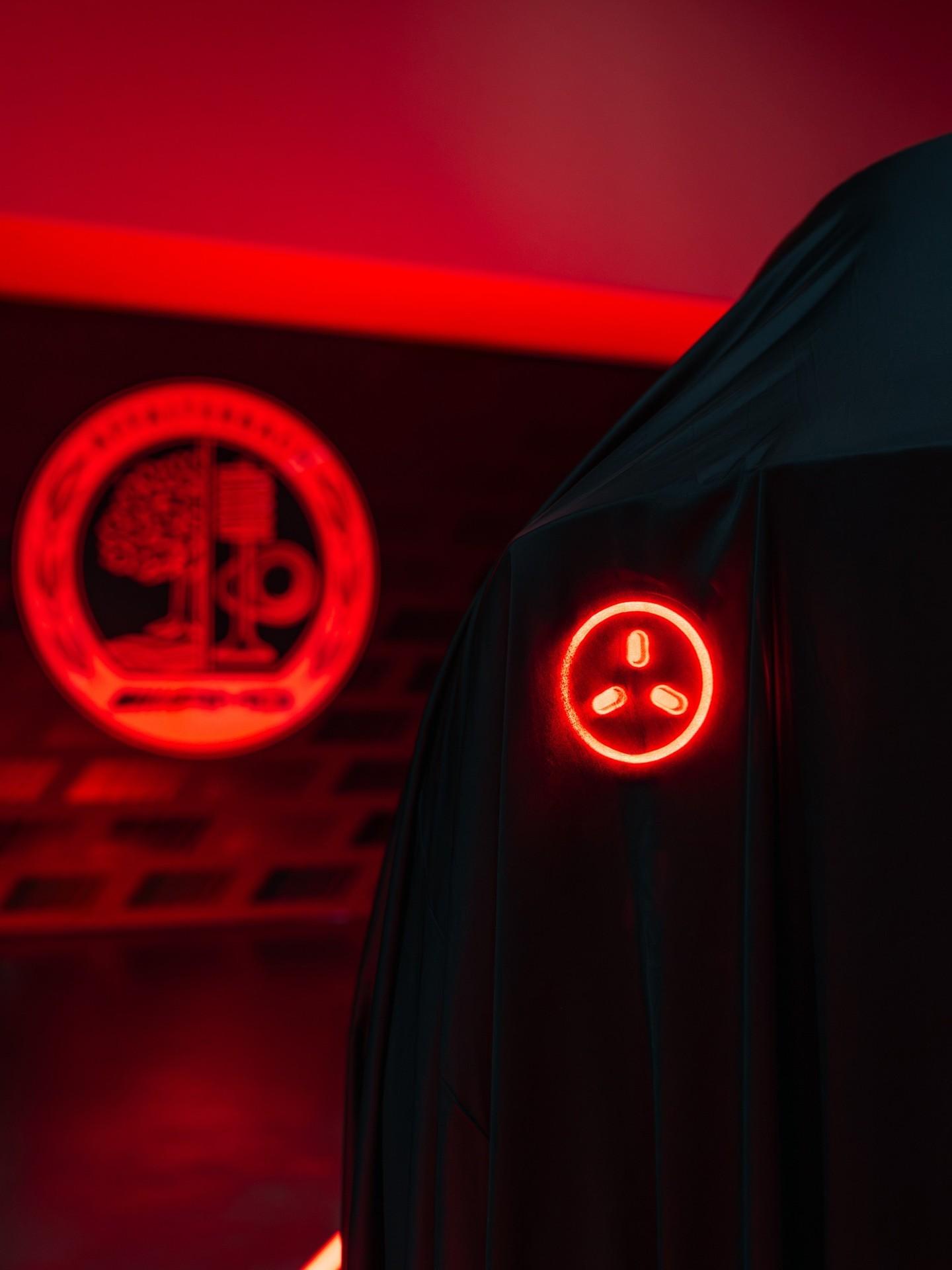

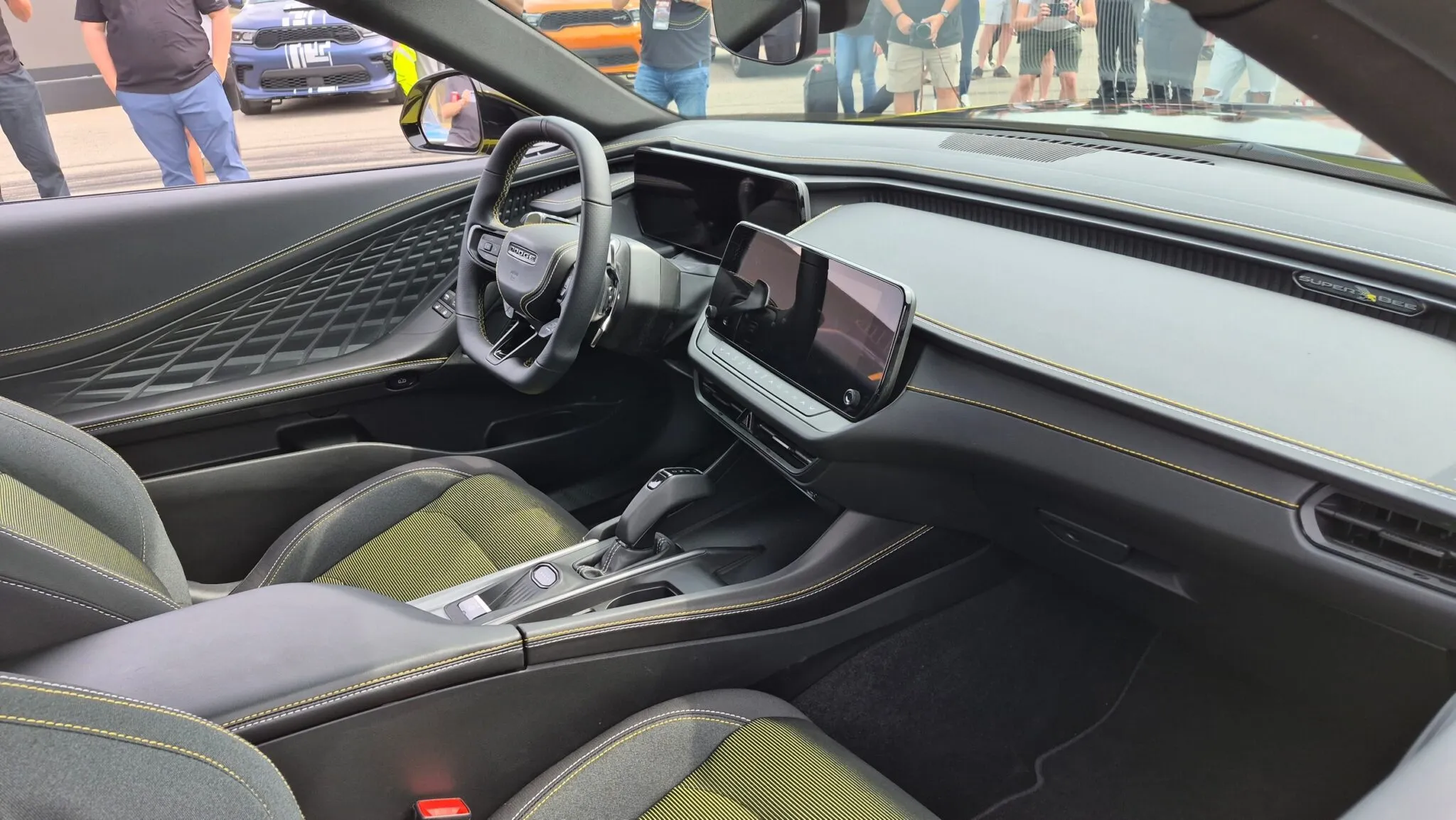


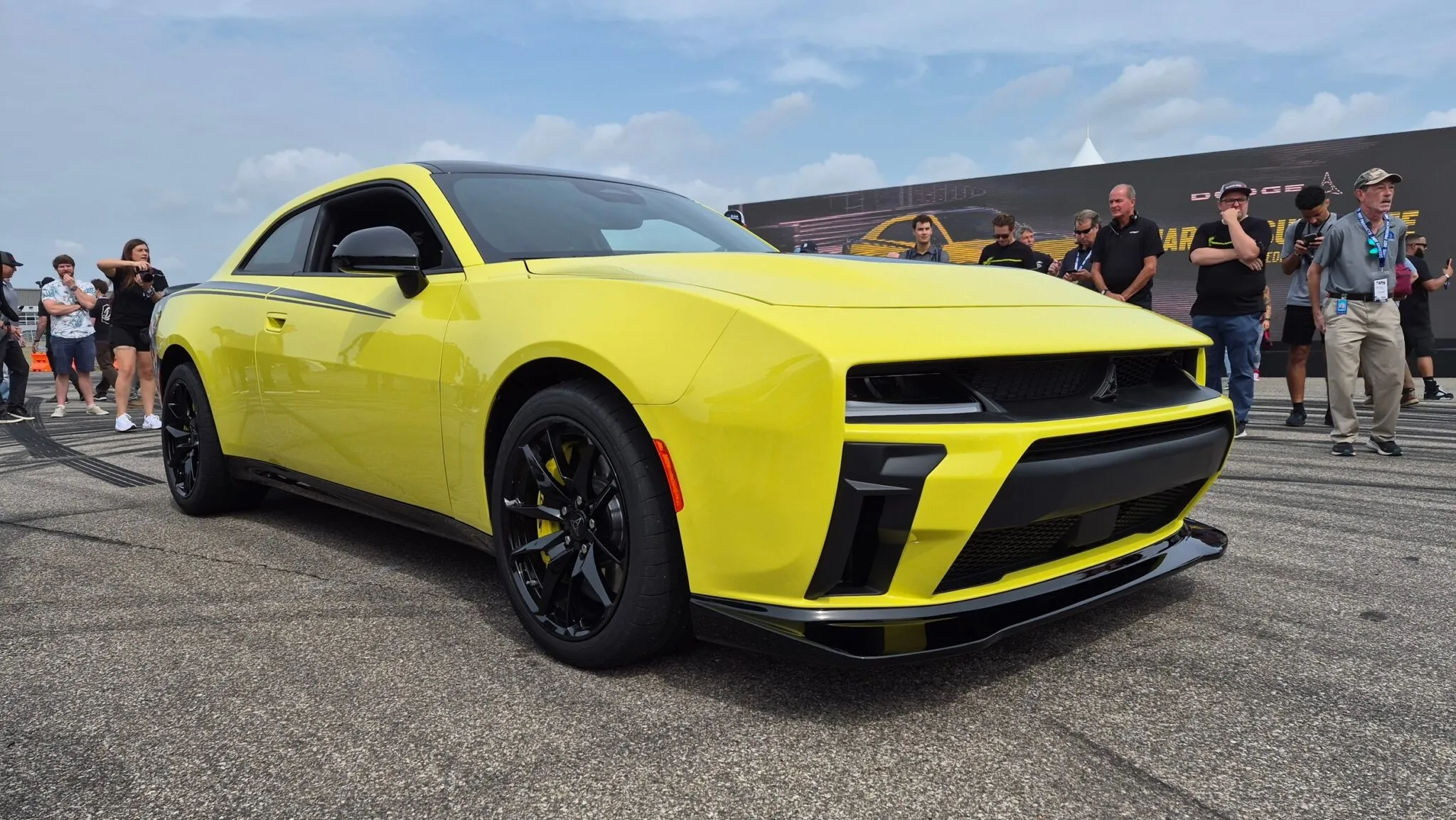










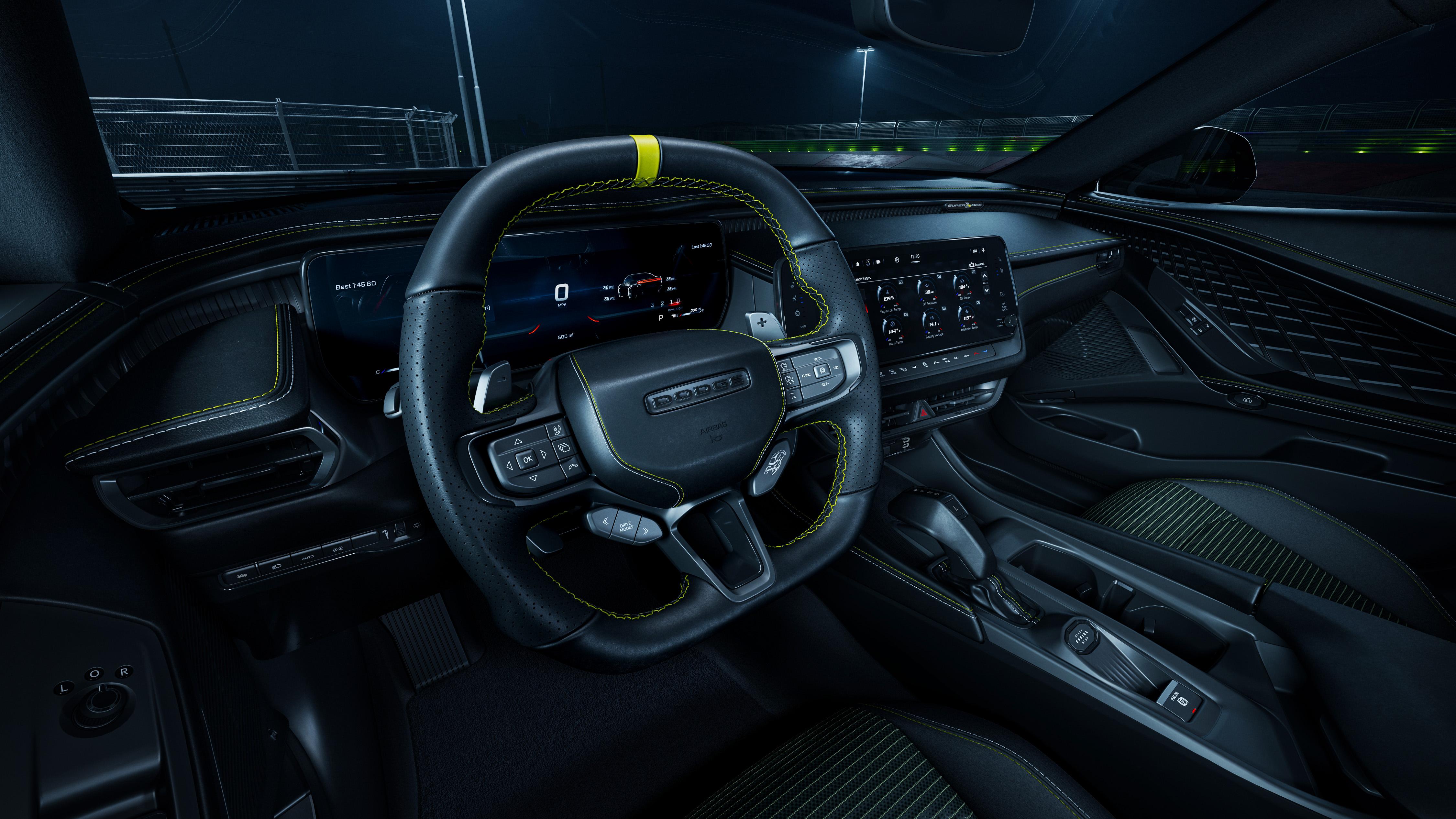
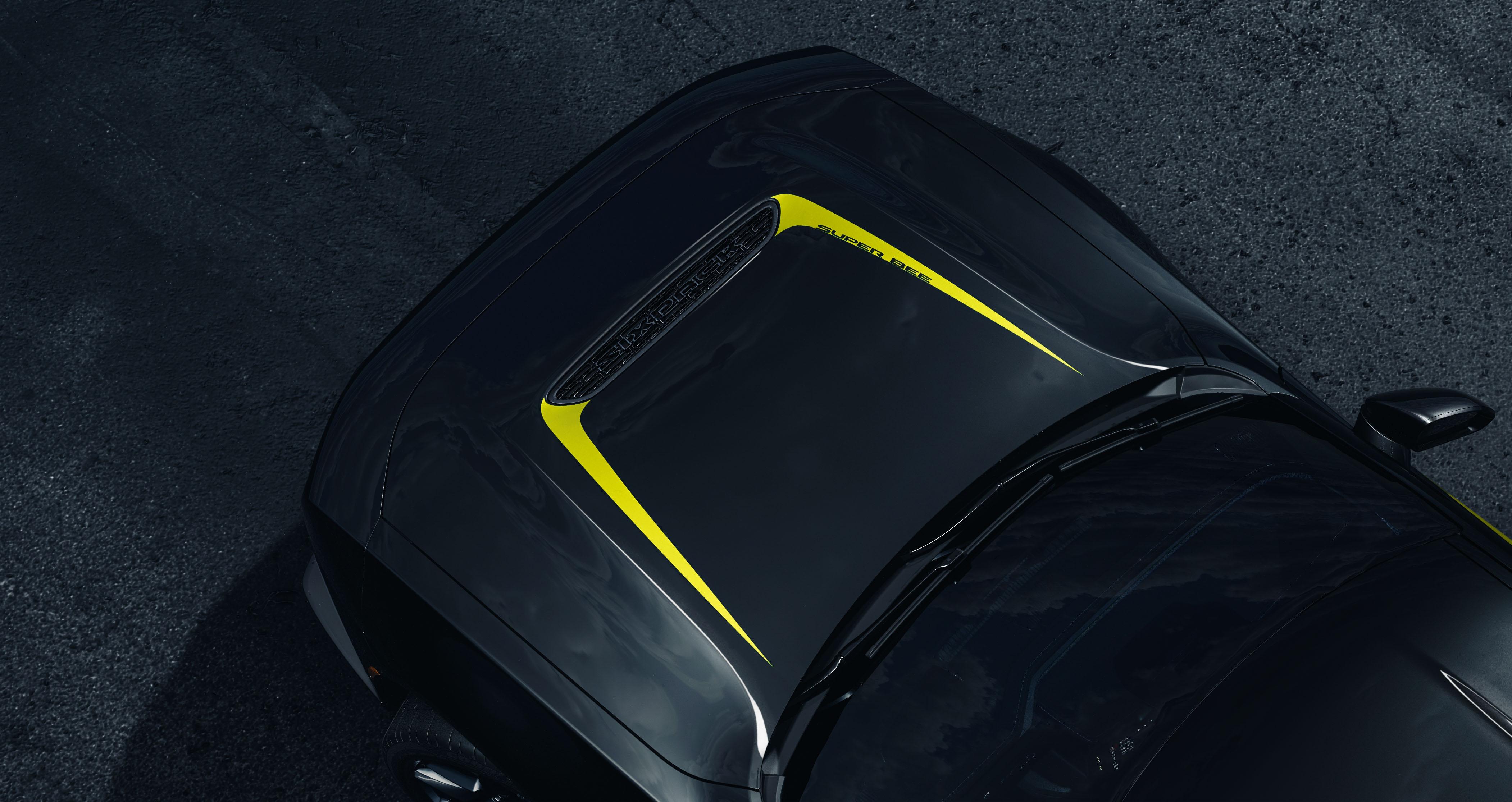

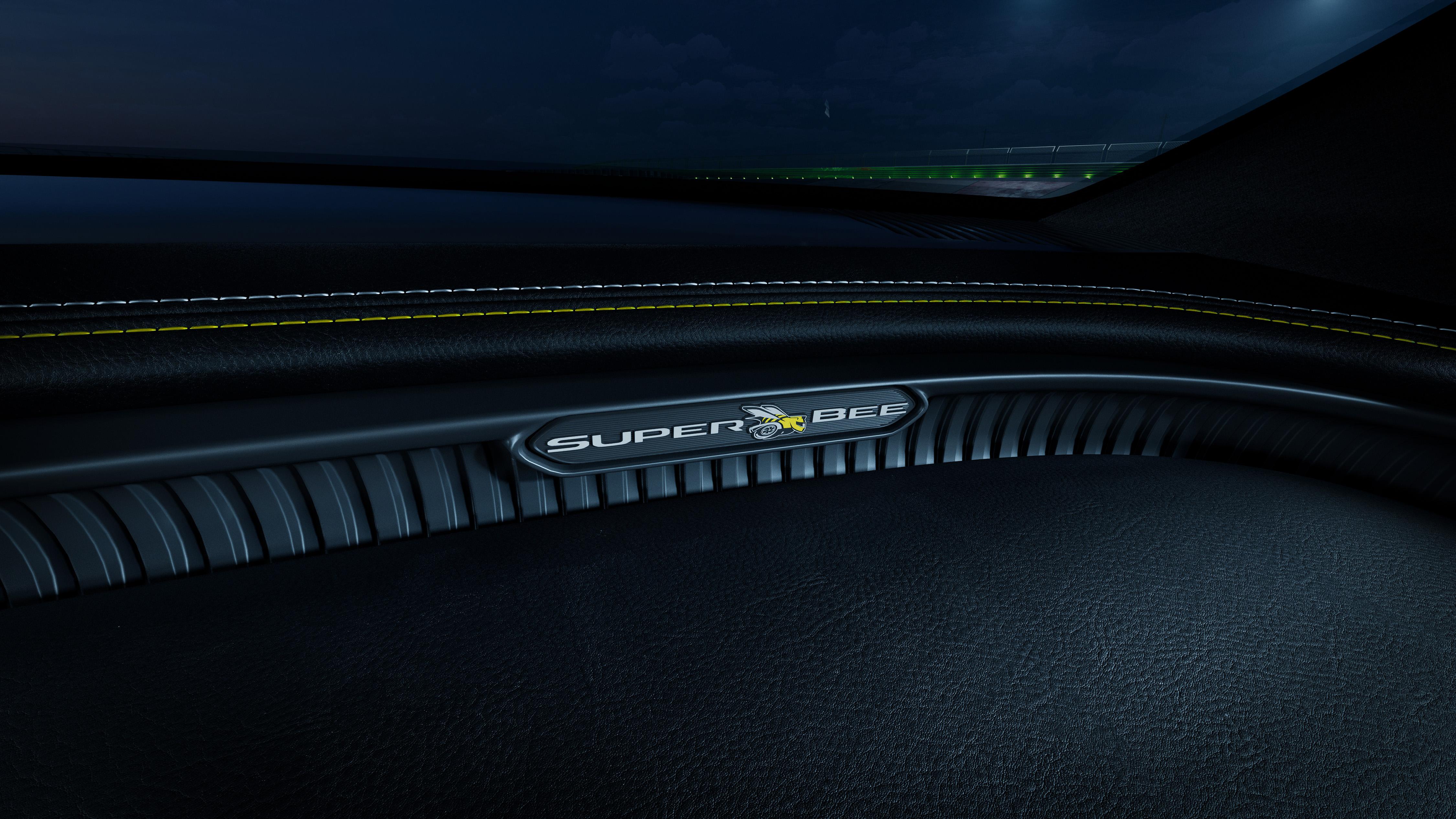
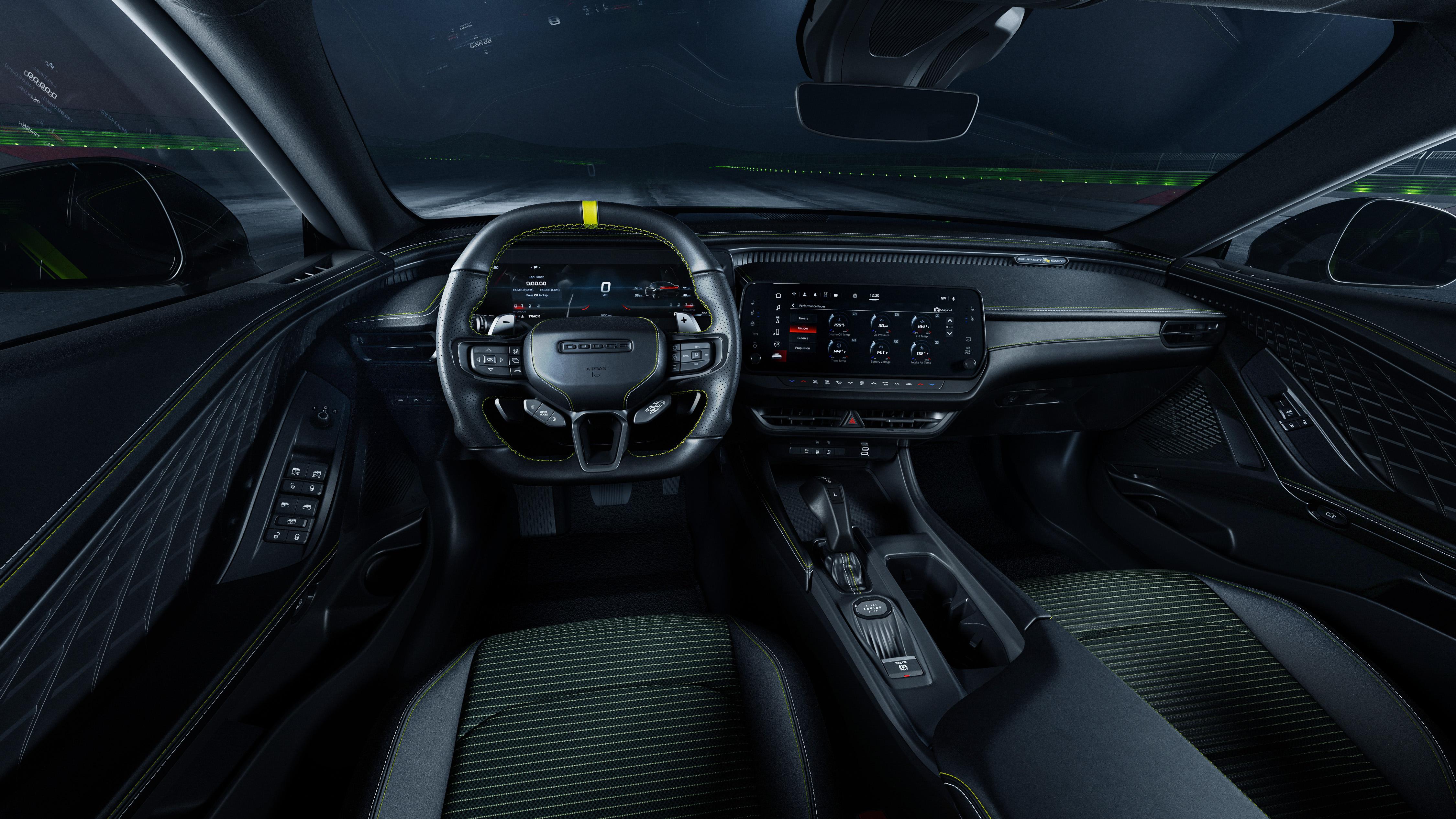




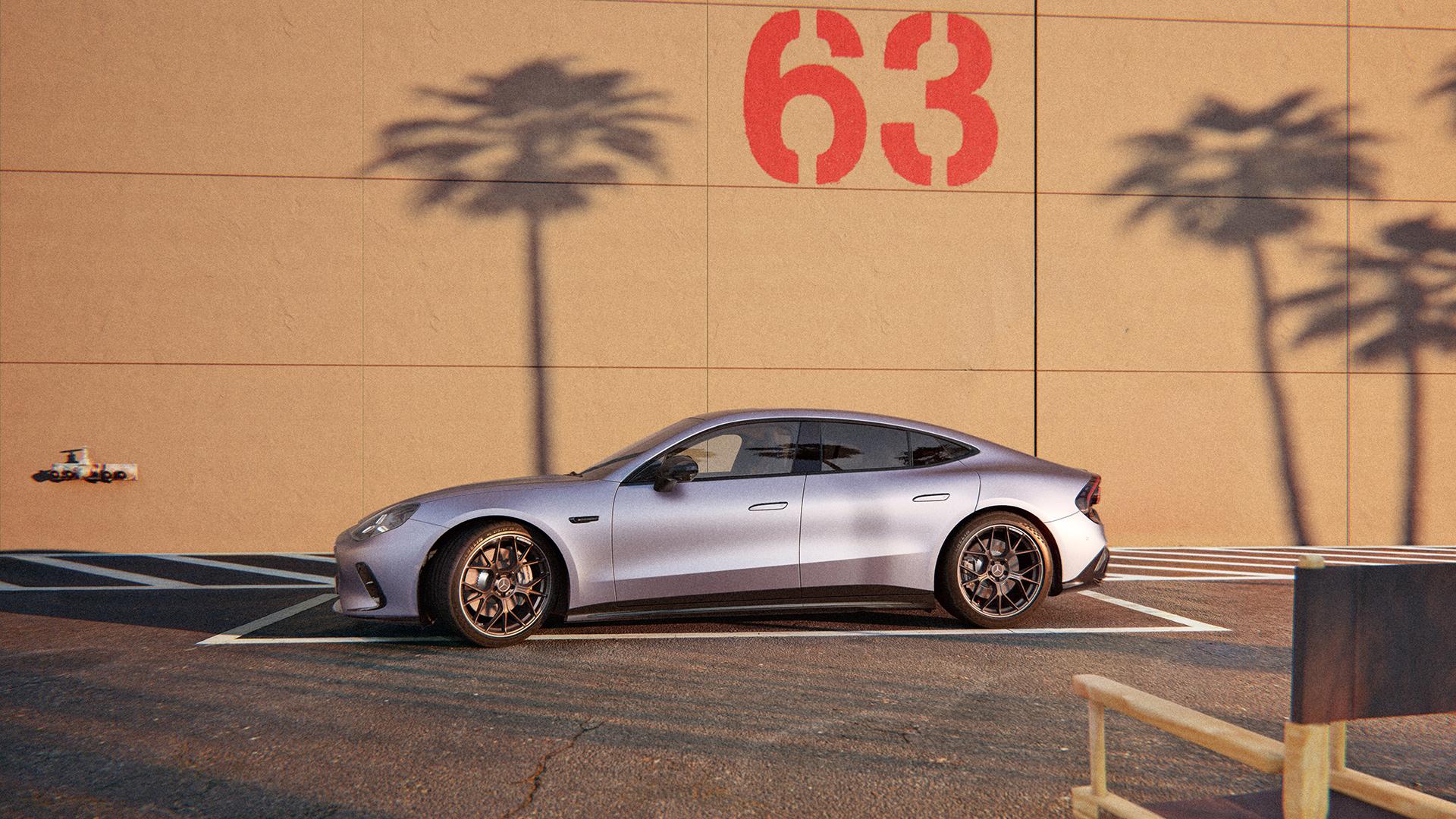

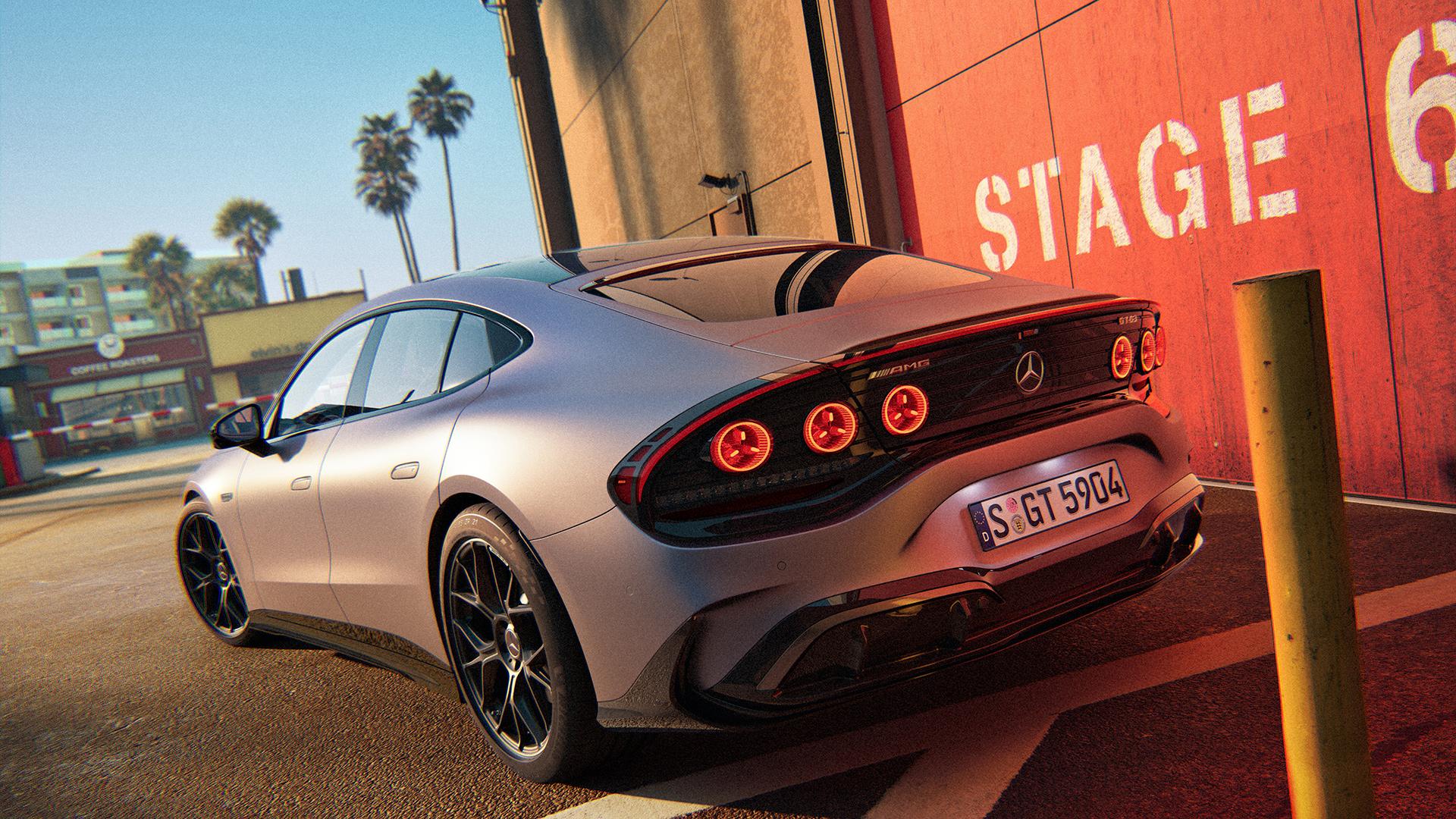
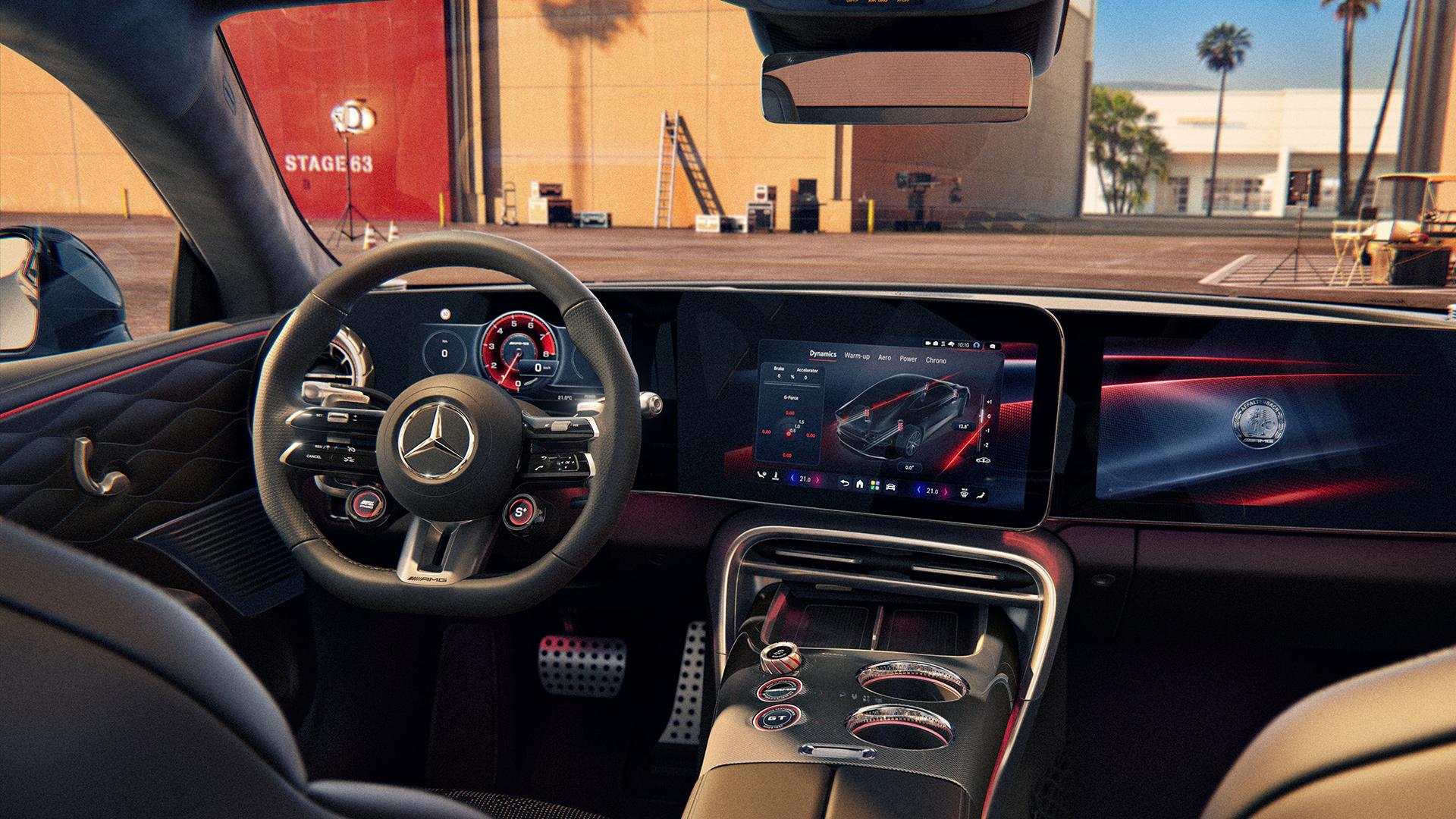
























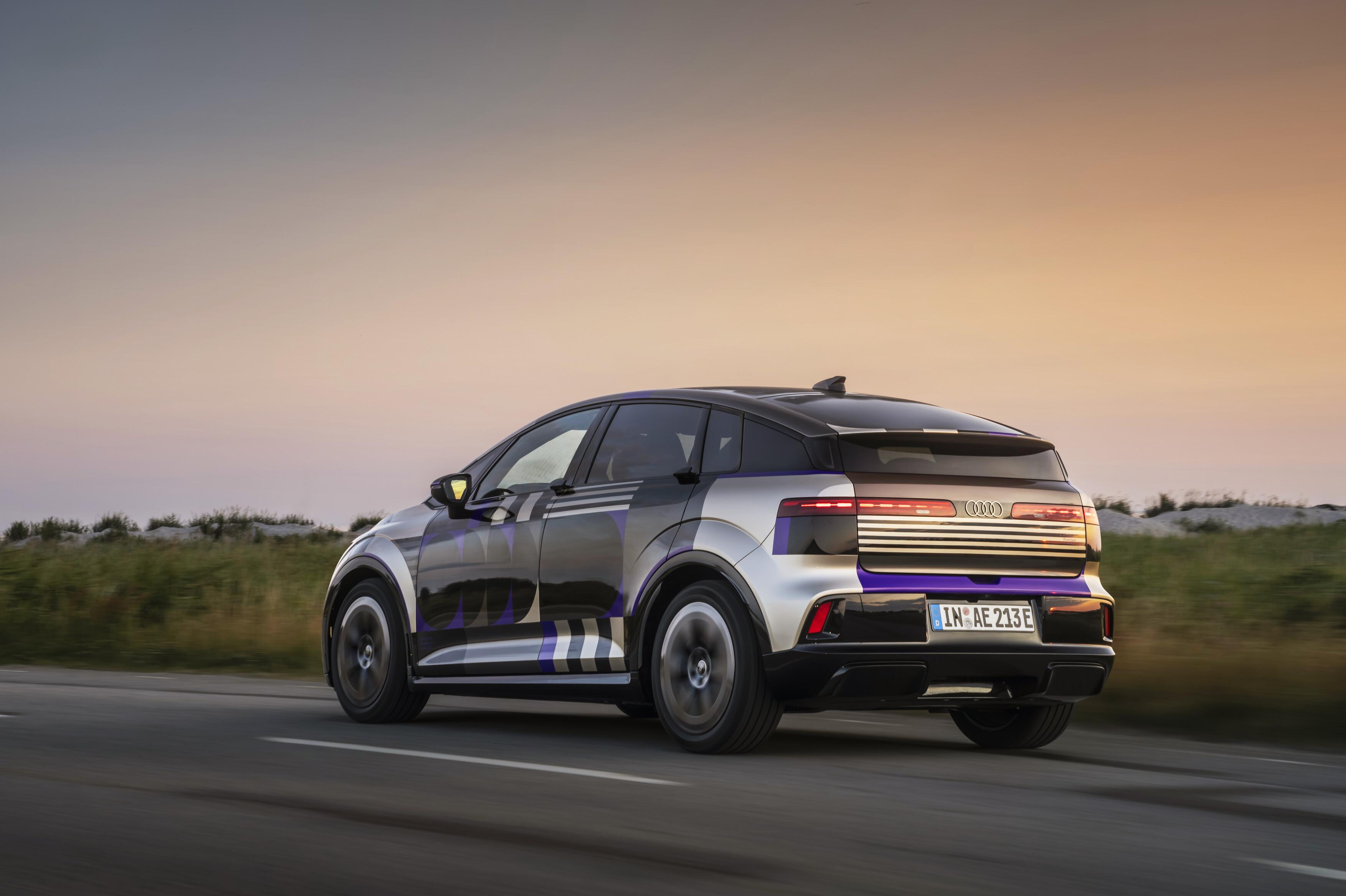
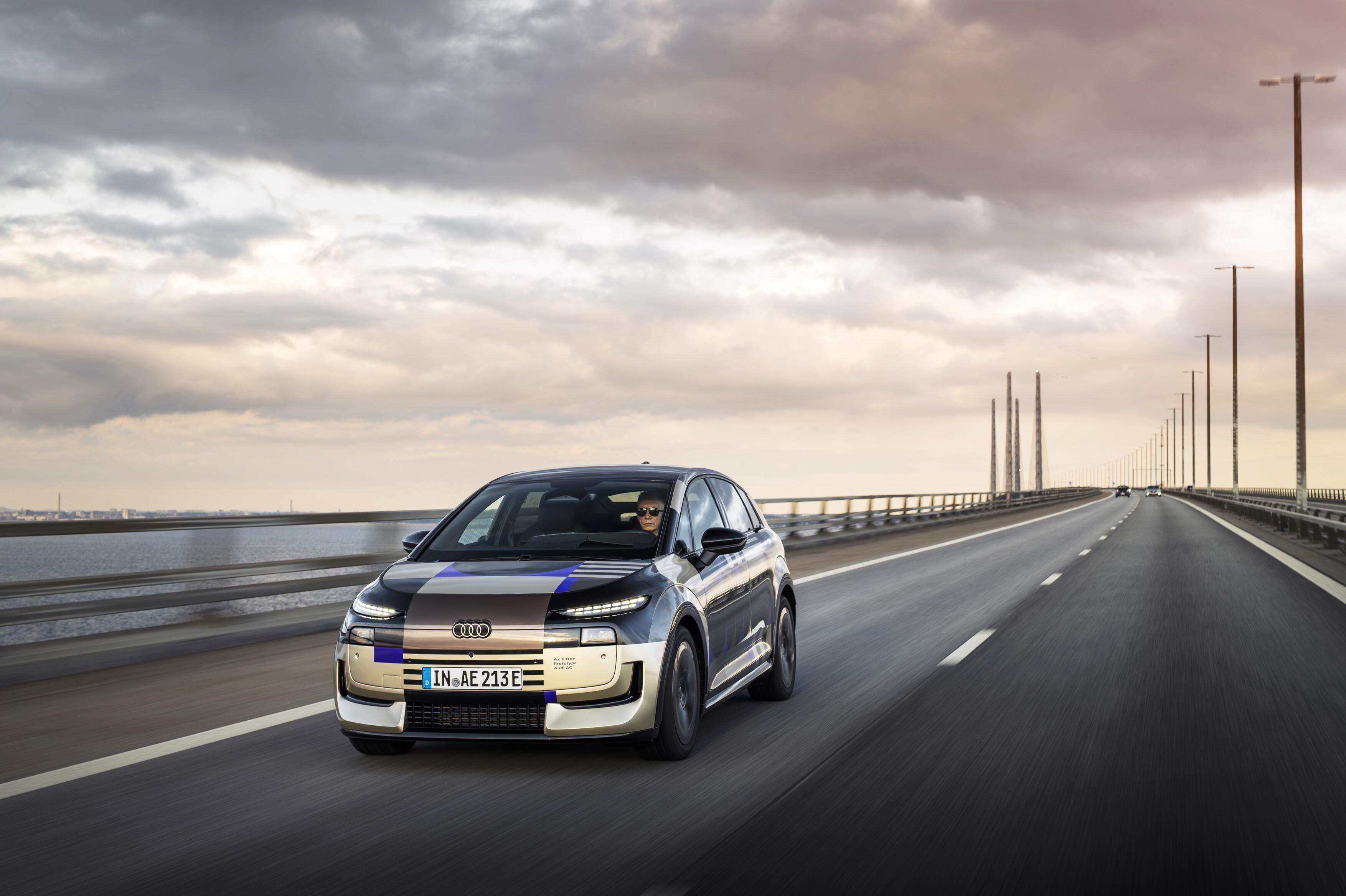

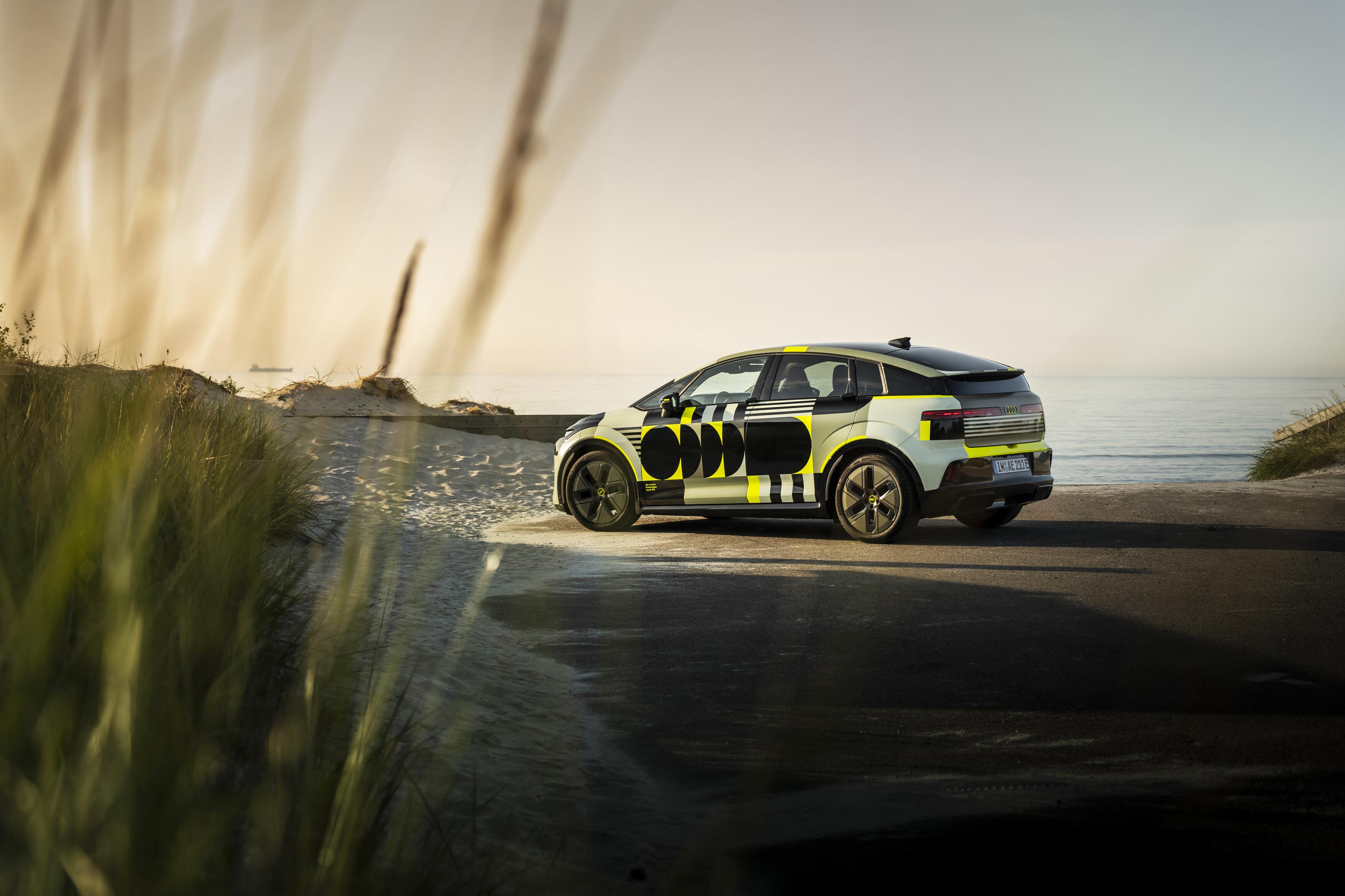
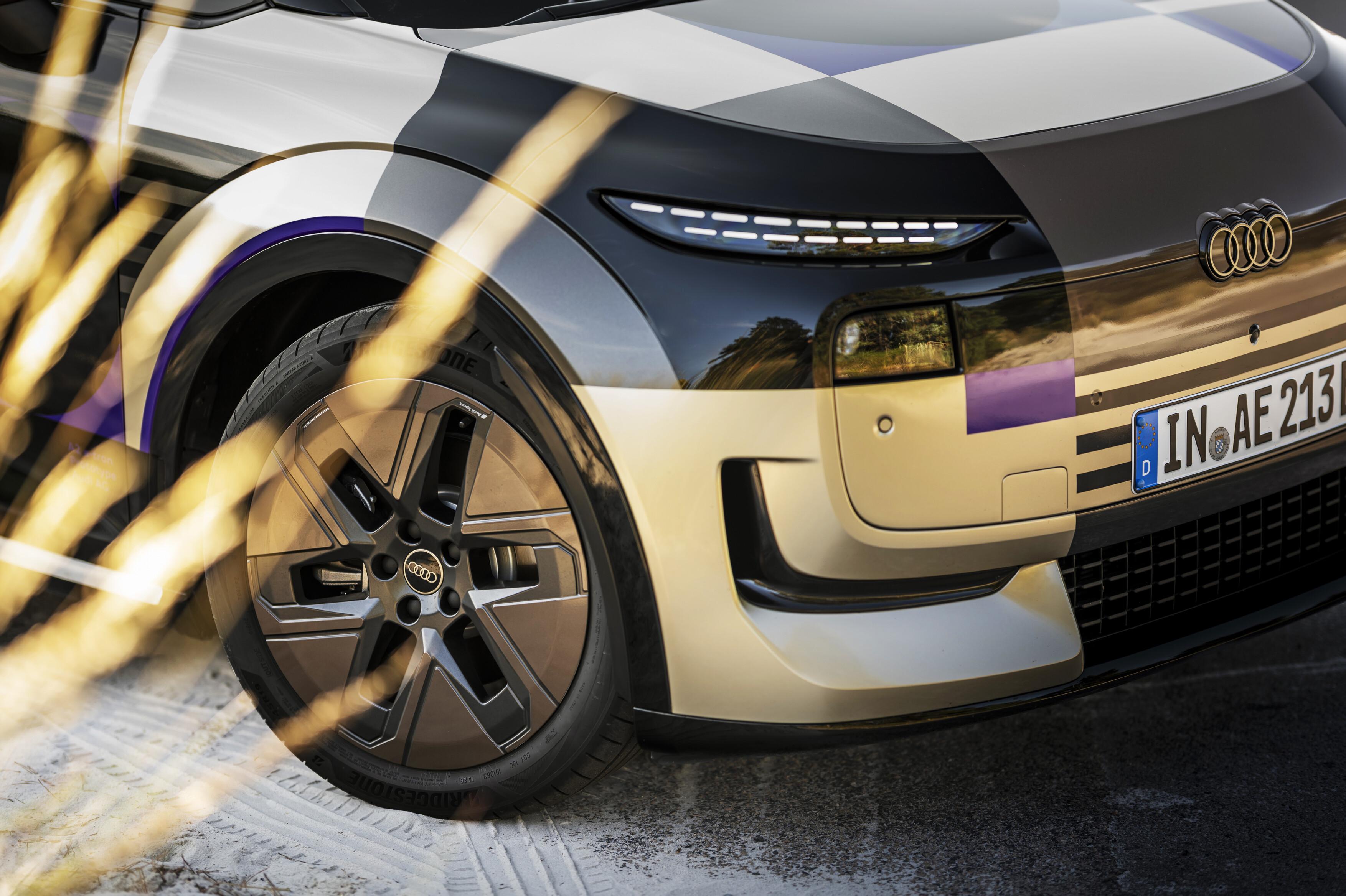







Account
Navigation
Cerca
Configure browser push notifications
Chrome (Android)
- Tap the lock icon next to the address bar.
- Tap Permissions → Notifications.
- Adjust your preference.
Chrome (Desktop)
- Click the padlock icon in the address bar.
- Select Site settings.
- Find Notifications and adjust your preference.
Safari (iOS 16.4+)
- Ensure the site is installed via Add to Home Screen.
- Open Settings App → Notifications.
- Find your app name and adjust your preference.
Safari (macOS)
- Go to Safari → Preferences.
- Click the Websites tab.
- Select Notifications in the sidebar.
- Find this website and adjust your preference.
Edge (Android)
- Tap the lock icon next to the address bar.
- Tap Permissions.
- Find Notifications and adjust your preference.
Edge (Desktop)
- Click the padlock icon in the address bar.
- Click Permissions for this site.
- Find Notifications and adjust your preference.
Firefox (Android)
- Go to Settings → Site permissions.
- Tap Notifications.
- Find this site in the list and adjust your preference.
Firefox (Desktop)
- Open Firefox Settings.
- Search for Notifications.
- Find this site in the list and adjust your preference.