





j
Reporter (Staff)
-
Iscritto il
Tutti i contenuti di j
-
Con l'annuncio della produzione brasiliana di Leapmotor nello stabilimento Stellantis di Goiana è stato annunciato lo sviluppo del primo motore REEV Flex https://www.media.stellantis.com/br-pt/corporate/press/stellantis-confirma-producao-local-dos-leapmotor-b10-e-c10-no-brasil-e-desenvolvimento-da-primeira-tecnologia-reev-flex-do-mundoCon questo direi che abbiamo la conferma ufficiale della morte anche della piattaforma Small multienergia e il suo uso per il seg. C. Quindi dopo aver già bocciato la Medium per tale segmento sono dovuti correre ai ripari con l'unica piattaforma multienergia che hanno "in casa". Ecco quindi anche il perché la produzione passa da Pomigliano alla Spagna, paese che non ha il veto cinese all'uso delle proprie piattaforme. (E questo mi fa anche pensare che di conseguenza le E-Car a Pomigliano saranno un base eMini, e quindi Stellantis, rimaneggiate da Leapmotor, motivo per cui non ci sarebbero problemi a produrle in Italia)Lando ha lanciato la moda. Comunque per me vince comunque Max in Topolino

.jpg.b8925b68a68428f14fe0b6bbda18c216.jpg)
.jpg.65beec6244c98cbaade0beaa58cdebc4.jpg)
.jpg.98d49986919c31846f78b6dcf28575f6.jpg)
.jpg.3eb8c412496d098e6ef4fd4a2889f77d.jpg)
.jpg.0e7ec2e875ace1aef1a72e4307713439.jpg)
.jpg.6248dbcbf6d410a50724c25c5adf56fe.jpg)


.jpg.f015fe60ef5b2329e2a3f129d44178f1.jpg)
.jpg.0ec04b223f1c93719215a51cf587ce03.jpg)
.jpg.c7b5cc176b5e01af1f090001c86c5ebf.jpg)

.jpg.6561bc8d9c2ca8a0f94d0191b9da17b9.jpg)


.jpg.d287aae91c88dc08605a3c7fed3c37c5.jpg)
.jpg.556007ccb80bad9ccf71dac139be5c06.jpg)
.jpg.ed35eeacd8d626e92627fe55e57388b5.jpg)
(1).jpg.3913ed09cff2edbeeef7699b3131888a.jpg)
.jpg.a77974d95417a07c6532334870a24640.jpg)
.jpg.f5294ead833317b968e0909eefa87567.jpg)

.jpg.bb8e0c3dc78a5eb465098787d6f8d8a0.jpg)
.jpg.fb96d5c7fac6566f5e88d7c0a2be8dac.jpg)
.jpg.6591d807047154629f49c53f8a39328d.jpg)
.jpg.83d883184878d827ee7d4c690189ea4b.jpg)
(1).jpg.3a99527302ad5612fc61e6db26ed211c.jpg)
.jpg(1).jpg.a7a666e44e9a864e7b0312ca0f24b4dc.jpg)
.jpg.f7dff7e82c278a10327a0f50b12e2663.jpg)
.jpg.a1f3bcfae95db759625ac3e093d6f5db.jpg)
.jpg.20f6bca3445ec3886900d85f0eb53a4a.jpg)
.jpg.410c06f9c07a3defa969a0ad4b315469.jpg)
.jpg.0774ee3ab8f82029b69b4c2c09e06747.jpg)
.jpg.904ebbb986a01fd9373bd255a0aa9539.jpg)
(1).jpg.bda5112267f195e6ab450e6d21f6cd1f.jpg)
.jpg.23b1c7a0ba85fa3bb9a12cd07af43bf4.jpg)
.jpg.7b3853398dd148e7b2db199e99496fbe.jpg)
.jpg.6fcdb4c0c8a7ec66caa3c0143d58c266.jpg)
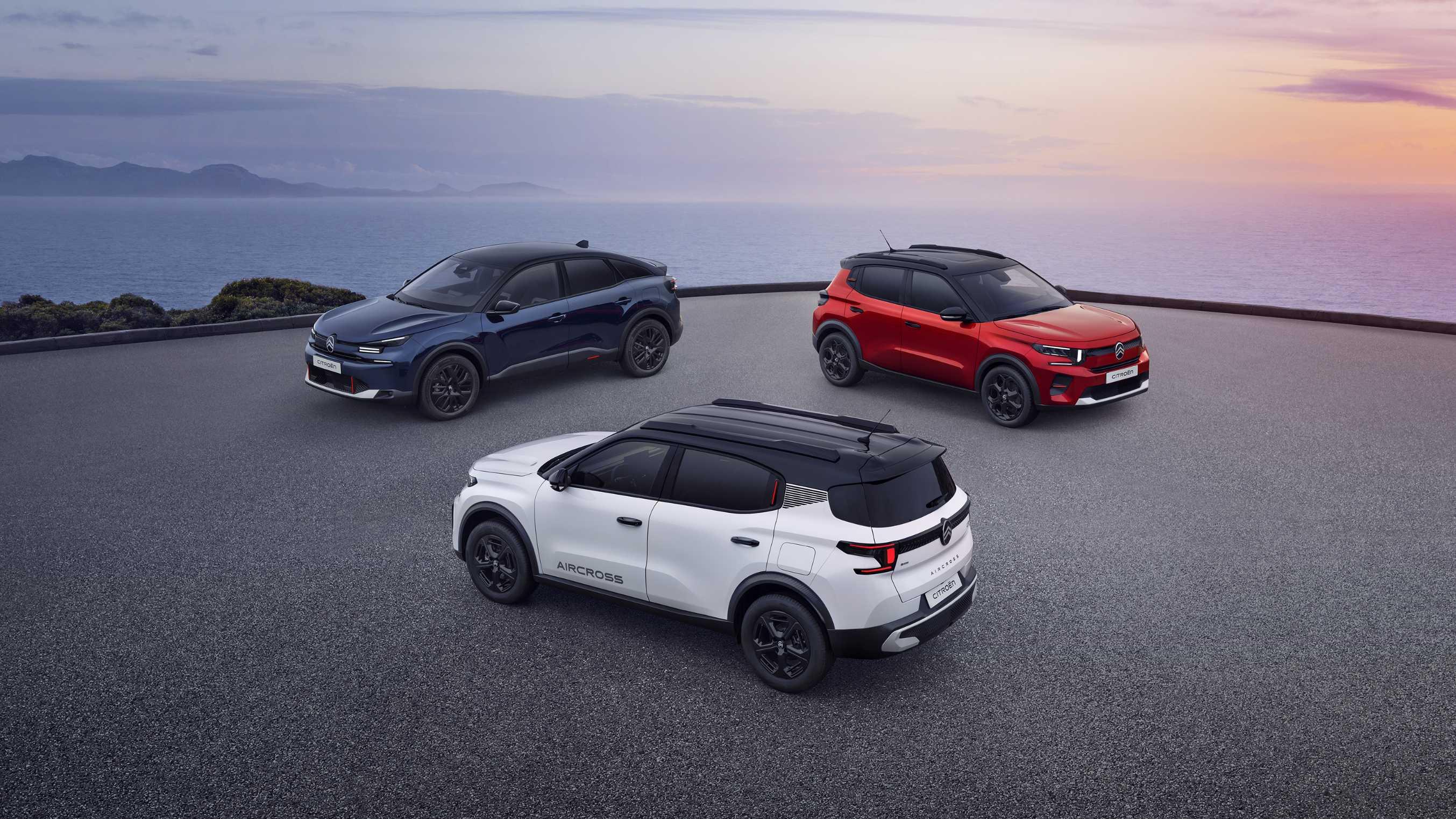
.jpg.d0565bd6fe6b5333f28b589bd670a4f1.jpg)
.jpg.cb6651c6e7e0bab6258401b4872c93f6.jpg)
.jpg.9bf94c00cae8d436d89e8d36651a75cf.jpg)
.jpg.bfd8e3cb39403751928c93abc6c02de2.jpg)
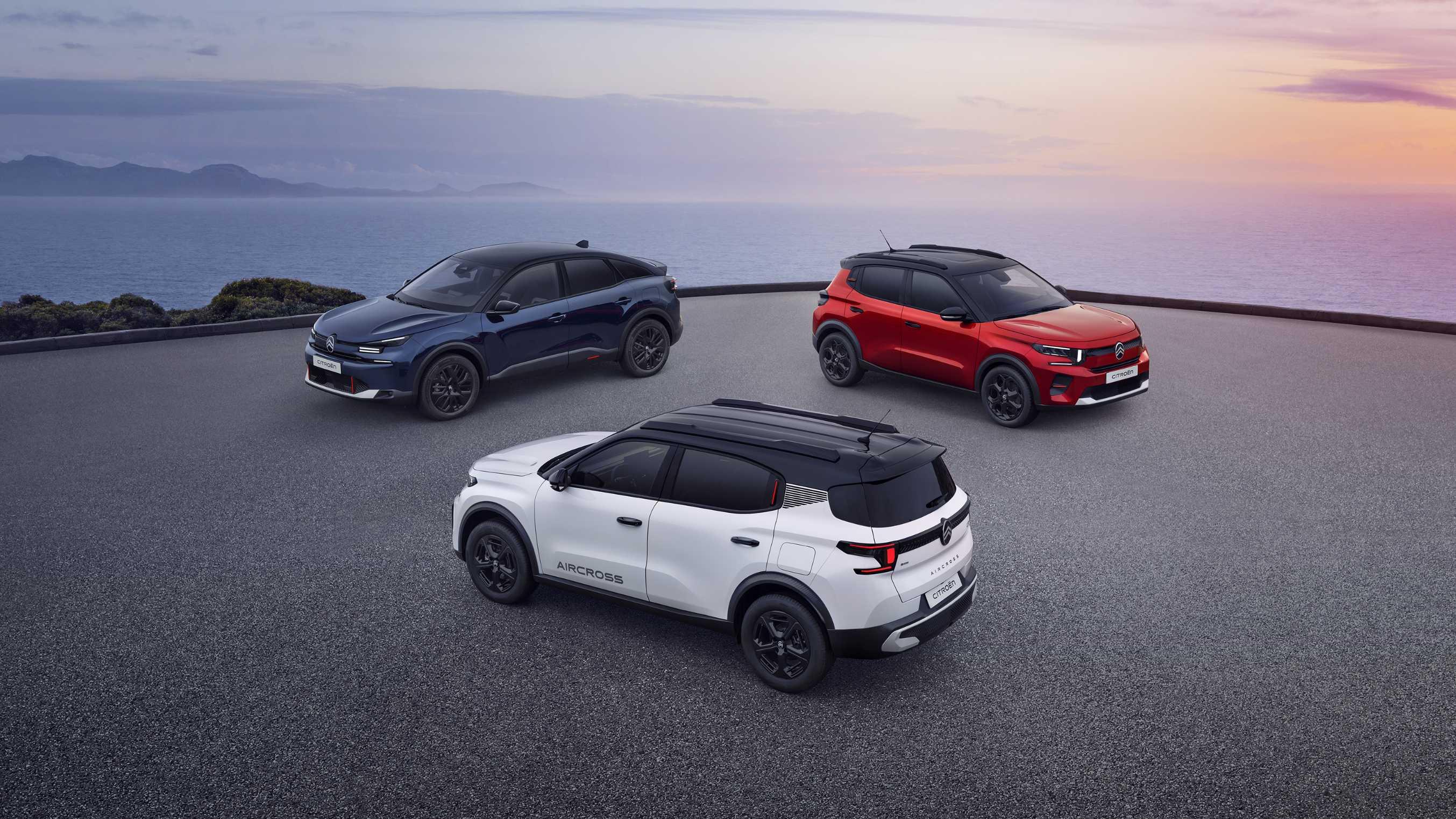
.jpg.259b1ff6f7675dd7522d26b176c2d0e6.jpg)
(1).jpg.ce967c15d8962122a4b572572afbead5.jpg)
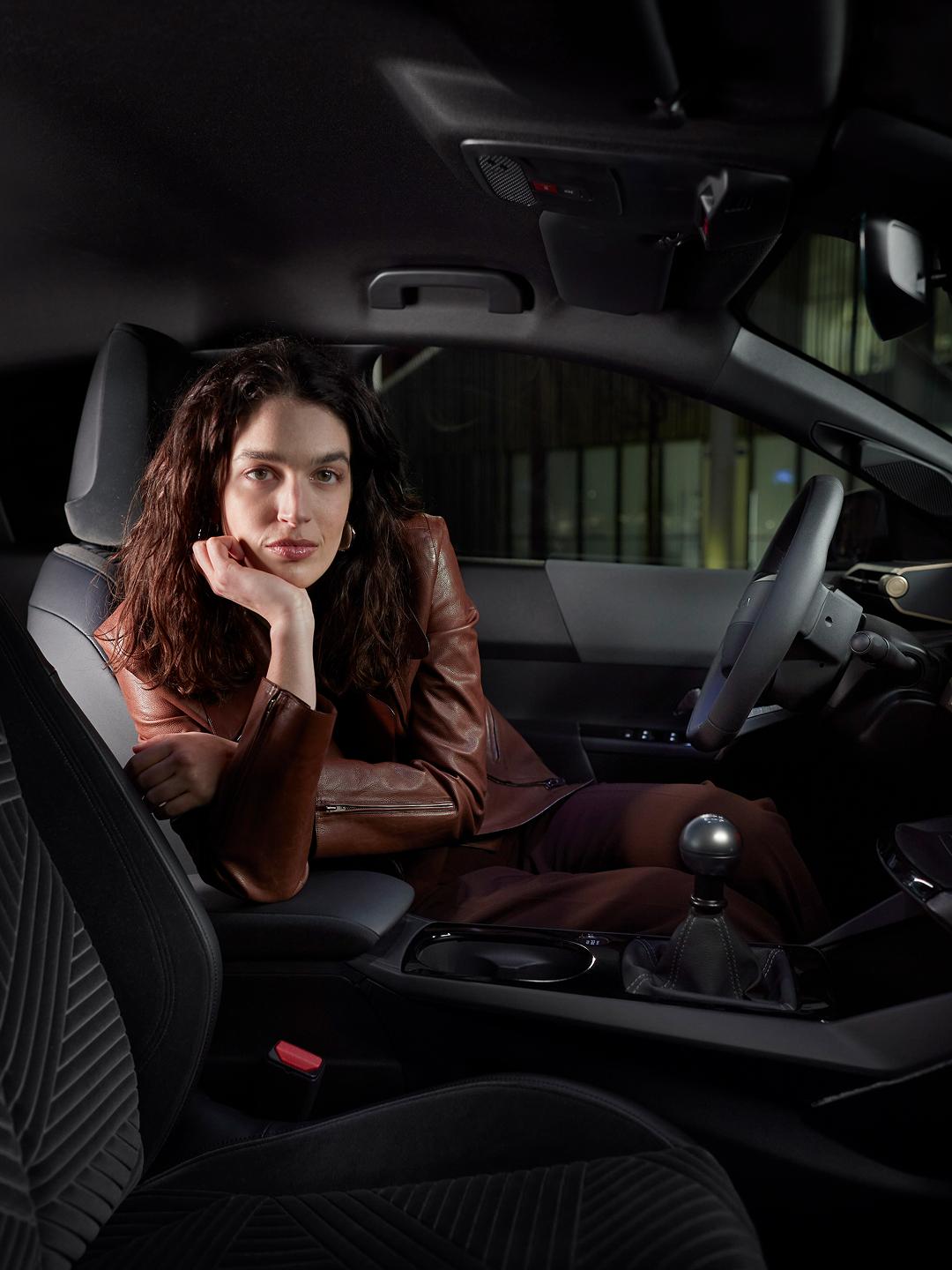

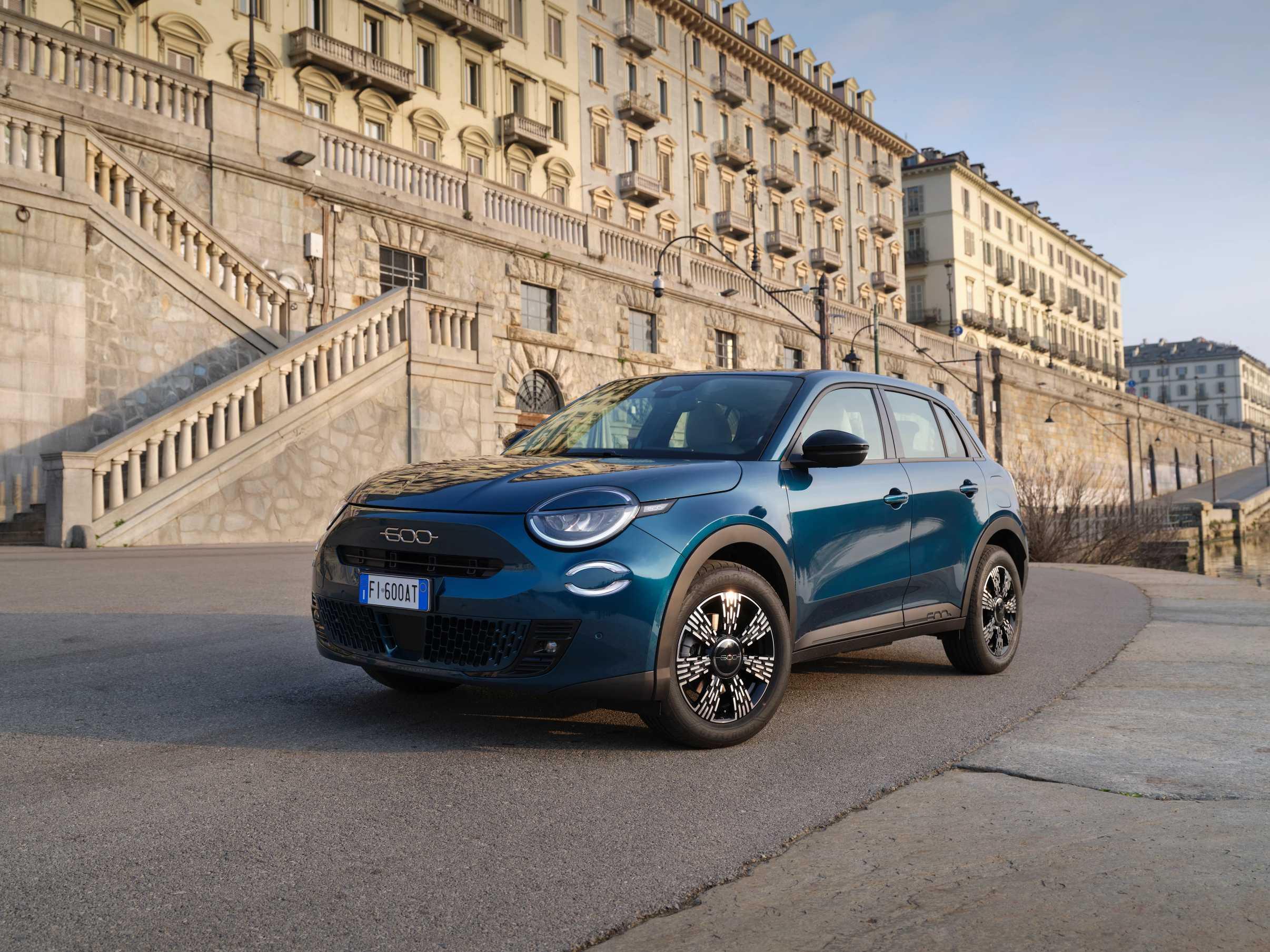
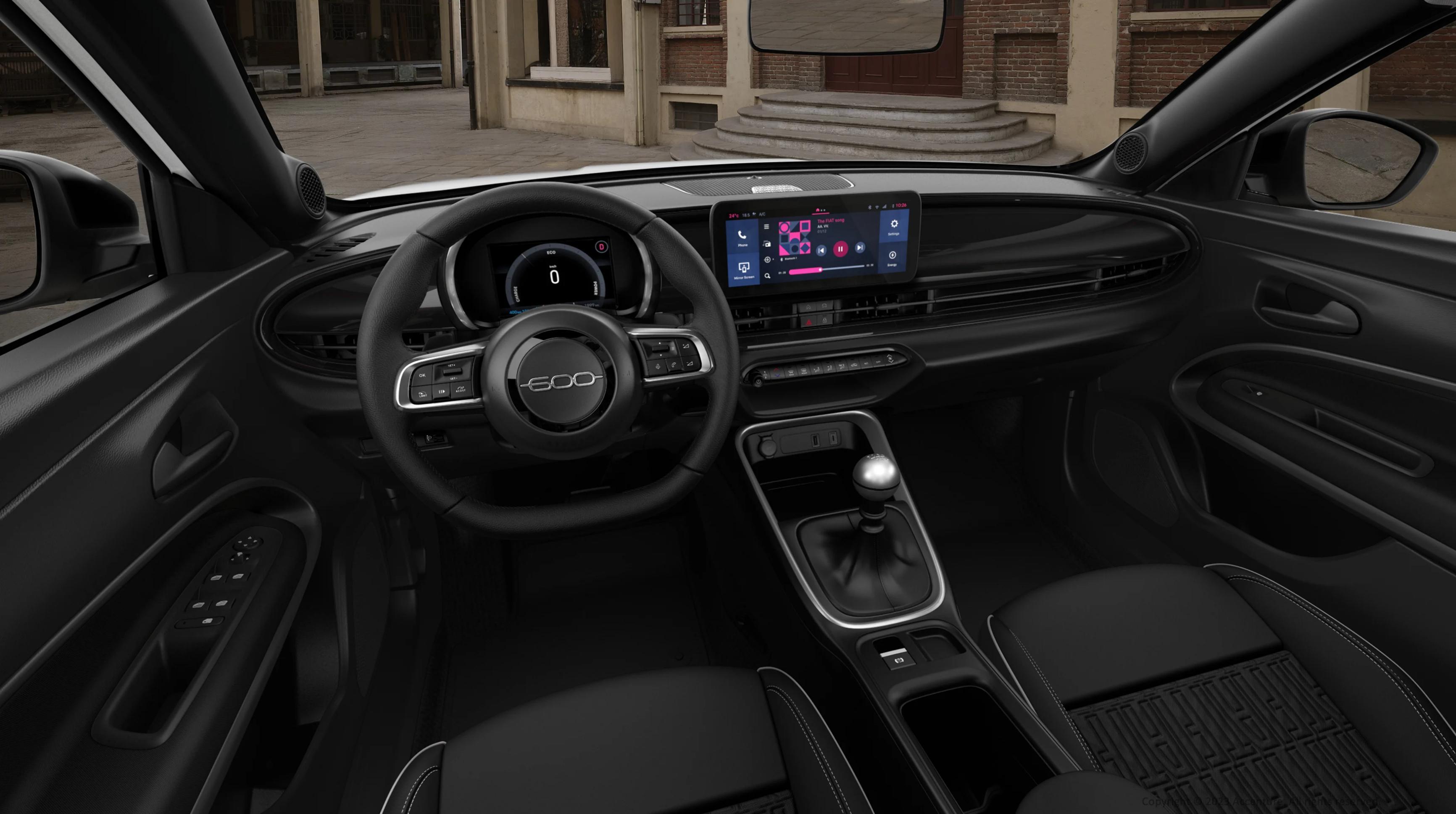
.jpg.b201dbeb07c1bf9c8fe7fbf758f49ab1.jpg)
.jpg.99fee7ebed257d1752d6889bd5f3d64f.jpg)
.jpg.webp.643d3d5c54de7d931e389d1f0d97c80e.webp)
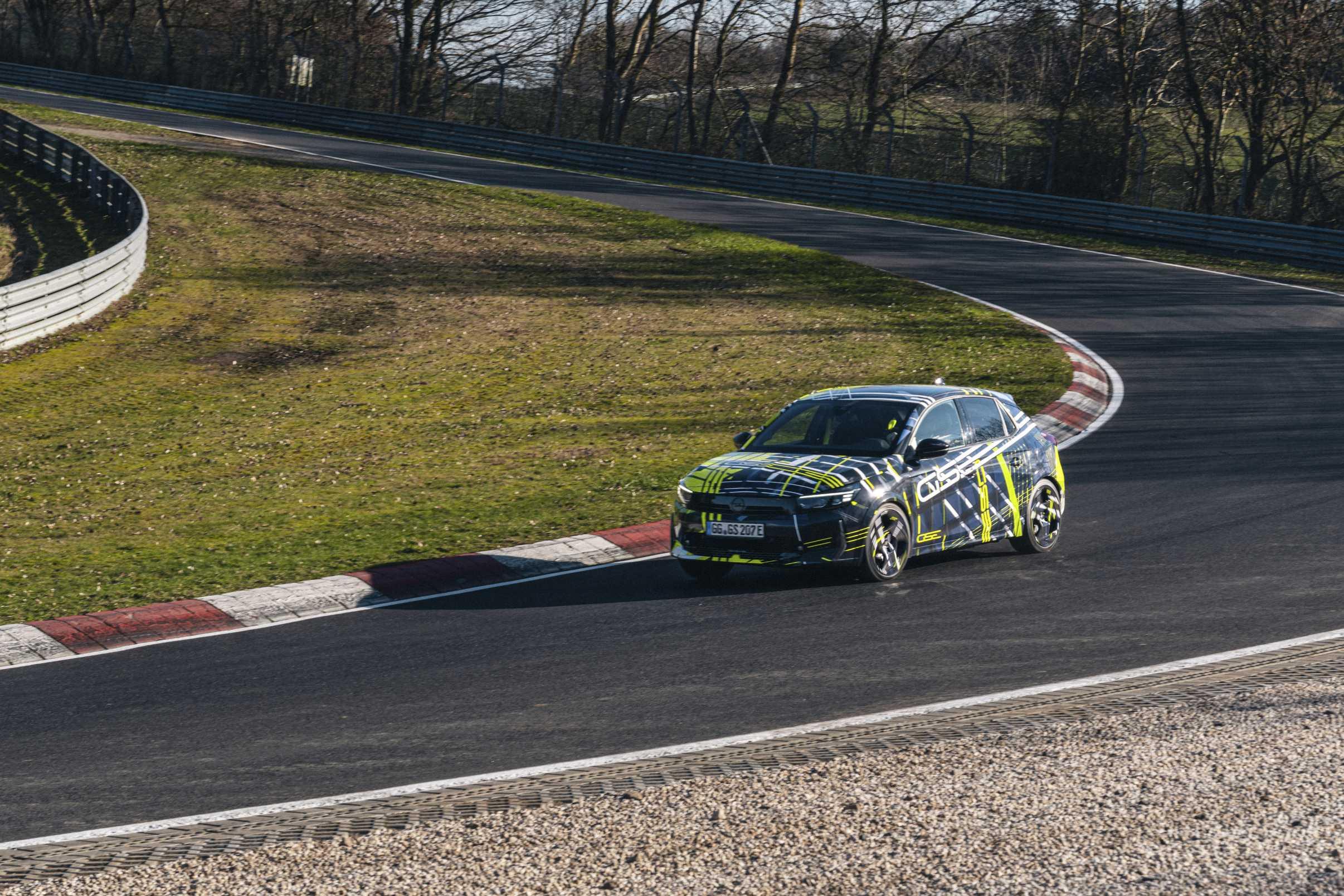
(1).jpg.bdd840a83d95c4ab4daa2f2386004283.jpg)
.jpg(1).jpg.fd058643ddeb1f92eead1d52bada0887.jpg)
.jpg.6c9f8a069740c4354c5fcb171b9a55a2.jpg)
.jpg.cd06d04512ce218700d325bf287904d7.jpg)
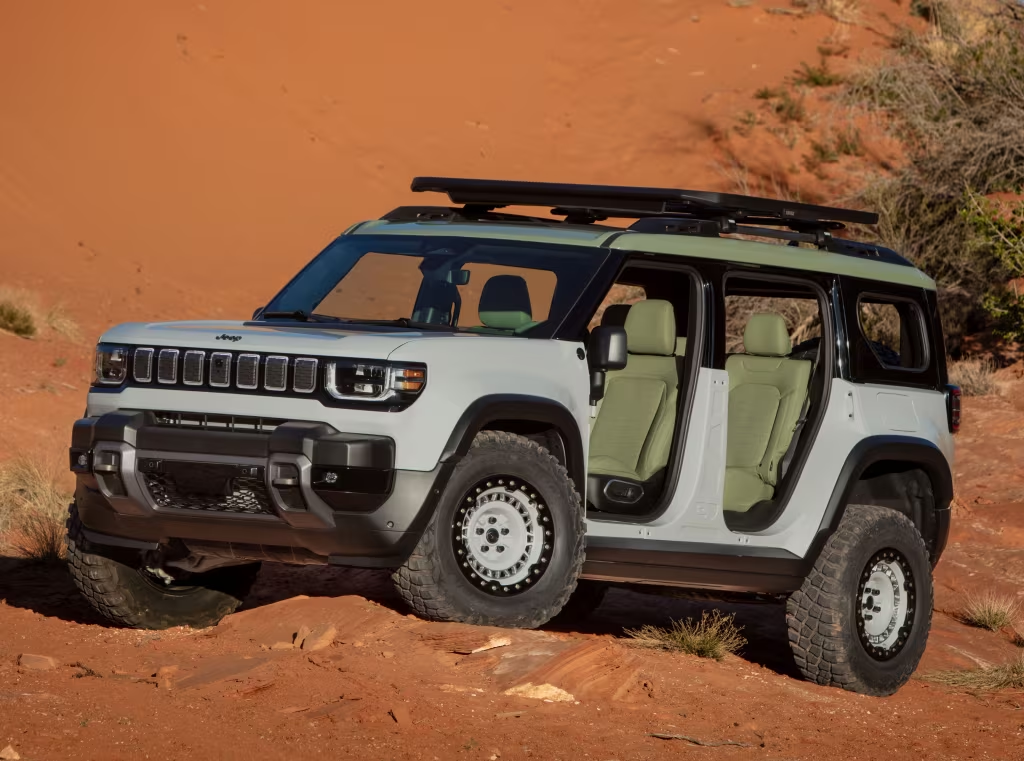
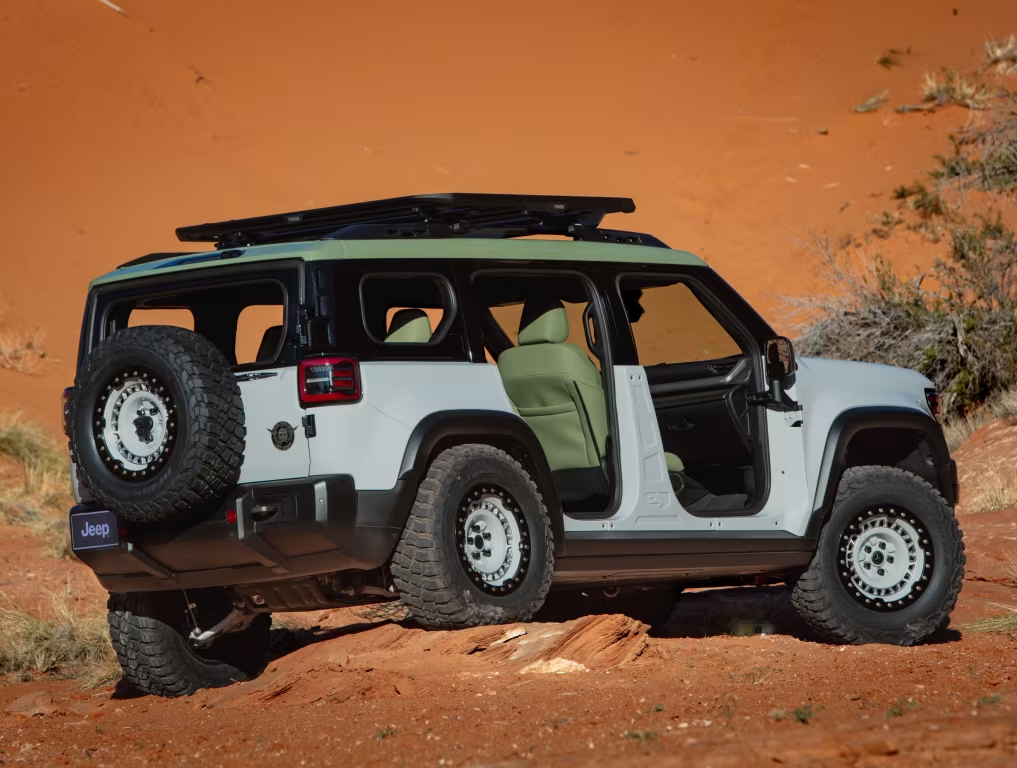
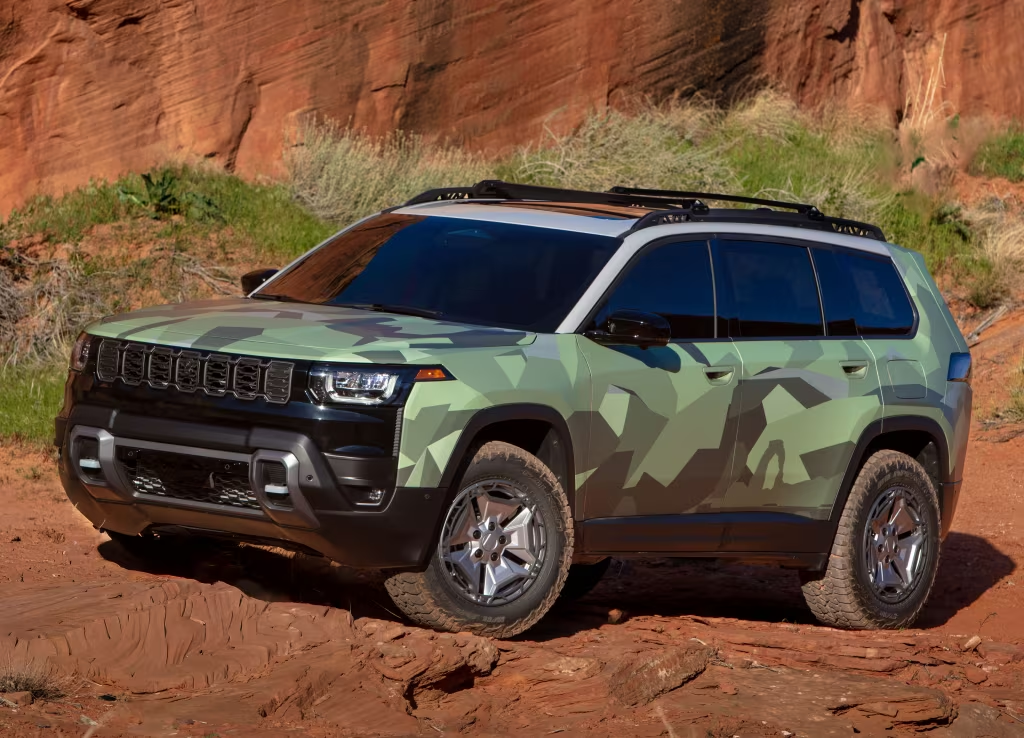
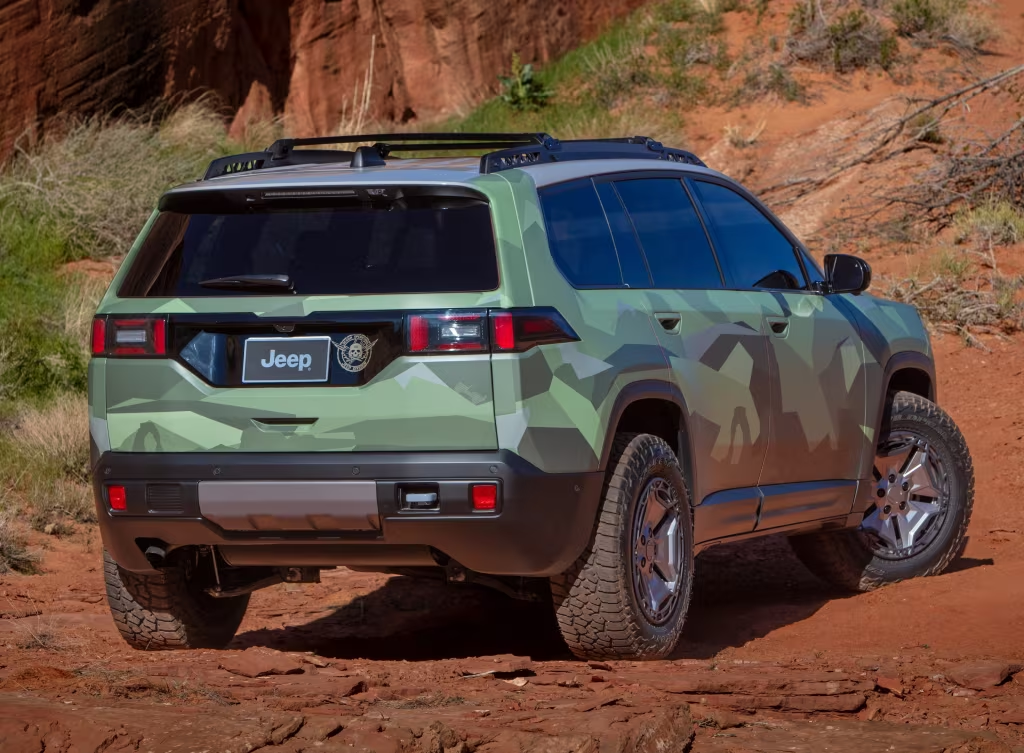
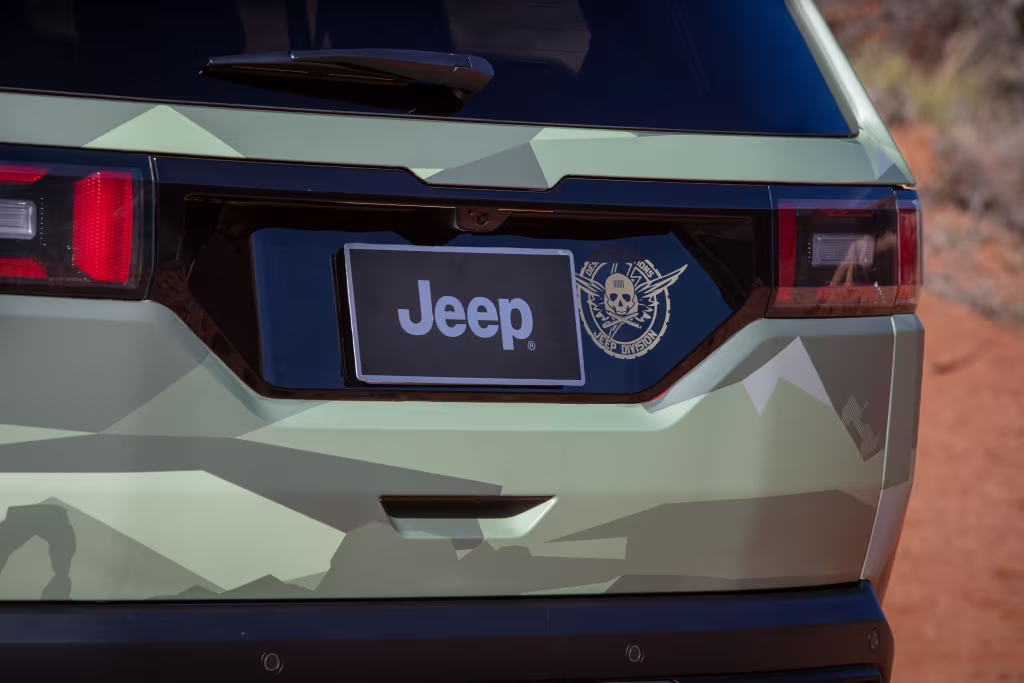


.jpg.9cc1498a6f268fc5ec4381a17cb33088.jpg)
.jpg.d49eb0c767193c46a0f257bfc690961c.jpg)
.jpg.8681c892a6a2e7bdd8240f272169b0ef.jpg)
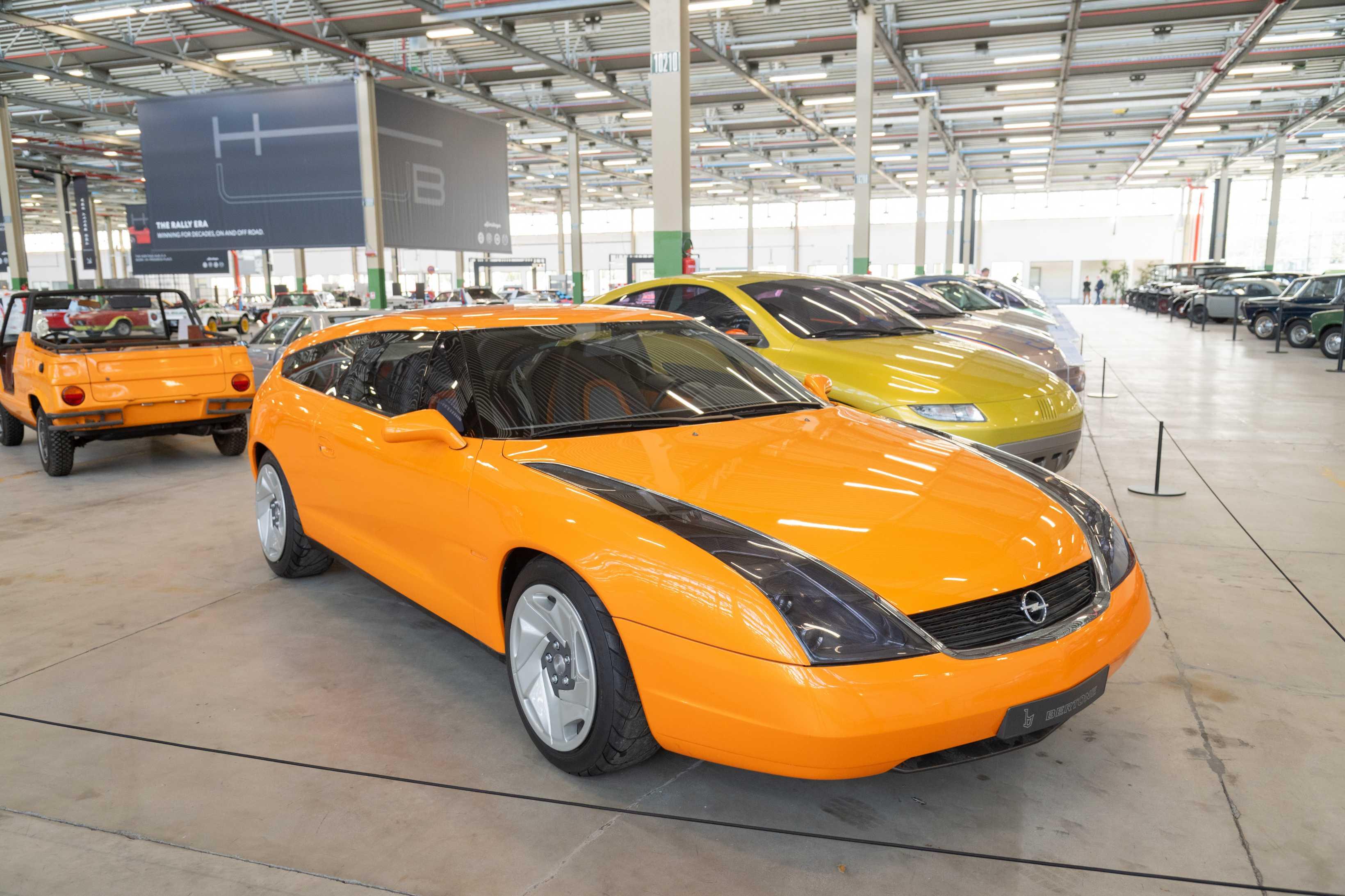
.jpg.fbd74dd91ad064219f2c8facecc96396.jpg)



Account
Navigation
Cerca
Configure browser push notifications
Chrome (Android)
- Tap the lock icon next to the address bar.
- Tap Permissions → Notifications.
- Adjust your preference.
Chrome (Desktop)
- Click the padlock icon in the address bar.
- Select Site settings.
- Find Notifications and adjust your preference.
Safari (iOS 16.4+)
- Ensure the site is installed via Add to Home Screen.
- Open Settings App → Notifications.
- Find your app name and adjust your preference.
Safari (macOS)
- Go to Safari → Preferences.
- Click the Websites tab.
- Select Notifications in the sidebar.
- Find this website and adjust your preference.
Edge (Android)
- Tap the lock icon next to the address bar.
- Tap Permissions.
- Find Notifications and adjust your preference.
Edge (Desktop)
- Click the padlock icon in the address bar.
- Click Permissions for this site.
- Find Notifications and adjust your preference.
Firefox (Android)
- Go to Settings → Site permissions.
- Tap Notifications.
- Find this site in the list and adjust your preference.
Firefox (Desktop)
- Open Firefox Settings.
- Search for Notifications.
- Find this site in the list and adjust your preference.