
MotorPassion
Reporter (Staff)
-
Iscritto il
-
Ultima visita
Tutti i contenuti di MotorPassion
-
-
-
-
-
-
-
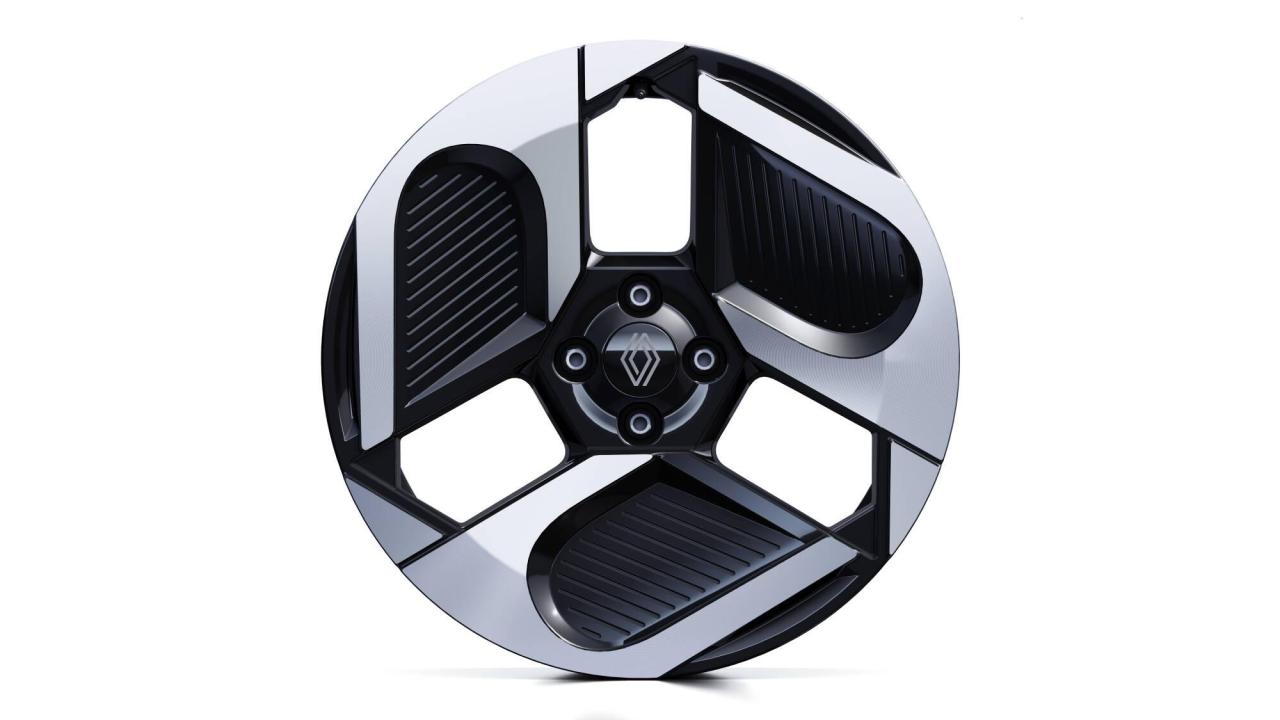
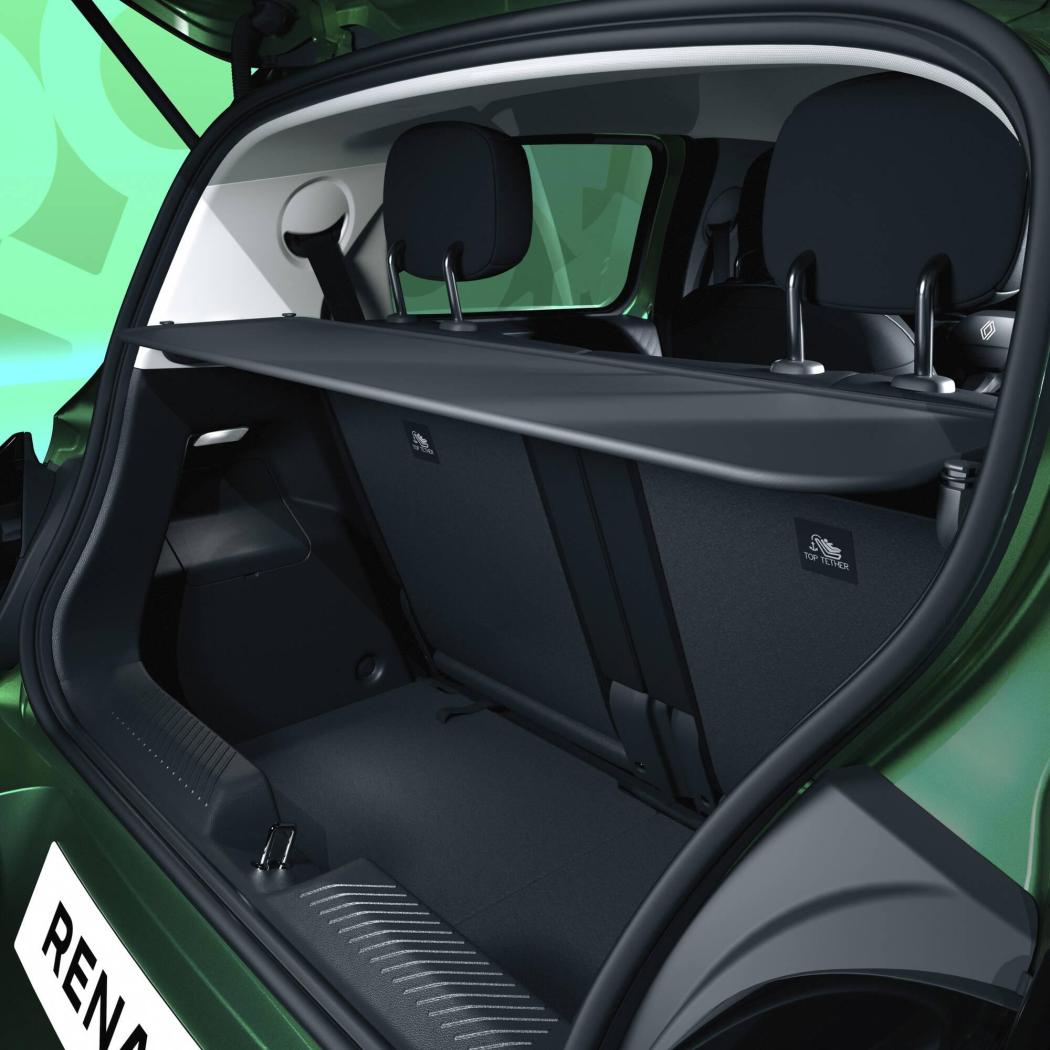
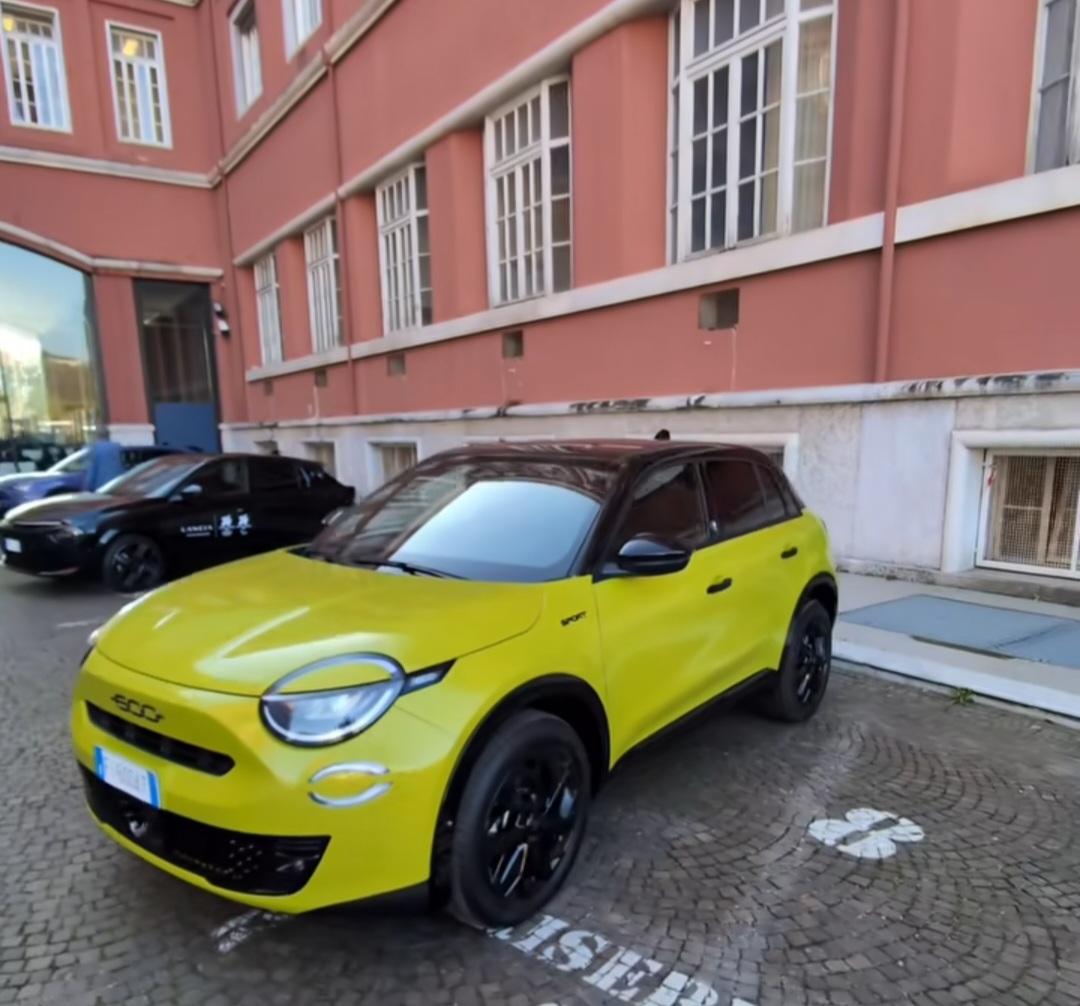
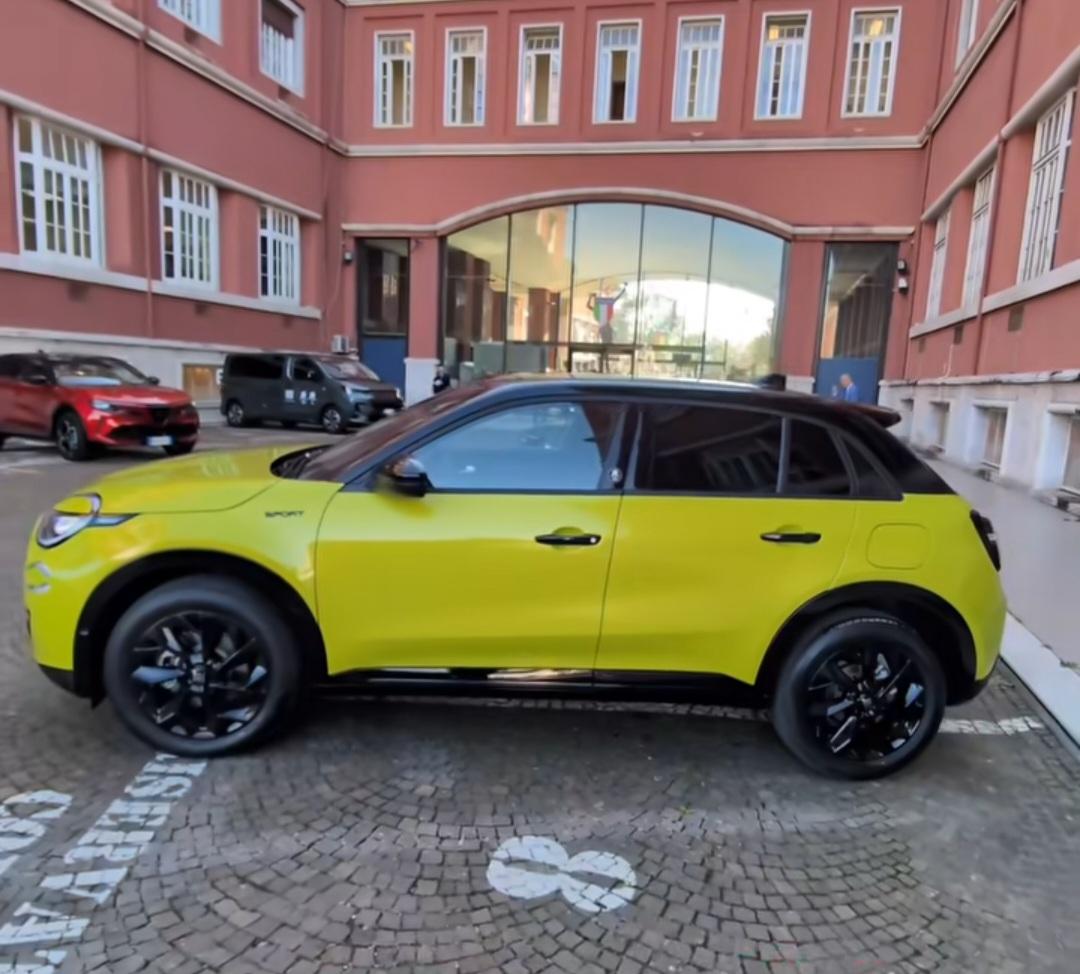
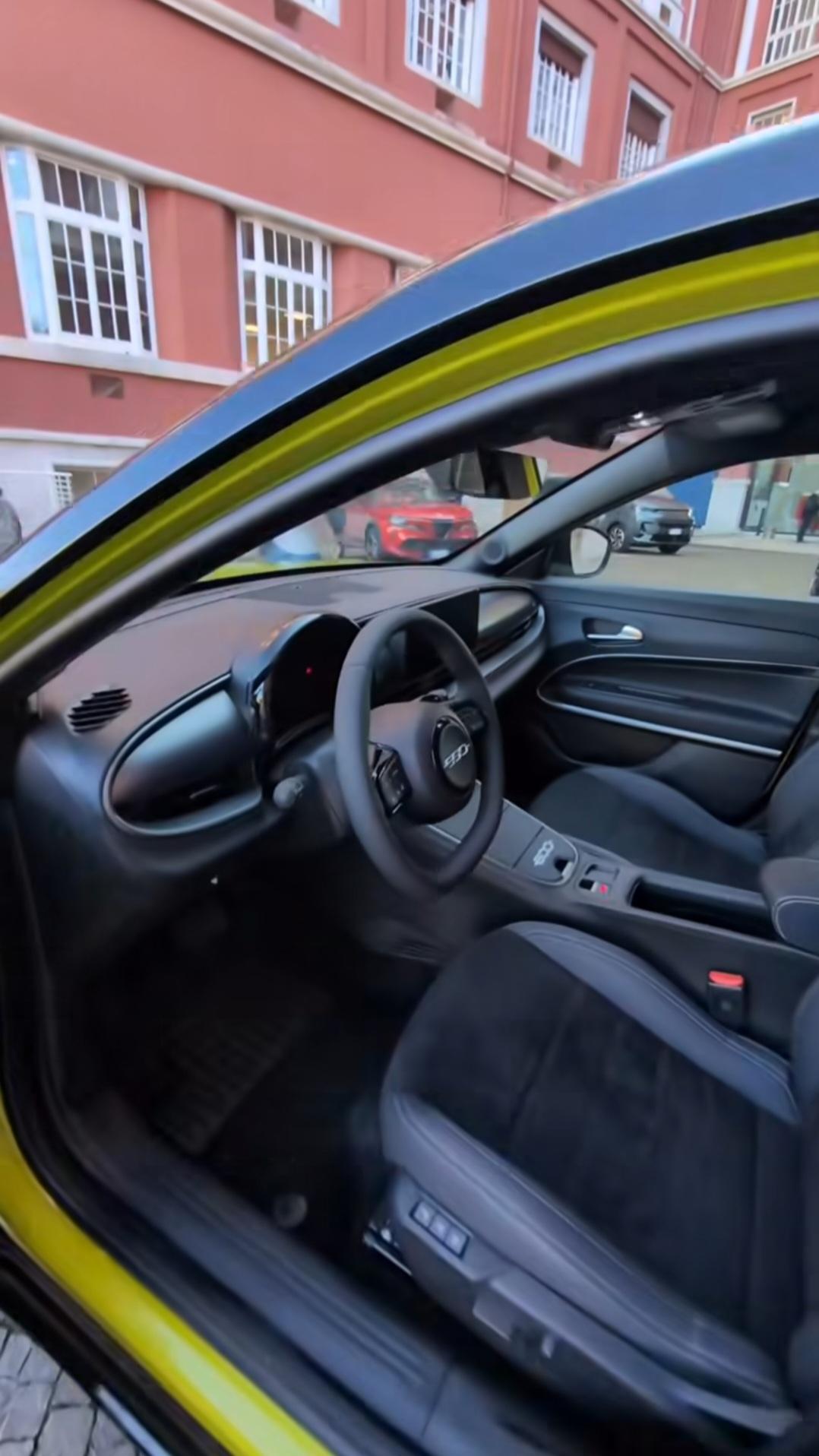
Concordo, dai video la plancia sembra veramente alta oltre che profonda, il che sicuramente è dovuto alla condivisione della struttura con R4 e R5. Vi lascio le immagini dei cerchi disponibili in base agli allestimenti e foto del baule con cappelliera e bracciolo centrale tra i sedili anteriori.
.thumb.jpg.076b963f0b87e9f9db3a9b8397762152.jpg)
.thumb.jpg.57c3a25663a34243d89907111777074f.jpg)
.thumb.jpg.fc26e7ac3ba44de2417d53b08376168d.jpg)
.thumb.jpg.6f335c61d7807a345016a50a58dc9747.jpg)
-
-
-
-
Un'arpa da suonare durante il viaggio.
-
- 1737 risposte
-
- audi
- cupra
- ducati
- lamborghini
-
Taggato come:
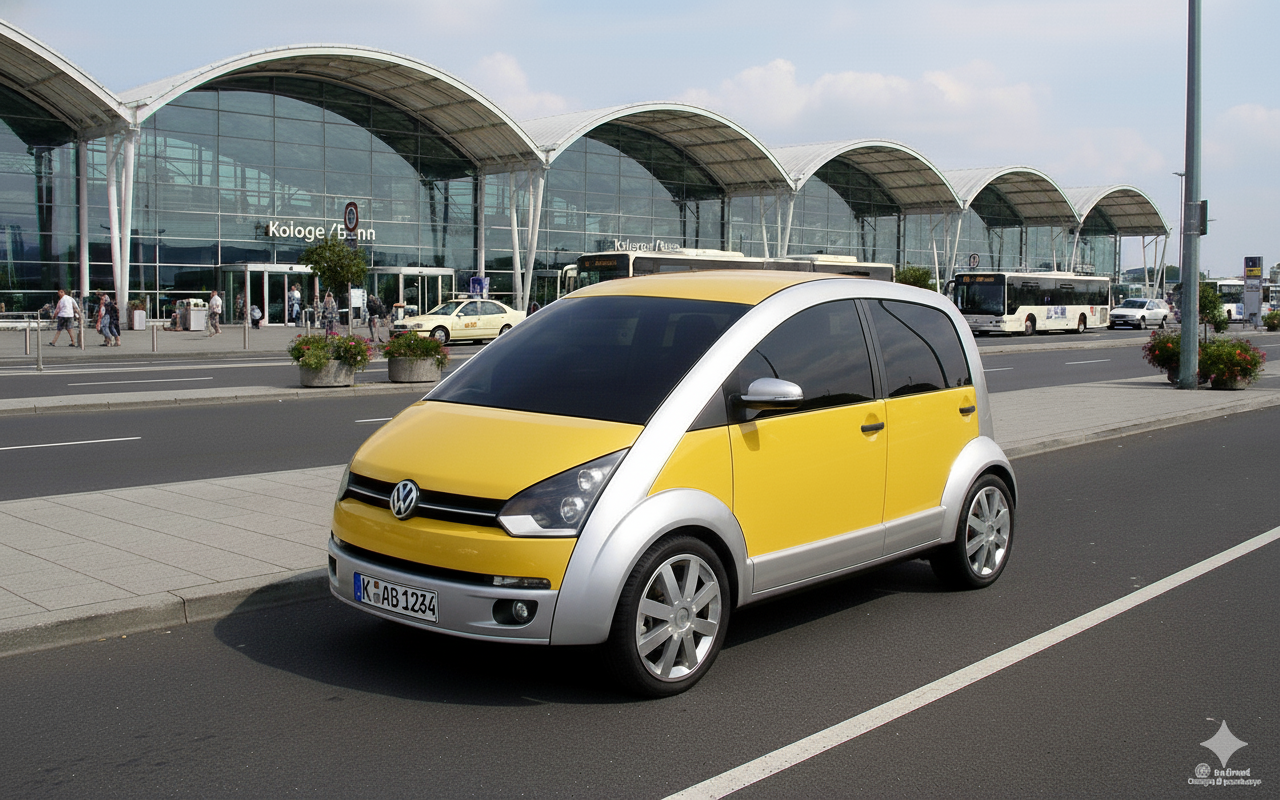
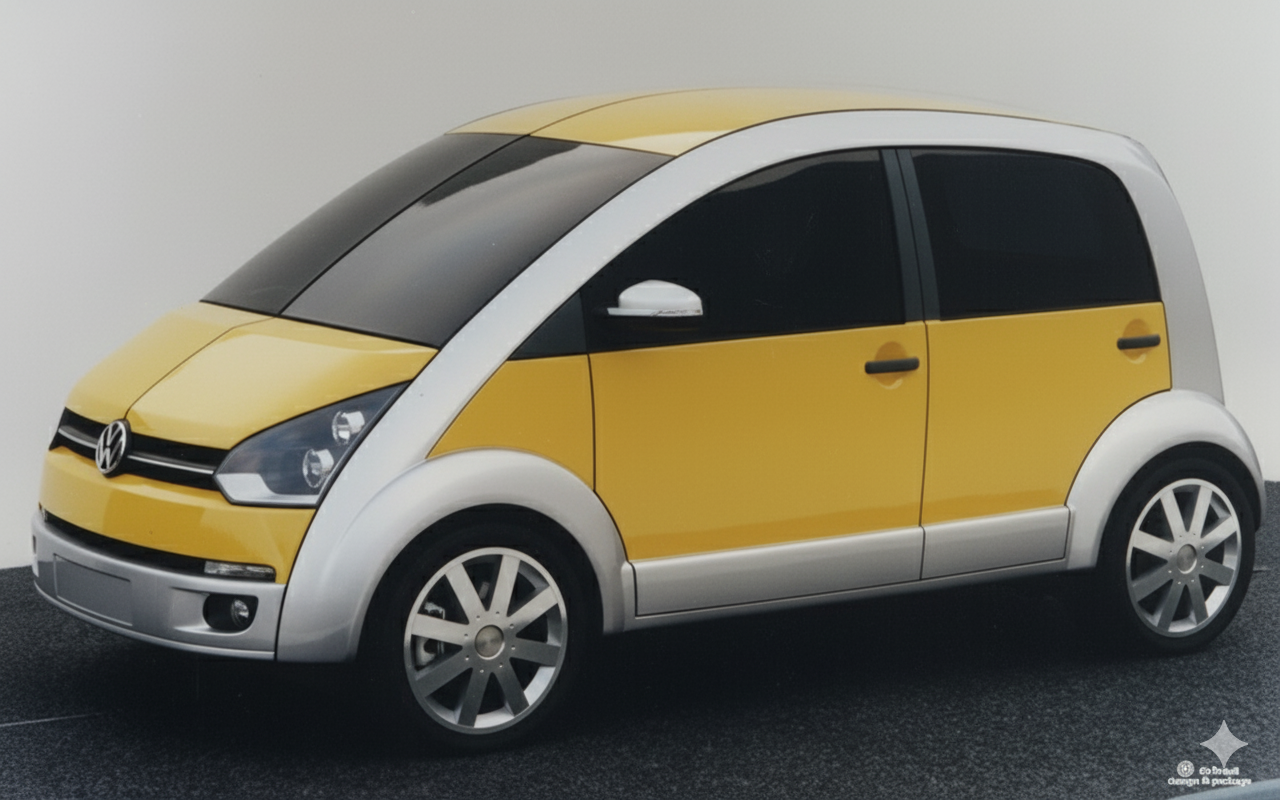
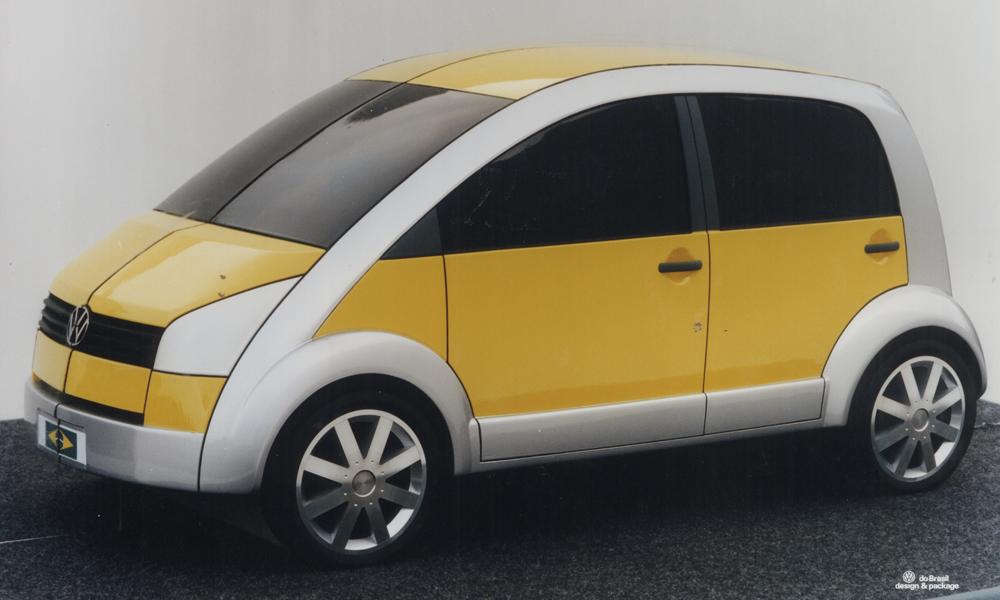
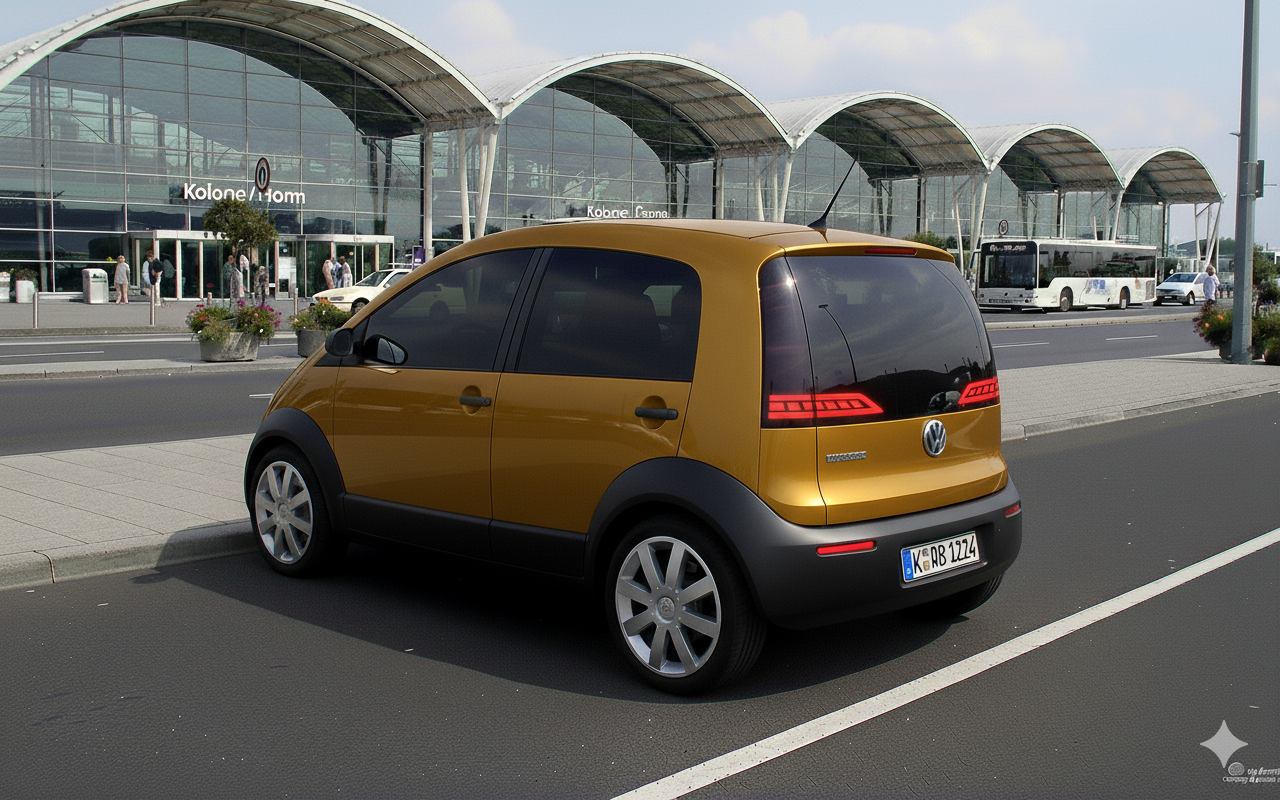
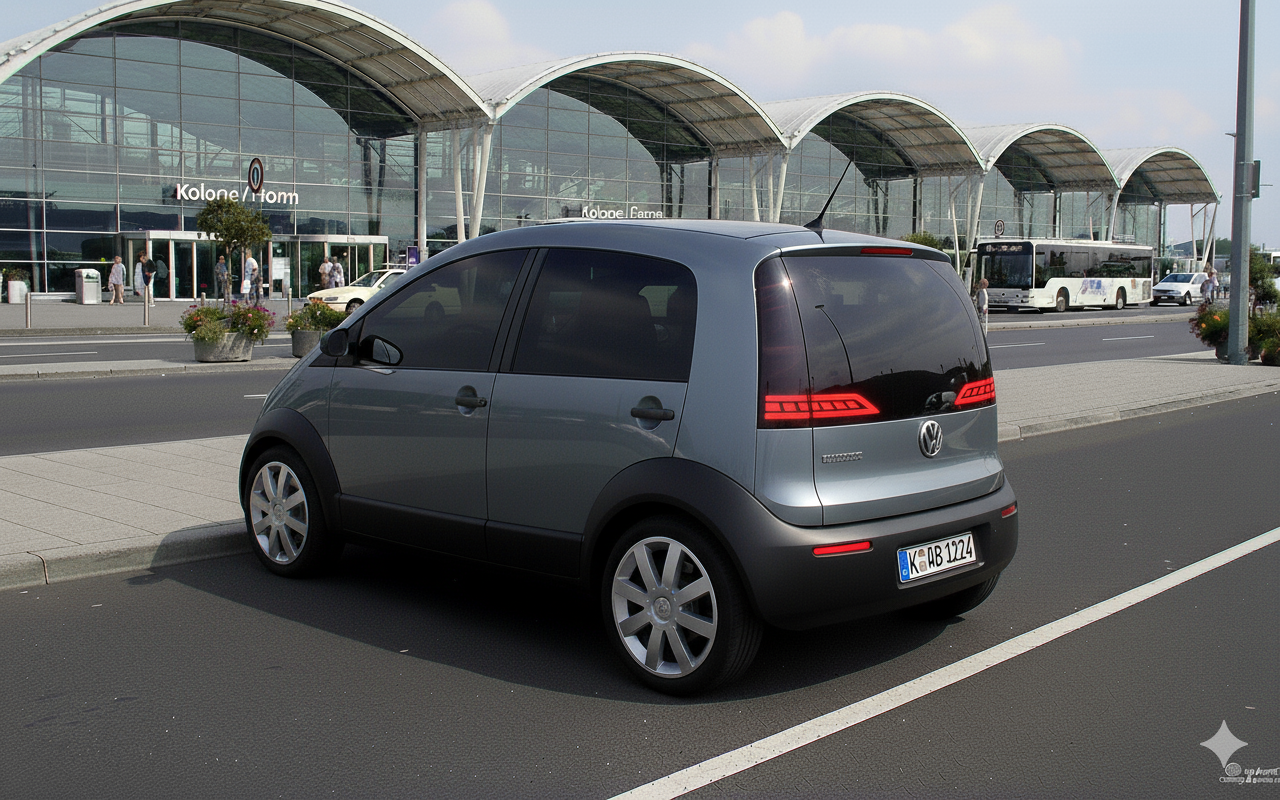
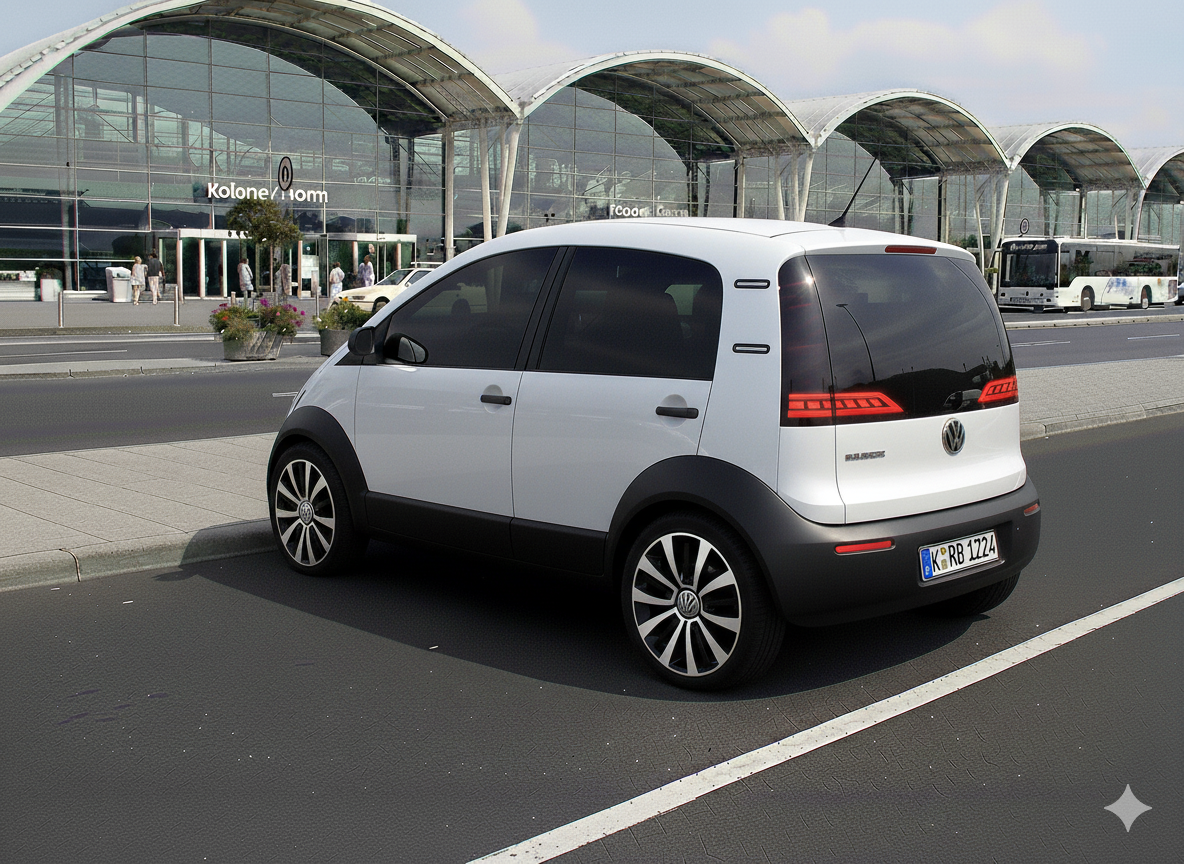
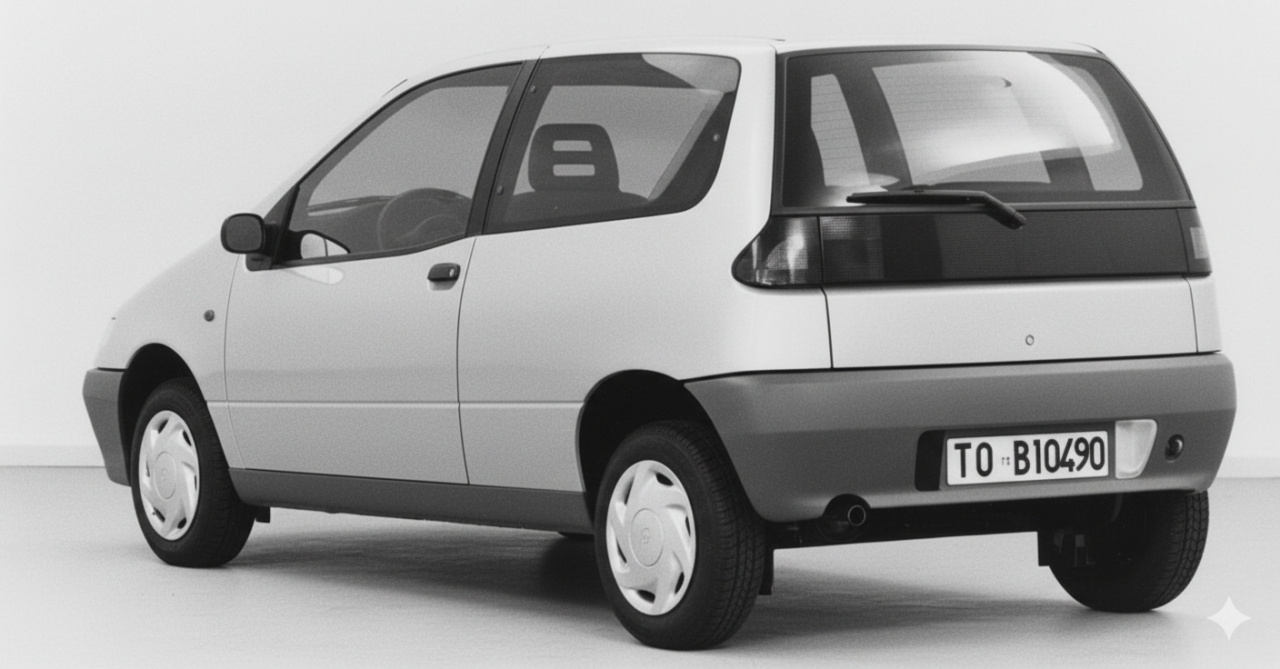
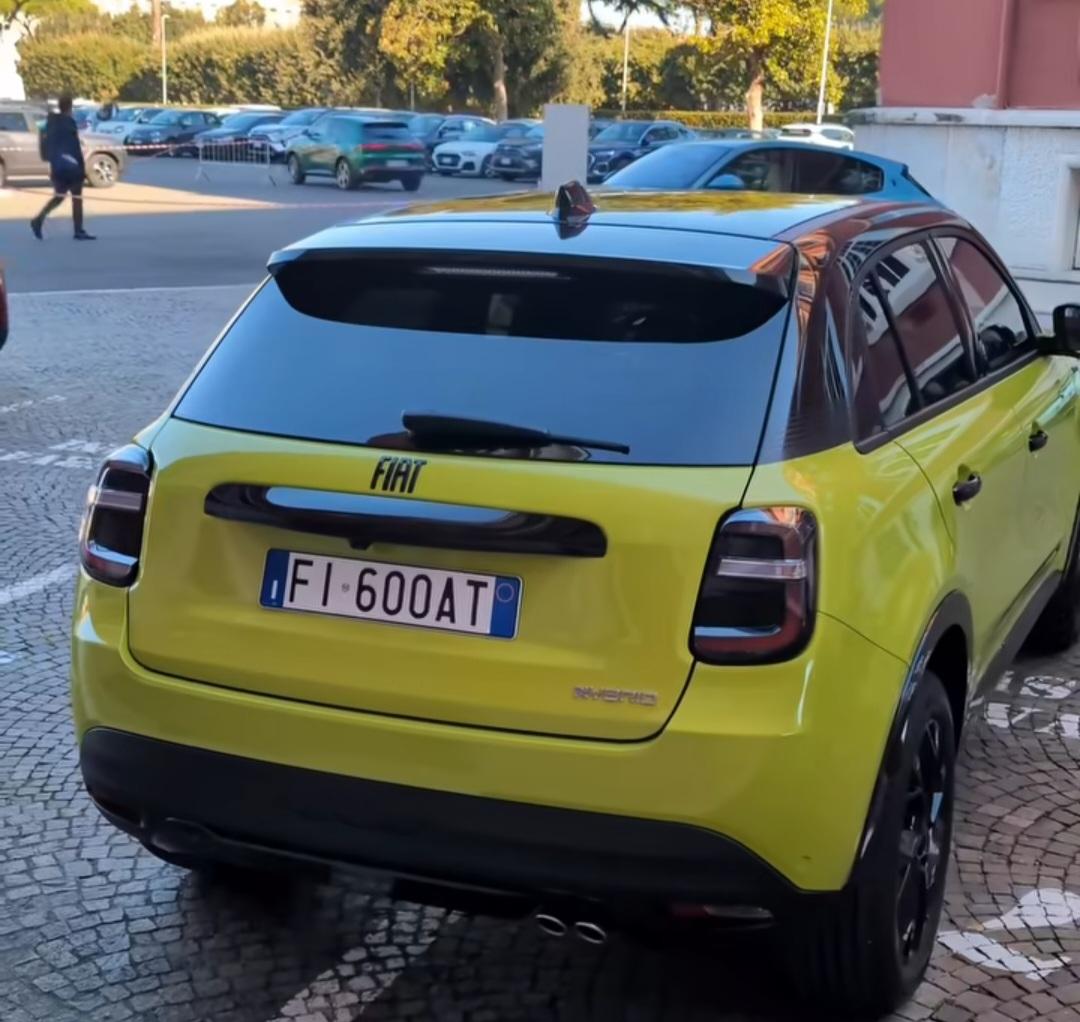
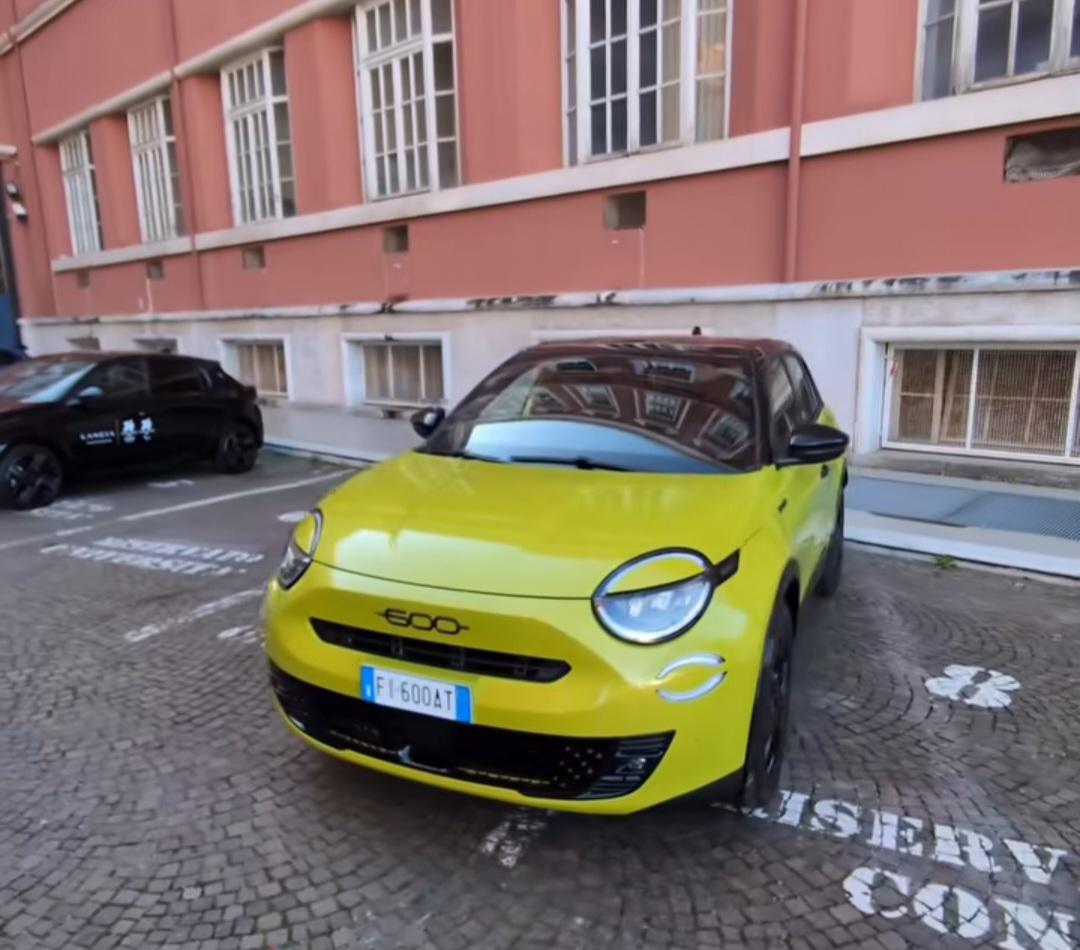
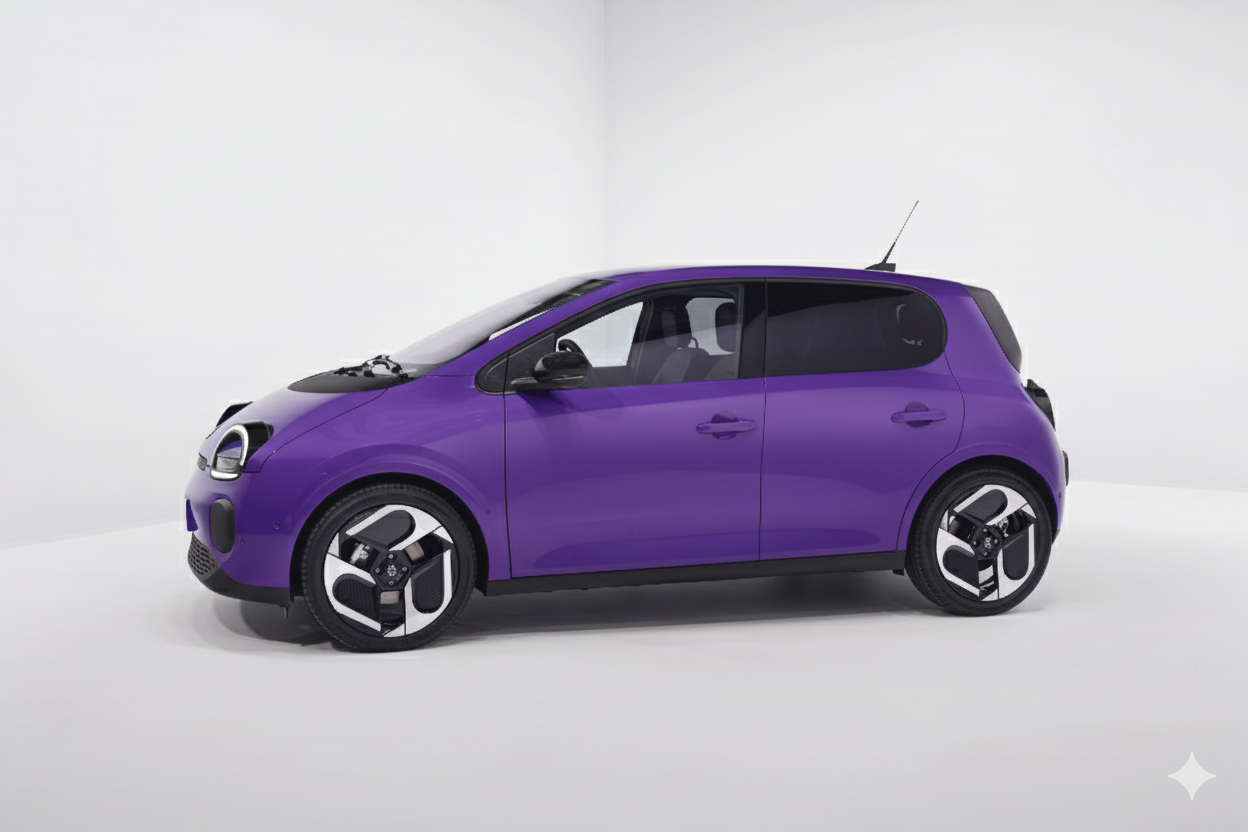
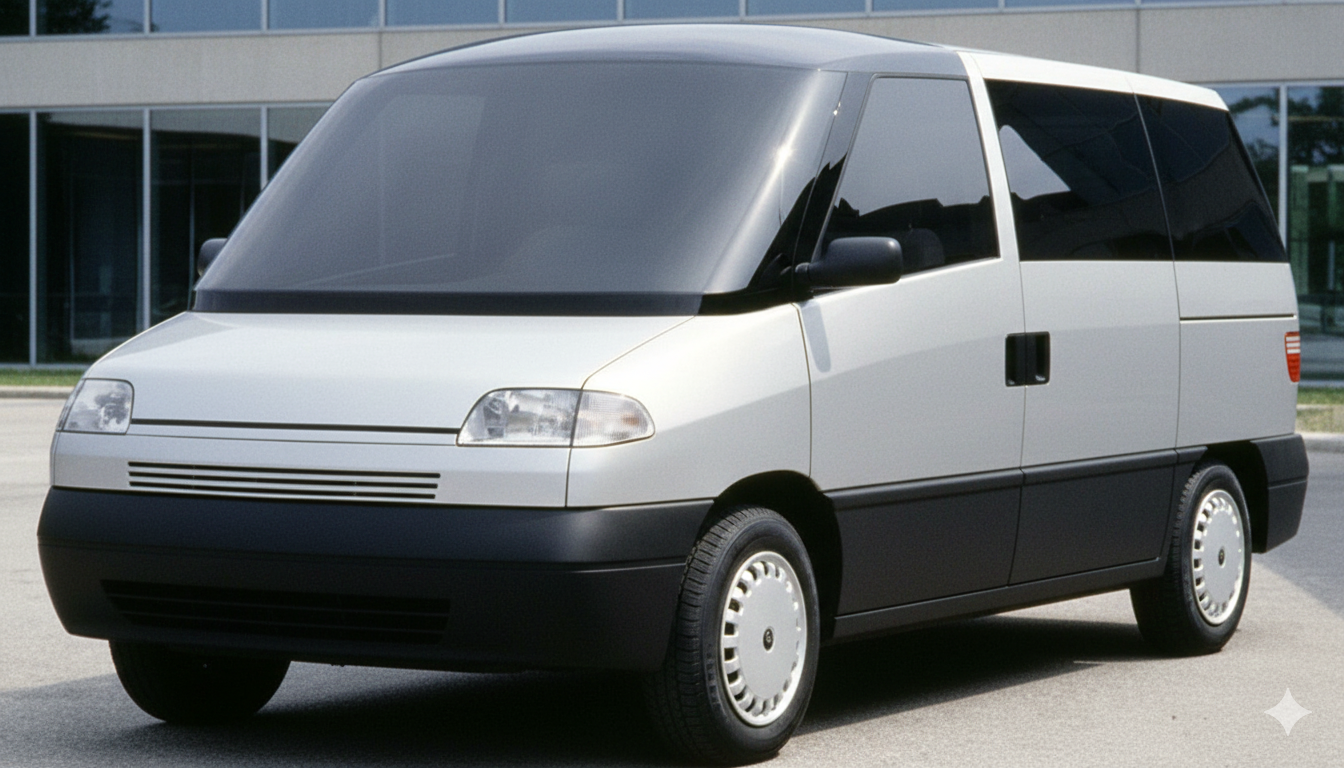
Che voi sappiate c'è stato un MY per Tiguan? Da un paio di giorni ne incrocio uno con il logo frontale illuminato, cosa che non aveva il Tiguan ma solo Golf e Tayron. AGGIORNAMENTO Confermo ho guardato il configuratore e dalle foto risultano illuminati il logo frontale e quello posteriore come su Tayron.Non so bene che progetto VW fosse, non sarebbe stata male come citycar-MPV. Il montante A naturalmente non sarebbe potuto essere così largo su un modello di serie. Visto che manca una vista posteriore ho chiesto a gemini di proporre un possibile design. Qui ho chiesto un design delle ottiche fari in linea con il design attuale di VW: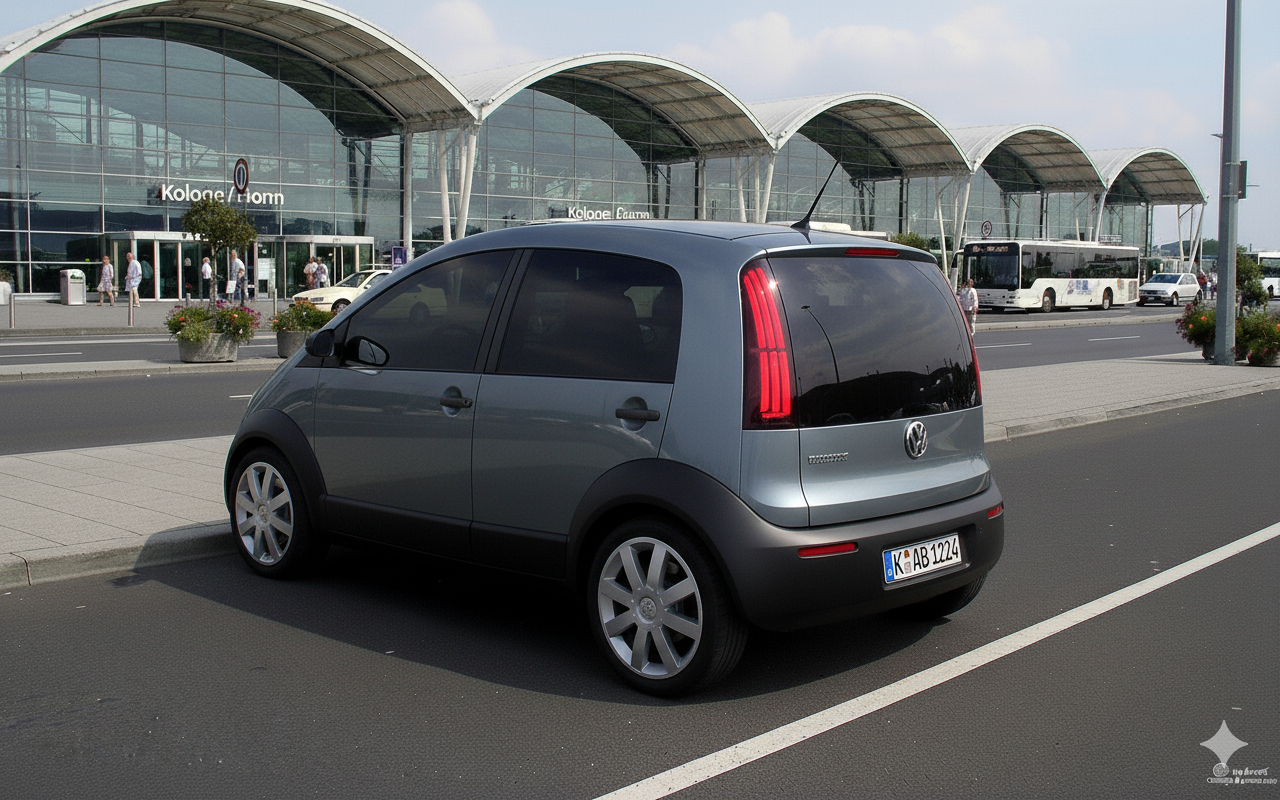
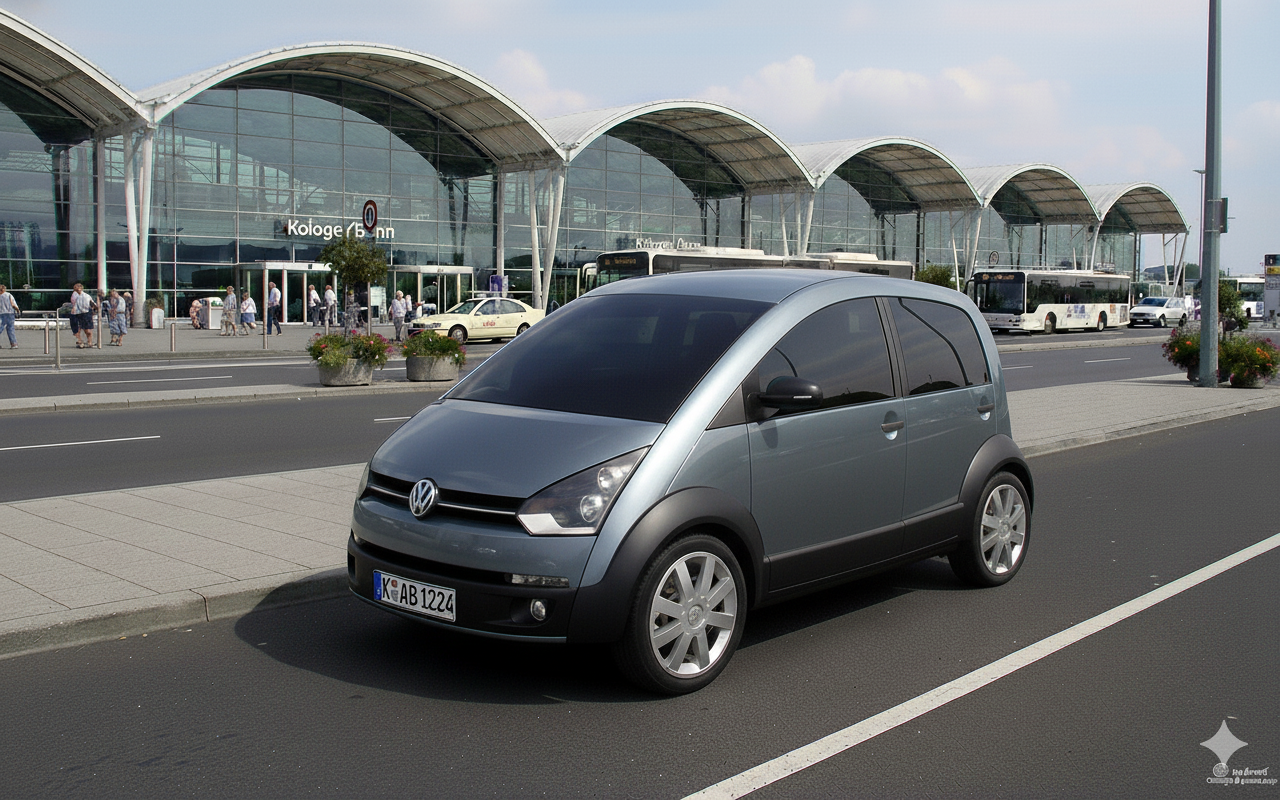
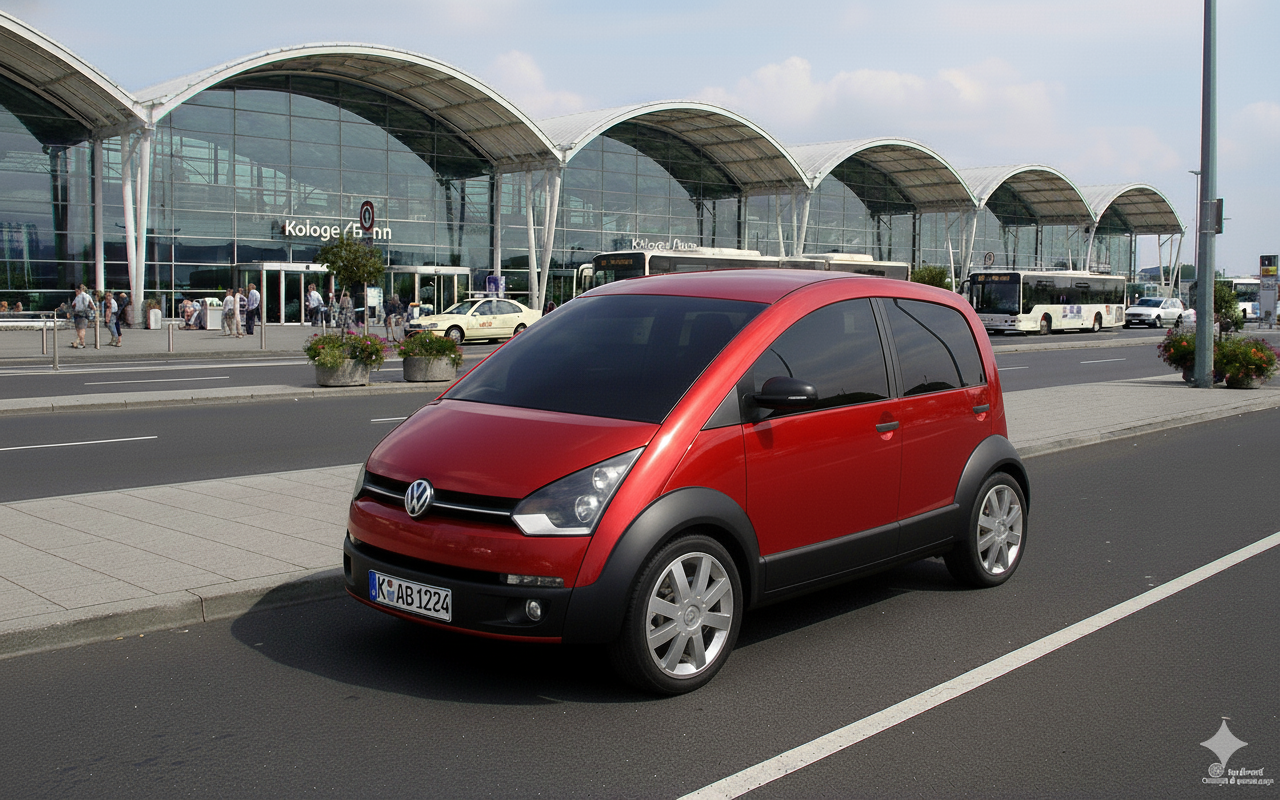
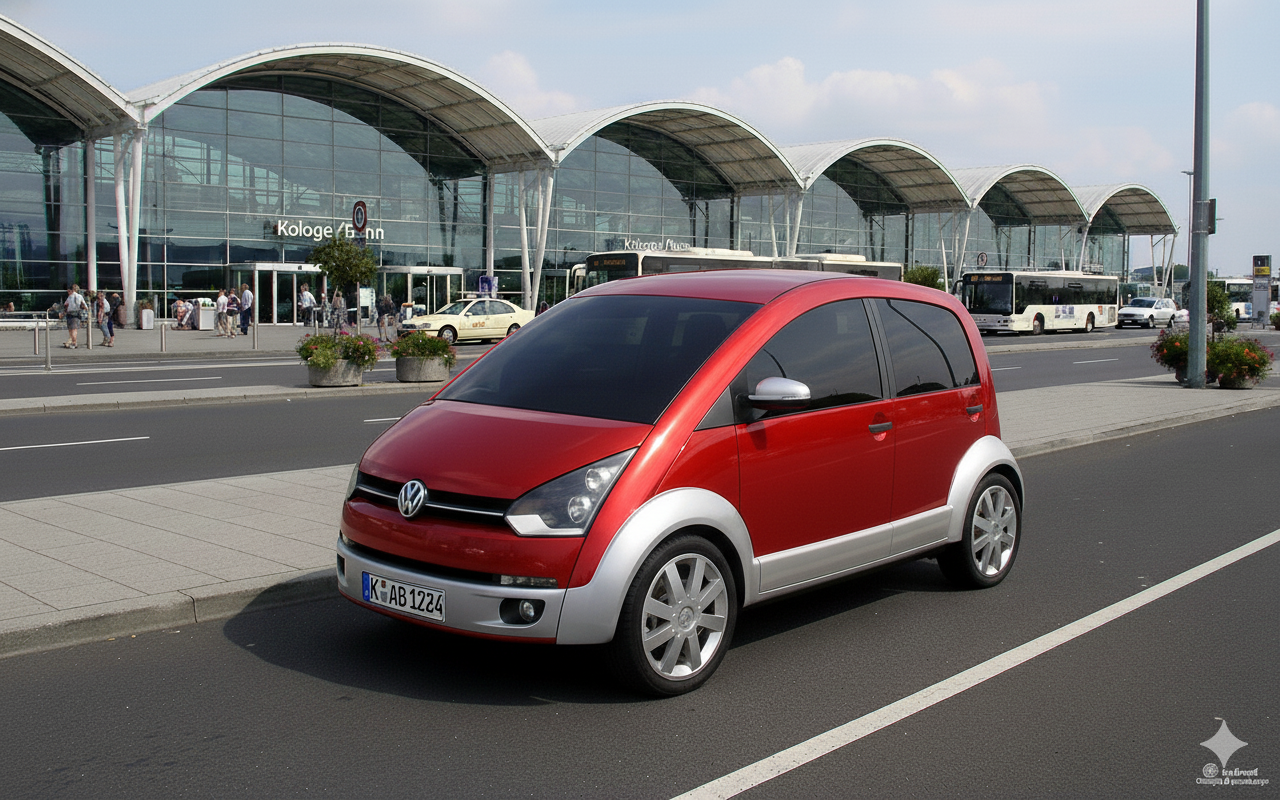
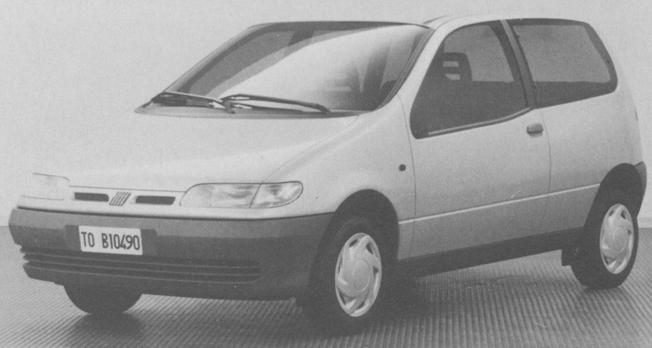
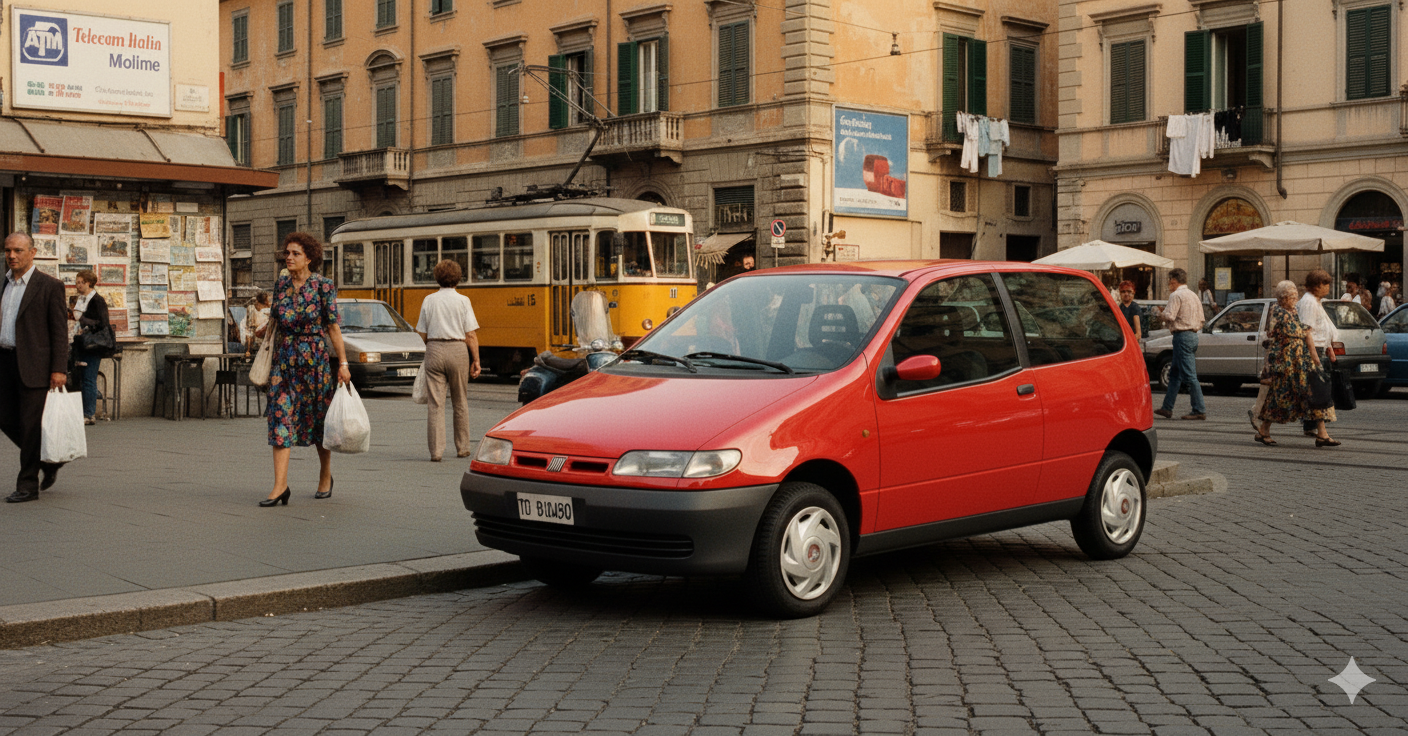
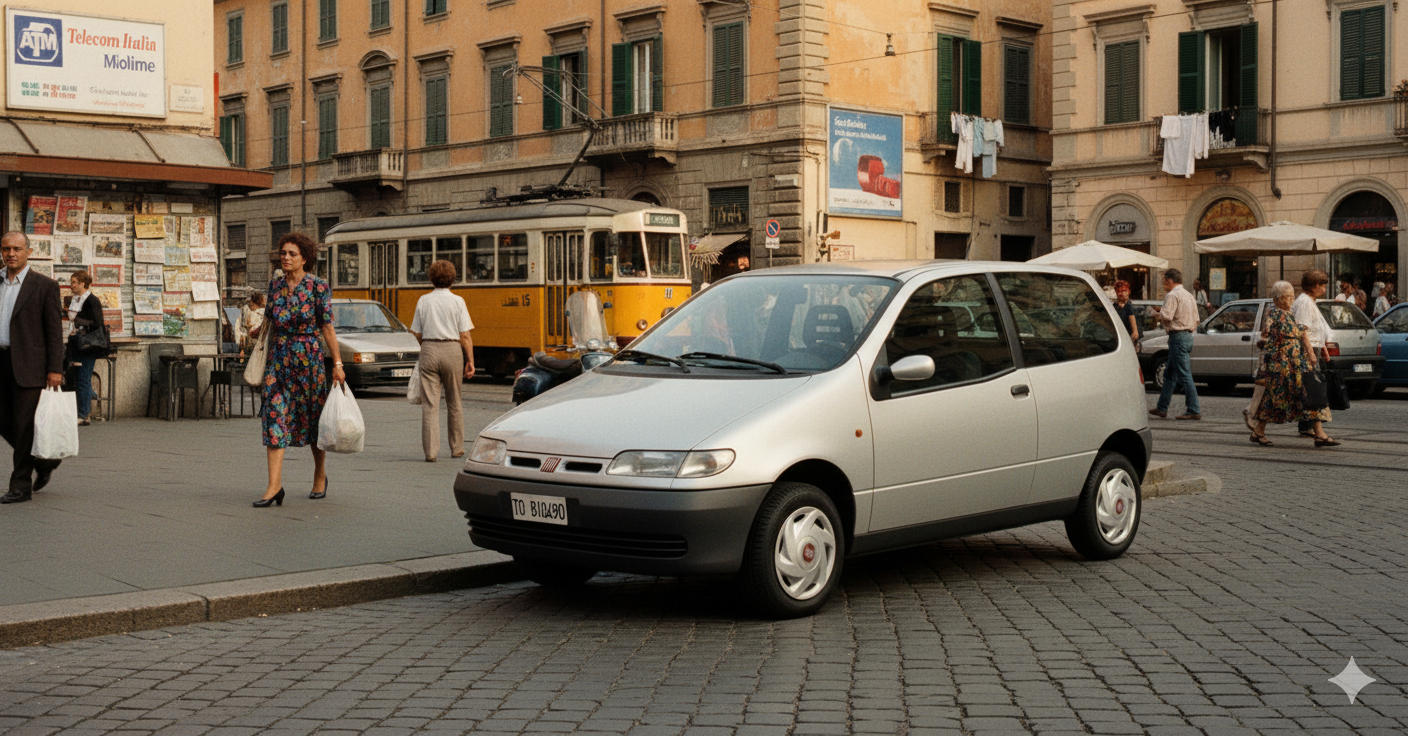
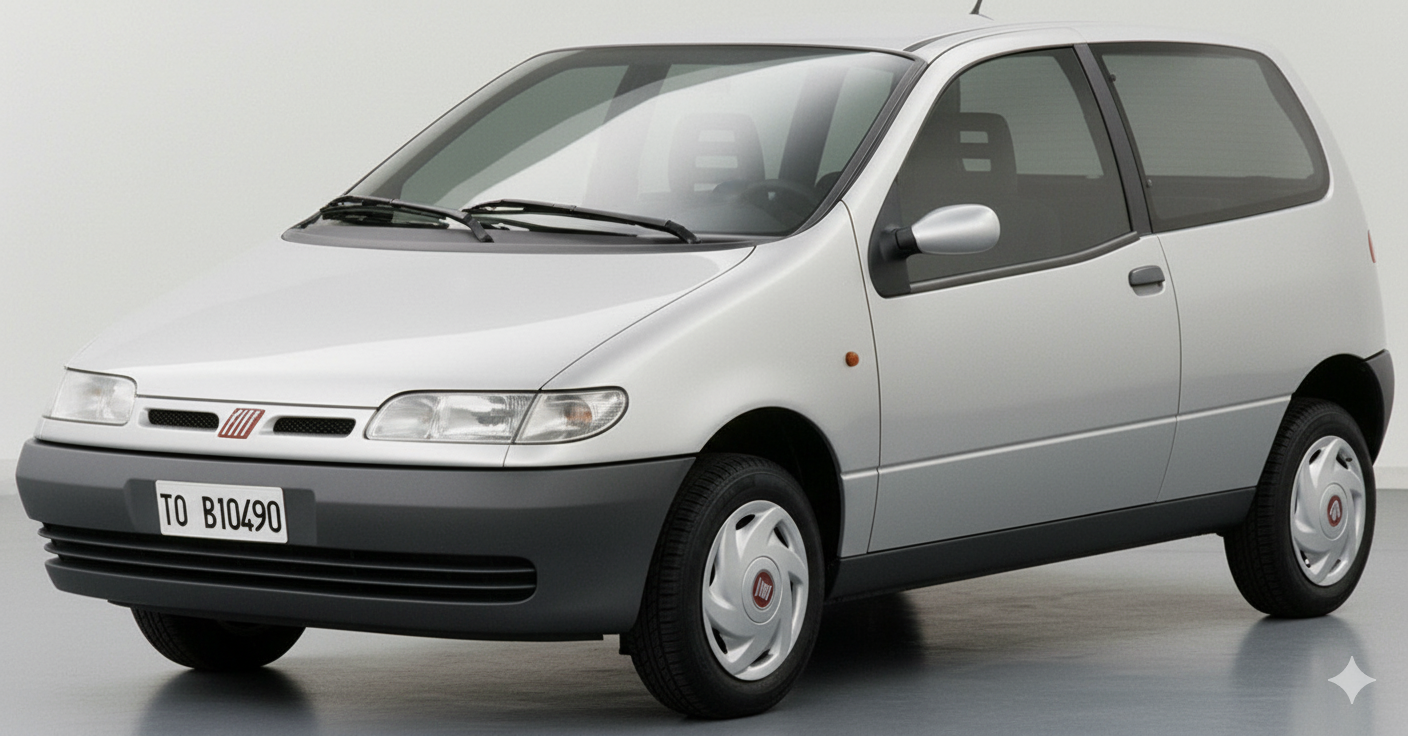
 Questo invece da dovrebbe essere qualcosa di FIAT ma non ne sono sicuro.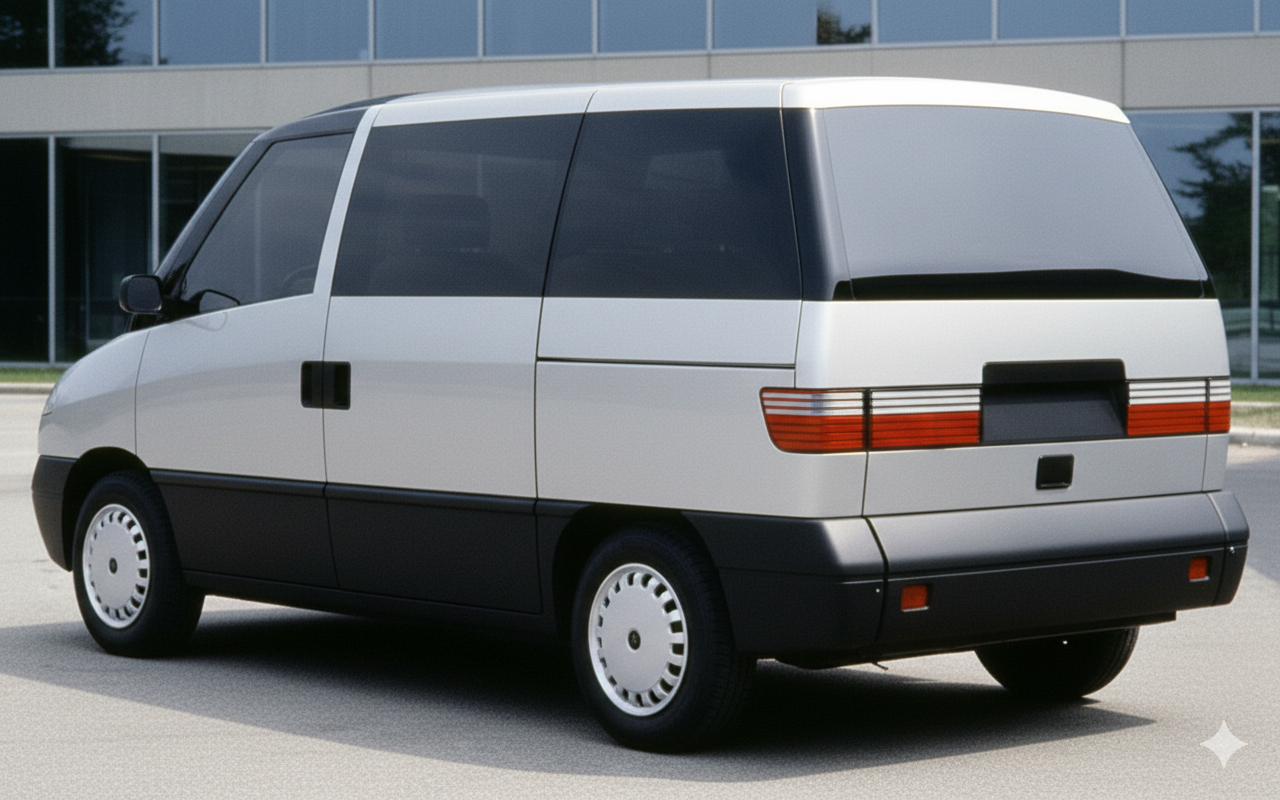
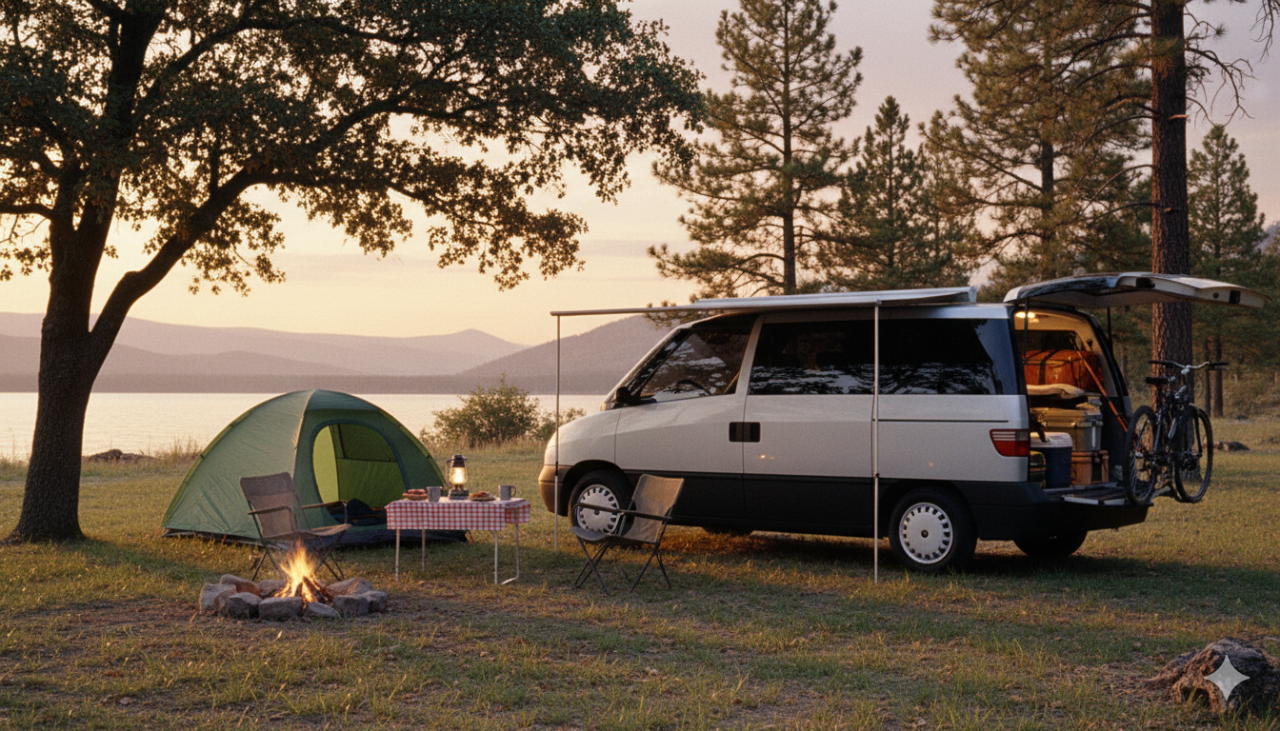
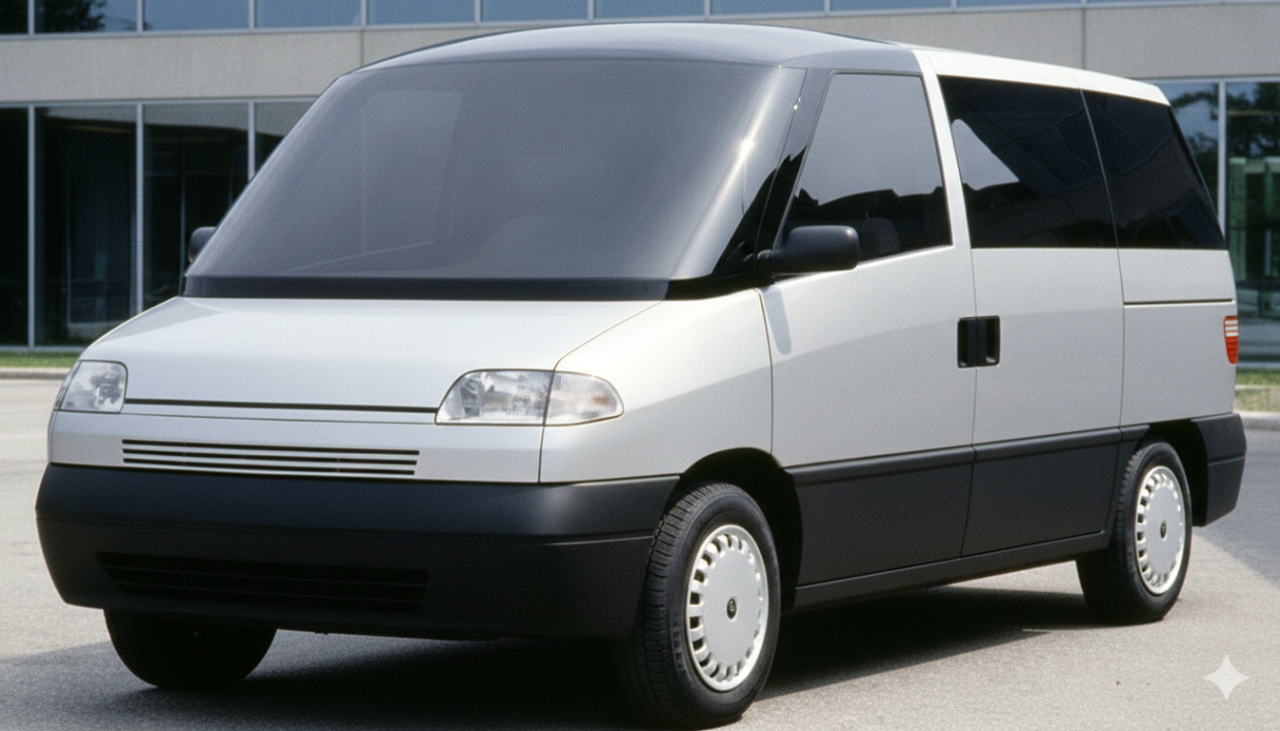
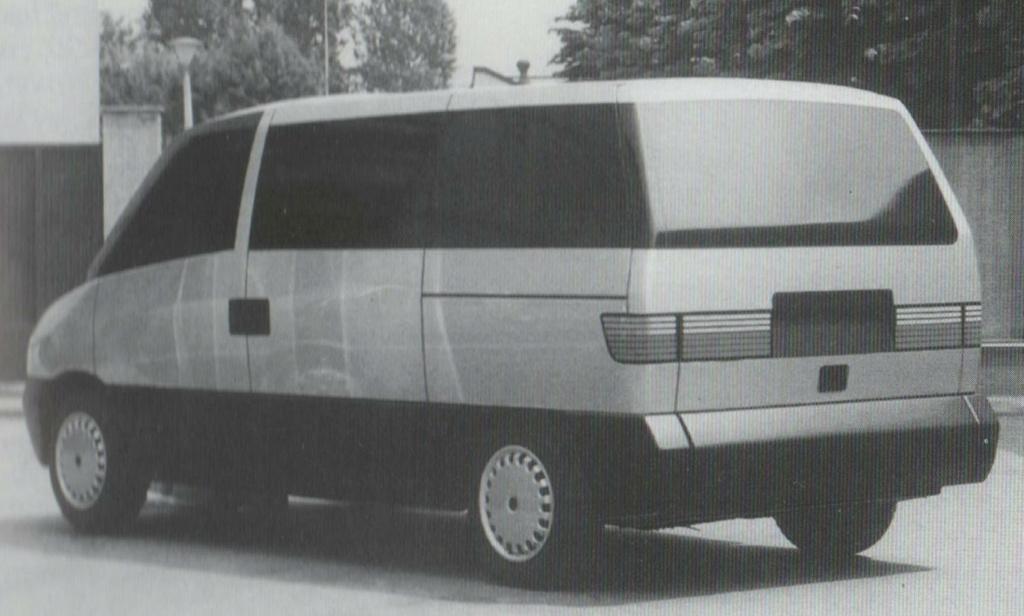
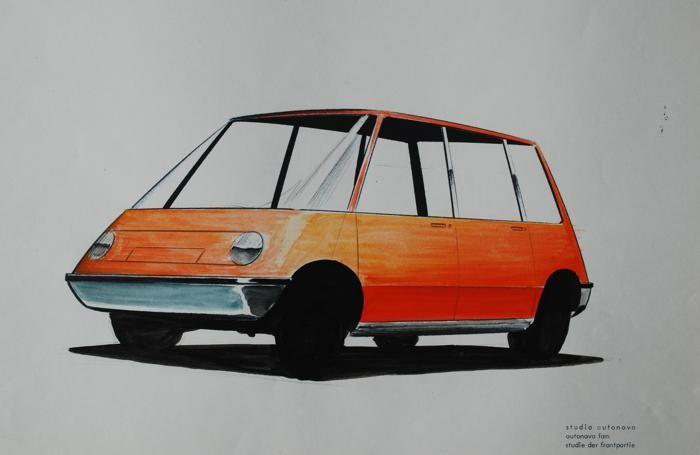
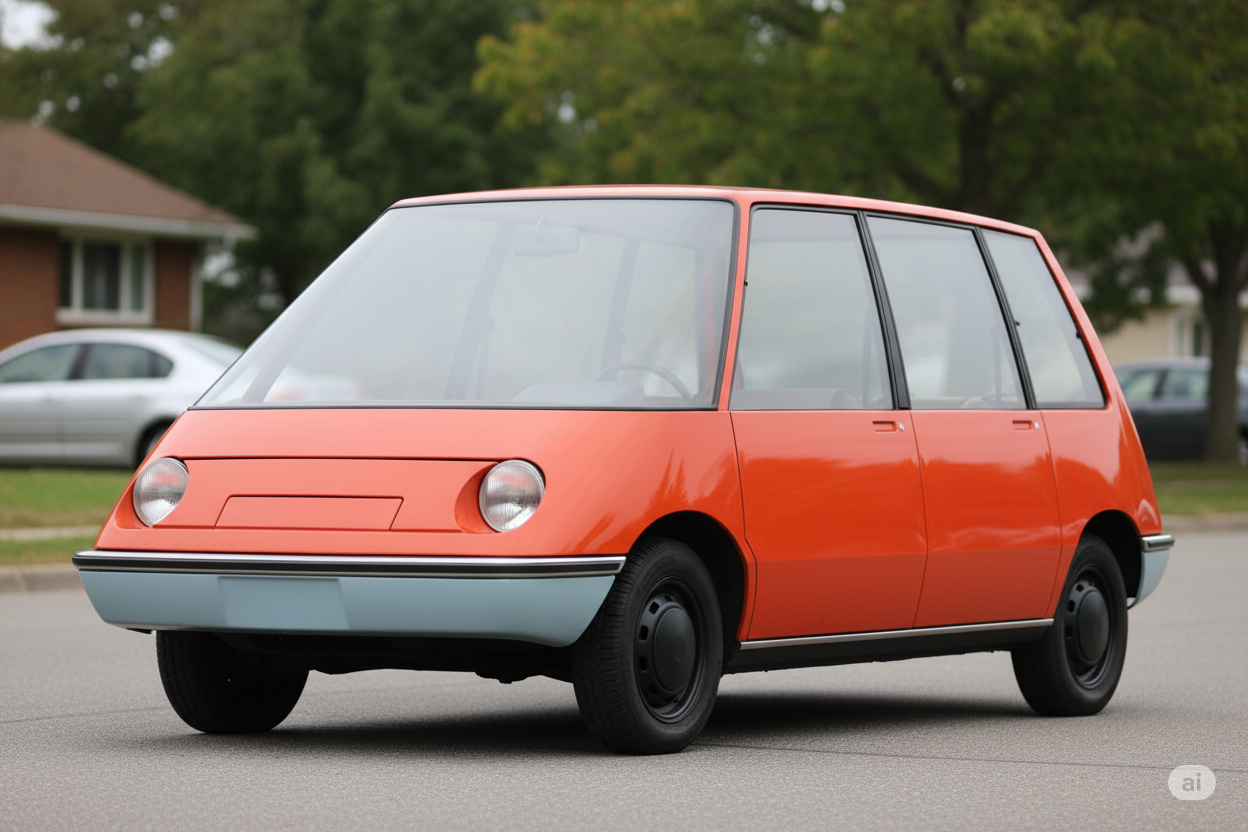
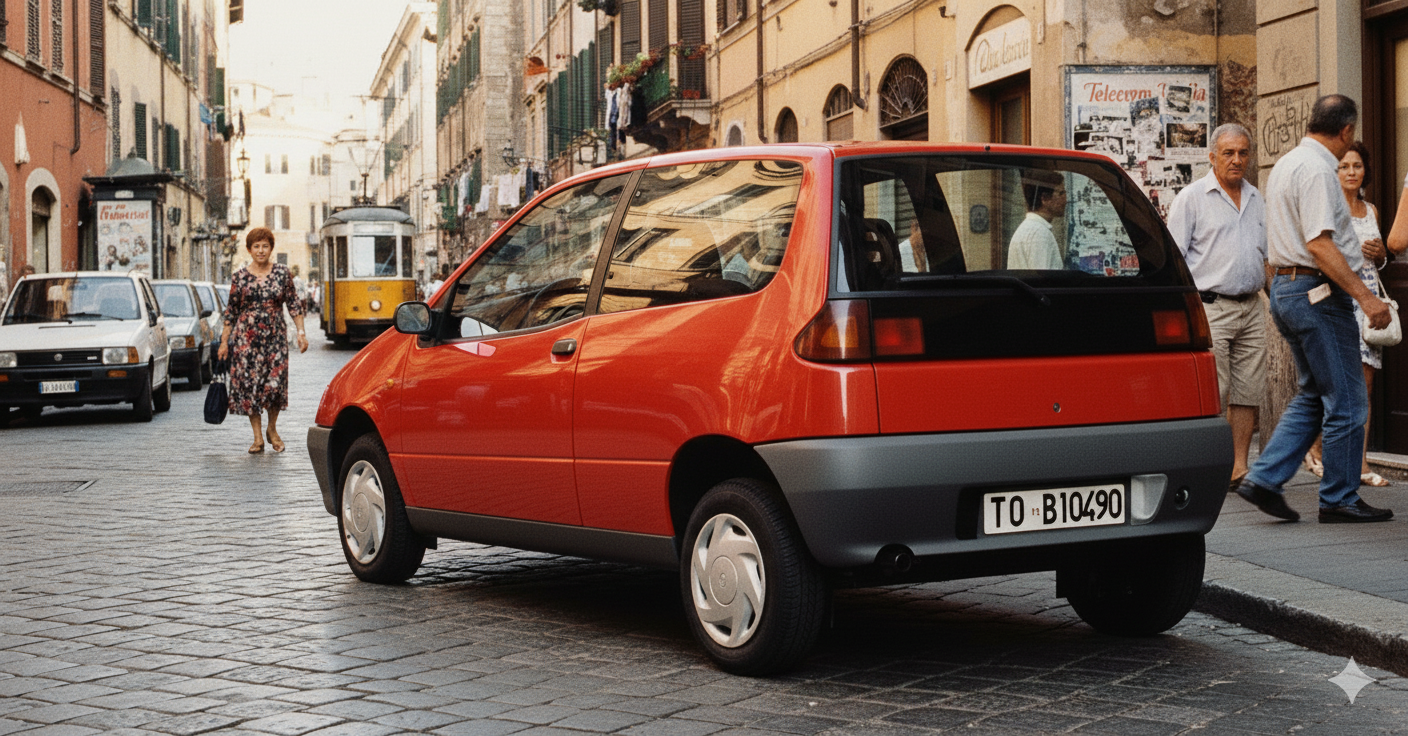
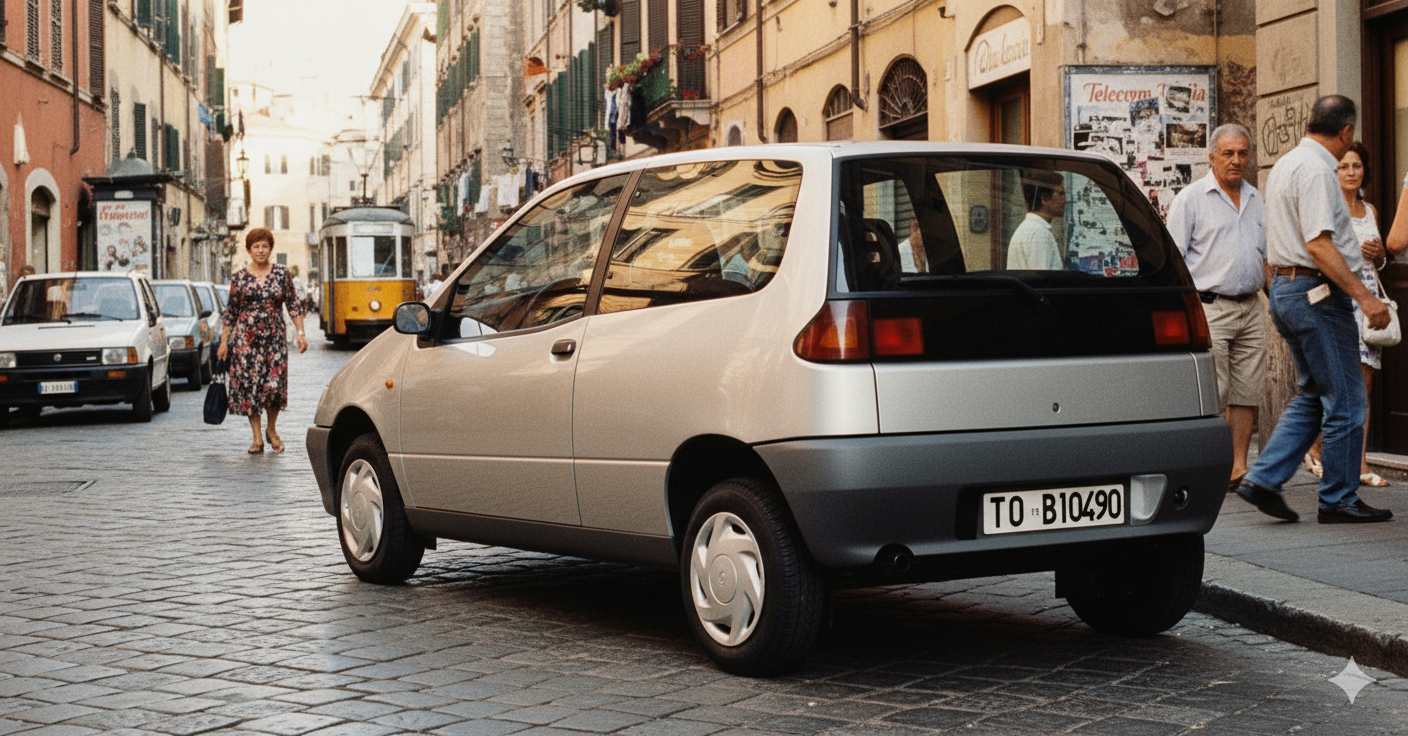
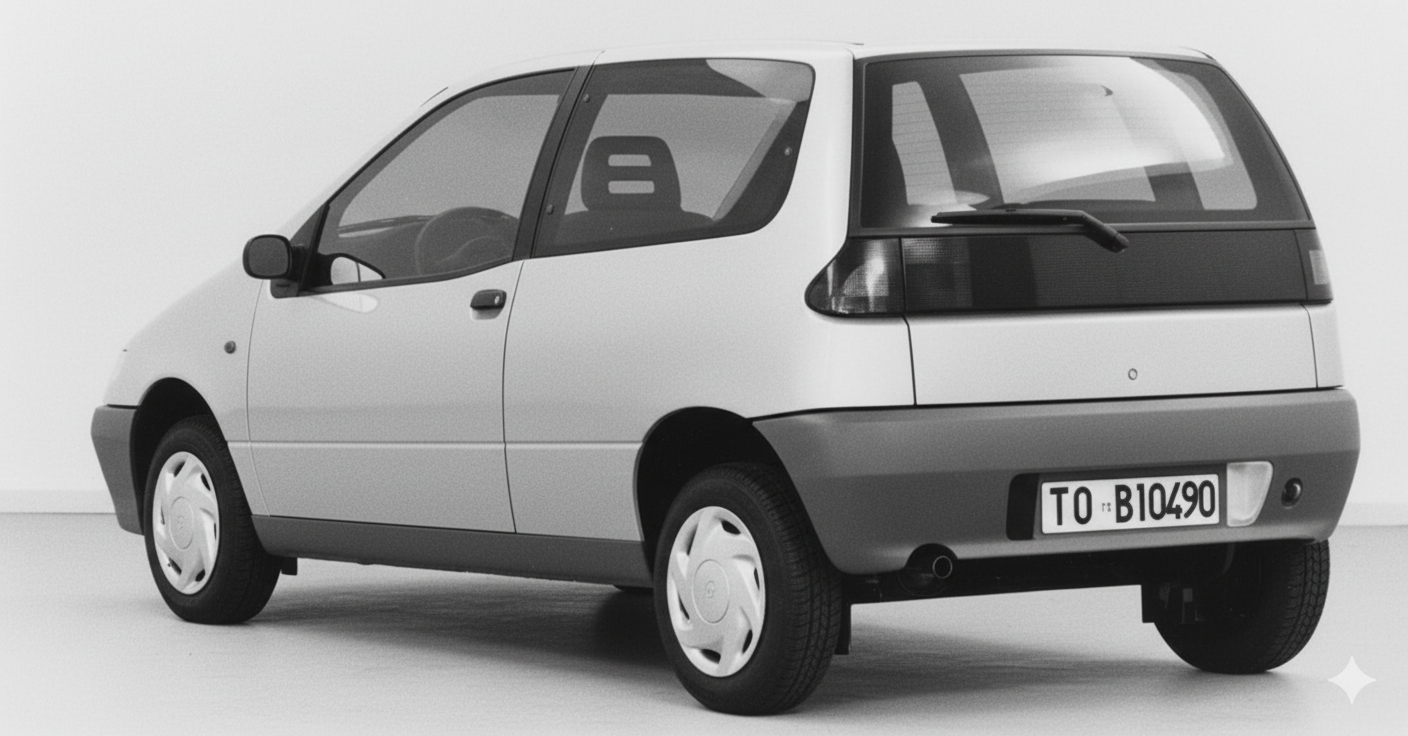
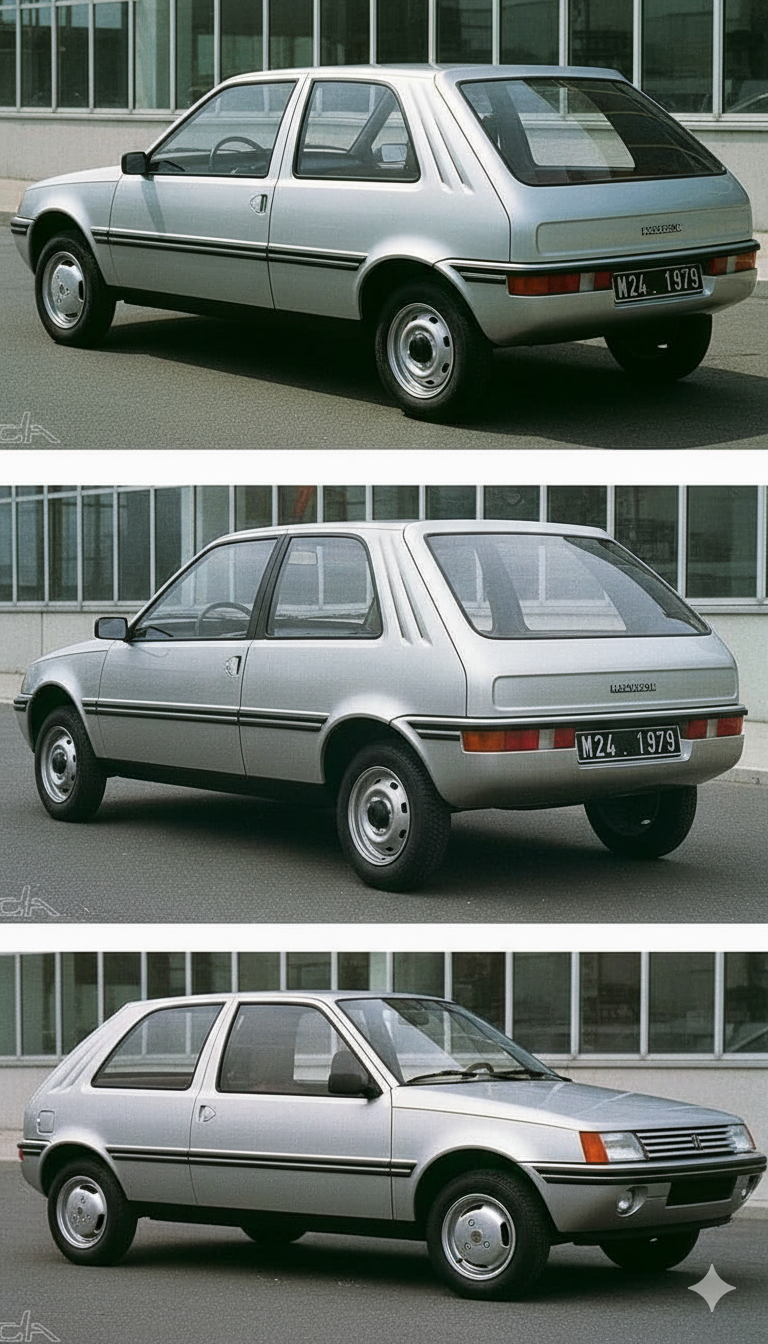
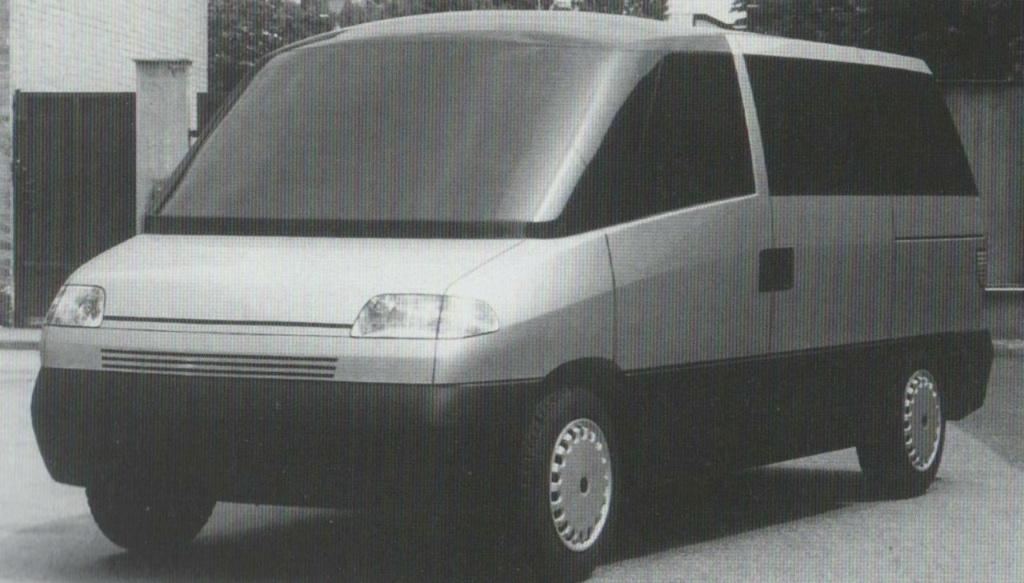 Non ricordo, questa era una proposta di stile per Fiat Cinquecento? Comunque ecco una interpretazione se fosse stata prodotta: Peugeot 205: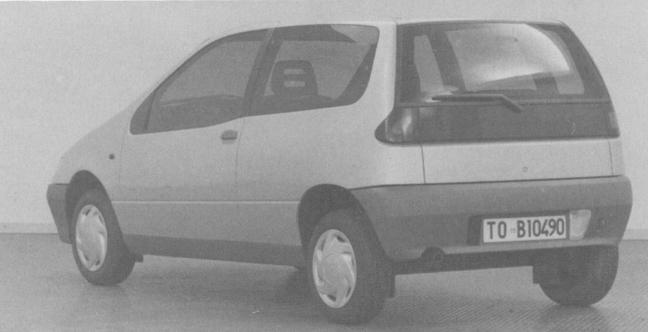
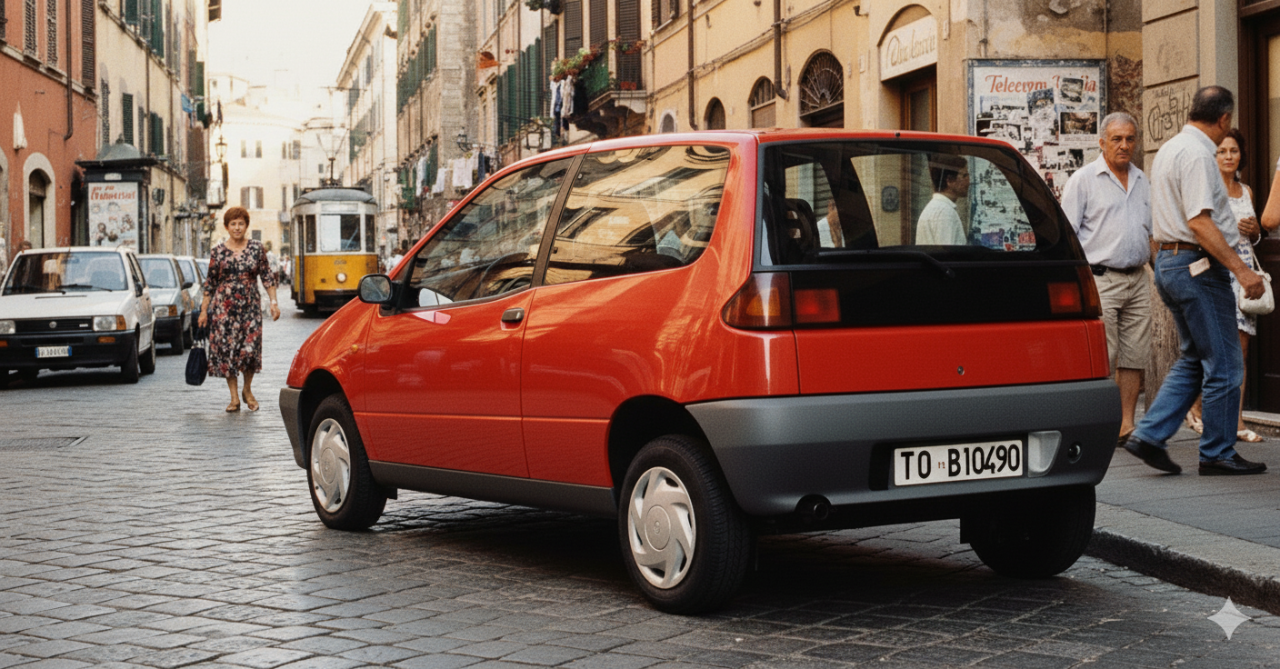
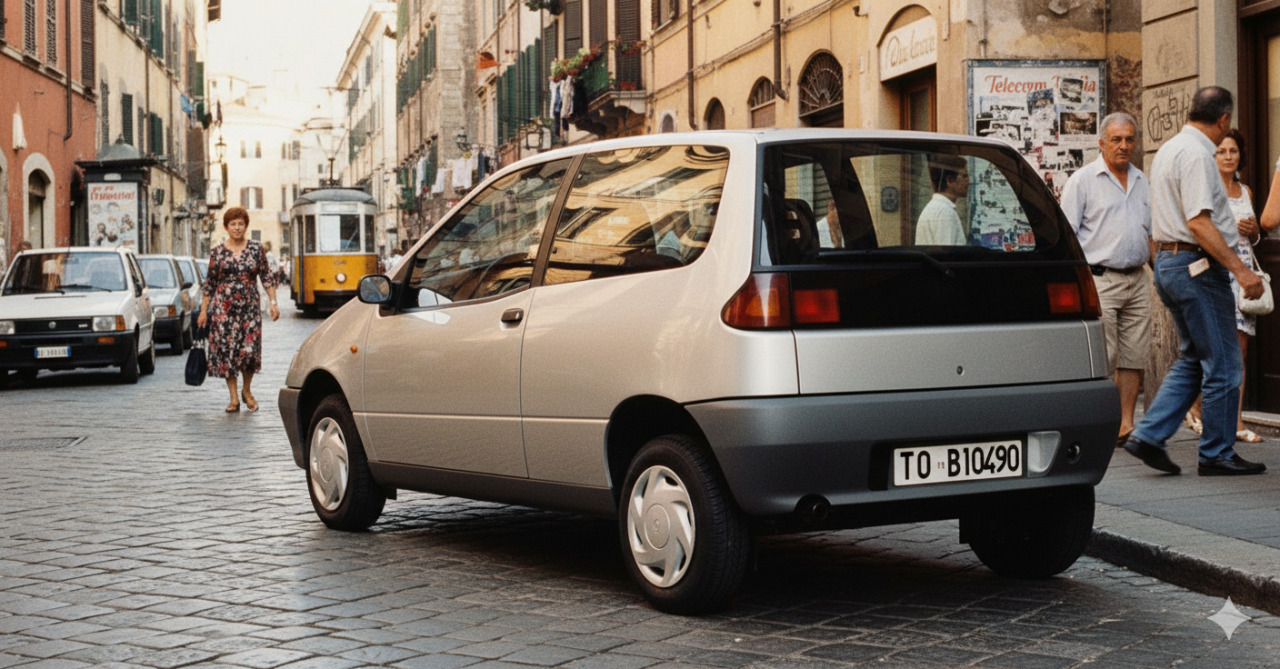
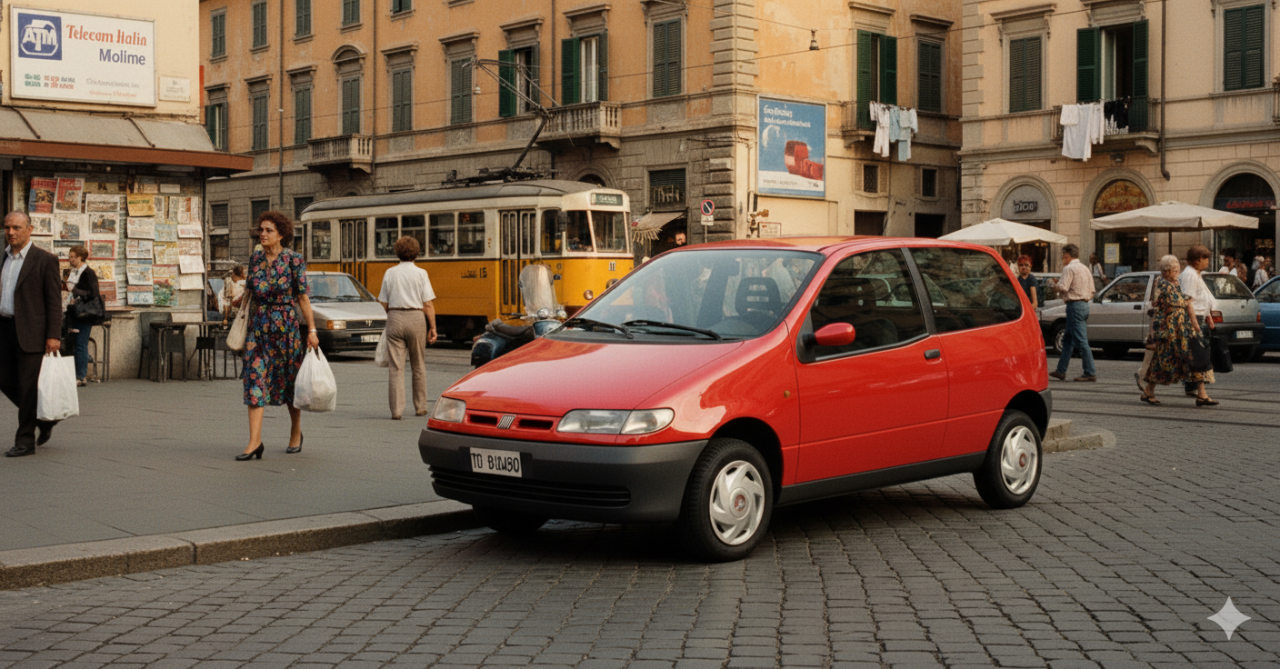
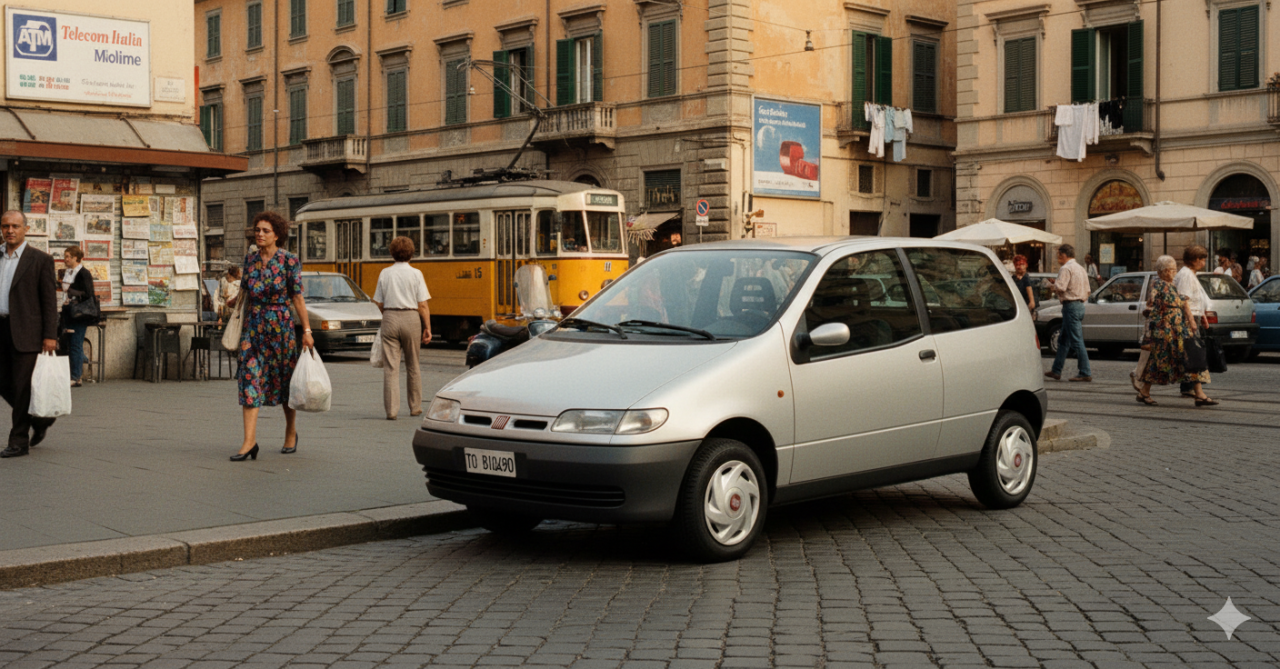
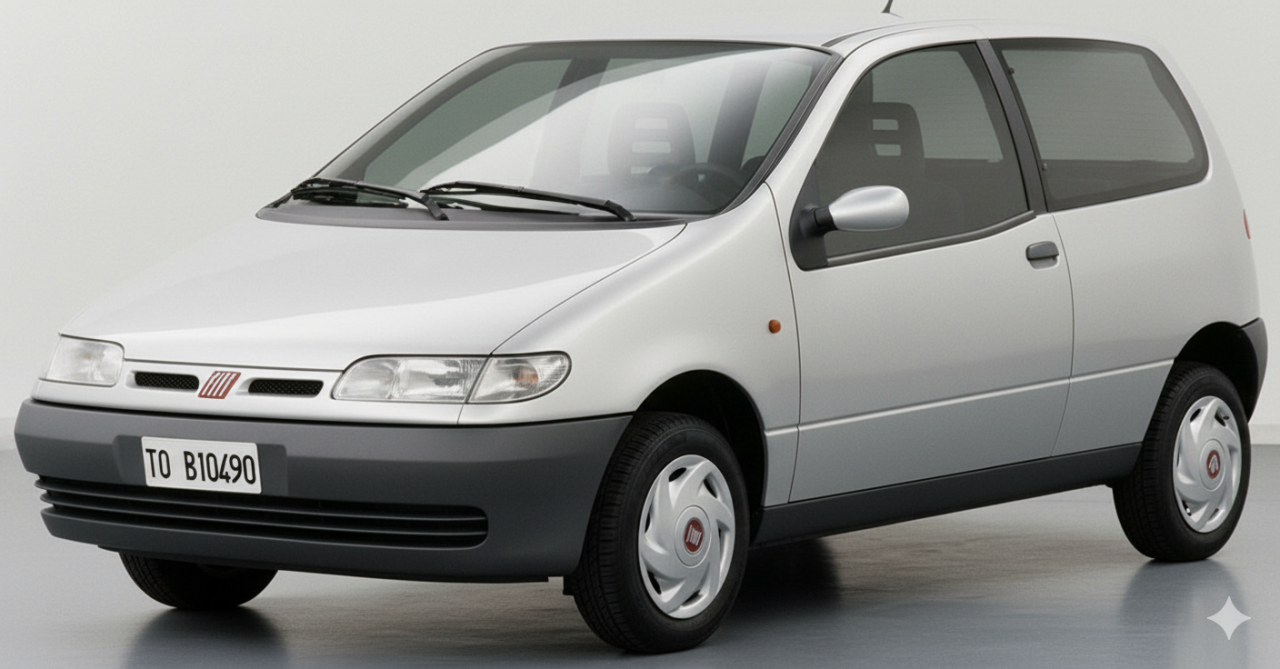
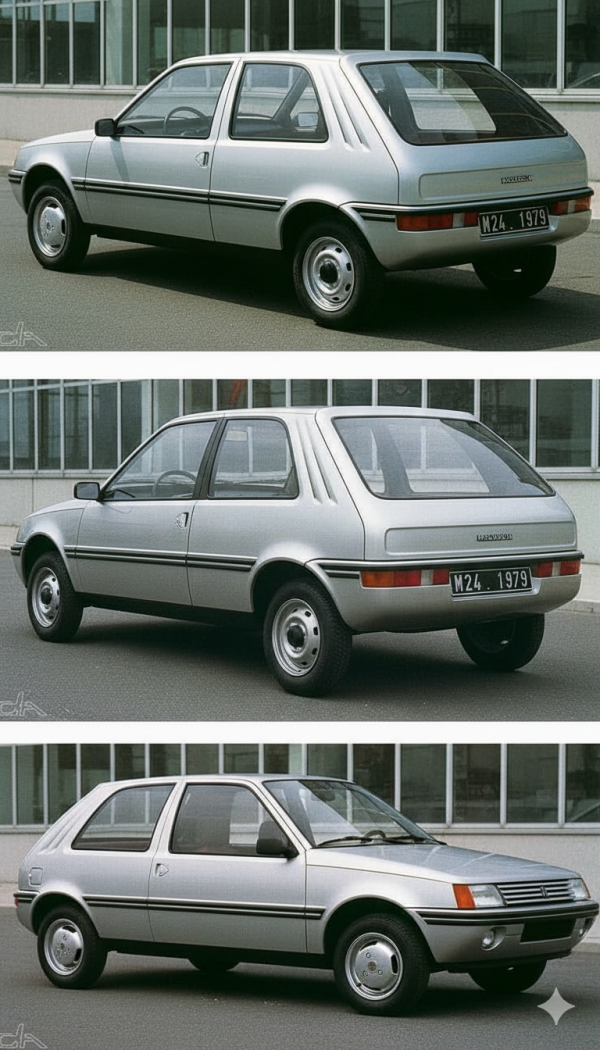
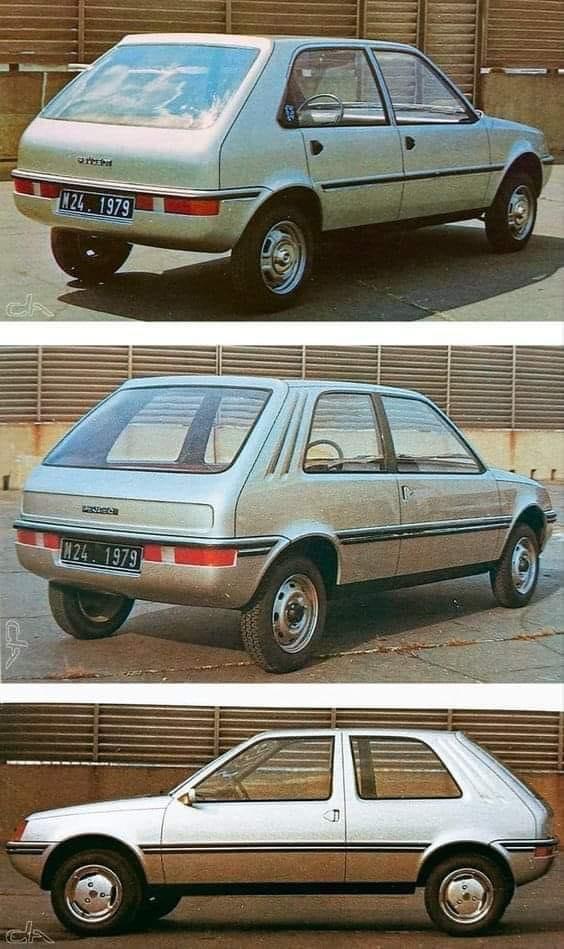 Avevo chiesto all'AI una ambientazione nella Germania degli anni '70. 😅La KGM Torres!?
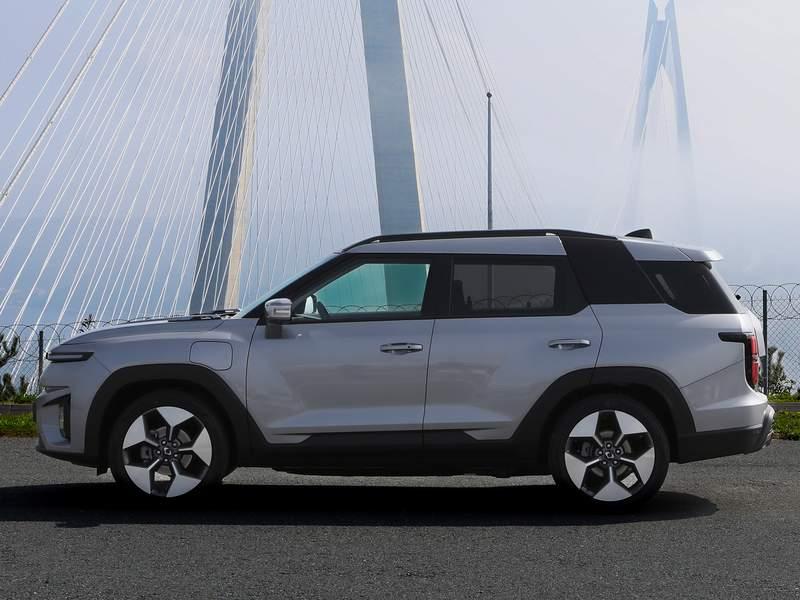 NSU Glas Autonova 1965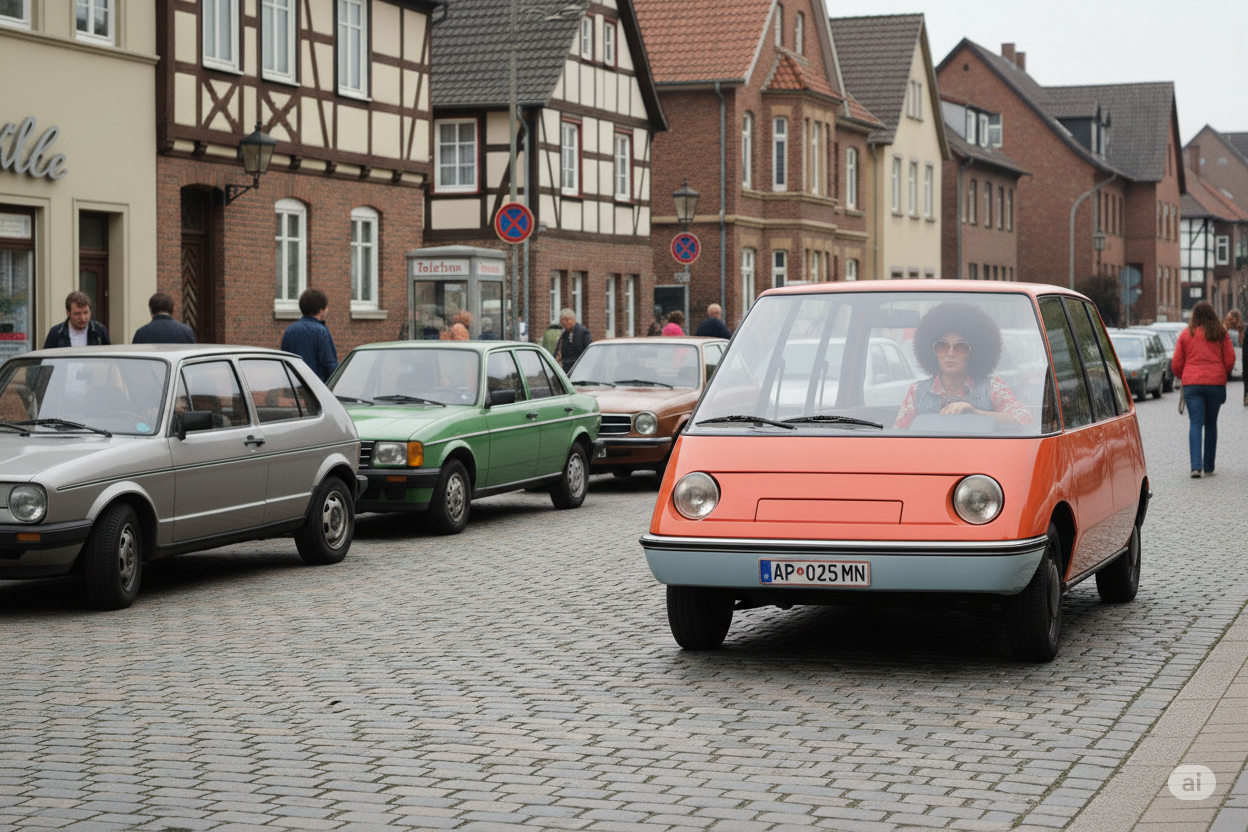
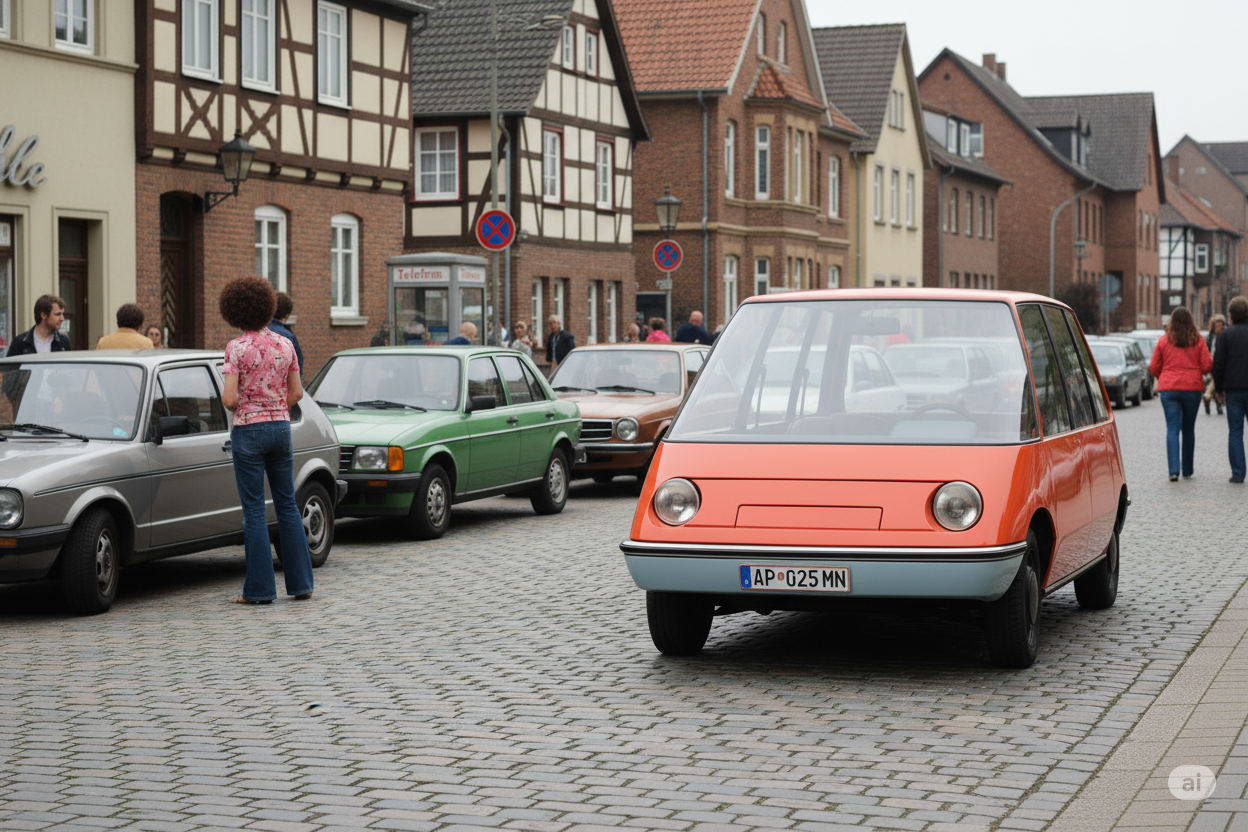




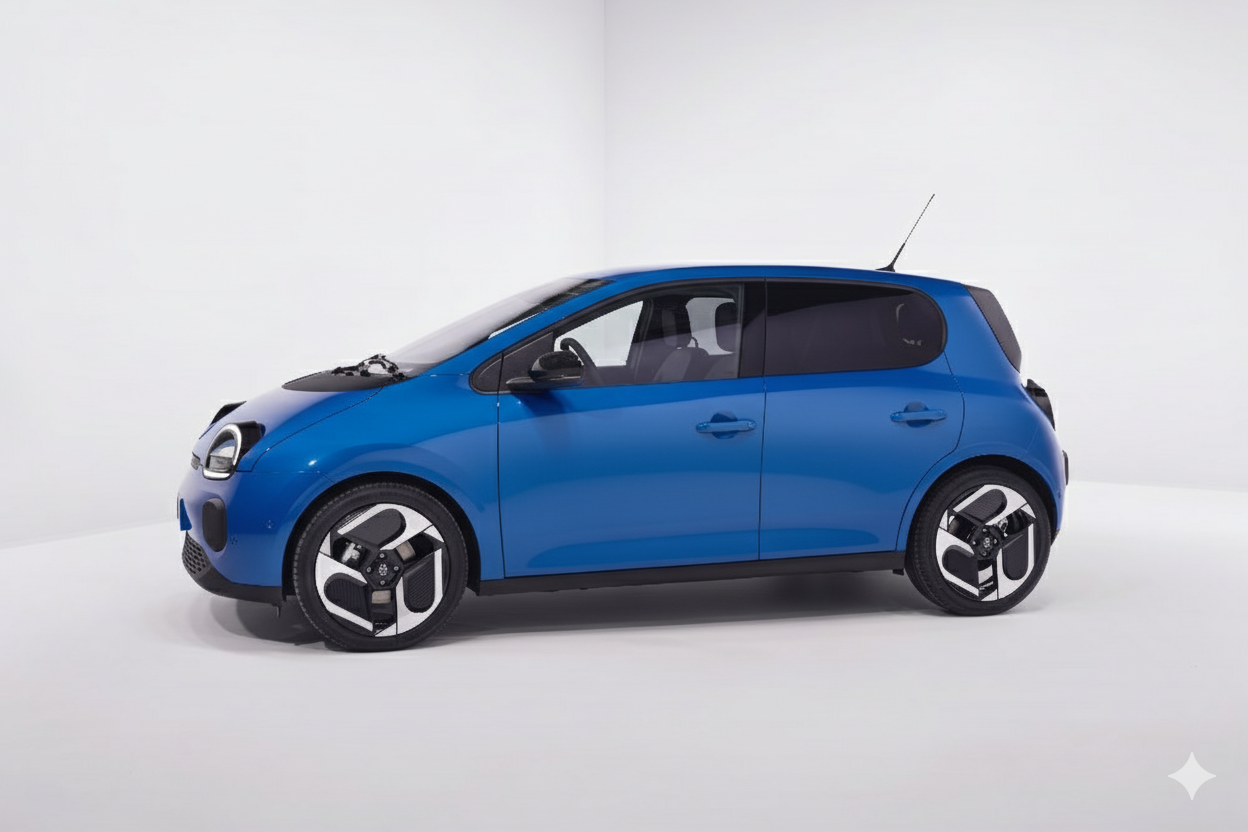
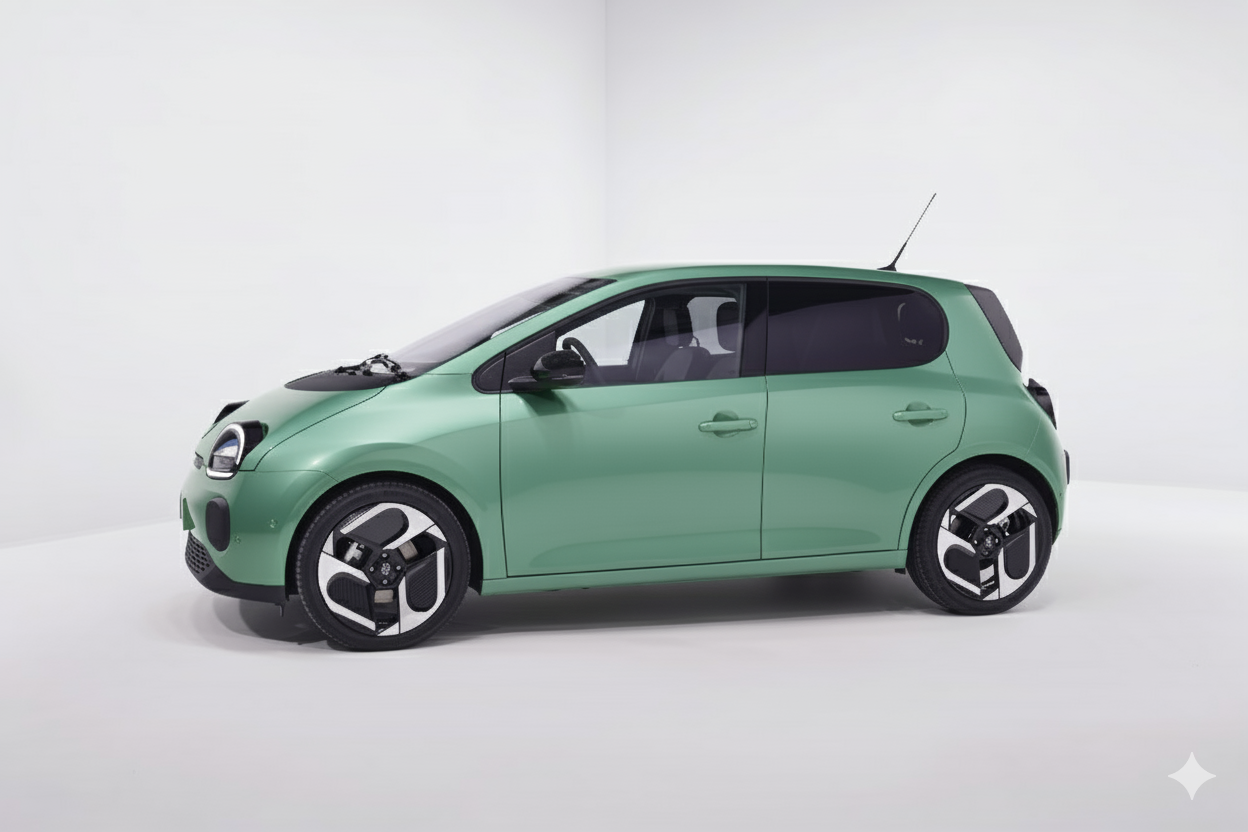


.jpg.73d8cf7dbc57cbb5596705ff8c4d2407.jpg)
.jpg.6fc4a1b1d246c7a62590fa0d2fc8a168.jpg)
.jpg.8e0a4c1fc8c5fb363638cd3074c0bba5.jpg)
.jpg.7f16f2cc097c57b1527e6a715ca9dfa1.jpg)
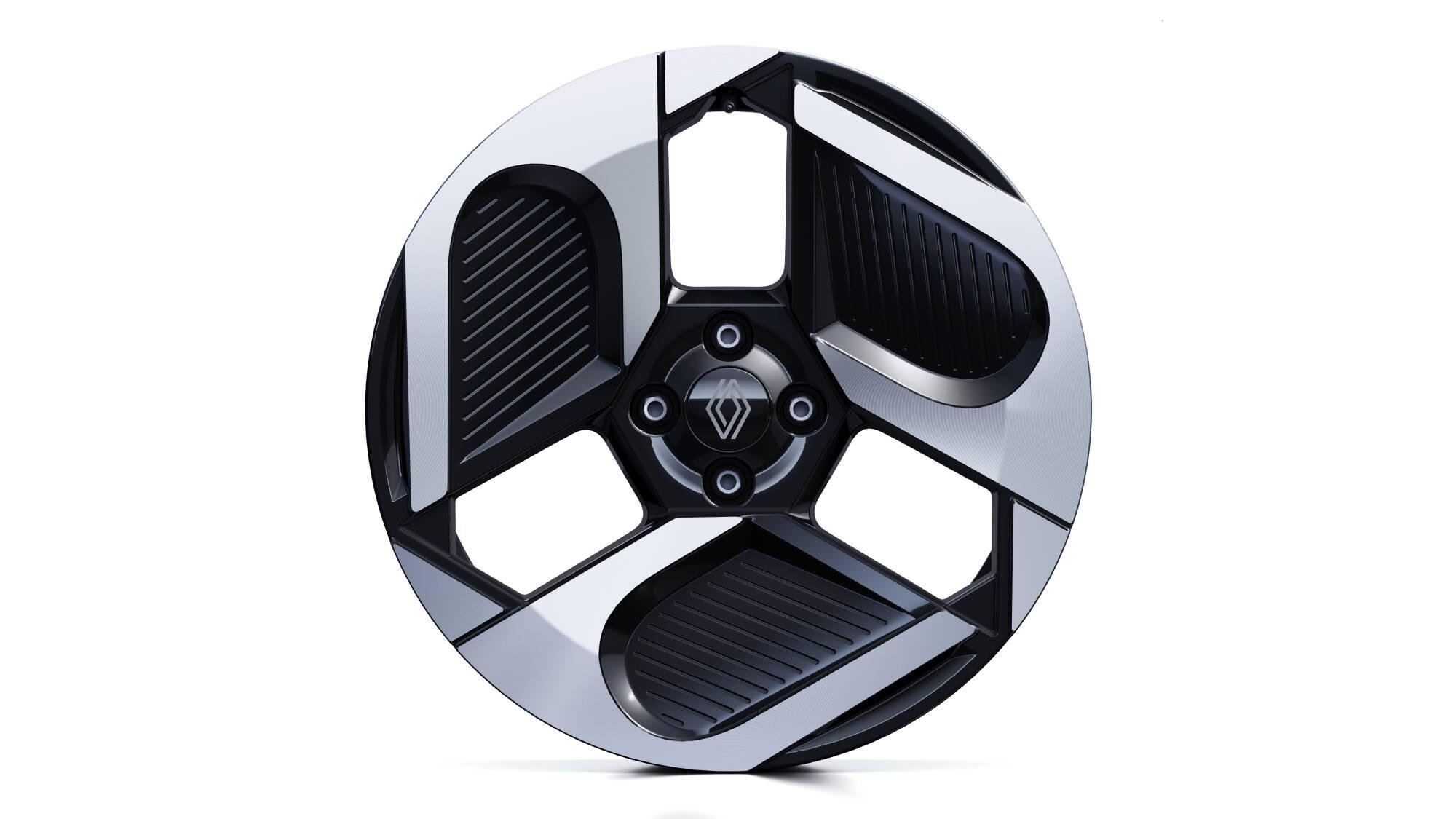
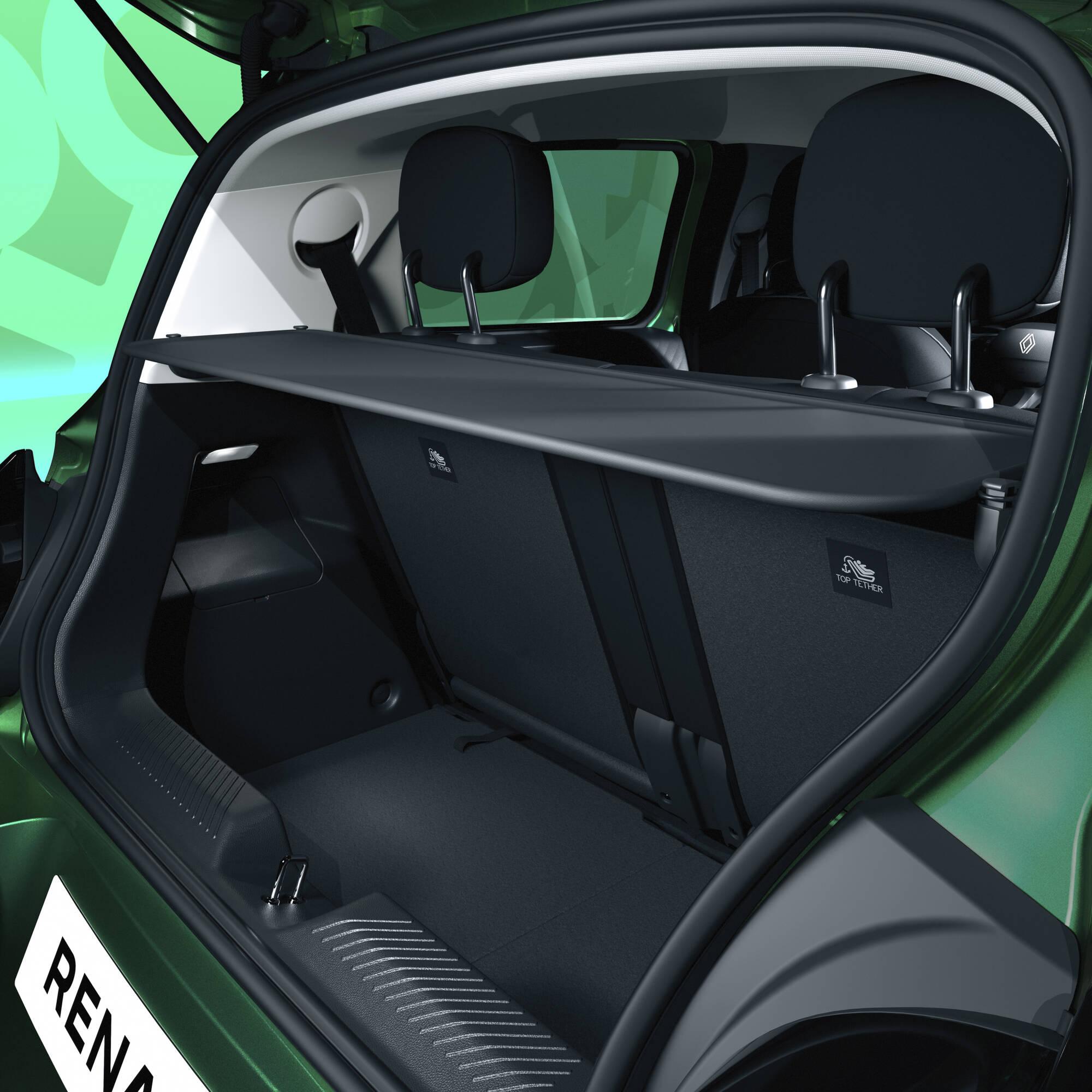
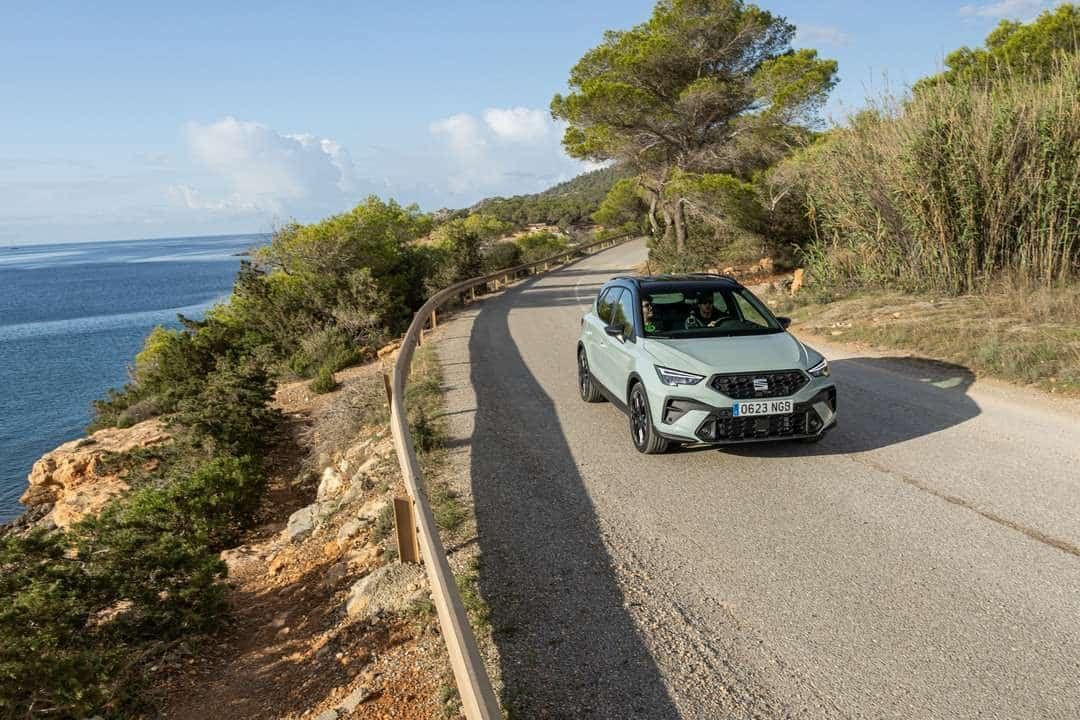
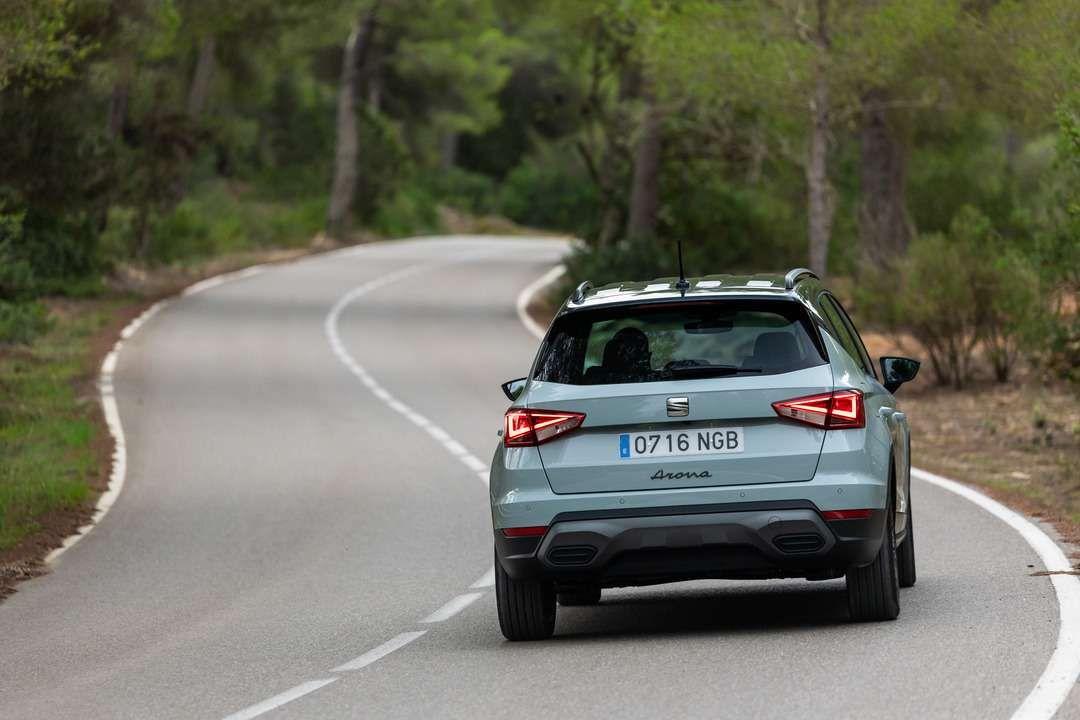
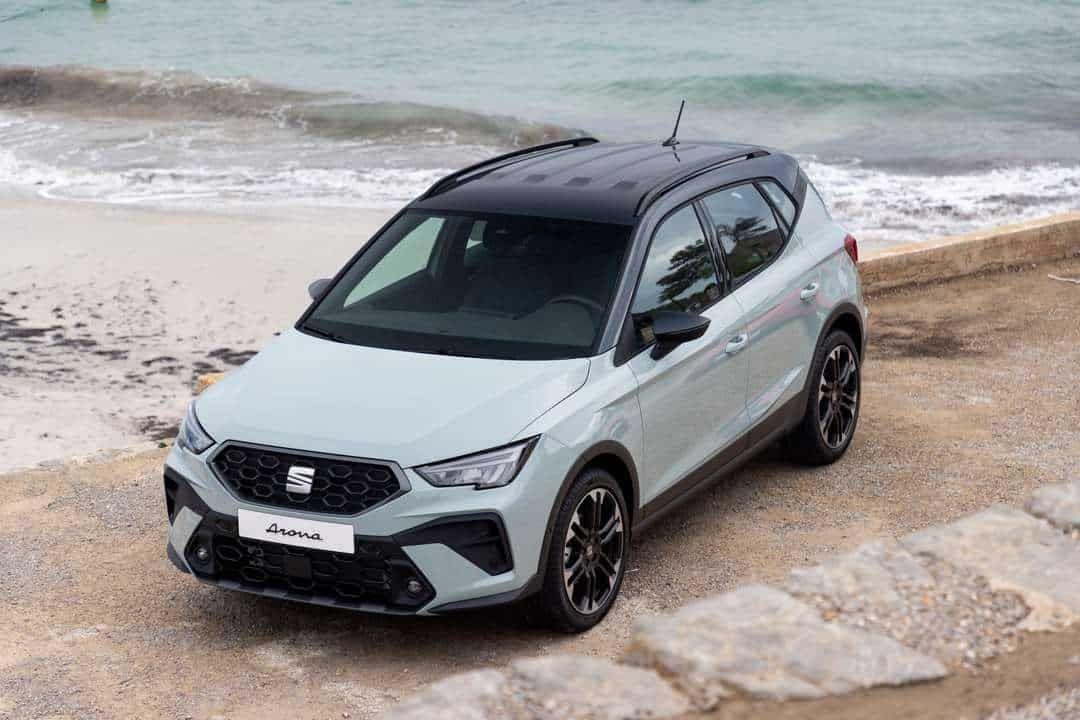
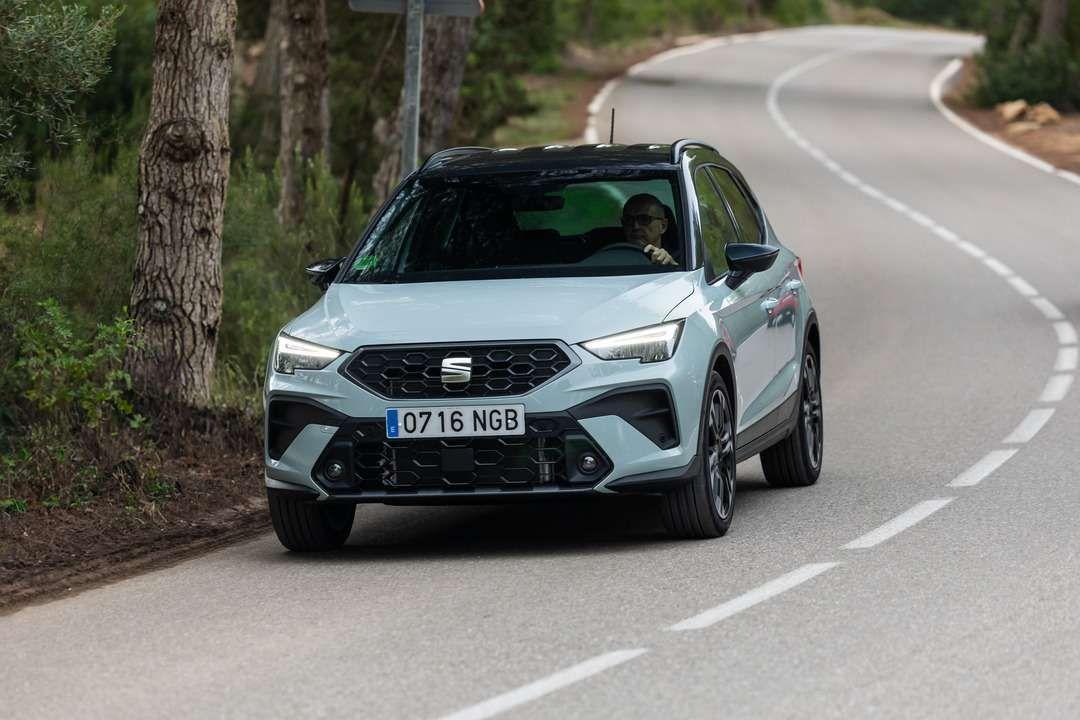
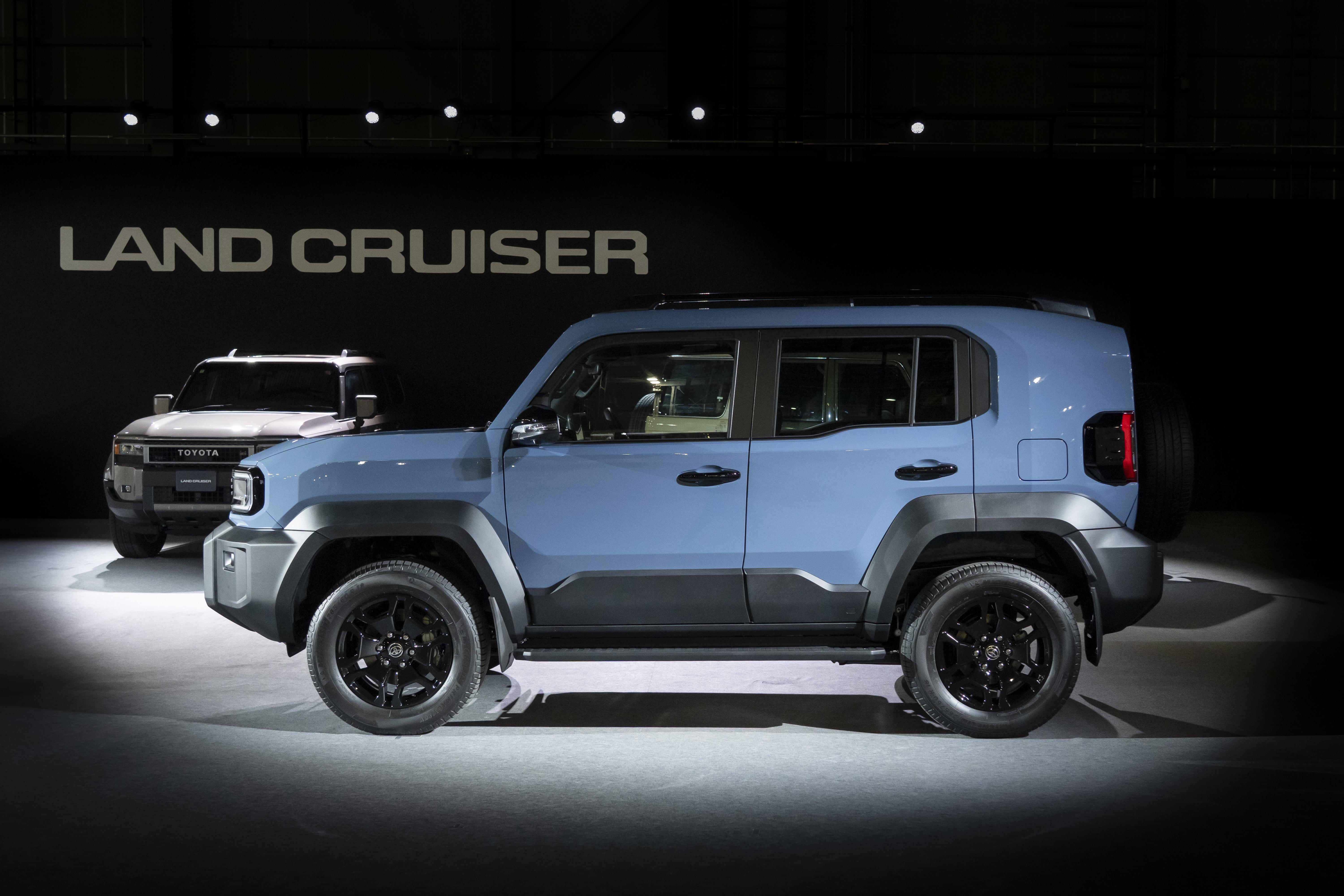
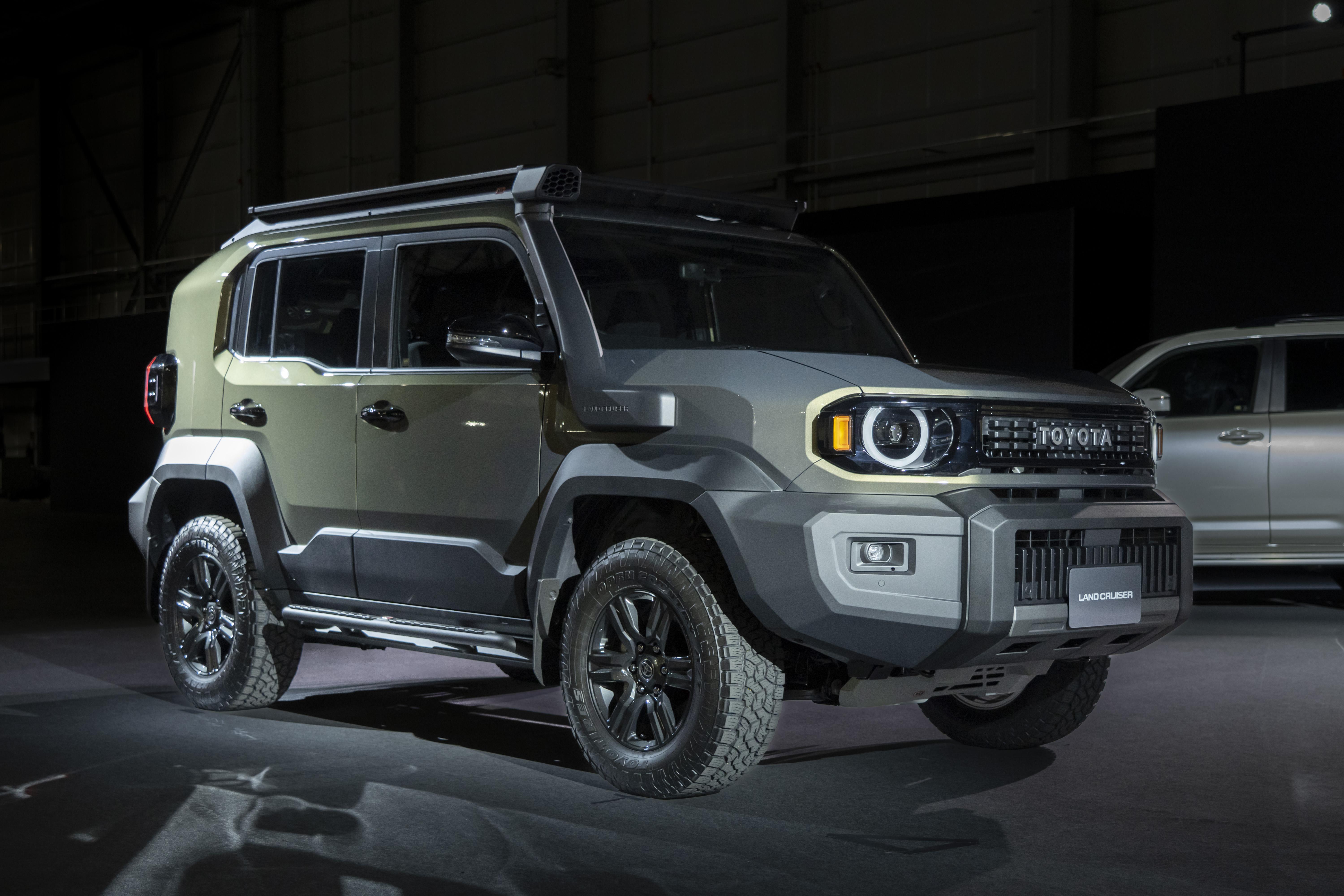
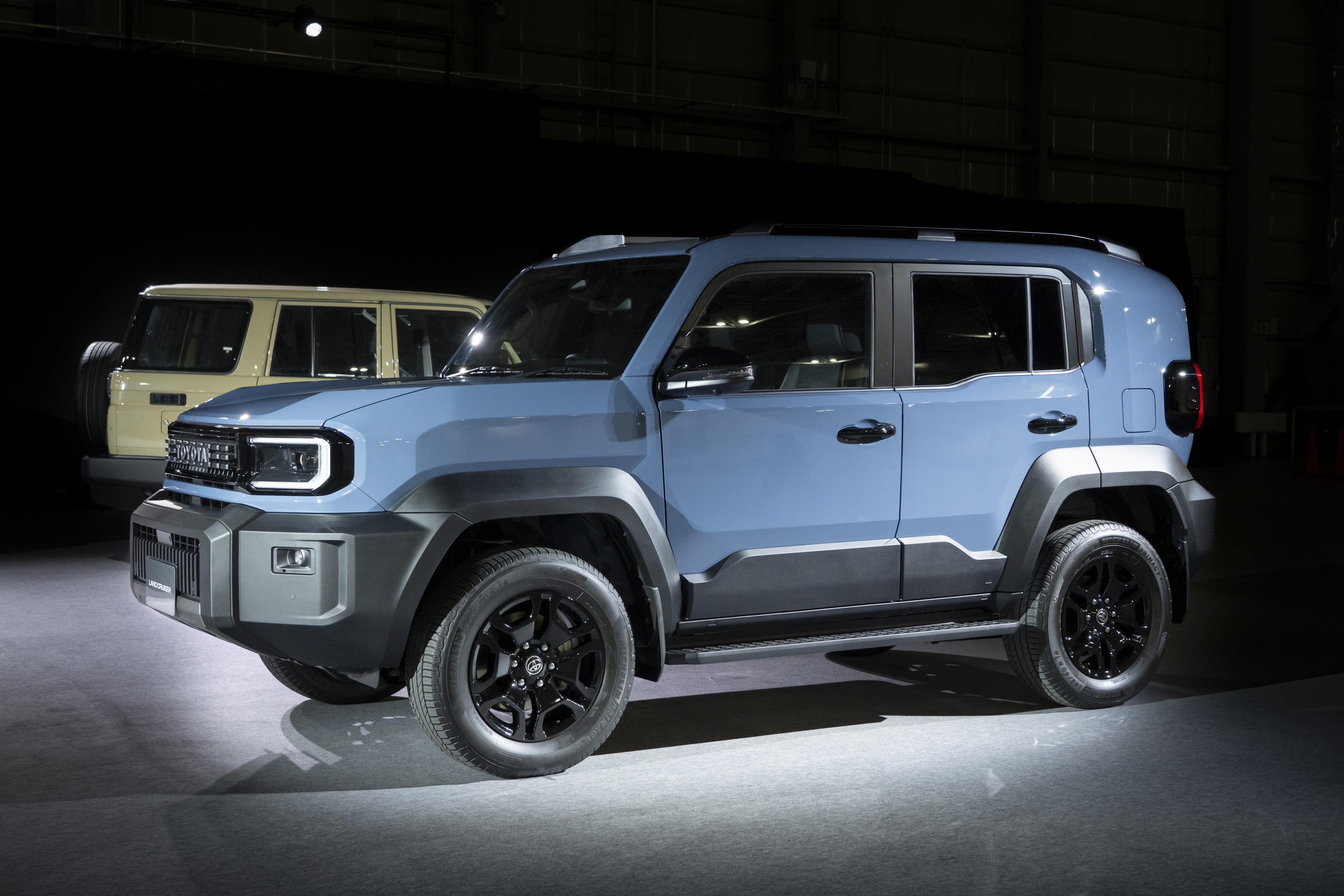
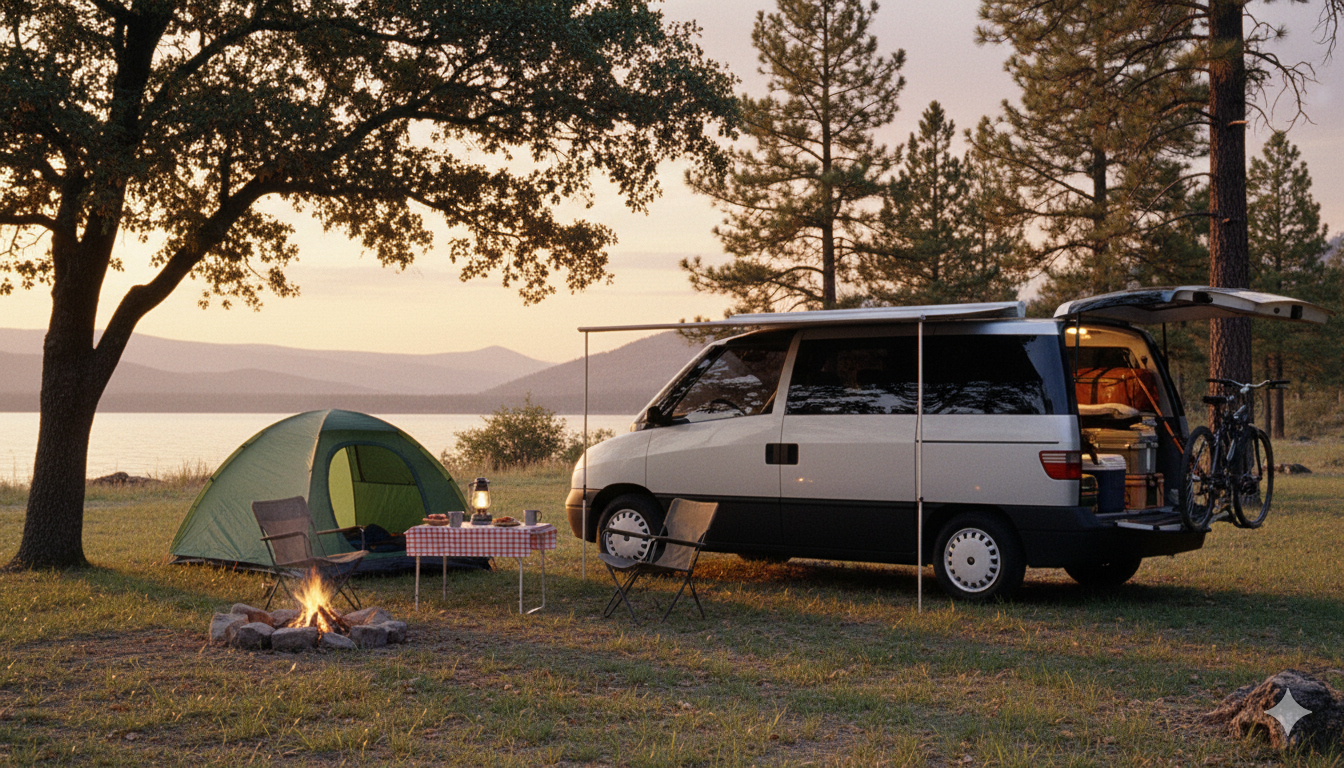

.jpg.4805b4d7e10103f05531d111553eb3b1.jpg)
.jpg.f25c1165c7f18e4eeb82c17b63ae3cf5.jpg)
.avif.997abf30d5875fe2453ed8e3a038c0dd.avif)
.png.0ea1f4b287c3580626e1d8d60bd0b911.png)