






sonicwp7
Utente Registrato
-
Iscritto il
-
Ultima visita
Tutti i contenuti di sonicwp7
-
scusate l' OT, mi sono trasferito da poco a Bologna, oggi ero in giro nel mio quartiere quando passando in una stradina ho notato all interno di una proprietà che affaccia sulla strada, lasciate alle intemperie, un'Alfa Romeo Montreal grigia con il cofano ed altre parti erose dalla ruggine, ruote sgonfie; una Porsche 928 nera, anch'essa con problemi di ruggine senza la fanaleria posteriore, poi in una parte della proprietà coperta, ma sempre visibile dalla strada c'erano altre auto, tra cui una Ferrari Dino rossa(l unica che ho riconosciuto) altre auto coperte con dei teloni... La casa all esterno era piena di cose, insomma sembra una casa di un accumulatore seriale...un colpo al cuore vedere soprattutto la Montreal lasciata così.... se ci ripasso cerco di fare delle foto
-
più che "dimmi che sei una Volvo" io direi "dimmi che sei una Saab" .... a me fa venir in mente una SaabE questa è una fabbrica dell hinterland napoletano.... 😉
- 470 risposte
-
-

-

- 8
-
-
- 308
- 308 2021
- peugeot
- peugeot 308
-
Taggato come:
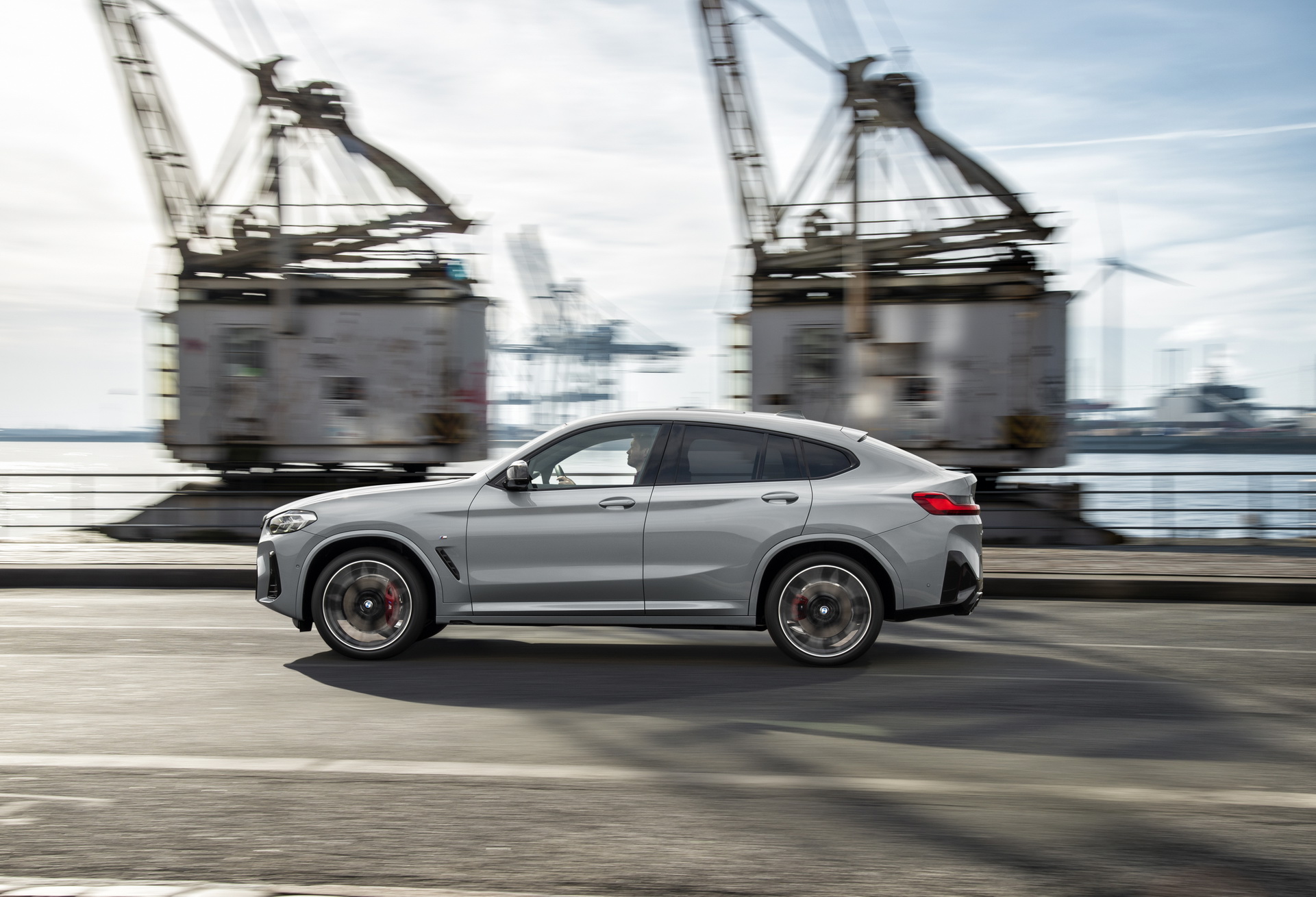
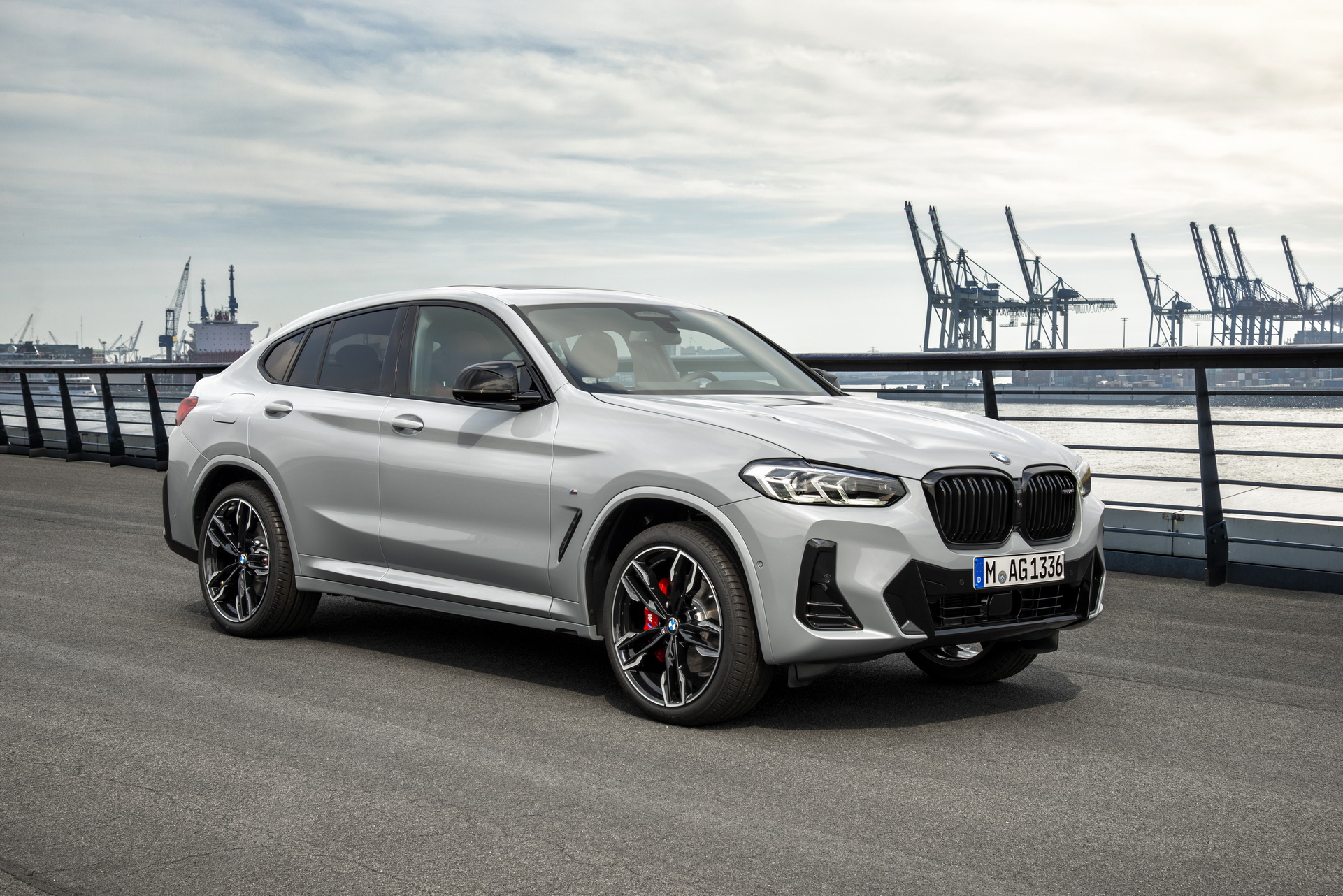
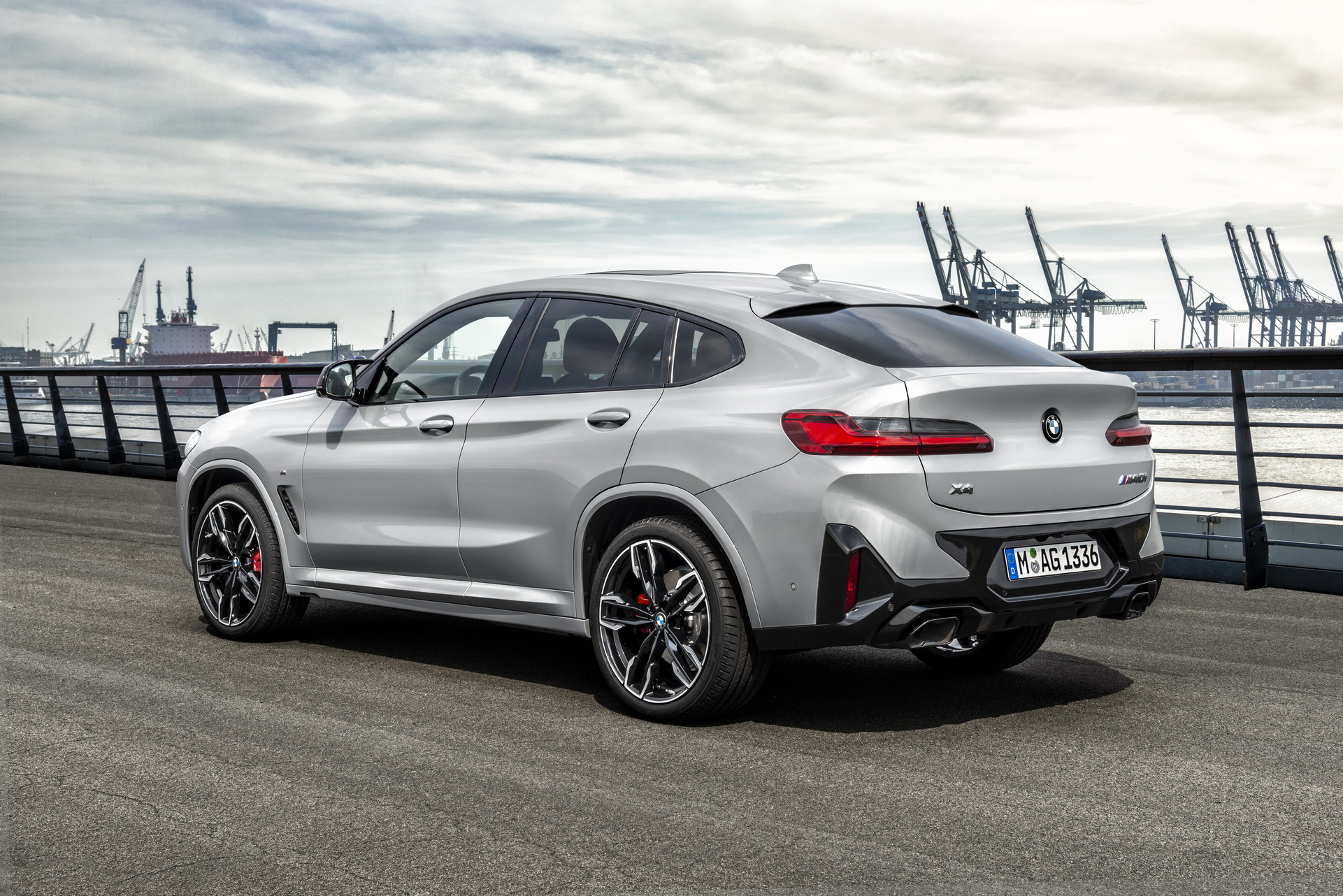
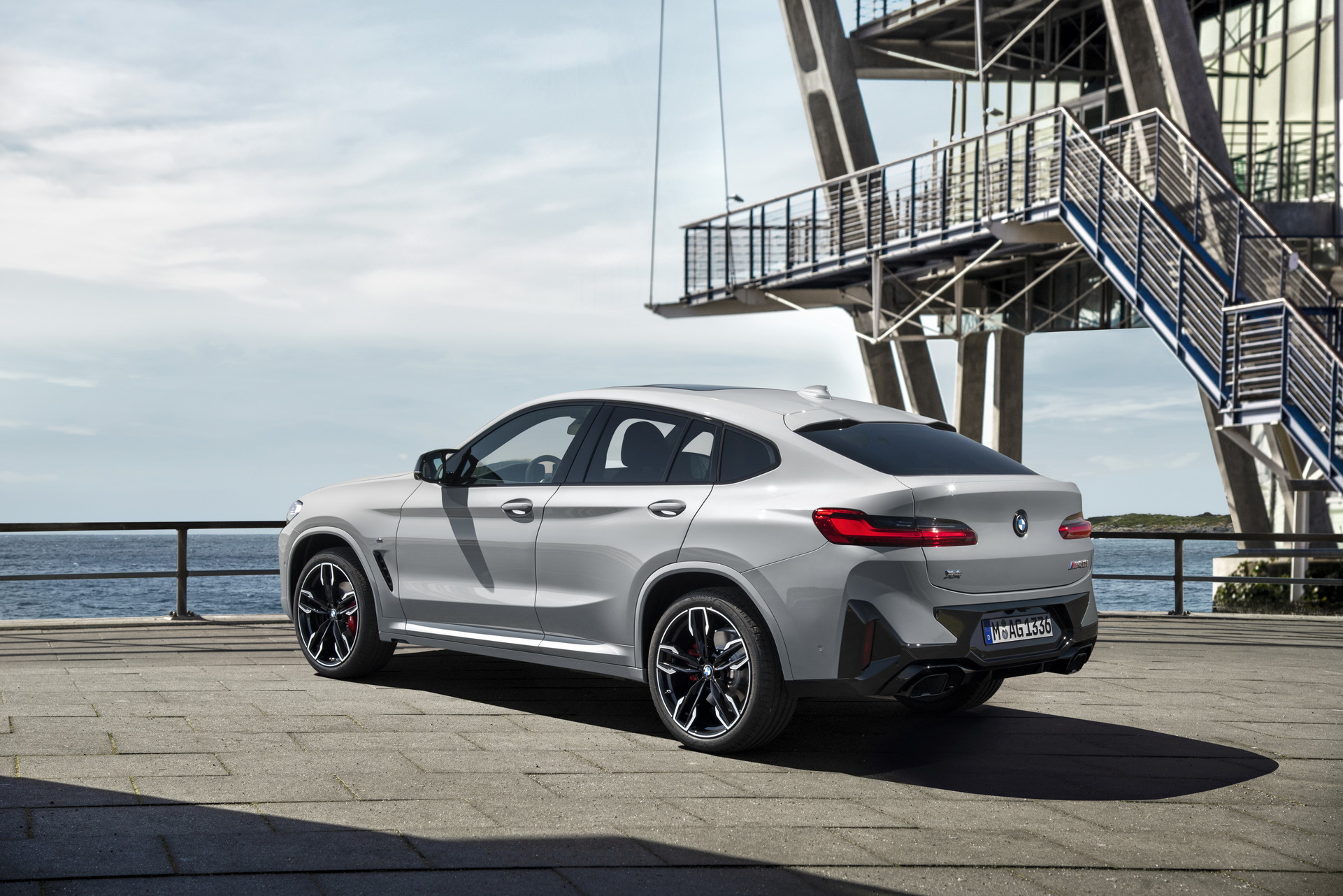
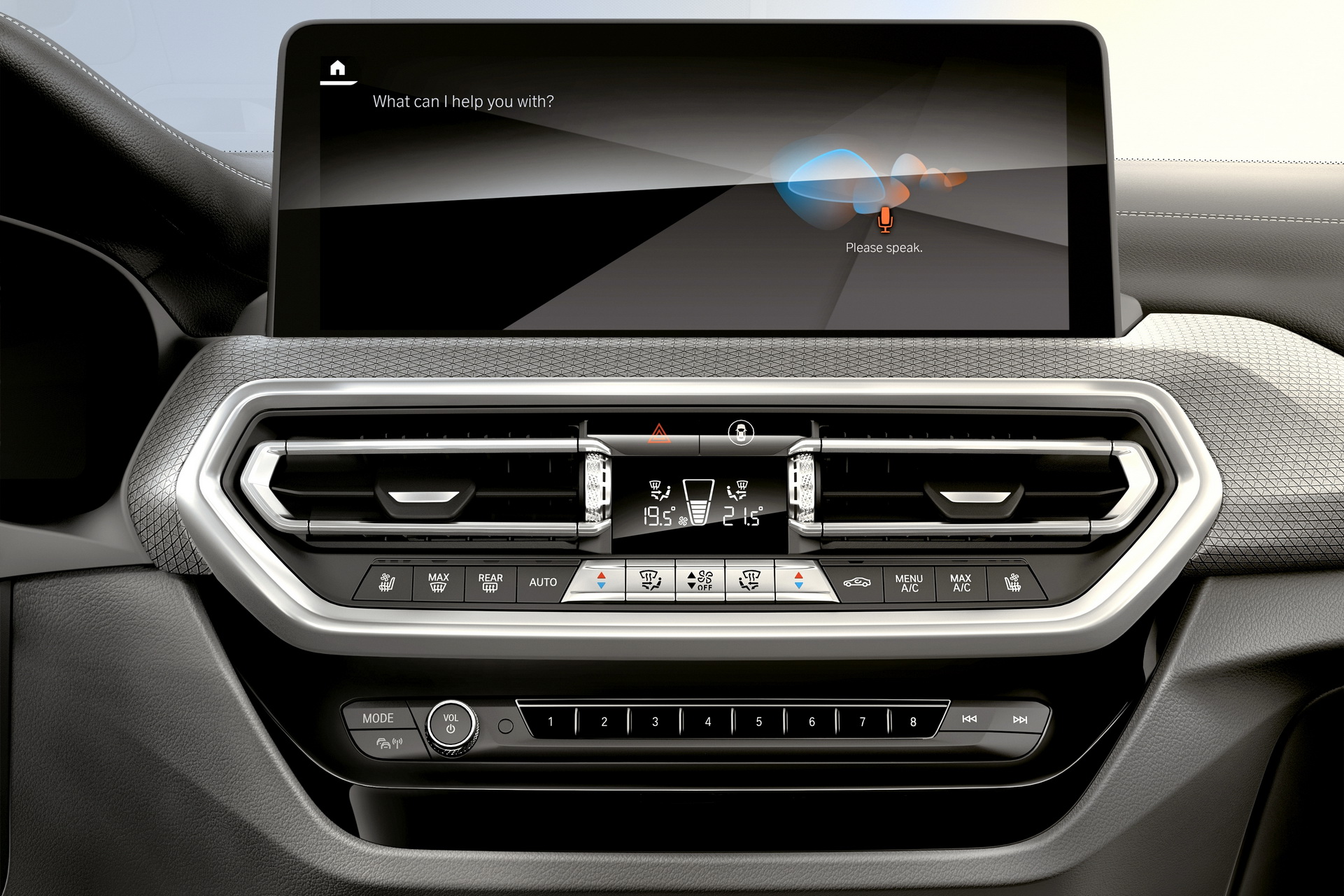
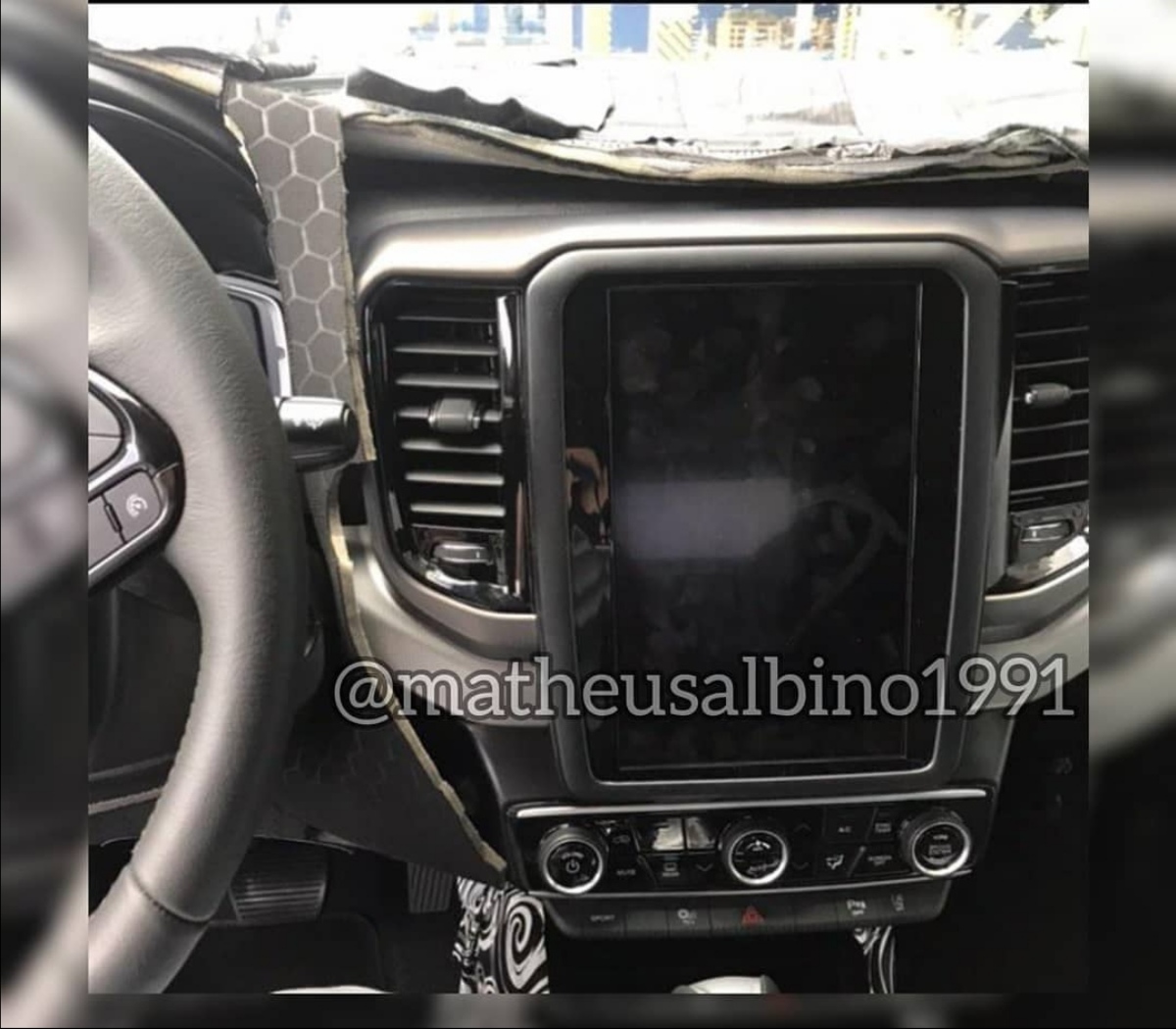
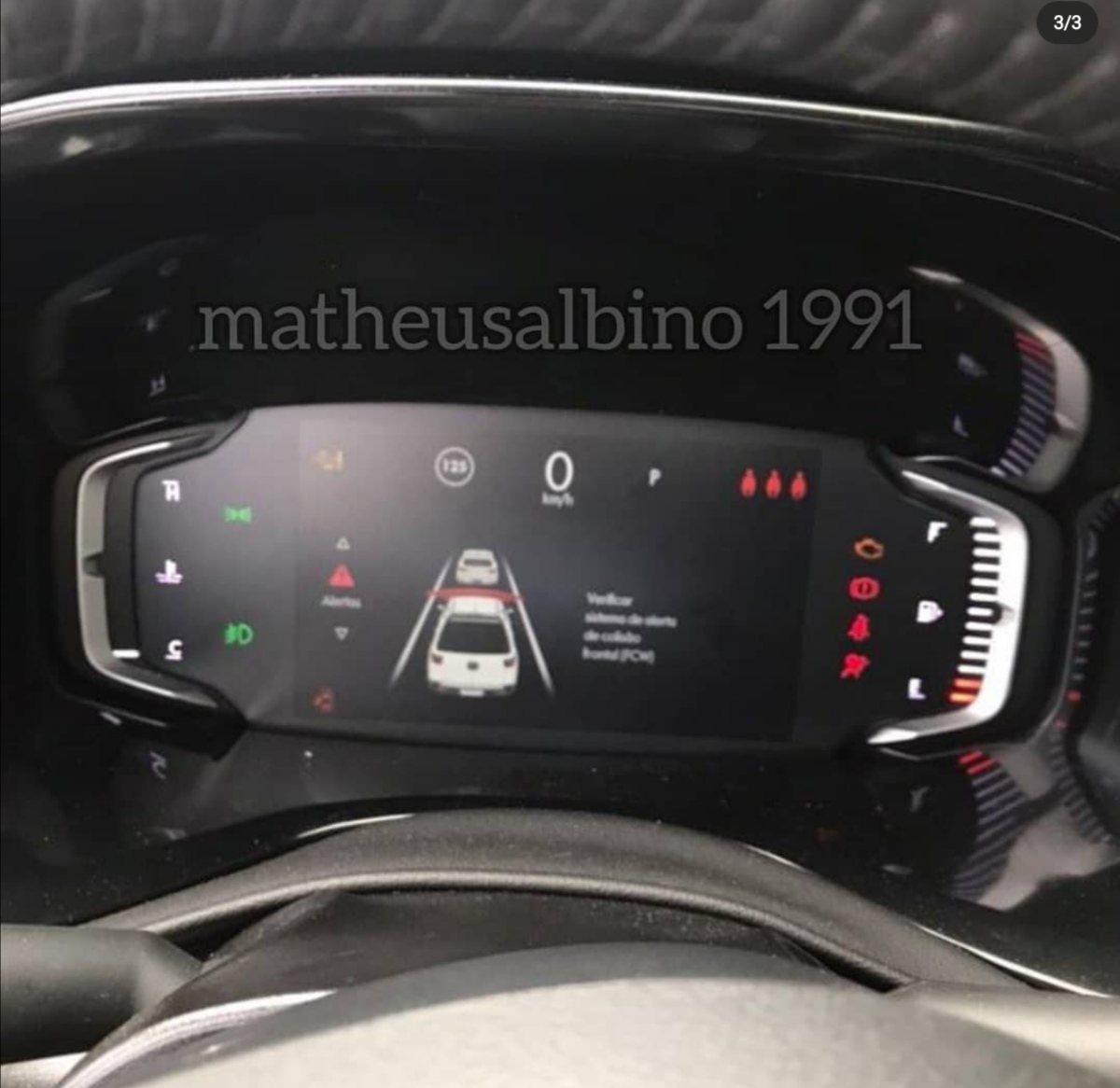
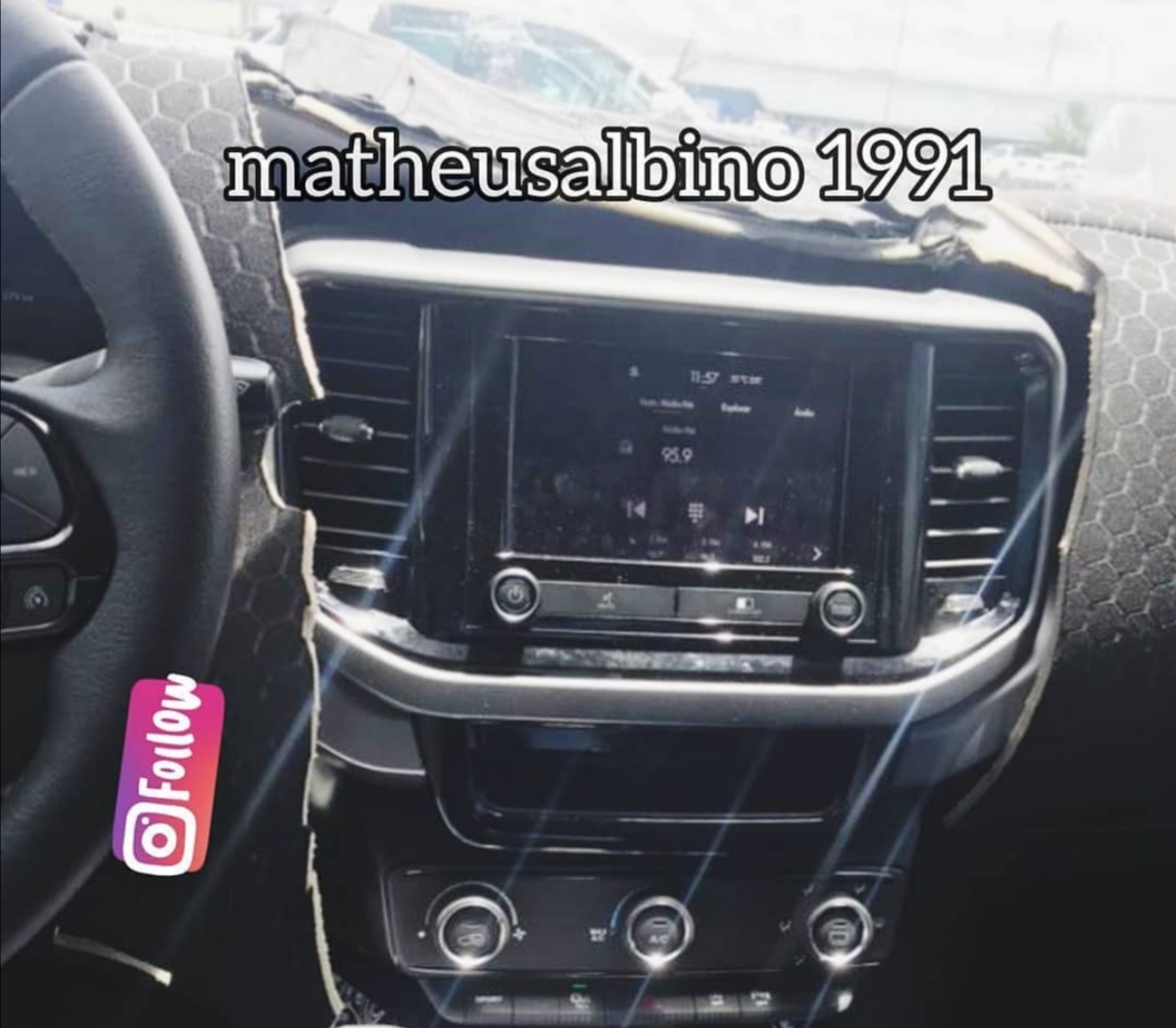
Updated BMW X6 Spied With New Interior, Lots Of Screens (motor1.com)Kia Previews All-New K8, Successor To The K7 / Cadenza | Carscoops Press Release: Kia Topic Spy: ➡️ [KOR] Kia K8 2021 - Prj. GL3 (Spy)









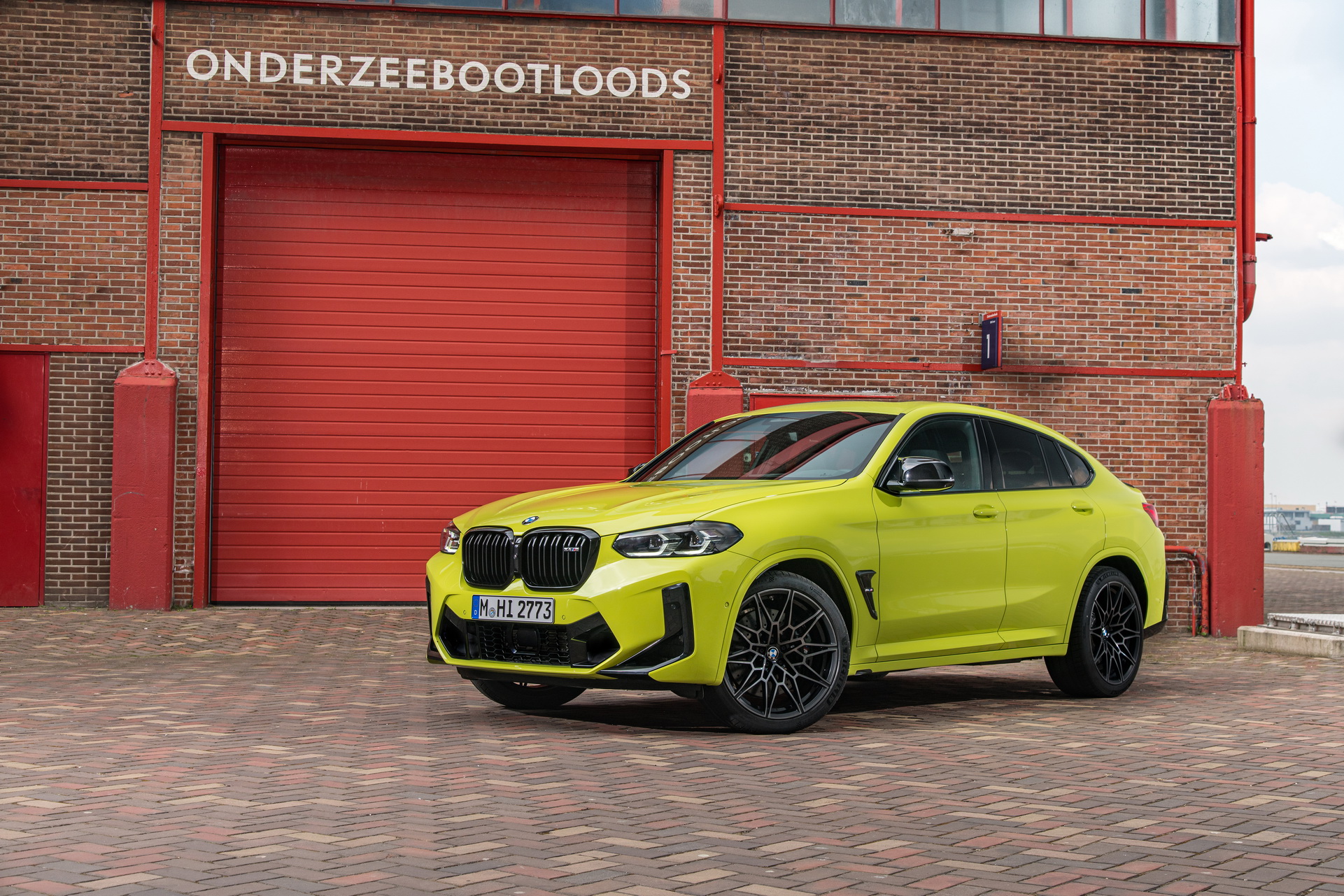
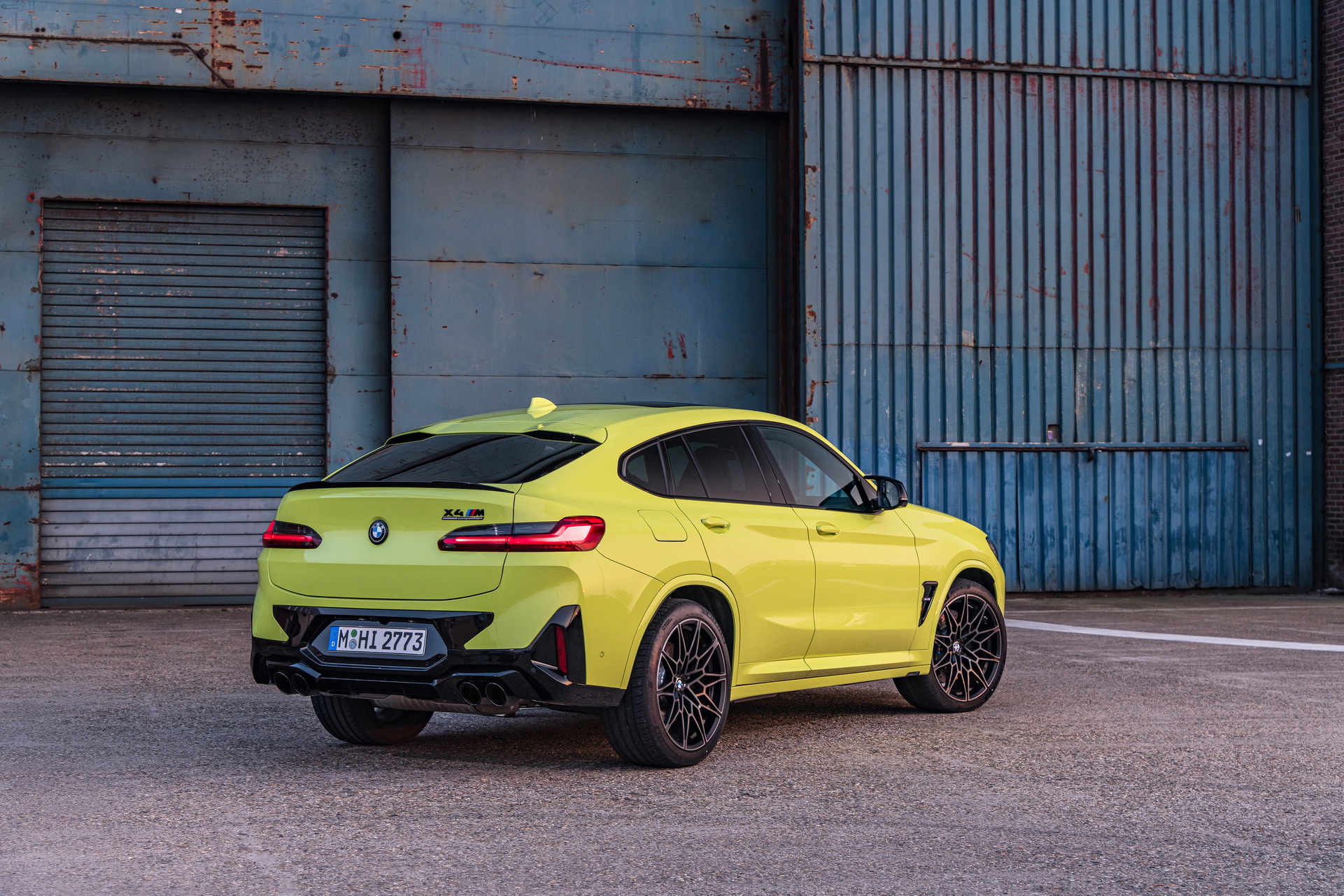


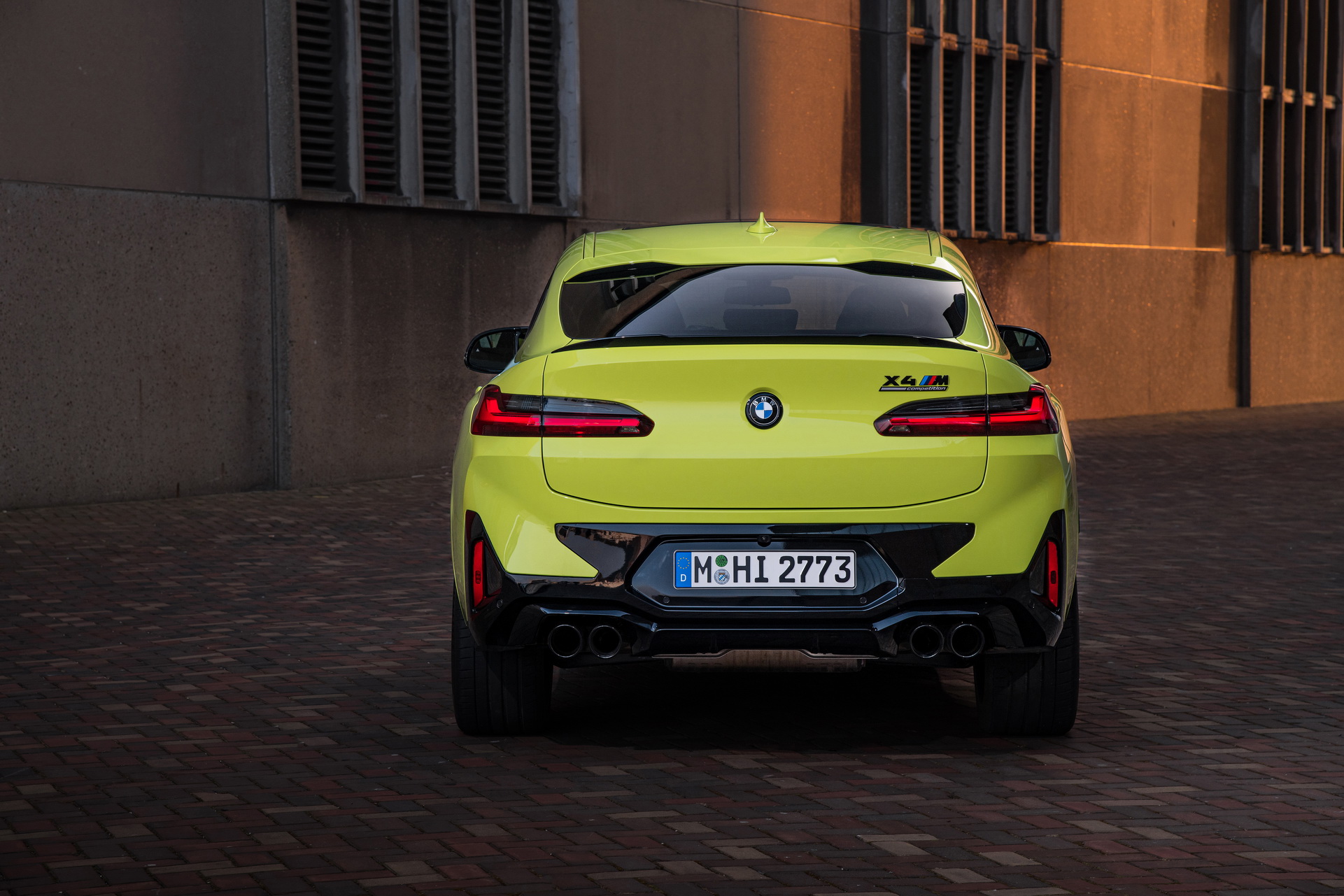
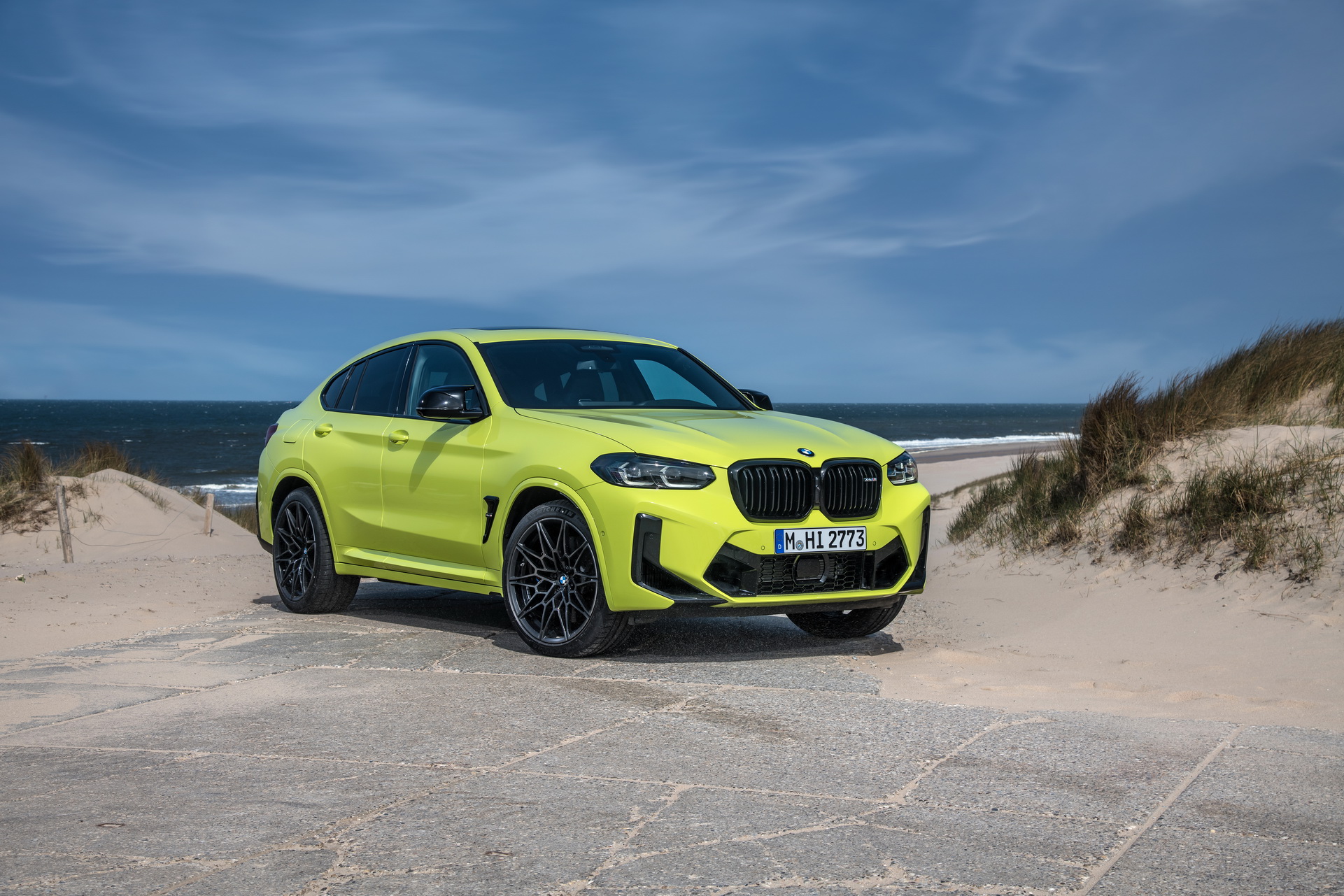



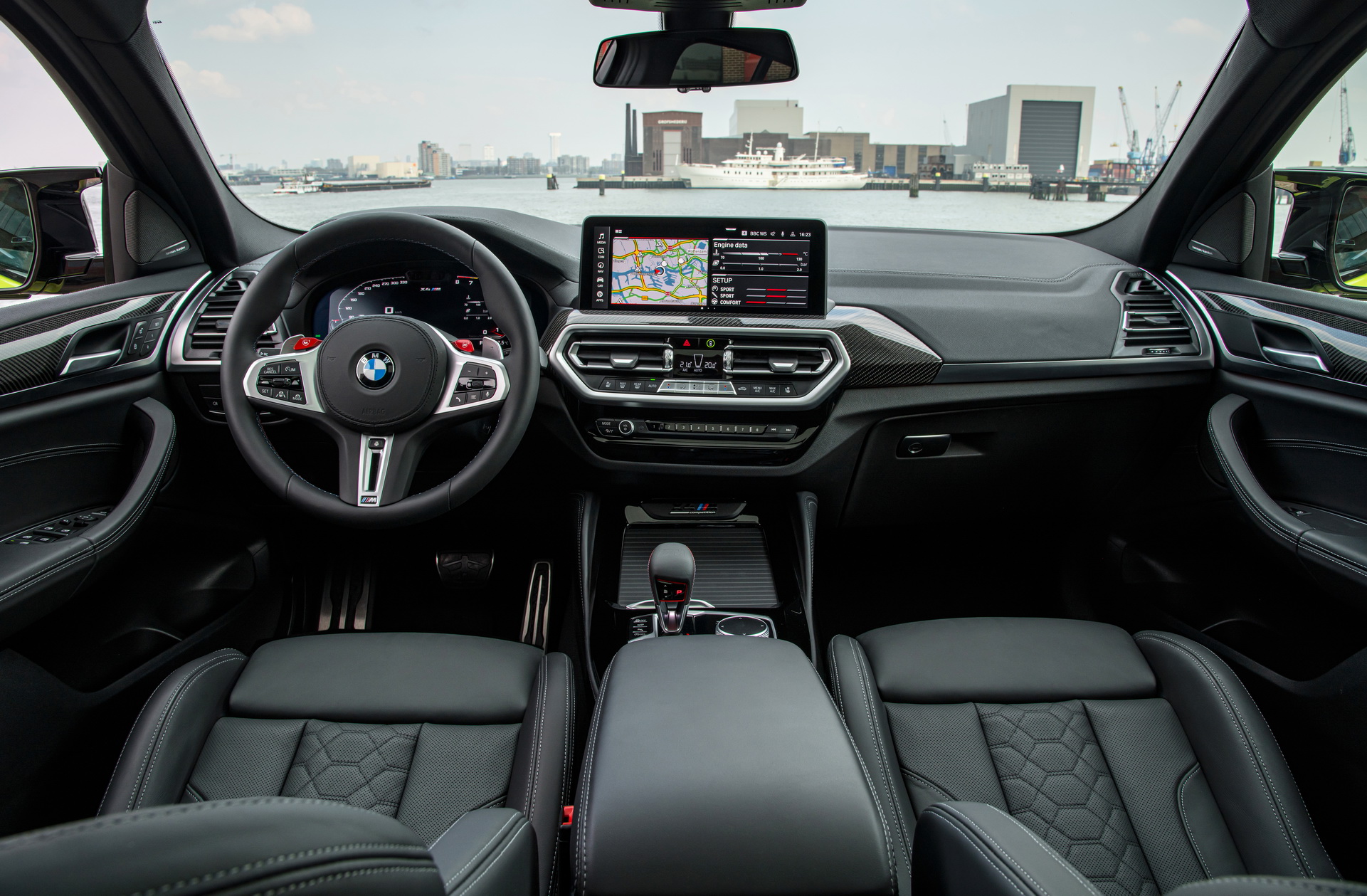
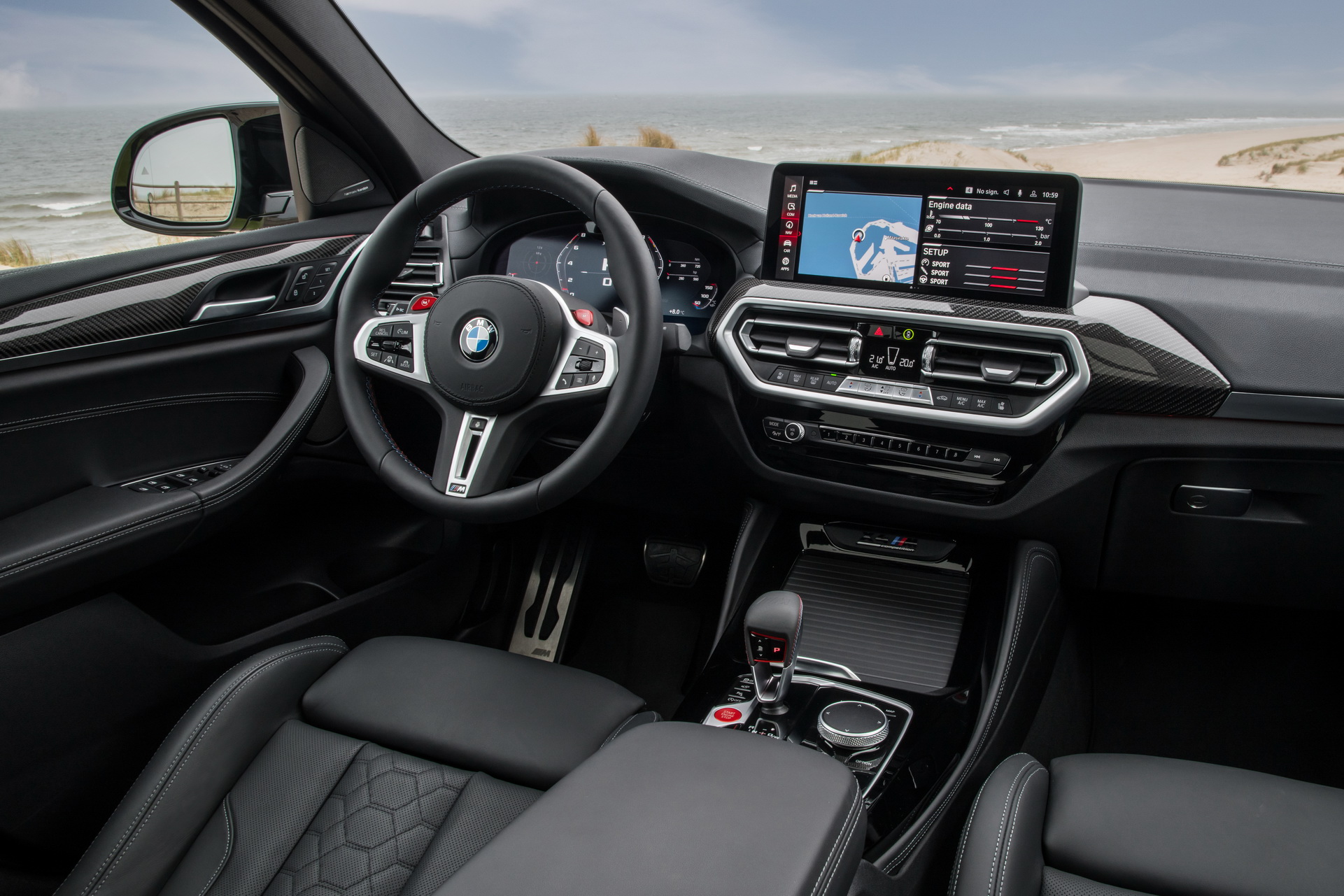

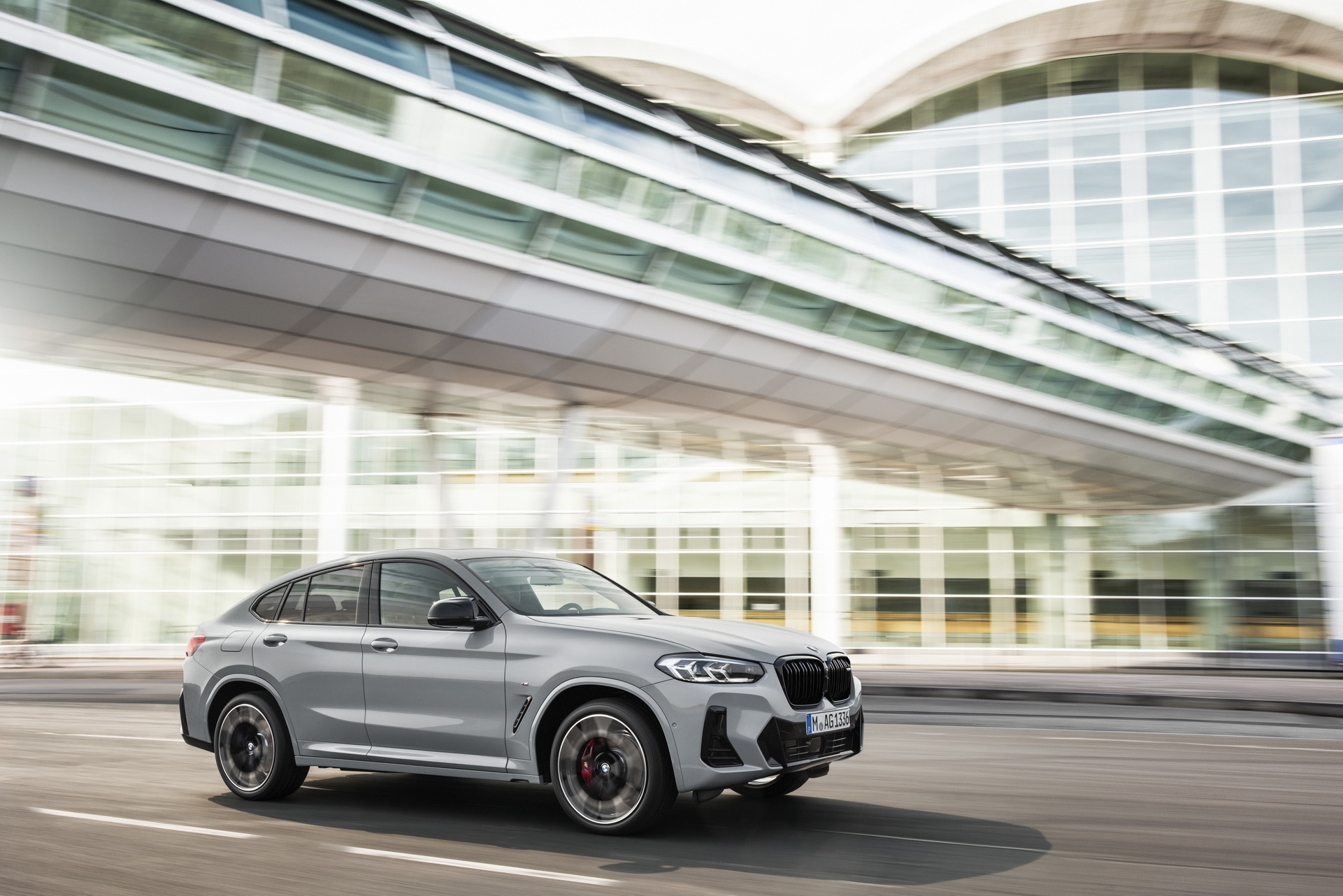
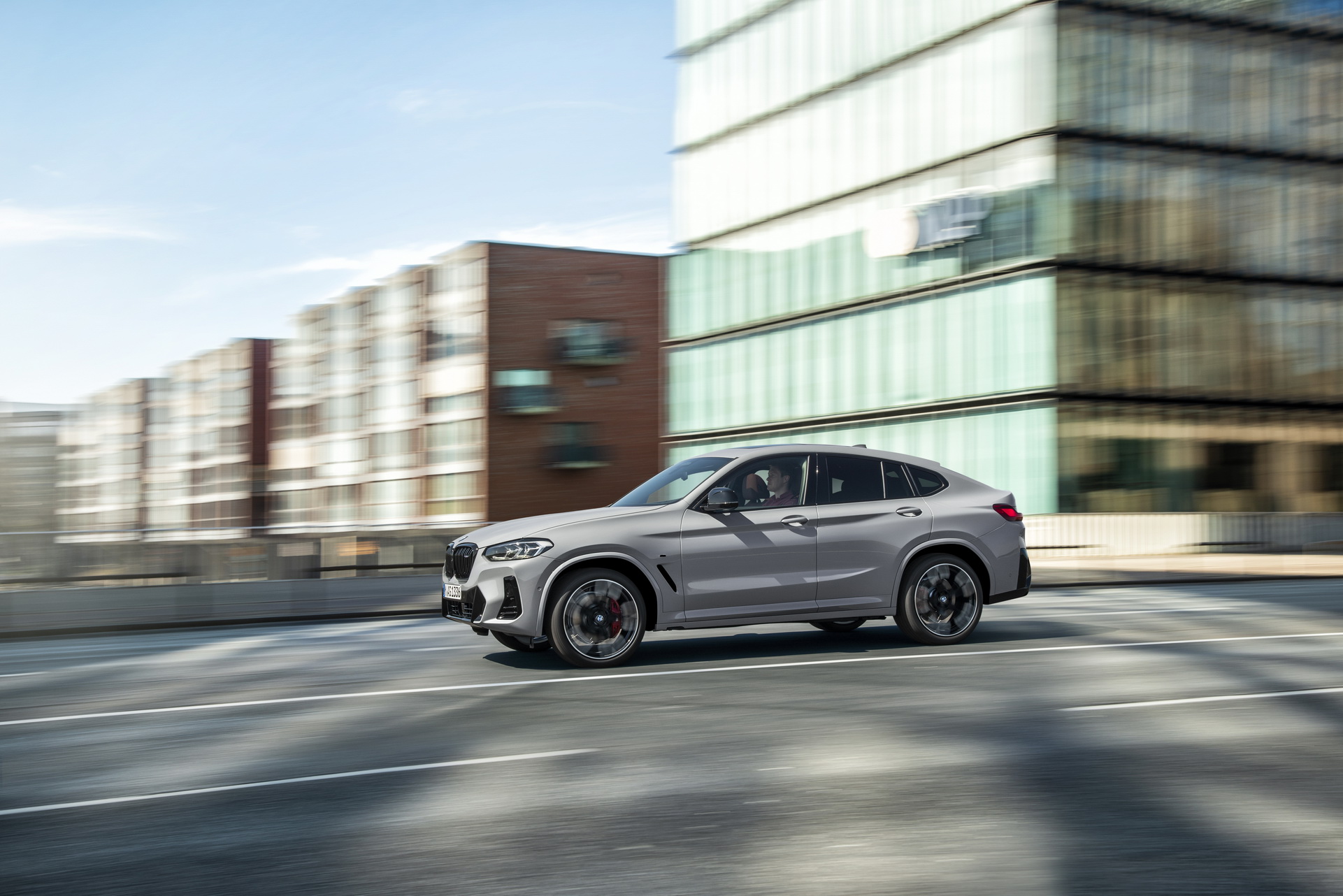






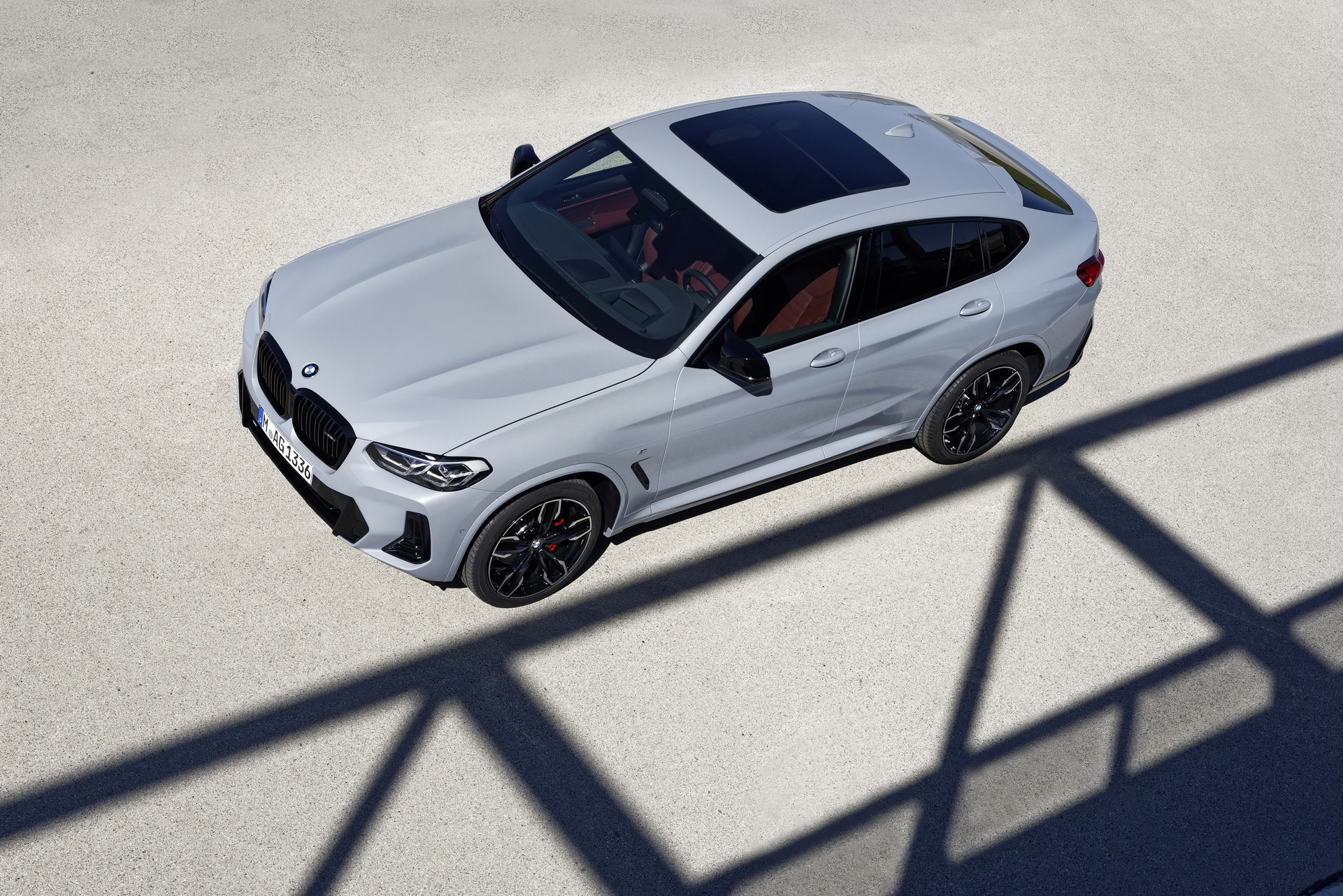
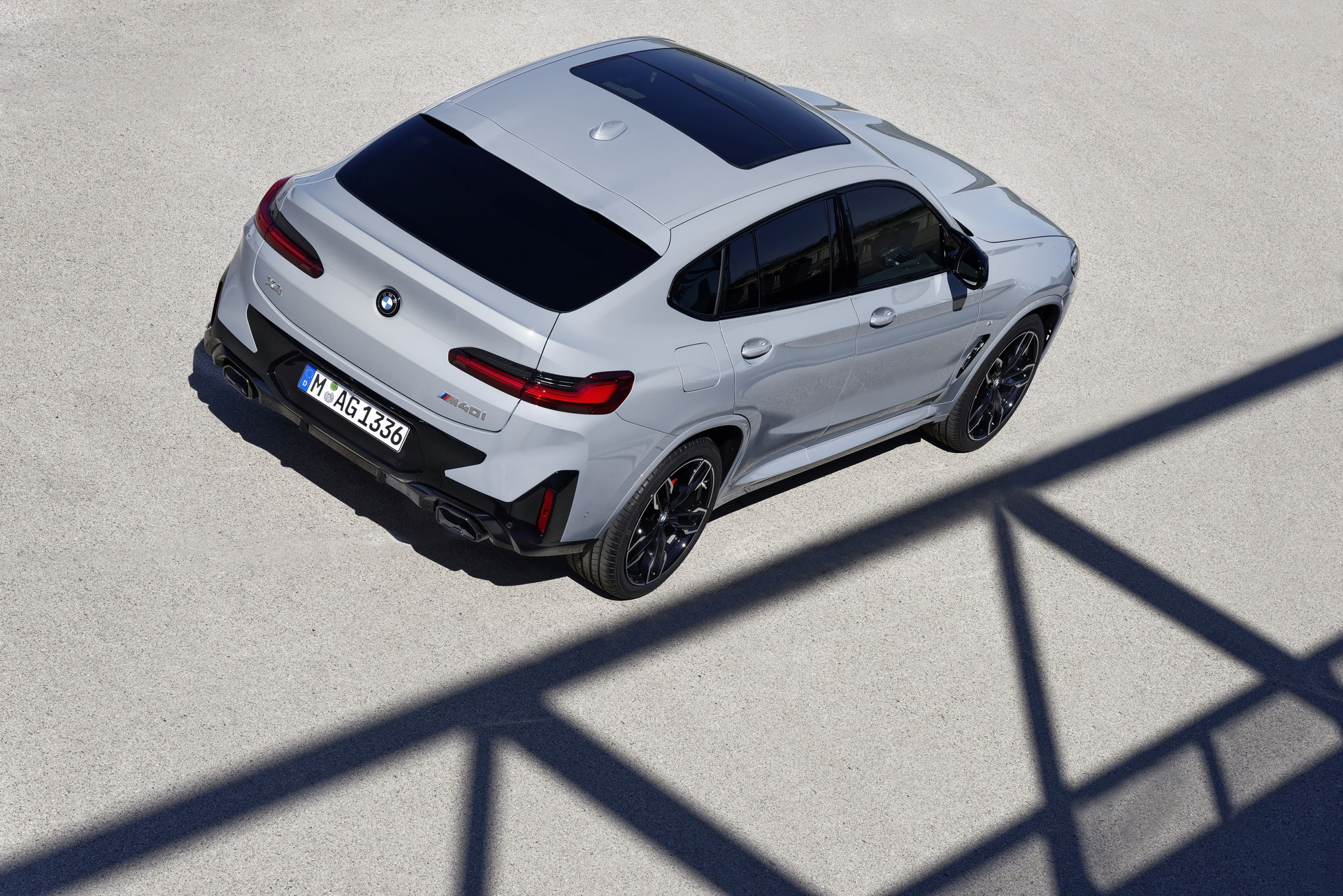
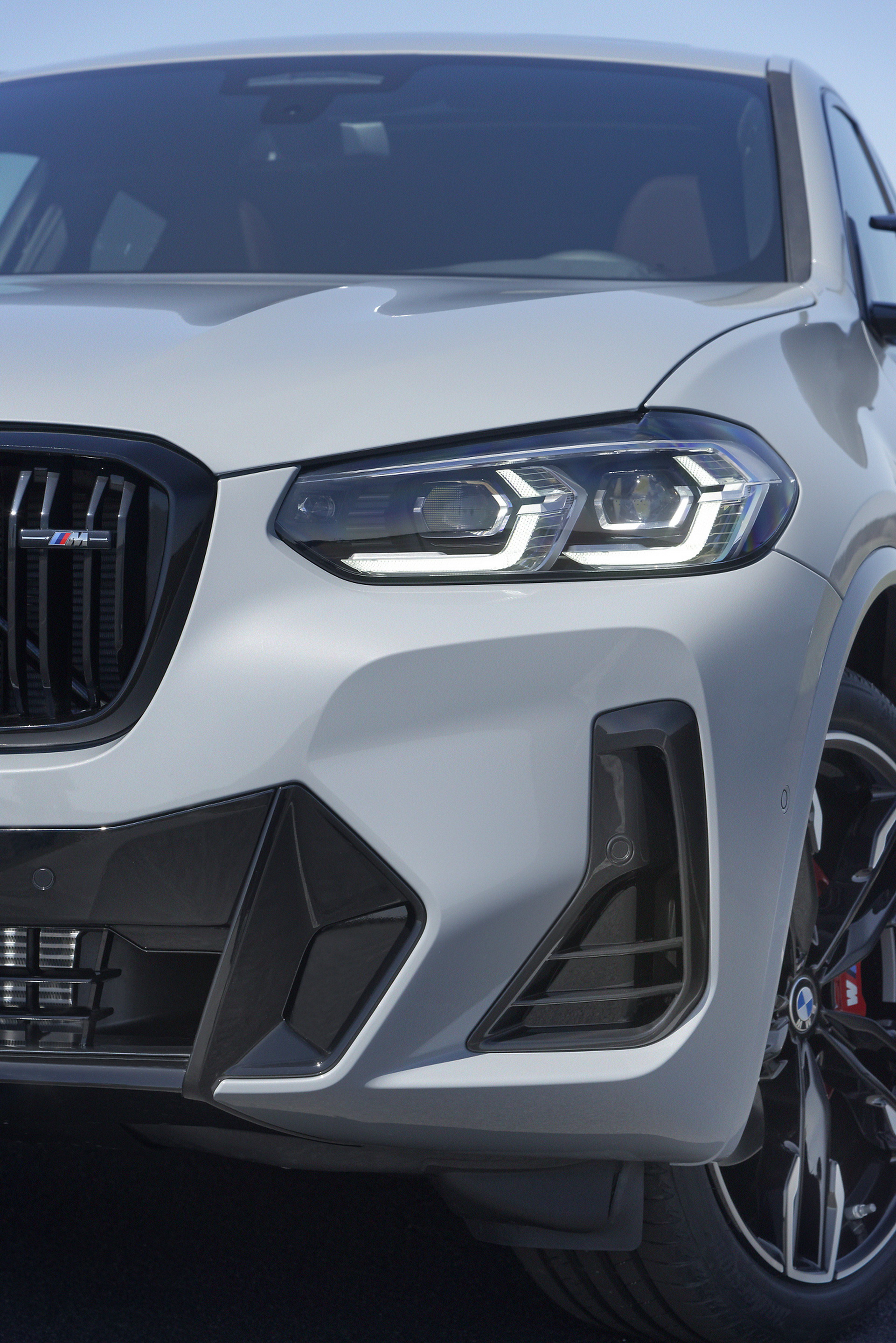
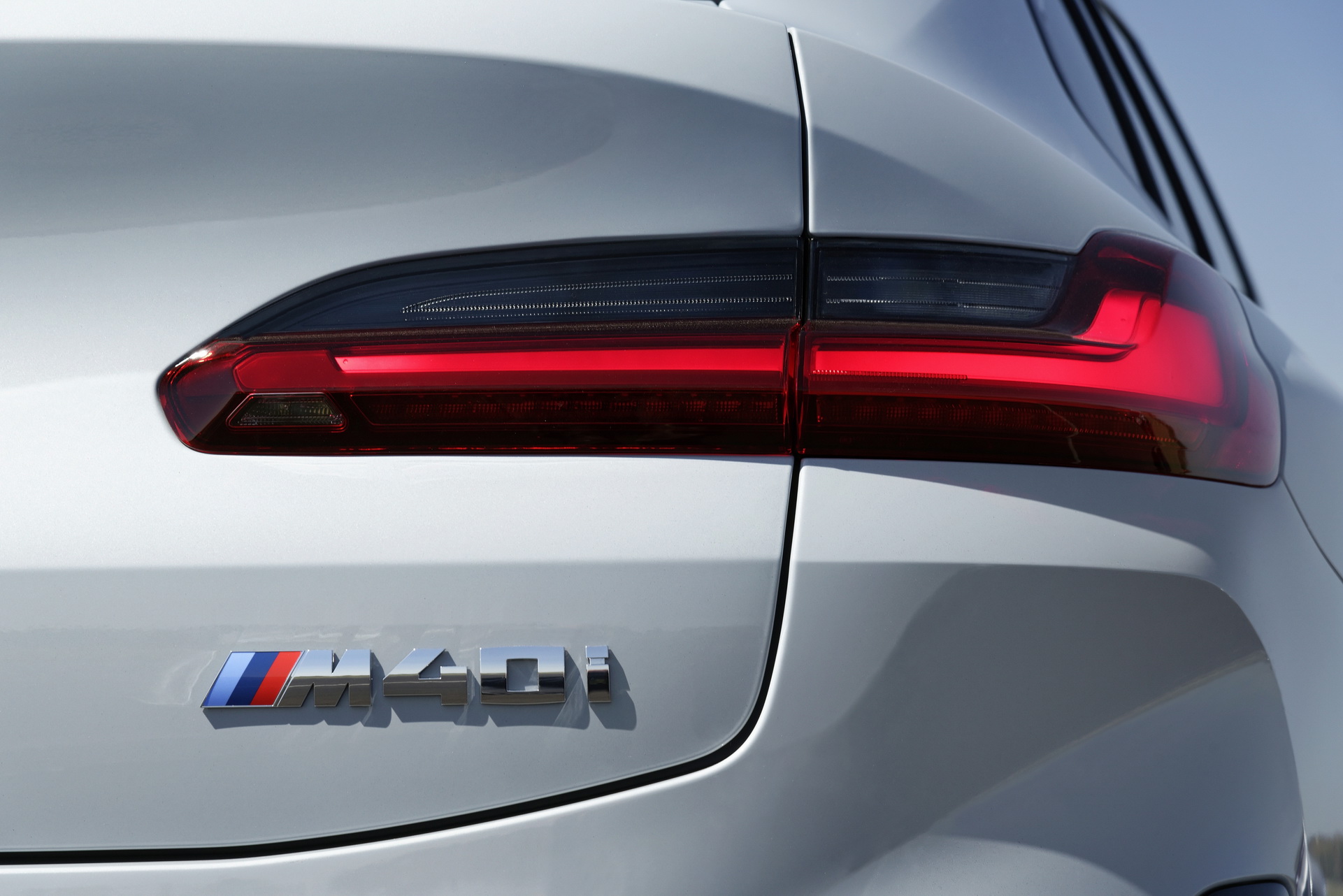
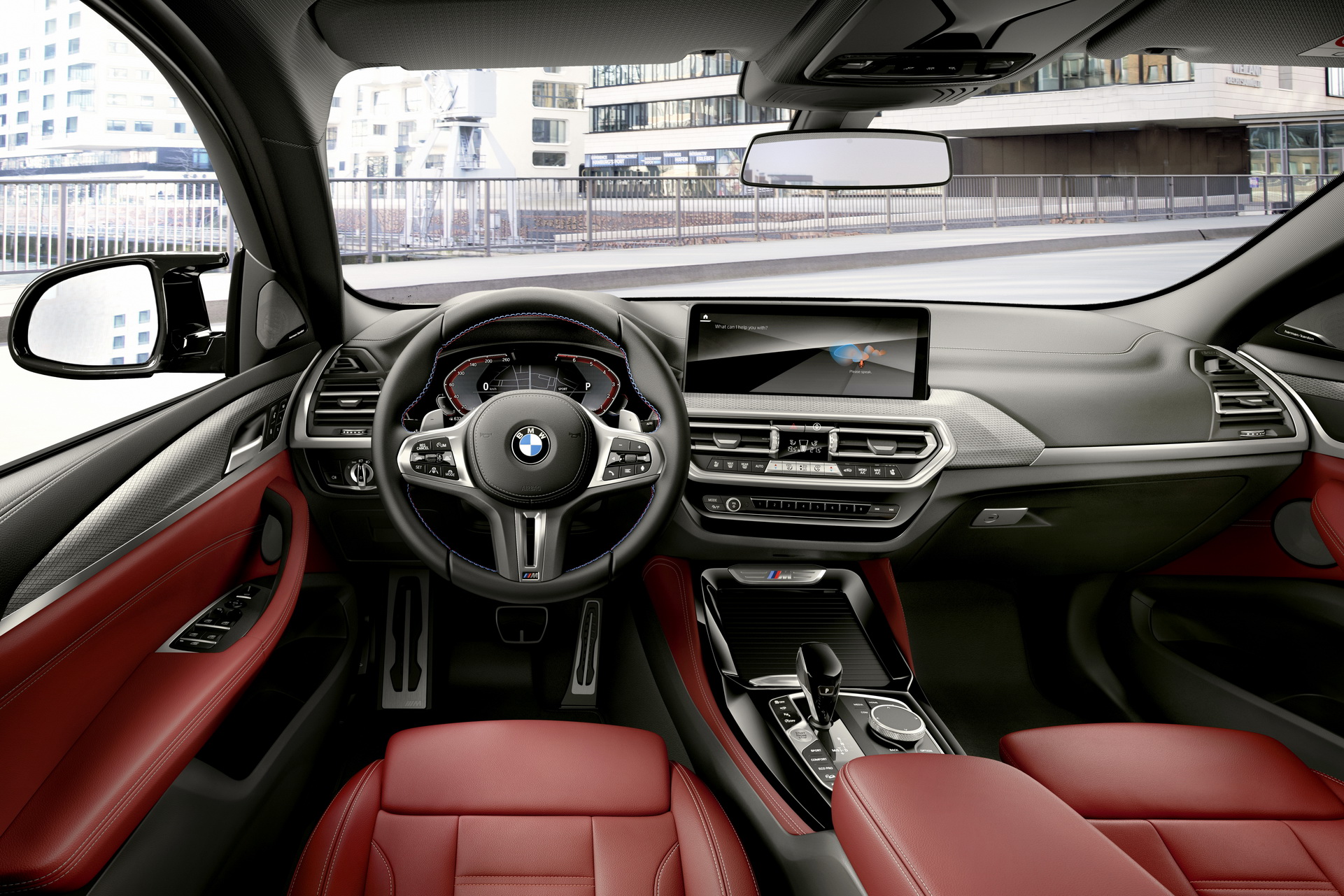
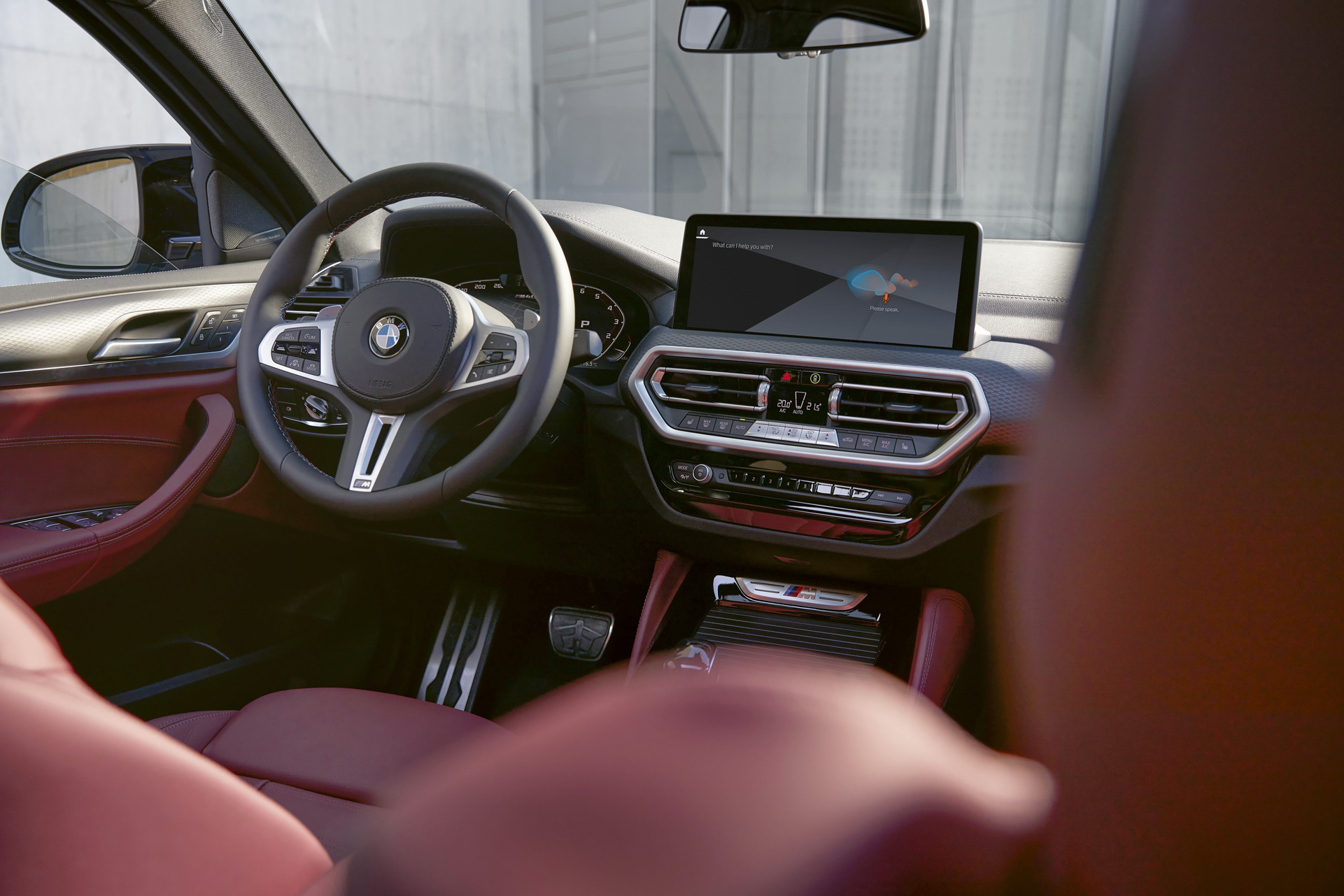
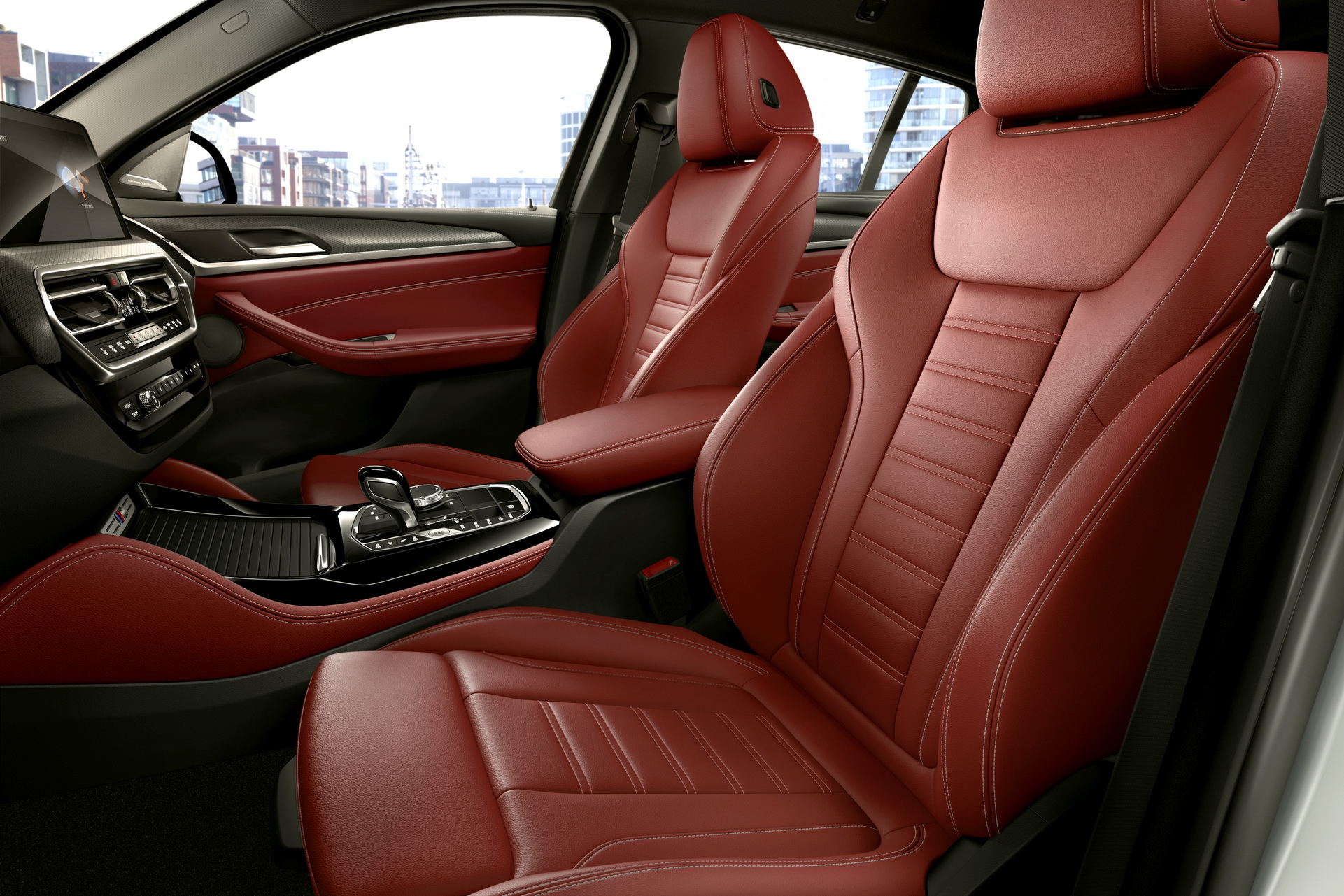
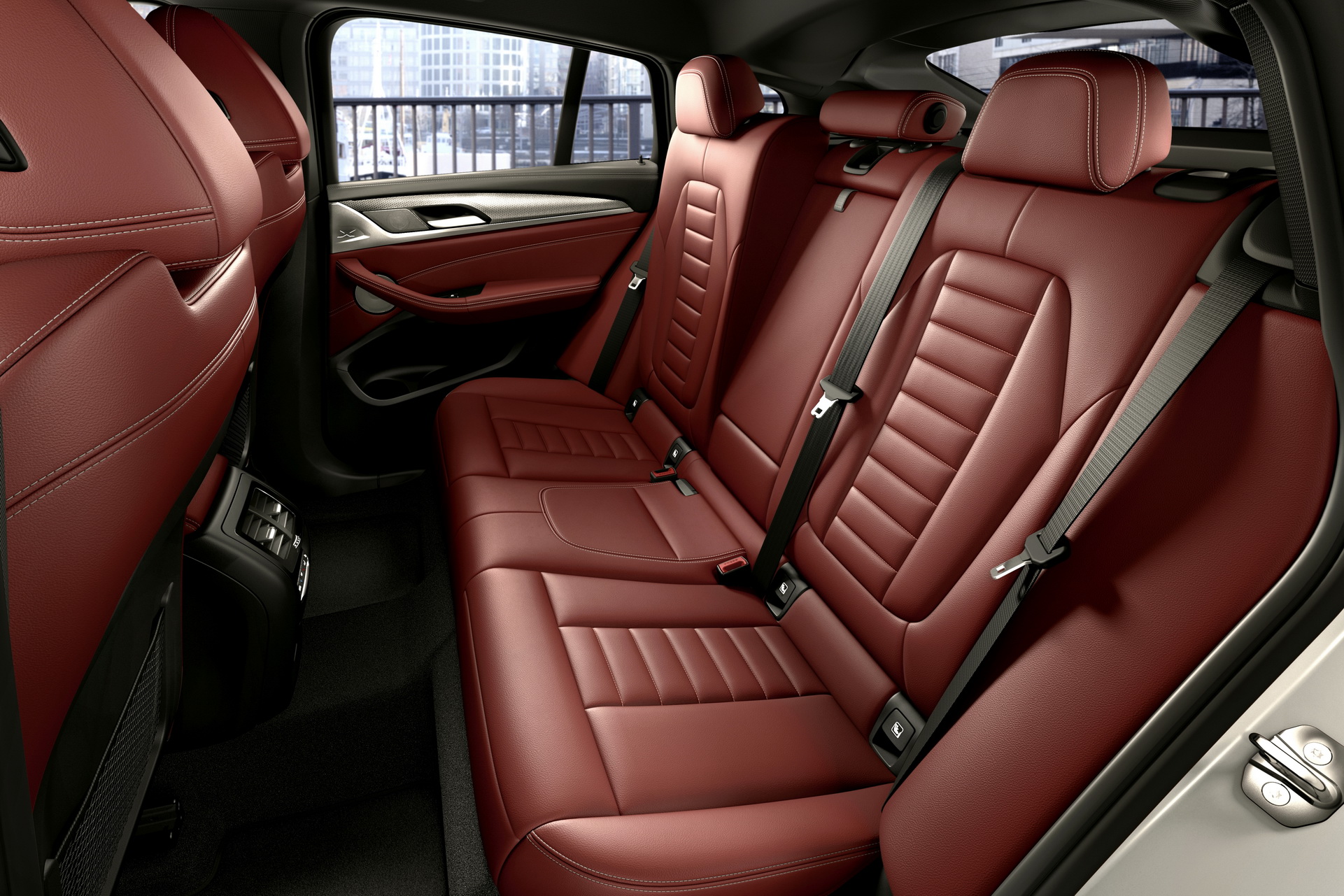




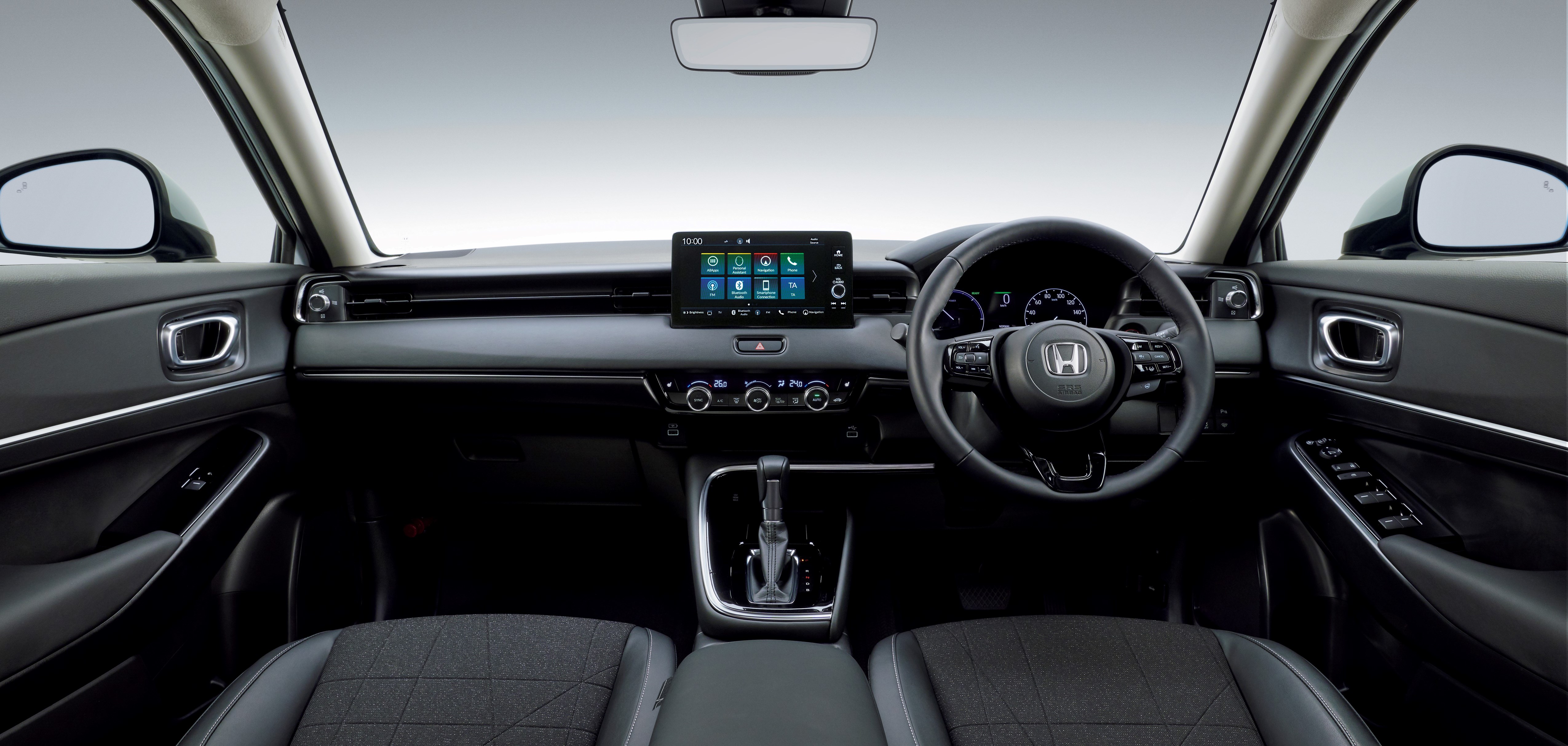
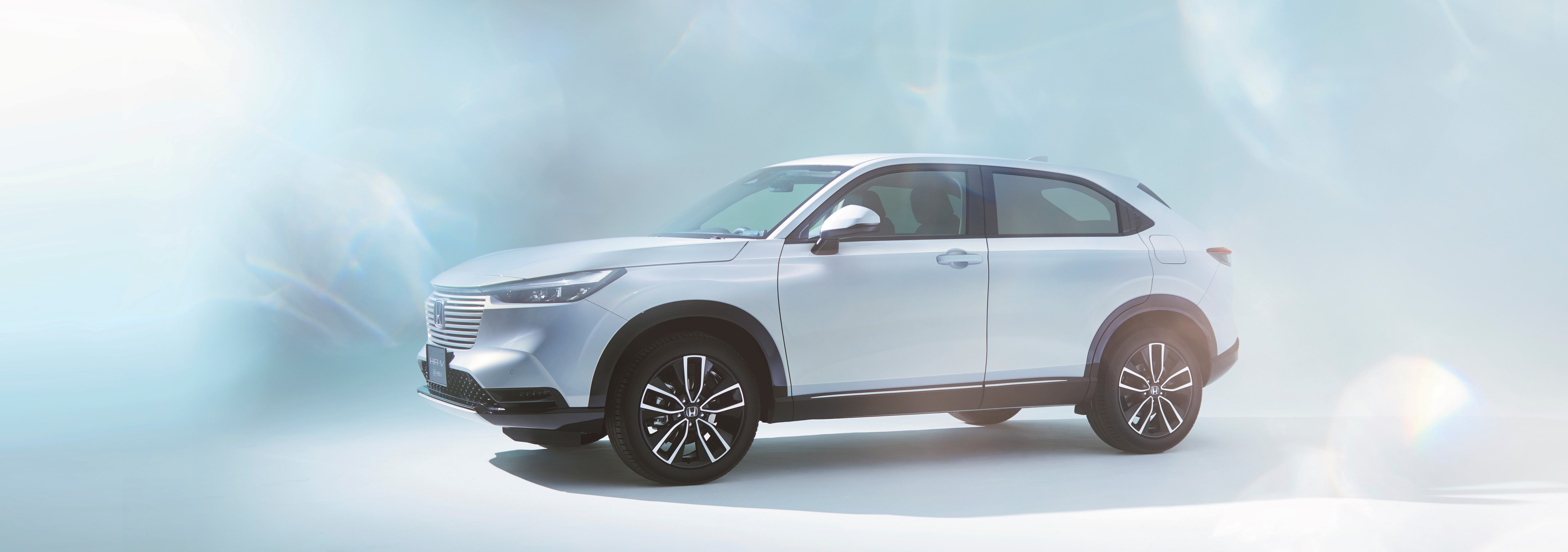
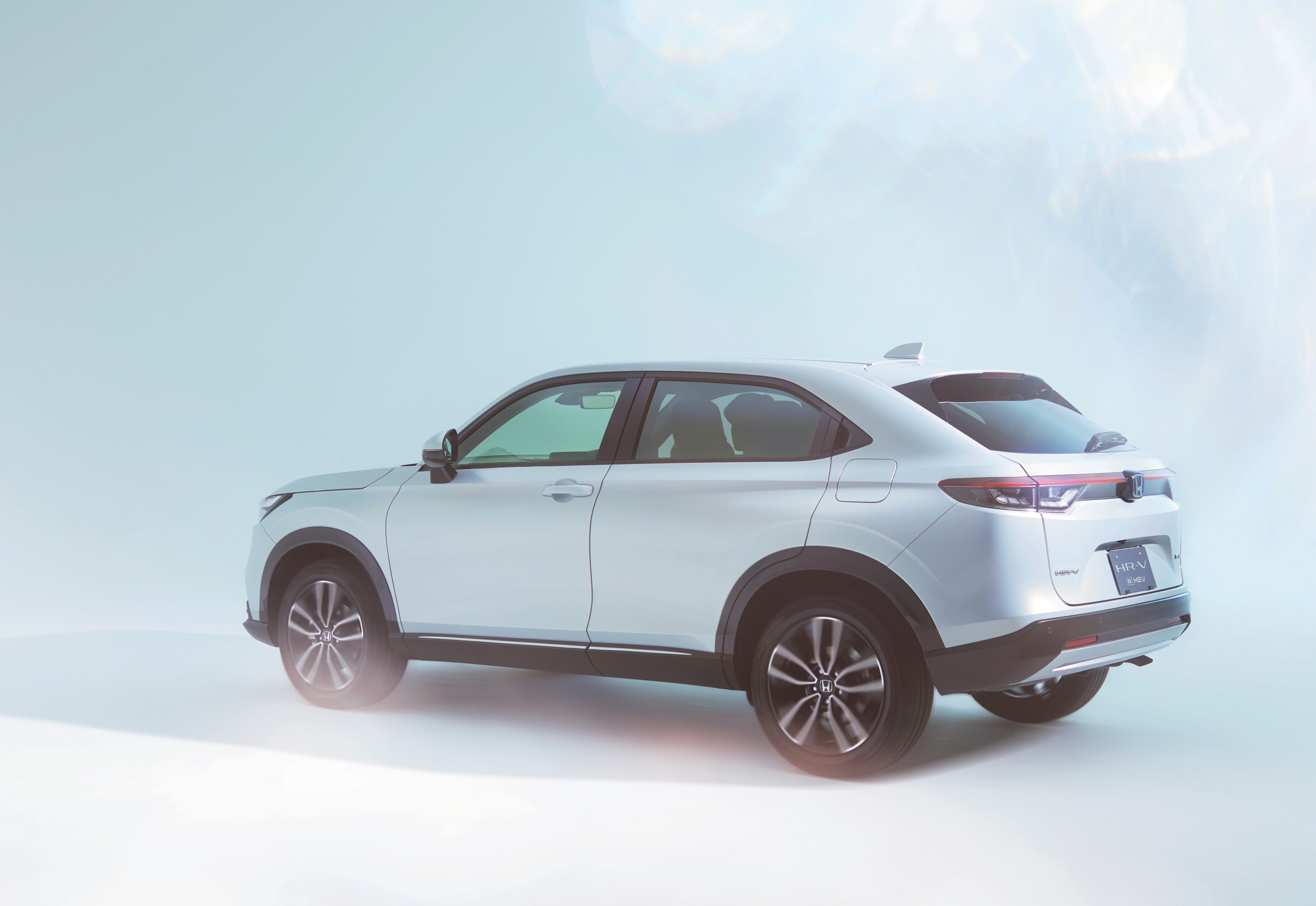
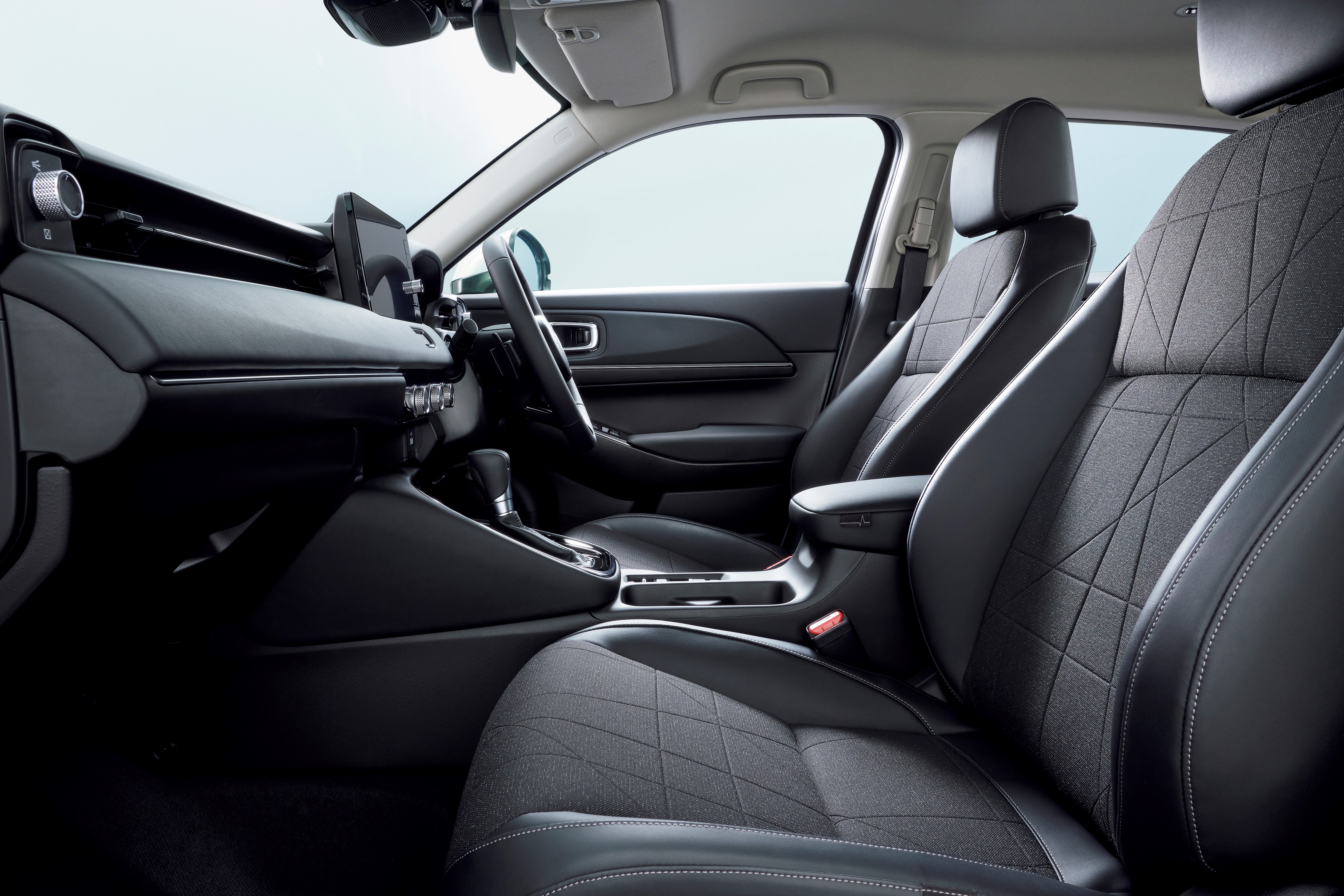


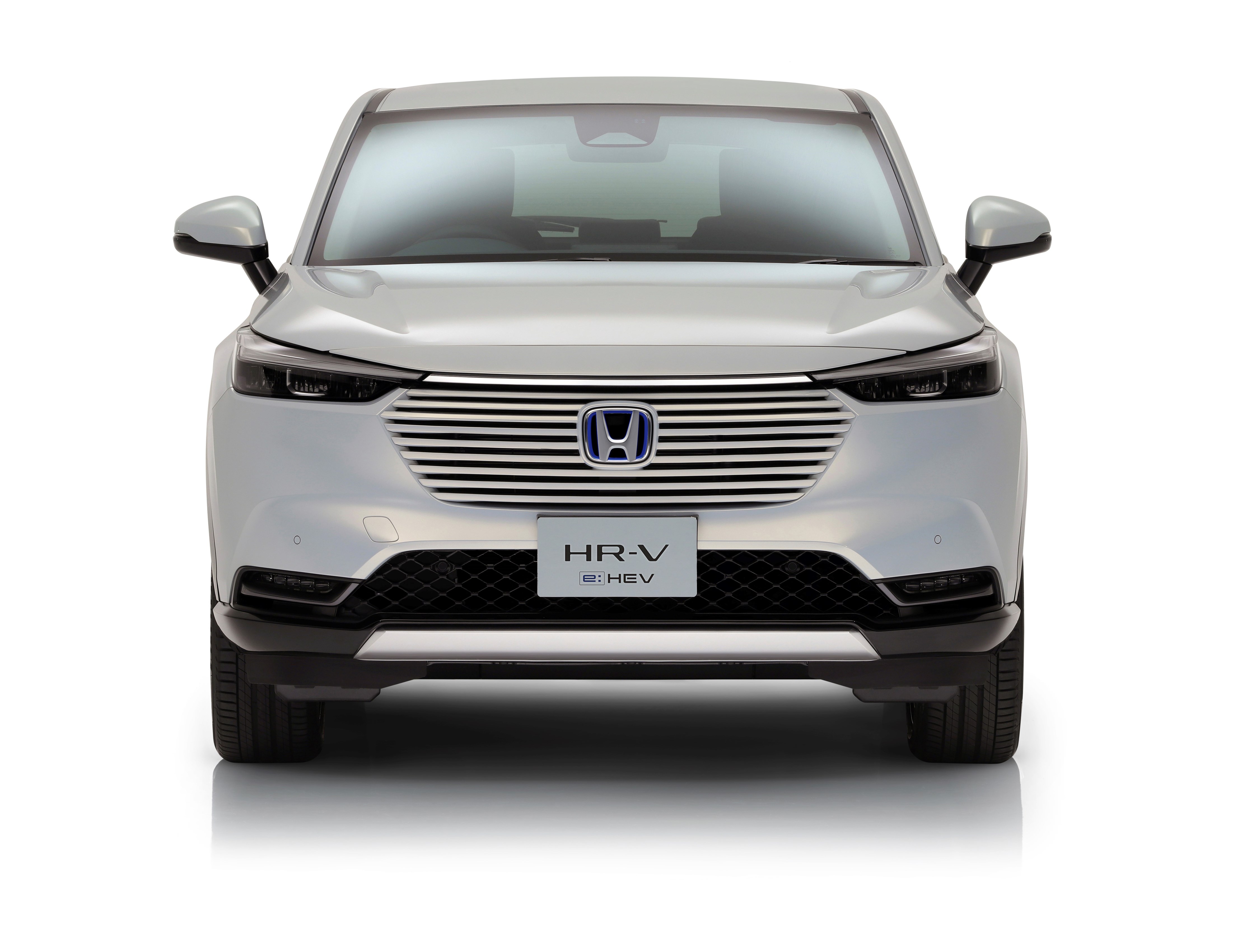
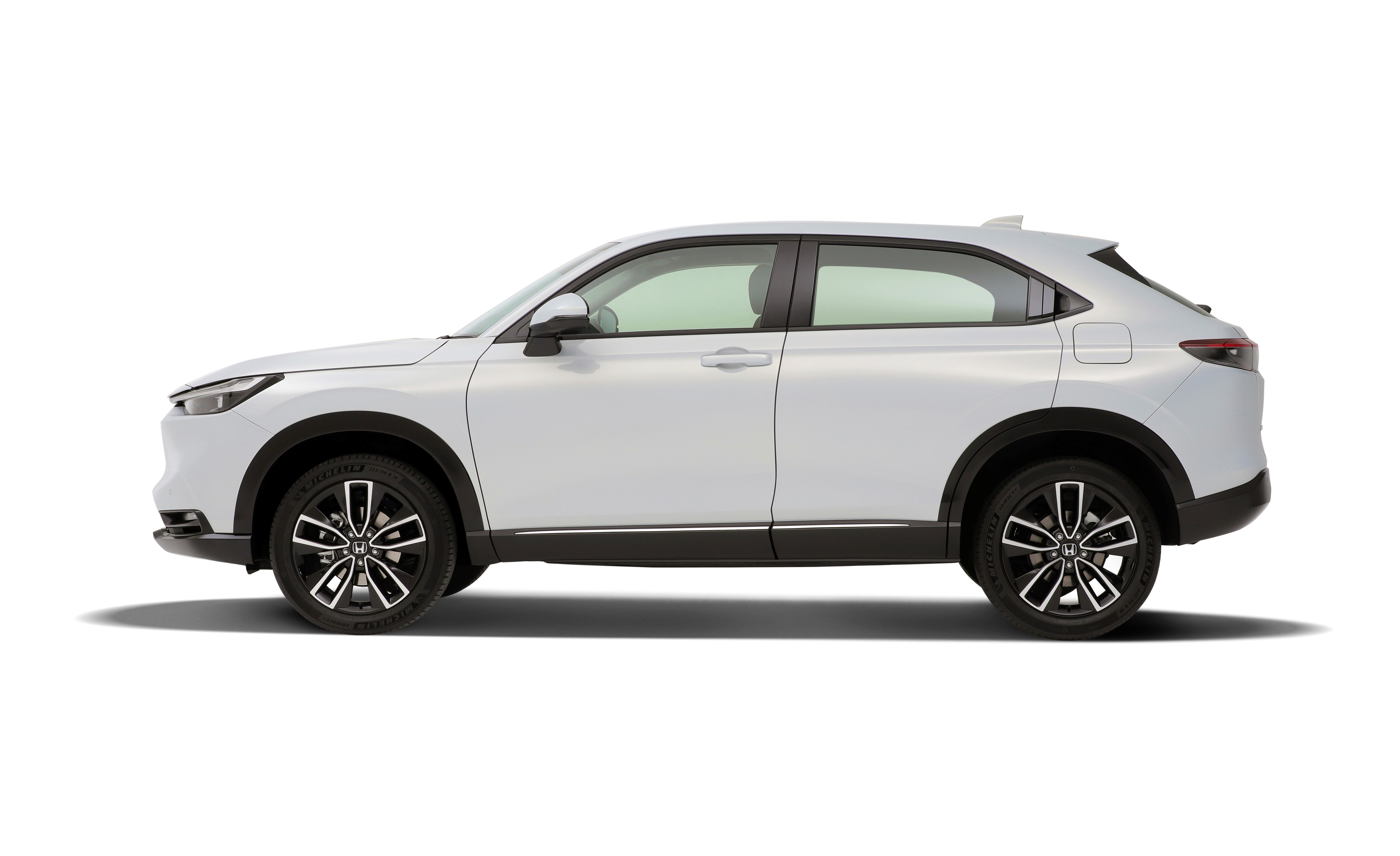
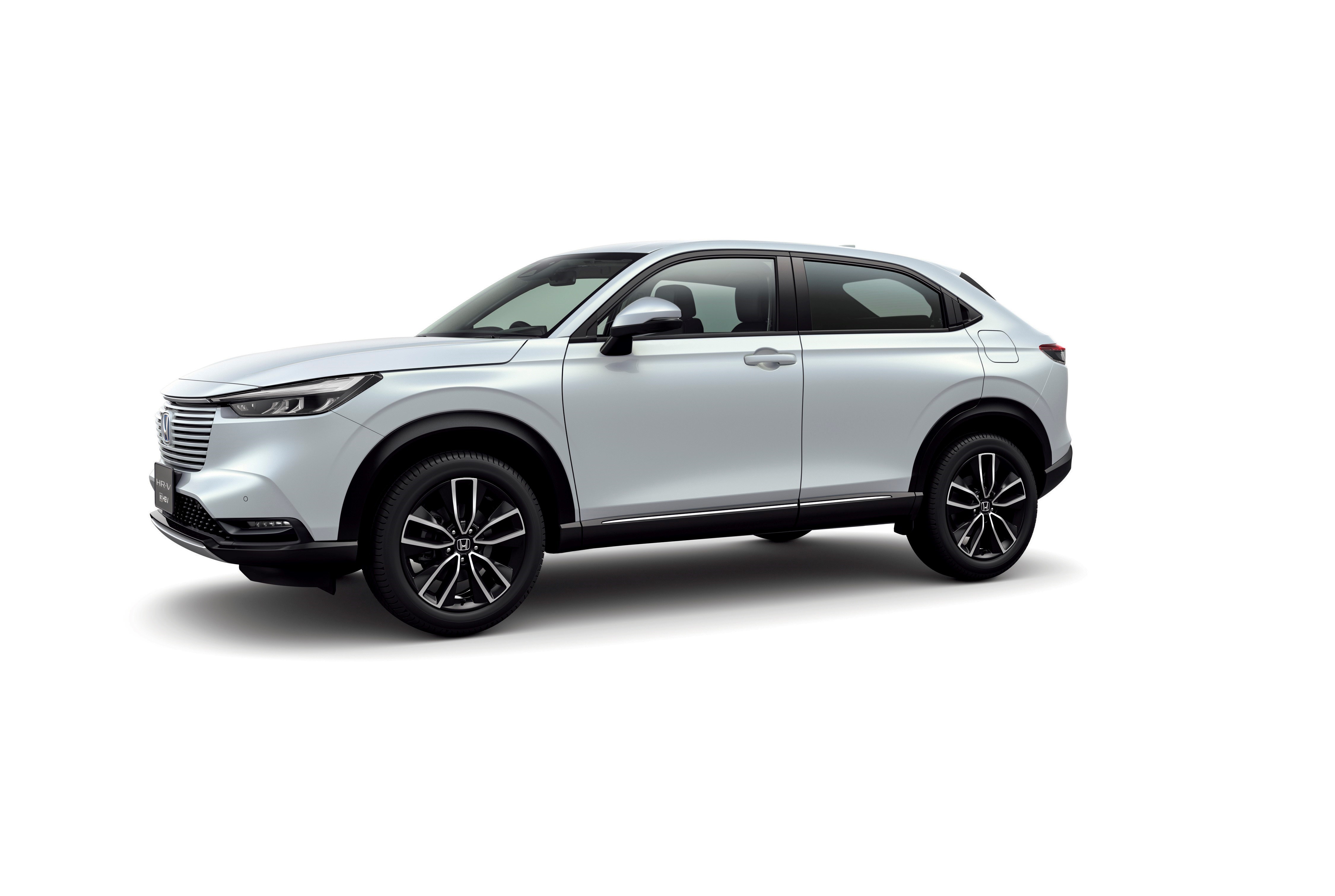
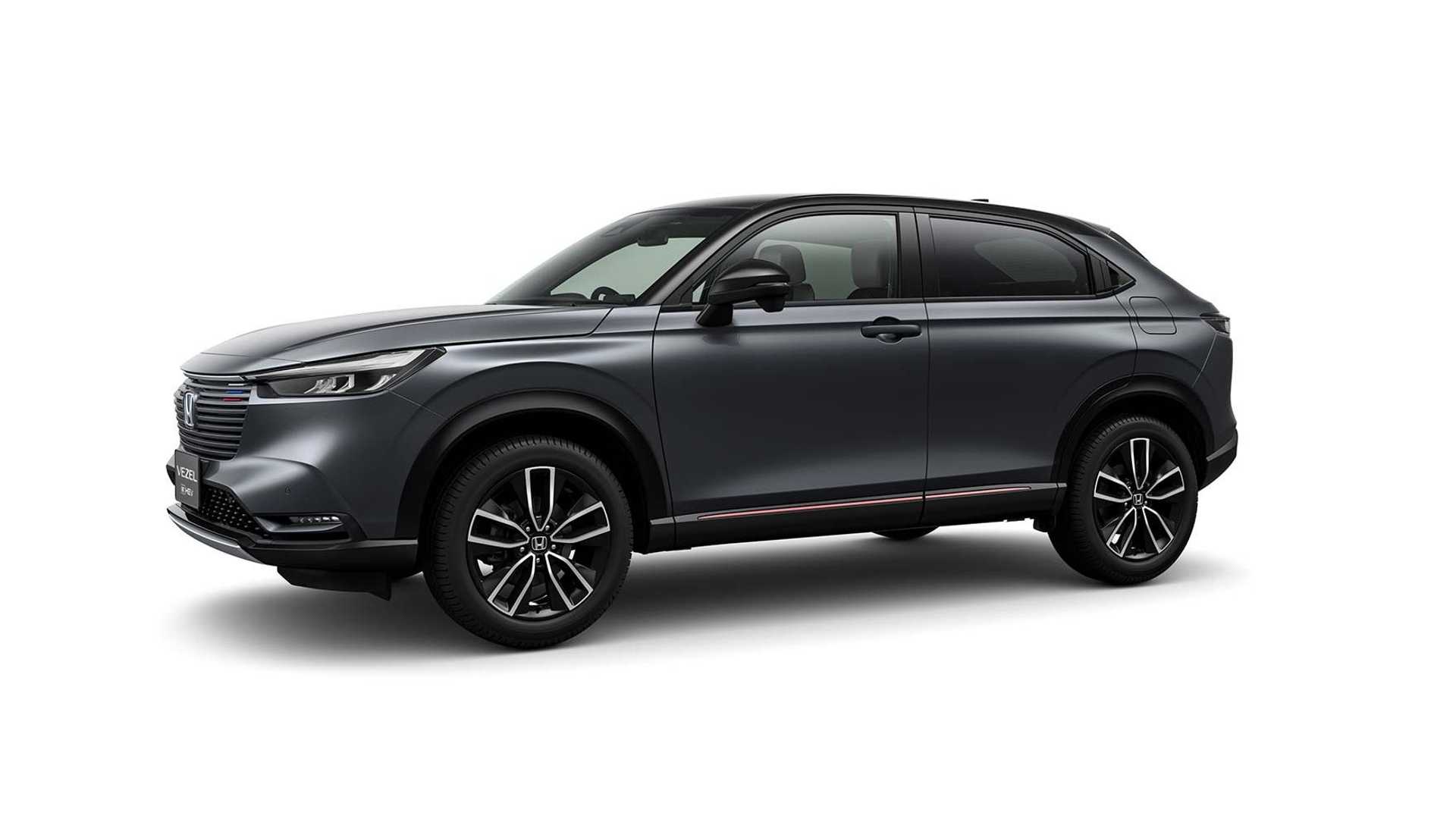
.jpg.541fcd3826b2481df351ea3a493375ea.jpg)
.jpg.7cbf862f0f4fc9faa765dd370f2df096.jpg)
.jpg.ae834144121aed1d85c78735ac343069.jpg)
.jpg.39f00e519b2e3cd07e35f39328ded1c2.jpg)
.jpg.55eb5418502ff8d7025e09bbf656638e.jpg)
.jpg.07a3ee00a9e7b341d431e6708ce23c6d.jpg)
.jpg.92d6d4876967640e17d889822ed50561.jpg)

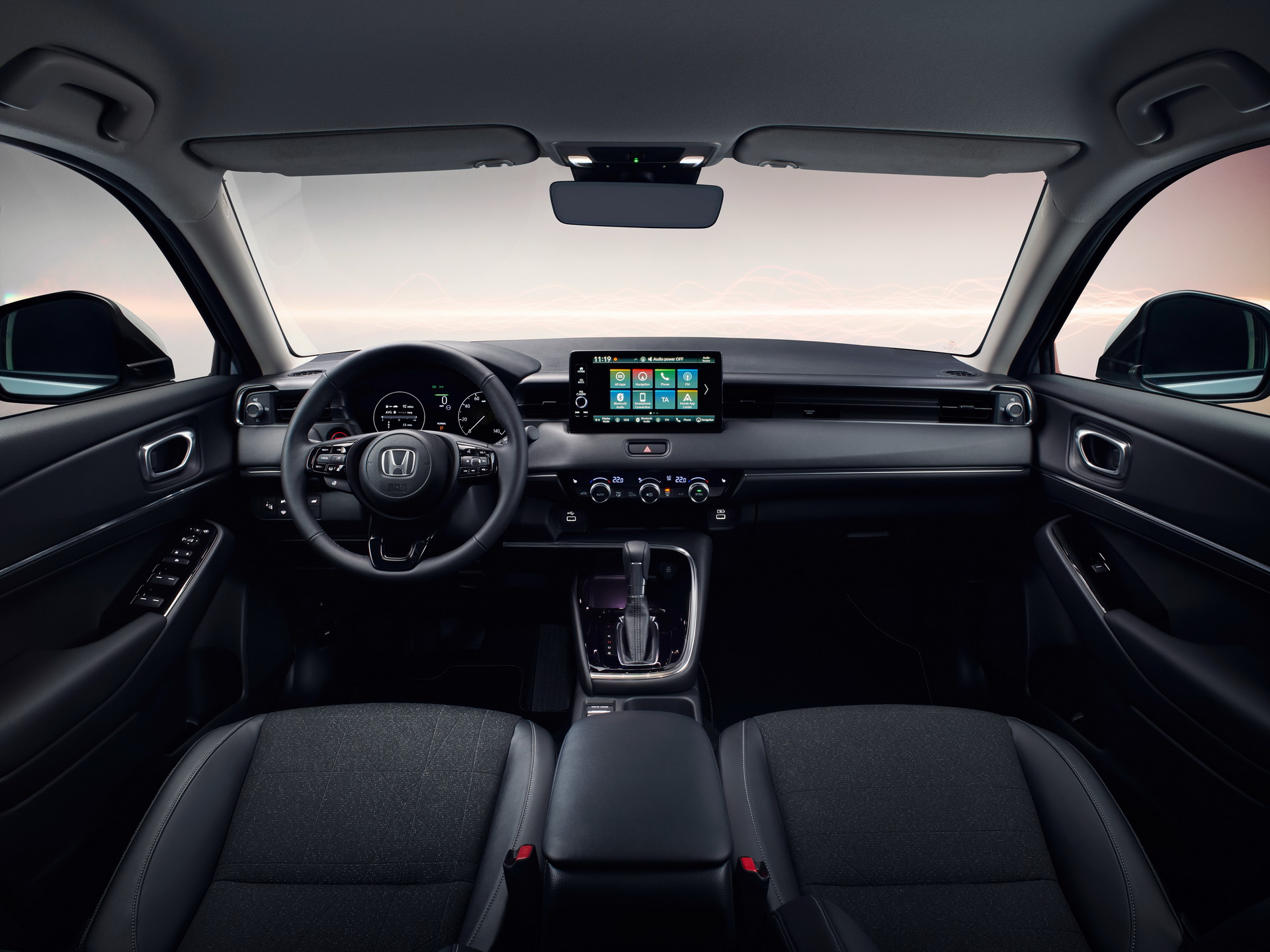
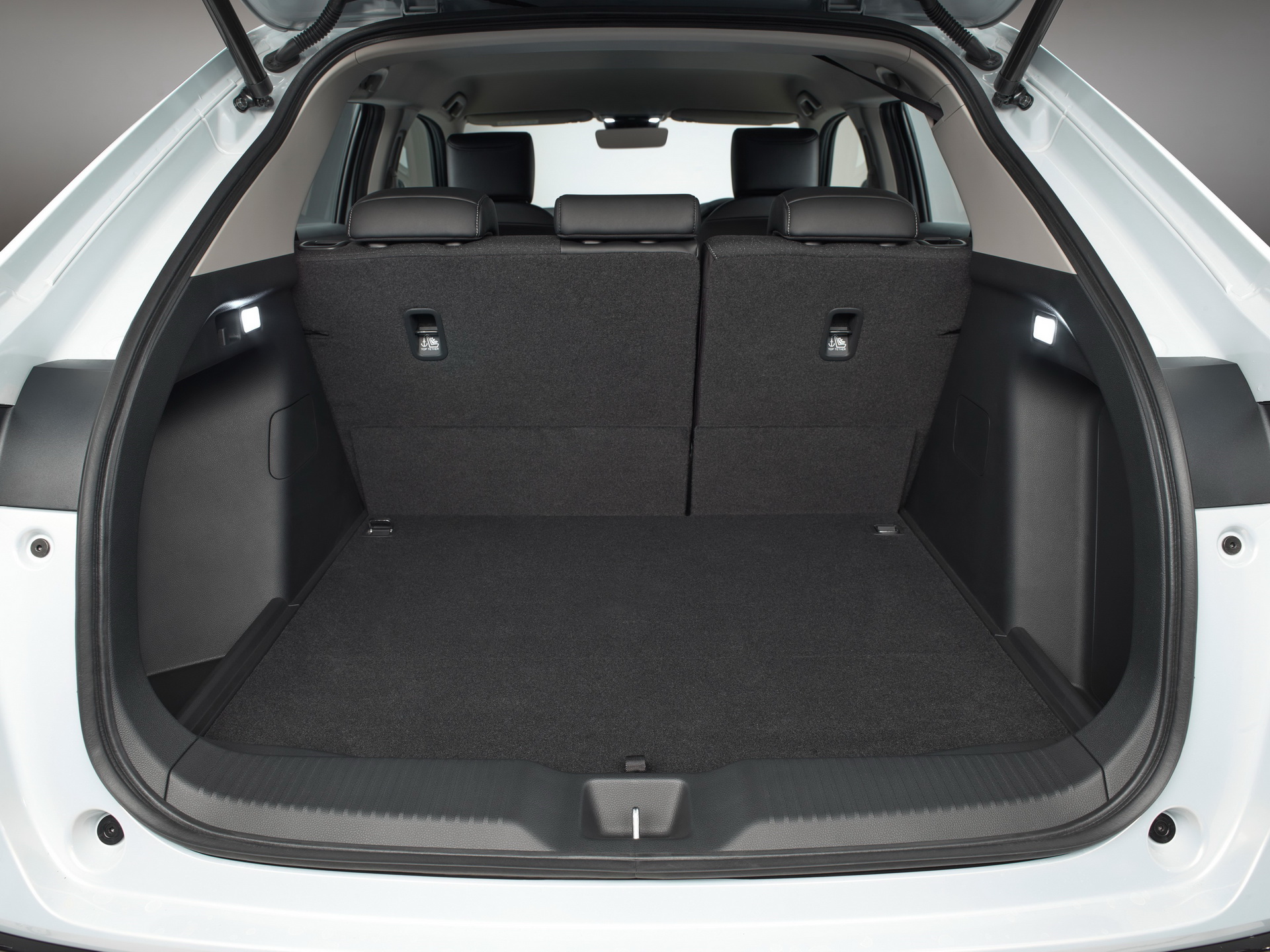
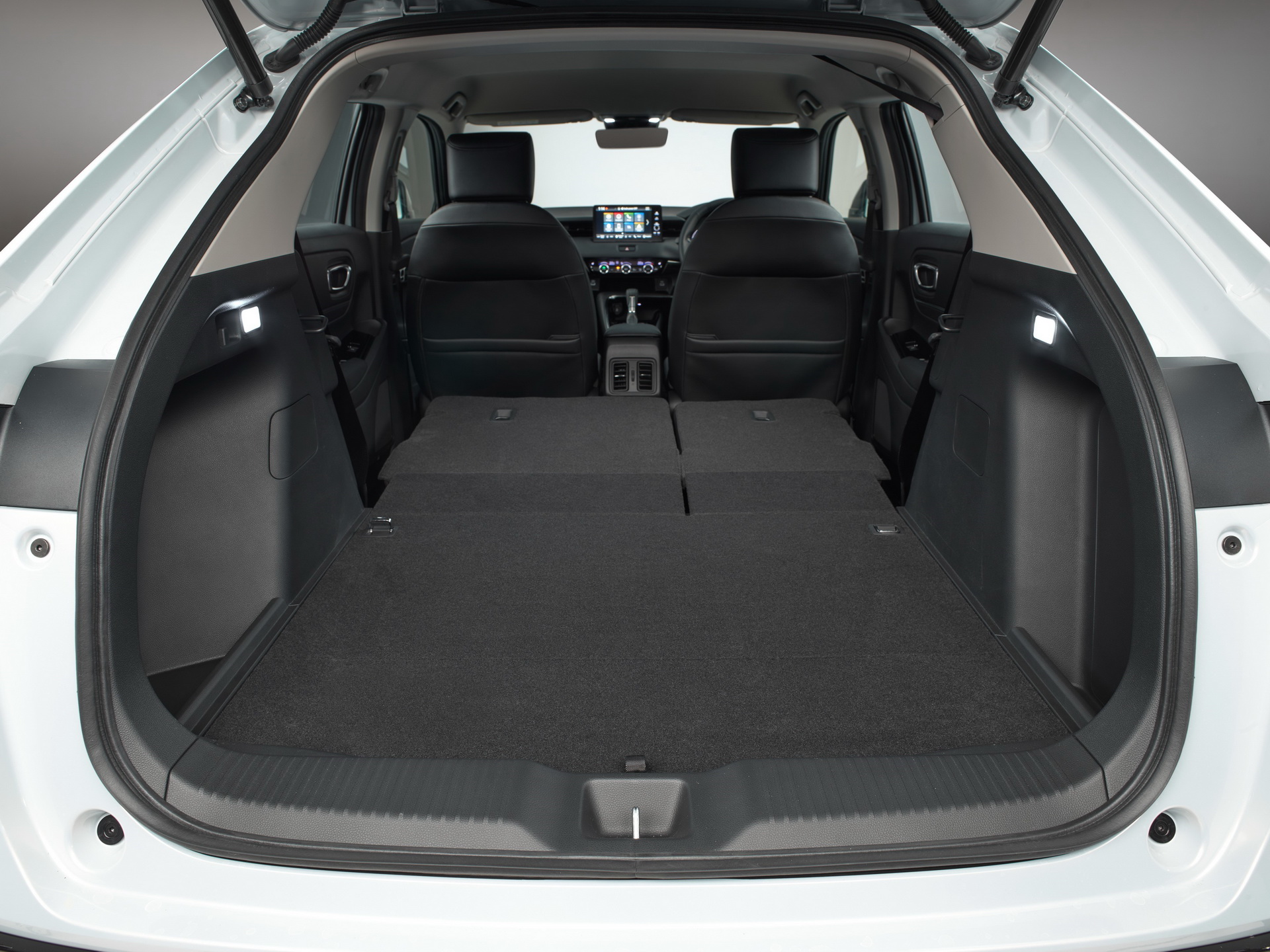
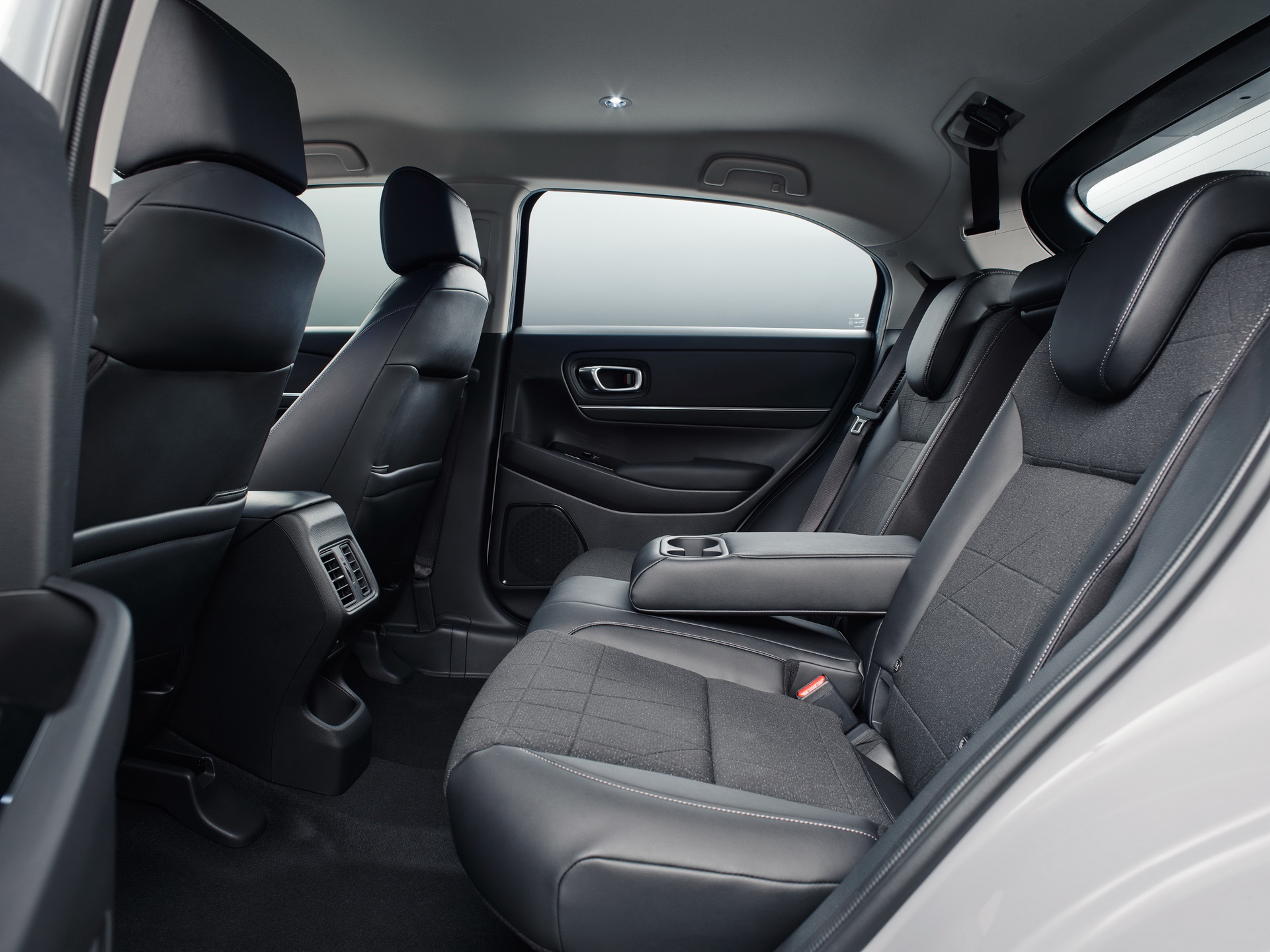





























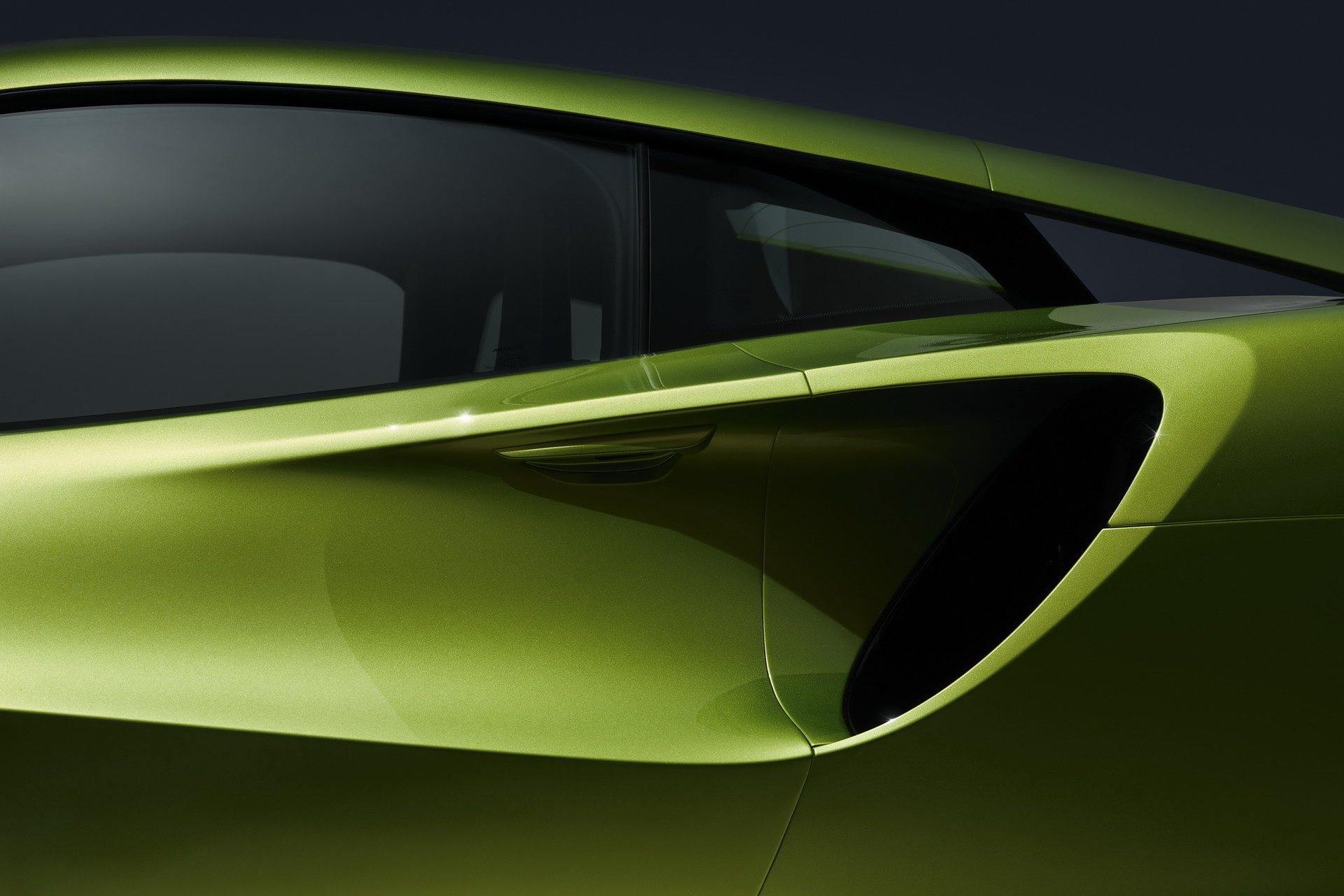

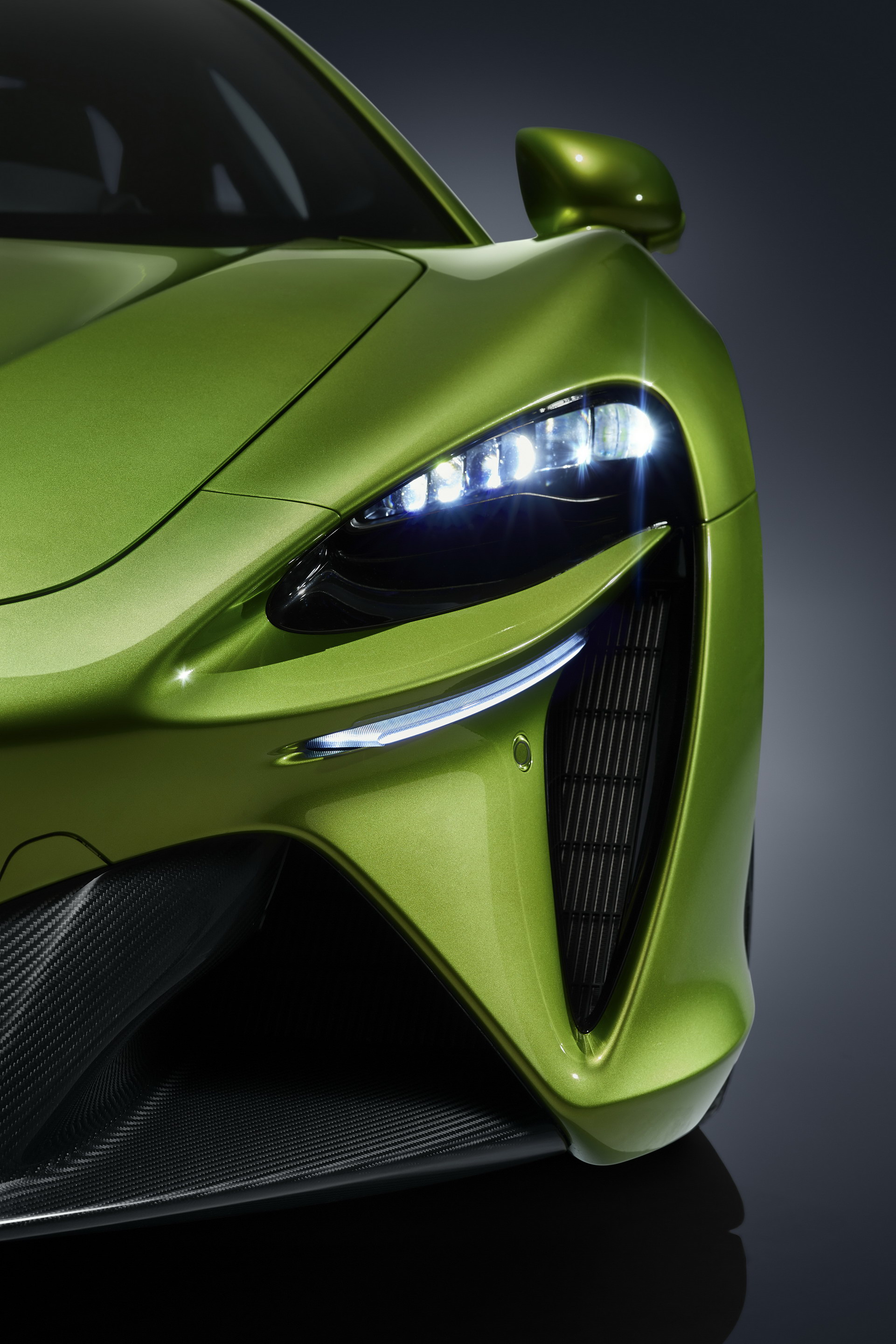
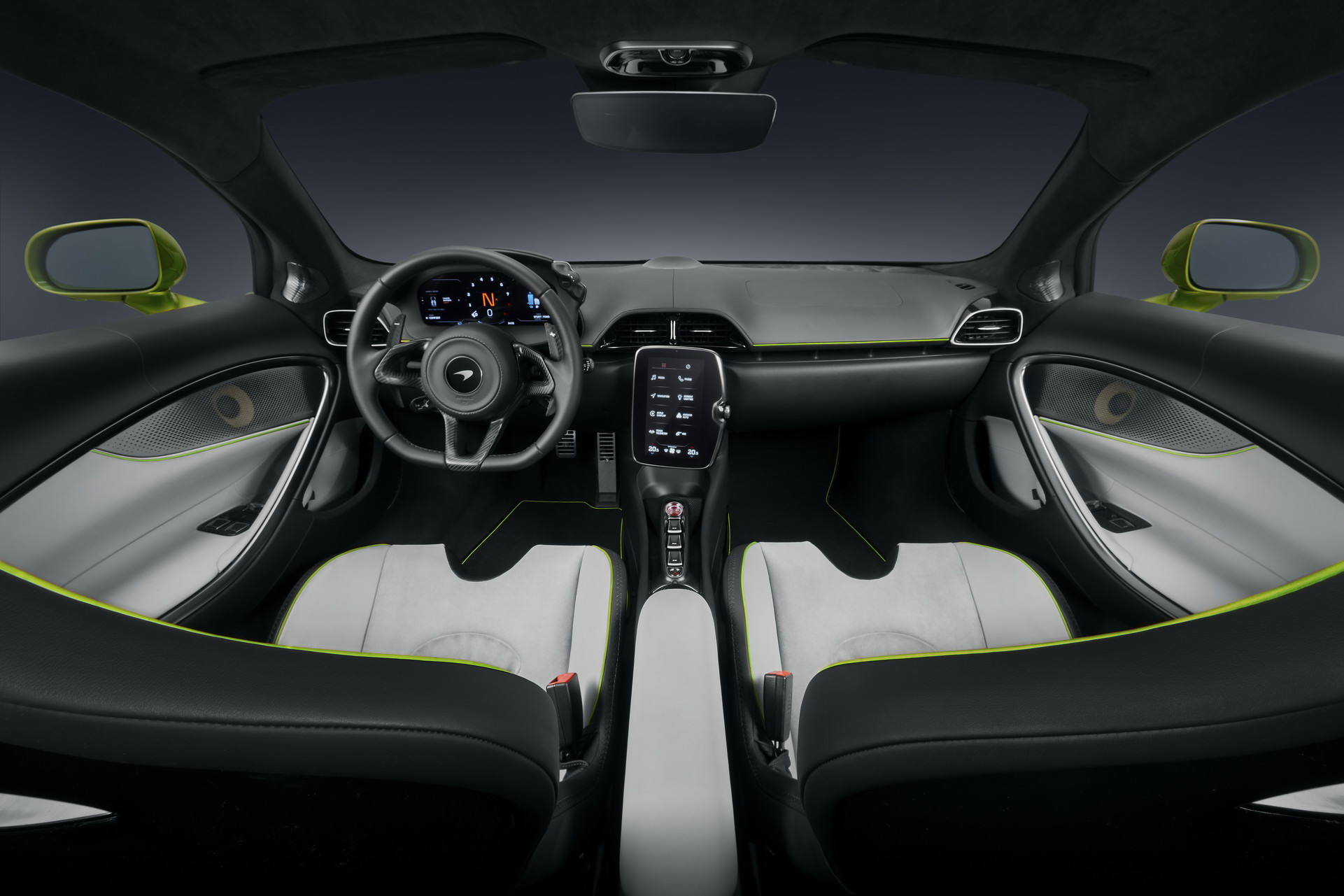
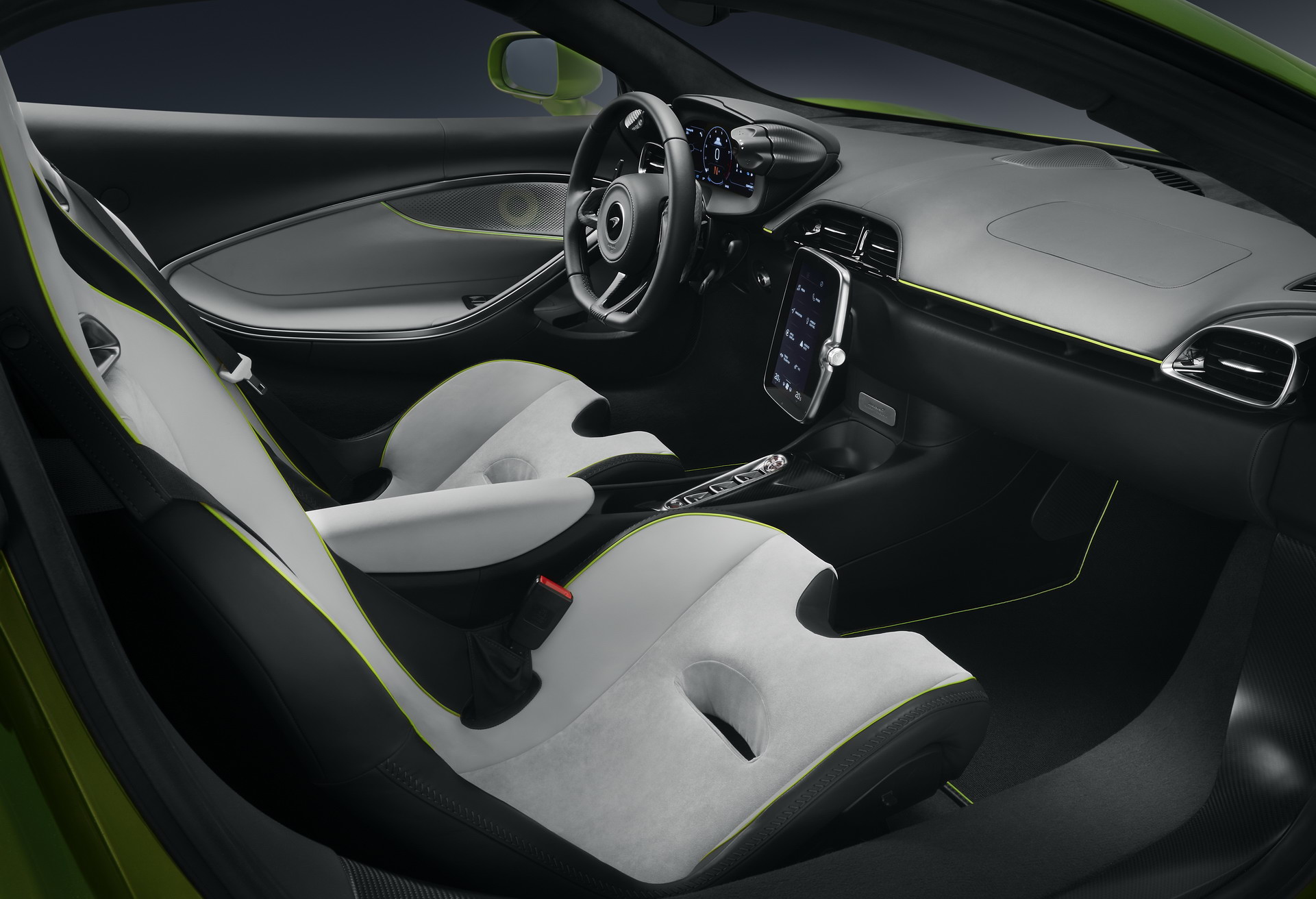





Account
Navigation
Cerca
Configure browser push notifications
Chrome (Android)
- Tap the lock icon next to the address bar.
- Tap Permissions → Notifications.
- Adjust your preference.
Chrome (Desktop)
- Click the padlock icon in the address bar.
- Select Site settings.
- Find Notifications and adjust your preference.
Safari (iOS 16.4+)
- Ensure the site is installed via Add to Home Screen.
- Open Settings App → Notifications.
- Find your app name and adjust your preference.
Safari (macOS)
- Go to Safari → Preferences.
- Click the Websites tab.
- Select Notifications in the sidebar.
- Find this website and adjust your preference.
Edge (Android)
- Tap the lock icon next to the address bar.
- Tap Permissions.
- Find Notifications and adjust your preference.
Edge (Desktop)
- Click the padlock icon in the address bar.
- Click Permissions for this site.
- Find Notifications and adjust your preference.
Firefox (Android)
- Go to Settings → Site permissions.
- Tap Notifications.
- Find this site in the list and adjust your preference.
Firefox (Desktop)
- Open Firefox Settings.
- Search for Notifications.
- Find this site in the list and adjust your preference.