





(1)(1).png.9646bf5114d93a5280bda88264436f0b.png)
Osv
Reporter (Staff)
-
Iscritto il
-
Ultima visita
-
Attualmente
Visualizza la discussione: I prossimi modelli Alfa Romeo
Tutti i contenuti di Osv
-
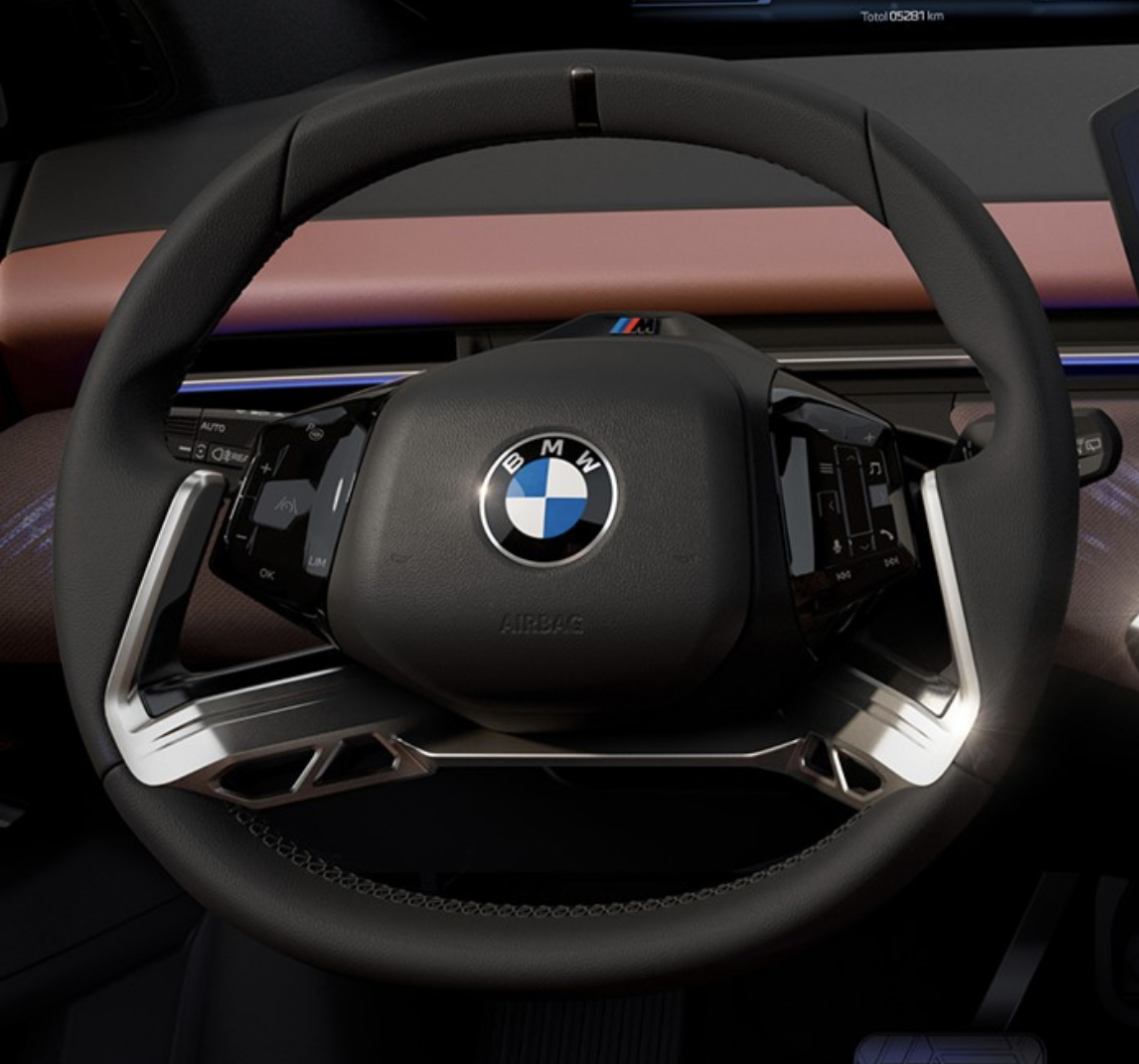
Lo stabilimento di Monaco inizia la preparazione per la produzione della i3 che avrà inizio a Luglio 2026. Comunicato stampa Via BMW.
-
Dal forum Cochespias:
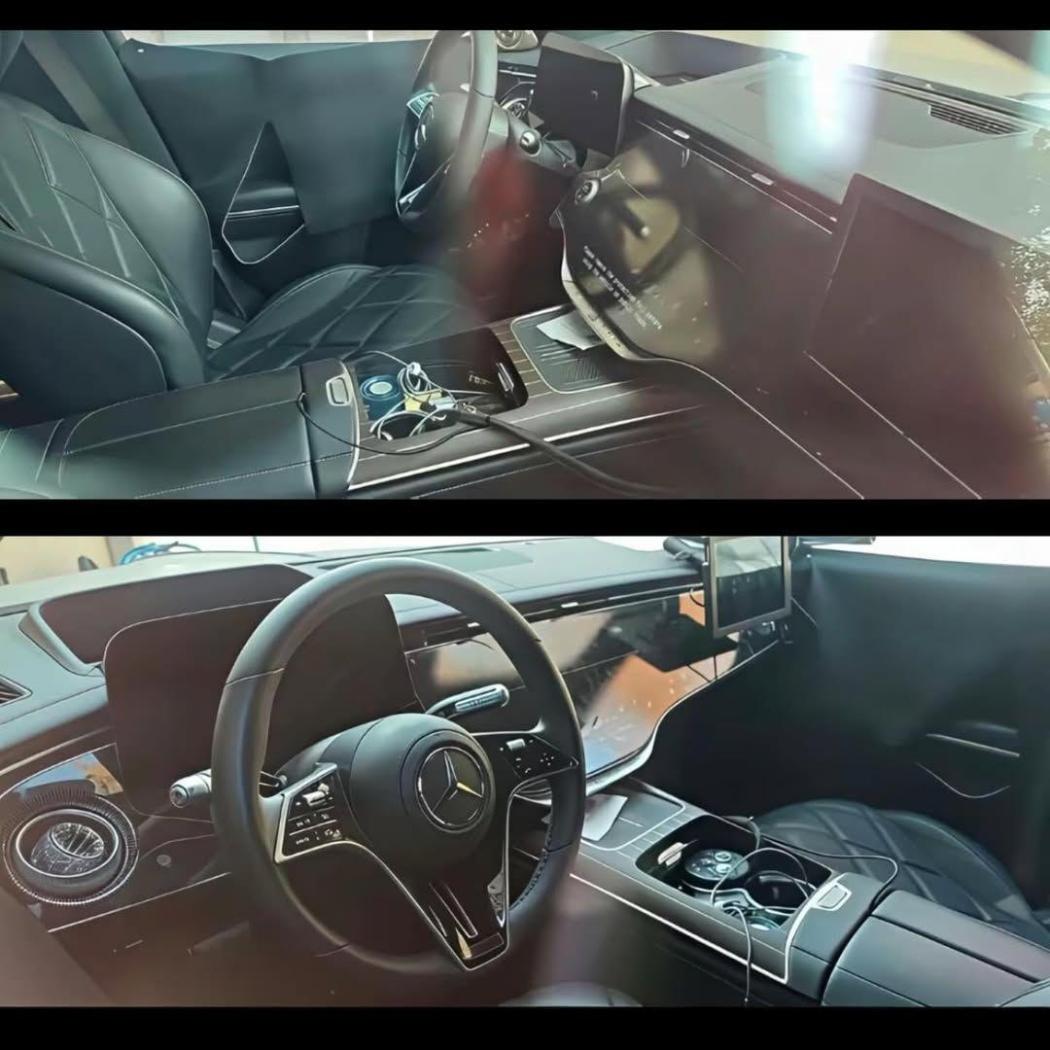
-
C’è questo in alternativa 😂:
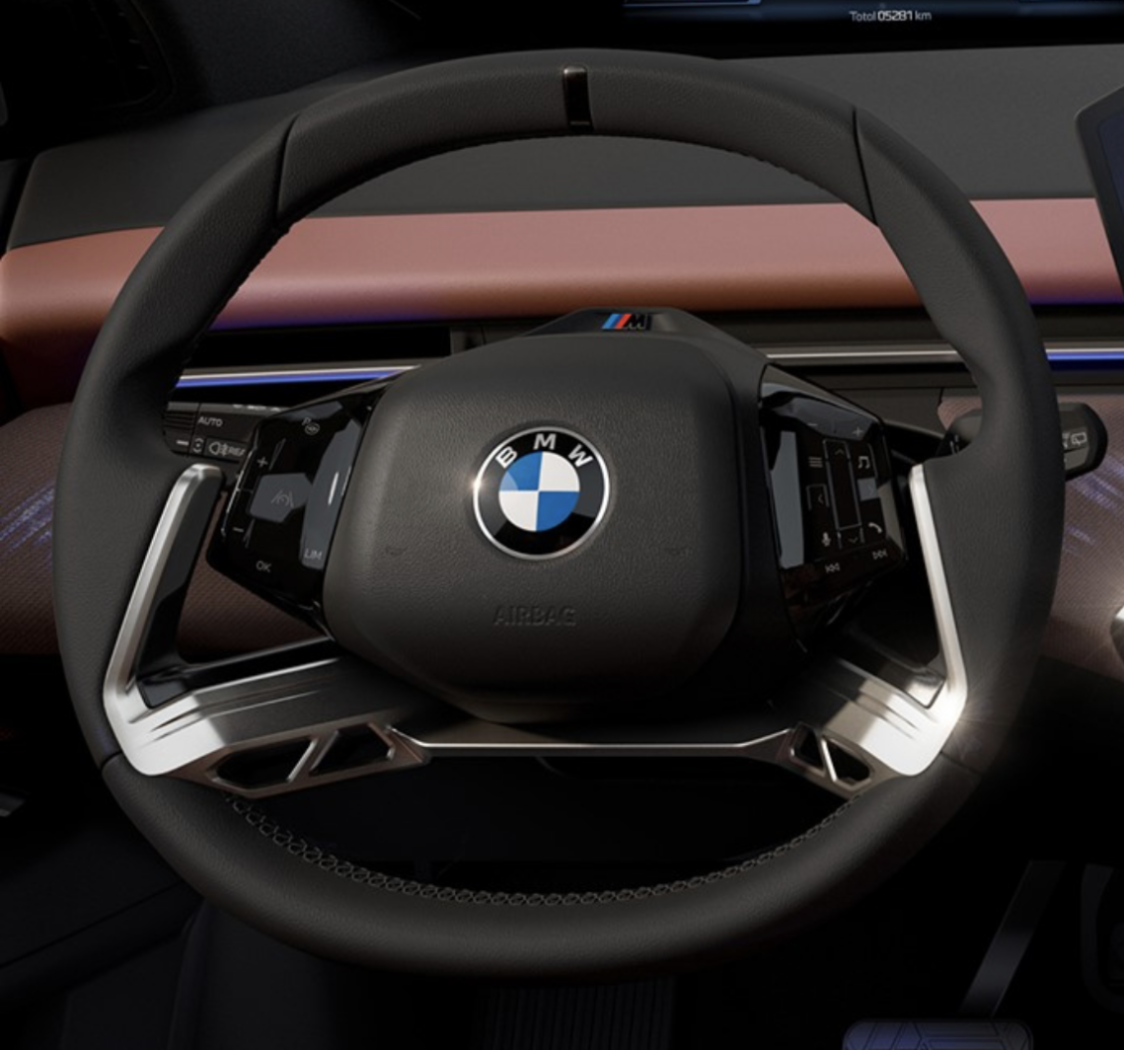
-
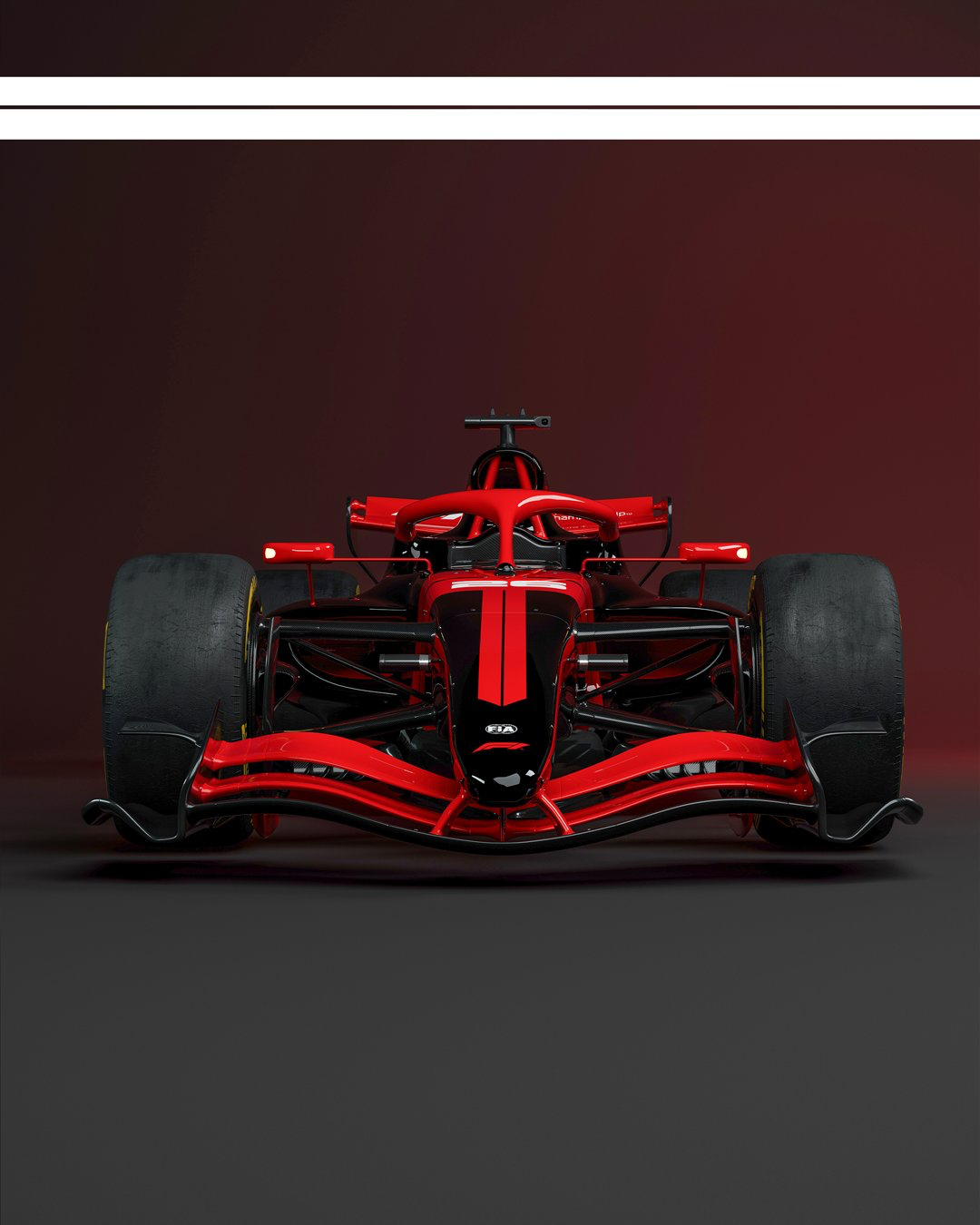
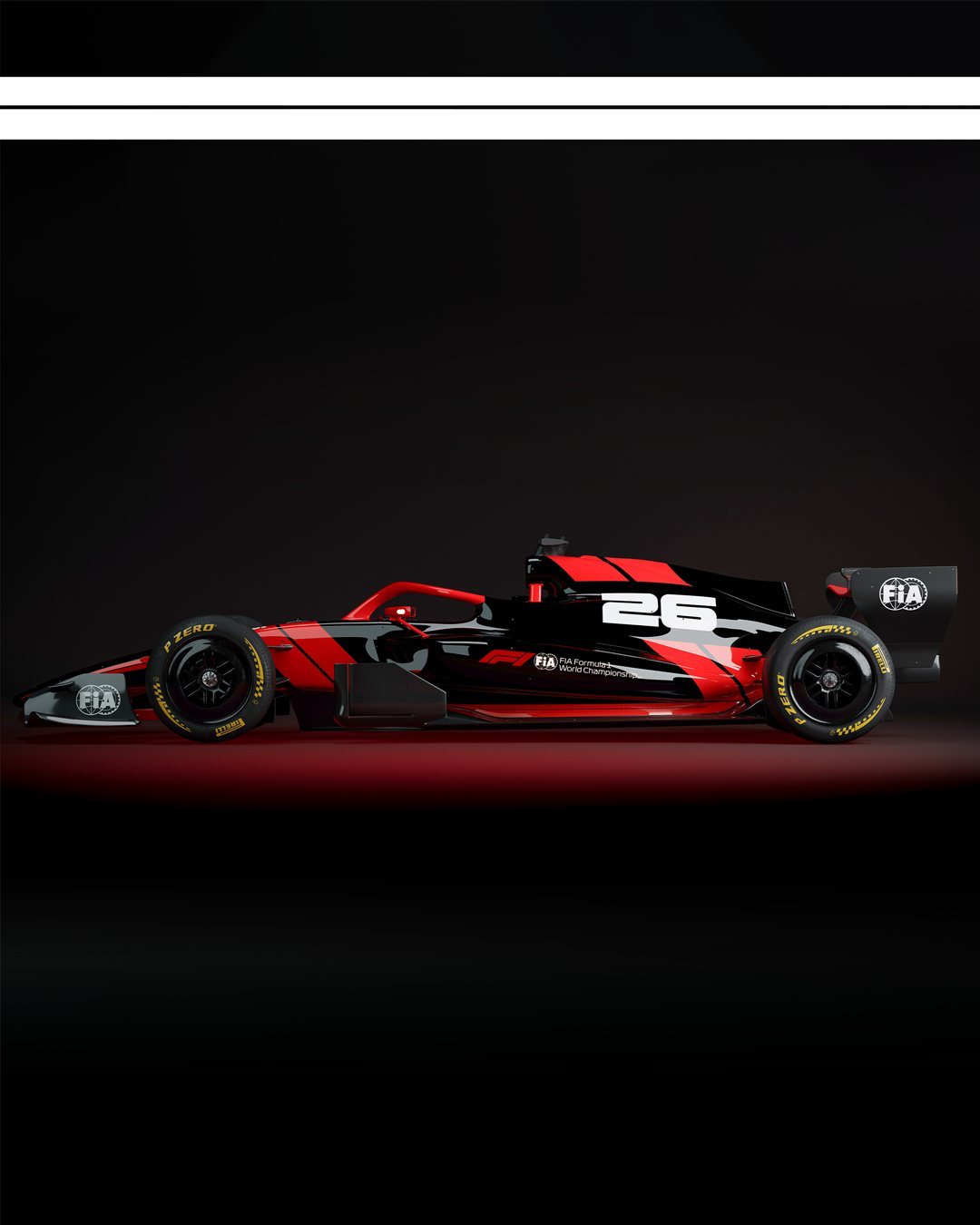
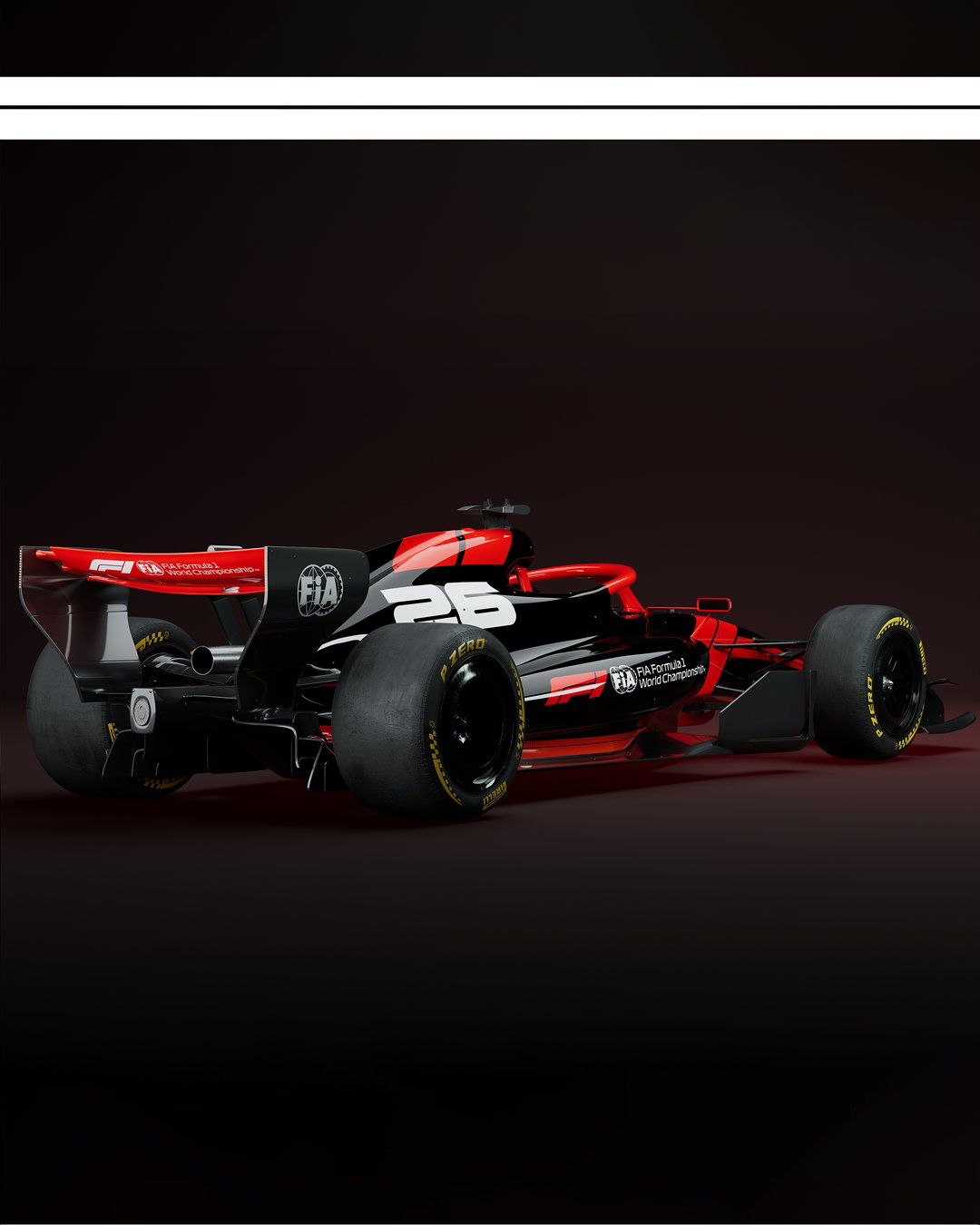
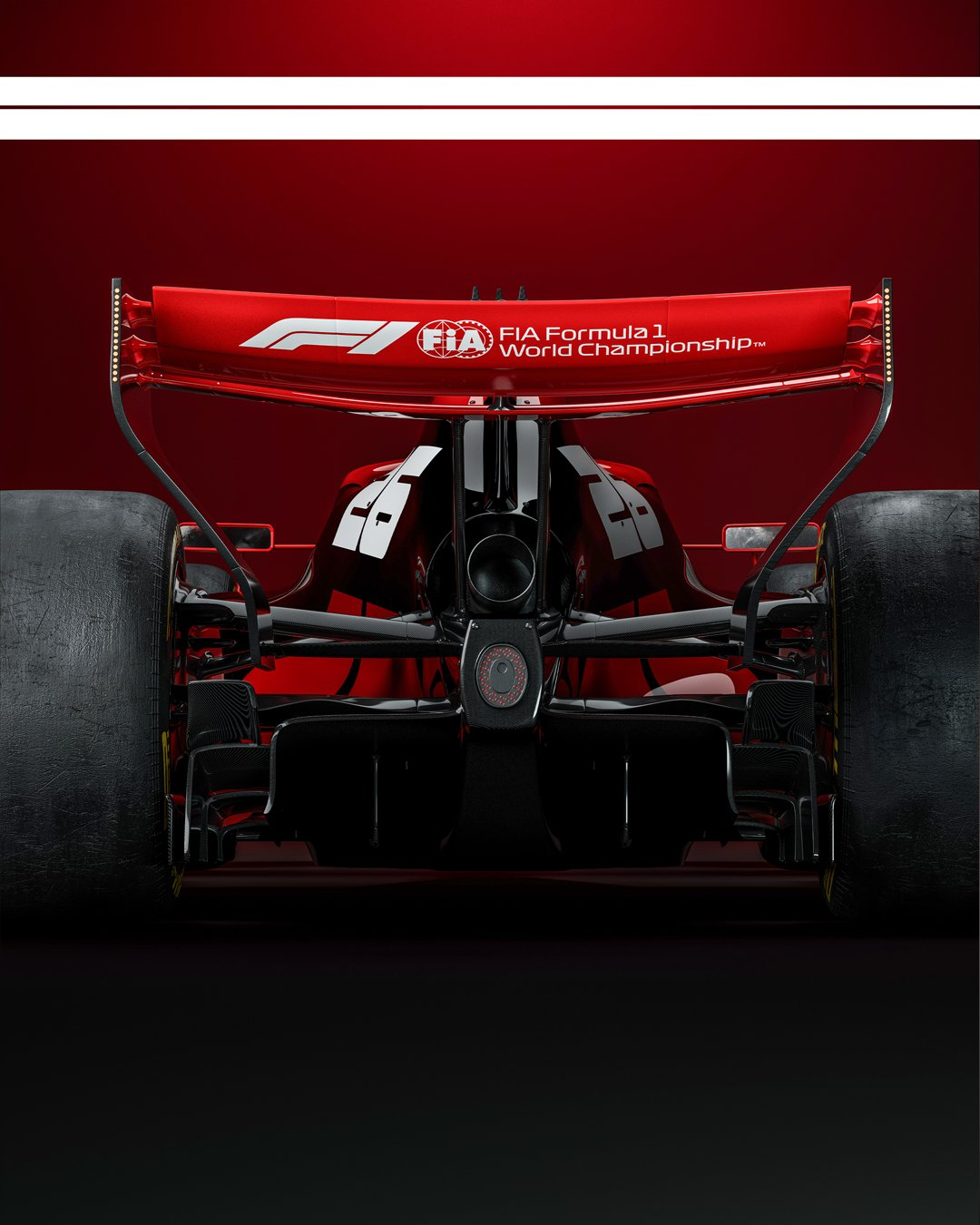
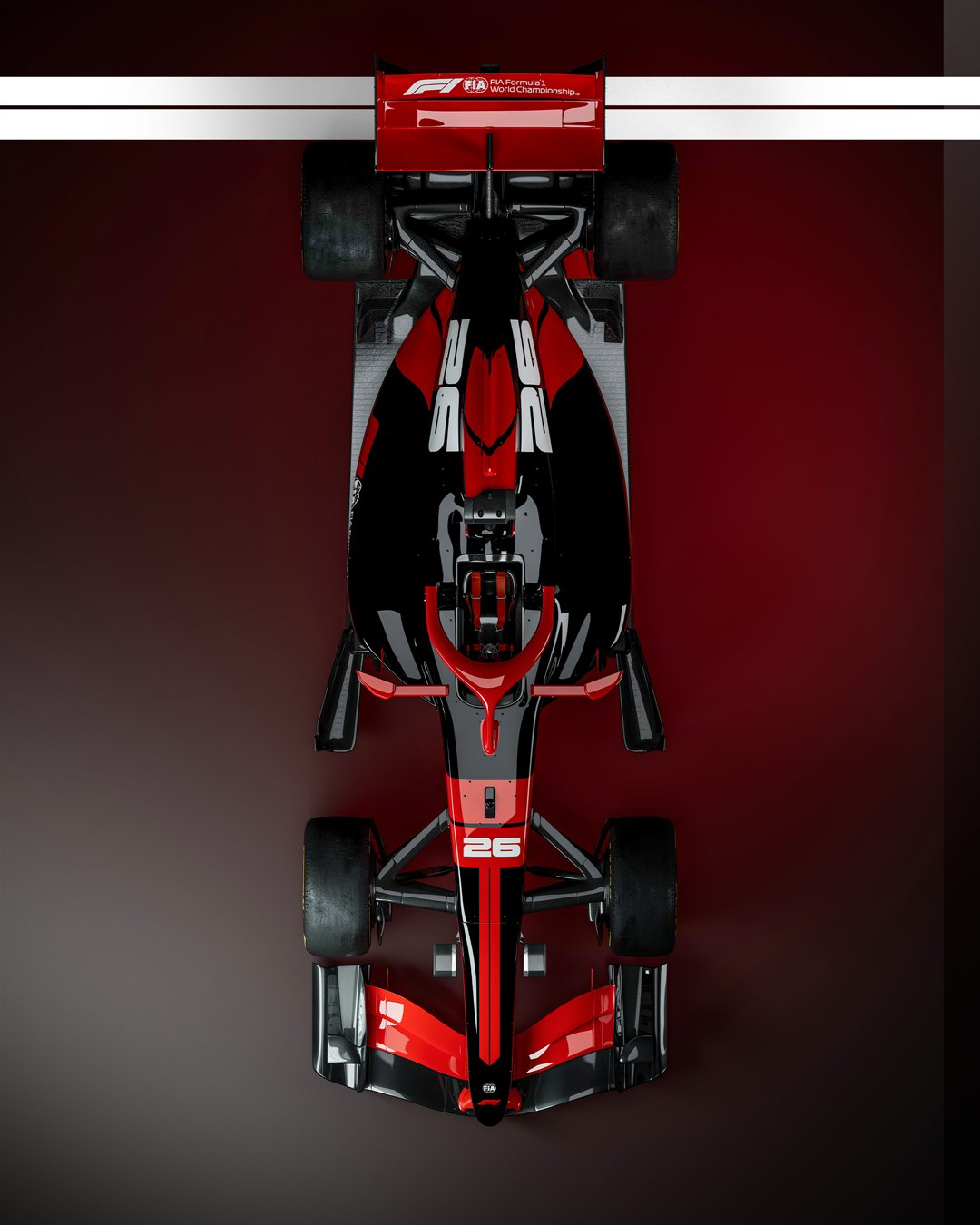
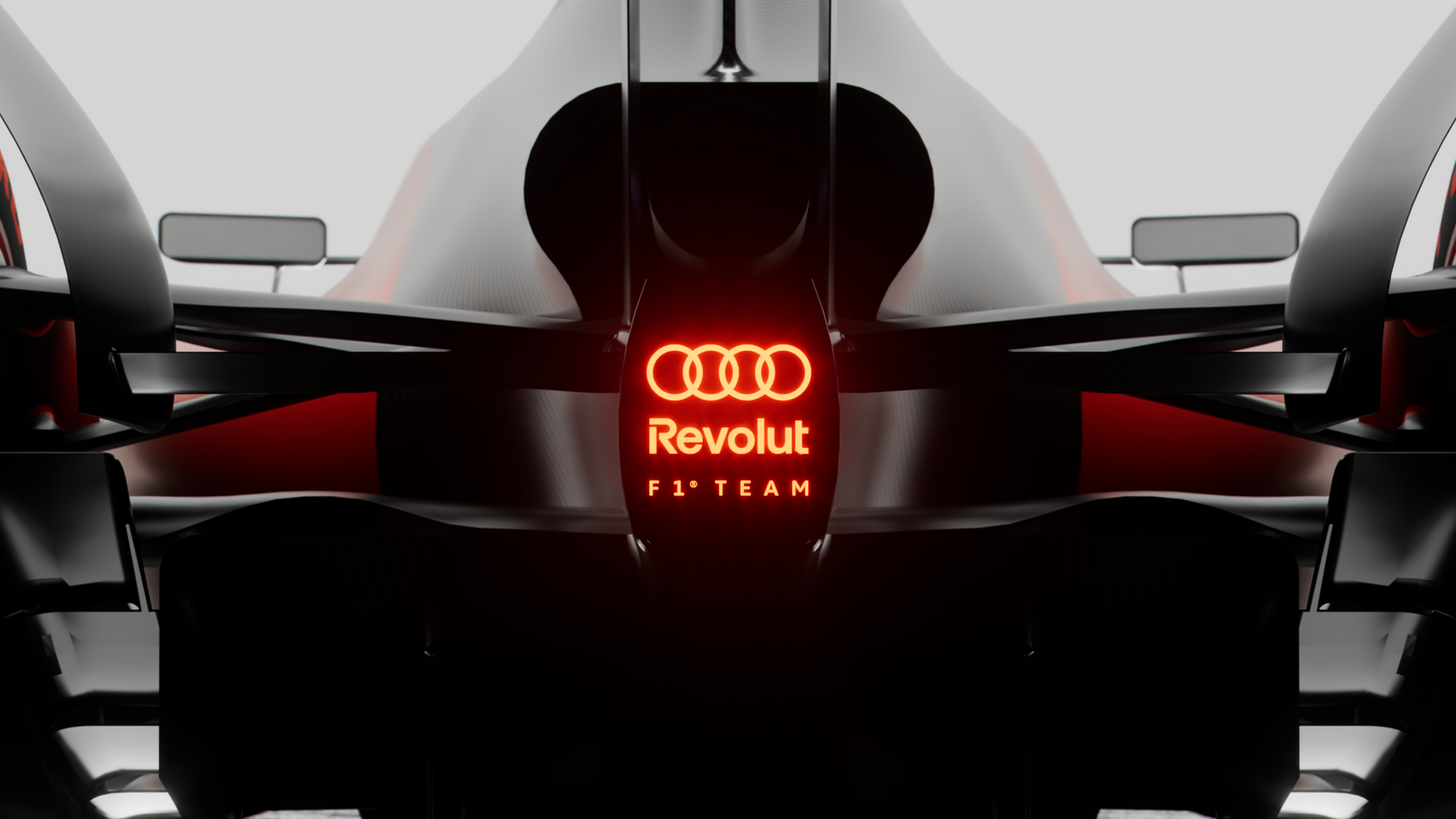
Comunicato stampa Via Formula 1.

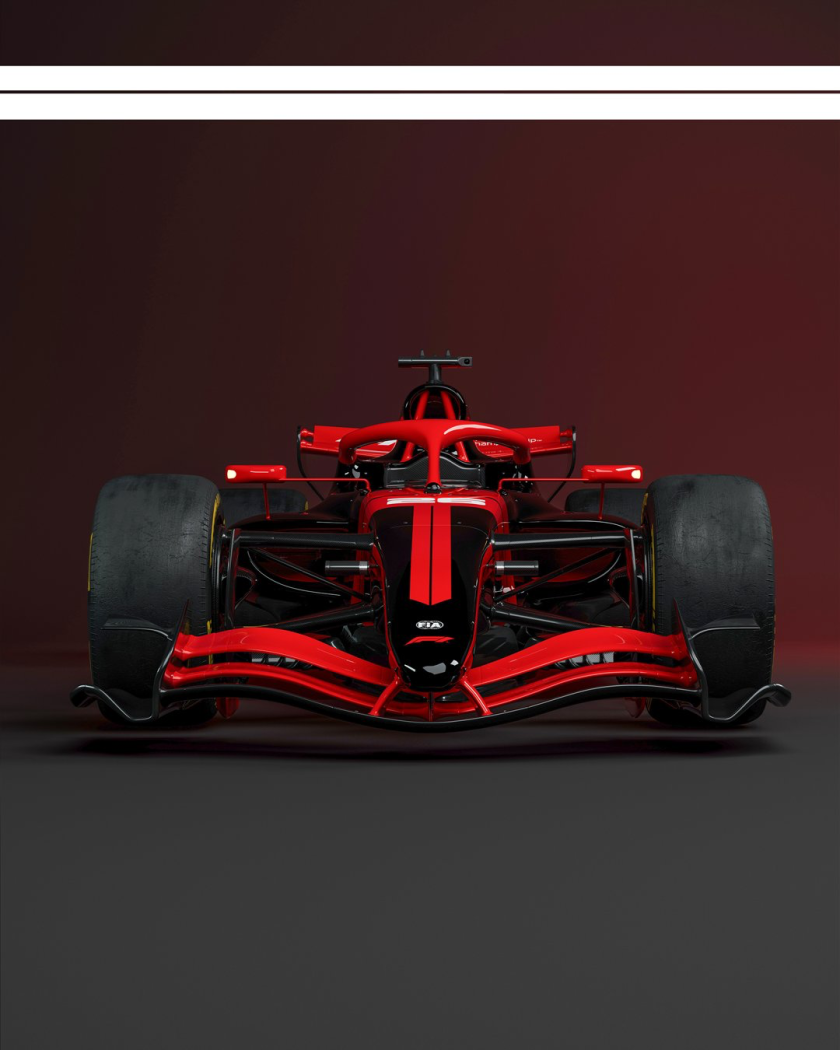
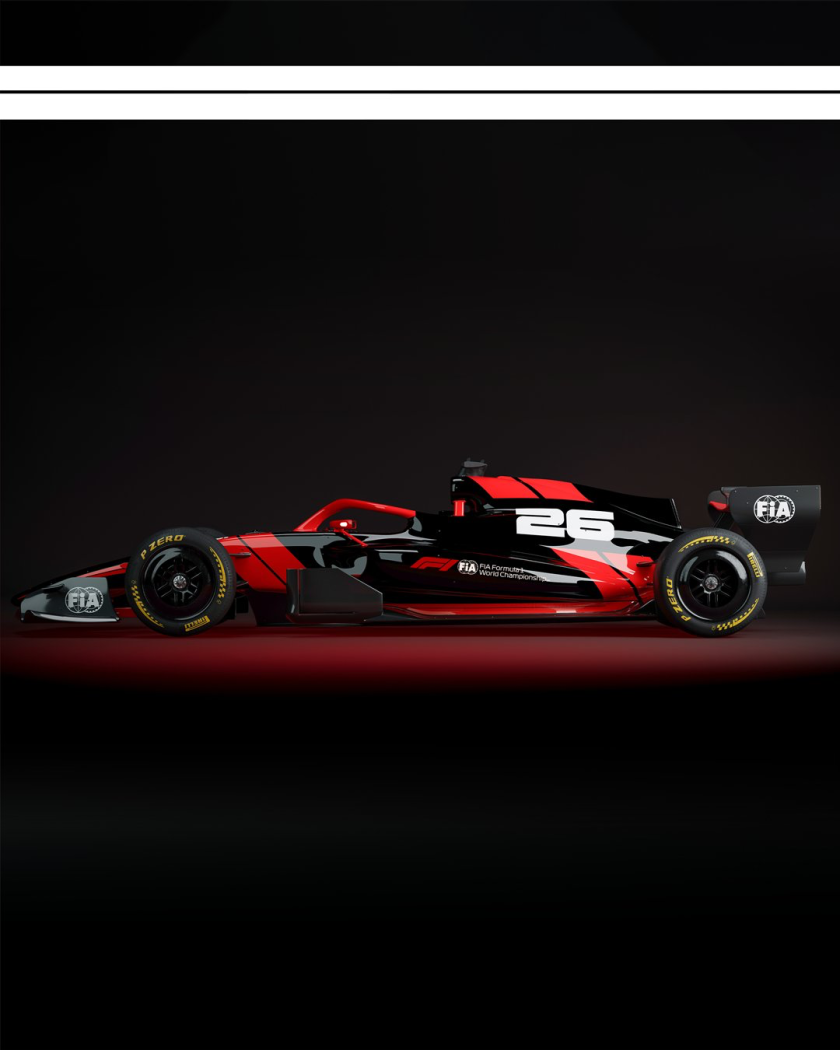
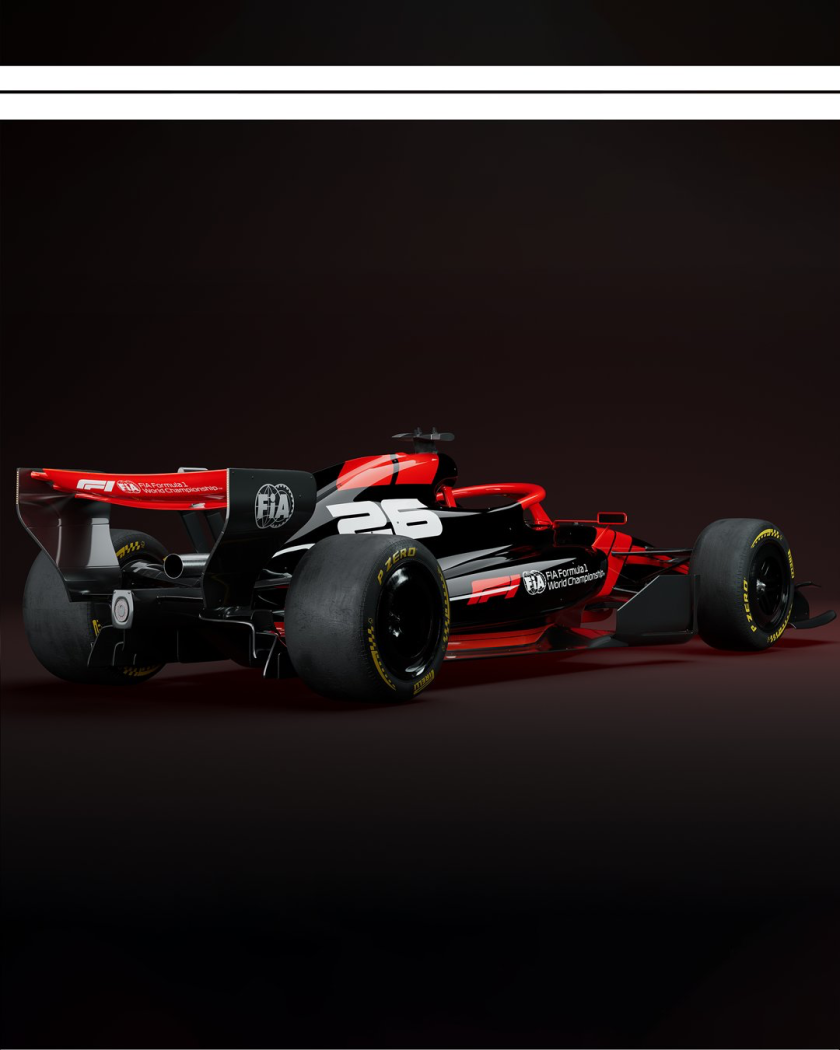
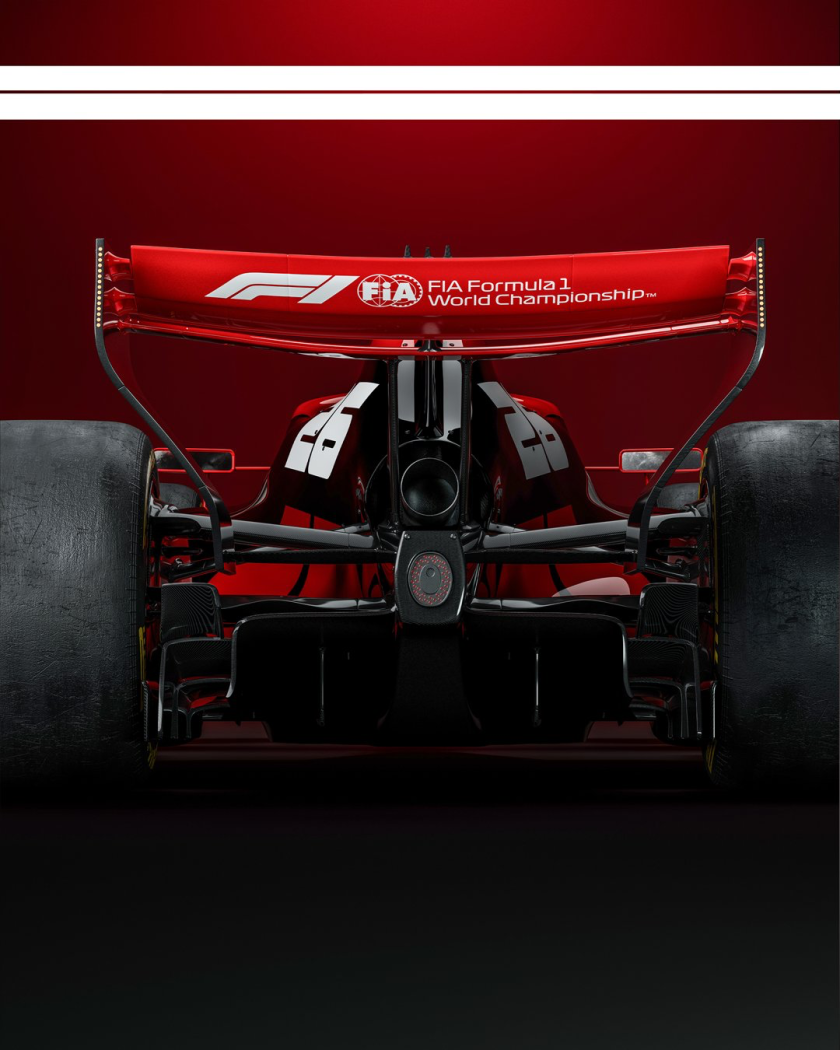
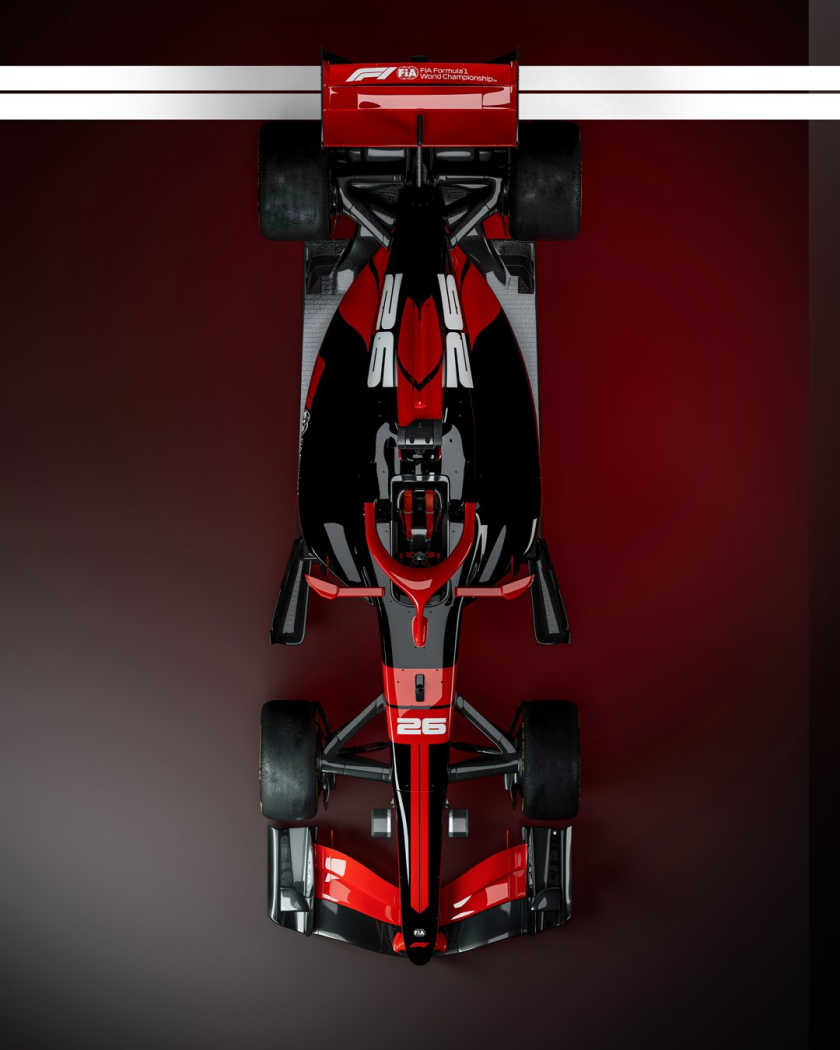
-
-
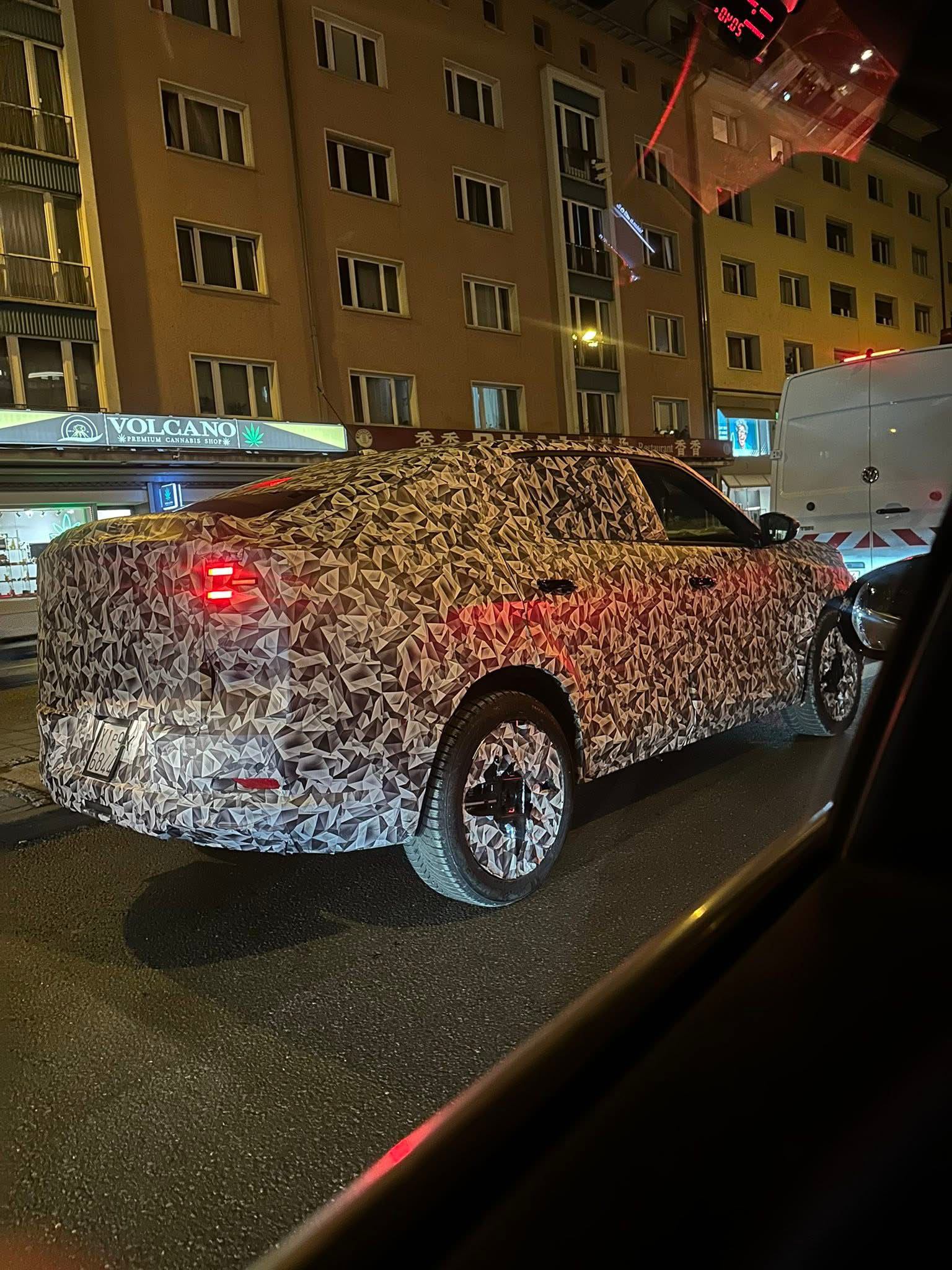
Da un gruppo FB, beccata a Francoforte:
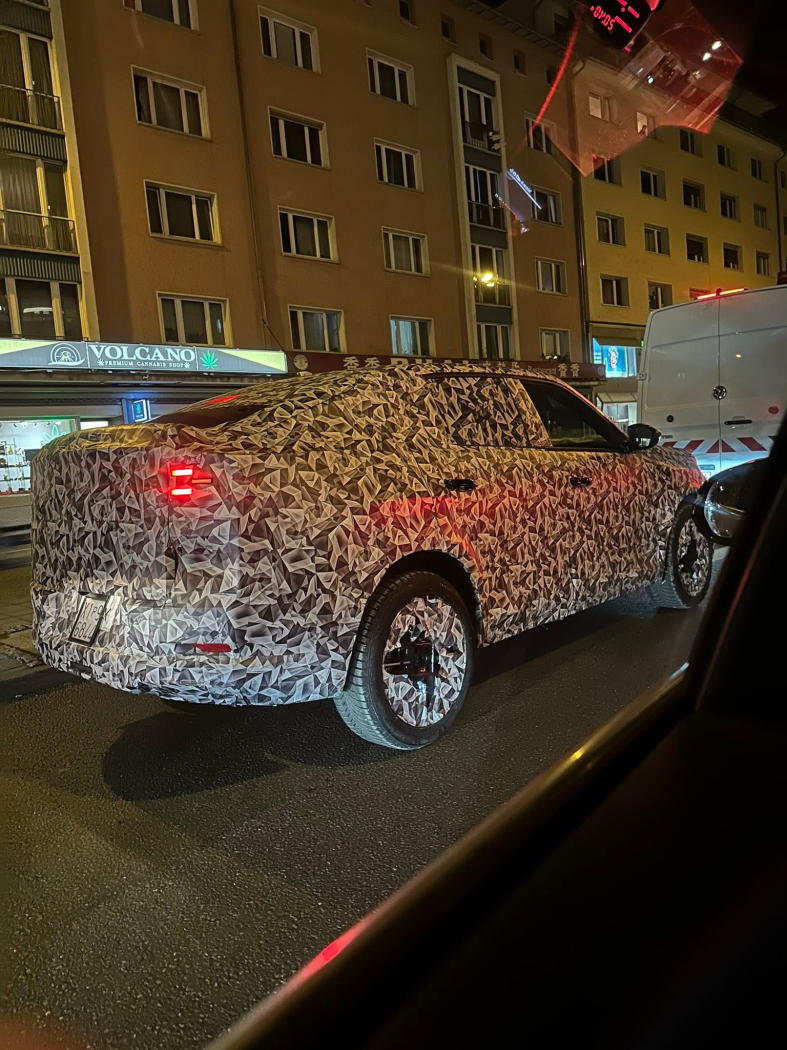
-
Autocar l'ha provata: Link all'articolo: Clicca qui! Intervista al CEO di Jaguar: Clicca qui!
-
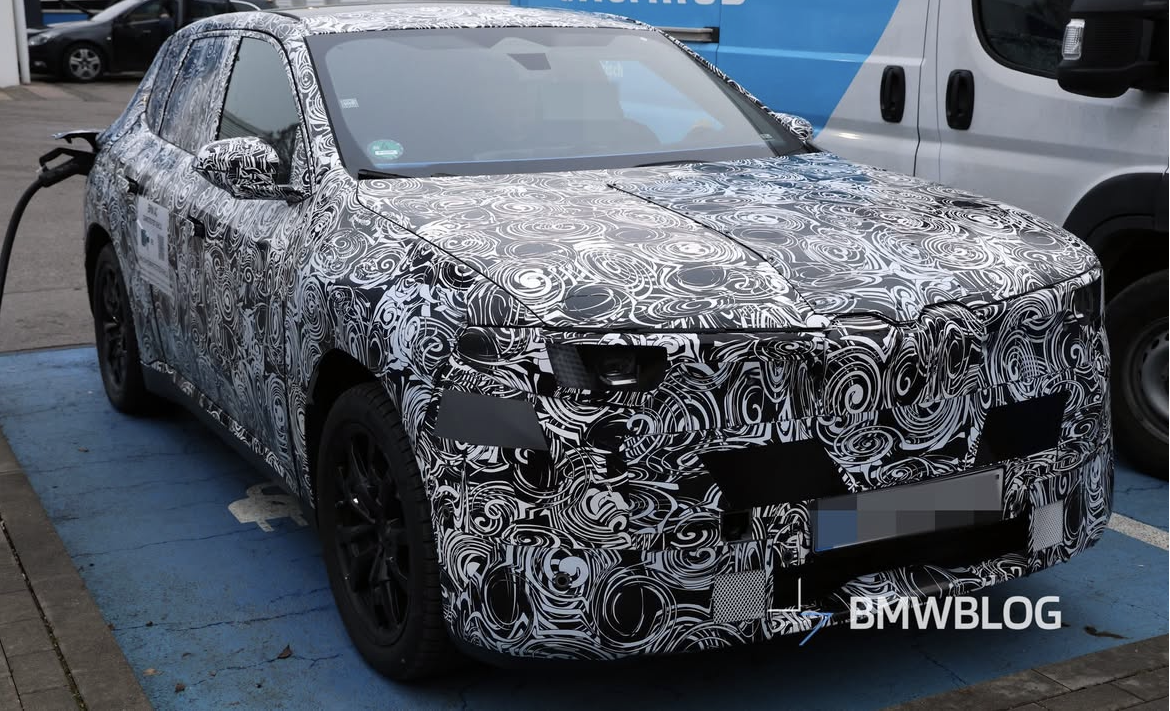
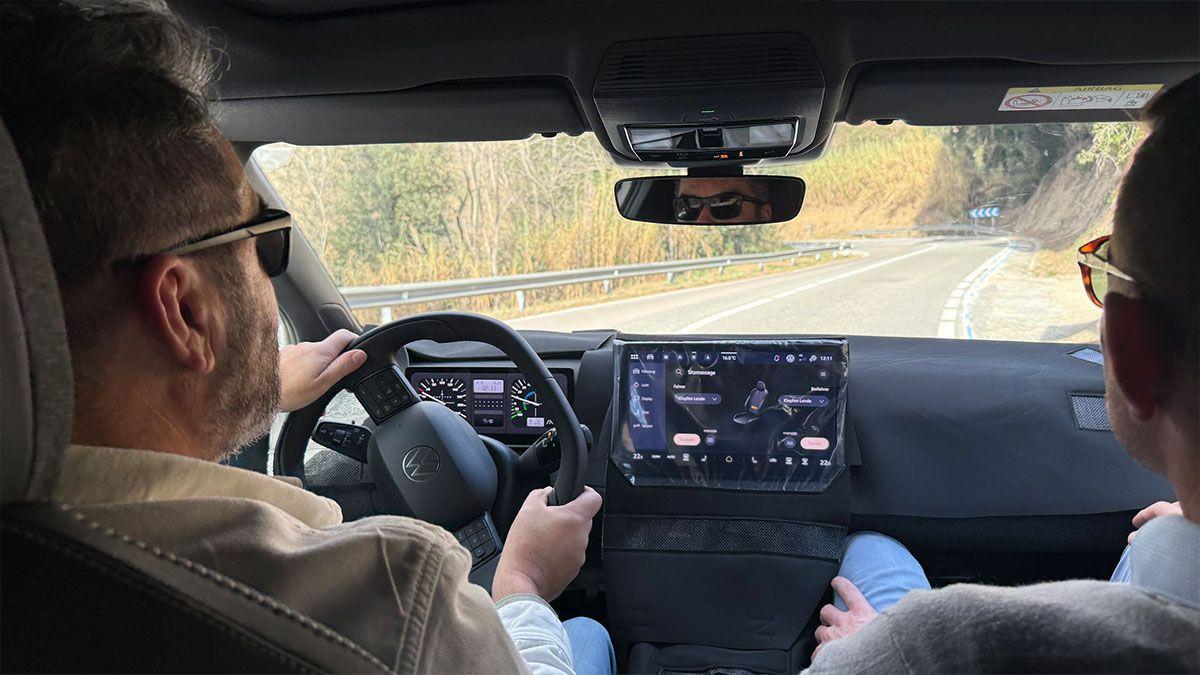
Ma alcune avranno anche il display per il passeggero?Nuove foto spia ravvicinate della iX1 NB5 con tanto di interni:
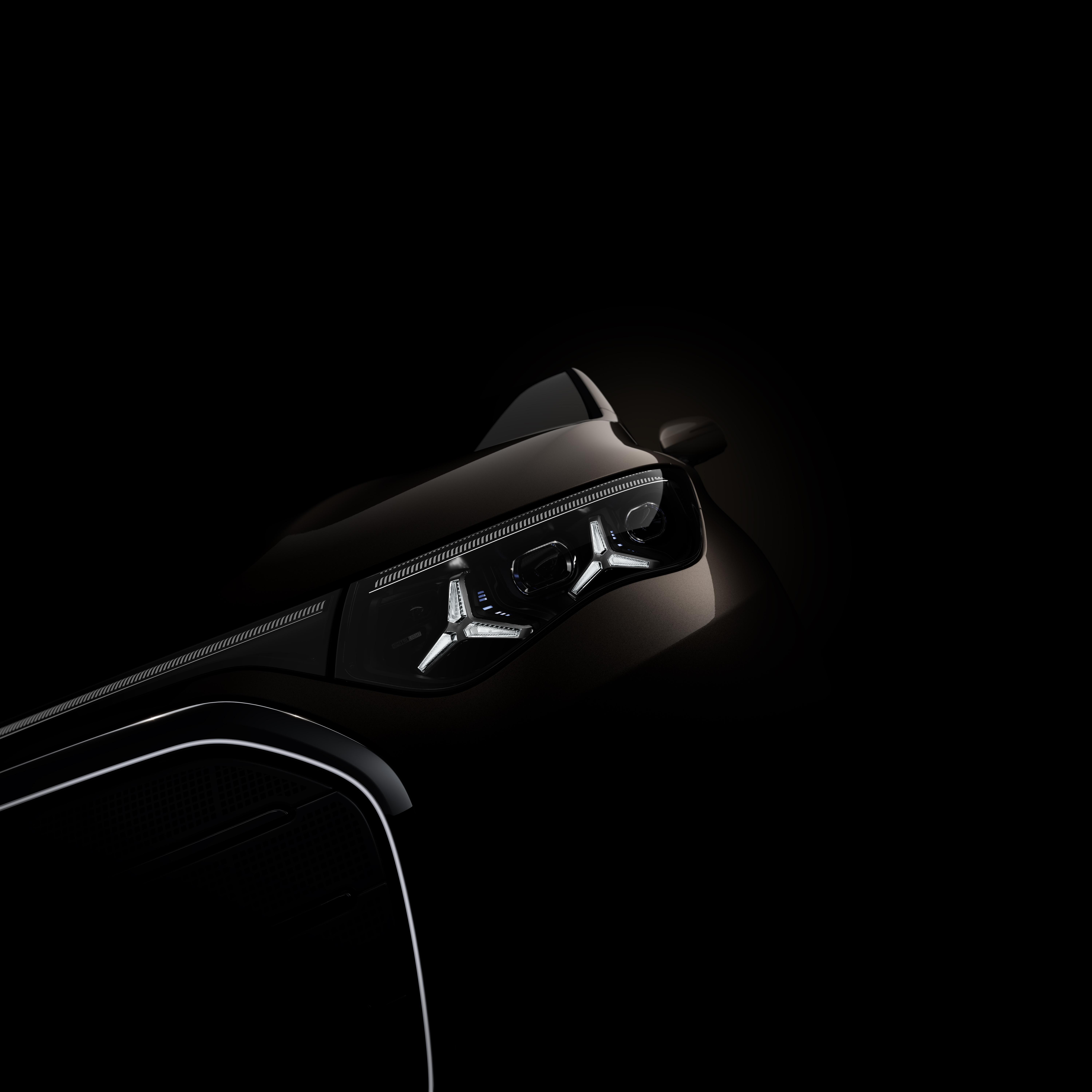
 Comunicato stampa Via Audi.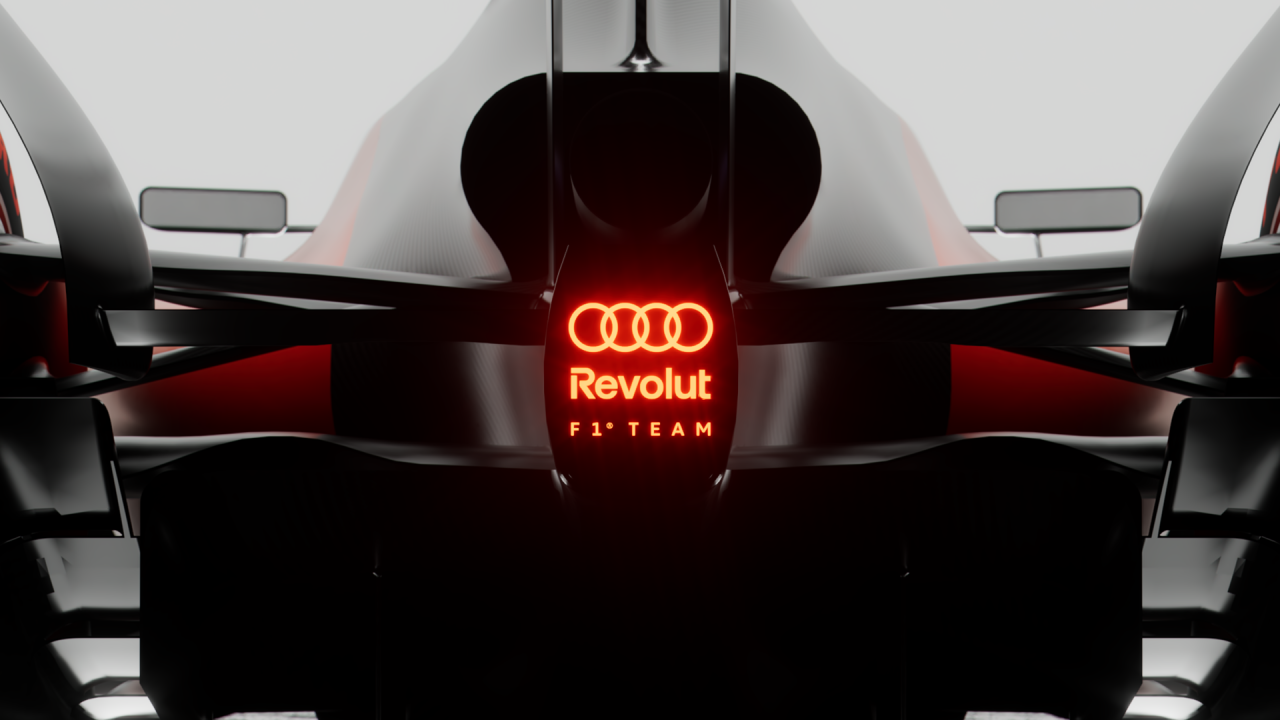
- 38 risposte
-
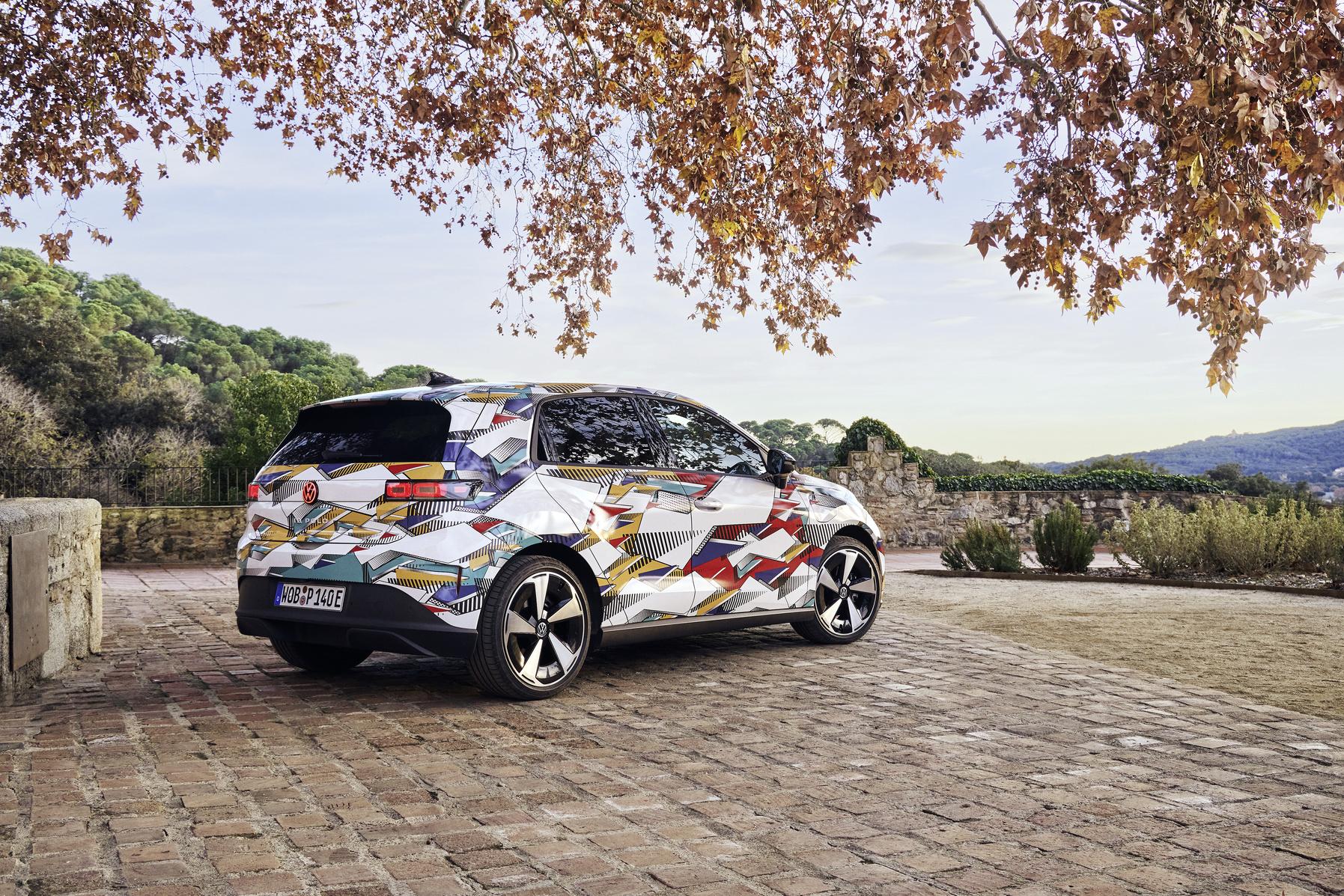
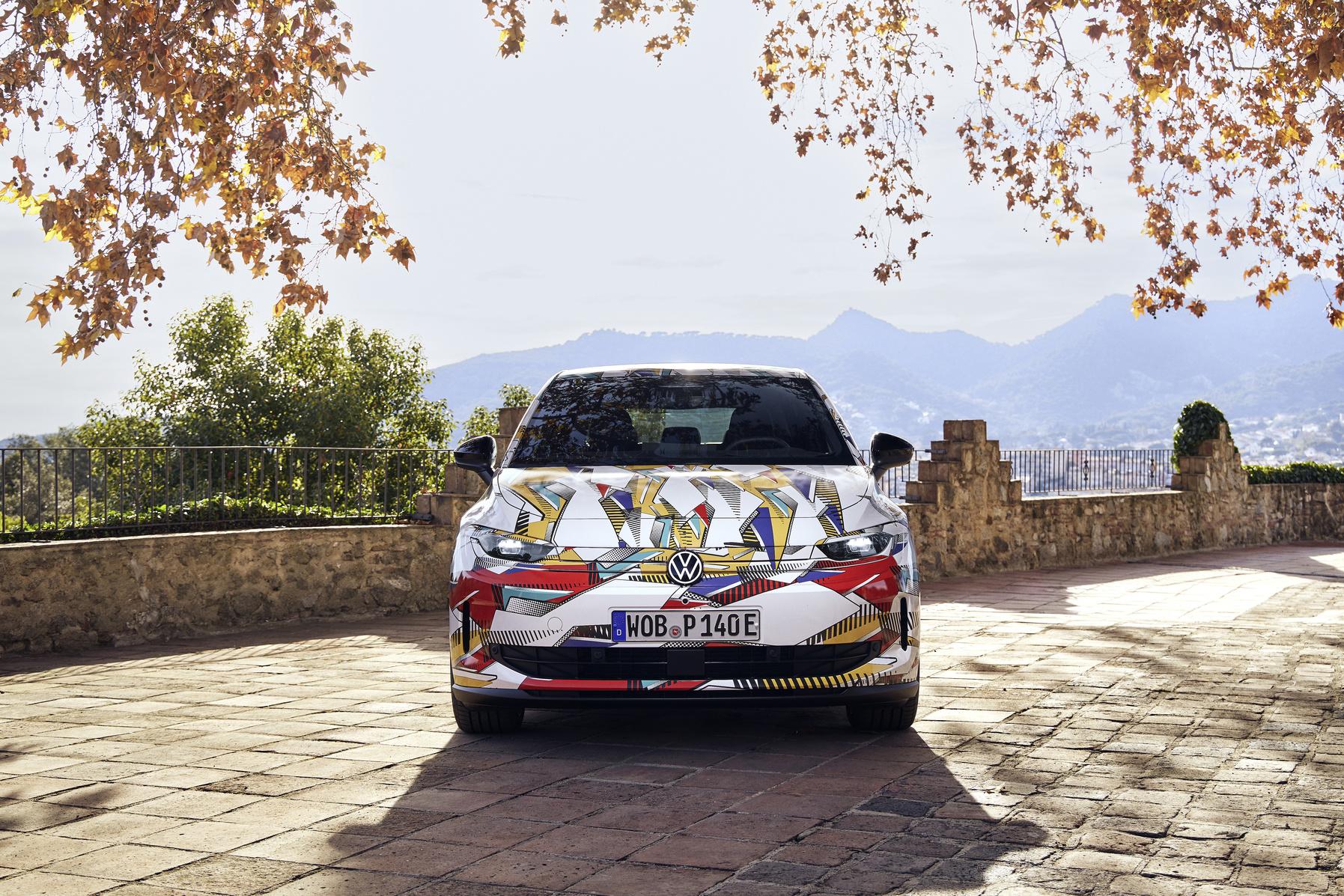
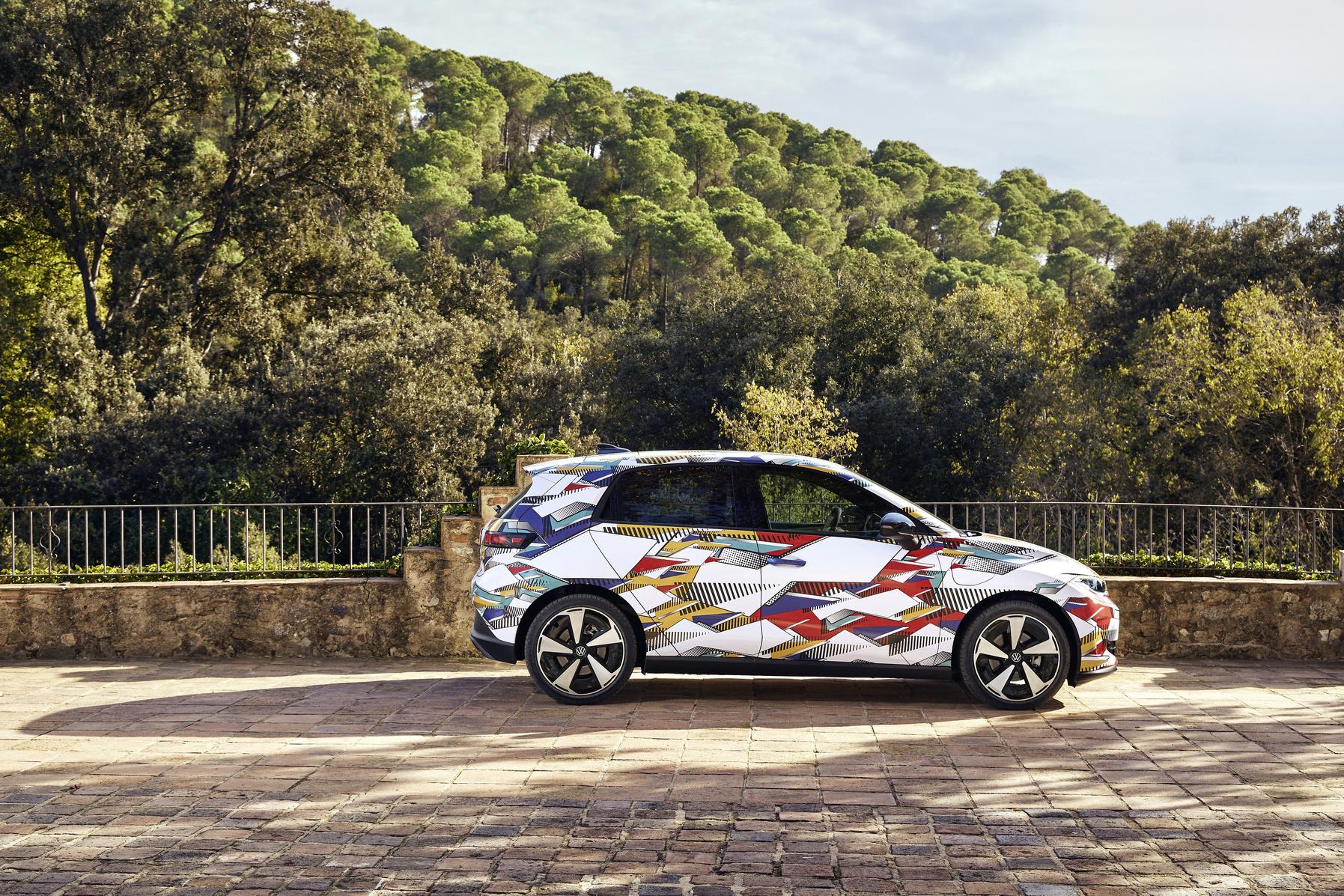
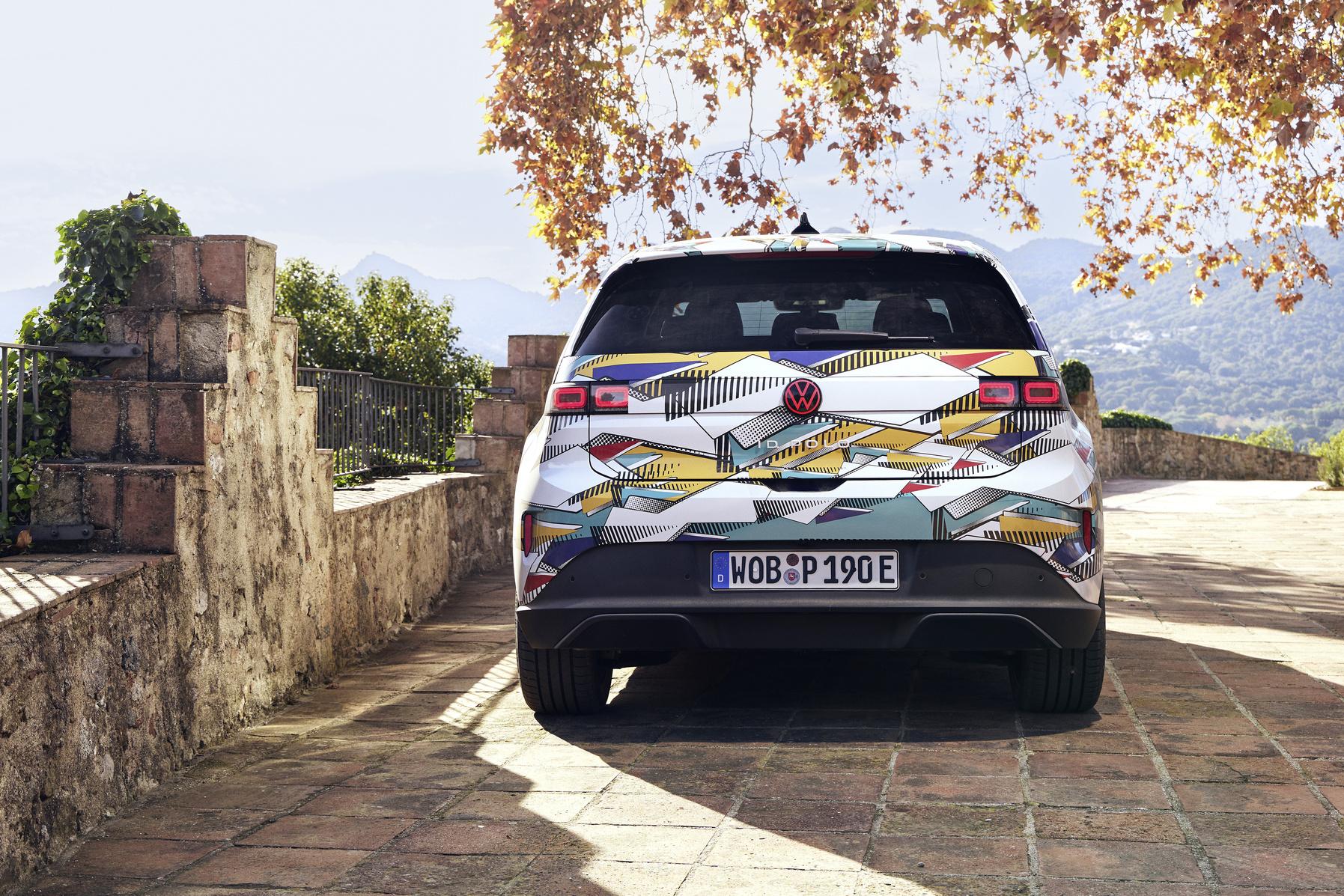
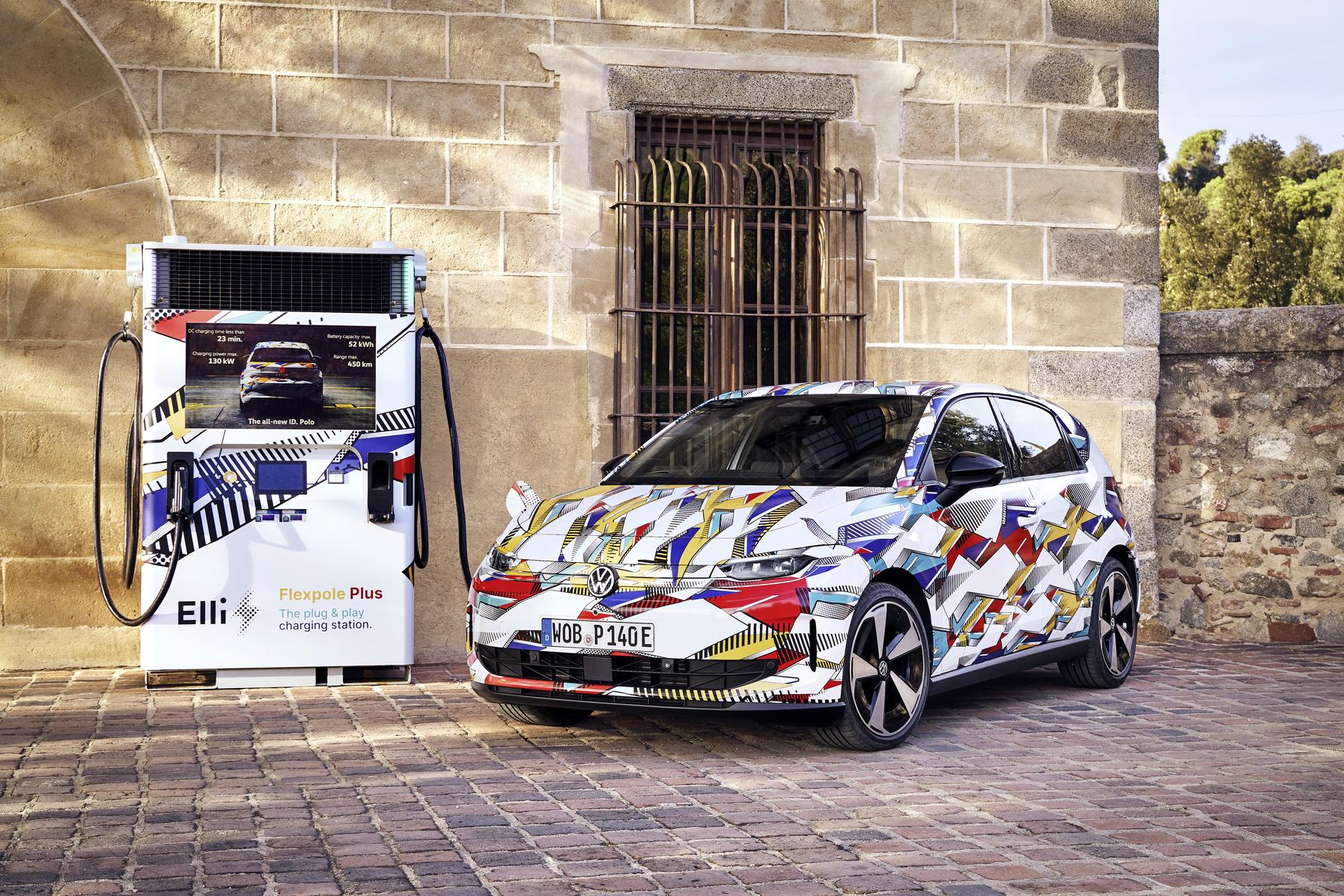
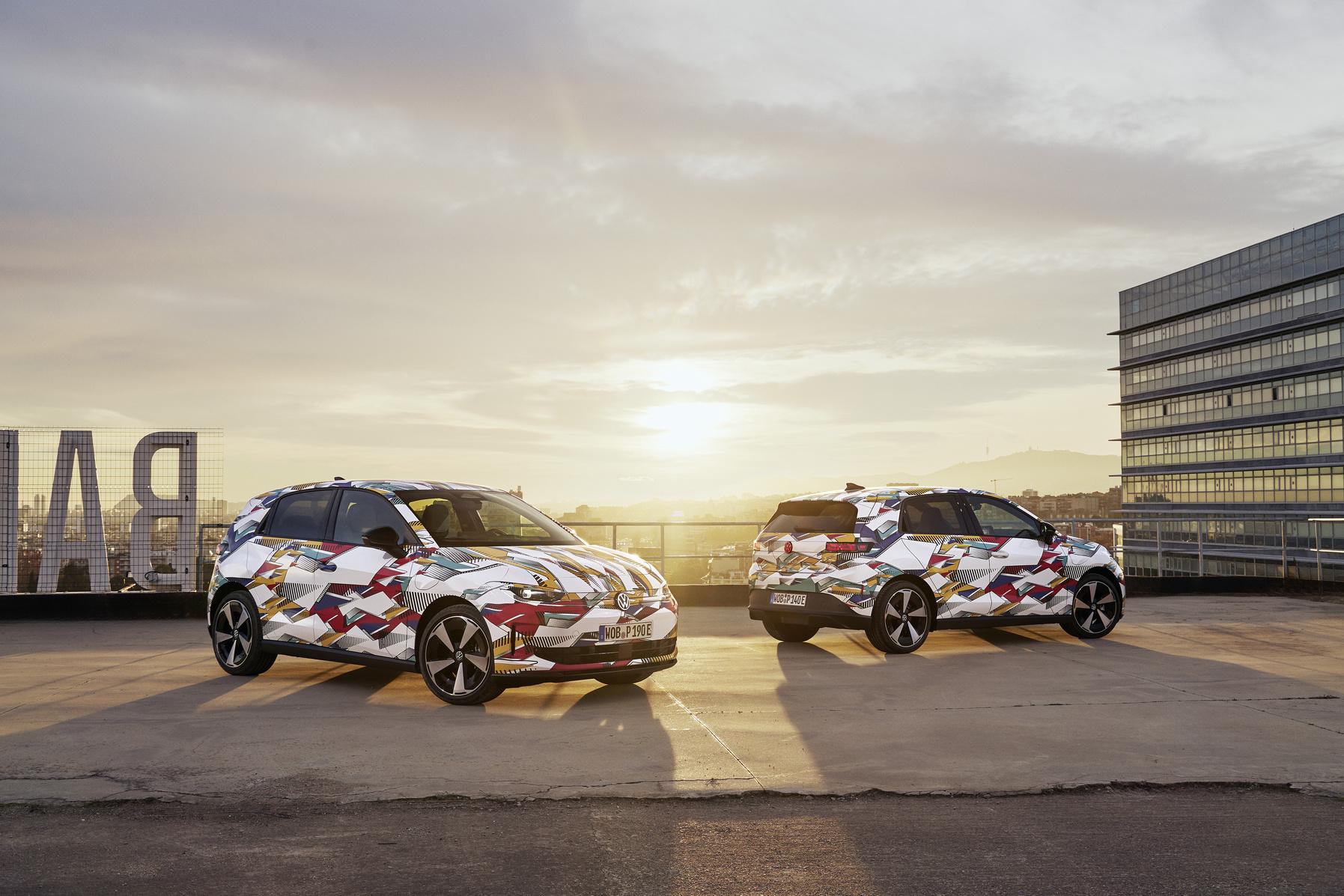
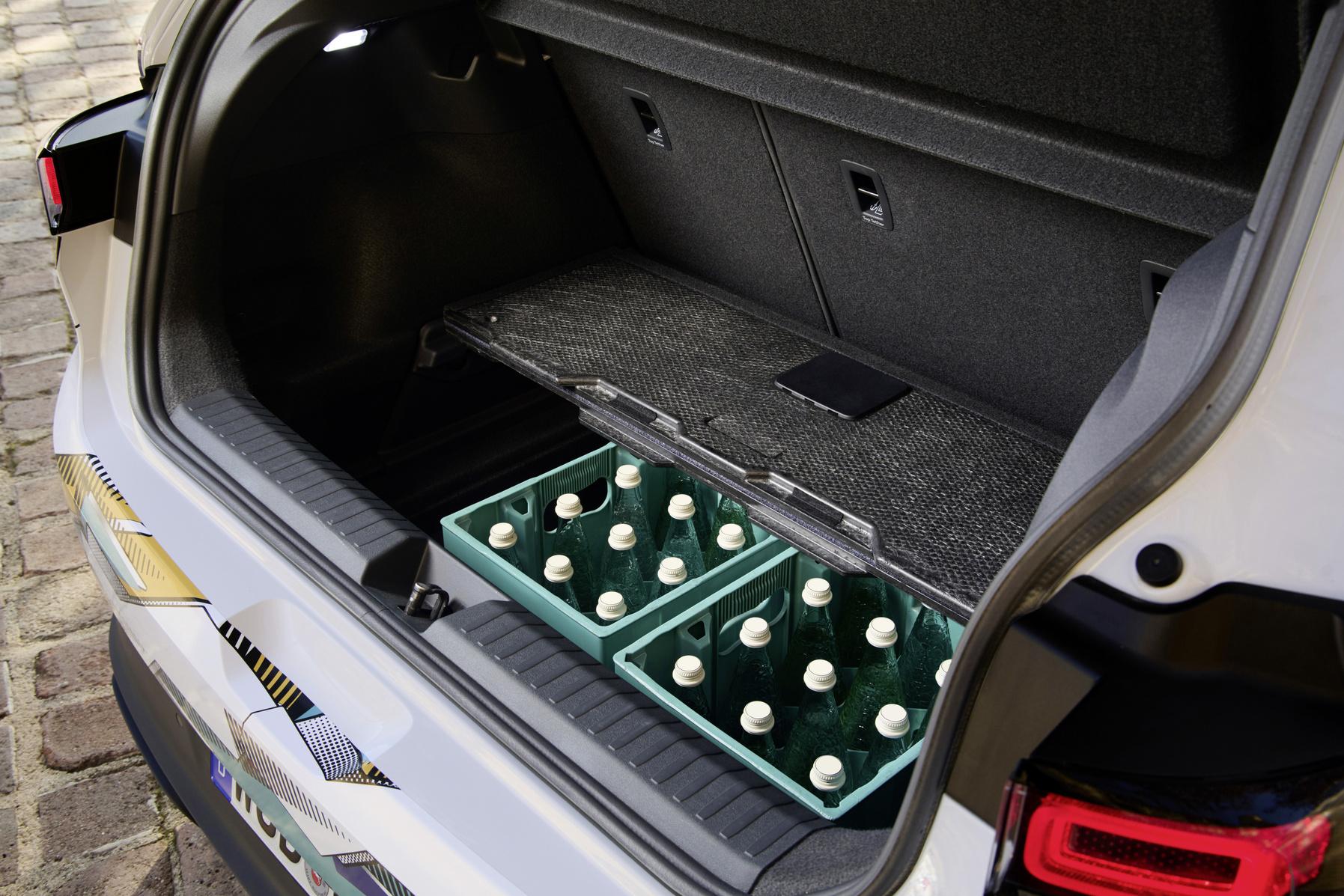
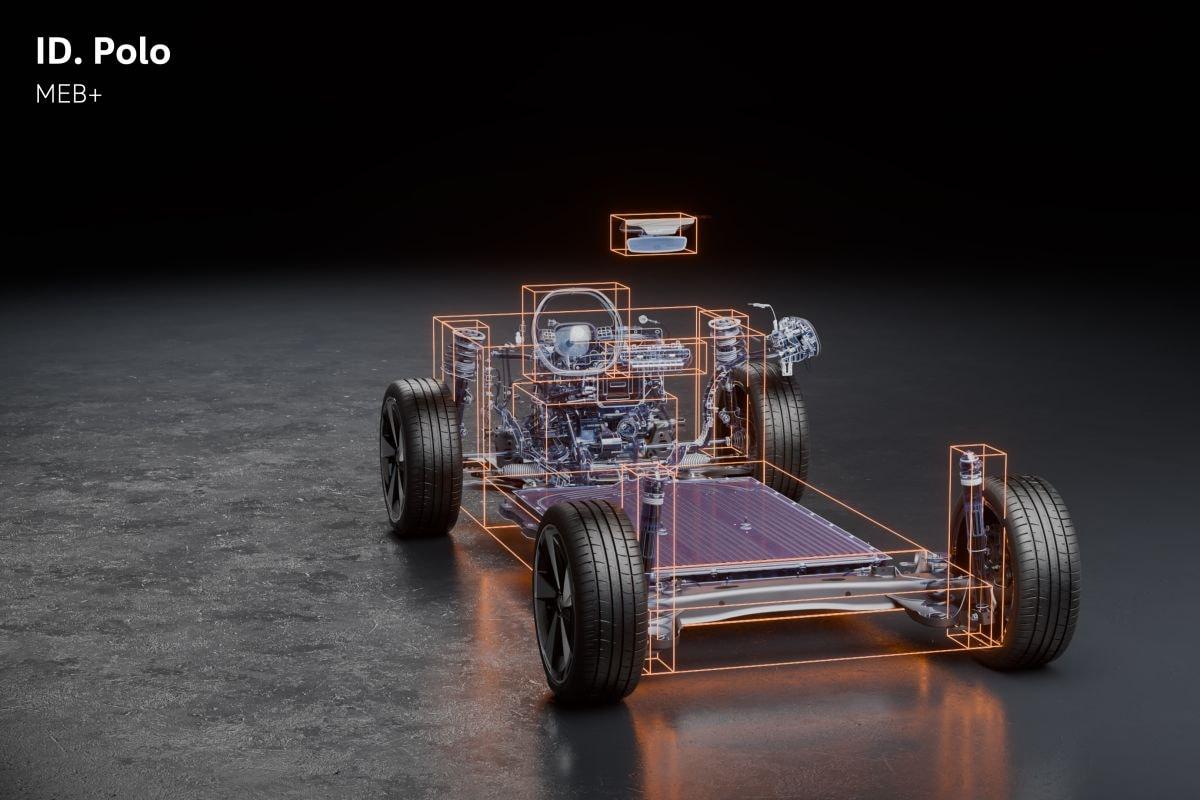
- id x
- id.2 x
- id2 x
- volkswagen
-
Taggato come:
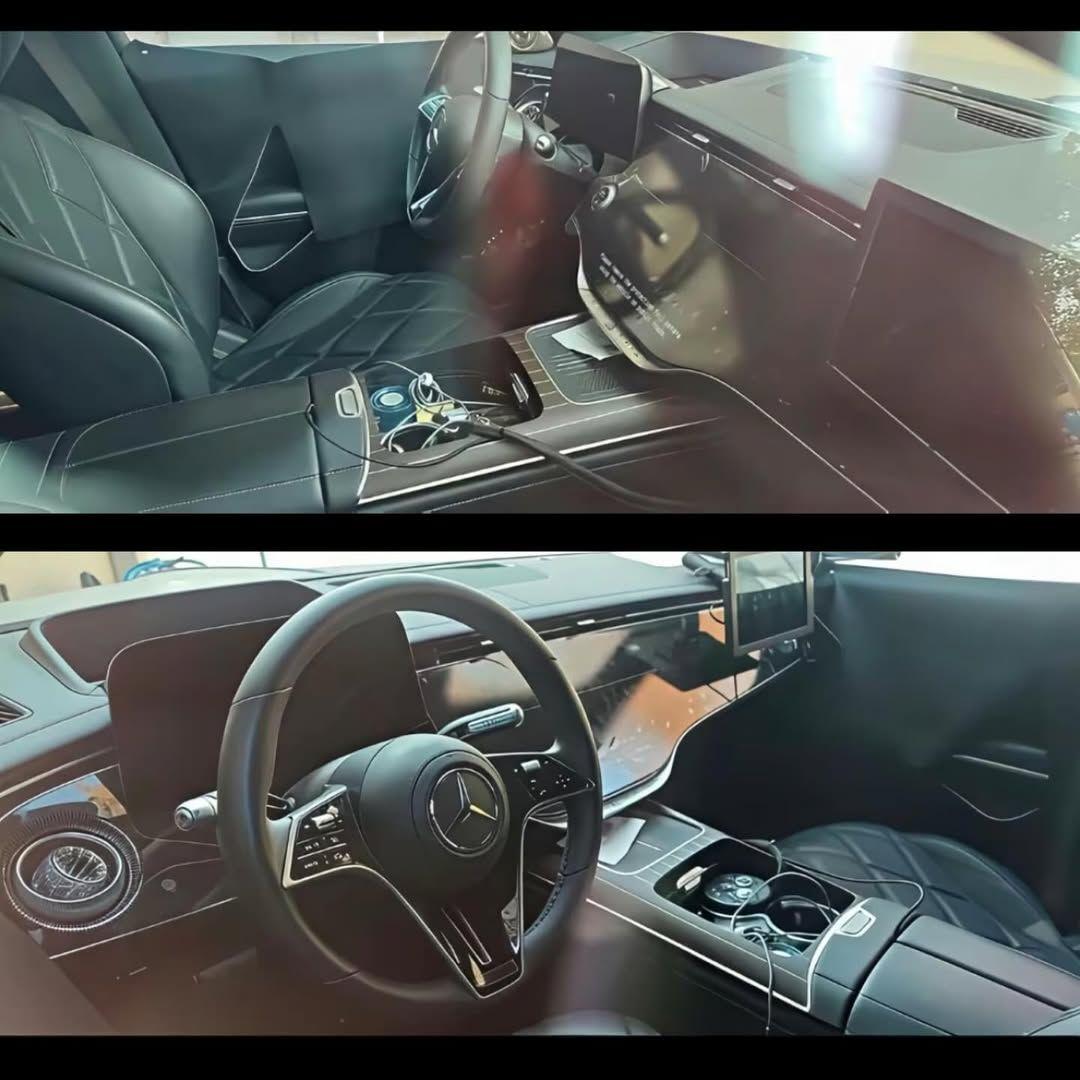
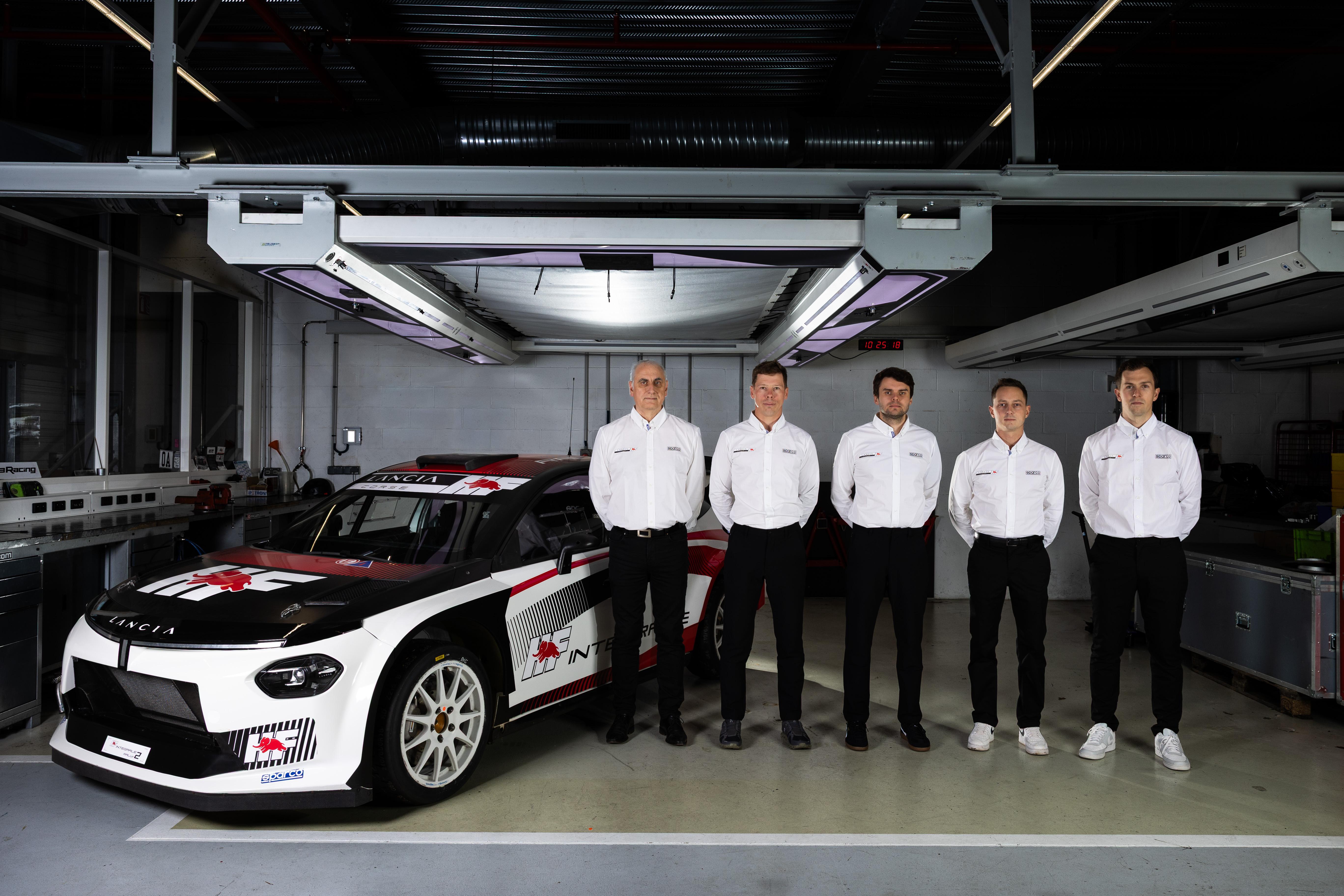
Yohan Rossel e Nikolay Gryazin sono i piloti ufficiali del Team Lancia Corse HF nel WRC2. Comunicato stampa Via Lancia.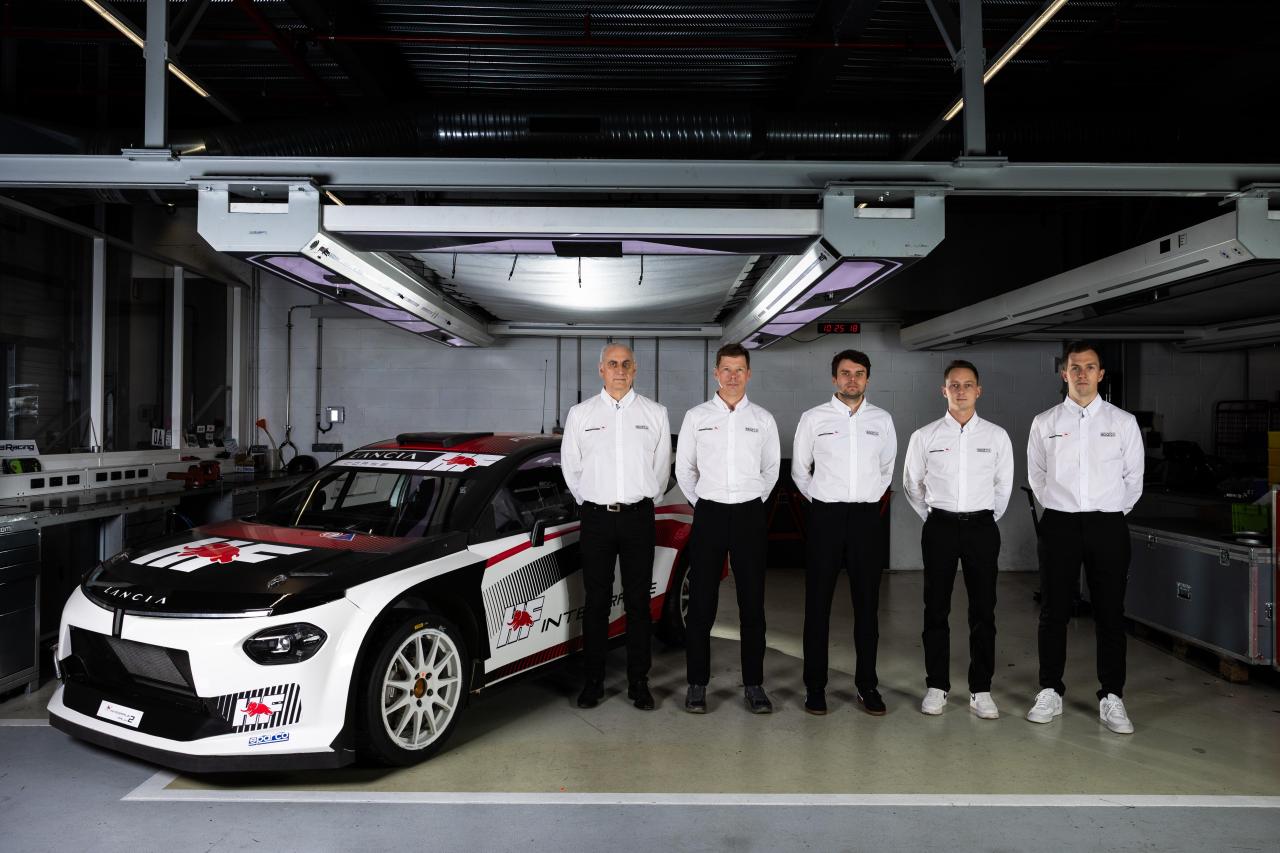 Un paio di info da Bimmerpost: SOP 09/27; le motorizzazioni della X7 dovrebbero essere 40 xDrive, 40d xDrive ed M60 xDrive; le motorizzazioni della iX7 dovrebbero essere 50 xDrive, 60 xDrive ed M70 xDrive; la versione Alpina (G69) includerà X7 40 xDrive, 60 xDrive e la iX7 100 xDrive; avrà una dotazione ancora più luxury rispetto la G07, ad esempio le porte che si aprono e chiudono in automatico come optional (mentre ci sarà solo il soft close di serie), light carpet, ventilazione e massaggio anche sui posti posteriori e rear seat entertainment; la terza fila di sedili sarà optional nelle versioni 40 e standard su tutte le altre con la sceltra tra 6 o 7 posti, mentre l'Alpina forse avrà solo i 5 posti. Foto spia della M60 al 'Ring:Altre immagini degli esterni:Ecco gli interni:
(1)(1).thumb.png.635c059adfaa3a2ca27f86ab608b04ba.png)





![VAG Hug [Trolling Mode]](https://www.autopareri.com/uploads/reactions/Volkswagencare.png.d8857dae0567cc6602dfdb1c9cbeb700.png)
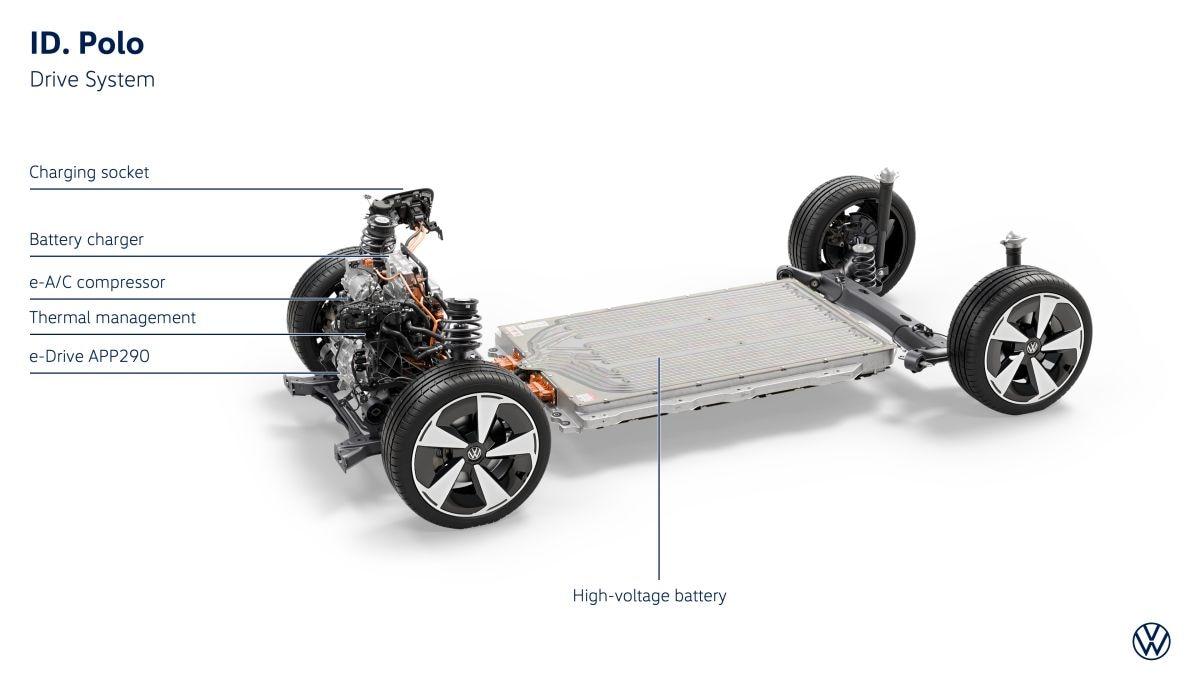
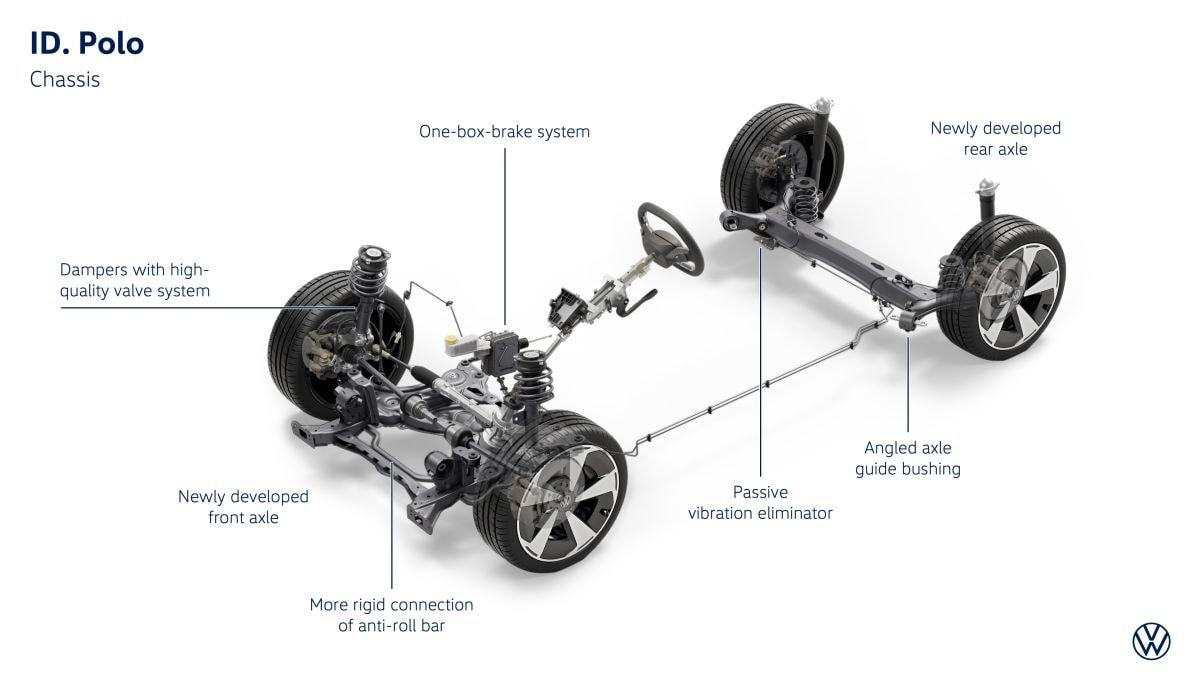
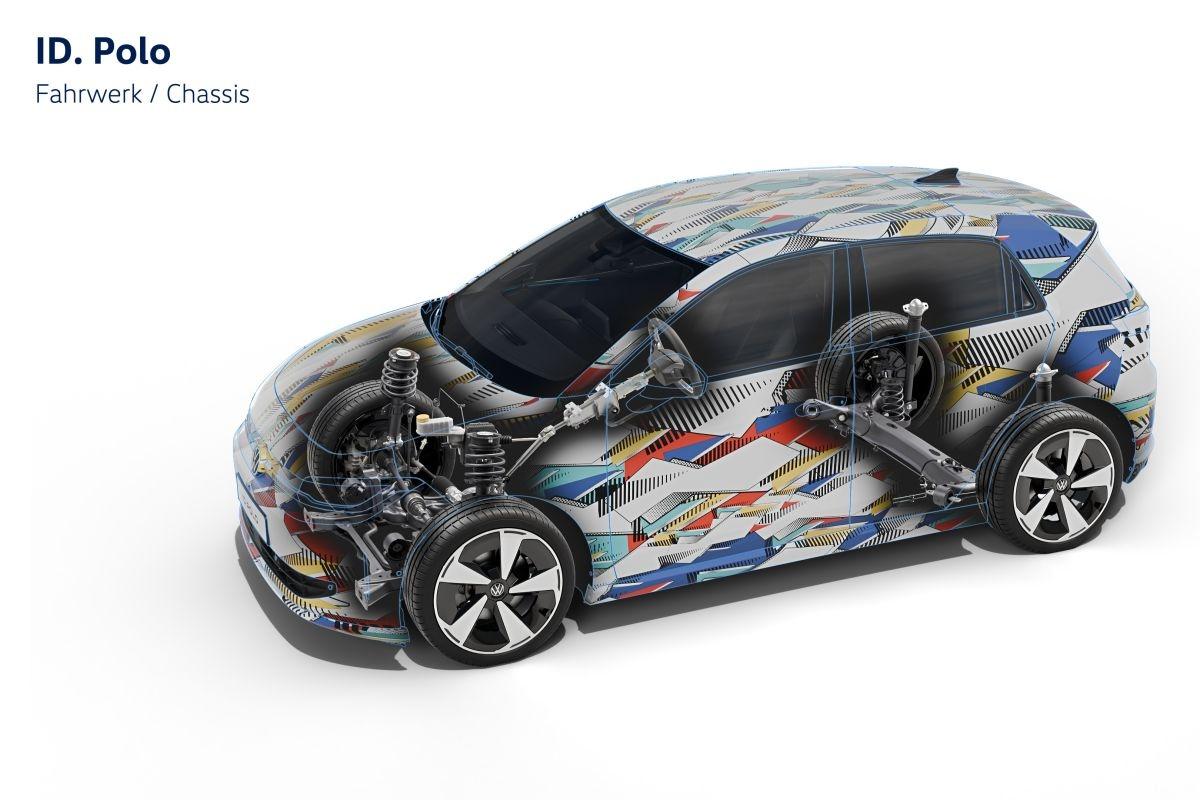
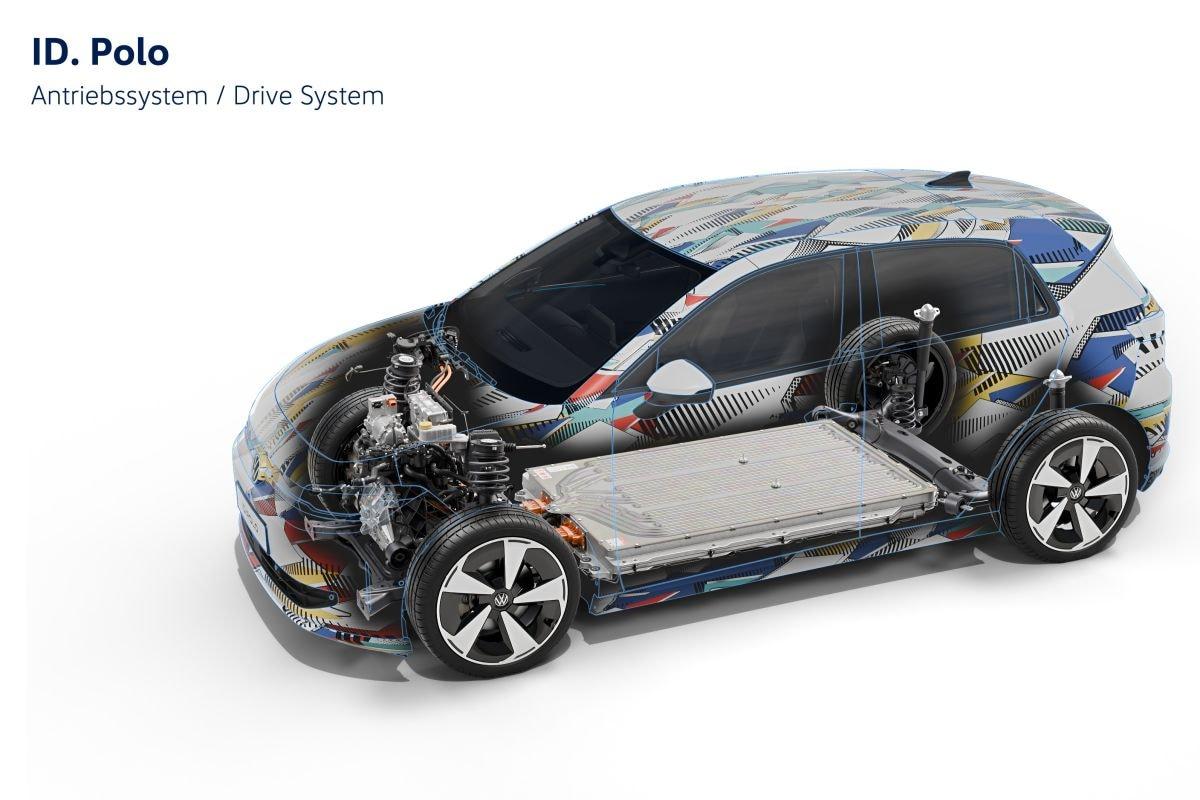



Account
Navigation
Cerca
Configure browser push notifications
Chrome (Android)
- Tap the lock icon next to the address bar.
- Tap Permissions → Notifications.
- Adjust your preference.
Chrome (Desktop)
- Click the padlock icon in the address bar.
- Select Site settings.
- Find Notifications and adjust your preference.
Safari (iOS 16.4+)
- Ensure the site is installed via Add to Home Screen.
- Open Settings App → Notifications.
- Find your app name and adjust your preference.
Safari (macOS)
- Go to Safari → Preferences.
- Click the Websites tab.
- Select Notifications in the sidebar.
- Find this website and adjust your preference.
Edge (Android)
- Tap the lock icon next to the address bar.
- Tap Permissions.
- Find Notifications and adjust your preference.
Edge (Desktop)
- Click the padlock icon in the address bar.
- Click Permissions for this site.
- Find Notifications and adjust your preference.
Firefox (Android)
- Go to Settings → Site permissions.
- Tap Notifications.
- Find this site in the list and adjust your preference.
Firefox (Desktop)
- Open Firefox Settings.
- Search for Notifications.
- Find this site in the list and adjust your preference.