





j
Reporter (Staff)
-
Iscritto il
Tutti i contenuti di j
-
-
Si vede purtroppo che è stata fatta di fretta e senza poter toccare più di tanto la base e quindi si porta dietro gli stessi difetti della Temerario (che purtroppo ho la sfortuna di vedere spesso dal vivo). Il frontale è troppo basso e la coda troppo alta che sa comunque molto di Lamborghini. Dentro ottimo lavoro invece
-
-
Ci pensavo anch'io giusto l'altro giorno all'accordo preliminare con Audi per usare la piattaforma della Q7, insieme alle occasioni mancate delle Mini su base Mito a Mirafiori e le Mercedes Classe A e B a Cassino su Bravo. Tutte cose che furono valutate con tanto memorandum ufficiali e di cui poi non se ne fece nulla
-
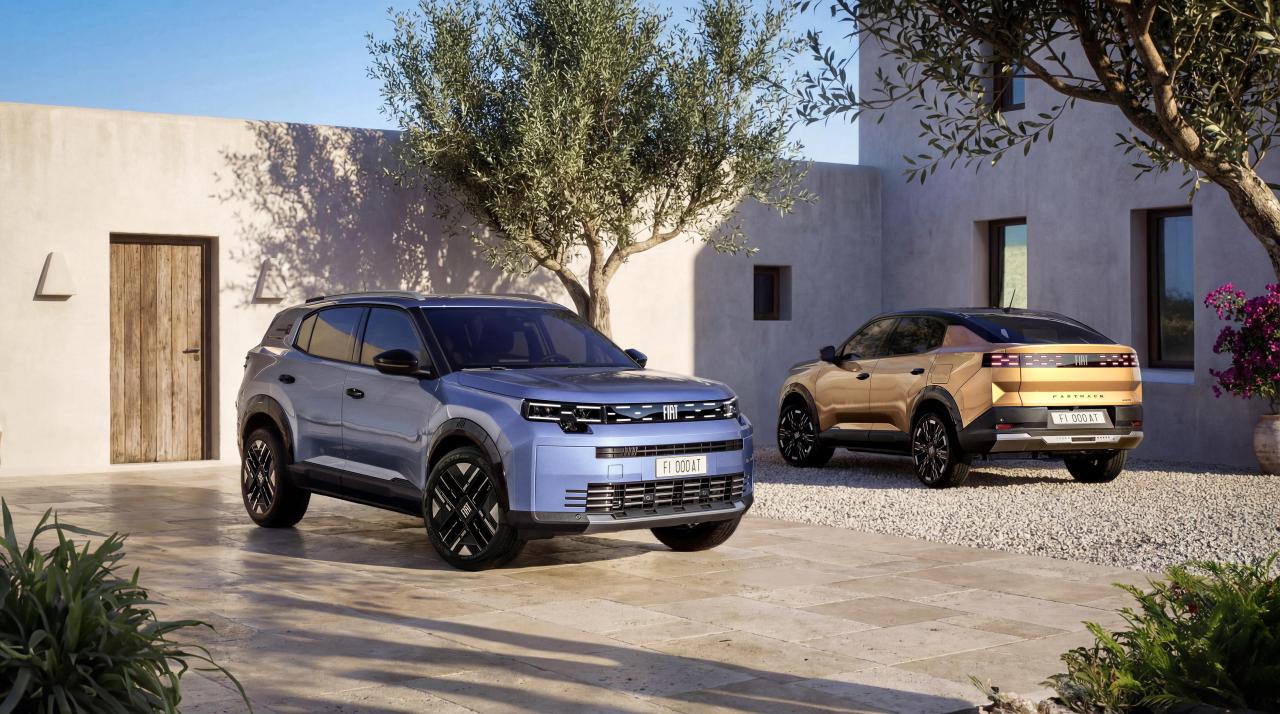
 Sperano che con un tocco McLaren di risolvete i problemi?Praticamente hanno corso nei luoghi che hanno ispirato Myazaki per La Città Incantata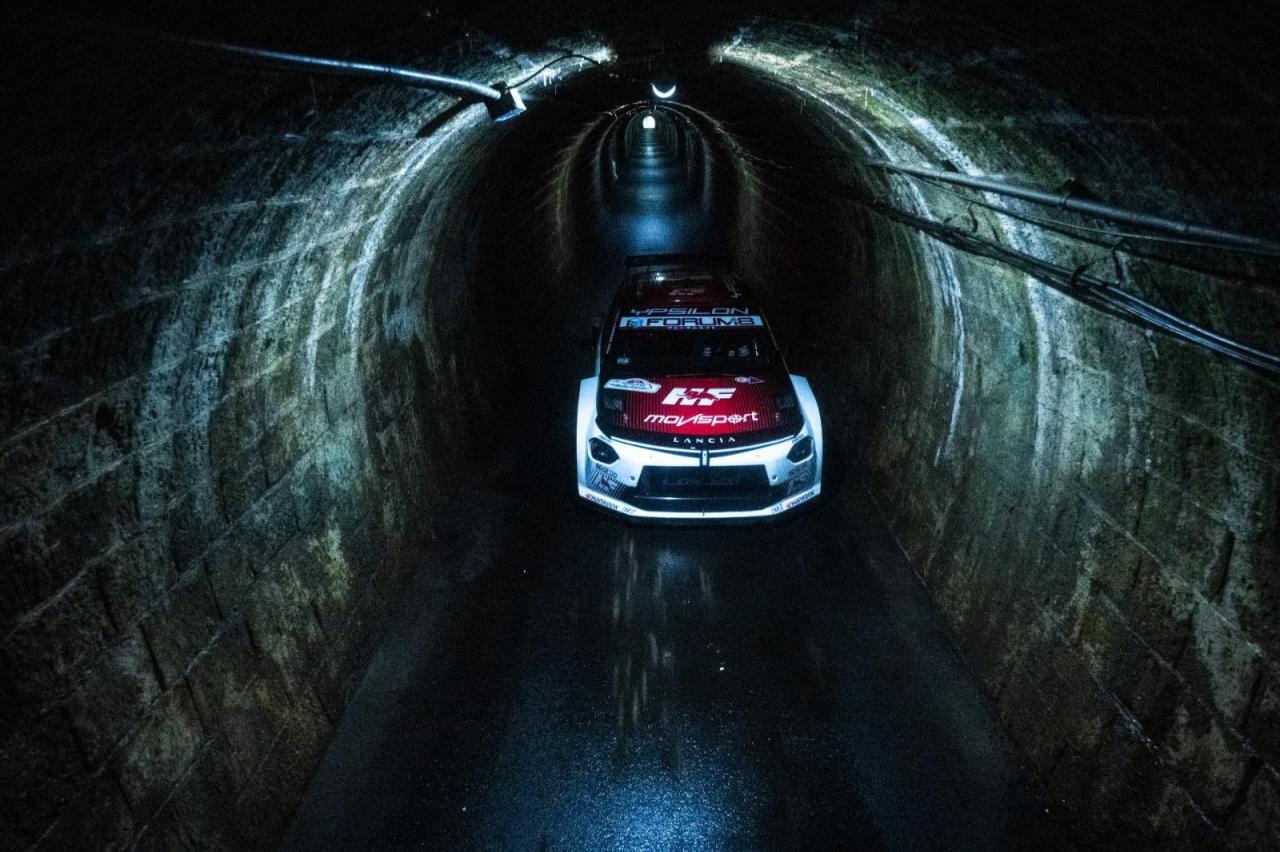
.thumb.jpeg.52ee1887246ecc819adf3199b9af1c9b.jpeg)
.thumb.jpeg.0b8c425dc266fd53aba4f1473c85b9ad.jpeg)
.thumb.jpeg.11c02a5581dda2aa3812e2953de707e5.jpeg)
.thumb.jpeg.624aa091c93c19514750f804ab4e0d85.jpeg)
.thumb.jpeg.28e3715241ed4184ca33b659313d9bfa.jpeg)
.thumb.jpeg.9ba1345feebaafbe2eec8c096c443a68.jpeg)
.thumb.jpeg.f6cbb540f1b1f8575ef9191838730ef7.jpeg)
.thumb.jpeg.c0bae154b20181526cea44239a9872e9.jpeg)
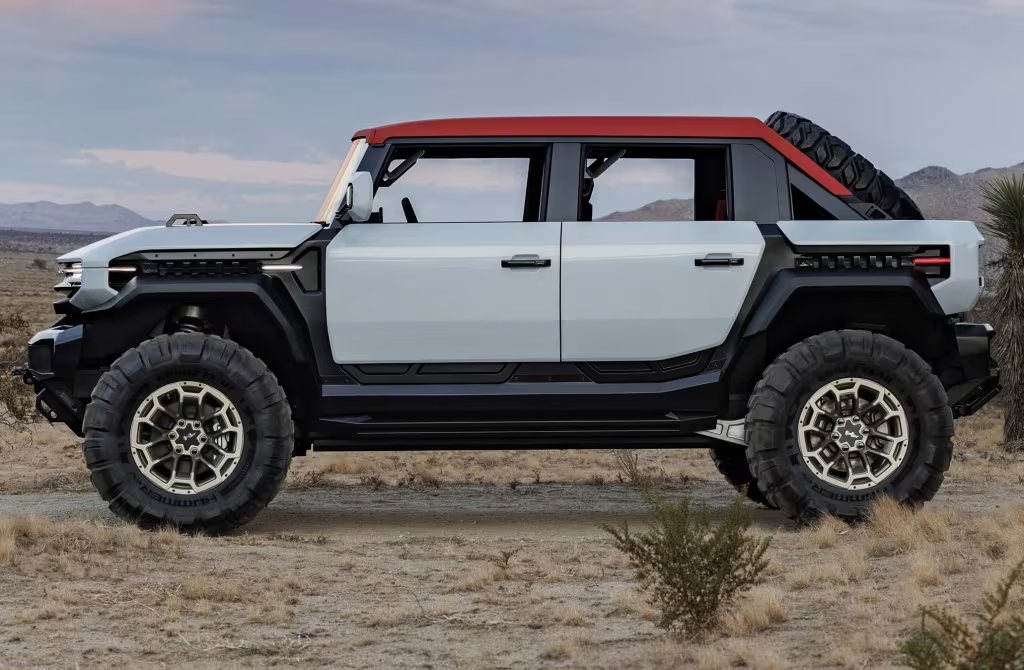
.thumb.jpeg.76bcbeac10d567587c2063613fb0a1d2.jpeg) GMC Hummer X SUV Concept GMC Hummer X Truck Concept
GMC Hummer X SUV Concept GMC Hummer X Truck Concept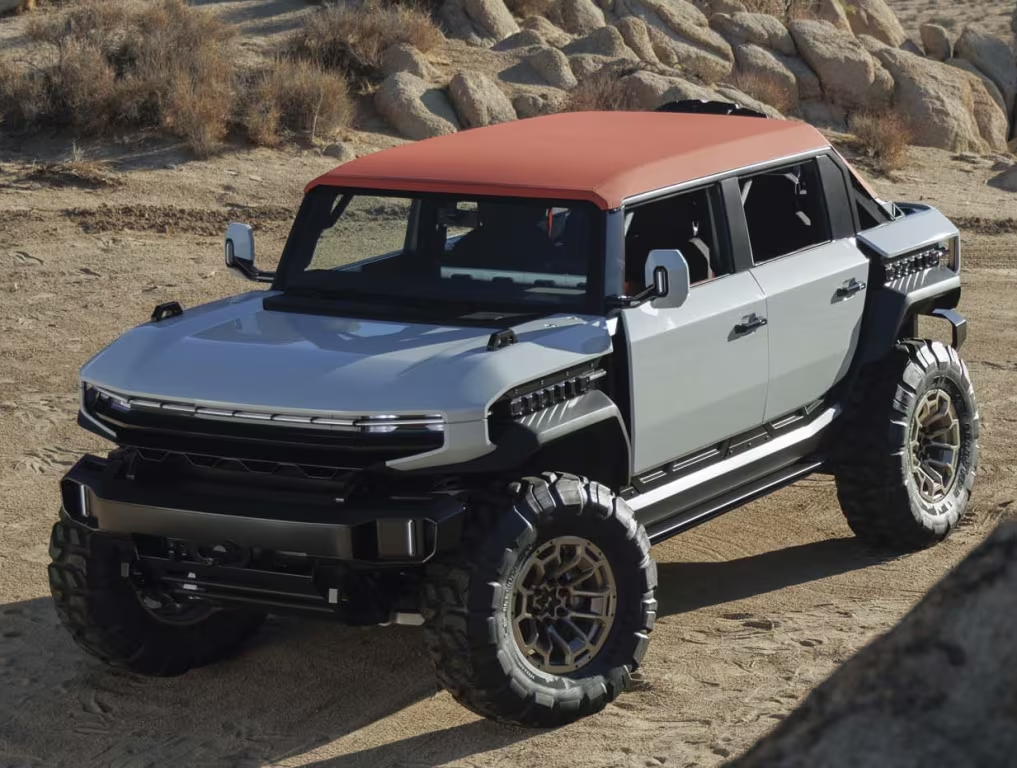
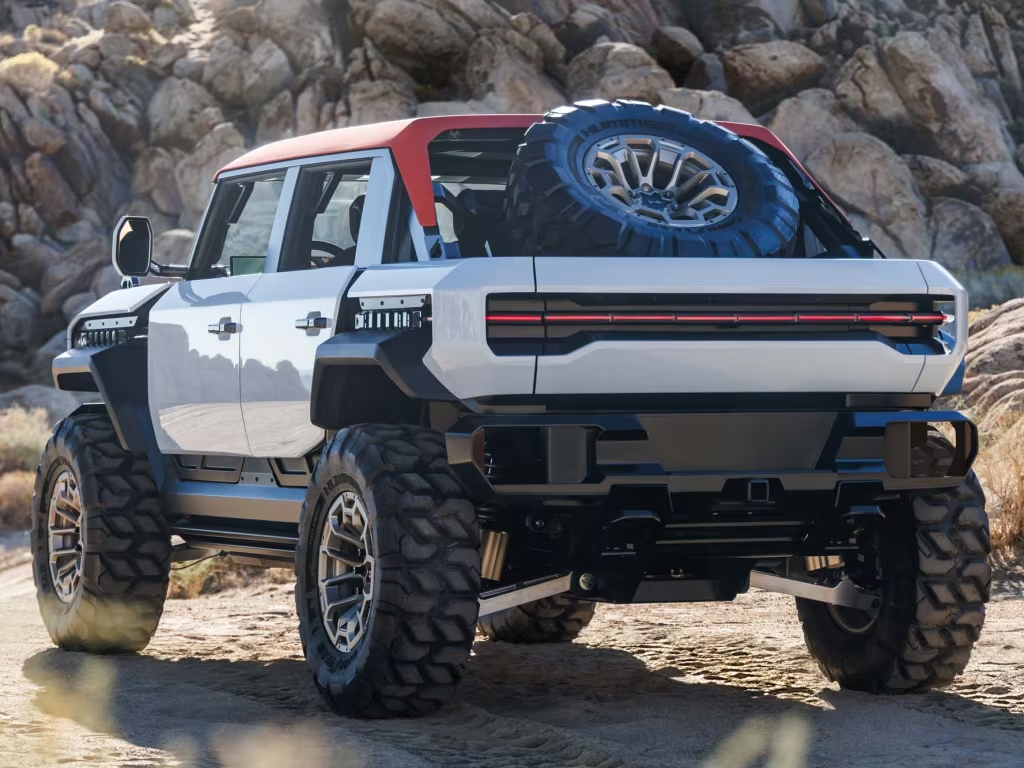
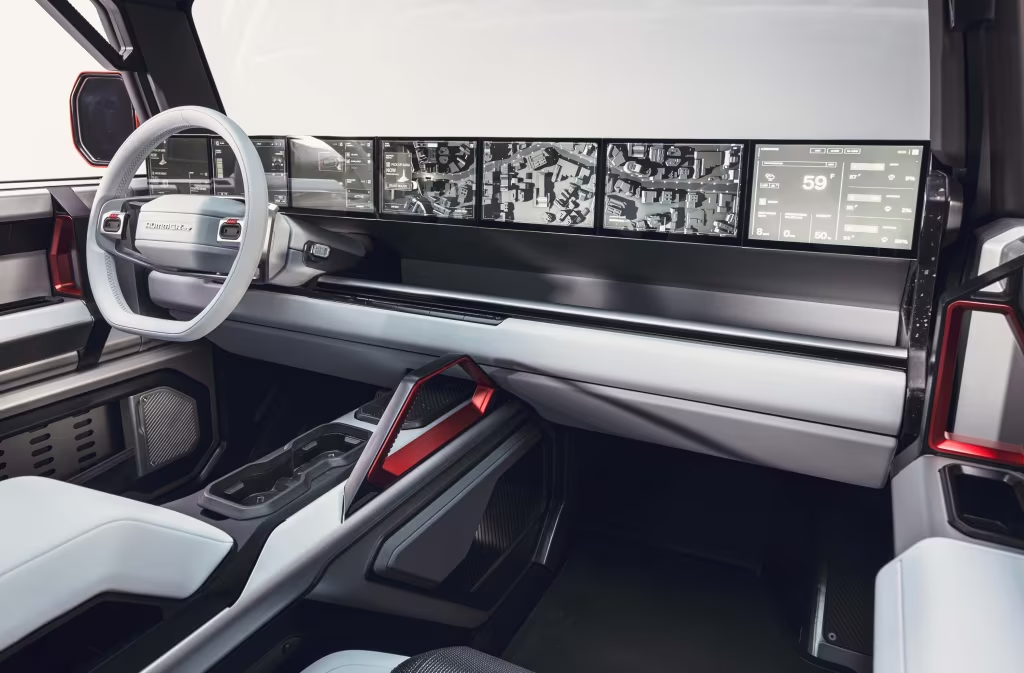
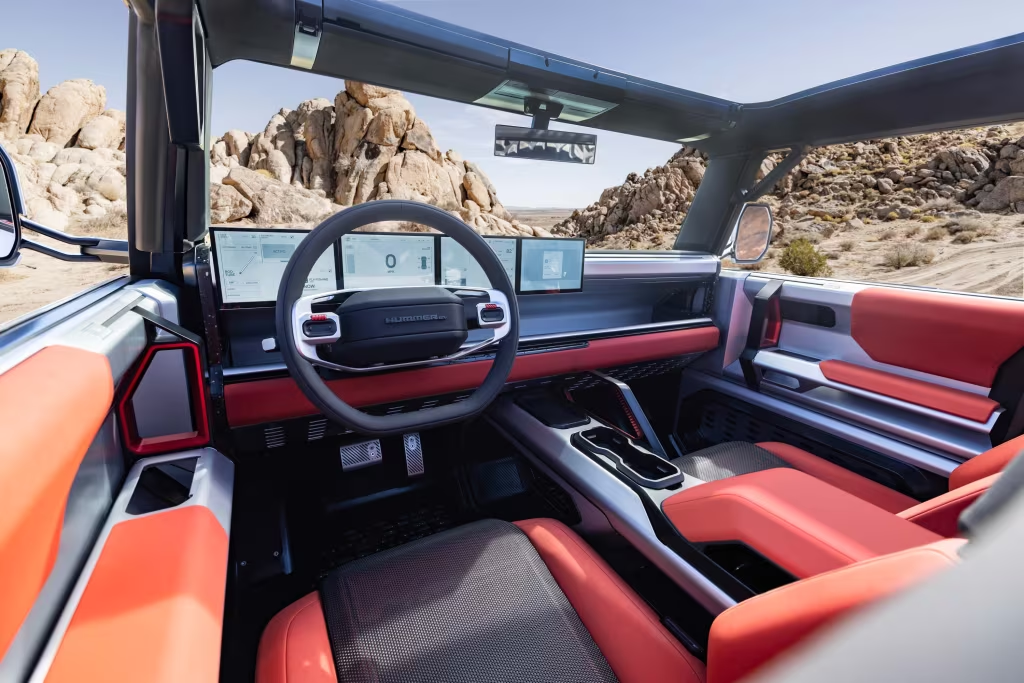
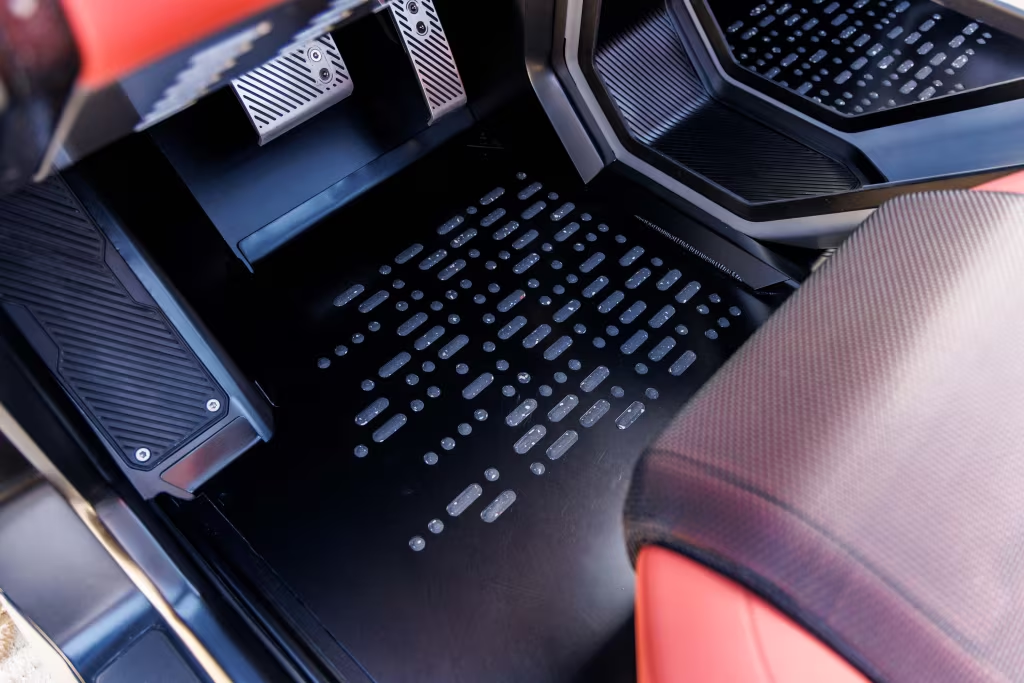
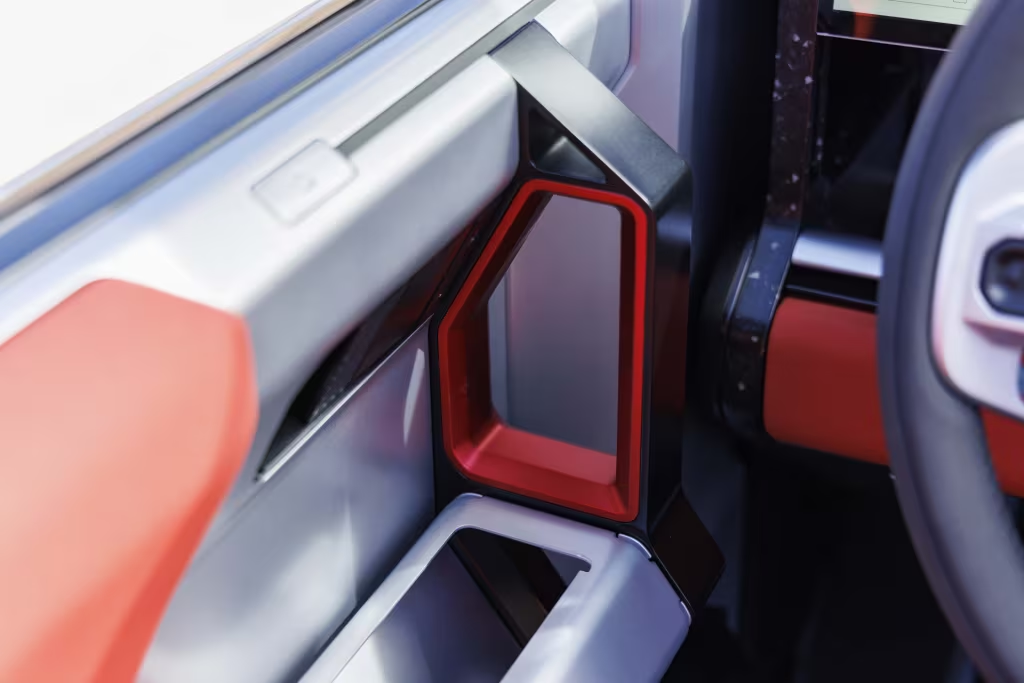
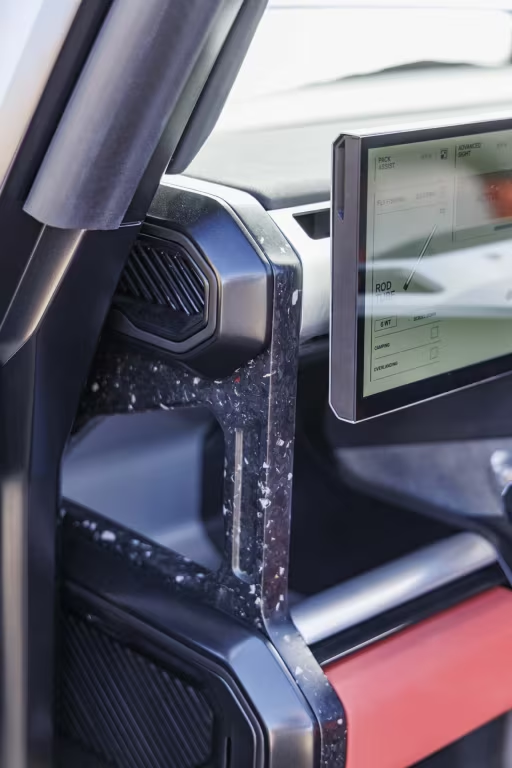
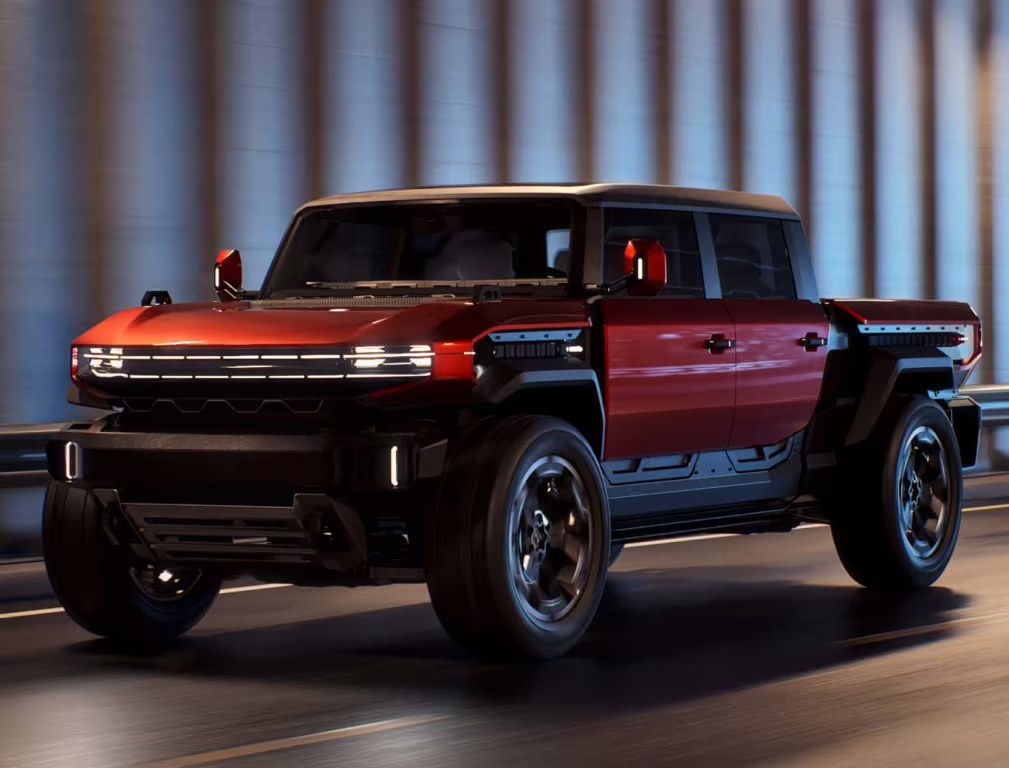
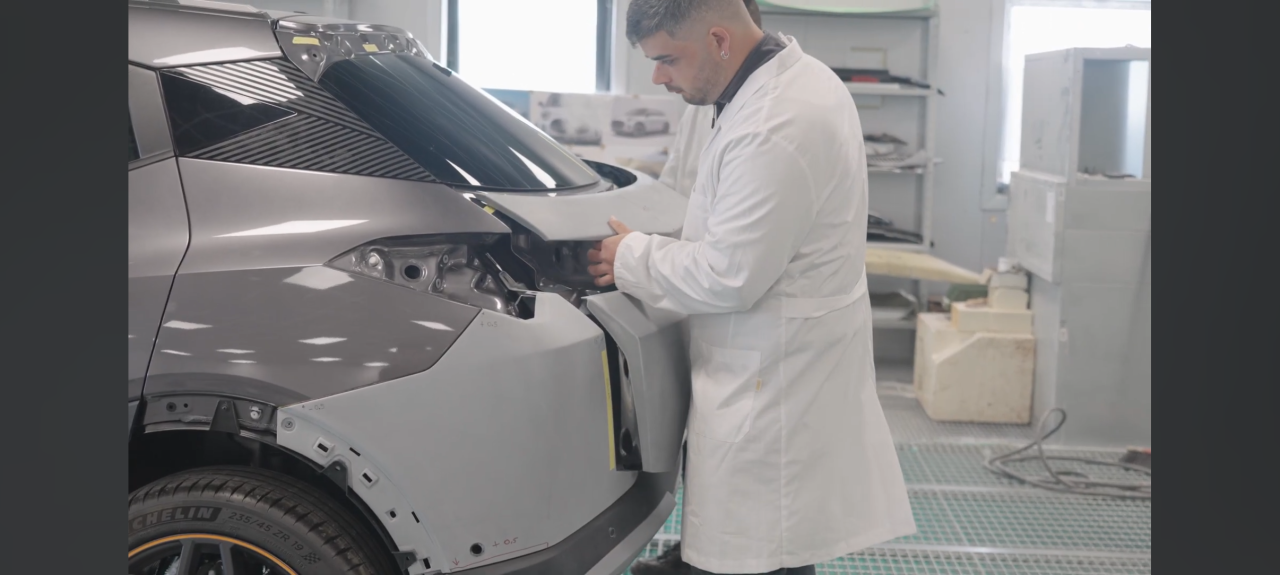
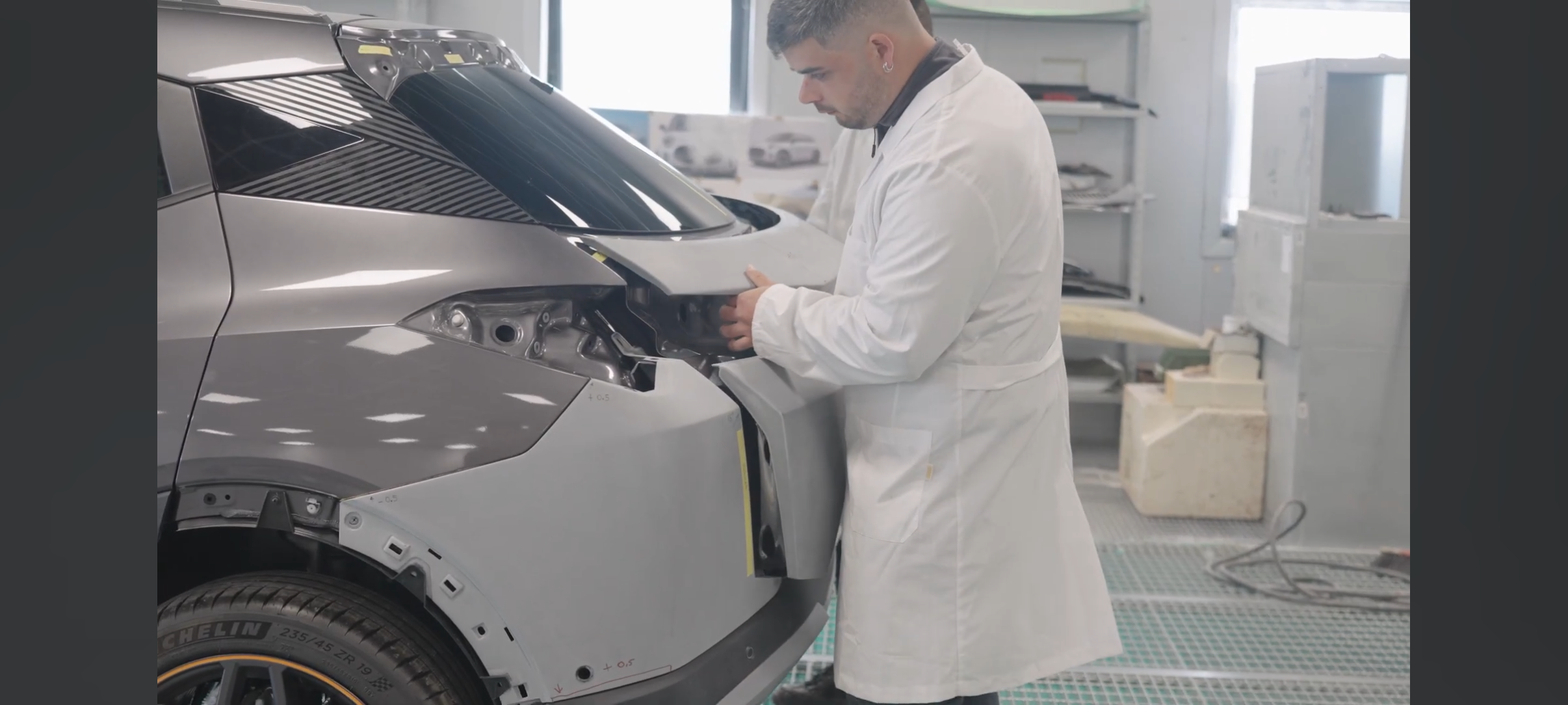
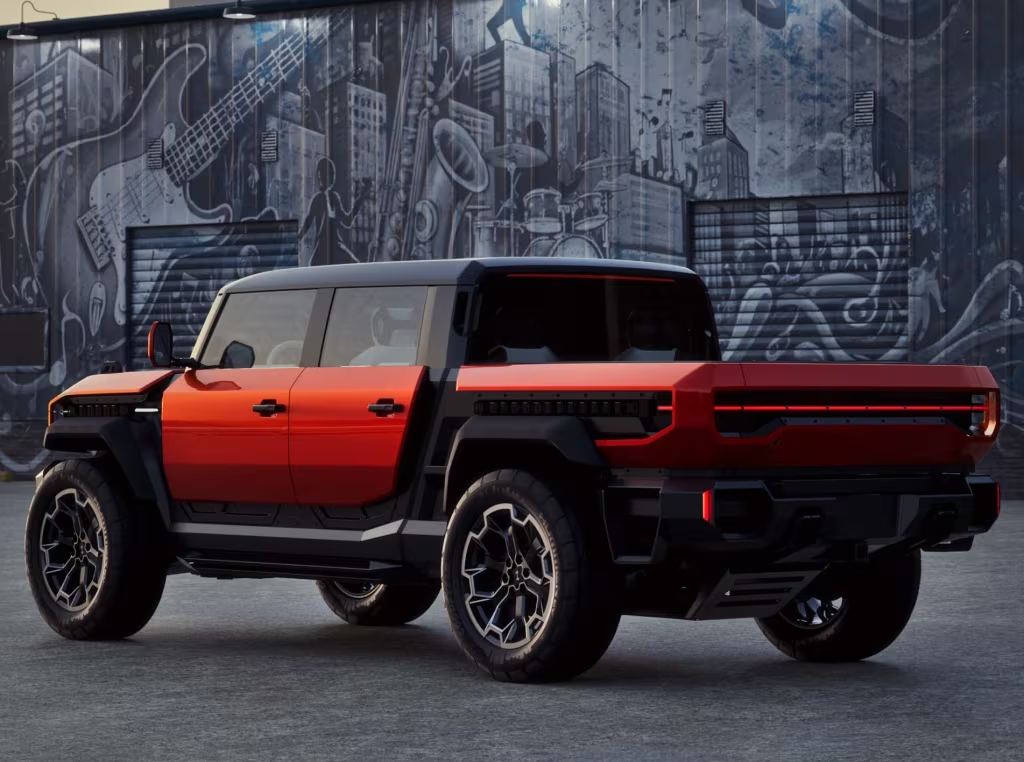 F1 | GP di Monaco senza aerodinamica attiva: niente ali reversibili, ma vedremo sorprese?La FIA ha scelto di non utilizzare la Straight Line Mode nel Principato a tutela della sicurezza, per evitare che le monoposto potessero toccare velocità di punta troppo elevate rispetto alle vie di fuga. Con profili fissi potremmo vedere ali pensate apposta per il Monte Carlo. Ma vale la pena spender risorse del budget cap per un solo GP? https://it.motorsport.com/f1/news/f1-gp-di-monaco-senza-aerodinamica-attiva-niente-ali-reversibili-ma-vedremo-sorprese/10824869/Un lungo video di spiegazione del progetto HIB Quindi quest'anno dovremmo vedere 6 Itala e 2 OSCA, che saranno presentati ad un evento importante legato al Motorsport (chissà quale?) Ecco spiegato perché il lamierato del portellone della Itala è diverso.
 De Meo ha voglia di essere in F1 e Briatore ha voglia di portare un nuovo brand di moda italiano a vincere il mondiale





.jpeg.bb8f01062e4a862cf6c5e6b26a463638.jpeg)
.jpeg.d376dce19f028398c0b35d32c446f8dc.jpeg)
.jpeg.f3425ab05030ae3d75a05f4053eca63a.jpeg)
.jpeg.a99f06de4179e50b6ca825363ca3d7de.jpeg)
.jpeg.e7804e1314fea3d85a9c446f5d3069ff.jpeg)
.jpeg.cb4bd6e7f27753e0e2414e6e4a97cf24.jpeg)
.jpeg.0a31ae8135fef8b356064ffddae93cab.jpeg)
.jpeg.d42277085ae4d989cd48477933cddf5a.jpeg)
.jpeg.6723b007153d8a7830eaed24b34c231a.jpeg)
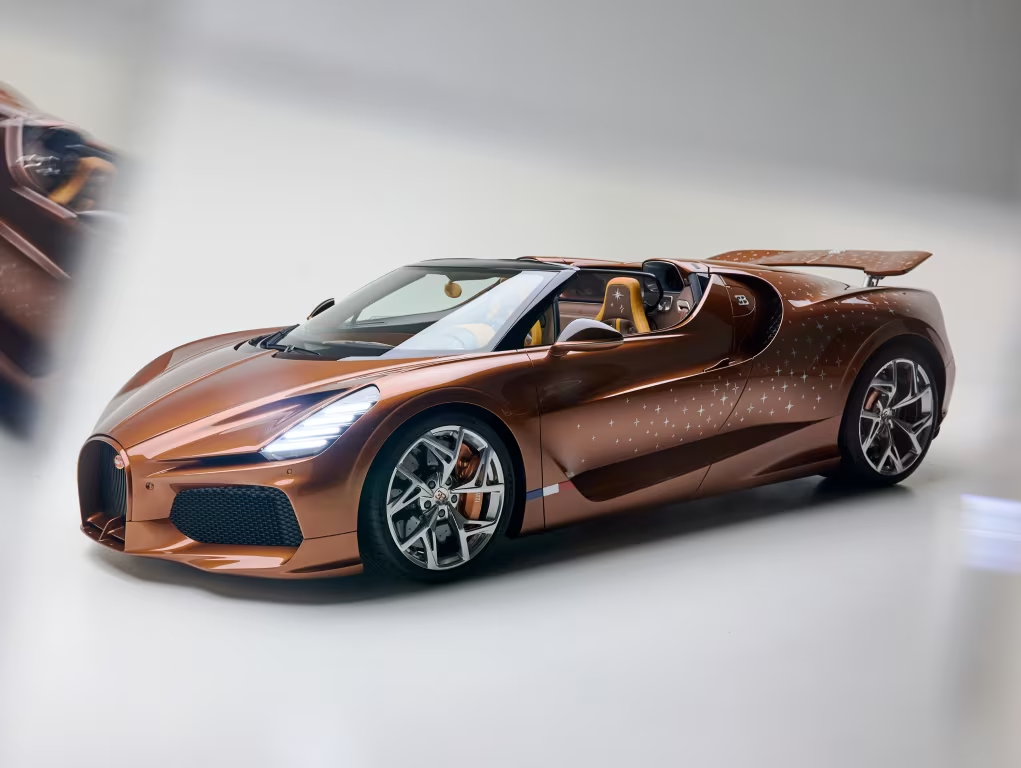
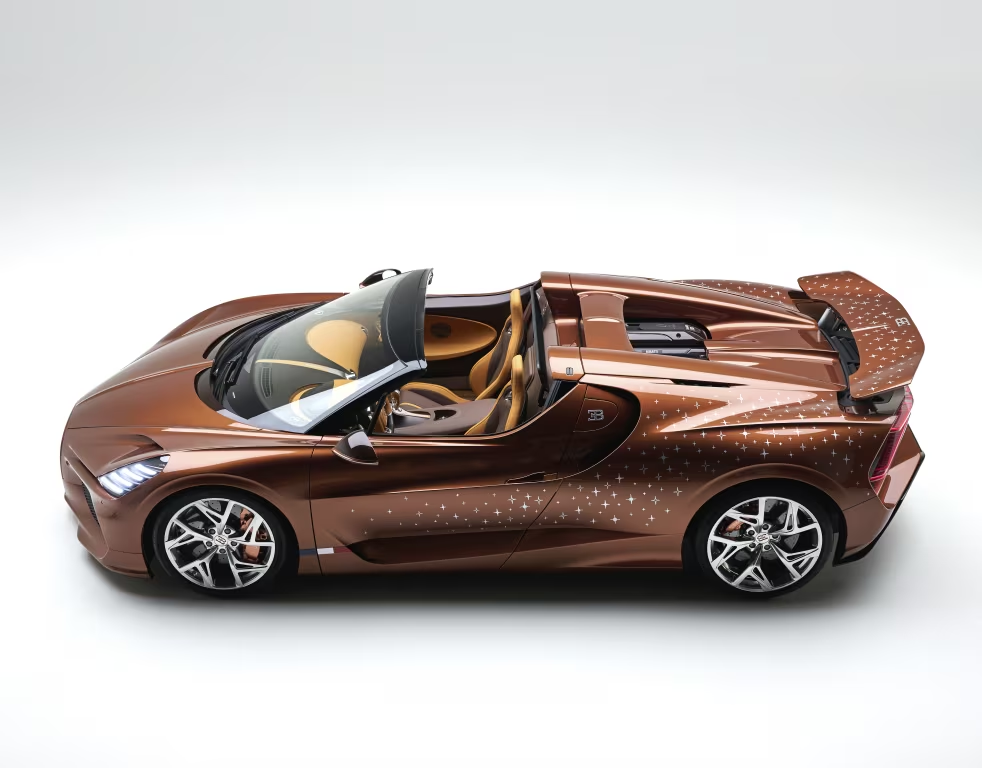
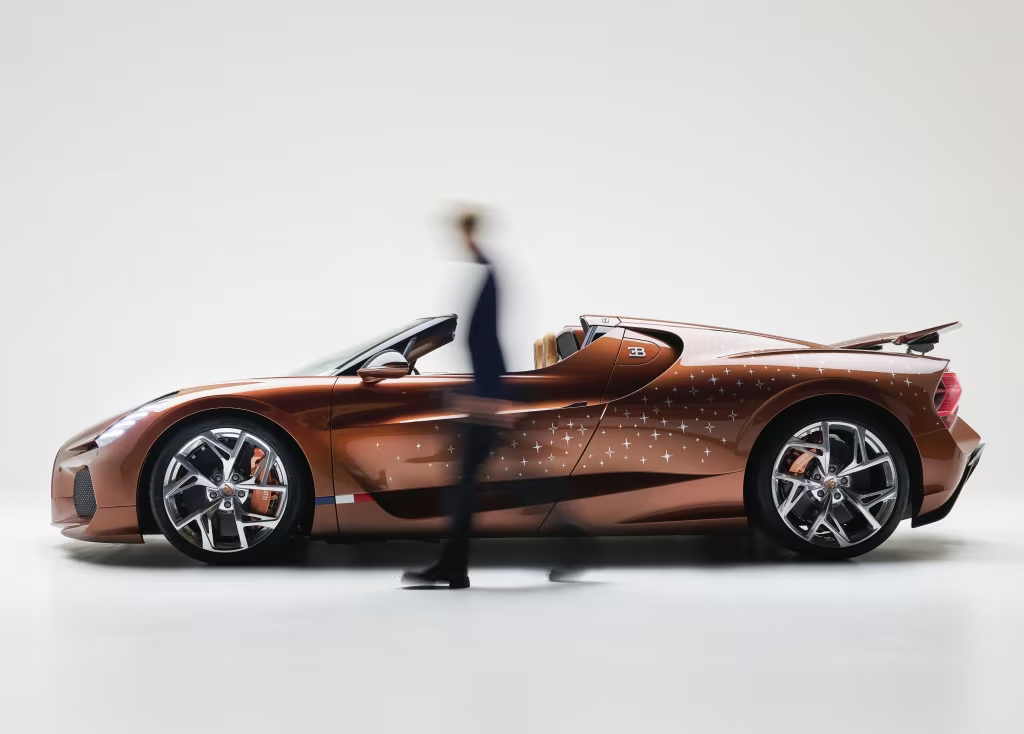
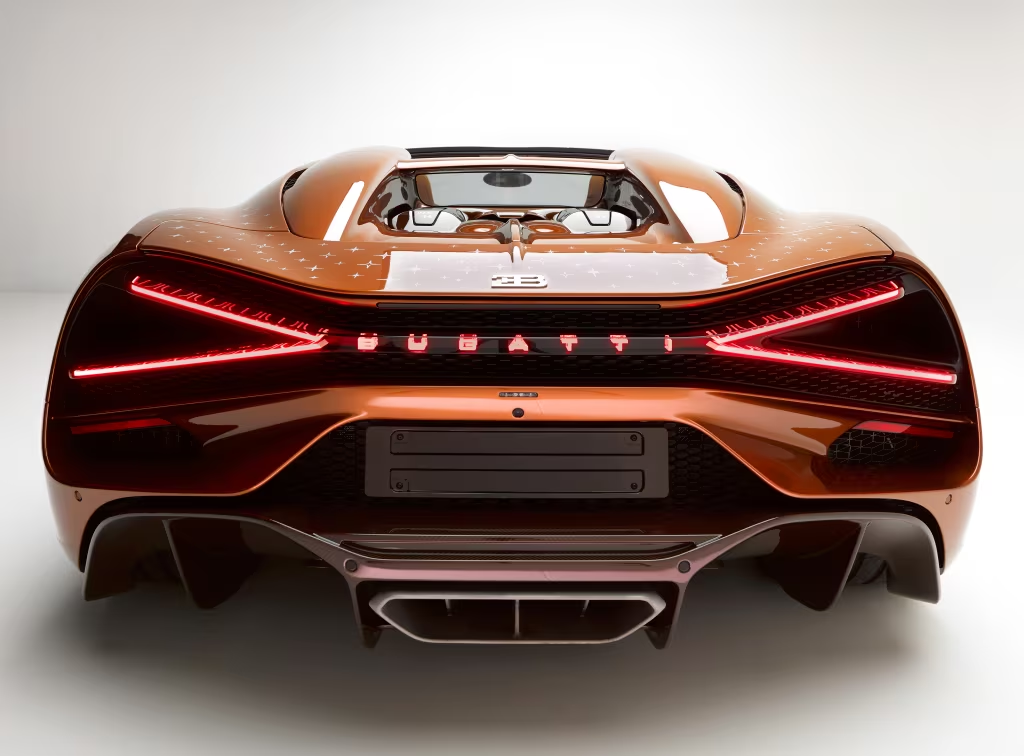
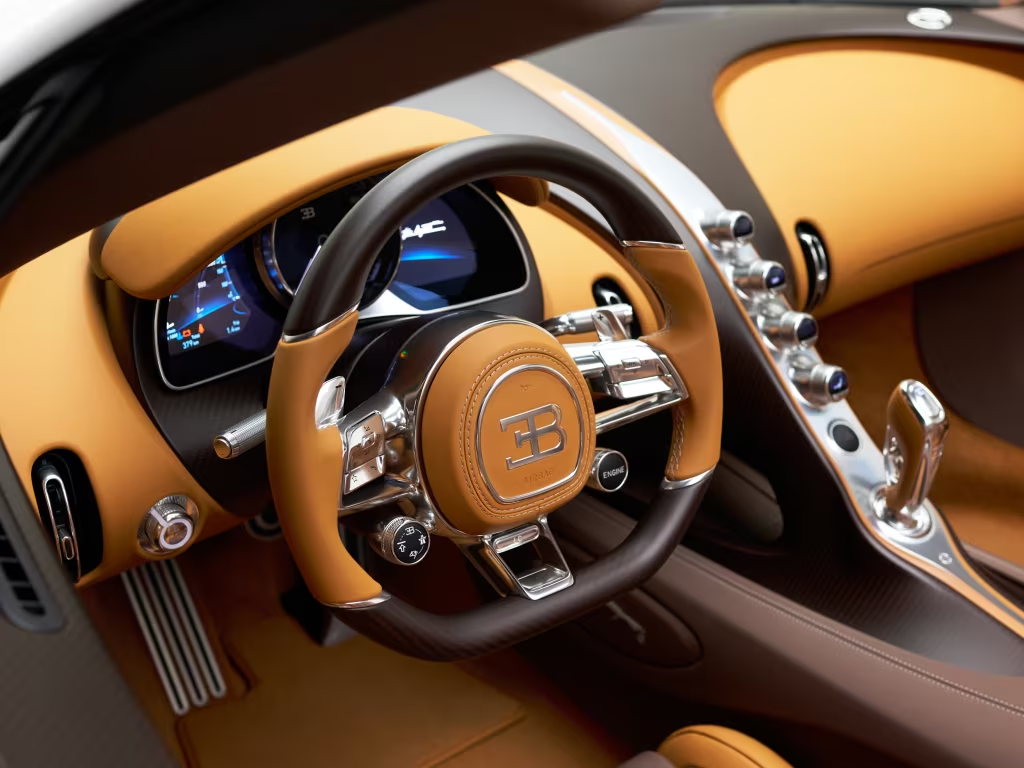
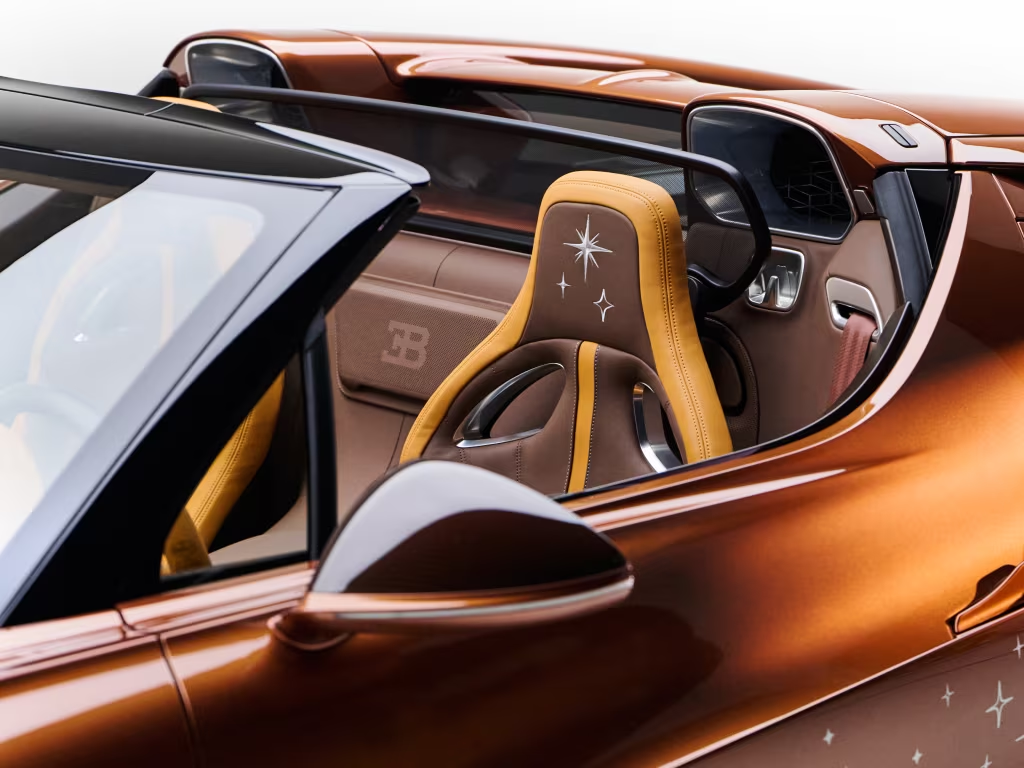
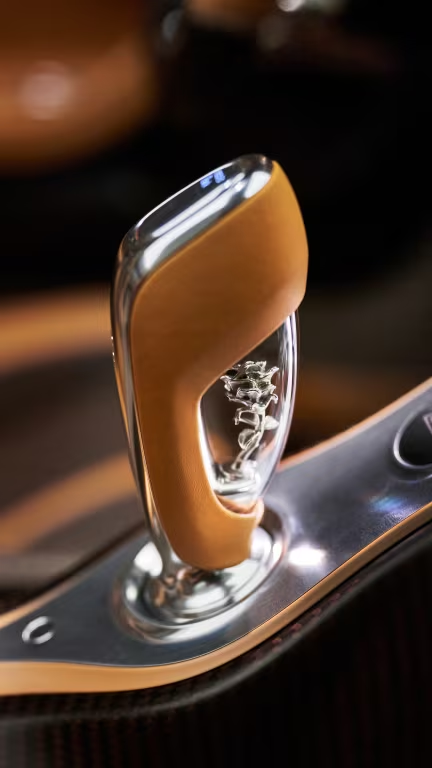
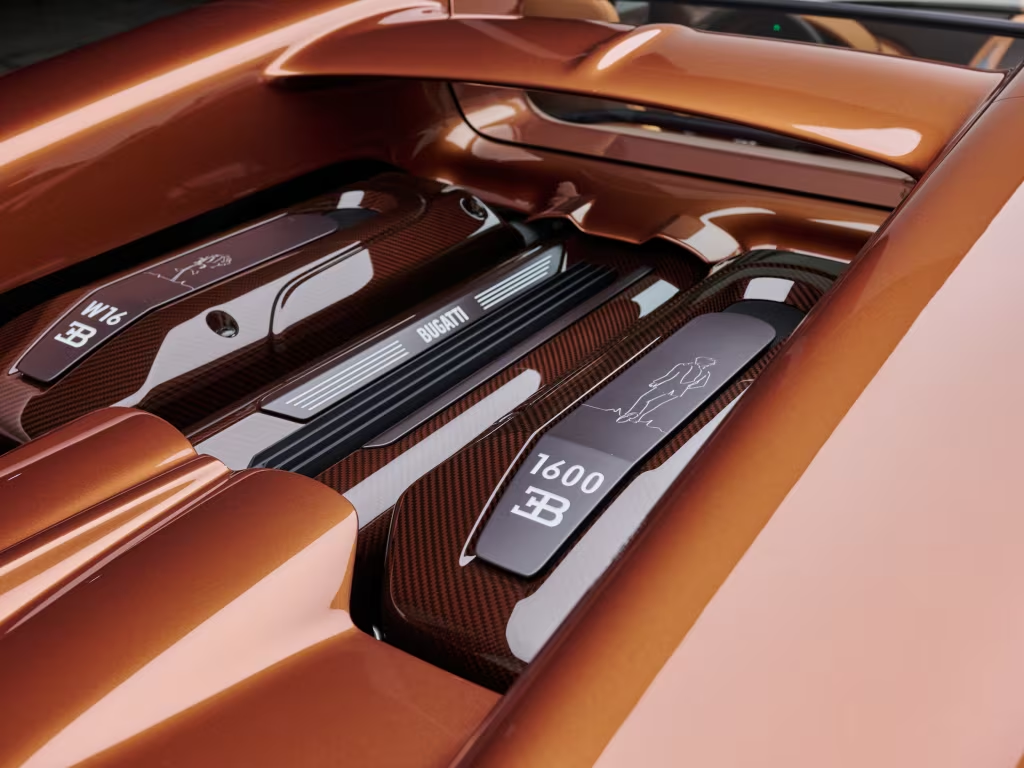
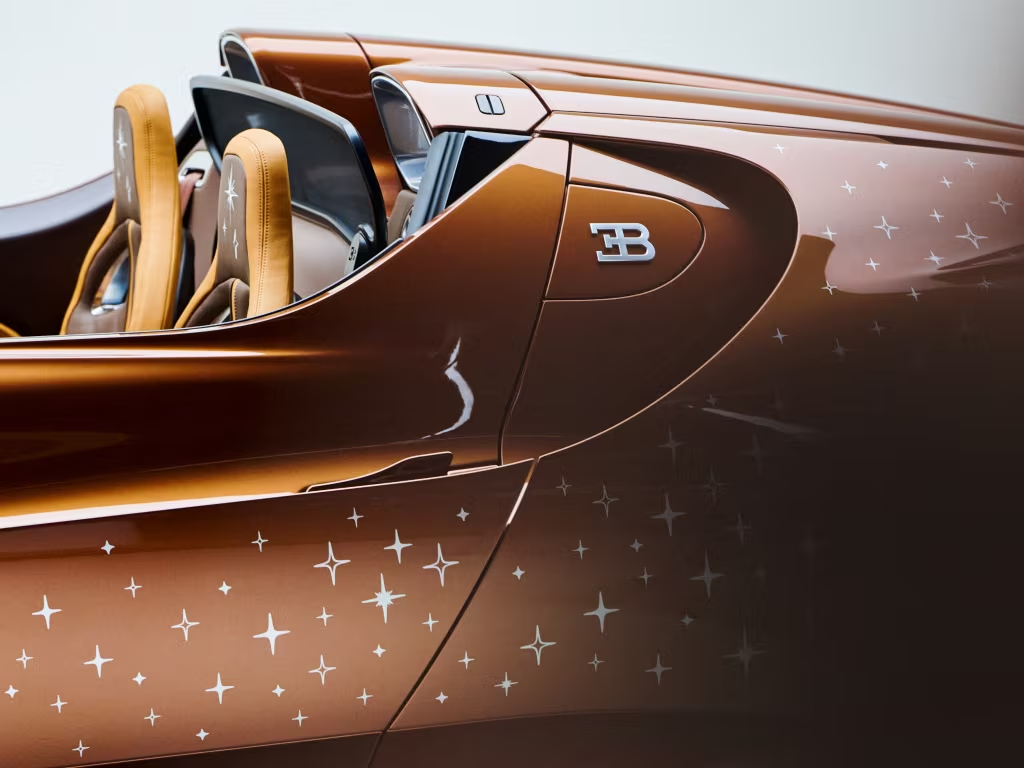
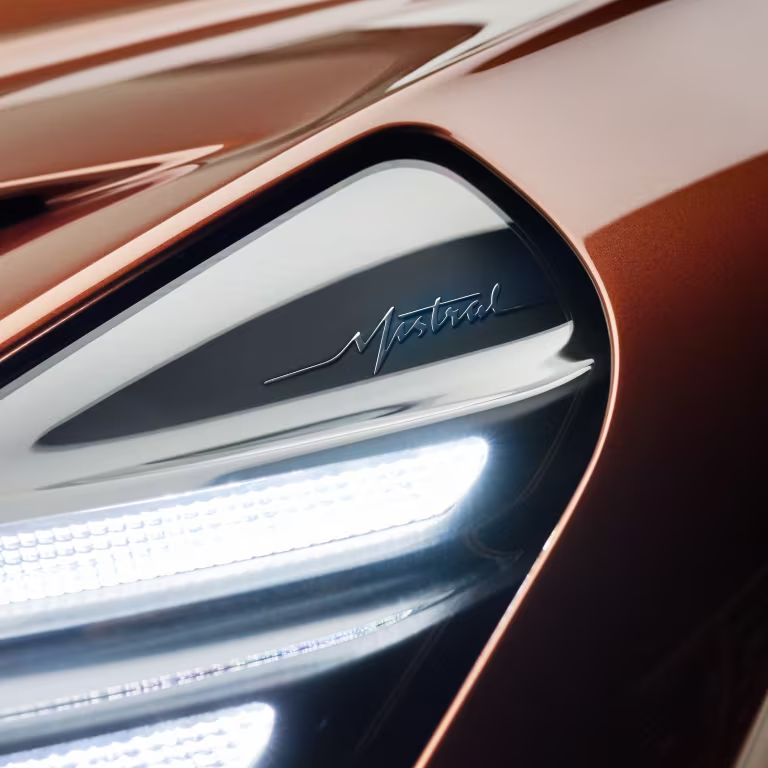
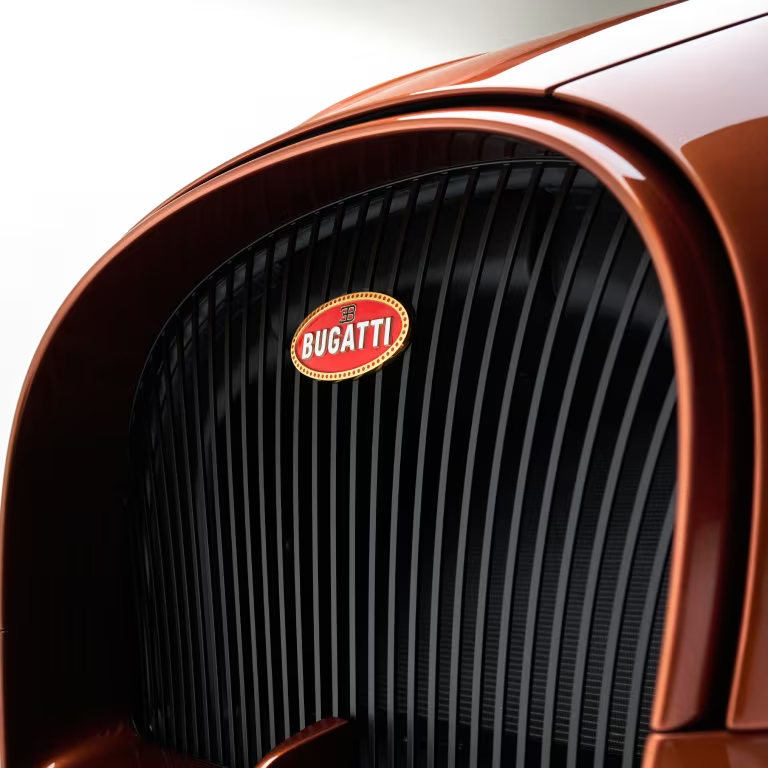
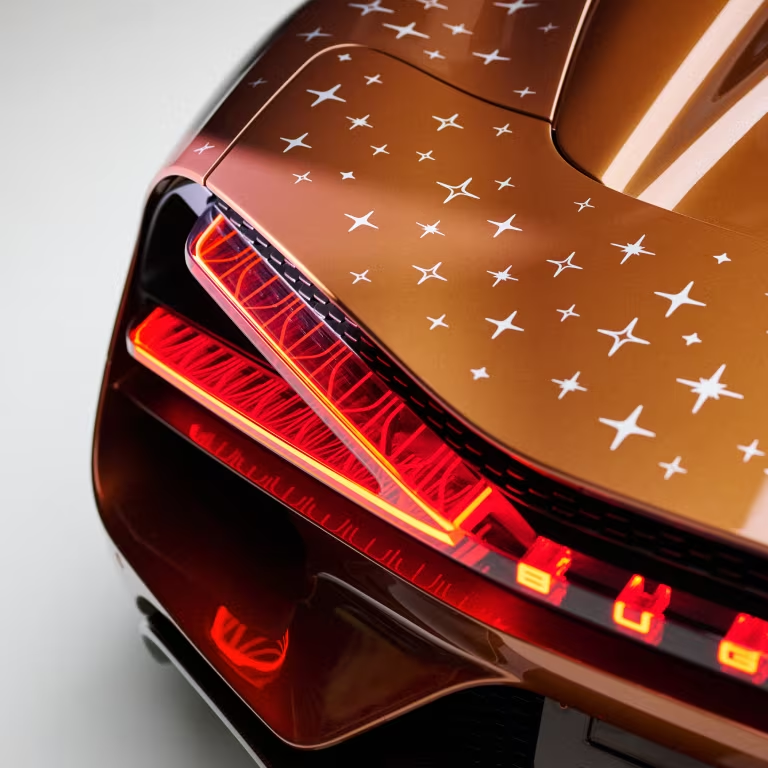

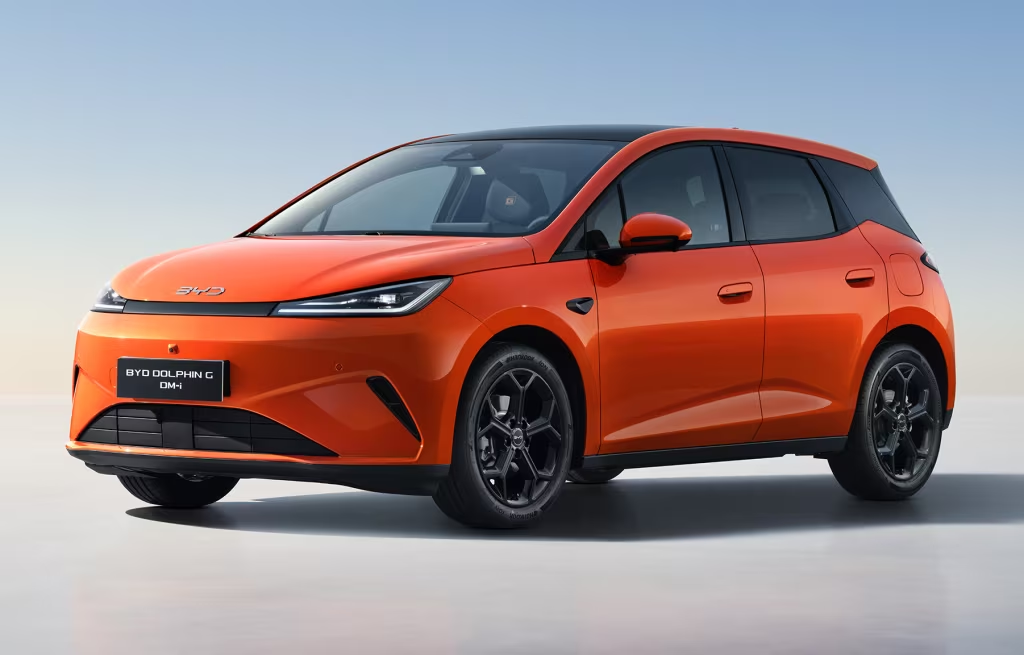
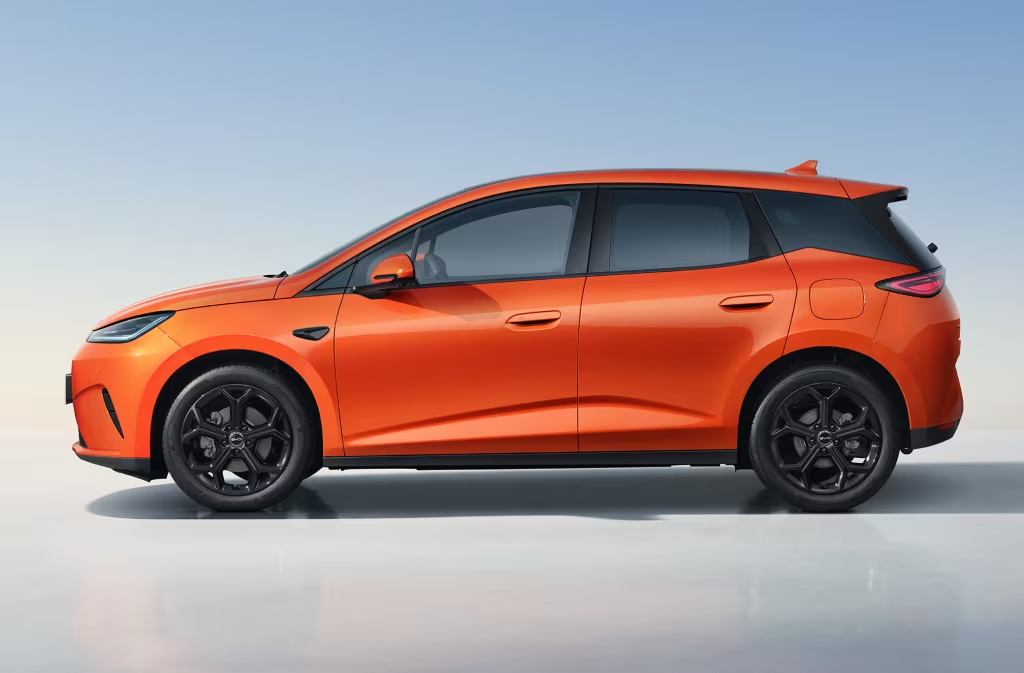
.jpg.da130733eb9818f94d35432d51969fe1.jpg)
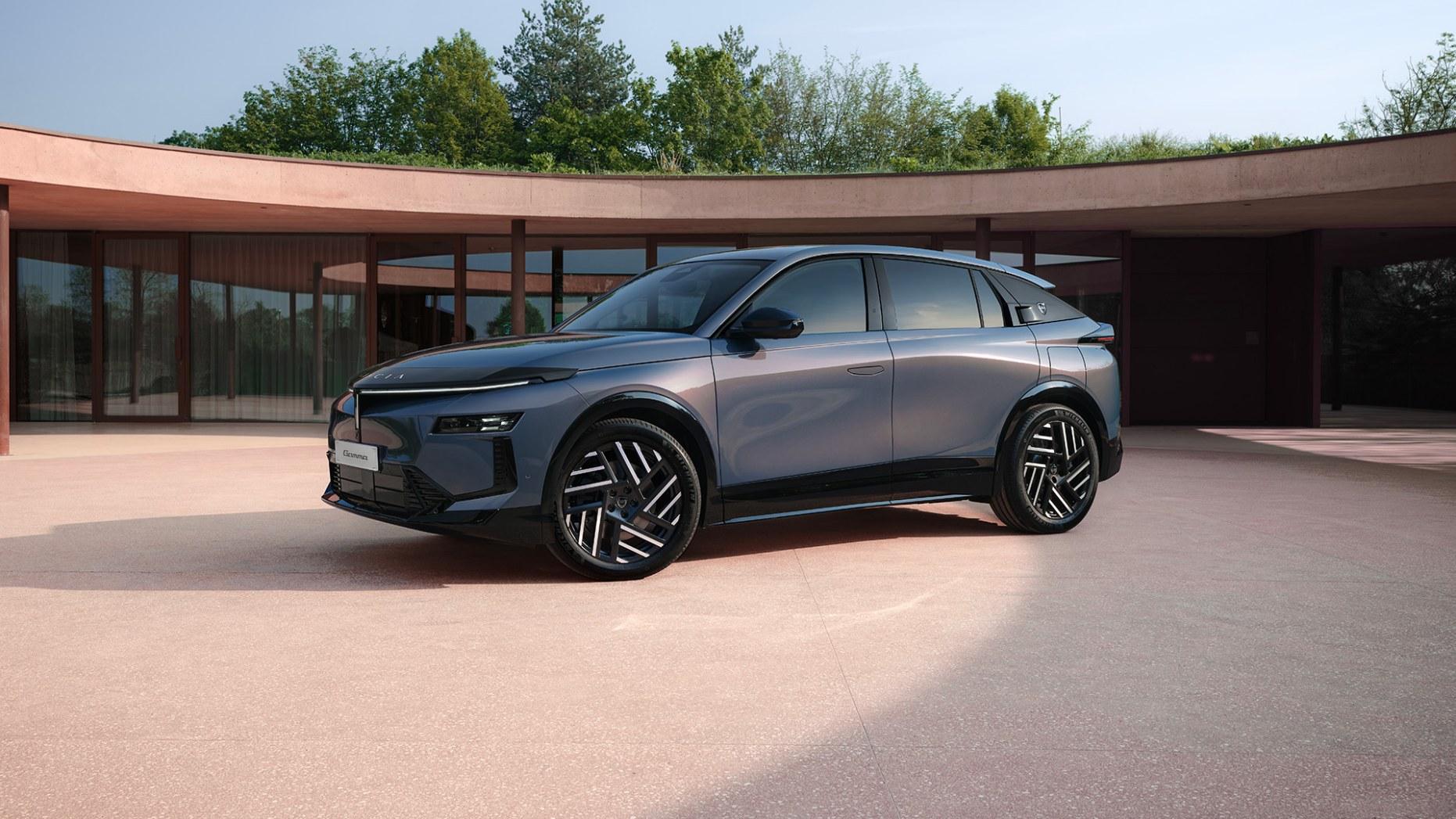
.jpg.5e7c03ce7cc02c792c068a38bd4f40a2.jpg)
