j
Reporter (Staff)
-
Iscritto il
Tutti i contenuti di j
-
-
La presenza della mamma di Lewis riuscirà ad annullare l'effetto della presenza di tutta la dirigenza Ferrari?Da "GP2 engine" a "Fiat Punto" è un attimoVedere Toto che sfonda il PC con un pugno per la pole di Gasly però è una cosa che non ha prezzo Comunque Kimi ha raccontato che il Q3 l'ha fatto con il pieno di benzina a bordo, giusto per essere sicuri che la pole fosse di Russel e invece è arrivato
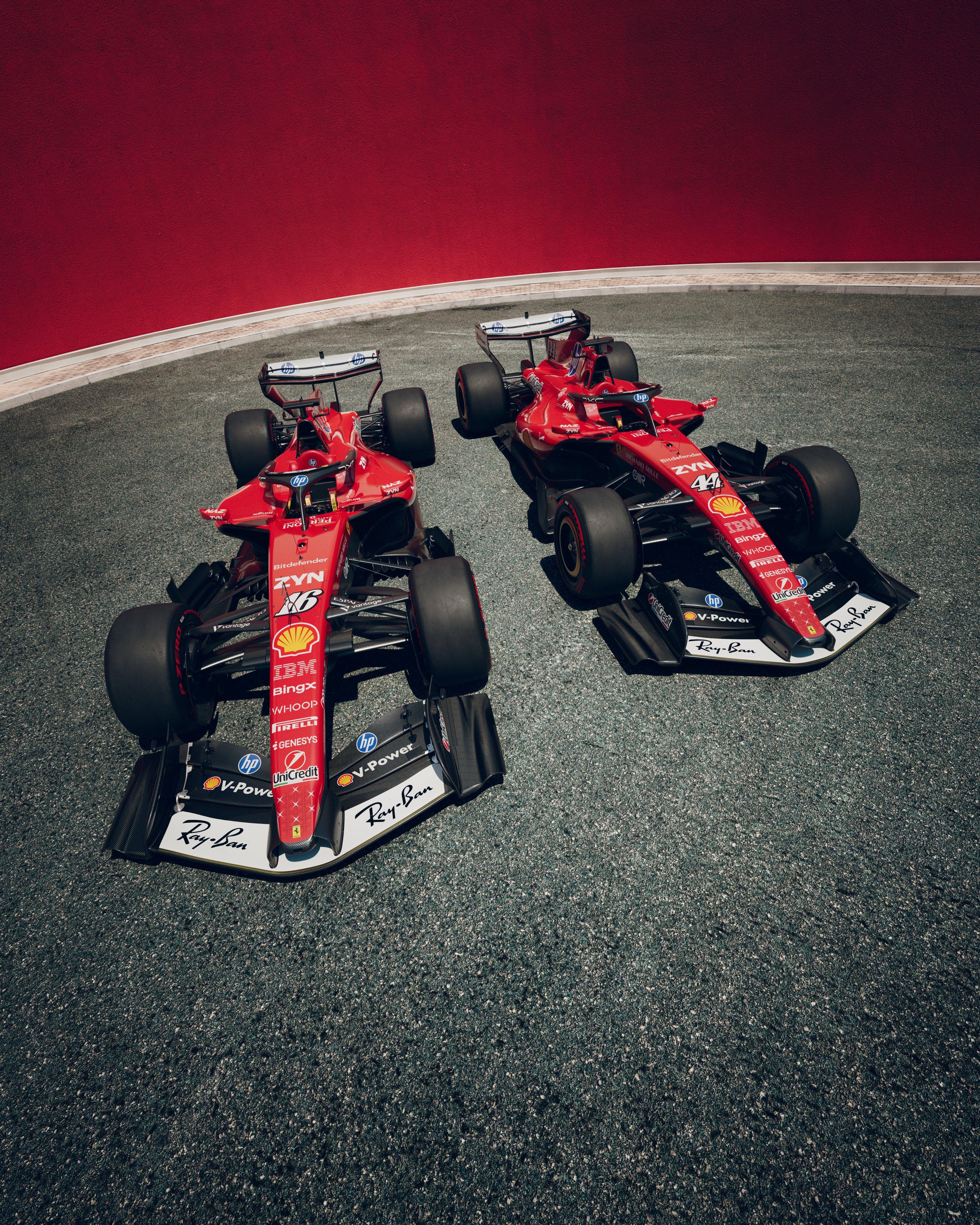
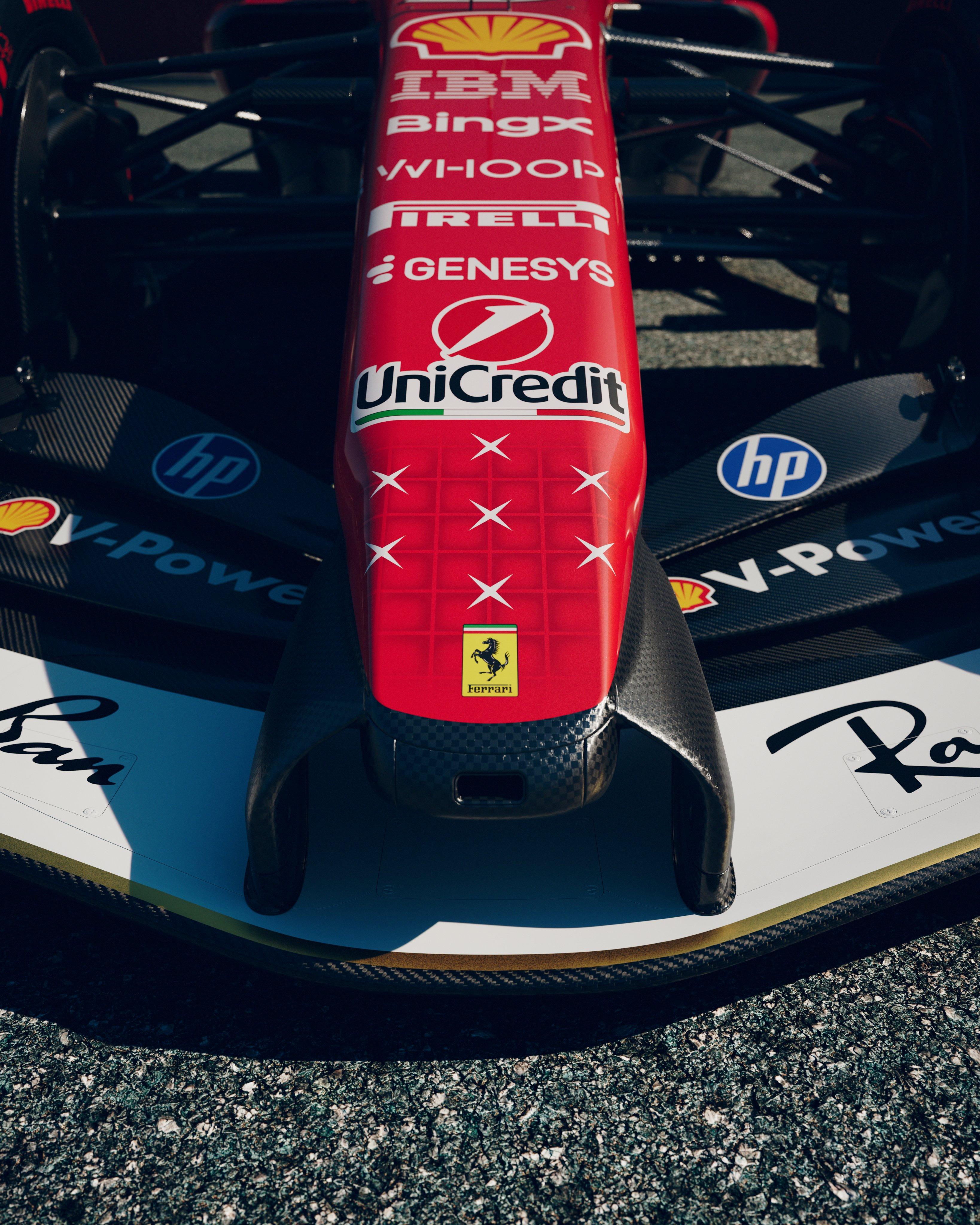
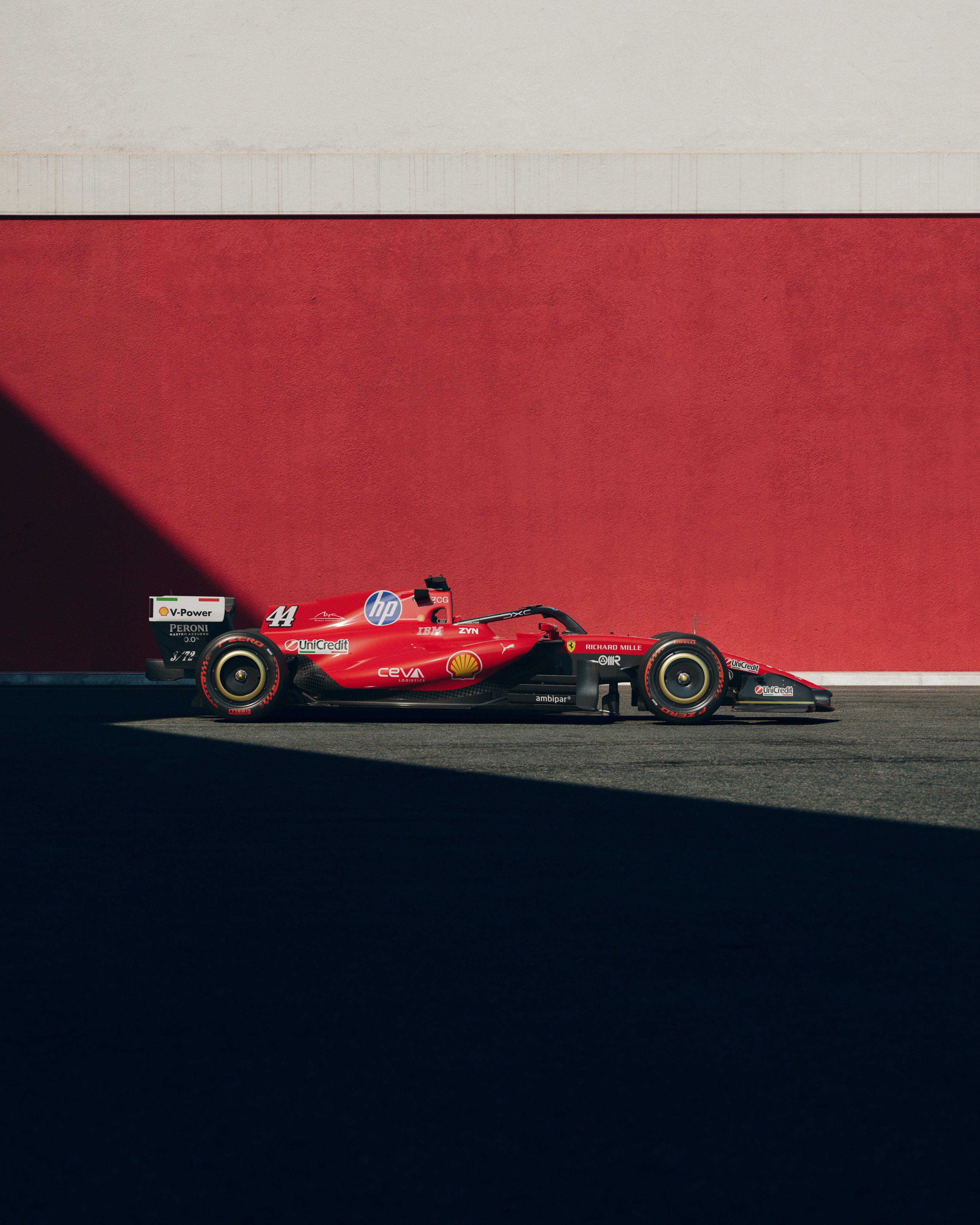
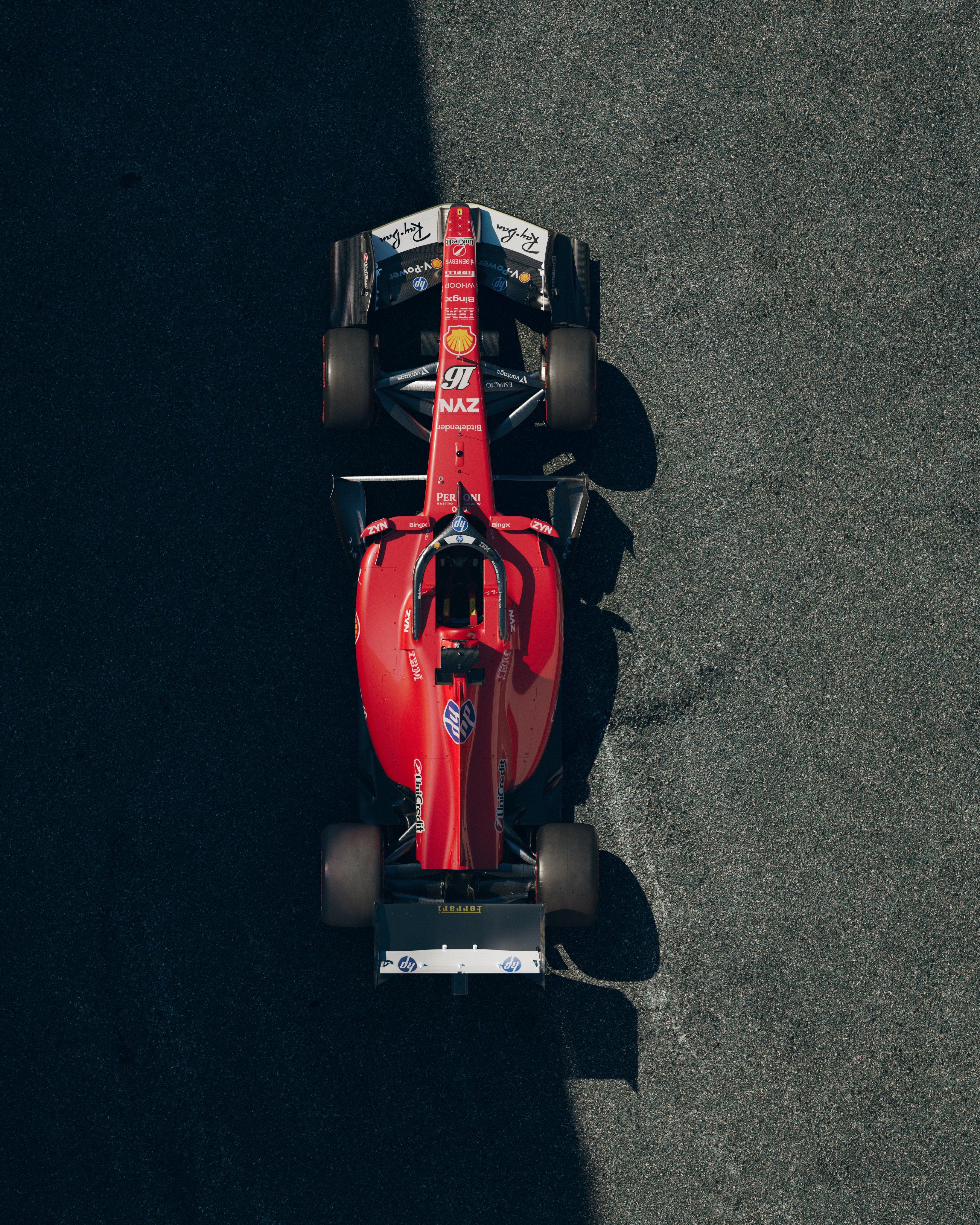
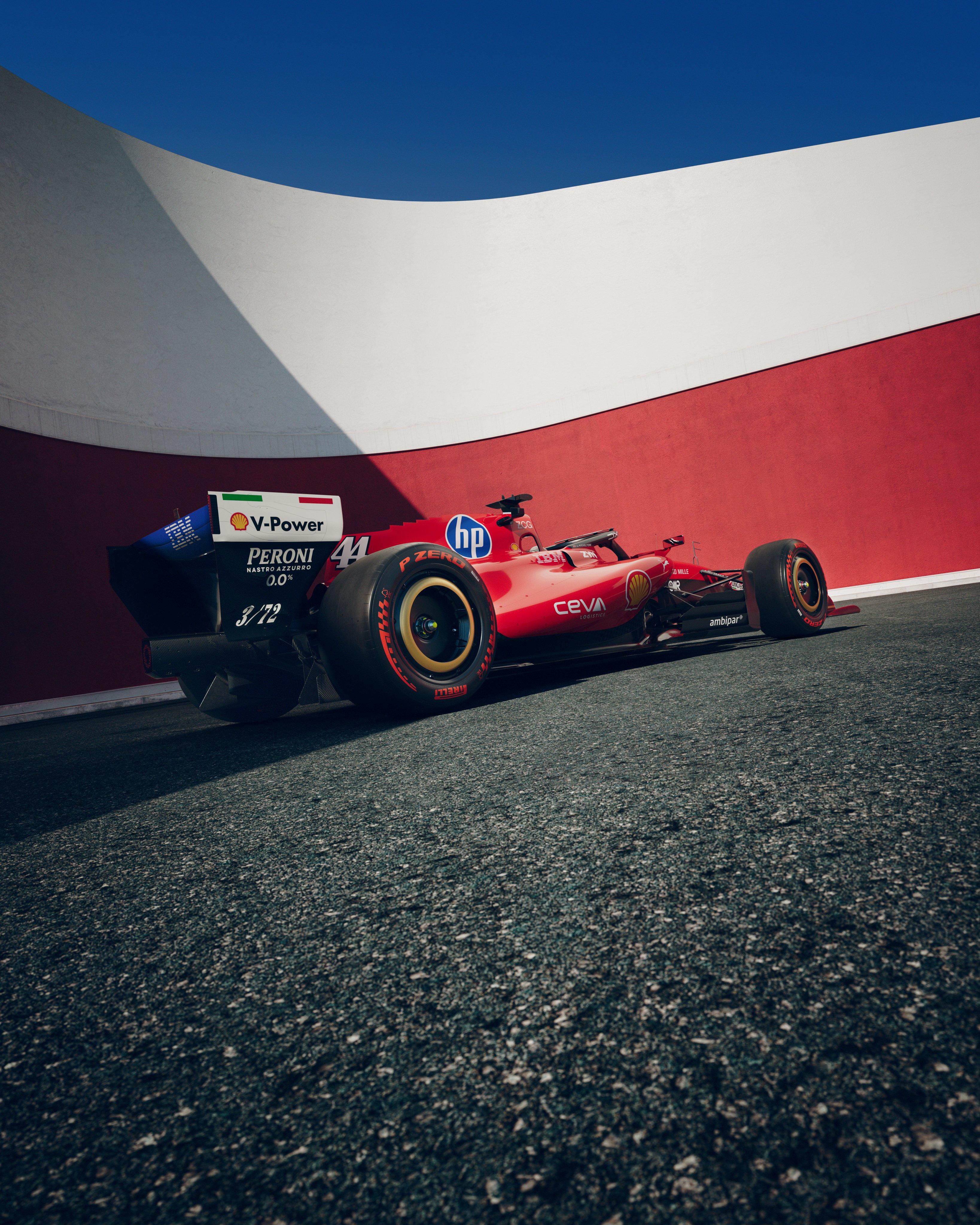
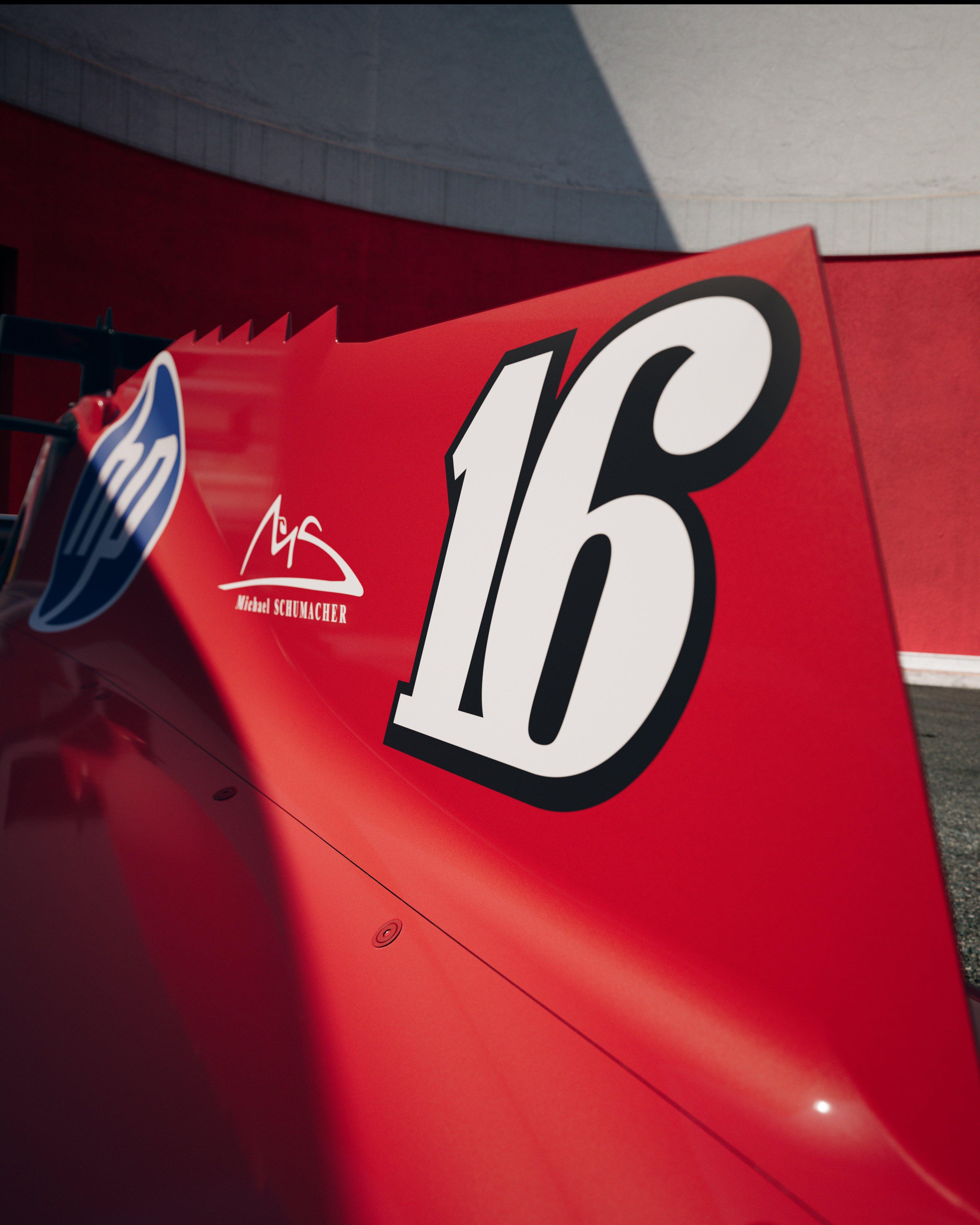
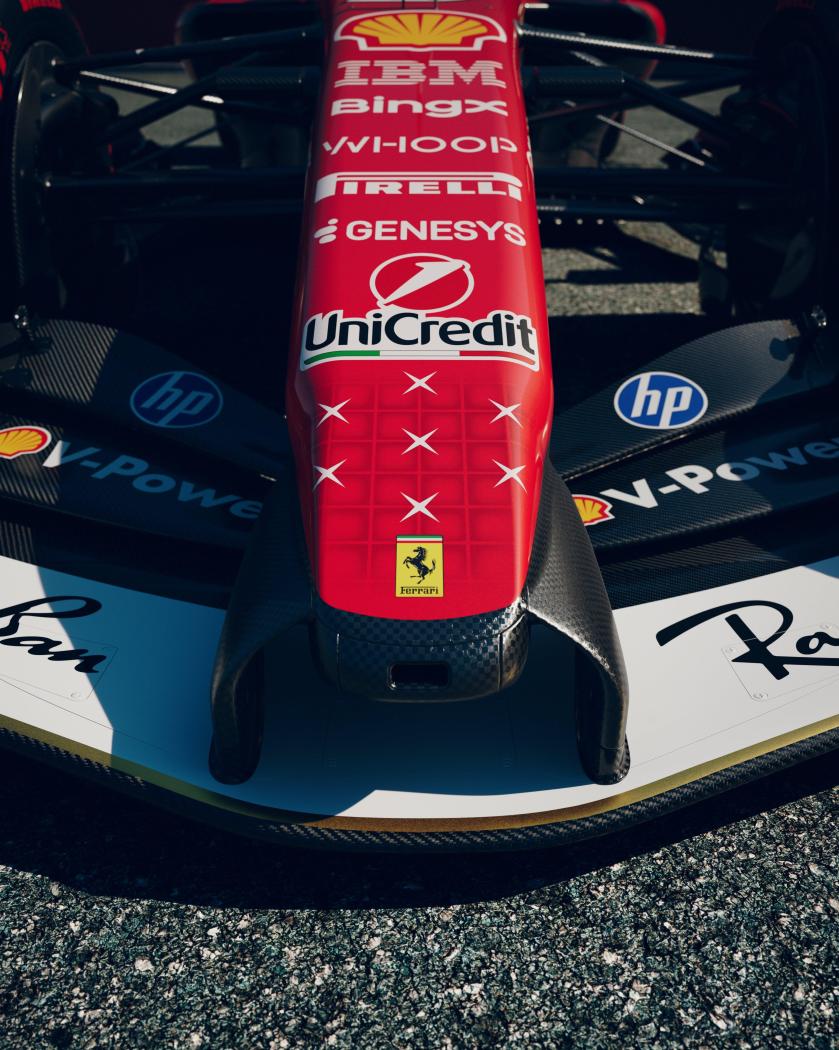
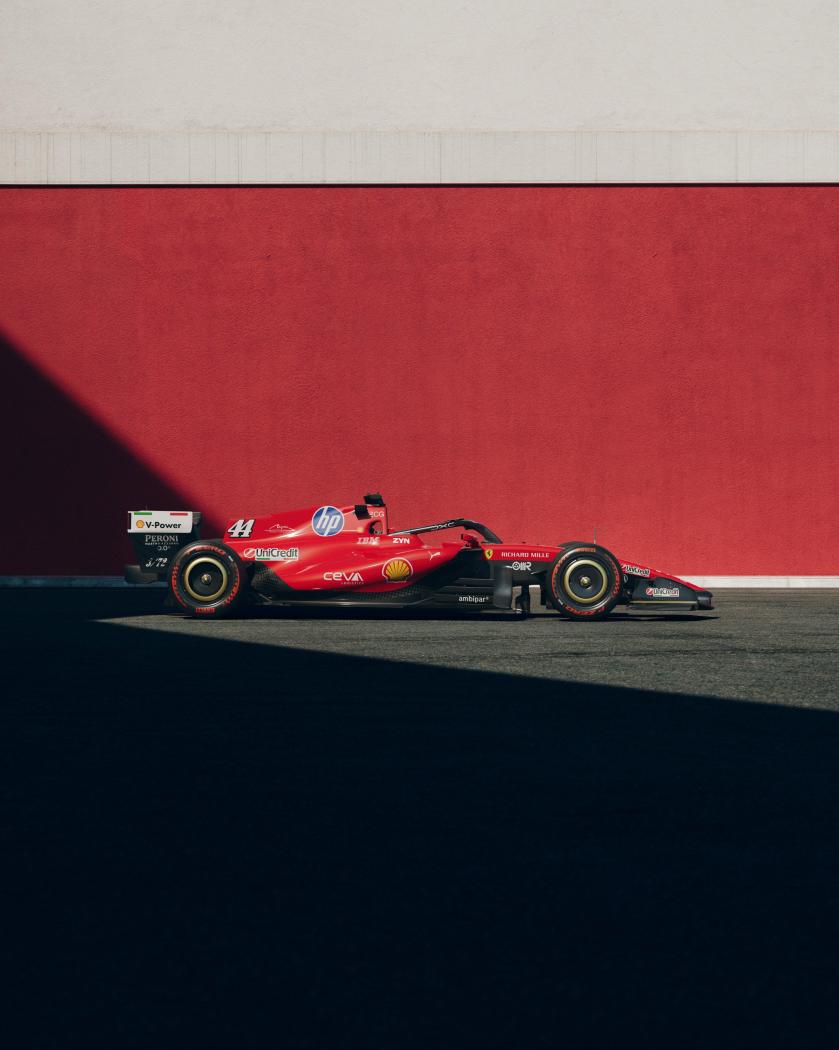
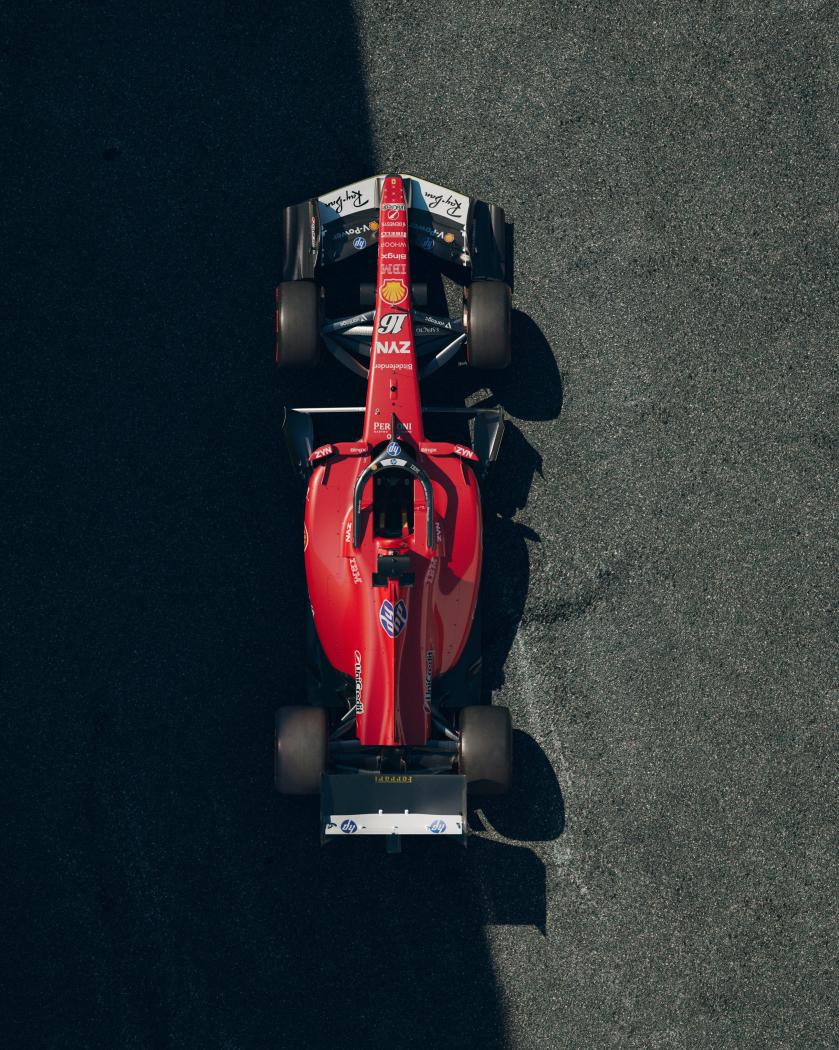
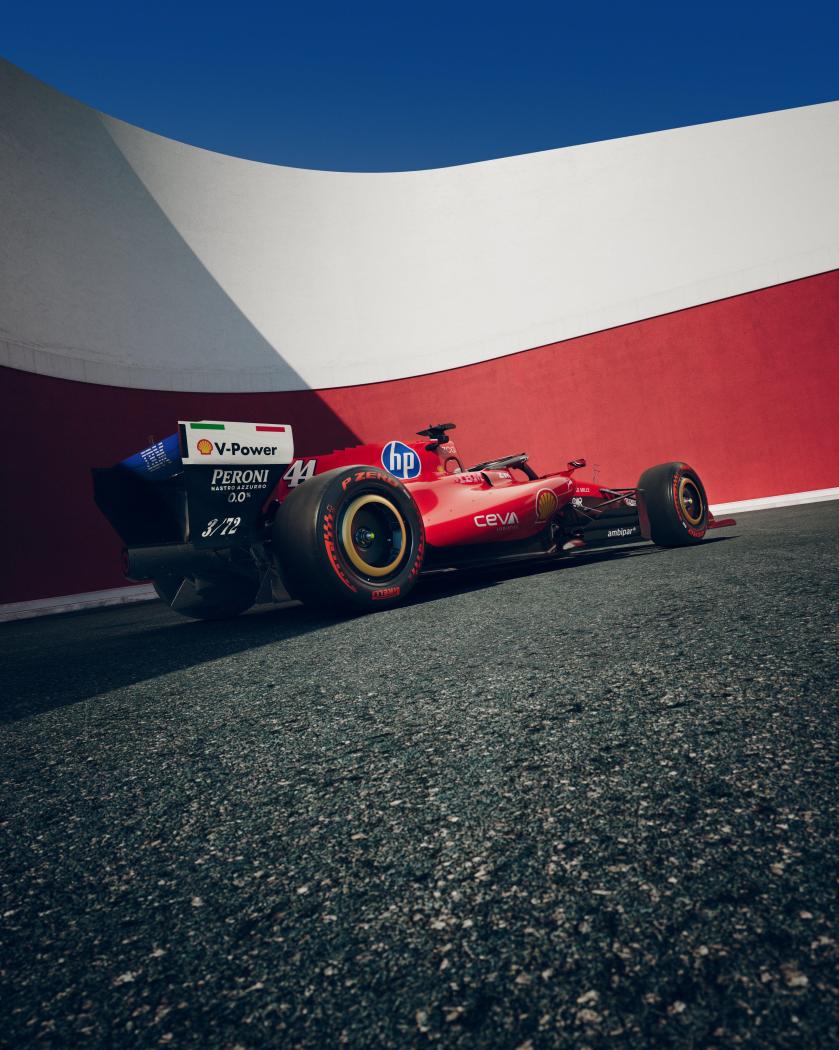
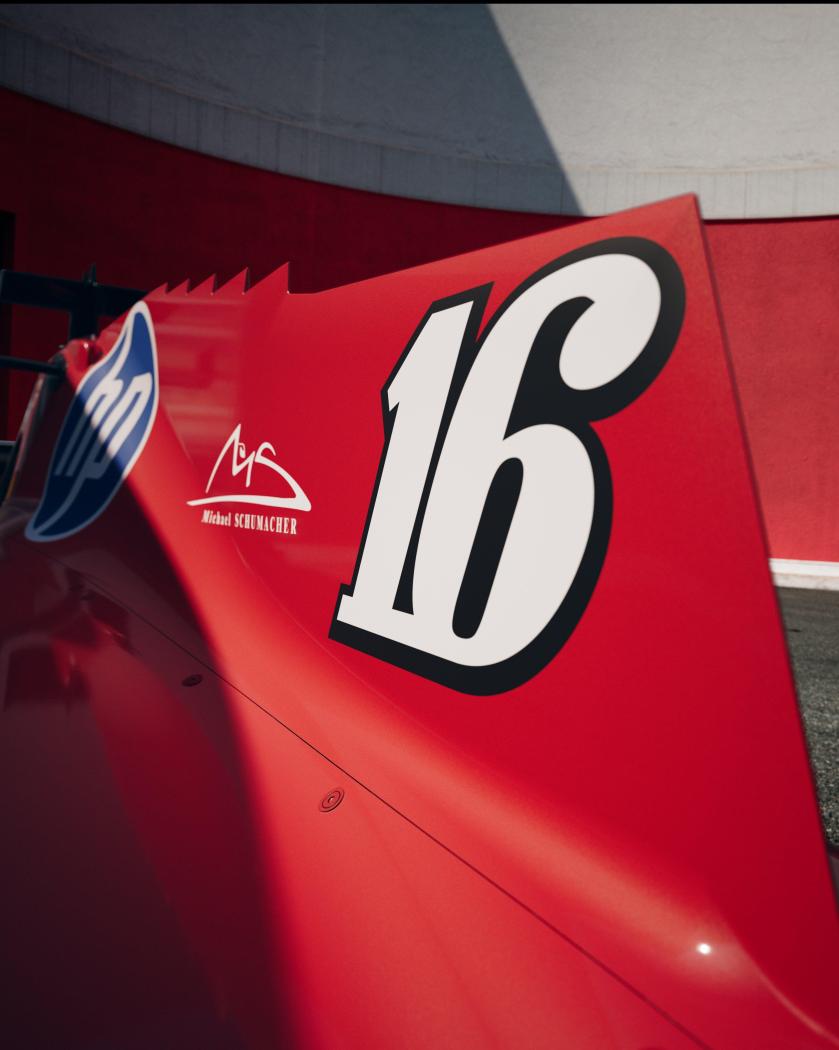
 Felici risponde ad un lettore su 4R sul futuro di Alfa [...] Come abbiamo condiviso durante lo Stellantis Investor Day dello scorso maggio, Alfa Romeo continuerà a investire nel proprio futuro attraverso una strategia chiara e coerente. Oggi il ruolo di riferimento nel segmento C-SUV è coperto da Tonale, mentre alla fine del 2027 presenteremo un nuovo C-SUV prodotto a Melfi, progettato per distinguersi per qualità, piacere di guida e autentico spirito Alfa Romeo. Allo stesso tempo continueremo a sviluppare progetti esclusivi capaci di alimentare il sogno e la desiderabilità del marchio, come è attualmente la 33 Stradale, così come stiamo lavorando per immaginare un futuro anche al segmento D, da sempre centrale nella storia di Alfa Romeo. Ma c'è un altro capitolo che credo possa interessarti particolarmente. Sempre nell'ambito del piano presentato, arriverà successivamente una nuova vettura di segmento C che raccoglierà idealmente l'eredità di modelli come 147 e Giulietta. Non sarà un SUV. Sarà una reinterpretazione moderna di quel concetto di automobile che ha contribuito a costruire il legame speciale tra Alfa Romeo e generazioni di appassionati. È ancora troppo presto per parlare di specifiche tecniche o caratteristiche di prodotto. Posso però dirti che chi sta lavorando a questa vettura conosce molto bene il valore di quei nomi e le aspettative che li accompagnano. Sarà una vera Alfa Romeo: bella, innovativa, emozionante da guidare e fedele ai valori che hanno reso il nostro marchio unico nel mondo. Perché le piattaforme, la tecnologia e le prestazioni sono fondamentali. Ma senza cuore, senza emozione e senza la passione di persone come te, saremmo soltanto costruttori di automobili. [...] Quattroruote.itAlfa Romeo, l'erede di 147 e Giulietta non sarà una SUV:...Il CEO del Biscione risponde alla lettera di un nostro lettore sulla nuova segmento CPer chi non avesse Sky l'evento di oggi con i piloti Ferrari a Milano sarà trasmesso in diretta anche su YouTubeFerrari, a Monza sulla F2002 di Schumacher ci saranno Barrichello e VettelSorpresa per i tifosi Ferrari nel tributo di Maranello per Michael Schumacher a Monza 2026https://www.formulapassion.it/f1/f1-news/ferrari-a-monza-sulla-f2002-di-schumacher-ci-saranno-barrichello-e-vettelEcco la livrea Ferrari per Monza dedicata Michael Schumacher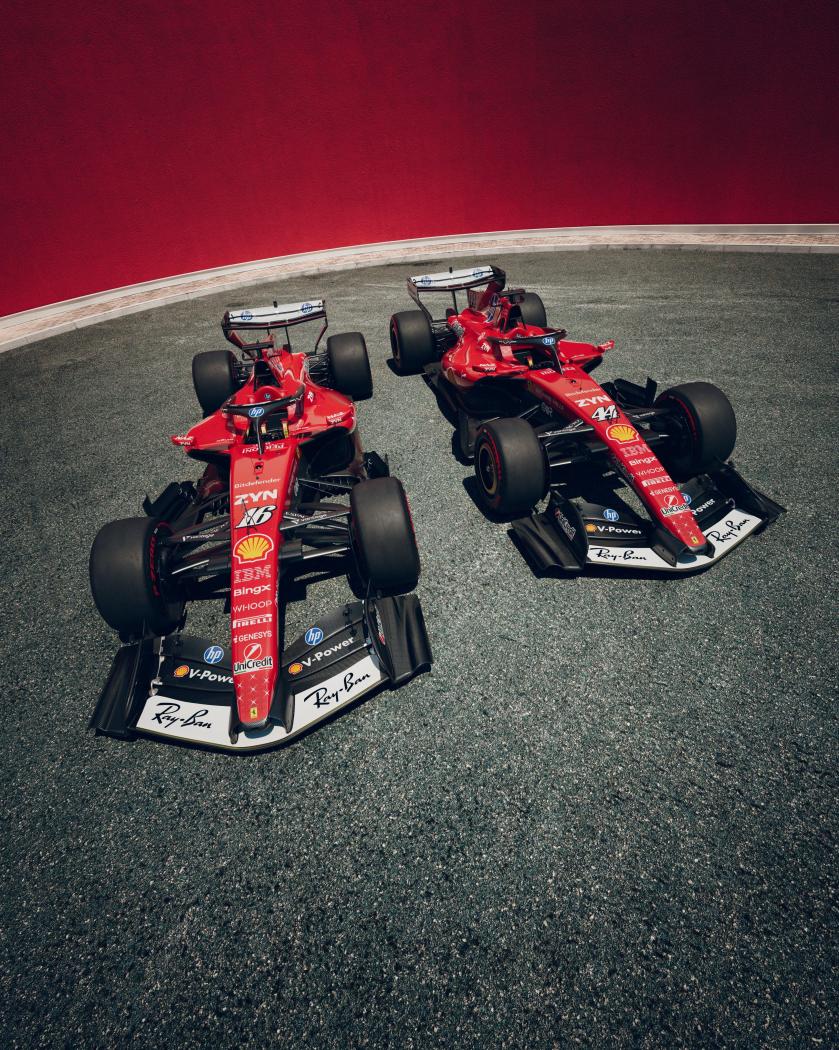
Account
Navigation
Cerca
Configure browser push notifications
Chrome (Android)
- Tap the lock icon next to the address bar.
- Tap Permissions → Notifications.
- Adjust your preference.
Chrome (Desktop)
- Click the padlock icon in the address bar.
- Select Site settings.
- Find Notifications and adjust your preference.
Safari (iOS 16.4+)
- Ensure the site is installed via Add to Home Screen.
- Open Settings App → Notifications.
- Find your app name and adjust your preference.
Safari (macOS)
- Go to Safari → Preferences.
- Click the Websites tab.
- Select Notifications in the sidebar.
- Find this website and adjust your preference.
Edge (Android)
- Tap the lock icon next to the address bar.
- Tap Permissions.
- Find Notifications and adjust your preference.
Edge (Desktop)
- Click the padlock icon in the address bar.
- Click Permissions for this site.
- Find Notifications and adjust your preference.
Firefox (Android)
- Go to Settings → Site permissions.
- Tap Notifications.
- Find this site in the list and adjust your preference.
Firefox (Desktop)
- Open Firefox Settings.
- Search for Notifications.
- Find this site in the list and adjust your preference.



![Alfa Romeo Hug [Trolling Mode]](https://www.autopareri.com/uploads/reactions/Alfaromeocare.png.50be1dd8d7c15ba4fec8098a15bfa18a.png)