





ale75
Utente Registrato
-
Iscritto il
-
Ultima visita
Tutti i contenuti di ale75
-
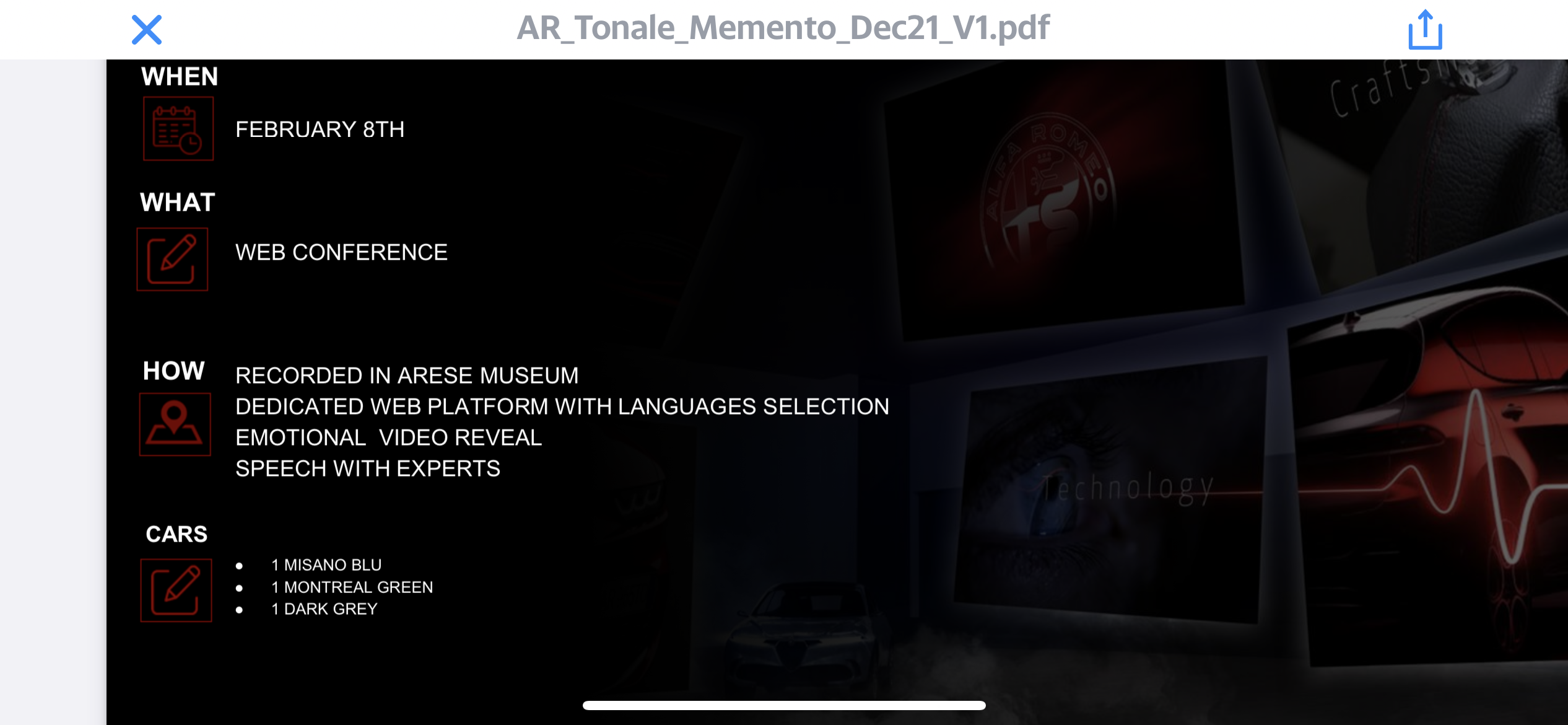
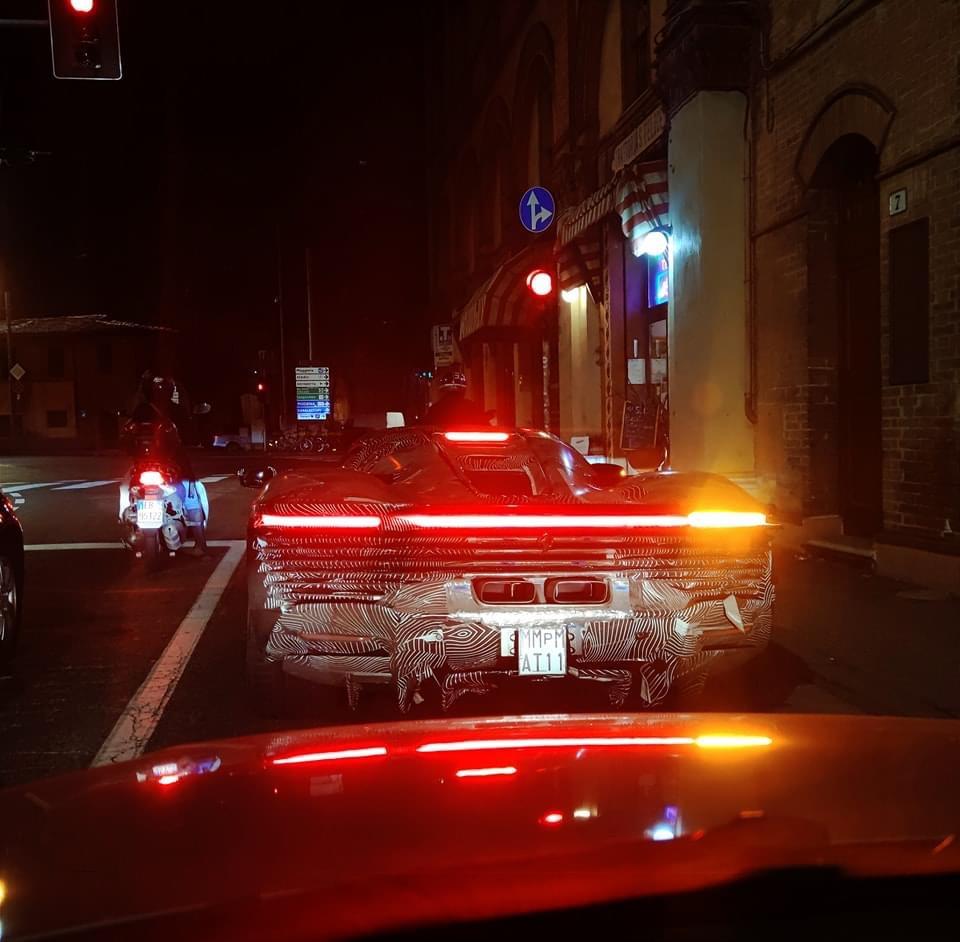
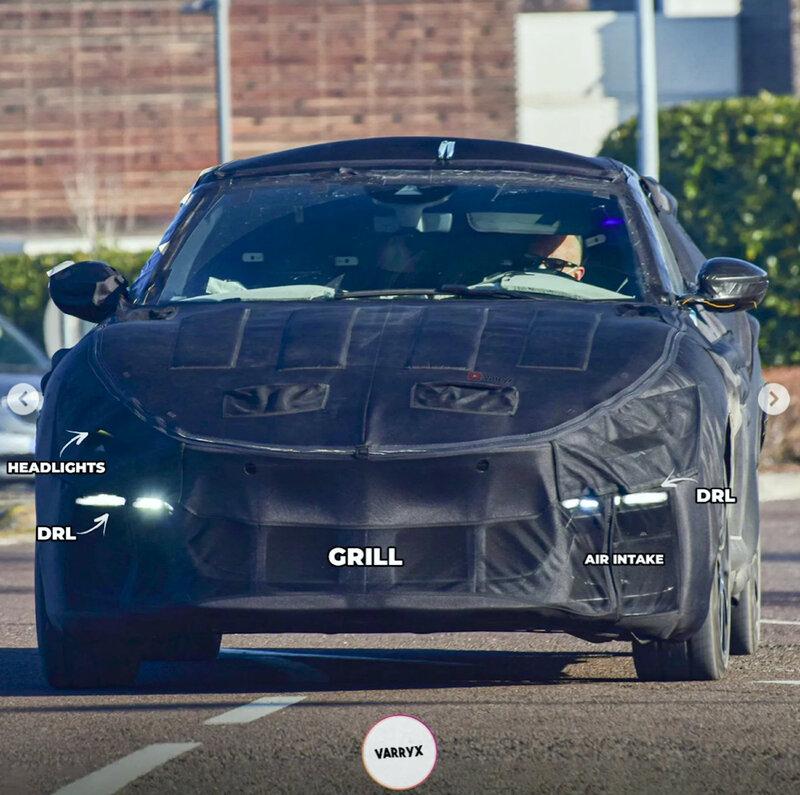
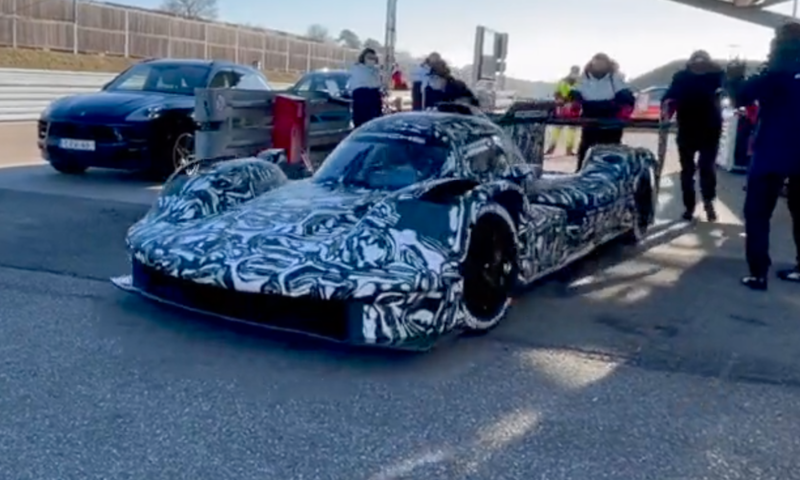
Quoto un mio commento di inizio novembre si la versione speciale di sf90 avrà un “ala” posteriore un po’ tamarra ed altre cosine… stanno chiudendo gli ordini di Portofino M che lascerà spazio alla Roma spider Purosangue verrà presentata a dicembre 2022 secondo le ultime info, non sarà presentata in Italia…. E sarà molto molto costosa
-
-
-
-
-
-
-
-











Account
Navigation
Cerca
Configure browser push notifications
Chrome (Android)
- Tap the lock icon next to the address bar.
- Tap Permissions → Notifications.
- Adjust your preference.
Chrome (Desktop)
- Click the padlock icon in the address bar.
- Select Site settings.
- Find Notifications and adjust your preference.
Safari (iOS 16.4+)
- Ensure the site is installed via Add to Home Screen.
- Open Settings App → Notifications.
- Find your app name and adjust your preference.
Safari (macOS)
- Go to Safari → Preferences.
- Click the Websites tab.
- Select Notifications in the sidebar.
- Find this website and adjust your preference.
Edge (Android)
- Tap the lock icon next to the address bar.
- Tap Permissions.
- Find Notifications and adjust your preference.
Edge (Desktop)
- Click the padlock icon in the address bar.
- Click Permissions for this site.
- Find Notifications and adjust your preference.
Firefox (Android)
- Go to Settings → Site permissions.
- Tap Notifications.
- Find this site in the list and adjust your preference.
Firefox (Desktop)
- Open Firefox Settings.
- Search for Notifications.
- Find this site in the list and adjust your preference.