






Pandino
Reporter (Staff)
-
Iscritto il
-
Ultima visita
Tutti i contenuti di Pandino
-
Considerando che hanno: A (EV) B C-Suv Monovolume MPV Van ...cosa vogliono andare a fare per non fare concorrenza a Renault?Considerano che in cantiere c'è la versione di serie di questa mi auguro di no

- 25 risposte
-
-

- 2
-
-
- brasile
- fiat
- fiat brasile
- fiat mobi
-
Taggato come:
Motor1.com.thumb.jpg.7d2ab7a7ef8ab1bbfce5577aa6b95d56.jpg)
.thumb.jpg.a9fb4d01d7bcf5ad64b6da6f8f535342.jpg)
.thumb.jpg.4ac2335c7d396c557490bec307abe4f2.jpg)












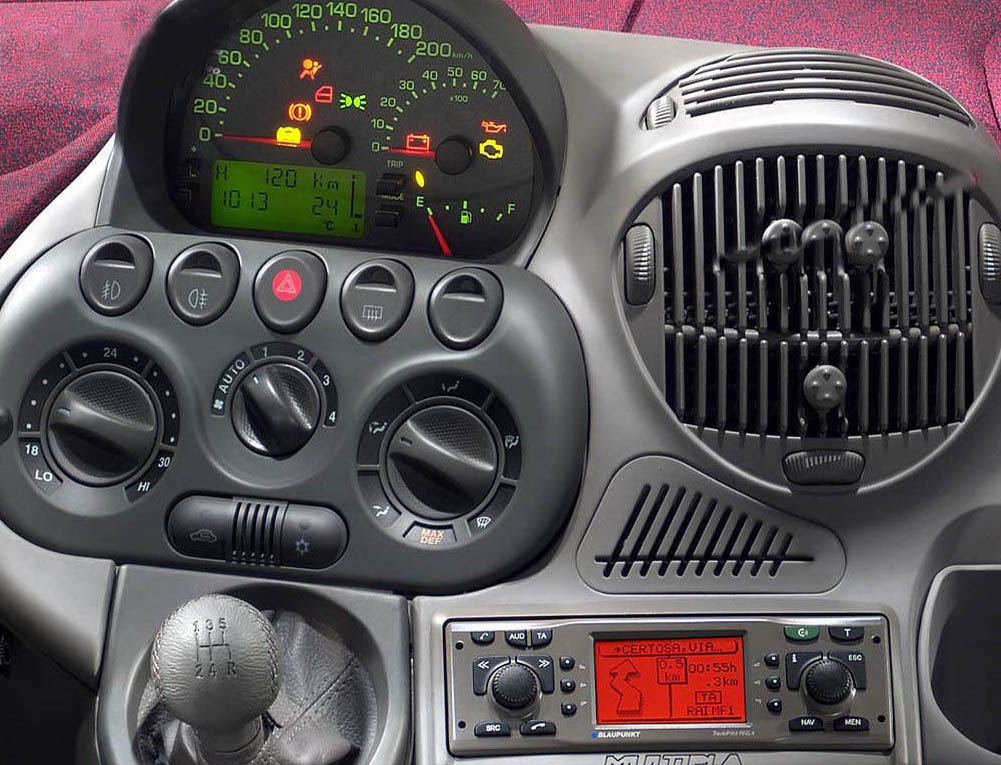




.jpg.d985fb163d435a82e8f346b0e9818c90.jpg)







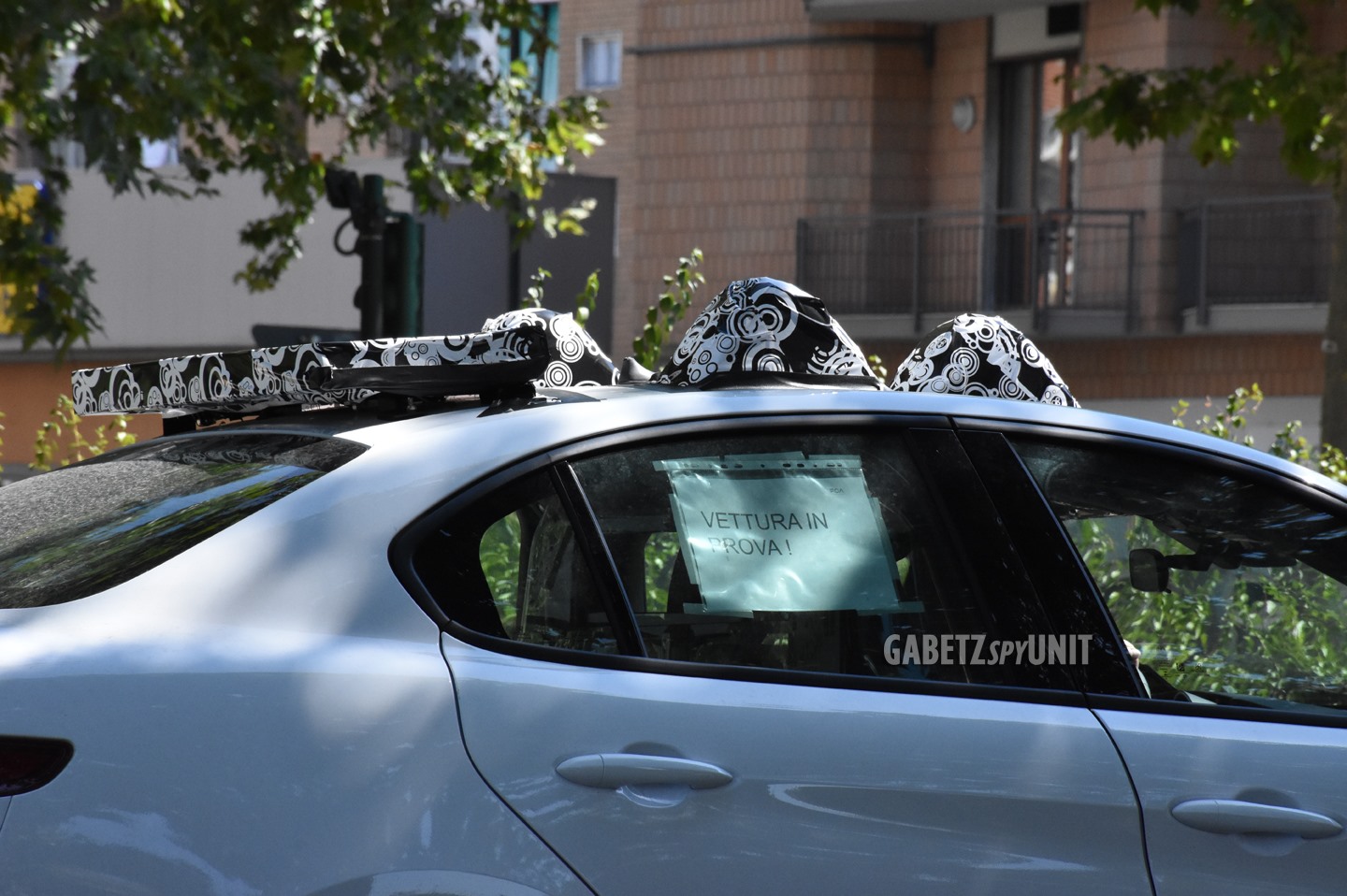

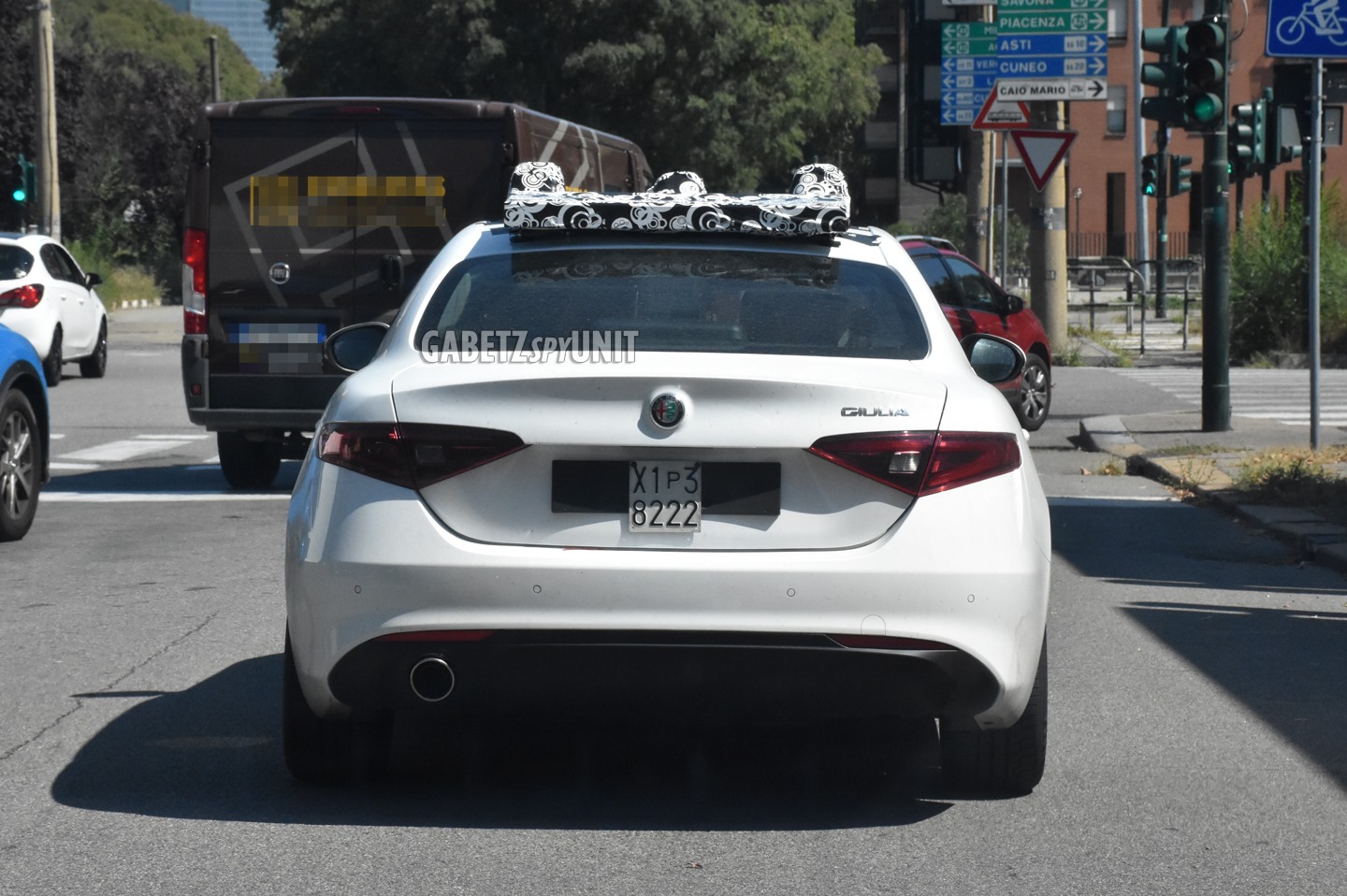










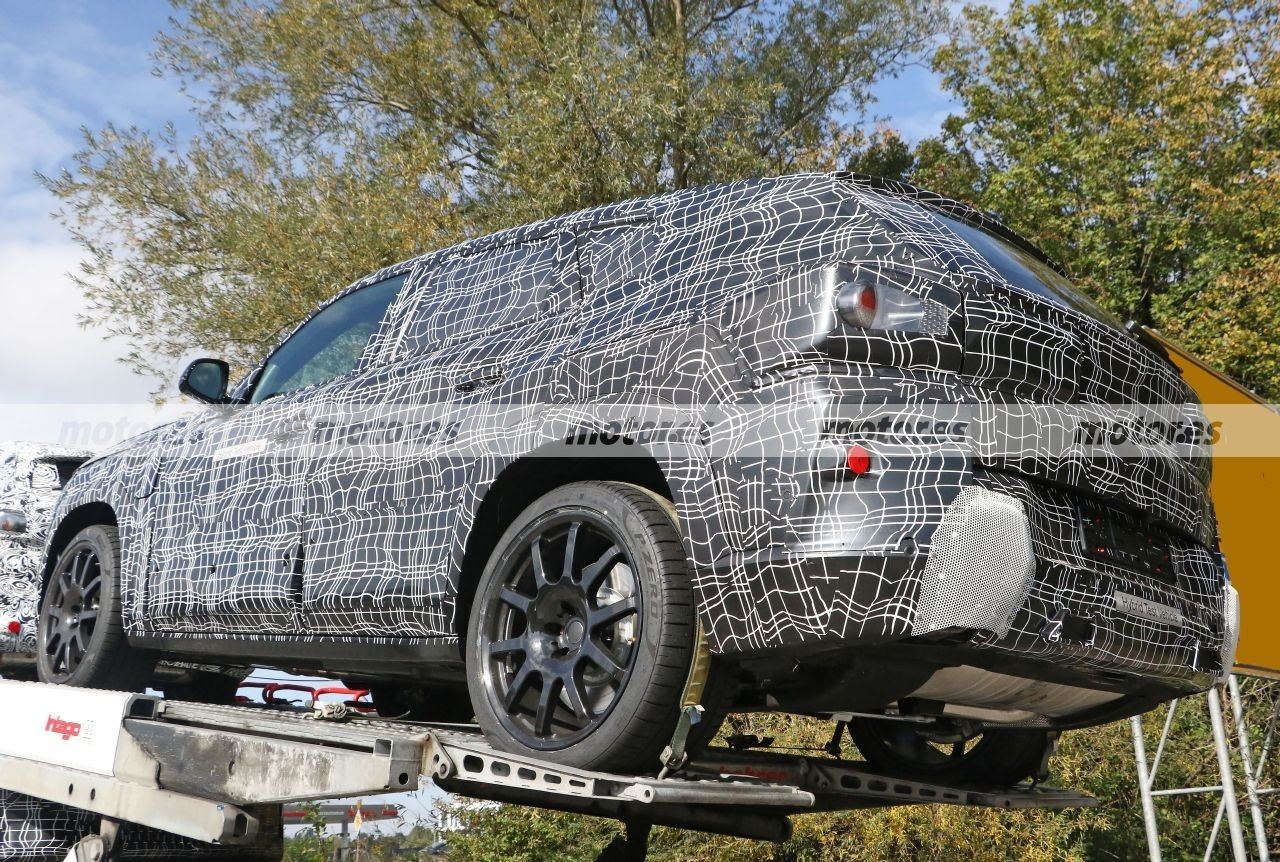







.jpg.10fa6f59512cd7dd9628e1e0824044c9.jpg)
.jpg.eee16e1f95930d26fae37f54fe2178b7.jpg)
.jpg.64f47ca64b82cb7559dc93864e61b8db.jpg)

.jpg.c6ea2a8b2b12d3d77016598107da9386.jpg)

.jpg.894fe2f9d4029c1d3c81a006455d9e04.jpg)
.jpg.2201d52d845364fc948f98a60c895c22.jpg)

.jpg.71fe3be3a81ac25e134934f0fa5ce005.jpg)
.jpg.0ea525f67ac3f10e78f7be7f68ce45bf.jpg)
.jpg.fb26d44a1afa41882d306dbe4dde5557.jpg)

Account
Navigation
Cerca
Configure browser push notifications
Chrome (Android)
- Tap the lock icon next to the address bar.
- Tap Permissions → Notifications.
- Adjust your preference.
Chrome (Desktop)
- Click the padlock icon in the address bar.
- Select Site settings.
- Find Notifications and adjust your preference.
Safari (iOS 16.4+)
- Ensure the site is installed via Add to Home Screen.
- Open Settings App → Notifications.
- Find your app name and adjust your preference.
Safari (macOS)
- Go to Safari → Preferences.
- Click the Websites tab.
- Select Notifications in the sidebar.
- Find this website and adjust your preference.
Edge (Android)
- Tap the lock icon next to the address bar.
- Tap Permissions.
- Find Notifications and adjust your preference.
Edge (Desktop)
- Click the padlock icon in the address bar.
- Click Permissions for this site.
- Find Notifications and adjust your preference.
Firefox (Android)
- Go to Settings → Site permissions.
- Tap Notifications.
- Find this site in the list and adjust your preference.
Firefox (Desktop)
- Open Firefox Settings.
- Search for Notifications.
- Find this site in the list and adjust your preference.