Tutti i contenuti di AlfaZeta6
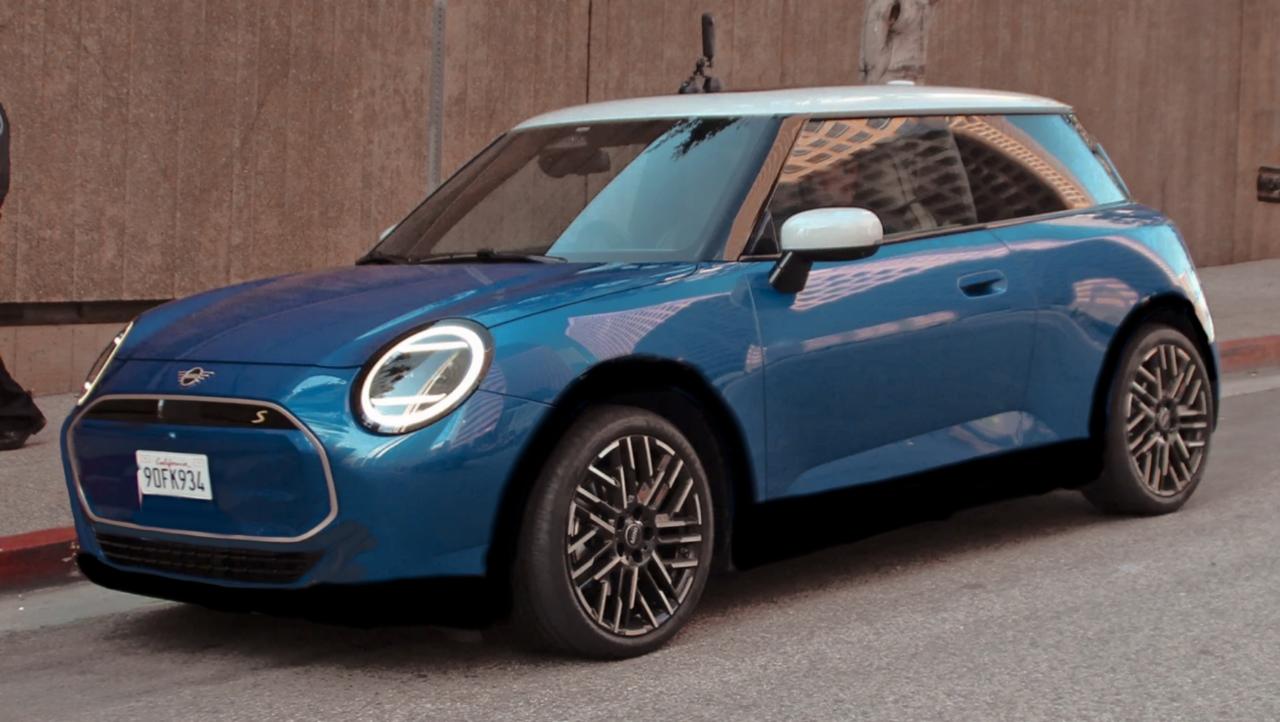
- Peugeot 2008 Facelift 2024 (Spy)
- Alfa Romeo Giulia M.Y. 2023
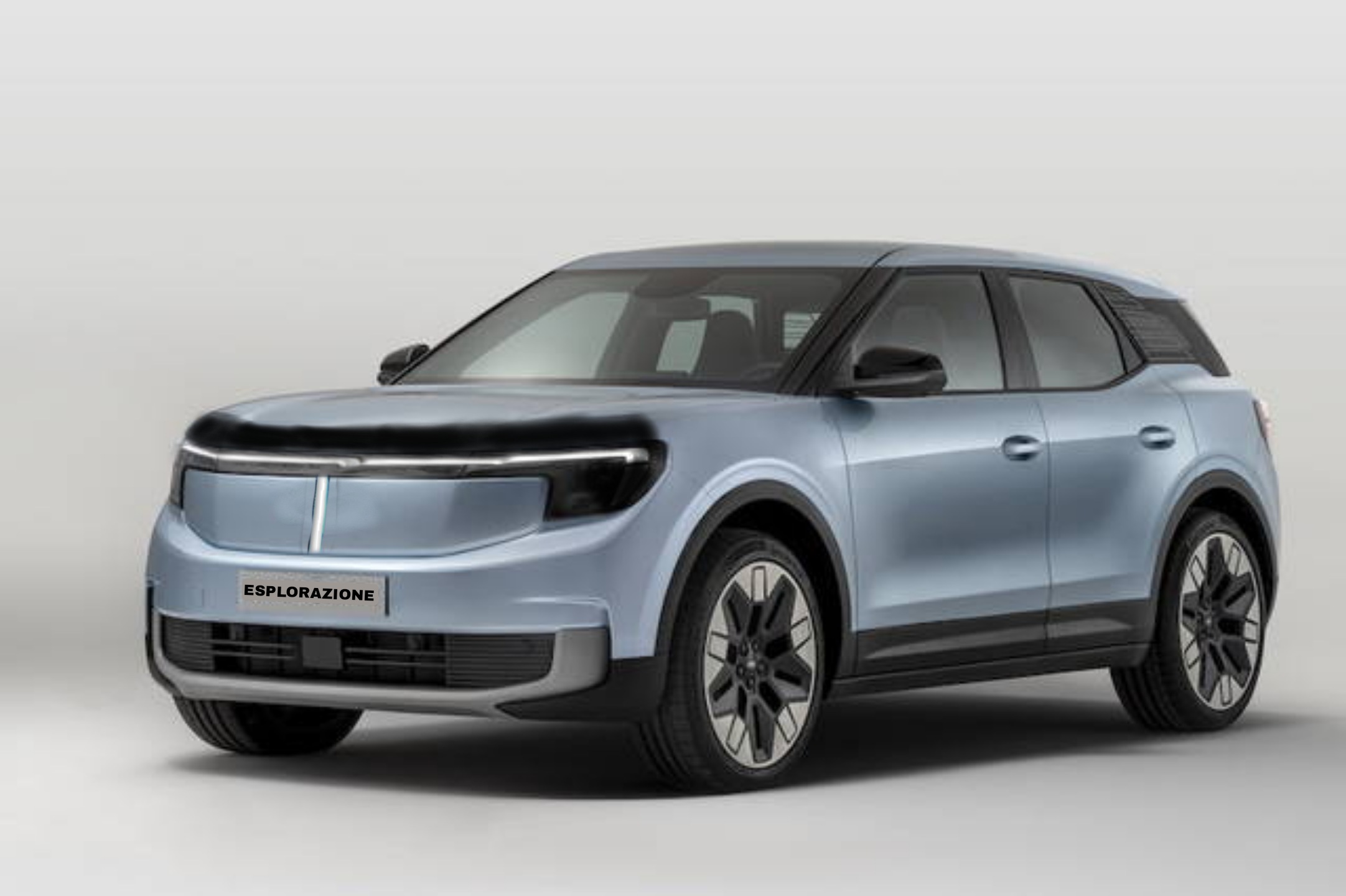
- Ford Explorer 2023
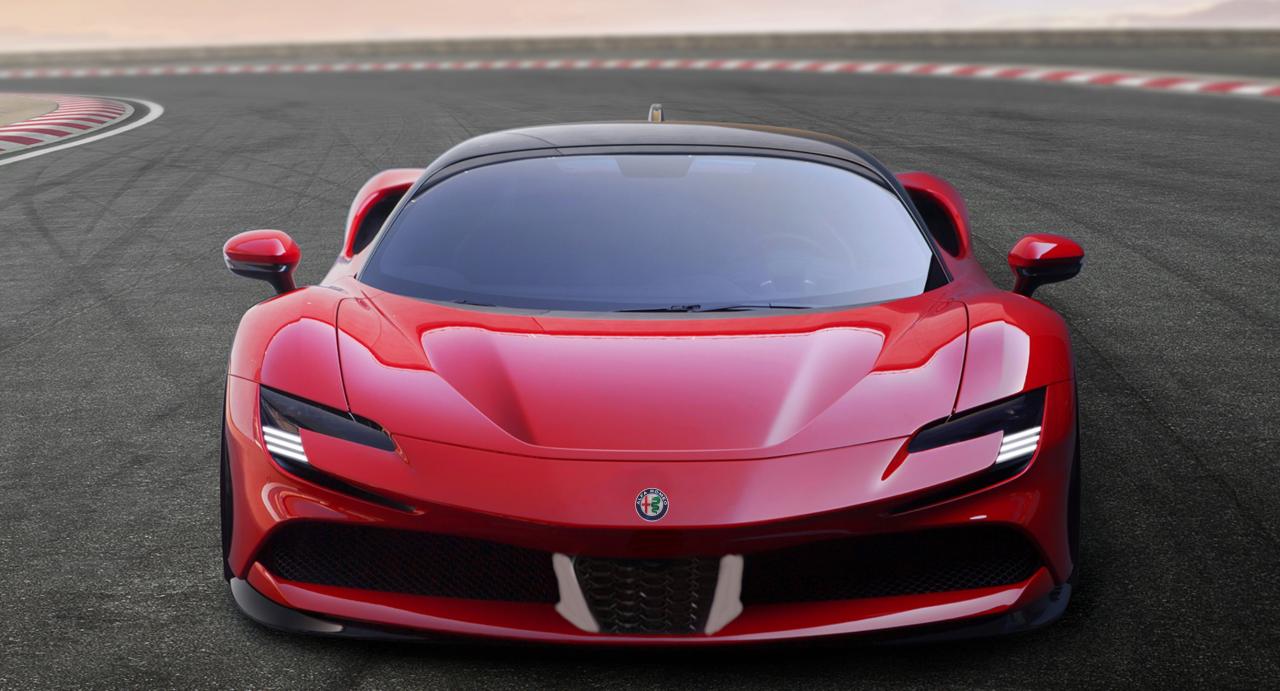
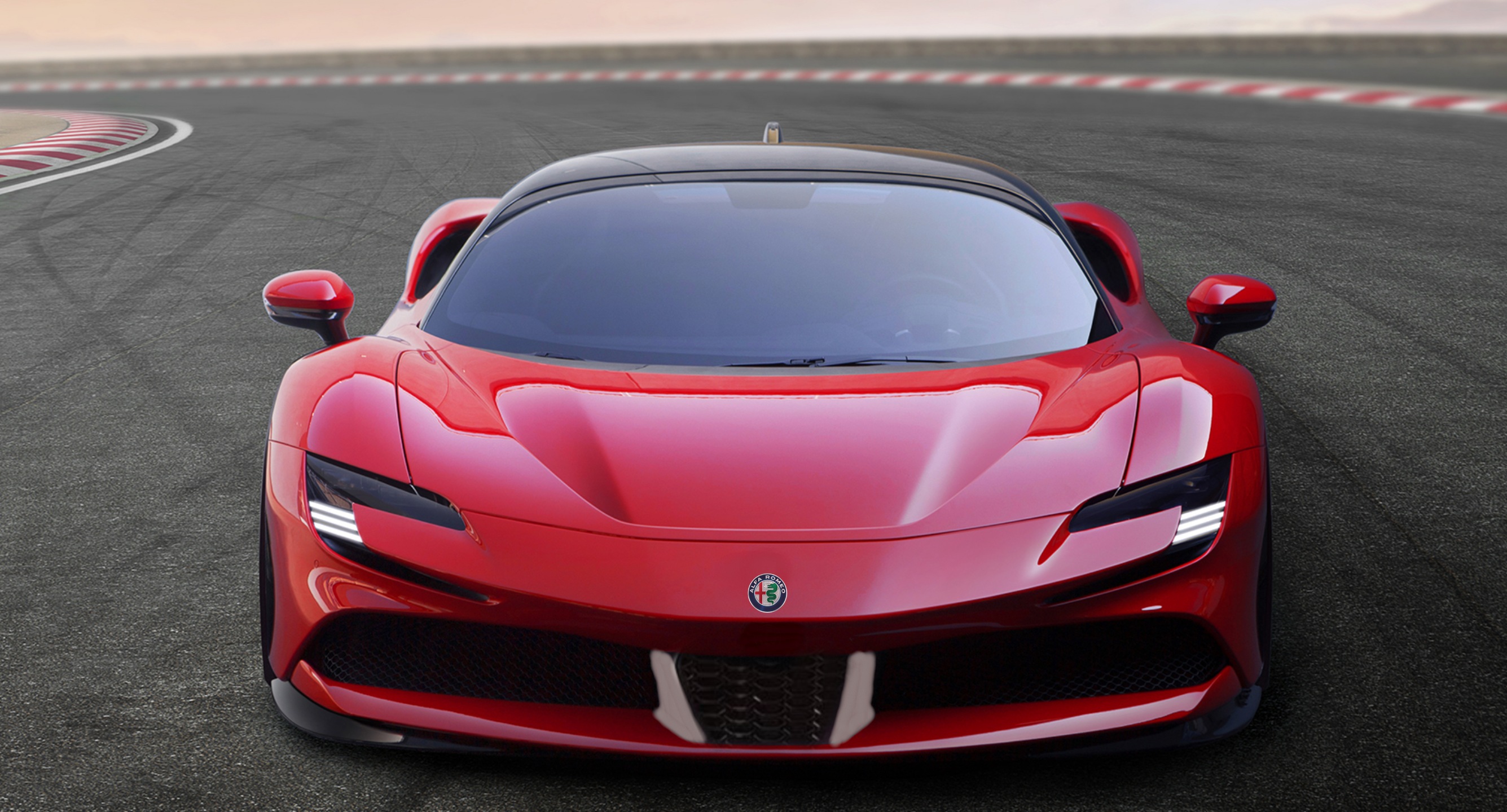
- Ferrari Hypercar Coupé, Aperta e FXX 2024 - Prj. F250 (Spy)
- Laboratorio Lancia
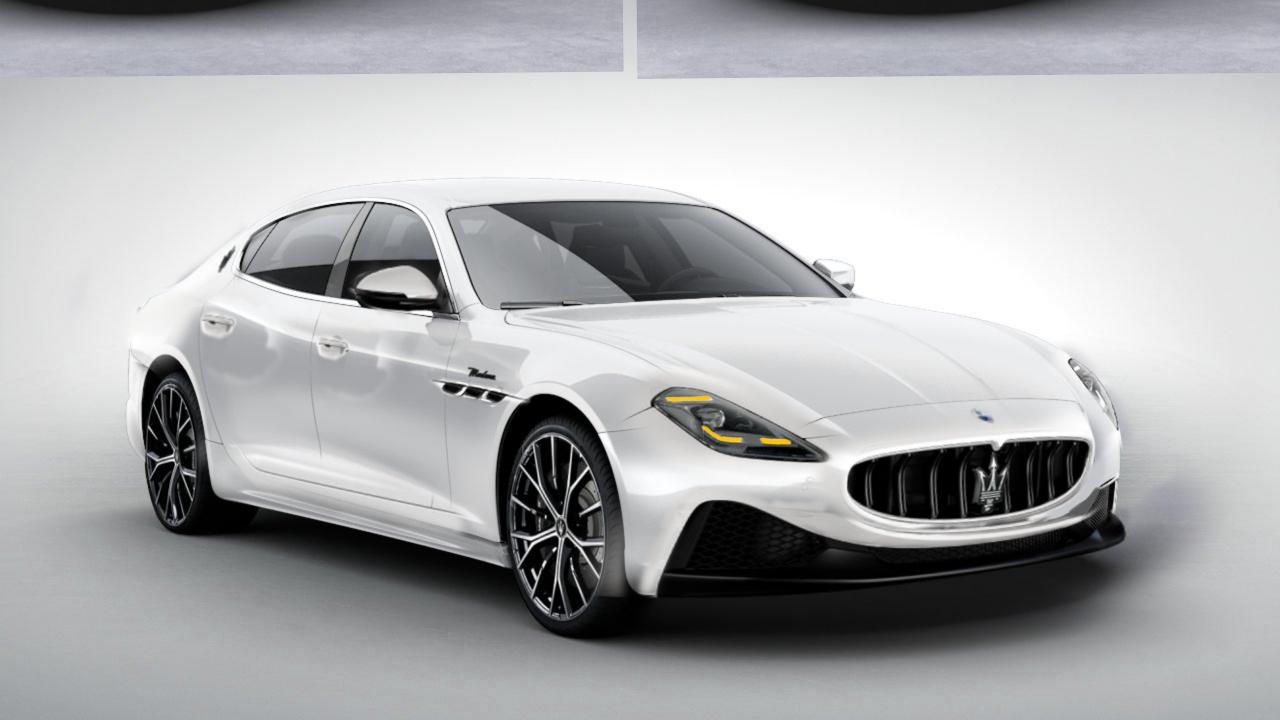
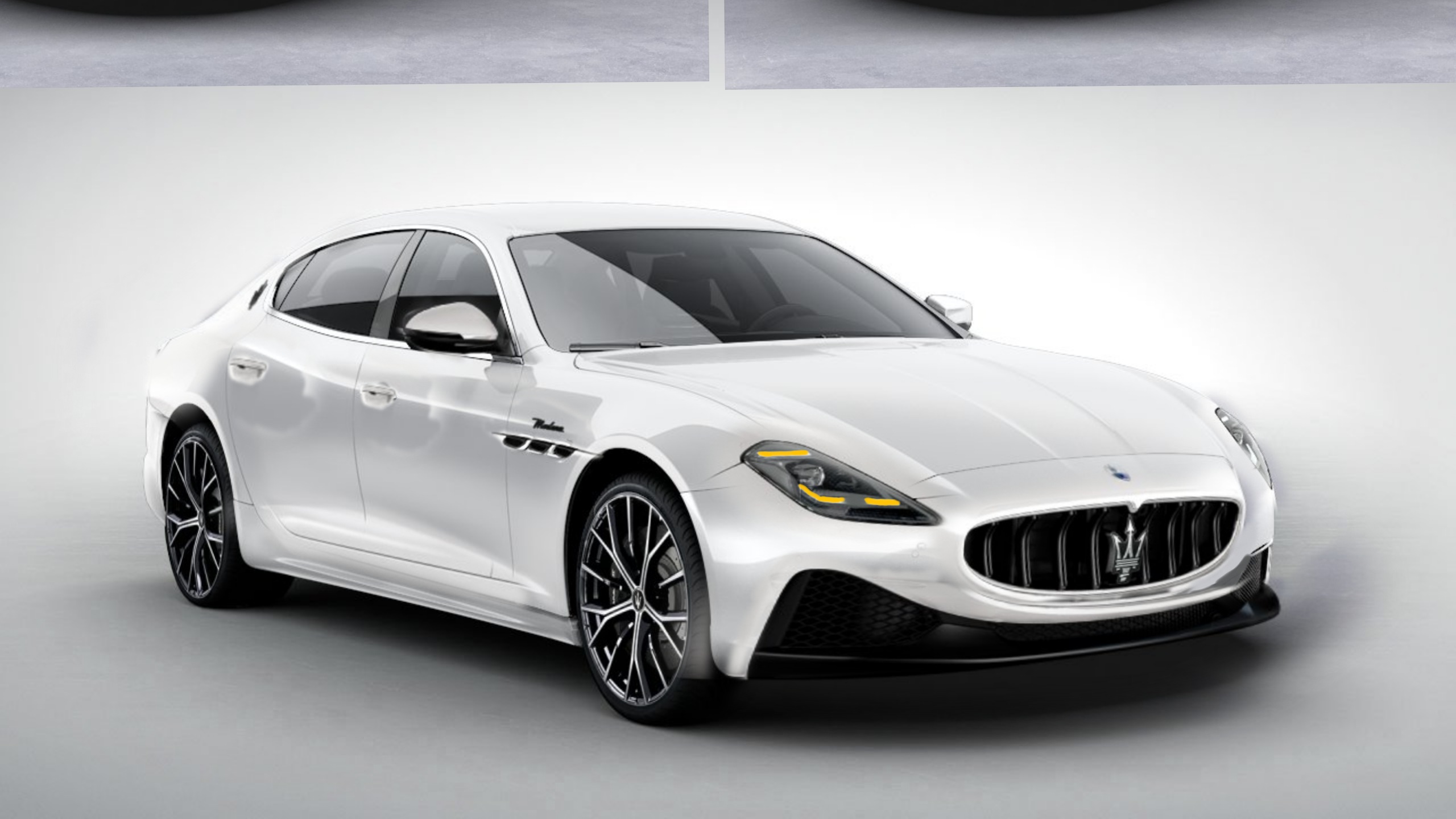
- Maserati GranTurismo 2023
- Alfa Romeo Stelvio - Giulia MCA Quadrifoglio MY2023 (Spy)
- BMW XM 2023
- Ferrari Roma Spider 2023
- Renault Espace 2023 (Austral 7 Posti) - Prj. RHN (Spy)
-
Giannini Uso 2023
Se fate attenzione ad un certo punto parla di seconda casa
-
Avvistamenti auto moderne rare
- Ferrari Sportcar V6 2023 (Spy)
- Lancia Ypsilon - [Fotoritocco & Proposte grafiche dal web e non]
- I prossimi modelli Alfa Romeo
- Ford Transit / Tourneo Courier 2024 (Spy)
- Lamborghini Supercar V12 Hybrid 2023 Prj. LB744 (Spy e Teaser)
- Aston Martin Valkyrie 2022
- I prossimi modelli Alfa Romeo
- Lancia Ypsilon - [Fotoritocco & Proposte grafiche dal web e non]
Account
Navigation
Cerca
Configure browser push notifications
Chrome (Android)
- Tap the lock icon next to the address bar.
- Tap Permissions → Notifications.
- Adjust your preference.
Chrome (Desktop)
- Click the padlock icon in the address bar.
- Select Site settings.
- Find Notifications and adjust your preference.
Safari (iOS 16.4+)
- Ensure the site is installed via Add to Home Screen.
- Open Settings App → Notifications.
- Find your app name and adjust your preference.
Safari (macOS)
- Go to Safari → Preferences.
- Click the Websites tab.
- Select Notifications in the sidebar.
- Find this website and adjust your preference.
Edge (Android)
- Tap the lock icon next to the address bar.
- Tap Permissions.
- Find Notifications and adjust your preference.
Edge (Desktop)
- Click the padlock icon in the address bar.
- Click Permissions for this site.
- Find Notifications and adjust your preference.
Firefox (Android)
- Go to Settings → Site permissions.
- Tap Notifications.
- Find this site in the list and adjust your preference.
Firefox (Desktop)
- Open Firefox Settings.
- Search for Notifications.
- Find this site in the list and adjust your preference.