





andrea.bello
Utente Registrato
-
Iscritto il
-
Ultima visita
Tutti i contenuti di andrea.bello
-
-
-
-
-
dove si trovano questi dati? grazie
-
gli appoggiatesta fissi... economie prese dalla UP
-
Premetto: -sono "a casa vostra" e le regole le fate voi; e sicuramente servono per tenere in ordine. - vi ringrazio ed apprezzo il lavoro che fate. ____________________________________________________ per ironizzare, suggerisco di aprire nuovi threads: - nostalgici Lancia che citano il deltone nel thread della Ypsilon 2024 - espertoni di marketing che sentenziano nel thread della Ypsilon 2024 - Mancati comici che sparano battute nel thread della Ypsilon 2024 se togliete anche le foto ripostate centinaia di volte, rimangono 2 pagine. ;-)
- 2393 risposte
-
-

-

- 6
-
-
- cmp
- e-cmp
- lancia
- lancia ypsilon
-
Taggato come:
...mi chiedo quindi qual è il problema e l'utilità di un commento del genere. e lo dico da semplice utente che apprezza lo spirito di questo posto. ;-)- 2393 risposte
-
- cmp
- e-cmp
- lancia
- lancia ypsilon
-
Taggato come:
se spostaste tutti i post "non consoni" quanti ne rimarebbero? dissento- 2393 risposte
-
- cmp
- e-cmp
- lancia
- lancia ypsilon
-
Taggato come:
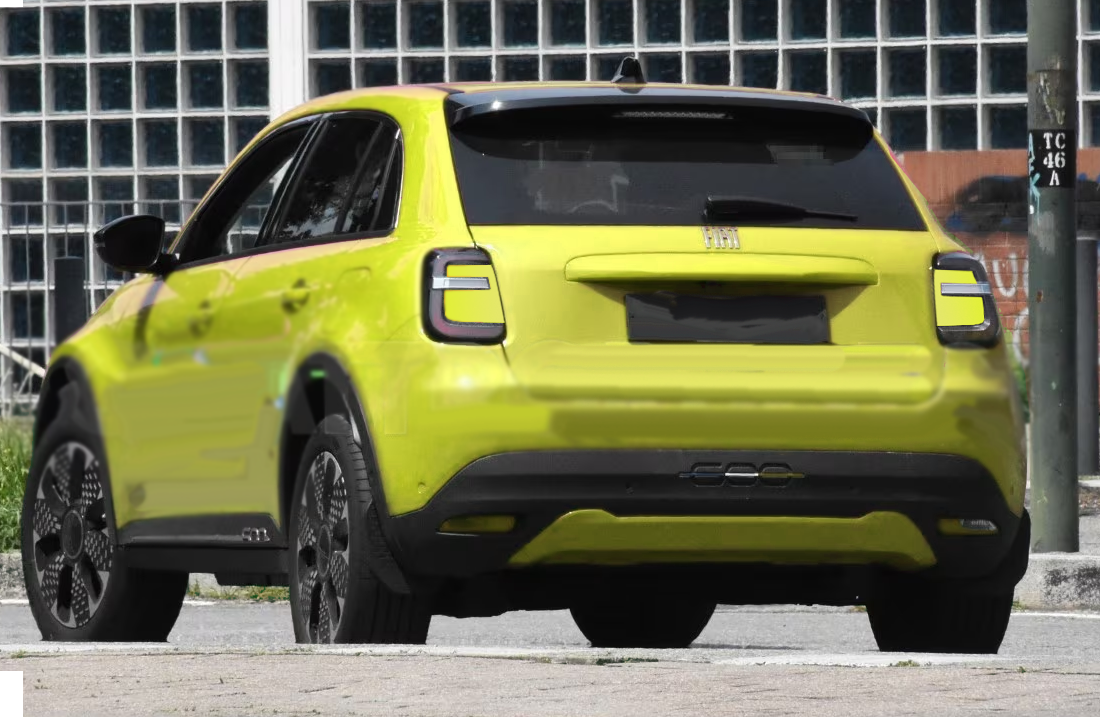
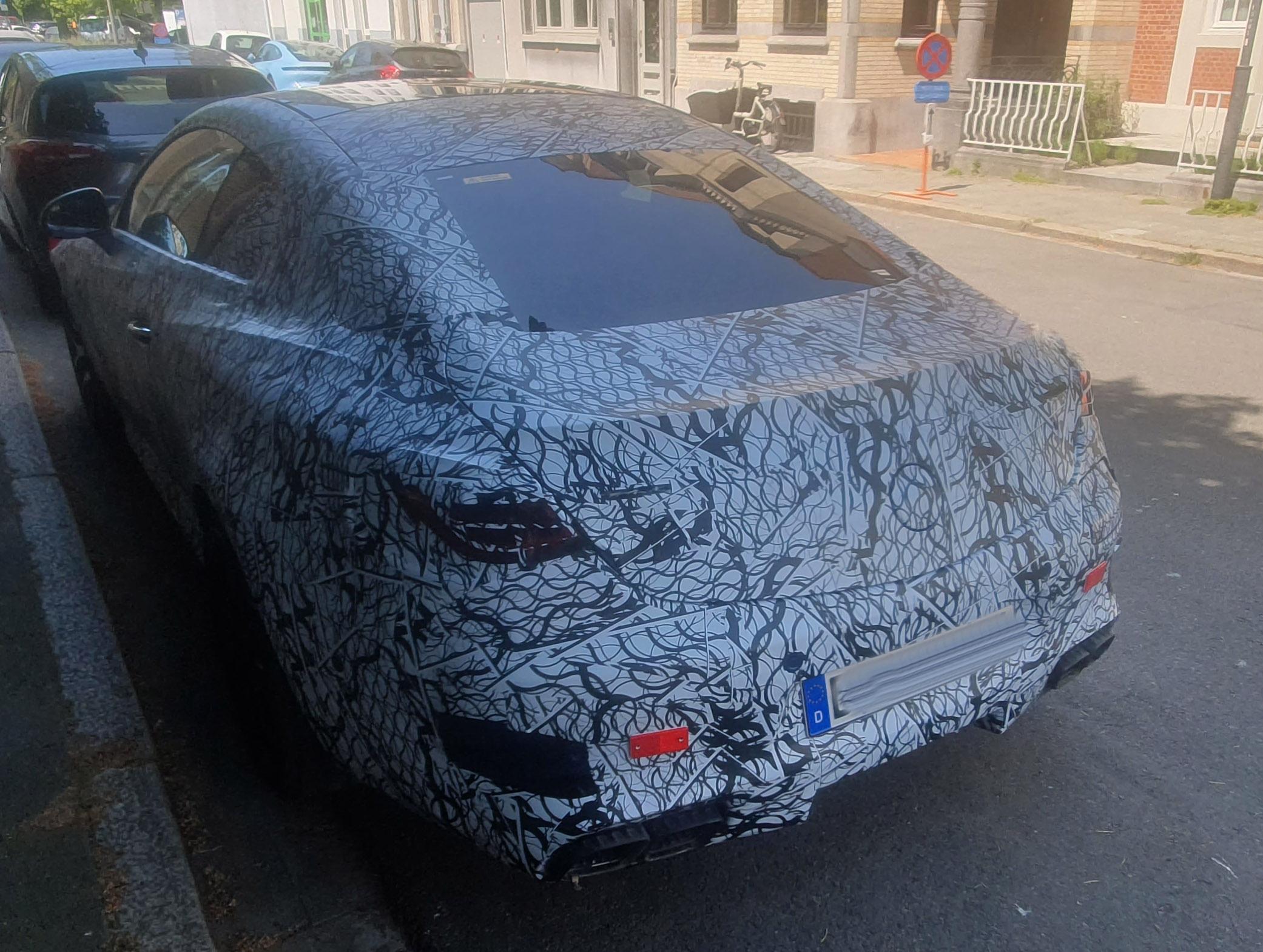
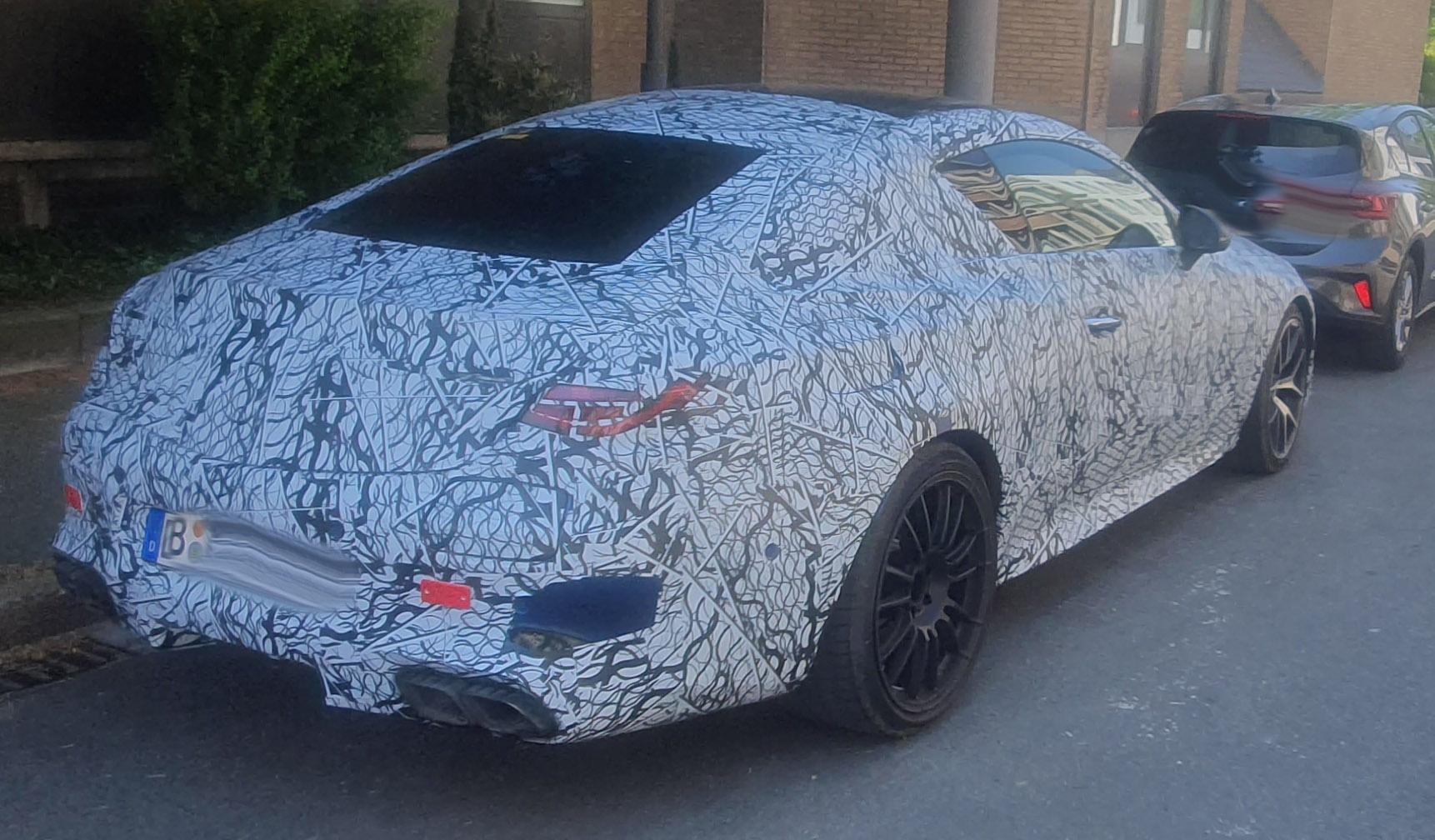
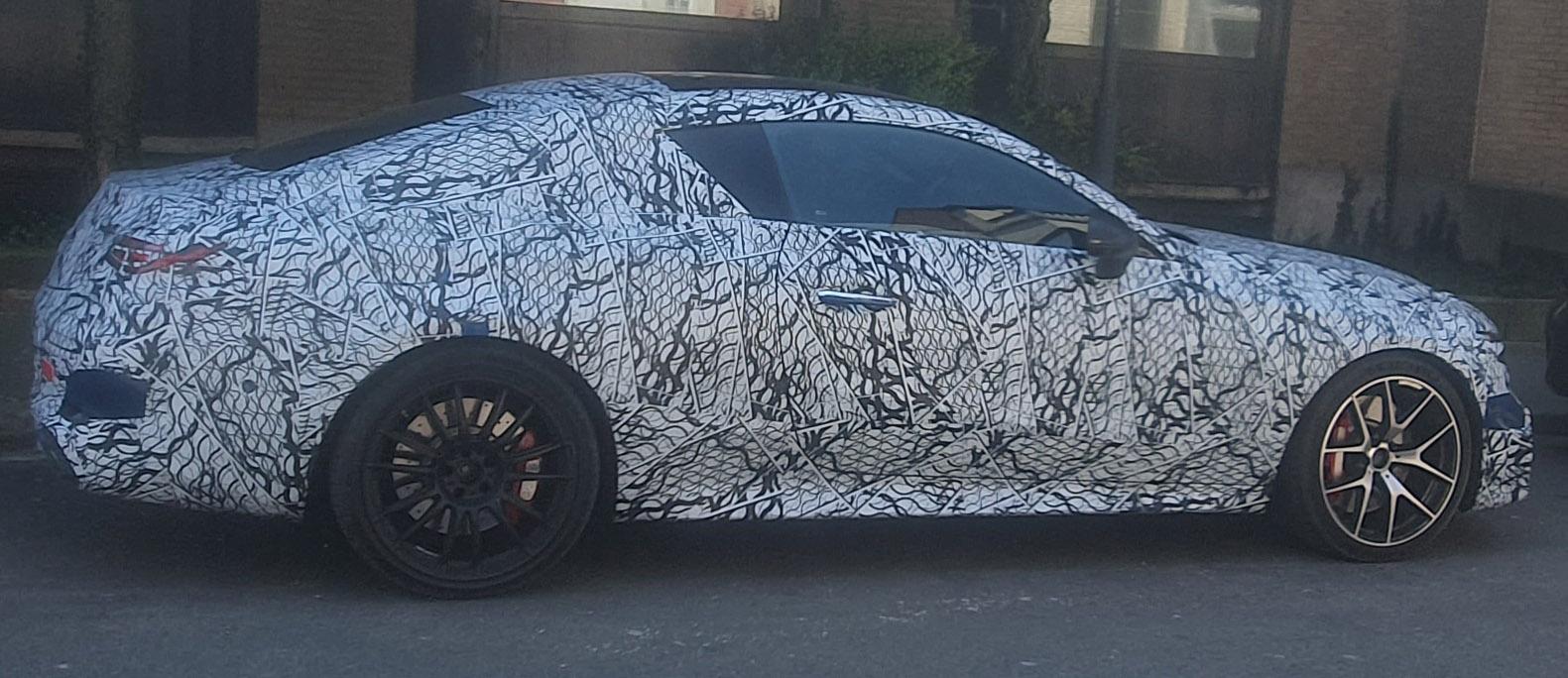
Perché avete cancellato ANCHE il mio post con la foto? ci sono centiania di post di "fuffa" , faccio un lavoro di ricostruzione e ...- 2393 risposte
-
- cmp
- e-cmp
- lancia
- lancia ypsilon
-
Taggato come:
"ciò che non c'è non si rompe" (Fiat)è un motto superato da decenni. se no, togliamo tutto il superfluo.- 74 risposte
-
- c-hr
- c-hr 2023
- toyota
- toyota c-hr
-
Taggato come:
D isegnata con il righello. l'unico cha lo sa usare è Giorgietto.- 101 risposte
-
-
- 2
-
-
- bev
- bmw
- bmw ix2
- bmw ufficiale
-
Taggato come:
Non capirò mai Toyota che non prevede i tetti apribili...- 74 risposte
-
- c-hr
- c-hr 2023
- toyota
- toyota c-hr
-
Taggato come:


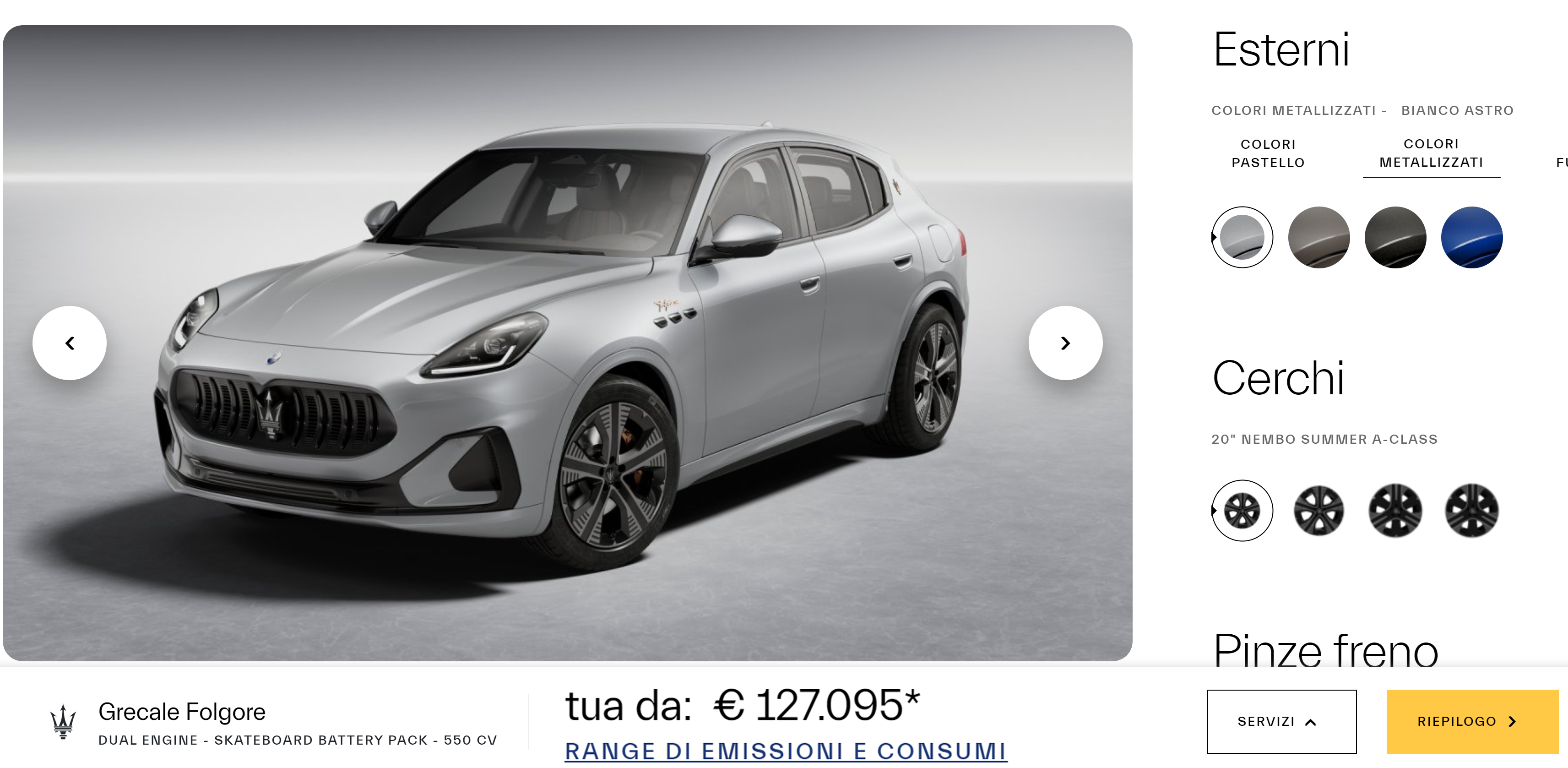
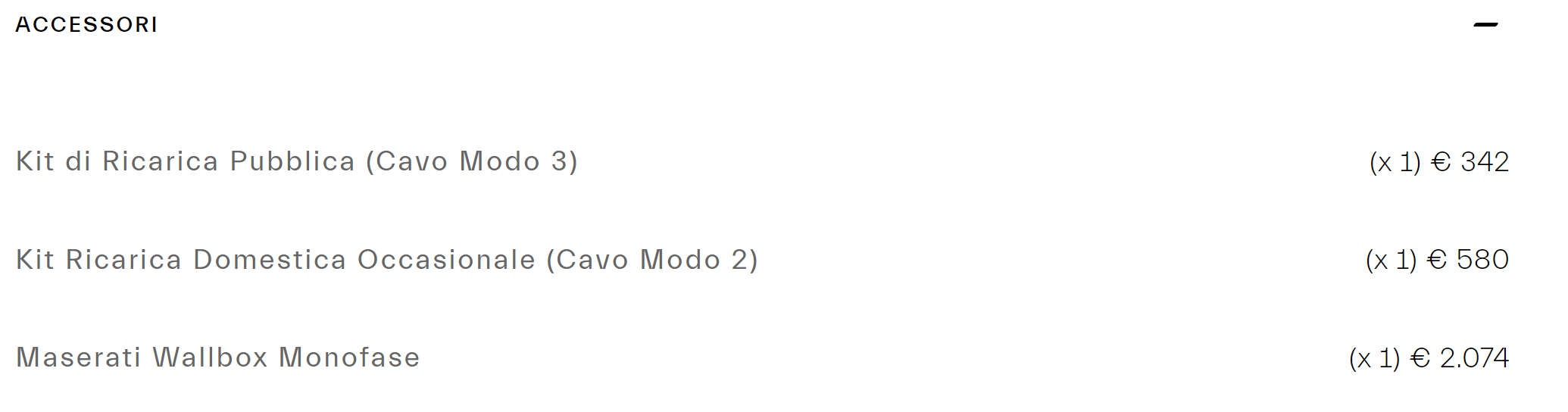
-Recuperato.png.1c879c676702810fed5e5ccaae92c0a8.png)
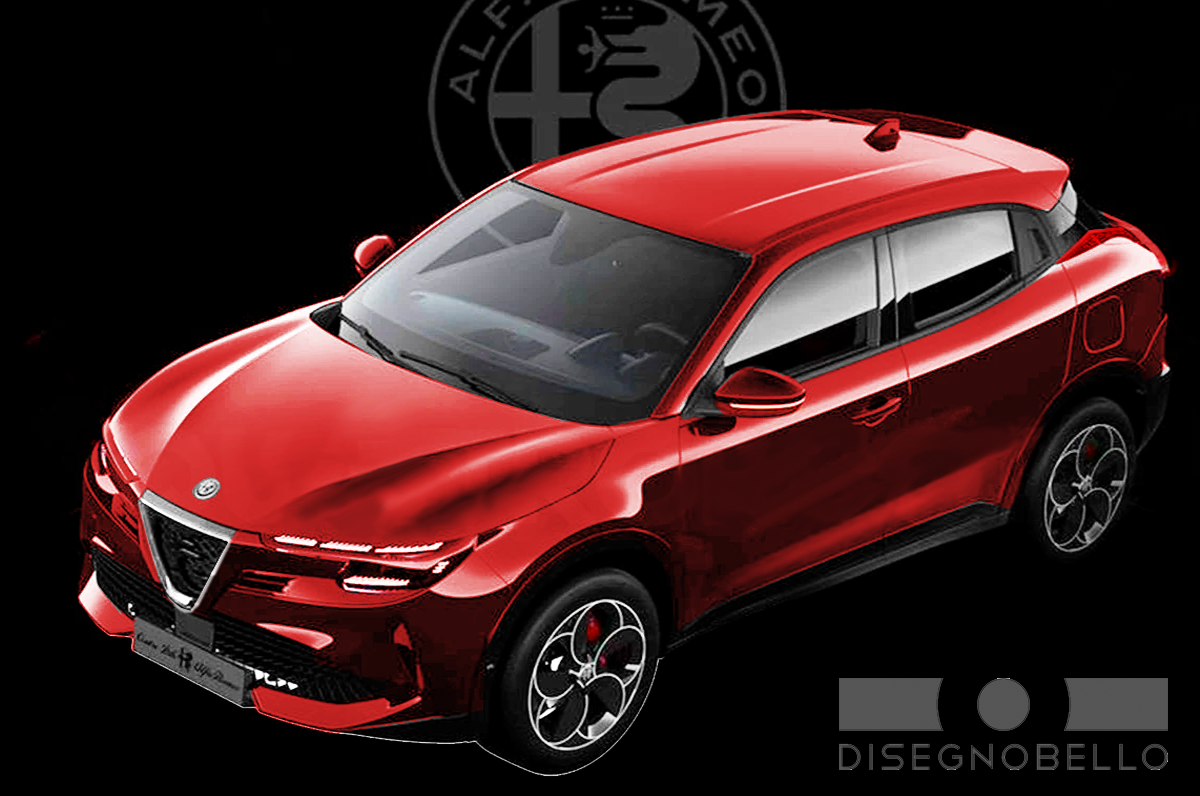


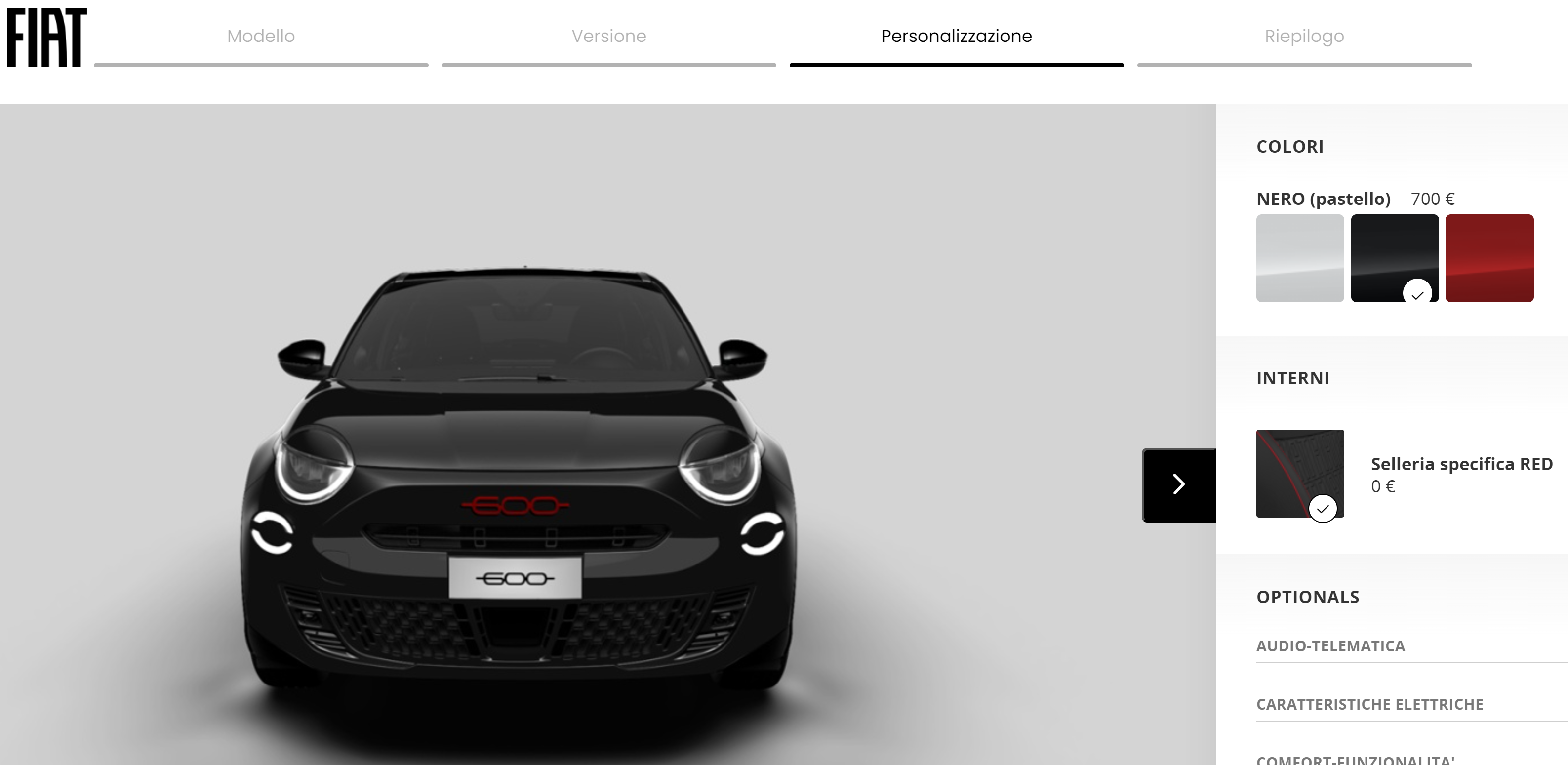


Account
Navigation
Cerca
Configure browser push notifications
Chrome (Android)
- Tap the lock icon next to the address bar.
- Tap Permissions → Notifications.
- Adjust your preference.
Chrome (Desktop)
- Click the padlock icon in the address bar.
- Select Site settings.
- Find Notifications and adjust your preference.
Safari (iOS 16.4+)
- Ensure the site is installed via Add to Home Screen.
- Open Settings App → Notifications.
- Find your app name and adjust your preference.
Safari (macOS)
- Go to Safari → Preferences.
- Click the Websites tab.
- Select Notifications in the sidebar.
- Find this website and adjust your preference.
Edge (Android)
- Tap the lock icon next to the address bar.
- Tap Permissions.
- Find Notifications and adjust your preference.
Edge (Desktop)
- Click the padlock icon in the address bar.
- Click Permissions for this site.
- Find Notifications and adjust your preference.
Firefox (Android)
- Go to Settings → Site permissions.
- Tap Notifications.
- Find this site in the list and adjust your preference.
Firefox (Desktop)
- Open Firefox Settings.
- Search for Notifications.
- Find this site in the list and adjust your preference.