





MotorPassion
Reporter (Staff)
-
Iscritto il
-
Ultima visita
Tutti i contenuti di MotorPassion
-
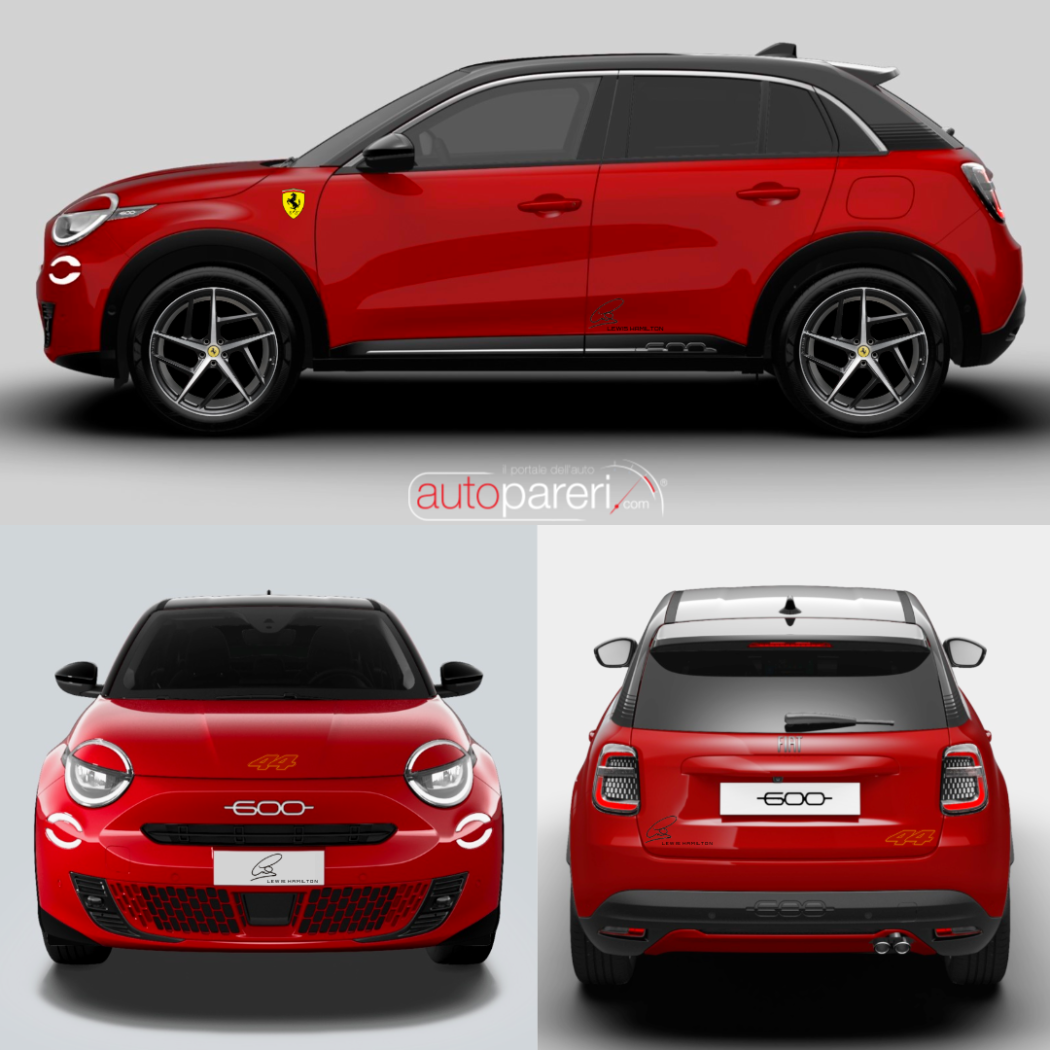
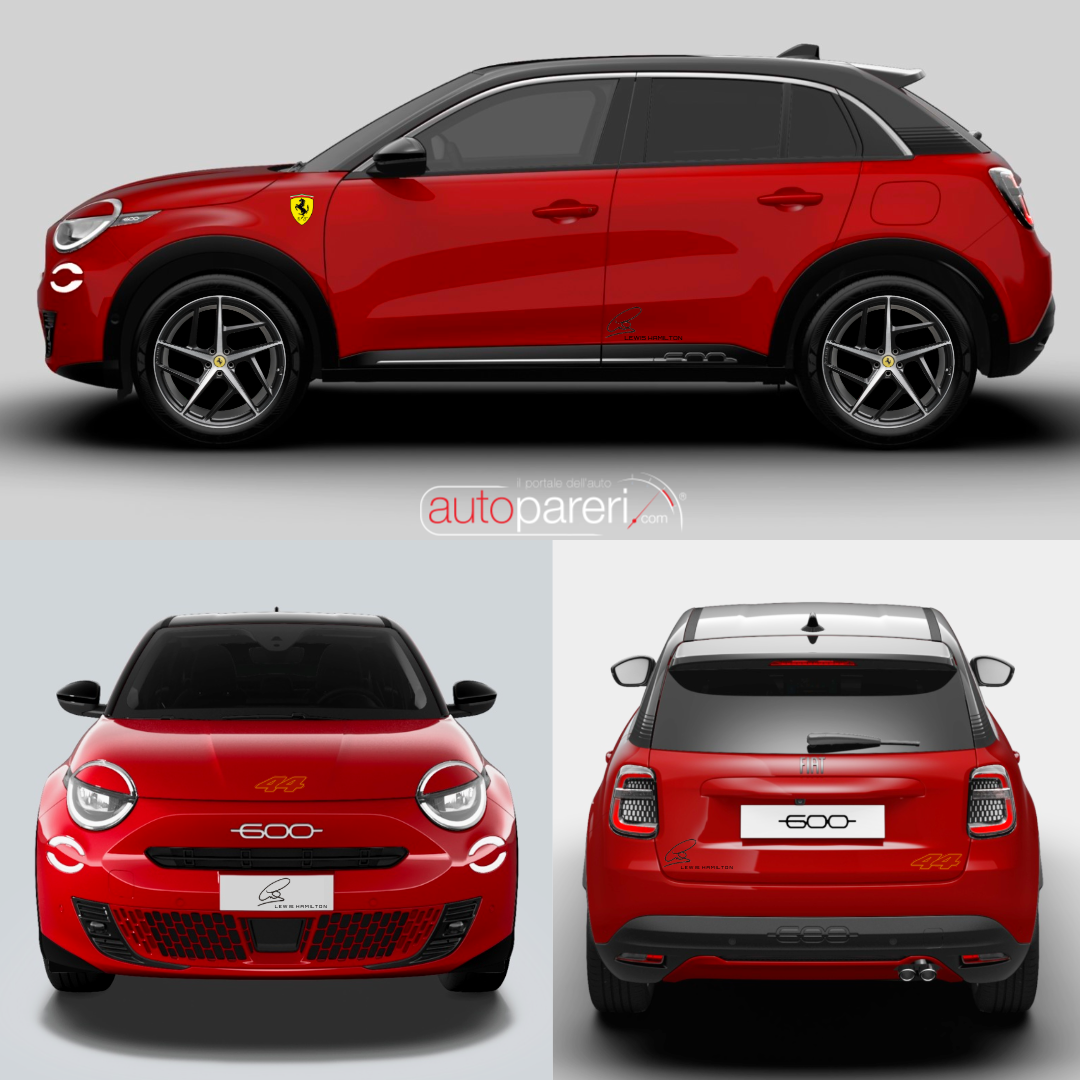
Olivier Francois ha visto la storia IG di questa 600 by Autopareri, voci interne a Stellantis dicono che si sia già attivato per farla. 😅
-
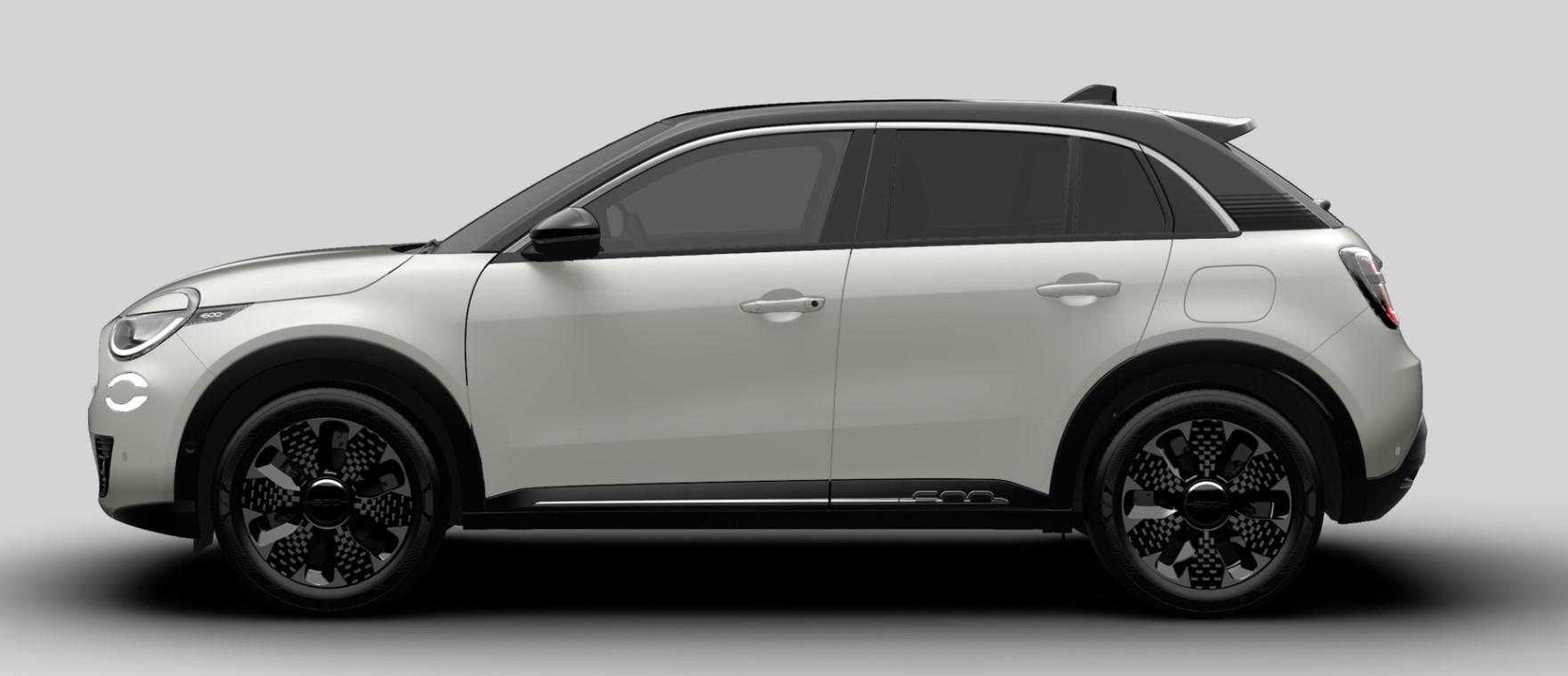
FIAT 600 Edizione Limitata Lewis Hamilton, la fiancata l'avete già vista nel topic F1, eccovi ora le viste frontale e posteriore.
-
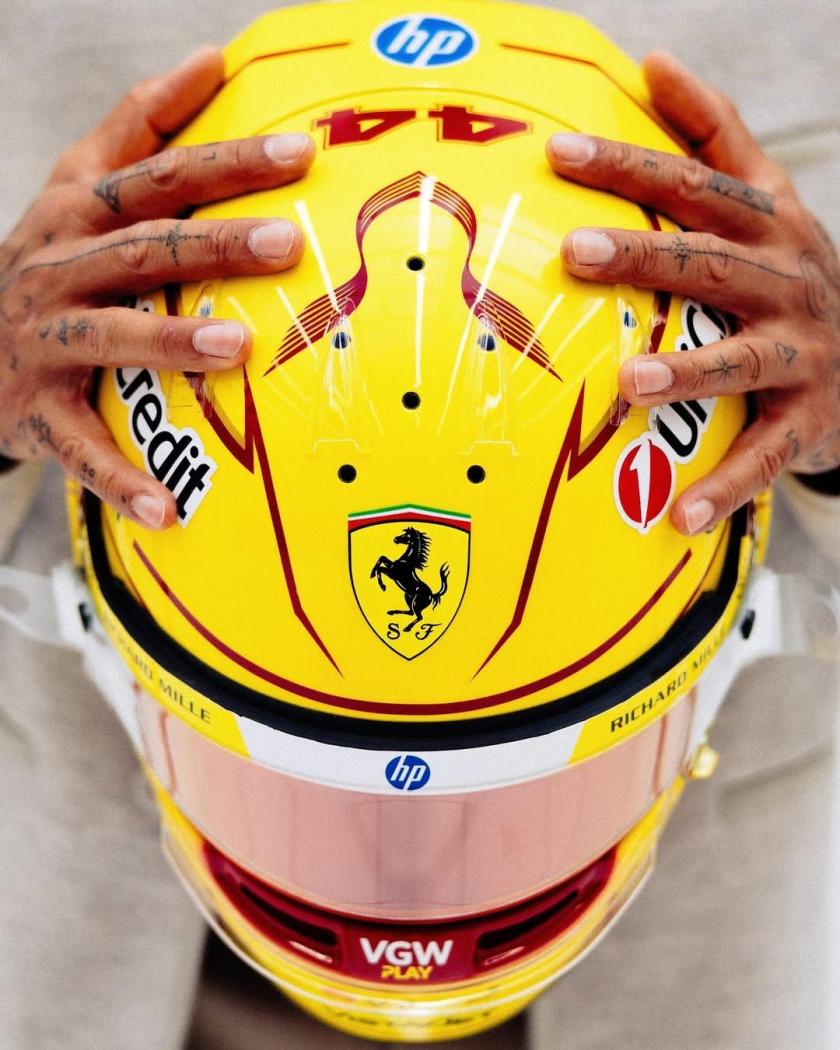
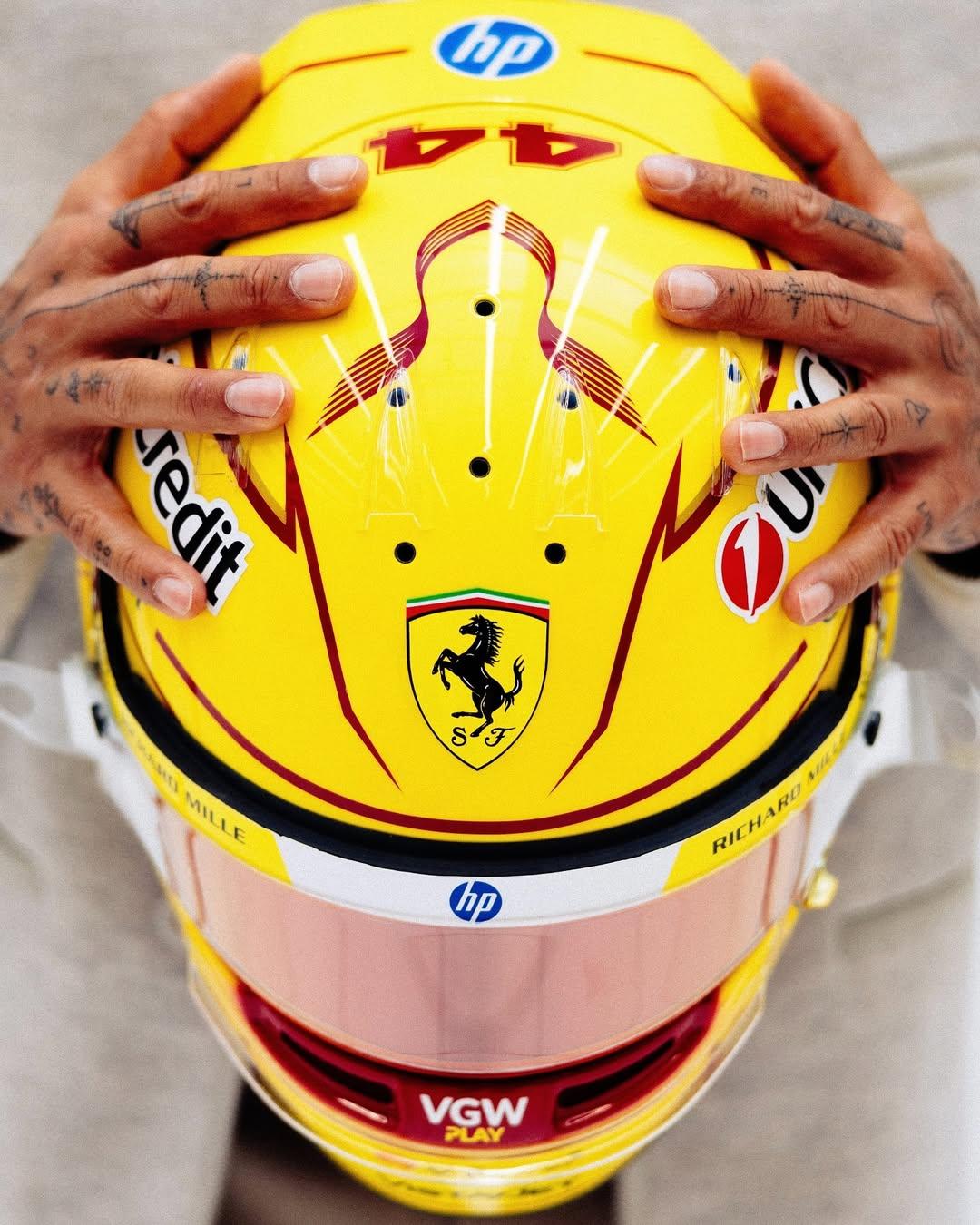
Credo non ci sia mai stato così tanto hype dai tempi di Schumacher!? Dopo Lewis in tuta Ferrari, ecco il casco ufficiale. Foto e video dei primi test a Fiorano. Snapinst.app_video_AQOQJZOde6XD59Zxd6yCQNYR_wrA6ps35yBtV-e1e_8te2OKx9nKXhKLn9H6XEktgdGlTL7ocTP5bzFF-JvfMoZDvXo_1FUvmW21Ic4.mp4



-
-
-
-
-
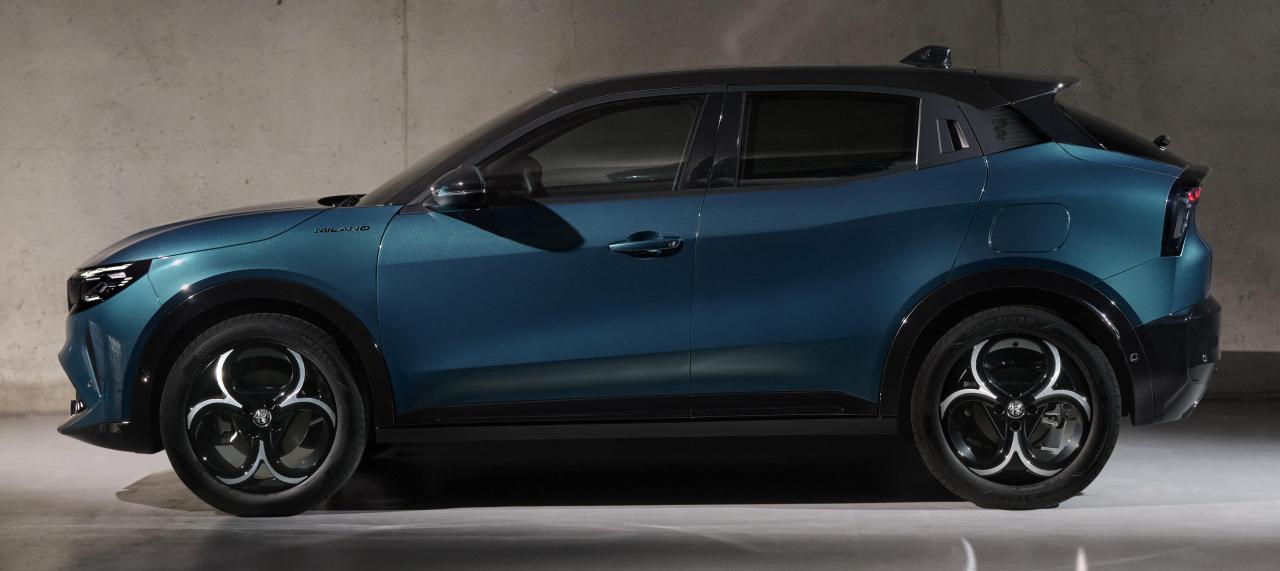
La base è la stessa di Grandland quindi ci sta, le linee dell'Opel in effetti sono un po' da Jeep.
- 552 risposte
-
- compass
- compass spy
- j4u
- jeep
-
Taggato come:
Le vendite di Tesla in Cina come vanno? Vende bene o soffre la concorrenza delle tante nuove auto EV locali?- 79 risposte
-
- bev
- model y
- model y 2025
- tesla
-
Taggato come:
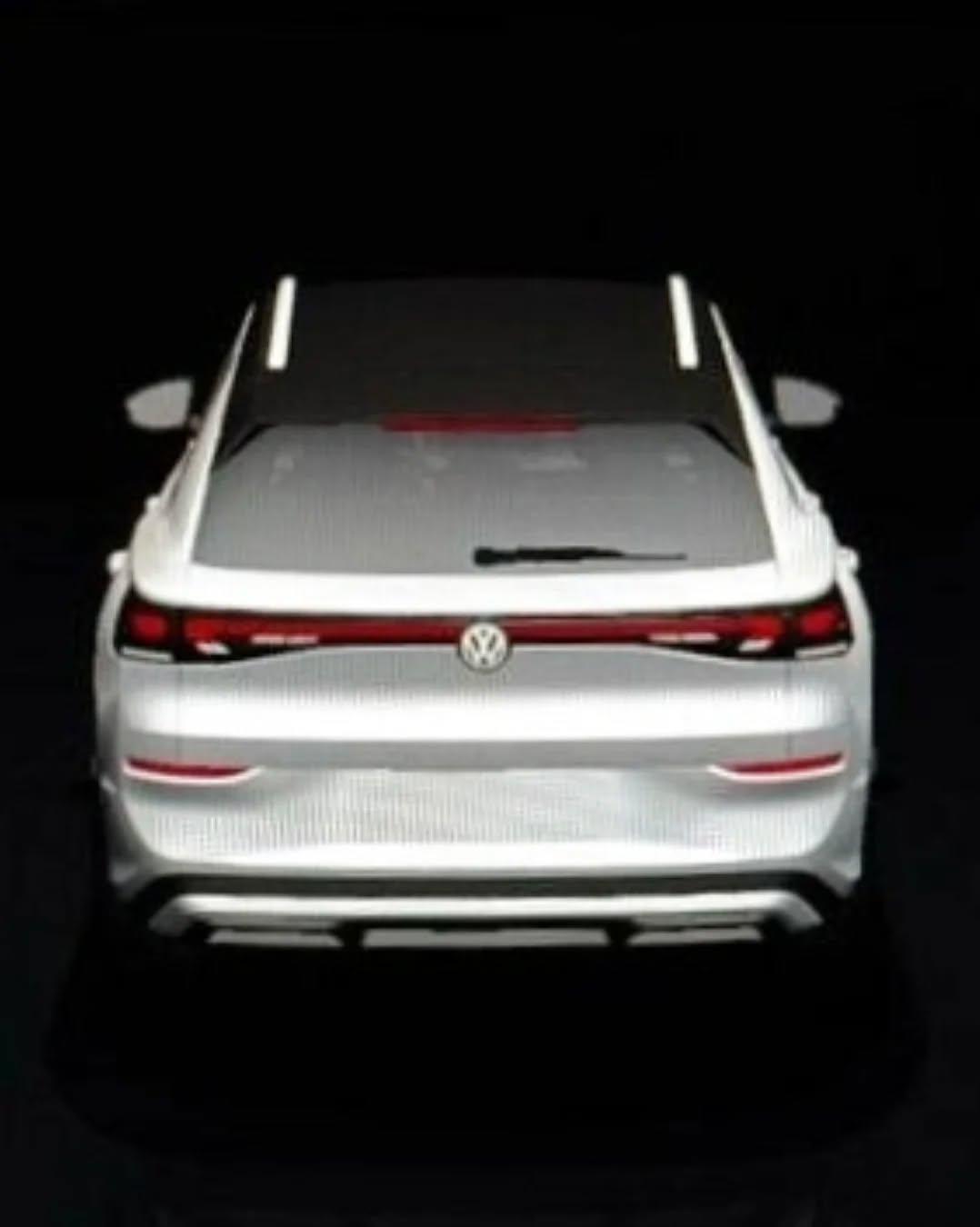
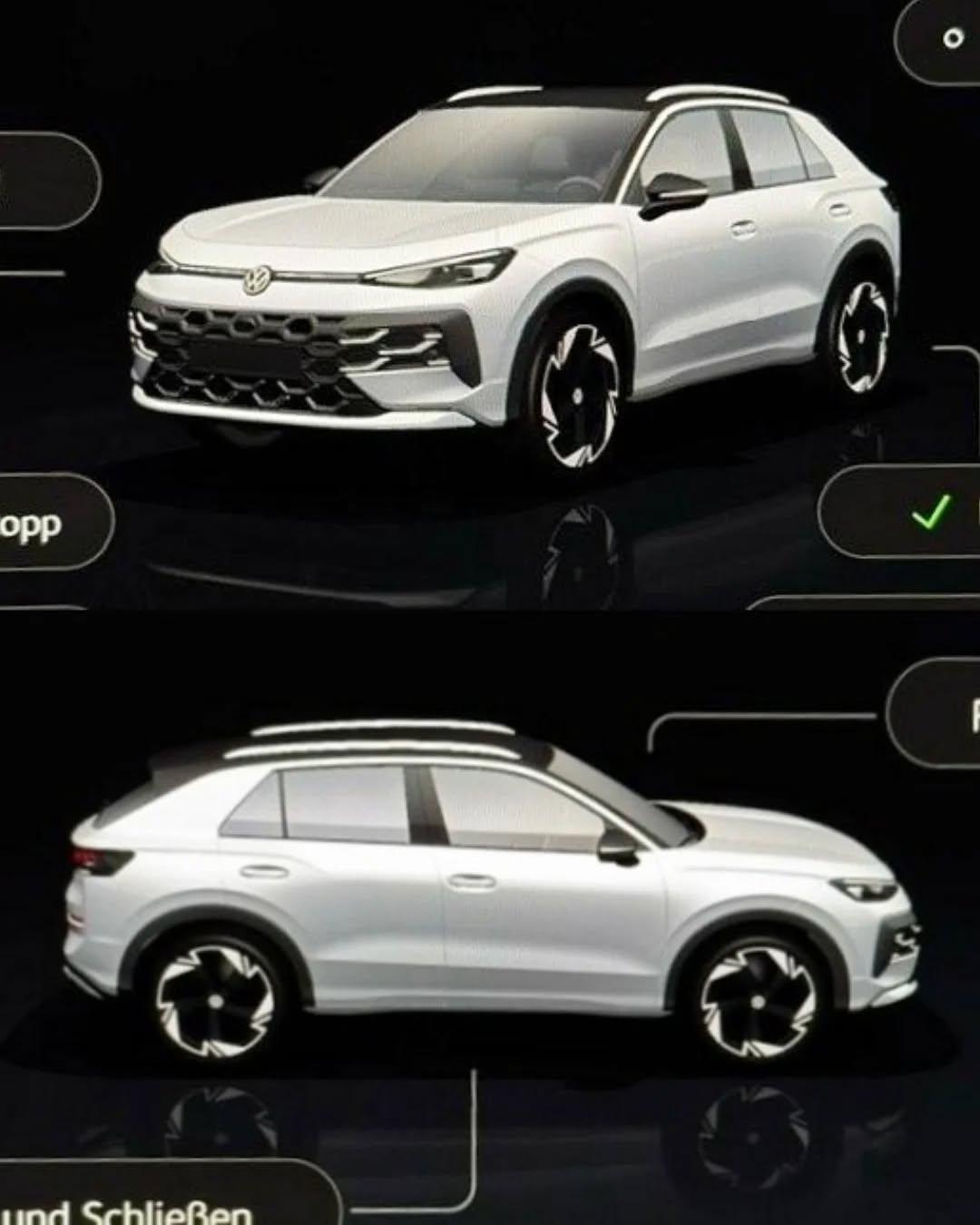
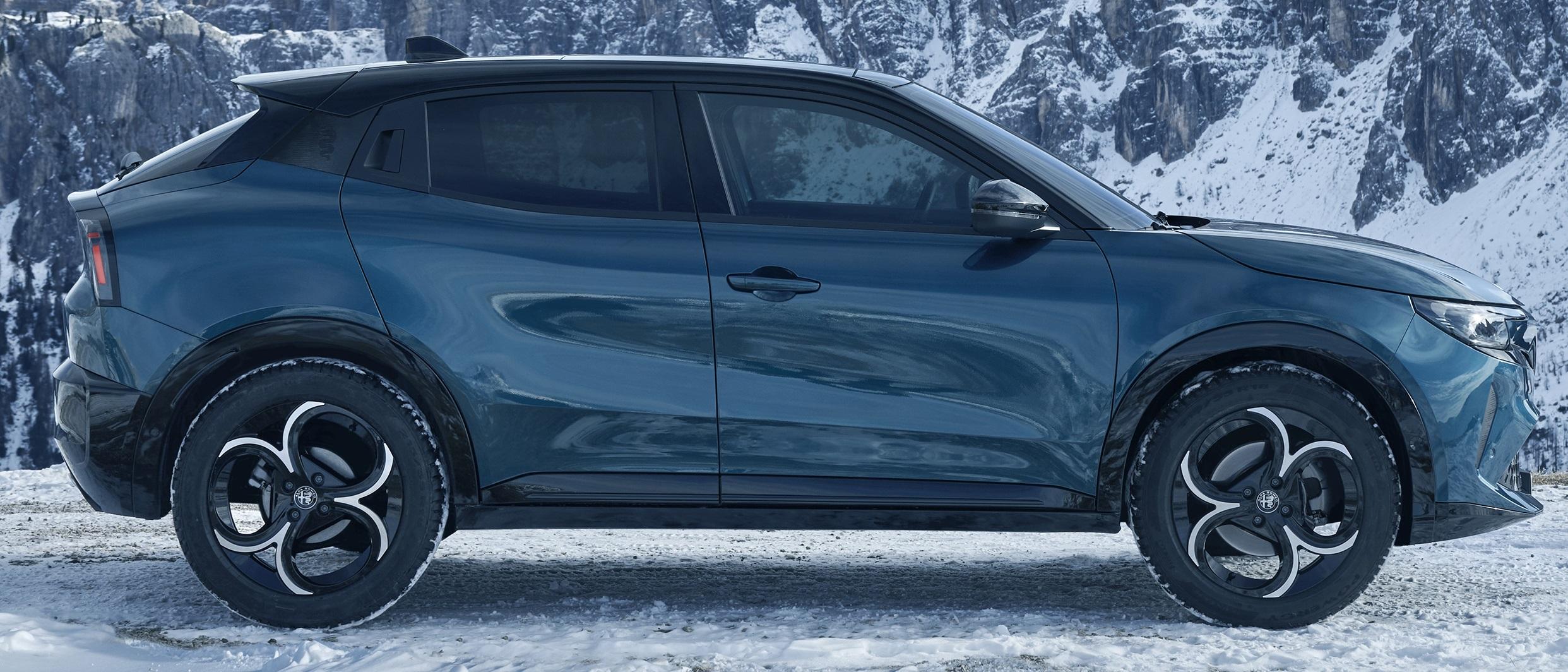
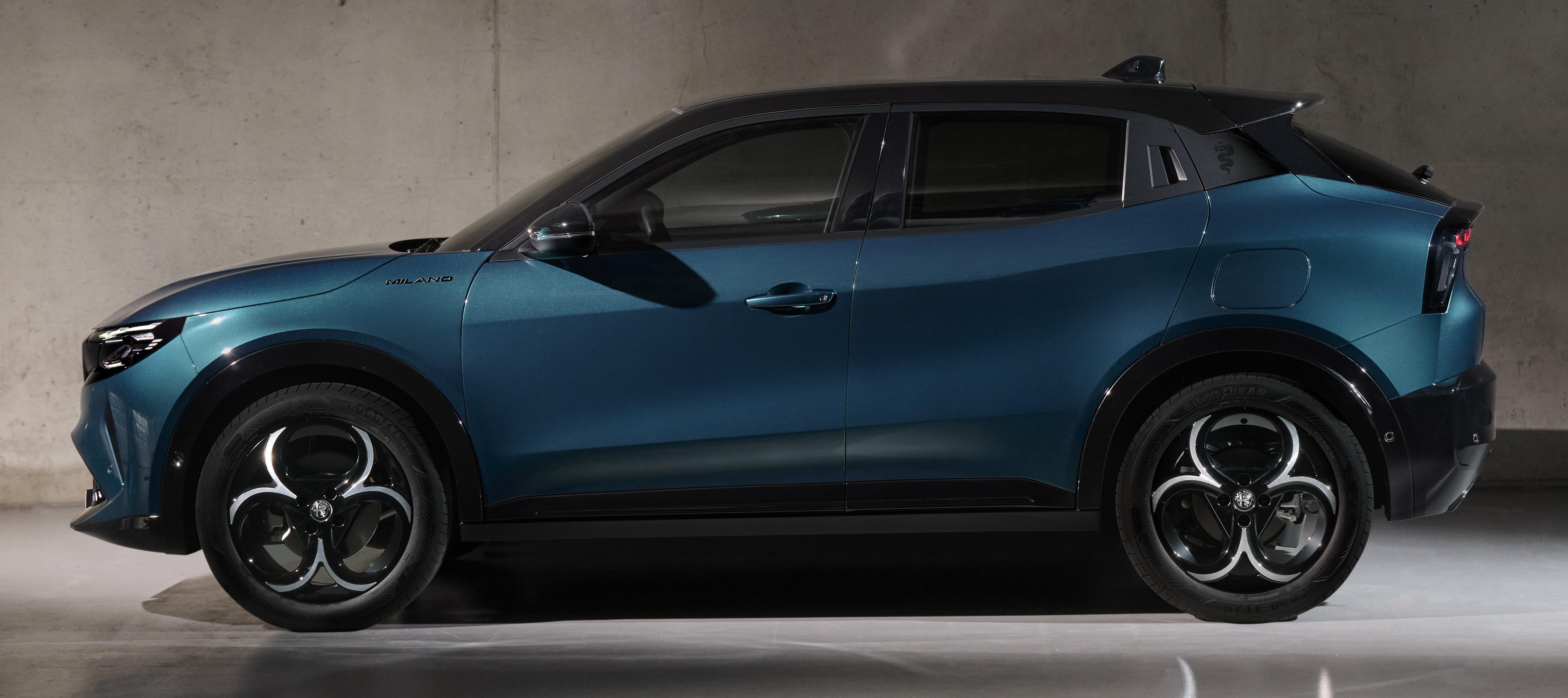
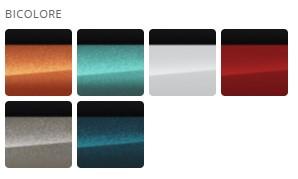
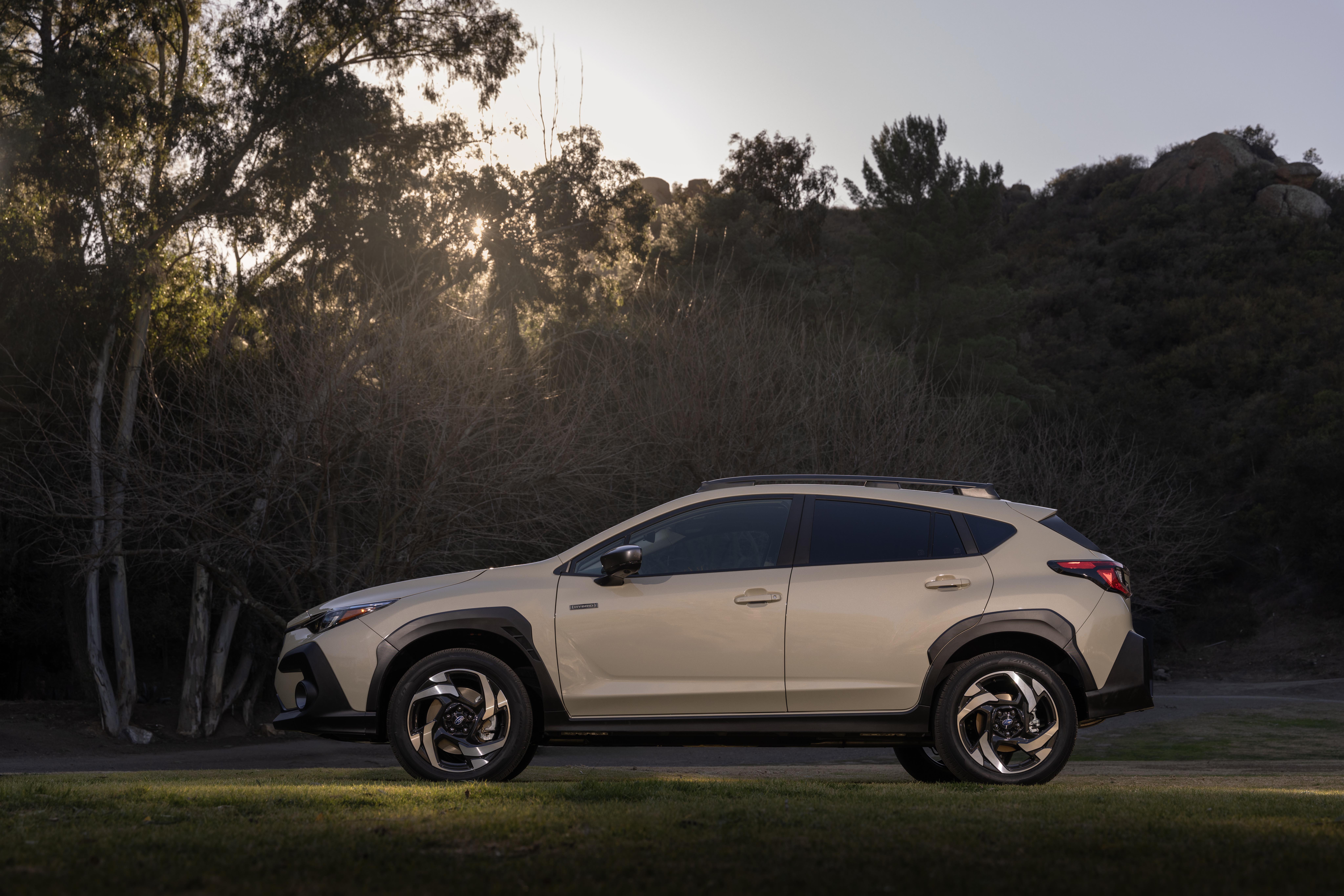
Non centra nulla il giustificare l'aumento di prezzo, si sapeva da tempo che la nuova generazione di T-ROC sarebbe cresciuta di dimensioni, "l'anomalia" è il modello attuale che certo vende ed è di successo ma ha un posizionamento a livello di dimensioni e segmento che la rendono troppo vicina al segmento B infatti già Tiago risulta più grande sebbene sia di un segmento inferiore. In pratica mettono ordine alla gamma SUV/Crossover che attualmente vede degli accavallamenti. T-ROC diventa quindi una versione "suv-coupè" di Tiguan.Quindi la Junior Q4 esteticamente la si distingue dalle altre per il paraurti, i passaruota e le minigonne in nero lucido; sicuramente di positivo c'è che non ha i profili rossi sul paraurti e sulla fiancata. O ci sono altri allestimenti che hanno la parte bassa in nero lucido? Perchè al lancio della Junior nelle foto ufficiali si vedeva con questa configurazione.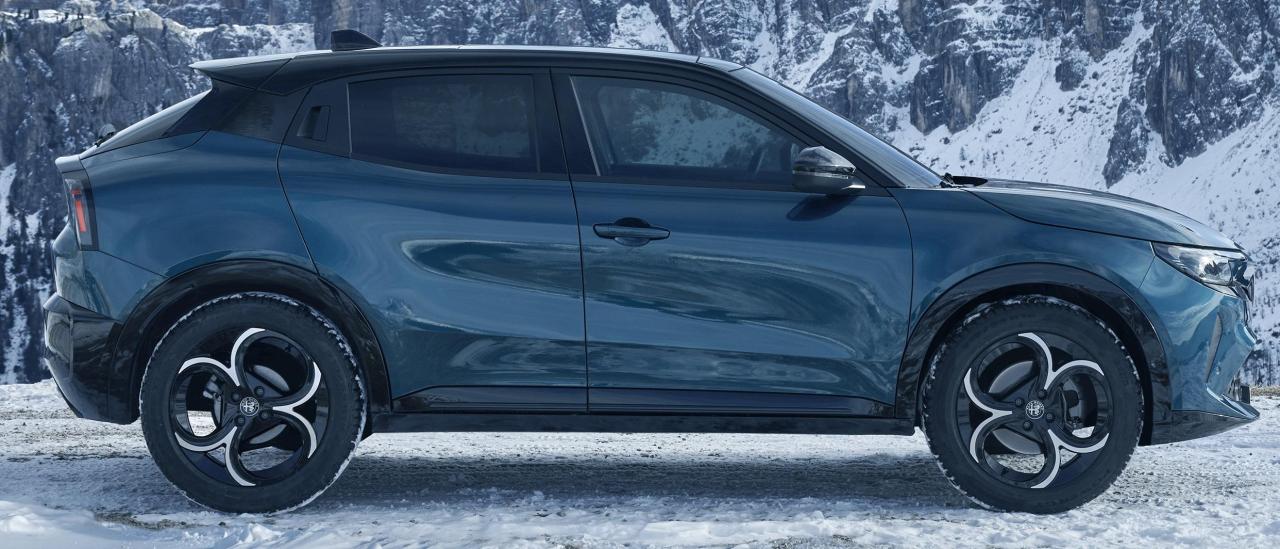
















Account
Navigation
Cerca
Configure browser push notifications
Chrome (Android)
- Tap the lock icon next to the address bar.
- Tap Permissions → Notifications.
- Adjust your preference.
Chrome (Desktop)
- Click the padlock icon in the address bar.
- Select Site settings.
- Find Notifications and adjust your preference.
Safari (iOS 16.4+)
- Ensure the site is installed via Add to Home Screen.
- Open Settings App → Notifications.
- Find your app name and adjust your preference.
Safari (macOS)
- Go to Safari → Preferences.
- Click the Websites tab.
- Select Notifications in the sidebar.
- Find this website and adjust your preference.
Edge (Android)
- Tap the lock icon next to the address bar.
- Tap Permissions.
- Find Notifications and adjust your preference.
Edge (Desktop)
- Click the padlock icon in the address bar.
- Click Permissions for this site.
- Find Notifications and adjust your preference.
Firefox (Android)
- Go to Settings → Site permissions.
- Tap Notifications.
- Find this site in the list and adjust your preference.
Firefox (Desktop)
- Open Firefox Settings.
- Search for Notifications.
- Find this site in the list and adjust your preference.