





(1)(1).png.9646bf5114d93a5280bda88264436f0b.png)
Osv
Reporter (Staff)
-
Iscritto il
-
Ultima visita
-
Attualmente
Visualizza la discussione: Scelte strategiche gruppo Stellantis NV
Tutti i contenuti di Osv
-
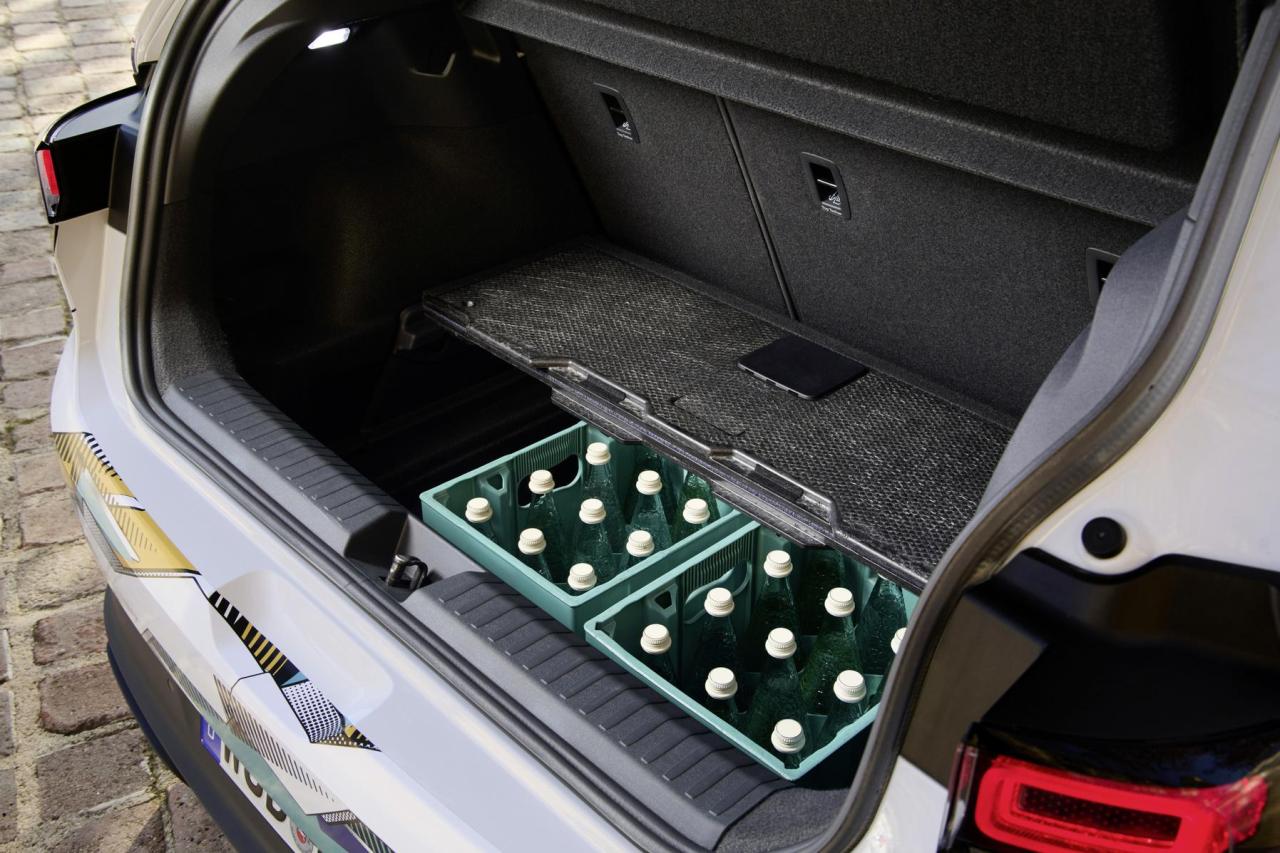
Foto spia nelle nevi col muso leggermente più scoperto:
-
-
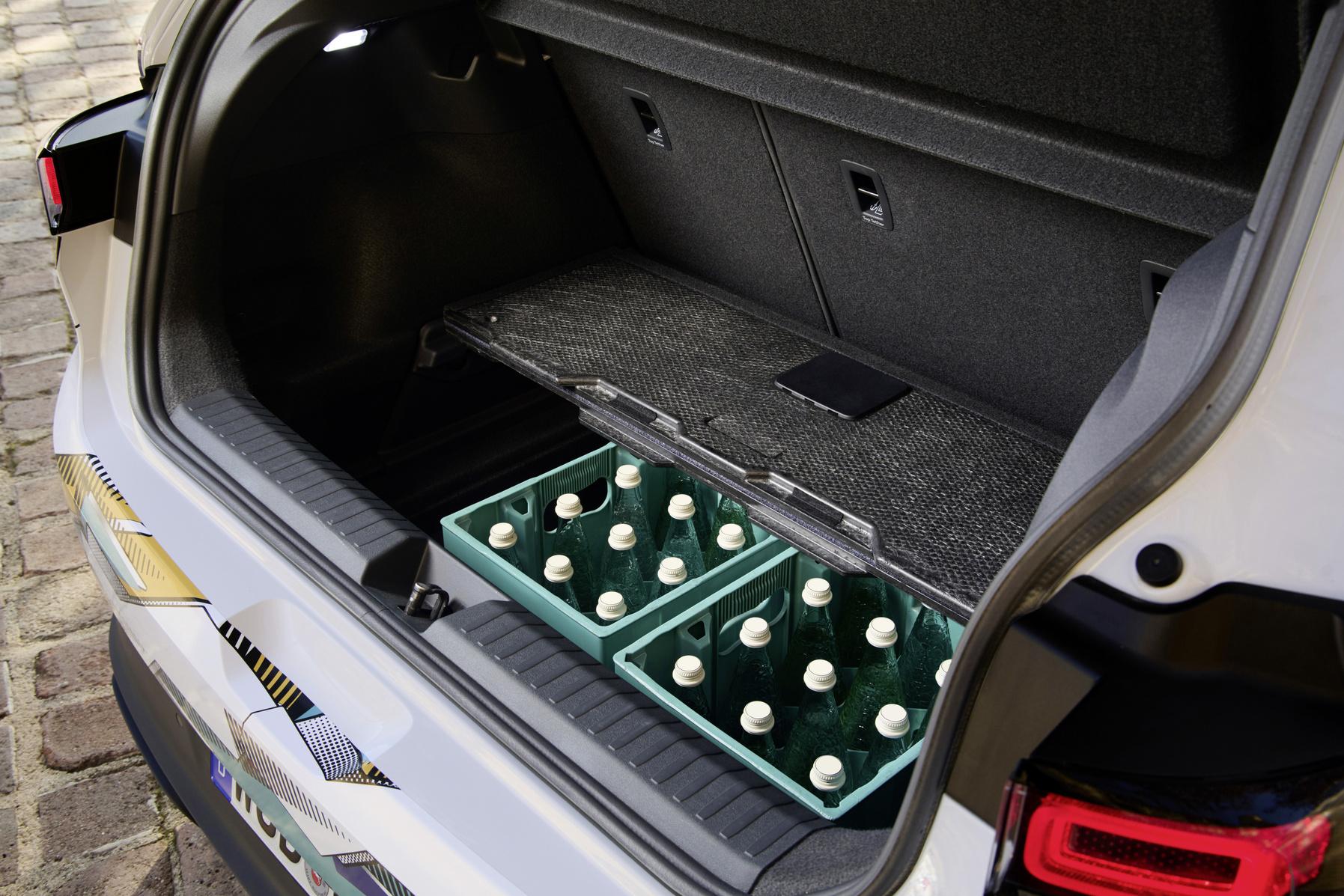
Ha il motore all'anteriore, c'è il doppio fondo nel bagagliaio ed il ponte torcente non occupa tantissimo spazio.
- 213 risposte
-
- id
- id.2
- id2
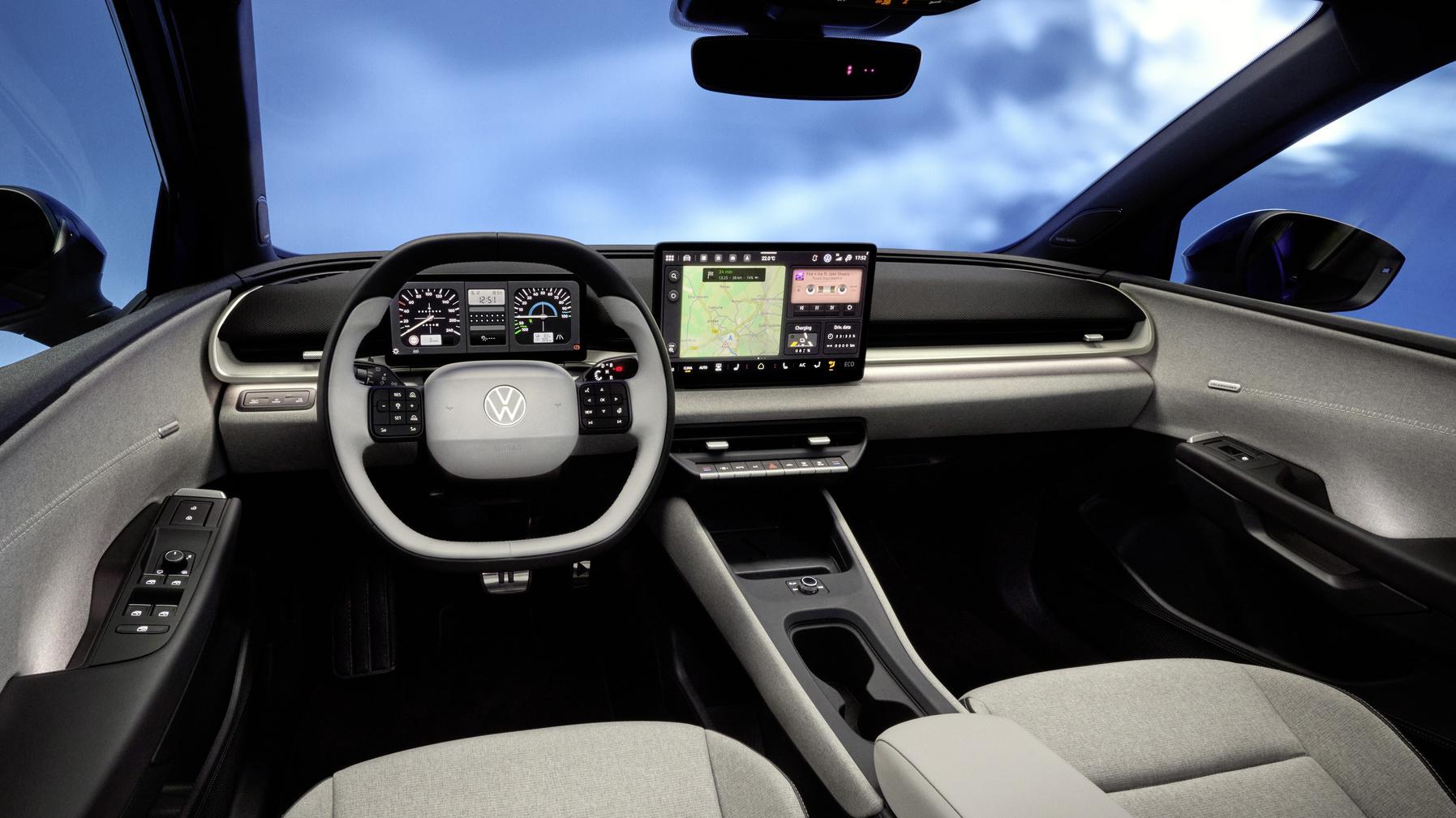
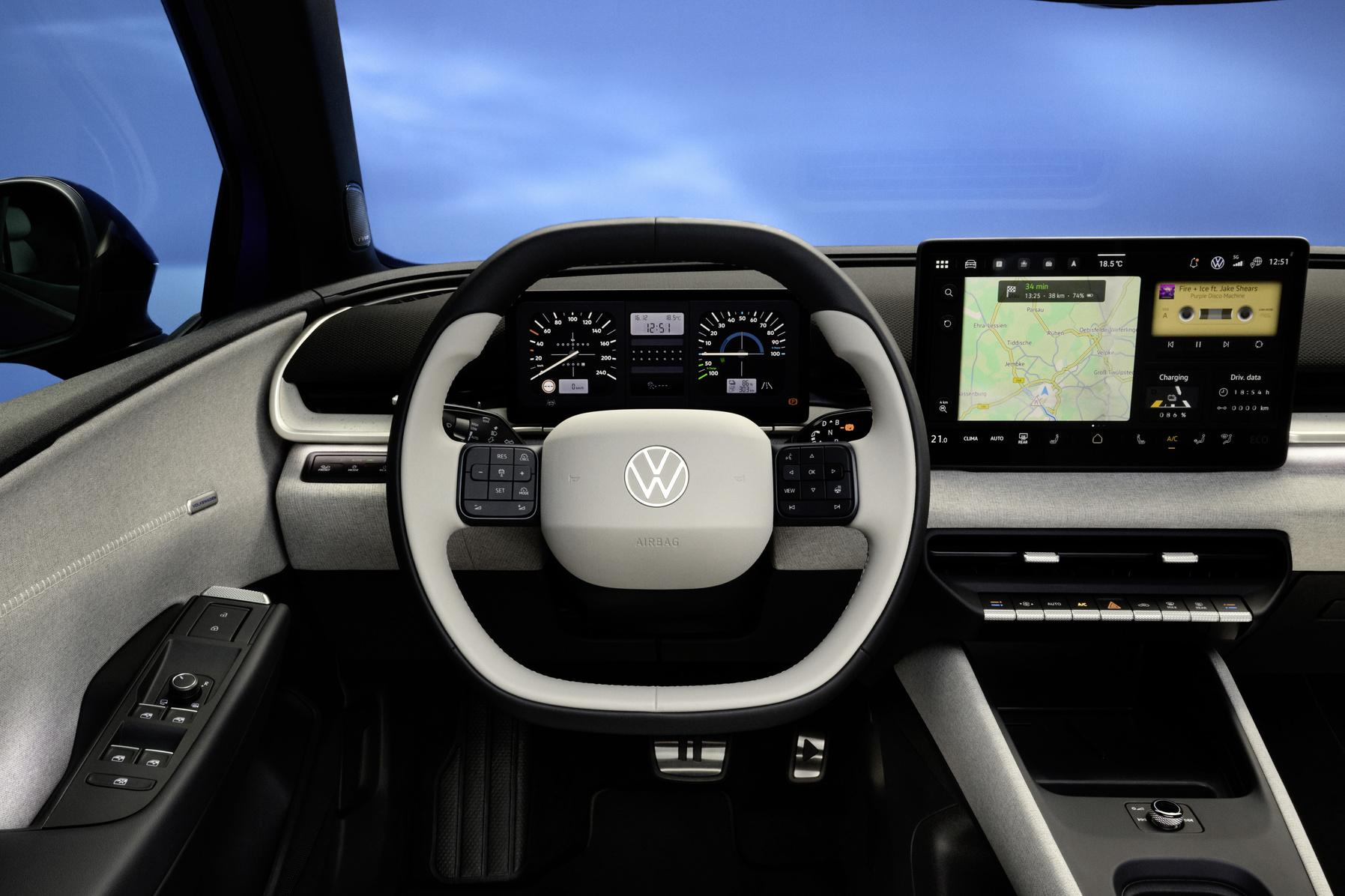
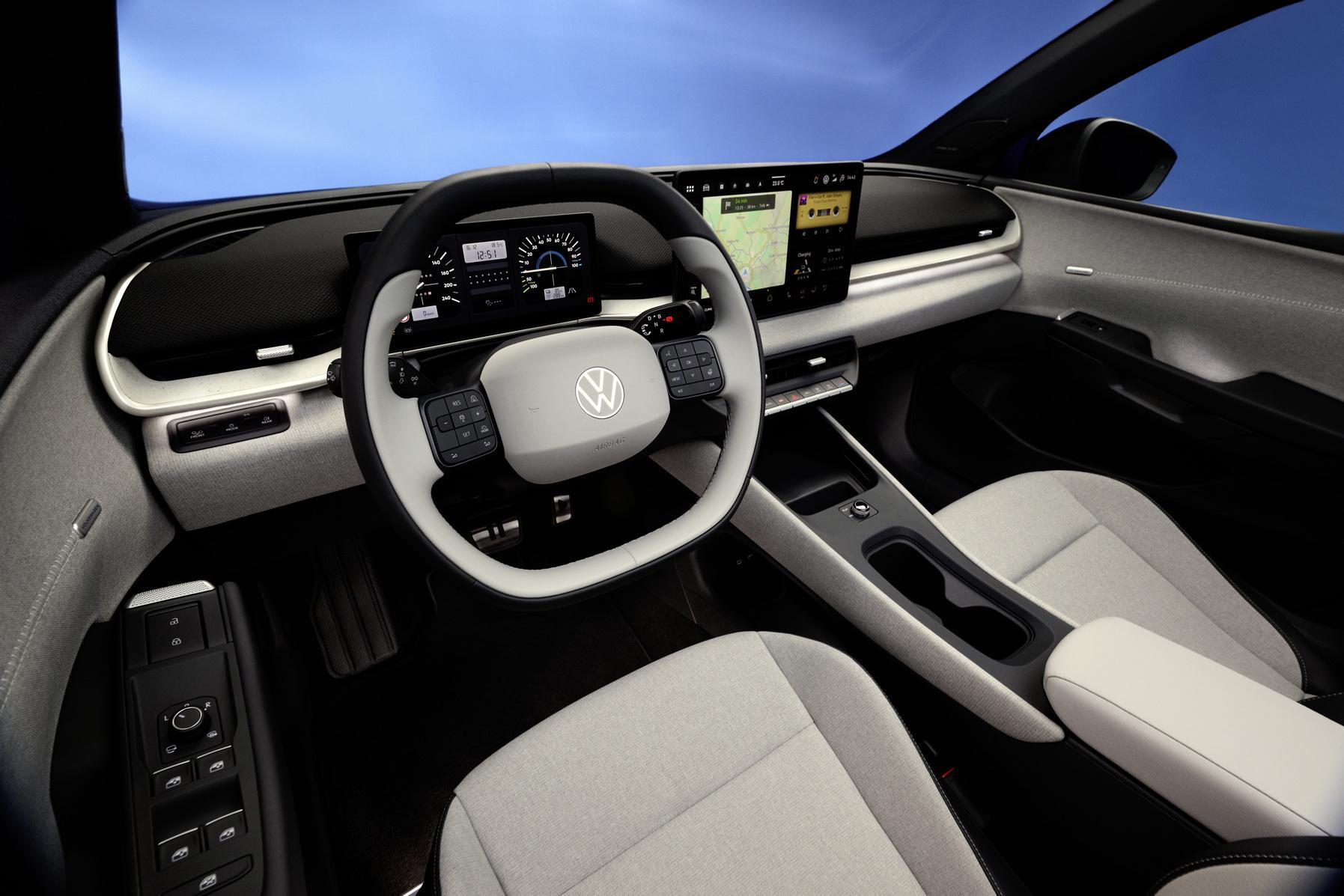
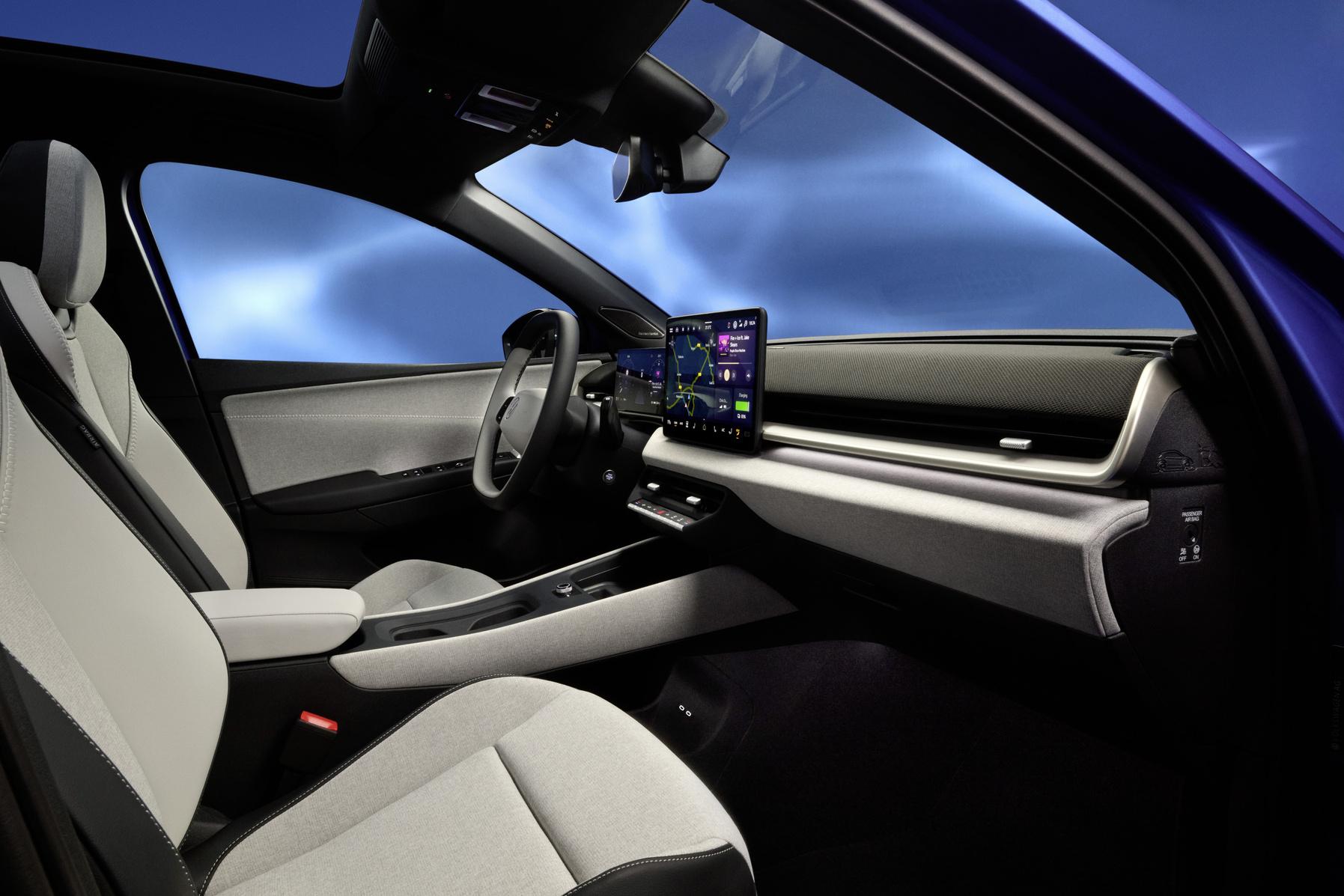
- volkswagen
-
Taggato come:
-
-
-
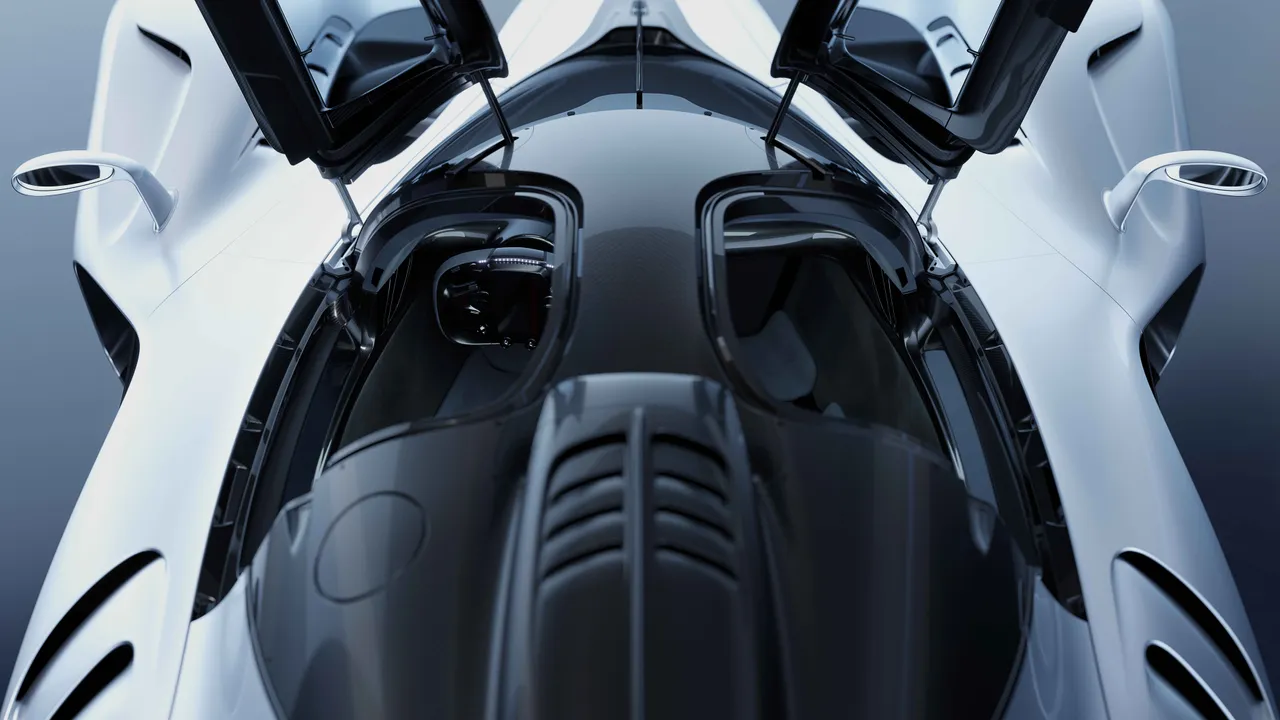
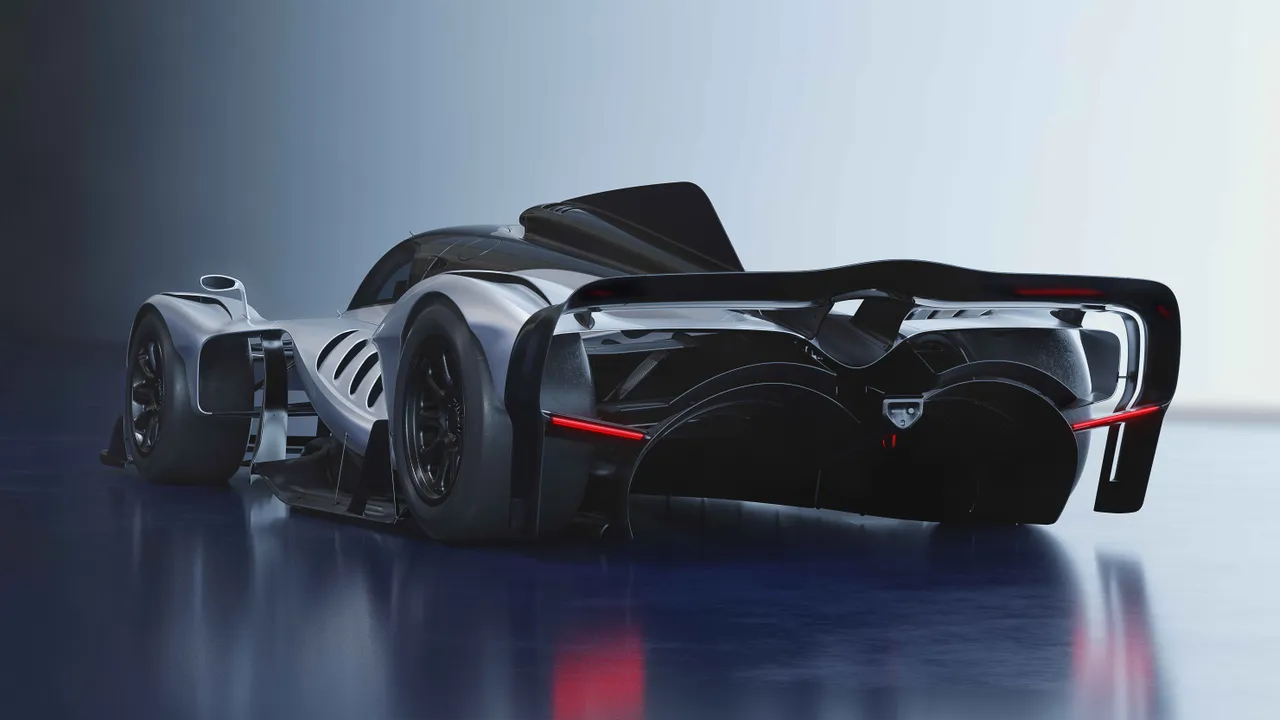
Ecco la versione finale della RB17!
.png.64c50d3c1d325a23a7d0cd1f5ccc727d.png)
.png.e12d566915486619765cae06789b07c2.png)
.png.aaec2ce92e196c41d9781a8bee6a5f15.png)
.png.a892c4c6ef71635da0a61efe4ab7c6ea.png)
.png.32a5f1888dac3f05fbb138e80bb5b31f.png)
.png.e2cdb91f8747b6a17e19cb6439add72e.png)
.png.f5d5afdd5496b00d9dd14ff4651f046b.png)
.png.c7a9a9b8420e5e2de733f9e560a51d60.png)
.png.6dd985667cba919ca71e6831f5ca61dd.png)
.png.c2edae3ce7ecada4ed90dc1d6714b566.png)
-
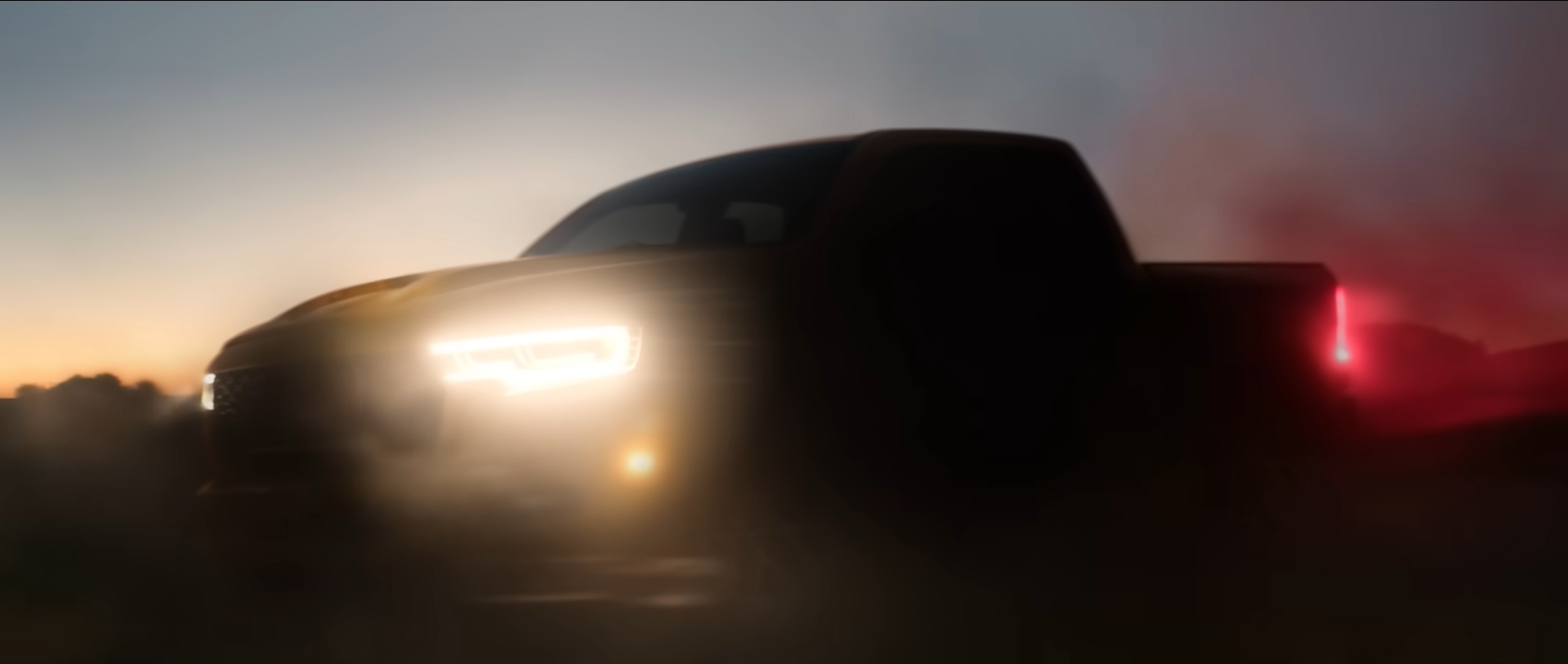
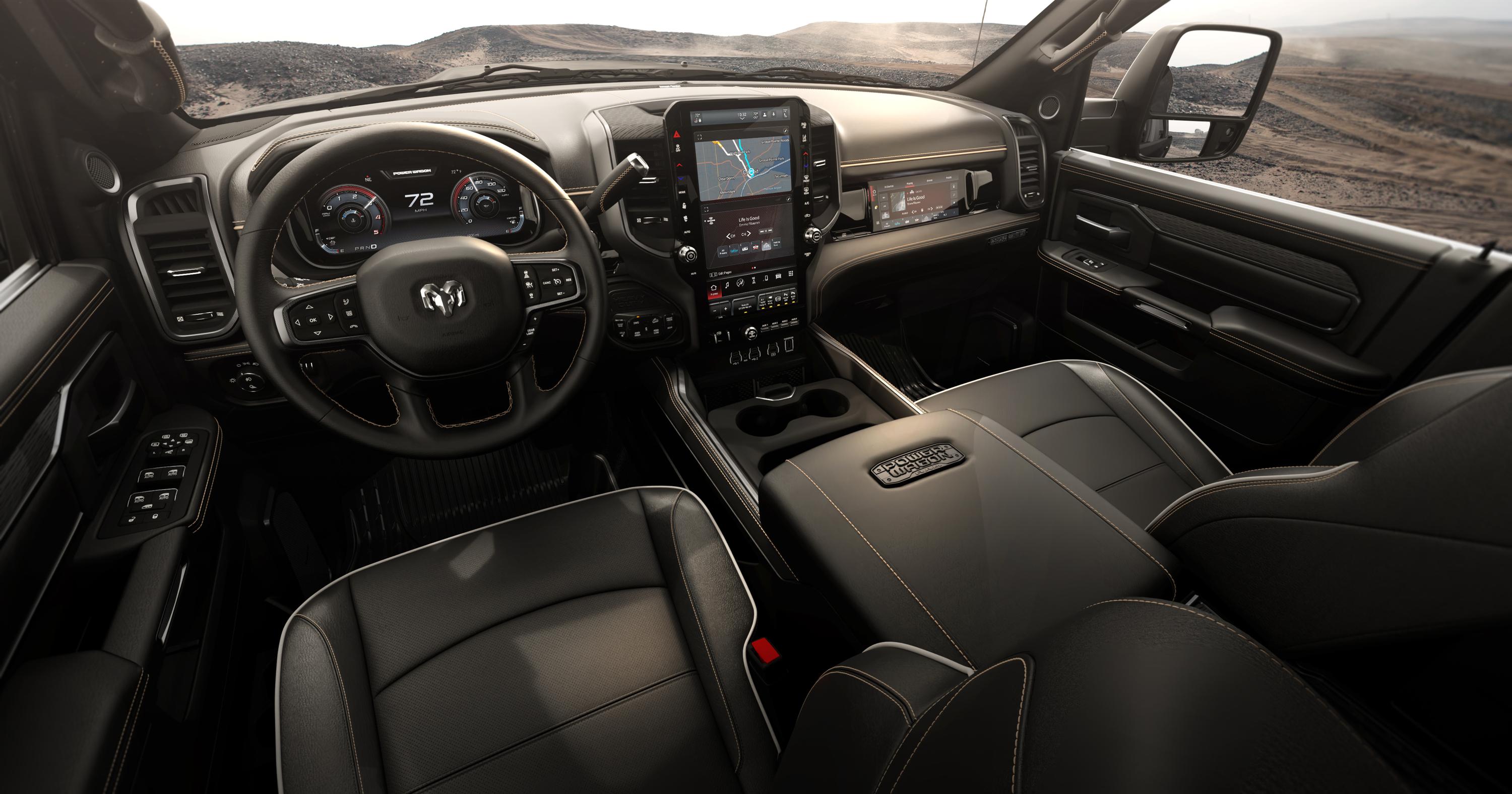
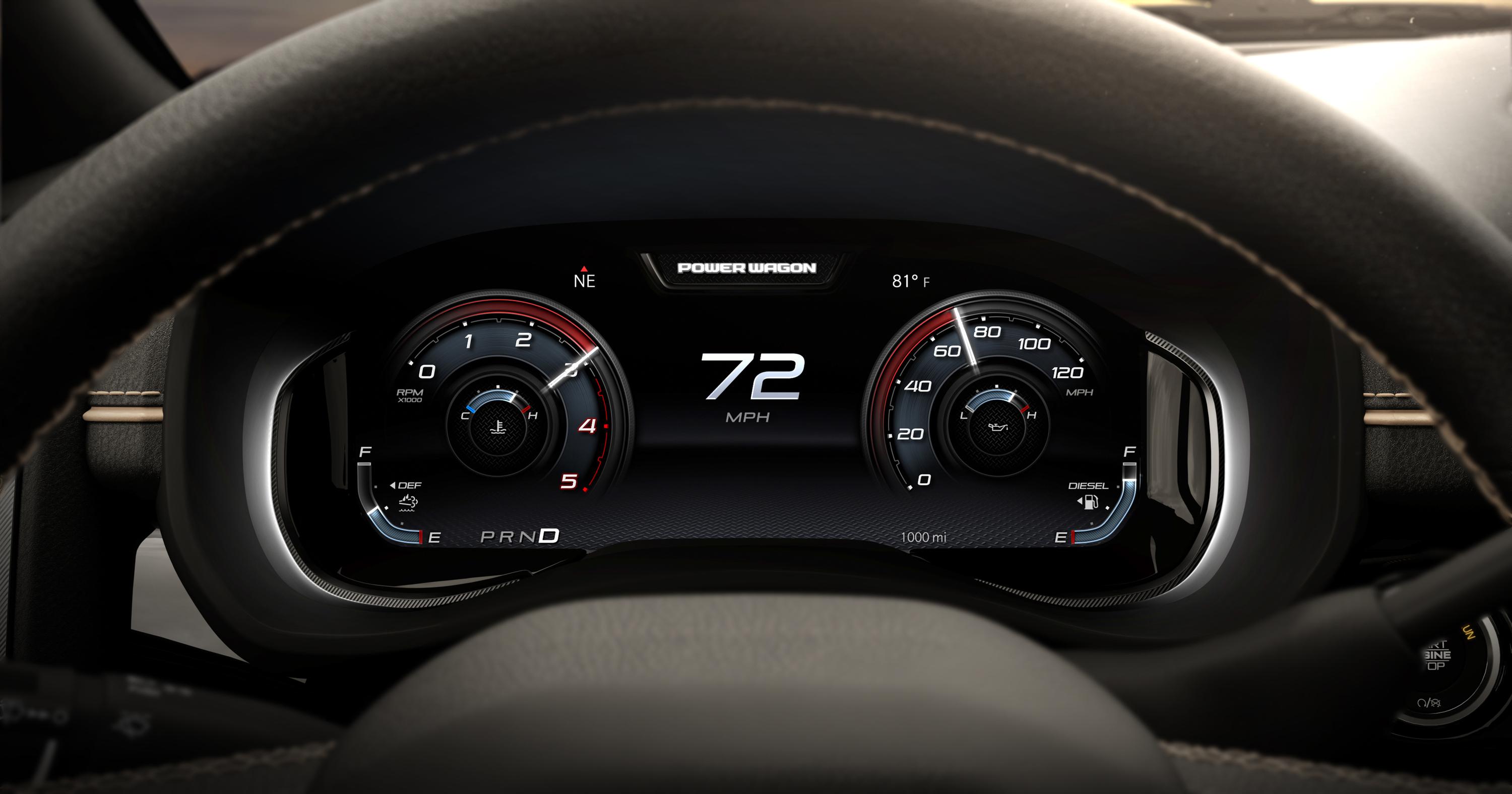
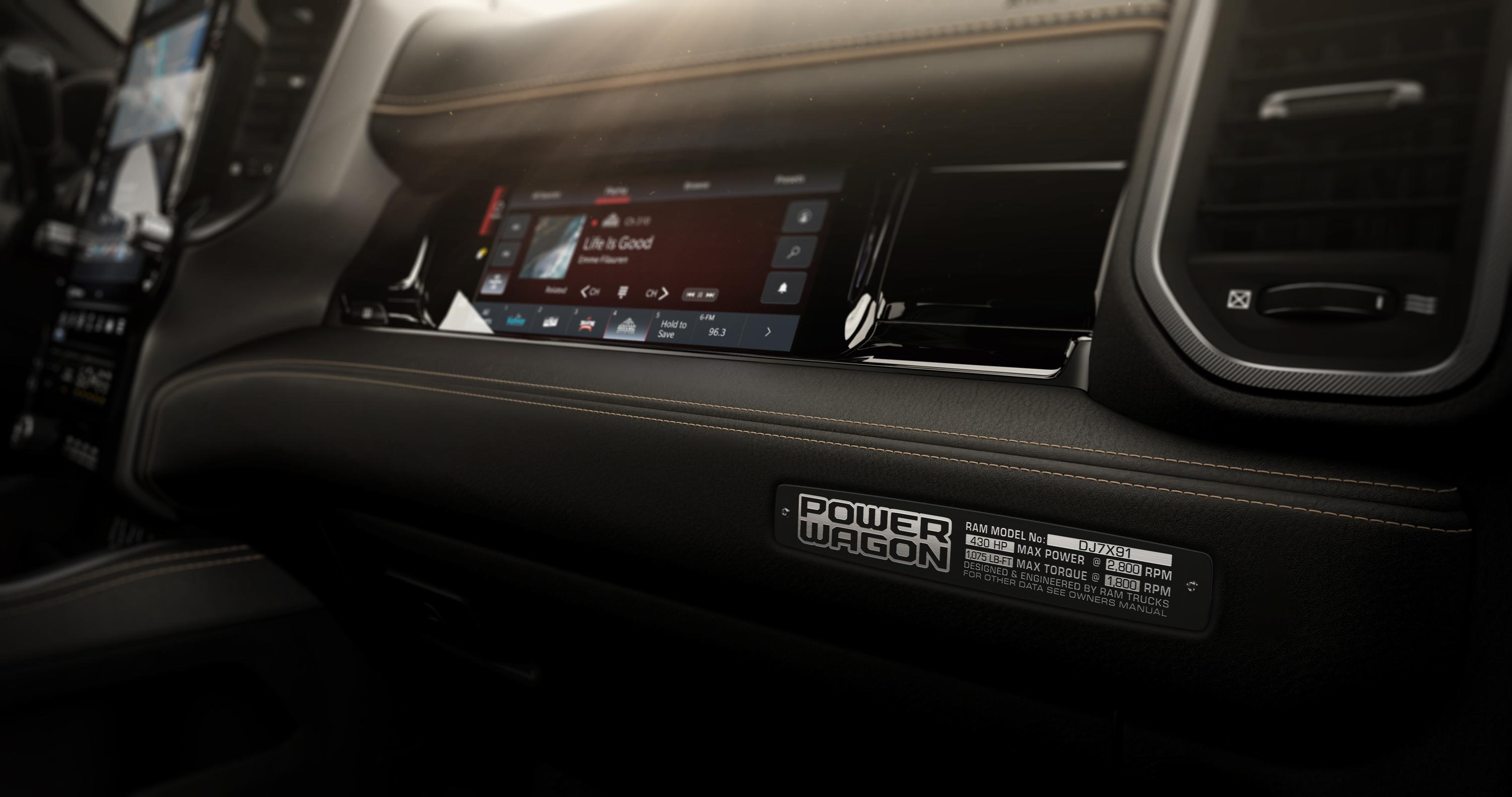
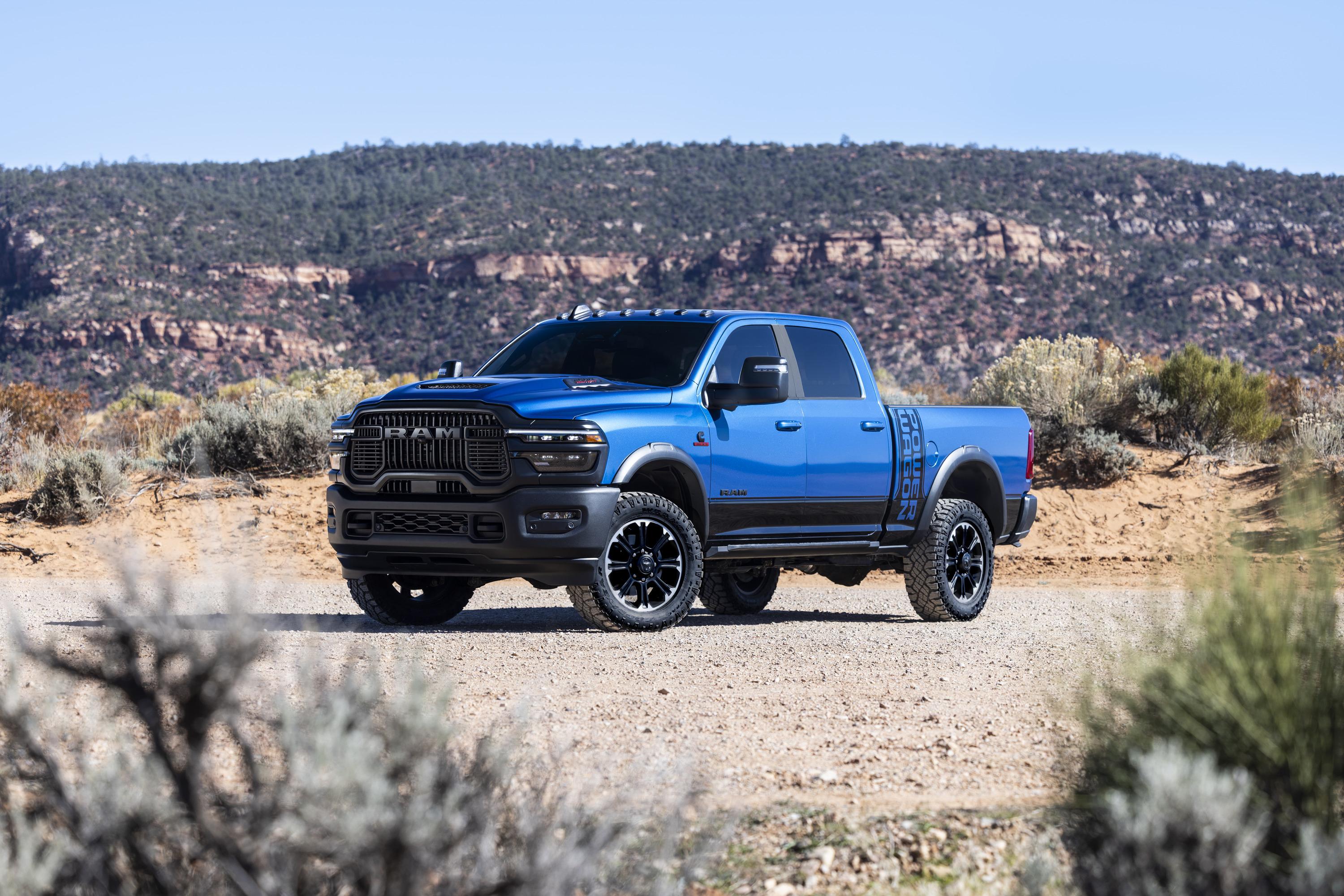
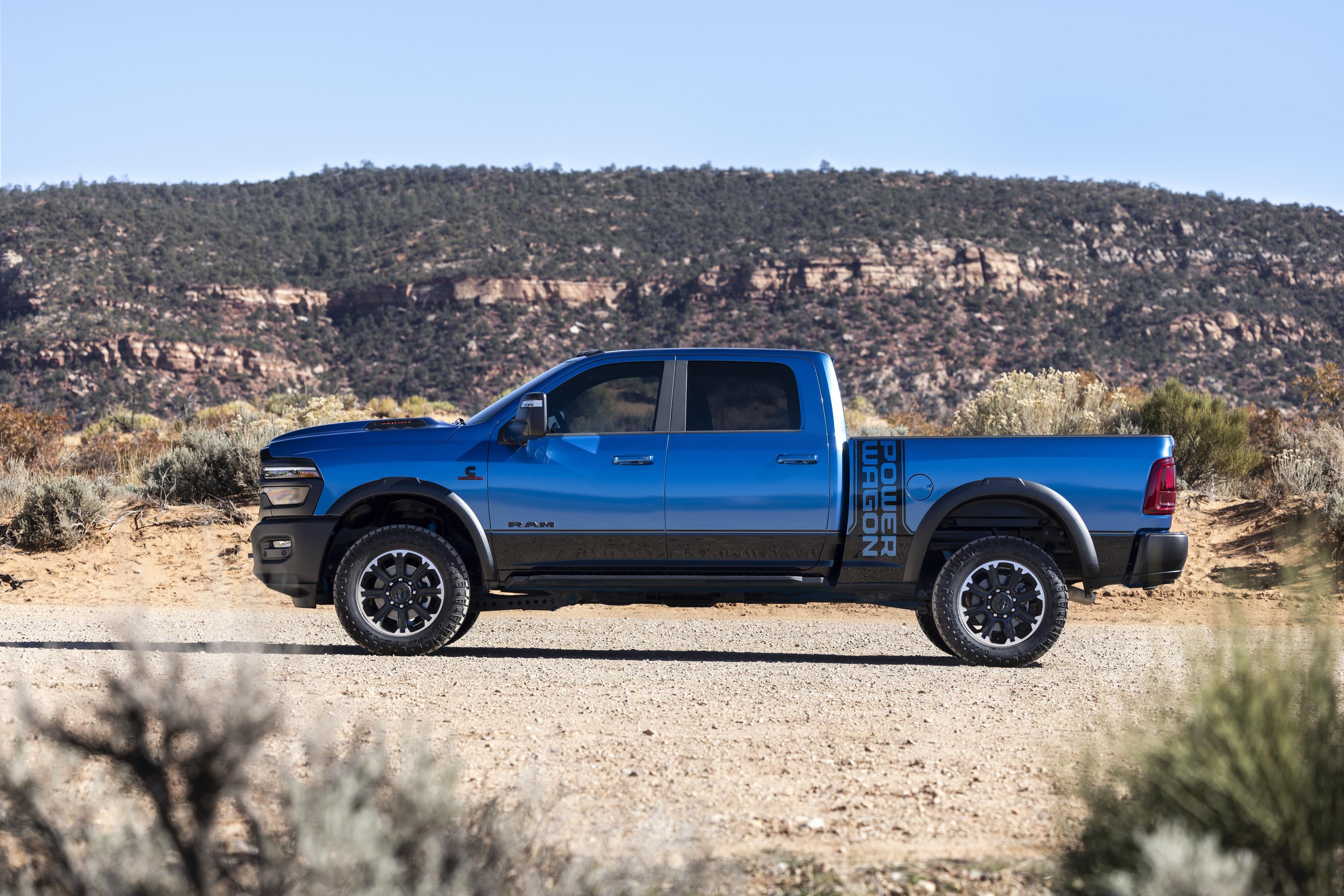
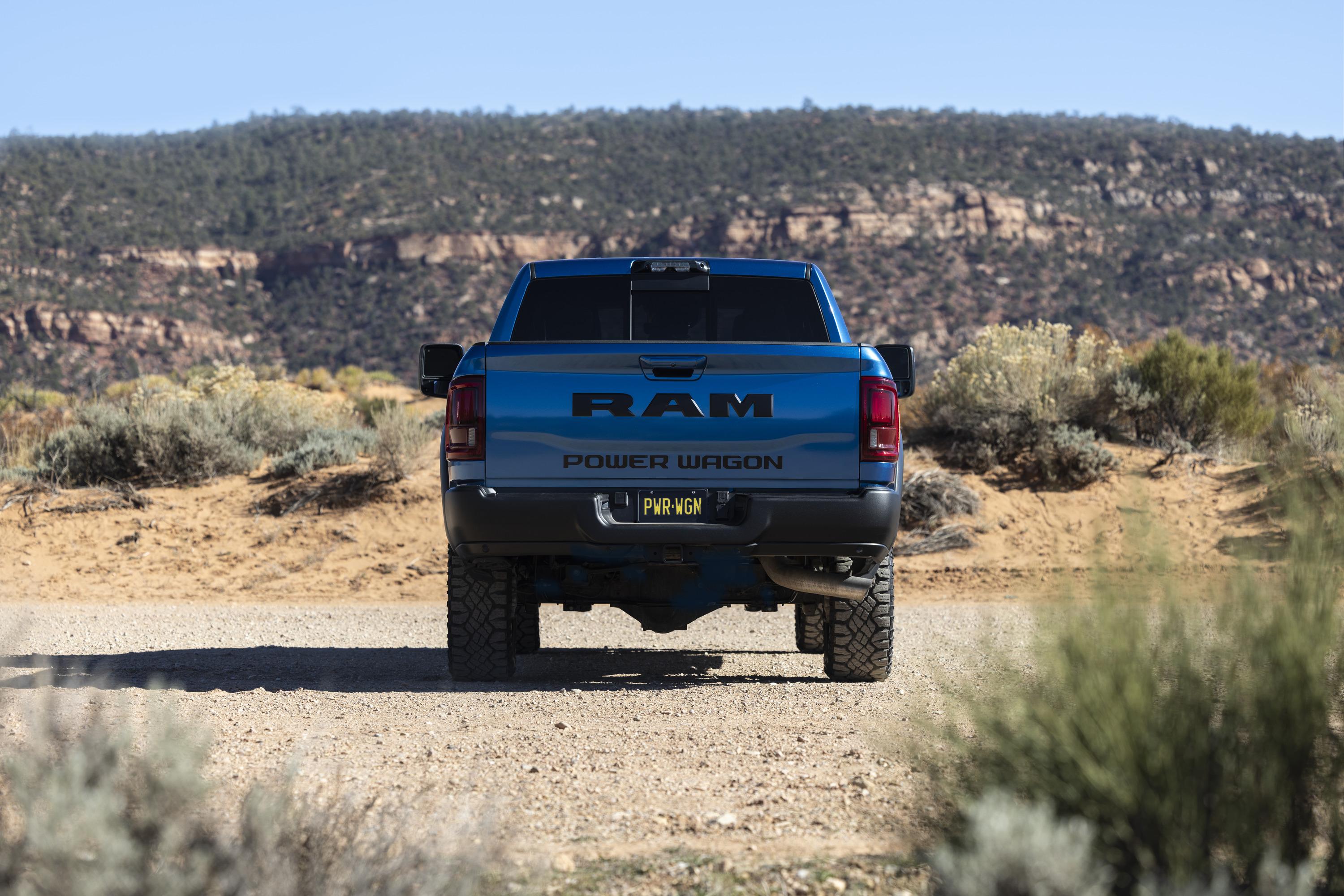
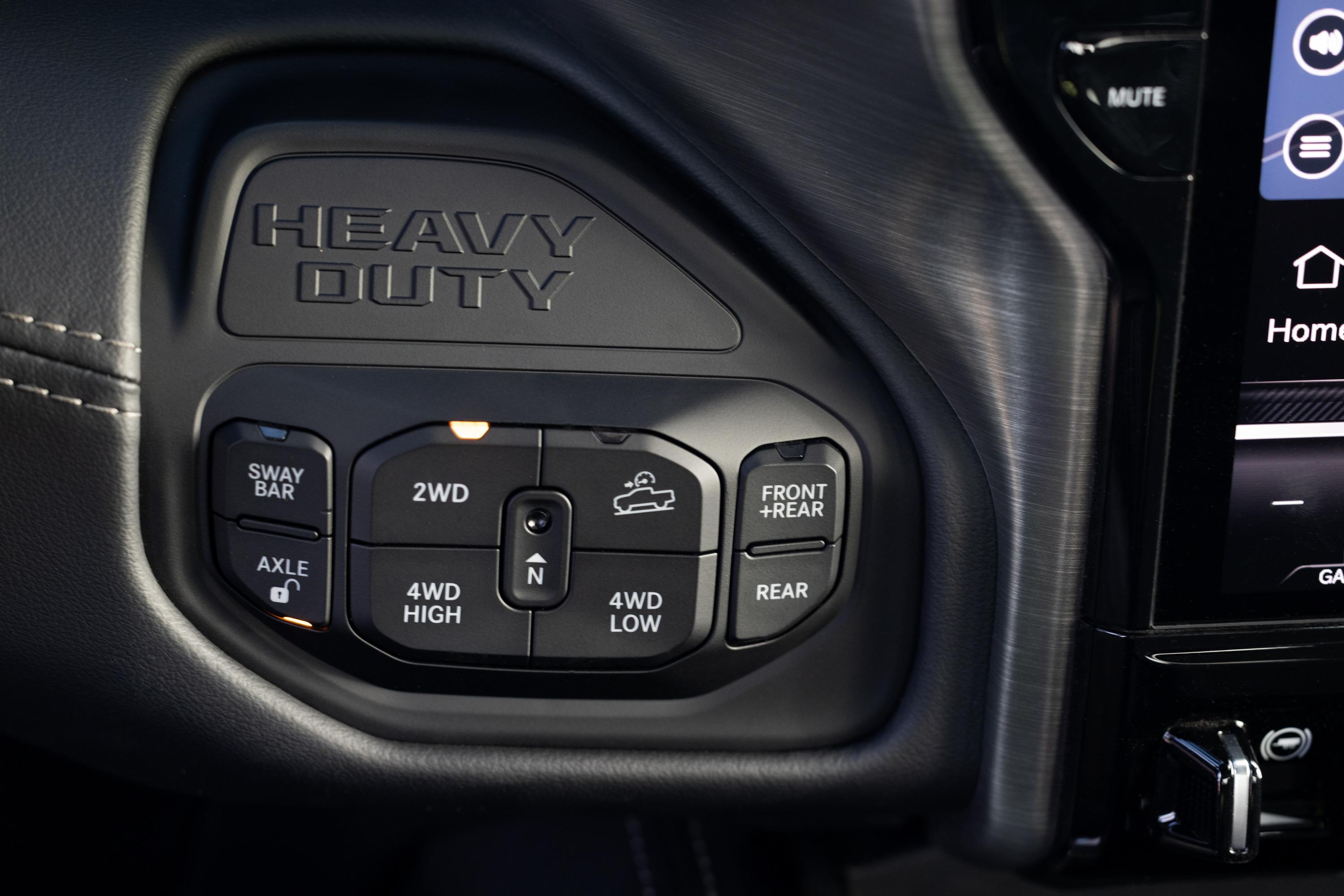
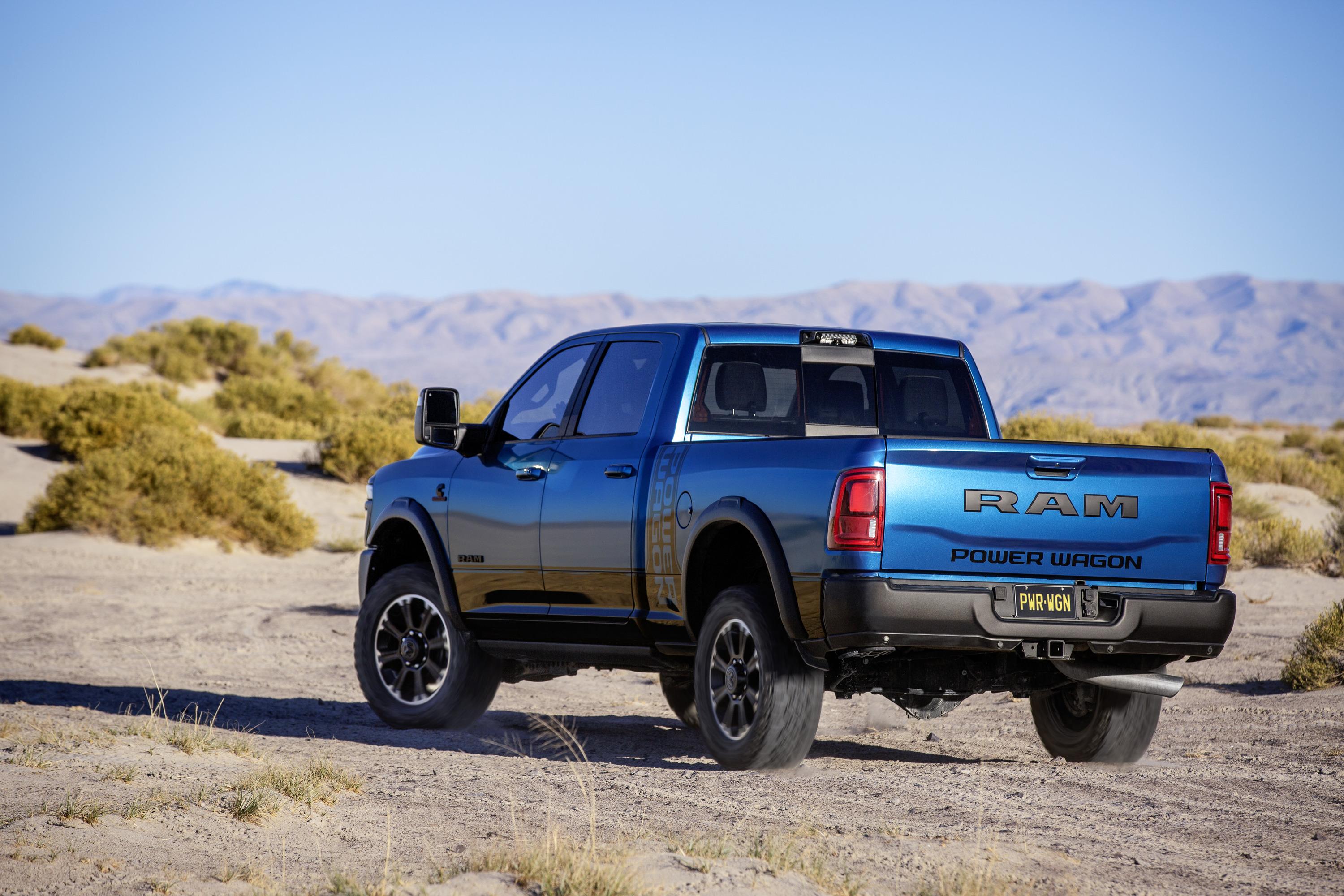
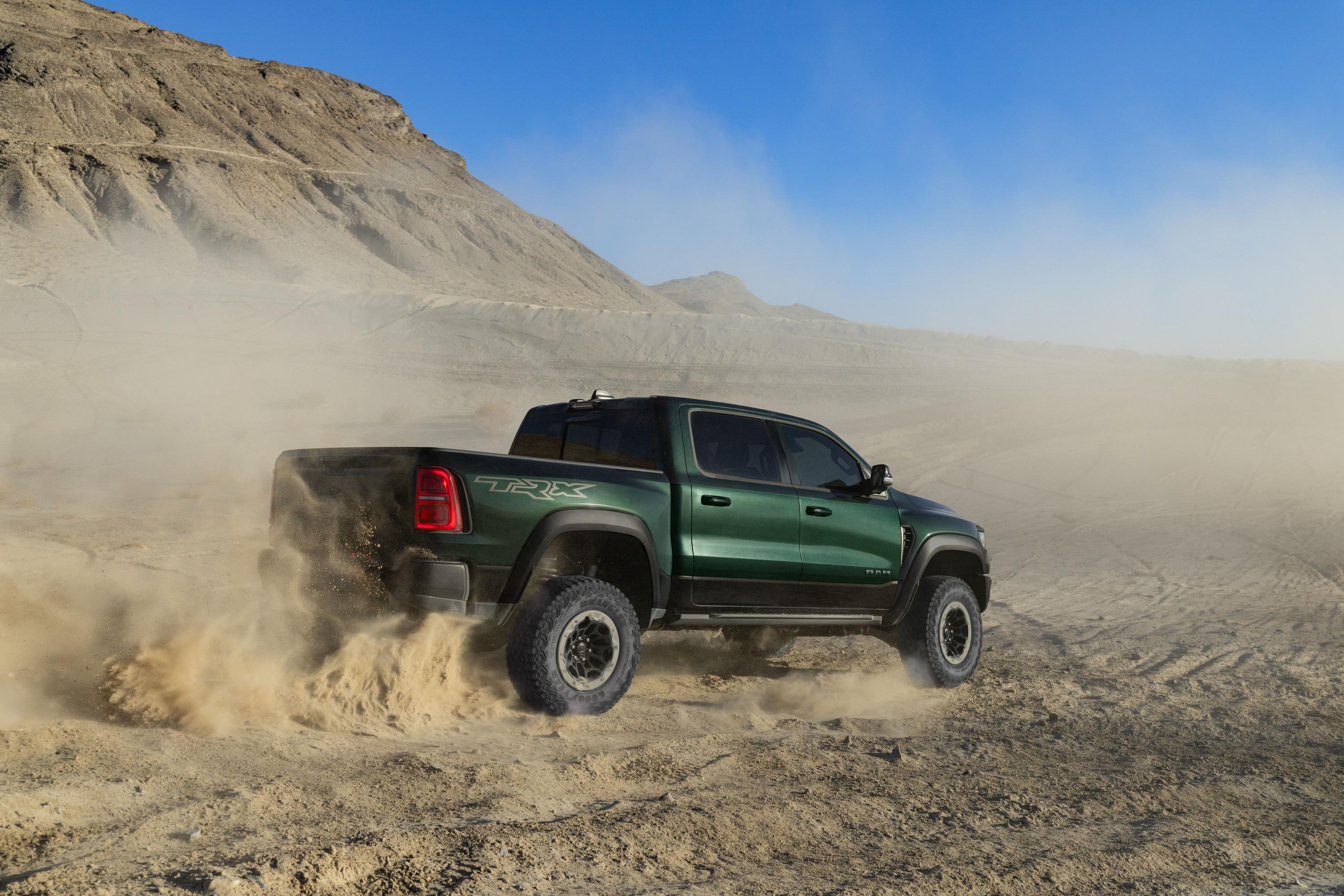
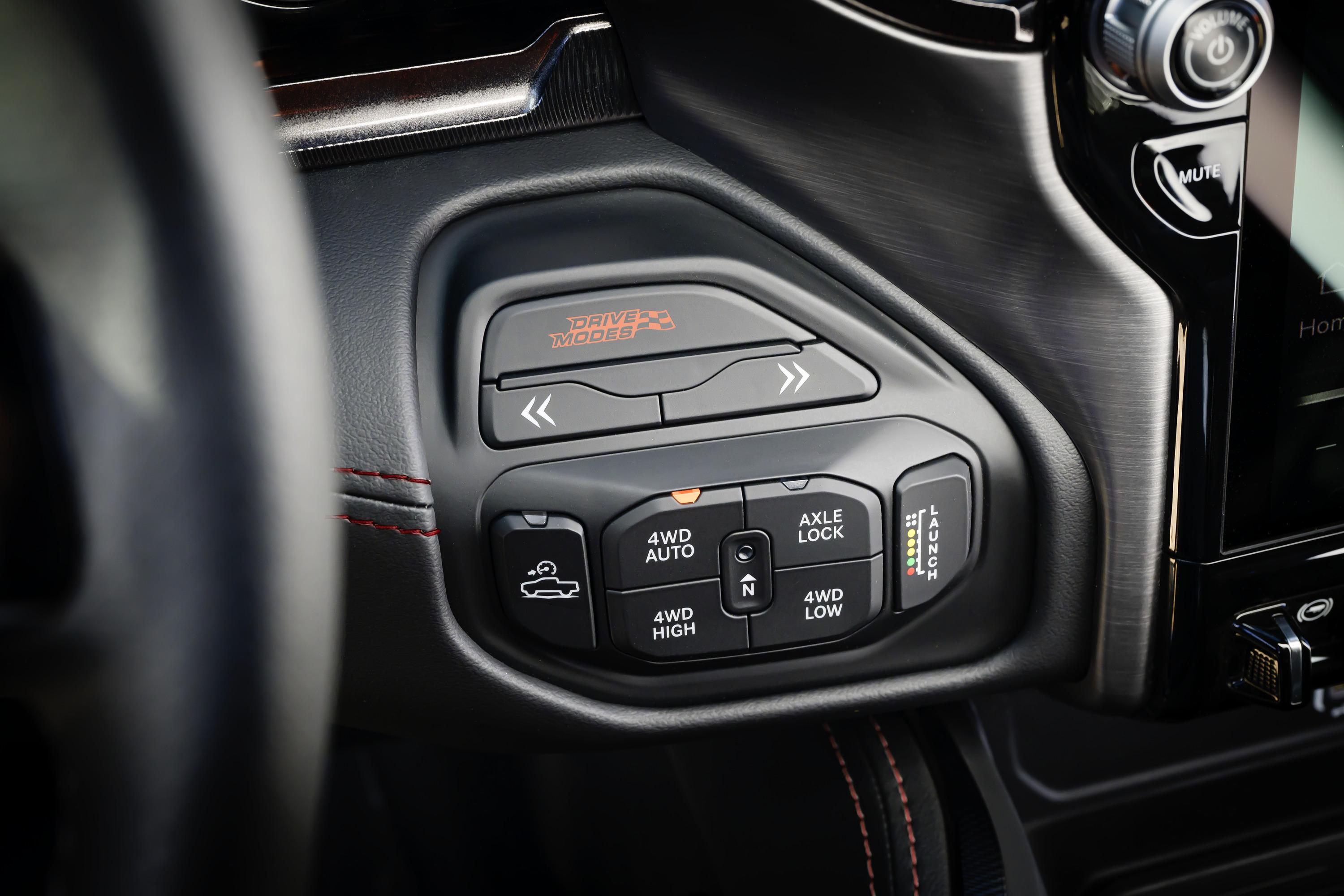
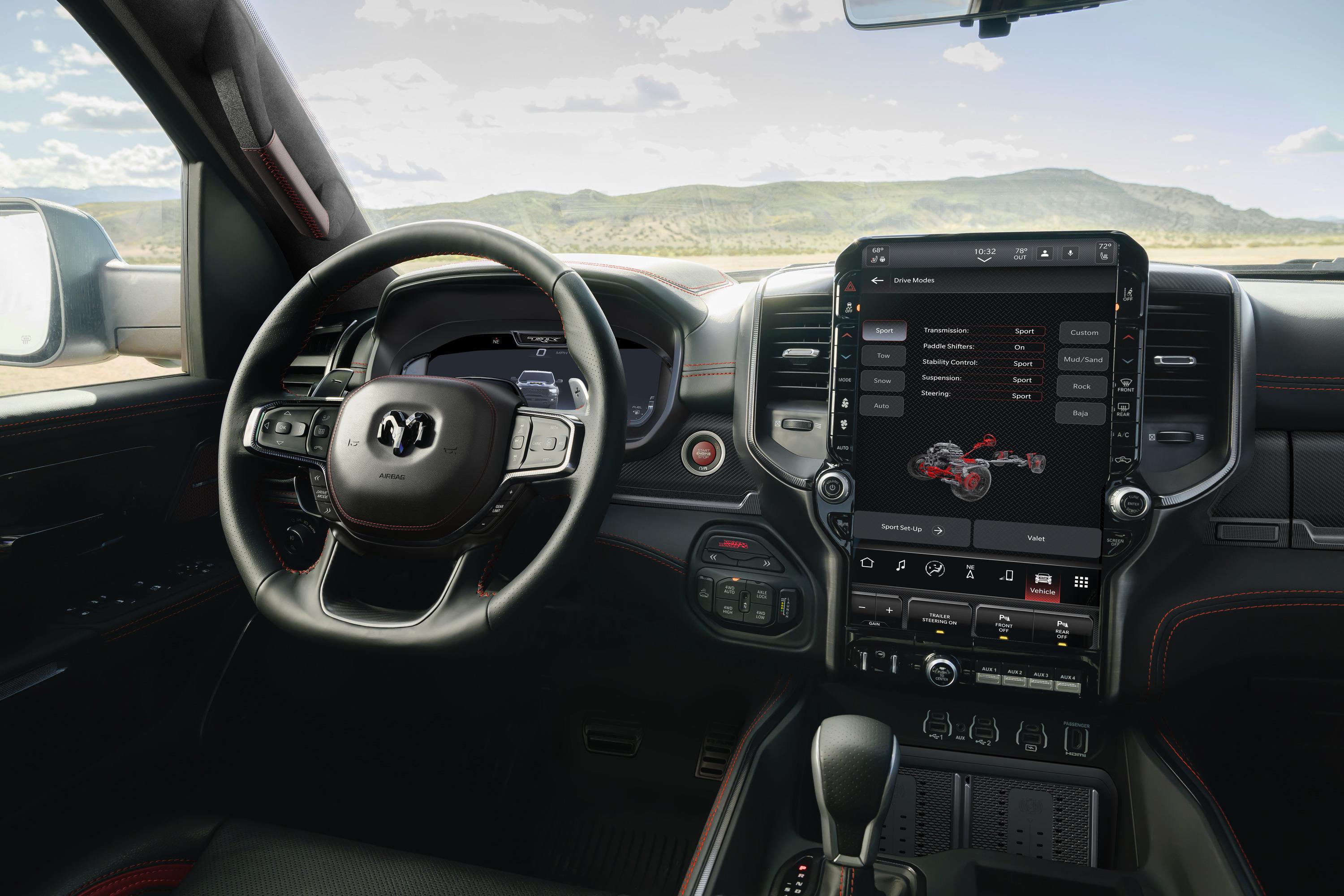
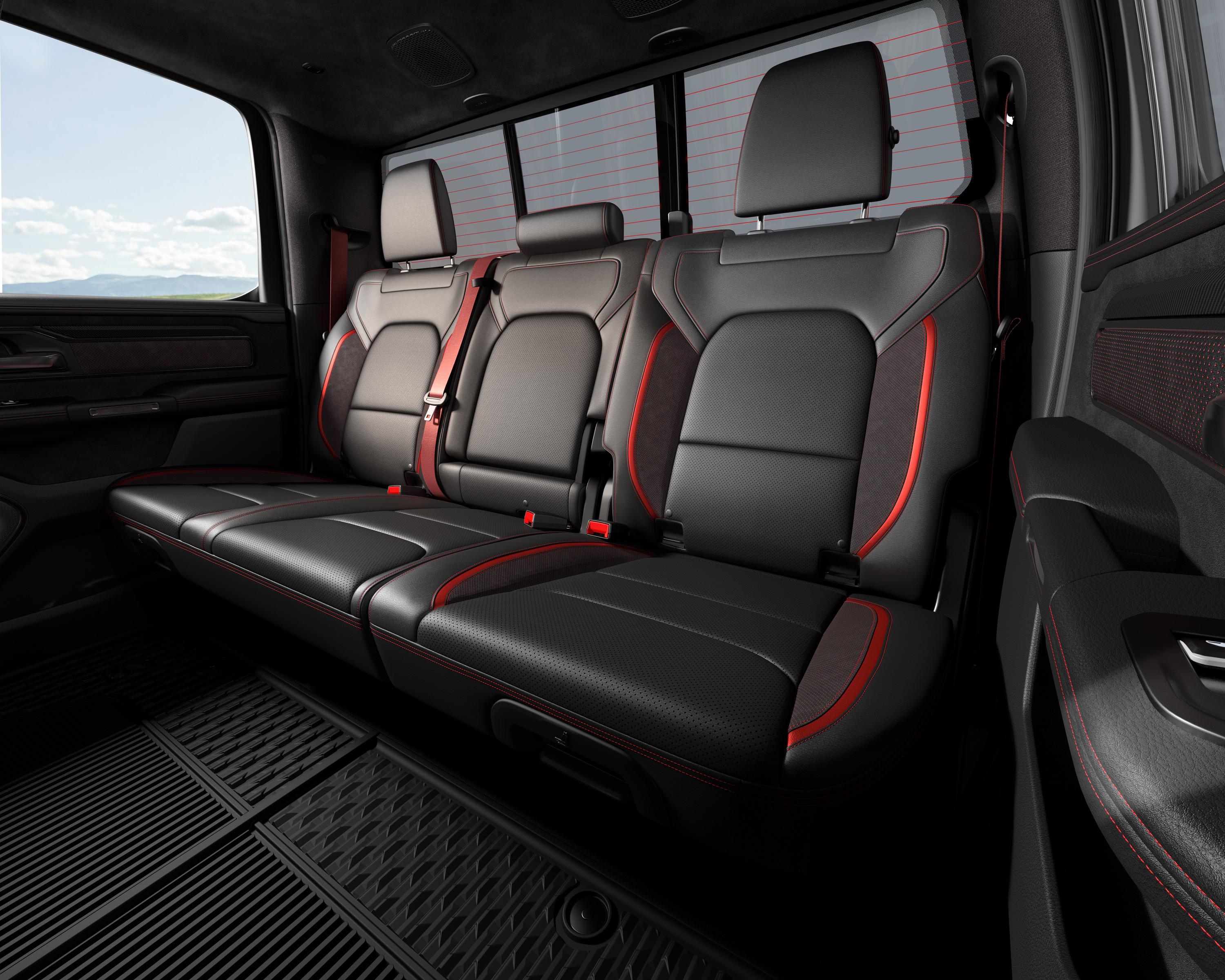
Ram Power Wagon 2027 Comunicato stampa Via RAM.
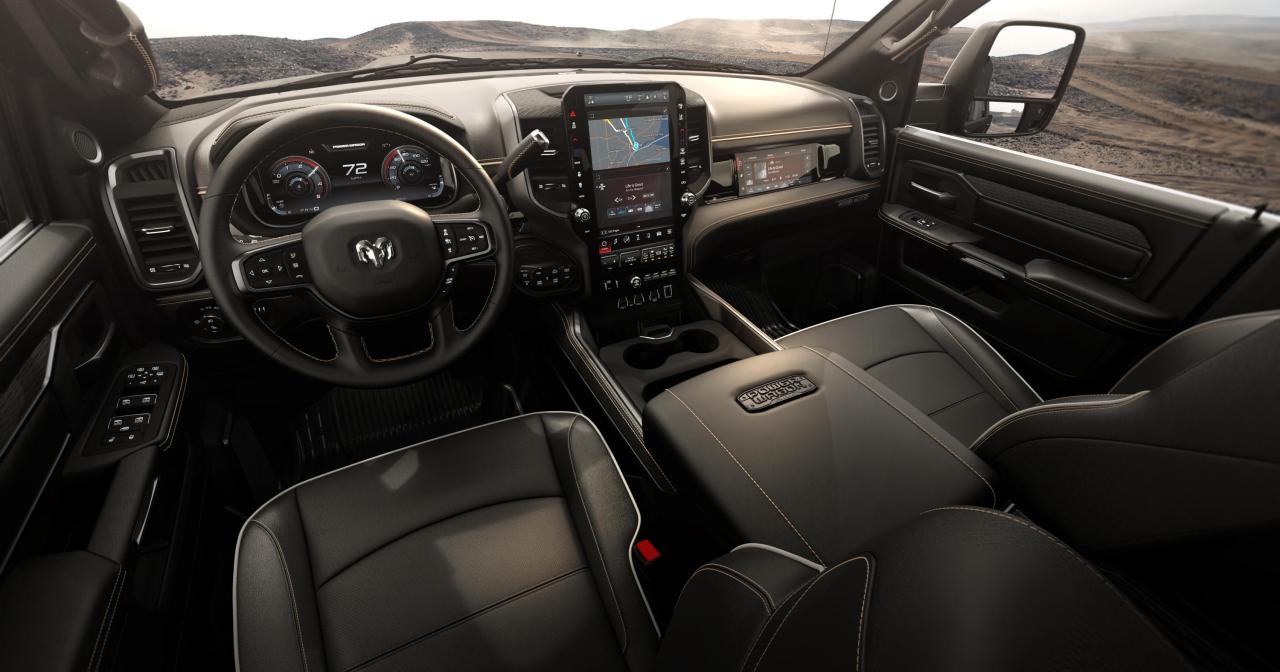
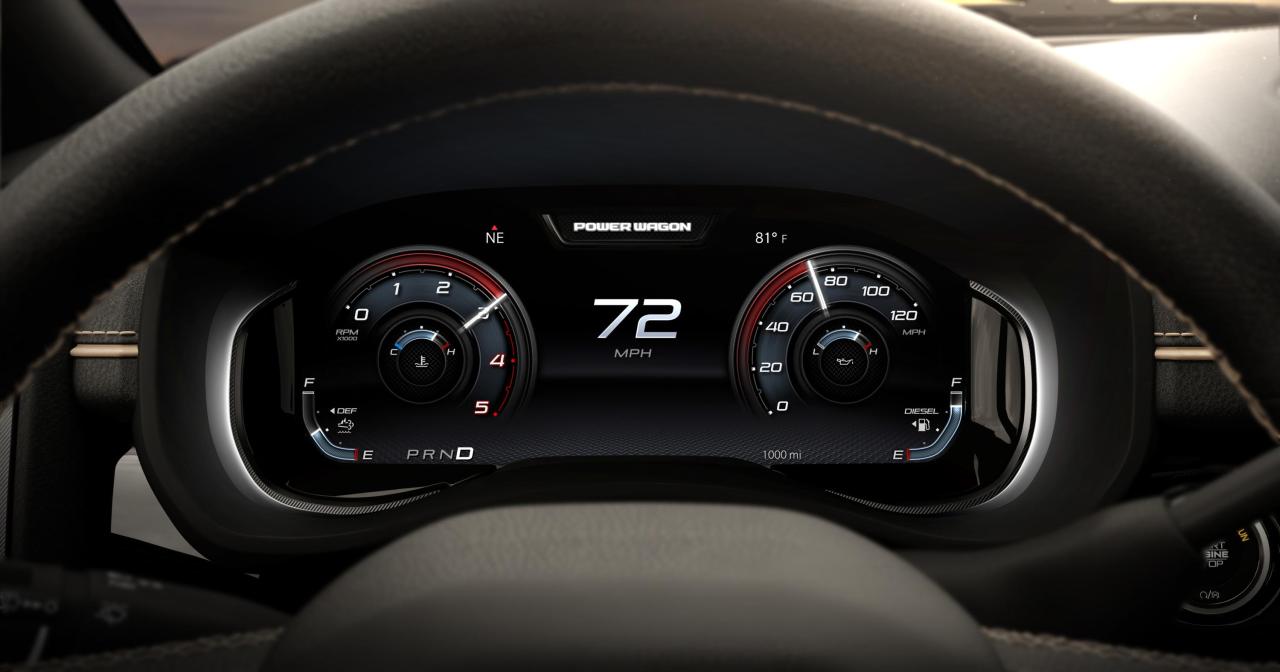
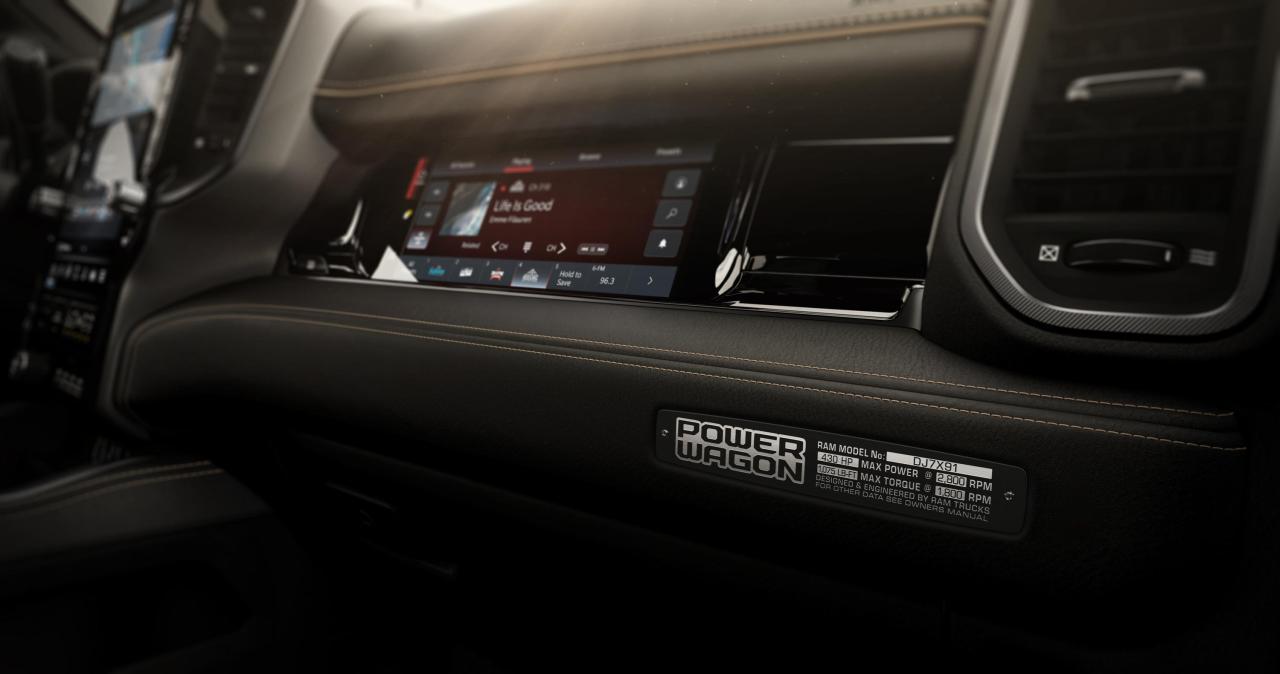
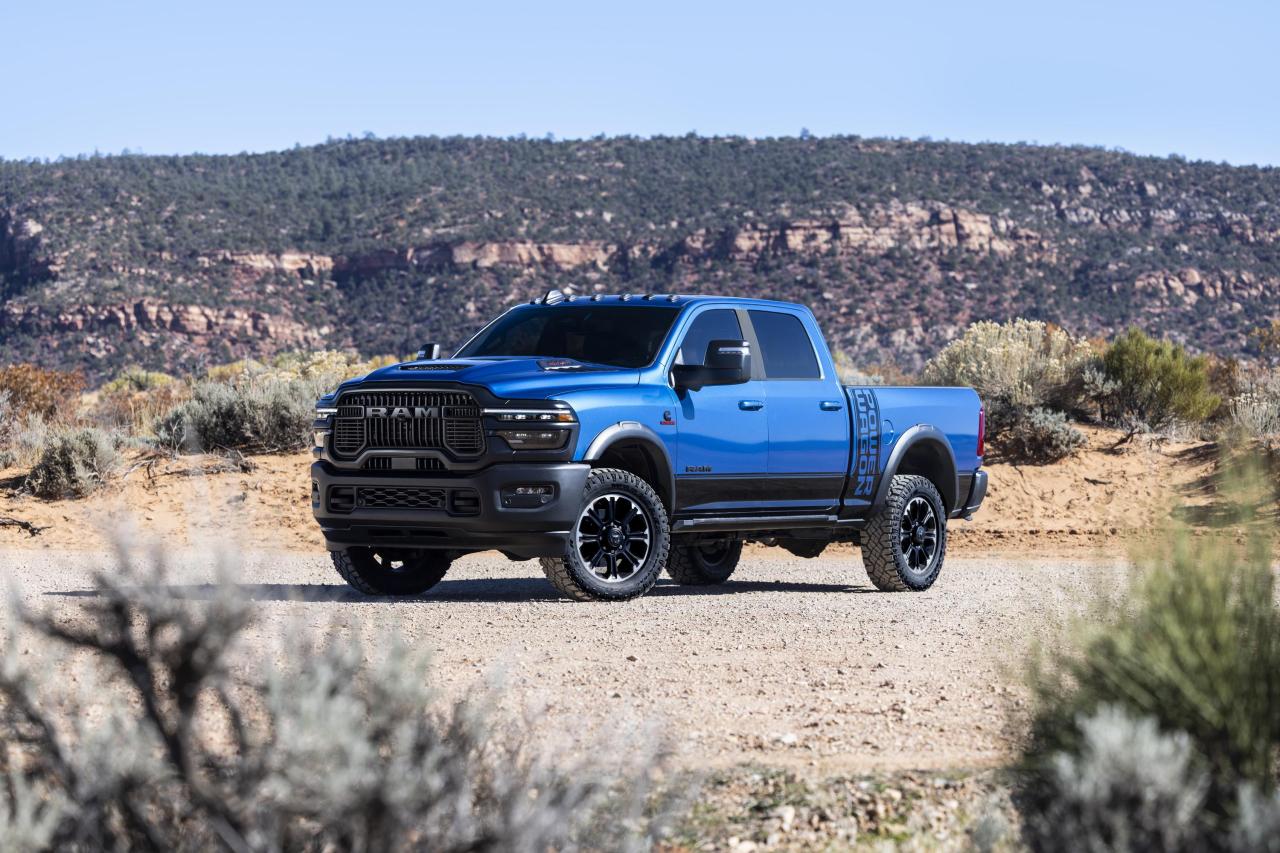
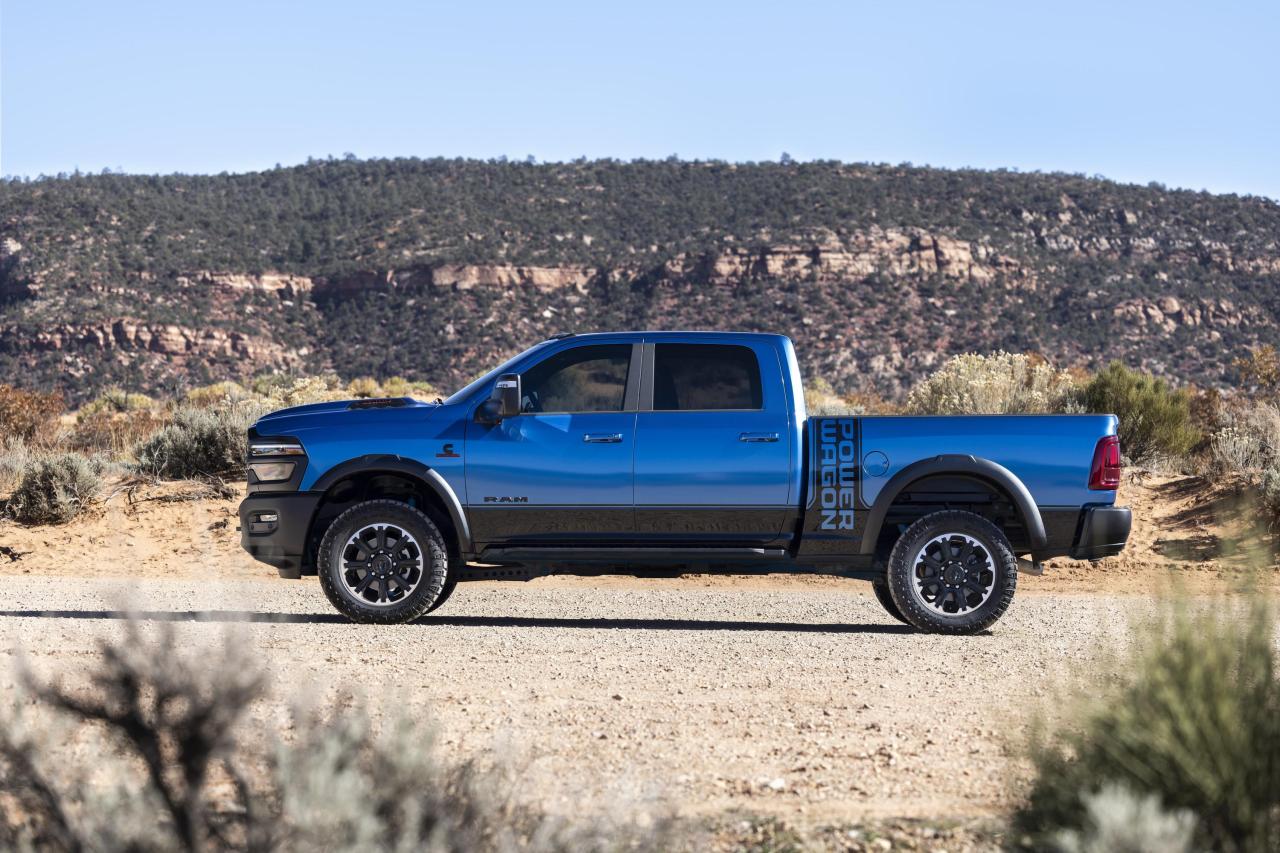
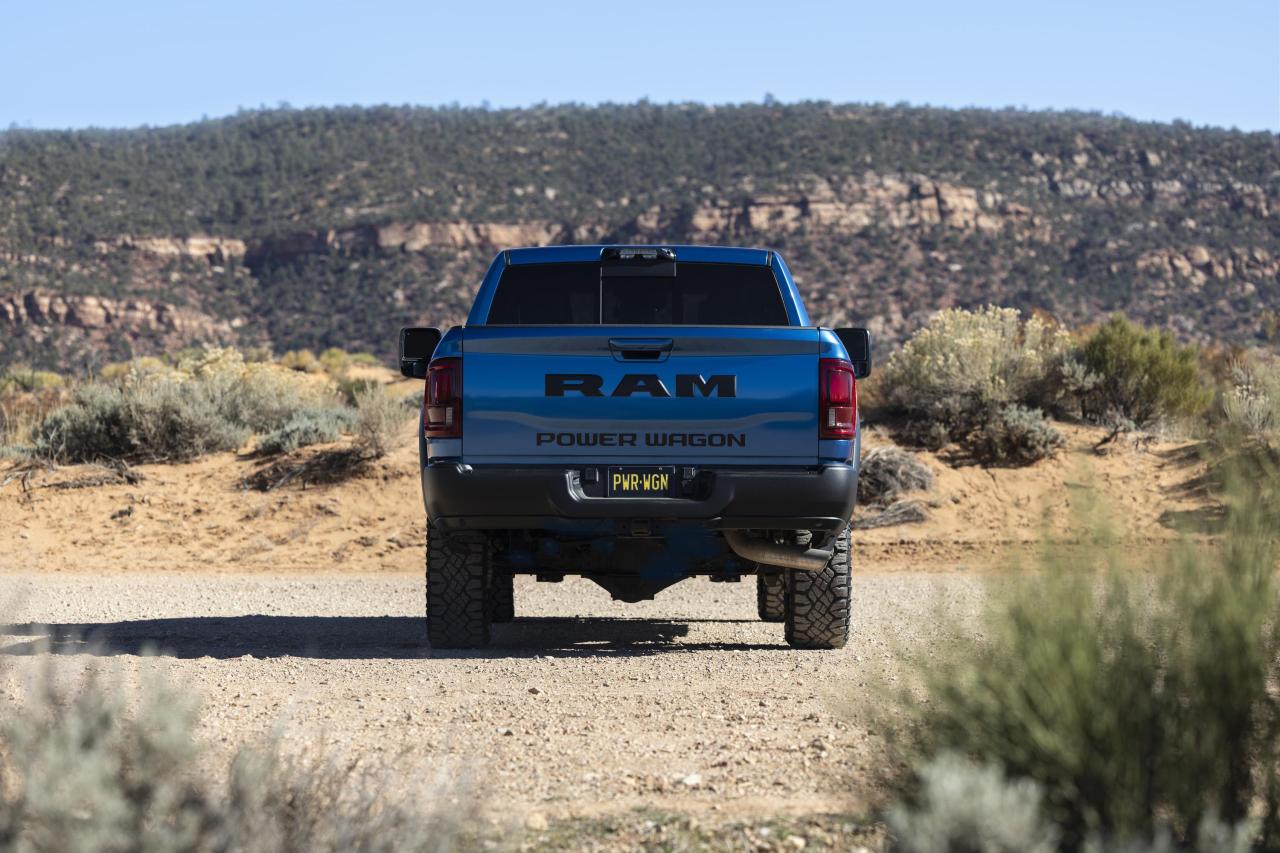
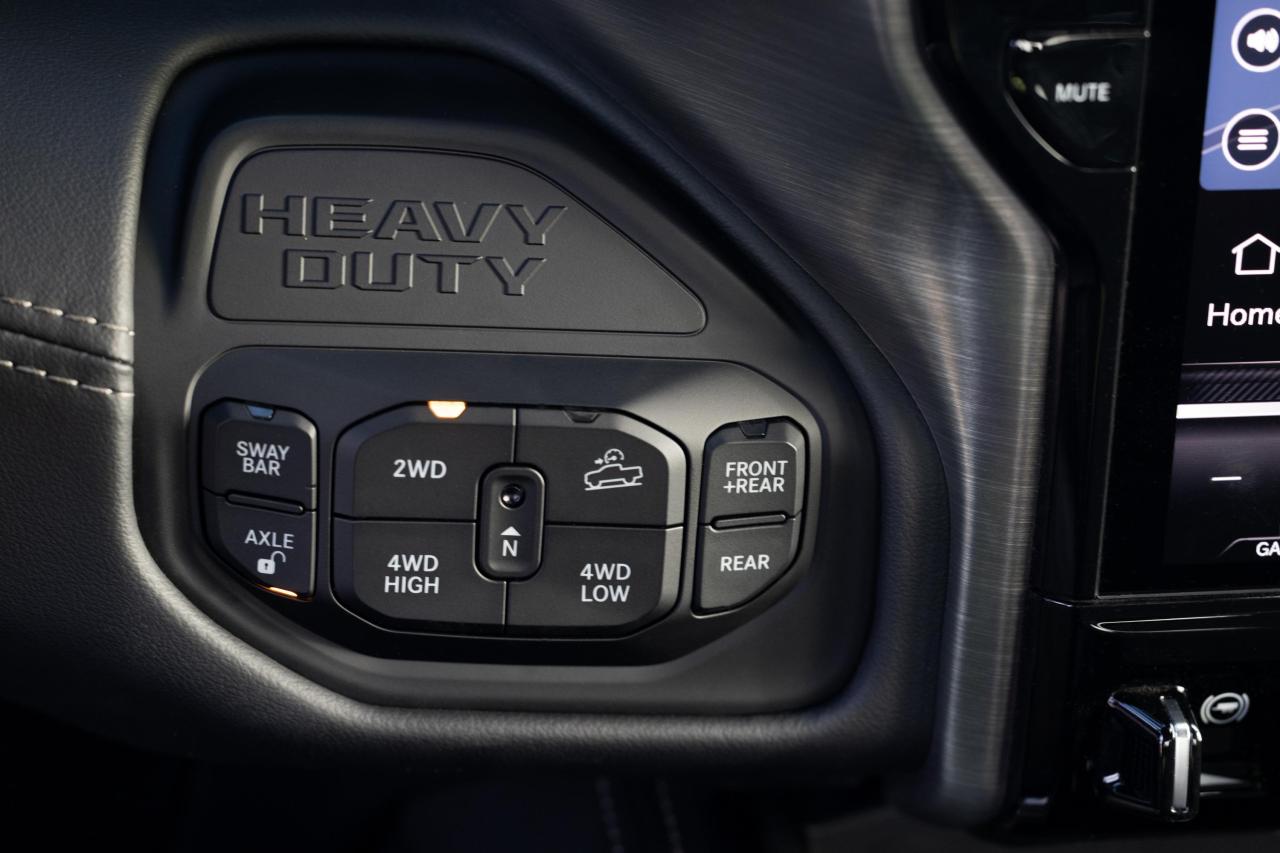
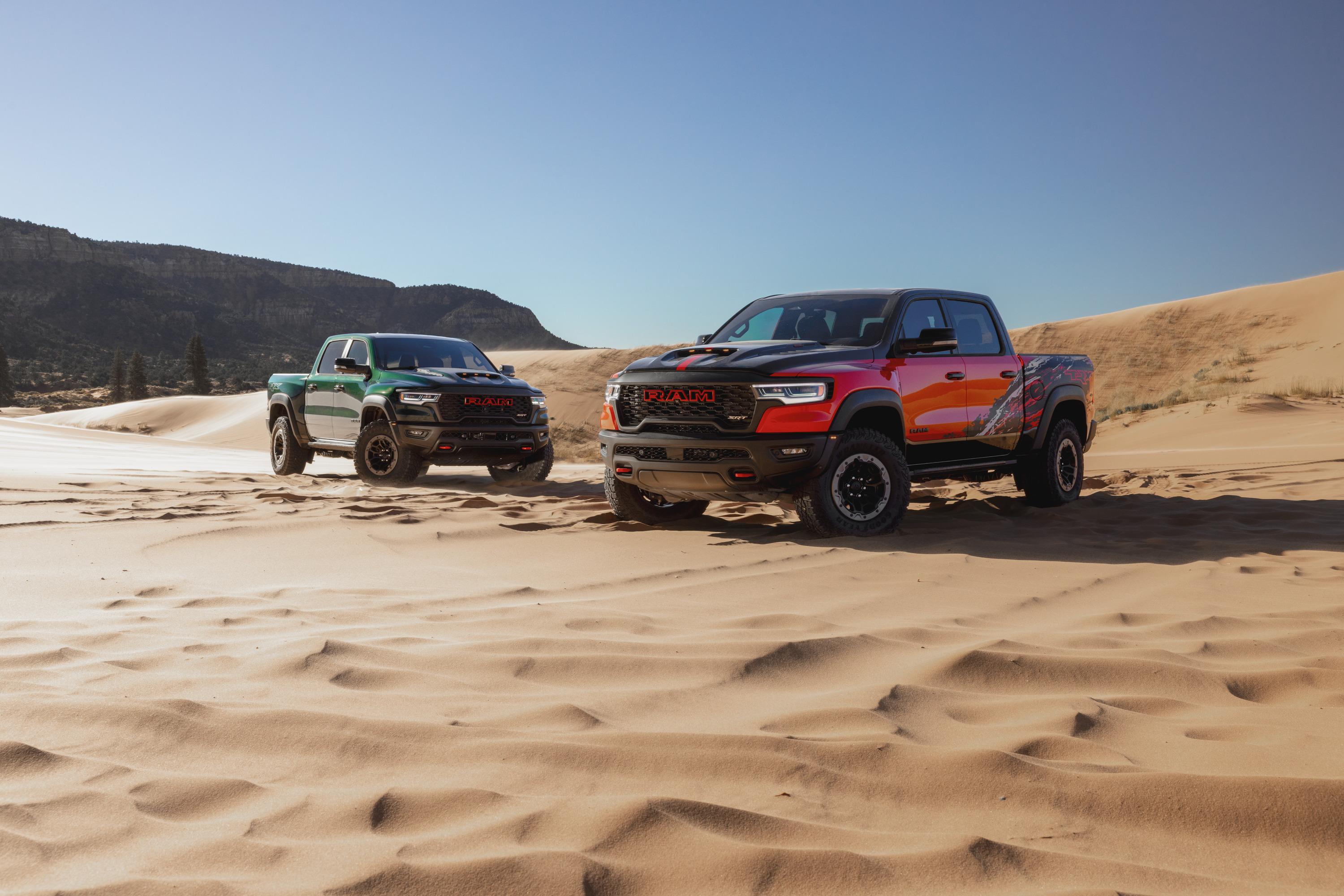
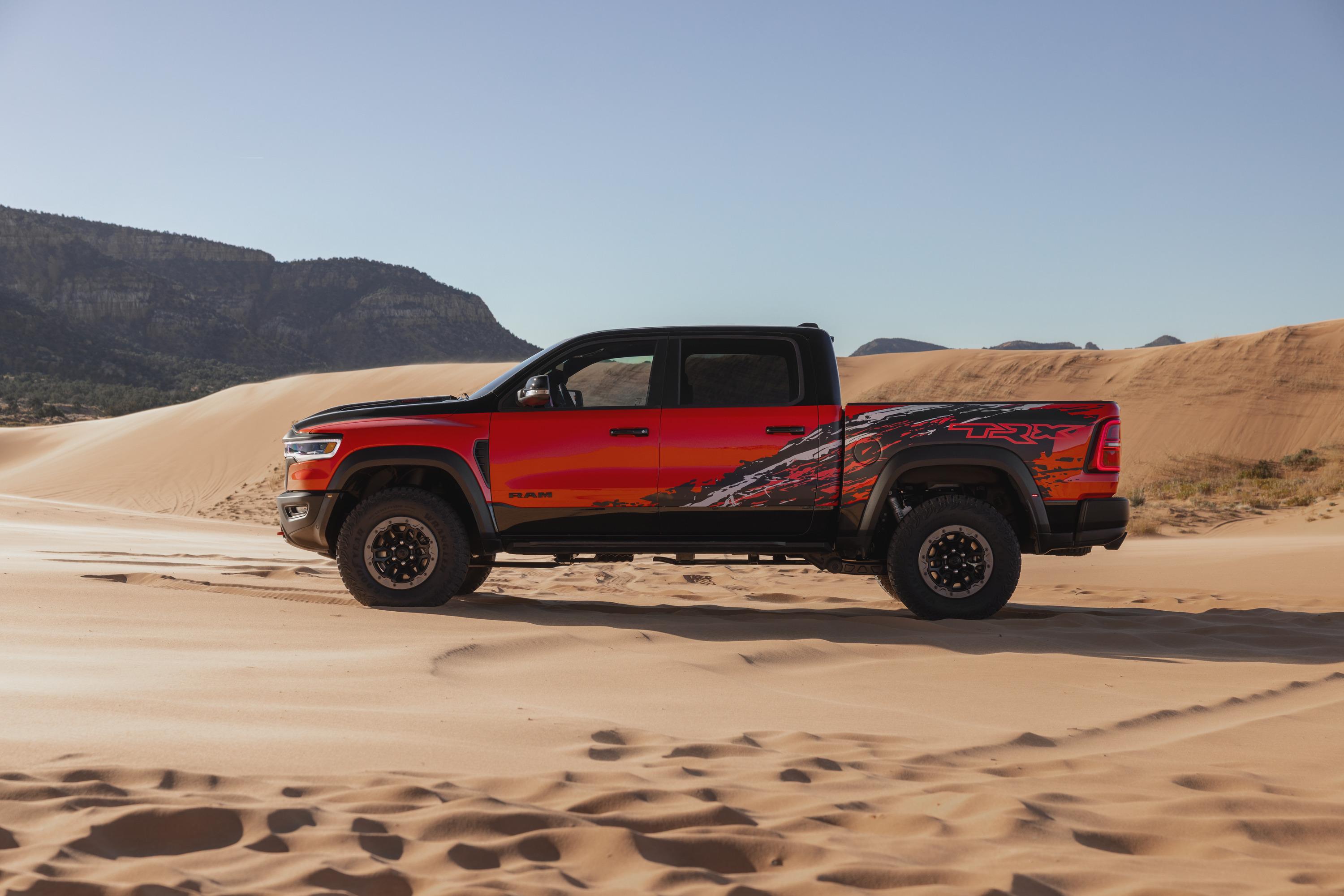
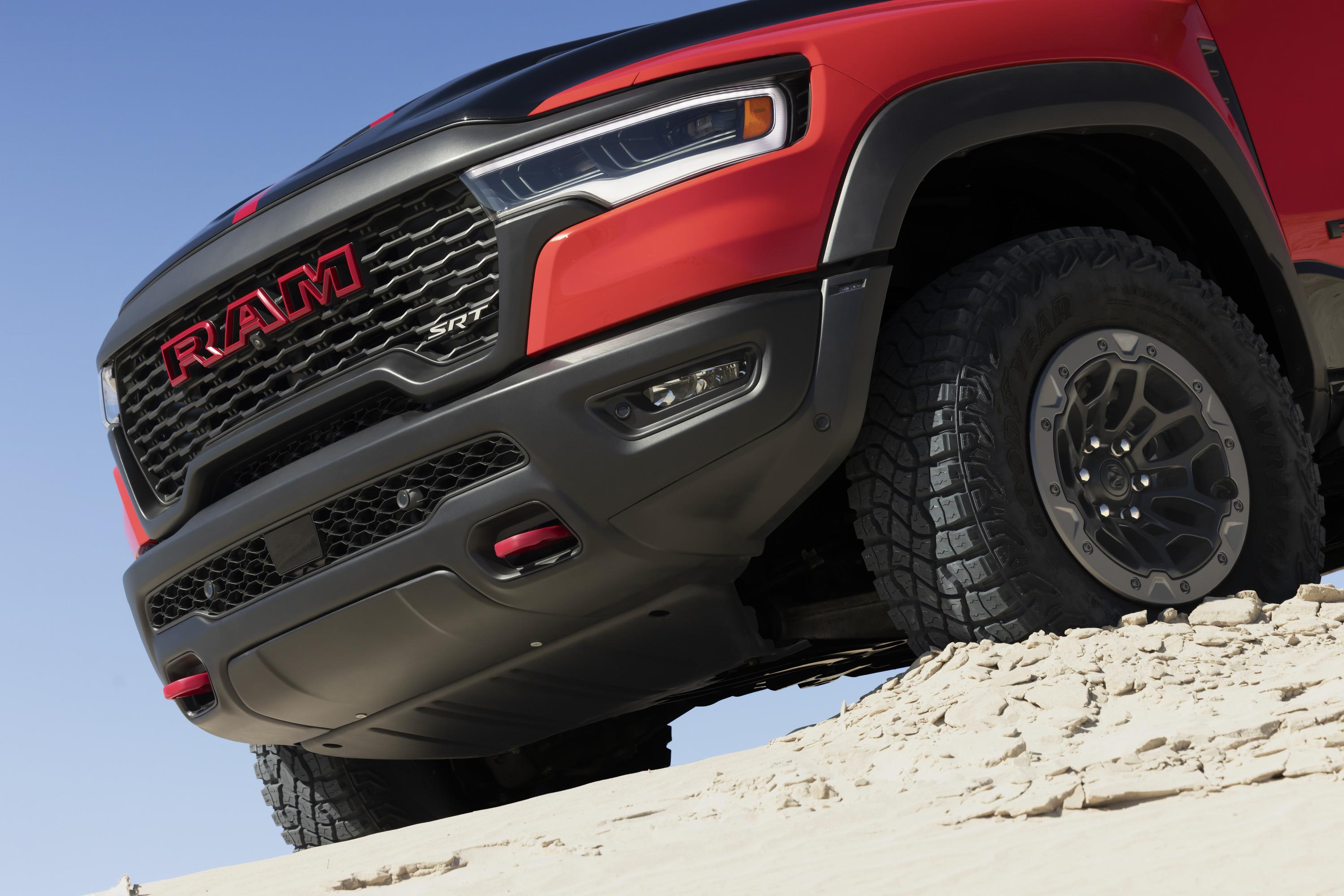
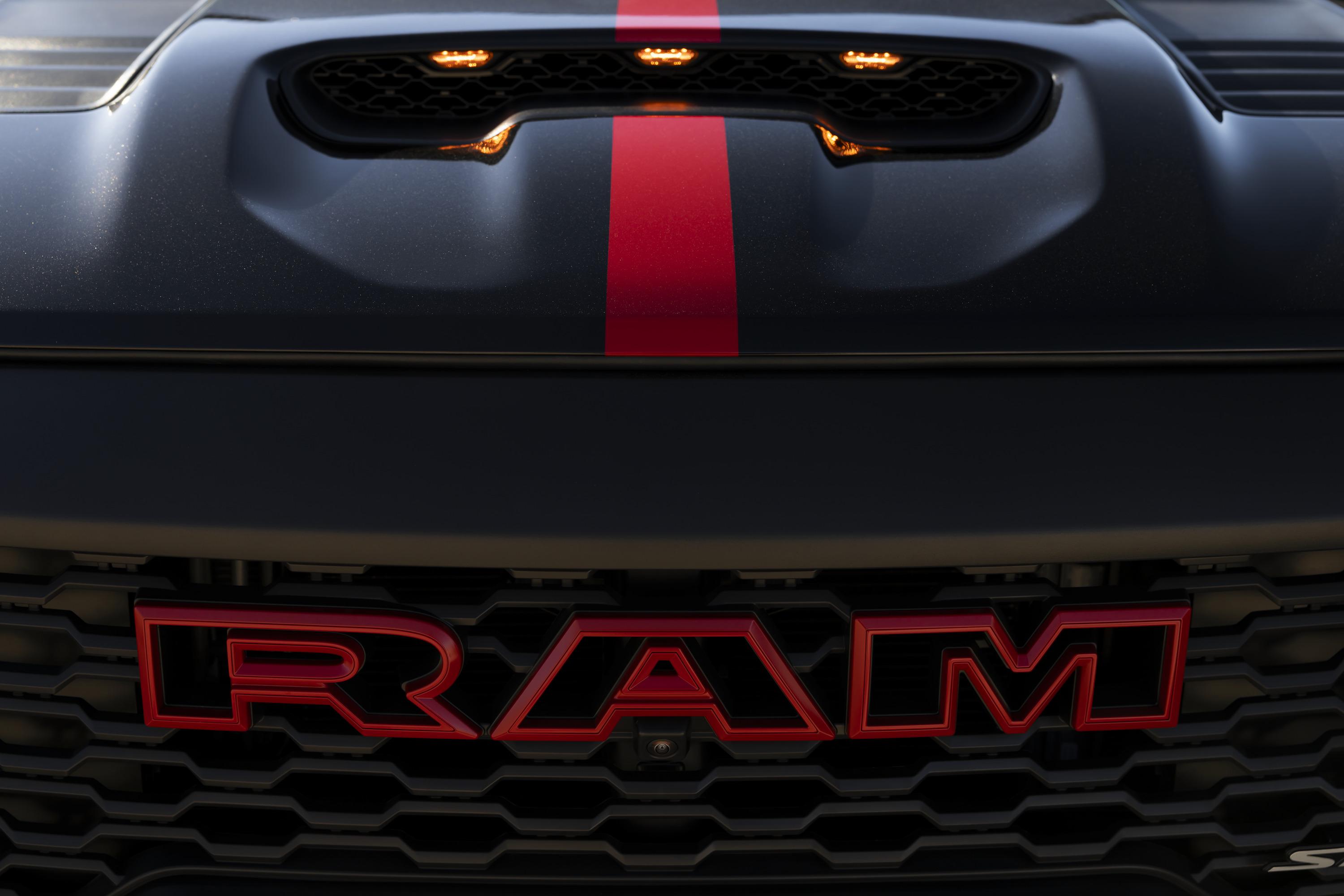
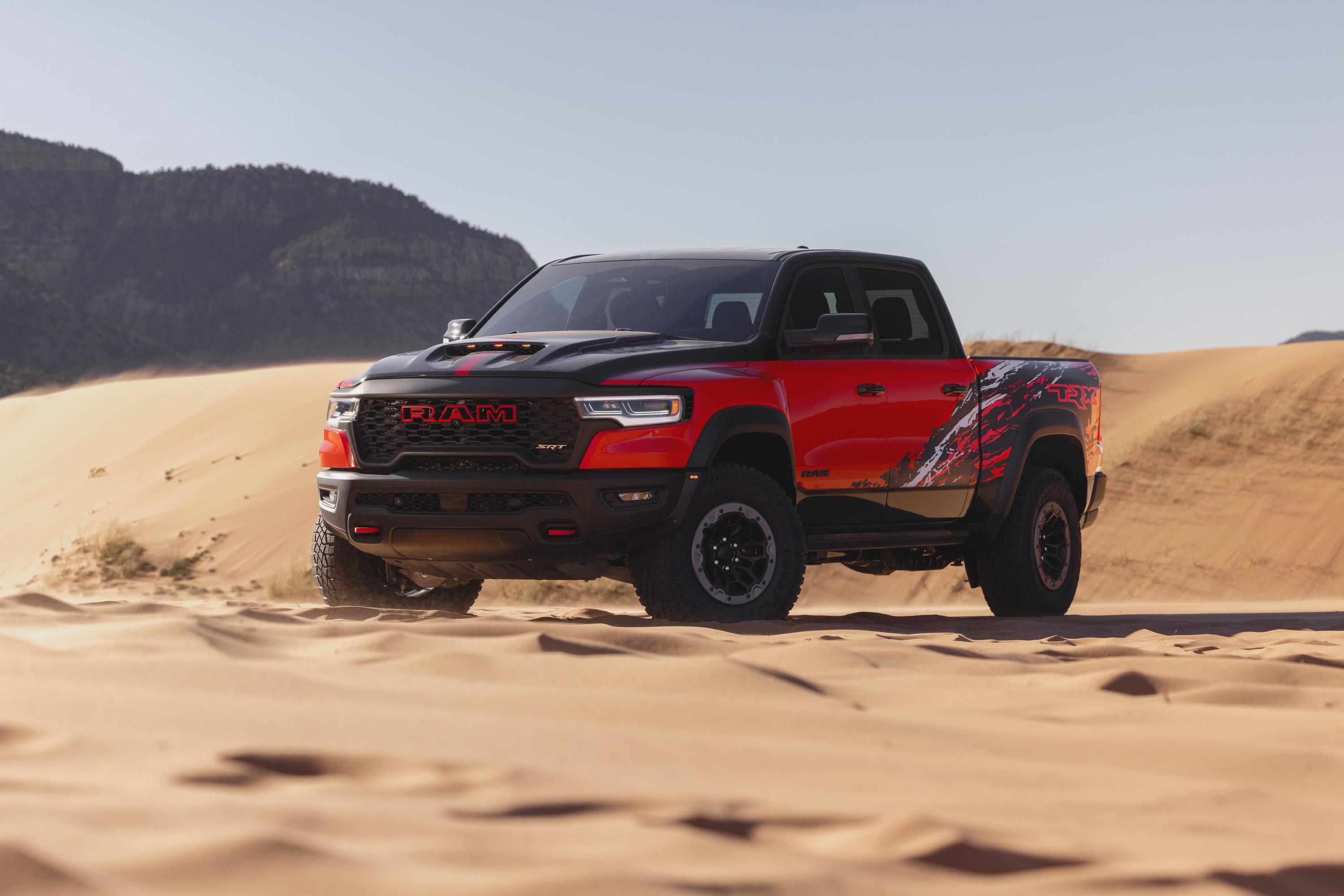
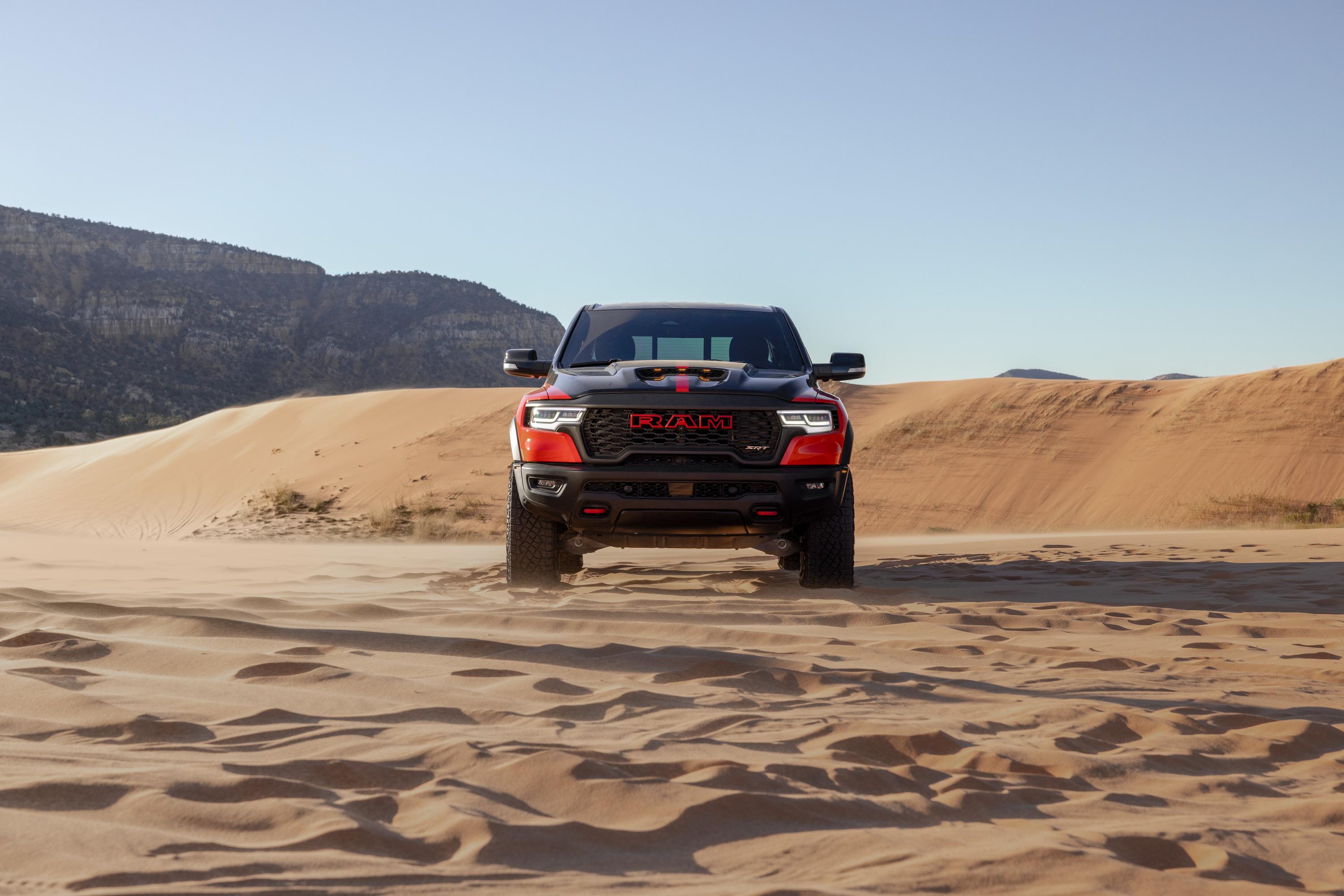
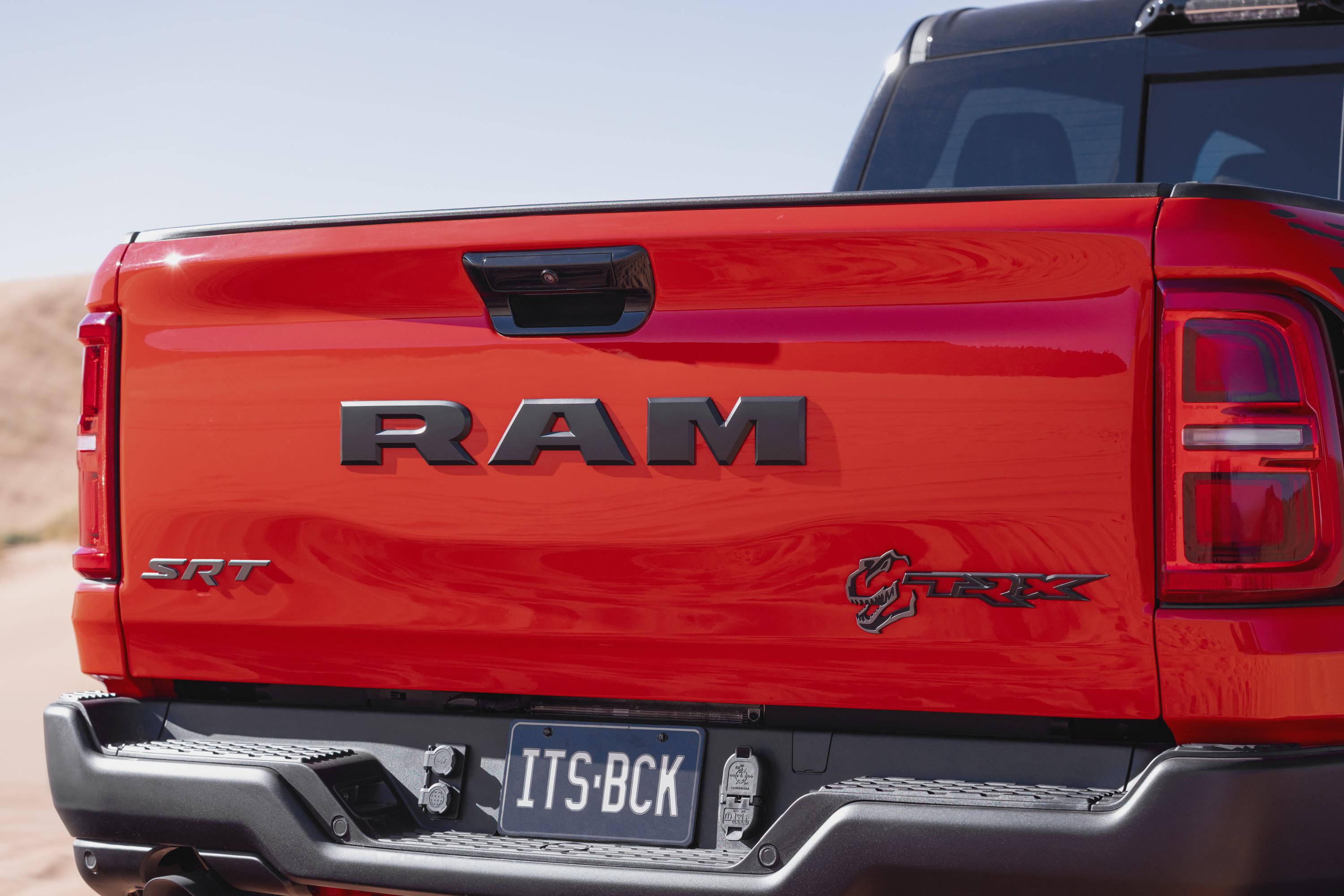
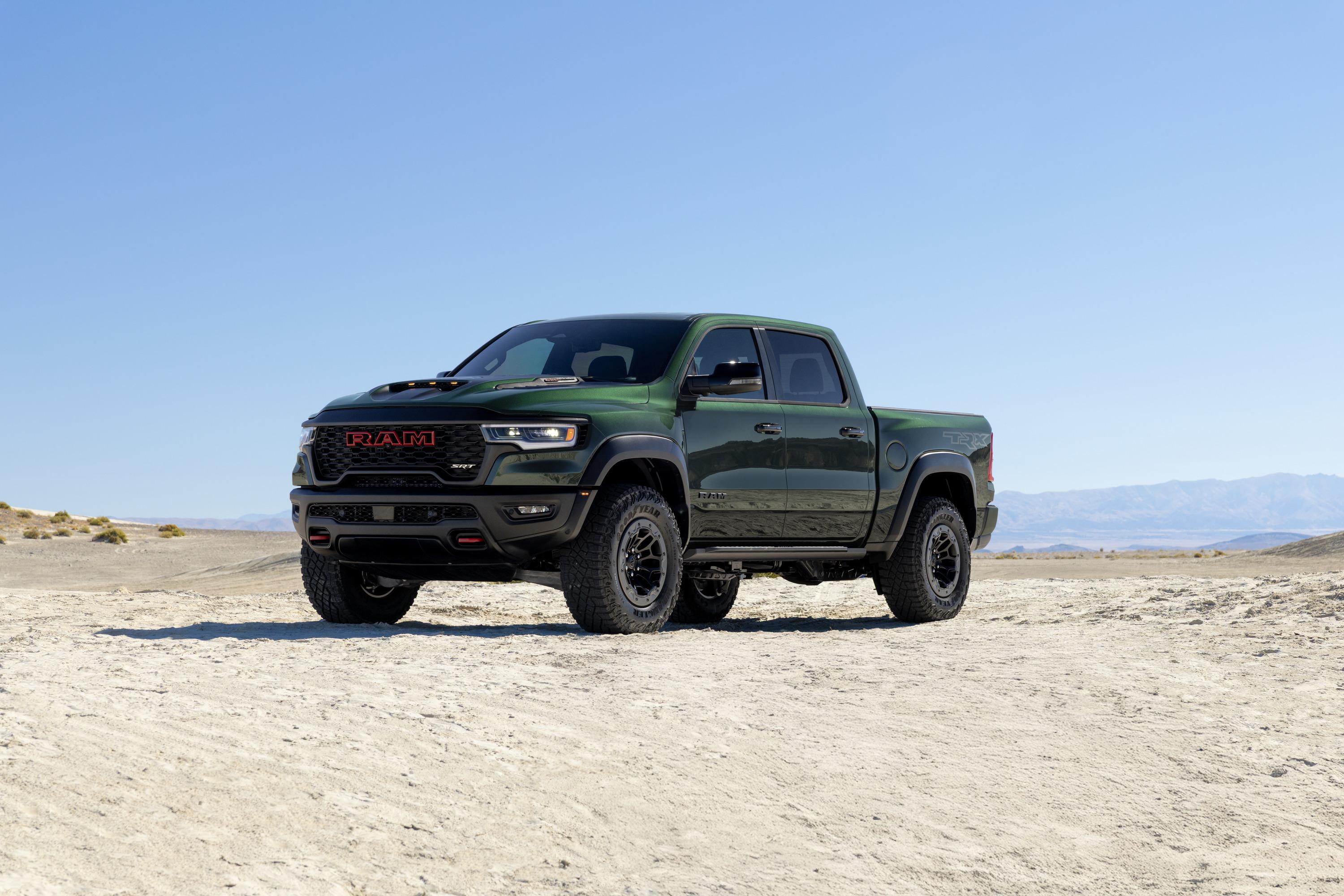
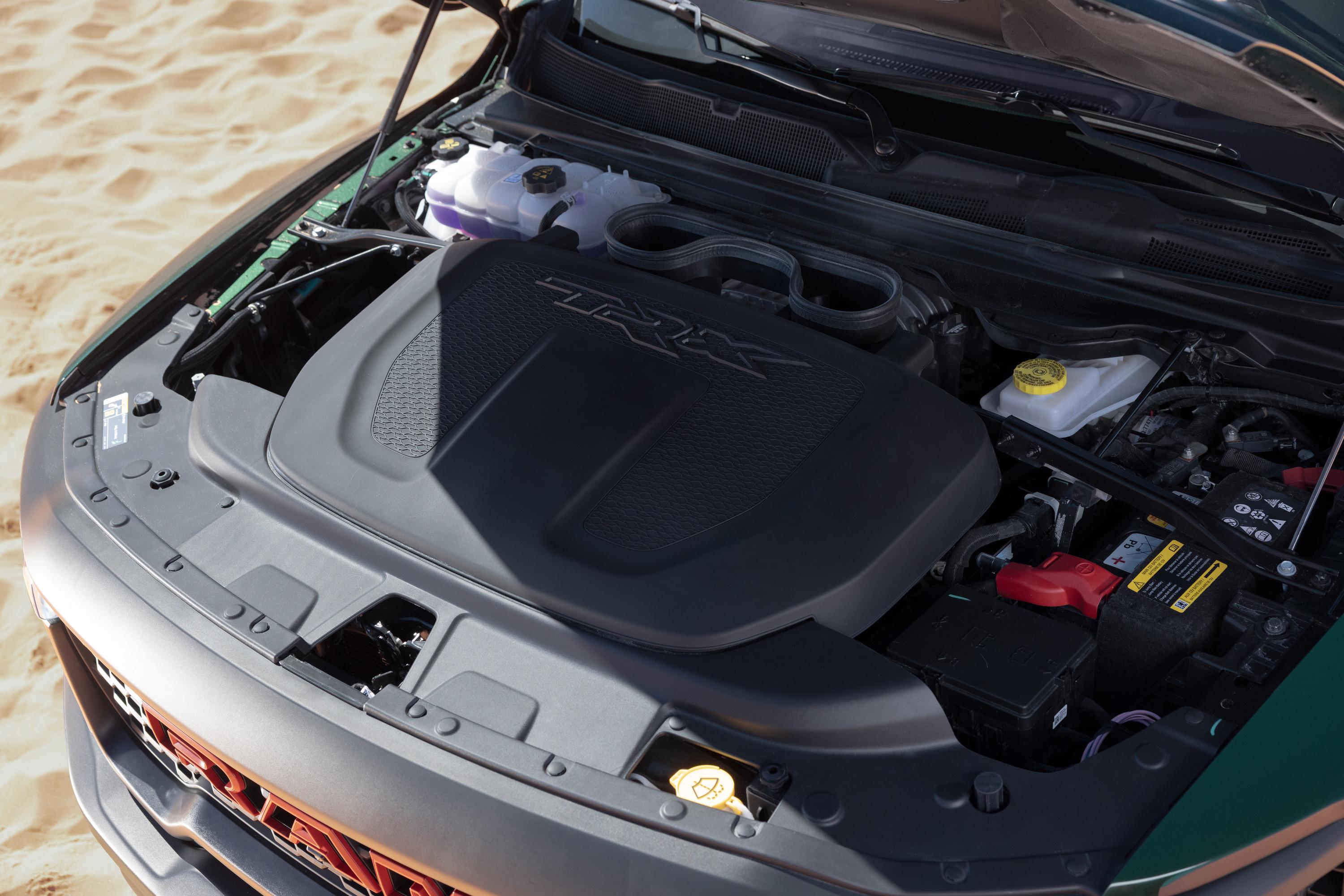
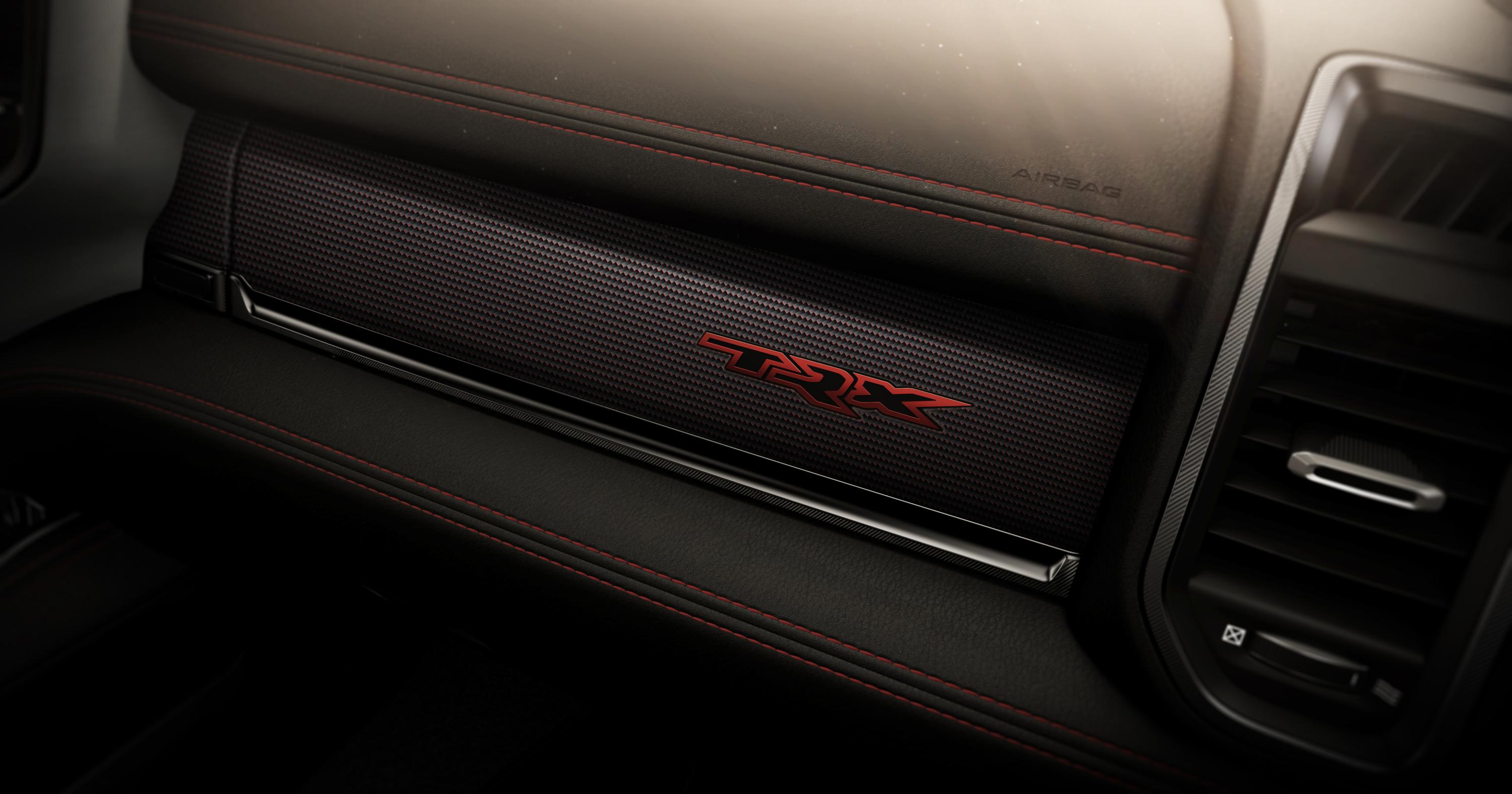
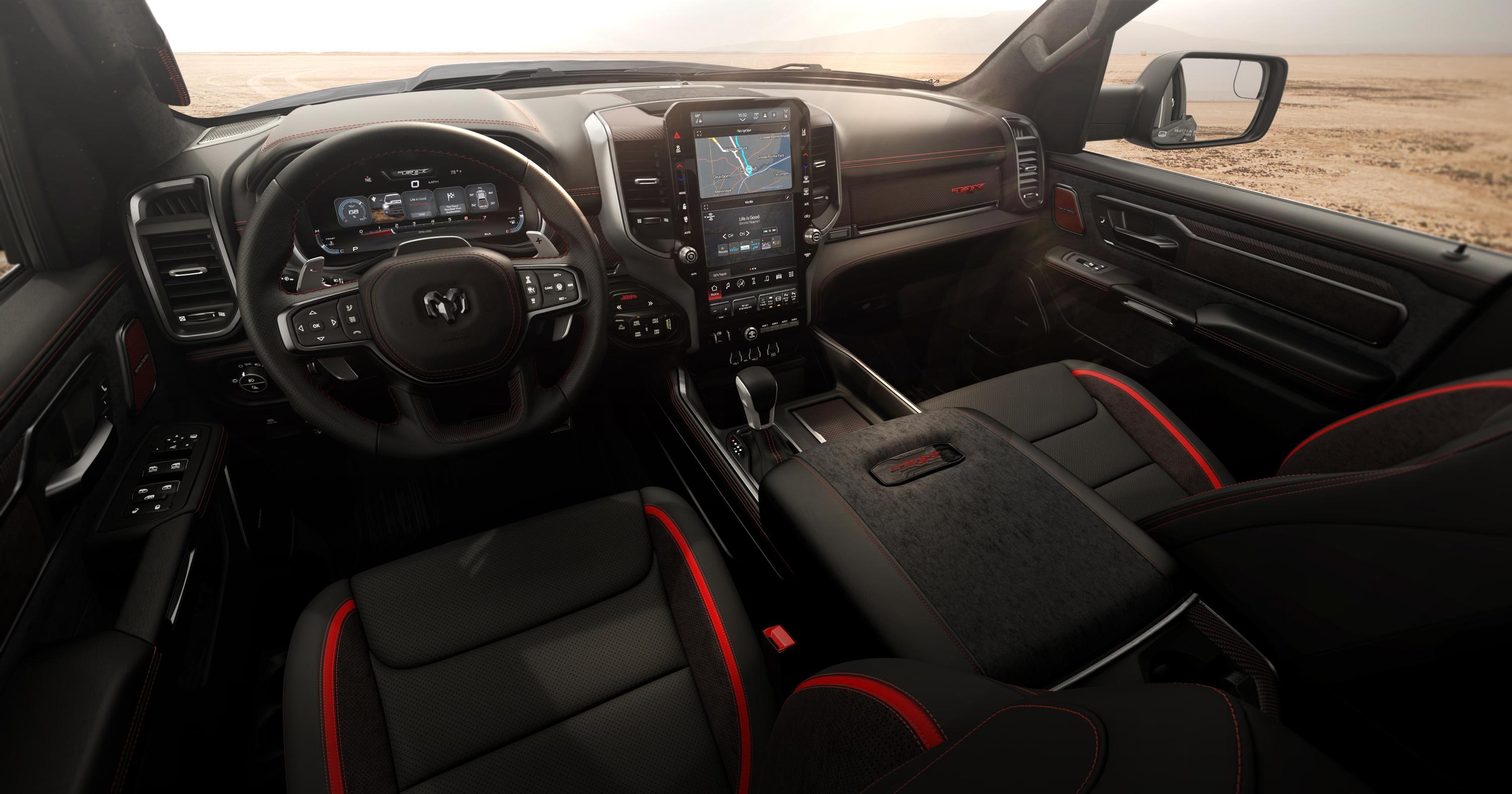
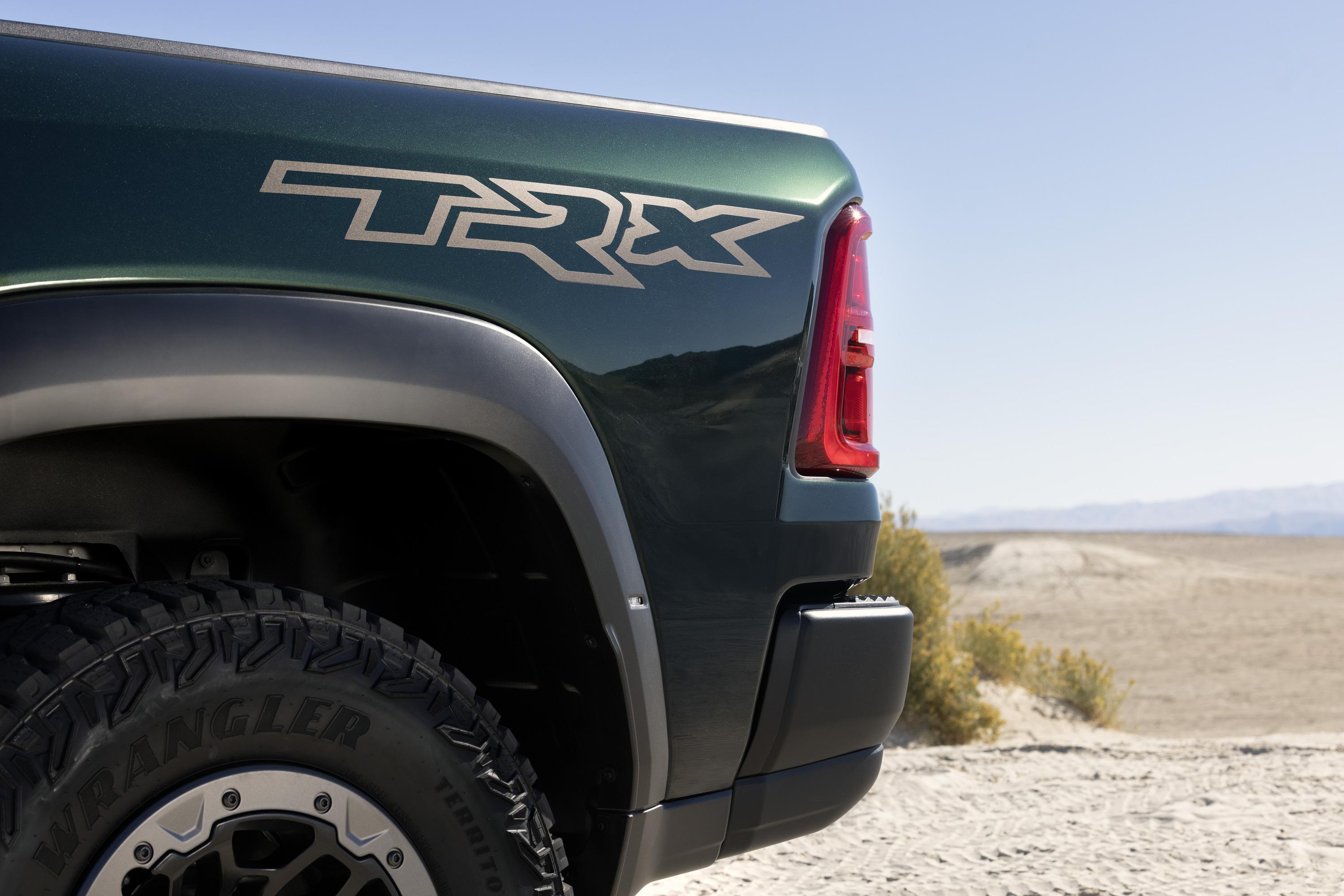
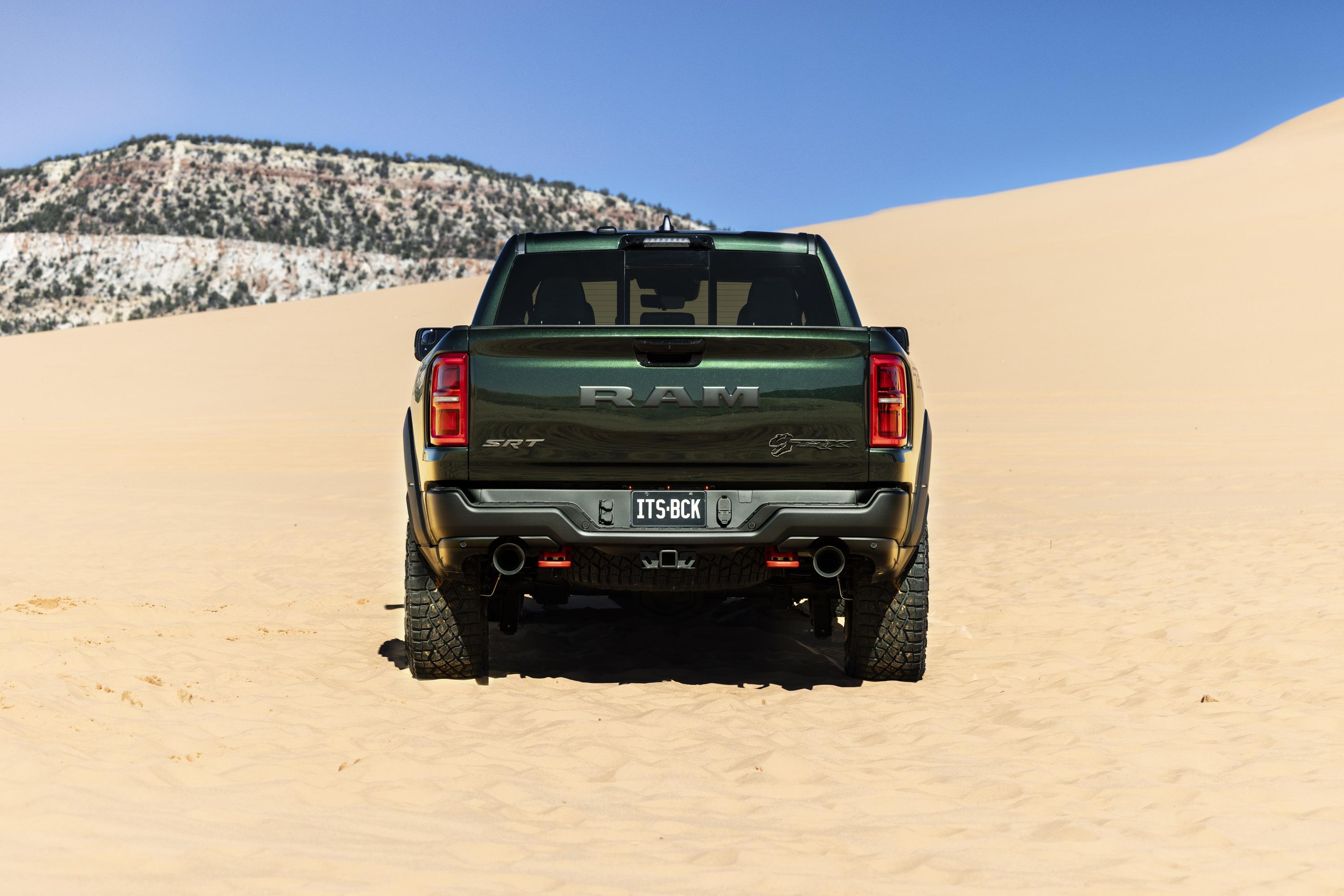
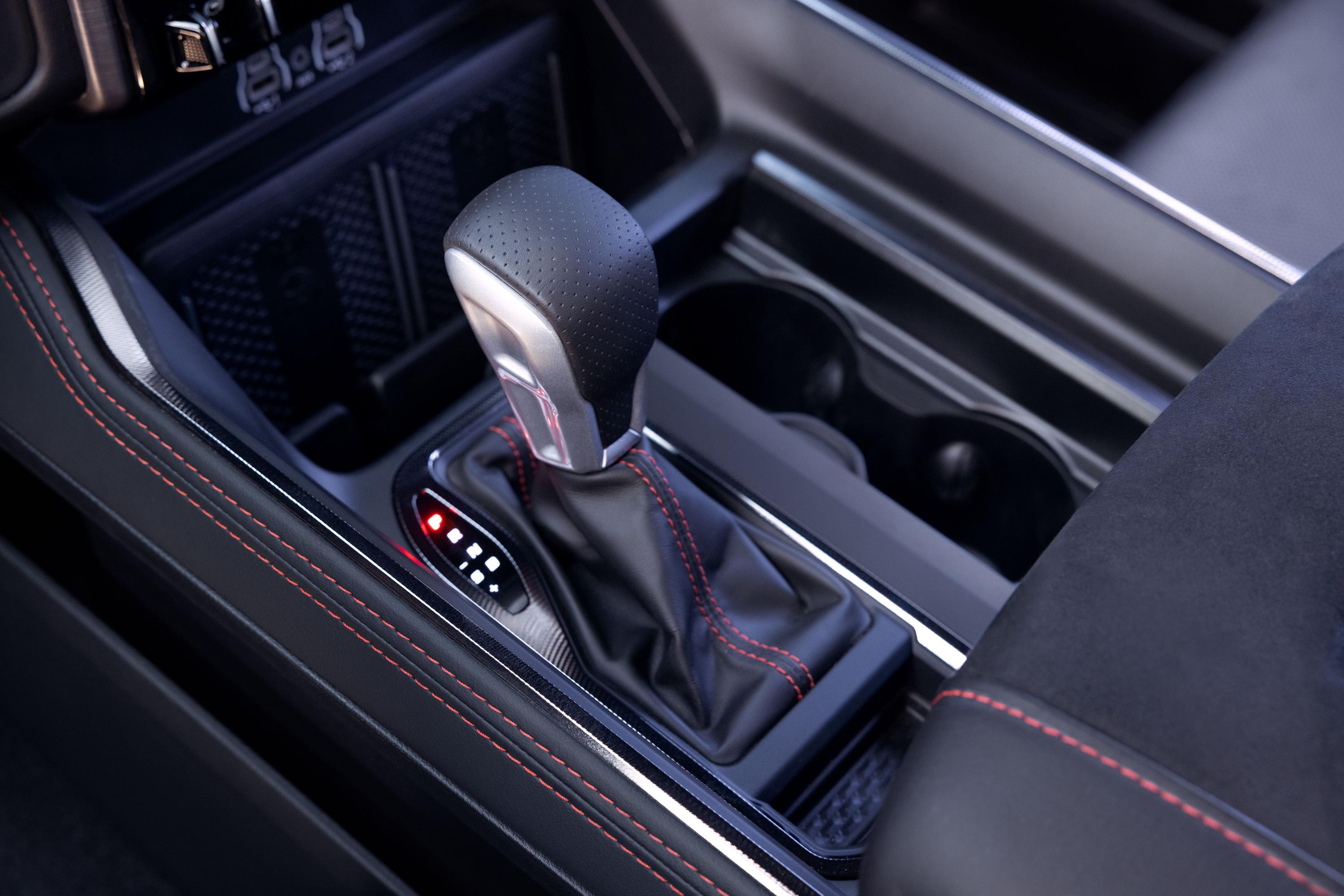
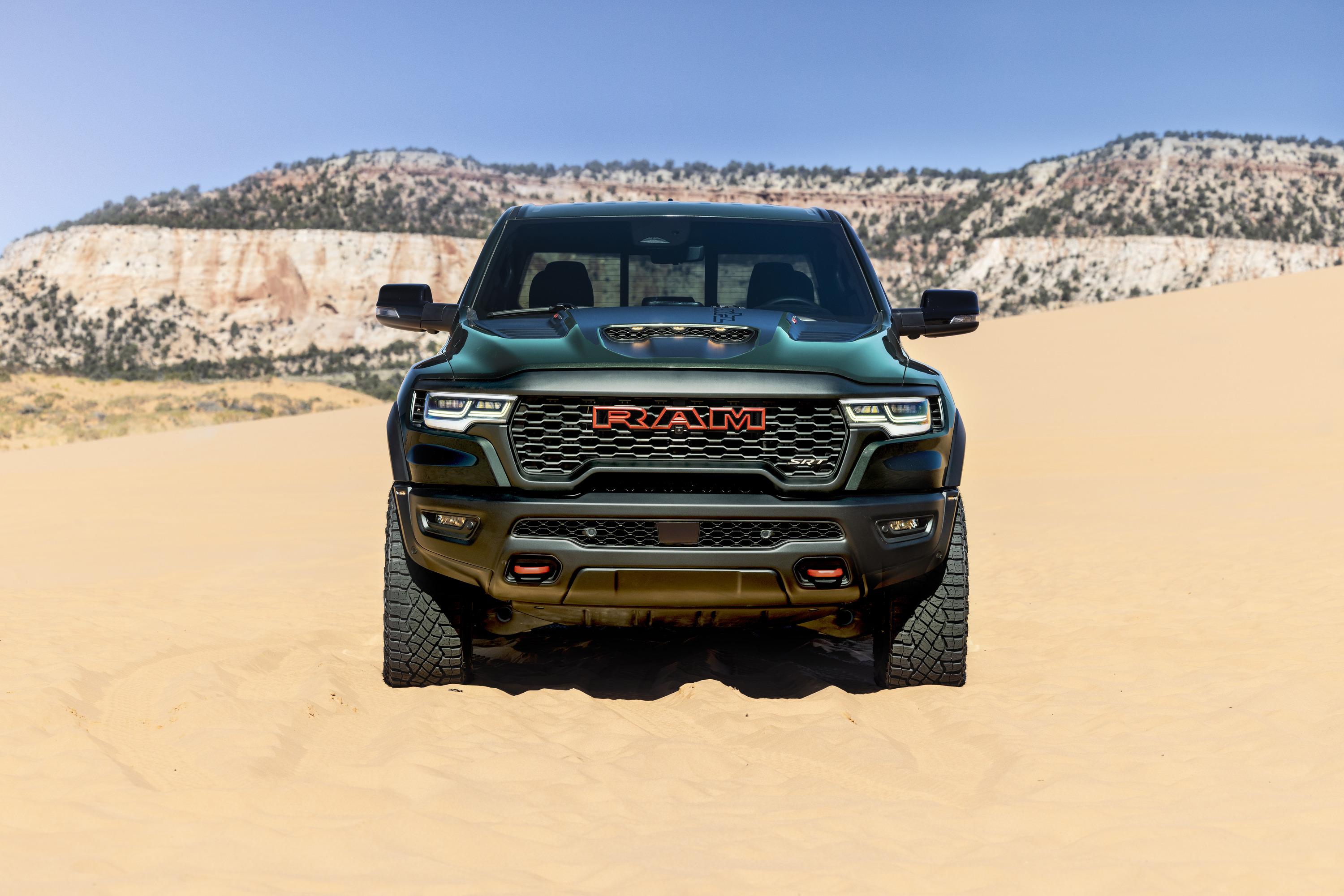
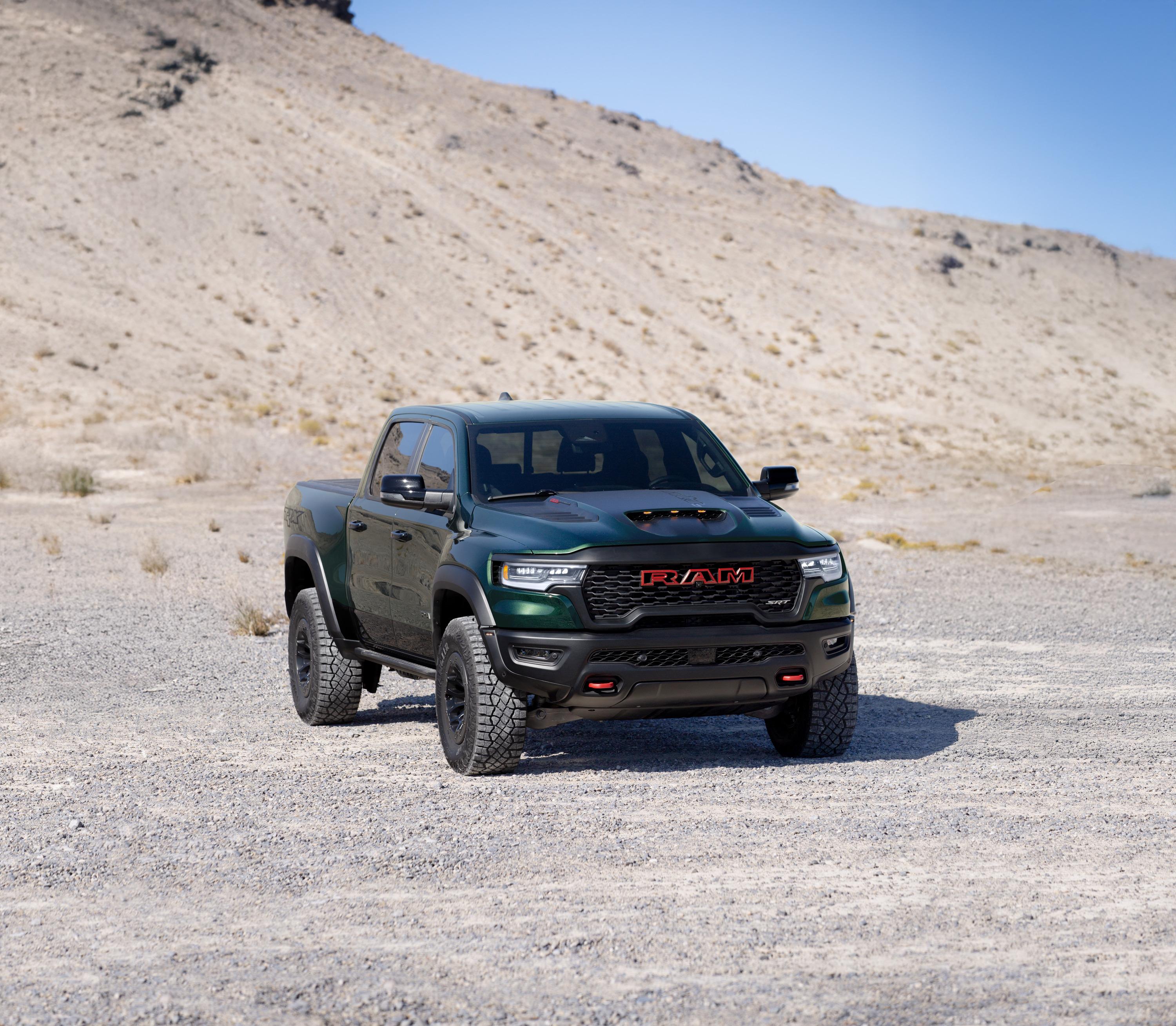
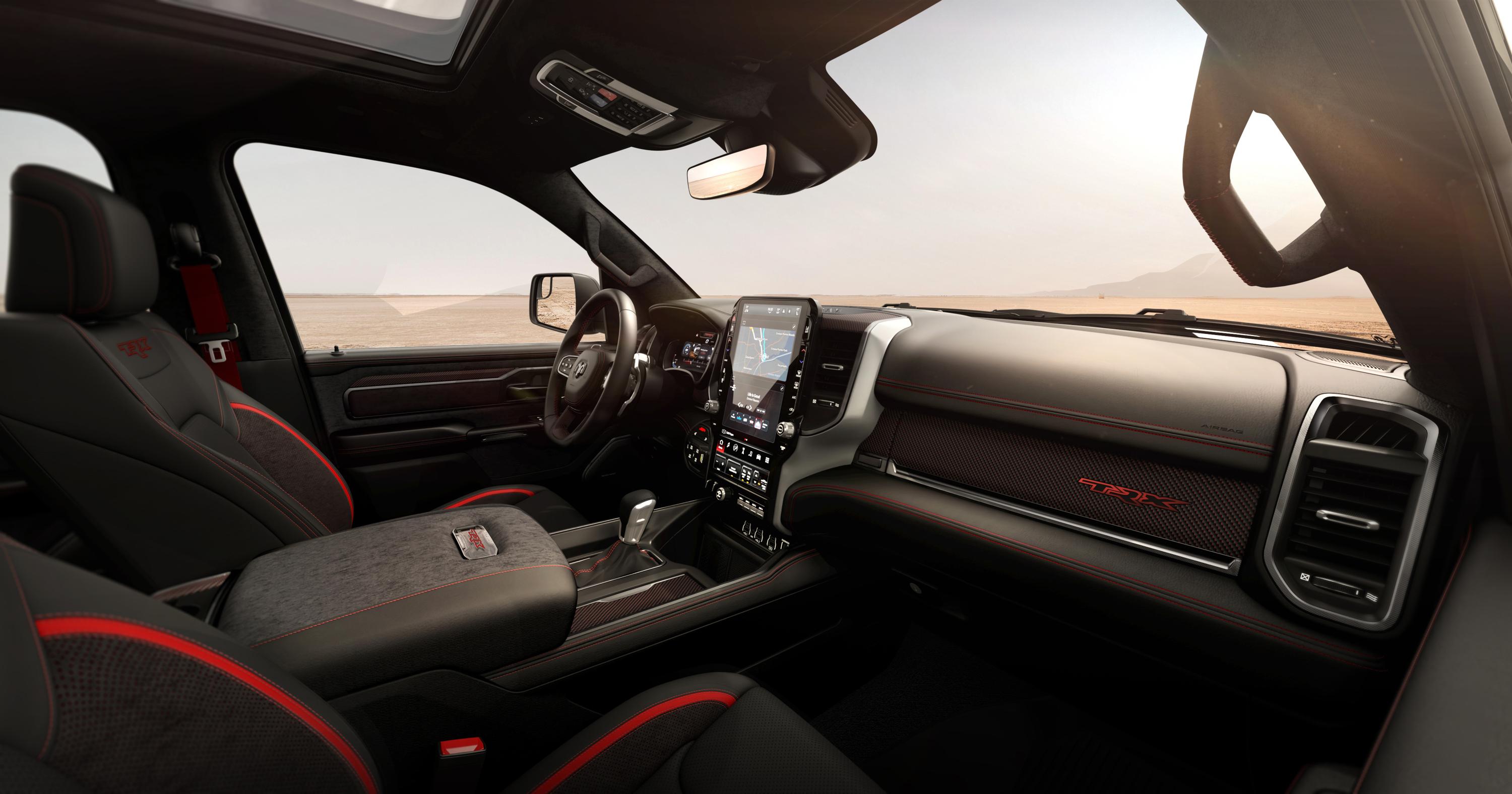
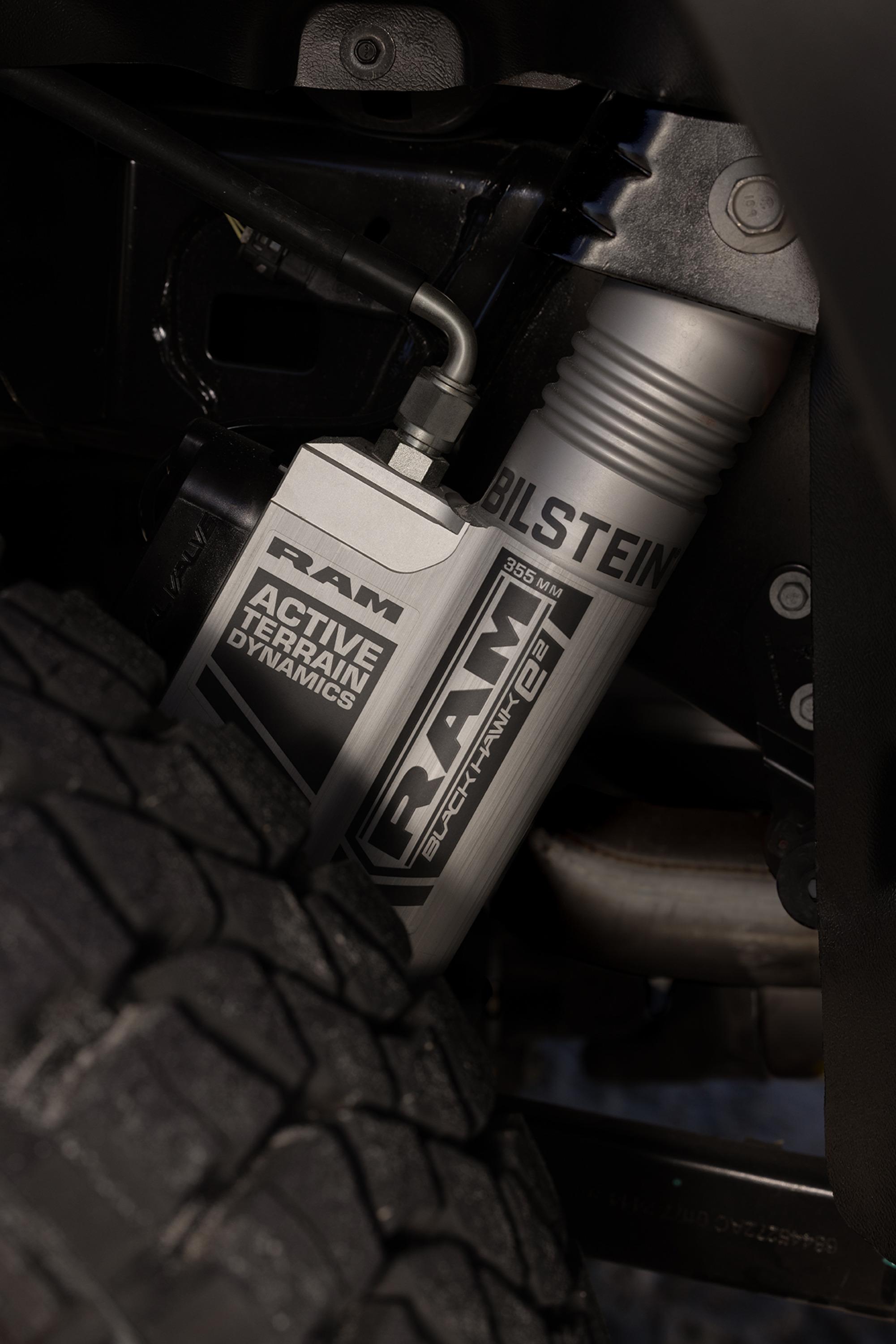
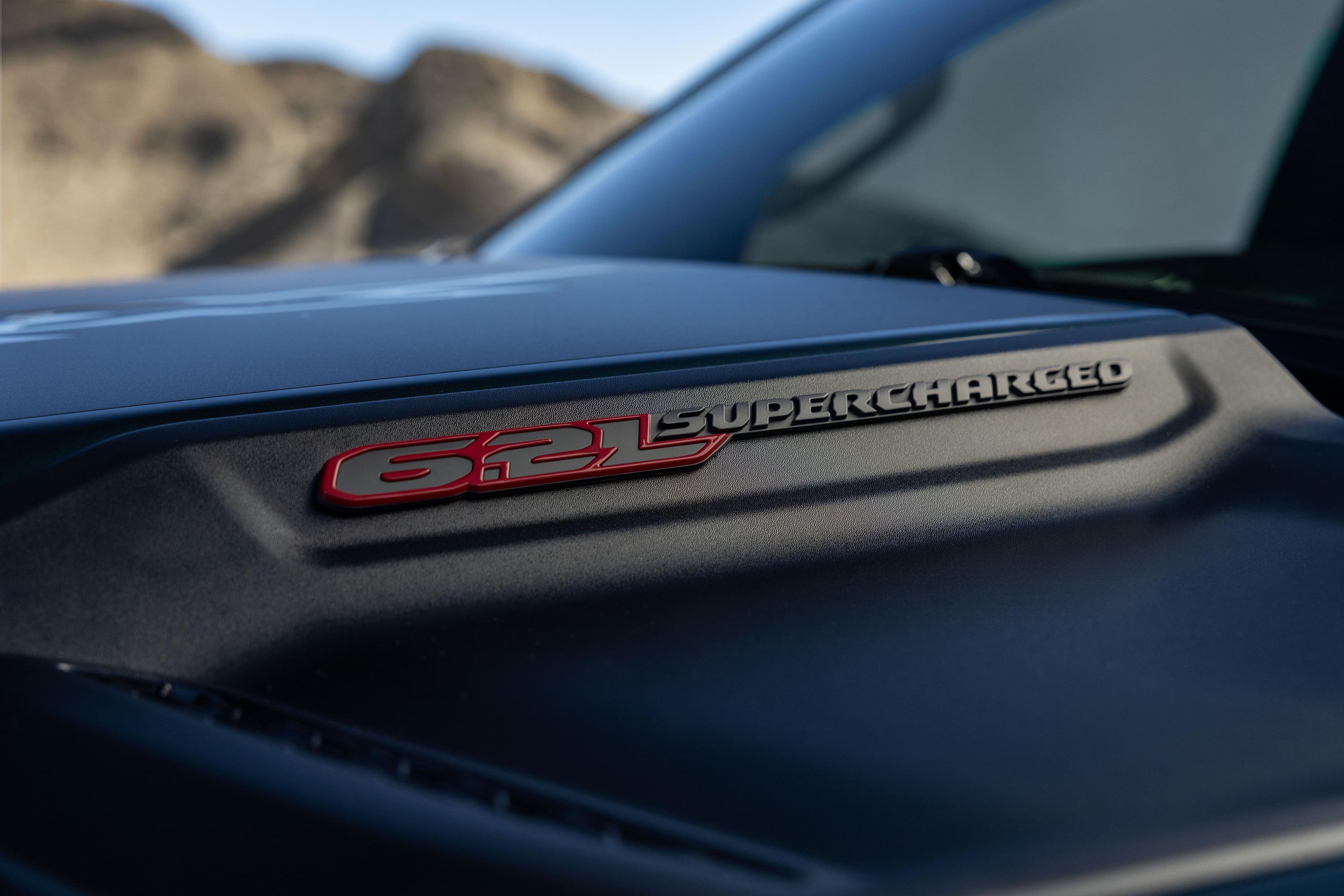
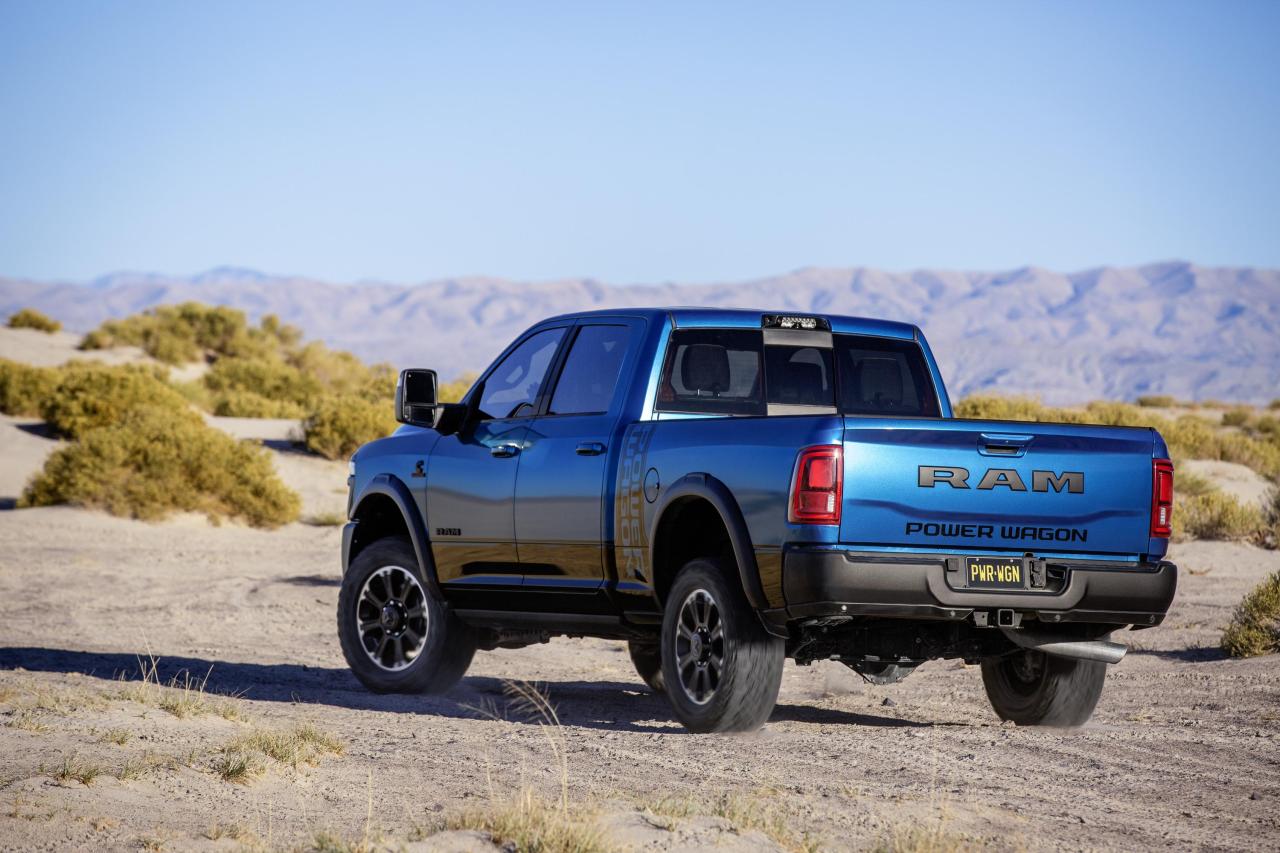 1500 SRT TRX Bloodshot Night Edition 1500 SRT TRX Comunicato stampa Via RAM.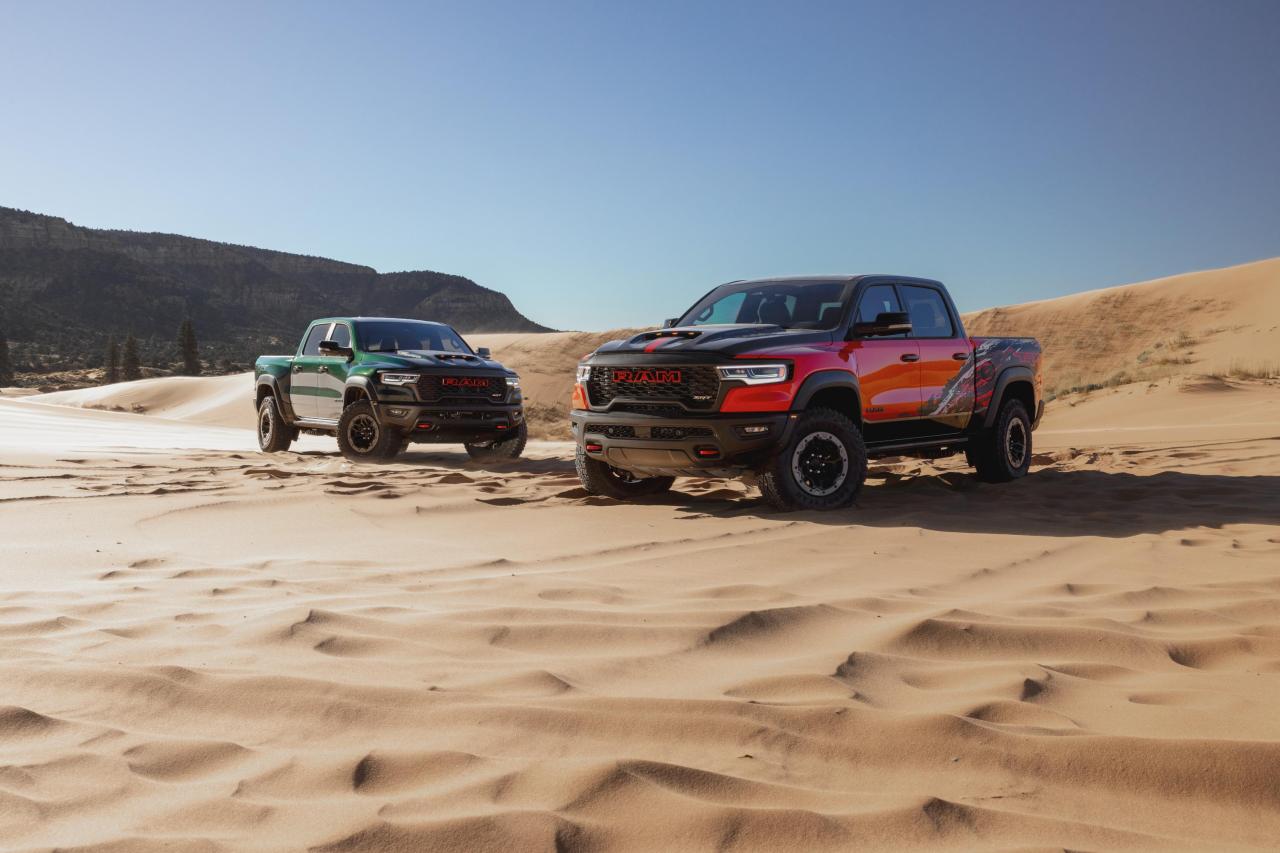
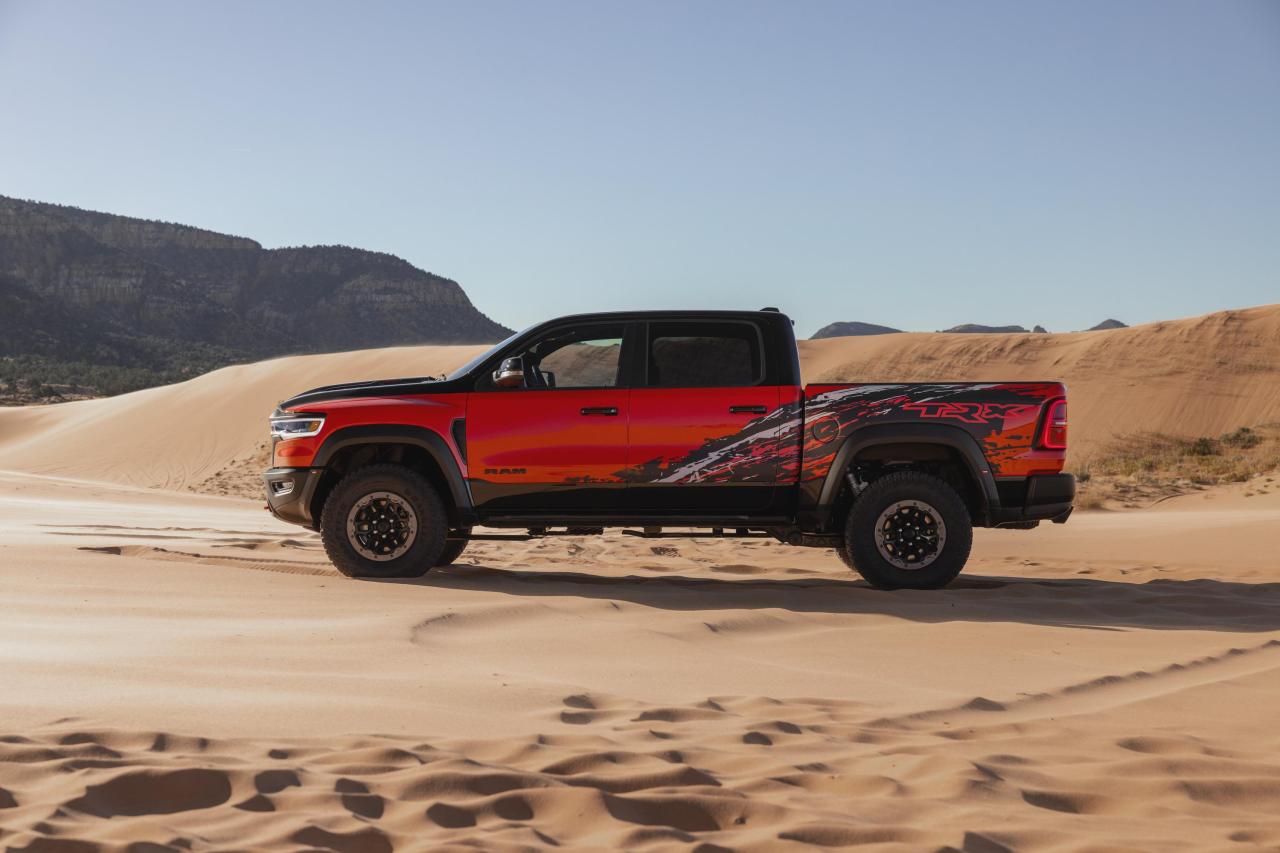
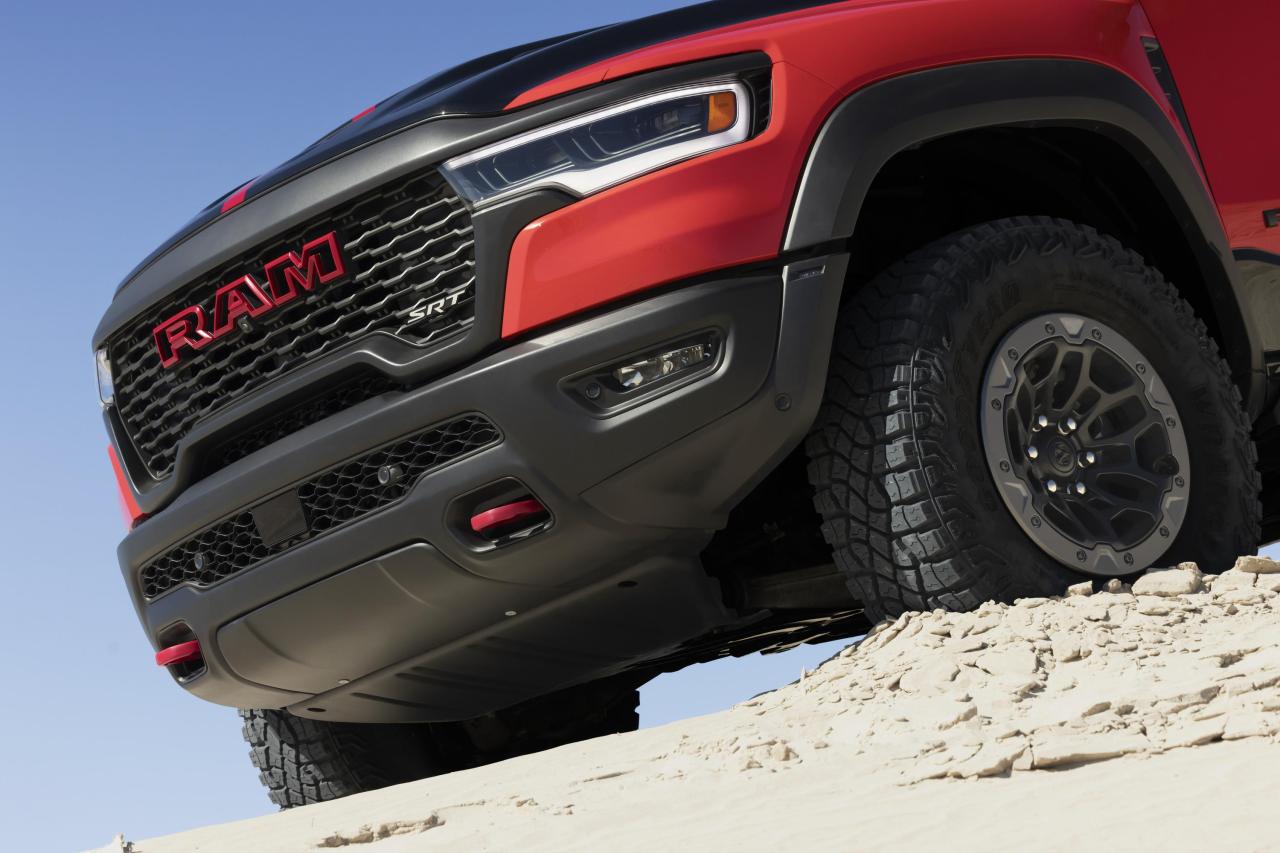
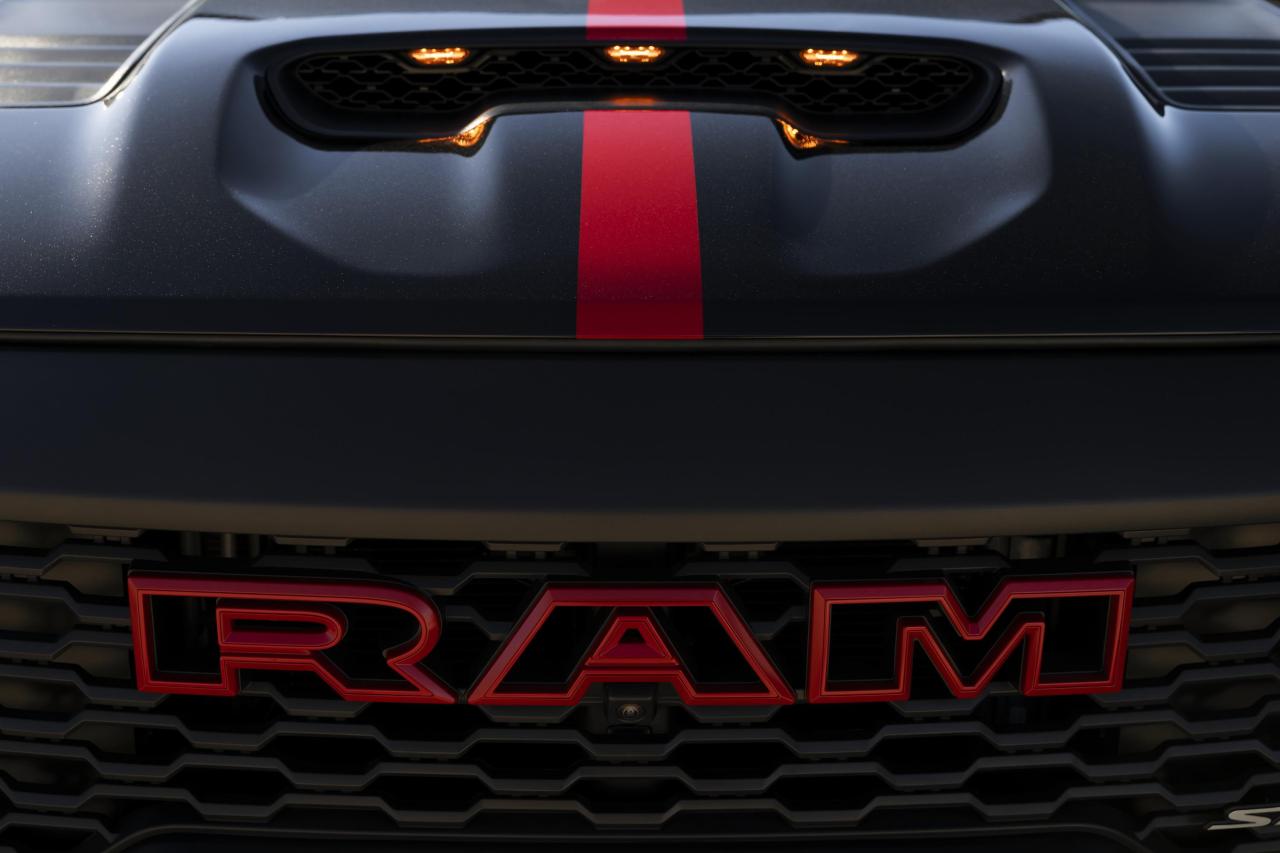
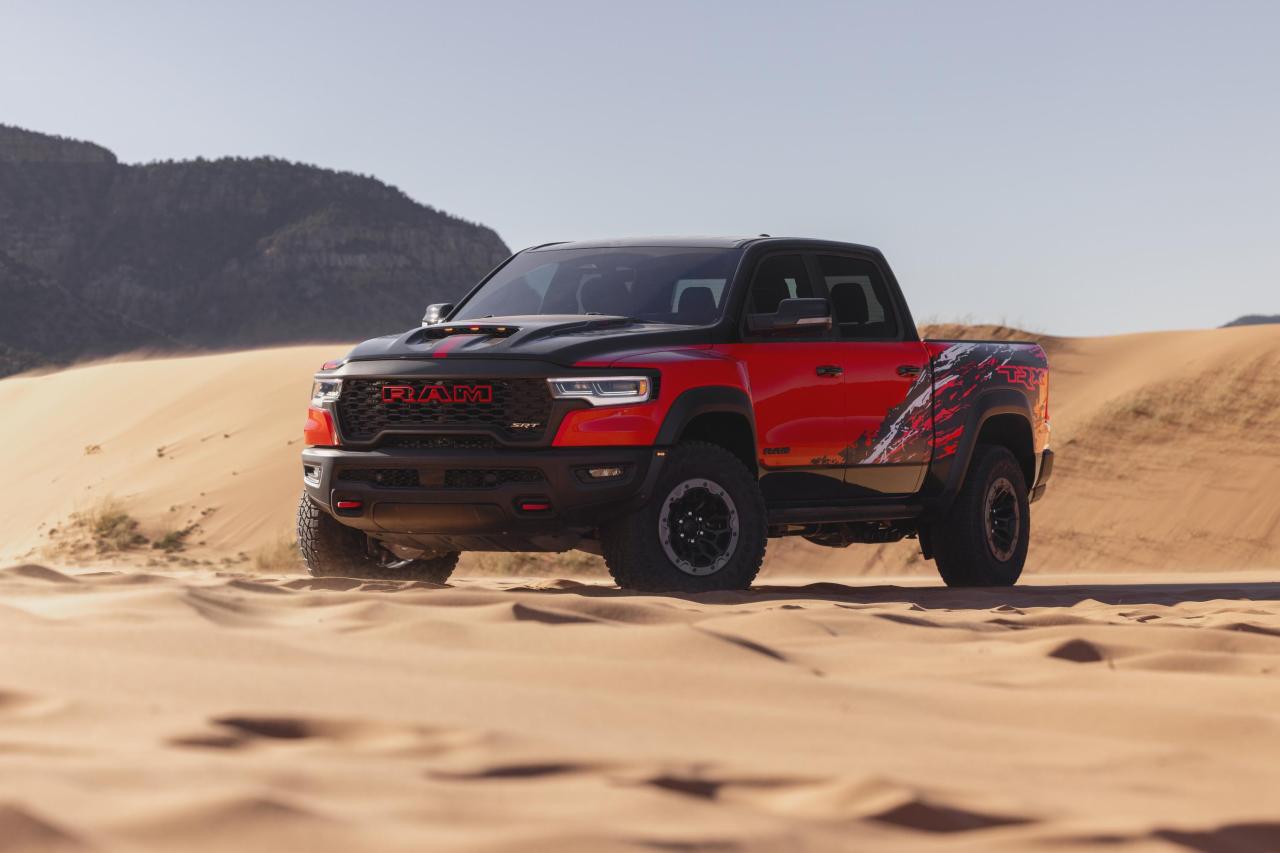
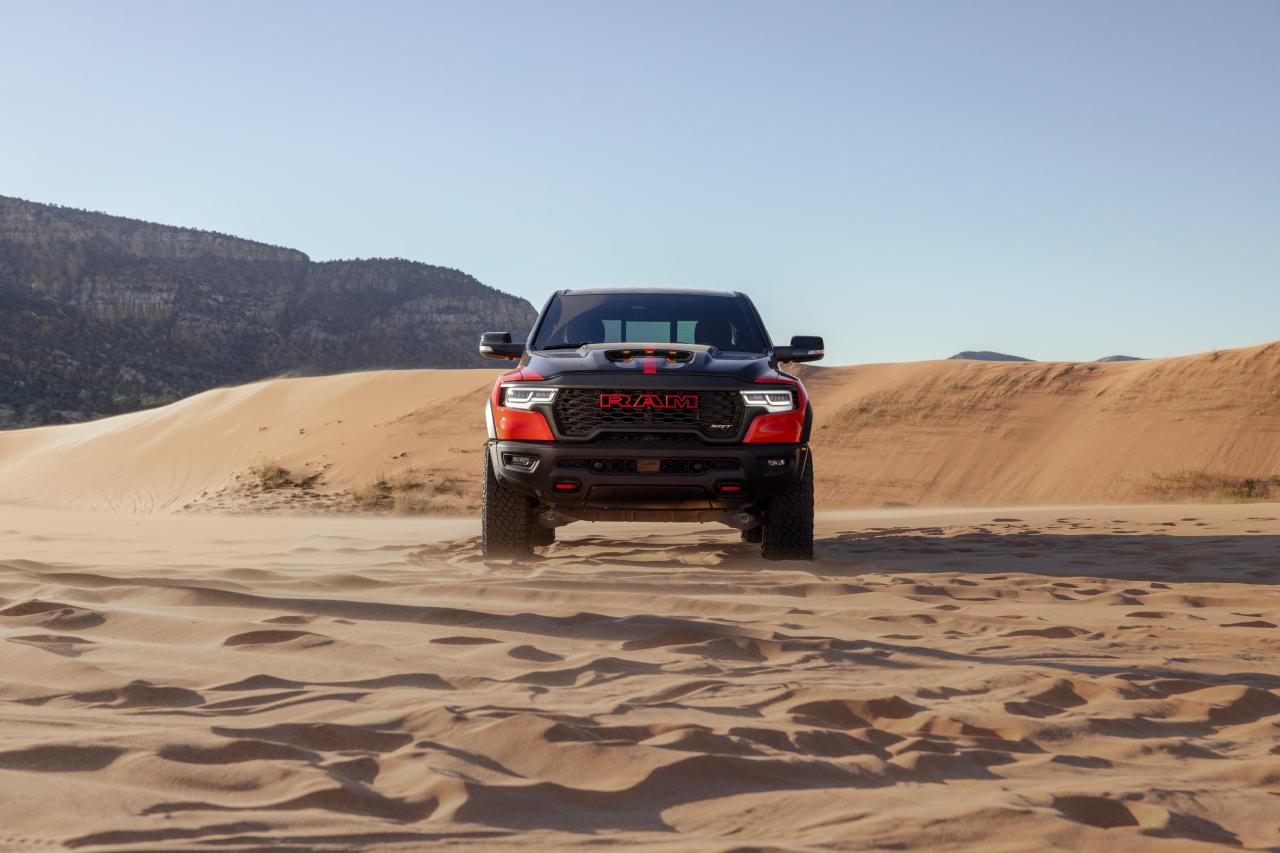
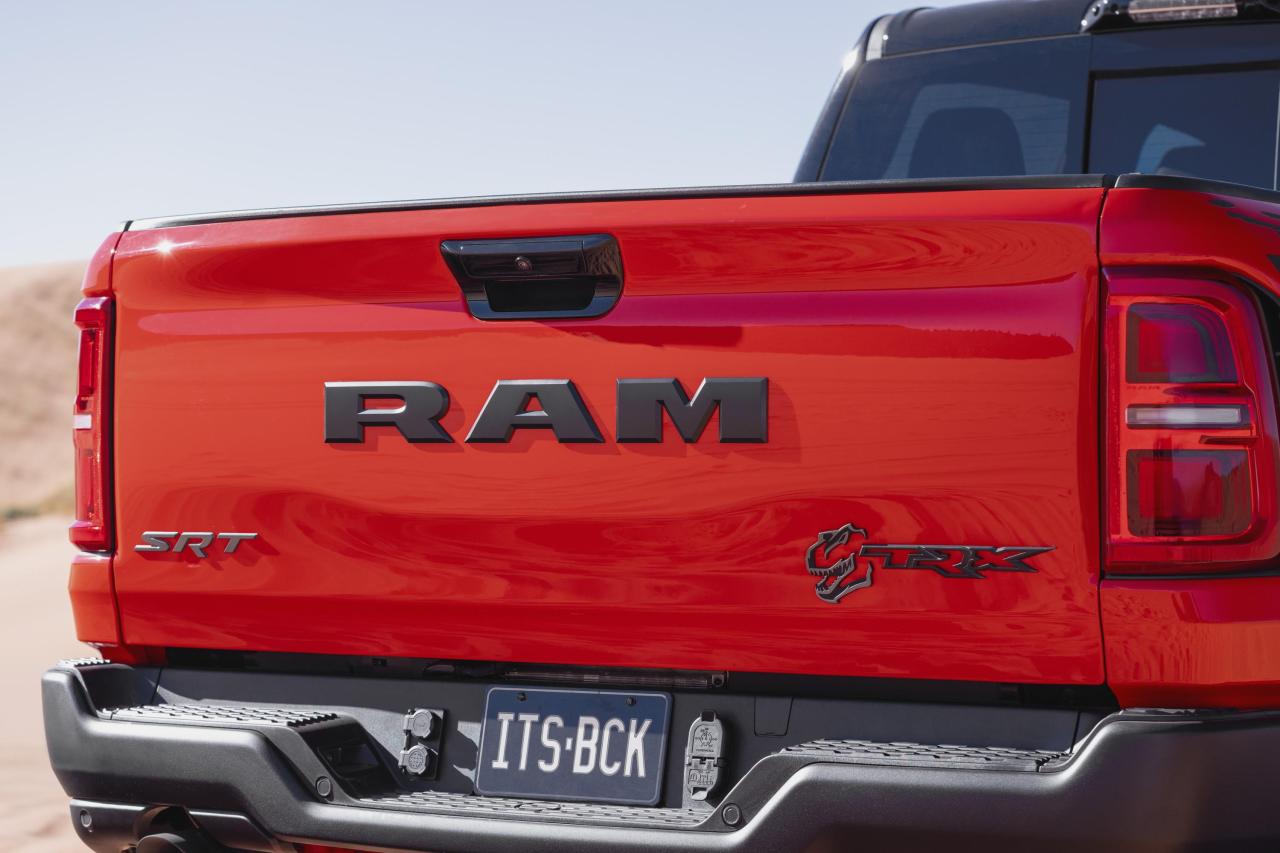
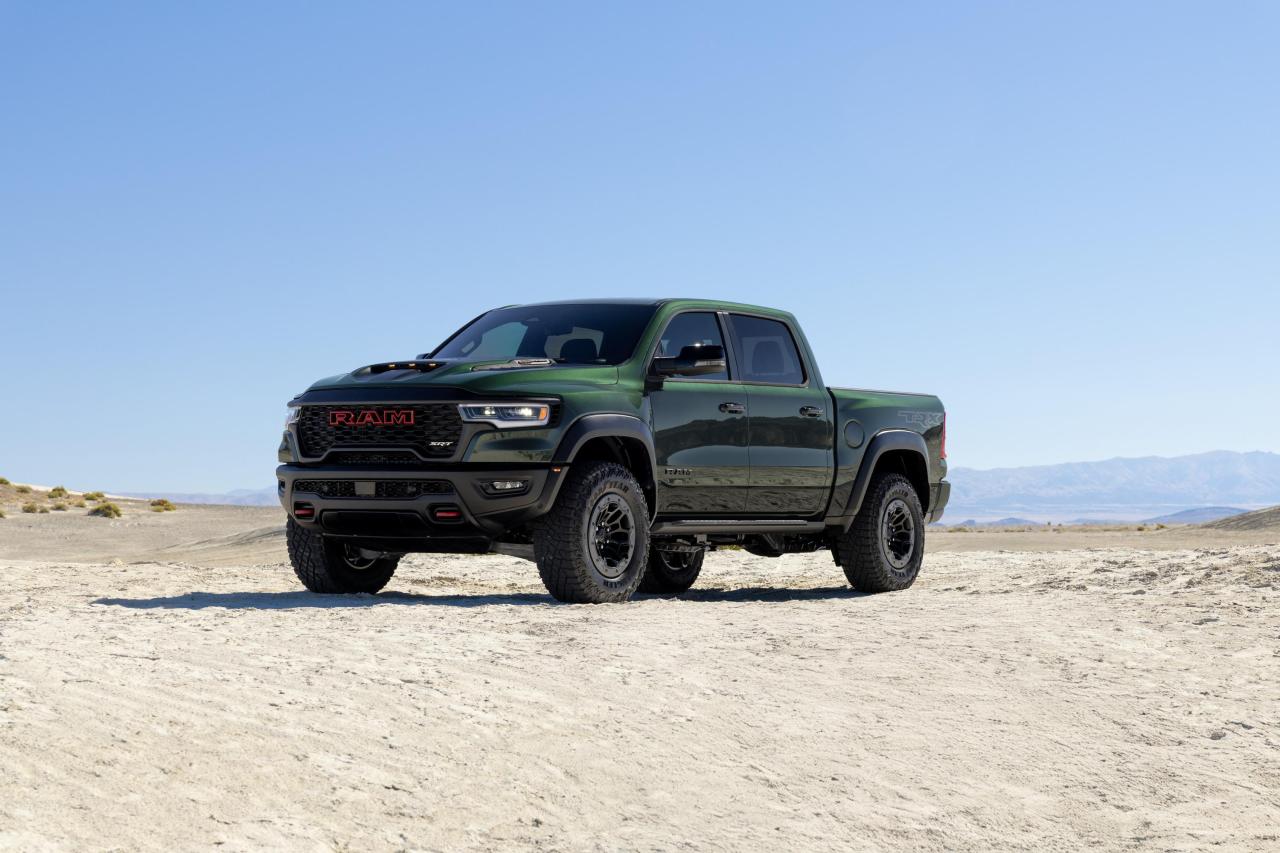
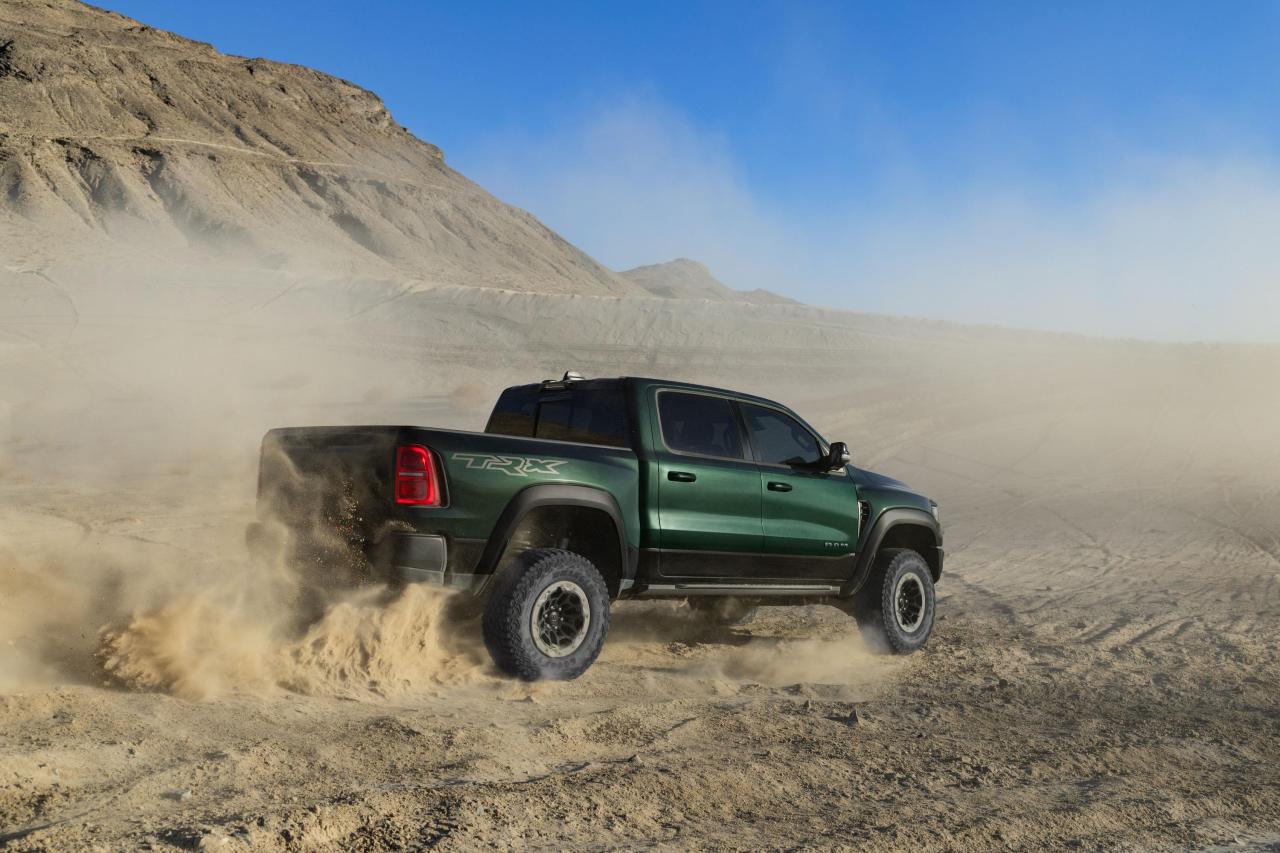
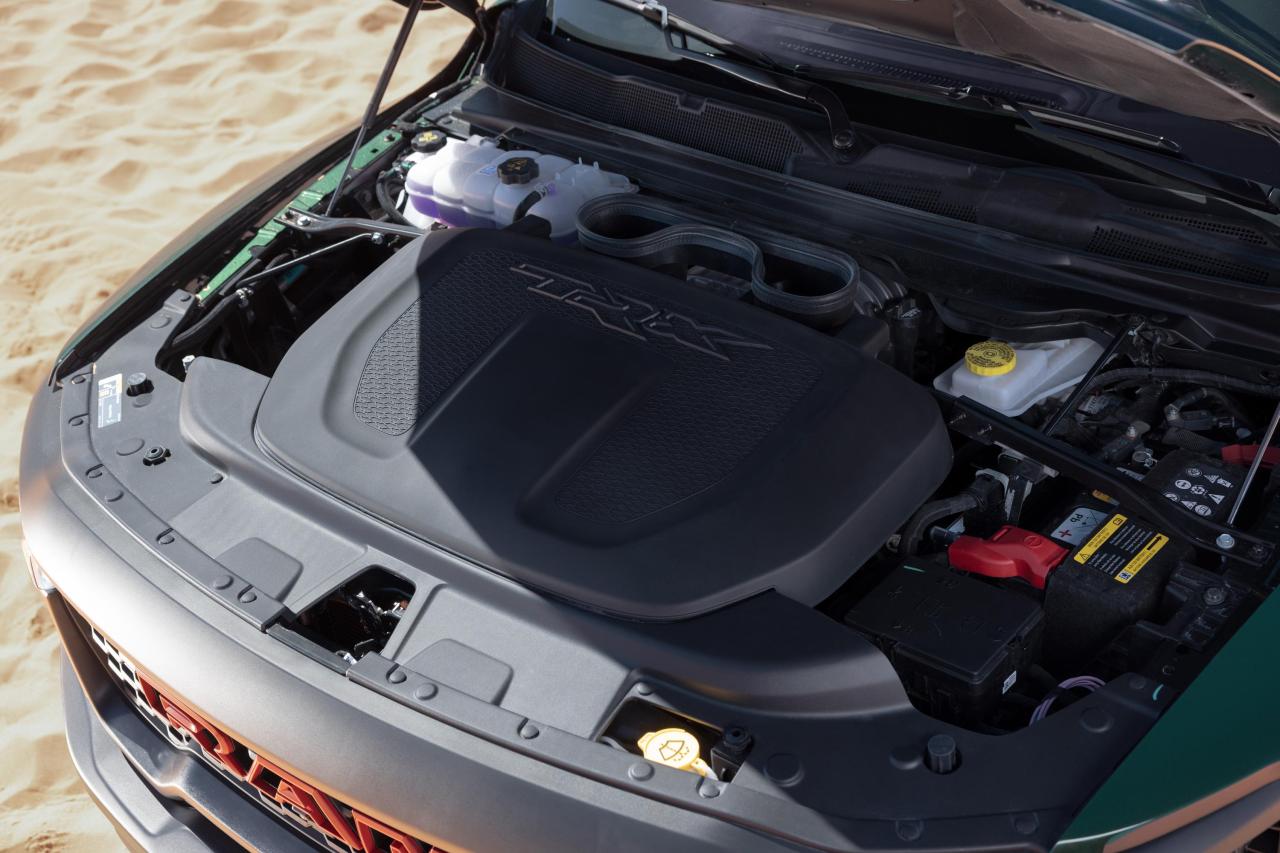
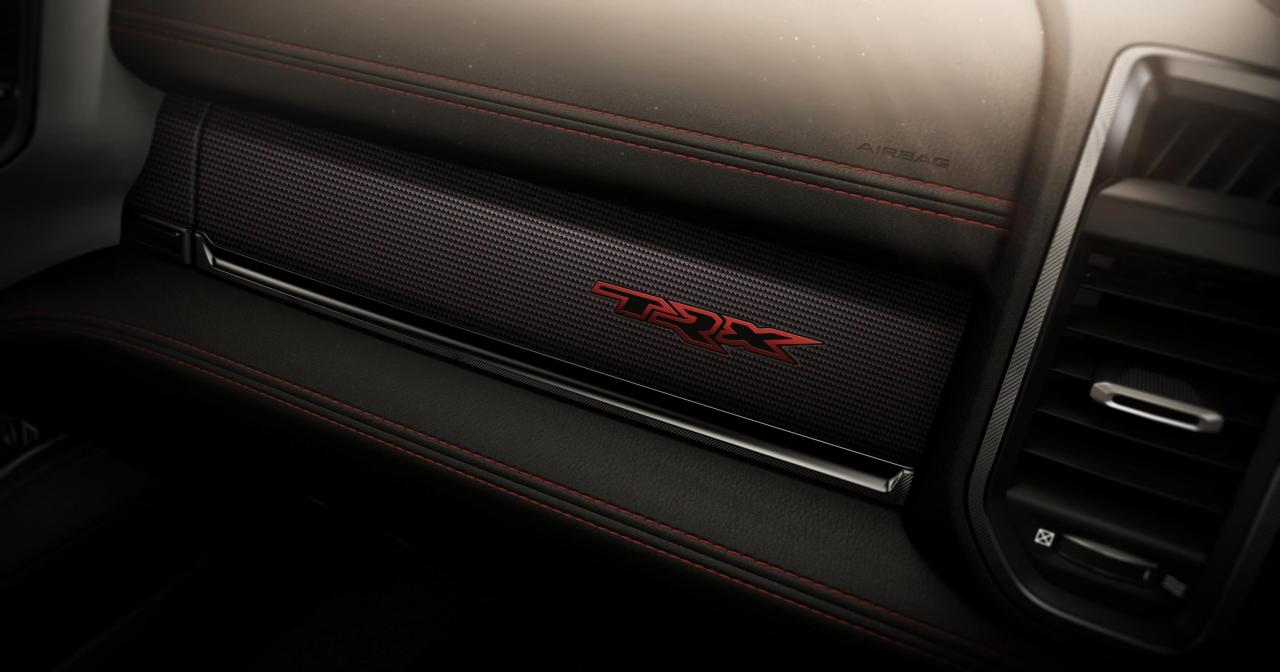
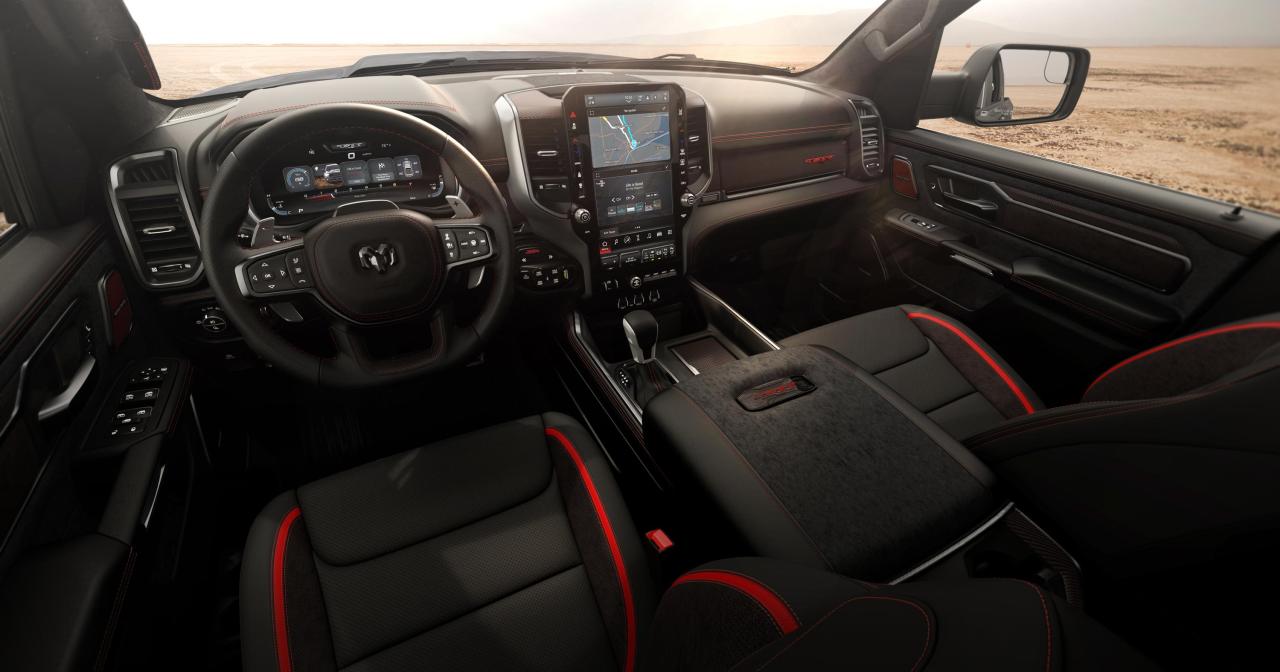
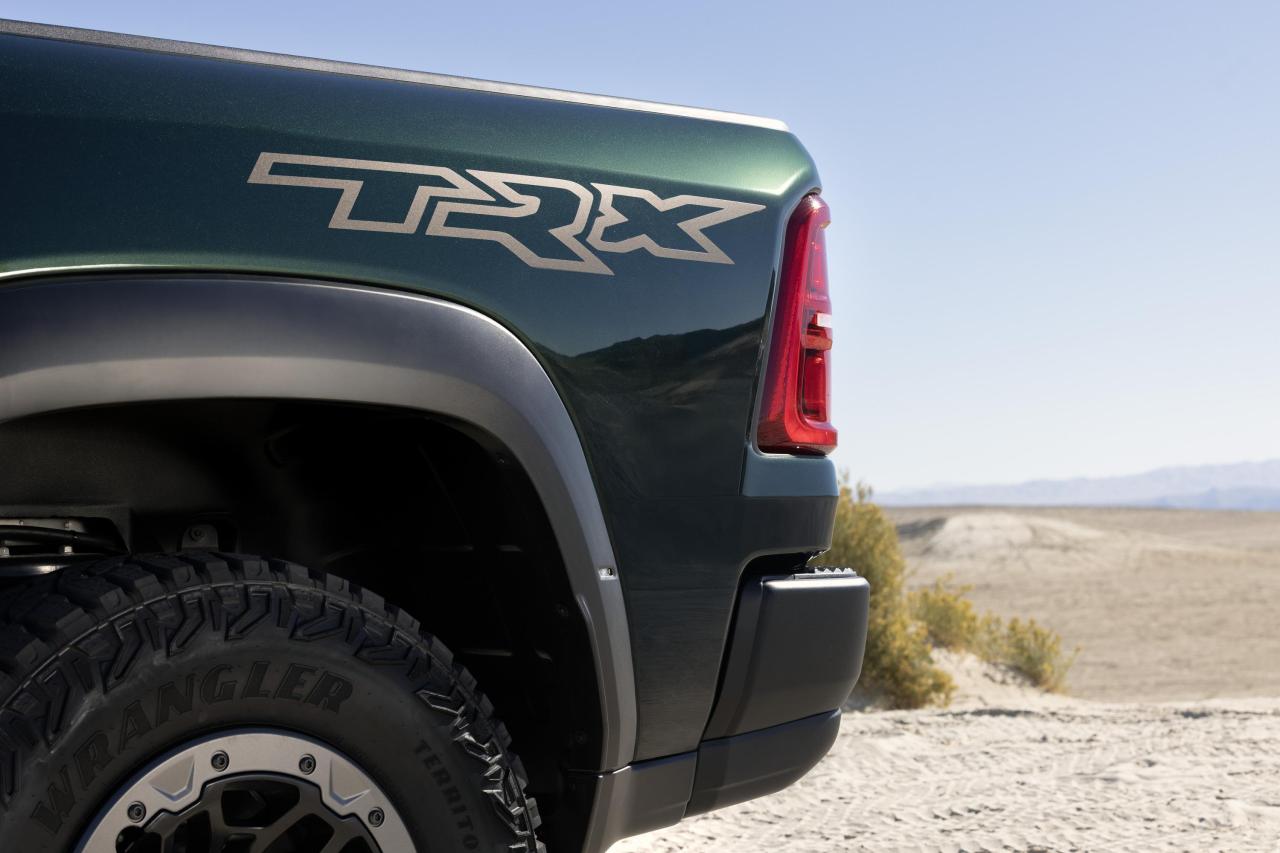
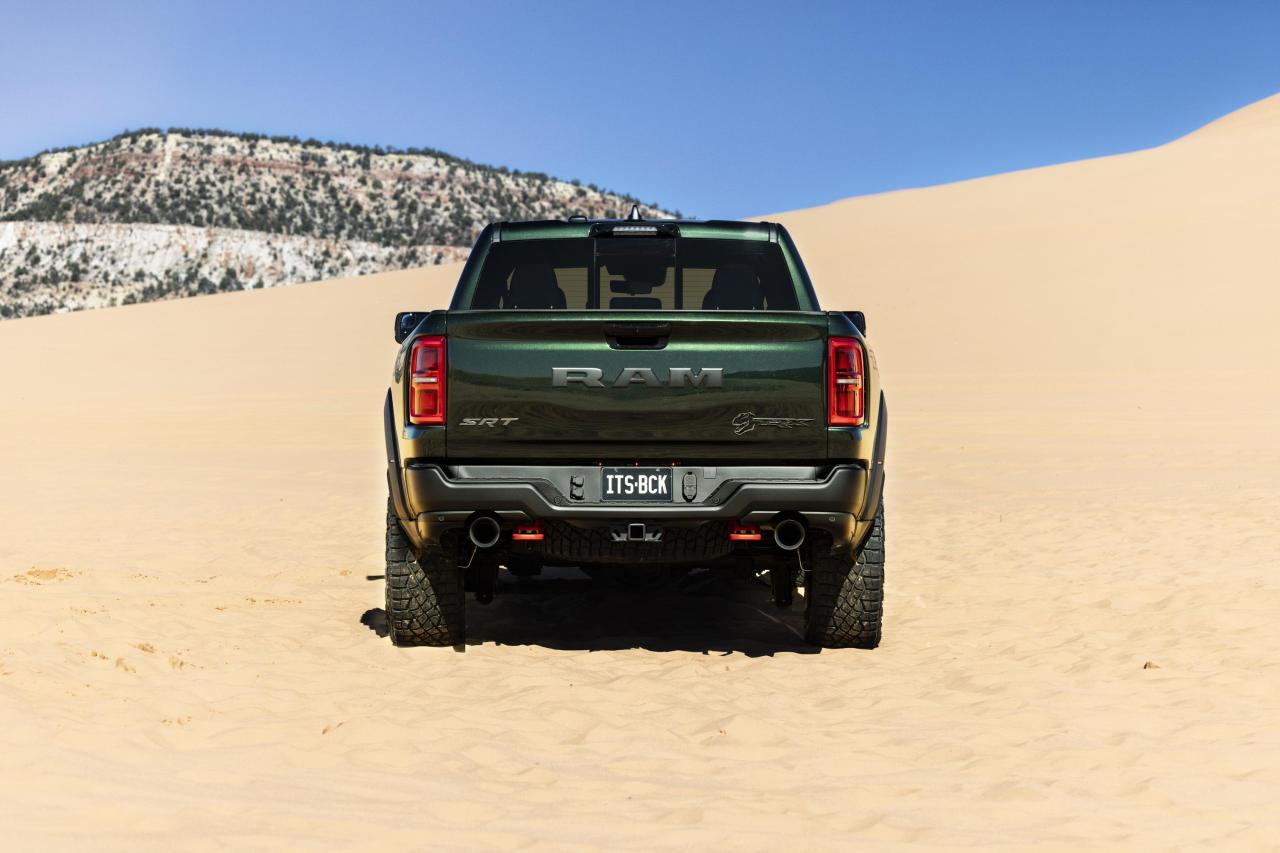
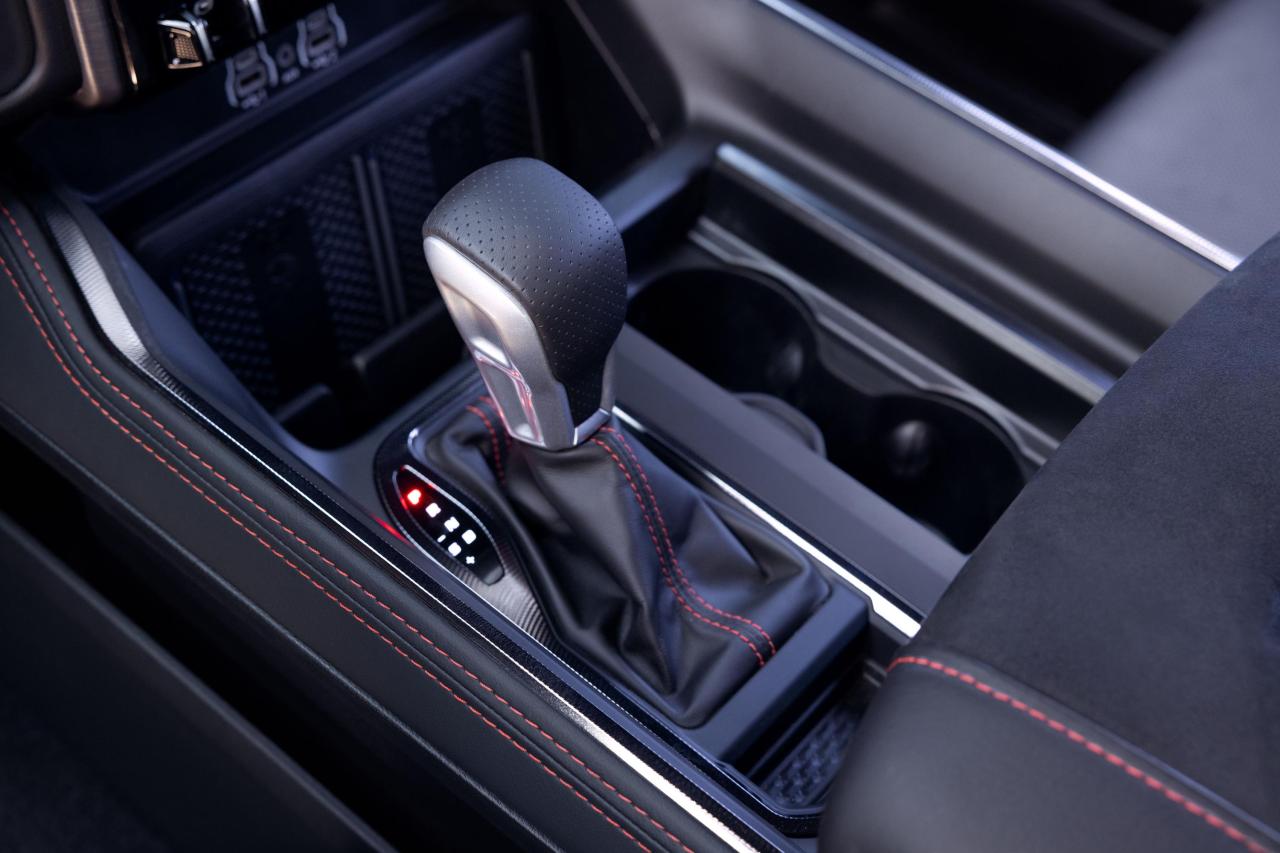
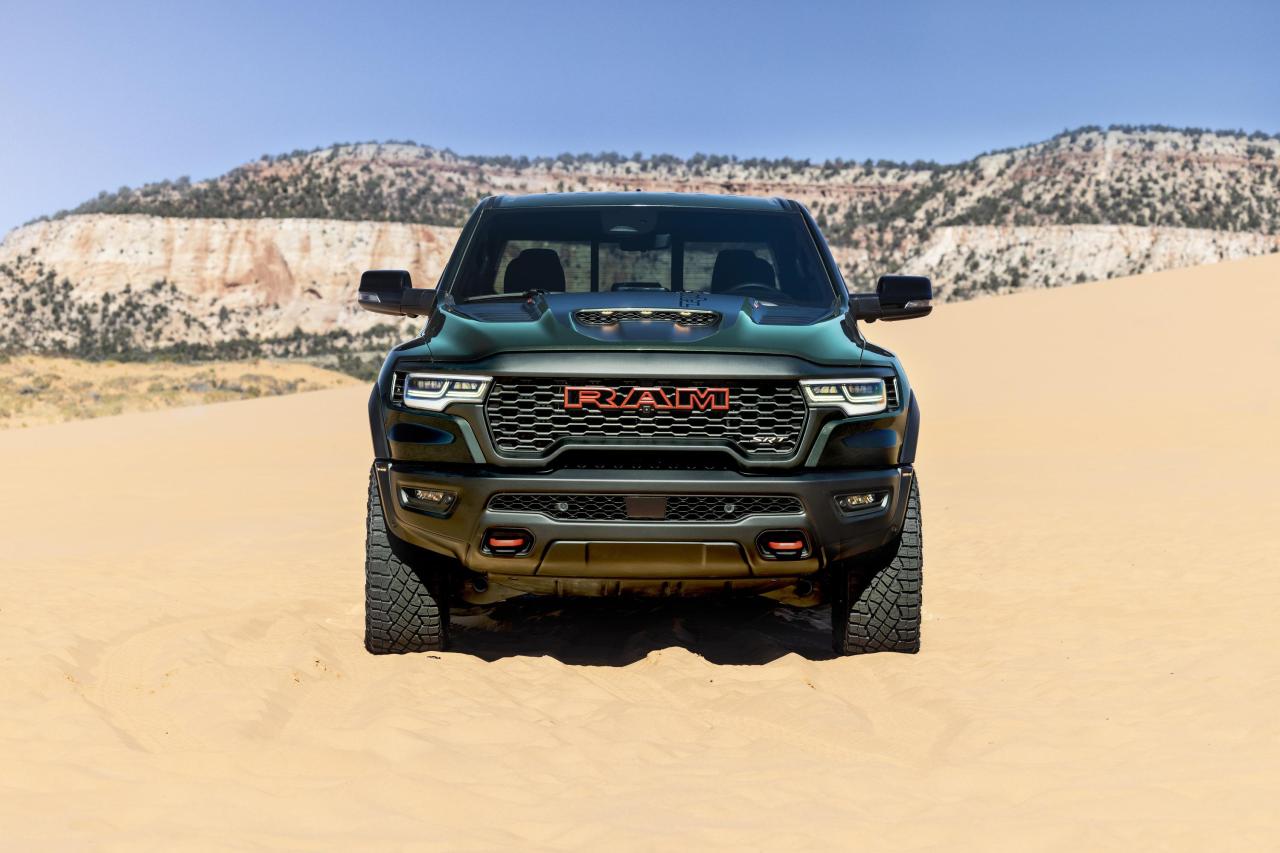
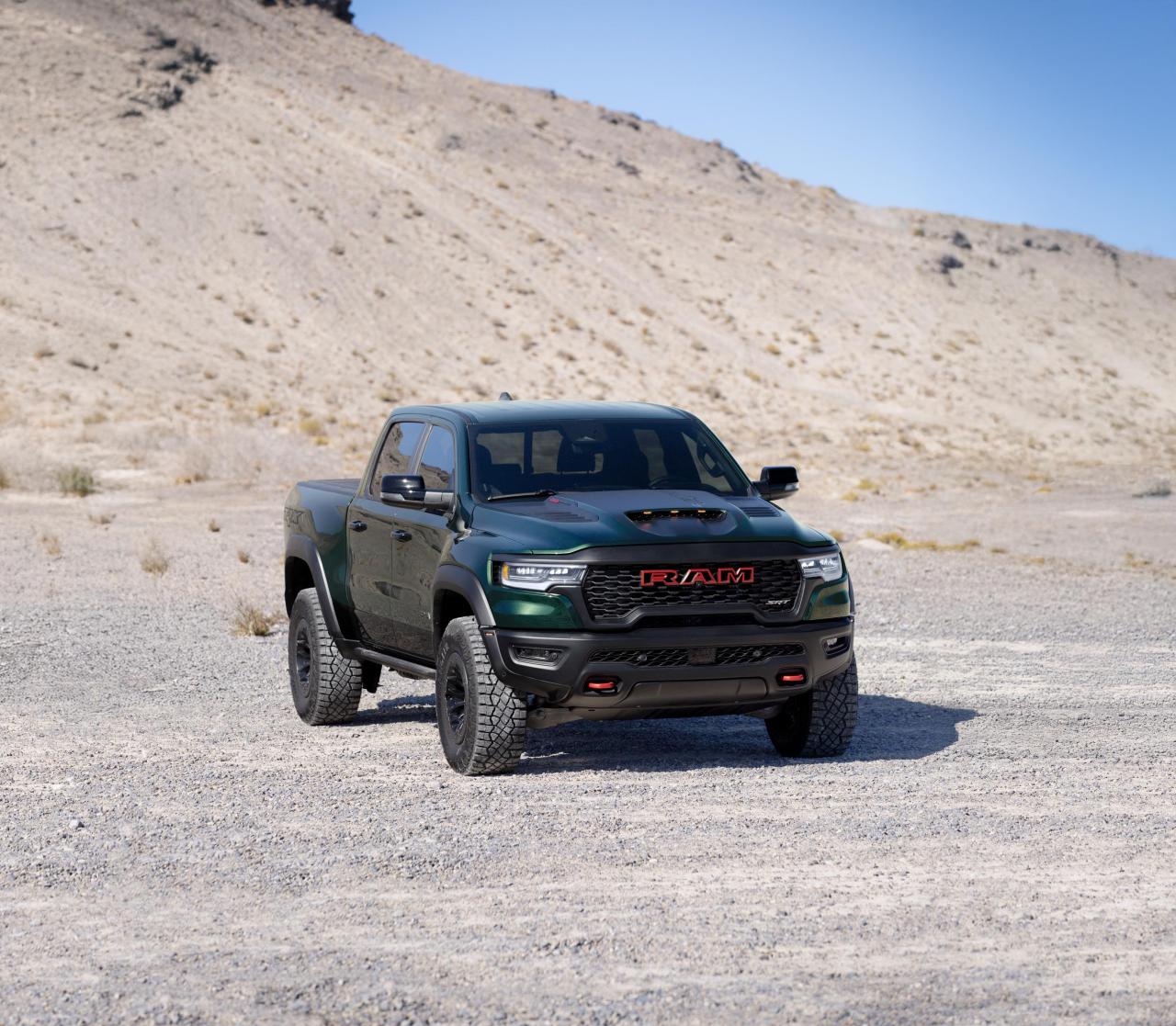
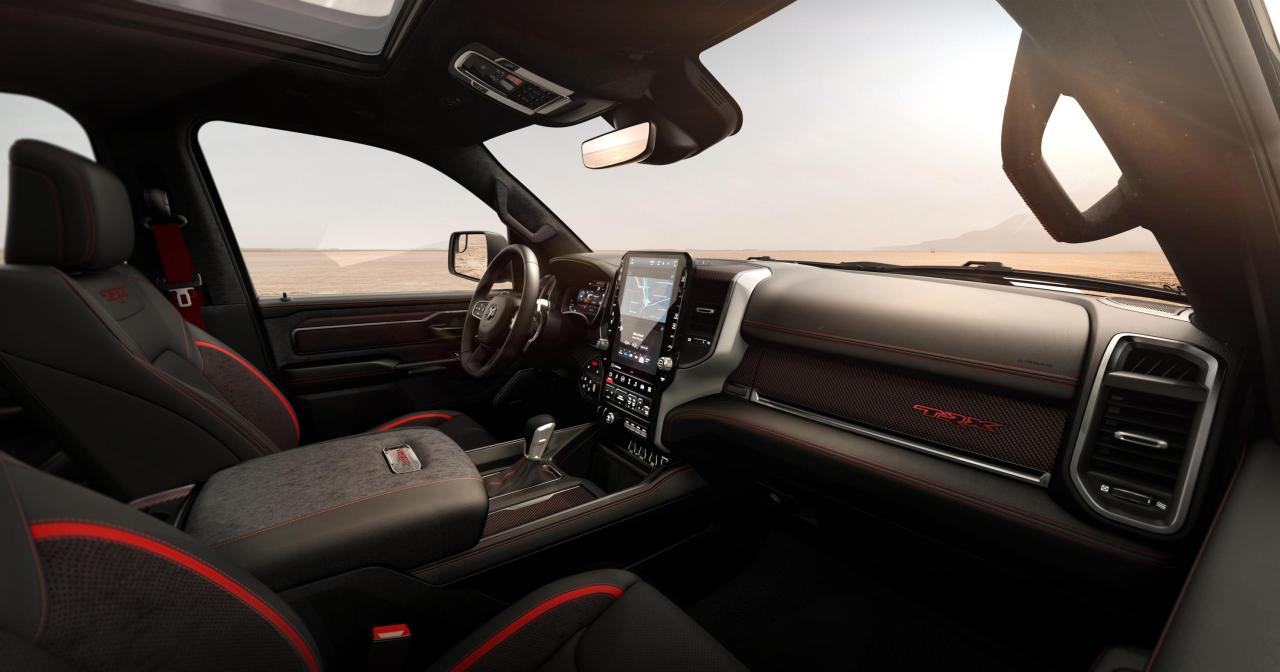
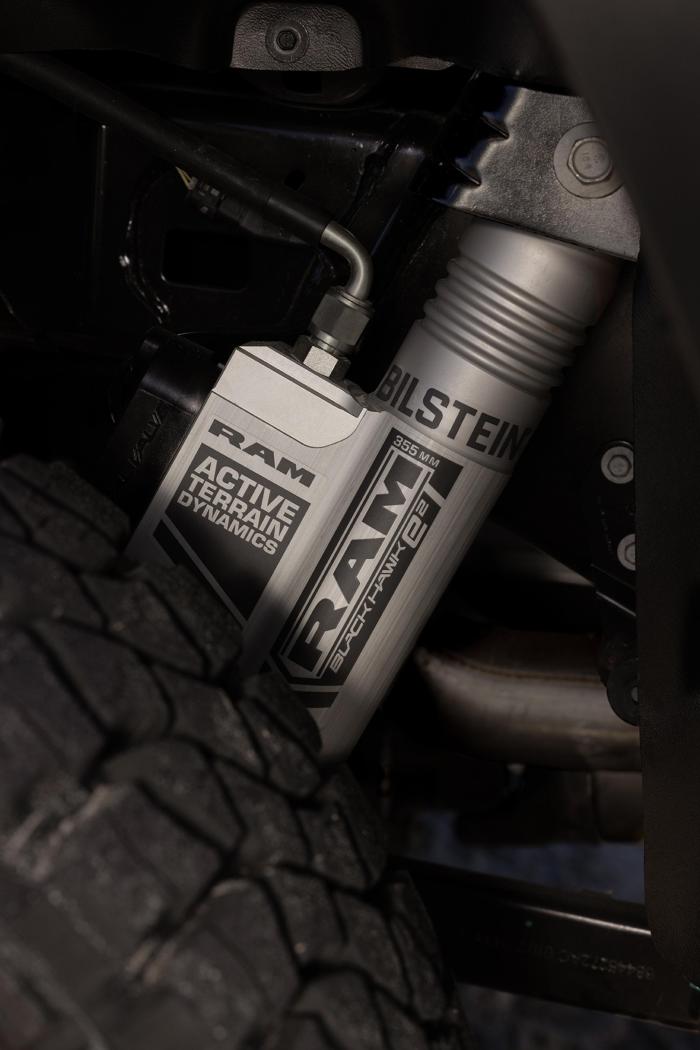
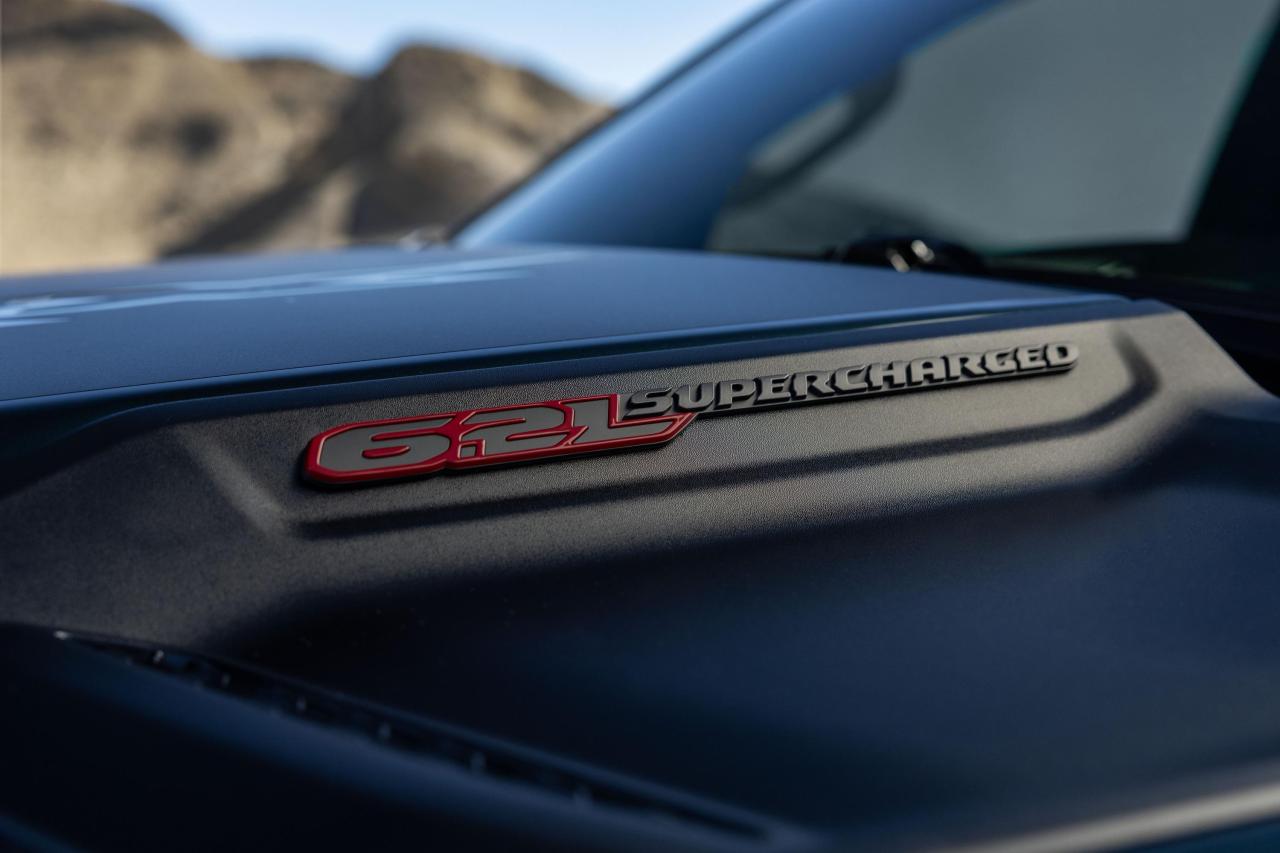
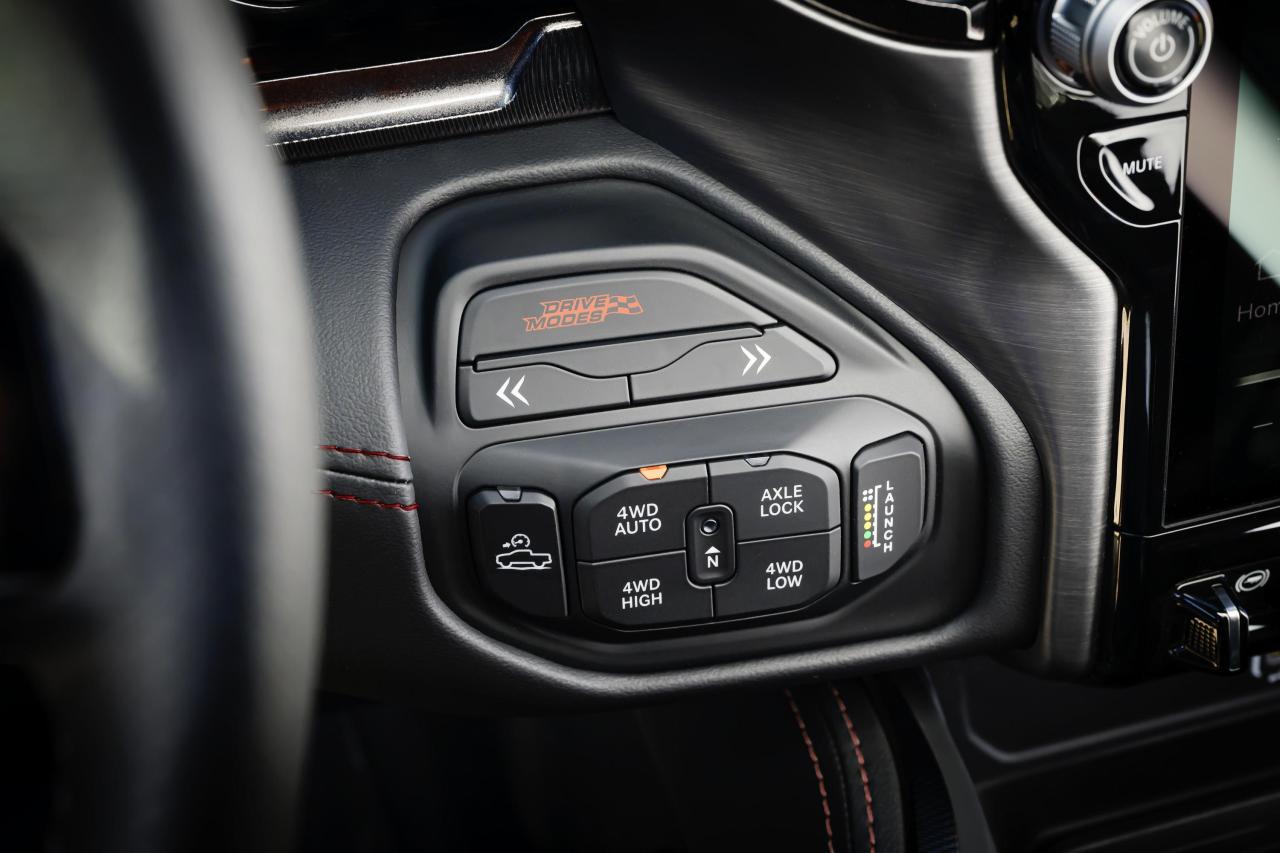
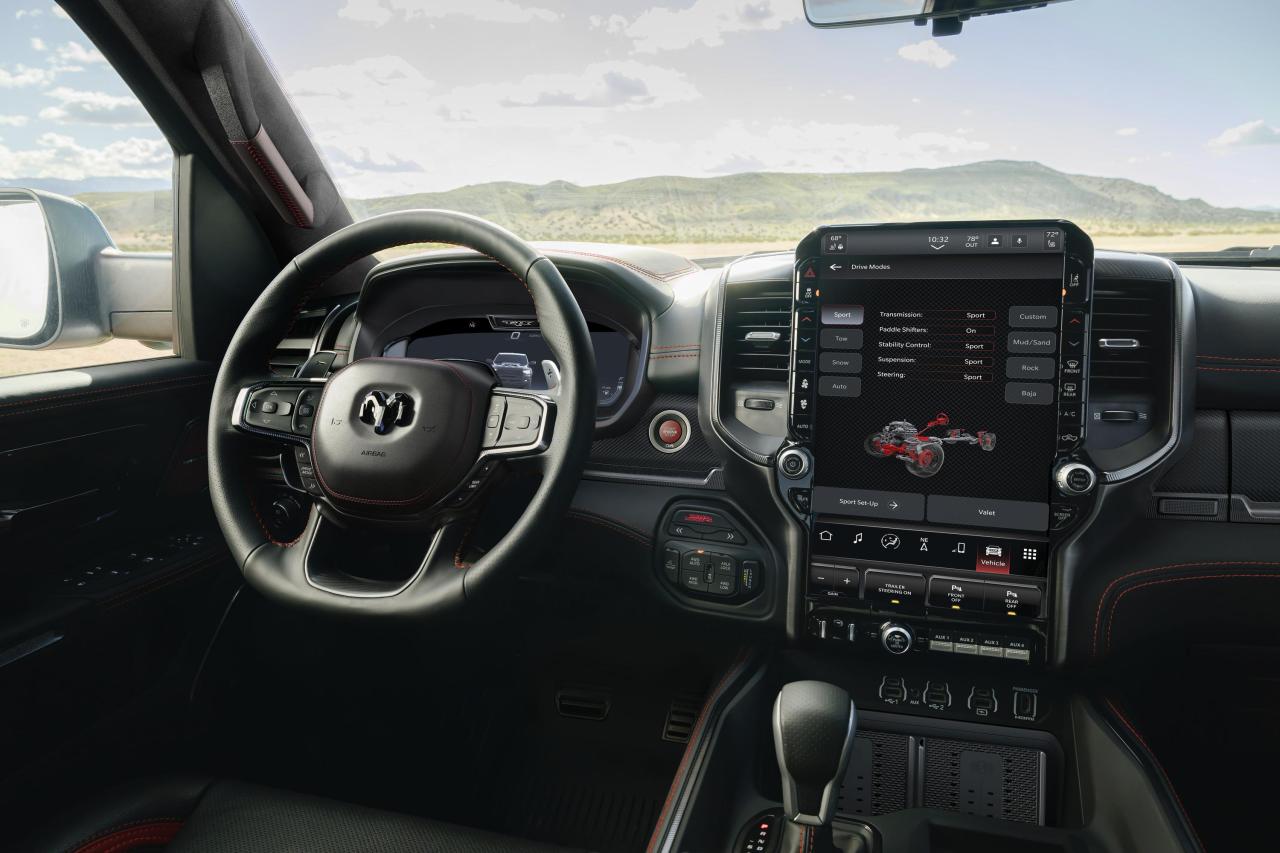
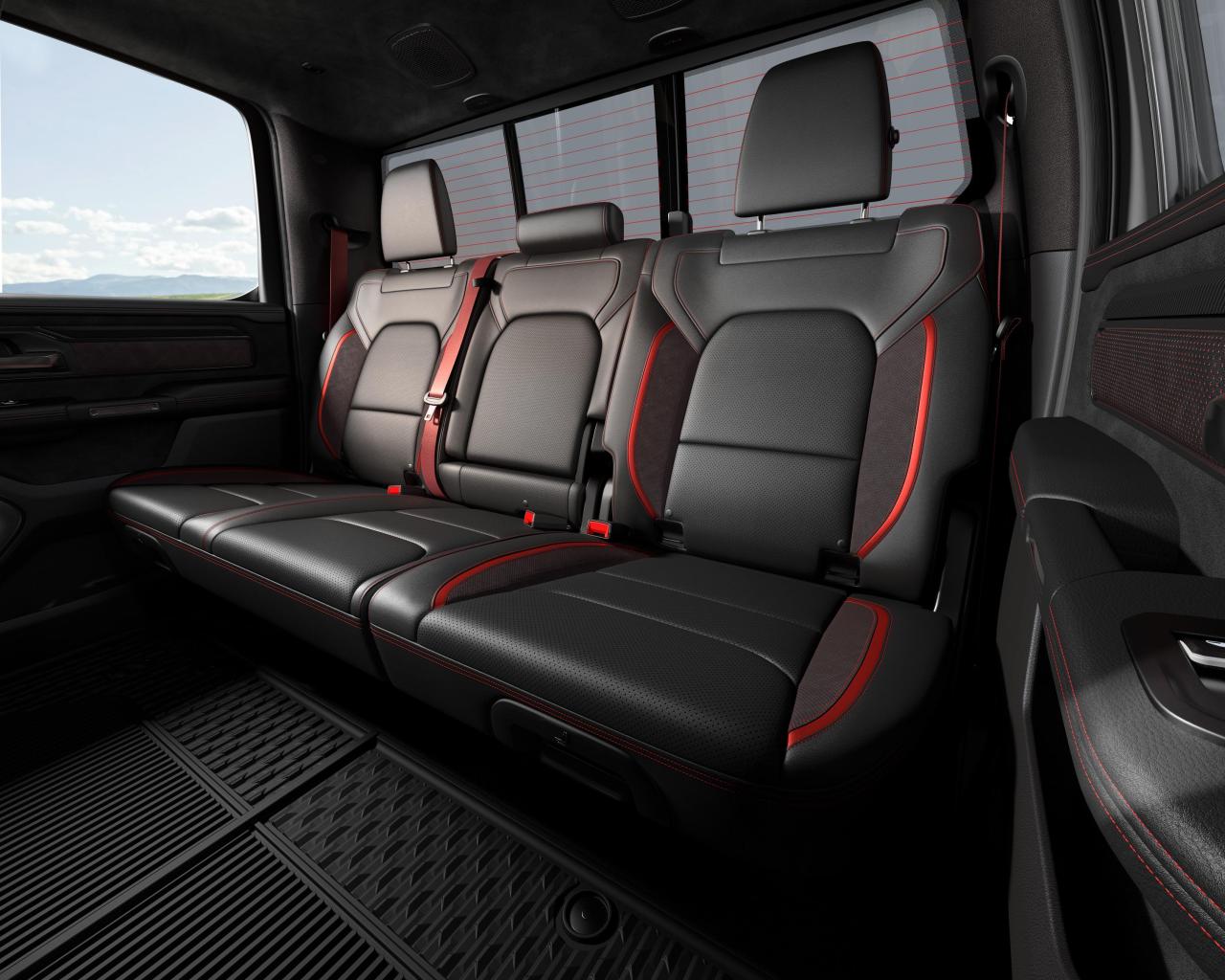 Tanti auguri di buon Natale a tutti voi!Secondo me dovresti prendere come riferimento la scheda tecnica della Serie 7 M760e xDrive, non credo ci saranno particolari differenze.
(1)(1).thumb.png.635c059adfaa3a2ca27f86ab608b04ba.png)



![Alfa Romeo Hug [Trolling Mode]](https://www.autopareri.com/uploads/reactions/Alfaromeocare.png.50be1dd8d7c15ba4fec8098a15bfa18a.png)
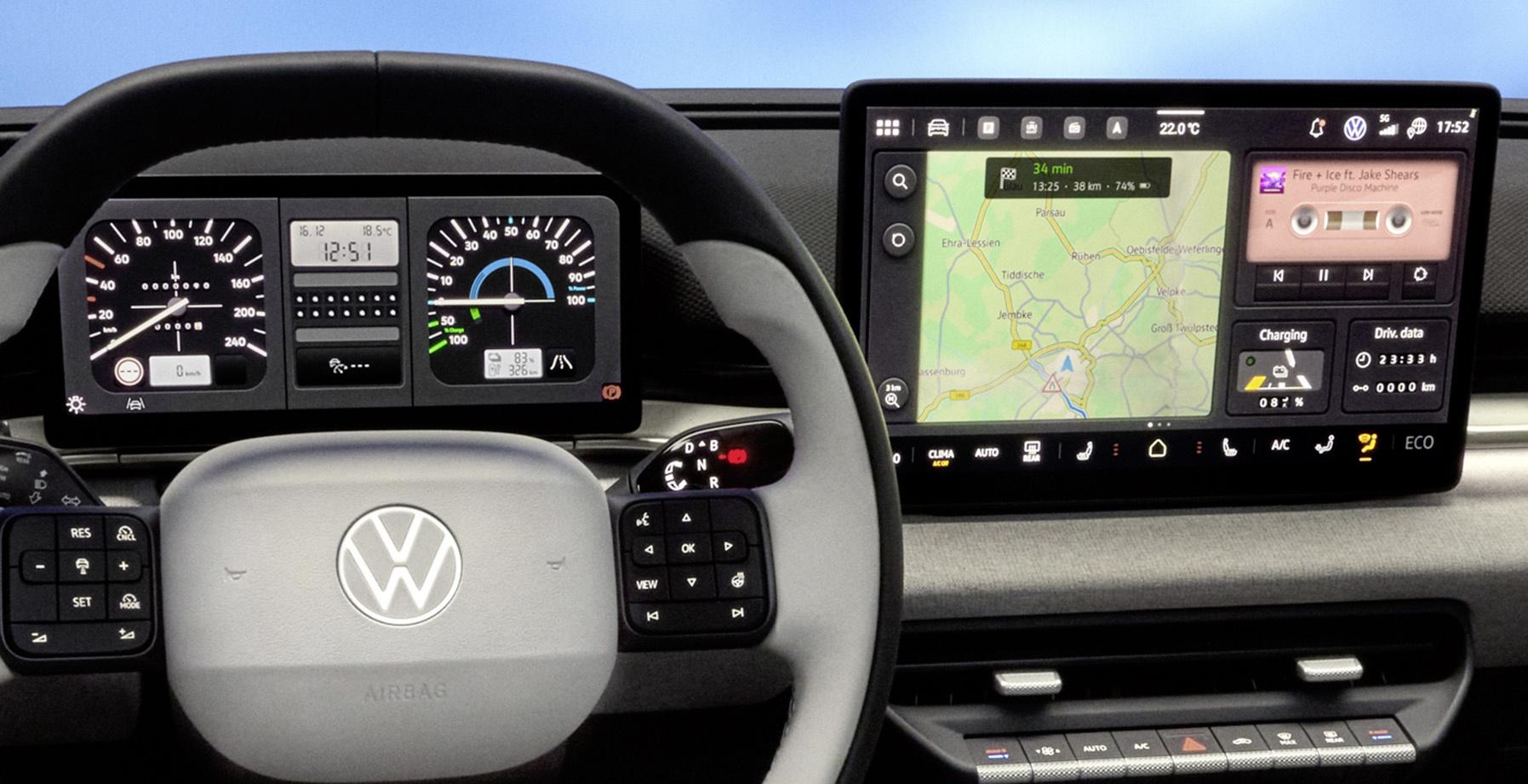
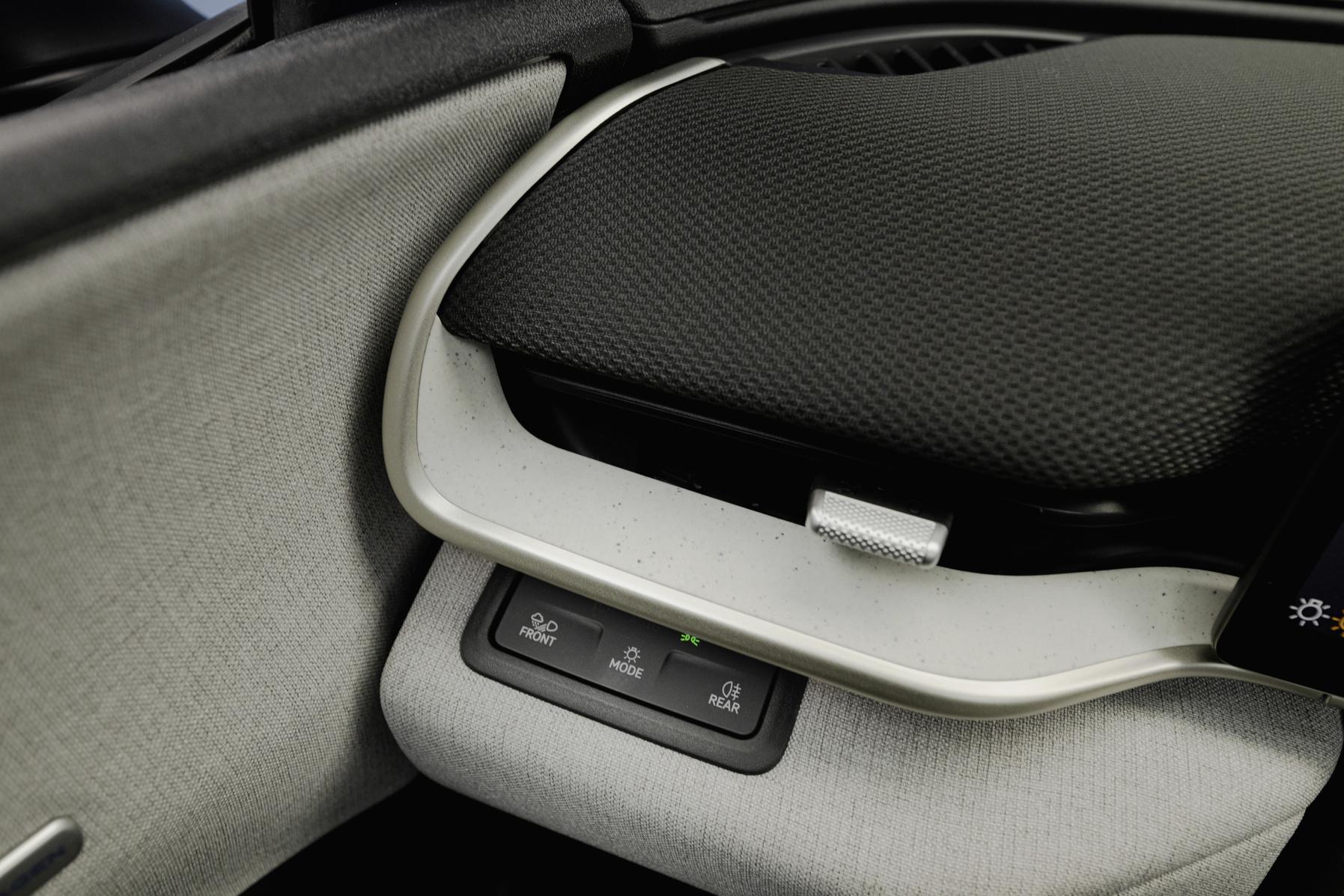
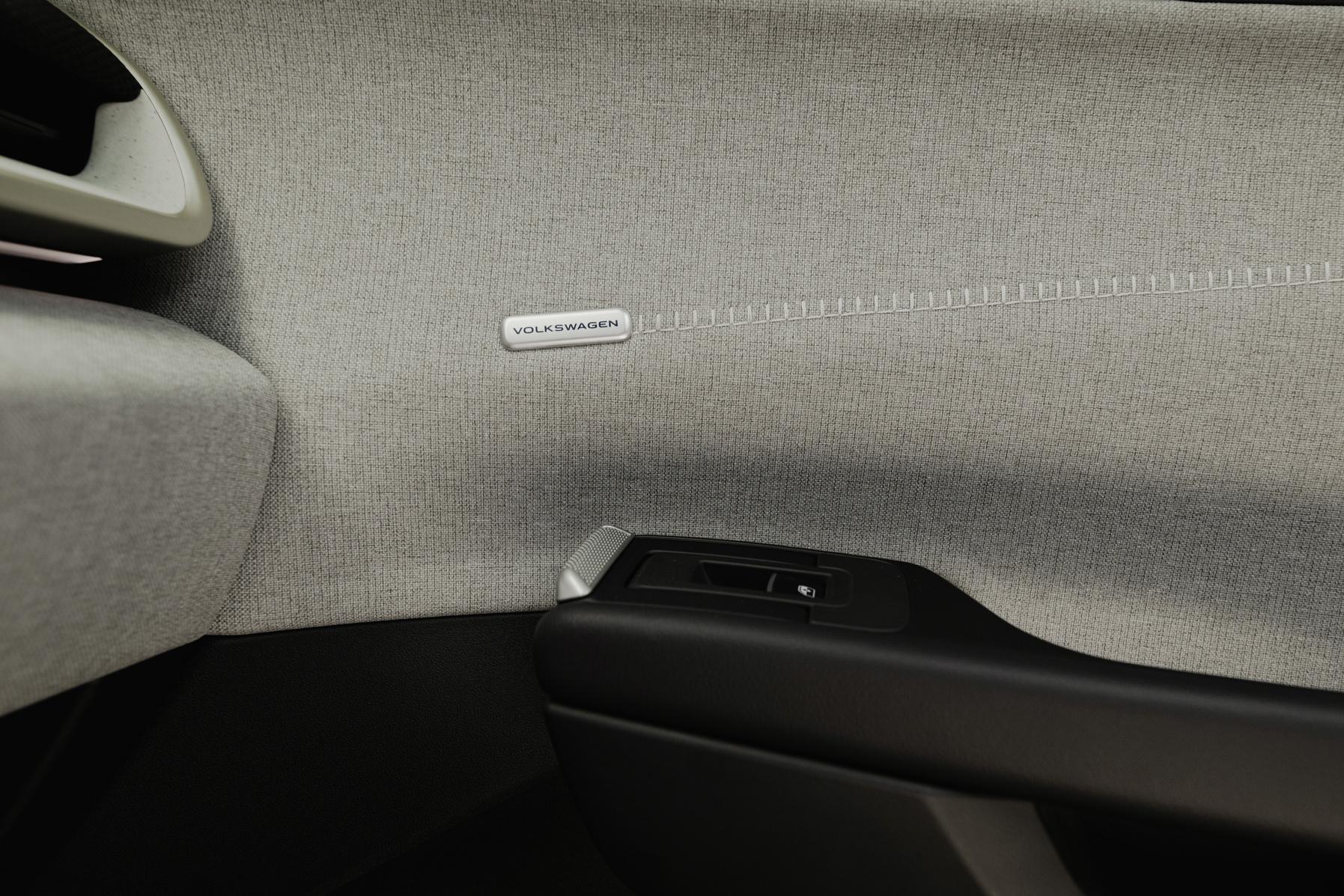
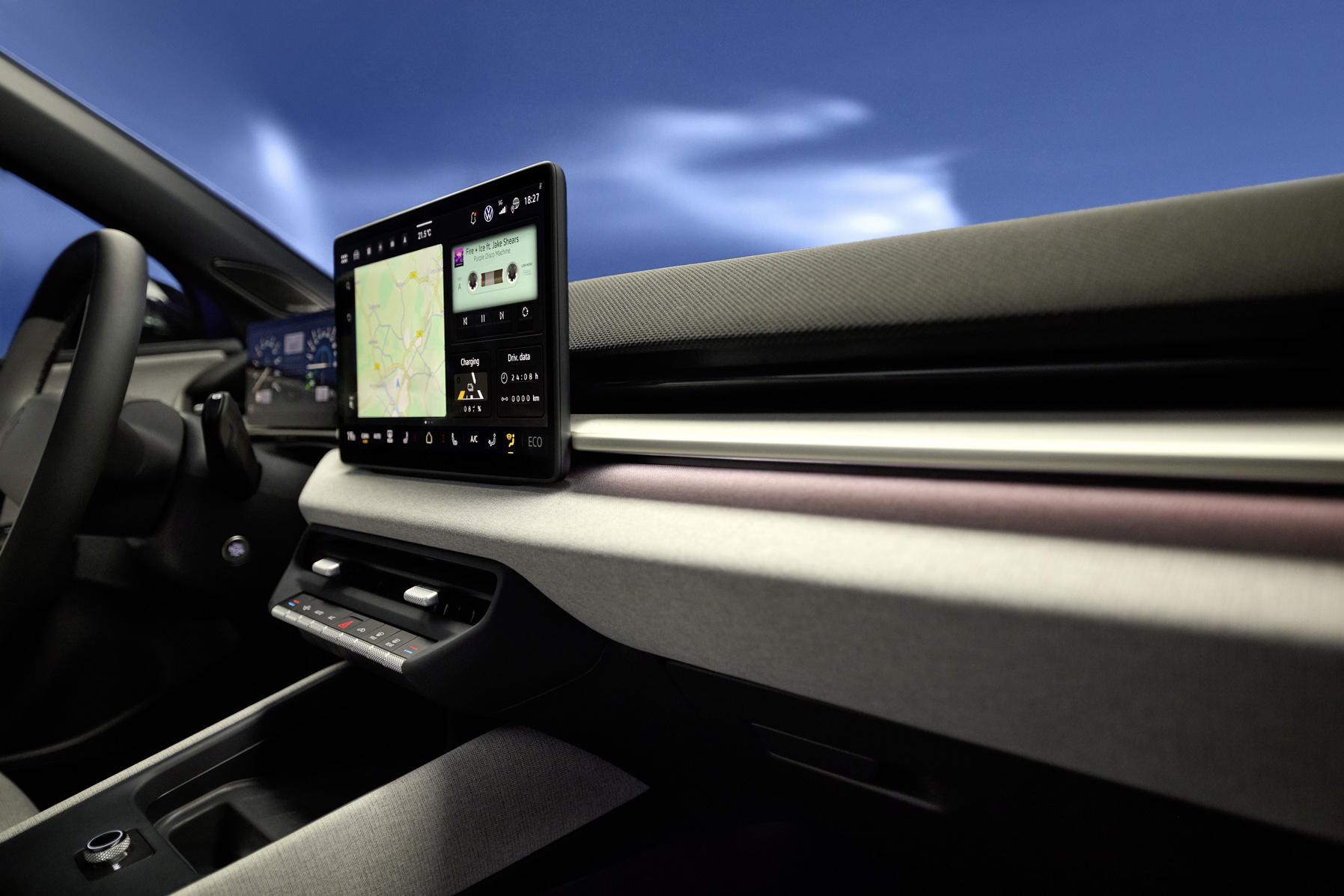





Account
Navigation
Cerca
Configure browser push notifications
Chrome (Android)
- Tap the lock icon next to the address bar.
- Tap Permissions → Notifications.
- Adjust your preference.
Chrome (Desktop)
- Click the padlock icon in the address bar.
- Select Site settings.
- Find Notifications and adjust your preference.
Safari (iOS 16.4+)
- Ensure the site is installed via Add to Home Screen.
- Open Settings App → Notifications.
- Find your app name and adjust your preference.
Safari (macOS)
- Go to Safari → Preferences.
- Click the Websites tab.
- Select Notifications in the sidebar.
- Find this website and adjust your preference.
Edge (Android)
- Tap the lock icon next to the address bar.
- Tap Permissions.
- Find Notifications and adjust your preference.
Edge (Desktop)
- Click the padlock icon in the address bar.
- Click Permissions for this site.
- Find Notifications and adjust your preference.
Firefox (Android)
- Go to Settings → Site permissions.
- Tap Notifications.
- Find this site in the list and adjust your preference.
Firefox (Desktop)
- Open Firefox Settings.
- Search for Notifications.
- Find this site in the list and adjust your preference.